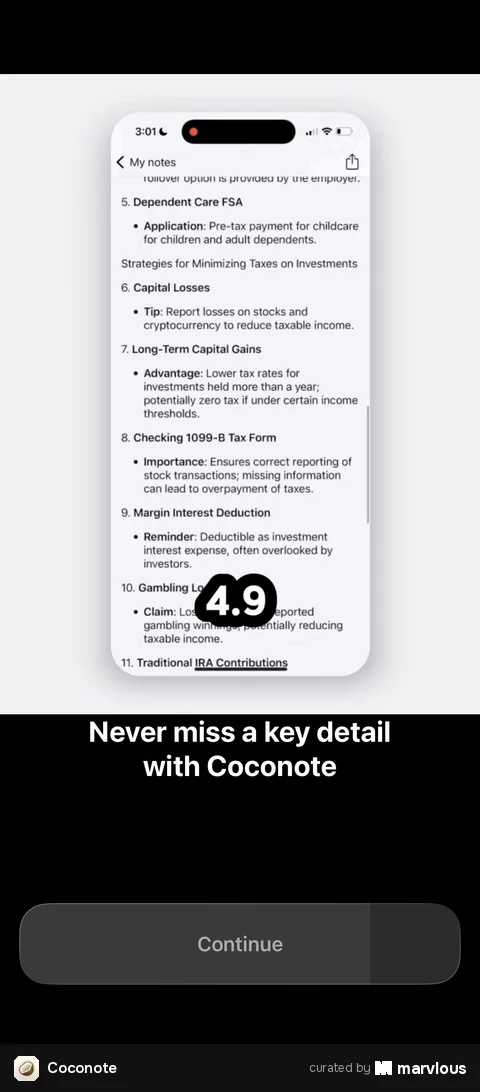
Coconote app design: 53 real screens in 7 flows

Lecture Recorder, Minutes. Category: Education. By Quizlet Inc.

Captured on iPhone and updated November 2026. Each screen has a short note on what it shows and why it matters for growth.

Coconote onboarding (18 screens)
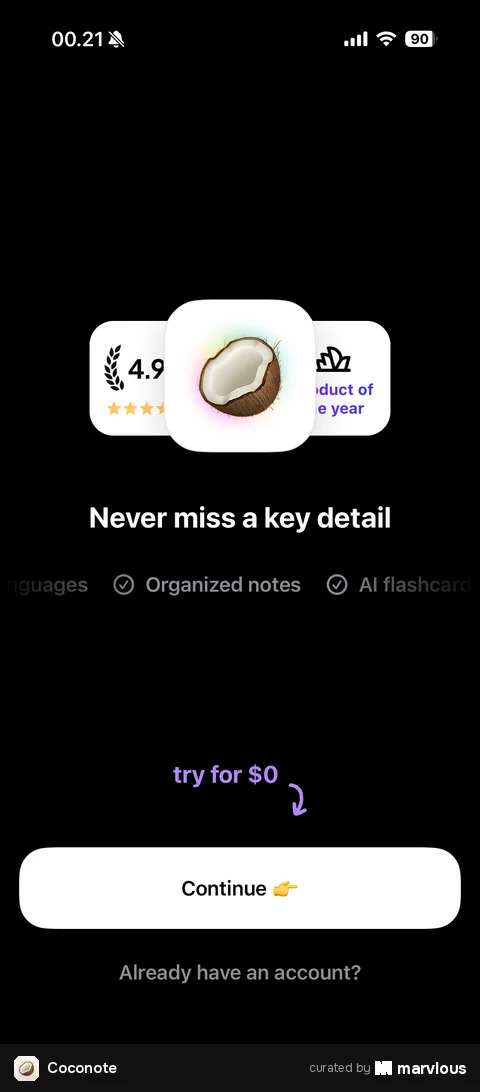
  1. Coconote onboarding: Welcome: top-rated AI note taker, videos, meetings, 100 plus languages, try for 0, Continue
    Welcome: top-rated AI note taker, videos, meetings, 100 plus languages, try for 0, Continue

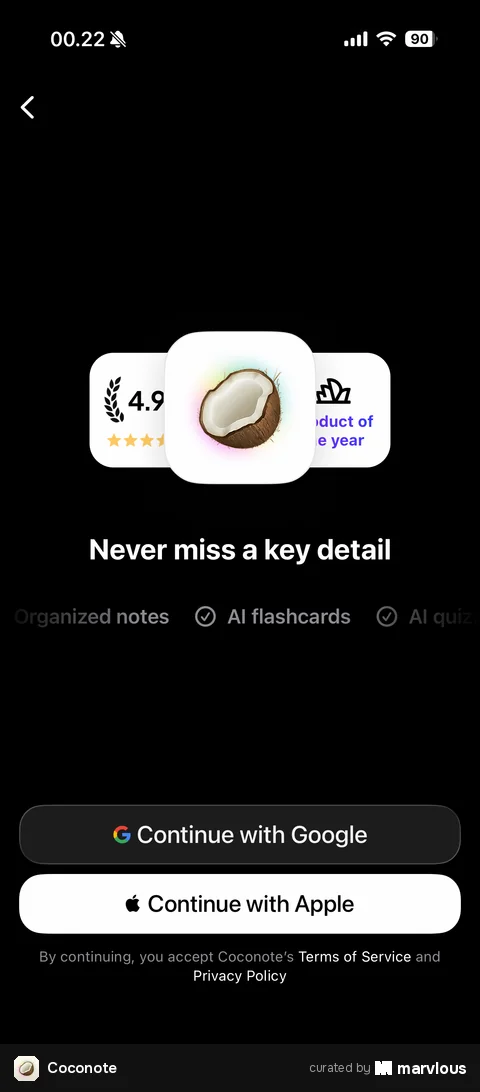
  2. Coconote onboarding: Sign up gate: Continue with Google, Continue with Apple, terms and privacy
    Sign up gate: Continue with Google, Continue with Apple, terms and privacy

  3. Coconote onboarding: My notes: new note, use YouTube video, record audio; welcome tip
    My notes: new note, use YouTube video, record audio; welcome tip

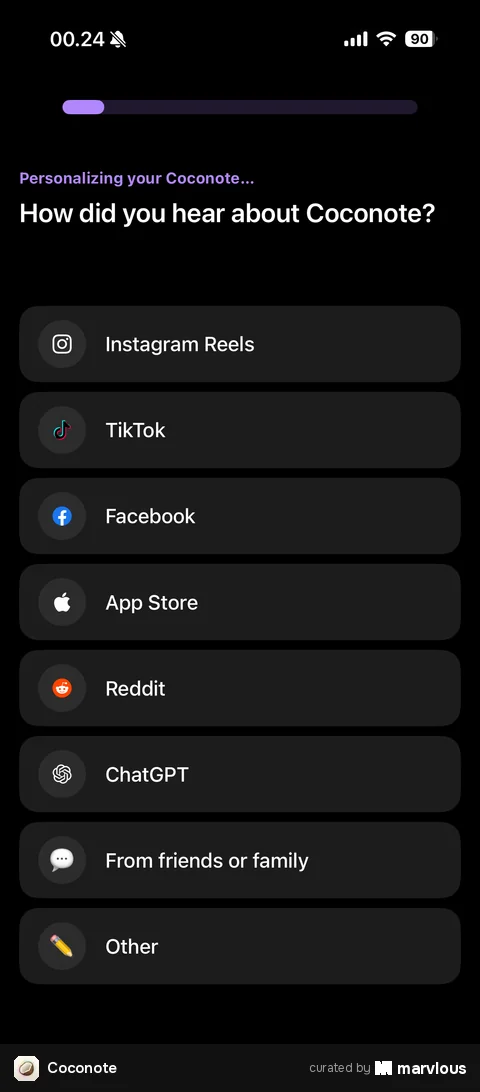
  4. Coconote onboarding: How did you hear about Coconote? Instagram Reels, TikTok, Facebook, App Store, Reddit, ChatGPT, friends, other
    How did you hear about Coconote? Instagram Reels, TikTok, Facebook, App Store, Reddit, ChatGPT, friends, other

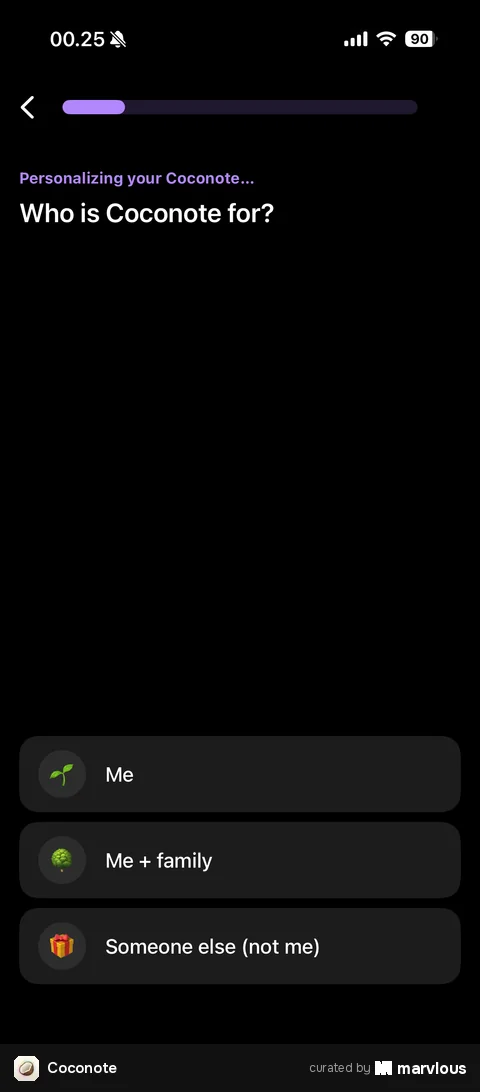
  5. Coconote onboarding: Who is Coconote for? Me, me plus family, someone else
    Who is Coconote for? Me, me plus family, someone else

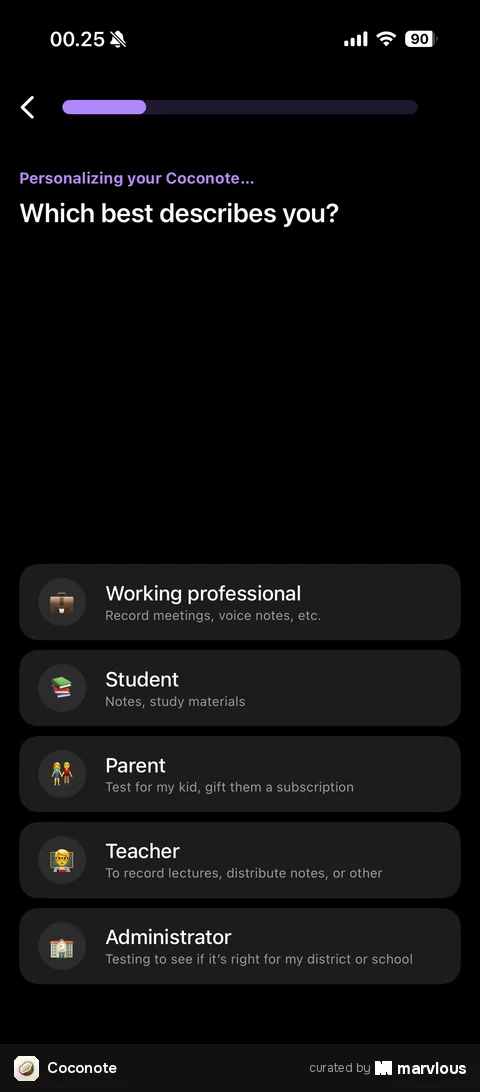
  6. Coconote onboarding: Which best describes you? Working professional, student, parent, teacher, administrator
    Which best describes you? Working professional, student, parent, teacher, administrator

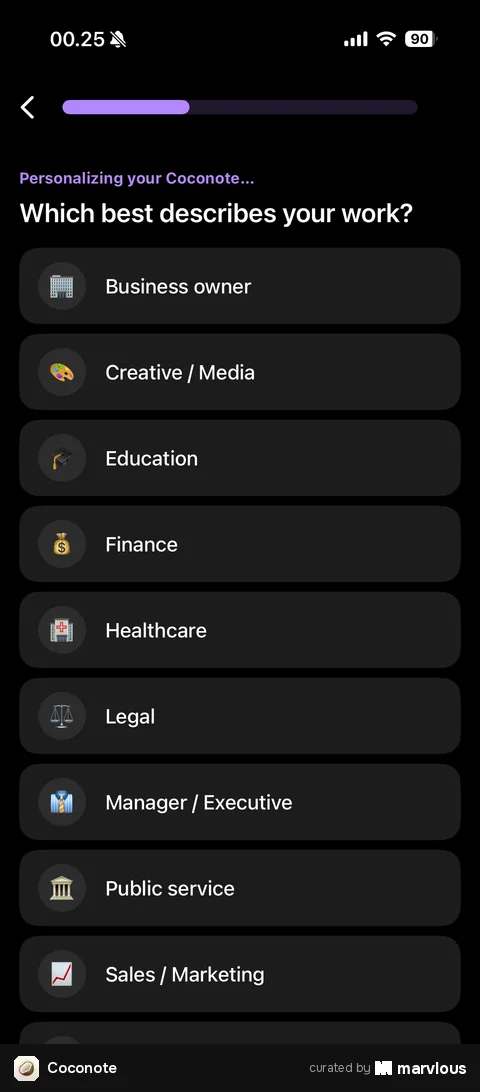
  7. Coconote onboarding: Which best describes your work? Business owner, creative, education, finance, healthcare, legal, manager, public…

    Which best describes your work? Business owner, creative, education, finance, healthcare, legal, manager, public service, sales
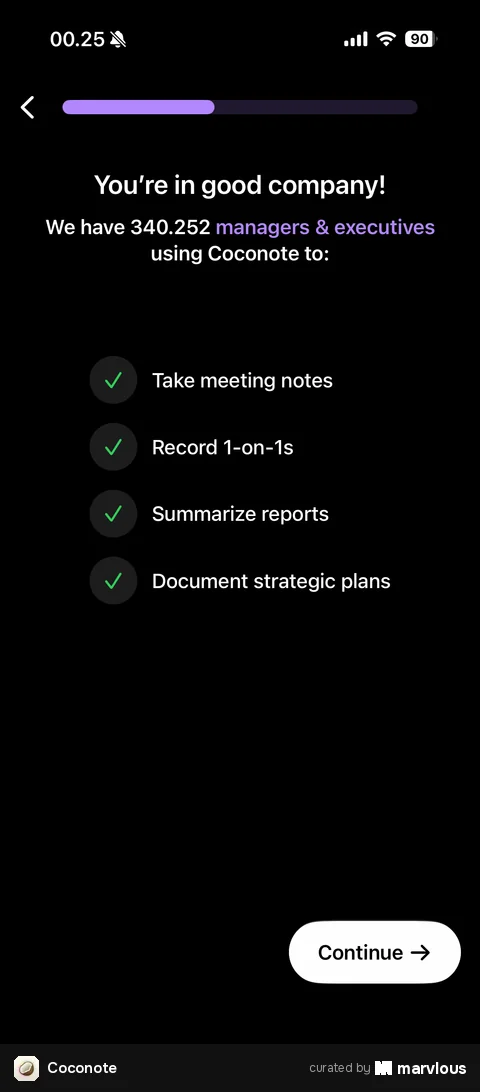
  8. Coconote onboarding: You are in good company: 340,252 managers use Coconote for meeting notes, 1-on-1s, reports, strategy
    You are in good company: 340,252 managers use Coconote for meeting notes, 1-on-1s, reports, strategy

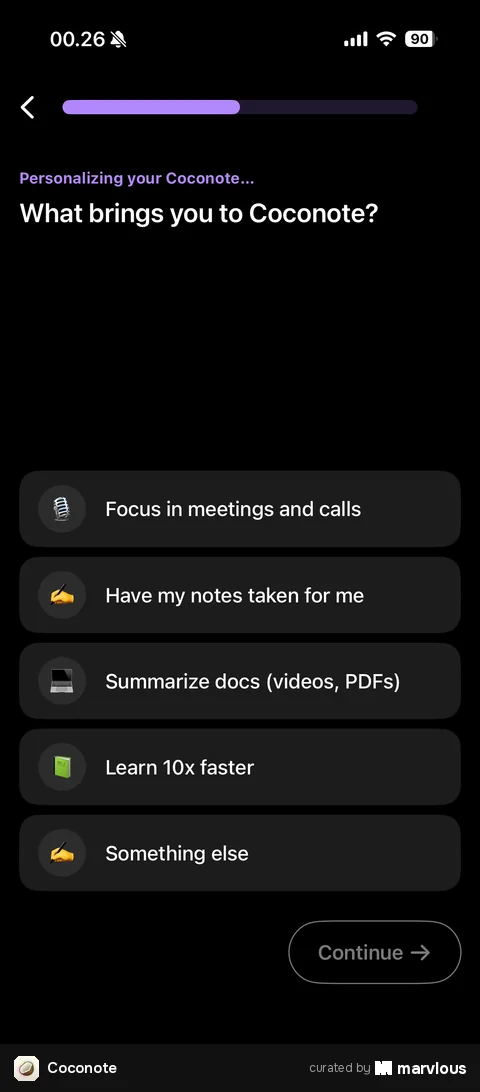
  9. Coconote onboarding: What brings you to Coconote? Focus in meetings, notes taken for me, summarize docs, learn faster, something else
    What brings you to Coconote? Focus in meetings, notes taken for me, summarize docs, learn faster, something else

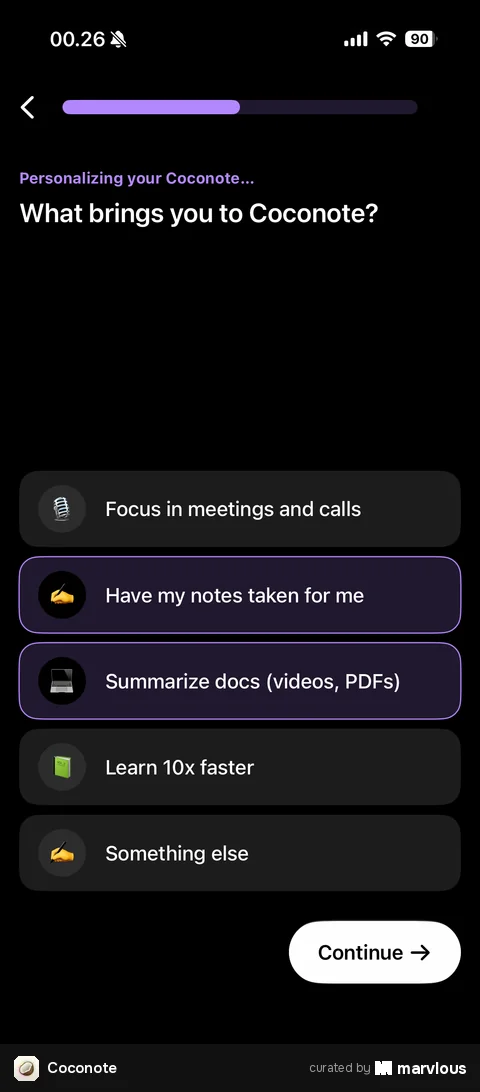
  10. Coconote onboarding: What brings you to Coconote: notes taken for me and summarize docs selected
    What brings you to Coconote: notes taken for me and summarize docs selected

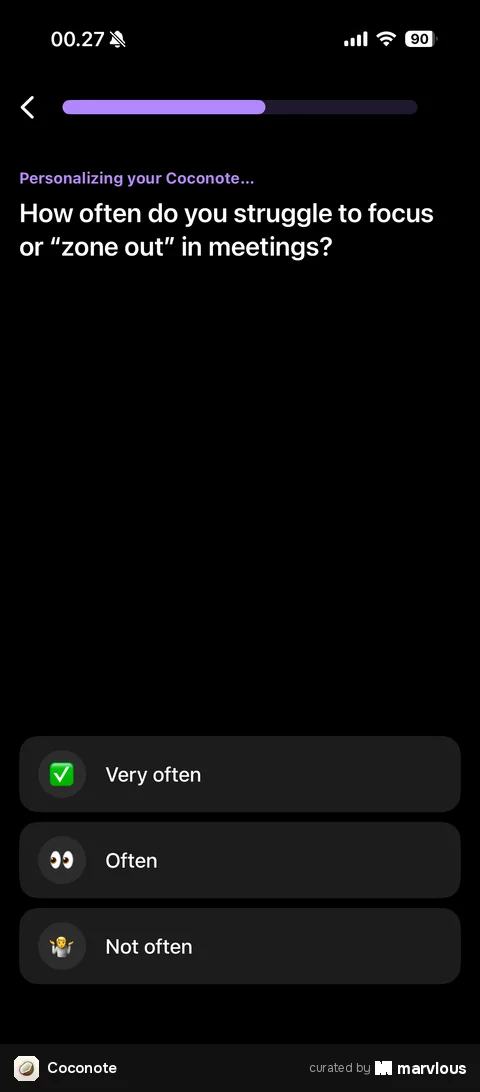
  11. Coconote onboarding: How often do you struggle to focus in meetings? Very often, often, not often
    How often do you struggle to focus in meetings? Very often, often, not often

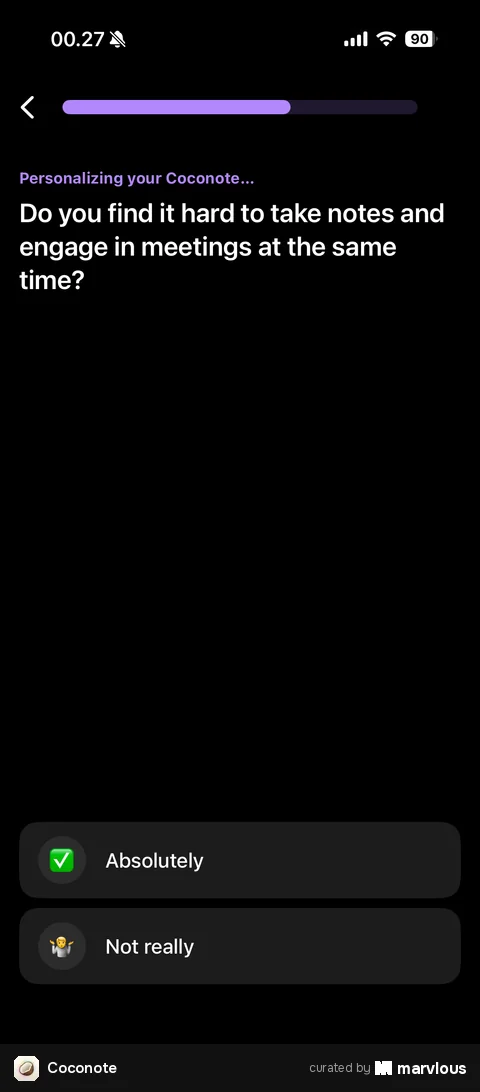
  12. Coconote onboarding: Do you find it hard to take notes and engage in meetings at the same time? Absolutely, not really
    Do you find it hard to take notes and engage in meetings at the same time? Absolutely, not really

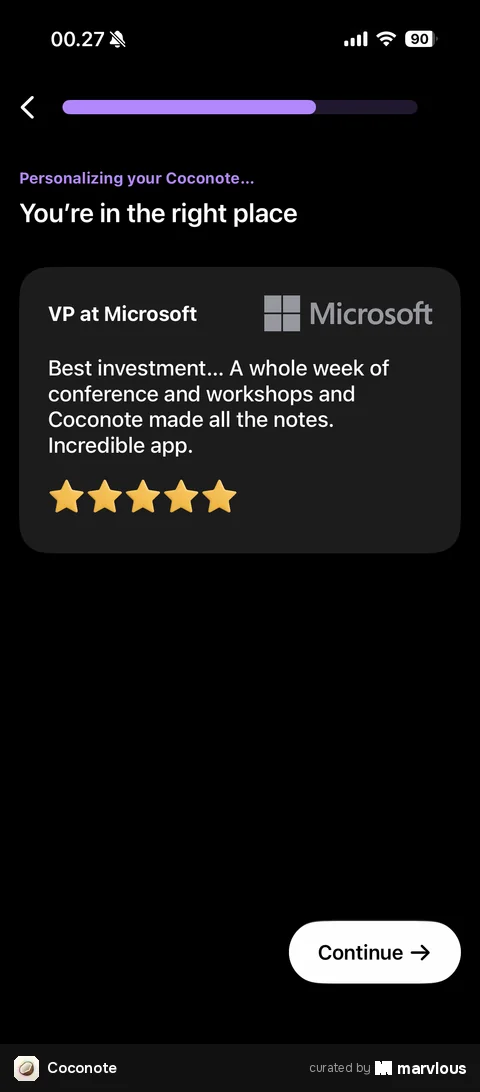
  13. Coconote onboarding: You are in the right place: VP at Microsoft testimonial about conference notes
    You are in the right place: VP at Microsoft testimonial about conference notes

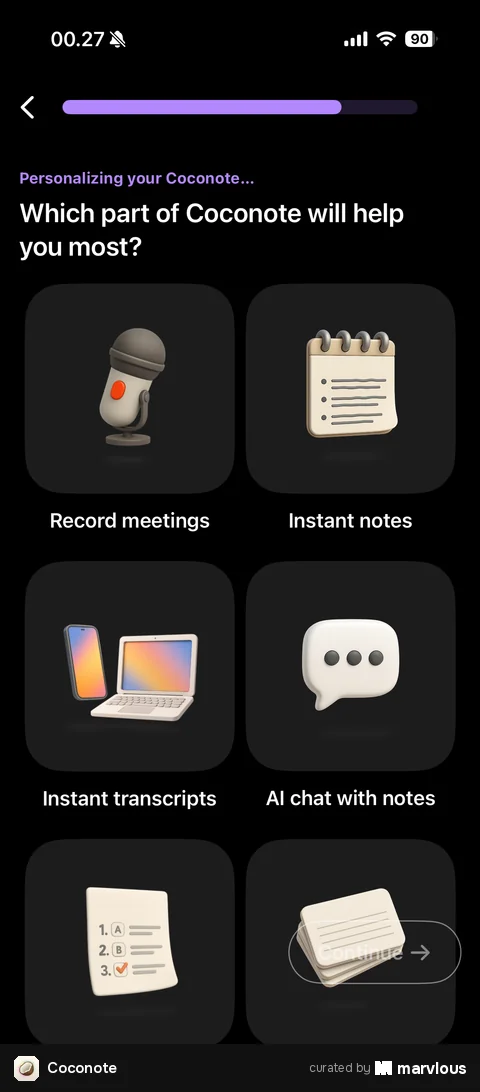
  14. Coconote onboarding: Which part of Coconote will help you most? Record meetings, instant notes, instant transcripts, AI chat with notes
    Which part of Coconote will help you most? Record meetings, instant notes, instant transcripts, AI chat with notes

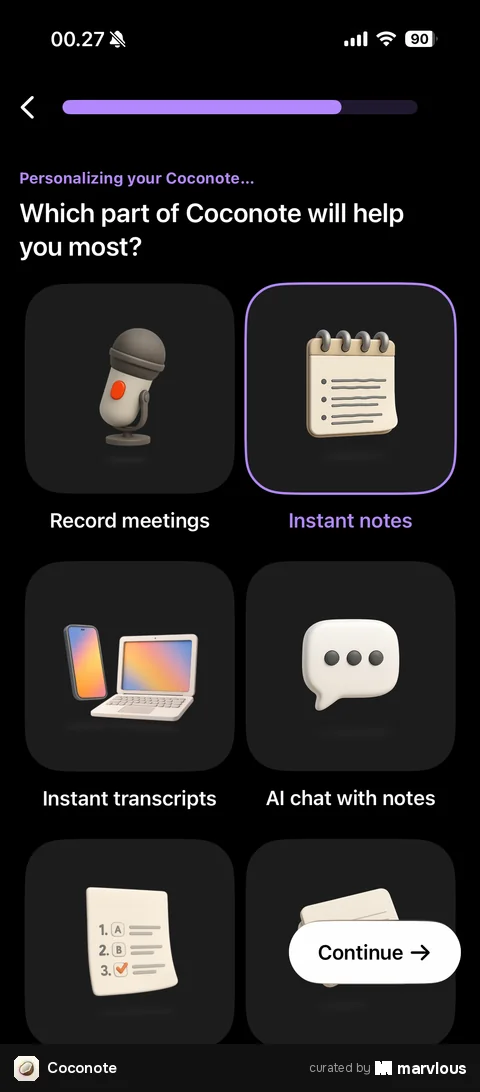
  15. Coconote onboarding: Instant notes selected, Continue

    Instant notes selected, Continue

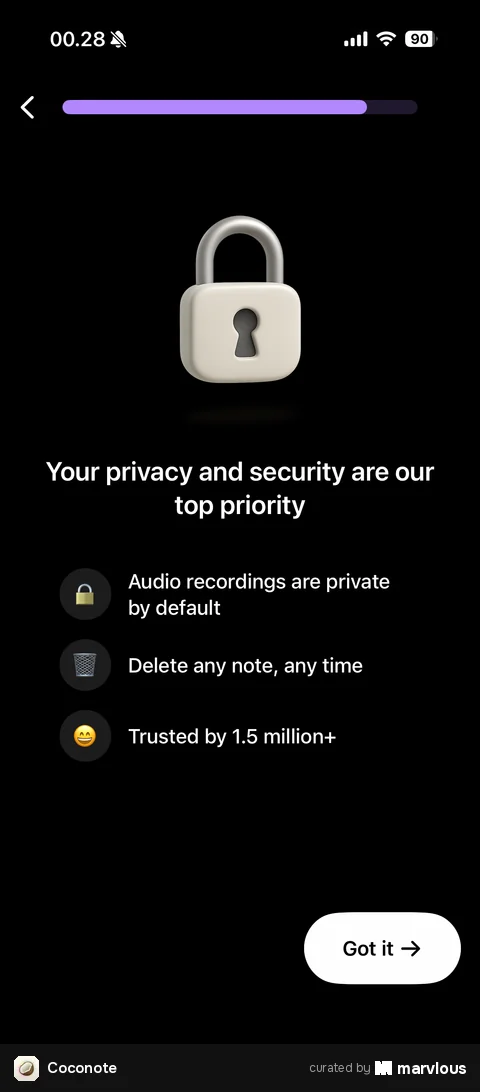
  16. Coconote onboarding: Your privacy and security are our top priority: private recordings, delete any note, trusted by 1.5 million
    Your privacy and security are our top priority: private recordings, delete any note, trusted by 1.5 million

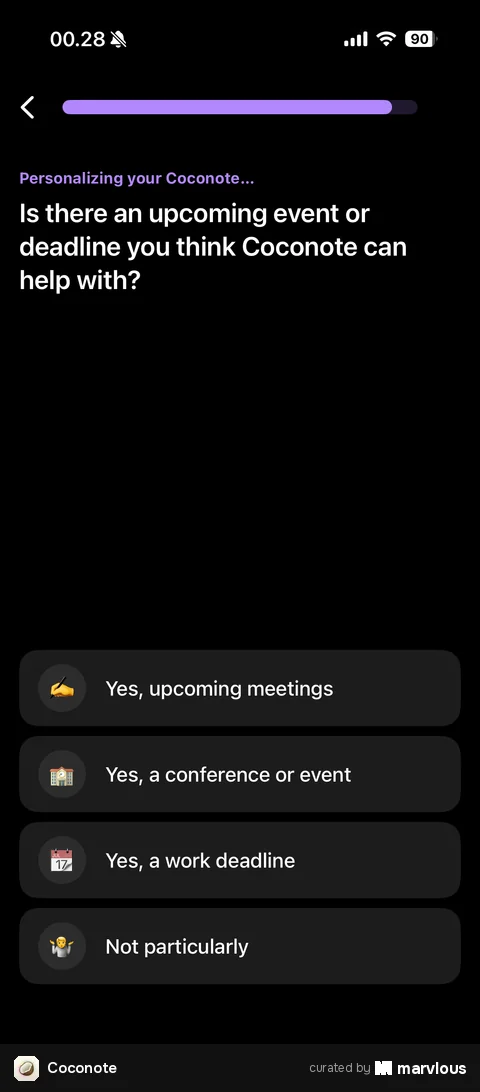
  17. Coconote onboarding: Is there an upcoming event or deadline Coconote can help with? meetings, conference, deadline, not particularly
    Is there an upcoming event or deadline Coconote can help with? meetings, conference, deadline, not particularly

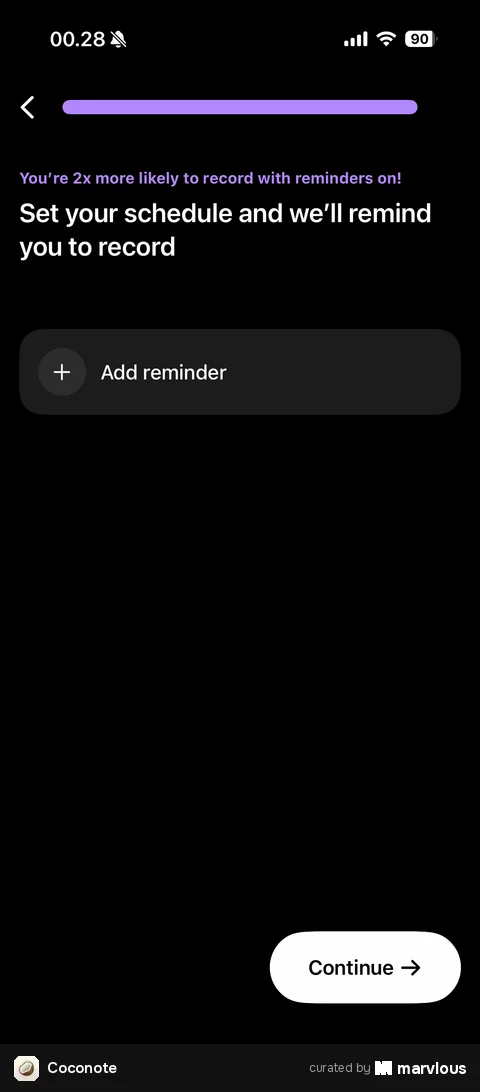
  18. Coconote onboarding: You are 2x more likely to record with reminders on: add reminder, Continue

    You are 2x more likely to record with reminders on: add reminder, Continue

Coconote home (4 screens)
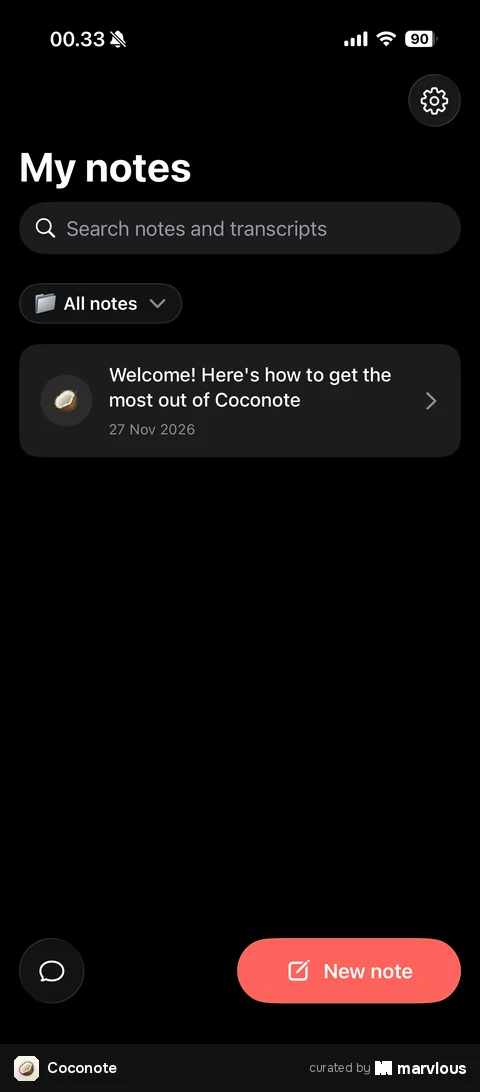
  1. Coconote home: My notes: search, All notes filter, welcome note, New note
    My notes: search, All notes filter, welcome note, New note

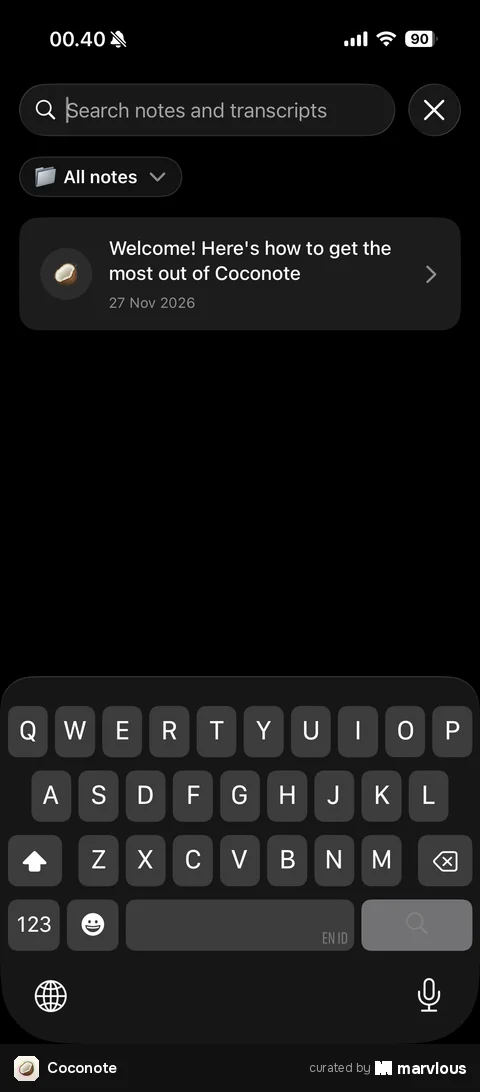
  2. Coconote home: Search notes and transcripts: empty search with note list
    Search notes and transcripts: empty search with note list

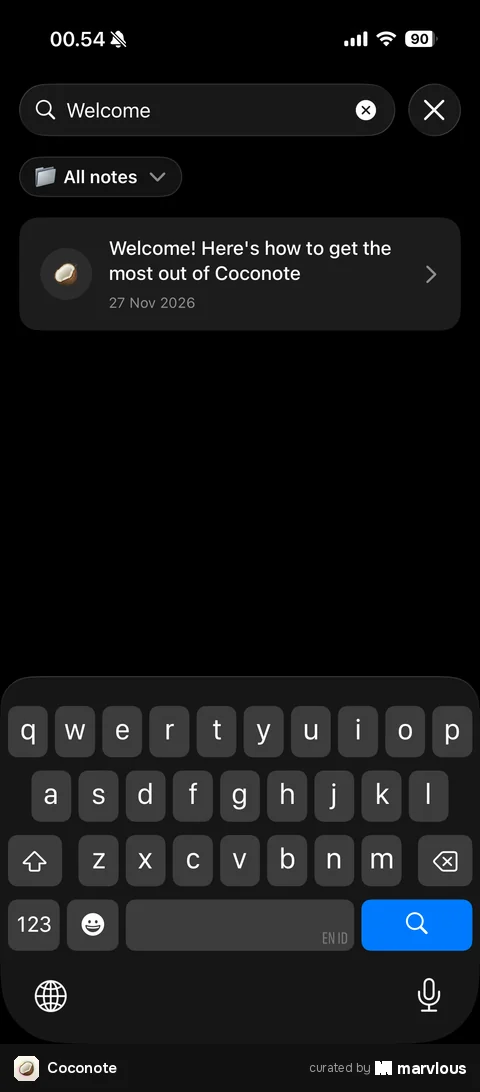
  3. Coconote home: Search results for welcome: one note matched
    Search results for welcome: one note matched

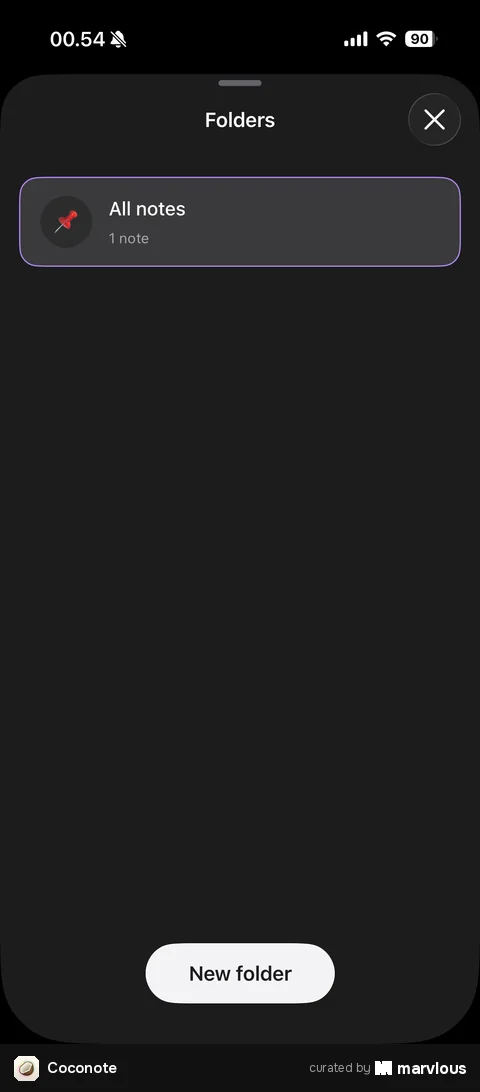
  4. Coconote home: Folders sheet: all notes with 1 note, new folder

    Folders sheet: all notes with 1 note, new folder

Coconote paywall (5 screens)

  1. Coconote paywall: Limited time: everyone gets 7 days free, try for free

    Limited time: everyone gets 7 days free, try for free

  2. Coconote paywall: Unlimited Pass: 7 days free, try for free
    Unlimited Pass: 7 days free, try for free

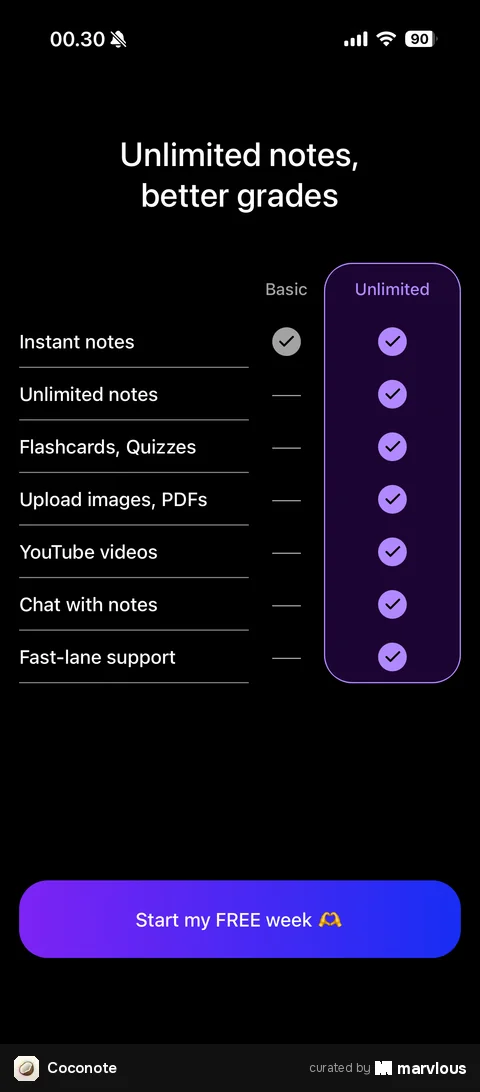
  3. Coconote paywall: Comparisons paywall: Basic versus Unlimited, instant notes, flashcards, quizzes
    Comparisons paywall: Basic versus Unlimited, instant notes, flashcards, quizzes

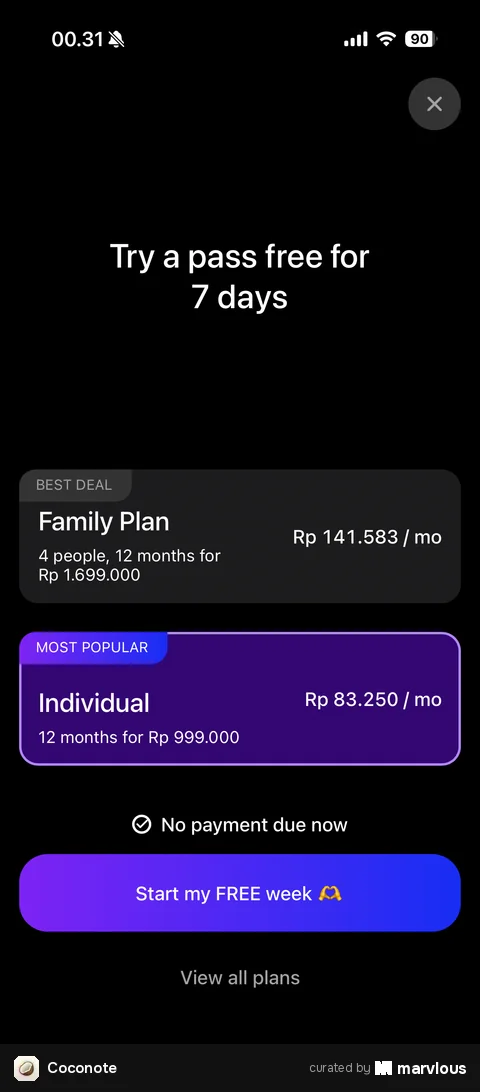
  4. Coconote paywall: Try a pass free for 7 days: Best Deal Family Plan Rp 141,583 per month, 4 people 12 months Rp 1,699,000; Individual most…

    Try a pass free for 7 days: Best Deal Family Plan Rp 141,583 per month, 4 people 12 months Rp 1,699,000; Individual most popular
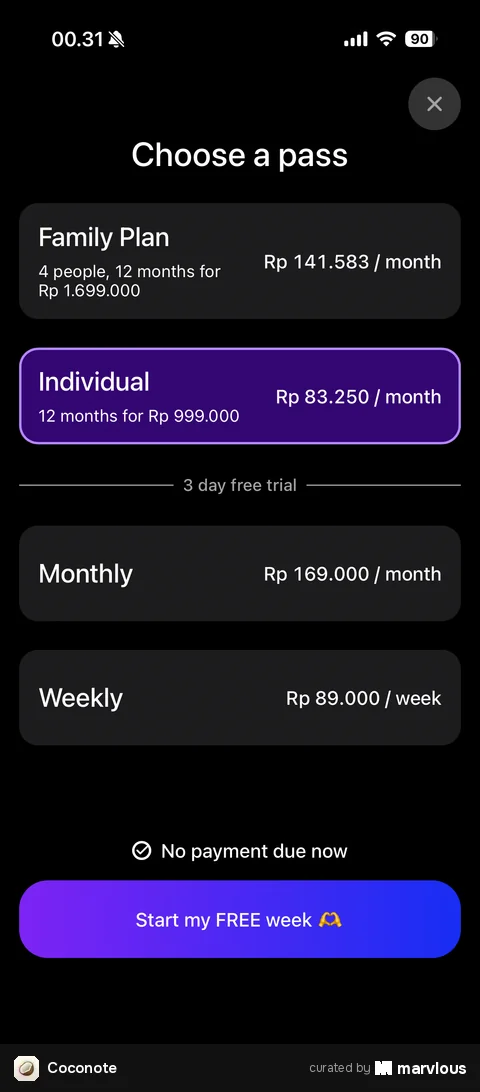
  5. Coconote paywall: Choose a pass: Family 12 months, Individual 12 months, 3-day free trial, Monthly Rp 169,000, Weekly Rp 89,000

    Choose a pass: Family 12 months, Individual 12 months, 3-day free trial, Monthly Rp 169,000, Weekly Rp 89,000

Coconote notes (13 screens)
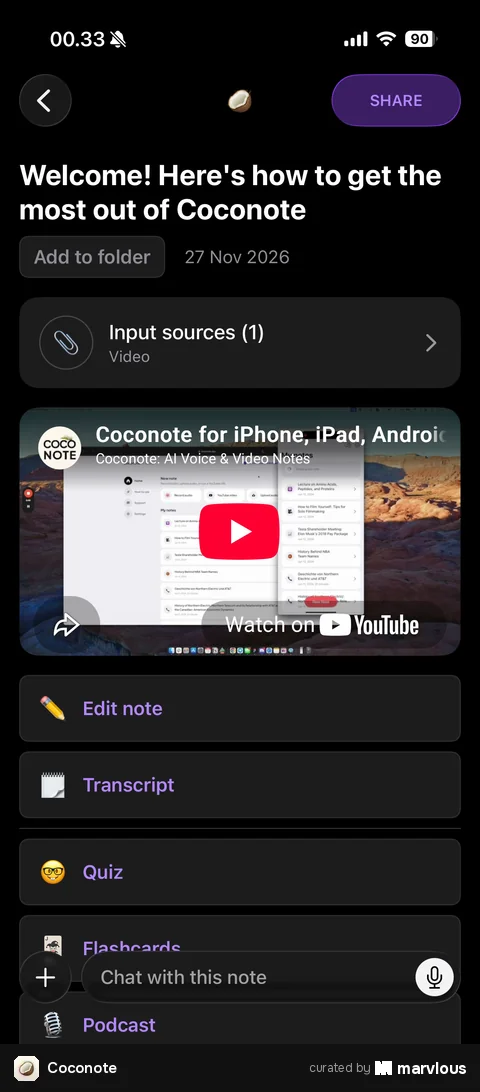
  1. Coconote notes: Note detail: title, input sources, note tab, video source, edit note, transcript tab
    Note detail: title, input sources, note tab, video source, edit note, transcript tab

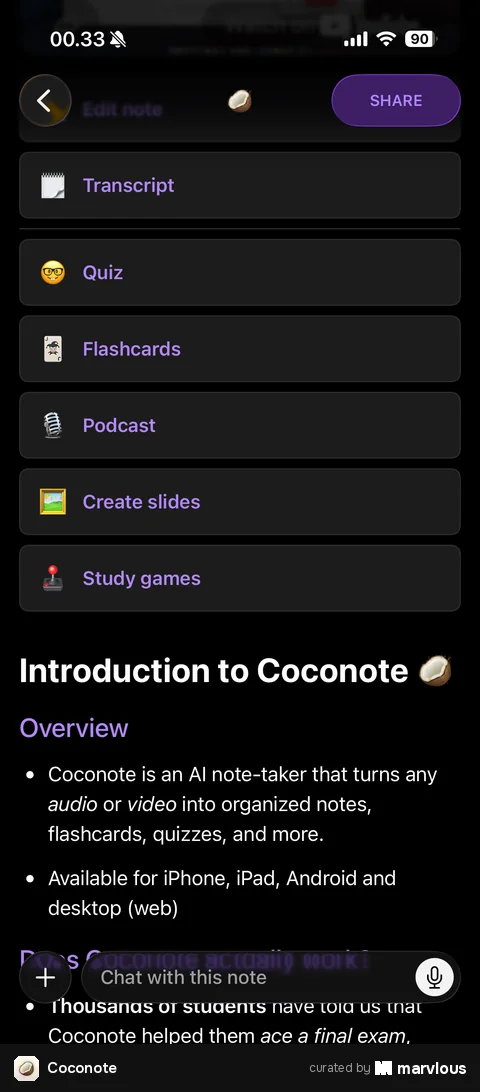
  2. Coconote notes: Note scrolled: quiz, flashcards, podcast, create slides, study games, introduction and overview
    Note scrolled: quiz, flashcards, podcast, create slides, study games, introduction and overview

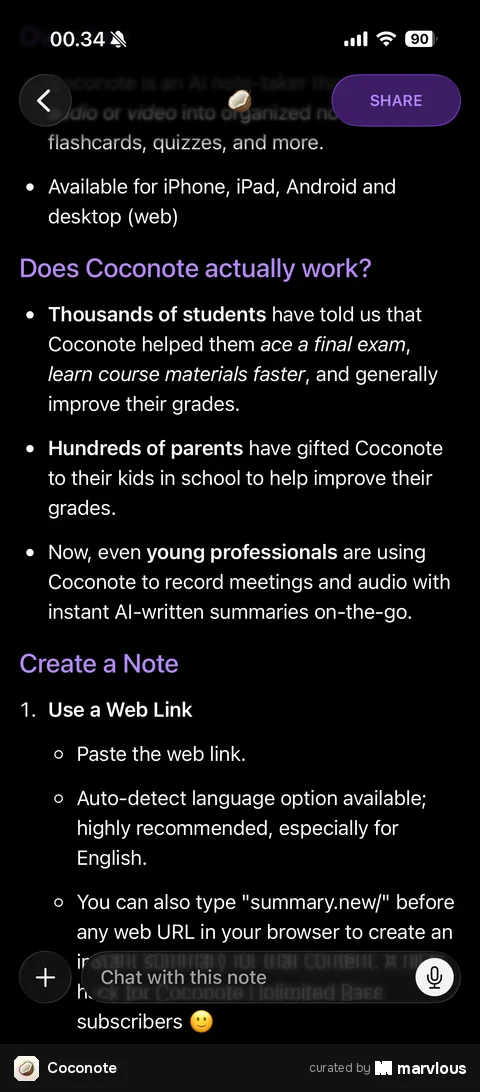
  3. Coconote notes: Note scrolled: explanation text, does Coconote work
    Note scrolled: explanation text, does Coconote work

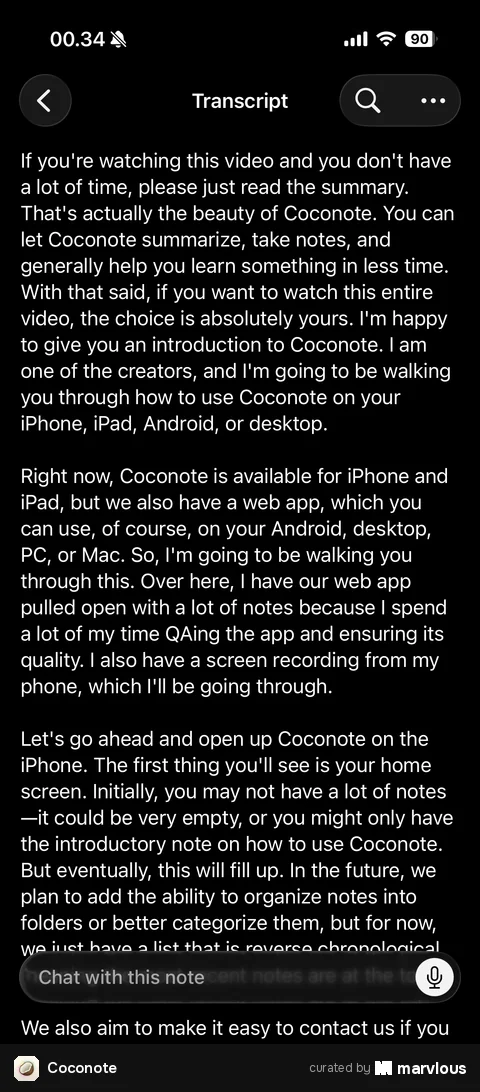
  4. Coconote notes: Transcript tab: timestamped transcript text
    Transcript tab: timestamped transcript text

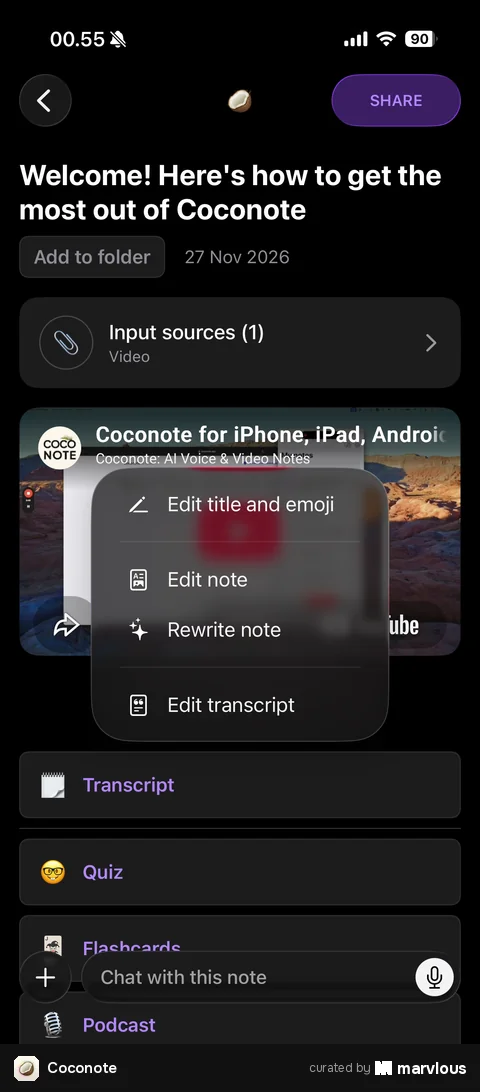
  5. Coconote notes: Note edit mode: edit title and emoji, rewrite note, edit transcript, share
    Note edit mode: edit title and emoji, rewrite note, edit transcript, share

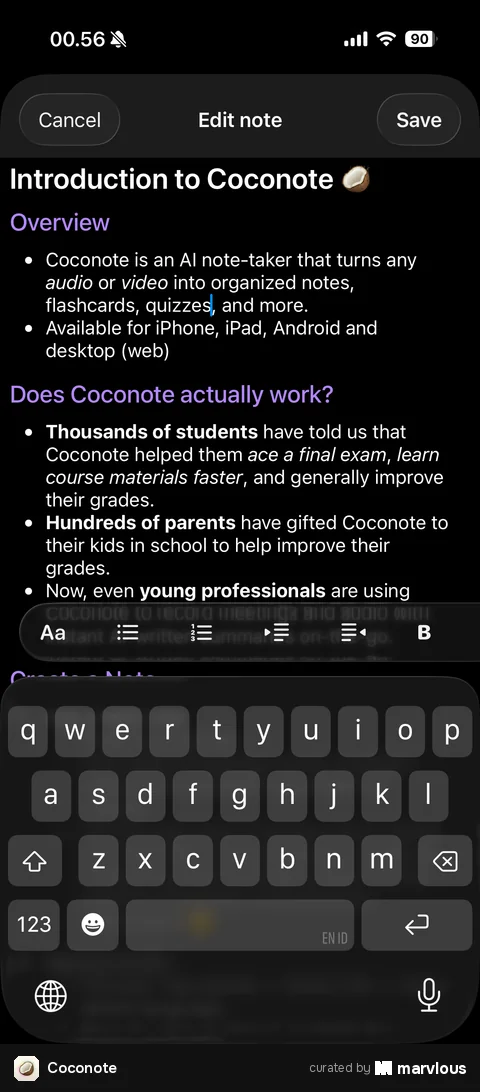
  6. Coconote notes: Note editor: cancel, save, editable note text
    Note editor: cancel, save, editable note text

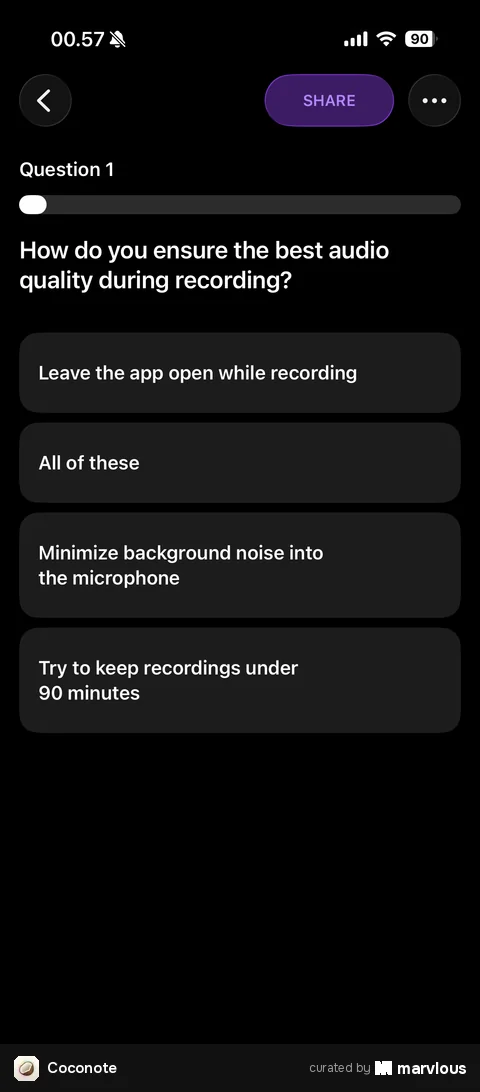
  7. Coconote notes: Quiz: question 1 with four answer options
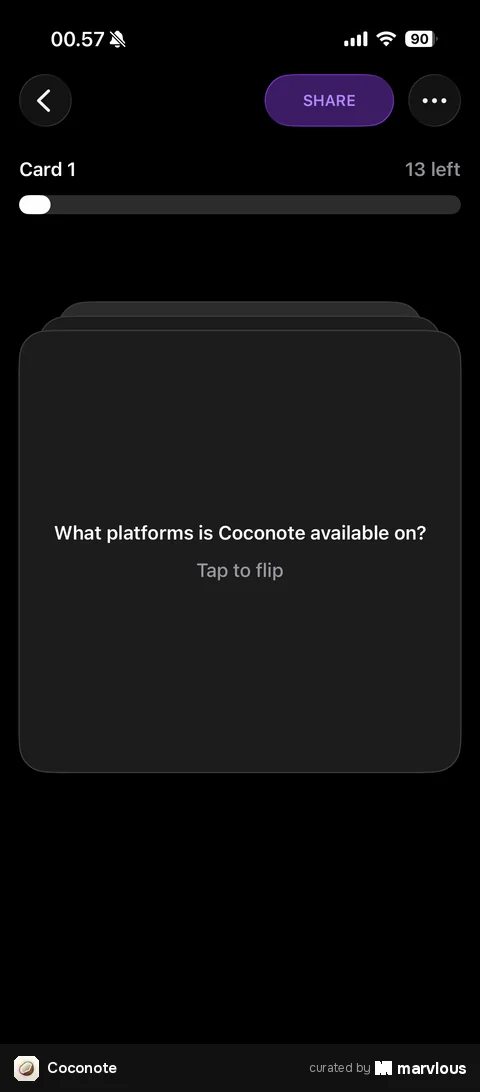
    Quiz: question 1 with four answer options

  8. Coconote notes: Flashcards session: card 1 of 13, tap to flip
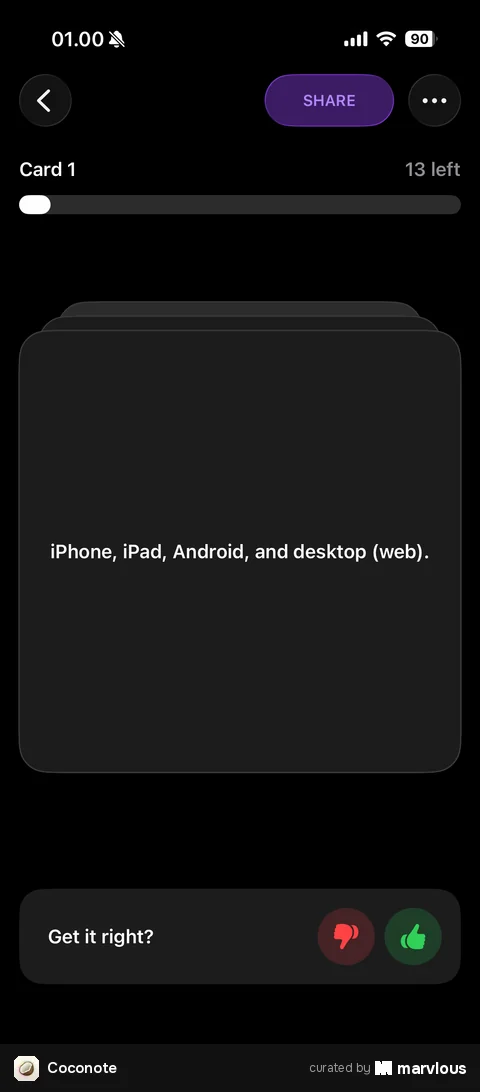
    Flashcards session: card 1 of 13, tap to flip

  9. Coconote notes: Flashcard flipped: answer and get it right buttons
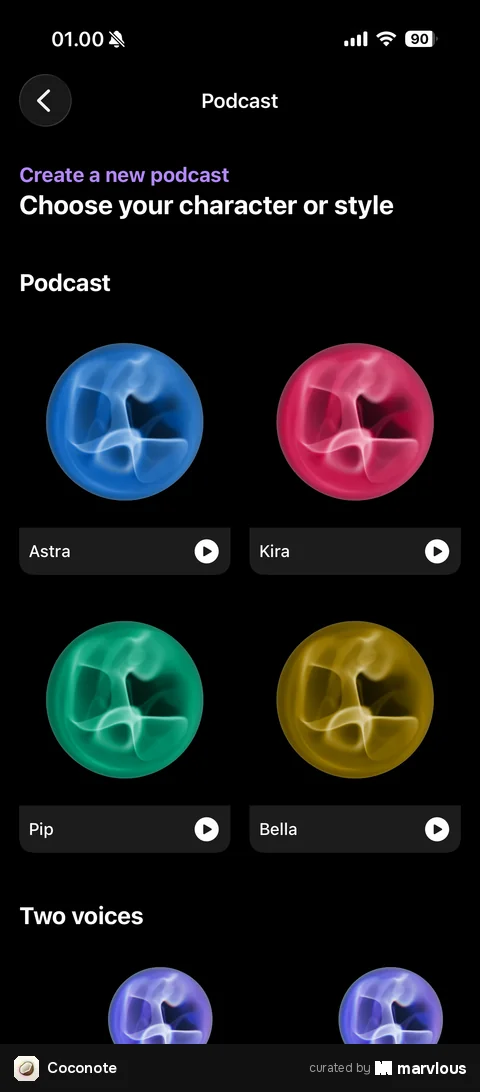
    Flashcard flipped: answer and get it right buttons

  10. Coconote notes: Create a new podcast: choose character or style, Astra, Kira, Pip, Bella, two voices, The Daily
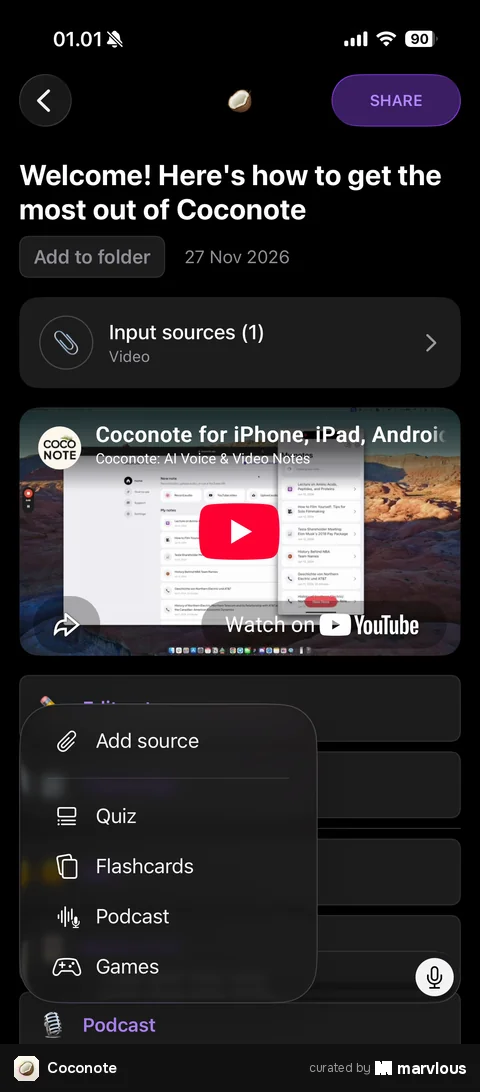
    Create a new podcast: choose character or style, Astra, Kira, Pip, Bella, two voices, The Daily

  11. Coconote notes: More note actions: add source, quiz, flashcards, podcast, games
    More note actions: add source, quiz, flashcards, podcast, games

  12. Coconote notes: Create slides: choose a style, six styles from Coconote Clay to Floating World, preview deck, generate
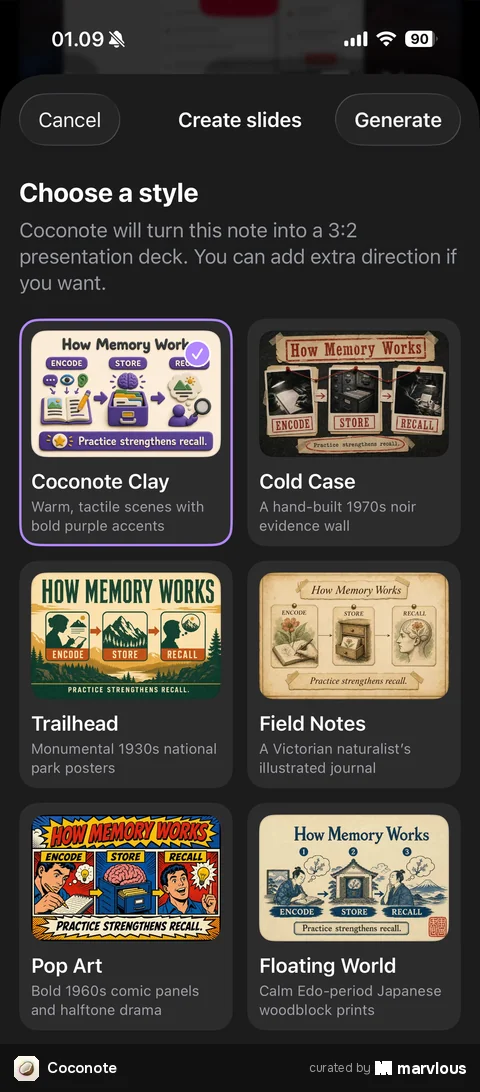
    Create slides: choose a style, six styles from Coconote Clay to Floating World, preview deck, generate

  13. Coconote notes: Study games: card match and study run, questions about the nervous system

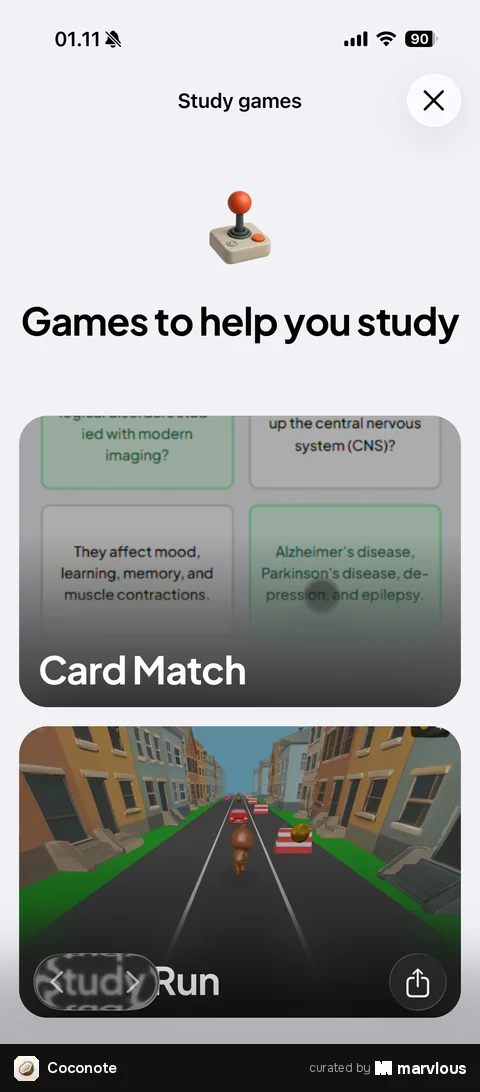
    Study games: card match and study run, questions about the nervous system

Coconote settings (6 screens)
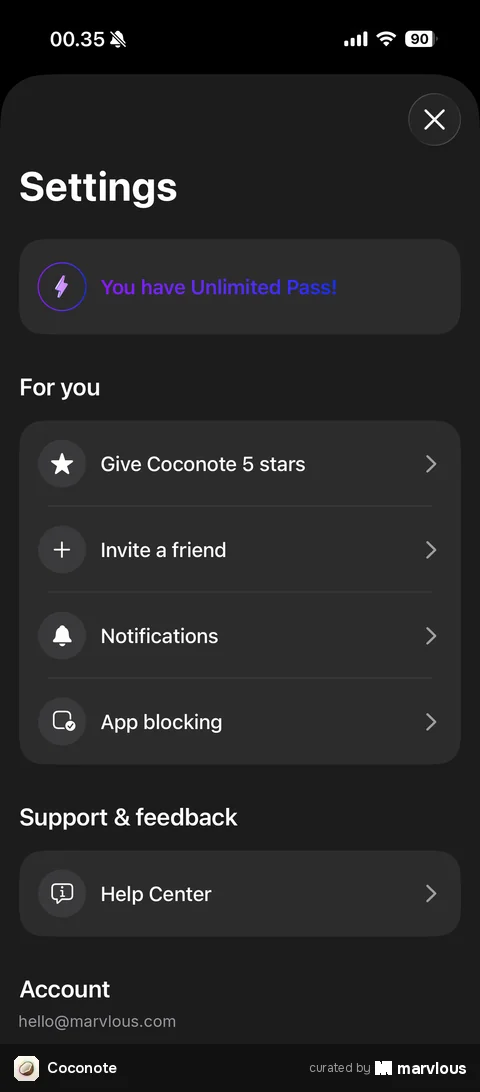
  1. Coconote settings: Settings: unlimited pass active, rate, invite, notifications, app blocking, support, help center, account email
    Settings: unlimited pass active, rate, invite, notifications, app blocking, support, help center, account email

  2. Coconote settings: Settings scrolled: saved recordings, family plan, terms, privacy, work at Coconote, sign out, delete account
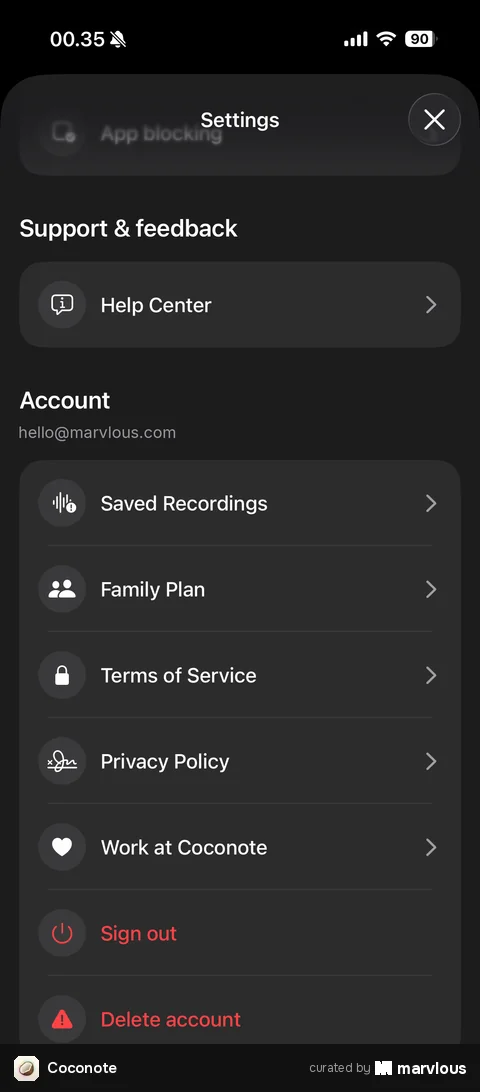
    Settings scrolled: saved recordings, family plan, terms, privacy, work at Coconote, sign out, delete account

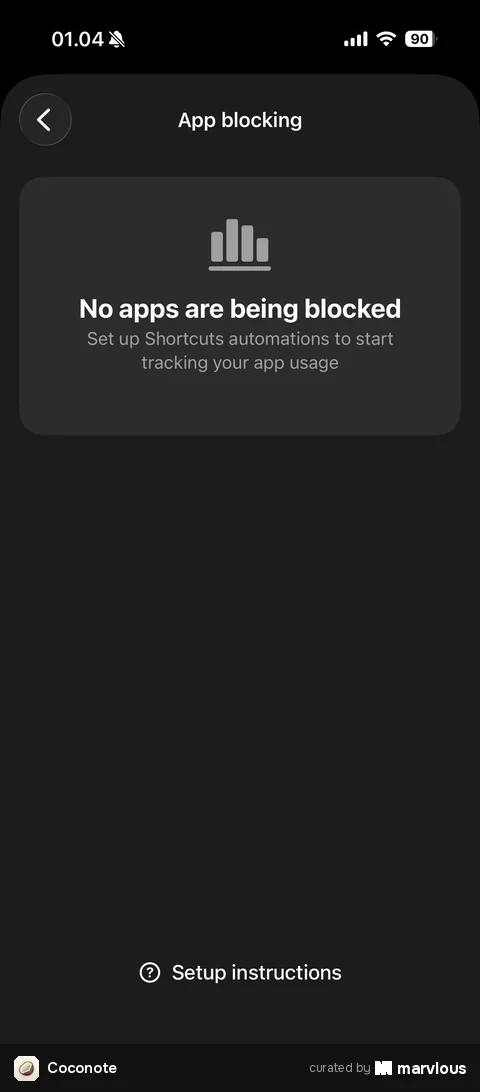
  3. Coconote settings: App blocking: no apps blocked, set up shortcuts automations, setup instructions
    App blocking: no apps blocked, set up shortcuts automations, setup instructions

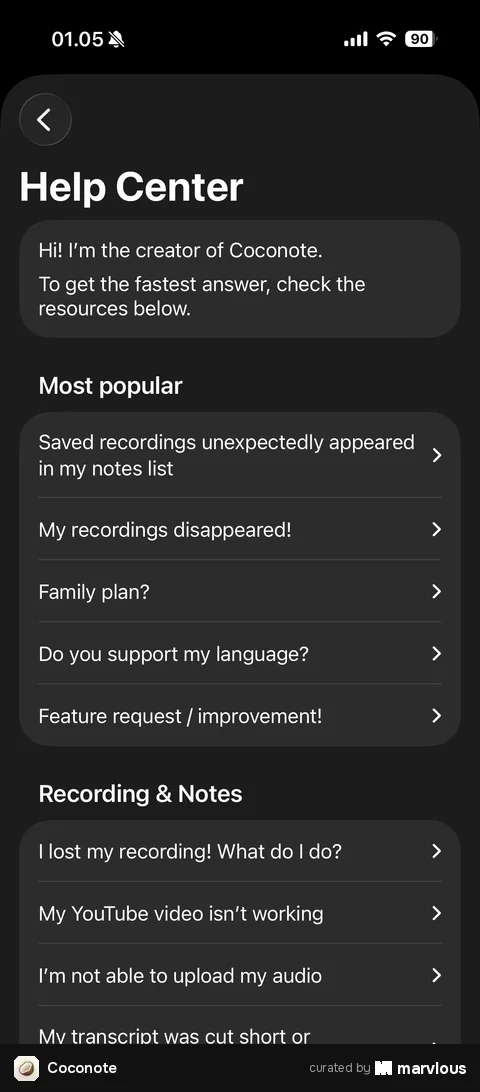
  4. Coconote settings: Help Center: welcome from the creator, most popular topics, recording and notes
    Help Center: welcome from the creator, most popular topics, recording and notes

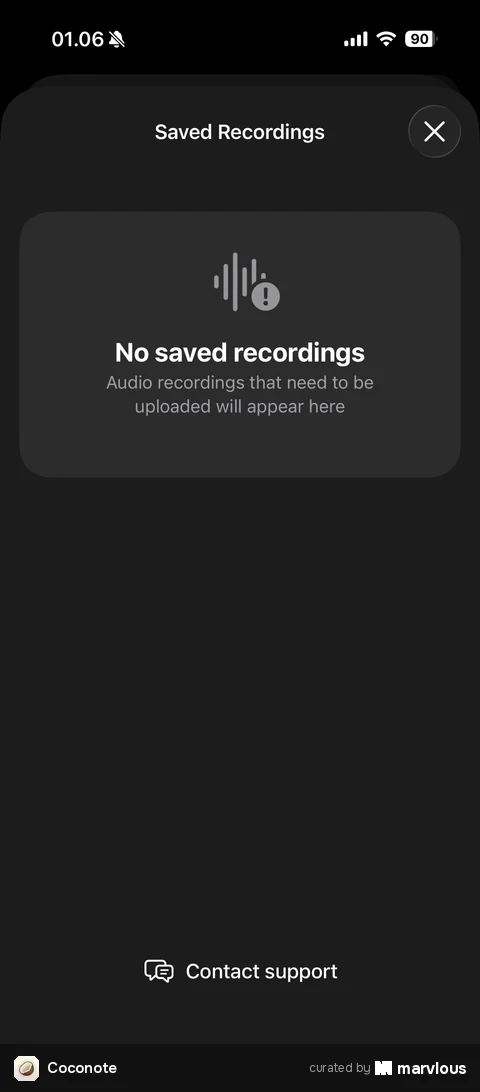
  5. Coconote settings: Saved recordings: empty state, audio that needs upload appears here, contact support
    Saved recordings: empty state, audio that needs upload appears here, contact support

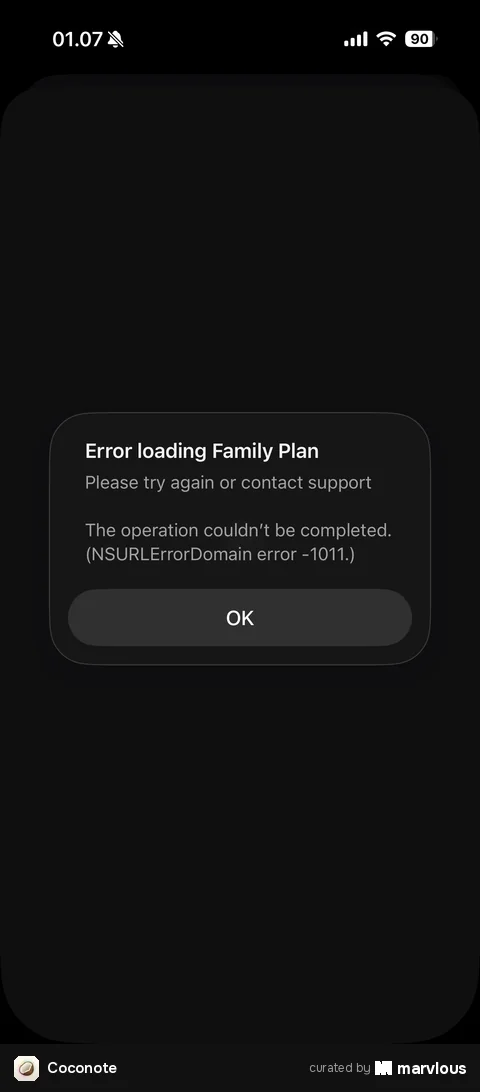
  6. Coconote settings: Family plan page error: could not load, try again or contact support

    Family plan page error: could not load, try again or contact support

Coconote new note (5 screens)
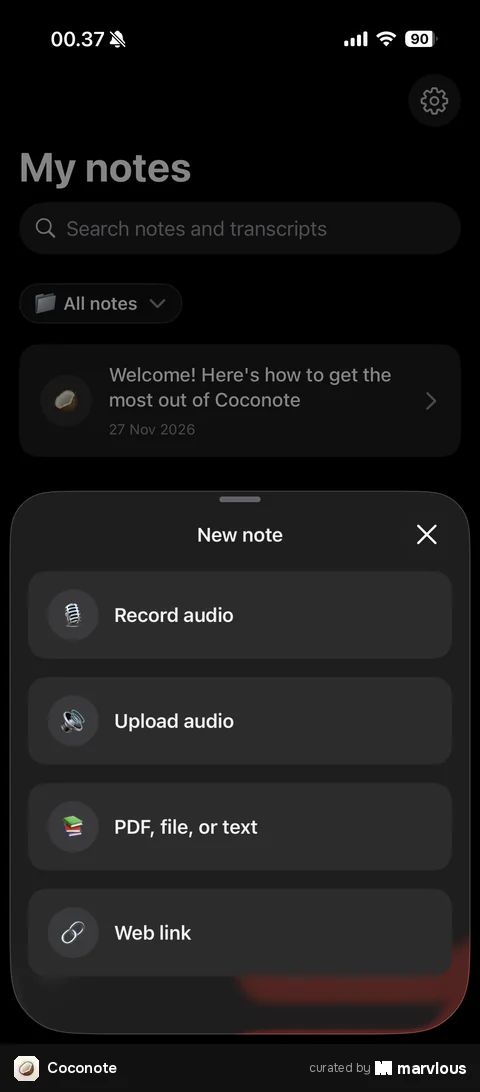
  1. Coconote new note: New note menu: record audio, upload audio, PDF file or text, web link
    New note menu: record audio, upload audio, PDF file or text, web link

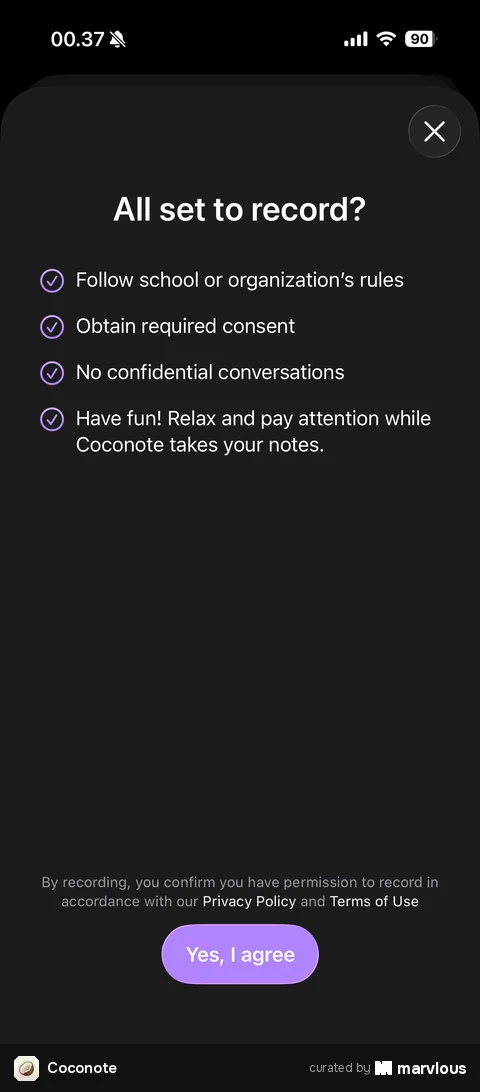
  2. Coconote new note: All set to record? consent rules: school rules, required consent, no confidential conversations, yes I agree
    All set to record? consent rules: school rules, required consent, no confidential conversations, yes I agree

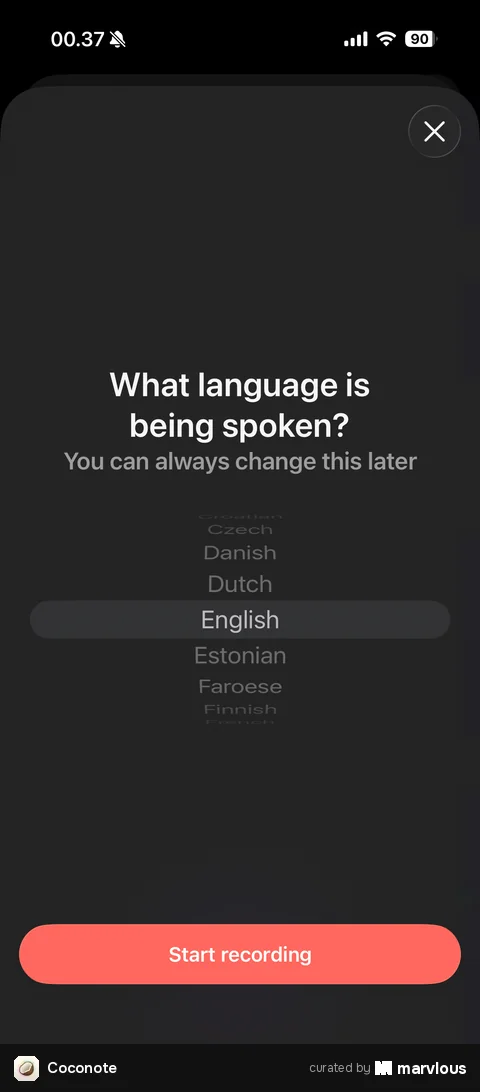
  3. Coconote new note: What language is being spoken? language list, start recording
    What language is being spoken? language list, start recording

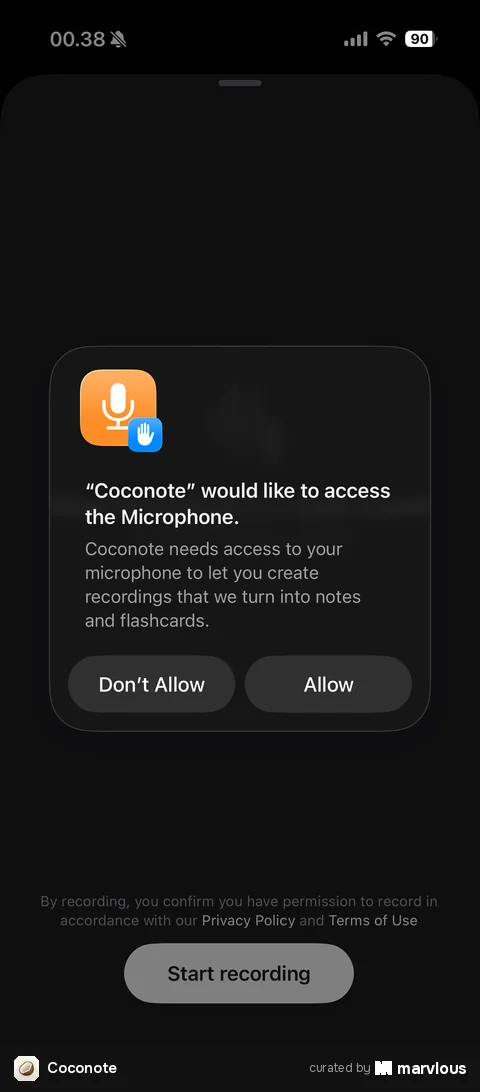
  4. Coconote new note: Microphone permission prompt: Coconote needs access to create recordings
    Microphone permission prompt: Coconote needs access to create recordings

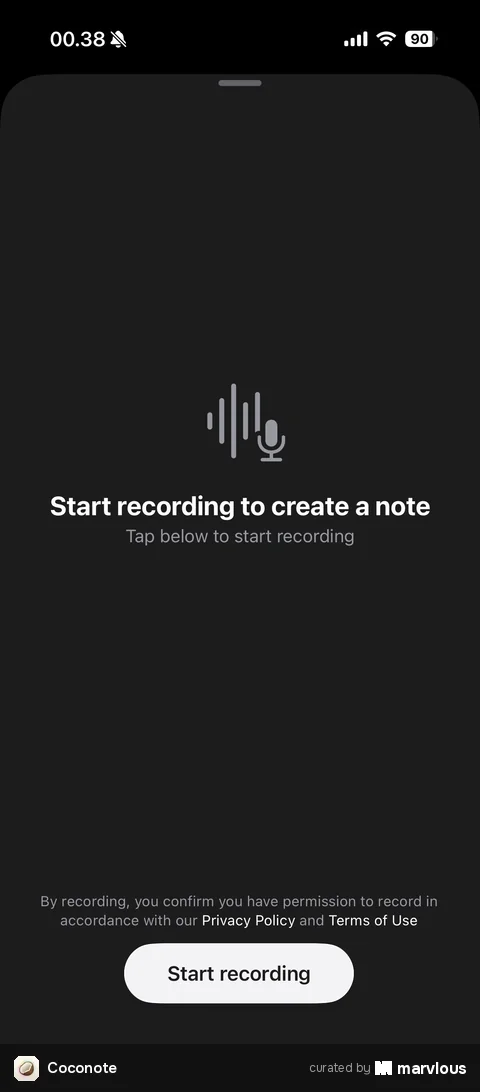
  5. Coconote new note: Recorder screen after mic denial: start recording to create a note

    Recorder screen after mic denial: start recording to create a note

Coconote chat (2 screens)
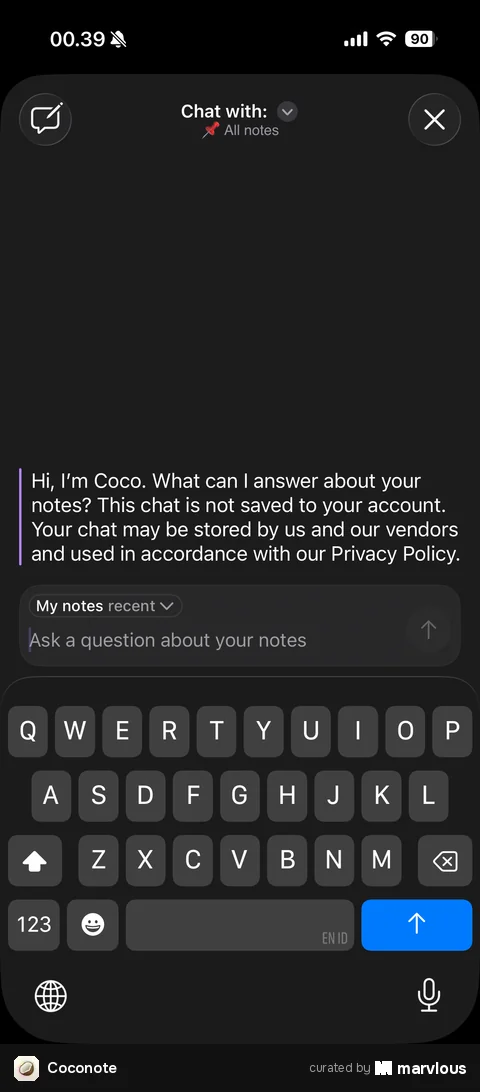
  1. Coconote chat: Chat with Coco: chat with all notes, recent notes selector, ask a question about your notes
    Chat with Coco: chat with all notes, recent notes selector, ask a question about your notes

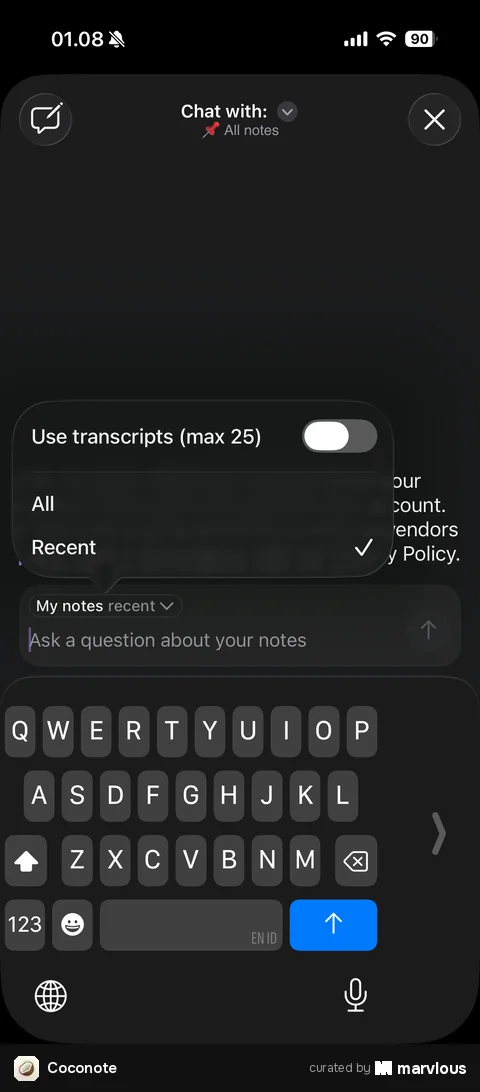
  2. Coconote chat: Chat source menu: use transcripts max 25, all notes, recent

    Chat source menu: use transcripts max 25, all notes, recent

Compare the Coconote paywall with other top apps

More app designs

See all apps