Cal AI app design: 84 real screens in 14 flows
Food & Macro Counter. Category: Health & Fitness. By Viral Development LLC.
Captured on iPhone and updated November 2026. Each screen has a short note on what it shows and why it matters for growth.
Cal AI onboarding (1 screen)
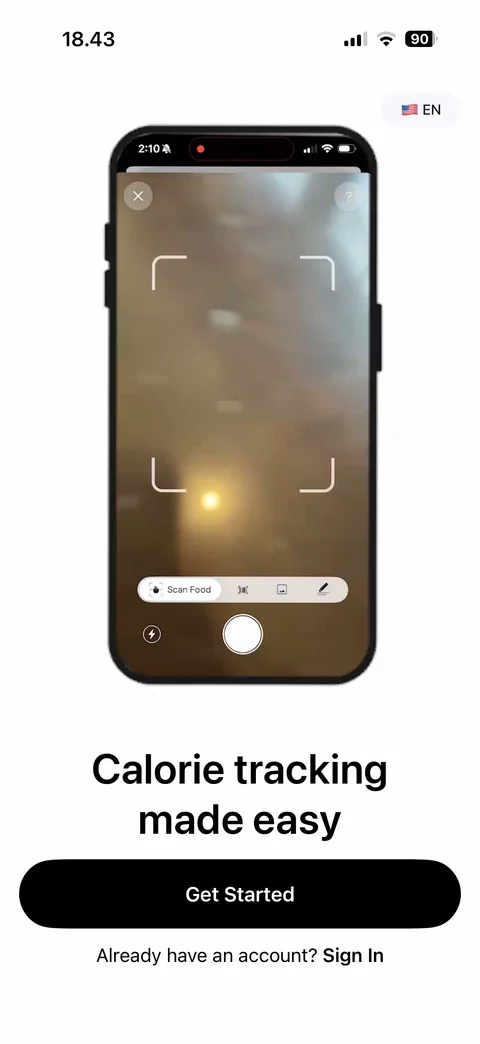
Welcome: animated phone mockup with app demo (home dashboard with calories left and macros, food analysis), calorie tracking made easy headline, language picker EN, Get Started, Sign In link
Cal AI onboarding / quiz (42 screens)
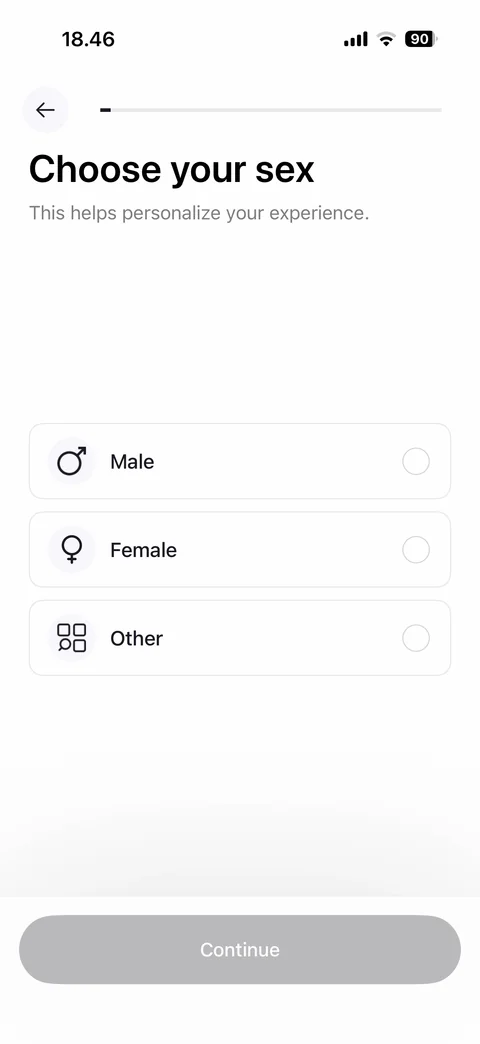
Quiz step empty: choose your sex, Male, Female, Other options unselected, Continue disabled
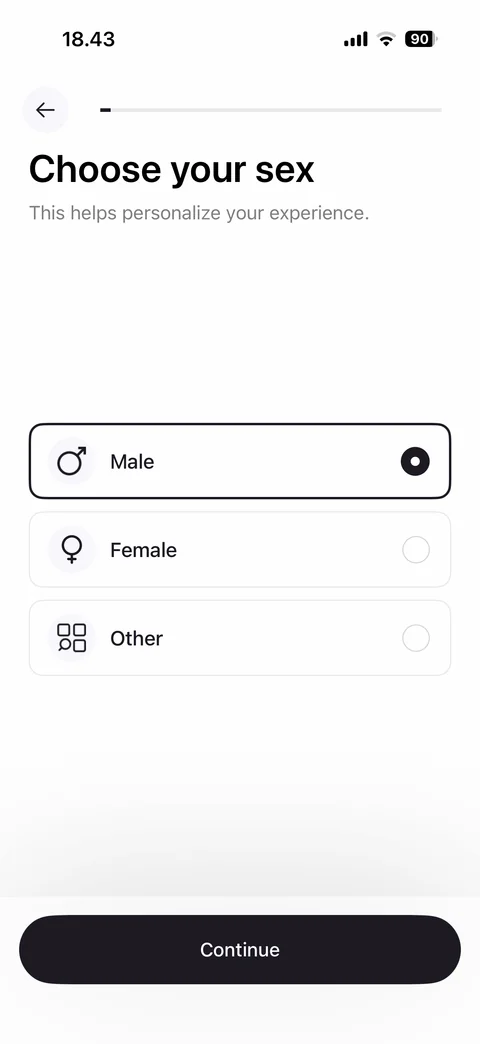
Quiz step: choose your sex, progress bar, Male, Female, Other option cards with icons and radio, Male selected, Continue
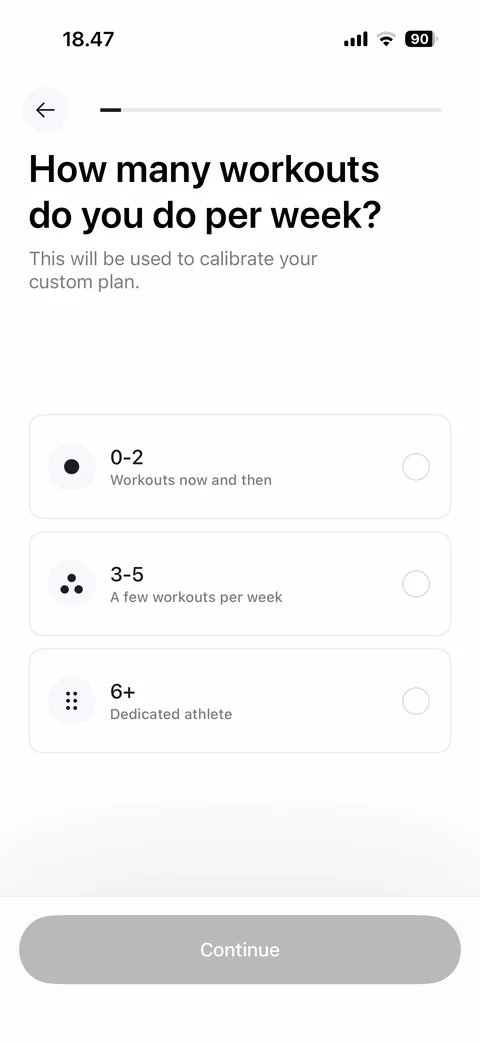
Quiz step: how many workouts per week, calibrate custom plan note, 0-2, 3-5, 6+ option cards with dot icons and descriptions, Continue disabled
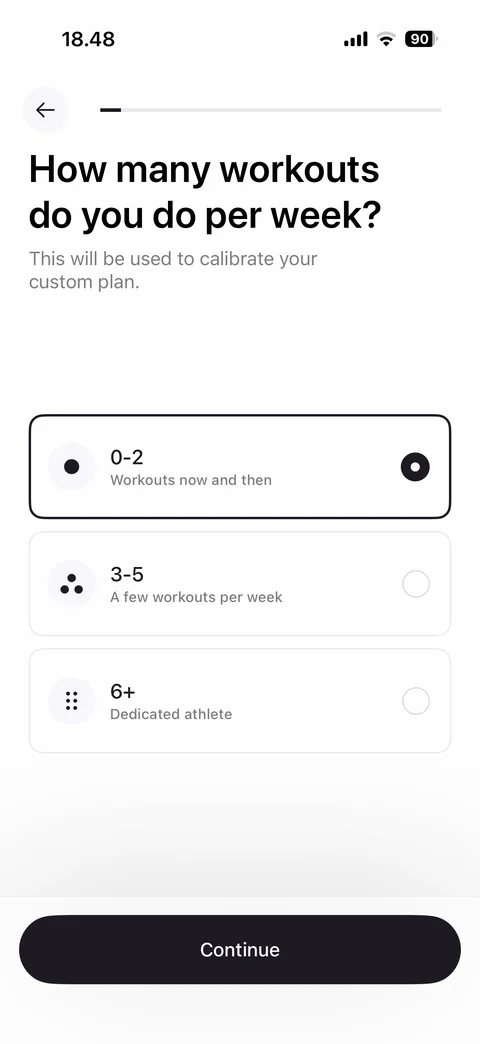
Workouts per week selected: 0-2 card highlighted with dark border and filled radio, Continue enabled
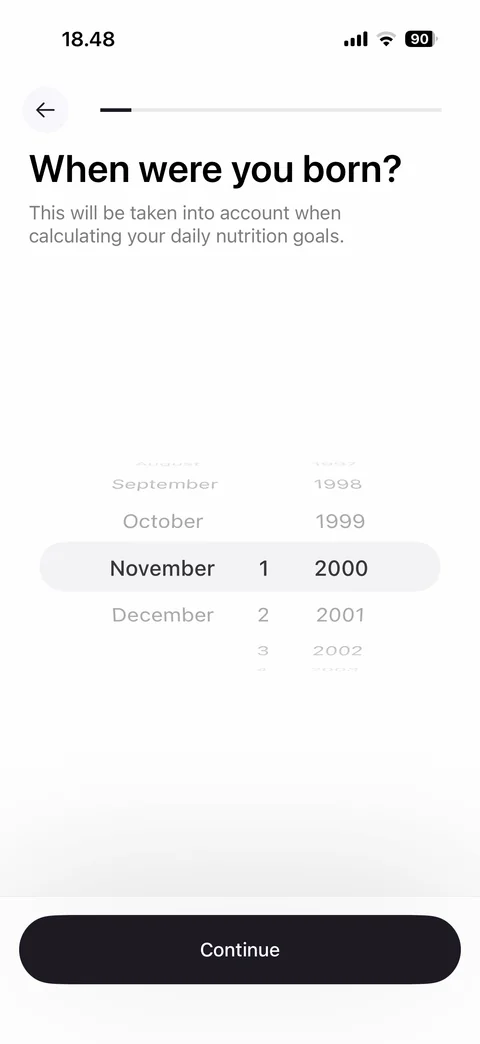
Quiz step: when were you born, used for daily nutrition goals note, month, day, year wheel picker, Continue
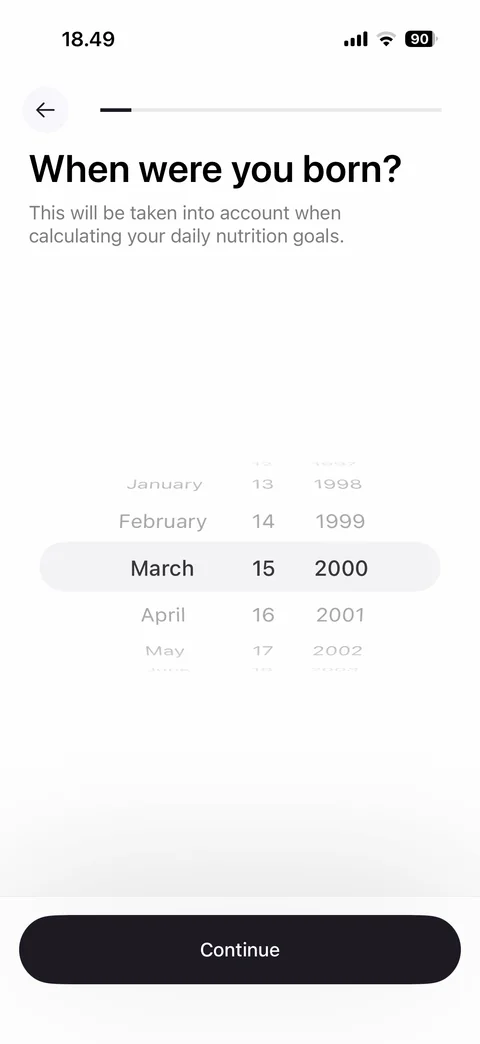
Birth date set: wheels on March 15 2000, Continue
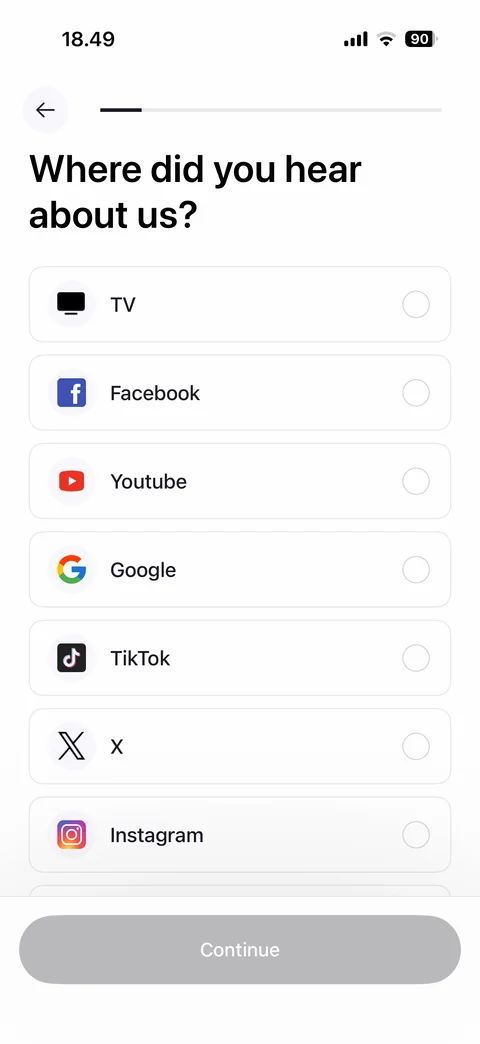
Quiz step: where did you hear about us, attribution list with brand icons (TV, Facebook, Youtube, Google, TikTok, X, Instagram), radios, Continue disabled
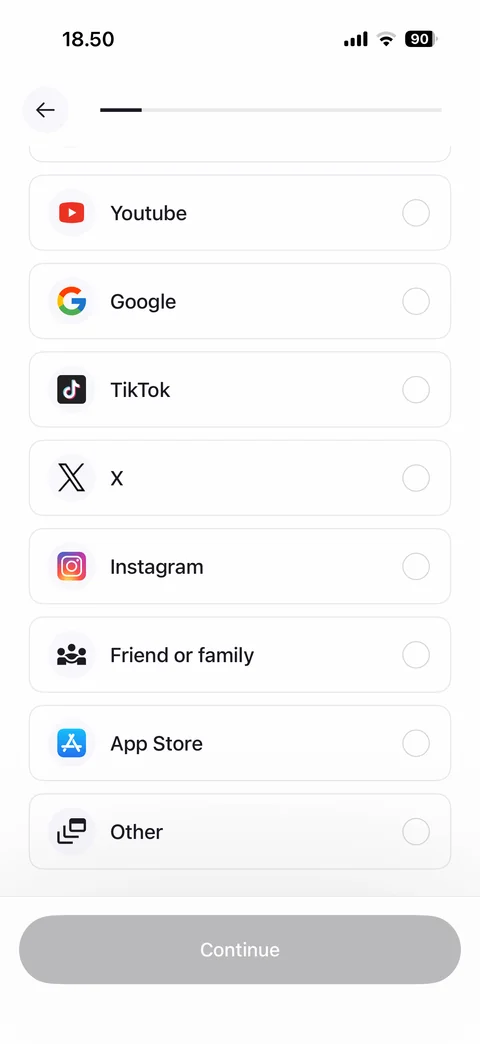
Attribution list scrolled: Youtube, Google, TikTok, X, Instagram, Friend or family, App Store, Other options, Continue disabled
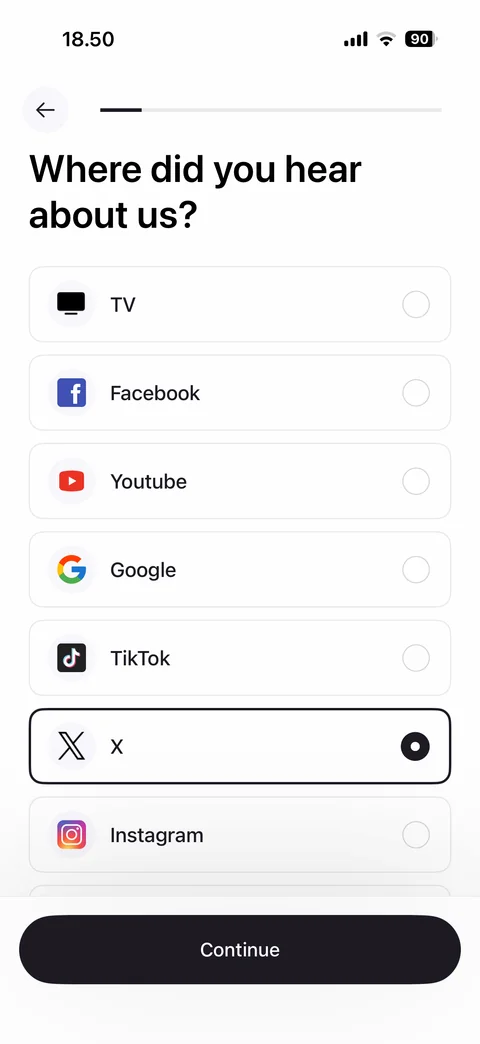
Attribution selected: X card highlighted with filled radio, Continue enabled
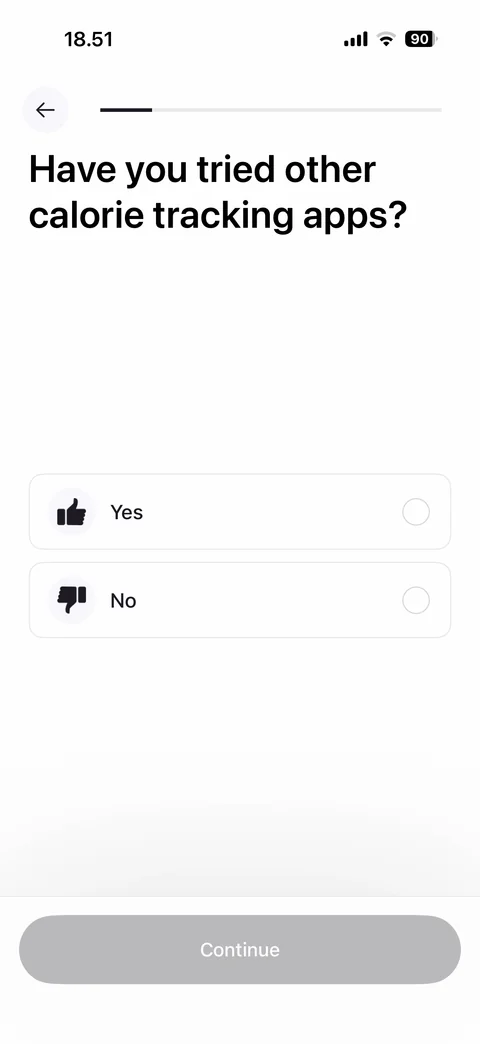
Quiz step: have you tried other calorie tracking apps, Yes and No options with thumbs icons, Continue disabled
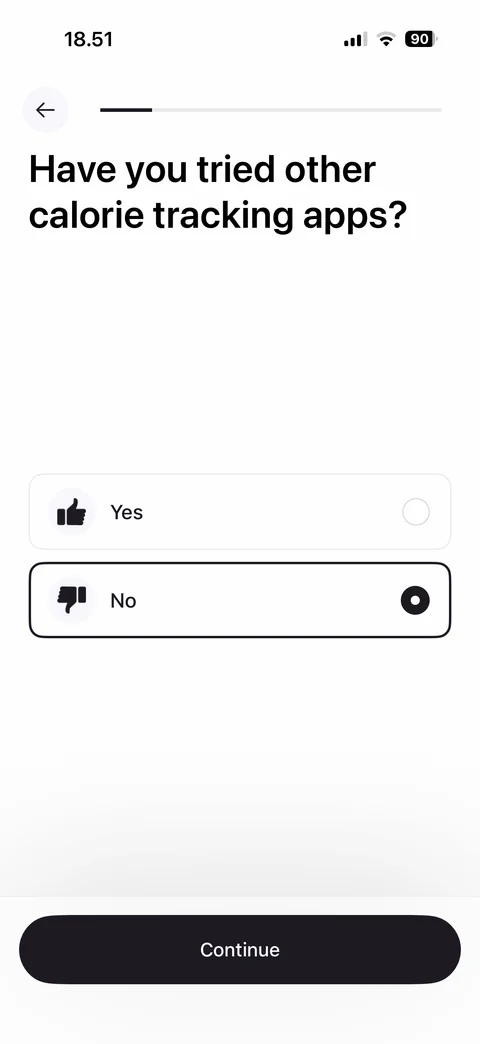
Tried other apps selected: No card highlighted with filled radio, Continue enabled
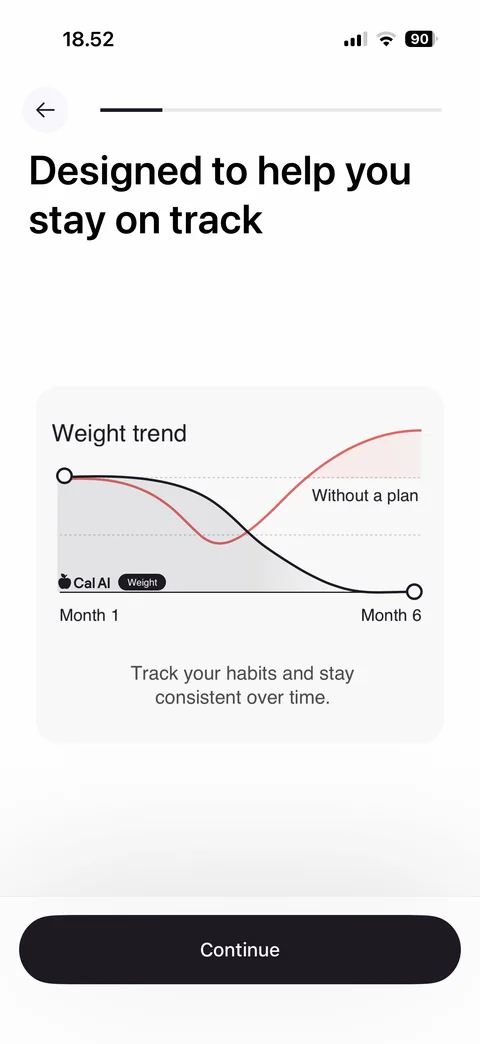
Value screen: designed to help you stay on track, weight trend chart comparing Cal AI line vs without a plan from month 1 to 6, track habits note, Continue
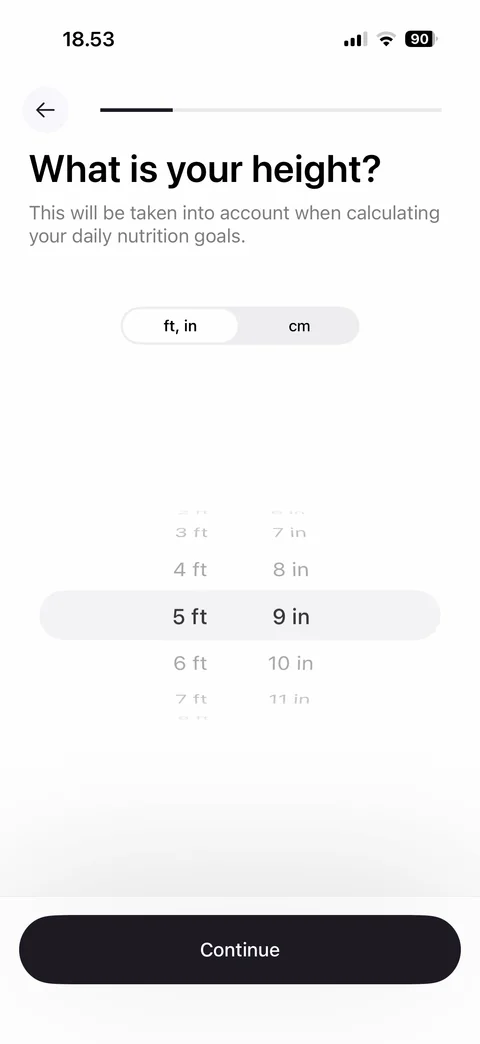
Quiz step: what is your height, ft-in and cm unit toggle, feet and inches wheel picker, Continue
Height in metric: cm unit selected, single centimeter wheel picker at 175 cm, Continue
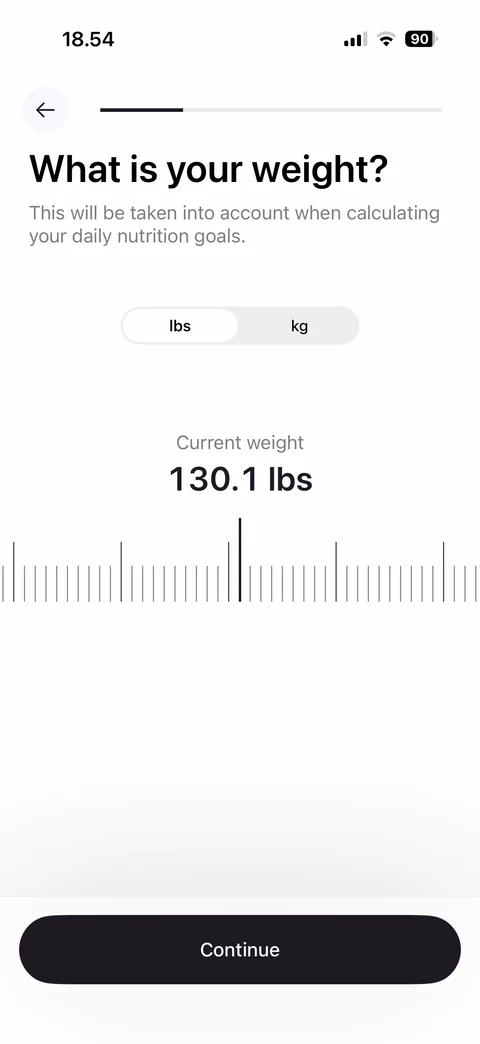
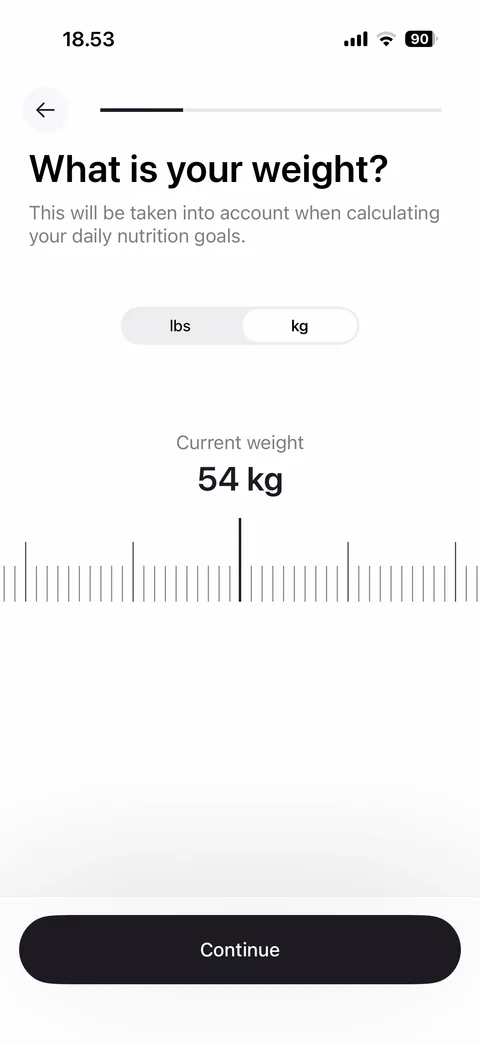
Quiz step: what is your weight, lbs and kg unit toggle, current weight value, horizontal ruler slider, Continue
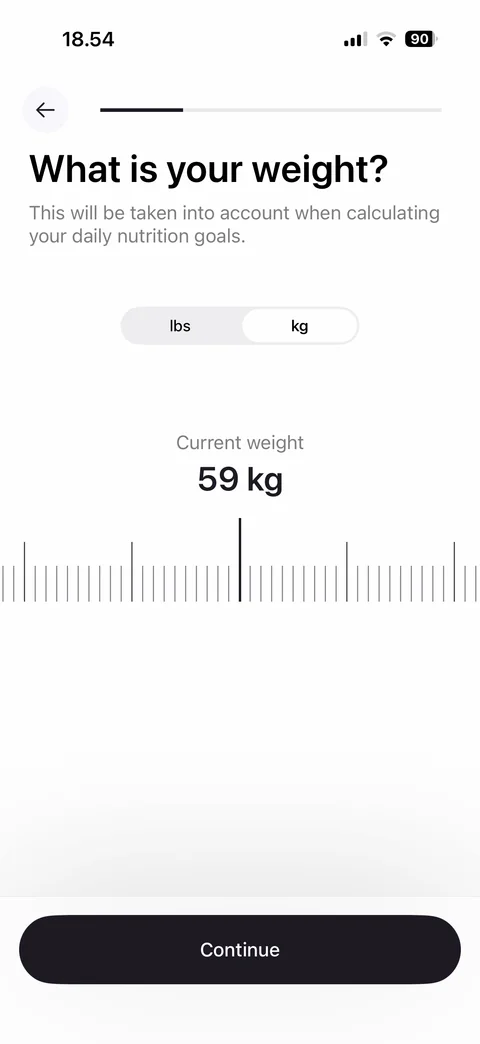
Weight in metric: kg unit selected, current weight 59 kg on ruler slider, Continue
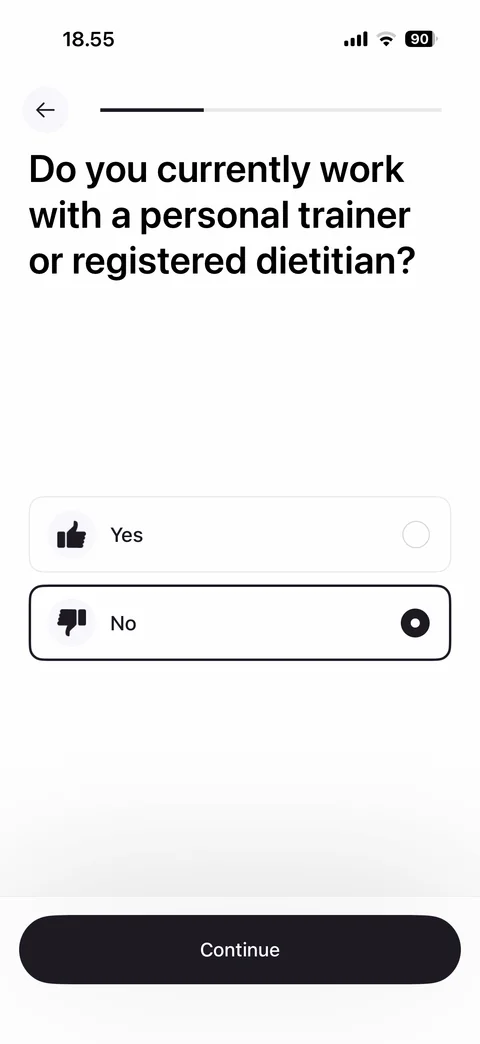
Quiz step: do you work with a personal trainer or registered dietitian, Yes and No options, No selected, Continue
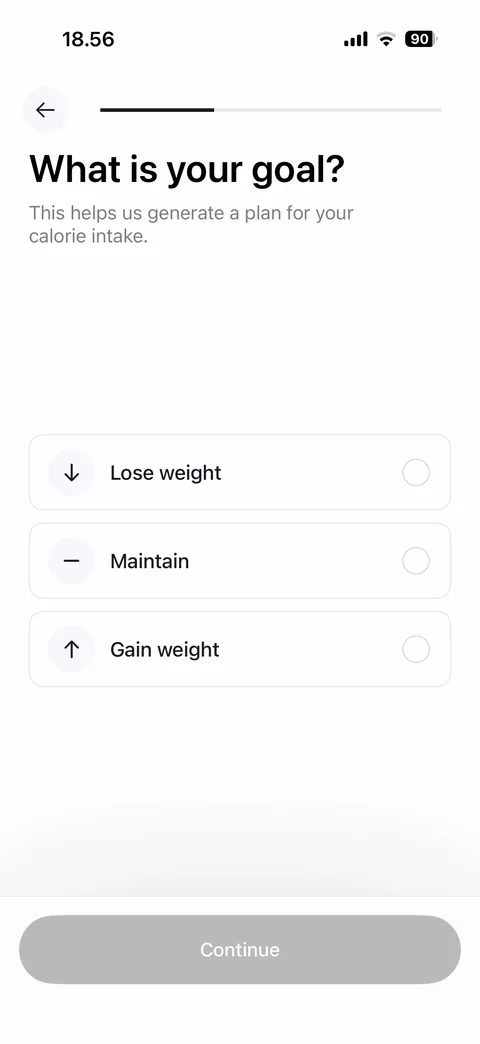
Quiz step: what is your goal, Lose weight, Maintain, Gain weight options with arrow icons, Continue disabled
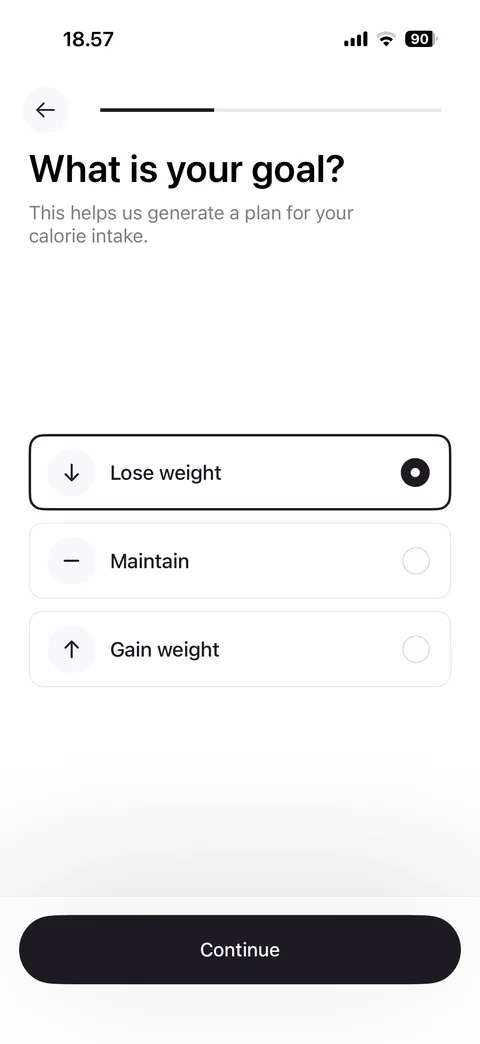
Goal selected: Lose weight card highlighted with filled radio, Continue enabled
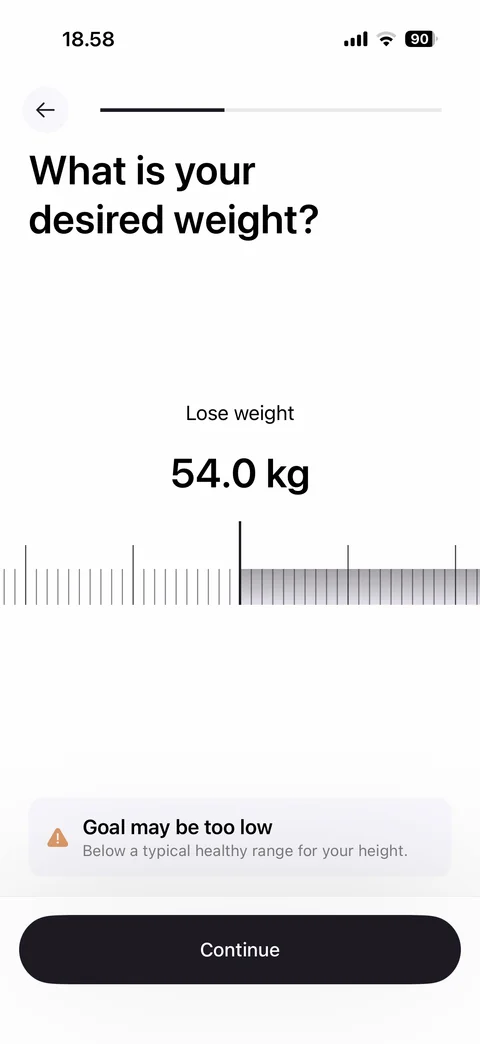
Quiz step: desired weight, lose weight label, 54 kg value on ruler slider with shaded difference range, goal may be too low warning card, Continue
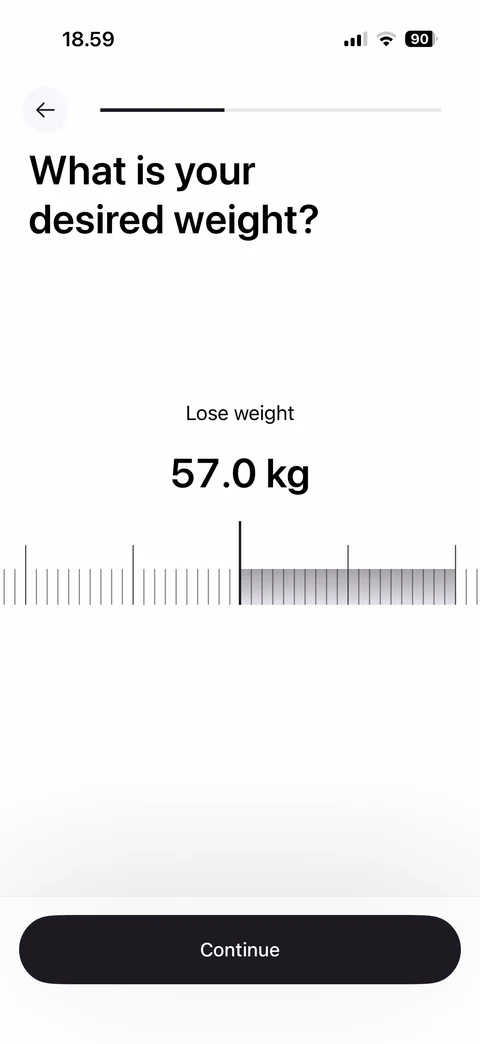
Desired weight valid: 57 kg on ruler slider with shaded range, no warning, Continue
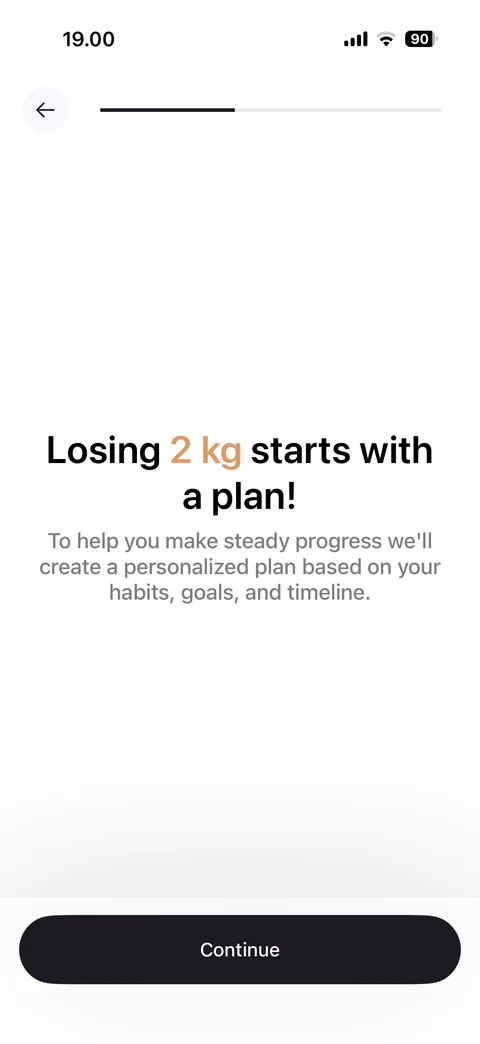
Motivation screen: losing 2 kg starts with a plan headline with highlighted amount, personalized plan explanation, Continue
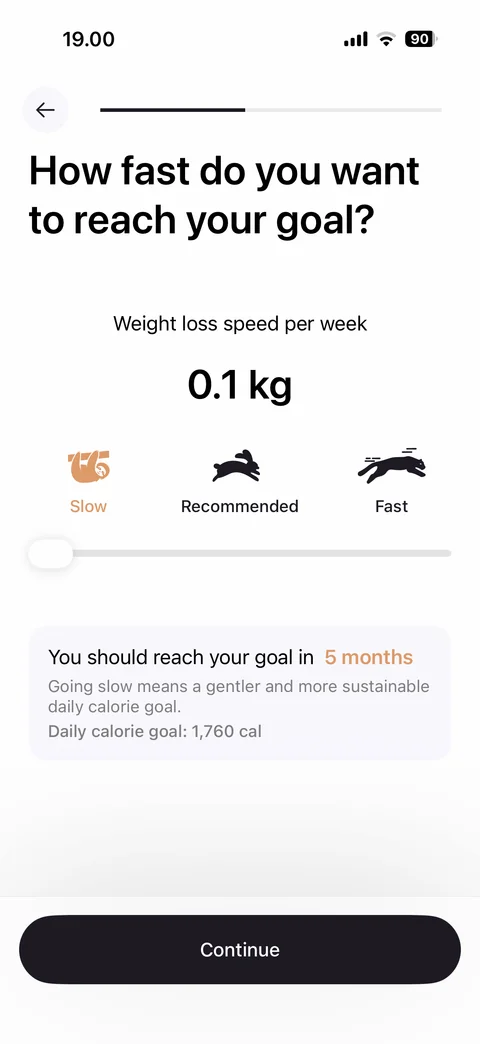
Quiz step: how fast to reach your goal, weight loss speed per week 0.1 kg, Slow, Recommended, Fast animal icons, slider at slow, goal in 5 months card with daily calorie goal, Continue
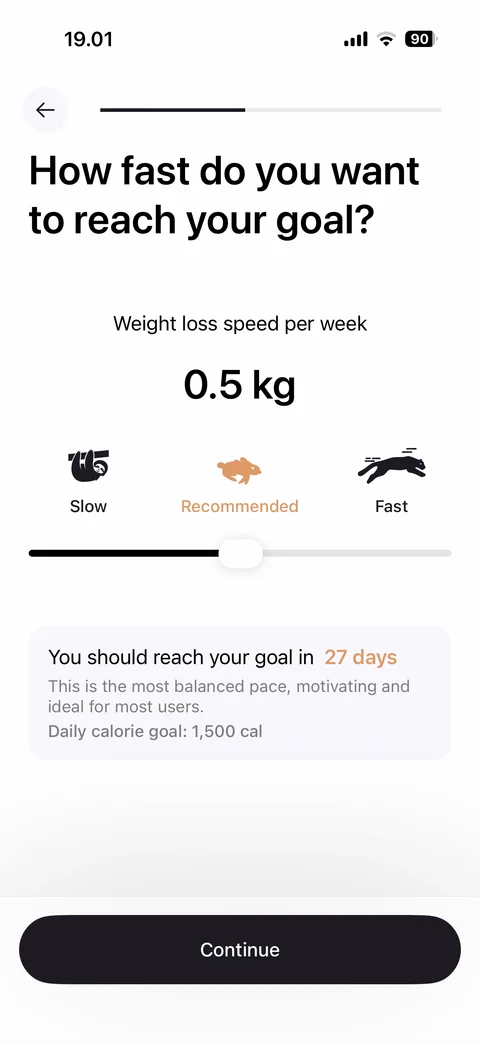
Speed at recommended: 0.5 kg per week, Recommended rabbit highlighted, slider in middle, goal in 27 days card with balanced pace note and daily calorie goal, Continue
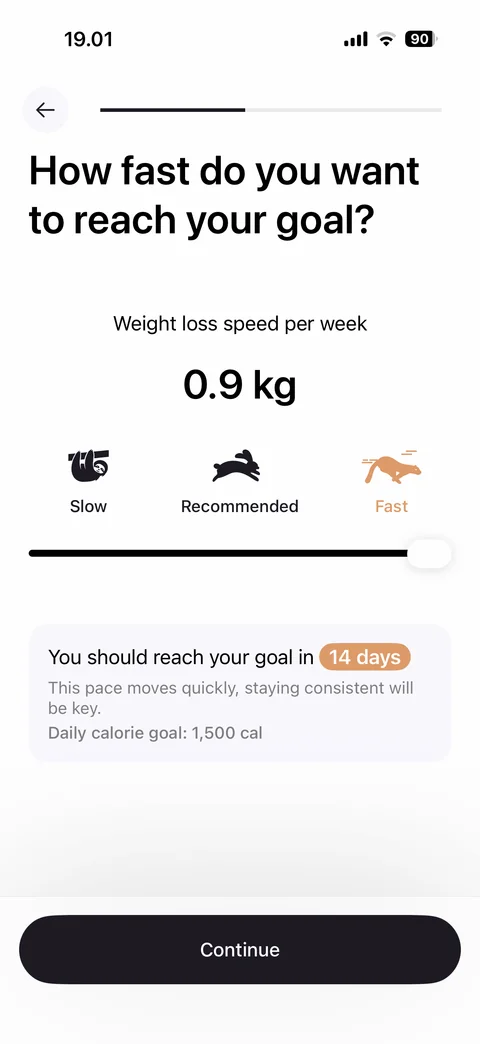
Speed at fast: 0.9 kg per week, Fast panther highlighted, slider at max, goal in 14 days badge with consistency note and daily calorie goal, Continue
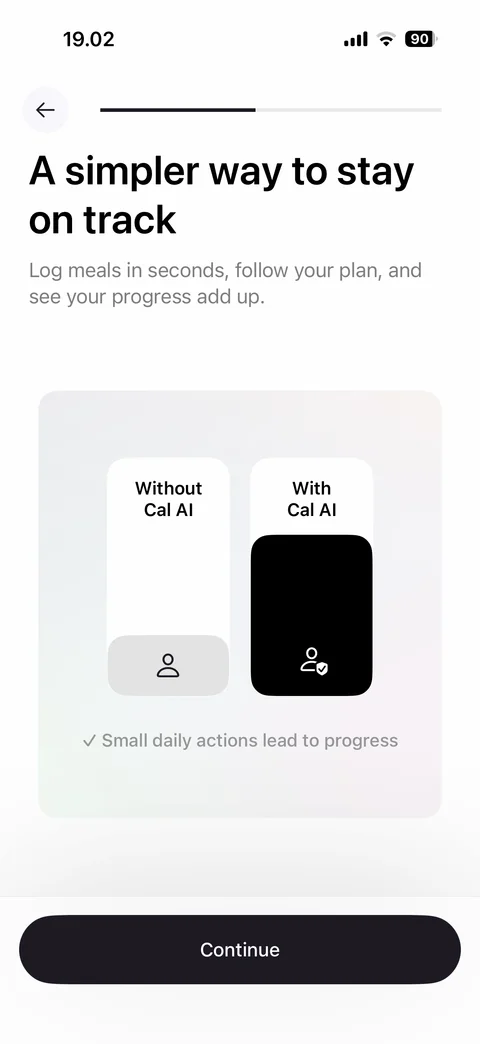
Value screen: a simpler way to stay on track, comparison bar chart without Cal AI vs with Cal AI, small daily actions note, Continue
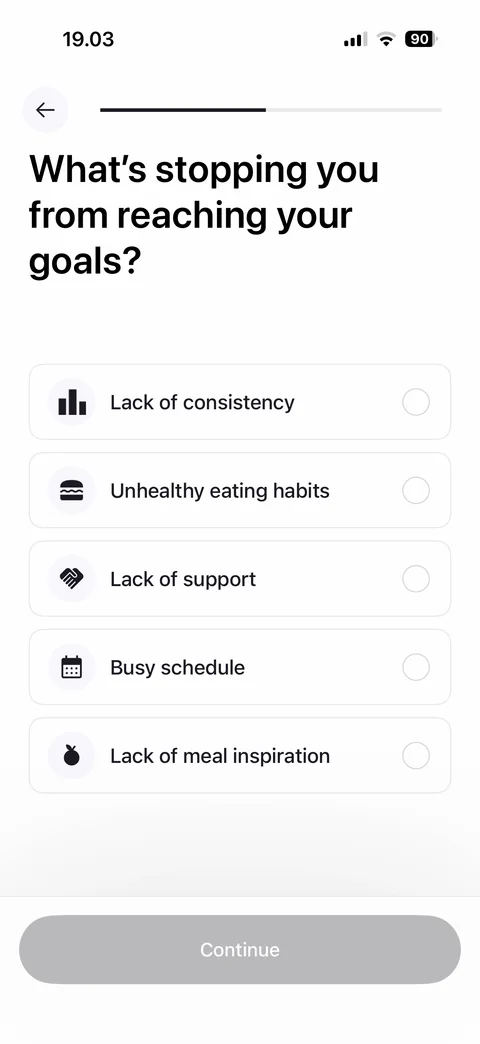
Quiz step: what's stopping you from reaching your goals, obstacles list with icons (consistency, eating habits, support, busy schedule, meal inspiration), Continue disabled
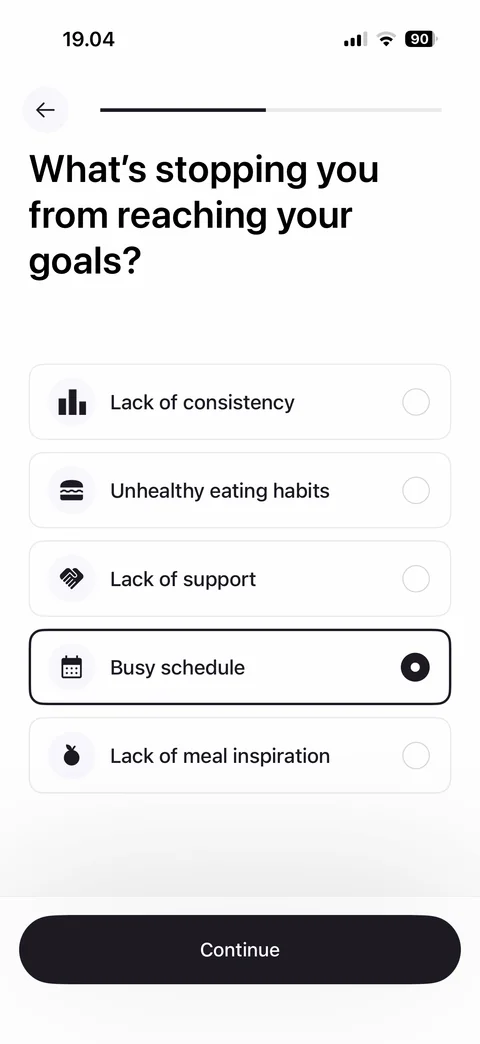
Obstacle selected: Busy schedule card highlighted with filled radio, Continue enabled
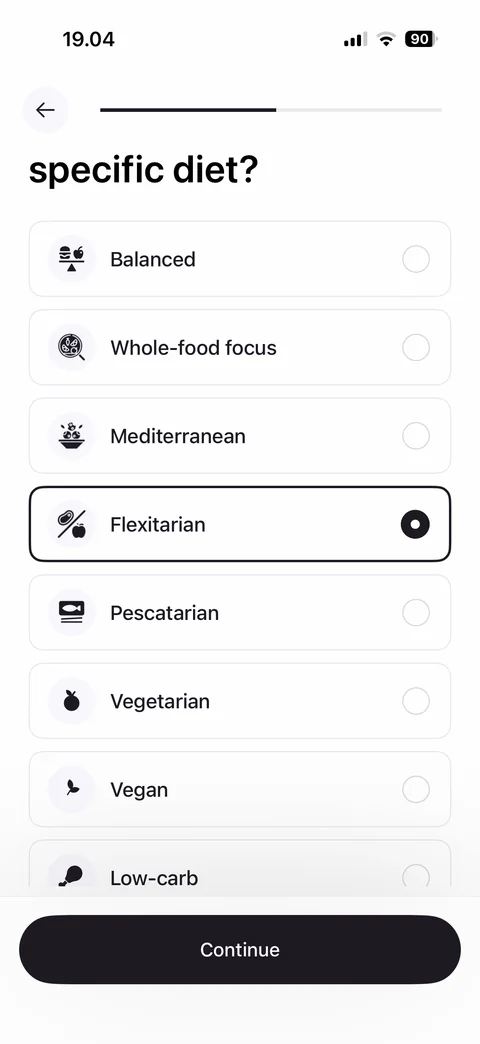
Quiz step: do you follow a specific diet, scrolled list of diets with icons (Balanced, Whole-food, Mediterranean, Flexitarian selected, Pescatarian, Vegetarian, Vegan, Low-carb), Continue
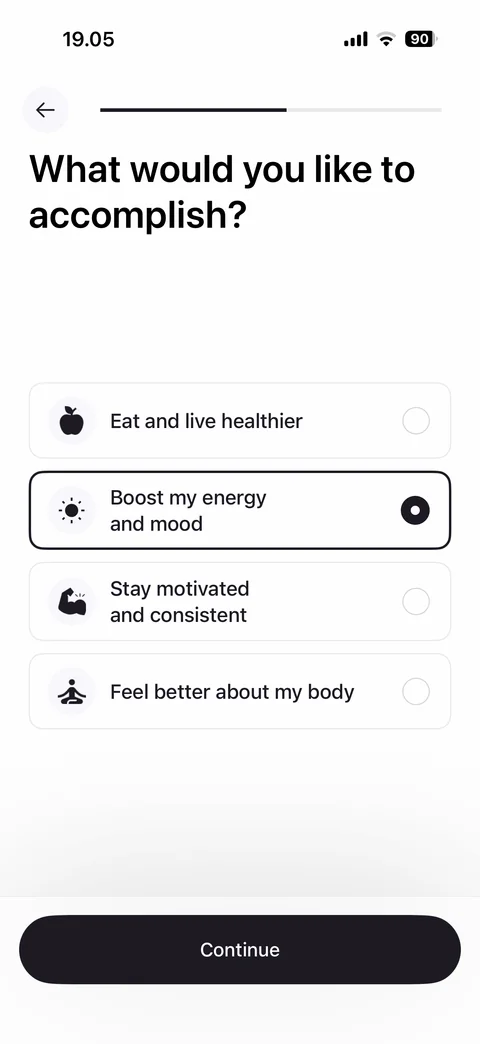
Quiz step: what would you like to accomplish, options with icons (eat healthier, boost energy and mood selected, stay motivated, feel better about body), Continue
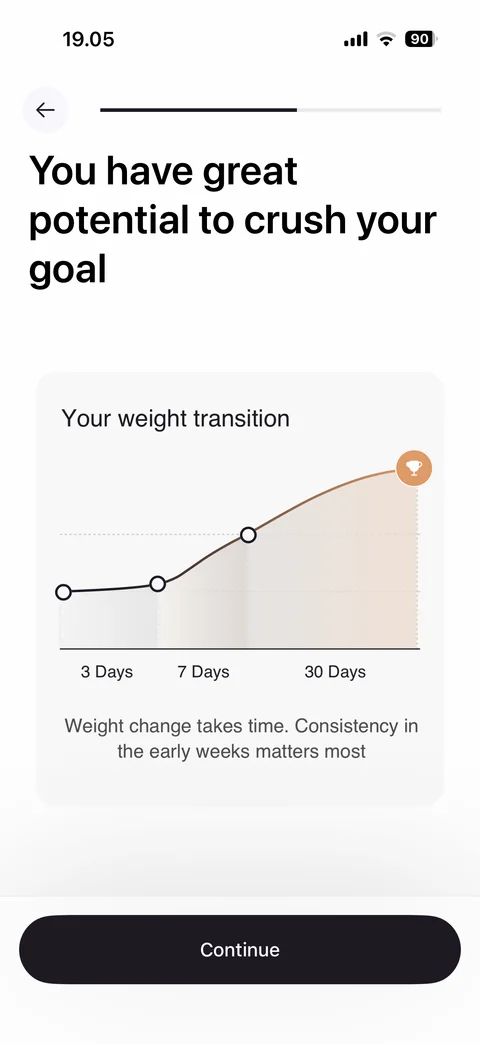
Value screen: you have great potential to crush your goal, weight transition line chart over 3, 7 and 30 days with trophy end point, consistency note, Continue
Thank you for trusting us: high-five illustration in gradient ring, let's personalize Cal AI subtitle, personalized to your goals card, Continue
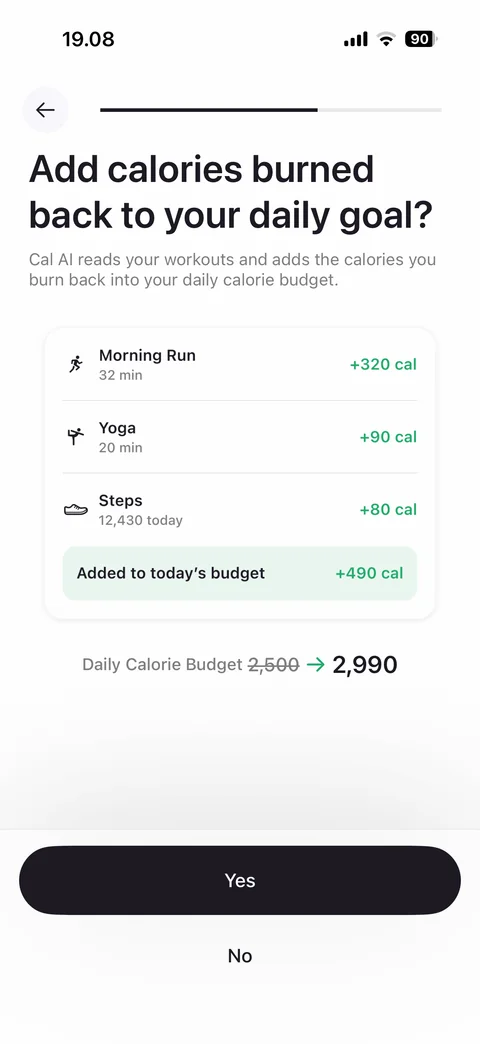
Quiz step: add calories burned back to daily goal, example workouts card (morning run, yoga, steps) with green calorie values, added to budget total, daily budget before and after, Yes and No
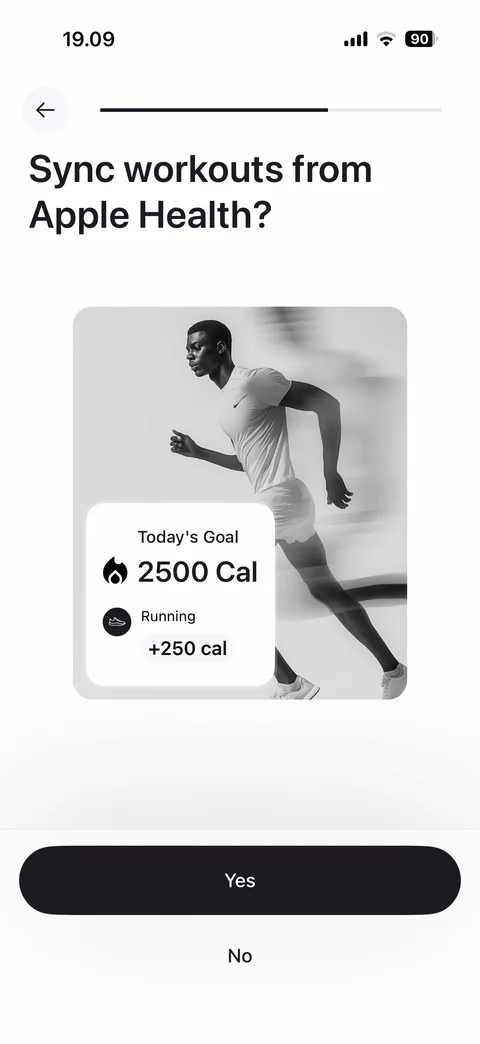
Permission pre-prompt: sync workouts from Apple Health, monochrome runner photo with today's goal and running calories overlay card, Yes and No
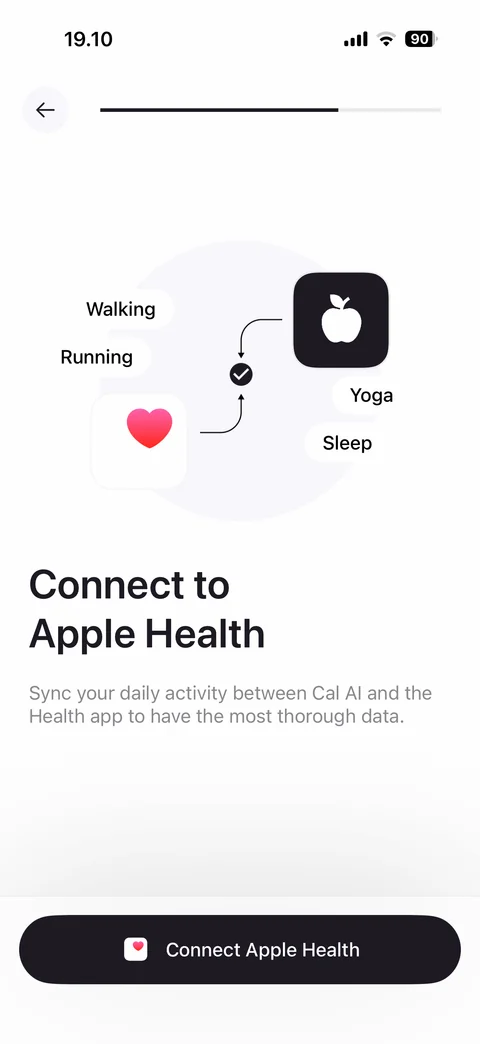
Connect to Apple Health: Health app and Cal AI icons with sync arrows, activity chips (walking, running, yoga, sleep), sync explanation, Connect Apple Health button
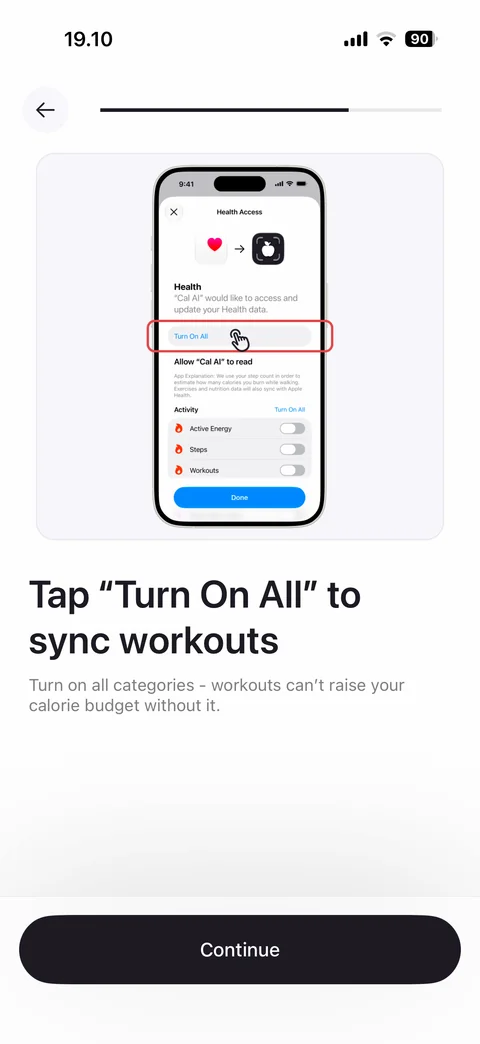
Permission priming: phone mockup of iOS Health Access sheet with Turn On All highlighted and tap hand, tap Turn On All to sync workouts instruction, Continue
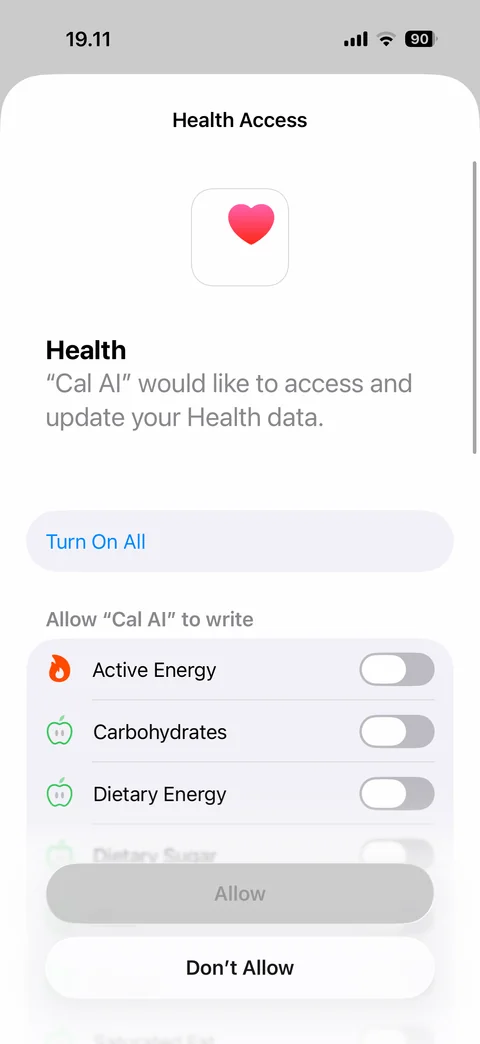
iOS Health Access sheet: Cal AI would like to access Health data, Turn On All, allow Cal AI to write list with category toggles all off (active energy, carbohydrates, dietary energy, sugar, fiber, protein, saturated fat), disabled Allow, Don't Allow
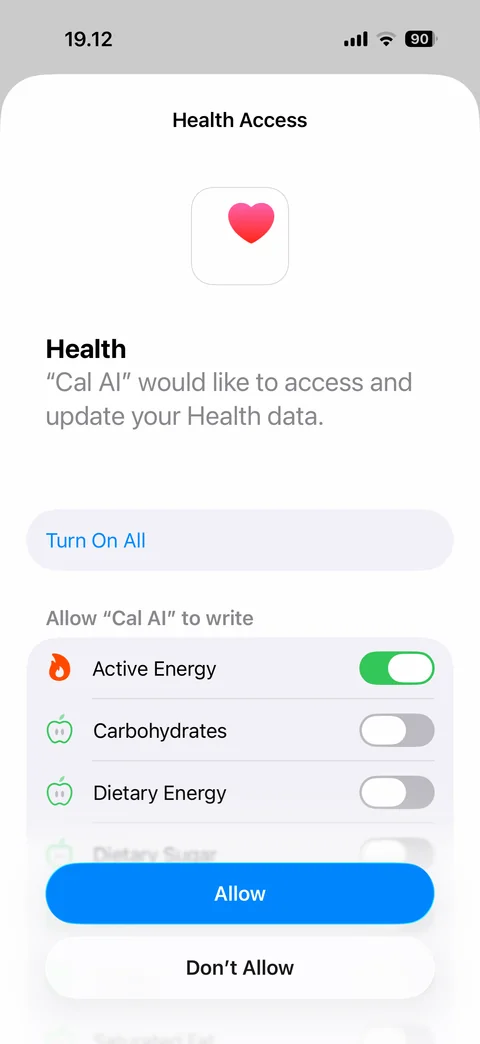
iOS Health Access sheet top: Health app icon, access request text, Turn On All, write list with Active Energy toggle on, Allow enabled in blue, Don't Allow
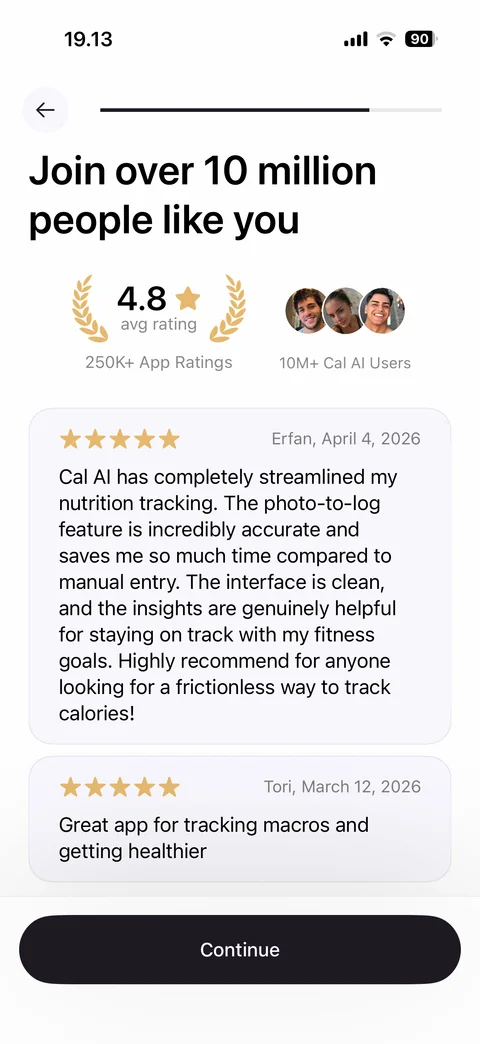
Social proof: join over 10 million people like you, 4.8 avg rating laurel badge with 250K ratings, user avatars with 10M users, review cards with stars, name and date, Continue
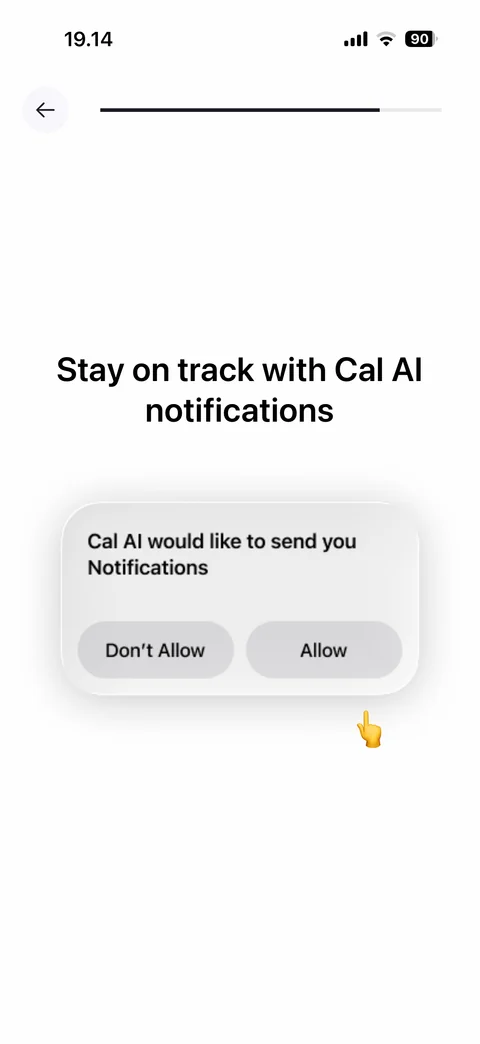
Notification permission priming: stay on track with Cal AI notifications, mock iOS alert with Don't Allow and Allow, pointing hand emoji at Allow
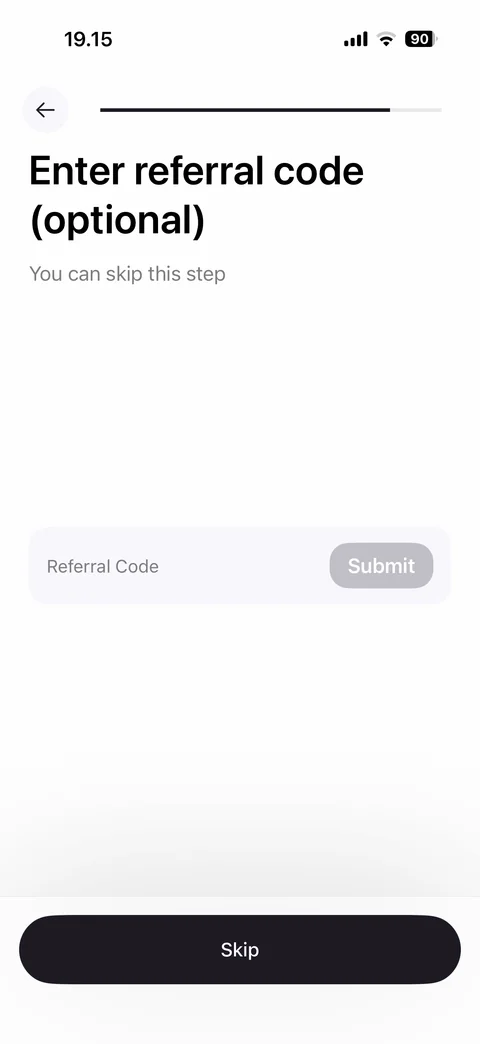
Referral code step: enter referral code optional, you can skip note, referral code field with disabled Submit, Skip button
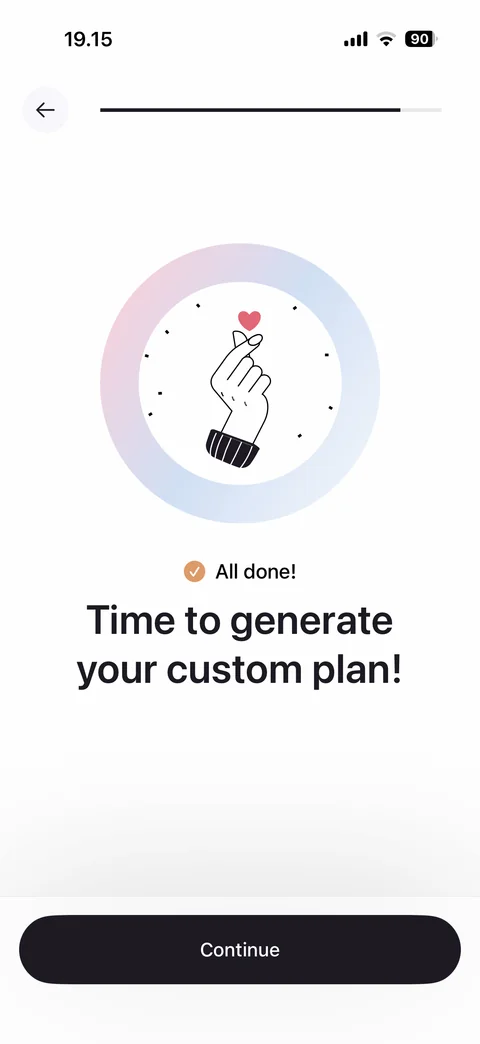
Quiz complete: finger heart illustration in gradient ring, all done check badge, time to generate your custom plan, Continue
Cal AI onboarding / plan (2 screens)
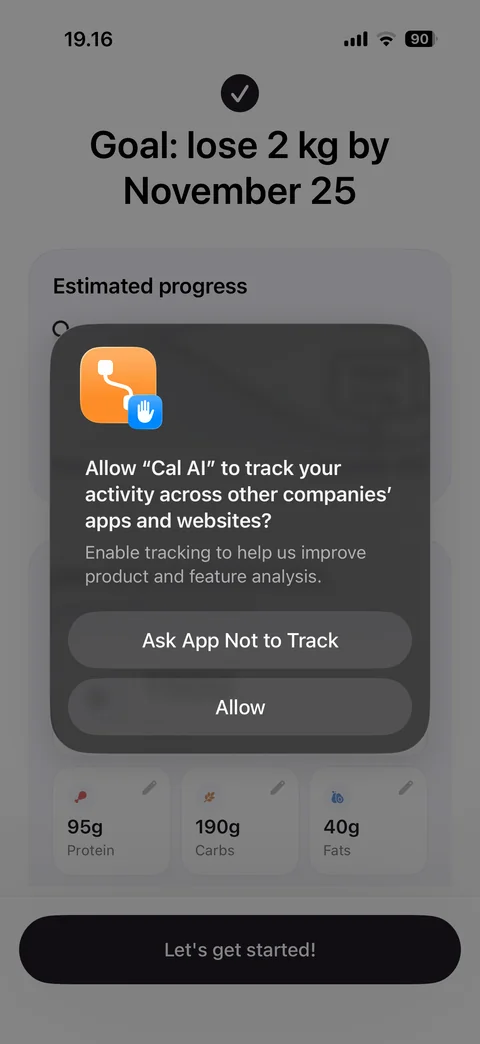
App tracking prompt over plan result: Ask App Not to Track or Allow, plan summary with goal and macros dimmed behind
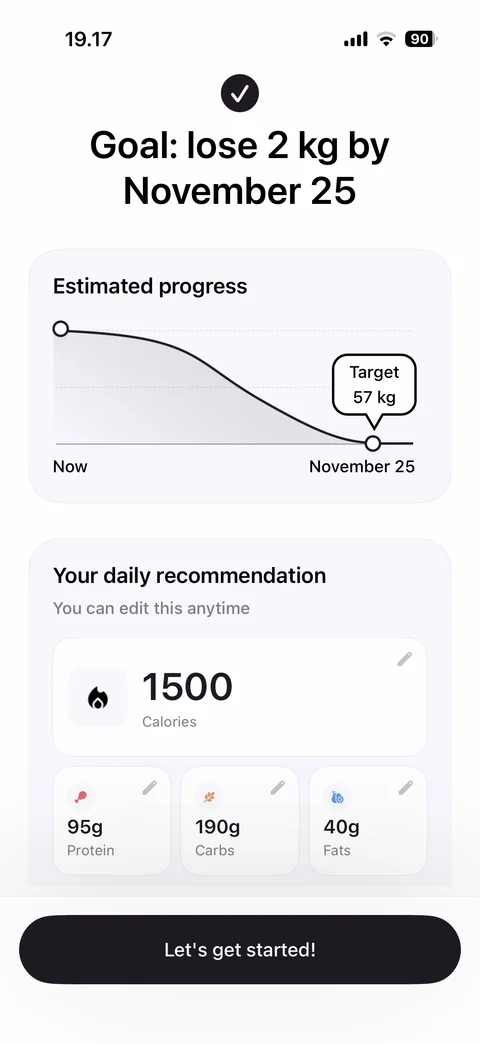
Custom plan result: check icon, goal lose 2 kg by date, estimated progress curve chart with target tooltip, daily recommendation card with 1500 calories and editable protein, carbs, fats tiles, Let's get started
Cal AI onboarding / sign up (1 screen)
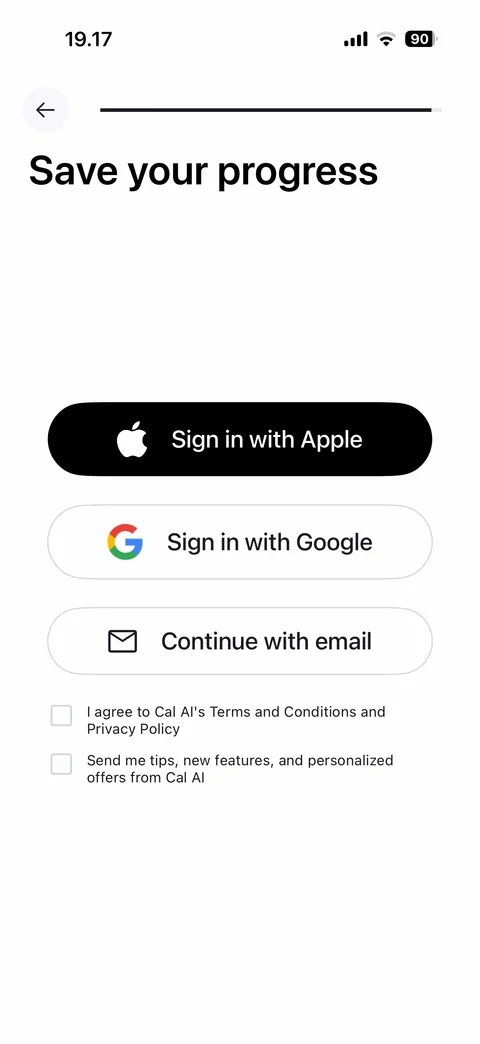
Save your progress: Sign in with Apple, Sign in with Google, Continue with email buttons, terms agreement checkbox, marketing opt-in checkbox, both unchecked
Cal AI paywall (3 screens)
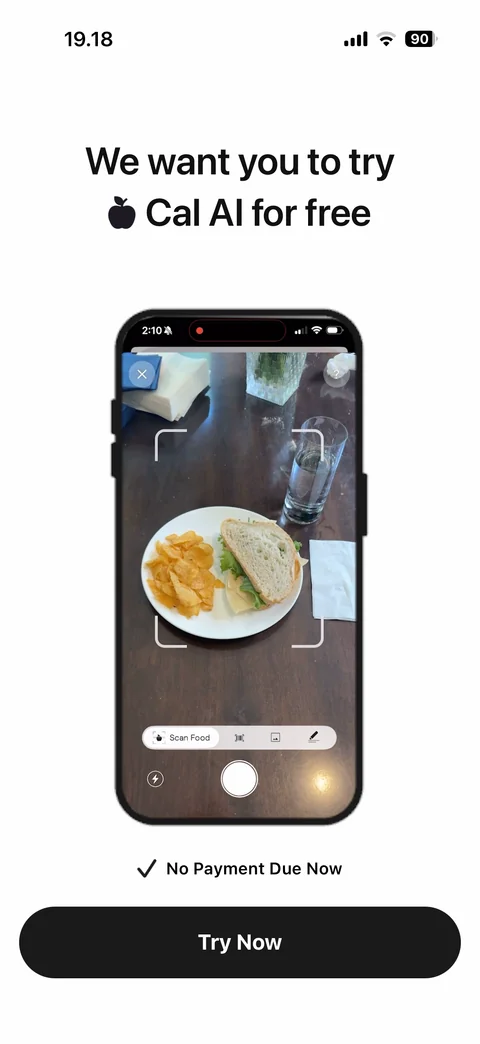
Paywall intro: we want you to try Cal AI for free, phone mockup with food scan nutrition result, no payment due now check, Try Now button
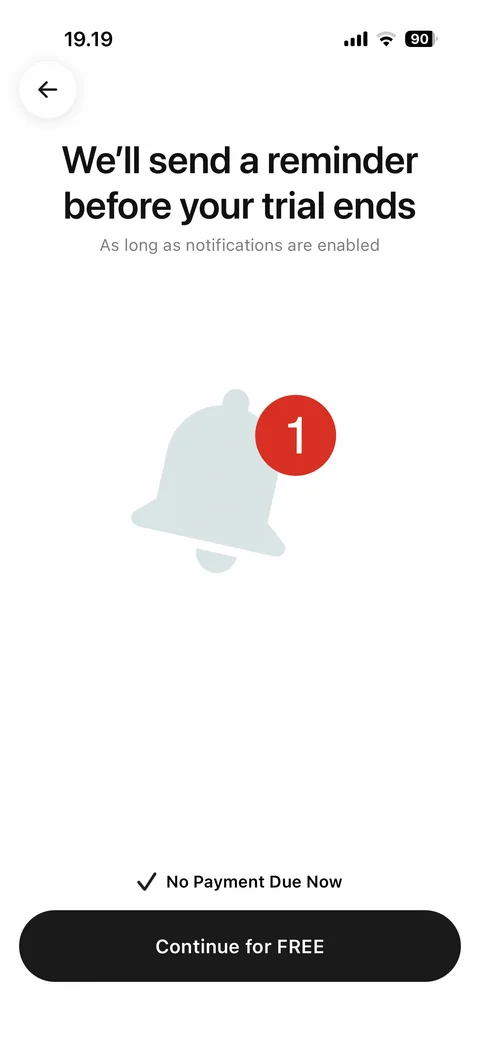
Paywall step 2: we'll send a reminder before your trial ends, notifications note, bell icon with red badge, no payment due now, Continue for FREE
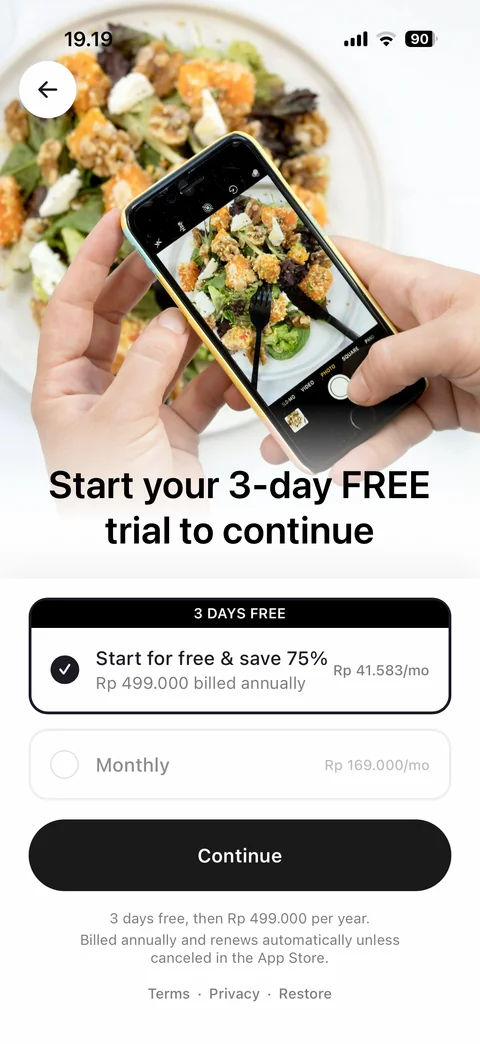
Plans paywall: hero photo of phone scanning salad, start your 3-day free trial headline, annual plan selected with 3 days free banner and save 75 percent with monthly equivalent price, monthly plan, Continue, renewal terms, Terms, Privacy, Restore
Cal AI home (8 screens)
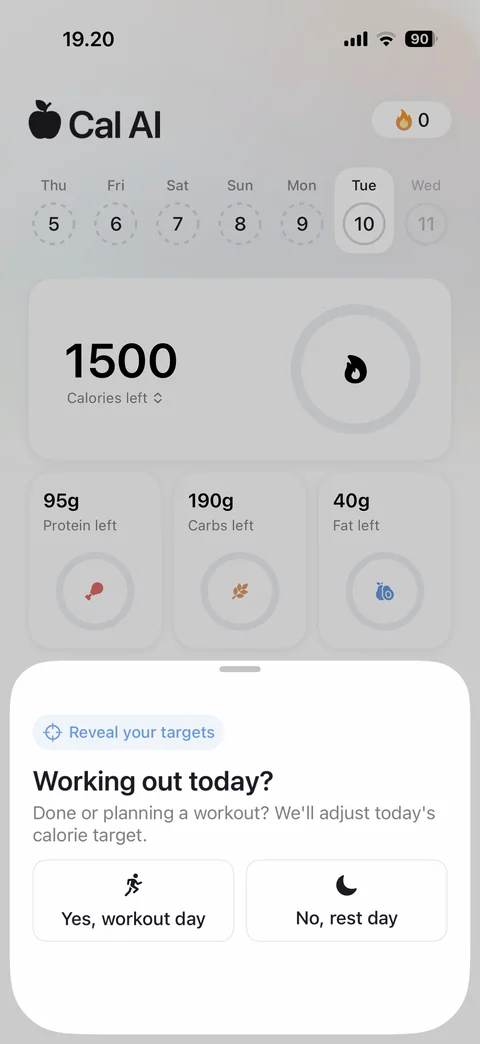
Home with daily check-in sheet: Cal AI logo, streak counter, week day selector, calories left ring card, protein, carbs, fat left rings, bottom sheet reveal your targets, working out today, Yes workout day or No rest day
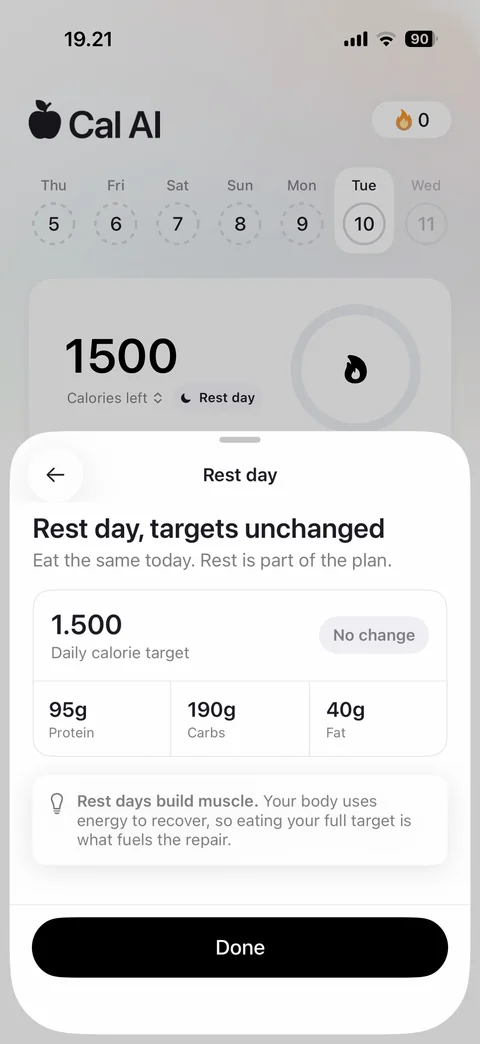
Rest day result sheet: rest day targets unchanged, daily calorie target with no change chip, protein, carbs, fat values, rest days build muscle tip card, Done
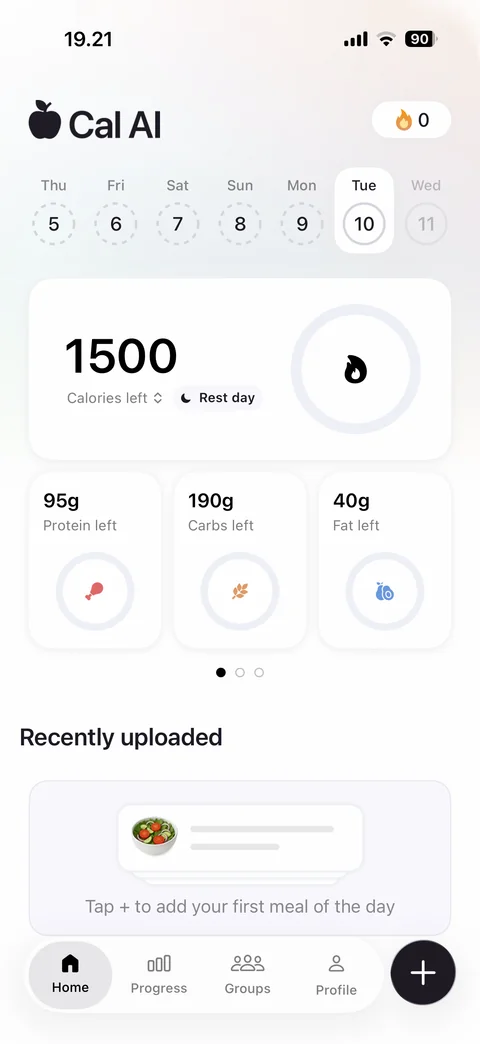
Home dashboard: streak, week selector, calories left ring with rest day chip, protein, carbs, fat left rings with page dots, recently uploaded empty state tap plus to add first meal, tab bar Home, Progress, Groups, Profile, floating plus
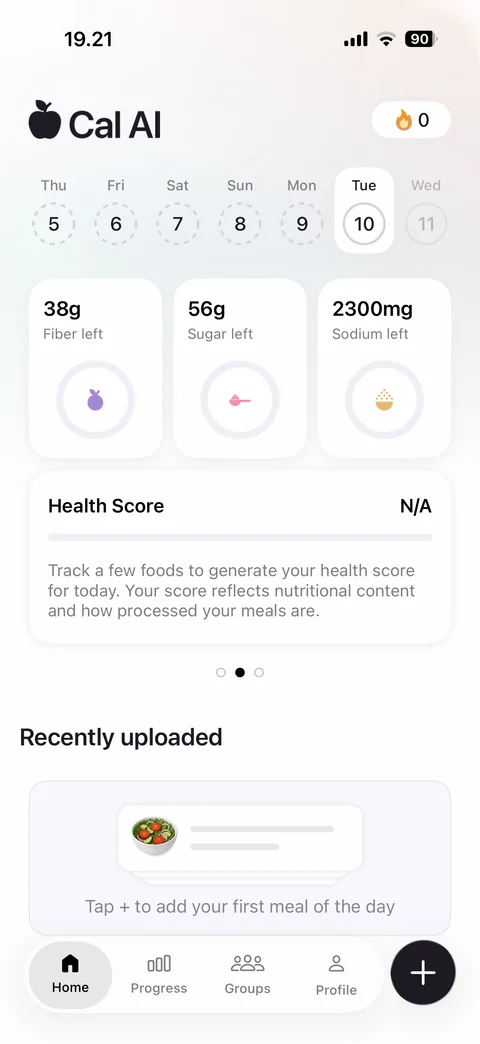
Home carousel page 2: fiber, sugar, sodium left rings, health score card N/A with explanation, page dots
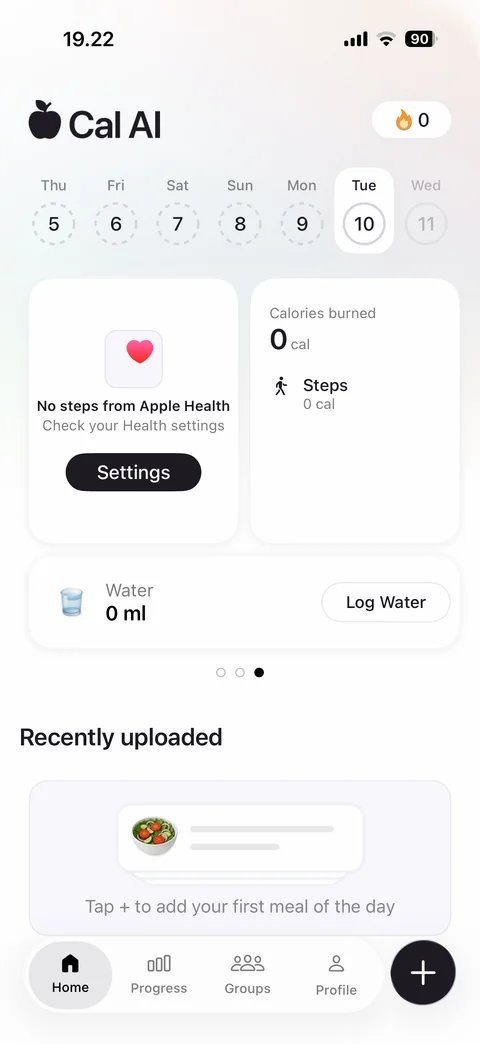
Home carousel page 3: no steps from Apple Health card with Settings button, calories burned and steps card, water 0 ml with Log Water button
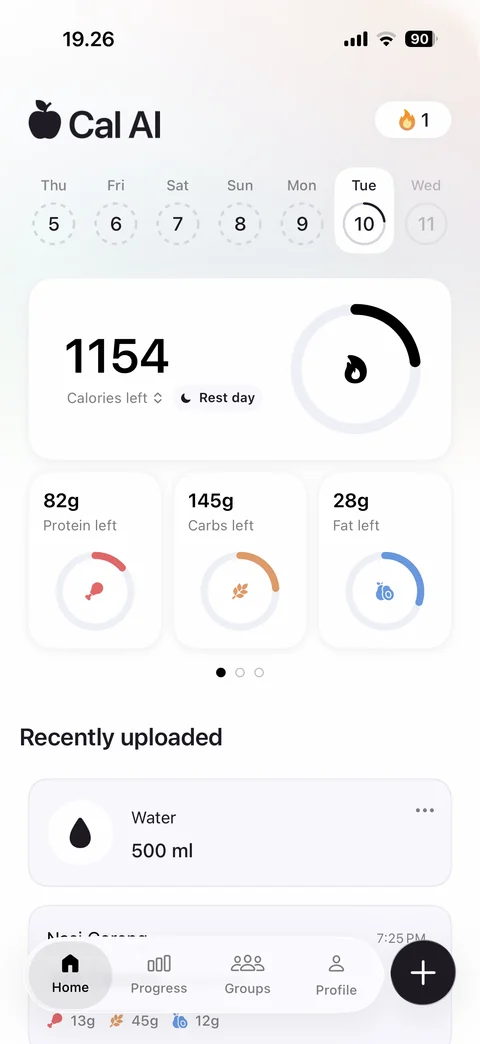
Home with logged food: streak 1, today ring partially filled, 1154 calories left ring progress, protein, carbs, fat rings with colored progress, recently uploaded water and Nasi Goreng entries
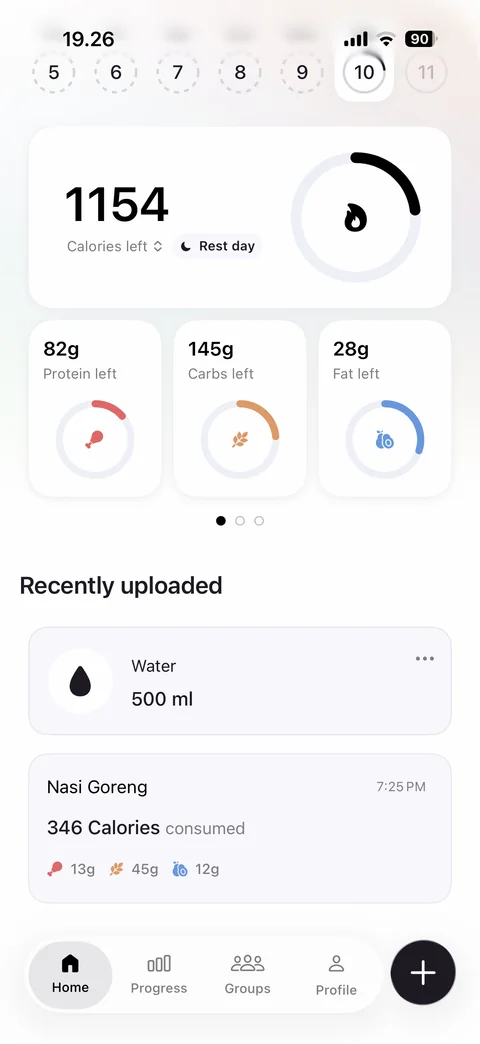
Home scrolled: recently uploaded list with water entry and Nasi Goreng card showing time, calories consumed and macro chips
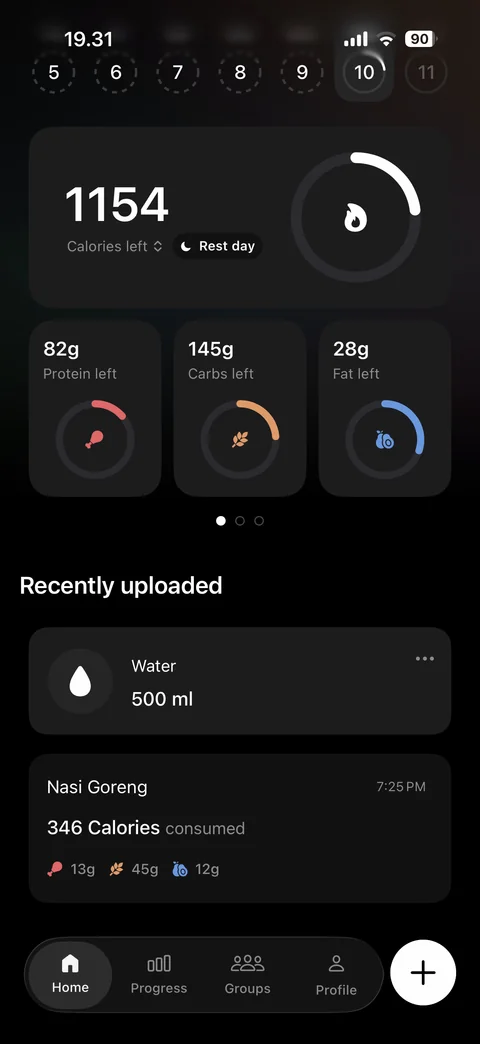
Home in dark mode: dark cards with calories left ring, macro rings, recently uploaded water and Nasi Goreng entries, dark tab bar and white plus button
Cal AI home / log water (3 screens)
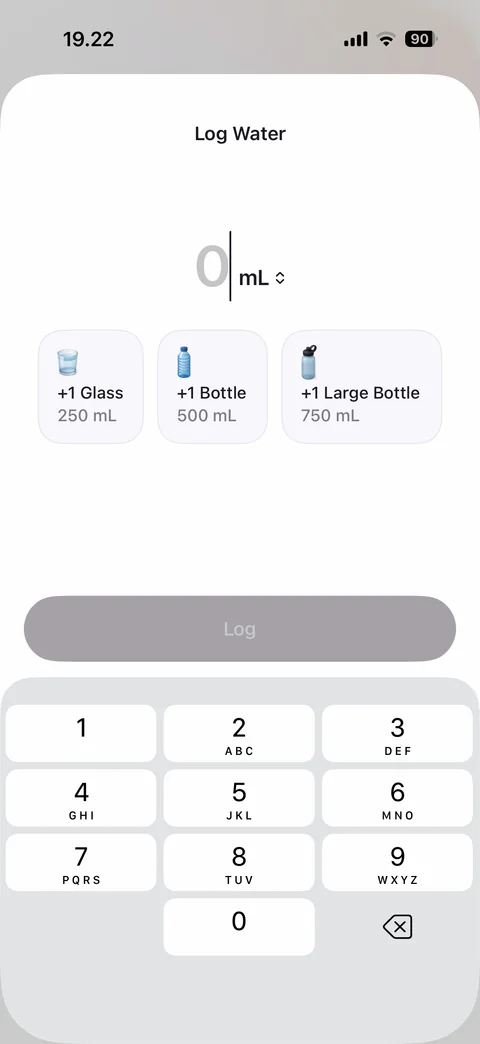
Log water sheet: 0 mL value with unit switch, quick add tiles +1 glass 250, +1 bottle 500, +1 large bottle 750, disabled Log, number pad
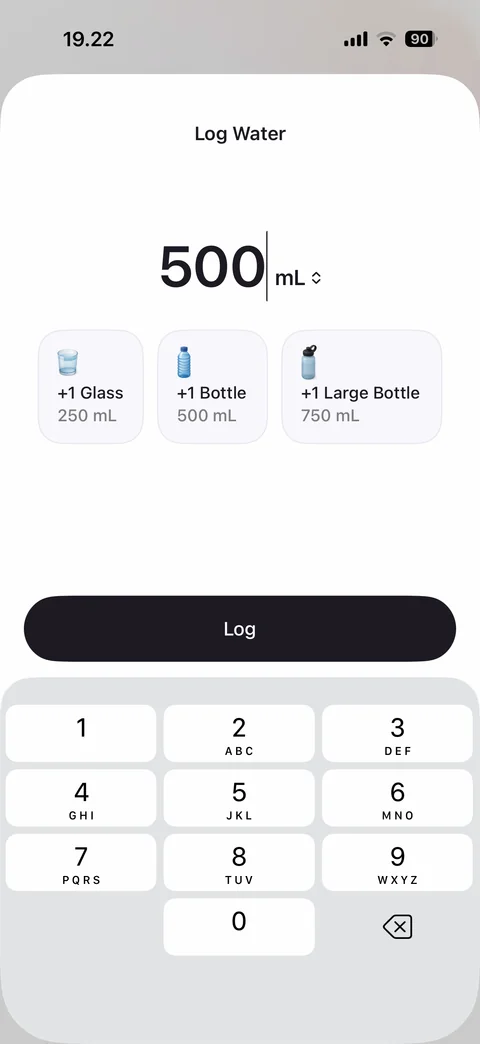
Log water filled: 500 mL entered after quick add bottle, Log button enabled, number pad
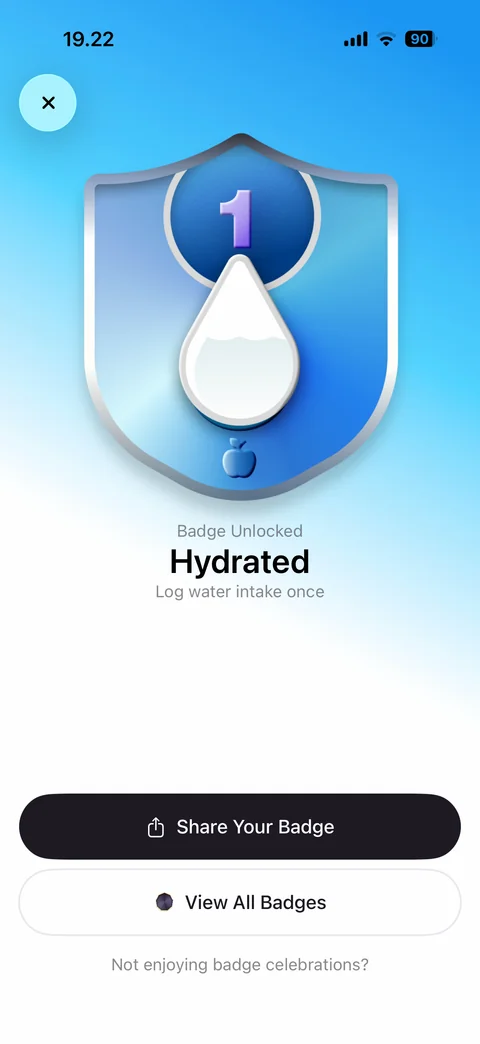
Badge unlocked celebration: confetti on blue gradient, shield badge with water drop and level 1, Hydrated title, log water once description, Share Your Badge, View All Badges, opt out link
Cal AI log food (2 screens)
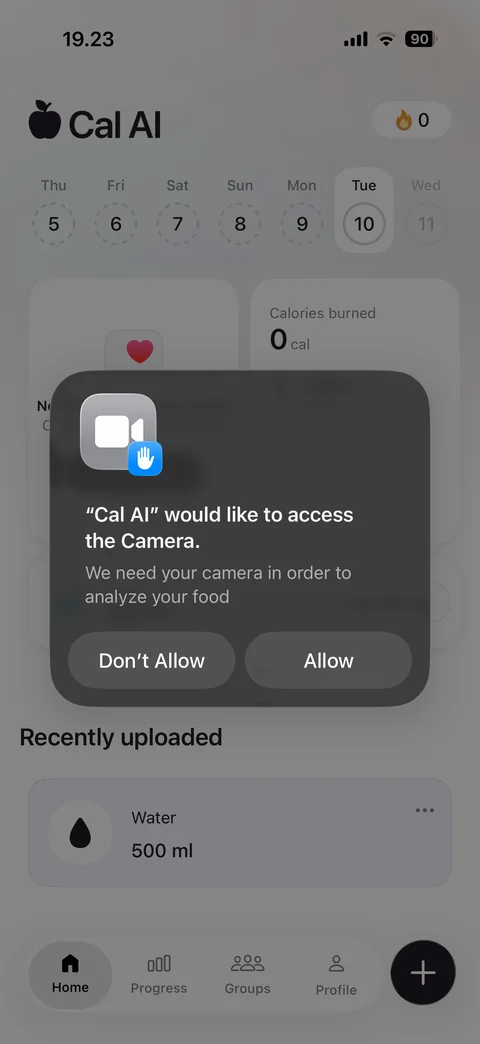
Camera permission prompt from plus: Cal AI would like to access the camera to analyze your food, Don't Allow or Allow, home with logged water behind
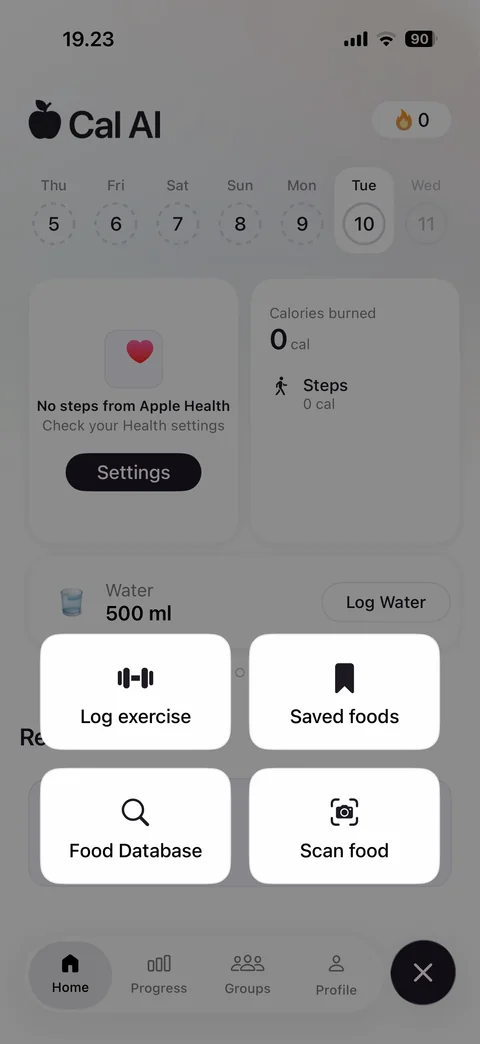
Plus action menu: four tiles Log exercise, Saved foods, Food Database, Scan food over dimmed home, close button
Cal AI log food / food database (5 screens)
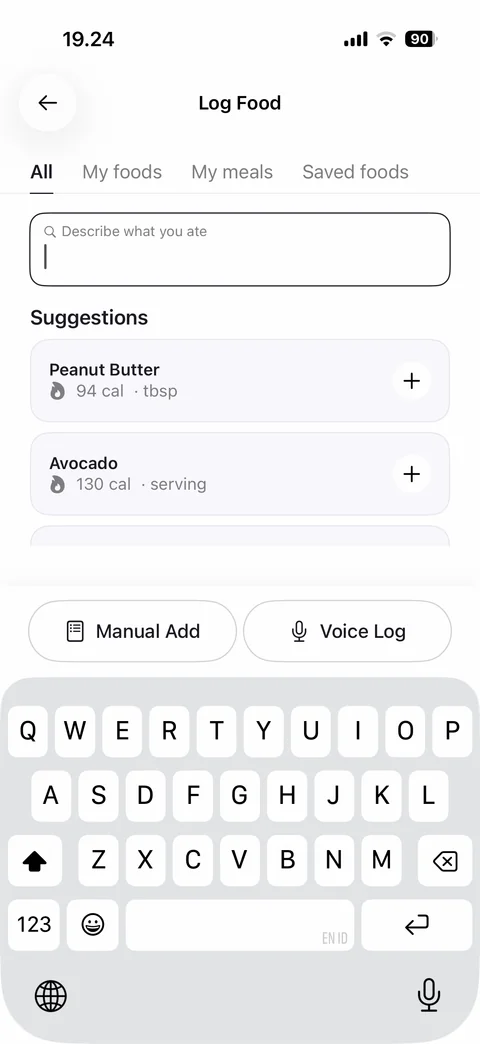
Log food: All, My foods, My meals, Saved foods tabs, describe what you ate search, suggestions with calories and add buttons, Manual Add and Voice Log, keyboard open
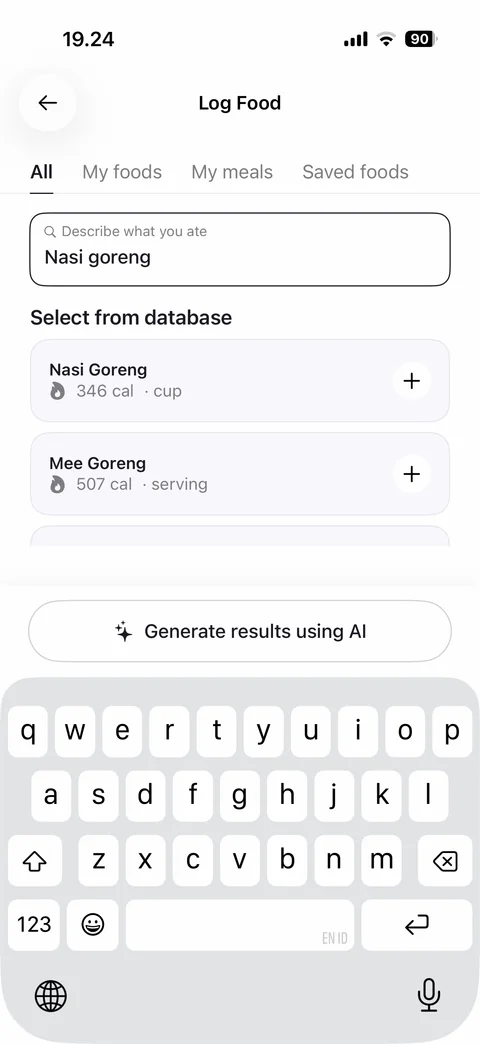
Food search results: nasi goreng typed, select from database list with calories and serving, add buttons, Generate results using AI button, keyboard open
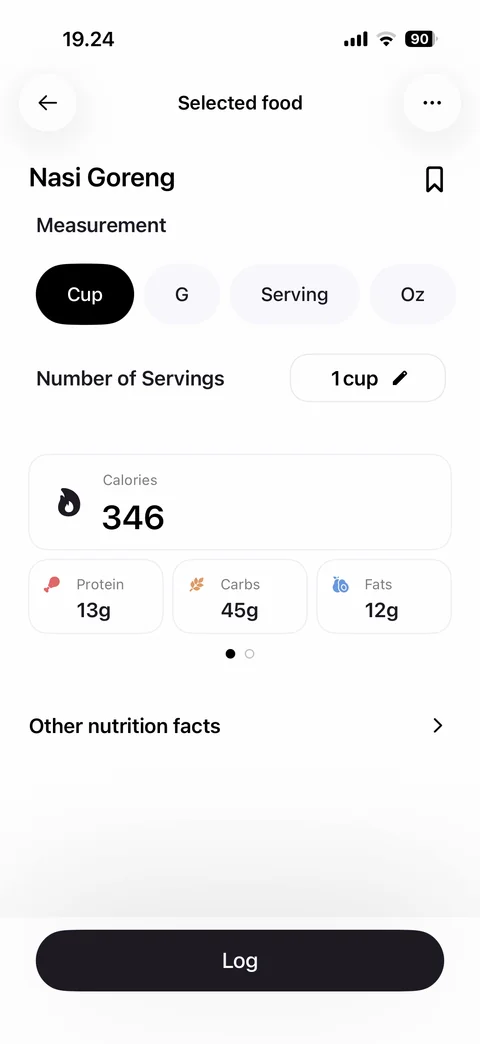
Selected food detail: Nasi Goreng title with bookmark, measurement chips Cup, G, Serving, Oz, number of servings edit, calories card, protein, carbs, fats tiles with page dots, other nutrition facts, Log
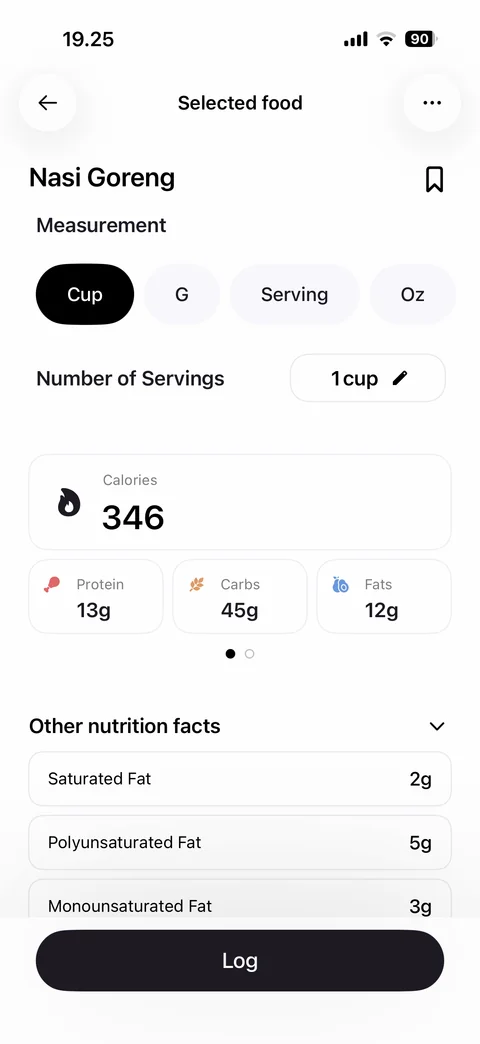
Other nutrition facts expanded: saturated, polyunsaturated, monounsaturated fat rows with grams under macro tiles, Log
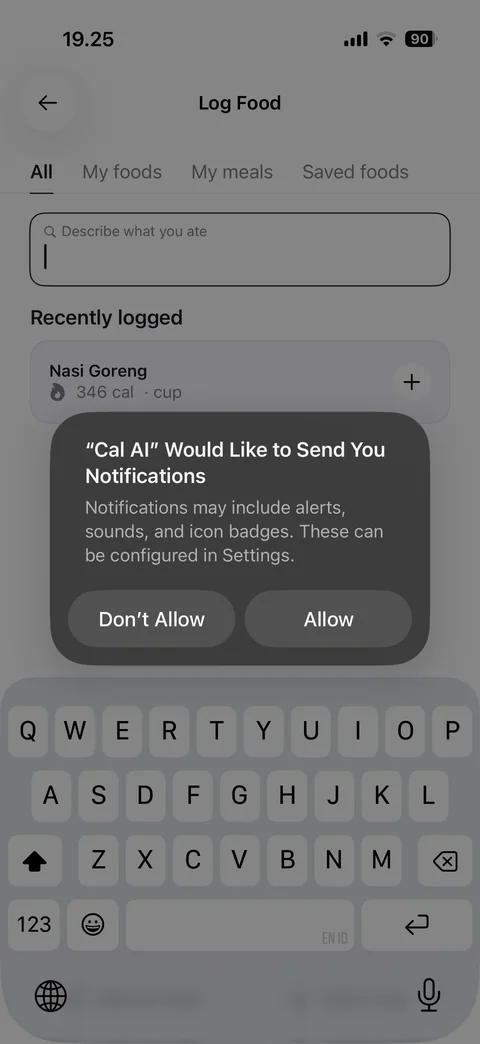
Notification permission alert after first log: Cal AI would like to send you notifications, Don't Allow or Allow, recently logged food behind
Cal AI profile (3 screens)
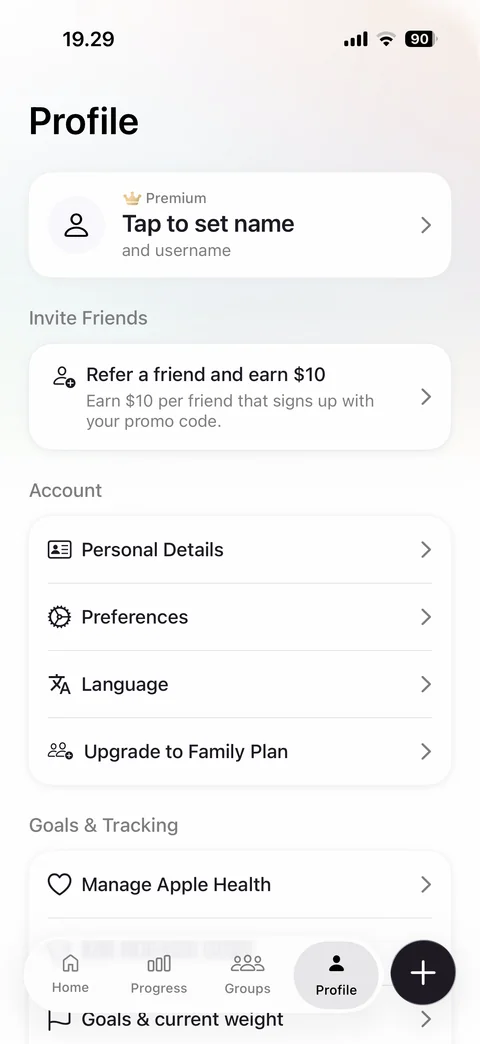
Profile: premium crown badge, tap to set name and username card, refer a friend and earn 10 dollars card, account section (personal details, preferences, language, upgrade to family plan), goals and tracking section (manage Apple Health, goals and current weight)
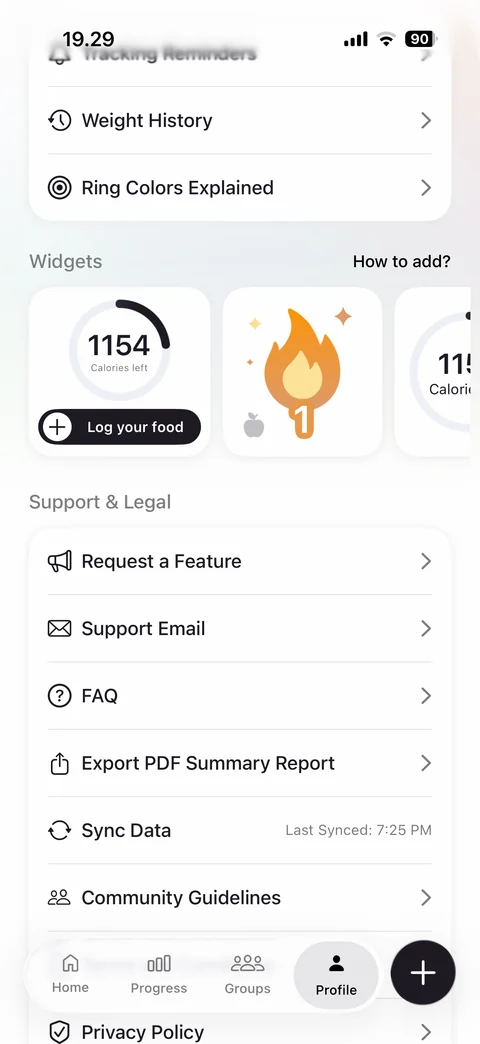
Profile scrolled: weight history, ring colors explained, widgets carousel previews (calories left with log food, streak flame), how to add link, support and legal list (request feature, support email, FAQ, export PDF report, sync data with last synced, community guidelines, privacy policy)
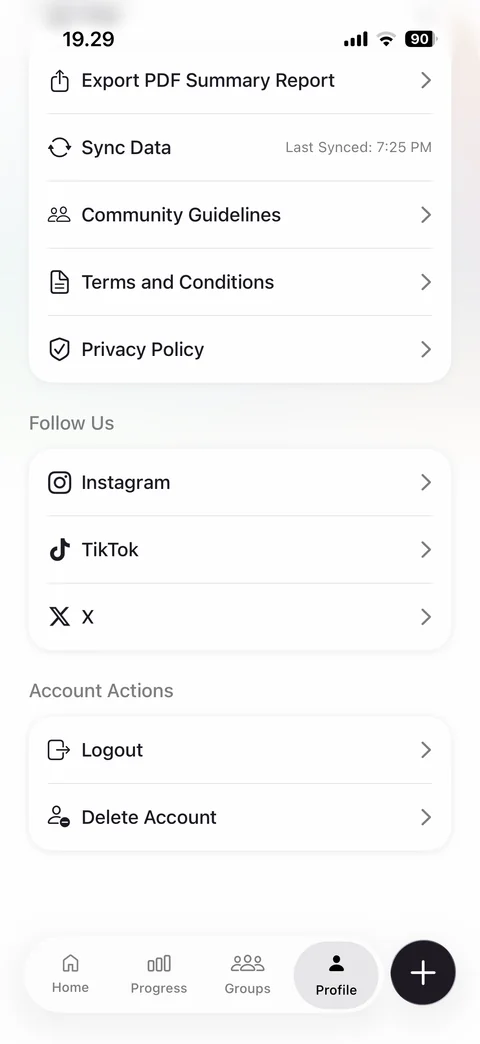
Profile bottom: terms and privacy, follow us Instagram, TikTok, X, account actions Logout and Delete Account
Cal AI profile / milestones (1 screen)
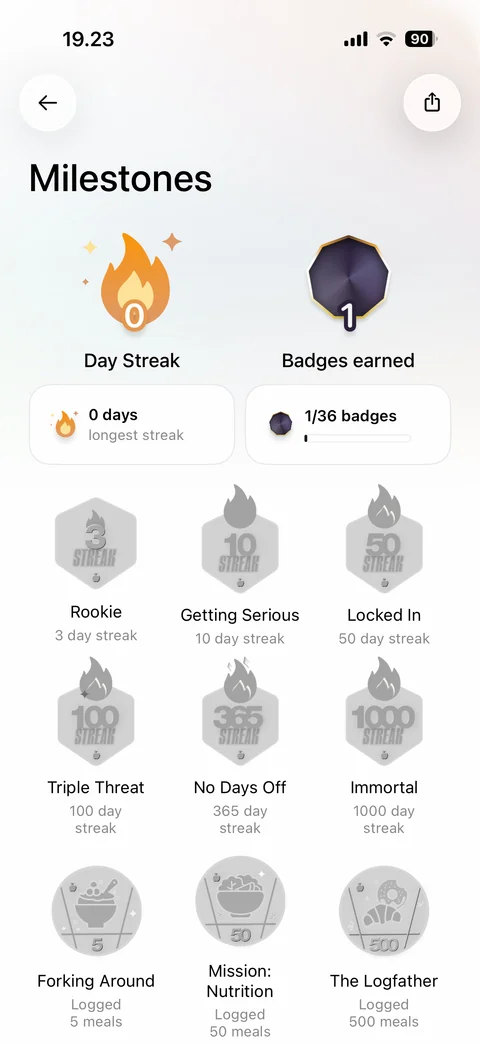
Milestones: day streak flame and badges earned counts, longest streak and badge progress cards, locked badge grid with streak and meal logging achievements, share
Cal AI profile / settings (5 screens)
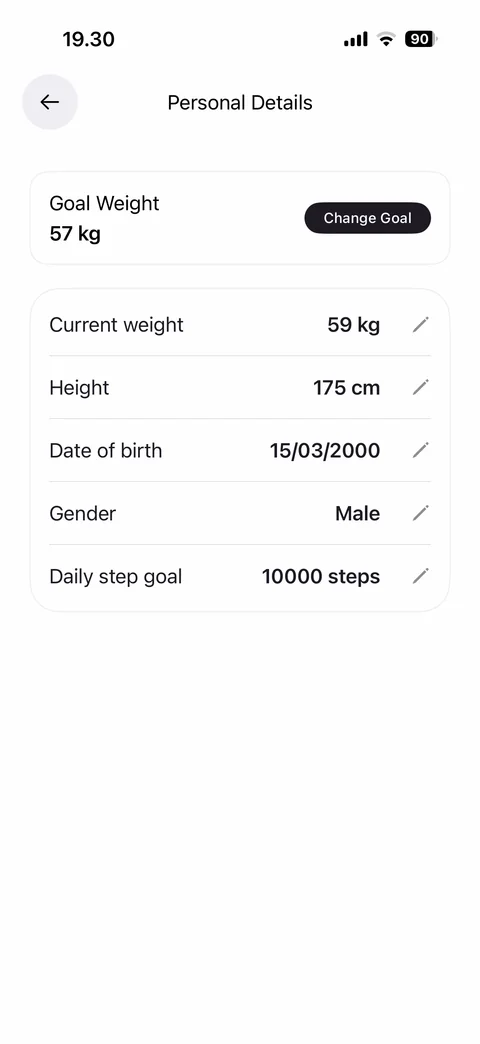
Personal details: goal weight card with Change Goal, editable rows current weight, height, date of birth, gender, daily step goal with pencil icons
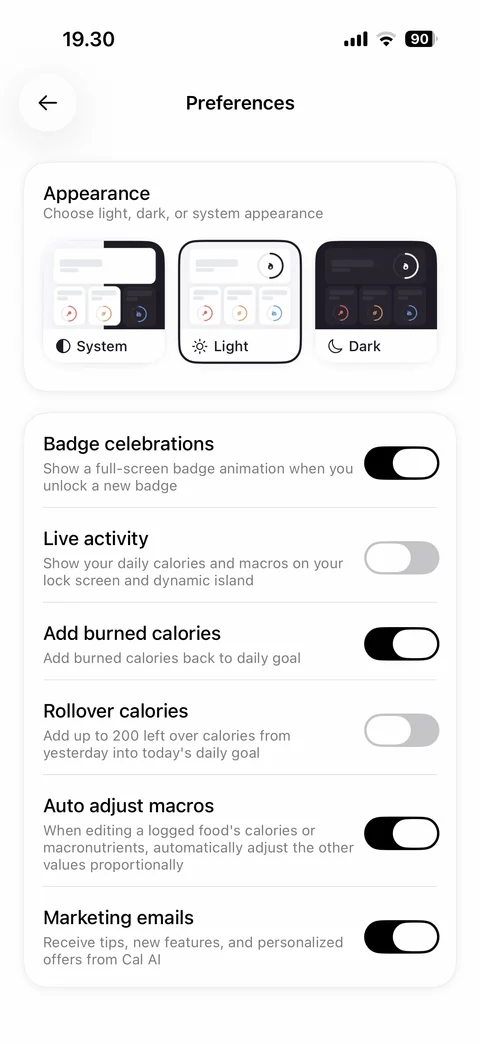
Preferences: appearance picker with System, Light selected, Dark preview cards, toggles with descriptions (badge celebrations, live activity, add burned calories, rollover calories, auto adjust macros, marketing emails)
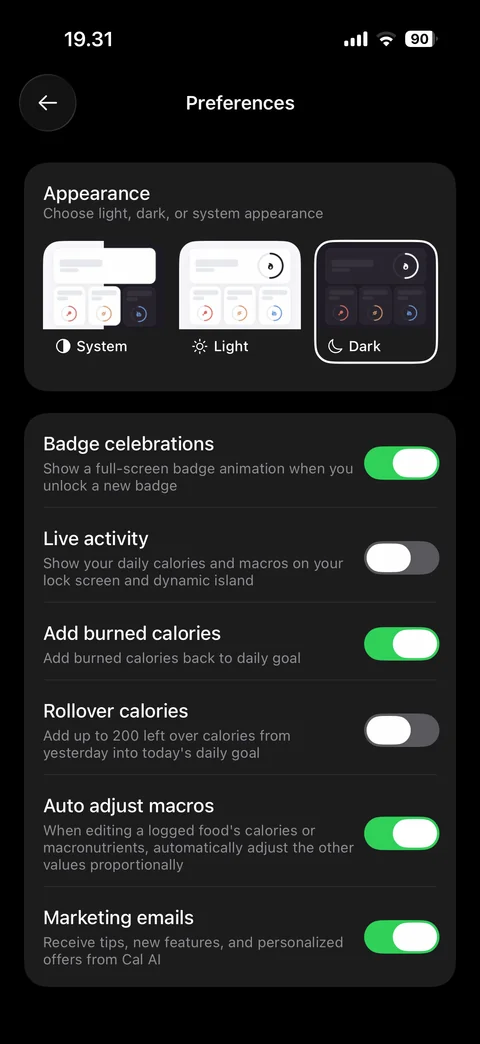
Preferences in dark mode: Dark appearance selected, dark cards, green toggles
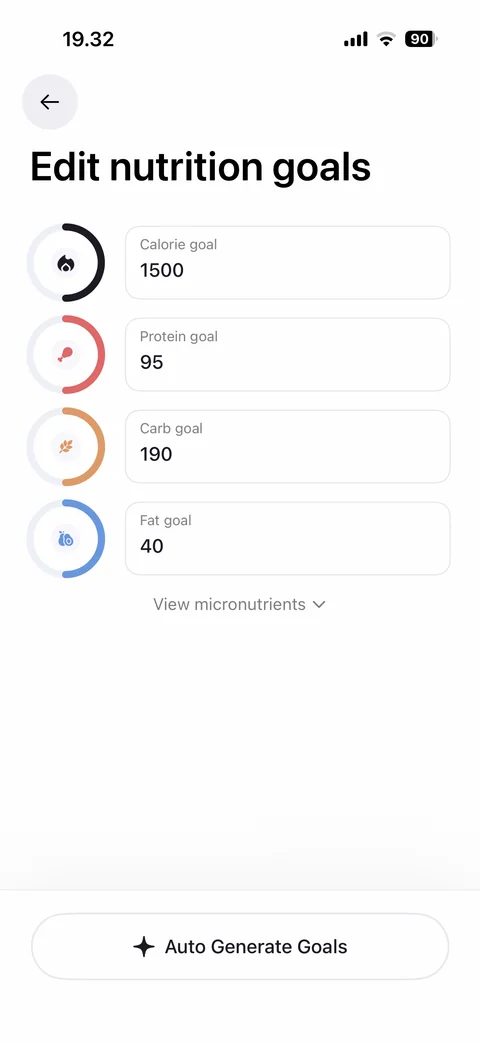
Edit nutrition goals: calorie, protein, carb, fat goal fields each with colored progress ring icon, view micronutrients expander, Auto Generate Goals with sparkle
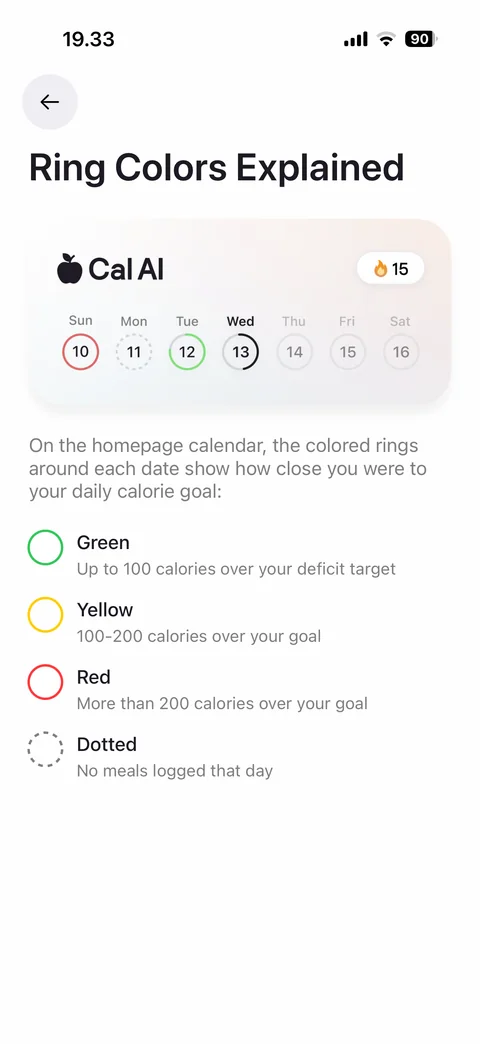
Ring colors explained: sample week calendar header with colored date rings and streak, explanation text, legend Green, Yellow, Red, Dotted with meanings
Cal AI progress (4 screens)
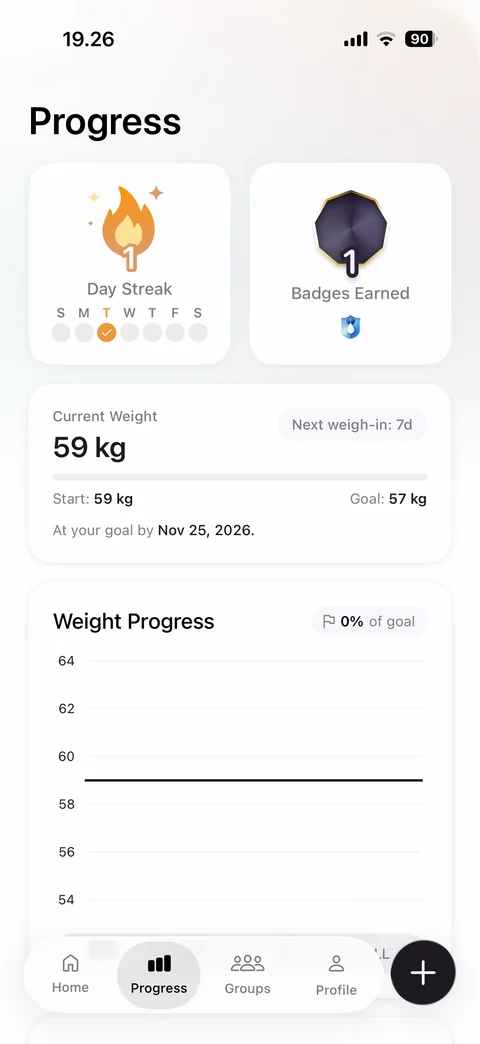
Progress: day streak card with week dots, badges earned card, current weight card with start, goal, progress bar, next weigh-in chip and goal date, weight progress line chart with percent of goal
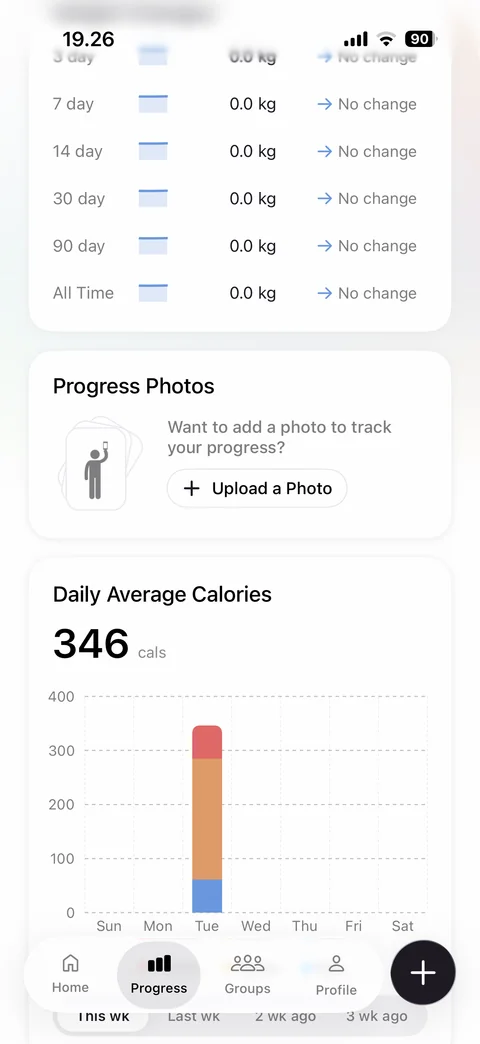
Progress scrolled: weight changes table by period with no change, progress photos card with upload a photo, daily average calories stacked bar chart by weekday, week range tabs
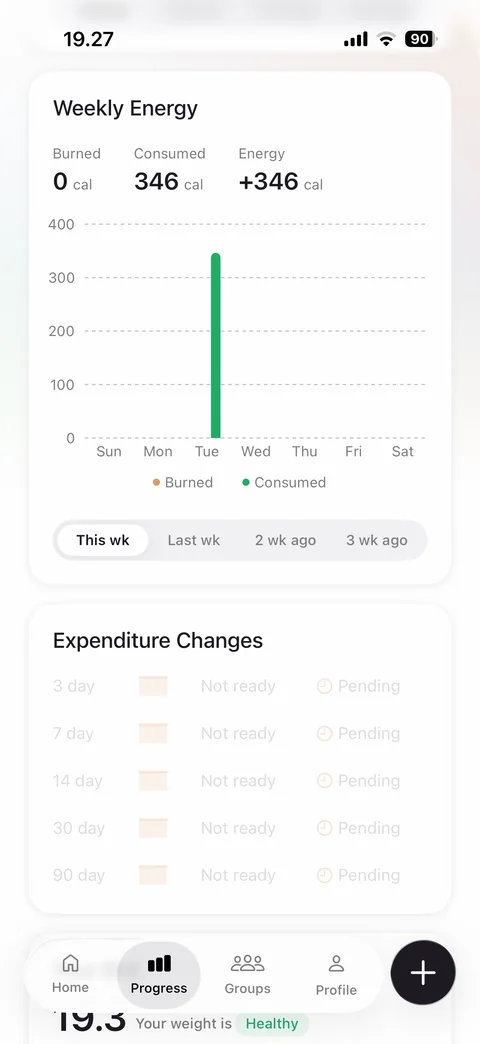
Progress scrolled more: weekly energy card with burned, consumed and net energy, bar chart by weekday with legend, week range tabs, expenditure changes table pending state
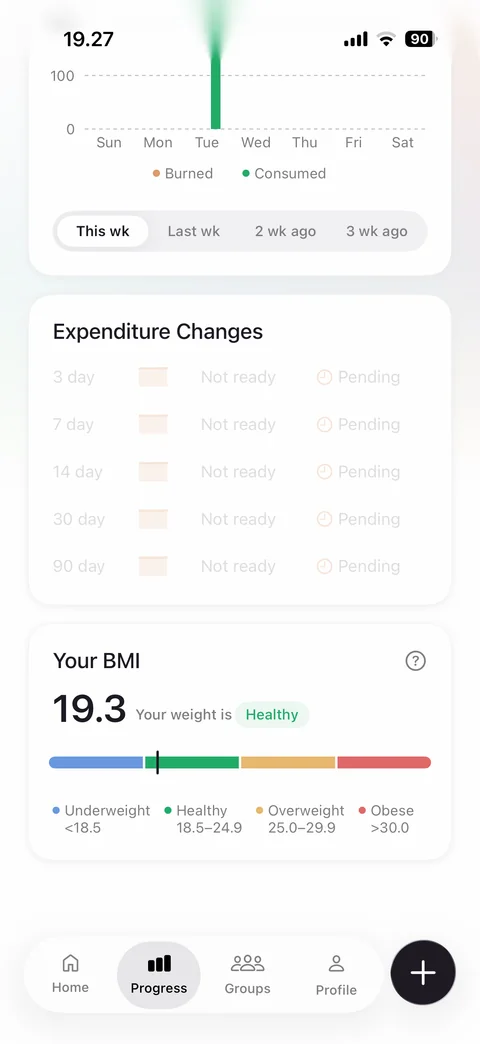
Progress bottom: expenditure changes pending, your BMI card with 19.3 value, healthy chip, color scale bar with marker and category legend, help
Cal AI groups (4 screens)
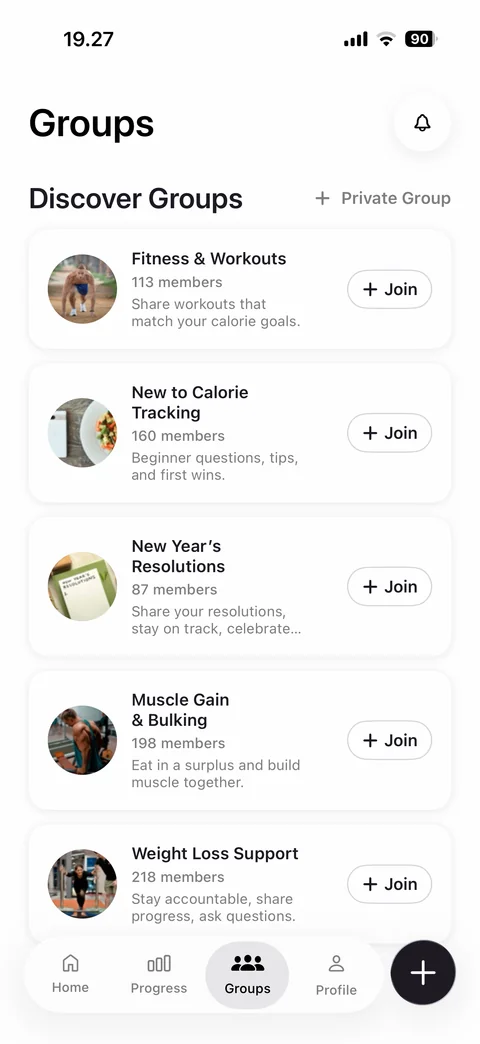
Groups: notifications bell, discover groups list with photo, name, member count, description and Join buttons, create private group link
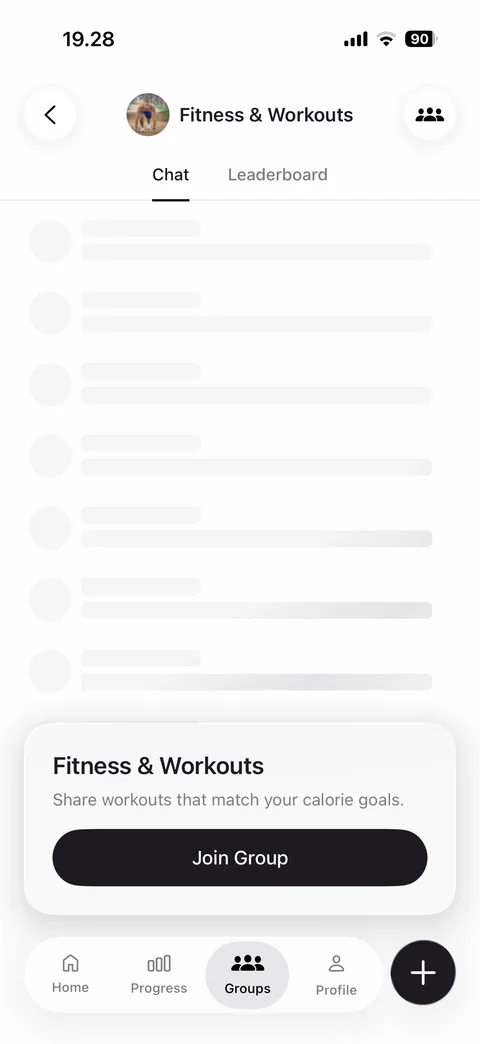
Group preview before joining: group header with photo and members button, Chat and Leaderboard tabs, skeleton loading chat placeholder, join card with description and Join Group button
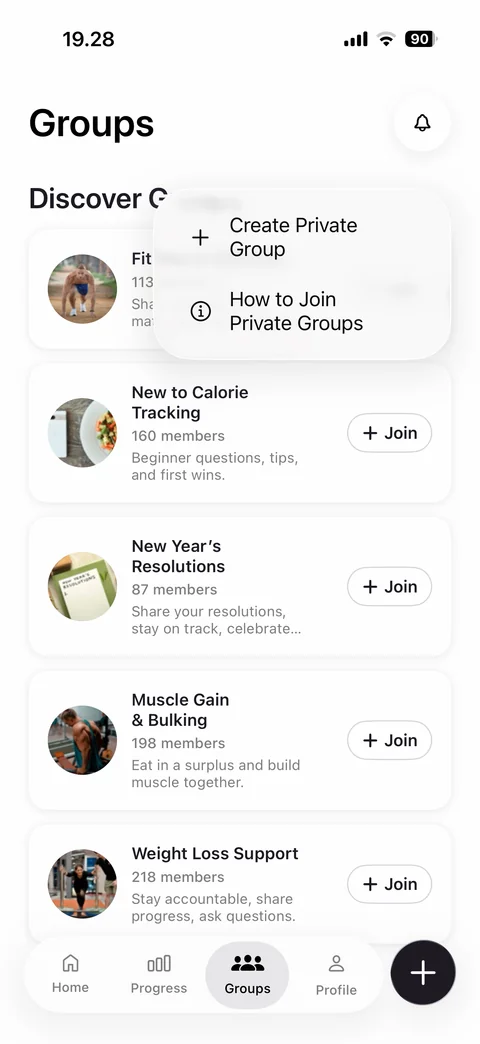
Private group menu: Create Private Group and How to Join Private Groups options in popover over groups list
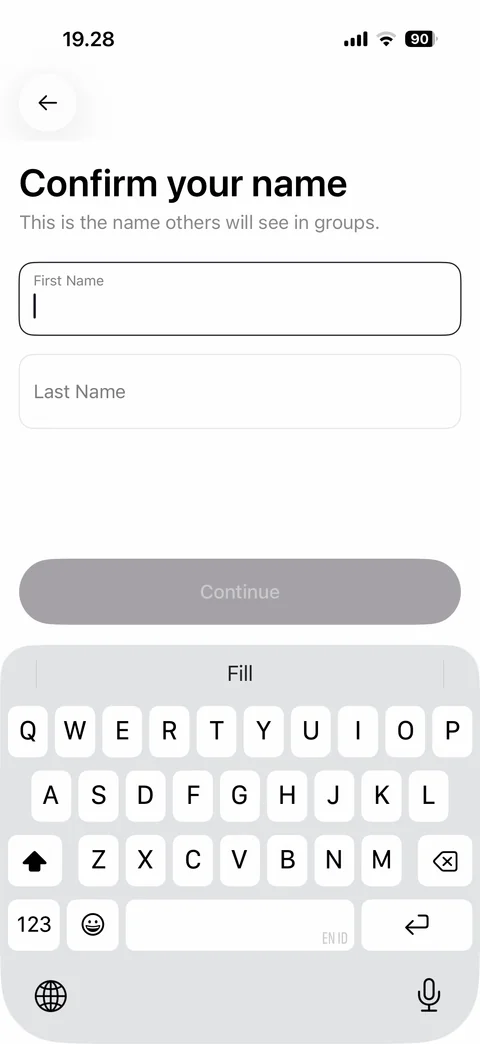
Confirm your name before groups: name others will see, first and last name fields, disabled Continue, keyboard with AutoFill bar