RISE app design: 85 real screens in 7 flows
Become a morning person. Category: Health & Fitness. By Rise Science Inc.
Captured on iPhone and updated November 2026. Each screen has a short note on what it shows and why it matters for growth.
RISE onboarding (38 screens)
Story intro 1 (dark): Have an account? Login link top right, purple line-art pill capsule with rays, purple text Imagine I told you there was a drug that gave you..., purple Next button
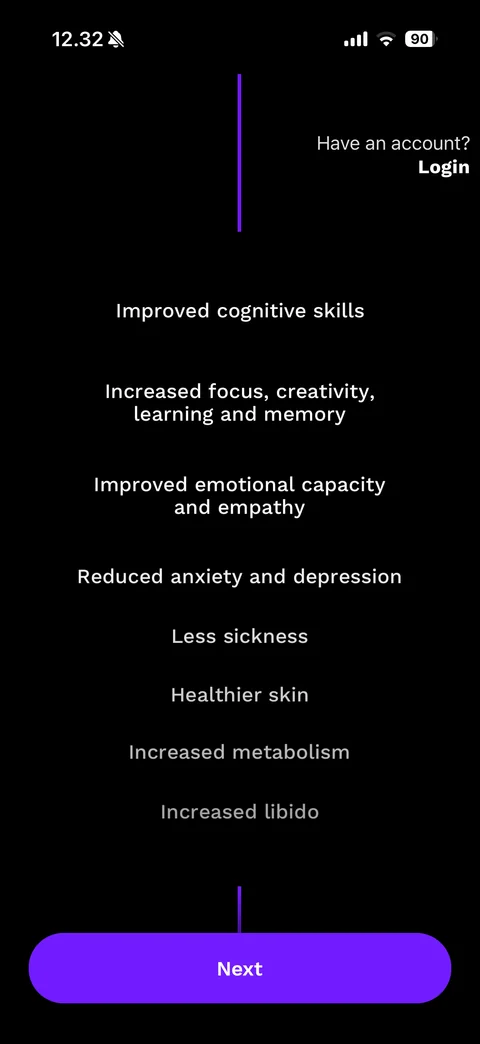
Story intro 2: vertical purple connector line, centred list of benefits fading downward (Improved cognitive skills, Increased focus, Improved emotional capacity, Reduced anxiety, Less sickness, Healthier skin, Increased metabolism, Increased libido), Next button
Story intro 3: continuous purple line drawing of two sleeping faces on pillows, purple headline That drug is Sleep., white text There's a lot out there about sleep. But based on science..., Next button
Story intro 4: purple connector line, purple headline RISE tailors solutions to your biology, lifestyle and needs., white subtext about uncovering sleep and energy patterns, Next button
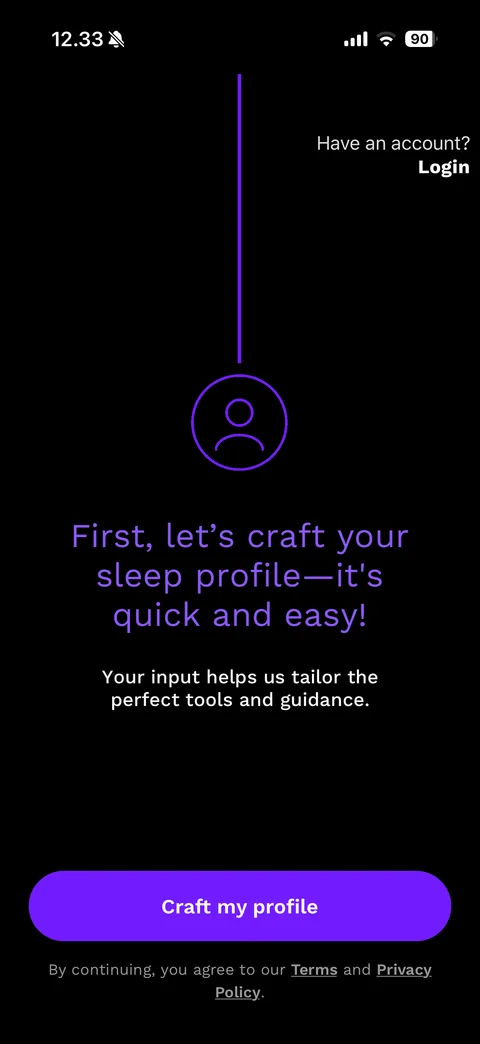
Profile intro: purple line ending in a circled person icon, headline First, let's craft your sleep profile - it's quick and easy!, helper text, Craft my profile button, Terms and Privacy Policy consent
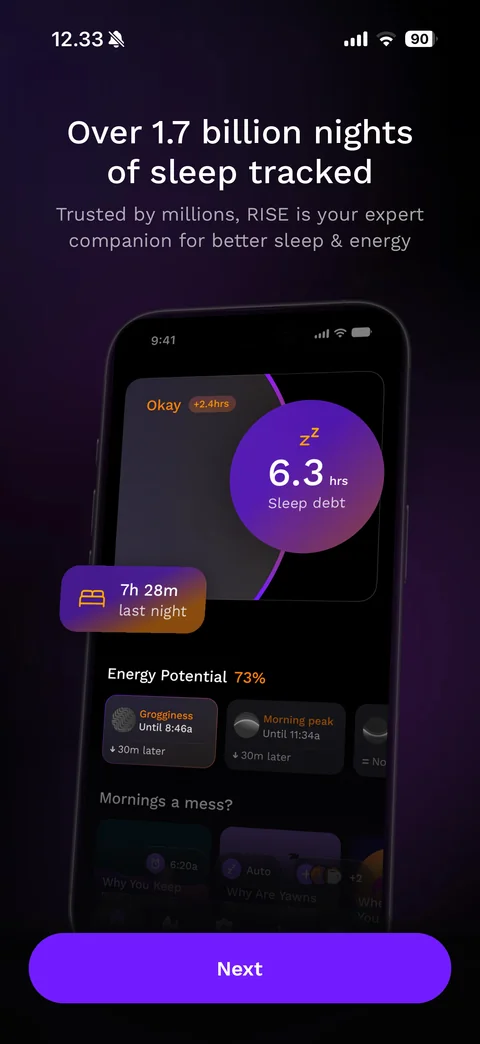
Social proof: Over 1.7 billion nights of sleep tracked, trusted by millions subtitle, phone mockup of the dark home with 6.3 hrs sleep debt purple ring, floating 7h 28m last night chip, Energy Potential 73% with grogginess and morning peak cards, Next button
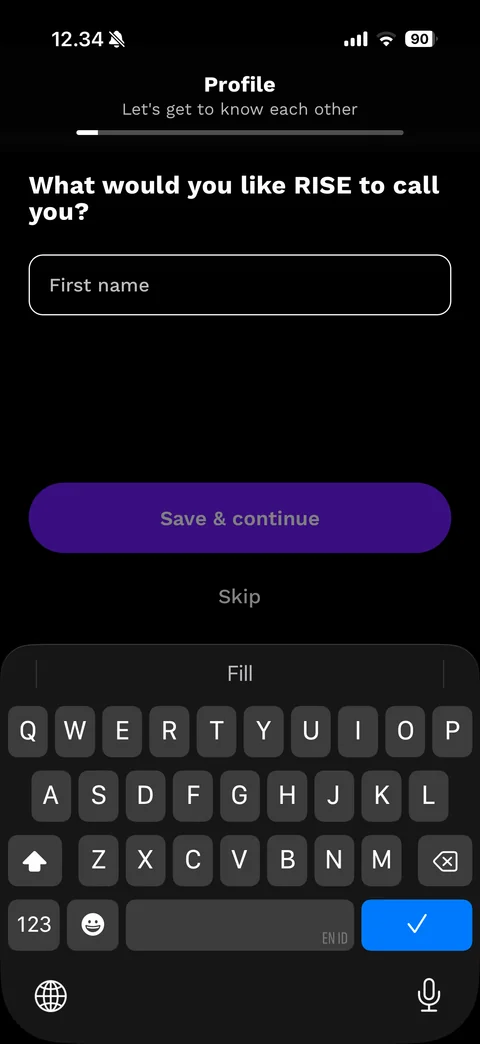
Profile name step: Profile header with Let's get to know each other and progress bar, What would you like RISE to call you?, outlined First name field focused, dim Save & continue button, Skip link, dark keyboard
Greeting step: purple and magenta blurred gradient background, yellow waving hand icon, large Nice to meet you, Marvlous with bold name, Continue button
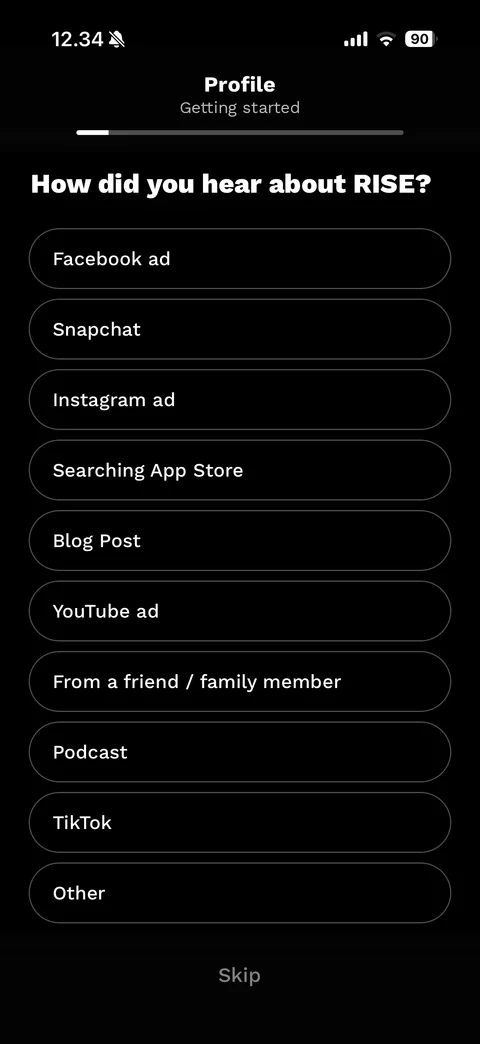
Attribution step (dark): Profile Getting started header with progress bar, How did you hear about RISE?, outlined pill options (Facebook ad, Snapchat, Instagram ad, Searching App Store, Blog Post, YouTube ad, friend or family, Podcast, TikTok, Other), Skip link
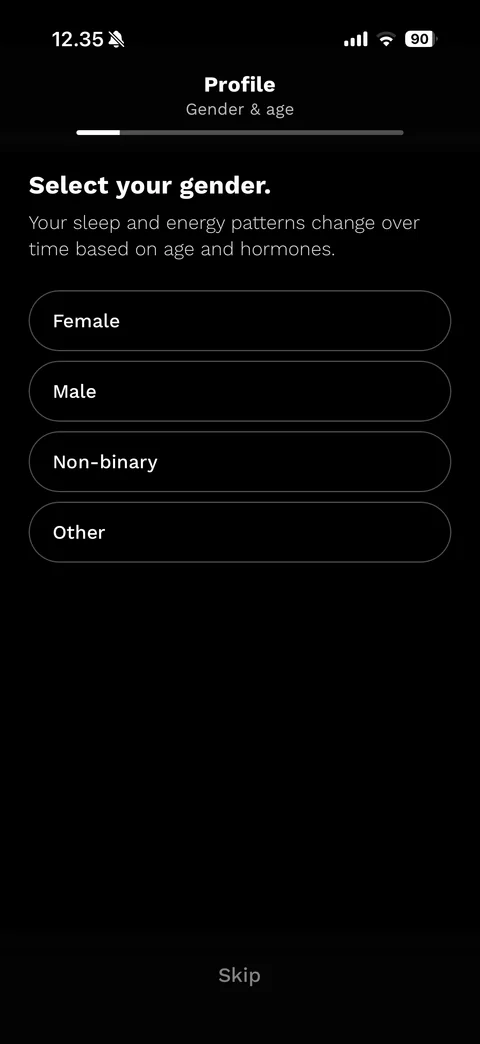
Gender step: Profile Gender & age header, Select your gender., reason text about hormones, outlined options Female, Male, Non-binary, Other, Skip link
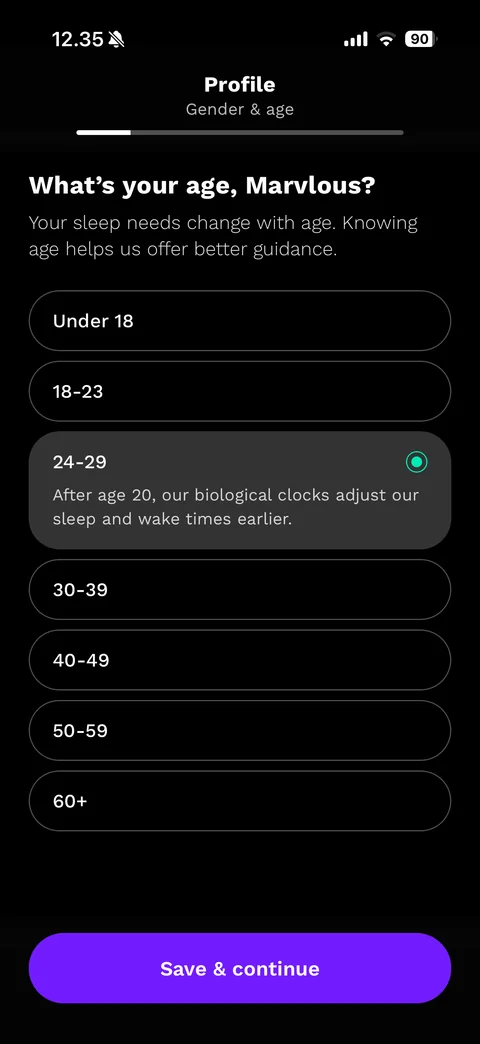
Age step: What's your age, Marvlous? with personalised name, reason text, outlined age range pills (Under 18 to 60+) with 24-29 selected, Save & continue button, Skip link
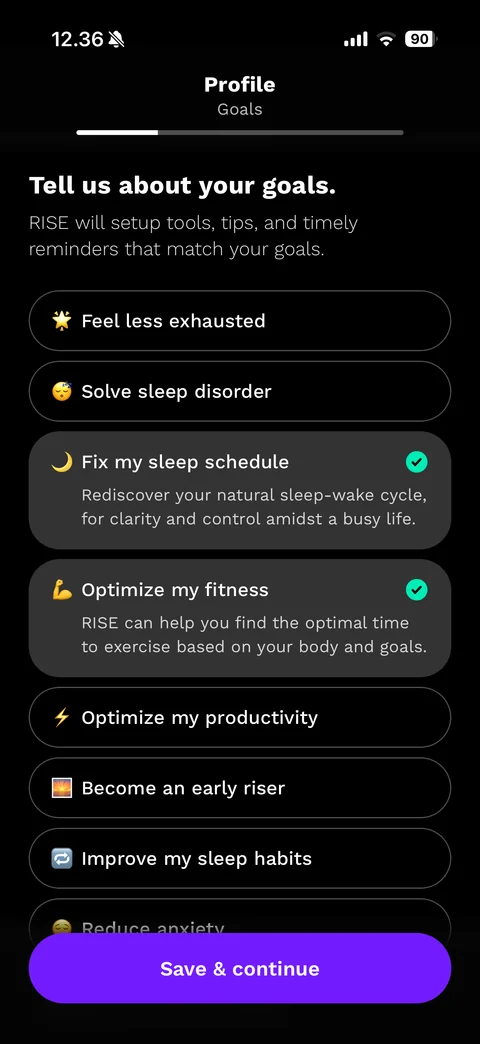
Goals step: Profile Goals header, Tell us about your goals., reason text, emoji pill options (Feel less exhausted, Solve sleep disorder, Fix my sleep schedule, Optimize my fitness, Optimize my productivity, Become an early riser, Improve my sleep habits, Reduce anxiety) with two selected, Save & continue, Skip
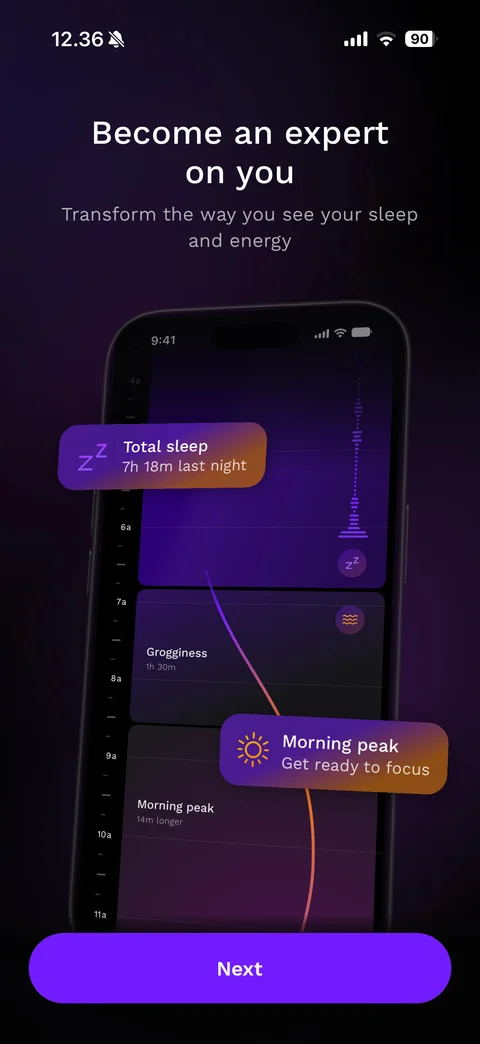
Feature showcase: Become an expert on you, phone mockup of the energy schedule timeline with a gradient curve, floating Total sleep 7h 18m chip and Morning peak Get ready to focus chip, Next button
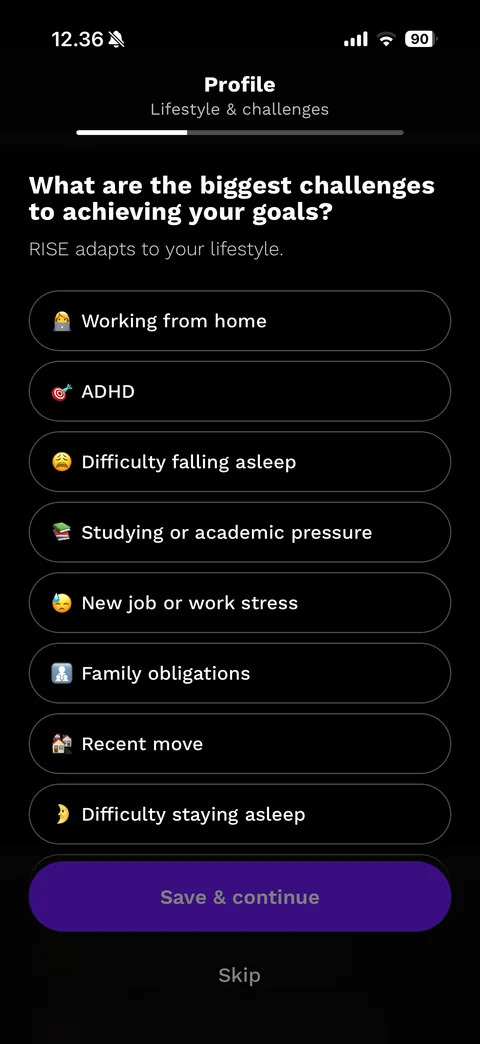
Challenges step: Profile Lifestyle & challenges header, What are the biggest challenges to achieving your goals?, emoji pill options (Working from home, ADHD, Difficulty falling asleep, Studying or academic pressure, New job or work stress, Family obligations, Recent move, Difficulty staying asleep), dim Save & continue, Skip
Tracker question: Do you currently track your sleep with a smart watch or fitness tracker? with bold phrase, Yes with watch emoji and No pills, dim Save & continue, Skip
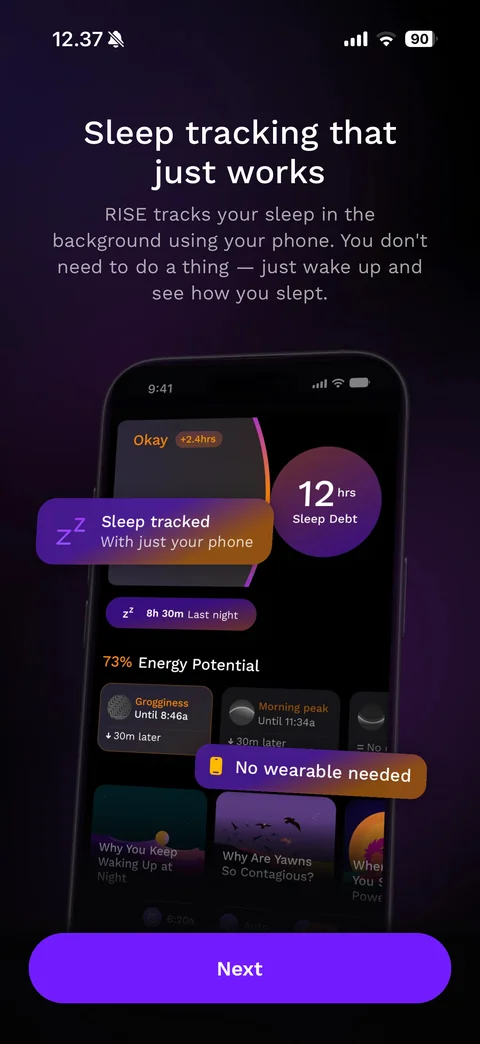
Feature showcase: Sleep tracking that just works, explanation of phone-based background tracking, home mockup with 12 hrs Sleep Debt ring, floating Sleep tracked With just your phone and No wearable needed chips, Next button
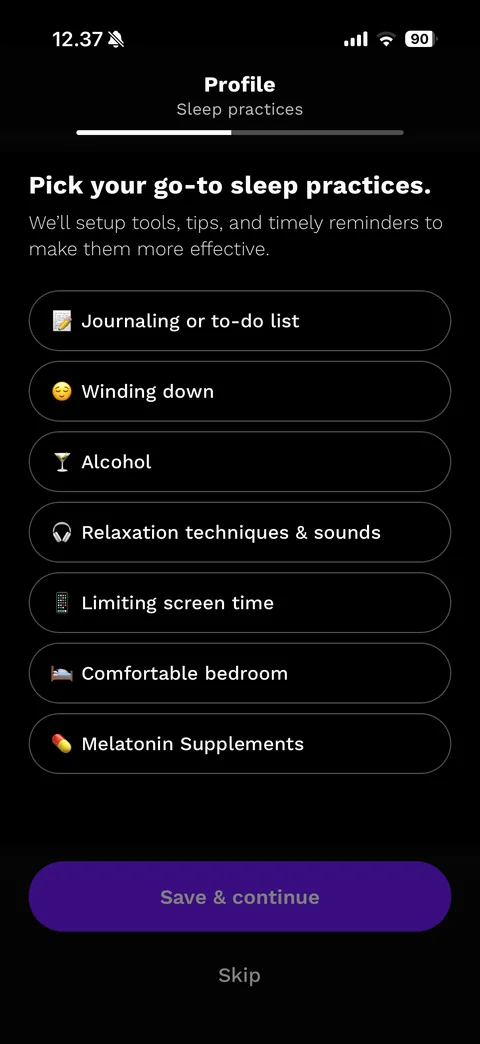
Sleep practices step: Profile Sleep practices header, Pick your go-to sleep practices., emoji pill options (Journaling, Winding down, Alcohol, Relaxation techniques & sounds, Limiting screen time, Comfortable bedroom, Melatonin Supplements), dim Save & continue, Skip
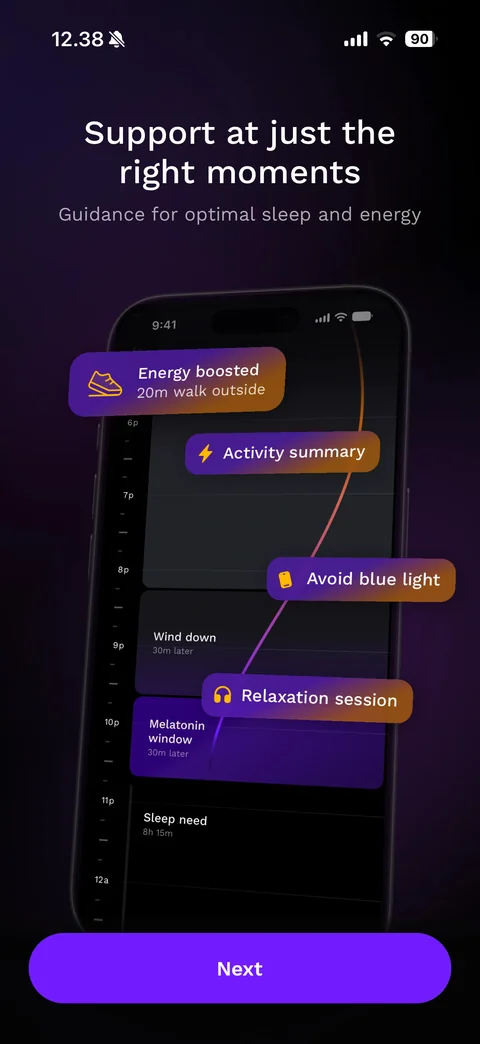
Feature showcase: Support at just the right moments, evening timeline mockup with gradient curve and floating chips Energy boosted 20m walk outside, Activity summary, Avoid blue light, Relaxation session, Melatonin window and Sleep need blocks, Next button
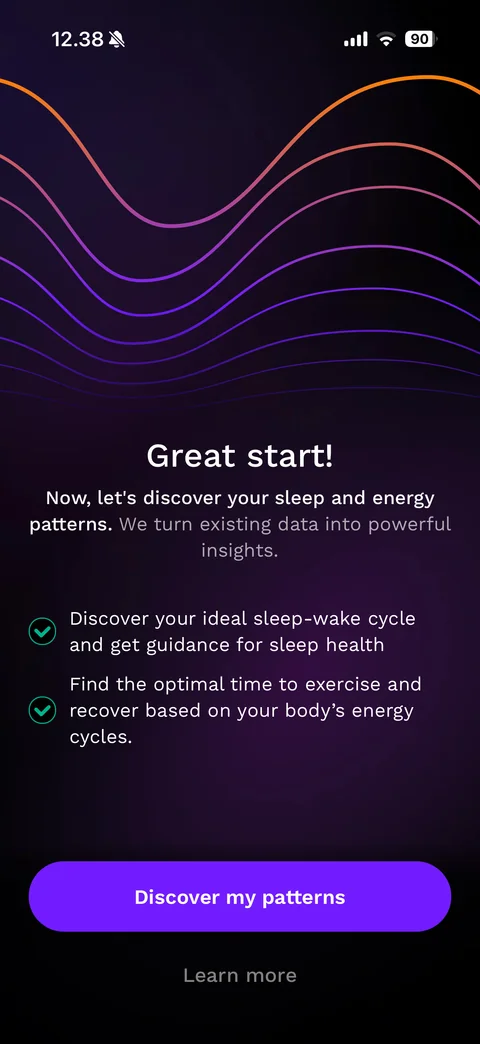
Data permission intro: orange to purple wave lines at top, Great start!, Now, let's discover your sleep and energy patterns with grey supporting text, two green check benefits, Discover my patterns button, Learn more link
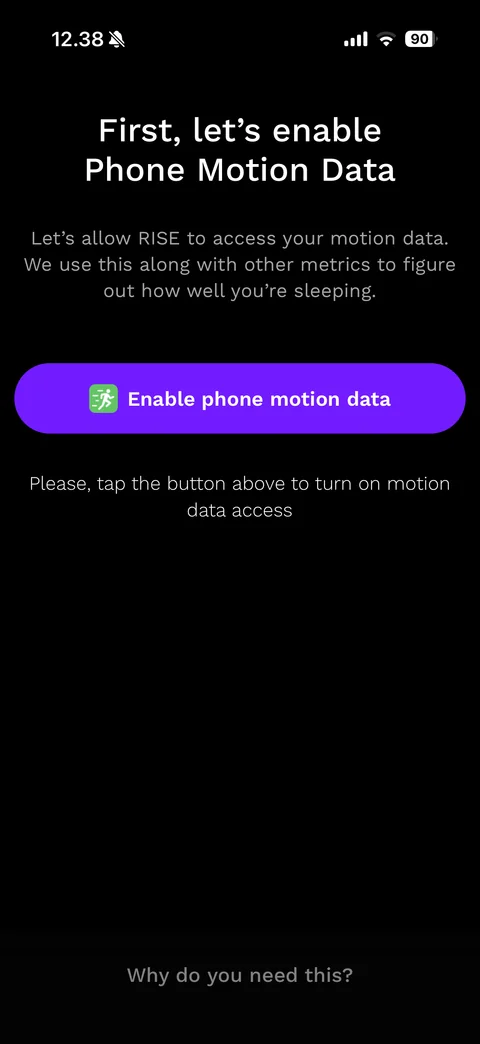
Motion data permission step: First, let's enable Phone Motion Data, explanation, purple Enable phone motion data button with green running icon, instruction text, Why do you need this? link
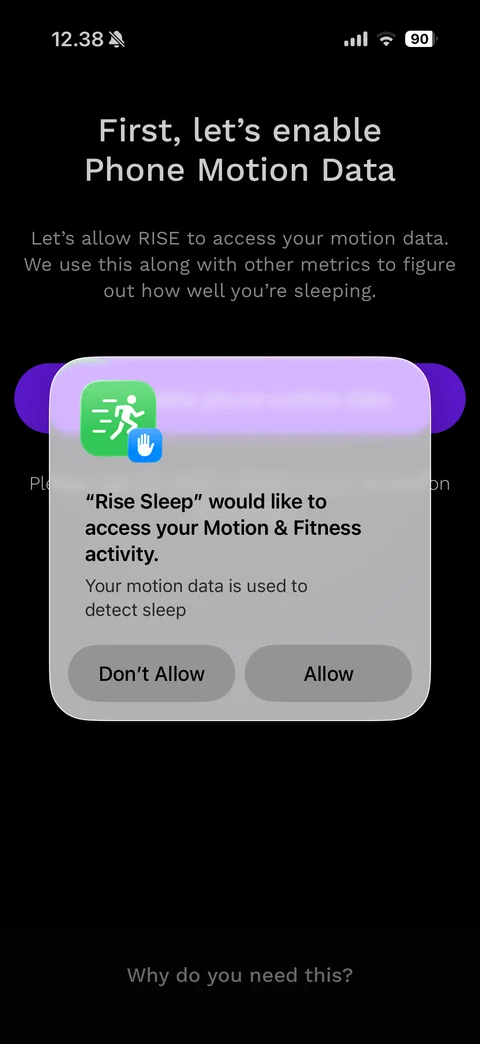
iOS Motion & Fitness permission alert: Rise Sleep would like to access your Motion & Fitness activity, reason Your motion data is used to detect sleep, Don't Allow and Allow buttons
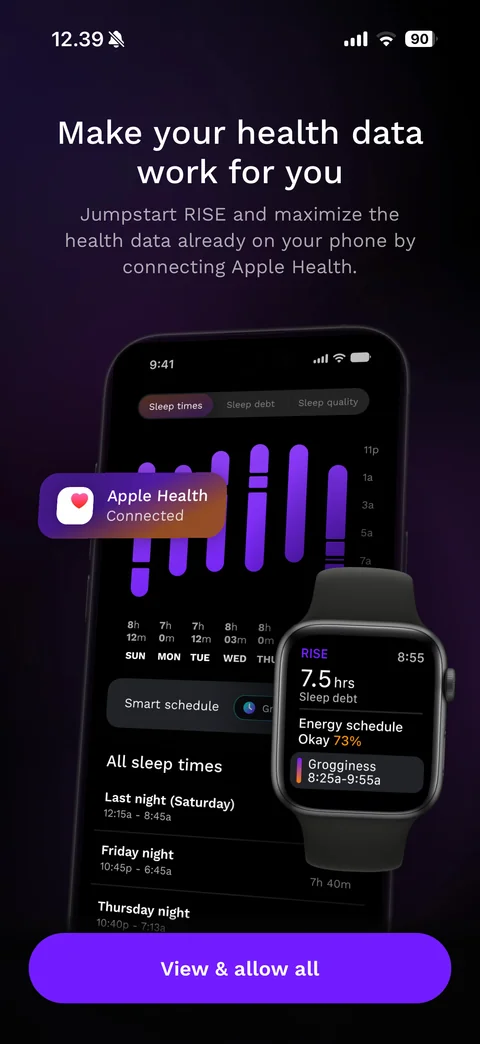
Apple Health intro: Make your health data work for you, connecting Apple Health explanation, phone mockup with weekly sleep-time bar chart and sleep list, floating Apple Health Connected chip, Apple Watch mockup with sleep debt and energy schedule, View & allow all button
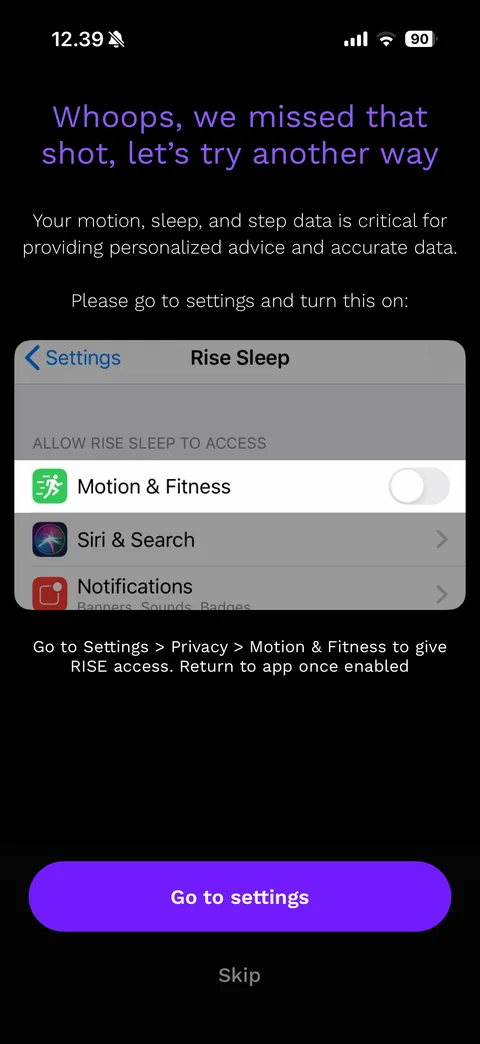
Permission denied recovery: purple headline Whoops, we missed that shot, let's try another way, why the data matters, screenshot of iOS Settings with Motion & Fitness toggle highlighted, path instruction, Go to settings button, Skip link
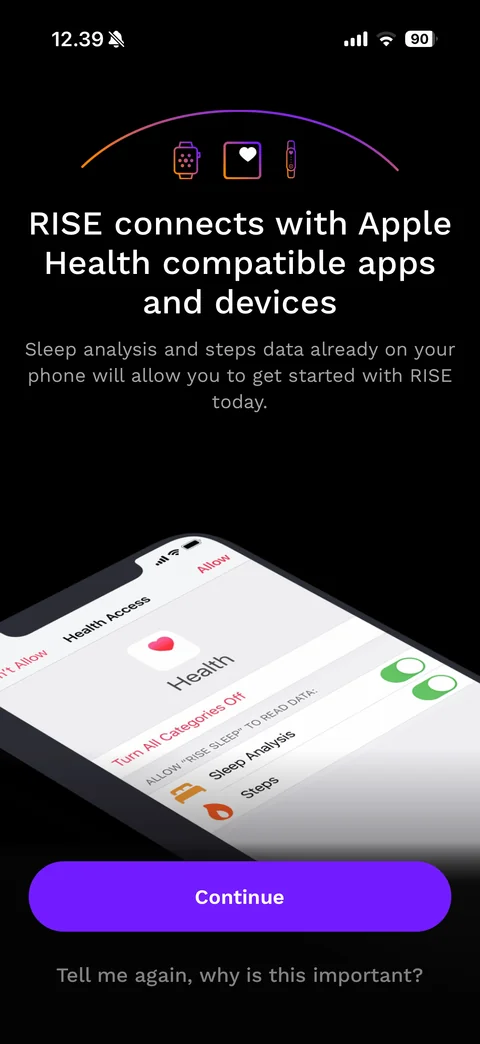
Health pre-permission: gradient arc with watch, heart and band icons, RISE connects with Apple Health compatible apps and devices, explanation, tilted phone mockup of the iOS Health Access sheet with Sleep Analysis and Steps toggles, Continue button, Tell me again, why is this important? link
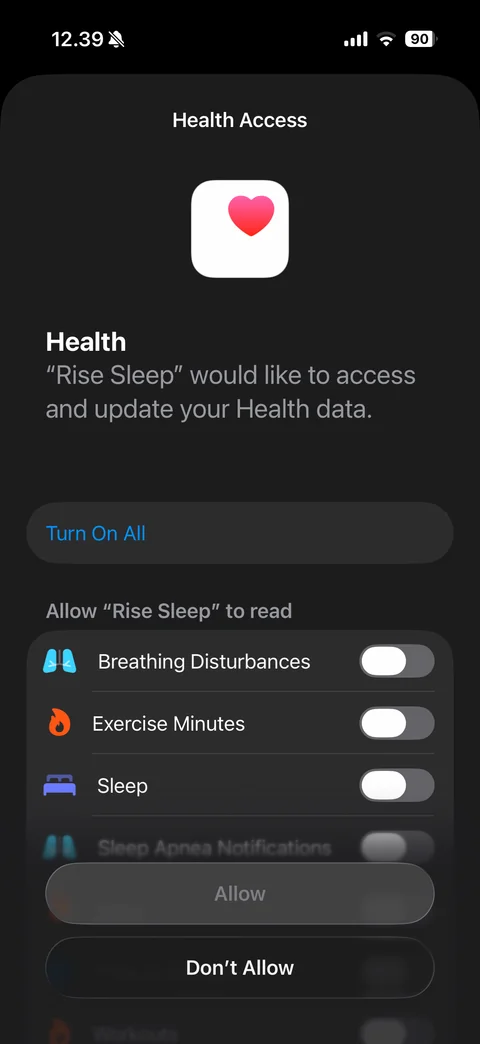
iOS Health Access sheet (dark): Health app icon, Rise Sleep would like to access and update your Health data, Turn On All, read categories list with toggles off (Breathing Disturbances, Exercise Minutes, Sleep, Sleep Apnea Notifications), disabled Allow and Don't Allow buttons
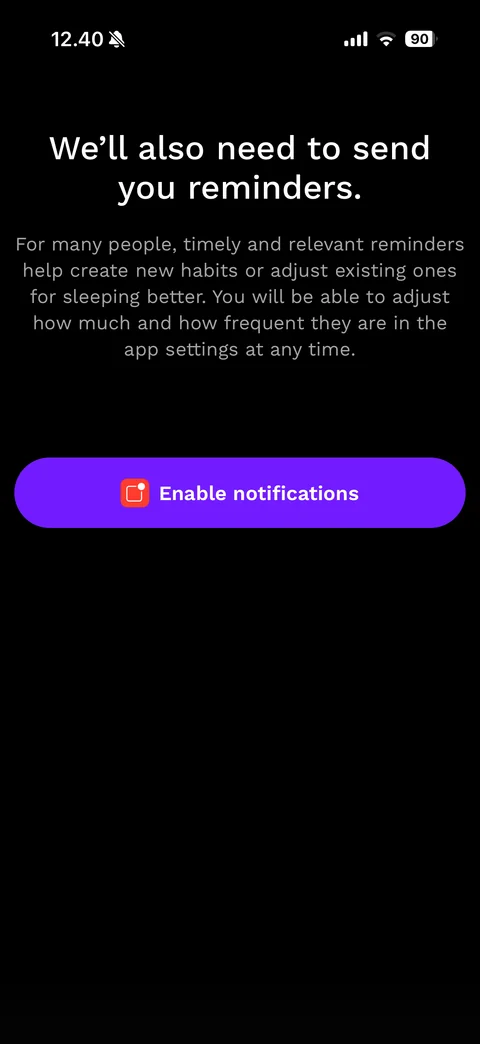
Notification permission step: We'll also need to send you reminders., explanation that reminders build habits and can be adjusted, purple Enable notifications button with red bell icon
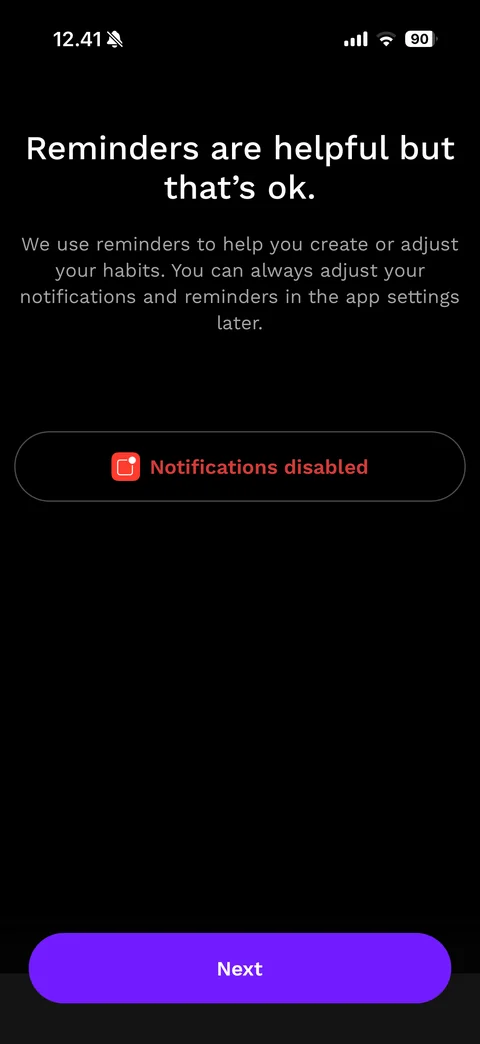
Notifications declined state: Reminders are helpful but that's ok., reassurance text, outlined status pill with red bell icon Notifications disabled in red, Next button
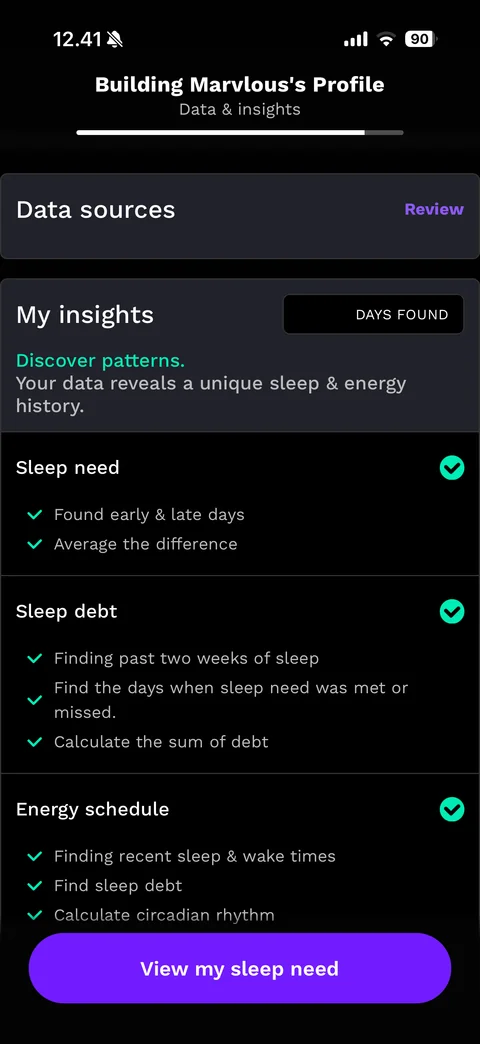
Profile building loader: Building Marvlous's Profile, Analyzing data... with progress bar, Data sources card with Phone motion progress bar and Apple health check list (Steps, Exercise minutes, Workouts, Sleep), My insights card with DAYS FOUND counter
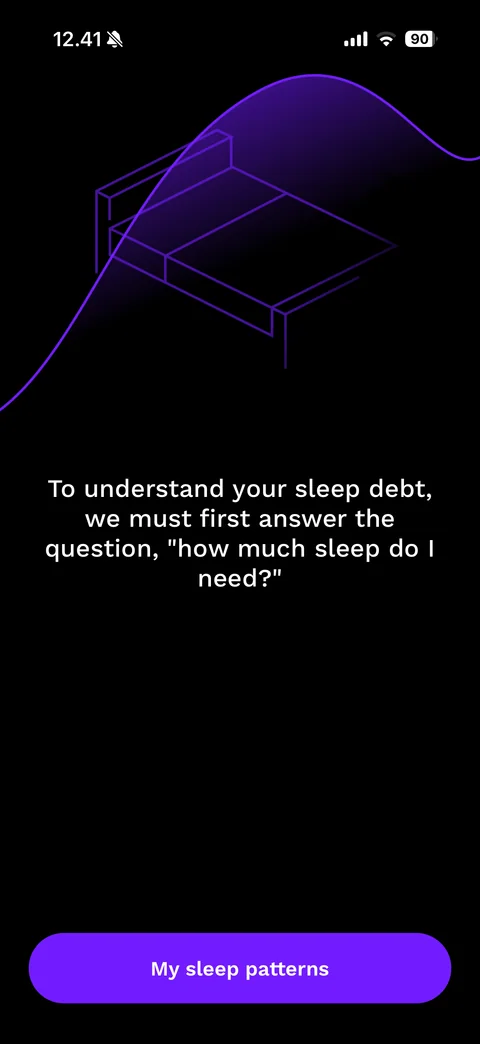
Sleep need explainer: purple line-art bed under a glowing purple wave curve, white text To understand your sleep debt, we must first answer the question how much sleep do I need?, My sleep patterns button
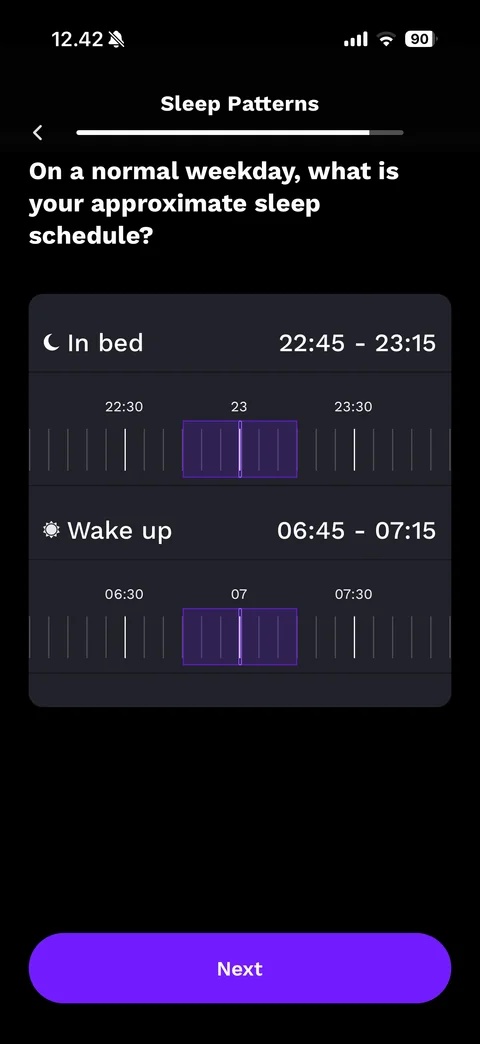
Weekday sleep schedule: Sleep Patterns header with back and progress, On a normal weekday, what is your approximate sleep schedule?, card with In bed 22:45 - 23:15 and Wake up 06:45 - 07:15 rows, horizontal tick-mark time rulers with purple highlighted windows, Next button
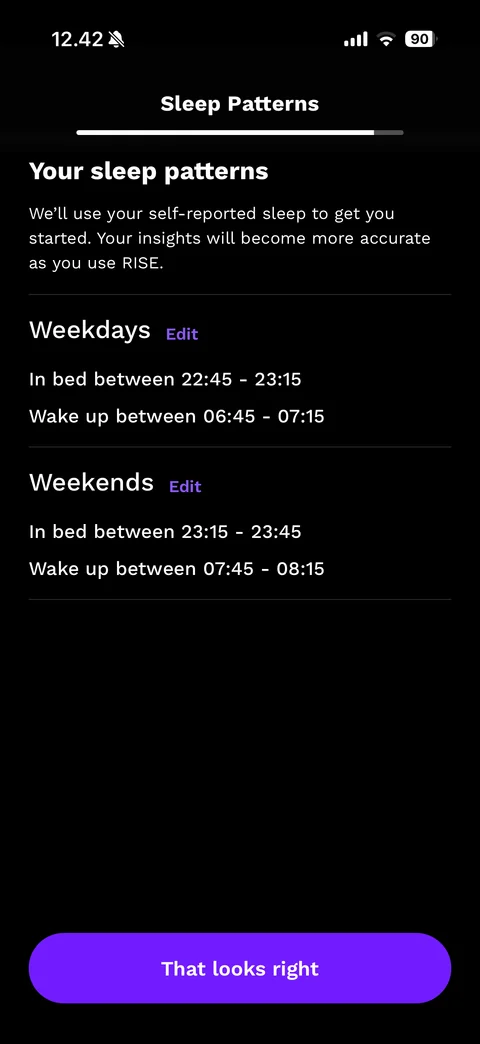
Sleep patterns summary: Your sleep patterns, self-reported note, Weekdays and Weekends sections each with purple Edit link and in-bed and wake-up time ranges, divider lines, That looks right button
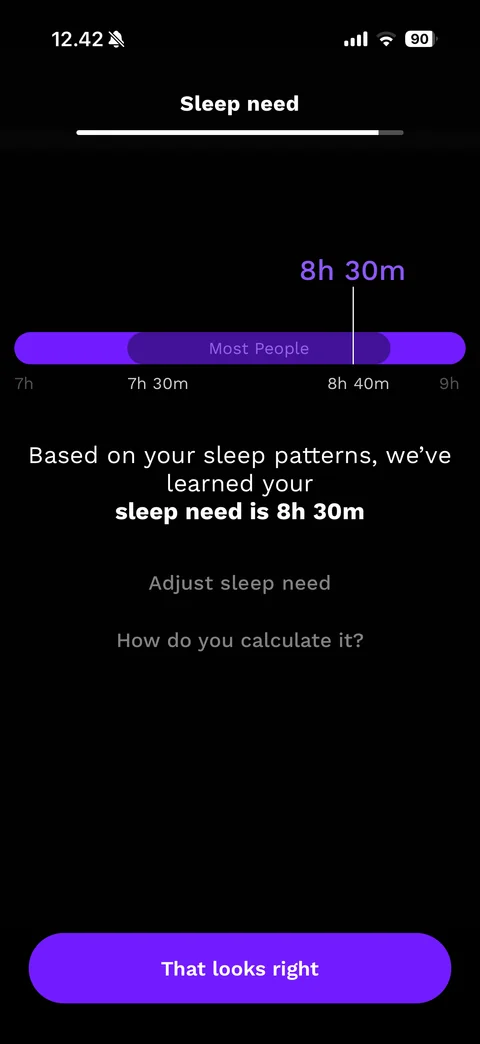
Sleep need result: Sleep need header with progress, purple 8h 30m marker over a range bar with darker Most People band from 7h 30m to 8h 40m, sentence with bold sleep need is 8h 30m, Adjust sleep need and How do you calculate it? links, That looks right button
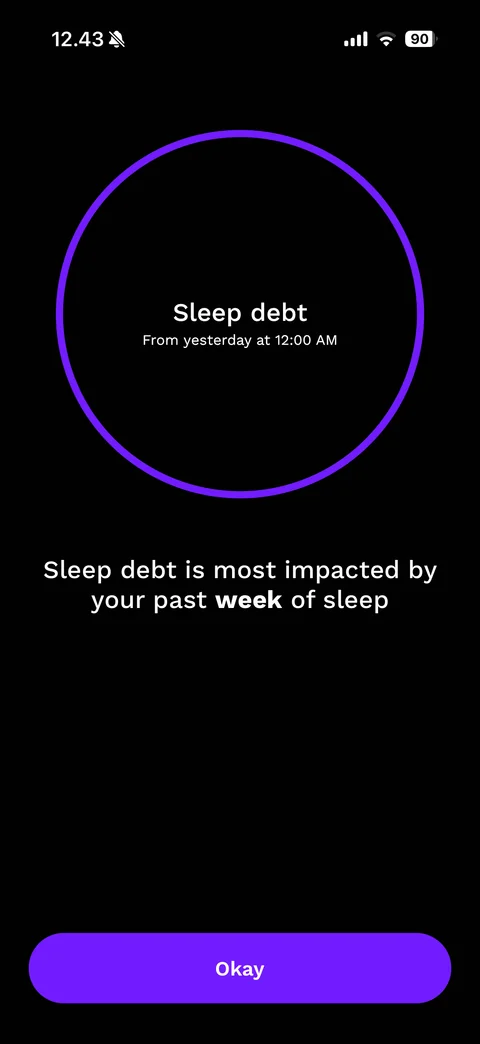
Sleep debt explainer: large purple ring with Sleep debt From yesterday at 12:00 AM inside, Sleep debt is most impacted by your past week of sleep with bold week, Okay button
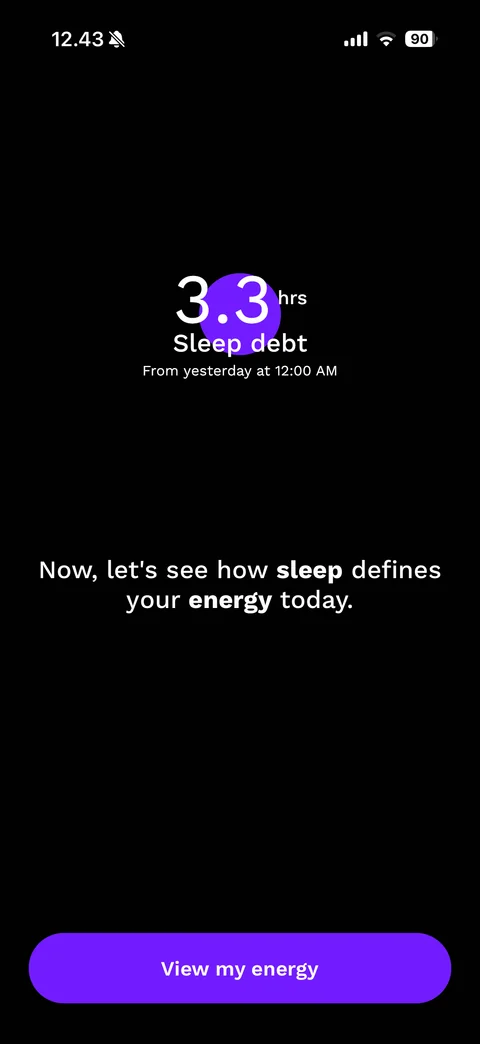
Sleep debt result: large 3.3 hrs number over a small purple dot, Sleep debt From yesterday at 12:00 AM, Now, let's see how sleep defines your energy today. with bold keywords, View my energy button
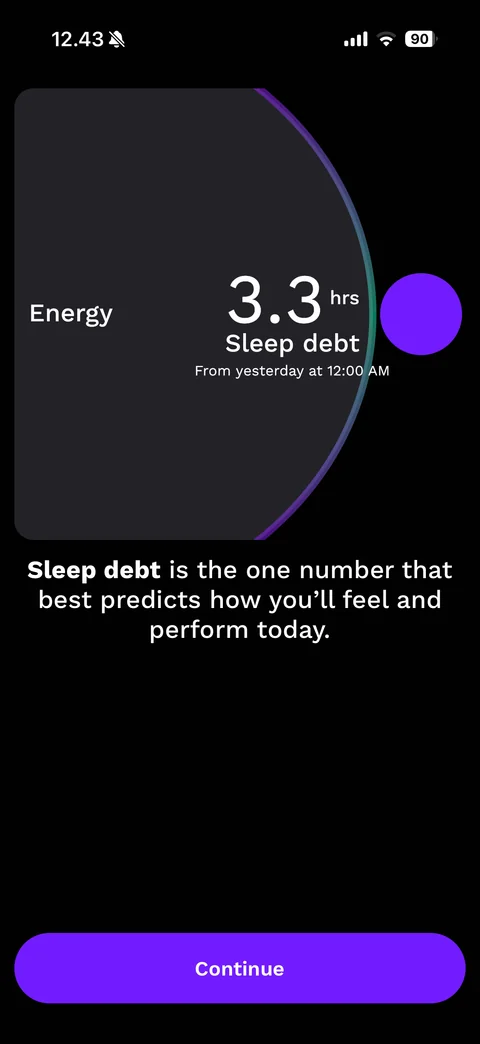
Energy card reveal: dark Energy card with gradient arc edge, 3.3 hrs Sleep debt inside, purple orb to the right, Sleep debt is the one number that best predicts how you'll feel and perform today, Continue button
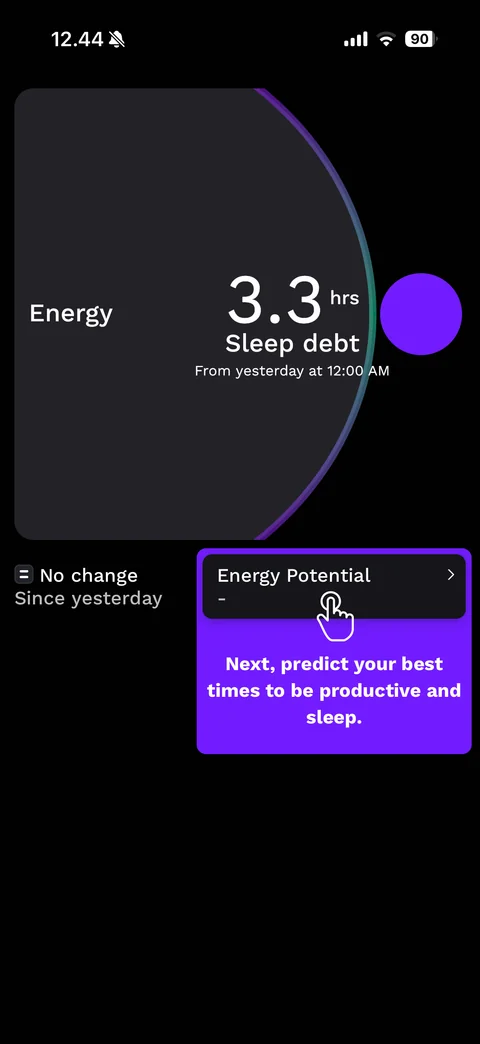
Guided tutorial coach mark: Energy card with sleep debt, No change Since yesterday indicator, purple callout highlighting the Energy Potential row with a tapping hand icon and text Next, predict your best times to be productive and sleep.
Energy curve explainer: hour ruler on the left (08 to 14), purple to teal energy curve running down the screen, bold headline RISE gives you the superpower to see and change your biology., subtext, Learn the science link with help icon, See the future button
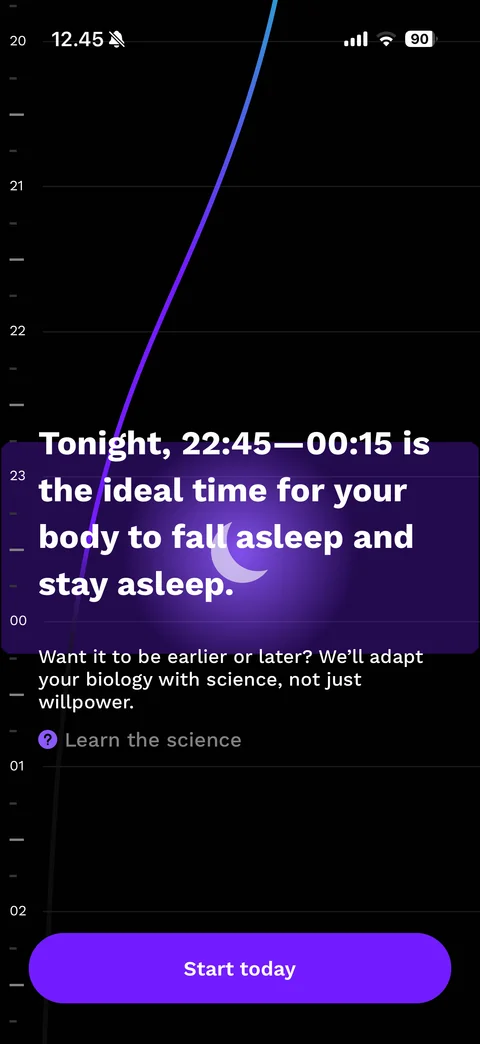
Melatonin window explainer: hour ruler 20 to 02, energy curve dropping, purple highlighted band with glowing crescent moon, headline Tonight, 22:45-00:15 is the ideal time for your body to fall asleep and stay asleep., adapt subtext, Learn the science link, Start today button
RISE paywall (5 screens)
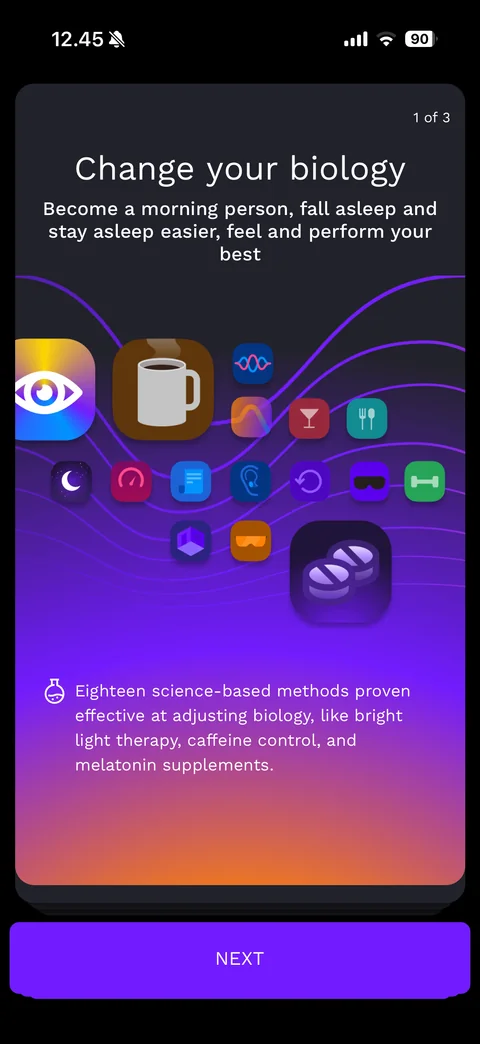
Pre-paywall card 1 of 3: Change your biology, subtitle, cluster of colourful app-style method icons (light, coffee, melatonin, glasses and more) over purple wave lines, flask note about eighteen science-based methods, stacked card edges, NEXT button
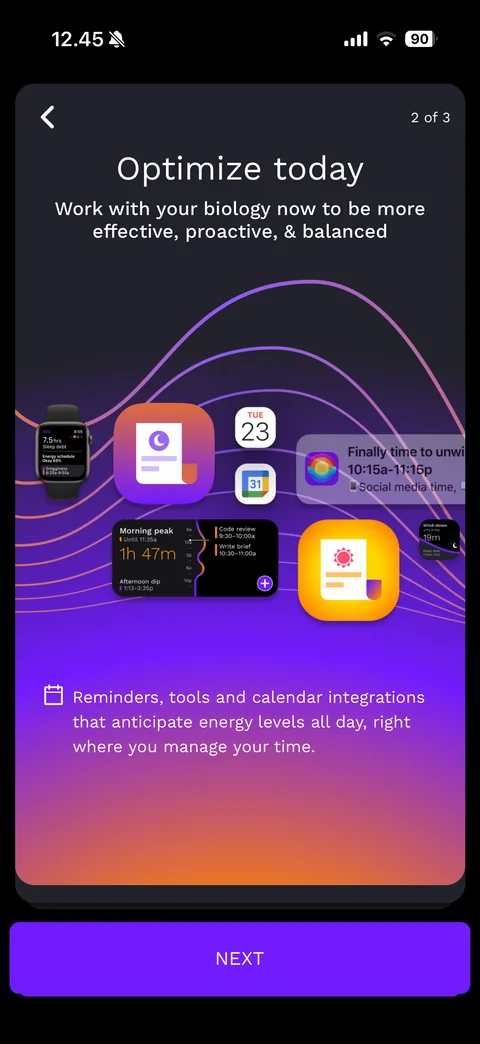
Pre-paywall card 2 of 3: back arrow, Optimize today, subtitle, collage of watch face, calendar icons, notification and widget mockups over wave lines, calendar note about reminders and calendar integrations, NEXT button
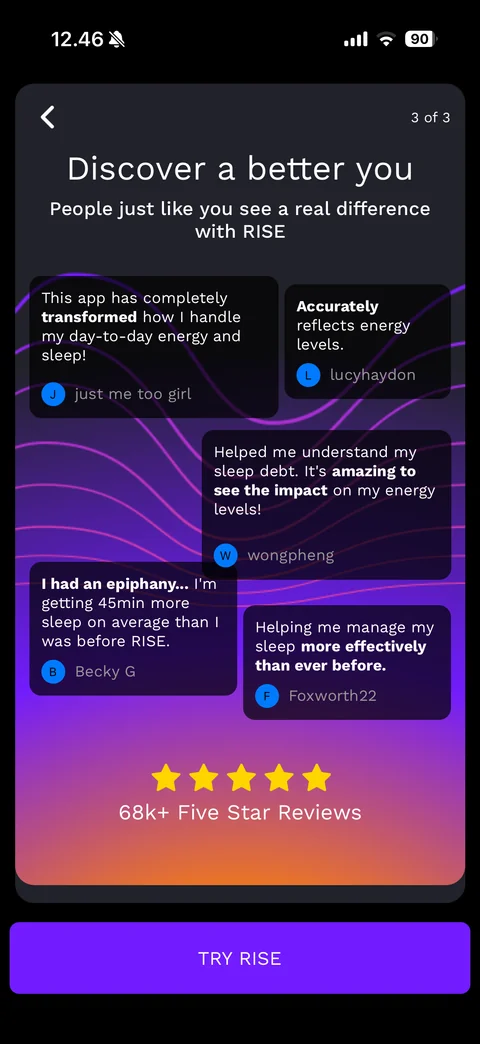
Pre-paywall card 3 of 3: Discover a better you, subtitle, staggered dark review bubbles with bold highlights and reviewer initials, five gold stars with 68k+ Five Star Reviews, TRY RISE button
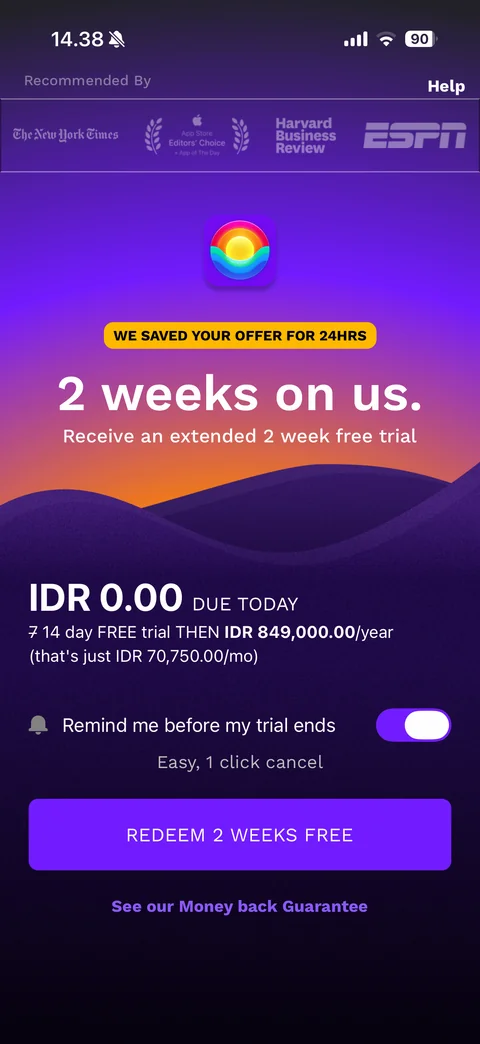
Extended trial offer paywall: Recommended By strip with press logos (New York Times, App Store Editors' Choice, Harvard Business Review, ESPN), Help link, rainbow app icon, yellow WE SAVED YOUR OFFER FOR 24HRS pill, 2 weeks on us. Receive an extended 2 week free trial, sunset mountain illustration, IDR 0.00 DUE TODAY, struck-through 7 to 14 day FREE trial THEN IDR 849,000.00/year (IDR 70,750.00/mo), Remind me before my trial ends toggle on, Easy, 1 click cancel, purple REDEEM 2 WEEKS FREE button, See our Money back Guarantee link
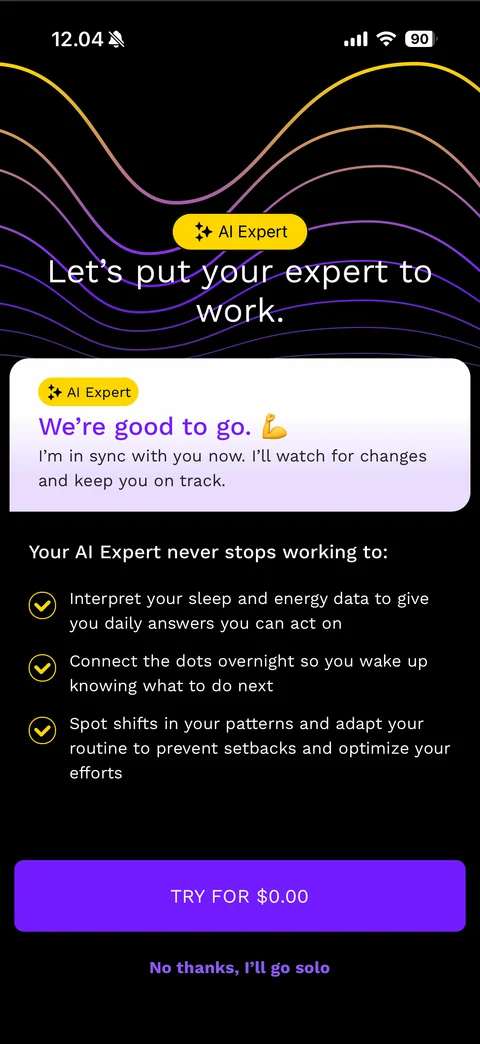
AI Expert add-on upsell: wave lines, yellow AI Expert pill, Let's put your expert to work., lilac card We're good to go with flexed arm emoji and persona message, Your AI Expert never stops working to: three gold check benefits, purple TRY FOR $0.00 button, No thanks, I'll go solo link
RISE account (2 screens)
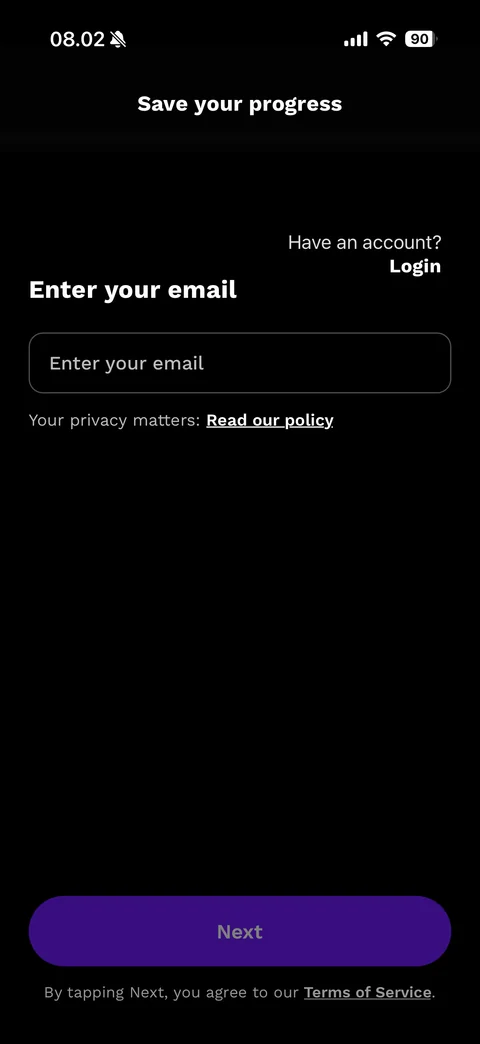
Save your progress email step (dark): title, Have an account? Login link, Enter your email heading, outlined email field, Your privacy matters: Read our policy link, disabled dark purple Next button, Terms of Service note
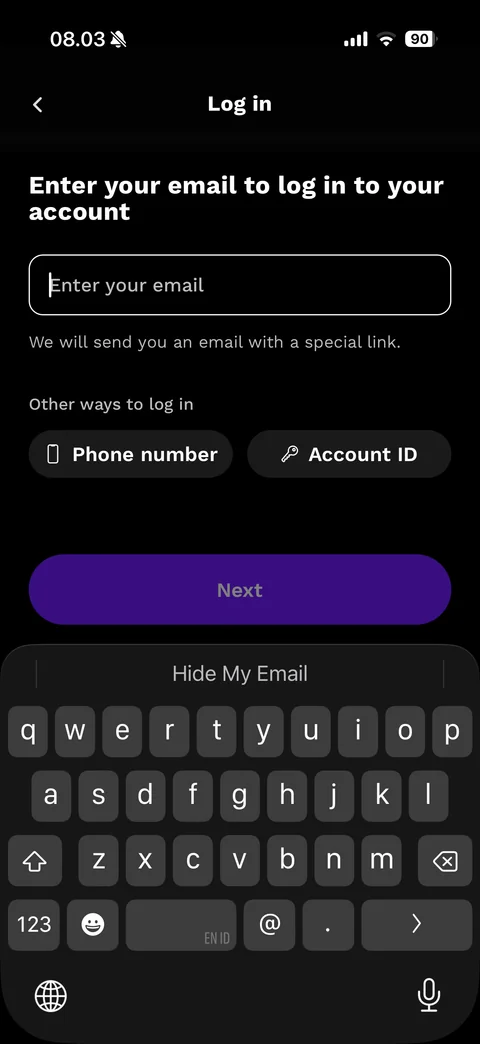
Log in with magic link (dark): back, Log in title, Enter your email to log in to your account, focused white-outlined email field, We will send you an email with a special link., Other ways to log in pills Phone number and Account ID, disabled Next, dark keyboard with Hide My Email suggestion
RISE app (13 screens)
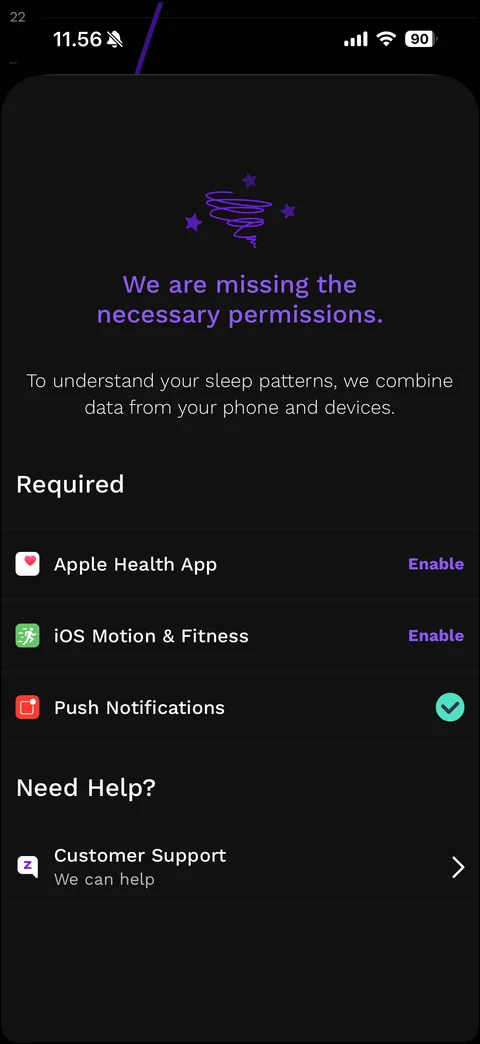
Missing permissions sheet (dark): purple line-art tornado with stars, purple headline We are missing the necessary permissions., explanation, Required list with app icons (Apple Health App and iOS Motion & Fitness with purple Enable links, Push Notifications with green check), Need Help? section with Customer Support row
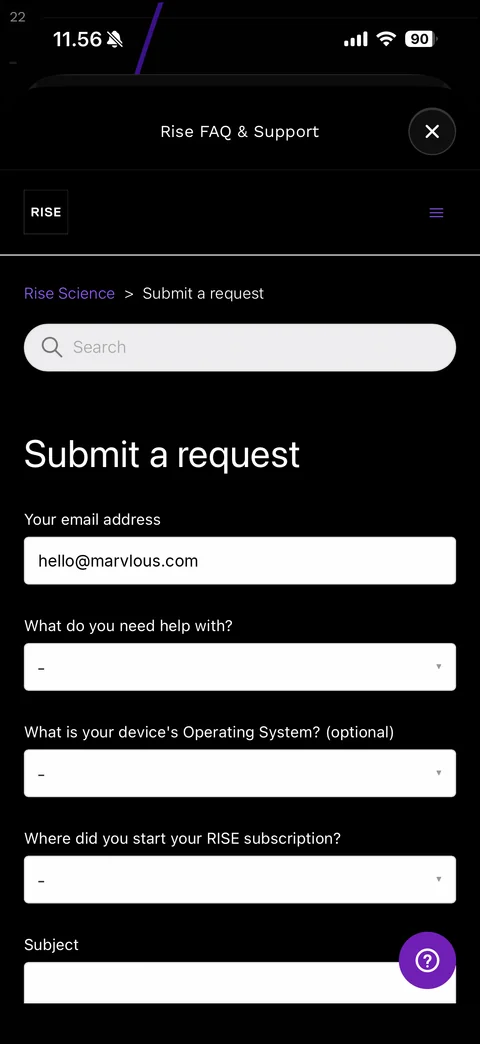
Rise FAQ & Support web sheet (dark): title with close, RISE logo and menu, breadcrumb Rise Science > Submit a request, search field, large Submit a request heading, form with prefilled Your email address (sample), dropdowns What do you need help with?, Operating System (optional), Where did you start your RISE subscription?, Subject field, purple floating help button
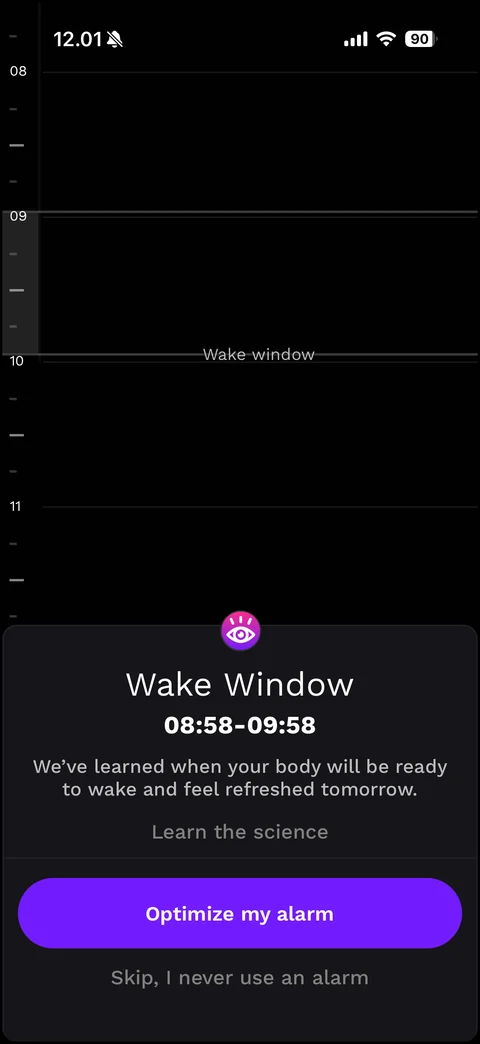
Wake Window setup: dark hour ruler 08 to 11 with highlighted grey Wake window band, bottom card with pink eye icon, Wake Window title, 08:58-09:58 range in bold, explanation, Learn the science link, purple Optimize my alarm button, Skip, I never use an alarm link
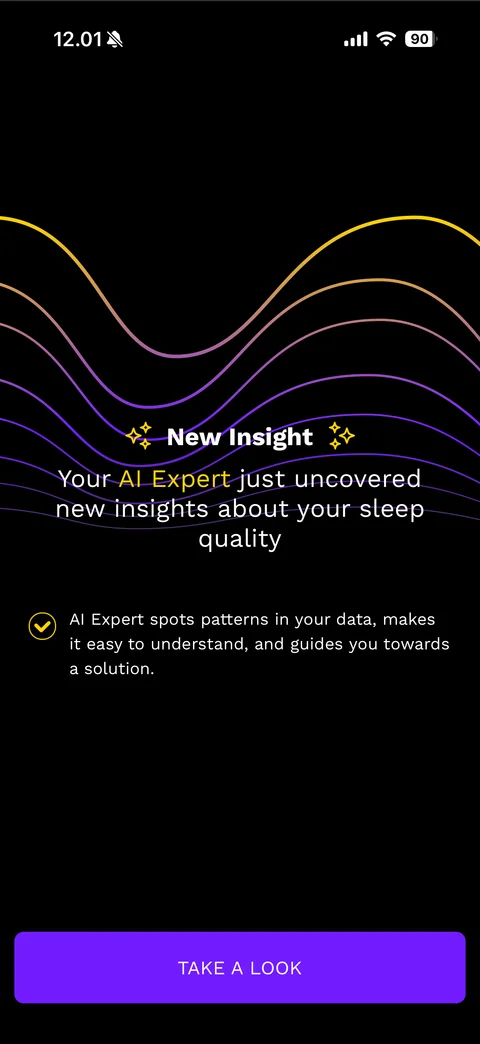
AI Expert insight teaser: layered gold to purple wave lines, sparkle New Insight heading, Your AI Expert (gold) just uncovered new insights about your sleep quality, gold check note explaining the AI Expert, purple TAKE A LOOK button
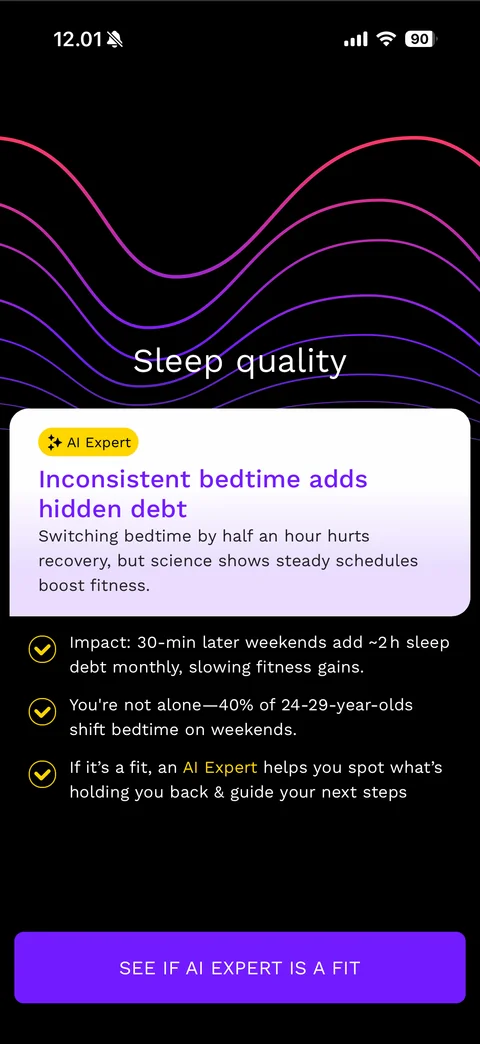
AI Expert insight card: pink to purple wave lines, Sleep quality title, white card with yellow AI Expert pill, purple headline Inconsistent bedtime adds hidden debt, explanation, gold check facts (impact, peer statistic, AI Expert offer), purple SEE IF AI EXPERT IS A FIT button
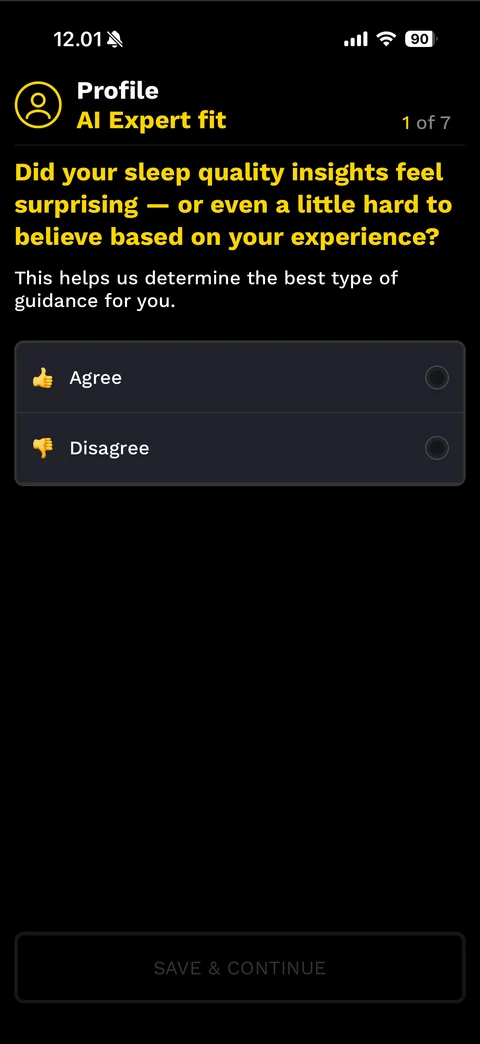
AI Expert fit quiz 1 of 7 (dark with yellow accents): Profile AI Expert fit header with person icon, yellow question about whether sleep insights felt surprising, explanation, Agree and Disagree rows with thumb emojis and radio buttons, disabled outlined SAVE & CONTINUE
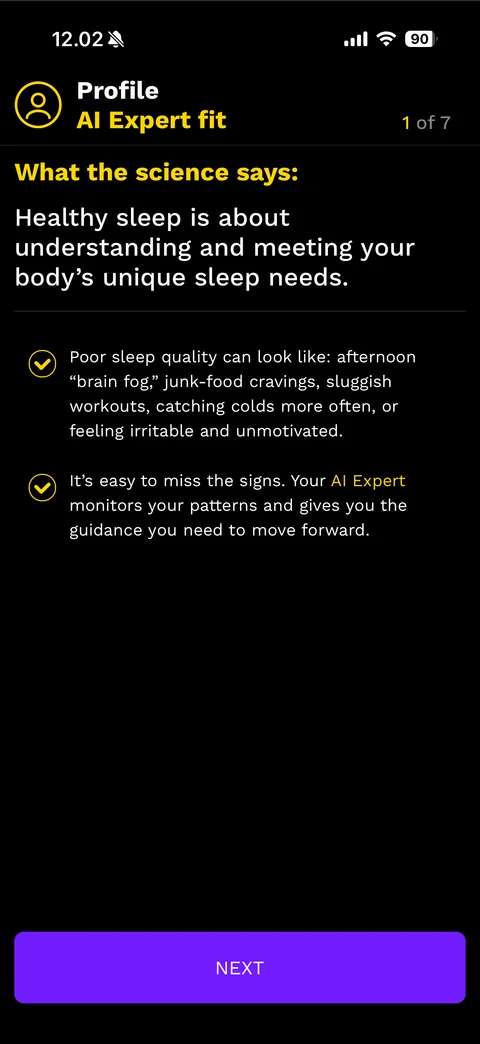
AI Expert fit science interstitial: yellow What the science says:, large white statement about meeting your body's unique sleep needs, divider, gold check points about signs of poor sleep quality and AI Expert guidance, purple NEXT button
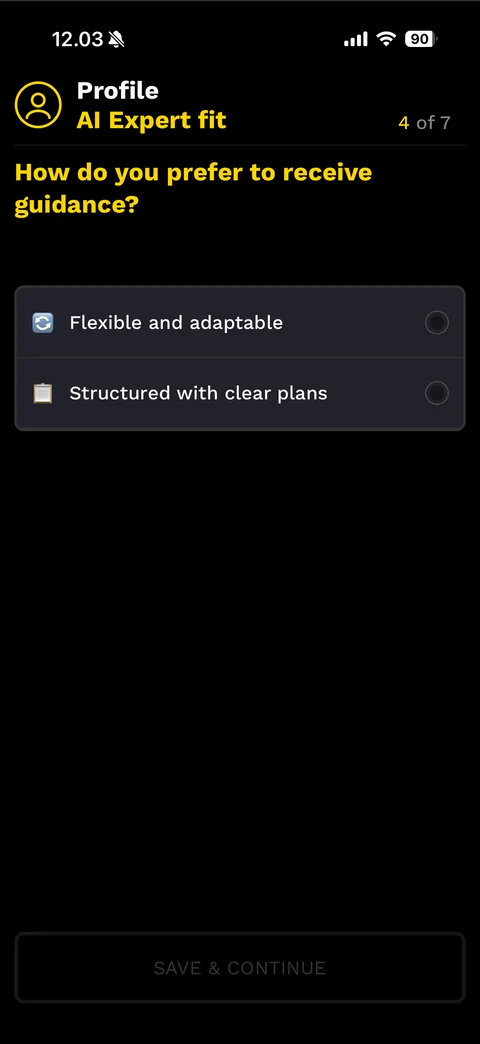
AI Expert fit quiz 4 of 7: yellow How do you prefer to receive guidance?, option rows with emojis Flexible and adaptable, Structured with clear plans and radio buttons, disabled SAVE & CONTINUE
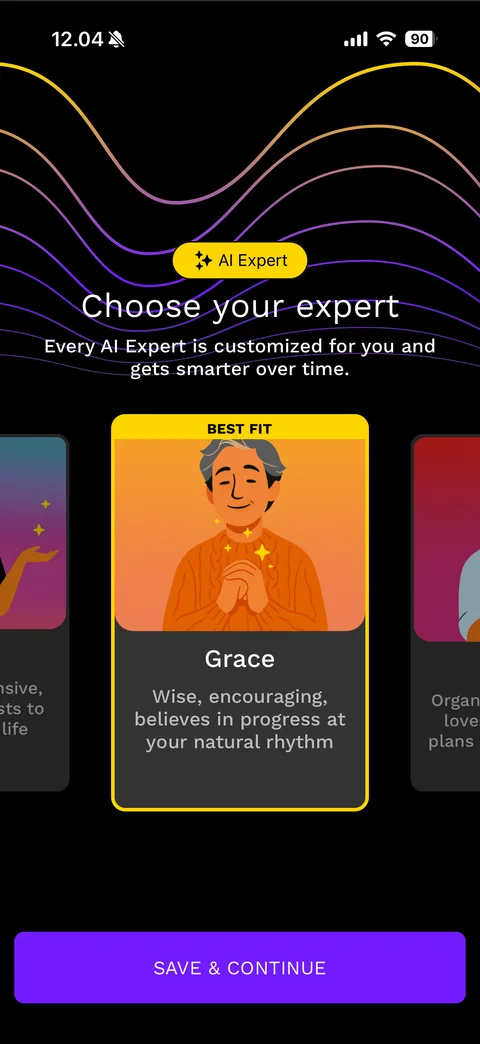
Choose your AI expert carousel: wave lines, yellow AI Expert pill, Choose your expert with subtitle, horizontal carousel of illustrated persona cards with yellow BEST FIT banner on the centred card (Grace: Wise, encouraging, believes in progress at your natural rhythm) and neighbour cards peeking, purple SAVE & CONTINUE
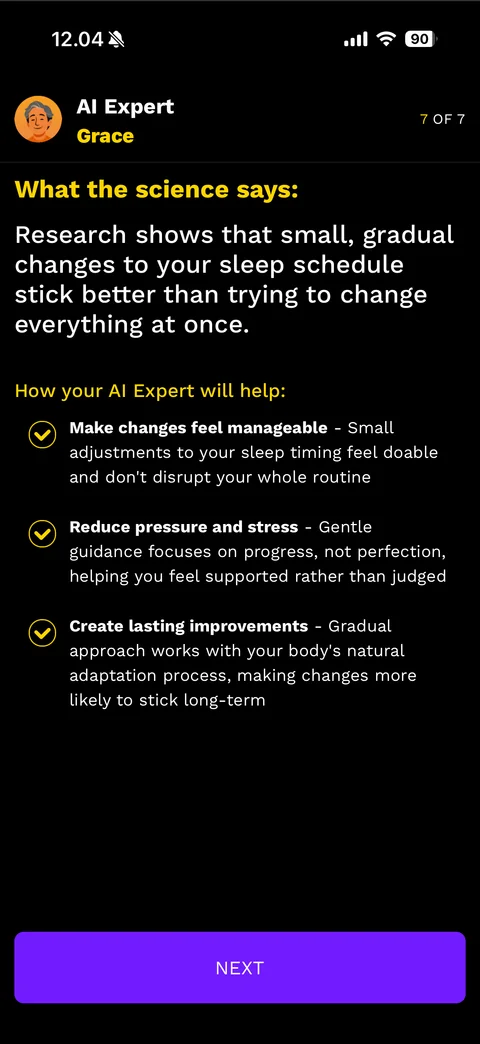
AI Expert plan explainer 7 of 7: header with illustrated Grace avatar, AI Expert and yellow name, What the science says: about gradual schedule changes, How your AI Expert will help: three gold check points with bold titles (Make changes feel manageable, Reduce pressure and stress, Create lasting improvements), purple NEXT
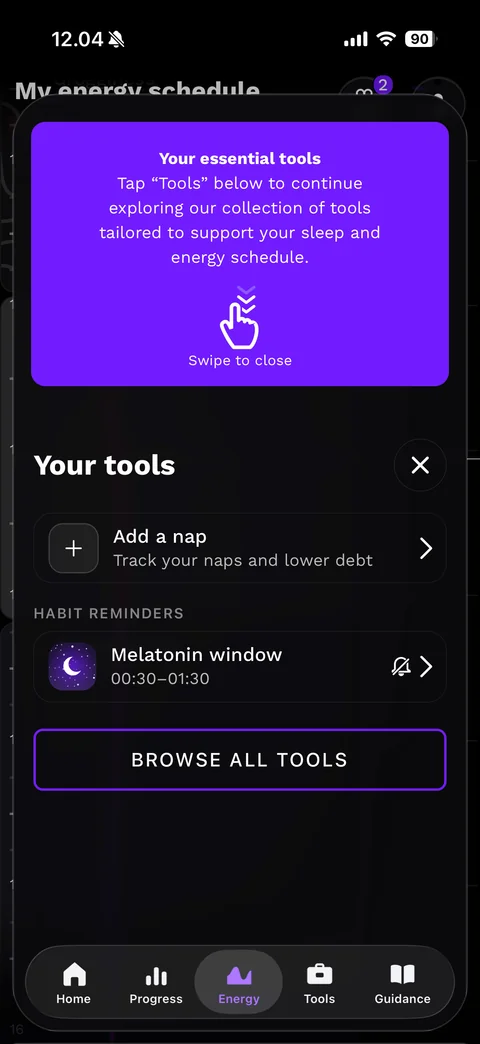
Your tools coach sheet over the Energy tab: purple tip card Your essential tools with swipe-down hand icon and Swipe to close, Your tools title with close, Add a nap row, Habit reminders section with Melatonin window 00:30-01:30 row and muted bell, purple-outlined BROWSE ALL TOOLS button, tab bar Home / Progress / Energy / Tools / Guidance
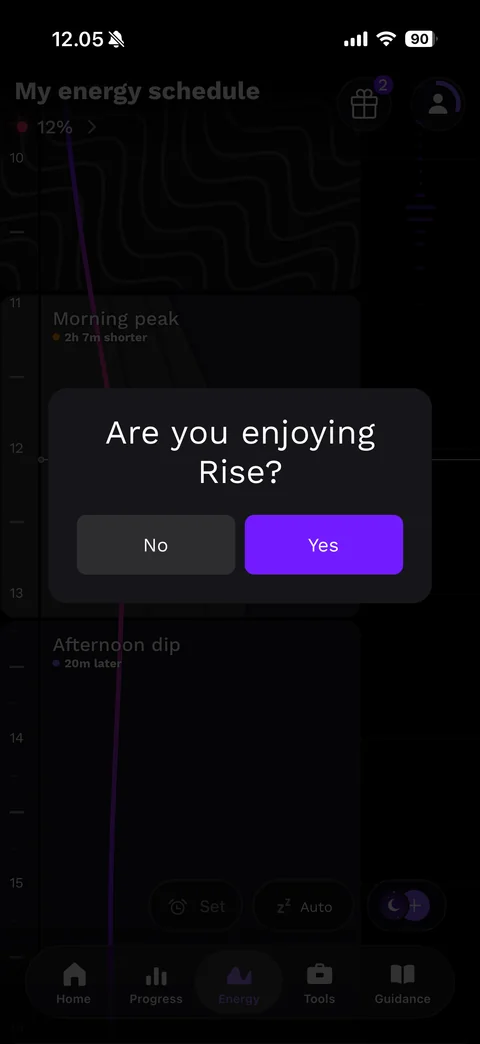
Rating pre-prompt dialog: dark card Are you enjoying Rise? with grey No and purple Yes buttons over the dimmed energy schedule
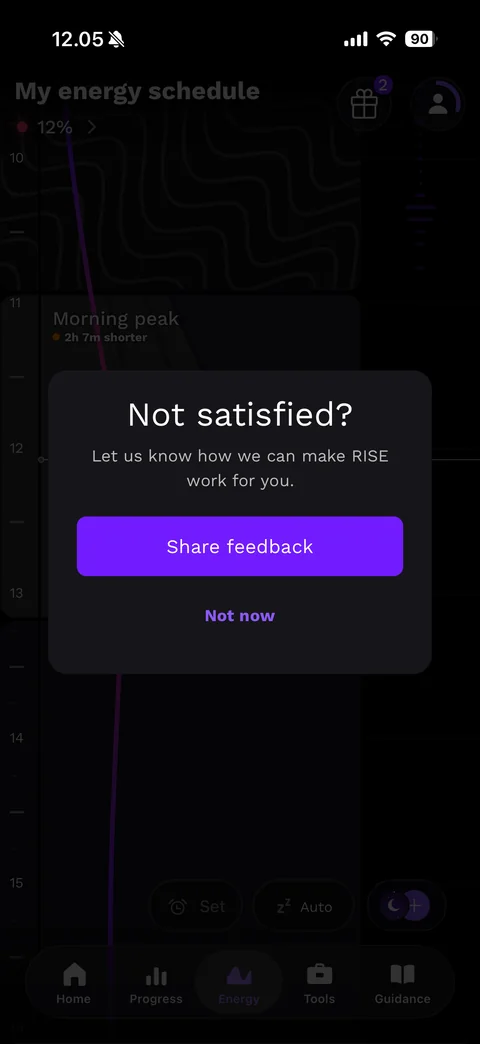
Negative feedback follow-up dialog: Not satisfied?, Let us know how we can make RISE work for you., purple Share feedback button, Not now link
RISE tabs (10 screens)
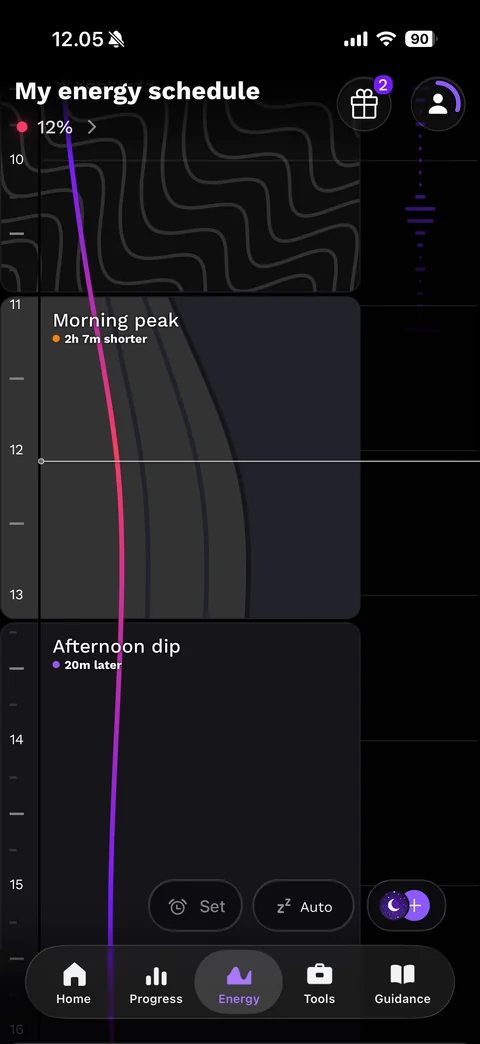
Energy tab - My energy schedule: title with gift (badge 2) and profile ring buttons, red dot 12% energy link, vertical hour ruler, pink to purple energy curve running down the timeline, blocks Morning peak (2h 7m shorter) and Afternoon dip (20m later) with patterned and shaded fills, floating Set alarm, Auto sleep and moon plus buttons, tab bar
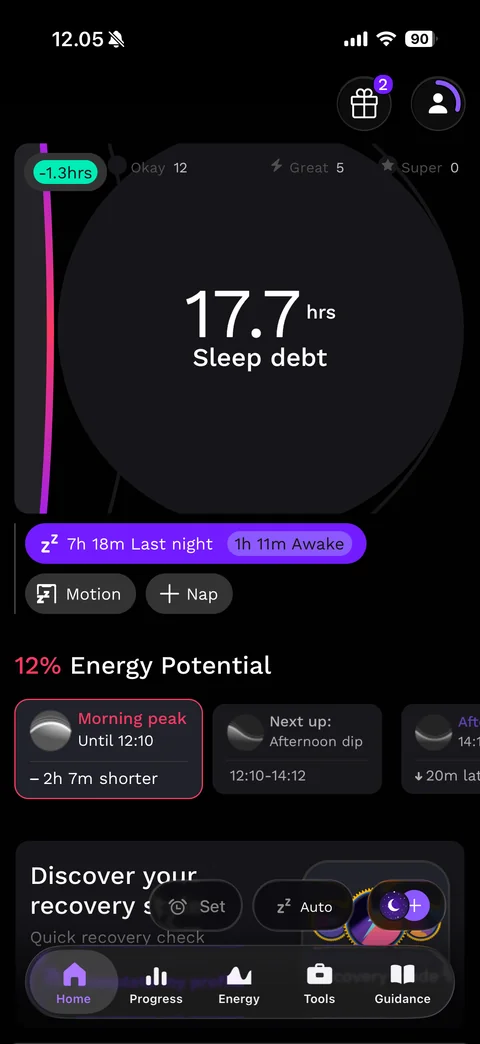
Home tab: gift and profile ring buttons, large dark ring with 17.7 hrs Sleep debt, green -1.3hrs change pill, day counters Okay 12, Great 5, Super 0, purple bar 7h 18m Last night with 1h 11m Awake pill, Motion and Nap pills, 12% Energy Potential heading, horizontal cards Morning peak (pink outlined, until 12:10, -2h 7m shorter), Next up Afternoon dip, Discover your recovery card, floating Set, Auto and moon buttons, tab bar
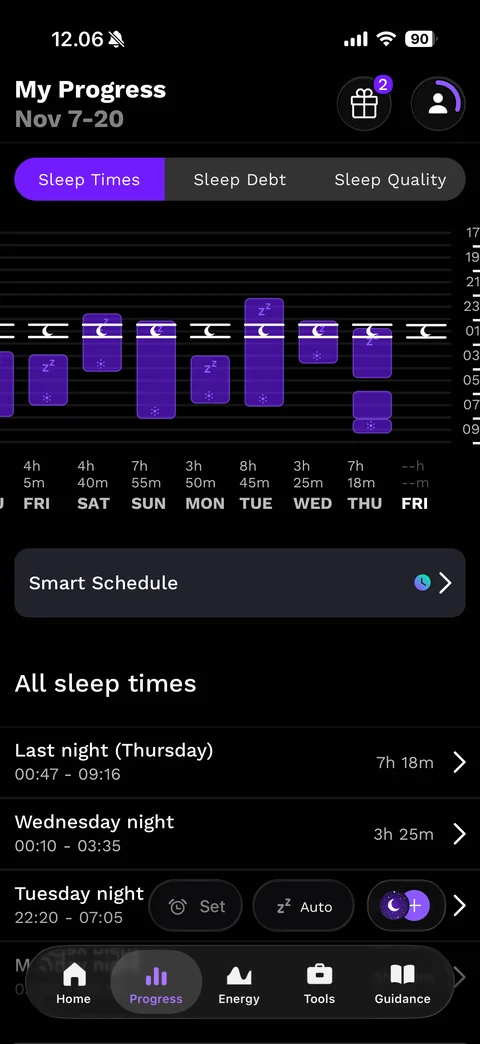
Progress tab: My Progress Nov 7-20, Sleep Times / Sleep Debt / Sleep Quality segmented pills, two-week sleep chart with purple vertical bars, moon markers at the target bedtime, hour axis on the right and durations with weekday labels below, Smart Schedule row, All sleep times list with night name, time range and duration, floating Set, Auto and moon buttons, tab bar
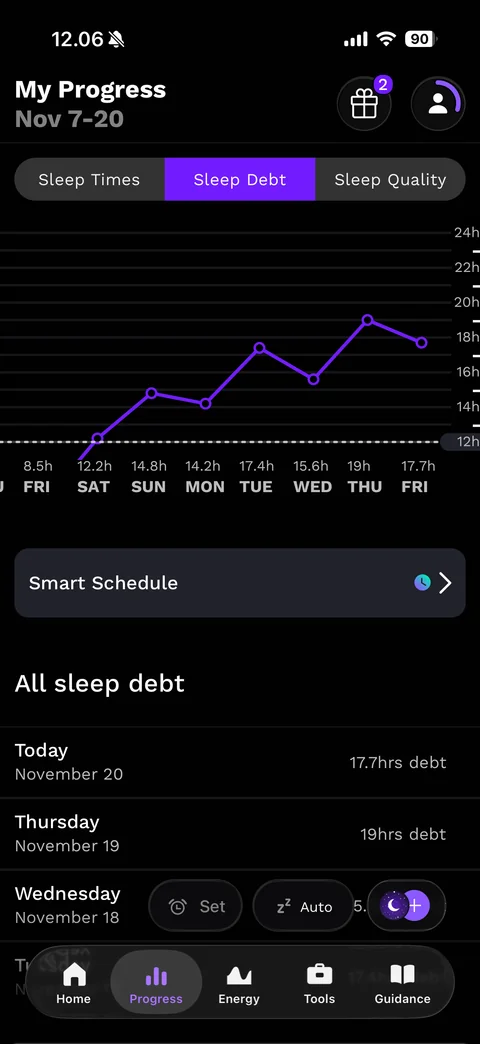
Progress Sleep Debt view: Sleep Debt pill active, purple line chart of daily sleep debt with circle points, dashed 12h threshold line, values and weekday labels below, Smart Schedule row, All sleep debt list (Today 17.7hrs debt, Thursday 19hrs debt, Wednesday)
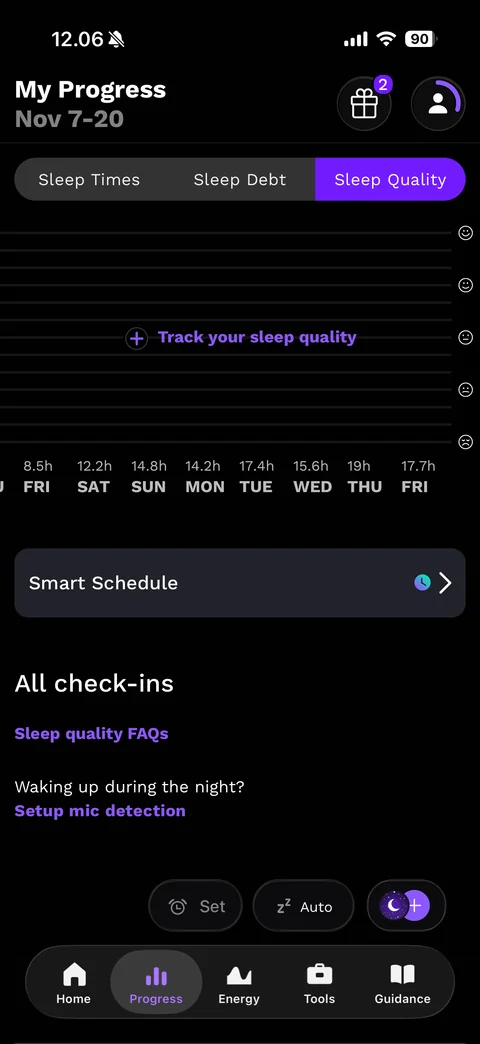
Progress Sleep Quality empty state: Sleep Quality pill active, empty chart with face-emoji scale on the right and purple plus Track your sleep quality link, Smart Schedule row, All check-ins with Sleep quality FAQs link and Waking up during the night? Setup mic detection link
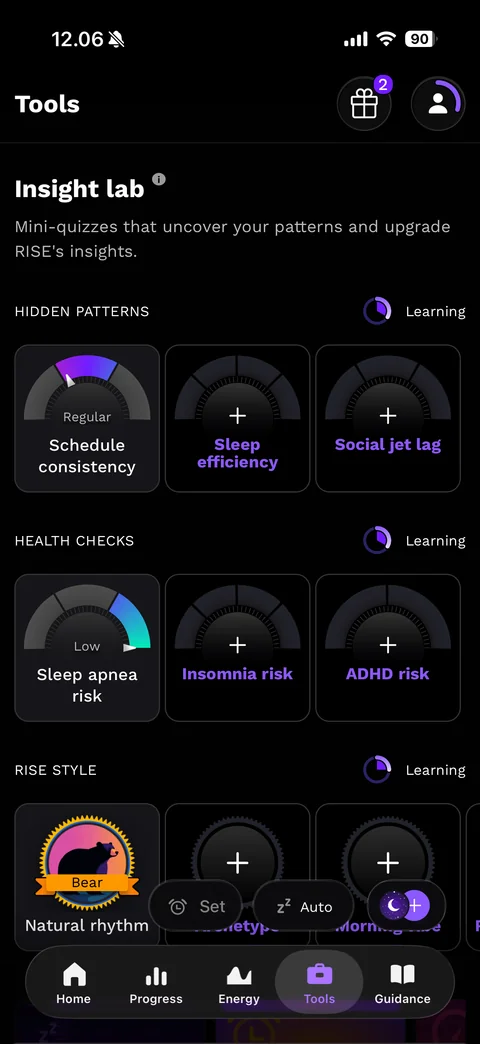
Tools tab - Insight lab: Mini-quizzes that uncover your patterns, sections Hidden patterns, Health checks and Rise style each with a Learning progress ring, three-column tiles with semicircle gauge dials (Schedule consistency Regular, Sleep apnea risk Low) and purple plus tiles for unlocked quizzes (Sleep efficiency, Social jet lag, Insomnia risk, ADHD risk), Bear chronotype badge for Natural rhythm, tab bar
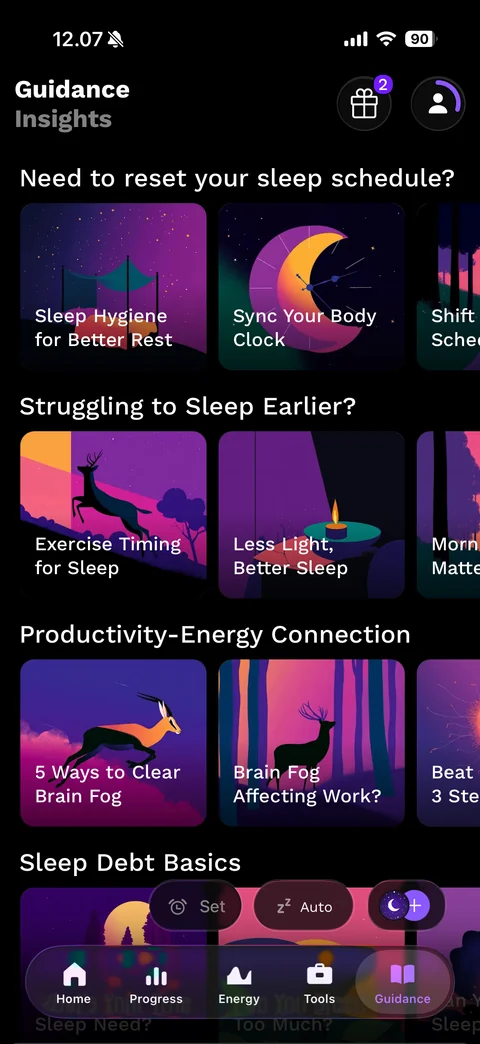
Guidance tab - Insights library: Guidance / Insights title, themed rows (Need to reset your sleep schedule?, Struggling to Sleep Earlier?, Productivity-Energy Connection, Sleep Debt Basics) with horizontal carousels of illustrated article cards in purple and pink dusk scenes with animals and moons, white titles, floating Set, Auto and moon buttons, tab bar
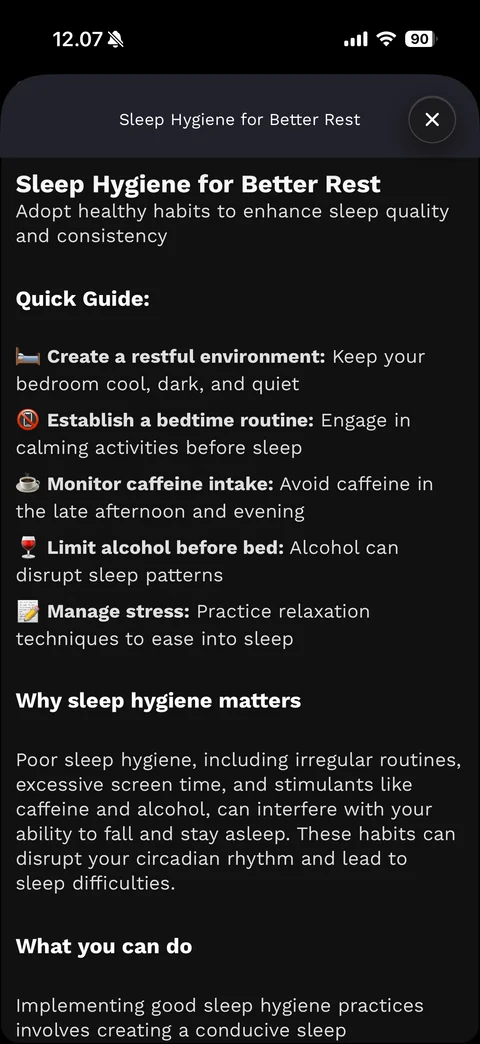
Guidance article sheet (dark): title bar with close, Sleep Hygiene for Better Rest heading and subtitle, Quick Guide with emoji bullet points and bold lead-ins, Why sleep hygiene matters and What you can do sections with body text
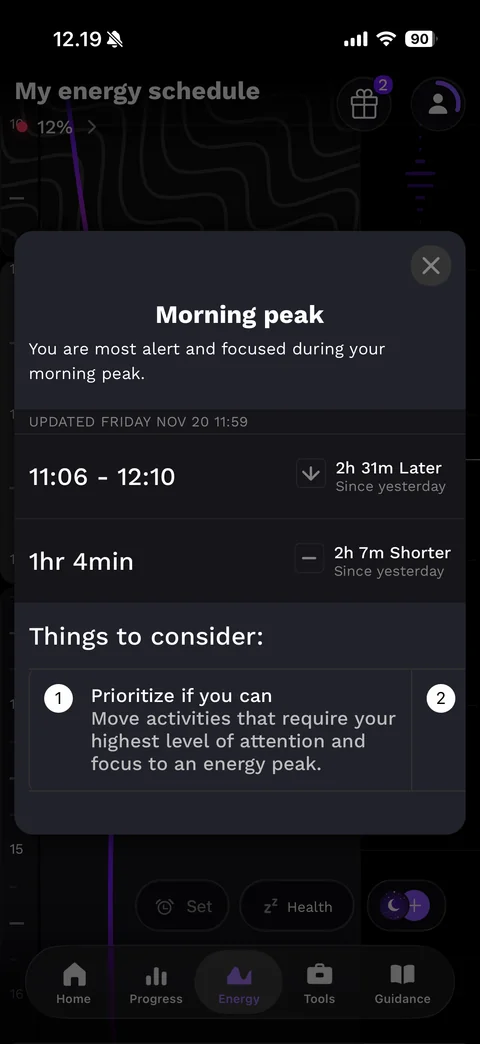
Energy block detail modal - Morning peak: close, title and description, UPDATED date label, rows with time range 11:06 - 12:10 and duration 1hr 4min, each with a change indicator since yesterday (2h 31m Later, 2h 7m Shorter), Things to consider horizontal numbered tip cards (Prioritize if you can)
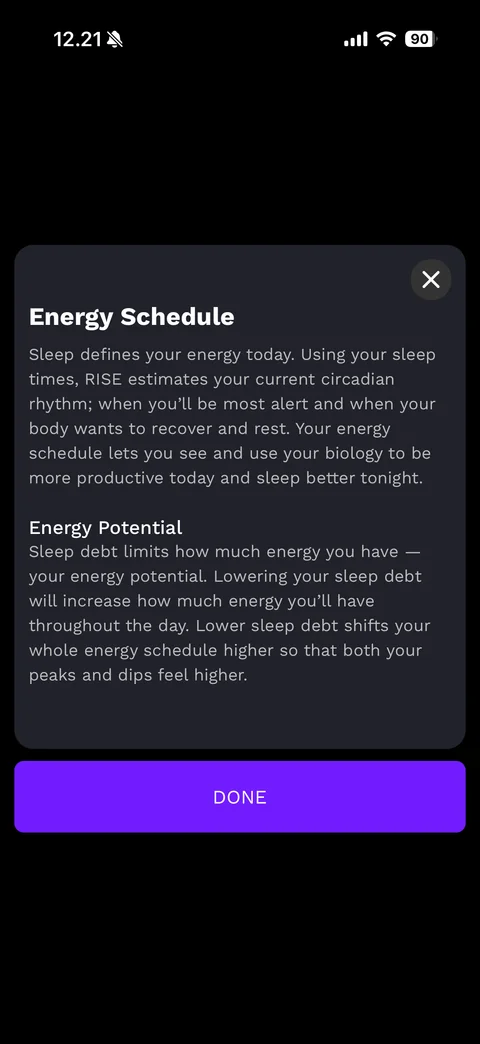
Energy Schedule explainer modal: dark card with close, Energy Schedule heading and paragraph, Energy Potential heading and paragraph about sleep debt, purple DONE button below
RISE profile (12 screens)
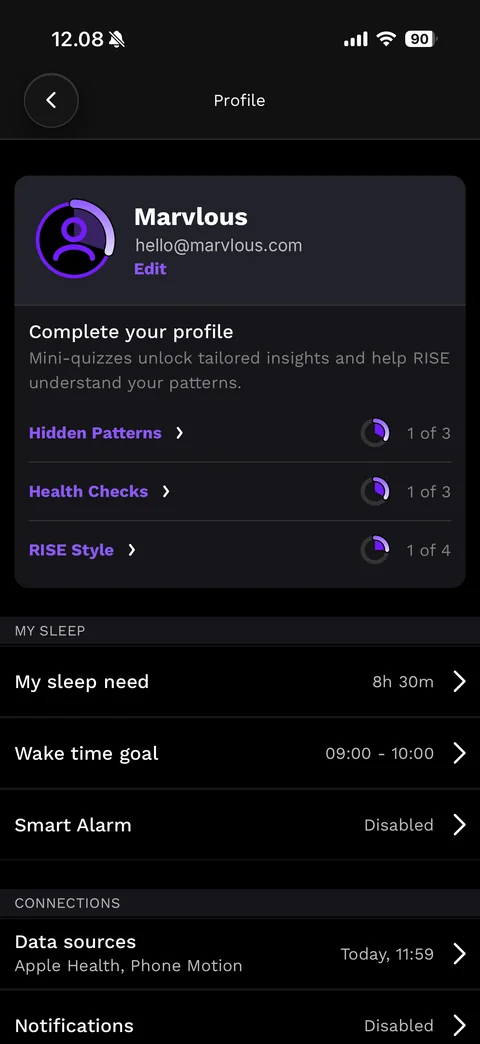
Profile (dark): back, card with purple progress-ring avatar, name Marvlous, email (sample), purple Edit link, Complete your profile section with Hidden Patterns 1 of 3, Health Checks 1 of 3, RISE Style 1 of 4 and small progress rings, My Sleep rows (My sleep need 8h 30m, Wake time goal 09:00-10:00, Smart Alarm Disabled), Connections rows (Data sources Apple Health, Phone Motion; Notifications Disabled)
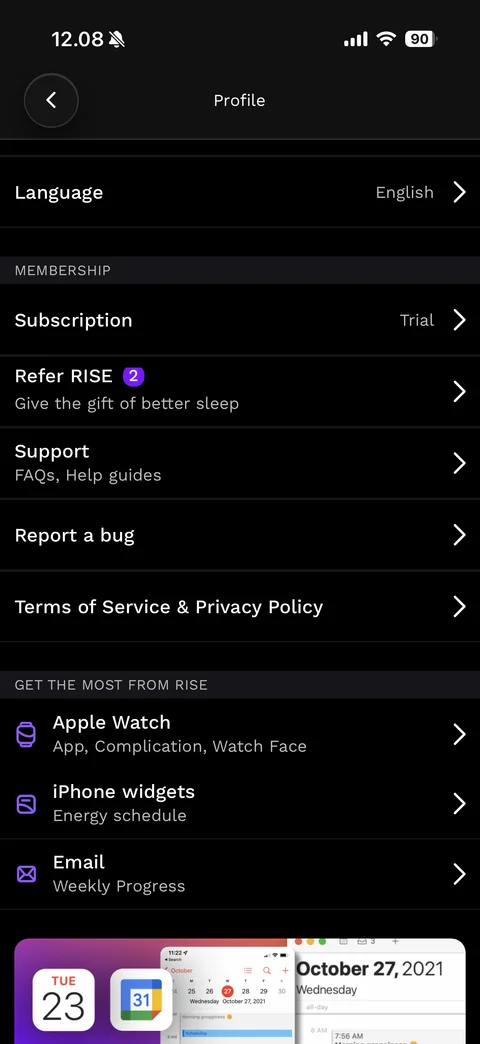
Profile scrolled: Language English, Membership section (Subscription Trial, Refer RISE with purple badge 2 and Give the gift of better sleep, Support FAQs and Help guides, Report a bug, Terms of Service & Privacy Policy), Get the most from RISE section with purple line icons (Apple Watch, iPhone widgets, Email Weekly Progress), calendar integration promo banner
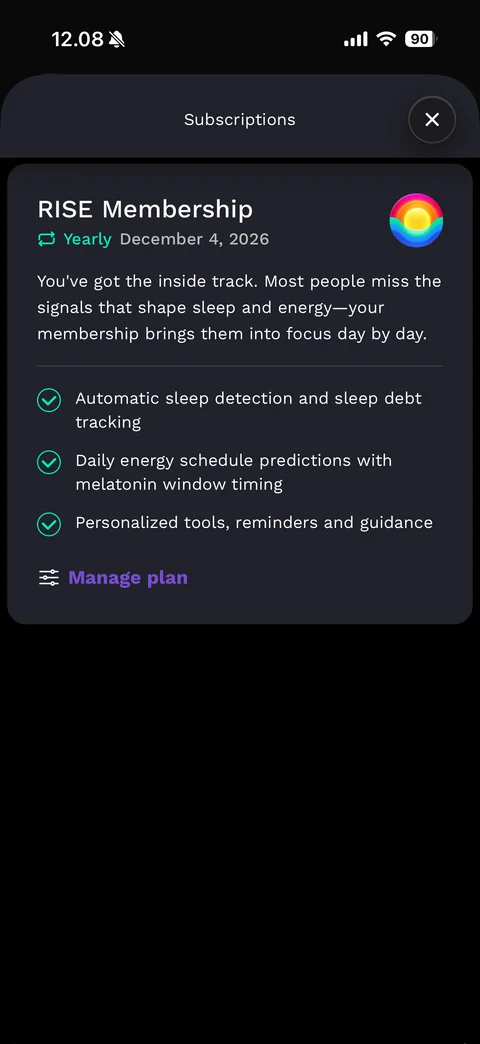
Subscriptions sheet: RISE Membership card with rainbow app icon, green Yearly renew icon and renewal date, membership description, green check benefits (automatic sleep detection, daily energy predictions with melatonin timing, personalized tools), purple Manage plan link with sliders icon
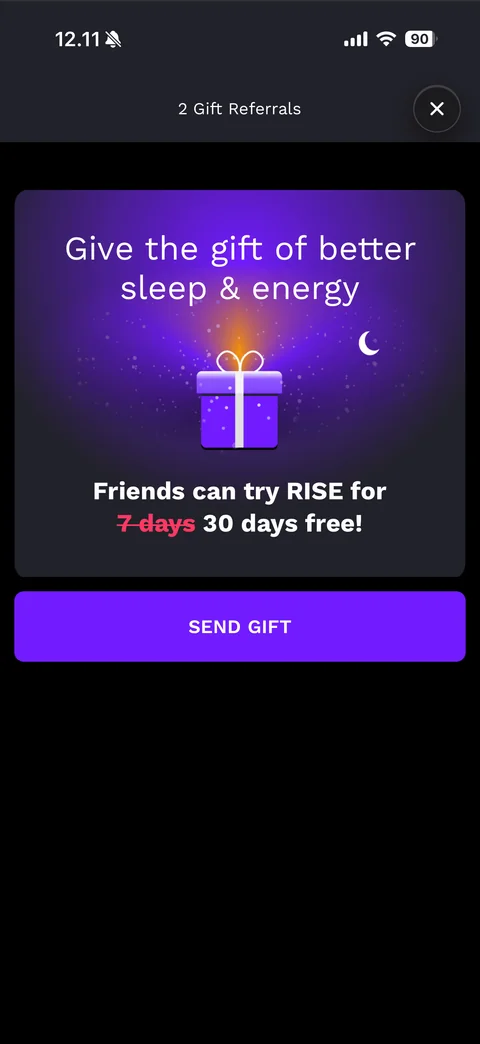
Gift referrals sheet: 2 Gift Referrals title with close, purple glowing card Give the gift of better sleep & energy with 3D gift box and moon, Friends can try RISE for struck-through red 7 days 30 days free!, purple SEND GIFT button
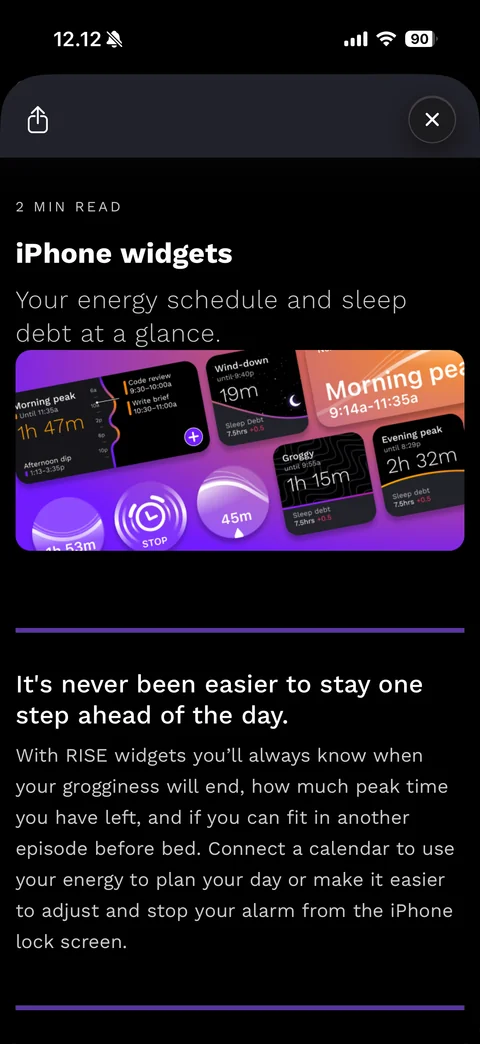
iPhone widgets article sheet: share and close buttons, 2 MIN READ label, iPhone widgets title and grey subtitle, purple banner image of home and lock screen widgets (Morning peak, Wind-down, Groggy, Evening peak, alarm STOP ring), purple divider, It's never been easier to stay one step ahead of the day. with body text
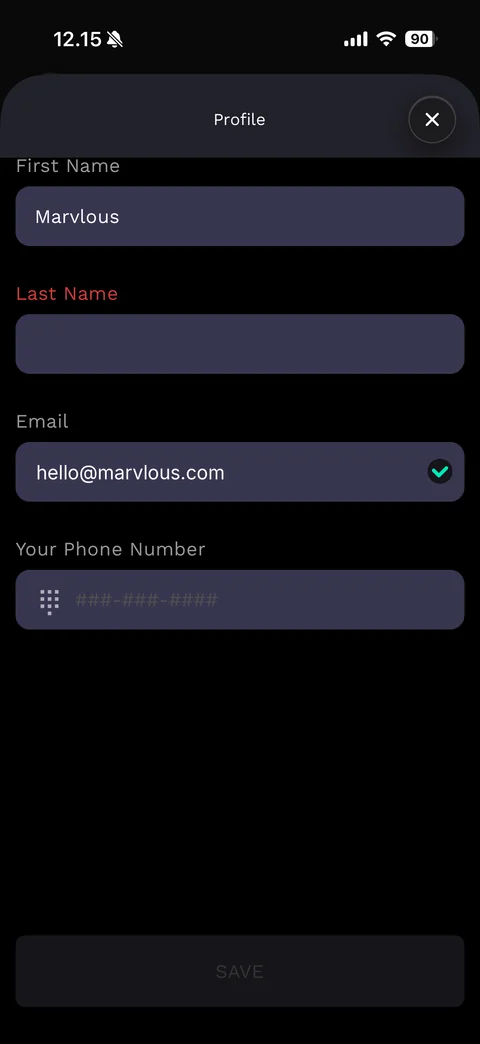
Edit profile sheet: Profile title with close, filled indigo fields First Name (Marvlous), Last Name with red required label, Email (sample) with green verified check, Your Phone Number with keypad icon and placeholder, disabled SAVE button
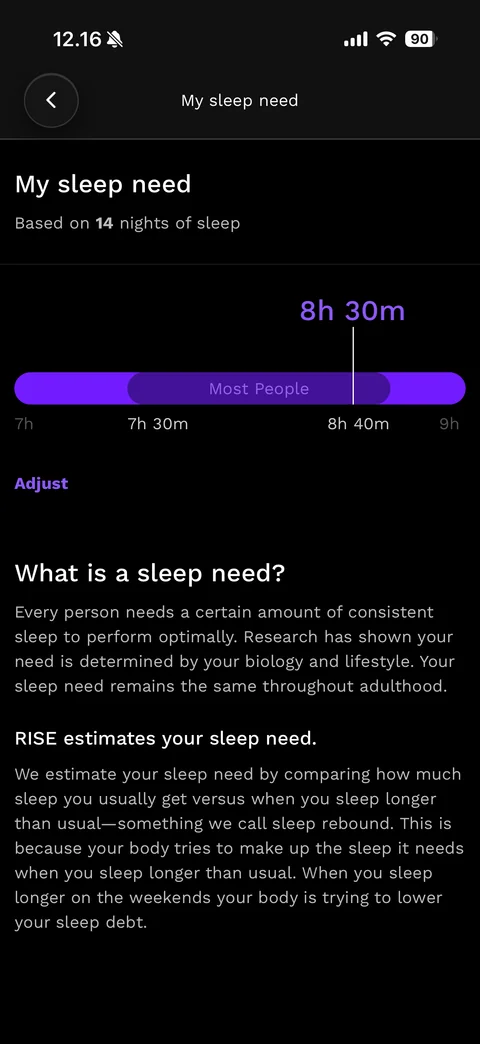
My sleep need page: back, title, Based on 14 nights of sleep, purple 8h 30m marker over a range bar with darker Most People band (7h 30m to 8h 40m), Adjust link, What is a sleep need? and RISE estimates your sleep need explanation sections
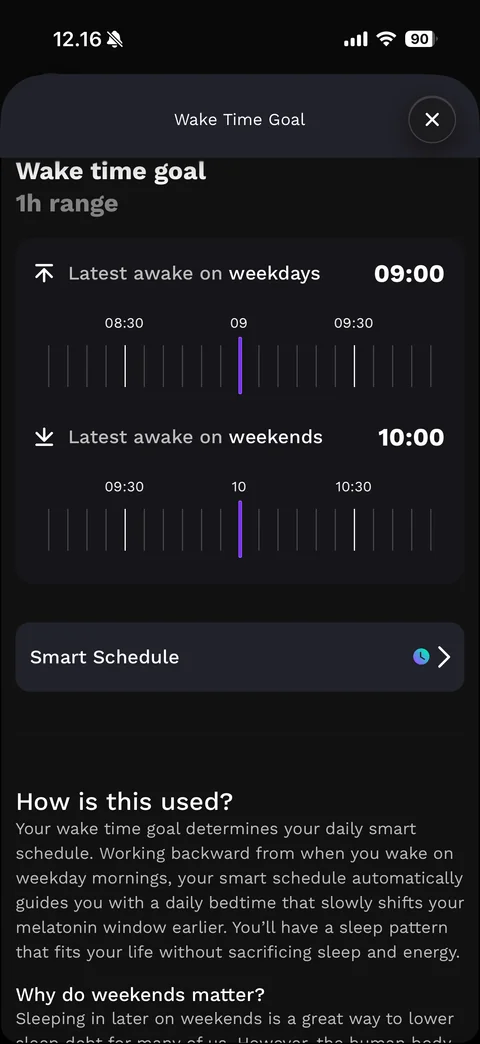
Wake Time Goal sheet: close, Wake time goal 1h range, card with Latest awake on weekdays 09:00 and weekends 10:00, each with a horizontal tick-mark time ruler and purple selected tick, Smart Schedule row, How is this used? and Why do weekends matter? explanations
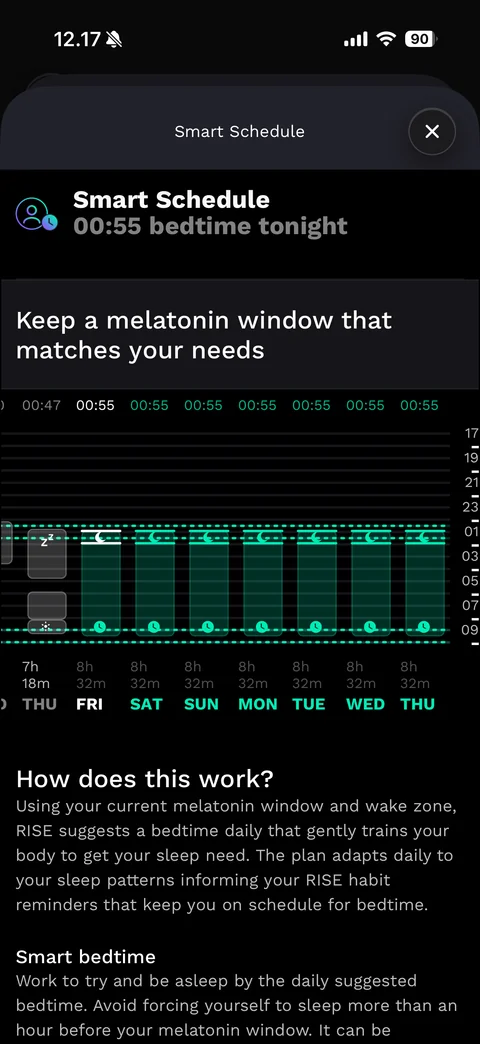
Smart Schedule sheet: close, Smart Schedule with 00:55 bedtime tonight, Keep a melatonin window that matches your needs, week chart with grey past sleep bars and green planned bars with moon and clock markers between dashed teal lines, planned bedtimes in green above and 8h 32m durations with green weekday labels below, How does this work? and Smart bedtime explanations
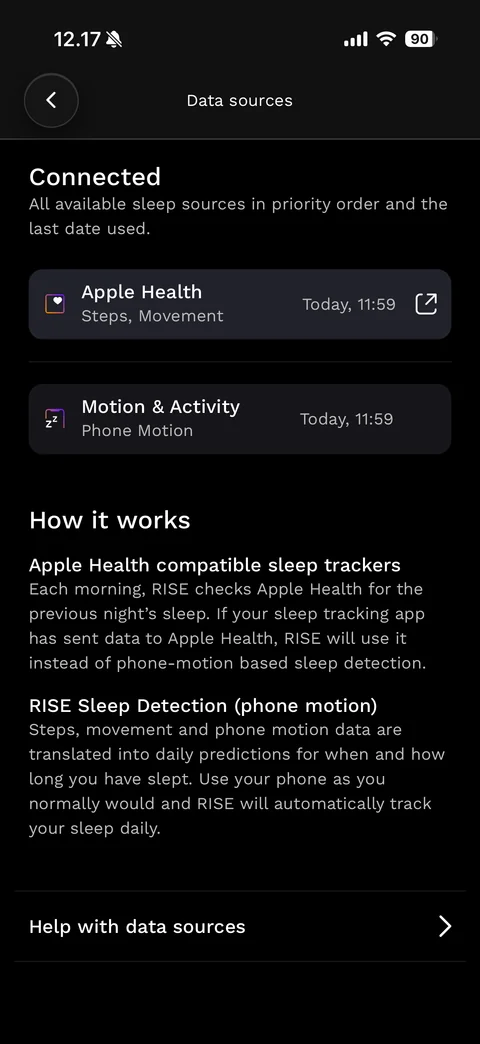
Data sources page: back, Connected heading with priority note, cards Apple Health (Steps, Movement) with last sync time and external-link icon and Motion & Activity (Phone Motion), How it works sections for Apple Health compatible trackers and RISE Sleep Detection, Help with data sources row
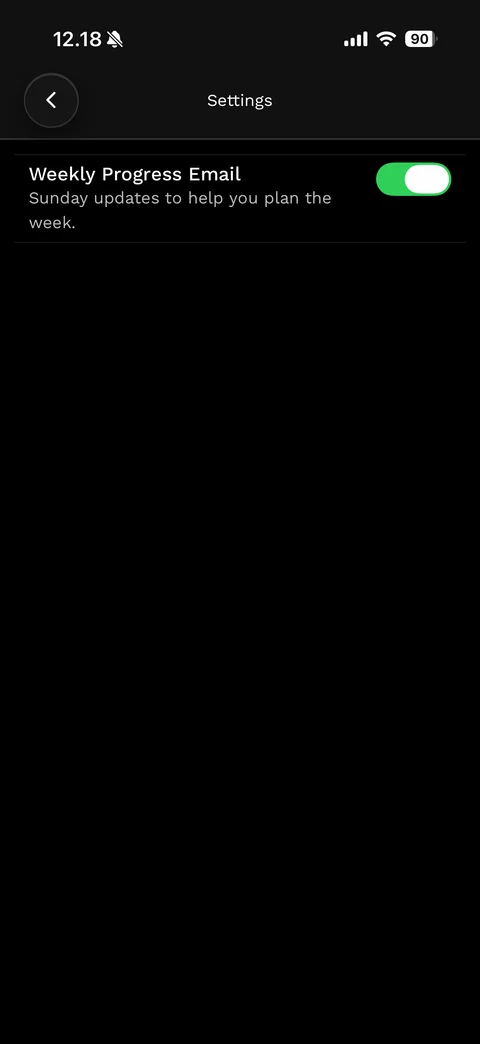
Email settings page: back, Settings title, Weekly Progress Email row with Sunday updates explanation and green toggle on
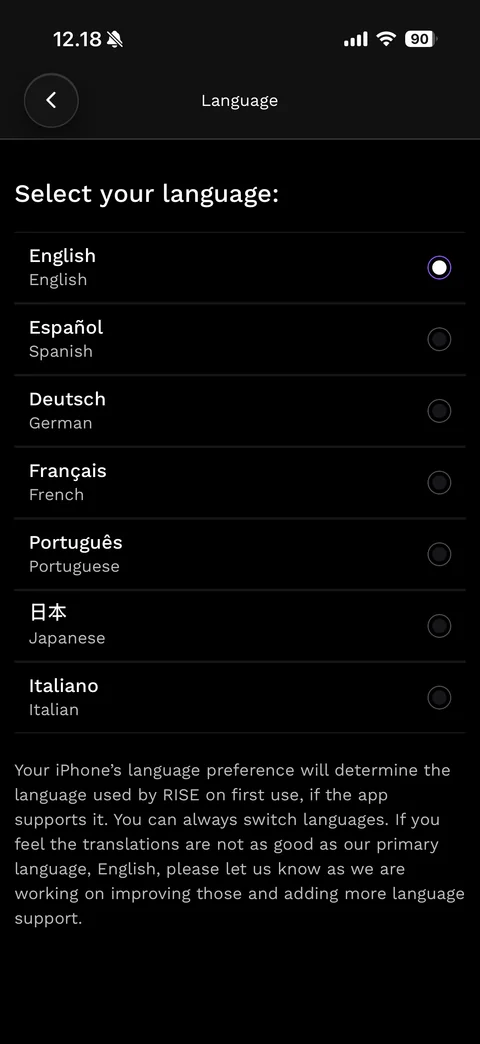
Language page: back, Select your language:, list of languages with native and English names and radio buttons (English selected with purple ring, Espanol, Deutsch, Francais, Portugues, Japanese, Italiano), note about the iPhone language preference
RISE tools (5 screens)
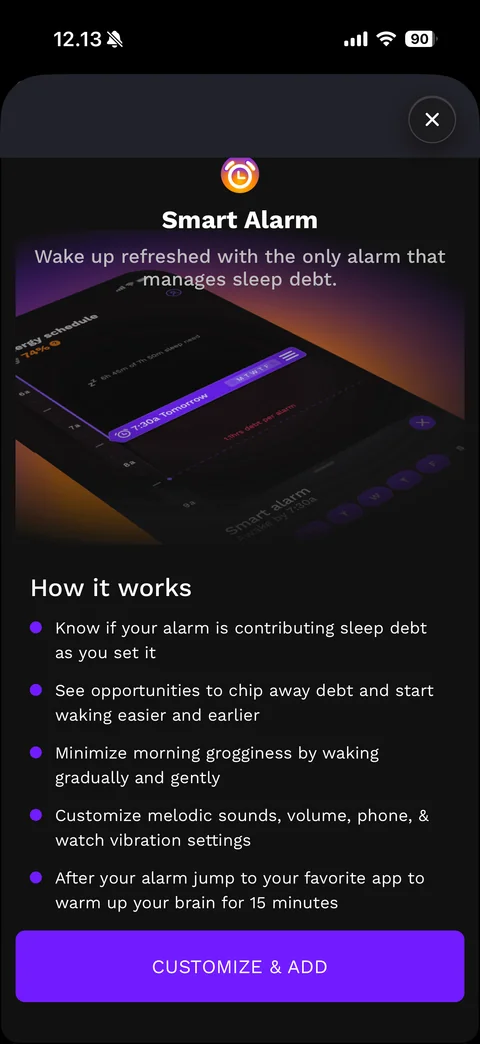
Smart Alarm intro sheet: close, orange alarm clock icon, Smart Alarm title, subtitle, tilted 3D phone mockup of the energy schedule with a purple alarm marker, How it works purple bullet list (sleep debt awareness, waking easier, gentle wake, sound and vibration settings, jump to an app), purple CUSTOMIZE & ADD button
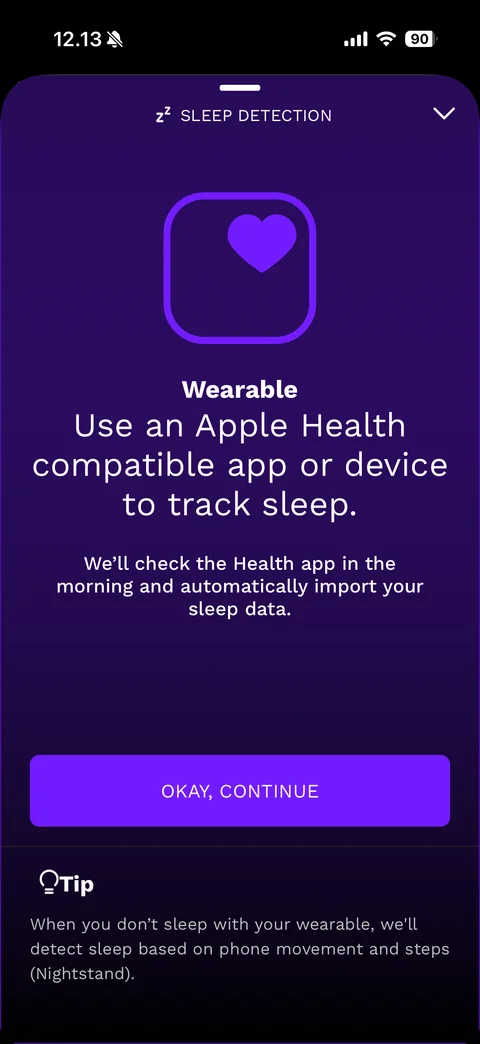
Sleep detection sheet (deep purple): grabber, Zz SLEEP DETECTION title with collapse chevron, outlined rounded square with heart icon, Wearable label, large Use an Apple Health compatible app or device to track sleep., morning import note, purple OKAY, CONTINUE button, lightbulb Tip about Nightstand phone detection
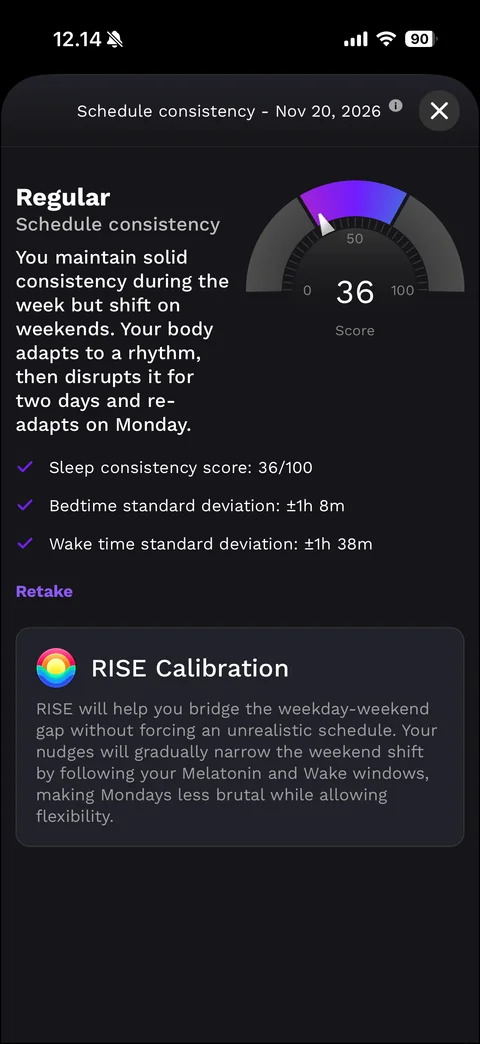
Quiz result sheet - Schedule consistency: date title with info and close, Regular result heading, explanation, semicircle gauge 0-100 with purple segment and needle at score 36, purple check stats (consistency score, bedtime and wake time standard deviations), purple Retake link, RISE Calibration card with rainbow icon and explanation
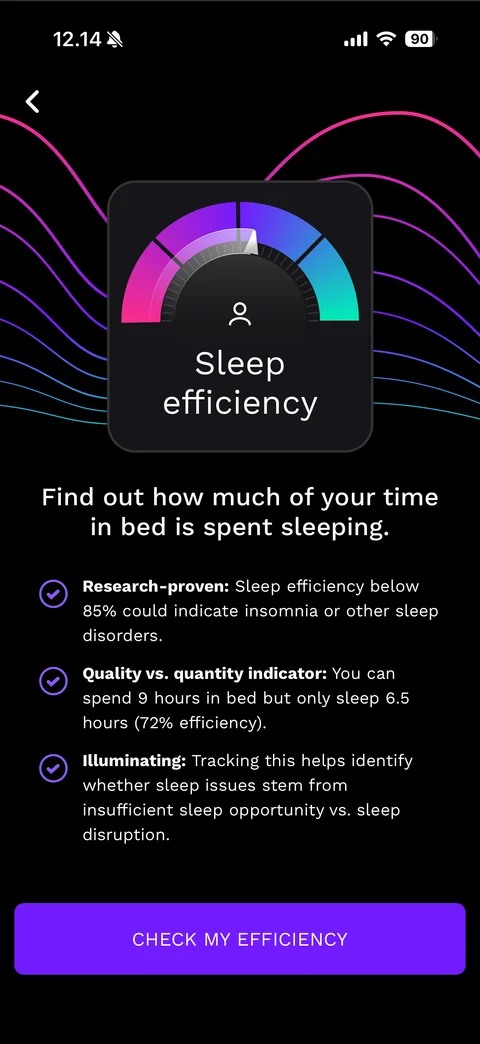
Quiz start - Sleep efficiency: back, pink to teal wave lines, dark card with gradient gauge dial, person icon and Sleep efficiency title, Find out how much of your time in bed is spent sleeping., purple check points with bold lead-ins (Research-proven, Quality vs. quantity indicator, Illuminating), purple CHECK MY EFFICIENCY button
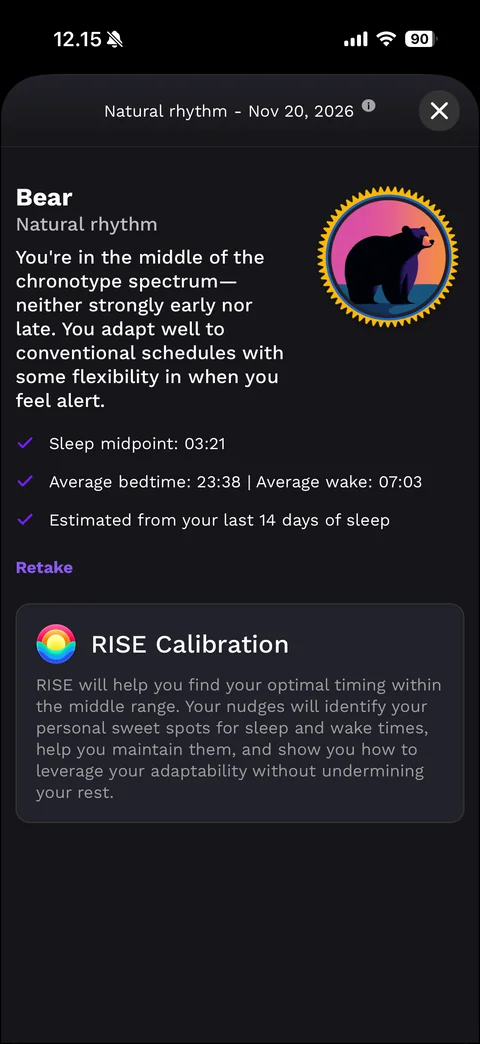
Chronotype result sheet - Natural rhythm: date title with info and close, Bear result heading, explanation of a mid-range chronotype, round gold-edged badge with bear silhouette on a sunset gradient, purple check stats (sleep midpoint, average bedtime and wake, estimated from last 14 days), Retake link, RISE Calibration card