Discord app design: 75 real screens in 22 flows
Group Chat That’s Fun & Games. Category: Social Networking. By Discord Inc.
Captured on iPhone and updated November 2026. Each screen has a short note on what it shows and why it matters for growth.
Discord onboarding (1 screen)
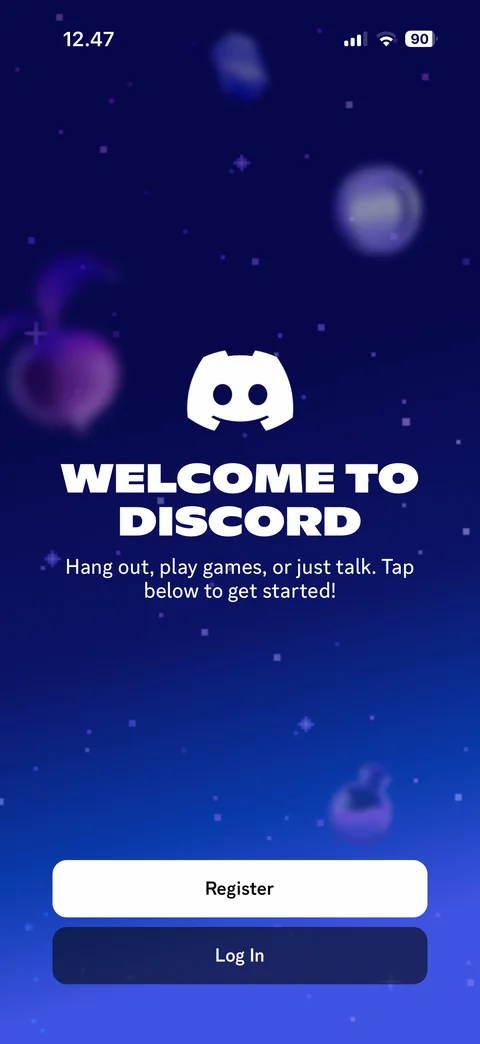
Welcome to Discord: logo, headline, hang out and play games subtitle, floating 3D objects on starry blue background, Register and Log In buttons
Discord onboarding / register (5 screens)
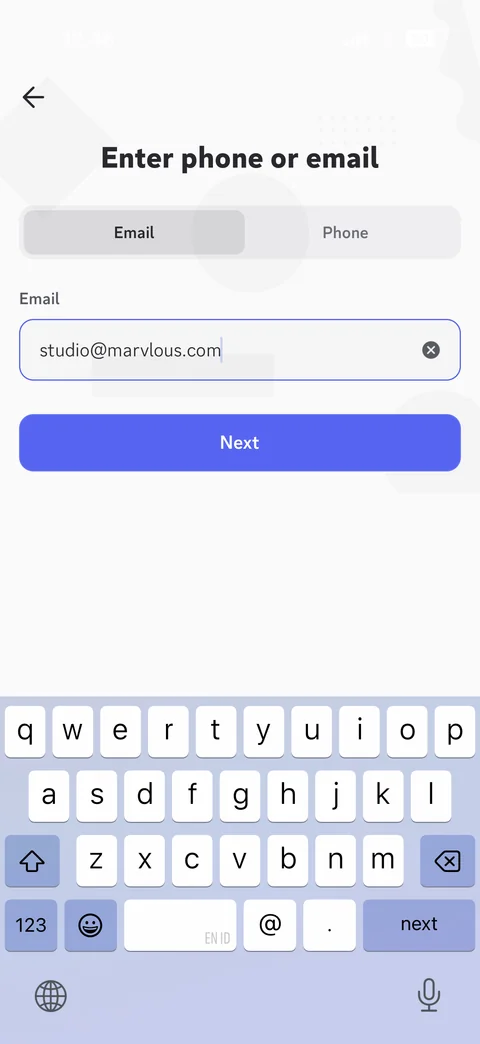
Register step 1: enter phone or email, Email and Phone segmented tabs, email field filled with clear button, Next, keyboard open
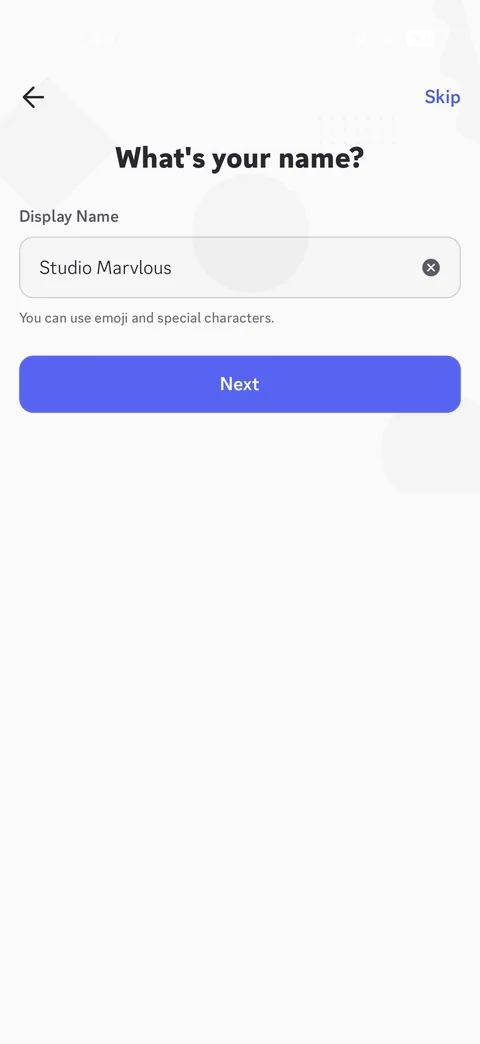
Register step 2: what's your name, display name field filled with clear button, emoji allowed hint, Next, Skip
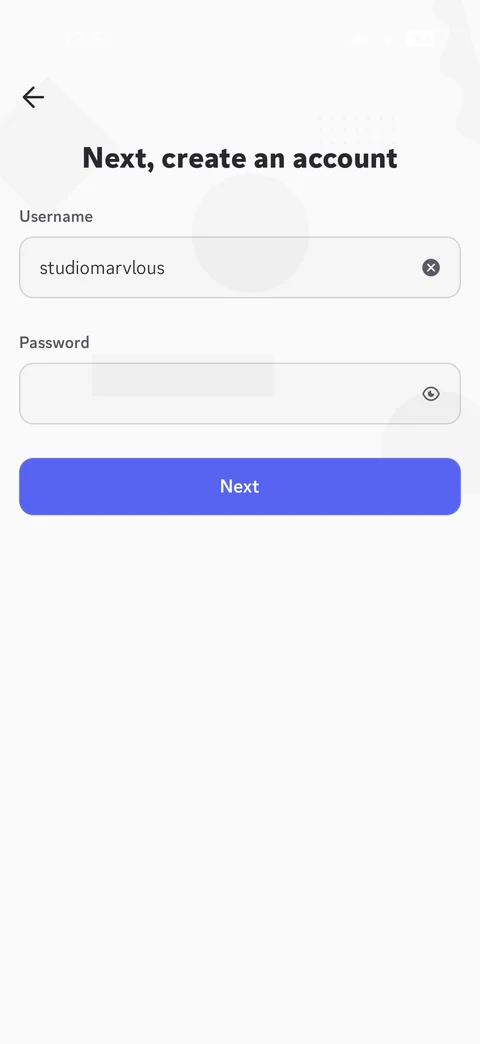
Register step 3: create an account, username field filled, password field hidden with show toggle, Next
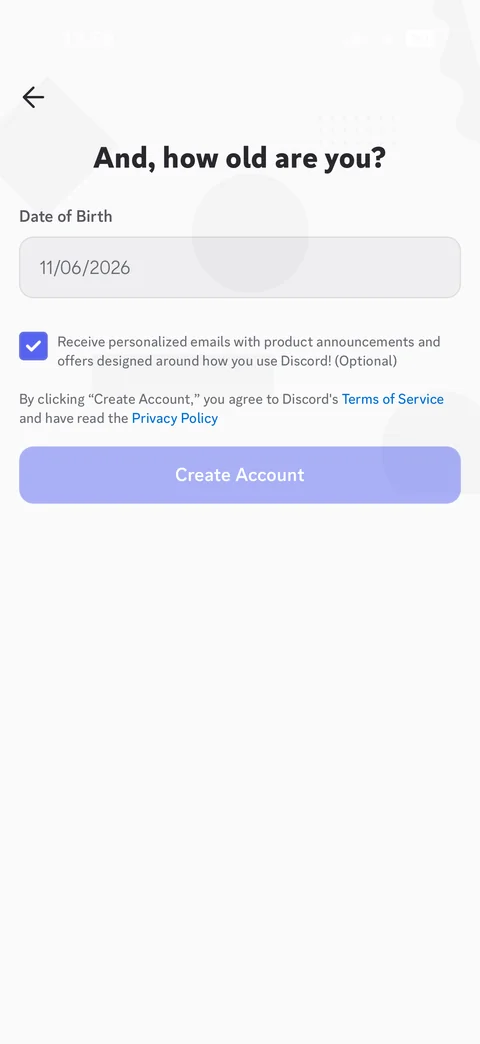
Register step 4: how old are you, date of birth field with today's date placeholder, personalized emails opt-in checkbox checked, terms and privacy note, disabled Create Account
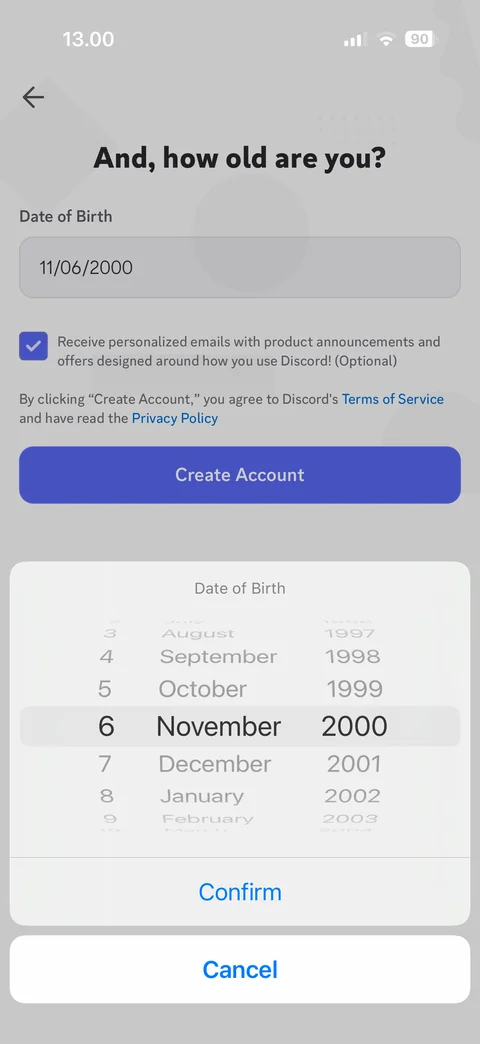
Date of birth picker sheet: day, month, year wheels, Confirm and Cancel, Create Account enabled behind dimmed overlay
Discord onboarding / setup (2 screens)
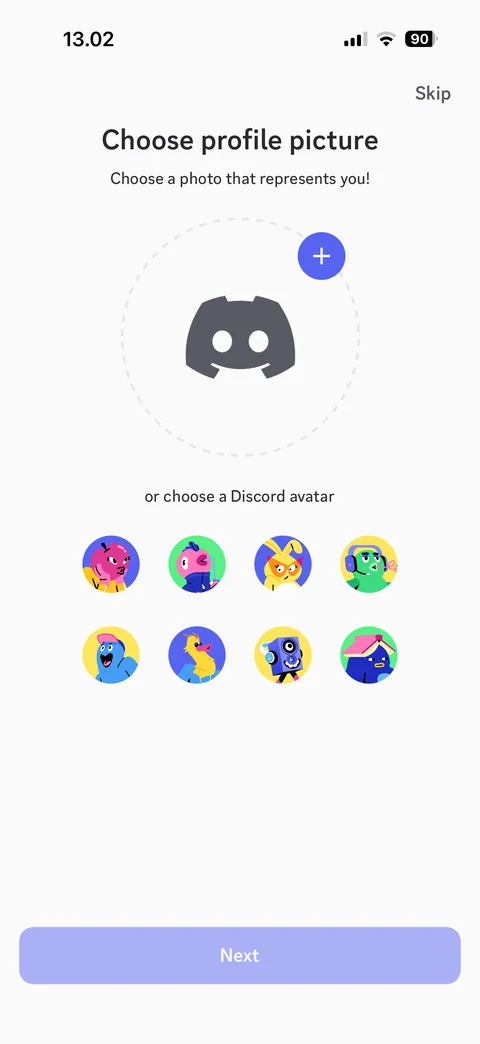
Choose profile picture: Discord logo placeholder with add button, or choose a Discord avatar grid of illustrated characters, disabled Next, Skip
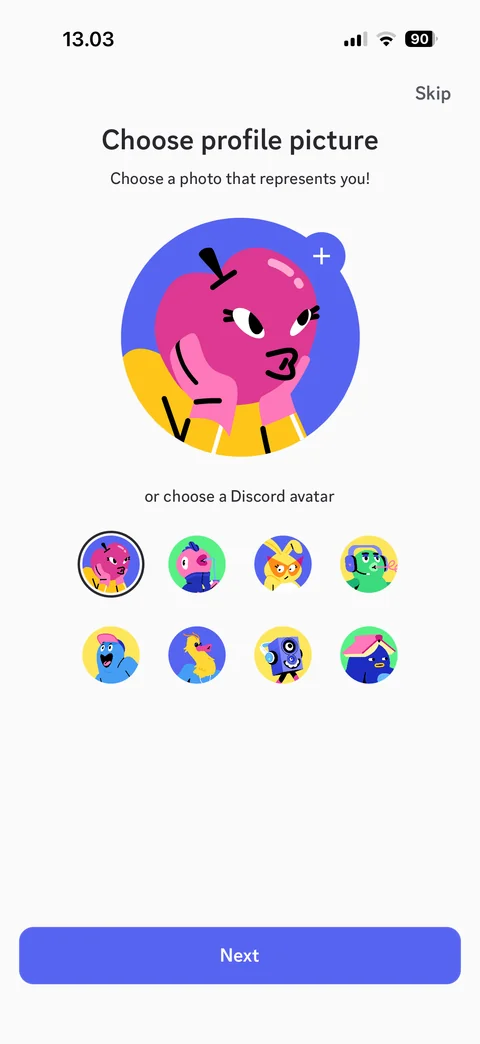
Profile picture selected: large preview of chosen Discord avatar, selected ring in avatar grid, Next enabled
Discord home (1 screen)
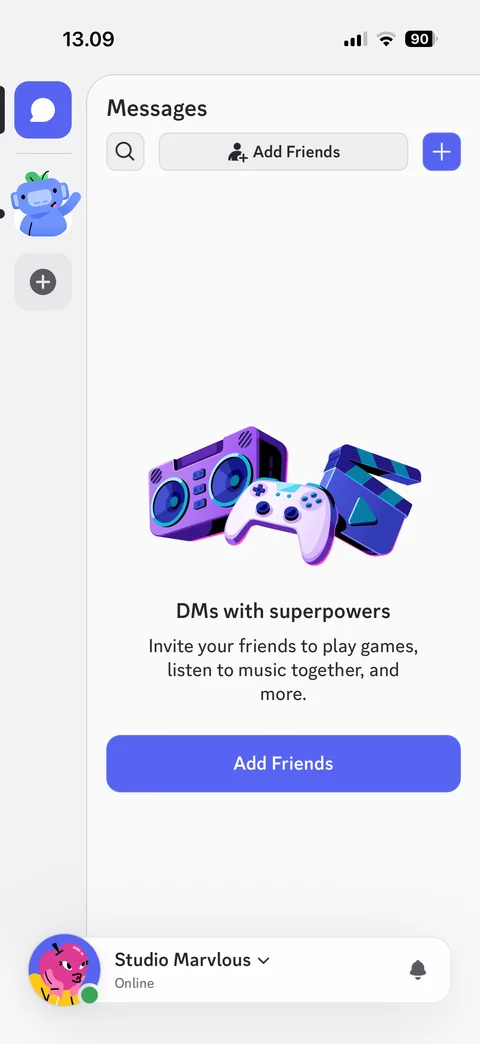
Messages home empty: server rail with DMs, server and add buttons, search, Add Friends, new message button, DMs with superpowers illustration, Add Friends CTA, user panel with status and notifications
Discord servers (2 screens)
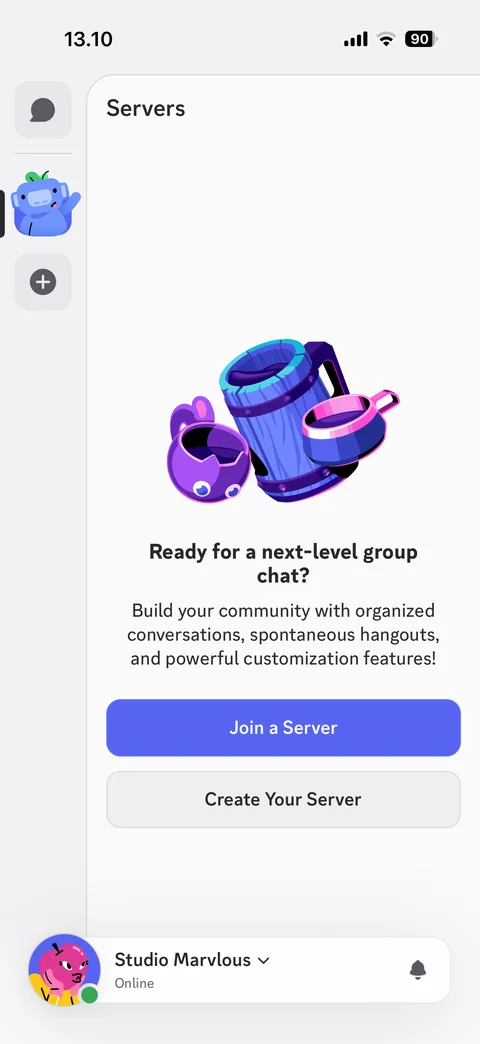
Servers empty state: ready for a next-level group chat illustration, build your community text, Join a Server and Create Your Server buttons
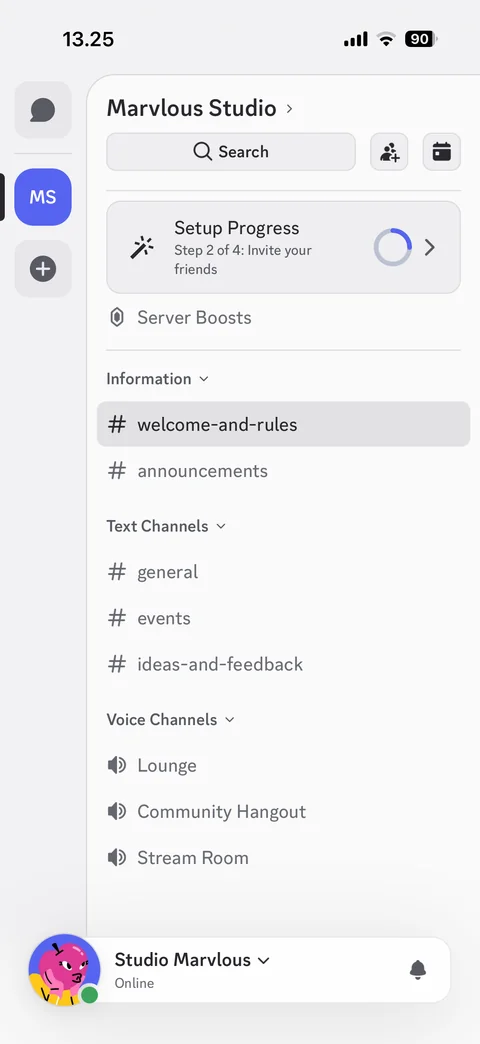
Server channel list: server rail, server name with chevron, search, invite and events buttons, setup progress card, server boosts, Information, Text Channels and Voice Channels categories, user panel
Discord servers / create server (7 screens)
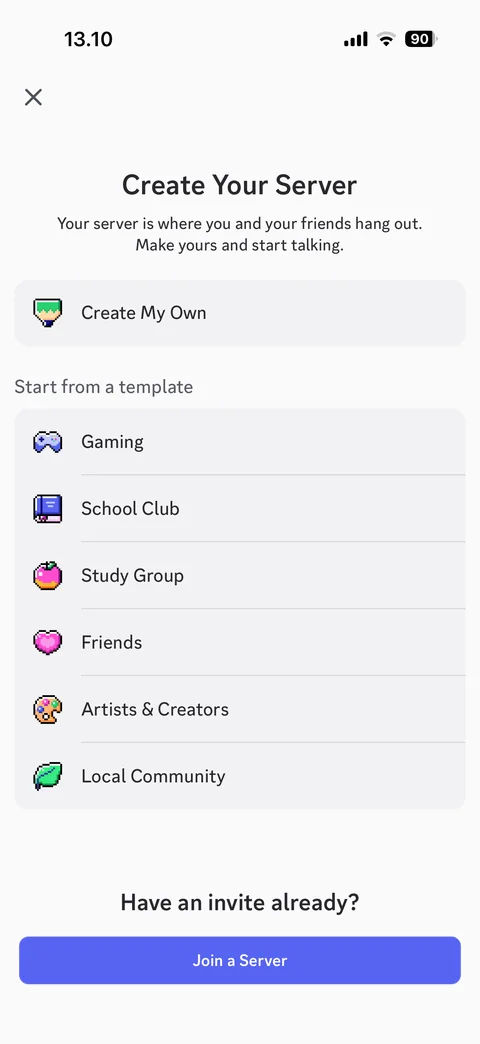
Create your server: Create My Own, start from a template list (Gaming, School Club, Study Group, Friends, Artists and Creators, Local Community), have an invite Join a Server
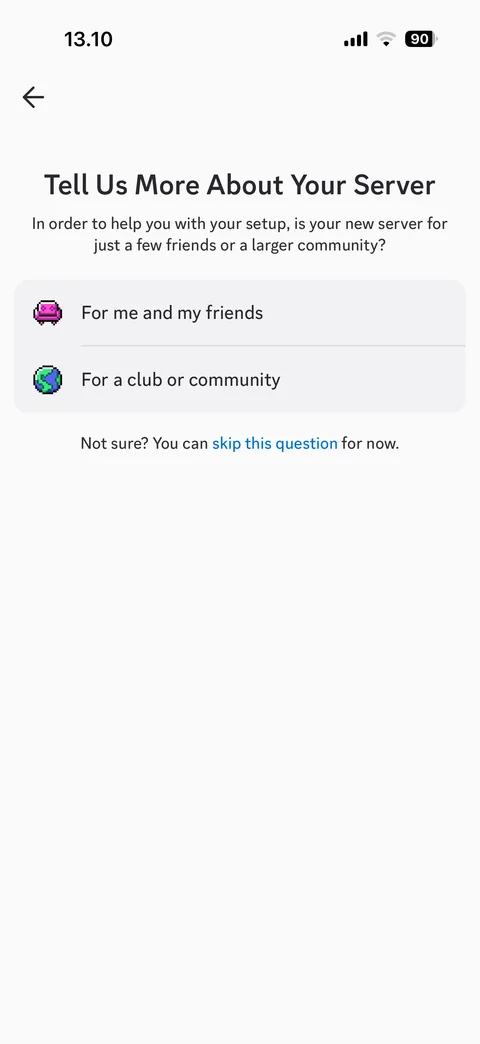
Tell us more about your server: for me and my friends or for a club or community, skip this question link
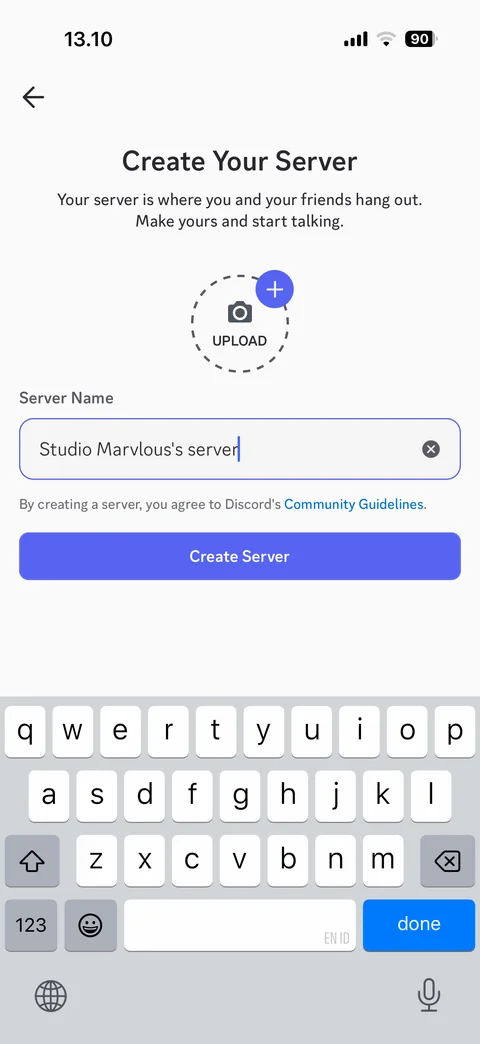
Create server form: upload icon placeholder with add button, server name prefilled, community guidelines note, Create Server, keyboard open
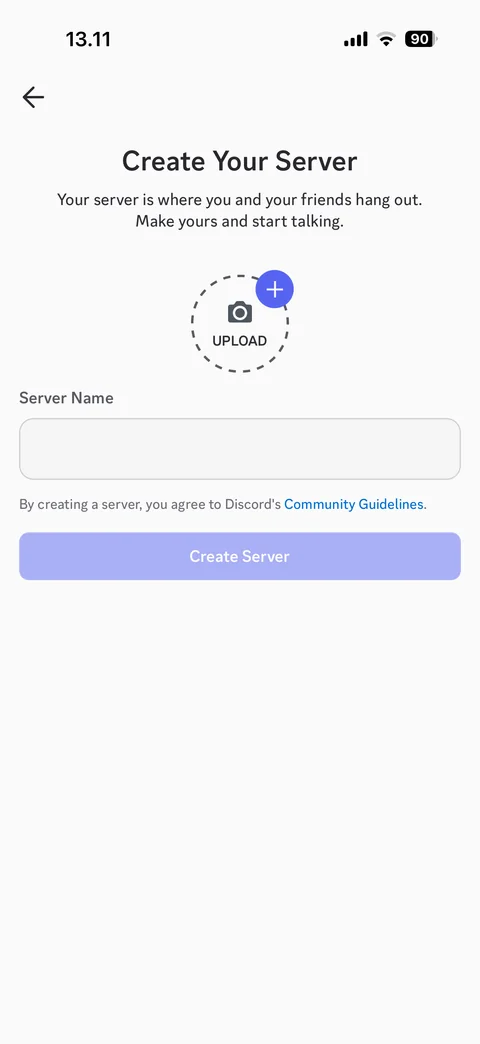
Create server form empty: server name cleared, Create Server disabled
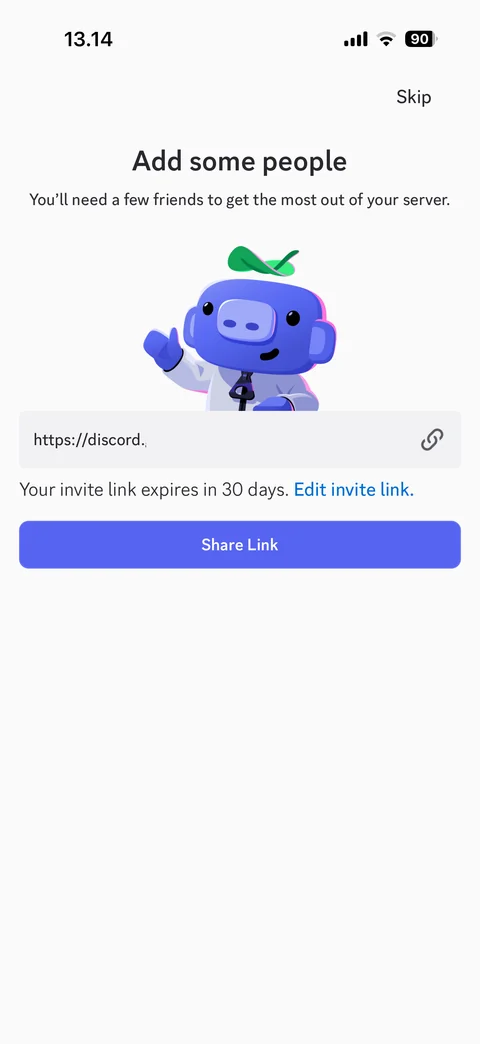
Add some people: mascot illustration, invite link field (code hidden) with copy, expires in 30 days, edit invite link, Share Link, Skip
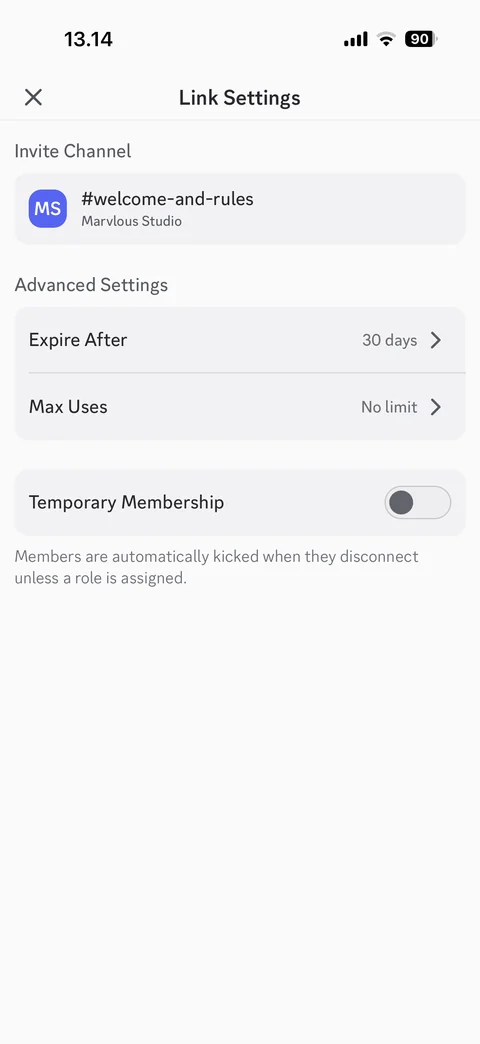
Invite link settings: invite channel with server initials, expire after 30 days, max uses no limit, temporary membership toggle with explanation
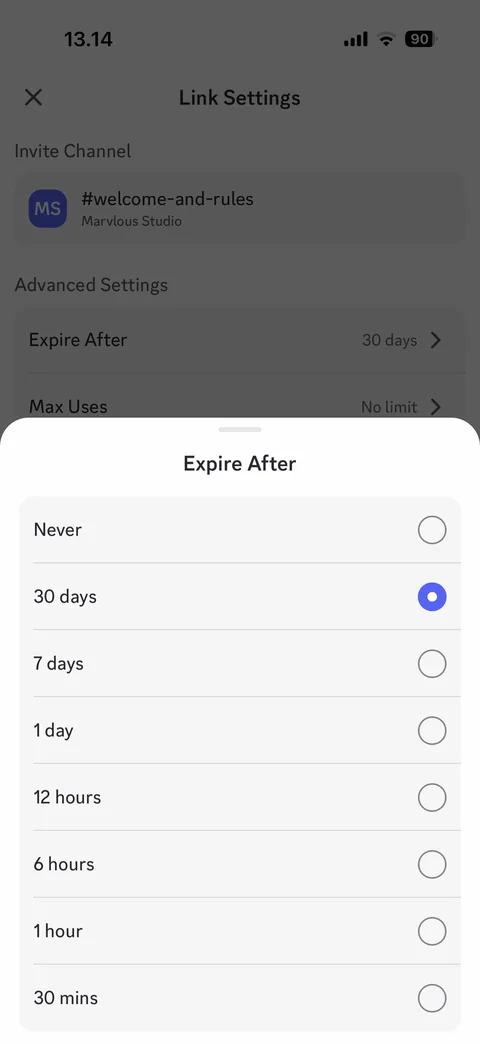
Expire after sheet: radio options from never to 30 minutes, 30 days selected
Discord servers / server menu (2 screens)
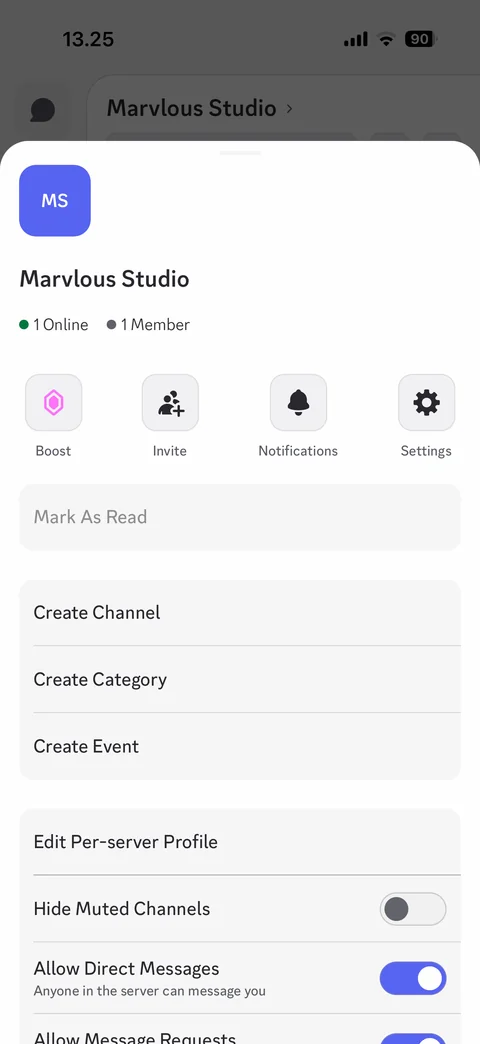
Server menu sheet: server icon and name, online and member counts, Boost, Invite, Notifications, Settings actions, mark as read, create channel, category, event, per-server profile, hide muted channels, allow DMs toggles
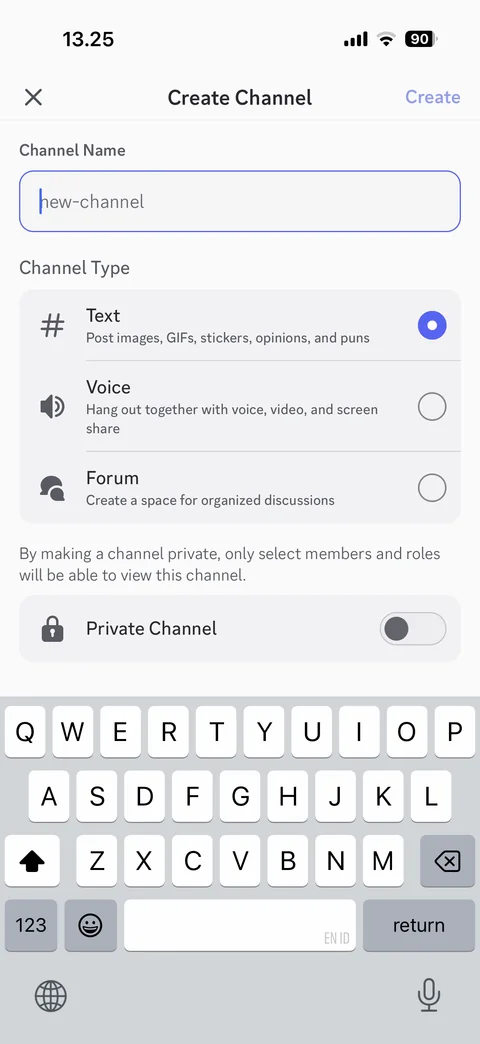
Create channel: channel name field, channel type radio list Text, Voice, Forum with descriptions, private channel toggle, Create, keyboard open
Discord servers / create event (4 screens)
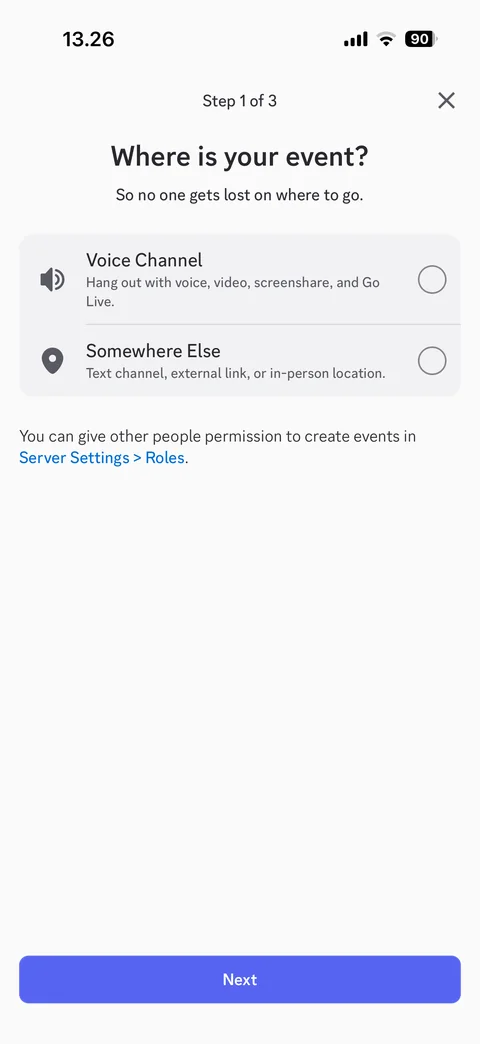
Create event step 1 of 3: where is your event, Voice Channel or Somewhere Else radio options, roles permission note, Next
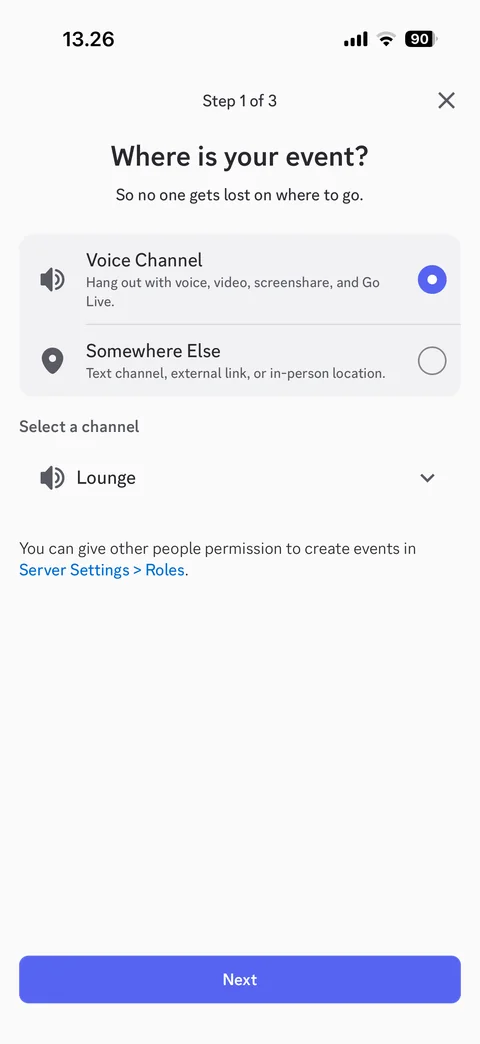
Event location selected: Voice Channel radio on, select a channel dropdown with Lounge
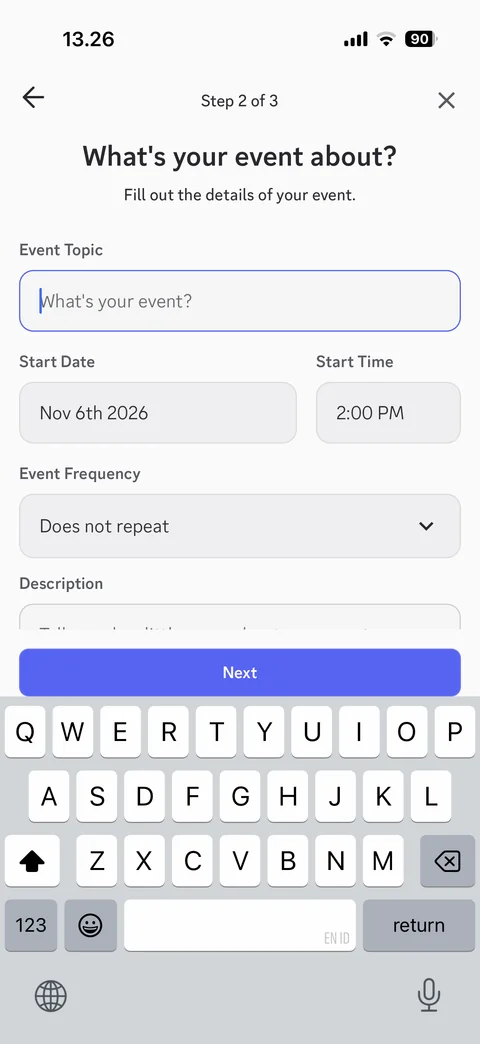
Create event step 2 of 3: event topic, start date and time, event frequency dropdown, description, Next, keyboard open
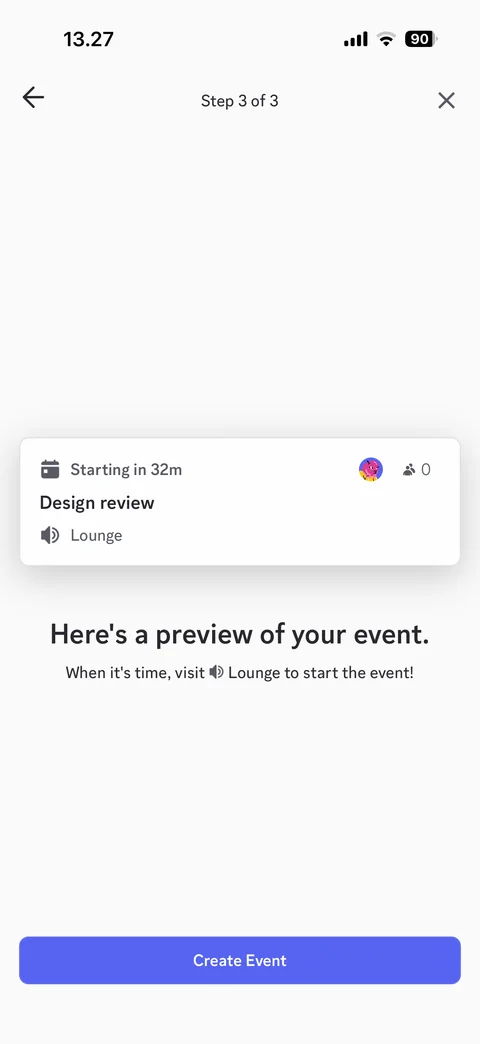
Create event step 3 of 3: event preview card with start time, topic, host avatar, interested count and voice channel, Create Event
Discord servers / voice (1 screen)
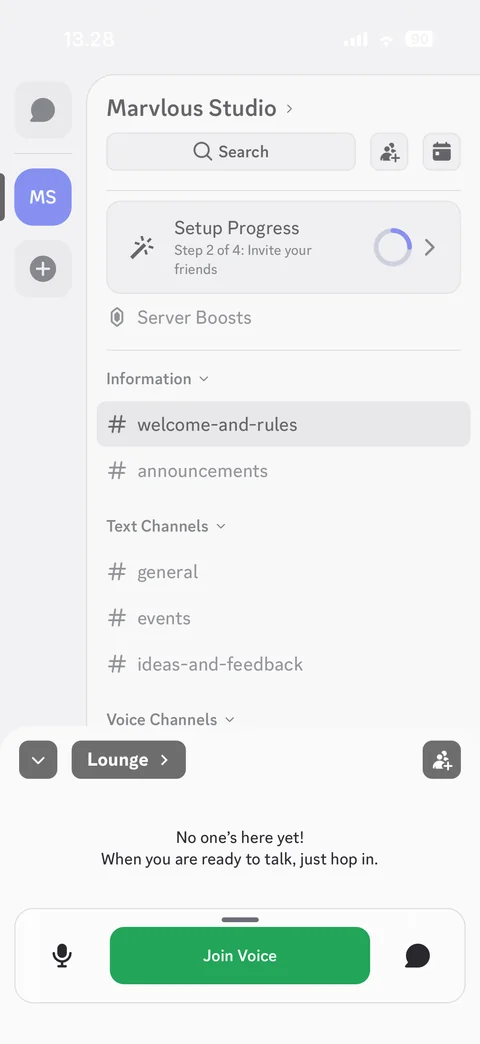
Voice channel preview panel: Lounge name, invite button, no one is here yet message, mic toggle, Join Voice button, chat button, minimize
Discord channel (5 screens)
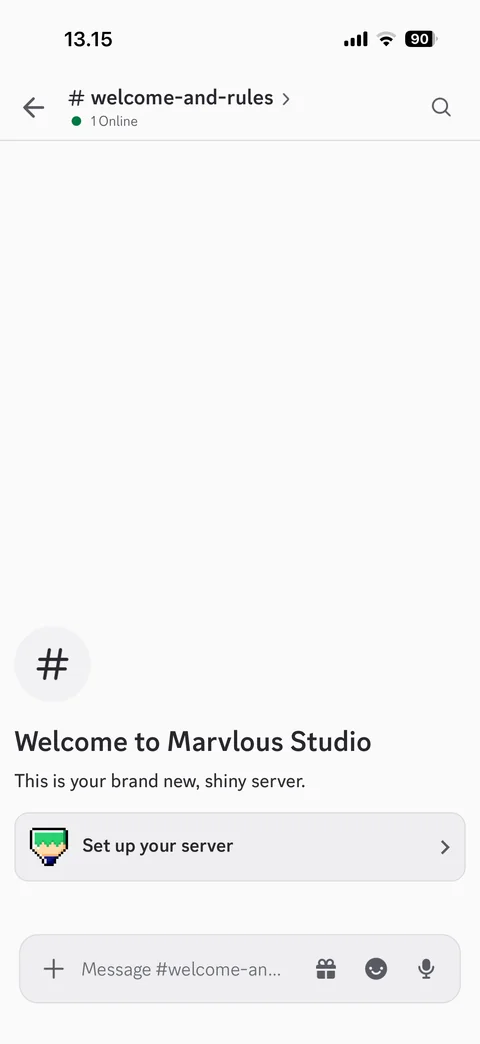
New server channel: channel name with online count, search, welcome to server empty message with hash icon, set up your server card, message composer with plus, gift, emoji and mic
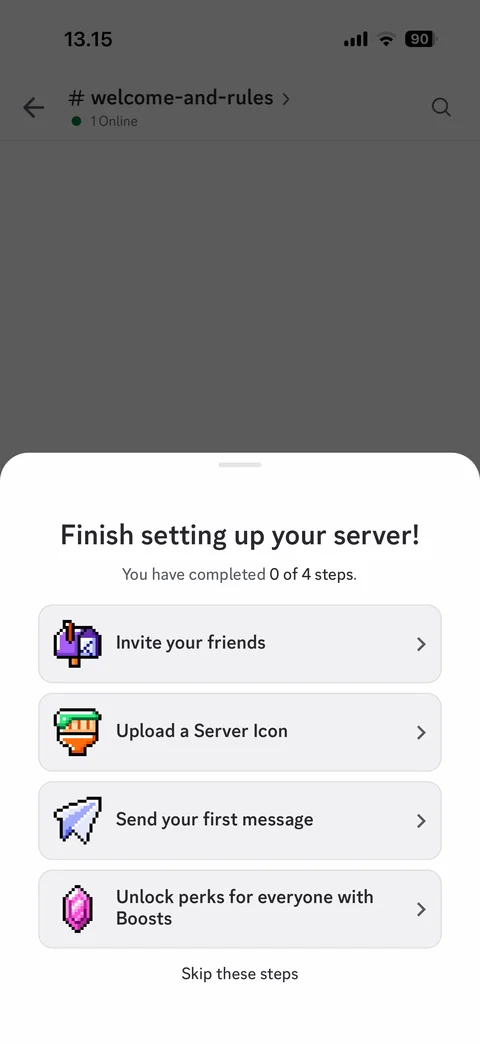
Finish setting up your server sheet: 0 of 4 steps, invite friends, upload server icon, send first message, unlock perks with Boosts, skip these steps
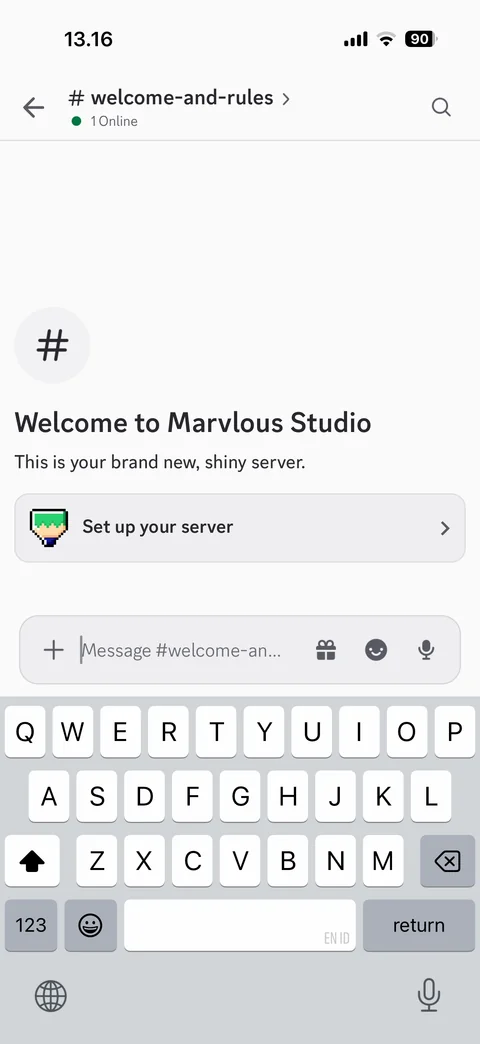
Composer focused: keyboard open, message placeholder, plus, gift, emoji and mic buttons, welcome message above
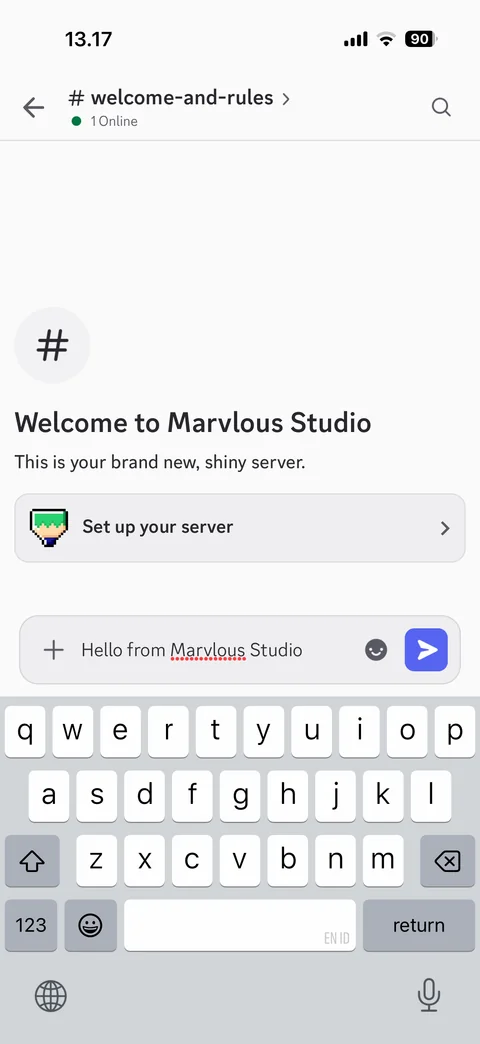
Composer with typed message: text entered, emoji button, blue send button
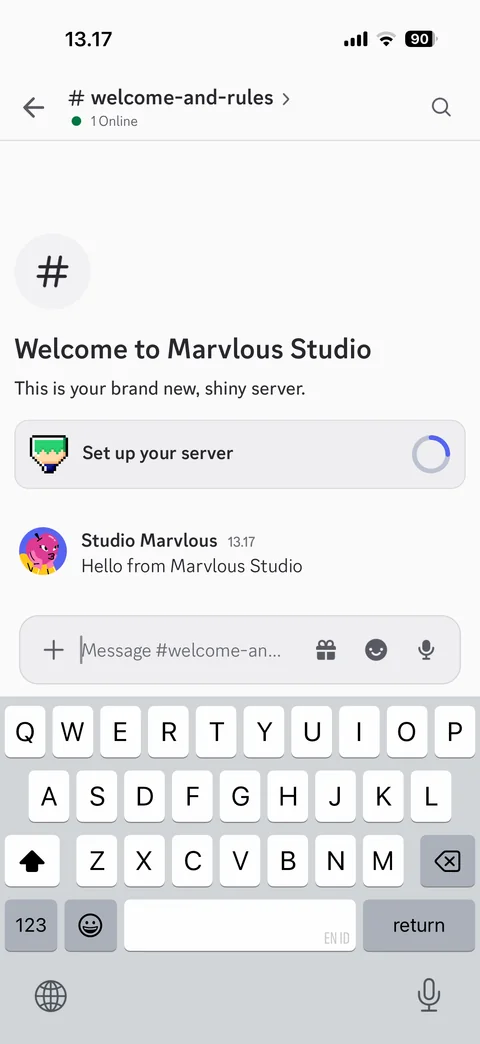
Message sent: own message with avatar, name and time, setup checklist progress ring, composer ready for next message
Discord channel / boosts (1 screen)
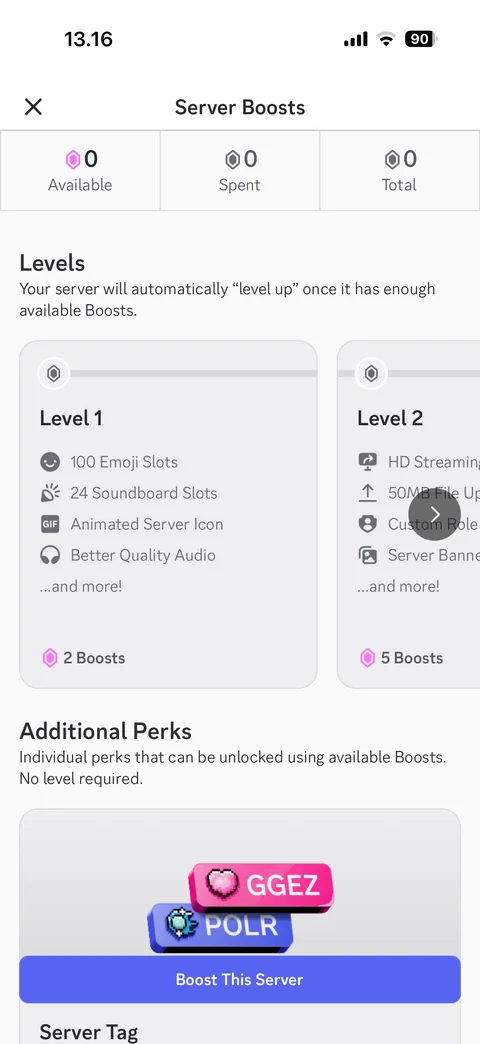
Server Boosts: available, spent, total counts, levels carousel with perks and boosts needed, additional perks with server tag preview, Boost This Server
Discord channel / composer (6 screens)
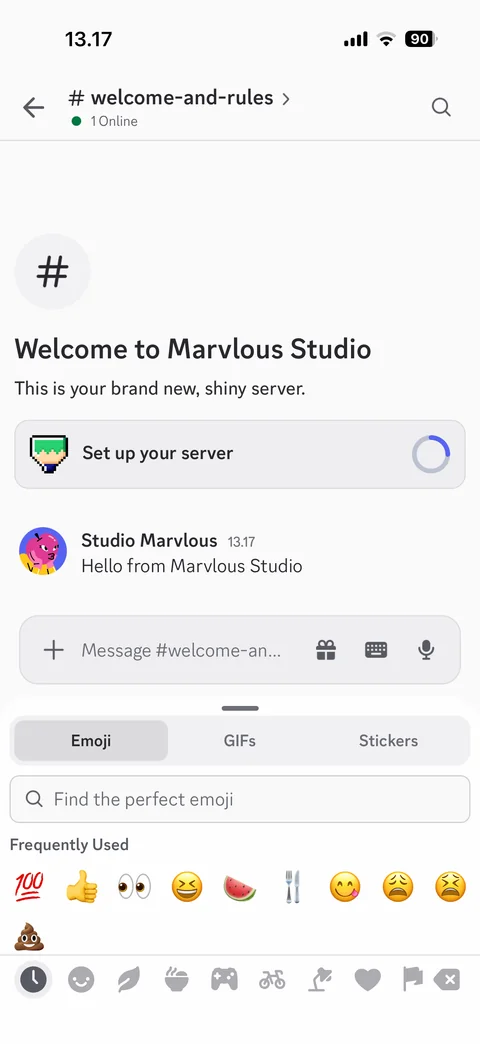
Emoji picker: Emoji, GIFs, Stickers tabs, emoji search, frequently used emoji, category bar, keyboard toggle in composer
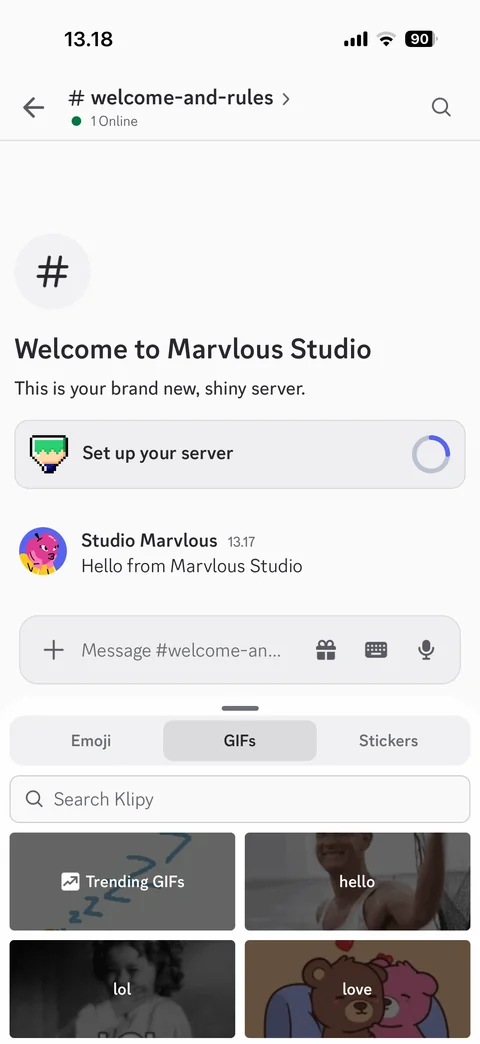
GIF picker: GIFs tab active, search Klipy, category tiles trending, hello, lol, love
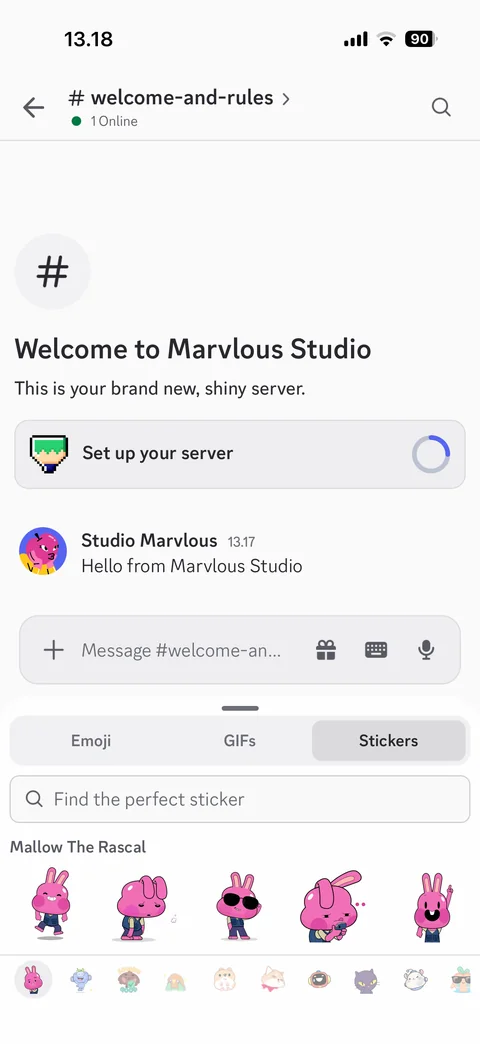
Sticker picker: Stickers tab active, sticker search, Mallow The Rascal pack row, sticker pack bar
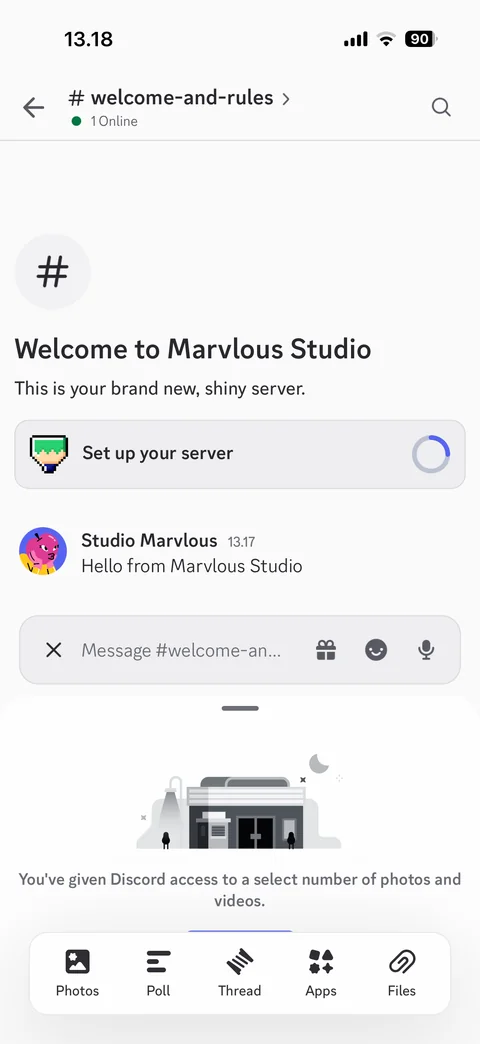
Attachment tray: limited photo access illustration and note, Photos, Poll, Thread, Apps, Files options bar
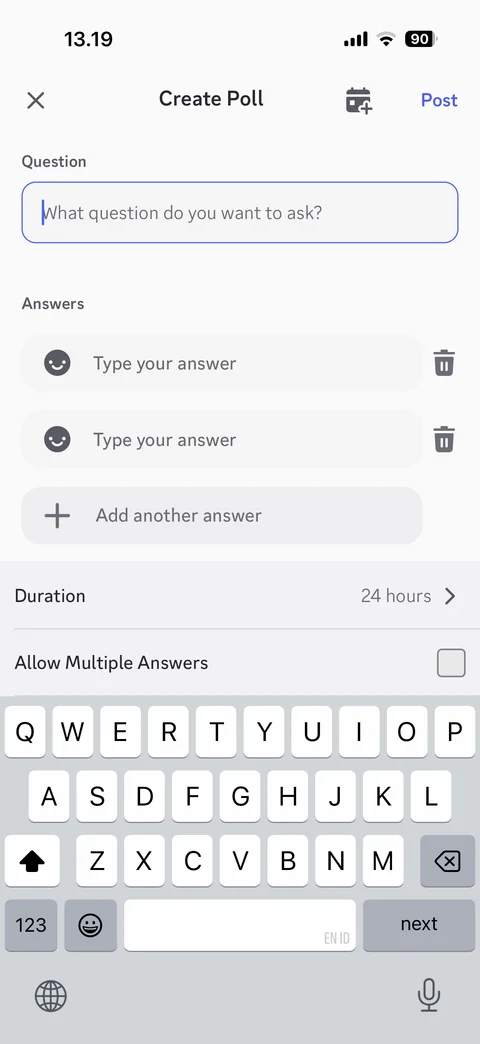
Create poll: question field, answer fields with emoji and delete, add another answer, duration 24 hours, allow multiple answers checkbox, schedule and Post, keyboard open
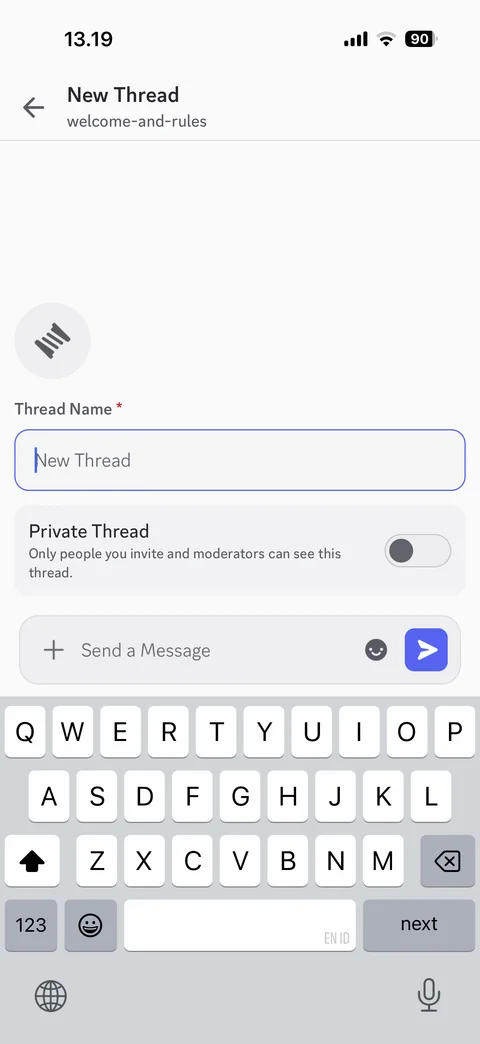
New thread: parent channel subtitle, thread icon, thread name field, private thread toggle with explanation, first message composer with send, keyboard open
Discord channel / message actions (2 screens)
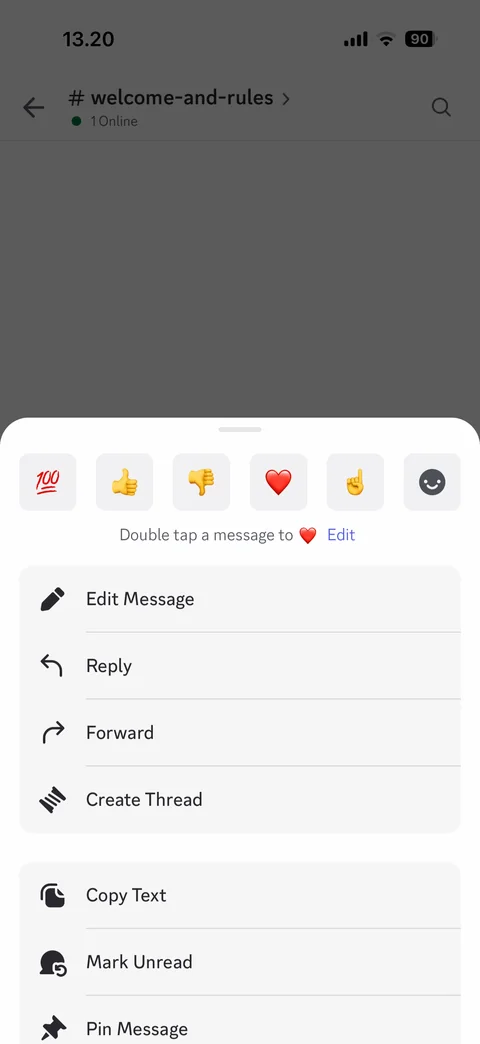
Message actions sheet: quick reaction emoji row, double tap to heart tip with edit, Edit Message, Reply, Forward, Create Thread, Copy Text, Mark Unread, Pin Message
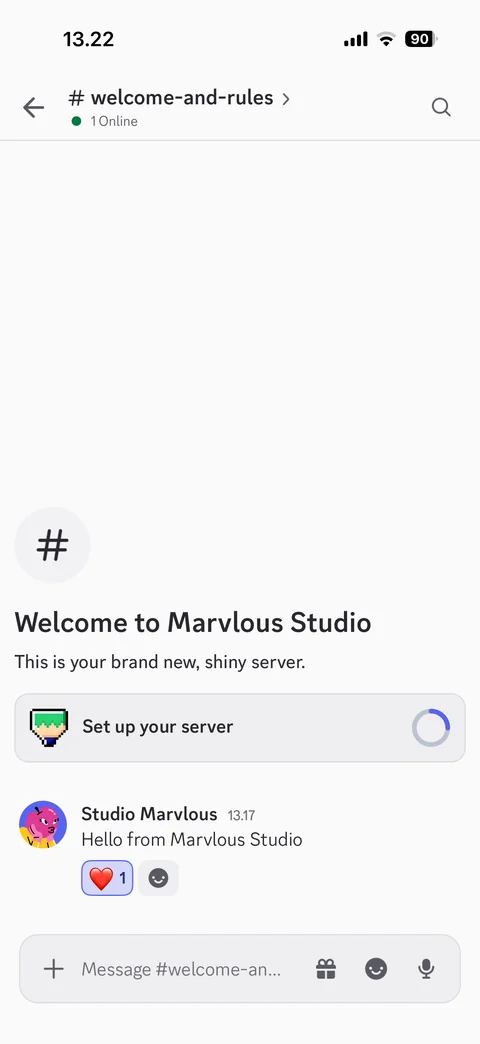
Message with reaction: heart reaction chip with count 1 under own message, add reaction button
Discord channel / search (3 screens)
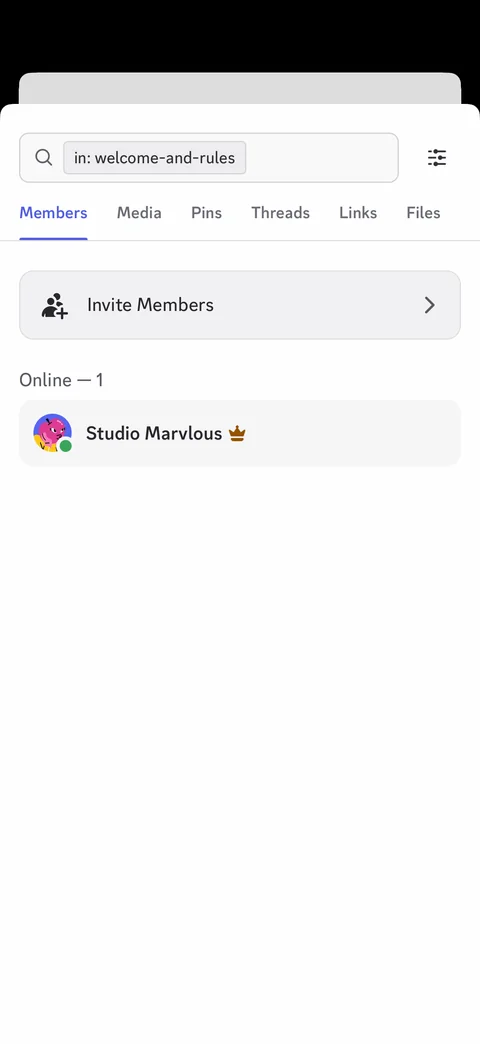
Channel search sheet: search field with in channel filter chip, filters button, Members, Media, Pins, Threads, Links, Files tabs, invite members, online member with owner crown, keyboard open
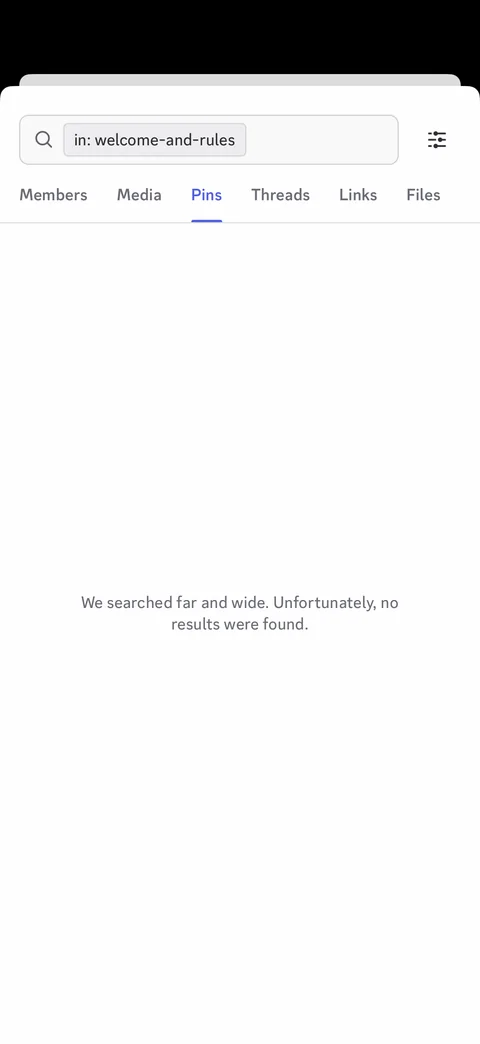
Search Pins tab: no results empty state, we searched far and wide
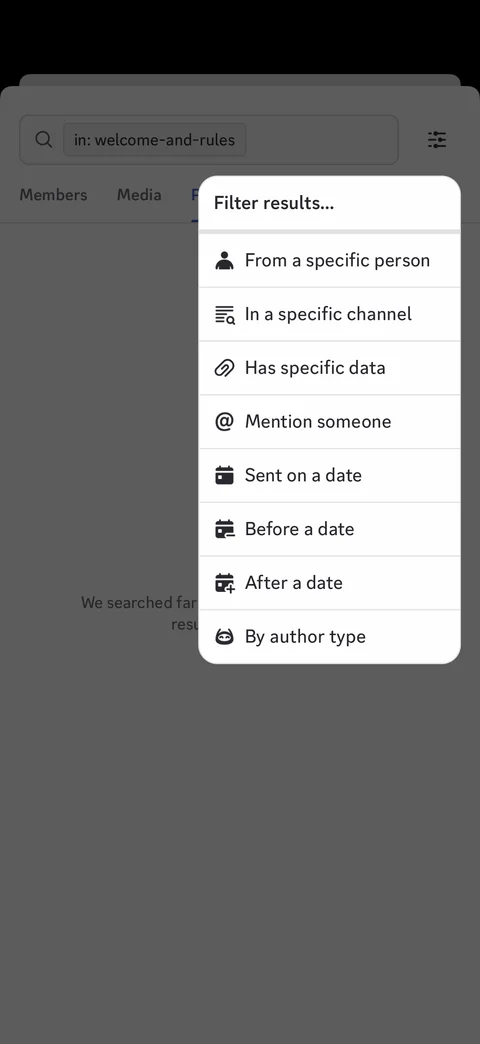
Search filter menu: from a person, in a channel, has data, mention, sent on, before, after a date, by author type
Discord channel / channel details (6 screens)
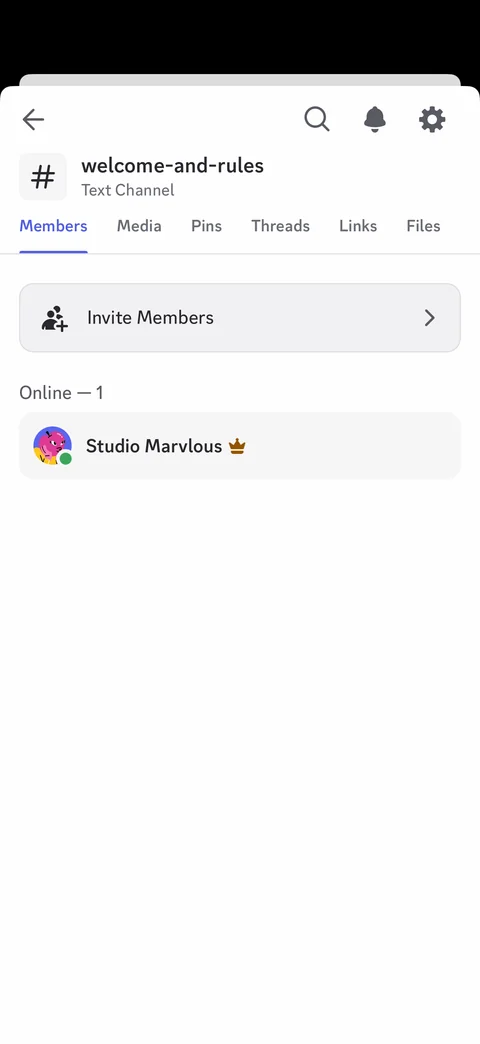
Channel details sheet: channel name and type, search, notifications and settings buttons, Members, Media, Pins, Threads, Links, Files tabs, invite members, online member
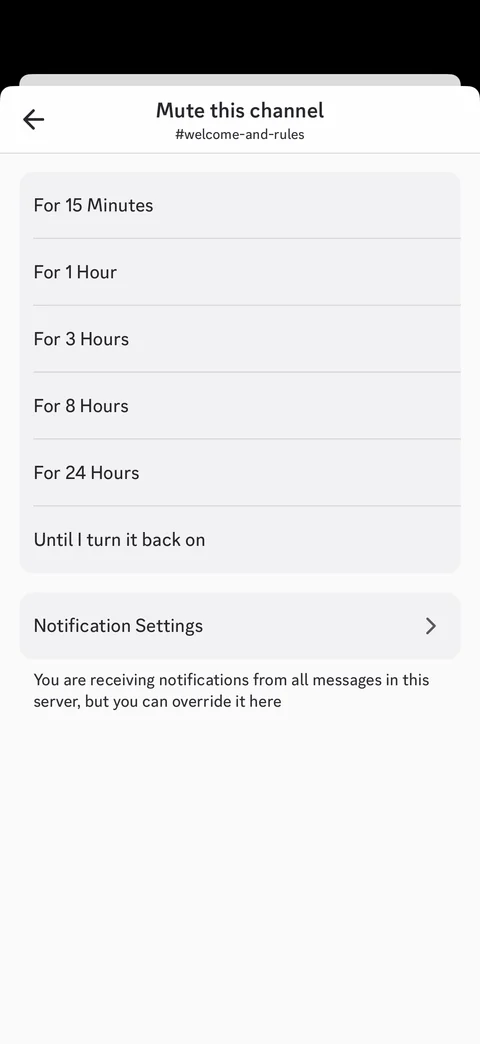
Mute this channel: durations from 15 minutes to until I turn it back on, notification settings row, override explanation
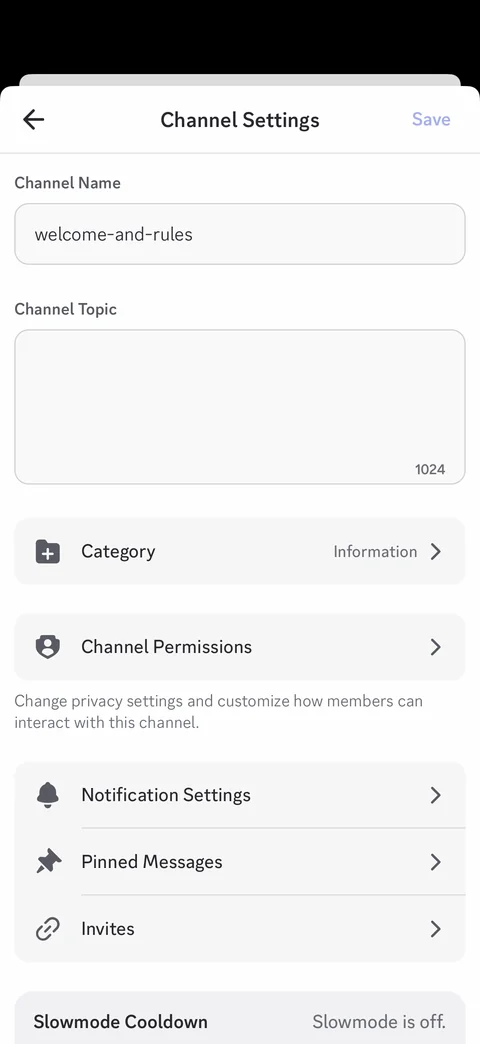
Channel settings: channel name, topic with counter, category, channel permissions, notification settings, pinned messages, invites, slowmode cooldown, Save
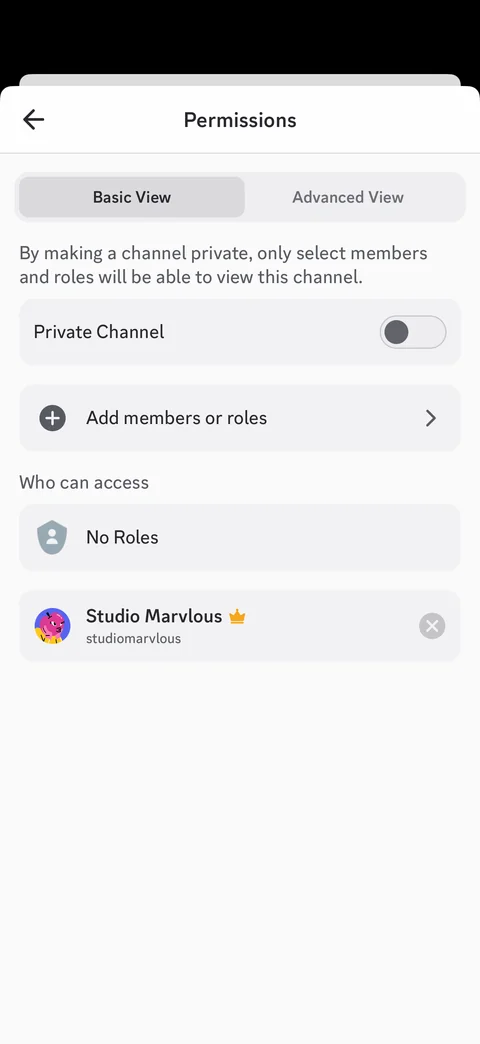
Channel permissions basic view: Basic and Advanced segmented control, private channel toggle with explanation, add members or roles, who can access list with owner
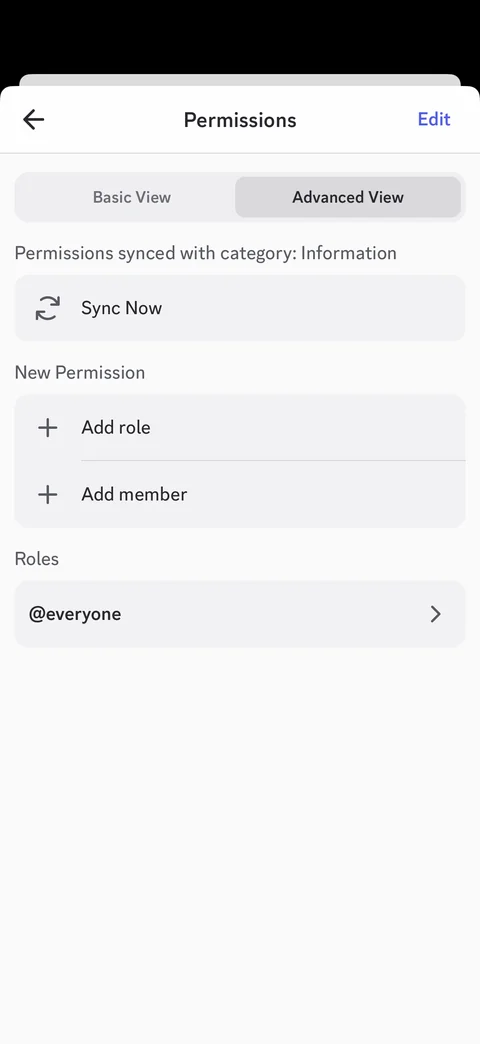
Channel permissions advanced view: synced with category note, Sync Now, add role, add member, roles list with everyone, Edit
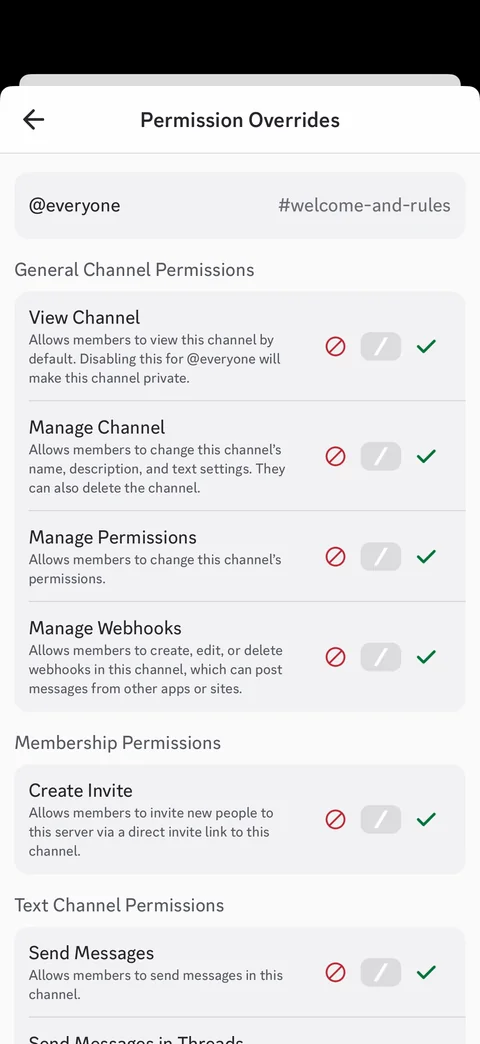
Permission overrides: everyone role for channel, grouped permissions with descriptions, deny, neutral, allow tri-state controls
Discord profile (4 screens)
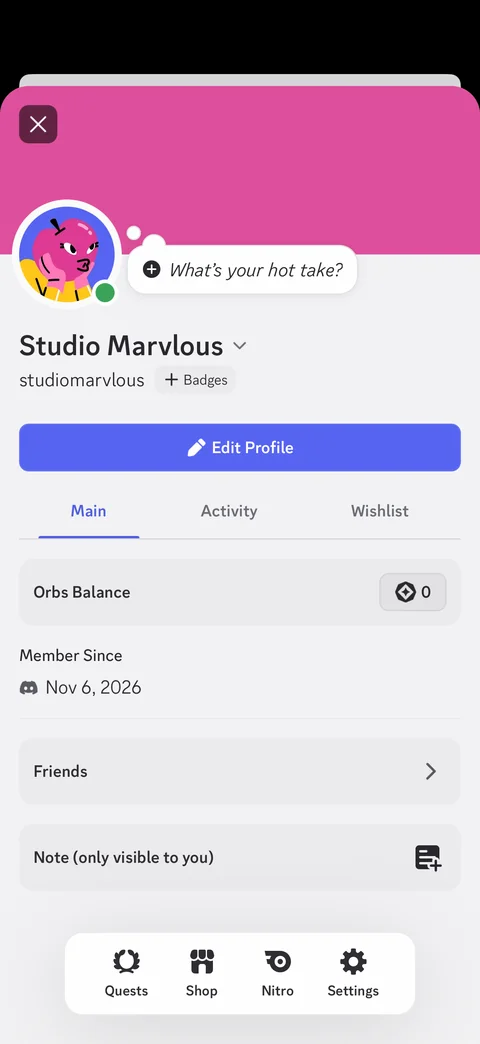
Own profile sheet: pink banner, avatar with online dot and status bubble prompt, display name and username, add badges, Edit Profile, Main, Activity, Wishlist tabs, Orbs balance, member since, friends, private note, Quests, Shop, Nitro, Settings bar
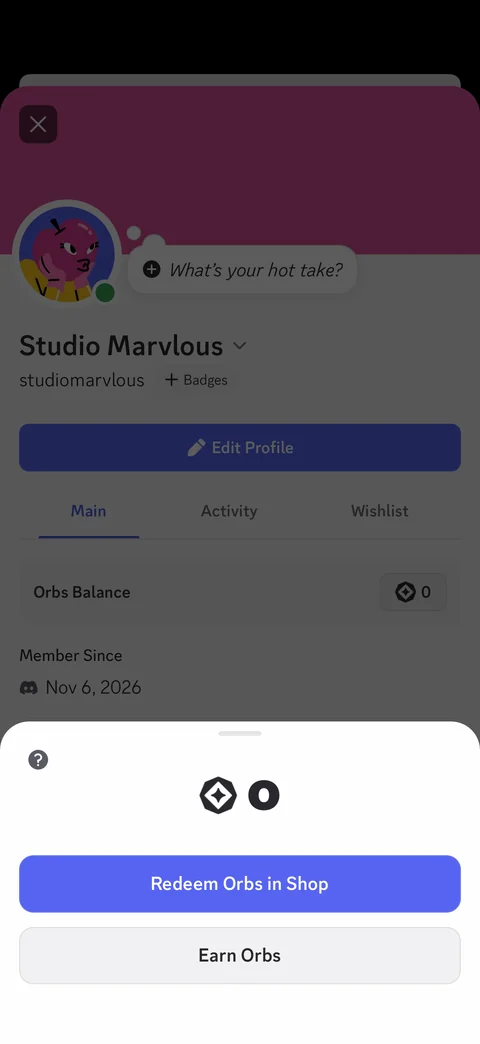
Orbs balance sheet: orb icon with 0 balance, help, Redeem Orbs in Shop, Earn Orbs
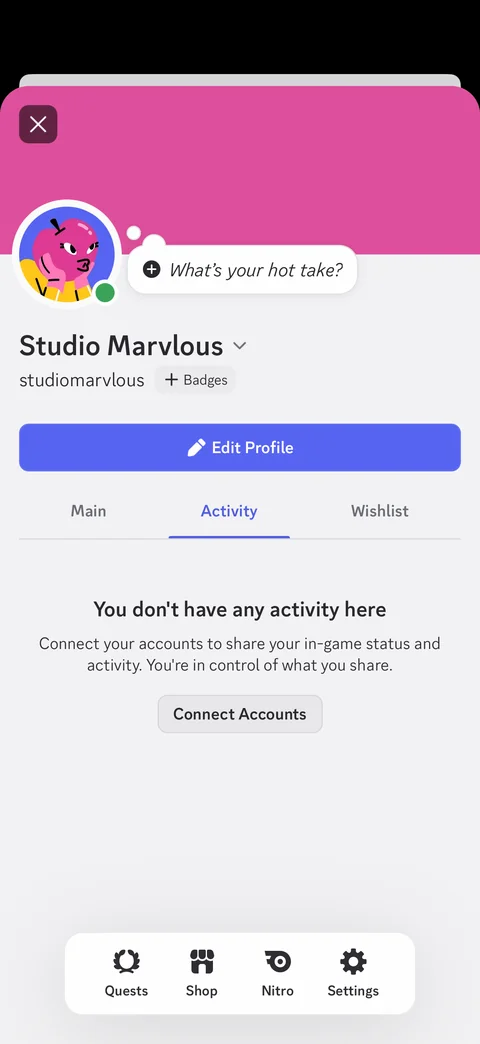
Profile Activity tab: empty state no activity, connect accounts to share in-game status, Connect Accounts
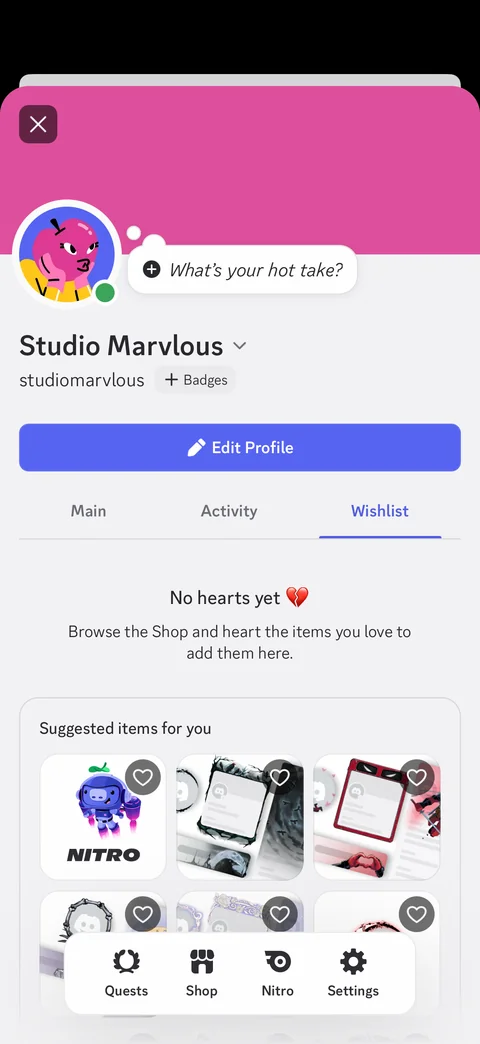
Profile Wishlist tab: no hearts yet empty message, suggested shop items grid with heart buttons, floating Quests, Shop, Nitro, Settings bar
Discord profile / edit profile (4 screens)
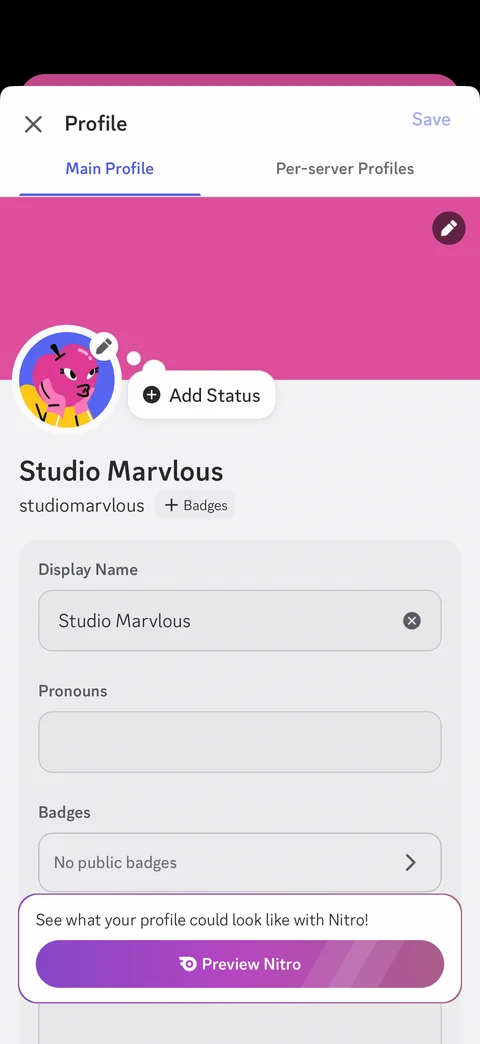
Edit profile: Main Profile and Per-server Profiles tabs, banner and avatar with edit, add status, display name, pronouns, badges, Preview Nitro upsell card, Save
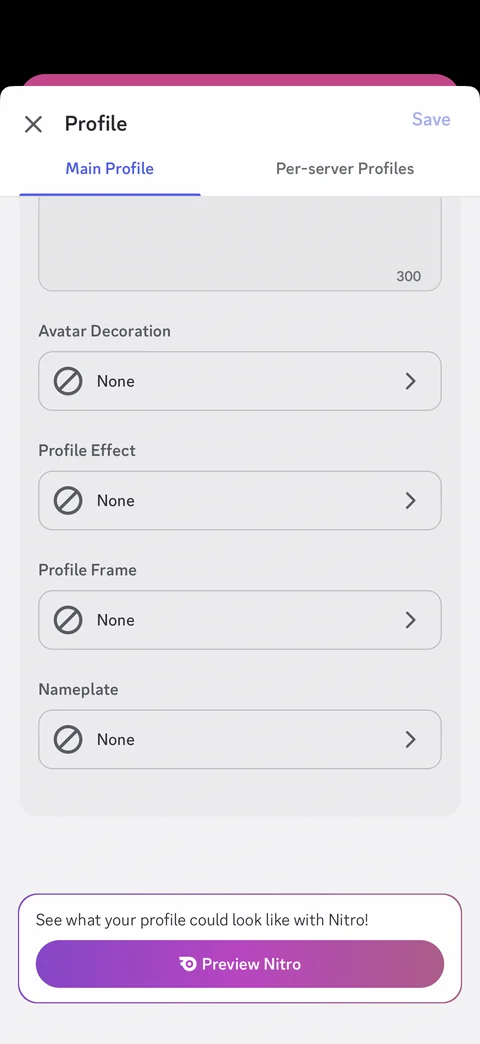
Edit profile scrolled: about me counter, avatar decoration, profile effect, profile frame, nameplate pickers set to None, Preview Nitro card
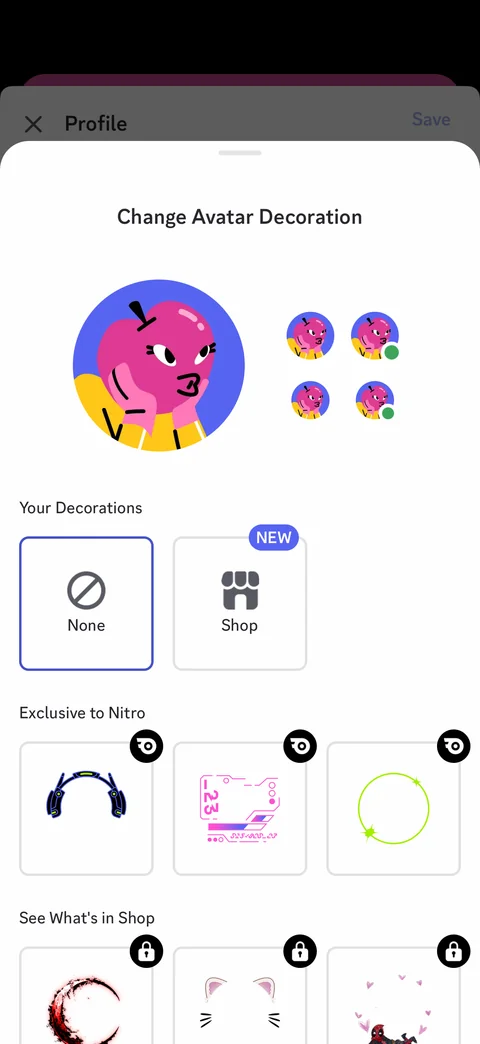
Change avatar decoration sheet: large avatar preview with size previews, your decorations (None, Shop NEW), Nitro exclusive decorations with badges, shop decorations locked
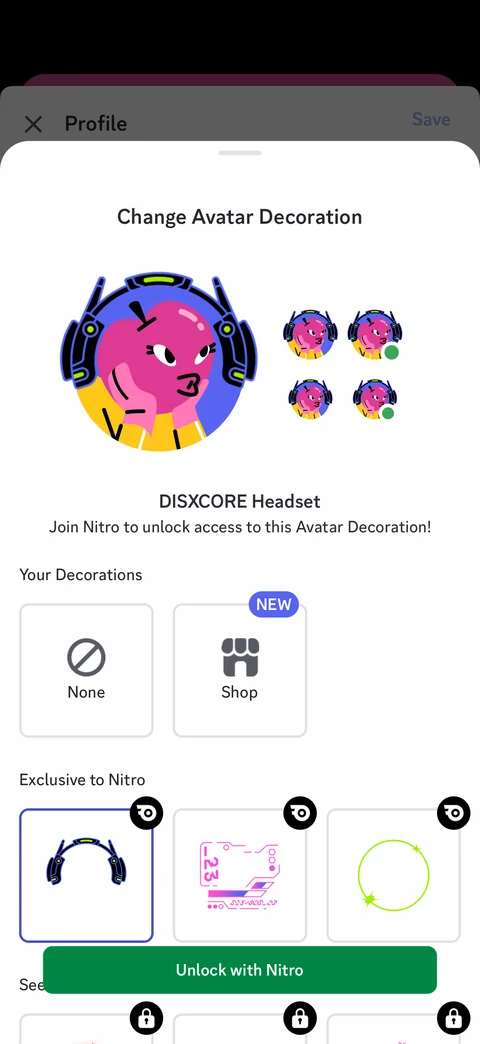
Nitro decoration preview: avatar wearing DISXCORE headset with size previews, join Nitro to unlock note, selected tile, Unlock with Nitro button
Discord notifications (3 screens)
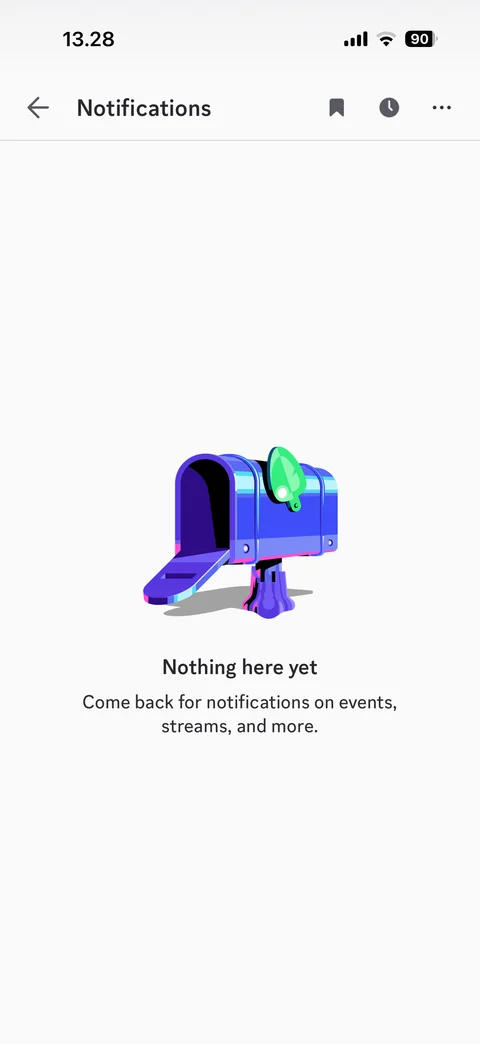
Notifications empty state: mailbox illustration, nothing here yet, saved messages, reminders and more buttons
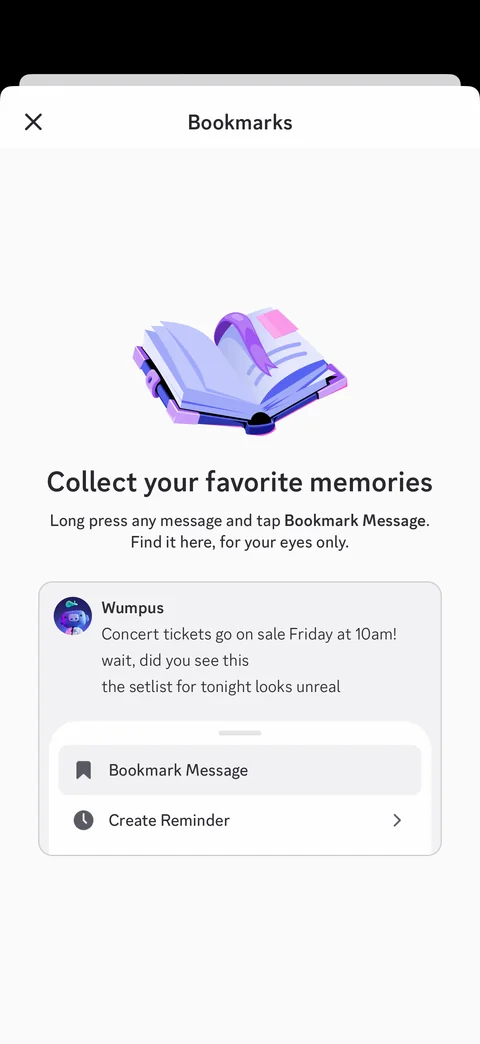
Bookmarks empty state: book illustration, collect your favorite memories, how-to with sample Wumpus message and bookmark message menu mockup
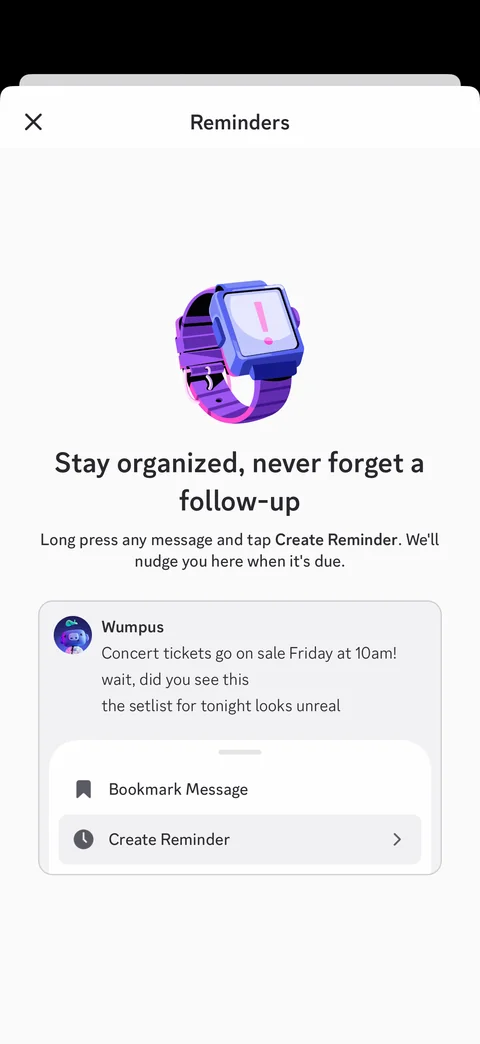
Reminders empty state: smartwatch illustration, stay organized never forget a follow-up, how-to with create reminder menu mockup
Discord nitro (2 screens)
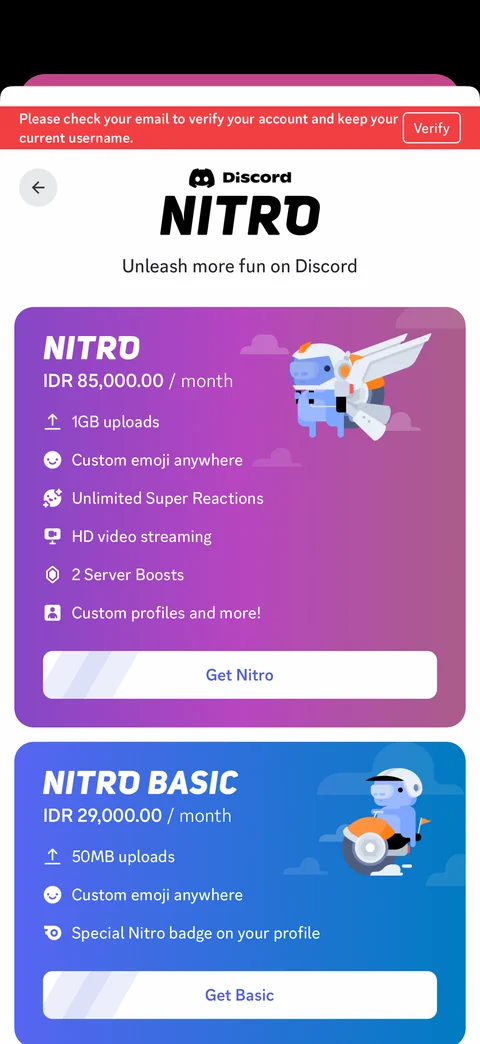
Nitro plans: verify email banner, Discord Nitro logo, Nitro and Nitro Basic cards with monthly IDR price, perk lists, Get Nitro and Get Basic buttons, mascot illustrations
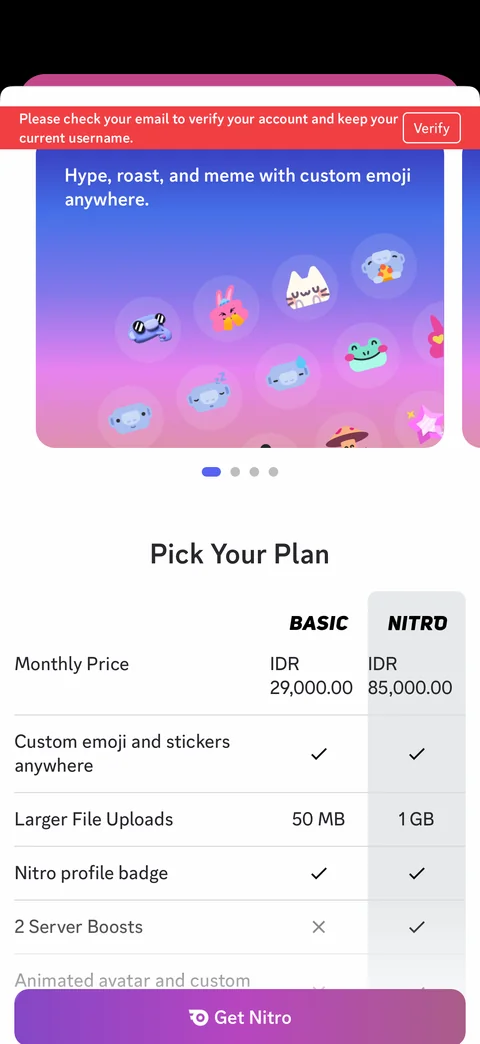
Nitro features and comparison: custom emoji carousel with page dots, pick your plan table Basic vs Nitro with prices and checkmarks, sticky Get Nitro button
Discord shop (2 screens)
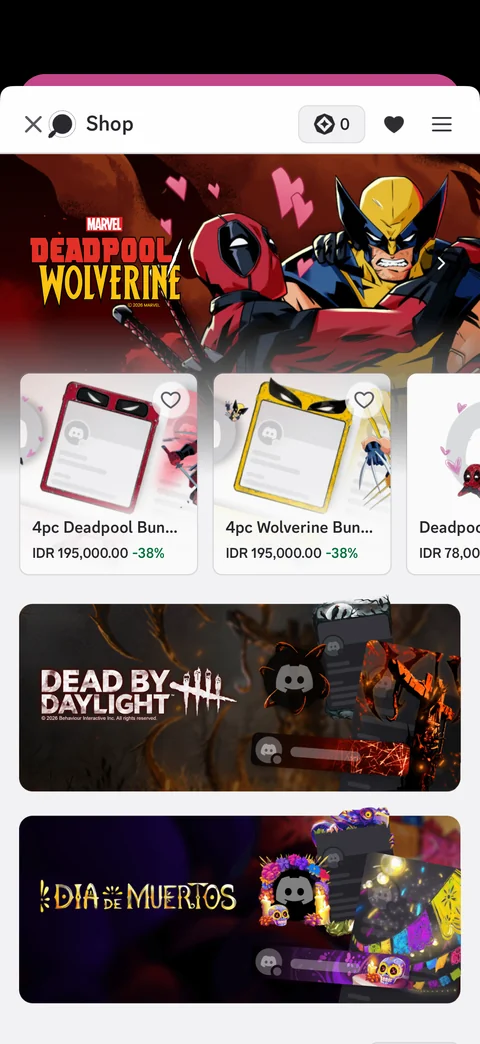
Shop home: orbs balance, wishlist and menu, Deadpool and Wolverine hero banner, bundle cards with price and discount, heart buttons, themed collection banners
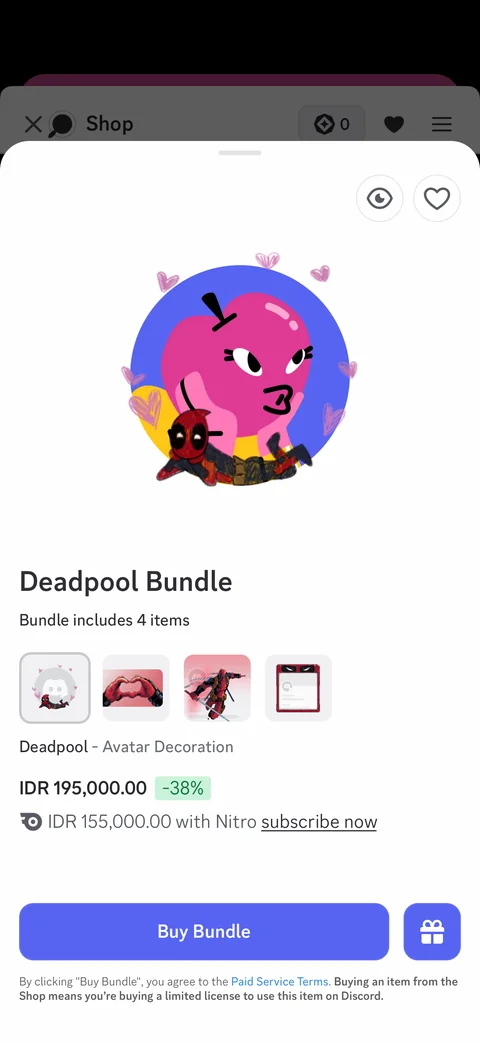
Shop item sheet: own avatar preview with Deadpool decoration, preview and heart buttons, bundle name and item count, item thumbnails, price with discount, Nitro price, Buy Bundle and gift buttons, terms
Discord settings (8 screens)
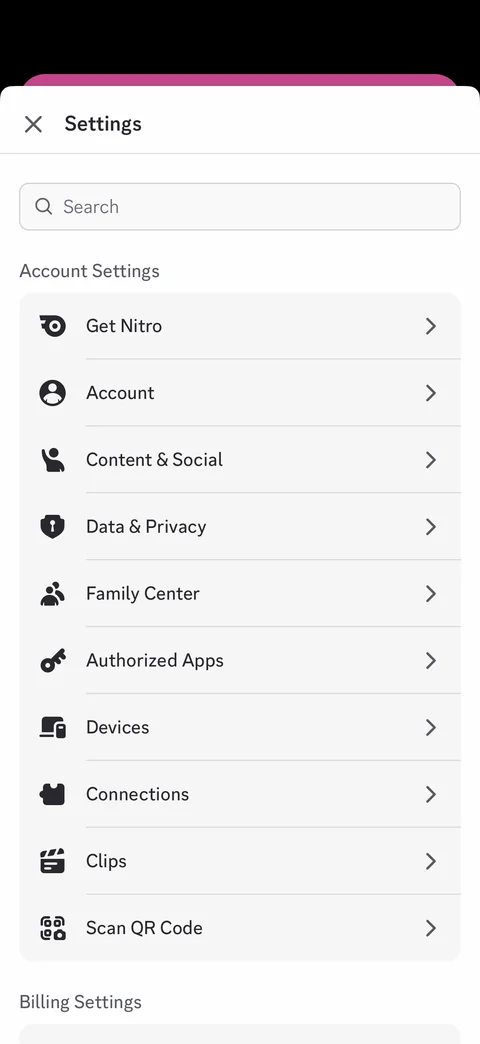
Settings: search, account settings list (Get Nitro, Account, Content and Social, Data and Privacy, Family Center, Authorized Apps, Devices, Connections, Clips, Scan QR Code), billing settings
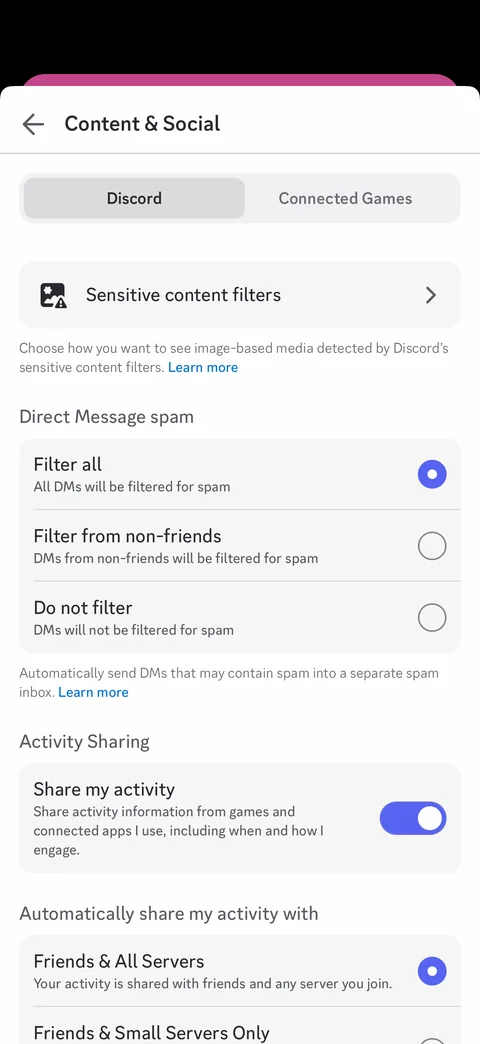
Content and social settings: Discord and Connected Games tabs, sensitive content filters, DM spam filter radio options, share my activity toggle, activity sharing audience options
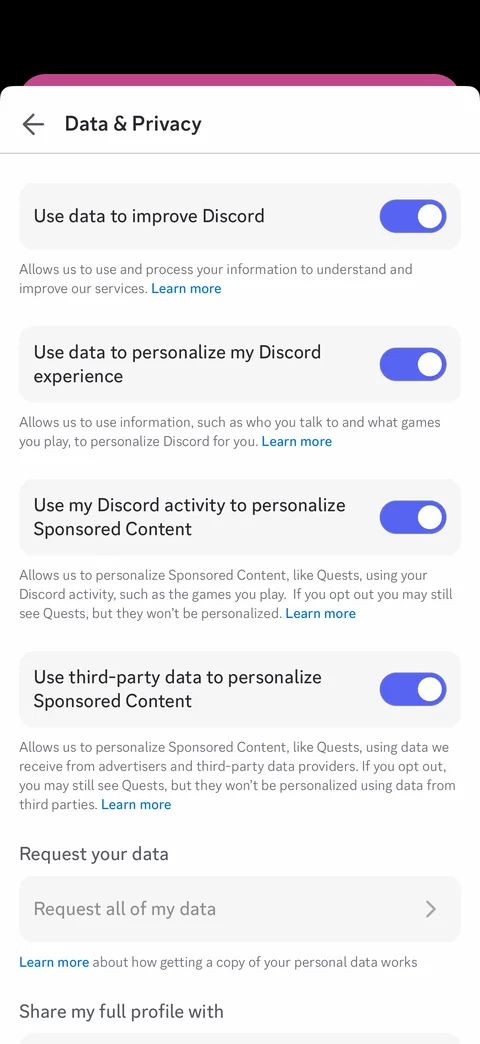
Data and privacy: data use toggles with explanations and learn more links (improve Discord, personalize, sponsored content, third-party data), request all of my data, share full profile
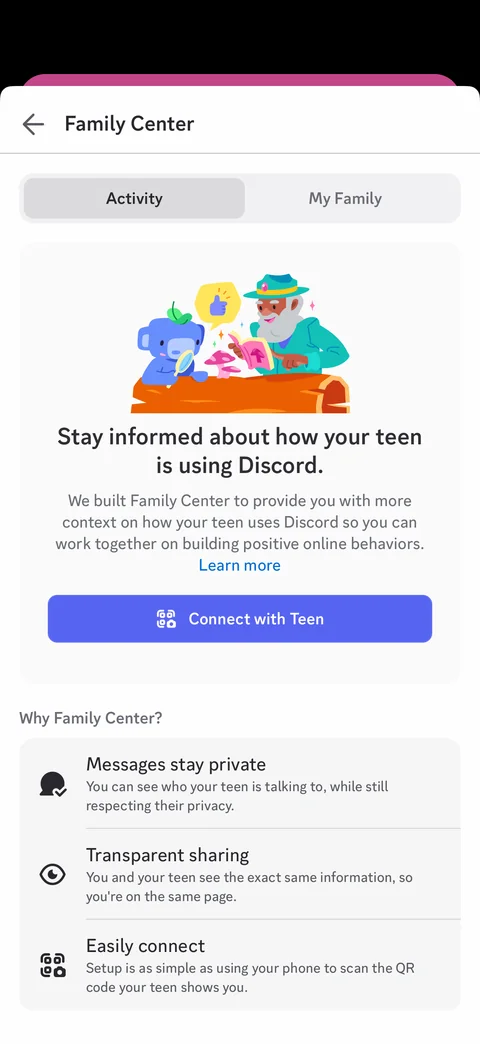
Family Center: Activity and My Family tabs, illustration, stay informed about your teen, Connect with Teen, why Family Center benefits list
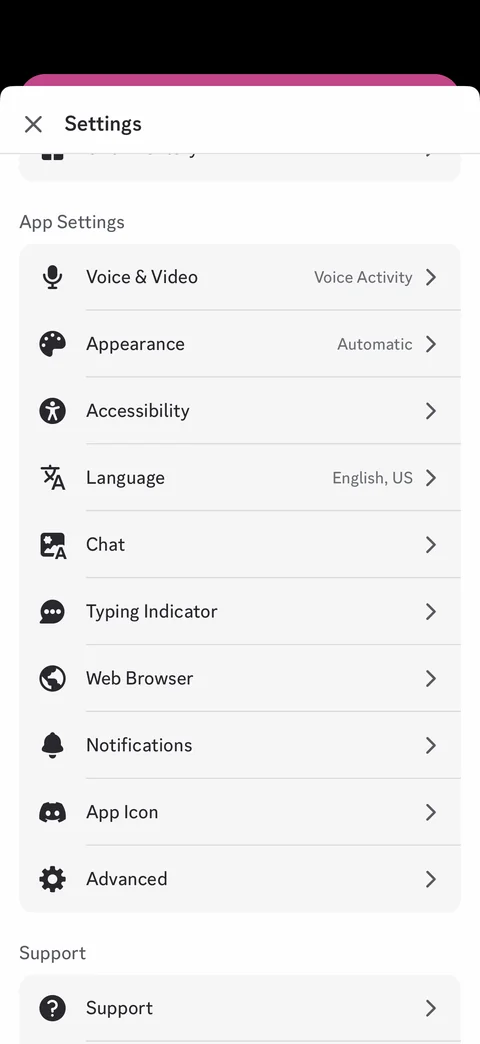
Settings app section: Voice and Video, Appearance, Accessibility, Language, Chat, Typing Indicator, Web Browser, Notifications, App Icon, Advanced with current values, Support
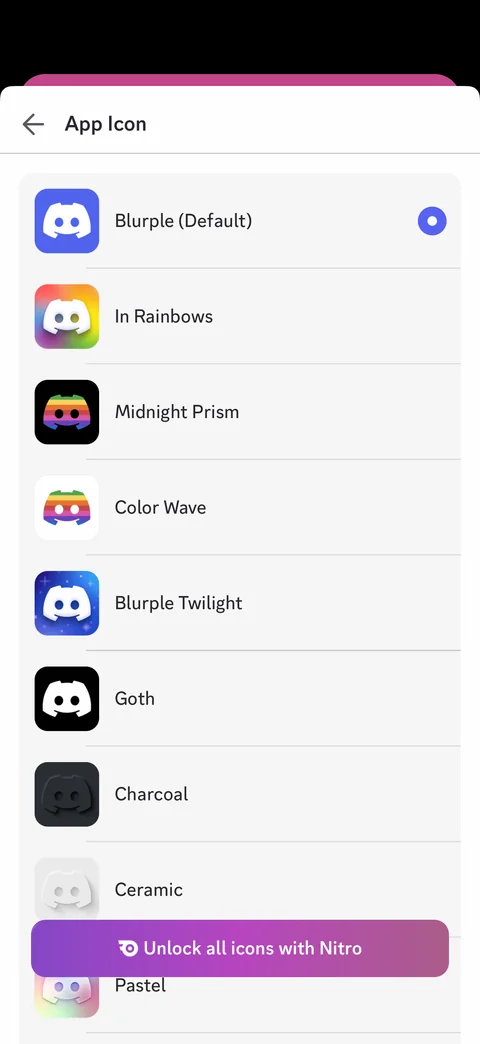
App icon picker: Blurple default selected, alternate icons list (In Rainbows, Midnight Prism, Color Wave, Blurple Twilight, Goth, Charcoal, Ceramic, Pastel), Unlock all icons with Nitro
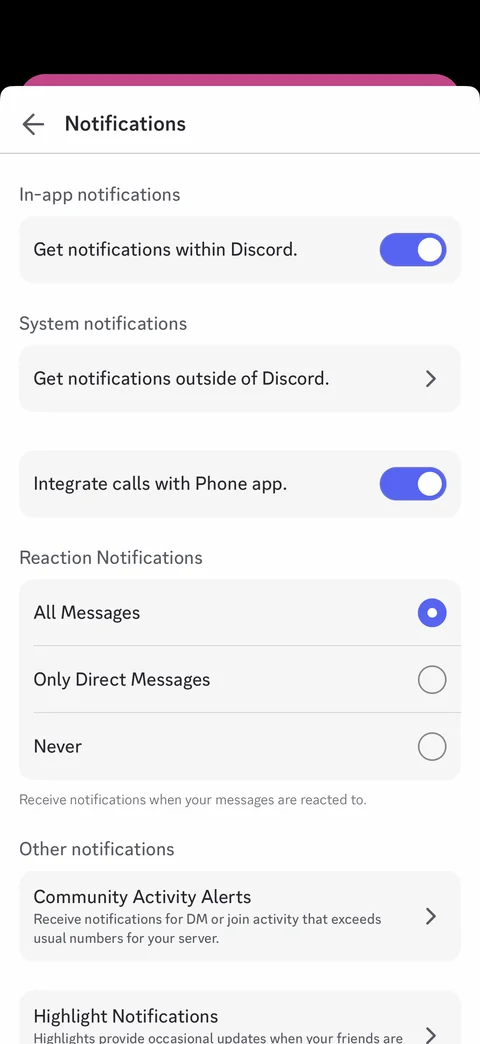
Notification settings: in-app notifications toggle, system notifications, integrate calls with Phone app, reaction notifications radio options, community activity alerts, highlight notifications
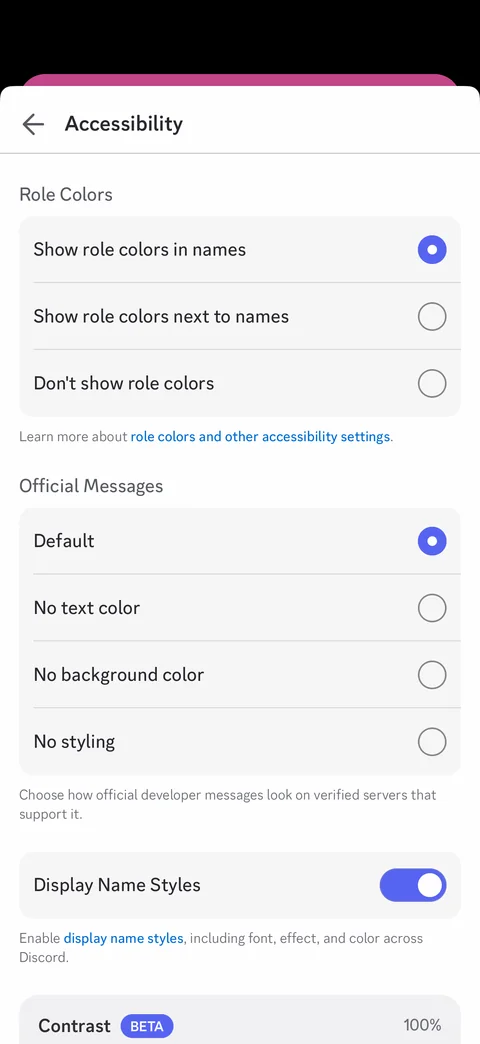
Accessibility settings: role colors radio options, official messages styling options, display name styles toggle, contrast beta slider
Discord settings / appearance (4 screens)
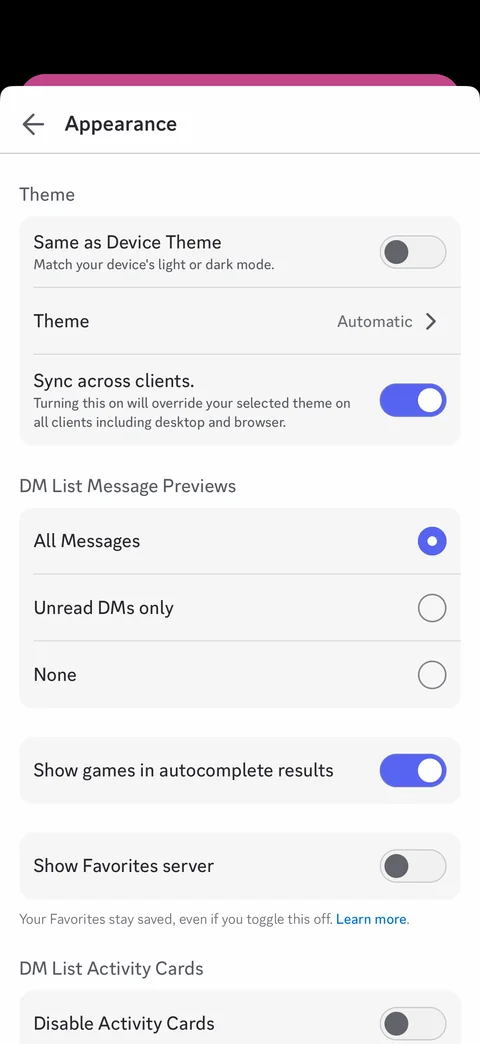
Appearance settings: same as device theme toggle, theme Automatic, sync across clients, DM list message previews radio, show games in autocomplete, show Favorites server, disable activity cards
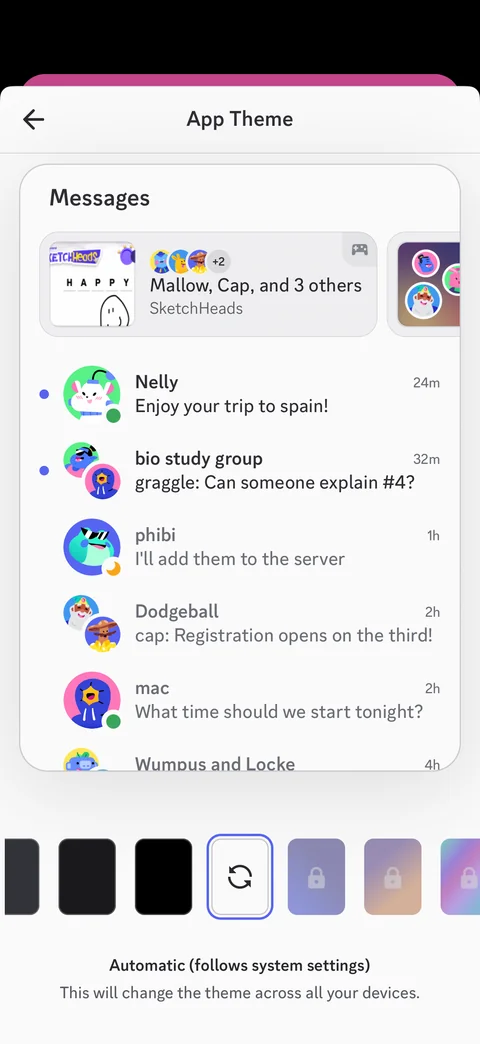
App theme picker: Messages preview with sample DMs, theme swatches (dark, midnight, black, automatic selected, locked Nitro gradients), automatic follows system settings note
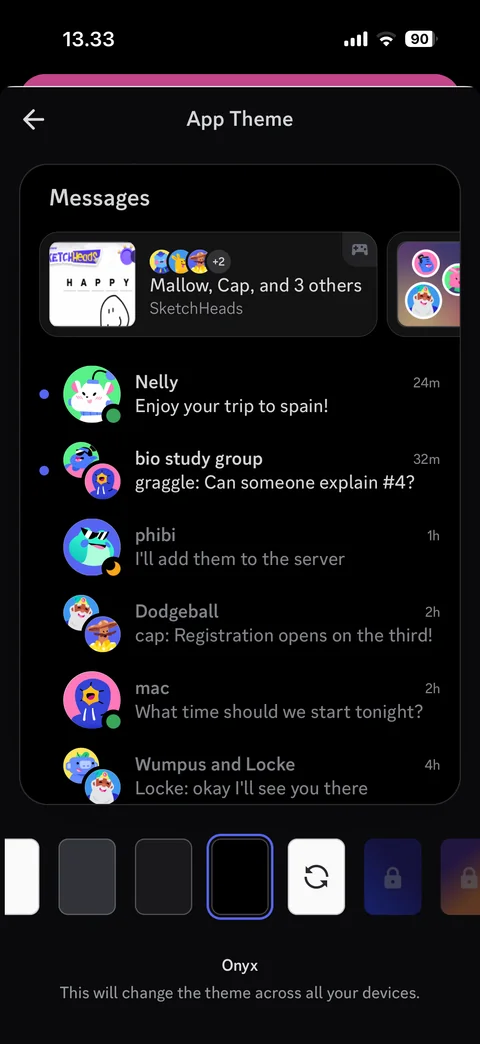
Onyx dark theme applied: black theme preview and sheet, Onyx swatch selected, theme name
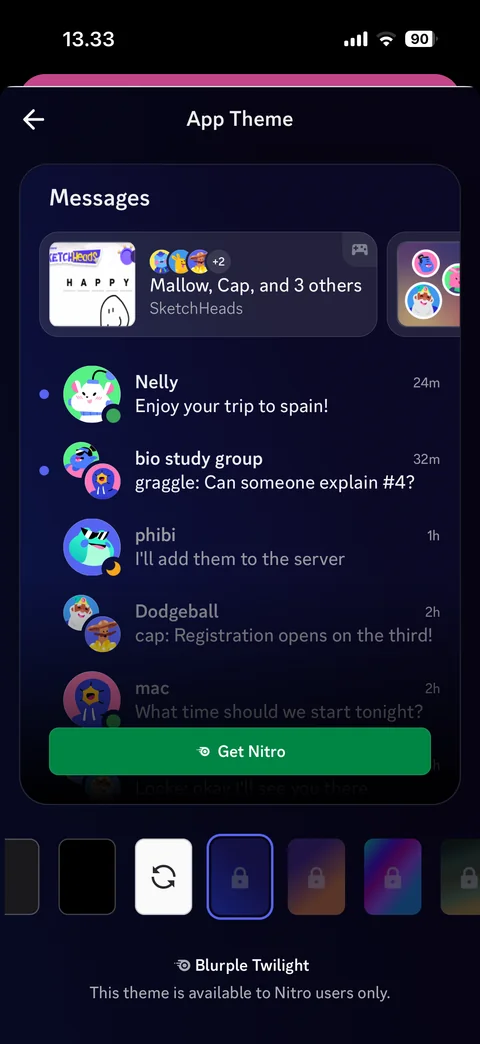
Nitro theme preview: Blurple Twilight gradient theme preview, locked swatch selected, Get Nitro button, available to Nitro users only note