CapCut app design: 77 real screens in 11 flows
Video maker with music. Category: Photo & Video. By BYTEDANCE PTE. LTD.
Captured on iPhone and updated November 2026. Each screen has a short note on what it shows and why it matters for growth.
CapCut onboarding (7 screens)
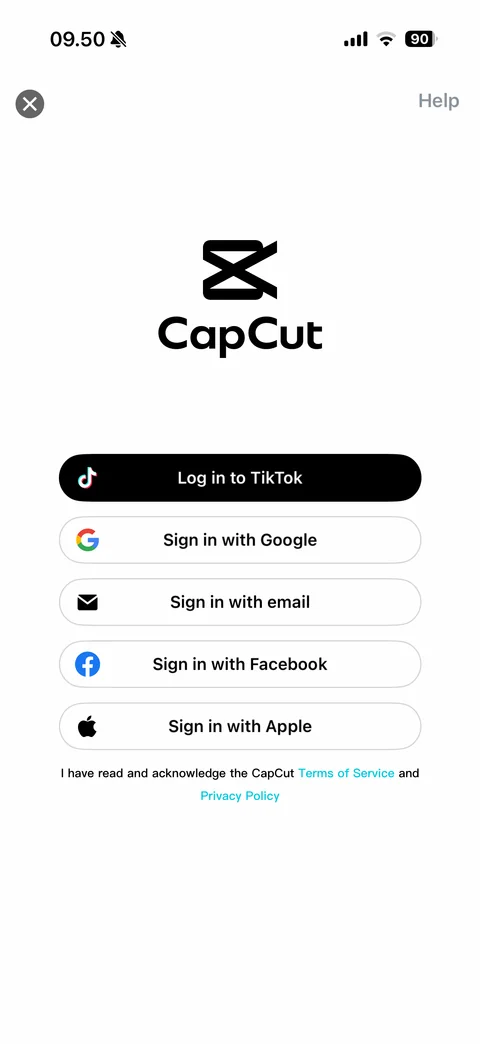
Sign in screen: close and Help, CapCut logo and wordmark, black Log in to TikTok button, outlined buttons with brand icons (Sign in with Google, email, Facebook, Apple), terms of service and privacy policy note
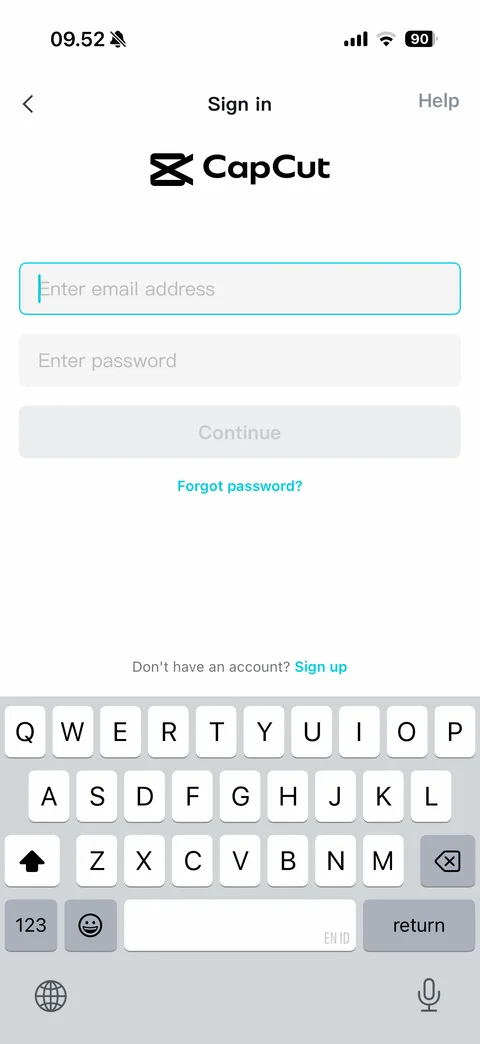
Email sign in with keyboard: back, Sign in title and Help, CapCut logo, focused email field with cyan outline, password field, disabled Continue, Forgot password link, Don't have an account Sign up
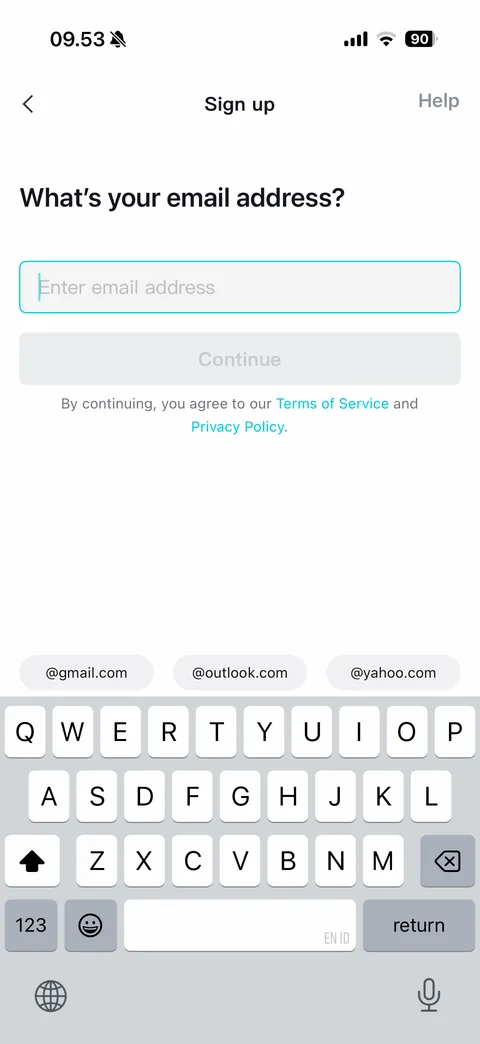
Sign up email step with keyboard: back, Sign up title and Help, What's your email address heading, focused email field, disabled Continue, terms note, email domain suggestion chips (@gmail.com, @outlook.com, @yahoo.com) above keyboard
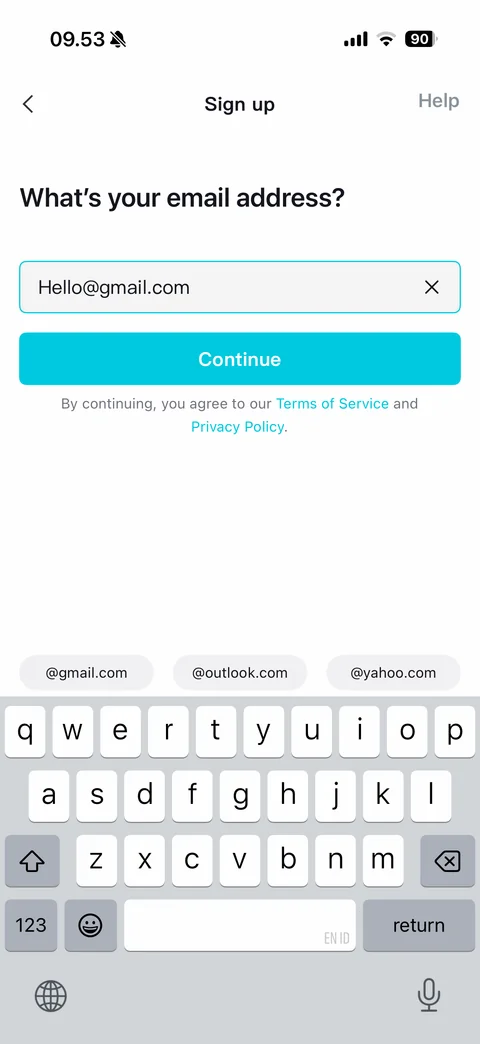
Sign up email filled with keyboard: email with @gmail.com suffix added by domain chip, clear button, cyan Continue active
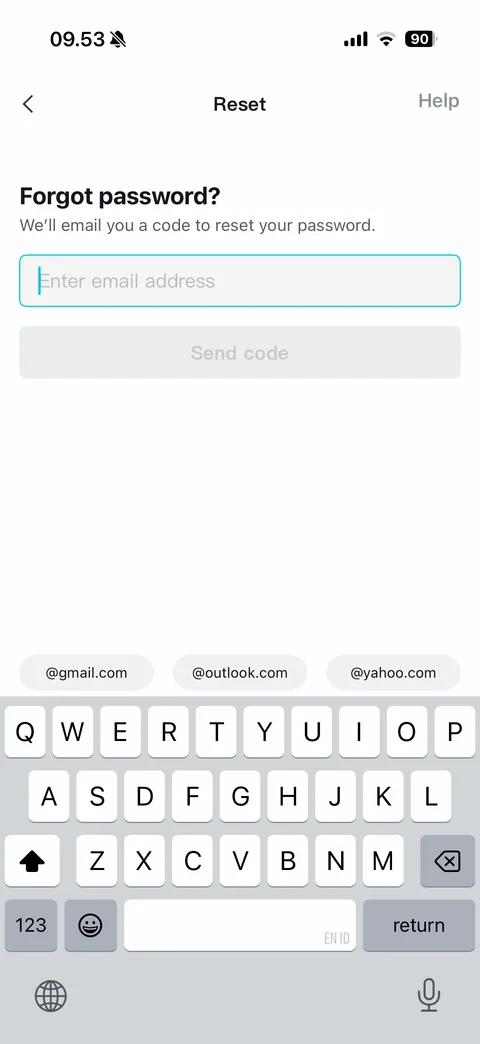
Forgot password with keyboard: back, Reset title and Help, Forgot password heading, we'll email you a code note, email field, disabled Send code, email domain chips
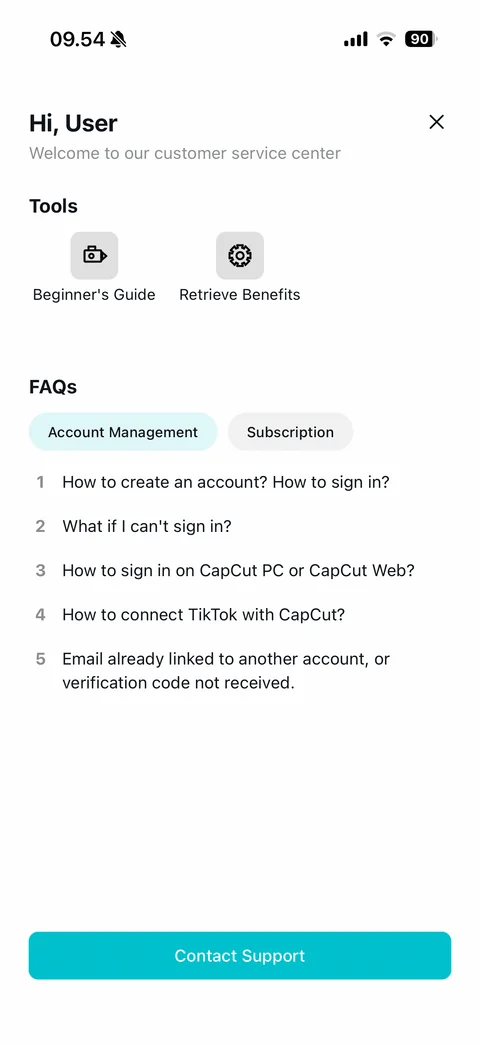
Sign-in Help Center (logged out): Hi User greeting with close, Tools (Beginner's Guide, Retrieve Benefits), FAQs with Account Management and Subscription chips, numbered sign-in questions, cyan Contact Support
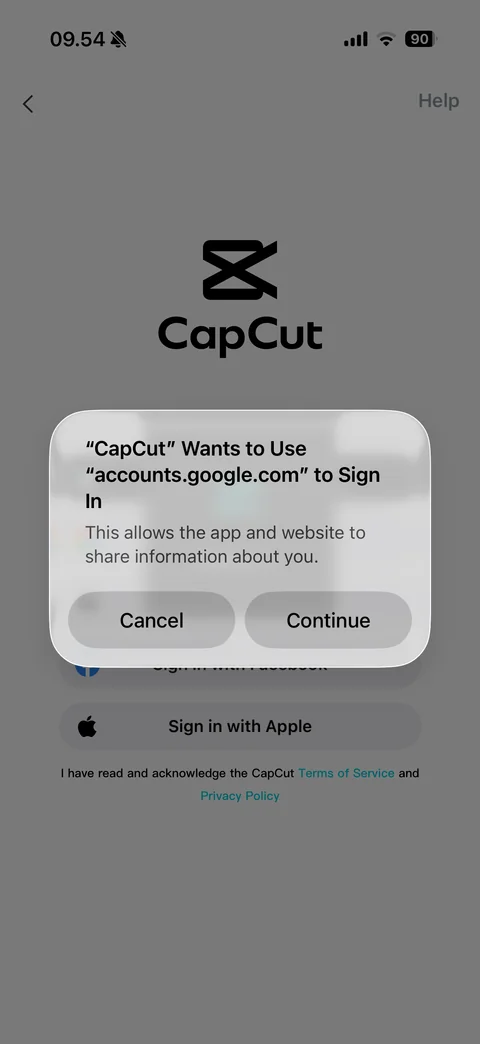
iOS sign-in consent alert over sign-in screen: CapCut wants to use accounts.google.com to sign in, information sharing note, Cancel and Continue
CapCut search (5 screens)
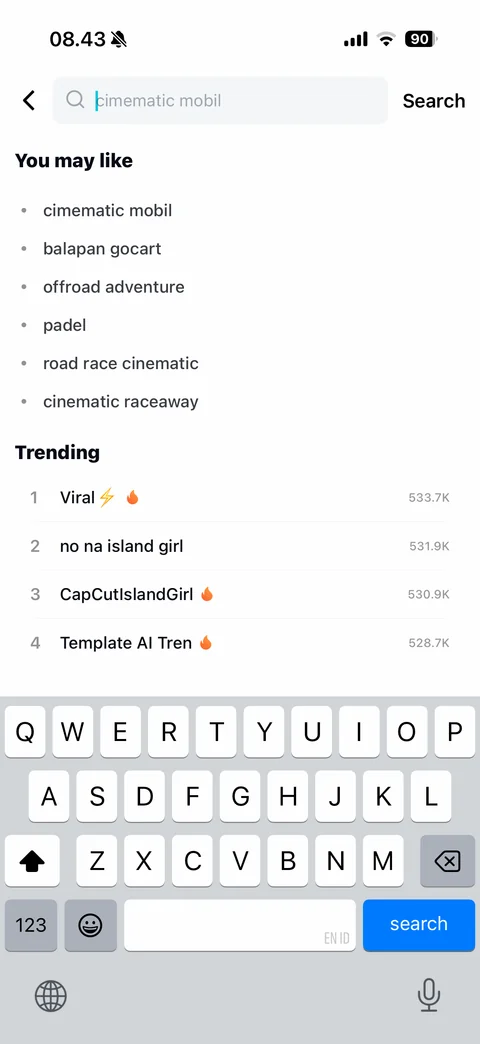
Search with keyboard: back, search field with suggested placeholder query, Search button, You may like suggestion list, Trending ranked list with fire emoji and search counts
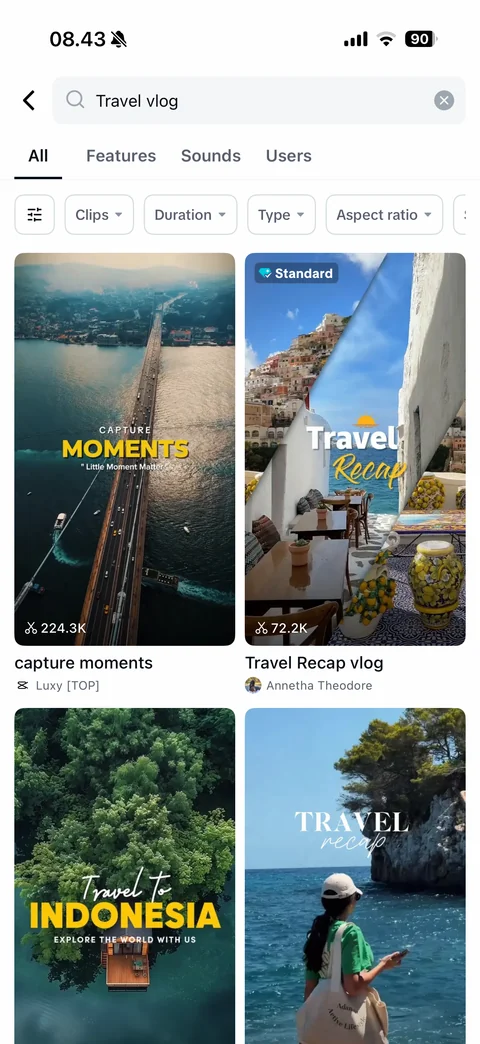
Search results All tab: query with clear, tabs (All, Features, Sounds, Users), filter chips (settings, Clips, Duration, Type, Aspect ratio), two-column template grid with Standard badge, use counts, titles and creators
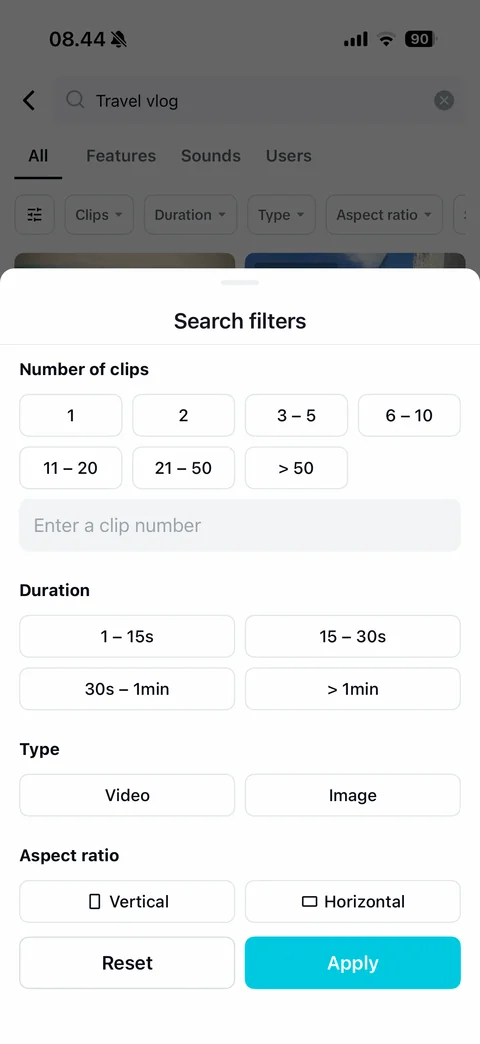
Search filters sheet: Number of clips chips (1, 2, 3-5, 6-10, 11-20, 21-50, >50) and custom number field, Duration chips, Type (Video, Image), Aspect ratio (Vertical, Horizontal), Reset and cyan Apply
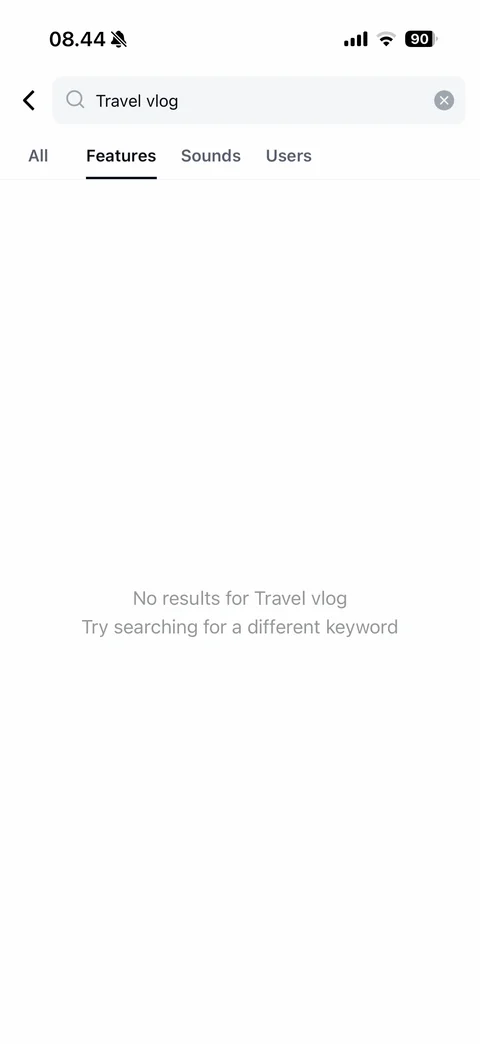
Search Features tab empty: No results for query, try a different keyword hint
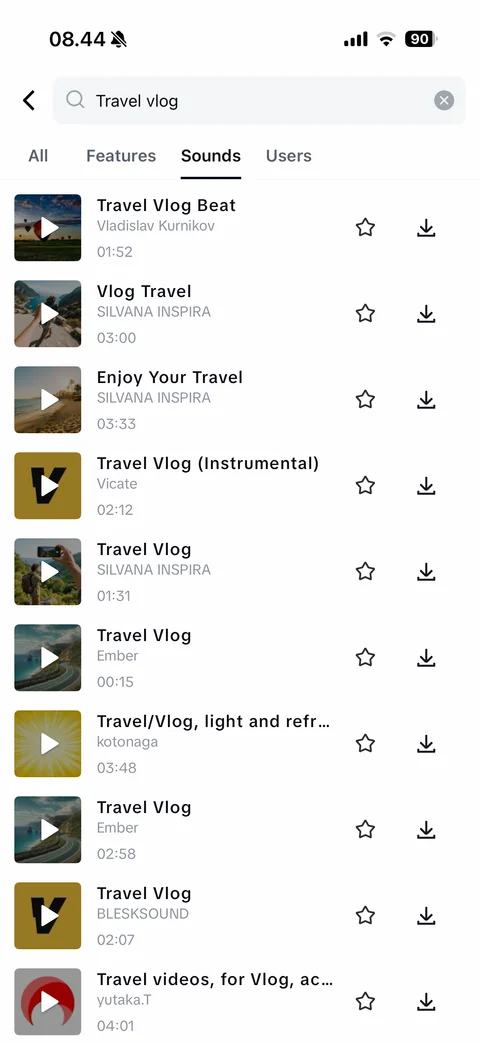
Search Sounds tab: music track rows with cover art and play overlay, title, artist and duration, favorite star and download buttons
CapCut editor (14 screens)
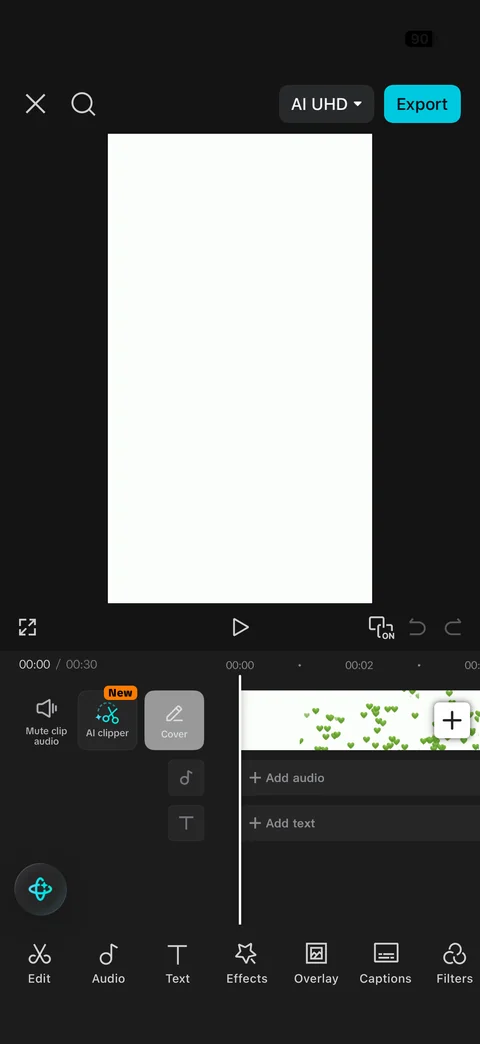
Video editor: close, search, AI UHD resolution dropdown and cyan Export, preview canvas, fullscreen, play, keyframe toggle, undo and redo, time ruler with current and total time, left rail (Mute clip audio, AI clipper New, Cover), main track with clip frames and add button, Add audio and Add text lanes, AI assistant button, bottom toolbar (Edit, Audio, Text, Effects, Overlay, Captions, Filters)
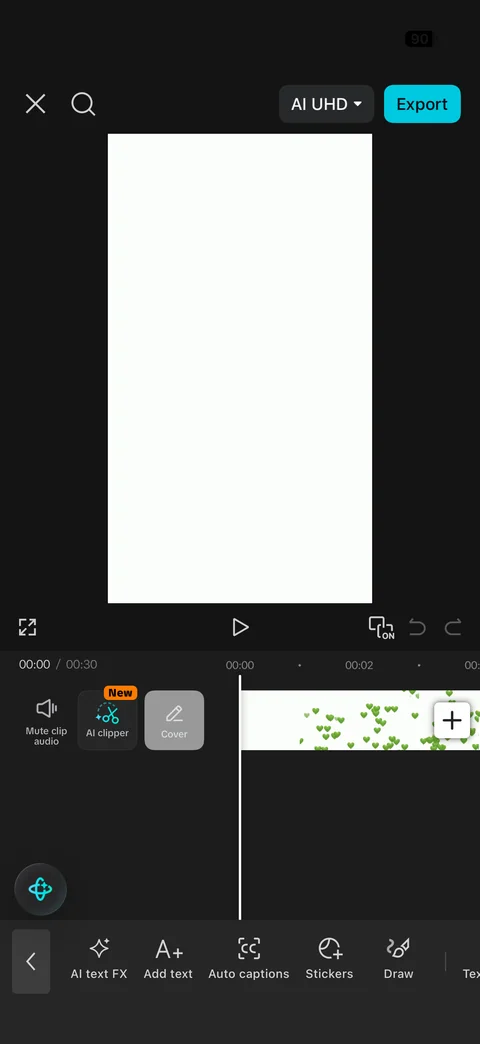
Editor Text submenu toolbar: back chevron and tools (AI text FX, Add text, Auto captions, Stickers, Draw, Text template) replacing main toolbar
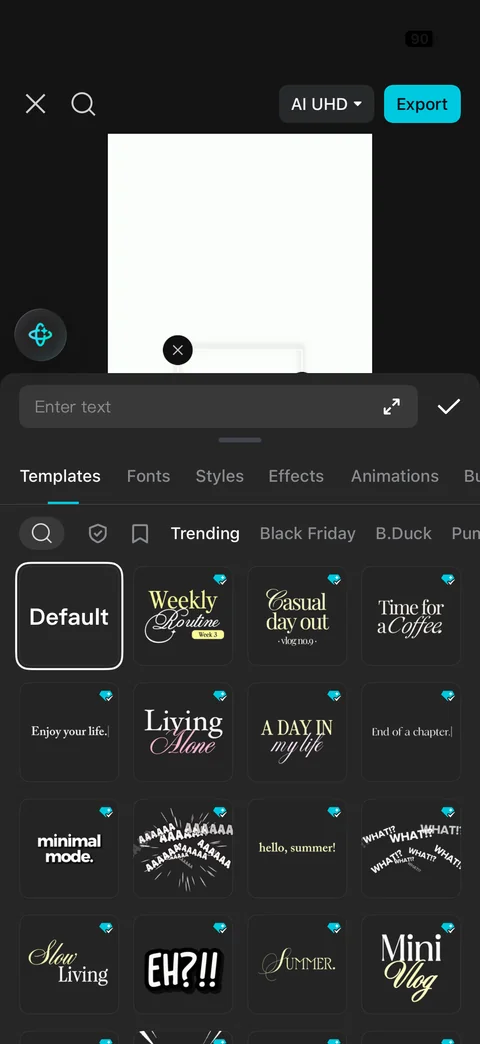
Add text panel: Enter text field with expand and confirm, tabs (Templates, Fonts, Styles, Effects, Animations), search, favorites and category chips (Trending, Black Friday), grid of text template tiles with typographic previews and Standard badges, Default selected
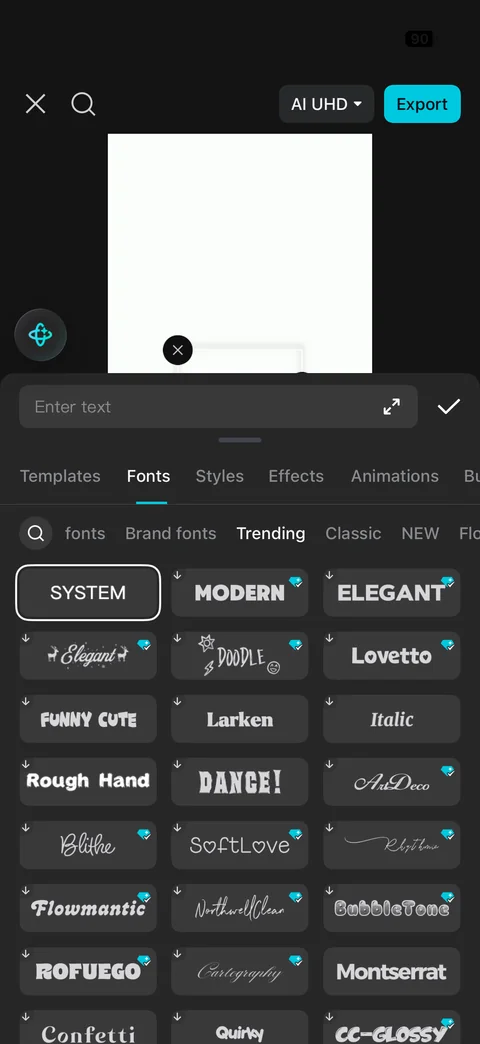
Text Fonts tab: font categories (fonts, Brand fonts, Trending, Classic, NEW), grid of font name tiles rendered in each typeface (System selected, Modern, Elegant, Doodle, Lovetto, Funny Cute, Rough Hand, Dance, ArtDeco, Blithe, SoftLove) with download and Standard badges
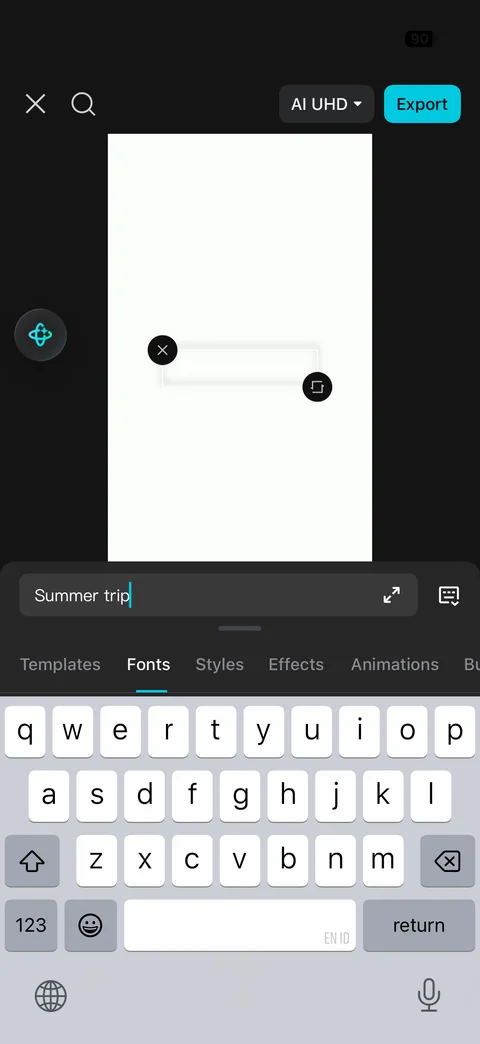
Typing text with keyboard: text box on canvas with delete and rotate-scale handles, text input bar with typed text, expand and keyboard toggle, tabs row above keyboard
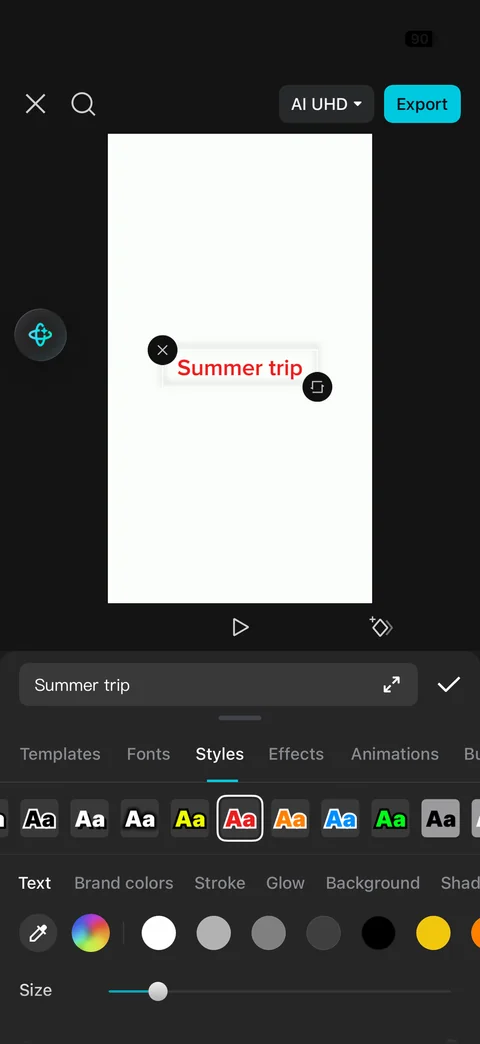
Text Styles tab: red styled text on canvas with handles, preset style swatches row (red selected), sub-tabs (Text, Brand colors, Stroke, Glow, Background, Shadow), eyedropper, rainbow picker and color dots, Size slider
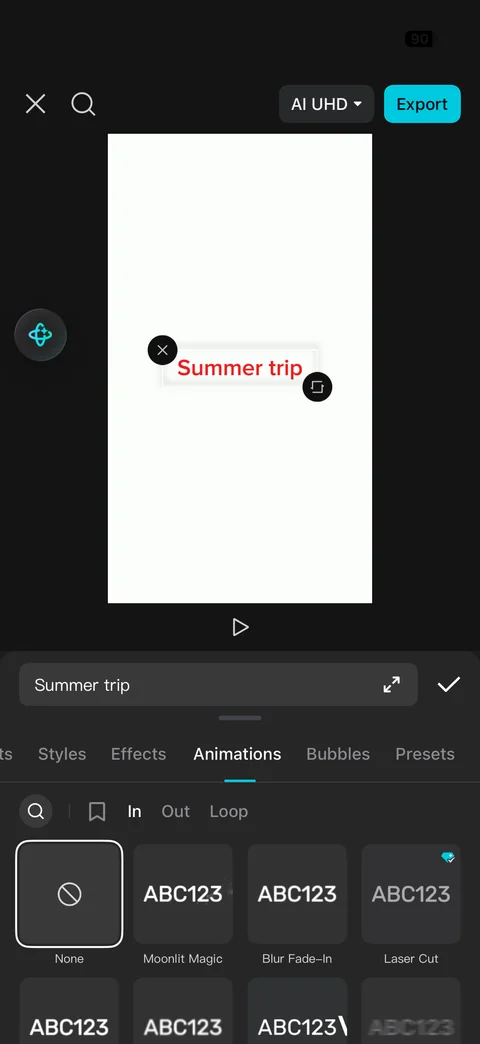
Text Animations tab: In, Out and Loop filters with search and favorites, animation preset tiles with animated ABC123 previews (None selected, Moonlit Magic, Blur Fade-In, Laser Cut with Standard badge)
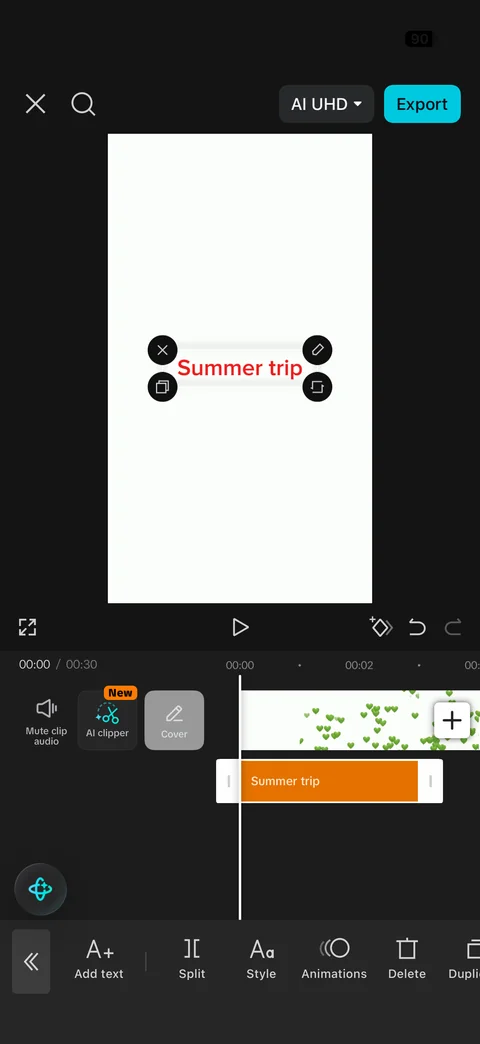
Editor with text layer selected: text on canvas with delete, edit, duplicate and transform handles, orange text clip on its own track with trim handles, contextual toolbar (Add text, Split, Style, Animations, Delete, Duplicate)
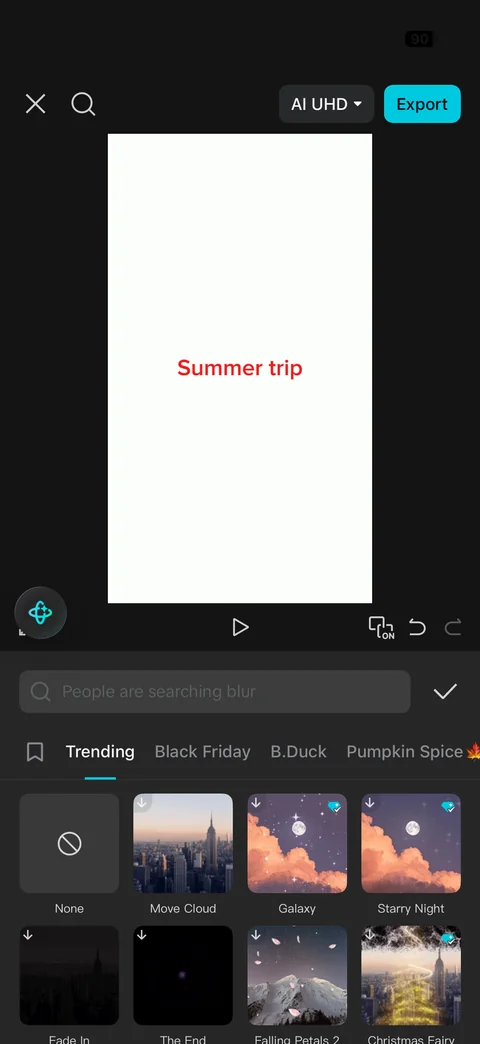
Video effects panel: search with trending query placeholder and confirm, favorites and category tabs (Trending, Black Friday, B.Duck, Pumpkin Spice), grid of effect thumbnails with names (None, Move Cloud, Galaxy, Starry Night, Fade In, The End, Falling Petals, Christmas Fairy) and download and Standard badges
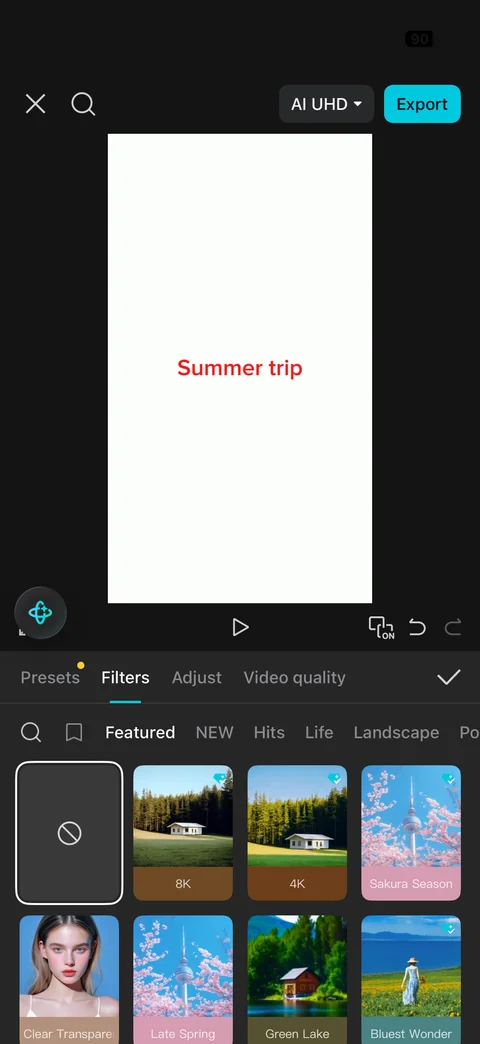
Filters panel: tabs (Presets with dot, Filters, Adjust, Video quality) and confirm, search, favorites and categories (Featured, NEW, Hits, Life, Landscape), filter preview tiles with colored name labels (None selected, 8K, 4K, Sakura Season, Clear Transparent, Late Spring, Green Lake, Bluest Wonder)
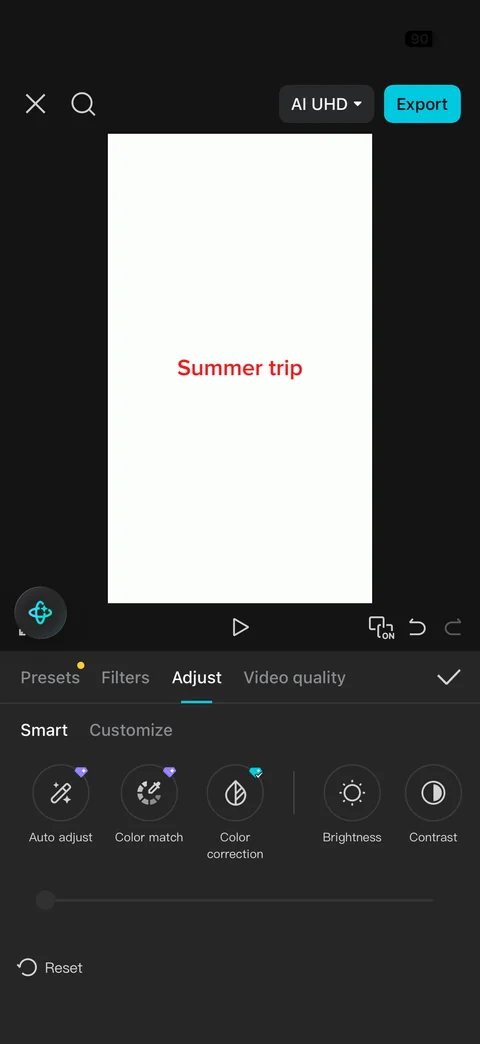
Adjust panel: Smart and Customize sub-tabs, round tool buttons (Auto adjust, Color match and Color correction with Pro badges, Brightness, Contrast), value slider, Reset
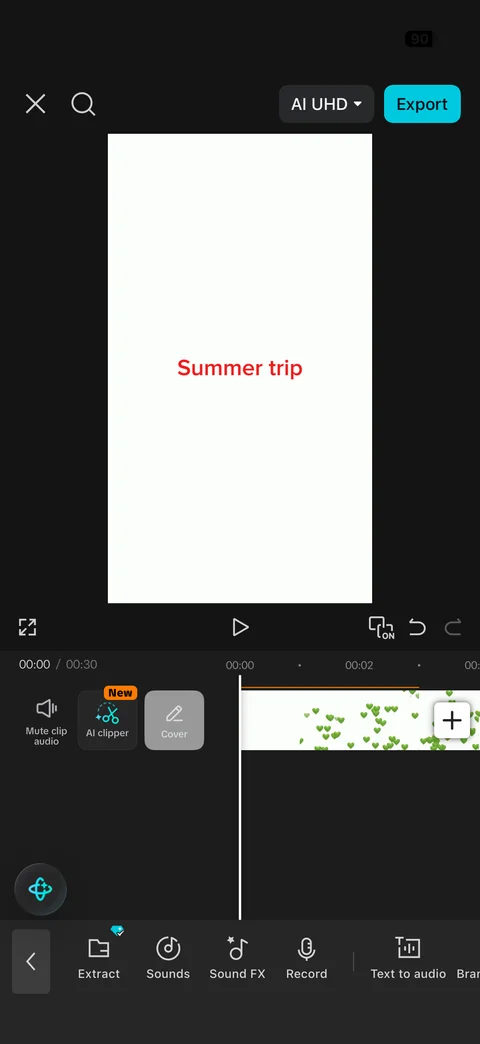
Audio submenu toolbar: back and tools (Extract with Pro badge, Sounds, Sound FX, Record, Text to audio, Brand music)
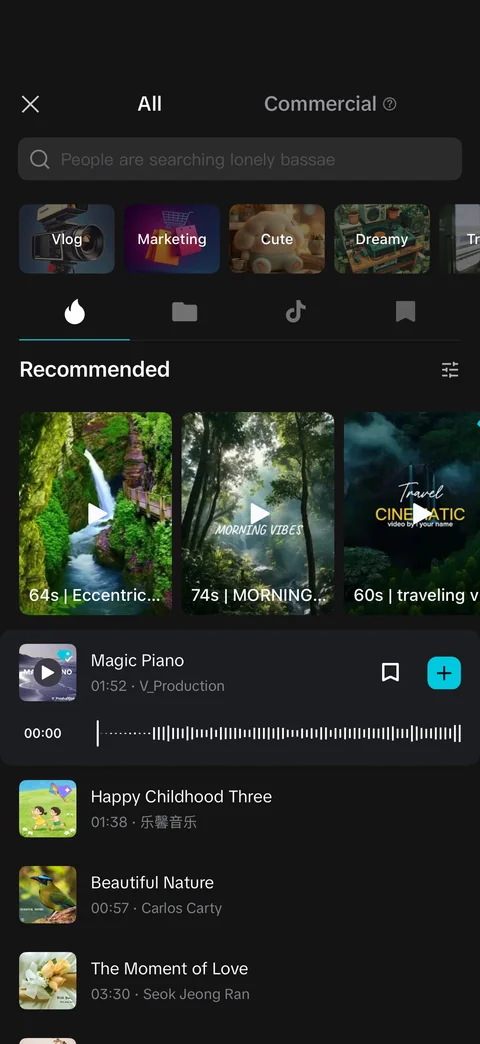
Sounds library: close, All and Commercial tabs, search with trending placeholder, mood category tiles (Vlog, Marketing, Cute, Dreamy), icon tabs (trending, folder, TikTok, saved), Recommended video music cards with duration, expanded track row with play, waveform scrubber, bookmark and cyan add, track list with cover art, duration and artist
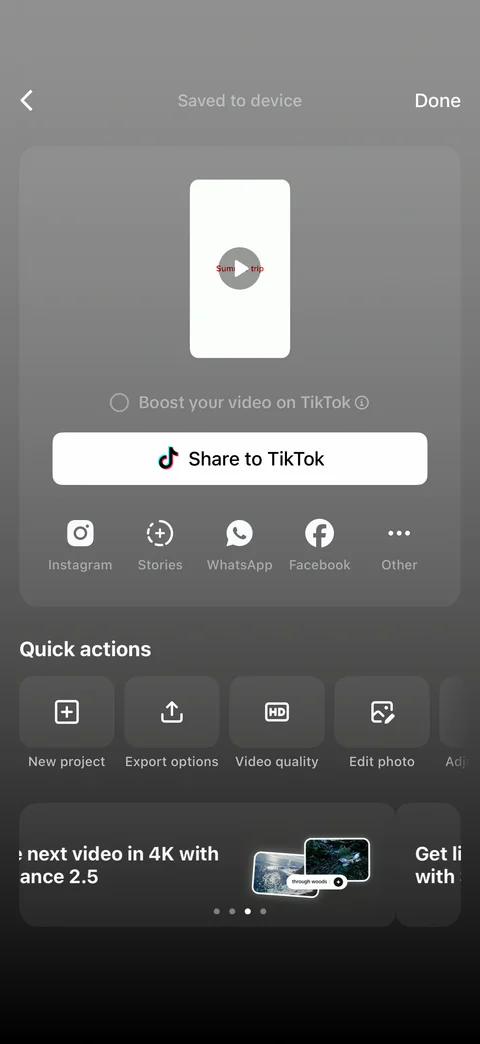
Export done screen: back, Saved to device status and Done, video preview card with play, Boost your video on TikTok radio, white Share to TikTok button, share row (Instagram, Stories, WhatsApp, Facebook, Other), Quick actions (New project, Export options, Video quality, Edit photo), Get ready for Black Friday promo card with page dots
CapCut edit (1 screen)
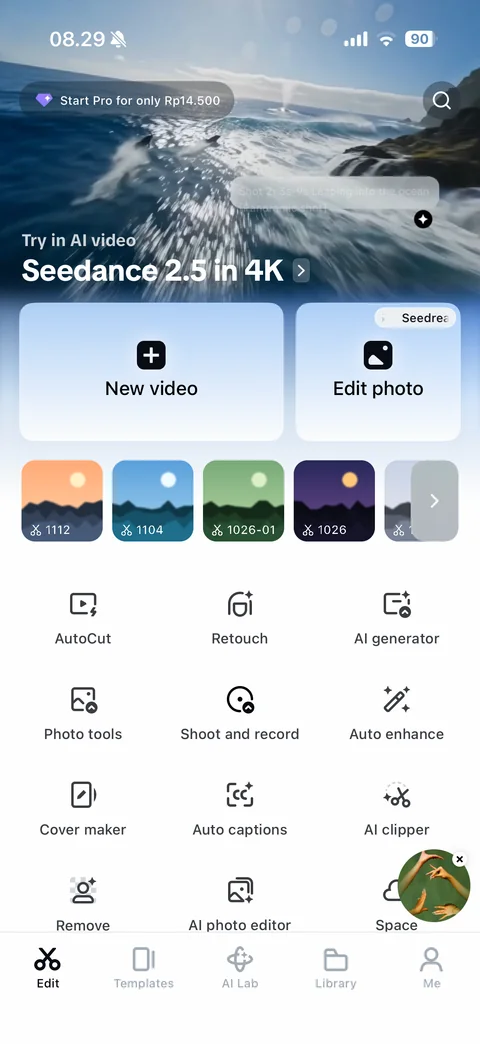
Edit home: Start Pro price pill and search over full-bleed AI video hero (Seedance in 4K) with shot caption, New video and Edit photo cards, recent project thumbnails row with durations and more arrow, tool grid (AutoCut, Retouch, AI generator, Photo tools, Shoot and record, Auto enhance, Cover maker, Auto captions, AI clipper, Remove, AI photo editor, Space), floating campaign bubble, tab bar (Edit, Templates, AI Lab, Library, Me)
CapCut templates (8 screens)
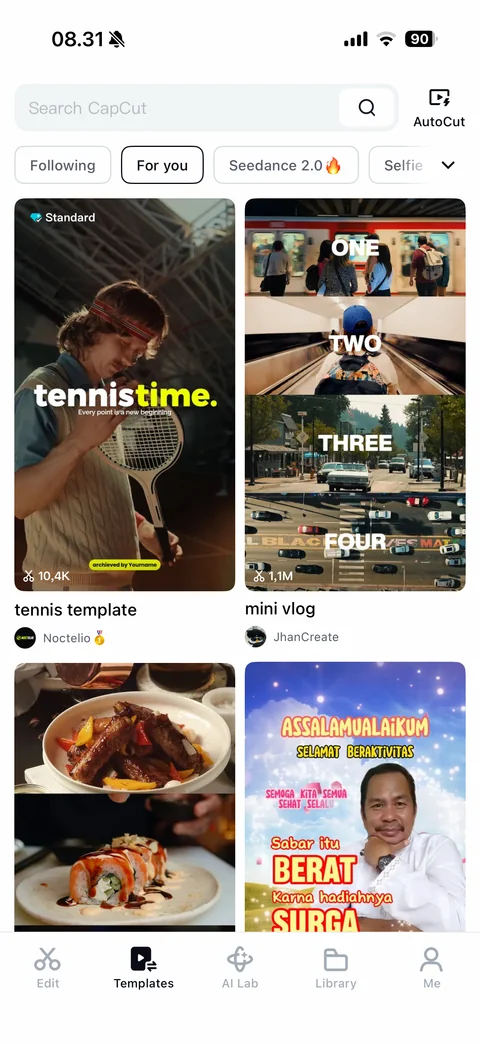
Templates feed: Search CapCut field and AutoCut button, category chips (Following, For you selected, Seedance, Selfie) with expand chevron, two-column masonry of template video covers with Standard badge, use count, title and creator avatar
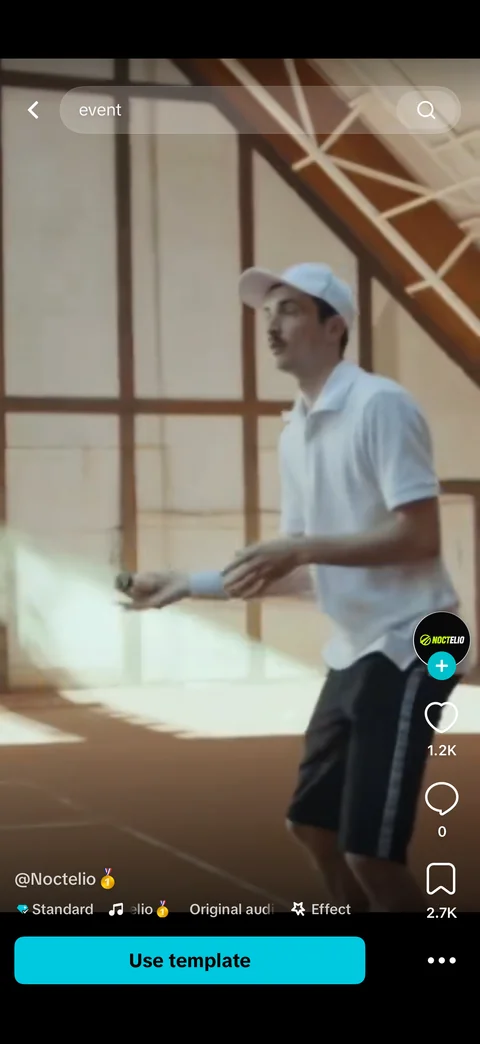
Template player: full-screen vertical video, back and search pill with suggested query, creator avatar with follow plus, like, comment and save counts on right rail, creator handle, Standard badge, music and effect tags, cyan Use template button and more
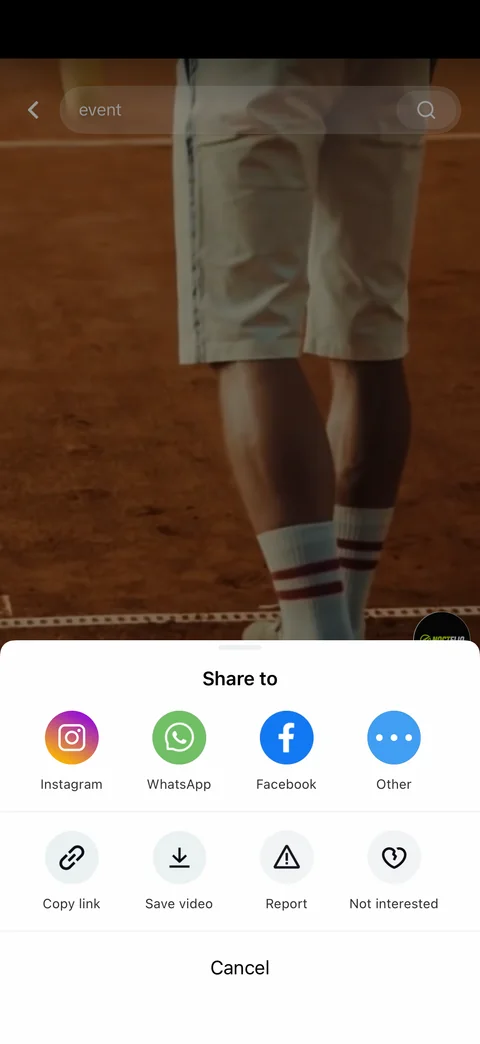
Template share sheet: Share to row (Instagram, WhatsApp, Facebook, Other), actions (Copy link, Save video, Report, Not interested), Cancel, dimmed video behind
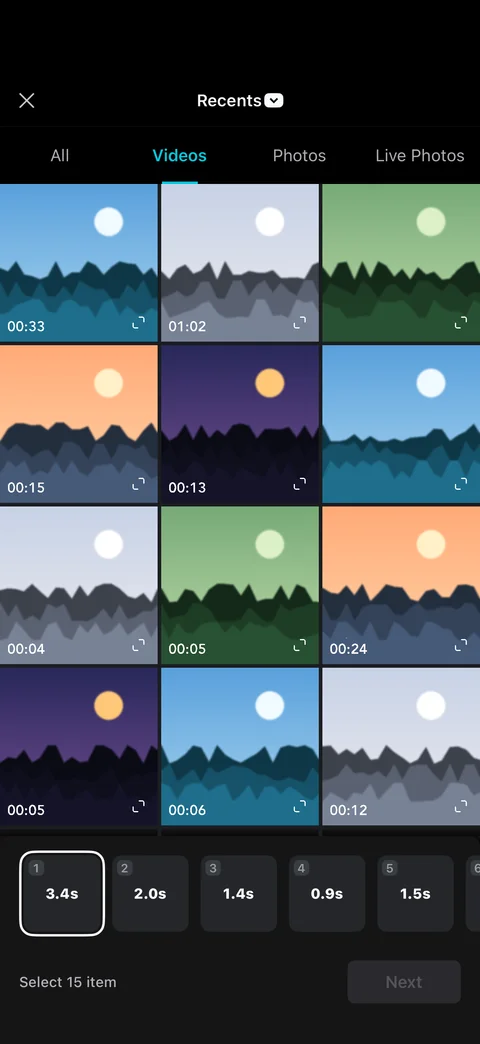
Use template media picker: close, Recents album dropdown, tabs (All, Videos selected, Photos, Live Photos), three-column grid of video thumbnails with duration and expand icons, clip slot bar with required durations, Select 15 item and disabled Next
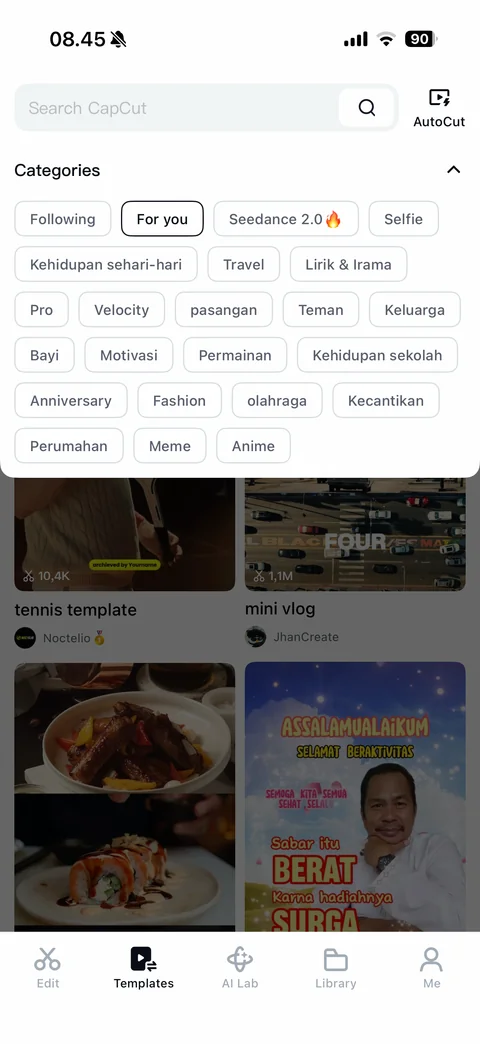
Template categories expanded: Categories header with collapse chevron, wrapping chip cloud (Following, For you selected, Seedance, Selfie, daily life, Travel, lyrics, Pro, Velocity, couple, friends, family, baby, motivation, games, school, anniversary, fashion, sports, beauty, housing, Meme, Anime) over dimmed feed
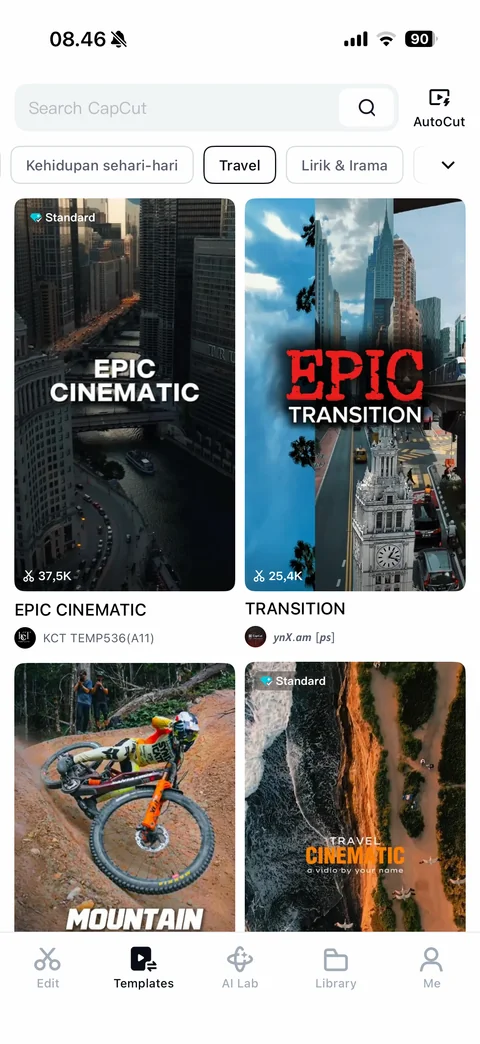
Templates Travel category: Travel chip selected in scrolled chip row, grid of cinematic travel template covers (Epic Cinematic, Transition, Mountain, Travel Cinematic) with use counts and creators
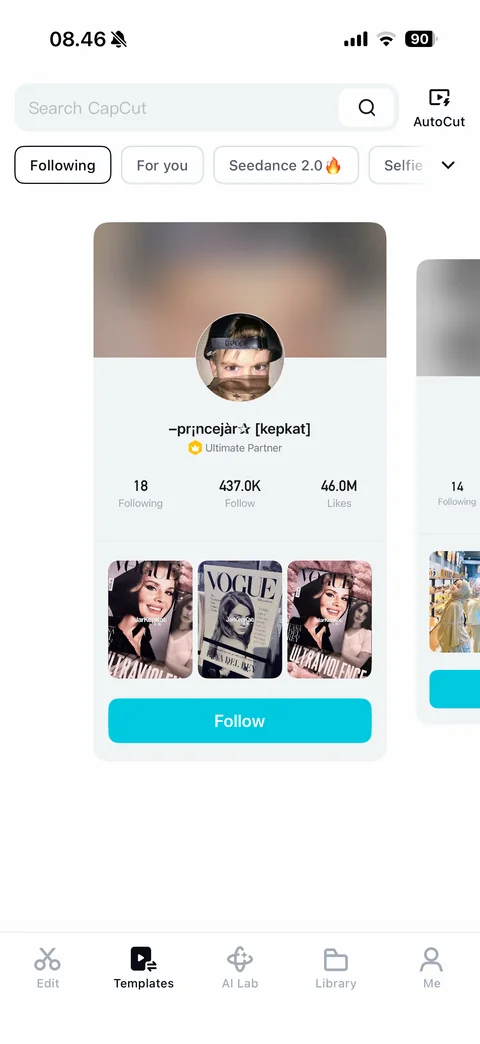
Templates Following tab empty state: swipeable suggested creator cards with blurred cover, avatar, name, Ultimate Partner badge, following, followers and likes counts, three template previews and cyan Follow button, next card peeking
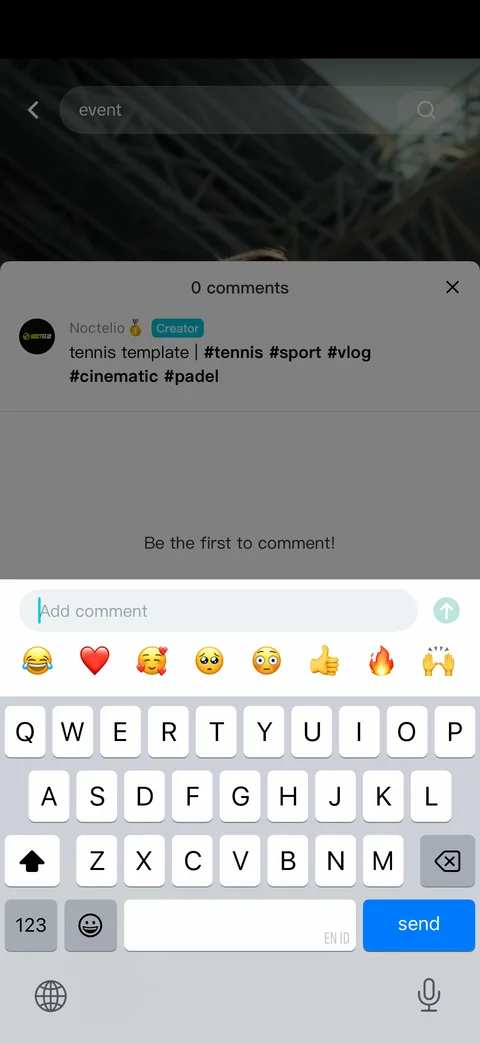
Template comments sheet with keyboard: 0 comments header and close, creator caption with Creator badge and hashtags, Be the first to comment empty state, Add comment field with send arrow, quick emoji reaction row
CapCut ai lab (11 screens)
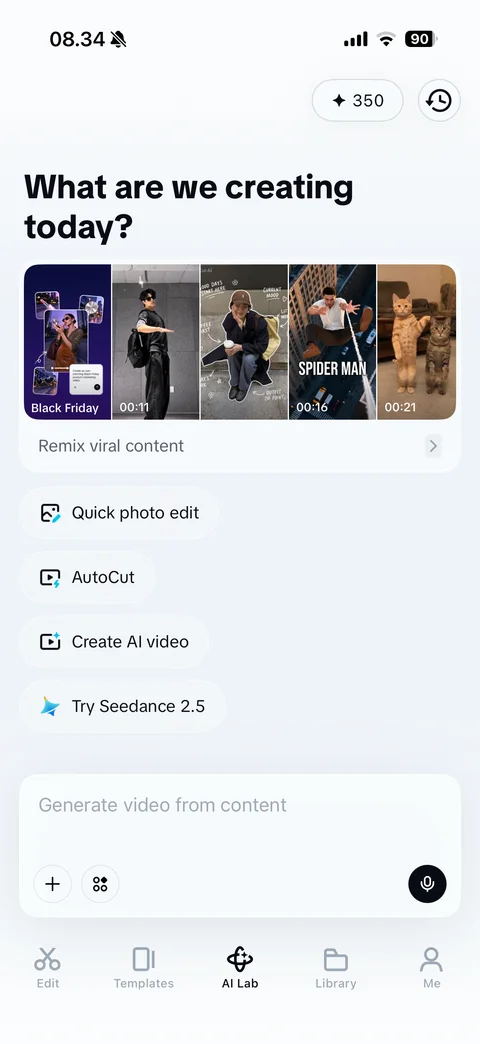
AI Lab home: 350 credits pill and history button, What are we creating today headline, Remix viral content card with strip of trending video thumbnails and durations, suggestion chips with icons (Quick photo edit, AutoCut, Create AI video, Try Seedance 2.5), prompt composer with add, apps and voice buttons, tab bar
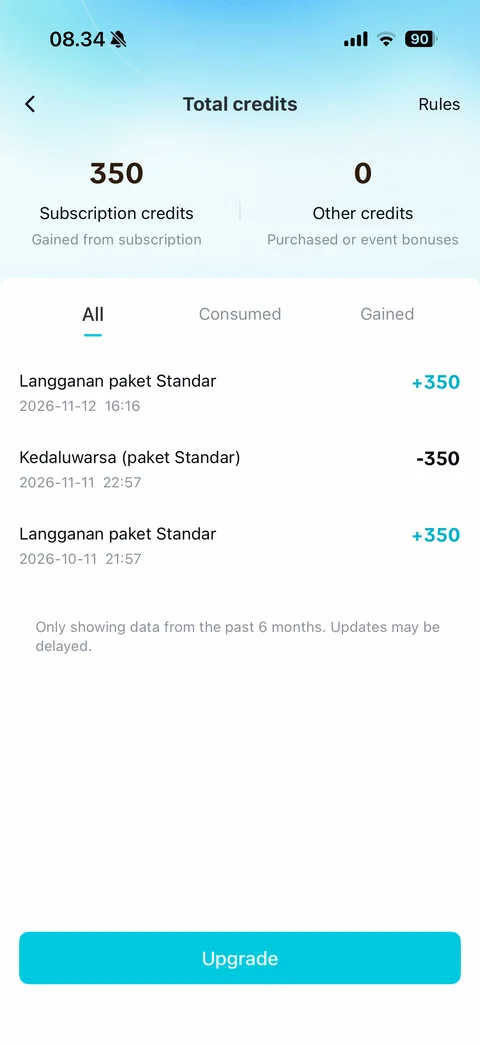
Total credits: back and Rules, Subscription credits and Other credits totals with sources, All, Consumed and Gained tabs, credit history rows (Standard plan grant +350, expiry -350) with dates, 6-month data note, cyan Upgrade
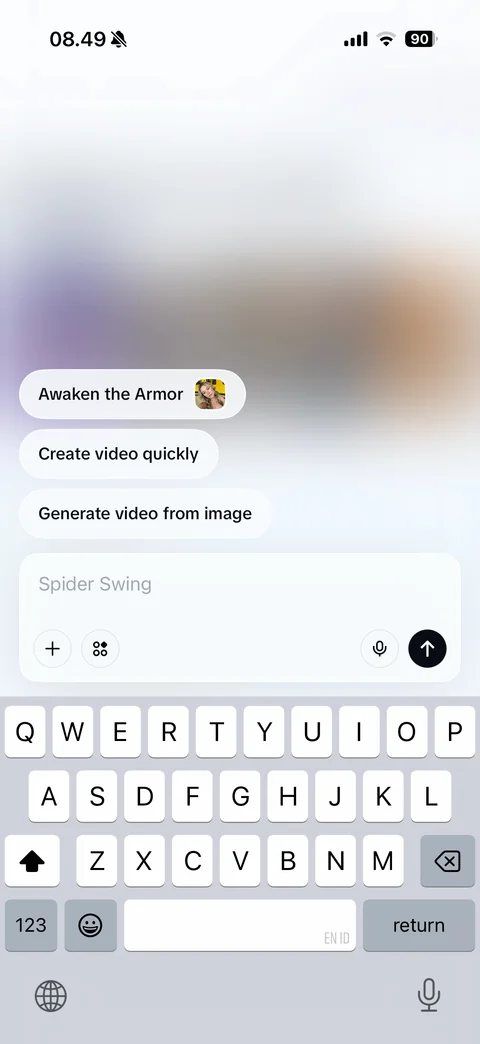
AI Lab prompt focused with keyboard: blurred gradient background, suggestion chips (Awaken the Armor with thumbnail, Create video quickly, Generate video from image), composer with rotating placeholder, add, apps, voice and send arrow
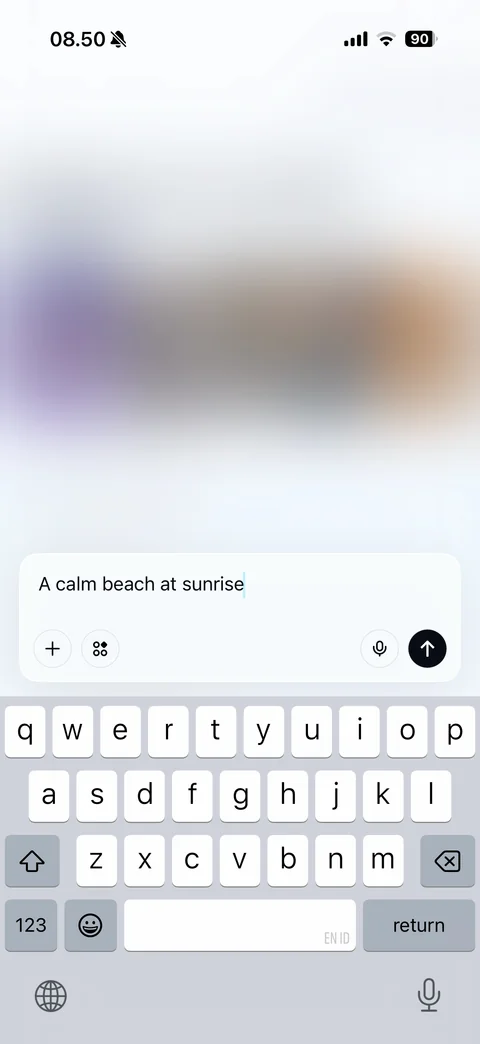
AI Lab prompt typed with keyboard: suggestion chips hidden, composer with typed prompt and active send arrow
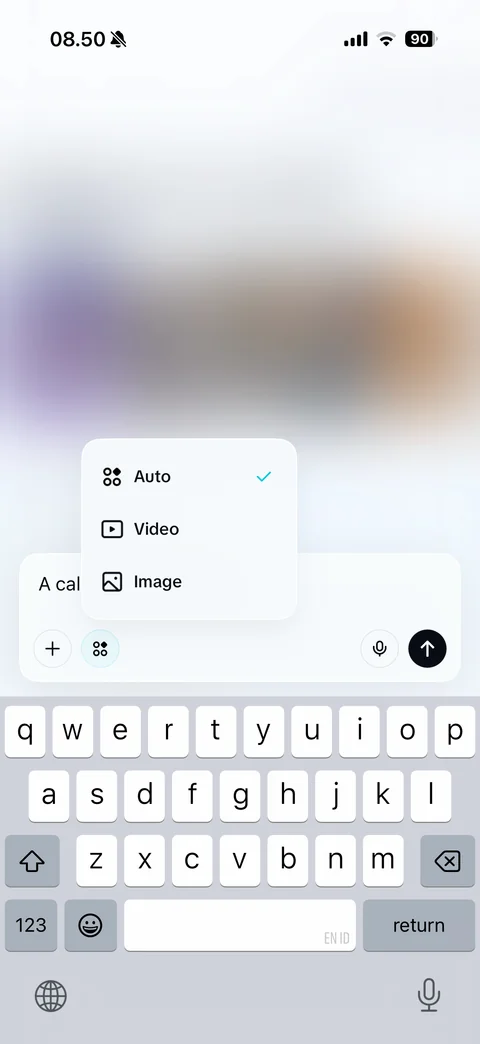
AI Lab output type menu: popover above composer with Auto (checked), Video and Image options with icons
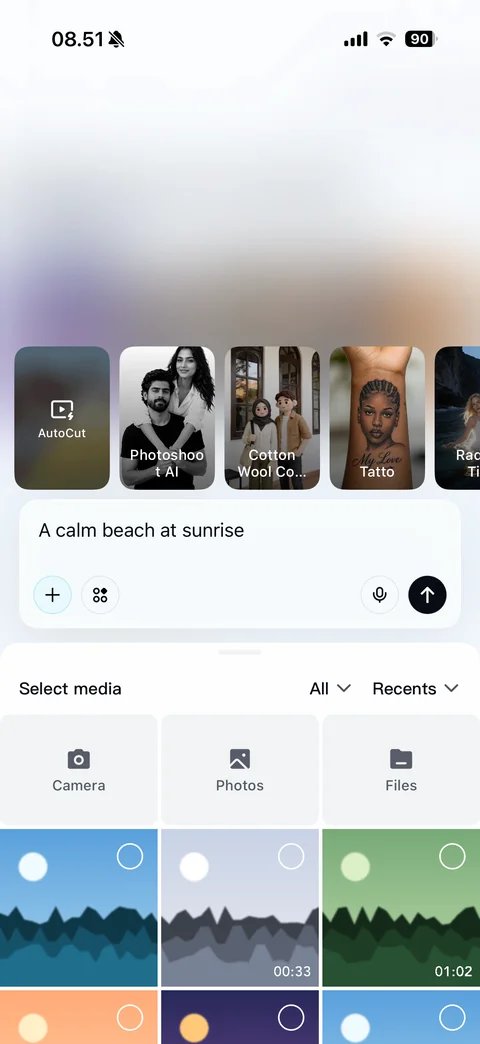
AI Lab attach media: effect preset cards row (AutoCut, Photoshoot AI, Cotton Wool, Tattoo, more), composer with typed prompt, Select media sheet with All and Recents dropdowns, Camera, Photos and Files tiles, media grid with select circles and durations
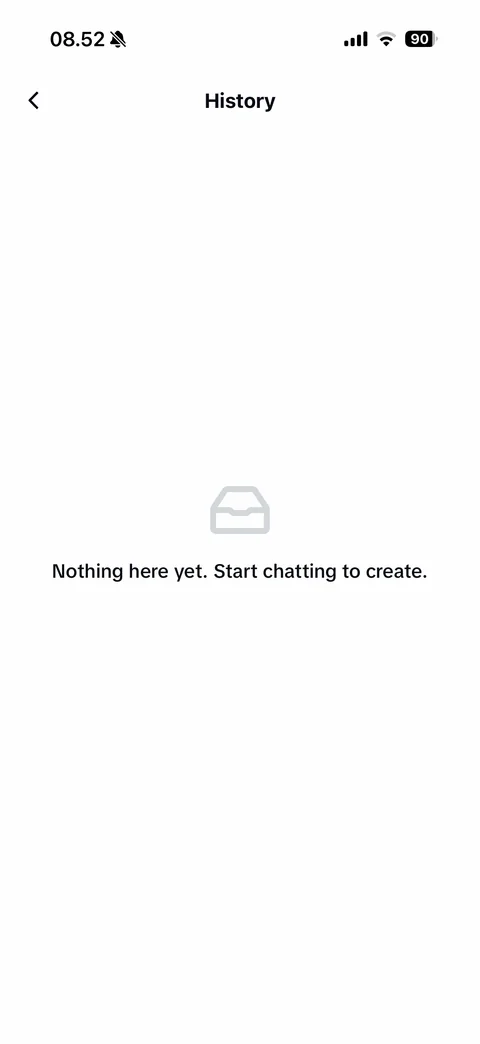
AI Lab History empty: back, tray icon, Nothing here yet start chatting to create
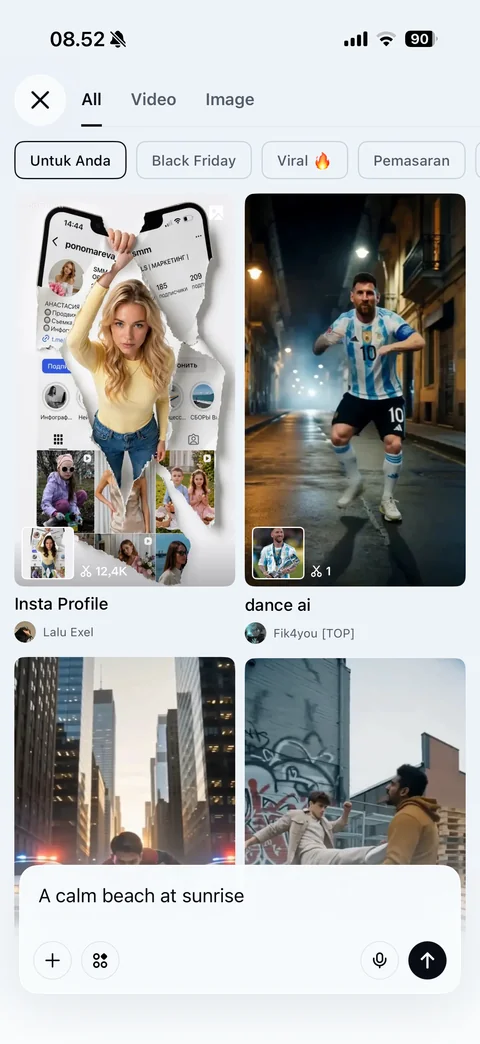
Remix viral content gallery: close, All, Video and Image tabs, category chips (For you selected, Black Friday, Viral, Marketing), two-column grid of AI remix templates with source thumbnail, use count, title and creator, floating prompt composer at bottom
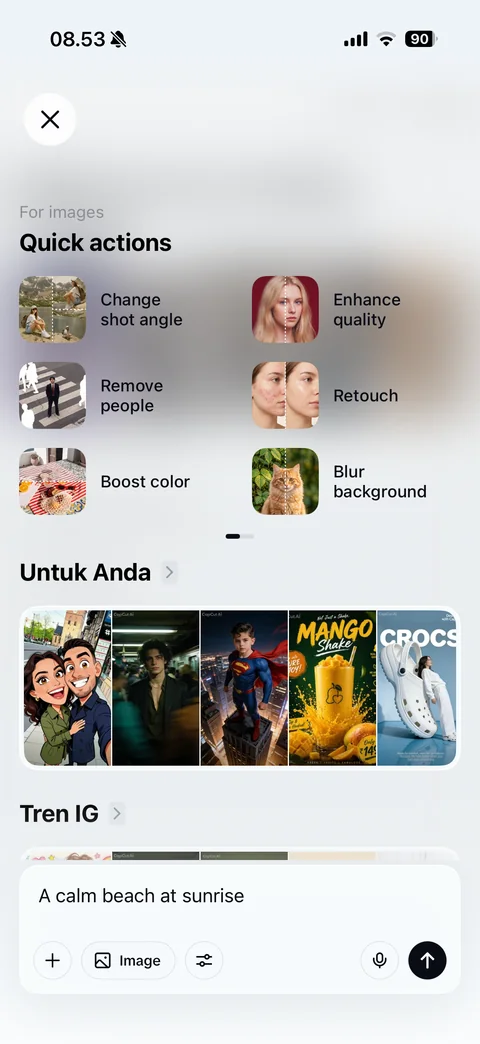
Quick photo edit sheet: close, For images Quick actions grid with before-after thumbnails (Change shot angle, Enhance quality, Remove people, Retouch, Boost color, Blur background), page dots, For you AI image strip, IG trends section, composer with Image mode and settings
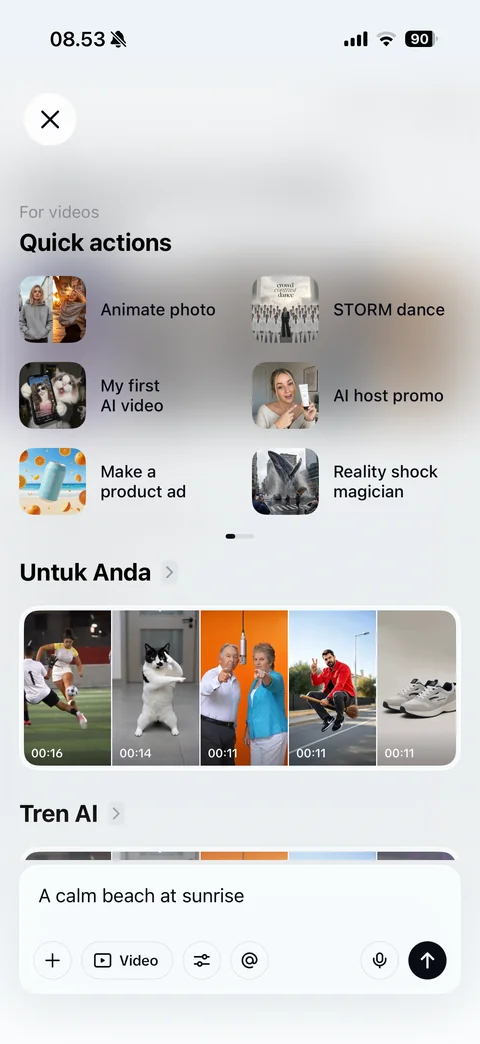
Create AI video sheet: For videos Quick actions grid with thumbnails (Animate photo, STORM dance, My first AI video, AI host promo, Make a product ad, Reality shock magician), For you video strip with durations, AI trends section, composer with Video mode, settings and mention
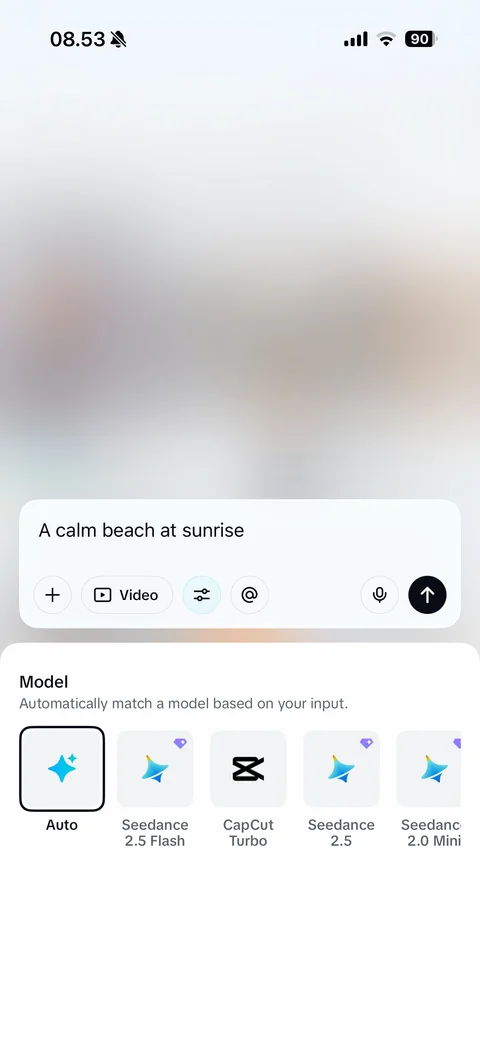
AI video model picker: composer with active settings button, Model sheet with explanation, horizontal model tiles (Auto selected, Seedance 2.5 Flash, CapCut Turbo, Seedance 2.5, Seedance 2.0 Mini) with Pro diamond badges
CapCut paywall (5 screens)
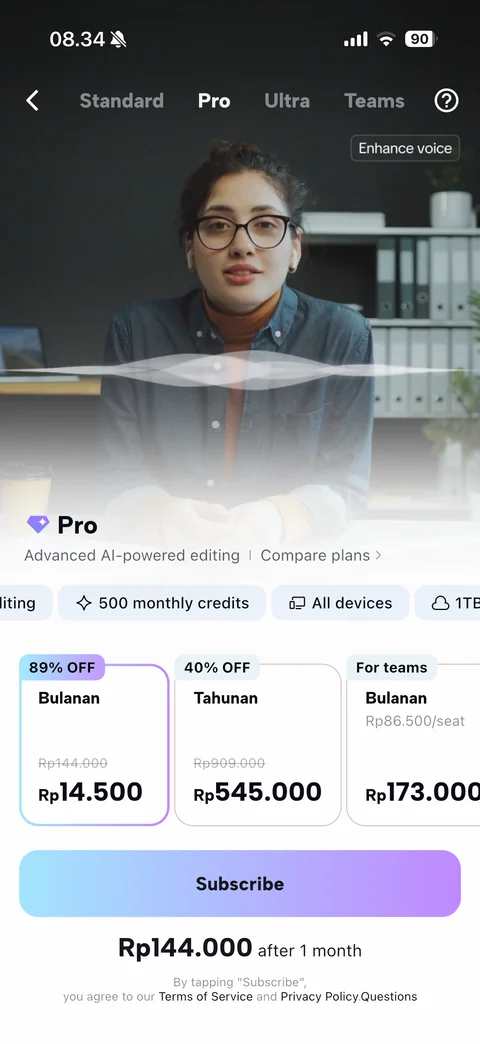
Subscription paywall Pro tab: plan tabs (Standard, Pro selected, Ultra, Teams) and help, ocean sunset hero with AI writer demo card and Improve cursor, Pro title with Compare plans link, feature chips, price cards (monthly 89% off Rp14.500 selected, yearly 40% off, teams per seat), gradient Subscribe, renewal price, terms
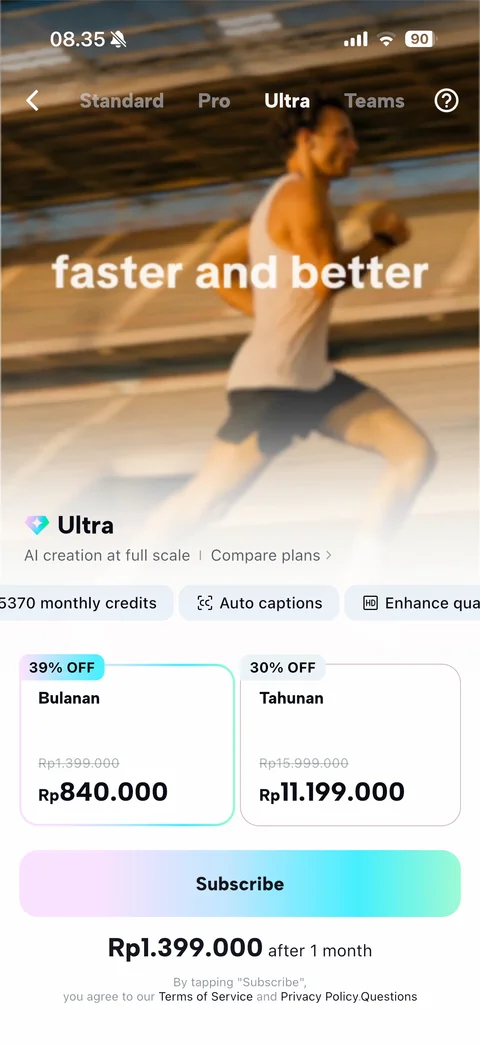
Subscription paywall Ultra tab: motion-blur runner video hero with faster and better text, Ultra title, feature chips (Ultra HD, 15370 monthly credits, Auto captions), monthly and yearly discounted price cards, cyan gradient Subscribe
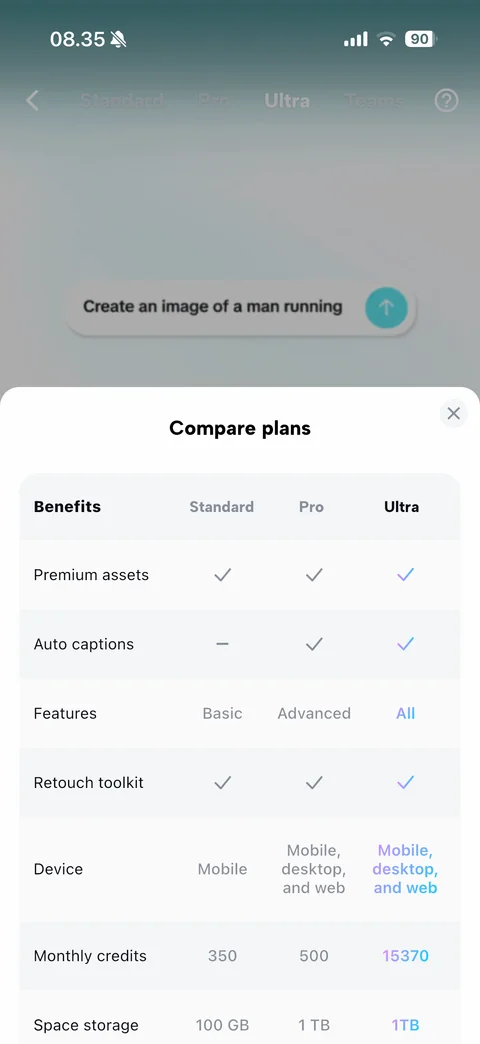
Compare plans sheet: close, comparison table with columns Standard, Pro and Ultra (Ultra highlighted in gradient text), rows for premium assets, auto captions, features level, retouch toolkit, devices, monthly credits and storage with checkmarks and dashes
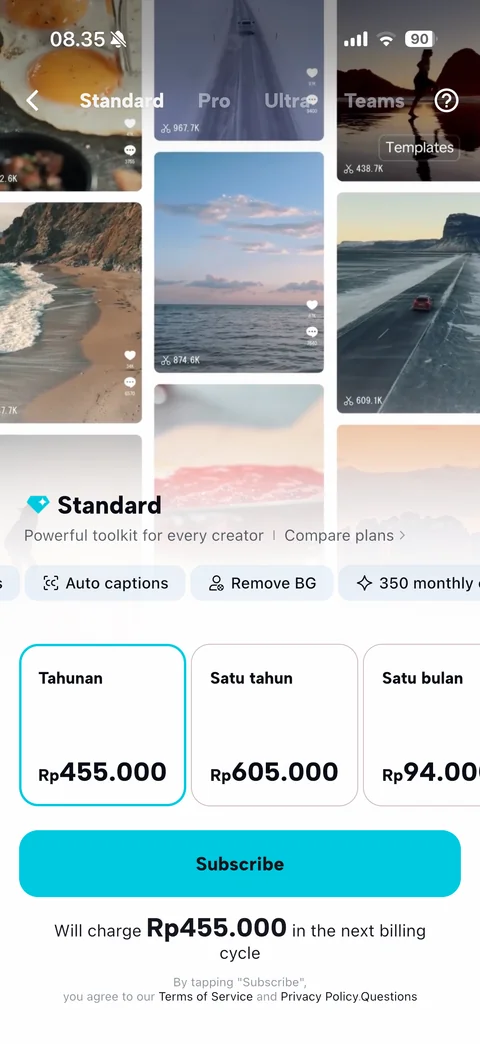
Subscription paywall Standard tab: stand-up comedy video hero with live Auto captions demo, Standard title with Compare plans, feature chips (Effects, Auto captions, Remove BG), plan cards (yearly selected, one year, one month), cyan Subscribe, next billing cycle charge note
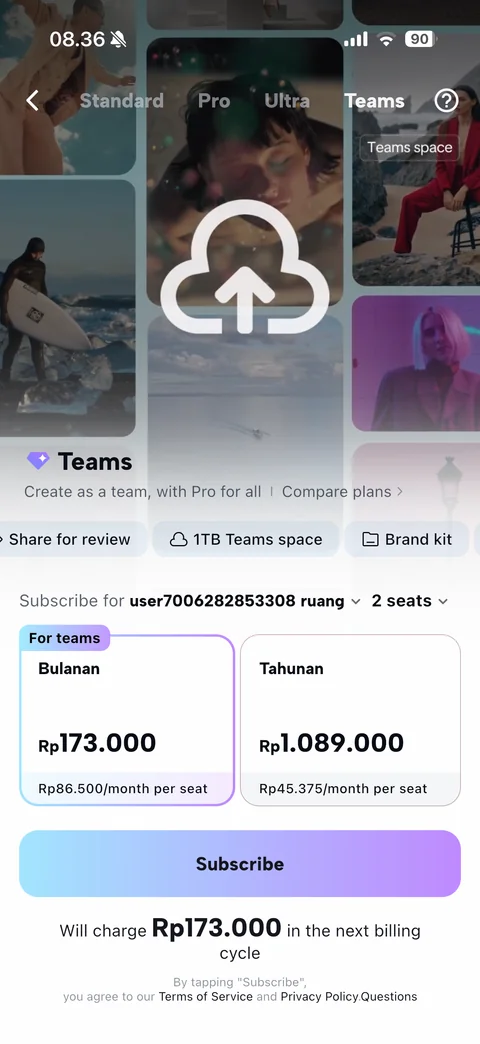
Subscription paywall Teams tab: collage of brand template designs (Spring Collection, Design your space, Home decoration), Teams title, feature chips (Brand templates, Share for review, team storage), workspace and seat count dropdowns, monthly and yearly per-seat price cards, gradient Subscribe
CapCut library (7 screens)
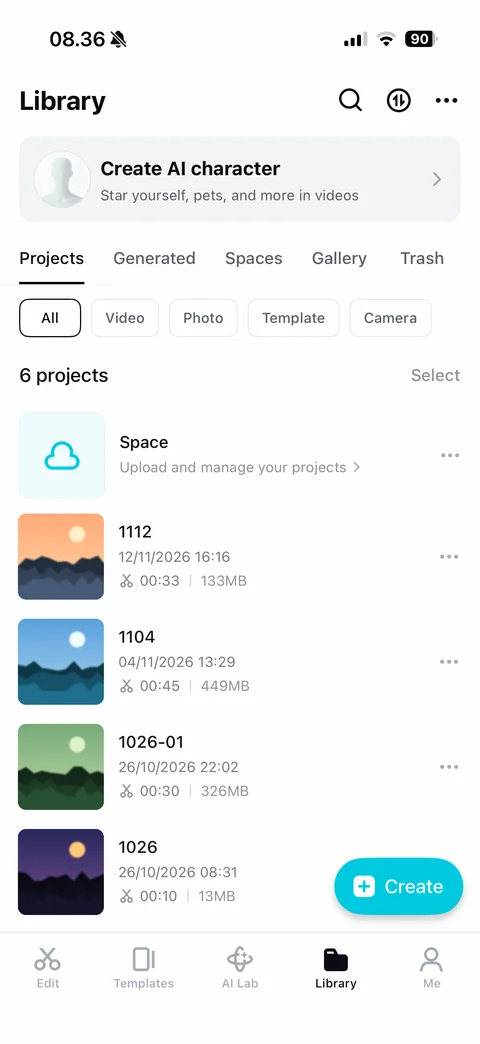
Library Projects: search, sync and more buttons, Create AI character banner, tabs (Projects, Generated, Spaces, Gallery, Trash), filter chips (All, Video, Photo, Template, Camera), 6 projects count and Select, Space cloud row, project rows with thumbnail, name, date, duration and size, more menus, floating cyan Create button
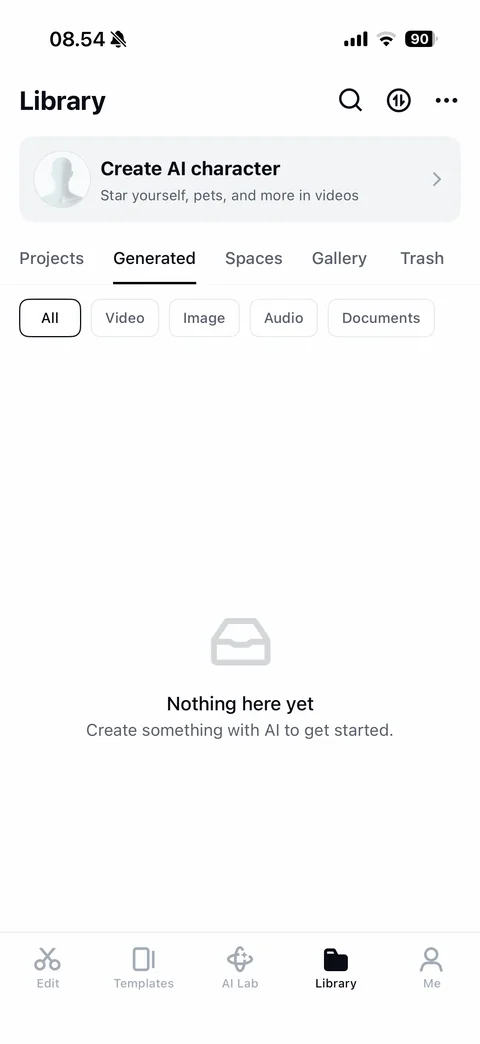
Library Generated tab empty: filter chips (All, Video, Image, Audio, Documents), tray icon, Nothing here yet create something with AI
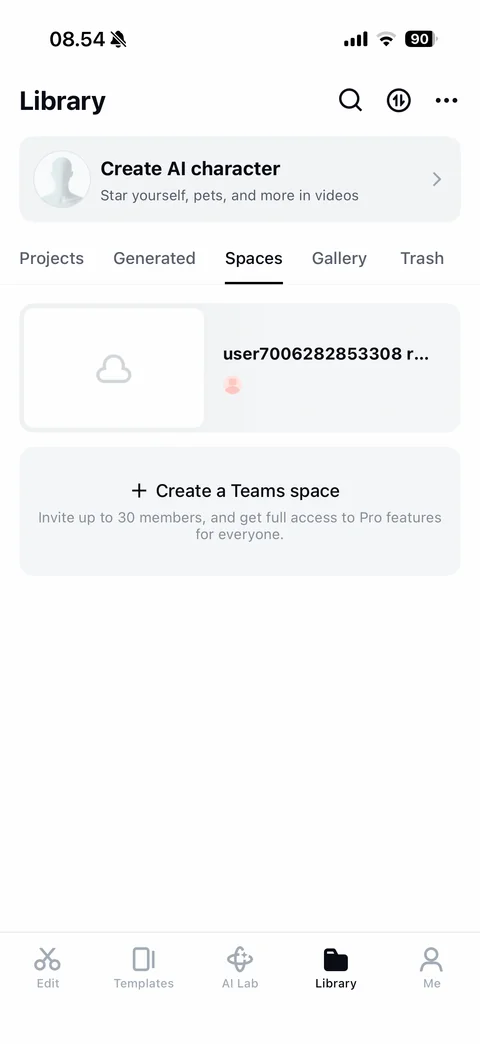
Library Spaces tab: personal cloud space card with placeholder thumbnail, space name and avatar, Create a Teams space card with invite up to 30 members description
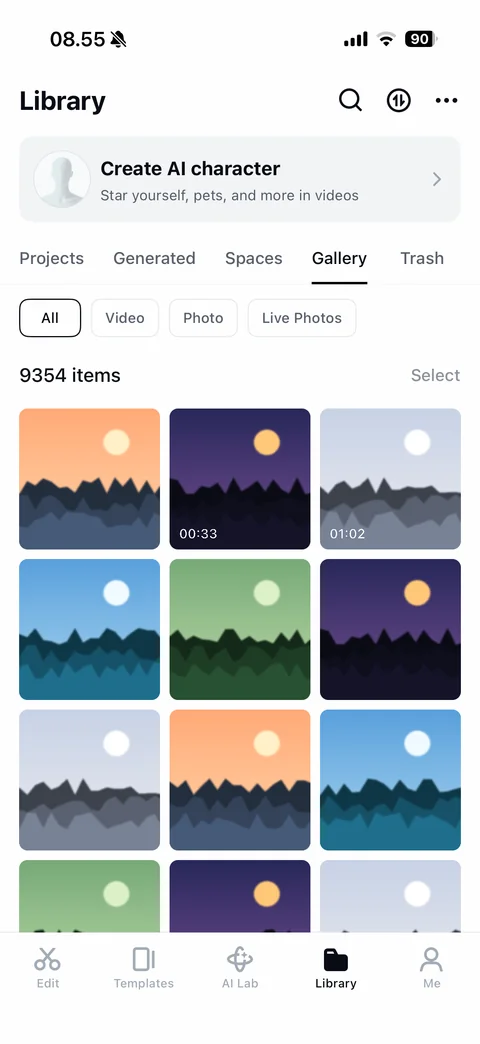
Library Gallery tab: filter chips (All, Video, Photo, Live Photos), item count and Select, three-column grid of rounded device media tiles with video durations
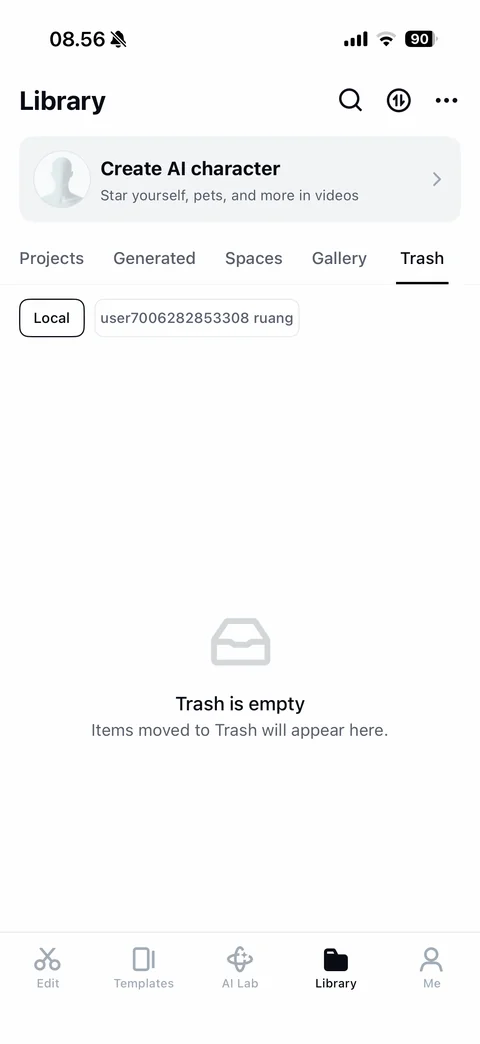
Library Trash tab empty: Local and cloud space filter chips, tray icon, Trash is empty, items moved to Trash will appear here
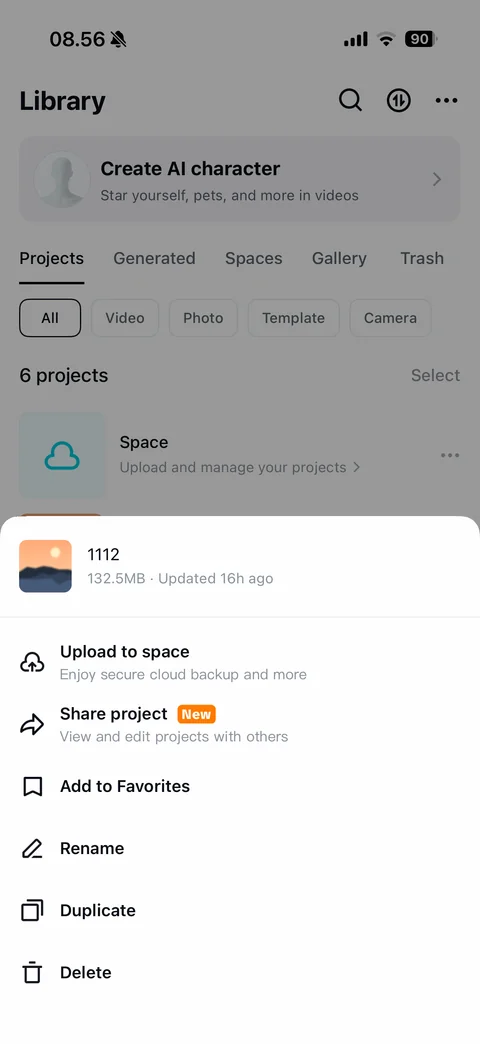
Project more sheet: project thumbnail, name, size and updated time, actions (Upload to space, Share project with New badge, Add to Favorites, Rename, Duplicate, Delete) with descriptions and icons
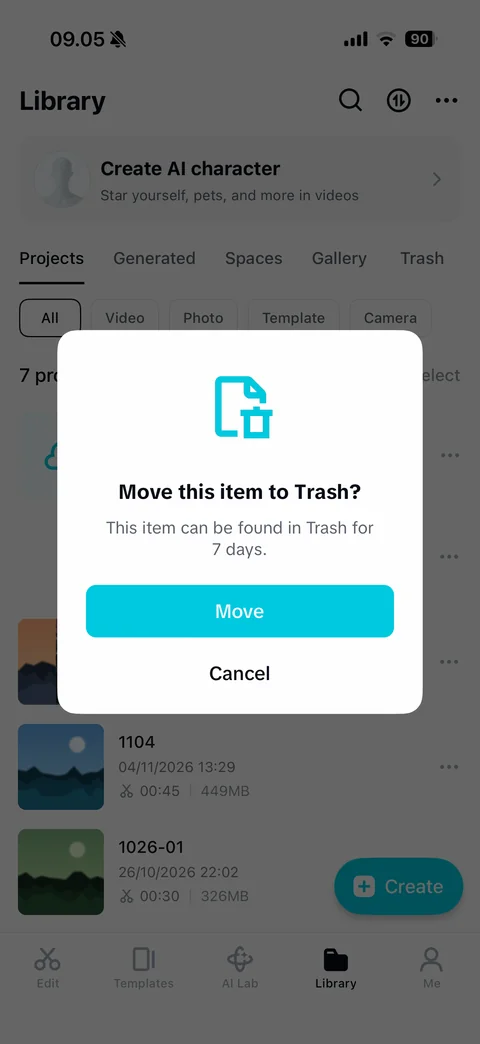
Move to Trash dialog: cyan file-trash icon, Move this item to Trash title, kept in Trash for 7 days note, cyan Move and Cancel, dimmed project list behind
CapCut me (12 screens)
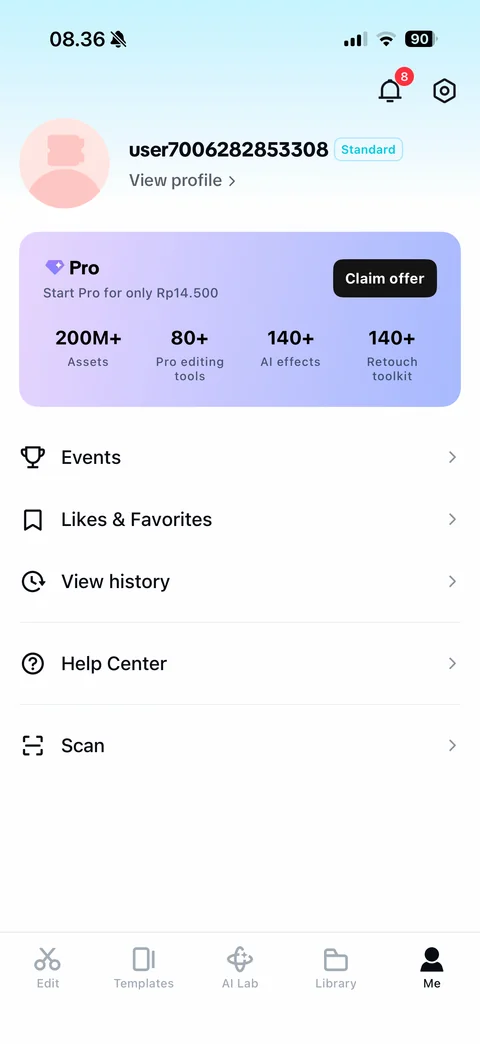
Me tab: notifications bell with red 8 badge and settings, avatar, generated username with cyan Standard badge, View profile link, Pro upsell card with Claim offer and stats (200M+ assets, 80+ editing tools, 140+ AI effects, 140+ retouch toolkit), list (Events, Likes and Favorites, View history, Help Center, Scan)
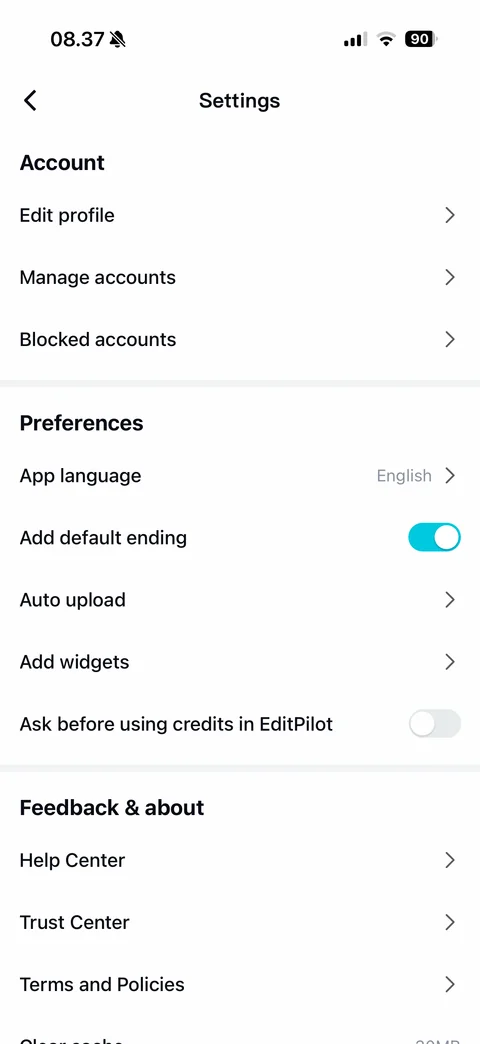
Settings: Account (Edit profile, Manage accounts, Blocked accounts), Preferences (App language English, Add default ending toggle on, Auto upload, Add widgets, Ask before using credits in EditPilot toggle), Feedback and about (Help Center, Trust Center, Terms and Policies, Clear cache)
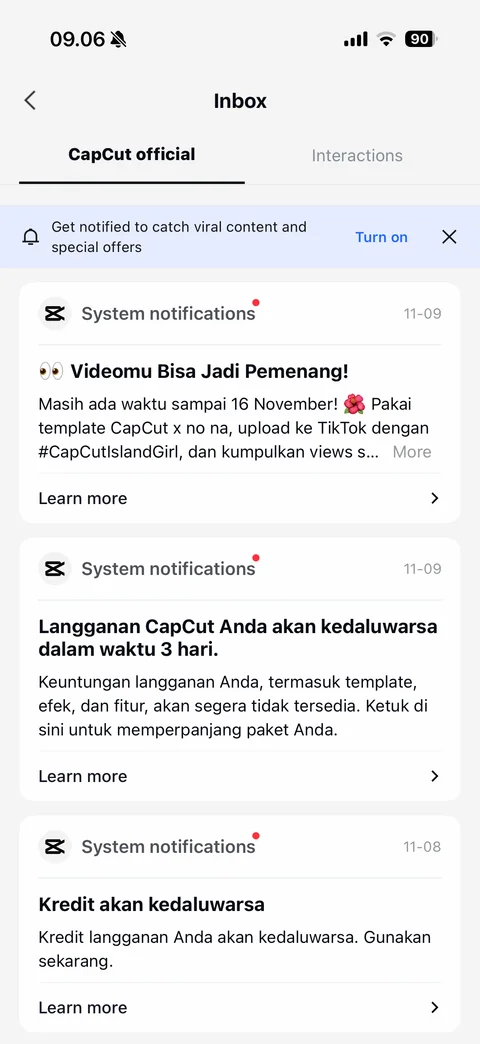
Inbox CapCut official tab: CapCut official and Interactions tabs, push notification prompt banner with Turn on and close, system notification cards with unread dot and date (campaign contest, subscription expiring in 3 days, credits expiring) with Learn more
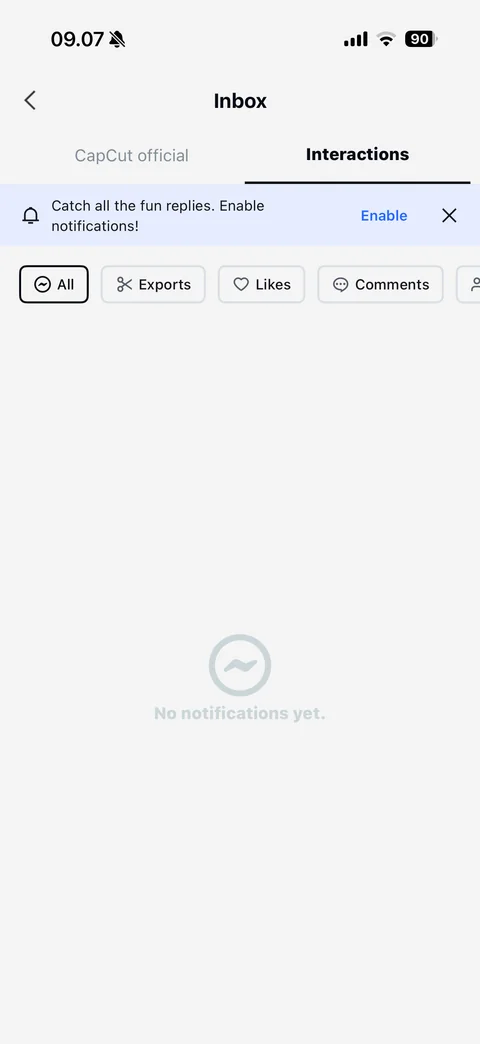
Inbox Interactions tab empty: enable notifications banner, filter chips with icons (All, Exports, Likes, Comments, Followers), No notifications yet empty state
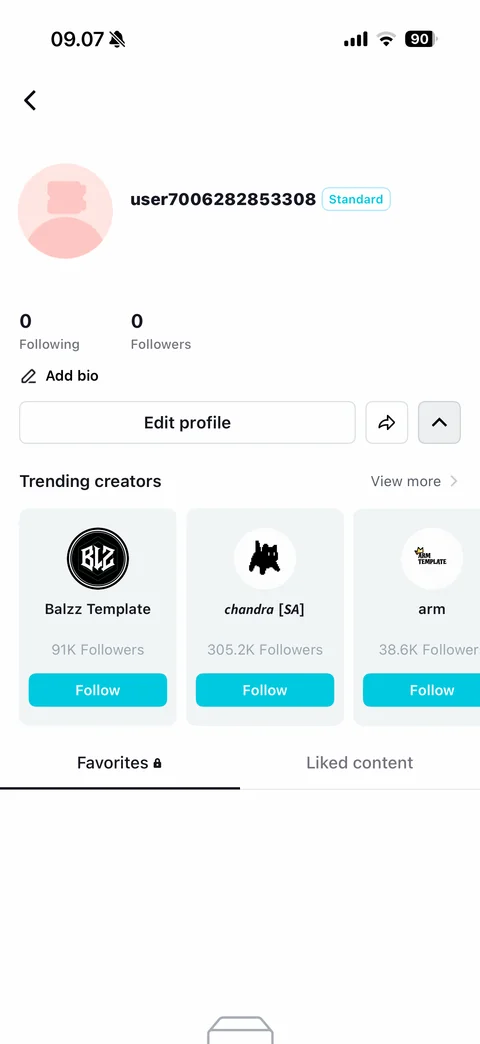
Own profile: default avatar, username with Standard badge, ID (covered), following and followers counts, Add bio, Edit profile, share and collapse buttons, Trending creators carousel with logos, follower counts and Follow buttons, Favorites (locked) and Liked content tabs
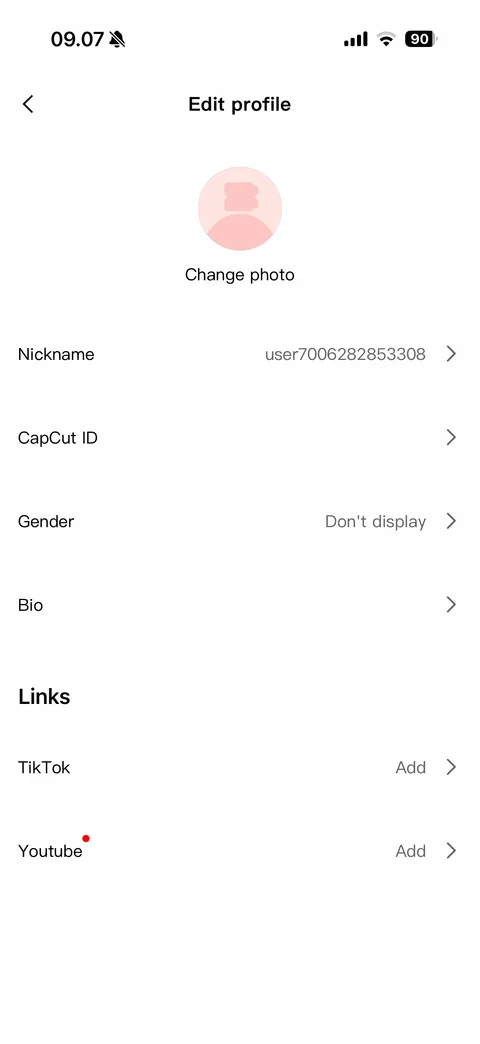
Edit profile: avatar with Change photo, rows for Nickname, CapCut ID (covered), Gender Don't display and Bio, Links section with TikTok and YouTube Add rows and red dot
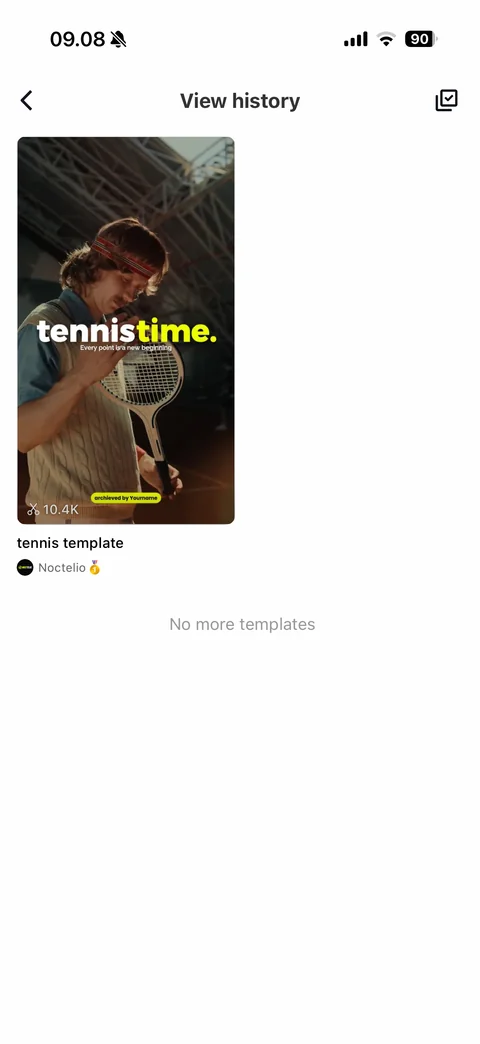
View history: back and select button, viewed template card with cover, use count, title and creator, No more templates end note
Likes and Favorites: Liked content and Favorites tabs, tray icon, templates you like will appear here empty state
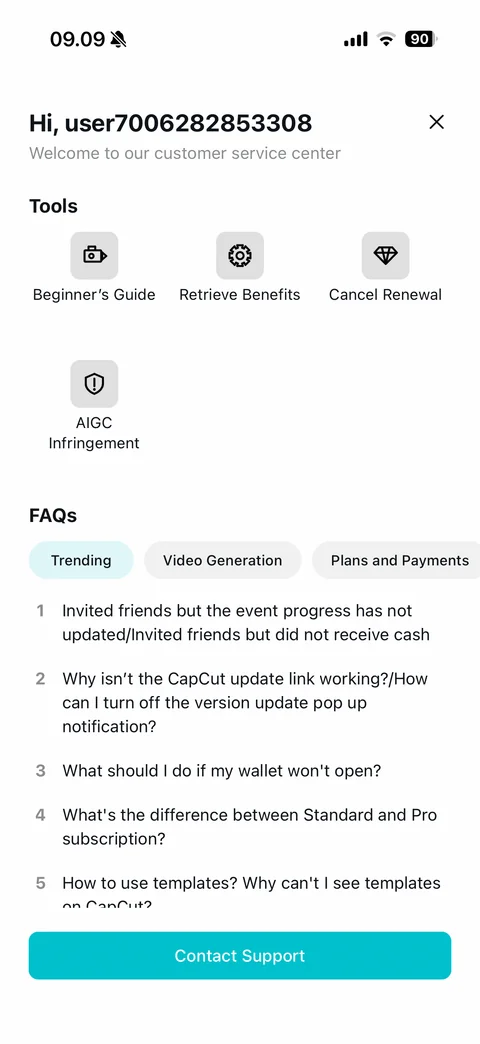
Help Center: Hi username greeting with close, customer service subtitle, Tools grid (Beginner's Guide, Retrieve Benefits, Cancel Renewal, AIGC Infringement), FAQs with category chips (Trending, Video Generation, Plans and Payments) and numbered questions, cyan Contact Support
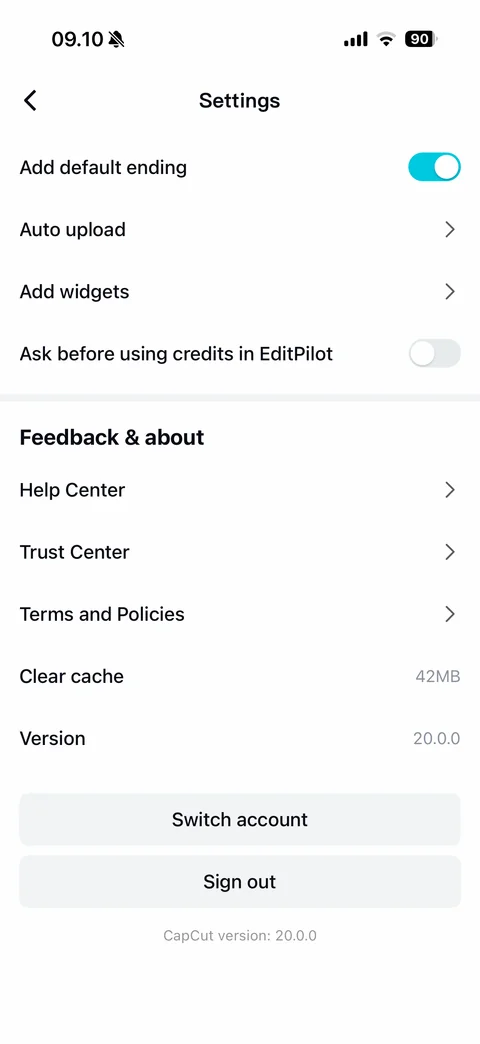
Settings bottom: preference toggles, Feedback and about (Help Center, Trust Center, Terms and Policies, Clear cache with size, Version), Switch account and Sign out buttons, app version footer
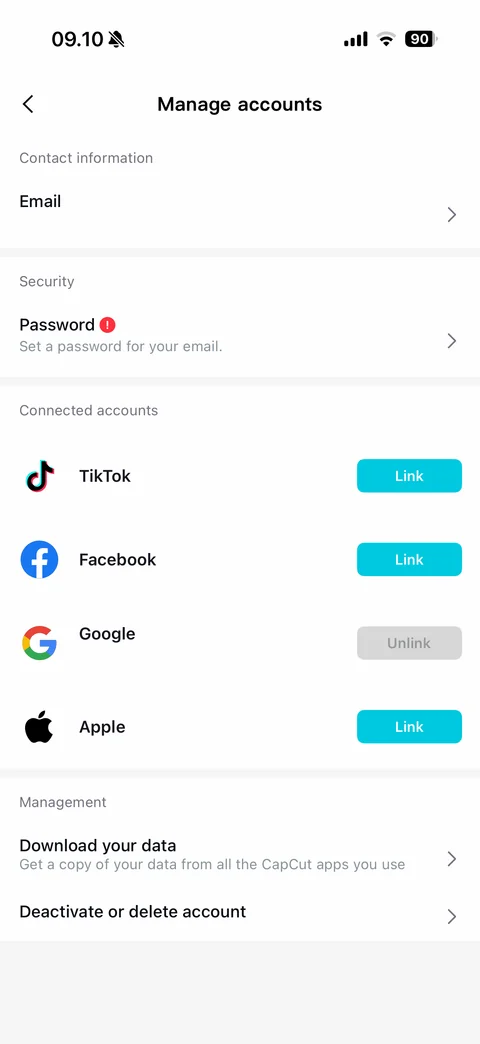
Manage accounts: Contact information email row (covered), Security password row with red alert, Connected accounts with brand logos (TikTok, Facebook and Apple with cyan Link, Google connected with gray Unlink), Management (Download your data, Deactivate or delete account)
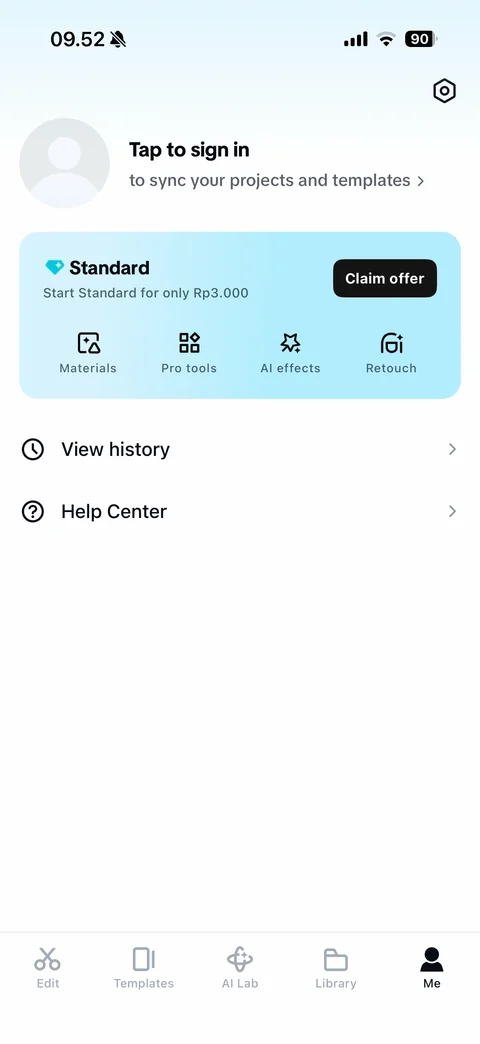
Me tab logged out: settings gear, empty avatar, Tap to sign in to sync your projects and templates, Standard offer card with Rp3.000 intro price, Claim offer and feature icons (Materials, Pro tools, AI effects, Retouch), View history and Help Center
CapCut tools (5 screens)
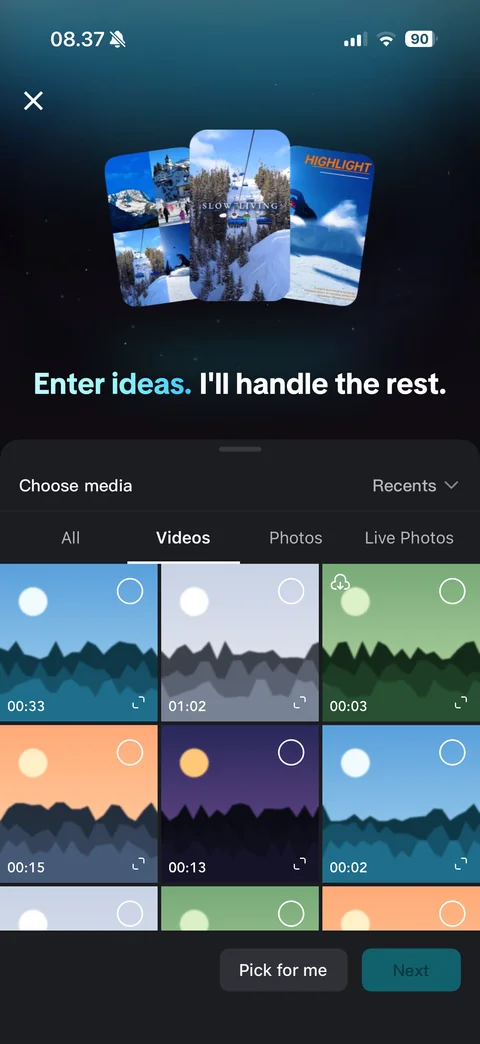
AutoCut start: close, three mountain and ski sample clip thumbnails over dark gradient, Enter ideas I'll handle the rest headline with cyan accent, Choose media sheet with Recents dropdown, tabs (All, Videos, Photos, Live Photos), grid with select circles, durations and cloud download icon, Pick for me and disabled Next
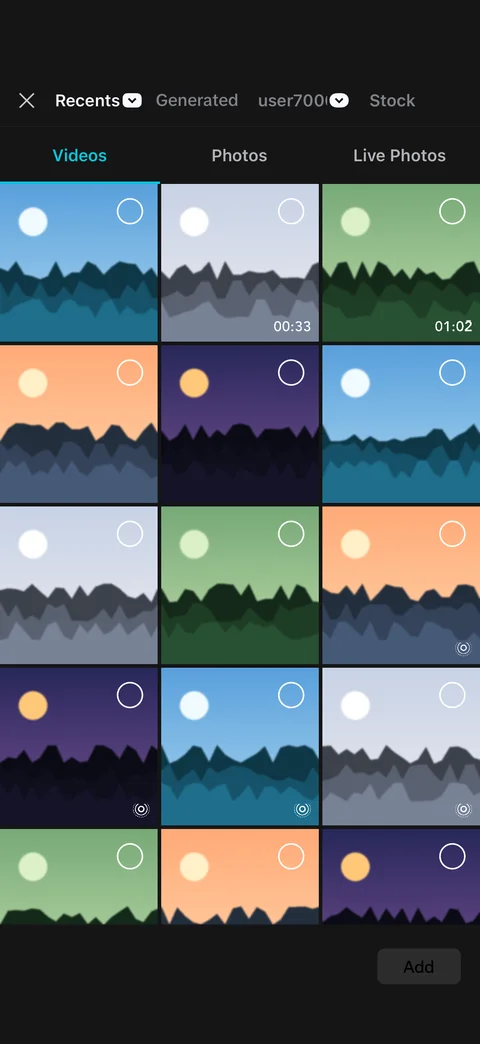
New project media picker: close, source tabs (Recents dropdown, Generated, cloud space dropdown, Stock), Videos, Photos and Live Photos tabs, three-column grid with select circles, durations and live photo icons, disabled Add
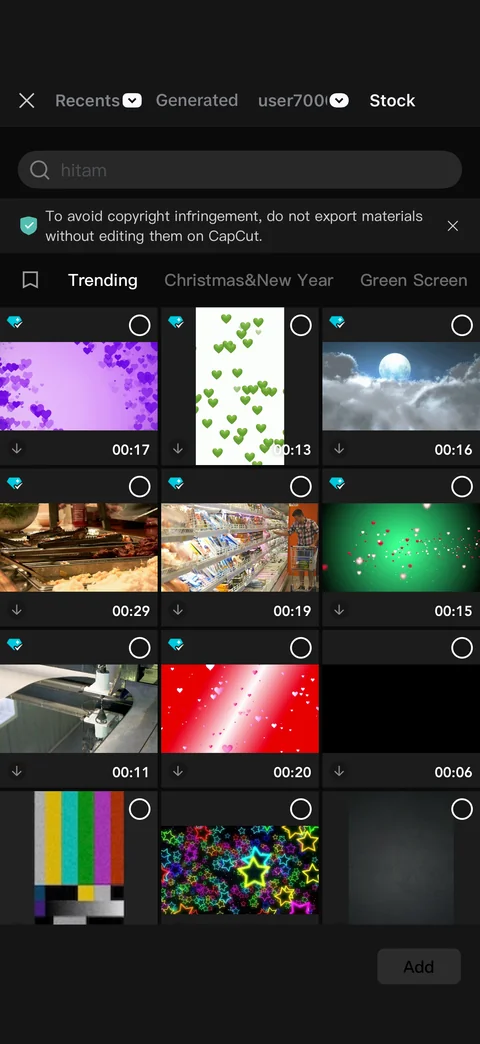
Stock media library: Stock source tab selected, search field, copyright tip banner with shield and close, bookmark and category tabs (Trending, Christmas and New Year, Green Screen), grid of stock clips with Standard diamond badges, select circles, download icons and durations
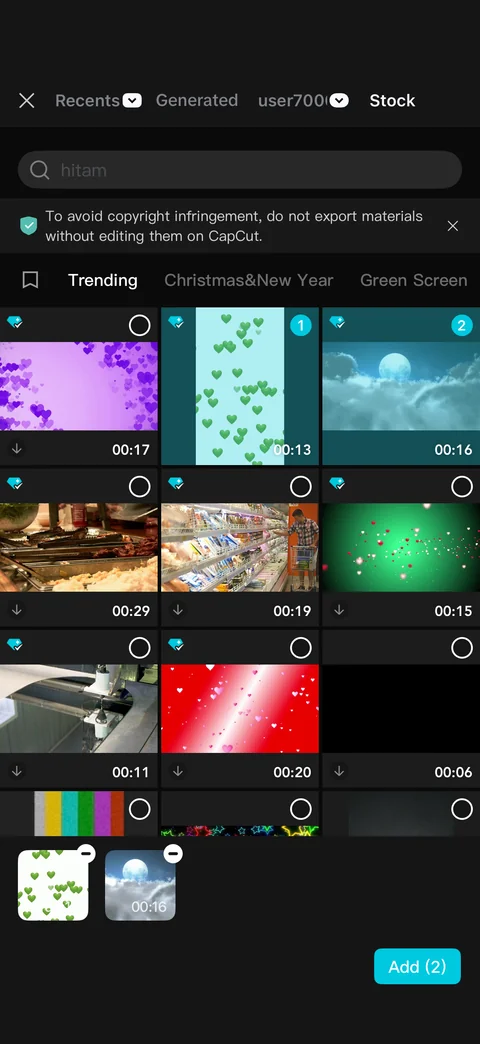
Stock clips selected: numbered cyan selection badges 1 and 2 on chosen tiles, selection tray with thumbnails, durations and remove buttons, cyan Add (2) button
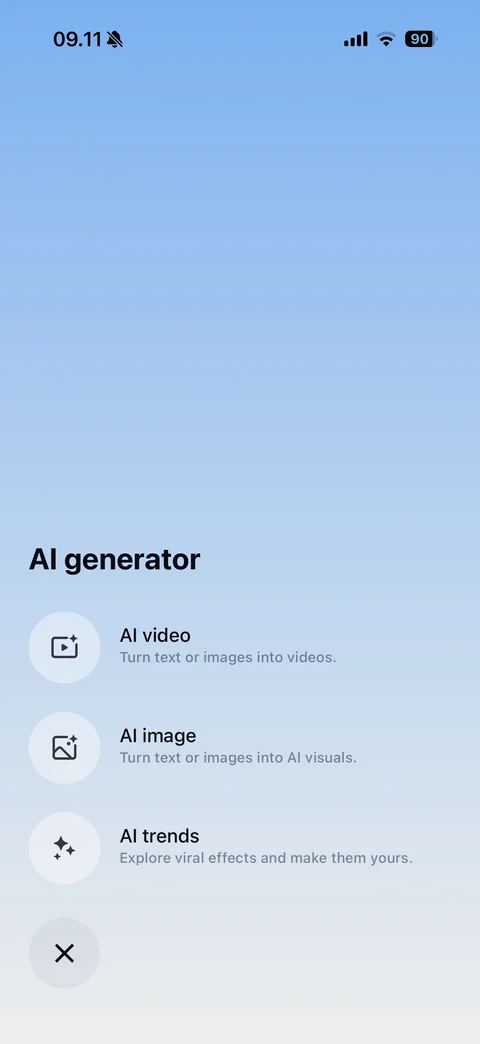
AI generator menu: blue-to-white gradient full screen, AI generator heading, round icon options with descriptions (AI video, AI image, AI trends), close button
CapCut events (2 screens)
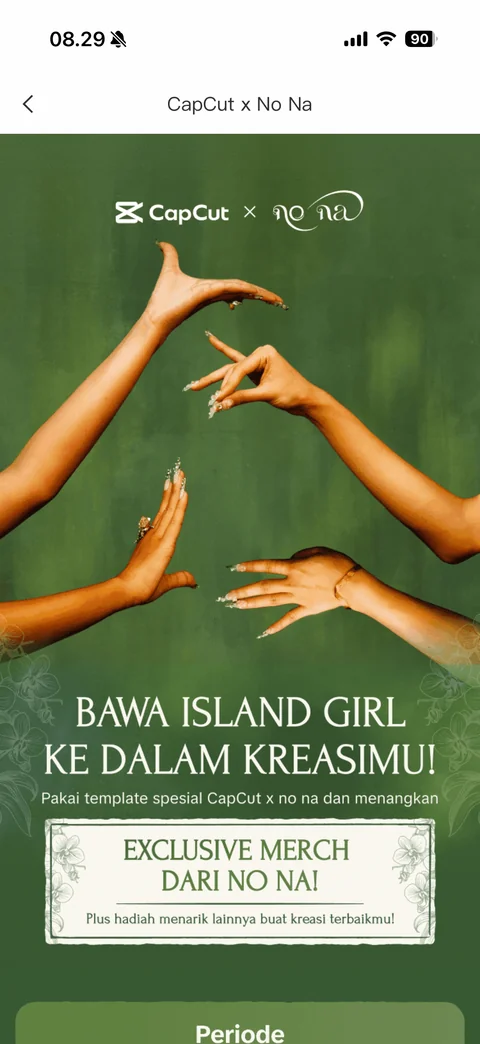
Campaign event page: back, CapCut x No Na collaboration header, green poster with hands gesture photo, Bawa Island Girl ke dalam kreasimu headline, template contest copy, Exclusive merch framed card with floral border, Periode section
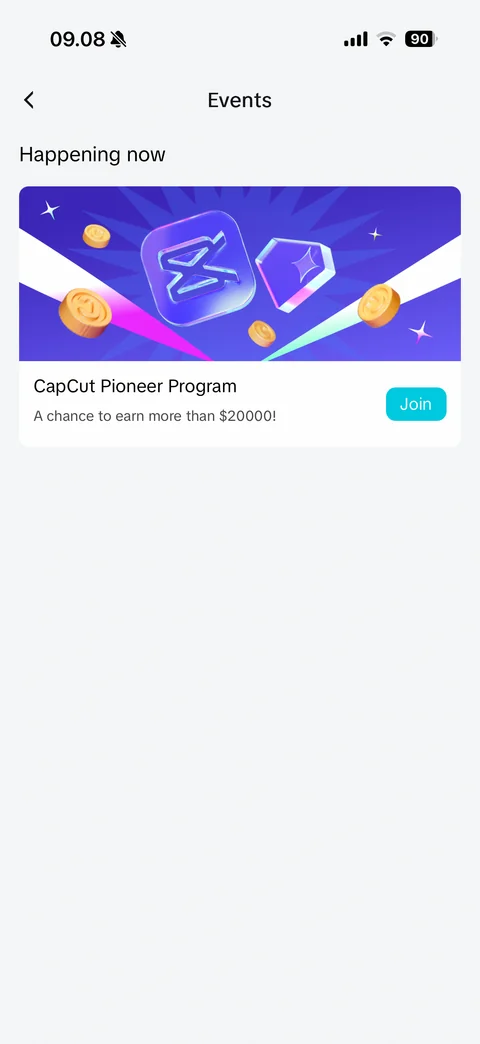
Events list: Happening now section, CapCut Pioneer Program card with purple 3D logo and coins illustration, earn more than 20000 dollars subtitle, cyan Join