Duolingo app design: 89 real screens in 21 flows
Spanish, French, Chess & Math. Category: Education. By Duolingo, Inc.
Captured on iPhone and updated November 2026. Each screen has a short note on what it shows and why it matters for growth.
Duolingo onboarding (1 screen)
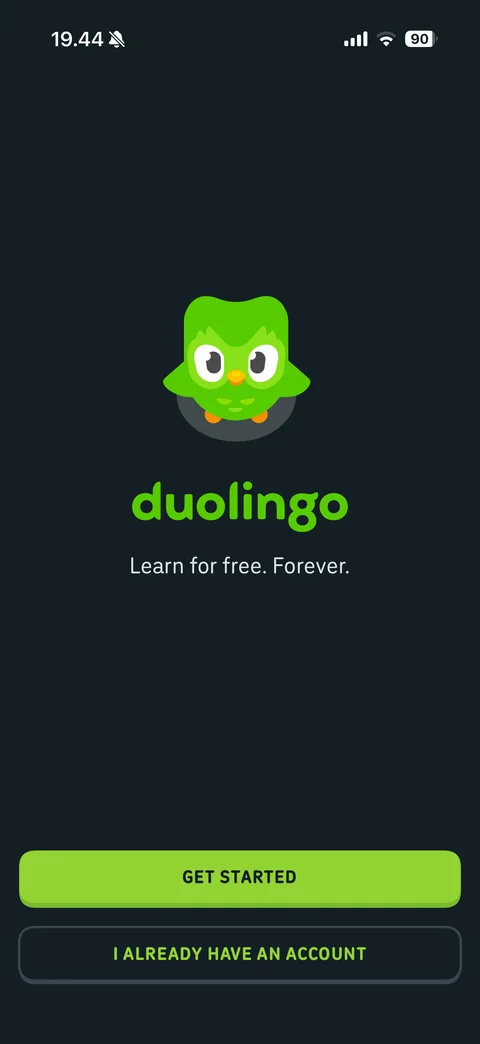
Welcome: Duo owl mascot, duolingo wordmark, learn for free forever, Get Started and I already have an account buttons, dark theme
Duolingo onboarding / sign in (1 screen)
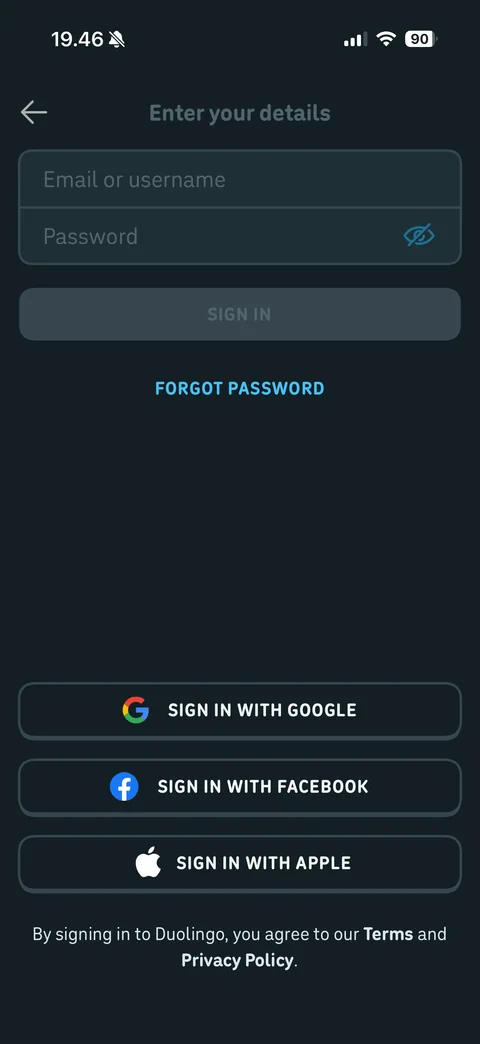
Sign in: enter your details, email or username and password fields with eye icon, disabled Sign In, Forgot Password link, Sign in with Google, Facebook, Apple buttons, terms and privacy note
Duolingo onboarding / setup (25 screens)
Duo intro: speech bubble hi there I'm Duo above owl mascot, back arrow, Continue
Duo expectation setting: speech bubble just 7 quick questions before your first lesson with bold count, excited owl with sparkle eyes, Continue
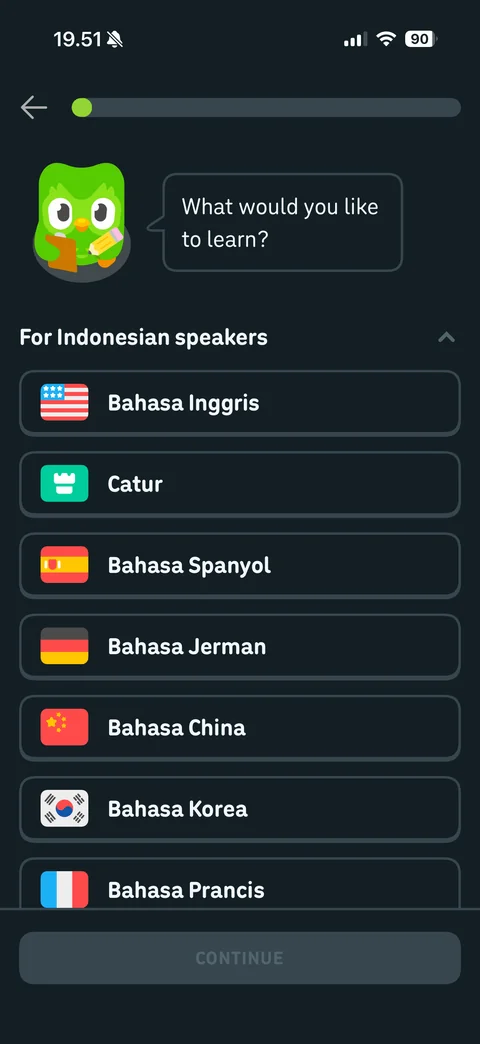
Question 1 course picker: progress bar, Duo with clipboard asking what would you like to learn, for Indonesian speakers section, course list with flag icons (English, Chess, Spanish, German, Chinese, Korean, French in Indonesian), disabled Continue
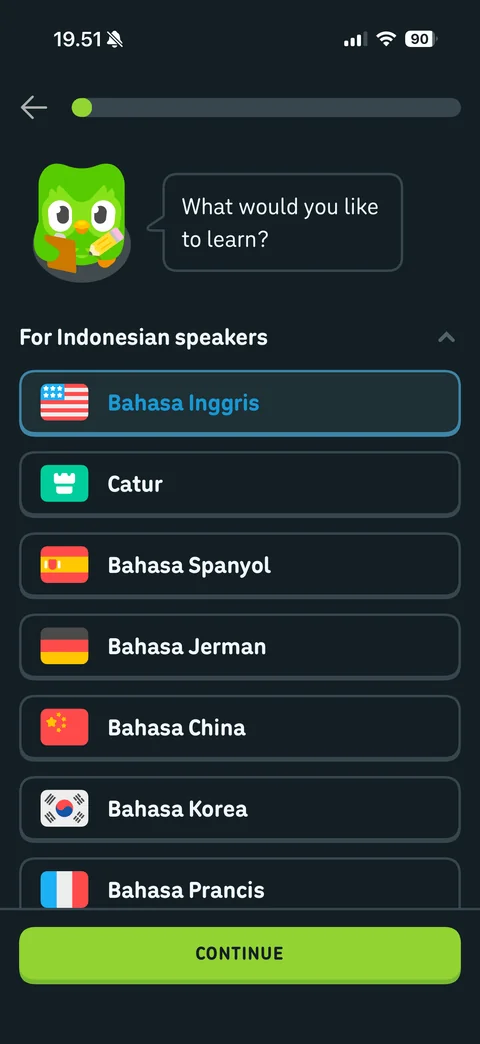
Course selected: English card highlighted with blue border and blue text, Continue enabled
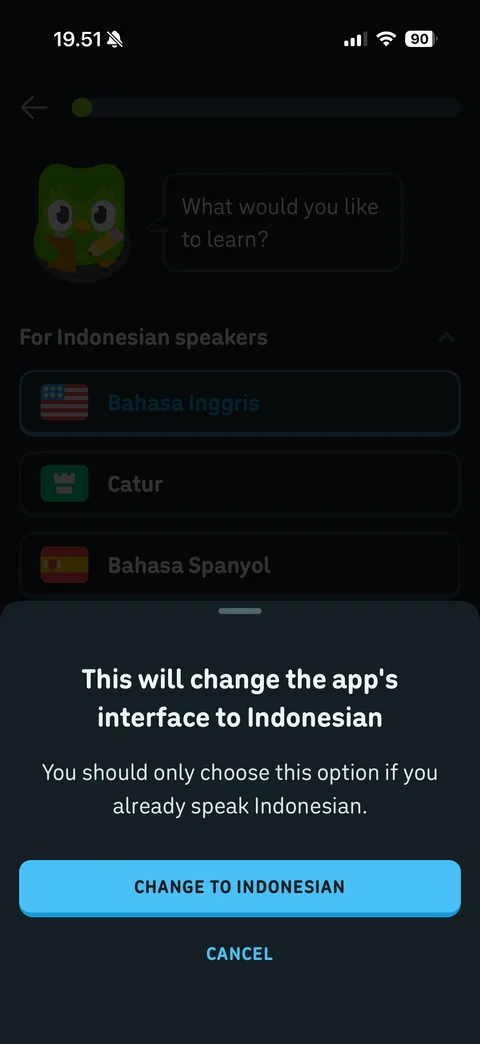
Interface language warning sheet: this will change the app's interface to Indonesian, only choose if you speak Indonesian note, Change to Indonesian and Cancel
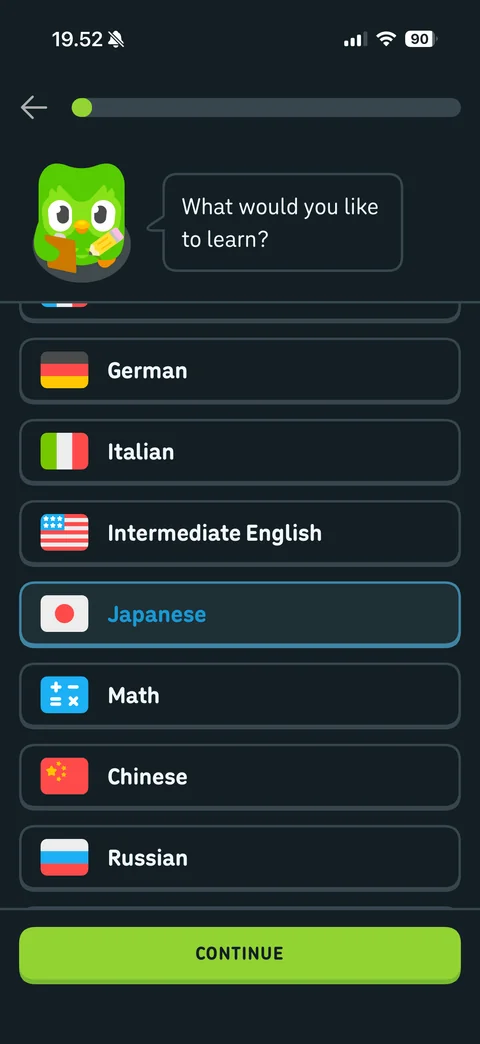
For English speakers courses expanded: German, Italian, Intermediate English, Japanese selected with blue border, Math, Chinese, Russian, Continue
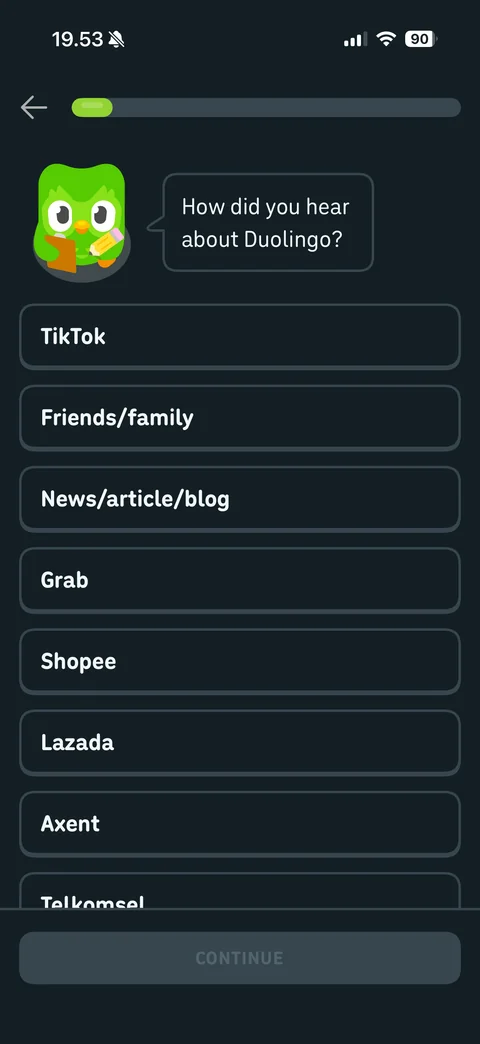
Question 2 attribution: how did you hear about Duolingo, localized options TikTok, friends and family, news, Grab, Shopee, Lazada, Axent, Telkomsel, disabled Continue
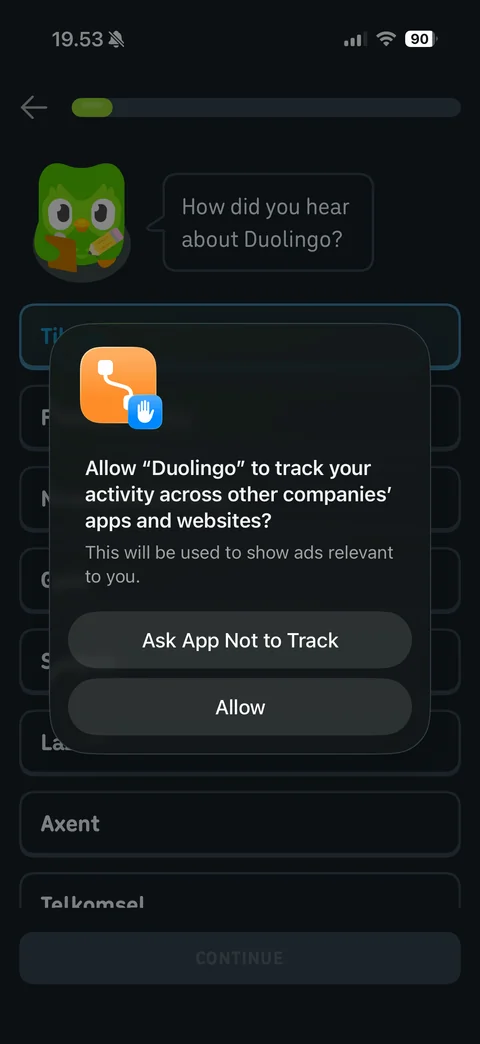
App tracking prompt during quiz: Ask App Not to Track or Allow over attribution question
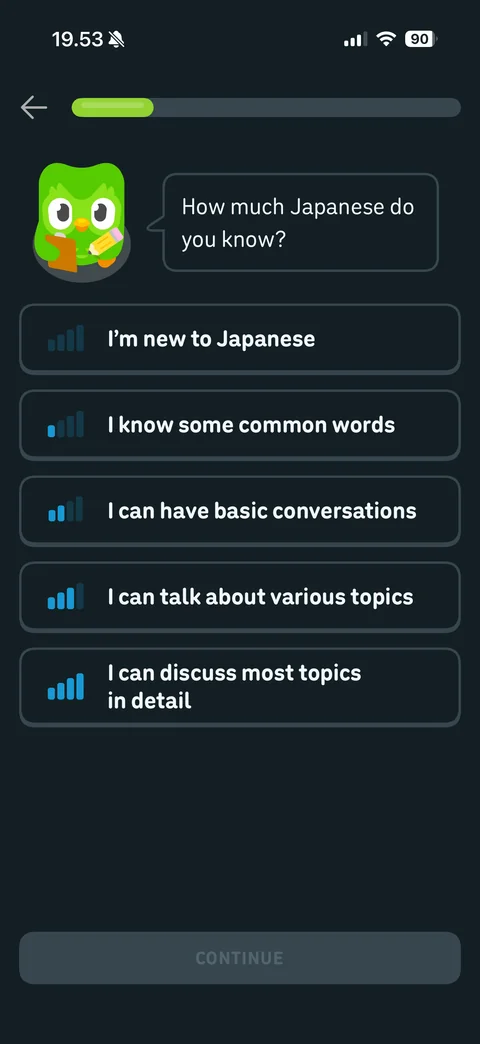
Question 3 proficiency: how much Japanese do you know, five levels with signal bar icons from new to discuss most topics in detail, disabled Continue

Duo feedback after answer: okay, we'll build up your skills speech bubble, progress bar advanced, Continue
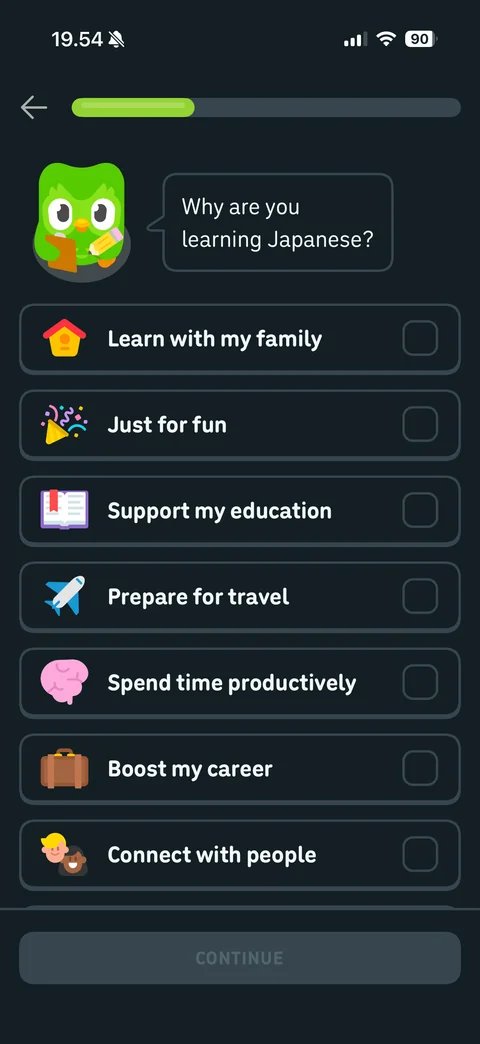
Question 4 motivation multi-select: why are you learning Japanese, illustrated reasons with checkboxes (family, fun, education, travel, productivity, career, connect with people), disabled Continue
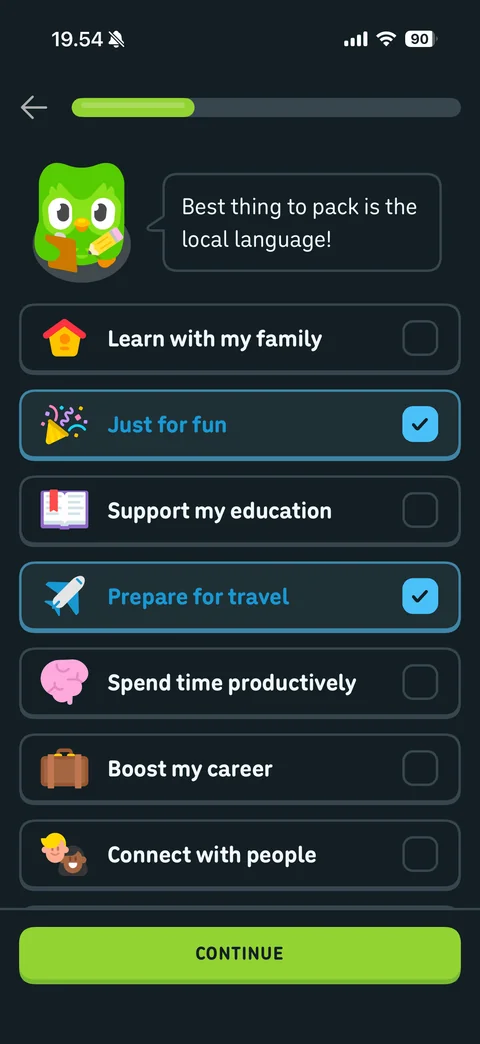
Motivation selected: just for fun and prepare for travel checked with blue highlight, Duo reacts with contextual bubble best thing to pack is the local language, Continue enabled
Duo transition: let's set up a learning routine speech bubble, progress bar halfway, Continue
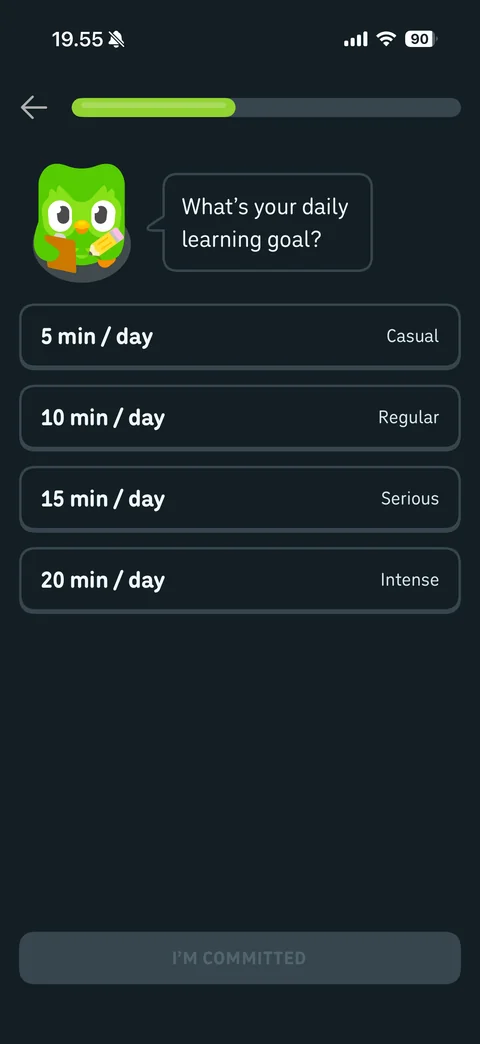
Question 5 daily goal: what's your daily learning goal, 5, 10, 15, 20 min per day options with Casual, Regular, Serious, Intense labels, disabled I'm Committed
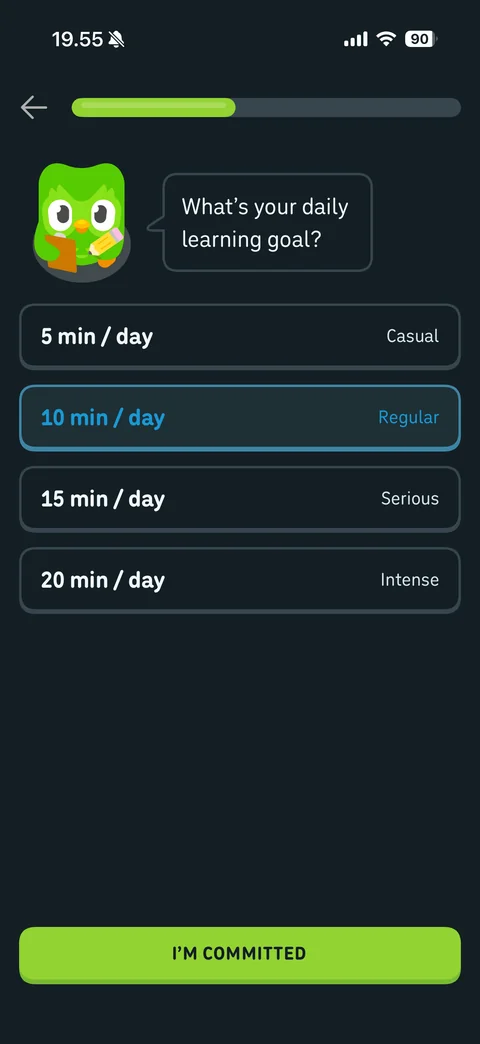
Daily goal selected: 10 min per day Regular highlighted in blue, I'm Committed button enabled
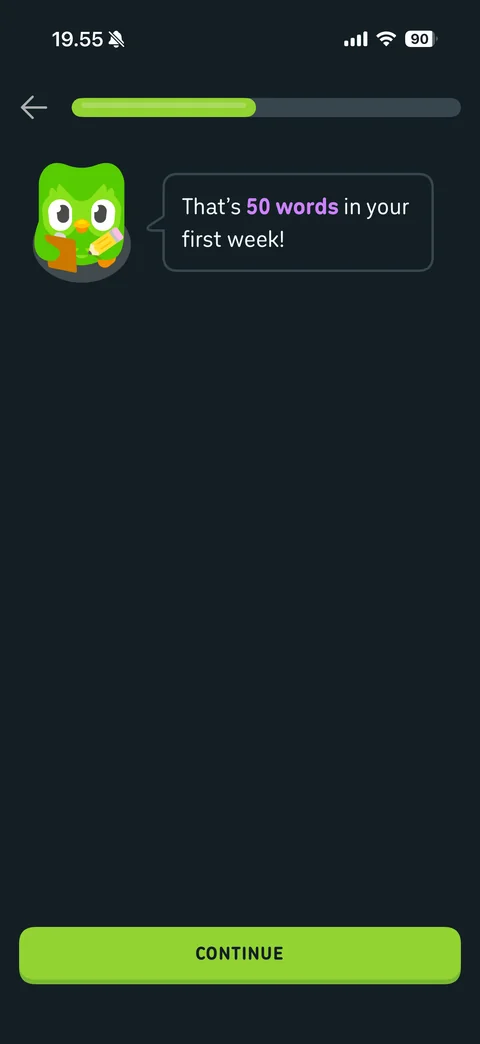
Goal outcome: Duo says that's 50 words in your first week with purple highlight, Continue
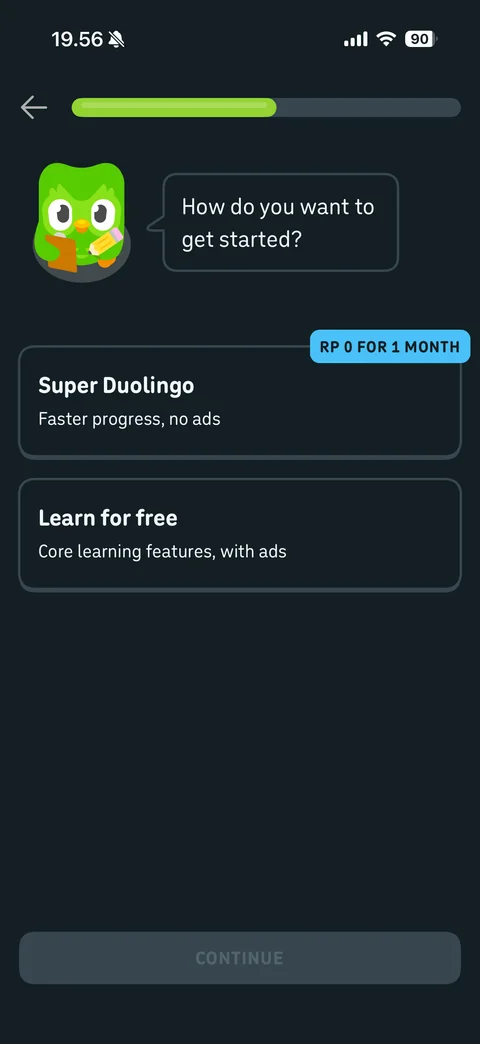
Question 6 plan choice: how do you want to get started, Super Duolingo card with free 1 month badge faster progress no ads, Learn for free core features with ads, disabled Continue
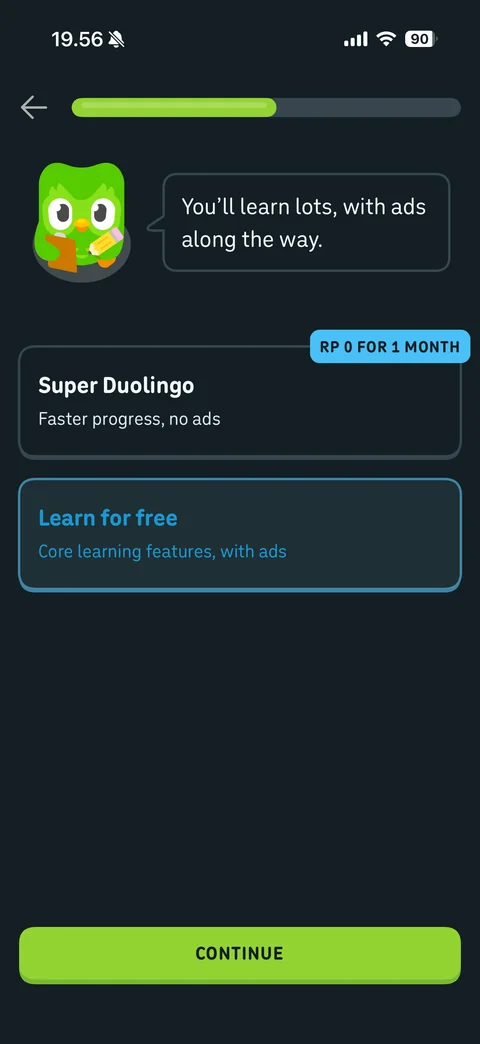
Free plan selected: Learn for free highlighted, Duo bubble you'll learn lots with ads along the way, Continue enabled
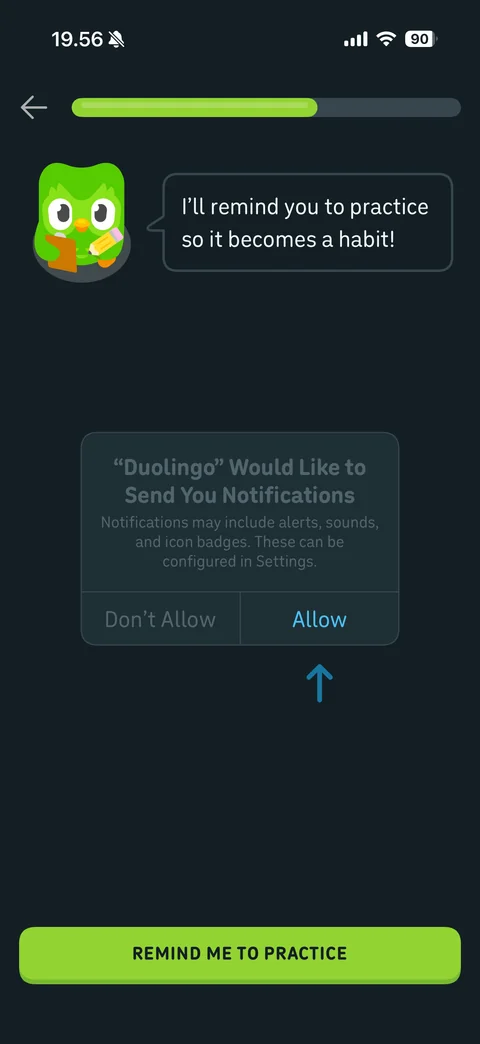
Notification priming: Duo says I'll remind you to practice so it becomes a habit, faded mock iOS notification alert with arrow pointing at Allow, Remind Me To Practice button
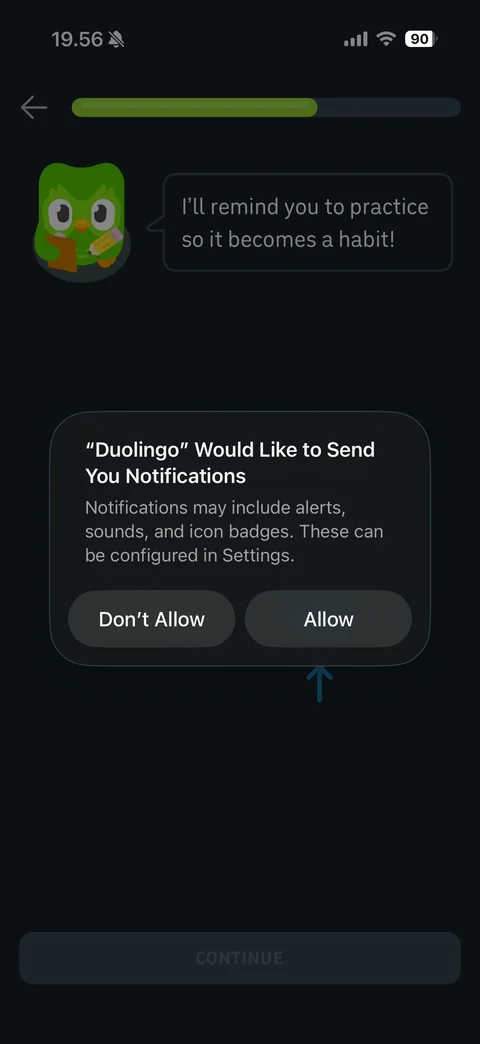
Real iOS notification alert placed exactly over the priming mock, arrow under Allow, Don't Allow and Allow
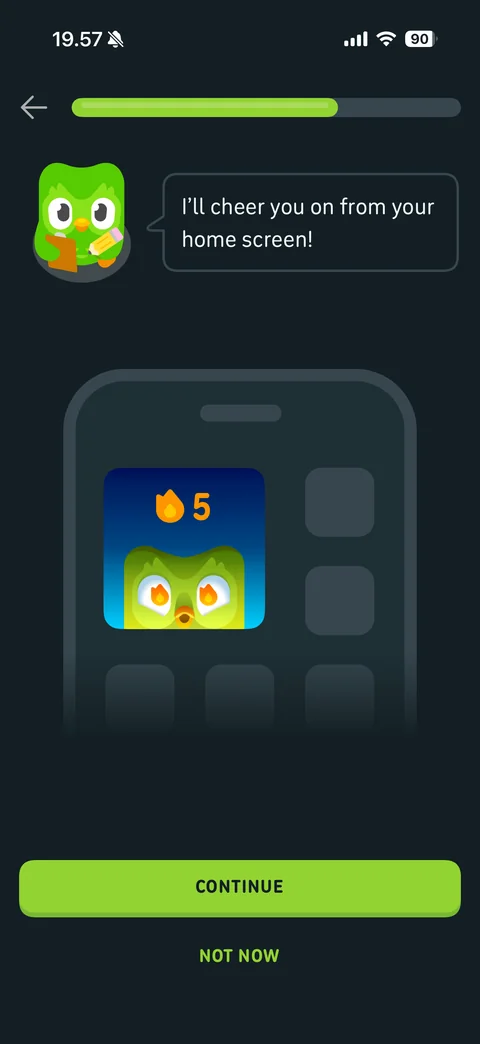
Widget promo: Duo says I'll cheer you on from your home screen, phone mockup with streak widget showing flame and Duo, Continue and Not Now
Widget declined: Duo says okay you can add my widget any time, Continue
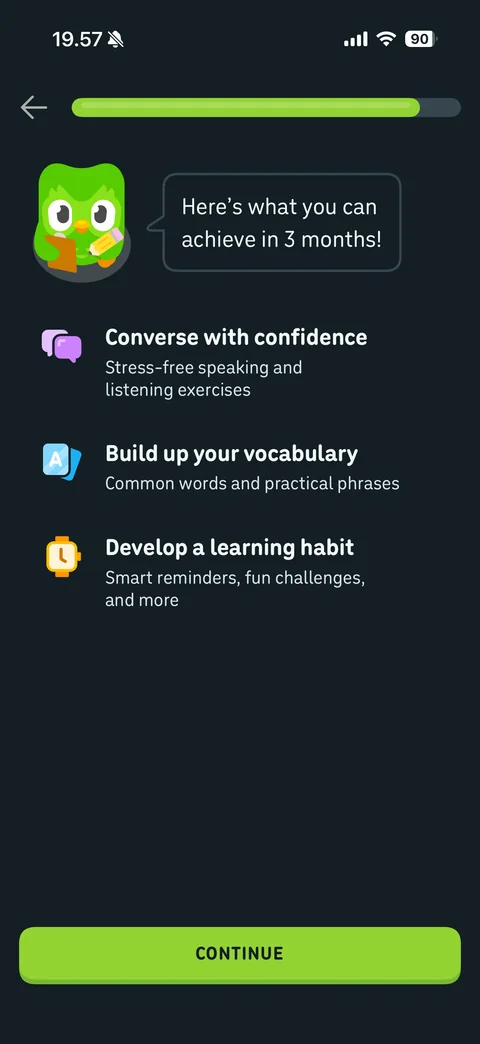
Outcomes screen: here's what you can achieve in 3 months, three benefits with icons (converse with confidence, build vocabulary, develop a learning habit), Continue
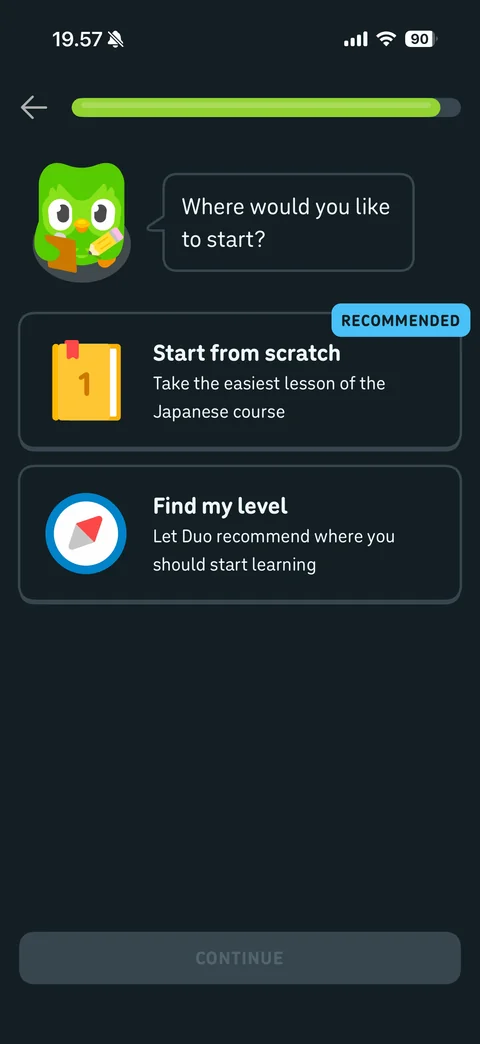
Question 7 start point: where would you like to start, Start from scratch card with book illustration and Recommended badge, Find my level card with compass, disabled Continue
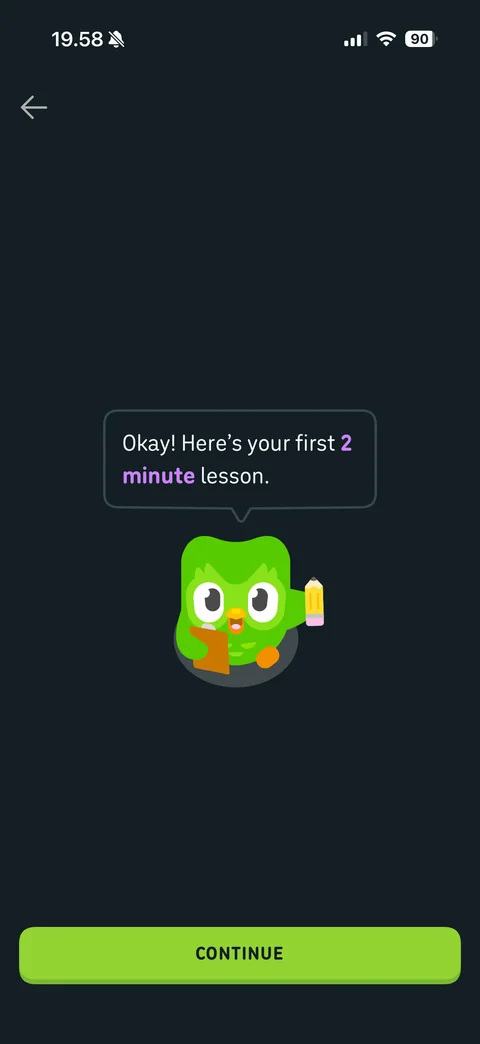
Lesson intro: Duo with clipboard and pencil says okay here's your first 2 minute lesson with purple highlight, Continue
Duolingo profile (2 screens)
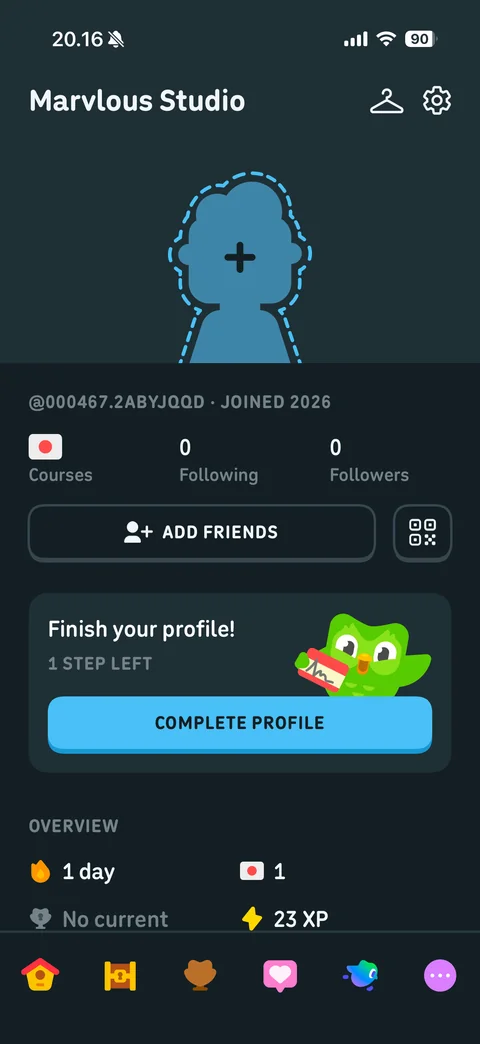
Own profile: name Marvlous Studio, wardrobe and settings icons, dashed avatar placeholder with plus, generated username and joined year, courses flag, following and followers counts, Add Friends and QR code buttons, finish your profile card with Complete Profile, overview stats streak, league, XP
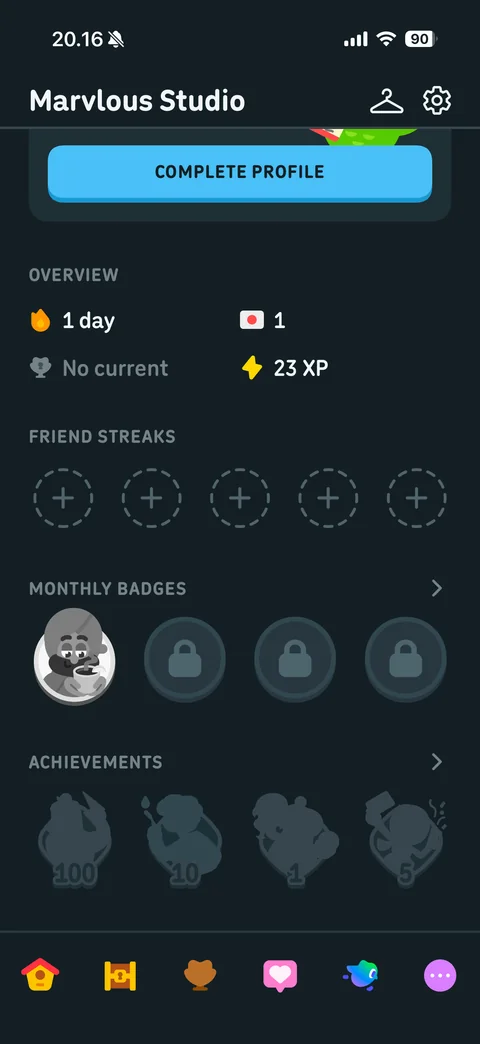
Profile scrolled: overview stats grid, friend streaks empty slots, monthly badges row with one earned and locked badges, achievements silhouettes with counts
Duolingo profile / achievements (1 screen)
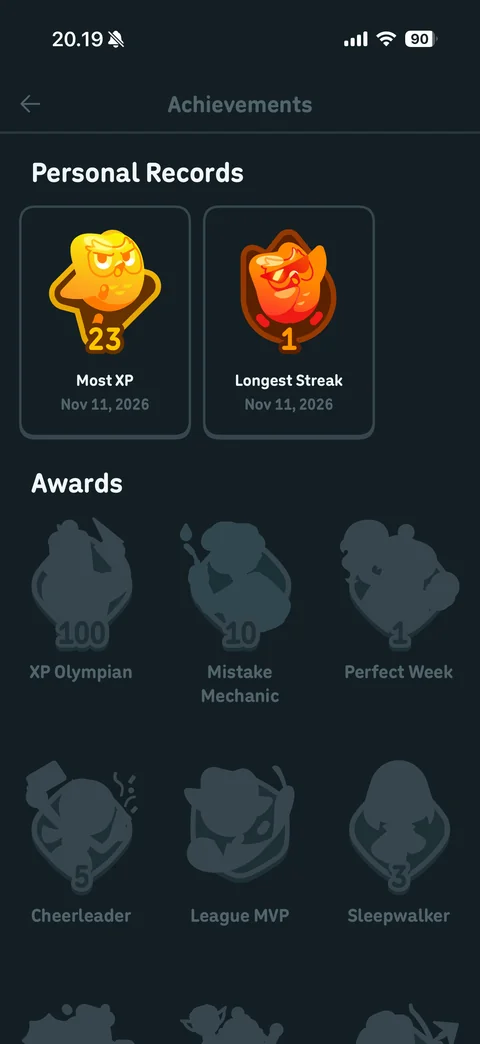
Achievements: personal records cards Most XP 23 and Longest Streak 1 with colored badges and dates, Awards grid of locked silhouette badges with names (XP Olympian, Mistake Mechanic, Perfect Week, Cheerleader, League MVP, Sleepwalker)
Duolingo profile / avatar (3 screens)

Create avatar: close and Done, large avatar preview on gray, category tabs (face, body, eyes, hair, glasses), skin tone swatch grid with selected swatch

Avatar hair editor: hair tab active, main hair color swatches, hairstyle grid with selected style, preview updated with hair, Done enabled in blue

Leave avatar creator confirmation sheet: are you sure you want to leave, progress will be lost, Keep Creating Avatar and red Leave Avatar Creator
Duolingo settings (7 screens)
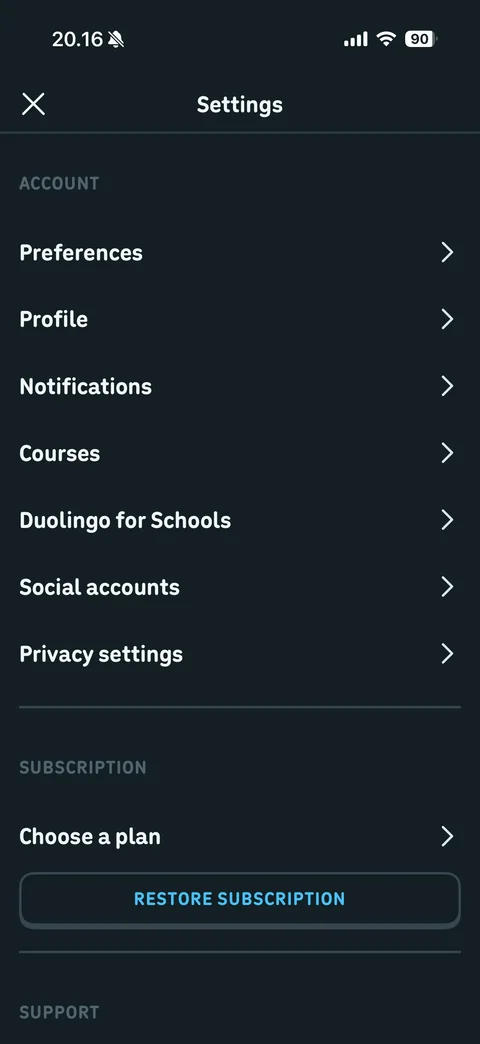
Settings: account section (preferences, profile, notifications, courses, Duolingo for Schools, social accounts, privacy settings), subscription choose a plan and Restore Subscription, support header
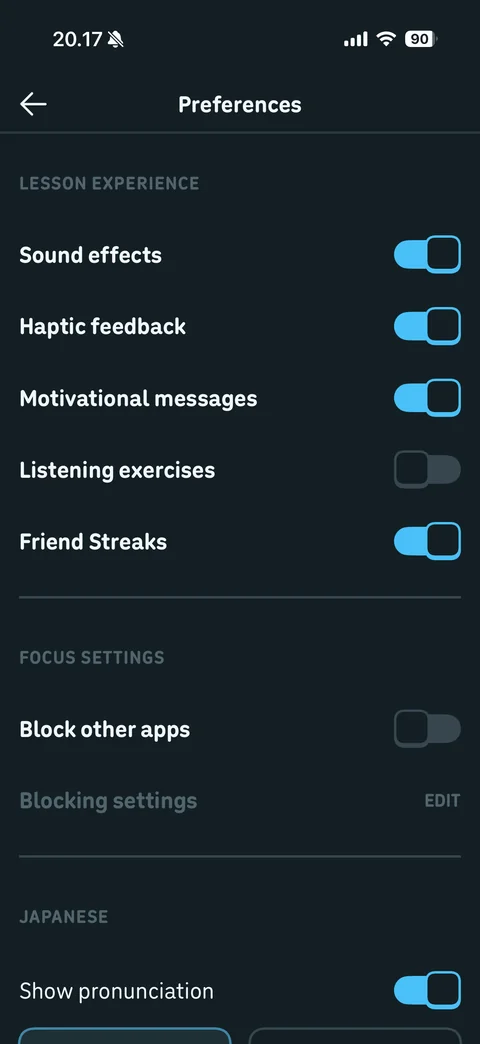
Preferences: lesson experience toggles (sound effects, haptic feedback, motivational messages, listening exercises off, friend streaks), focus settings block other apps with blocking settings edit, Japanese show pronunciation
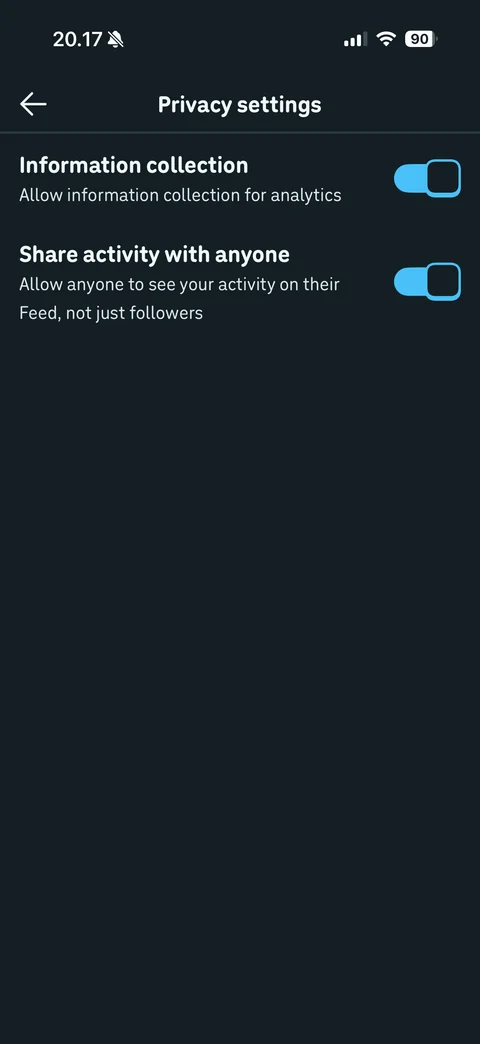
Privacy settings: information collection for analytics toggle and share activity with anyone toggle with descriptions
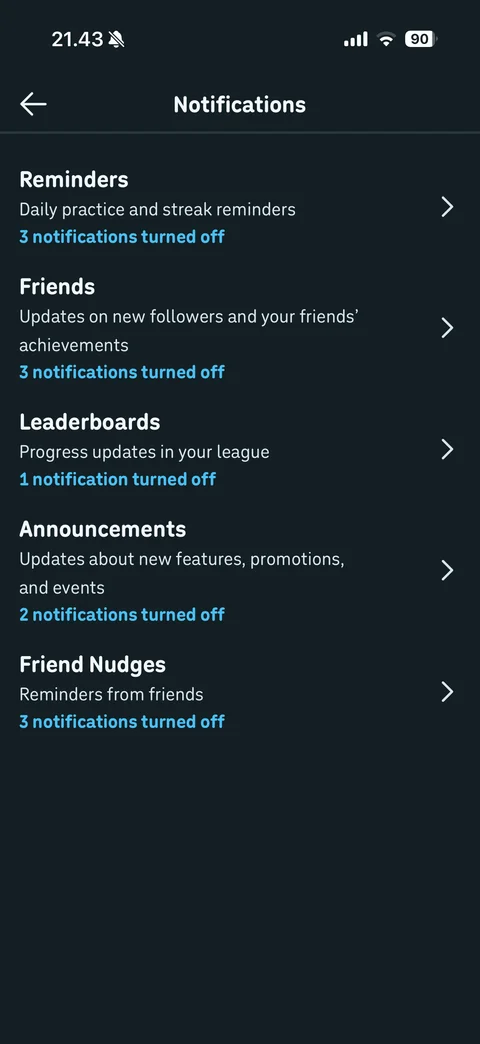
Notification settings: categories reminders, friends, leaderboards, announcements, friend nudges each with description and count of notifications turned off in blue, chevrons
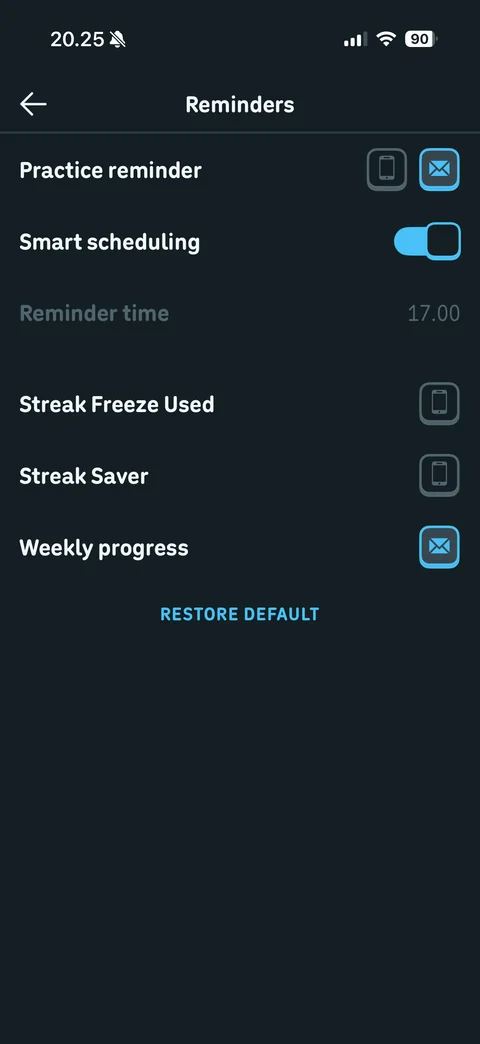
Reminders settings: practice reminder with push and email channel toggle icons, smart scheduling toggle, reminder time disabled, streak freeze used, streak saver, weekly progress channel icons, Restore Default

Courses settings: Japanese course row with flag and red remove button
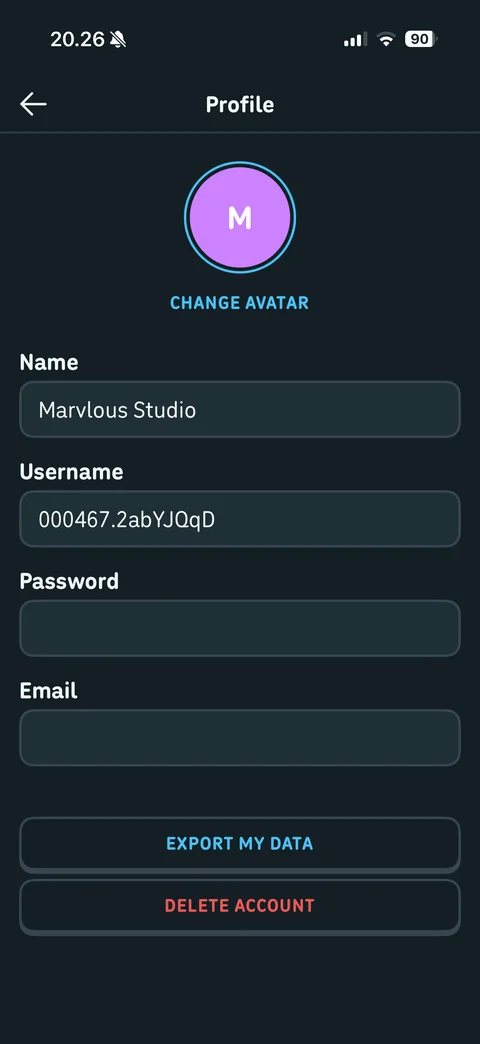
Profile settings: initial avatar with Change Avatar, name, username, password and email fields (email hidden), Export My Data and red Delete Account
Duolingo lesson (18 screens)
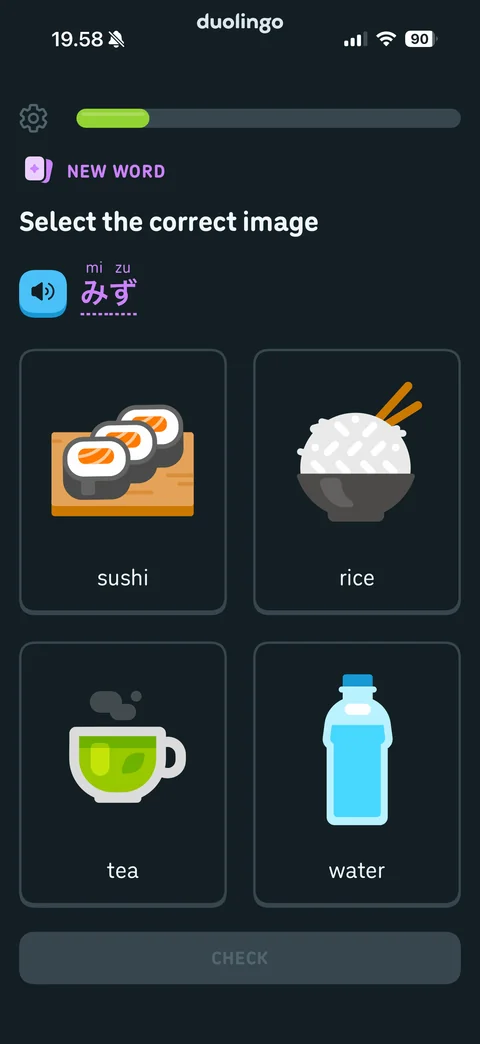
Lesson select image exercise: settings gear, progress bar, New Word label, select the correct image, speaker button with Japanese word and furigana, four illustrated cards sushi, rice, tea, water, disabled Check
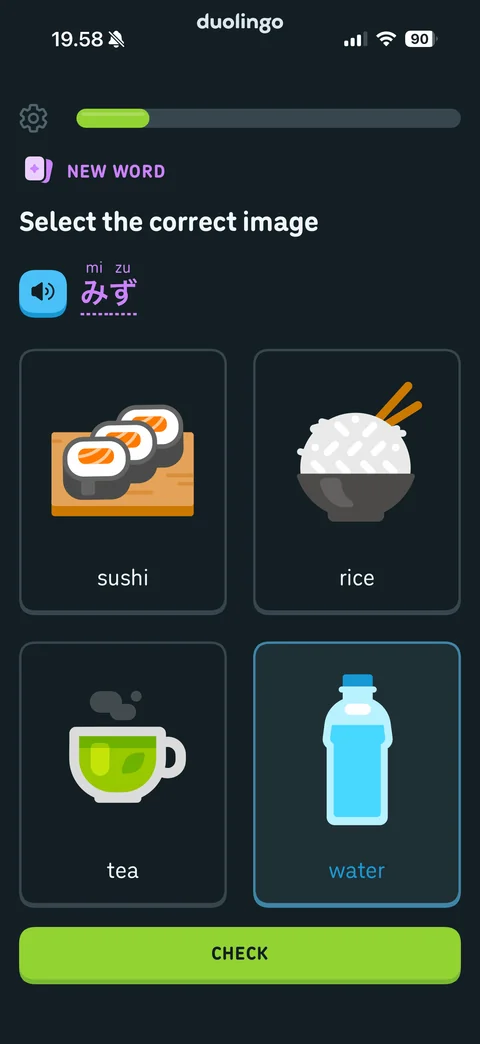
Answer selected: water card highlighted with blue border, Check button enabled
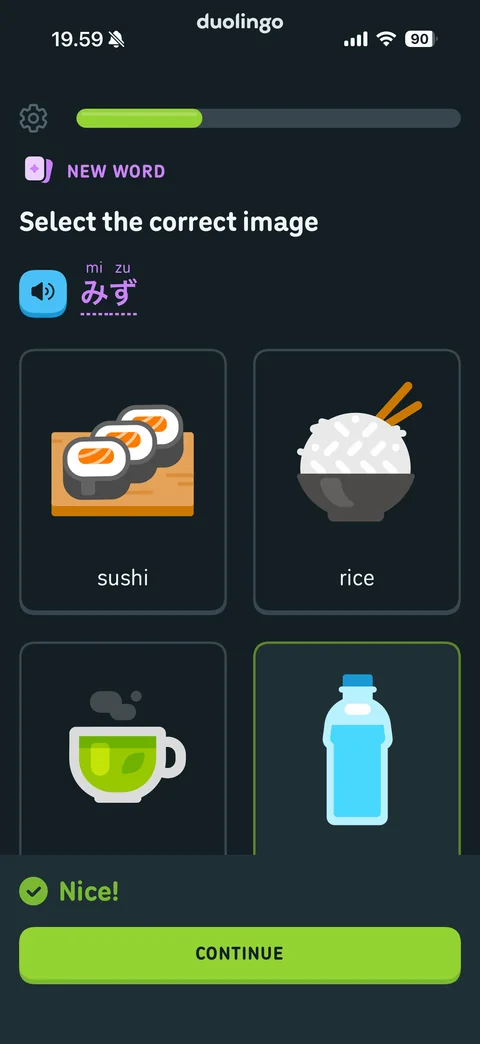
Correct answer feedback: water card with green border, bottom sheet with green check and Nice!, Continue
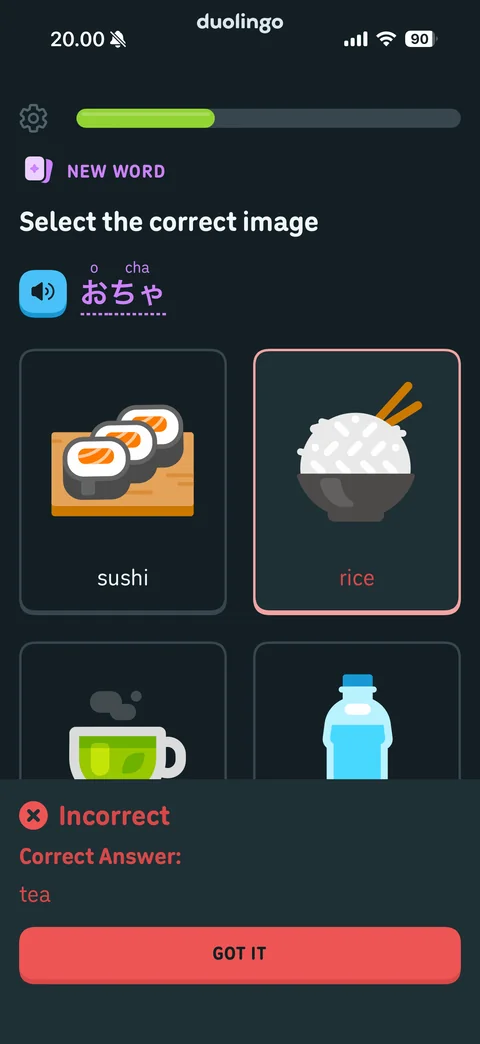
Incorrect answer feedback: rice card with red border, red bottom sheet with X icon, Incorrect, correct answer tea, Got It button
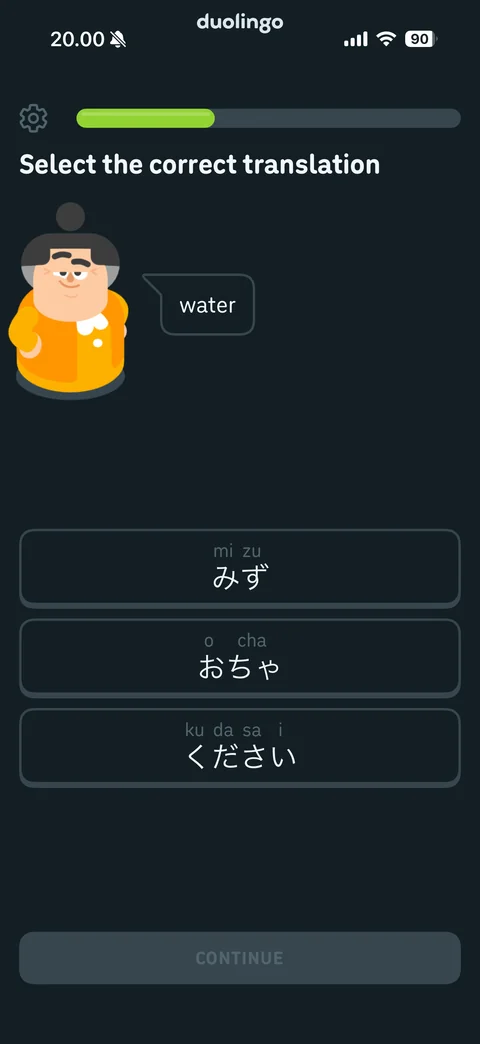
Select translation exercise: character avatar with speech bubble water, three Japanese answer buttons with furigana, disabled Continue
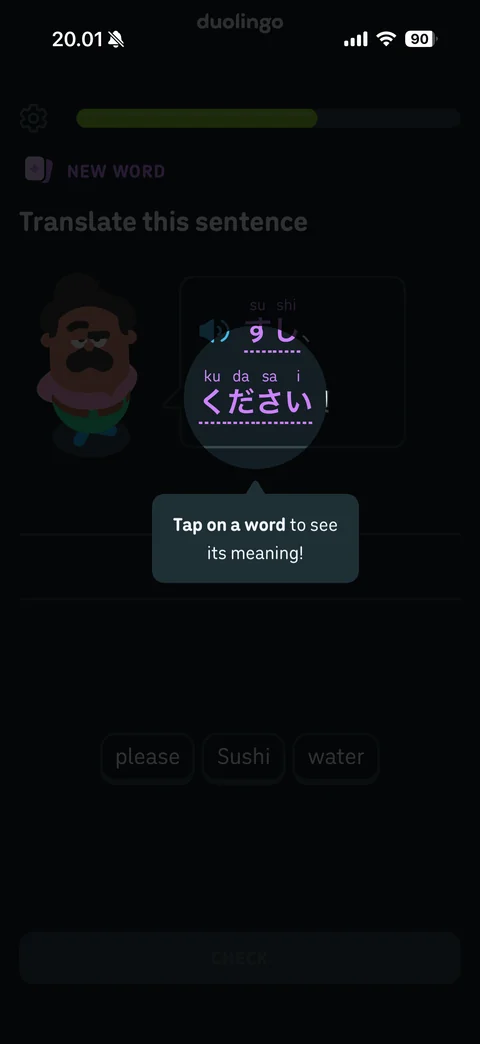
Coach mark spotlight: dimmed translate exercise, circular spotlight on Japanese word, tooltip tap on a word to see its meaning
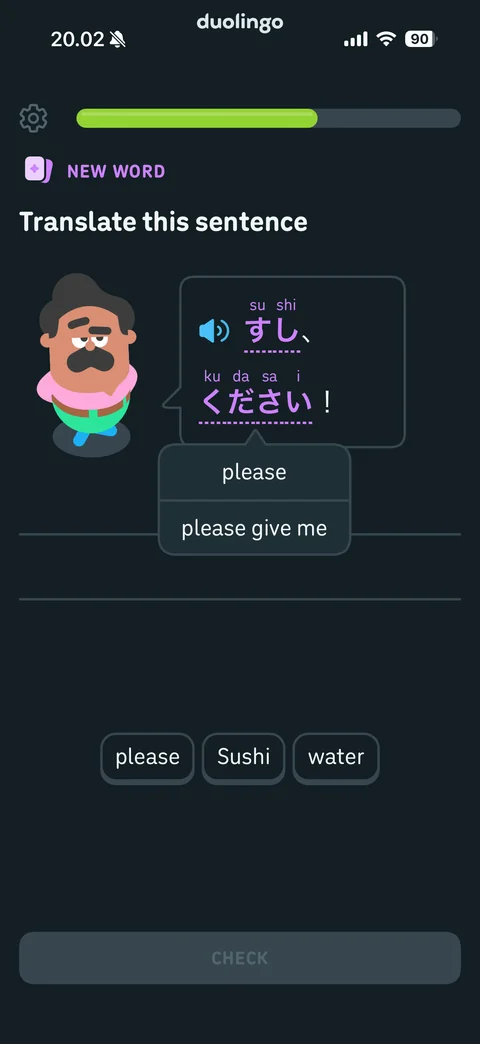
Translate sentence with word hint: character speech bubble with Japanese sentence, tapped word shows popover with meanings please and please give me, answer lines, word bank chips please, Sushi, water, disabled Check
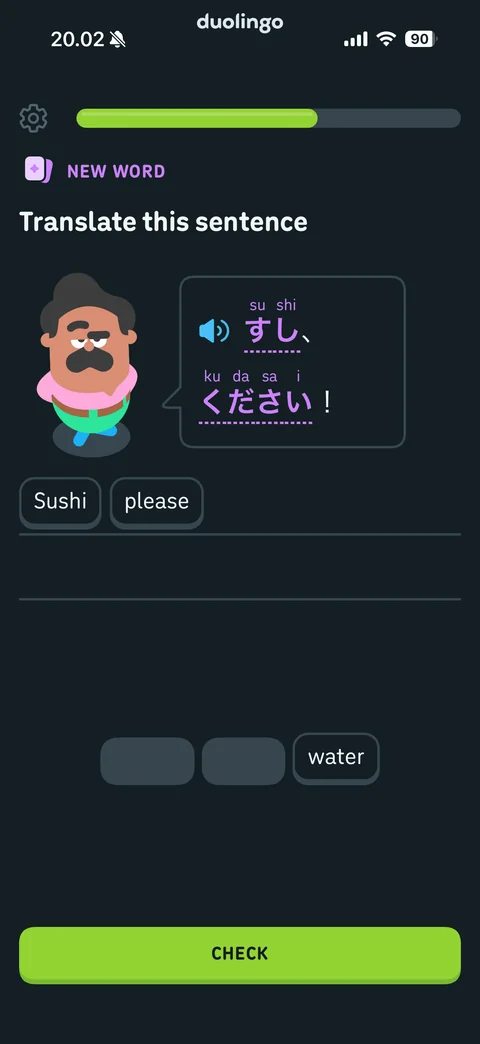
Word bank answer built: chips Sushi and please moved to answer line, empty placeholders left in bank, water remaining, Check enabled
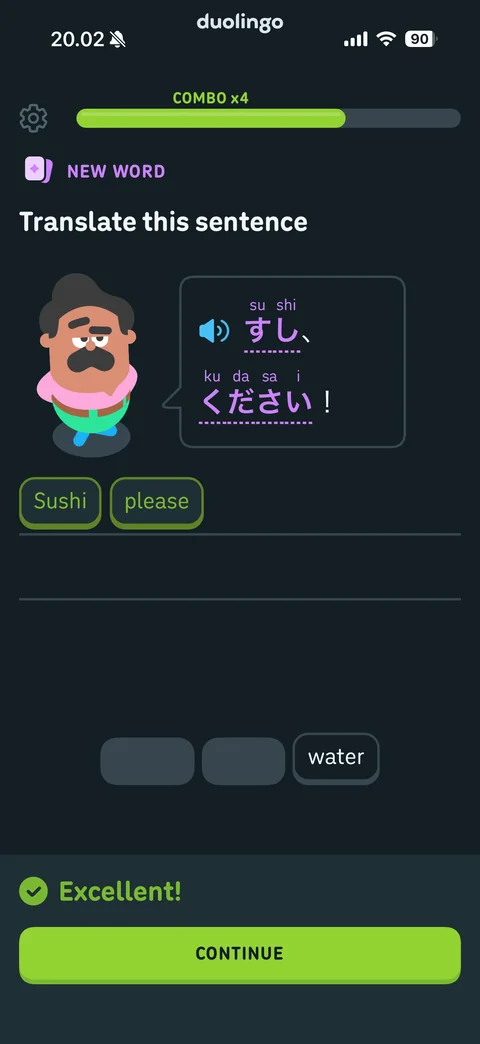
Correct sentence with combo: green chips in answer, Combo x4 label above progress bar, Excellent! feedback sheet, Continue
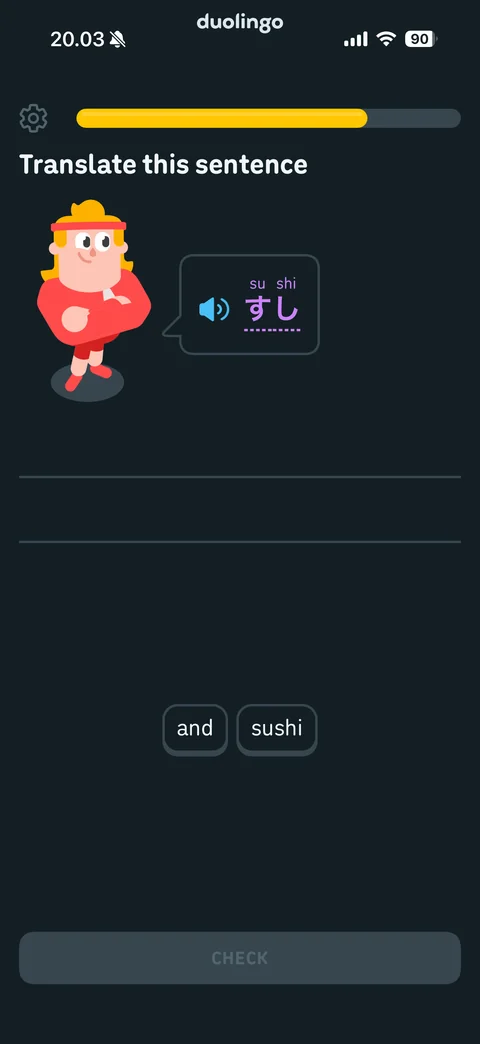
Translate exercise with gold progress bar after combo streak: character with speech bubble sushi, empty answer lines, word bank and and sushi, disabled Check
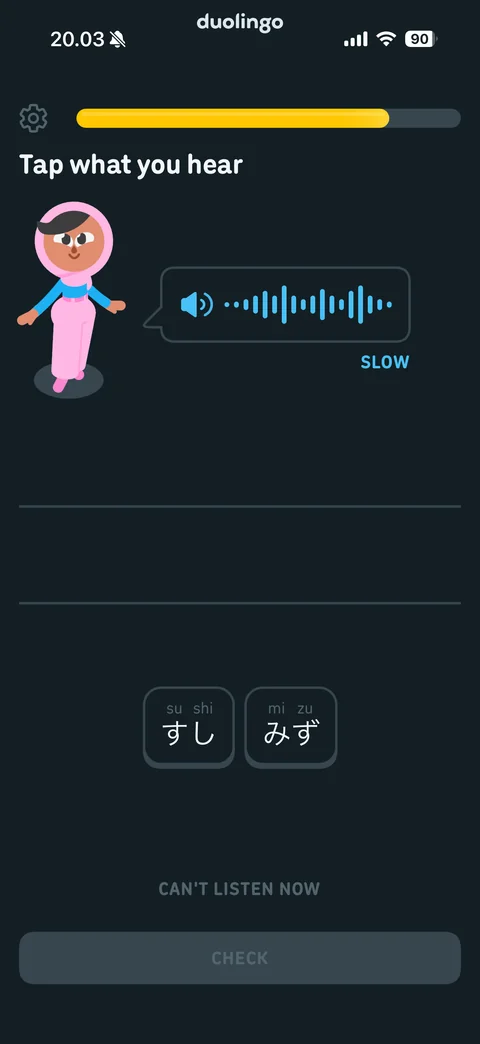
Listening exercise: tap what you hear, character with audio waveform bubble and Slow option, answer lines, Japanese word tiles with furigana, Can't listen now link, disabled Check, gold progress bar with lightning
Skip listening confirmation: yellow sheet we'll skip listening for 15 minutes, Undo and Continue buttons
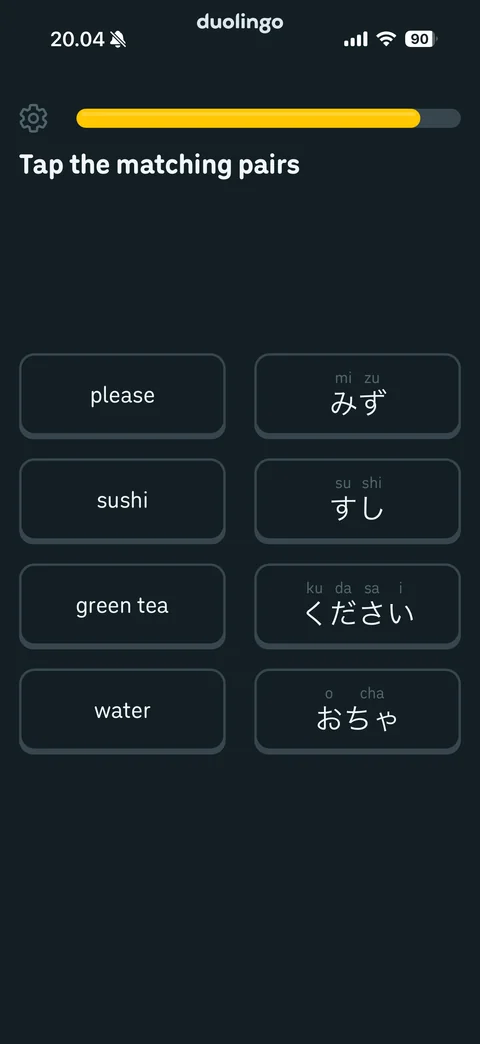
Matching pairs exercise: two columns of tiles, English words please, sushi, green tea, water and Japanese words with furigana
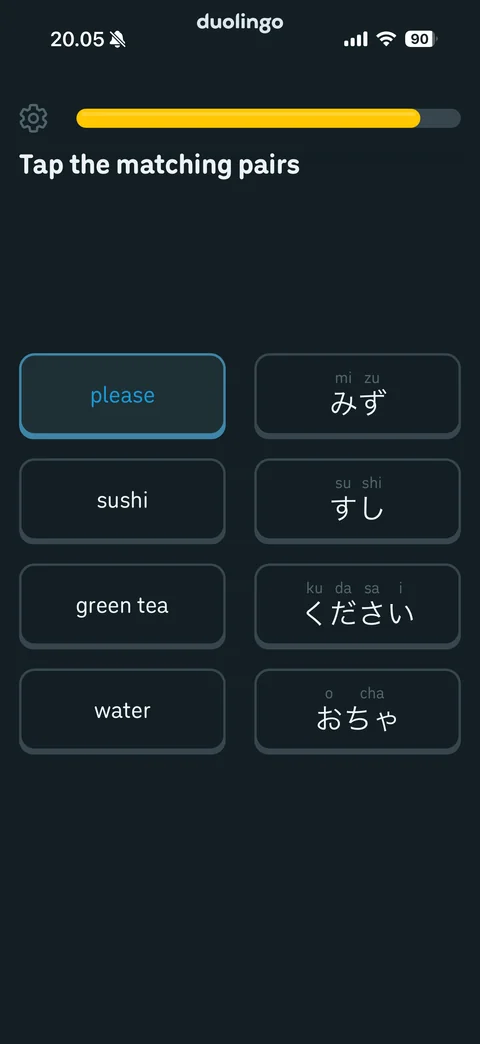
Matching pairs first tile selected: please tile highlighted with blue border waiting for its pair
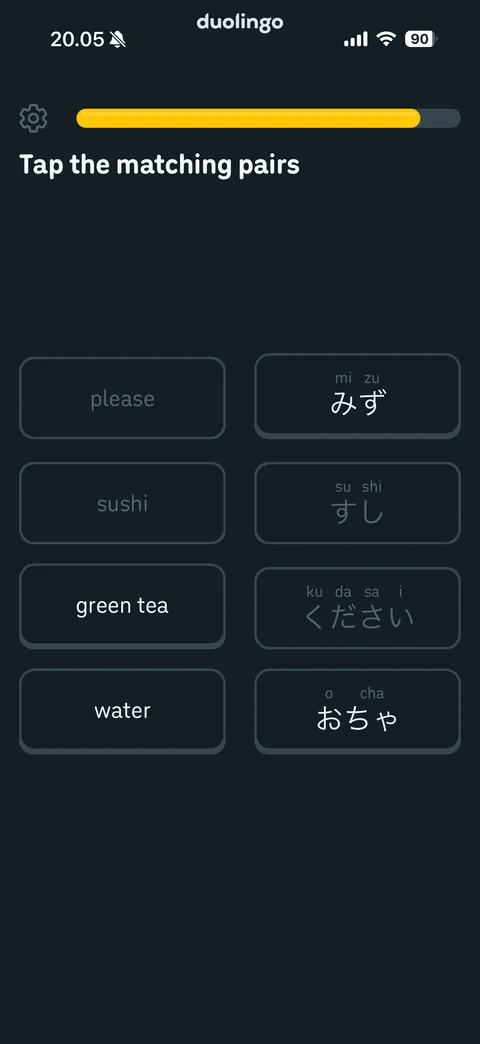
Matching pairs in progress: matched pairs faded and disabled, remaining tiles green tea, water and two Japanese words active
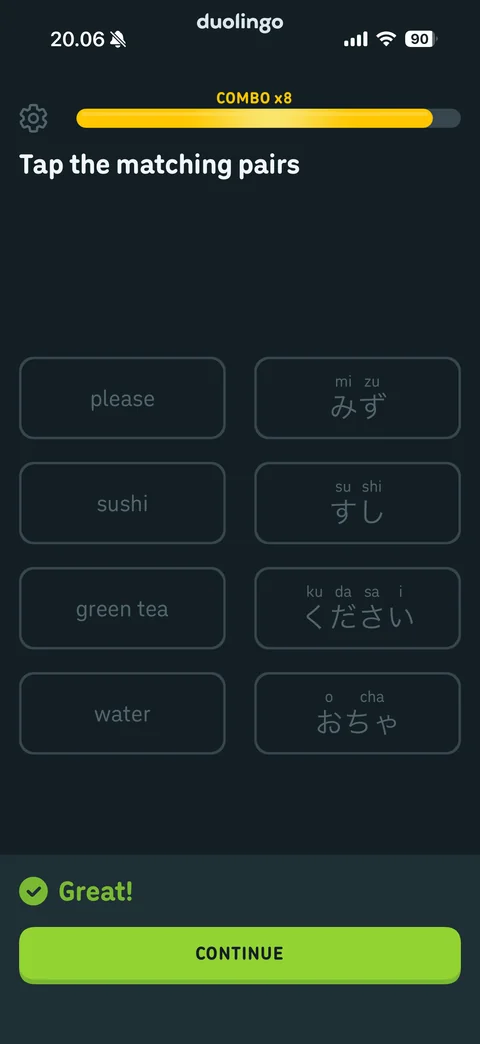
Matching pairs complete: all tiles faded, Combo x8 in gold above progress bar, Great! feedback sheet, Continue
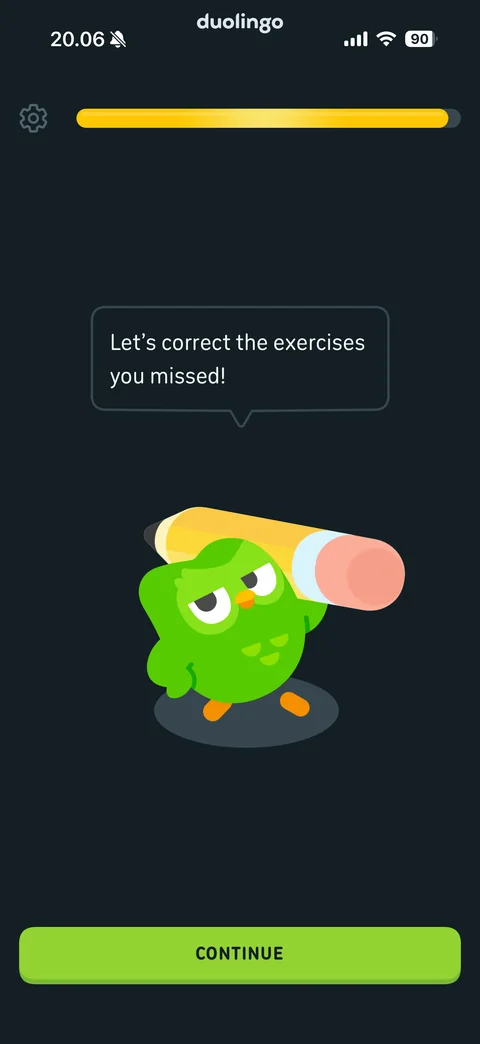
Mistakes review intro: Duo carrying giant pencil says let's correct the exercises you missed, almost full gold progress bar, Continue
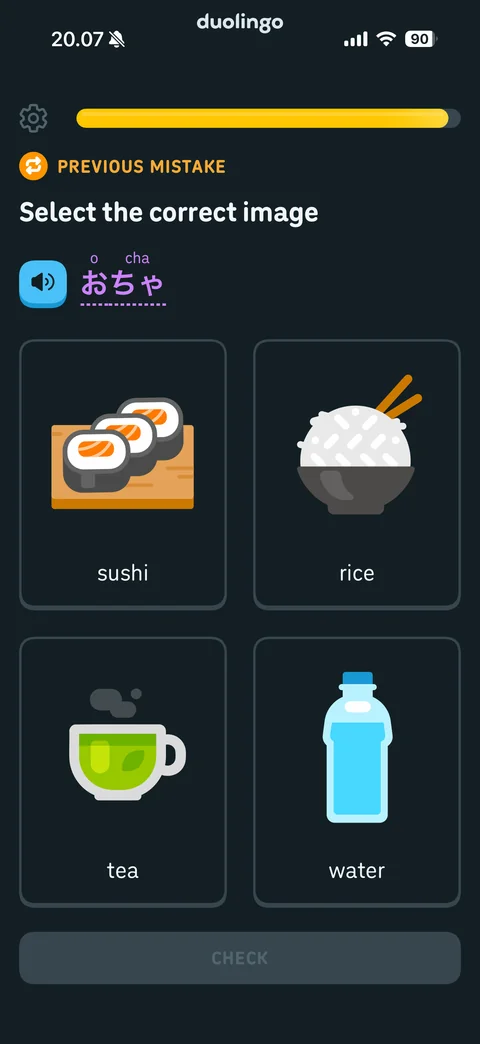
Previous mistake retry: orange Previous Mistake label with refresh icon, same select image exercise repeated, disabled Check
Duolingo lesson / complete (7 screens)
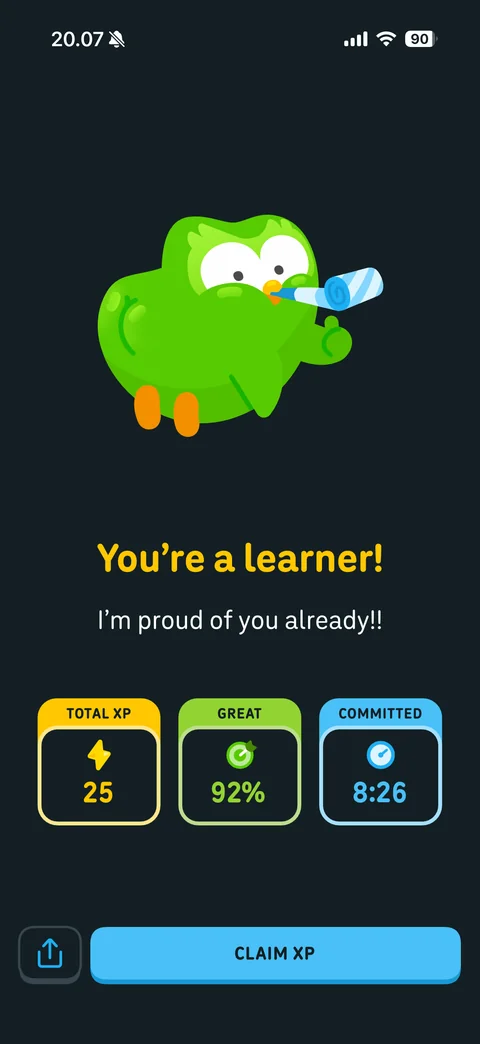
Lesson complete: Duo blowing party horn, you're a learner headline in gold, I'm proud of you subtitle, stat cards total XP 25, great 92 percent accuracy, committed 8:26 time, share button, Claim XP
Post lesson habit nudge: Duo says nice job, now let's build a habit of practicing every day, blue Continue
Streak ignite gesture: unlit flame with glowing ember on dark radial gradient, swipe up to ignite your streak instruction
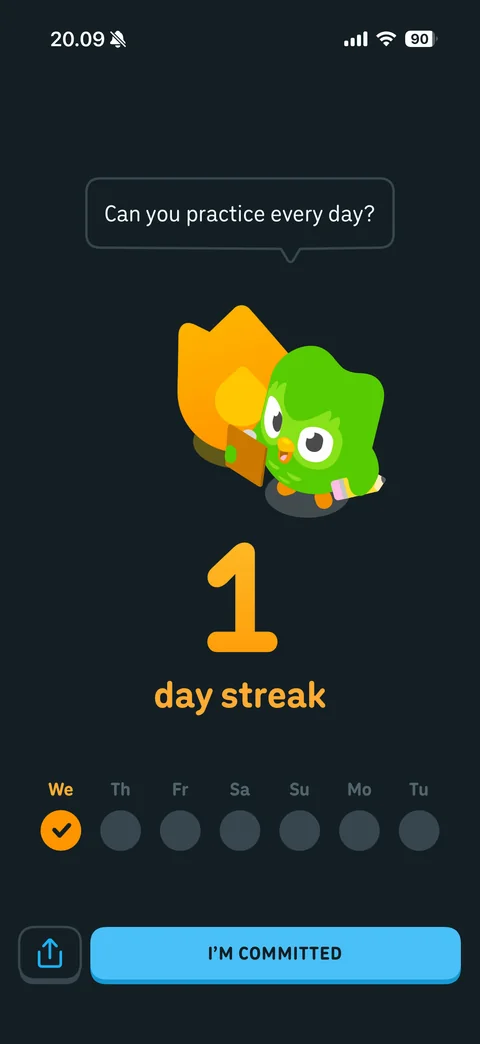
Streak started: Duo beside lit orange flame asks can you practice every day, big 1 day streak counter in orange, week calendar with today checked, share button and I'm Committed
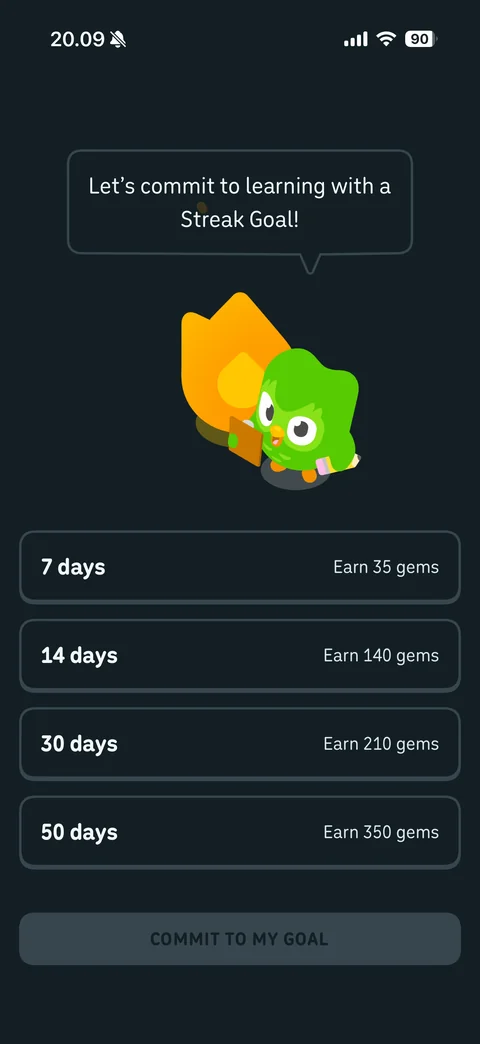
Streak goal picker: Duo with flame says let's commit to learning with a streak goal, options 7, 14, 30, 50 days with gem rewards, disabled Commit to my goal
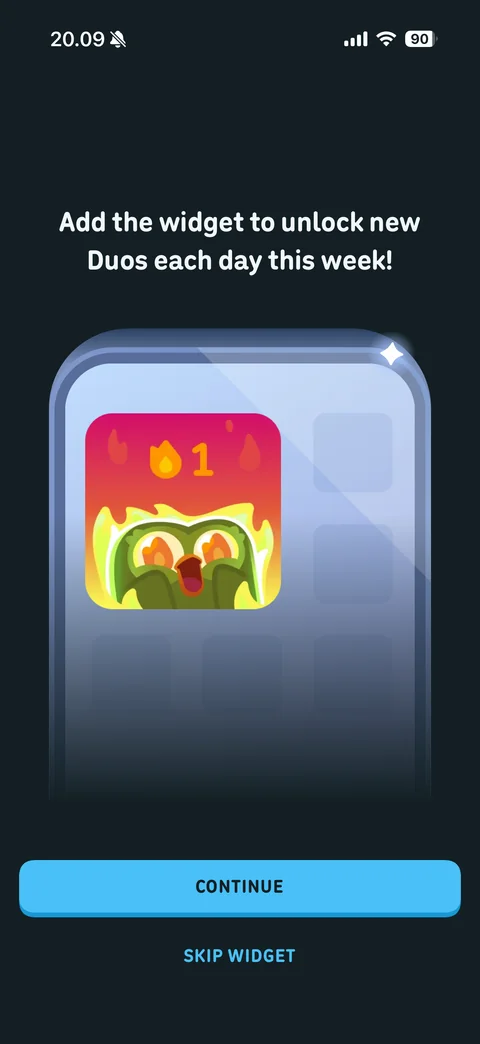
Widget upsell after streak: add the widget to unlock new Duos each day this week, glossy phone mockup with fiery streak widget, Continue and Skip Widget
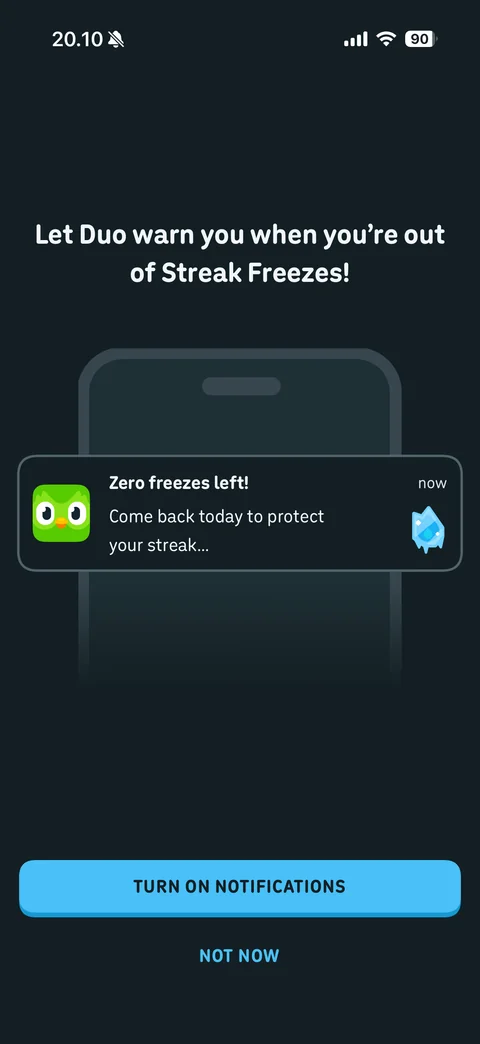
Notification re-ask: let Duo warn you when you're out of Streak Freezes, phone mockup with sample notification zero freezes left, Turn On Notifications and Not Now
Duolingo learn (2 screens)
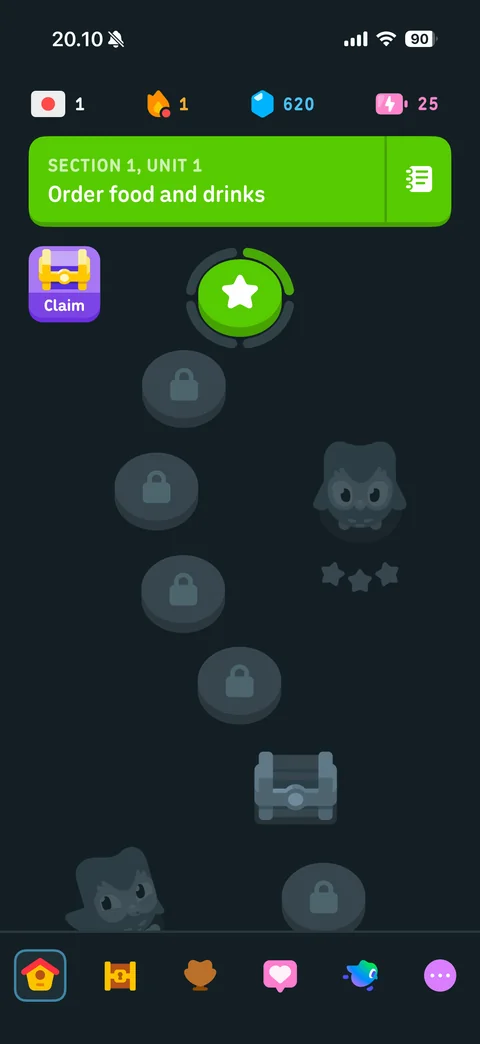
Learn path home: top stats bar with course flag, streak, gems and energy, Section 1 Unit 1 order food and drinks green banner with guidebook, current lesson star node with progress ring, Claim chest, locked lesson nodes along winding path, Duo silhouette, tab bar
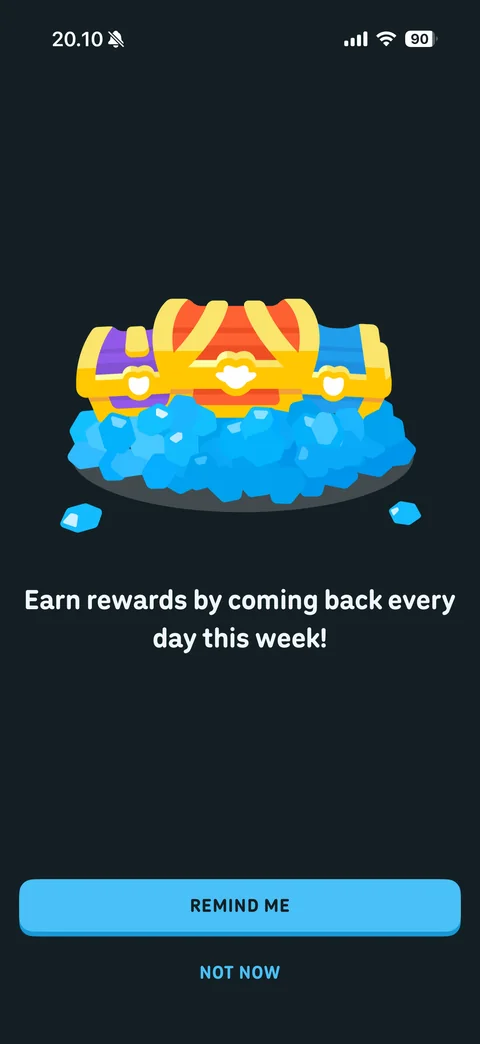
Daily rewards promo: three treasure chests on pile of blue gems, earn rewards by coming back every day this week, Remind Me and Not Now
Duolingo learn / daily rewards (2 screens)
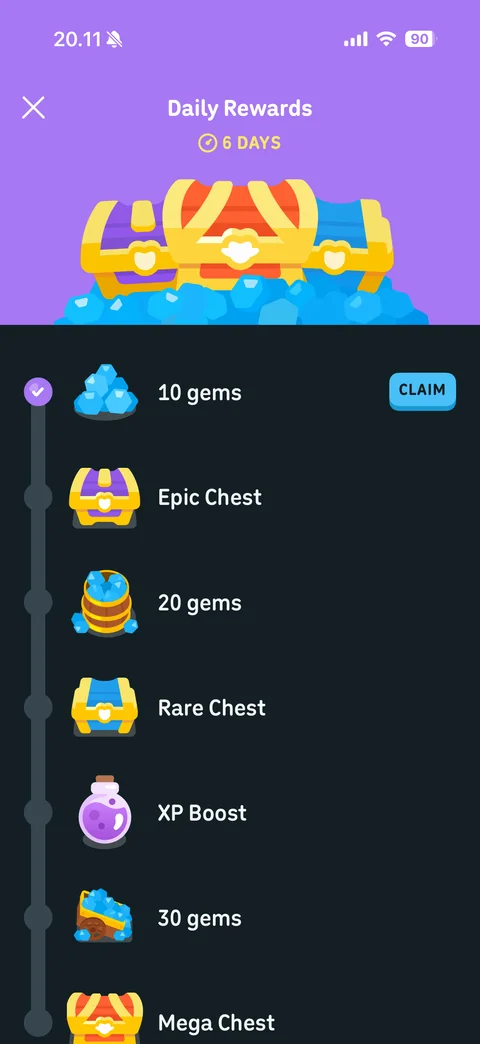
Daily rewards timeline: purple header with chests and 6 days timer, vertical day track with rewards (10 gems with Claim, epic chest, 20 gems, rare chest, XP boost, 30 gems, mega chest), close
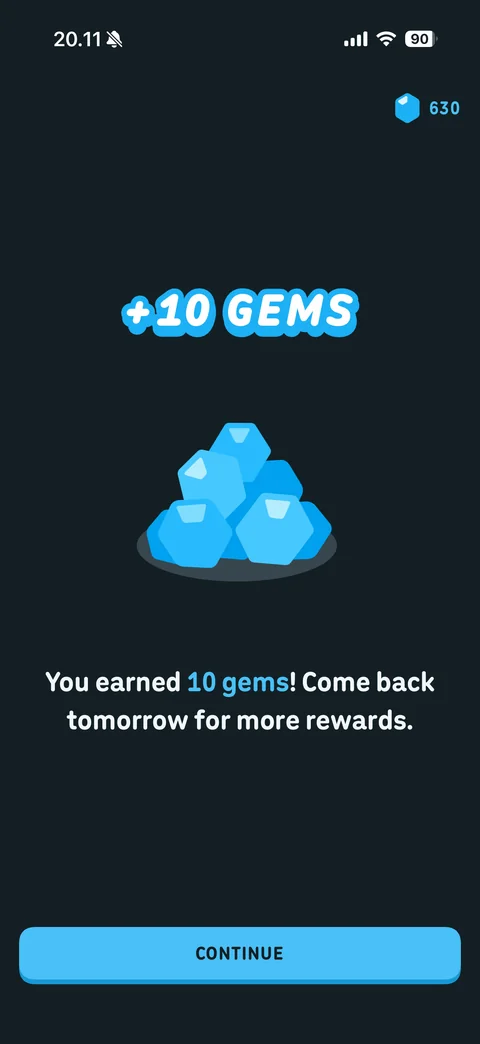
Reward claimed: +10 gems stylized headline, gem pile illustration, gem balance updated top right, you earned 10 gems come back tomorrow, Continue
Duolingo learn / streak (2 screens)
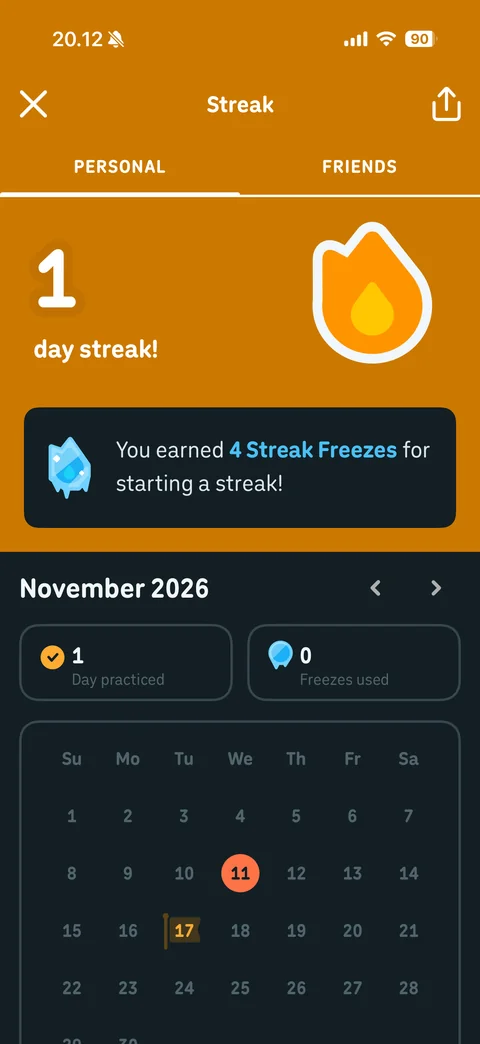
Streak page: Personal and Friends tabs, 1 day streak with large flame on orange header, earned 4 streak freezes card, November calendar with practiced day and goal flag, days practiced and freezes used stats, share
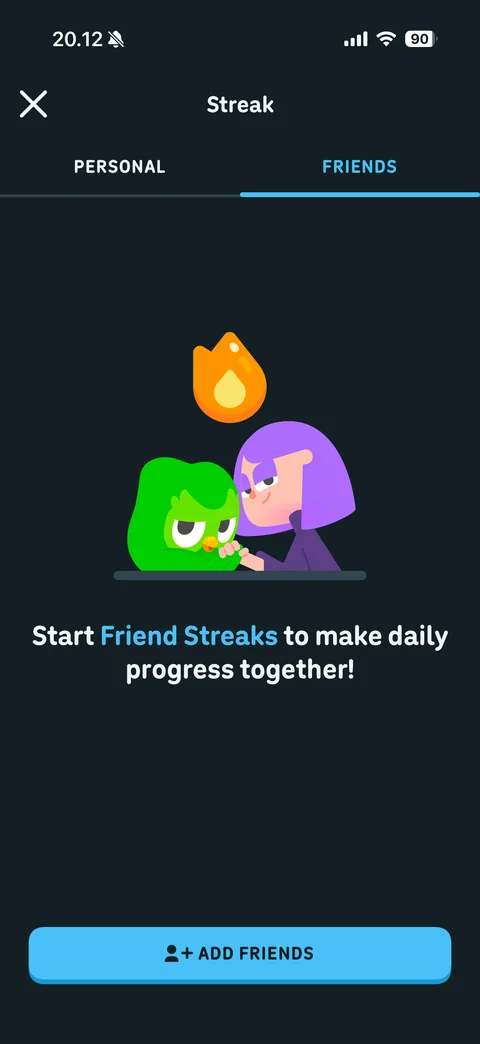
Friend streaks empty state: Duo and character fist bump under flame, start Friend Streaks to make daily progress together, Add Friends button
Duolingo learn / guidebook (1 screen)
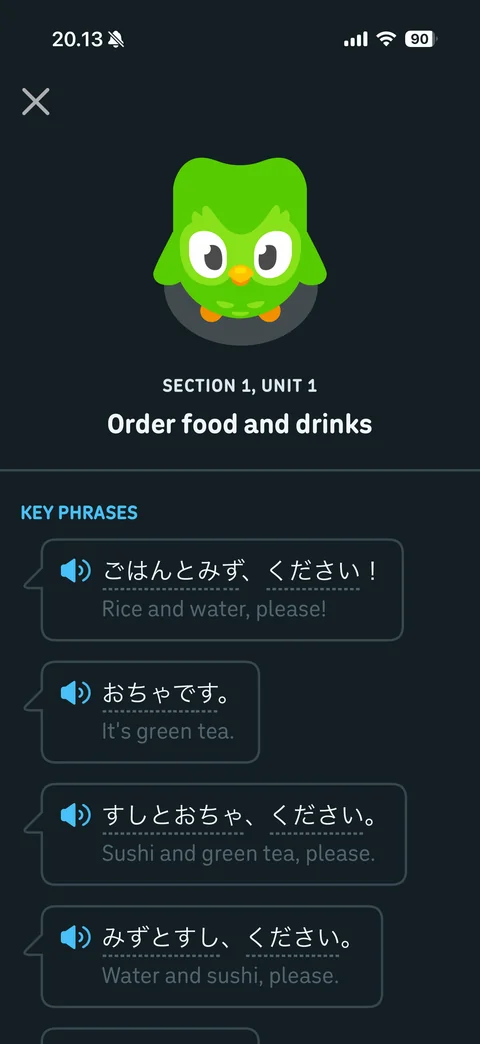
Unit guidebook: Duo at top, Section 1 Unit 1 order food and drinks, key phrases list as speech bubbles with speaker buttons, Japanese text with dotted underline and English translations
Duolingo shop (3 screens)
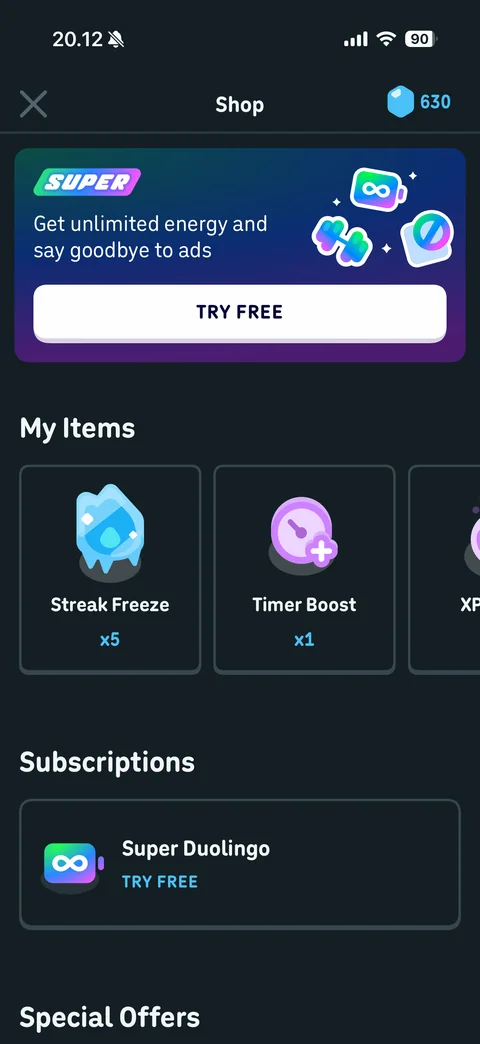
Shop: gem balance, Super banner unlimited energy and no ads with Try Free, My Items carousel (streak freeze x5, timer boost x1, XP), subscriptions Super Duolingo try free, special offers
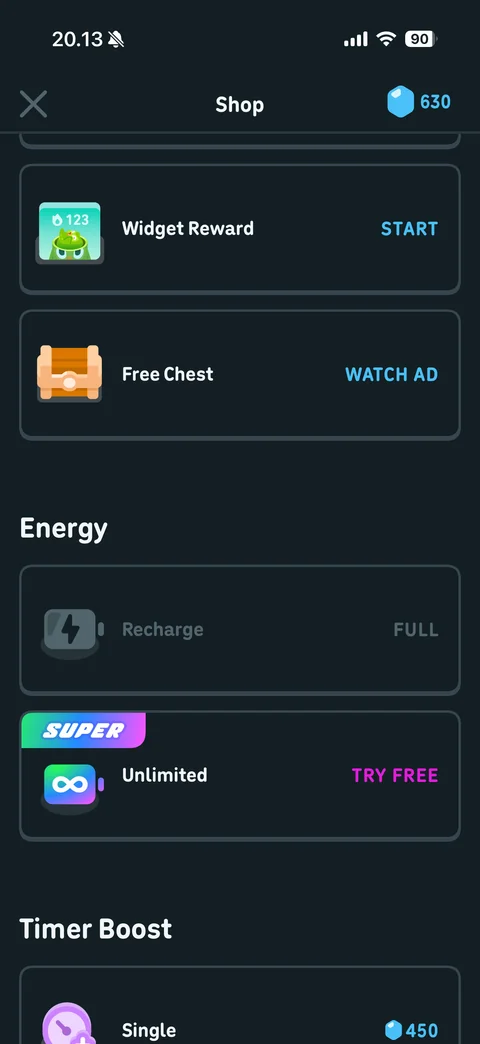
Shop scrolled: special offers widget reward start and free chest watch ad, energy section recharge full and Super unlimited try free, timer boost single for 450 gems
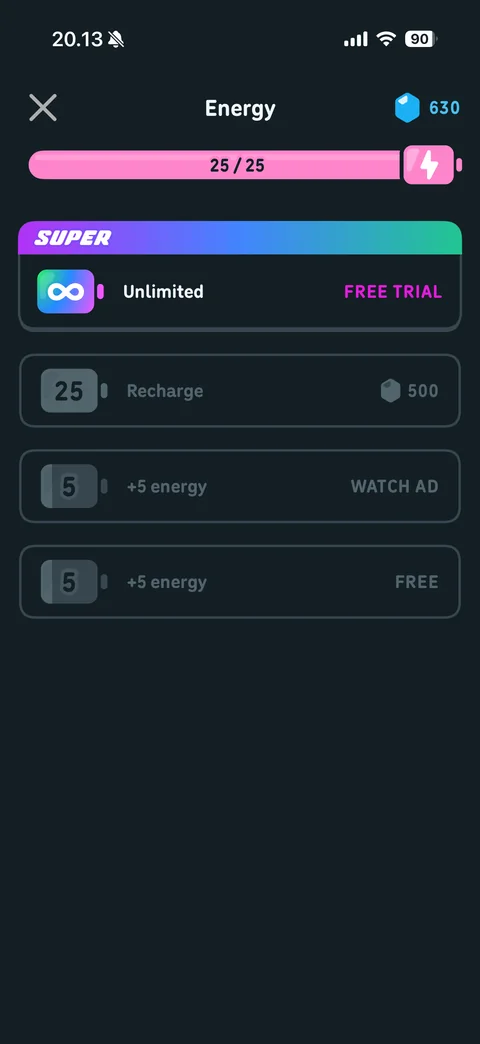
Energy sheet: pink energy bar 25 of 25 with bolt, Super unlimited free trial card with gradient label, recharge for 500 gems, +5 energy watch ad and free options disabled at full
Duolingo quests (1 screen)
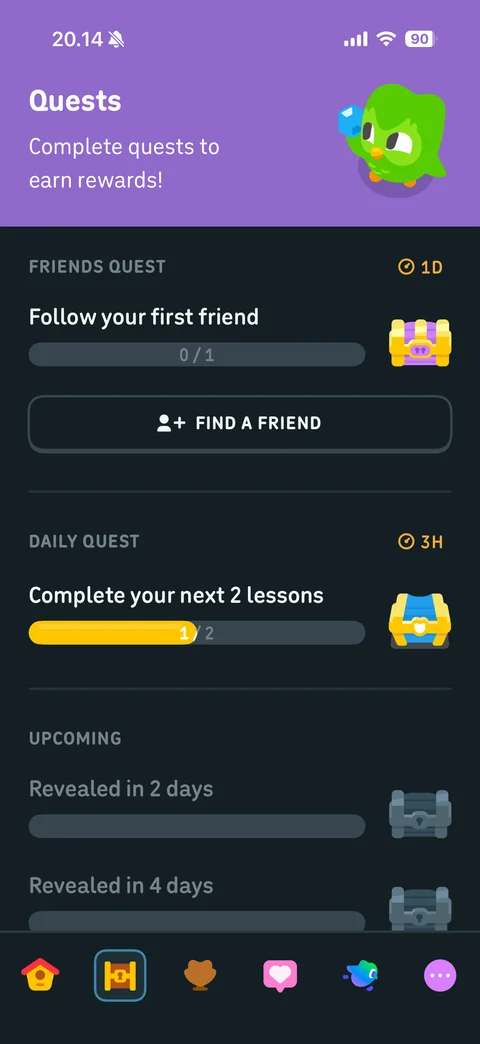
Quests tab: purple header complete quests to earn rewards with Duo, friends quest follow first friend with timer and Find a Friend, daily quest complete 2 lessons progress 1 of 2 with chest, upcoming locked quests revealed in days
Duolingo leagues (1 screen)
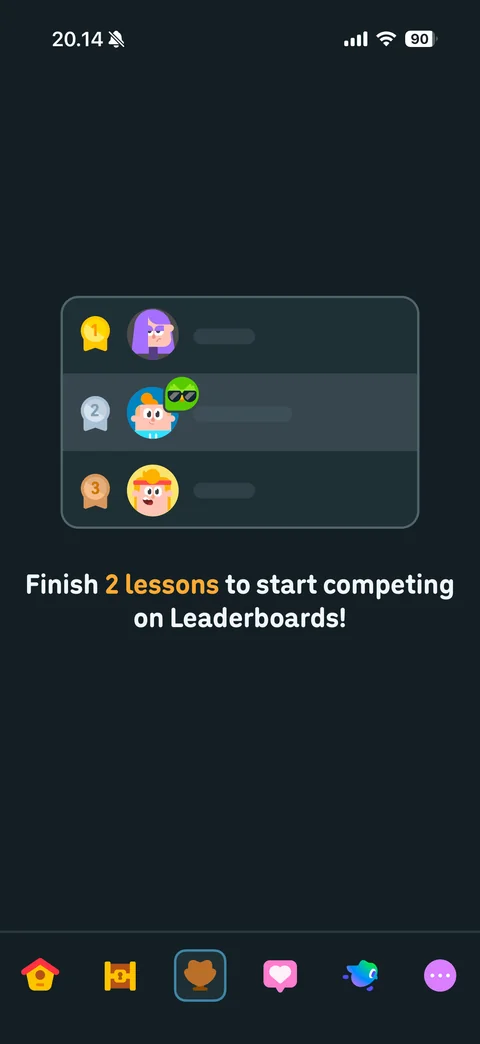
Leaderboard locked state: ranking card mockup with gold, silver, bronze medals and avatars, finish 2 lessons to start competing on Leaderboards
Duolingo feed (1 screen)
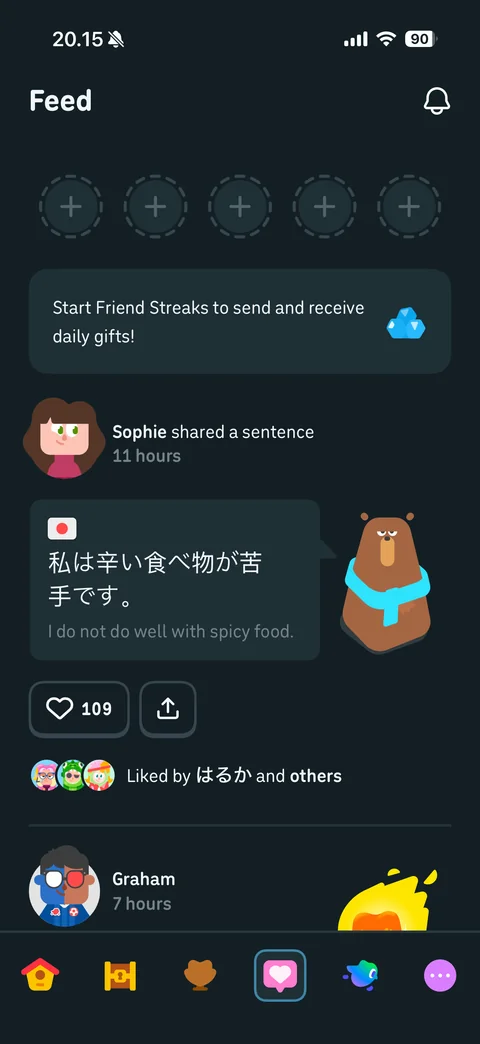
Social feed: notifications bell, empty friend streak slots with plus, friend streaks gifts banner, post card with avatar shared a sentence, Japanese sentence card with translation and bear character, like count 109, share, liked by avatars
Duolingo super (1 screen)
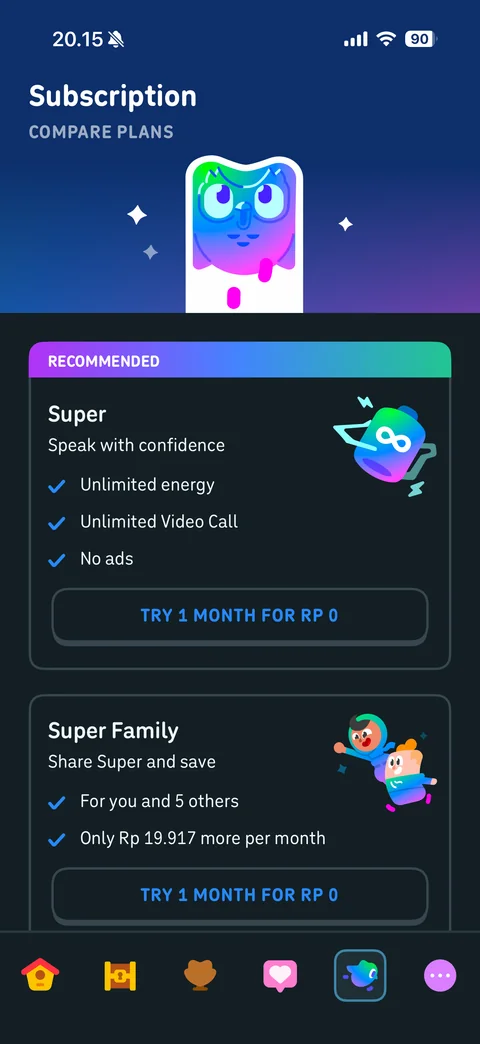
Subscription tab: gradient header with neon Duo, compare plans, recommended Super card speak with confidence with checklist (unlimited energy, video call, no ads) and try 1 month for Rp 0, Super Family card for you and 5 others with price and trial
Duolingo more (1 screen)
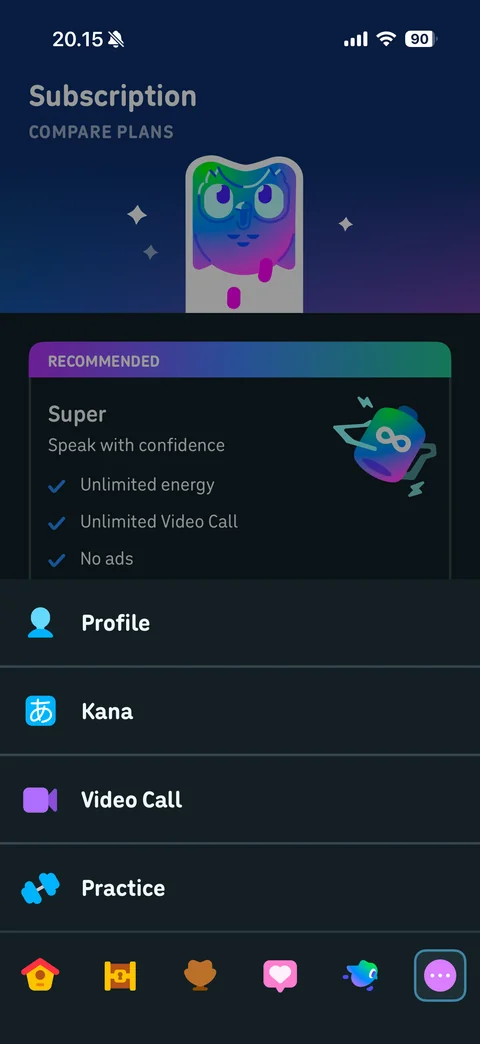
More menu: slide-up list with Profile, Kana, Video Call, Practice items with colorful icons over dimmed screen, More tab active
Duolingo more / kana (5 screens)
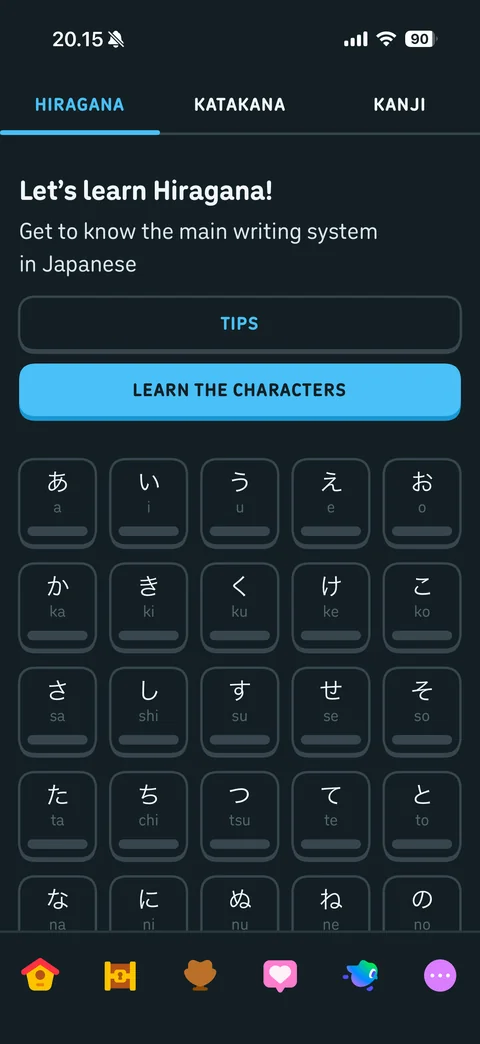
Kana alphabet: Hiragana, Katakana, Kanji tabs, let's learn Hiragana intro, Tips and Learn the Characters buttons, character grid with romaji and progress bars
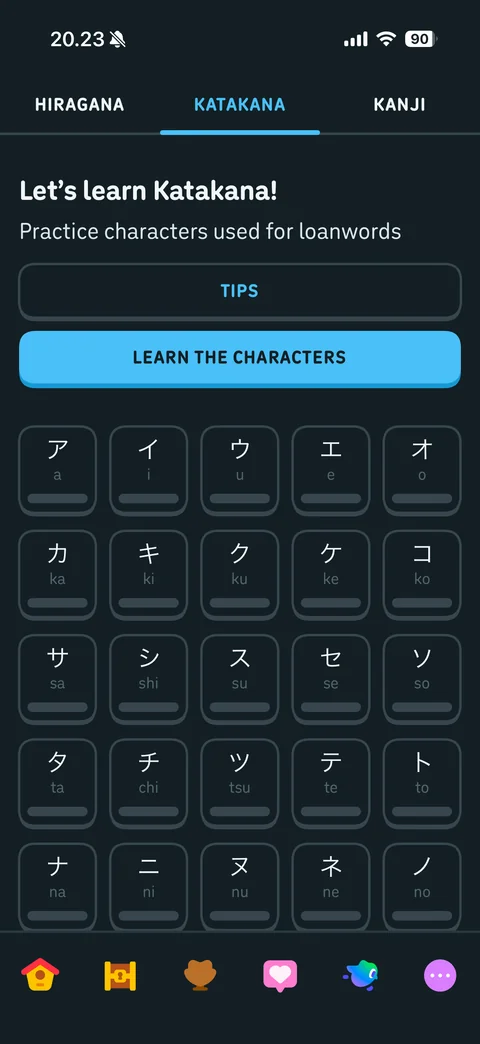
Katakana tab: let's learn Katakana, used for loanwords, Tips and Learn the Characters, katakana grid with romaji and progress bars
Kanji tab empty state: complete lessons in the path to learn kanji then practice them here
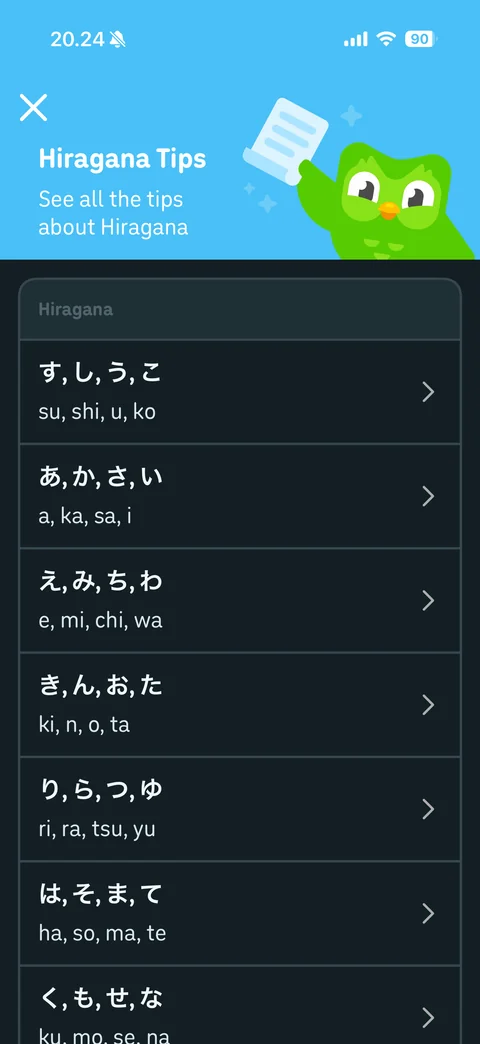
Hiragana tips: blue header with Duo holding scroll, see all the tips about Hiragana, grouped character lesson rows with romaji and chevrons
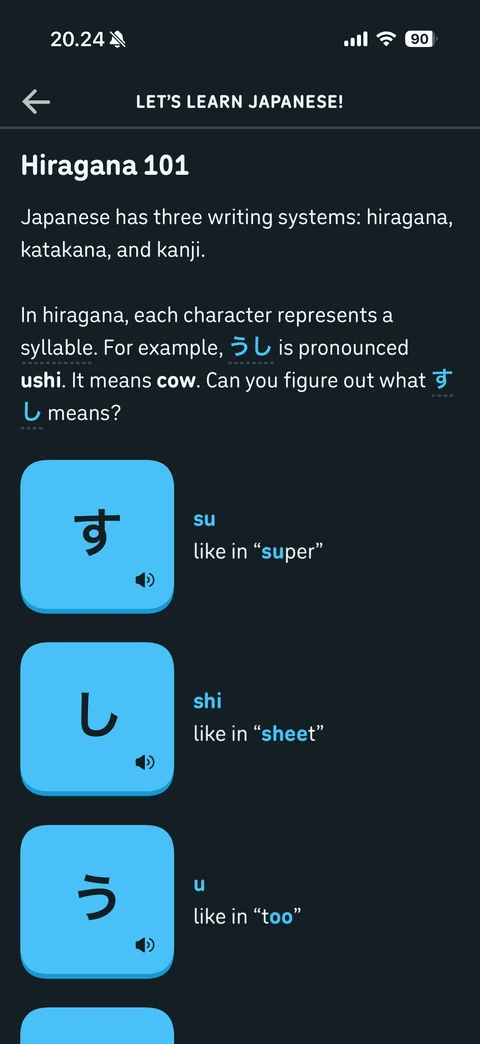
Hiragana 101 tip article: explanation of three writing systems with inline highlighted words, large blue character cards with speaker icon, romaji and like in example words
Duolingo more / practice (4 screens)
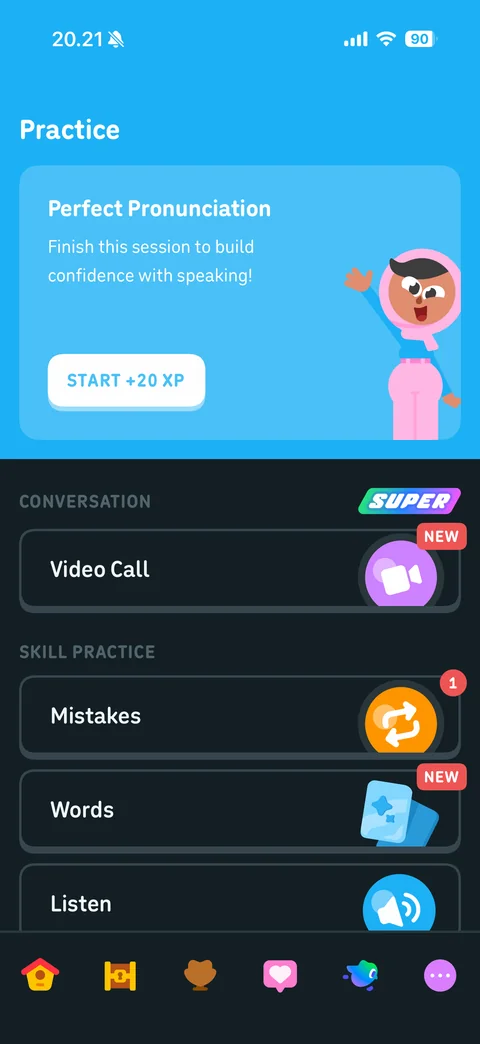
Practice hub: blue header card Perfect Pronunciation with character and Start +20 XP, conversation section with Super badge and Video Call NEW, skill practice list Mistakes with count badge, Words NEW, Listen
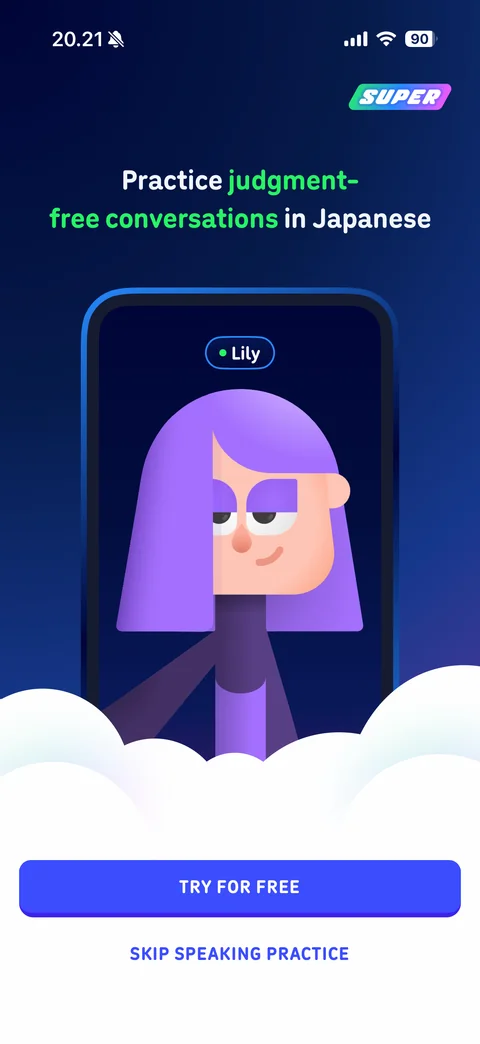
Video Call paywall: Super badge, practice judgment-free conversations in Japanese headline with green highlight, phone mockup of video call with character Lily, clouds, Try For Free and Skip Speaking Practice
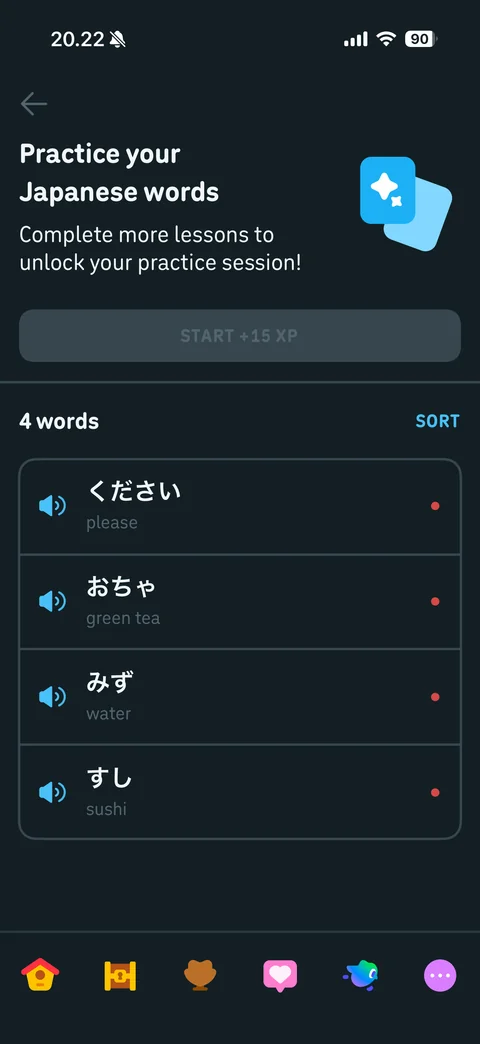
Words practice: practice your Japanese words header with flashcards icon, complete more lessons to unlock note, disabled Start +15 XP, 4 words list with speaker buttons, Japanese and English, strength dots, Sort
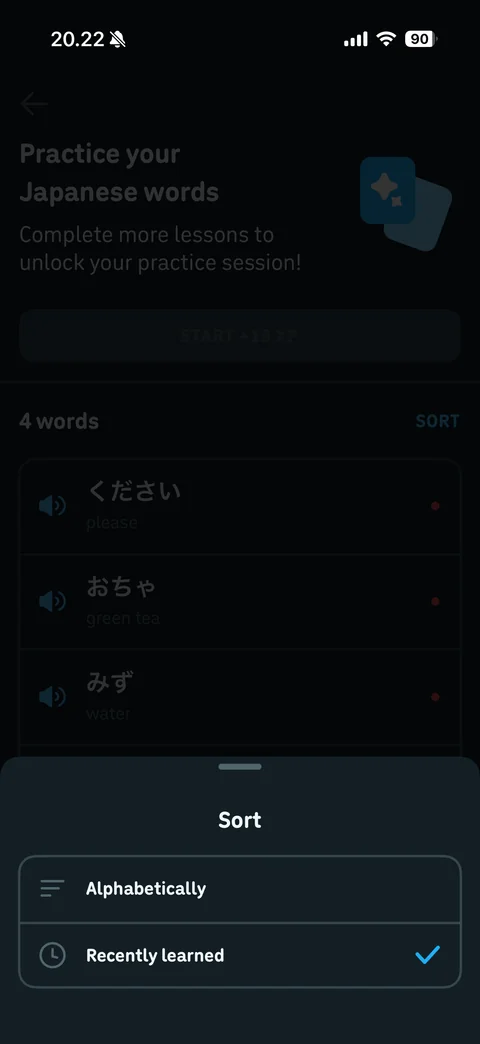
Sort sheet: Alphabetically and Recently learned options with icons, recently learned checked