Hevy app design: 101 real screens in 9 flows
Weight Lifting Routine Planner. Category: Health & Fitness. By Hevy Studios S.L.
Captured on iPhone and updated November 2026. Each screen has a short note on what it shows and why it matters for growth.
Hevy onboarding (6 screens)
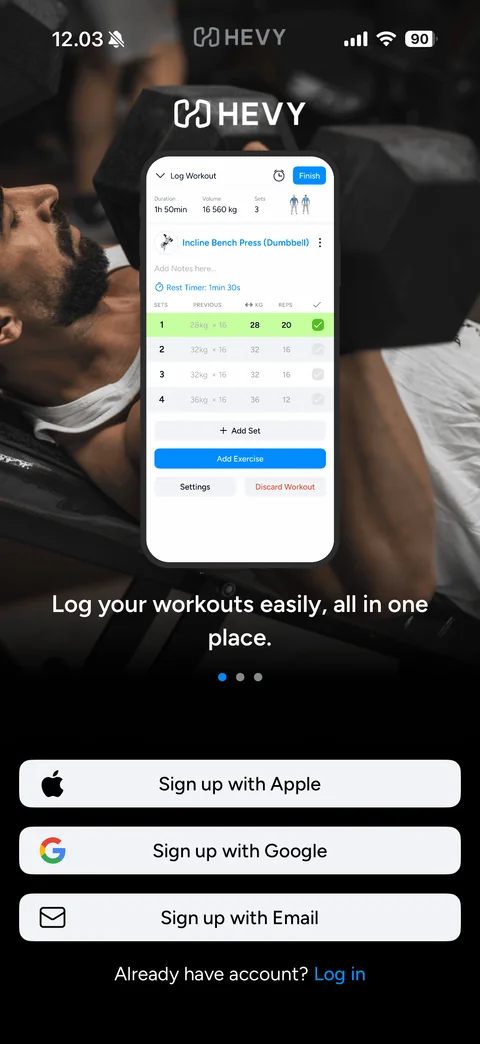
Welcome carousel slide 1: full-bleed gym photo, white HEVY logo, phone mockup of the app, white headline Log your workouts easily, all in one place., page dots, Sign up with Apple, Google and Email buttons, Already have account? Log in link
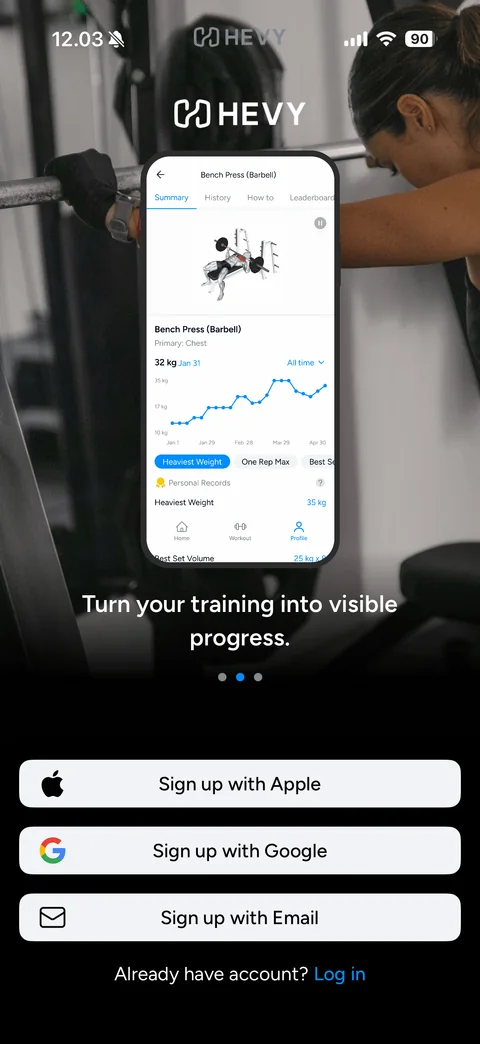
Welcome carousel slide 2: full-bleed gym photo, white HEVY logo, phone mockup of the app, white headline Turn your training into visible progress., page dots, Sign up with Apple, Google and Email buttons, Already have account? Log in link
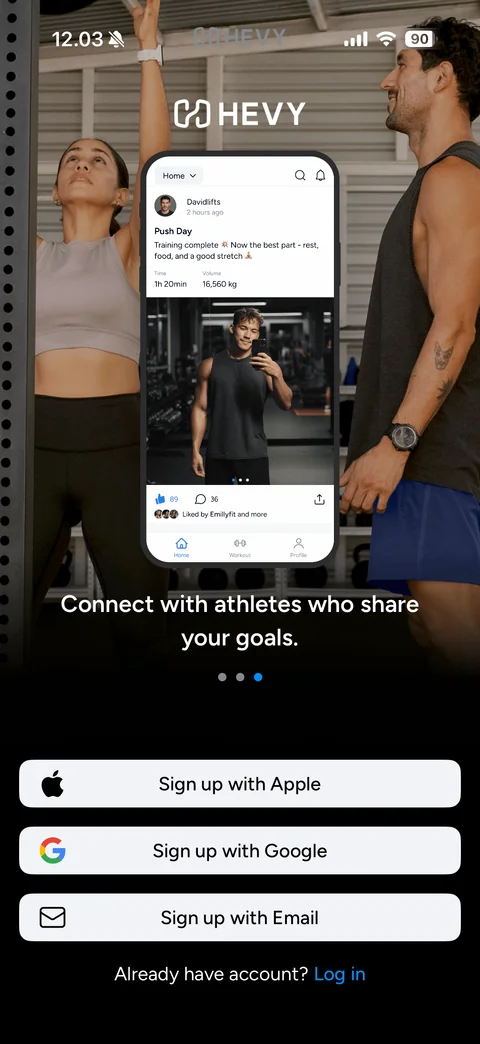
Welcome carousel slide 3: full-bleed gym photo, white HEVY logo, phone mockup of the app, white headline Connect with athletes who share your goals., page dots, Sign up with Apple, Google and Email buttons, Already have account? Log in link
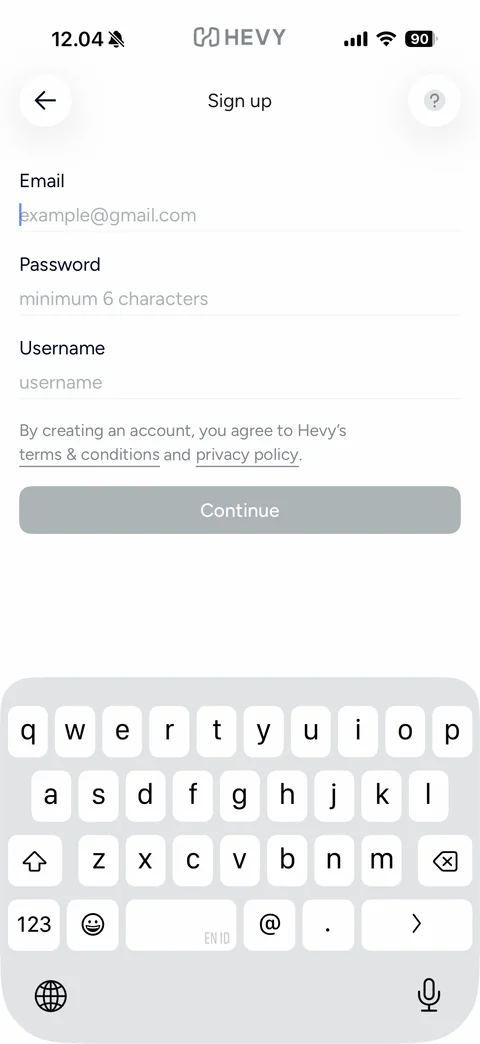
Sign up with email form: back and help buttons, Email, Password (minimum 6 characters) and Username fields with placeholders, terms and privacy links, disabled grey Continue button, keyboard up
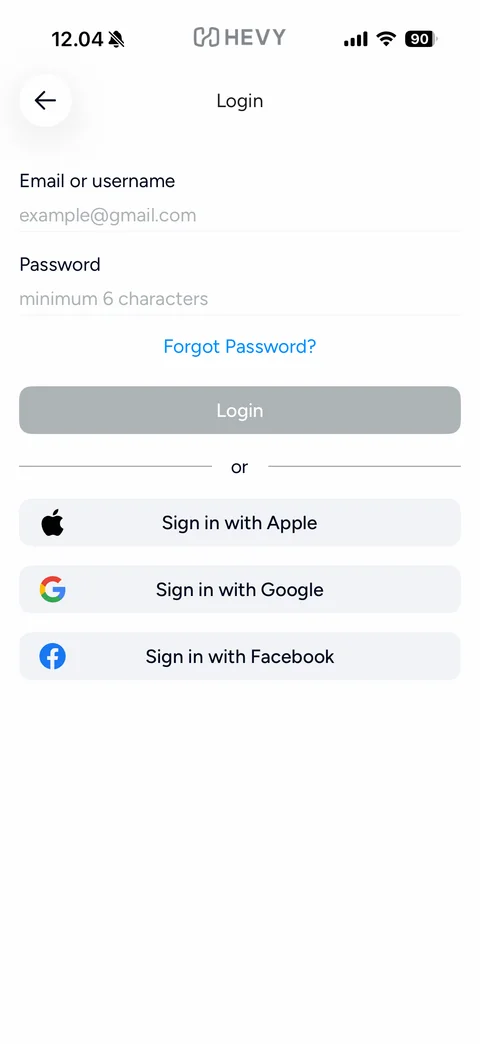
Login: back, Email or username and Password fields, blue Forgot Password? link, disabled Login button, or divider, Sign in with Apple, Google and Facebook buttons
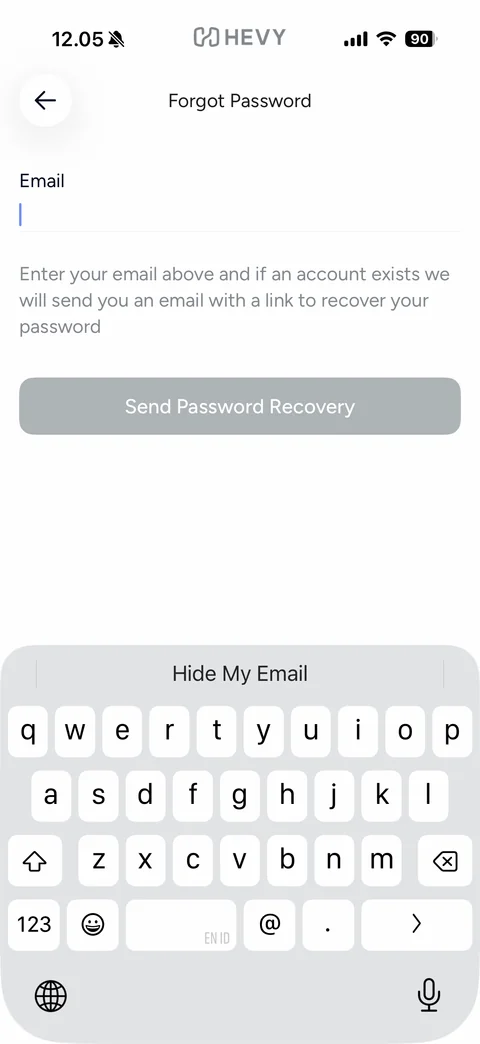
Forgot Password: back, Email field focused, recovery explanation, disabled Send Password Recovery button, keyboard with Hide My Email suggestion
Hevy setup (23 screens)
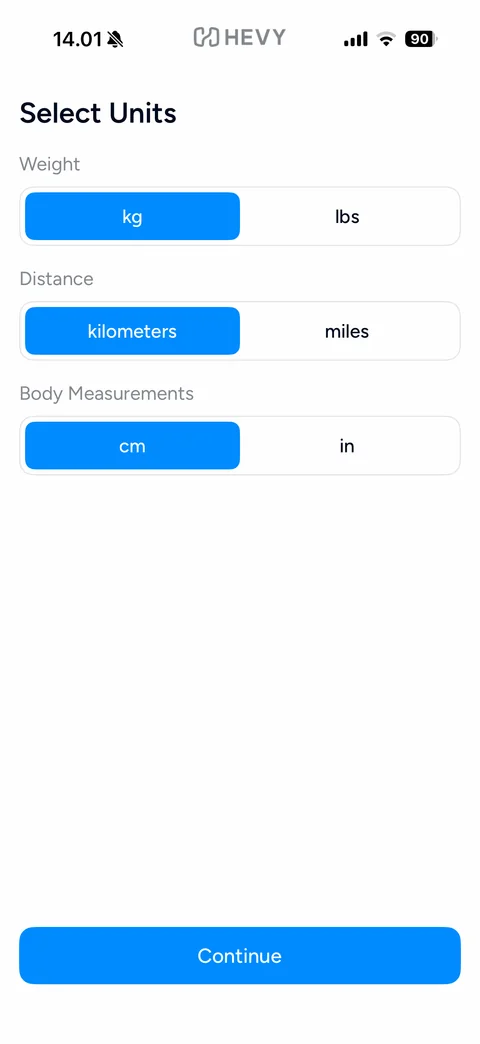
Select Units: segmented toggles for Weight (kg / lbs), Distance (kilometers / miles) and Body Measurements (cm / in) with blue selected segments, blue Continue button
Apple Health pre-permission: Health app icon tile, Apple Health title, explanation that Hevy reads and reports workouts and measurements, blue Continue and grey Not now buttons
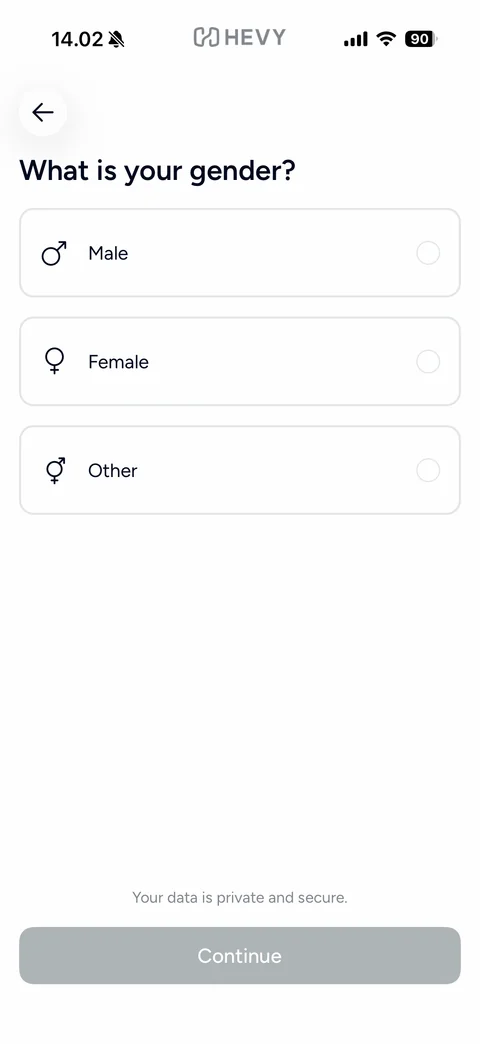
Gender step: back button, What is your gender?, outlined option cards Male, Female, Other with gender symbols and radio circles, Your data is private and secure note, disabled grey Continue
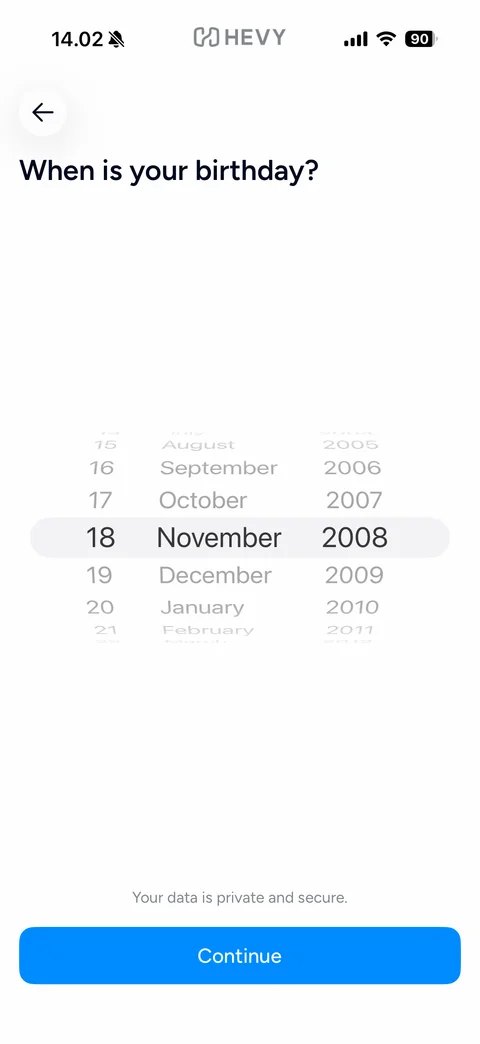
Birthday step: back button, When is your birthday?, iOS-style three-column wheel picker (day, month, year) with grey selection band, privacy note, blue Continue button
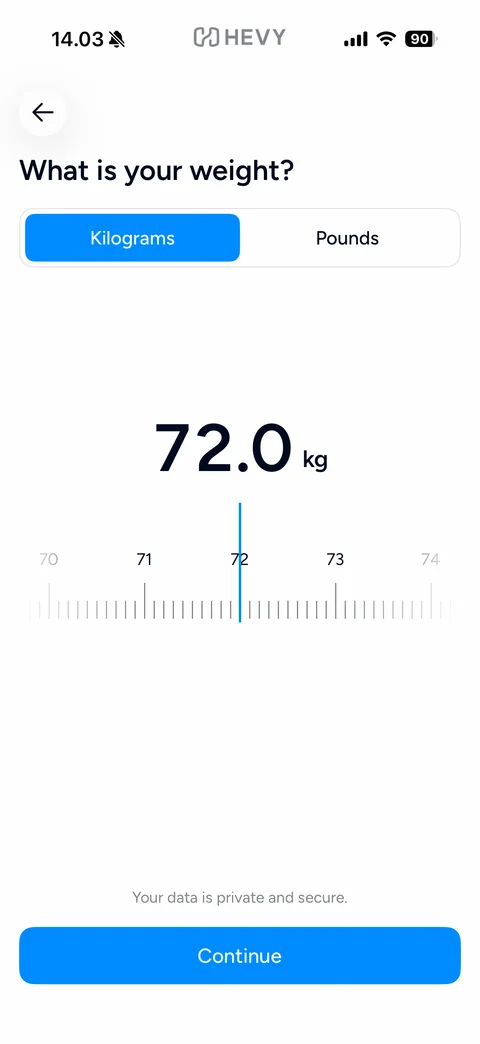
Weight step: What is your weight?, Kilograms / Pounds segmented control, large 72.0 kg value, horizontal ruler scale with blue center indicator, privacy note, Continue button
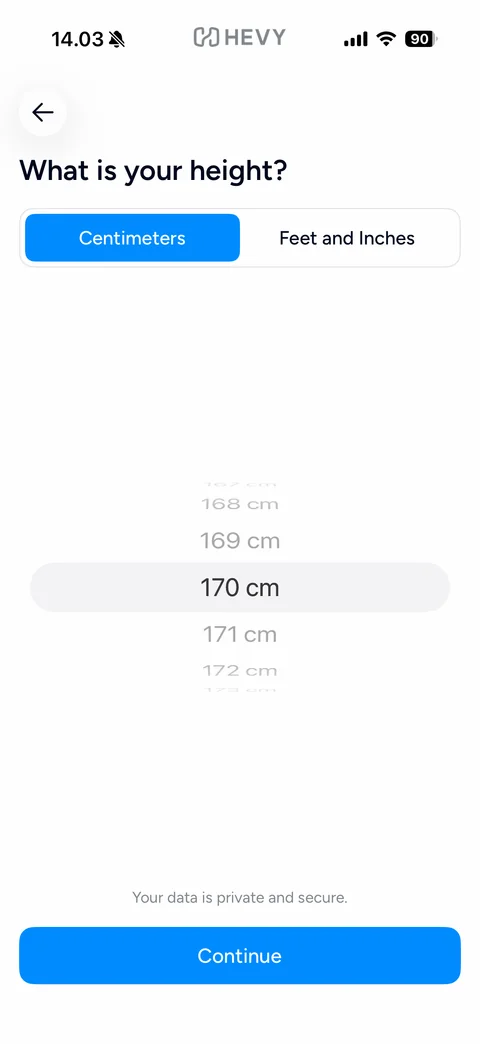
Height step: What is your height?, Centimeters / Feet and Inches segmented control, single-column wheel picker centred on 170 cm with grey selection band, privacy note, Continue button
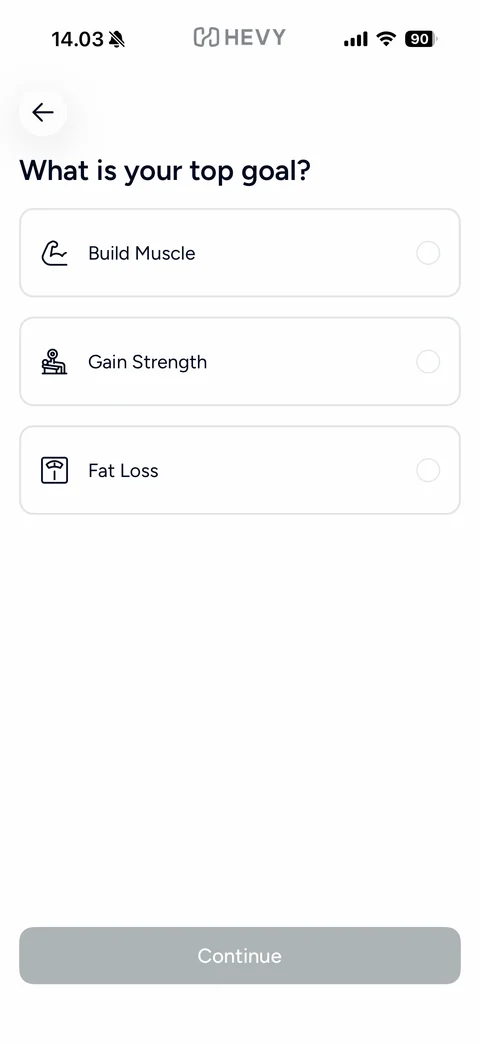
Top goal step: What is your top goal?, outlined option cards with line icons Build Muscle, Gain Strength, Fat Loss and radio circles, disabled Continue
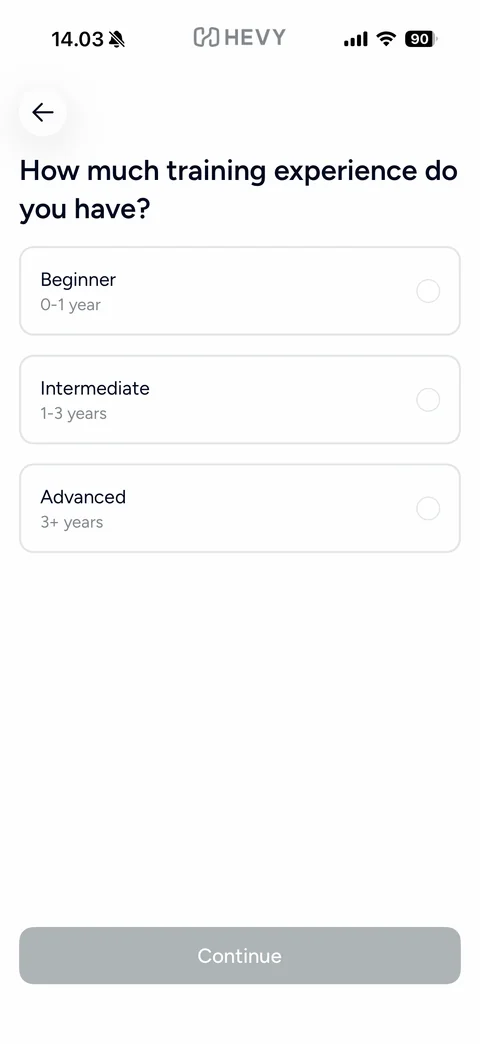
Experience step: How much training experience do you have?, option cards Beginner 0-1 year, Intermediate 1-3 years, Advanced 3+ years with grey subtitles and radio circles, disabled Continue
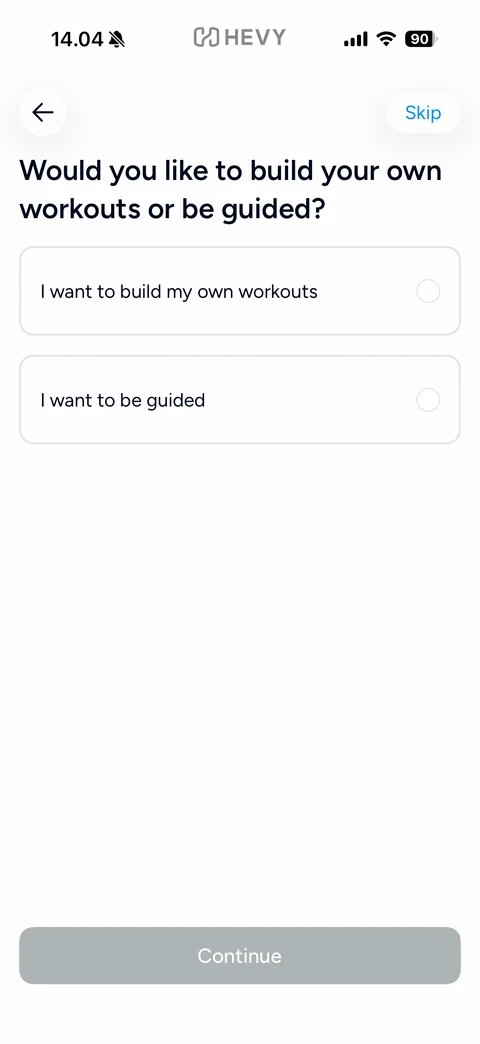
Workout style step: back and blue Skip pill, Would you like to build your own workouts or be guided?, two option cards with radio circles, disabled Continue
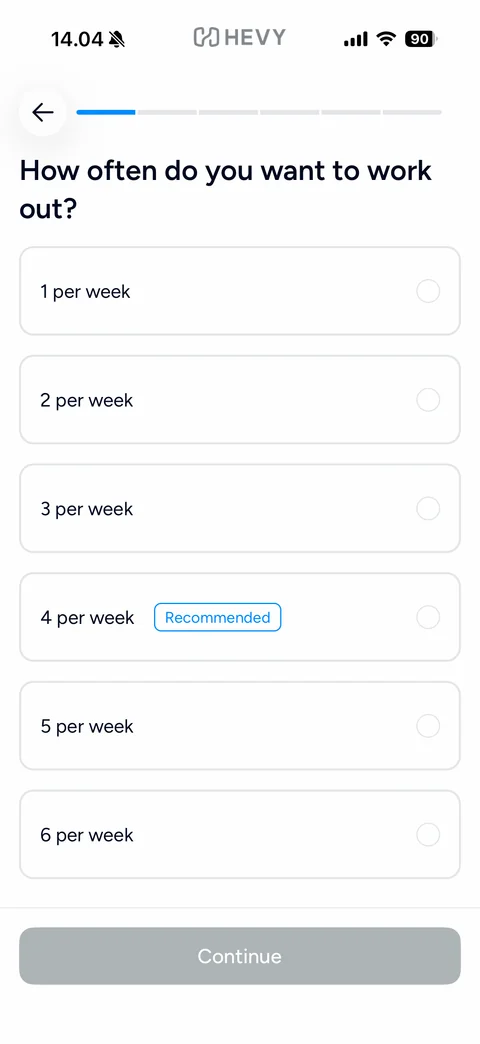
Guided plan frequency: segmented progress bar, How often do you want to work out?, option cards 1 to 6 per week with a blue outlined Recommended tag on 4 per week, disabled Continue
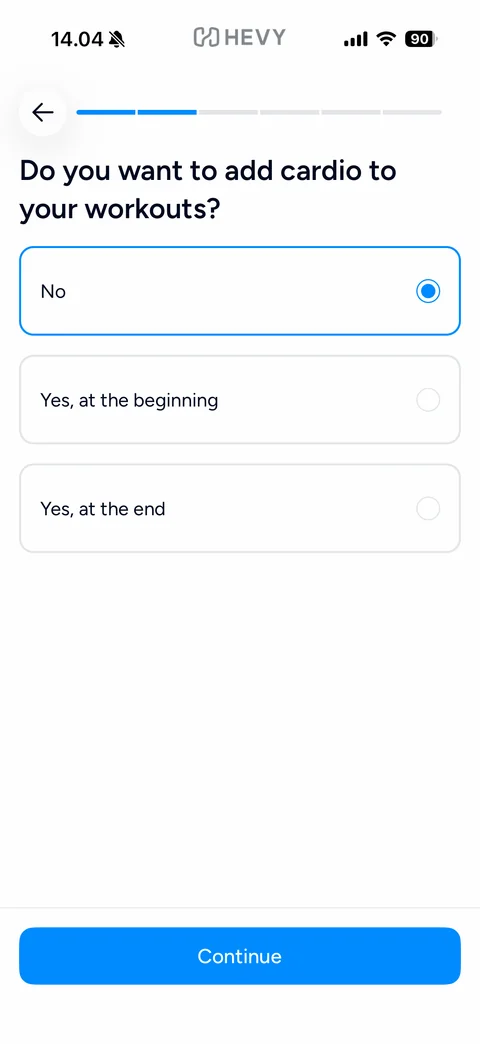
Cardio step: progress bar step 2, Do you want to add cardio to your workouts?, No option pre-selected with blue border and filled radio, Yes at the beginning and Yes at the end options, Continue button
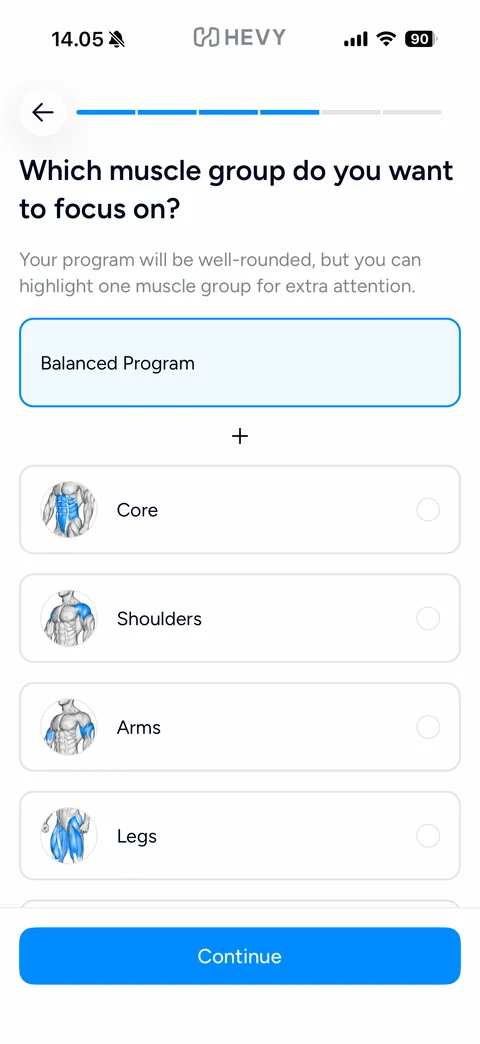
Muscle focus step: Which muscle group do you want to focus on?, explanation, Balanced Program card selected in light blue, plus divider, option cards with anatomy thumbnails highlighting the muscle in blue (Core, Shoulders, Arms, Legs), Continue button
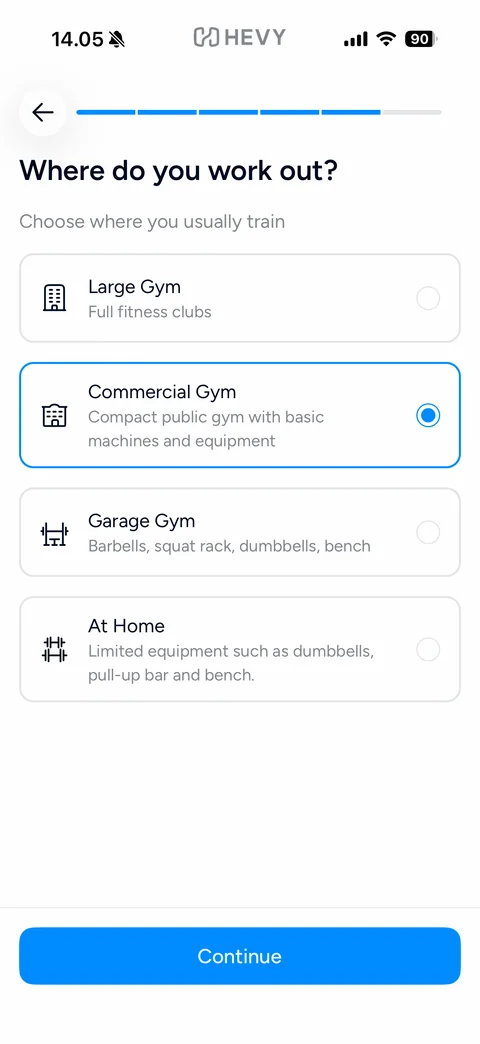
Workout location step: Where do you work out?, option cards with line icons and descriptions (Large Gym, Commercial Gym selected with blue border, Garage Gym, At Home), Continue button
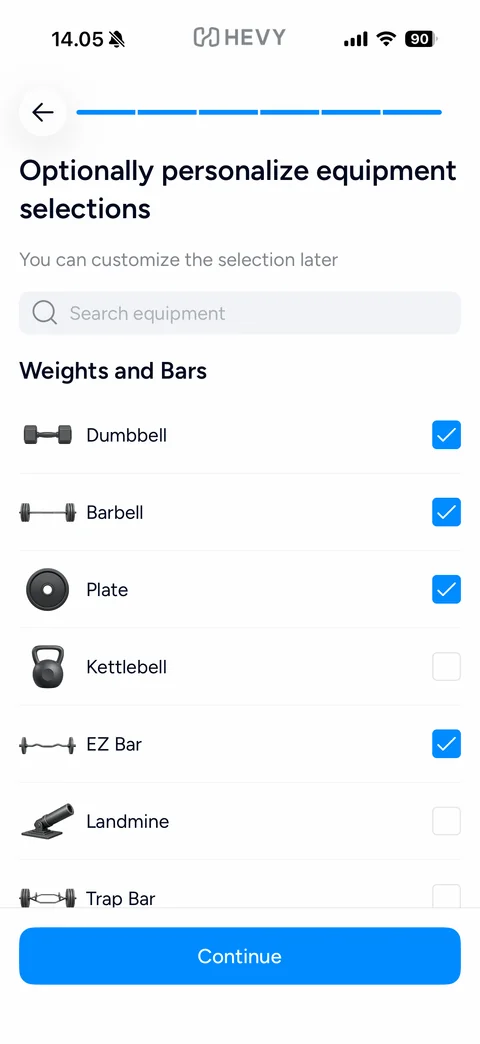
Equipment step: full progress bar, Optionally personalize equipment selections, search equipment field, Weights and Bars section list with equipment photos and blue checkboxes (Dumbbell, Barbell, Plate, EZ Bar checked; Kettlebell, Landmine, Trap Bar unchecked), Continue button
Medical disclaimer: blue line-art document and pencil icon, Please accept our health terms and policy, Medical Disclaimer subheading with grey paragraph, Accept and Continue button
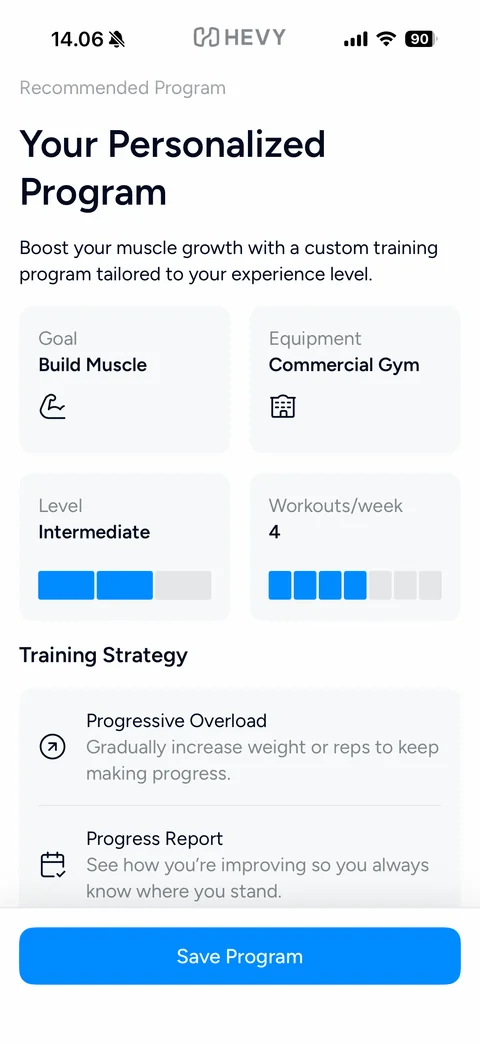
Personalized program summary: Recommended Program label, large Your Personalized Program title, description, 2x2 grey tiles (Goal Build Muscle, Equipment Commercial Gym, Level Intermediate with segment bar, Workouts/week 4 with segment bar), Training Strategy list (Progressive Overload, Progress Report), Save Program button
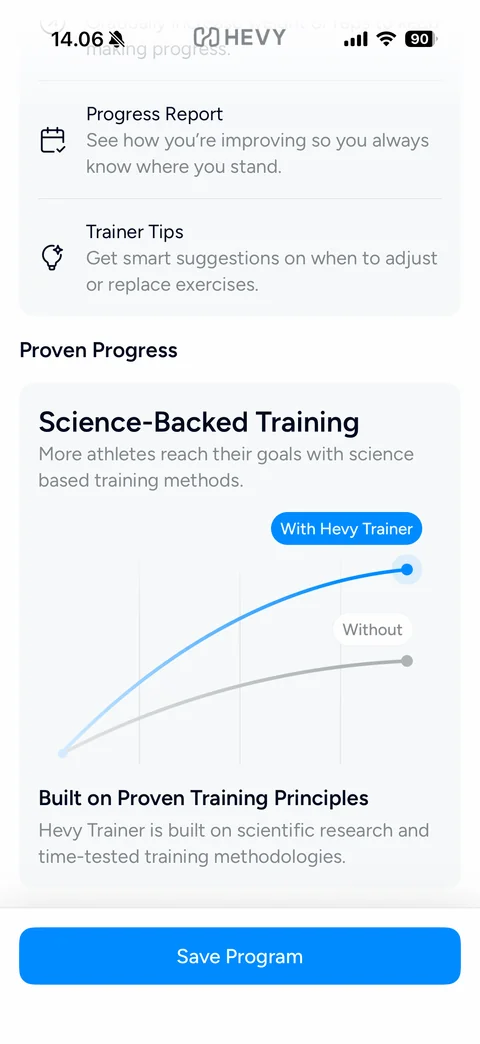
Program summary scrolled: Training Strategy list with Trainer Tips, Proven Progress section with Science-Backed Training card and line chart comparing a blue With Hevy Trainer curve to a grey Without curve, Built on Proven Training Principles text, Save Program button
Email opt-in: blue envelope icon, Can we send you emails?, No spam, promise. We hate it too, blue check list (tips, new features, promotional offers, opt out anytime), blue Sure! and grey No, thanks buttons
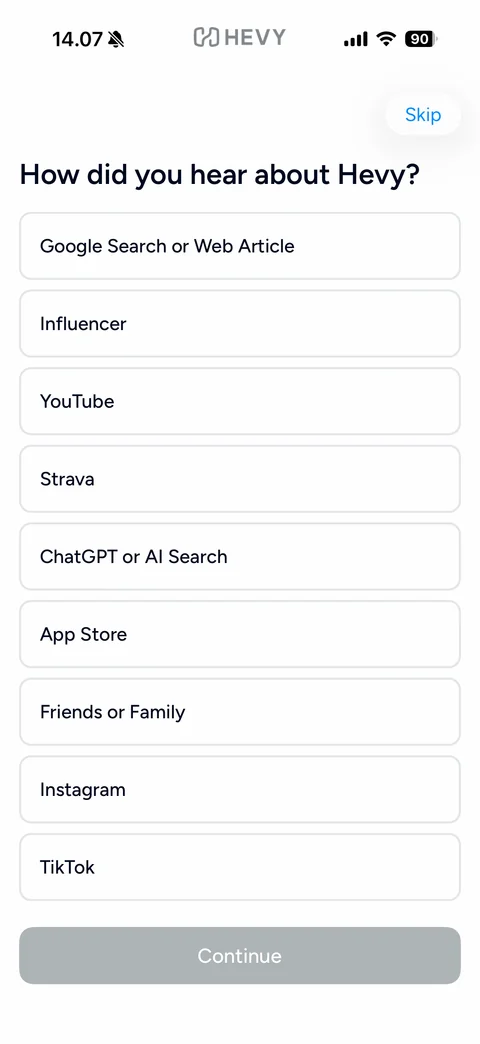
Attribution step: blue Skip pill, How did you hear about Hevy?, outlined option rows (Google Search or Web Article, Influencer, YouTube, Strava, ChatGPT or AI Search, App Store, Friends or Family, Instagram, TikTok), disabled Continue
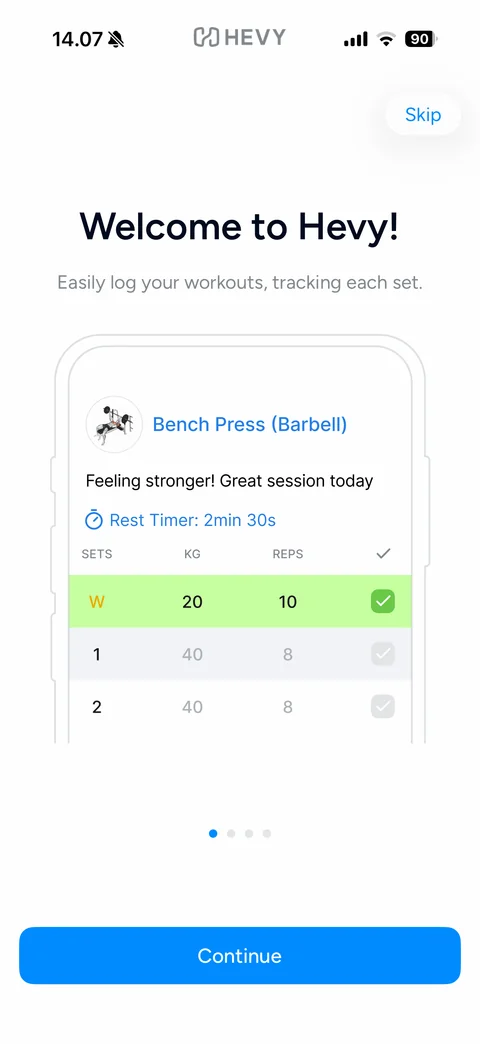
Feature tour 1 of 4: Skip pill, Welcome to Hevy!, Easily log your workouts, tracking each set., phone outline mockup of a Bench Press log with note, rest timer and sets table with green completed warm-up row, page dots, Continue button
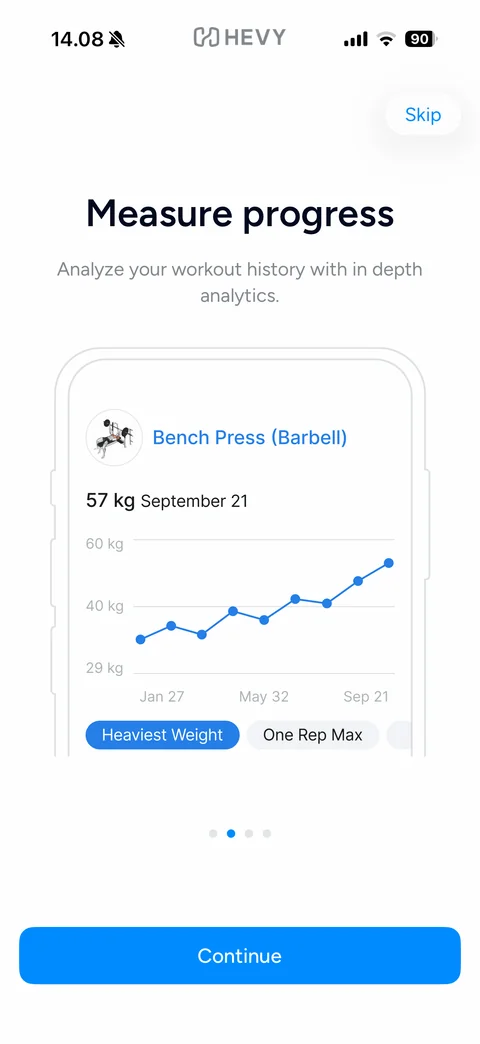
Feature tour 2 of 4: Measure progress, in-depth analytics subtitle, phone outline mockup with Bench Press line chart rising to 57 kg and Heaviest Weight / One Rep Max chips, page dots, Continue button
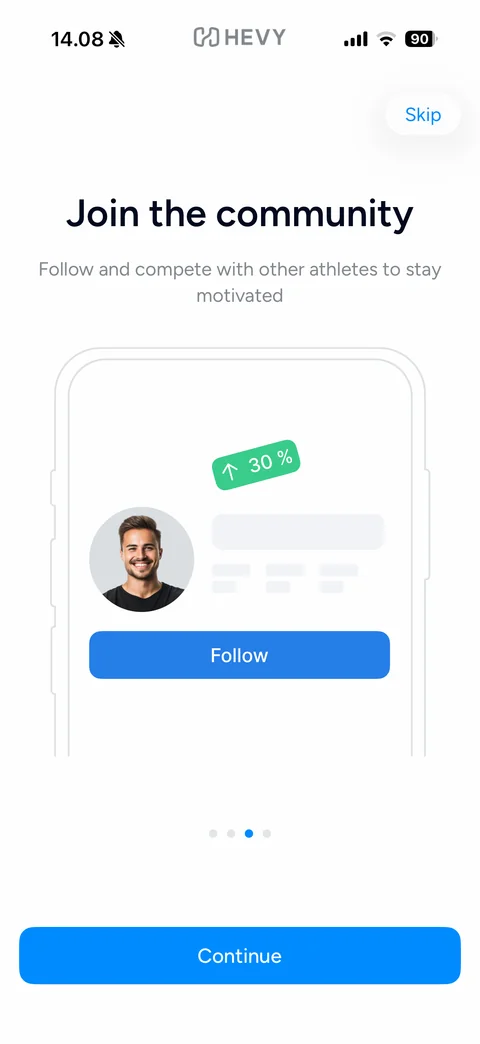
Feature tour 3 of 4: Join the community, follow and compete subtitle, phone outline mockup with athlete avatar, skeleton profile lines, tilted green up 30% badge and blue Follow button, page dots, Continue button
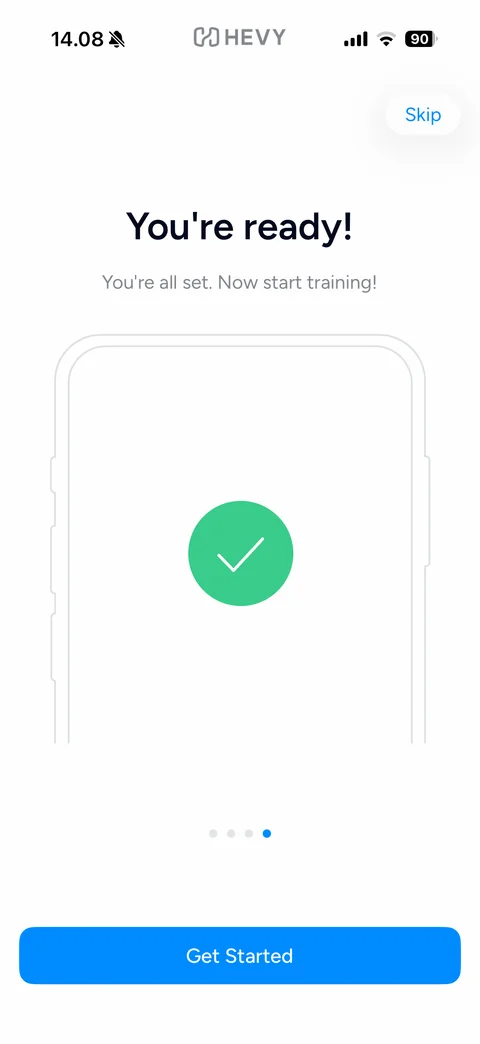
Feature tour 4 of 4: You're ready!, You're all set. Now start training!, phone outline mockup with a large green check circle, last page dot active, Get Started button
Hevy paywall (2 screens)
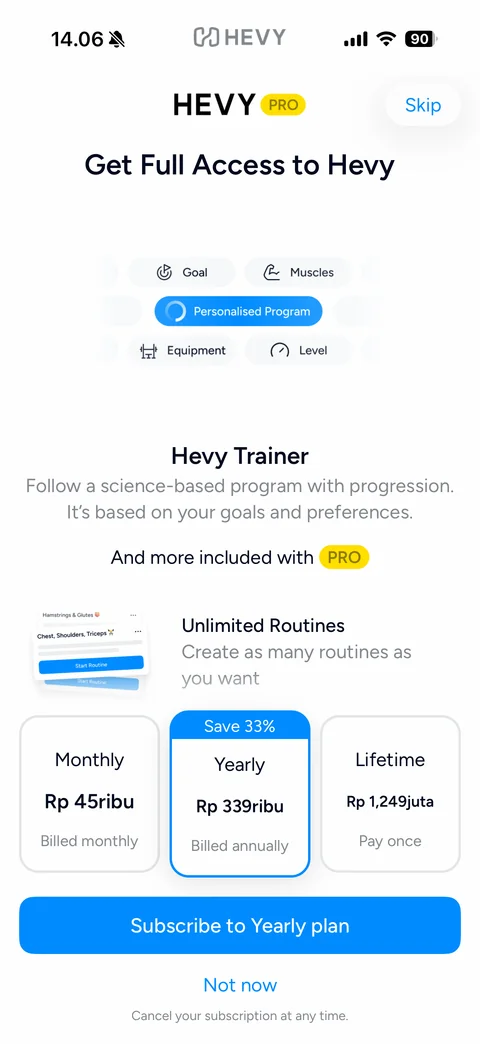
Hevy PRO paywall: HEVY wordmark with yellow PRO badge, Skip pill, Get Full Access to Hevy, scrolling chips (Goal, Muscles, Personalised Program loading, Equipment, Level), Hevy Trainer description, And more included with PRO, Unlimited Routines feature row with card mockup, three plan cards Monthly, Yearly (Save 33% selected) and Lifetime with IDR prices, Subscribe to Yearly plan button, Not now link, cancel note
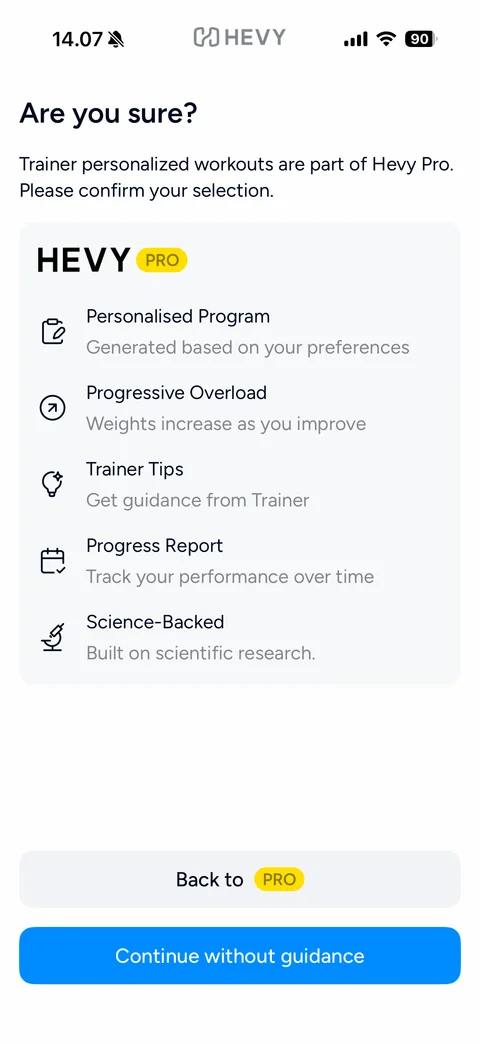
Downsell confirmation: Are you sure?, explanation that Trainer workouts are part of Hevy Pro, grey card with HEVY PRO logo and feature list (Personalised Program, Progressive Overload, Trainer Tips, Progress Report, Science-Backed) with line icons, grey Back to PRO button, blue Continue without guidance button
Hevy workout (12 screens)
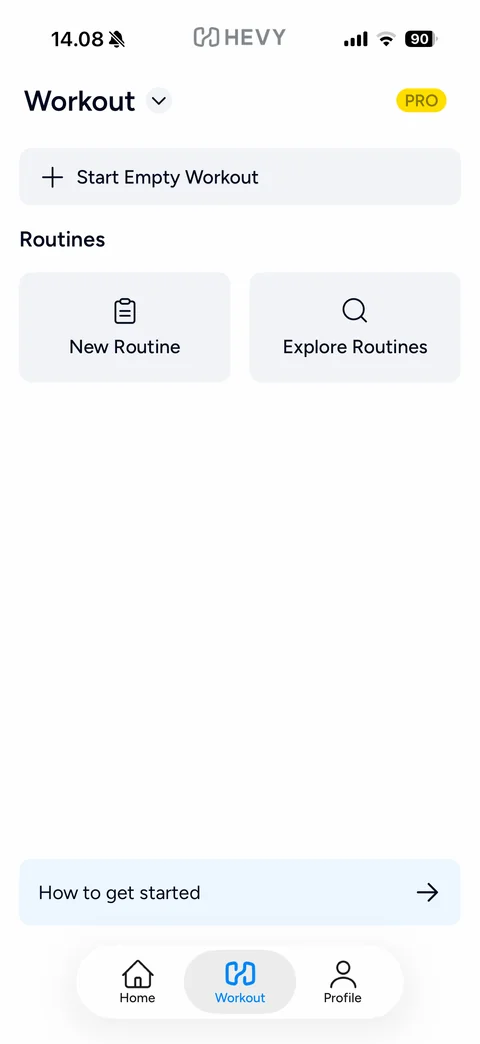
Workout tab empty state: Workout title with dropdown chevron, yellow PRO pill, Start Empty Workout bar with plus, Routines section with New Routine and Explore Routines tiles, light blue How to get started banner with arrow, floating tab bar Home / Workout / Profile
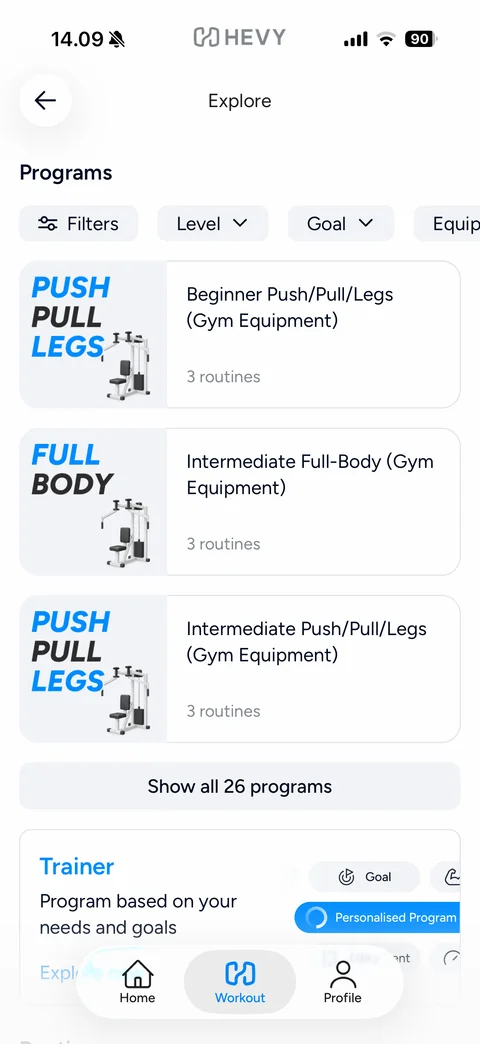
Explore routines: back, Explore title, Programs section with Filters, Level, Goal and Equipment dropdown chips, program cards with bold blue and black type art (PUSH PULL LEGS, FULL BODY) and machine images, routine counts, Show all 26 programs button, Trainer promo card with animated chips
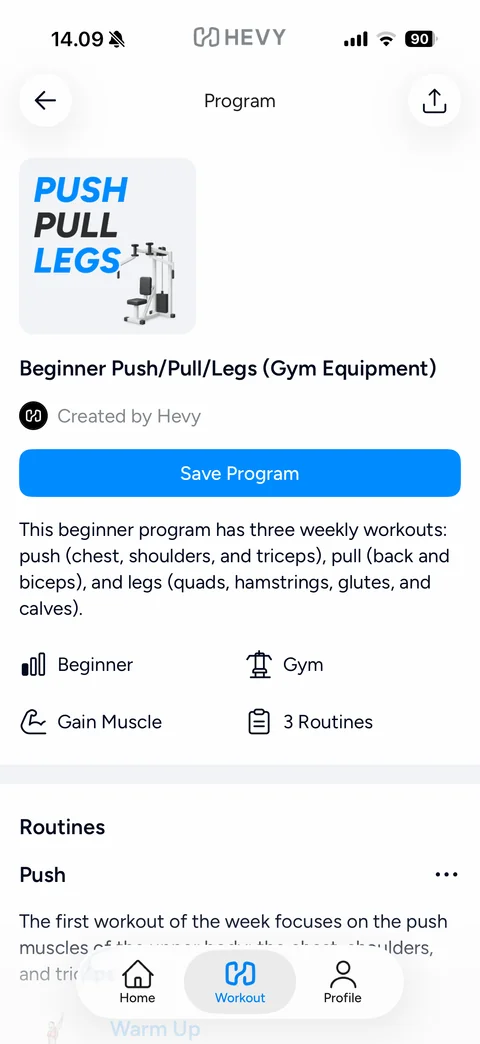
Program detail: back and share buttons, cover tile with PUSH PULL LEGS type art, program title, Created by Hevy byline, blue Save Program button, description, attribute grid with icons (Beginner, Gym, Gain Muscle, 3 Routines), Routines section starting with Push and more menu
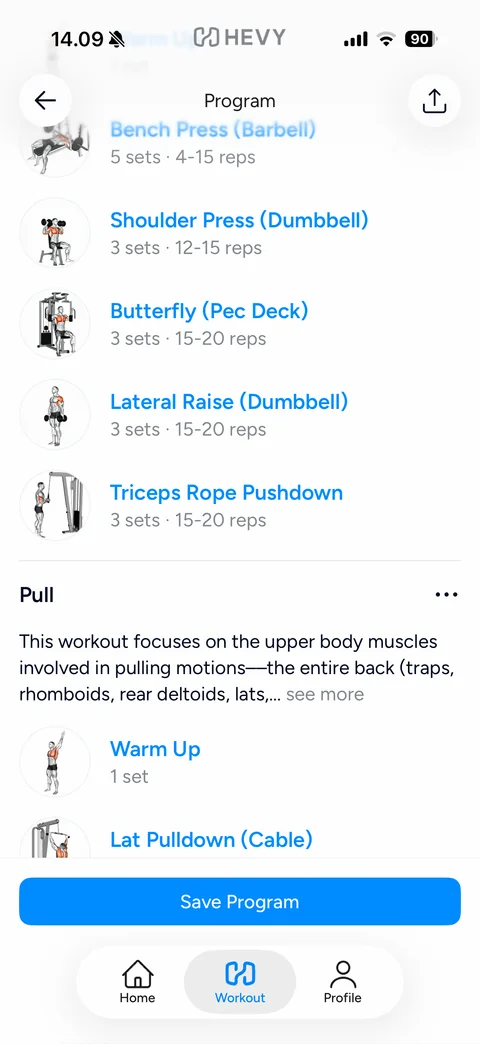
Program detail scrolled: exercise list with round illustrated exercise thumbnails, blue exercise names and grey sets and reps (Bench Press, Shoulder Press, Butterfly, Lateral Raise, Triceps Rope Pushdown), Pull routine header with more menu and see more description, sticky Save Program button
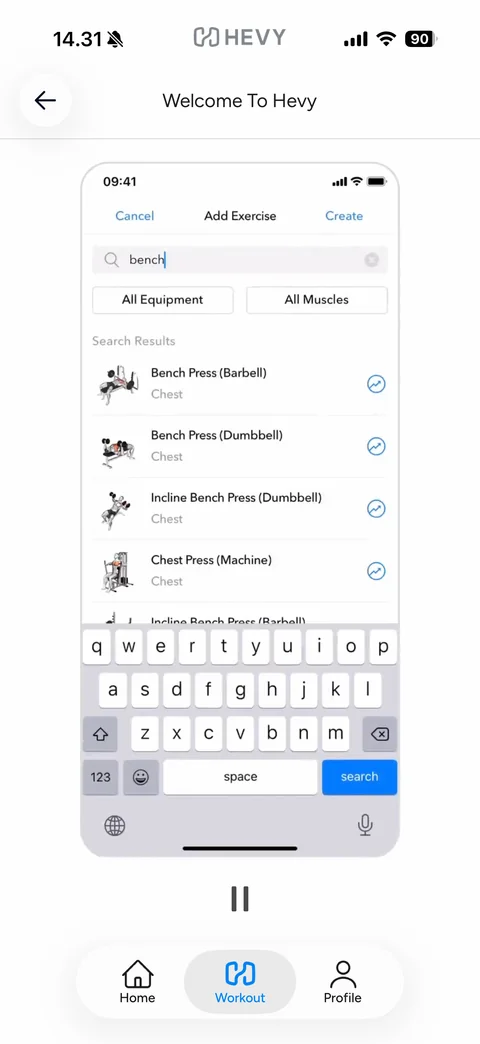
How to get started tutorial: back, Welcome To Hevy title, video walkthrough inside a phone outline showing the Workout tab, large pause control below
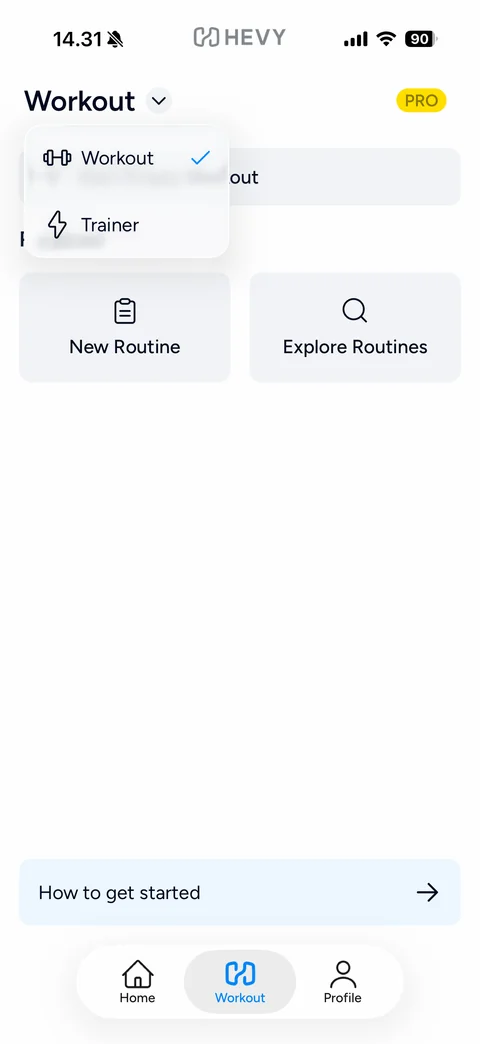
Workout mode dropdown menu: blurred popover under the title with Workout (checked) and Trainer options with dumbbell and lightning icons
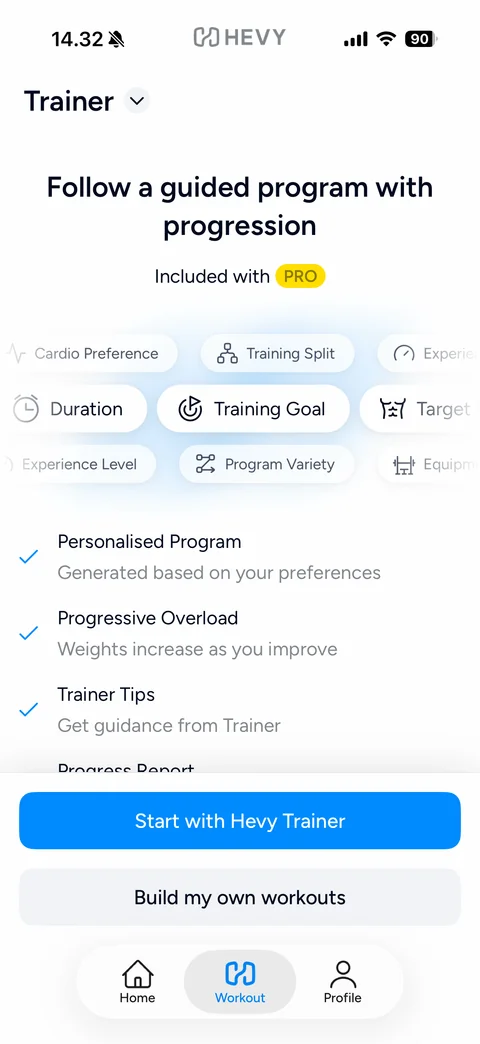
Trainer mode upsell: Trainer title with dropdown, Follow a guided program with progression, Included with PRO badge, scrolling marquee of preference chips (Cardio Preference, Training Split, Training Goal, Target Muscle, Experience Level, Program Variety), blue check feature list, Start with Hevy Trainer and Build my own workouts buttons
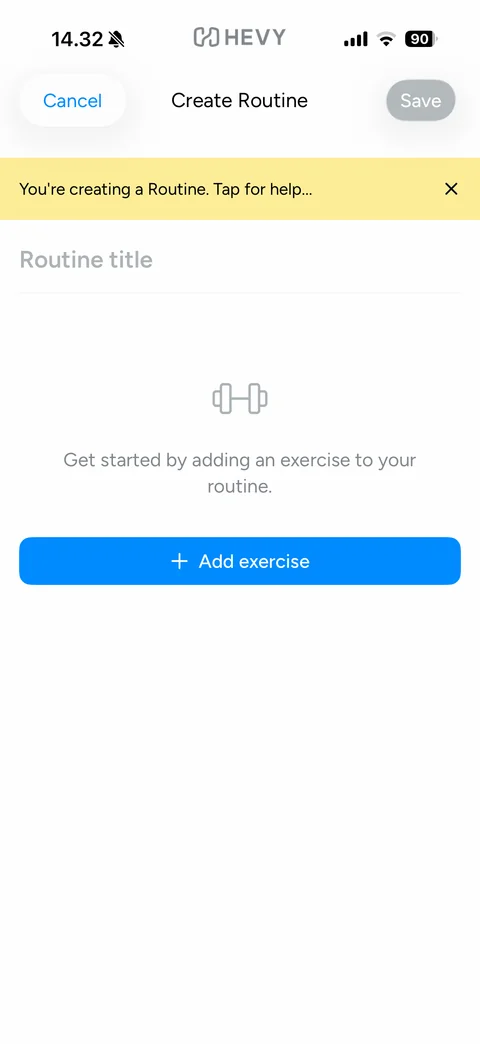
Create Routine empty: Cancel and disabled Save, yellow help banner You're creating a Routine. Tap for help... with close x, Routine title placeholder, dumbbell icon empty state, blue Add exercise button
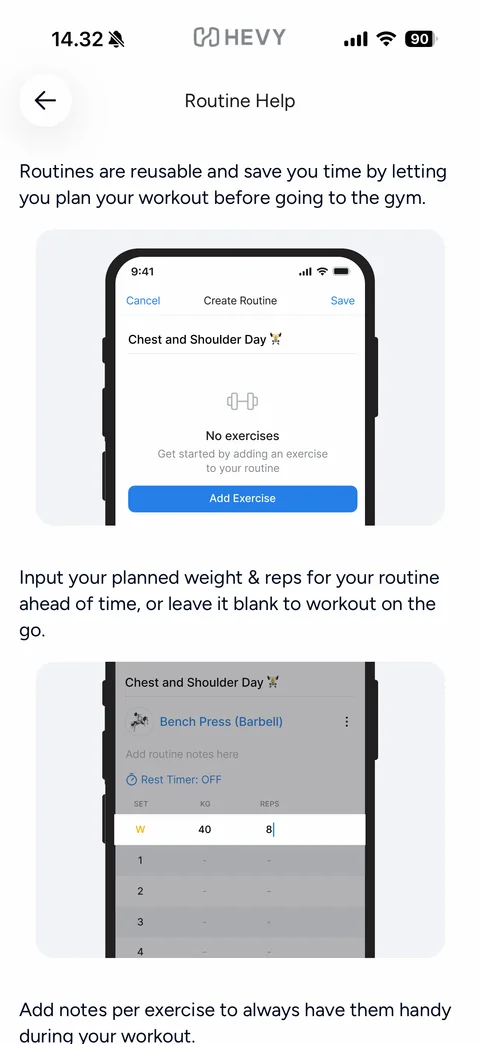
Routine Help article: back, title, explanatory paragraphs alternating with cropped phone screenshots of the Create Routine screen and a highlighted set row being edited
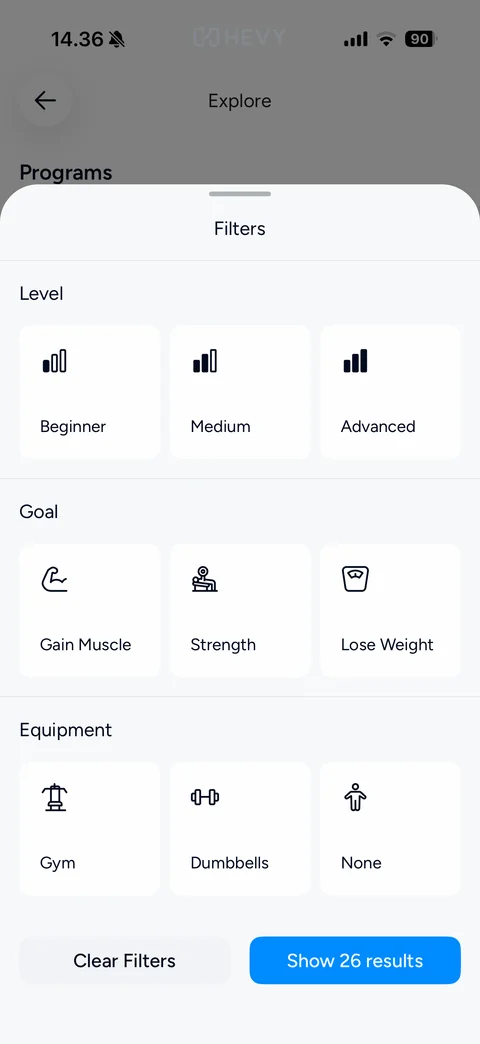
Program Filters sheet: Level, Goal and Equipment sections each with three white icon tiles (Beginner, Medium, Advanced bar icons; Gain Muscle, Strength, Lose Weight; Gym, Dumbbells, None), Clear Filters and blue Show 26 results buttons
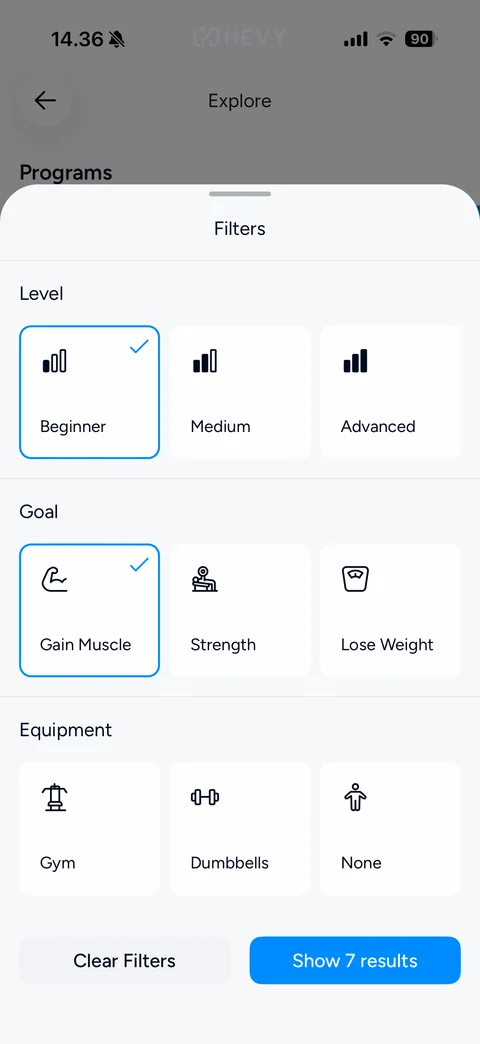
Program Filters with selections: Beginner and Gain Muscle tiles with blue border and blue check, result count updated to Show 7 results
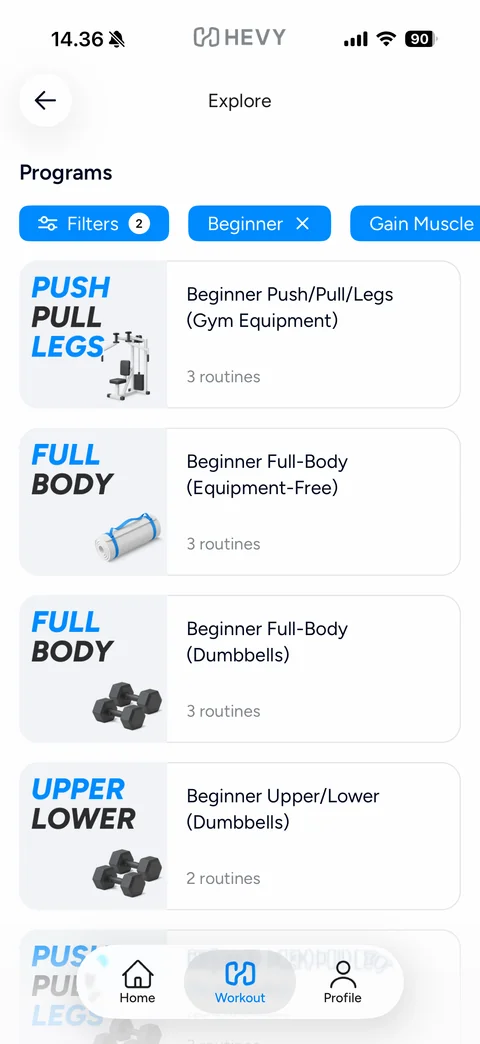
Filtered programs: blue Filters chip with count badge 2, blue active Beginner and Gain Muscle chips with clear x, filtered program cards (Push/Pull/Legs, Full-Body equipment-free, Full-Body dumbbells, Upper/Lower dumbbells) with type art and equipment images
Hevy exercise (9 screens)
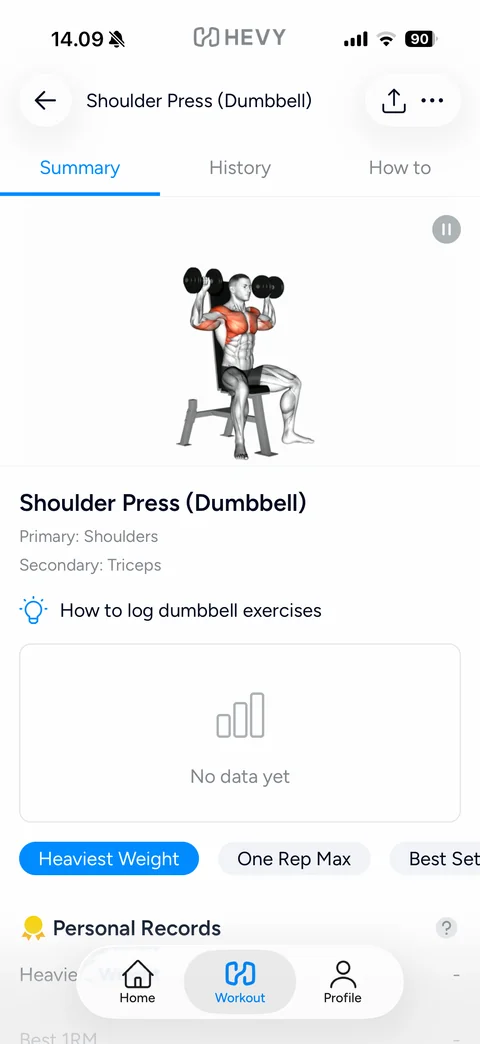
Exercise detail Summary tab: back, exercise name, share and more buttons, Summary / History / How to tabs with blue underline, animated anatomy illustration with highlighted muscles and pause button, primary and secondary muscles, lightbulb tip link, empty chart card No data yet, metric chips (Heaviest Weight, One Rep Max, Best Set), Personal Records section
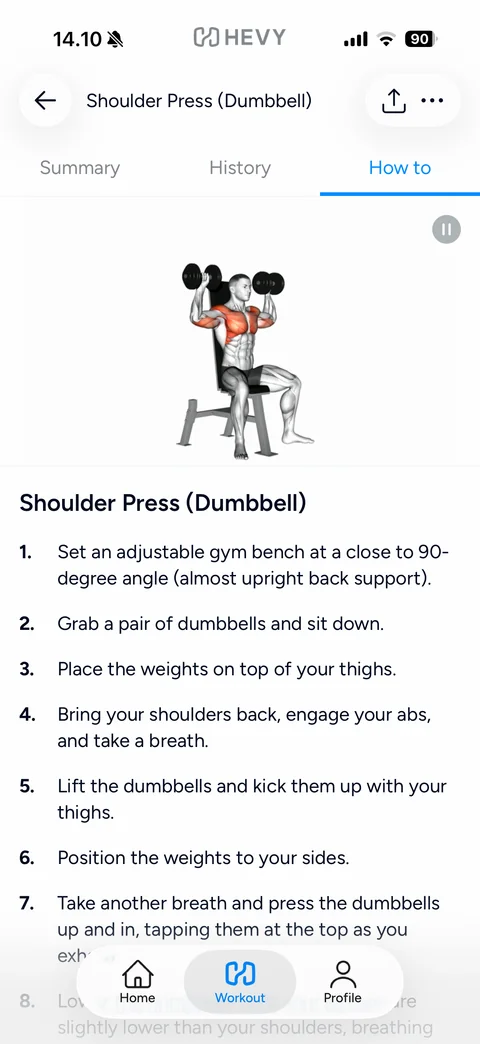
Exercise How to tab: same header, How to tab active, anatomy animation, exercise name and numbered step-by-step instructions list
Exercise History tab empty state: History tab active, grey clock-with-arrow icon, No exercise history, helper text
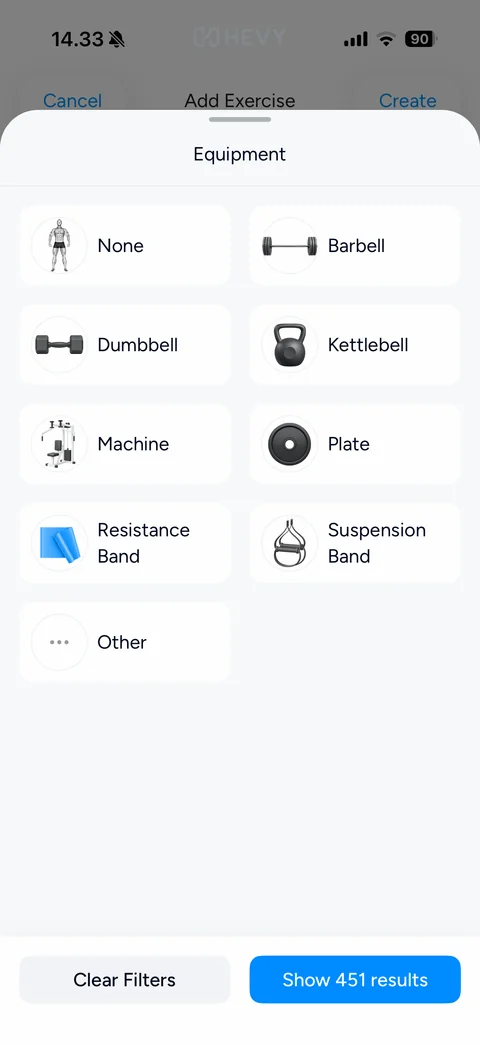
Equipment filter sheet: grabber, Equipment title, two-column grid of white tiles with round equipment thumbnails (None, Barbell, Dumbbell, Kettlebell, Machine, Plate, Resistance Band, Suspension Band, Other), Clear Filters and blue Show 451 results buttons
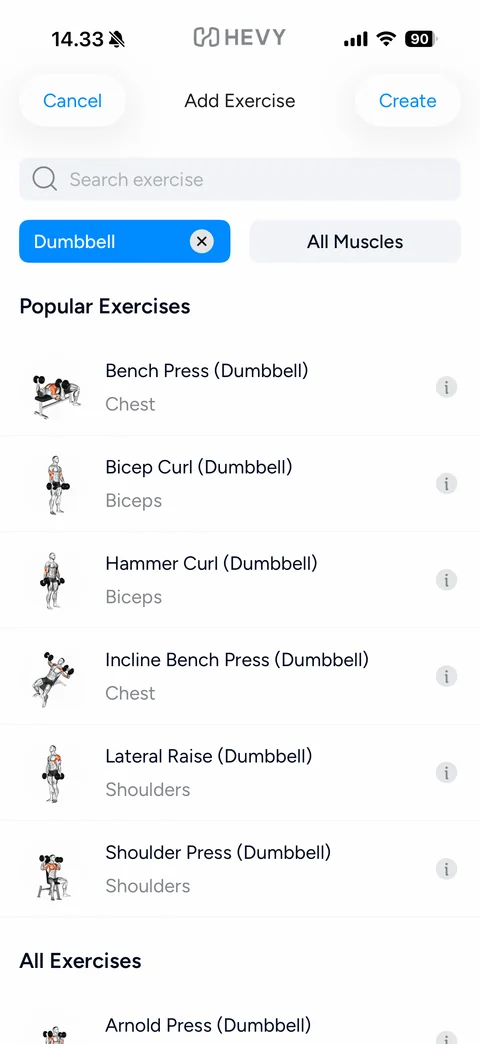
Filtered exercise list: active blue Dumbbell filter chip with clear x, All Muscles button, Popular Exercises filtered to dumbbell moves with illustrated thumbnails, muscle labels and info icons, All Exercises section below
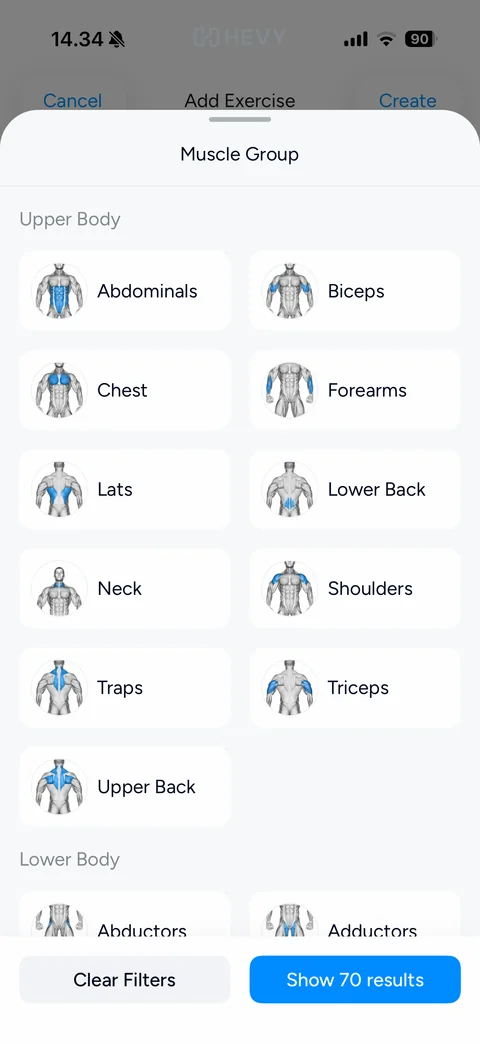
Muscle Group filter sheet: Upper Body and Lower Body sections, two-column grid of tiles with anatomy thumbnails highlighting each muscle in blue (Abdominals, Biceps, Chest, Forearms, Lats, Lower Back, Neck, Shoulders, Traps, Triceps, Upper Back, Abductors, Adductors), Clear Filters and Show results buttons
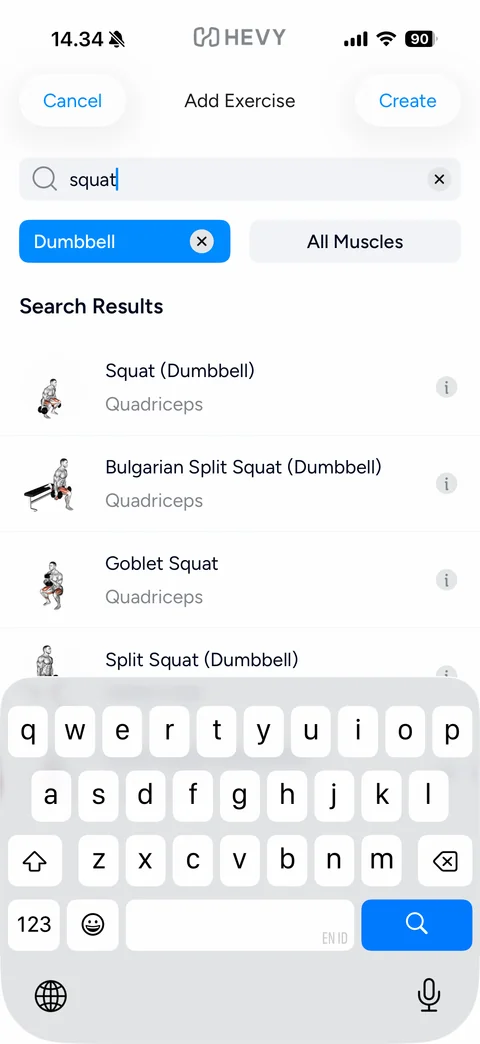
Exercise search results: typed query squat with clear x, active Dumbbell filter chip, Search Results list (Squat, Bulgarian Split Squat, Goblet Squat, Split Squat) with illustrations, Quadriceps labels and info icons, keyboard up
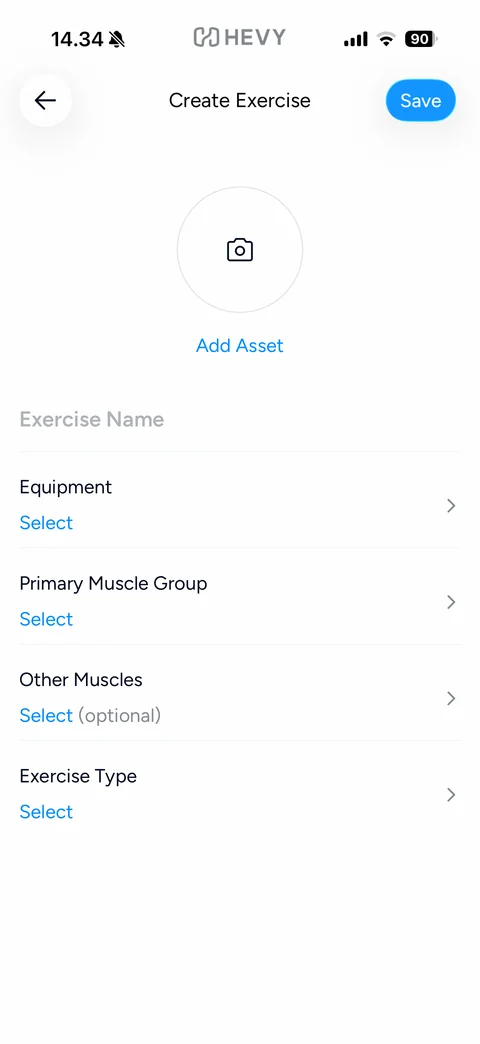
Create custom Exercise form: back and blue Save pill, round camera Add Asset placeholder, Exercise Name field, rows Equipment, Primary Muscle Group, Other Muscles (optional) and Exercise Type with blue Select values and chevrons
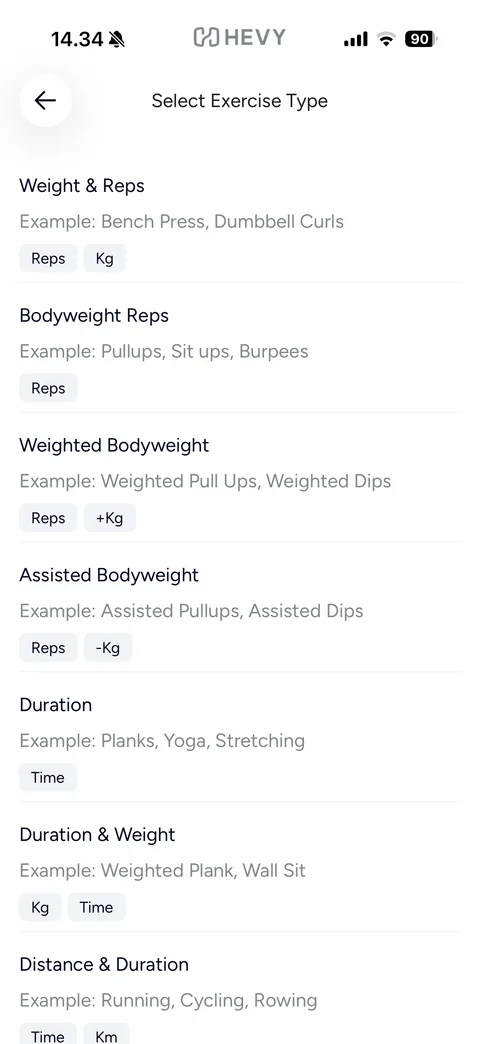
Select Exercise Type list: types with example exercises and grey metric tags (Weight & Reps: Reps Kg, Bodyweight Reps, Weighted Bodyweight +Kg, Assisted Bodyweight -Kg, Duration: Time, Duration & Weight, Distance & Duration: Time Km)
Hevy log (14 screens)
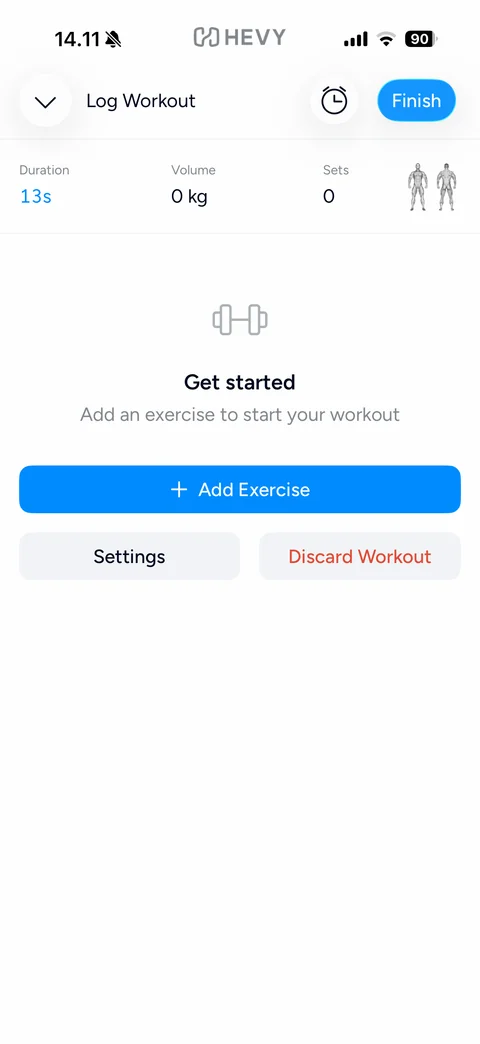
Log Workout empty: collapse chevron, Log Workout title, rest timer button, blue Finish pill, stats row Duration (live blue timer), Volume 0 kg, Sets 0 and front/back body silhouettes, dumbbell icon Get started empty state, blue Add Exercise button, Settings and red Discard Workout buttons
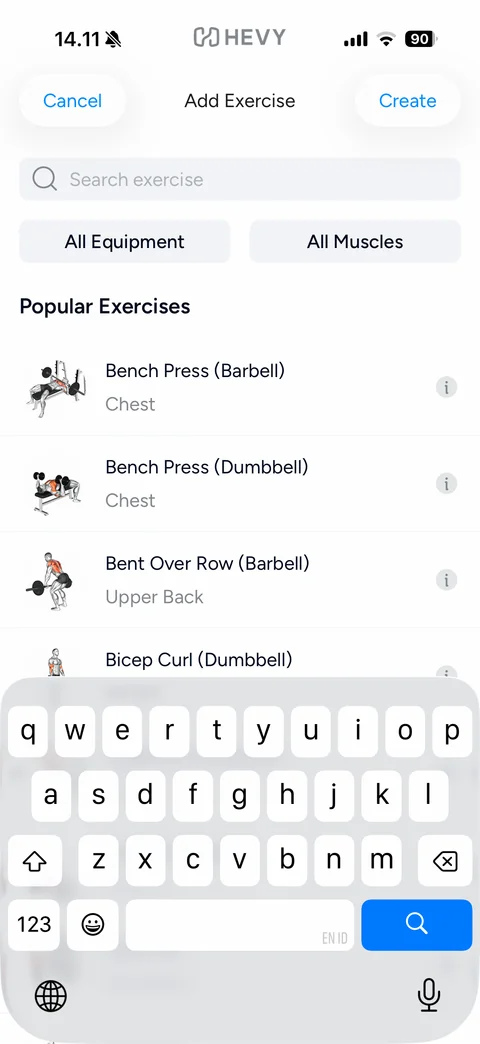
Add Exercise picker: Cancel and Create buttons, focused search exercise field, All Equipment and All Muscles filter buttons, Popular Exercises list with illustrated thumbnails, names, muscle group and info icons, keyboard up
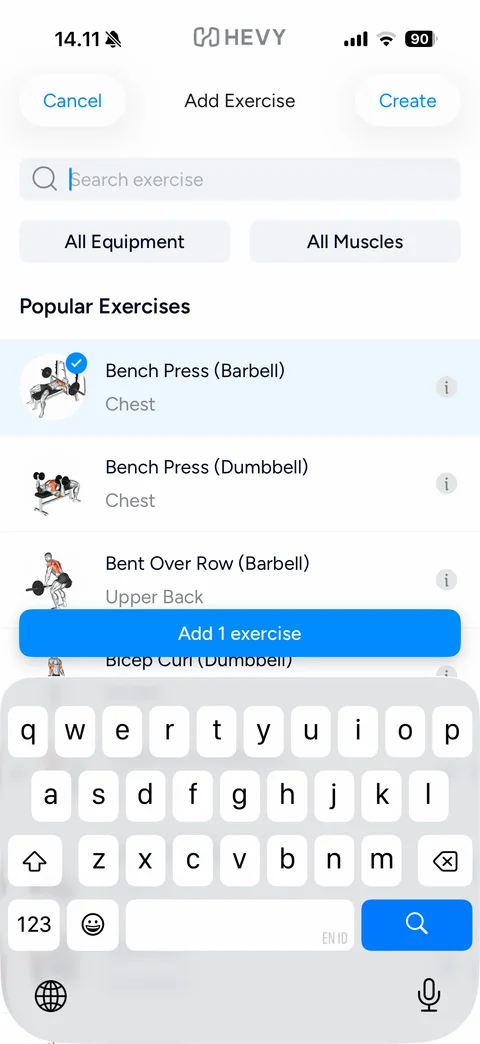
Add Exercise with selection: Bench Press (Barbell) row highlighted in light blue with blue check badge on the thumbnail, floating blue Add 1 exercise button above the keyboard
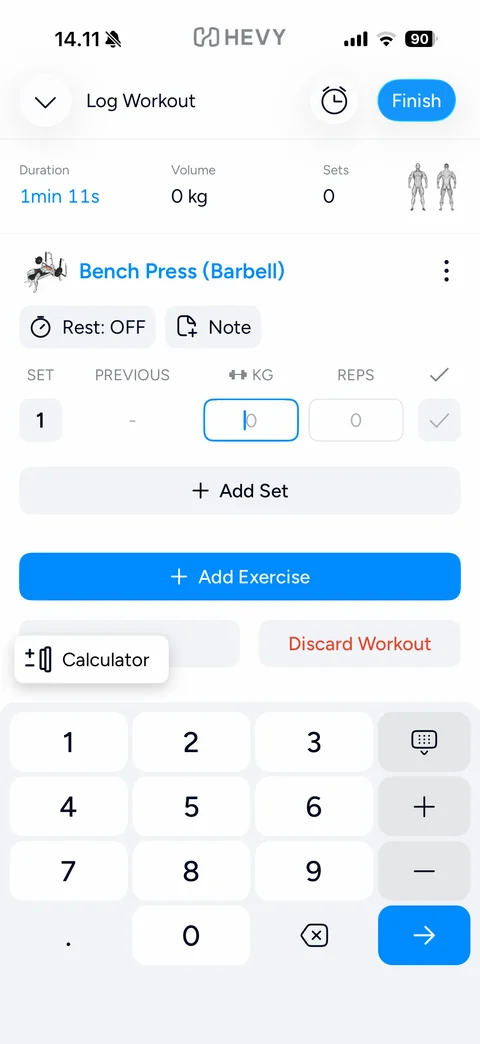
Set entry with custom keypad: KG field focused with blue border, Calculator popover button, custom number pad with decimal point, keyboard-hide, plus and minus steppers, backspace and blue next-arrow key
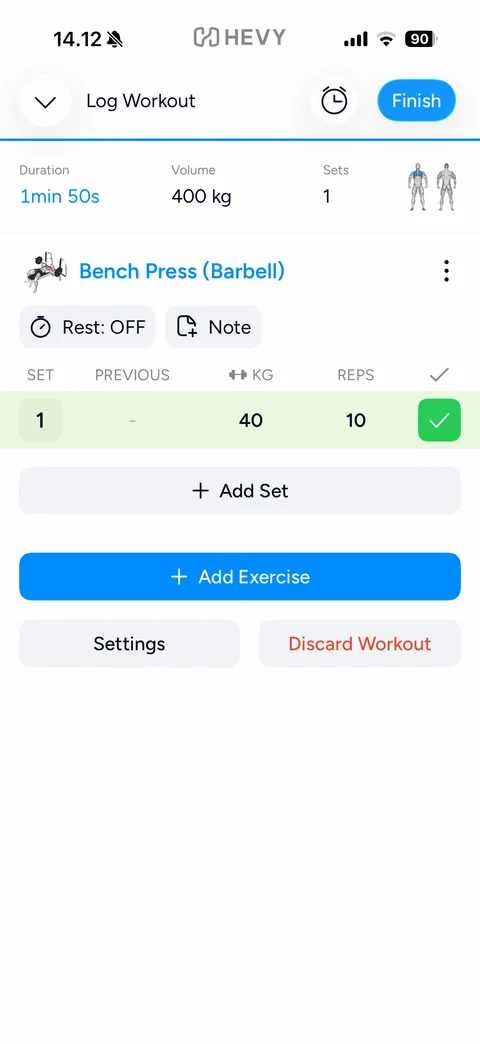
Completed set: Volume 400 kg and Sets 1 updated, body silhouettes with chest highlighted in blue, Bench Press set row 1 shaded green with 40 kg, 10 reps and green check, Add Set button, Add Exercise, Settings and Discard Workout
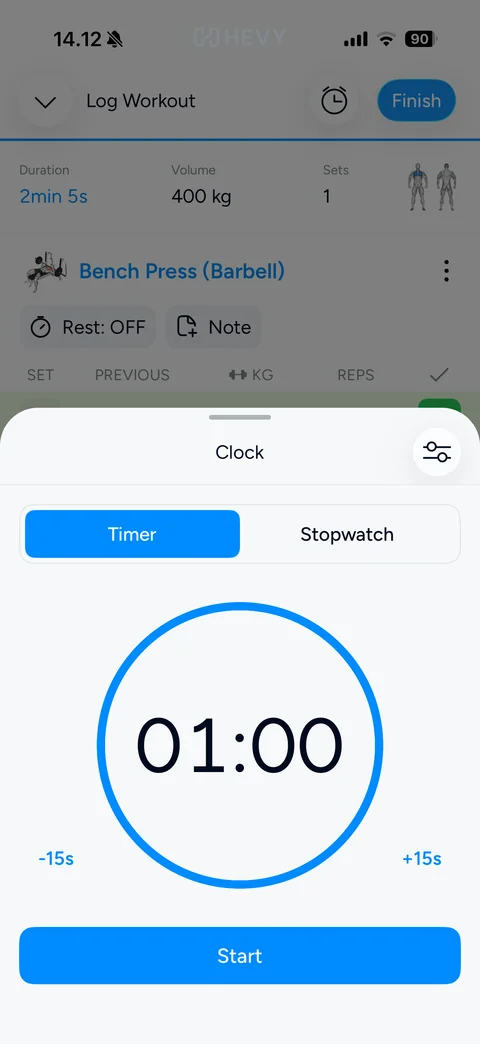
Clock bottom sheet: grabber, Clock title with settings button, Timer / Stopwatch segmented control, large blue ring with 01:00 countdown, -15s and +15s adjust links, blue Start button
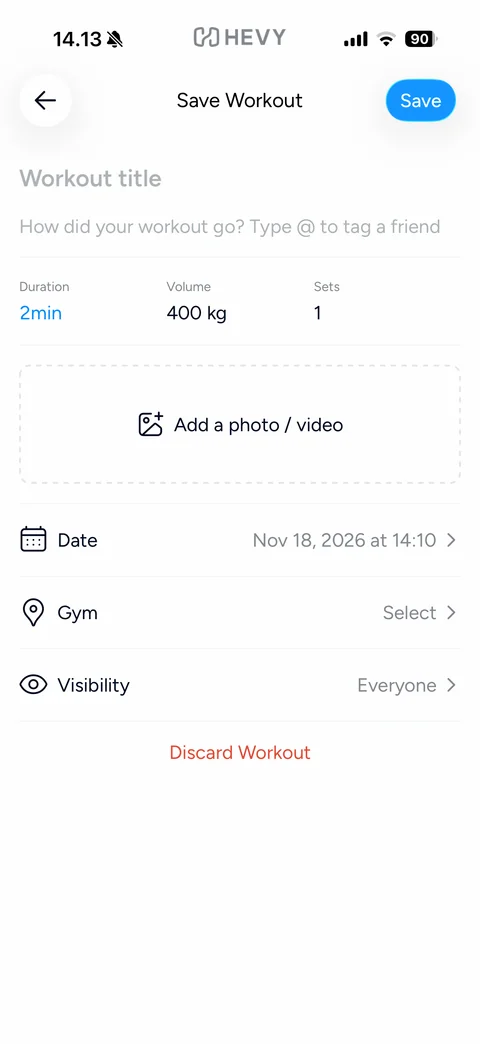
Save Workout form: back and blue Save pill, Workout title and description placeholders with @ friend tagging hint, stats row Duration, Volume, Sets, dashed Add a photo / video zone, rows Date, Gym Select and Visibility Everyone with icons and chevrons, red Discard Workout link
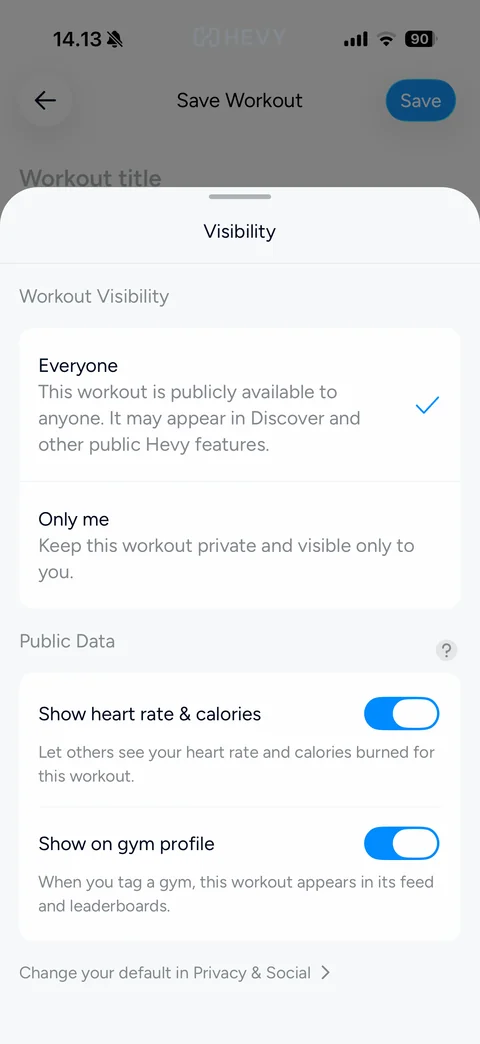
Visibility bottom sheet: Workout Visibility card with Everyone (checked, public in Discover) and Only me options, Public Data card with Show heart rate & calories and Show on gym profile toggles on, help icon, Change your default in Privacy & Social link
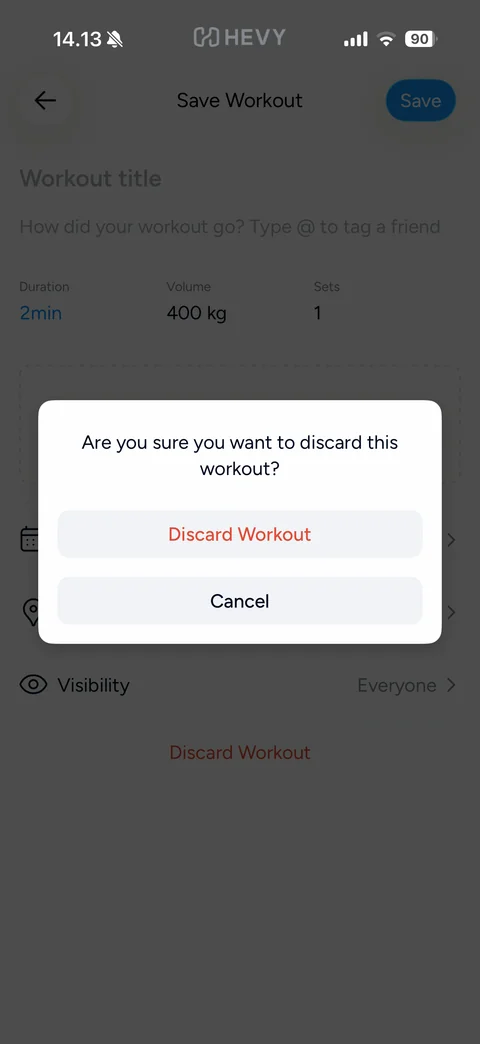
Discard confirmation dialog over the dimmed Save Workout form: Are you sure you want to discard this workout?, red Discard Workout and grey Cancel buttons
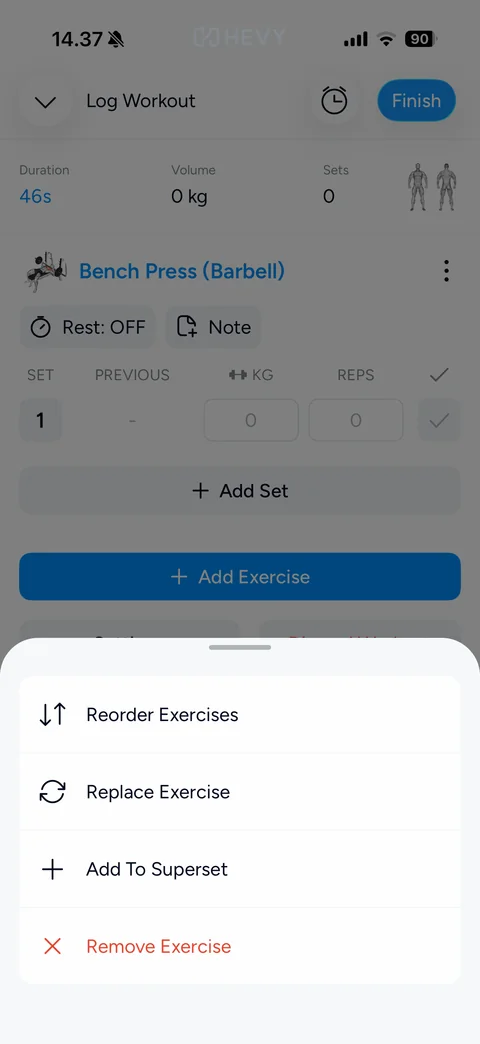
Exercise options bottom sheet: Reorder Exercises, Replace Exercise, Add To Superset and red Remove Exercise rows with line icons over the dimmed log
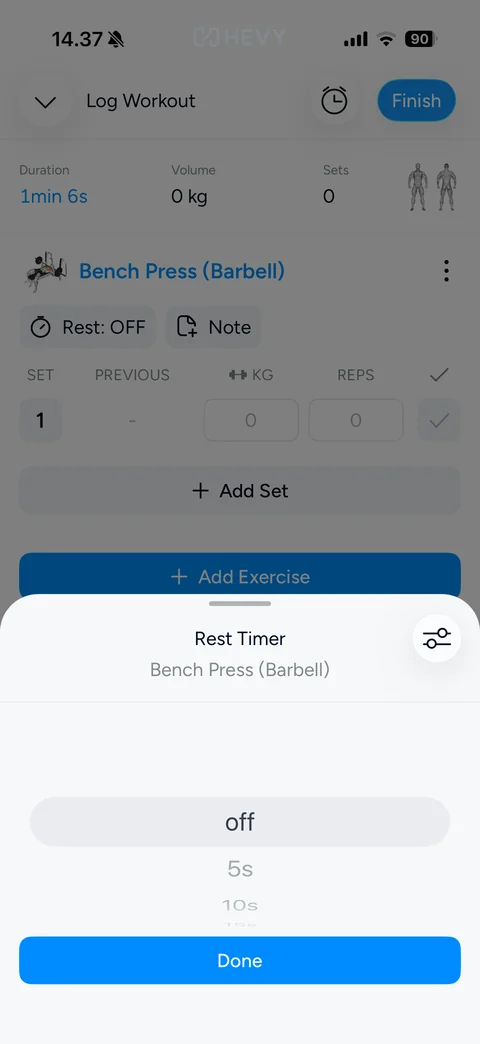
Rest Timer sheet for one exercise: title with exercise name subtitle, settings button, wheel picker starting at off then 5s, 10s, blue Done button
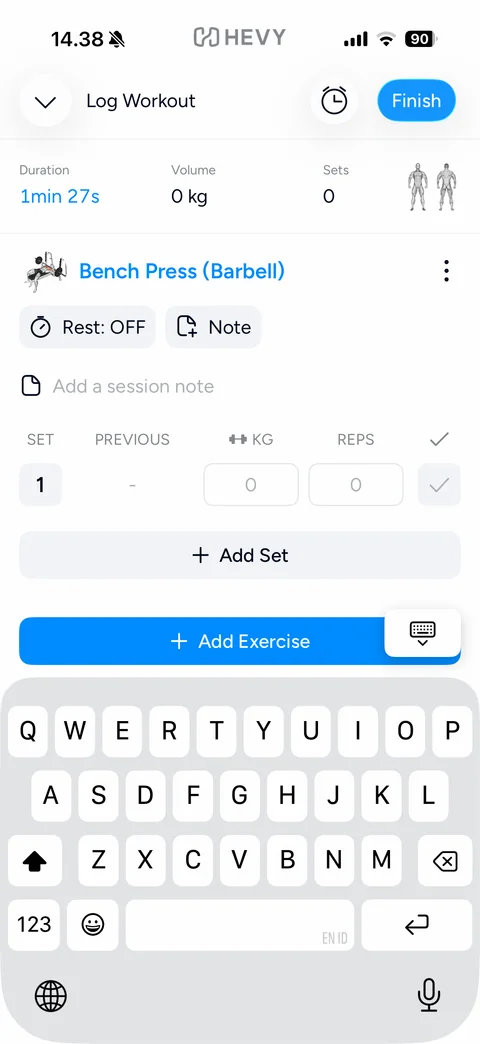
Session note field: note row with document icon and focused placeholder Add a session note under the exercise, keyboard up with dismiss-keyboard button
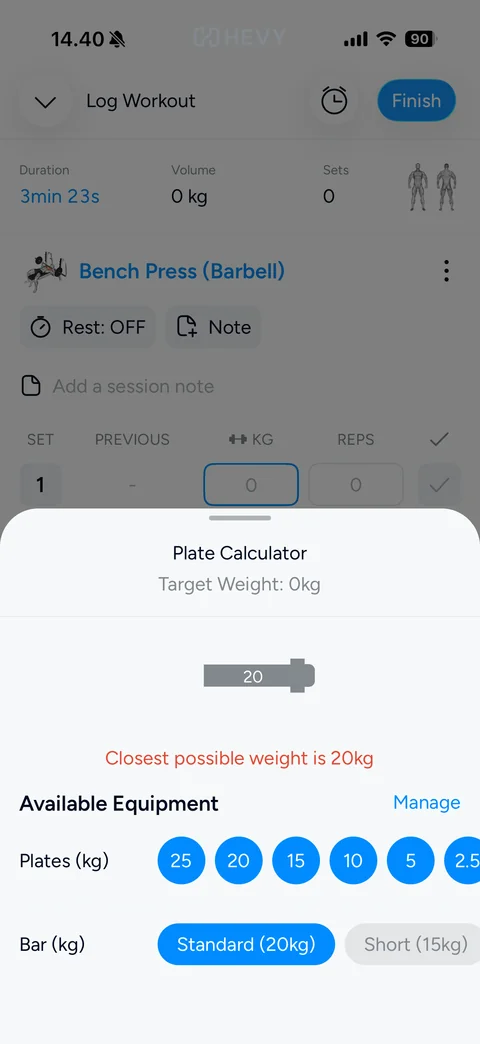
Plate Calculator sheet: Target Weight 0kg subtitle, grey barbell graphic labelled 20, red Closest possible weight is 20kg, Available Equipment with blue Manage link, round blue plate chips (25, 20, 15, 10, 5, 2.5 kg), Bar choice Standard 20kg selected and Short 15kg
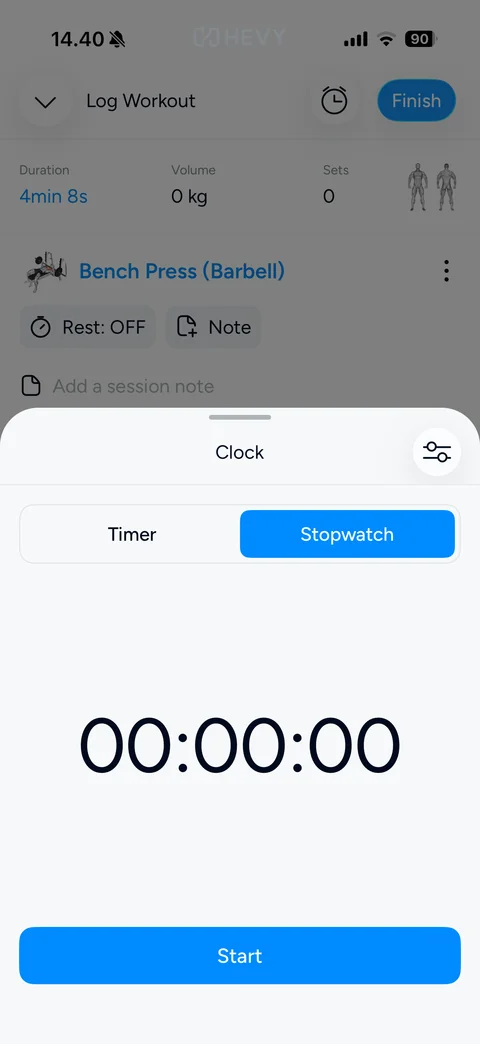
Clock sheet Stopwatch tab: Timer / Stopwatch segmented control with Stopwatch selected, large 00:00:00 digits, blue Start button
Hevy home (6 screens)
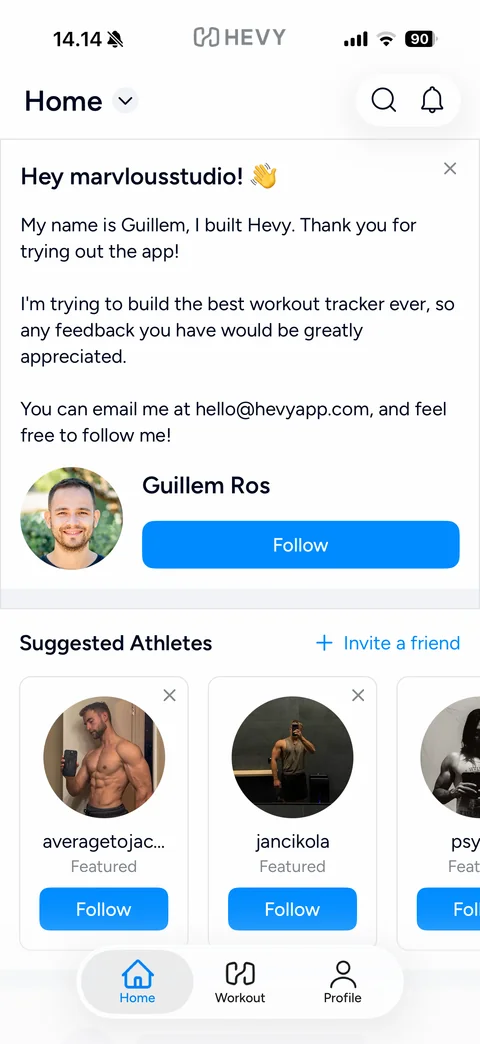
Home feed new user: Home title with dropdown, search and bell buttons, dismissible founder welcome card Hey marvlousstudio! with personal note, contact email and Follow button with founder photo, Suggested Athletes carousel with Invite a friend link, featured athlete cards with photos, Featured label, Follow buttons and close icons, tab bar
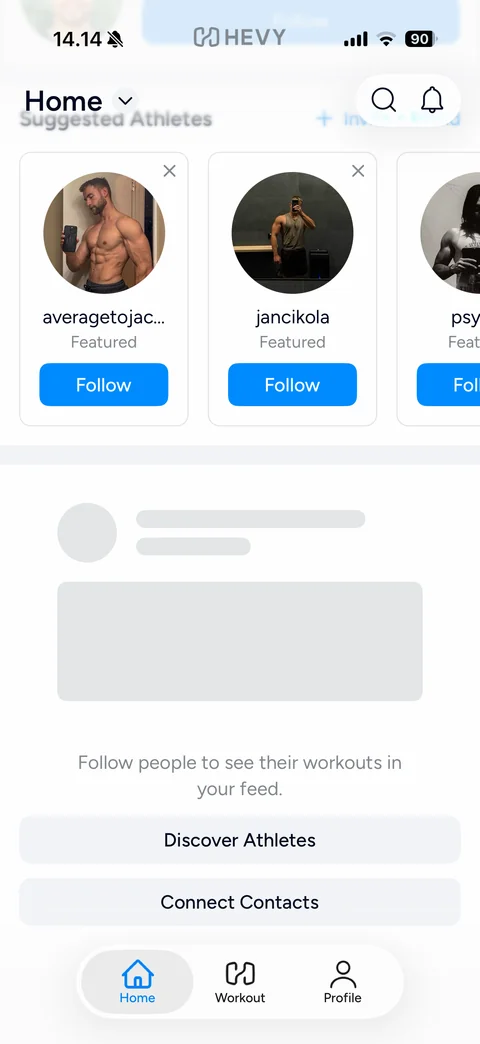
Home feed empty state scrolled: blurred sticky header, Suggested Athletes cards, grey skeleton post placeholder, Follow people to see their workouts in your feed., Discover Athletes and Connect Contacts buttons, tab bar
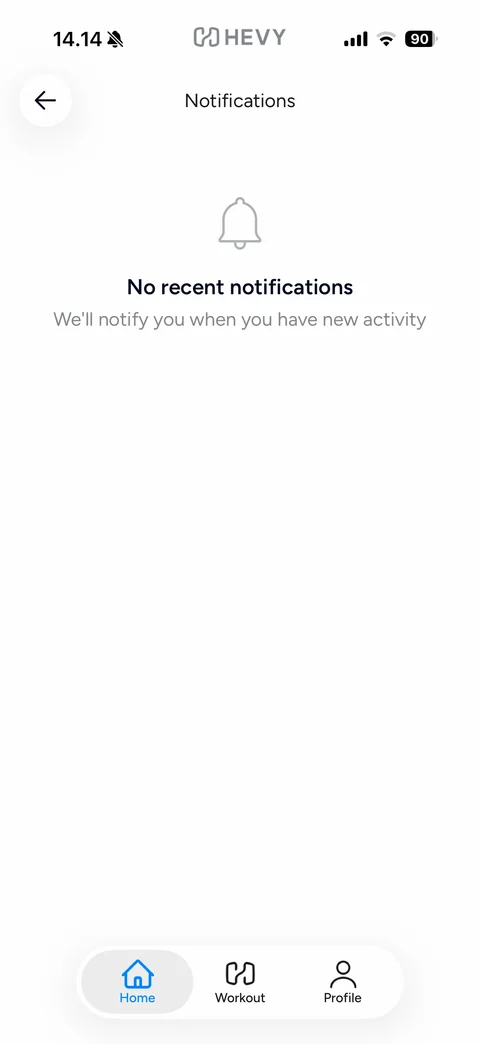
Notifications empty state: back, Notifications title, grey bell outline, No recent notifications, We'll notify you when you have new activity
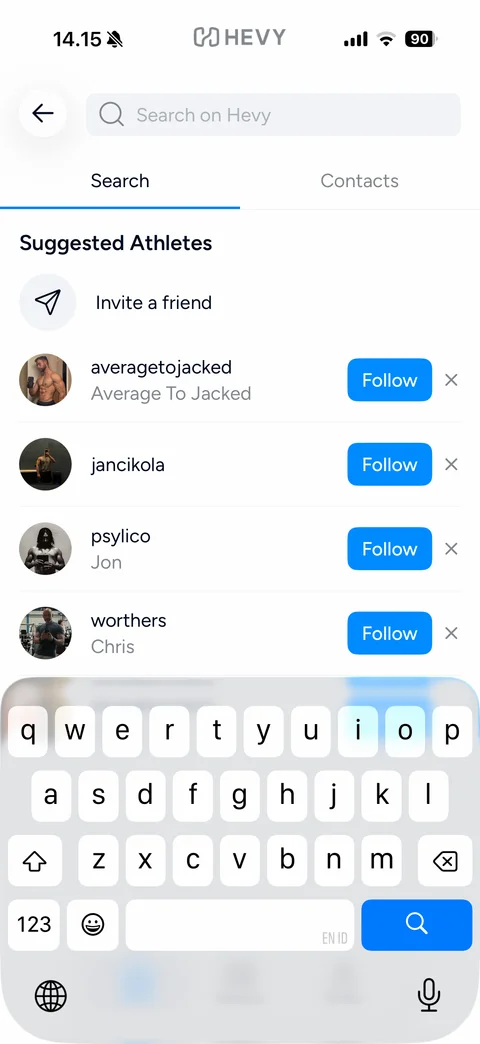
Search athletes: back, focused Search on Hevy field, Search / Contacts tabs, Suggested Athletes list with Invite a friend row, featured athletes with round photos, usernames and names, blue Follow buttons and dismiss x, keyboard up
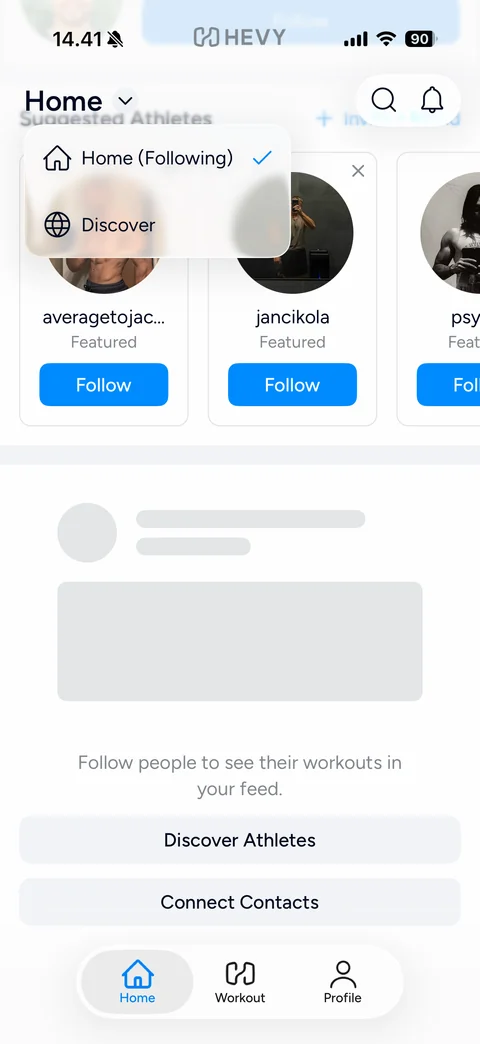
Home feed dropdown menu: blurred popover with Home (Following) checked and Discover option with house and globe icons, over the suggested athletes and empty feed
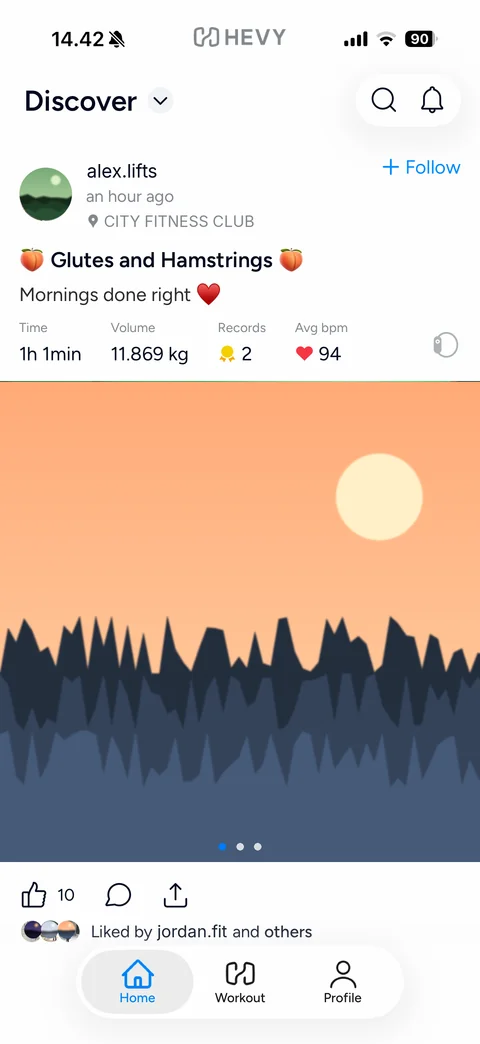
Discover feed post (anonymized sample): Discover title with dropdown, search and bell, post header with avatar, username, time ago and gym location pin, blue Follow link, workout title with peach emojis and caption, stats row Time, Volume, Records with medal, Avg bpm with heart and watch icon, full-width photo carousel with page dots, like, comment and share actions with count, Liked by row
Hevy profile (14 screens)
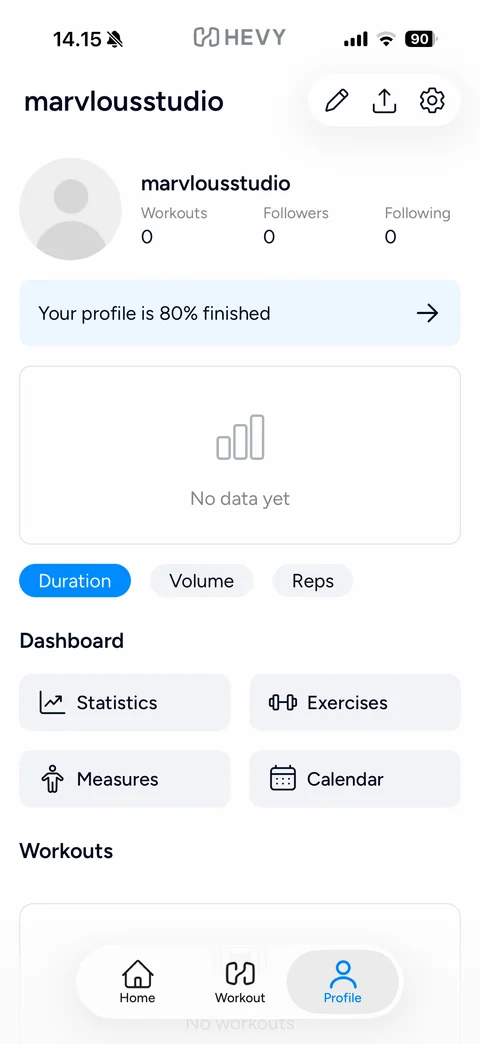
Profile tab new user: username title, edit, share and settings buttons, grey default avatar with Workouts / Followers / Following counts at 0, light blue Your profile is 80% finished banner, empty chart No data yet with Duration, Volume, Reps chips, Dashboard grid (Statistics, Exercises, Measures, Calendar), Workouts section with No workouts
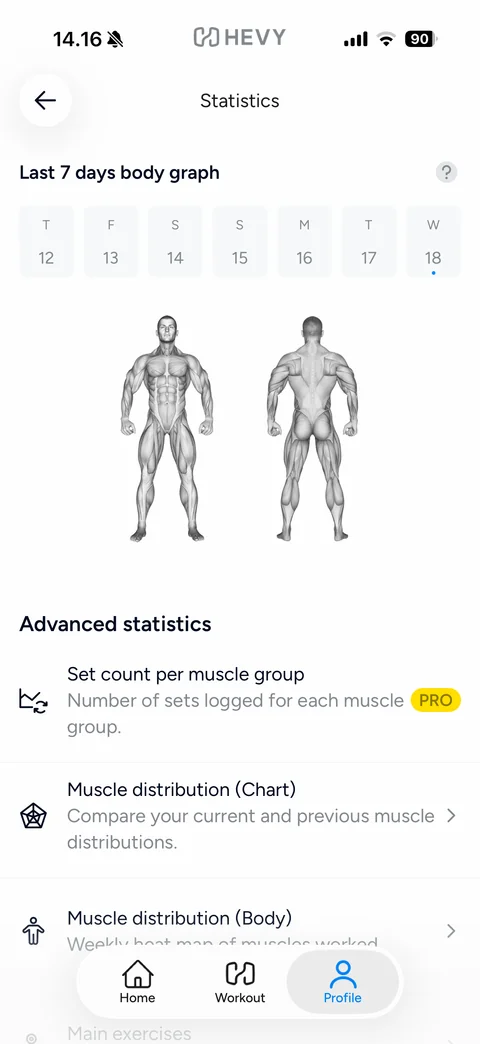
Statistics: back, Last 7 days body graph with help icon, week day tiles with today marked, front and back grey anatomy figures, Advanced statistics list (Set count per muscle group with PRO badge, Muscle distribution Chart, Muscle distribution Body, Main exercises) with icons and chevrons
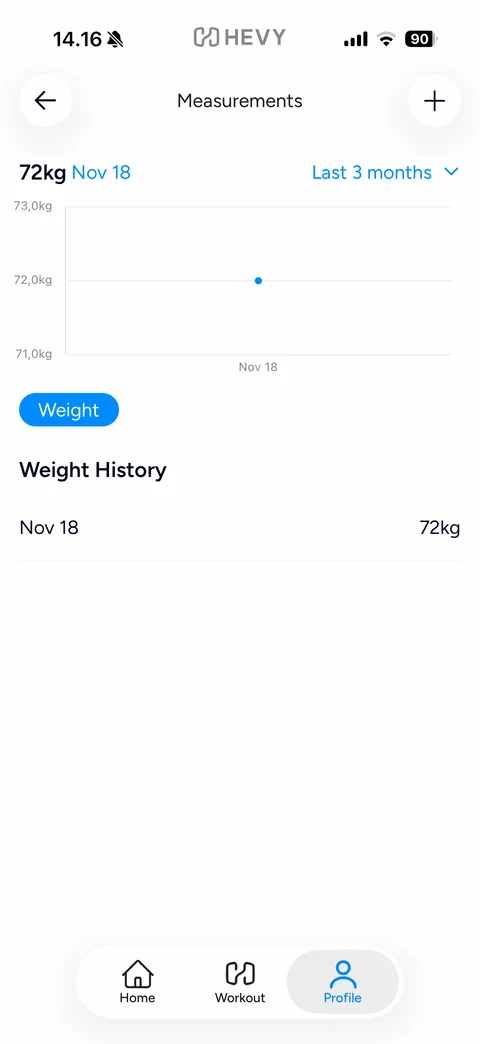
Measurements: back and plus buttons, 72kg Nov 18 header with blue Last 3 months dropdown, line chart with one blue data point, blue Weight chip, Weight History list with date and value (sample 72 kg from onboarding)
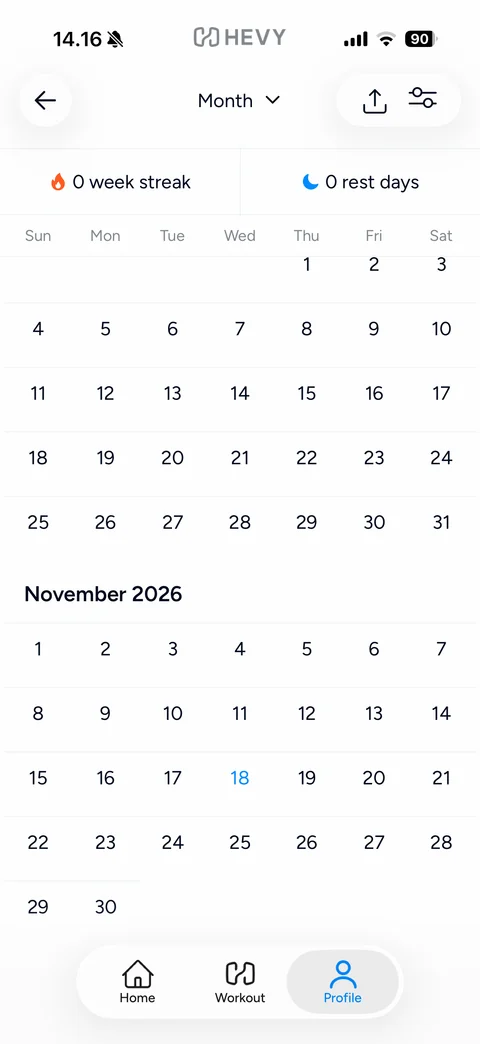
Workout calendar: back, Month dropdown title, share and filter buttons, 0 week streak with flame and 0 rest days with moon, scrolling month grids (October and November 2026) with today in blue
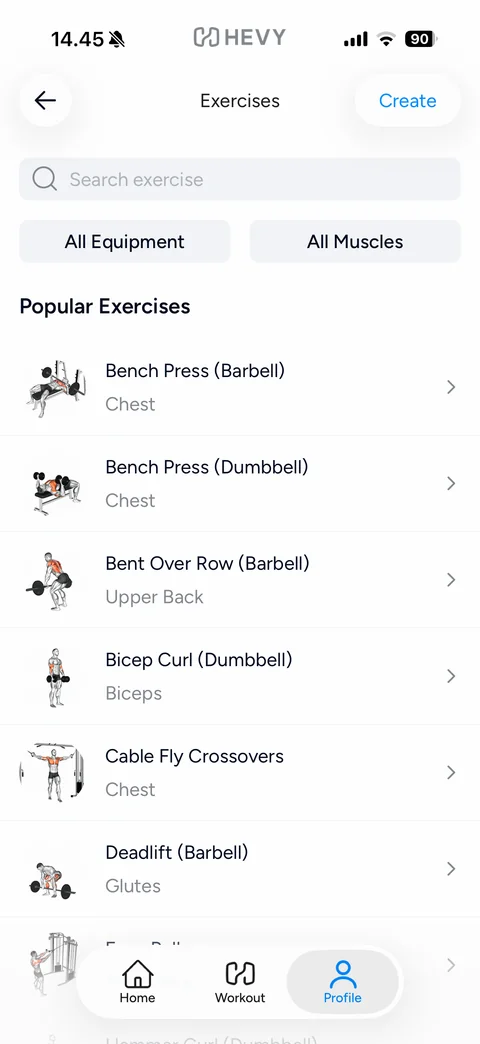
Exercise library: back, Exercises title, blue Create link, search field, All Equipment and All Muscles filters, Popular Exercises list with illustrated thumbnails, names, muscle labels and chevrons, tab bar
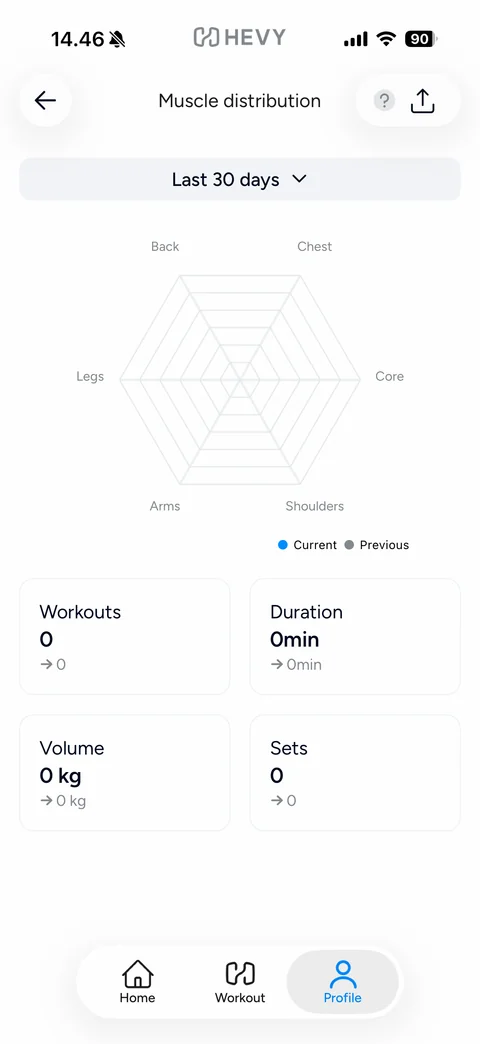
Muscle distribution chart (empty): back, help and share buttons, Last 30 days dropdown, empty hexagonal radar chart with axes Back, Chest, Core, Shoulders, Arms, Legs, Current and Previous legend, 2x2 stat cards Workouts, Duration, Volume, Sets at 0 with comparison arrows
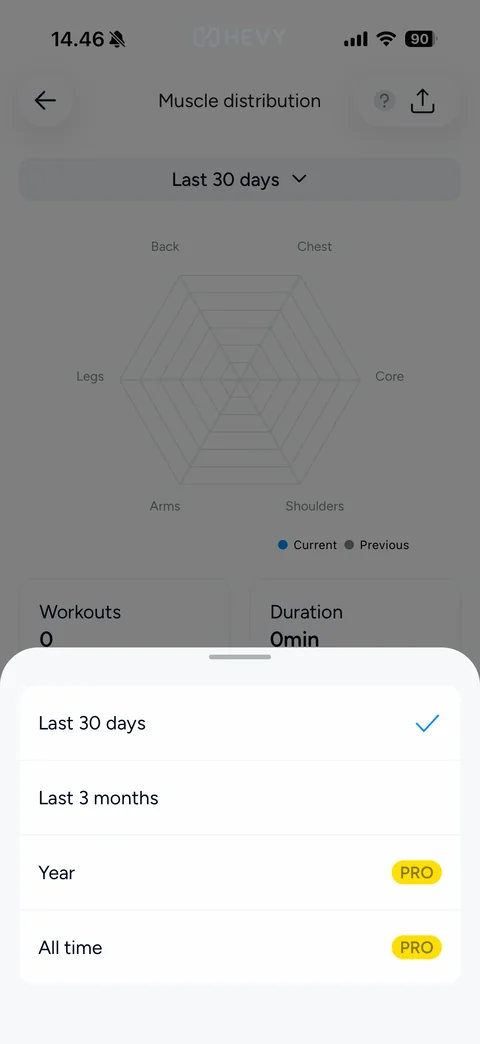
Period picker bottom sheet: Last 30 days (checked), Last 3 months, Year and All time with yellow PRO badges for locked options
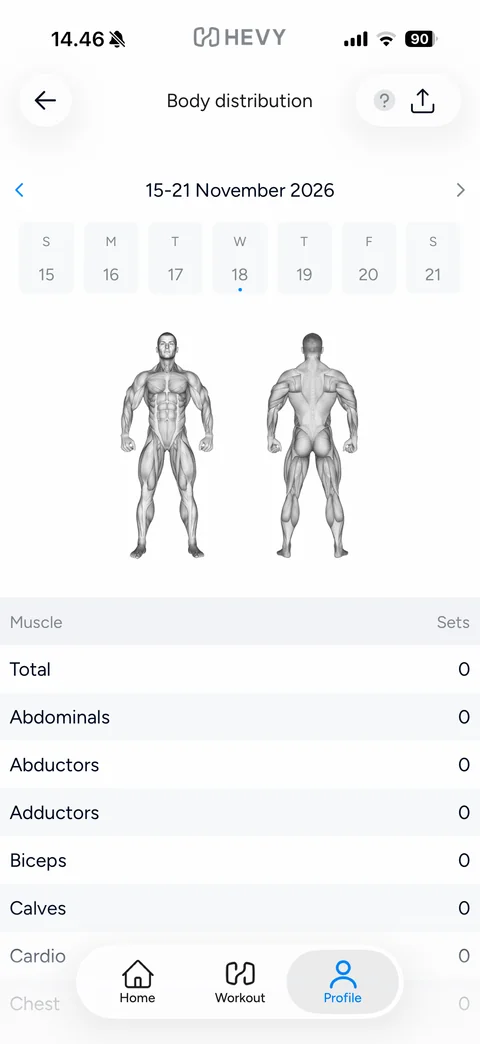
Body distribution heat map (empty week): back, help and share, week navigator 15-21 November 2026 with arrows and day tiles, front and back anatomy figures, striped table Muscle vs Sets with all values 0 (Total, Abdominals, Abductors, Adductors, Biceps, Calves, Cardio, Chest)
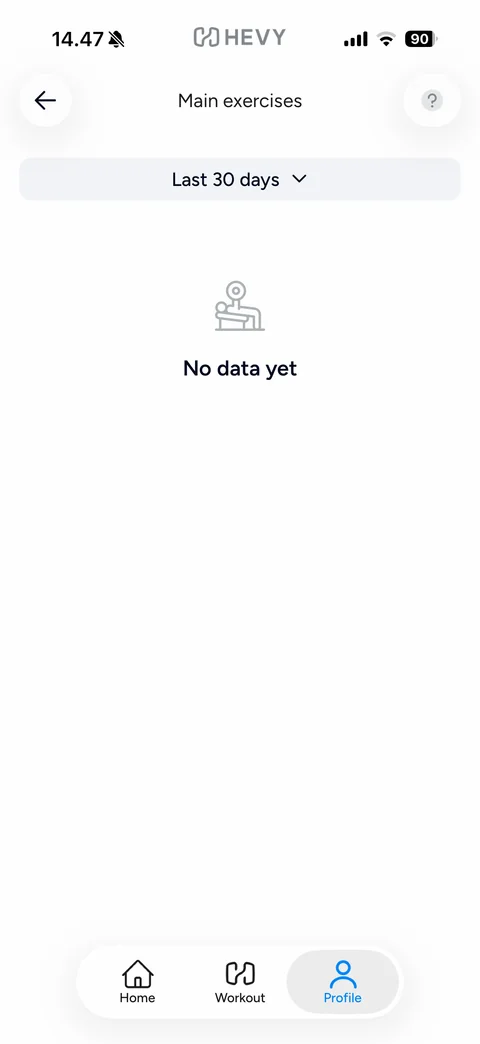
Main exercises empty state: back and help, Last 30 days dropdown, grey bench press line icon, No data yet
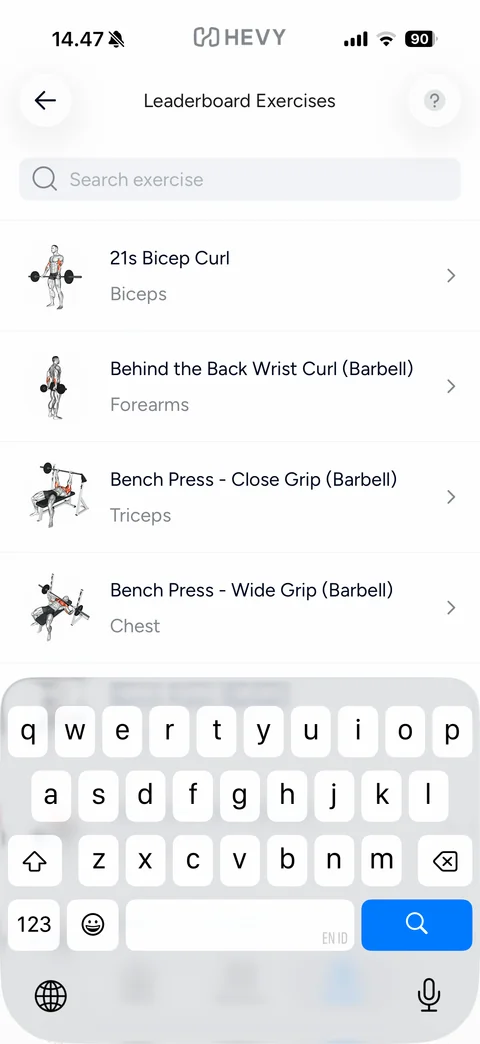
Leaderboard Exercises: back and help, focused search field, list of leaderboard-eligible exercises with illustrations, muscle labels and chevrons, keyboard up
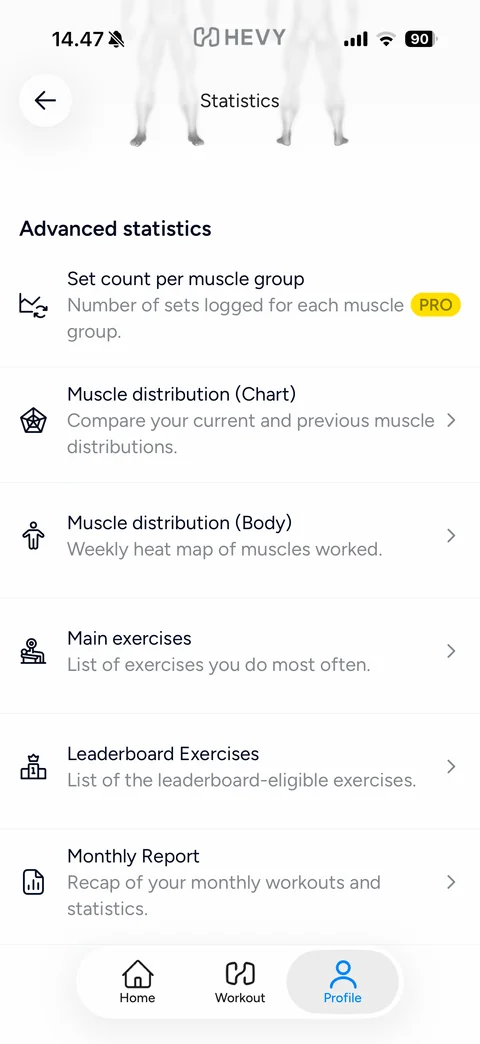
Statistics scrolled: Advanced statistics list with line icons (Set count per muscle group PRO, Muscle distribution Chart, Muscle distribution Body, Main exercises, Leaderboard Exercises, Monthly Report) and descriptions
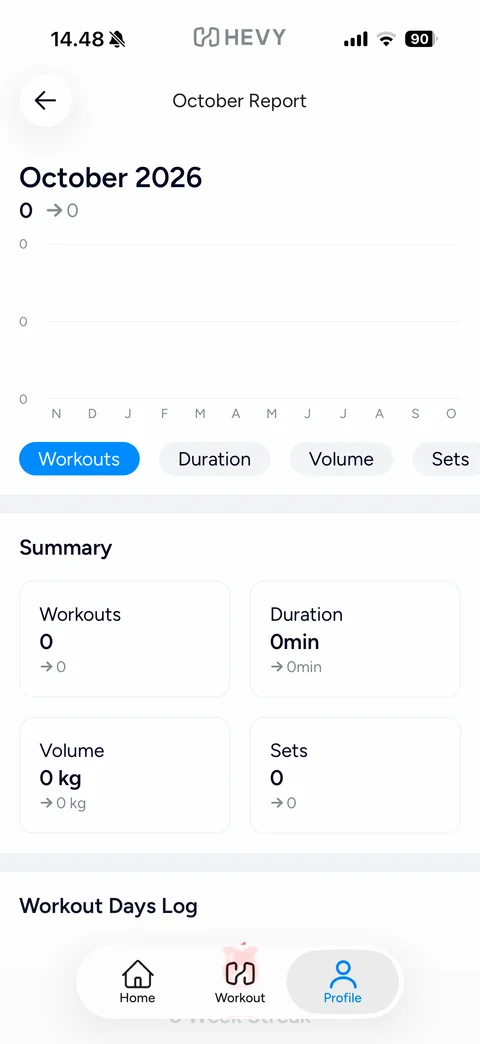
Monthly Report (empty): October Report title, October 2026 with 0 and comparison arrow, empty 12-month chart, metric chips Workouts (active), Duration, Volume, Sets, Summary 2x2 stat cards at 0, Workout Days Log section with week streak
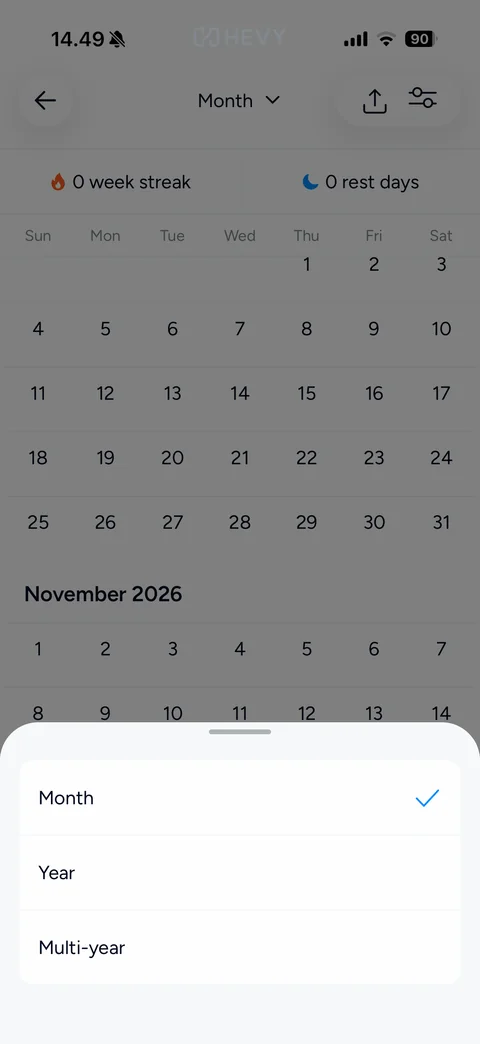
Calendar view picker bottom sheet: Month (checked), Year and Multi-year options over the dimmed calendar
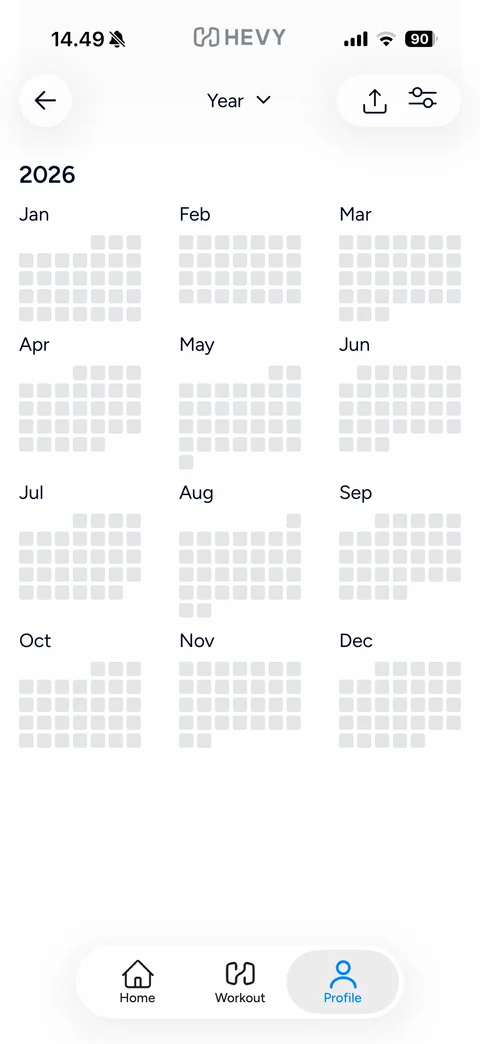
Calendar Year view: Year dropdown title, share and filter buttons, 2026 heading, 3-column grid of twelve mini month grids of grey day squares (contribution-style heat map, no workouts)
Hevy settings (15 screens)
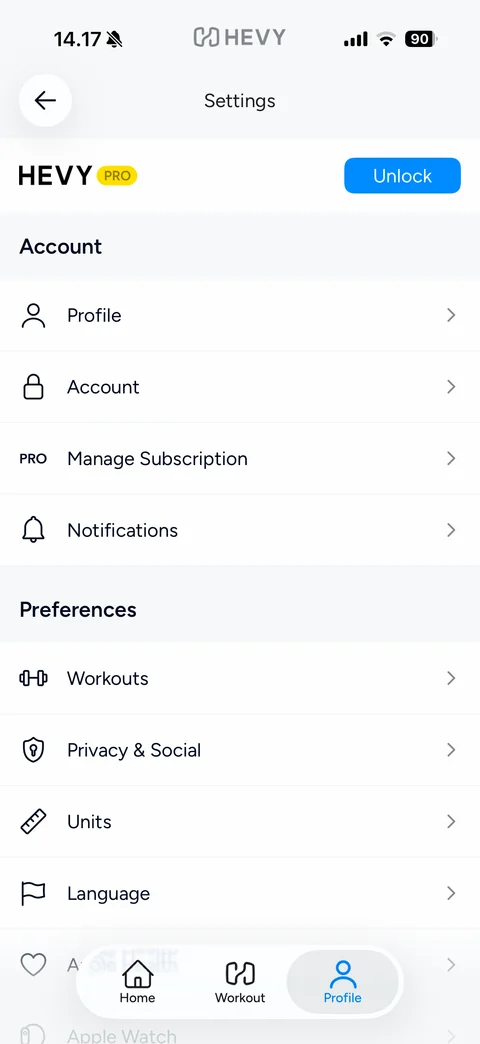
Settings: back, HEVY PRO header strip with blue Unlock button, Account section (Profile, Account, Manage Subscription, Notifications), Preferences section (Workouts, Privacy & Social, Units, Language, Apple Health, Apple Watch) with line icons and chevrons
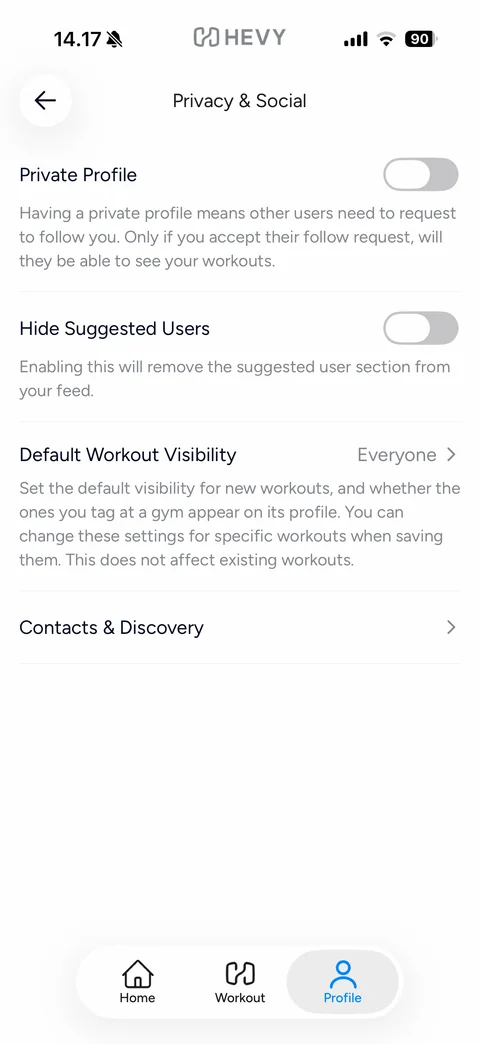
Privacy & Social: Private Profile toggle off with explanation, Hide Suggested Users toggle off, Default Workout Visibility Everyone row with explanation, Contacts & Discovery row
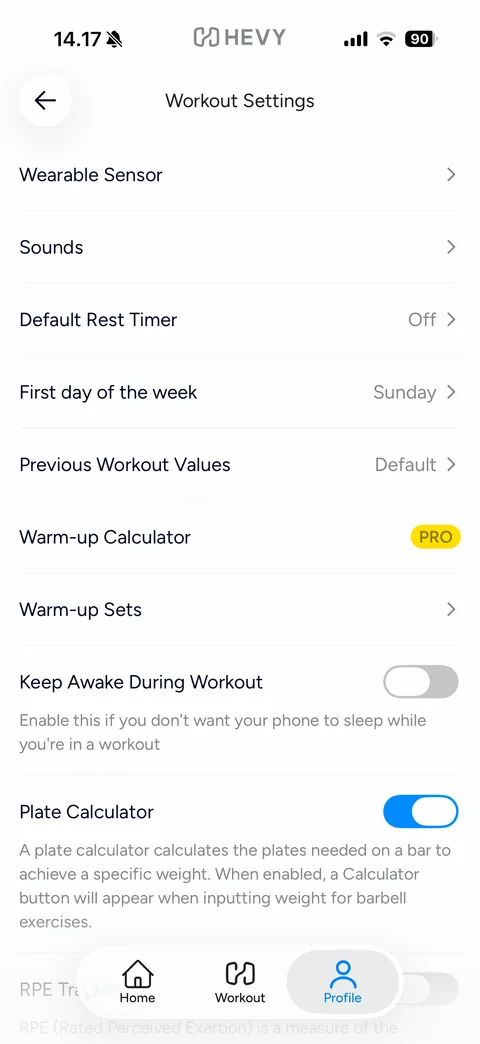
Workout Settings: rows Wearable Sensor, Sounds, Default Rest Timer Off, First day of the week Sunday, Previous Workout Values Default, Warm-up Calculator with PRO badge, Warm-up Sets, Keep Awake During Workout toggle off, Plate Calculator toggle on with explanation, RPE Tracking toggle
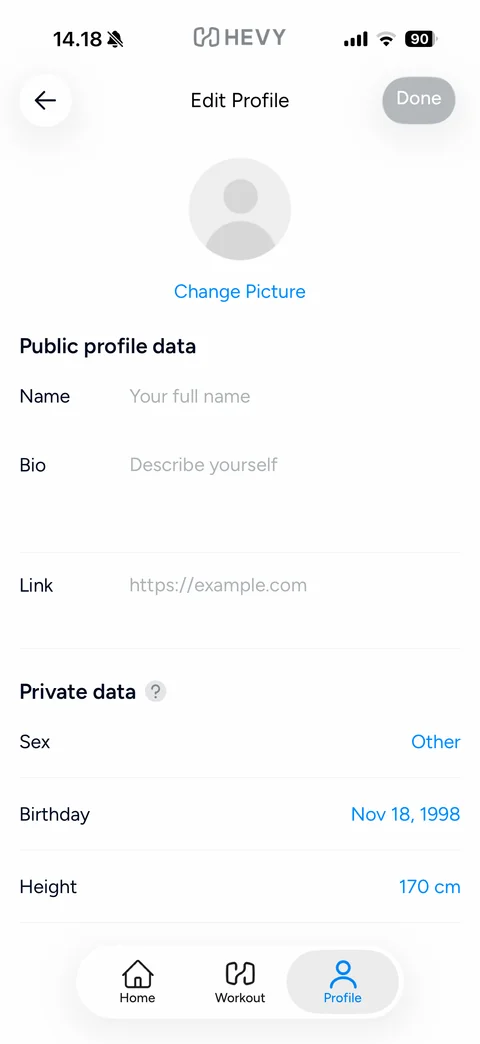
Edit Profile: back and disabled Done pill, grey default avatar with blue Change Picture link, Public profile data (Name, Bio, Link placeholders), Private data section with help icon (Sex Other, Birthday, Height in blue - sample values)
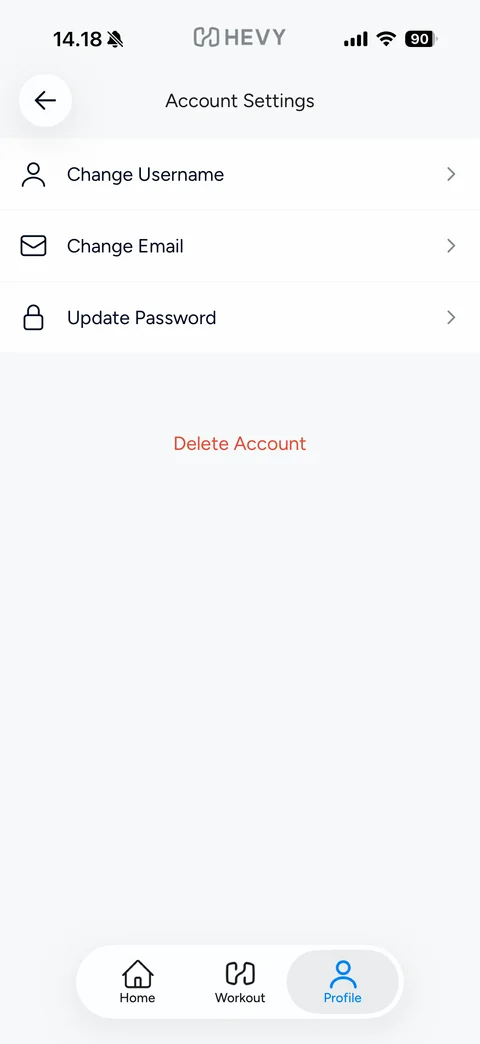
Account Settings: rows with line icons Change Username, Change Email, Update Password, red Delete Account text button
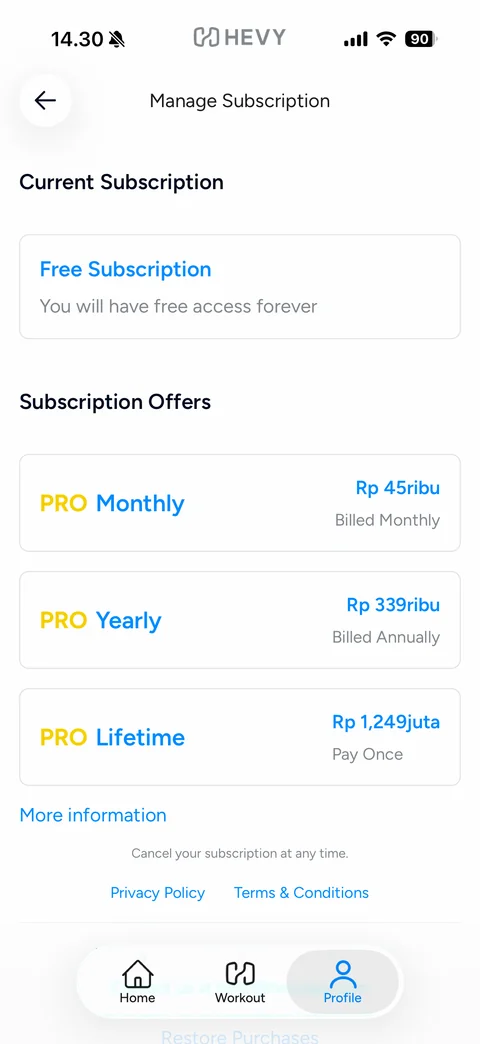
Manage Subscription: Current Subscription card Free Subscription, You will have free access forever, Subscription Offers cards PRO Monthly, PRO Yearly, PRO Lifetime with yellow PRO and blue plan names and IDR prices, More information link, cancel note, Privacy Policy and Terms links, Restore Purchases
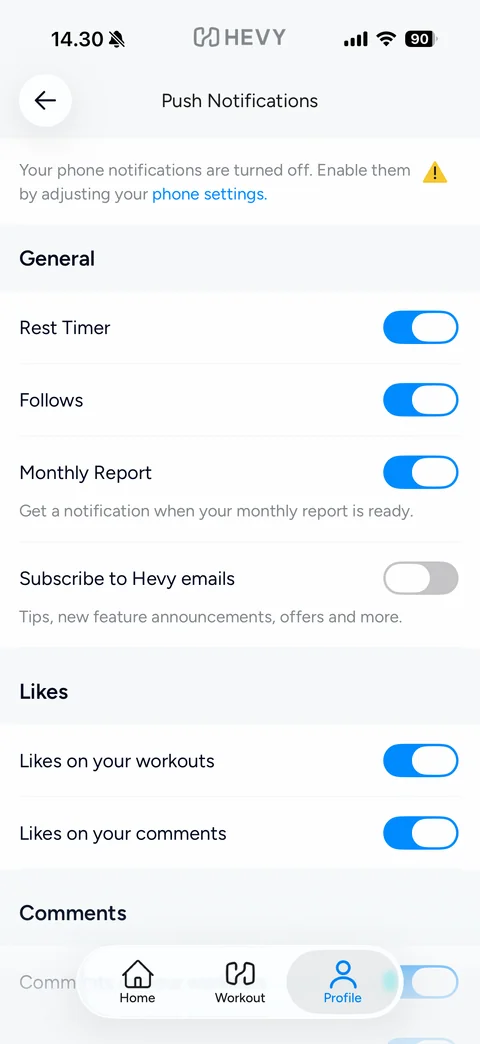
Push Notifications settings: warning banner that phone notifications are off with blue phone settings link and yellow triangle, General toggles (Rest Timer, Follows, Monthly Report on; Subscribe to Hevy emails off), Likes toggles, Comments section
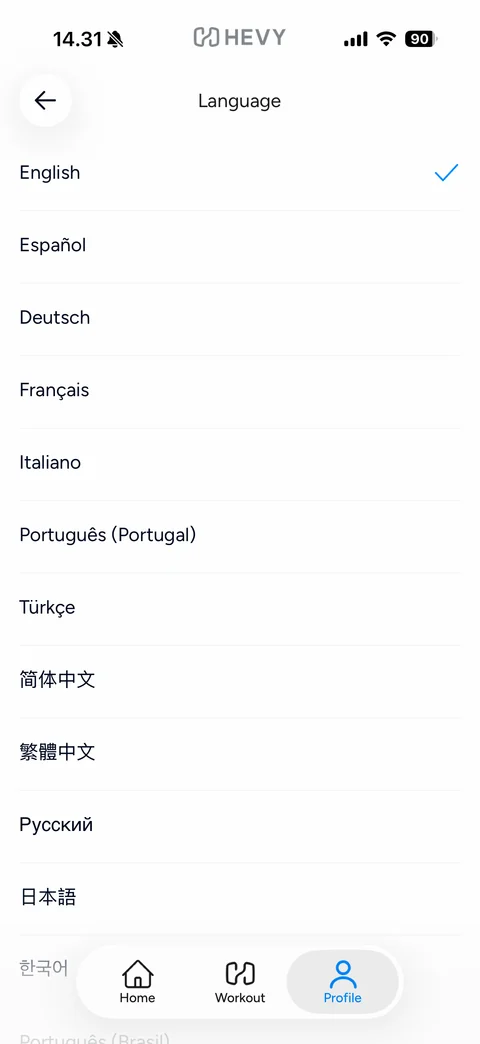
Language: list of languages in their own scripts (English checked in blue, Espanol, Deutsch, Francais, Italiano, Portugues, Turkce, Chinese, Russian, Japanese, Korean)
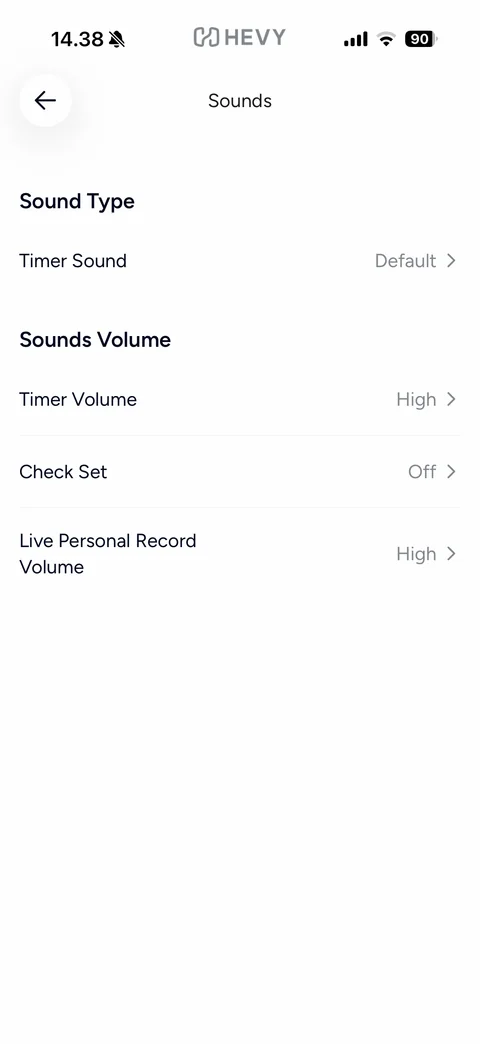
Sounds settings: Sound Type section with Timer Sound Default, Sounds Volume section with Timer Volume High, Check Set Off, Live Personal Record Volume High, grey values and chevrons
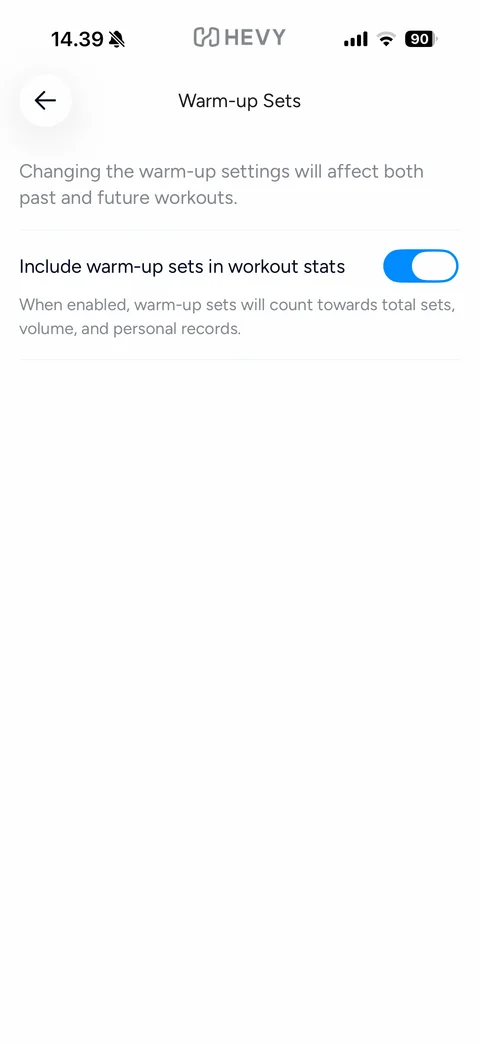
Warm-up Sets settings: note that changes affect past and future workouts, Include warm-up sets in workout stats toggle on with explanation
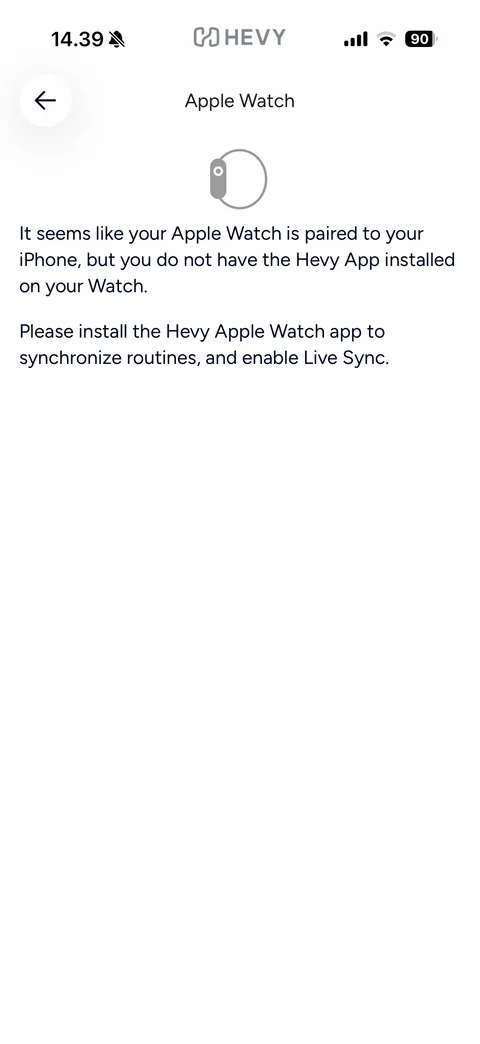
Apple Watch settings: grey watch outline icon, message that a watch is paired but the Hevy Watch app is not installed, instruction to install it for routines and Live Sync
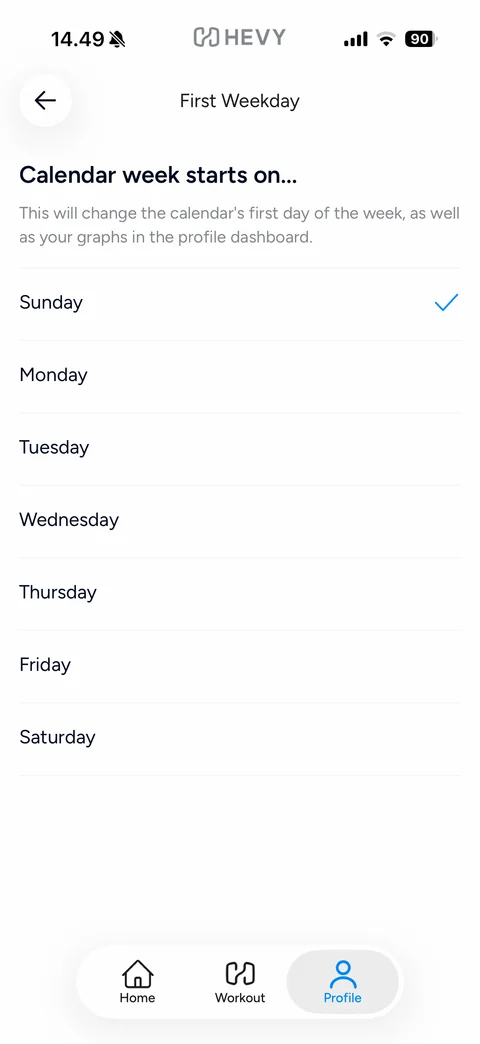
First Weekday setting: Calendar week starts on..., explanation that it changes the calendar and profile graphs, list of weekdays with Sunday checked in blue
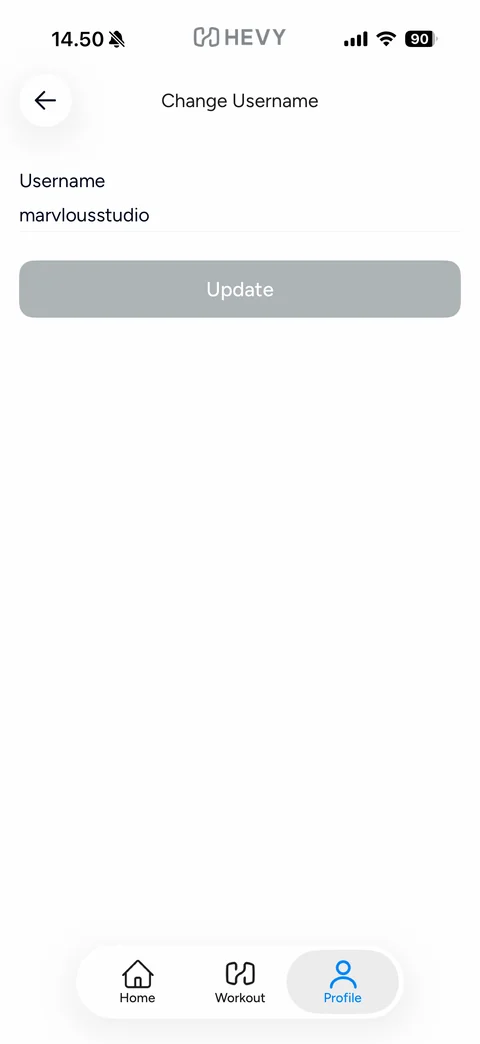
Change Username form: Username label with current value marvlousstudio, disabled grey Update button
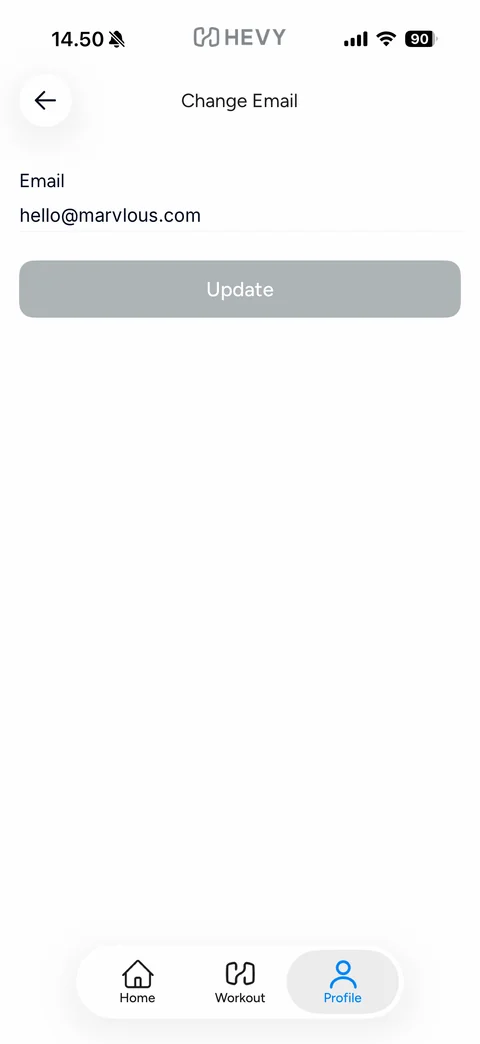
Change Email form: Email label with current email (sample), disabled grey Update button
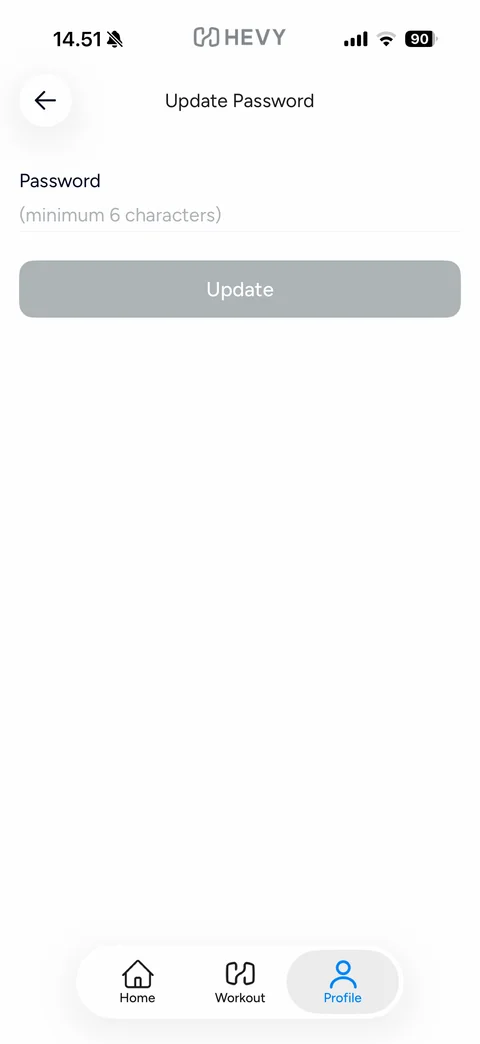
Update Password form: Password field with placeholder (minimum 6 characters), disabled grey Update button