Share Aura app design: 42 real screens in 11 flows
Share Training Stats & Stories. Category: Health & Fitness. By Aura Movement Technology, Inc.
Captured on iPhone and updated November 2026. Each screen has a short note on what it shows and why it matters for growth.
Share Aura onboarding (1 screen)
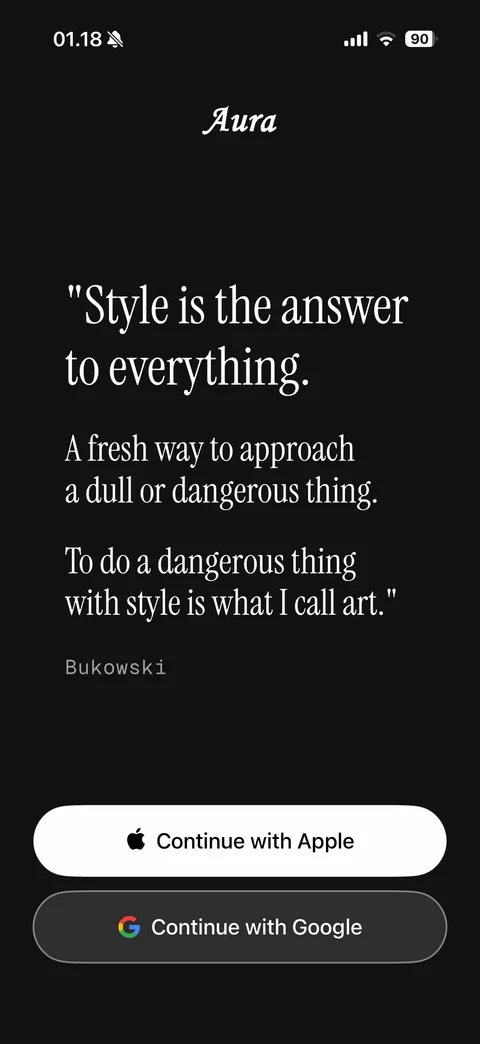
Welcome: Aura serif logo, Bukowski quote about style in large serif type on black background, Continue with Apple and Continue with Google buttons
Share Aura onboarding / setup (18 screens)
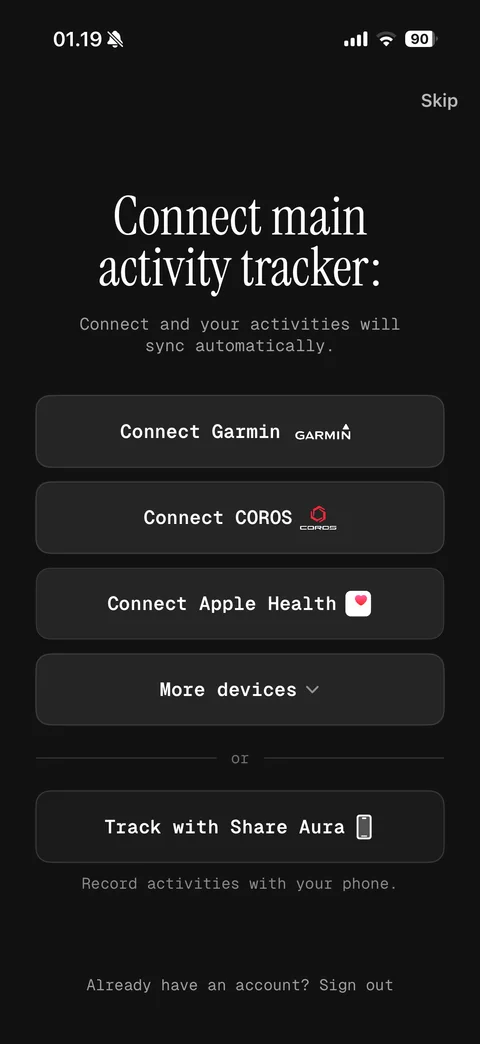
Connect main activity tracker: serif headline, auto sync note, Connect Garmin, COROS, Apple Health buttons with brand marks, More devices expander, or Track with Share Aura phone option, Skip, sign out link
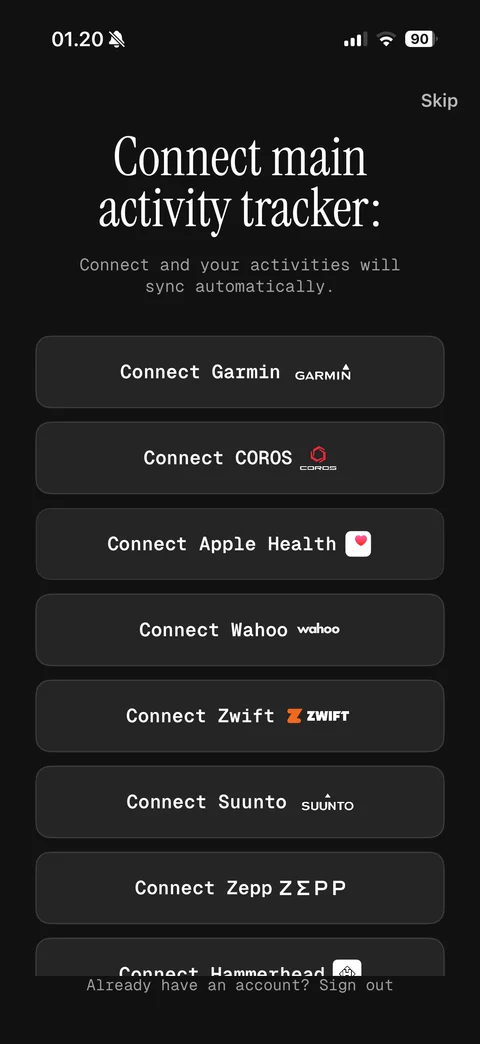
More devices expanded: full tracker list Garmin, COROS, Apple Health, Wahoo, Zwift, Suunto, Zepp, Hammerhead connect buttons with brand logos, Skip
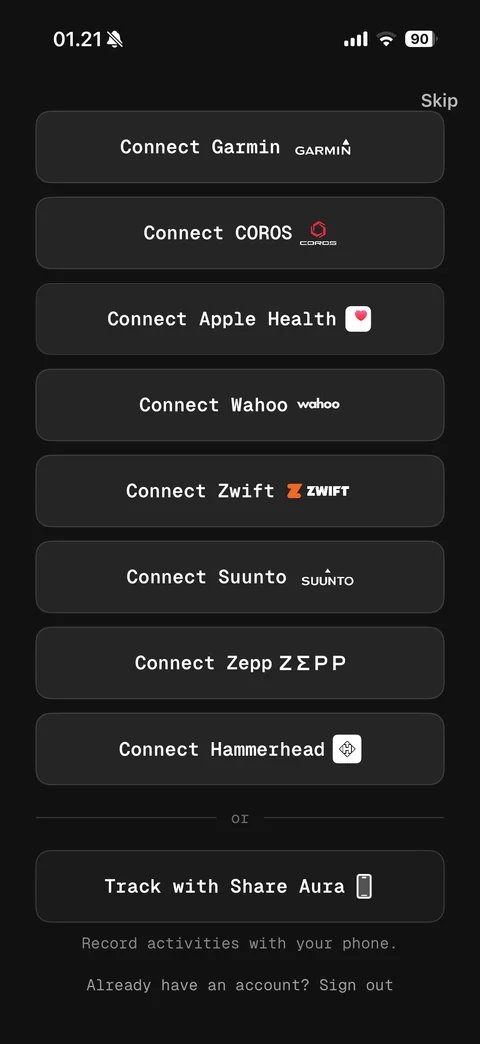
Devices list scrolled to end: Garmin to Hammerhead connect buttons, or divider, Track with Share Aura phone option with record activities note, sign out link
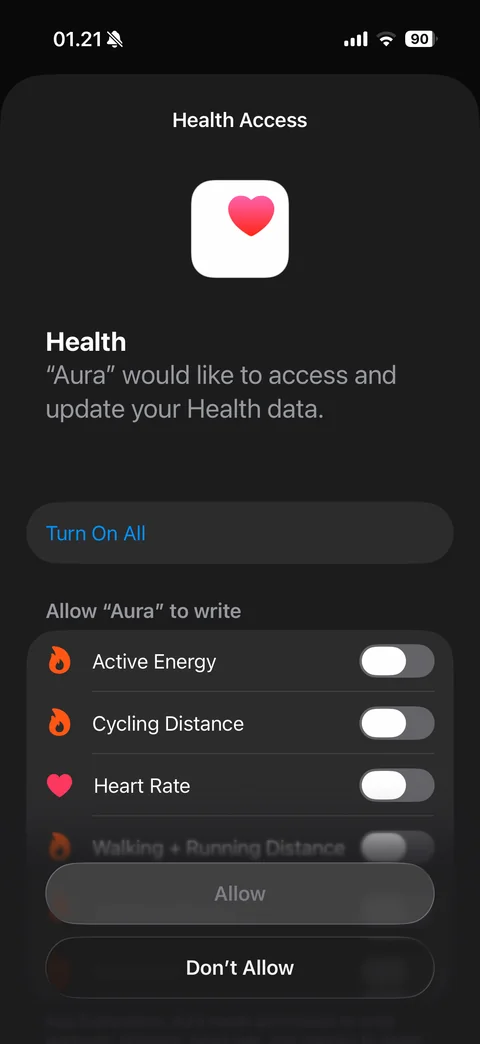
iOS Health Access sheet in dark mode: Aura would like to access and update Health data, Turn On All, write list (active energy, cycling distance, heart rate, walking and running distance) toggles off, disabled Allow, Don't Allow
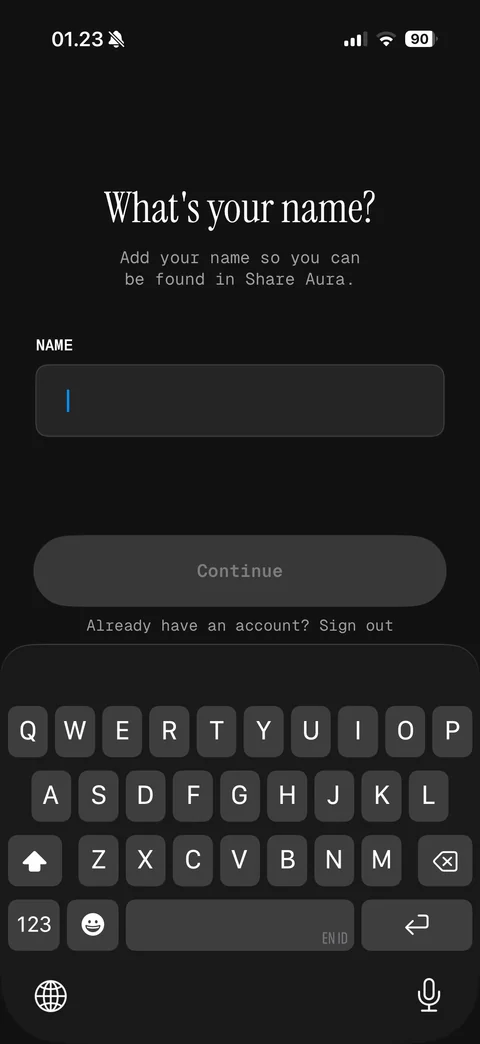
Name step: what's your name, so you can be found in Share Aura, empty name field, disabled Continue, dark keyboard open
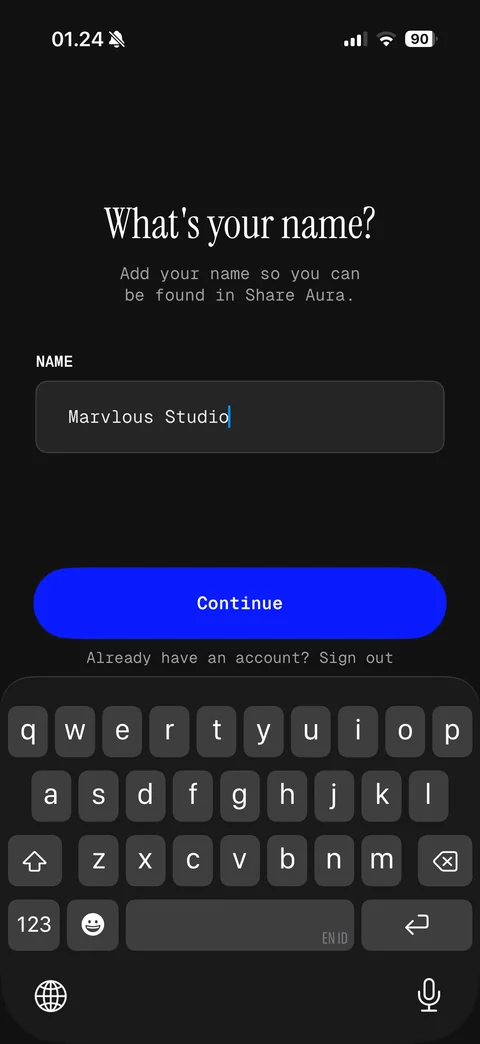
Name step filled: Marvlous Studio entered in monospace field, bright blue Continue enabled, keyboard open
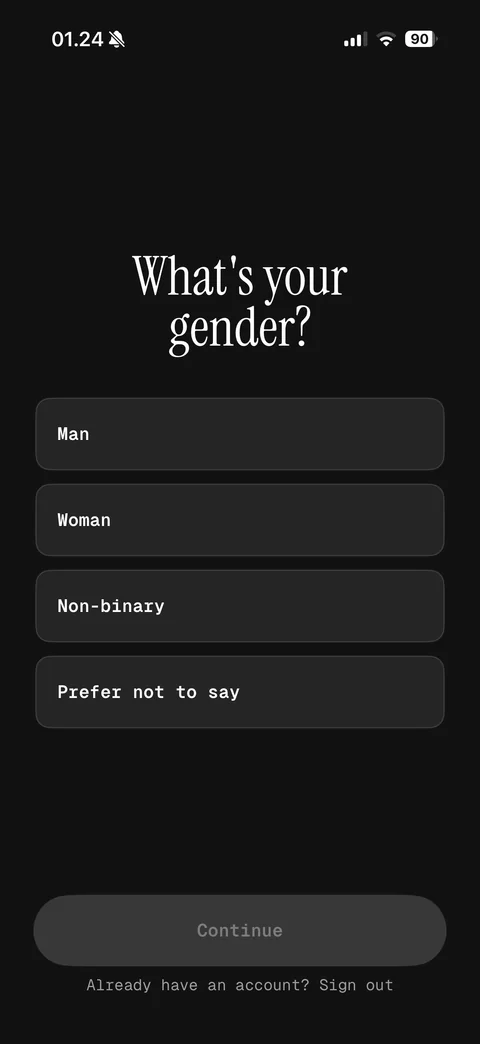
Gender step: what's your gender, Man, Woman, Non-binary, Prefer not to say option buttons, disabled Continue
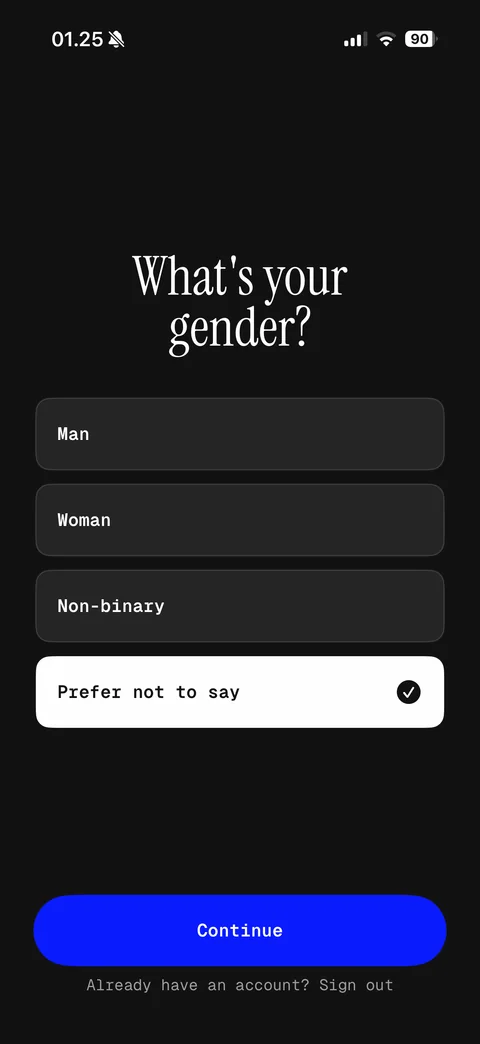
Gender selected: Prefer not to say inverted white card with check, blue Continue enabled
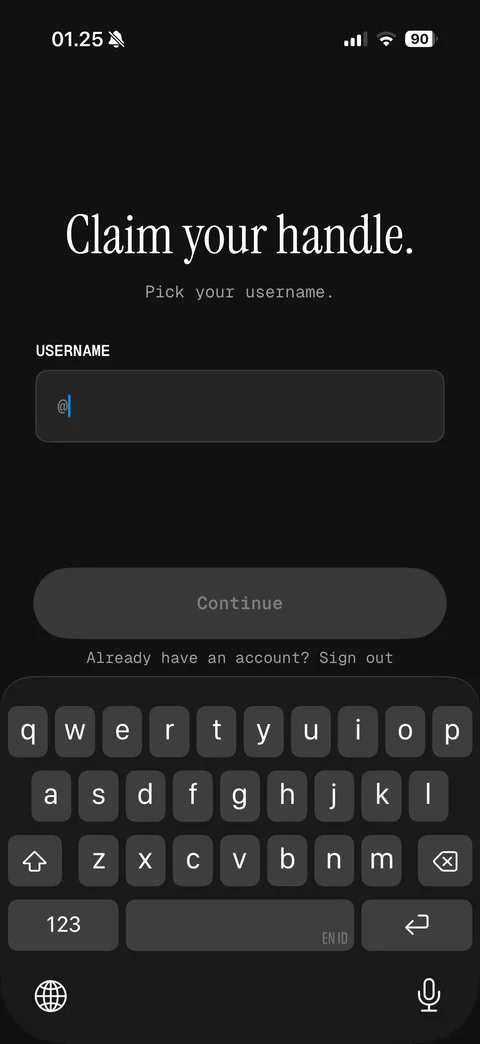
Claim your handle: pick your username, field with @ prefix, disabled Continue, keyboard open
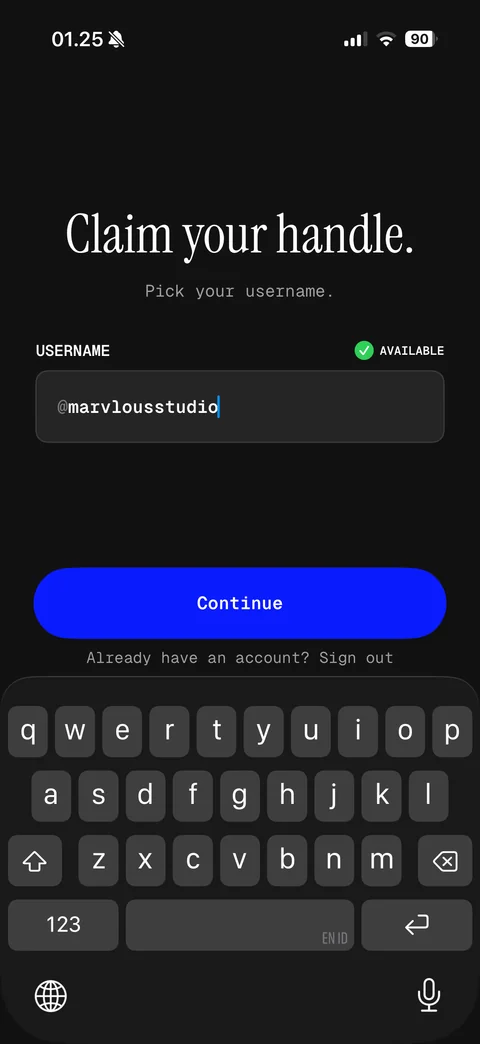
Handle available: @marvlousstudio entered, green check Available indicator, blue Continue enabled
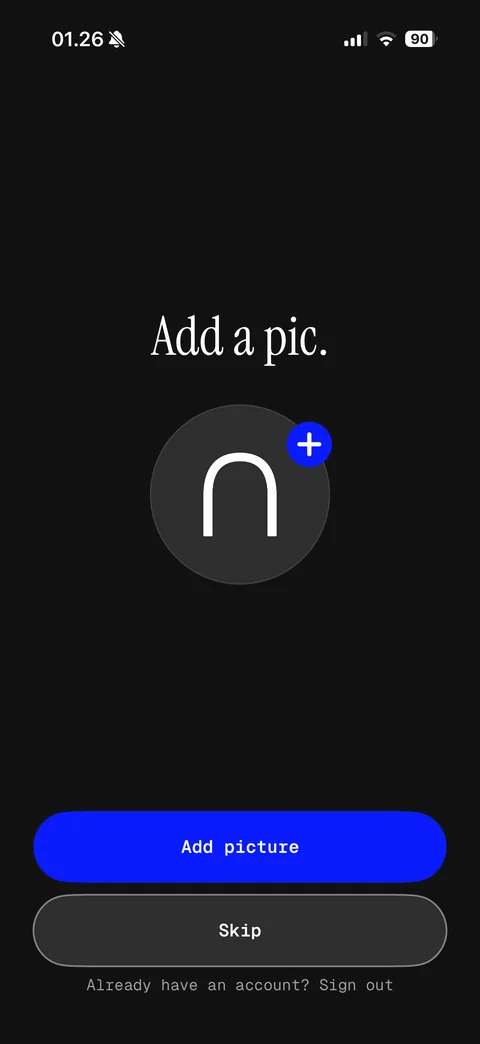
Add a pic: avatar placeholder with Aura arch mark and blue plus badge, Add picture and Skip buttons
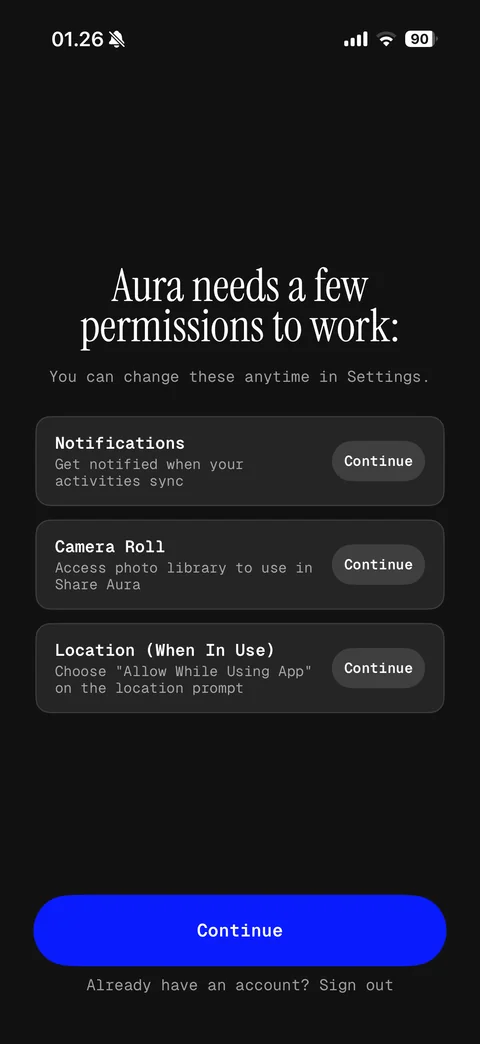
Permissions hub: Aura needs a few permissions, change anytime note, cards for Notifications, Camera Roll, Location when in use each with description and Continue pill, main Continue
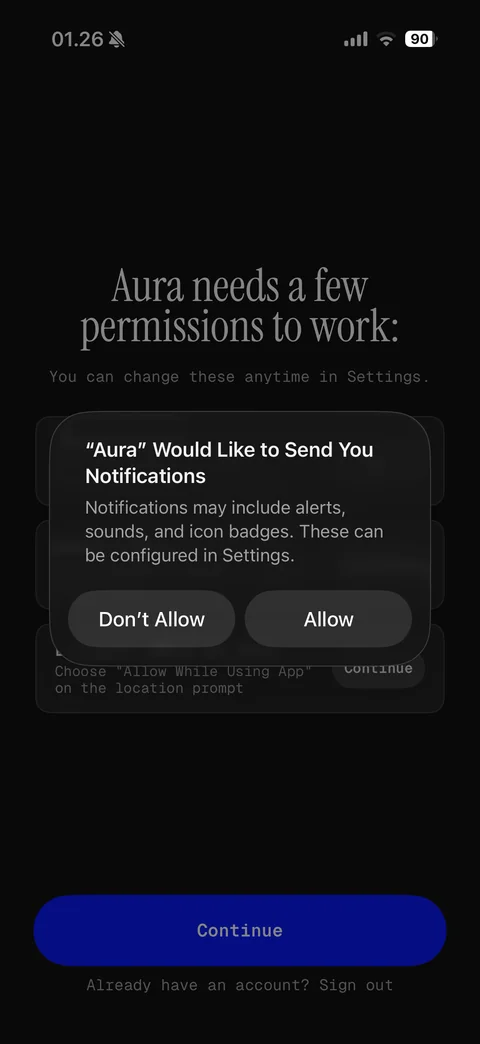
Notification permission alert over permissions hub in dark mode: Don't Allow or Allow
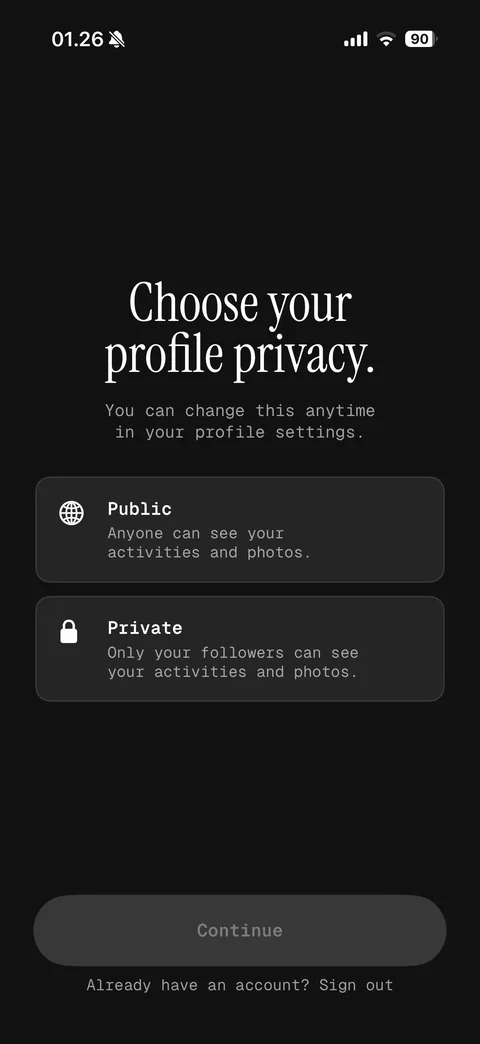
Choose your profile privacy: Public with globe icon and Private with lock icon option cards with descriptions, disabled Continue
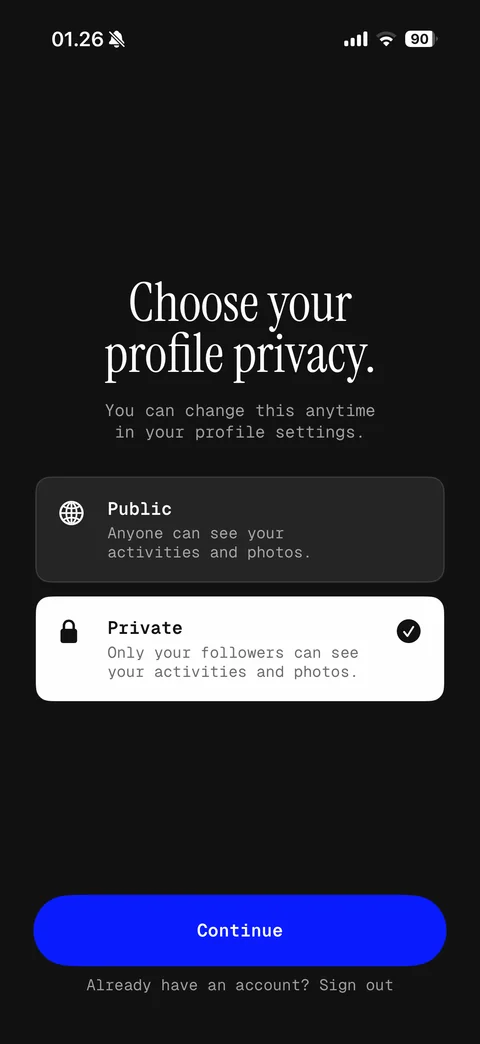
Privacy selected: Private card inverted white with check, blue Continue enabled
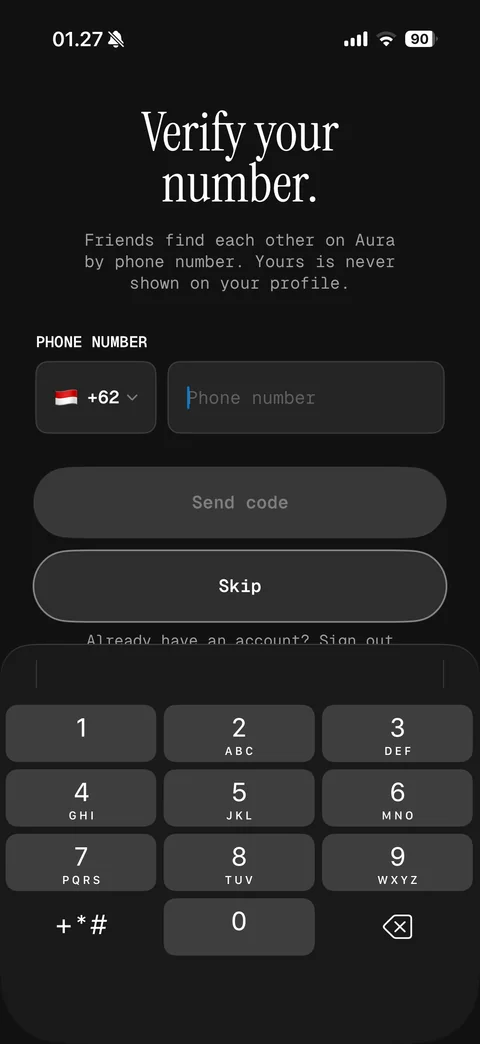
Verify your number: friends find each other by phone note, country code picker with flag, phone number field, disabled Send code, Skip, number pad (AutoFill suggestion hidden)
Find friends on Aura: contacts matched securely and never stored note, add person icon, Continue and Skip buttons
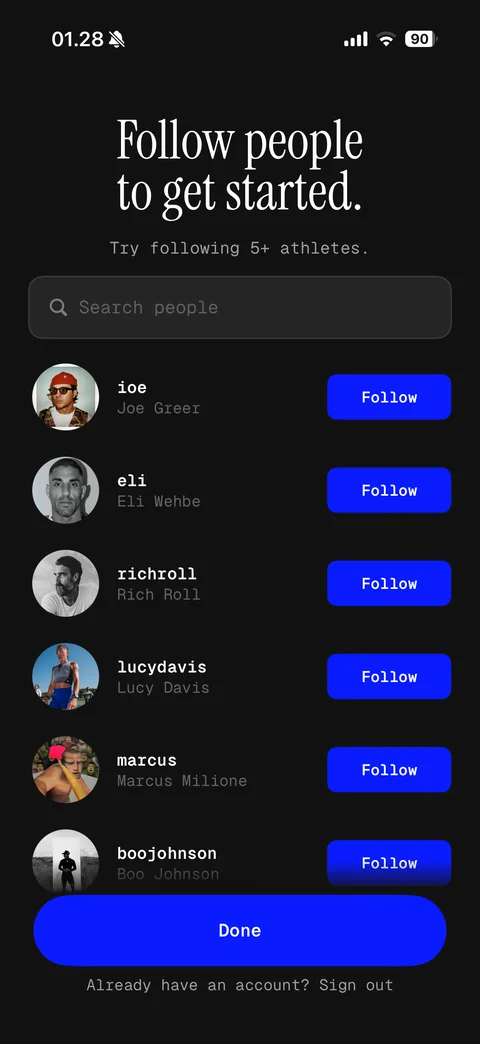
Follow people to get started: try following 5+ athletes, search people, suggested athlete rows with avatar, handle, name and blue Follow buttons, Done
Share Aura home (1 screen)
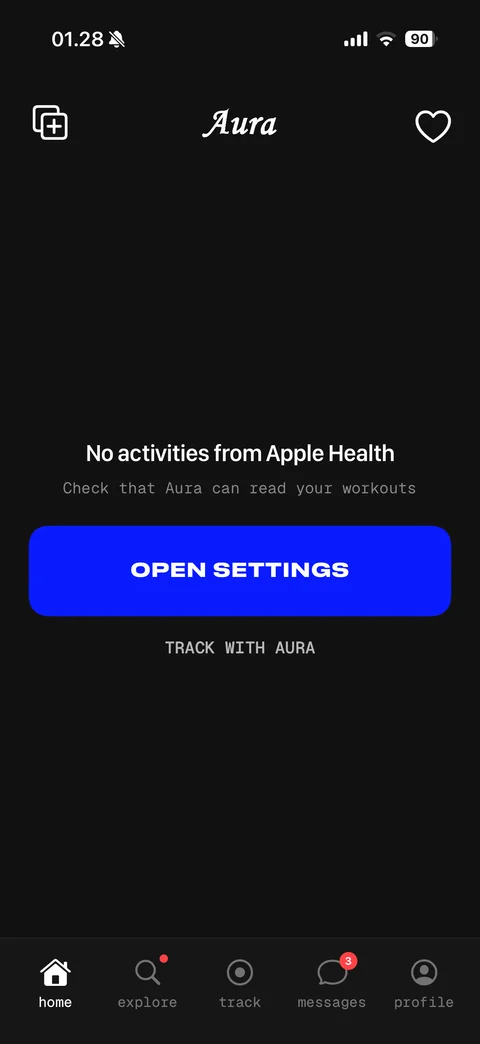
Home empty state: Aura logo, new post and likes buttons, no activities from Apple Health message, check Aura can read workouts, OPEN SETTINGS button, TRACK WITH AURA link, tab bar home, explore, track, messages with badge, profile
Share Aura explore (1 screen)
Explore loading: For You and Following tabs, search, skeleton post card placeholder
Share Aura explore / search (1 screen)
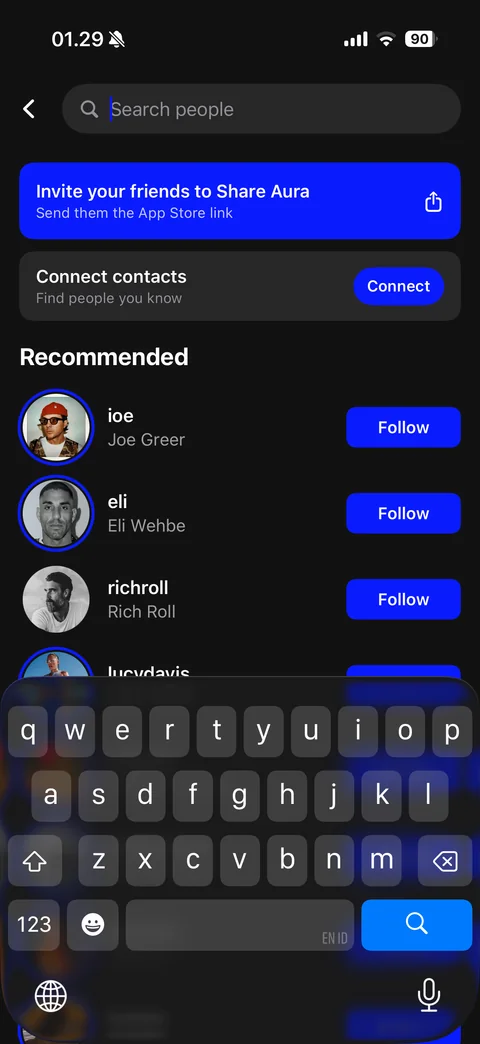
Search people: search field focused, invite your friends banner with share icon, connect contacts card with Connect, recommended athletes with story rings and Follow buttons, keyboard open
Share Aura track (3 screens)
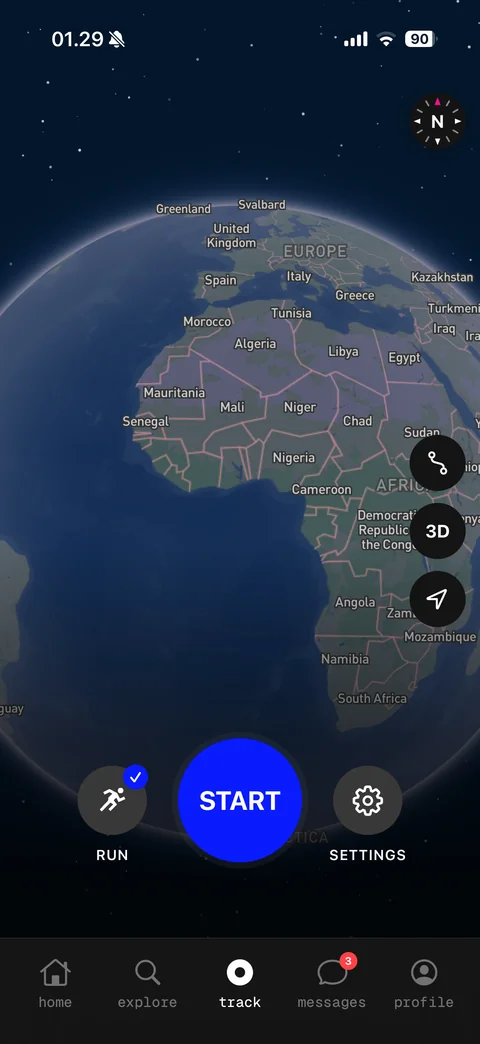
Track: 3D globe map on space background, compass, route, 3D and locate buttons, Run activity type with check, large blue START button, Settings
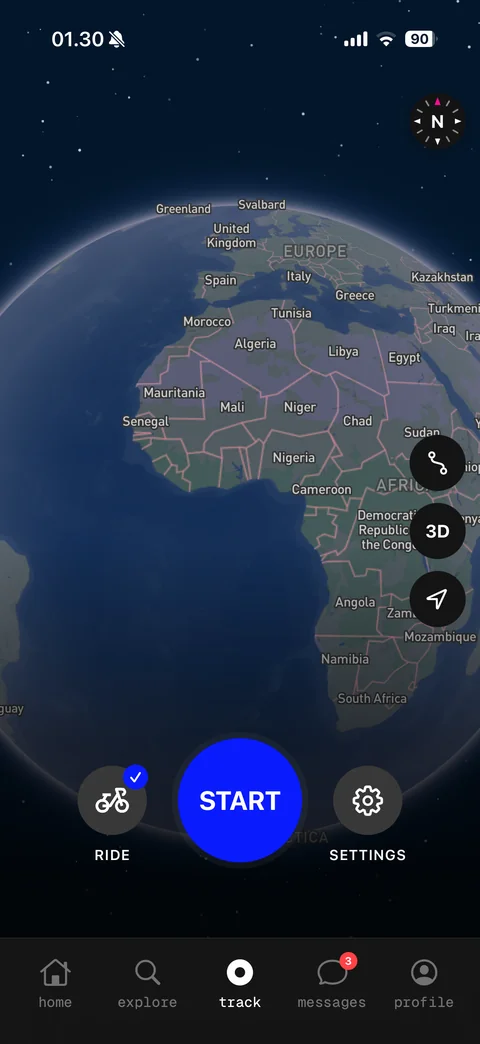
Track activity type switched: Ride with bike icon and check, START, Settings
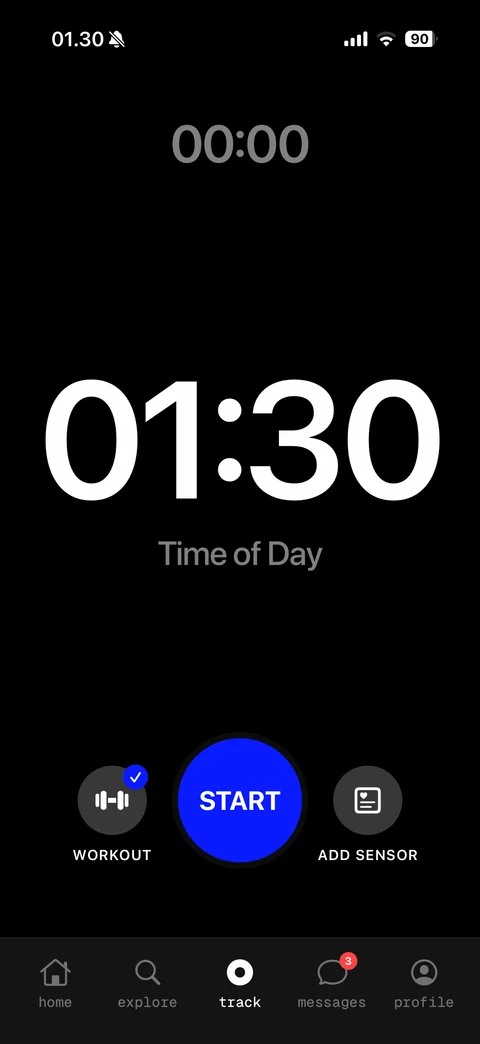
Track workout mode: 00:00 elapsed timer, large time of day clock, Workout type with dumbbell icon and check, START, Add Sensor
Share Aura track / settings (1 screen)
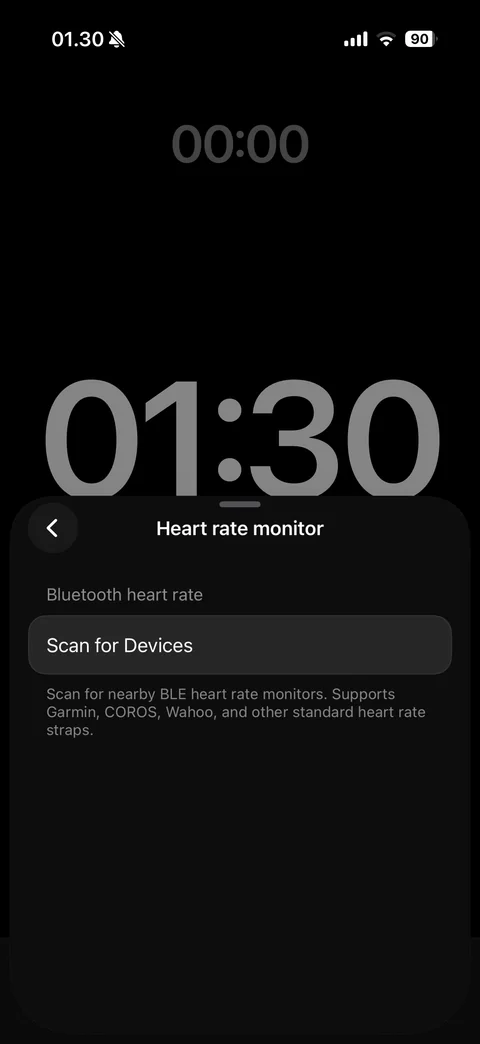
Heart rate monitor sheet: Bluetooth heart rate section, Scan for Devices row, supported brands note, over large timer and clock display
Share Aura messages (2 screens)
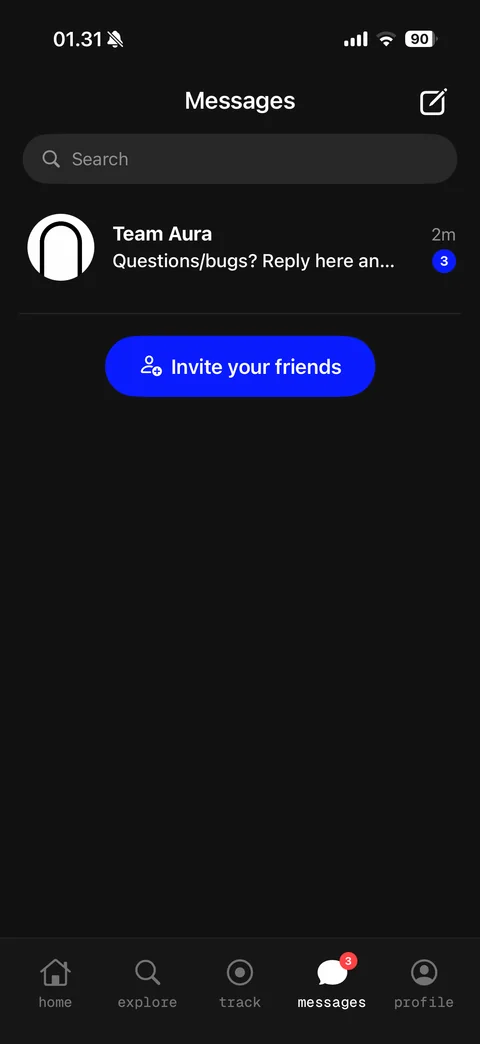
Messages: compose button, search, Team Aura conversation row with preview, time and unread count badge, Invite your friends button
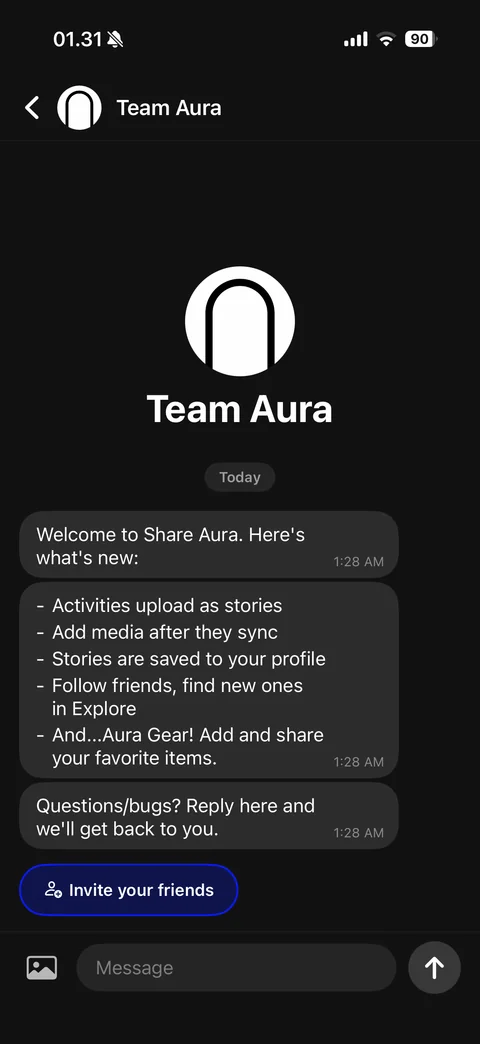
Team Aura chat: header with logo, large avatar and name intro, Today divider, welcome message bubbles with what's new list and timestamps, Invite your friends quick reply, photo and message composer with send
Share Aura profile (2 screens)
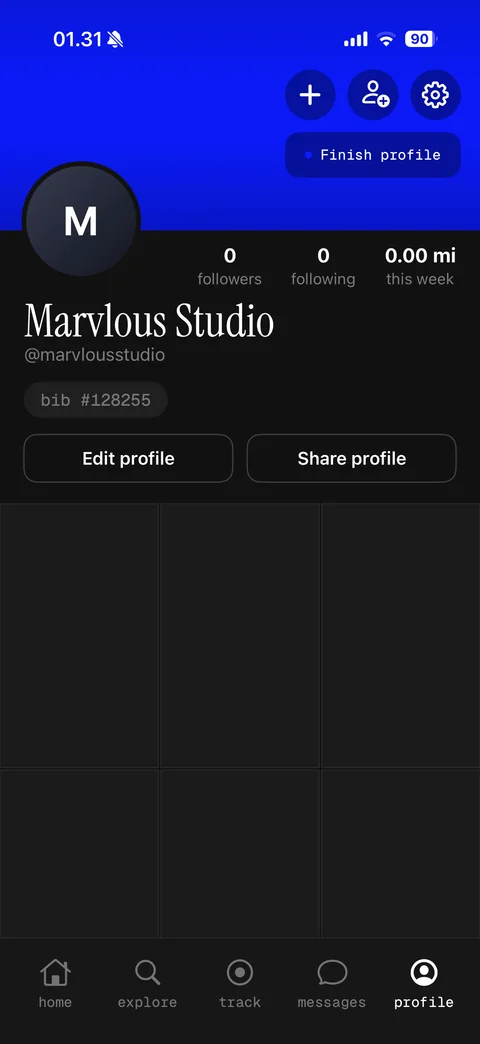
Own profile: blue header, add, find people and settings buttons, finish profile pill, initial avatar, followers, following and miles this week stats, serif name, handle, bib number chip, Edit profile and Share profile, empty story grid
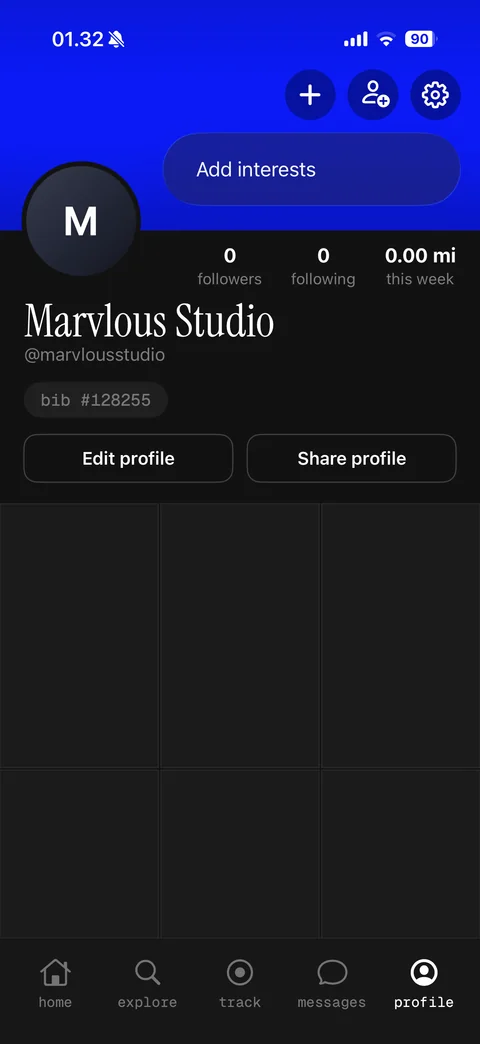
Finish profile menu expanded: Add interests item in pill dropdown over blue header
Share Aura profile / edit profile (4 screens)
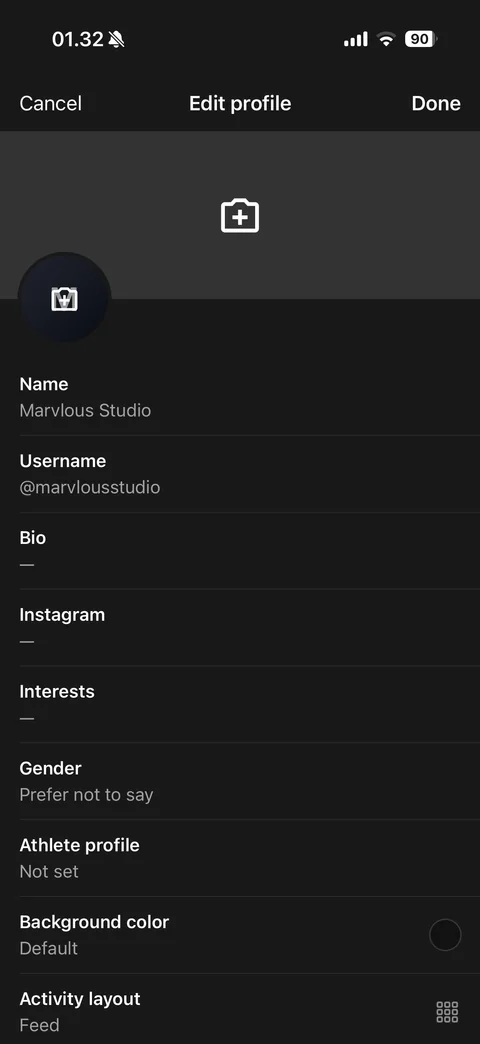
Edit profile: Cancel and Done, cover photo and avatar with add camera icons, rows for name, username, bio, Instagram, interests, gender, athlete profile, background color swatch, activity layout
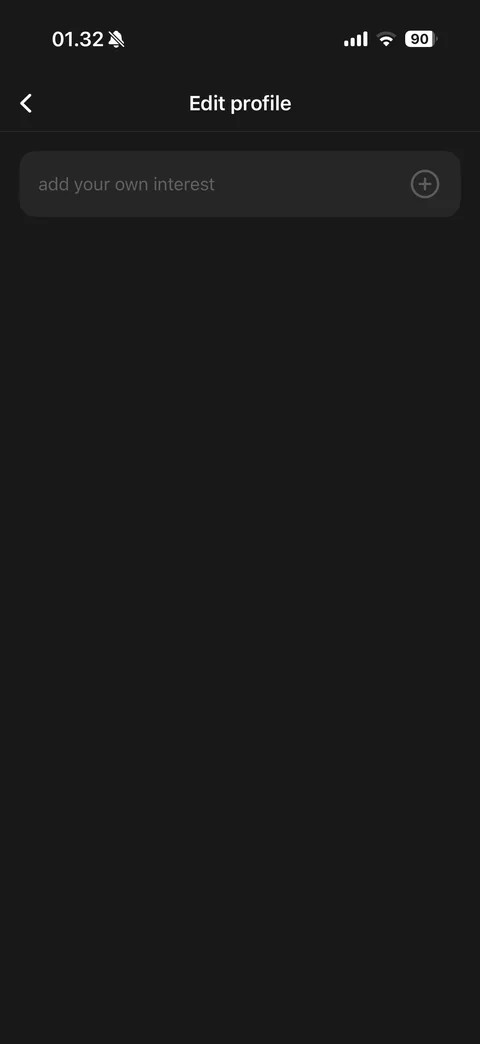
Interests editor: add your own interest field with plus button, empty list
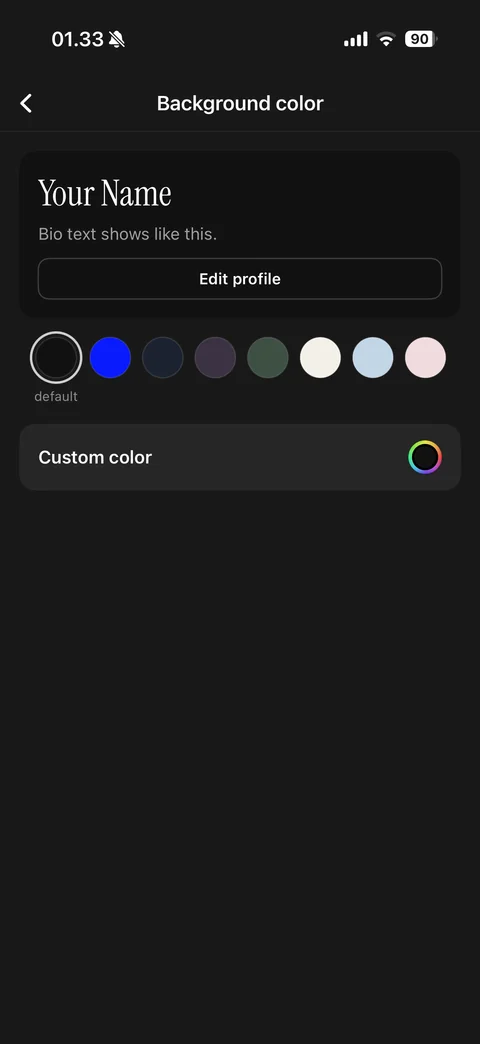
Background color picker: profile preview card with serif name and bio sample, color swatches row with default selected, custom color row with color wheel
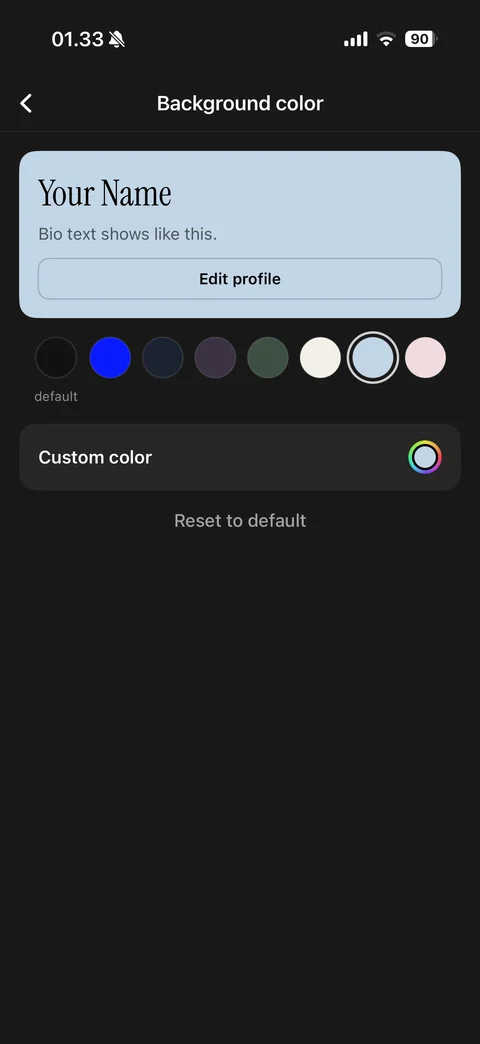
Background color selected: light blue swatch selected, preview card recolored, Reset to default link
Share Aura settings (8 screens)
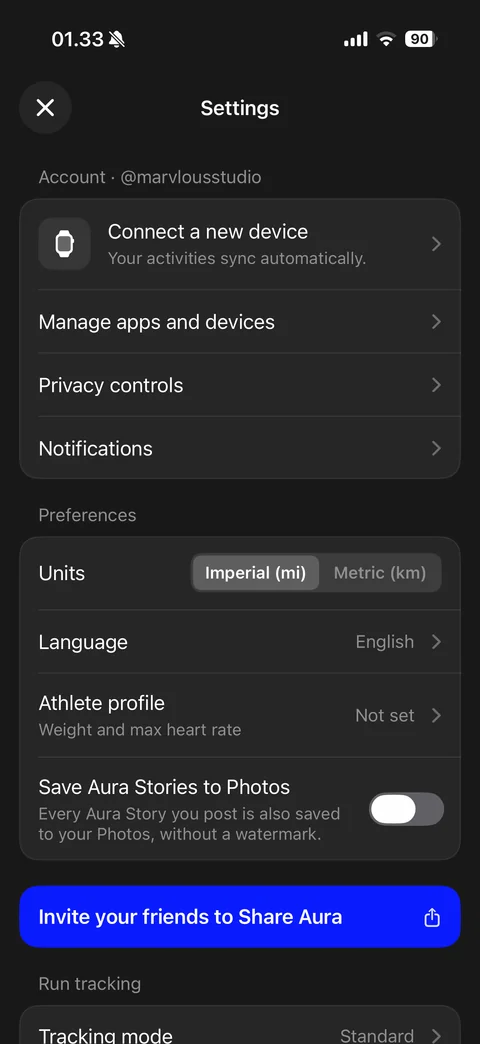
Settings: account section with connect a new device, manage apps and devices, privacy controls, notifications, preferences with units segmented Imperial and Metric, language, athlete profile, save stories to photos toggle, invite friends banner, run tracking mode
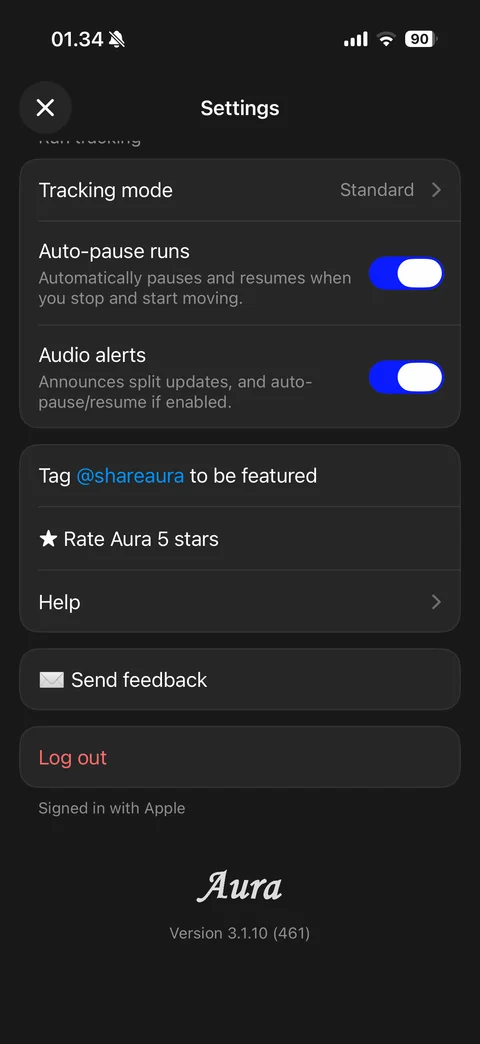
Settings scrolled: run tracking mode, auto-pause runs and audio alerts toggles, tag to be featured, rate Aura, help, send feedback, Log out in red, signed in with Apple, serif Aura logo and version footer
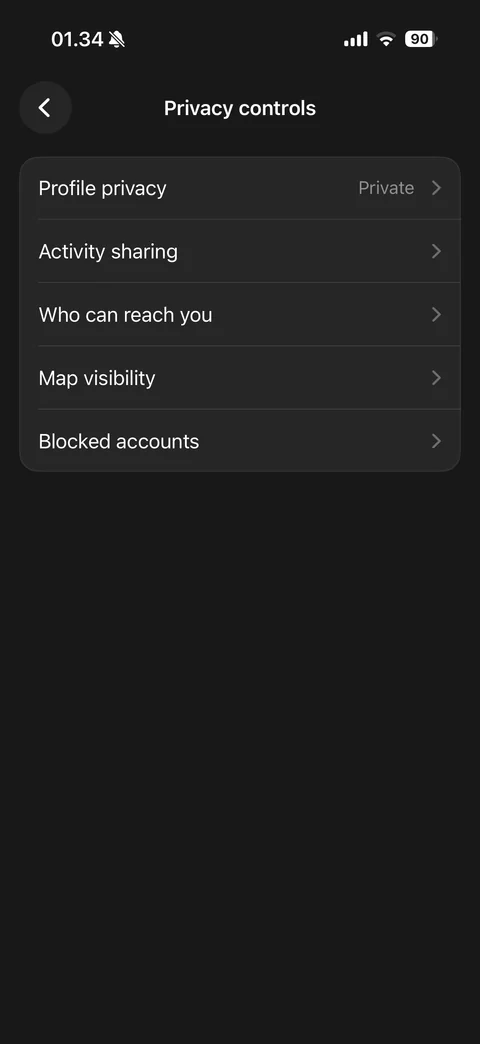
Privacy controls: profile privacy Private, activity sharing, who can reach you, map visibility, blocked accounts rows
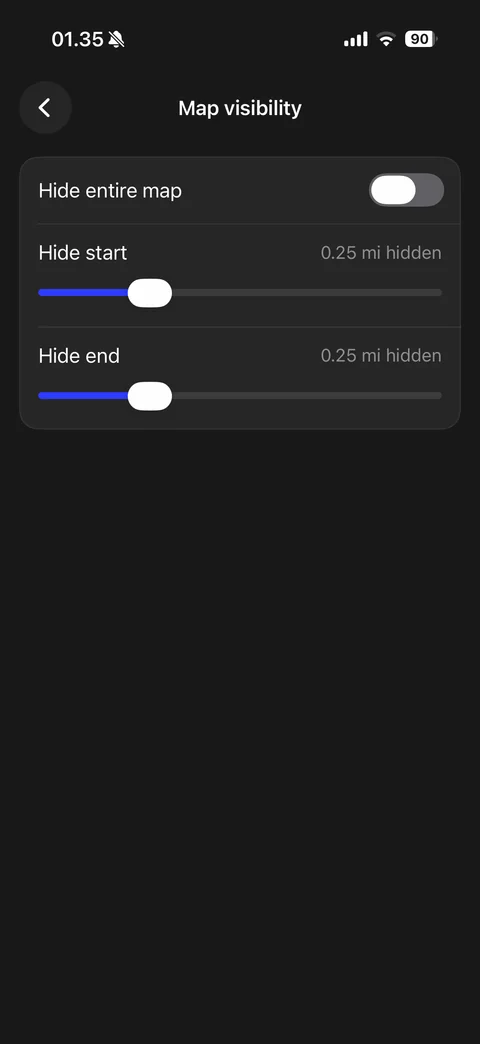
Map visibility: hide entire map toggle, hide start and hide end distance sliders with 0.25 mi hidden values
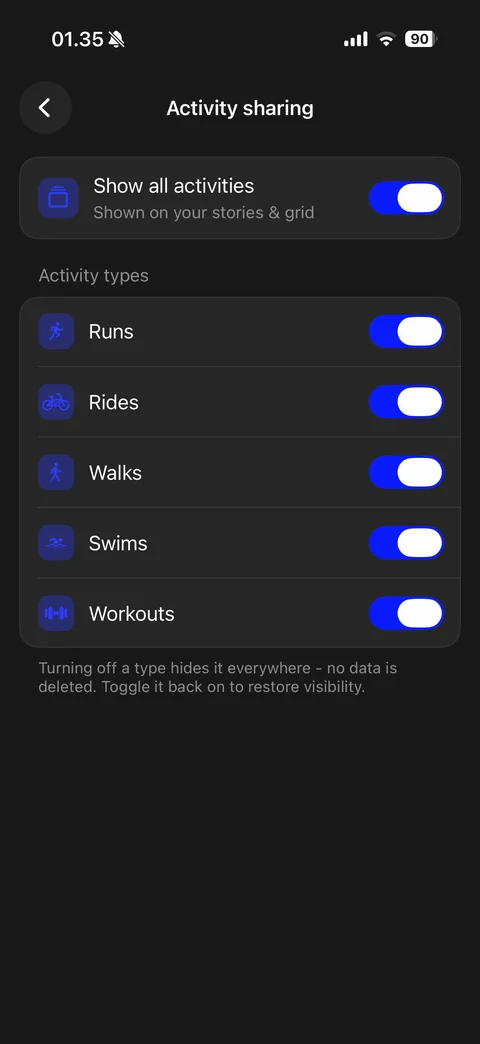
Activity sharing: show all activities toggle, activity types list with icons and toggles (runs, rides, walks, swims, workouts), hide note no data deleted
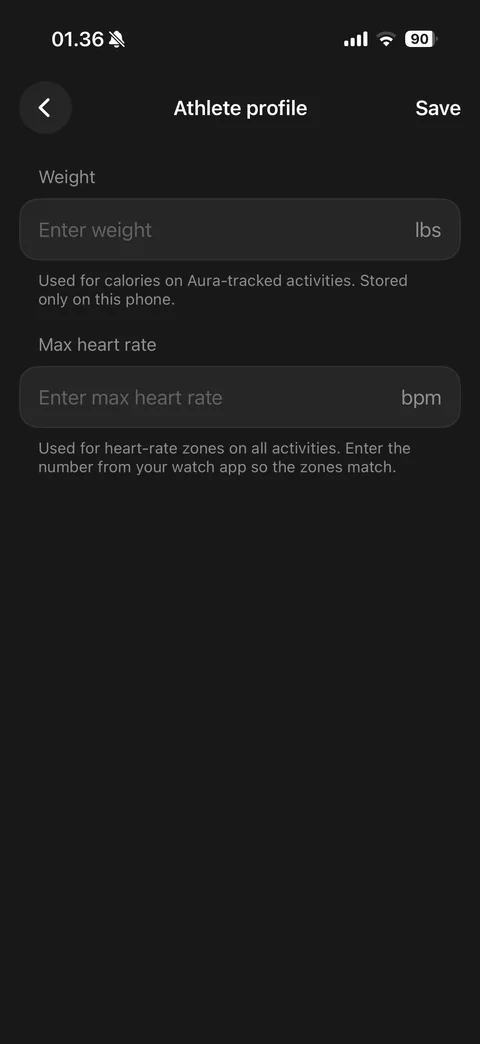
Athlete profile: weight field in lbs with stored on phone note, max heart rate field in bpm with zones note, Save
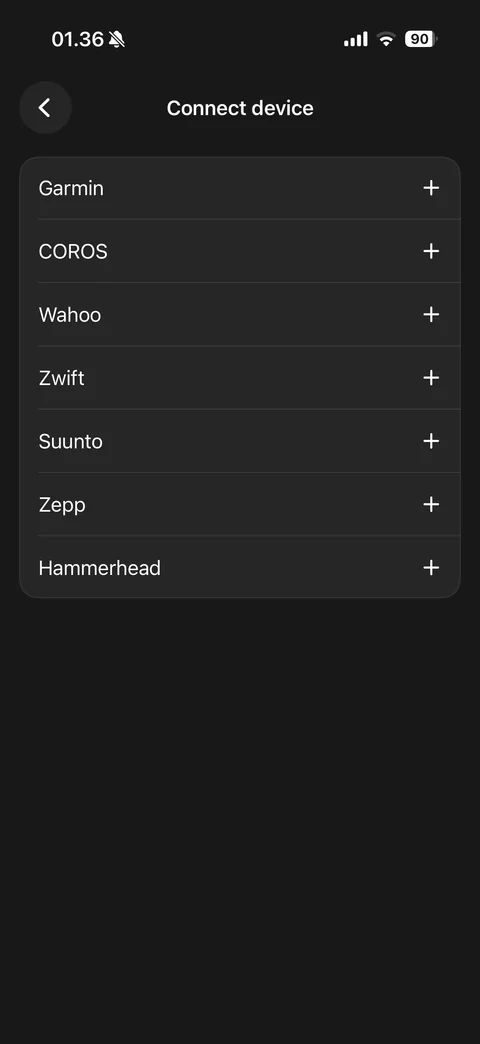
Connect device list: Garmin, COROS, Wahoo, Zwift, Suunto, Zepp, Hammerhead rows with plus add buttons
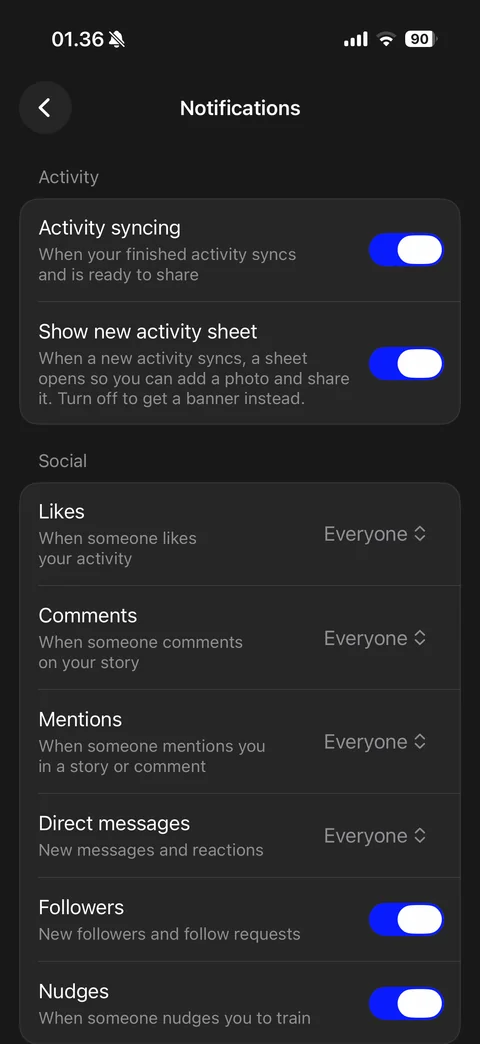
Notification settings: activity section with activity syncing and new activity sheet toggles, social section with likes, comments, mentions, direct messages audience pickers set to Everyone, followers and nudges toggles