Canva AI Photo & Video Editor app design: 60 real screens in 9 flows
Collage Maker, Resume Builder. Category: Photo & Video. By Canva Pty Ltd.
Captured on iPhone and updated November 2026. Each screen has a short note on what it shows and why it matters for growth.
Canva AI Photo & Video Editor onboarding (6 screens)
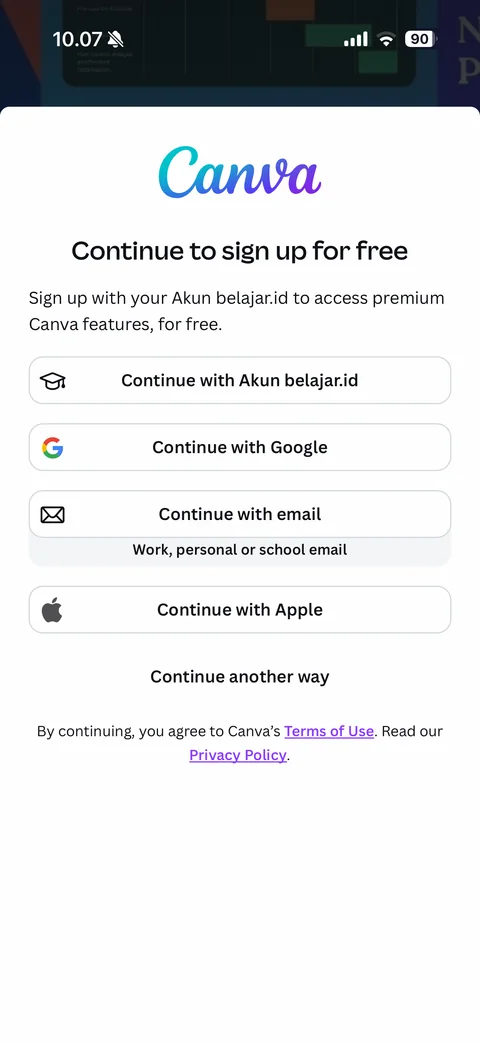
Sign up sheet over template collage: Canva gradient script logo, Continue to sign up for free, Indonesian education note for Akun belajar.id, outlined buttons with icons (Continue with Akun belajar.id, Google, email with work or school hint, Apple), Continue another way, terms and privacy links
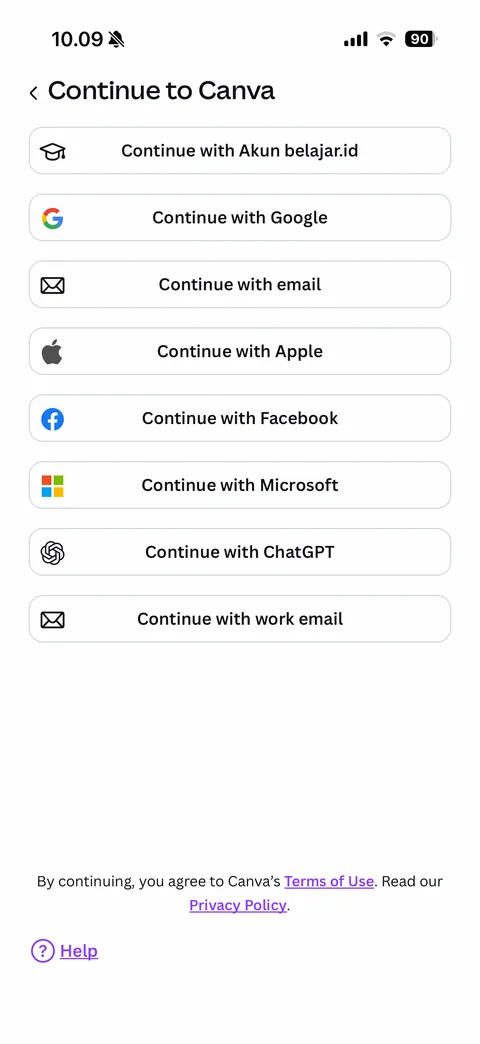
Continue another way: back and Continue to Canva title, full list of sign-in options with brand icons (Akun belajar.id, Google, email, Apple, Facebook, Microsoft, ChatGPT, work email), terms note, Help link
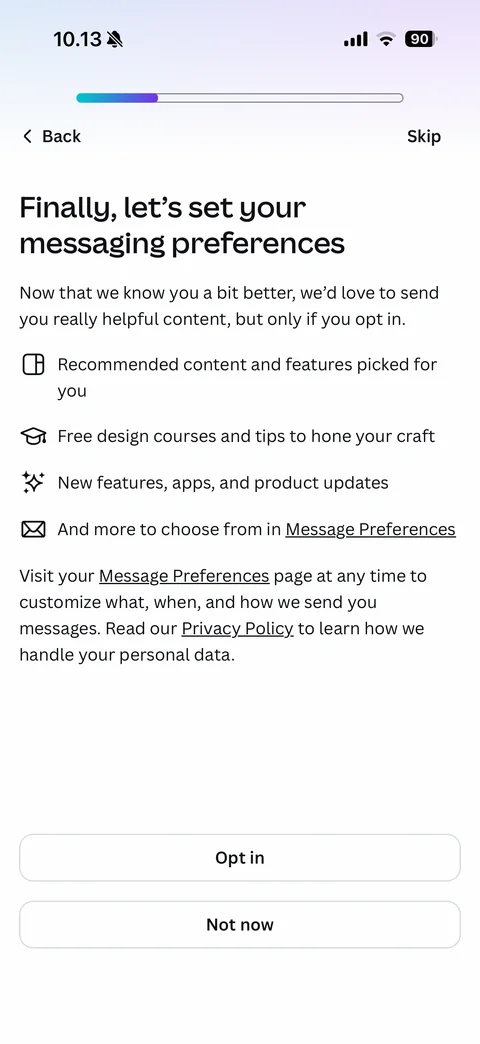
Messaging preferences step: gradient progress bar, Back and Skip, Finally let's set your messaging preferences headline, opt-in explanation, benefit list with line icons (recommended content, free design courses, new features, Message Preferences link), privacy note, Opt in and Not now buttons
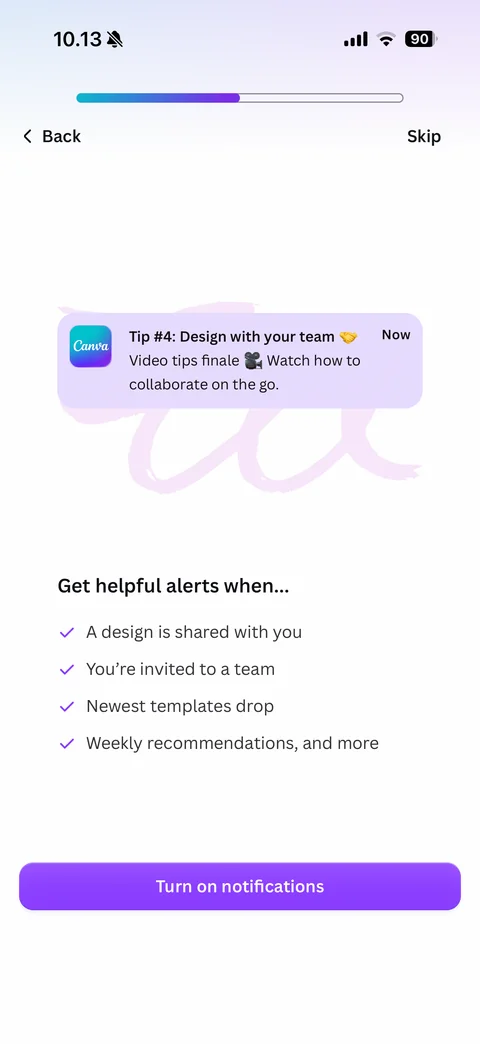
Notification pre-permission step: progress bar, Back and Skip, sample Canva tip notification card over pink script background, Get helpful alerts when checklist (design shared, team invite, new templates, weekly recommendations), purple Turn on notifications
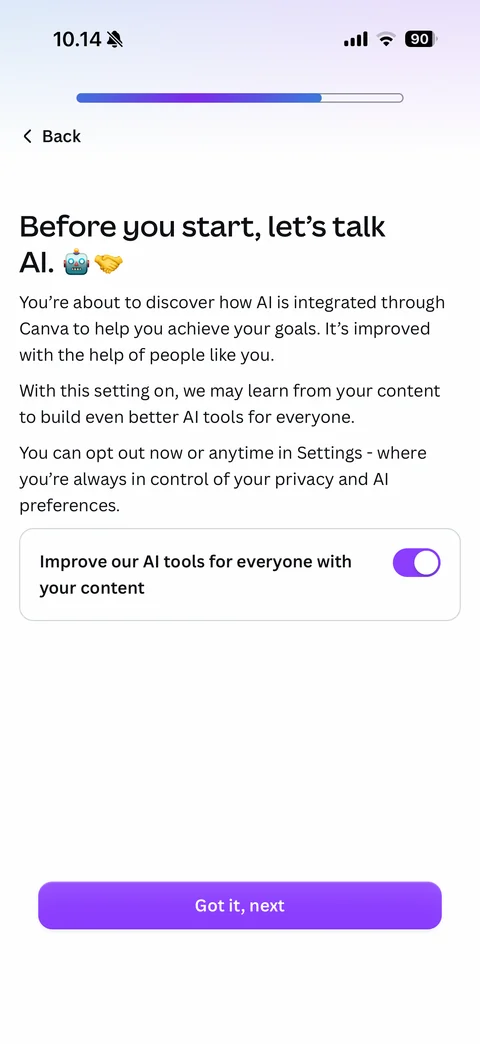
AI consent step: progress bar, Back, Before you start let's talk AI with robot and handshake emoji, explanation of learning from content and opt-out in Settings, card with Improve our AI tools for everyone with your content toggle on, purple Got it next
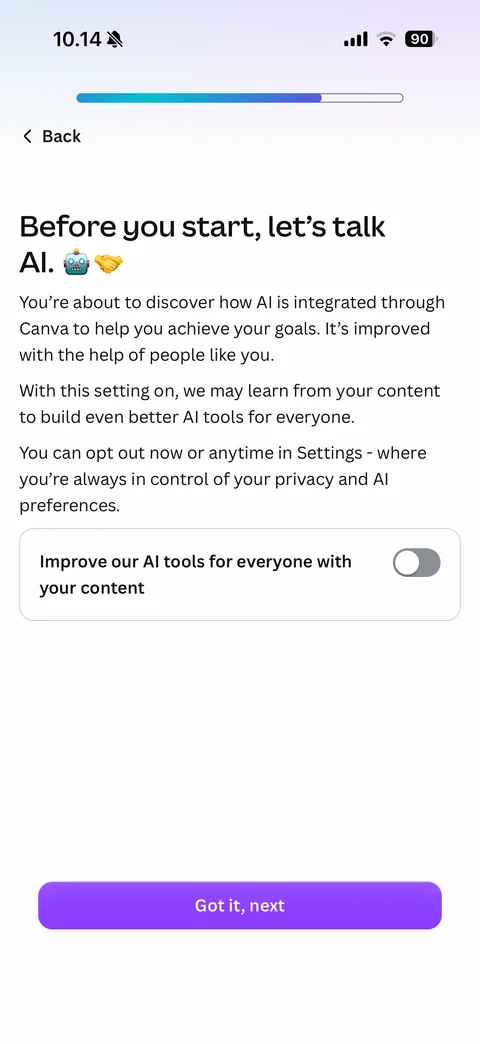
AI consent toggled off: Improve our AI tools toggle switched off to gray
Canva AI Photo & Video Editor home (2 screens)
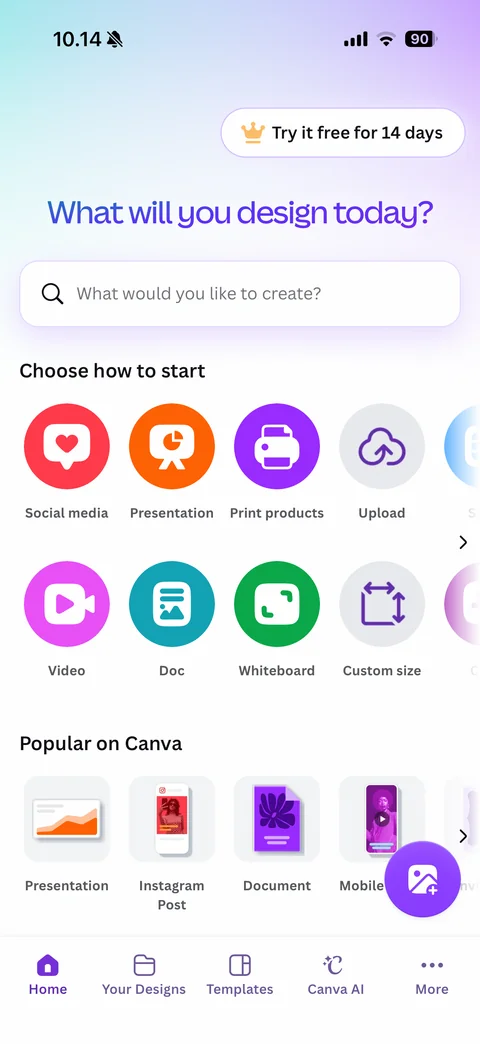
Home: Try it free for 14 days pill with crown, What will you design today gradient headline, search field, Choose how to start colorful round icon grid (Social media, Presentation, Print products, Upload, Video, Doc, Whiteboard, Custom size), Popular on Canva format thumbnails, floating purple upload button, tab bar
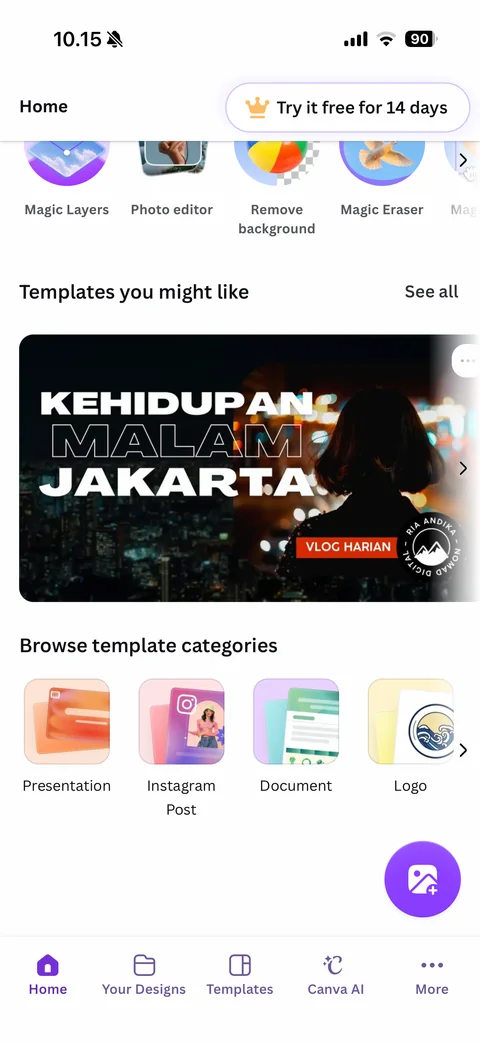
Home scrolled: sticky Home title and trial pill, AI photo tool row (Magic Layers, Photo editor, Remove background, Magic Eraser), Templates you might like with large localized YouTube thumbnail template (Kehidupan Malam Jakarta), Browse template categories tiles
Canva AI Photo & Video Editor templates (3 screens)
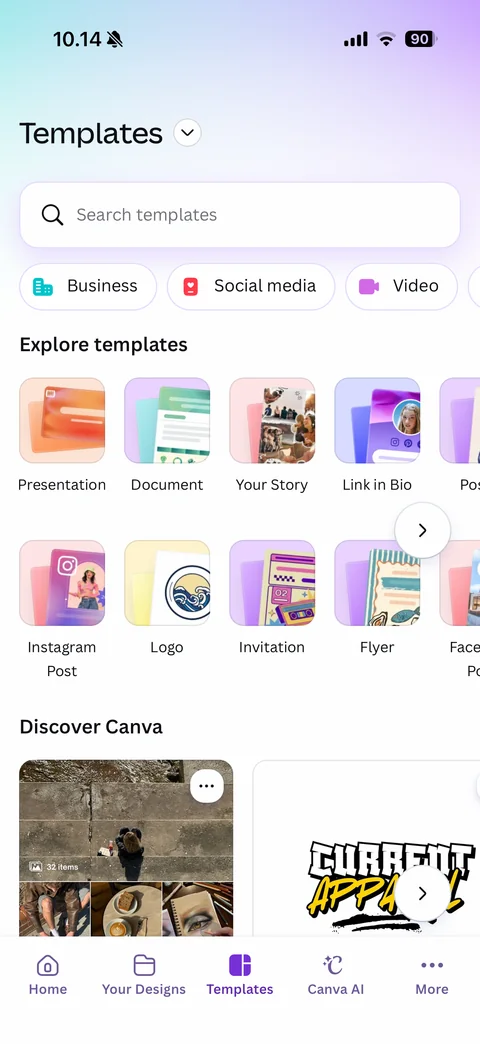
Templates tab: soft gradient header, Templates title with dropdown, Search templates field, category chips with icons (Business, Social media, Video), Explore templates grid of illustrated format tiles (Presentation, Document, Your Story, Link in Bio, Instagram Post, Logo, Invitation, Flyer) with next arrow, Discover Canva cards, tab bar (Home, Your Designs, Templates, Canva AI, More)
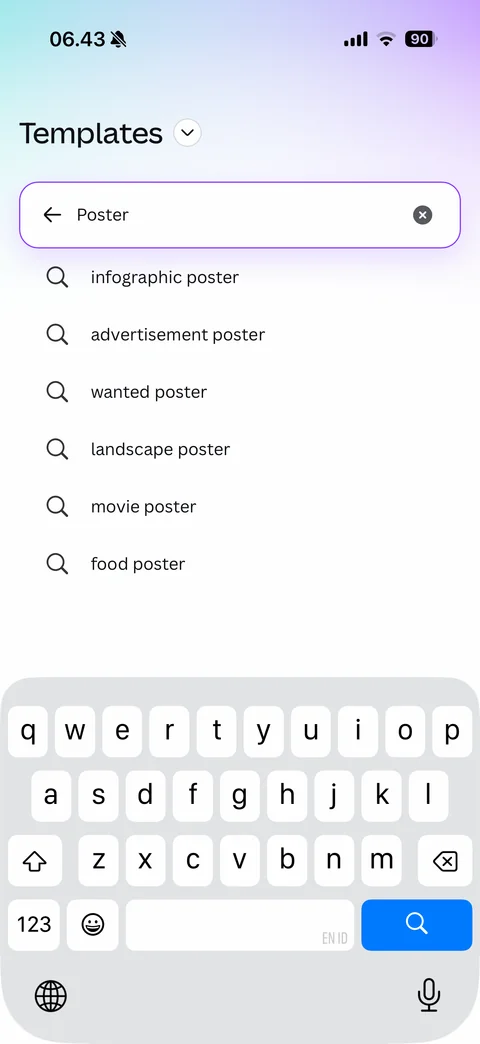
Template search with keyboard: focused search field with back arrow, typed query and clear, autocomplete suggestions list with search icons (infographic, advertisement, wanted, landscape, movie, food poster), blue search key
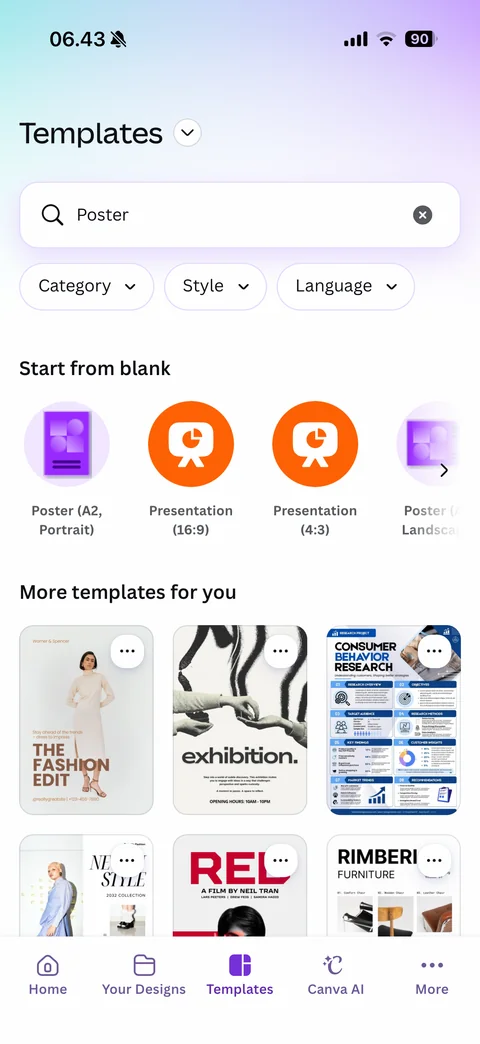
Template search results: query field with clear, filter chips (Category, Style, Language), Start from blank round format icons (Poster A2 portrait, Presentation 16:9 and 4:3, Poster landscape), More templates for you three-column poster grid with more buttons
Canva AI Photo & Video Editor paywall (2 screens)
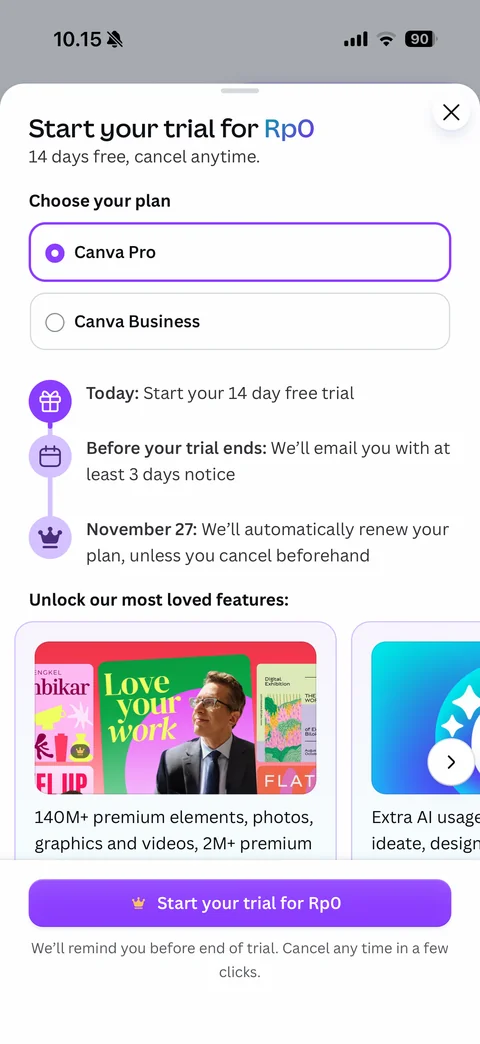
Trial paywall sheet: close, Start your trial for Rp0 headline with blue price, 14 days free note, Choose your plan radio cards (Canva Pro selected, Canva Business), purple timeline (Today, Before trial ends email notice, renewal date), Unlock our most loved features carousel with collage cards, sticky Start your trial for Rp0 button with crown, reminder note
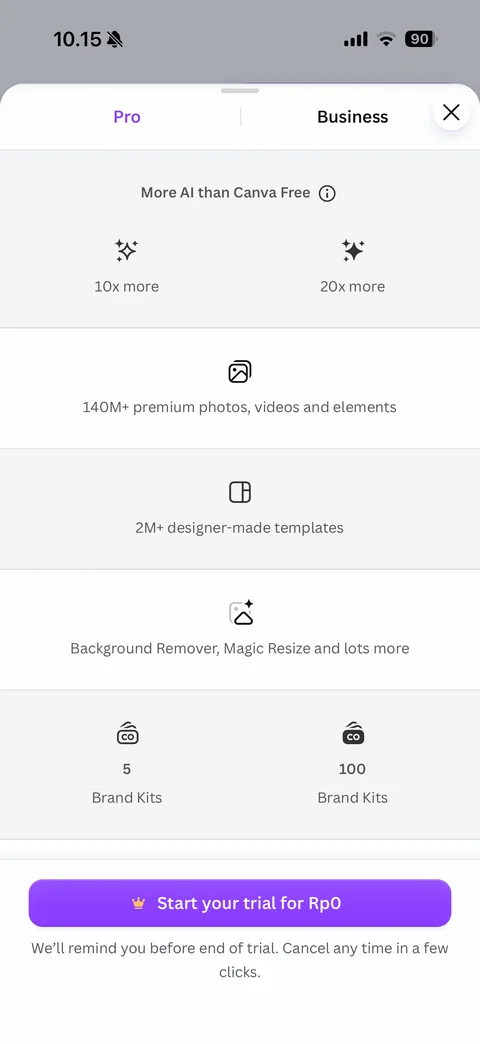
Paywall plan comparison scrolled: sticky Pro and Business column headers, alternating rows with icons comparing AI usage (10x vs 20x more), premium elements, designer templates, Background Remover and Magic Resize, Brand Kits count (5 vs 100), sticky trial button
Canva AI Photo & Video Editor projects (10 screens)
Your Designs empty: All projects dropdown and plus with notification dot, search designs, folders and uploads field, filter chips (Type, Category, Creator, Date modified), 3D document illustration with sparkles and cursor, All your content will live here, Create design and Create folder buttons
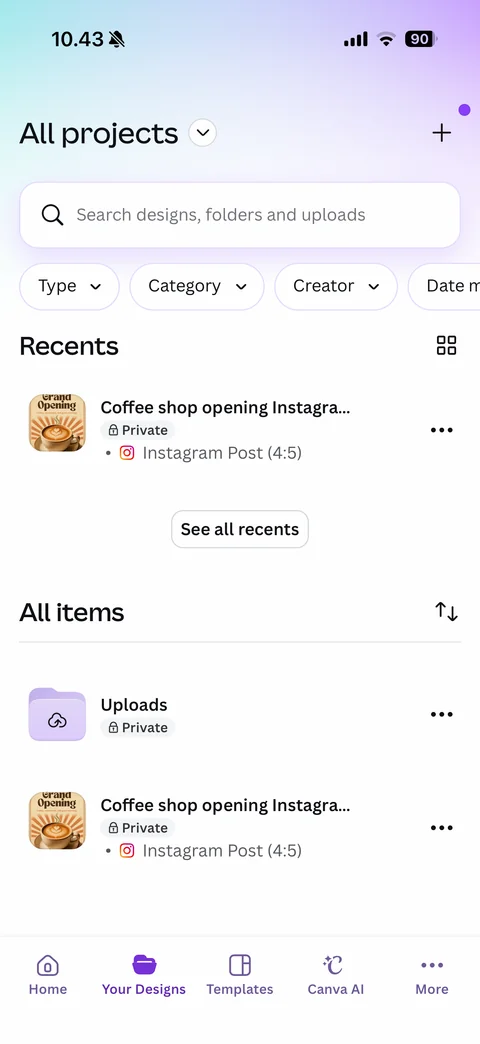
Your Designs with content: All projects dropdown, search, filter chips, Recents list with design thumbnail, title, Private lock badge and Instagram Post format, grid toggle, See all recents, All items with sort, Uploads folder and design rows with more buttons
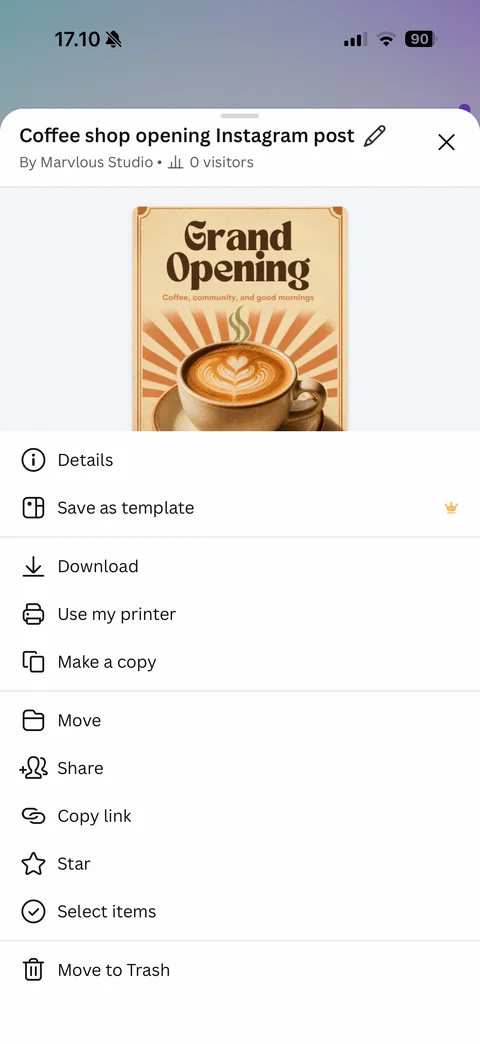
Design actions sheet: title with rename pencil and close, By Marvlous Studio with 0 visitors, design thumbnail preview, actions (Details, Save as template with Pro crown, Download, Use my printer, Make a copy, Move, Share, Copy link, Star, Select items, Move to Trash)
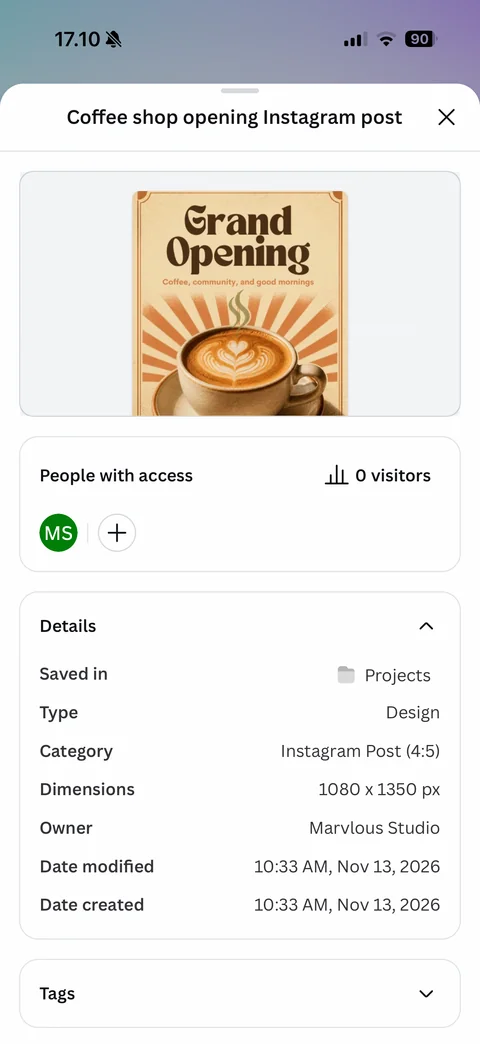
Design details sheet: title and close, preview card, People with access with MS initials avatar and add button, 0 visitors stat, Details table (saved in Projects, type, category, dimensions, owner, modified and created dates), collapsed Tags
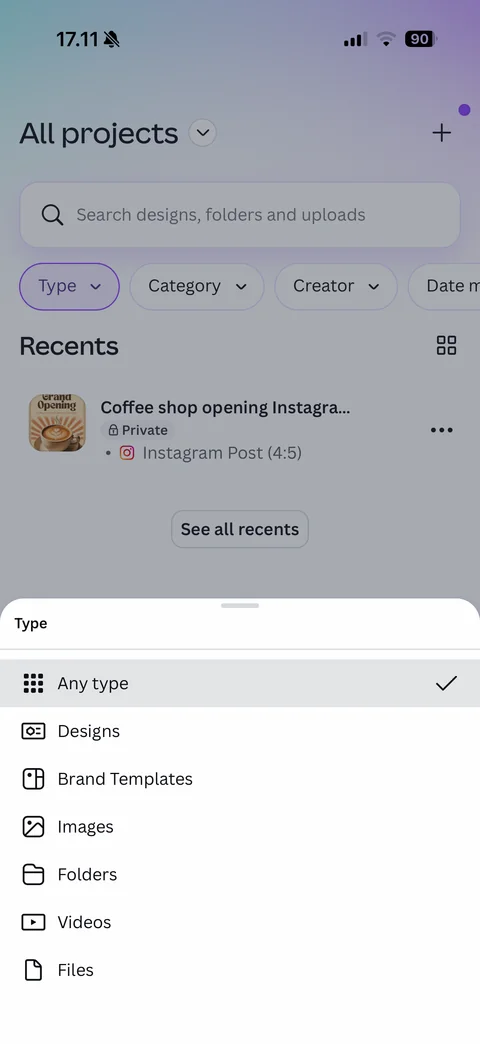
Type filter sheet: Type chip active, list with icons (Any type checked, Designs, Brand Templates, Images, Folders, Videos, Files)
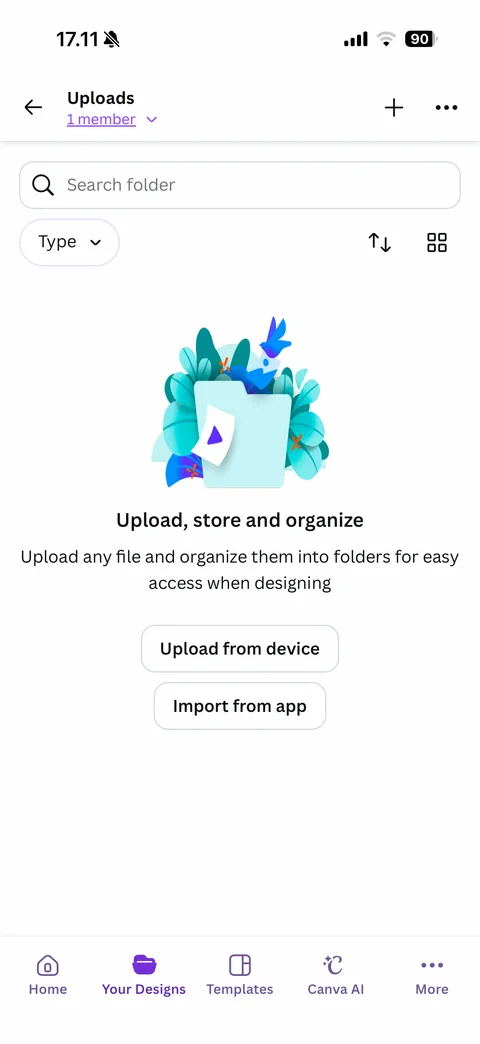
Uploads folder empty: back, title with 1 member link, add and more, search folder, Type filter, sort and grid toggles, teal folder and leaves illustration, Upload store and organize, Upload from device and Import from app buttons
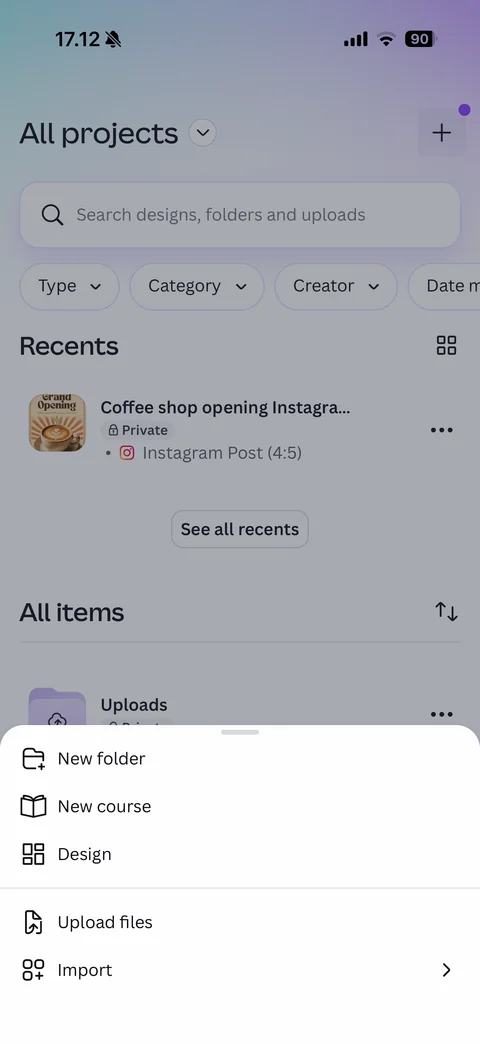
Projects add sheet: New folder, New course, Design, Upload files, Import with chevron, dimmed projects list behind
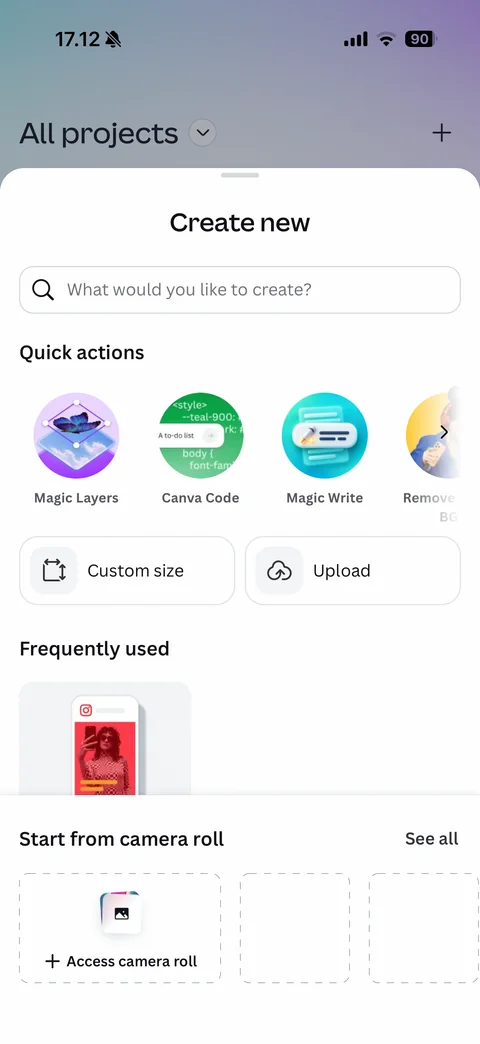
Create new sheet: search what would you like to create, Quick actions round illustrated tiles (Magic Layers, Canva Code, Magic Write, Remove BG), Custom size and Upload buttons, Frequently used Instagram post thumbnail, Start from camera roll with dashed Access camera roll placeholders
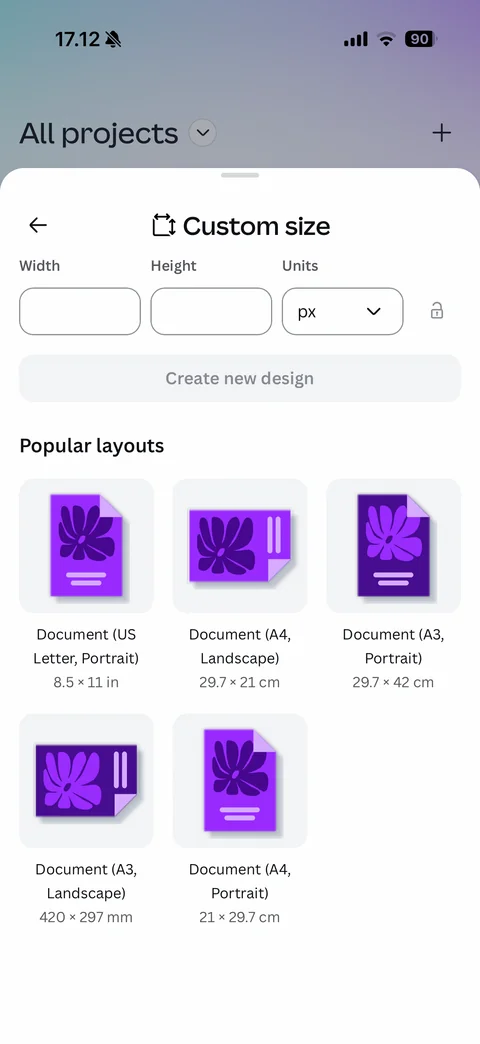
Custom size sheet: back, Custom size title with icon, Width and Height fields, Units dropdown px, aspect lock, disabled Create new design, Popular layouts grid of purple document illustrations with paper sizes (US Letter, A4 landscape, A3 portrait, A3 landscape, A4 portrait)
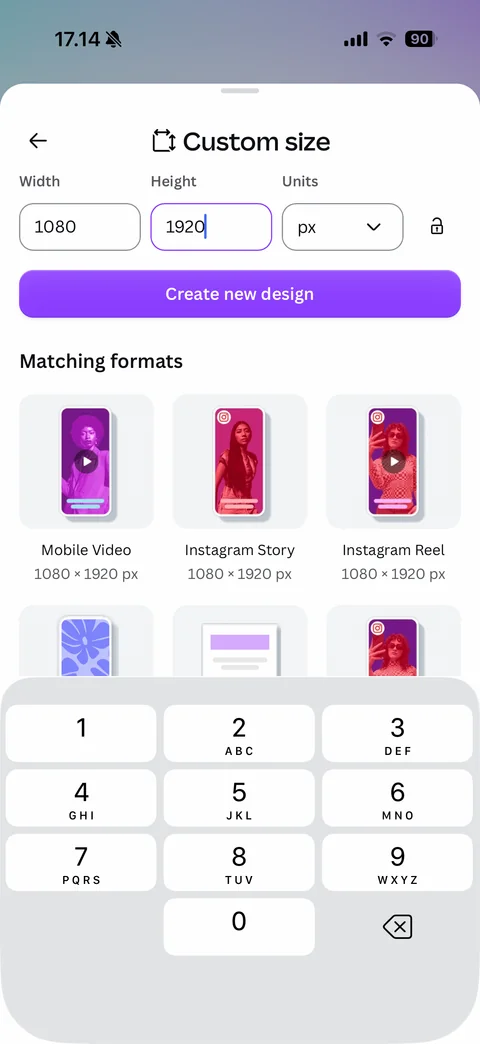
Custom size filled with number pad: width 1080 and height 1920 px, purple Create new design active, Matching formats grid (Mobile Video, Instagram Story, Instagram Reel at 1080x1920) replacing popular layouts, numeric keypad
Canva AI Photo & Video Editor more (10 screens)
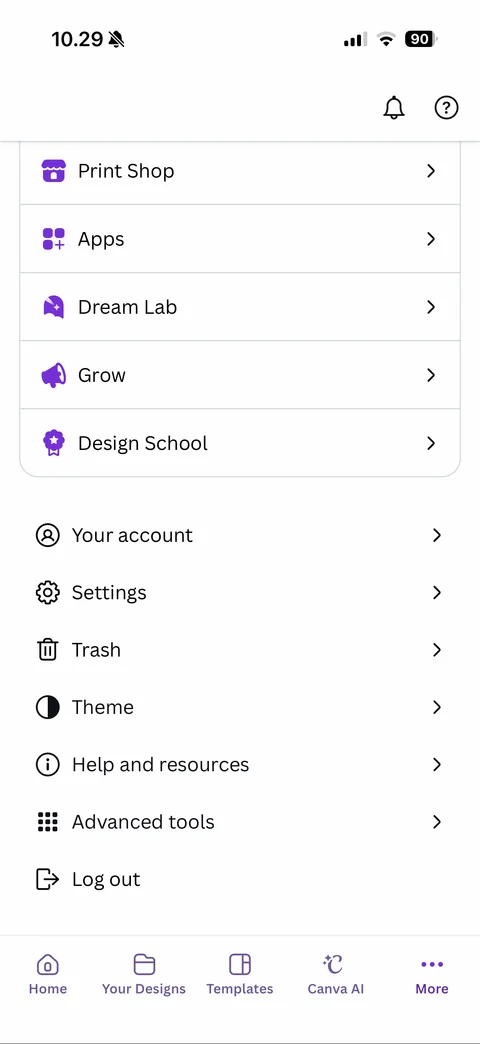
More tab scrolled: notifications and help icons, menu card (Print Shop, Apps, Dream Lab, Grow, Design School) with colored icons, plain list (Your account, Settings, Trash, Theme, Help and resources, Advanced tools, Log out), tab bar
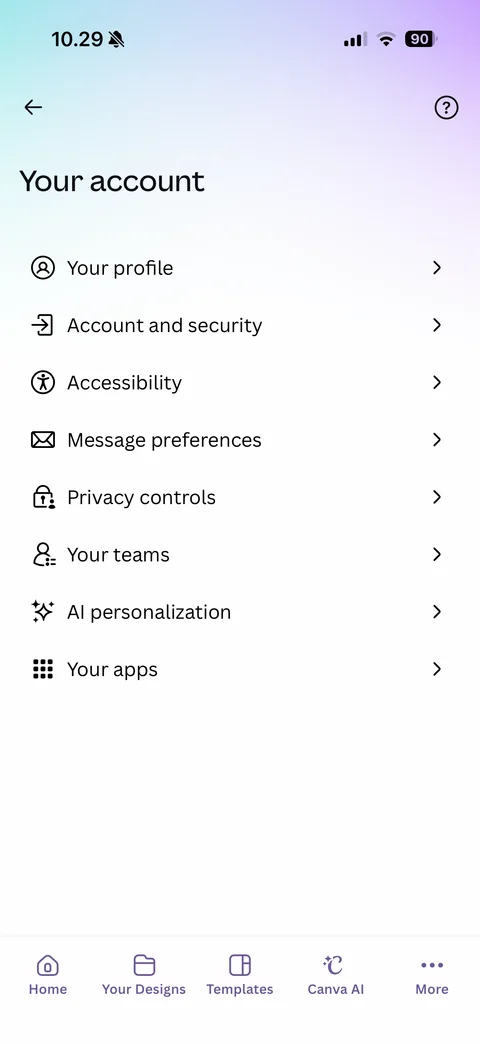
Your account: back and help, large title, list with line icons (Your profile, Account and security, Accessibility, Message preferences, Privacy controls, Your teams, AI personalization, Your apps)
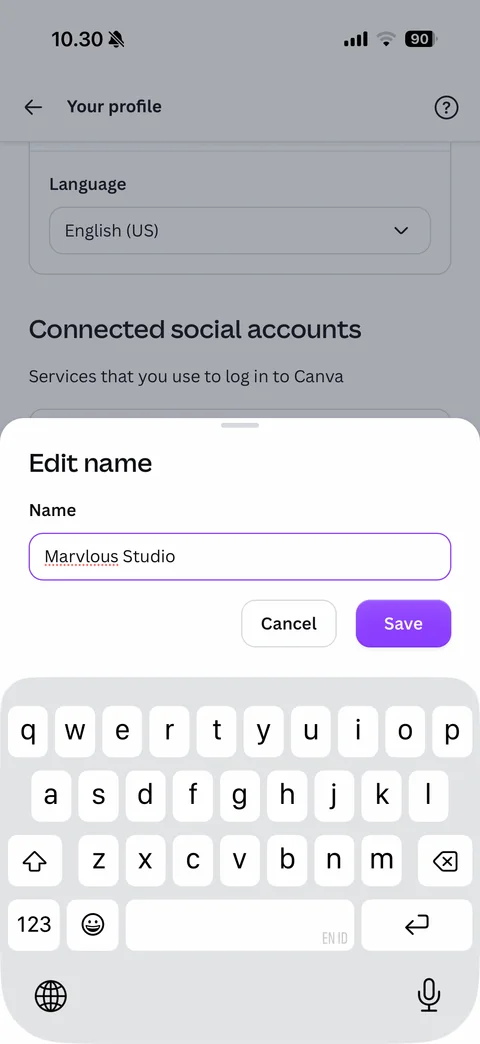
Edit name sheet with keyboard: dimmed profile page behind, Edit name title, Name field with purple focus outline and typed name, Cancel and purple Save buttons
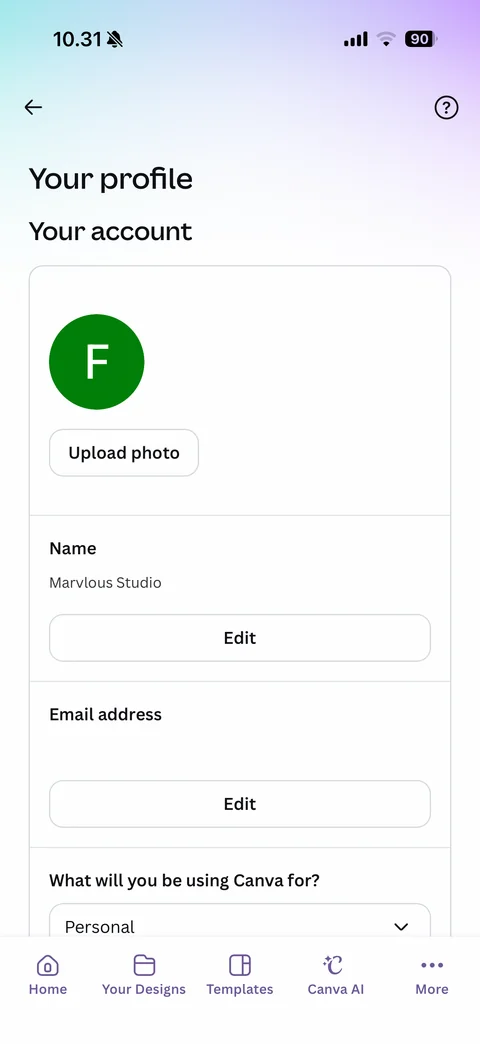
Your profile: back and help, gradient header, account card with letter avatar and Upload photo, Name row with Edit, Email address row (covered) with Edit, What will you be using Canva for dropdown (Personal)
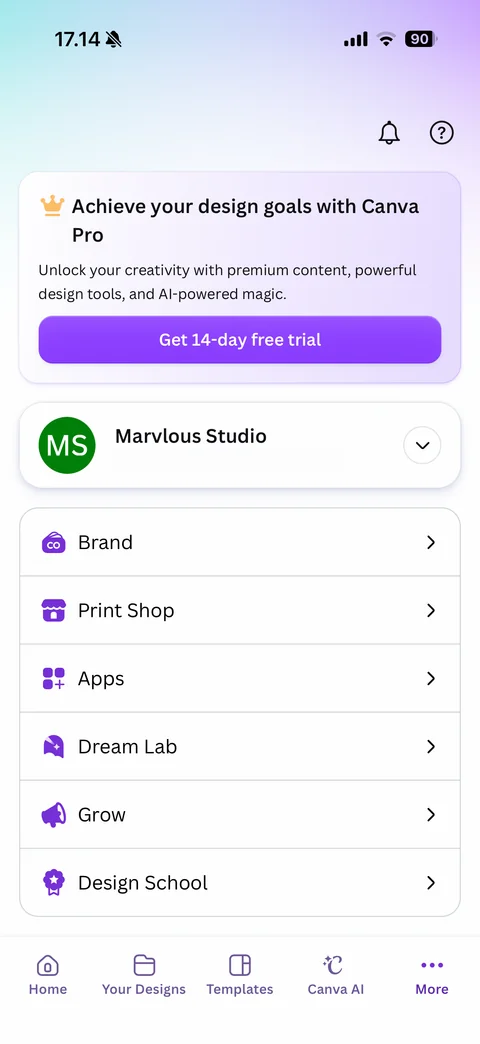
More tab: notifications and help icons, Canva Pro upsell card with crown and Get 14-day free trial, account card with MS initials avatar, name, email (covered) and switcher chevron, menu card with colored icons (Brand, Print Shop, Apps, Dream Lab, Grow, Design School)
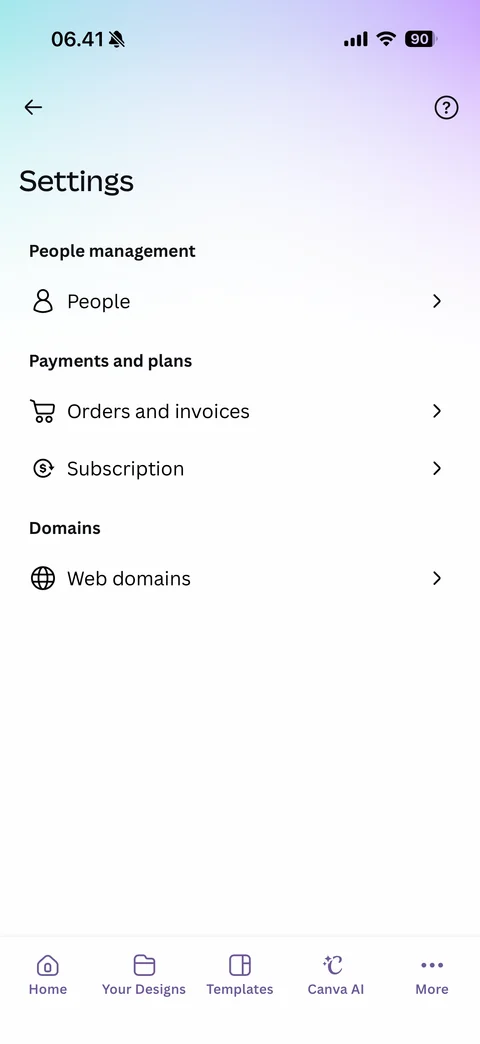
Settings: back and help, grouped list (People management: People; Payments and plans: Orders and invoices, Subscription; Domains: Web domains) with line icons
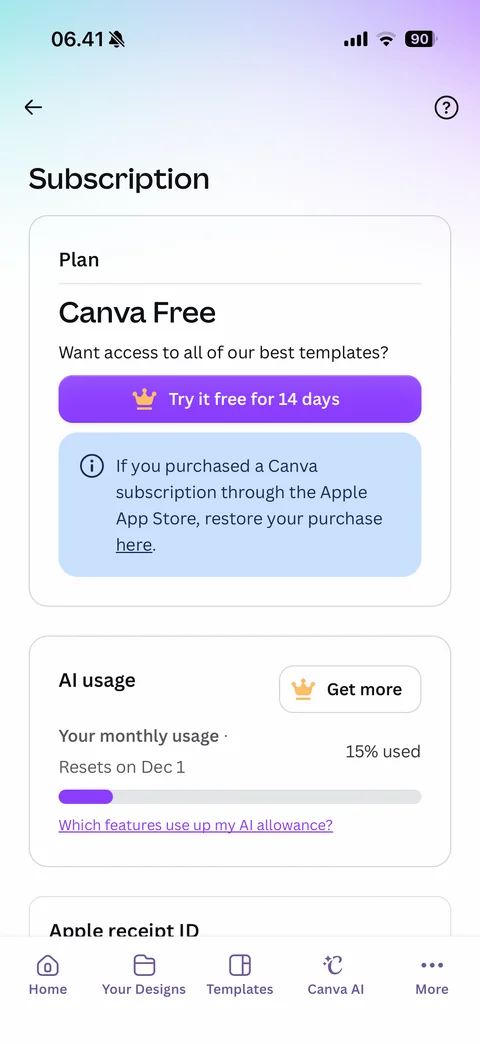
Subscription page: Plan card (Canva Free, Try it free for 14 days with crown, blue restore App Store purchase info box), AI usage card with Get more, monthly usage 15 percent used progress bar and reset date, which features use AI allowance link, Apple receipt ID section
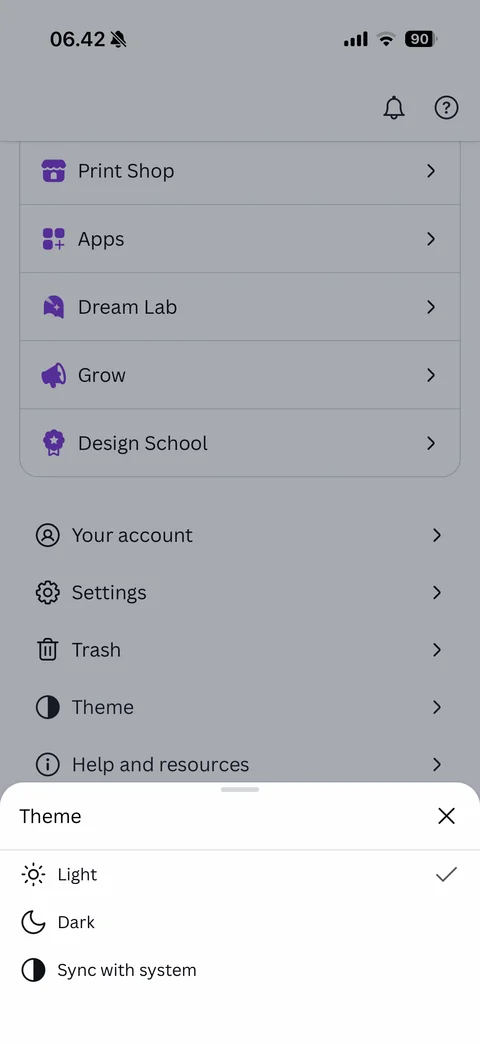
Theme sheet: close, options with icons (Light checked, Dark, Sync with system) over dimmed More tab
Trash empty: back and more, tabs (Designs, Images, Videos, Files), glossy purple 3D trash can with butterfly illustration, Any designs you trash will end up here, 30 days to restore note with Learn more
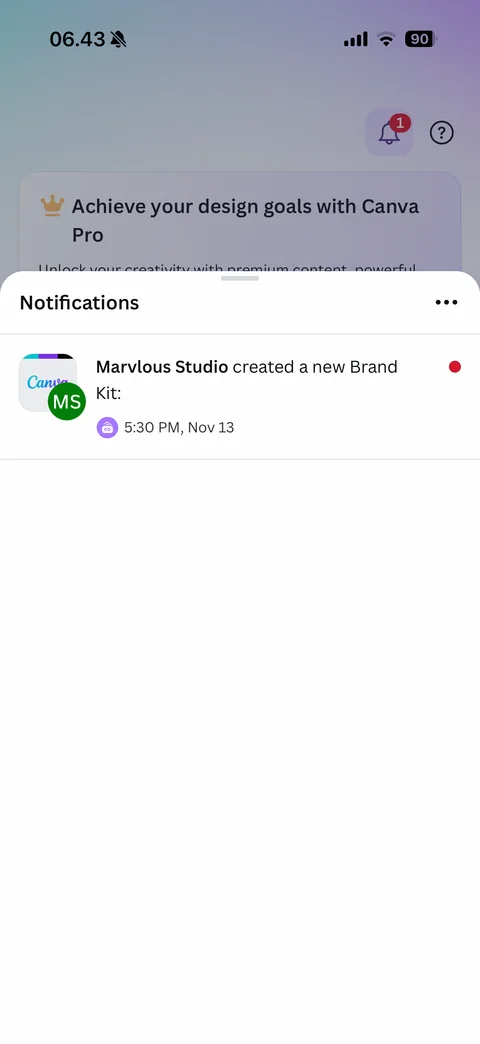
Notifications sheet: bell with red 1 badge behind, Notifications title and more, activity row with Canva thumbnail and MS avatar, Marvlous Studio created a new Brand Kit, brand icon with timestamp, red unread dot
Canva AI Photo & Video Editor ai (5 screens)
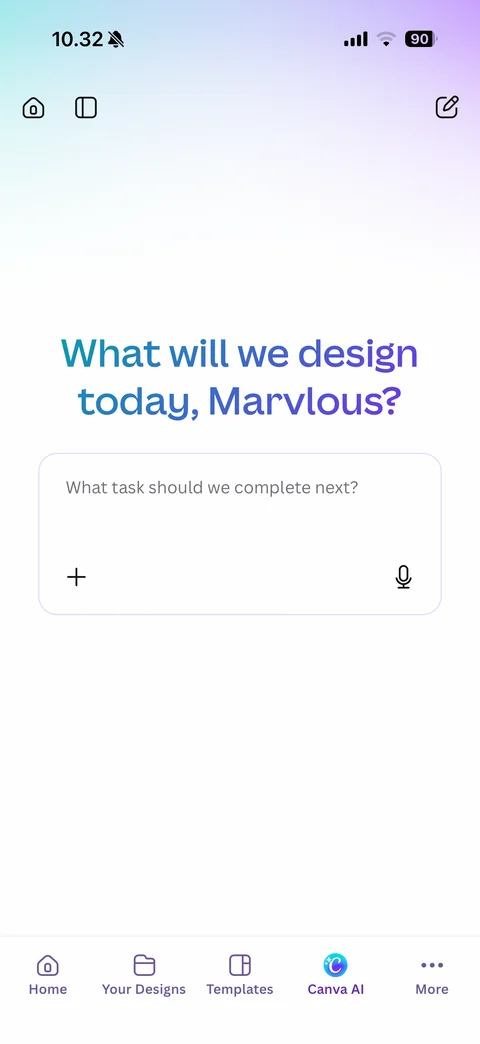
Canva AI tab: home, sidebar and new chat icons, soft gradient, personalized teal-to-purple headline What will we design today, Marvlous, prompt card What task should we complete next with add and mic buttons, tab bar with Canva AI active
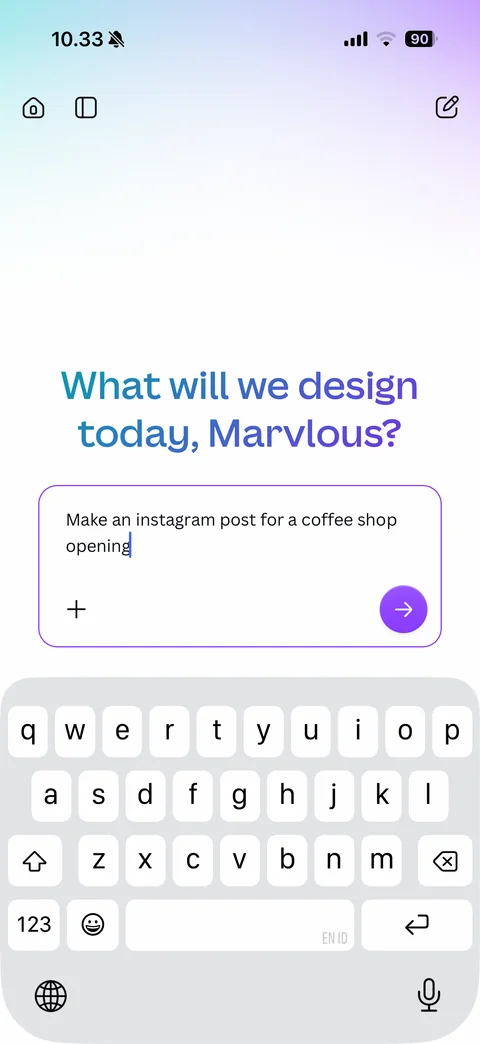
Canva AI prompt typed with keyboard: composer card with purple focus outline, typed design request, add button and purple round send arrow
Canva AI generating: back, new chat and more, user prompt bubble, Canva AI orb with Creating design gradient label, large shimmering pastel placeholder card, composer with stop button
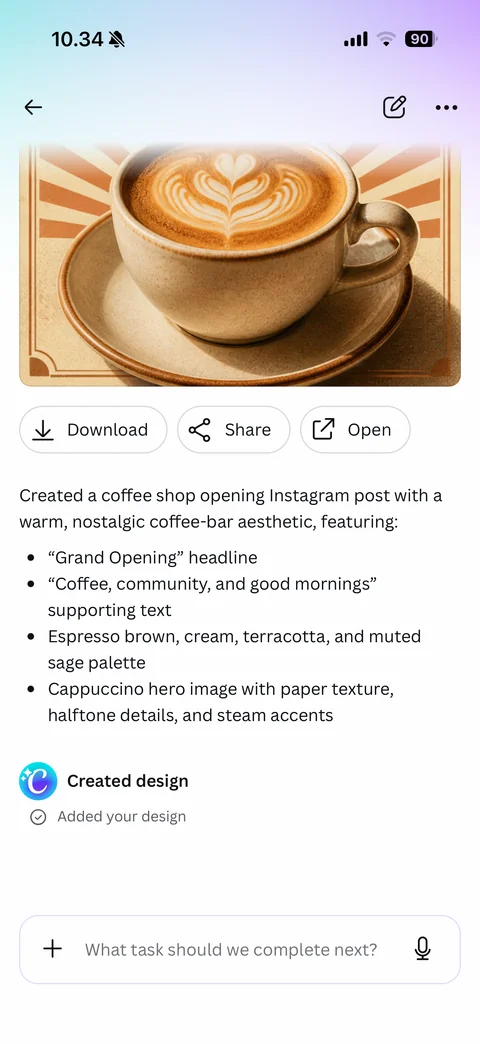
Canva AI result: generated coffee shop post preview with latte art illustration, Download, Share and Open buttons, summary of design choices as bullet list (headline, supporting text, palette, hero image), Created design step with Added your design check, composer
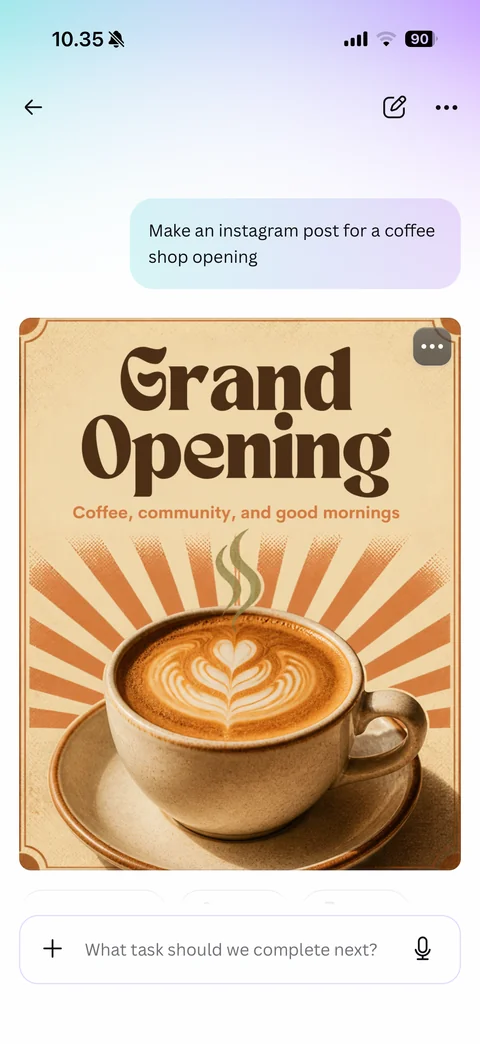
Canva AI full design preview: user prompt bubble with gradient, generated retro Grand Opening coffee poster (bold brown serif headline, tagline, sunburst rays, latte art cup) with more button, composer
Canva AI Photo & Video Editor editor (14 screens)
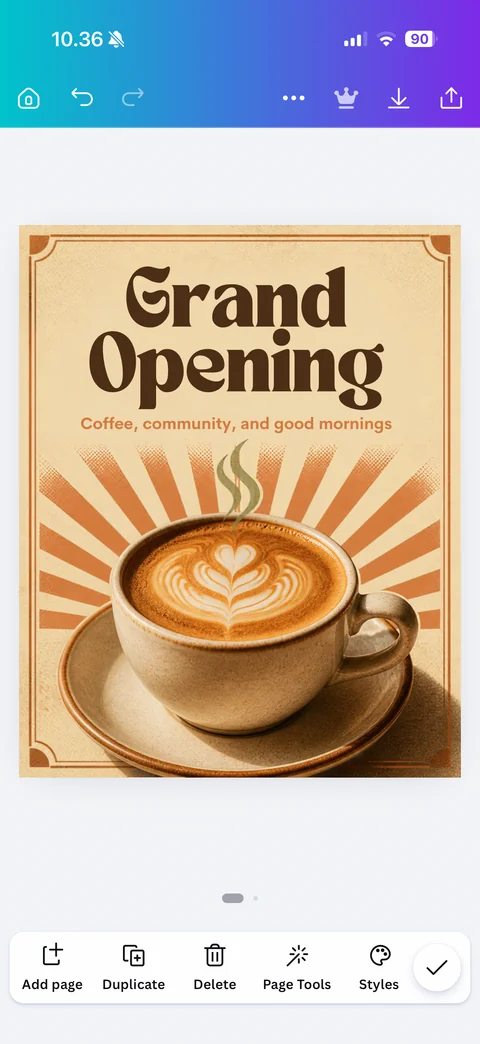
Design editor page view: teal-to-purple gradient top bar with home, undo, redo, more, Pro crown, download and share, design canvas on gray, page dots, bottom page toolbar (Add page, Duplicate, Delete, Page Tools, Styles) with round check button
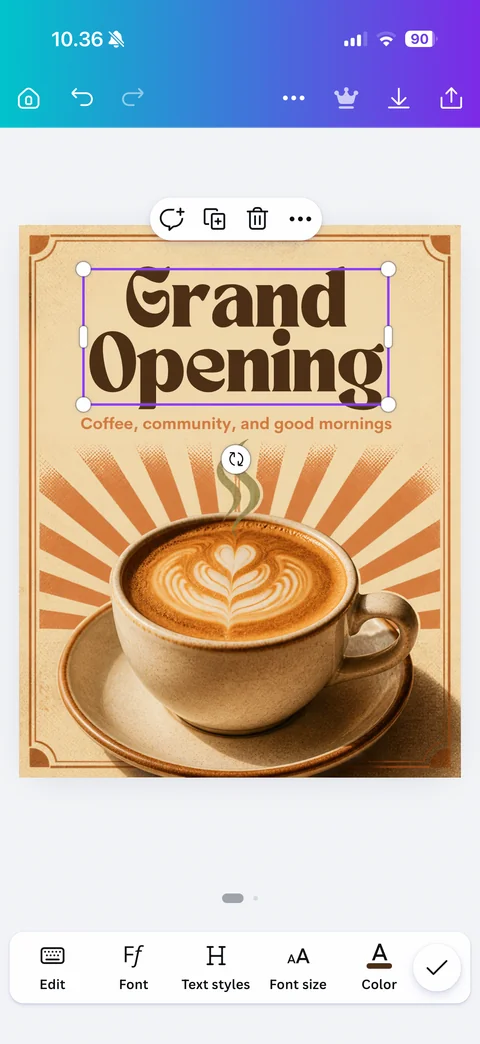
Text element selected: purple bounding box with corner and side handles and rotate button, floating action pill (comment, duplicate, delete, more), contextual text toolbar (Edit, Font, Text styles, Font size, Color)
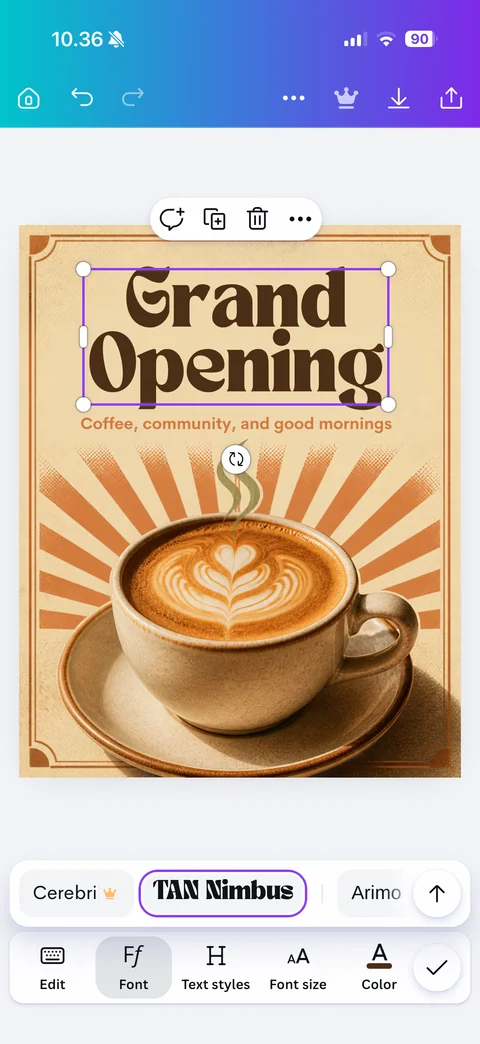
Font quick picker: Font tool active, horizontal font chip strip above toolbar (Cerebri with Pro crown, current TAN Nimbus outlined in purple, Arimo) and expand arrow
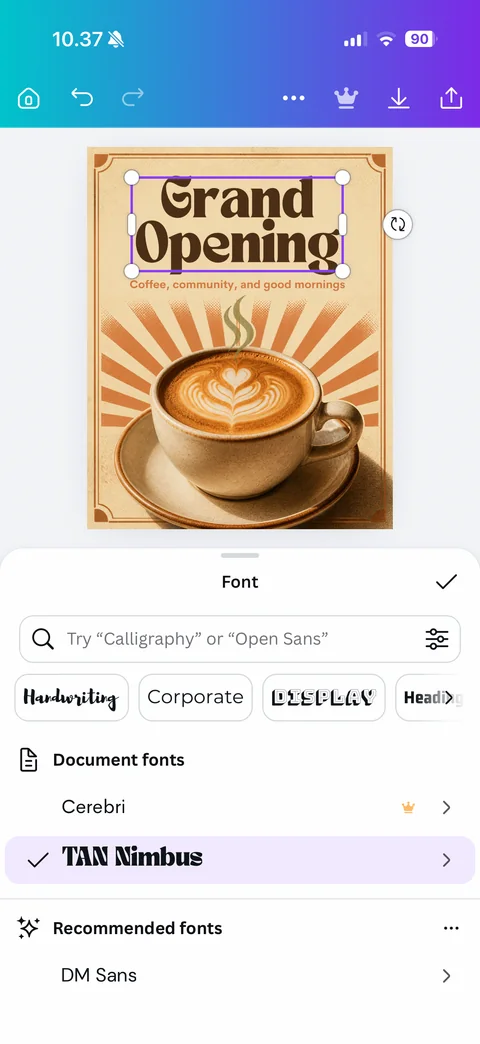
Font sheet: canvas shrunk above, Font title with check, search field with example placeholder and filter, style chips rendered in style (Handwriting, Corporate, Display, Heading), Document fonts list (Cerebri with Pro crown, TAN Nimbus checked and highlighted), Recommended fonts with DM Sans
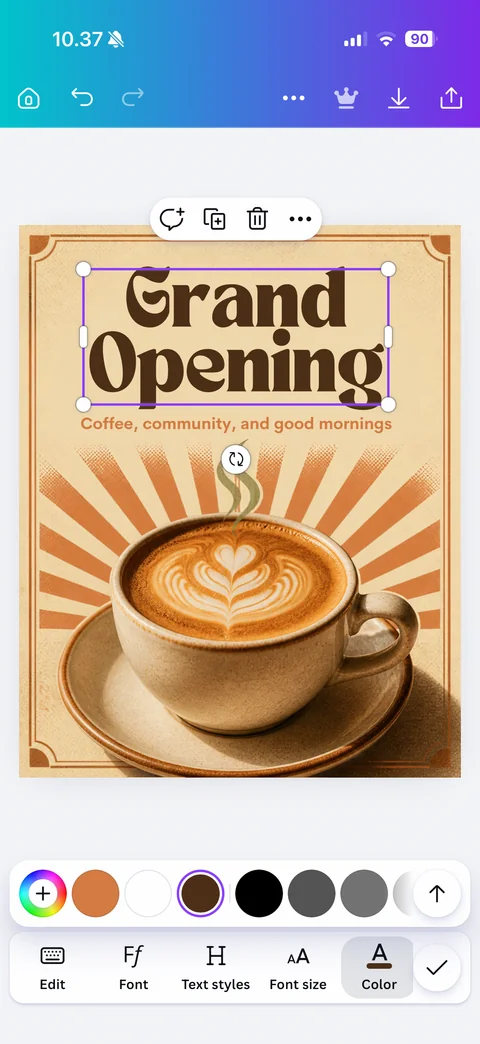
Text color quick picker: Color tool active, swatch strip above toolbar (rainbow add, document colors terracotta, white, current dark brown ringed in purple, black and grays) with expand arrow
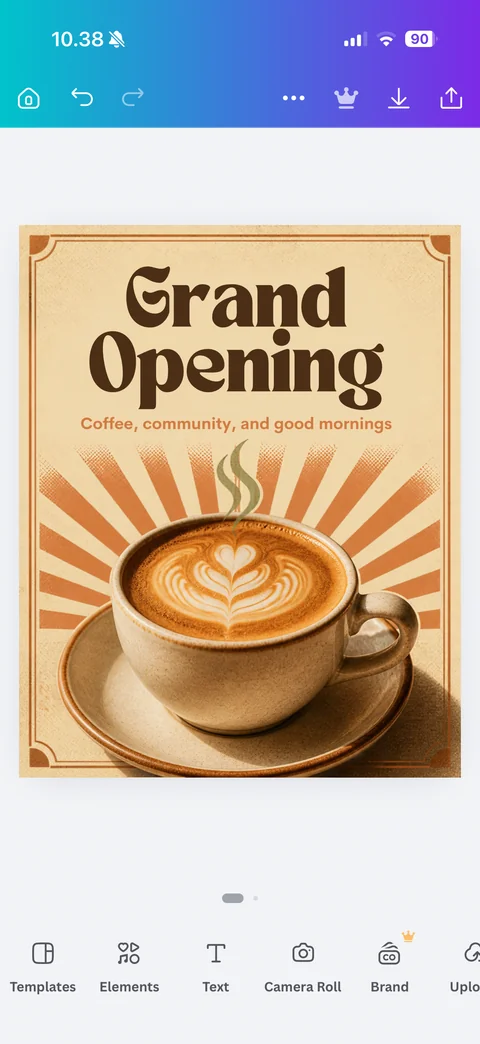
Editor with nothing selected: canvas with design, page dots, main object toolbar (Templates, Elements, Text, Camera Roll, Brand with Pro crown, Uploads)
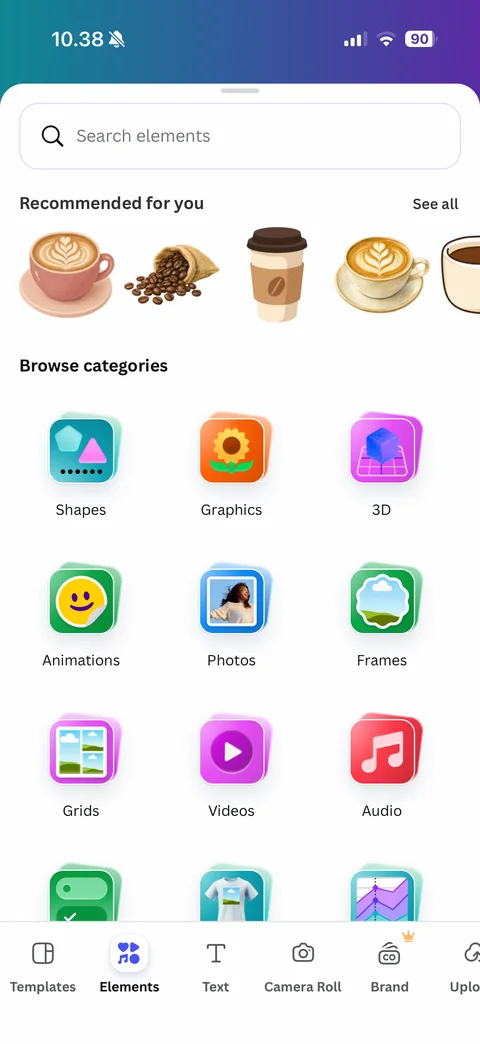
Elements panel: Search elements field, Recommended for you strip of coffee illustrations matching the design, Browse categories grid of glossy 3D category icons (Shapes, Graphics, 3D, Animations, Photos, Frames, Grids, Videos, Audio), Elements tab active in toolbar
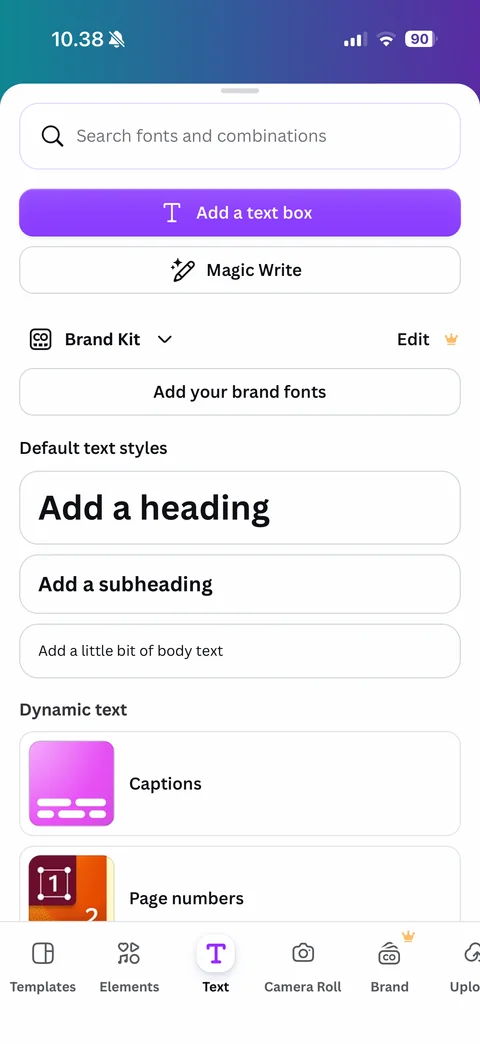
Text panel: search fonts and combinations, purple Add a text box button, Magic Write with AI pen icon, Brand Kit dropdown with Pro Edit and Add your brand fonts, Default text styles (heading, subheading, body text) shown at size, Dynamic text cards (Captions, Page numbers)
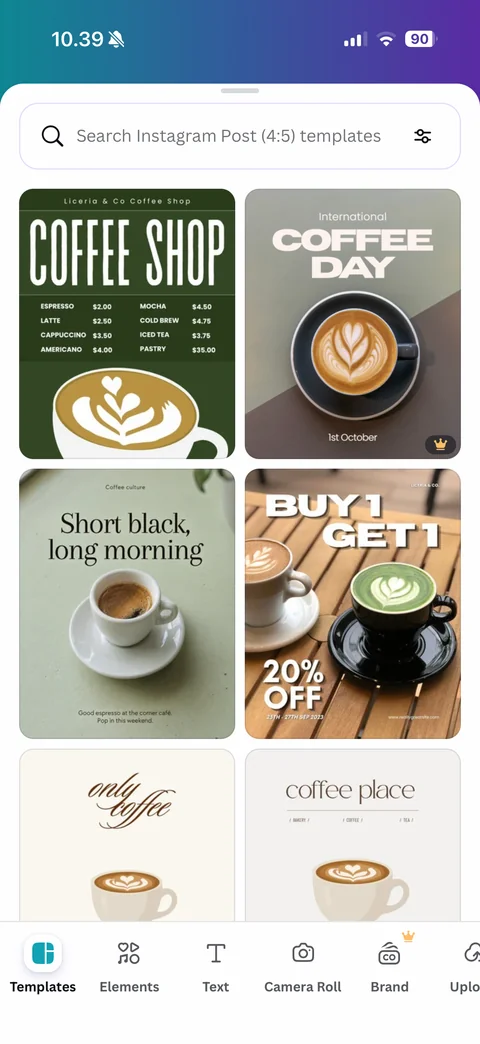
Templates panel in editor: search Instagram Post 4:5 templates with filter, two-column grid of matching coffee templates (menu, International Coffee Day with Pro crown, Short black long morning, Buy 1 Get 1, only coffee, coffee place)
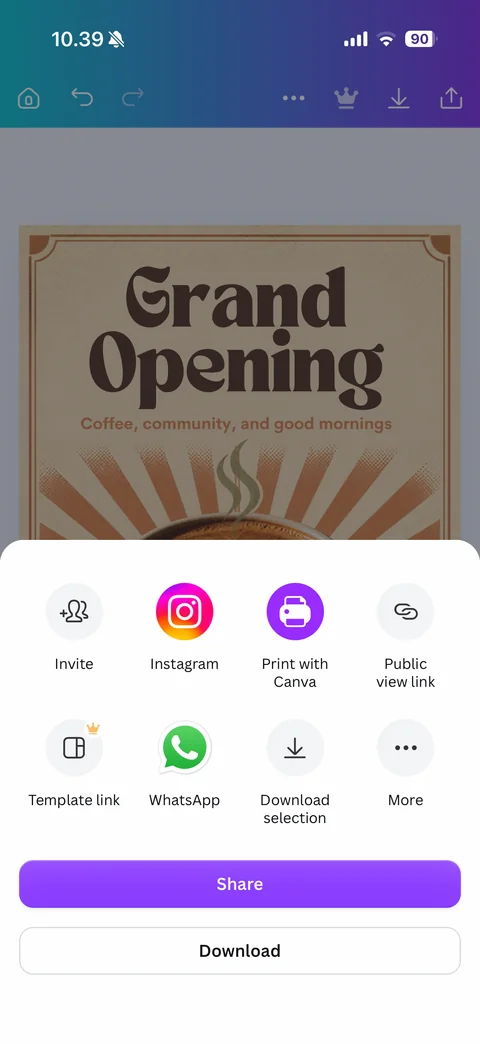
Share sheet over dimmed design: round option grid (Invite, Instagram, Print with Canva, Public view link, Template link with Pro crown, WhatsApp, Download selection, More), purple Share and outlined Download buttons
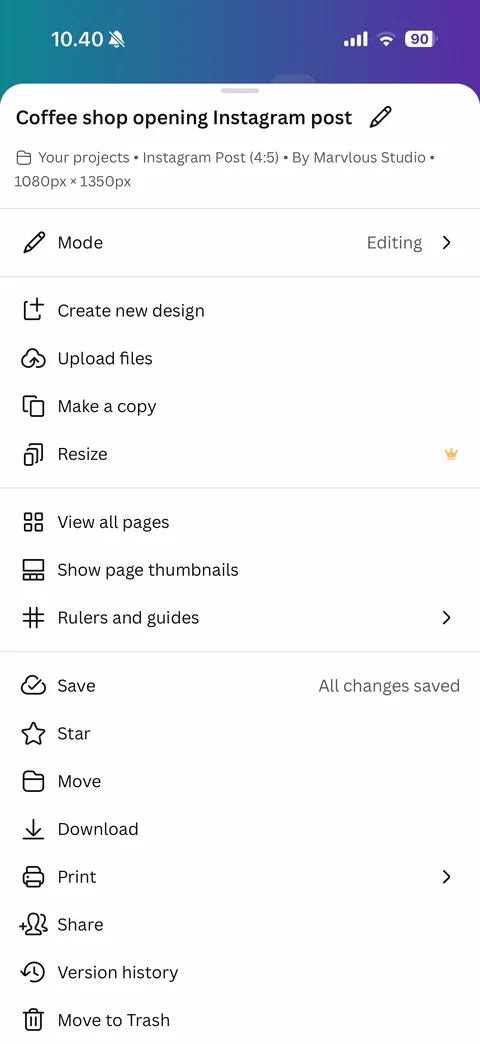
Design more menu: design title with rename pencil, breadcrumb (Your projects, Instagram Post 4:5, By Marvlous Studio, 1080x1350px), Mode Editing, Create new design, Upload files, Make a copy, Resize with Pro crown, View all pages, Show page thumbnails, Rulers and guides, Save with All changes saved, Star, Move, Download, Print, Share, Version history, Move to Trash
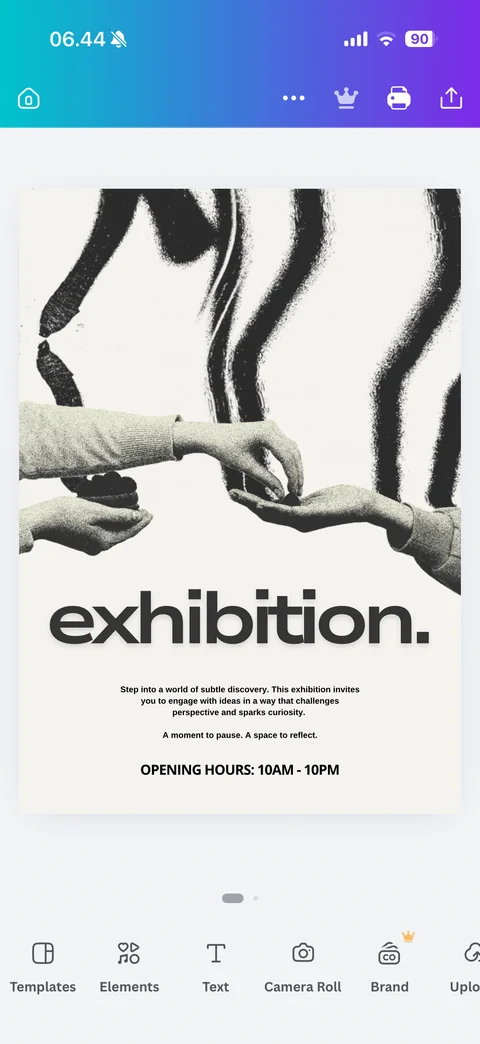
Template opened in editor: gradient top bar with home, more, Pro crown, print and share, exhibition poster template on canvas (grainy hands photo, bold lowercase headline, body copy, opening hours), page dots, main object toolbar
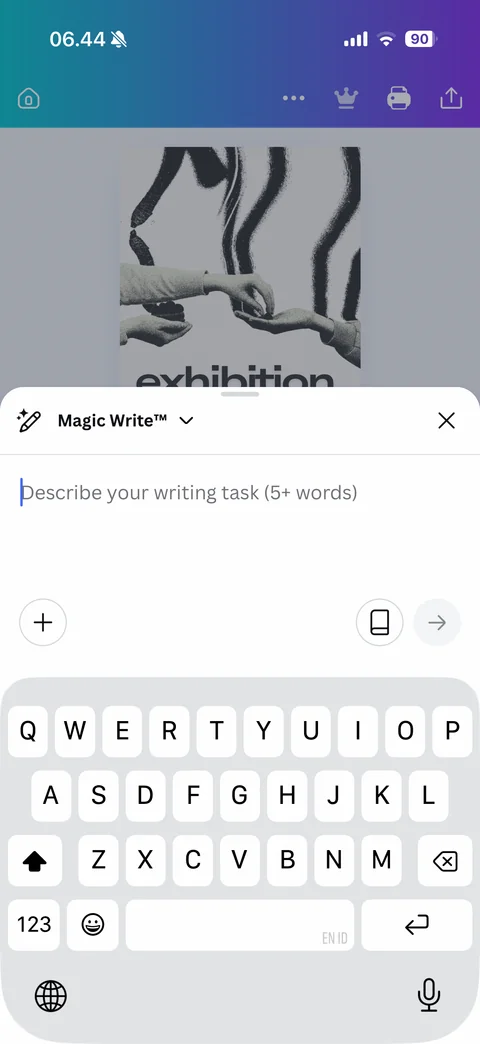
Magic Write sheet with keyboard: dimmed design above, Magic Write title with pen icon and dropdown, close, Describe your writing task (5+ words) field, add button, brand voice book icon and disabled send arrow
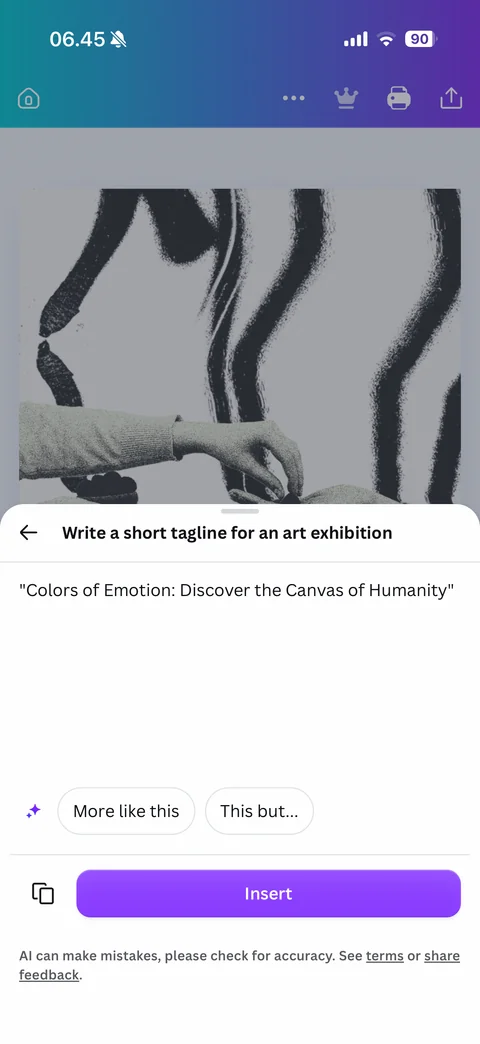
Magic Write result sheet: back with the prompt as title, generated tagline in quotes, sparkle with More like this and This but refine chips, copy button and purple Insert, AI mistakes disclaimer with terms and share feedback links
Canva AI Photo & Video Editor features (8 screens)
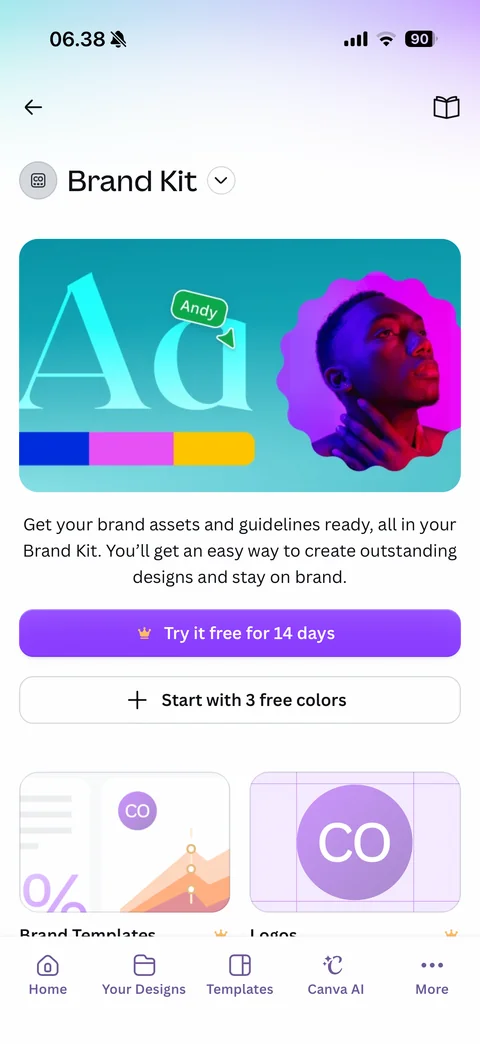
Brand Kit intro: back and guide book icon, Brand Kit title with dropdown, teal hero with large Aa type sample, name tag cursor, color swatch bar and portrait in wavy purple frame, description, Try it free for 14 days and Start with 3 free colors buttons, Brand Templates and Logos cards with Pro crowns
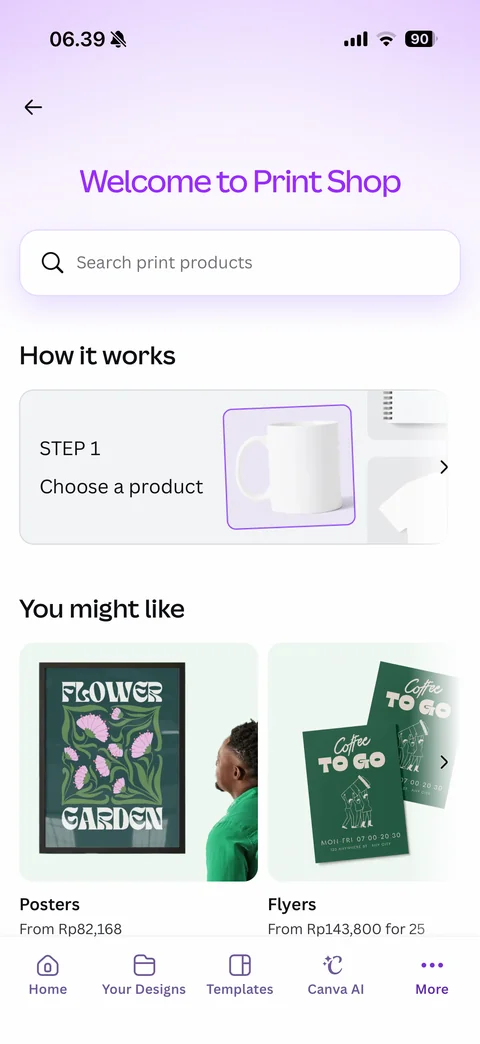
Print Shop: Welcome to Print Shop purple headline, search print products, How it works step carousel (Step 1 Choose a product with mug, notebook and shirt mockups), You might like product cards (Posters, Flyers) with prices in Rp
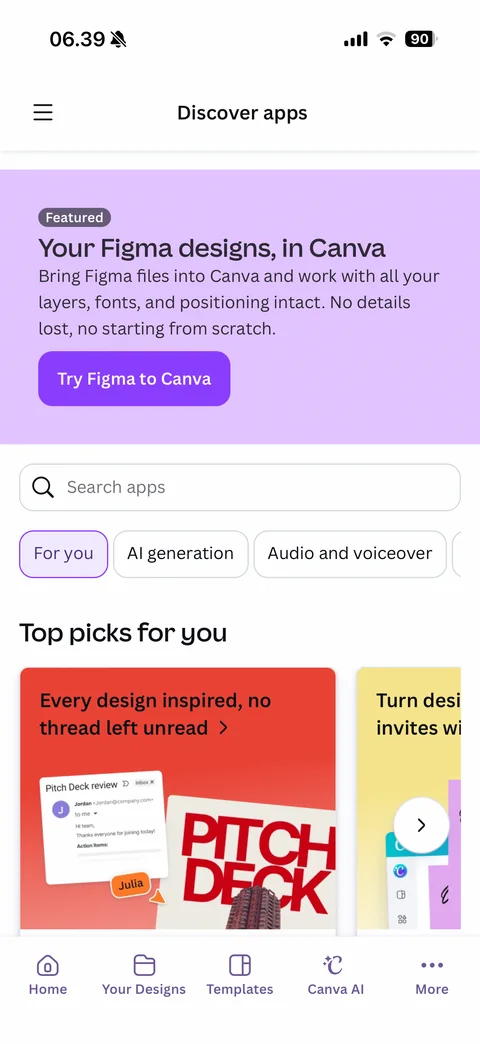
Discover apps: menu and title, lavender Featured banner Your Figma designs in Canva with Try Figma to Canva button, search apps, category chips (For you selected, AI generation, Audio and voiceover), Top picks for you large illustrated app cards carousel
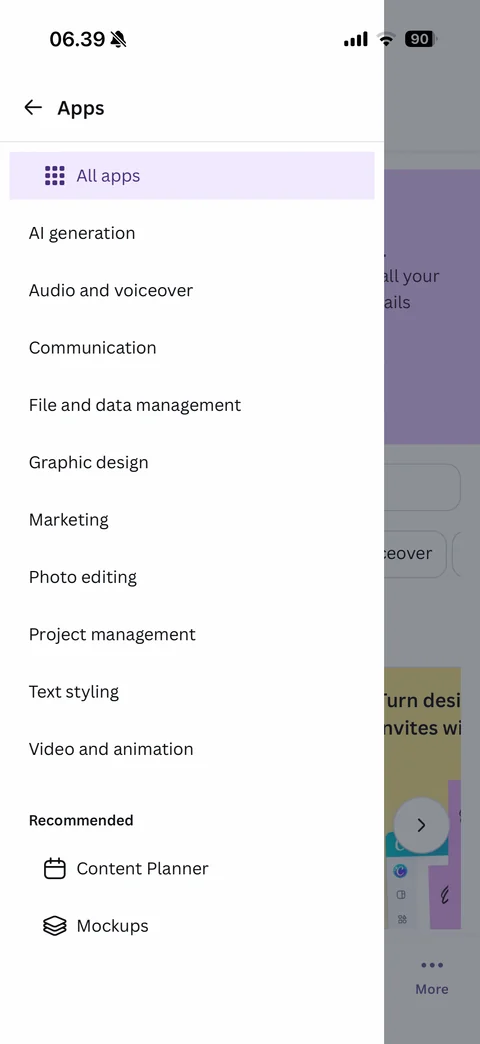
Apps side drawer: back and Apps title, All apps selected with grid icon, category list (AI generation, Audio and voiceover, Communication, File and data management, Graphic design, Marketing, Photo editing, Project management, Text styling, Video and animation), Recommended (Content Planner, Mockups)
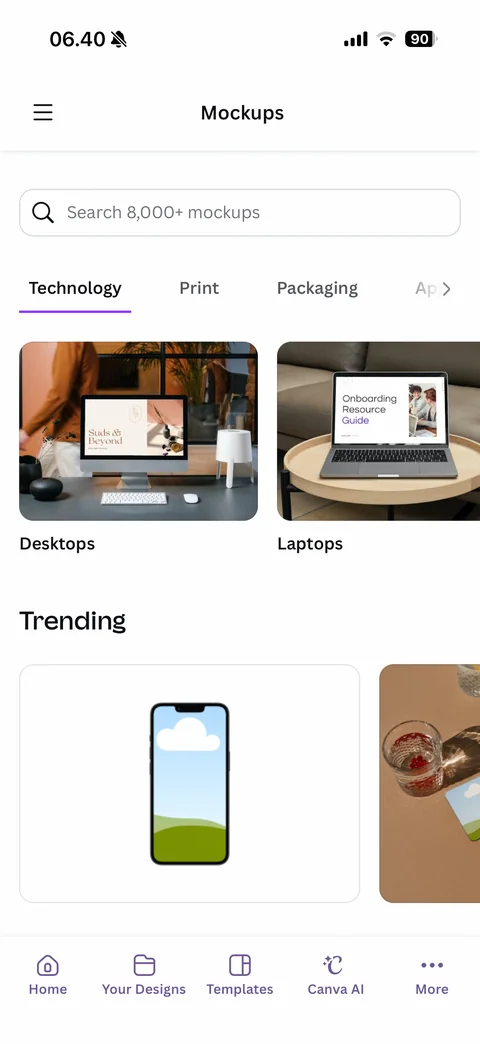
Mockups app: menu and title, search 8000+ mockups, category tabs (Technology selected, Print, Packaging, Apparel), photo cards (Desktops, Laptops), Trending mockups with phone frame placeholder and coaster scene
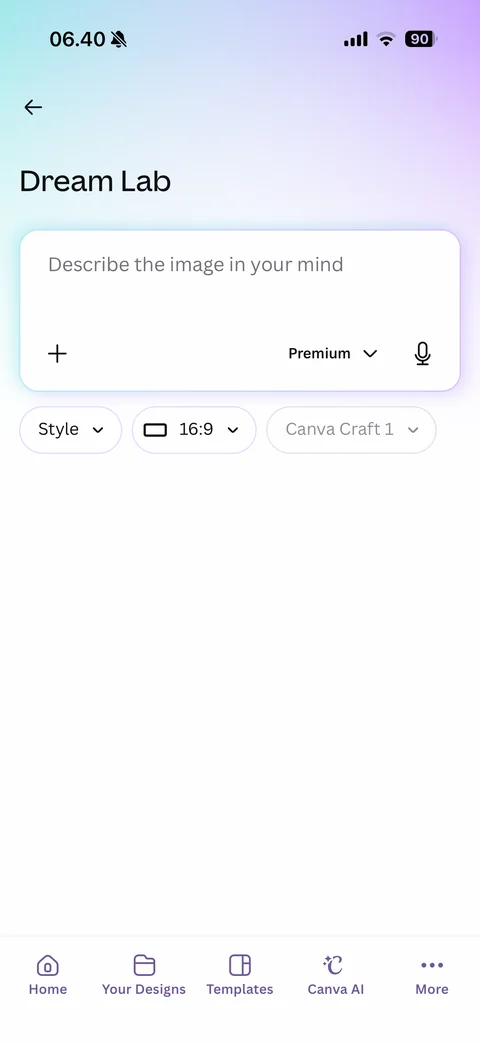
Dream Lab AI image generator: back, Dream Lab title, prompt card Describe the image in your mind with add, Premium quality dropdown and mic, option chips (Style, 16:9 aspect ratio, Canva Craft 1 model)
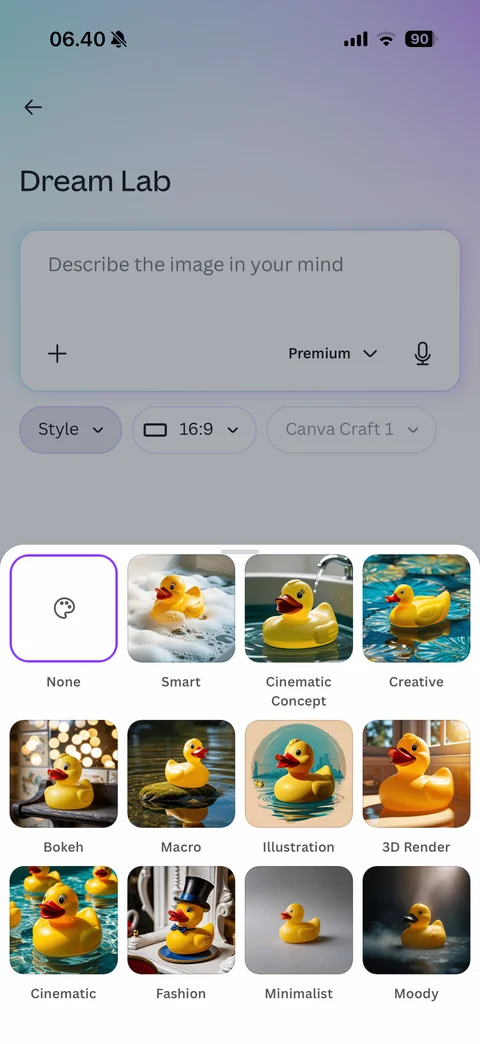
Dream Lab style picker sheet: Style chip active, grid of the same rubber duck rendered in each style (None selected, Smart, Cinematic Concept, Creative, Bokeh, Macro, Illustration, 3D Render, Cinematic, Fashion, Minimalist, Moody)
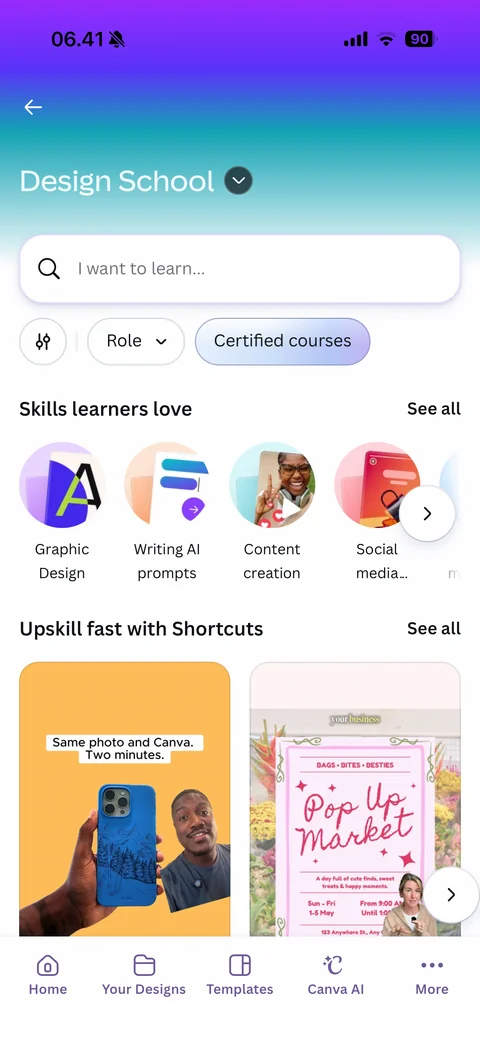
Design School: purple-to-teal gradient header with dropdown, I want to learn search, filters (settings, Role, Certified courses), Skills learners love round illustrated skill bubbles (Graphic Design, Writing AI prompts, Content creation, Social media), Upskill fast with Shortcuts vertical video cards