Snapchat app design: 86 real screens in 27 flows
Share the moment! Category: Photo & Video. By Snap, Inc.
Captured on iPhone and updated November 2026. Each screen has a short note on what it shows and why it matters for growth.
Snapchat onboarding (1 screen)
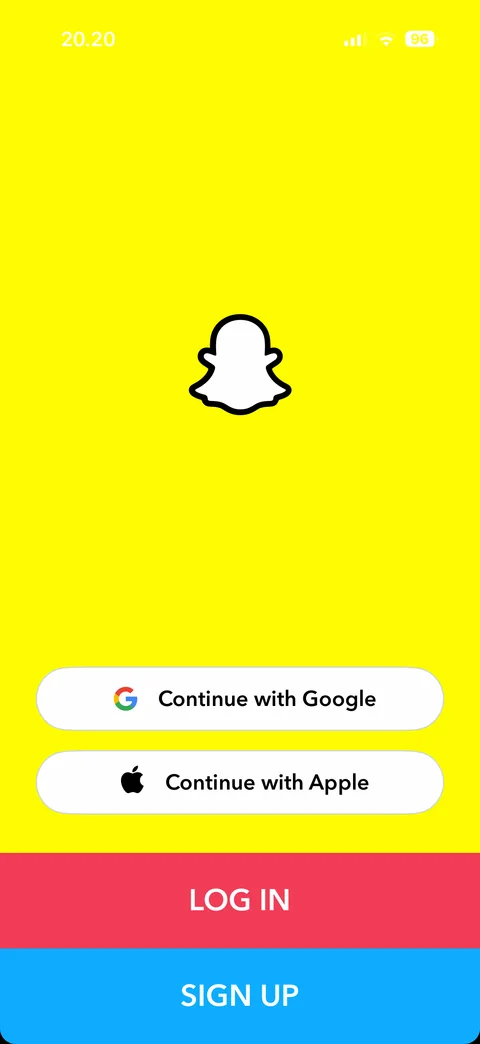
Landing: ghost logo, Google, Apple, Log in, Sign up
Snapchat onboarding / sign up / notifications (1 screen)
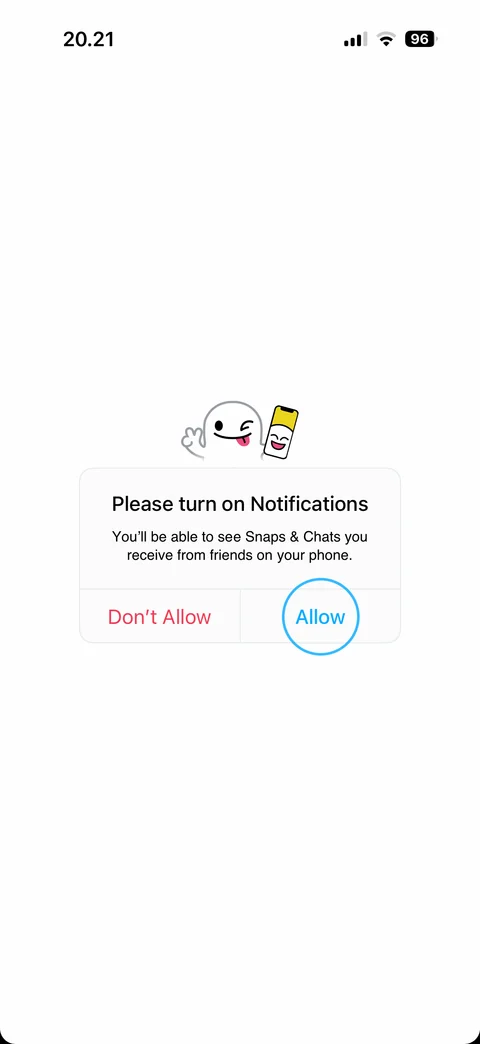
Notifications pre-prompt: ghost illustration, Don't Allow or Allow (highlighted)
Snapchat onboarding / sign up / name (2 screens)
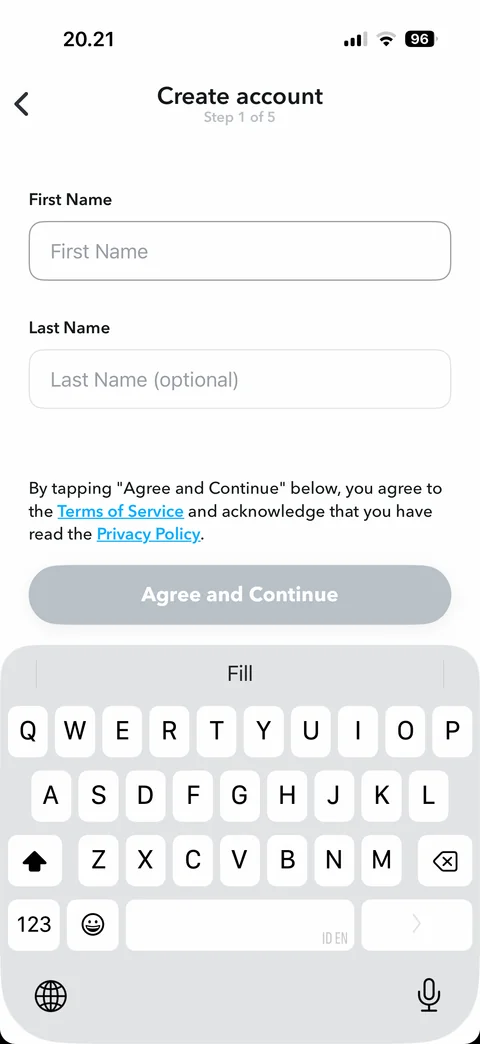
Name (step 1 of 5): empty, first name focused, Agree and Continue disabled
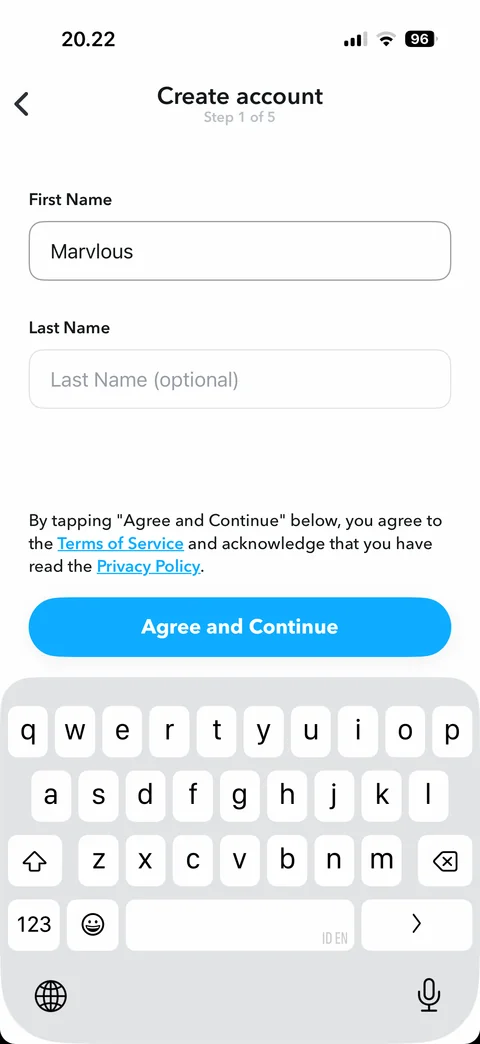
Name: first name filled, Agree and Continue enabled (blue)
Snapchat onboarding / sign up / birthday (2 screens)
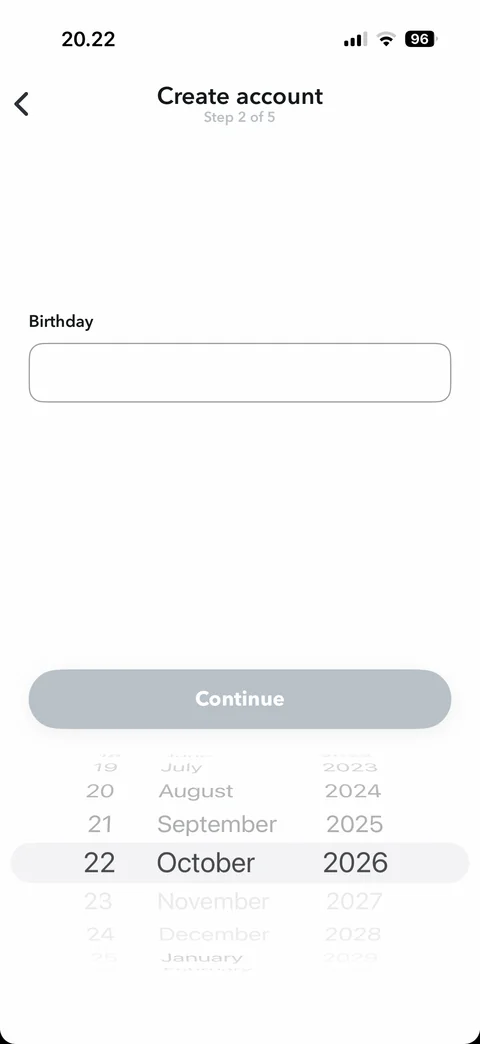
Birthday (step 2 of 5): empty field, date wheel at today, Continue disabled
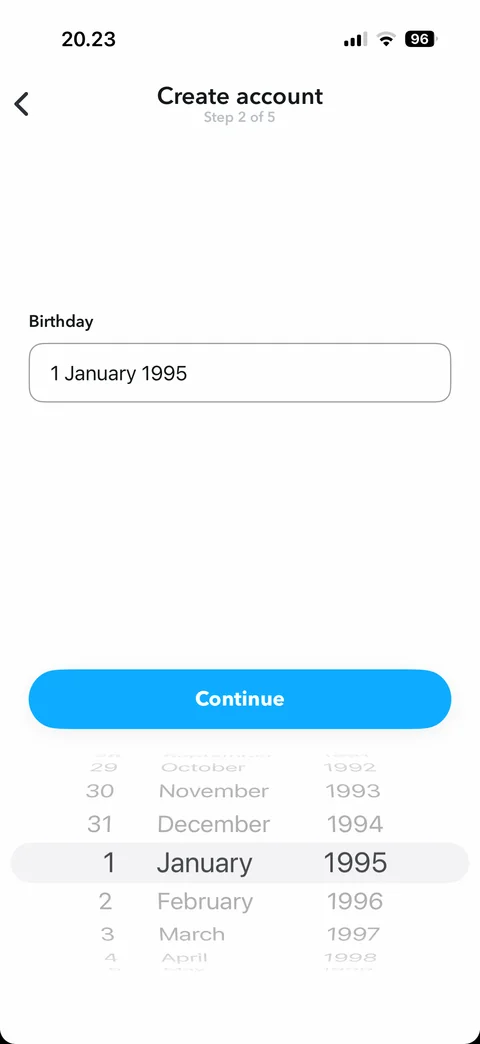
Birthday: 1 January 1995 selected, Continue enabled
Snapchat onboarding / sign up / username (3 screens)
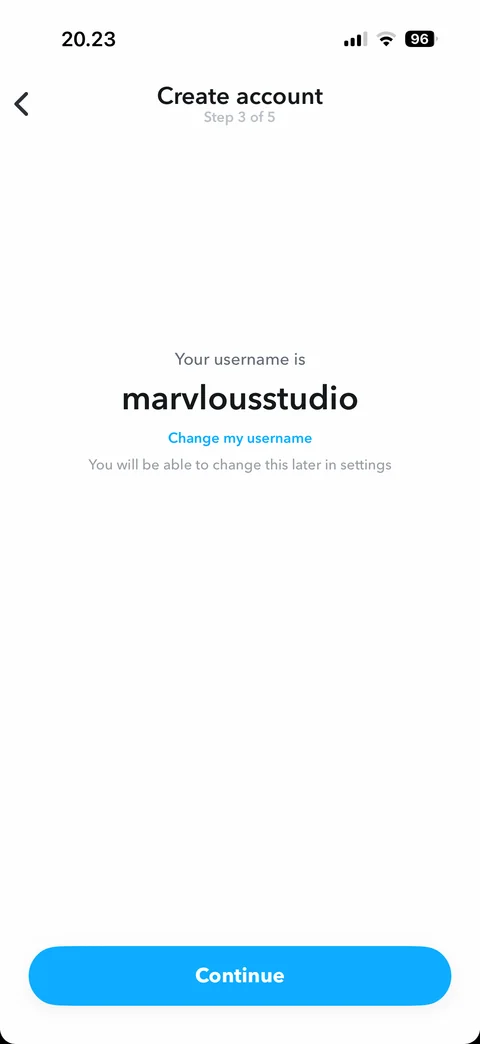
Username (step 3 of 5): suggested username, change my username link
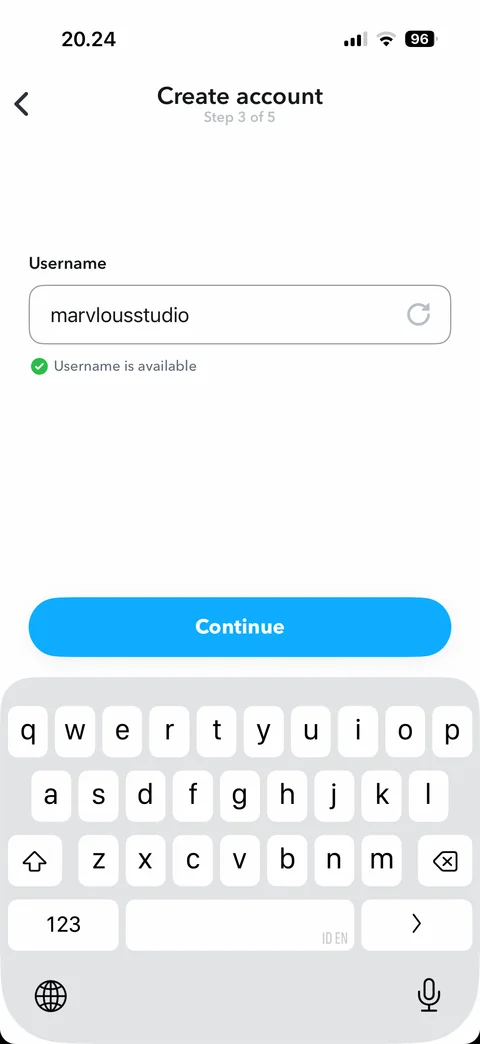
Change username: field with refresh, username is available check
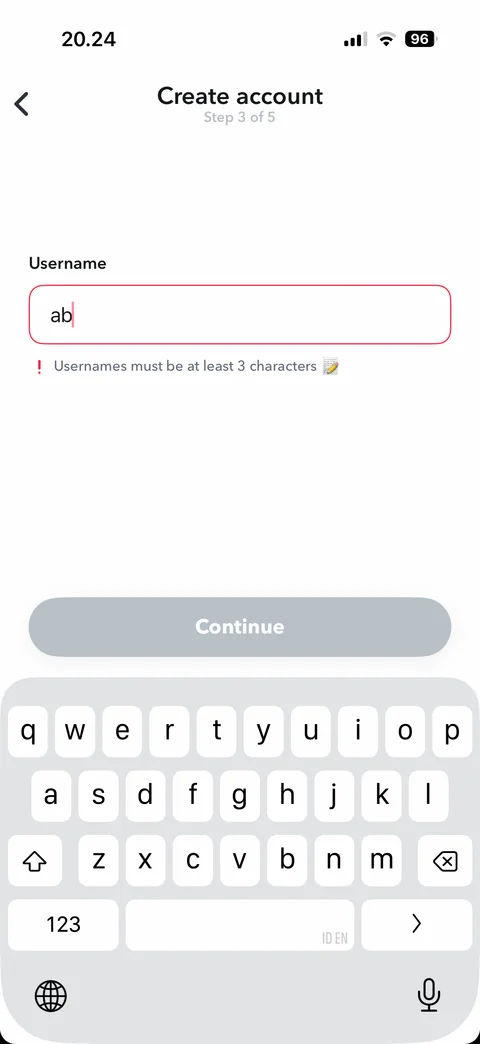
Change username: too short error, red field, Continue disabled
Snapchat onboarding / sign up / password (4 screens)
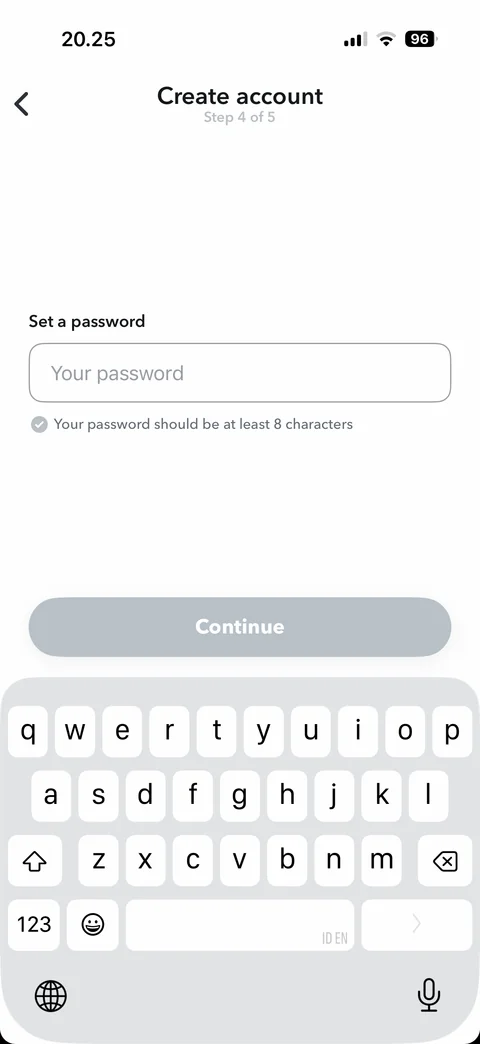
Password (step 4 of 5): empty, keyboard open, at least 8 characters hint, Continue disabled
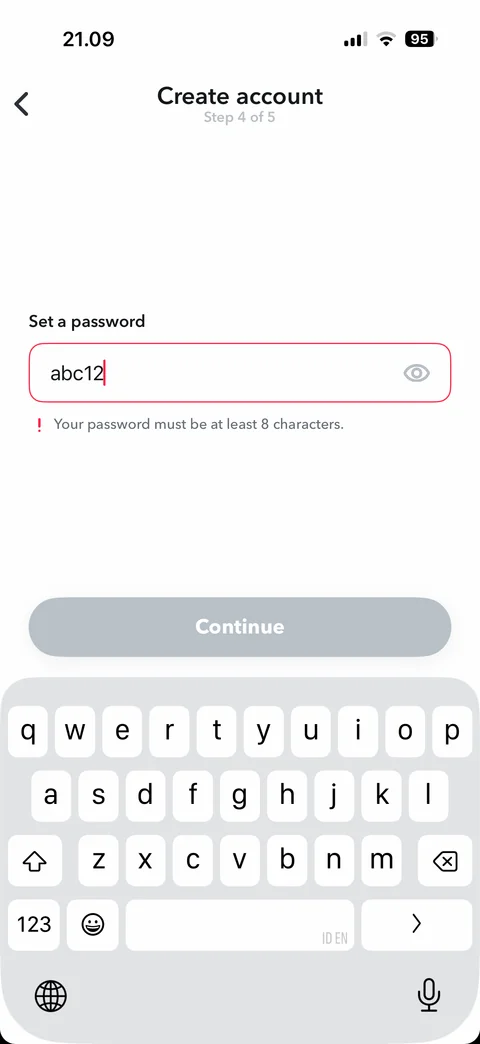
Password: too short (test value abc12 shown as text), red field and error, eye icon
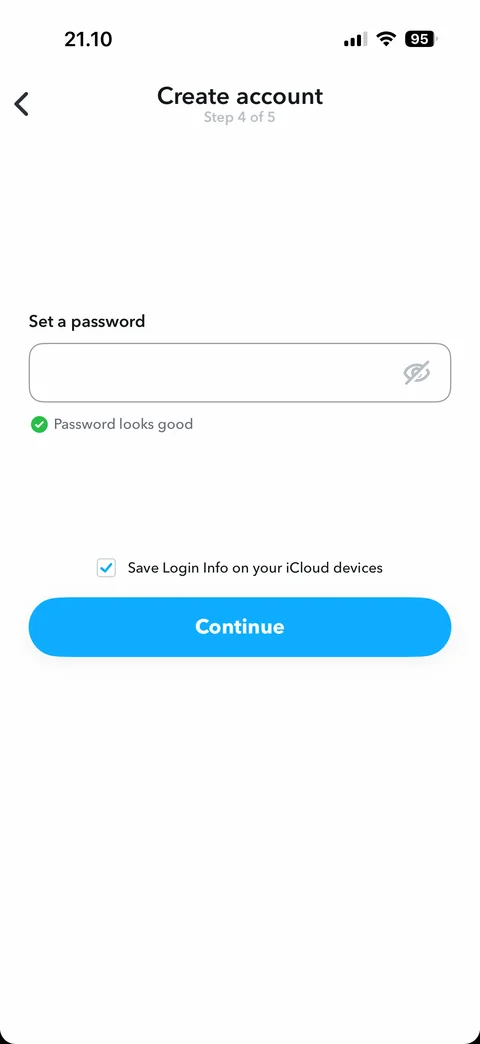
Password: valid and hidden, password looks good, save login info to iCloud checkbox, Continue enabled
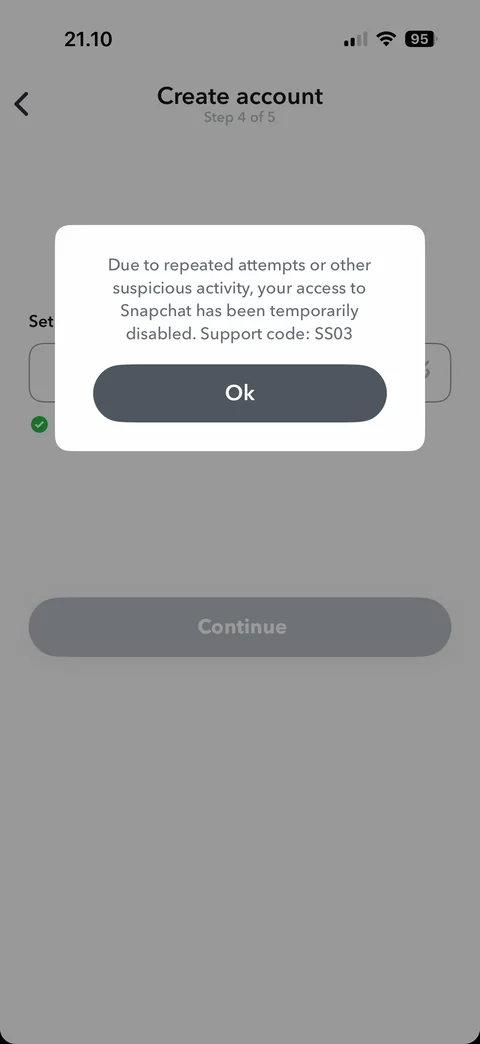
Error: access temporarily disabled for suspicious activity, support code SS03, Ok
Snapchat onboarding / sign up v2 / birthday (1 screen)
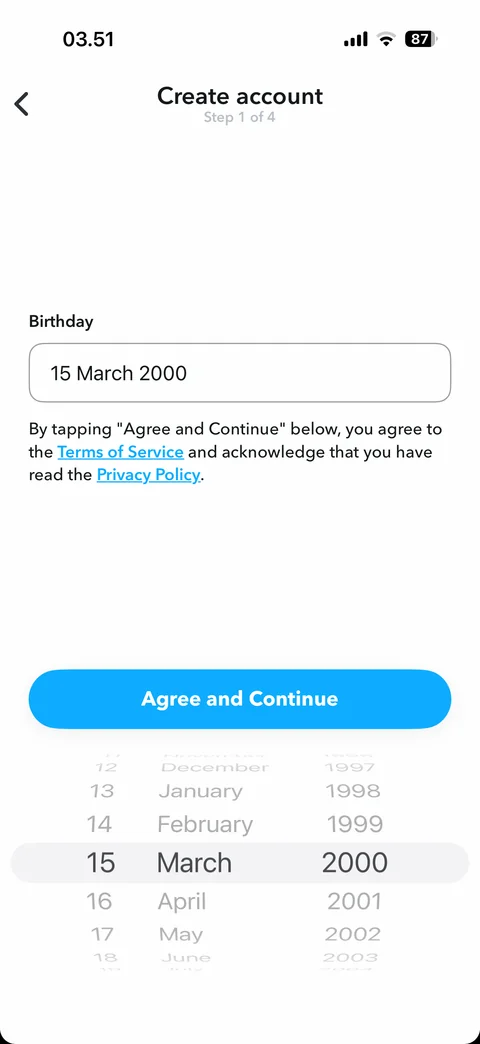
Birthday (step 1 of 4): date selected, terms text, Agree and Continue
Snapchat onboarding / bitmoji (7 screens)
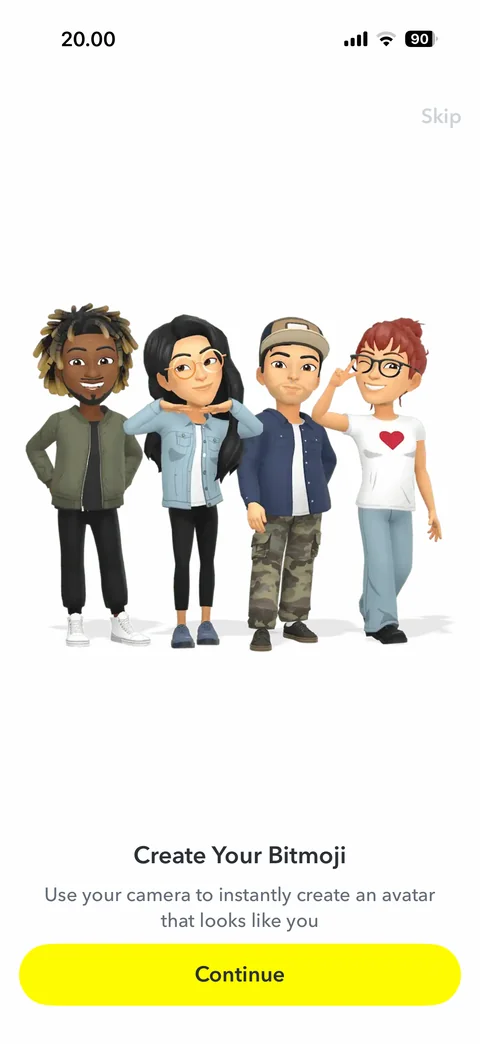
Create your Bitmoji intro: group of four Bitmoji avatars, use your camera to create an avatar, Continue, Skip
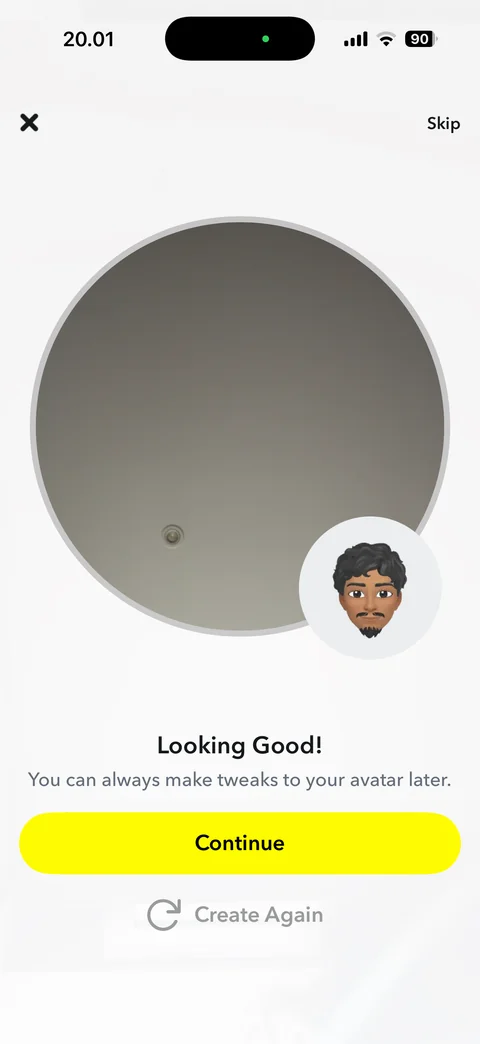
Bitmoji result: round live camera preview with generated Bitmoji avatar bubble, Looking Good, tweak later note, Continue, Create Again, Skip and close
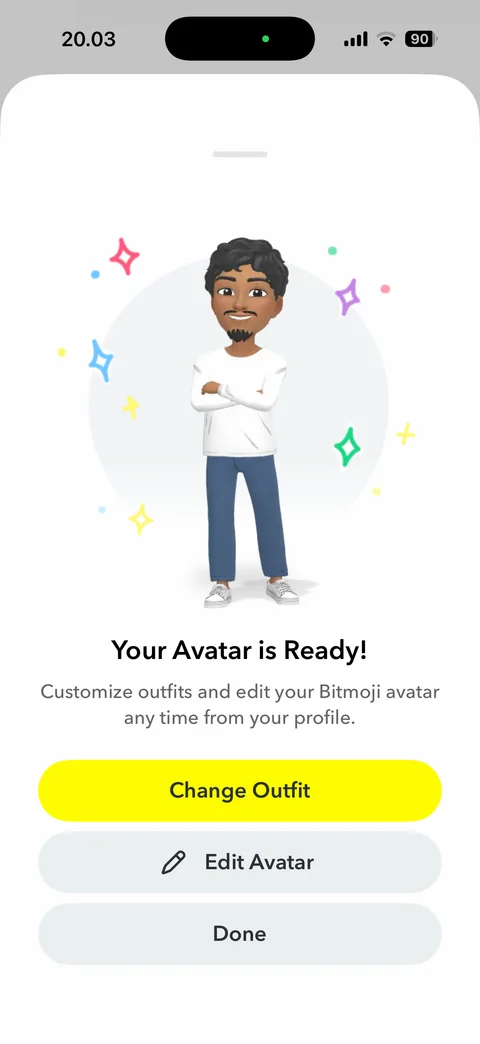
Your avatar is ready sheet: full-body Bitmoji with sparkles, customize note, Change Outfit, Edit Avatar, Done
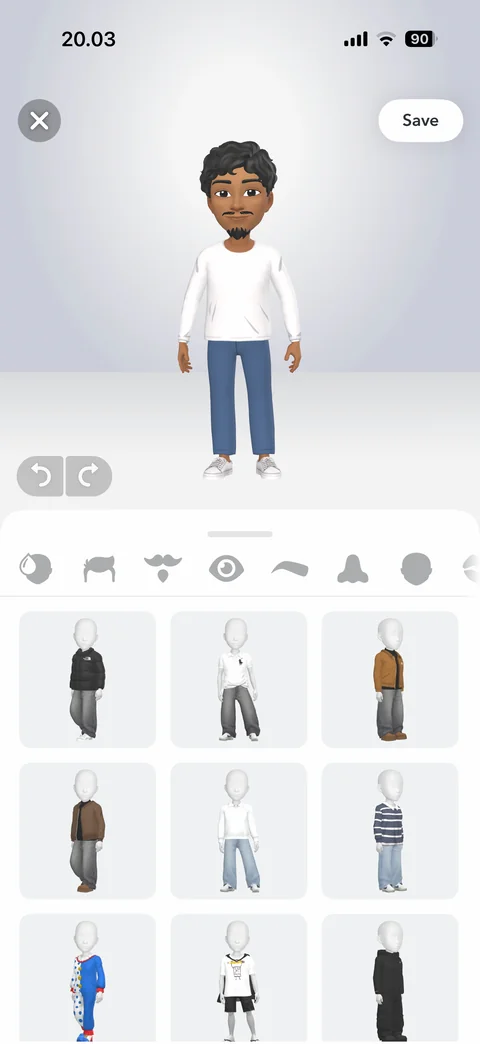
Bitmoji outfit editor: 3D avatar preview, close, Save, undo and redo, category icons row, outfit grid on mannequins
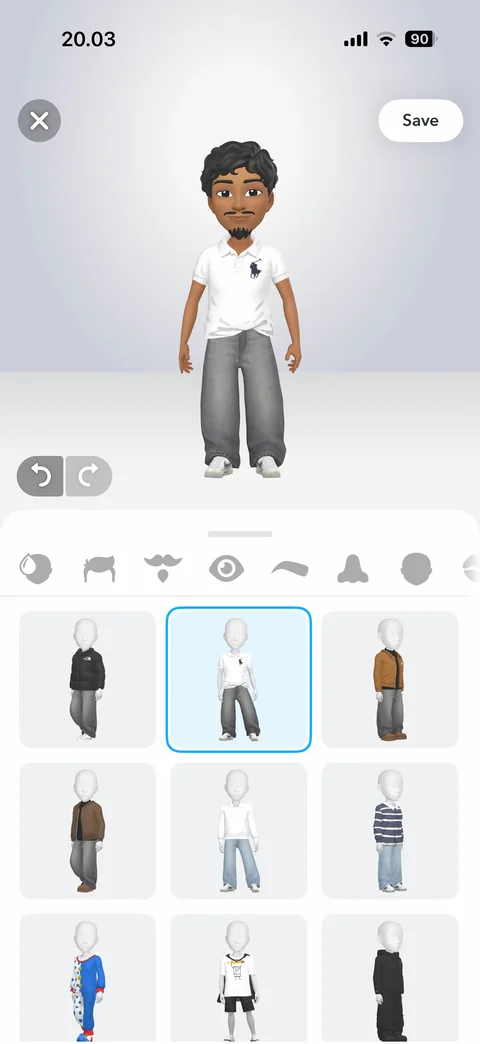
Outfit selected: avatar wears the chosen outfit, selected tile with blue border, undo active
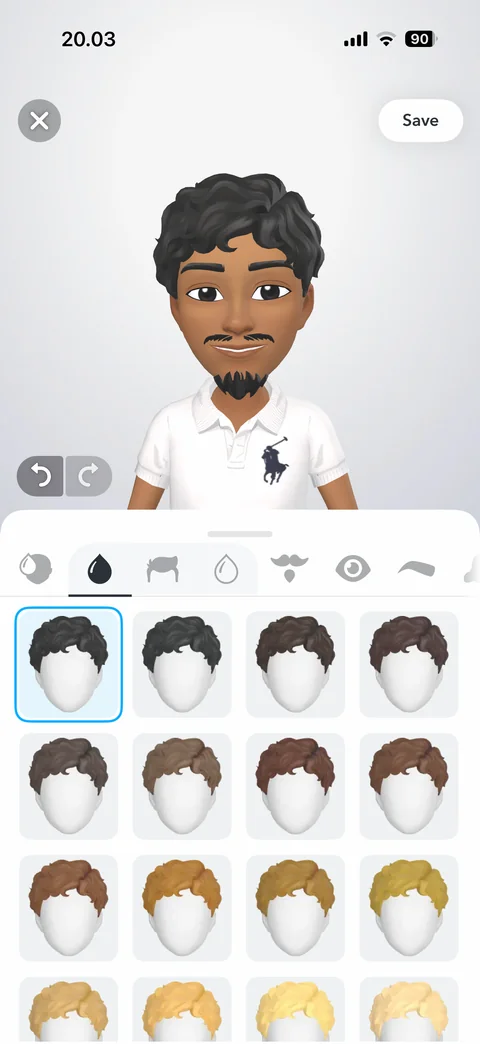
Hair color editor: zoomed face preview, hair color tab active with sub-tabs, grid of hair color swatches on head models
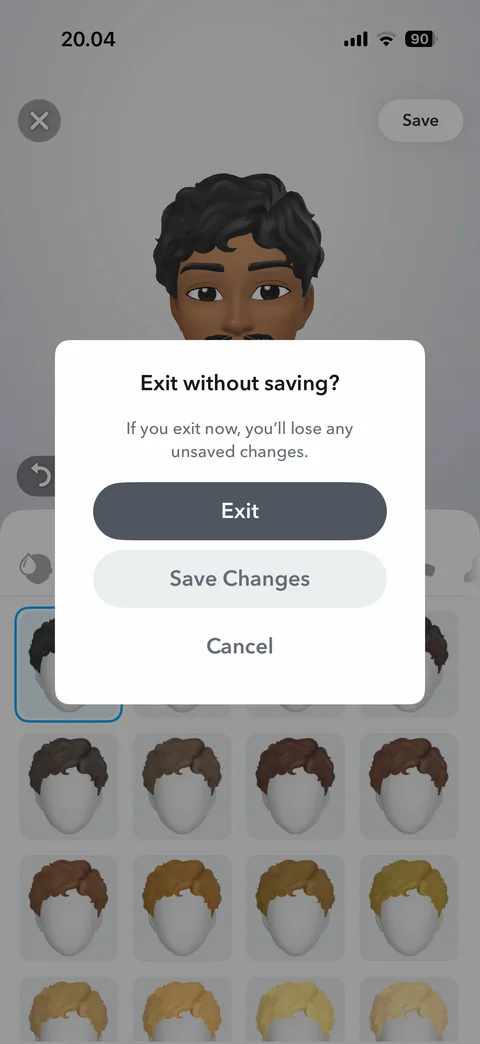
Exit without saving dialog: lose unsaved changes warning, Exit, Save Changes, Cancel
Snapchat spotlight (3 screens)
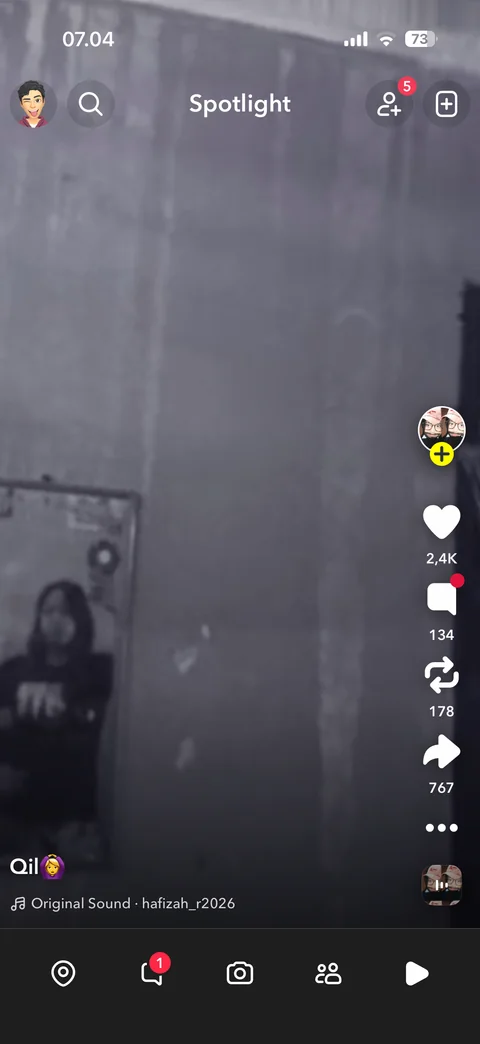
Spotlight: full-screen vertical video, like, comment, remix, share, more, sound and caption, tab bar
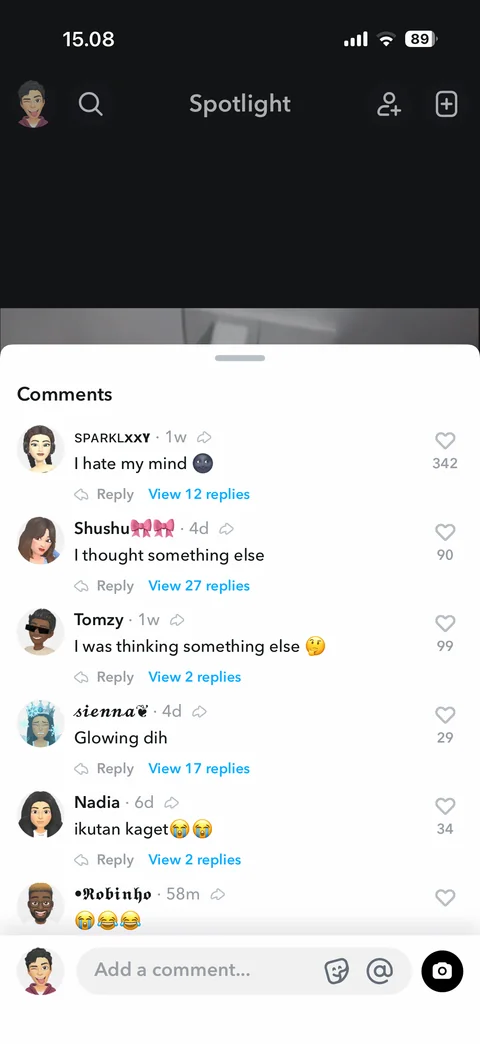
Comments sheet: comment rows with Bitmoji, time, reply, view replies, like counts, add comment bar
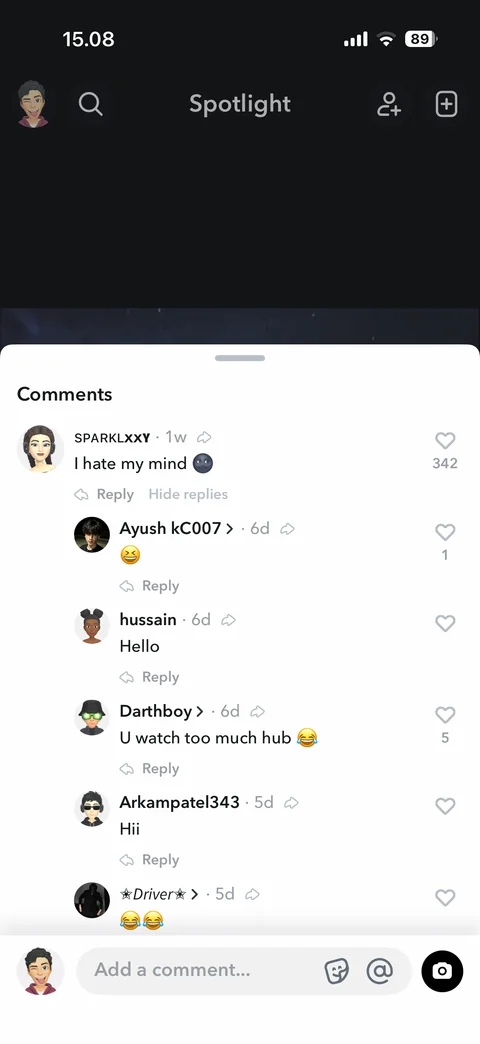
Comment replies expanded: nested replies with avatars, reply links, hide replies
Snapchat spotlight / creator profile (2 screens)
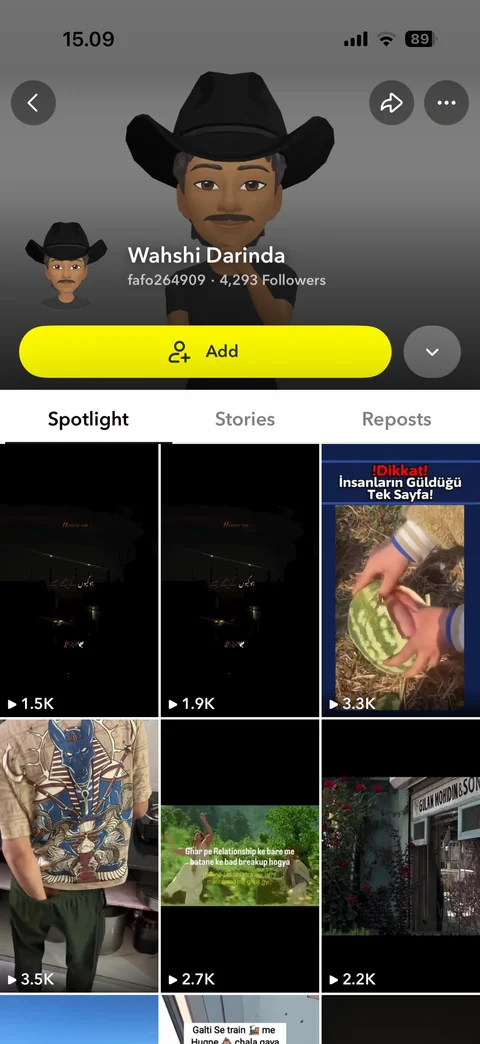
Creator profile: Bitmoji header, name, username, follower count, Add button, Spotlight, Stories, Reposts tabs, video grid
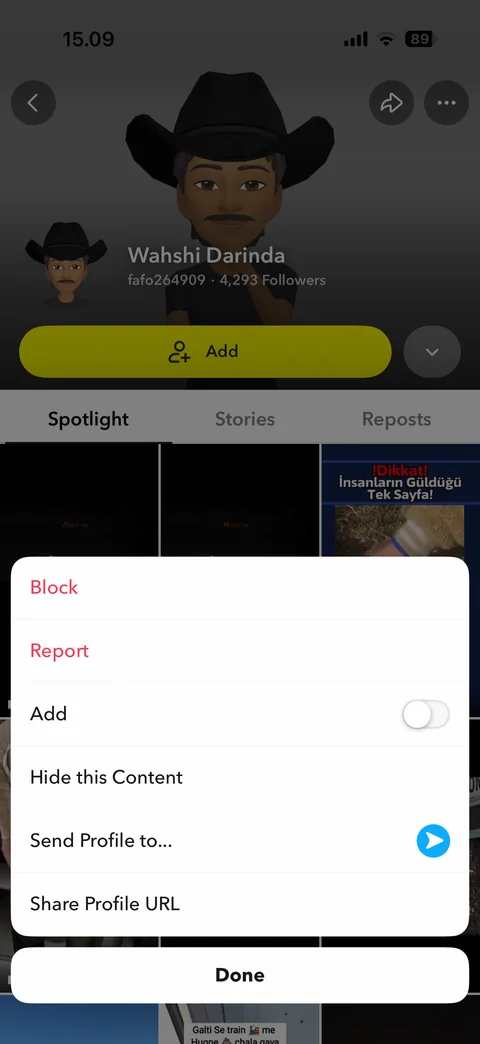
Profile options: block, report, add toggle, hide content, send profile, share profile URL, Done
Snapchat spotlight / sound (1 screen)
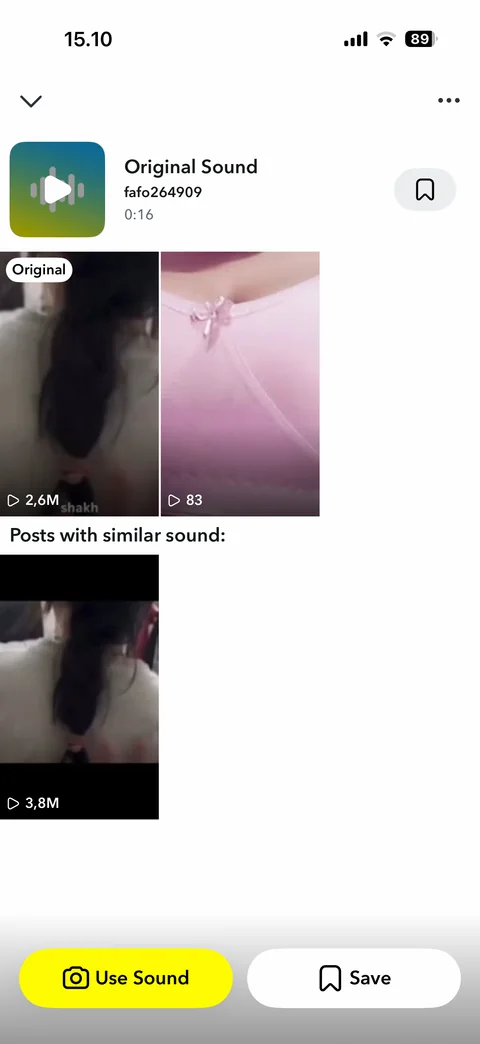
Sound page: sound cover, name, creator, length, save tooltip, original and similar posts grid, Use Sound and Save buttons
Snapchat stories (4 screens)
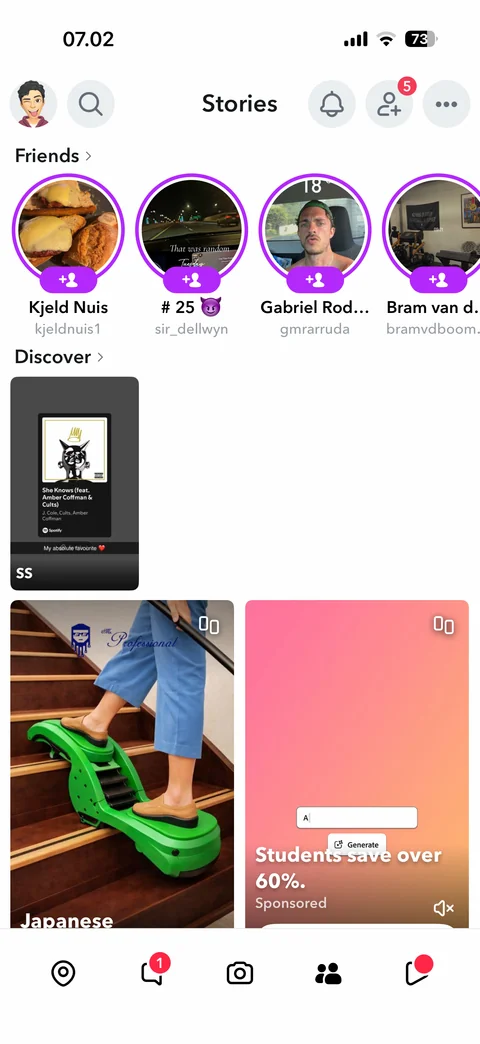
Stories: friends row with add buttons, discover grid with story and sponsored cards
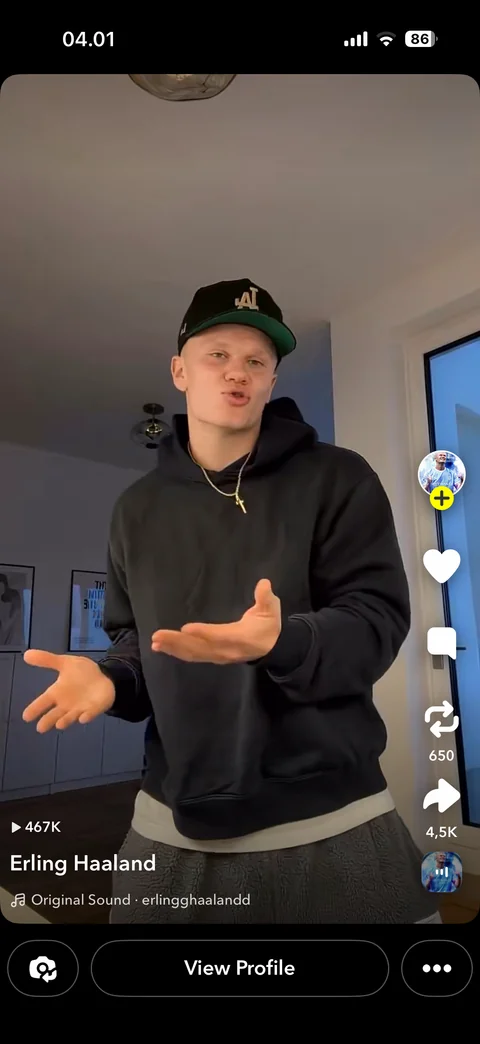
Discover video viewer: card with rounded corners, creator avatar with follow, actions, View Profile bar, camera and more
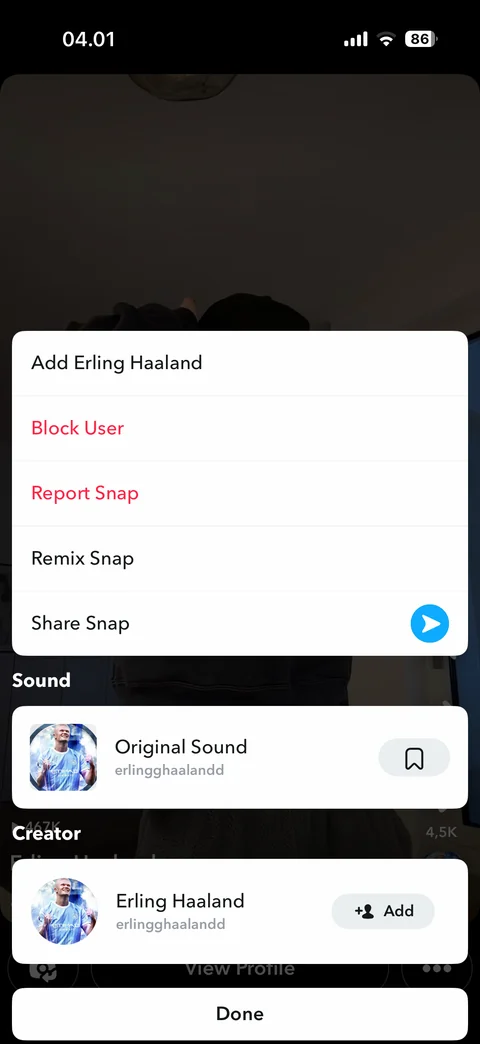
Snap options: add, block, report, remix, share, sound card with save, creator card with add, Done
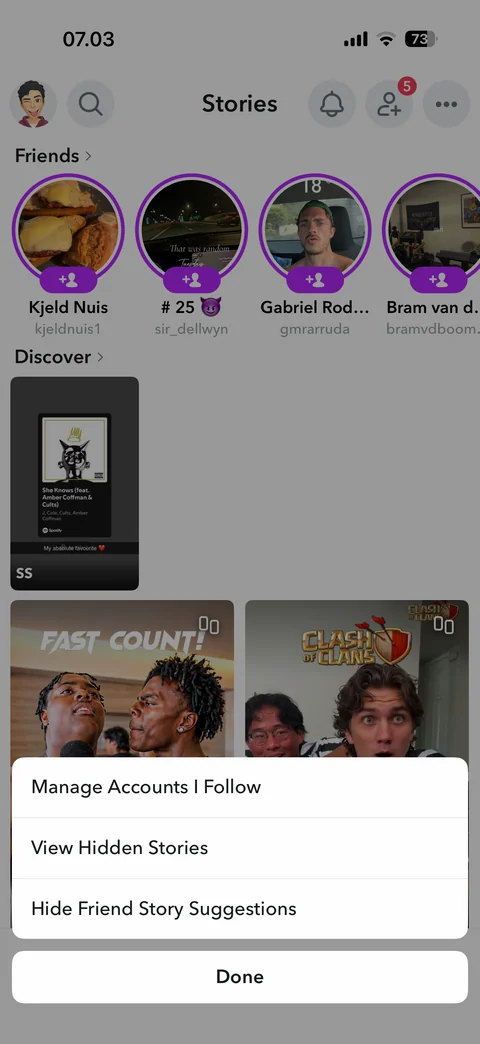
Stories options sheet: manage accounts I follow, view hidden stories, hide friend story suggestions, Done
Snapchat search (3 screens)
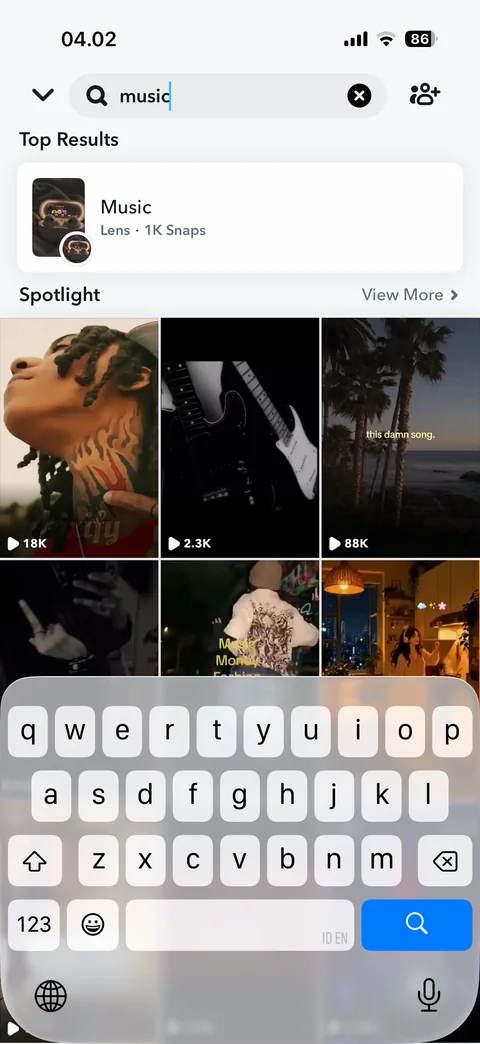
Search results: top result lens card, Spotlight video grid with play counts, keyboard open
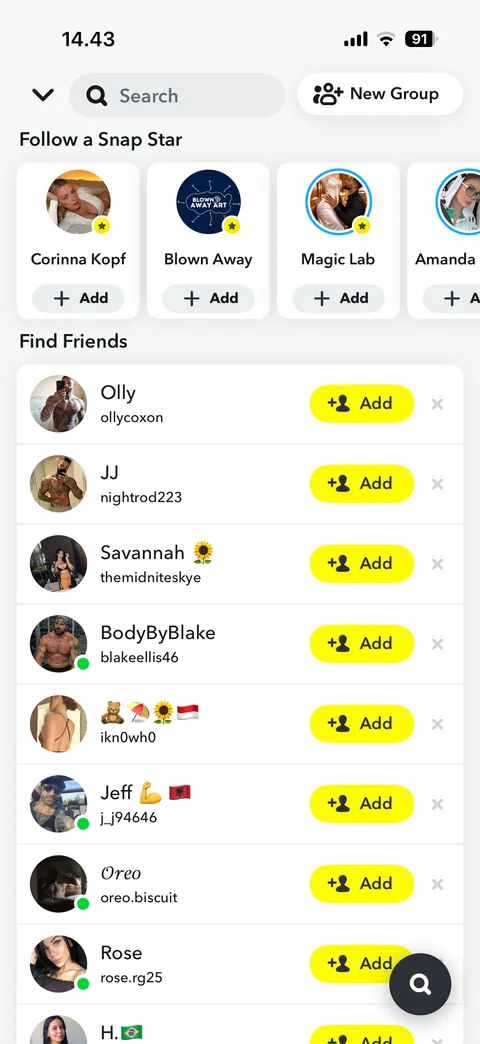
Search: Snap Star cards with add, find friends list with add and dismiss, new group button
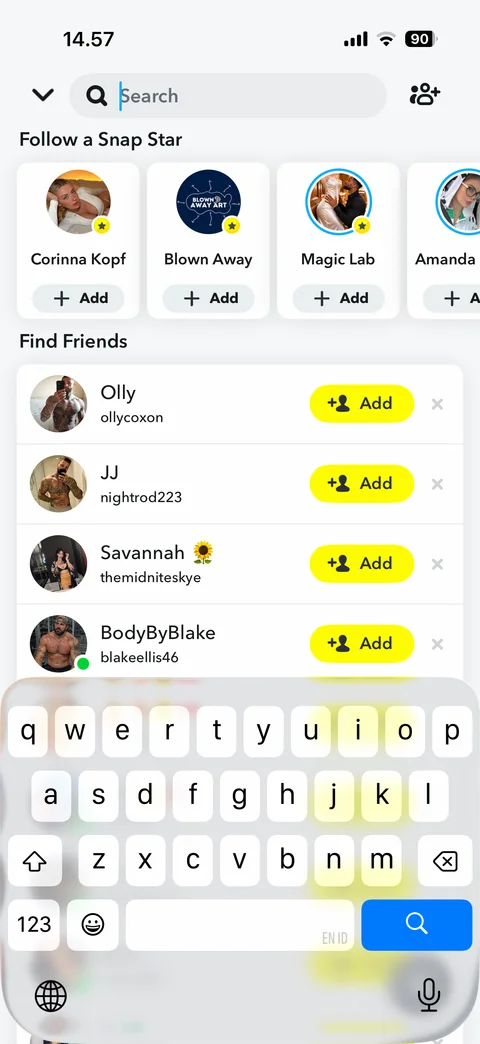
Search focused: Snap Star cards with add, find friends list with add and dismiss, keyboard open
Snapchat search / lens (1 screen)
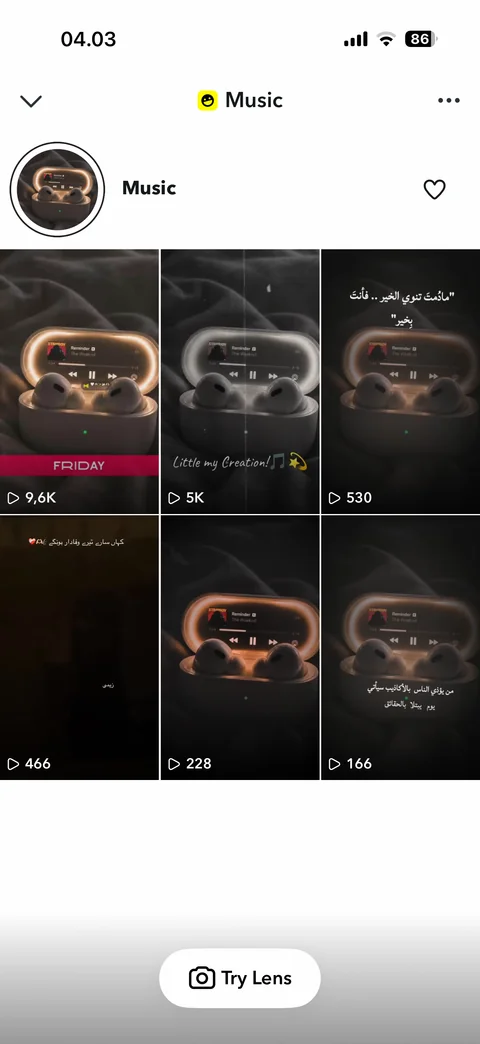
Lens page: lens icon and name, favorite, snaps grid with play counts, Try Lens button
Snapchat search / results (3 screens)
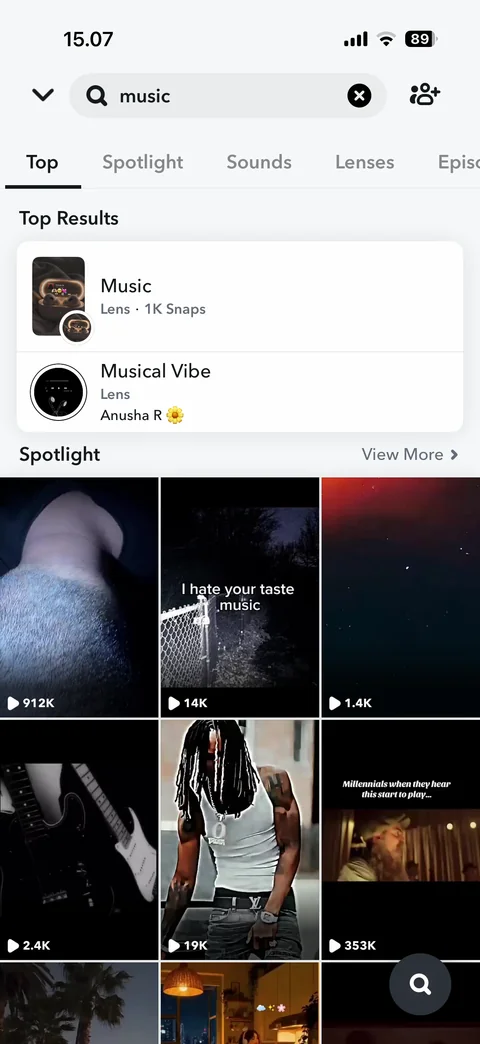
Search results: Top, Spotlight, Sounds, Lenses tabs, top lens results, Spotlight grid with play counts
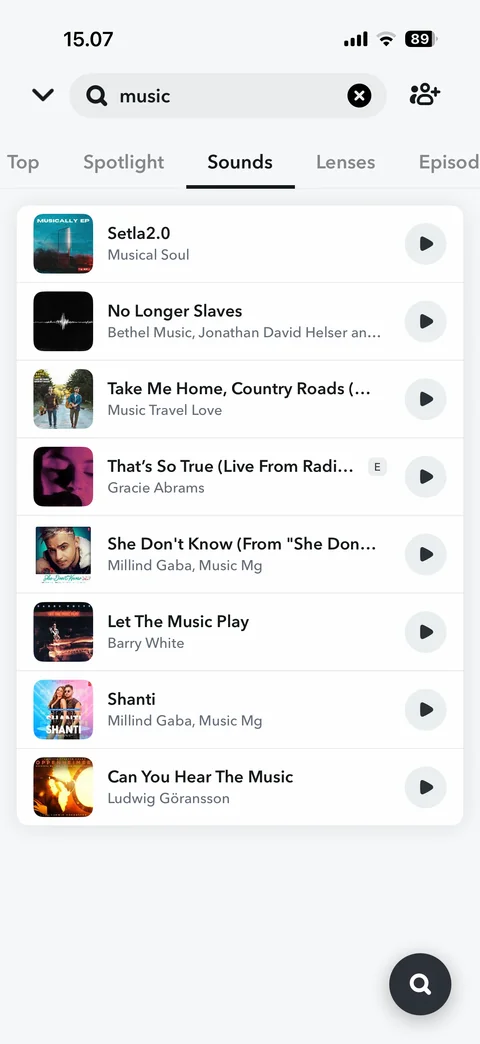
Sounds tab: song rows with cover art, artist and play button
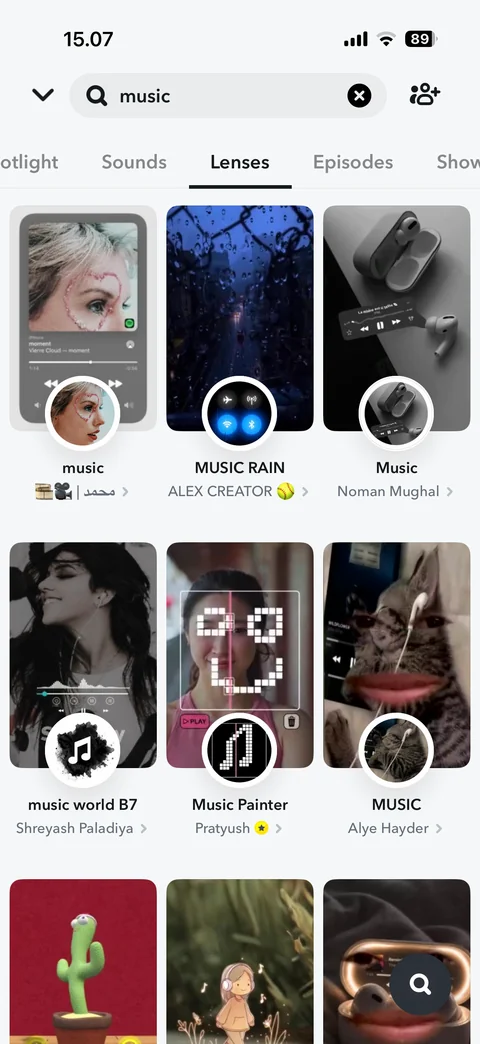
Lenses tab: lens grid with preview, icon, name and creator
Snapchat notifications (1 screen)

Notifications: empty state, you are all caught up
Snapchat camera (3 screens)
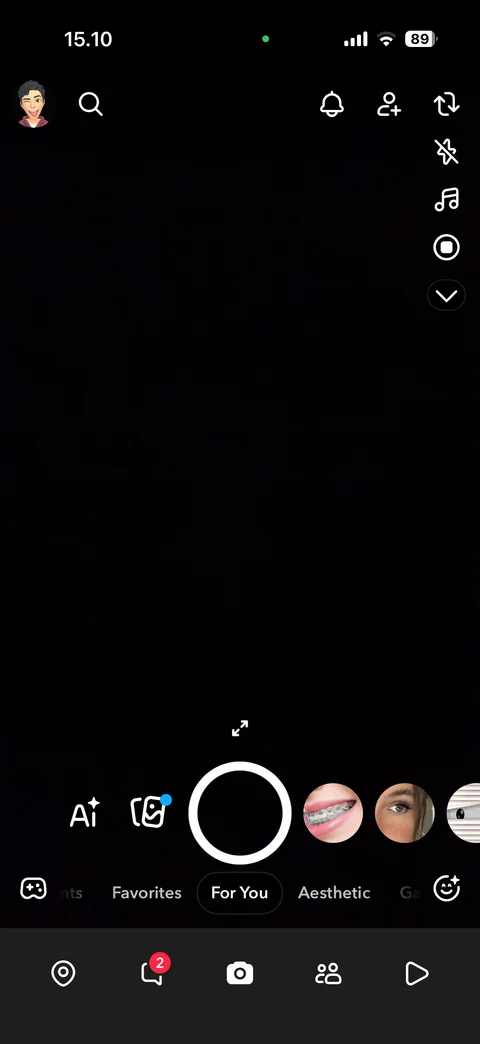
Camera: shutter, lens carousel, AI and memories buttons, lens categories, side tools (flip, flash, music, record), tab bar
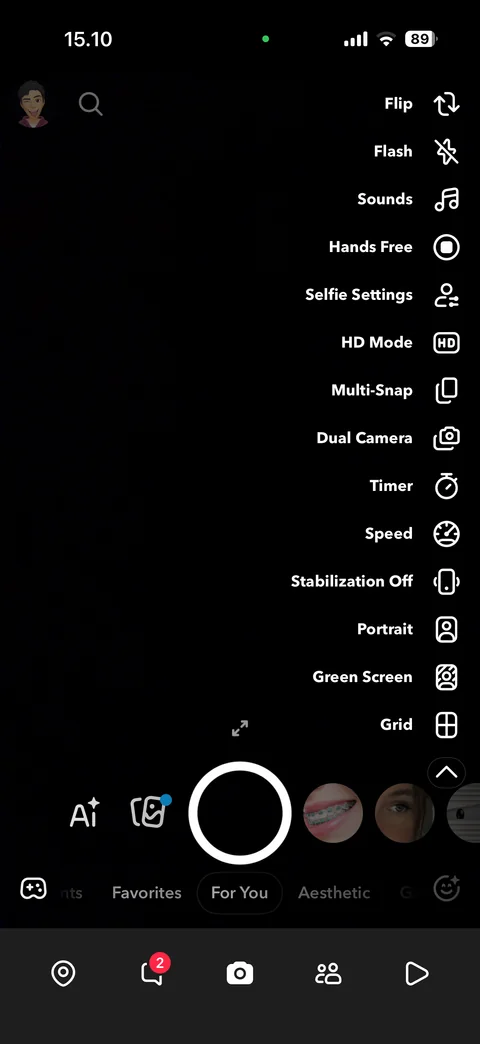
Camera tools expanded: flip, flash, sounds, hands free, selfie settings, HD, multi-snap, dual camera, timer, speed, stabilization, portrait, green screen, grid
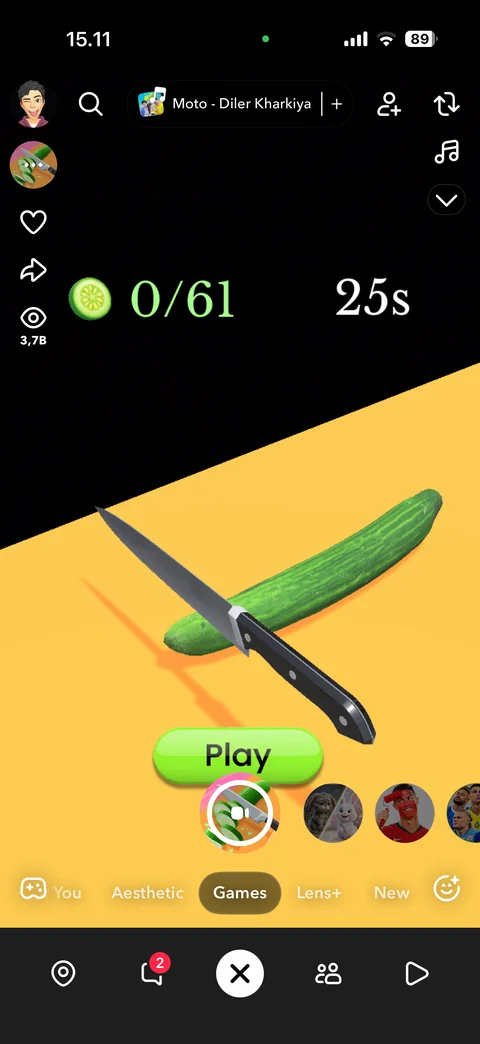
Game lens active: Play button, score and timer, lens actions (like, share, views), sound chip, category row, close lens
Snapchat camera / lens explorer (3 screens)
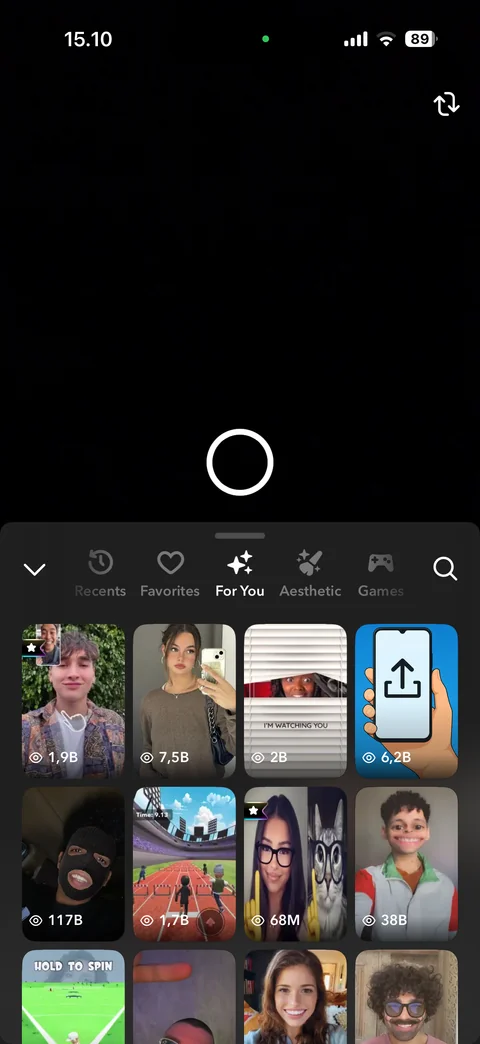
Lens explorer sheet: Recents, Favorites, For You, Aesthetic, Games categories, search, lens grid with view counts
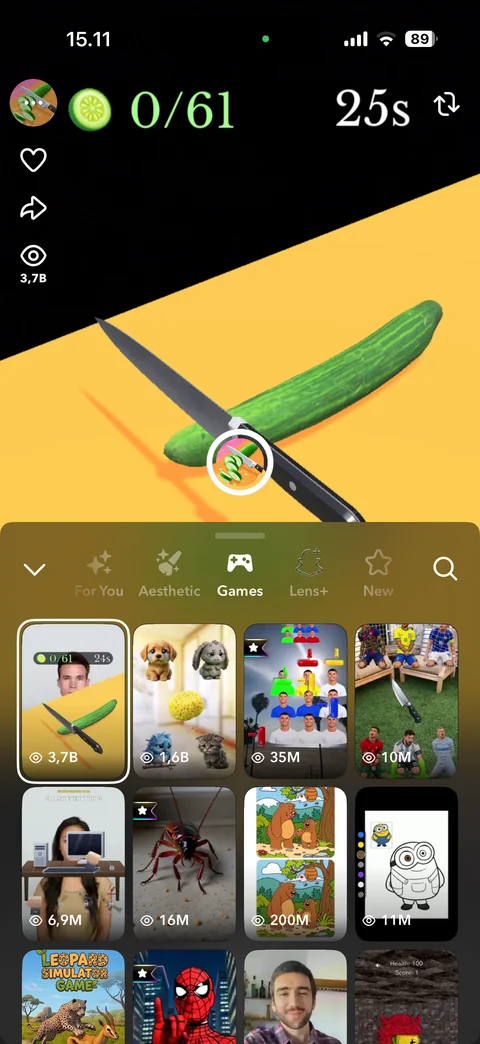
Games category: game lens running in camera, lens name, like, share, views, game lens grid
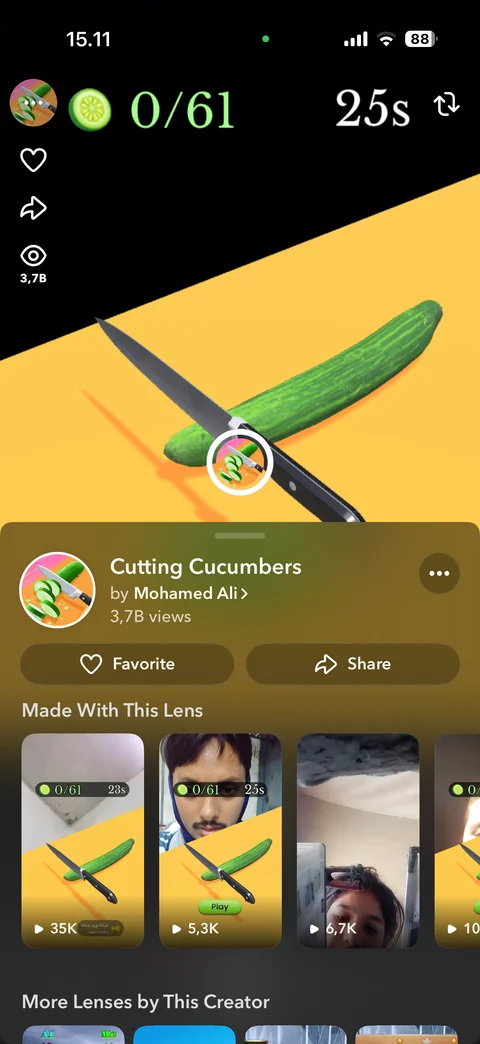
Lens detail sheet: lens icon, name, creator, views, Favorite and Share, made with this lens, more lenses by creator
Snapchat snapchat plus (2 screens)
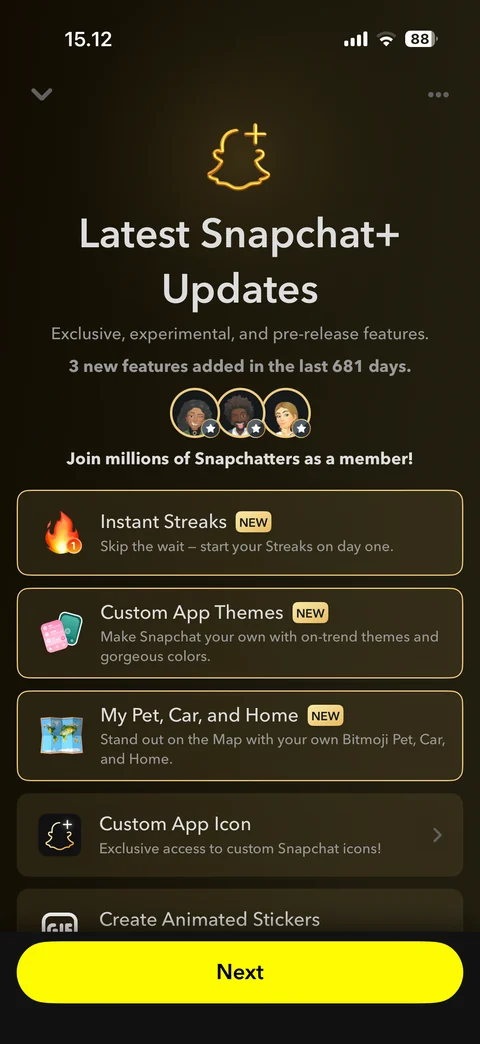
Snapchat+ updates: ghost plus icon, new features list with NEW badges, member avatars, Next button
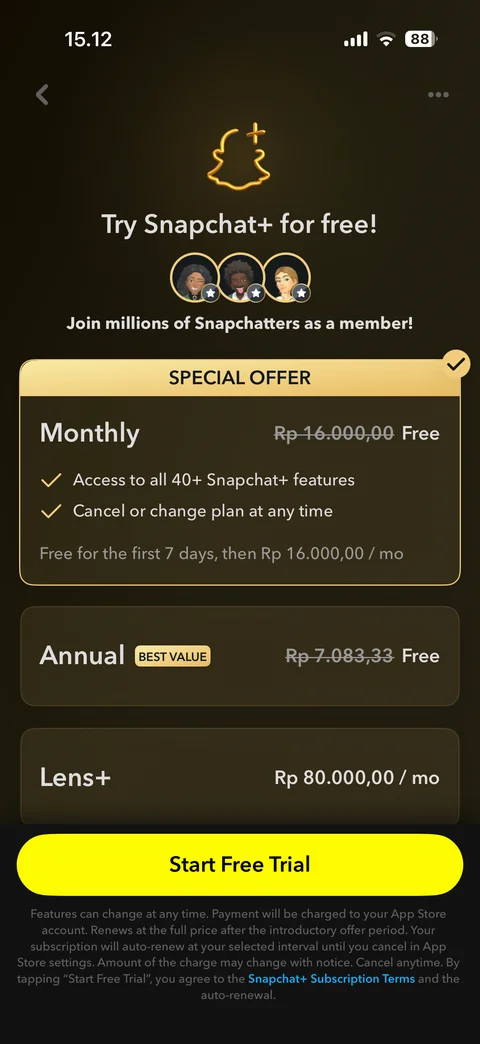
Snapchat+ plans: special offer monthly free trial, annual best value, Lens+ price, Start Free Trial button, renewal terms
Snapchat settings (7 screens)
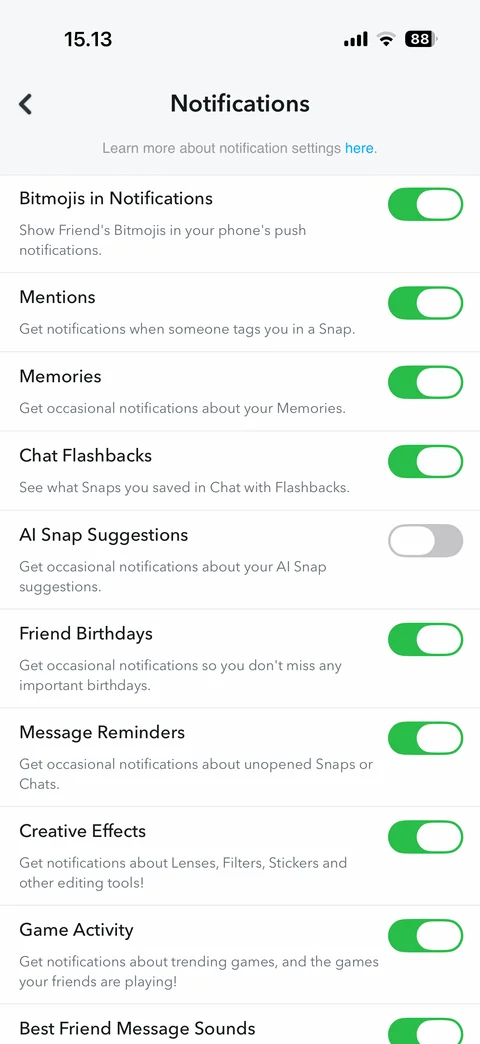
Notification settings: toggles with descriptions for Bitmojis, mentions, memories, chat flashbacks, AI suggestions, birthdays, reminders
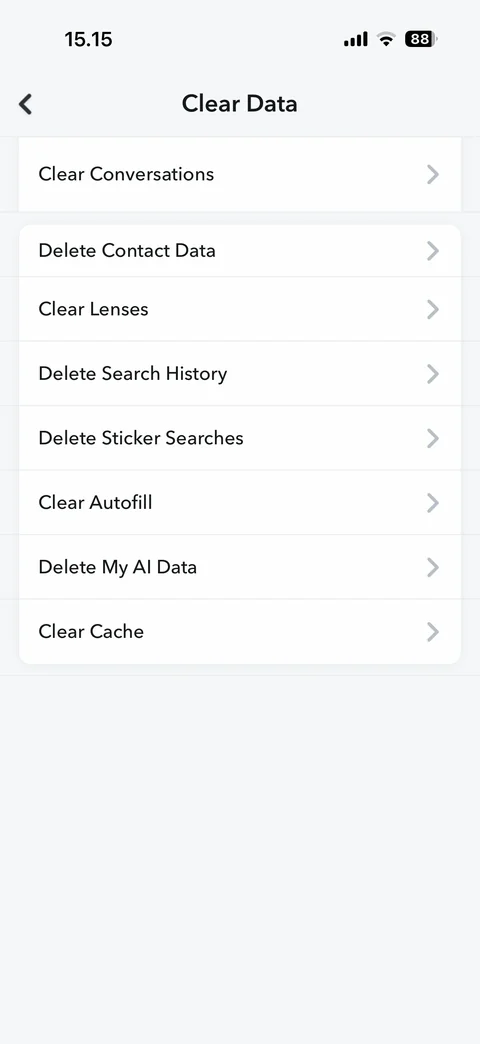
Clear Data: clear conversations, contact data, lenses, search history, sticker searches, autofill, My AI data, cache
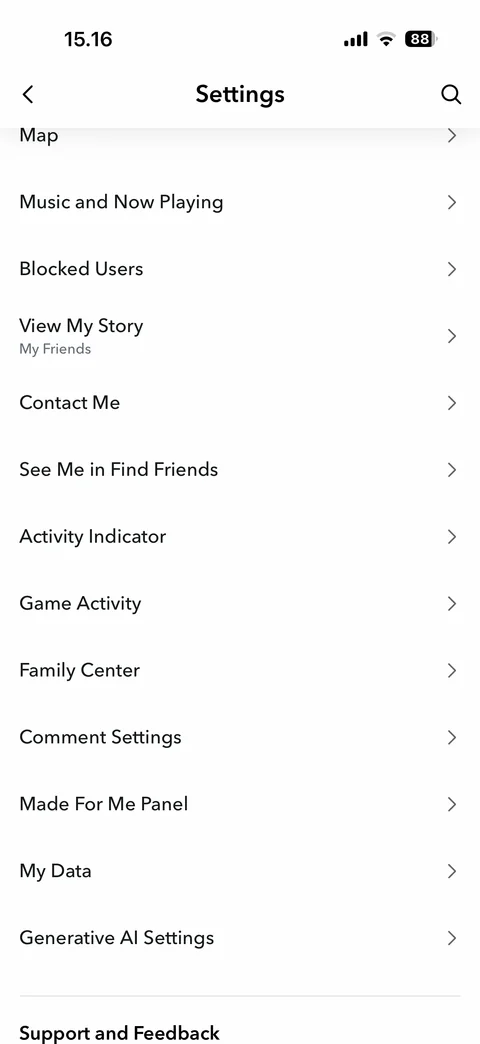
Settings privacy controls: map, music, blocked users, view my story, contact me, find friends, activity indicator, family center, comments, my data, generative AI
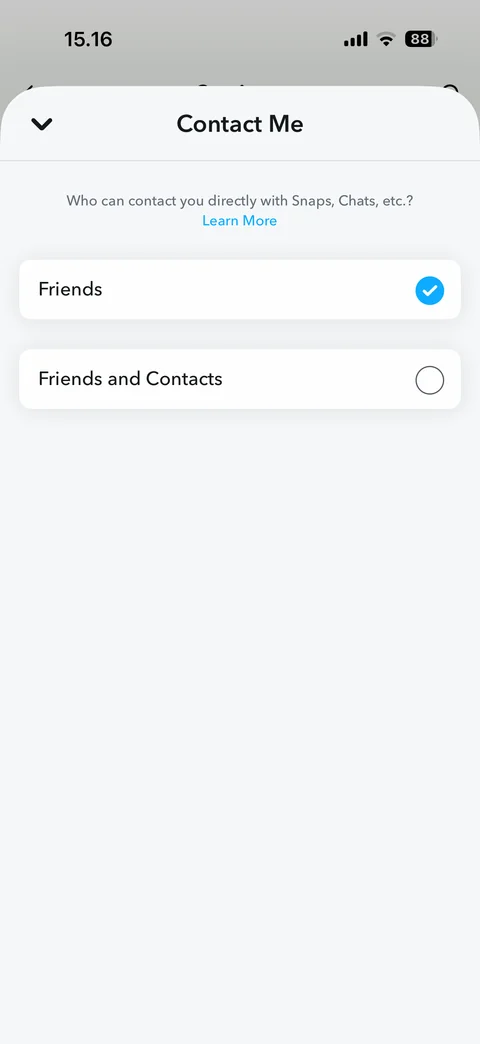
Contact Me sheet: who can contact you, Friends or Friends and Contacts radio options
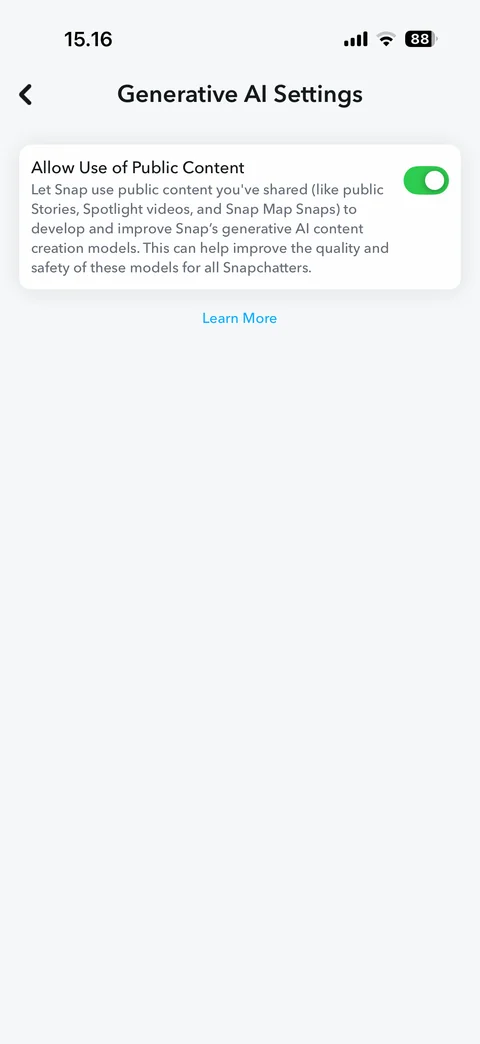
Generative AI settings: allow use of public content toggle with description, Learn More link
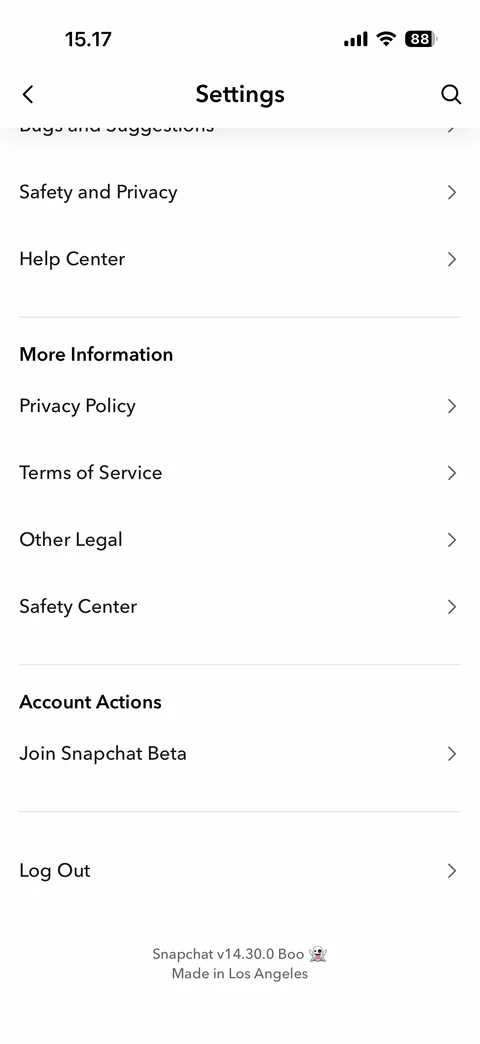
Settings bottom: support, more information (privacy, terms, legal, safety), join beta, log out, app version footer
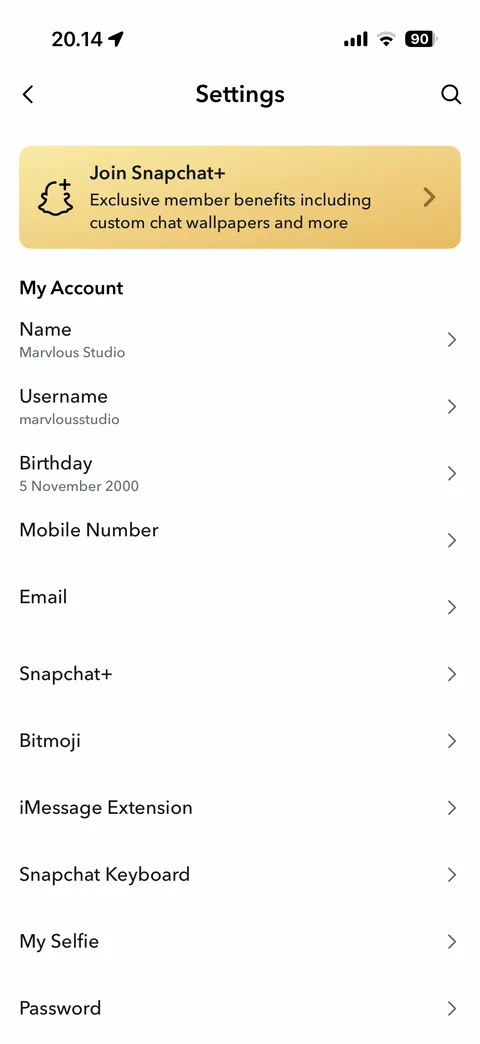
Settings main: Join Snapchat+ banner, My Account rows with name, username, birthday, mobile number and email (hidden), Snapchat+, Bitmoji, iMessage extension, keyboard, My Selfie, password
Snapchat settings / app themes (3 screens)
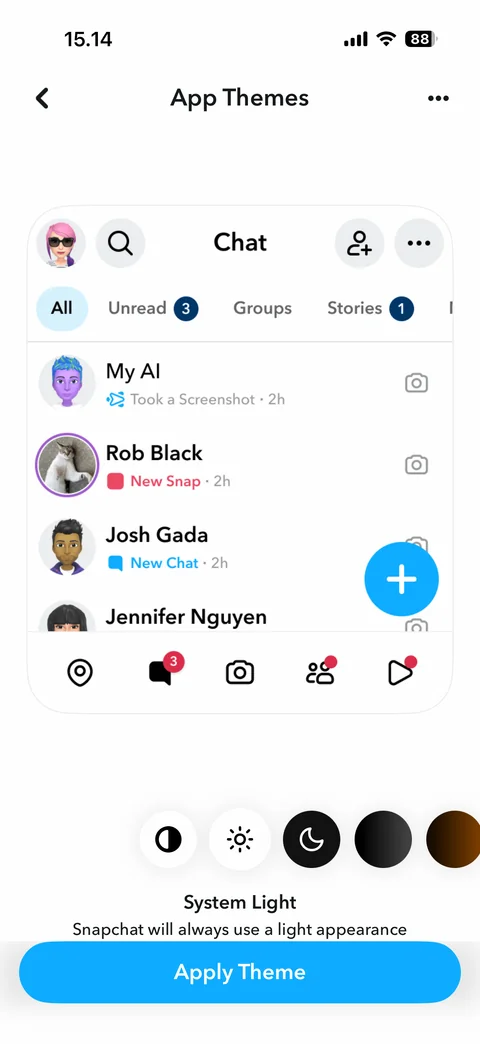
App themes: chat preview with sample friends, theme swatches (system, light, dark, gradients), Apply Theme button
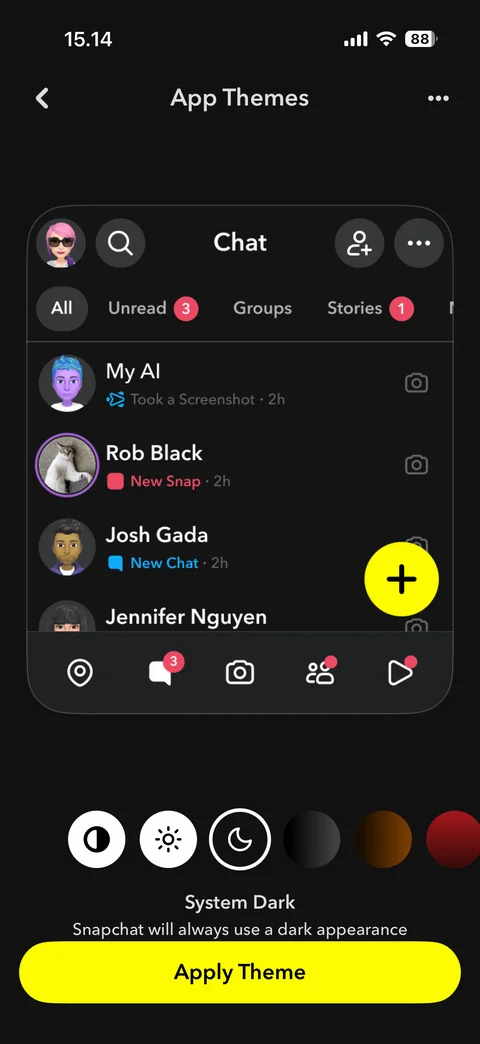
Dark theme selected: dark chat preview, yellow Apply Theme button
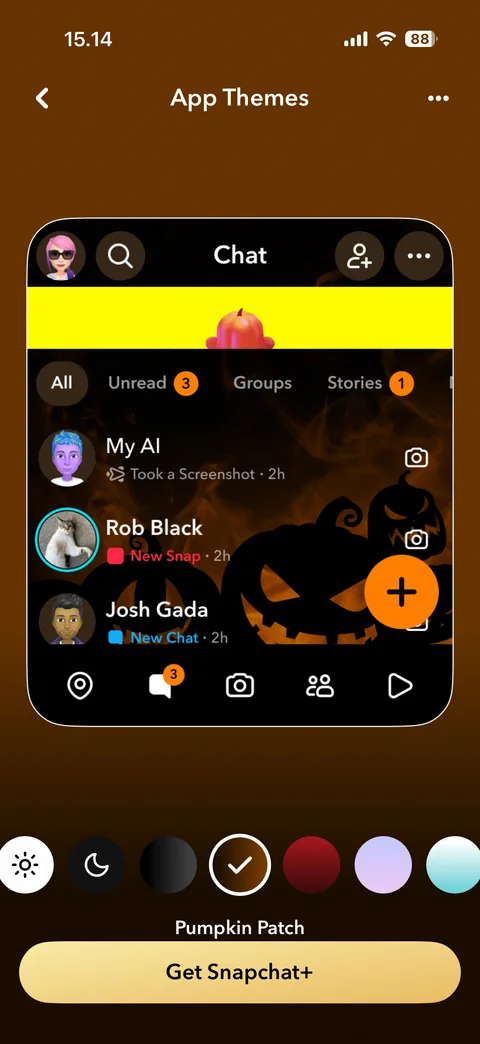
Premium theme preview: Pumpkin Patch themed chat, gradient swatches, Get Snapchat+ upsell button
Snapchat profile (7 screens)
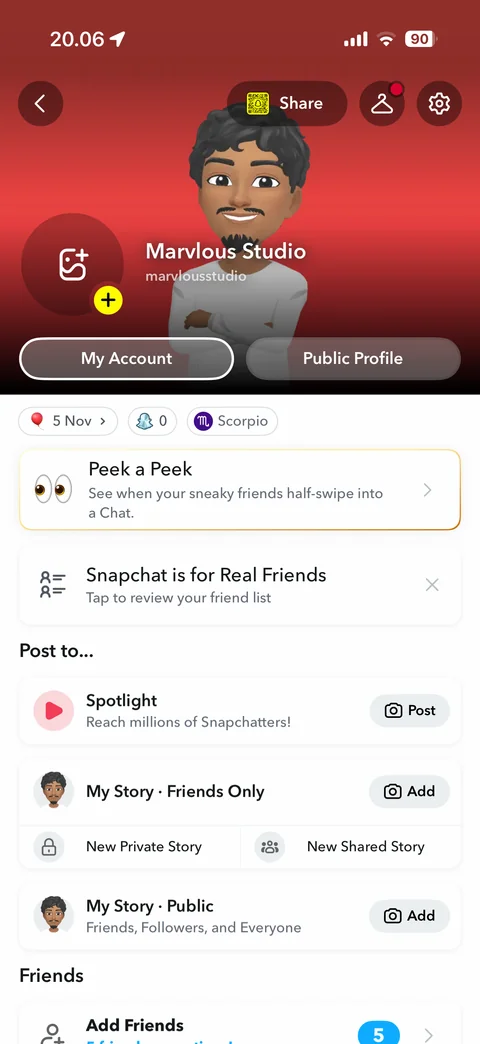
My profile: Bitmoji header, Share, wardrobe, settings, add profile photo, name and username, My Account, Public Profile, birthday, friends count, zodiac chips, Peek a Peek card, real friends card, Post to Spotlight and stories
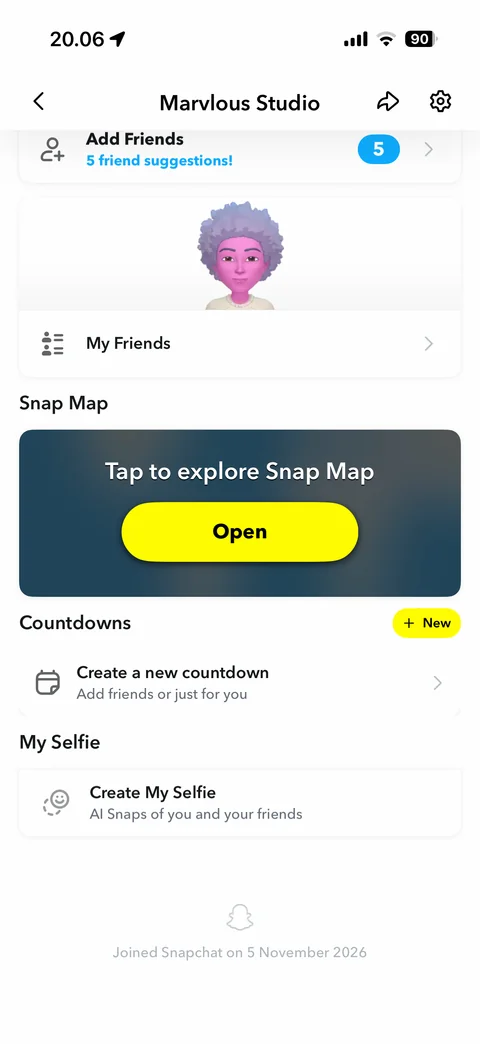
Profile scrolled: Add Friends with suggestion count, My Friends with Bitmoji, Snap Map open card, Countdowns with New, My Selfie, joined date footer
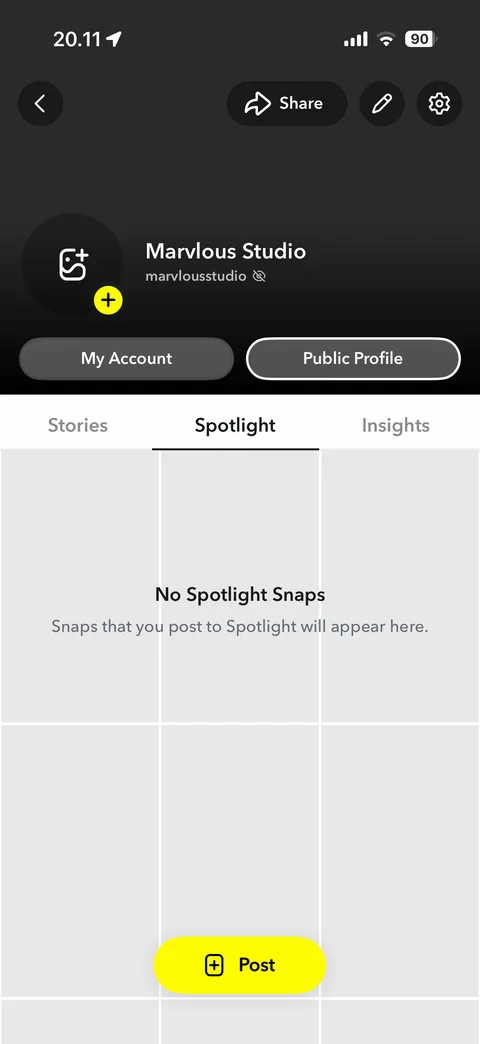
Public profile: dark header, Share, edit, settings, name and hidden username, Stories, Spotlight, Insights tabs, no Spotlight Snaps empty grid, Post button
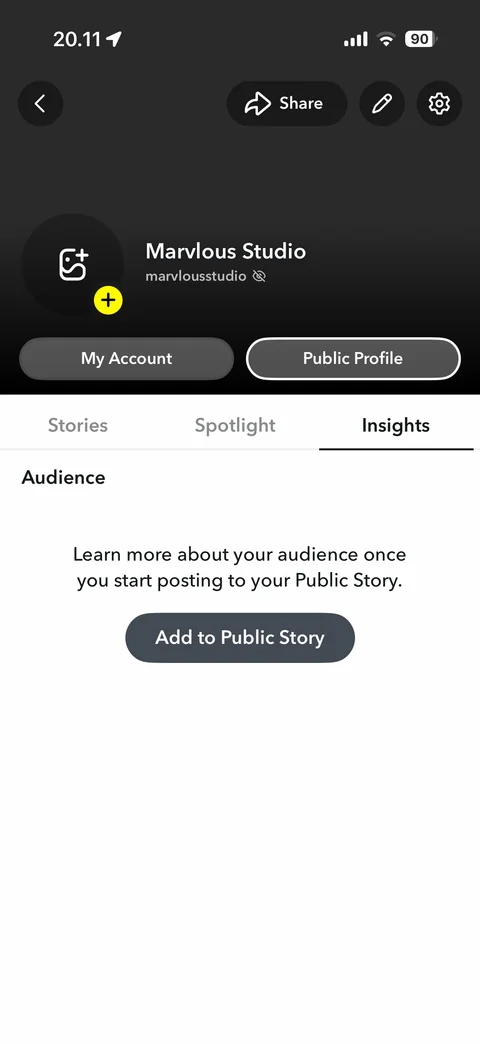
Public profile Insights tab: audience empty state, learn about your audience once you post, Add to Public Story
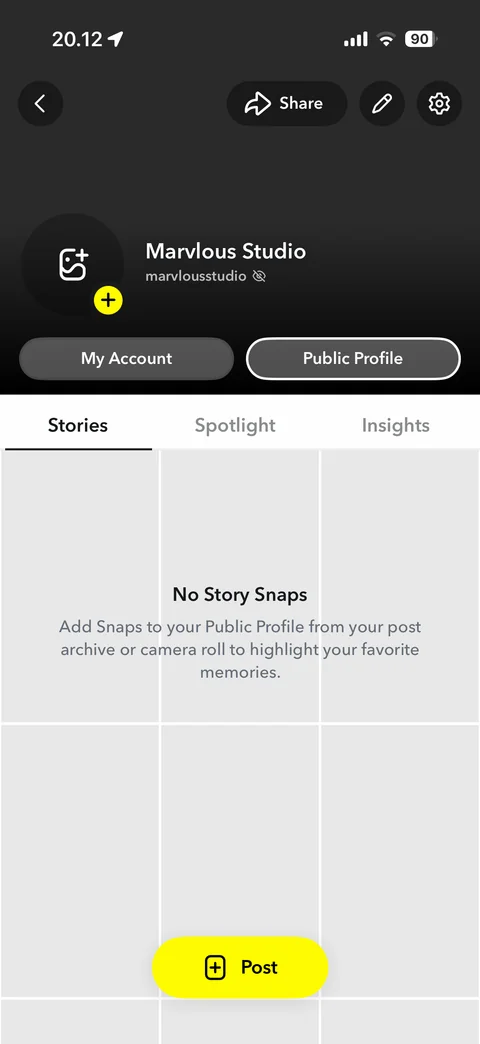
Public profile Stories tab: no story snaps empty grid, add snaps from post archive or camera roll
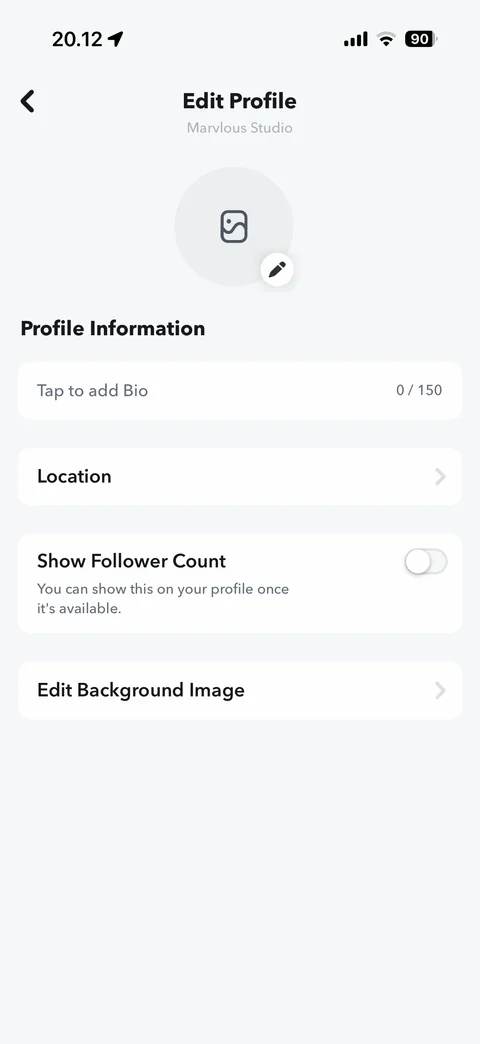
Edit public profile: profile photo with edit, bio field with counter, location, show follower count toggle, edit background image
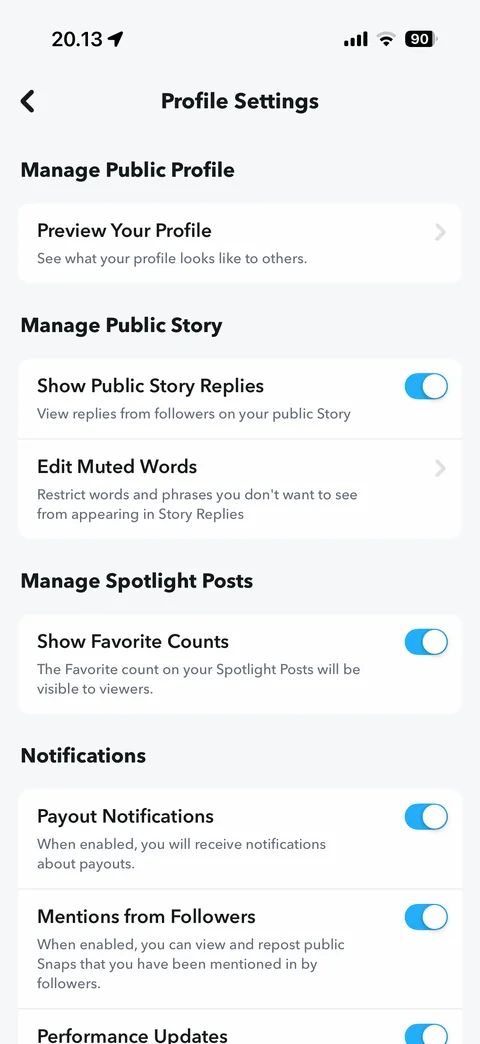
Public profile settings: preview your profile, show public story replies toggle, edit muted words, show favorite counts, payout and mention notification toggles
Snapchat profile / friends (7 screens)
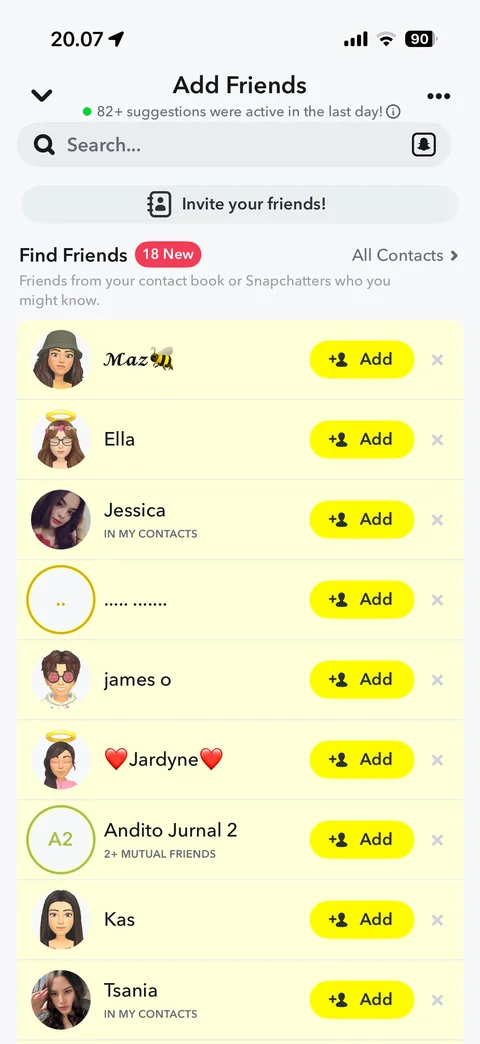
Add friends: active suggestions note, search with Snapcode scan, invite your friends, Find Friends with new count, All Contacts, suggestion rows with in my contacts and mutual friends labels, Add and dismiss
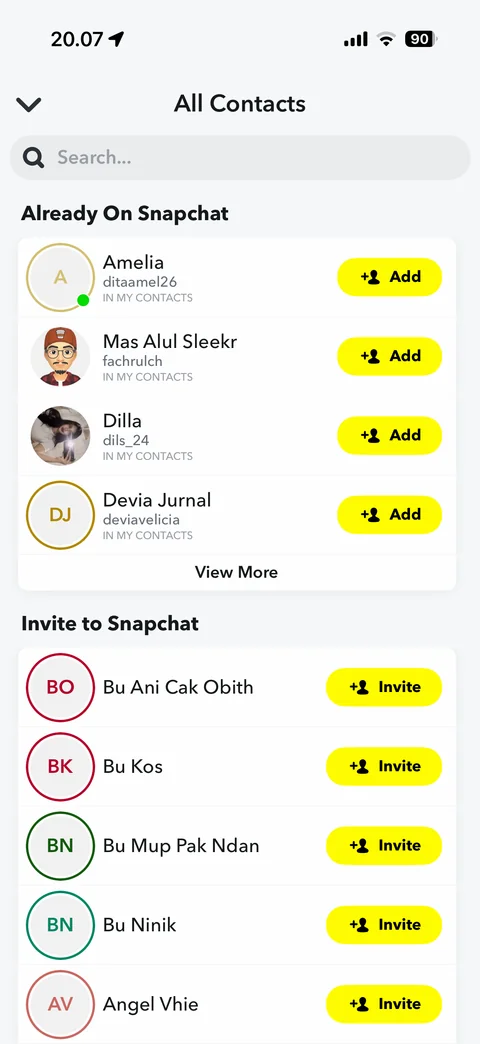
All contacts: search, Already On Snapchat with usernames and Add, View More, Invite to Snapchat with initials avatars and Invite buttons
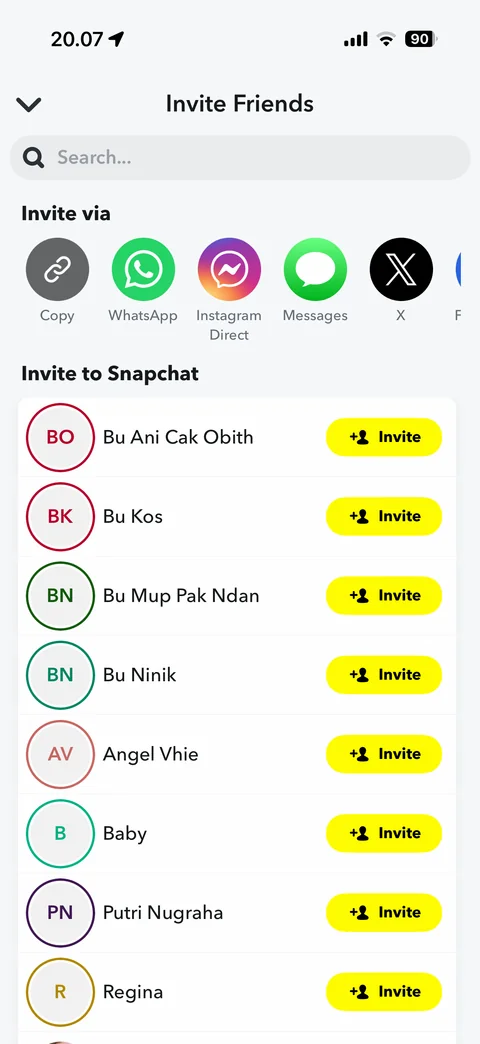
Invite friends: search, invite via Copy, WhatsApp, Instagram Direct, Messages, X, contacts list with Invite buttons
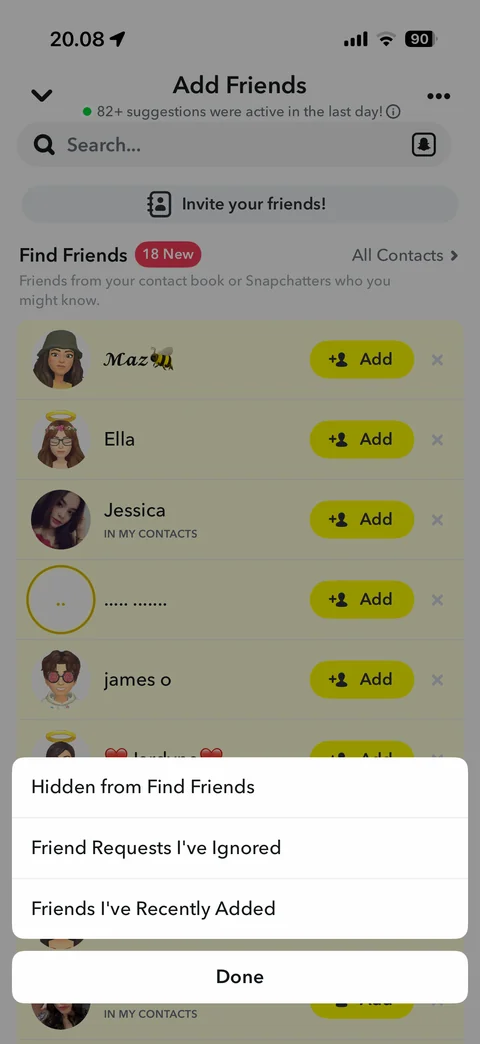
Add friends options sheet: hidden from Find Friends, friend requests I've ignored, friends I've recently added, Done
Scan Snapcode from camera roll: empty state 0 images in your camera roll
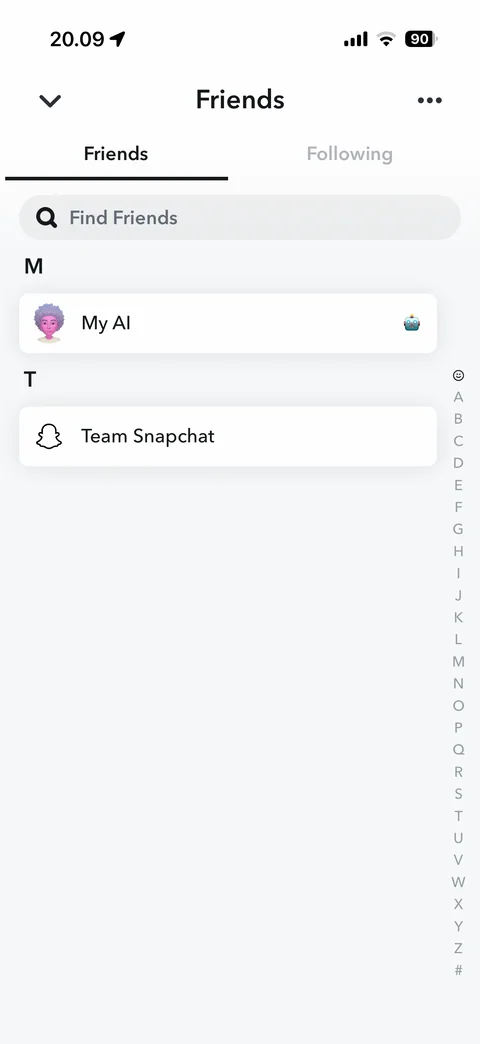
My friends: Friends and Following tabs, find friends search, alphabet sections with My AI and Team Snapchat, A-Z index
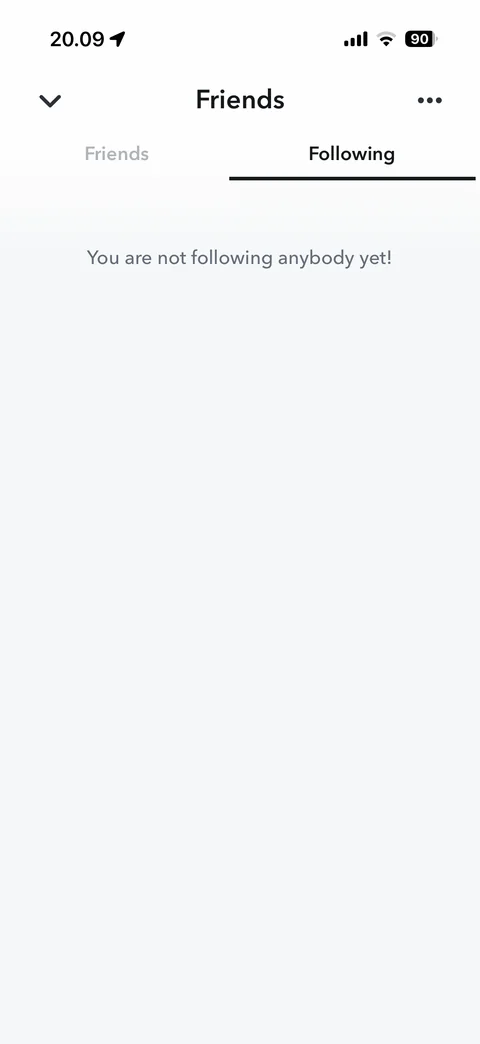
Friends Following tab: empty state you are not following anybody yet
Snapchat profile / countdown (1 screen)
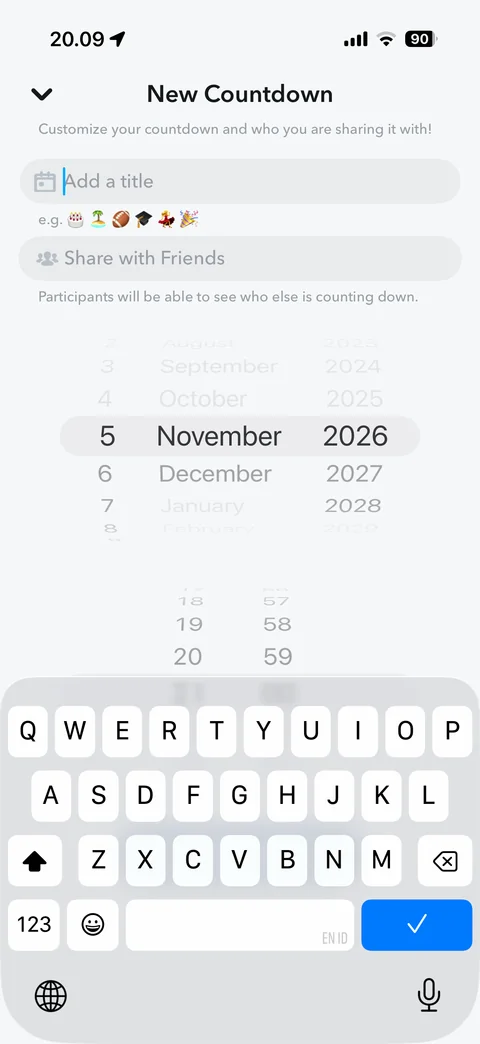
New countdown: add a title with emoji examples, share with friends, participants note, date and time wheel pickers, keyboard open
Snapchat profile / my selfie (1 screen)
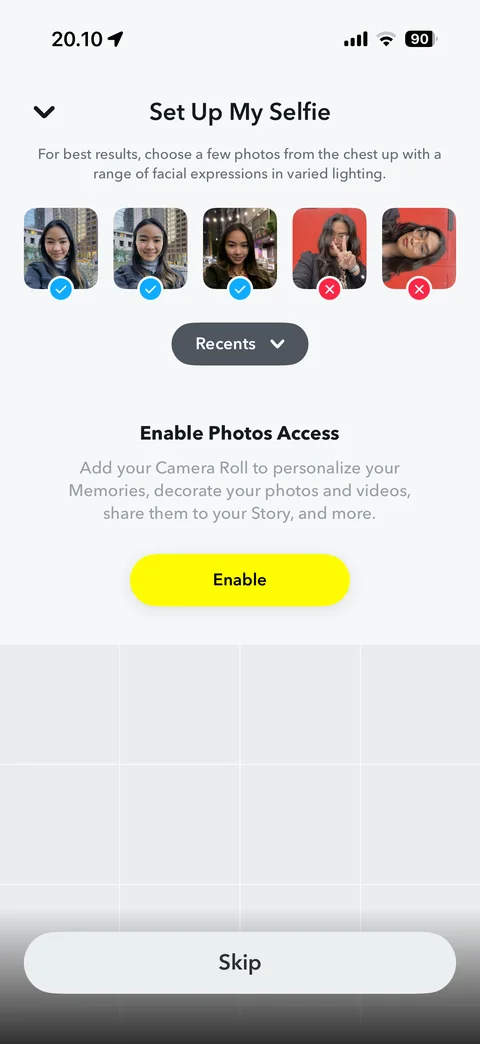
Set up My Selfie: photo tips, good and bad example selfies with check and cross badges, Recents picker, enable photos access, Skip
Snapchat profile / chat (2 screens)
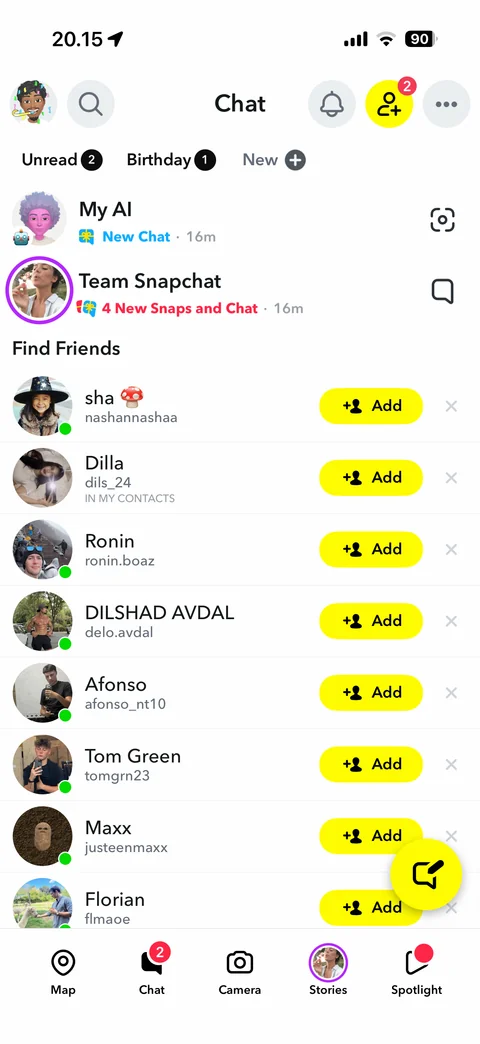
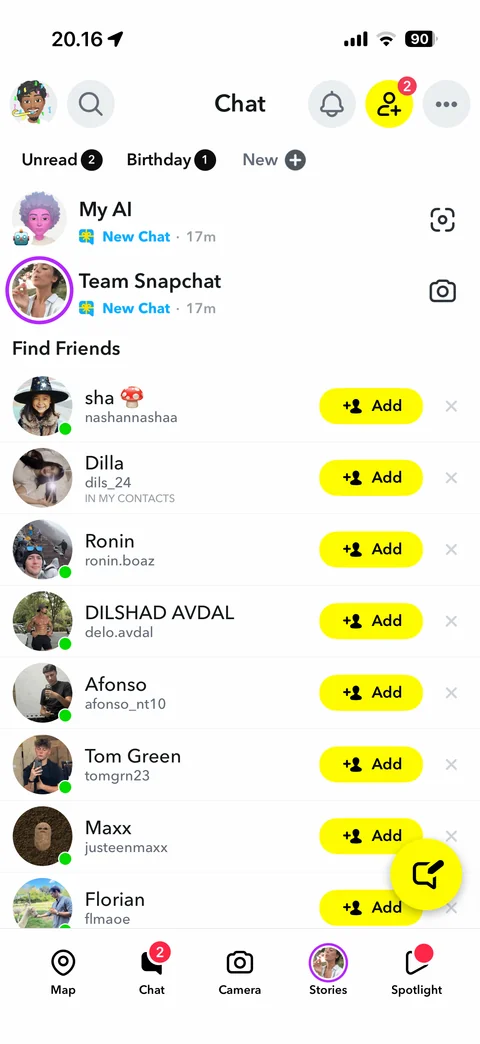
Chat list: Bitmoji, search, notifications, add friends badge, more, Unread, Birthday, New filter chips, My AI and Team Snapchat rows with status, Find Friends suggestions, new chat button, labeled tab bar
Team Snapchat snap viewer: full-screen tutorial snap with lens, caption bar take a snap and add a caption, timer and more, save button
Snapchat profile / map (11 screens)
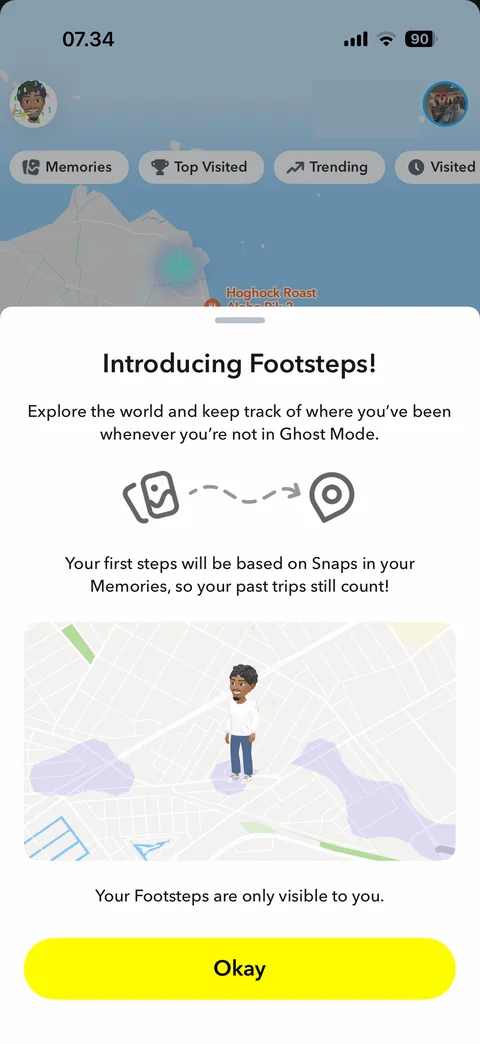
Introducing Footsteps sheet: explore the world and track where you have been, Memories to map illustration, Bitmoji on map with visited areas, only visible to you, Okay
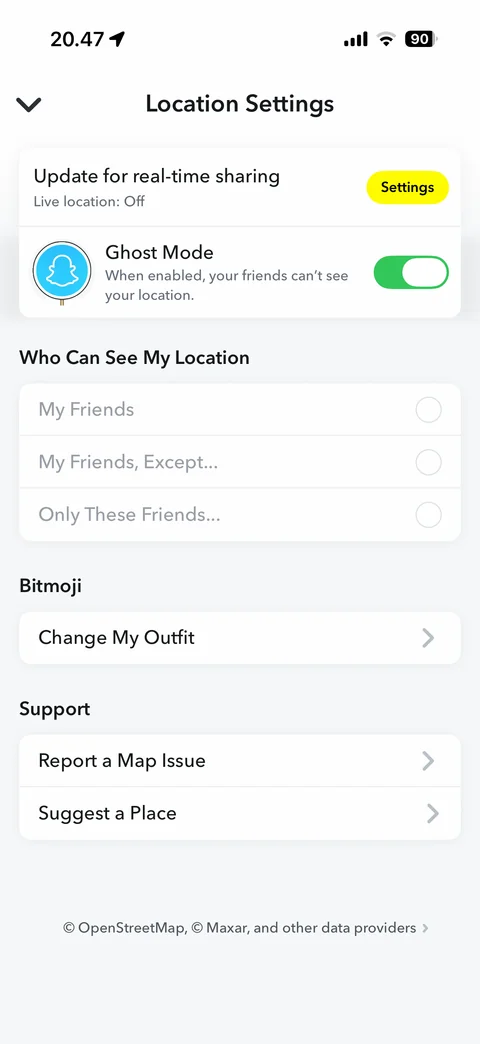
Location settings: real-time sharing off with Settings button, Ghost Mode on toggle, who can see my location options disabled, change my outfit, report map issue, suggest a place
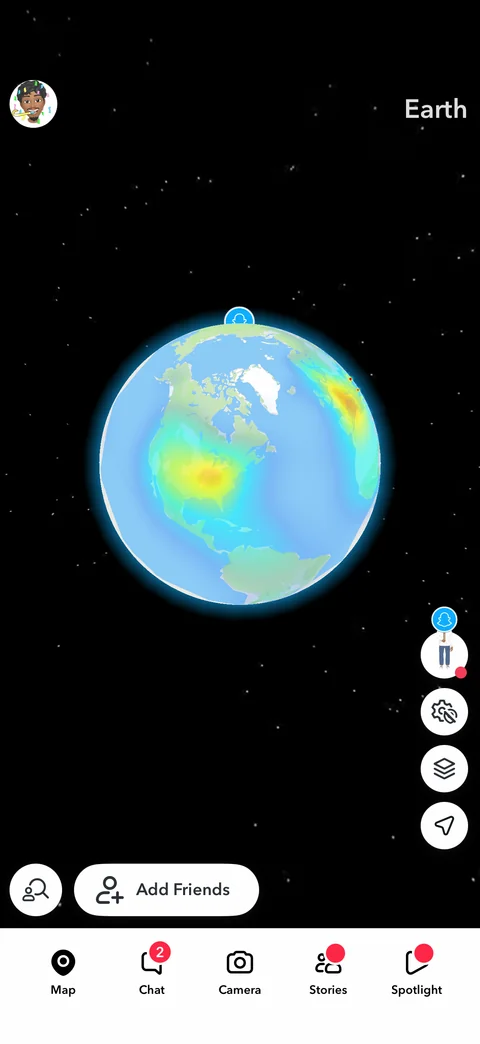
Snap Map globe view: Earth label, 3D globe with Snap heat map over North America, space background, map tools, Add Friends
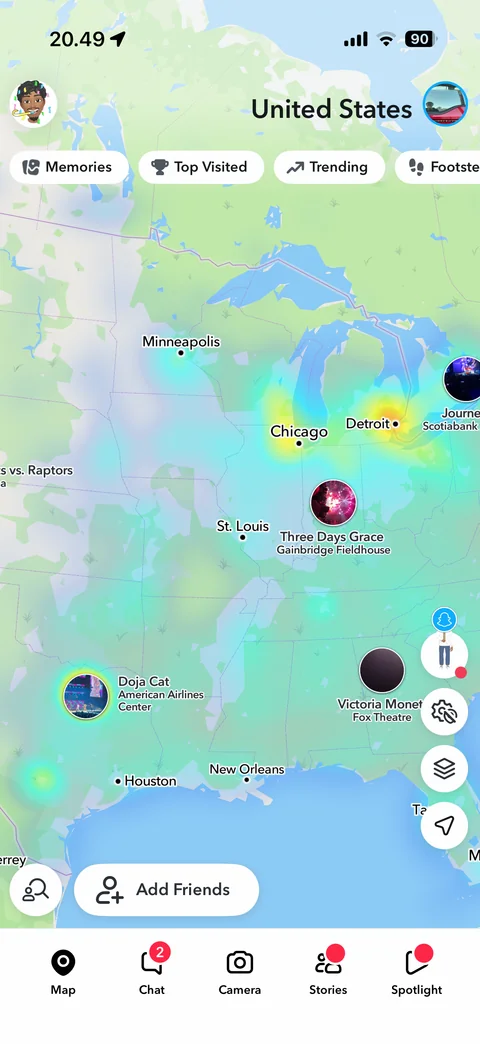
Snap Map country view: United States label, heat map, city labels, event bubbles (Doja Cat, Three Days Grace), Memories, Top Visited, Trending, Footsteps chips
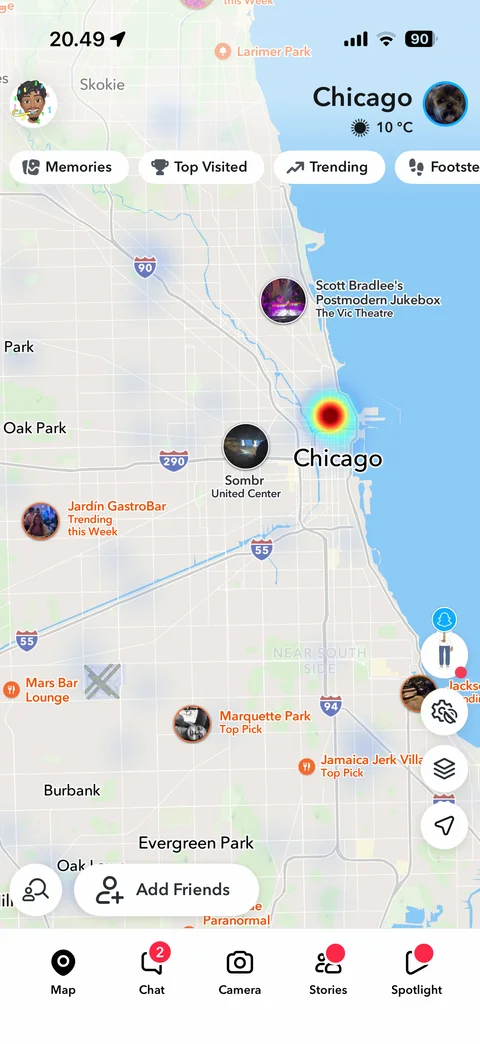
Snap Map city view Chicago: city name with weather, heat map, event bubbles, Top Pick and trending places, filter chips, map tools, Add Friends
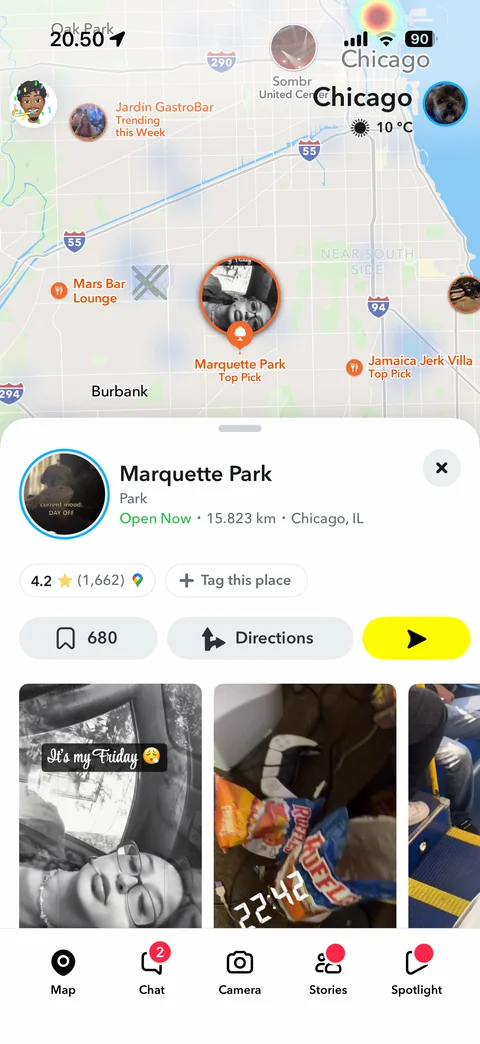
Place card sheet: Marquette Park with category, open now, distance and city, rating with Google reviews, tag this place, save count, Directions, send, public snaps carousel
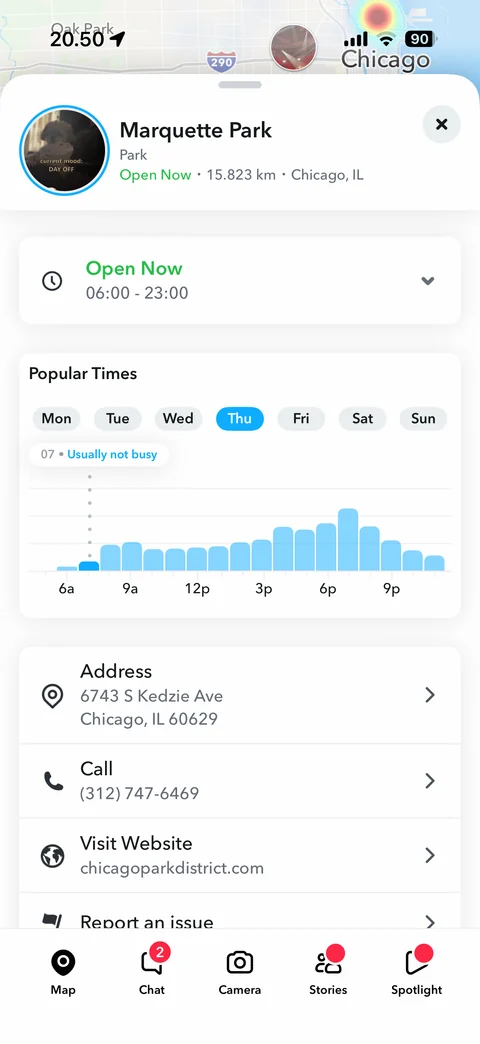
Place details expanded: opening hours, popular times bar chart with day tabs and busy label, address, call, website, report an issue
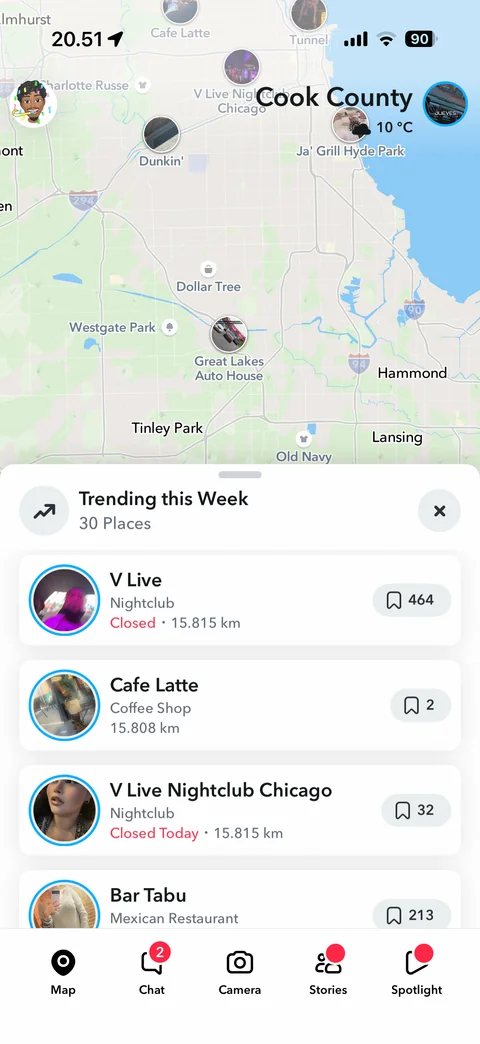
Trending this week sheet: 30 places, place rows with story ring, category, open status and distance, save counts, map with place bubbles
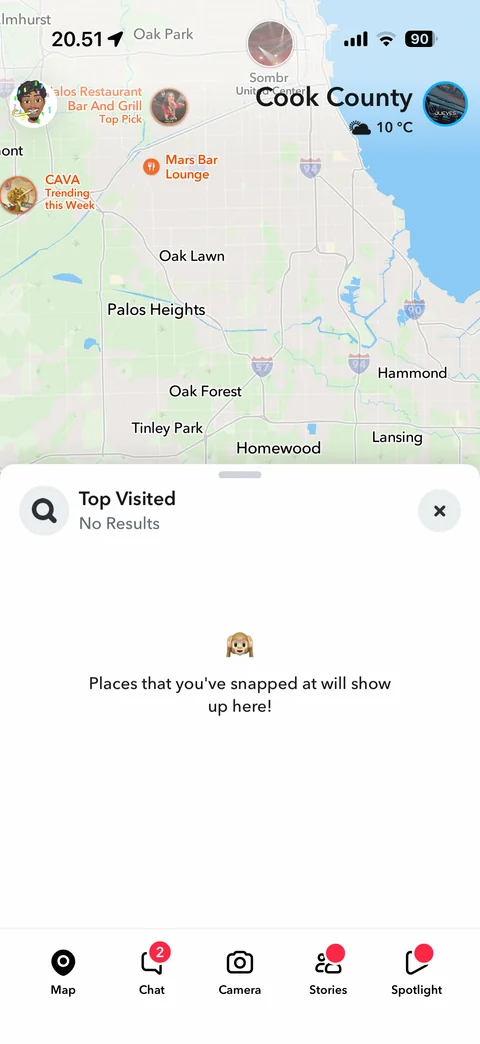
Top visited sheet: no results empty state, places you have snapped at will show up here
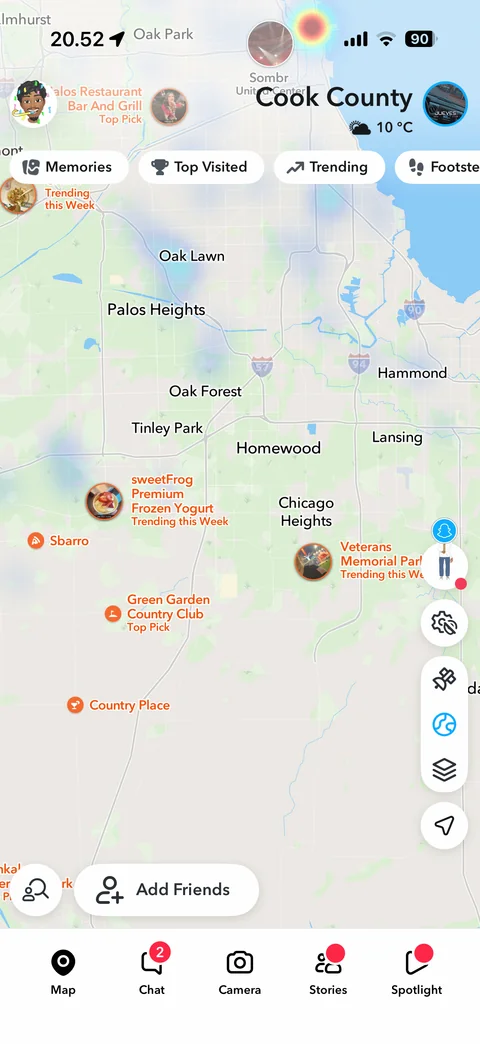
Map layers expanded: satellite and globe style buttons above layers control, suburbs with Top Pick and trending places
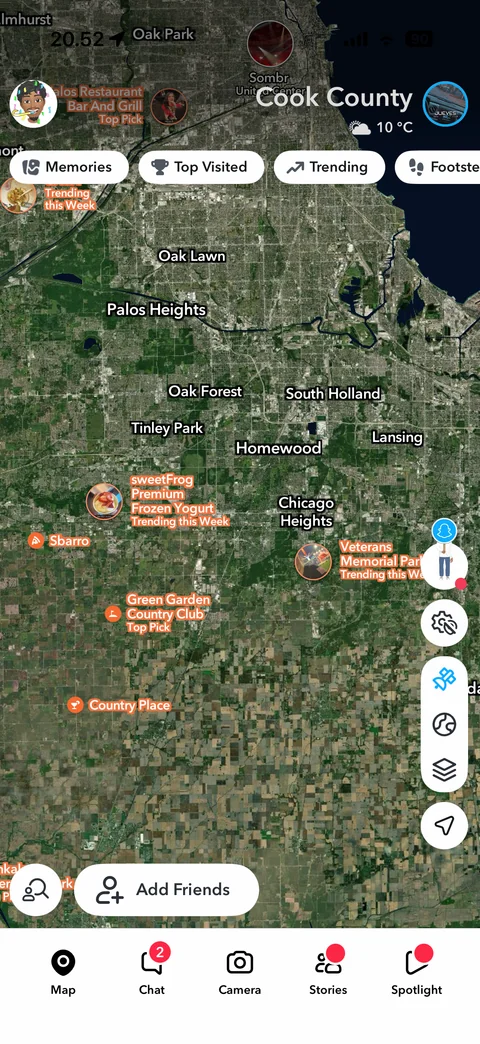
Satellite map layer: satellite imagery of Chicago suburbs with place labels and bubbles, satellite button active