Linktree app design: 82 real screens in 12 flows
Share everything in one link. Category: Social Networking. By Linktree Pty Ltd.
Captured on iPhone and updated November 2026. Each screen has a short note on what it shows and why it matters for growth.
Linktree onboarding (11 screens)
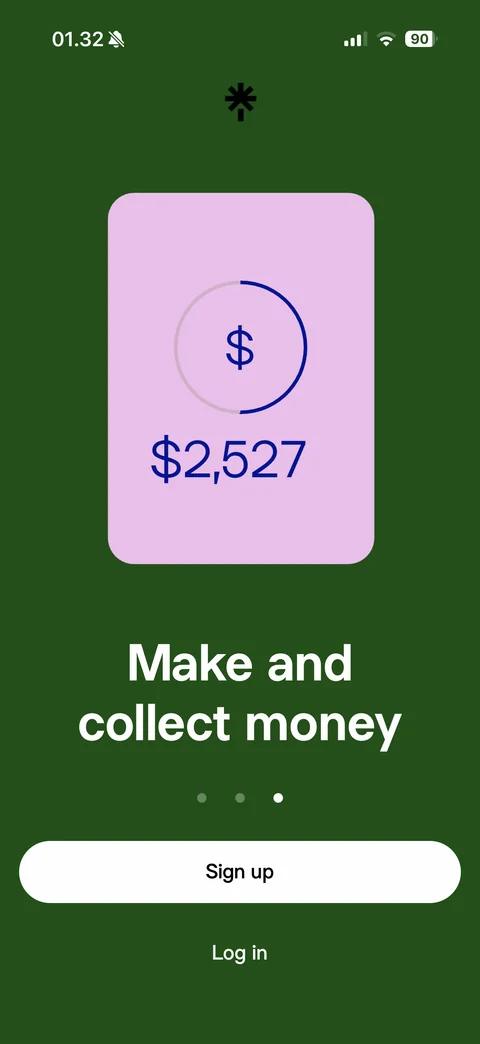
Welcome carousel slide 2: purple background, Linktree asterisk logo, lime card with growing bar chart and up 247 stat, Grow your following headline, page dots, white Sign up and Log in
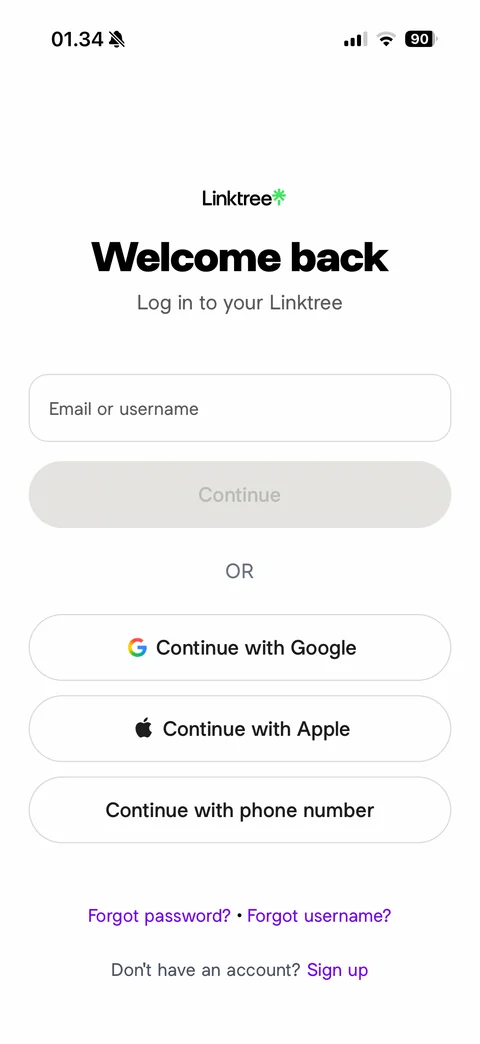
Log in screen: Linktree wordmark, Welcome back headline, email or username field, disabled Continue, OR divider, Continue with Google, Apple and phone number, Forgot password and username links, Sign up link
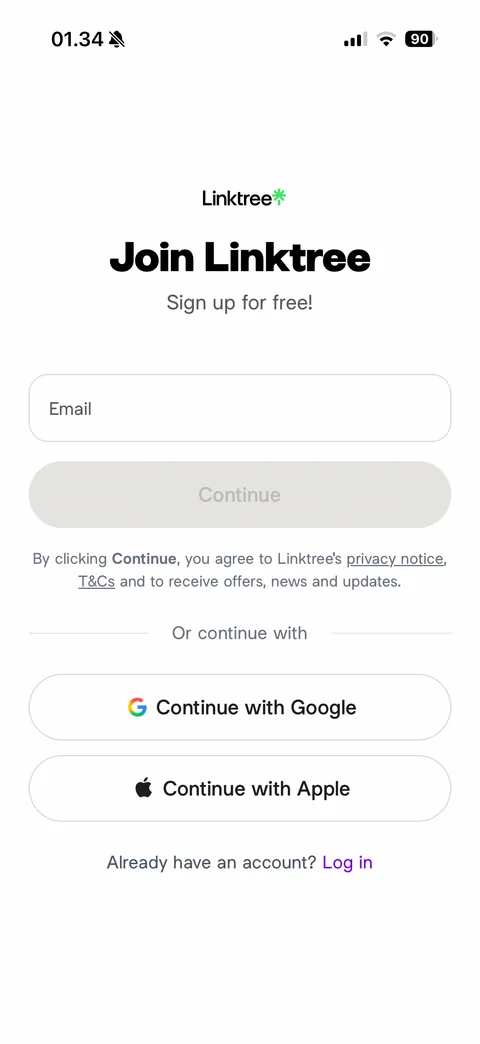
Join Linktree sign up: wordmark, Join Linktree headline, Sign up for free subtitle, email field, disabled Continue, consent note with privacy notice and T&Cs links, Or continue with divider, Google and Apple buttons, Log in link
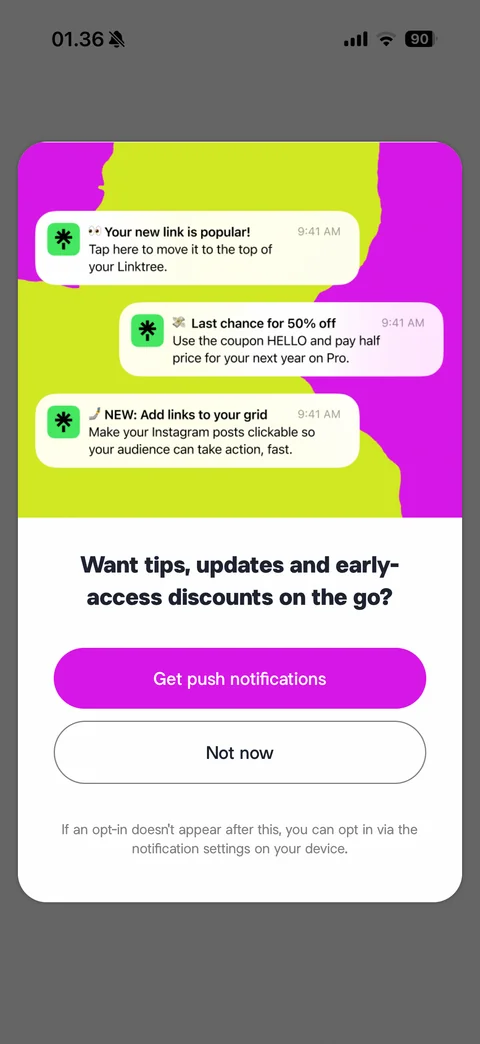
Push notification pre-permission modal: magenta and lime illustration with three sample Linktree notification cards (popular link, 50% off coupon, add links to grid), Want tips, updates and early-access discounts headline, Get push notifications and Not now, opt-in note
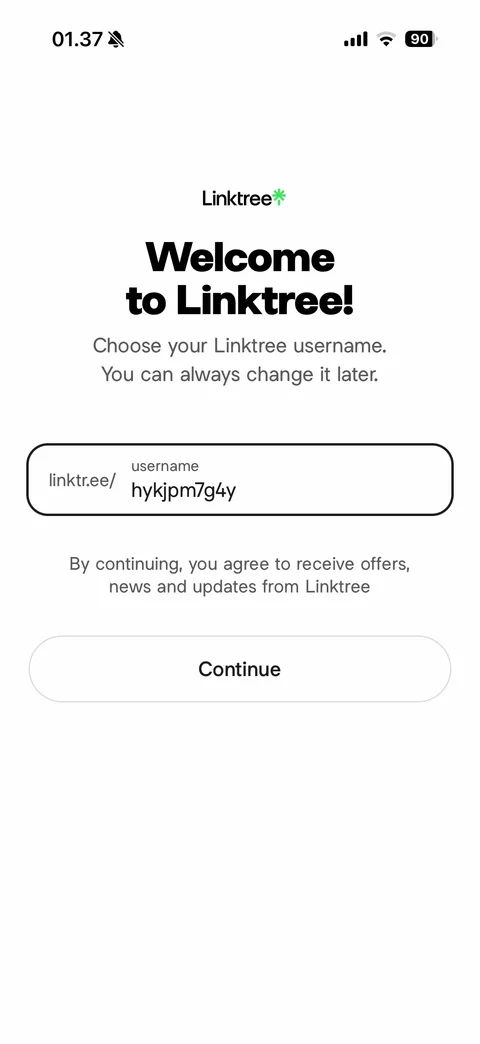
Choose username: Welcome to Linktree headline, change later note, linktr.ee/ prefixed username field with generated suggestion, consent note, Continue
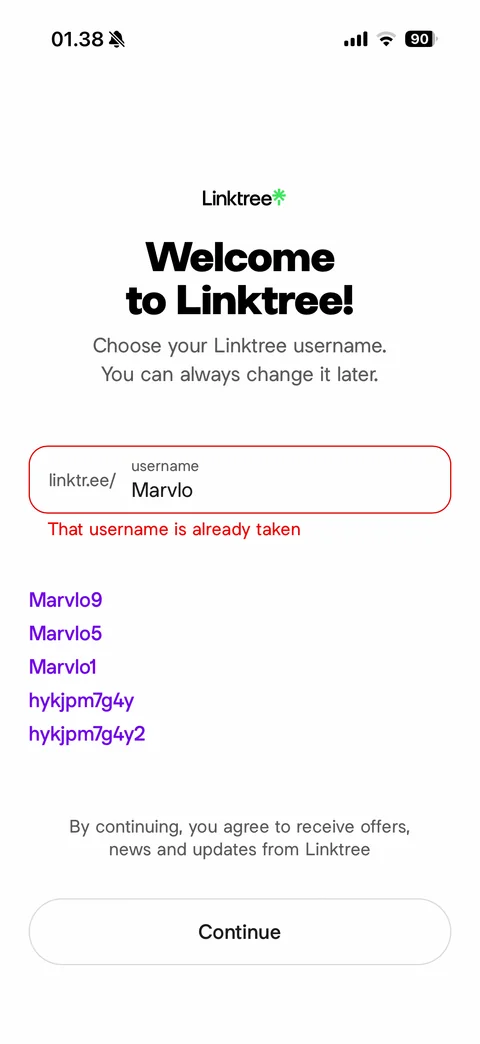
Username taken error: red outlined field, That username is already taken message, purple suggested usernames list, Continue
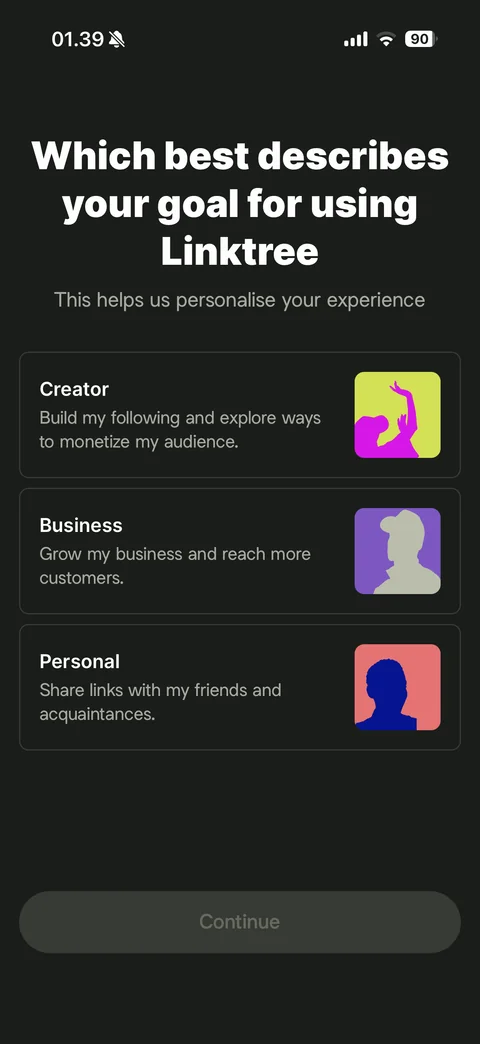
Goal question (dark): Which best describes your goal for using Linktree, personalise note, option cards Creator, Business and Personal with duotone silhouette images, disabled Continue
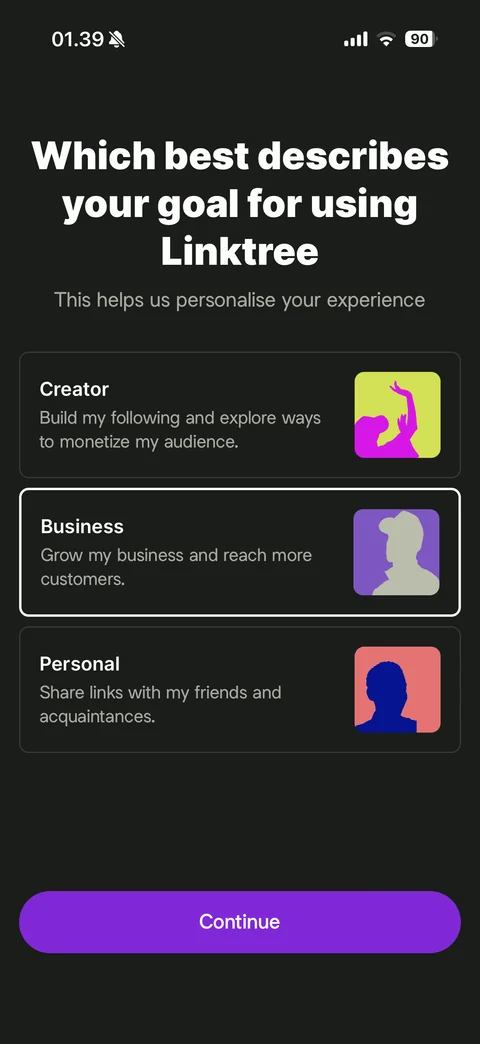
Goal selected: Business card with white outline, purple Continue active
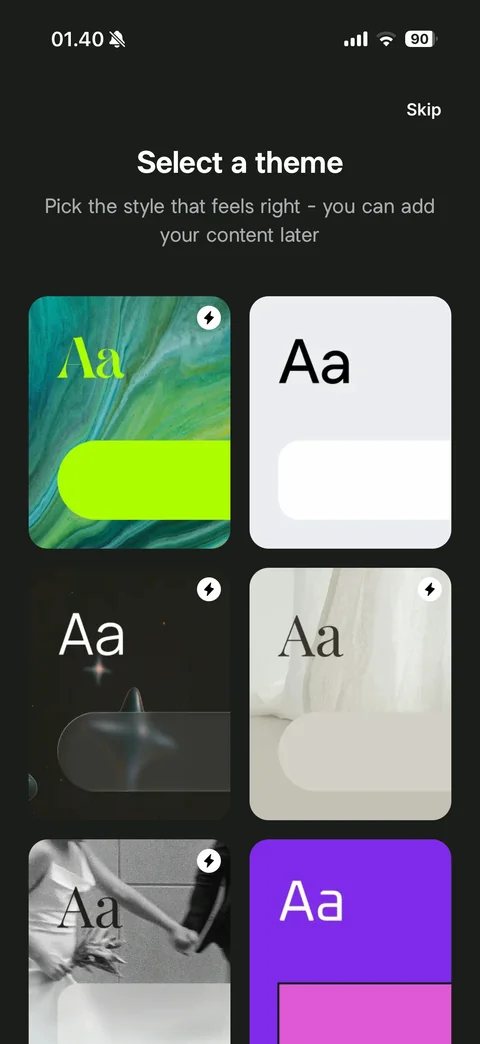
Select a theme: Skip, subtitle, two-column grid of theme preview cards with Aa type sample and button shape over backgrounds (marble, plain light, cosmic, linen, photo, purple), lightning badge on Pro themes
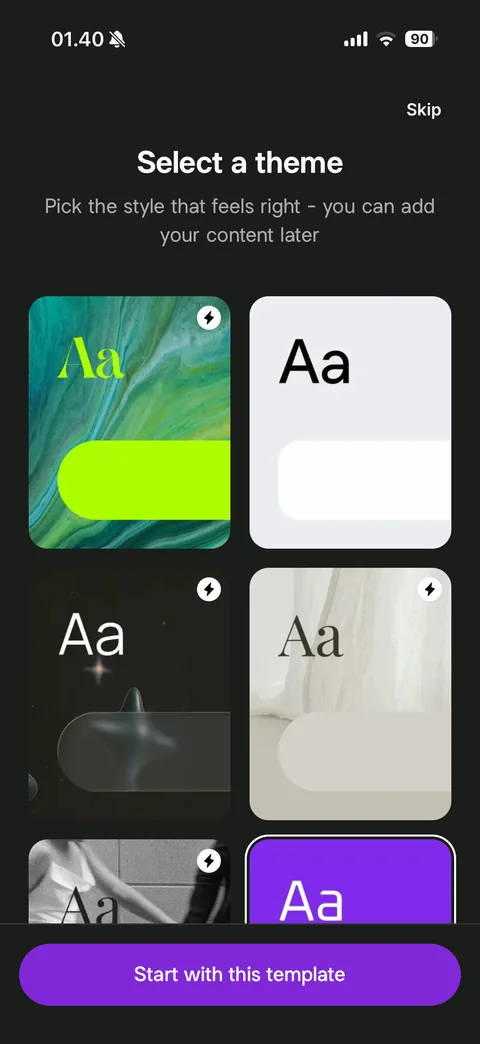
Theme selected: purple theme card with white outline, sticky Start with this template button
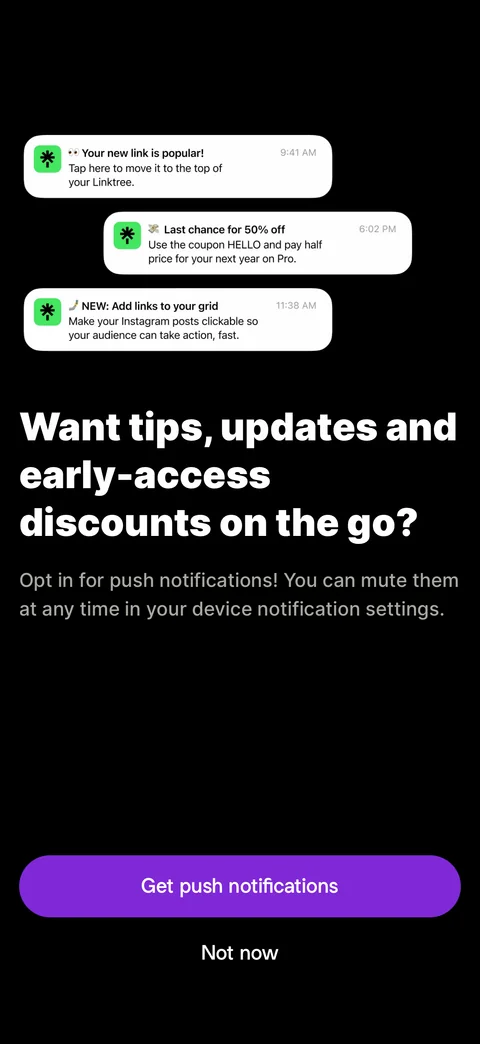
Full-screen notification pre-permission (dark): three sample notification cards, large bold Want tips, updates and early-access discounts headline, mute anytime note, Get push notifications and Not now
Linktree insights (6 screens)
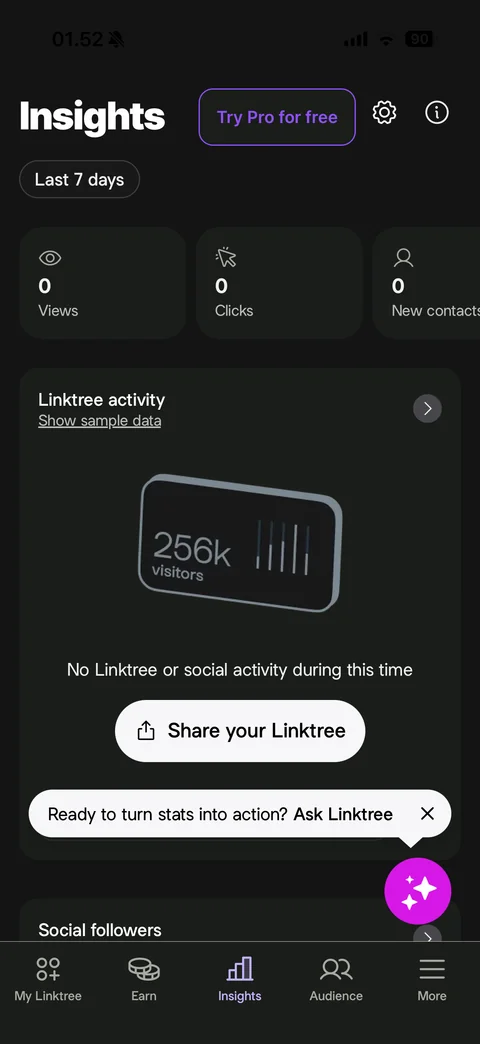
Insights tab: Try Pro for free, settings and info, Last 7 days chip, stat cards (Views, Clicks, New contacts at 0), Linktree activity card with Show sample data link, tilted 256k visitors illustration, no activity message, Share your Linktree button, Ask Linktree AI tooltip with magenta sparkle FAB, Social followers section
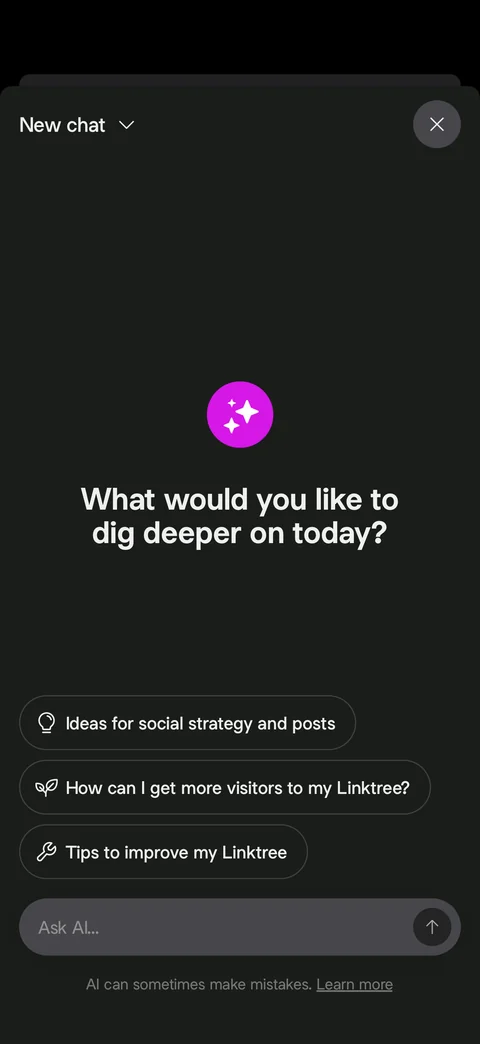
Ask Linktree AI chat: New chat dropdown and close, magenta sparkle icon, What would you like to dig deeper on today headline, suggested prompt chips with icons (social strategy ideas, get more visitors, tips to improve), Ask AI field with send, AI mistakes disclaimer
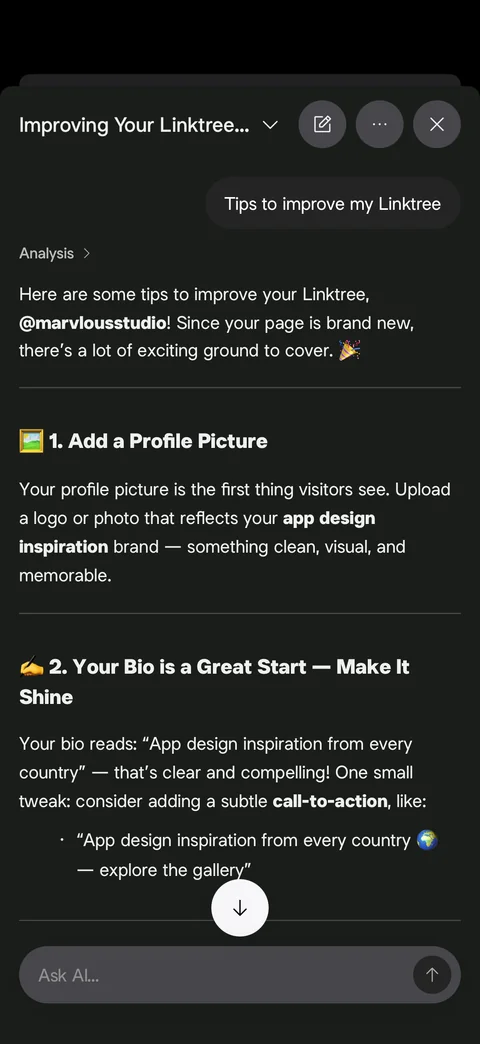
Ask Linktree AI answer: user prompt bubble, Analysis step link, personalised tips with emoji numbered headings (Add a Profile Picture, Your Bio is a Great Start), quoted bio suggestion bullet, scroll-down button, Ask AI field with stop
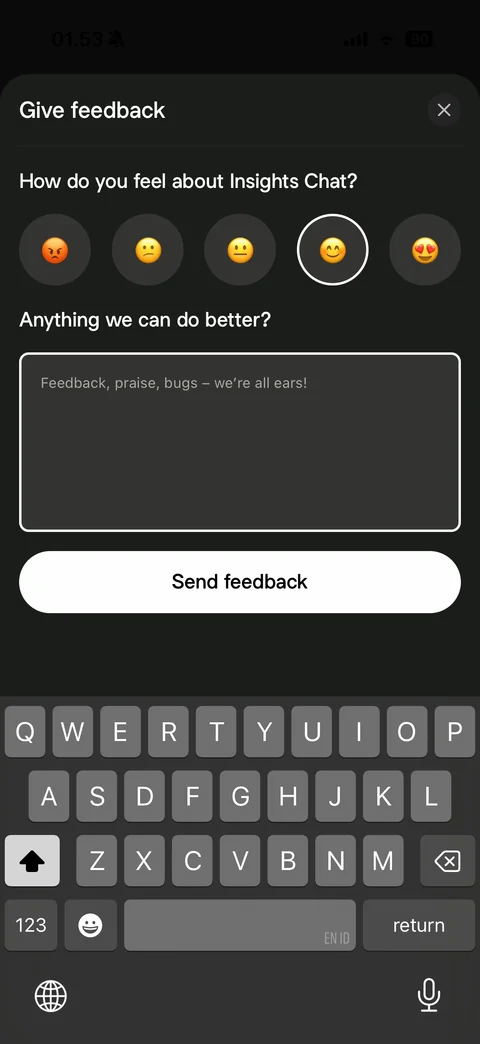
AI chat feedback sheet with keyboard: How do you feel about Insights Chat with five emoji rating buttons (one selected), Anything we can do better text area, Send feedback button
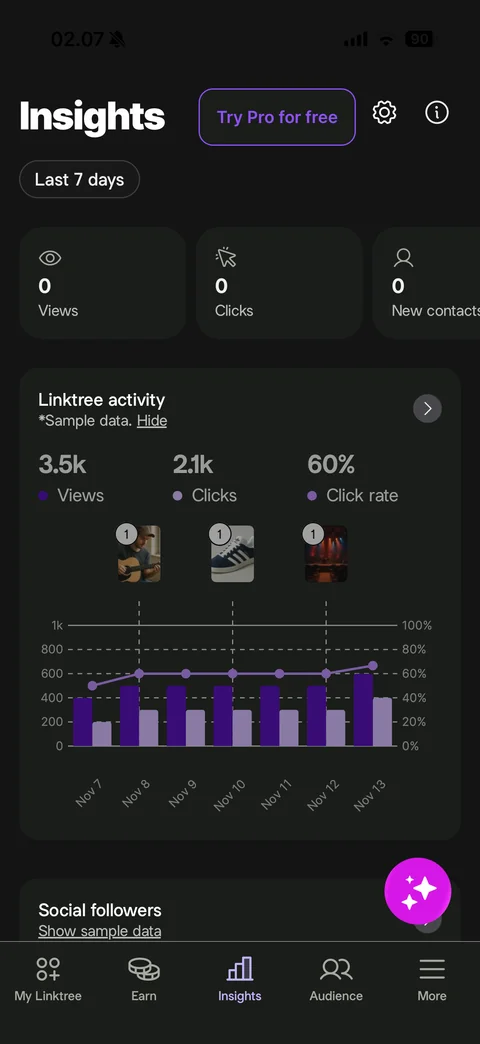
Insights with sample data: Linktree activity card labeled Sample data with Hide link, totals (3.5k views, 2.1k clicks, 60% click rate) with legend dots, combined purple bar and line chart over 7 days with dual axes, post thumbnails with count badges marking days, Social followers Show sample data
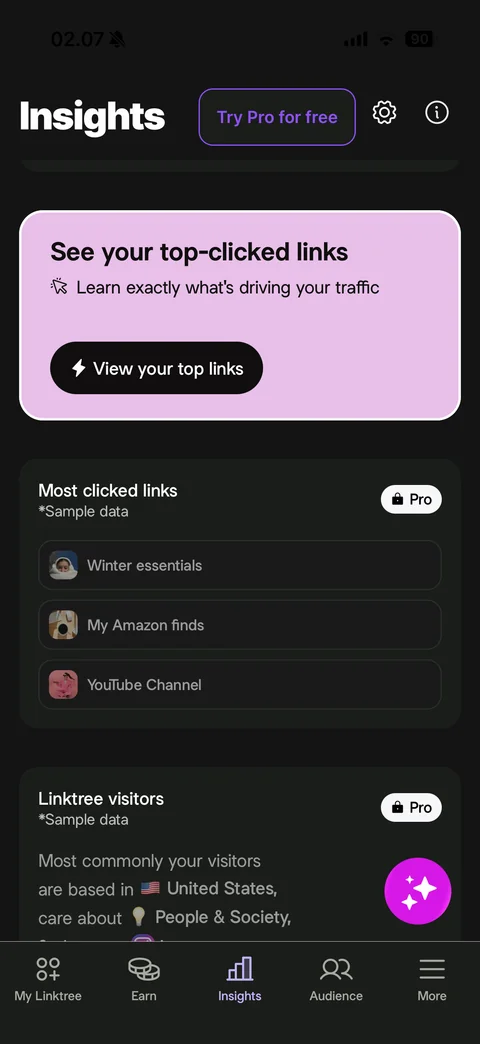
Insights scrolled: pink How did your links do this year card with View your trends button, Most clicked links sample list with Pro lock badge and thumbnails, Linktree visitors sample summary with flag and emoji interests, Pro lock
Linktree audience (2 screens)
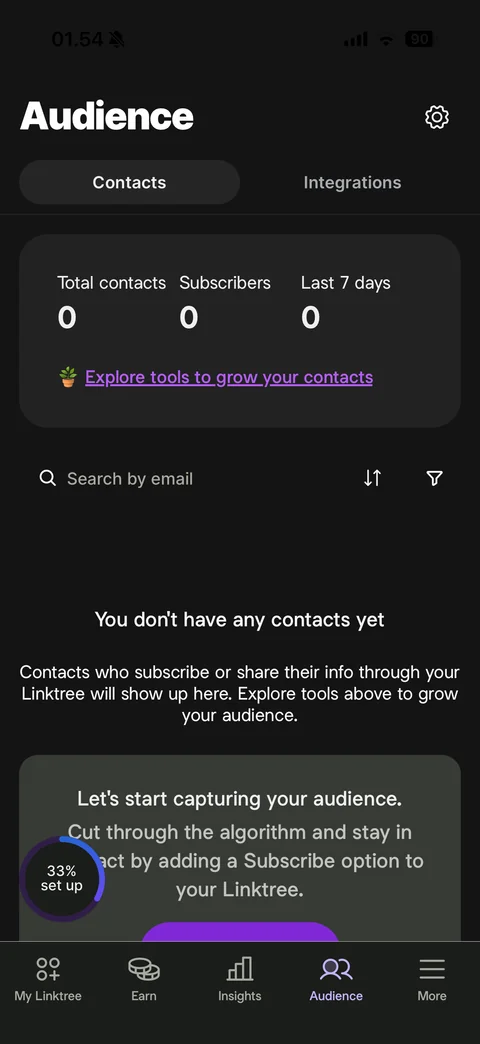
Audience Contacts tab: settings, Contacts and Integrations segmented tabs, stats card (total contacts, subscribers, last 7 days at 0) with Explore tools link, search by email with sort and filter, You don't have any contacts yet empty state, Let's start capturing your audience promo card
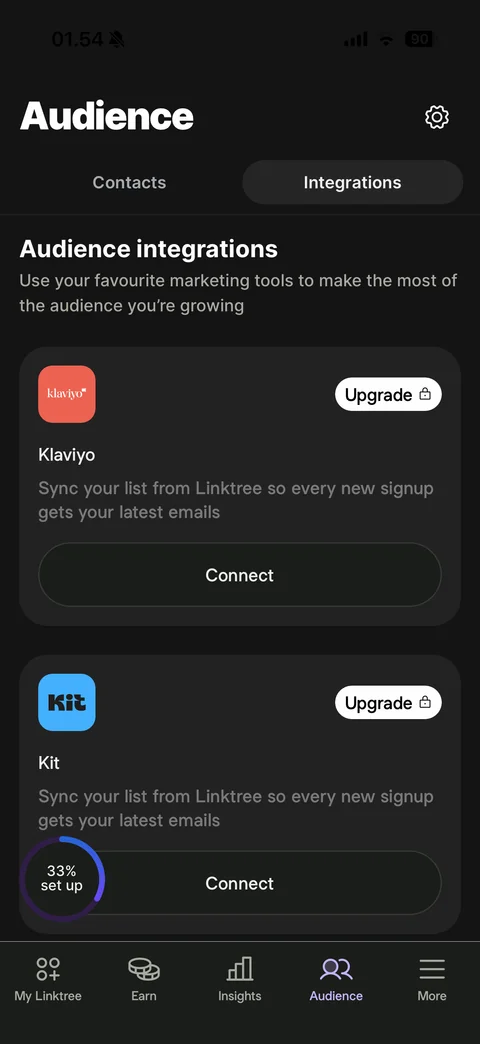
Audience Integrations tab: Audience integrations heading and description, integration cards with brand logo, Upgrade lock pill, name, sync description and Connect button (Klaviyo, Kit)
Linktree more (16 screens)
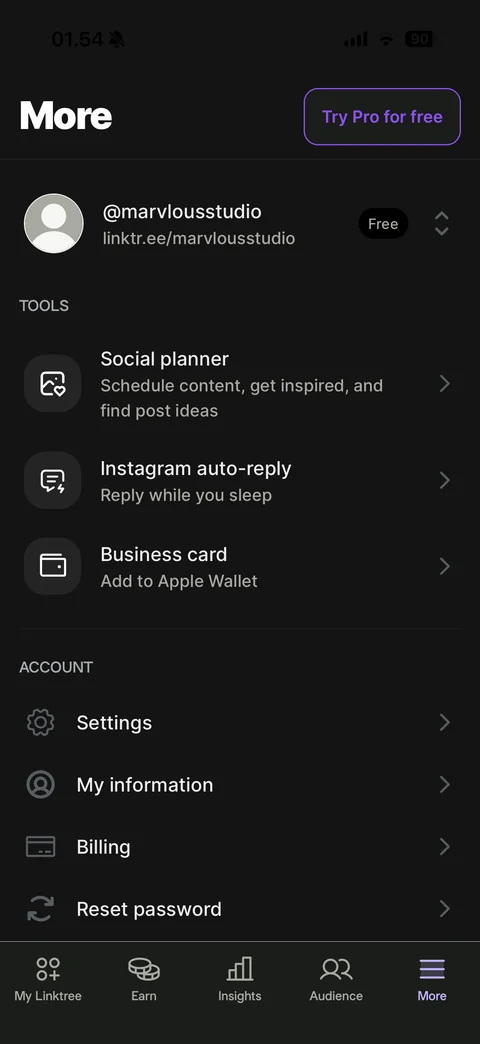
More tab: Try Pro for free, account row with avatar, username, URL, Free badge and switcher, Tools (Social planner, Instagram auto-reply, Business card) with icon tiles, Account (Settings, My information, Billing, Reset password)
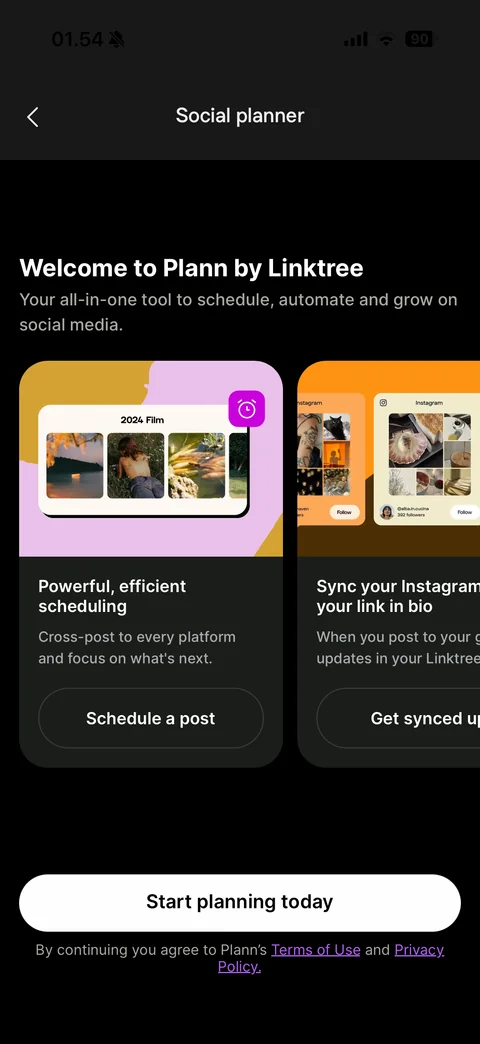
Social planner intro: Welcome to Plann by Linktree, horizontal feature cards with colorful collage illustrations (Powerful efficient scheduling with Schedule a post, Sync your Instagram with your link in bio), Start planning today, terms note
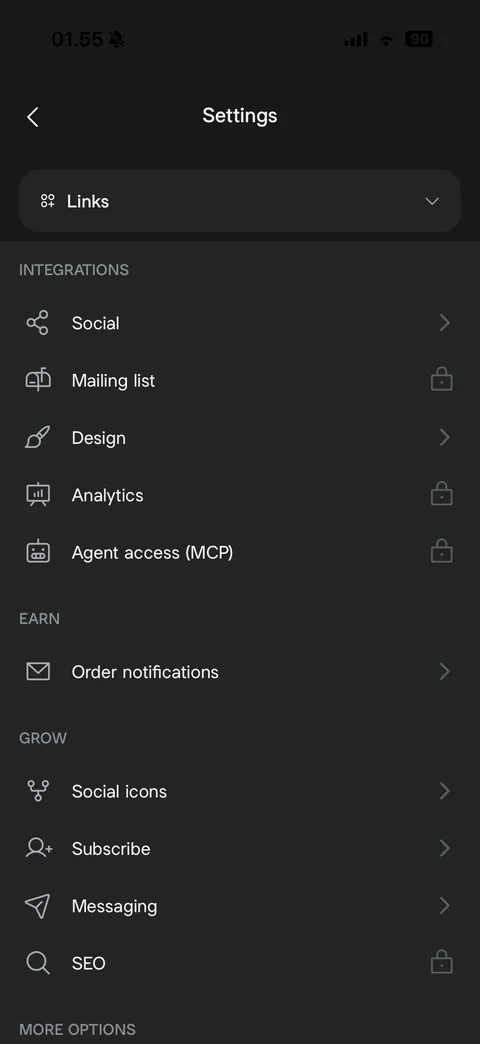
Settings list: Links dropdown, Integrations (Social, Mailing list locked, Design, Analytics locked, Agent access MCP locked), Earn (Order notifications), Grow (Social icons, Subscribe, Messaging, SEO locked), More options heading
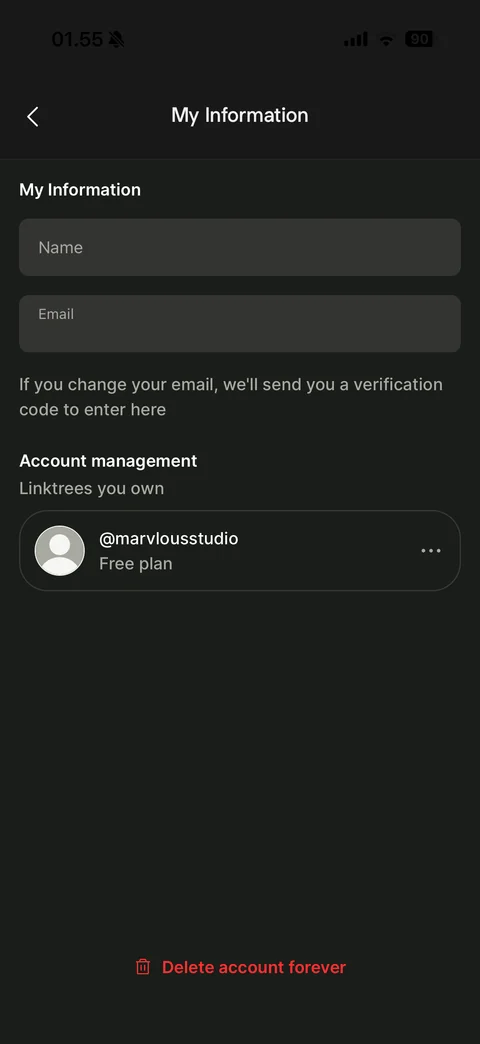
My Information: name field, email field (covered), verification note, Account management Linktrees you own card with avatar, username, Free plan and more, red Delete account forever
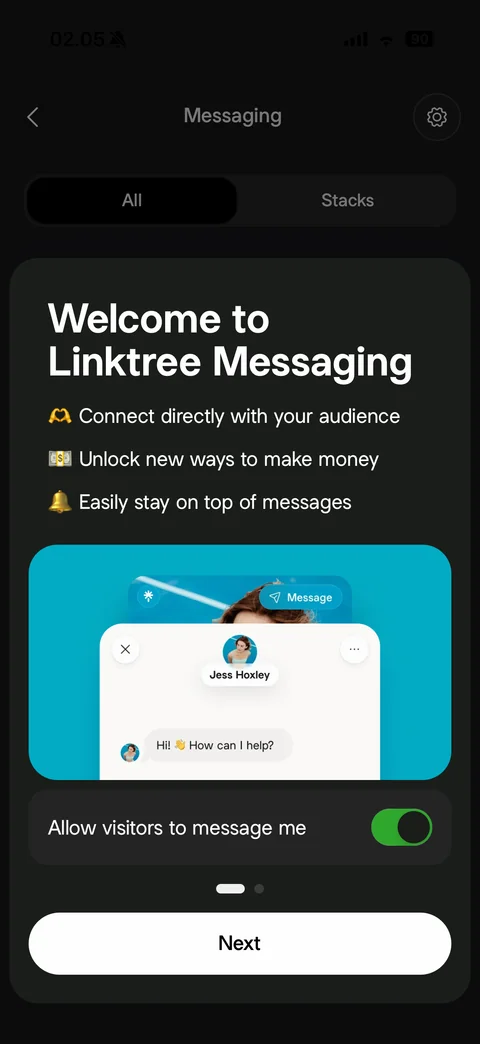
Welcome to Linktree Messaging sheet: emoji benefit list (connect with audience, make money, stay on top of messages), teal illustration of a visitor chat window with Message button, Allow visitors to message me toggle on, page dots, Next
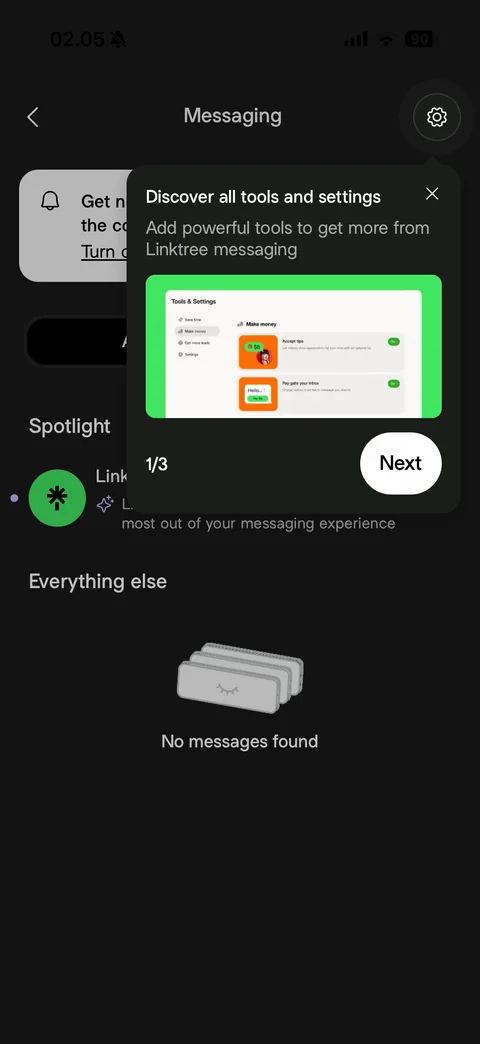
Messaging coach mark: Discover all tools and settings popover pointing at settings gear, green screenshot preview of tools and settings, step 1/3 and Next, close
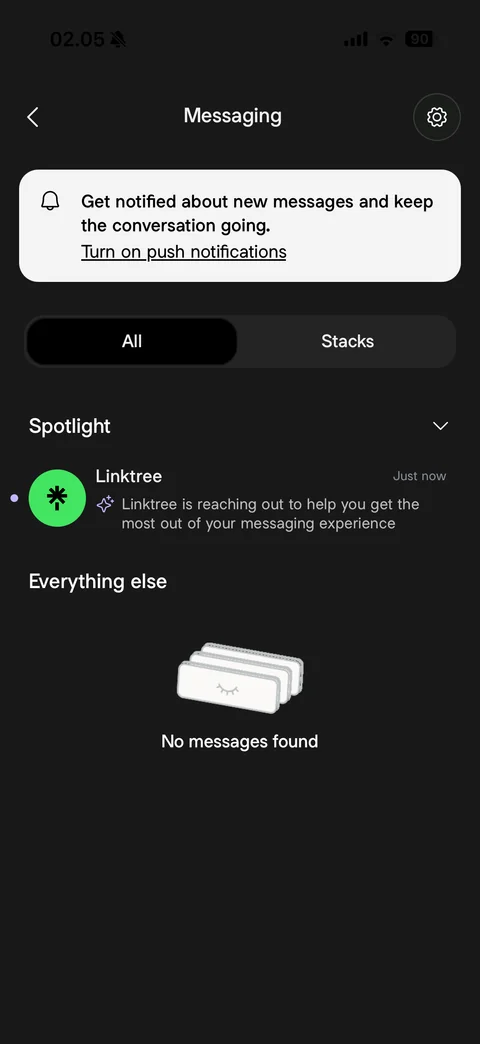
Messaging inbox: settings gear, push notifications prompt card, All and Stacks segmented tabs, Spotlight section with unread Linktree welcome message, Everything else empty state with stacked cards illustration, No messages found
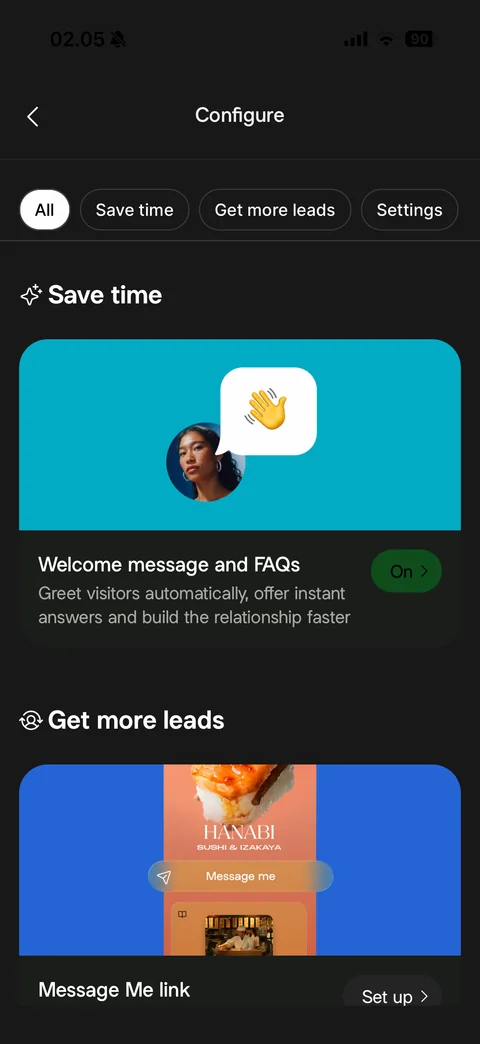
Messaging Configure: filter chips (All, Save time, Get more leads, Settings), Save time section with teal welcome message illustration card and On status, Get more leads section with Message Me link card and Set up
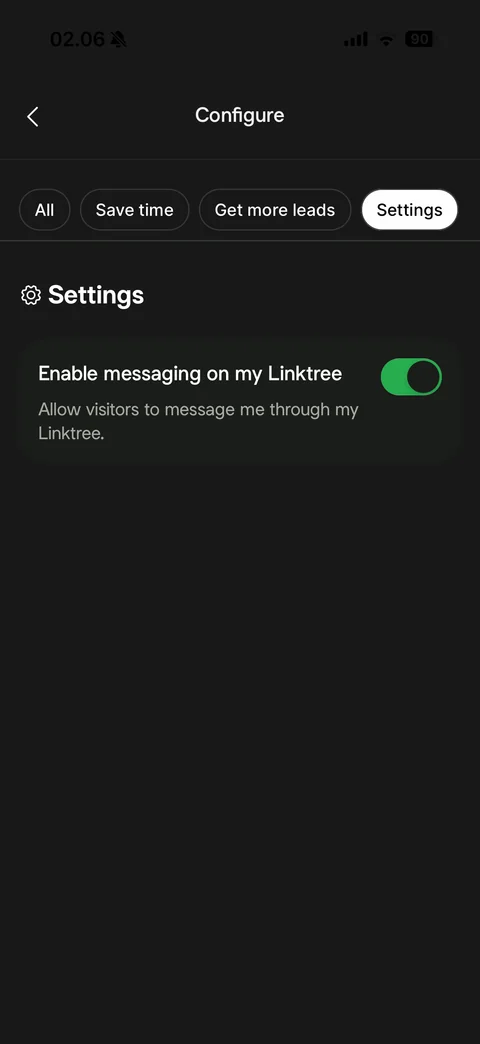
Messaging Configure Settings filter: Enable messaging on my Linktree toggle on with description
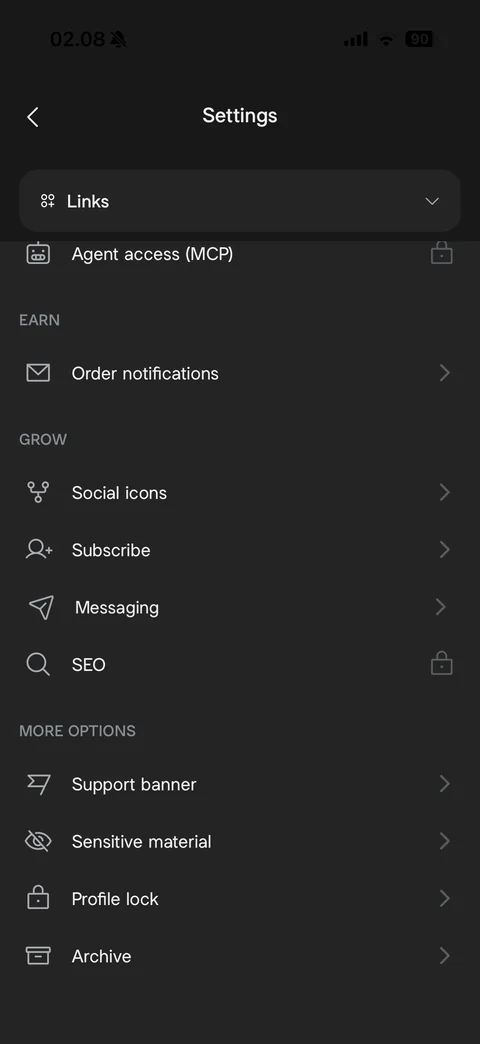
Settings scrolled: Earn, Grow sections, More options (Support banner, Sensitive material, Profile lock, Archive) with line icons and chevrons
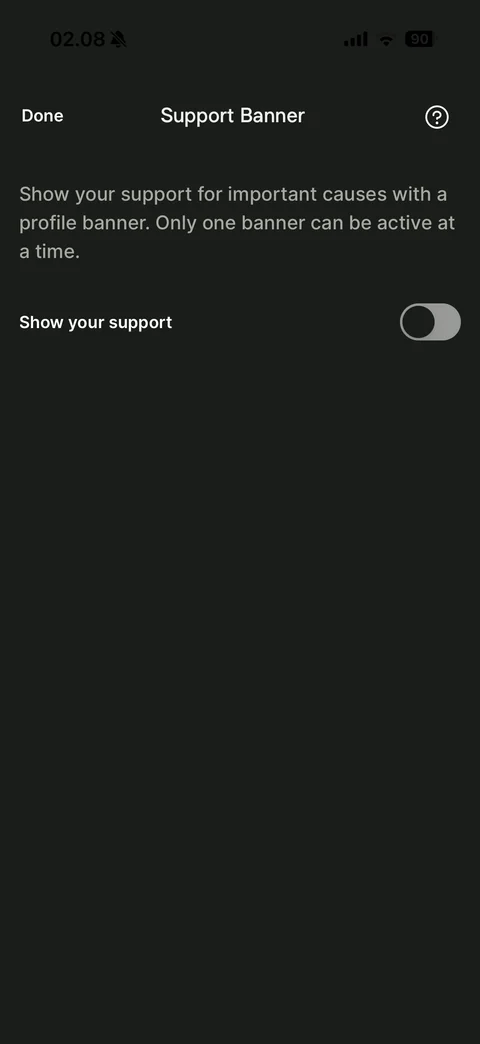
Support Banner settings: Done and help, explanation of cause banners, Show your support toggle off
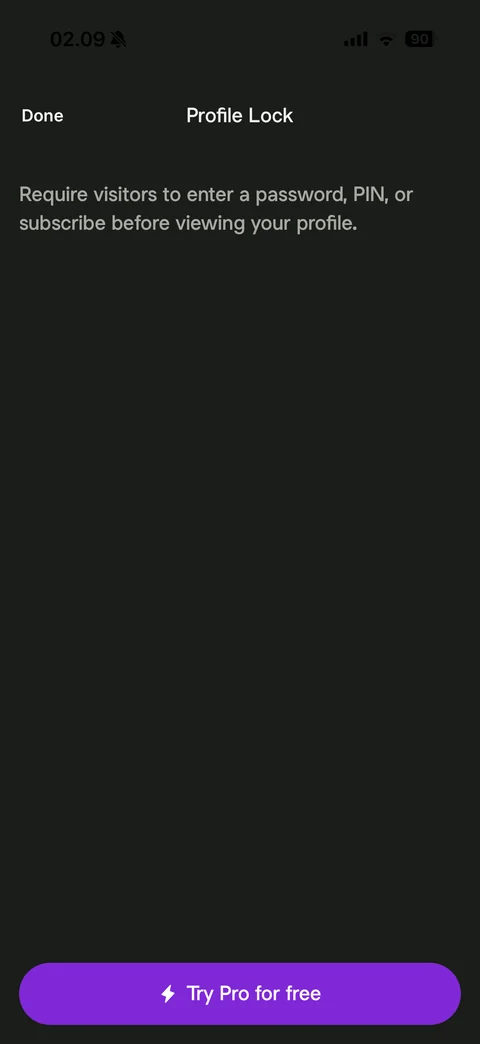
Profile Lock Pro gate: Done, explanation (require password, PIN or subscribe before viewing), purple Try Pro for free button
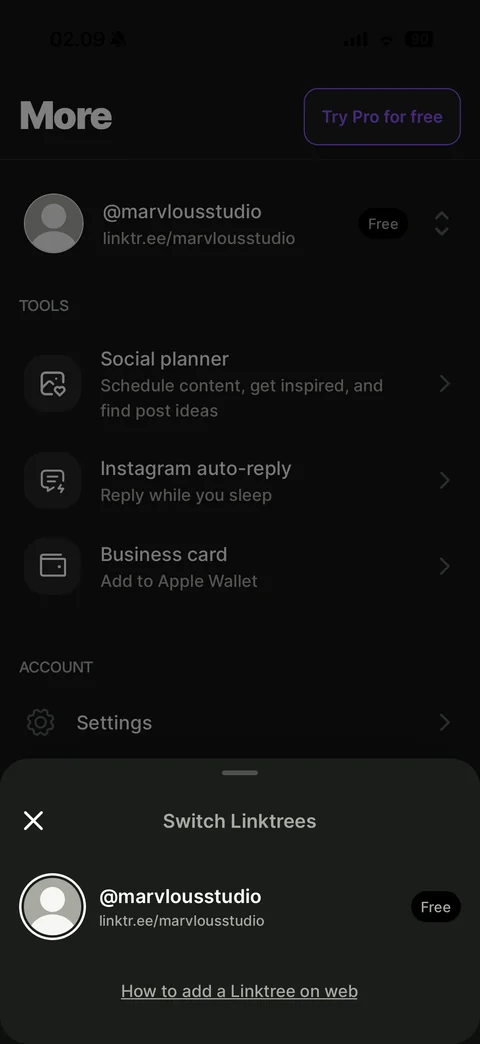
Switch Linktrees sheet: close, account row with avatar ring, username, URL and Free badge, How to add a Linktree on web link, dimmed More tab behind
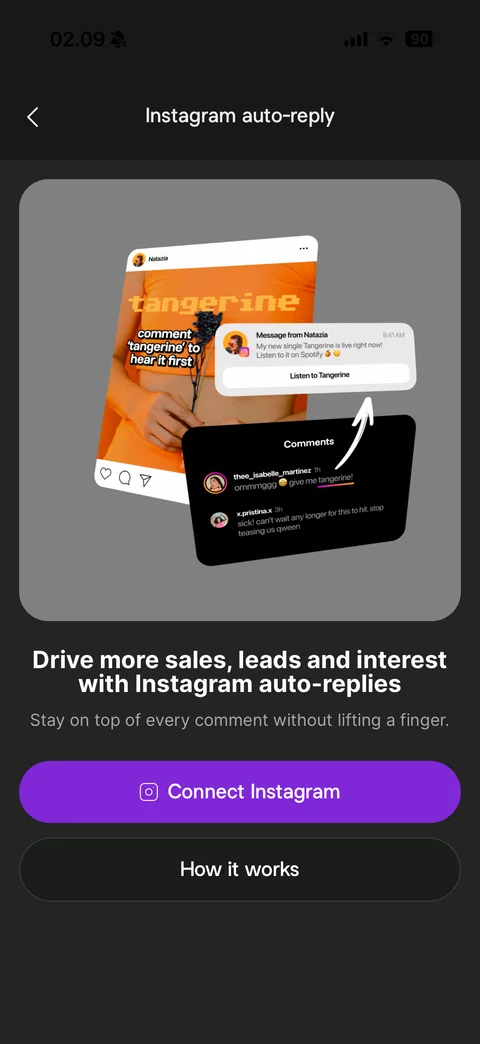
Instagram auto-reply intro: illustration of an Instagram post with comment keyword prompt, comments panel and auto-sent DM notification with arrow, Drive more sales headline, subtitle, purple Connect Instagram and How it works buttons
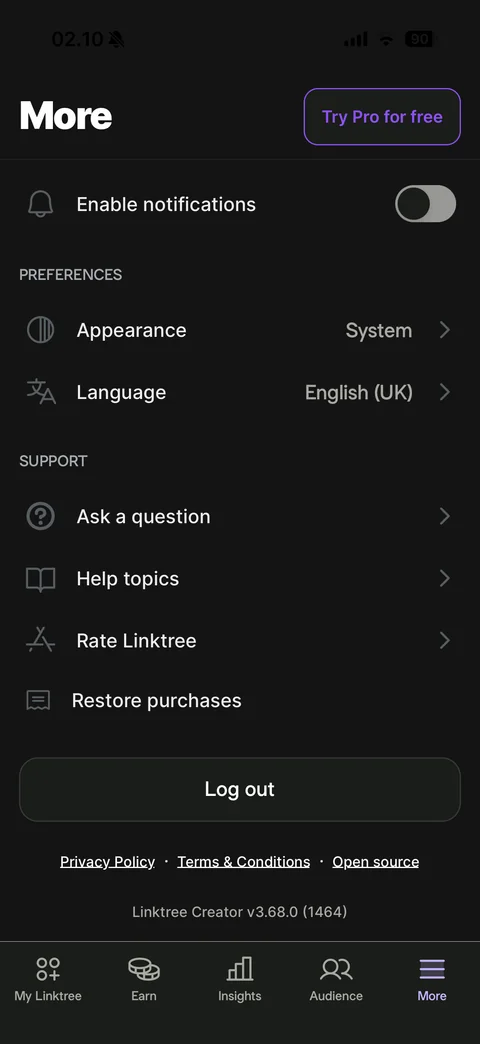
More tab scrolled: Enable notifications toggle off, Preferences (Appearance System, Language English UK), Support (Ask a question, Help topics, Rate Linktree, Restore purchases), Log out button, legal links, app version
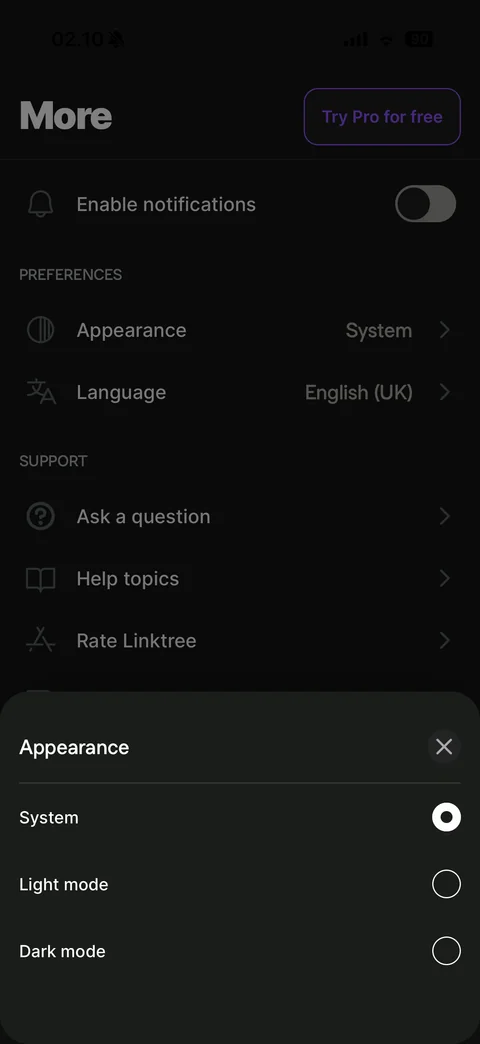
Appearance sheet: close, radio options System (selected), Light mode and Dark mode
Linktree paywall (3 screens)
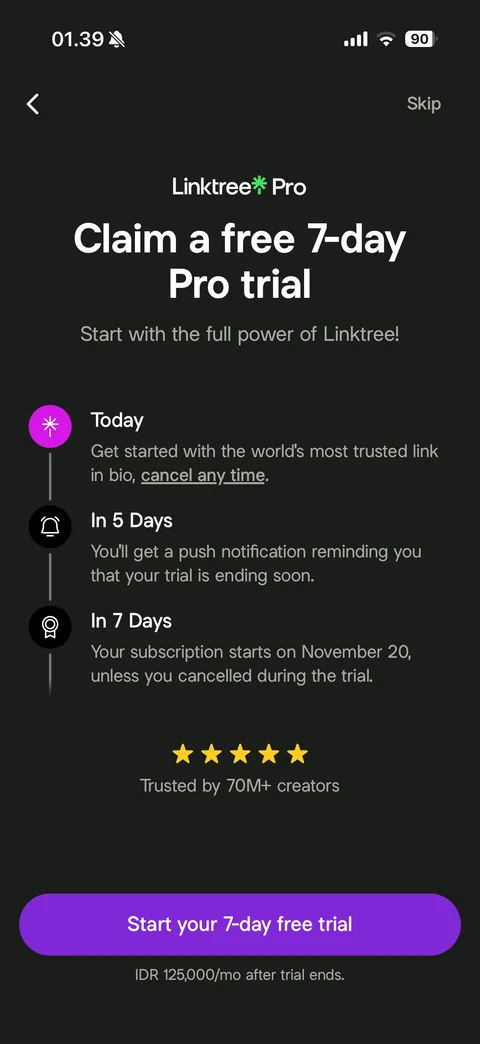
Onboarding Pro trial paywall (dark): back and Skip, Linktree Pro logo, Claim a free 7-day Pro trial, vertical timeline (Today, In 5 Days reminder, In 7 Days subscription starts with date), five stars Trusted by 70M+ creators, purple Start your 7-day free trial, IDR monthly price note
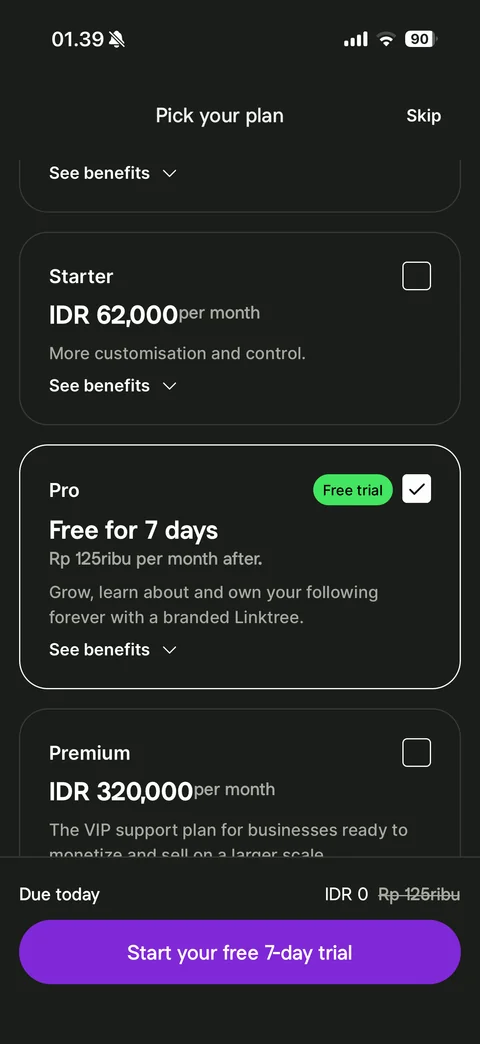
Pick your plan: Skip, plan cards with checkboxes and See benefits (Starter IDR monthly, Pro selected with green Free trial badge and Free for 7 days, Premium), Due today IDR 0 with struck price, Start your free 7-day trial
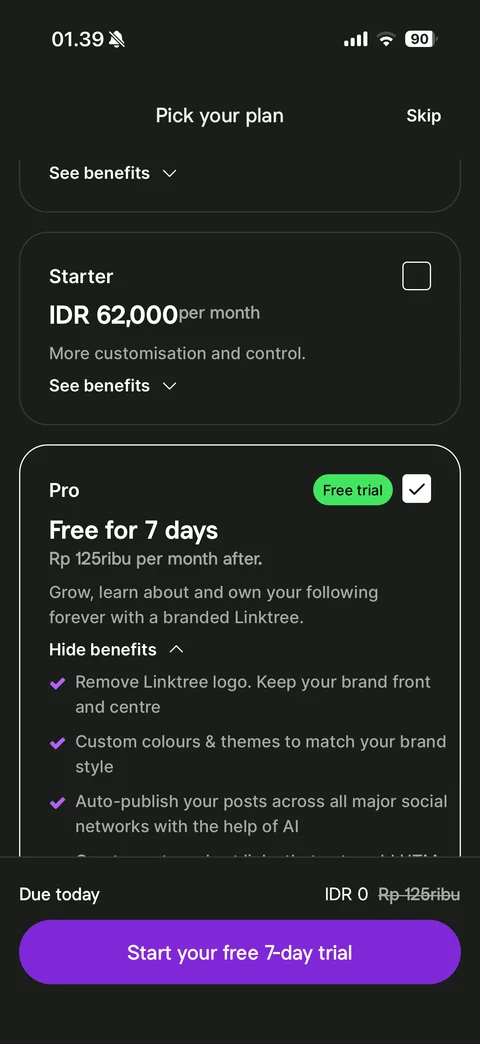
Plan benefits expanded: Pro card with Hide benefits and purple checkmark list (remove Linktree logo, custom colours and themes, AI auto-publish to social networks)
Linktree editor (12 screens)
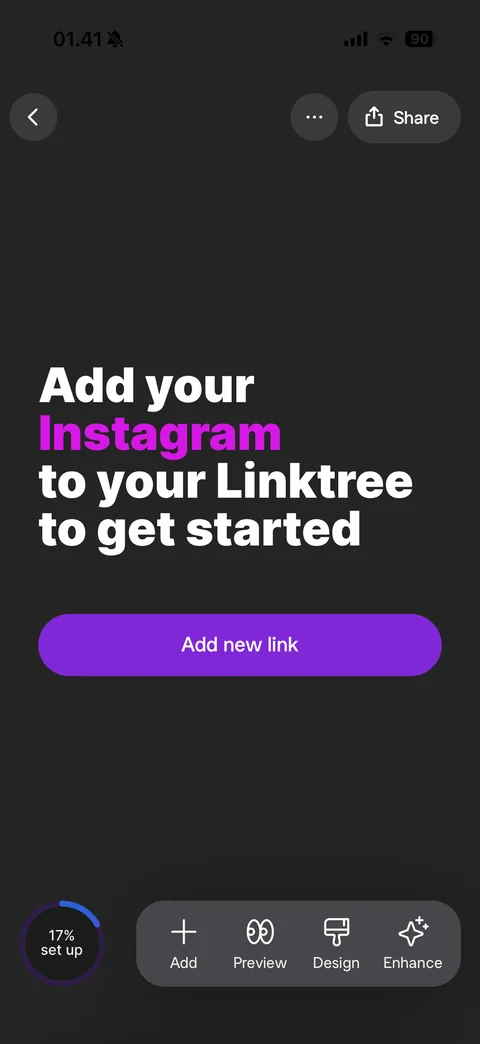
Empty Linktree editor: back, more and Share, animated headline Add your Twitch to your Linktree to get started with purple brand word, Add new link button, setup progress ring 17%, floating toolbar (Add, Preview, Design, Enhance)
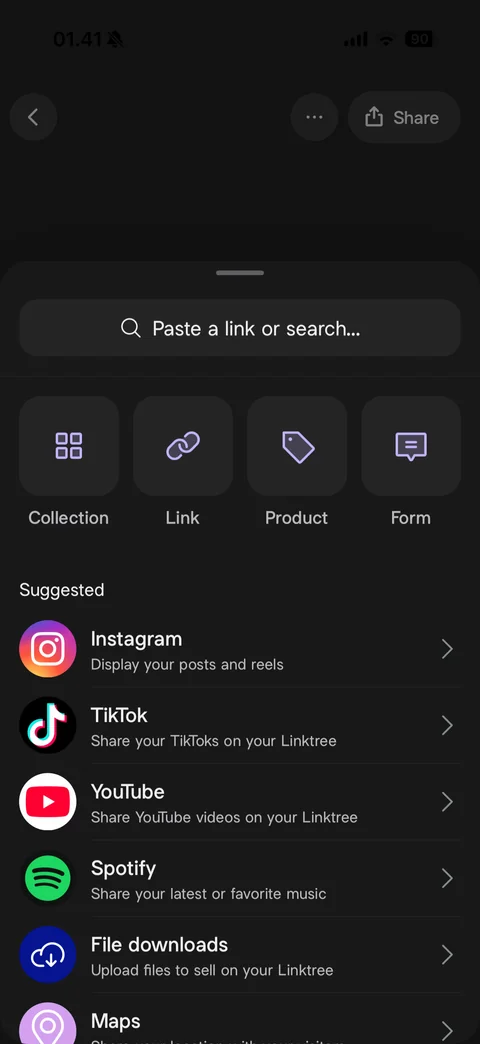
Add sheet: Paste a link or search field, block type tiles (Collection, Link, Product, Form), Suggested integrations list with brand icons and descriptions (Instagram, TikTok, YouTube, Spotify, File downloads, Maps)
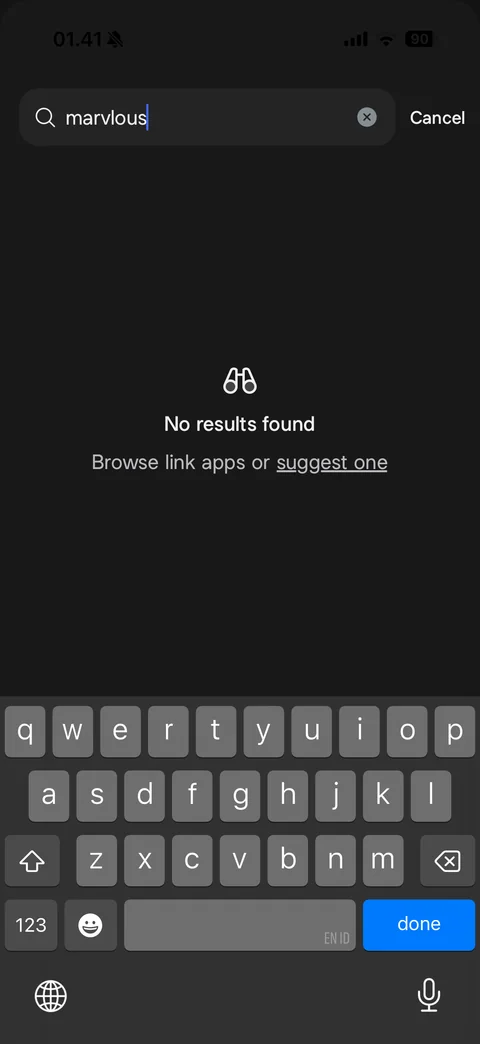
Link search no results with keyboard: query field with clear and Cancel, binoculars icon, No results found, Browse link apps or suggest one link
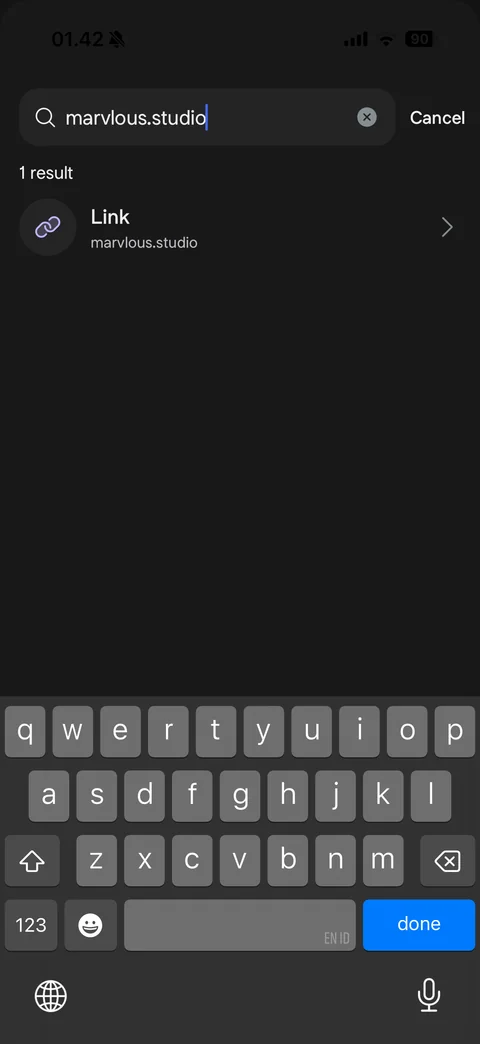
Link URL detected with keyboard: typed domain in search field, 1 result row Link with URL and chevron
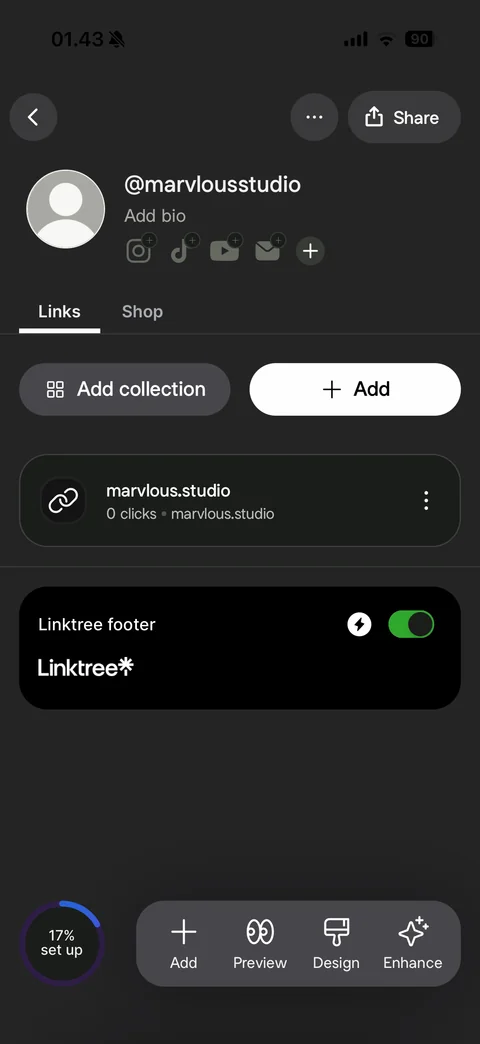
Editor with one link: avatar, @username, Add bio, social icon placeholders with plus badges, Links and Shop tabs, Add collection and white Add buttons, link card with click count and URL, Linktree footer card with Pro toggle, setup progress ring and floating toolbar
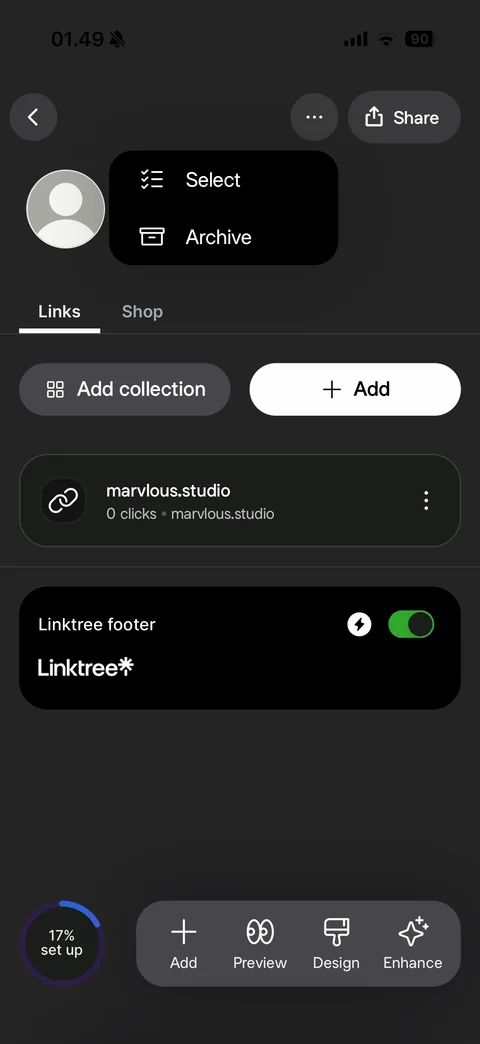
Editor more menu: dark popover with Select and Archive options
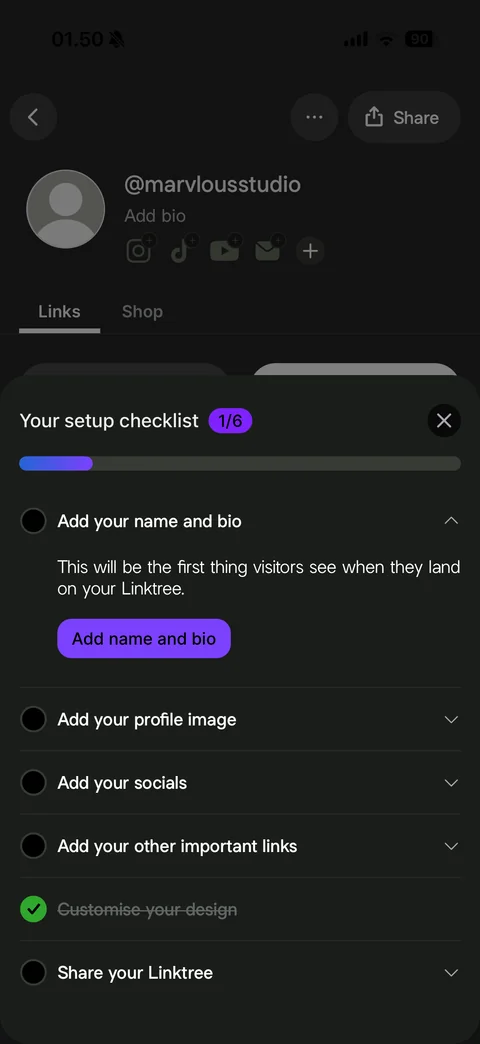
Setup checklist sheet: Your setup checklist with 1/6 badge, progress bar, expandable steps (Add your name and bio expanded with explanation and purple button, profile image, socials, other links, Customise your design checked and struck through, Share your Linktree)
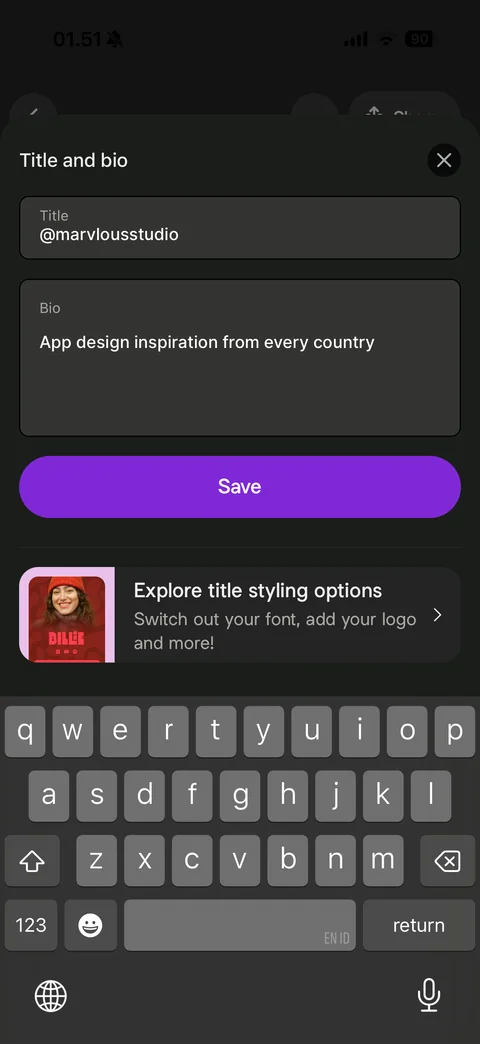
Title and bio sheet with keyboard: Title field, Bio field with typed text, purple Save, Explore title styling options promo card
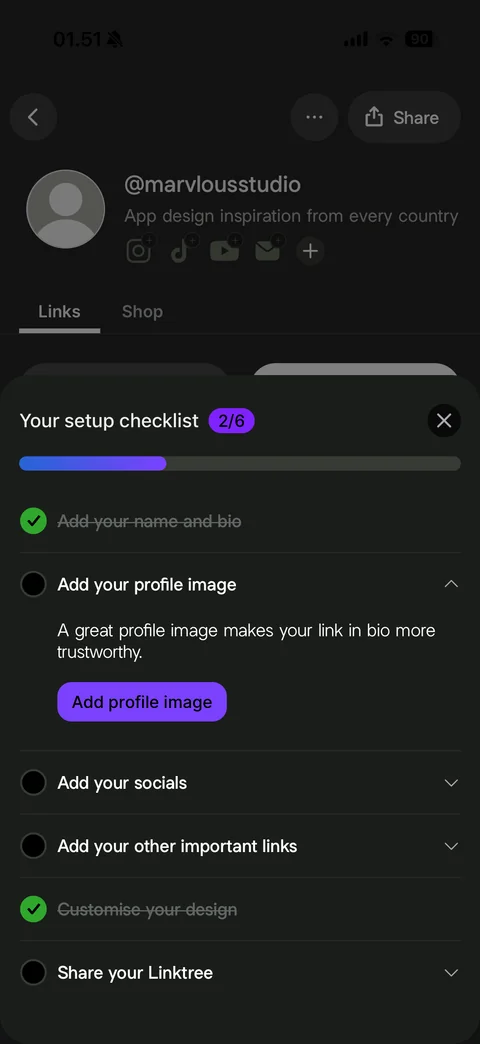
Setup checklist progress 2/6: longer progress bar, name and bio step checked and struck through, Add your profile image step expanded with Add profile image button
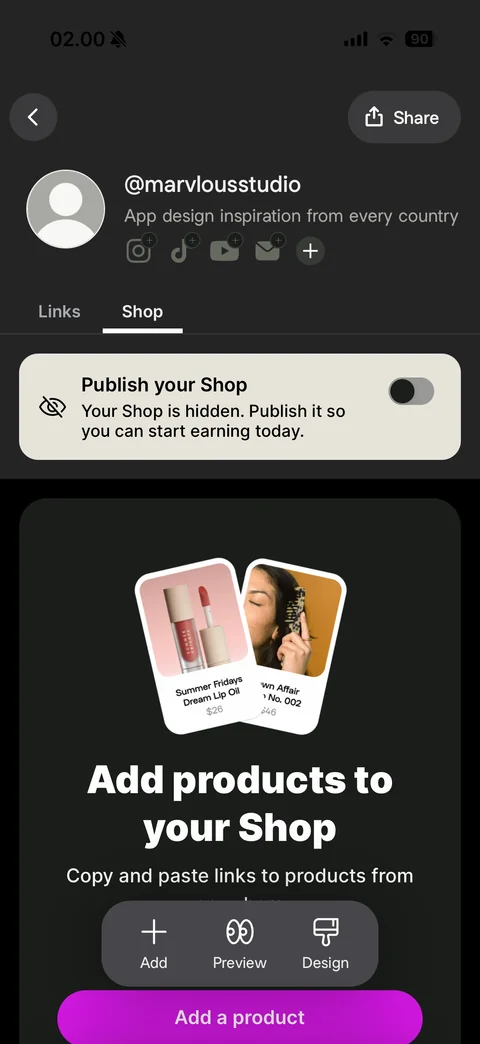
Shop tab: Publish your Shop banner with hidden icon and toggle off, empty state with tilted product cards (lip oil, hair product with prices), Add products to your Shop headline, paste product links note, magenta Add a product button, floating toolbar
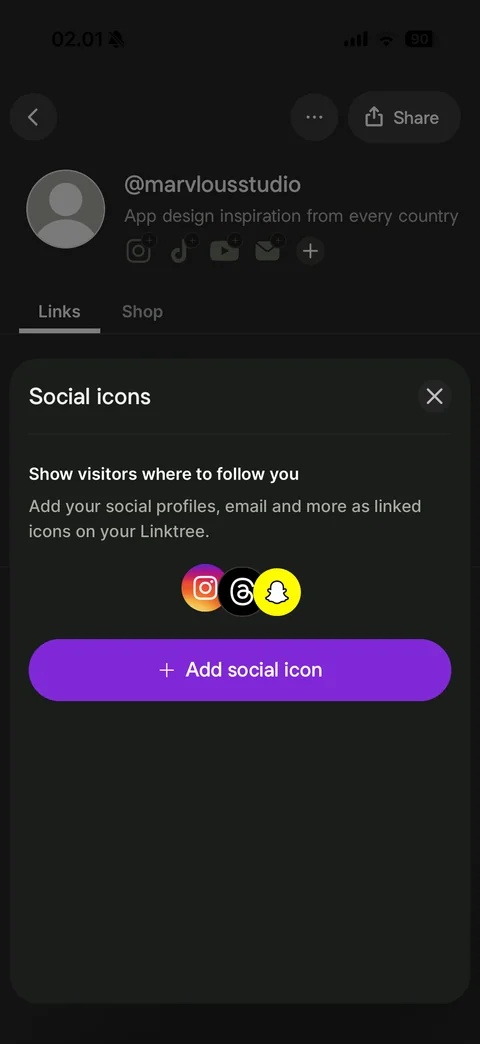
Social icons sheet empty: Show visitors where to follow you explanation, overlapping Instagram, Threads and Snapchat brand icons, purple Add social icon button
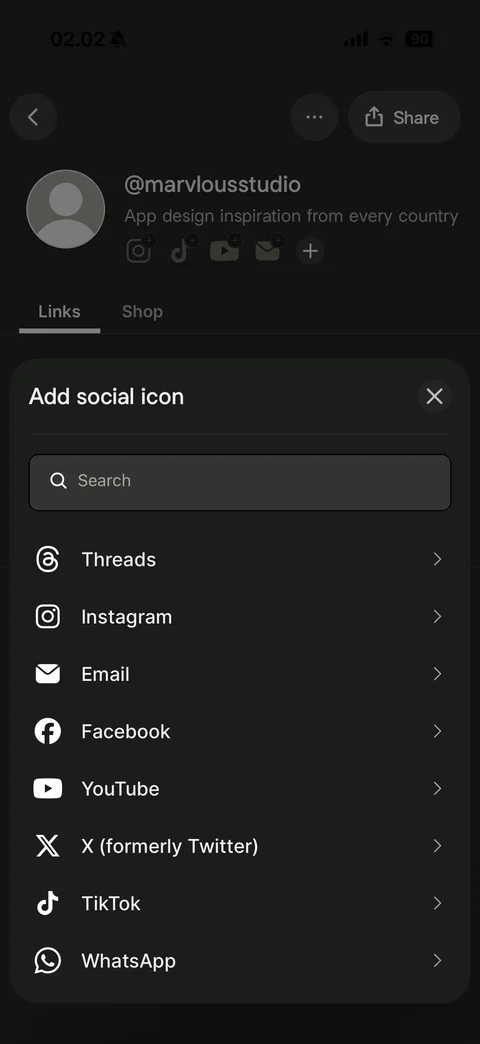
Add social icon picker: search field, platform list with monochrome brand icons and chevrons (Threads, Instagram, Email, Facebook, YouTube, X, TikTok, WhatsApp)
Linktree link (7 screens)
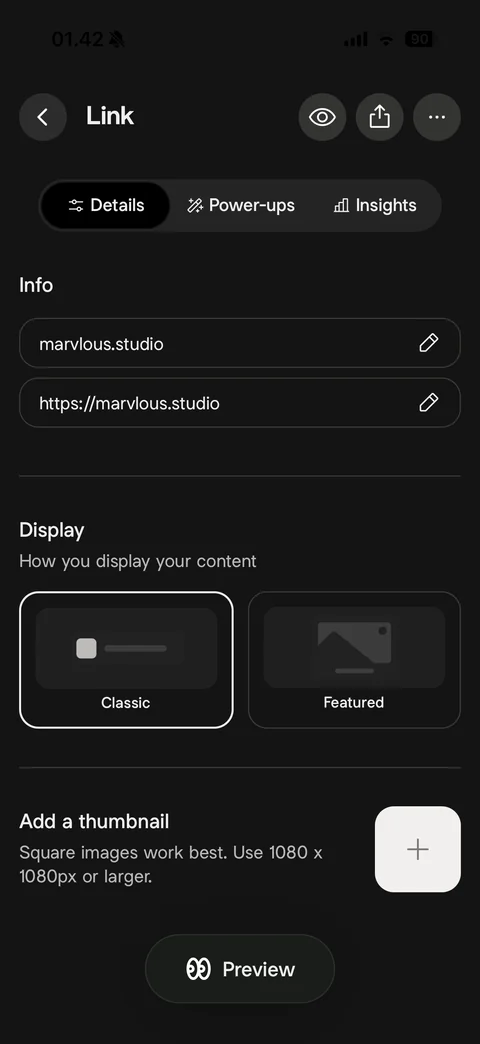
Link detail Details tab: back, preview, share and more buttons, Details, Power-ups and Insights segmented tabs, Info fields for title and URL with edit icons, Display style cards (Classic selected, Featured), Add a thumbnail with size hint, floating Preview button
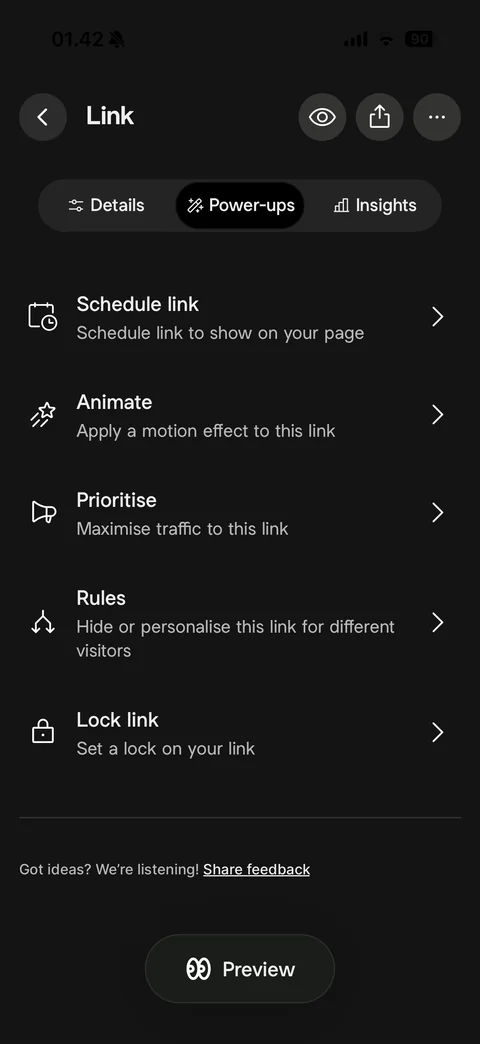
Link Power-ups tab: feature rows with line icons and chevrons (Schedule link, Animate, Prioritise, Rules, Lock link), share feedback note, Preview button
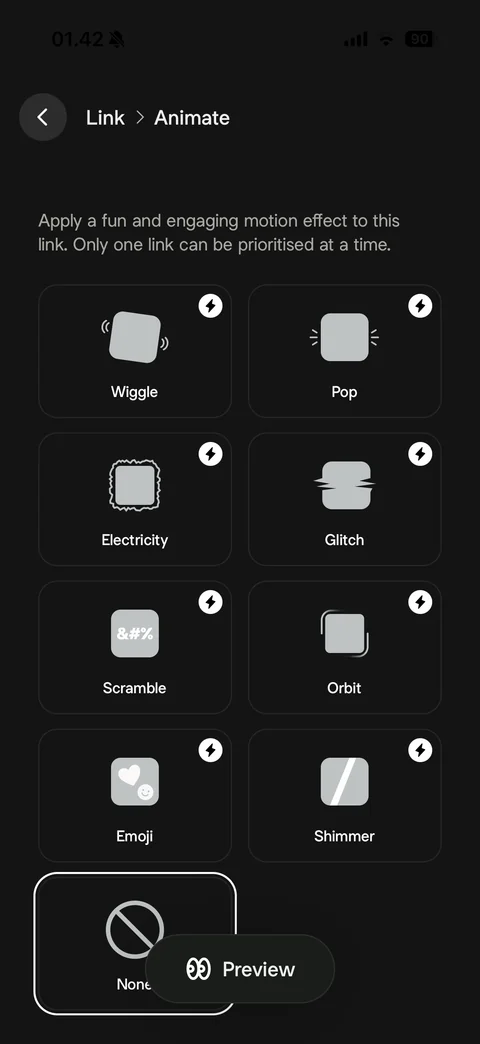
Animate link picker: breadcrumb Link > Animate, explanation, grid of motion effect tiles with icons (Wiggle, Pop, Electricity, Glitch, Scramble, Orbit, Emoji, Shimmer) with Pro lightning badges, None selected
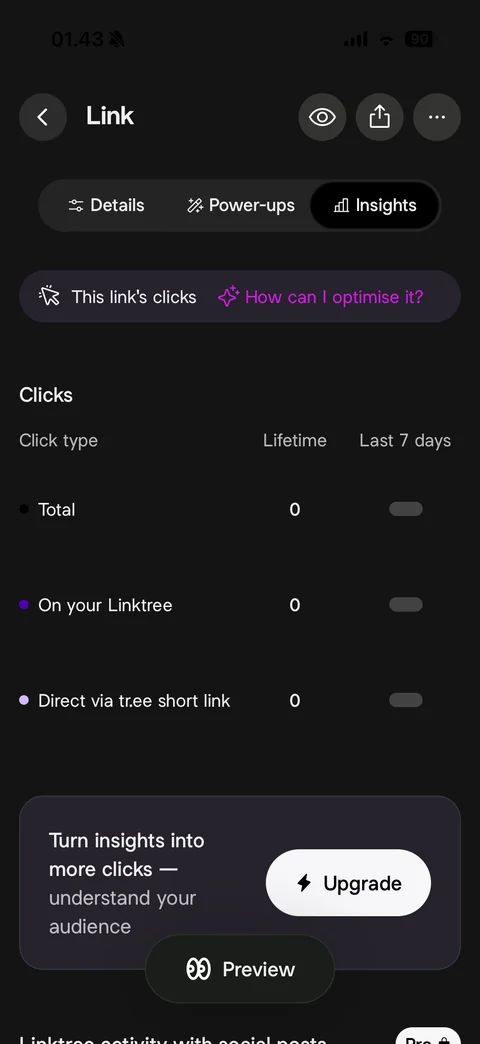
Link Insights tab: This link's clicks with How can I optimise it AI prompt, Clicks table (Total, On your Linktree, Direct via tr.ee short link) with lifetime counts and last 7 days skeleton bars, Upgrade card to turn insights into more clicks
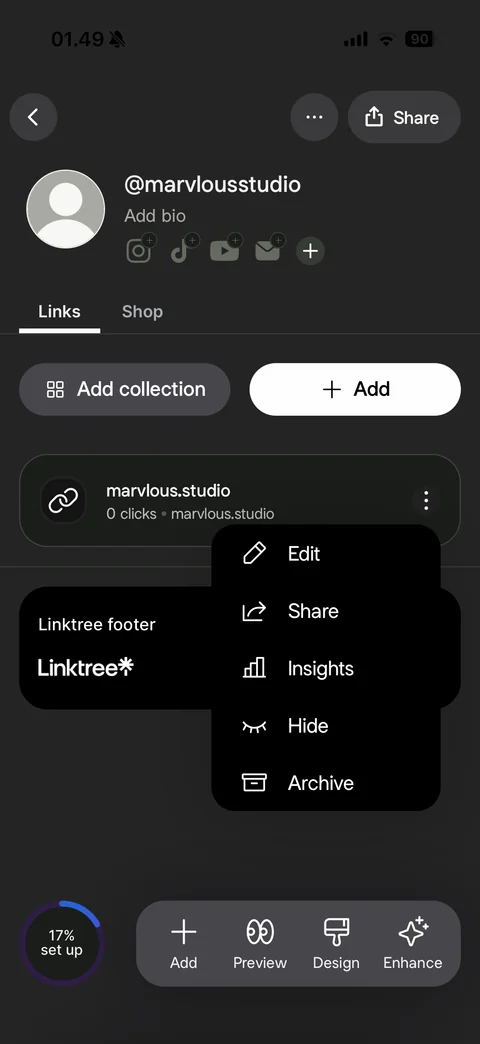
Link card more menu: dark popover with Edit, Share, Insights, Hide and Archive options with icons
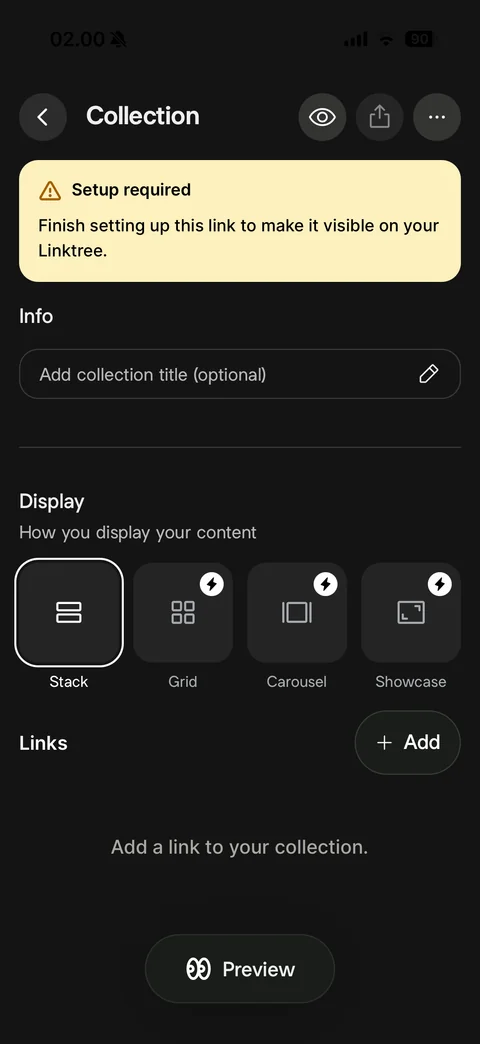
New Collection: yellow Setup required warning banner, collection title field, Display options (Stack selected, Grid, Carousel and Showcase with Pro badges), Links section with Add button, empty add a link hint, Preview
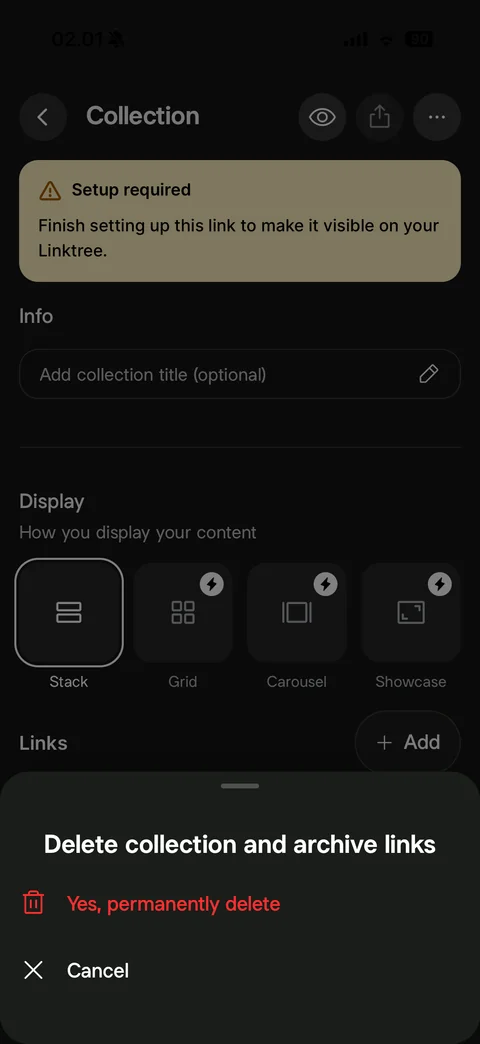
Delete collection confirmation sheet: Delete collection and archive links title, red Yes permanently delete with trash icon, Cancel
Linktree preview (1 screen)
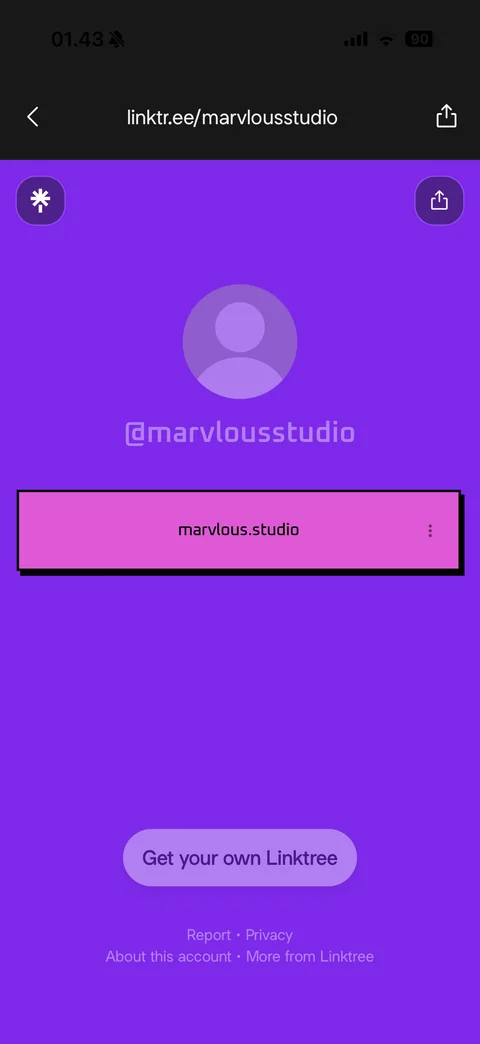
Public Linktree preview: URL bar linktr.ee/username with back and share, purple theme page, Linktree logo and share buttons, avatar placeholder, @username, pink retro link button with hard black shadow and more dots, Get your own Linktree pill, footer links (Report, Privacy, About this account)
Linktree design (15 screens)
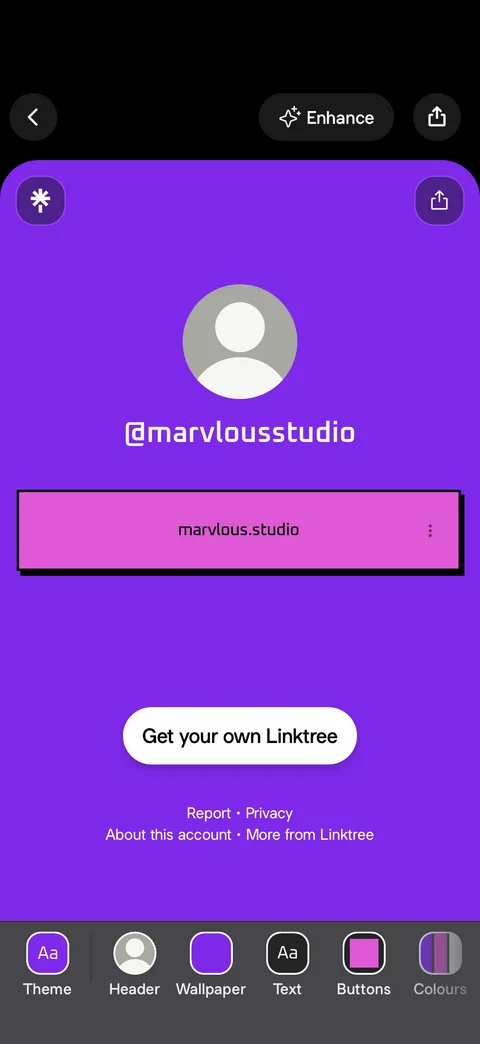
Design mode: back, Enhance and share, live page preview on purple theme, bottom design toolbar with swatch tiles (Theme, Header, Wallpaper, Text, Buttons, Colours)
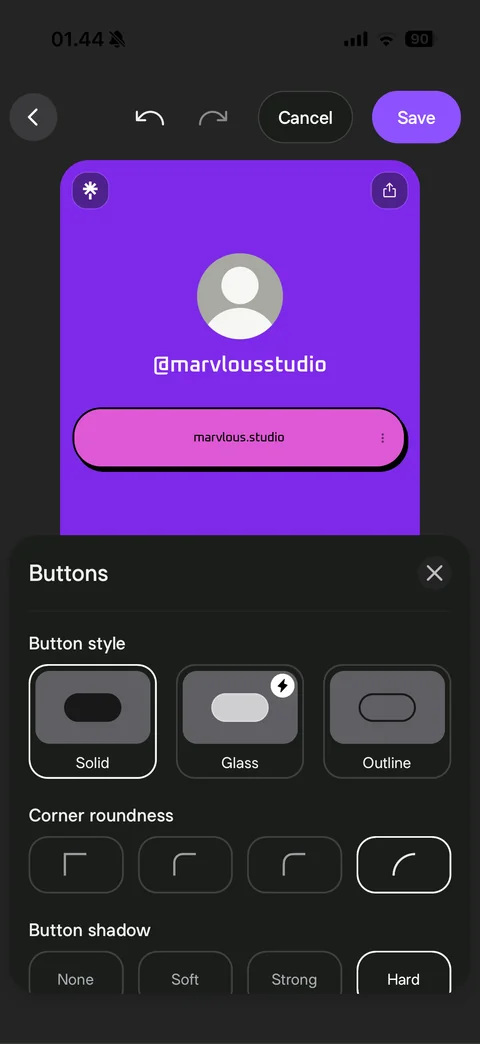
Buttons design sheet with unsaved change: undo, redo, Cancel and purple Save in header, live preview with pill-shaped link button, Button style (Solid selected, Glass Pro, Outline), Corner roundness options with full round selected, Button shadow (None, Soft, Strong, Hard)
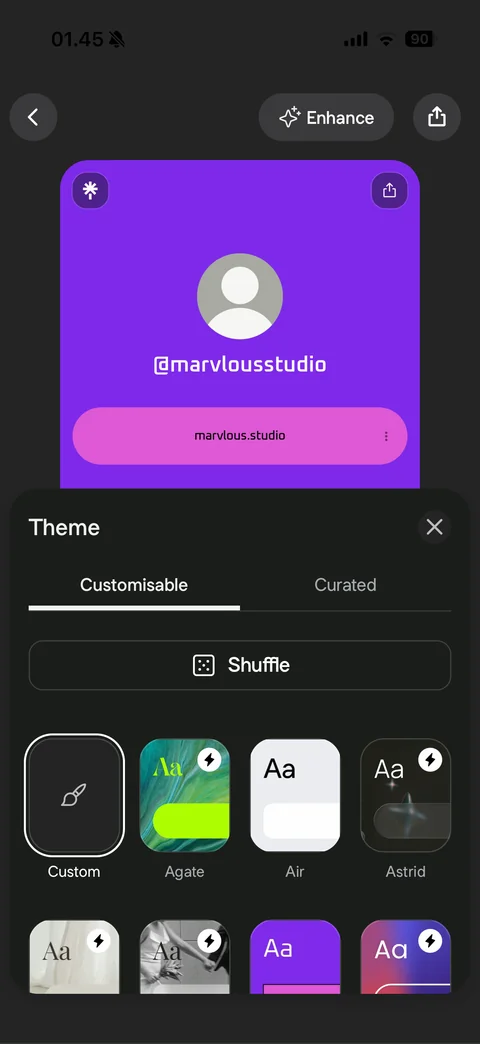
Theme sheet: Customisable and Curated tabs, Shuffle button with dice, theme tile grid (Custom selected with brush icon, Agate, Air, Astrid and more) with Pro lightning badges, live preview above
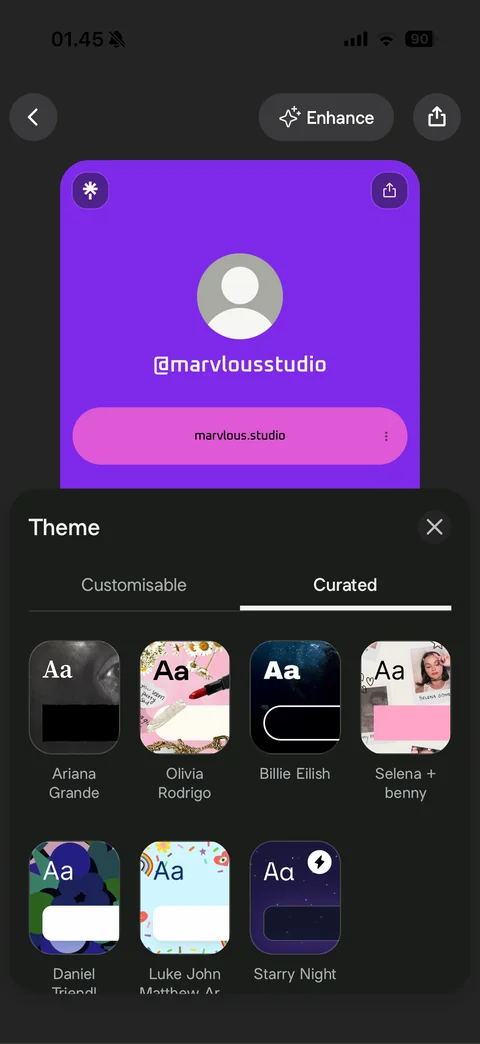
Theme Curated tab: artist and creator collaboration theme tiles with photo backgrounds and names, Starry Night Pro theme
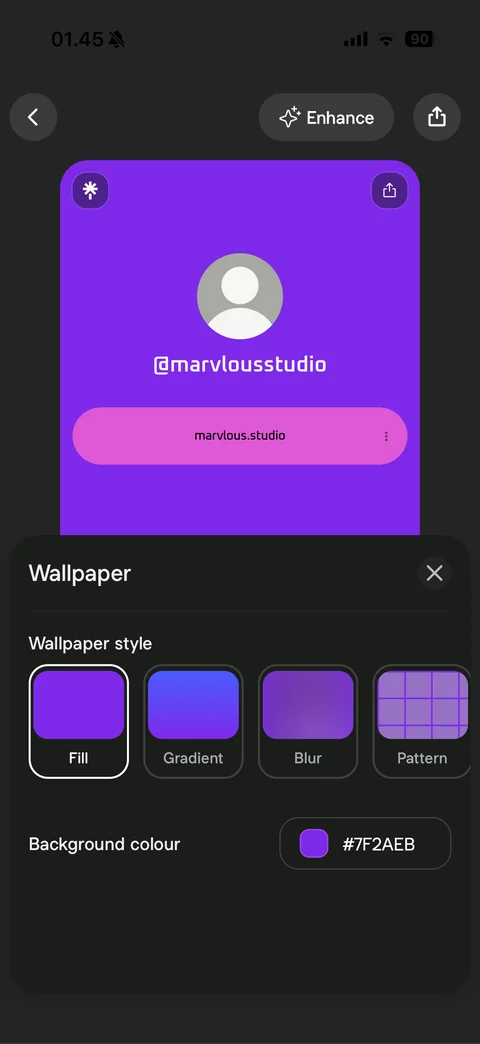
Wallpaper sheet: Wallpaper style tiles (Fill selected, Gradient, Blur, Pattern), Background colour row with swatch and hex value
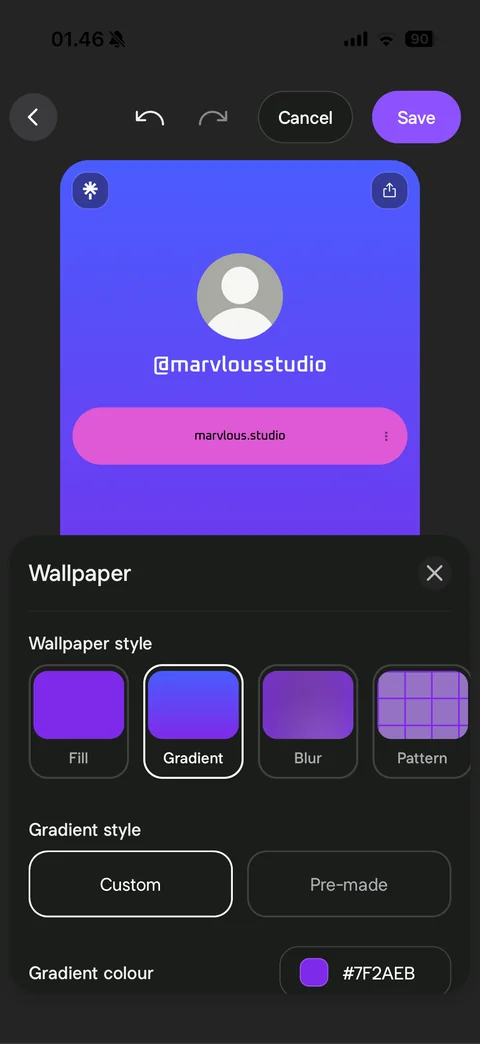
Wallpaper Gradient selected: live preview with blue-to-purple gradient background, undo, Cancel and Save, Gradient style Custom and Pre-made, Gradient colour hex row
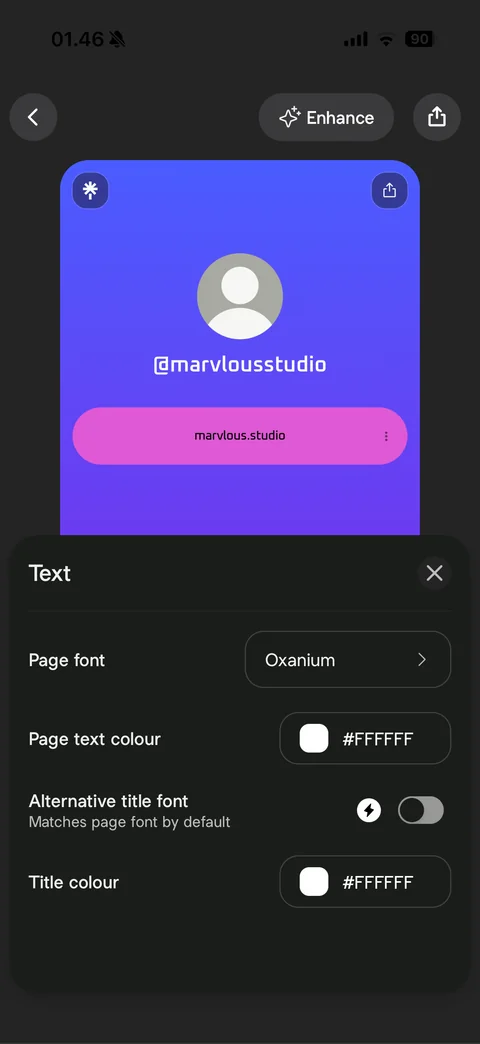
Text sheet: Page font picker (Oxanium), Page text colour hex, Alternative title font Pro toggle, Title colour hex, gradient preview above
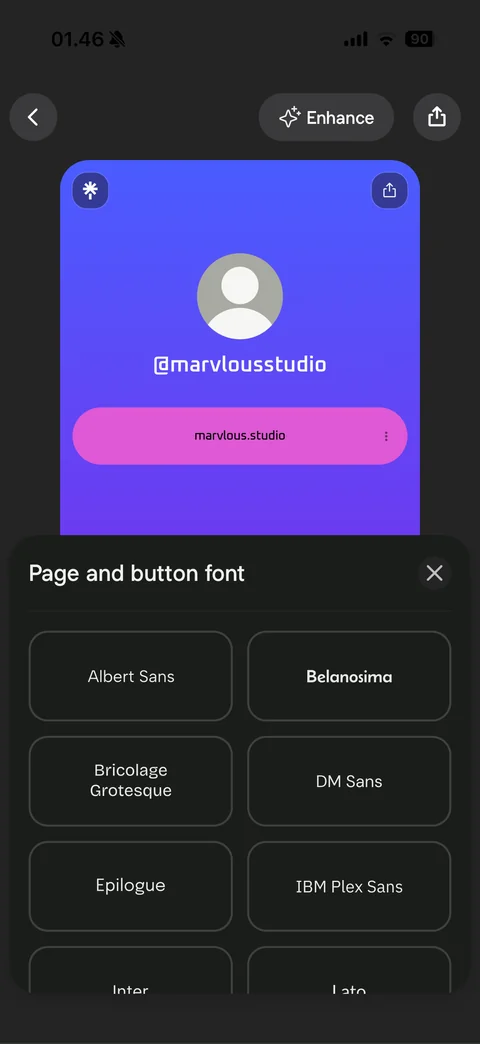
Page and button font picker: two-column grid of font name tiles each rendered in its own typeface (Albert Sans, Belanosima, Bricolage Grotesque, DM Sans, Epilogue, IBM Plex Sans, Inter, Lato)
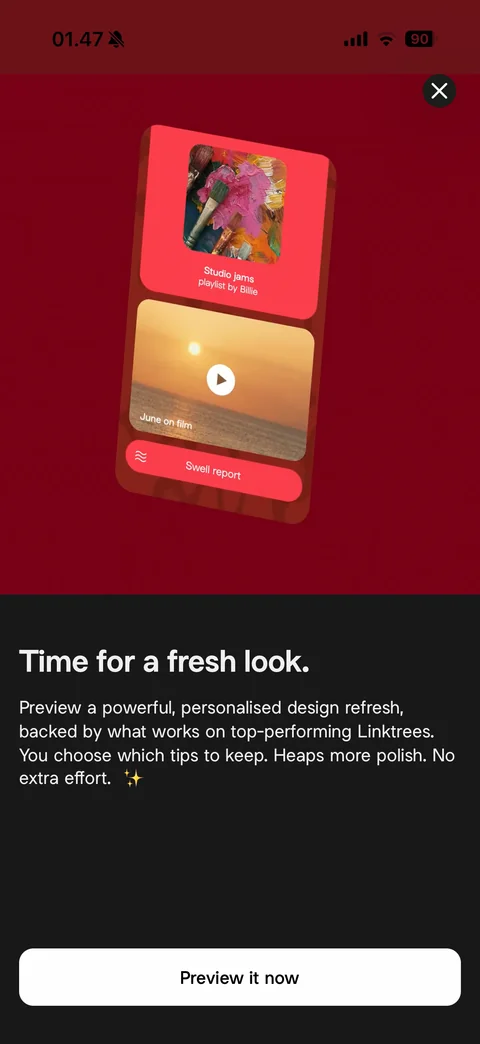
Enhance intro: deep red hero with tilted sample Linktree card (playlist, video, link), close, Time for a fresh look headline, AI design refresh description, Preview it now button
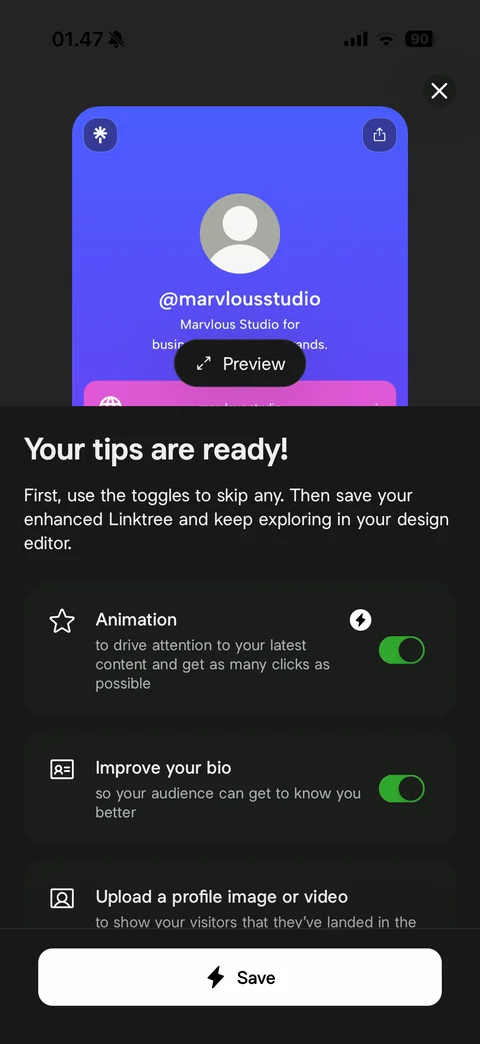
Enhance AI tips ready: preview of enhanced page with AI-written bio and Preview pill, Your tips are ready headline, toggle cards for each suggestion (Animation Pro, Improve your bio, Upload a profile image or video), Save with lightning icon
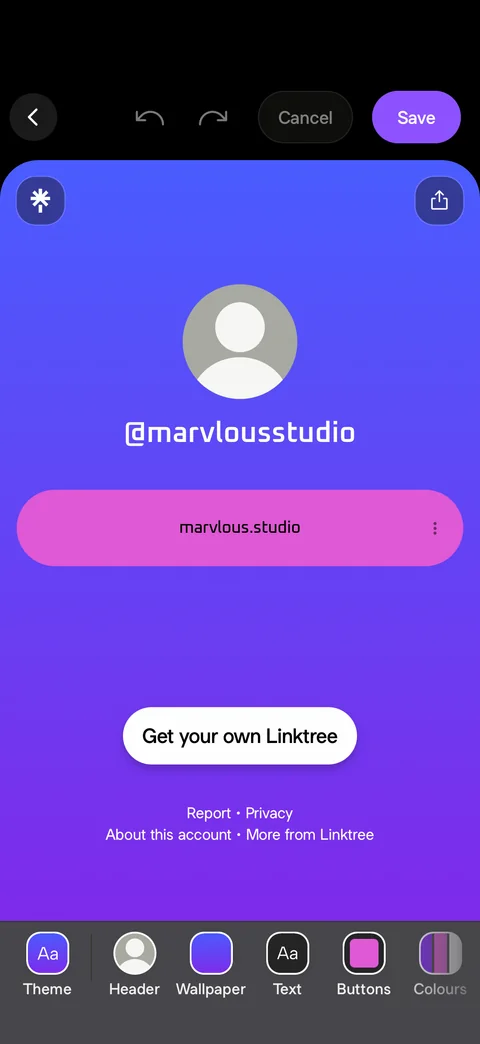
Design mode after edits: full live preview with blue-purple gradient wallpaper and rounded pink link button, header with undo, redo, Cancel and Save, design toolbar
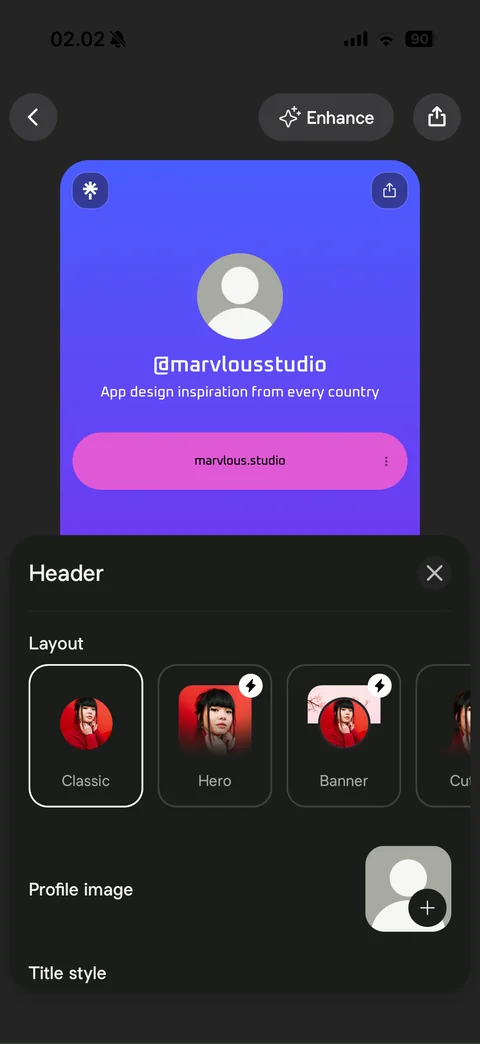
Header sheet: Layout options with sample portrait thumbnails (Classic selected, Hero and Banner with Pro badges, Cutout), Profile image with add button, Title style heading, live preview with bio above
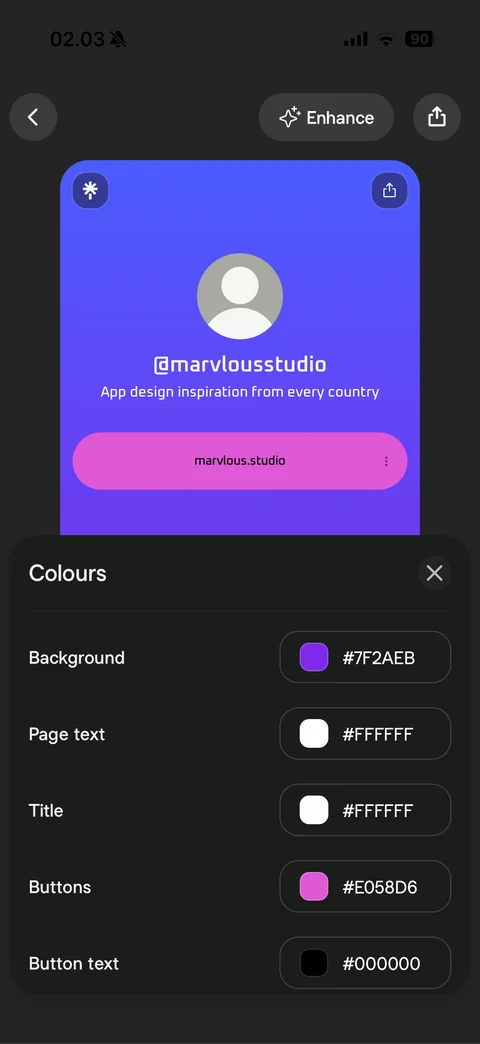
Colours sheet: color rows with swatch and hex value (Background, Page text, Title, Buttons, Button text), live preview above
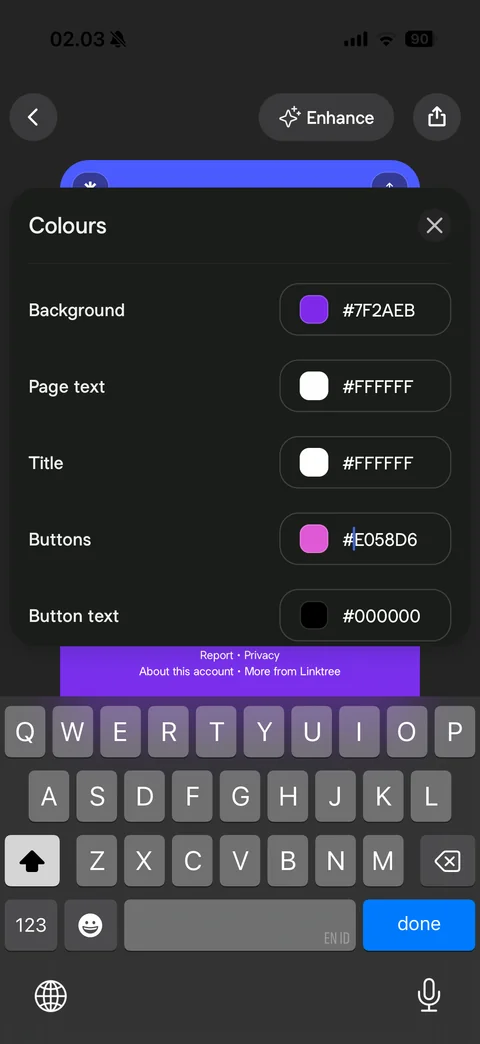
Editing a hex color with keyboard: Colours sheet raised above keyboard, cursor in Buttons hex field, done key
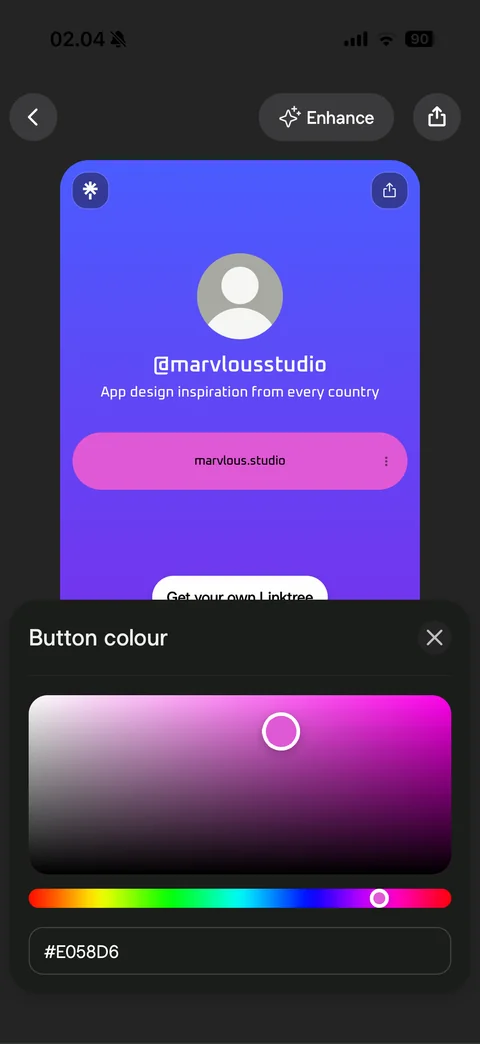
Button colour picker: saturation and brightness square with circular handle, rainbow hue slider, hex value field, live preview above
Linktree share (3 screens)
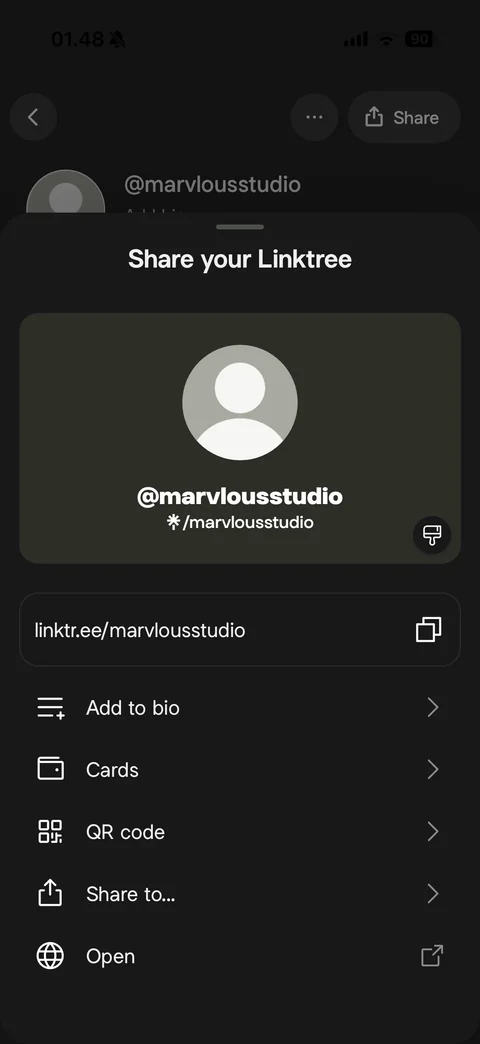
Share your Linktree sheet: profile card preview with avatar, @username and short link, style button, copyable linktr.ee URL row, options (Add to bio, Cards, QR code, Share to, Open)
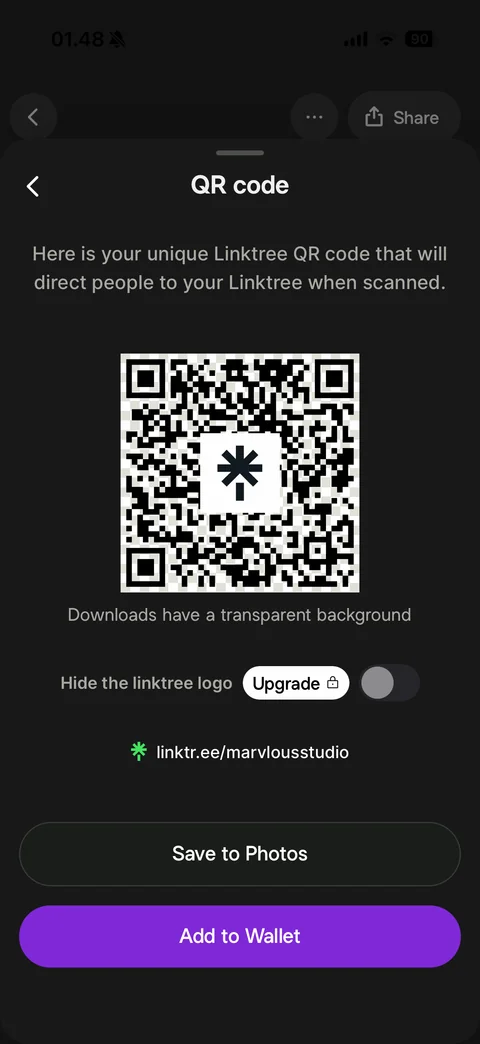
QR code sheet: back, explanation, large QR code with Linktree logo in center, transparent background note, Hide the linktree logo toggle with Upgrade lock pill, short URL, Save to Photos and purple Add to Wallet
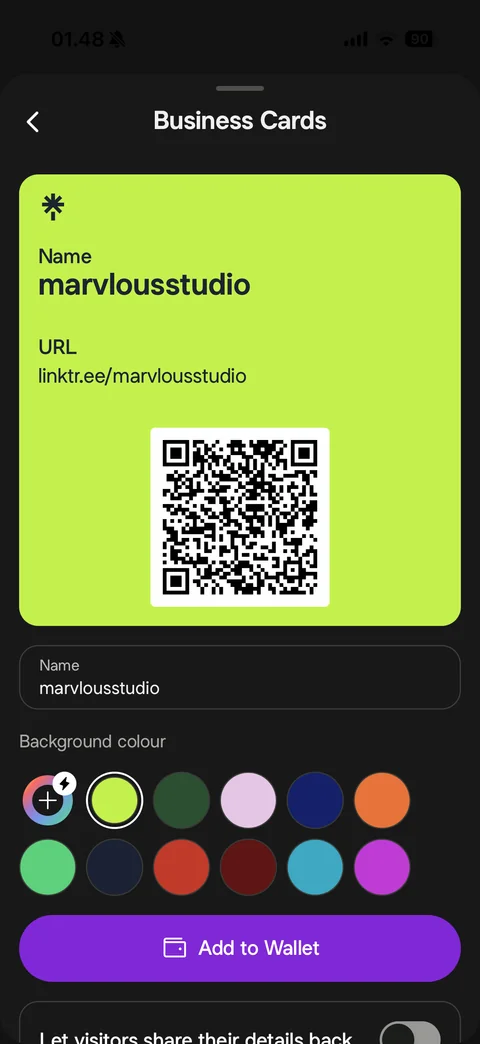
Business Cards: lime digital card preview with Linktree logo, name, URL and QR code, editable name field, background colour swatch grid with custom Pro option, Add to Wallet, visitors share details back toggle
Linktree home (3 screens)
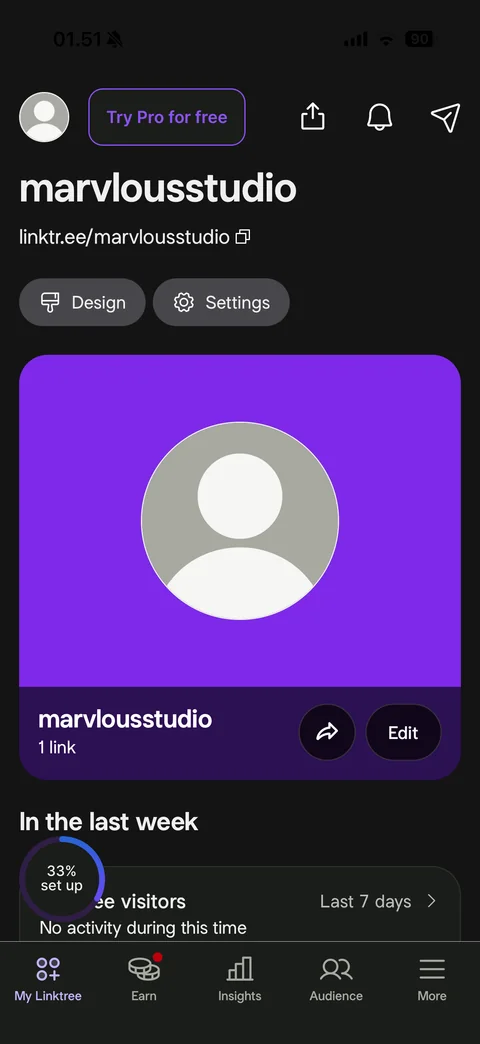
My Linktree dashboard: avatar, Try Pro for free pill, share, notifications and send buttons, username and copyable URL, Design and Settings chips, large profile card on purple with link count, share and Edit, In the last week visitors card, setup ring 33%, tab bar (My Linktree, Earn with red dot, Insights, Audience, More)
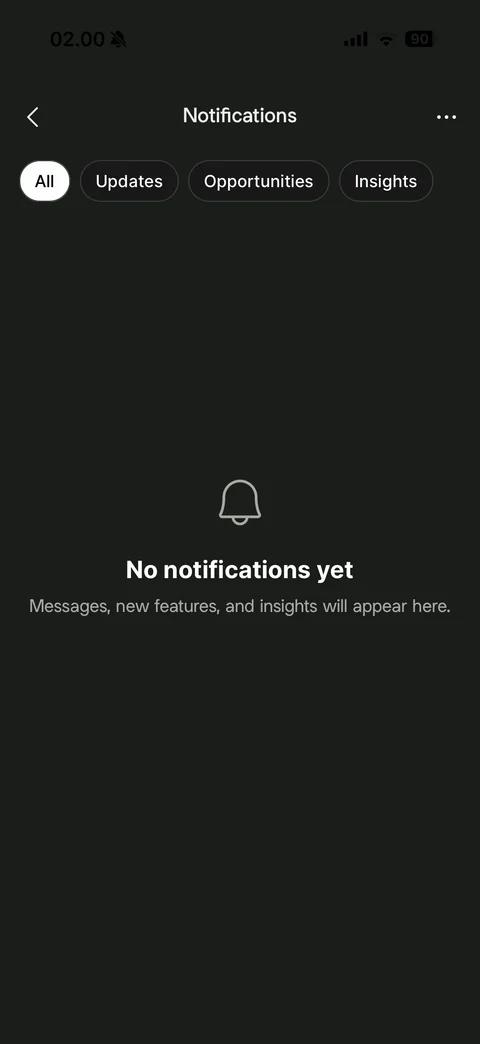
Notifications empty: back and more, filter chips (All selected, Updates, Opportunities, Insights), bell icon, No notifications yet, messages and insights note
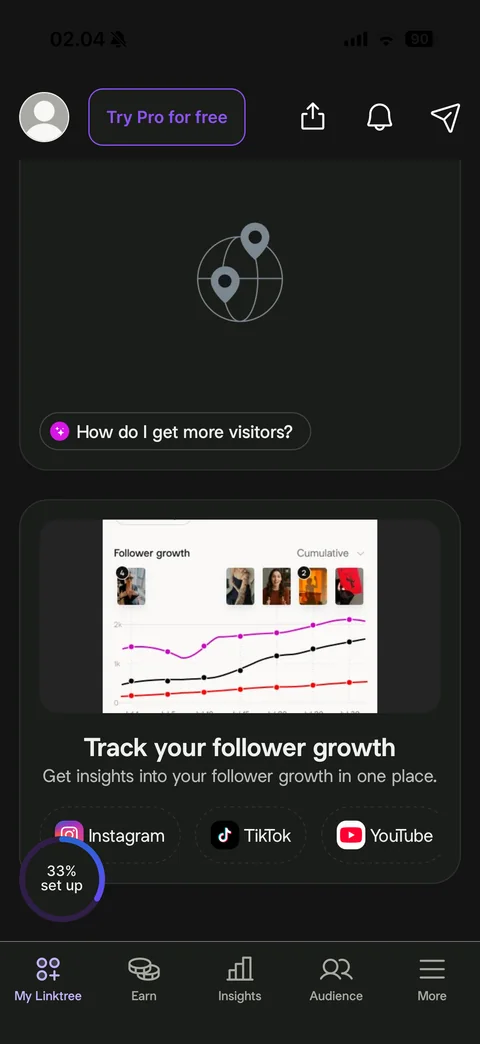
Dashboard scrolled: visitor map card with globe pins icon and How do I get more visitors AI chip, Track your follower growth card with line chart preview and creator avatars, connect chips for Instagram, TikTok and YouTube
Linktree earn (3 screens)
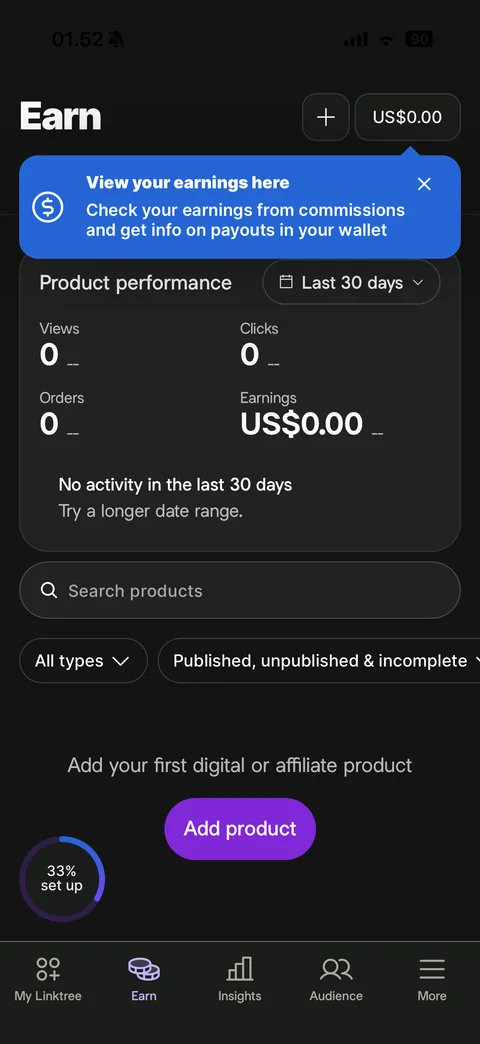
Earn tab: add and US/bin/zsh.00 wallet buttons, blue View your earnings here tooltip with close, Product performance card (views, clicks, orders, earnings at zero) with Last 30 days filter, no activity note, search products, type and status filter chips, Add your first digital or affiliate product with Add product button
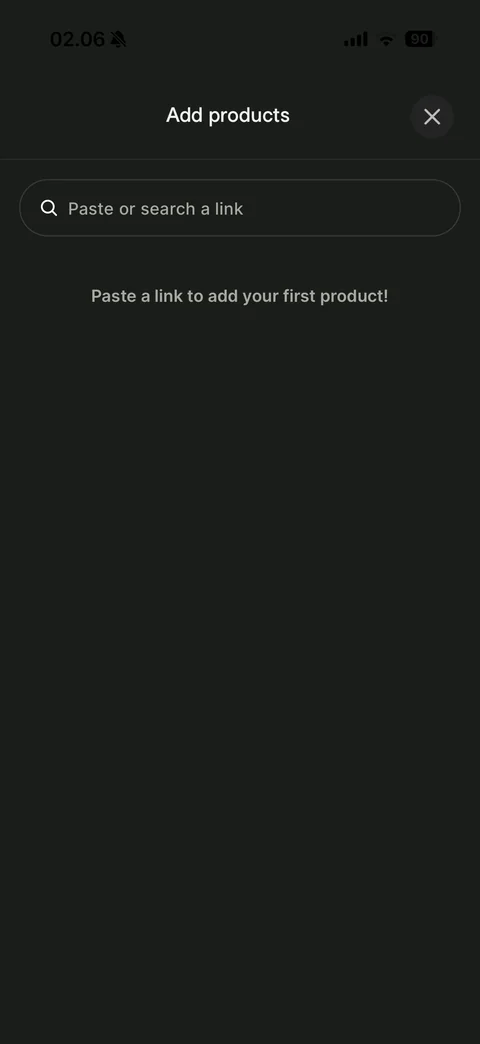
Add products sheet: close, Paste or search a link field, Paste a link to add your first product hint
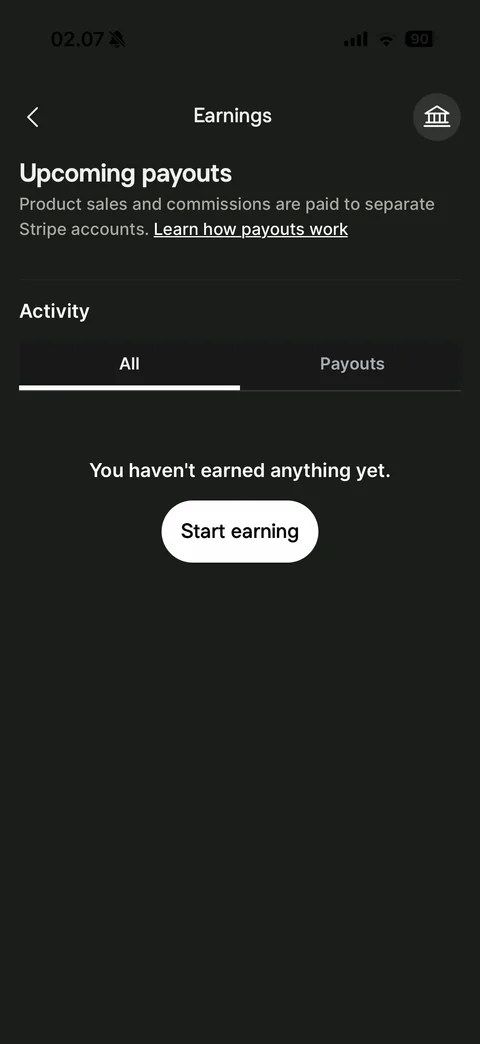
Earnings wallet: bank icon button, Upcoming payouts with Stripe accounts note and learn link, Activity with All and Payouts tabs, You haven't earned anything yet, Start earning button