Speak app design: 107 real screens in 10 flows

Spanish, Chinese, English +. Category: Education. By Speakeasy Labs, Inc.

Captured on iPhone and updated November 2026. Each screen has a short note on what it shows and why it matters for growth.

Speak onboarding (38 screens)
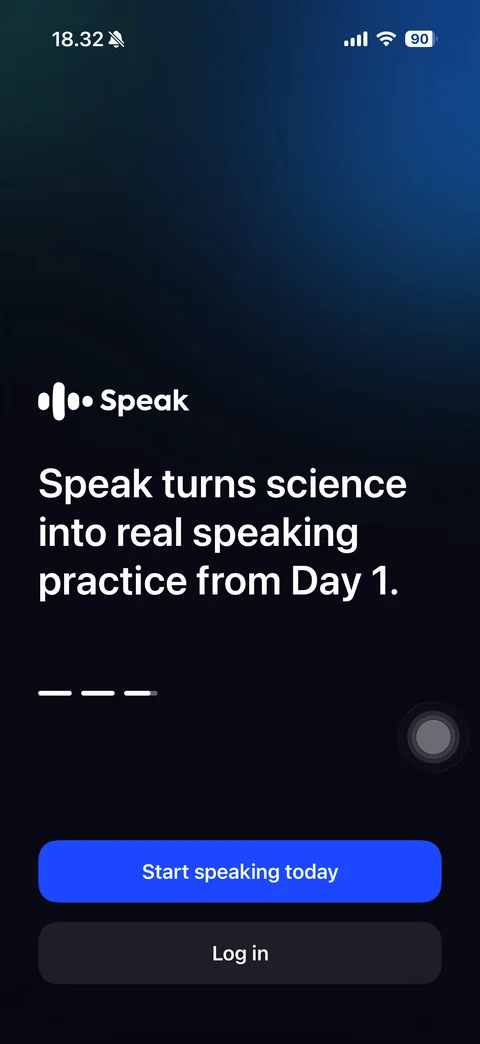
  1. Speak onboarding: Welcome carousel: Speak turns science into real speaking practice from Day 1
    Welcome carousel: Speak turns science into real speaking practice from Day 1

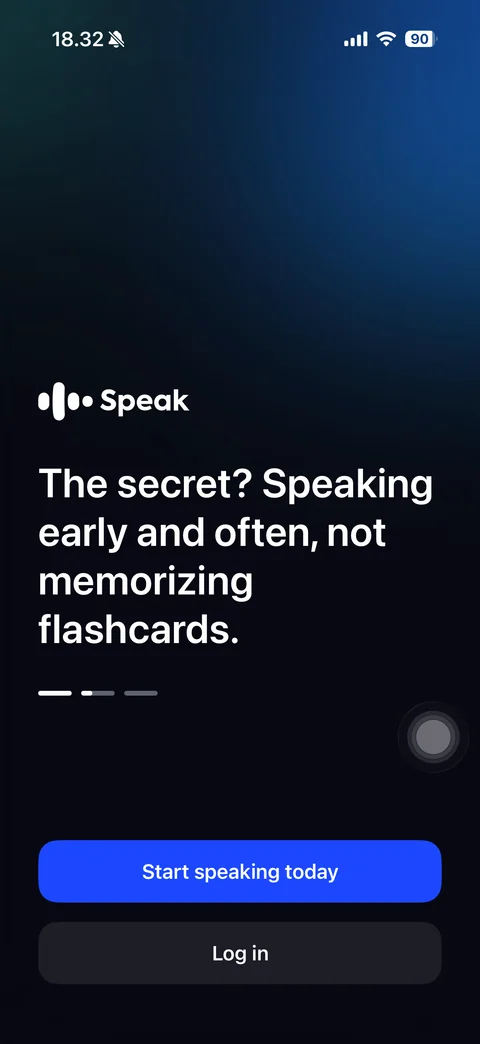
  2. Speak onboarding: Welcome carousel: speaking early and often beats memorizing flashcards
    Welcome carousel: speaking early and often beats memorizing flashcards

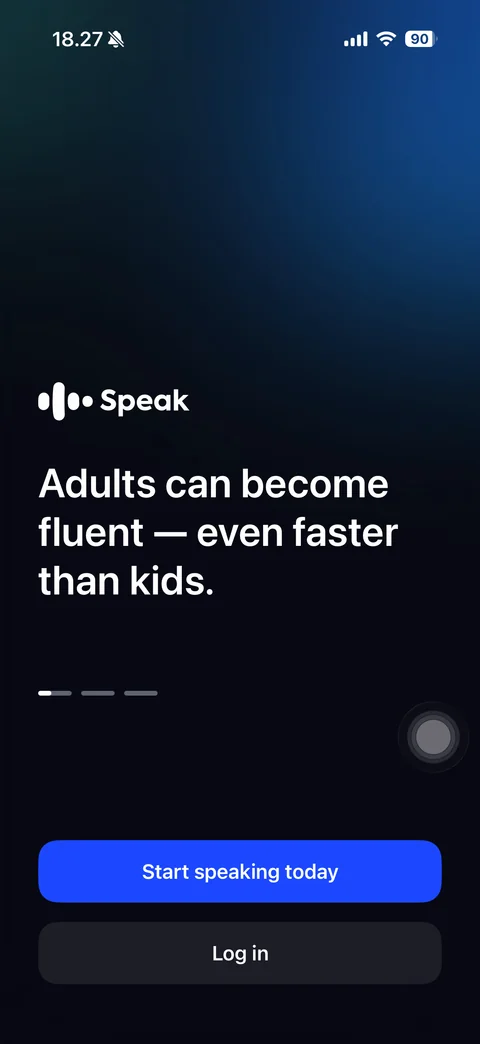
  3. Speak onboarding: Welcome carousel: adults can become fluent even faster than kids
    Welcome carousel: adults can become fluent even faster than kids

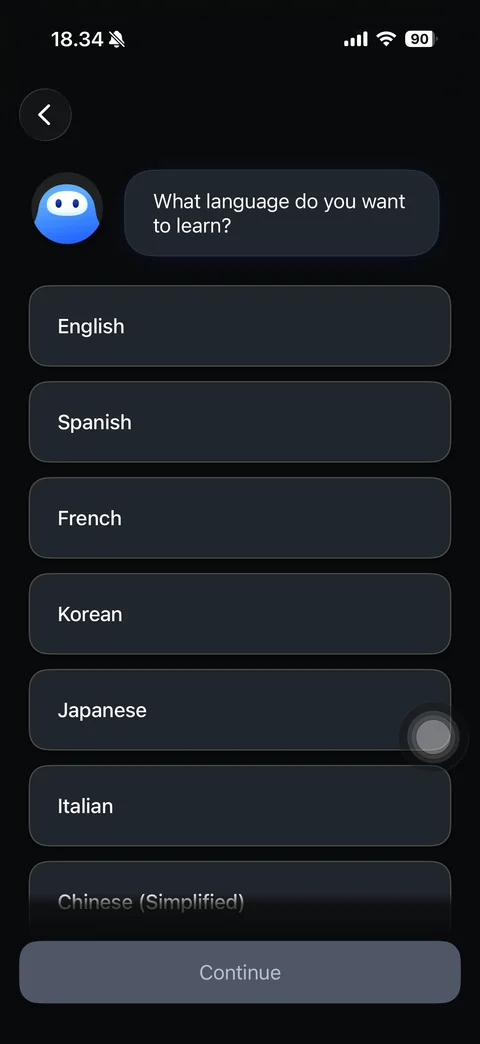
  4. Speak onboarding: Language question: What language do you want to learn?
    Language question: What language do you want to learn?

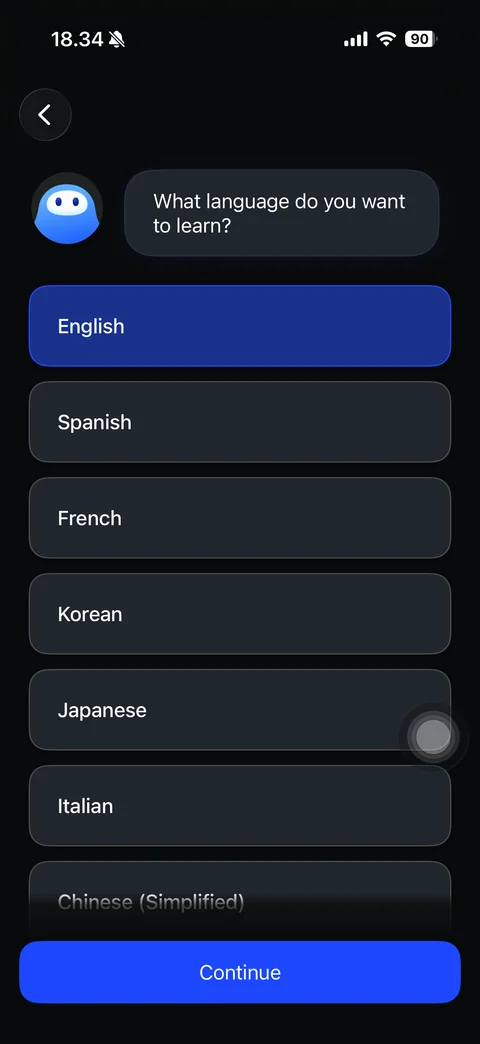
  5. Speak onboarding: Language selected: English

    Language selected: English

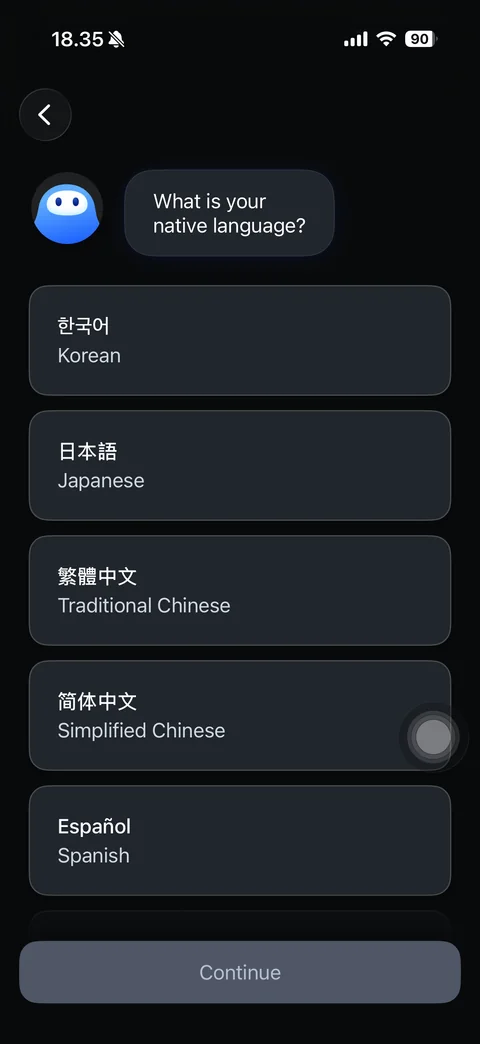
  6. Speak onboarding: Native language question after choosing English
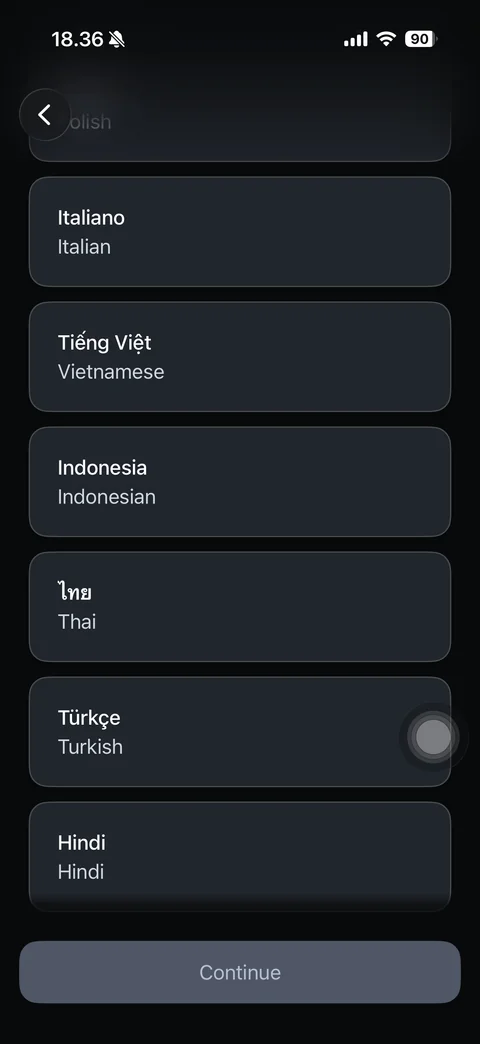
    Native language question after choosing English

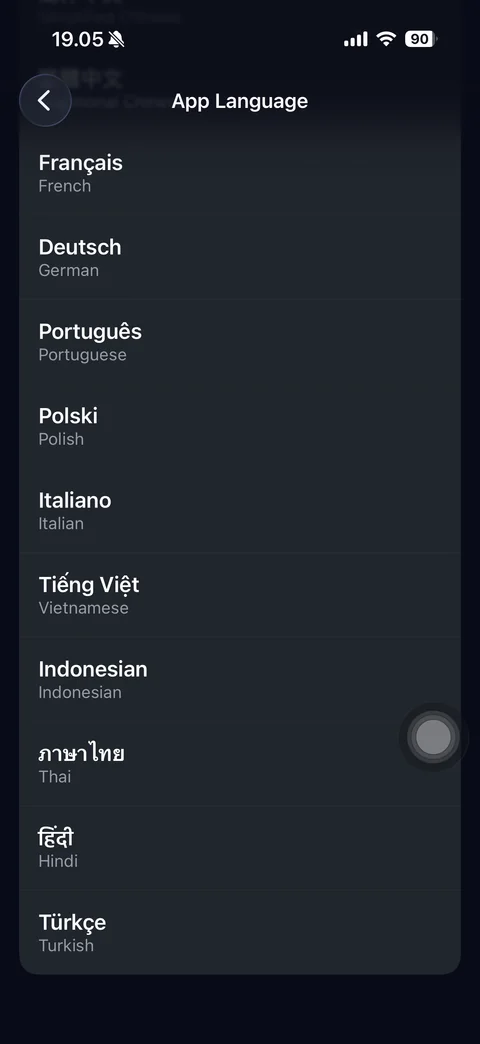
  7. Speak onboarding: Native language list scrolled: Indonesian, Thai, Turkish, Hindi
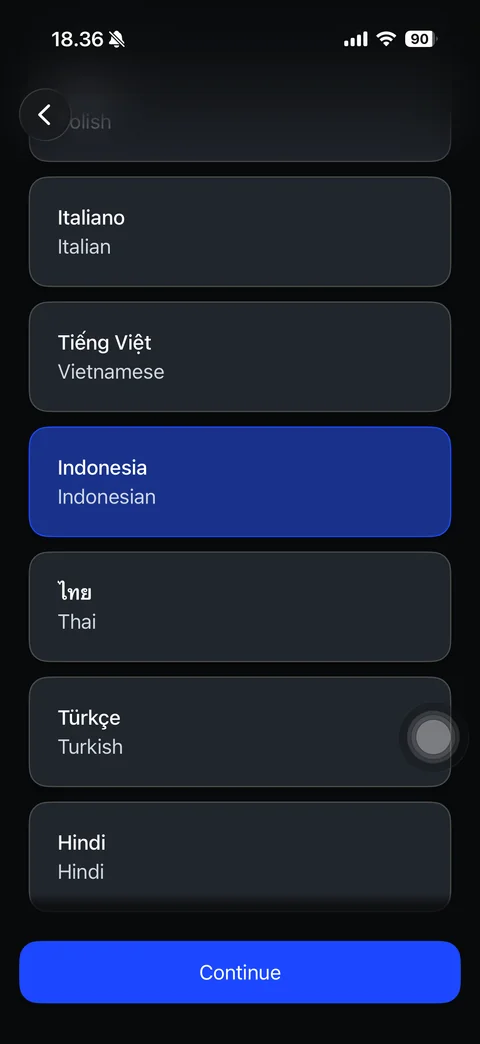
    Native language list scrolled: Indonesian, Thai, Turkish, Hindi

  8. Speak onboarding: Native language selected: Indonesian

    Native language selected: Indonesian

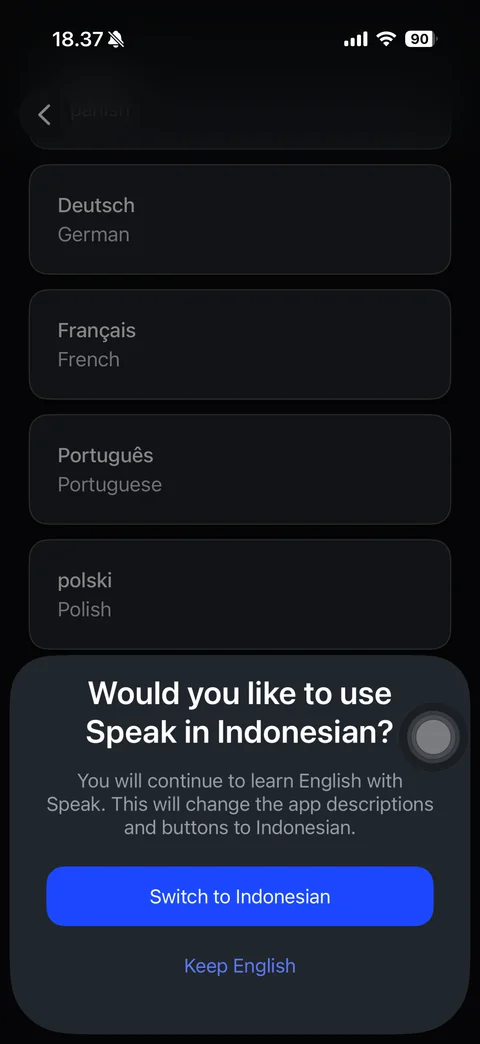
  9. Speak onboarding: Sheet: use Speak in Indonesian? Switch to Indonesian or Keep English
    Sheet: use Speak in Indonesian? Switch to Indonesian or Keep English

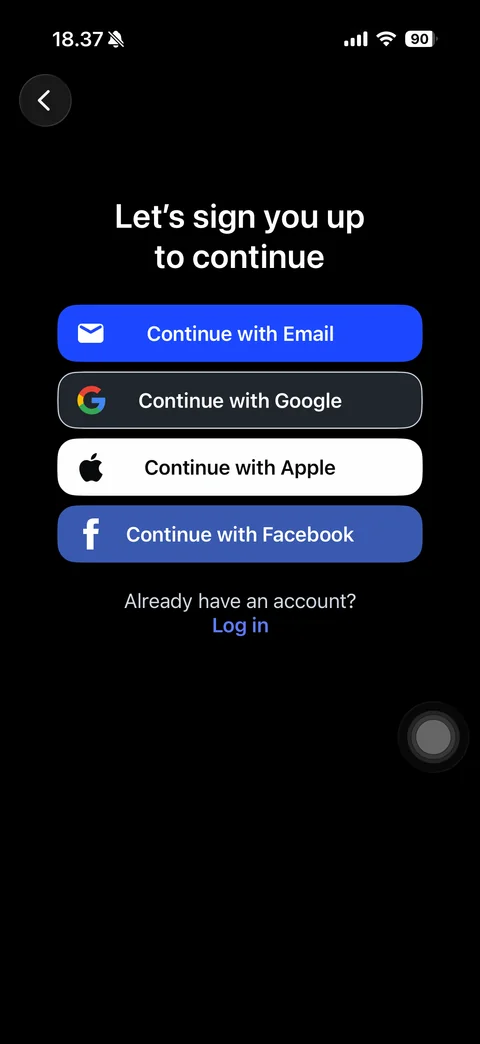
  10. Speak onboarding: Sign-up gate: Continue with Email, Google, Apple or Facebook
    Sign-up gate: Continue with Email, Google, Apple or Facebook

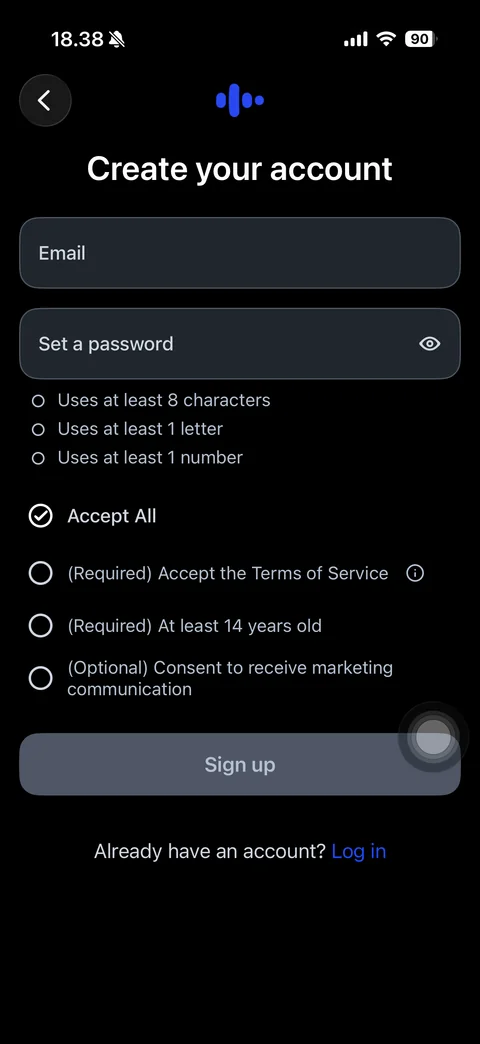
  11. Speak onboarding: Create your account: email, password rules, Terms and age consent
    Create your account: email, password rules, Terms and age consent

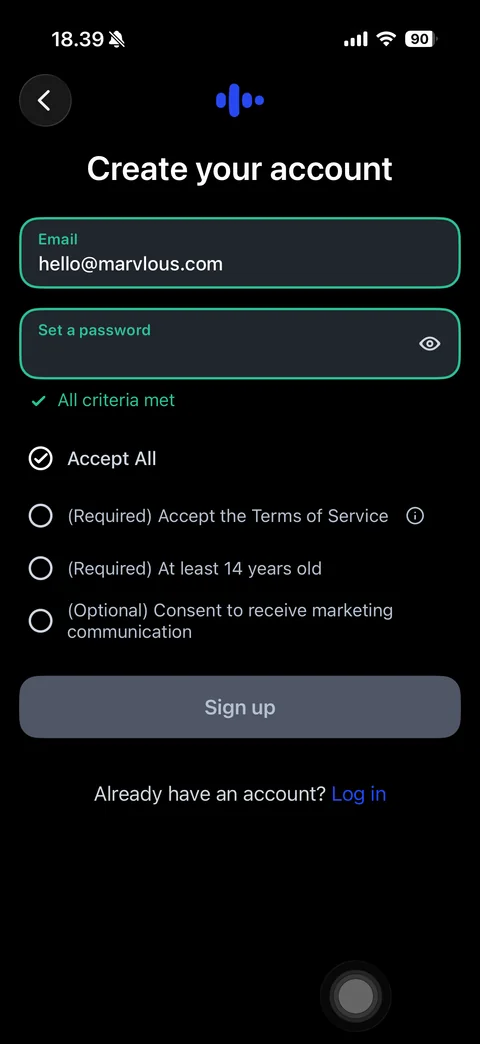
  12. Speak onboarding: Create account: sample email and password, all criteria met
    Create account: sample email and password, all criteria met

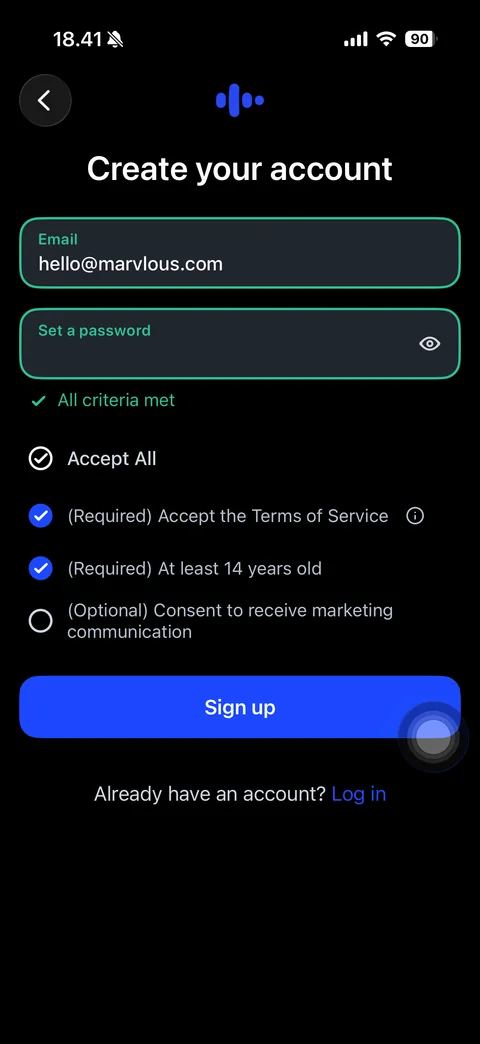
  13. Speak onboarding: Create account form ready: Terms and 14+ accepted, Sign up enabled
    Create account form ready: Terms and 14+ accepted, Sign up enabled

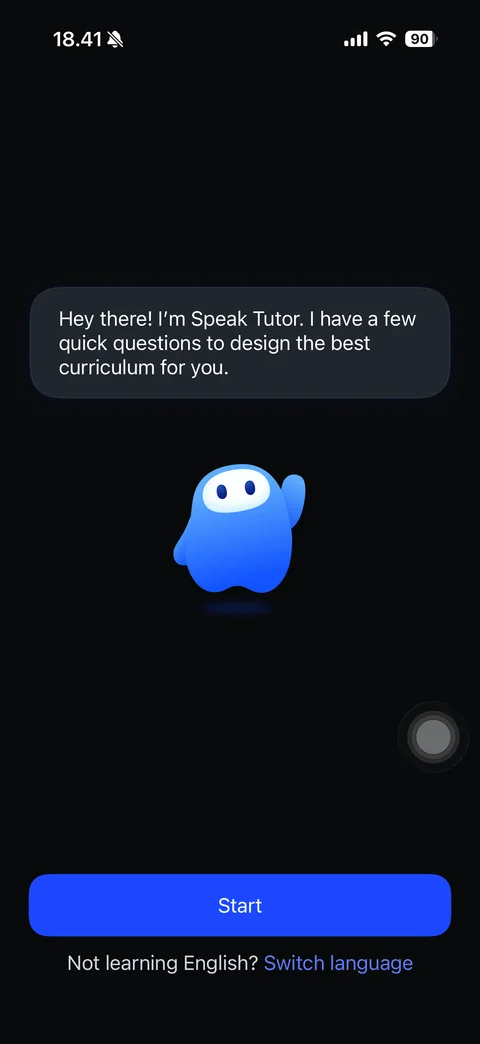
  14. Speak onboarding: Speak Tutor intro: a few quick questions to design the curriculum
    Speak Tutor intro: a few quick questions to design the curriculum

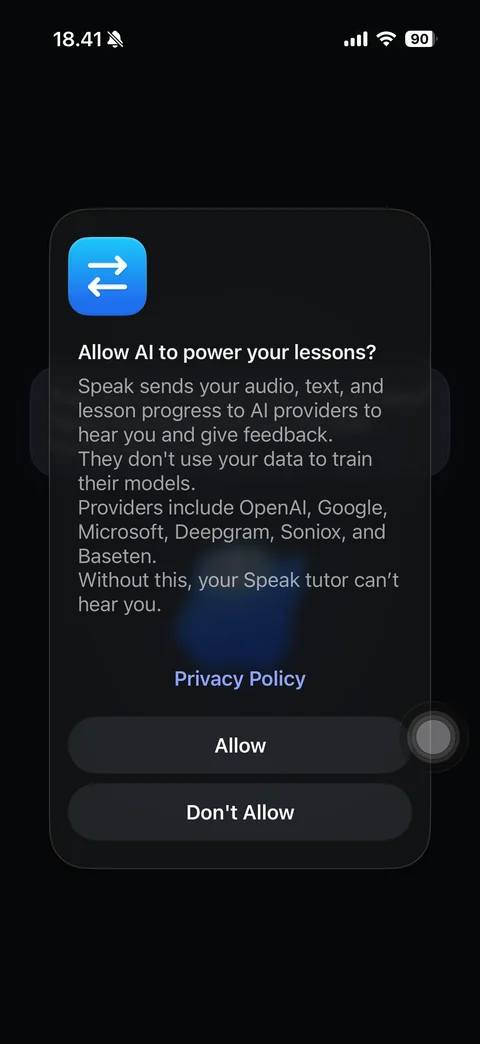
  15. Speak onboarding: AI consent sheet: Allow AI to power your lessons
    AI consent sheet: Allow AI to power your lessons

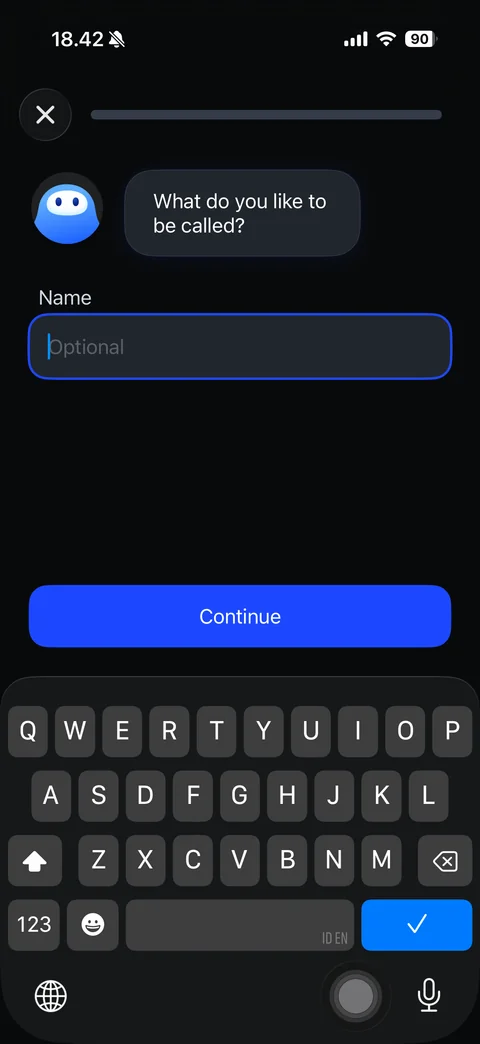
  16. Speak onboarding: Name question: What do you like to be called?
    Name question: What do you like to be called?

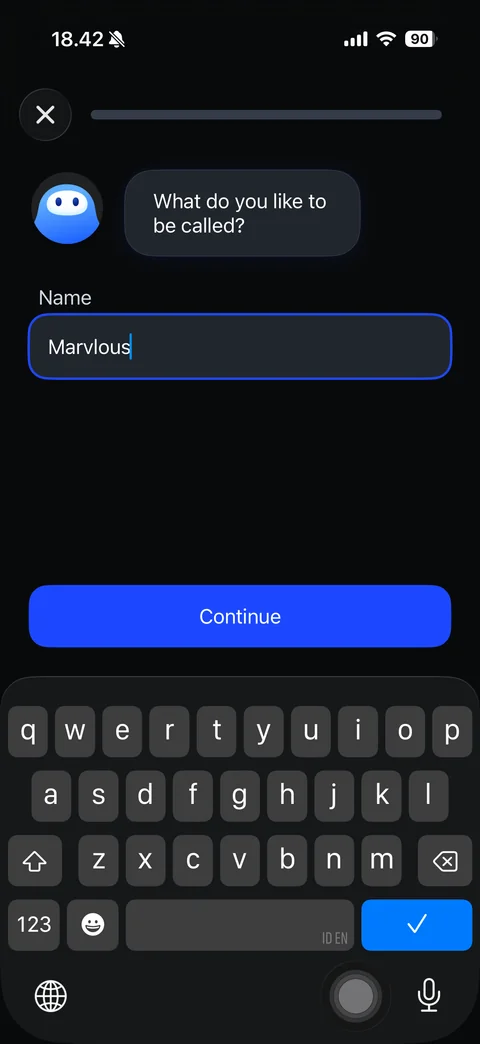
  17. Speak onboarding: Name entered: Marvlous

    Name entered: Marvlous

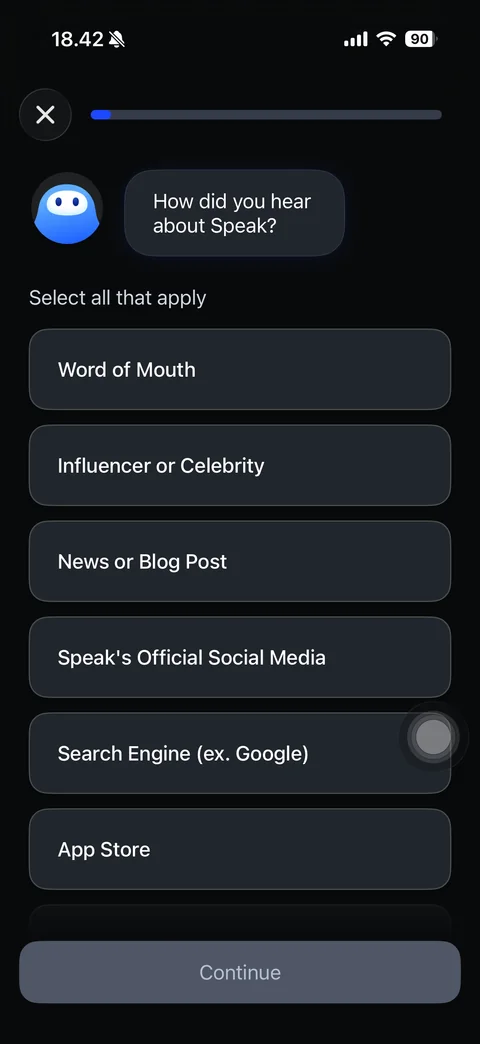
  18. Speak onboarding: Question: How did you hear about Speak?
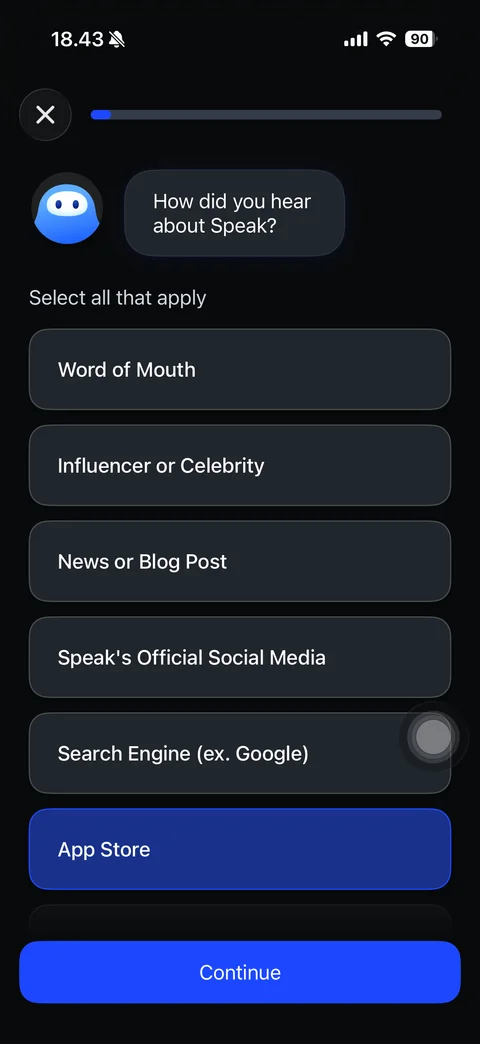
    Question: How did you hear about Speak?

  19. Speak onboarding: Selected: App Store

    Selected: App Store

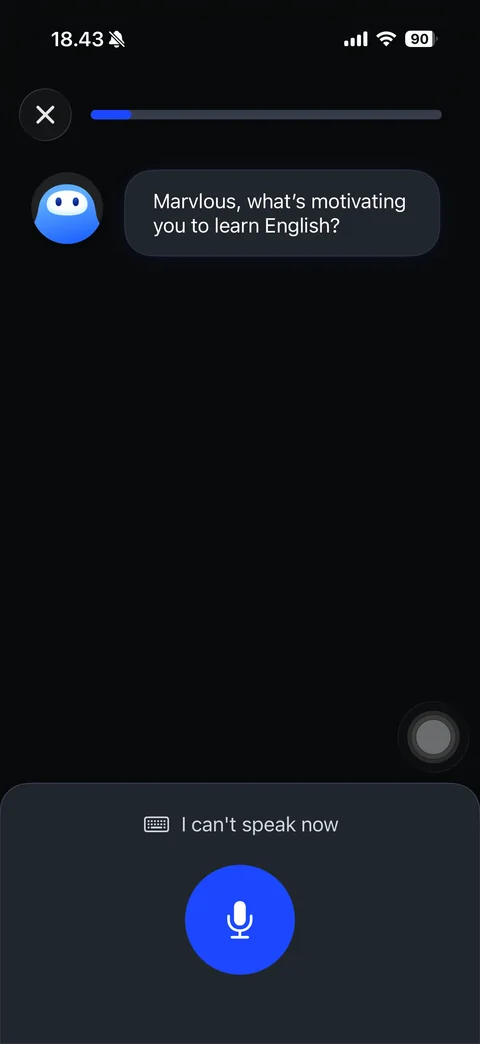
  20. Speak onboarding: Speaking question: what is motivating you to learn English
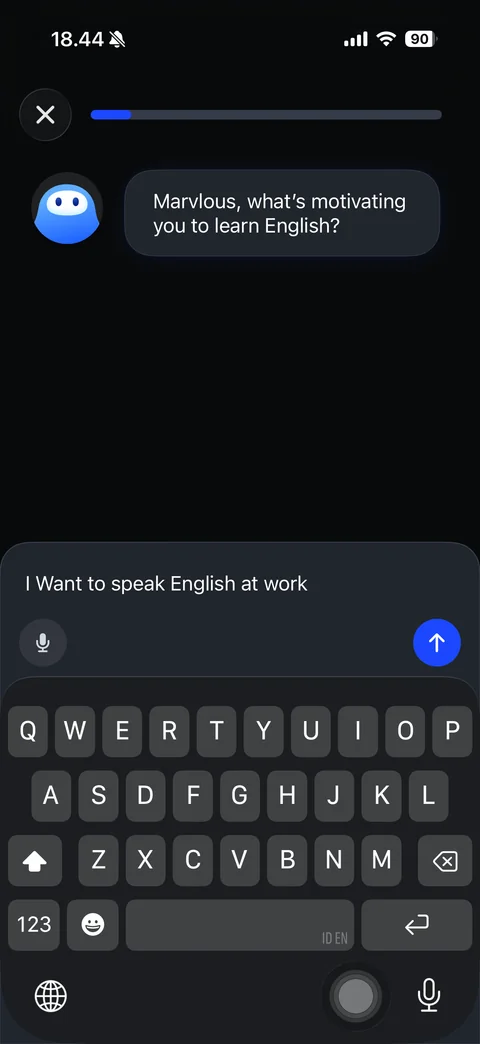
    Speaking question: what is motivating you to learn English

  21. Speak onboarding: Typed answer about motivation: I want to speak English at work
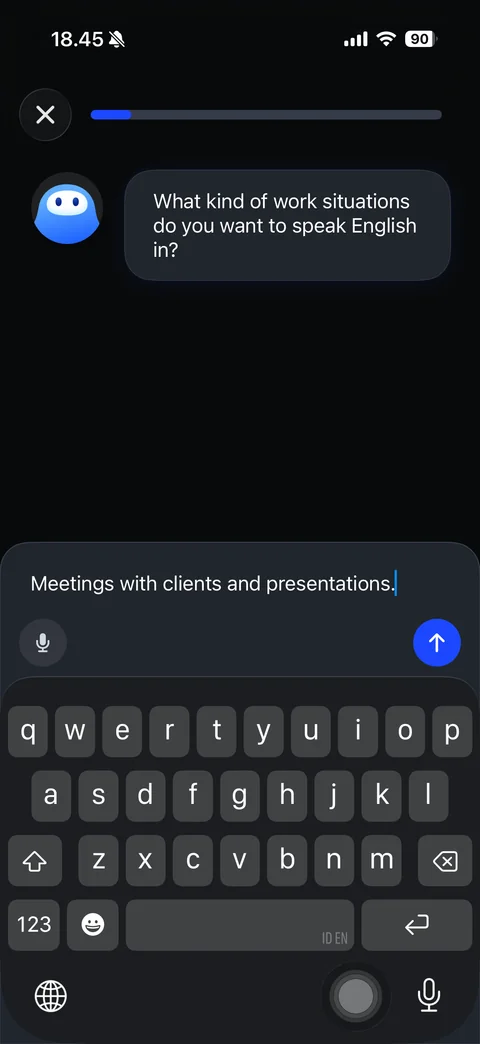
    Typed answer about motivation: I want to speak English at work

  22. Speak onboarding: Typed answer: meetings with clients and presentations
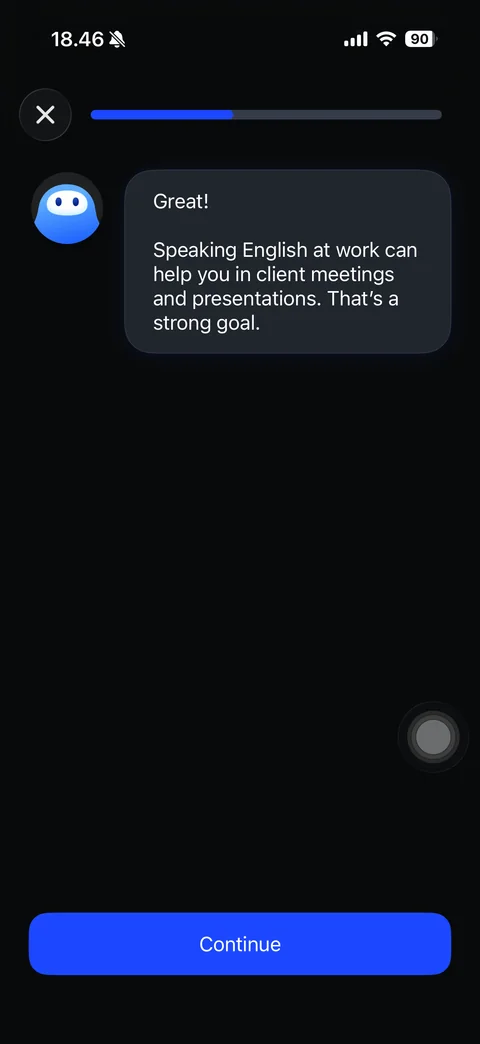
    Typed answer: meetings with clients and presentations

  23. Speak onboarding: Tutor feedback: a strong goal

    Tutor feedback: a strong goal

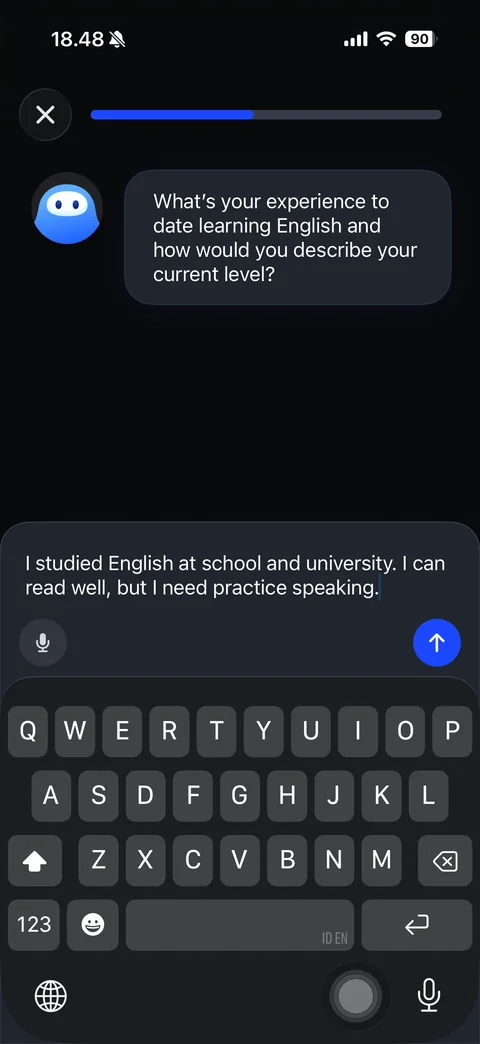
  24. Speak onboarding: Typed answer: English at school and university, needs speaking practice
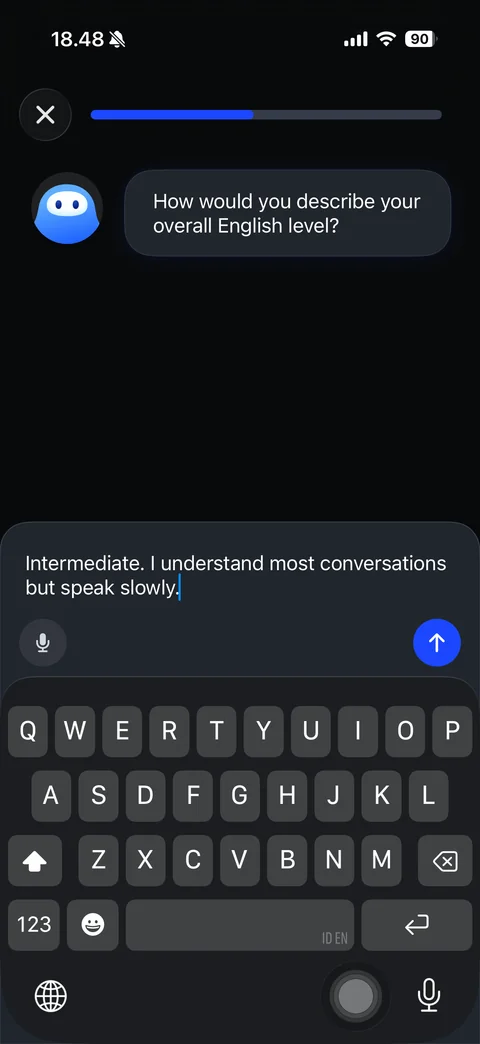
    Typed answer: English at school and university, needs speaking practice

  25. Speak onboarding: Typed answer: intermediate level, speaks slowly
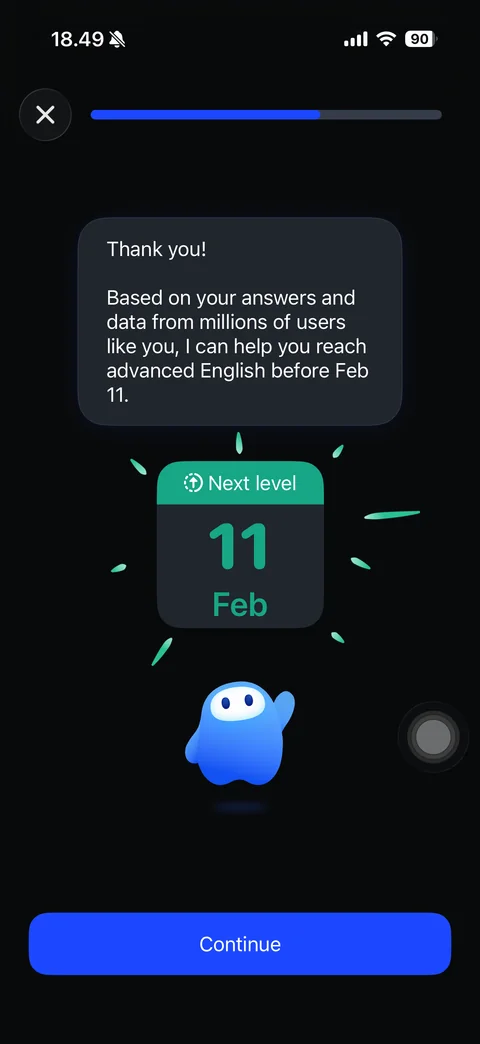
    Typed answer: intermediate level, speaks slowly

  26. Speak onboarding: Forecast: reach advanced English before Feb 11
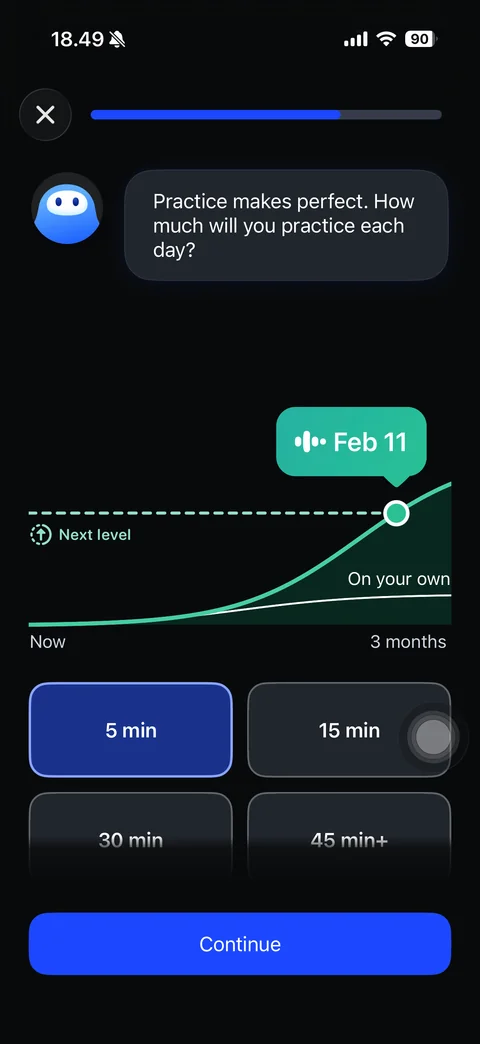
    Forecast: reach advanced English before Feb 11

  27. Speak onboarding: Practice time question with forecast chart, 5 min selected
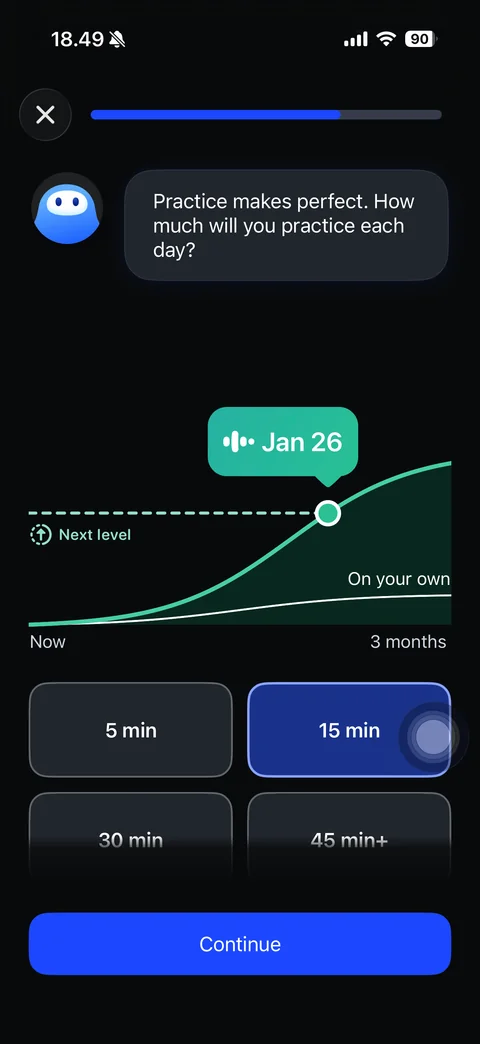
    Practice time question with forecast chart, 5 min selected

  28. Speak onboarding: 15 min selected: forecast moves to Jan 26
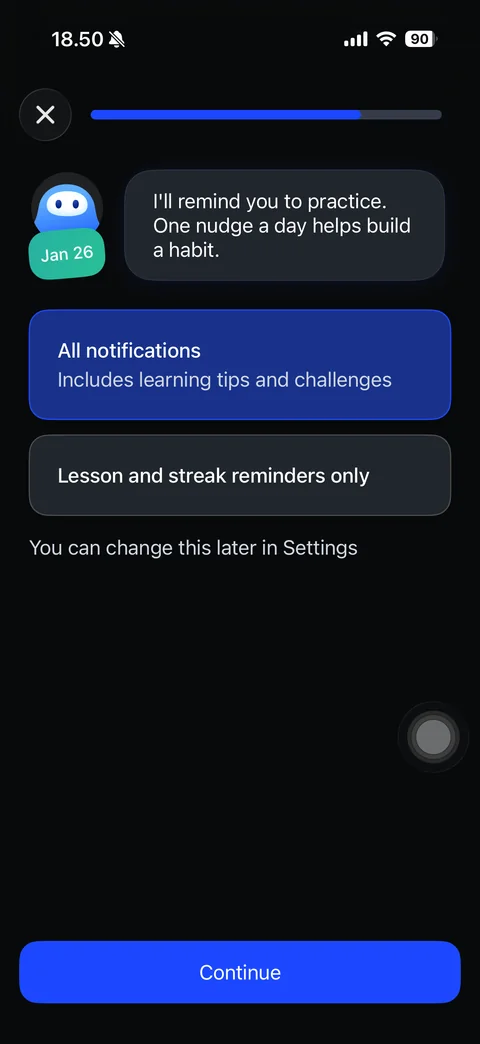
    15 min selected: forecast moves to Jan 26

  29. Speak onboarding: Notification choice: all notifications or lesson and streak reminders
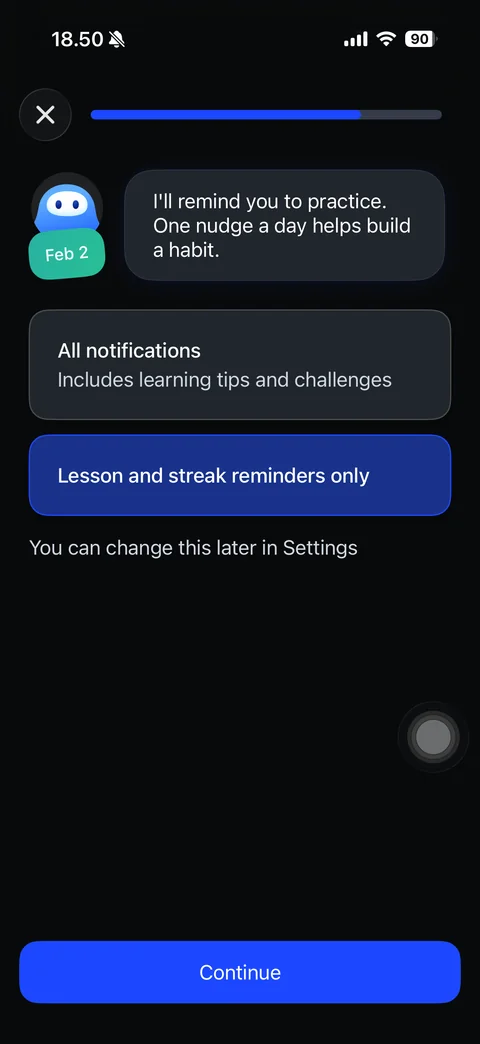
    Notification choice: all notifications or lesson and streak reminders

  30. Speak onboarding: Reminders only selected

    Reminders only selected

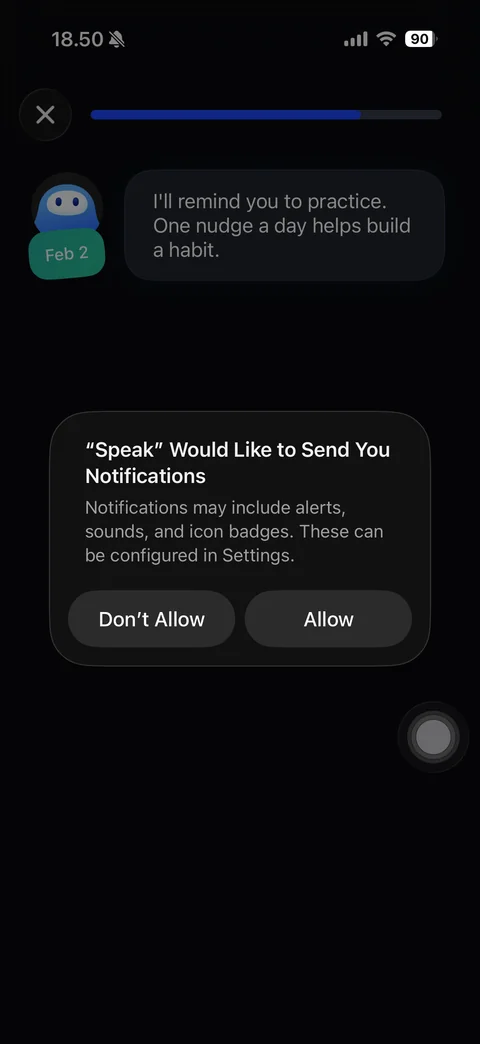
  31. Speak onboarding: iOS notification permission prompt

    iOS notification permission prompt

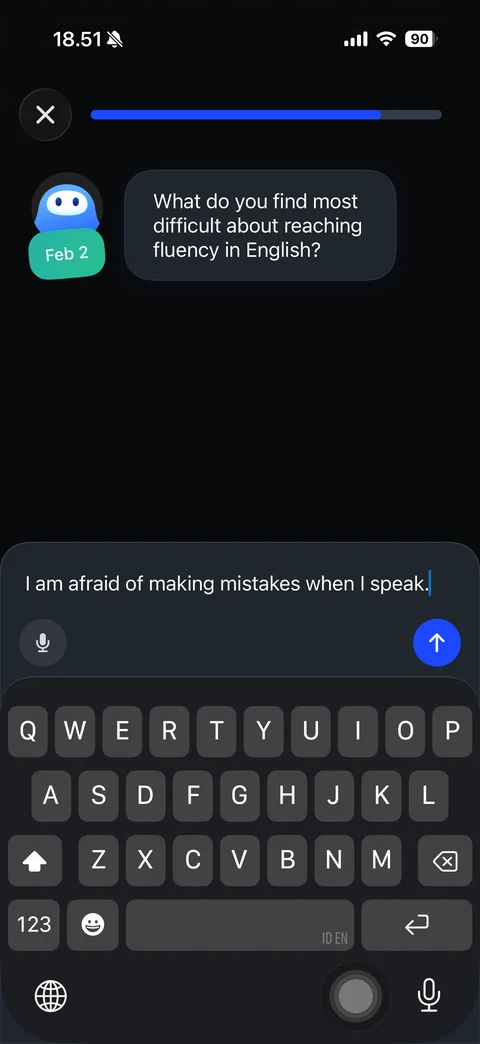
  32. Speak onboarding: Typed answer: afraid of making mistakes when speaking
    Typed answer: afraid of making mistakes when speaking

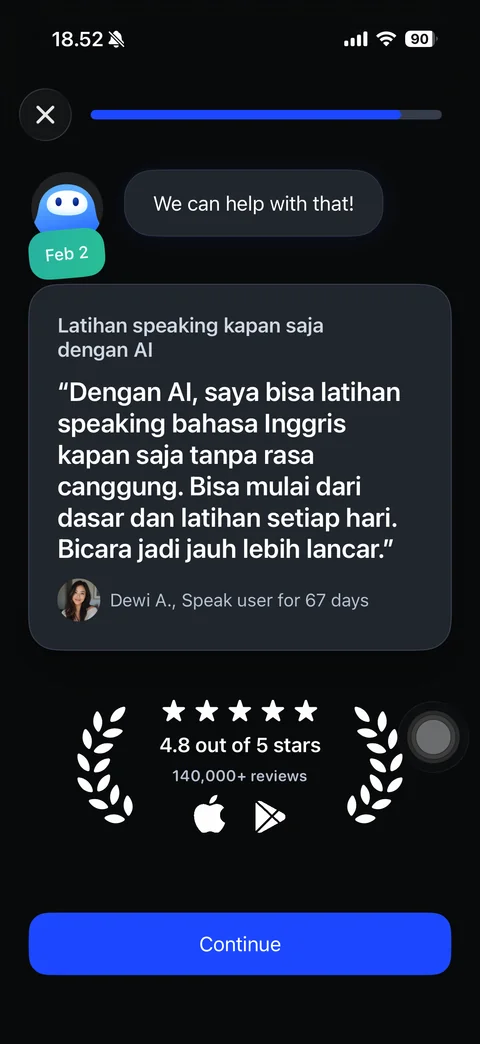
  33. Speak onboarding: Social proof: Indonesian testimonial, 4.8 of 5 stars, 140,000+ reviews
    Social proof: Indonesian testimonial, 4.8 of 5 stars, 140,000+ reviews

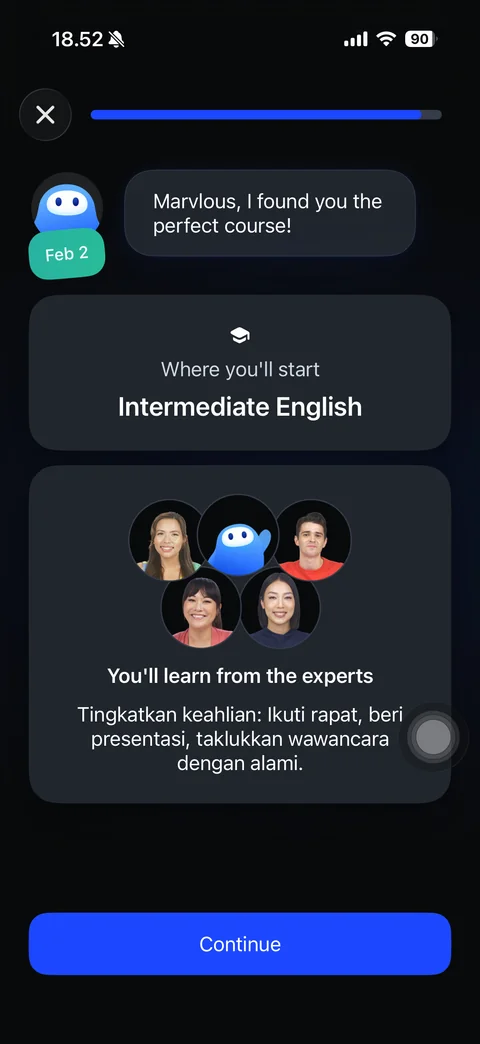
  34. Speak onboarding: Course reveal: Intermediate English, learn from the experts
    Course reveal: Intermediate English, learn from the experts

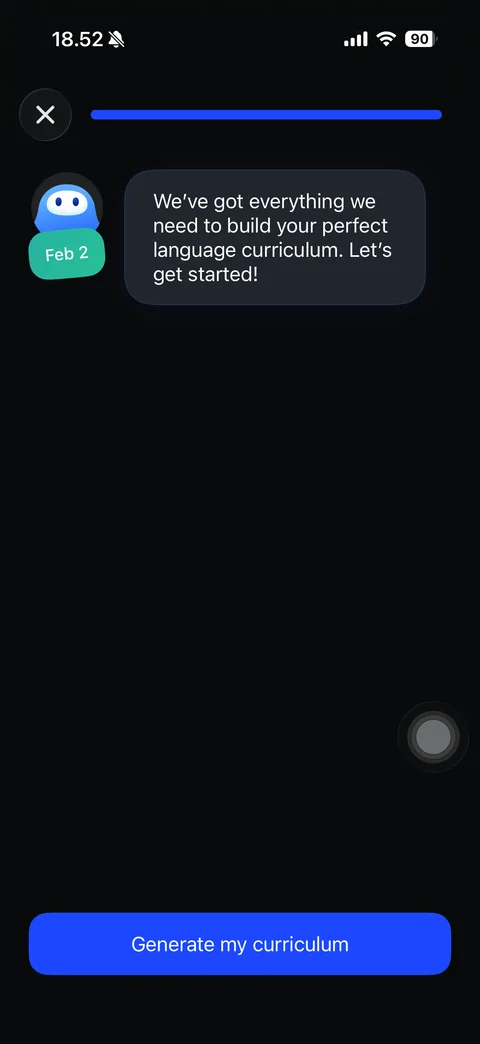
  35. Speak onboarding: Ready to build your curriculum

    Ready to build your curriculum

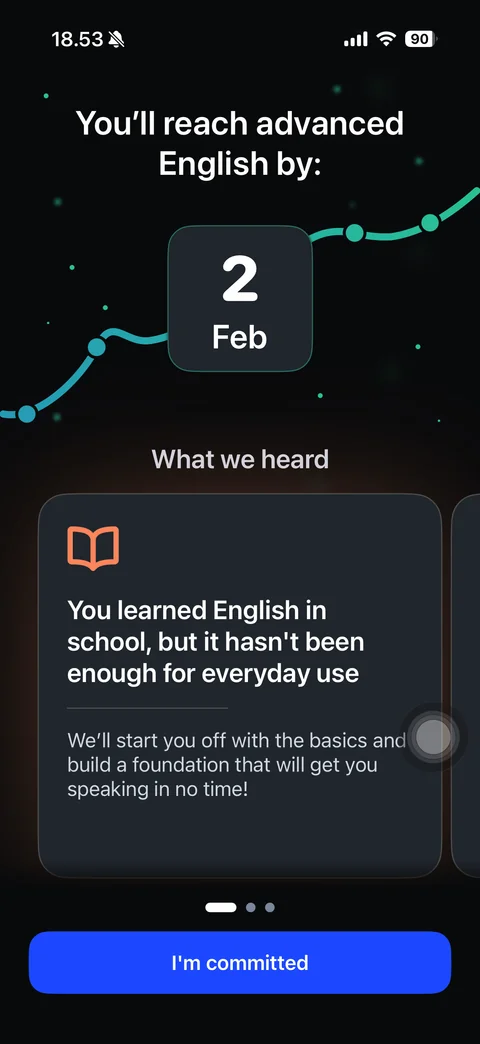
  36. Speak onboarding: Curriculum: reach advanced English by 2 Feb, What we heard card 1
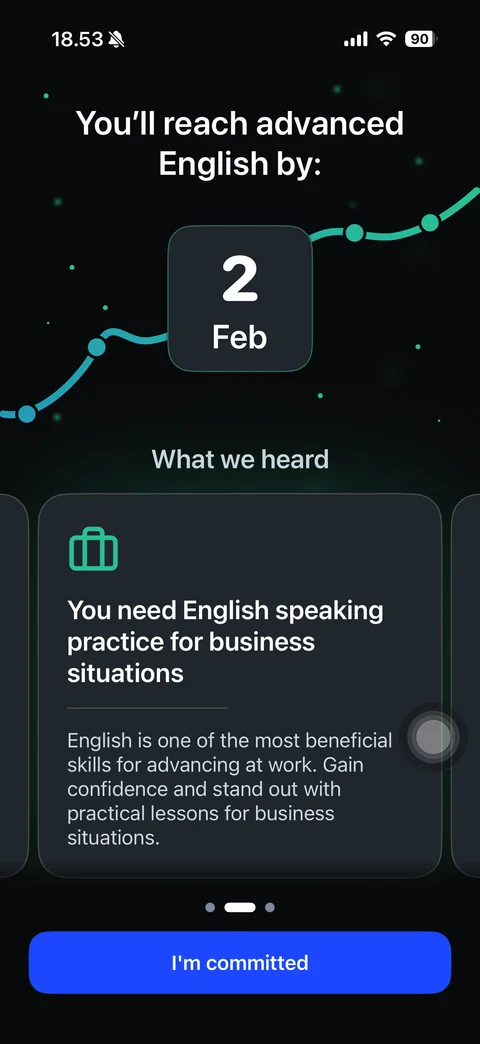
    Curriculum: reach advanced English by 2 Feb, What we heard card 1

  37. Speak onboarding: What we heard card 2: practice for business situations
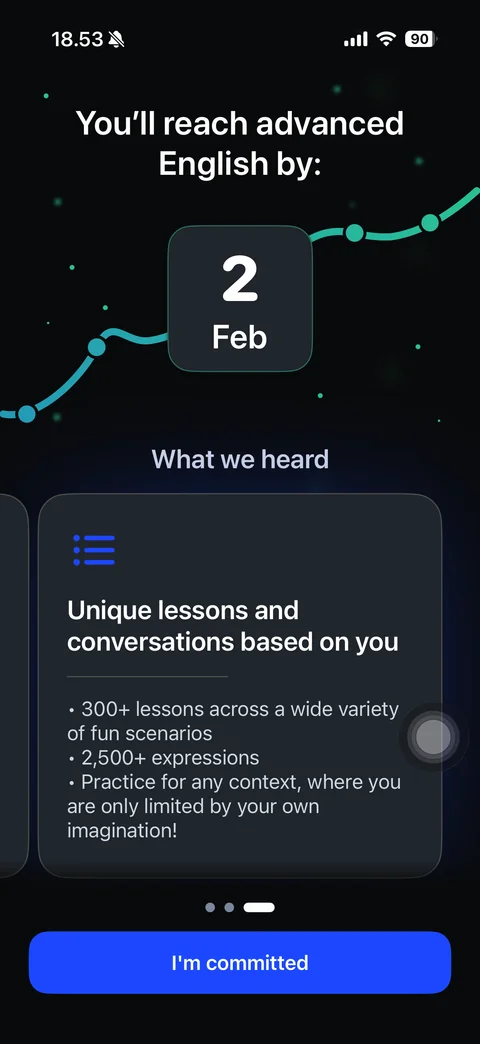
    What we heard card 2: practice for business situations

  38. Speak onboarding: What we heard card 3: unique lessons and conversations

    What we heard card 3: unique lessons and conversations

Speak home (17 screens)
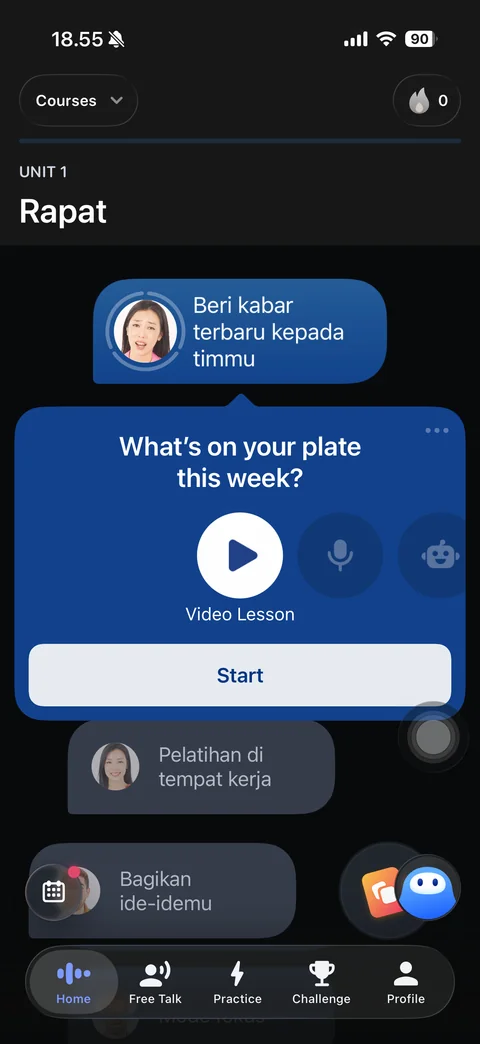
  1. Speak home: Home: Unit 1 Rapat chat feed with video lesson card
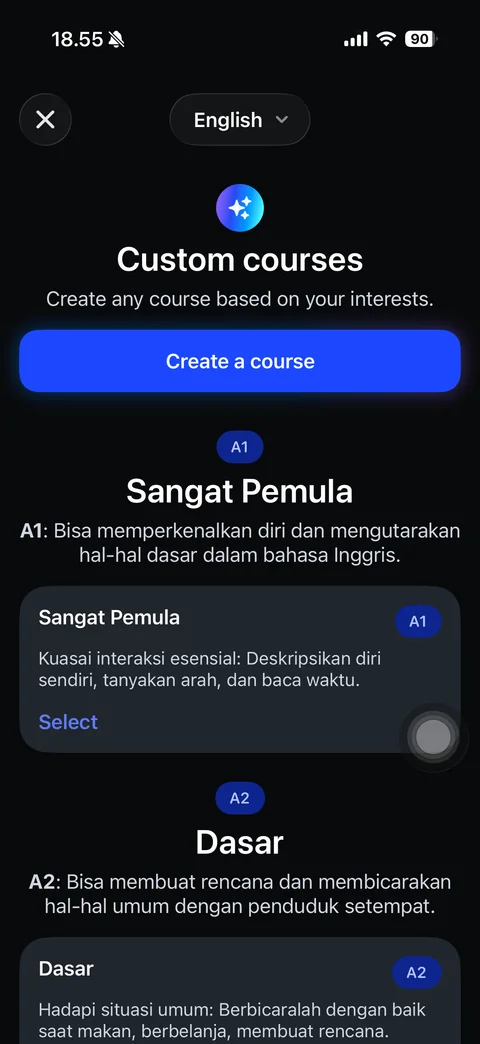
    Home: Unit 1 Rapat chat feed with video lesson card

  2. Speak home: Courses: custom courses, A1 Sangat Pemula, A2 Dasar
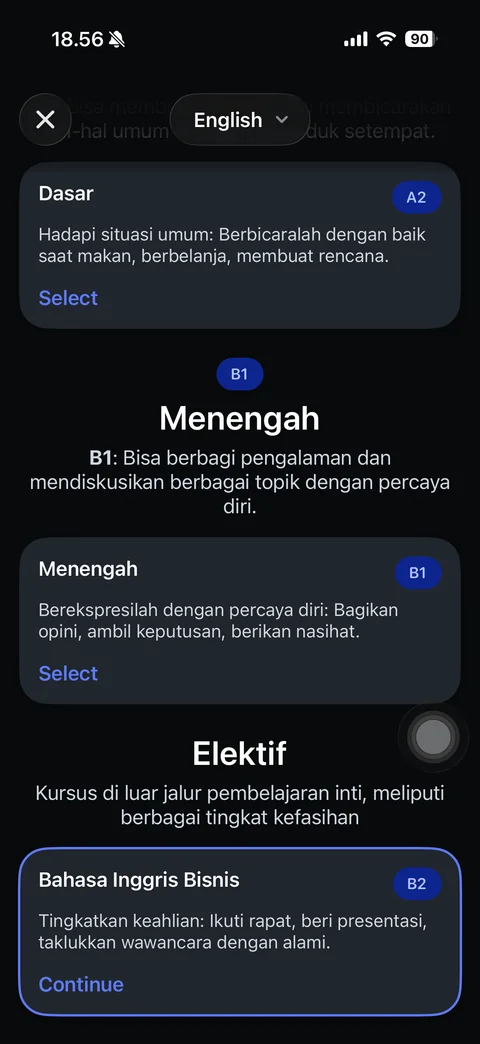
    Courses: custom courses, A1 Sangat Pemula, A2 Dasar

  3. Speak home: Courses scrolled: B1 Menengah, Elektif, Bahasa Inggris Bisnis B2
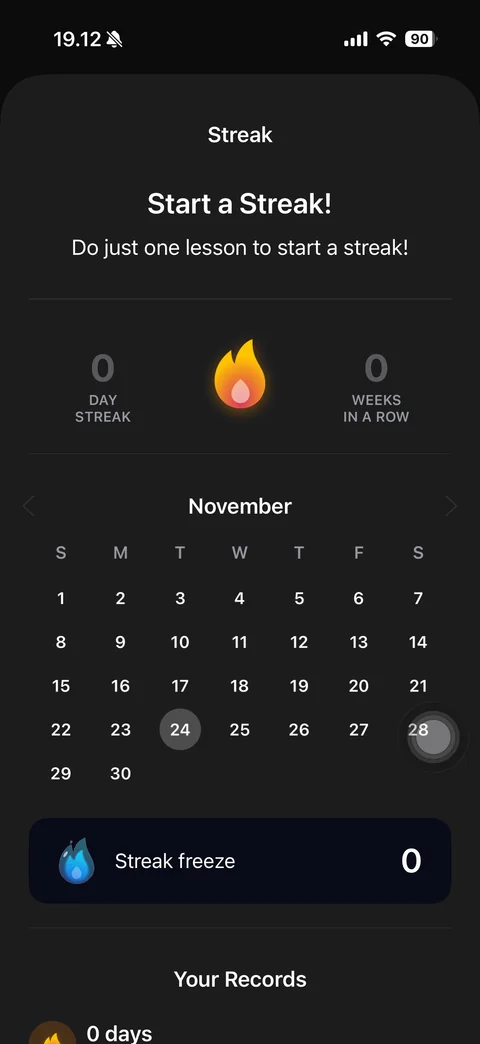
    Courses scrolled: B1 Menengah, Elektif, Bahasa Inggris Bisnis B2

  4. Speak home: Streak sheet: start a streak, November calendar, streak freeze
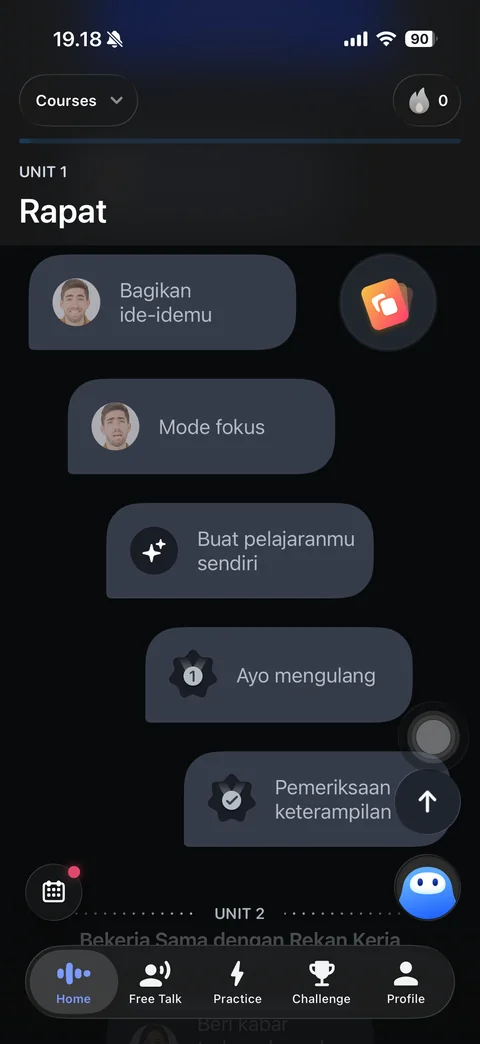
    Streak sheet: start a streak, November calendar, streak freeze

  5. Speak home: Home feed scrolled: quick actions, Unit 2 next up
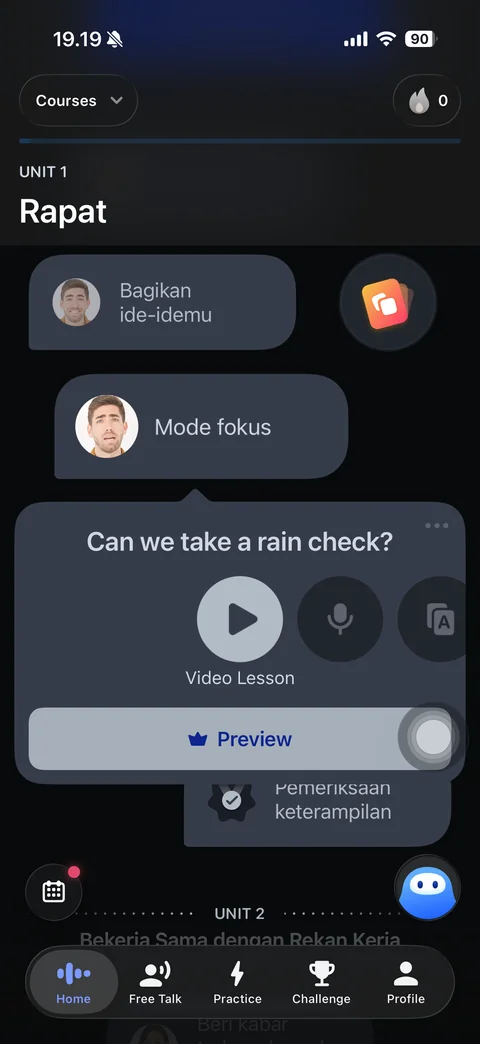
    Home feed scrolled: quick actions, Unit 2 next up

  6. Speak home: Focus mode lesson preview card: Can we take a rain check?
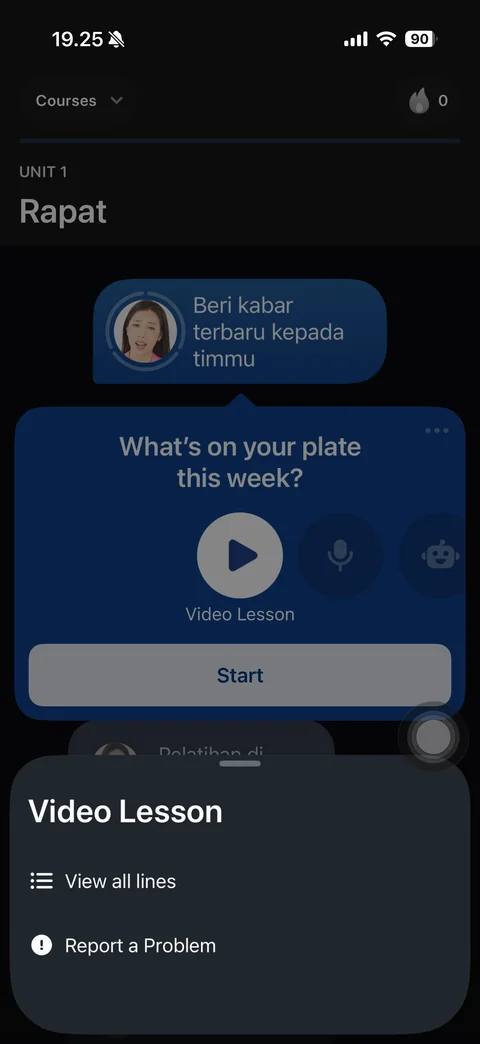
    Focus mode lesson preview card: Can we take a rain check?

  7. Speak home: Lesson overflow menu: view all lines, report a problem
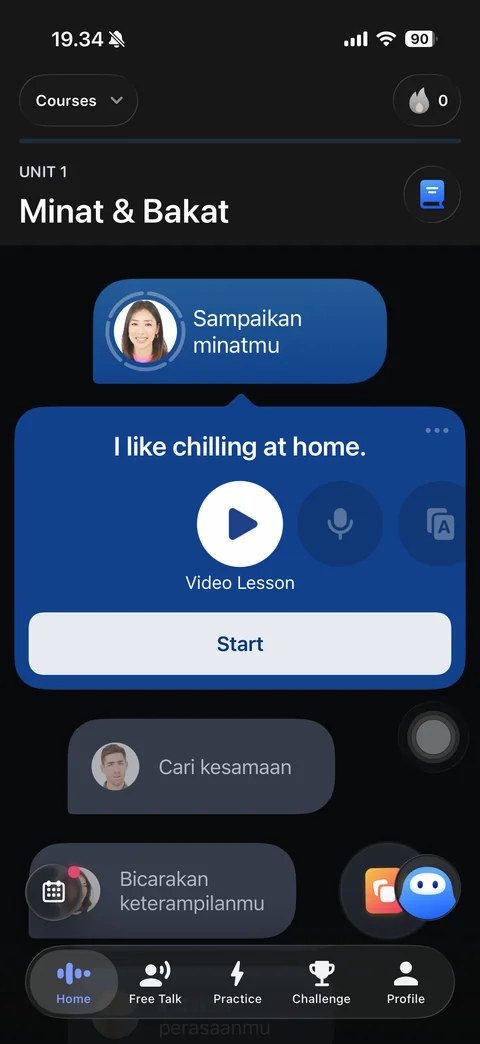
    Lesson overflow menu: view all lines, report a problem

  8. Speak home: Course switched to A2: Unit 1 Minat & Bakat
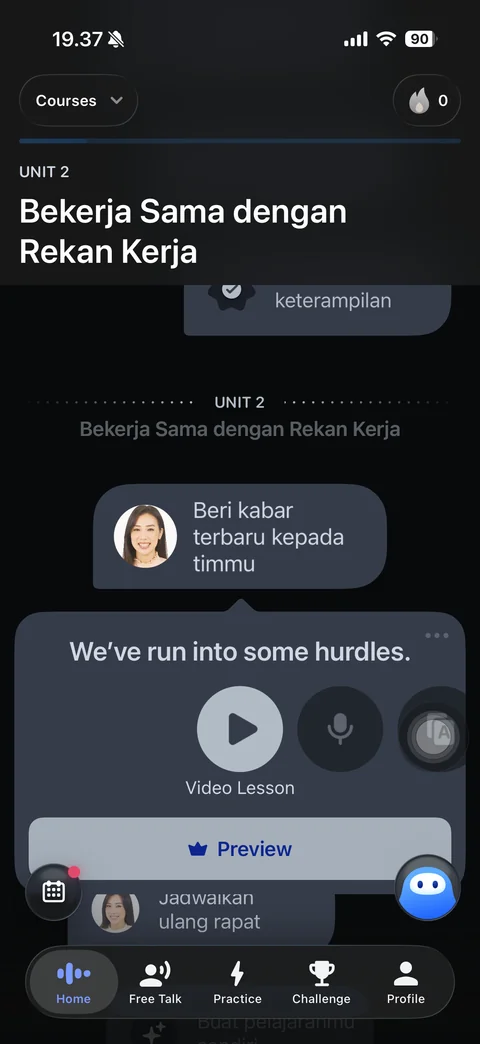
    Course switched to A2: Unit 1 Minat & Bakat

  9. Speak home: Home Unit 2: working with coworkers, premium lesson preview
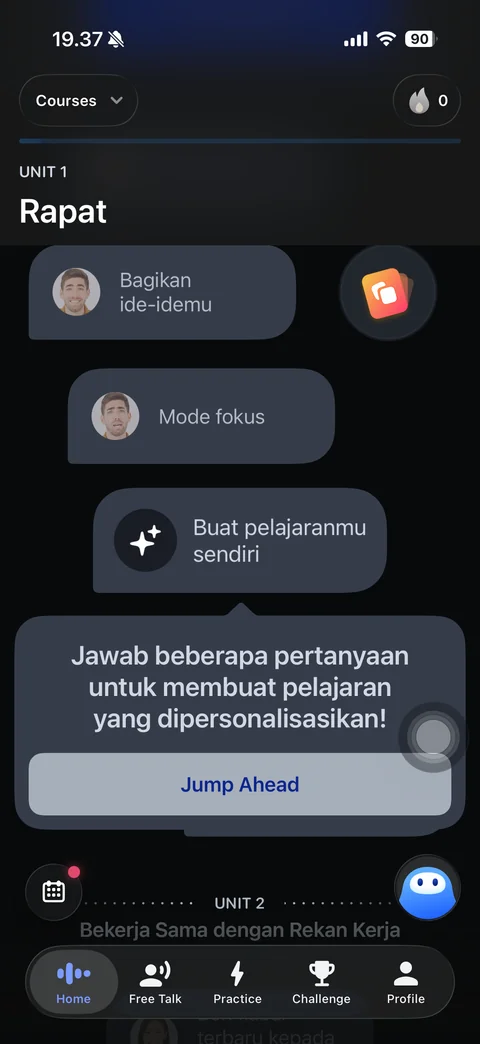
    Home Unit 2: working with coworkers, premium lesson preview

  10. Speak home: Custom lesson card: answer questions for a personalized lesson, Jump Ahead premium
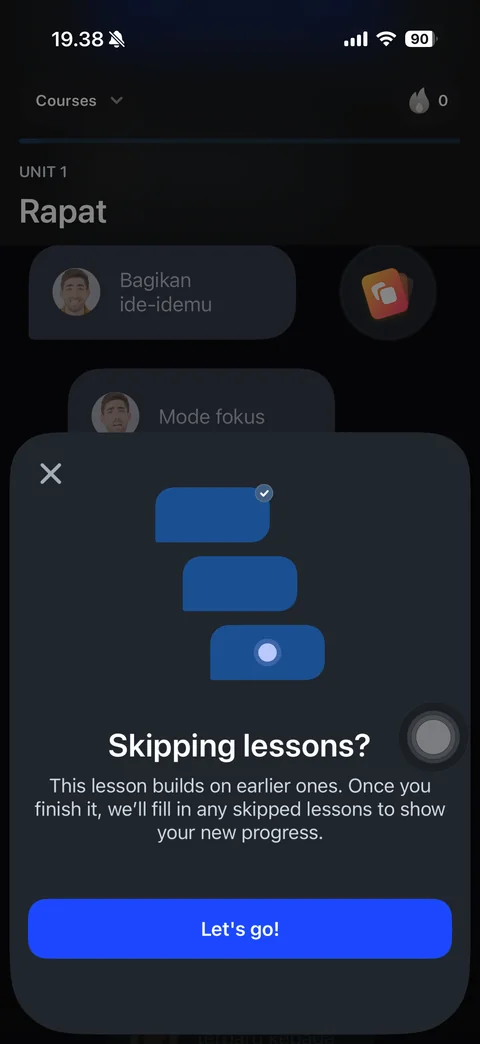
    Custom lesson card: answer questions for a personalized lesson, Jump Ahead premium

  11. Speak home: Skip-ahead sheet: skipping lessons fills progress after finish
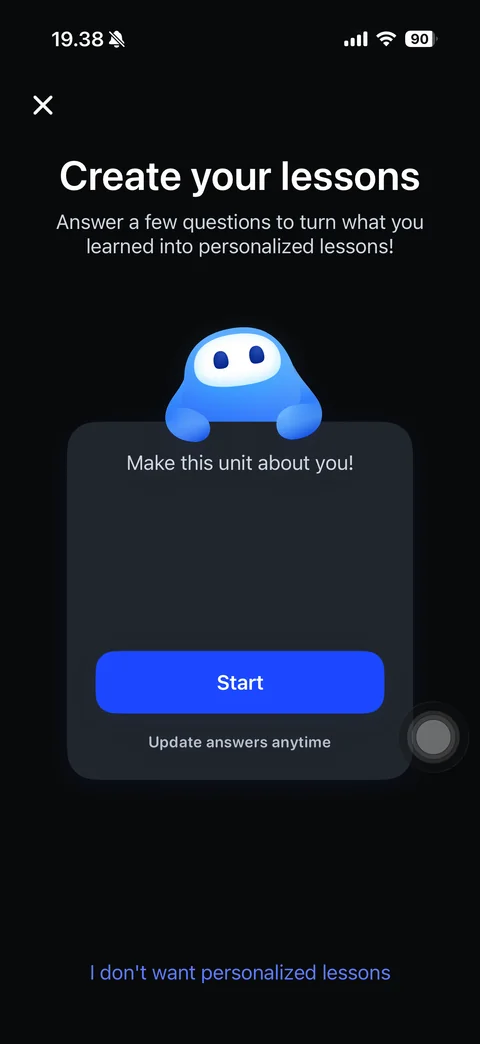
    Skip-ahead sheet: skipping lessons fills progress after finish

  12. Speak home: Create your lessons intro: make this unit about you
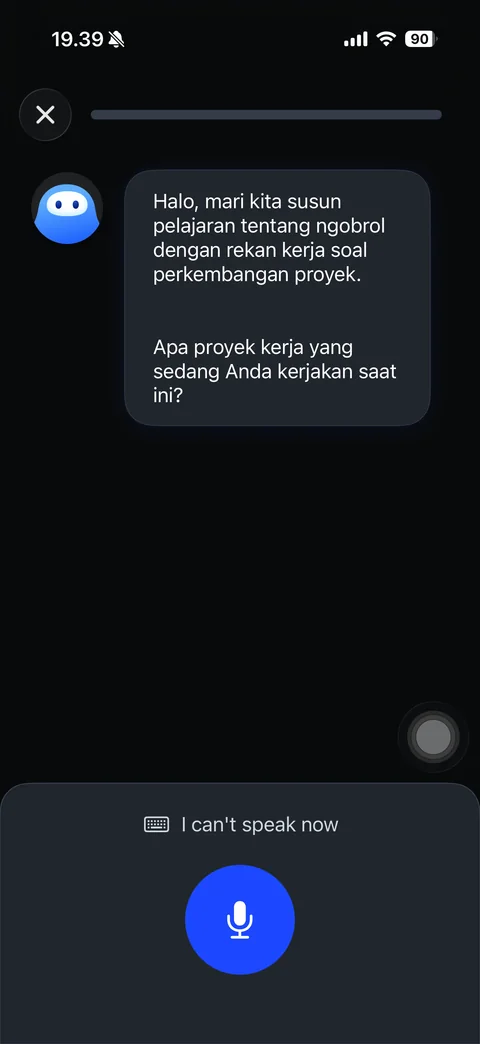
    Create your lessons intro: make this unit about you

  13. Speak home: Personalized lesson question: what work project are you doing
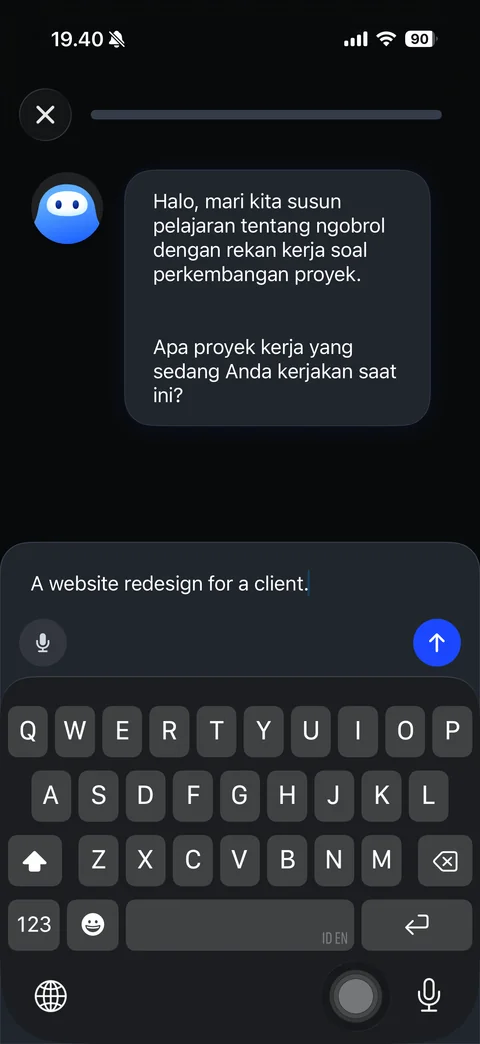
    Personalized lesson question: what work project are you doing

  14. Speak home: Typed answer: a website redesign for a client
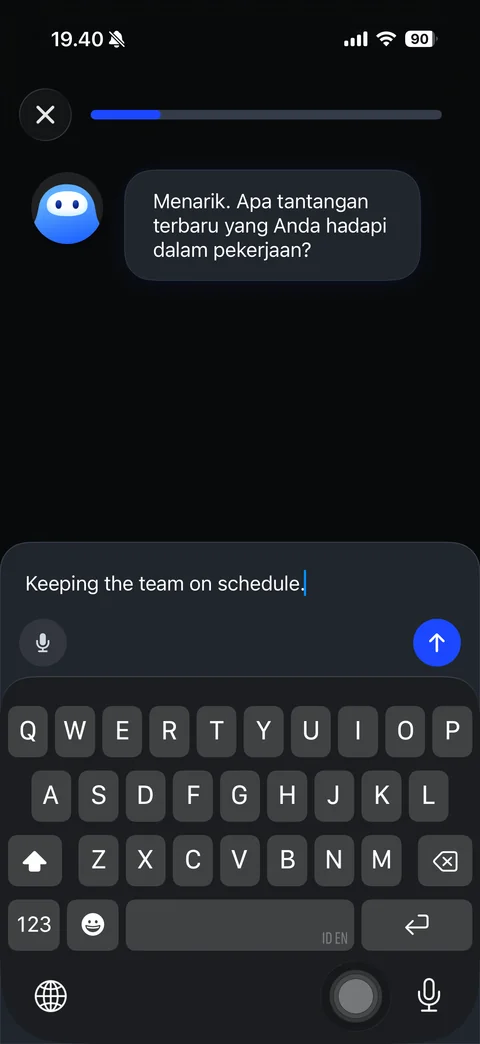
    Typed answer: a website redesign for a client

  15. Speak home: Personalized lesson: latest challenge question with typed answer
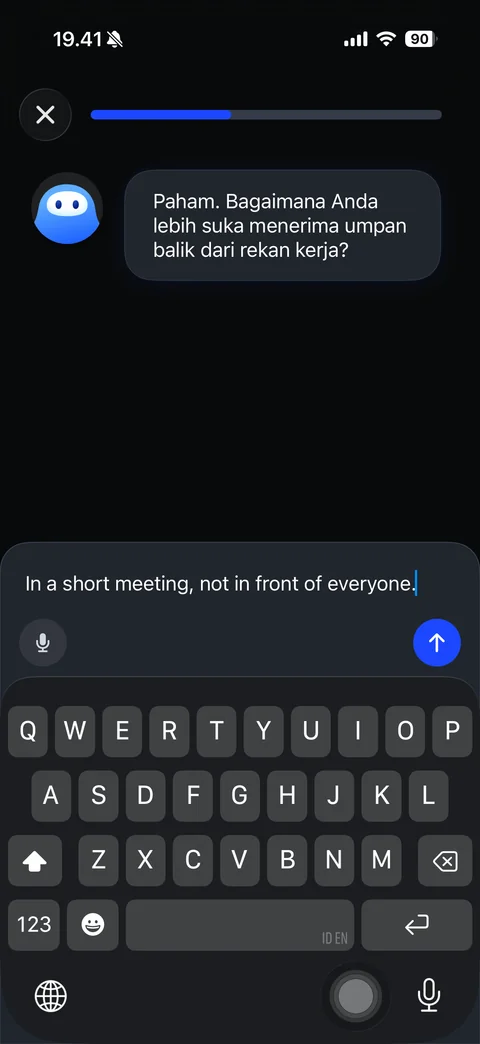
    Personalized lesson: latest challenge question with typed answer

  16. Speak home: Personalized lesson: how do you prefer feedback from coworkers
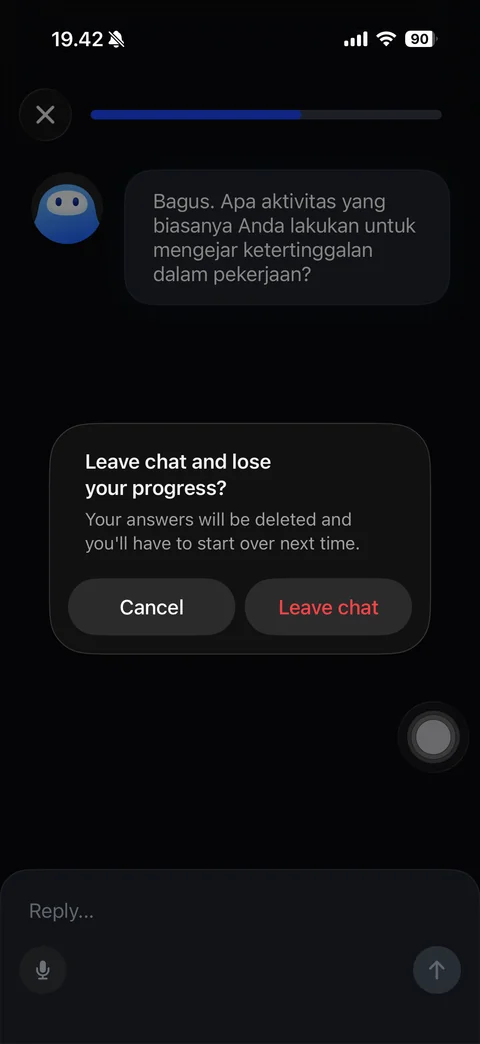
    Personalized lesson: how do you prefer feedback from coworkers

  17. Speak home: Leave chat confirmation: answers will be deleted

    Leave chat confirmation: answers will be deleted

Speak paywall (2 screens)
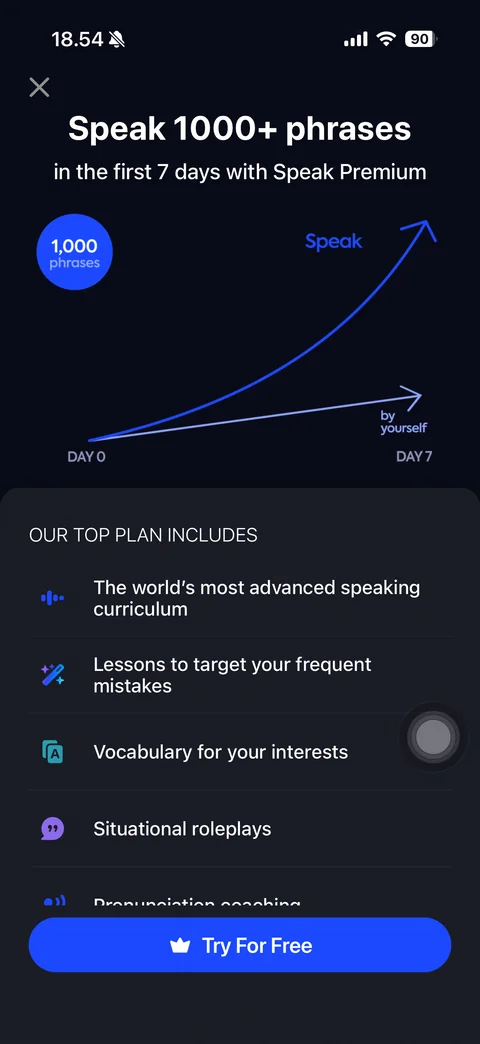
  1. Speak paywall: Paywall top: Speak 1000+ phrases in 7 days, Try For Free
    Paywall top: Speak 1000+ phrases in 7 days, Try For Free

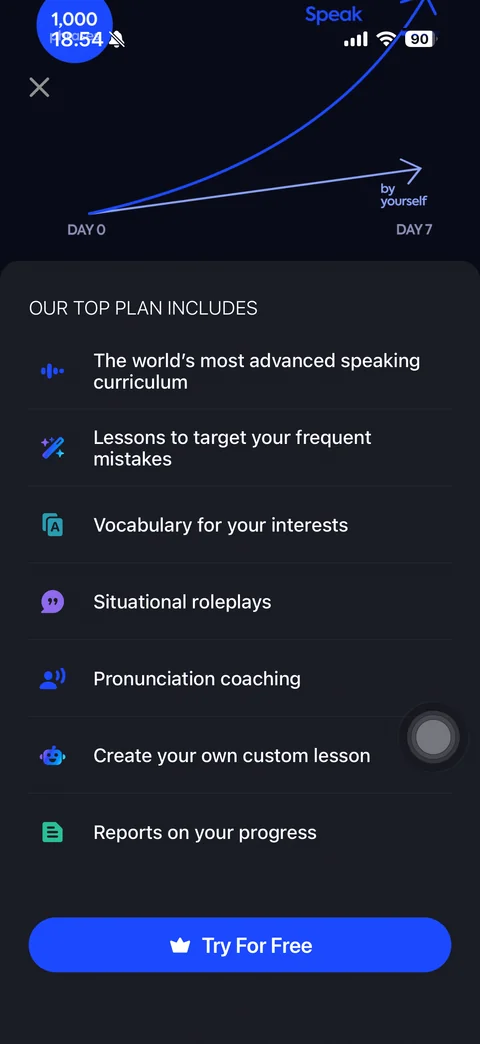
  2. Speak paywall: Paywall features: curriculum, mistakes, vocabulary, roleplays, pronunciation, custom lesson, reports

    Paywall features: curriculum, mistakes, vocabulary, roleplays, pronunciation, custom lesson, reports

Speak freetalk (7 screens)
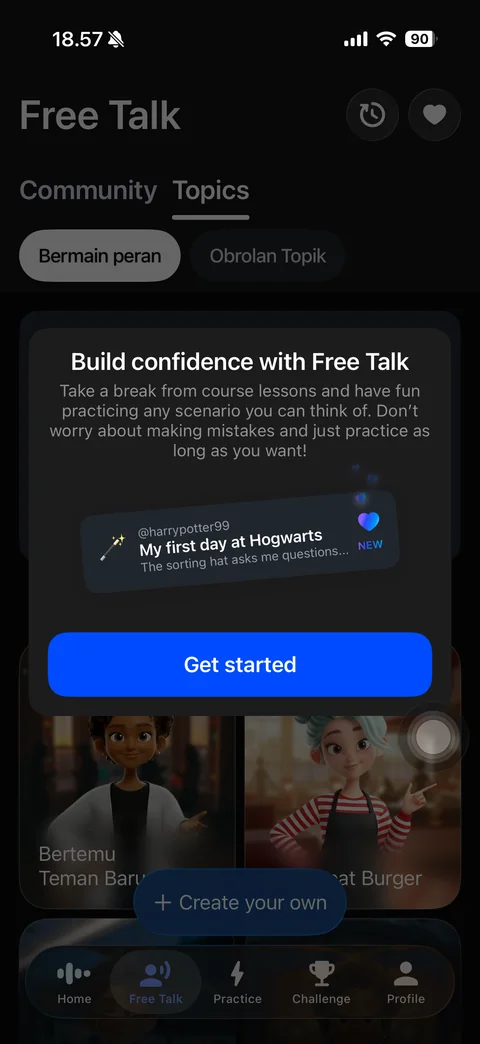
  1. Speak freetalk: Free Talk: community topics, build confidence card, topic characters
    Free Talk: community topics, build confidence card, topic characters

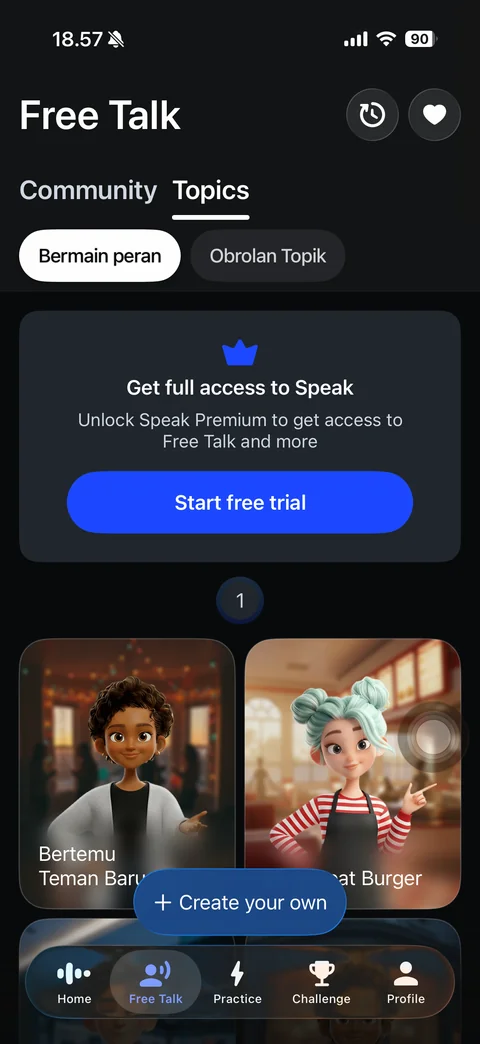
  2. Speak freetalk: Free Talk Topics tab: premium upsell, roleplay characters
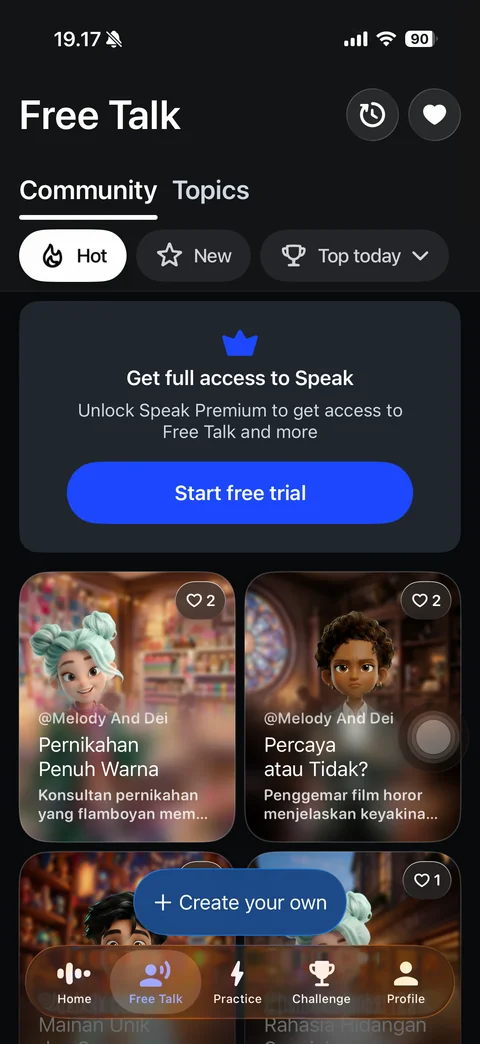
    Free Talk Topics tab: premium upsell, roleplay characters

  3. Speak freetalk: Community tab: Hot/New/Top today, community posts
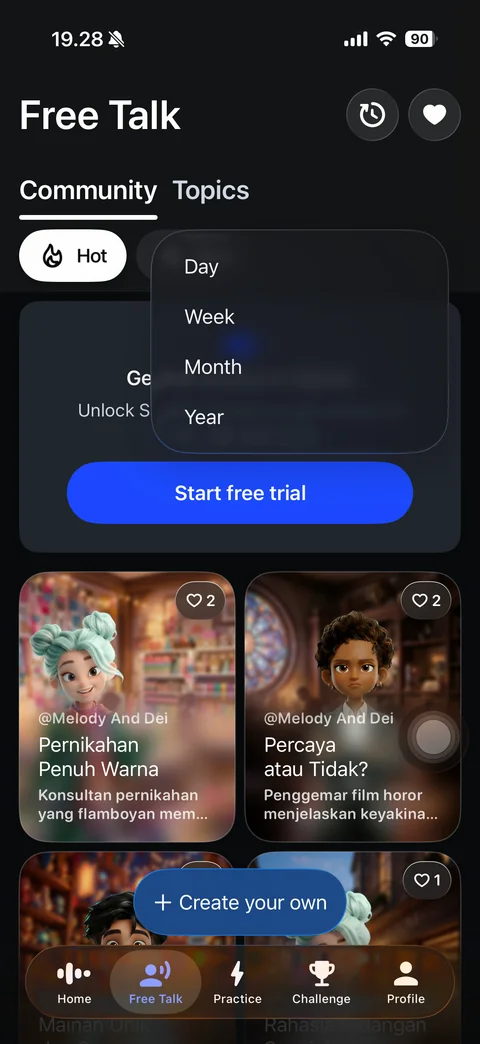
    Community tab: Hot/New/Top today, community posts

  4. Speak freetalk: Community filter menu: Day, Week, Month, Year
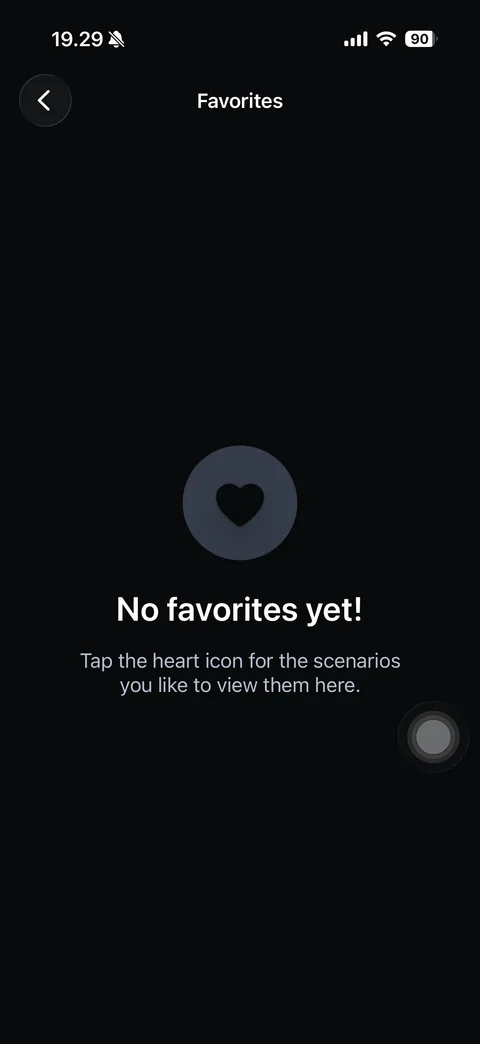
    Community filter menu: Day, Week, Month, Year

  5. Speak freetalk: Favorites: empty state

    Favorites: empty state

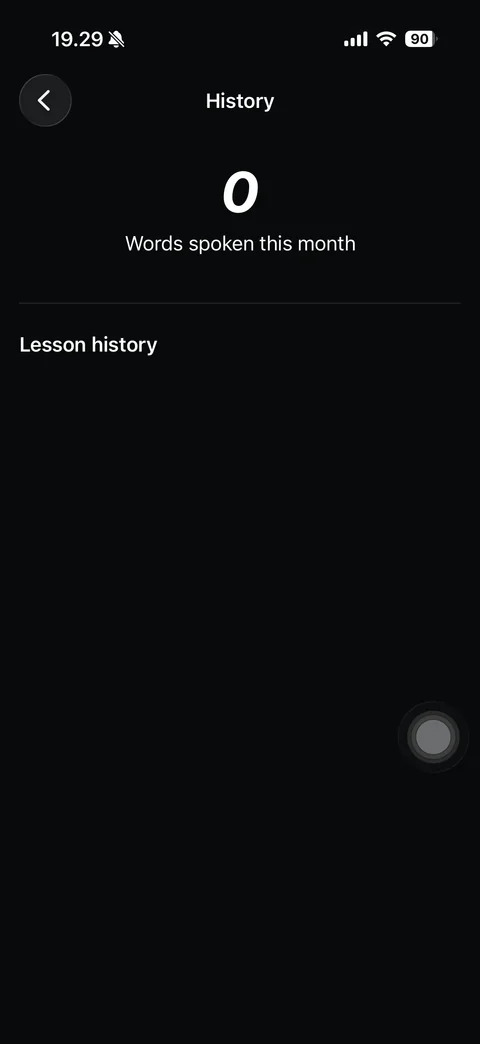
  6. Speak freetalk: History: 0 words this month, lesson history empty
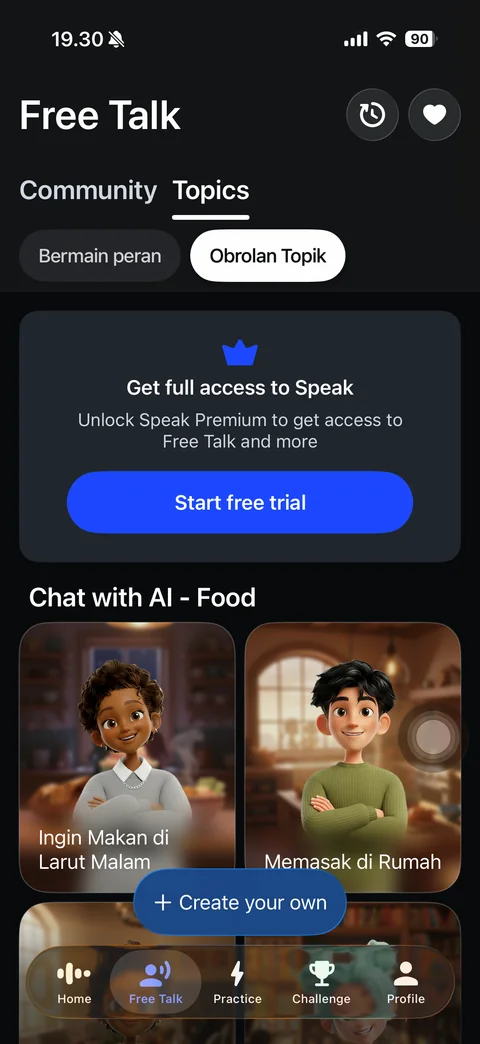
    History: 0 words this month, lesson history empty

  7. Speak freetalk: Topics filter Obrolan Topik: Chat with AI Food scenarios

    Topics filter Obrolan Topik: Chat with AI Food scenarios

Speak lesson (6 screens)

  1. Speak lesson: Video lesson: tutor speaks, Indonesian subtitle
    Video lesson: tutor speaks, Indonesian subtitle

  2. Speak lesson: Video lesson: phrase hit the ground running
    Video lesson: phrase hit the ground running

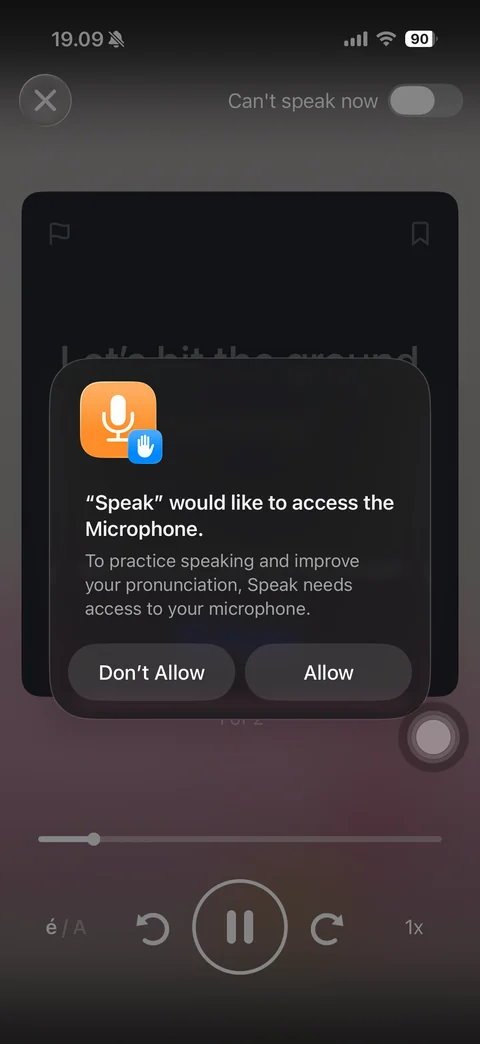
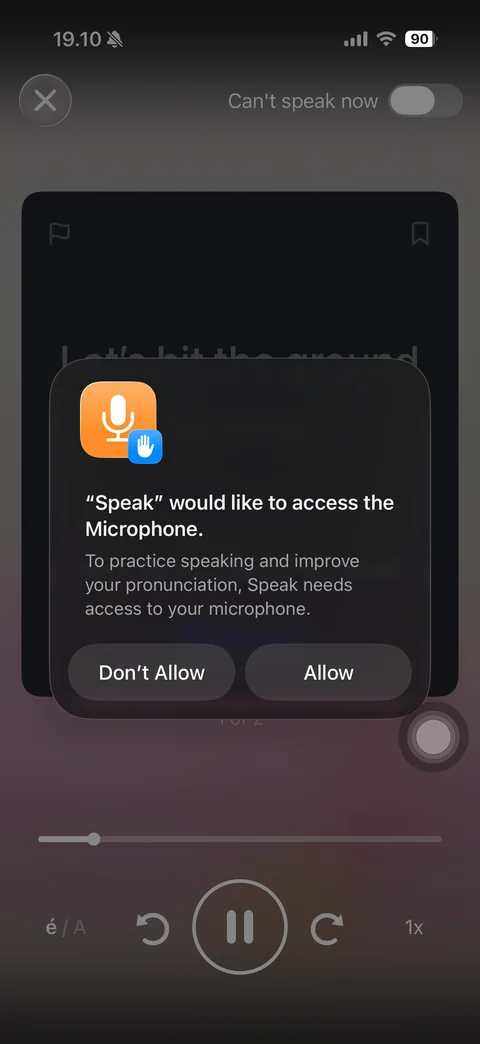
  3. Speak lesson: iOS microphone permission prompt during lesson
    iOS microphone permission prompt during lesson

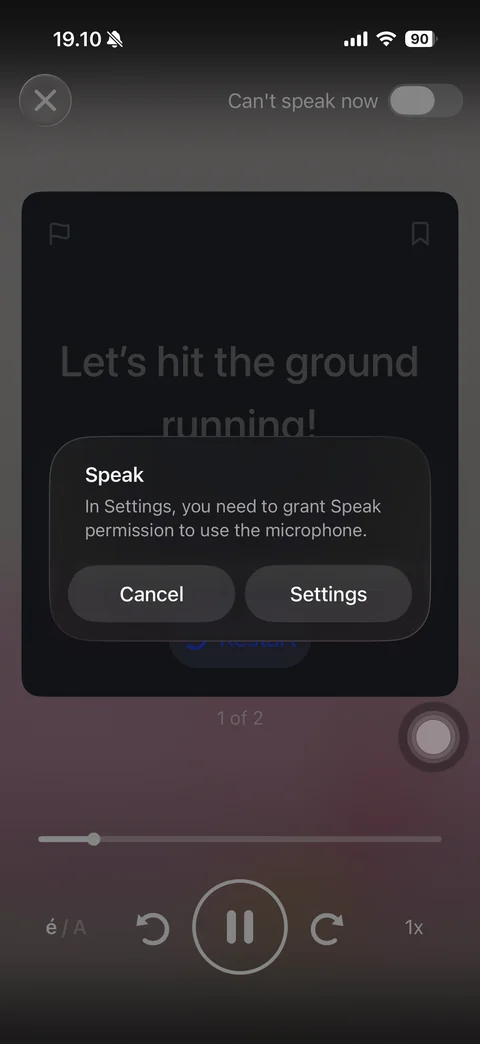
  4. Speak lesson: Microphone alert: grant permission in Settings
    Microphone alert: grant permission in Settings

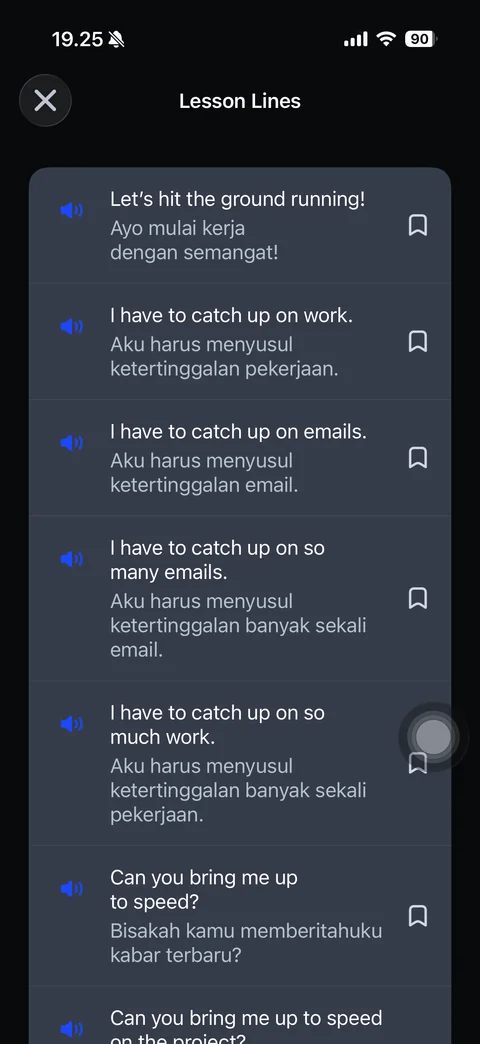
  5. Speak lesson: Lesson Lines: phrases with translations, play and bookmark
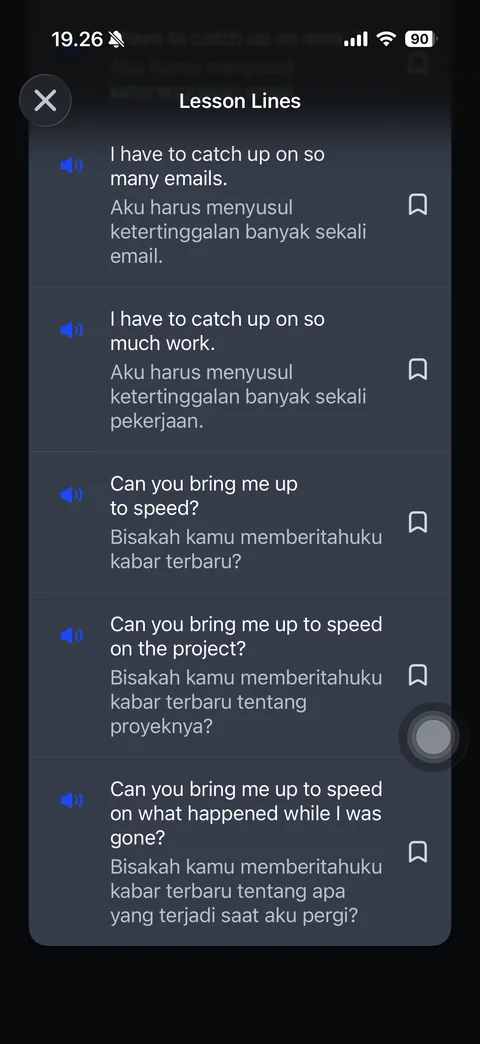
    Lesson Lines: phrases with translations, play and bookmark

  6. Speak lesson: Lesson Lines scrolled: more phrases and translations

    Lesson Lines scrolled: more phrases and translations

Speak challenge (9 screens)
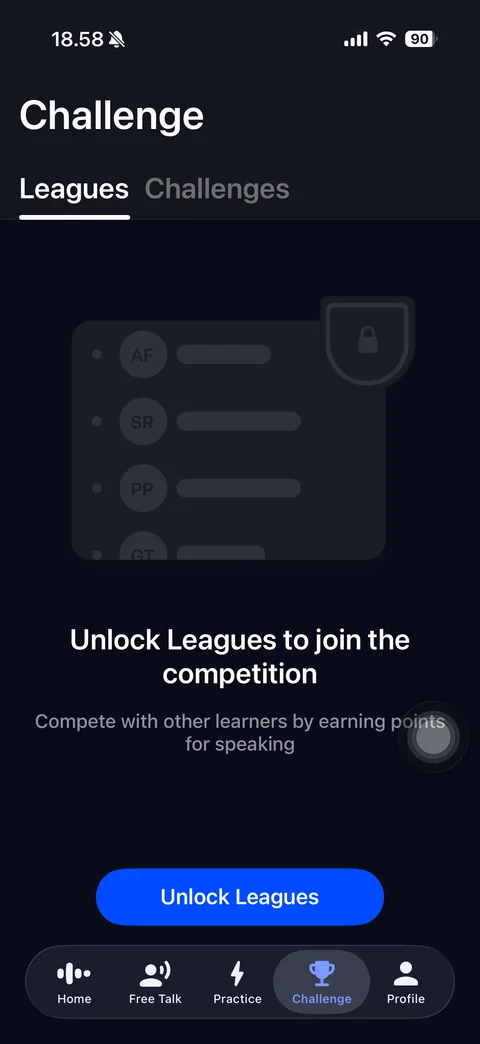
  1. Speak challenge: Leagues locked: unlock Leagues to join the competition
    Leagues locked: unlock Leagues to join the competition

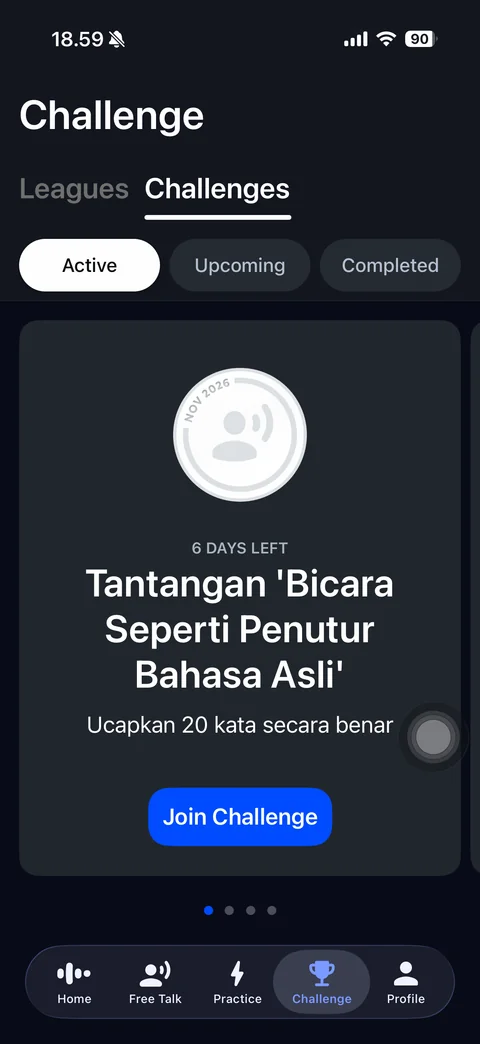
  2. Speak challenge: Challenges Active: speak like a native, 6 days left
    Challenges Active: speak like a native, 6 days left

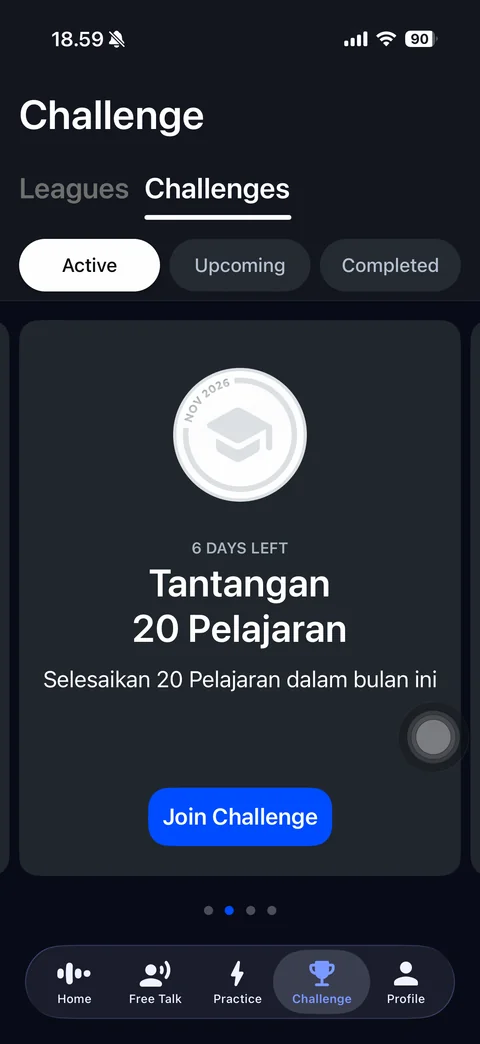
  3. Speak challenge: Challenges Active card 2: complete 20 lessons this month
    Challenges Active card 2: complete 20 lessons this month

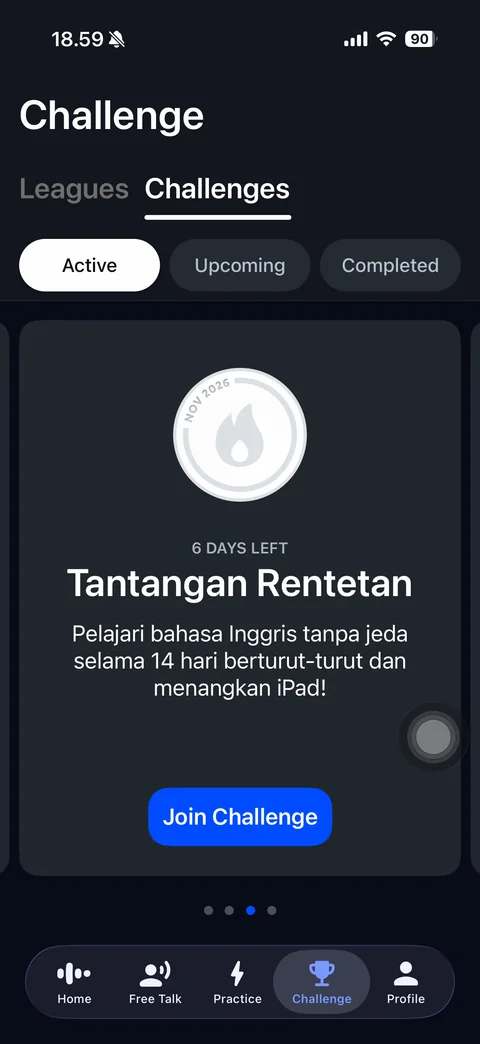
  4. Speak challenge: Challenges Active card 3: 14-day streak, win an iPad
    Challenges Active card 3: 14-day streak, win an iPad

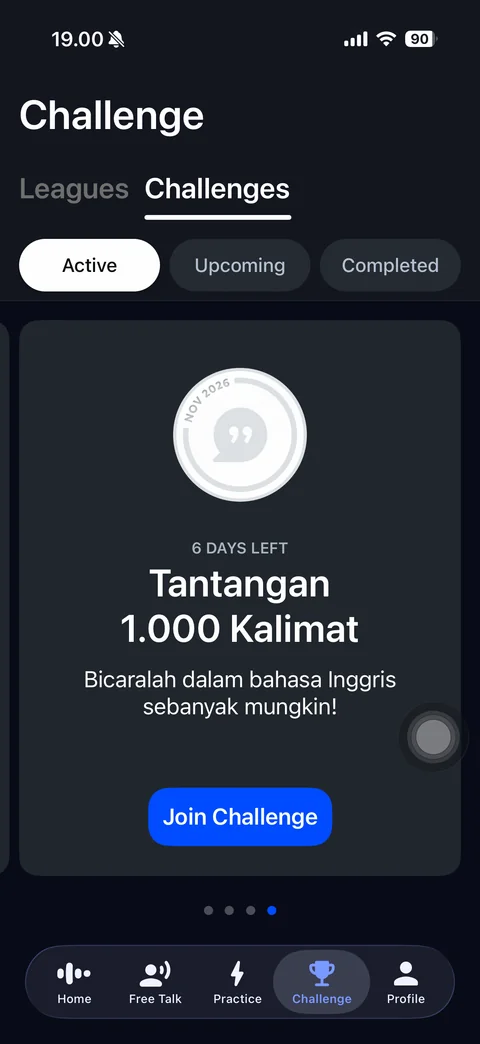
  5. Speak challenge: Challenges Active card 4: speak 1,000 sentences
    Challenges Active card 4: speak 1,000 sentences

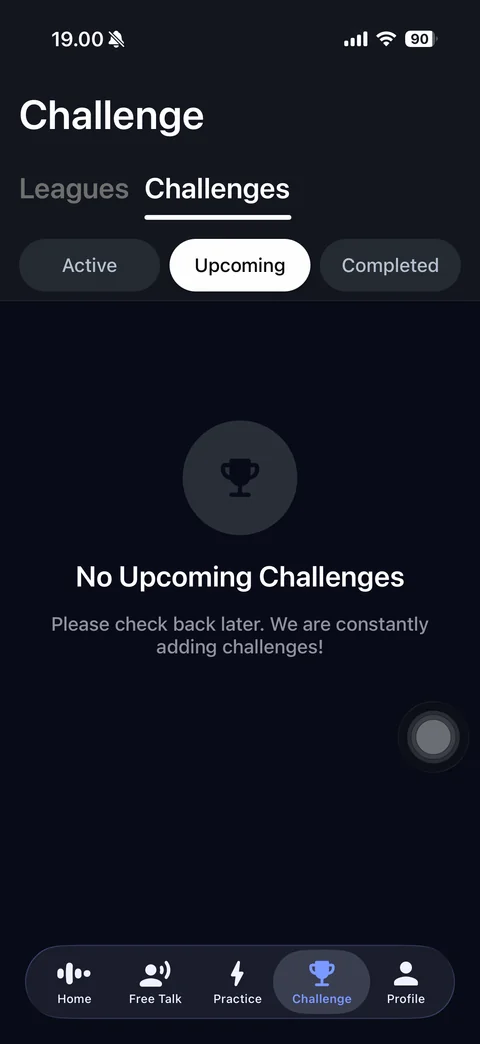
  6. Speak challenge: Challenges Upcoming: empty state

    Challenges Upcoming: empty state

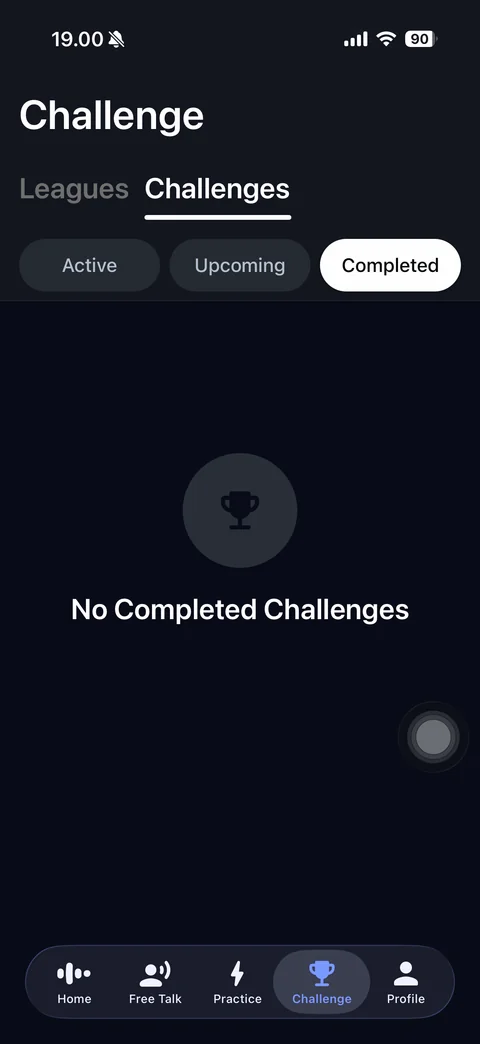
  7. Speak challenge: Challenges Completed: empty state

    Challenges Completed: empty state
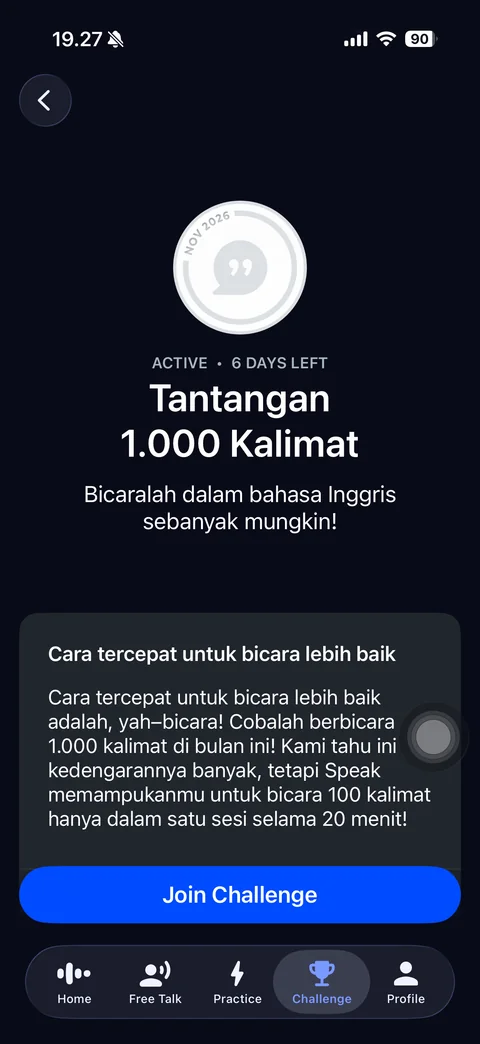
  8. Speak challenge: Challenge detail: 1,000 sentences, how to speak better
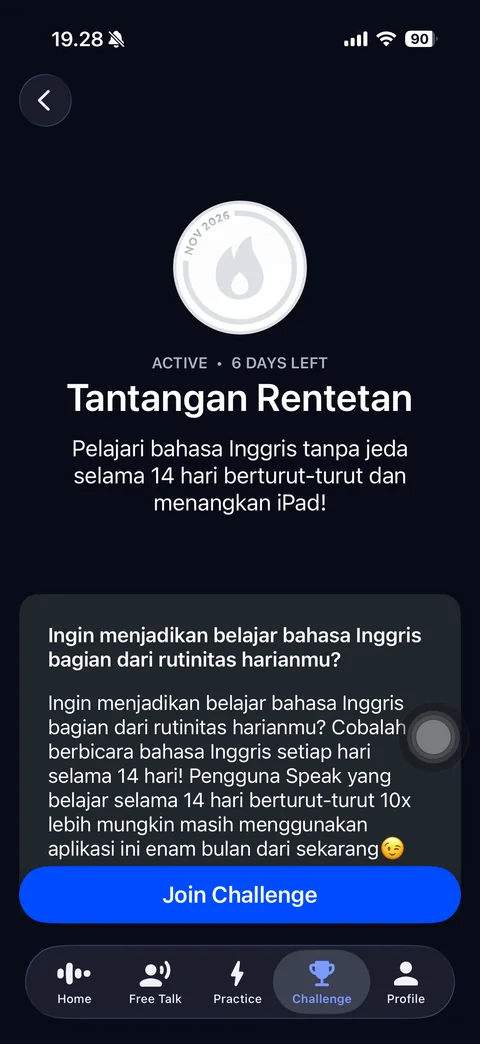
    Challenge detail: 1,000 sentences, how to speak better

  9. Speak challenge: Challenge detail: 14-day streak, win an iPad

    Challenge detail: 14-day streak, win an iPad

Speak practice (2 screens)
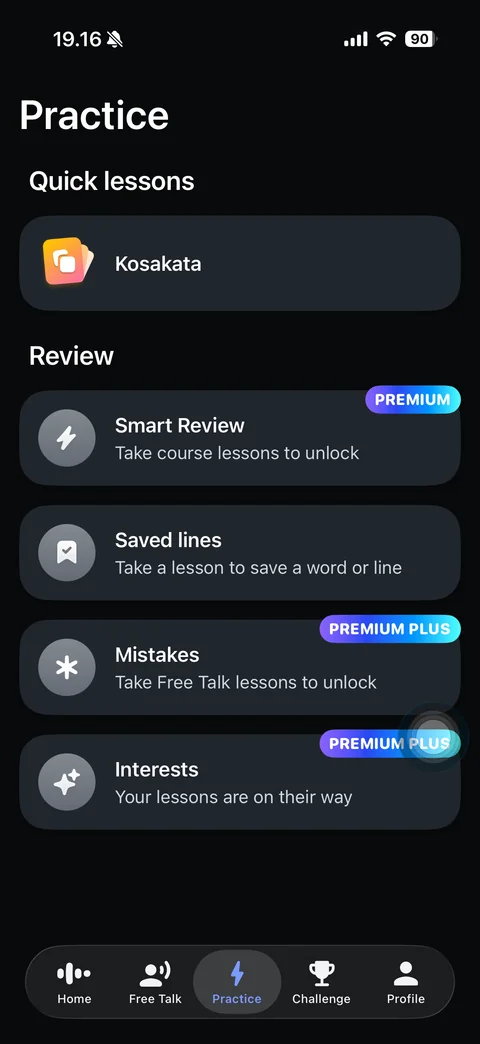
  1. Speak practice: Practice tab: quick lessons, smart review premium, saved lines, mistakes premium plus
    Practice tab: quick lessons, smart review premium, saved lines, mistakes premium plus

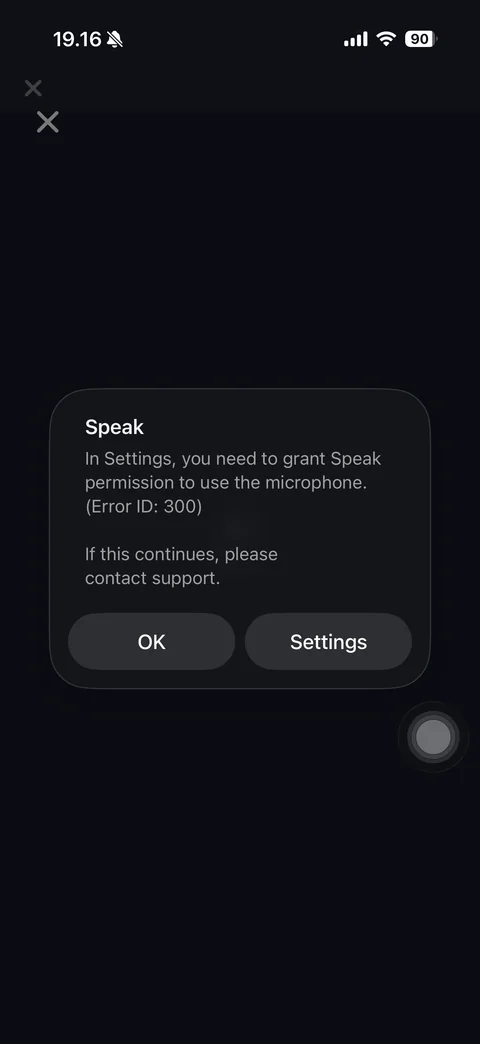
  2. Speak practice: Quick lesson blocked: microphone permission needed (error 300)

    Quick lesson blocked: microphone permission needed (error 300)

Speak profile (3 screens)
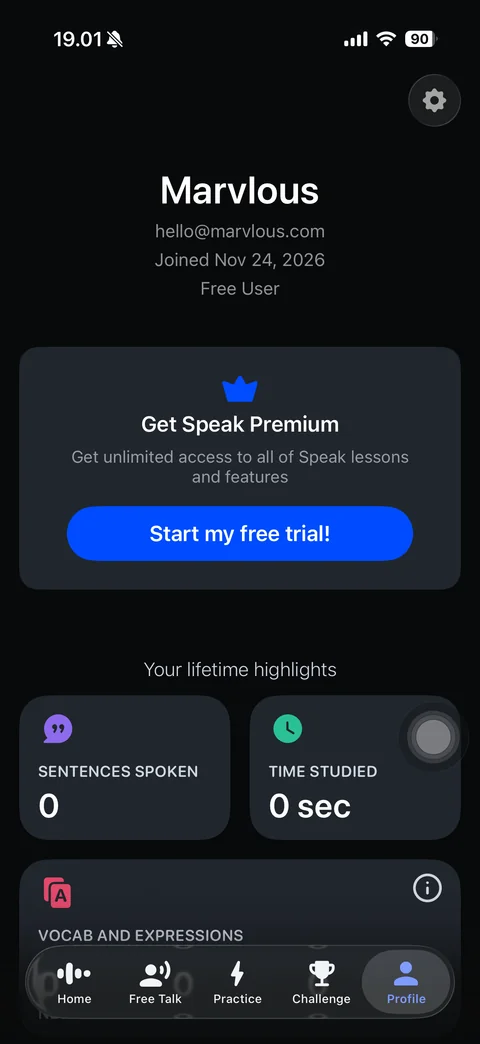
  1. Speak profile: Profile: Marvlous, free user, premium upsell, lifetime highlights
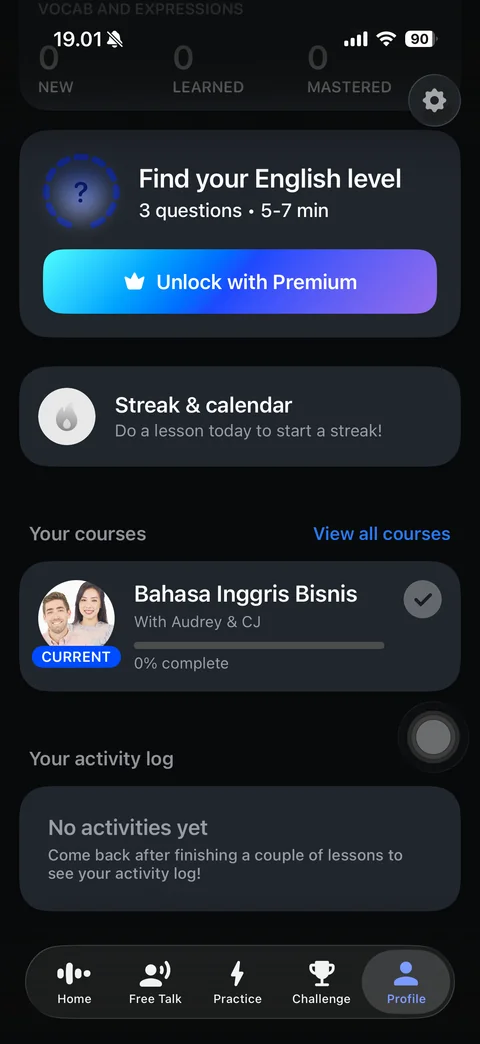
    Profile: Marvlous, free user, premium upsell, lifetime highlights

  2. Speak profile: Profile scrolled: vocab counts, find your level, streak calendar, my course, activity log
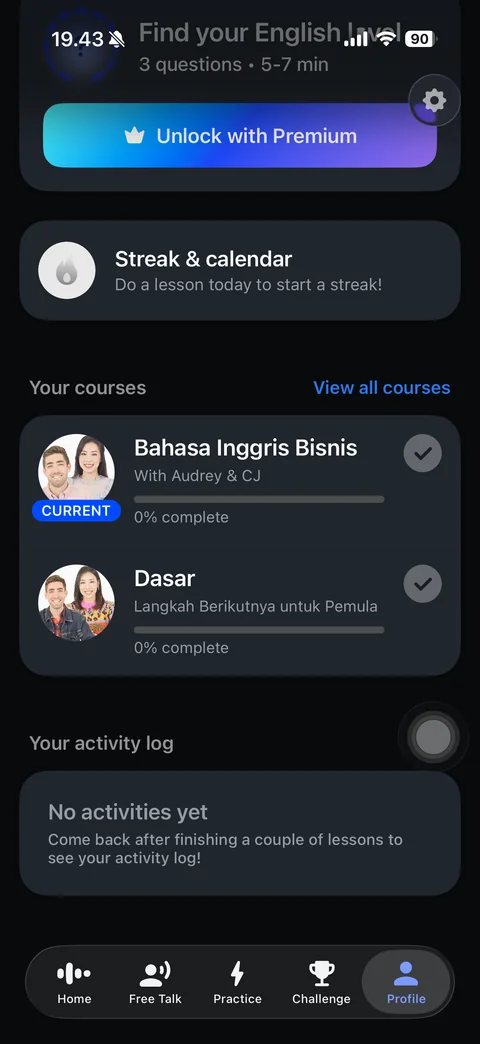
    Profile scrolled: vocab counts, find your level, streak calendar, my course, activity log

  3. Speak profile: Find your English level locked with Premium, my courses, activity log

    Find your English level locked with Premium, my courses, activity log

Speak settings (17 screens)
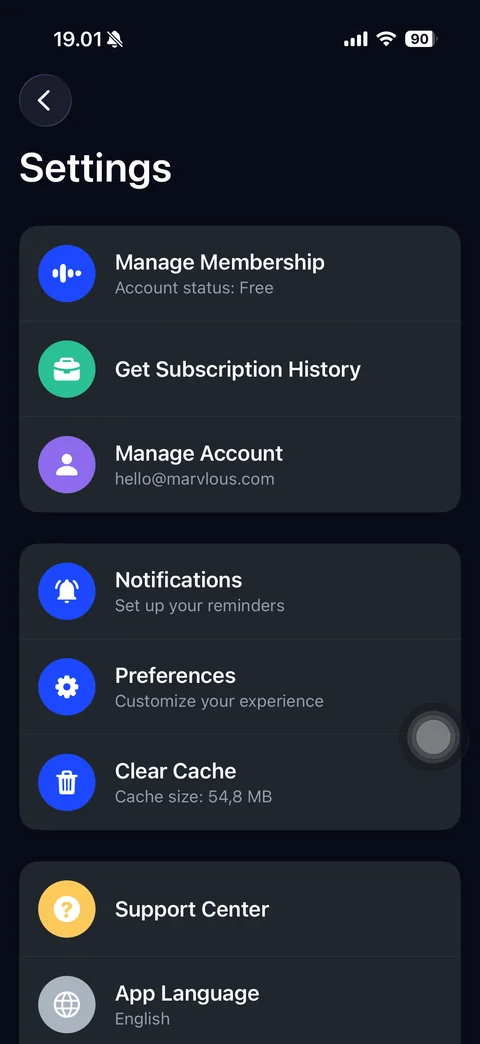
  1. Speak settings: Settings top: membership, subscription history, account, notifications, preferences, cache
    Settings top: membership, subscription history, account, notifications, preferences, cache

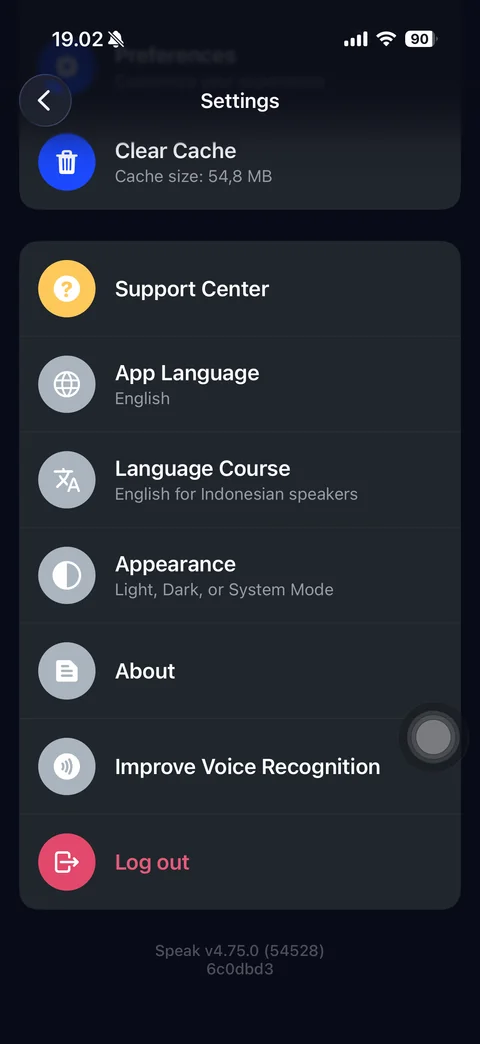
  2. Speak settings: Settings bottom: support, app language, language course, appearance, about, voice, log out, version
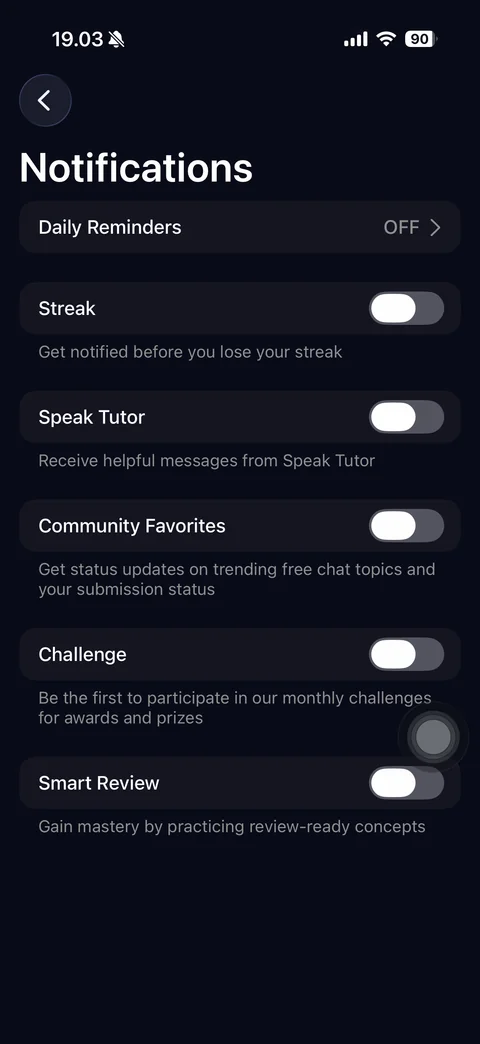
    Settings bottom: support, app language, language course, appearance, about, voice, log out, version

  3. Speak settings: Notifications preferences: daily reminders off, streak, tutor, community, challenge, smart review
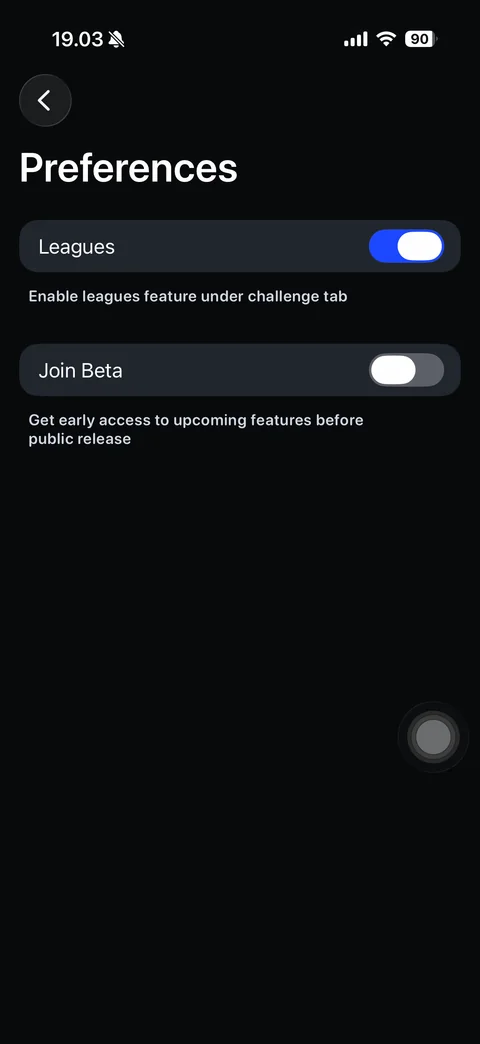
    Notifications preferences: daily reminders off, streak, tutor, community, challenge, smart review

  4. Speak settings: Preferences: leagues on, join beta off
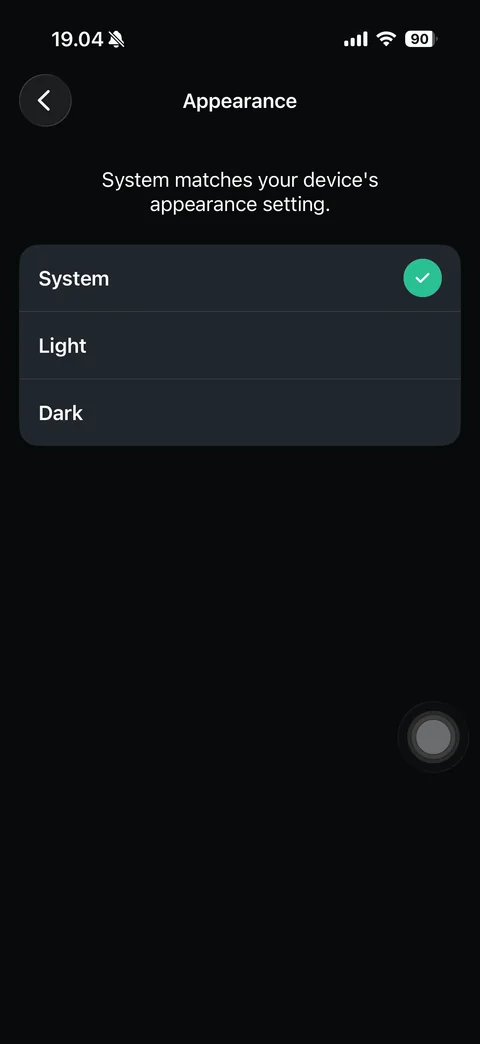
    Preferences: leagues on, join beta off

  5. Speak settings: Appearance: System, Light, Dark (System selected)
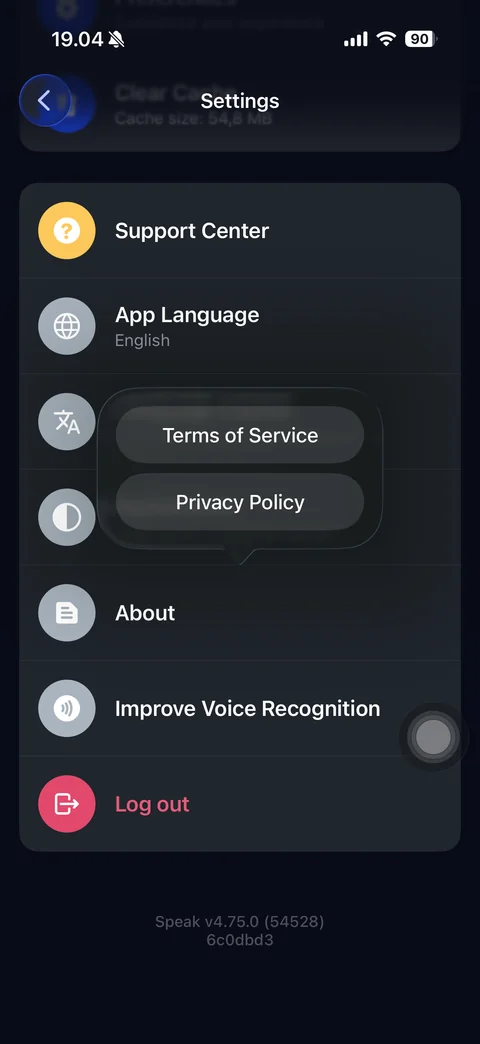
    Appearance: System, Light, Dark (System selected)

  6. Speak settings: About popover: Terms of Service, Privacy Policy
    About popover: Terms of Service, Privacy Policy

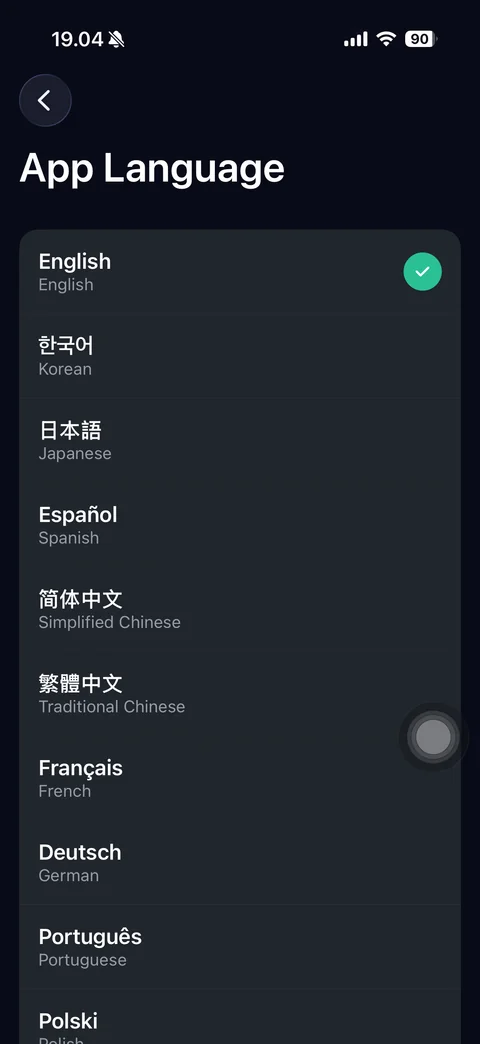
  7. Speak settings: App Language list: English selected

    App Language list: English selected

  8. Speak settings: App Language scrolled: Indonesian, Thai, Hindi, Turkish
    App Language scrolled: Indonesian, Thai, Hindi, Turkish

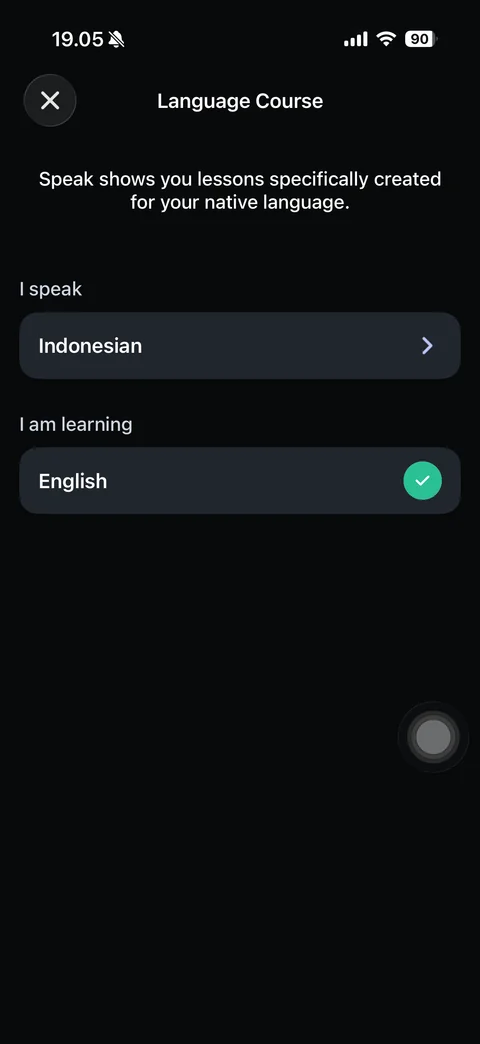
  9. Speak settings: Language Course: I speak Indonesian, I am learning English
    Language Course: I speak Indonesian, I am learning English

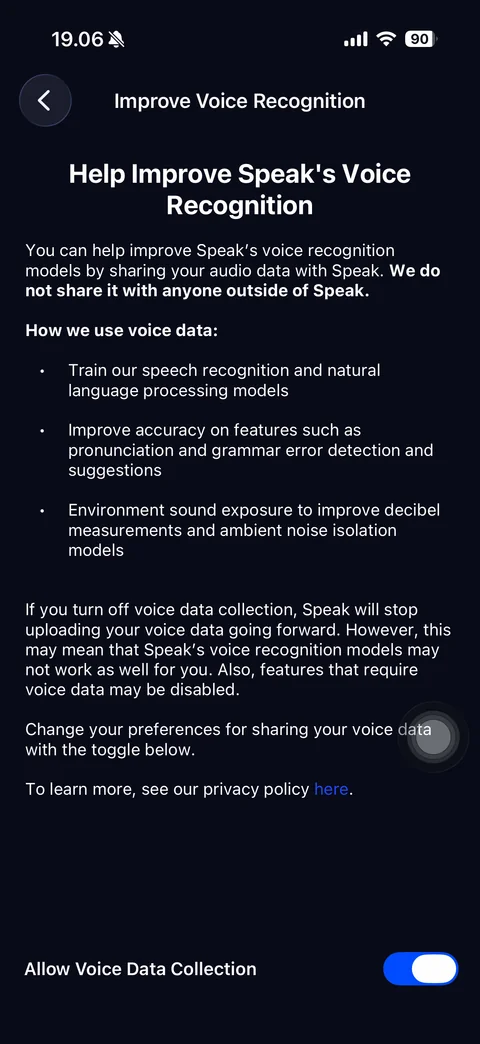
  10. Speak settings: Improve voice recognition info, voice data collection on
    Improve voice recognition info, voice data collection on

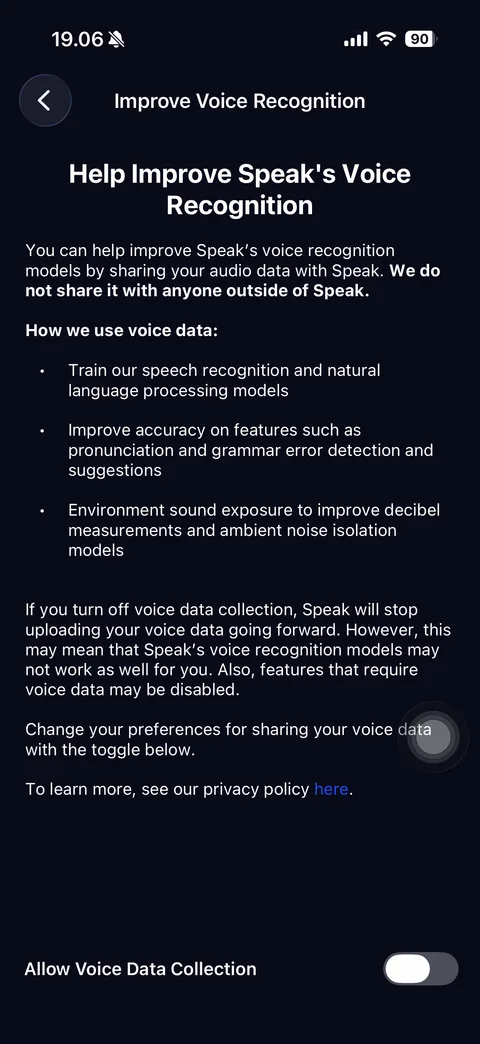
  11. Speak settings: Voice data collection turned off

    Voice data collection turned off

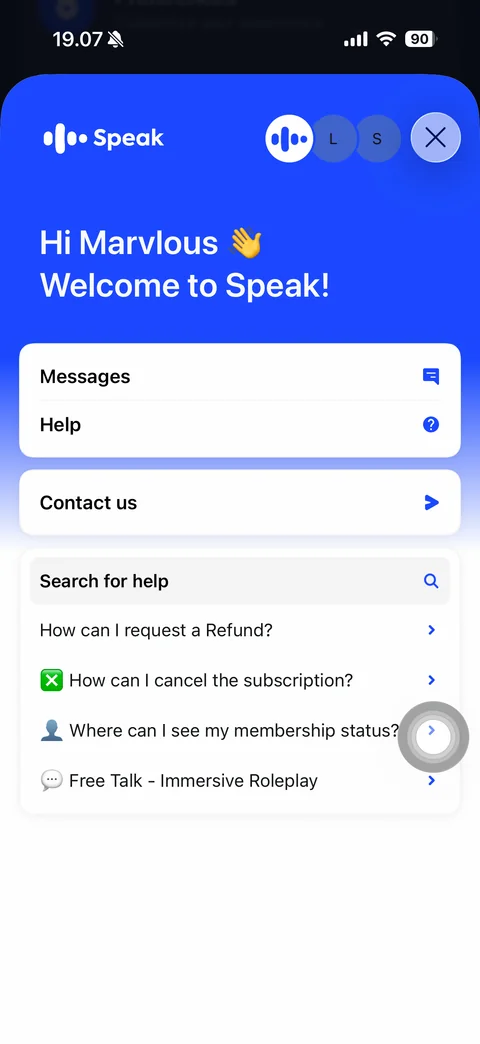
  12. Speak settings: Support Center: messages, help, contact us, FAQ
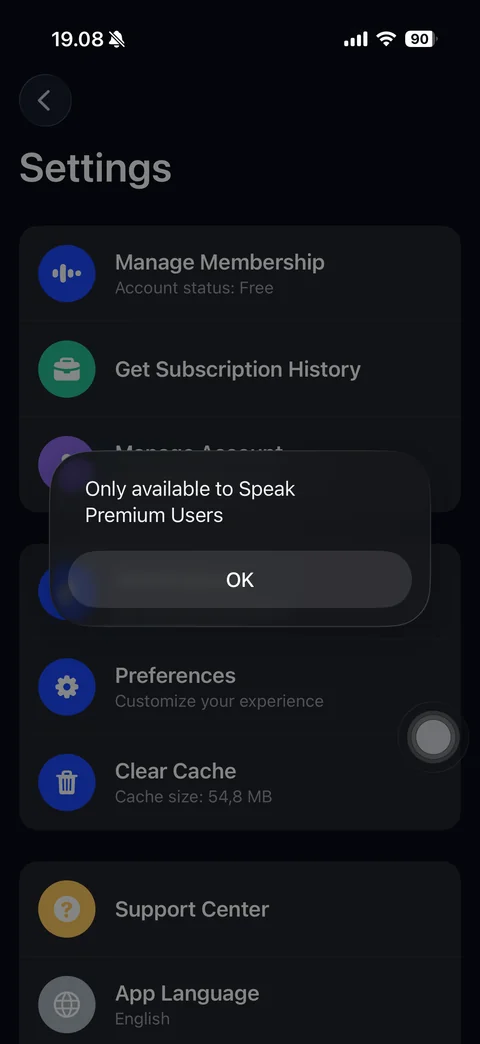
    Support Center: messages, help, contact us, FAQ

  13. Speak settings: Subscription history alert: only available to Speak Premium users
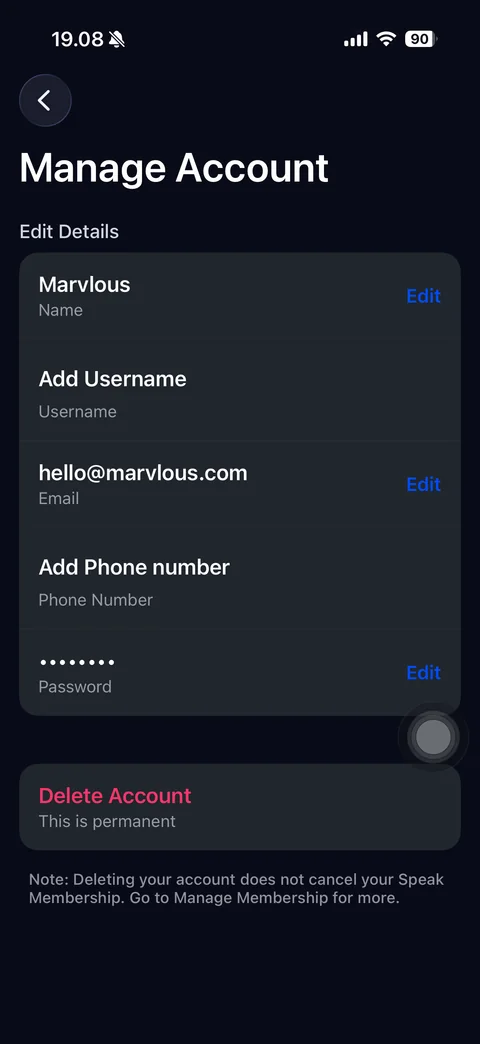
    Subscription history alert: only available to Speak Premium users

  14. Speak settings: Manage Account: name, username, email, phone, password, delete account
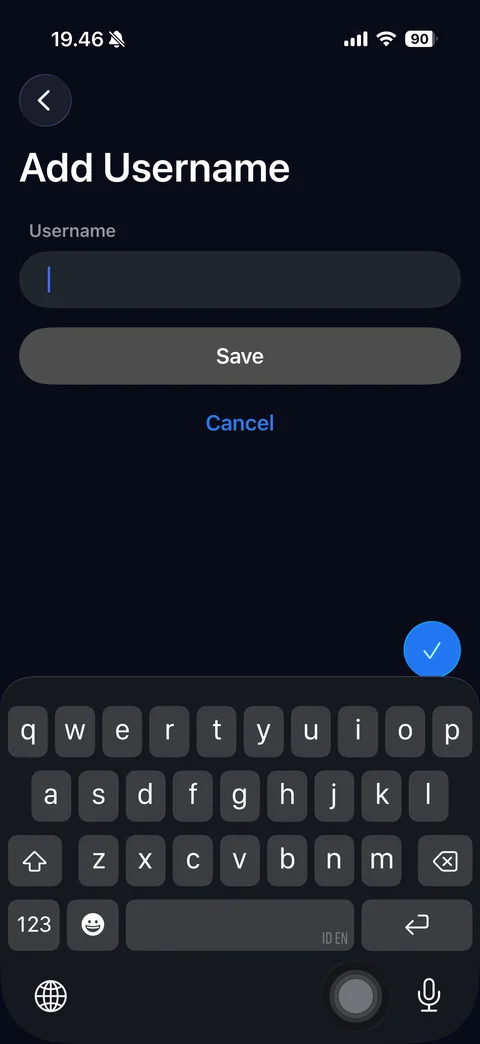
    Manage Account: name, username, email, phone, password, delete account

  15. Speak settings: Add Username form: empty

    Add Username form: empty

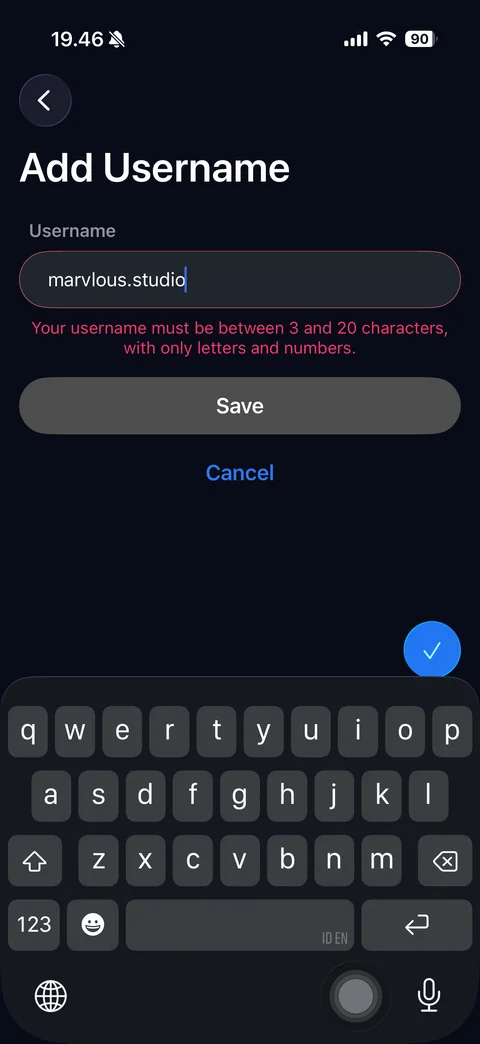
  16. Speak settings: Add Username validation error: only letters and numbers
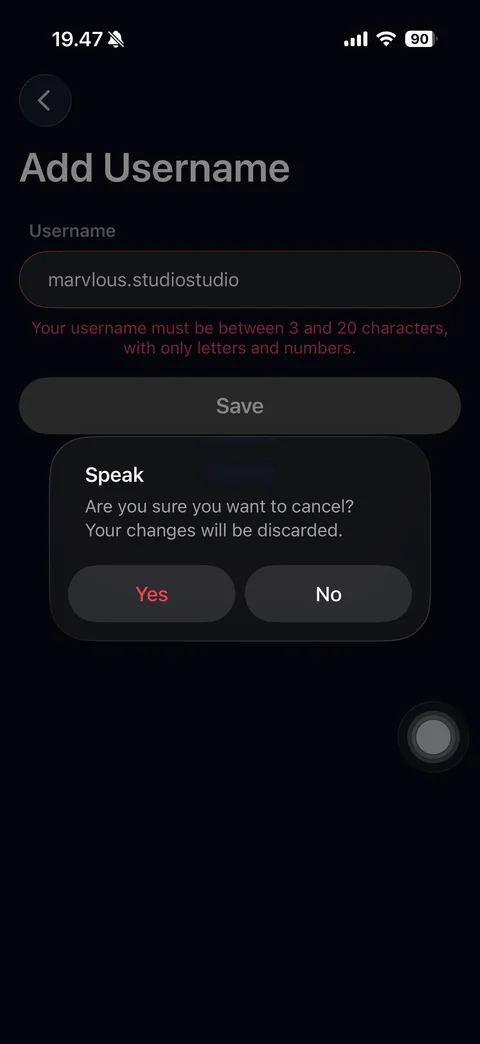
    Add Username validation error: only letters and numbers

  17. Speak settings: Cancel username confirmation: changes will be discarded

    Cancel username confirmation: changes will be discarded

Speak courses (6 screens)
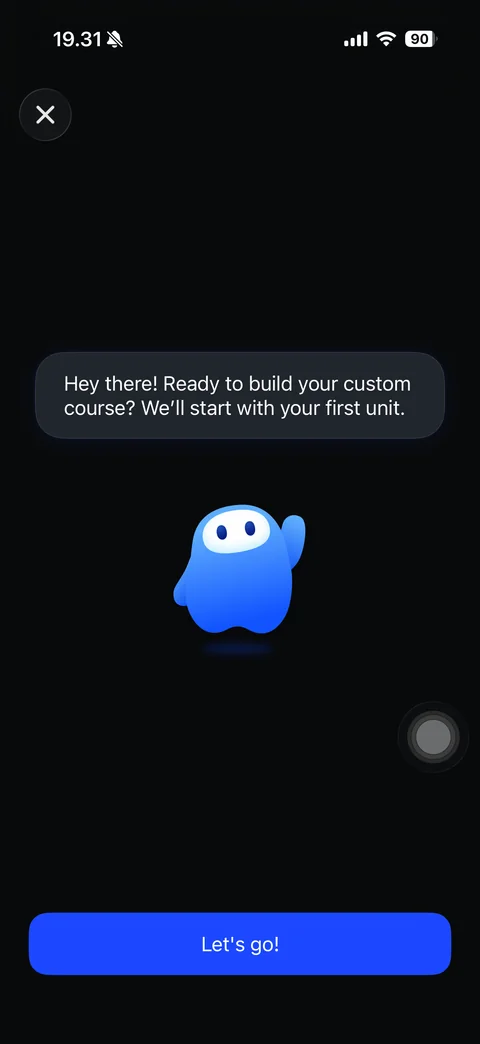
  1. Speak courses: Custom course builder intro: ready to build your custom course
    Custom course builder intro: ready to build your custom course

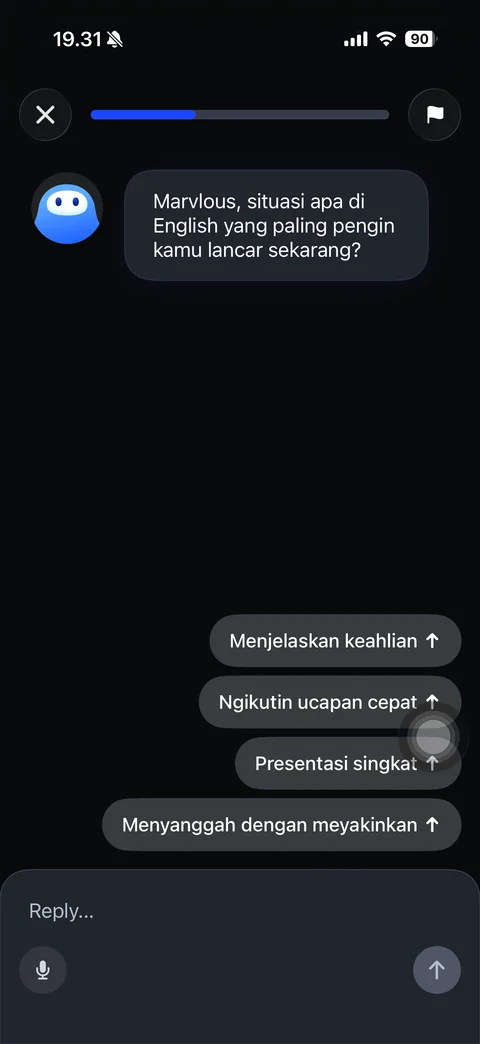
  2. Speak courses: Custom course question: which English situation do you want to master
    Custom course question: which English situation do you want to master

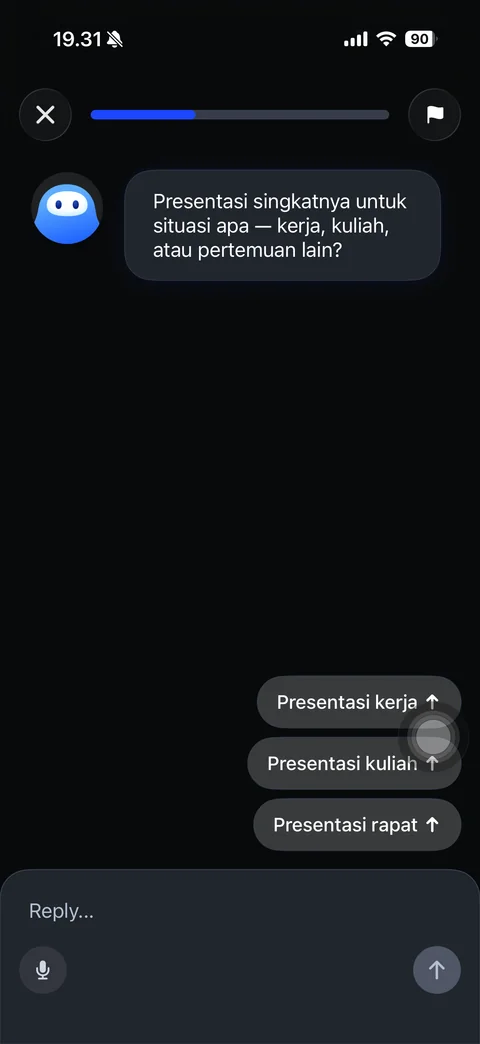
  3. Speak courses: Follow-up: presentation for work, study or meeting
    Follow-up: presentation for work, study or meeting

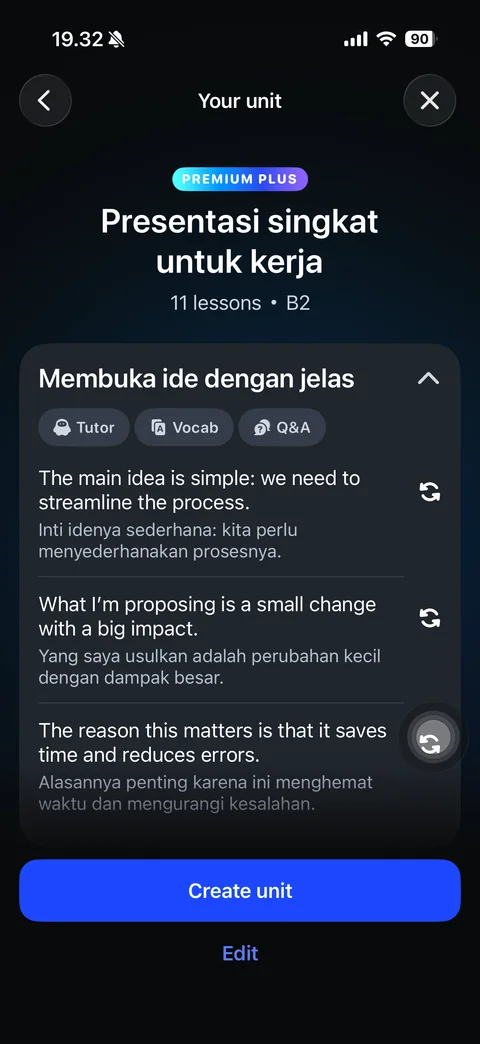
  4. Speak courses: Your unit: premium plus, presentation for work, 11 lessons B2, generated lines
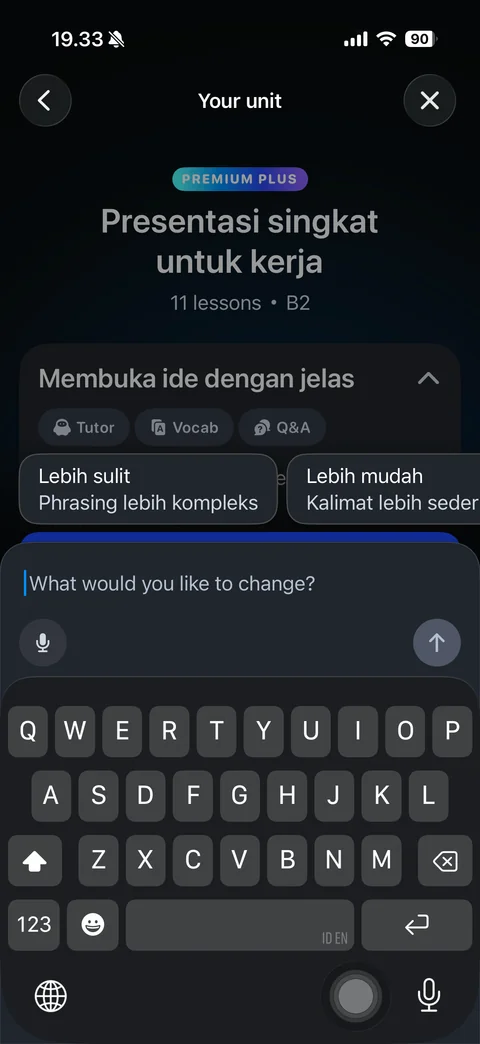
    Your unit: premium plus, presentation for work, 11 lessons B2, generated lines

  5. Speak courses: Edit unit: what would you like to change, difficulty chips
    Edit unit: what would you like to change, difficulty chips

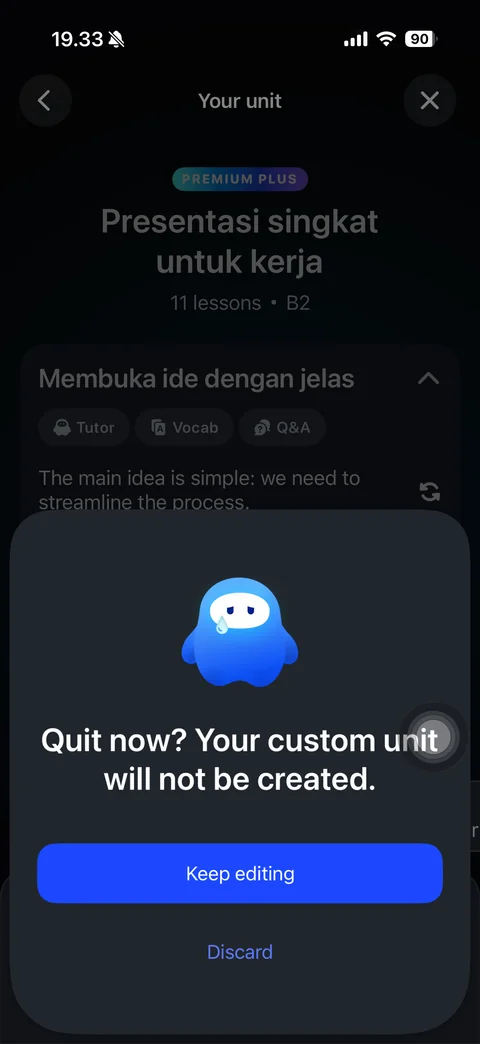
  6. Speak courses: Quit confirmation: custom unit will not be created

    Quit confirmation: custom unit will not be created

Compare the Speak paywall with other top apps

More app designs

See all apps