Supernova AI Spoken English app design: 39 real screens in 4 flows
AI-Powered English Learning. Category: Education. By L8 CONES INTERACTIVE PRIVATE LIMITED.
Captured on iPhone and updated November 2026. Each screen has a short note on what it shows and why it matters for growth.
Supernova AI Spoken English onboarding (13 screens)
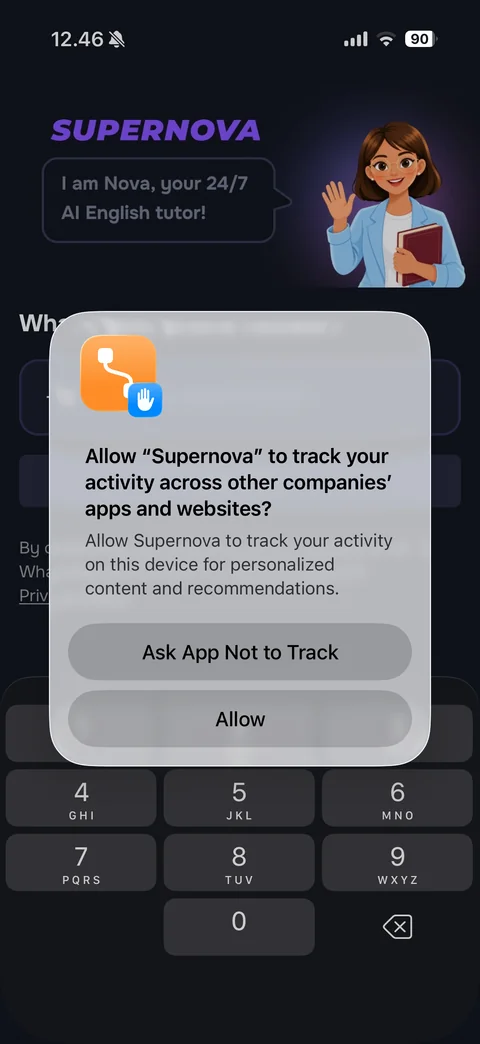
iOS App Tracking Transparency alert over the phone number welcome screen: Allow Supernova to track your activity, personalized content reason, Ask App Not to Track and Allow buttons
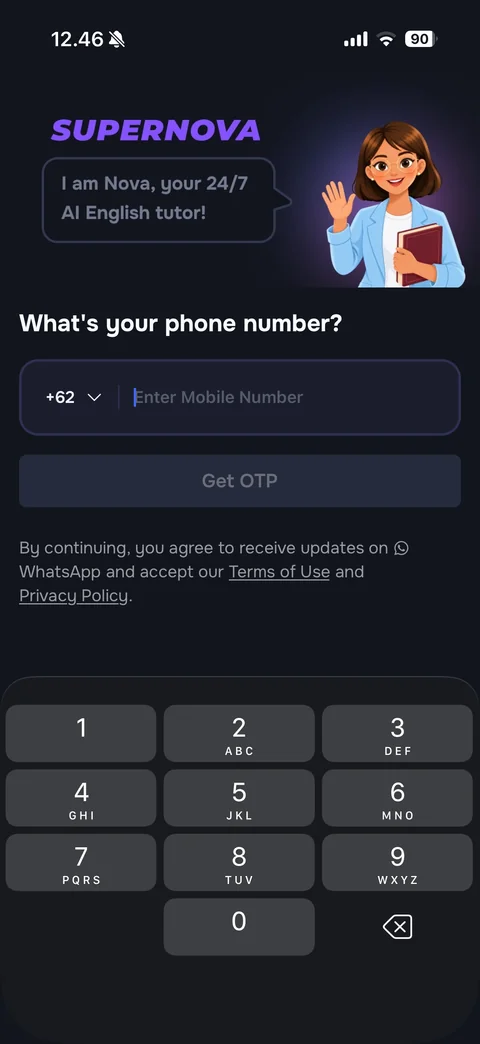
Phone sign-up (dark): purple SUPERNOVA wordmark, waving illustrated tutor Nova with speech bubble I am Nova, your 24/7 AI English tutor!, What's your phone number?, field with +62 country code dropdown and placeholder, disabled Get OTP button, WhatsApp updates consent with terms links, number pad
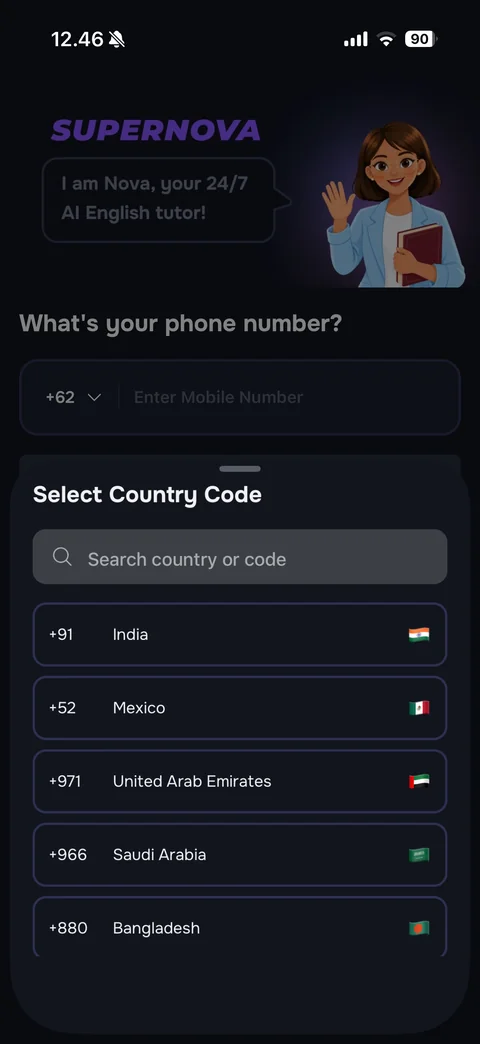
Select Country Code bottom sheet (dark): grabber, title, search country or code field, outlined rows with dialing code, country name and flag (India, Mexico, United Arab Emirates, Saudi Arabia, Bangladesh)
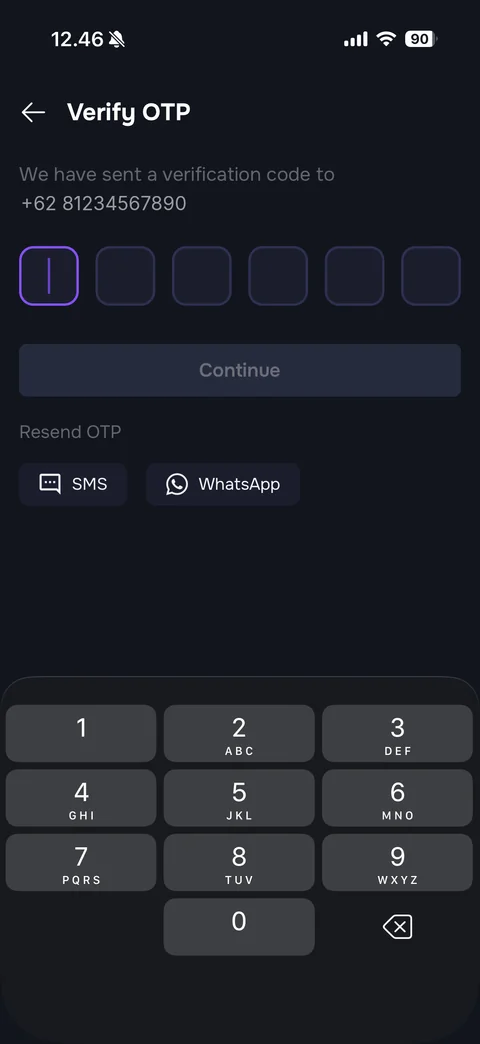
Verify OTP (dark): back arrow and title, We have sent a verification code to with phone number (sample), six rounded OTP boxes with the first focused in purple, disabled Continue button, Resend OTP with SMS and WhatsApp pills, dark number pad
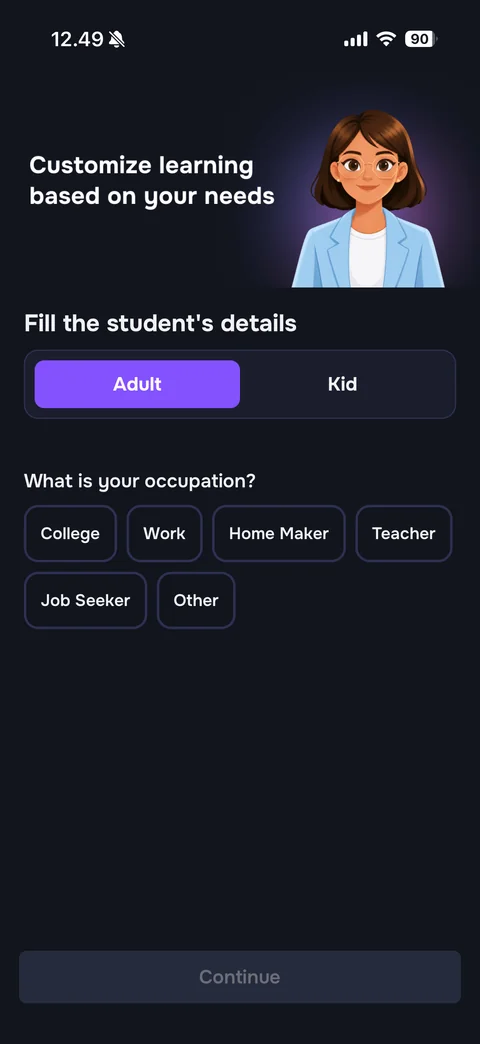
Student details step (dark): Customize learning based on your needs with illustrated female tutor in a light blue blazer on a purple glow, Fill the student's details, Adult / Kid segmented control with Adult in purple, What is your occupation? outlined chip options (College, Work, Home Maker, Teacher, Job Seeker, Other), disabled Continue
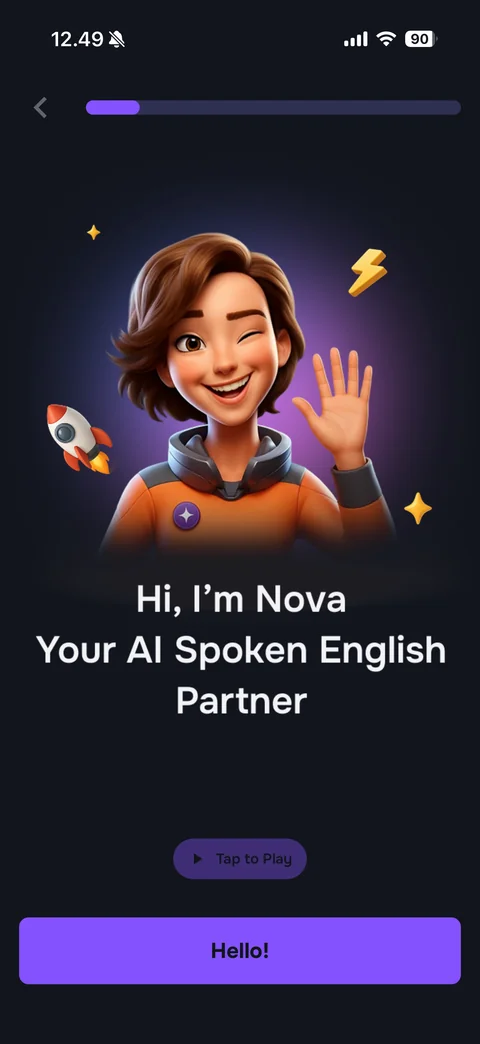
Nova intro (dark): back and purple progress bar, 3D winking tutor character Nova in an orange jacket waving, with rocket, lightning and sparkle icons on a purple glow, Hi, I'm Nova Your AI Spoken English Partner, Tap to Play audio pill, purple Hello! button
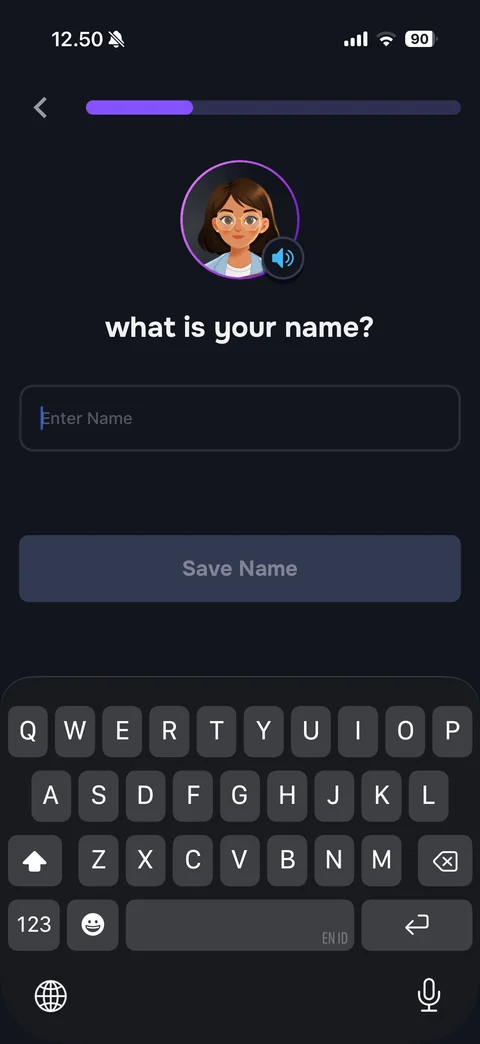
Name step (dark): progress bar, round tutor avatar with purple ring and speaker badge, what is your name?, rounded Enter Name field focused, disabled Save Name button, dark keyboard
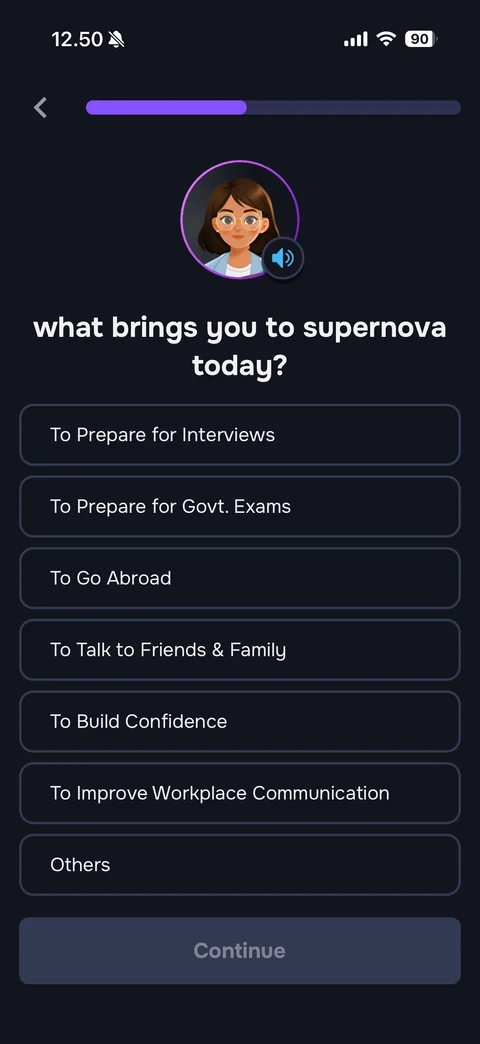
Goal step (dark): progress bar, tutor avatar, what brings you to supernova today?, outlined option rows (Prepare for Interviews, Govt. Exams, Go Abroad, Talk to Friends & Family, Build Confidence, Improve Workplace Communication, Others), disabled Continue
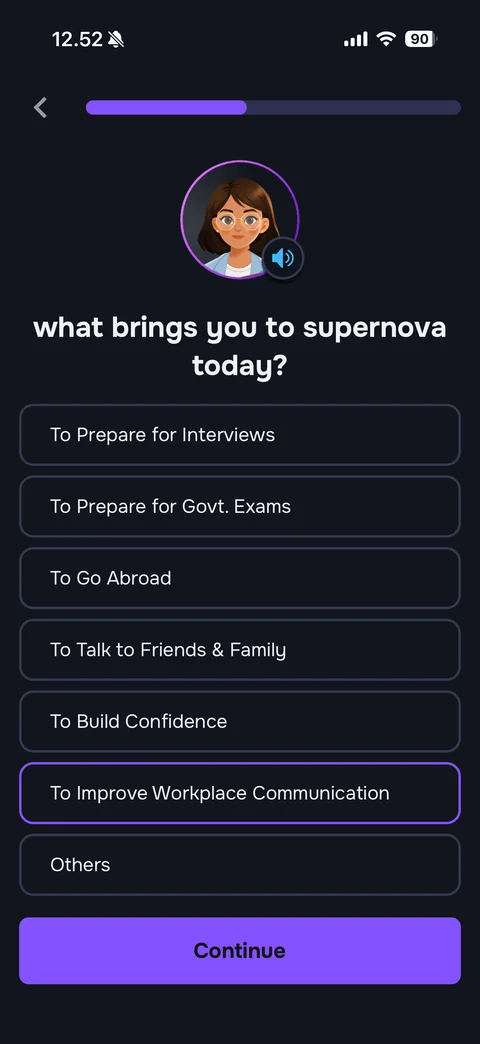
Goal step with selection: To Improve Workplace Communication outlined in purple, Continue button now active purple
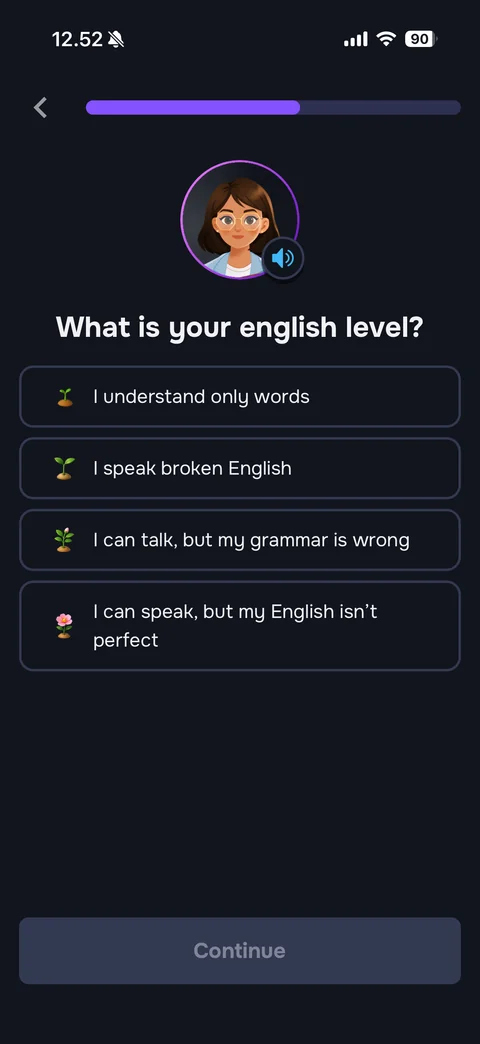
English level step (dark): progress bar, tutor avatar, What is your english level?, option rows with growing plant emojis (I understand only words, I speak broken English, I can talk but my grammar is wrong, I can speak but my English isn't perfect), disabled Continue
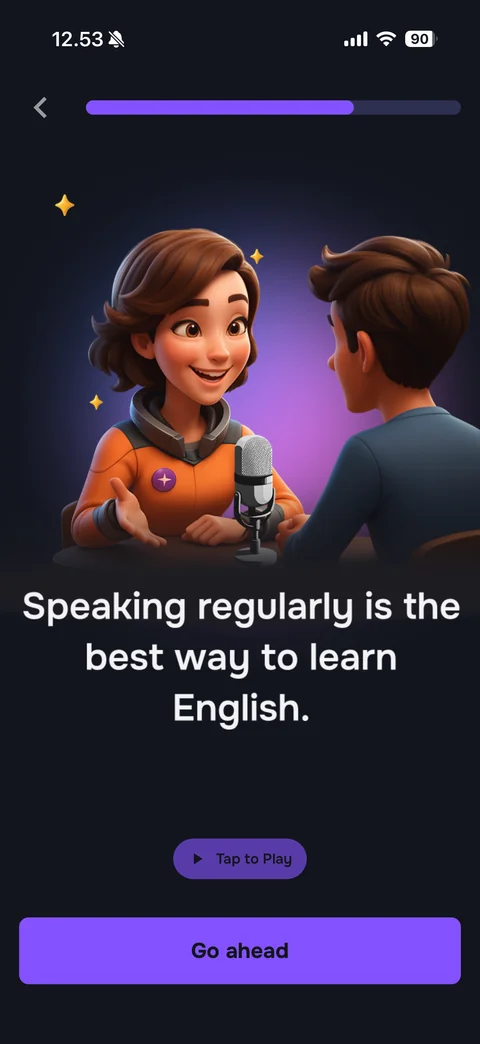
Motivation interstitial (dark): progress bar, 3D scene of Nova talking into a studio microphone with a learner seen from behind, sparkles on a purple glow, Speaking regularly is the best way to learn English., Tap to Play pill, purple Go ahead button
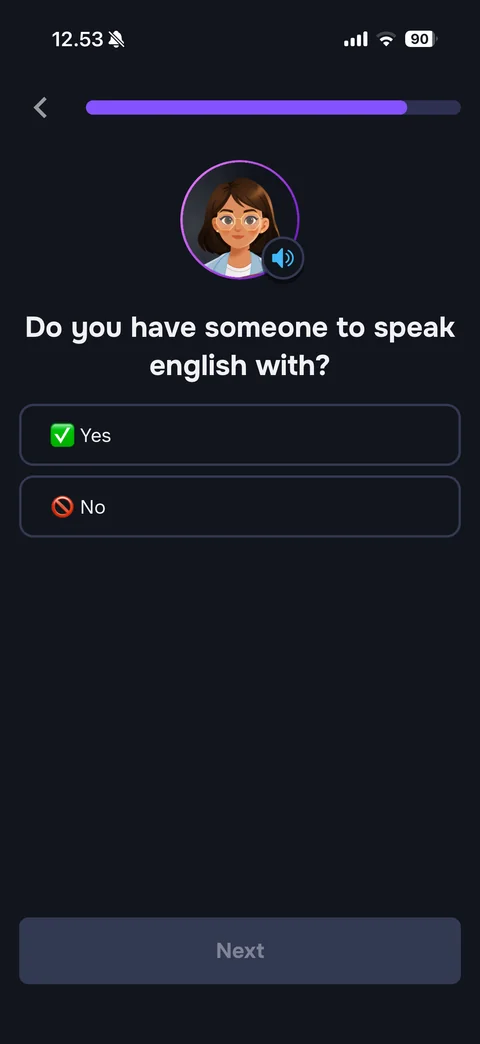
Speaking partner question (dark): progress bar near full, tutor avatar, Do you have someone to speak english with?, Yes with green check emoji and No with prohibited emoji option rows, disabled Next
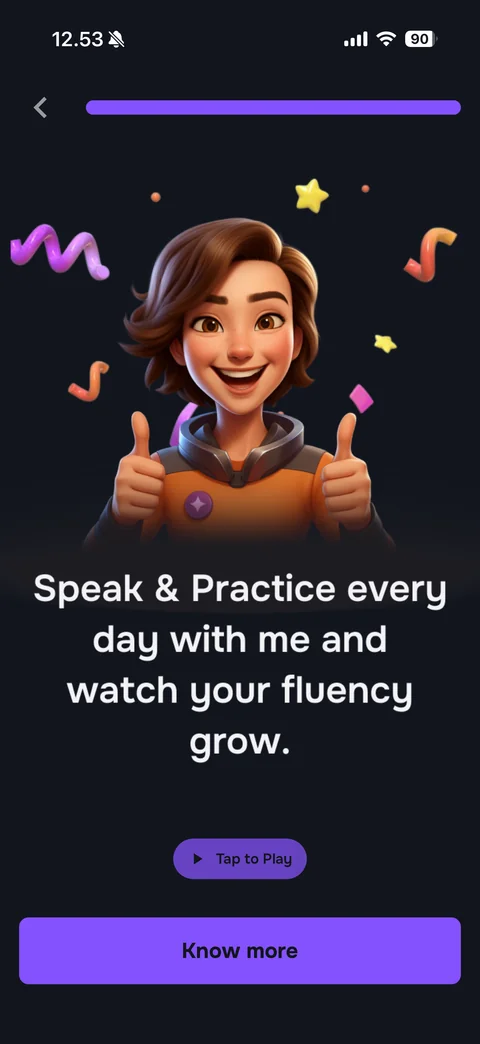
Onboarding finale (dark): full progress bar, 3D Nova giving two thumbs up with confetti squiggles and stars, Speak & Practice every day with me and watch your fluency grow., Tap to Play pill, purple Know more button
Supernova AI Spoken English paywall (5 screens)
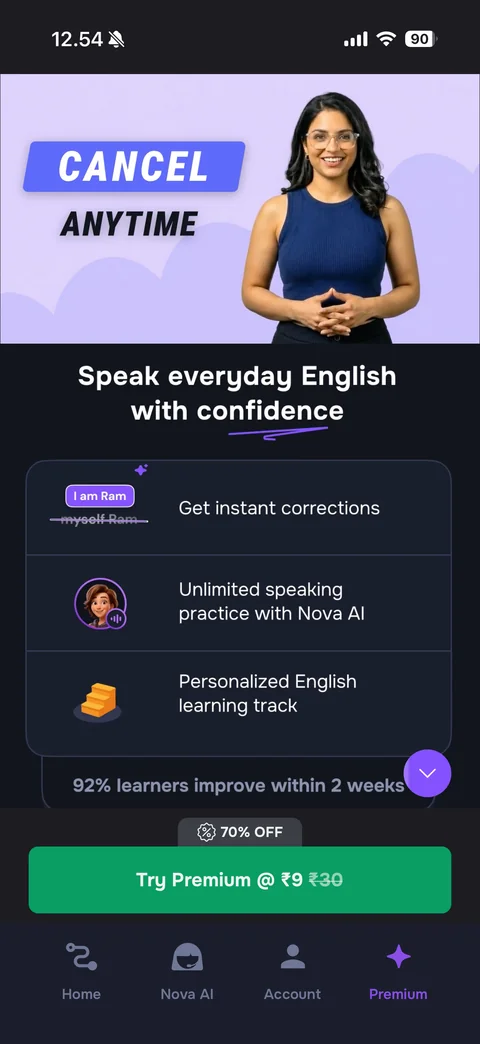
Premium tab paywall (dark): lilac hero with bold ONLY ₹5 FOR 3 DAYS badge and smiling presenter photo, Speak everyday English with confidence with underline swoosh, feature card list (instant corrections with I am Ram / myself Ram example, unlimited speaking practice with Nova AI, personalized learning track) with icons, 92% learners improve within 2 weeks, purple scroll-down button, 70% OFF pill, green Try Premium @ ₹9 with struck-through ₹30, tab bar Home / Nova AI / Account / Premium
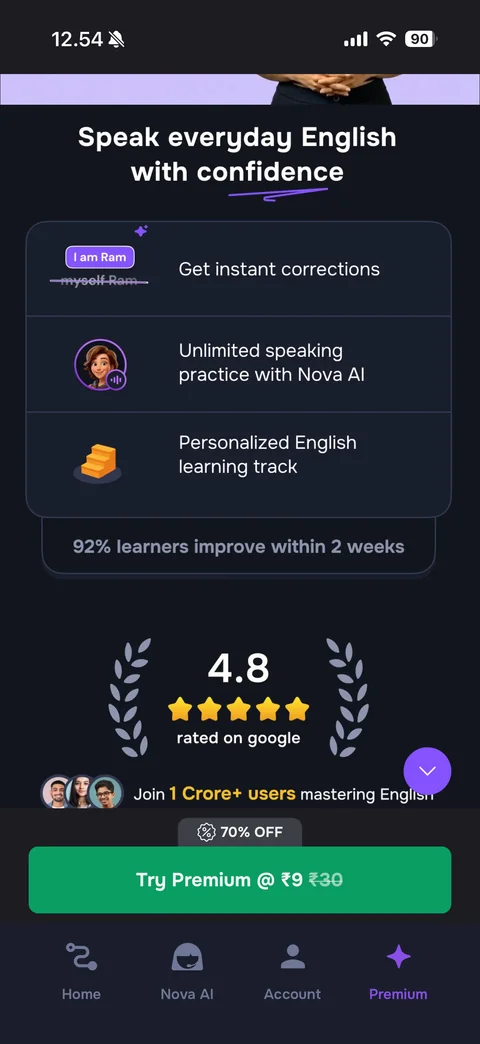
Premium paywall scrolled: feature card list, 92% learners improve within 2 weeks, laurel wreath rating badge 4.8 with five gold stars rated on google, small user avatar stack with Join 1 Crore+ users mastering English (gold highlight), sticky 70% OFF pill and green Try Premium @ ₹9 button
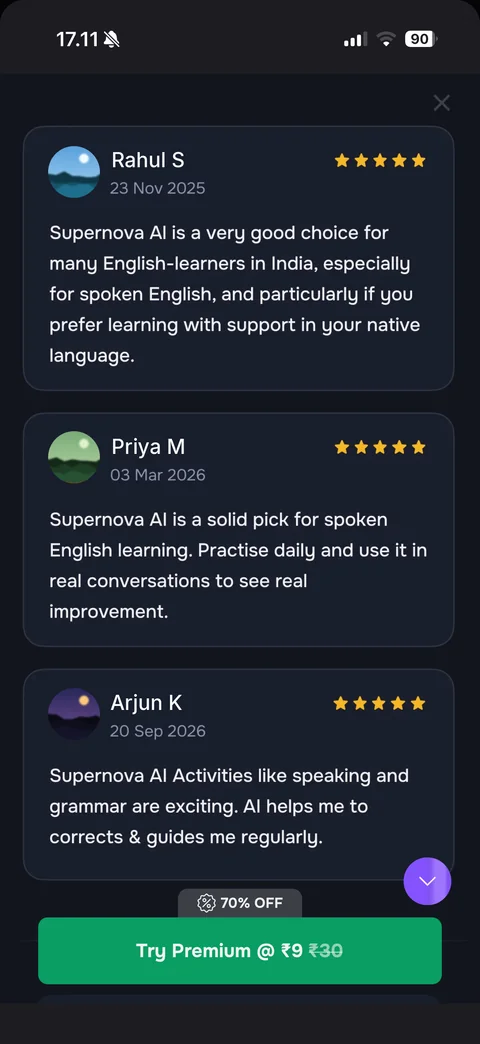
Premium paywall reviews section: close X, stacked dark review cards with round avatar (sample), reviewer name and date, five gold stars and review text, sticky 70% OFF pill and green Try Premium @ ₹9 button, purple scroll-down button
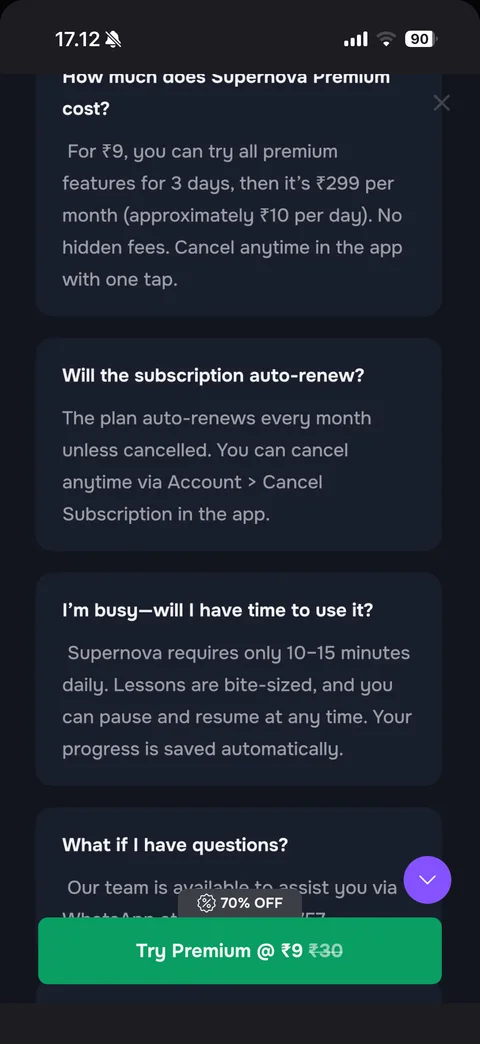
Premium paywall FAQ section: dark FAQ cards with bold questions and grey answers (How much does Supernova Premium cost? with ₹9 for 3 days then ₹299 per month, Will the subscription auto-renew?, I'm busy - will I have time to use it?, What if I have questions?), sticky 70% OFF pill and green Try Premium button
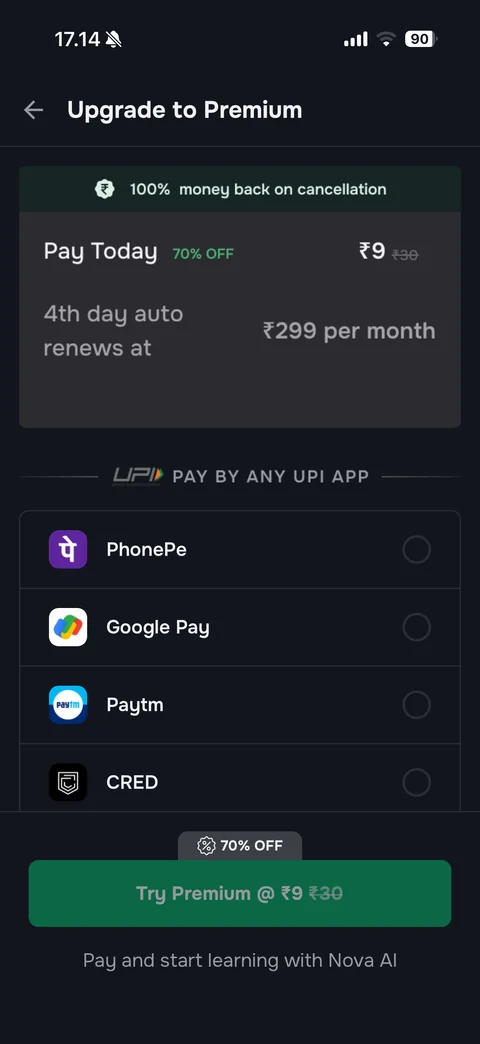
Upgrade to Premium checkout (dark): back and title, summary card with green 100% money back on cancellation banner, Pay Today ₹9 with green 70% OFF and struck ₹30, 4th day auto renews at ₹299 per month, UPI PAY BY ANY UPI APP divider, payment method list with app logos and radio buttons (PhonePe, Google Pay, Paytm, CRED), disabled green Try Premium @ ₹9, Pay and start learning with Nova AI
Supernova AI Spoken English app (7 screens)
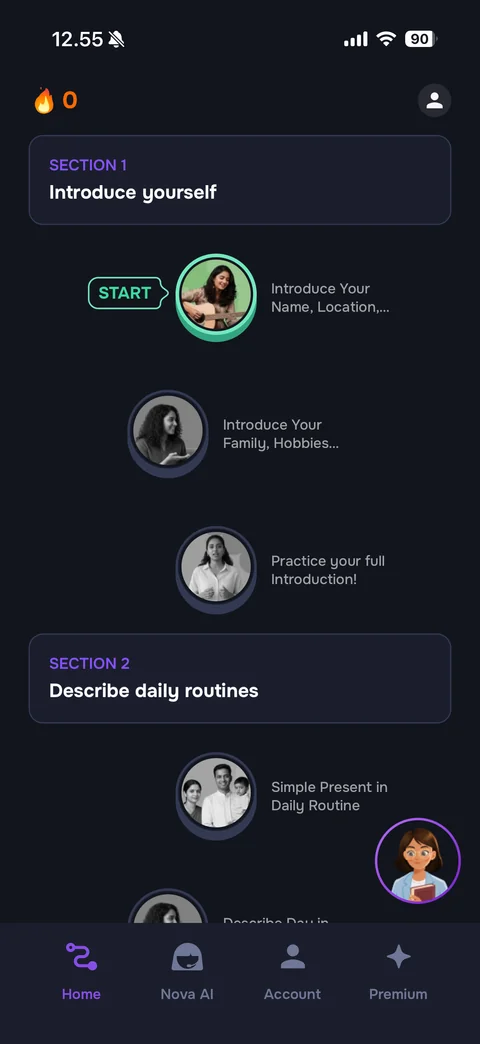
Home learning path (dark): flame streak 0 and profile button, Section 1 Introduce yourself header card, zig-zag path of round lesson photo nodes (first in color with green ring and START tag, later ones greyscale) with lesson titles, Section 2 Describe daily routines card, floating round tutor avatar button, tab bar Home / Nova AI / Account / Premium
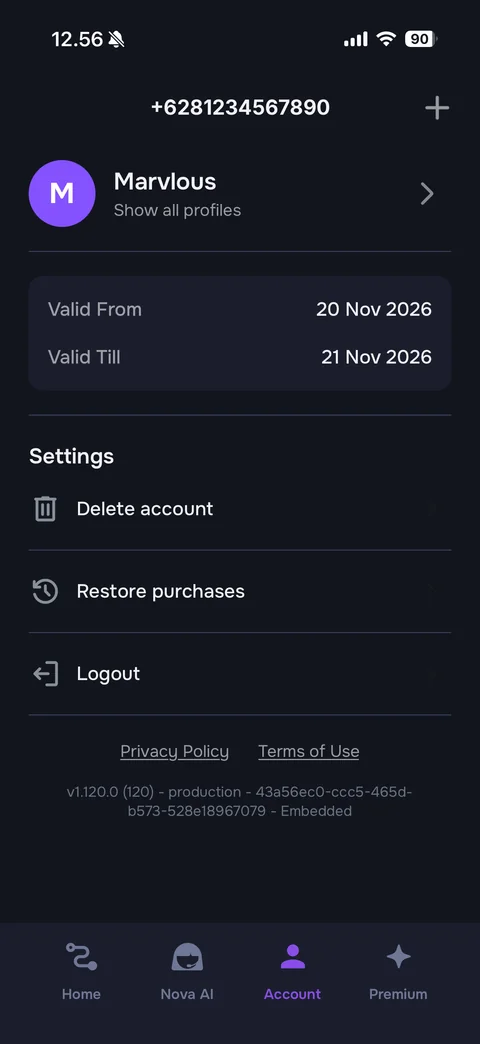
Account tab (dark): phone number title (sample) with plus button, purple M avatar with profile name Marvlous and Show all profiles, card with Valid From and Valid Till dates, Settings list with line icons (Delete account, Restore purchases, Logout), Privacy Policy and Terms of Use links, app version and build id, tab bar
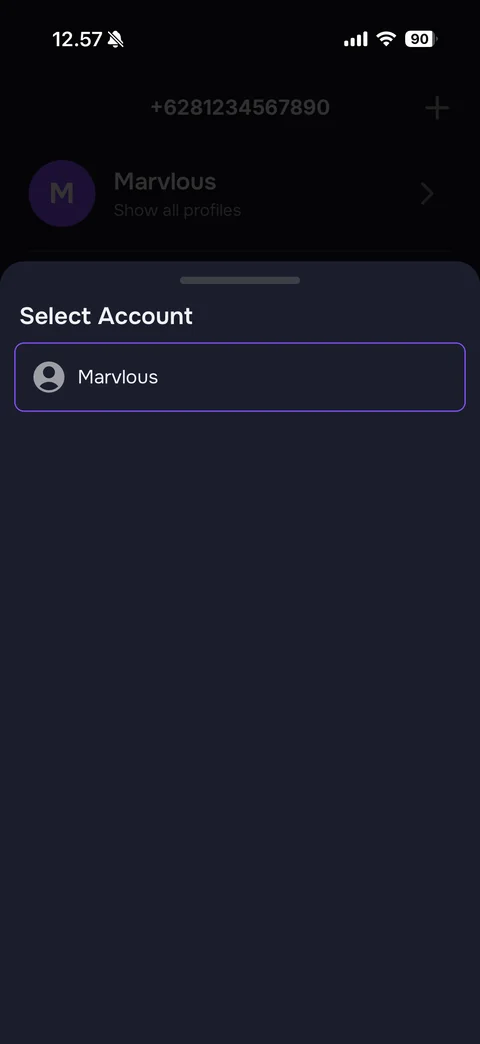
Select Account bottom sheet (dark): grabber, title, single profile row Marvlous with person icon and purple outline, dimmed account page behind (sample phone number)
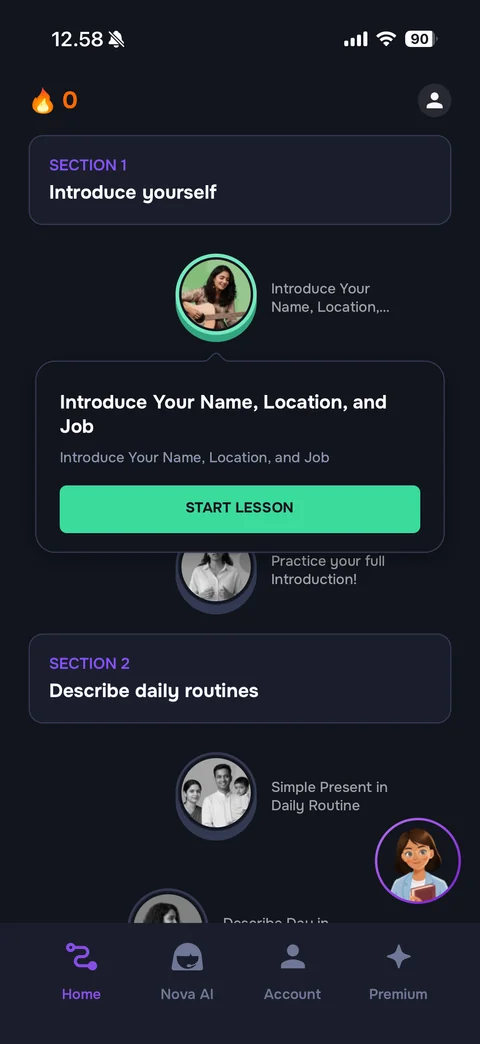
Lesson popover on the learning path: callout card under the first node with lesson title Introduce Your Name, Location, and Job, subtitle, mint green START LESSON button
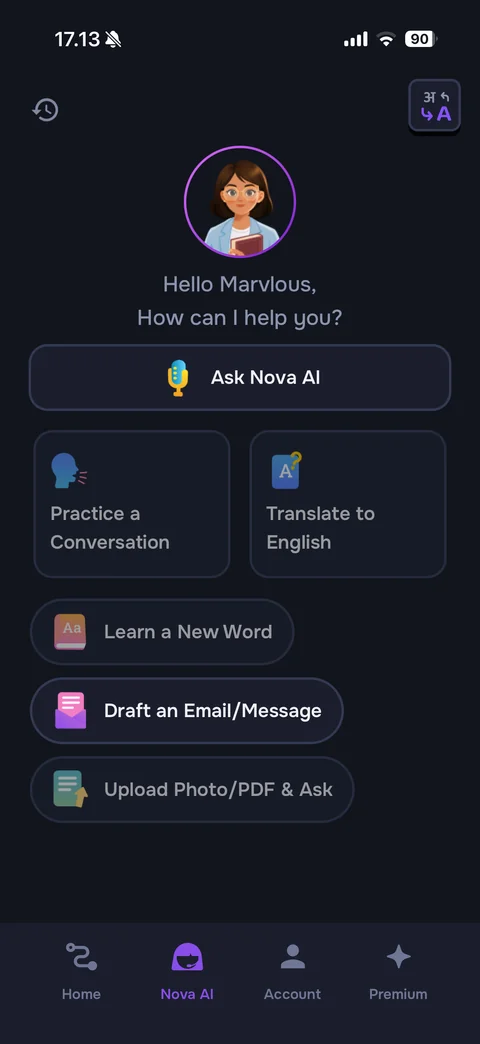
Nova AI tab home (dark): history and translate-language buttons, round tutor avatar with purple ring, Hello Marvlous, How can I help you?, wide Ask Nova AI button with microphone emoji, tiles Practice a Conversation and Translate to English with 3D icons, pill actions Learn a New Word, Draft an Email/Message, Upload Photo/PDF & Ask, tab bar with Nova AI active
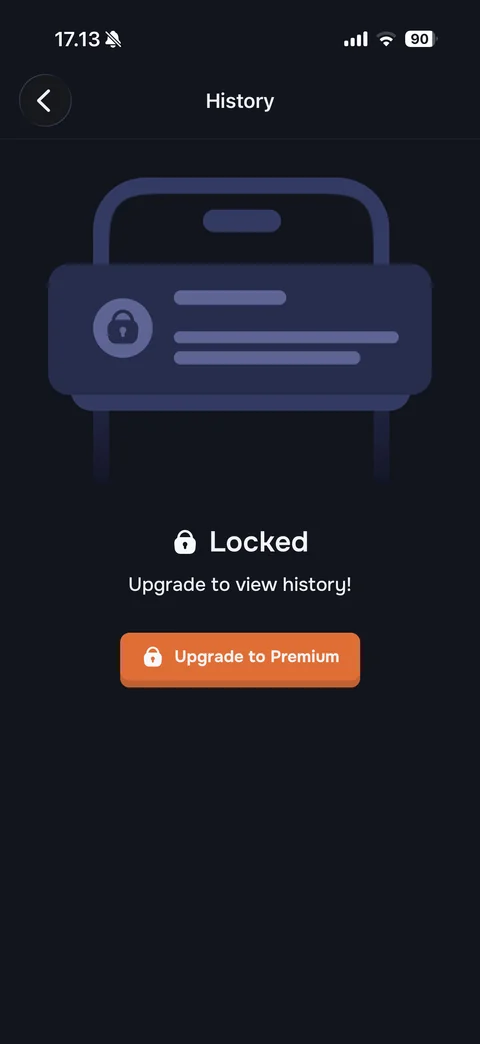
History locked state (dark): back, title, illustration of a phone outline with a padlock notification card, lock icon Locked, Upgrade to view history!, orange Upgrade to Premium button with lock
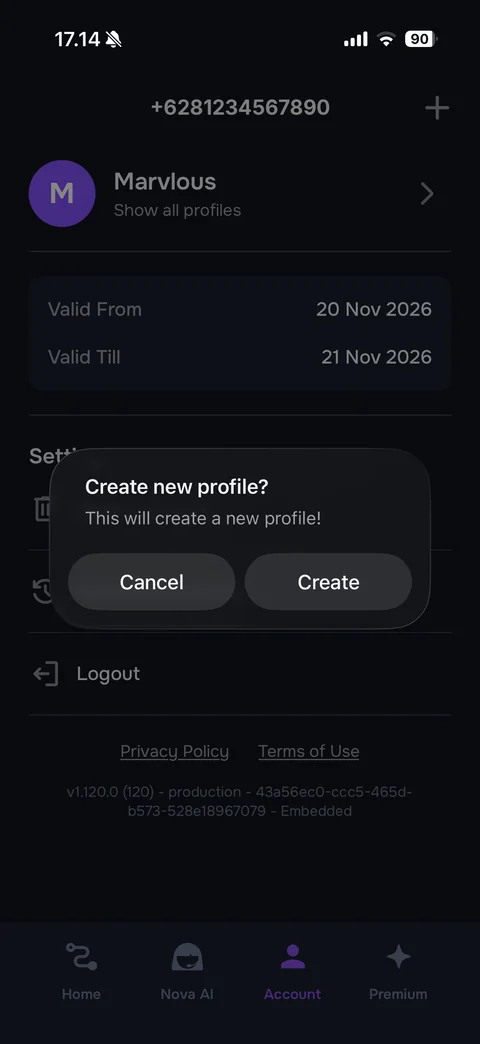
Create new profile alert: glassy dark dialog Create new profile? This will create a new profile!, Cancel and Create buttons over the dimmed account page (sample phone number)
Supernova AI Spoken English lesson (14 screens)
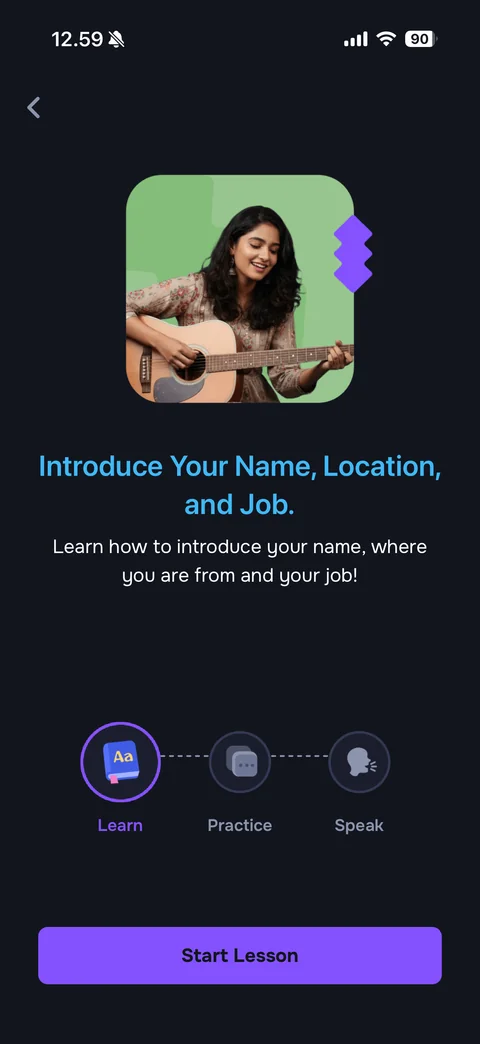
Lesson intro (dark): back, rounded lesson photo with purple zigzag accent, cyan title Introduce Your Name, Location, and Job., white description, three-step stepper Learn (active, purple ring, book icon), Practice, Speak connected by dashed lines, purple Start Lesson button
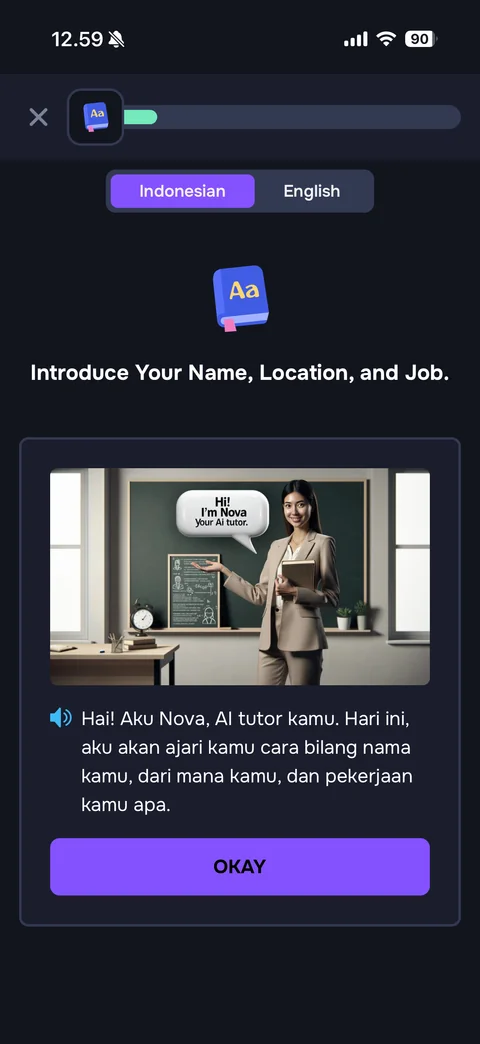
Learn step card (dark): close, book icon progress bar with green fill, Indonesian / English language toggle, book emoji and lesson title, card with illustrated classroom image of a teacher with speech bubble Hi! I'm Nova your AI tutor, speaker icon with Indonesian explanation text, purple OKAY button
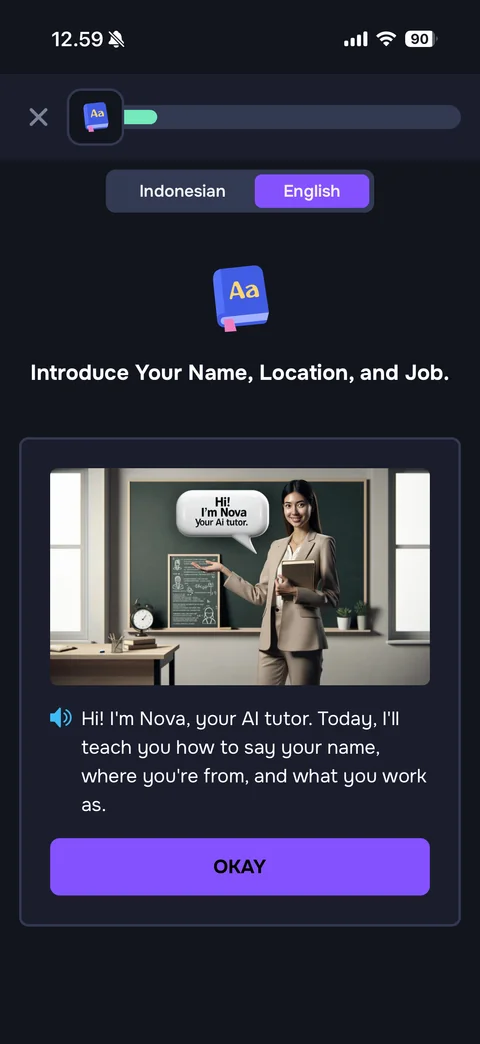
Learn step card in English: language toggle switched to English, same classroom card with the explanation now in English, OKAY button
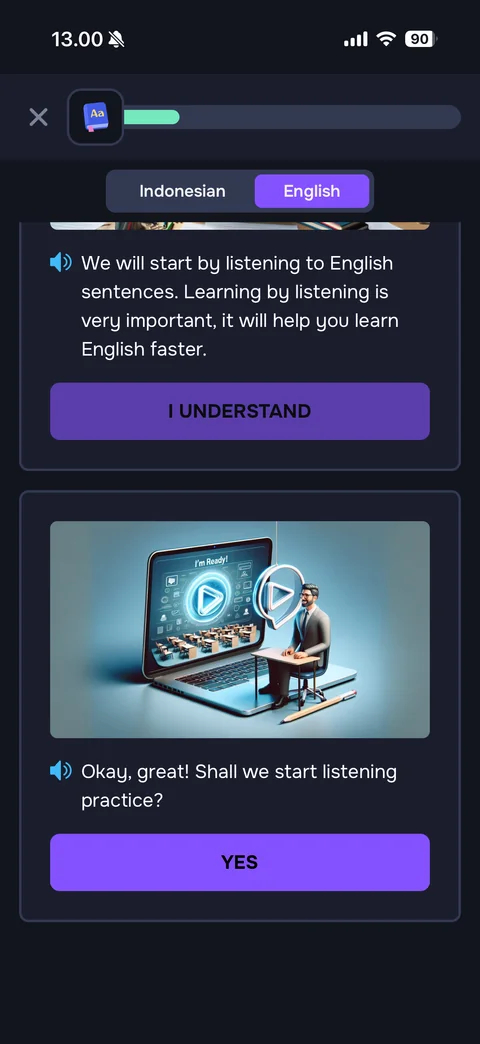
Learn feed stacked cards: previous card with I UNDERSTAND button dimmed, new card with 3D laptop and tutor illustration and I'm Ready! label, speaker icon text Okay, great! Shall we start listening practice?, purple YES button
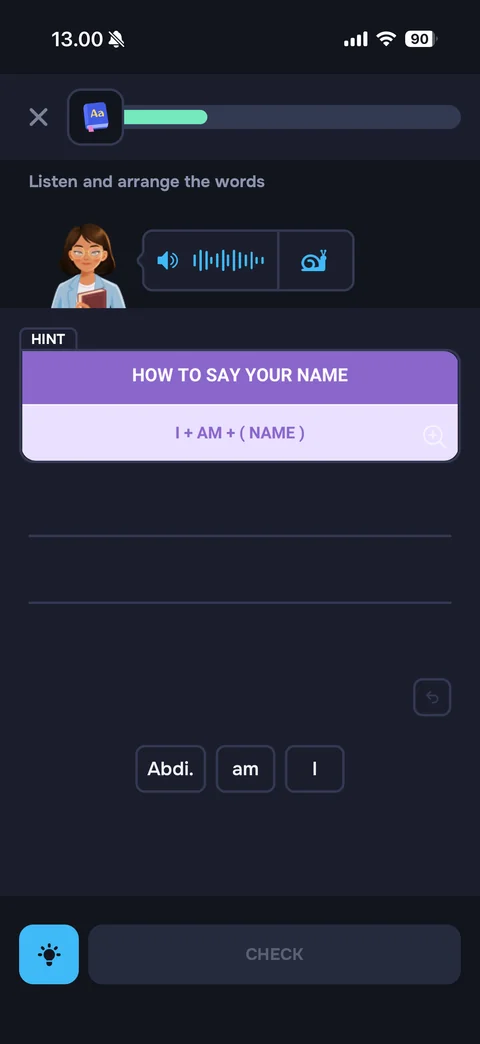
Listen and arrange exercise with coach mark: dimmed overlay, tutor with audio waveform bubble and slow (snail) button, HINT card How to say your name with formula I + AM + (NAME), empty answer lines, tooltip Tap on the Word to make a sentence pointing at word chips (Abdi., am, I), undo, lightbulb and disabled CHECK
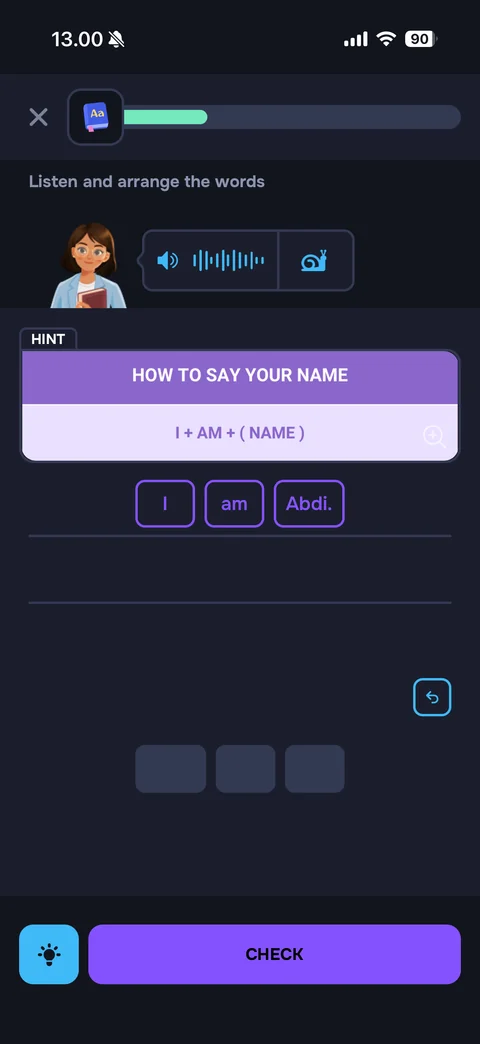
Arrange exercise filled: words I am Abdi. placed on the answer line as purple-outlined chips, empty grey placeholders in the word bank, undo button, lightbulb and active purple CHECK button
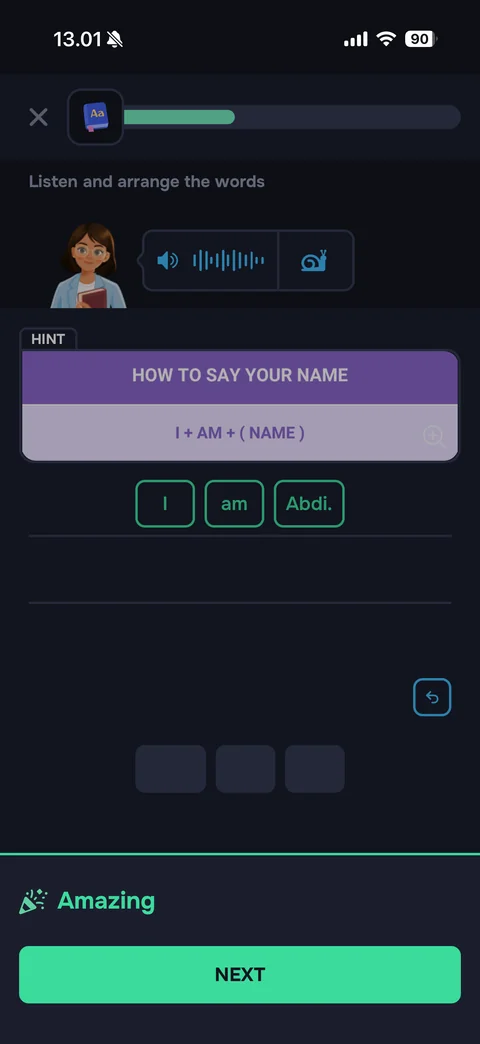
Correct answer feedback: answer chips turn green, progress bar advances, bottom sheet with party popper icon Amazing in green and mint NEXT button
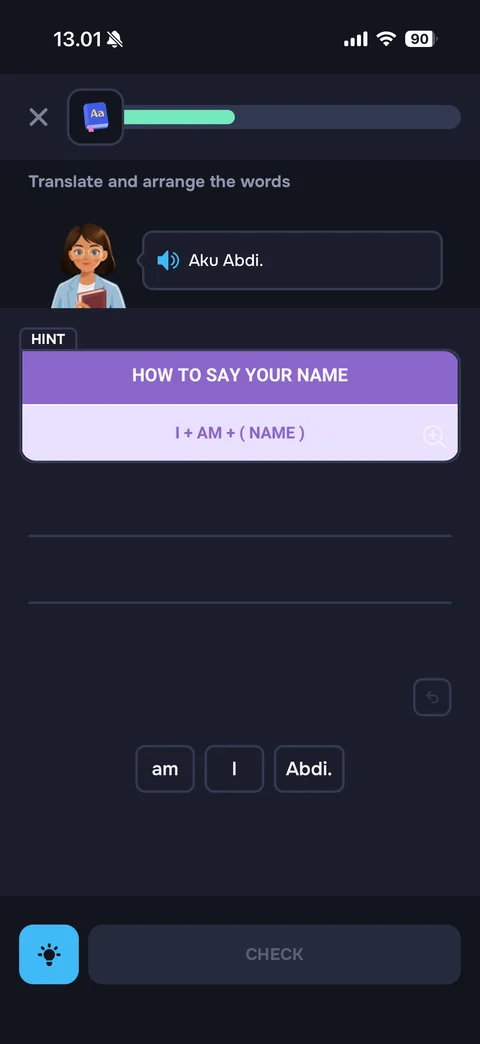
Translate and arrange exercise: tutor with Indonesian prompt bubble Aku Abdi. and speaker icon, HINT formula card, empty answer lines, shuffled word chips (am, I, Abdi.), disabled CHECK
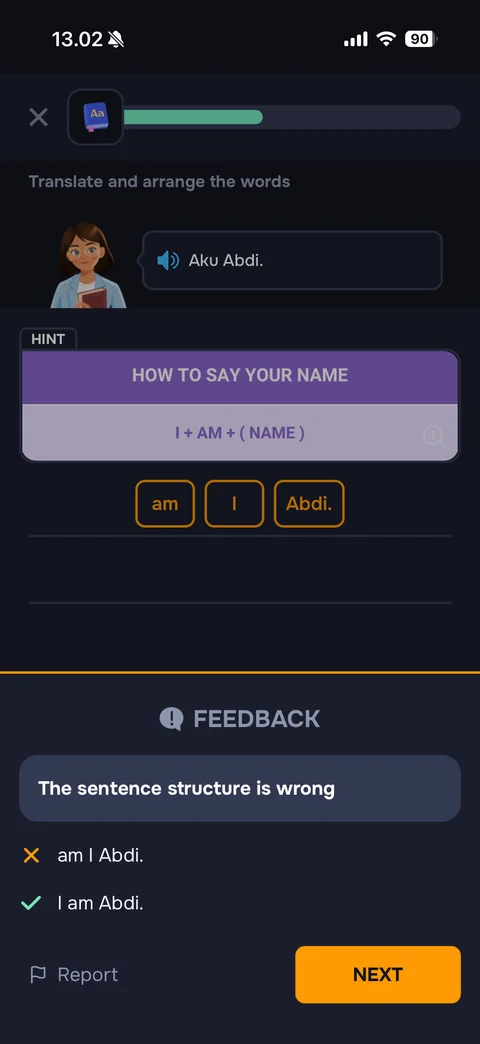
Wrong answer feedback: answer chips outlined in orange, bottom sheet with orange top border, FEEDBACK heading with alert icon, explanation The sentence structure is wrong, orange cross with the wrong sentence and green check with the correct sentence, Report link with flag, orange NEXT button
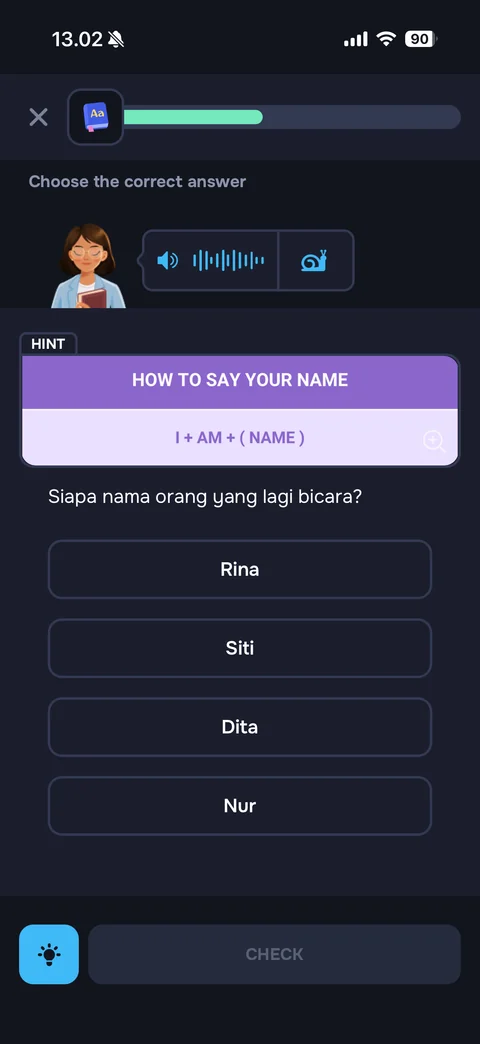
Choose the correct answer listening exercise: tutor with audio waveform and slow buttons, HINT formula card, Indonesian question Who is the person speaking?, four outlined name options (Rina, Siti, Dita, Nur), lightbulb and disabled CHECK
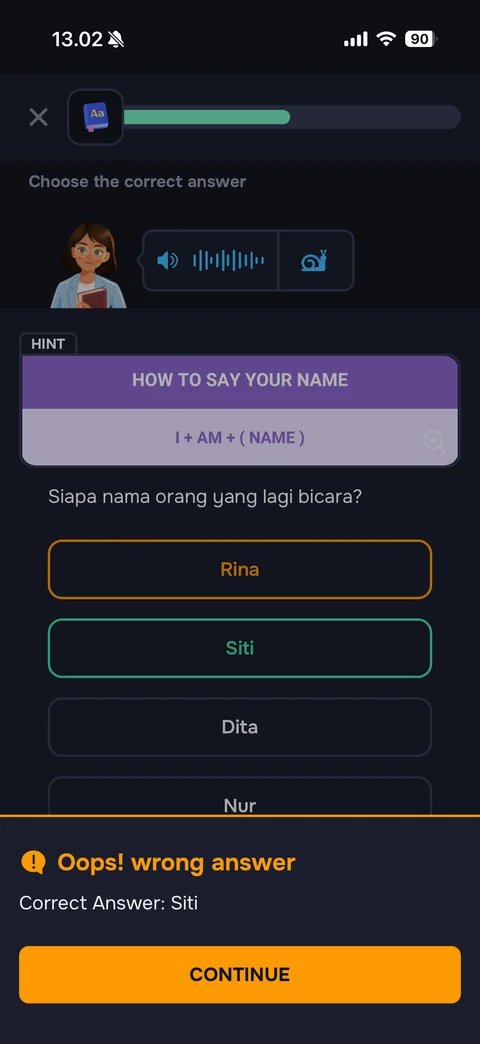
Multiple choice wrong answer: chosen option outlined in orange, correct option outlined in green, bottom sheet with orange alert icon Oops! wrong answer, Correct Answer: Siti, orange CONTINUE button
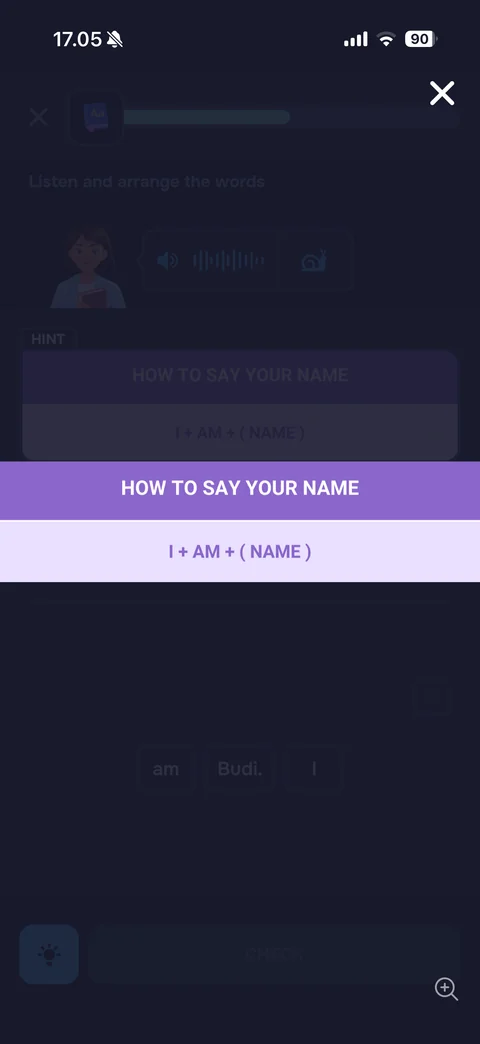
Expanded hint overlay: dimmed exercise behind, full-width hint card HOW TO SAY YOUR NAME with formula I + AM + (NAME) in the middle, white close X at top right, zoom icon at bottom right
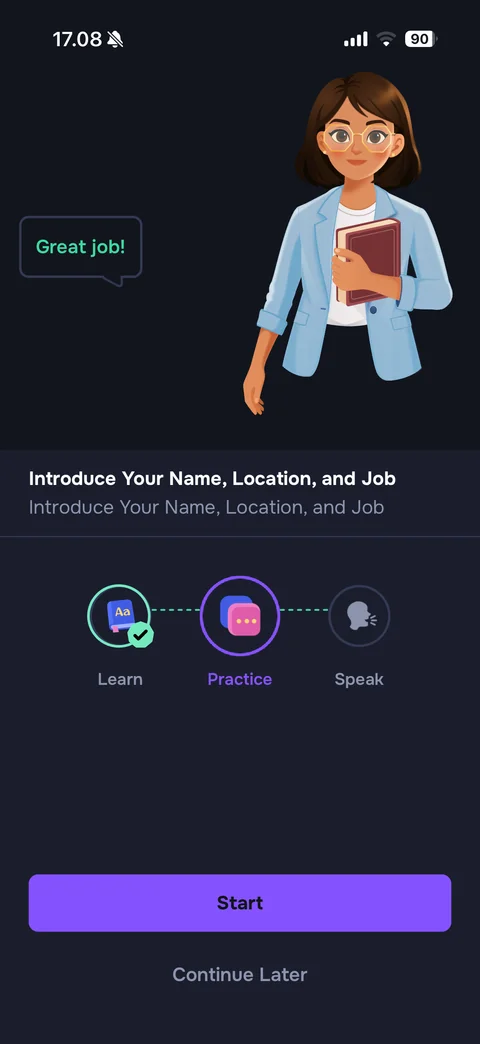
Step complete screen (dark): full-body illustrated tutor holding a book with Great job! speech bubble in green, lesson title and subtitle, stepper with Learn done (green check), Practice active (purple ring, chat icon), Speak next, purple Start button, Continue Later link
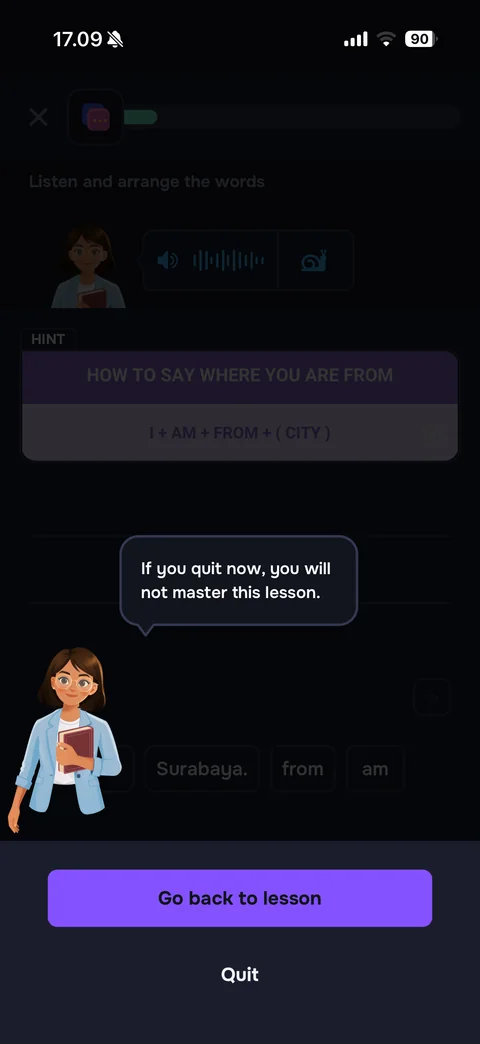
Quit lesson confirmation: dimmed exercise, illustrated tutor at bottom left with speech bubble If you quit now, you will not master this lesson., bottom sheet with purple Go back to lesson button and Quit link