Solvely app design: 80 real screens in 9 flows

. Category: Education. By Aignite Inc.

Captured on iPhone and updated November 2026. Each screen has a short note on what it shows and why it matters for growth.

Solvely onboarding (24 screens)
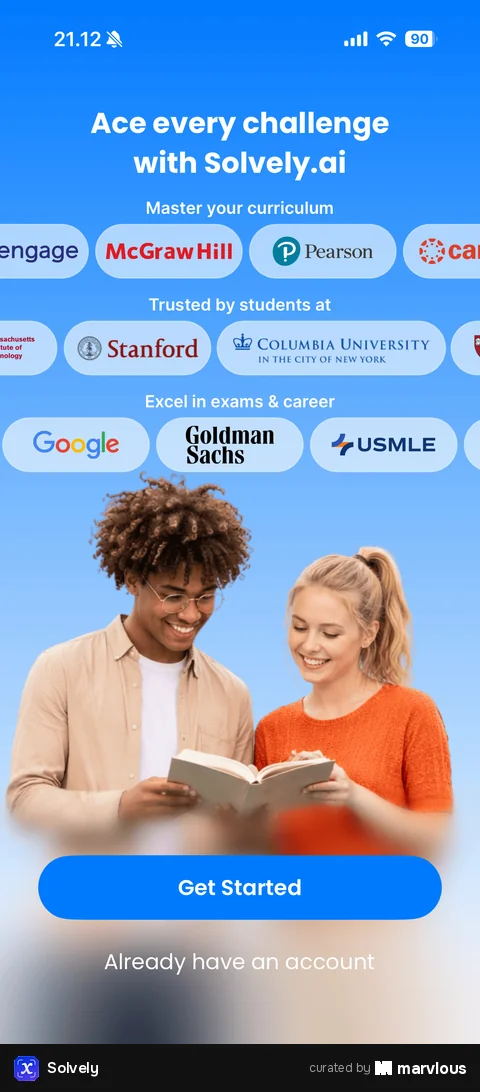
  1. Solvely onboarding: Welcome: Ace every challenge with Solvely.ai, schools and exams, Get Started or Already have an account
    Welcome: Ace every challenge with Solvely.ai, schools and exams, Get Started or Already have an account

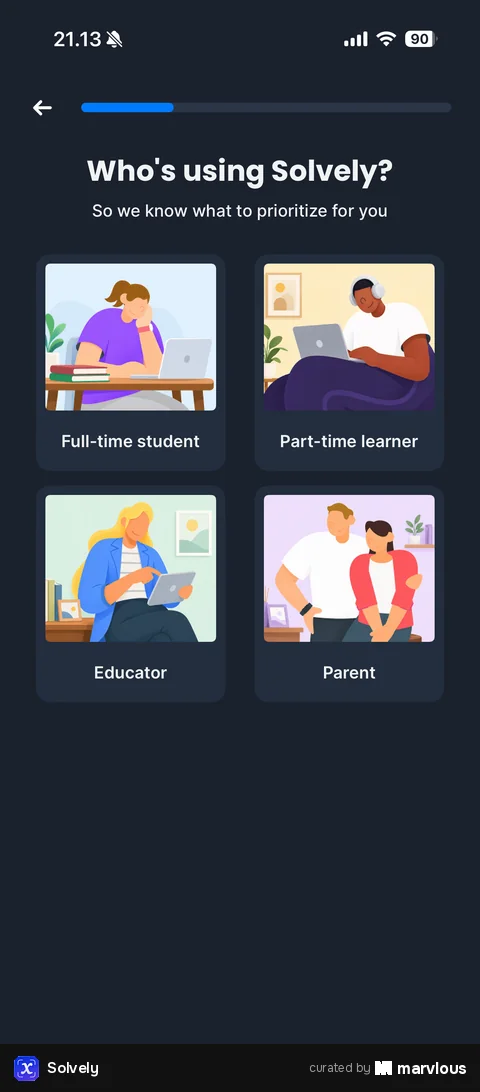
  2. Solvely onboarding: Who's using Solvely? Full-time student, Part-time learner, Educator, Parent
    Who's using Solvely? Full-time student, Part-time learner, Educator, Parent

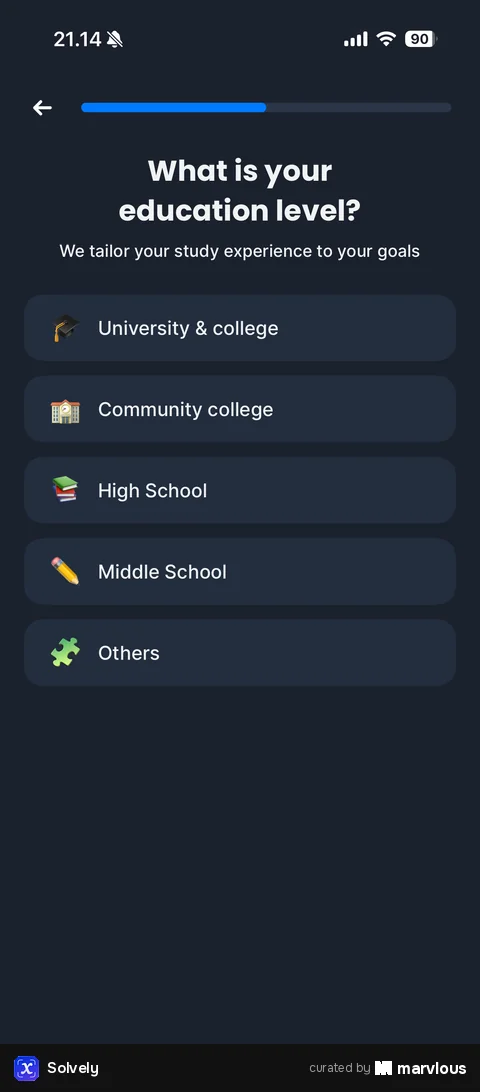
  3. Solvely onboarding: What is your education level? University and college, community college, high school, middle school, others
    What is your education level? University and college, community college, high school, middle school, others

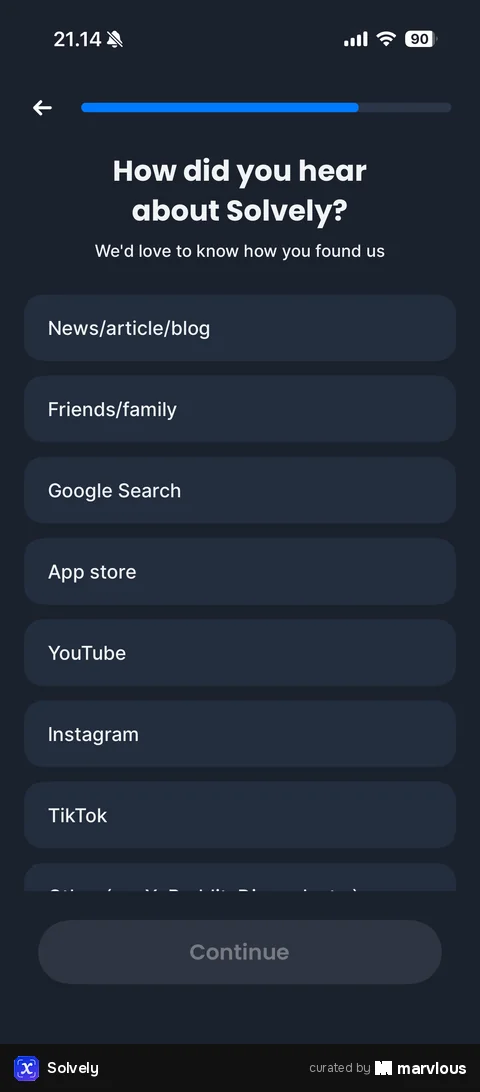
  4. Solvely onboarding: How did you hear about Solvely? News, friends, Google, App store, YouTube, Instagram, TikTok
    How did you hear about Solvely? News, friends, Google, App store, YouTube, Instagram, TikTok

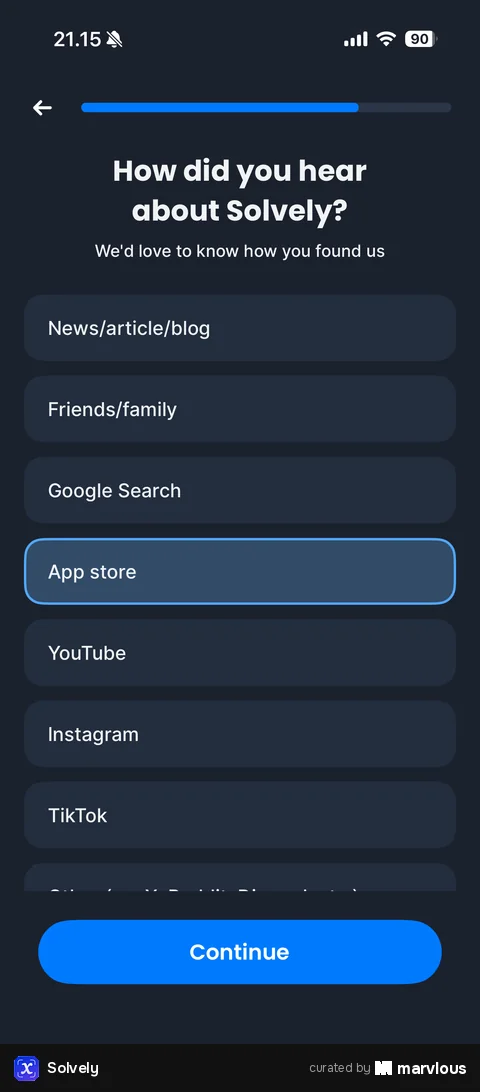
  5. Solvely onboarding: Source: App store selected, Continue active
    Source: App store selected, Continue active

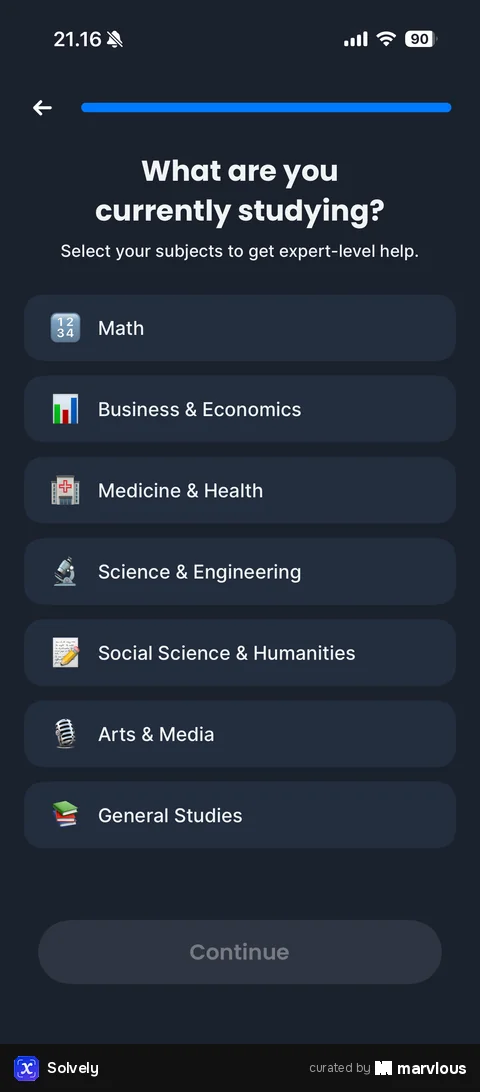
  6. Solvely onboarding: What are you currently studying? Math, Business, Medicine, Science and Engineering, Social Science, Arts and Media…

    What are you currently studying? Math, Business, Medicine, Science and Engineering, Social Science, Arts and Media, General Studies
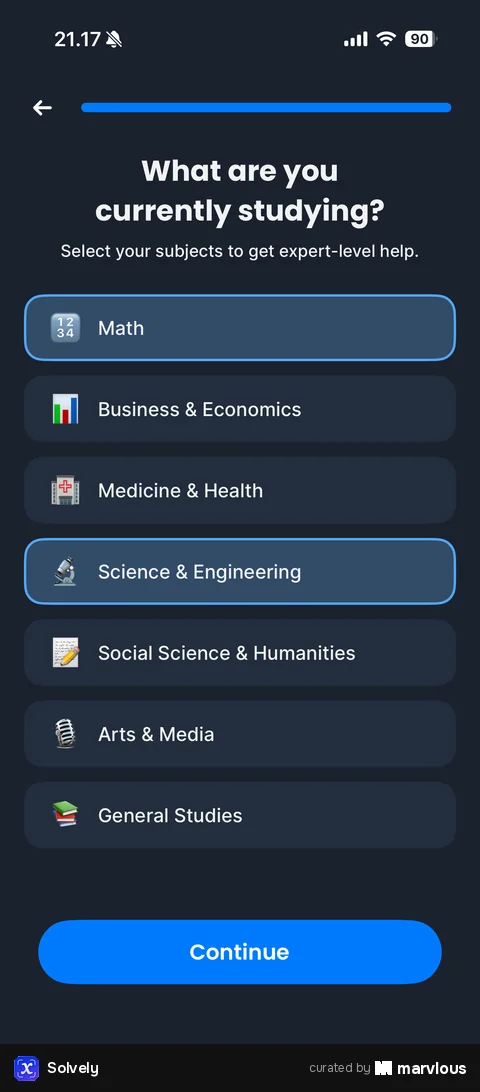
  7. Solvely onboarding: Subjects: Math and Science and Engineering selected
    Subjects: Math and Science and Engineering selected

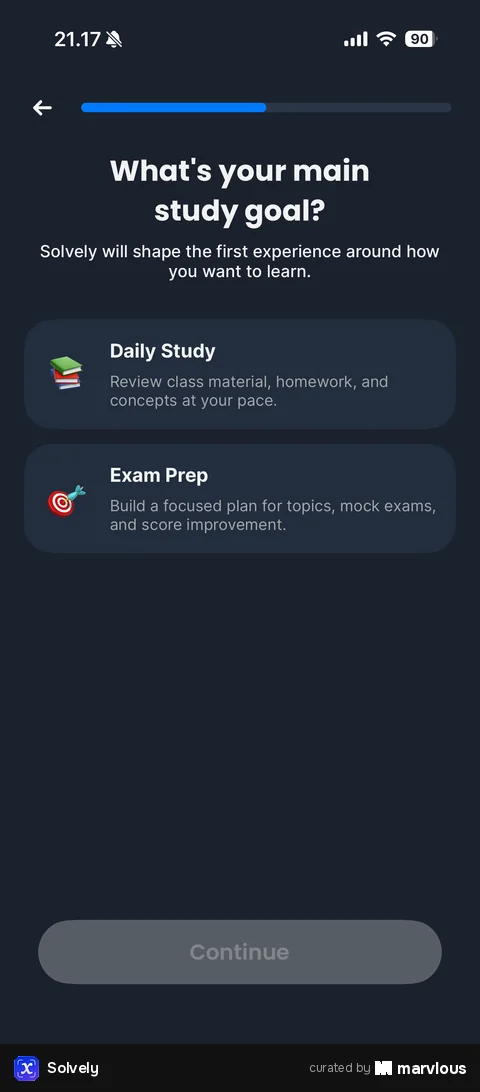
  8. Solvely onboarding: What is your main study goal? Daily Study or Exam Prep
    What is your main study goal? Daily Study or Exam Prep

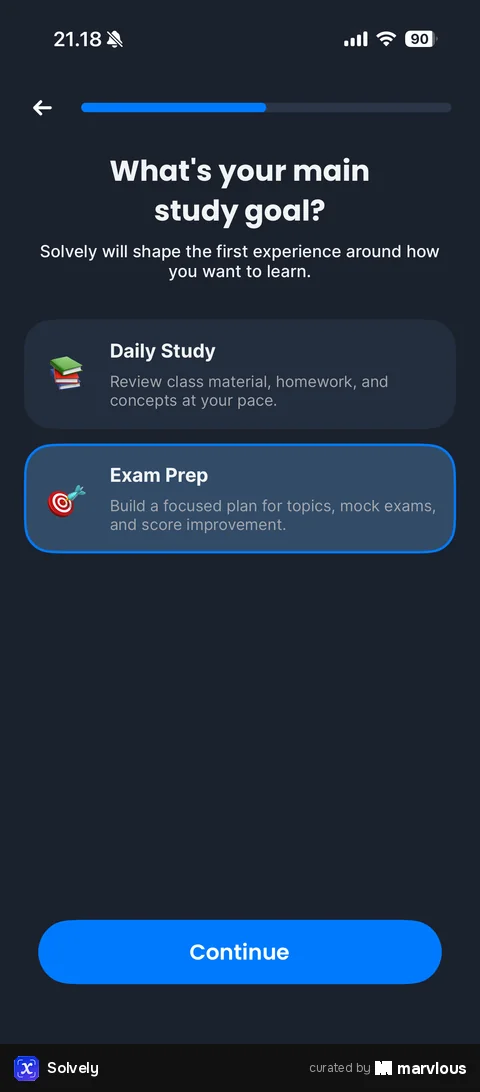
  9. Solvely onboarding: Study goal: Exam Prep selected

    Study goal: Exam Prep selected

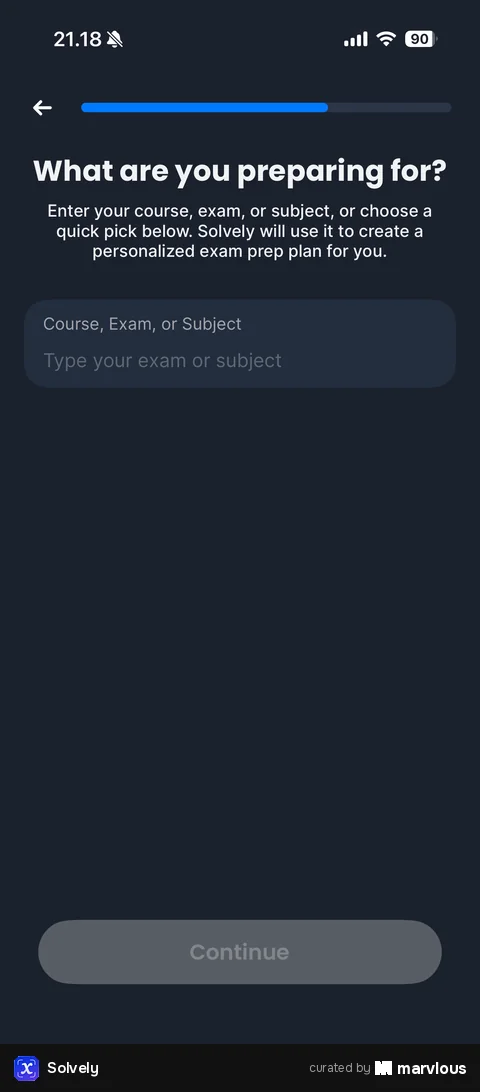
  10. Solvely onboarding: What are you preparing for? Course, exam or subject field
    What are you preparing for? Course, exam or subject field

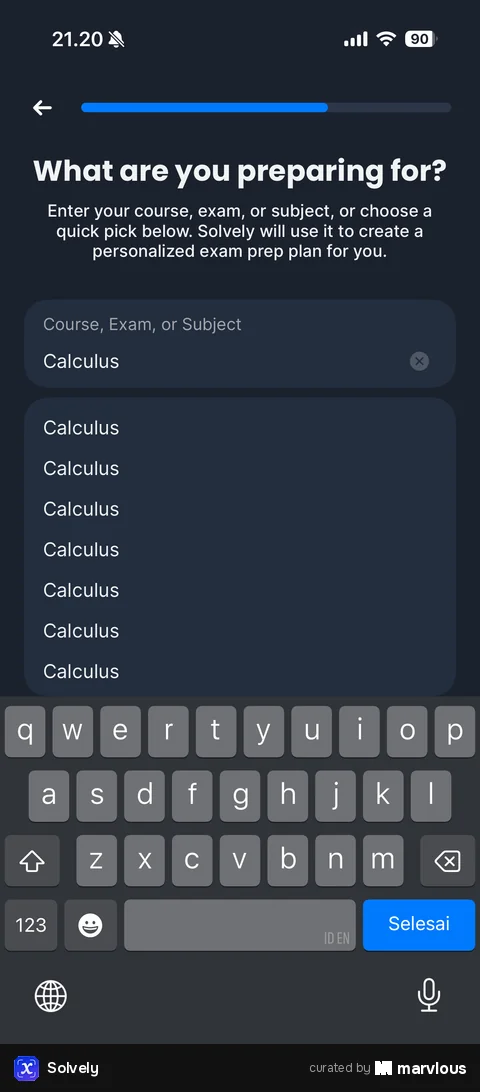
  11. Solvely onboarding: Preparing for: Calculus typed with suggestion list
    Preparing for: Calculus typed with suggestion list

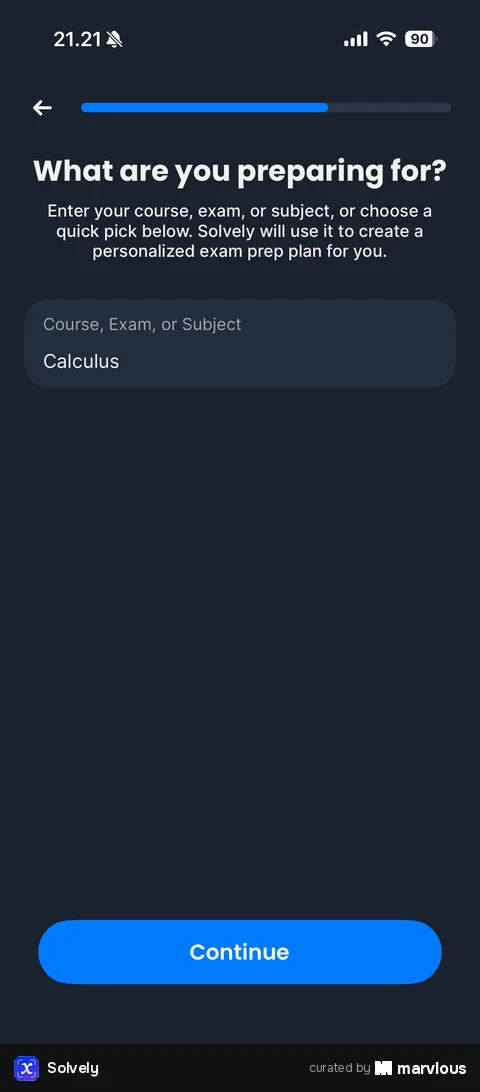
  12. Solvely onboarding: Preparing for Calculus, Continue active
    Preparing for Calculus, Continue active

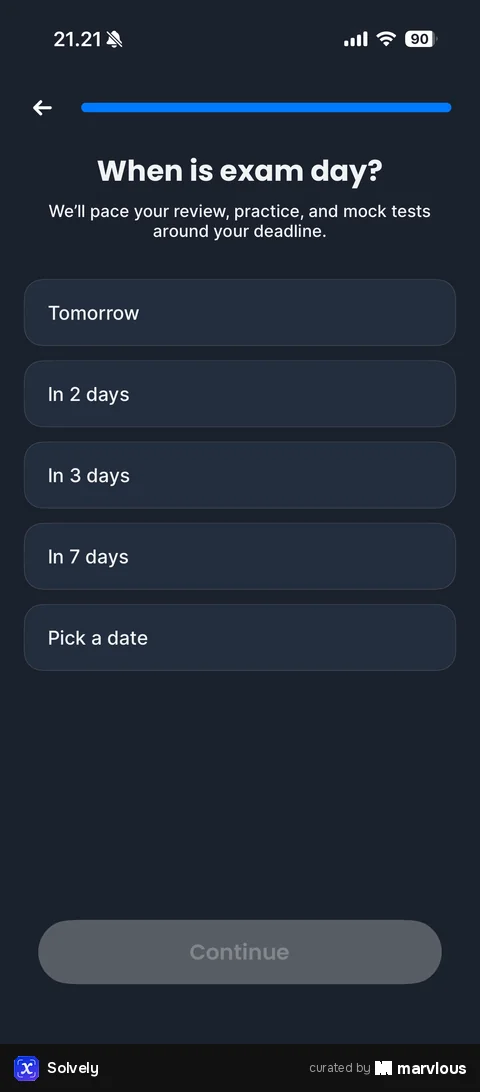
  13. Solvely onboarding: When is exam day? Tomorrow, in 2 days, in 3 days, in 7 days, pick a date
    When is exam day? Tomorrow, in 2 days, in 3 days, in 7 days, pick a date

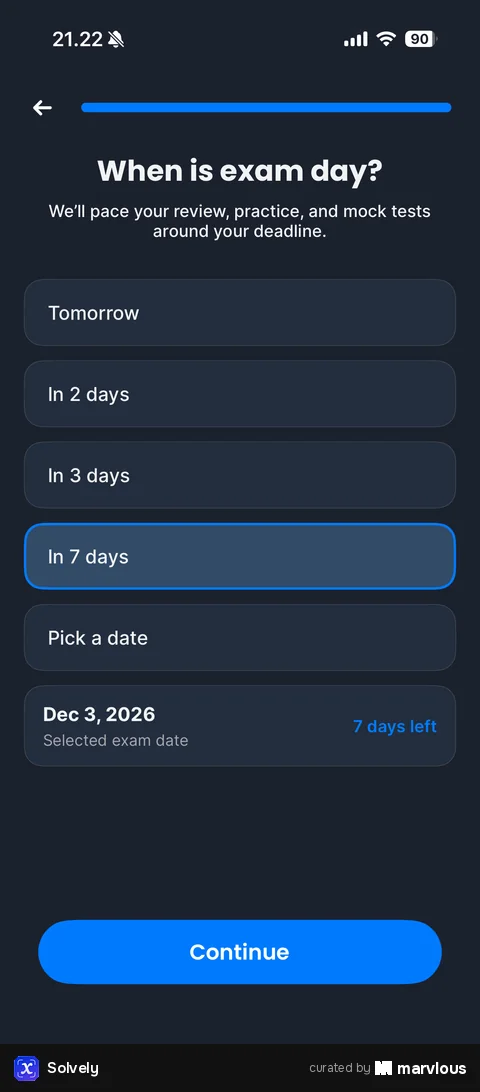
  14. Solvely onboarding: Exam day: In 7 days selected, Dec 3 2026, 7 days left
    Exam day: In 7 days selected, Dec 3 2026, 7 days left

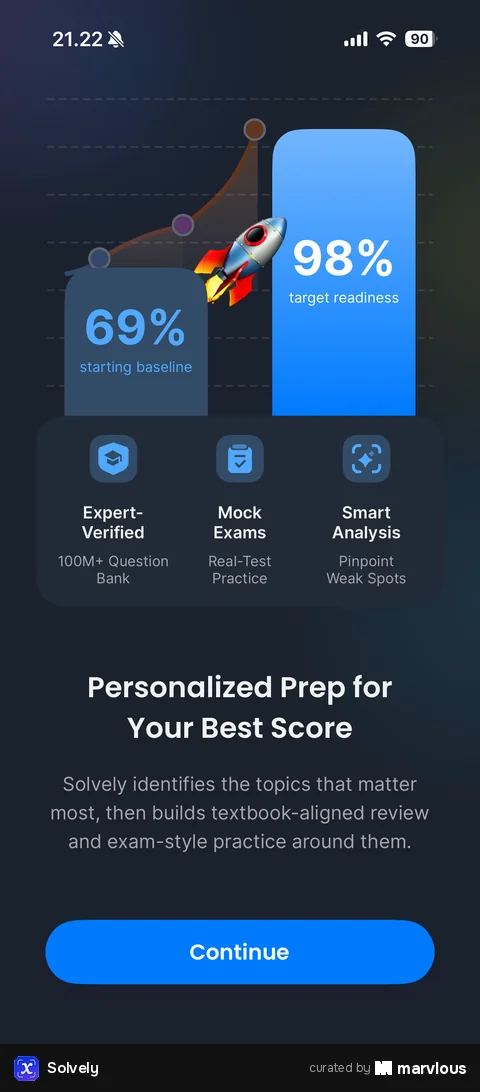
  15. Solvely onboarding: Personalized prep for your best score: 69 percent baseline to 98 percent readiness
    Personalized prep for your best score: 69 percent baseline to 98 percent readiness

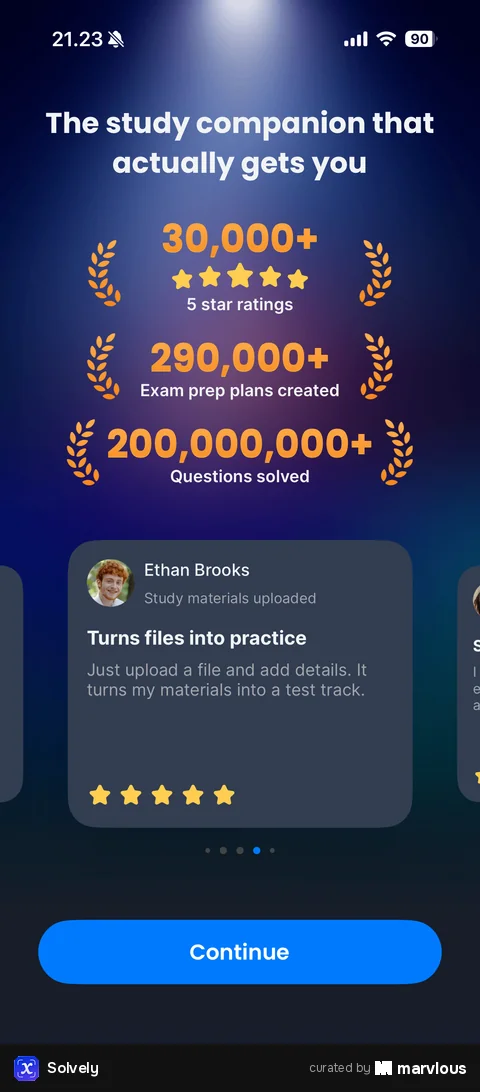
  16. Solvely onboarding: Social proof: 30,000 five-star ratings, 290,000 exam plans, 200 million questions; testimonial
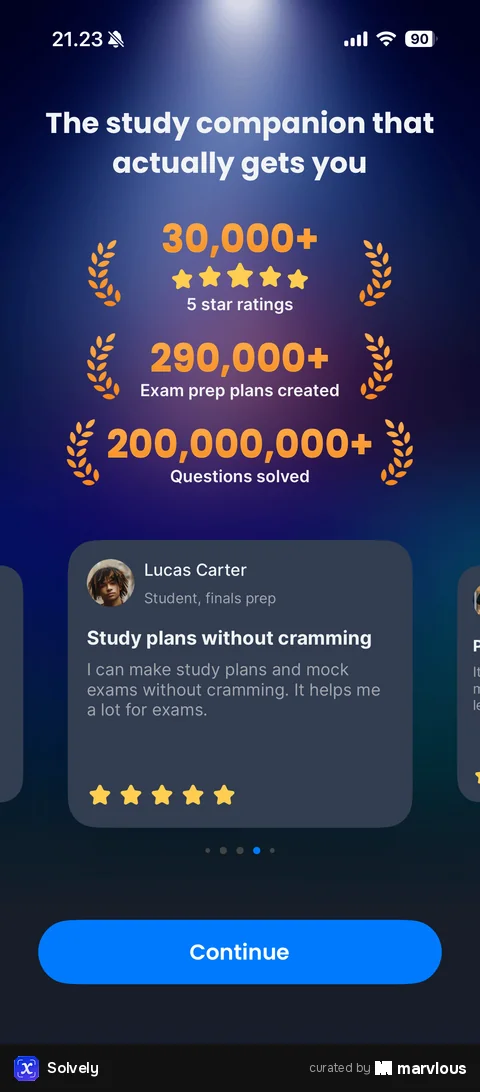
    Social proof: 30,000 five-star ratings, 290,000 exam plans, 200 million questions; testimonial

  17. Solvely onboarding: Social proof: second testimonial, ready even from zero
    Social proof: second testimonial, ready even from zero

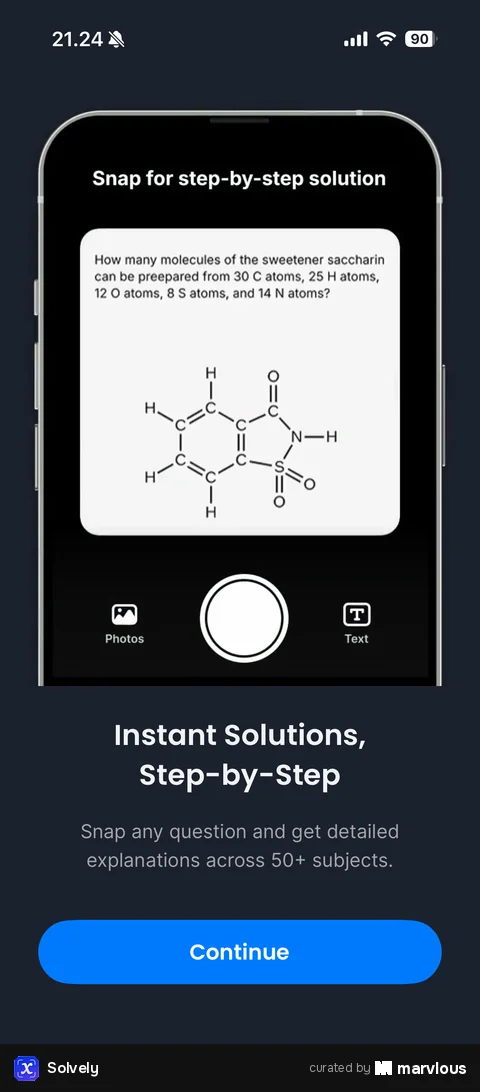
  18. Solvely onboarding: Instant solutions snap any question for step-by-step explanations
    Instant solutions snap any question for step-by-step explanations

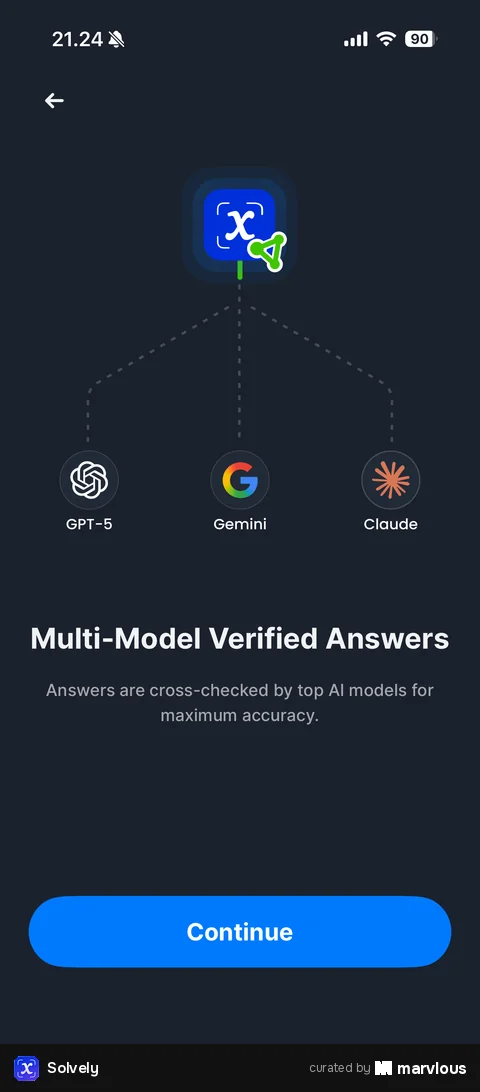
  19. Solvely onboarding: Multi-model verified answers: GPT-5, Gemini and Claude cross-check
    Multi-model verified answers: GPT-5, Gemini and Claude cross-check

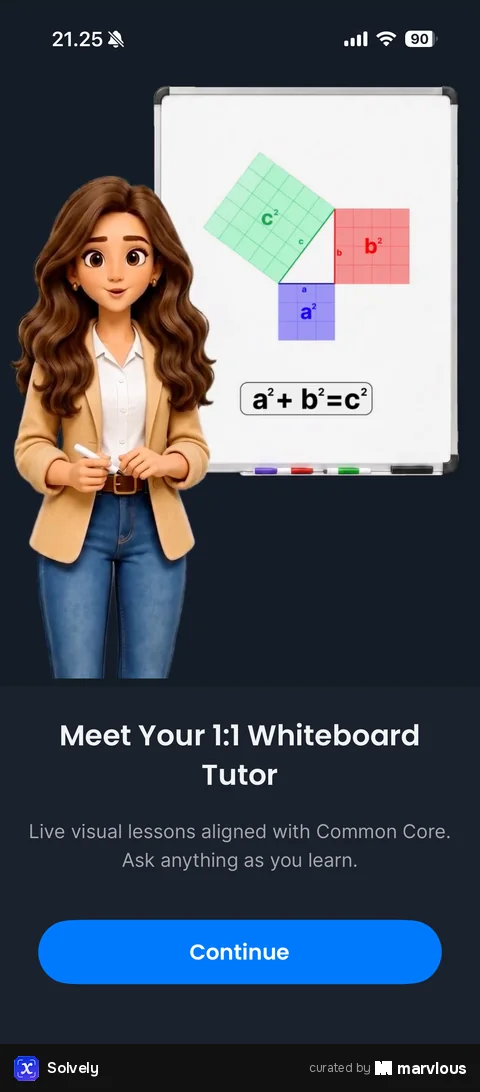
  20. Solvely onboarding: Meet your 1:1 whiteboard tutor: live visual lessons aligned with Common Core
    Meet your 1:1 whiteboard tutor: live visual lessons aligned with Common Core

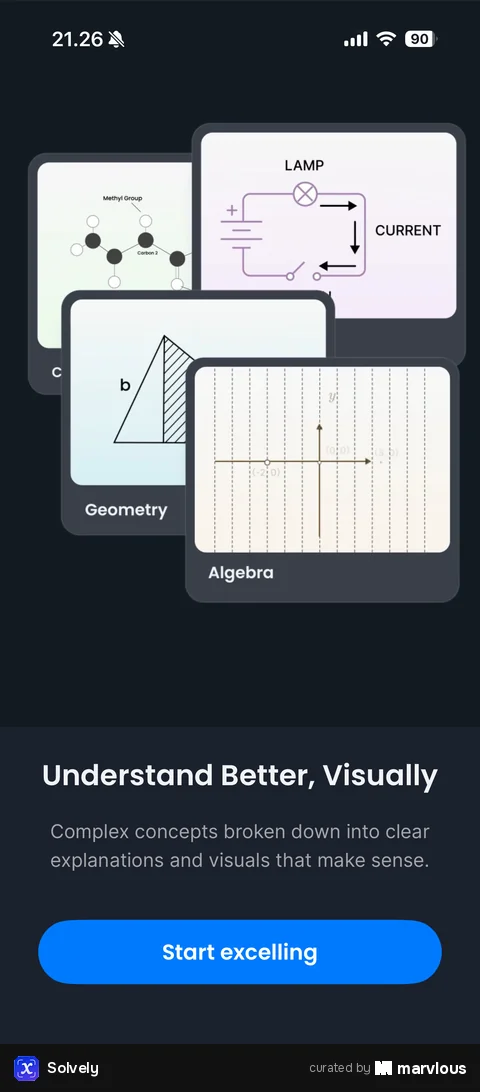
  21. Solvely onboarding: Understand better visually: chemistry and physics visuals; Start excelling
    Understand better visually: chemistry and physics visuals; Start excelling

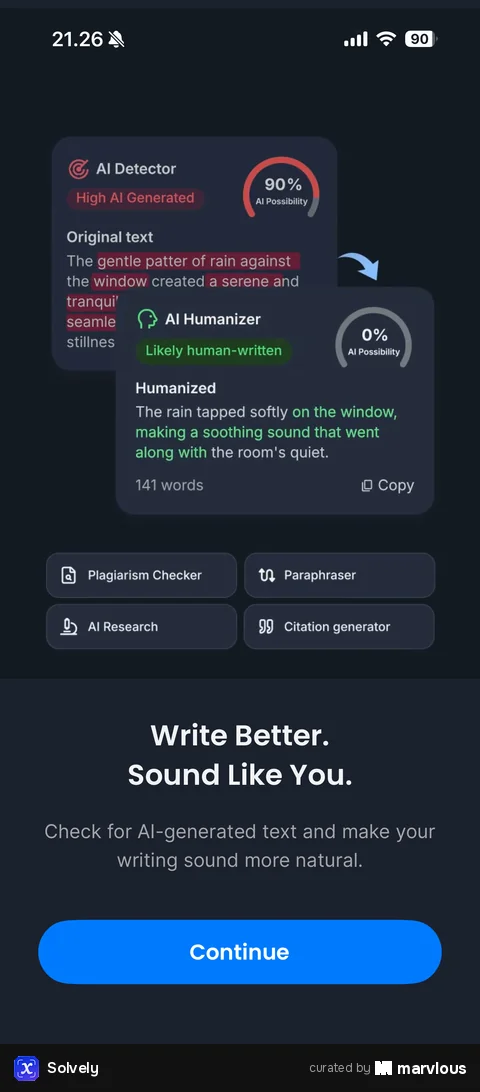
  22. Solvely onboarding: Write better, sound like you: AI detector and humanizer preview
    Write better, sound like you: AI detector and humanizer preview

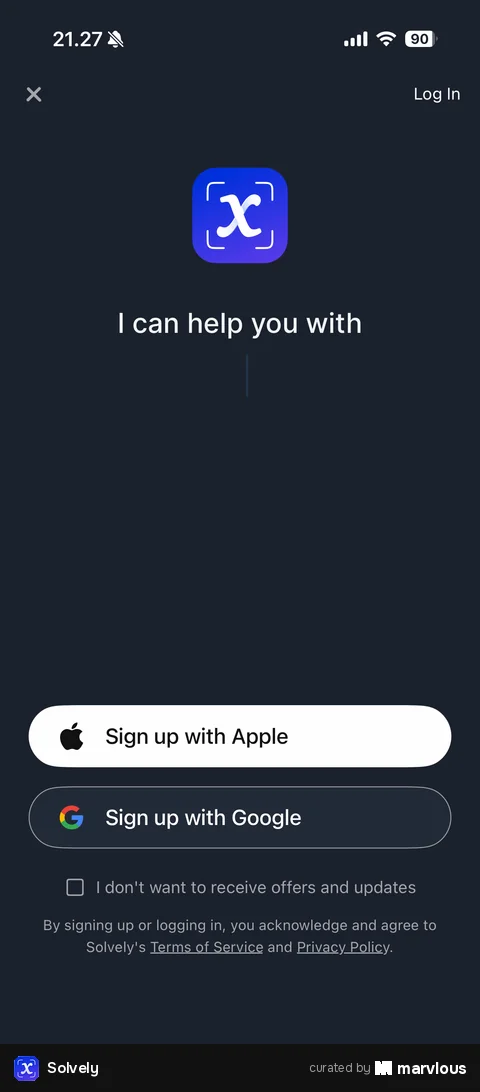
  23. Solvely onboarding: Sign up gate: Sign up with Apple, Sign up with Google, marketing opt-out checkbox, terms and privacy
    Sign up gate: Sign up with Apple, Sign up with Google, marketing opt-out checkbox, terms and privacy

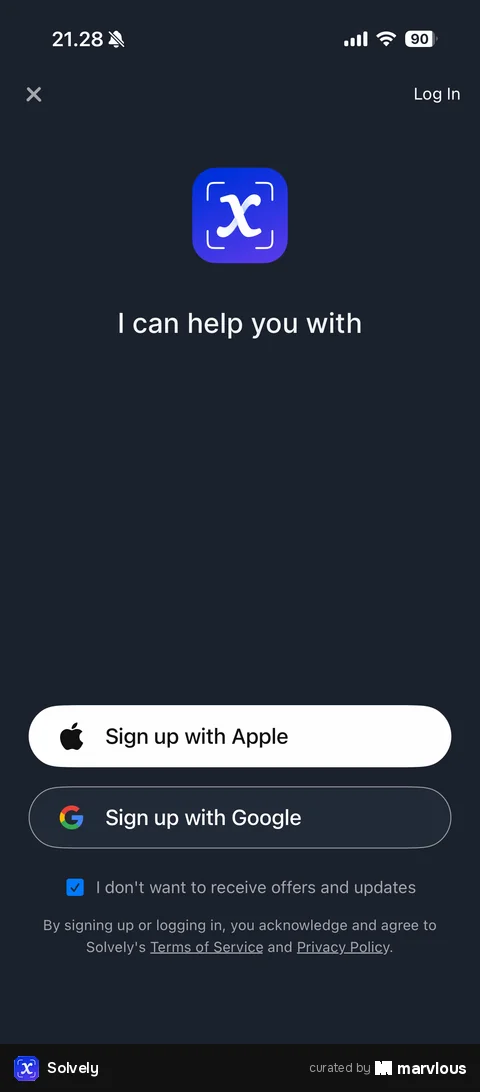
  24. Solvely onboarding: Sign up gate: marketing opt-out ticked

    Sign up gate: marketing opt-out ticked

Solvely home (3 screens)
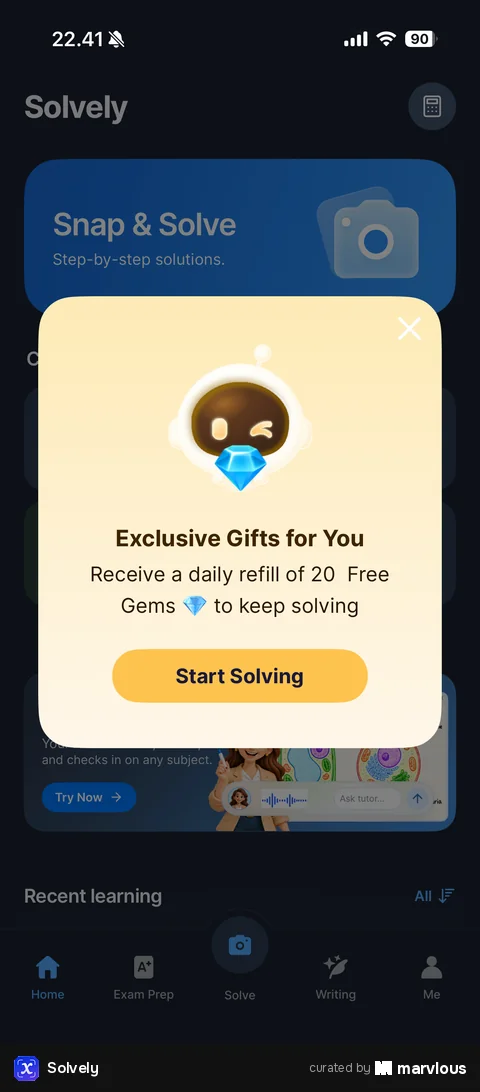
  1. Solvely home: Home with exclusive gifts popup: daily refill of 20 free gems
    Home with exclusive gifts popup: daily refill of 20 free gems

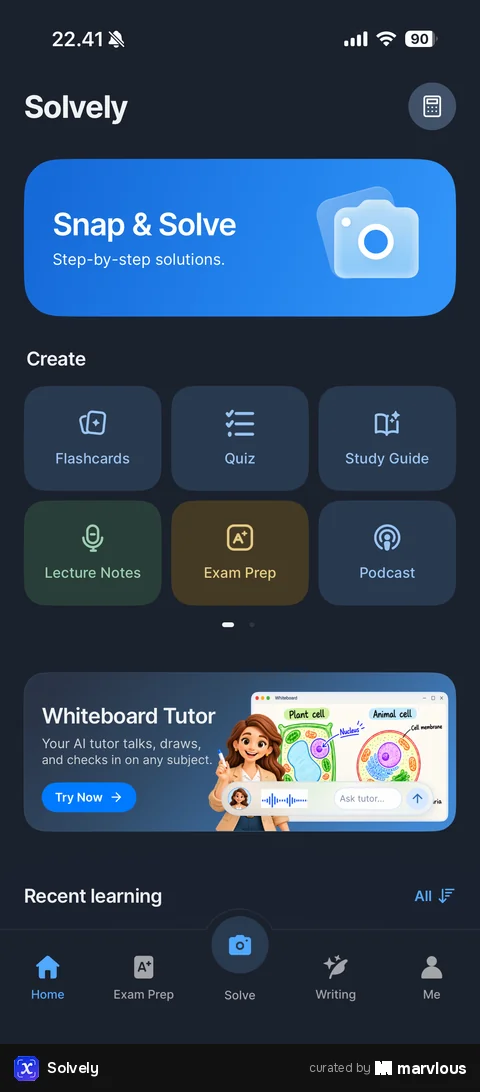
  2. Solvely home: Home: Snap and Solve, create flashcards, quiz, study guide, lecture notes, exam prep, podcast, whiteboard tutor
    Home: Snap and Solve, create flashcards, quiz, study guide, lecture notes, exam prep, podcast, whiteboard tutor

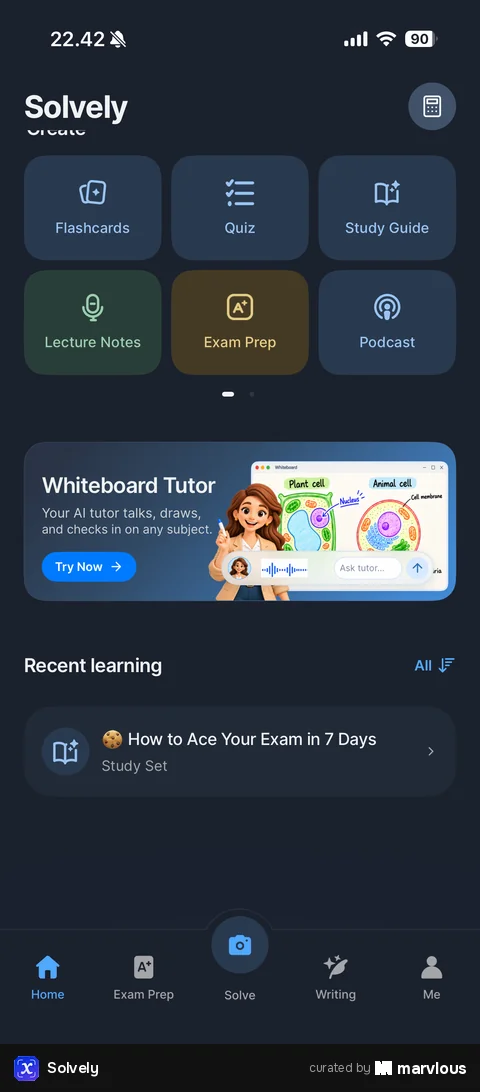
  3. Solvely home: Home scrolled: whiteboard tutor, recent learning with study set

    Home scrolled: whiteboard tutor, recent learning with study set

Solvely paywall (2 screens)
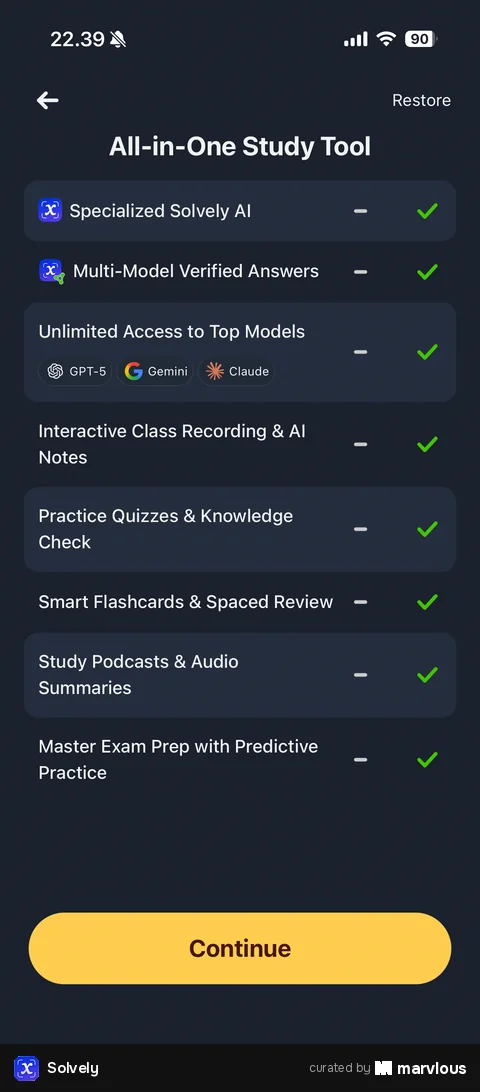
  1. Solvely paywall: All-in-One Study Tool: feature list with check marks, Continue, Restore
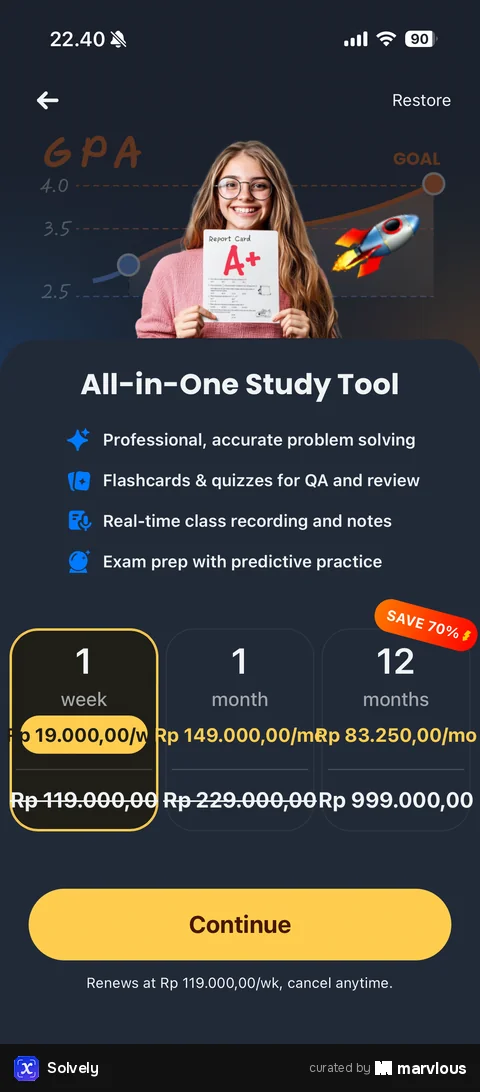
    All-in-One Study Tool: feature list with check marks, Continue, Restore

  2. Solvely paywall: Choose plan: 1 week Rp 119,000, 1 month Rp 229,000, 12 months Rp 999,000 save 70 percent

    Choose plan: 1 week Rp 119,000, 1 month Rp 229,000, 12 months Rp 999,000 save 70 percent

Solvely study (13 screens)
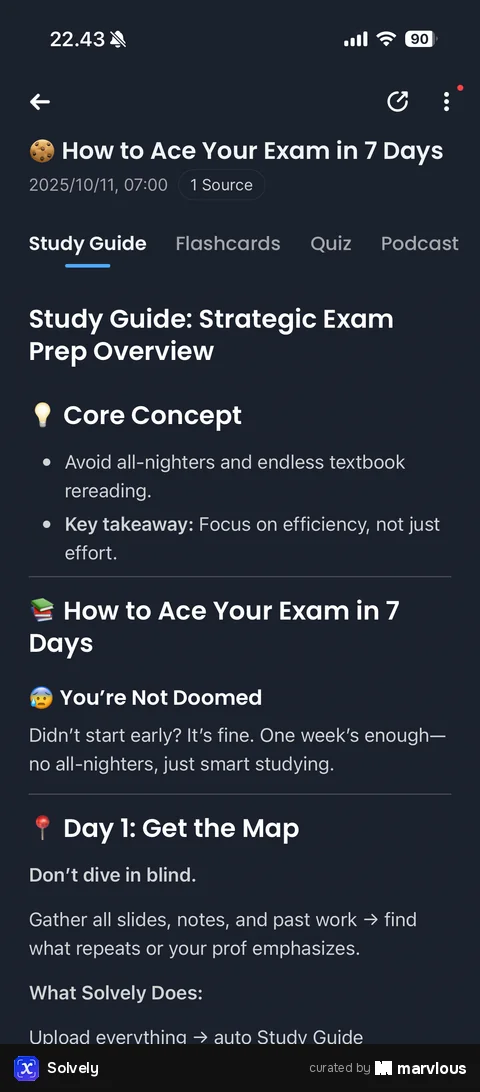
  1. Solvely study: Study set: How to Ace Your Exam in 7 Days; study guide tab with core concept
    Study set: How to Ace Your Exam in 7 Days; study guide tab with core concept

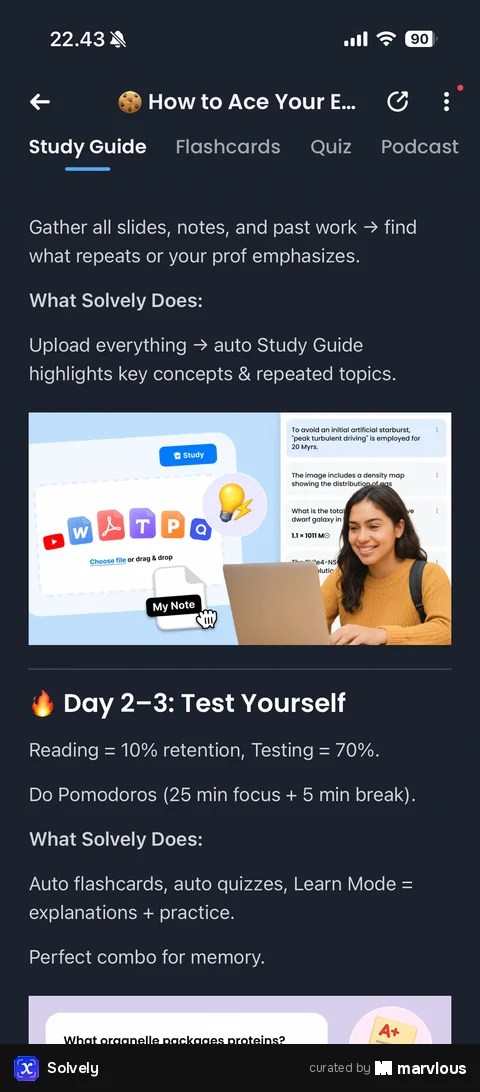
  2. Solvely study: Study guide scrolled: day 2-3 test yourself, auto flashcards and quizzes
    Study guide scrolled: day 2-3 test yourself, auto flashcards and quizzes

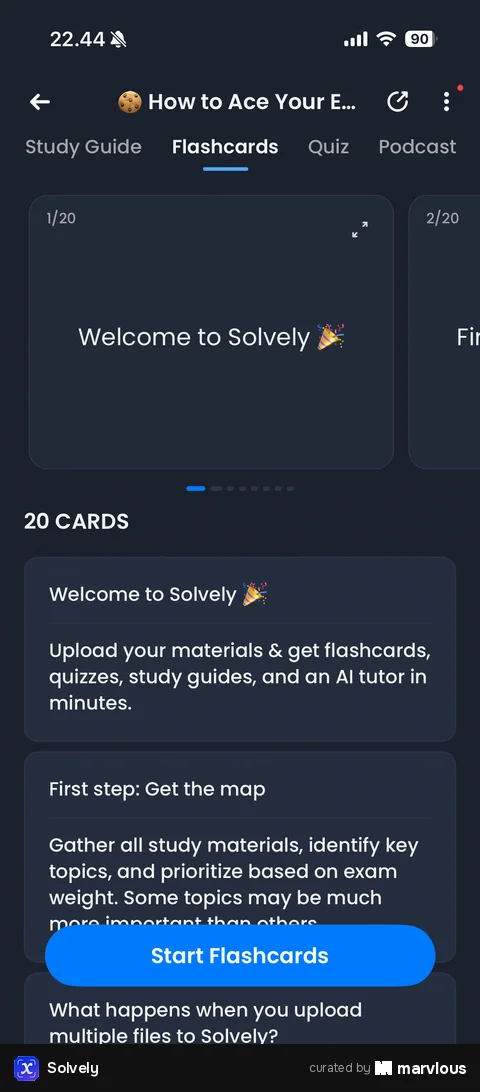
  3. Solvely study: Flashcards tab: 20 cards, card carousel and list, Start Flashcards
    Flashcards tab: 20 cards, card carousel and list, Start Flashcards

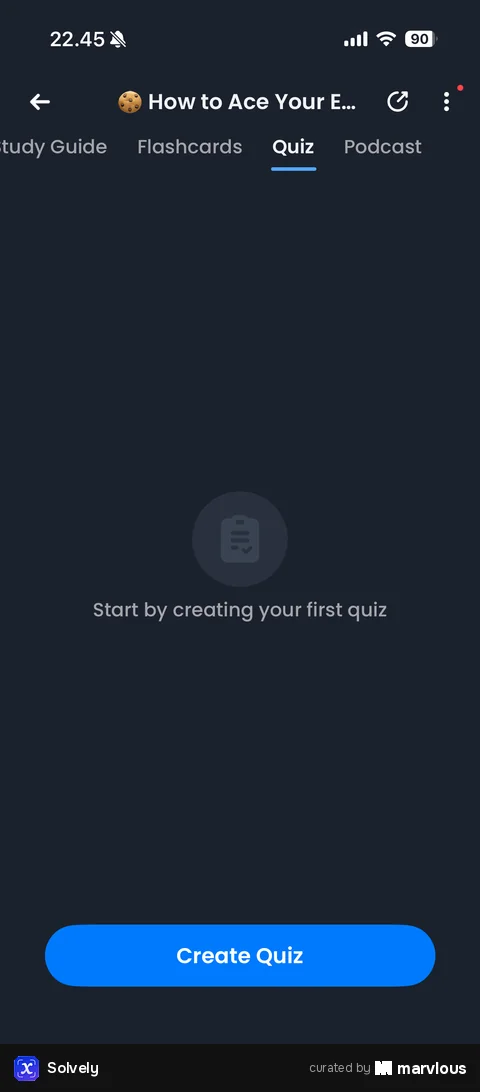
  4. Solvely study: Quiz tab empty: start by creating your first quiz, Create Quiz
    Quiz tab empty: start by creating your first quiz, Create Quiz

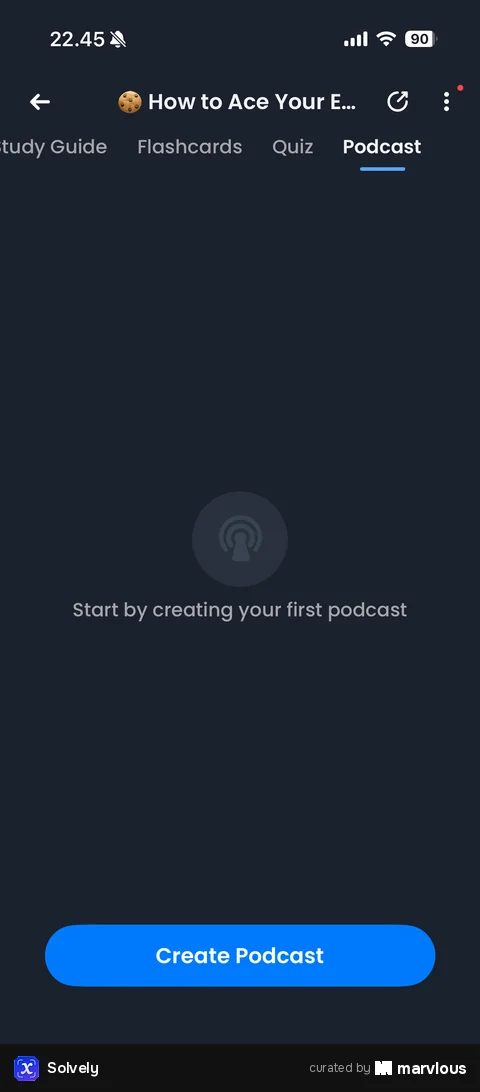
  5. Solvely study: Podcast tab empty: start by creating your first podcast
    Podcast tab empty: start by creating your first podcast

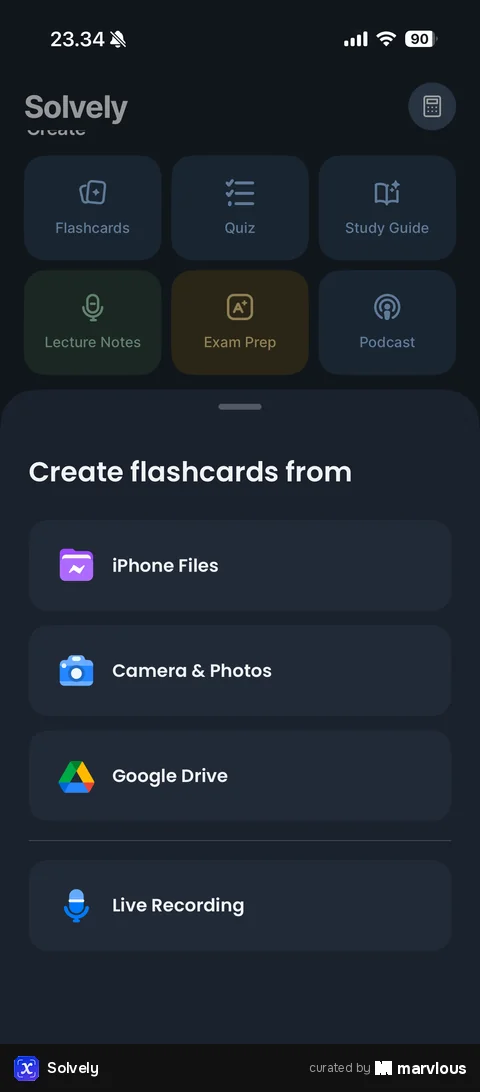
  6. Solvely study: Create flashcards from: iPhone files, camera and photos, Google Drive, live recording
    Create flashcards from: iPhone files, camera and photos, Google Drive, live recording

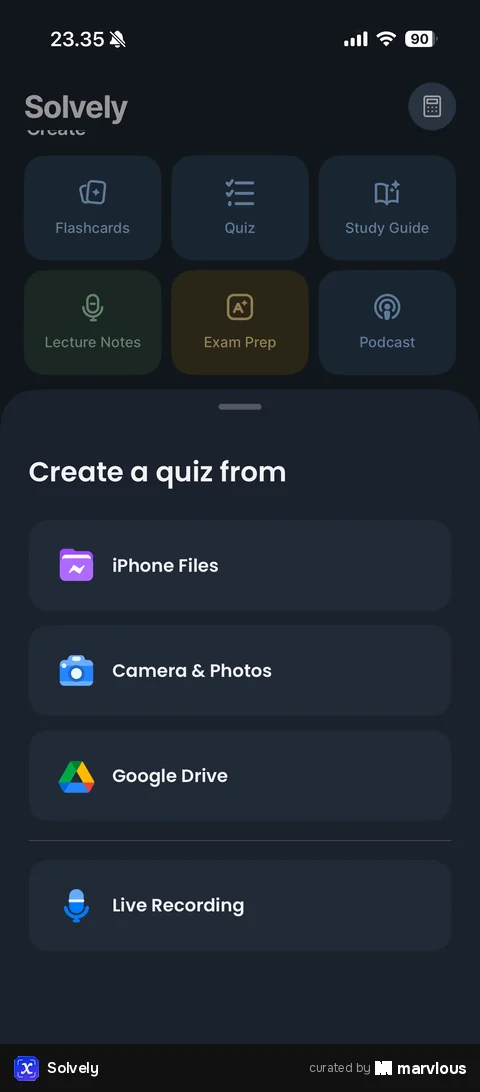
  7. Solvely study: Create a quiz from: iPhone files, camera and photos, and more sources
    Create a quiz from: iPhone files, camera and photos, and more sources

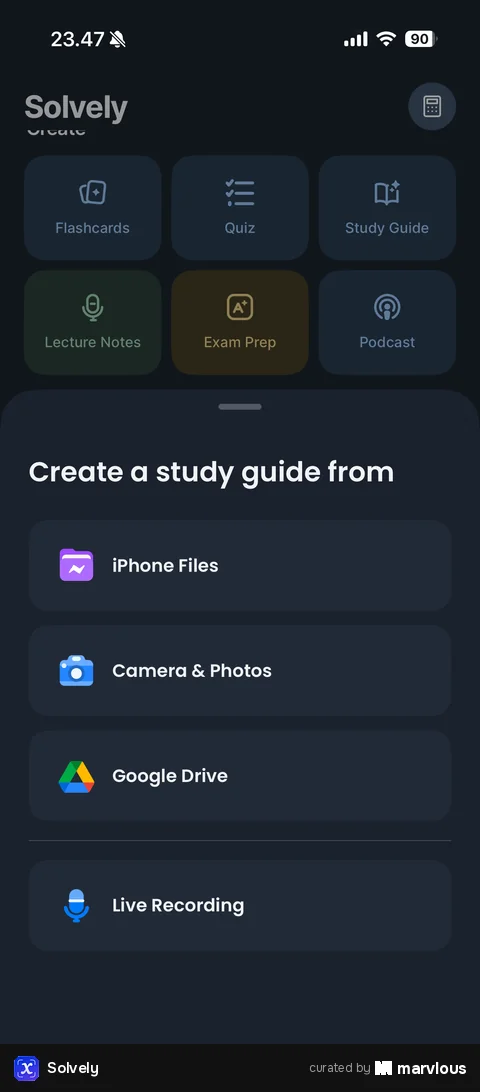
  8. Solvely study: Create a study guide from: files, camera and photos, Google Drive, live recording
    Create a study guide from: files, camera and photos, Google Drive, live recording

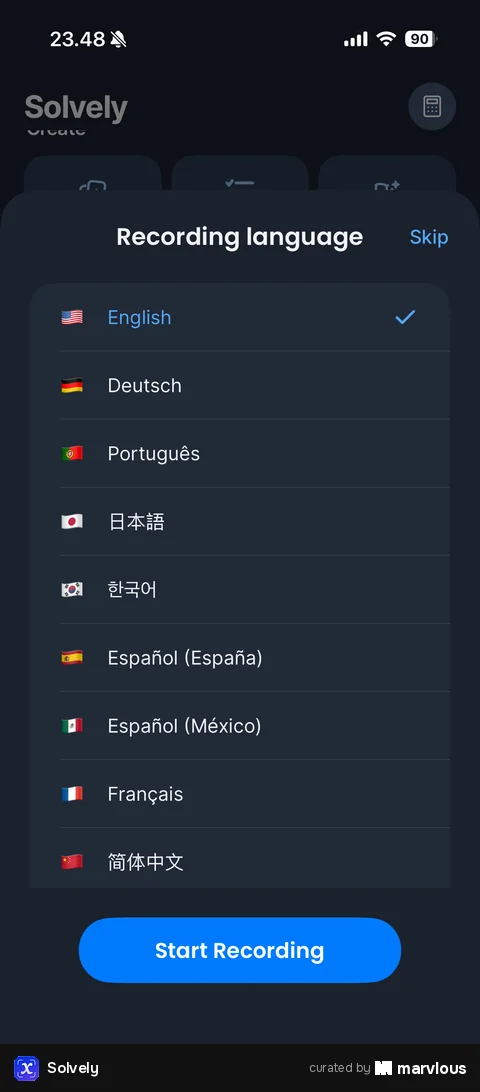
  9. Solvely study: Lecture Notes: choose the recording language before a live recording
    Lecture Notes: choose the recording language before a live recording

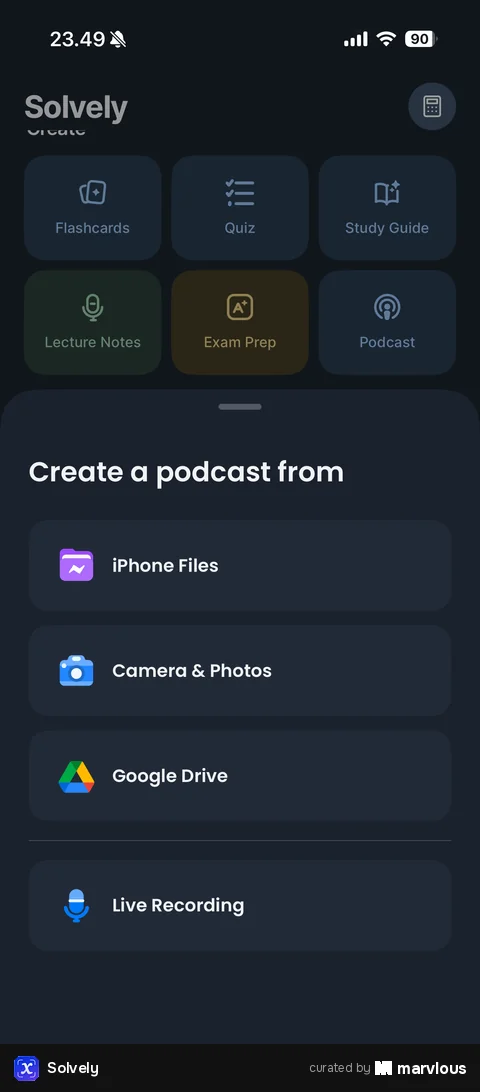
  10. Solvely study: Create a podcast from: files, camera and photos, Google Drive, live recording
    Create a podcast from: files, camera and photos, Google Drive, live recording

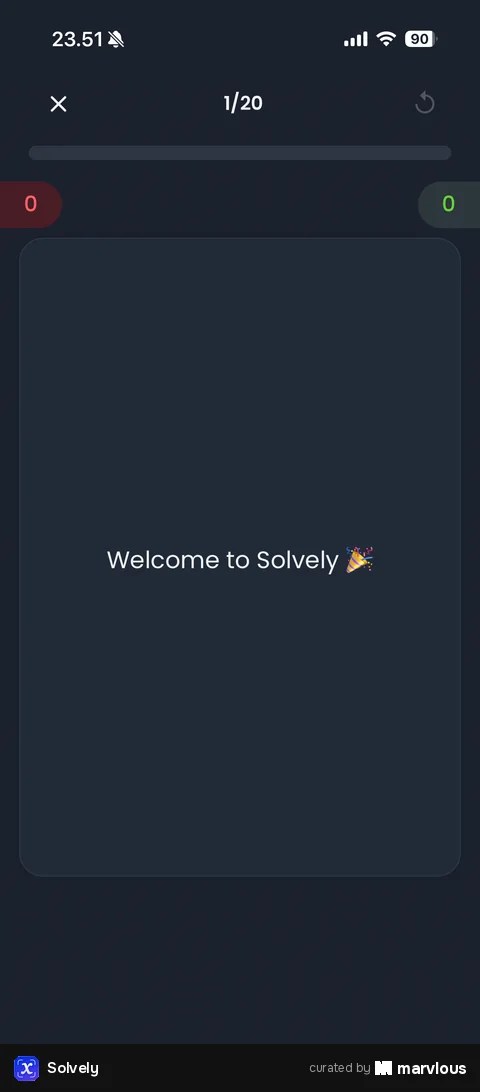
  11. Solvely study: Flashcard session: first card (front), card 1 of 20
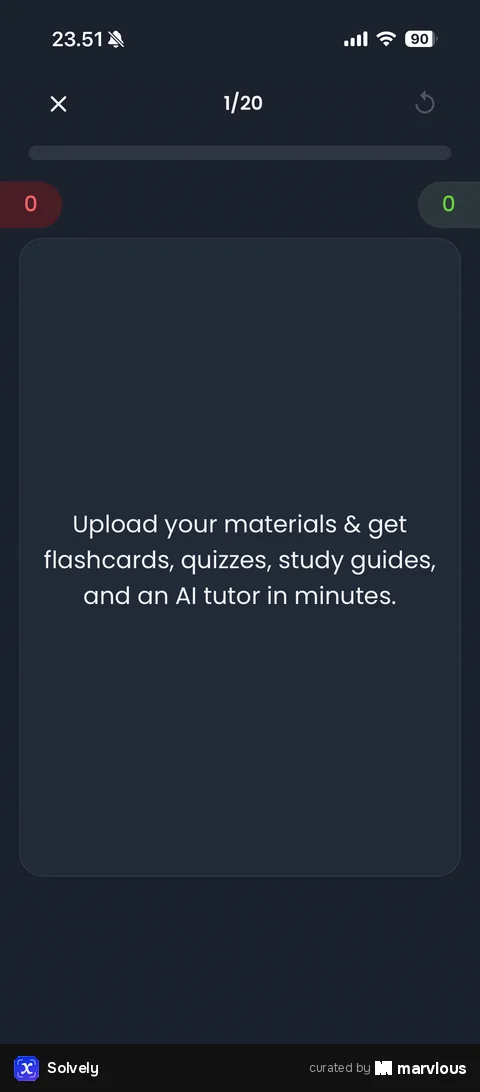
    Flashcard session: first card (front), card 1 of 20

  12. Solvely study: Flashcard session: card flipped to the answer
    Flashcard session: card flipped to the answer

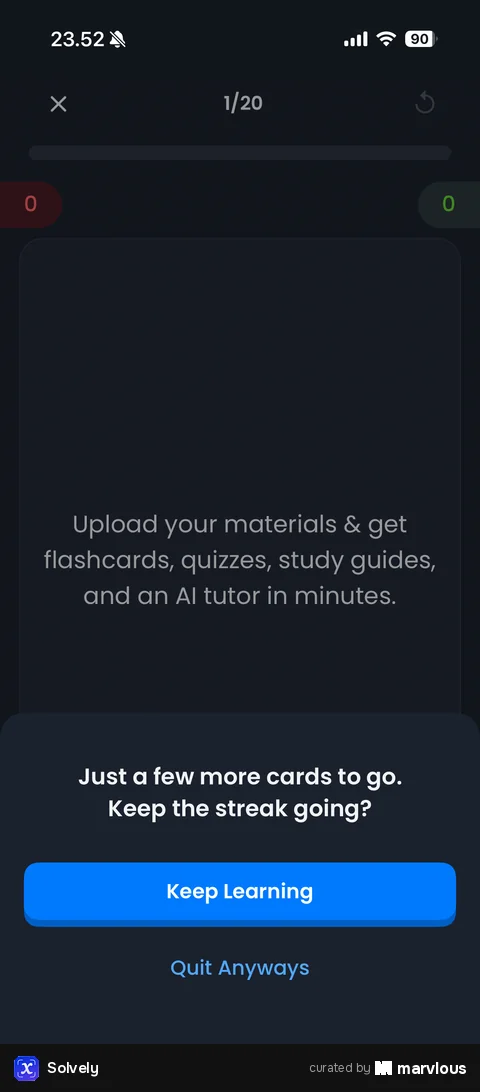
  13. Solvely study: Quit flashcards prompt: keep the streak going? Keep Learning or Quit Anyways

    Quit flashcards prompt: keep the streak going? Keep Learning or Quit Anyways

Solvely exam prep (10 screens)
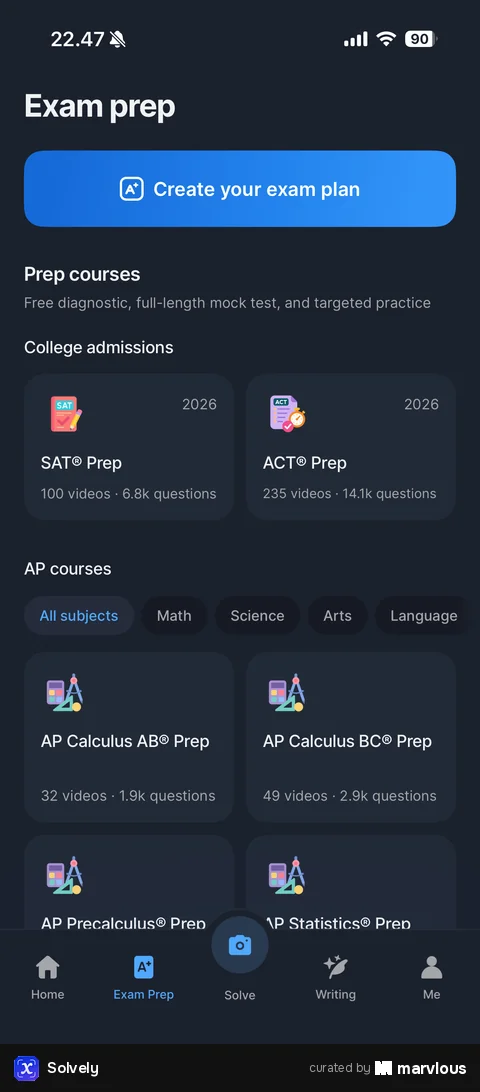
  1. Solvely exam prep: Exam prep: create your exam plan, prep courses SAT and ACT, AP courses with subject filters
    Exam prep: create your exam plan, prep courses SAT and ACT, AP courses with subject filters

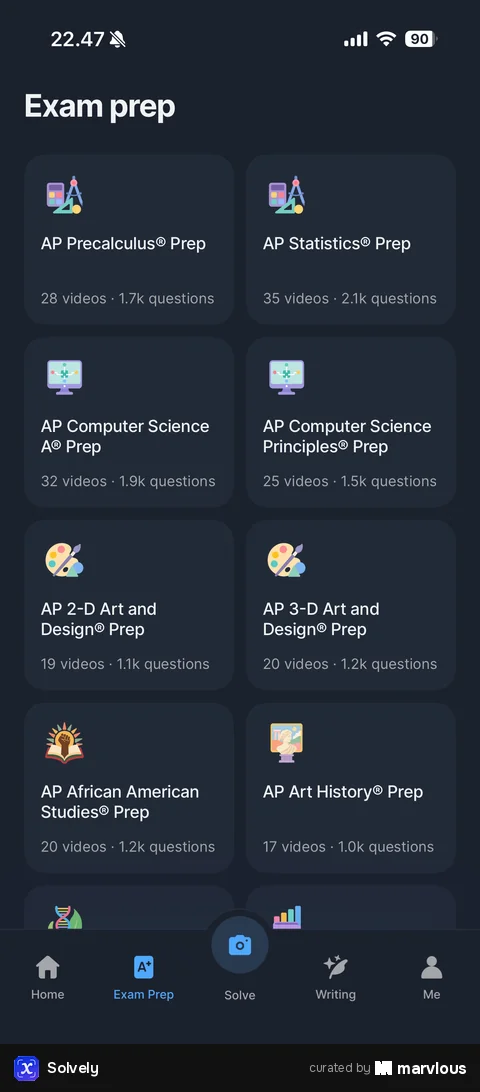
  2. Solvely exam prep: Exam prep scrolled: AP course grid with videos and question counts
    Exam prep scrolled: AP course grid with videos and question counts

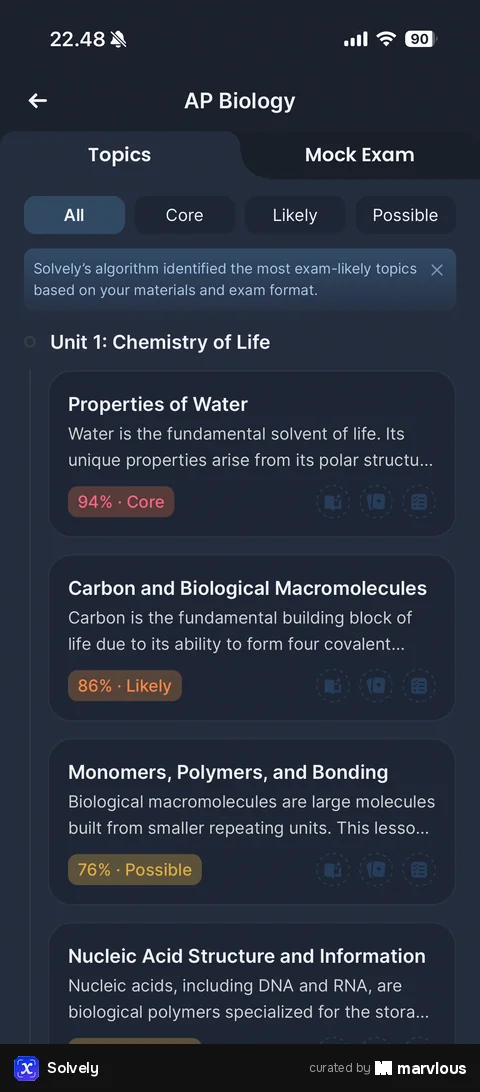
  3. Solvely exam prep: AP Biology course: topics with exam likelihood tags, subject filters
    AP Biology course: topics with exam likelihood tags, subject filters

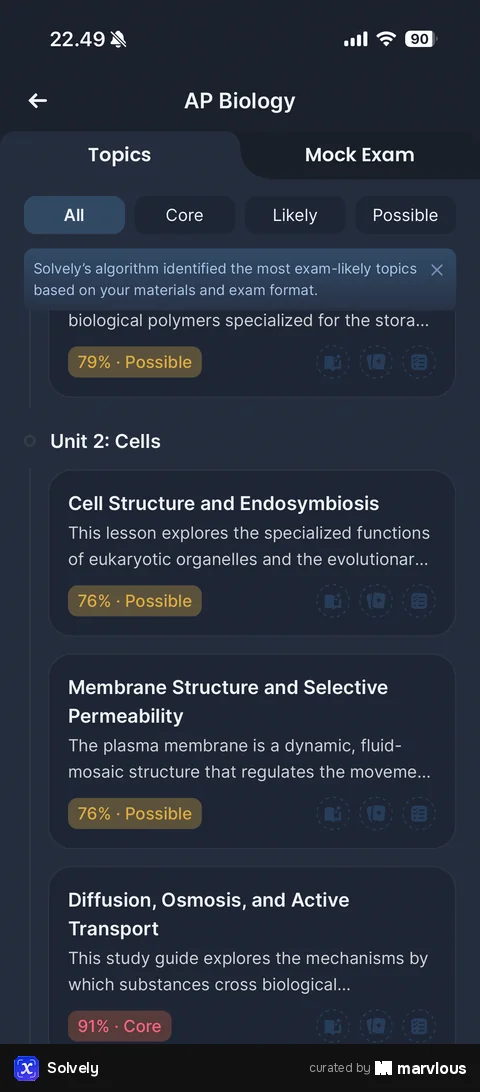
  4. Solvely exam prep: AP Biology scrolled: unit 2 cells, core and possible tags
    AP Biology scrolled: unit 2 cells, core and possible tags

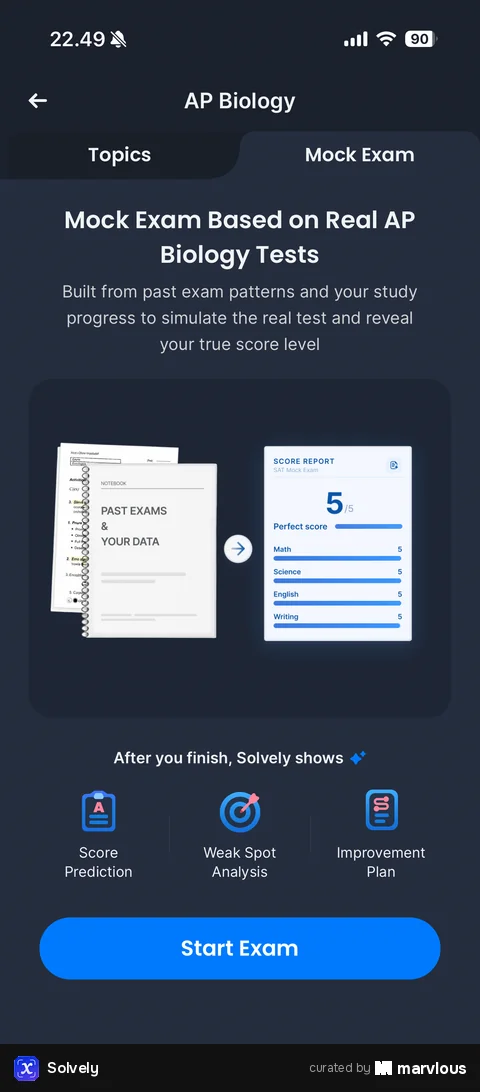
  5. Solvely exam prep: Mock exam: based on real AP Biology tests, score prediction, weak spot analysis, improvement plan, Start Exam
    Mock exam: based on real AP Biology tests, score prediction, weak spot analysis, improvement plan, Start Exam

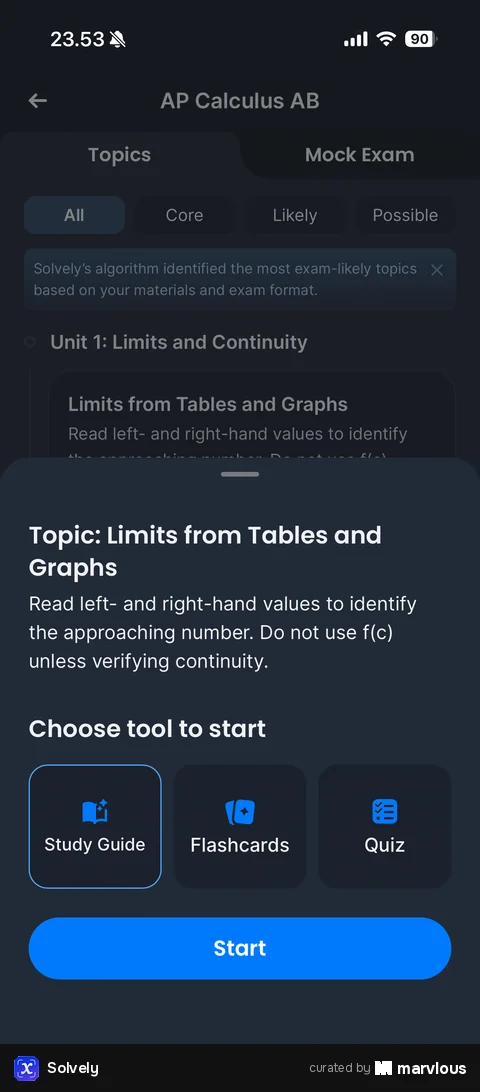
  6. Solvely exam prep: AP Calculus AB topic sheet: choose a tool to start (study guide, flashcards, quiz)
    AP Calculus AB topic sheet: choose a tool to start (study guide, flashcards, quiz)

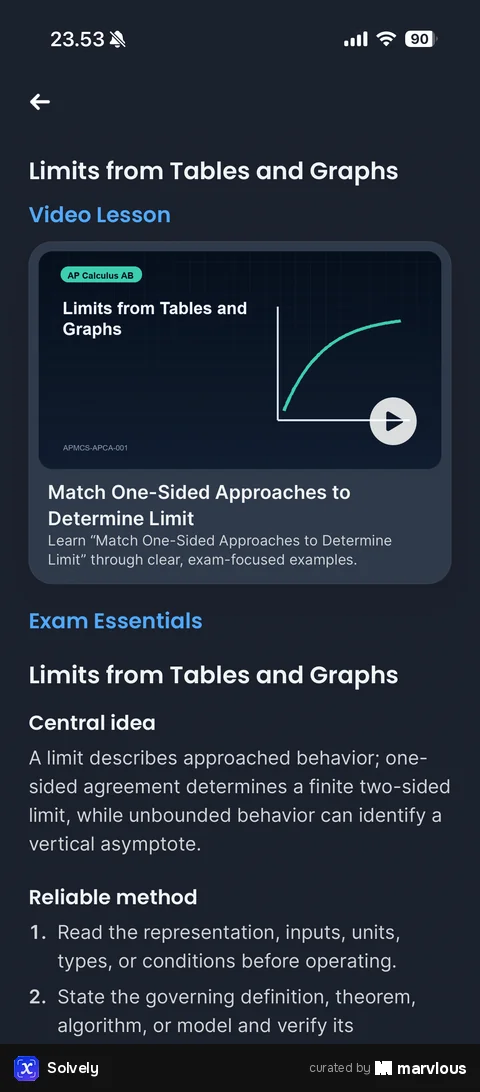
  7. Solvely exam prep: Topic lesson: video lesson and exam essentials (AP Calculus AB, limits)
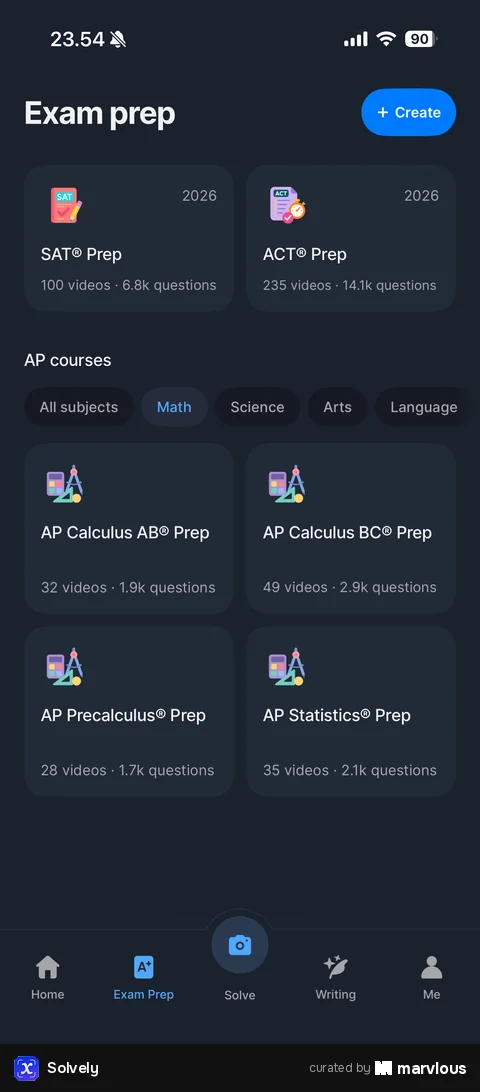
    Topic lesson: video lesson and exam essentials (AP Calculus AB, limits)

  8. Solvely exam prep: AP courses filtered by Math: Calculus AB, Calculus BC, Precalculus, Statistics
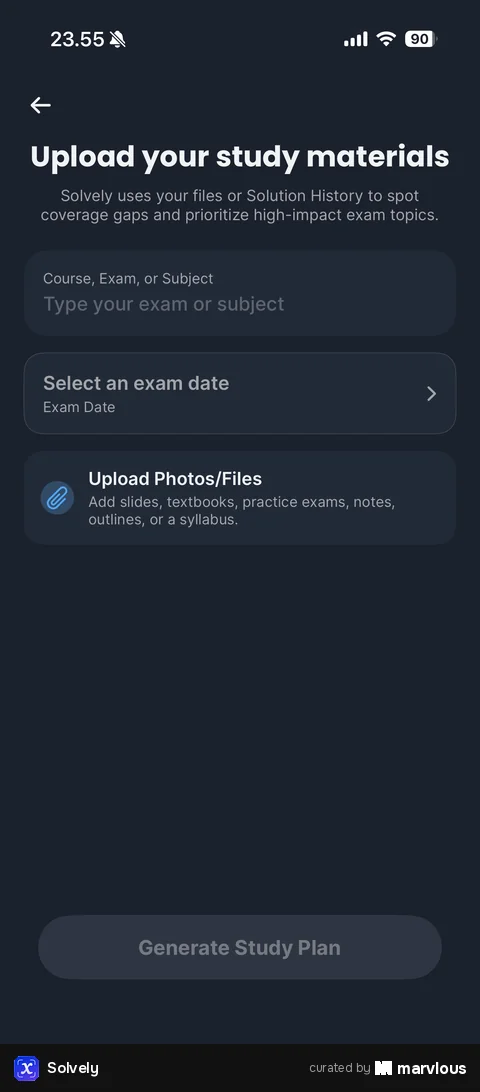
    AP courses filtered by Math: Calculus AB, Calculus BC, Precalculus, Statistics

  9. Solvely exam prep: Create exam plan: course, exam date and upload study materials
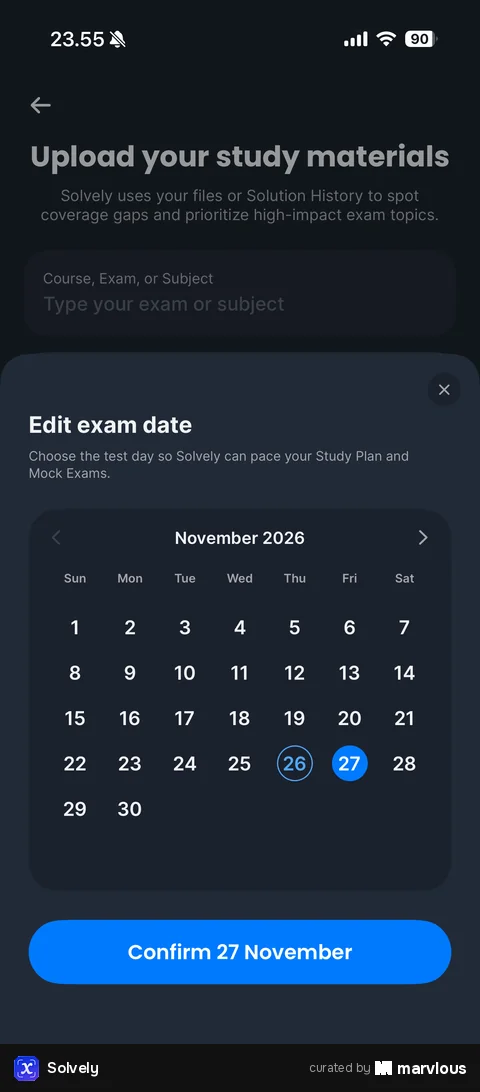
    Create exam plan: course, exam date and upload study materials

  10. Solvely exam prep: Create exam plan: edit exam date calendar sheet

    Create exam plan: edit exam date calendar sheet

Solvely solve (2 screens)
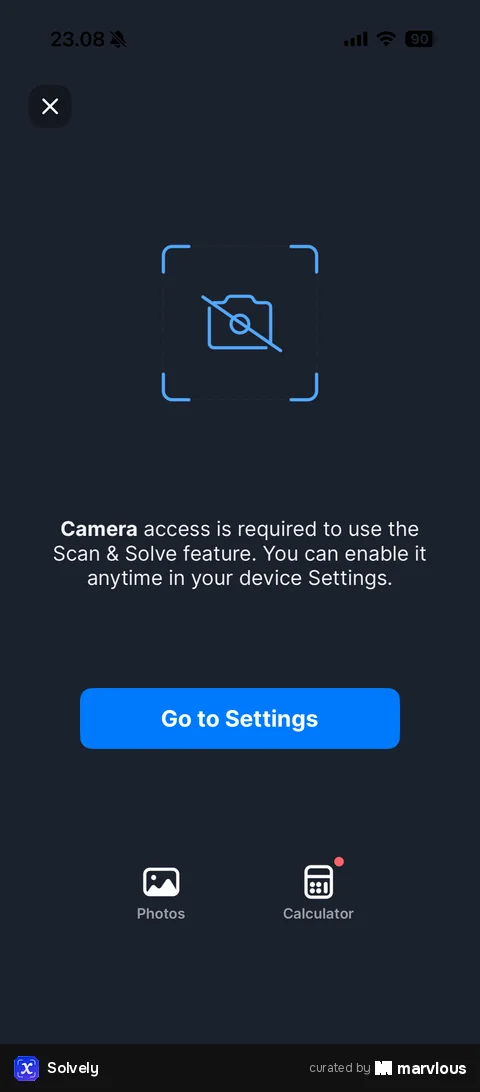
  1. Solvely solve: Solve: camera access required message, go to settings, photos, calculator
    Solve: camera access required message, go to settings, photos, calculator

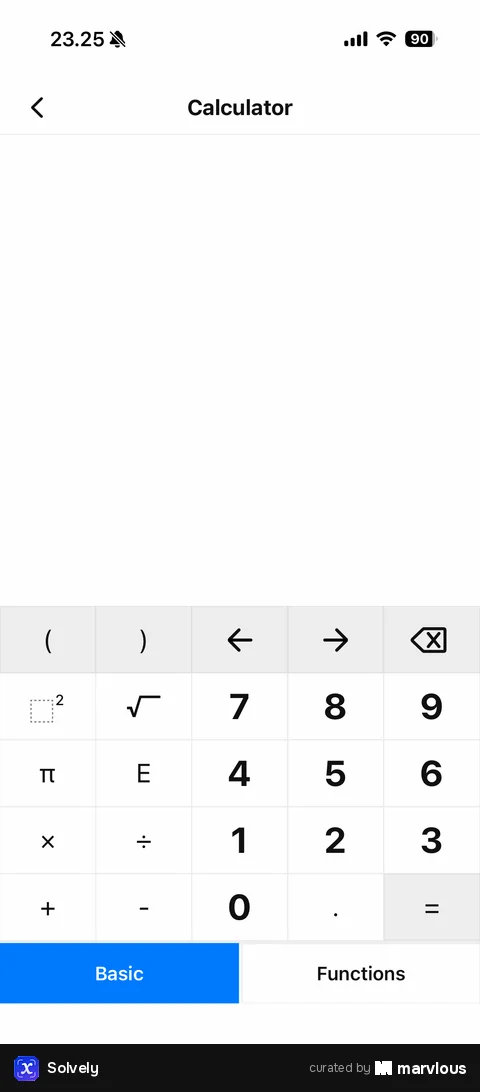
  2. Solvely solve: Calculator: math input, Basic and Functions tabs

    Calculator: math input, Basic and Functions tabs

Solvely me (17 screens)
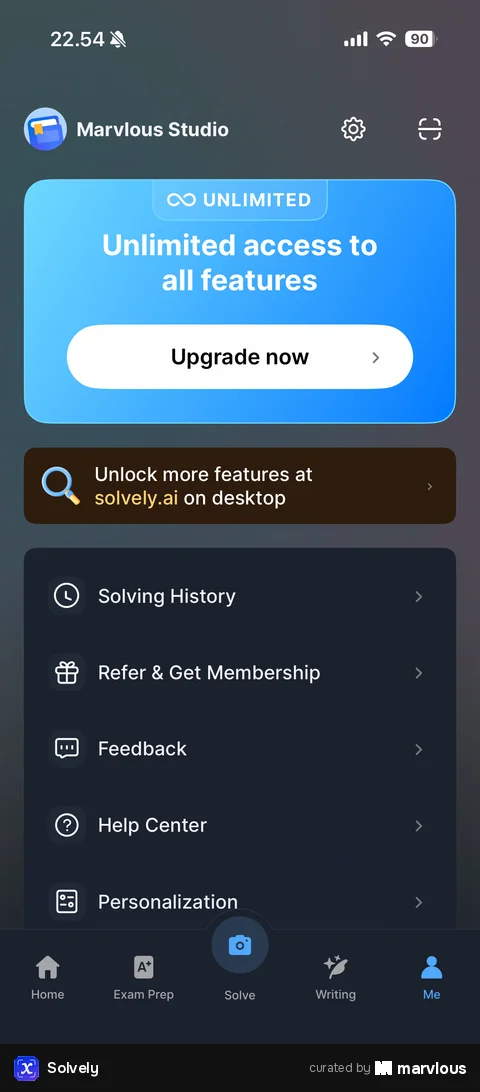
  1. Solvely me: Me: profile Marvlous Studio, unlimited banner, solving history, refer, feedback, help, personalization
    Me: profile Marvlous Studio, unlimited banner, solving history, refer, feedback, help, personalization

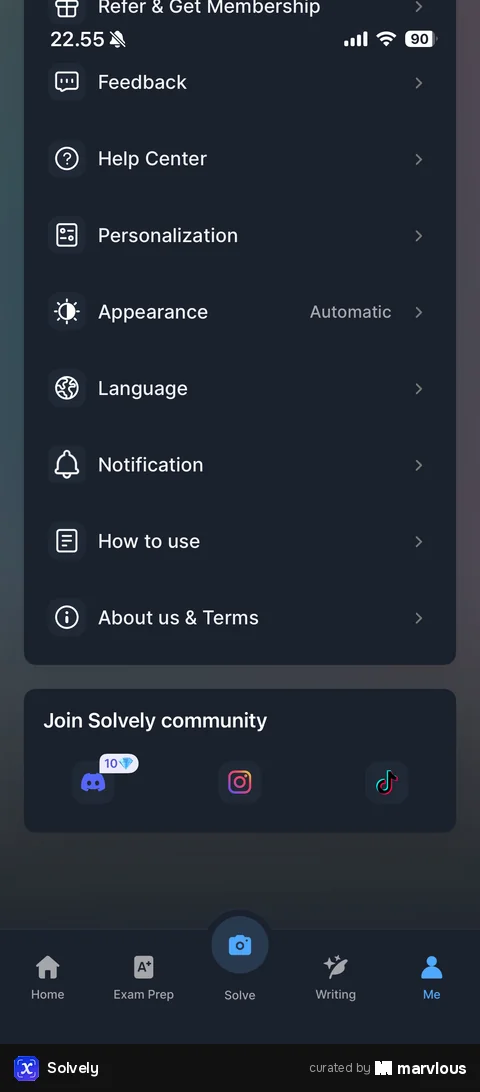
  2. Solvely me: Me scrolled: appearance, language, notification, how to use, about us and terms, community links
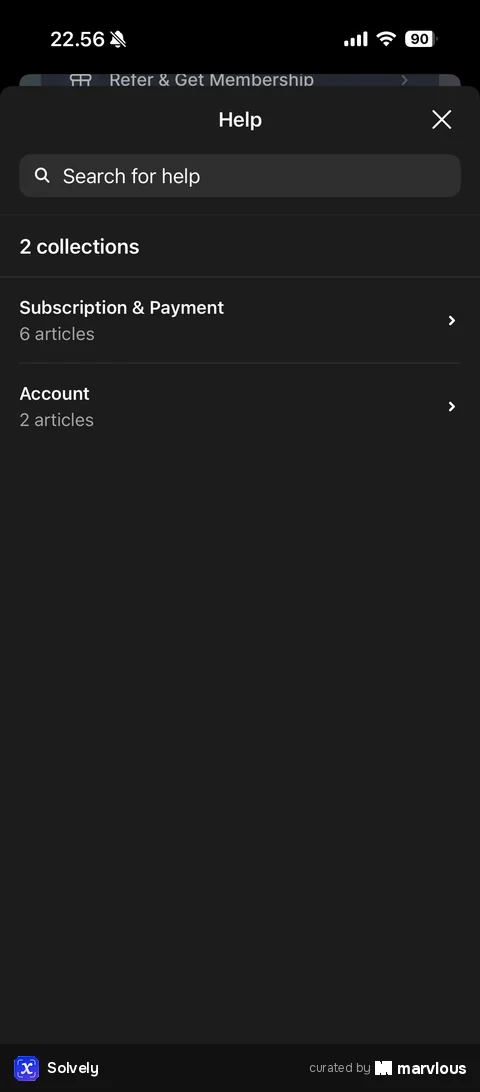
    Me scrolled: appearance, language, notification, how to use, about us and terms, community links

  3. Solvely me: Help sheet: search help, subscription and payment, account collections
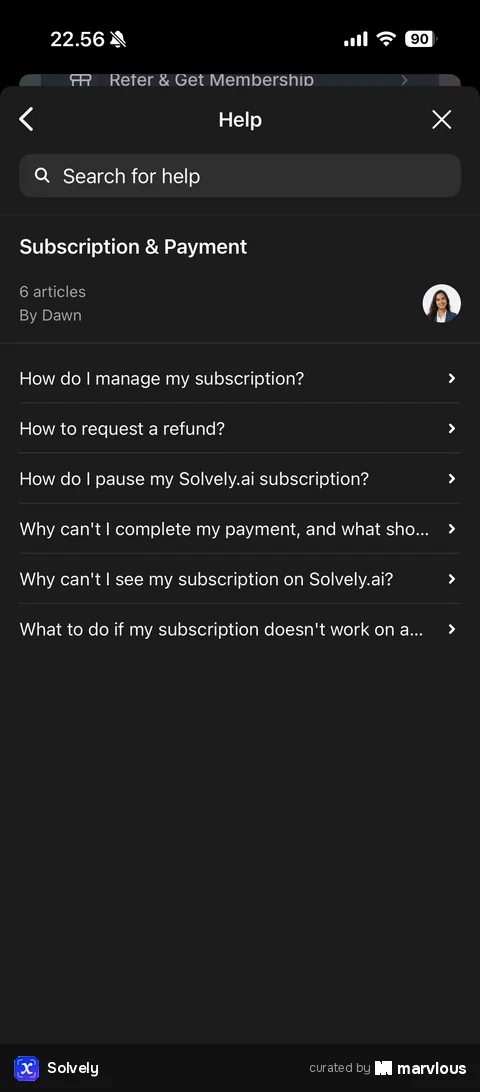
    Help sheet: search help, subscription and payment, account collections

  4. Solvely me: Help: subscription and payment articles list
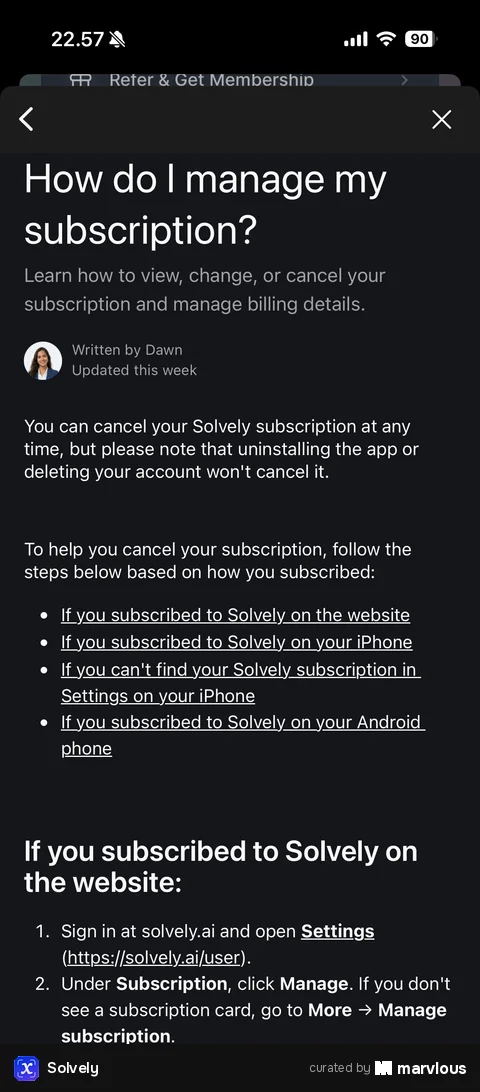
    Help: subscription and payment articles list

  5. Solvely me: Help article: how do I manage my subscription
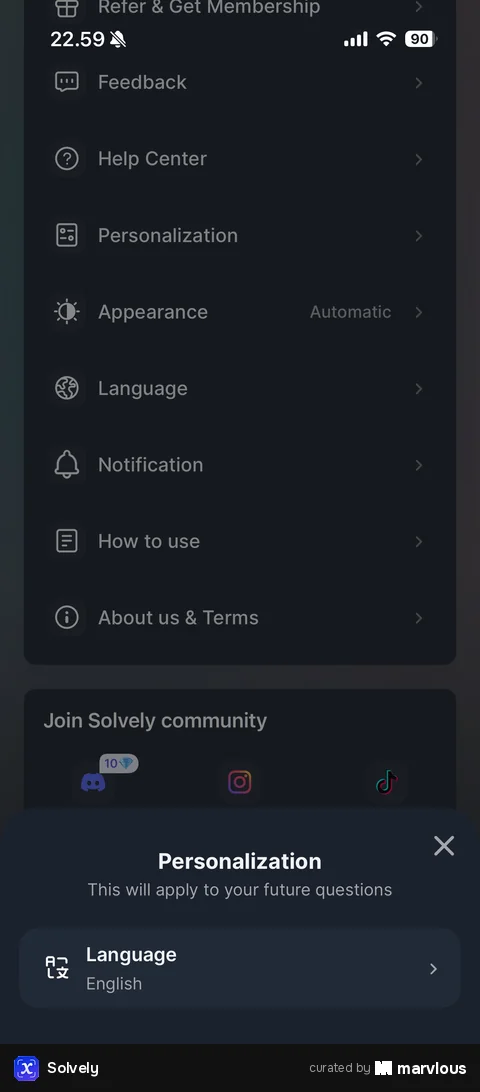
    Help article: how do I manage my subscription

  6. Solvely me: Personalization sheet: language English, applies to future questions
    Personalization sheet: language English, applies to future questions

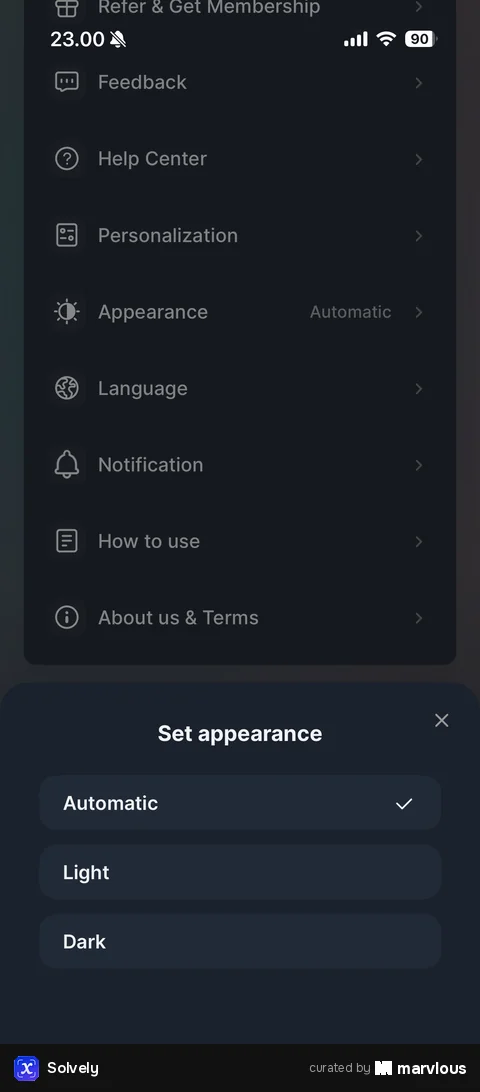
  7. Solvely me: Set appearance sheet: automatic, light, dark
    Set appearance sheet: automatic, light, dark

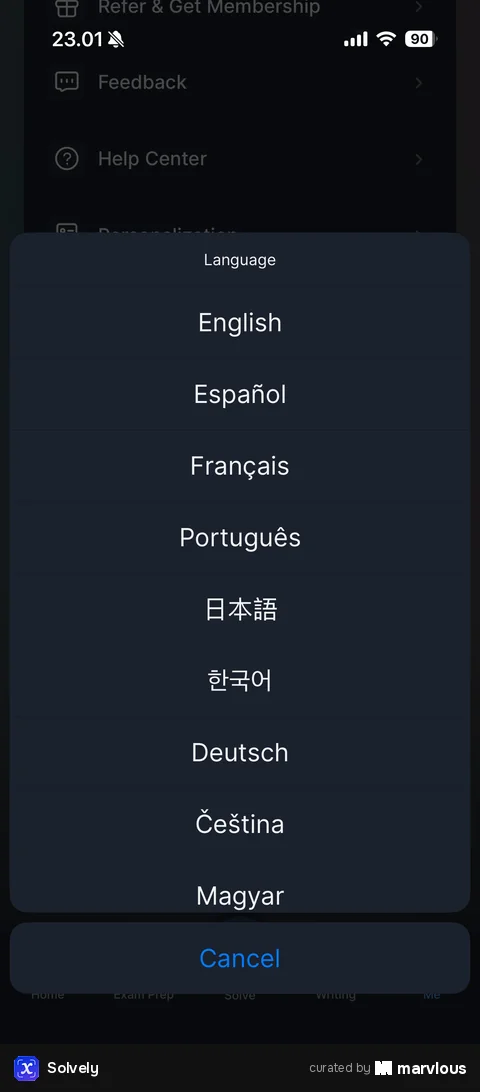
  8. Solvely me: Language picker: English, Spanish, French, Portuguese, Japanese, Korean, German, Czech, Hungarian
    Language picker: English, Spanish, French, Portuguese, Japanese, Korean, German, Czech, Hungarian

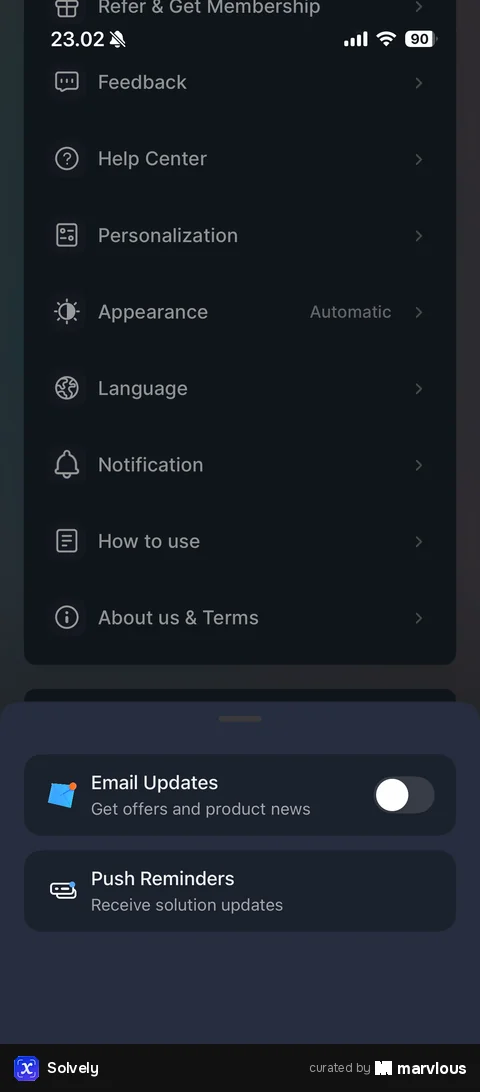
  9. Solvely me: Notification sheet: email updates off, push reminders
    Notification sheet: email updates off, push reminders

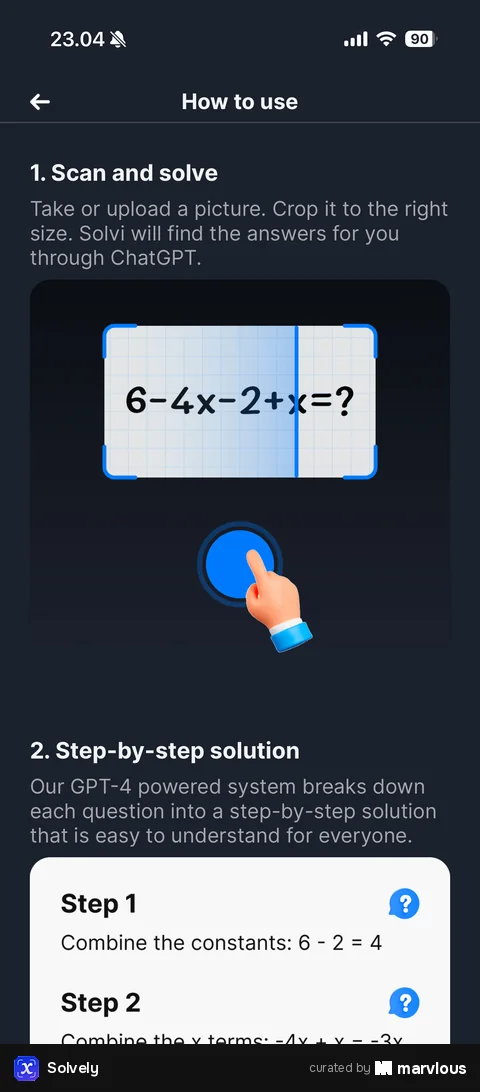
  10. Solvely me: How to use: scan and solve, step-by-step solution
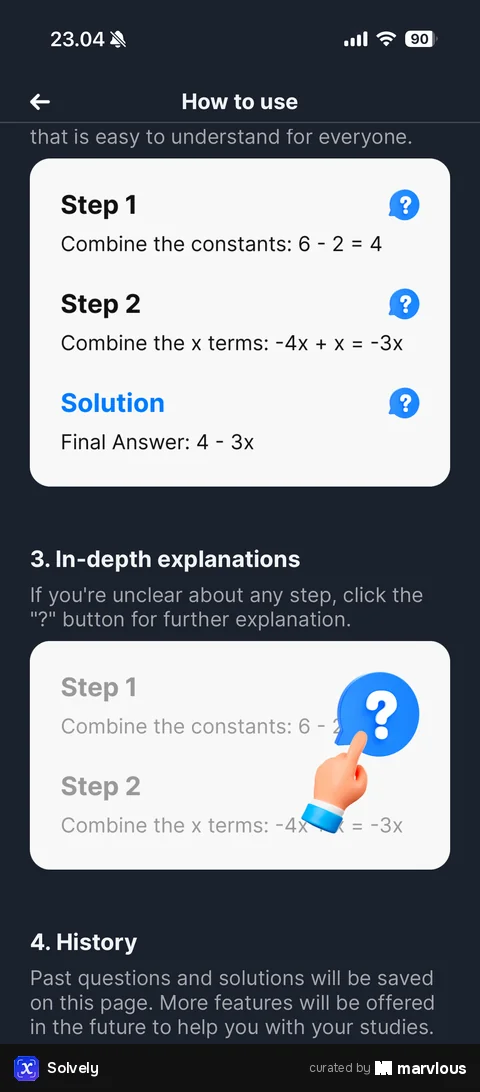
    How to use: scan and solve, step-by-step solution

  11. Solvely me: How to use scrolled: step solution, in-depth explanations, history
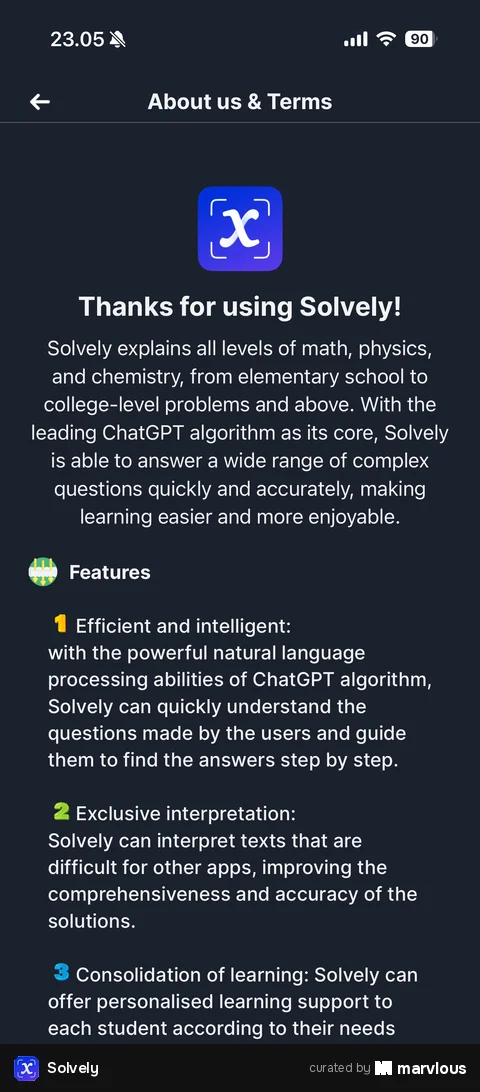
    How to use scrolled: step solution, in-depth explanations, history

  12. Solvely me: About us and terms: thanks for using Solvely, features list
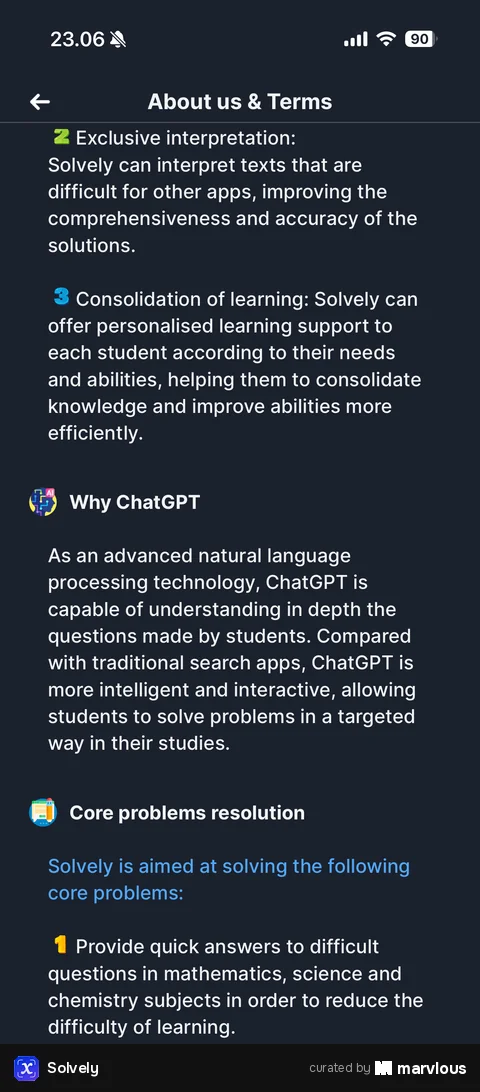
    About us and terms: thanks for using Solvely, features list

  13. Solvely me: About scrolled: why ChatGPT, core problems
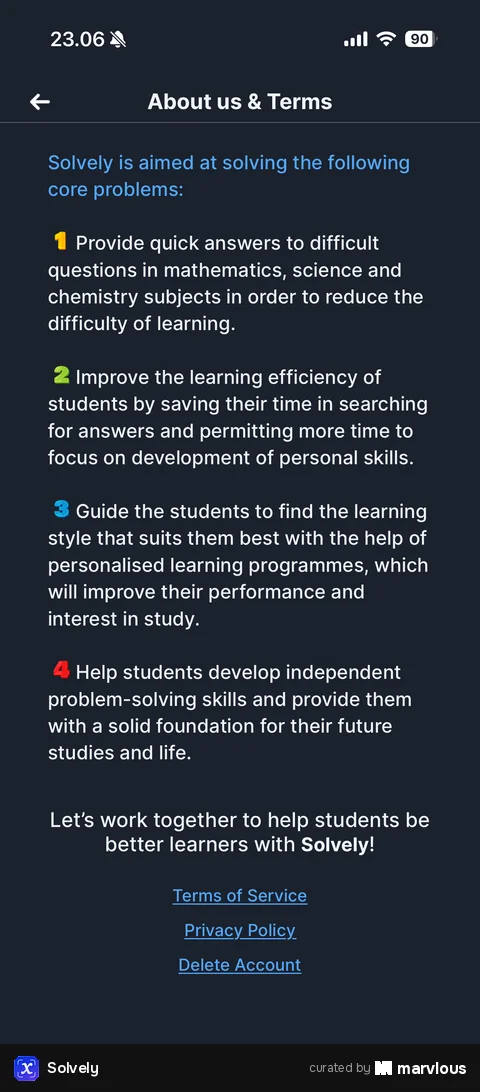
    About scrolled: why ChatGPT, core problems

  14. Solvely me: About bottom: core problems, terms, privacy, delete account links
    About bottom: core problems, terms, privacy, delete account links

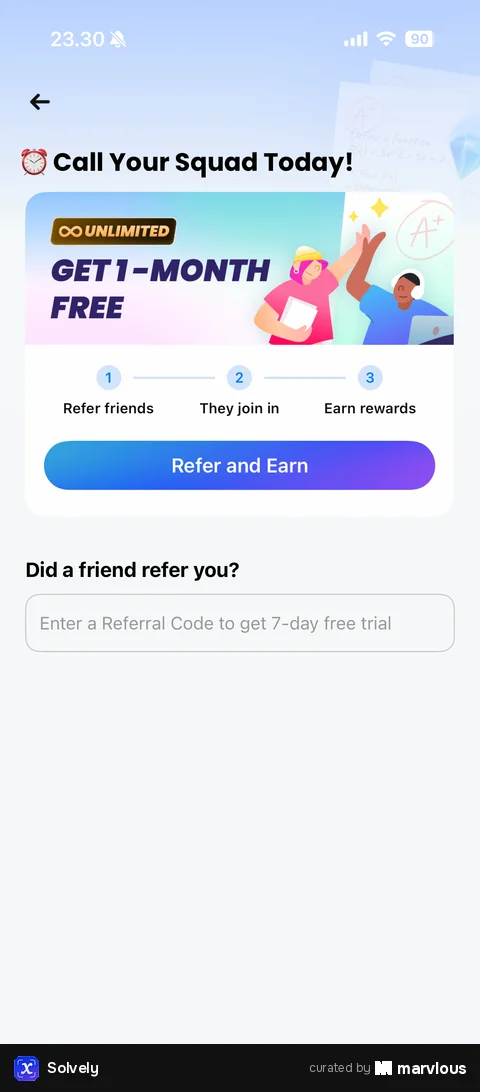
  15. Solvely me: Refer and Earn: refer friends, earn 1 month free, referral code entry for 7-day trial
    Refer and Earn: refer friends, earn 1 month free, referral code entry for 7-day trial

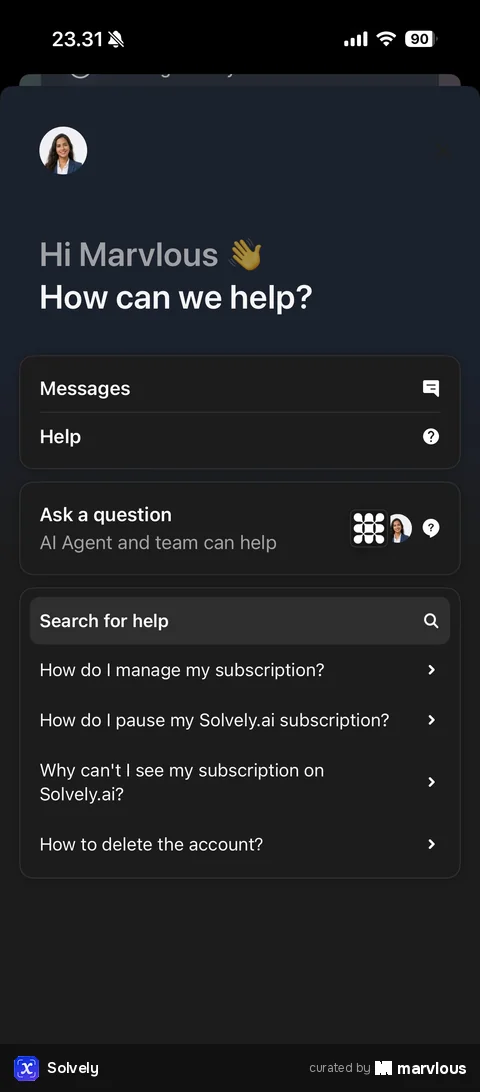
  16. Solvely me: Feedback: hi Marvlous, how can we help? support chat entry
    Feedback: hi Marvlous, how can we help? support chat entry

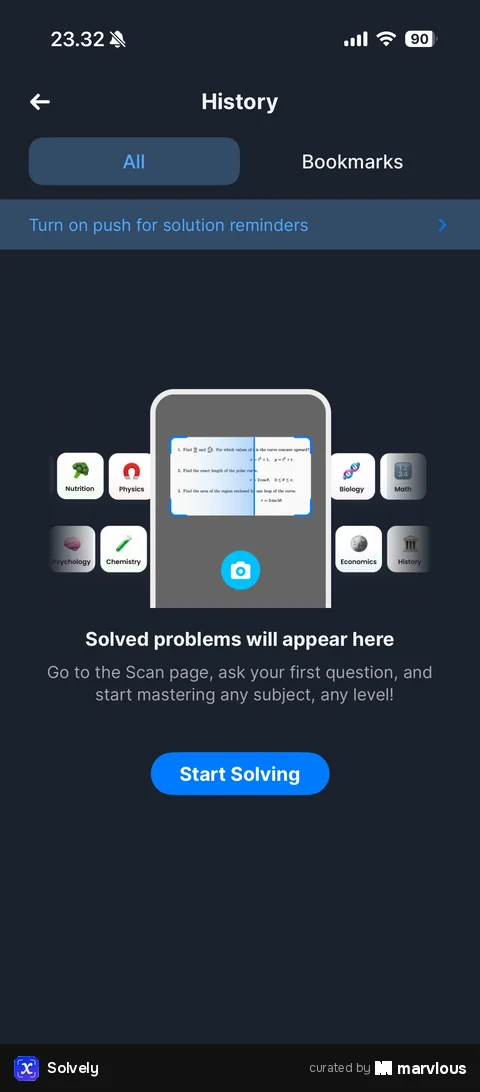
  17. Solvely me: Solving history: all and bookmarks tabs, empty state and push reminder banner

    Solving history: all and bookmarks tabs, empty state and push reminder banner

Solvely writing (8 screens)
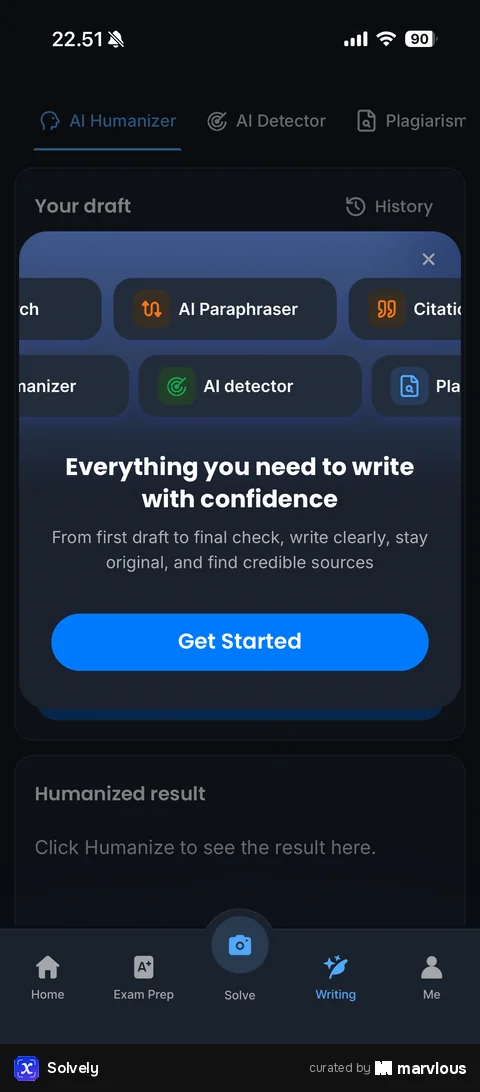
  1. Solvely writing: Writing: AI humanizer, detector, plagiarism; intro modal with get started
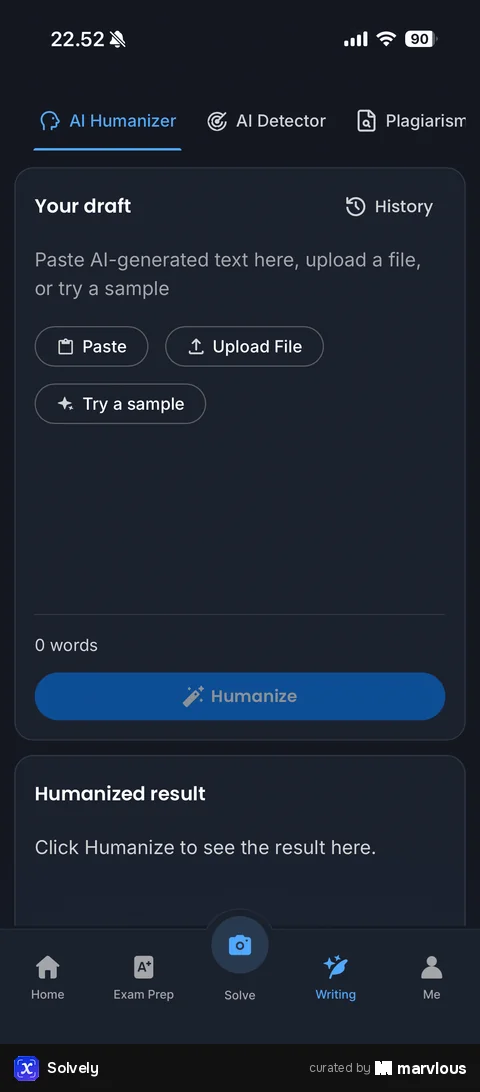
    Writing: AI humanizer, detector, plagiarism; intro modal with get started

  2. Solvely writing: AI humanizer: your draft, paste, upload file, try a sample, humanize button
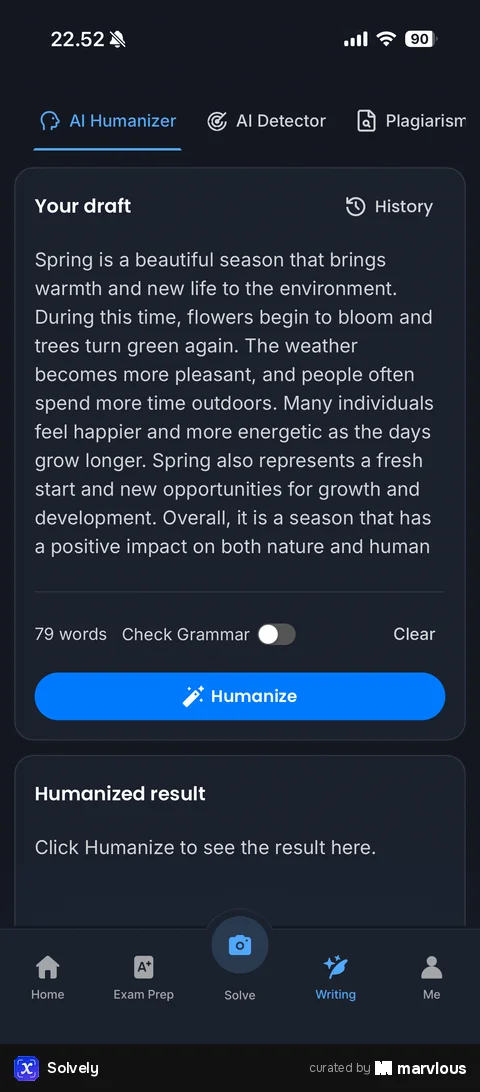
    AI humanizer: your draft, paste, upload file, try a sample, humanize button

  3. Solvely writing: Humanizer with sample text: 79 words, check grammar, clear, humanize
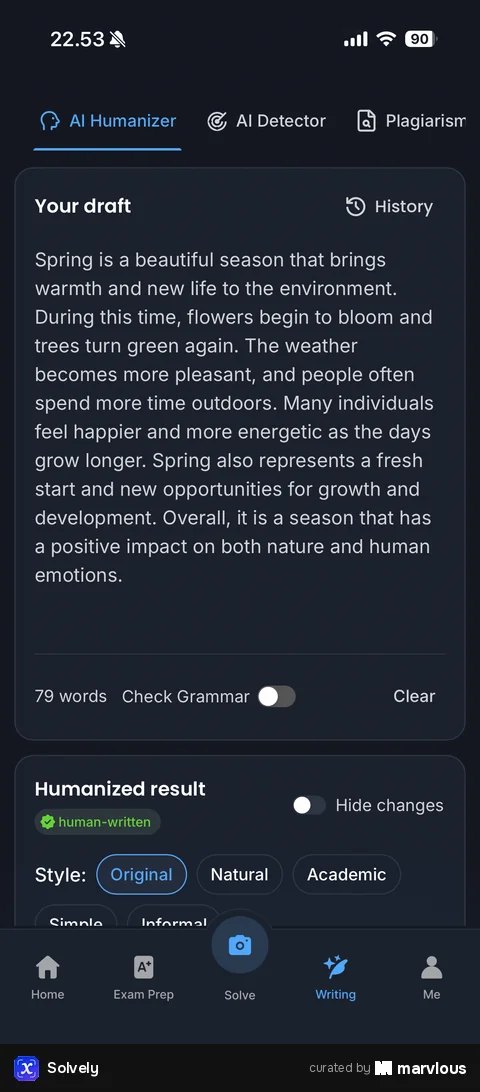
    Humanizer with sample text: 79 words, check grammar, clear, humanize

  4. Solvely writing: Humanized result: human-written badge, hide changes, style chips
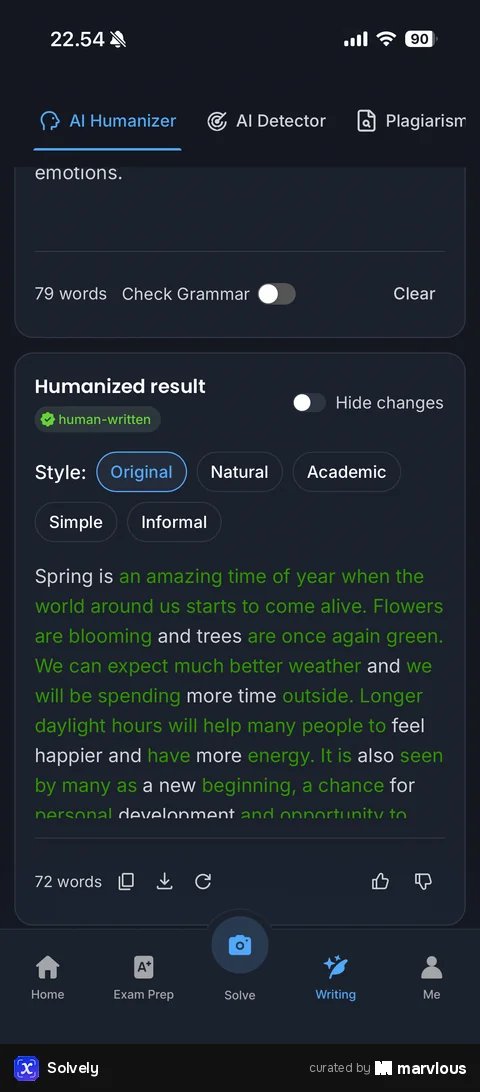
    Humanized result: human-written badge, hide changes, style chips

  5. Solvely writing: Humanized text with highlighted changes, 72 words, copy, download, regenerate, thumbs
    Humanized text with highlighted changes, 72 words, copy, download, regenerate, thumbs

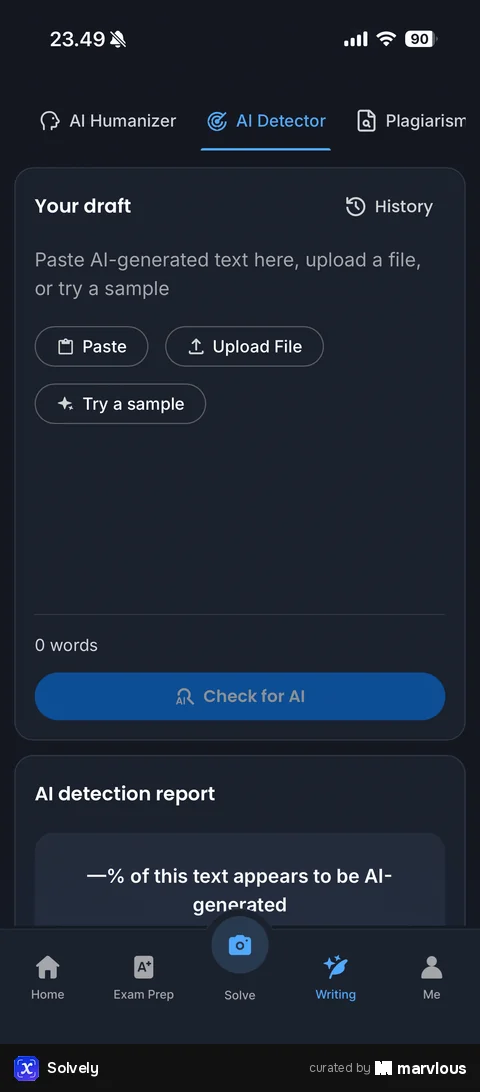
  6. Solvely writing: AI Detector empty state: paste, upload a file or try a sample
    AI Detector empty state: paste, upload a file or try a sample

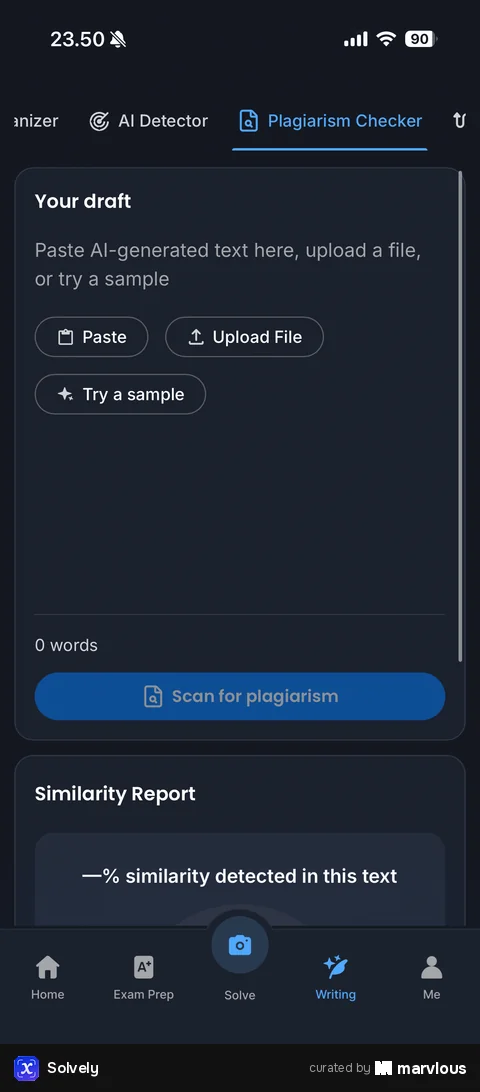
  7. Solvely writing: Plagiarism Checker empty state: paste, upload a file or try a sample

    Plagiarism Checker empty state: paste, upload a file or try a sample
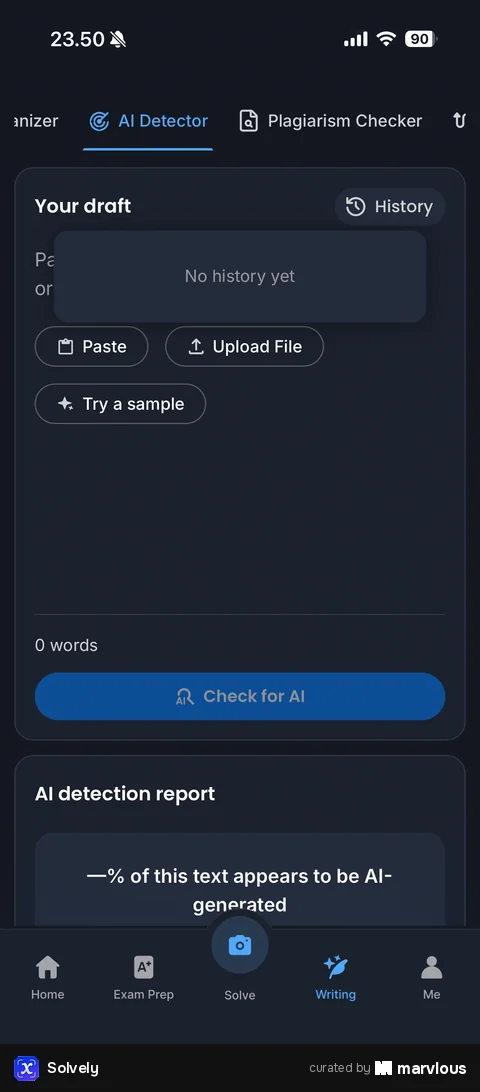
  8. Solvely writing: Writing History popover: no history yet

    Writing History popover: no history yet

Solvely tutor (1 screen)
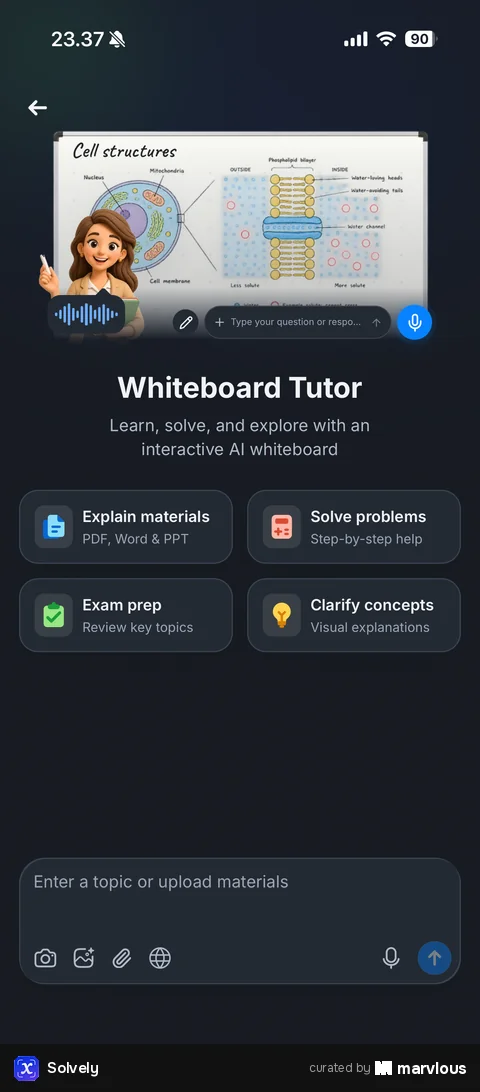
  1. Solvely tutor: Whiteboard tutor: interactive AI whiteboard, explain materials, solve problems, exam prep, clarify concepts, topic input

    Whiteboard tutor: interactive AI whiteboard, explain materials, solve problems, exam prep, clarify concepts, topic input

Compare the Solvely paywall with other top apps

More app designs

See all apps