Locket Widget app design: 25 real screens in 8 flows

Best friends first. Category: Social Networking. By Locket Labs, Inc.

Captured on iPhone and updated November 2026. Each screen has a short note on what it shows and why it matters for growth.

Locket Widget onboarding (4 screens)
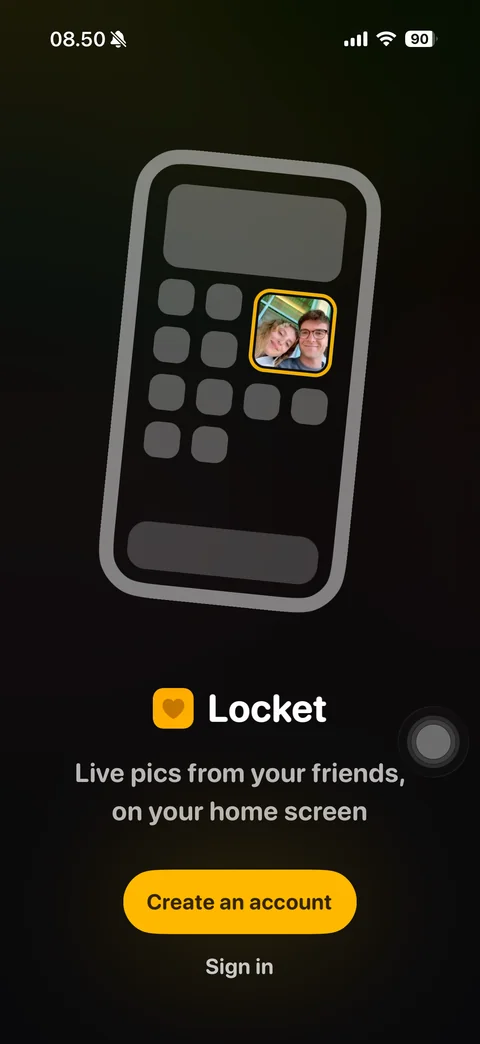
  1. Locket Widget onboarding: Welcome: live pics from your friends on your home screen
    Welcome: live pics from your friends on your home screen
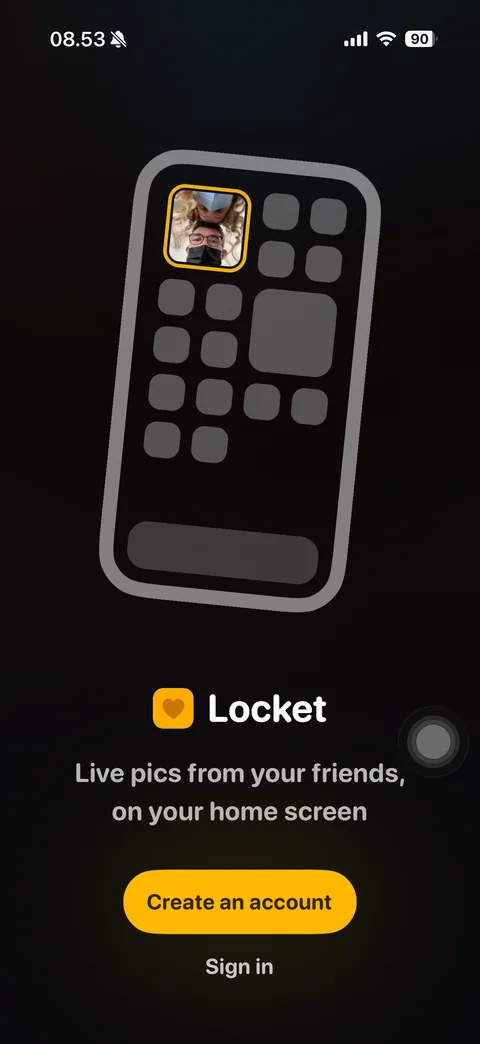
  2. Locket Widget onboarding: Welcome: live pics from your friends on your home screen

    Welcome: live pics from your friends on your home screen

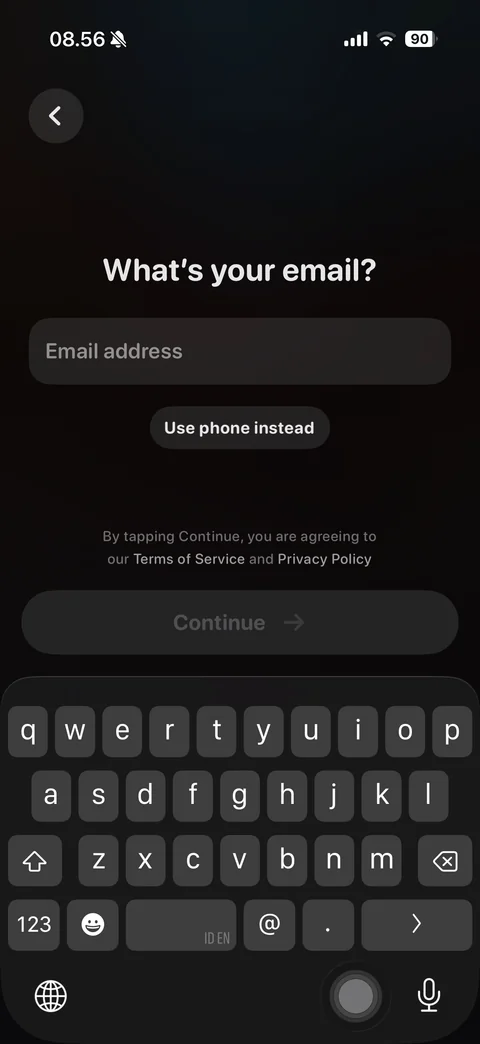
  3. Locket Widget onboarding: Create account: what's your email, use phone instead
    Create account: what's your email, use phone instead

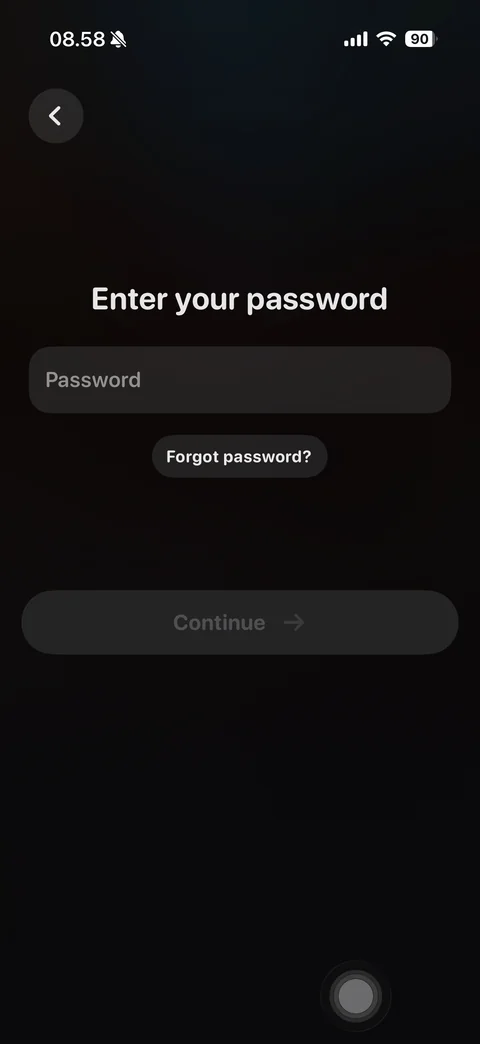
  4. Locket Widget onboarding: Enter your password, forgot password link

    Enter your password, forgot password link

Locket Widget capture (1 screen)
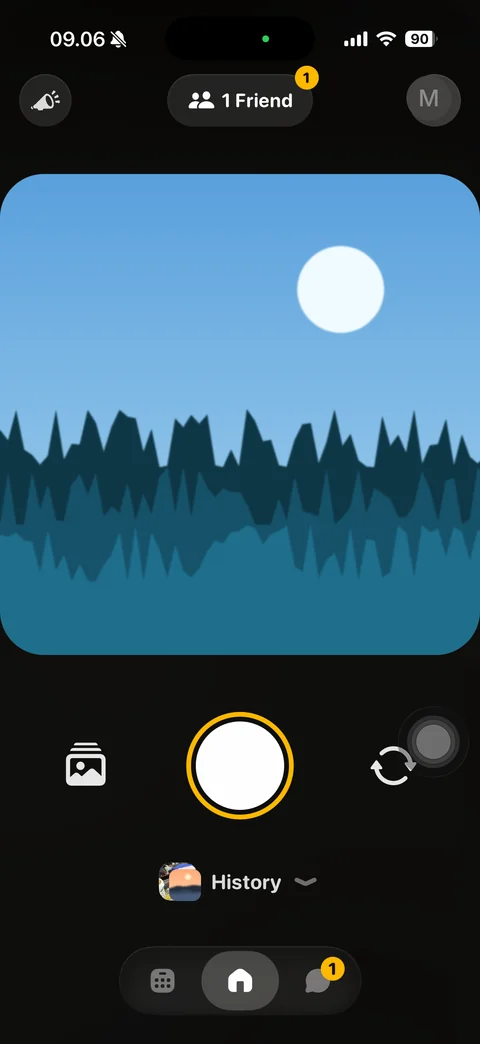
  1. Locket Widget capture: Camera tab: live preview, shutter, 1 friend

    Camera tab: live preview, shutter, 1 friend

Locket Widget memories (1 screen)
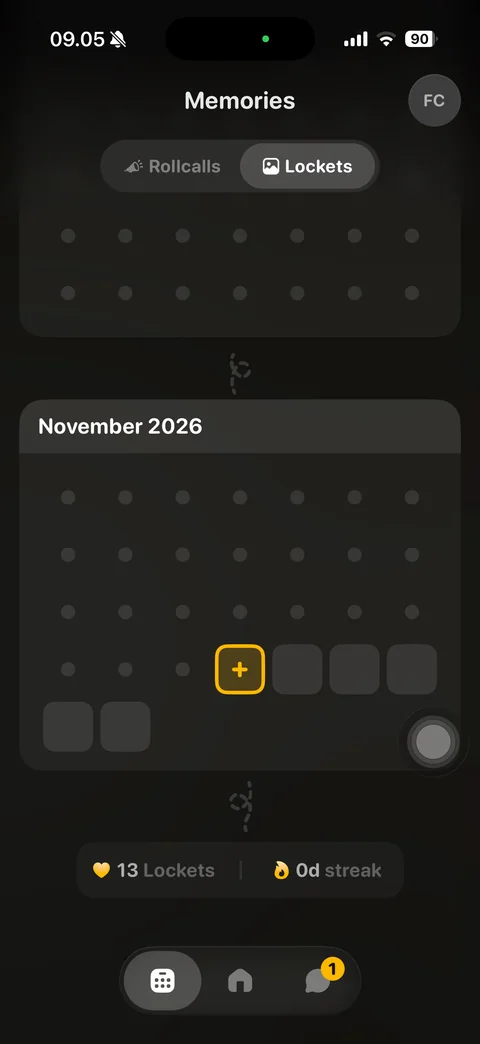
  1. Locket Widget memories: Memories: rollcalls and lockets, November calendar, 13 lockets

    Memories: rollcalls and lockets, November calendar, 13 lockets

Locket Widget friends (3 screens)
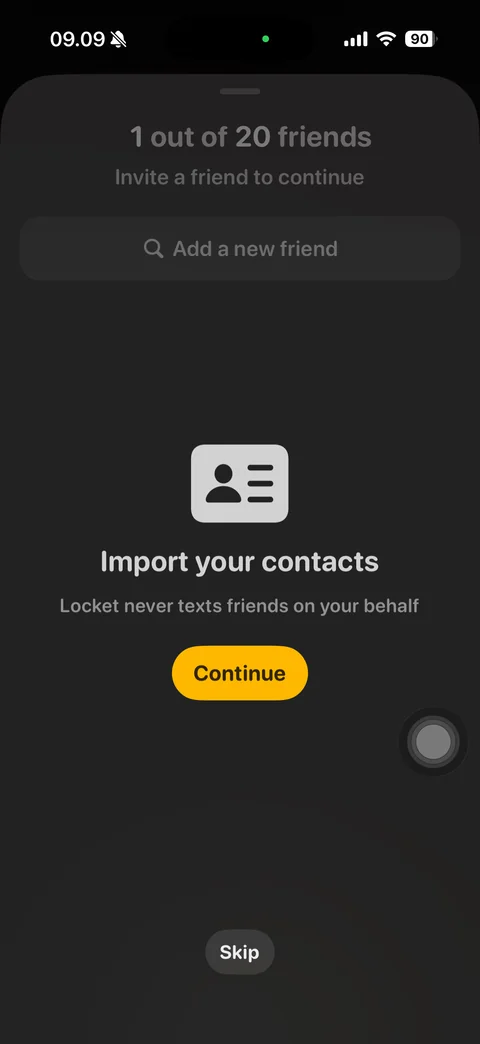
  1. Locket Widget friends: Friends: 1 out of 20 friends, import contacts prompt
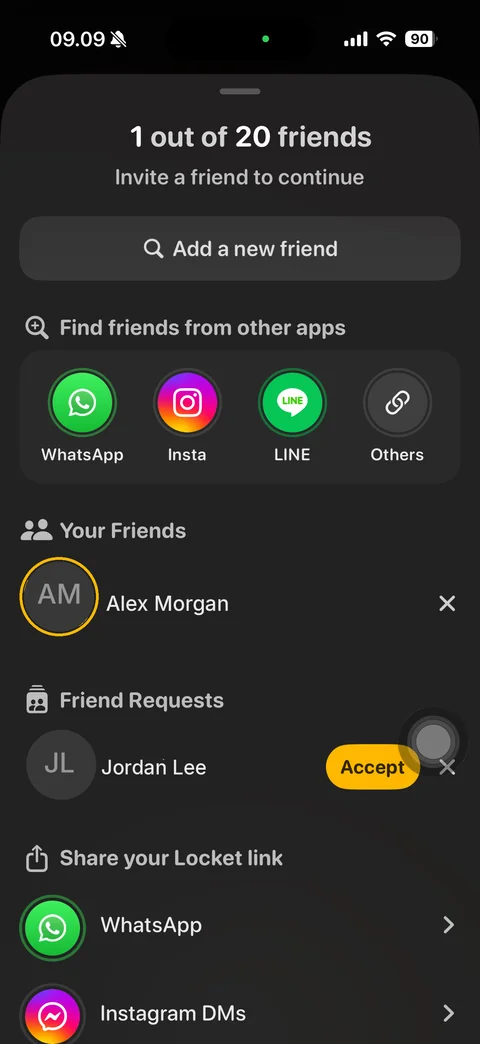
    Friends: 1 out of 20 friends, import contacts prompt

  2. Locket Widget friends: Friends: your friends list, friend request, invite links
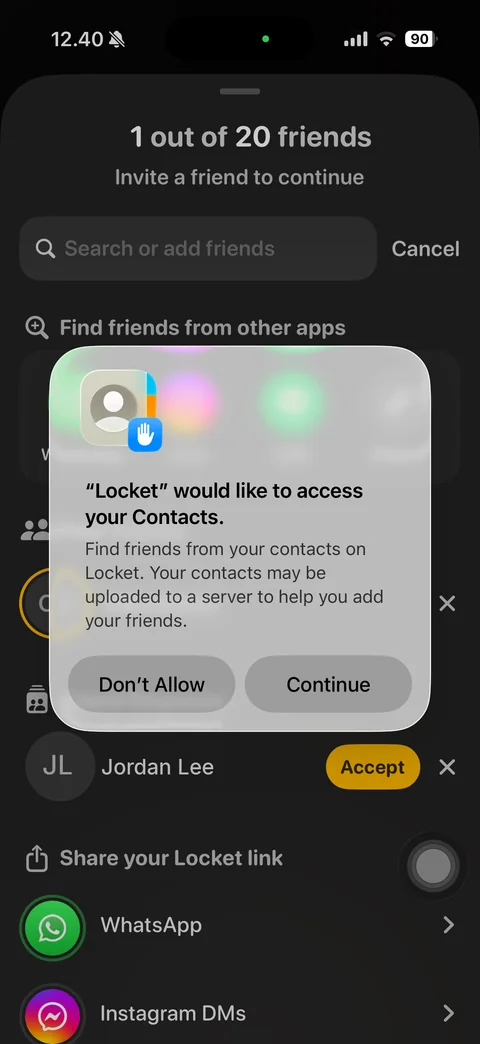
    Friends: your friends list, friend request, invite links

  3. Locket Widget friends: iOS contacts permission prompt

    iOS contacts permission prompt

Locket Widget chat (1 screen)
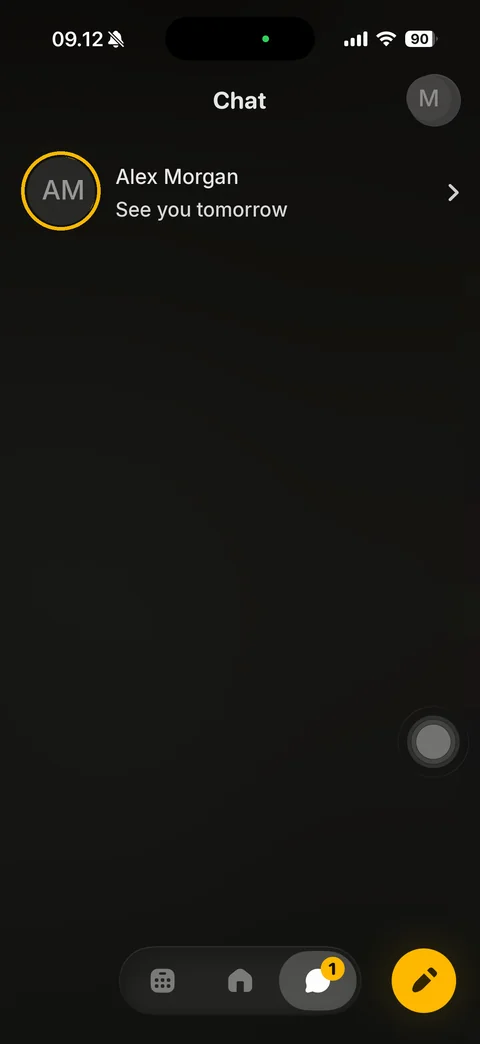
  1. Locket Widget chat: Chat list: one conversation with a message preview

    Chat list: one conversation with a message preview

Locket Widget profile (9 screens)
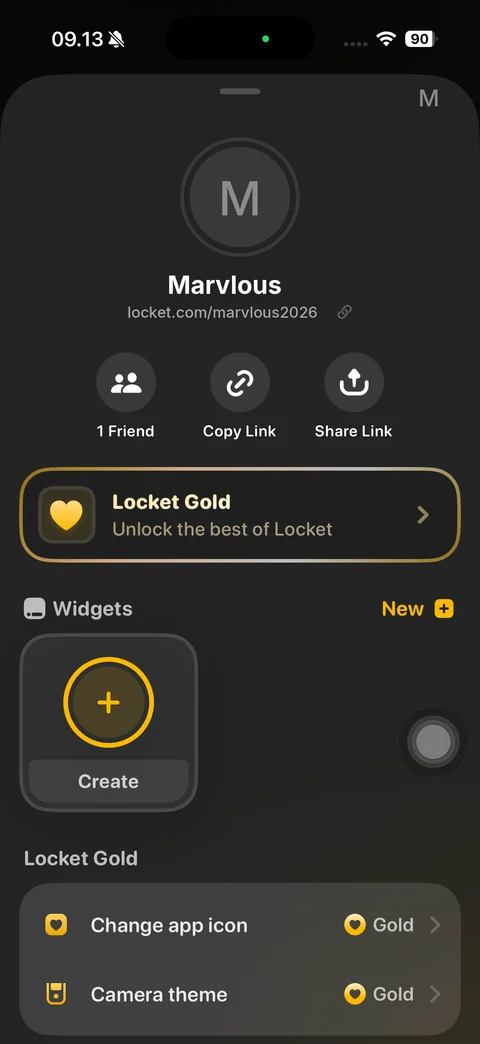
  1. Locket Widget profile: Profile: display name, locket link, friends, widgets, Locket Gold
    Profile: display name, locket link, friends, widgets, Locket Gold

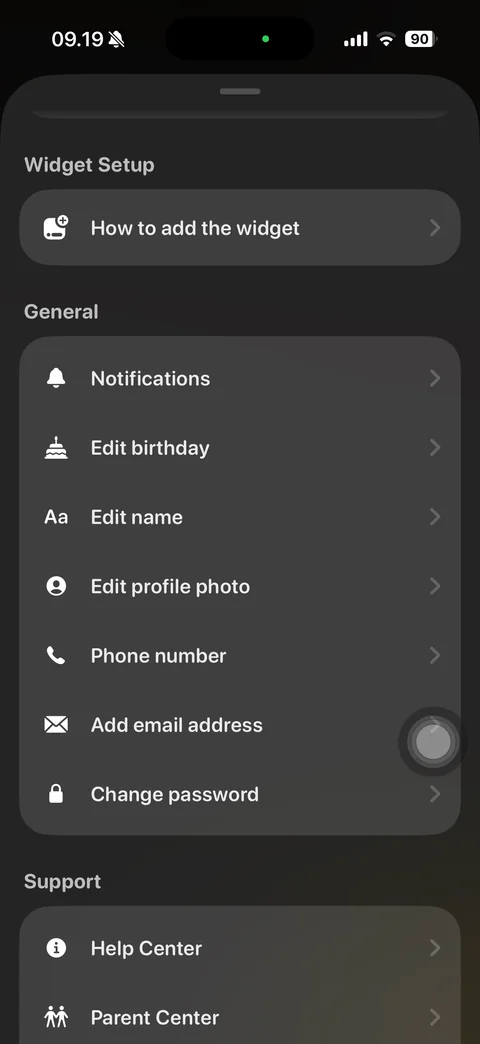
  2. Locket Widget profile: Settings: widget setup, general options, support
    Settings: widget setup, general options, support

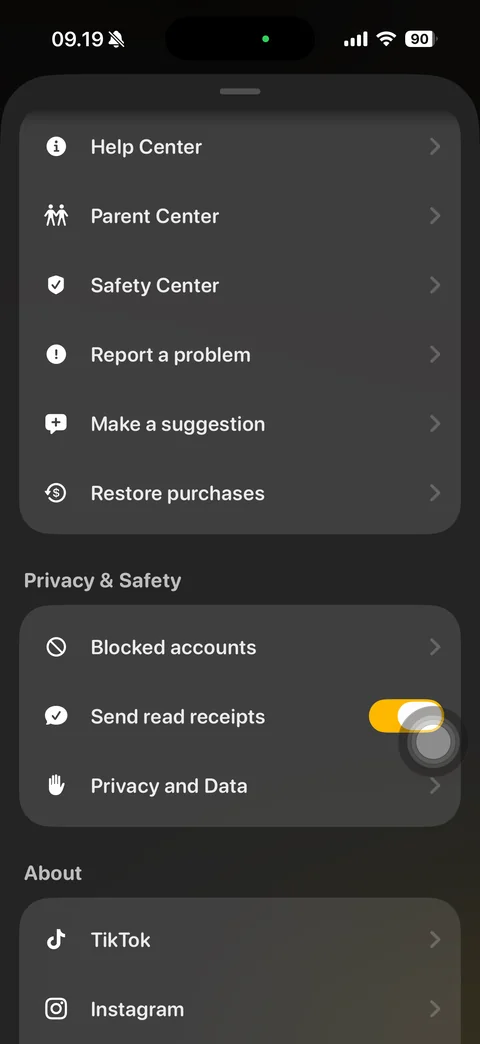
  3. Locket Widget profile: Settings scrolled: support, privacy and safety, about
    Settings scrolled: support, privacy and safety, about

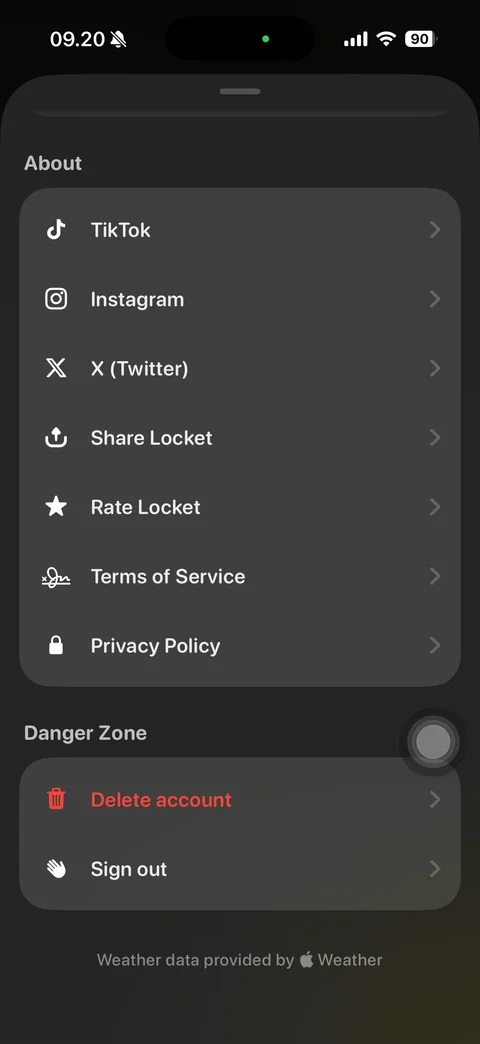
  4. Locket Widget profile: Settings bottom: about links, danger zone, sign out
    Settings bottom: about links, danger zone, sign out

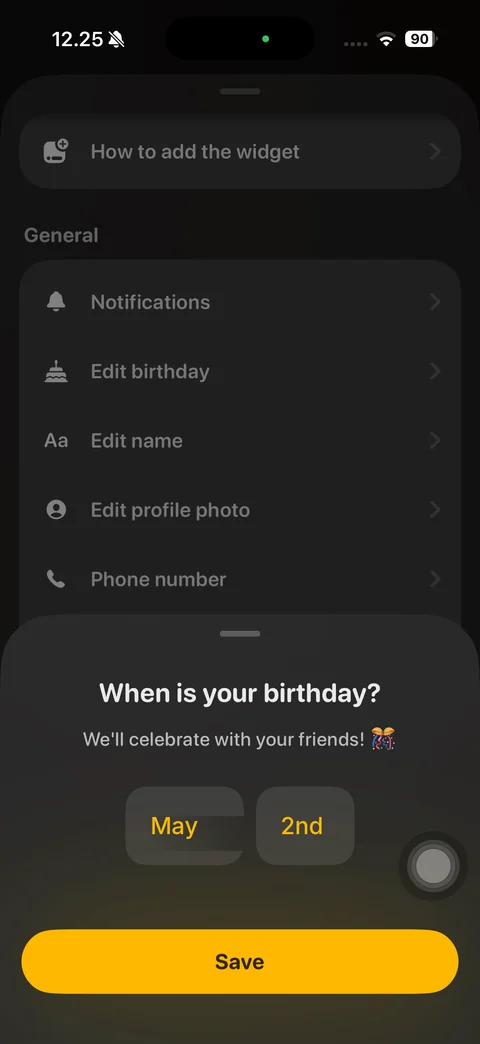
  5. Locket Widget profile: Edit birthday sheet: month and day picker
    Edit birthday sheet: month and day picker

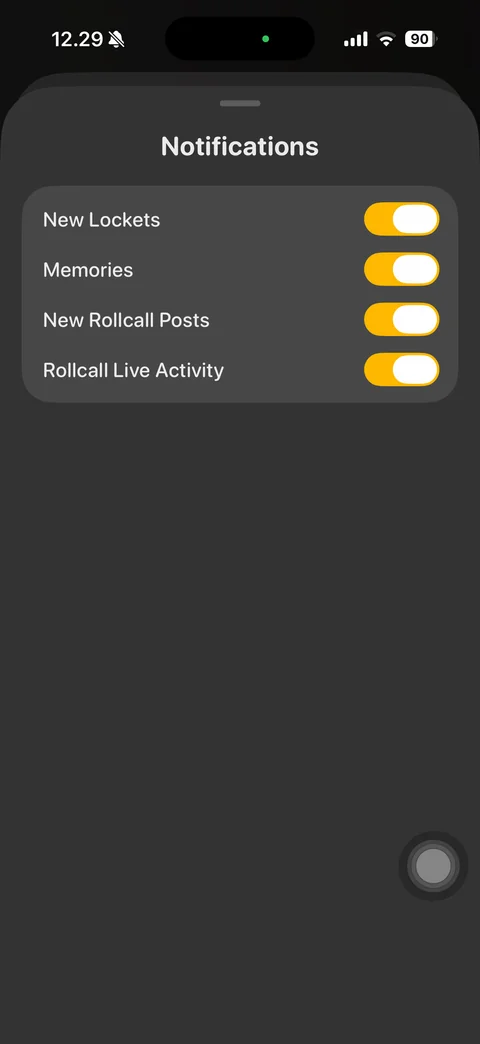
  6. Locket Widget profile: Notification settings: new Lockets, memories, rollcall posts, live activity
    Notification settings: new Lockets, memories, rollcall posts, live activity

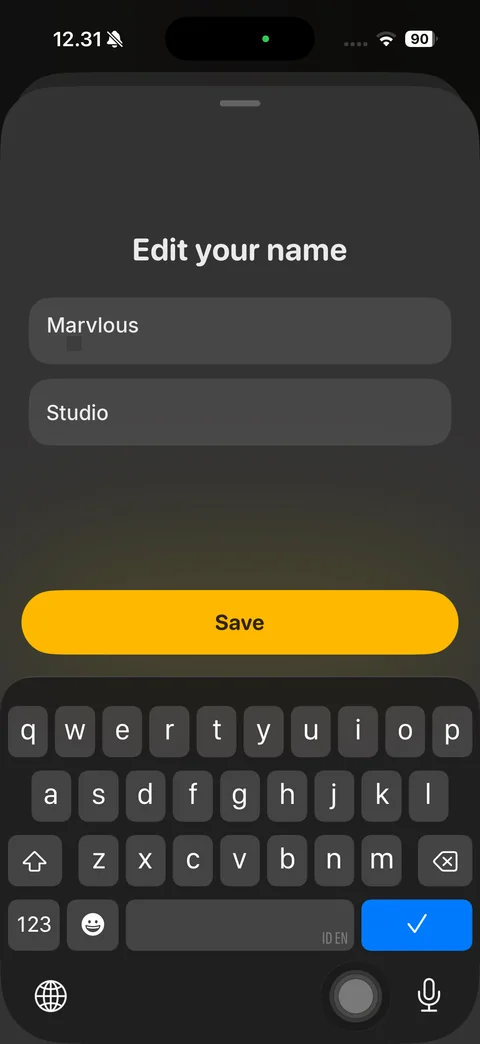
  7. Locket Widget profile: Edit your name: first and last name fields
    Edit your name: first and last name fields

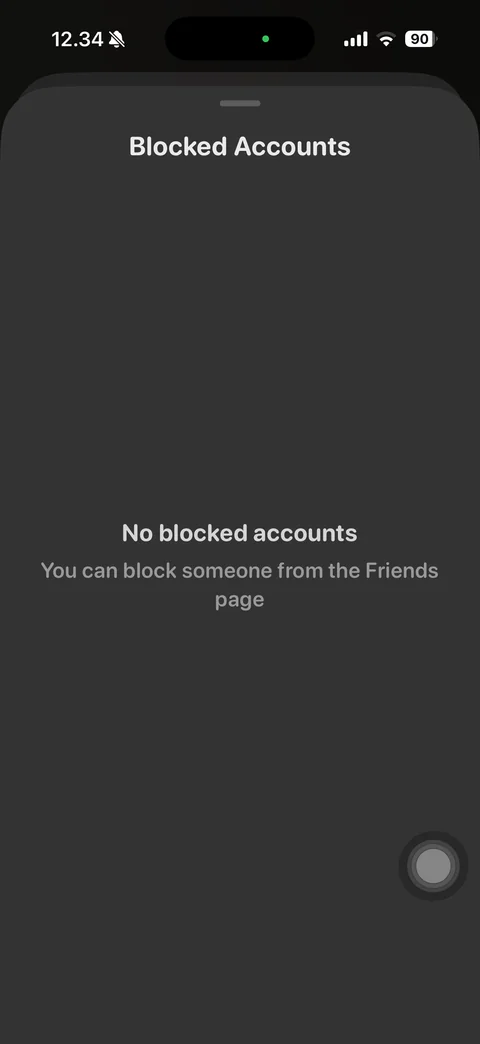
  8. Locket Widget profile: Blocked accounts: empty state

    Blocked accounts: empty state

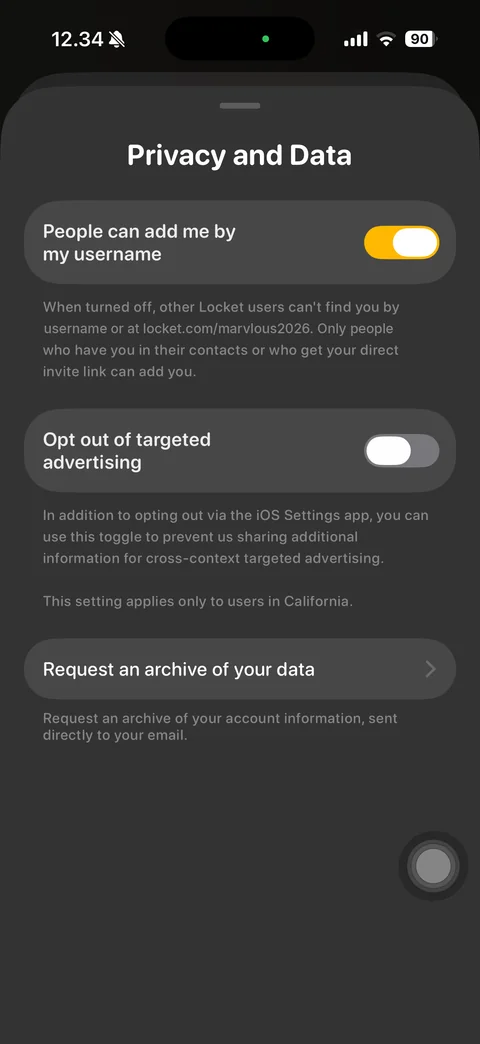
  9. Locket Widget profile: Privacy and data: discoverable by username, targeted ads opt out, data archive

    Privacy and data: discoverable by username, targeted ads opt out, data archive

Locket Widget gold (2 screens)
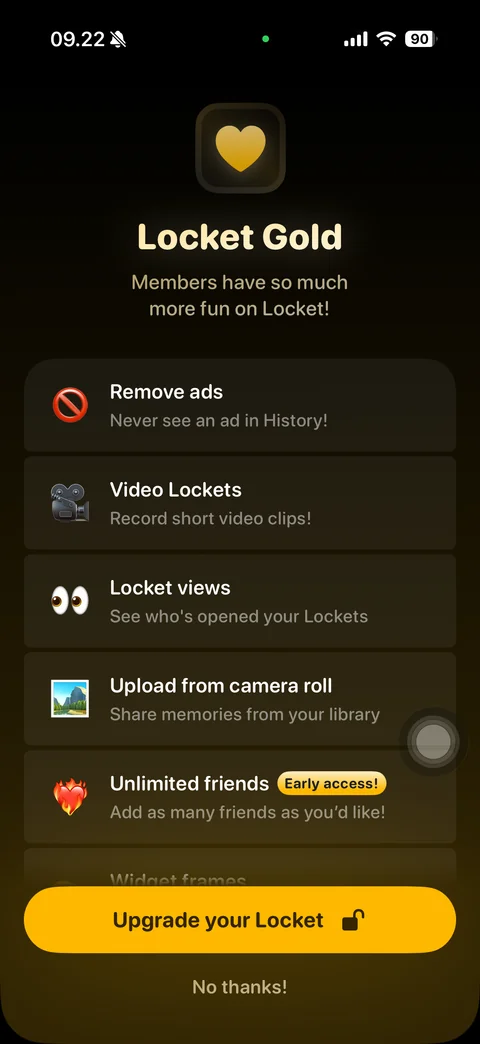
  1. Locket Widget gold: Locket Gold: features list, upgrade button
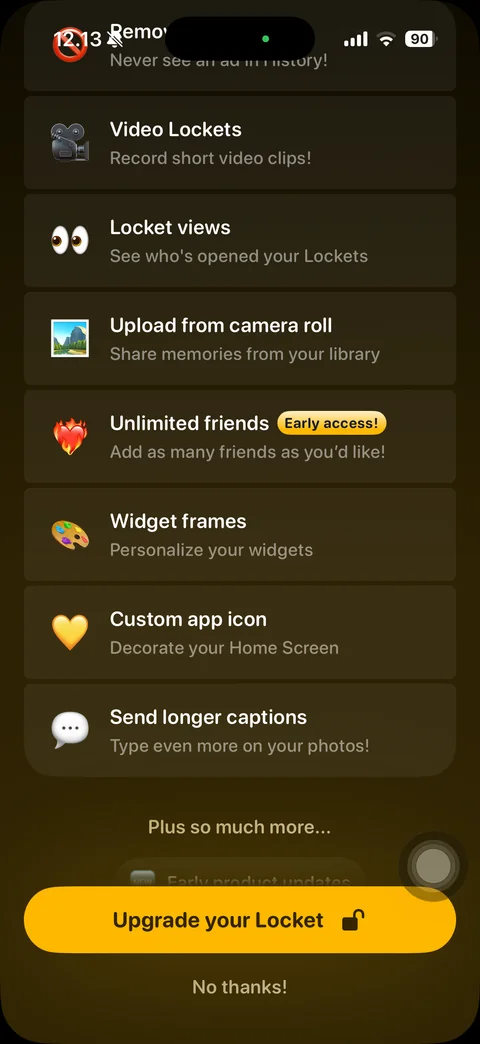
    Locket Gold: features list, upgrade button

  2. Locket Widget gold: Locket Gold scrolled: feature list end, upgrade button

    Locket Gold scrolled: feature list end, upgrade button

Locket Widget widget (4 screens)
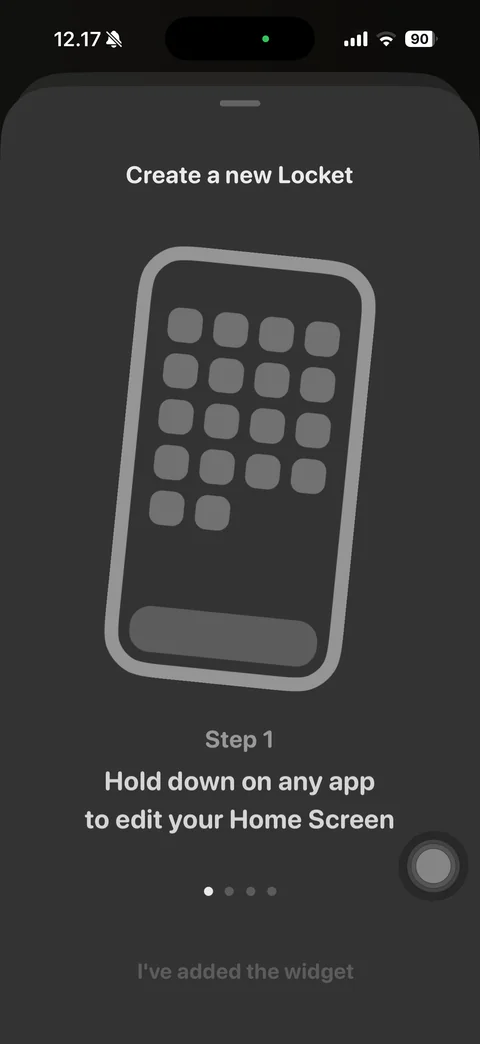
  1. Locket Widget widget: Widget tutorial step 1: hold down on any app to edit Home Screen
    Widget tutorial step 1: hold down on any app to edit Home Screen

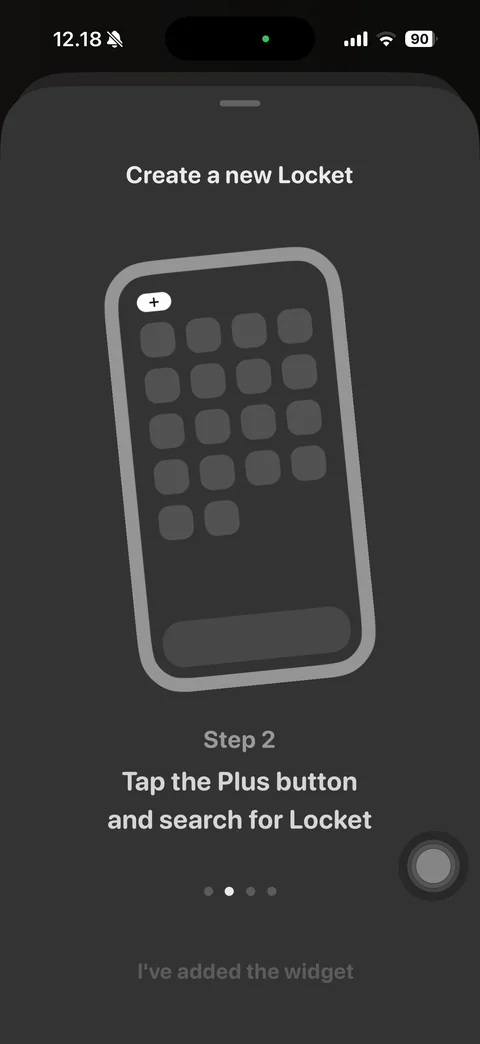
  2. Locket Widget widget: Widget tutorial step 2: tap Plus and search for Locket
    Widget tutorial step 2: tap Plus and search for Locket

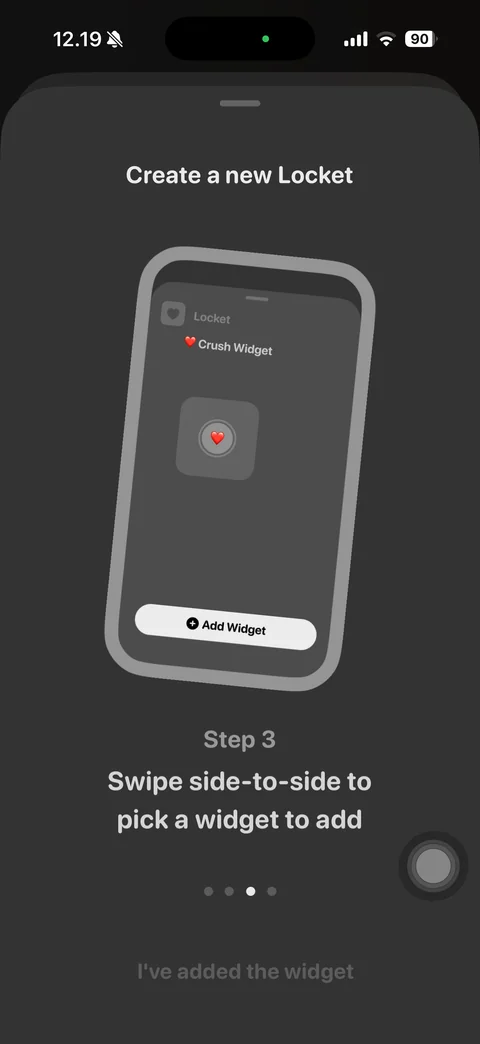
  3. Locket Widget widget: Widget tutorial step 3: swipe side-to-side to pick a widget
    Widget tutorial step 3: swipe side-to-side to pick a widget

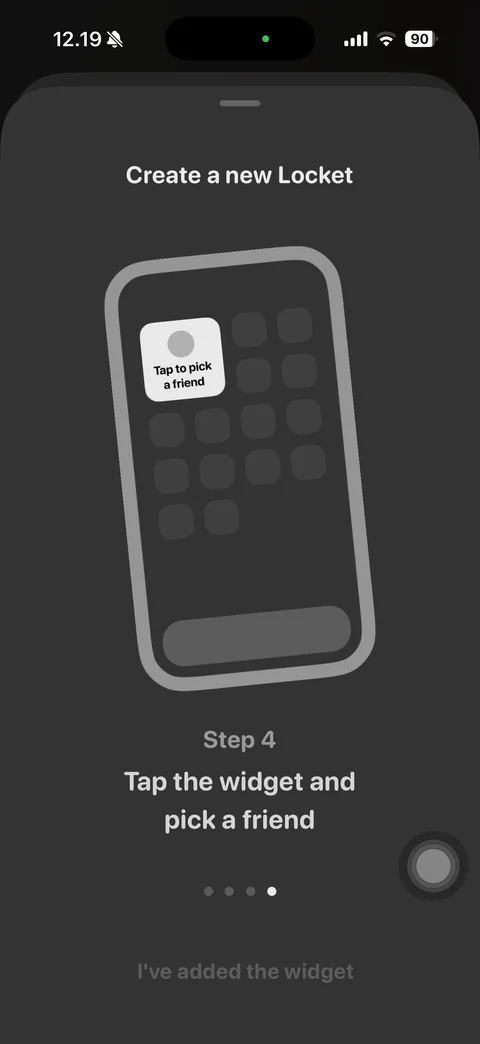
  4. Locket Widget widget: Widget tutorial step 4: tap the widget and pick a friend

    Widget tutorial step 4: tap the widget and pick a friend

Compare the Locket Widget paywall with other top apps

More app designs

See all apps