Pinterest app design: 56 real screens in 19 flows
Fashion, home design and ideas. Category: Lifestyle. By Pinterest, Inc.
Captured on iPhone and updated November 2026. Each screen has a short note on what it shows and why it matters for growth.
Pinterest onboarding (1 screen)
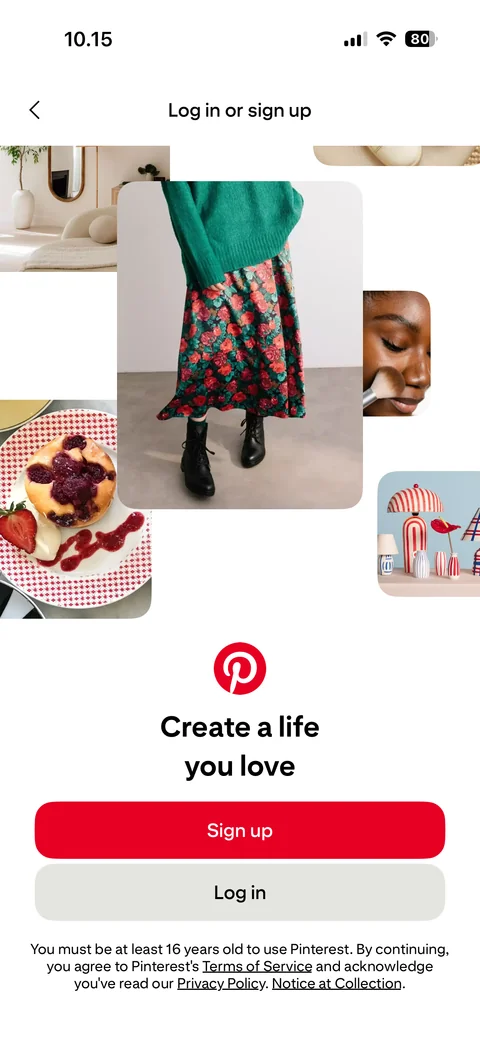
Landing: log in or sign up
Pinterest onboarding / sign up / email (3 screens)
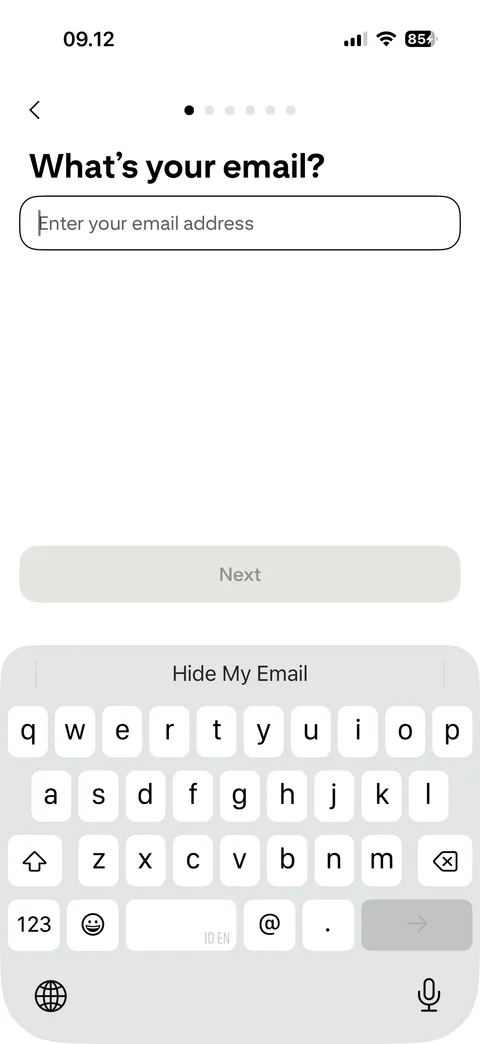
Email: empty, keyboard open
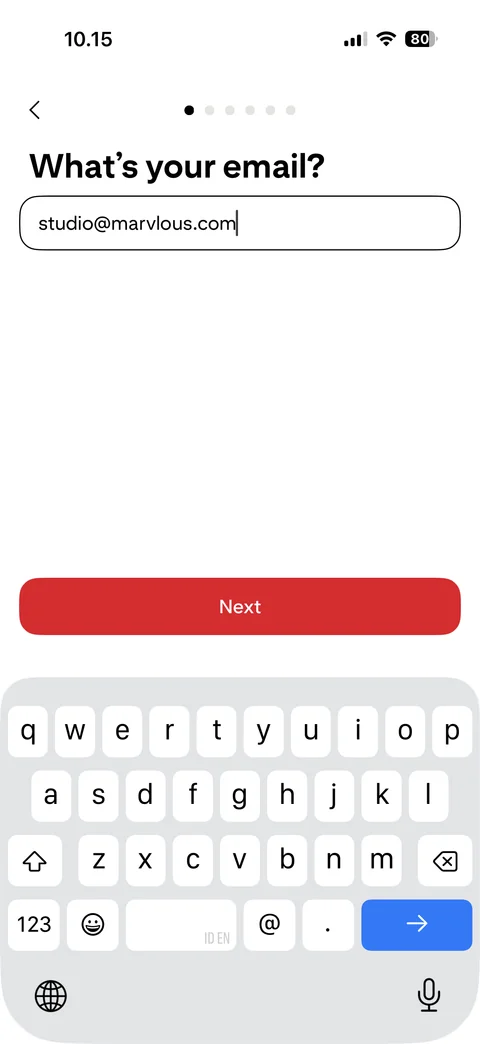
Email: filled
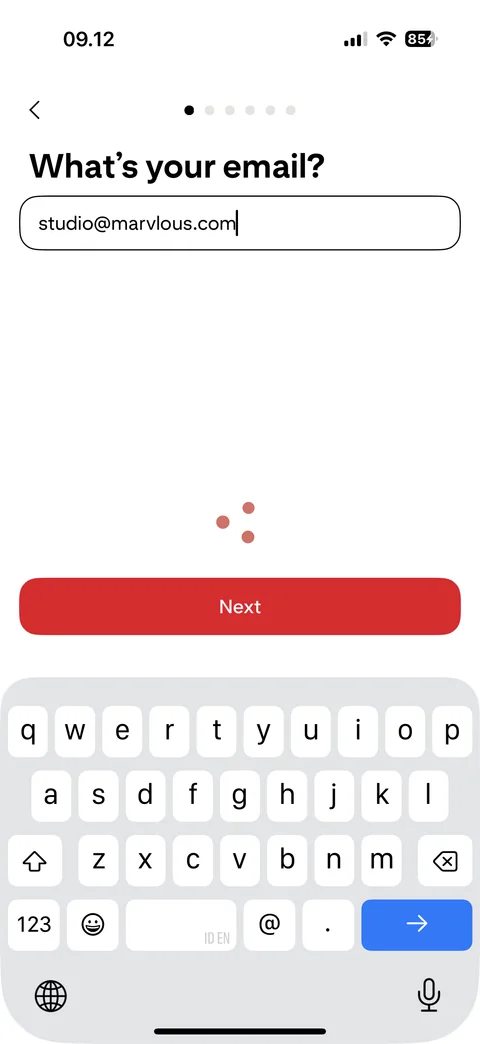
Email: checking (loading)
Pinterest onboarding / sign up / password (6 screens)
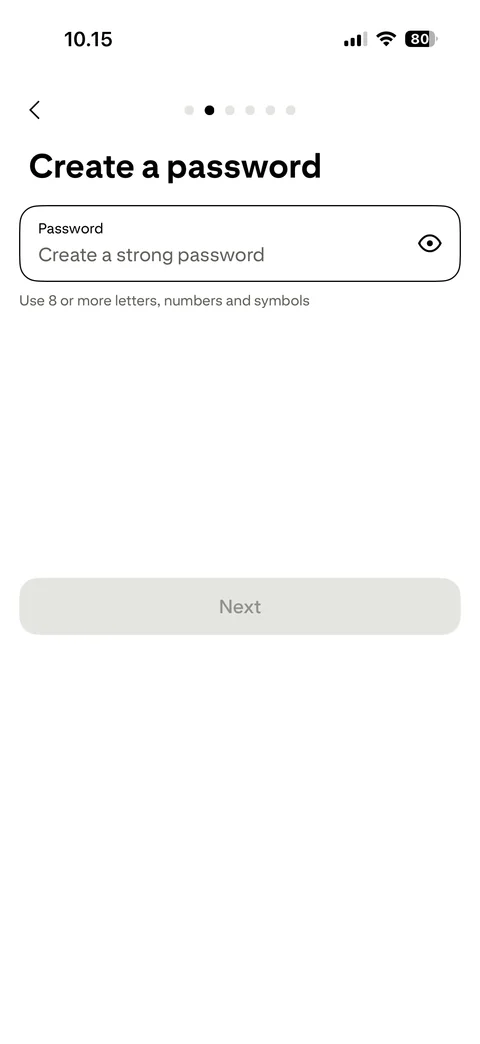
Password: empty
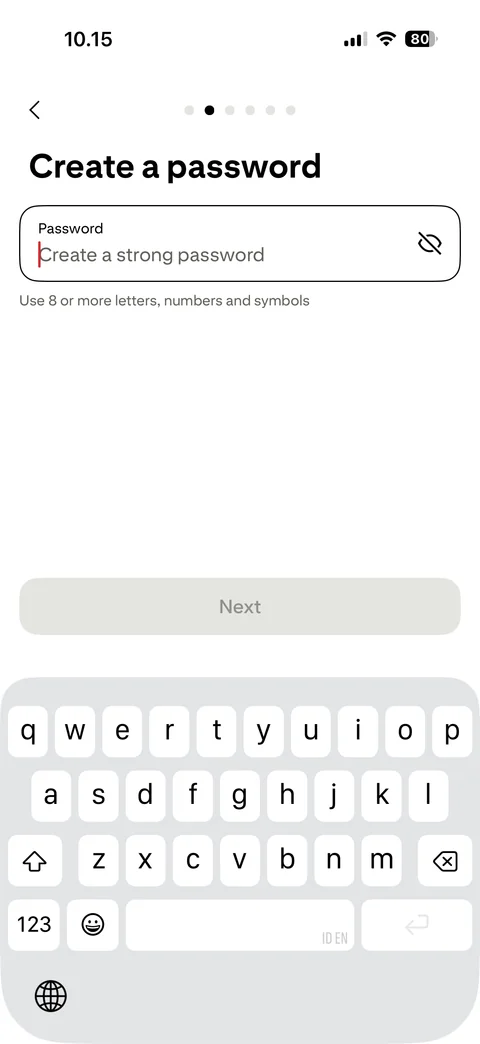
Password: focused, keyboard open
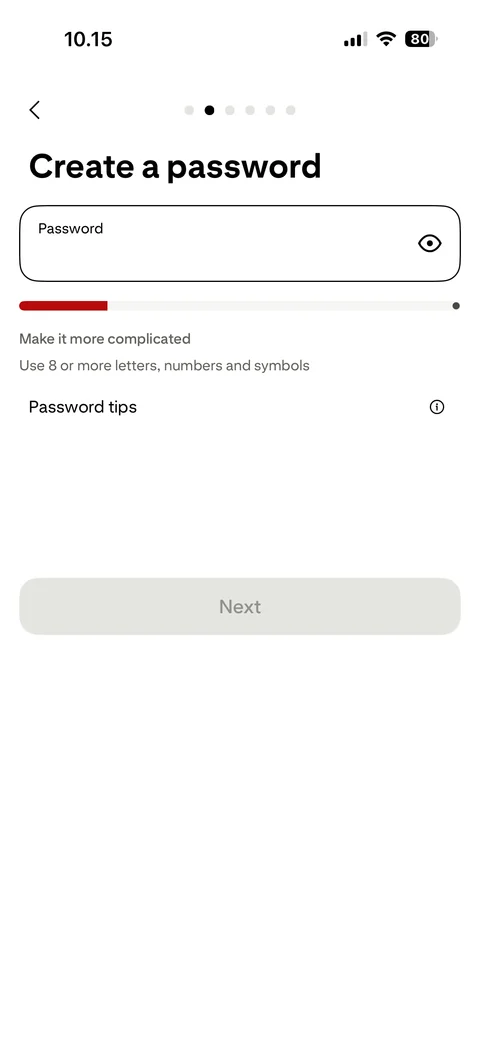
Password: weak (make it more complicated)
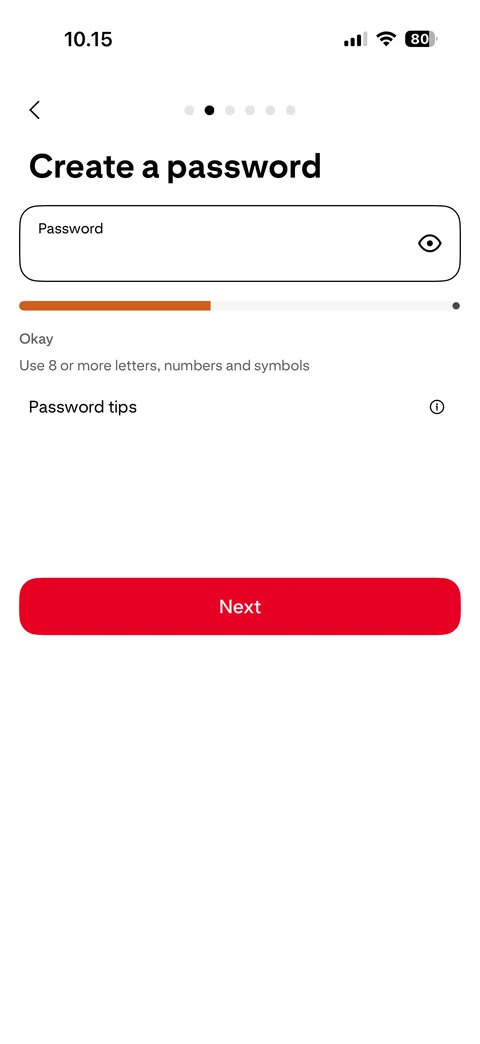
Password: okay
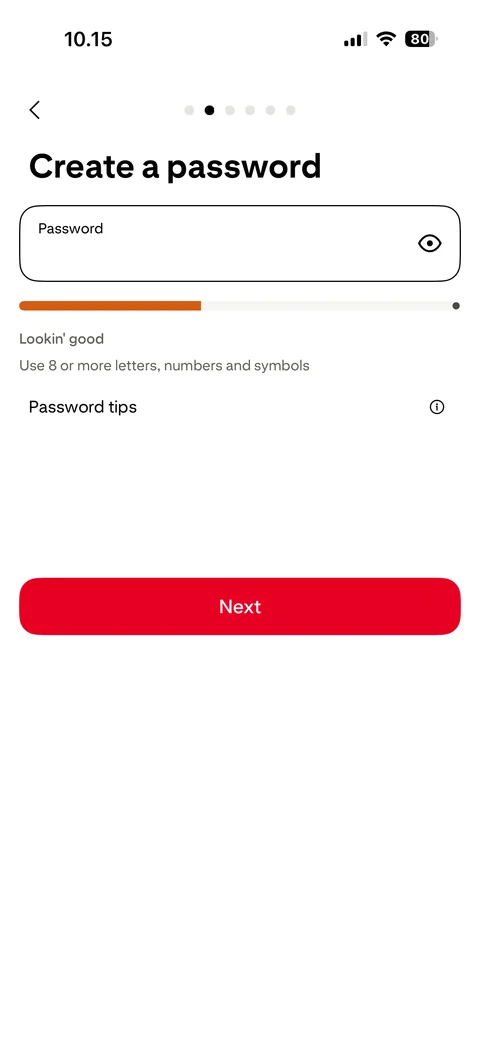
Password: looking good
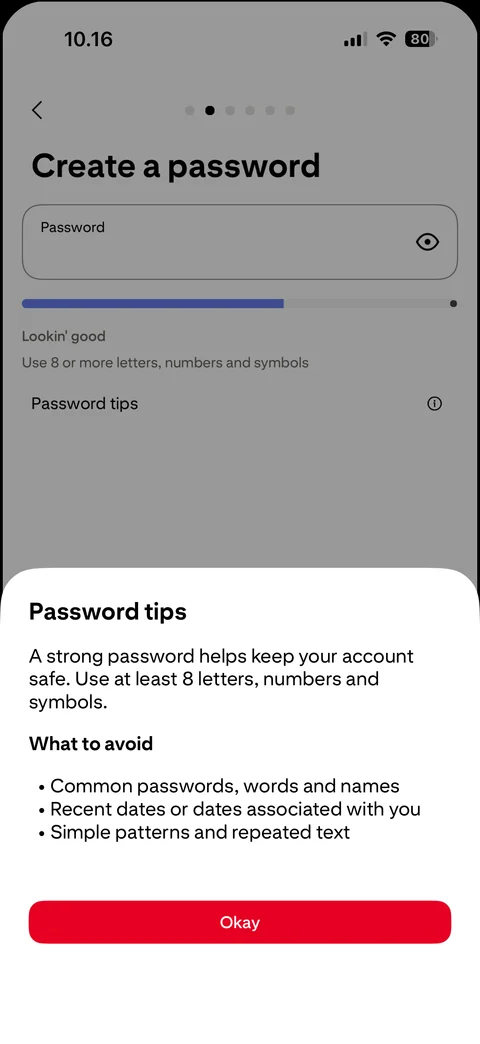
Password: tips sheet
Pinterest onboarding / sign up / birthdate (2 screens)
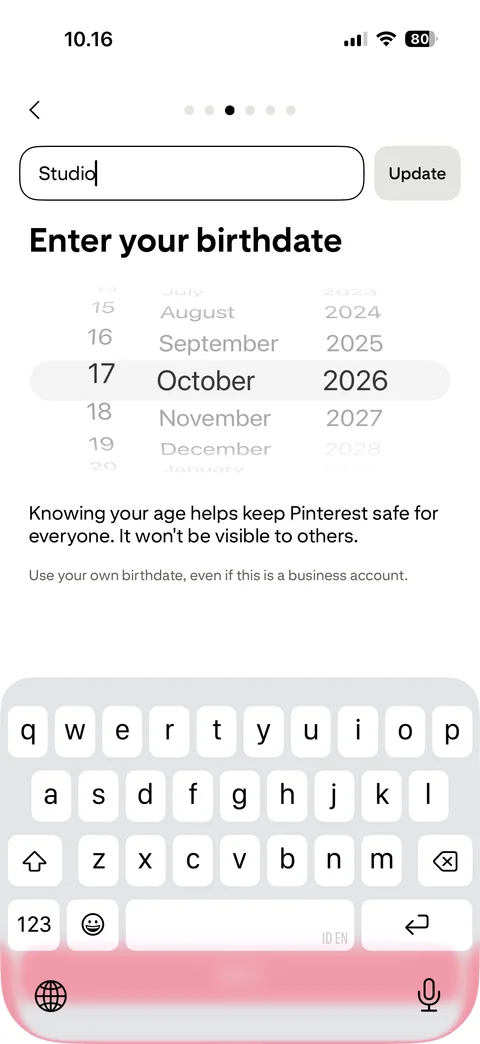
Birthdate: edit name
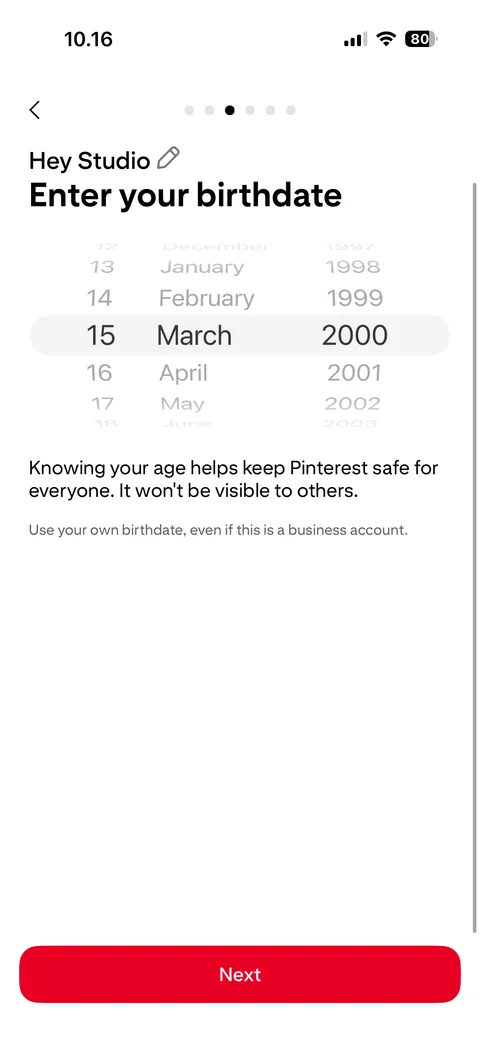
Birthdate: date picker
Pinterest onboarding / sign up / gender (2 screens)
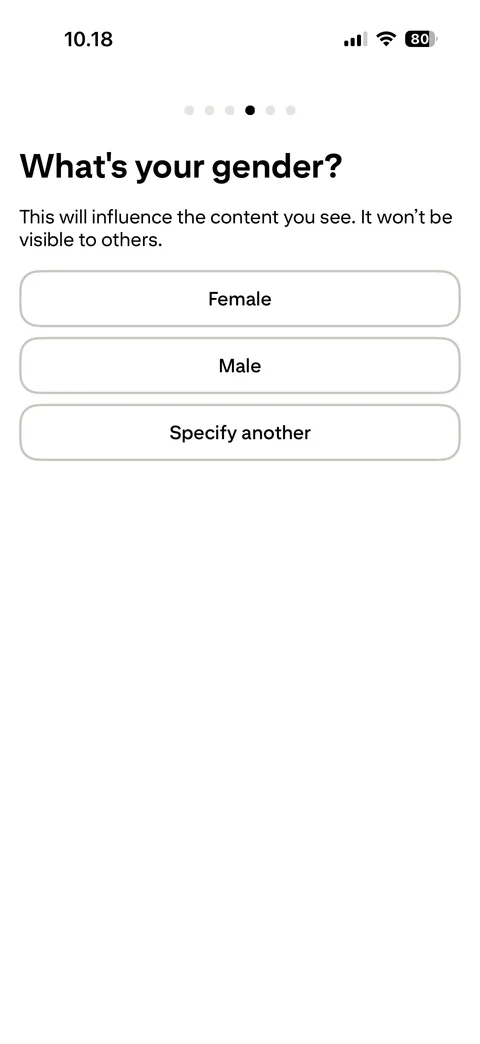
Gender: options
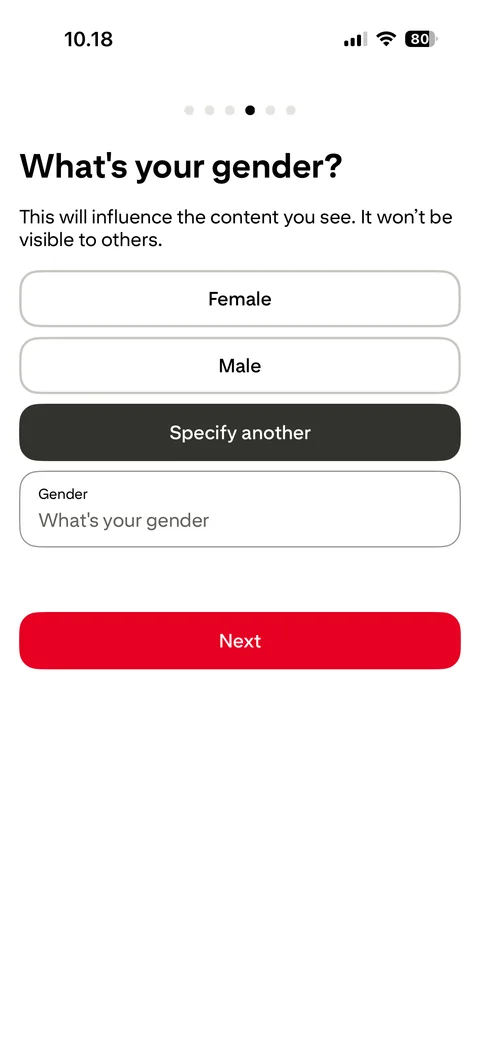
Gender: specify another
Pinterest onboarding / sign up / country (2 screens)
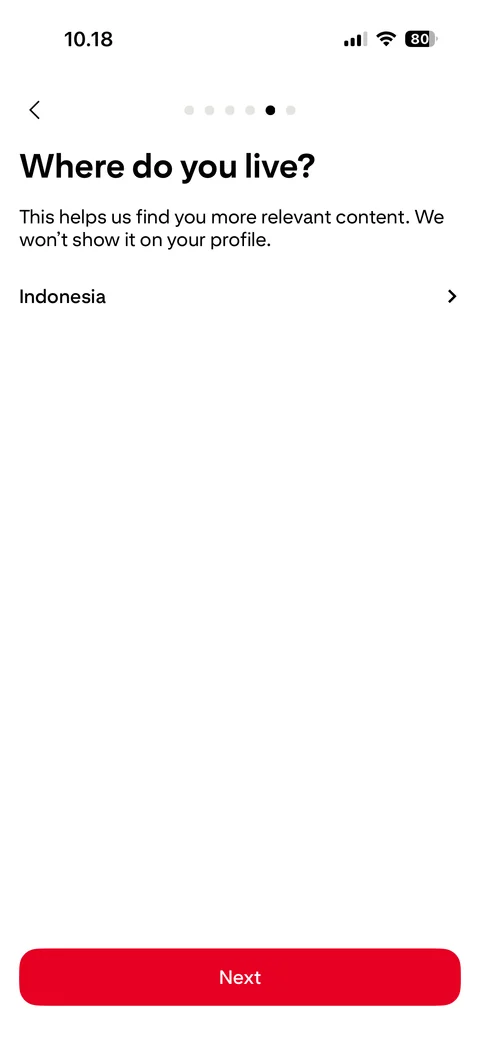
Country: selected
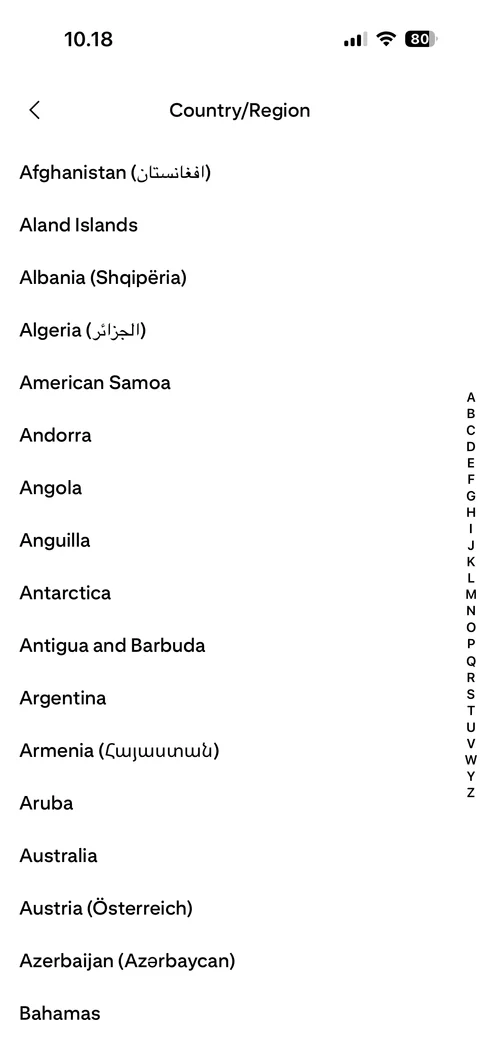
Country: list
Pinterest onboarding / sign up / interests (2 screens)
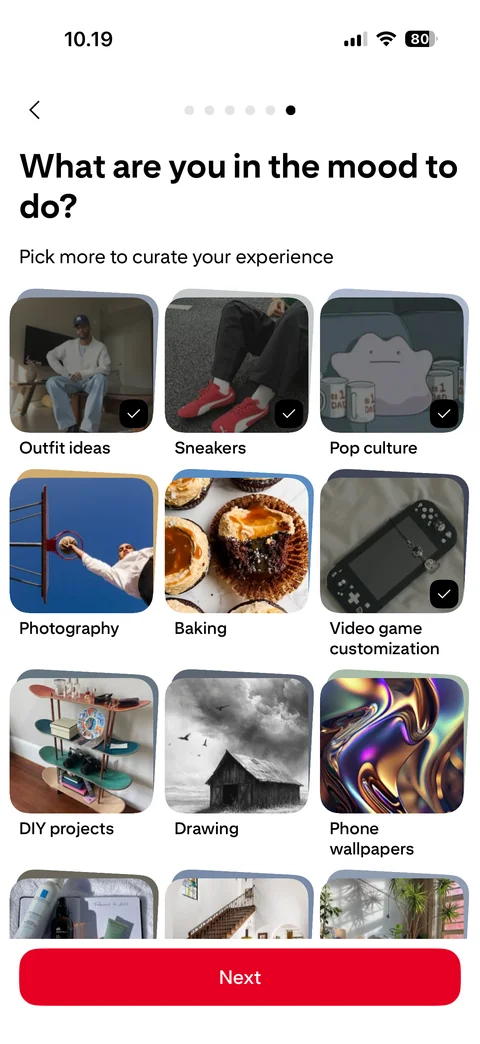
Interests: none selected
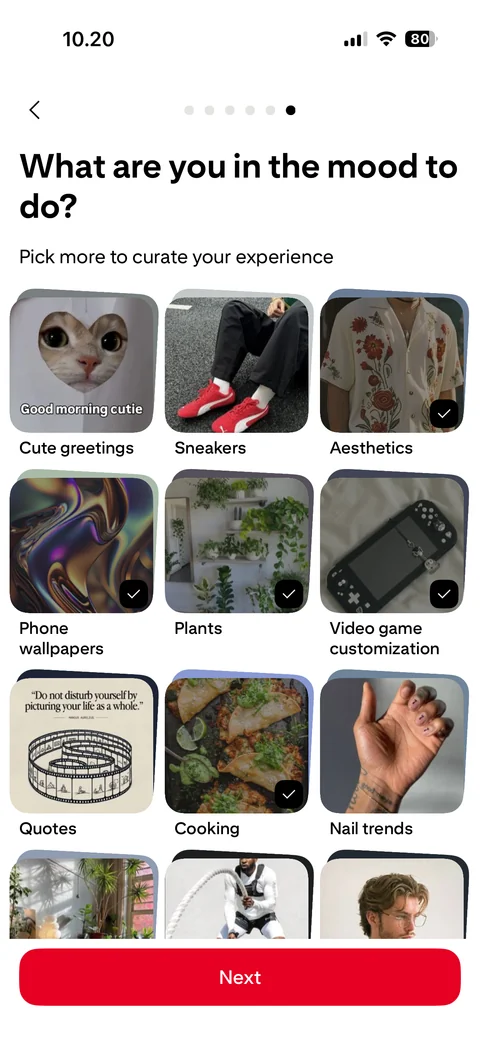
Interests: selected
Pinterest onboarding / log in (2 screens)
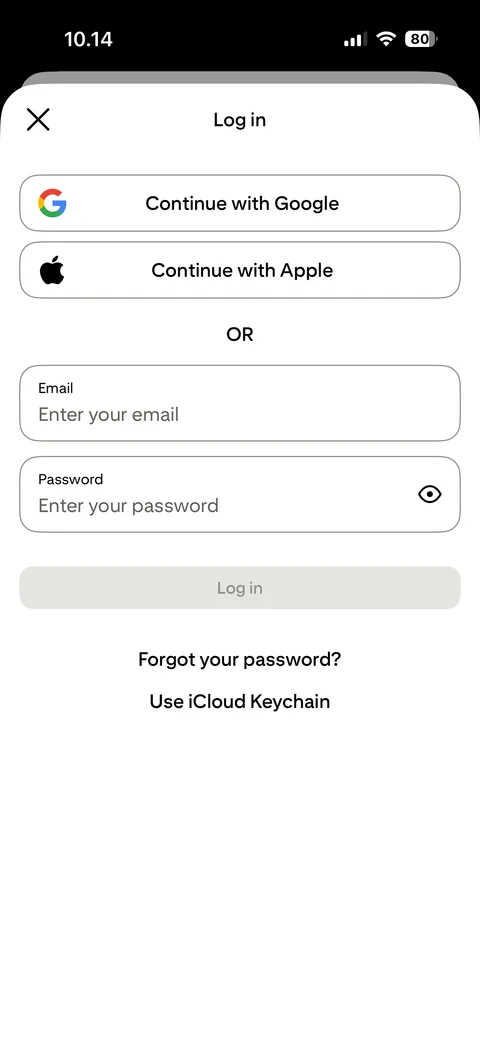
Log in sheet (newer design)
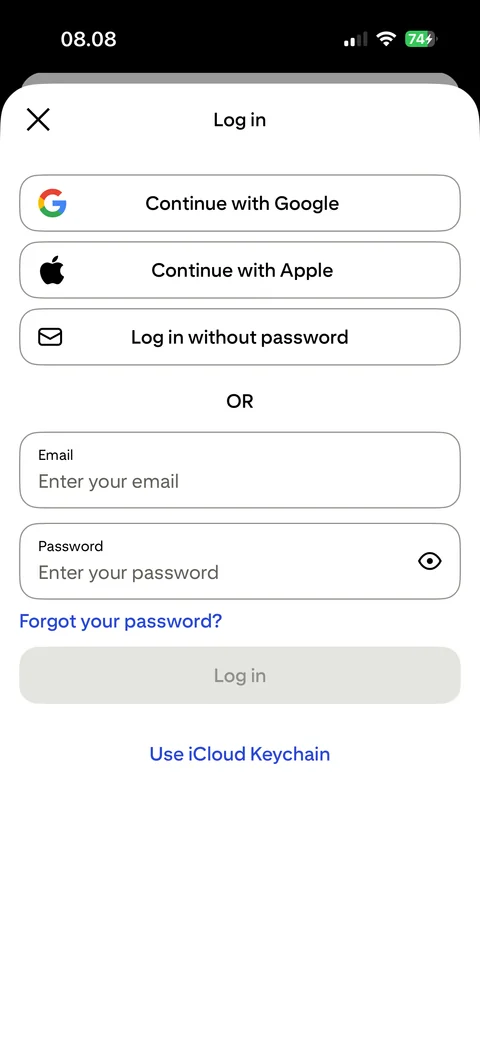
Log in sheet (older design, 'Log in without password')
Pinterest home (1 screen)
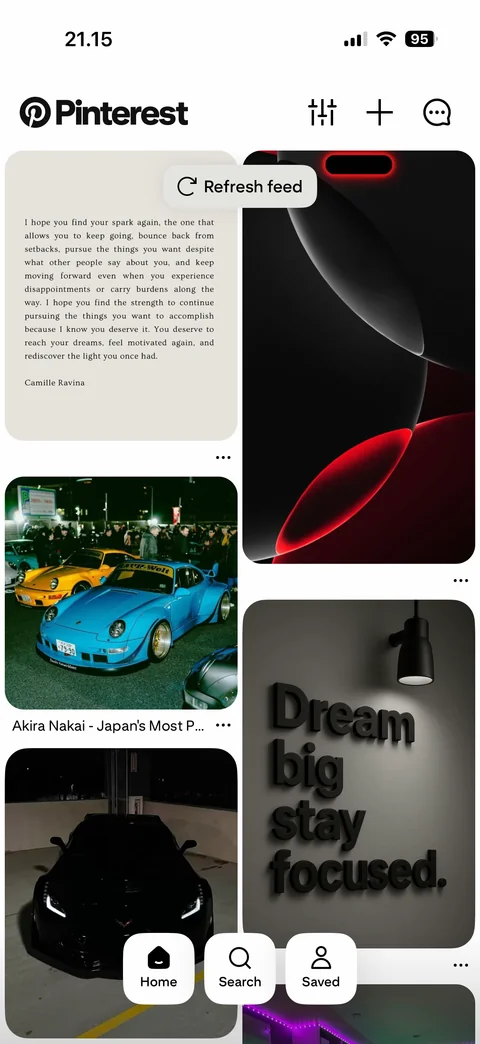
Home feed: masonry grid, refresh feed pill, filter, create and messages icons, floating tab bar
Pinterest home / first visit (1 screen)
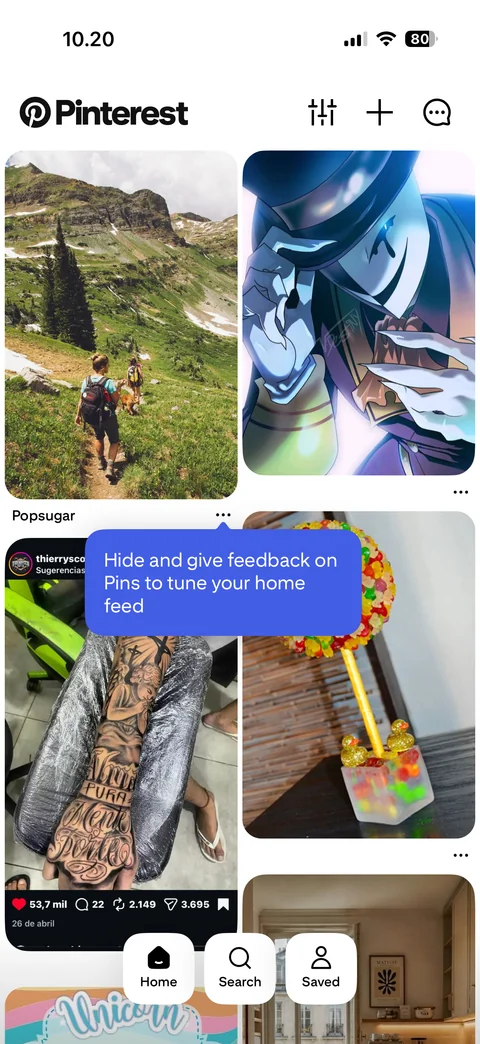
Home feed: first visit tooltip
Pinterest search (6 screens)
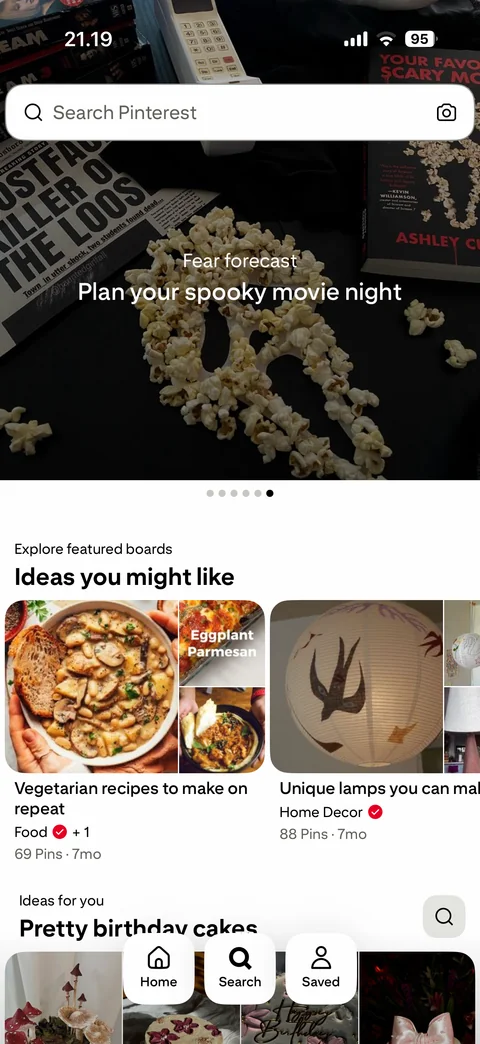
Search: search bar with camera, hero carousel, ideas you might like boards, ideas for you
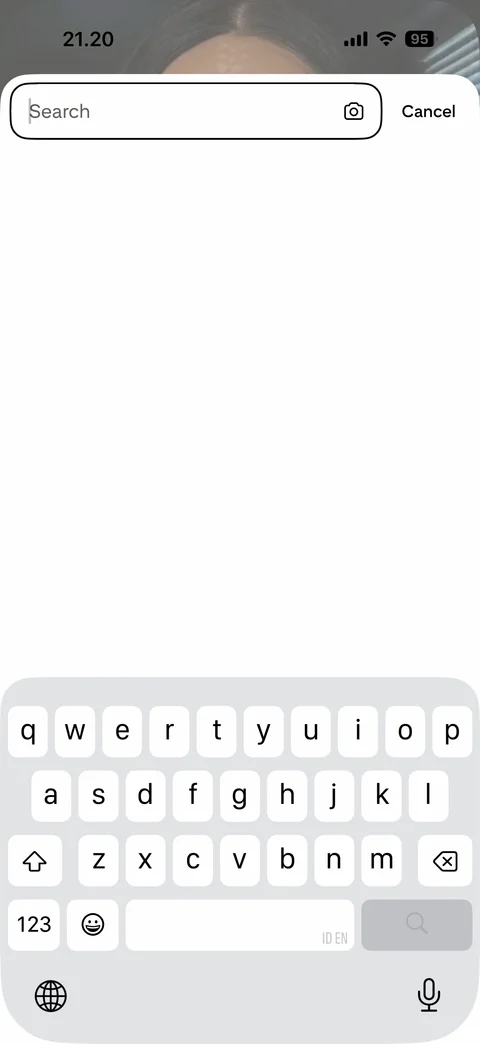
Search focused: sheet with input, camera, Cancel, keyboard open, empty
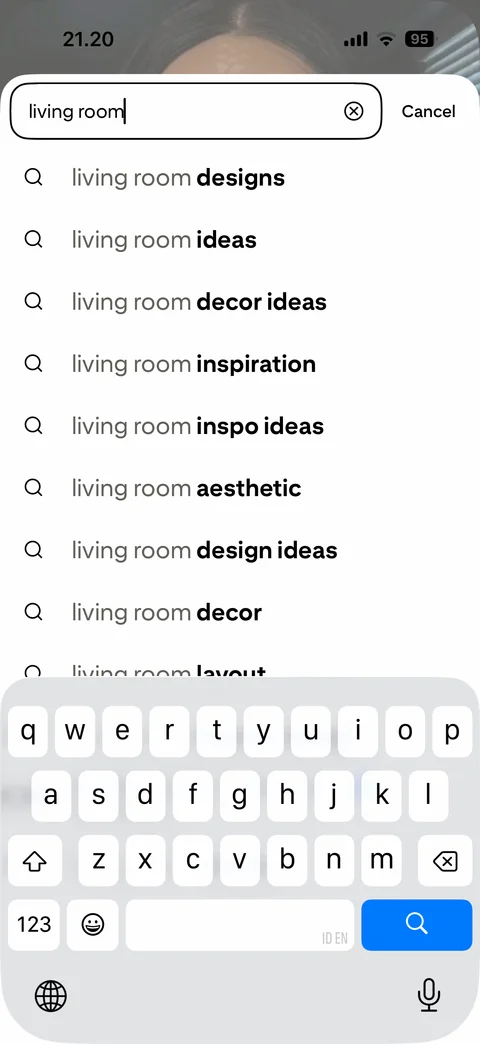
Search typing: query suggestions with bold completions
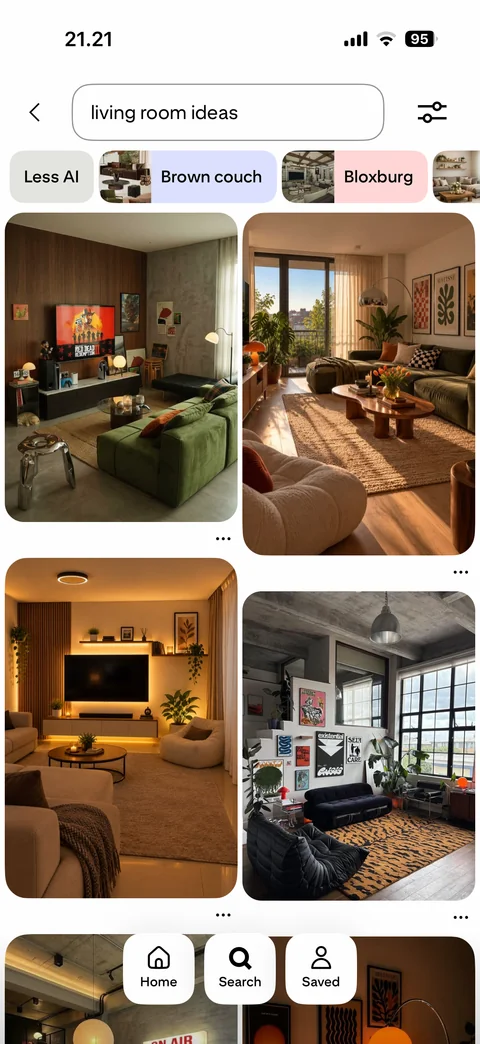
Search results: query bar, filter icon, refinement chips with thumbnails (Less AI), pin grid
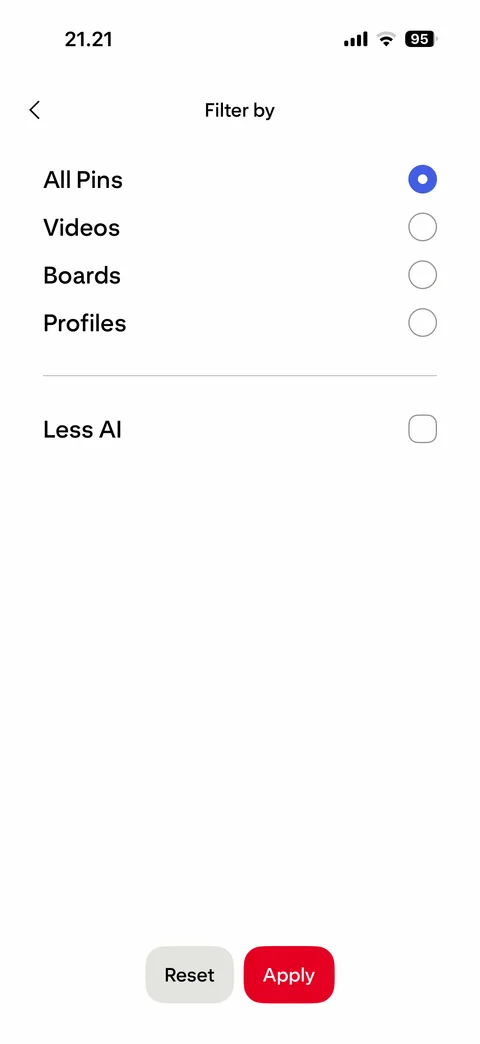
Filter by: all pins, videos, boards, profiles radio, less AI checkbox, Reset and Apply
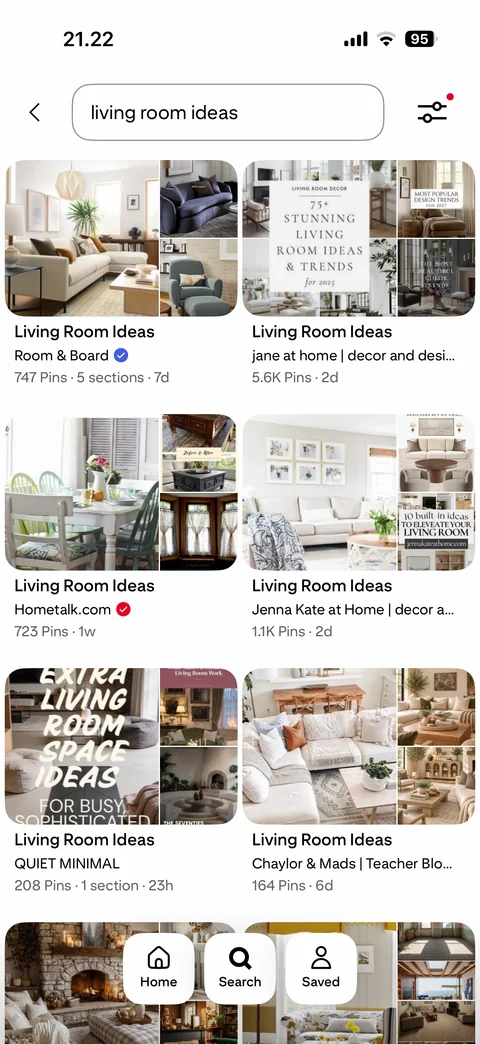
Search results filtered to boards: board cards with collage covers, owner, pin count, active filter dot
Pinterest pin (5 screens)
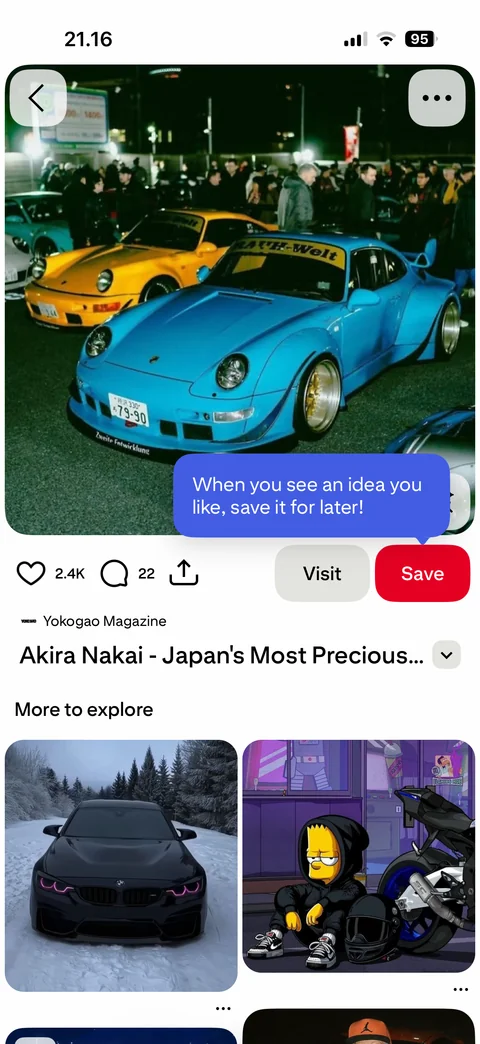
Pin detail: image, likes, comments, share, Visit and Save, save tip tooltip, more to explore
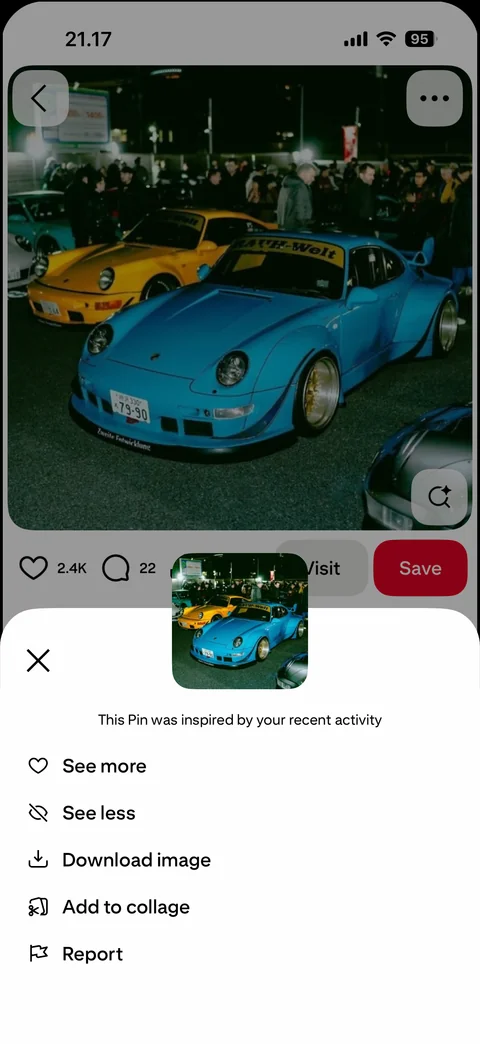
Pin options sheet: pin thumbnail, see more, see less, download, add to collage, report
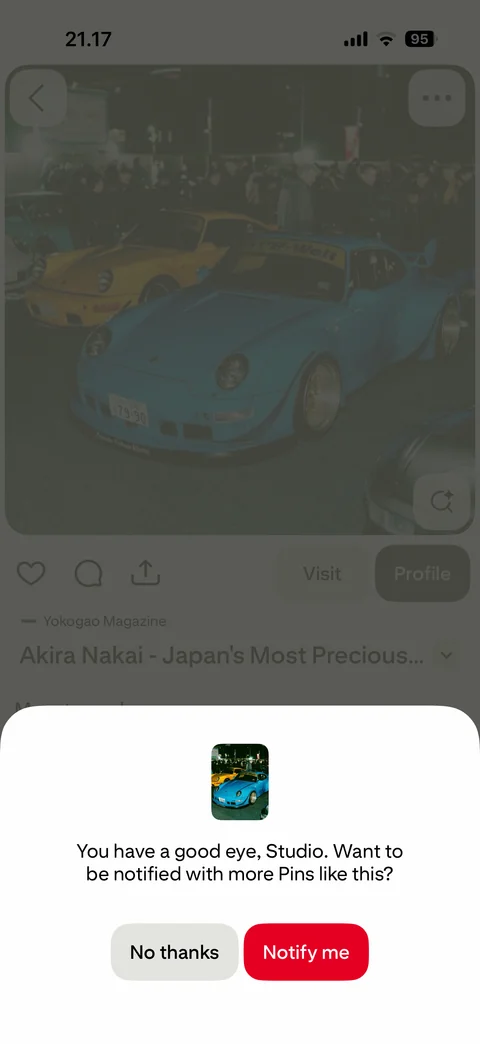
After save: notify me about similar pins sheet (No thanks, Notify me), Save button now Profile

Pin saved: Profile button (black) instead of Save, visual search lens on image

Visual search: image with close and options, similar pins sheet with tinted background
Pinterest saved (5 screens)
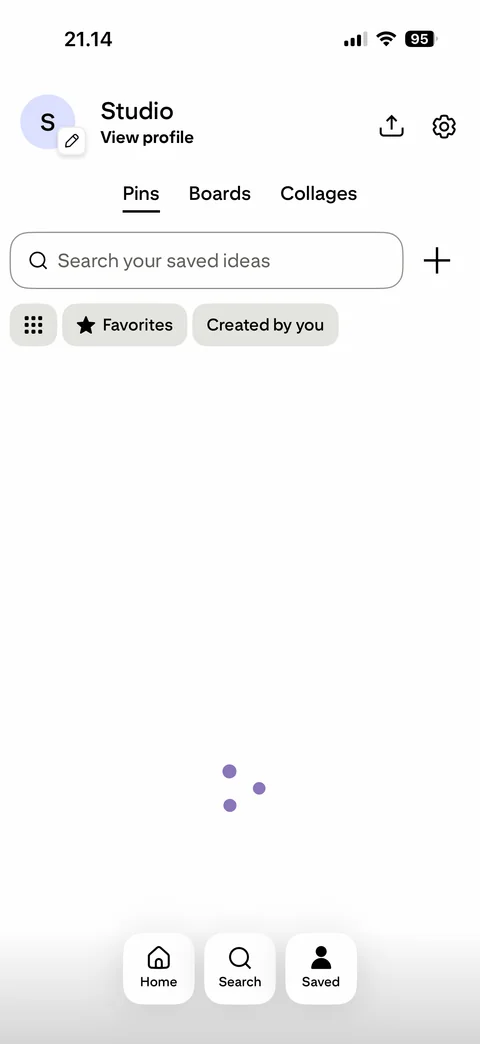
Saved: profile header, Pins tab, search saved ideas, filter chips, loading
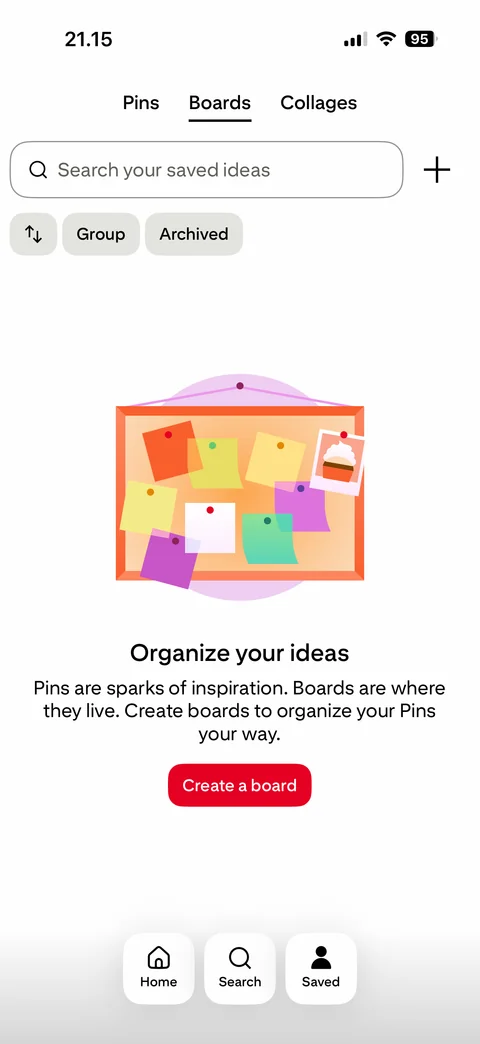
Saved Boards: empty state, organize your ideas, create a board, sort and filter chips
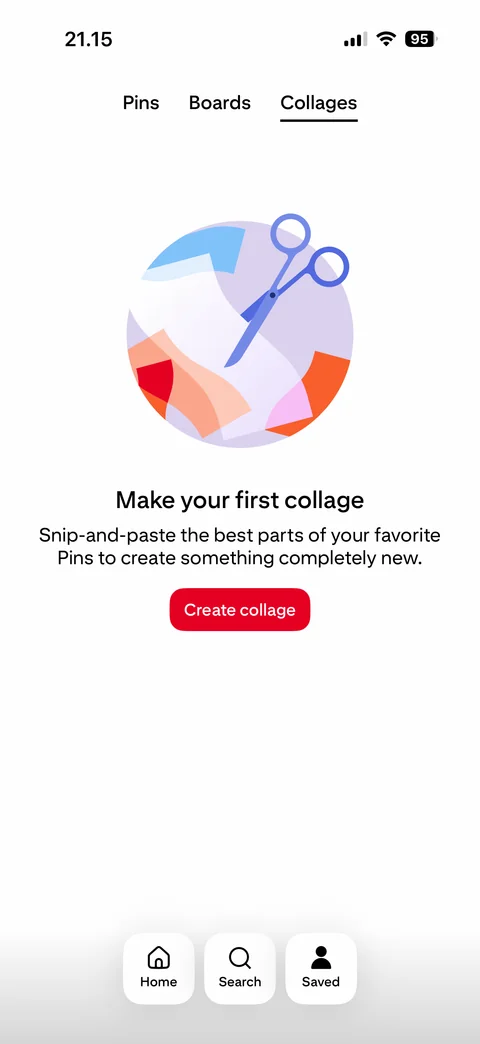
Saved Collages: empty state, make your first collage, create collage
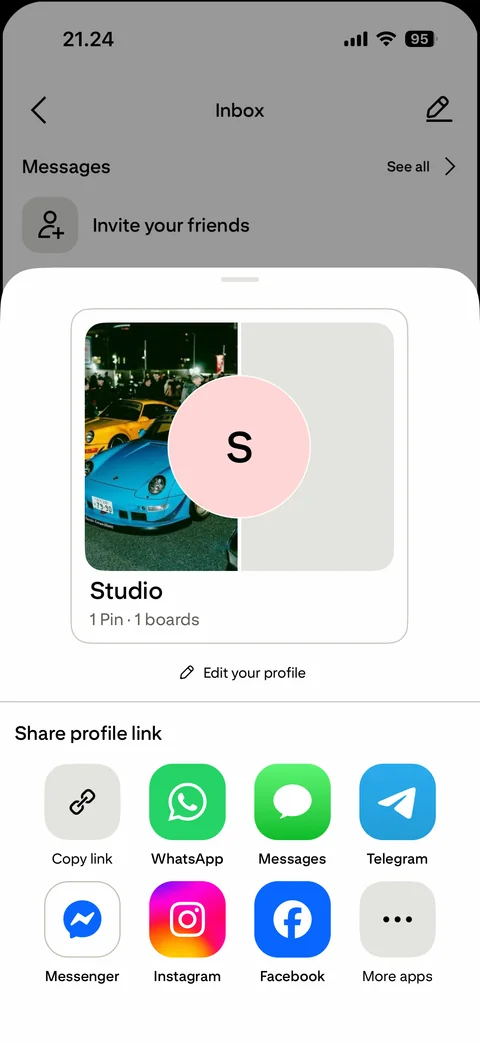
Share profile sheet: profile card with pin and board count, edit profile, share to apps
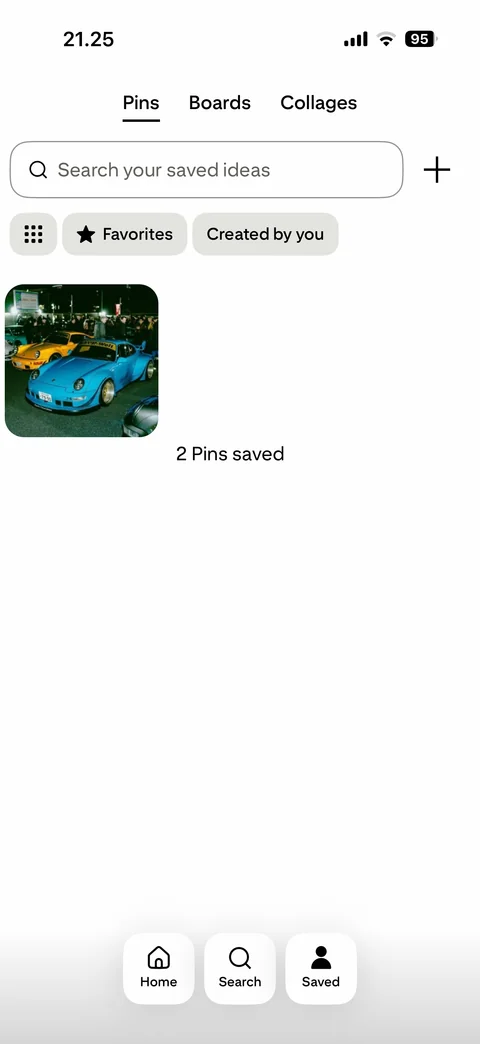
Saved Pins: one pin in grid, pins saved count, collapsed header
Pinterest saved / profile (3 screens)
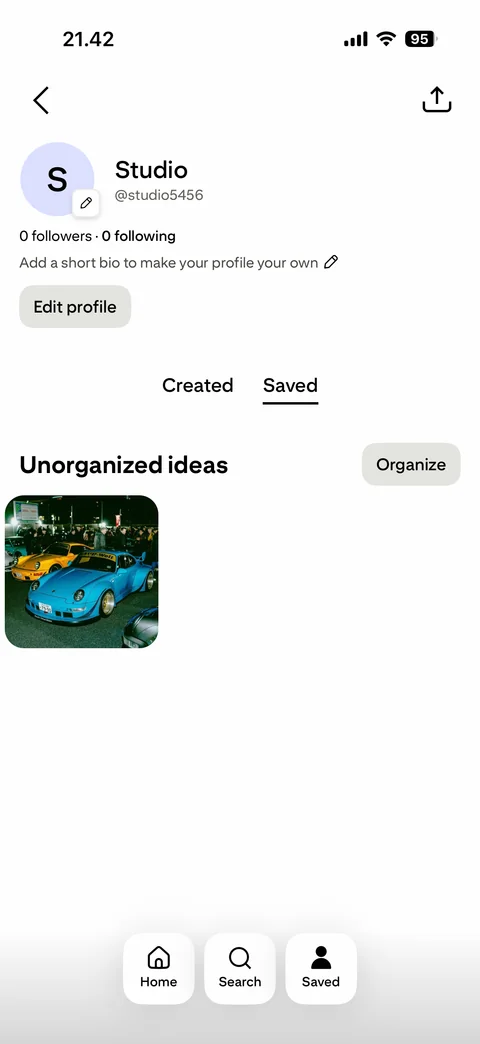
Profile: avatar, name, handle, follower counts, add bio prompt, edit profile, Saved tab with unorganized ideas
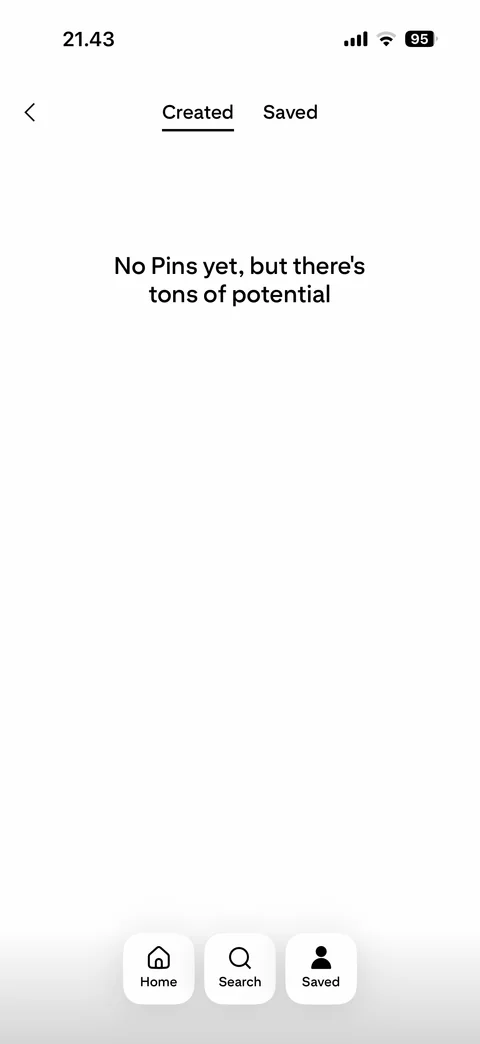
Profile Created tab: empty state, no pins yet, sticky tabs
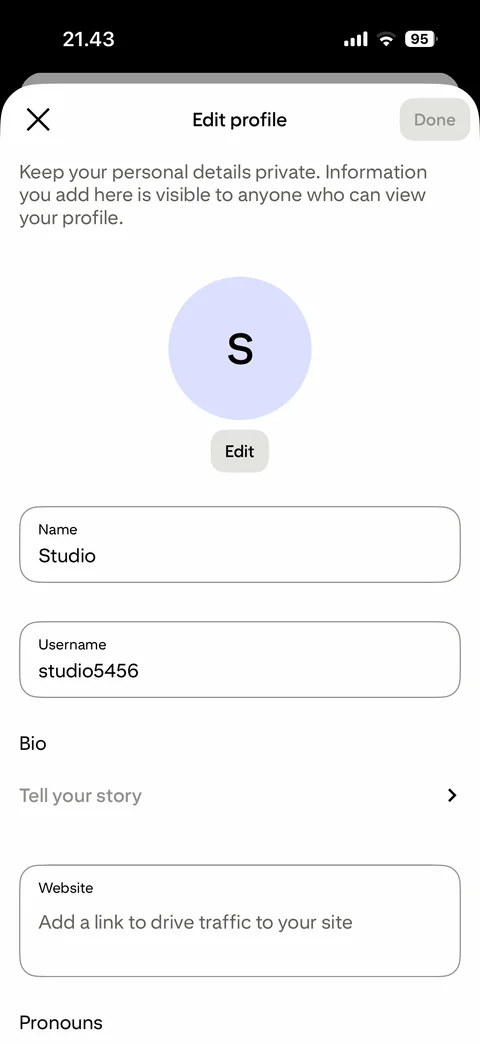
Edit profile: privacy note, avatar edit, name, username, bio, website, pronouns, Done disabled
Pinterest board (1 screen)
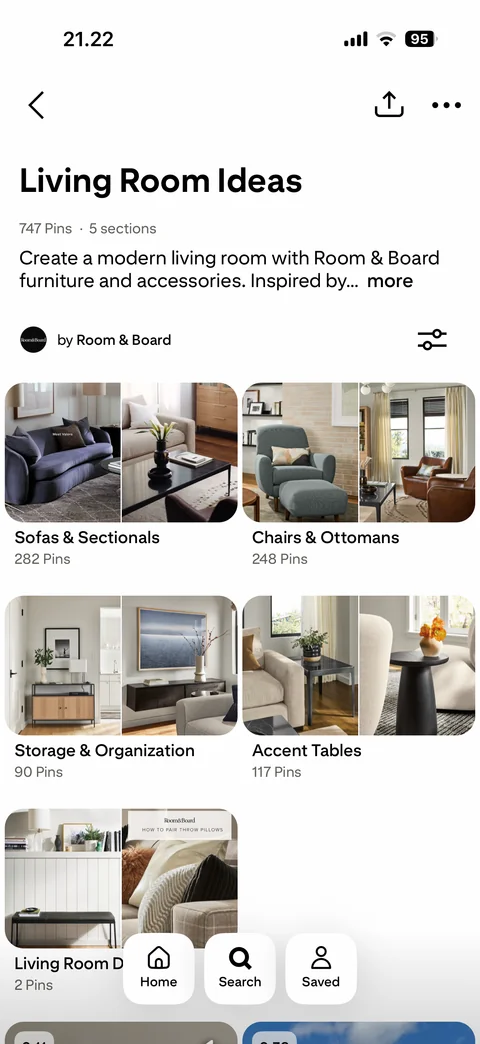
Board page: title, pin and section count, description, owner, filter, section cards grid
Pinterest create (2 screens)
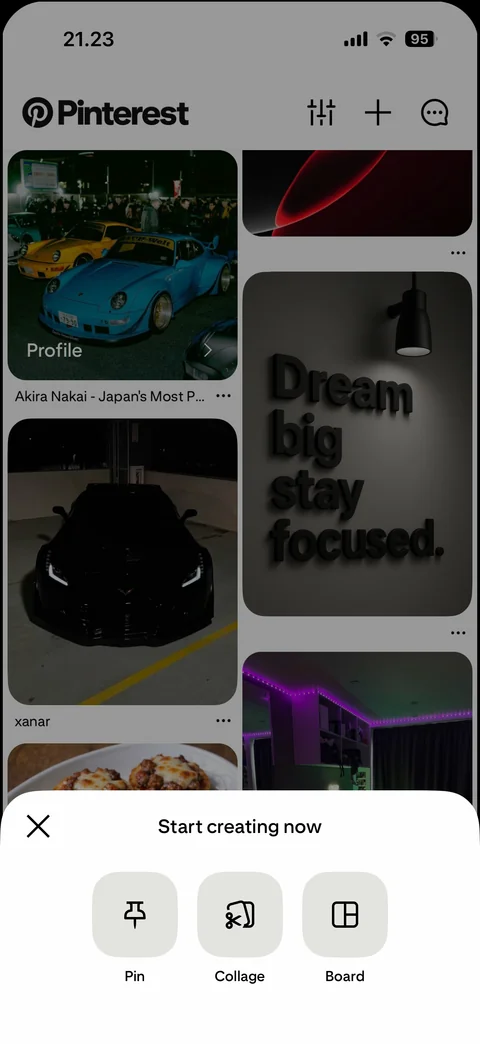
Create sheet: start creating now, Pin, Collage, Board; saved pin shows Profile label in feed
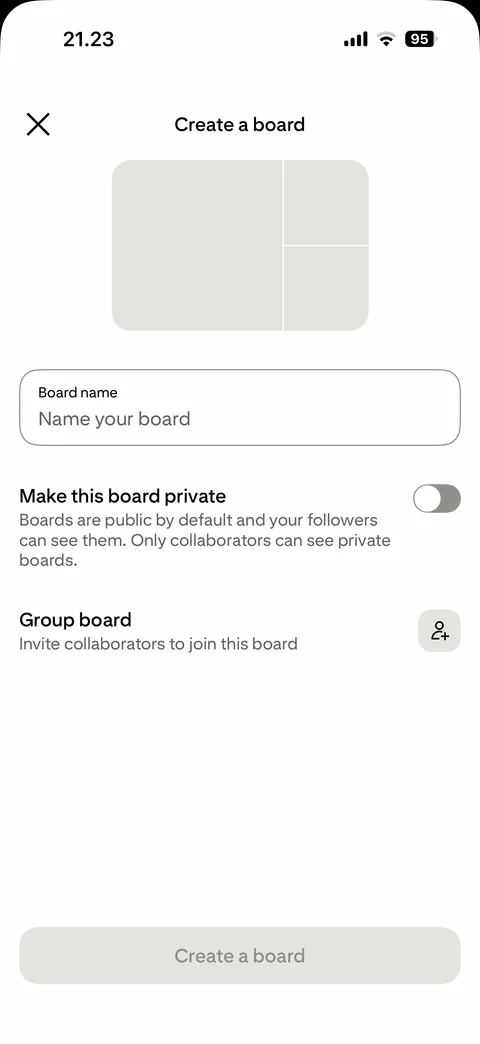
Create a board: cover placeholder, board name, private toggle, group board invite, Create disabled
Pinterest create / collage (4 screens)
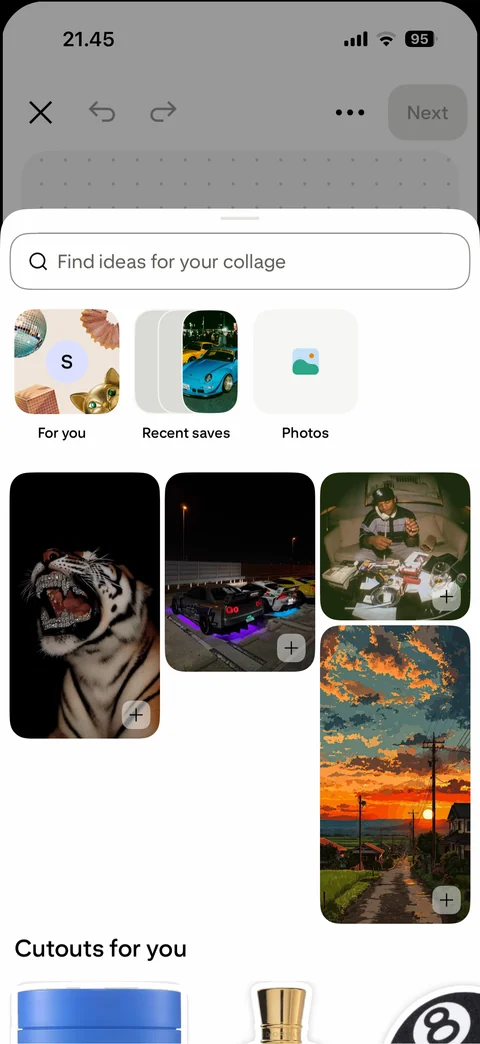
Collage editor: picker sheet with search, for you, recent saves, photos, pin grid with add buttons, cutouts
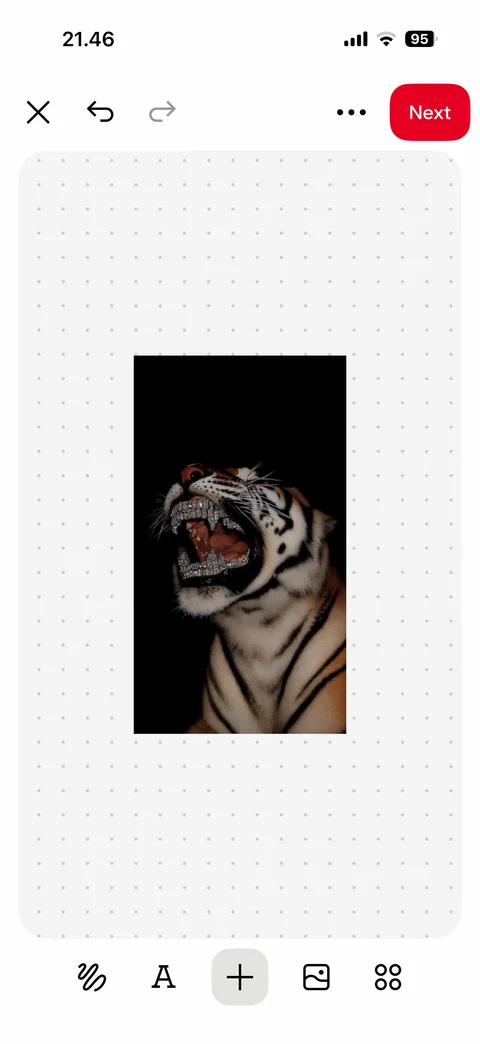
Collage canvas: dotted grid with one image, undo and redo, Next, bottom tools (draw, text, add, background, stickers)
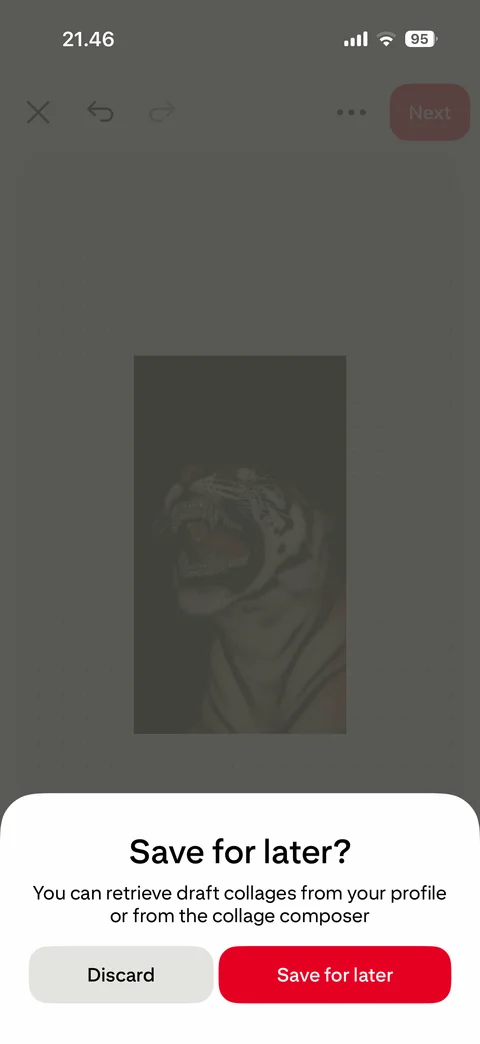
Leave collage: save for later sheet, Discard or Save for later
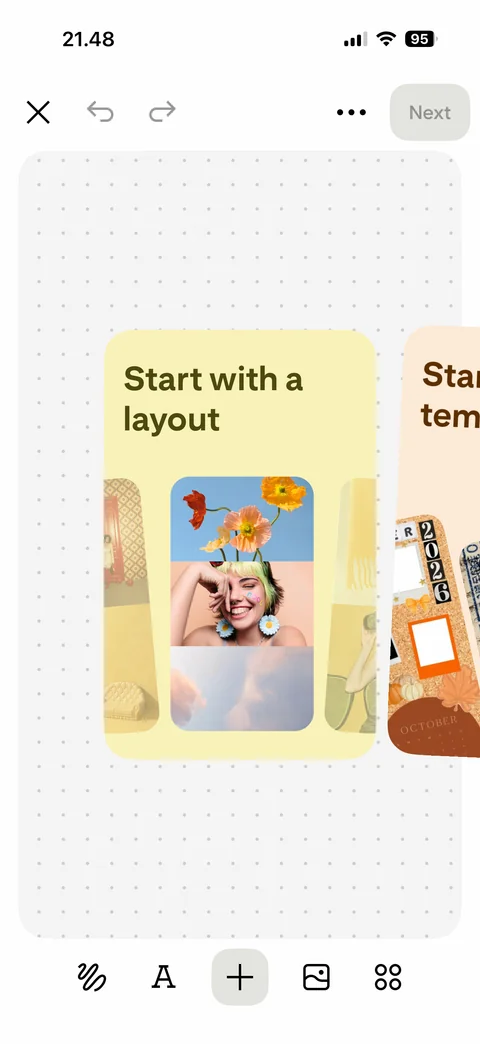
Collage empty canvas: start with a layout and start with a template cards
Pinterest inbox (1 screen)
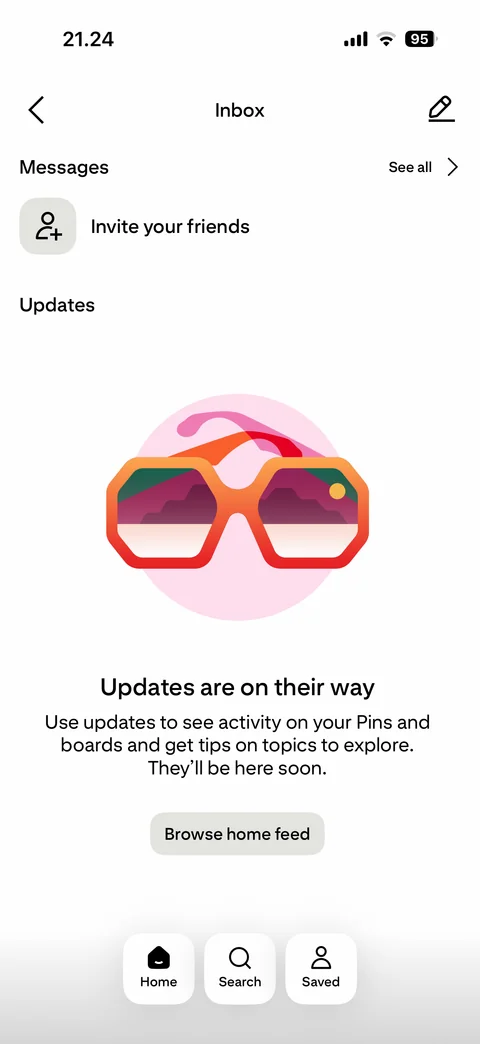
Inbox: messages with invite friends, updates empty state, browse home feed, compose
Pinterest settings (7 screens)
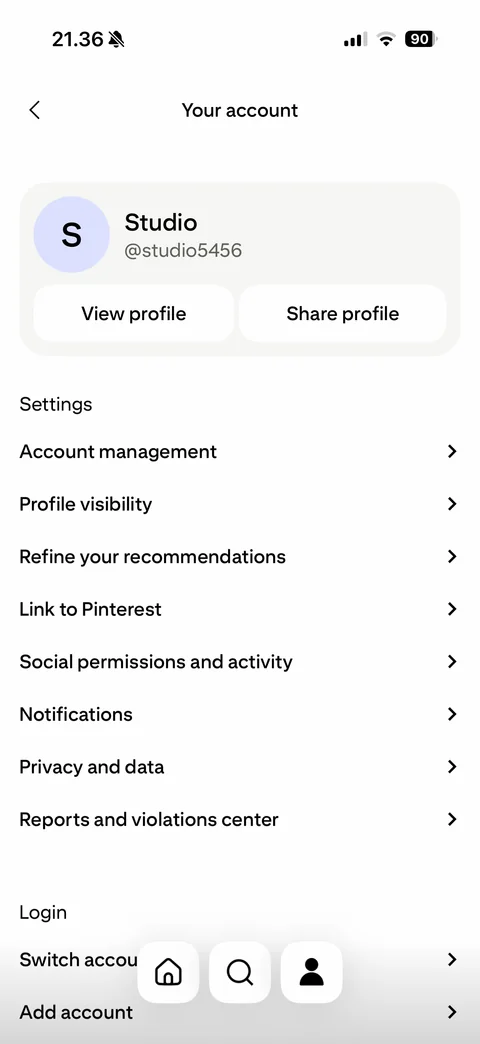
Your account: profile card with view and share, settings list, login section (switch, add account)
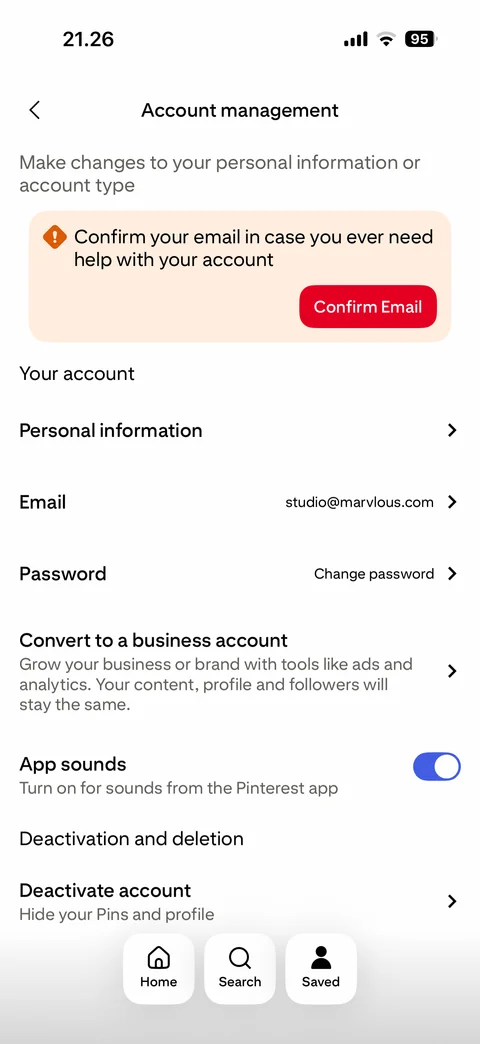
Account management: confirm email banner, personal info, email, password, business account, app sounds, deactivation
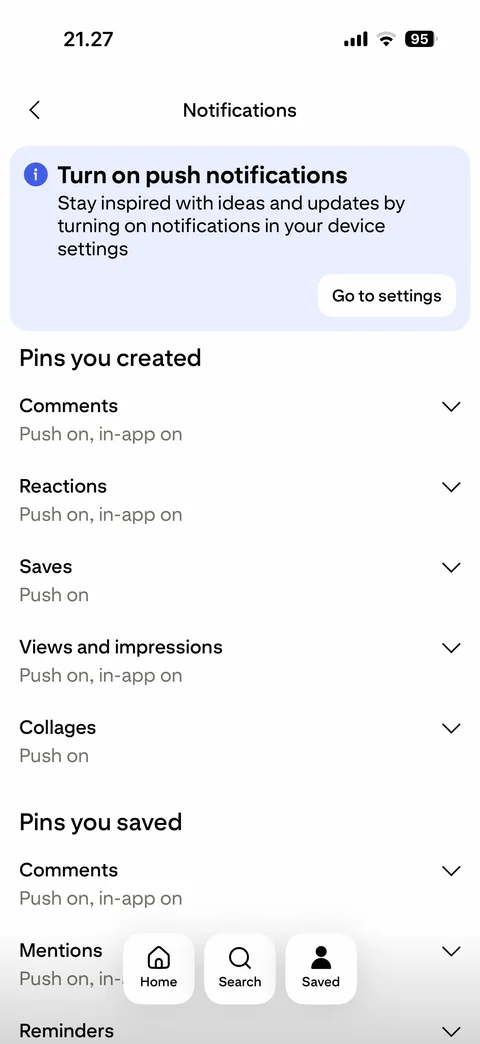
Notifications: turn on push banner, categories with push and in-app status, expand rows
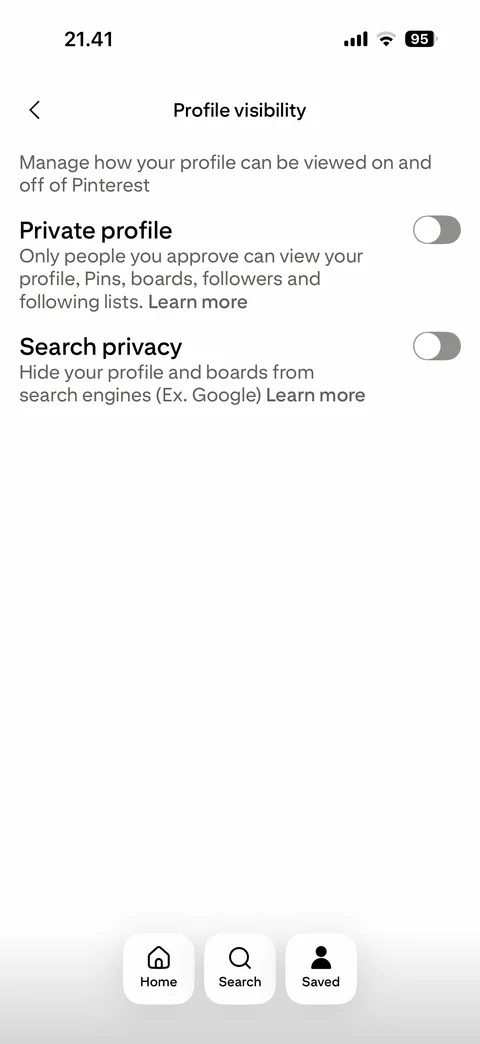
Profile visibility: private profile and search privacy toggles (off)
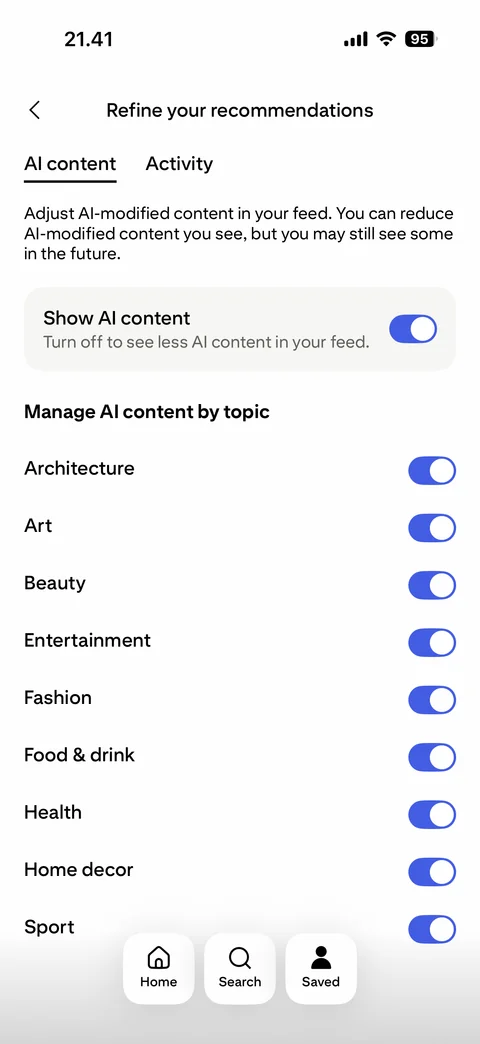
Refine recommendations: AI content tab, show AI content toggle, AI content by topic toggles
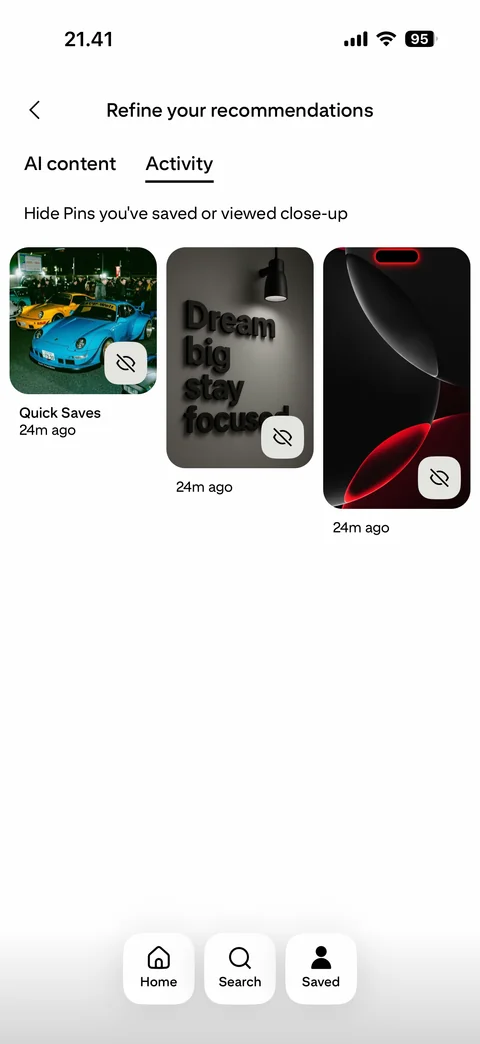
Refine recommendations: Activity tab, saved and viewed pins with hide buttons
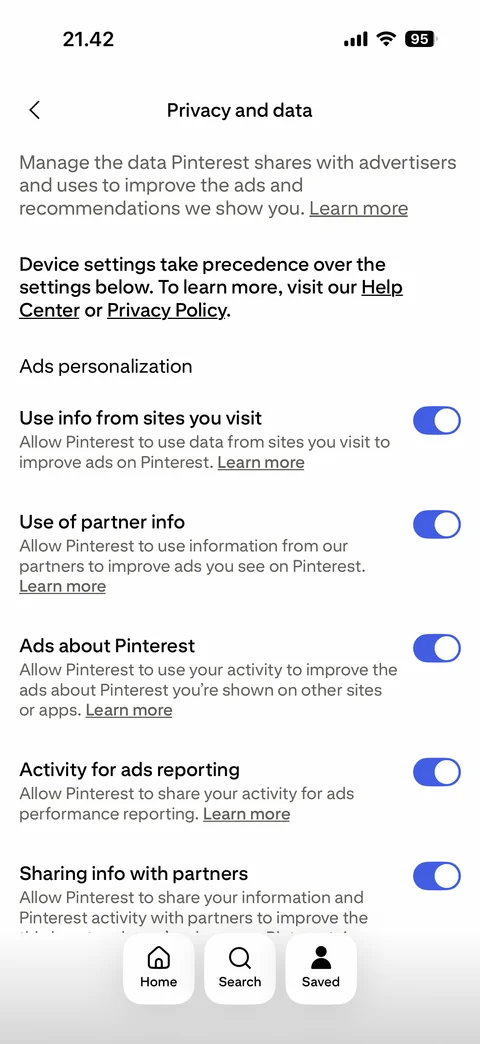
Privacy and data: ads personalization toggles with learn more links