ReciMe app design: 117 real screens in 12 flows
Grocery Lists, Prep & Cookbook. Category: Food & Drink. By ReciMe Pty Ltd.
Captured on iPhone and updated November 2026. Each screen has a short note on what it shows and why it matters for growth.
ReciMe onboarding (42 screens)

Splash: blue background with colourful blobs and white ReciMe chef-hat logo
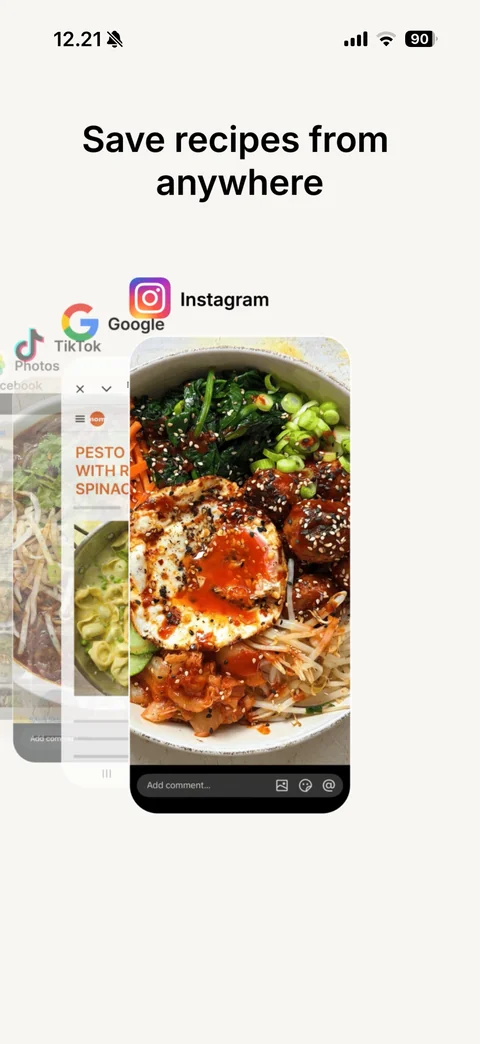
Intro animation 1: headline Save recipes from anywhere, Instagram, Google and Facebook source labels with recipe screenshots flying in
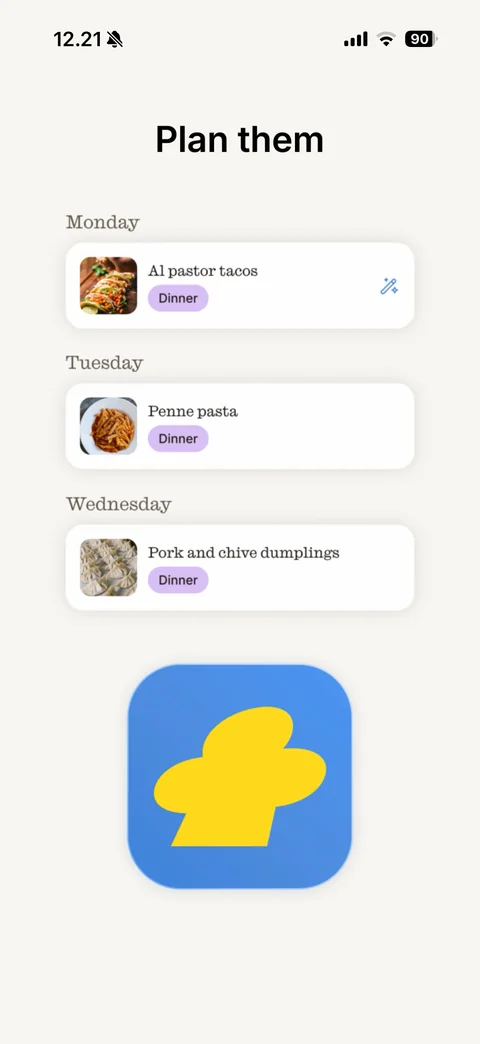
Intro animation 2: headline Plan them, weekly meal plan cards for Monday, Tuesday and Wednesday with recipe thumbnails and purple Dinner tags, blue app icon
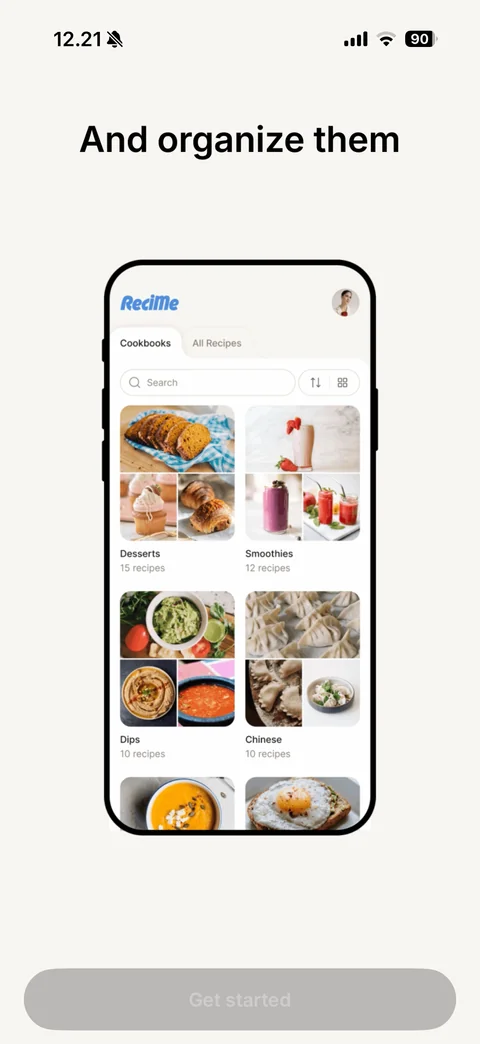
Intro animation 3: headline And organize them, phone mockup of cookbooks grid
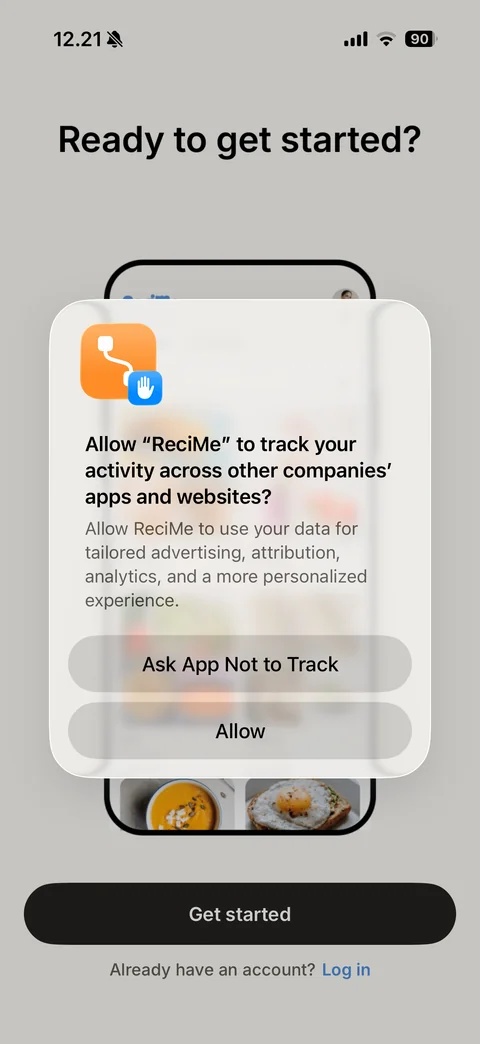
iOS App Tracking Transparency alert over the Ready to get started? screen: Allow ReciMe to track your activity, tailored advertising reason, Ask App Not to Track and Allow buttons
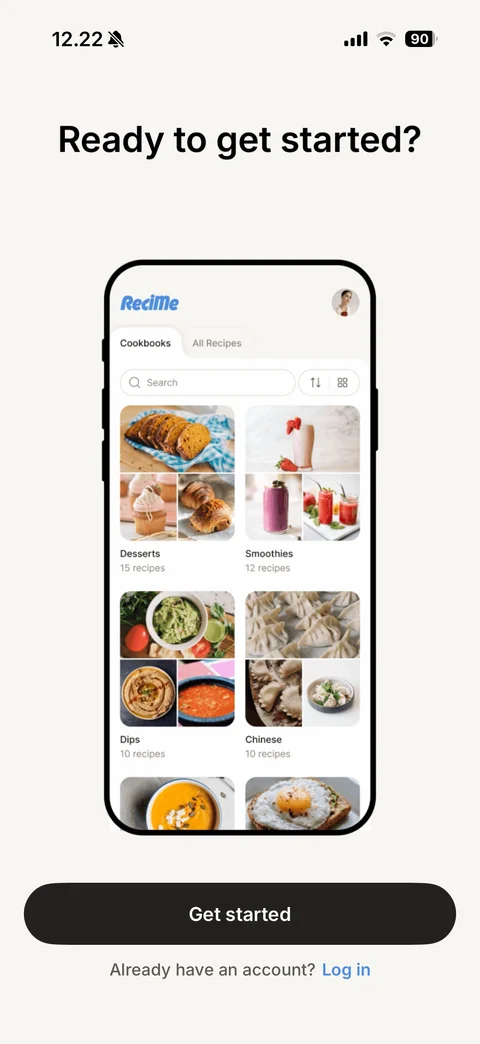
Ready to get started?: phone mockup of the cookbooks home with recipe collage cards (Desserts, Smoothies, Dips, Chinese), black Get started button, Already have an account? Log in link
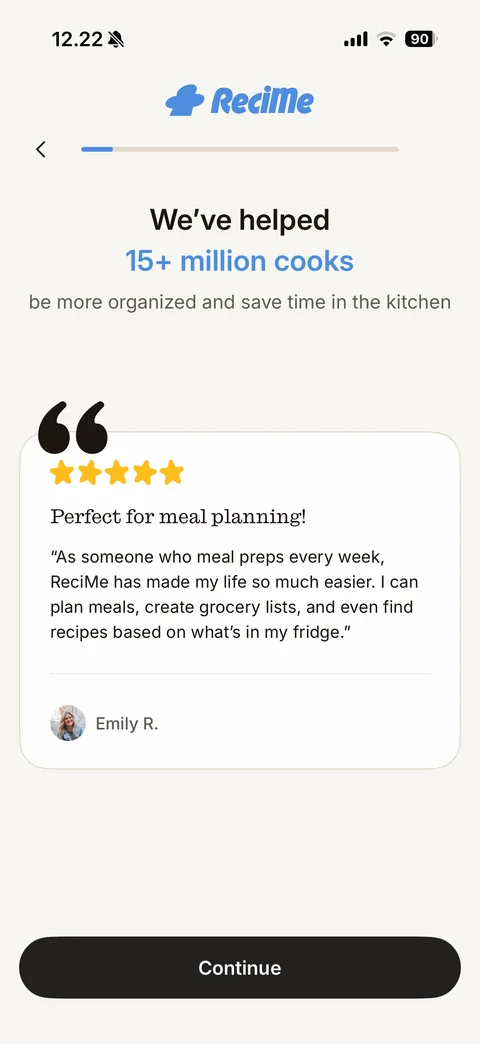
Social proof step: ReciMe logo, back arrow and progress bar, We've helped 15+ million cooks in blue, subtitle, large quote mark over testimonial card with five stars, serif title, review text and reviewer avatar, Continue button
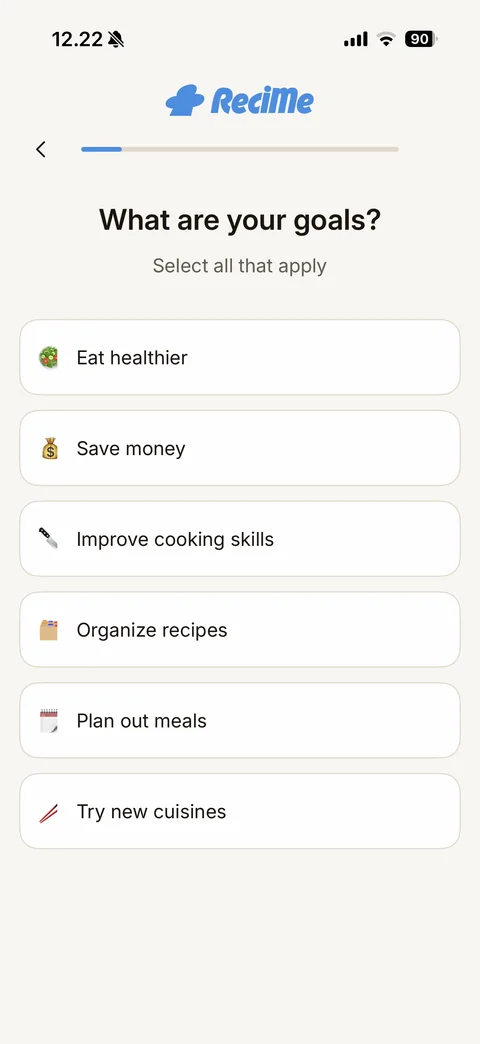
Goals step: What are your goals? Select all that apply, emoji option cards Eat healthier, Save money, Improve cooking skills, Organize recipes, Plan out meals, Try new cuisines
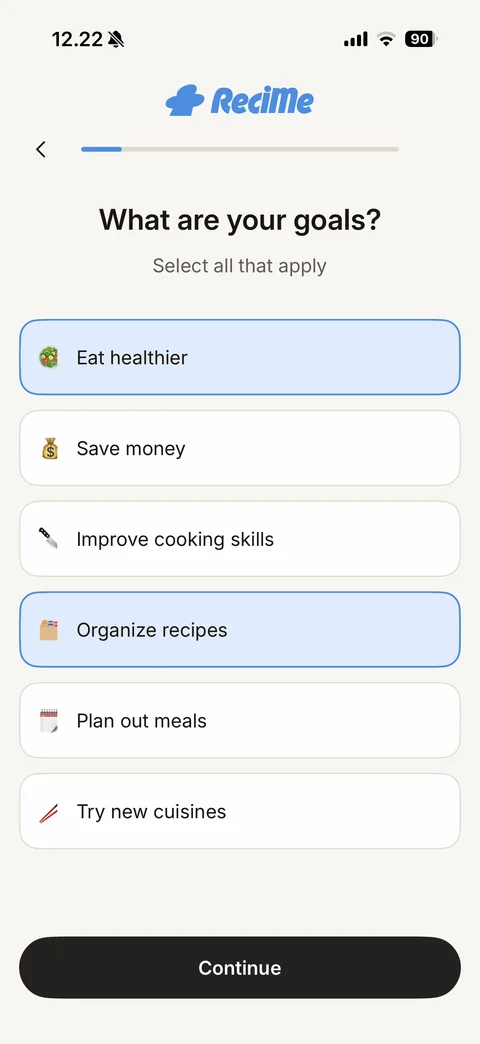
Goals step with selections: Eat healthier and Organize recipes highlighted in light blue with blue border, Continue button appears
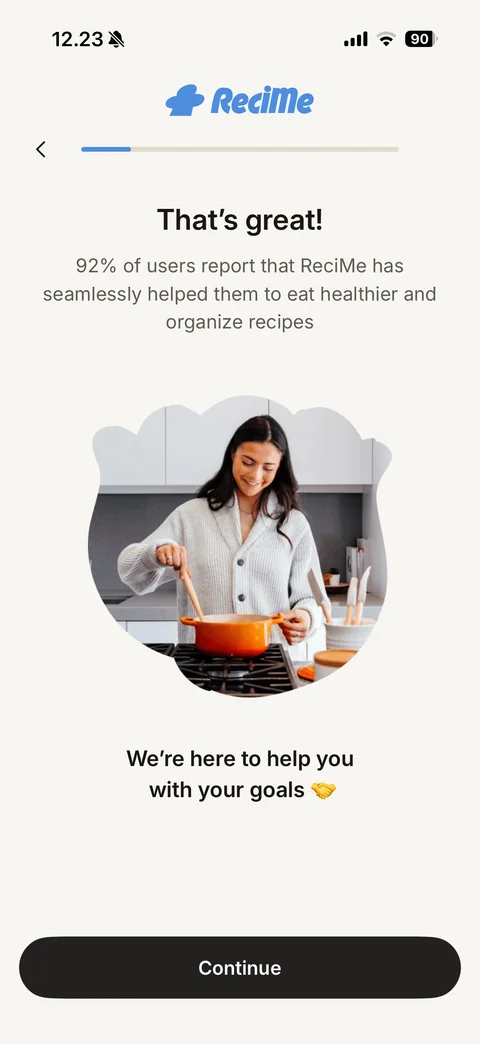
Goal confirmation: That's great!, 92% of users stat personalised to the chosen goals, blob-shaped photo of a woman cooking, We're here to help you with your goals with handshake emoji, Continue button
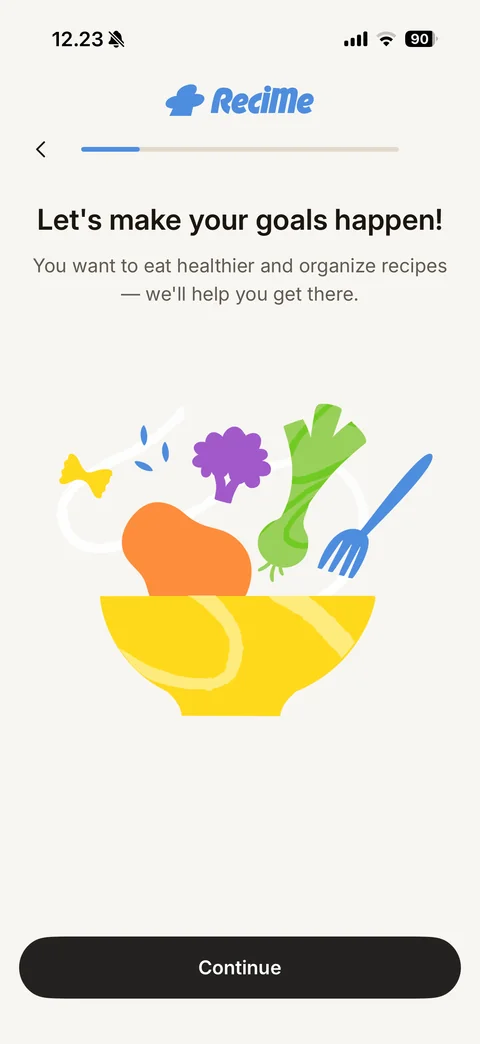
Motivation step: Let's make your goals happen!, recap of chosen goals, flat illustration of a yellow bowl with vegetables, pasta and a fork, Continue button
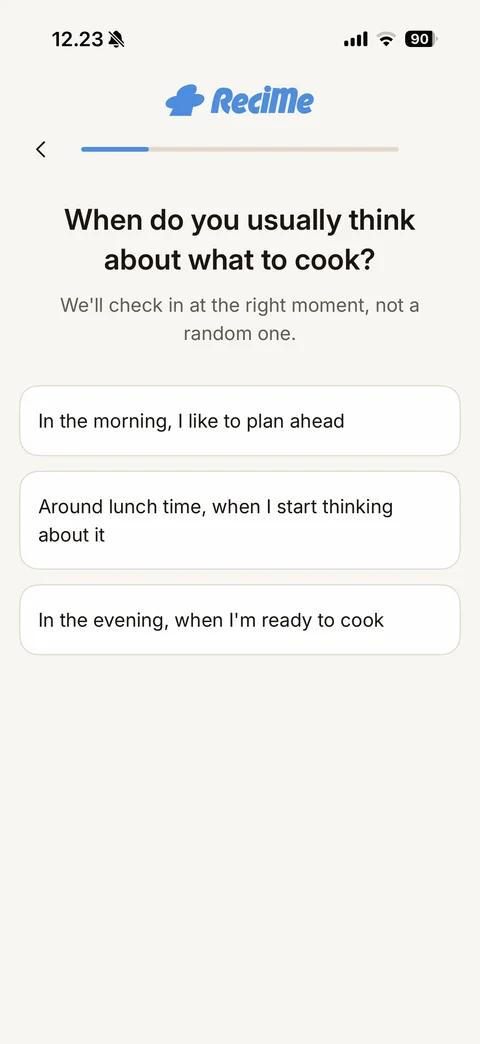
Reminder timing step: When do you usually think about what to cook?, We'll check in at the right moment, three option cards for morning, lunch time and evening
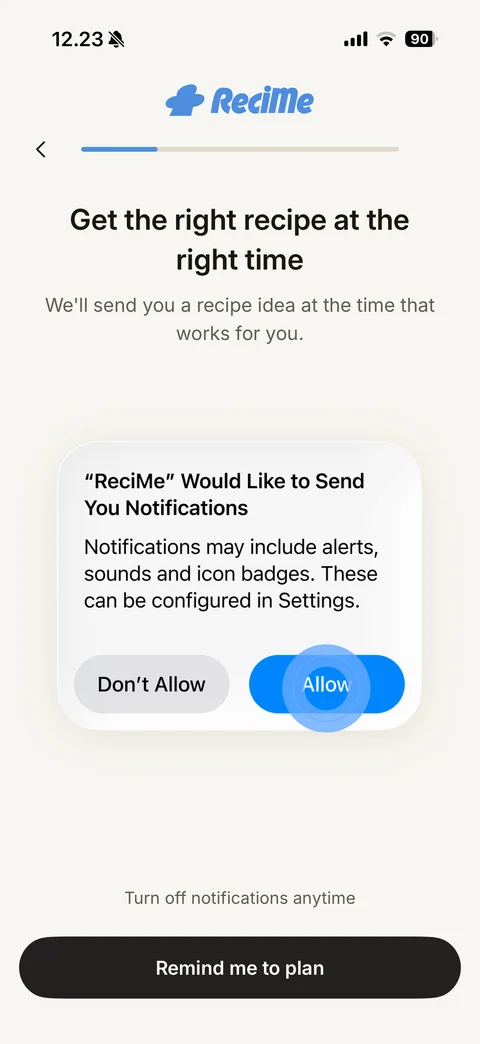
Notification pre-permission step: Get the right recipe at the right time, explanation, mock iOS notification alert with blue Allow highlighted, Turn off notifications anytime note, Remind me to plan button
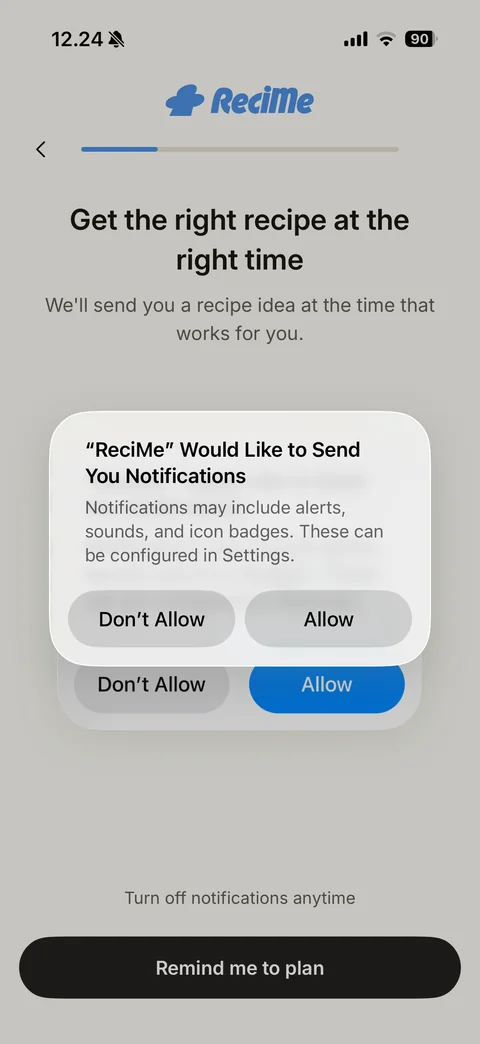
Real iOS notification alert over the pre-permission mock with an animated ring pointing at the mock Allow button, Don't Allow and Allow buttons
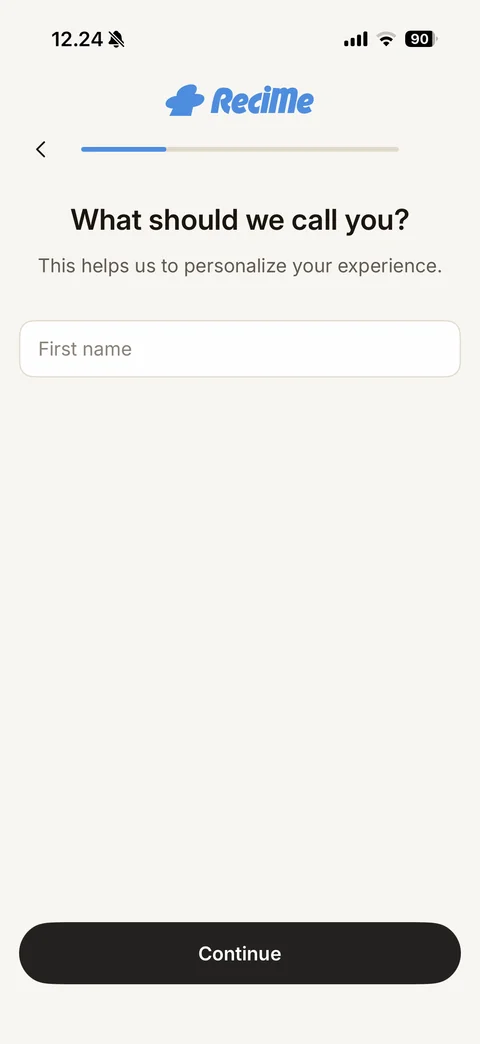
Name step: What should we call you?, personalization note, empty First name field, Continue button
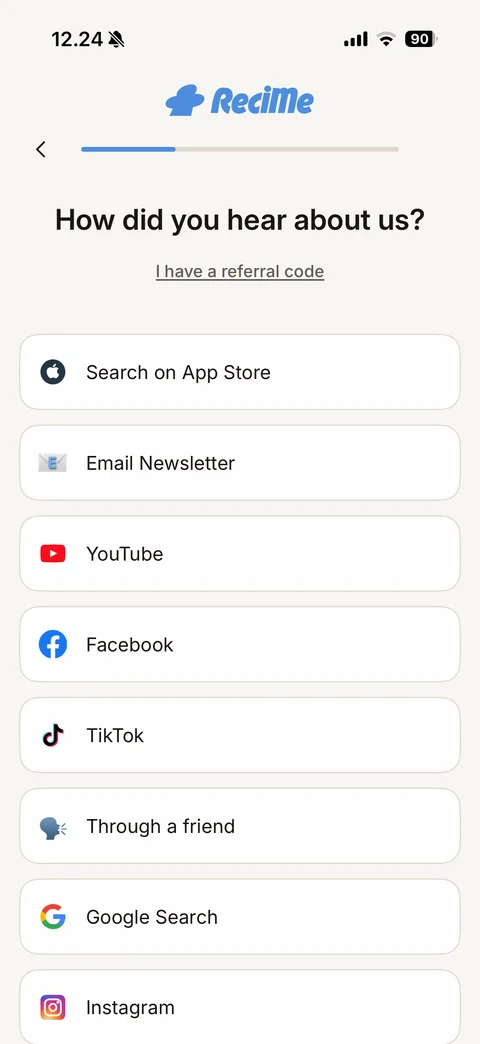
Attribution step: How did you hear about us?, I have a referral code link, source option cards with brand icons (App Store, Email Newsletter, YouTube, Facebook, TikTok, Through a friend, Google Search, Instagram)
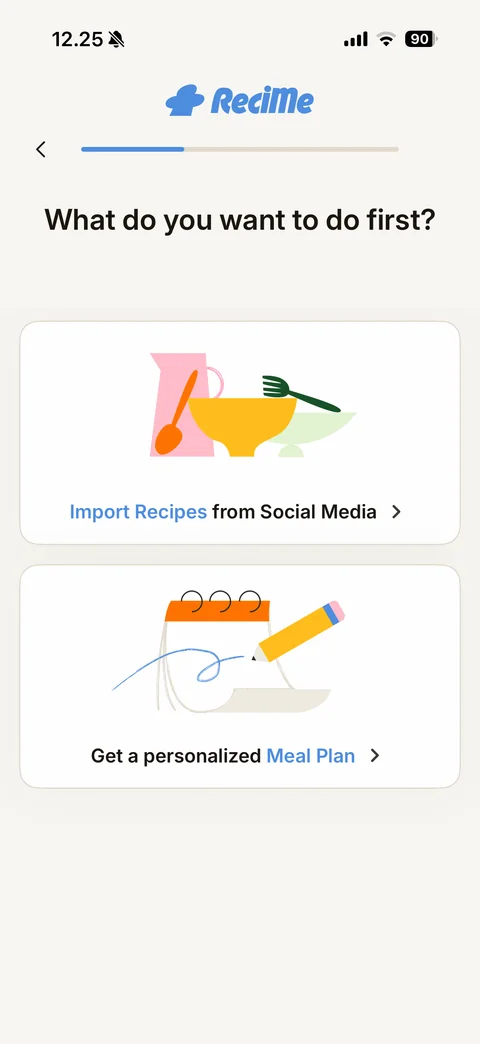
First action choice: What do you want to do first?, two illustrated cards Import Recipes from Social Media and Get a personalized Meal Plan with blue highlighted words and chevrons
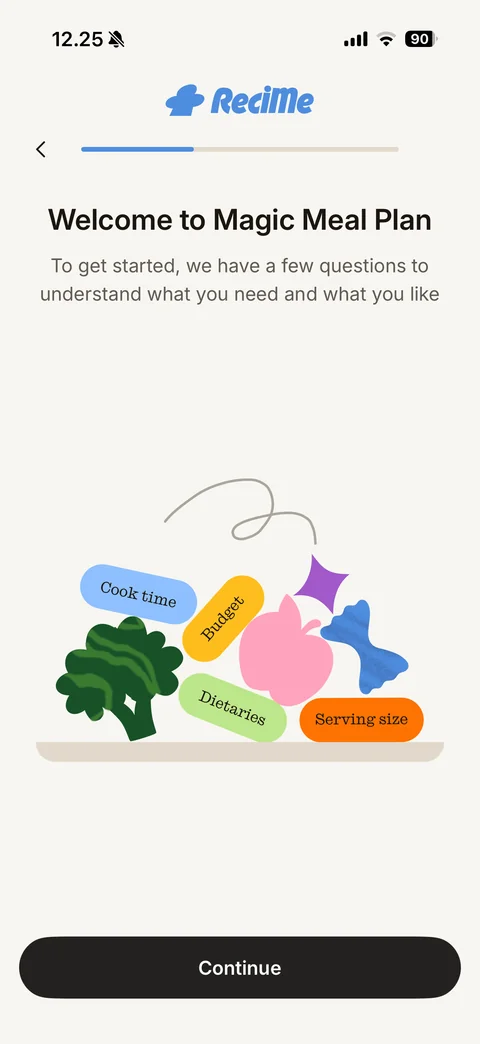
Meal plan intro: Welcome to Magic Meal Plan, explanation of the questions, playful illustration of food shapes with pill labels Cook time, Budget, Dietaries, Serving size, Continue button
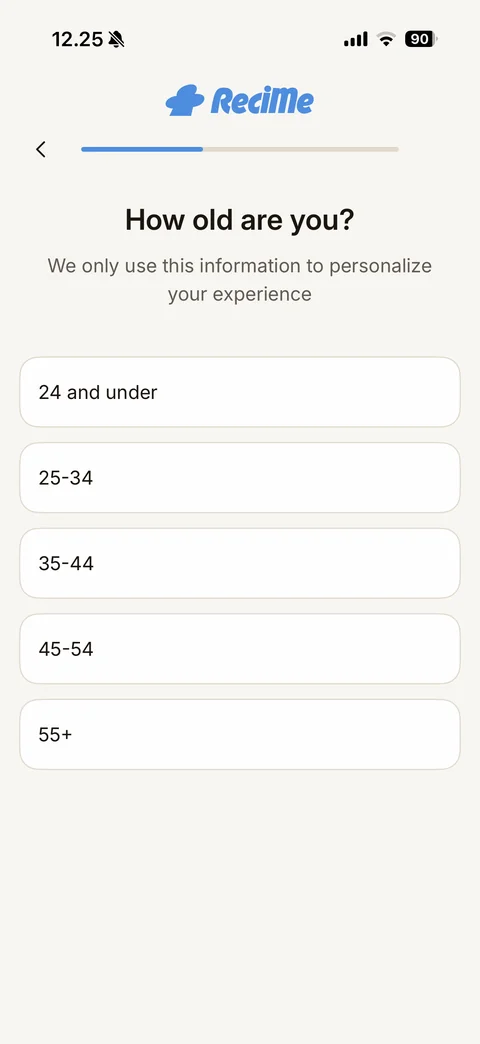
Age range step: How old are you?, privacy note, option cards 24 and under, 25-34, 35-44, 45-54, 55+
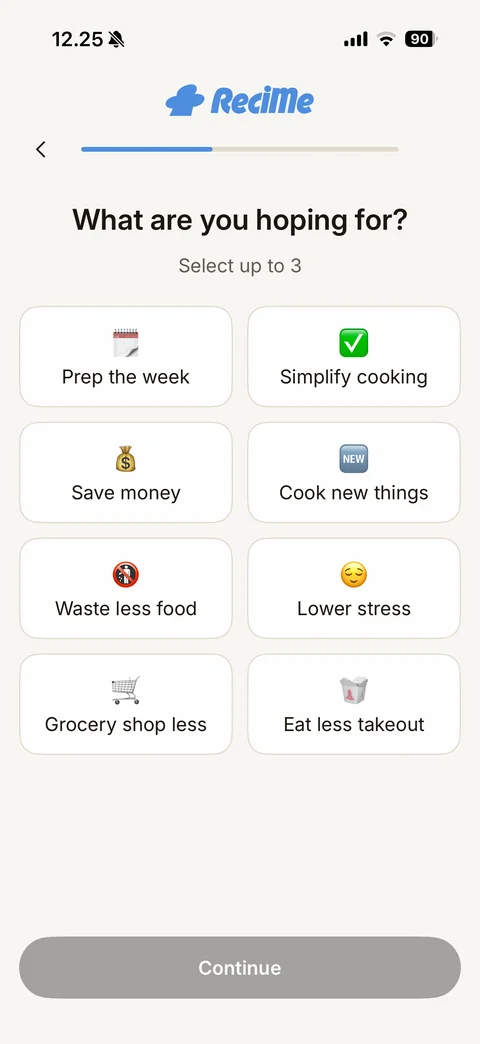
Hopes step: What are you hoping for? Select up to 3, two-column grid of emoji tiles (Prep the week, Simplify cooking, Save money, Cook new things, Waste less food, Lower stress, Grocery shop less, Eat less takeout), disabled grey Continue
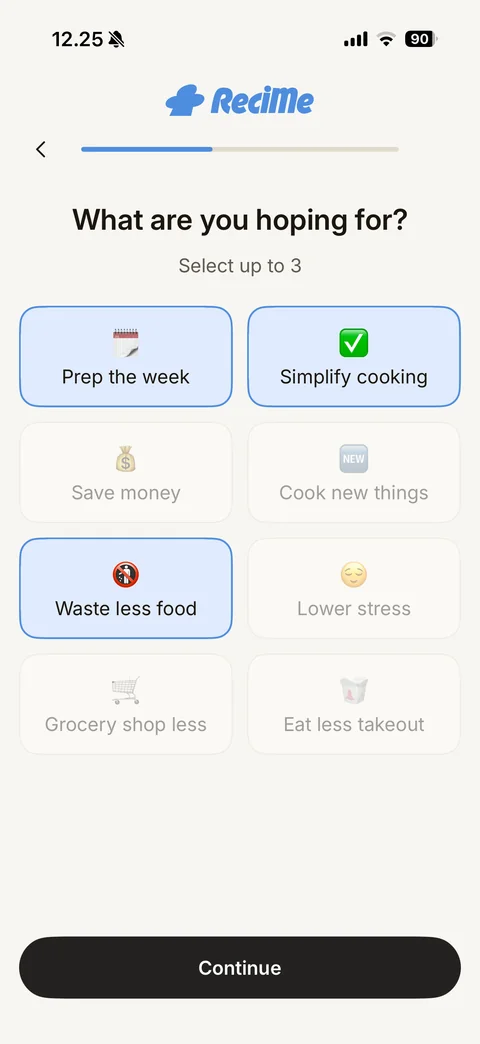
Hopes step at the limit: three tiles selected in blue, the other tiles faded out as disabled, Continue active
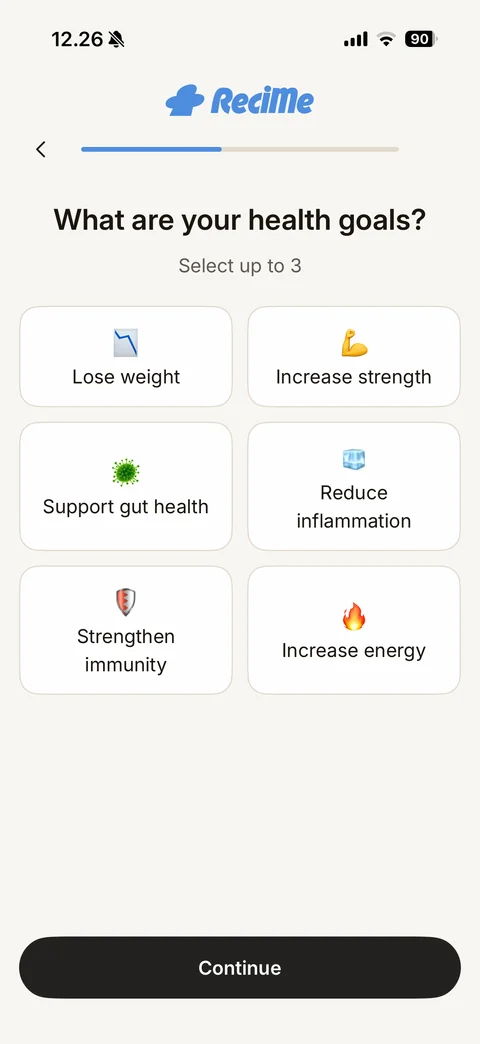
Health goals step: What are your health goals? Select up to 3, emoji tile grid (Lose weight, Increase strength, Support gut health, Reduce inflammation, Strengthen immunity, Increase energy), Continue button
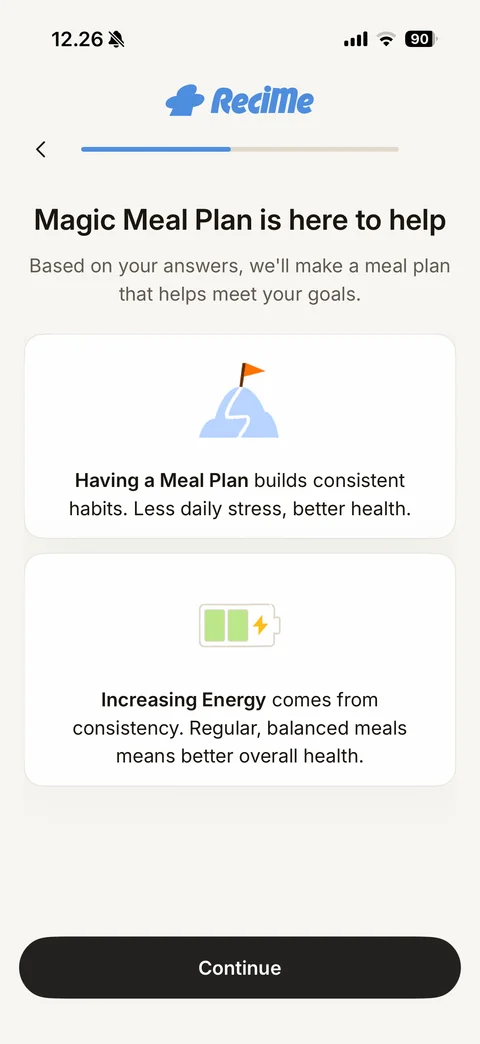
Personalised benefit step: Magic Meal Plan is here to help, two cards with icons (mountain flag: Having a Meal Plan builds consistent habits; battery: Increasing Energy comes from consistency) with bold keywords, Continue button
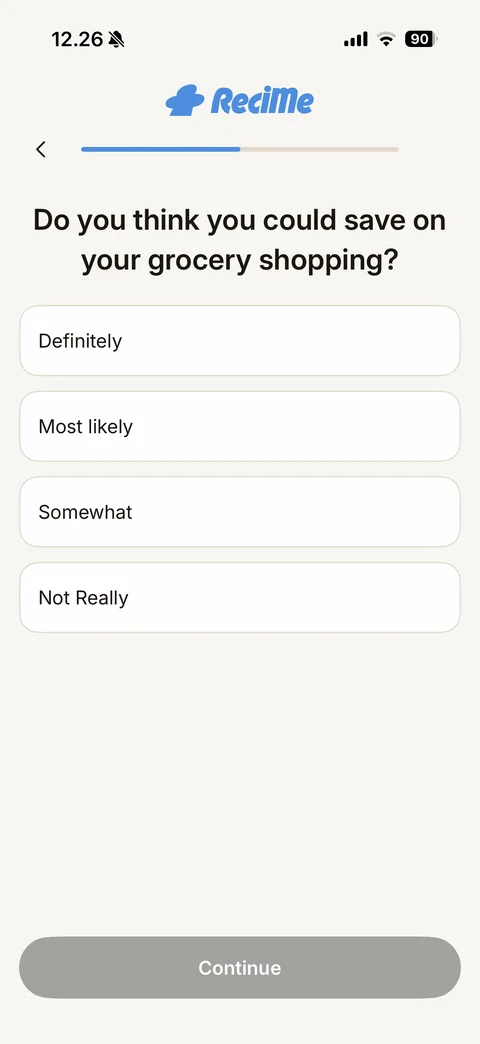
Grocery savings question: Do you think you could save on your grocery shopping?, options Definitely, Most likely, Somewhat, Not Really, disabled grey Continue
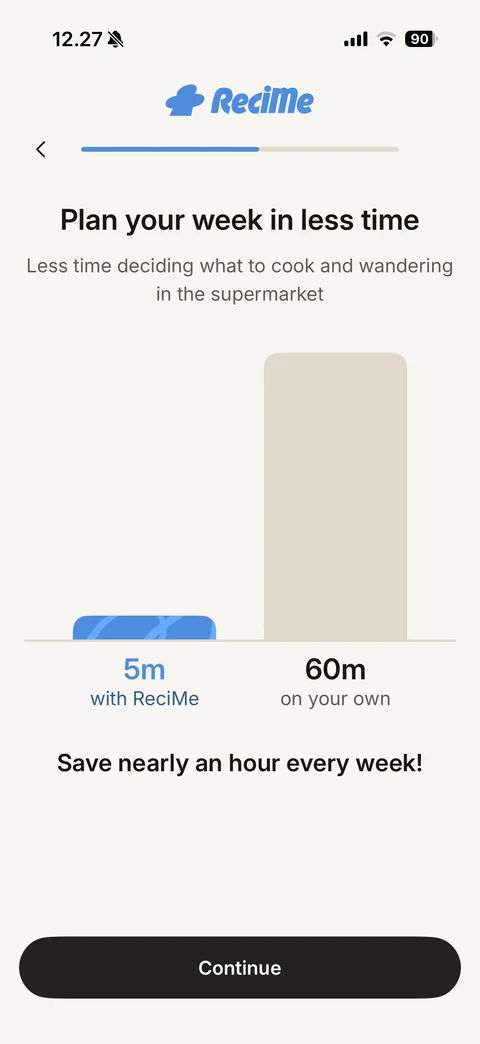
Time-saving comparison: Plan your week in less time, bar chart with short blue patterned bar 5m with ReciMe vs tall beige bar 60m on your own, Save nearly an hour every week!, Continue button
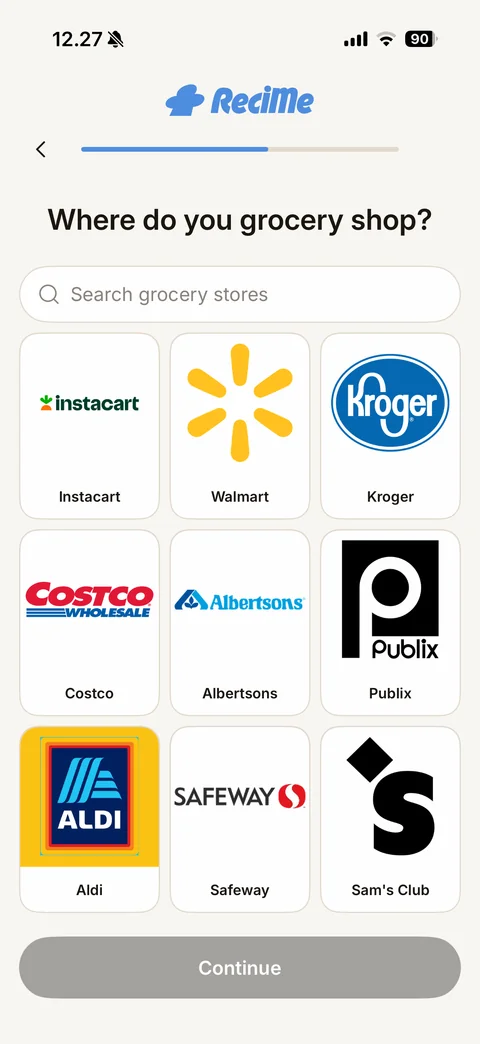
Grocery store step: Where do you grocery shop?, search grocery stores field, three-column grid of store logo tiles (Instacart, Walmart, Kroger, Costco, Albertsons, Publix, Aldi, Safeway, Sam's Club), disabled Continue
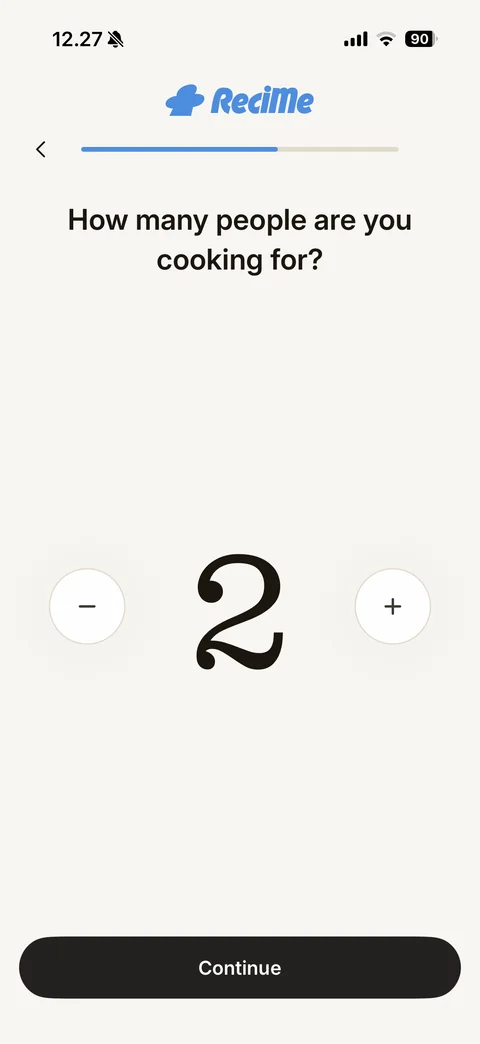
Servings stepper: How many people are you cooking for?, huge serif number 2 between round minus and plus buttons, Continue button
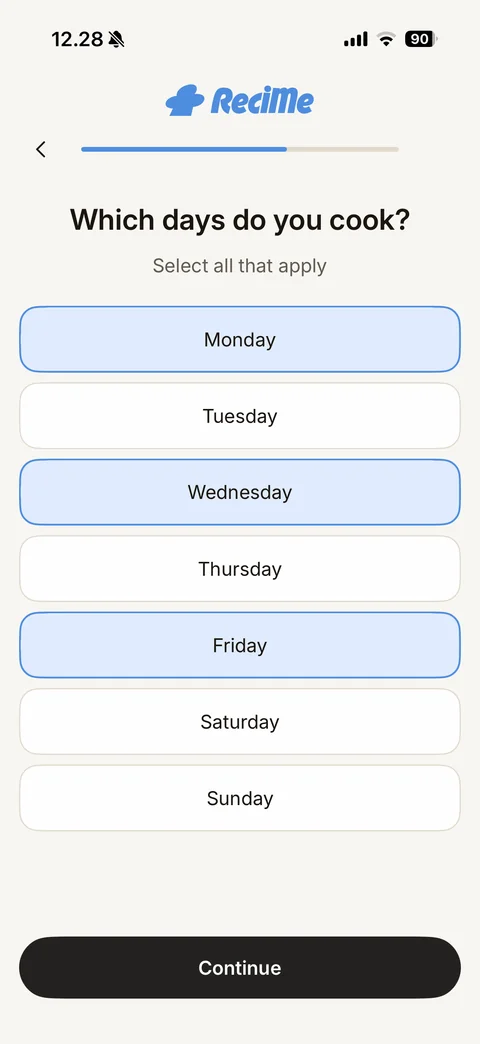
Cooking days step: Which days do you cook? Select all that apply, full-width day buttons Monday to Sunday with Monday, Wednesday and Friday selected in blue, Continue active
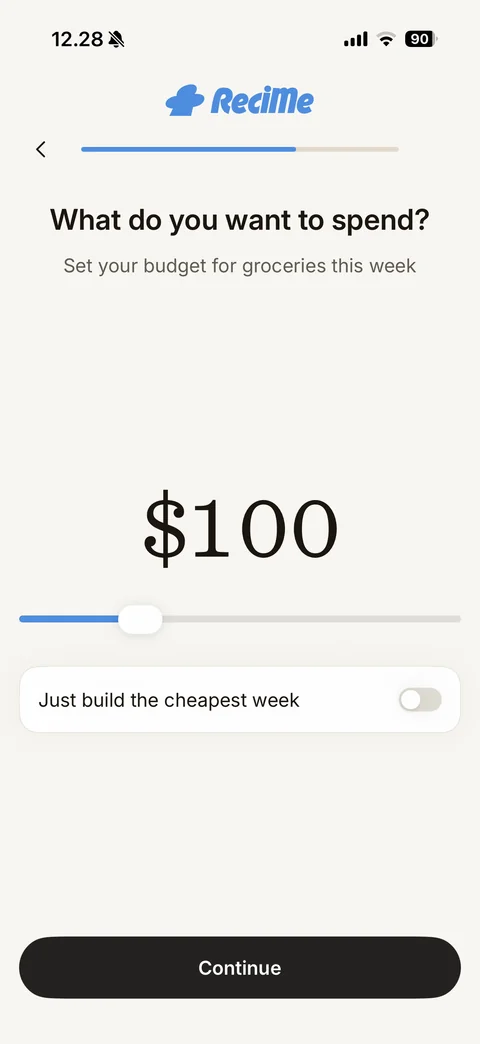
Budget step: What do you want to spend?, weekly grocery budget, large serif $100 value, blue range slider with white thumb, Just build the cheapest week toggle off, Continue button
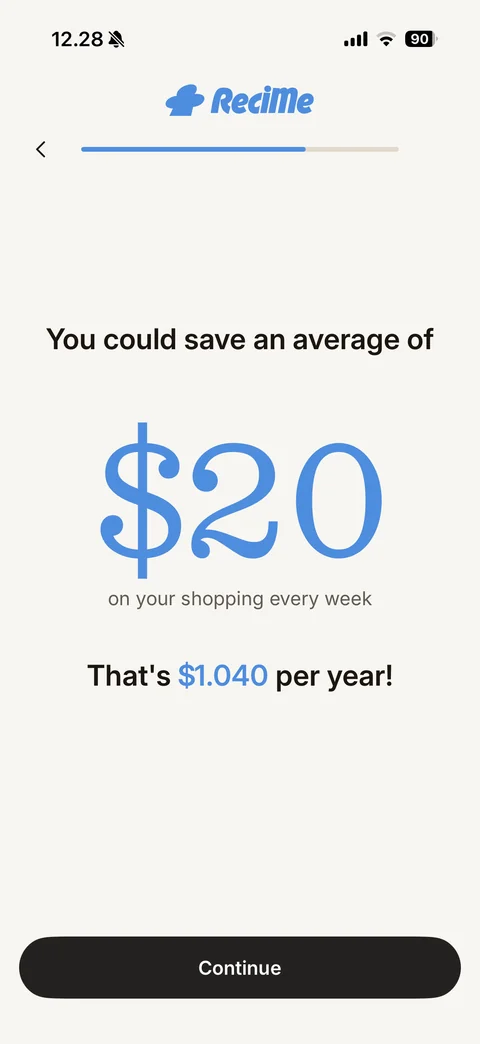
Savings result: You could save an average of, huge blue serif $20 on your shopping every week, That's $1.040 per year! with blue amount, Continue button
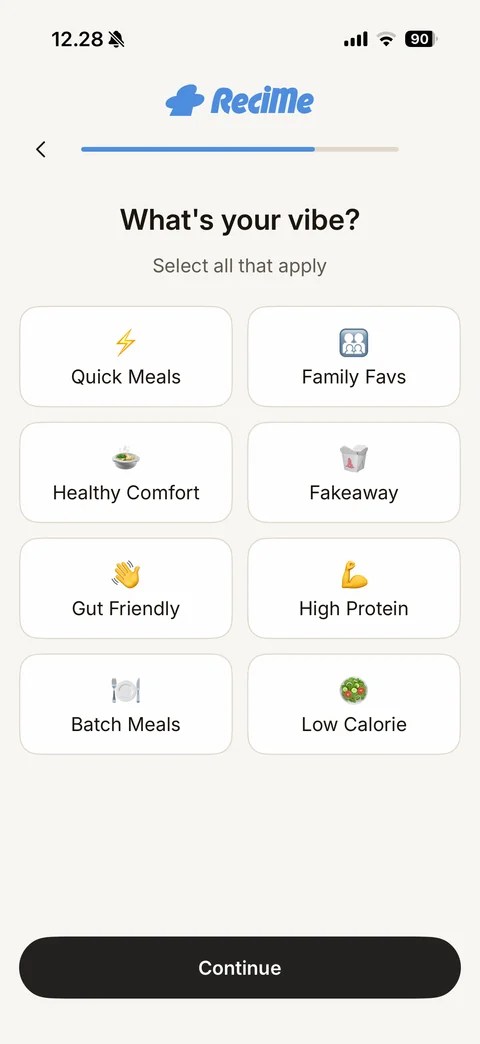
Meal vibe step: What's your vibe? Select all that apply, emoji tile grid (Quick Meals, Family Favs, Healthy Comfort, Fakeaway, Gut Friendly, High Protein, Batch Meals, Low Calorie), Continue button
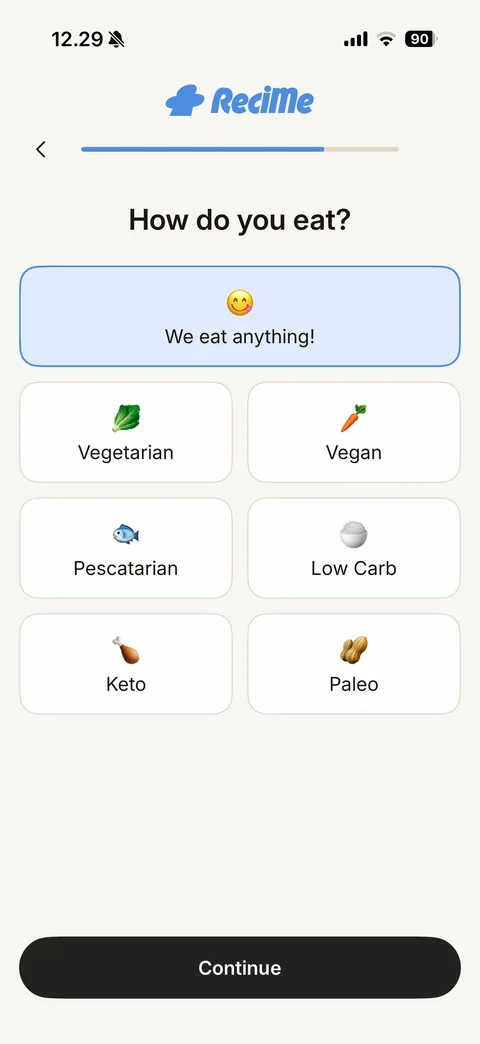
Diet step: How do you eat?, full-width default We eat anything! tile selected in blue, emoji diet tiles grid (Vegetarian, Vegan, Pescatarian, Low Carb, Keto, Paleo), Continue button
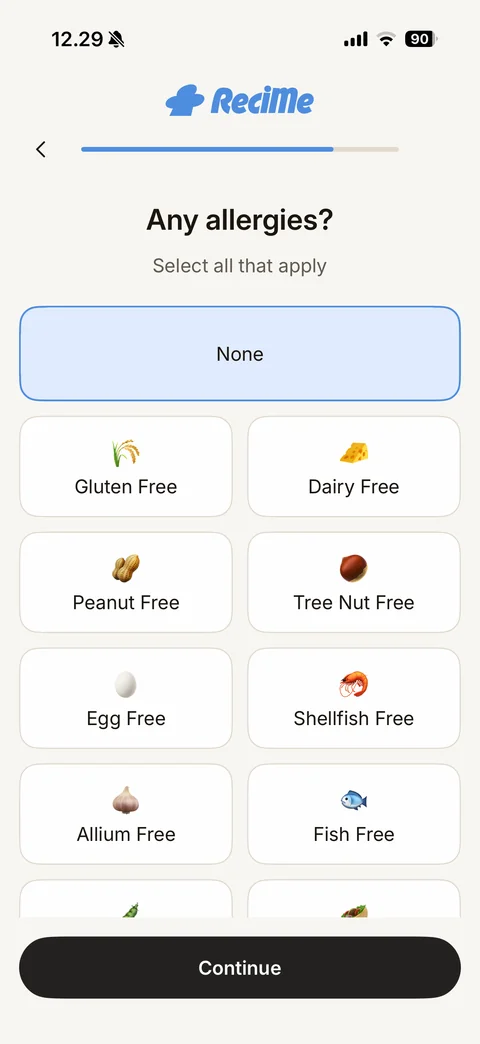
Allergies step: Any allergies? Select all that apply, None tile selected in blue, scrolling emoji grid of free-from options (Gluten, Dairy, Peanut, Tree Nut, Egg, Shellfish, Allium, Fish), Continue button
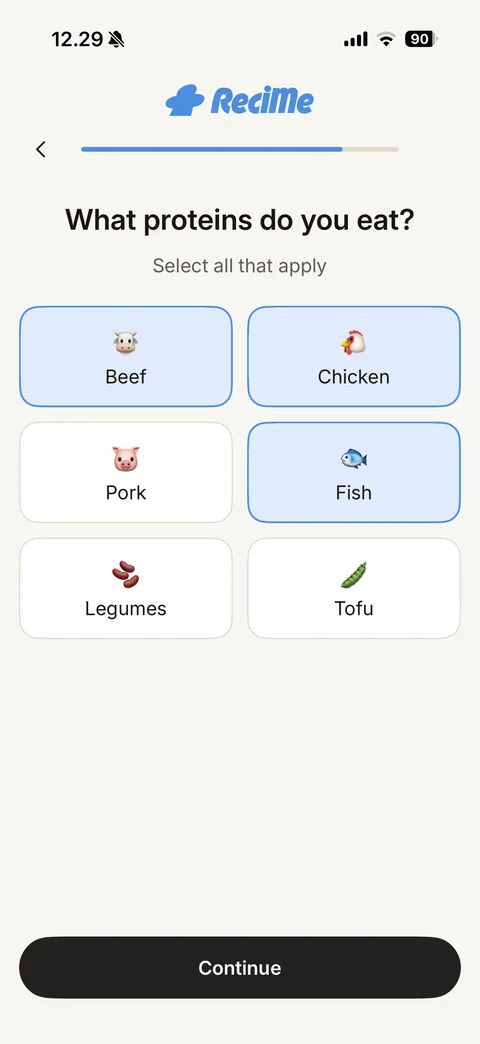
Proteins step: What proteins do you eat? Select all that apply, emoji tile grid (Beef, Chicken, Pork, Fish, Legumes, Tofu) with Beef, Chicken and Fish selected in blue, Continue button
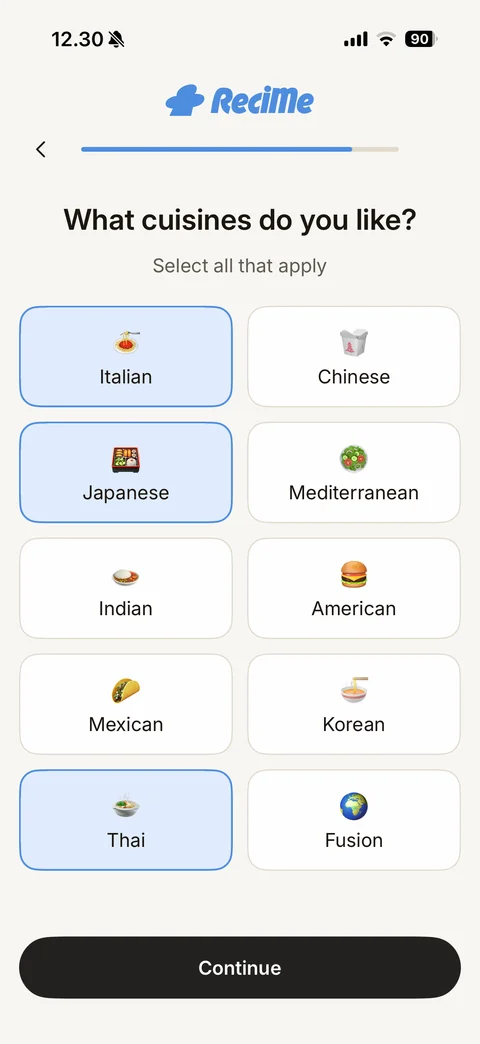
Cuisines step: What cuisines do you like? Select all that apply, ten emoji tiles (Italian, Chinese, Japanese, Mediterranean, Indian, American, Mexican, Korean, Thai, Fusion) with Italian, Japanese and Thai selected, Continue button
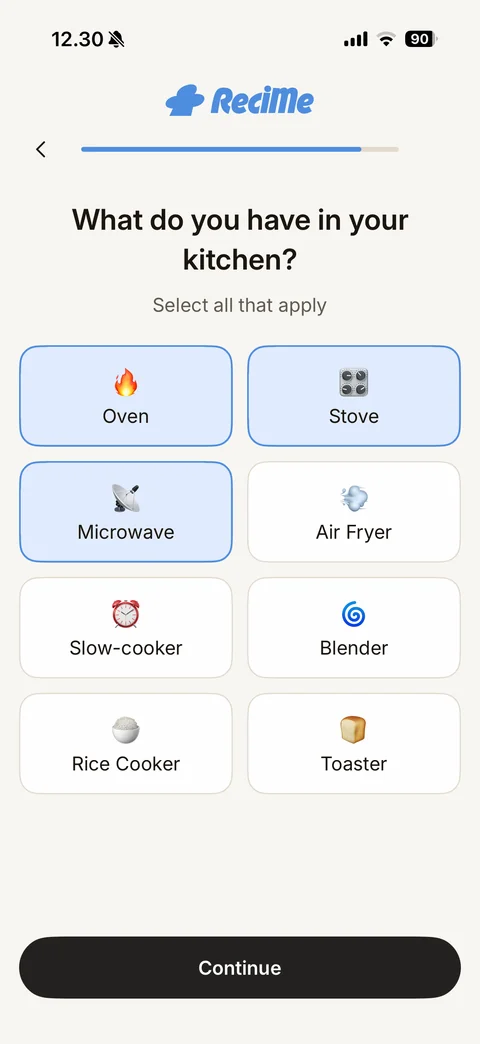
Kitchen equipment step: What do you have in your kitchen?, emoji appliance tiles with Oven, Stove and Microwave pre-selected in blue, Air Fryer, Slow-cooker, Blender, Rice Cooker, Toaster, Continue button
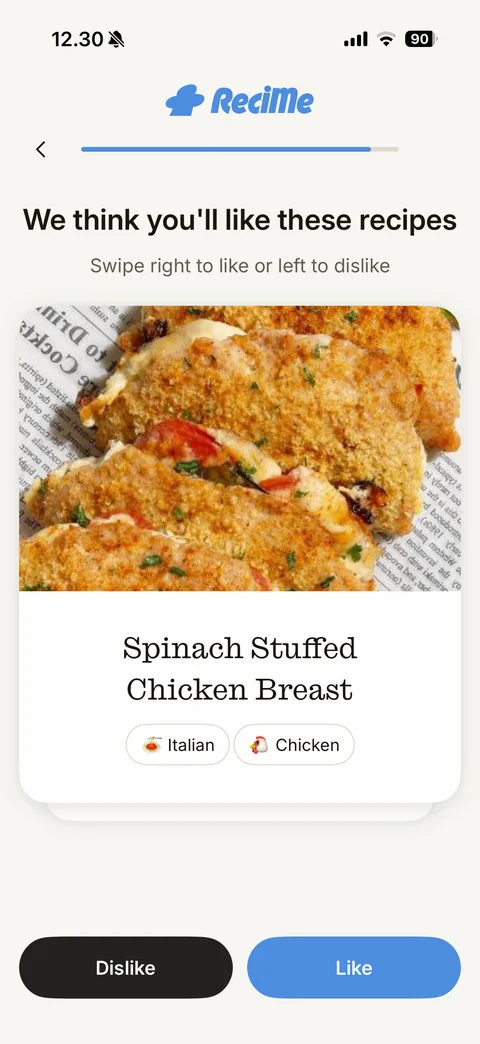
Recipe swipe step: We think you'll like these recipes, swipe right to like or left to dislike, stacked recipe card with food photo, serif title Spinach Stuffed Chicken Breast and cuisine and protein chips, black Dislike and blue Like buttons
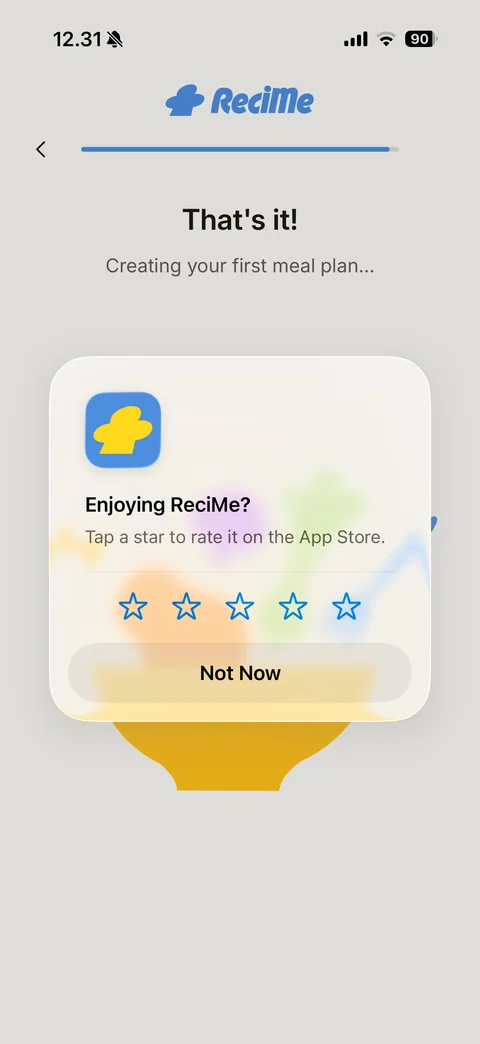
iOS rating prompt over the meal plan loading screen: Enjoying ReciMe? Tap a star to rate it on the App Store, five blue outline stars, Not Now button; behind it That's it! Creating your first meal plan...
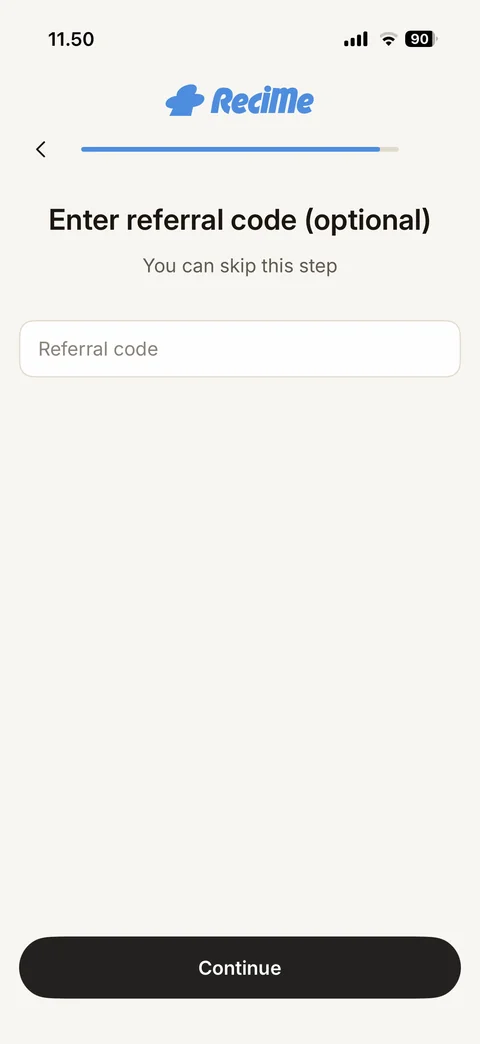
Optional referral code step: ReciMe logo, back arrow and nearly full progress bar, Enter referral code (optional), You can skip this step, empty Referral code field, Continue button
Meal plan generation loading: ReciMe logo, back arrow and almost full progress bar, That's it!, Creating your first meal plan..., flat illustration of a yellow bowl with vegetables, pasta and a blue fork
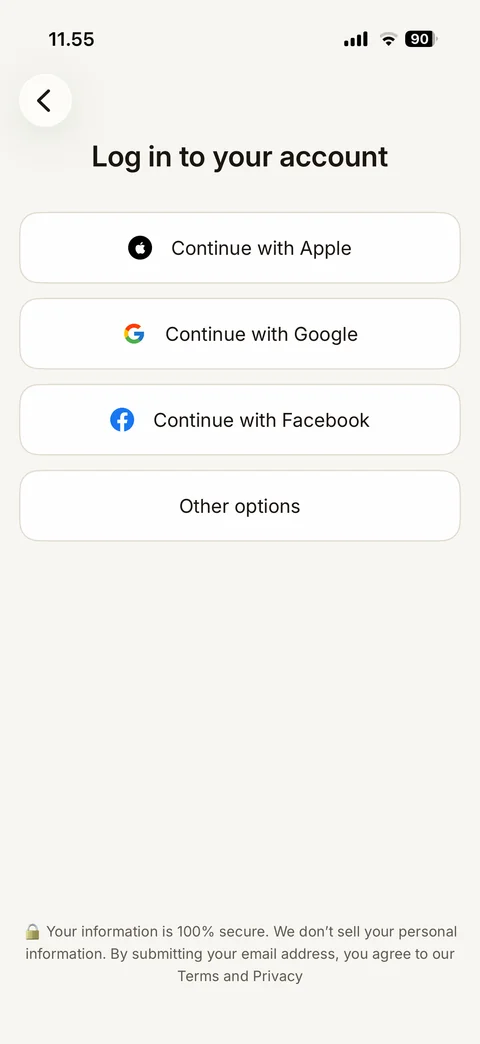
Log in to your account: back button, title, outlined buttons Continue with Apple, Continue with Google, Continue with Facebook and Other options, lock emoji security and privacy note at bottom
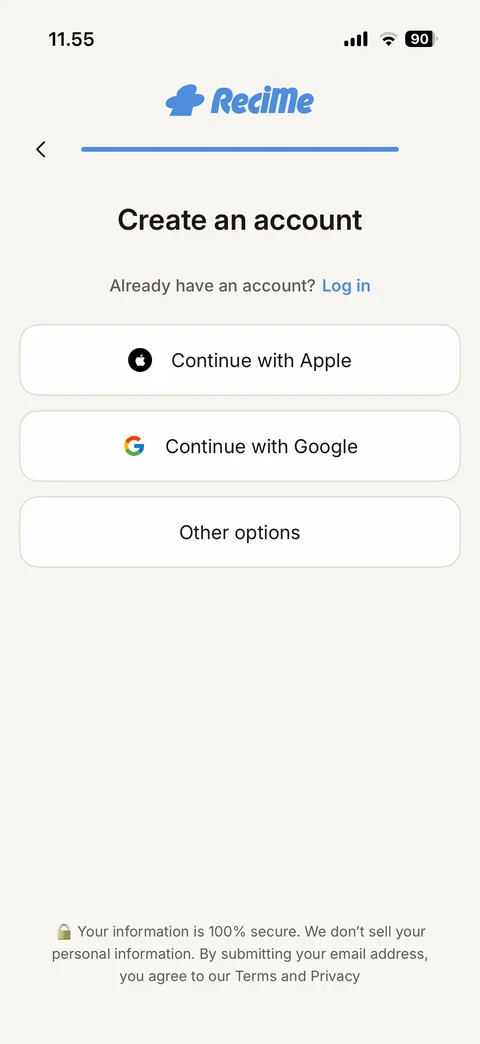
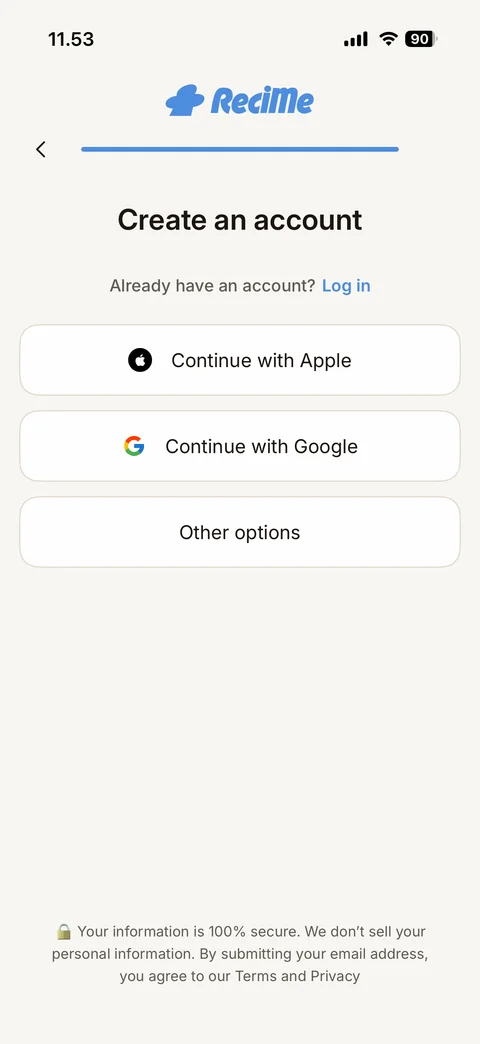
Create an account: ReciMe logo, back arrow and full progress bar, title, Already have an account? Log in link in blue, outlined buttons Continue with Apple, Continue with Google, Other options, lock emoji security note at bottom
ReciMe cookbooks (6 screens)
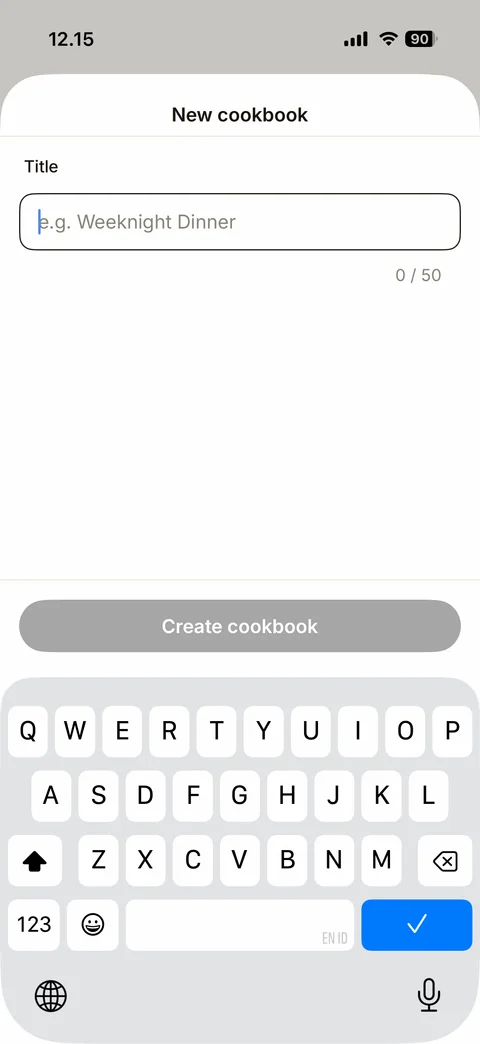
New cookbook sheet: Title field with placeholder e.g. Weeknight Dinner, 0 / 50 counter, disabled grey Create cookbook button, keyboard up
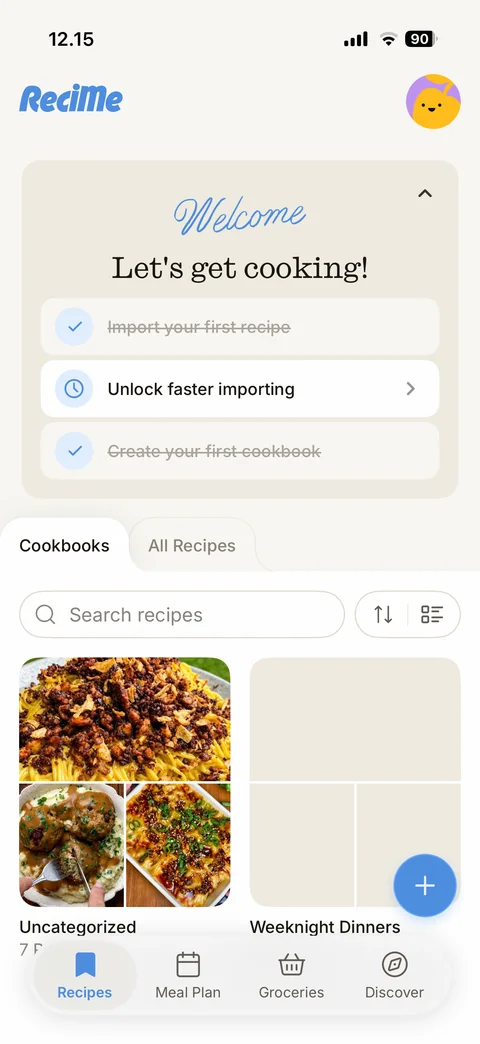
Recipes tab with two cookbooks: Welcome checklist with two tasks struck through, Cookbooks tab with Uncategorized cookbook (food photo collage) and new empty Weeknight Dinners cookbook, search and sort/view controls
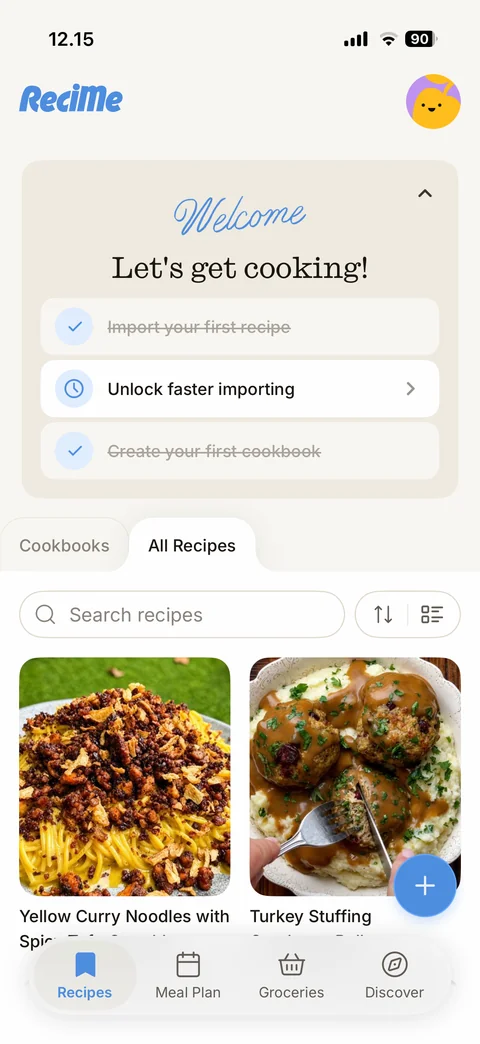
All Recipes tab: two-column grid of recipe cards with large food photos and titles (Yellow Curry Noodles, Turkey Stuffing Cranberry Balls), search field with sort and view toggles
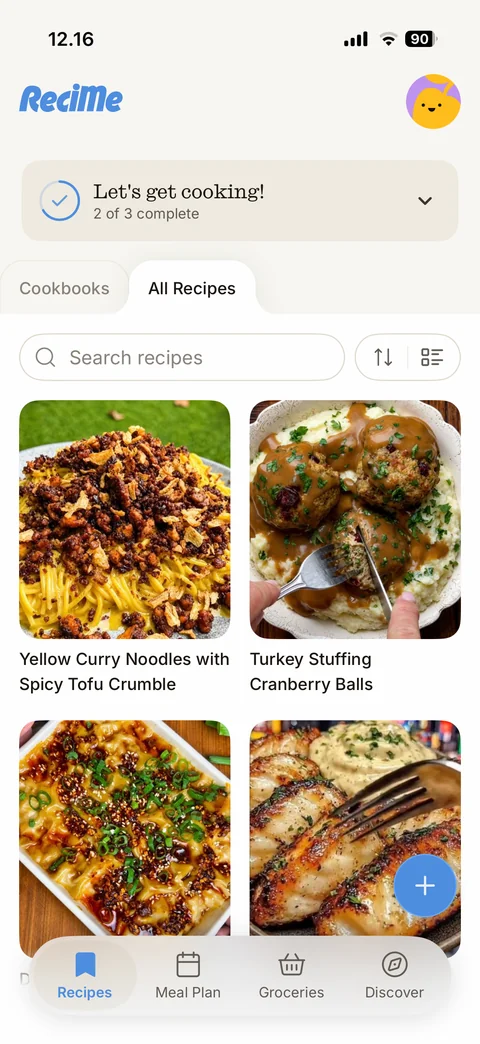
All Recipes with collapsed checklist: compact Let's get cooking! card with blue progress ring and 2 of 3 complete with expand chevron, All Recipes tab, grid of recipe cards with food photos and two-line titles
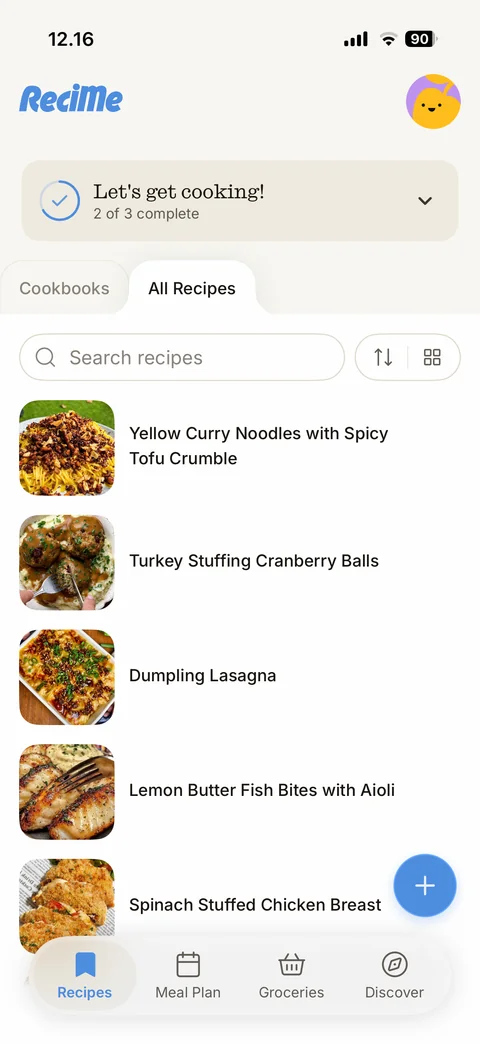
All Recipes list view: view toggle now shows grid icon, list rows with rounded square food thumbnails and recipe titles
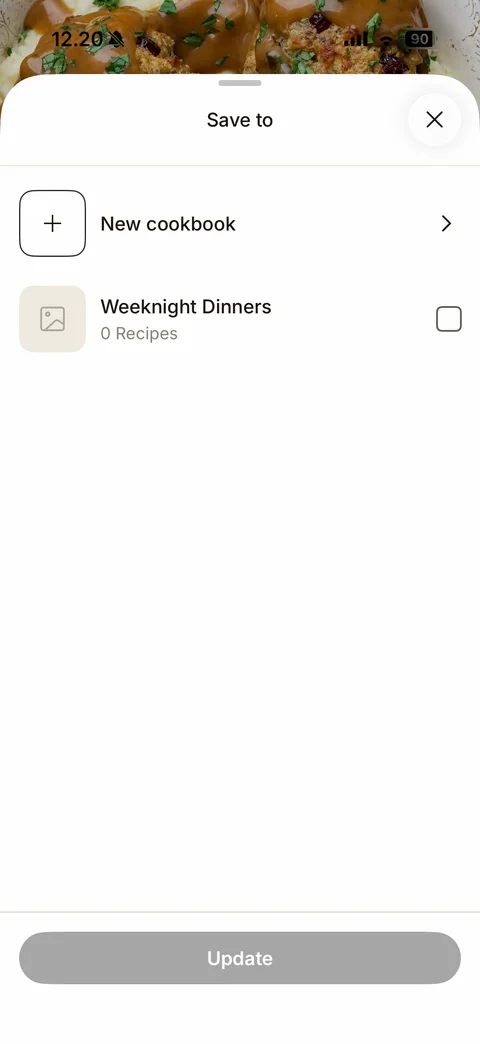
Save to cookbook sheet: close, New cookbook row with plus tile and chevron, Weeknight Dinners row with placeholder tile, 0 Recipes and empty checkbox, disabled grey Update button
ReciMe ai (3 screens)
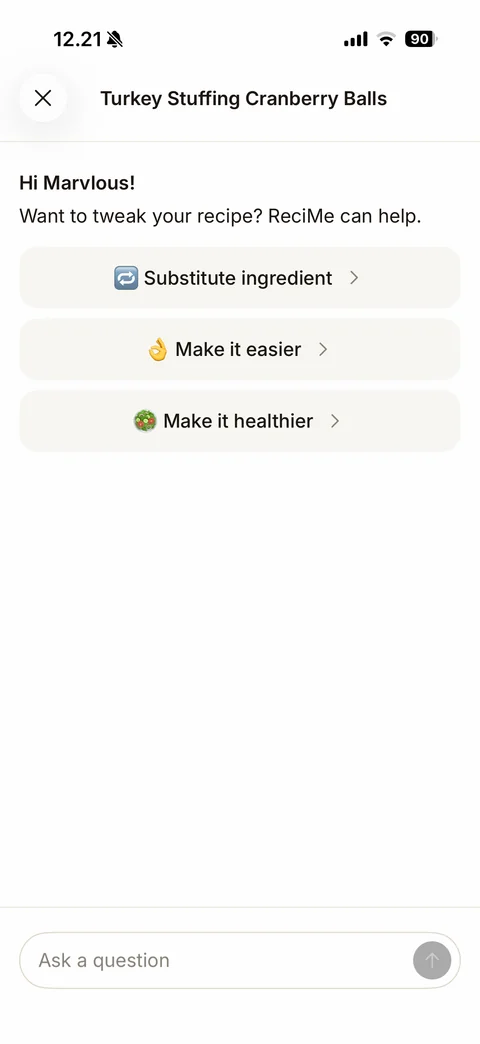
Ask ReciMe AI chat start: close and recipe title, Hi Marvlous! greeting, Want to tweak your recipe? ReciMe can help, suggestion chips with emoji (Substitute ingredient, Make it easier, Make it healthier), Ask a question input with grey send button
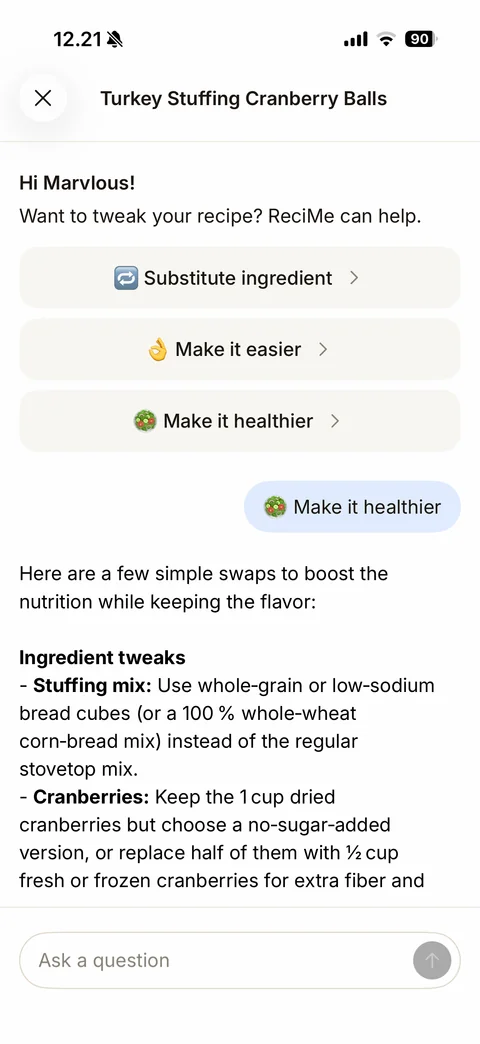
Ask ReciMe AI answer: user message bubble in light blue (Make it healthier), streamed AI answer with bold Ingredient tweaks heading and bulleted swaps with bold ingredient names, Ask a question input with stop button
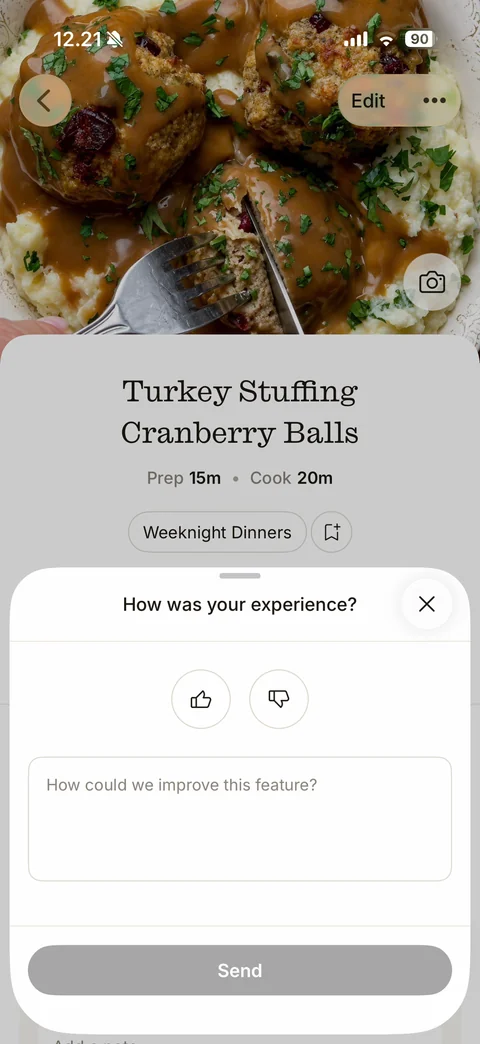
AI feature feedback sheet: How was your experience? with close, round thumbs up and thumbs down buttons, How could we improve this feature? text area, disabled Send button
ReciMe discover (1 screen)
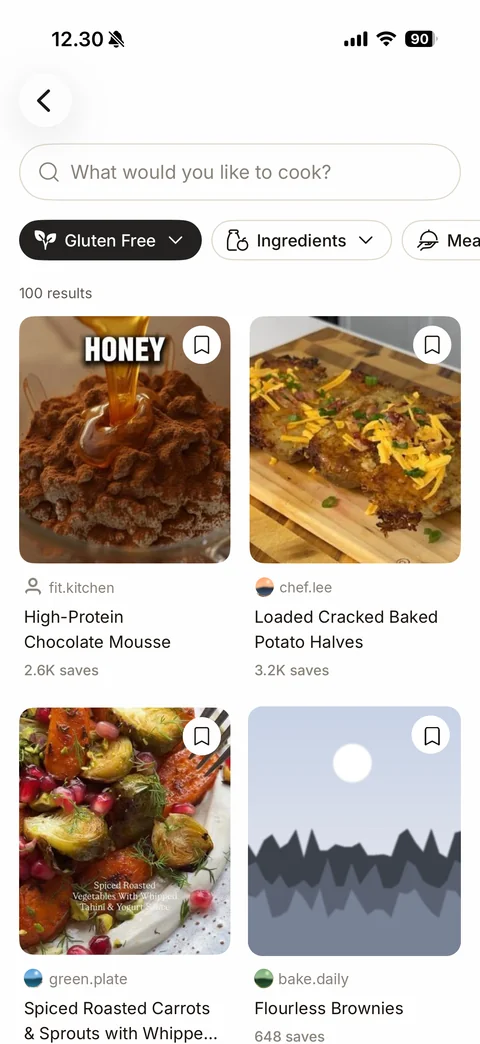
Discover results for a popular-search chip: back, search field, active black Gluten Free filter chip, Ingredients and Meal type dropdown chips, 100 results, two-column grid of recipe cards with food photos, bookmark buttons, creator avatar and handle (sample), title and save counts
ReciMe paywall (2 screens)
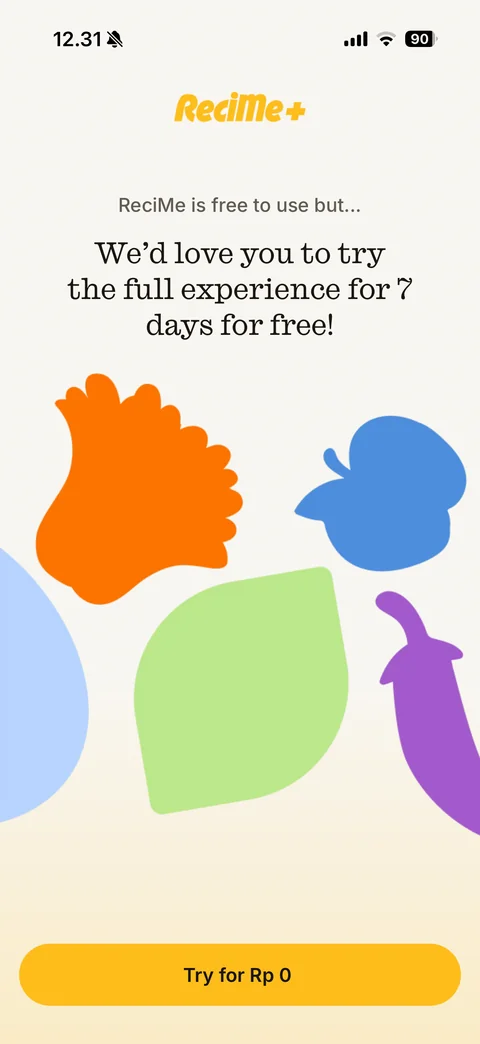
Paywall intro: yellow ReciMe+ logo, ReciMe is free to use but..., serif headline We'd love you to try the full experience for 7 days for free!, colourful flat food silhouettes, yellow Try for Rp 0 button
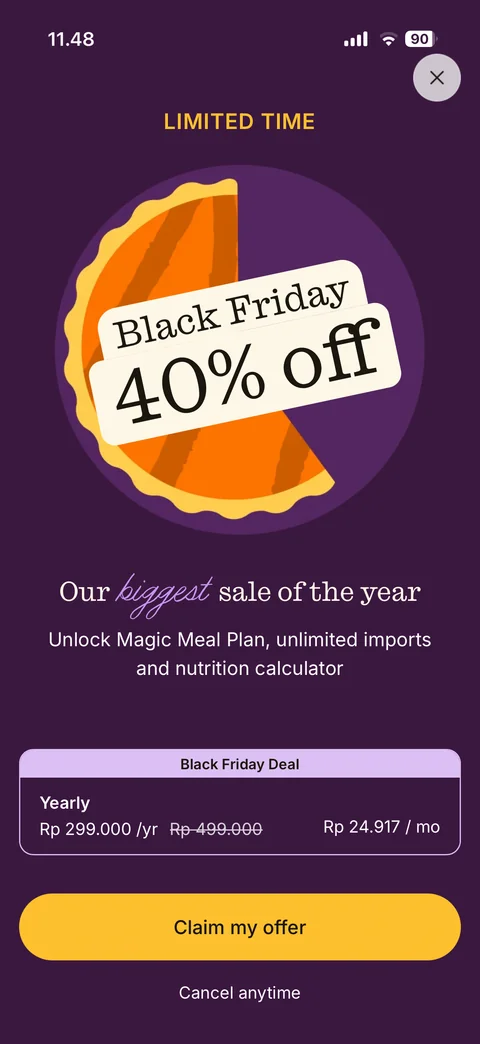
Black Friday offer paywall (dark plum): close button, LIMITED TIME in gold, illustrated pumpkin pie with cream label Black Friday 40% off in serif type, Our biggest sale of the year with italic purple script word, feature subtitle, Black Friday Deal card with Yearly price and struck-through old price and monthly equivalent, yellow Claim my offer button, Cancel anytime
ReciMe app (10 screens)
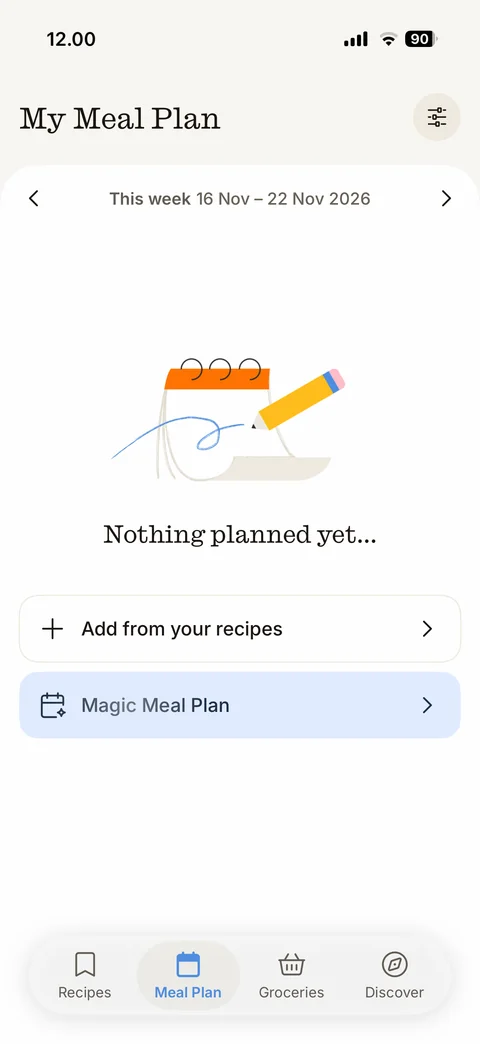
Meal Plan tab empty: serif My Meal Plan title, filter settings button, week navigator This week 16 Nov - 22 Nov 2026 with arrows, illustrated calendar pad and pencil, serif Nothing planned yet..., Add from your recipes row, highlighted blue Magic Meal Plan row, tab bar Recipes / Meal Plan / Groceries / Discover
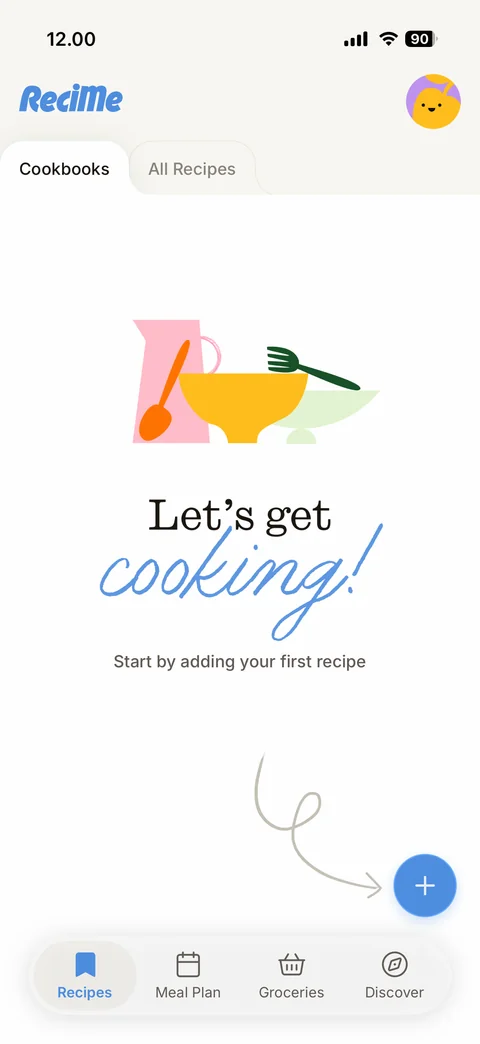
Recipes tab empty (Cookbooks): ReciMe logo, round illustrated avatar, Cookbooks and All Recipes folder tabs, kitchenware illustration, serif Let's get with blue script cooking!, Start by adding your first recipe, hand-drawn looping arrow pointing to the blue floating plus button, tab bar
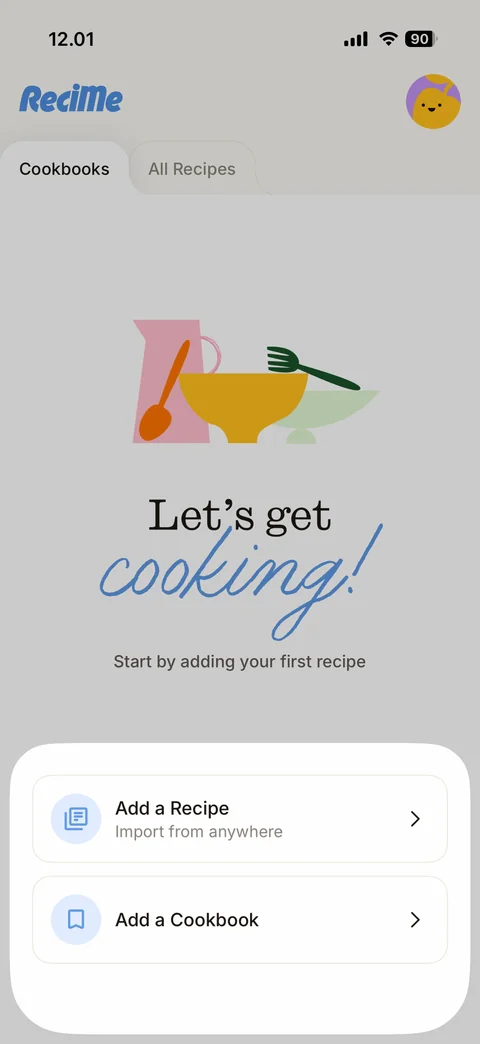
Add bottom sheet over dimmed empty Recipes: Add a Recipe (Import from anywhere) and Add a Cookbook rows with round blue icons and chevrons
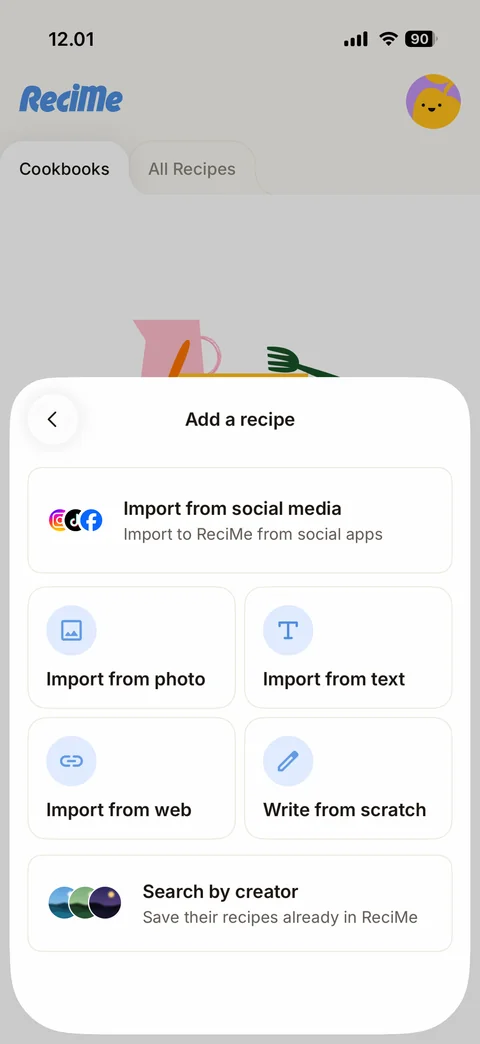
Add a recipe sheet: back, title, Import from social media card with Instagram, TikTok and Facebook icons, 2x2 grid Import from photo, Import from text, Import from web, Write from scratch with round blue icons, Search by creator card with creator avatars
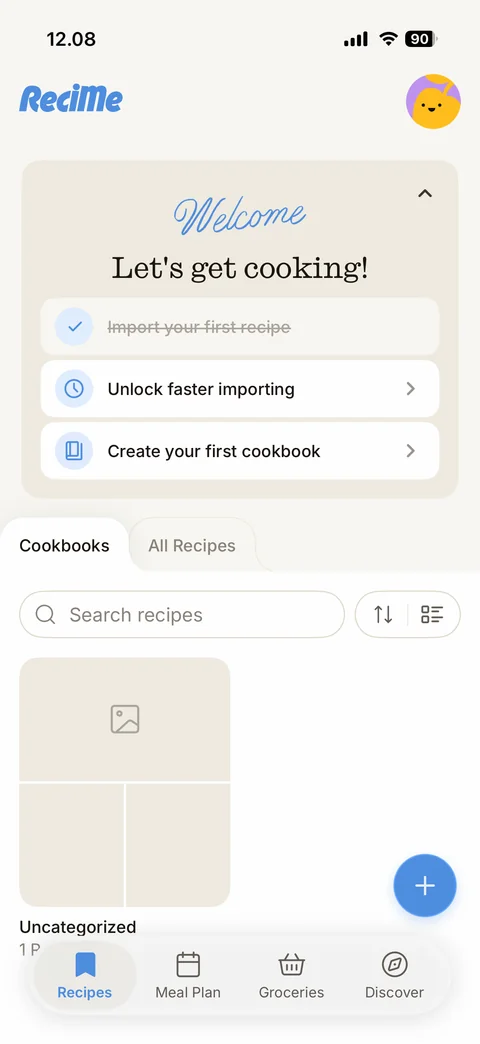
Recipes tab with one recipe: collapsible Welcome checklist card with blue script Welcome, Let's get cooking!, completed Import your first recipe struck through, Unlock faster importing and Create your first cookbook tasks, Cookbooks / All Recipes tabs, search recipes field with sort and view toggles, Uncategorized cookbook tile collage, floating plus, tab bar
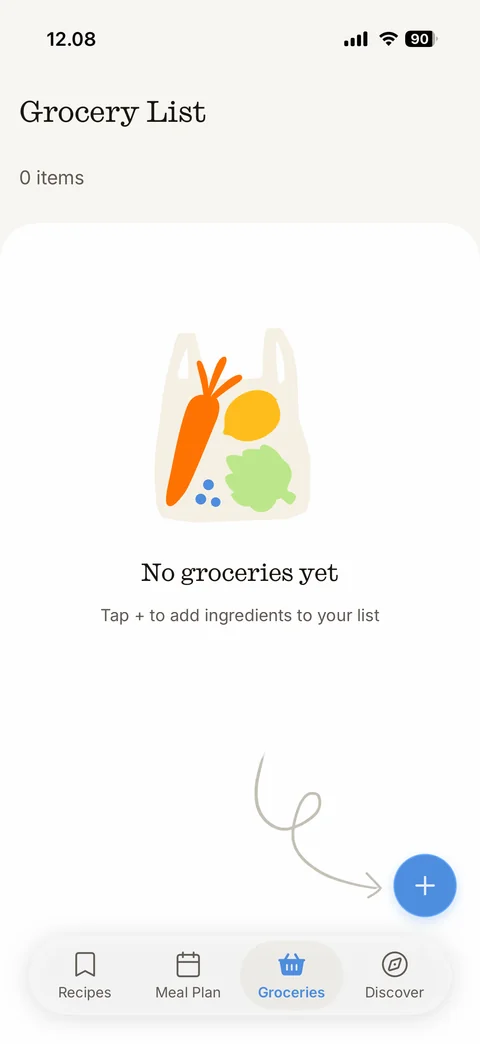
Grocery List empty: serif title, 0 items, illustrated tote bag with carrot, lemon and greens, serif No groceries yet, Tap + to add ingredients to your list, hand-drawn arrow to blue floating plus, tab bar
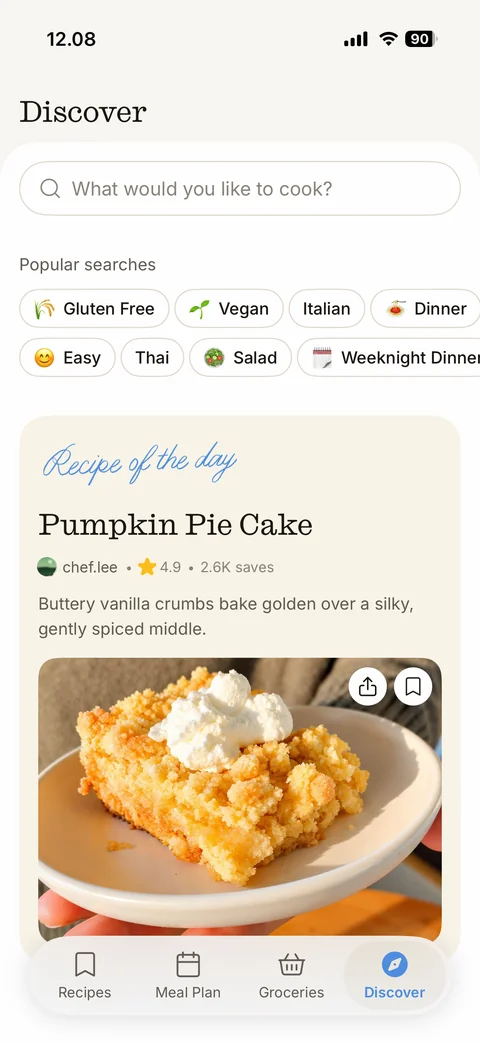
Discover tab: serif title, What would you like to cook? search field, Popular searches emoji chips (Gluten Free, Vegan, Italian, Dinner, Easy, Thai, Salad, Weeknight Dinner), Recipe of the day card with blue script label, serif recipe title, creator, star rating and saves, description, food photo with share and bookmark buttons, tab bar
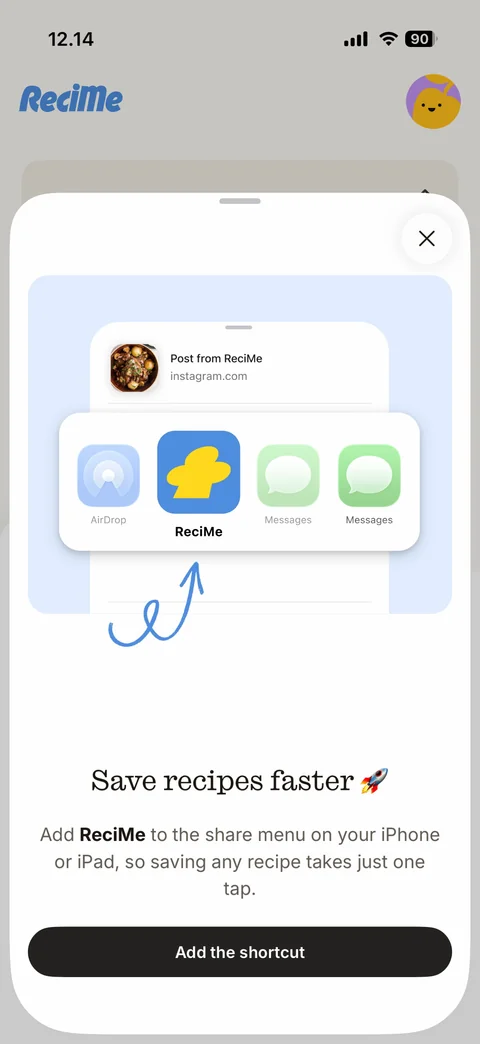
Save recipes faster sheet: close, light-blue illustration of the iOS share sheet with a large ReciMe app icon highlighted between AirDrop and Messages and a hand-drawn arrow, serif Save recipes faster with rocket emoji, explanation, Add the shortcut button
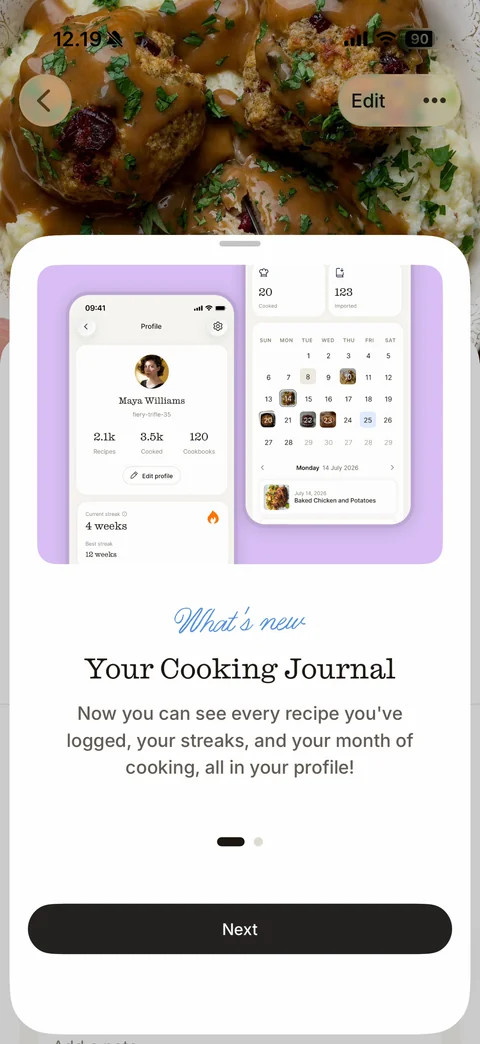
What's new sheet slide 1 over a recipe: lilac panel with two phone mockups of the profile (sample user, streak) and cooking calendar, blue script What's new, serif Your Cooking Journal, description, page dots, Next button
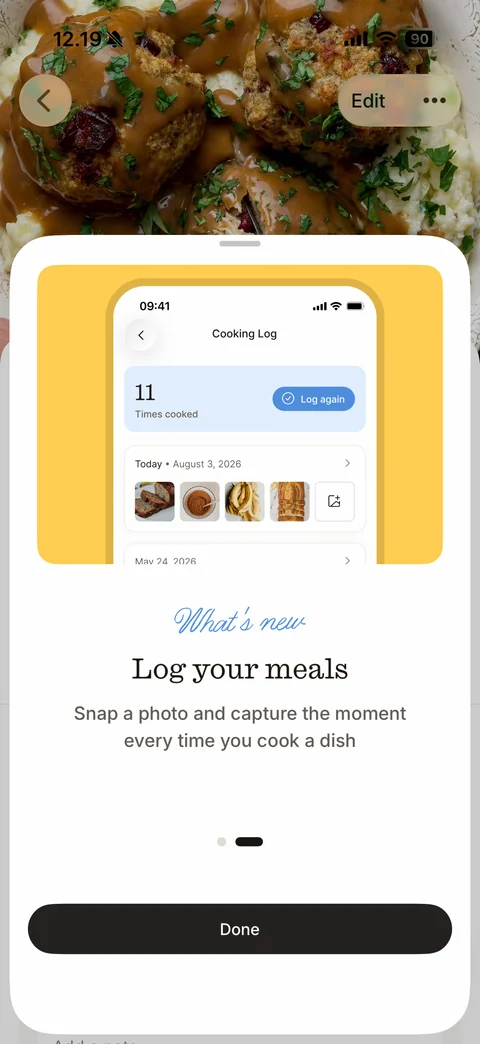
What's new sheet slide 2: yellow panel with phone mockup of Cooking Log (11 times cooked, Log again pill, dated photo rows), blue script What's new, serif Log your meals, Snap a photo and capture the moment..., page dots, Done button
ReciMe import (8 screens)
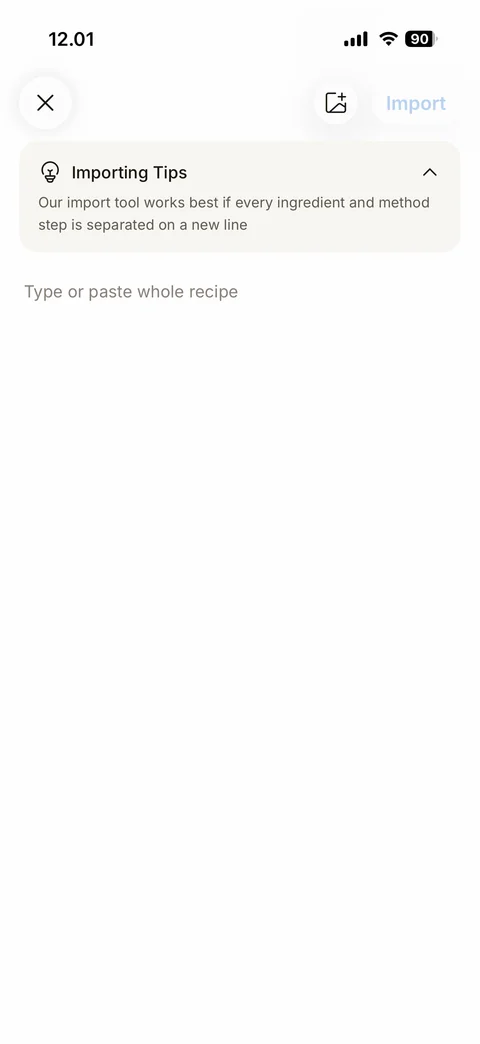
Import from text empty: close, add image button, disabled light-blue Import link, collapsible Importing Tips card with lightbulb, Type or paste whole recipe placeholder
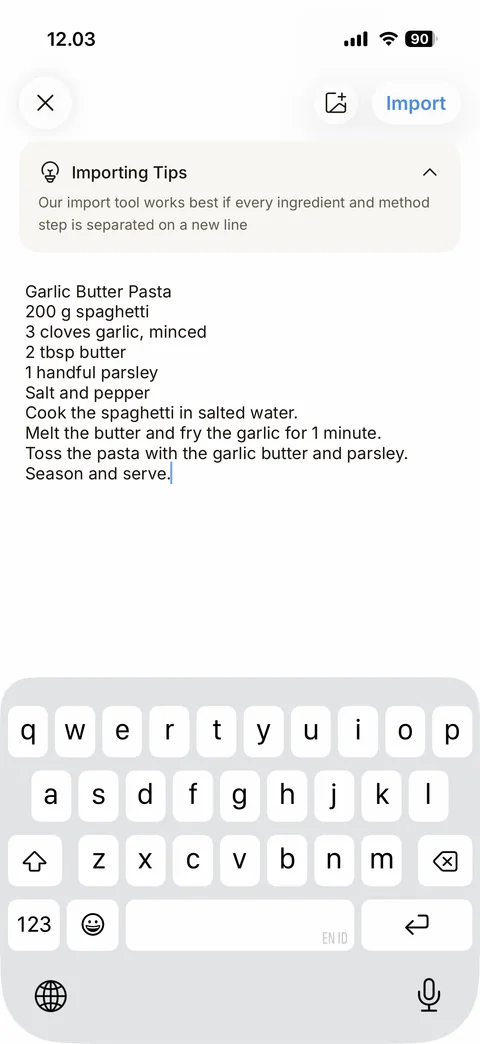
Import from text filled: sample recipe text (Garlic Butter Pasta title, ingredient lines and method steps), active blue Import button, keyboard up
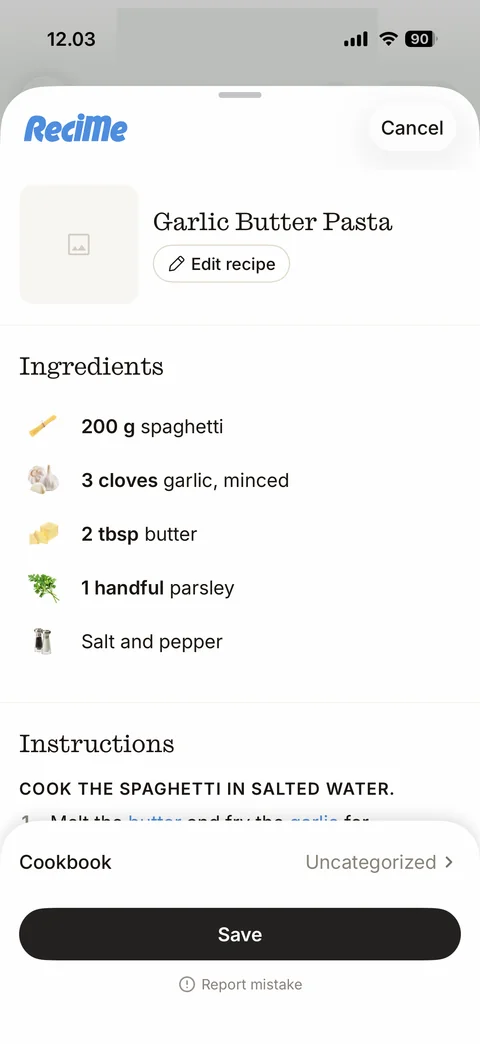
Import preview sheet: ReciMe logo and Cancel, image placeholder tile, serif recipe title with Edit recipe pill, Ingredients list with small ingredient photos and bold quantities, Instructions heading with uppercase first step and blue linked ingredient words, Cookbook Uncategorized row, Save button, Report mistake link
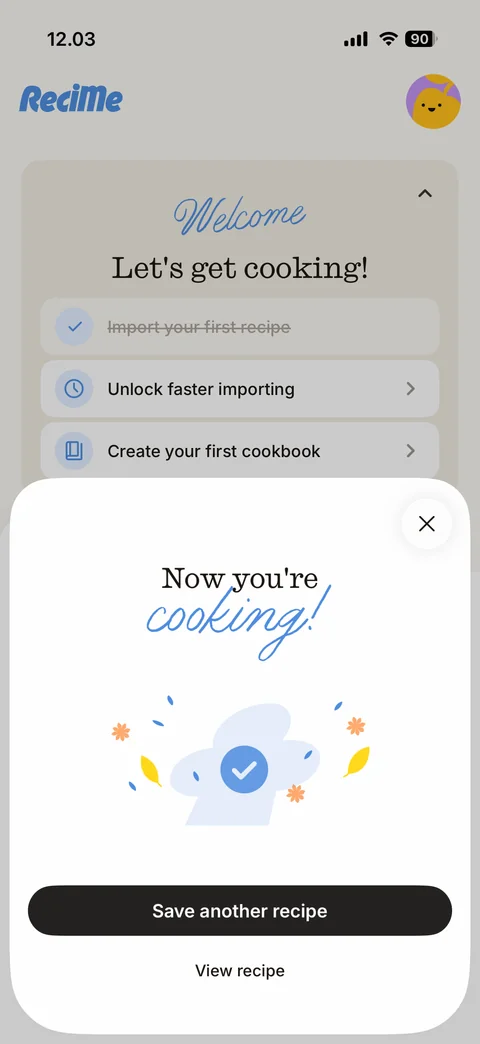
Recipe saved success sheet: close, serif Now you're with blue script cooking!, chef hat illustration with blue check and confetti, Save another recipe button, View recipe link; behind it a Welcome checklist card with the first task struck through
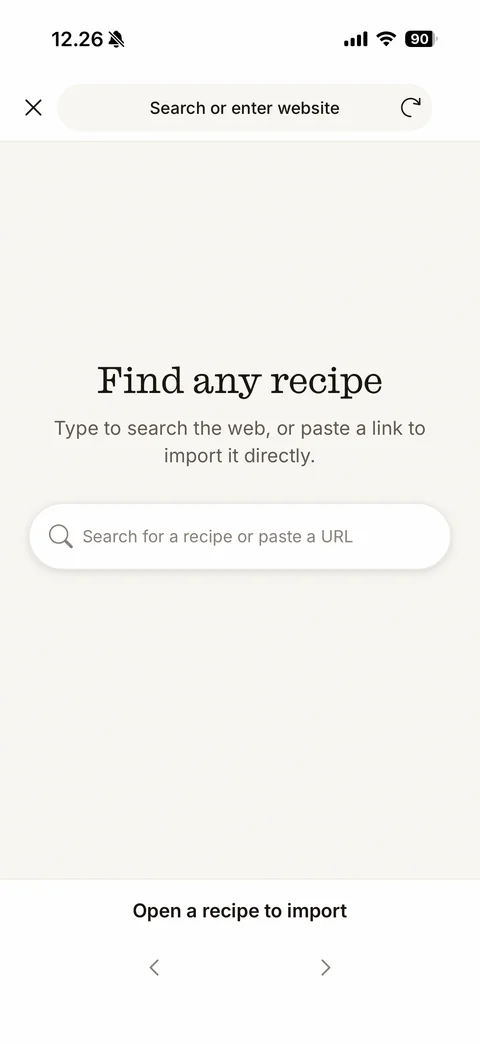
Import from web in-app browser start: close, Search or enter website address bar with reload, serif Find any recipe, Type to search the web, or paste a link to import it directly., rounded search field, bottom bar Open a recipe to import with back and forward arrows
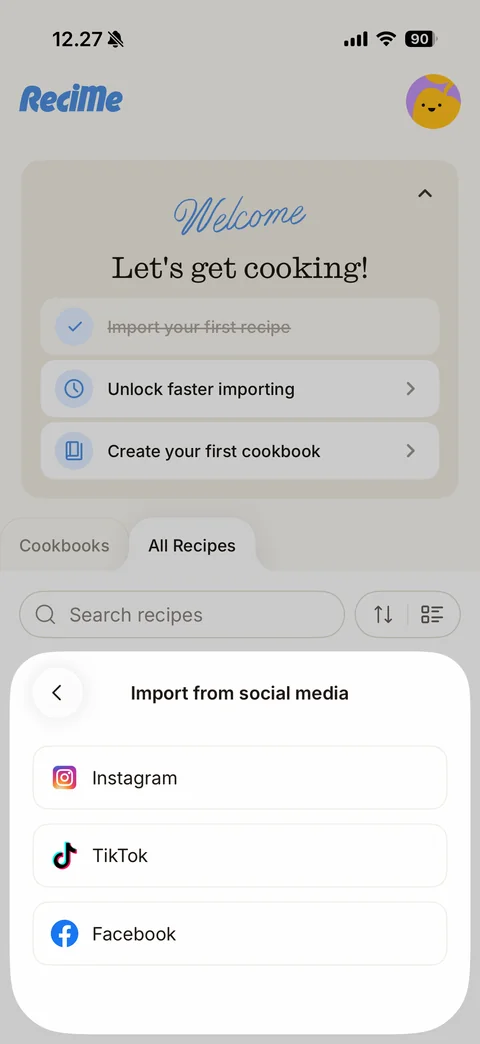
Import from social media sheet: back, title, outlined rows with brand logos Instagram, TikTok, Facebook
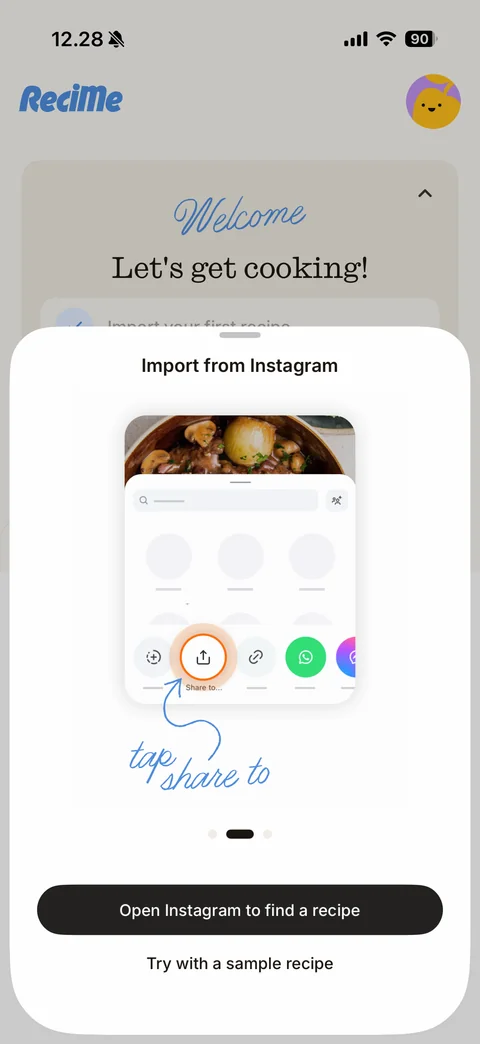
Import from Instagram tutorial sheet: animated phone mockup of the Instagram share sheet with the Share to button ringed in orange, blue script tap share to with hand-drawn arrow, carousel dots, Open Instagram to find a recipe button, Try with a sample recipe link
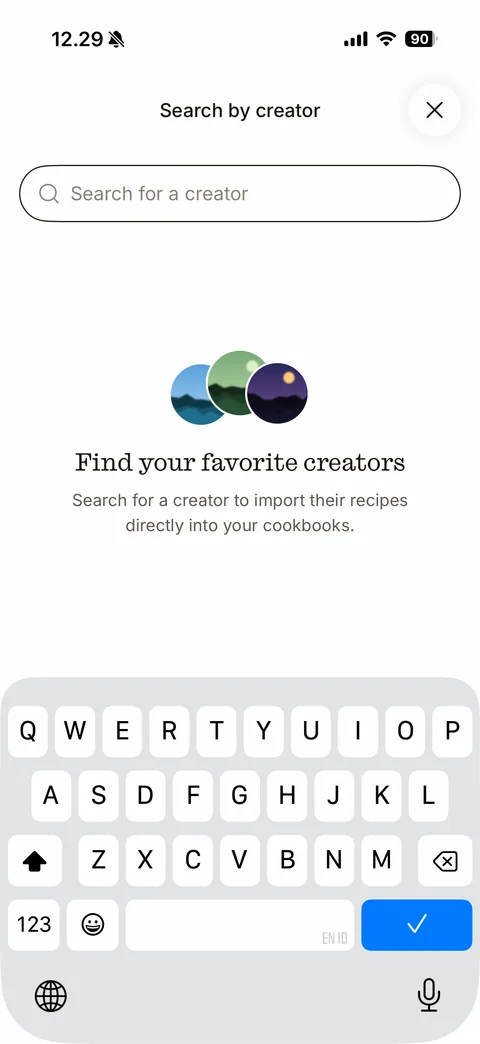
Search by creator empty state: close, focused Search for a creator field, stacked round creator avatars (sample), serif Find your favorite creators, explanation, keyboard up
ReciMe recipe (15 screens)
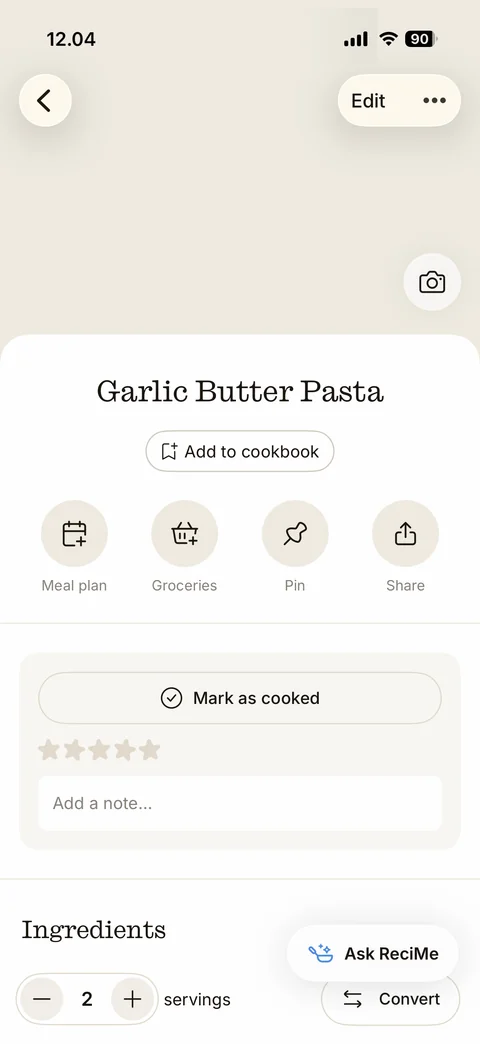
Recipe detail top: beige photo placeholder header with back, Edit and more buttons and camera button, serif recipe title, Add to cookbook pill, round action buttons Meal plan, Groceries, Pin, Share, Mark as cooked card with five-star rating and Add a note field, Ingredients heading with servings stepper, floating Ask ReciMe AI button and Convert button
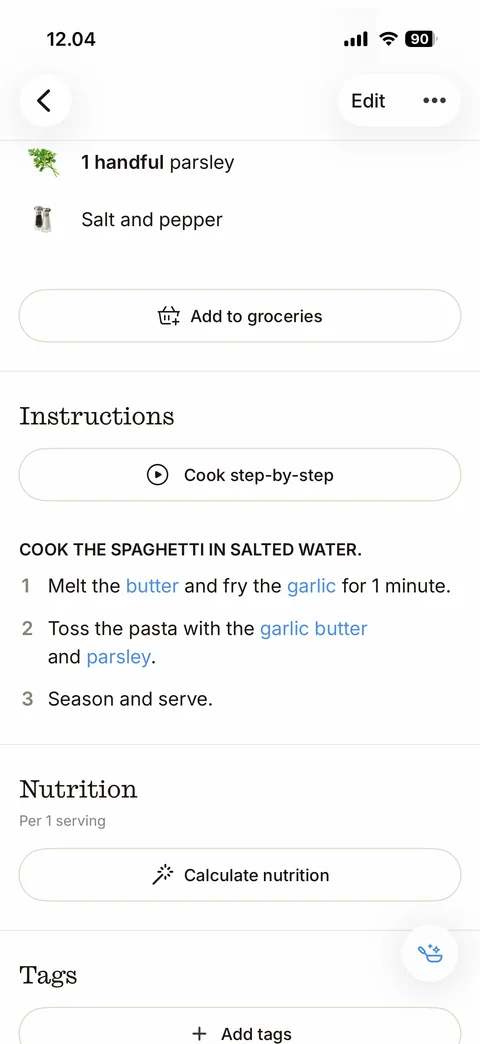
Recipe detail scrolled: last ingredients, Add to groceries outline button, Instructions with Cook step-by-step play button, uppercase section heading and numbered steps with blue linked ingredients, Nutrition per 1 serving with Calculate nutrition magic button, Tags with Add tags, floating AI button
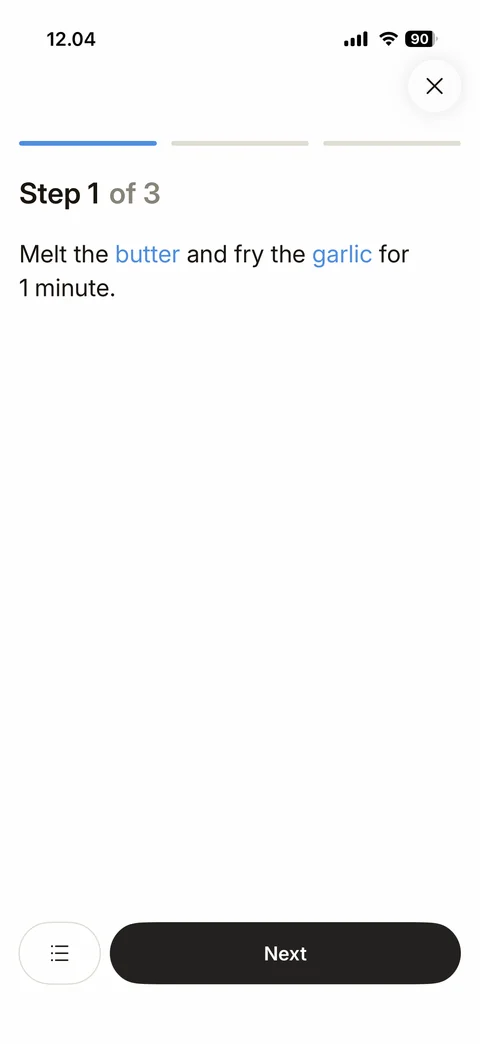
Cook mode step: close button, segmented progress bar, Step 1 of 3 with grey of 3, large step text with blue linked ingredients, list button and dark Next button
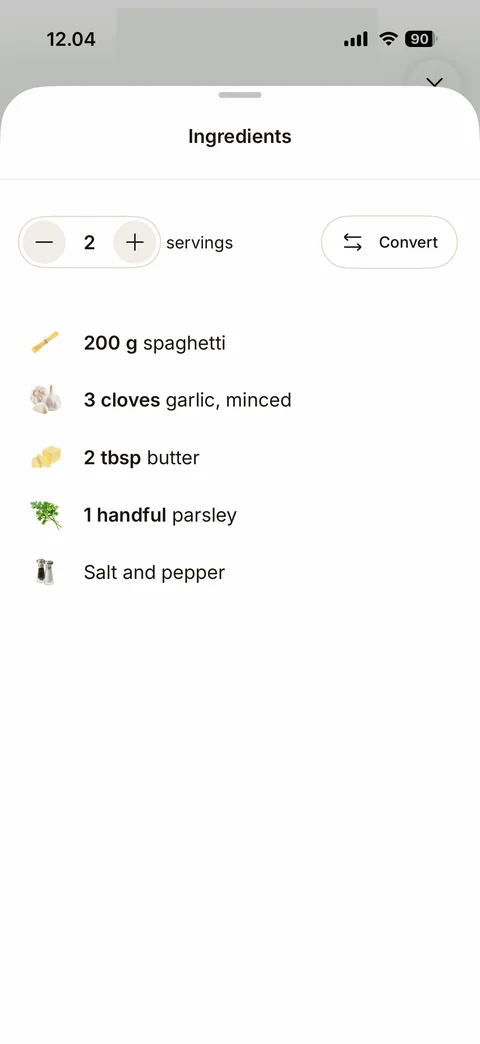
Cook mode Ingredients sheet: grabber, title, servings stepper (2) and Convert units button, ingredient list with photos and bold quantities
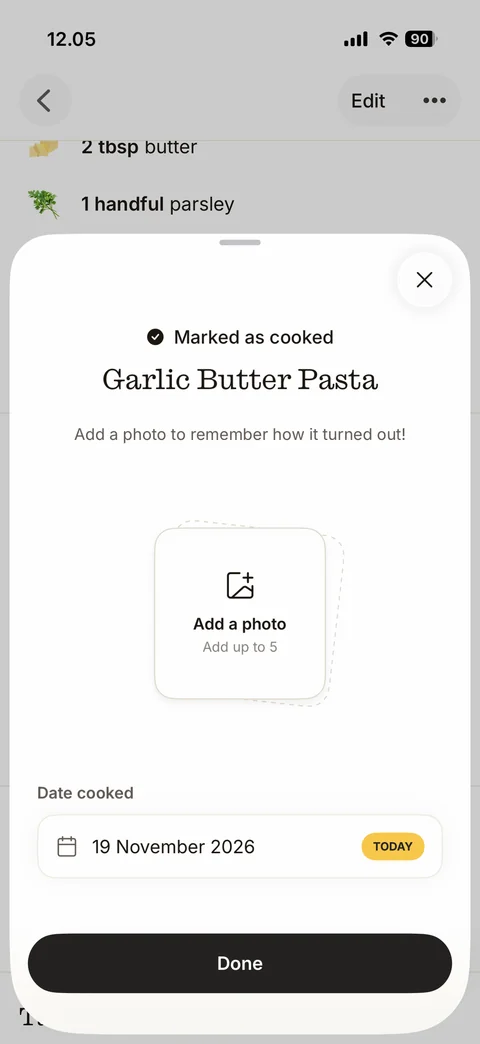
Marked as cooked sheet after finishing cook mode: close, check Marked as cooked, serif recipe title, Add a photo to remember how it turned out!, stacked dashed photo card Add a photo (Add up to 5), Date cooked field with calendar icon and yellow TODAY pill, Done button
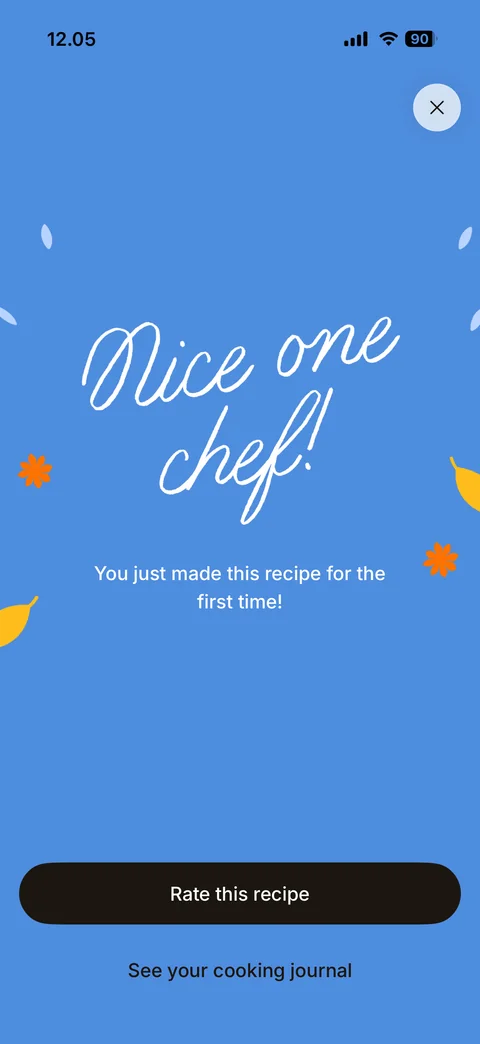
First cook celebration: full blue screen with falling leaf confetti, large white script Nice one chef!, You just made this recipe for the first time!, Rate this recipe button, See your cooking journal link, close button
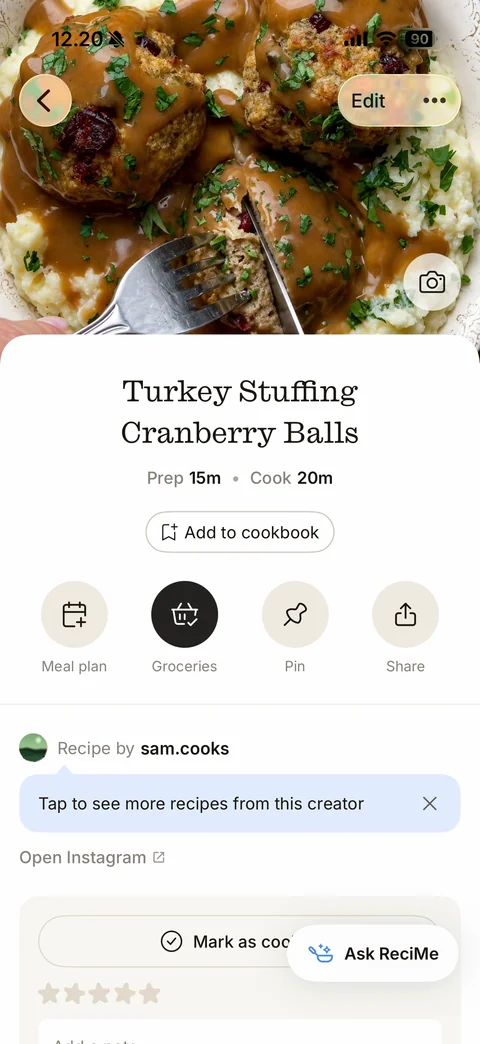
Recipe detail with photo header (social-imported recipe): food photo with back, Edit, more and camera buttons, serif title, Prep and Cook times, Add to cookbook pill, actions Meal plan, Groceries (filled dark, already added), Pin, Share, Recipe by creator row (sample), blue tooltip Tap to see more recipes from this creator with close x, Open Instagram link, Mark as cooked card, Ask ReciMe button
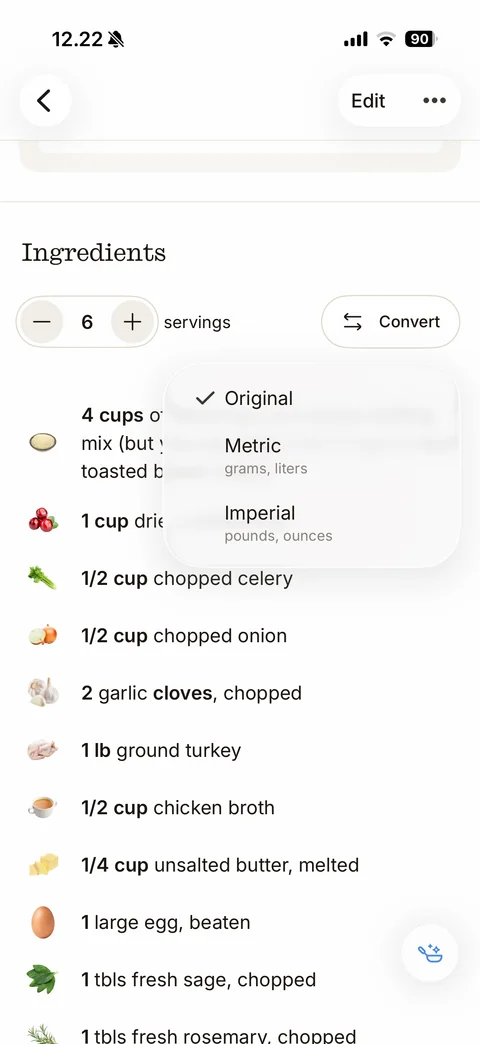
Convert units menu: blurred popover under Convert with Original (checked), Metric (grams, liters) and Imperial (pounds, ounces); ingredients list with servings stepper 6
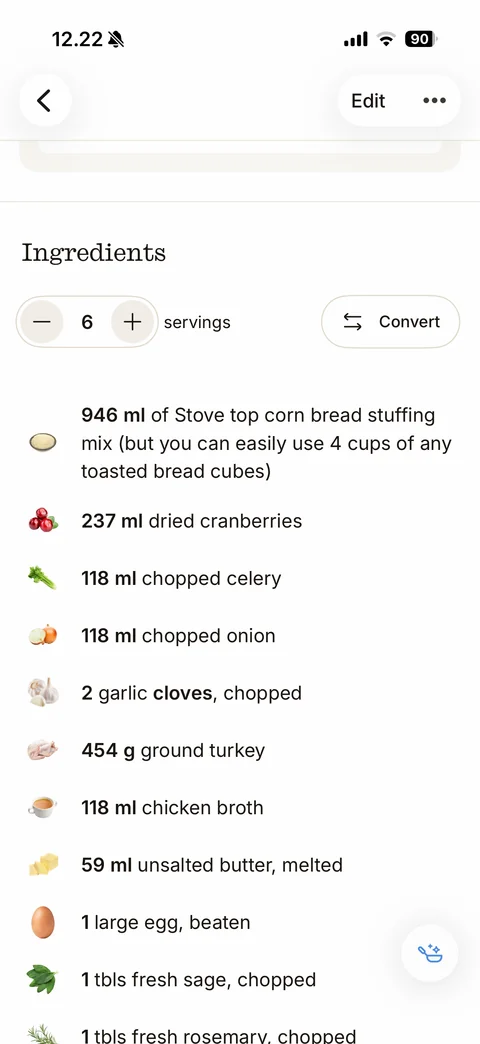
Ingredients converted to Metric: quantities shown in ml and g (946 ml, 237 ml, 454 g ground turkey) with ingredient photos
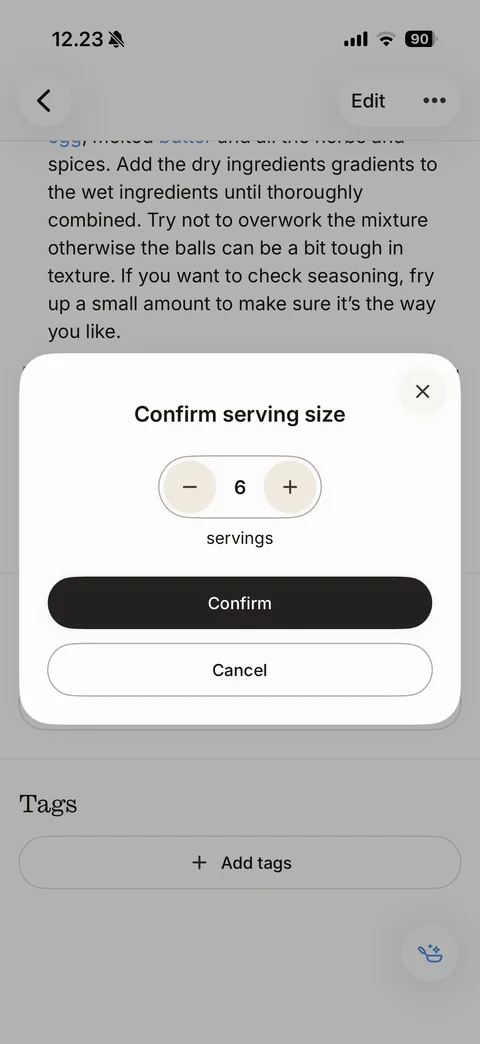
Confirm serving size dialog before nutrition: close, title, servings stepper 6, dark Confirm and outline Cancel buttons over the dimmed recipe
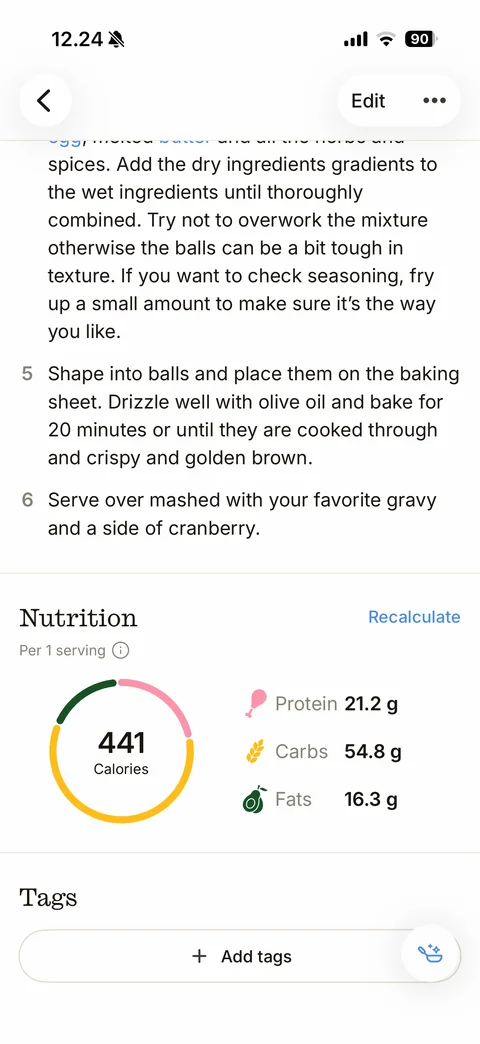
Nutrition calculated: last instruction steps, Nutrition per 1 serving with info icon and blue Recalculate link, segmented donut ring (green, pink, yellow) with 441 Calories in the center, macro list with icons Protein 21.2 g, Carbs 54.8 g, Fats 16.3 g, Tags with Add tags
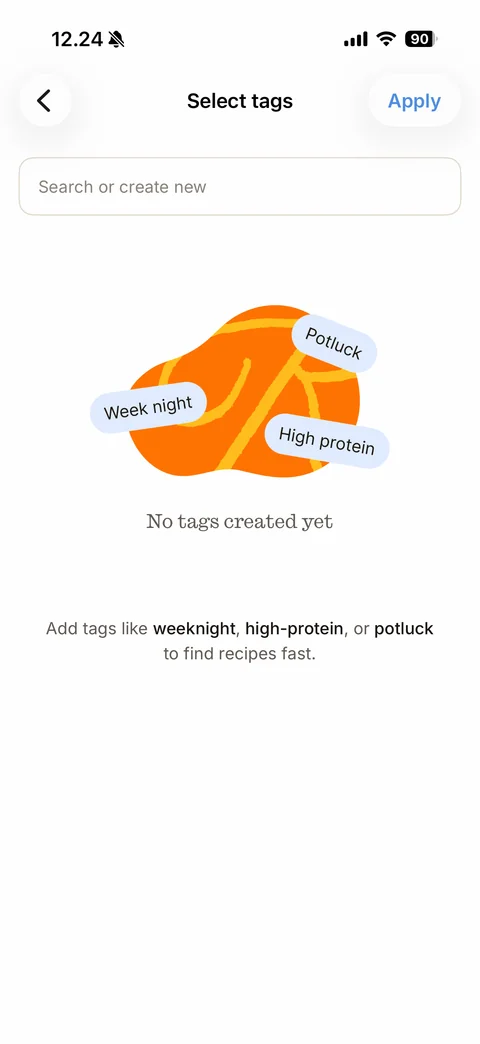
Select tags empty state: back and blue Apply, Search or create new field, orange blob illustration with floating pill tags Week night, Potluck, High protein, No tags created yet, hint with bold example tags
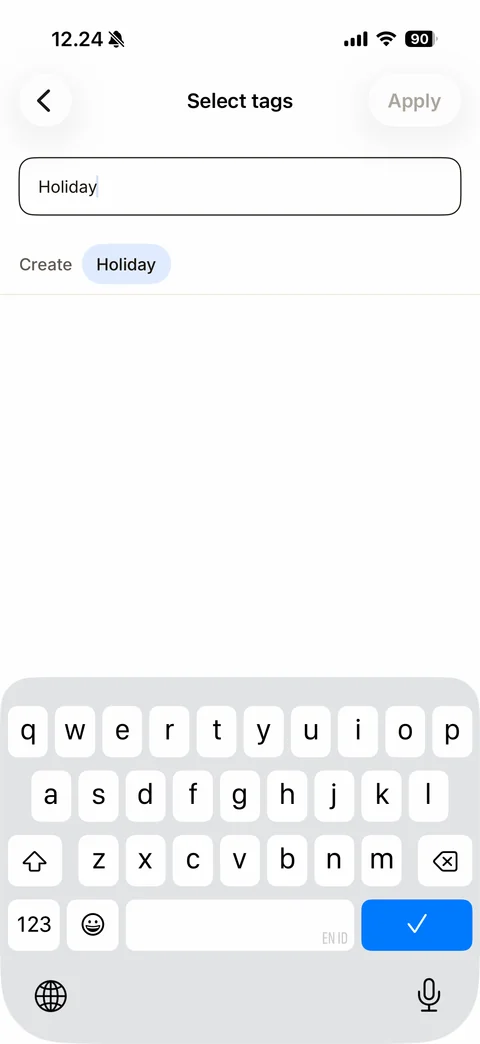
Create tag state: search field with typed Holiday, Create label and light-blue Holiday chip suggestion, disabled Apply, keyboard up
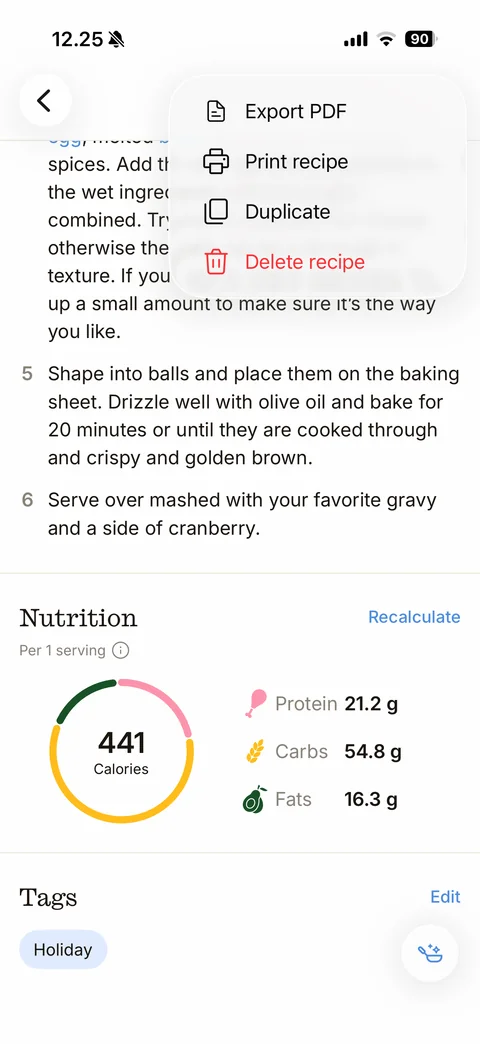
Recipe more menu popover: Export PDF, Print recipe, Duplicate with line icons, red Delete recipe with trash icon; nutrition card and Holiday tag chip behind
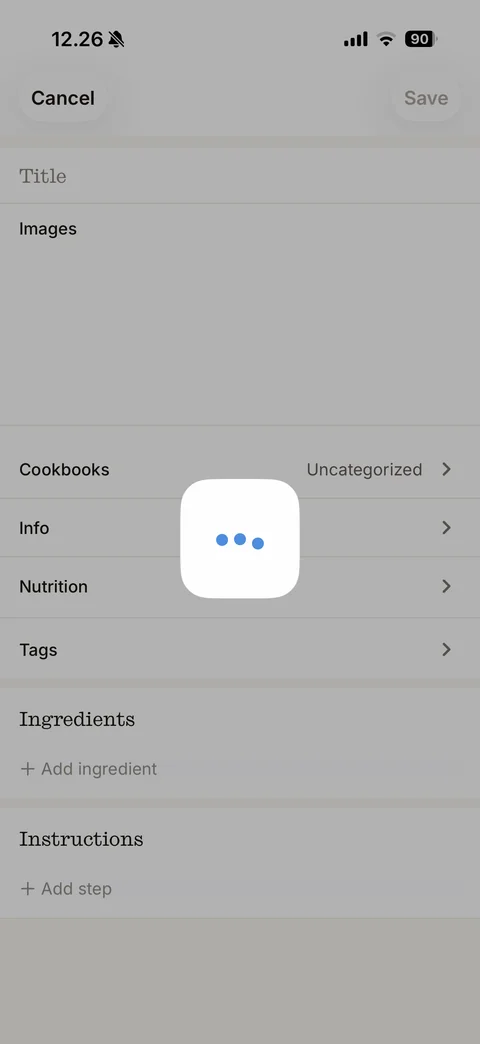
Edit recipe form loading: Cancel and disabled Save, form sections Title, Images, Cookbooks Uncategorized, Info, Nutrition, Tags rows with chevrons, Ingredients with Add ingredient, Instructions with Add step, dimmed with white loader card with blue dots
ReciMe profile (5 screens)
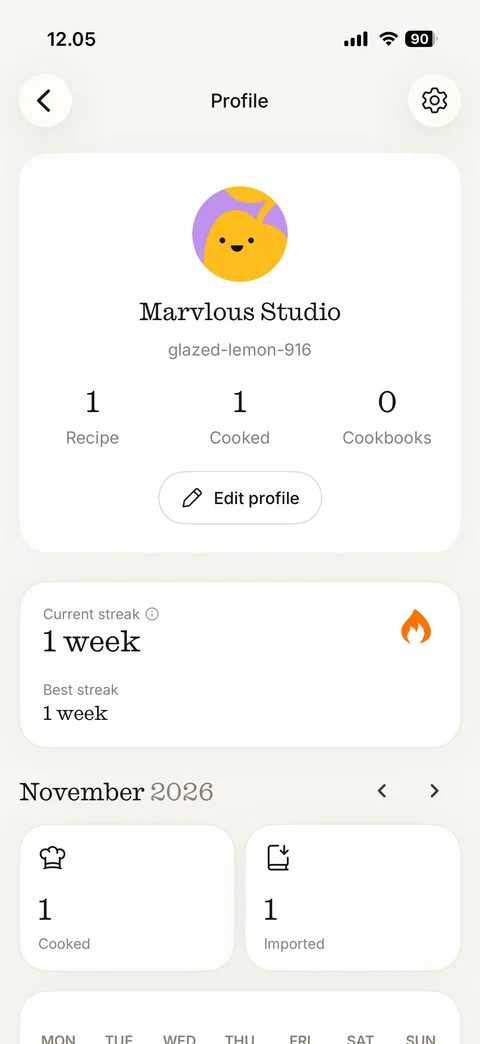
Profile / cooking journal: back and settings buttons, card with illustrated lemon avatar, serif name Marvlous Studio, random username, stats Recipe 1, Cooked 1, Cookbooks 0, Edit profile pill, Current streak 1 week with flame and Best streak, November 2026 month header with arrows, Cooked and Imported stat tiles, weekday calendar row
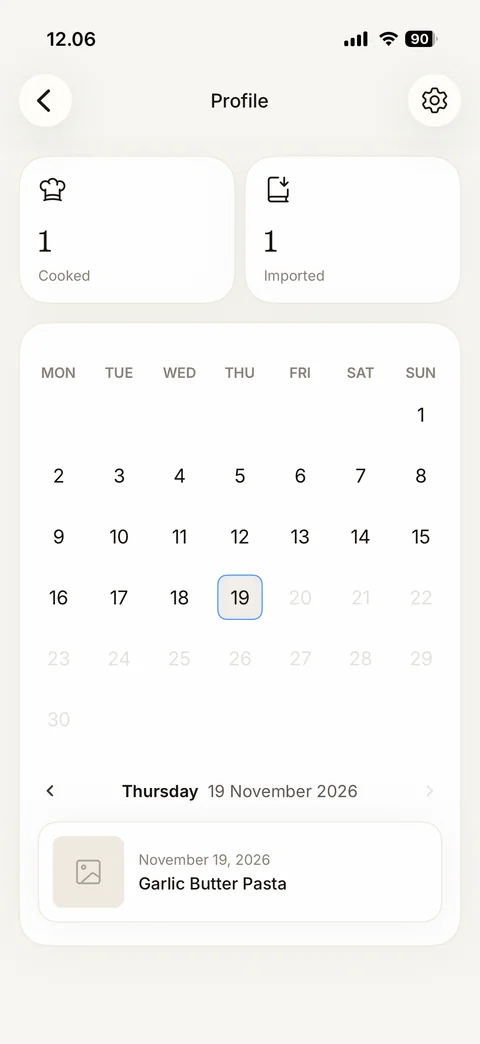
Cooking journal calendar: Cooked and Imported tiles, month calendar card with today 19 outlined in blue and future days greyed, day navigator Thursday 19 November 2026, cooked entry card with photo placeholder, date and recipe name
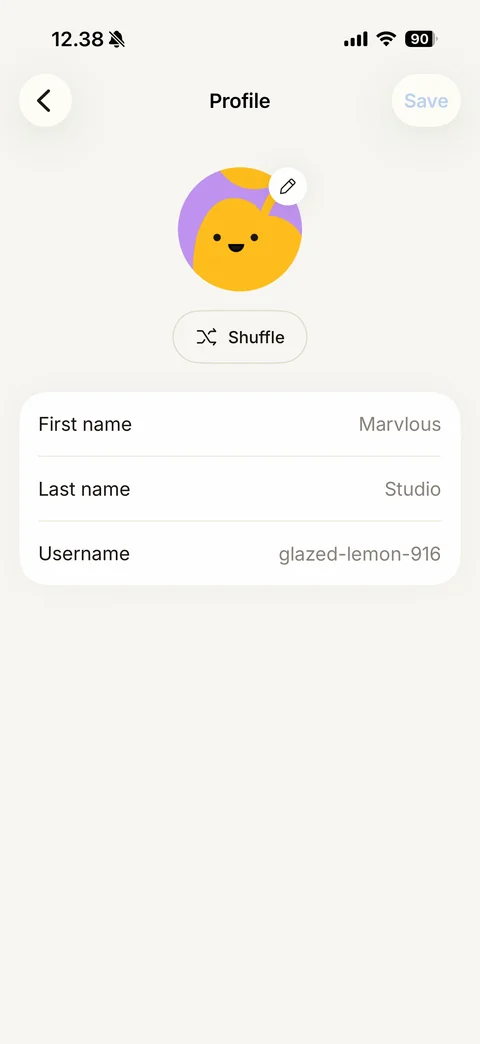
Edit profile: back and disabled Save, illustrated lemon avatar with pencil badge, Shuffle avatar pill, card with First name, Last name and Username rows with grey values
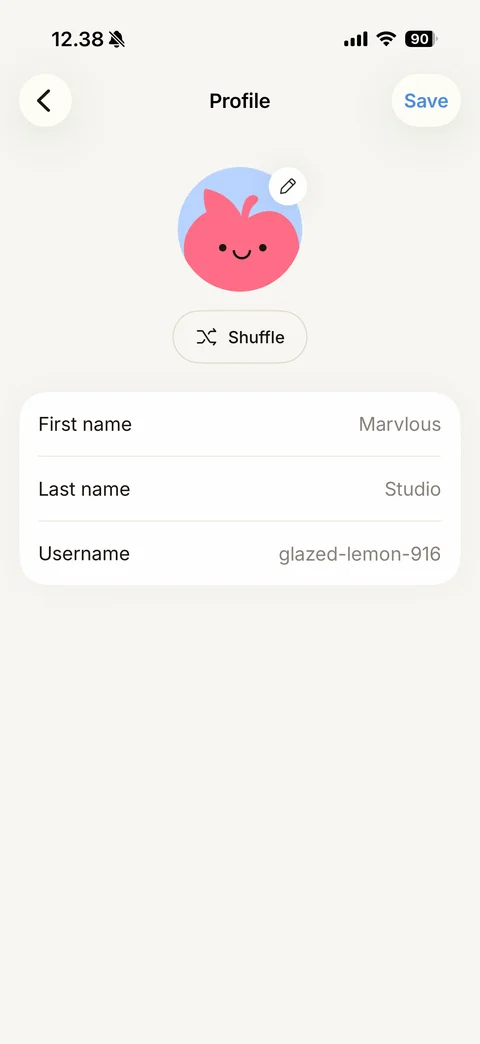
Edit profile after Shuffle: new apple character avatar on light blue, Save now active in blue
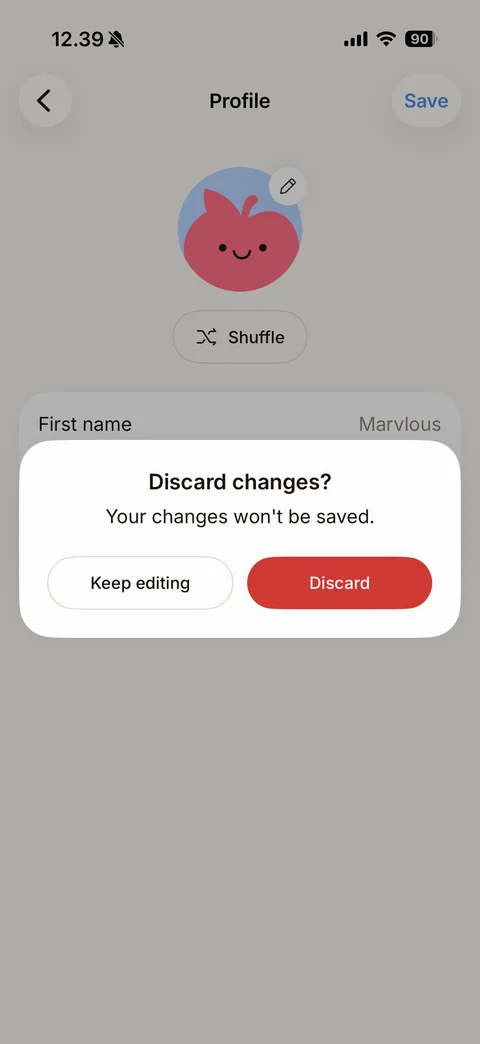
Discard changes dialog: Discard changes?, Your changes won't be saved., outline Keep editing and red Discard buttons over the dimmed edit profile
ReciMe settings (9 screens)
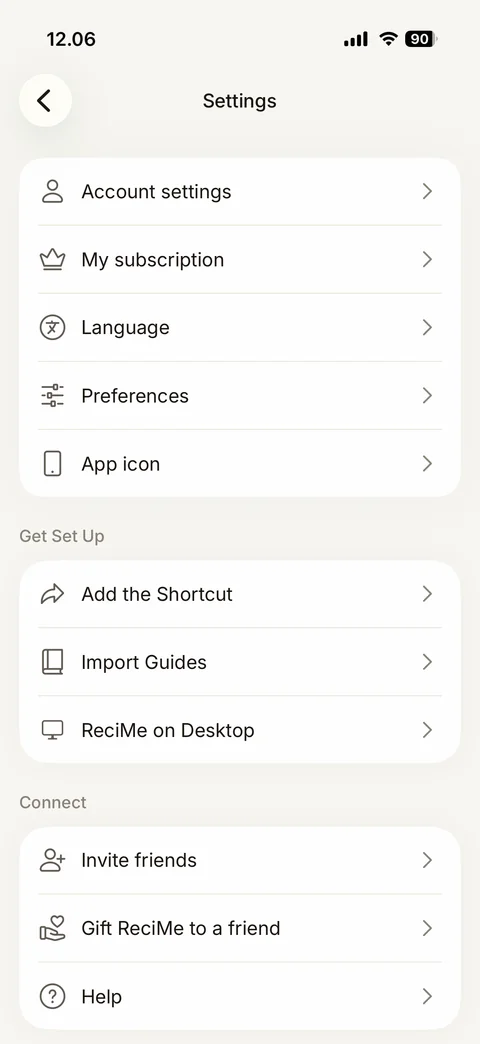
Settings: grouped white cards with line icons - Account settings, My subscription, Language, Preferences, App icon; Get Set Up (Add the Shortcut, Import Guides, ReciMe on Desktop); Connect (Invite friends, Gift ReciMe to a friend, Help)
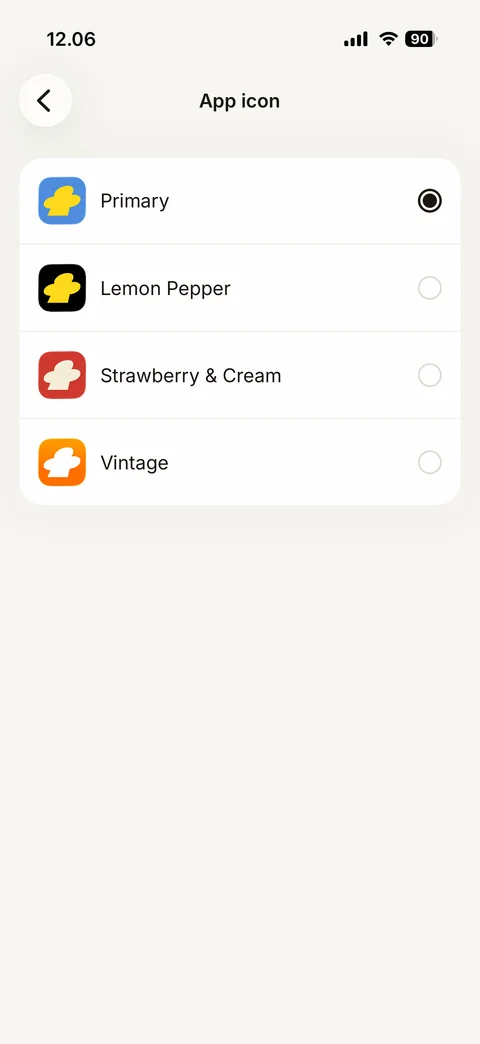
Alternate App icon picker: card list with icon previews and radio buttons - Primary (selected), Lemon Pepper, Strawberry & Cream, Vintage

My subscription loading state: back, title, three blue bouncing dots loader on a beige page
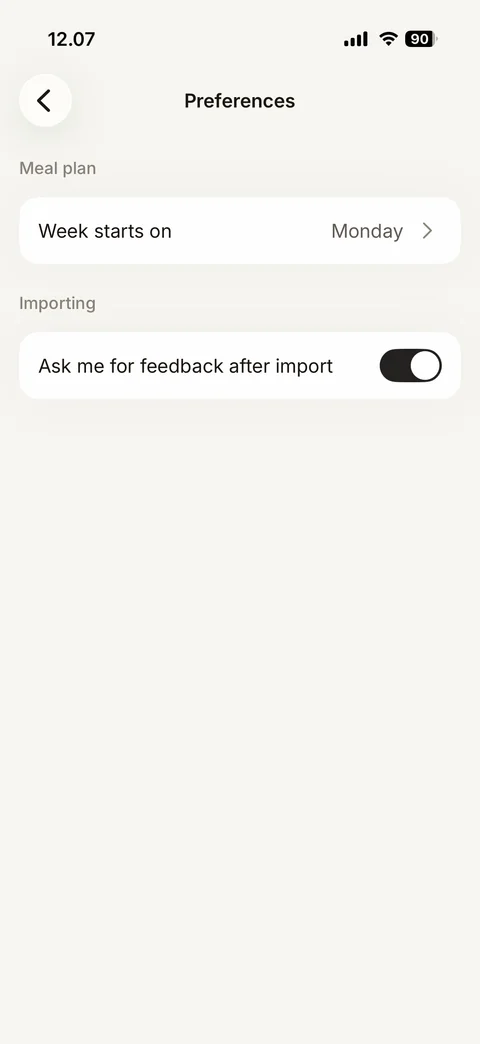
Preferences: Meal plan section with Week starts on Monday row, Importing section with Ask me for feedback after import black toggle on
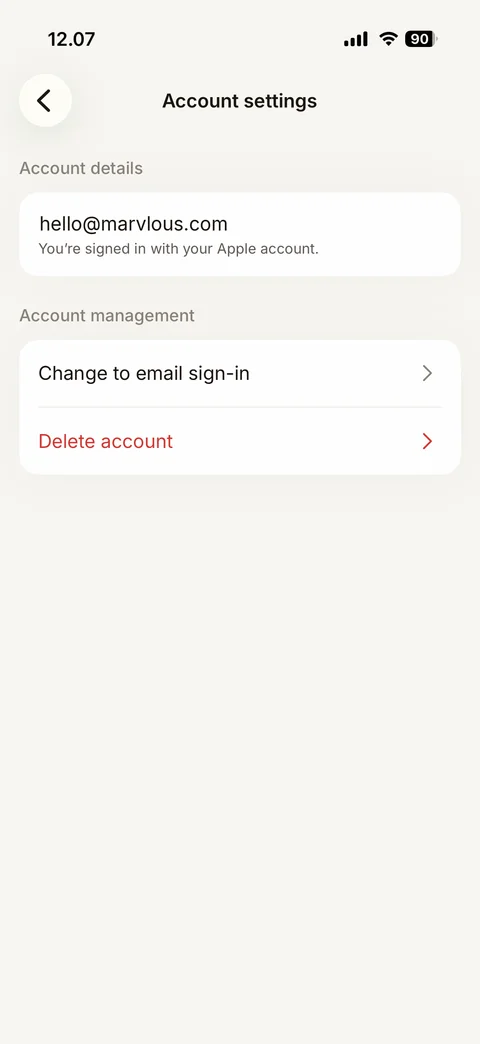
Account settings: Account details card with email (sample) and You're signed in with your Apple account, Account management card with Change to email sign-in and red Delete account
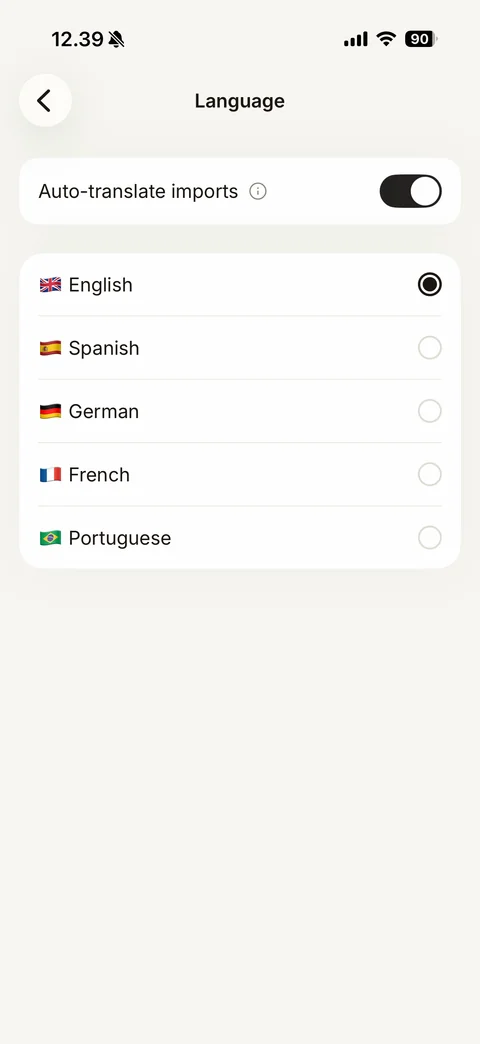
Language: Auto-translate imports toggle on with info icon, language list with flag emojis and radio buttons (English selected, Spanish, German, French, Portuguese)
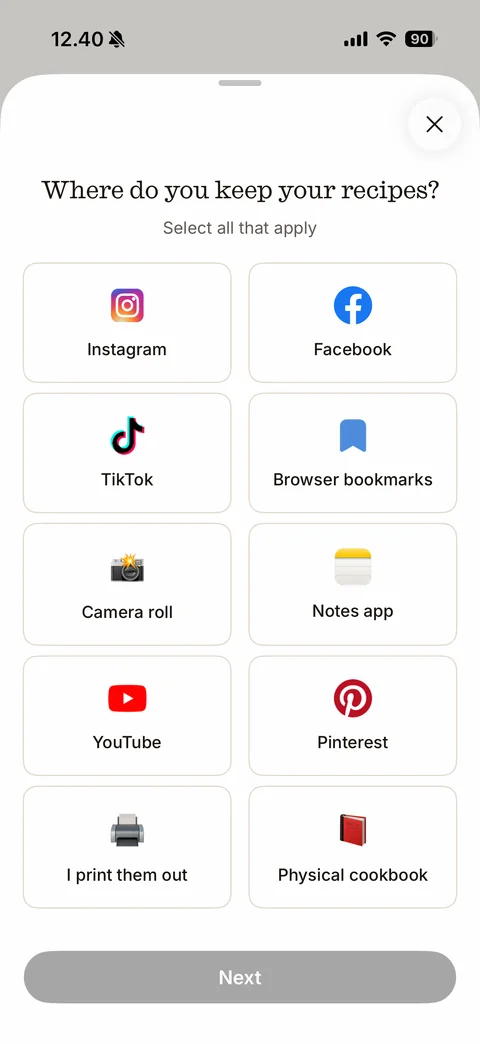
Import Guides start: close, serif Where do you keep your recipes?, Select all that apply, two-column tile grid with brand and emoji icons (Instagram, Facebook, TikTok, Browser bookmarks, Camera roll, Notes app, YouTube, Pinterest, I print them out, Physical cookbook), disabled Next
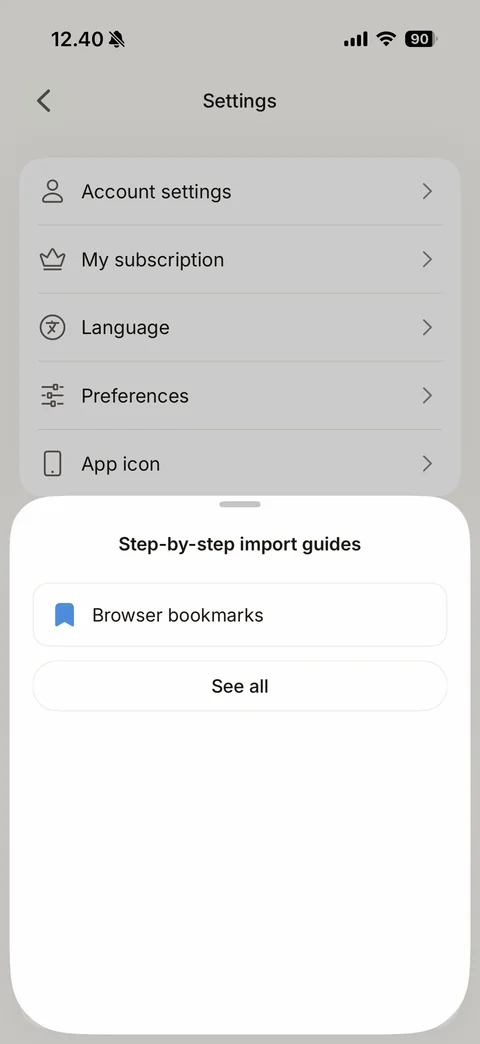
Step-by-step import guides sheet: title, matched guide row Browser bookmarks with blue bookmark icon, See all outline button
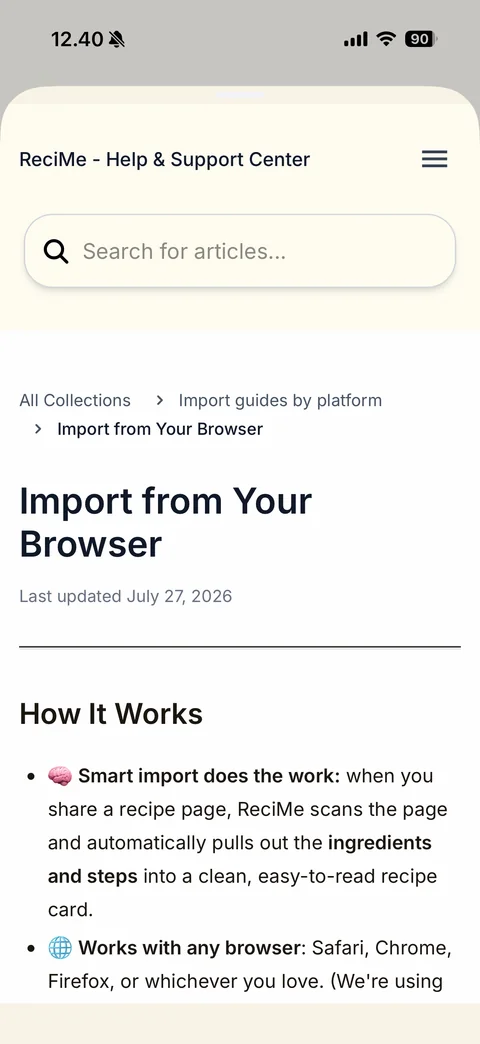
Help Center article in sheet: cream header ReciMe - Help & Support Center with menu, search for articles field, breadcrumb, large heading Import from Your Browser, Last updated date, How It Works with emoji bullet points and bold phrases
ReciMe meal plan (8 screens)
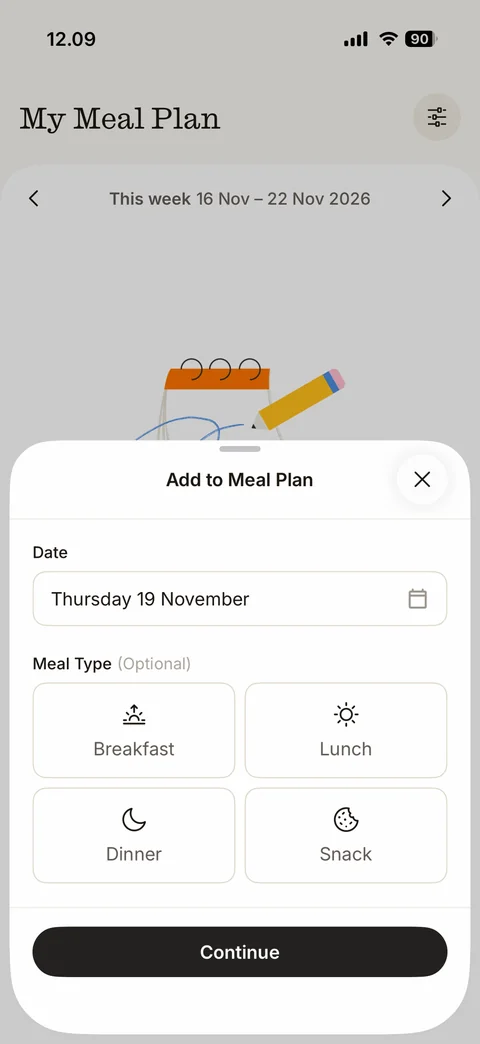
Add to Meal Plan sheet: close, Date field Thursday 19 November with calendar icon, Meal Type (Optional) 2x2 tile grid with line icons Breakfast, Lunch, Dinner, Snack, Continue button
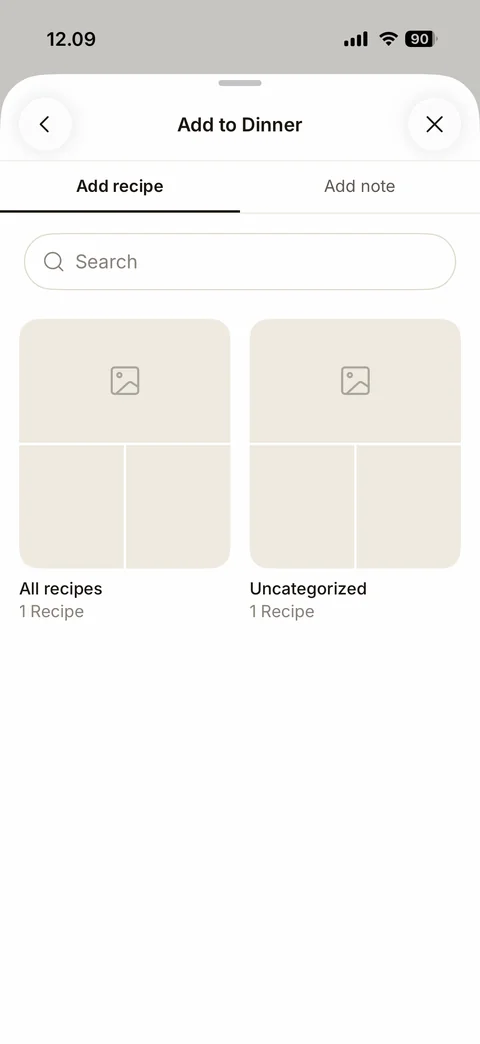
Add to Dinner sheet: back and close, Add recipe / Add note tabs, search field, cookbook tiles All recipes and Uncategorized with placeholder collages and recipe counts
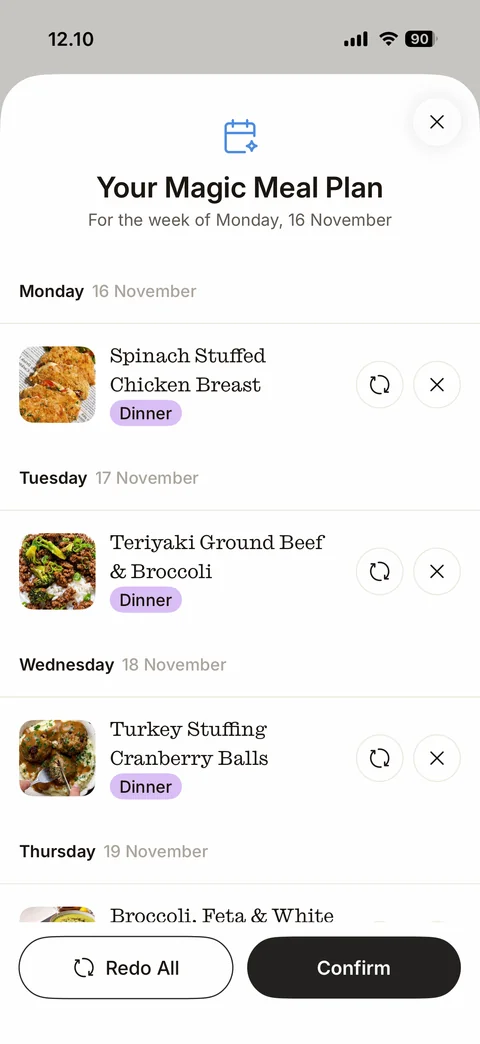
Your Magic Meal Plan sheet: blue calendar sparkle icon, title, For the week of Monday 16 November, day-by-day list with recipe photos, serif recipe names, purple Dinner tags, swap and remove round buttons, Redo All outline and Confirm buttons
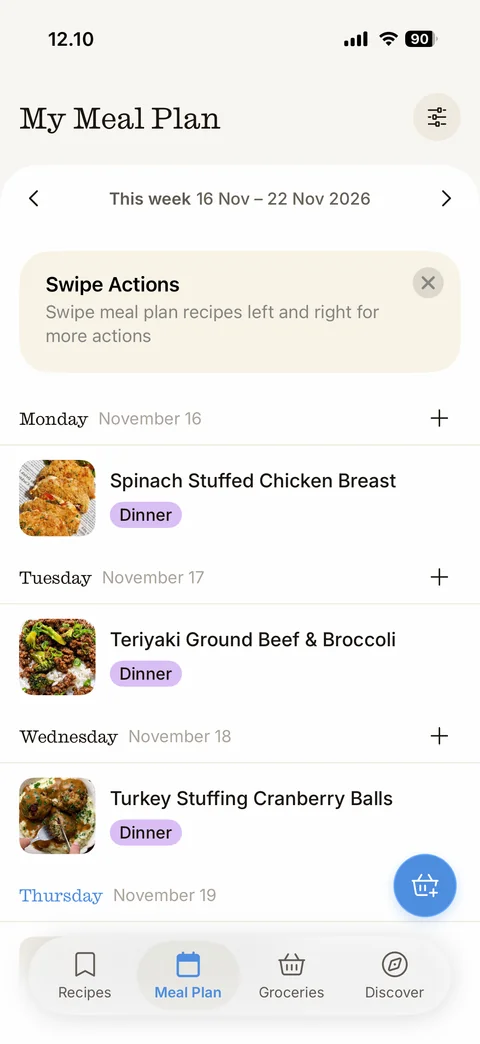
Meal Plan filled: week navigator, dismissible beige Swipe Actions tip card, day sections with serif day names, dates and plus buttons, recipe rows with photos and purple Dinner tags, today Thursday in blue, floating blue add-to-groceries basket button, tab bar
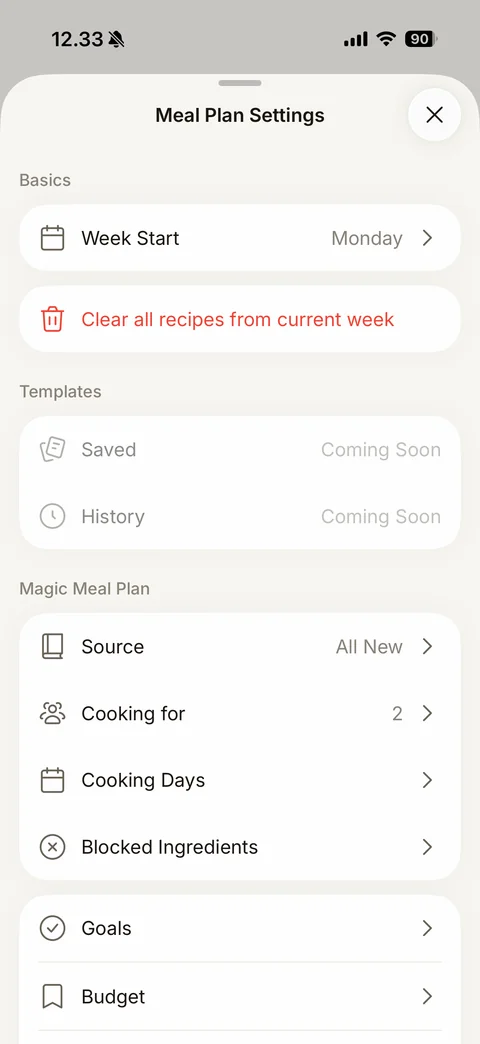
Meal Plan Settings sheet: close, Basics with Week Start Monday and red Clear all recipes from current week, Templates (Saved and History greyed Coming Soon), Magic Meal Plan settings rows with line icons (Source All New, Cooking for 2, Cooking Days, Blocked Ingredients, Goals, Budget)
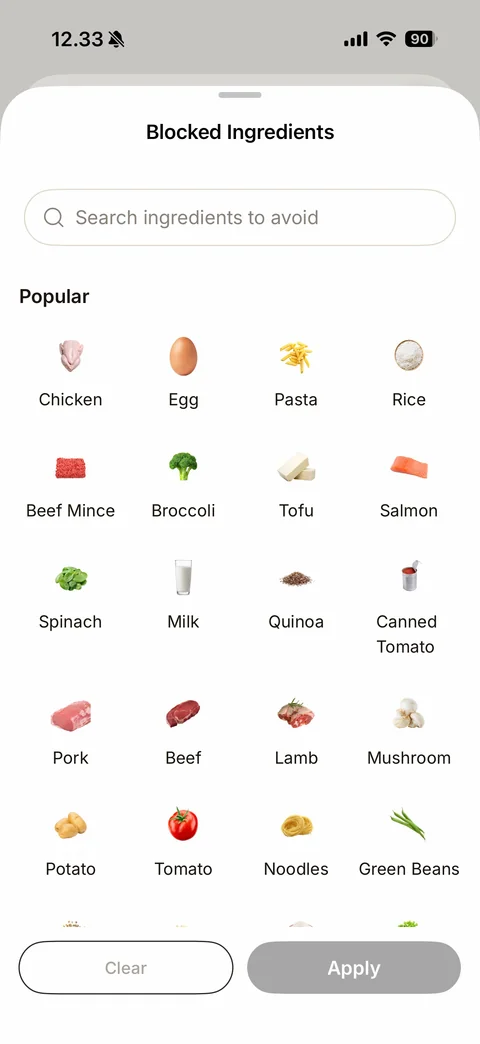
Blocked Ingredients sheet: search ingredients to avoid field, Popular four-column grid of ingredient photos with labels (Chicken, Egg, Pasta, Rice, Beef Mince, Broccoli, Tofu, Salmon, Spinach, Milk, Quinoa, Canned Tomato, Pork, Beef, Lamb, Mushroom, Potato, Tomato, Noodles, Green Beans), Clear and disabled Apply buttons
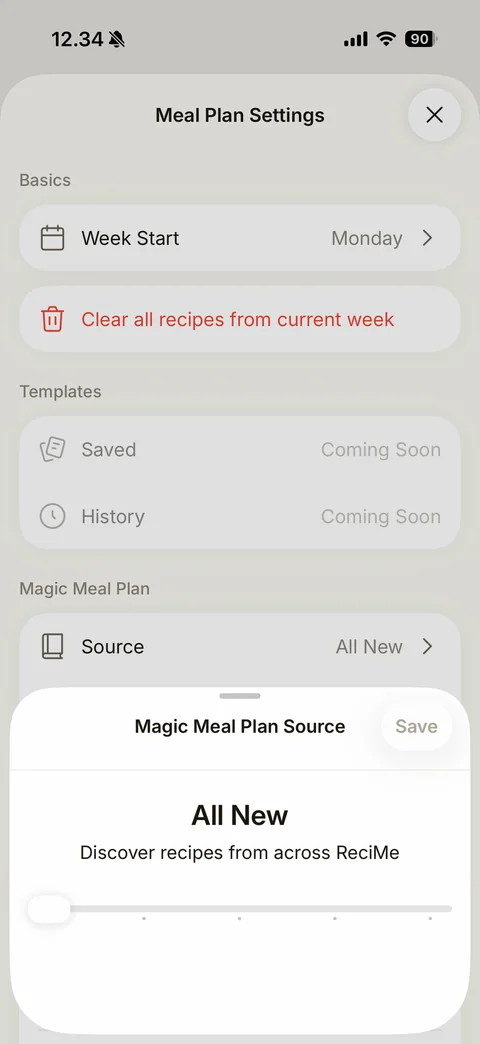
Magic Meal Plan Source sheet: title with disabled Save, large All New label, Discover recipes from across ReciMe, stepped slider with white thumb at the left and dot markers
Add note tab in Add to Monday sheet: Add recipe / Add note tabs with Add note active, rounded Add a note field, 0 / 75 counter, keyboard up
ReciMe groceries (8 screens)
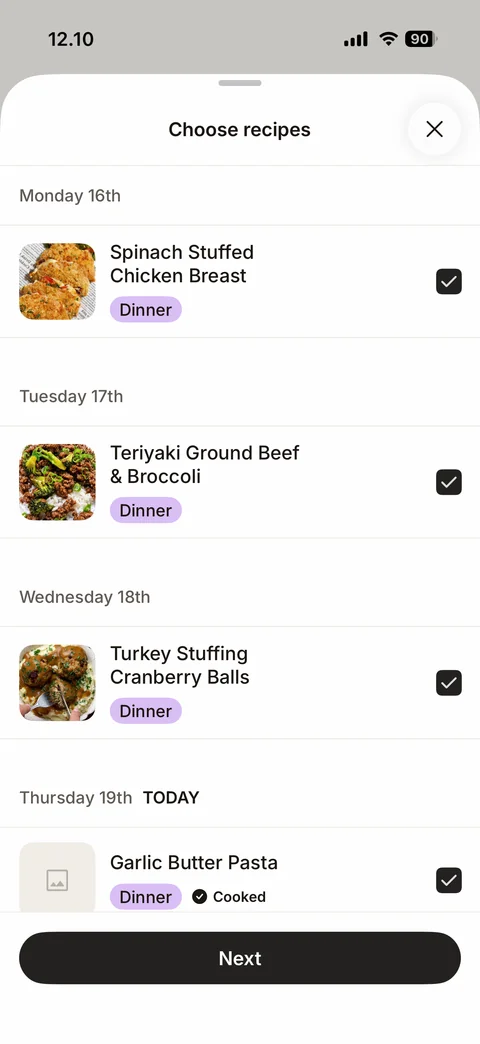
Choose recipes for groceries sheet: close, day sections (Monday 16th to Thursday 19th TODAY), recipe rows with photos, Dinner tags, Cooked check badge, black checkboxes all ticked, Next button
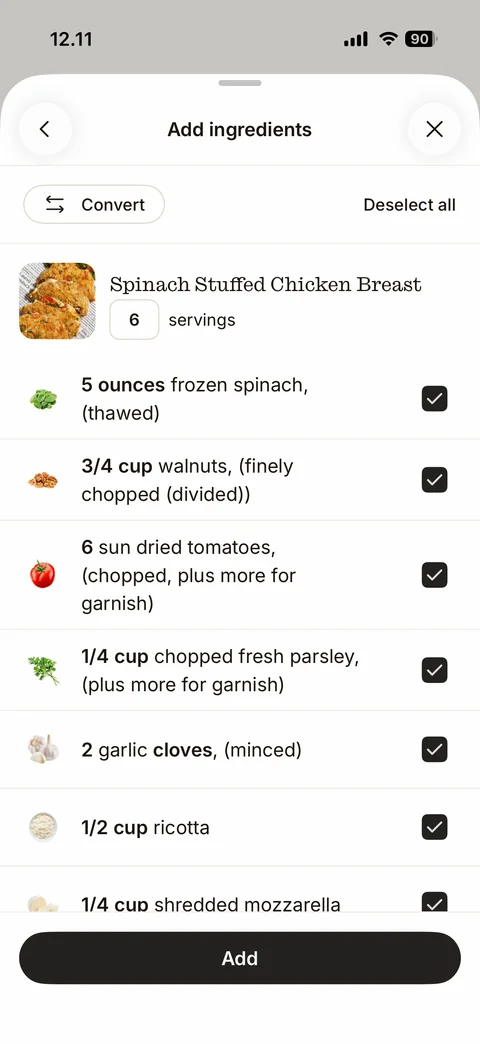
Add ingredients sheet: back and close, Convert pill and Deselect all link, recipe header with photo, serif name and servings box, ingredient rows with small ingredient photos, bold quantities and black checkboxes, Add button
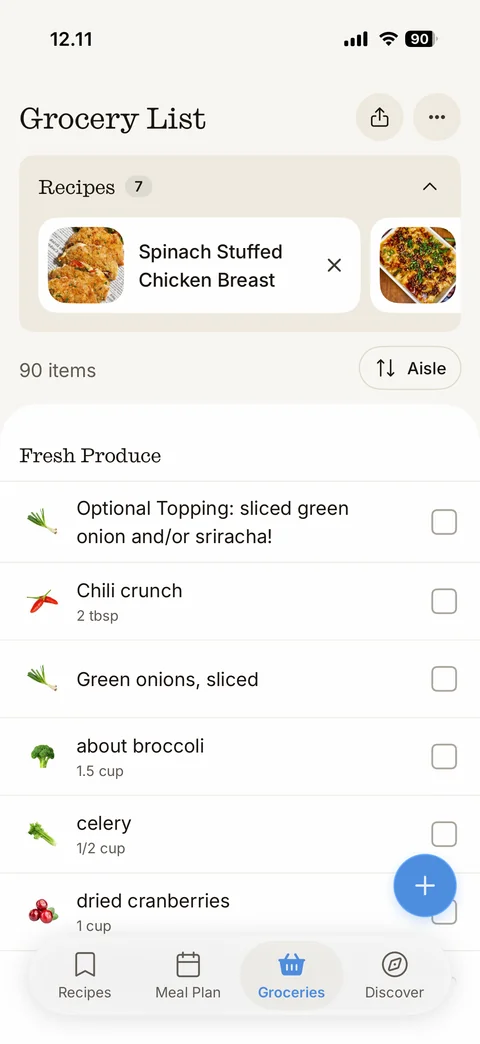
Grocery List filled: serif title, share and more buttons, collapsible Recipes (7) carousel of recipe chips with photos and remove x, 90 items count, Aisle sort button, Fresh Produce section with ingredient icons, names, quantities and square checkboxes, blue floating plus, tab bar
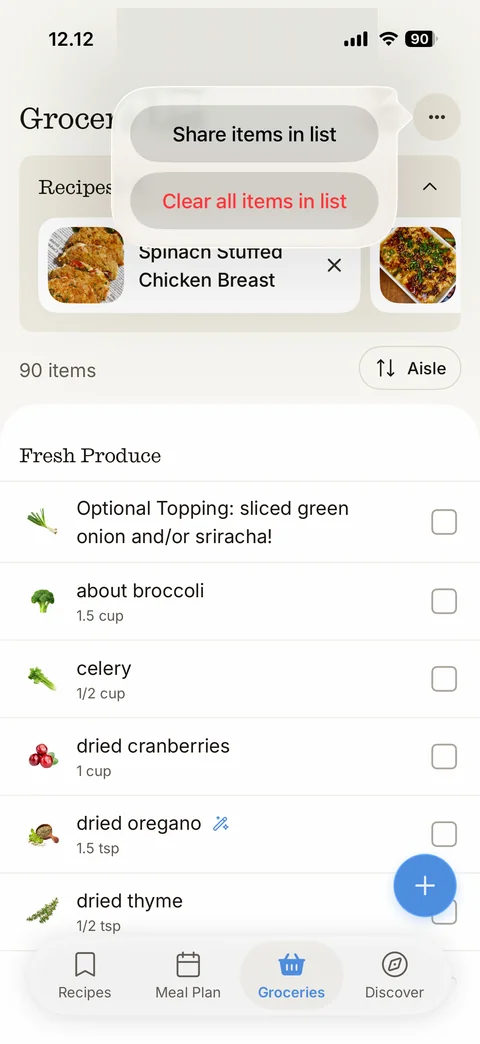
Grocery more menu: glassy popover with Share items in list and red Clear all items in list pill buttons
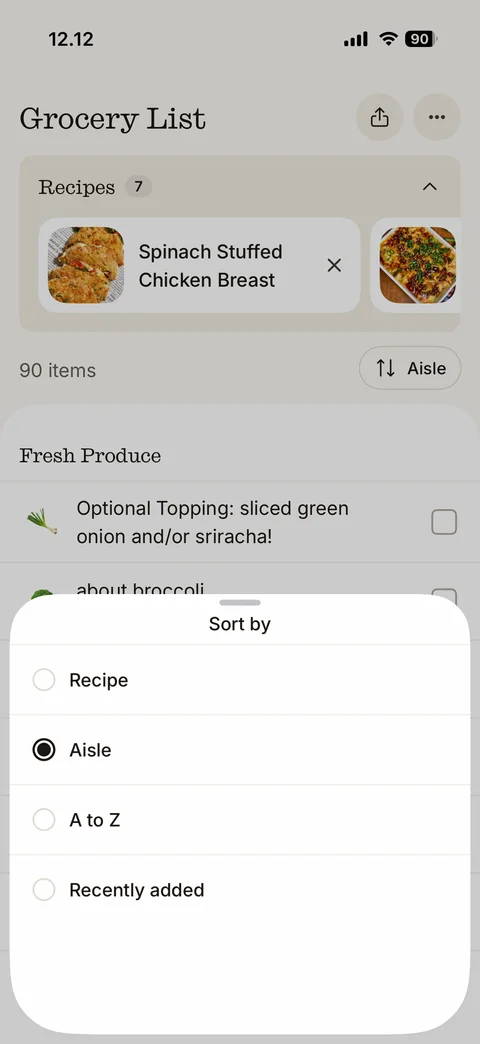
Sort by bottom sheet: radio options Recipe, Aisle (selected), A to Z, Recently added
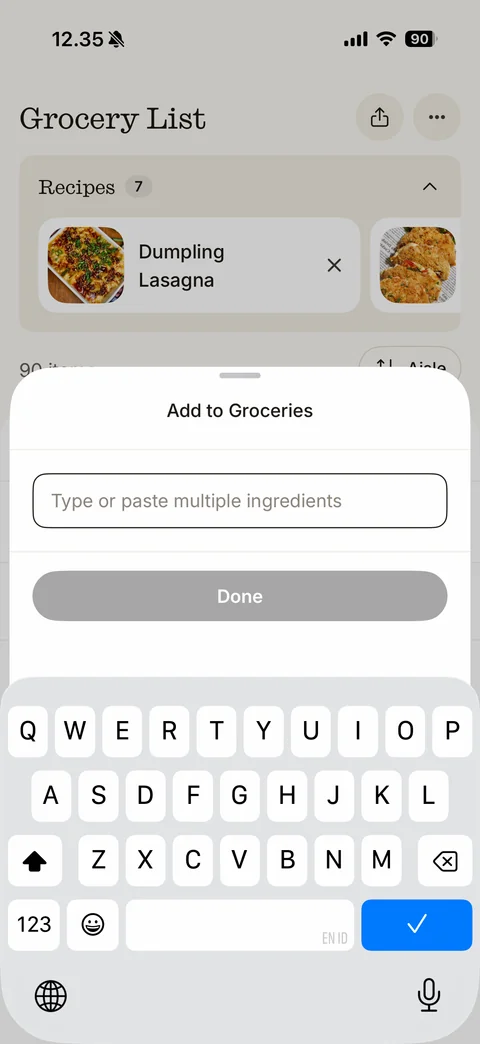
Add to Groceries sheet: Type or paste multiple ingredients field focused, disabled grey Done button, keyboard up; grocery list with recipe carousel dimmed behind
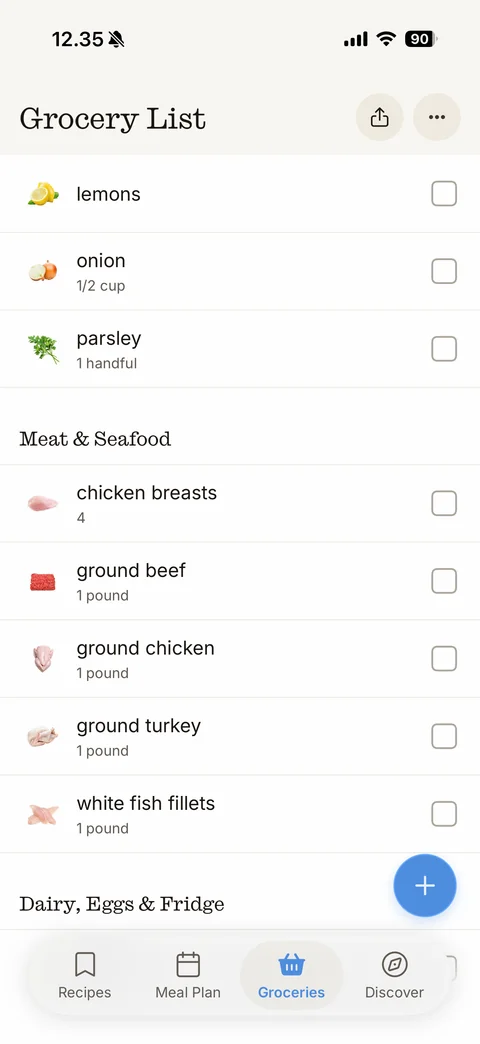
Grocery list scrolled after adding an item: lemons auto-sorted into produce with lemon icon, Meat & Seafood aisle section (chicken breasts, ground beef, ground chicken, ground turkey, white fish fillets) with icons and quantities, Dairy, Eggs & Fridge heading, floating plus
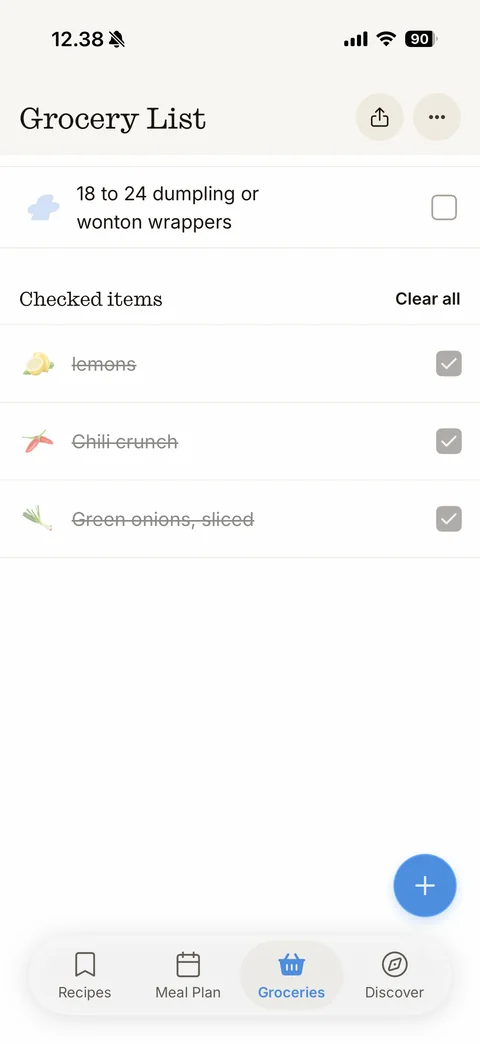
Grocery list bottom: last unchecked item, Checked items section with Clear all link, faded struck-through items (lemons, Chili crunch, Green onions) with grey ticked checkboxes, floating plus, tab bar