Reddit app design: 73 real screens in 17 flows
People are the best. Category: News. By REDDIT, INC.
Captured on iPhone and updated November 2026. Each screen has a short note on what it shows and why it matters for growth.
Reddit onboarding (2 screens)
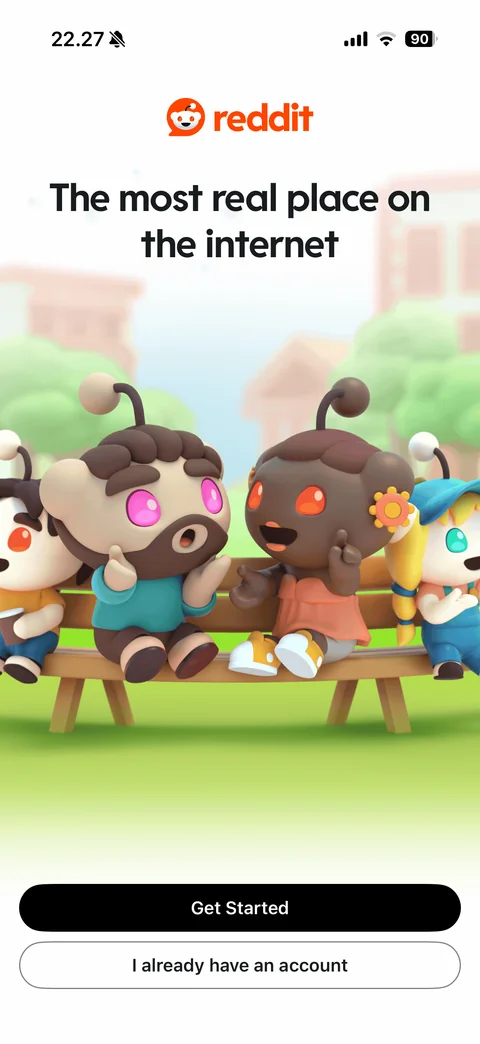
Welcome: reddit logo, the most real place on the internet headline, 3D Snoo characters chatting on park bench, Get Started and I already have an account buttons
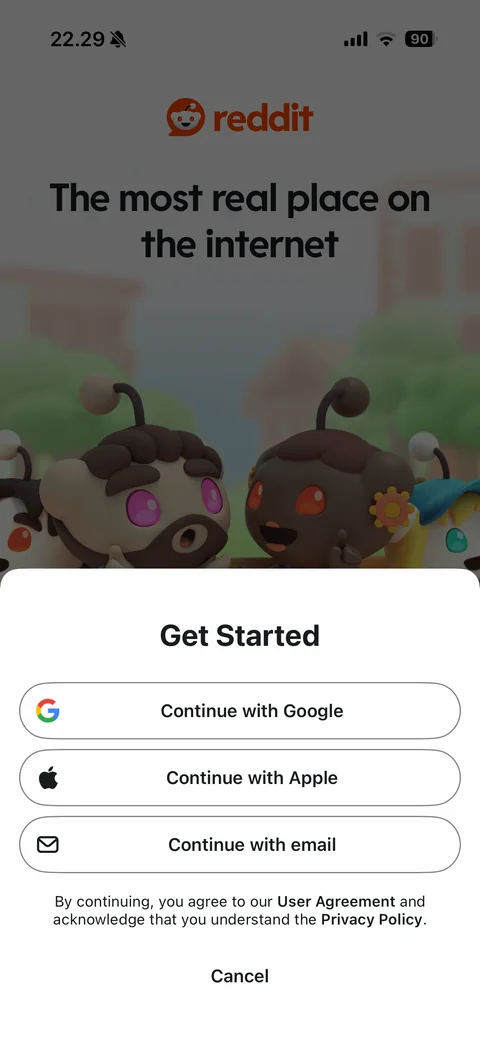
Get Started sheet: Continue with Google, Continue with Apple, Continue with email buttons, user agreement and privacy policy note, Cancel, over dimmed welcome
Reddit onboarding / setup (7 screens)
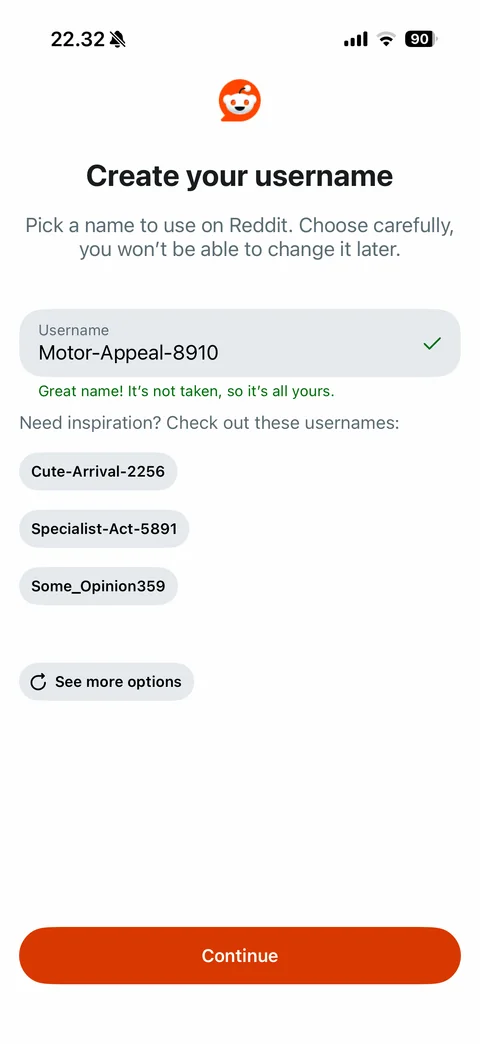
Create your username: can't change later warning, prefilled random username with green check and great name it's not taken message, inspiration chips with suggested usernames, see more options, orange Continue
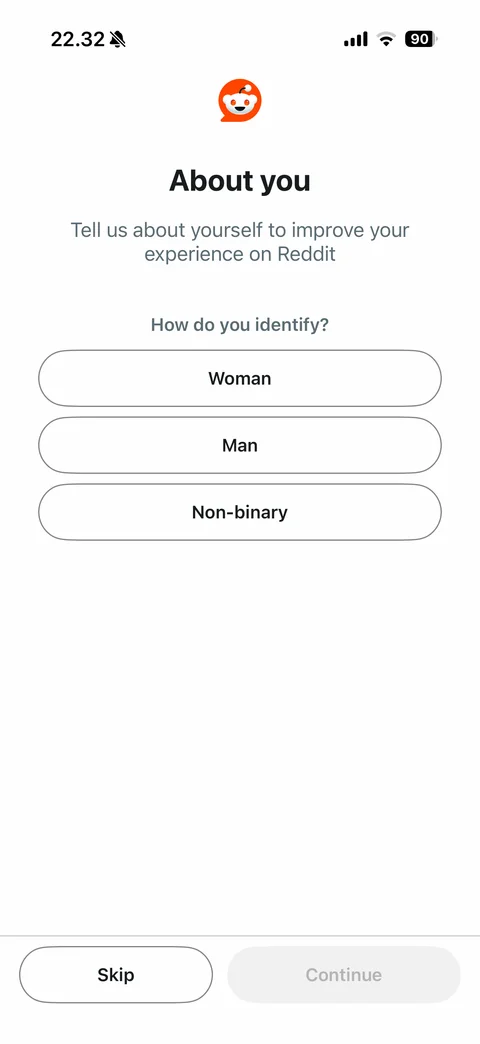
About you: how do you identify, Woman, Man, Non-binary pill options, Skip and disabled Continue
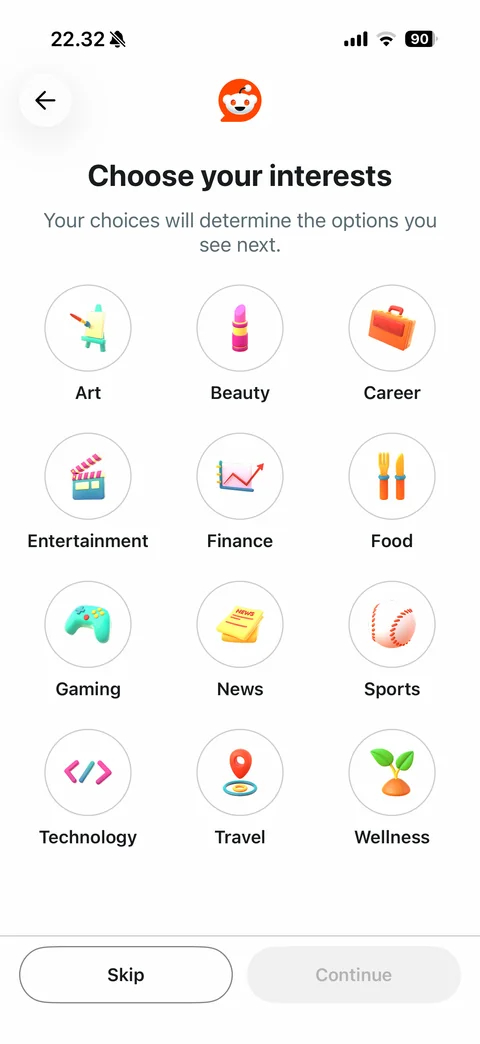
Choose your interests: grid of circular 3D icons with labels (art, beauty, career, entertainment, finance, food, gaming, news, sports, technology, travel, wellness), back, Skip and disabled Continue
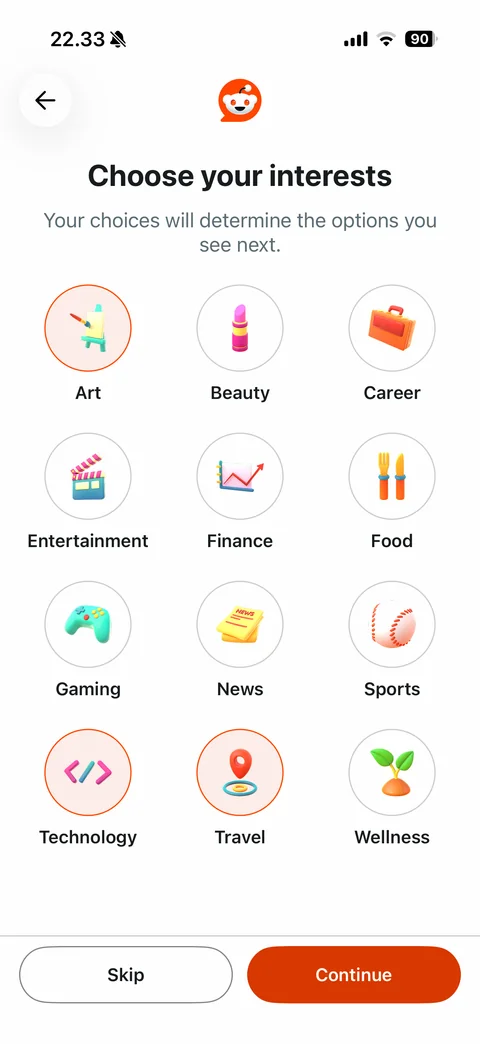
Interests selected: art, technology, travel circles highlighted with orange ring and tint, orange Continue enabled
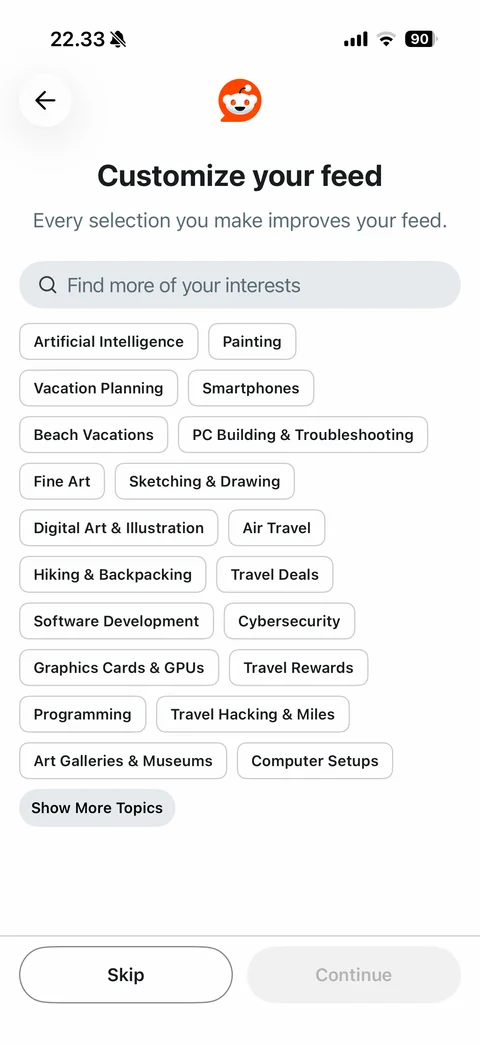
Customize your feed: find more interests search, topic chips based on chosen interests (AI, painting, vacation planning, digital art, programming, travel deals and more), Show More Topics, Skip and disabled Continue
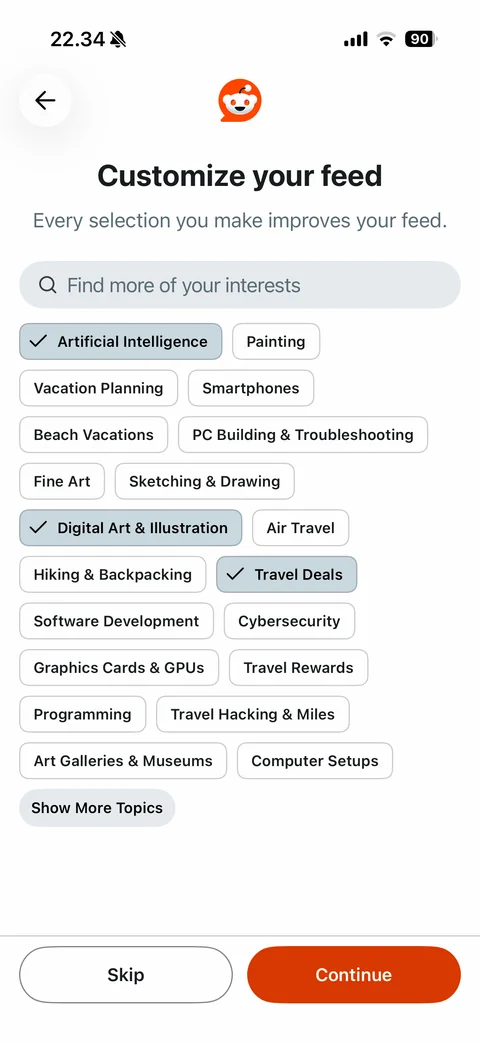
Topic chips selected: AI, digital art and travel deals chips filled with check marks, orange Continue enabled
Feed building loading: Snoo running animation in orange speech bubble logo on light gray background
Reddit create (7 screens)
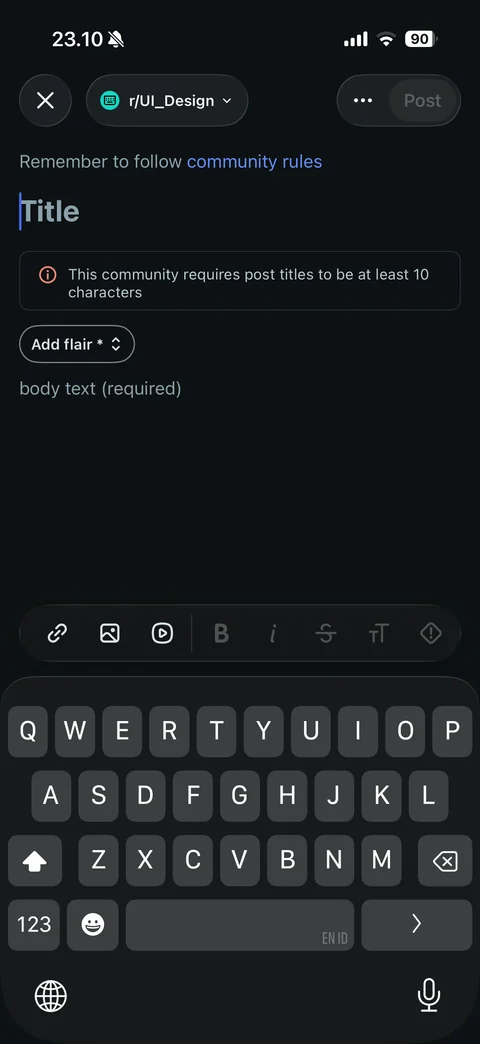
Create post composer with keyboard: close, community picker, more and disabled Post buttons, community rules link, Title field, minimum title length notice, Add flair, body text field, link, image, video and text format toolbar
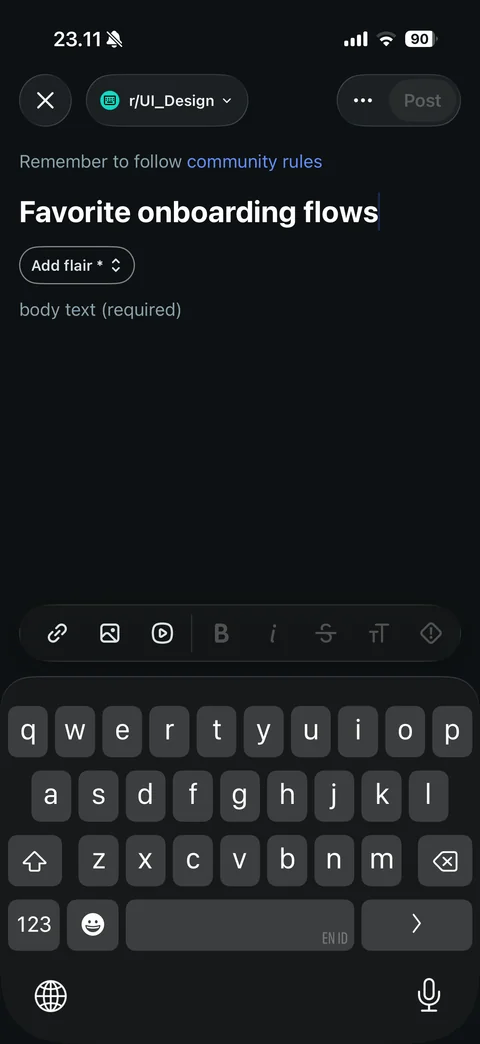
Create post with title typed: length notice gone, Add flair still required, Post still disabled
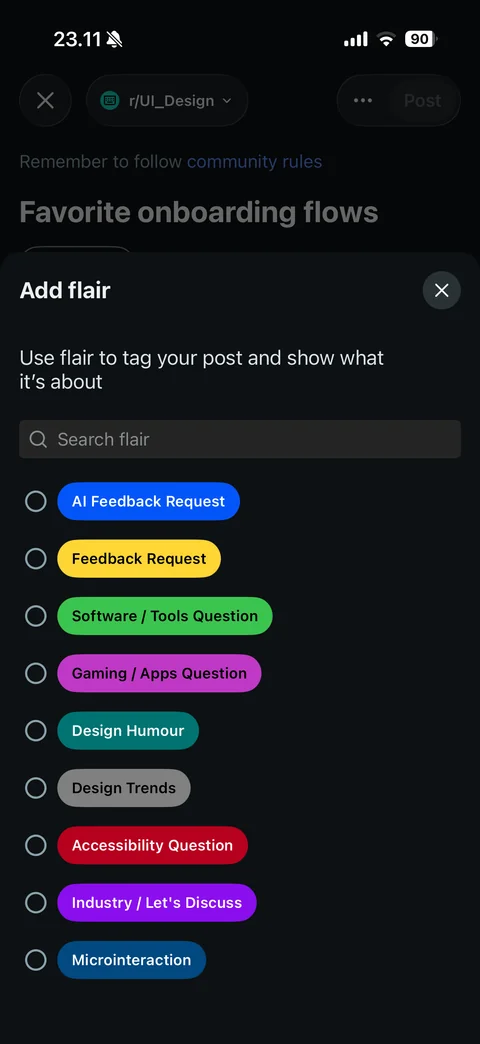
Add flair sheet: explanation, search flair field, radio list of colored flair tags
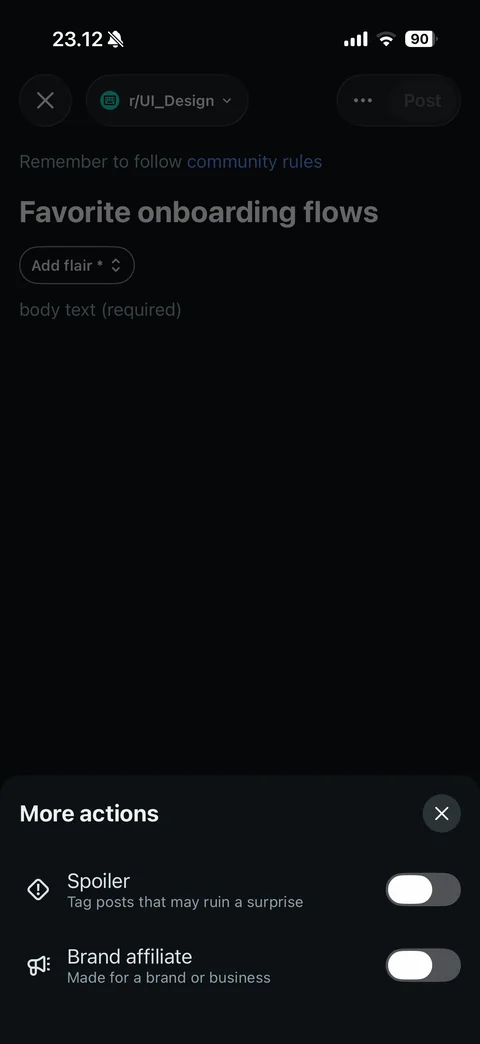
Create post more actions sheet: Spoiler and Brand affiliate toggles with descriptions
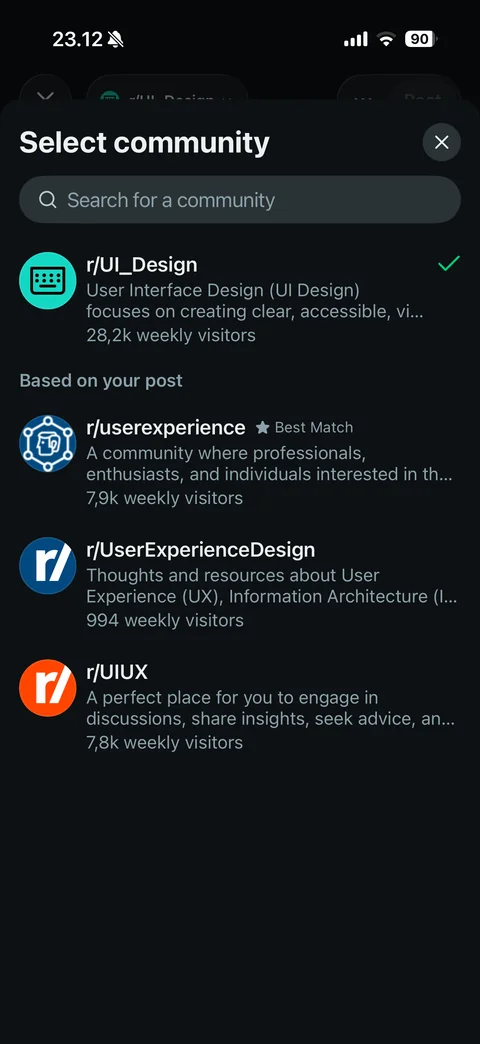
Select community sheet: search field, selected community with check, Based on your post suggestions with Best Match badge and weekly visitors
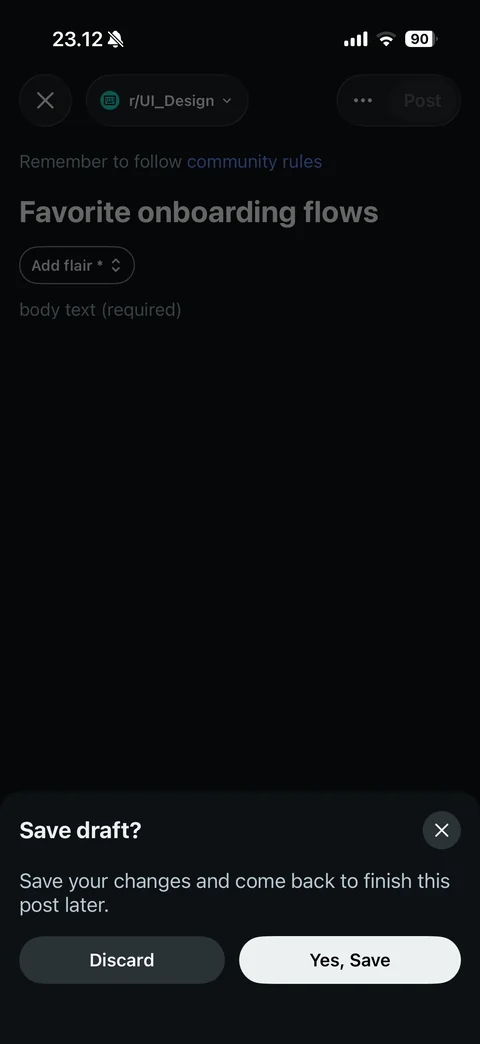
Save draft prompt on close: explanation, Discard and Yes, Save buttons
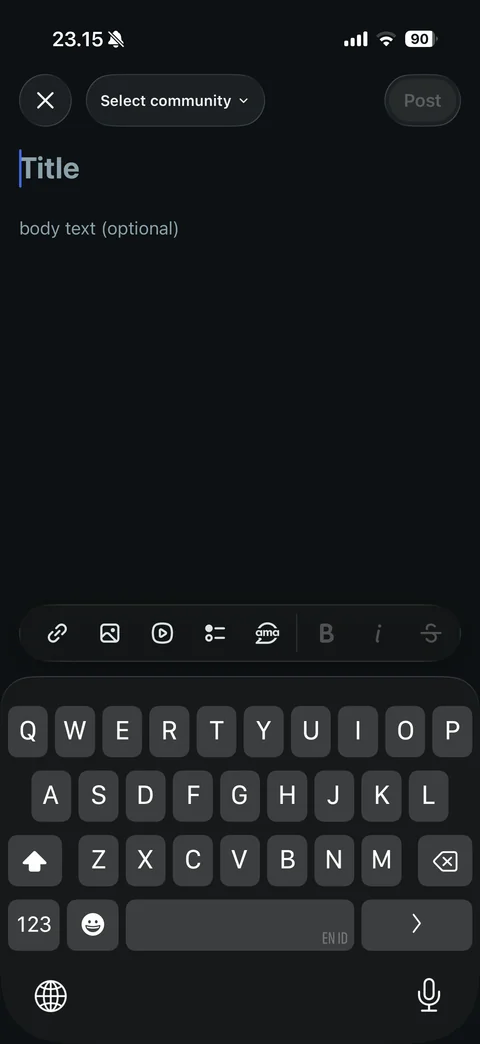
General create post with keyboard: Select community dropdown, Title and optional body, toolbar with link, image, video, poll and AMA tools
Reddit menu (4 screens)
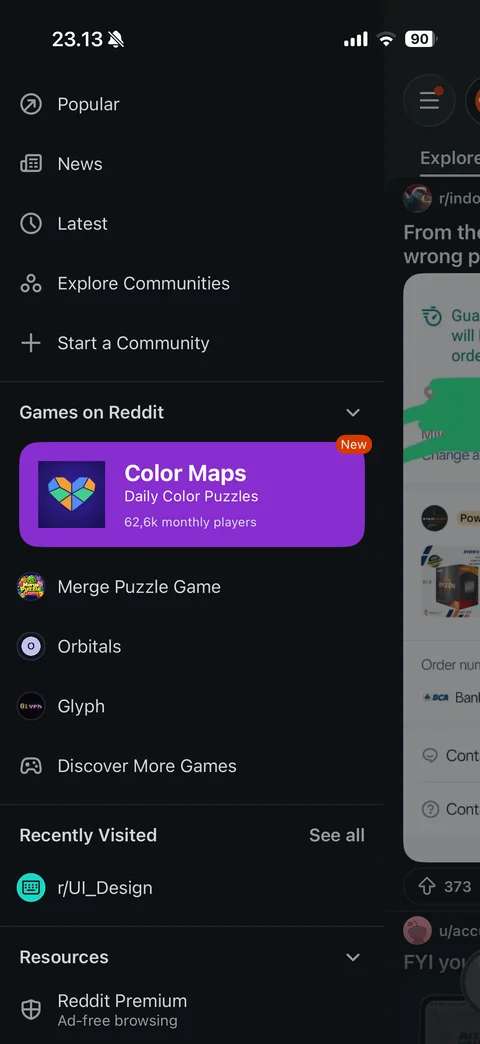
Side menu drawer: Popular, News, Latest, Explore Communities, Start a Community, Games on Reddit with featured game card, recently visited, resources with Reddit Premium
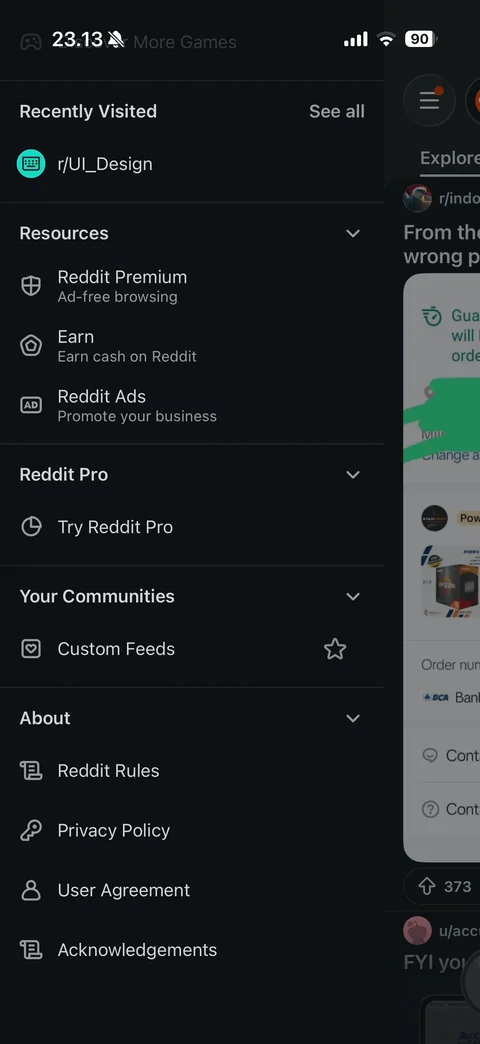
Side menu scrolled: recently visited, resources (Premium, Earn, Reddit Ads), Reddit Pro, your communities with custom feeds, about links
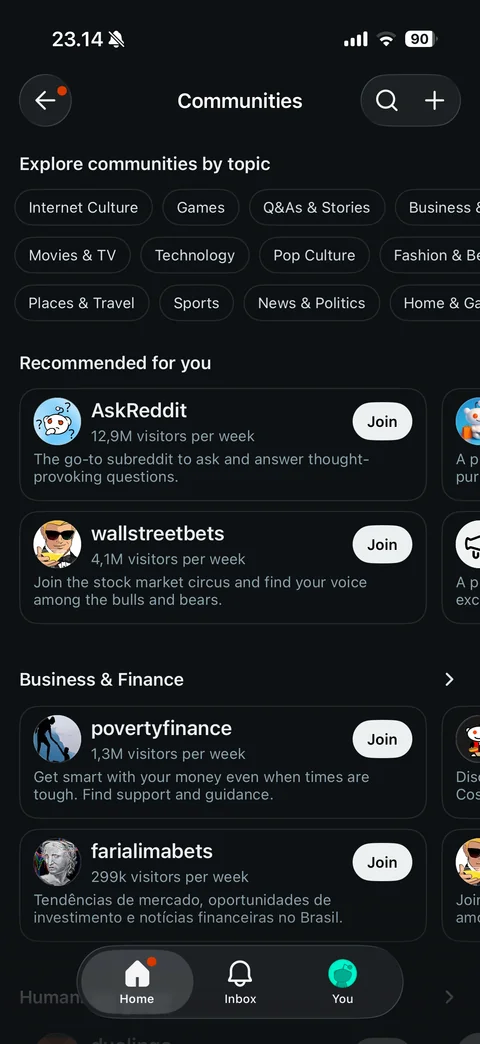
Explore Communities: topic chips, Recommended for you carousel cards with visitors per week and Join, topic sections like Business & Finance
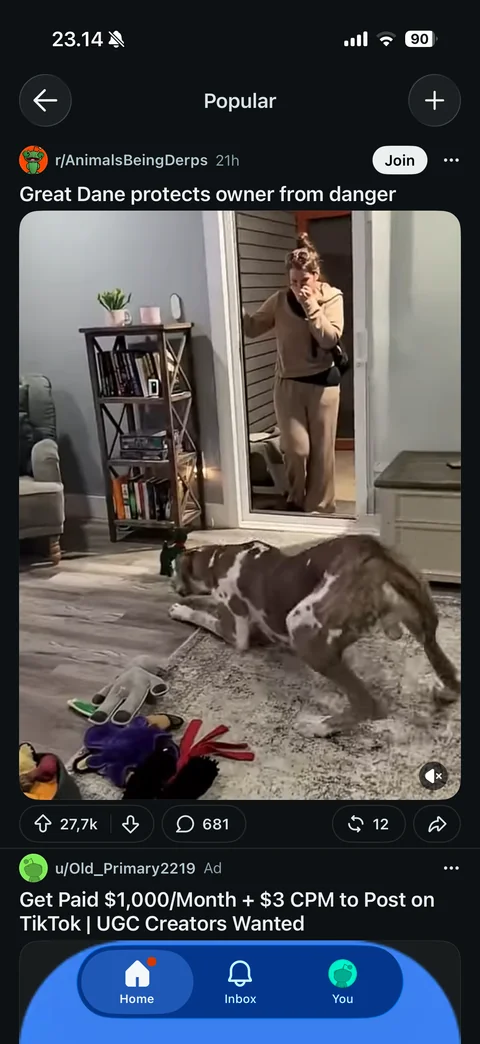
Popular feed: back and create buttons, video post with mute toggle, votes, comments, reposts and share, sponsored post below
Reddit home (5 screens)
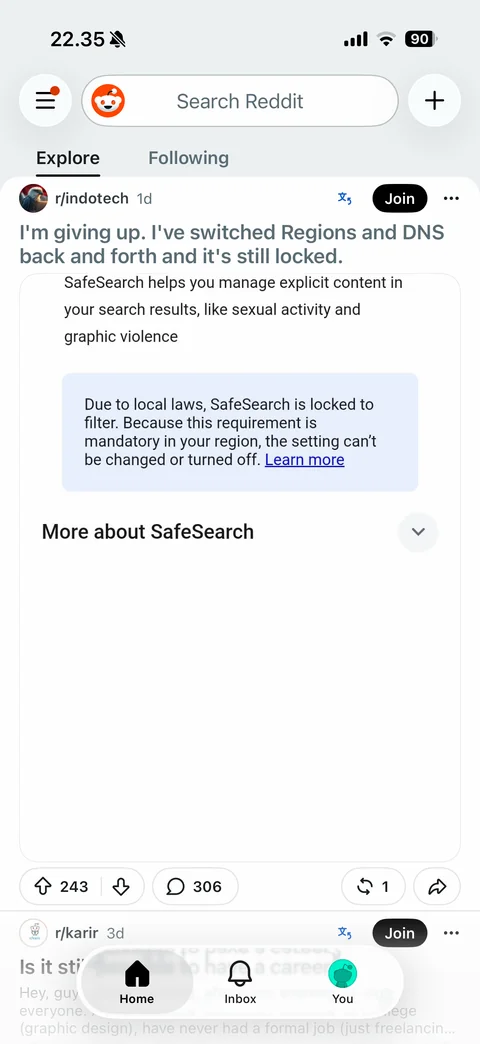
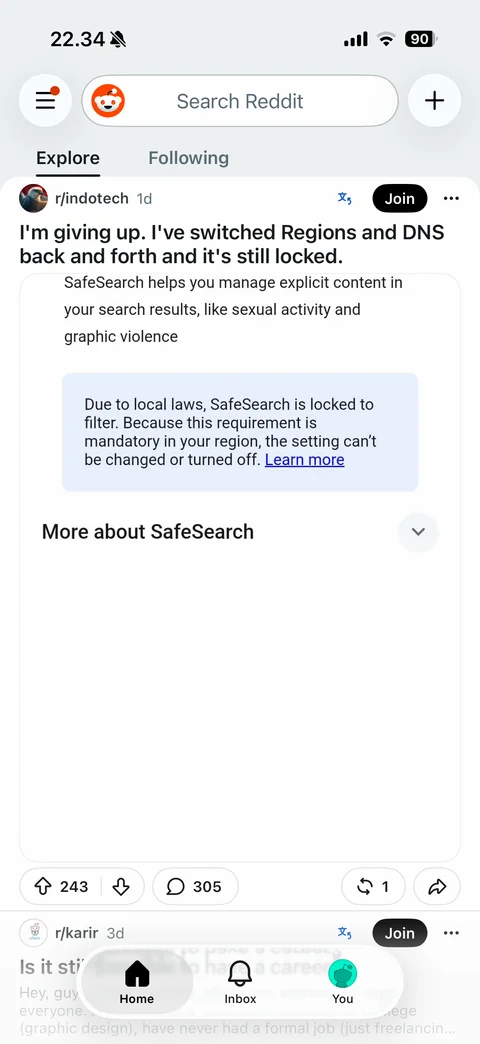
Home feed: menu with badge, Snoo avatar, search Reddit field, create plus, Explore and Following tabs, post card with subreddit, age, translate icon, Join, more, title and image preview (read title grayed), upvote and downvote with score, comments, crosspost and share pills, floating tab bar Home, Inbox, You
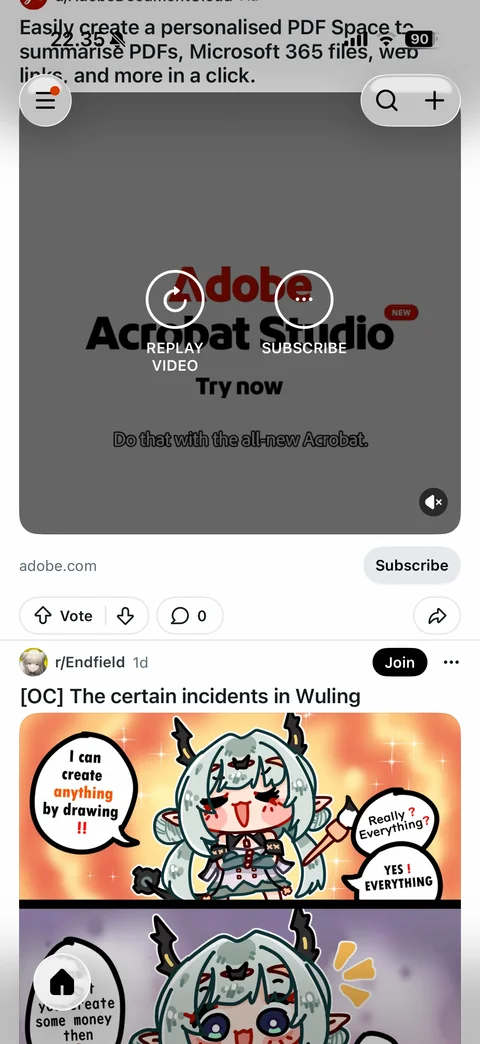
Home feed scrolled: collapsed header with menu, search and plus floating buttons, promoted video ad card with caption, advertiser domain and Subscribe CTA, vote and comment pills, comic image post below, collapsed tab bar home button
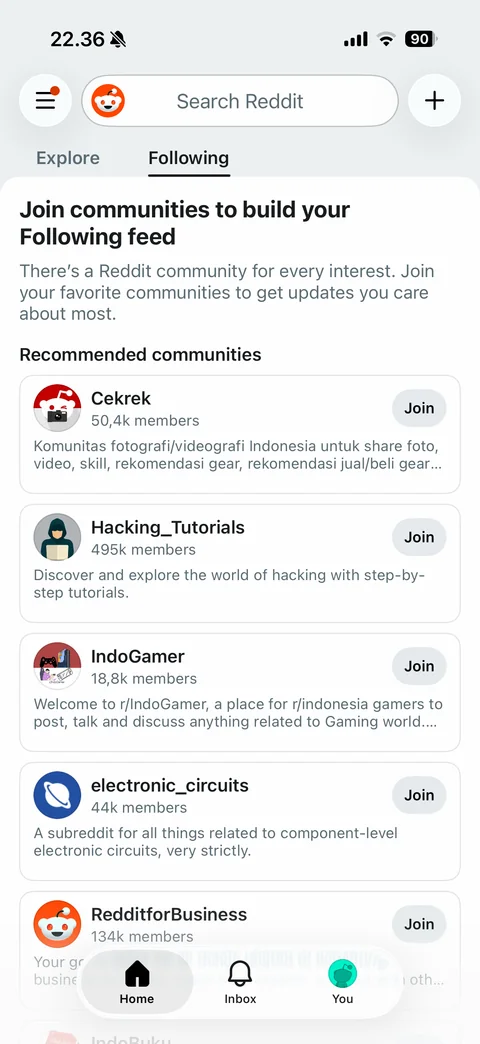
Following tab empty state: join communities to build your Following feed explanation, recommended communities cards with icon, name, member count, description and Join button
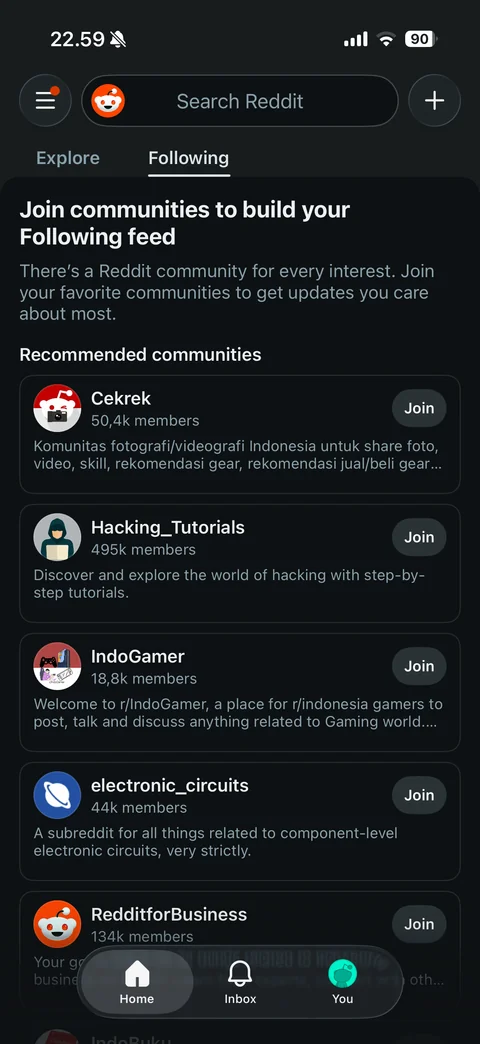
Following tab in dark mode: dark header and cards, recommended communities with Join buttons, dark floating tab bar
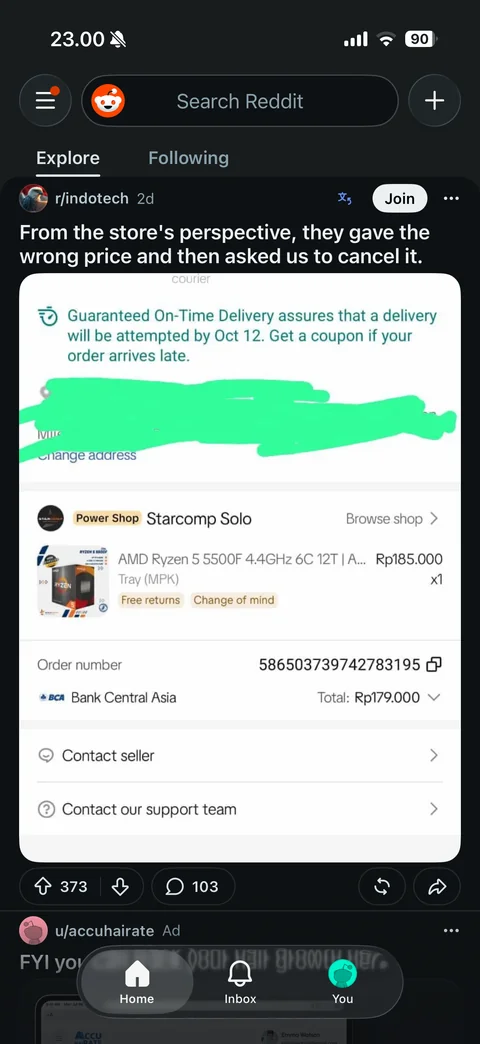
Explore feed in dark mode: dark post cards, vote and comment pills, dark header with search
Reddit post (8 screens)
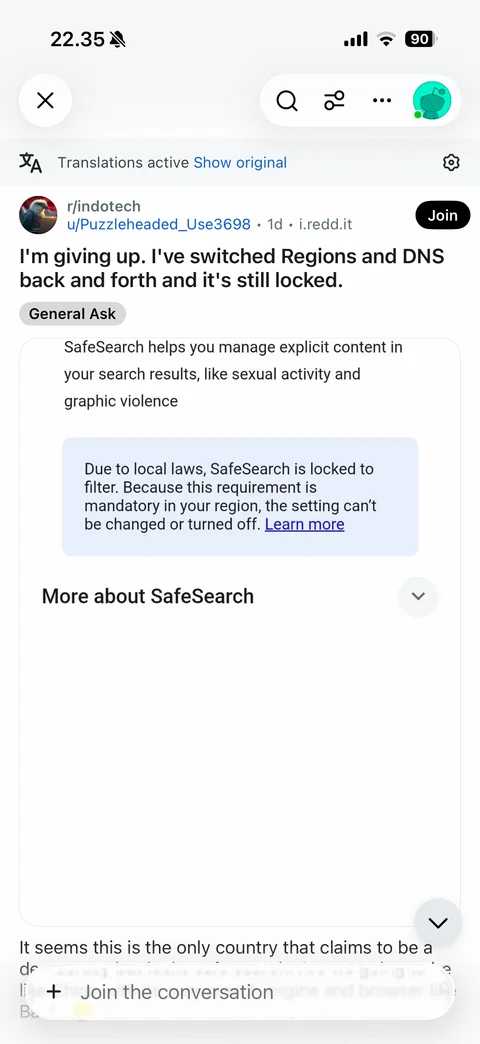
Post detail: close, search, sort, more and avatar buttons, translations active banner with show original and settings, subreddit and author with age and domain, Join, title, flair chip, screenshot image, body text, scroll down button, join the conversation composer
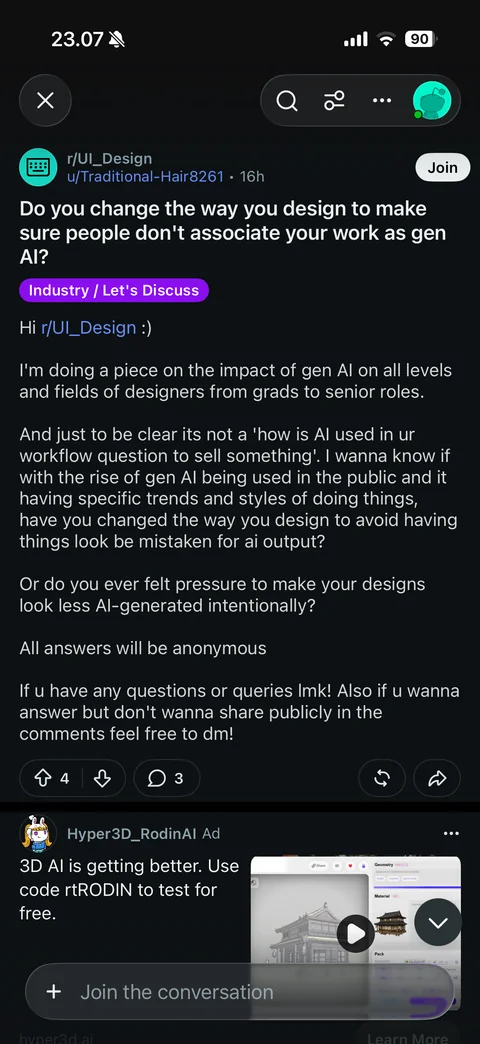
Text post detail: community, author, age, Join, title, flair tag, body text, vote, comment, award and share bar, ad, Join the conversation field
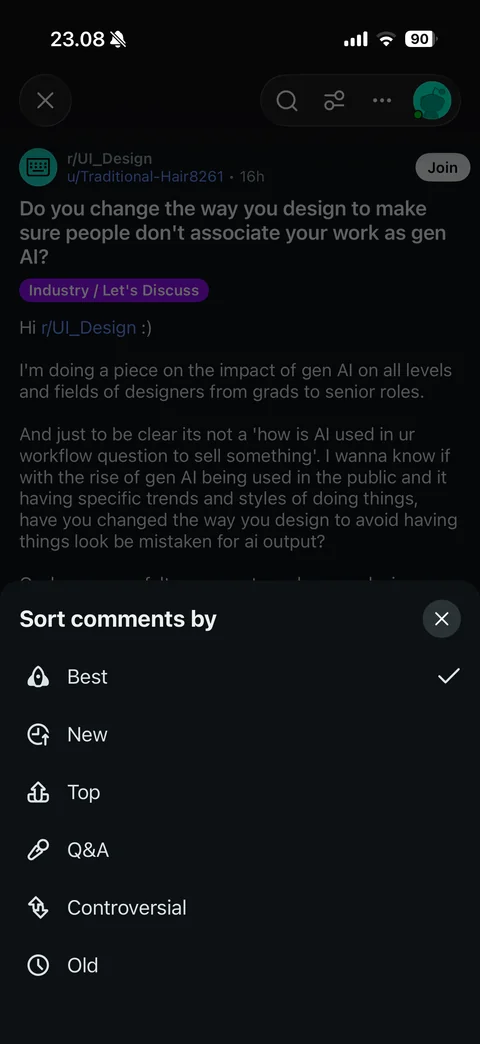
Sort comments by sheet: Best (checked), New, Top, Q&A, Controversial, Old
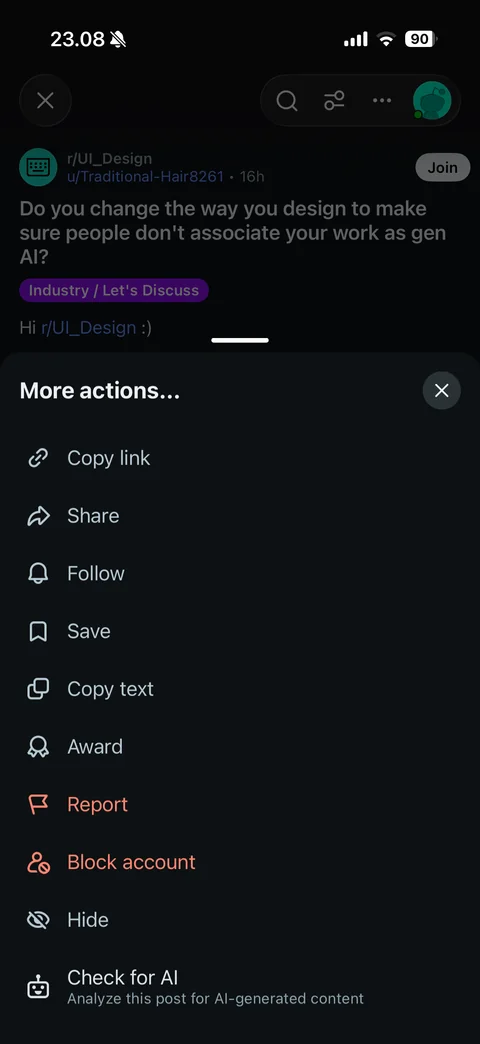
Post more actions sheet: copy link, share, follow, save, copy text, award, report, block account, hide, check for AI
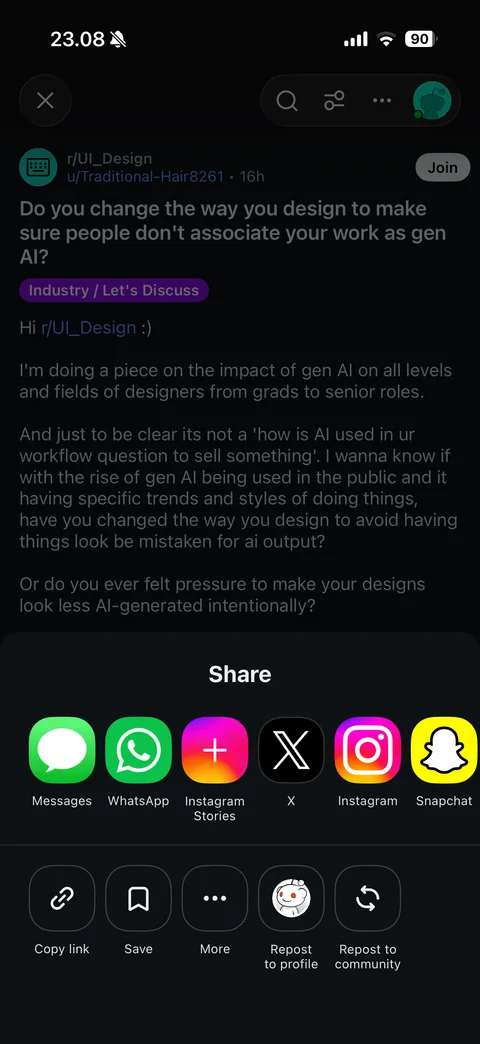
Share sheet: Messages, WhatsApp, Instagram Stories, X, Instagram, Snapchat, then copy link, save, more, repost to profile and repost to community
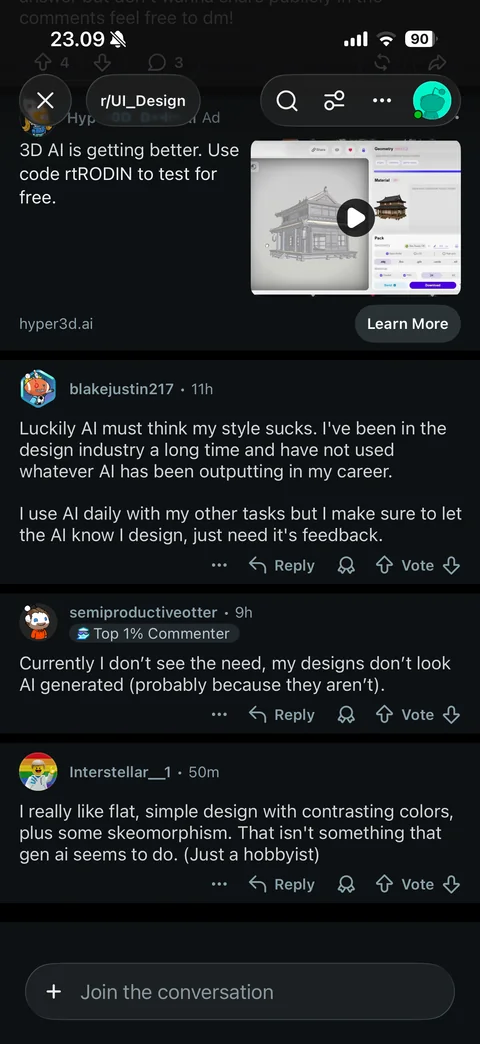
Comments section: sticky community pill in header, comment cards with avatar, username, badge, age, text, more, Reply, award and vote actions, Join the conversation field
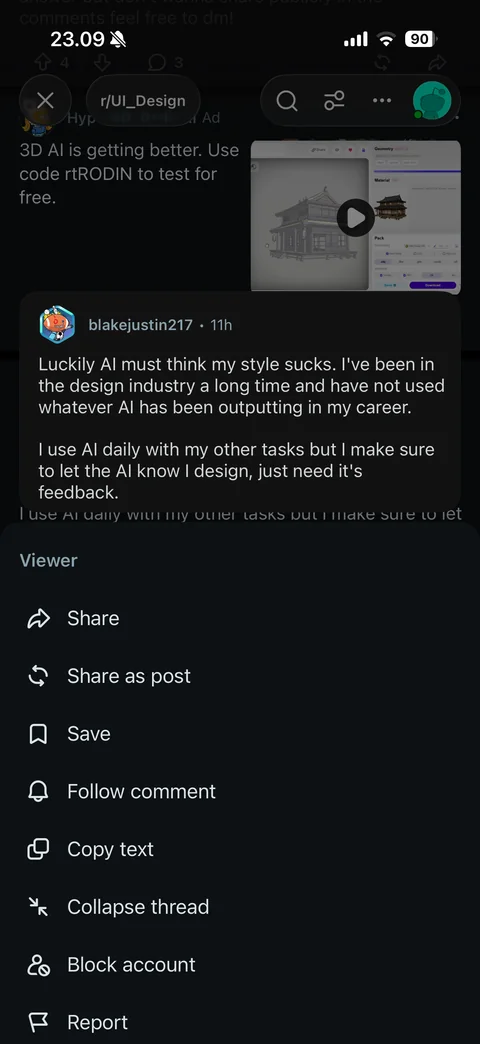
Comment long-press menu: comment preview card, then share, share as post, save, follow comment, copy text, collapse thread, block account, report
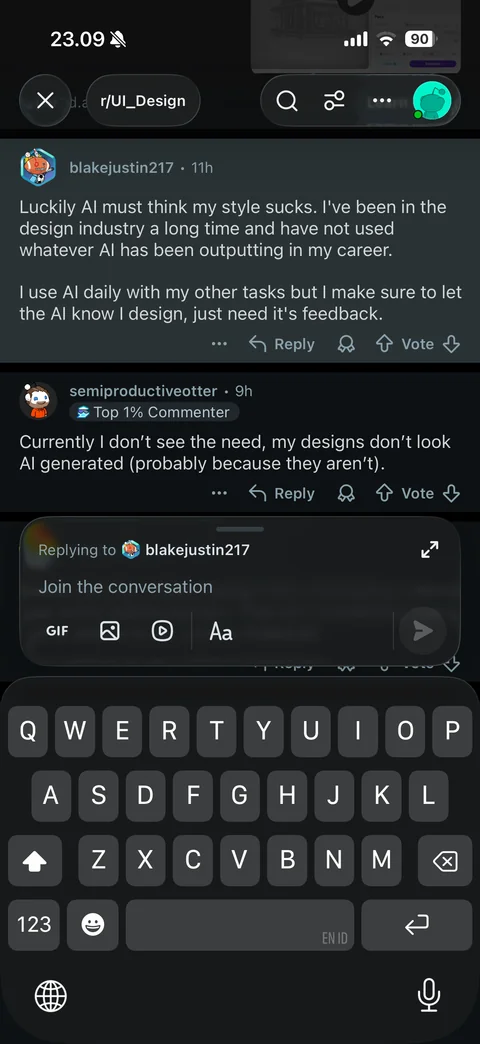
Reply composer with keyboard: highlighted parent comment, Replying to label, expand button, GIF, image, video and text format tools, send button
Reddit inbox (4 screens)
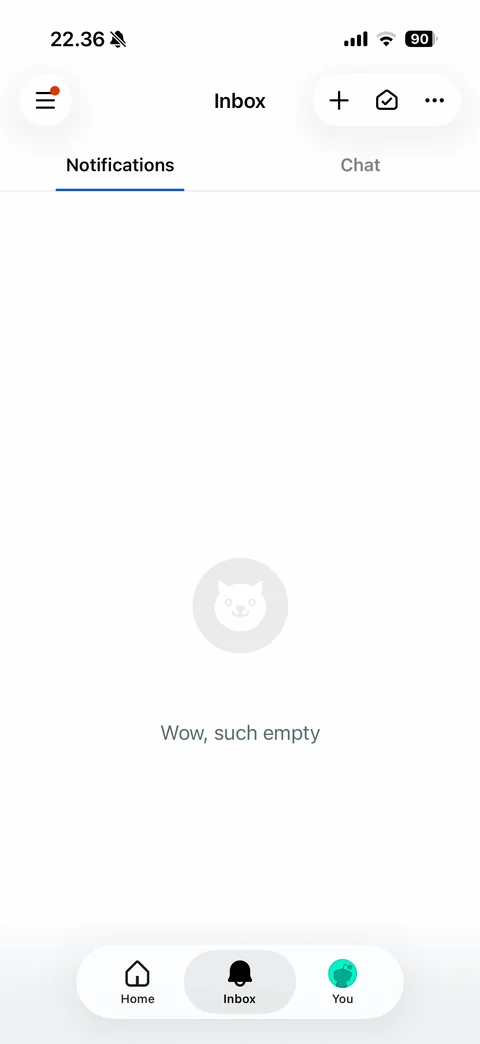
Inbox notifications empty: menu, new message, mark all read and more buttons, Notifications and Chat tabs, cat face illustration with wow such empty
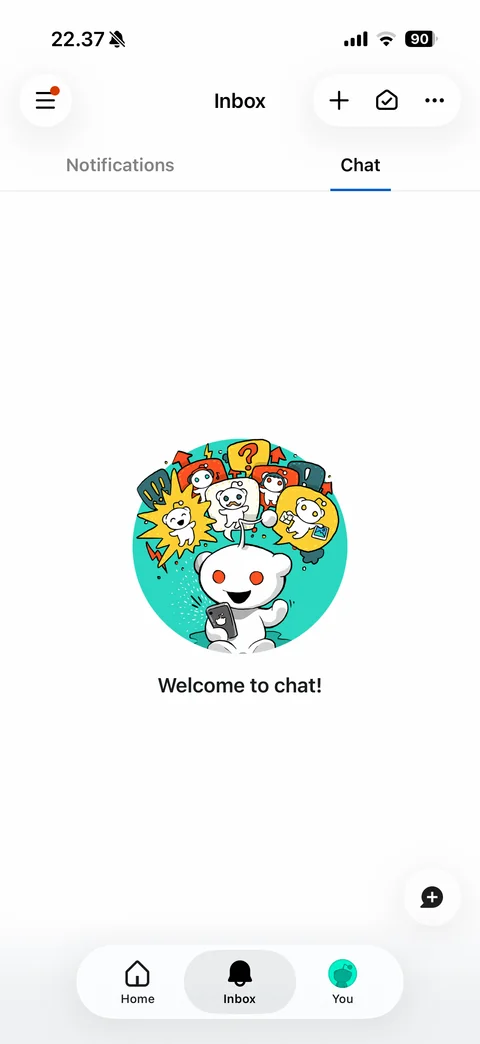
Chat tab empty state: Snoo with phone and chat bubble illustration in teal circle, welcome to chat, floating new chat button
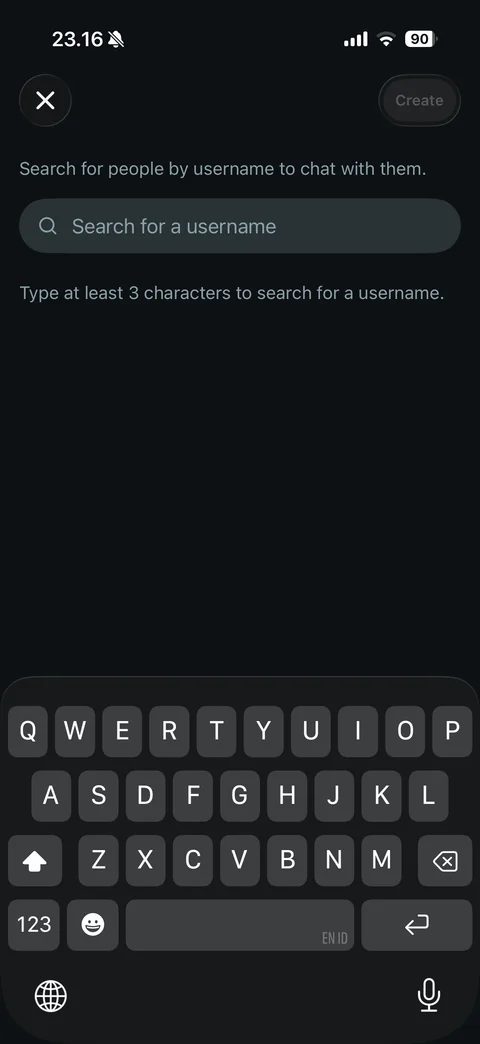
New chat with keyboard: close and disabled Create, username search field, at least 3 characters hint
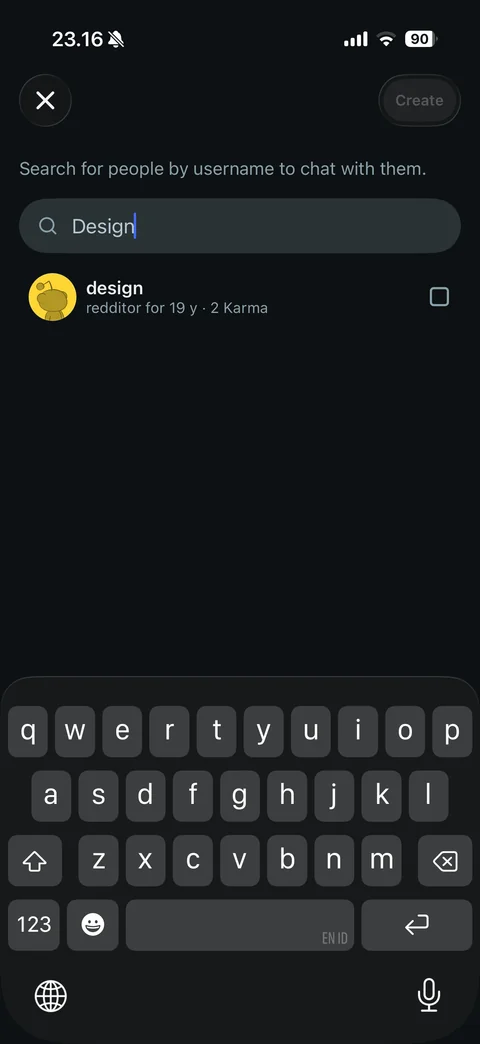
New chat search results: username row with avatar, account age, karma and select checkbox, Create still disabled
Reddit profile (5 screens)
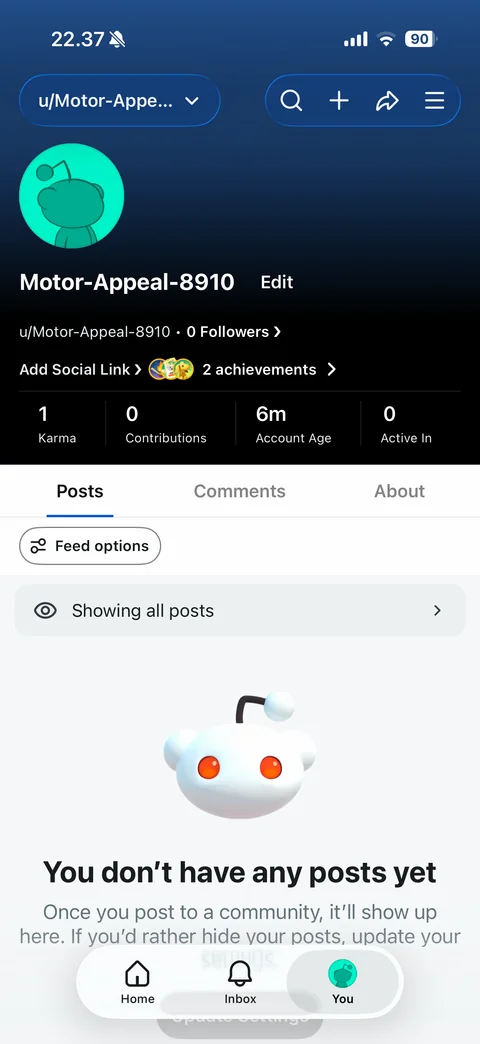
Own profile: account switcher pill, search, create, share and menu buttons, blue gradient header with avatar, username and Edit, followers, add social link, achievements badges, stats karma, contributions, account age, active in, Posts, Comments, About tabs, feed options, showing all posts, you don't have any posts yet empty state with 3D Snoo
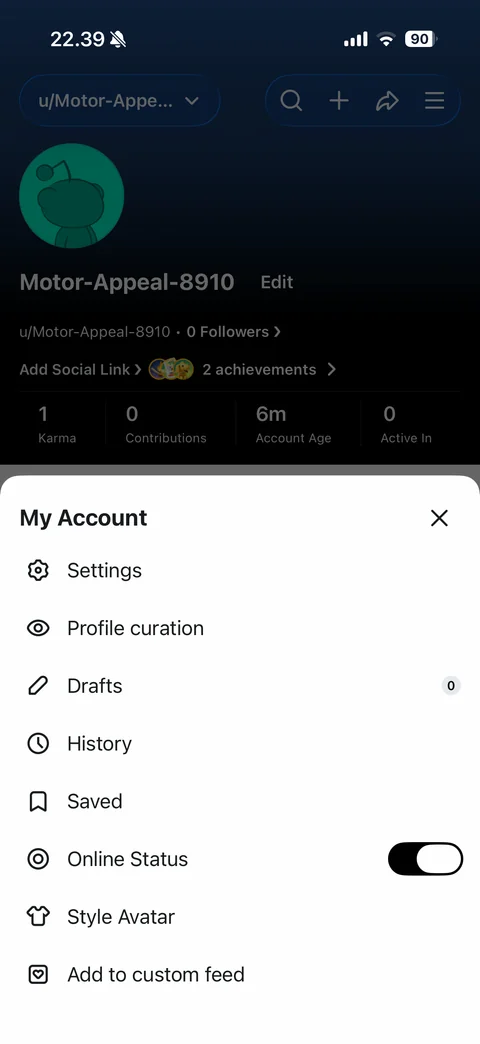
My Account sheet: settings, profile curation, drafts with count, history, saved, online status toggle, style avatar, add to custom feed, close
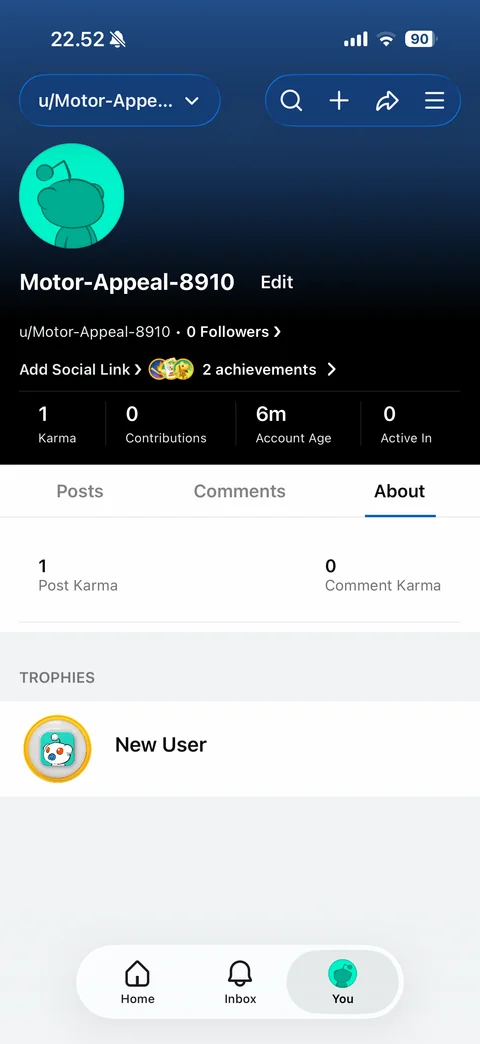
Profile About tab: post karma and comment karma stats, trophies section with New User trophy badge
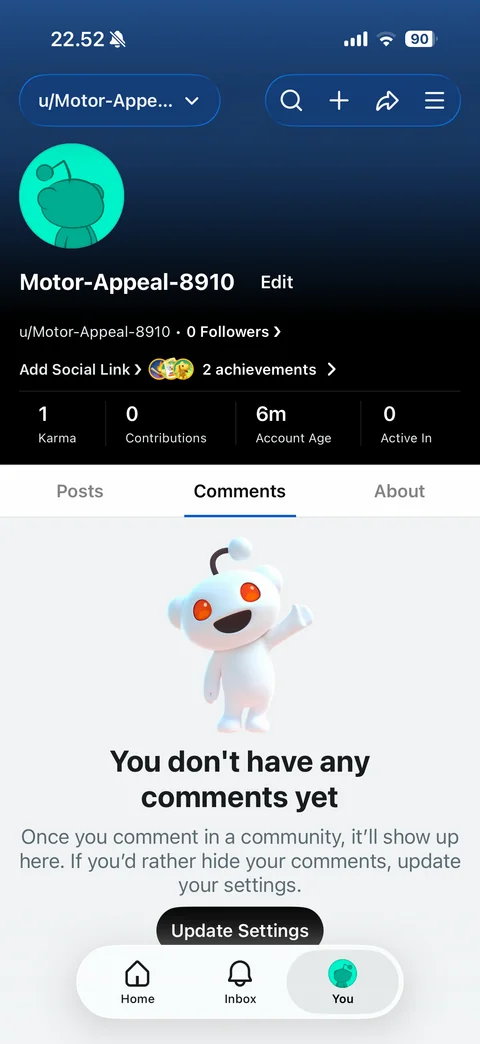
Profile Comments tab empty: waving 3D Snoo, you don't have any comments yet, hide comments explanation, Update Settings button
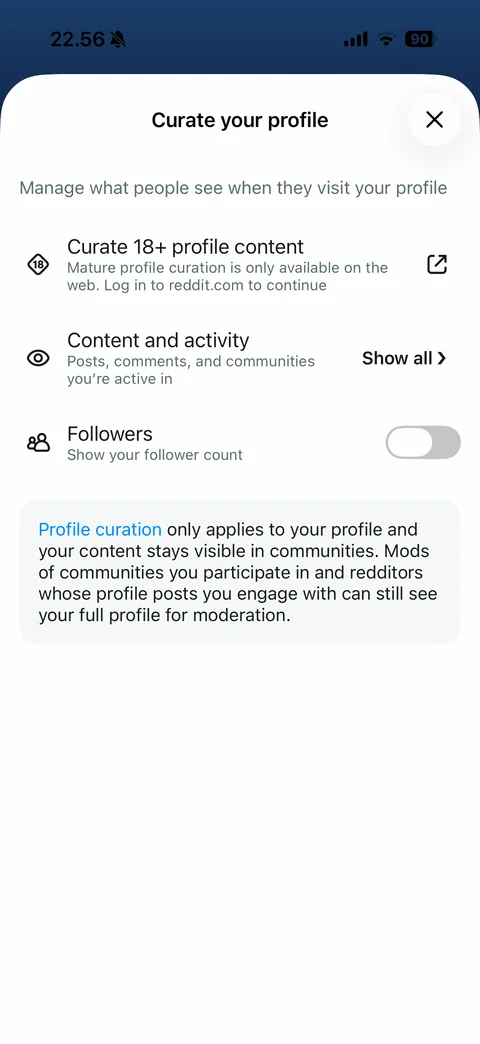
Curate your profile sheet: curate 18+ content with external link, content and activity Show all, followers count toggle, info card about profile curation with link, close
Reddit profile / achievements (3 screens)
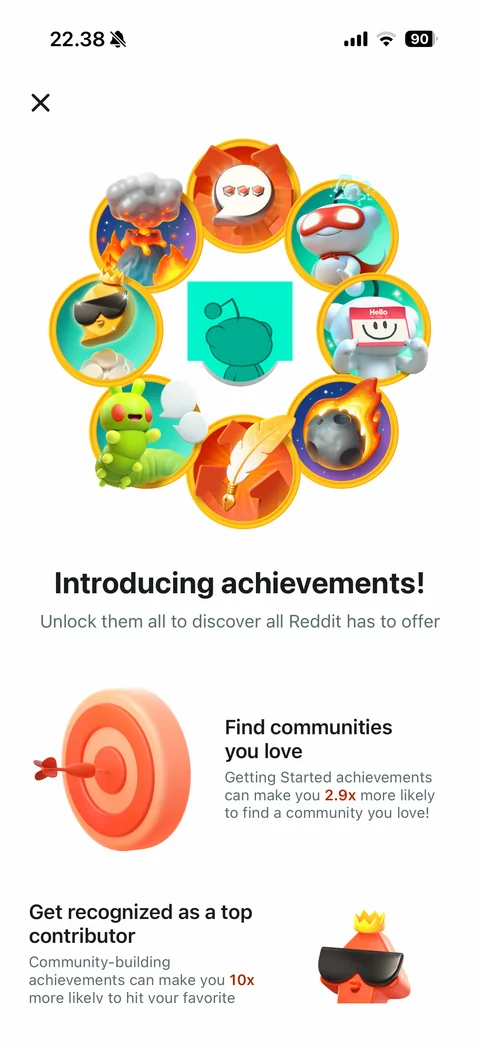
Introducing achievements: ring of 3D achievement badges around avatar, unlock them all headline, benefit rows with 3D illustrations find communities you love and get recognized as a top contributor with highlighted stats, close
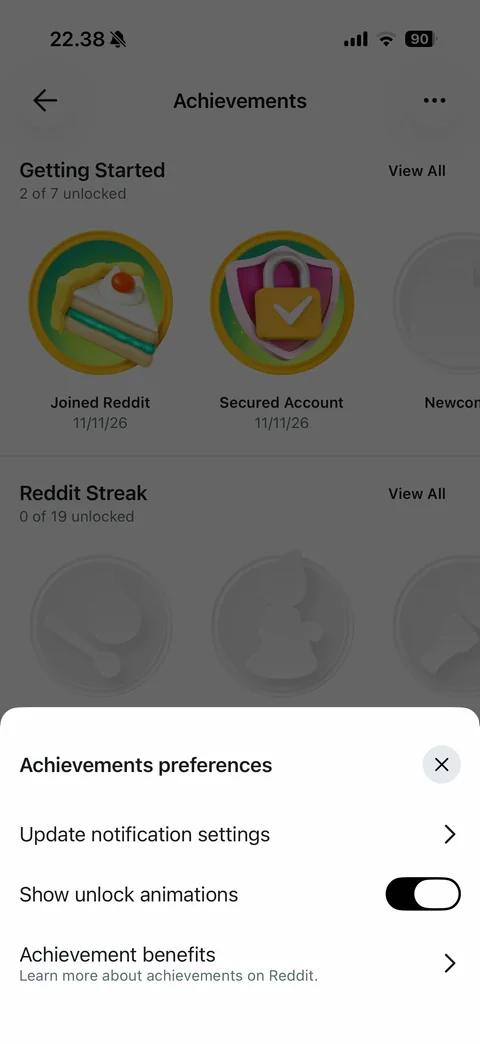
Achievements preferences sheet: update notification settings, show unlock animations toggle, achievement benefits with description, close
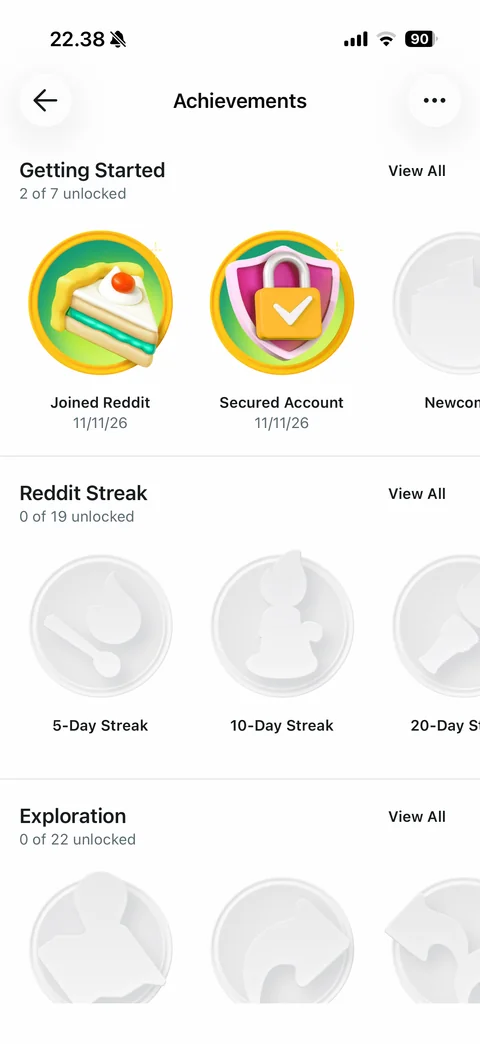
Achievements list: sections Getting Started 2 of 7 unlocked with colorful 3D badges joined Reddit and secured account with dates, Reddit Streak and Exploration with locked gray badges, View All links, horizontal carousels
Reddit profile / avatar (4 screens)

Style avatar builder: close and Save, Snoo avatar preview, share, randomize, wardrobe, history, redo, undo side buttons, Outfits, Tops, Bottoms, Hair, Face tabs, Halloween Haunts outfit cards with premium badges

Outfit pieces sheet: Werewolf outfit title, individual pieces grid (head, bottoms, top, base), Wear All button, close

Outfit worn: avatar preview updated to werewolf, all pieces selected with orange borders, undo enabled

Unsaved work dialog: discard your changes question, Cancel and red Discard buttons over avatar builder
Reddit profile / edit profile (2 screens)
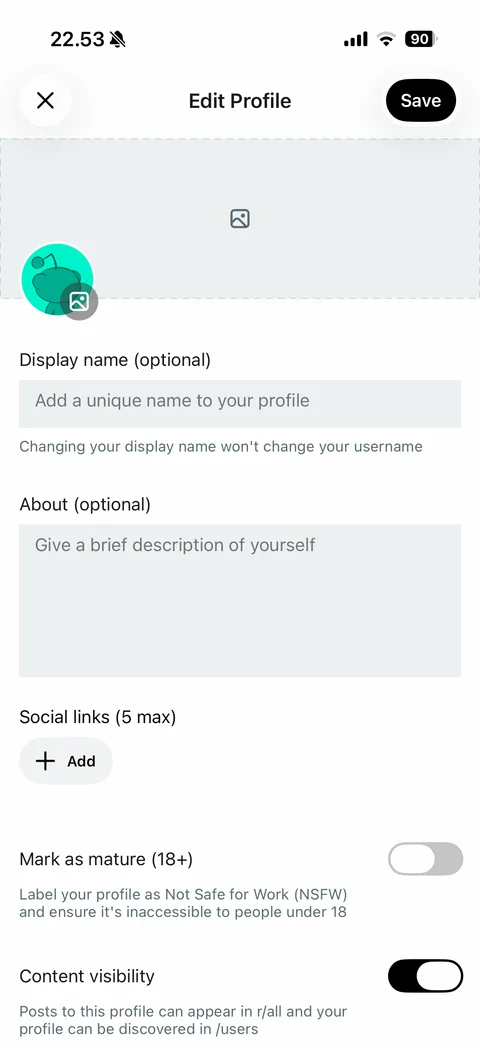
Edit profile: close and Save, dashed banner upload area, avatar with image badge, display name and about fields with helper text, social links add, mark as mature 18+ toggle, content visibility toggle with explanations
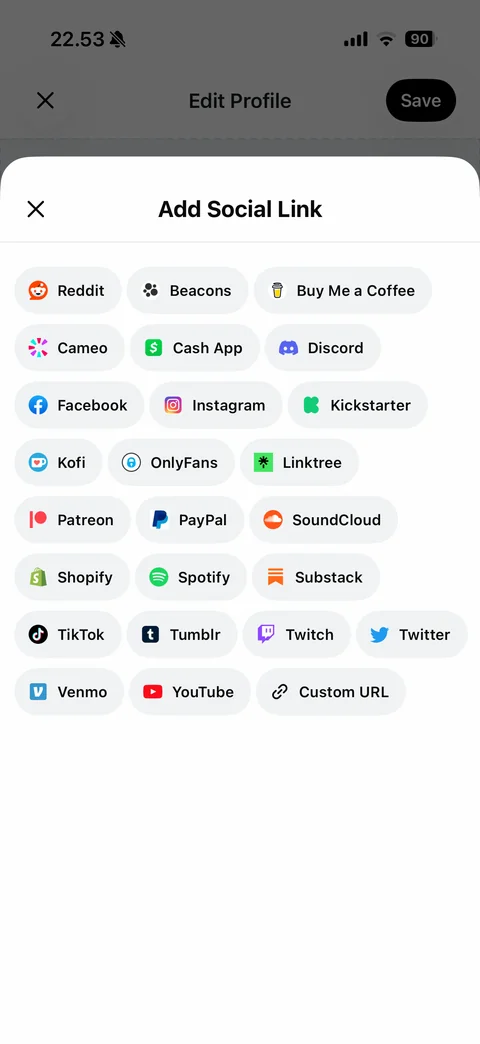
Add social link sheet: platform chips with brand icons (Reddit, Beacons, Buy Me a Coffee, Cameo, Cash App, Discord, Facebook, Instagram, Kickstarter, Kofi, Linktree, Patreon, PayPal, SoundCloud, Shopify, Spotify, Substack, TikTok, Tumblr, Twitch, Twitter, Venmo, YouTube, Custom URL), close
Reddit profile / history (2 screens)
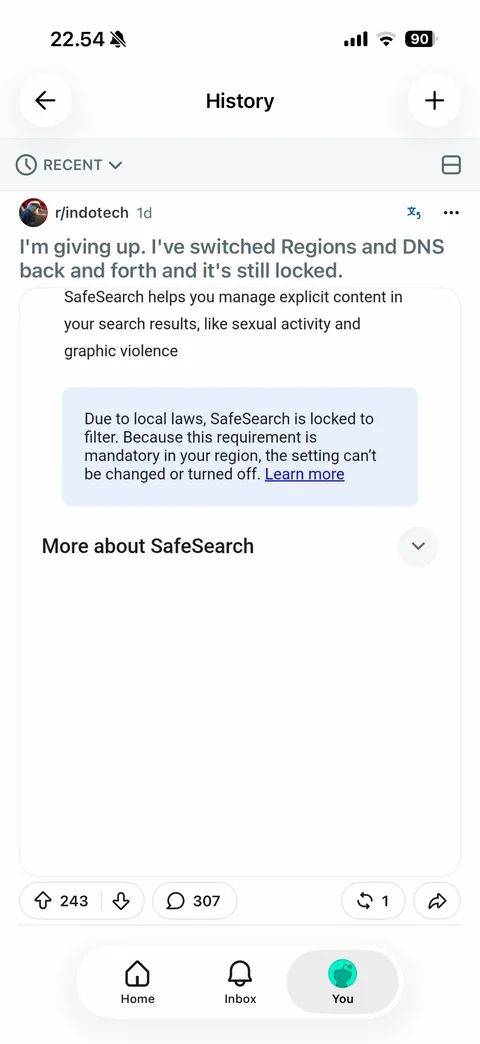
History: back and plus, Recent sort dropdown, view mode toggle, previously viewed post card with vote, comment, crosspost and share
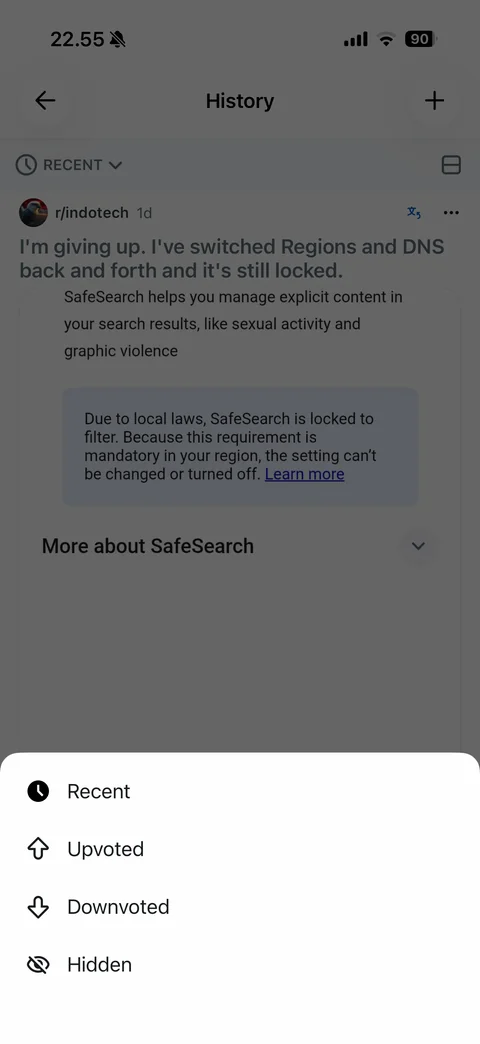
History filter sheet: Recent selected, Upvoted, Downvoted, Hidden options with icons
Reddit profile / saved (2 screens)
Saved empty state: Posts and Comments tabs, cat icon with wow such empty, back and plus
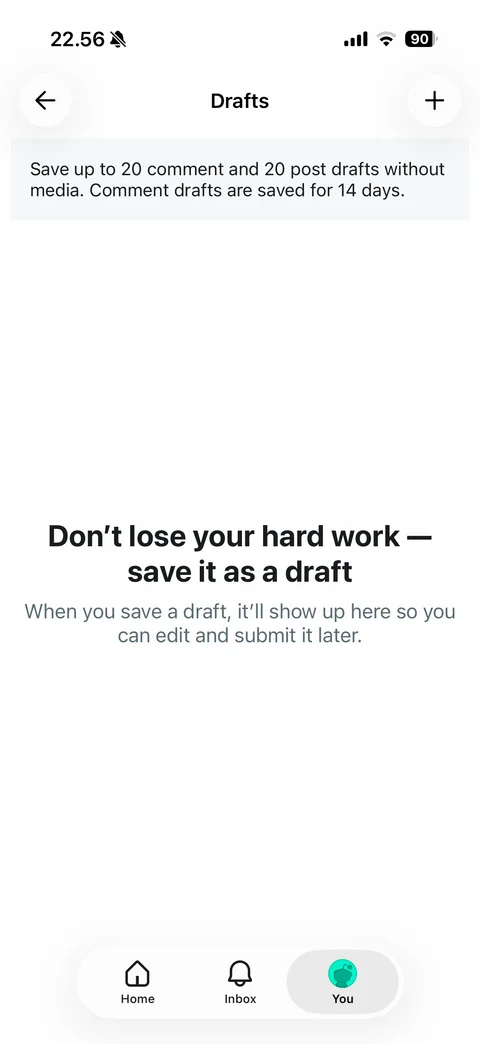
Drafts empty state: info banner with draft limits, don't lose your hard work save it as a draft headline and explanation
Reddit settings (5 screens)
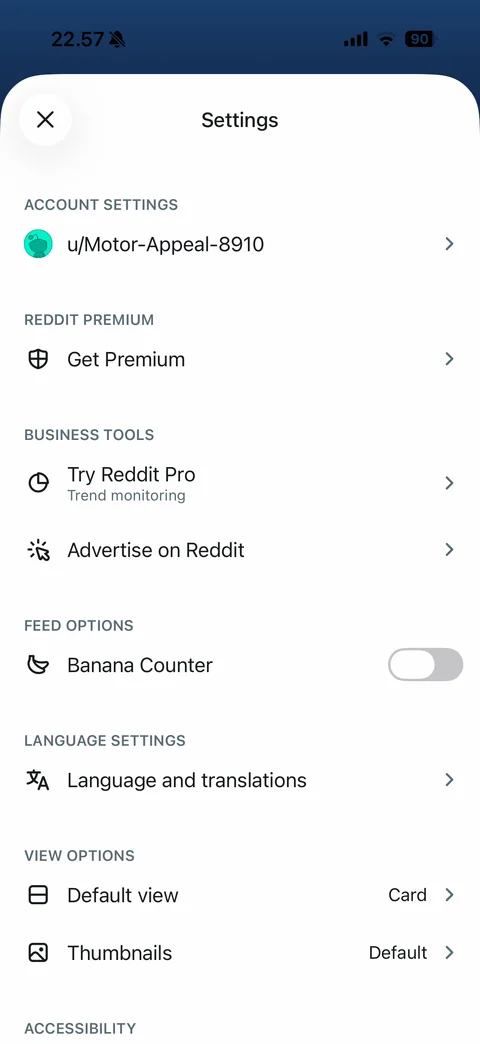
Settings: account settings with username row, Reddit Premium get premium, business tools try Reddit Pro and advertise, feed options banana counter toggle, language and translations, view options default view Card and thumbnails, accessibility
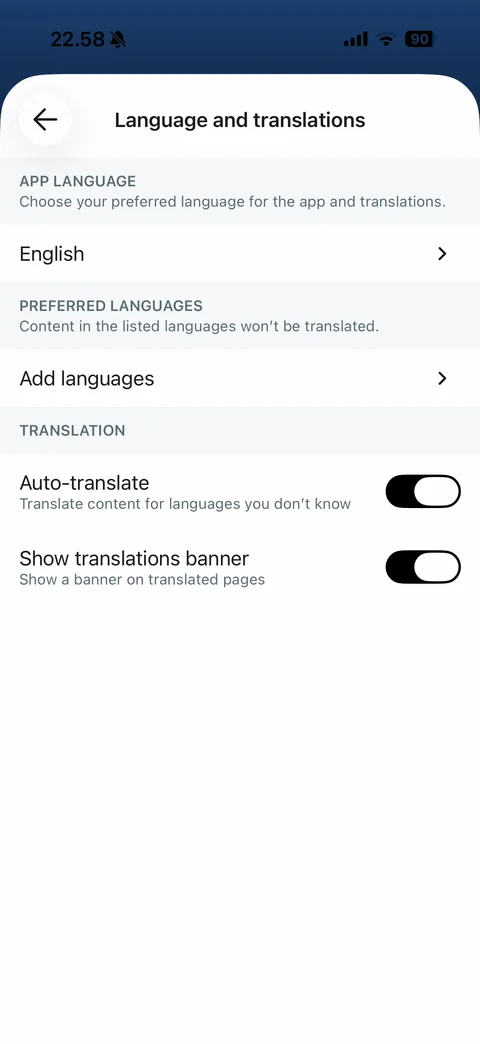
Language and translations: app language English, preferred languages add languages, translation section auto-translate and show translations banner toggles with descriptions
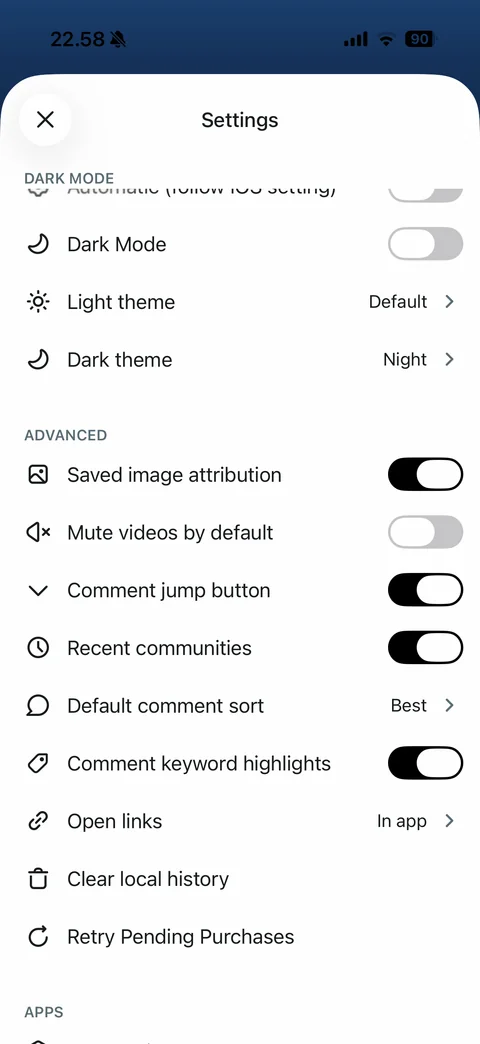
Settings scrolled: dark mode section automatic, dark mode toggle, light and dark theme pickers, advanced toggles (saved image attribution, mute videos, comment jump button, recent communities, keyword highlights), default comment sort Best, open links in app, clear local history, retry pending purchases
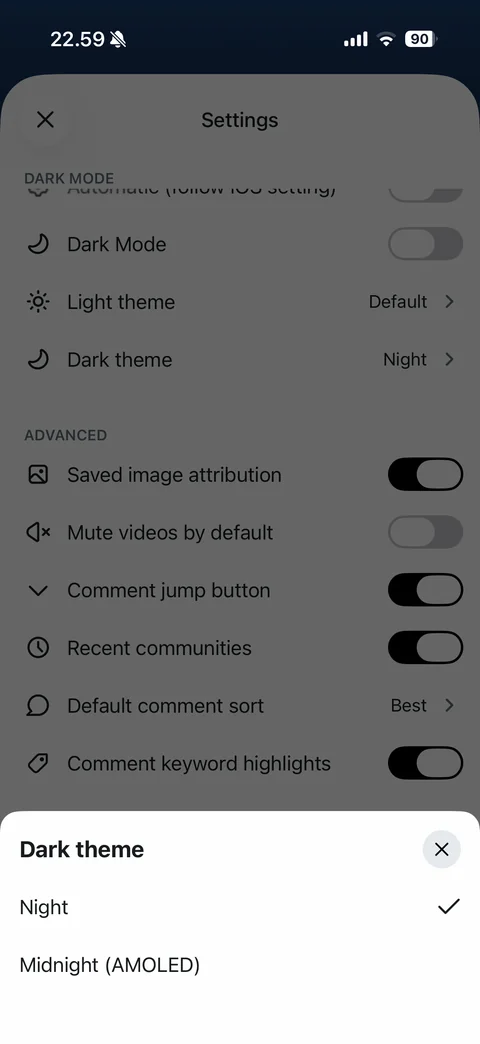
Dark theme picker sheet: Night checked and Midnight AMOLED options, close
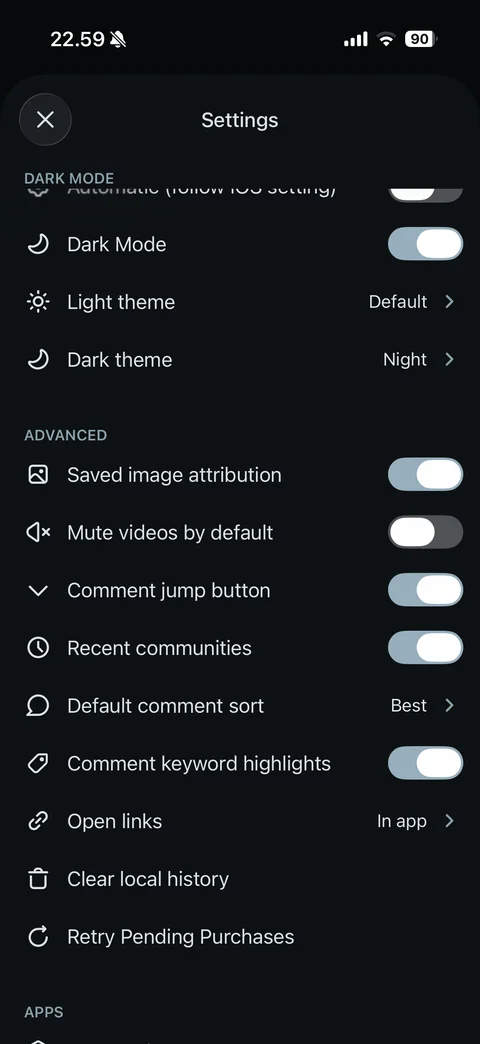
Settings in dark mode: dark mode toggle on, dark sheet and toggles
Reddit premium (1 screen)
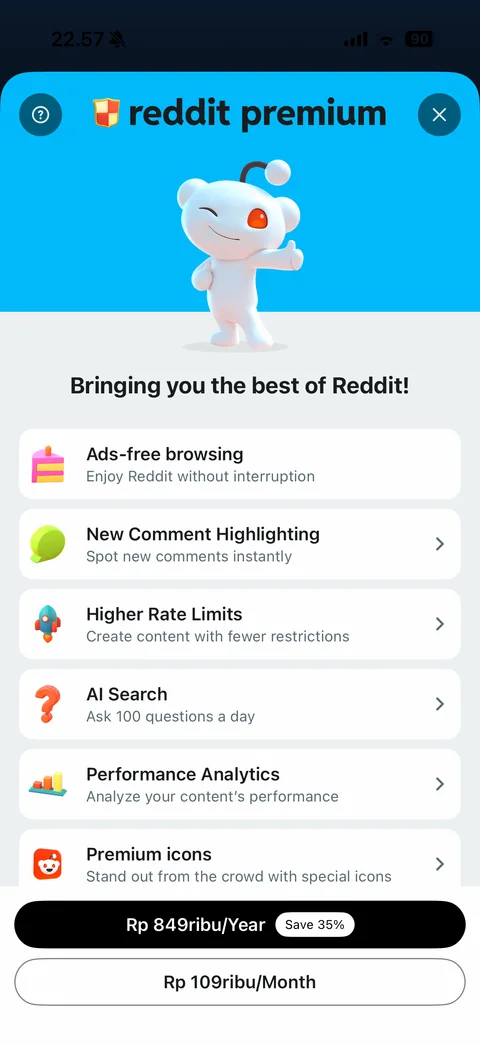
Reddit Premium paywall: blue header with winking 3D Snoo thumbs up, bringing you the best of Reddit, benefit rows with 3D icons (ads-free, comment highlighting, rate limits, AI search, analytics, premium icons), yearly plan with save 35% badge and monthly plan in IDR, help and close
Reddit search (8 screens)
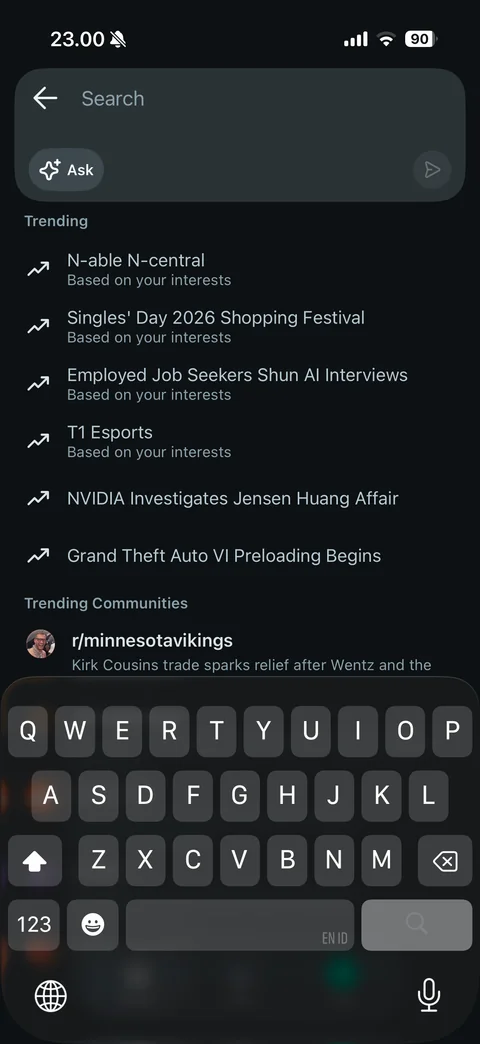
Search focused in dark mode: search field with Ask AI chip and send, trending searches list based on your interests, trending communities, keyboard open
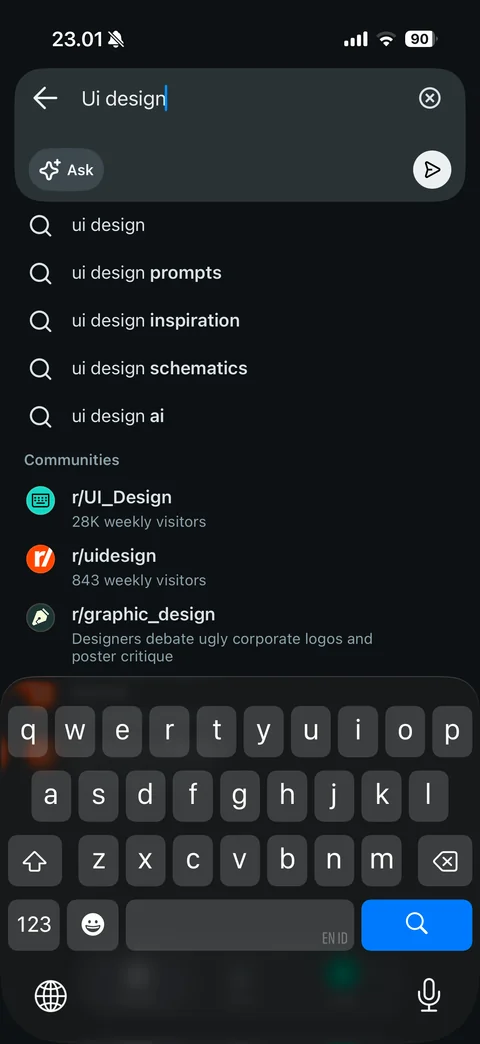
Search typeahead: query ui design, autocomplete suggestions with bolded completions, communities section with icons and weekly visitors, clear and send buttons, keyboard open
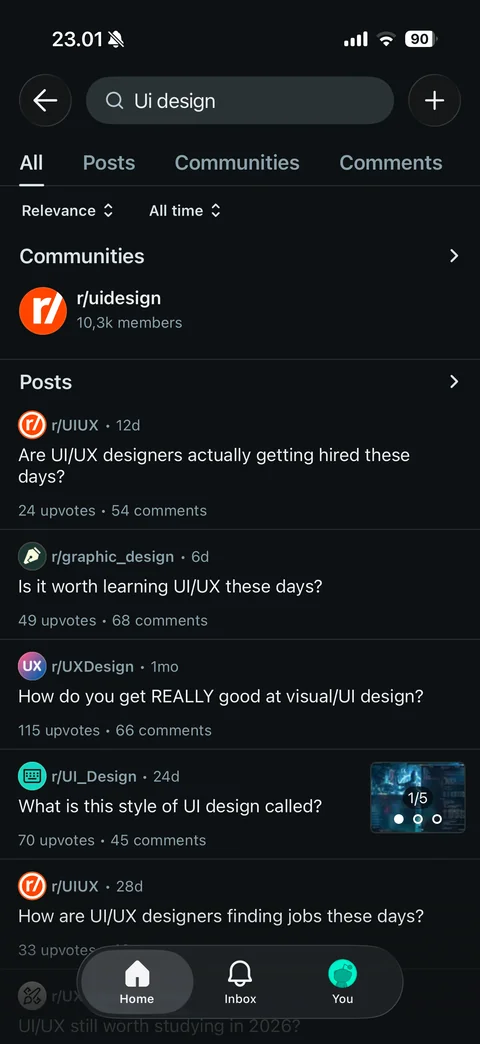
Search results All tab: All, Posts, Communities, Comments tabs, relevance and all time sort dropdowns, communities section with r/uidesign, posts list with subreddit, age, title, upvotes and comments, image carousel thumbnail
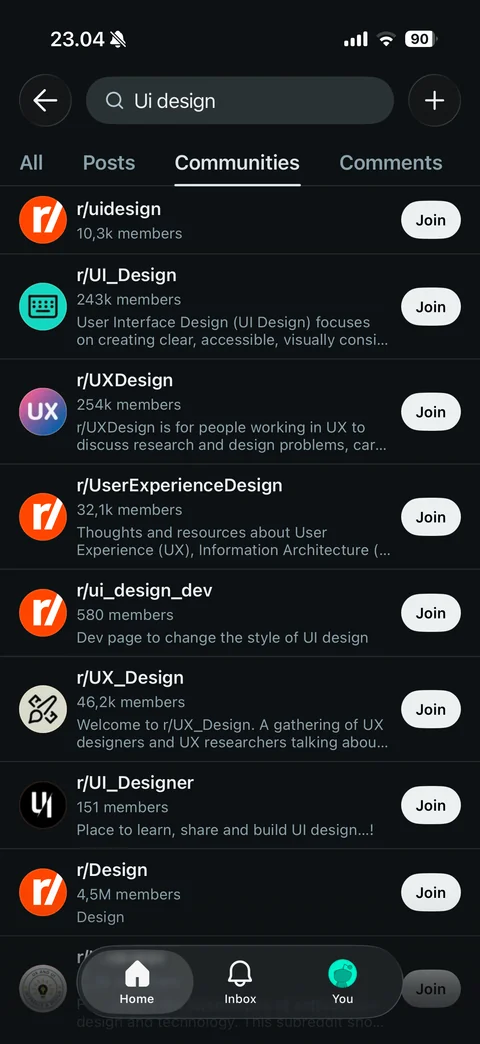
Search Communities tab: community rows with icon, name, members, description and Join buttons
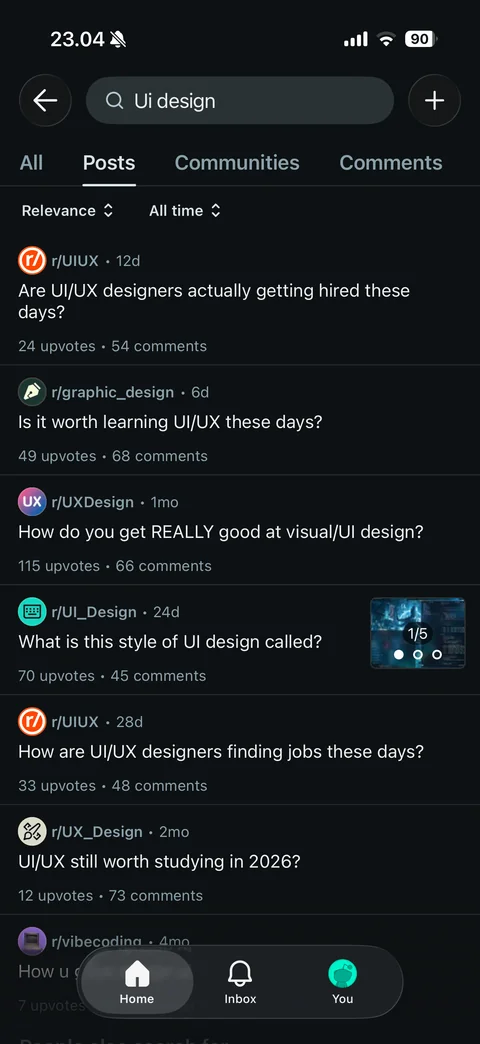
Search Posts tab: relevance and all time sort, post rows with subreddit icon, age, title, upvotes, comments and image thumbnail
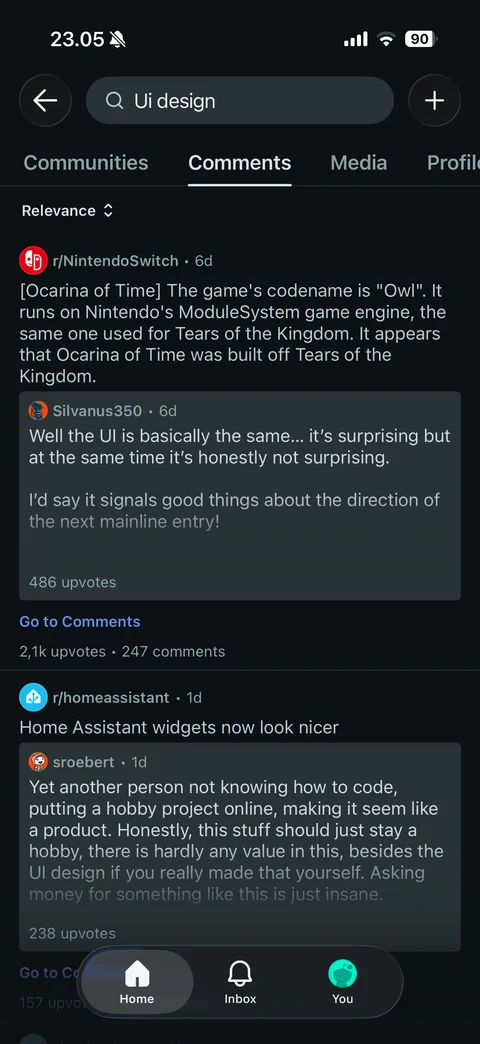
Search Comments tab: relevance sort, matching comment cards inside each post with author, age, upvotes and Go to Comments link
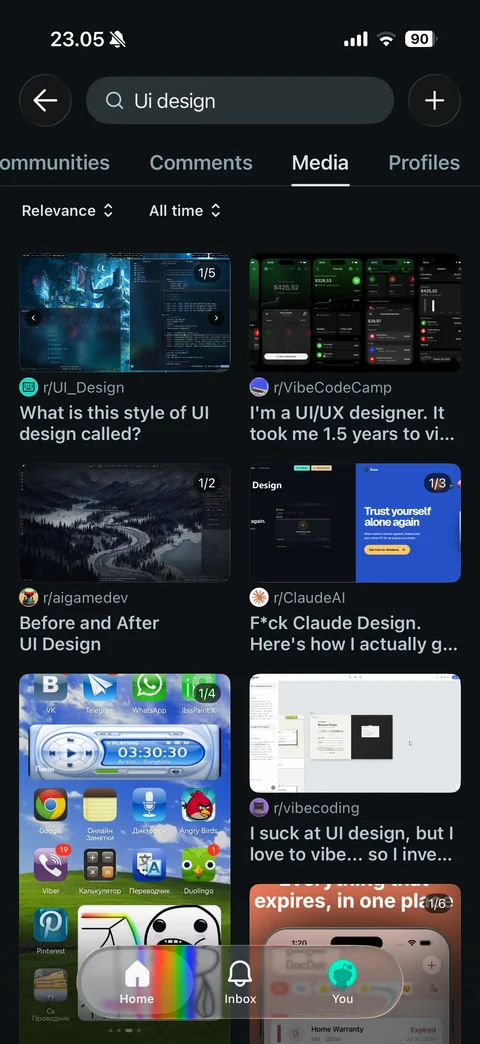
Search Media tab: two-column grid of image posts with page count badge, subreddit and title
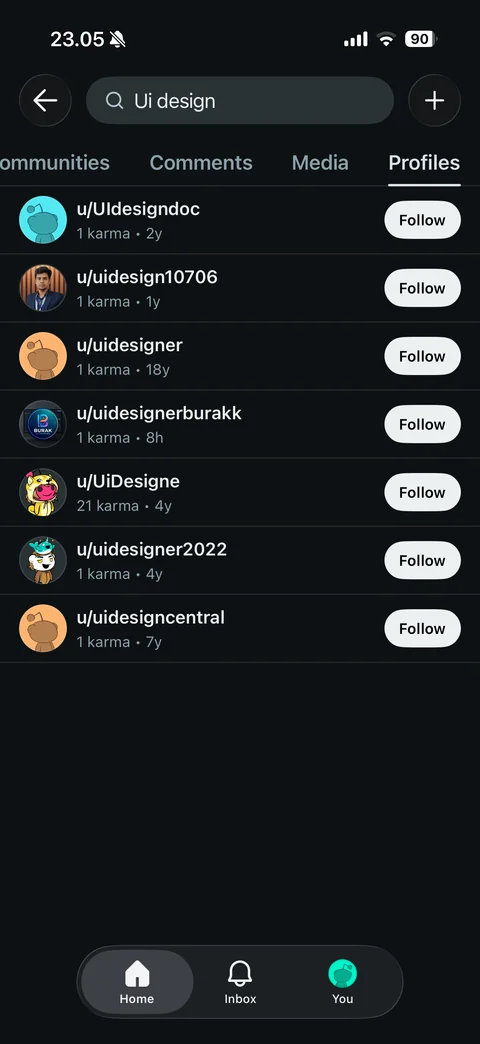
Search Profiles tab: user rows with avatar, username, karma, account age and Follow buttons
Reddit community (4 screens)
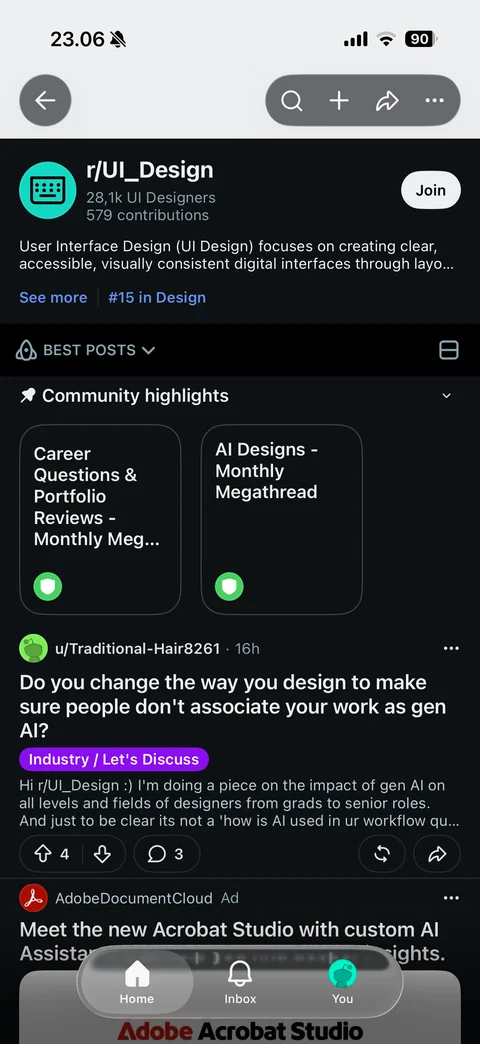
Community page: banner, back, search, create, share and more buttons, icon, name, member count, contributions, Join, description, See more, rank, Best Posts sort, view toggle, community highlights, post feed with ad
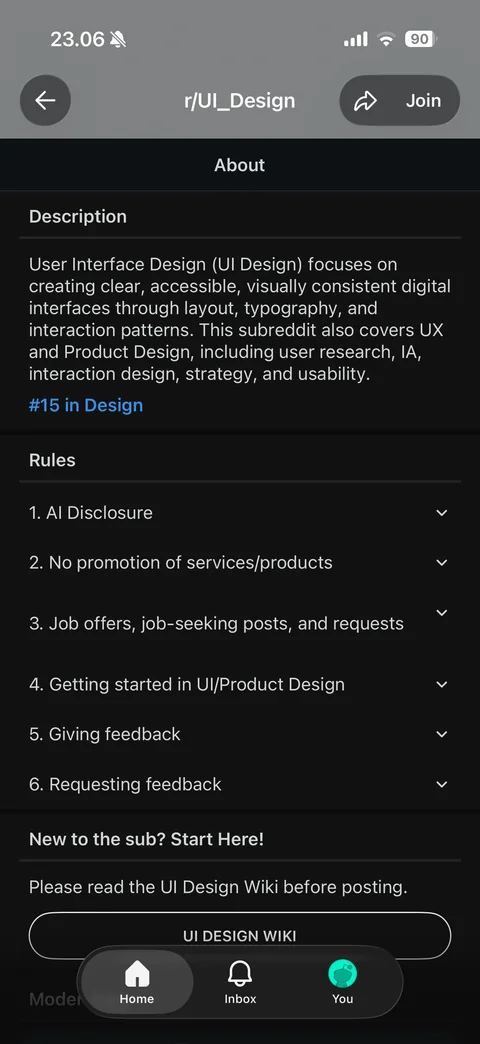
Community About page: description, rank link, collapsible rules list, start here section with wiki button, Join and share in header
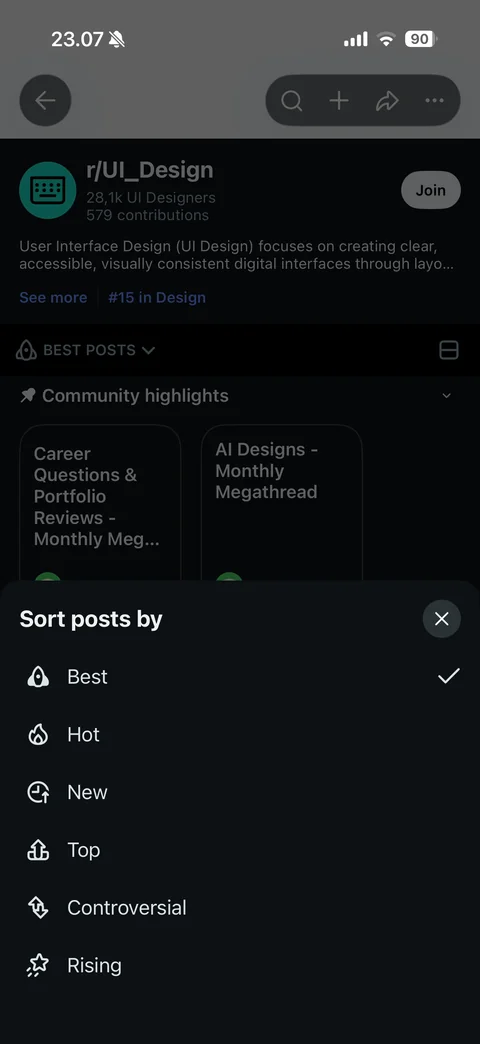
Sort posts by sheet: Best (checked), Hot, New, Top, Controversial, Rising with icons and close button
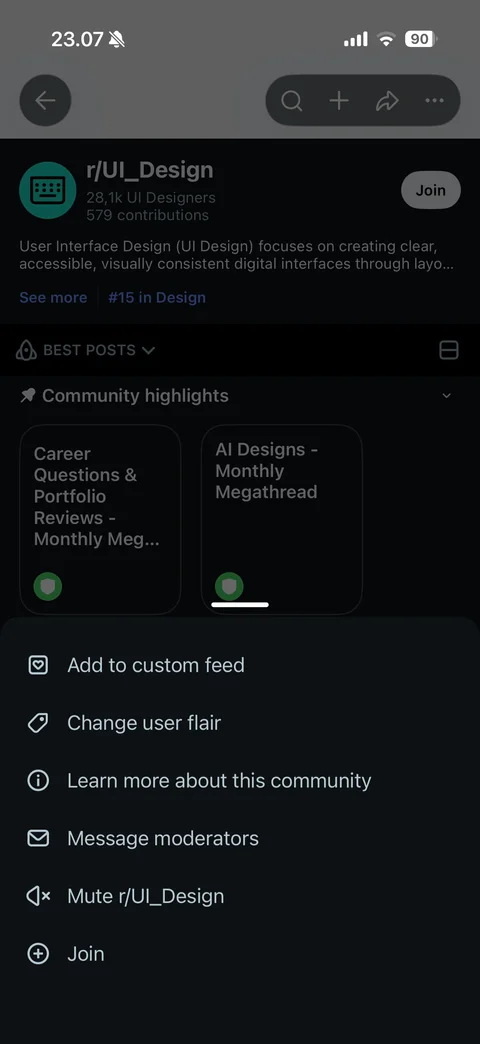
Community more menu: add to custom feed, change user flair, learn more, message moderators, mute and Join