Starbucks Indonesia app design: 84 real screens in 10 flows
Food & Drink. Category: Food & Drink. By Starbucks Coffee Company.
Captured on iPhone and updated November 2026. Each screen has a short note on what it shows and why it matters for growth.
Starbucks Indonesia onboarding (4 screens)
Welcome carousel 1 of 4: photo background of phone in hand on desk with Starbucks notebook, large Siren logo, Welcome, Thanks for downloading the new Starbucks ID App, page dots
Welcome carousel 2 of 4: phone on desk photo, green circle with phone and QR icon, Virtual Card, Simply scan to pay and collect Stars
Welcome carousel 3 of 4: latte and cake photo, green circle newspaper icon, Stay Current, Receive news and special offers
Welcome carousel 4 of 4: green circle map pin icon, Find a Store, search store and turn by turn directions, FINISH text button
Starbucks Indonesia settings (11 screens)
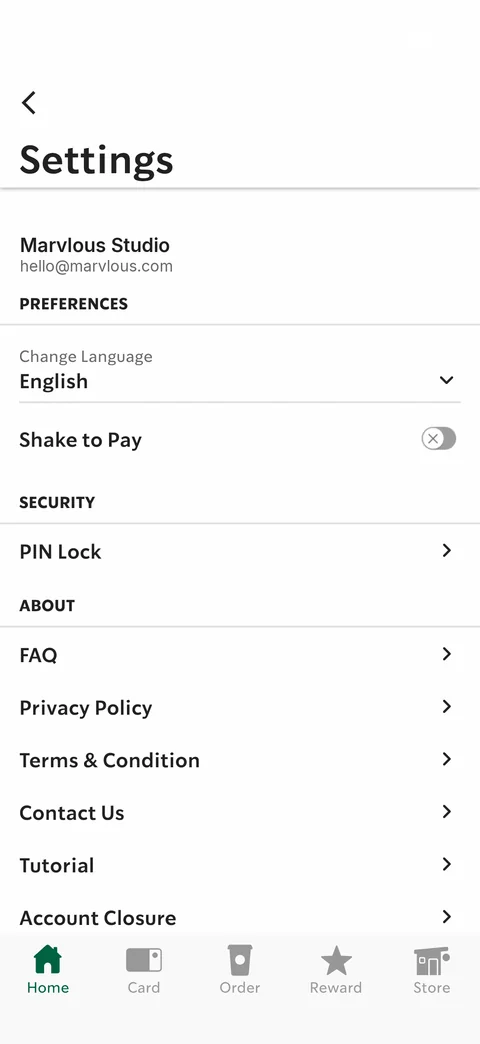
Settings: user name and email header, Preferences (Change Language English dropdown, Shake to Pay toggle), Security PIN Lock, About (FAQ, Privacy Policy, Terms & Condition, Contact Us, Tutorial, Account Closure)
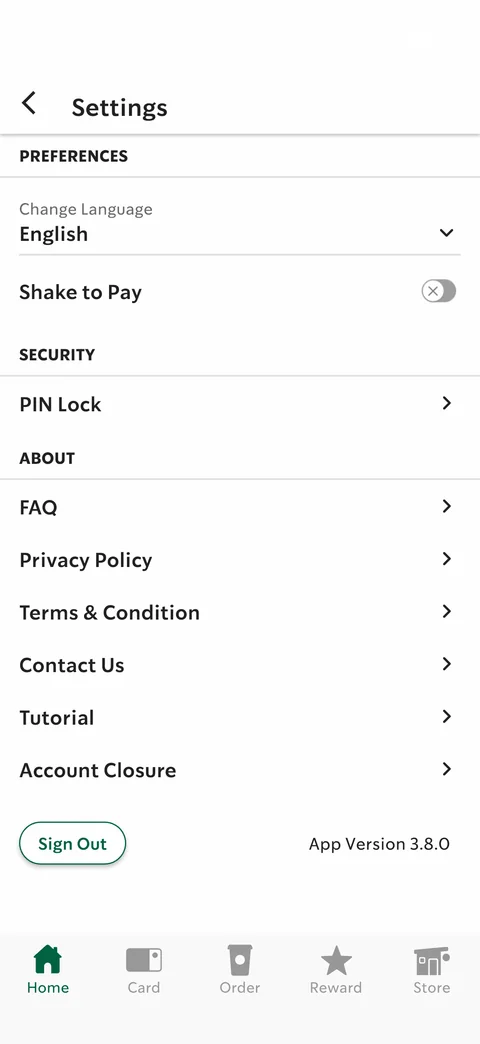
Settings scrolled: sticky title, all settings rows, Sign Out outline button and App Version 3.8.0
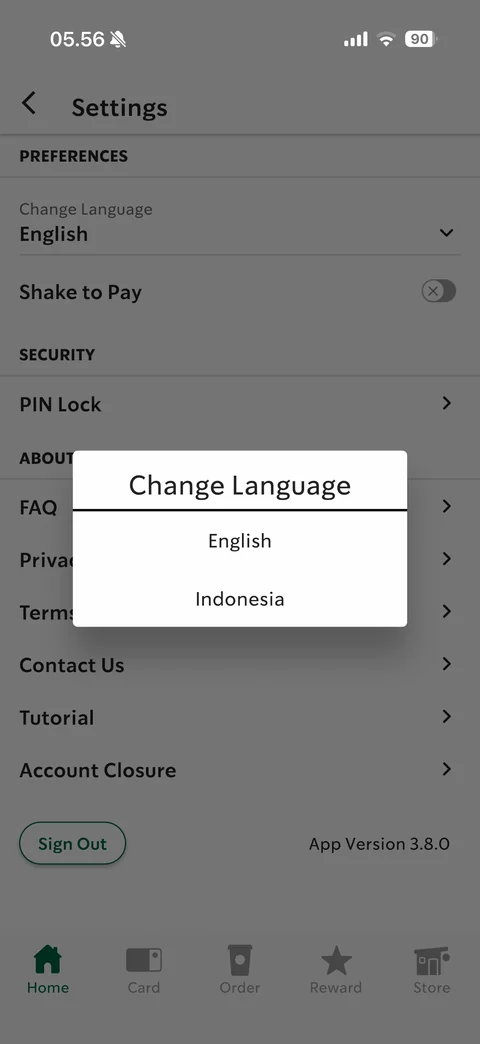
Change Language dialog: English / Indonesia options
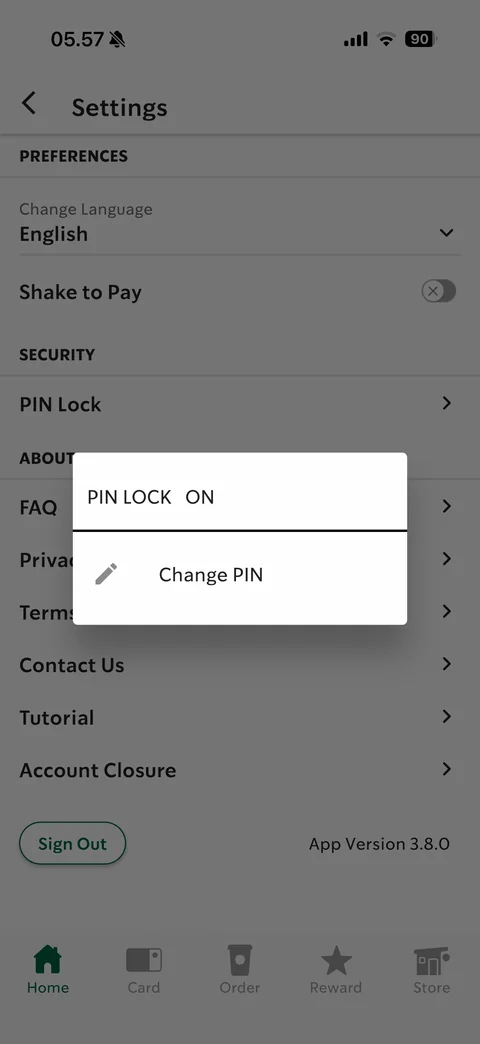
PIN Lock dialog: PIN LOCK ON status, Change PIN option with pencil icon
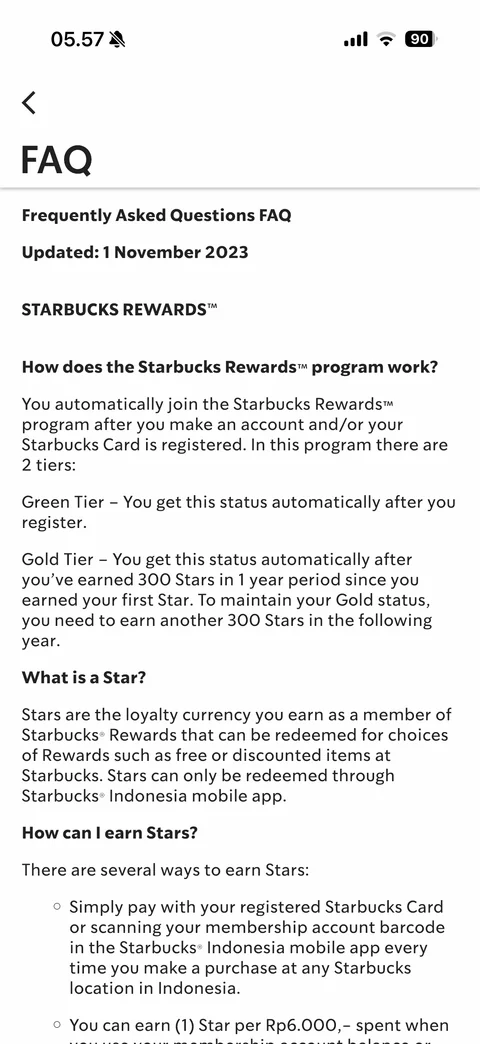
FAQ: long-form text page with updated date, Starbucks Rewards section, bold questions and paragraph answers with bullets
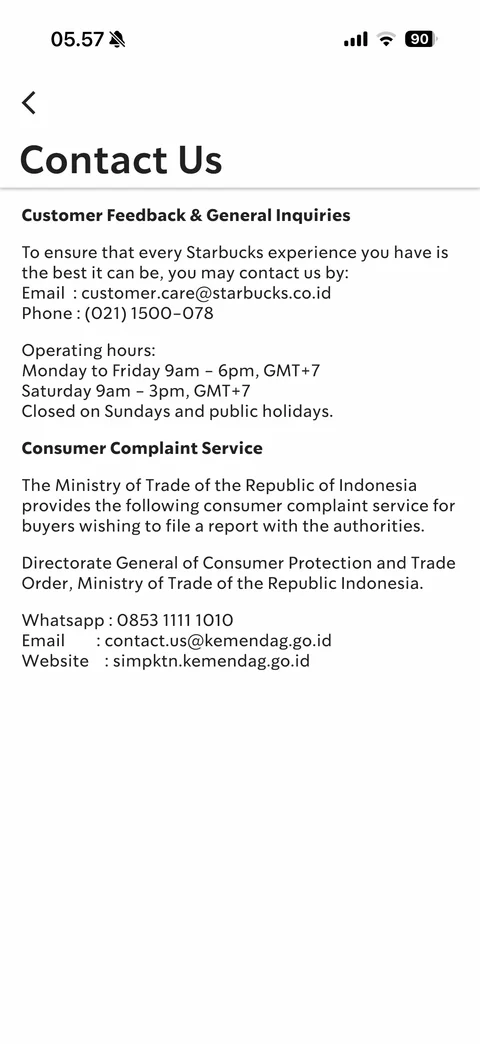
Contact Us: customer feedback email and phone, operating hours, Consumer Complaint Service with ministry WhatsApp, email and website
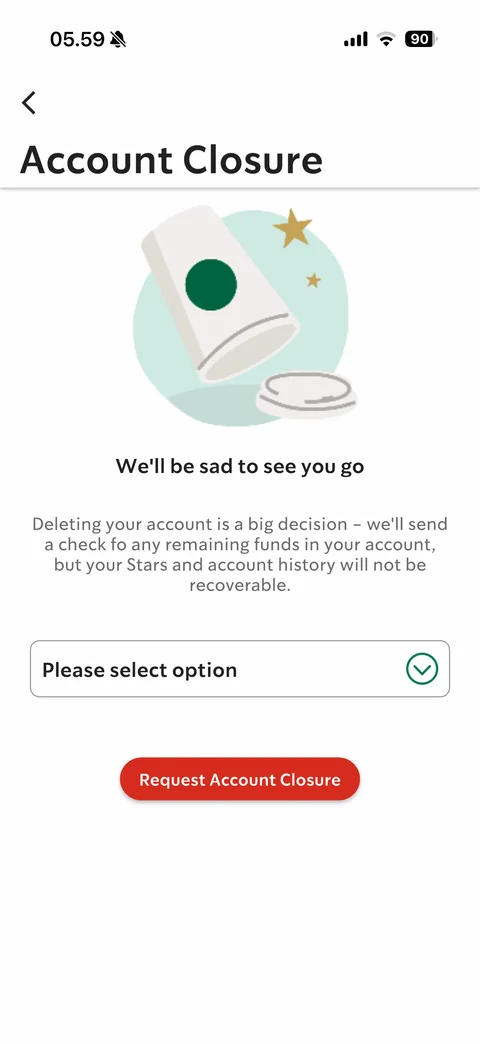
Account Closure: tipped-over cup illustration, We'll be sad to see you go, warning about funds and stars, Please select option reason dropdown, red Request Account Closure
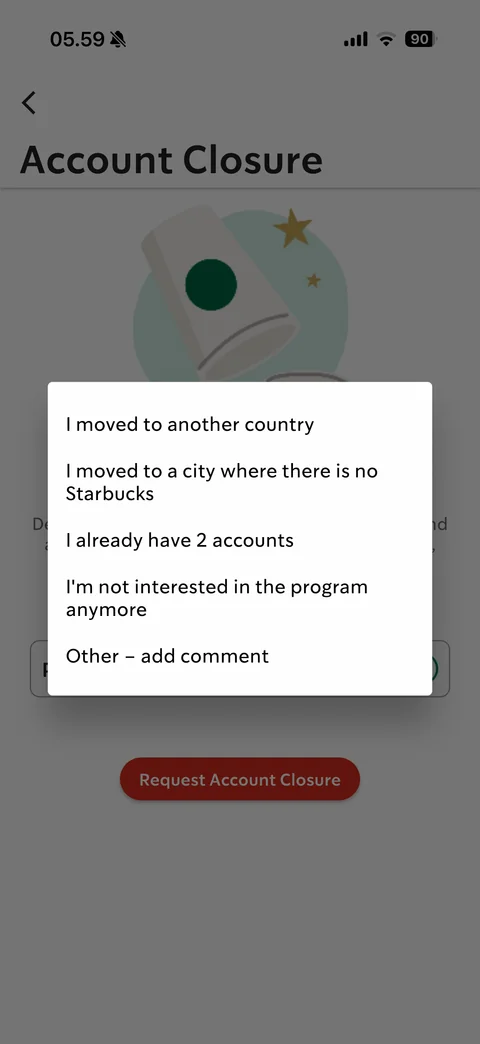
Account closure reason picker: moved country, no Starbucks in city, already have 2 accounts, not interested, Other - add comment
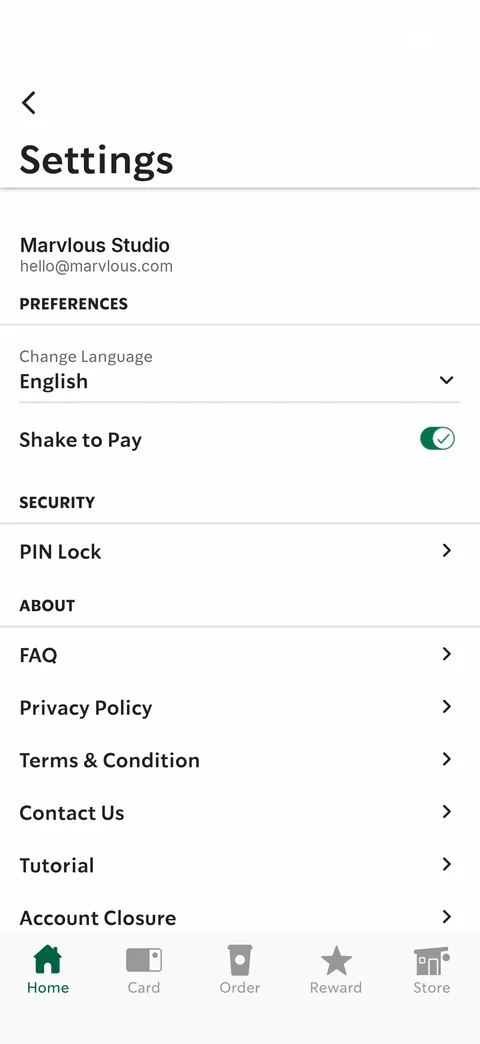
Settings with Shake to Pay toggled on: green toggle with check
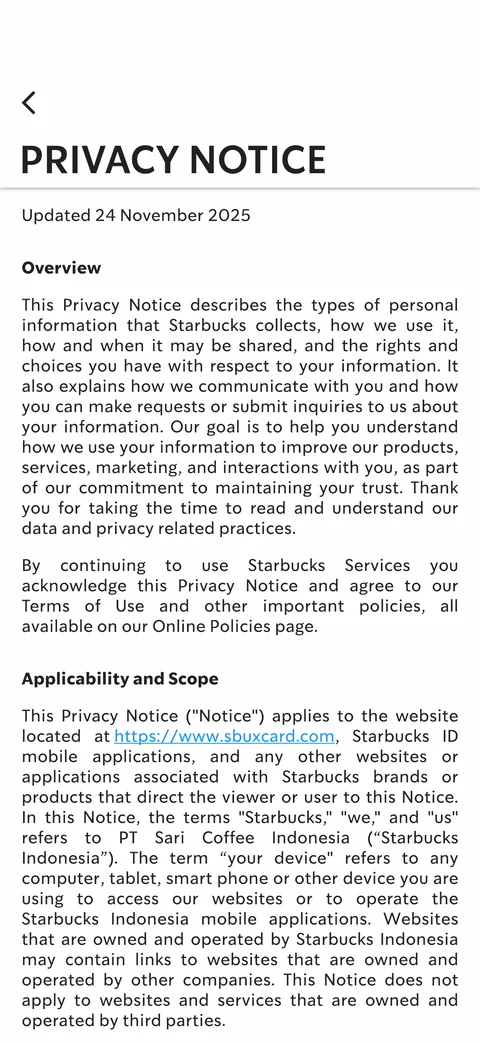
Privacy Notice in-app page: uppercase title, updated date, Overview and Applicability sections with justified legal text and link
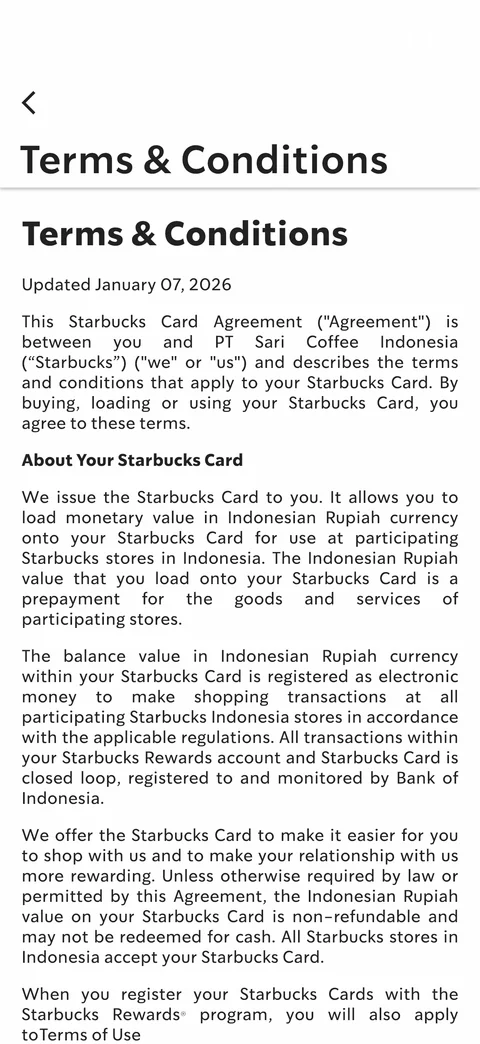
Terms & Conditions in-app page: large heading, updated date, Starbucks Card Agreement legal text with section headings
Starbucks Indonesia home (9 screens)
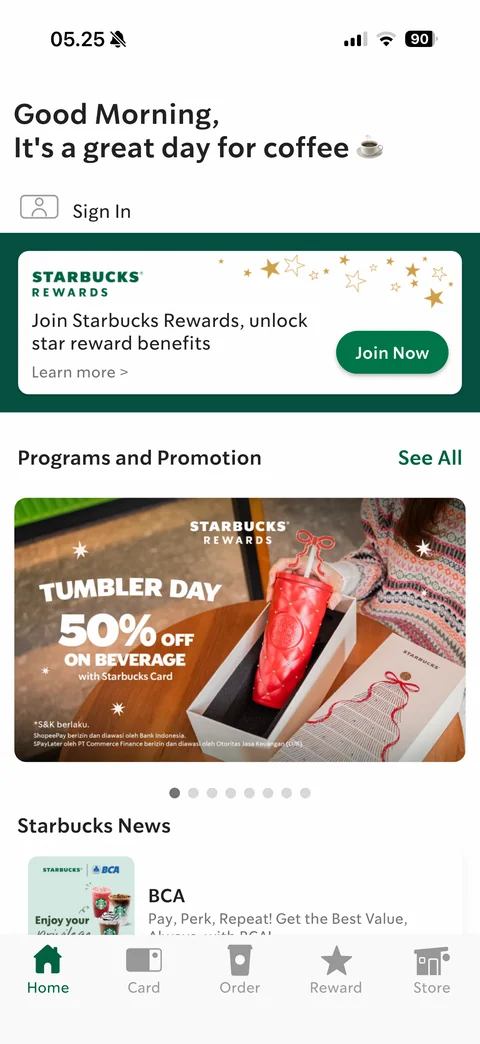
Guest home: Good Morning, It's a great day for coffee greeting, Sign In row, Starbucks Rewards join card with Join Now, Programs and Promotion carousel (BCA 15% off banner) with See All, Starbucks News list, 5-tab bar Home / Card / Order / Reward / Store
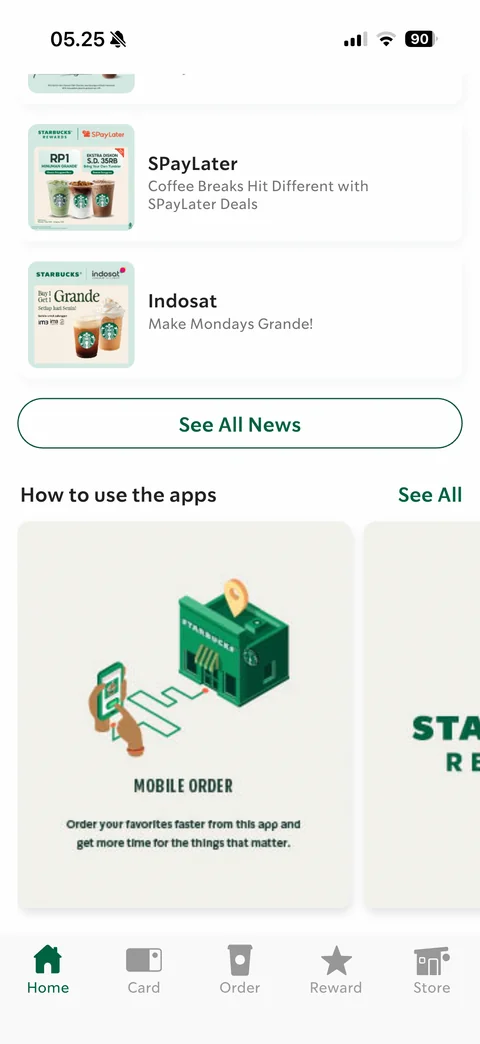
Guest home scrolled: news cards (SPayLater, Indosat) with thumbnails, See All News outline button, How to use the apps carousel with isometric Mobile Order illustration card
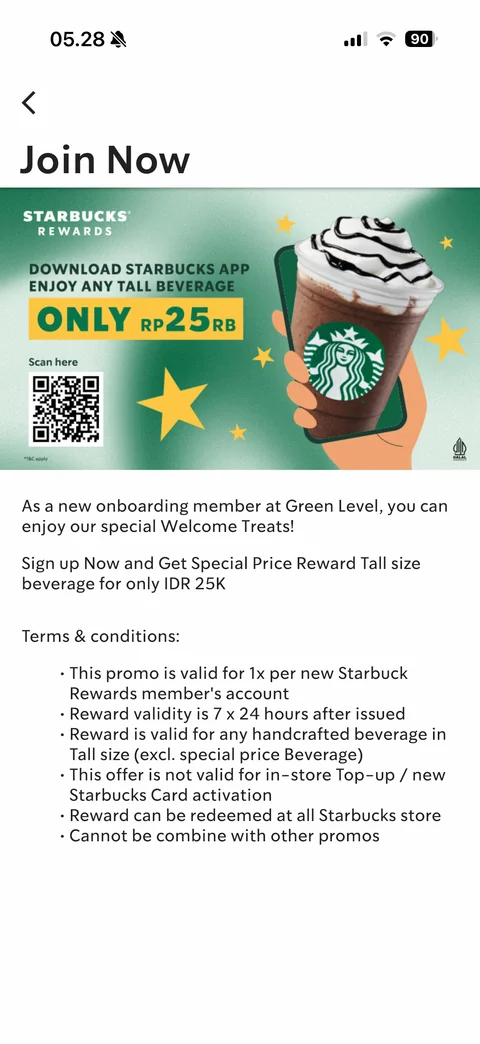
Join Now rewards promo detail: banner with QR code and Tall beverage only Rp25rb offer, welcome treats text, Terms & conditions bullet list
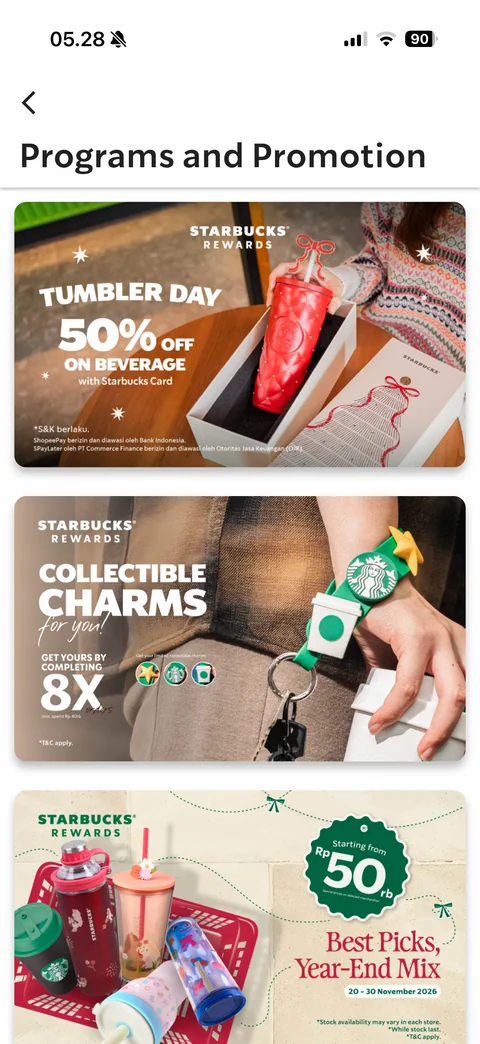
Programs and Promotion list: full-width rounded promo banners (Tumbler Day 50% off, Collectible Charms, Best Picks Year-End Mix)
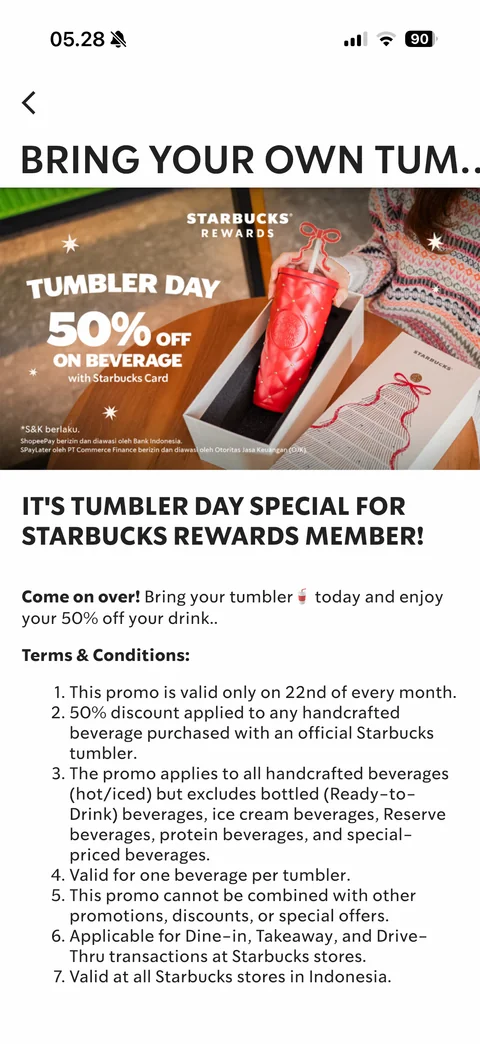
Promotion detail Tumbler Day: truncated uppercase title, banner image, headline, body, numbered Terms & Conditions list
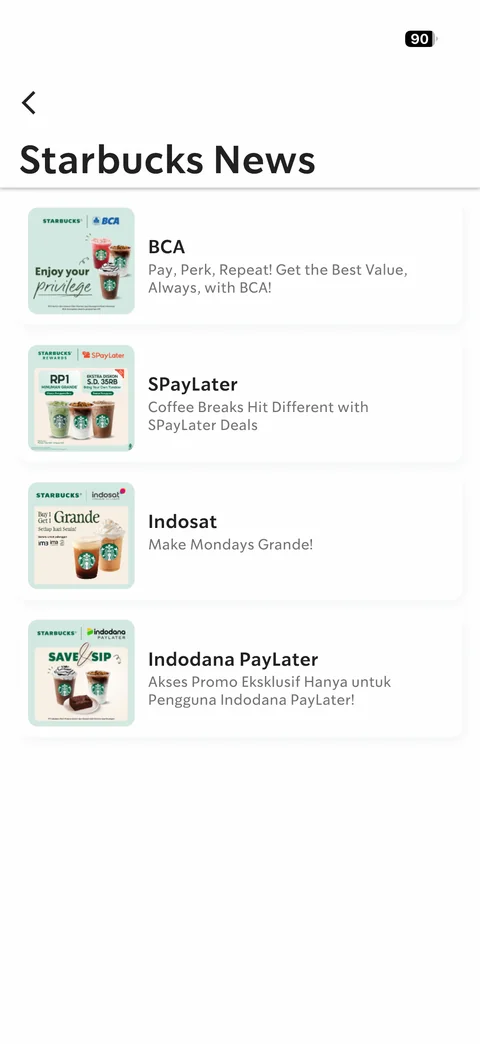
Starbucks News list: card rows with partner promo thumbnails (BCA, SPayLater, Indosat, Indodana PayLater), titles and descriptions
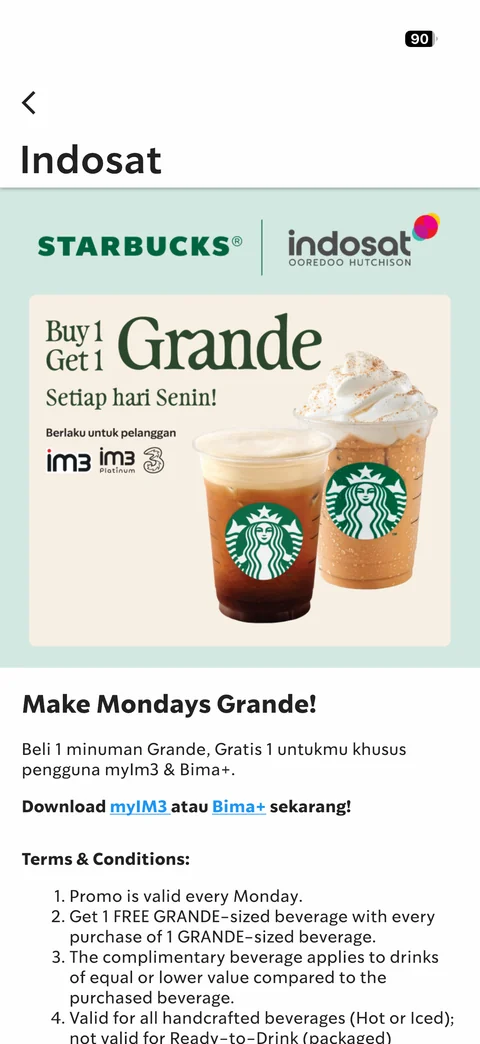
News detail Indosat: co-branded banner Buy 1 Get 1 Grande every Monday, headline, body with app download links, numbered terms
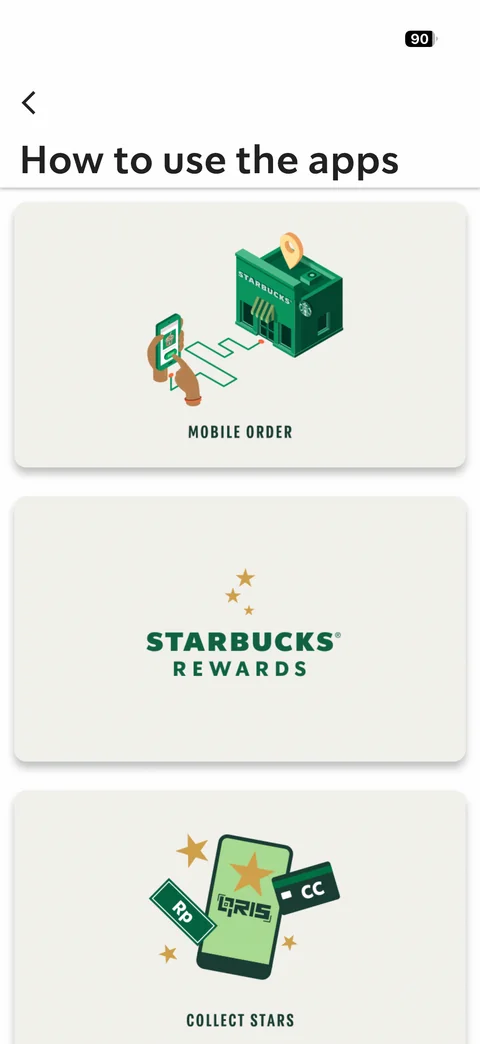
How to use the apps list: large cards with isometric and flat illustrations (Mobile Order, Starbucks Rewards, Collect Stars with QRIS phone)
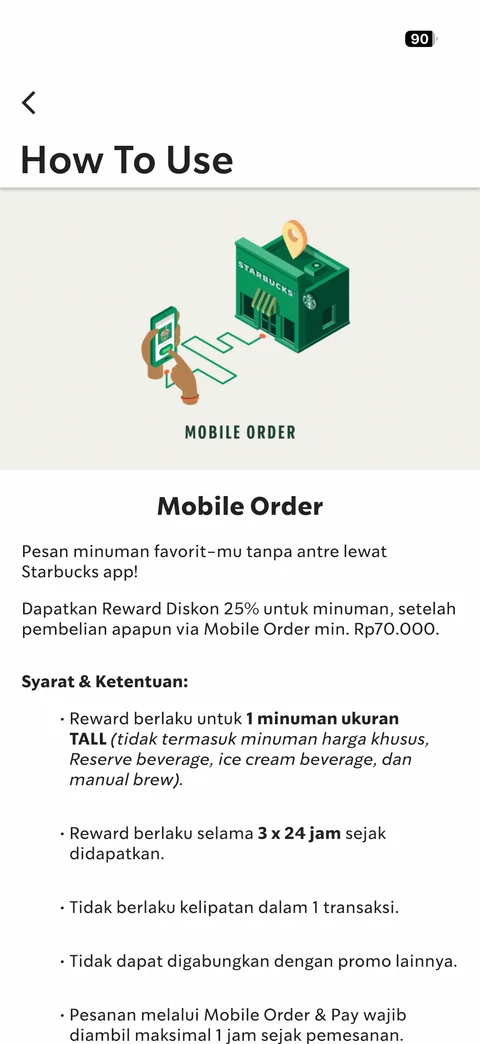
How To Use detail Mobile Order: illustration, title, Indonesian description of 25% reward, Syarat & Ketentuan bullet list with bold highlights
Starbucks Indonesia auth (5 screens)
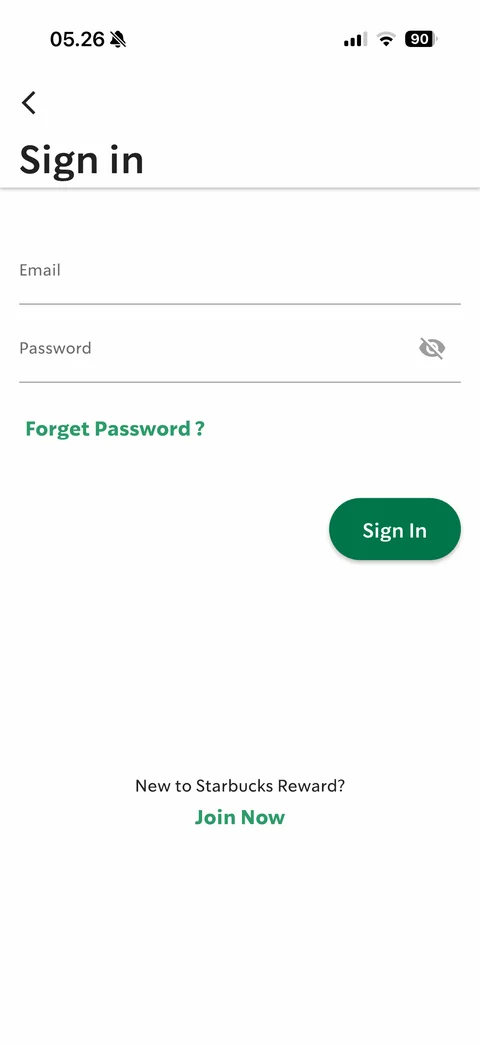
Sign in: large title, underlined Email and Password fields with eye toggle, Forget Password? link, green pill Sign In, New to Starbucks Reward? Join Now
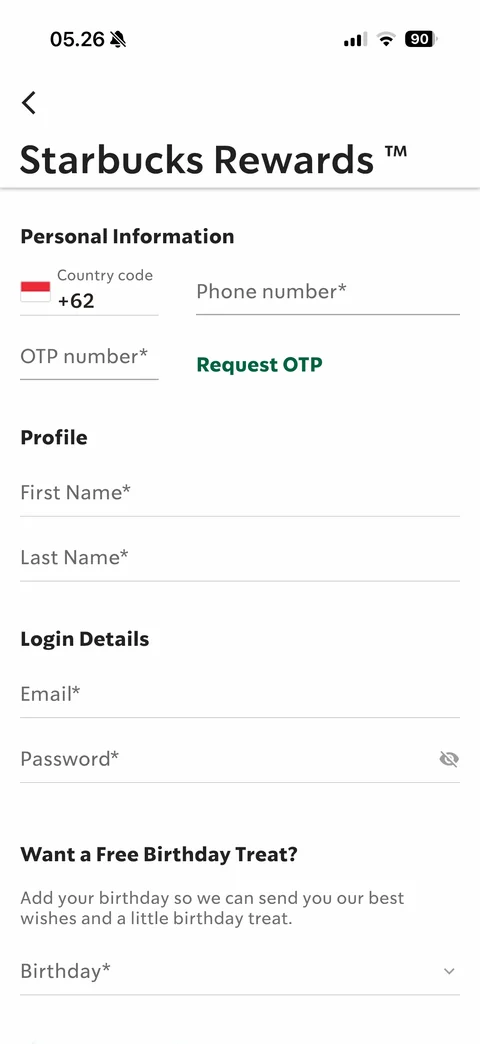
Starbucks Rewards sign-up form: Personal Information (country code +62 flag, phone number, OTP number with Request OTP), Profile (first and last name), Login Details (email, password), Want a Free Birthday Treat? birthday dropdown
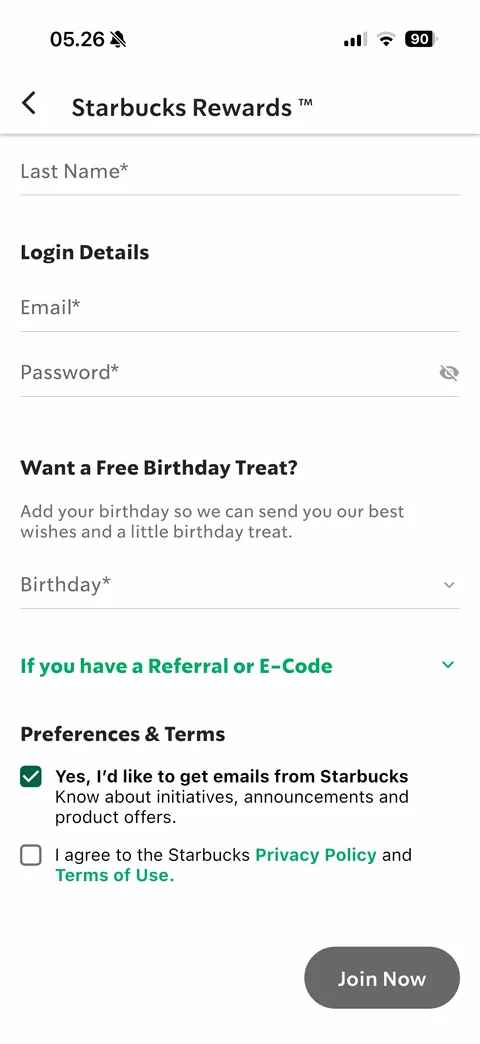
Sign-up form scrolled: sticky title, login details, birthday dropdown, If you have a Referral or E-Code expander, Preferences & Terms checkboxes (marketing emails checked, privacy policy unchecked), disabled grey Join Now
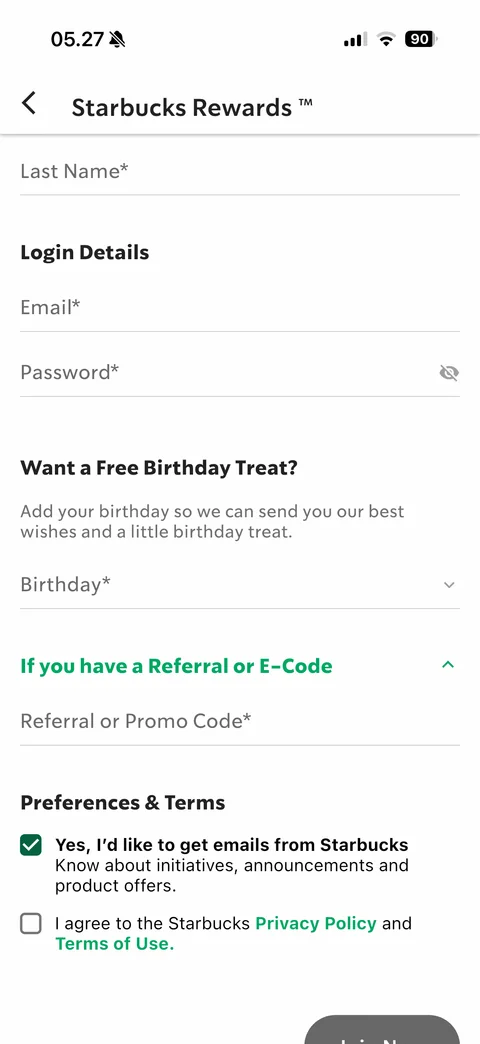
Sign-up form with Referral or E-Code expanded: Referral or Promo Code field revealed, chevron up
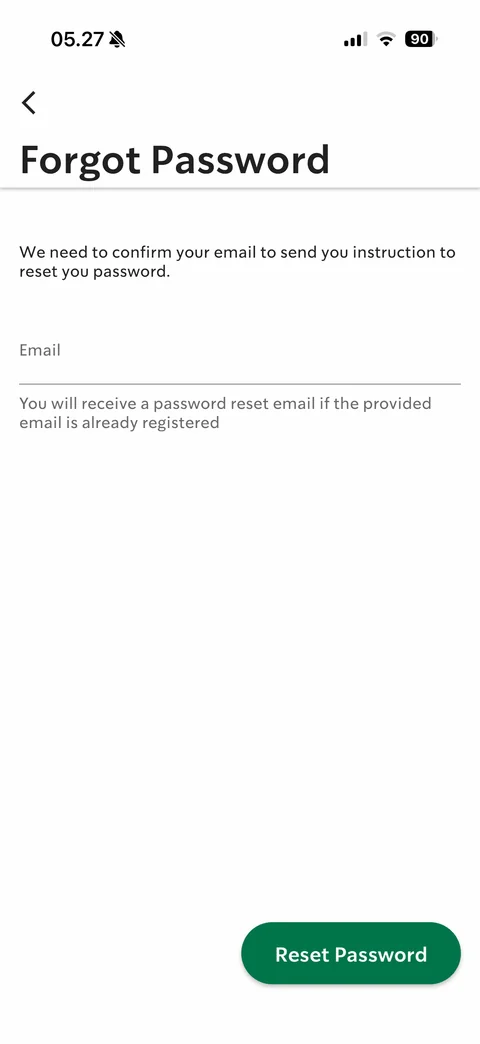
Forgot Password: explanation, Email field with helper text, green Reset Password button bottom right
Starbucks Indonesia store (5 screens)
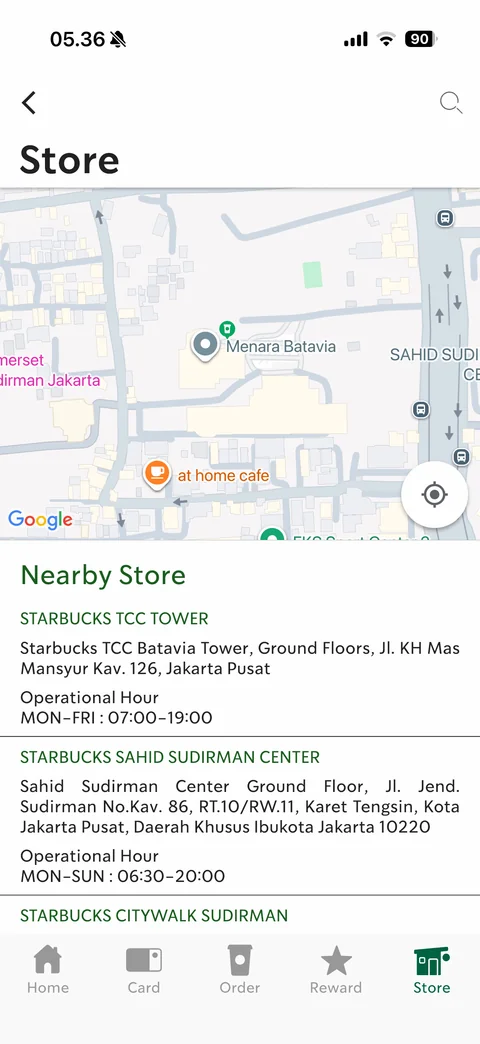
Store locator (default Central Jakarta, location off): Google map with store pin and recenter button, Nearby Store list with green store names, addresses and operational hours, search icon
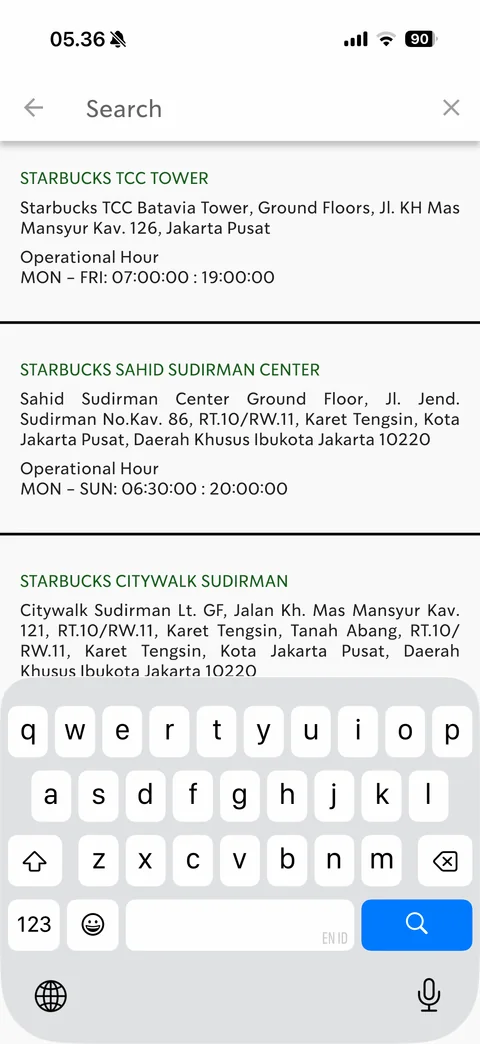
Store search: full-screen search bar with back and clear, store result cards separated by thick dividers, keyboard
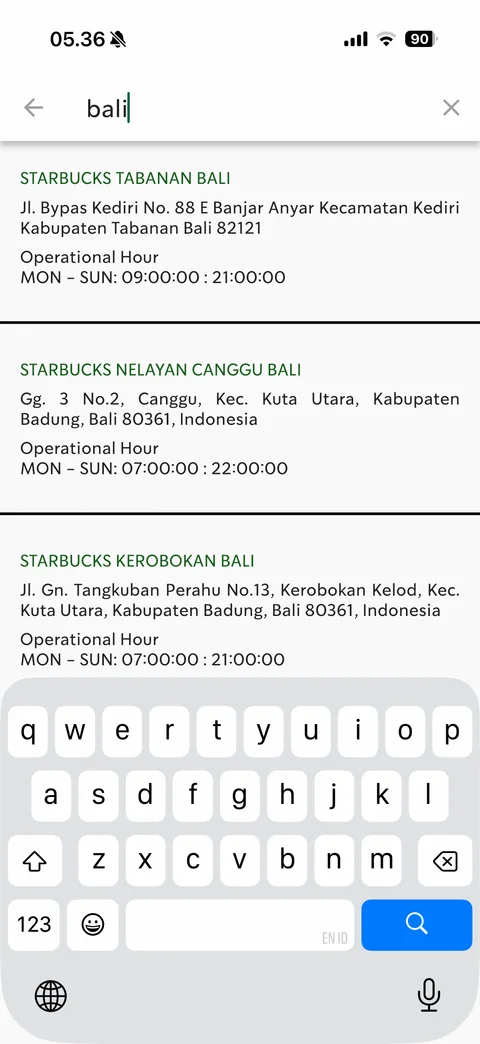
Store search results for bali: matching Bali stores with addresses and hours
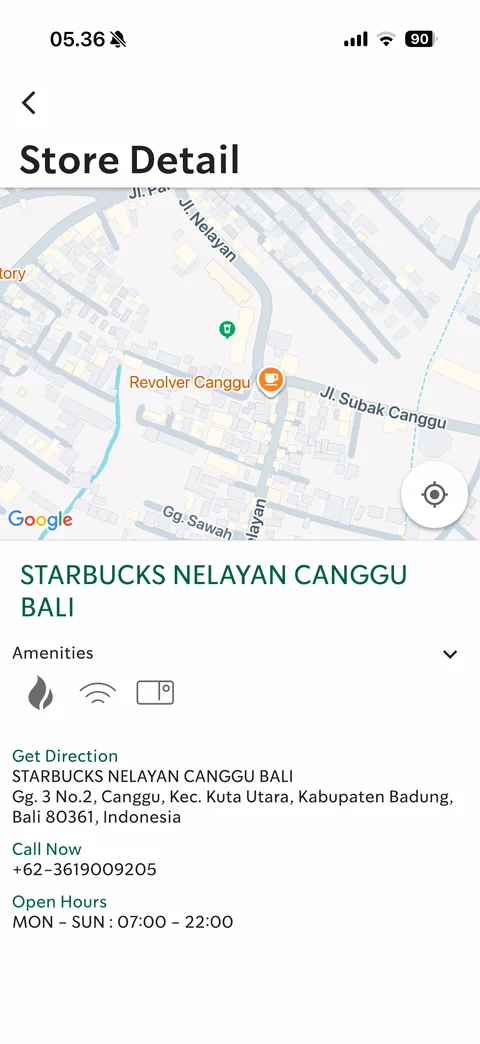
Store Detail Nelayan Canggu Bali: map with store pin, green store name, Amenities icons (fire, wifi, card) with expand chevron, Get Direction address, Call Now phone, Open Hours
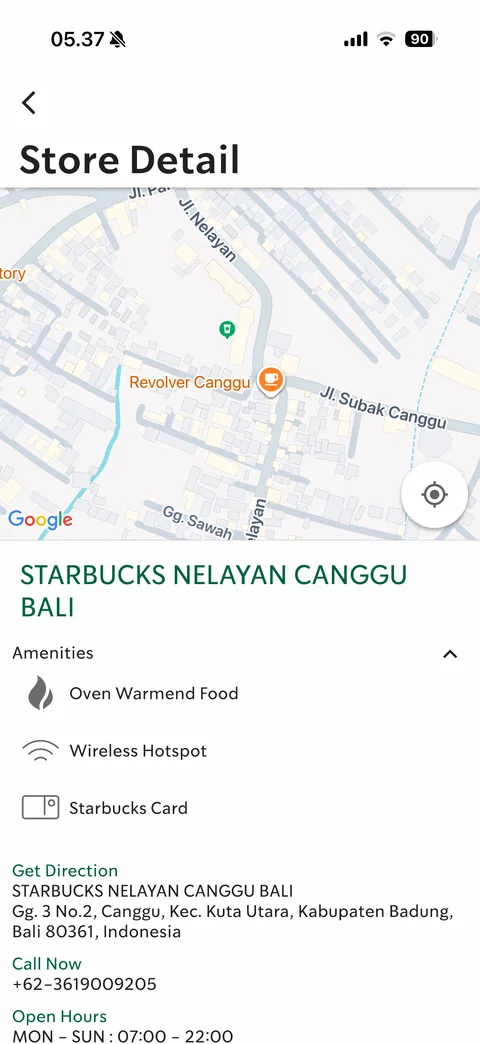
Store Detail amenities expanded: labelled list Oven Warmed Food, Wireless Hotspot, Starbucks Card
Starbucks Indonesia member (6 screens)
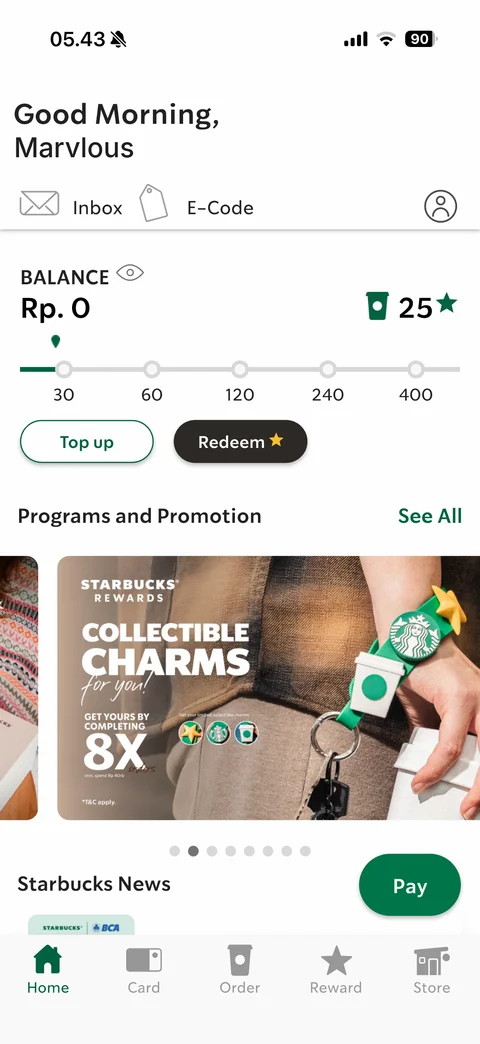
Member home: Good Morning greeting with name, Inbox and E-Code shortcuts, profile icon, Balance Rp. 0 with eye toggle, 25 stars with cup icon, star tier progress track 30/60/120/240/400, Top up and Redeem buttons, promo carousel, floating green Pay button
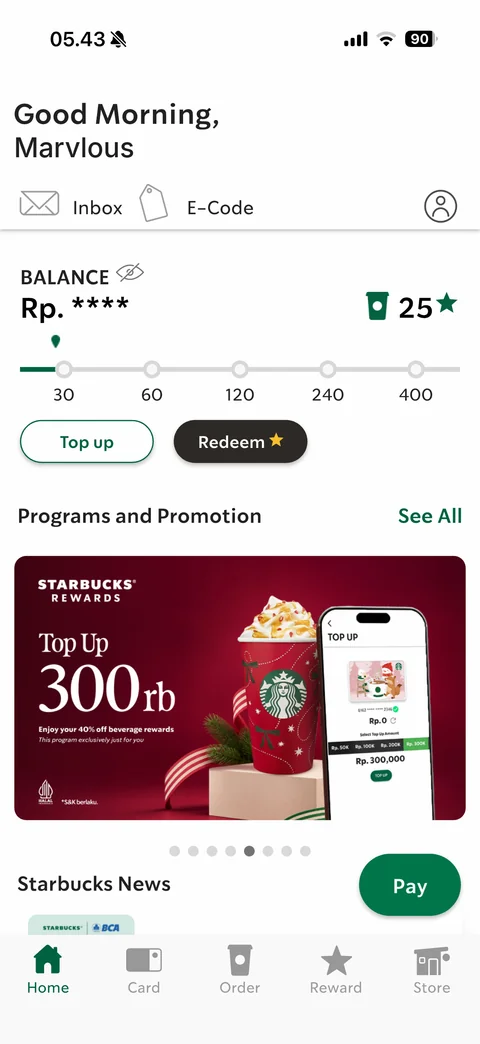
Member home balance hidden: Rp. **** masked with eye-slash toggle
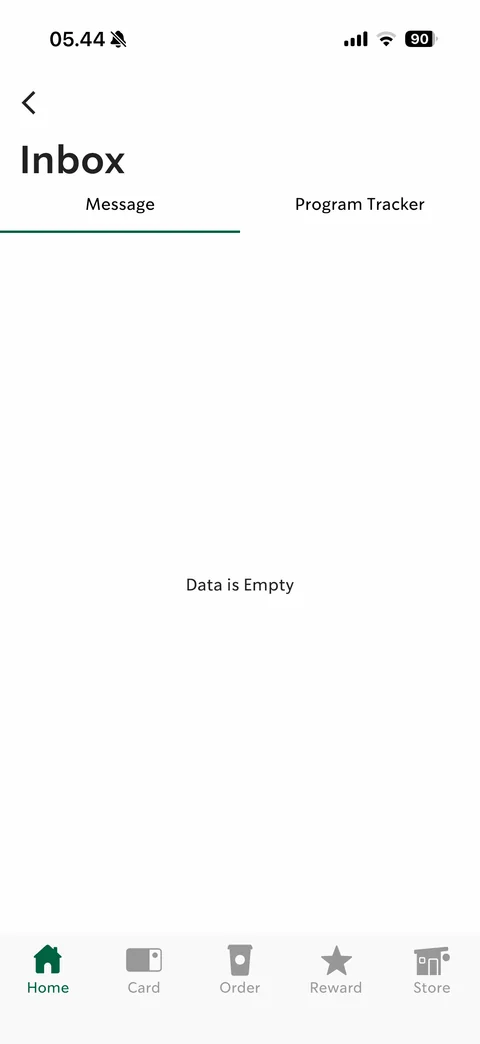
Inbox empty: Message / Program Tracker tabs with green underline, Data is Empty
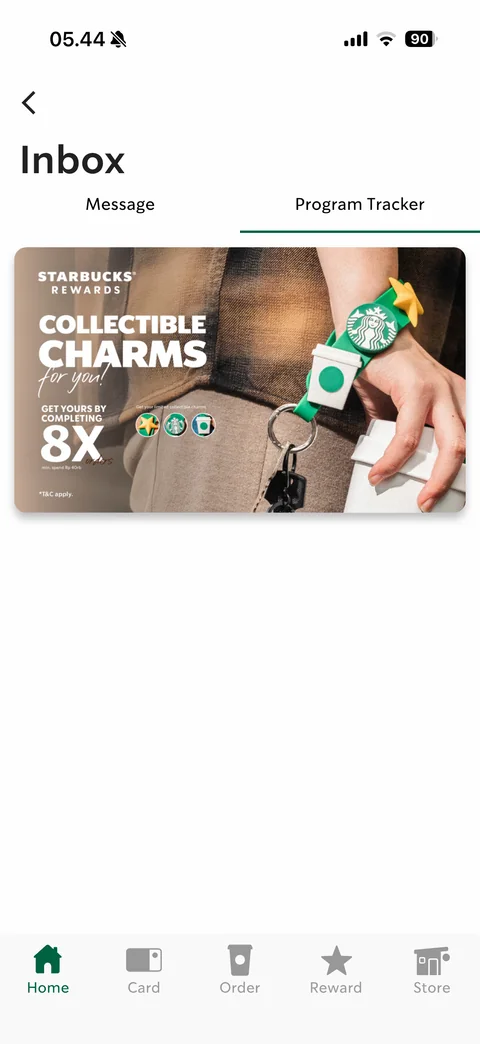
Inbox Program Tracker tab: Collectible Charms program banner card
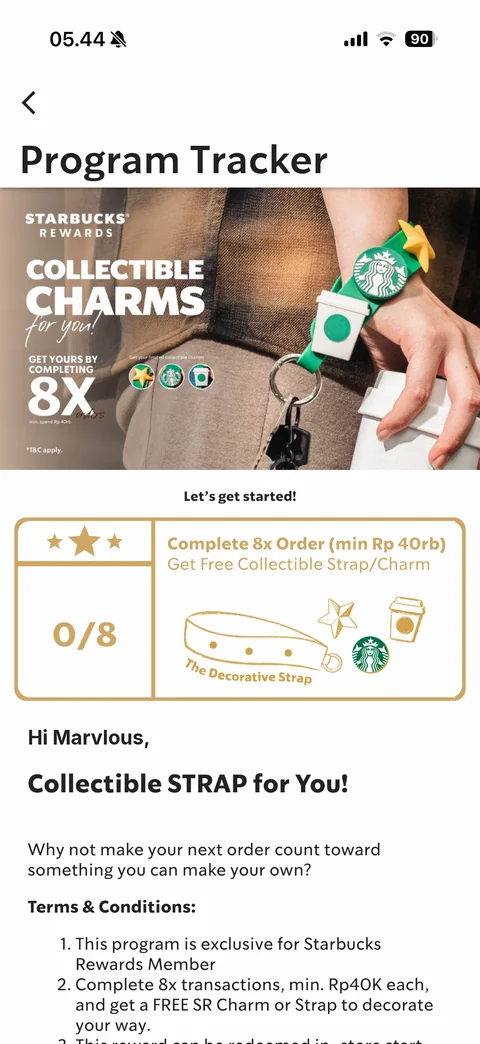
Program Tracker detail: banner, Let's get started, gold outlined stamp card 0/8 Complete 8x Order with strap illustration, Hi name greeting, Collectible STRAP for You!, Terms & Conditions
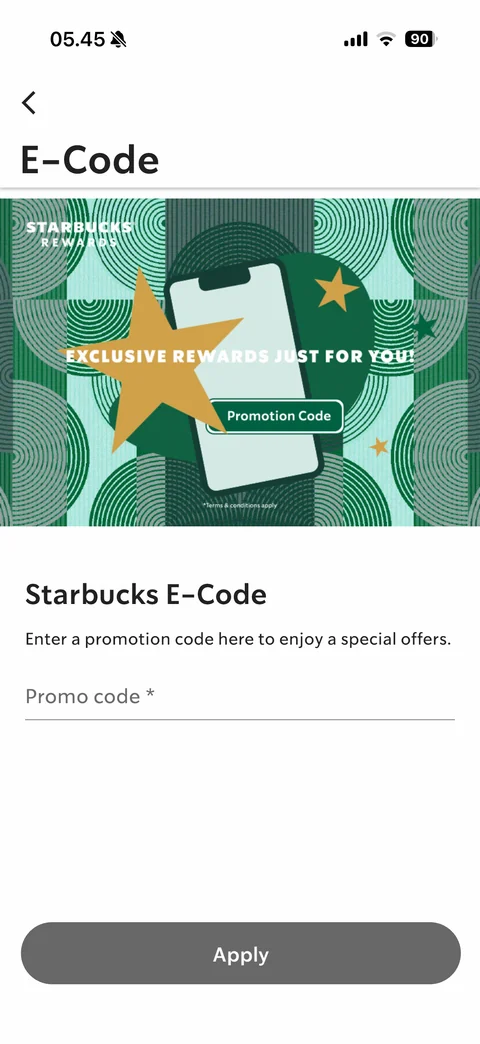
E-Code: Exclusive rewards banner with phone and stars, Starbucks E-Code explanation, Promo code field, disabled grey Apply
Starbucks Indonesia card (7 screens)
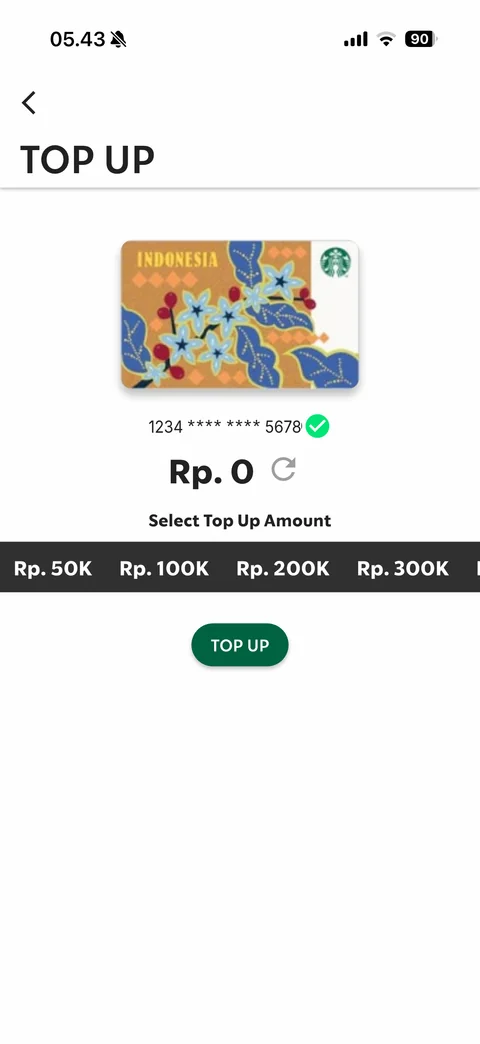
Top Up: Indonesia batik Starbucks card art, masked card number with verified check, balance Rp. 0 with refresh, Select Top Up Amount dark chip strip (50K / 100K / 200K / 300K), TOP UP button
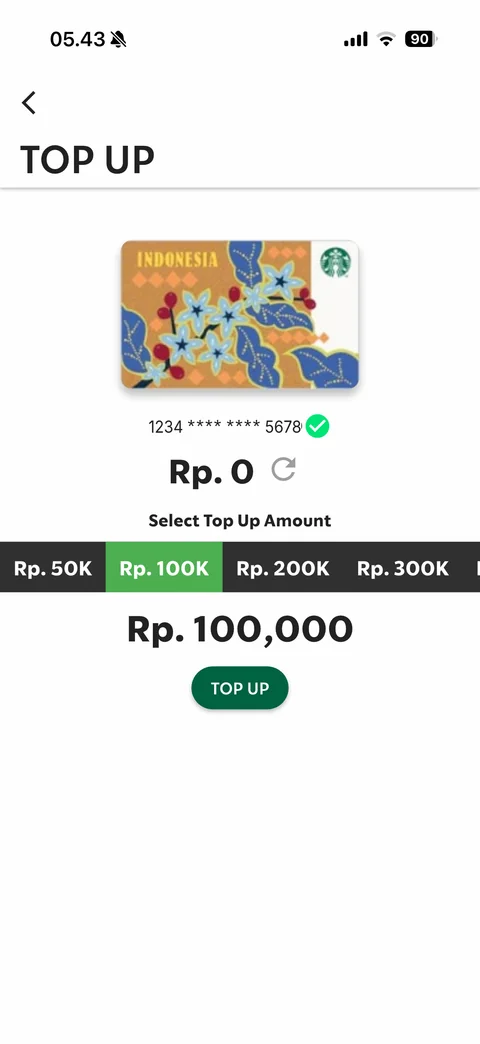
Top Up amount selected: Rp. 100K chip highlighted green, large Rp. 100,000 summary above TOP UP button
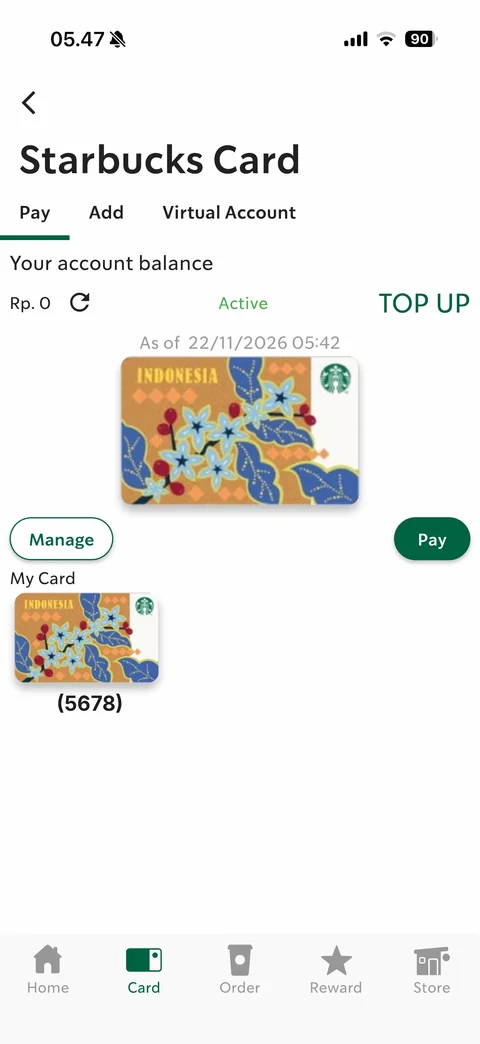
Starbucks Card Pay tab: Pay / Add / Virtual Account tabs, account balance Rp. 0 with refresh, Active status, TOP UP link, as-of timestamp, large card art, Manage and Pay buttons, My Card thumbnail with last 4 digits
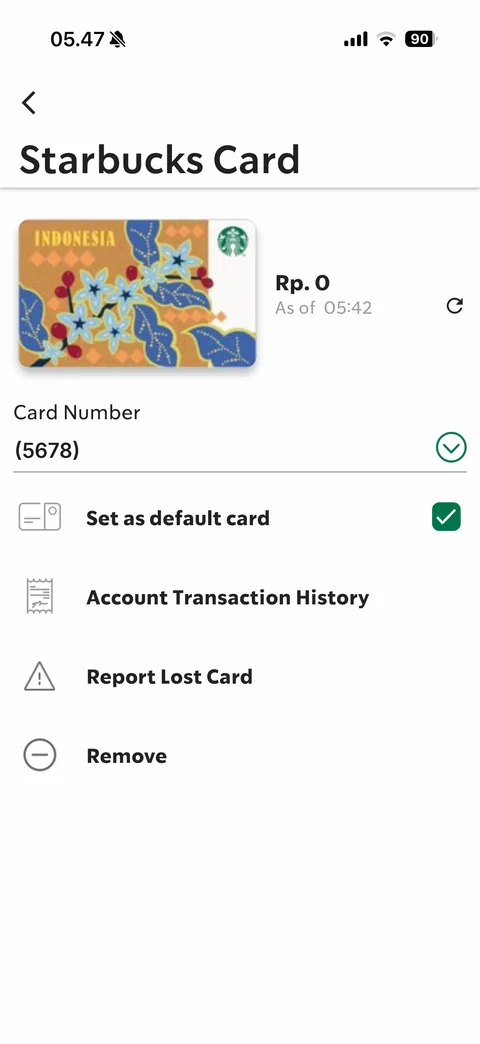
Manage card: card art with balance and refresh, Card Number with last 4 digits and expand chevron, Set as default card checkbox checked, Account Transaction History, Report Lost Card, Remove
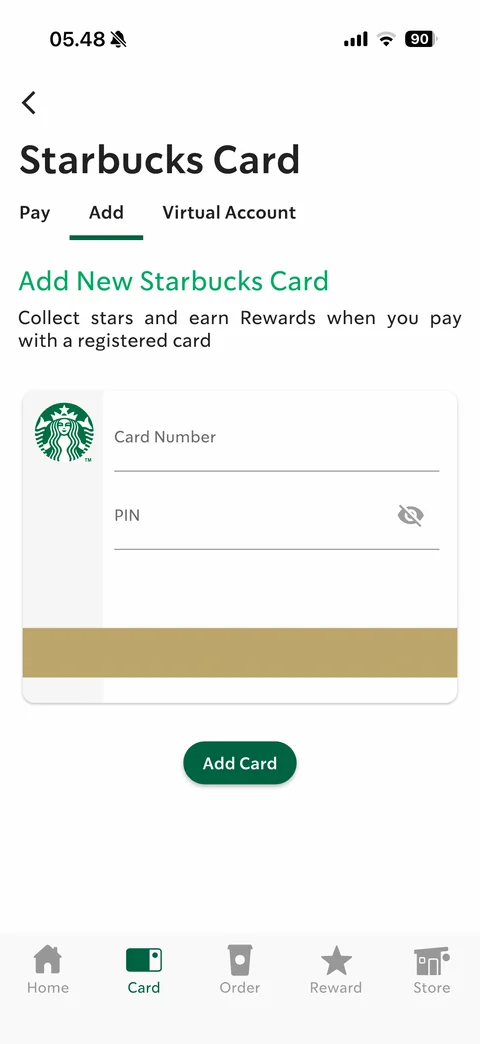
Add New Starbucks Card: card-shaped form with Siren logo, Card Number and PIN fields, gold stripe, Add Card button
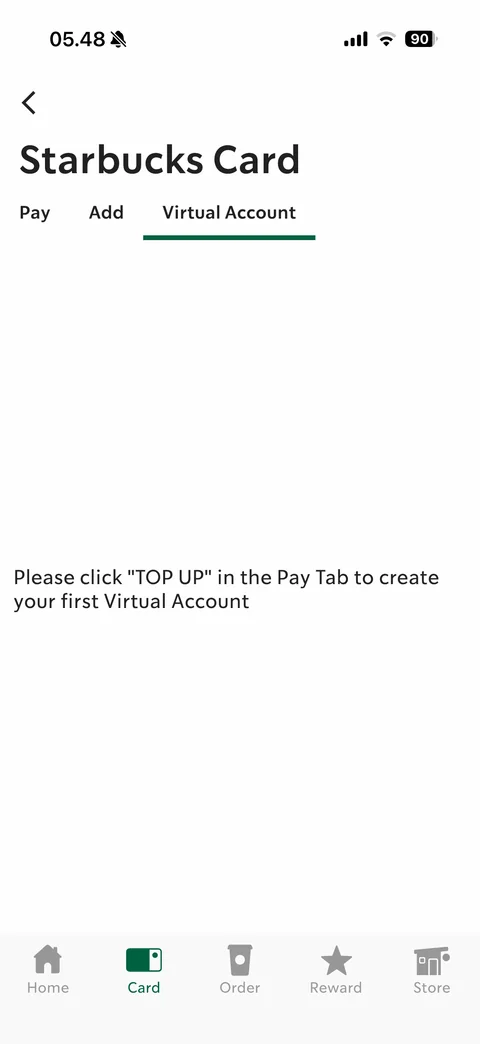
Virtual Account tab empty: instruction to tap TOP UP in the Pay tab to create first Virtual Account
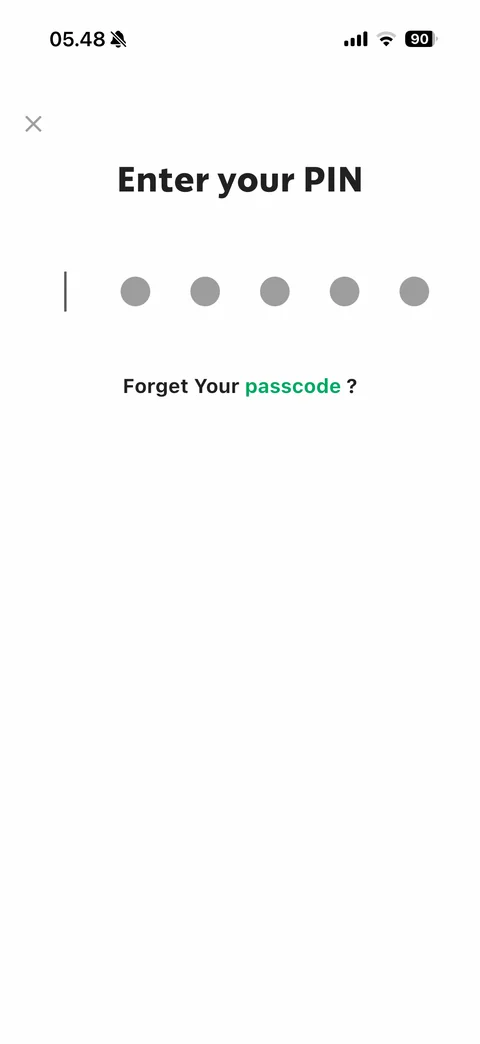
Enter your PIN before Pay: 6 grey PIN dots with cursor, Forget Your passcode? link, close X
Starbucks Indonesia reward (6 screens)
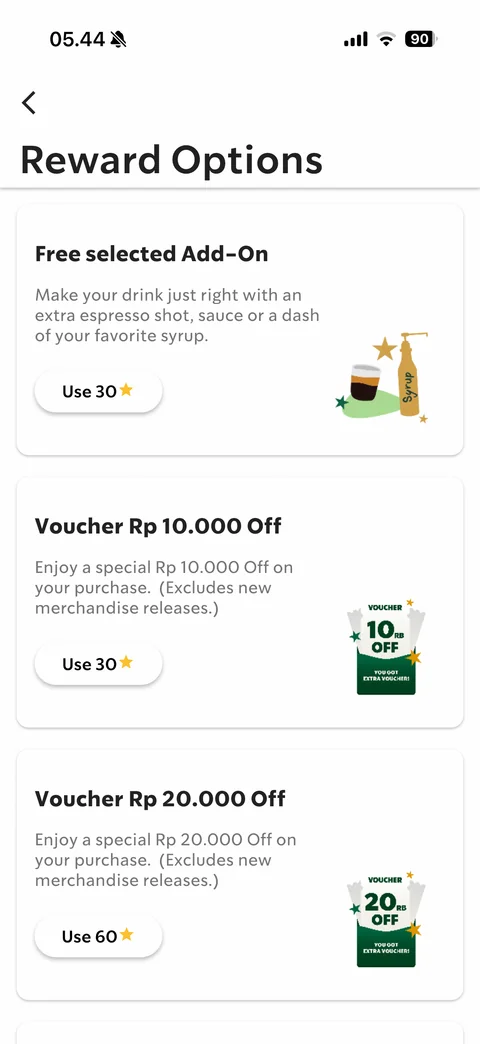
Reward Options: cards with title, description, illustration and Use N star pill (Free selected Add-On 30, Voucher Rp 10.000 Off 30, Voucher Rp 20.000 Off 60)
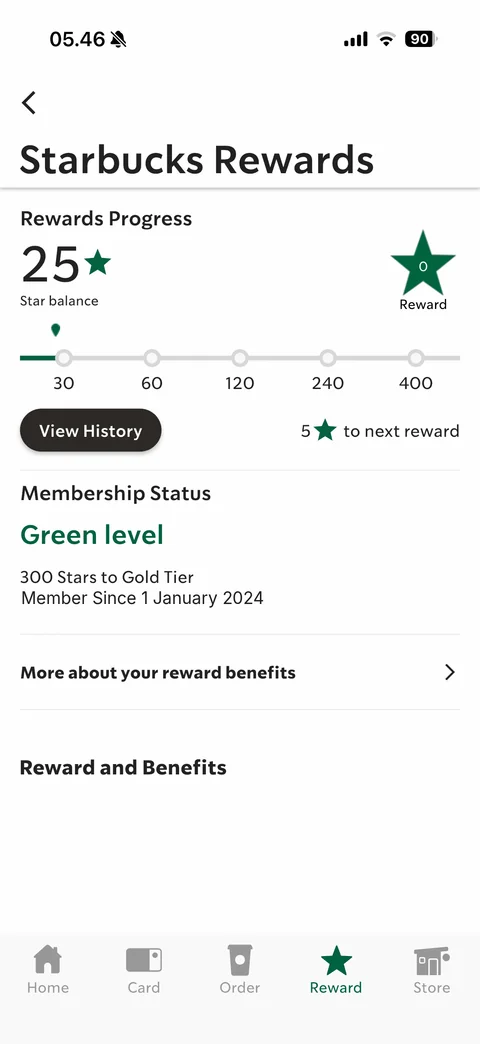
Starbucks Rewards: Rewards Progress 25 star balance, green star badge 0 Reward, tier track 30-400, View History, 5 stars to next reward, Membership Status Green level, 300 Stars to Gold Tier, member since date, More about your reward benefits, Reward and Benefits
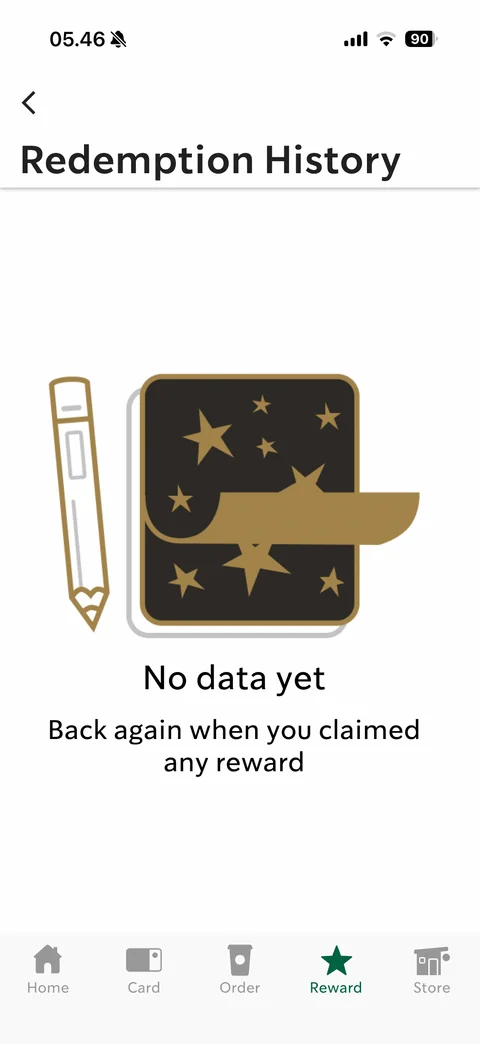
Redemption History empty state: gold line illustration of notebook with stars and pencil, No data yet, Back again when you claimed any reward
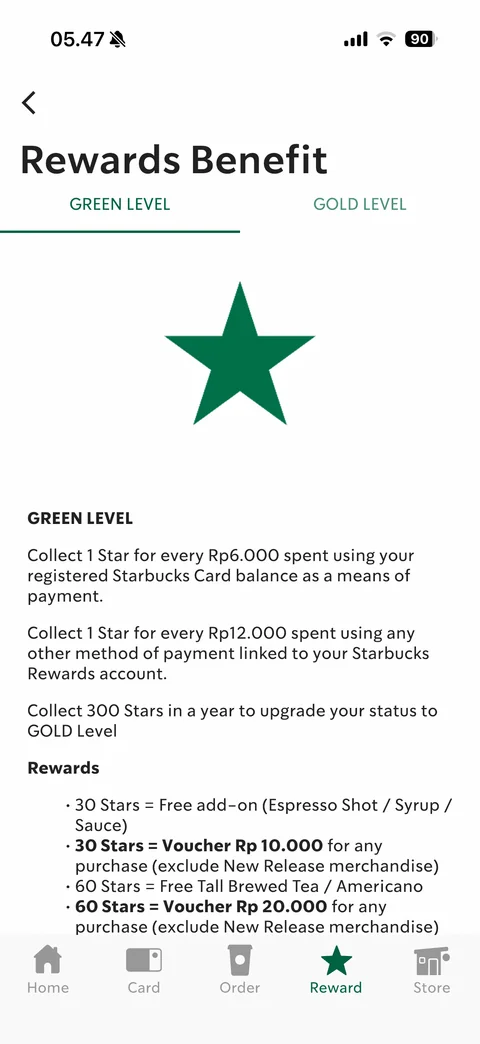
Rewards Benefit Green Level tab: Green / Gold level tabs, big green star, earning rules and star reward list
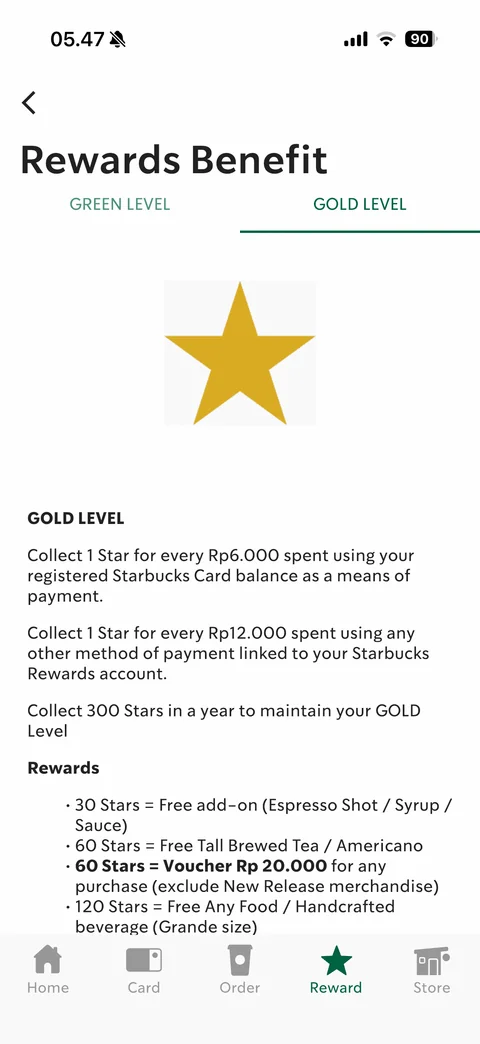
Rewards Benefit Gold Level tab: gold star, earning and maintain rules, Gold reward list
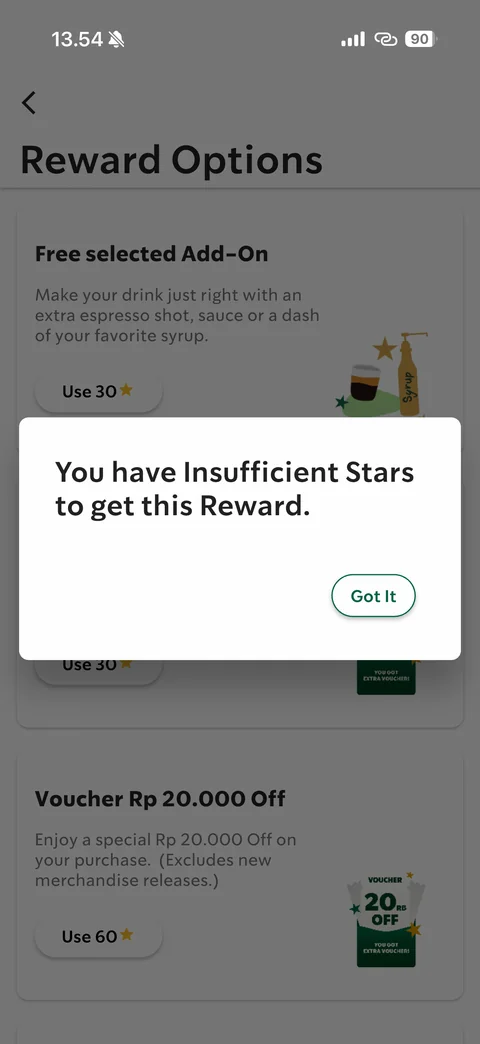
Insufficient stars error dialog over Reward Options: You have Insufficient Stars to get this Reward, Got It
Starbucks Indonesia profile (11 screens)
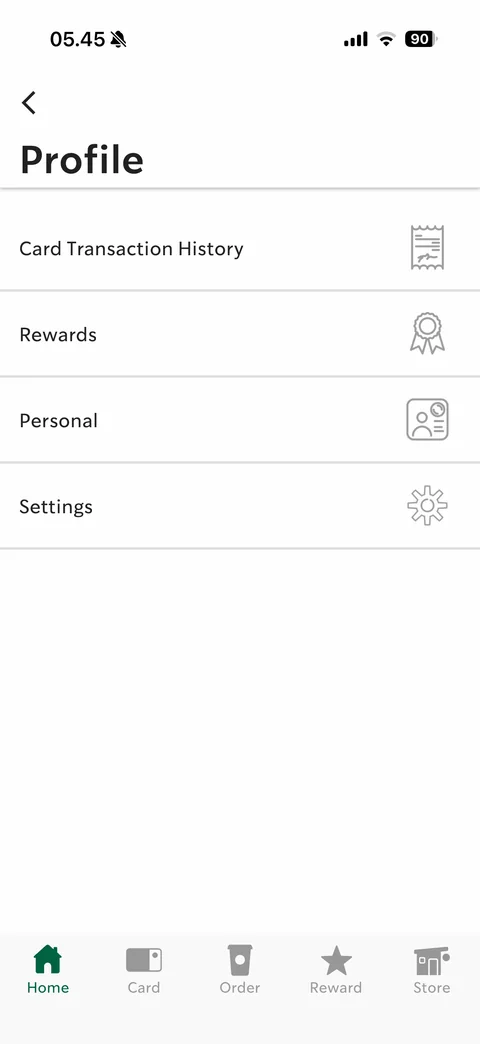
Profile menu: Card Transaction History, Rewards, Personal, Settings rows with outline icons
Card Transaction History empty: dark filter bar with Current Month dropdown and masked card dropdown, You have no activities
Transaction history period dropdown: Current Month (highlighted) / Last Month menu
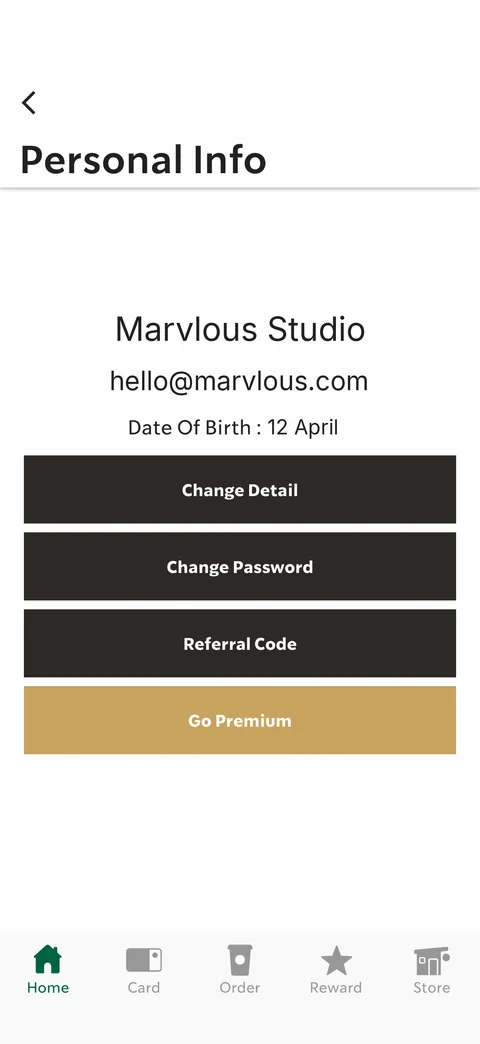
Personal Info: centered full name, email and date of birth, stacked full-width dark buttons Change Detail, Change Password, Referral Code, gold Go Premium
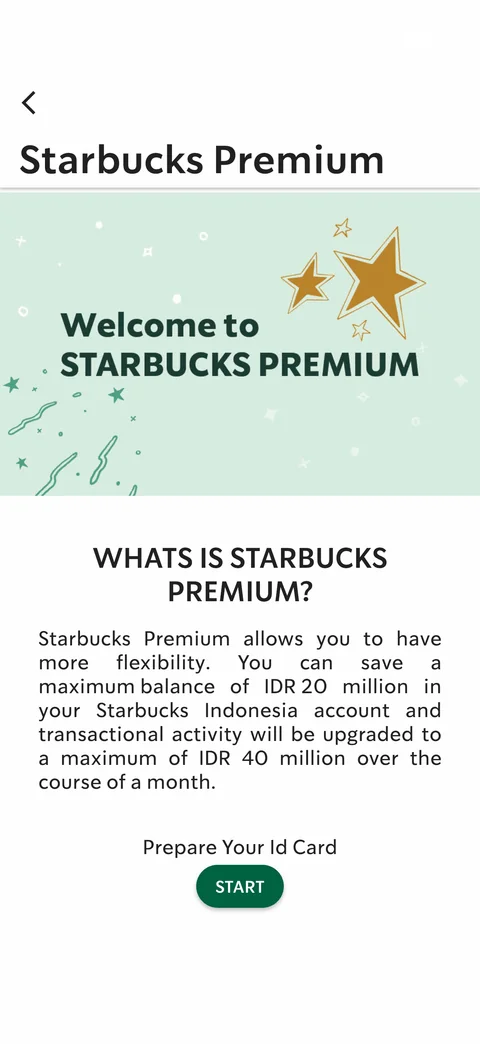
Starbucks Premium intro: mint banner Welcome to Starbucks Premium with gold stars, What is Starbucks Premium? explanation (balance up to IDR 20 million), Prepare Your Id Card, START
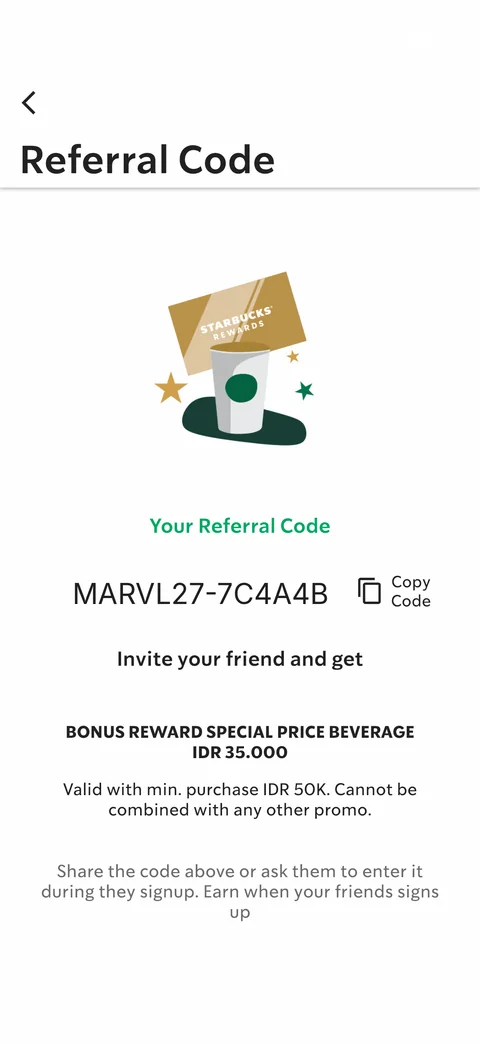
Referral Code: illustration of rewards card and cup, Your Referral Code with Copy Code, Invite your friend and get bonus special price beverage IDR 35.000, terms and share instructions
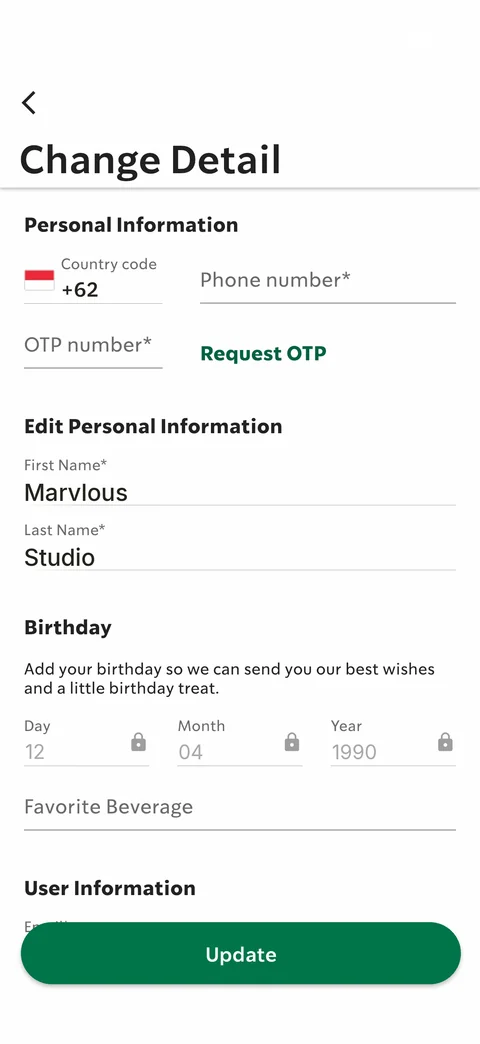
Change Detail form: phone with +62 code and Request OTP, Edit Personal Information first and last name prefilled, Birthday day / month / year locked fields, Favorite Beverage, User Information, sticky green Update
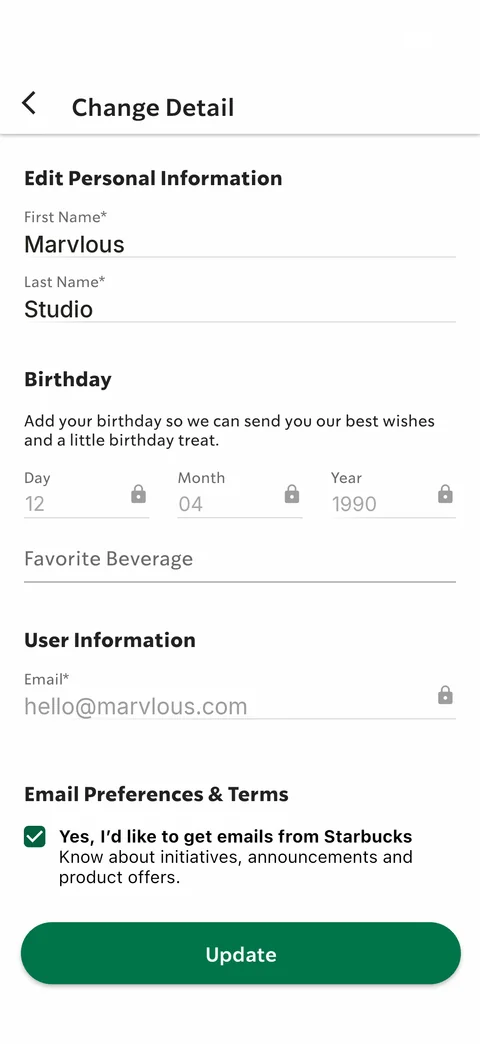
Change Detail scrolled: sticky title, name fields, locked birthday, Favorite Beverage, locked email, Email Preferences & Terms checkbox, Update
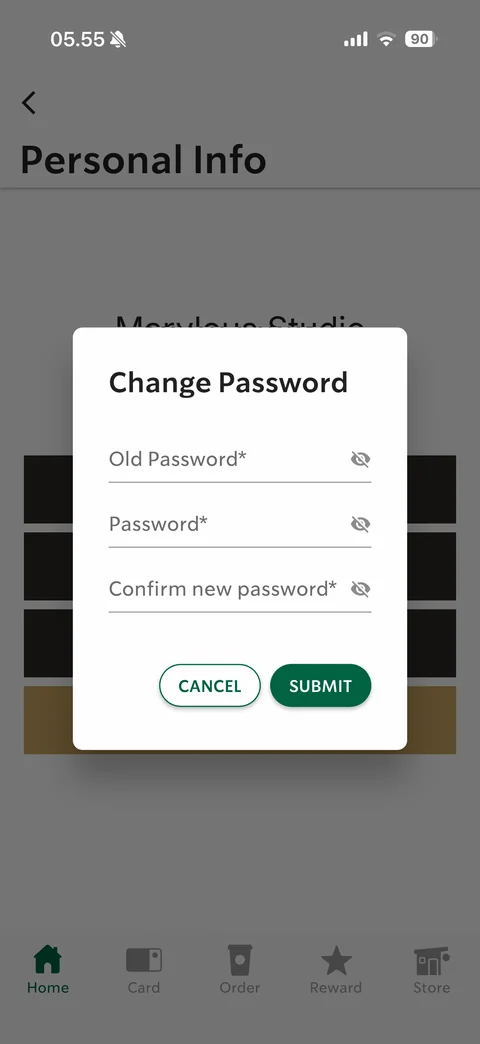
Change Password modal over Personal Info: Old Password, Password, Confirm new password fields with eye toggles, Cancel / Submit
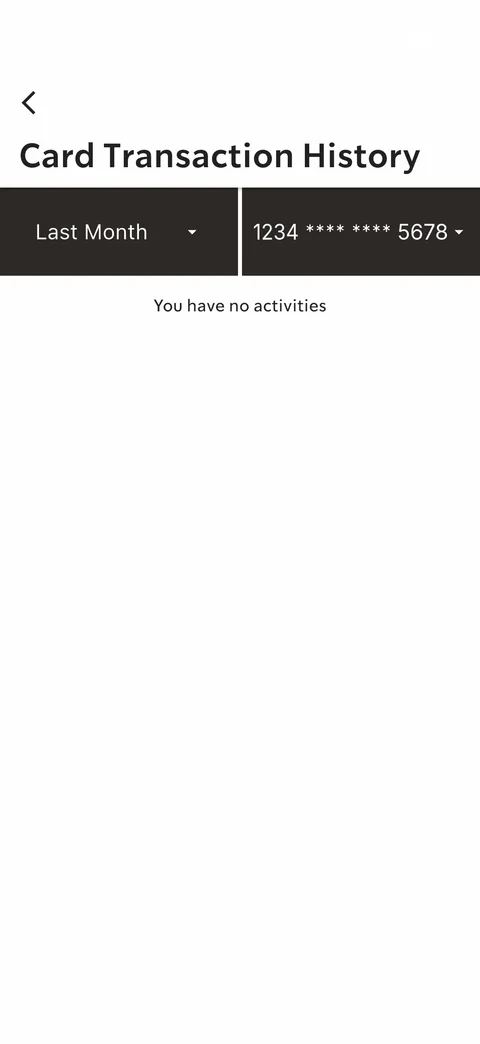
Card Transaction History Last Month selected: empty activities
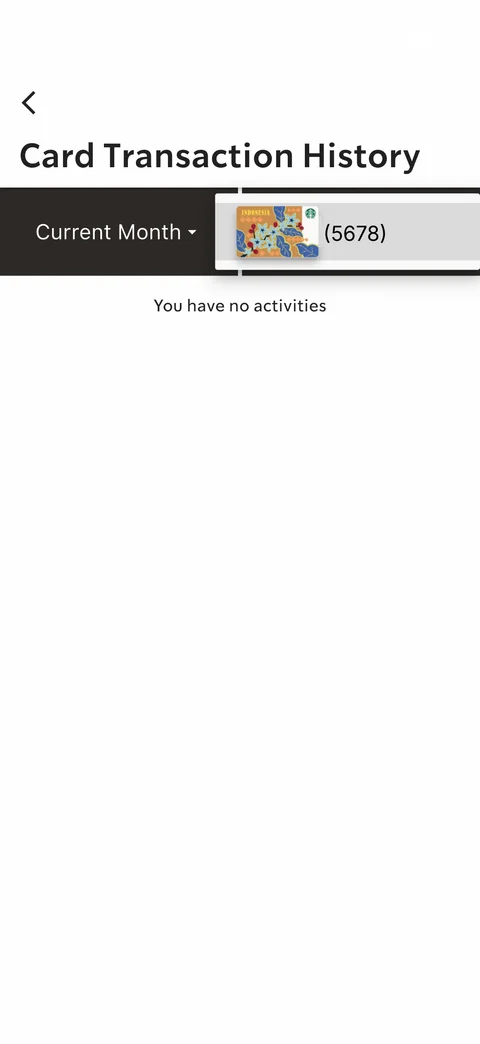
Transaction history card dropdown: menu row with card art thumbnail and last 4 digits
Starbucks Indonesia order (20 screens)
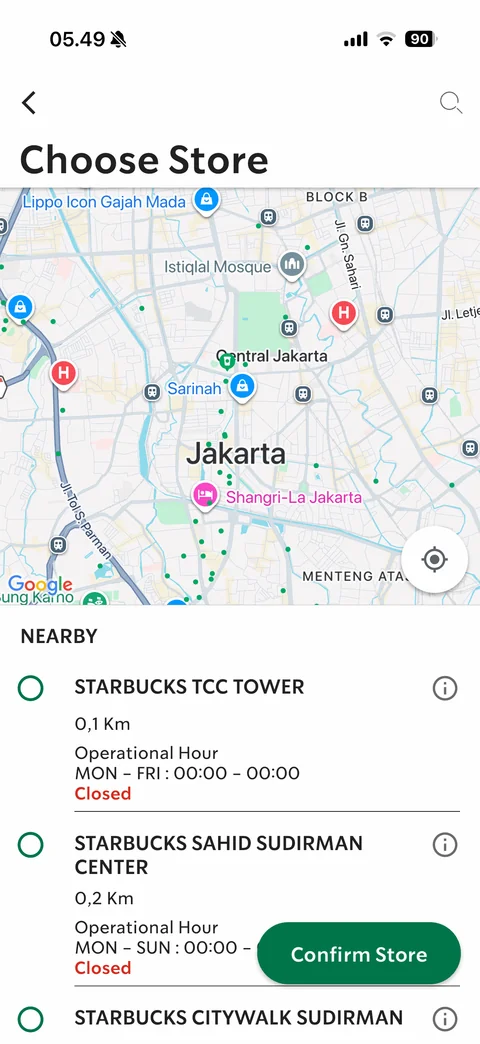
Order Choose Store: Google map of Central Jakarta with green store dots, Nearby list with radio buttons, store name, distance, hours, red Closed status, info icons, floating Confirm Store button
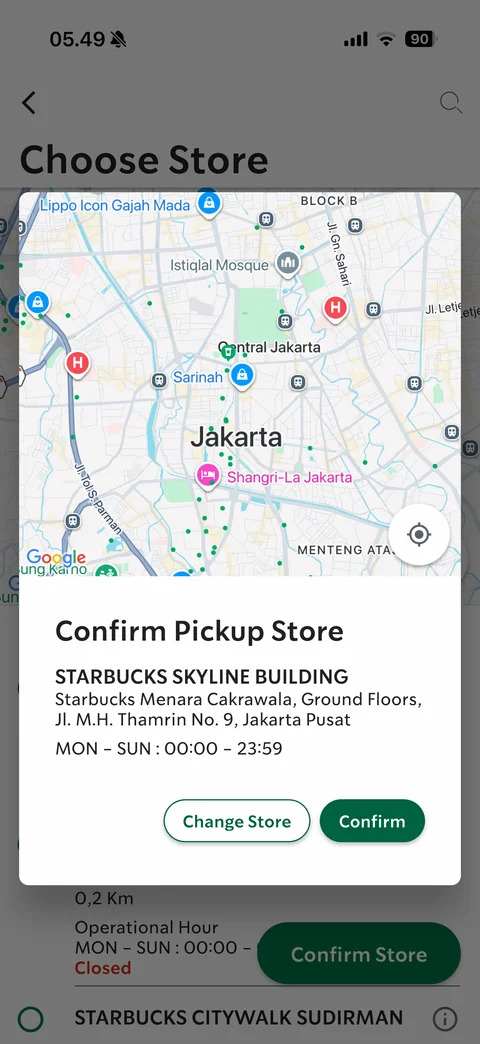
Confirm Pickup Store modal: map preview, store name, address and 24h hours, Change Store / Confirm buttons
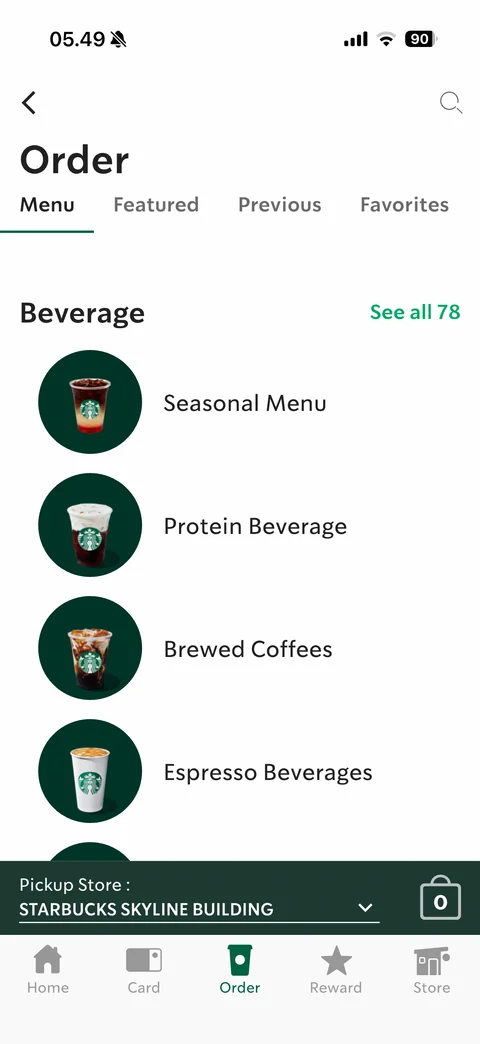
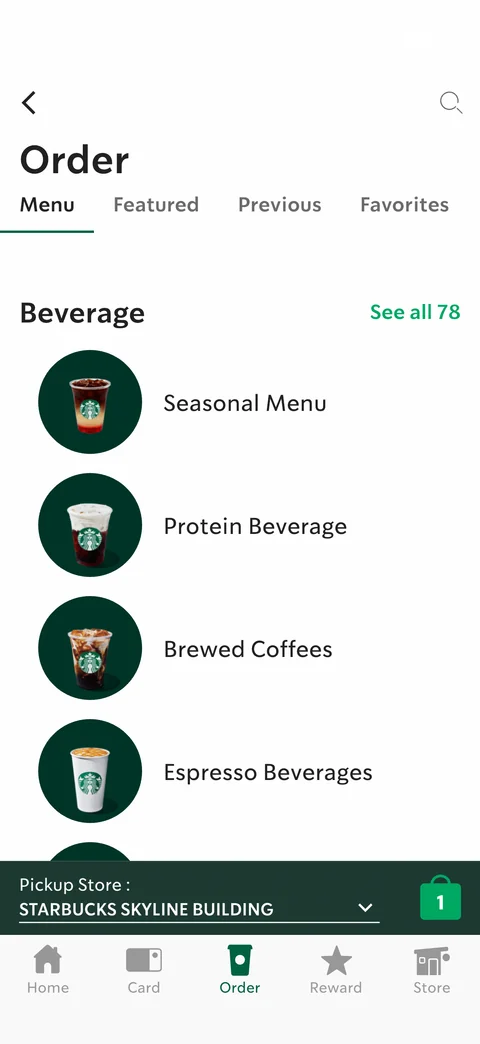
Order menu: tabs Menu / Featured / Previous / Favorites, Beverage section with See all 78, category rows with drink photos in dark green circles, bottom pickup store bar with dropdown and bag icon 0
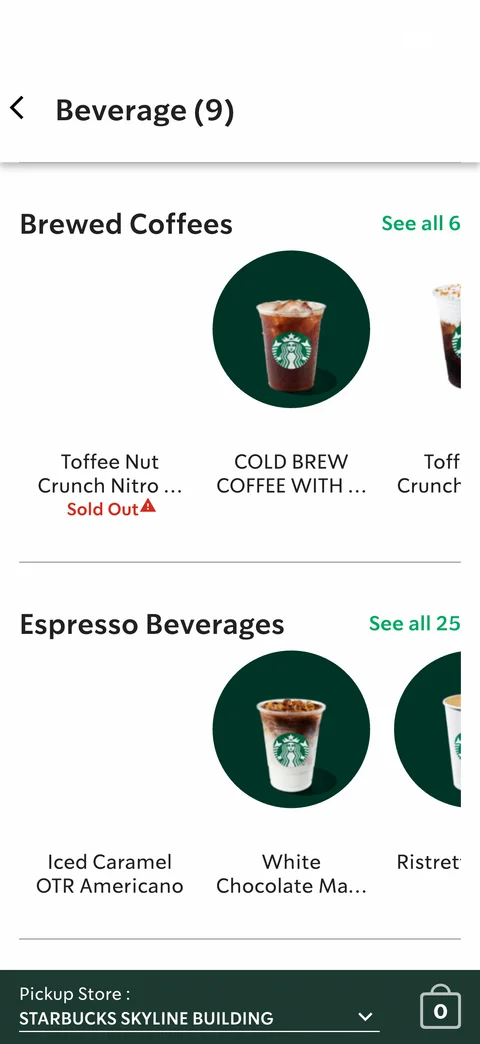
Beverage categories: horizontal product rails per category (Brewed Coffees, Espresso Beverages) with See all counts, round drink photos, names, Sold Out red label, pickup store bar
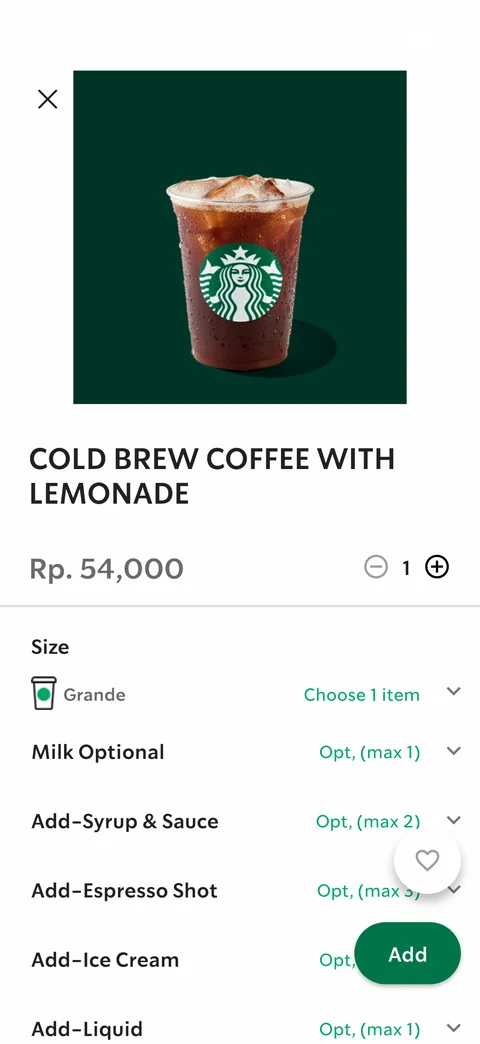
Product detail Cold Brew Coffee with Lemonade: product photo, name, price Rp. 54,000, quantity stepper, customization accordion (Size Grande, Milk, Syrup & Sauce, Espresso Shot, Ice Cream, Liquid) with option limits, floating favorite heart and green Add
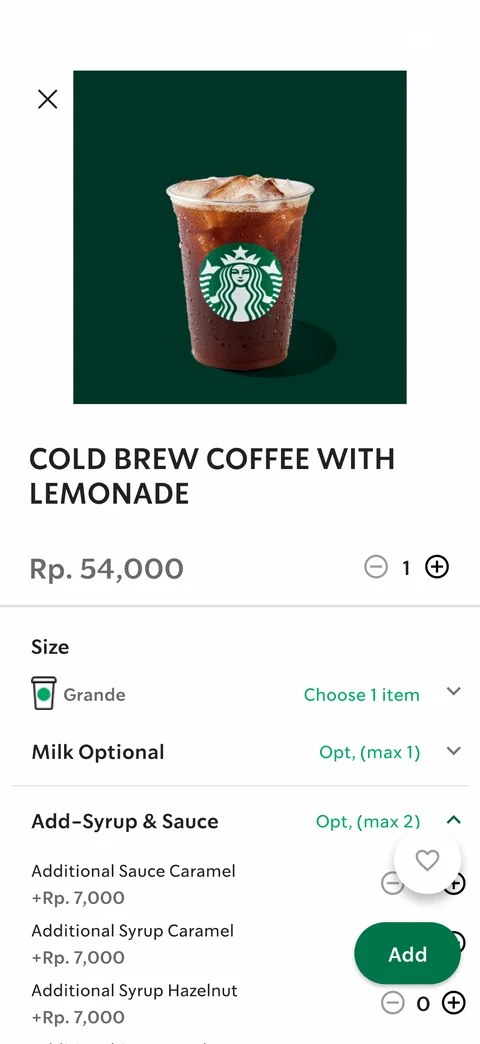
Product detail with Add-Syrup & Sauce expanded: add-on rows with +Rp. 7,000 prices and minus / count / plus steppers
Added to bag feedback: green banner with drink name and product thumbnail in a pin bubble pointing to bag icon now showing 1
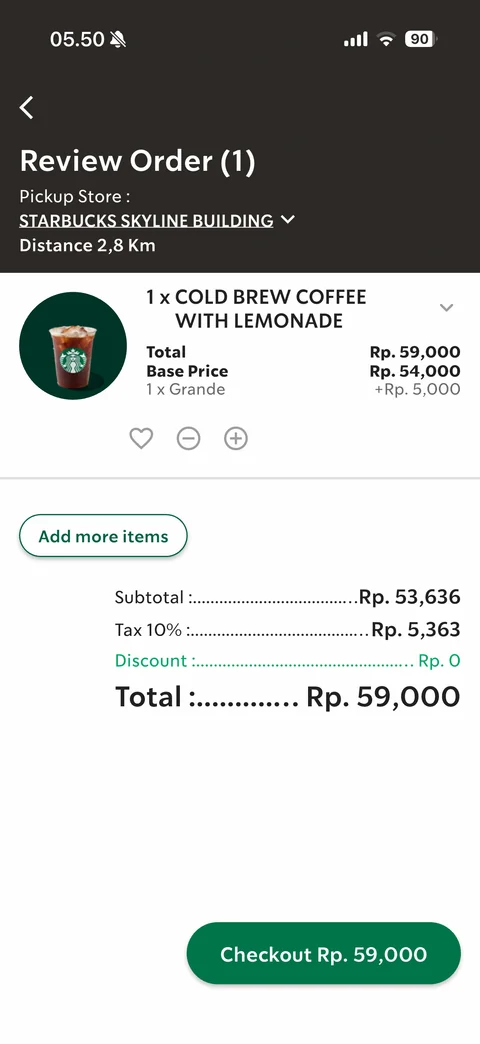
Review Order cart: dark header with pickup store dropdown and distance, line item with photo, total and base price, size add-on, favorite / minus / plus, Add more items, dotted-leader summary Subtotal, Tax 10%, Discount, Total Rp. 59,000, Checkout button with total
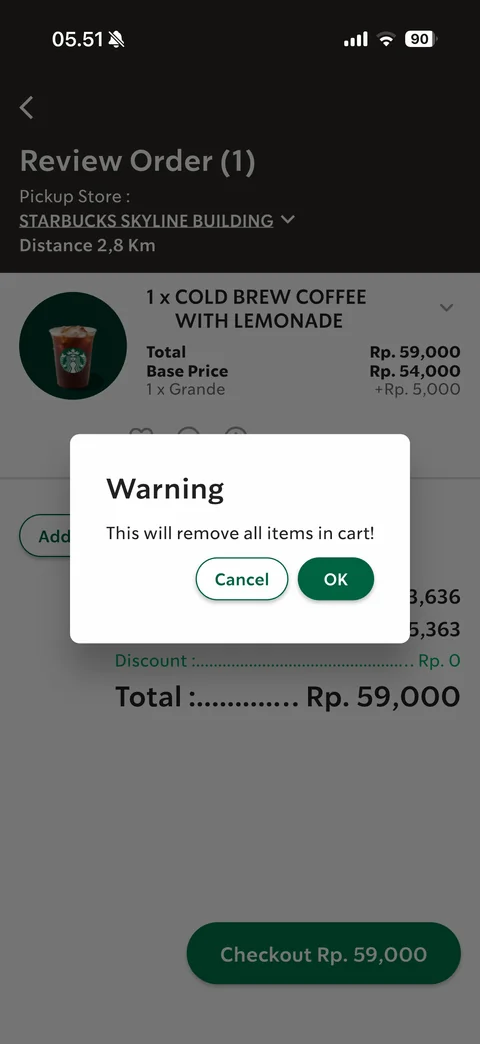
Remove item warning dialog: This will remove all items in cart!, Cancel / OK
Order Featured tab empty state: hand-drawn green food and cup doodles, Stay tune, no featured menu available
Order Previous tab empty state: sketch of Starbucks storefront with stars, Previous Orders, recent purchases will appear here
Order Favorites tab empty state: sketch of cassette tapes and recipe card, Favorite Menus, tap the heart to save
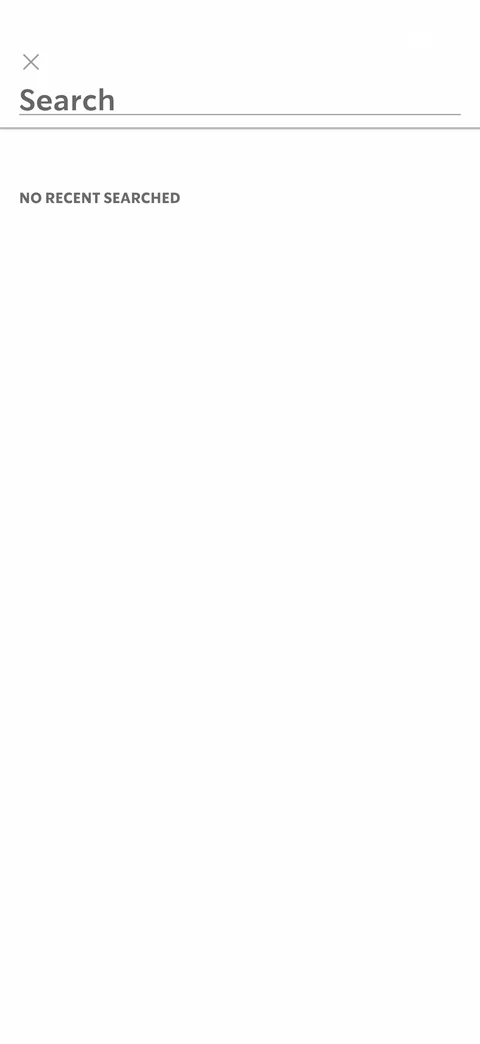
Menu search empty: close X, large underlined Search field, NO RECENT SEARCHED label
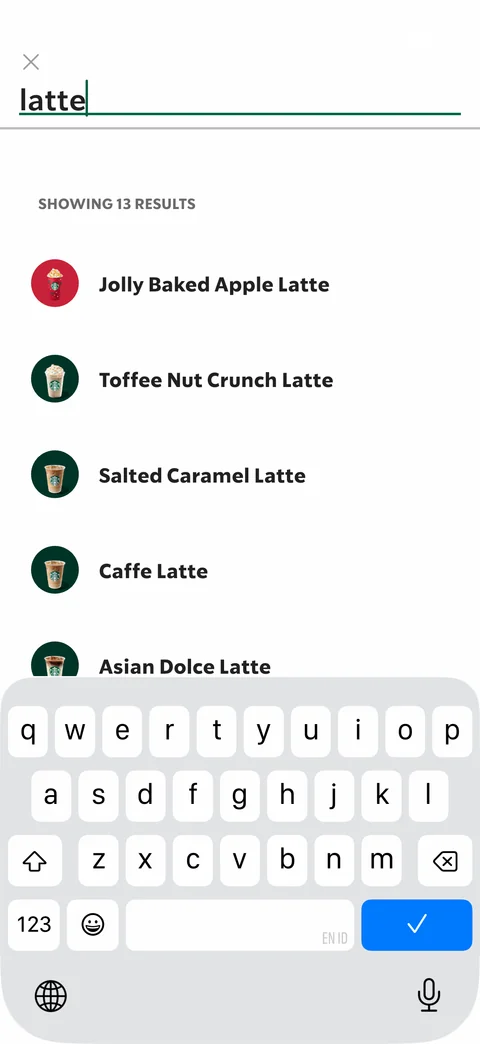
Menu search results for latte: Showing 13 results, list of drinks with small round photos
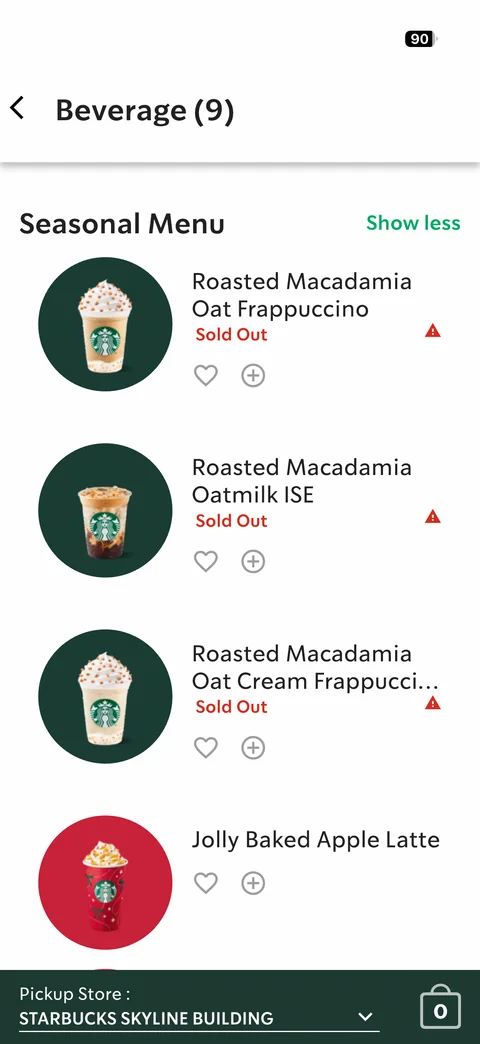
Seasonal Menu expanded list (Show less): product rows with round photos, names, Sold Out labels with warning icons, heart and plus quick actions
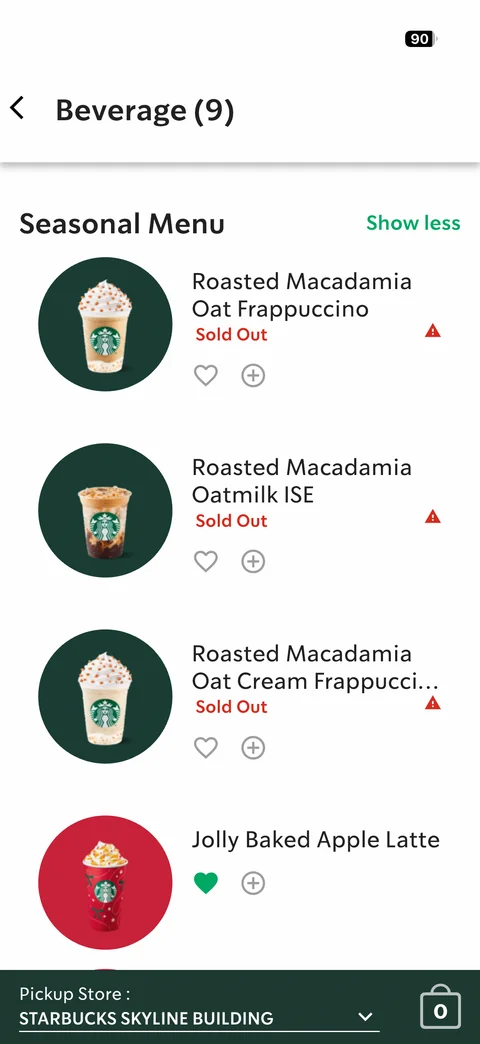
Seasonal Menu with favorite added: Jolly Baked Apple Latte heart filled green
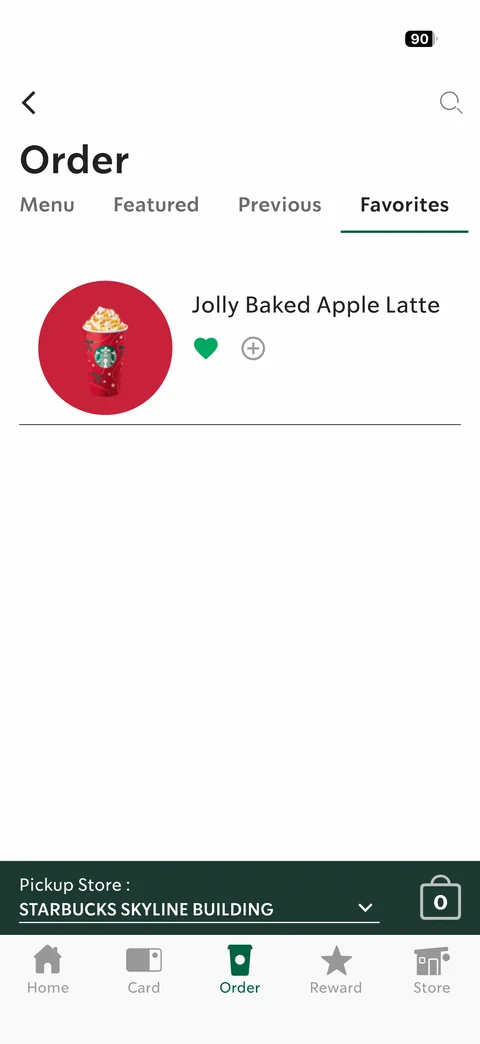
Order Favorites tab with one saved drink: Jolly Baked Apple Latte with filled green heart and add button
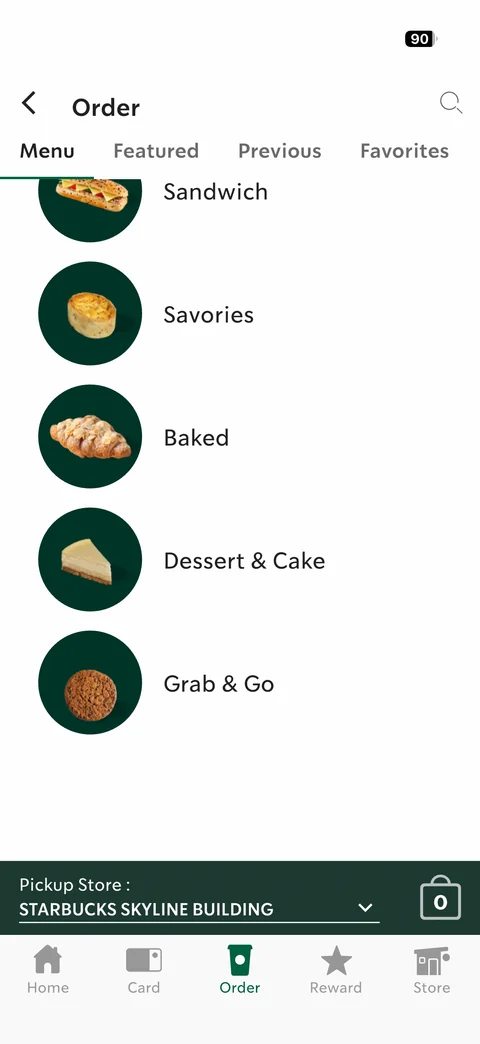
Order menu scrolled to Food: sticky compact header with tabs, food categories Sandwich, Savories, Baked, Dessert & Cake, Grab & Go with round photos
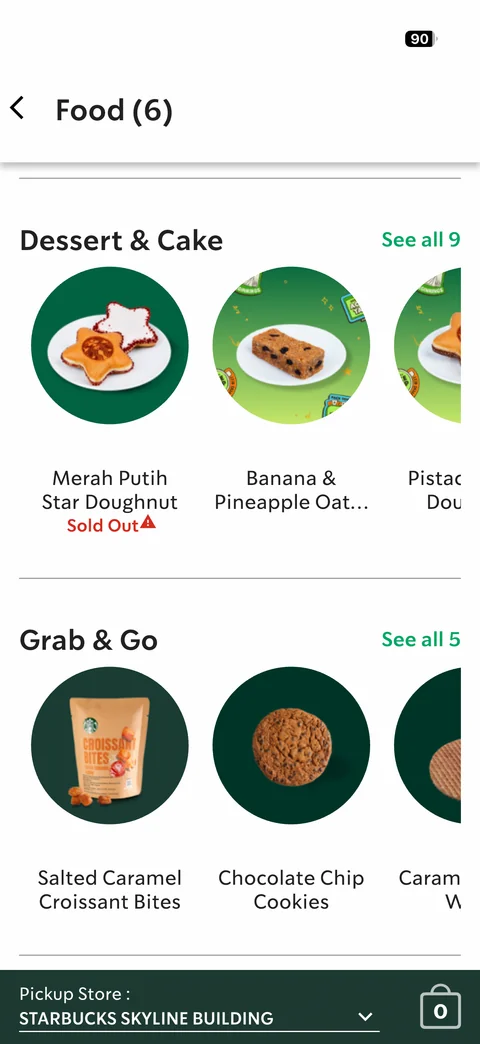
Food categories rails: Dessert & Cake and Grab & Go horizontal product rails with See all counts, food photos, Sold Out label
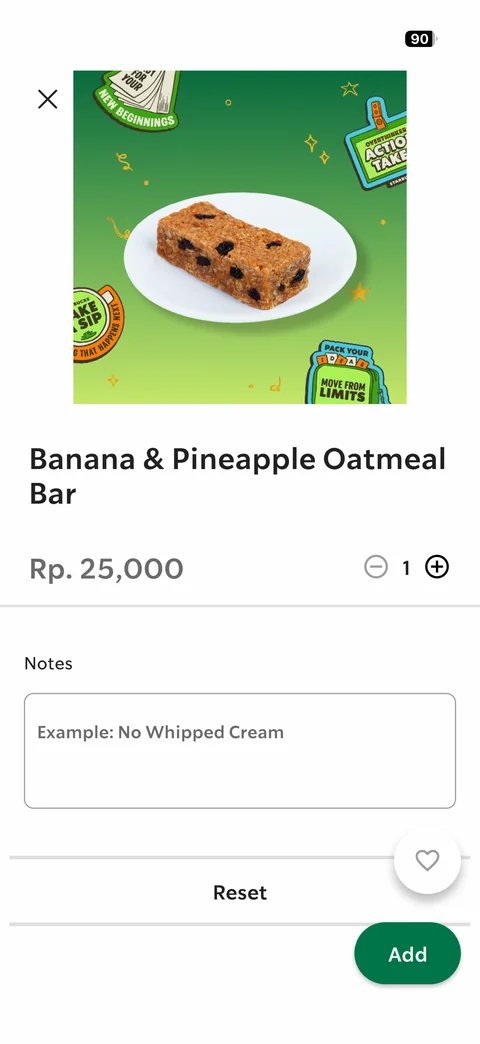
Food product detail Banana & Pineapple Oatmeal Bar: illustrated sticker background photo, price Rp. 25,000, quantity stepper, Notes text area with example placeholder, Reset, favorite and Add