Waze Navigation & Live Traffic app design: 29 real screens in 5 flows

Avoid traffic, police, hazards. Category: Navigation. By waze.

Captured on iPhone and updated November 2026. Each screen has a short note on what it shows and why it matters for growth.

Waze Navigation & Live Traffic onboarding (3 screens)
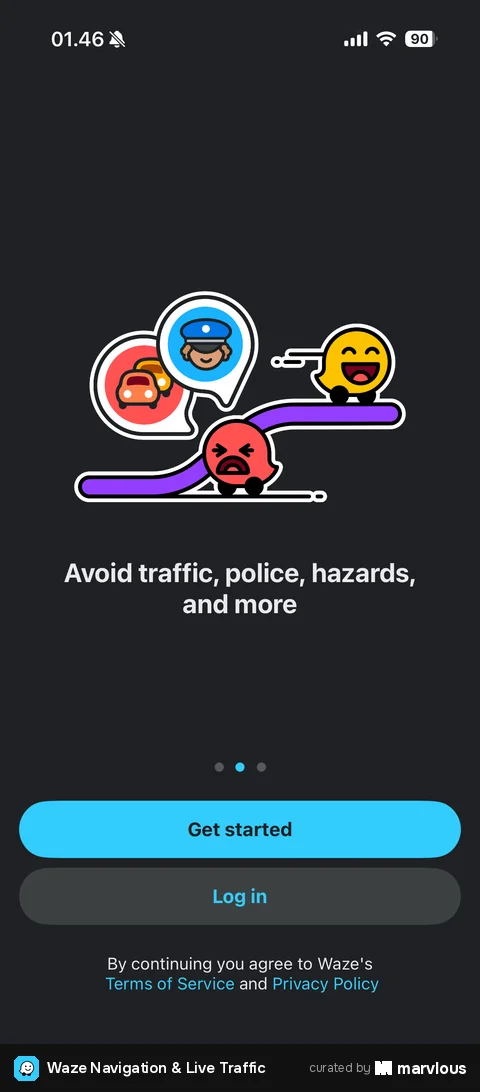
  1. Waze Navigation & Live Traffic onboarding: Welcome: avoid traffic, police and hazards; get started or log in
    Welcome: avoid traffic, police and hazards; get started or log in

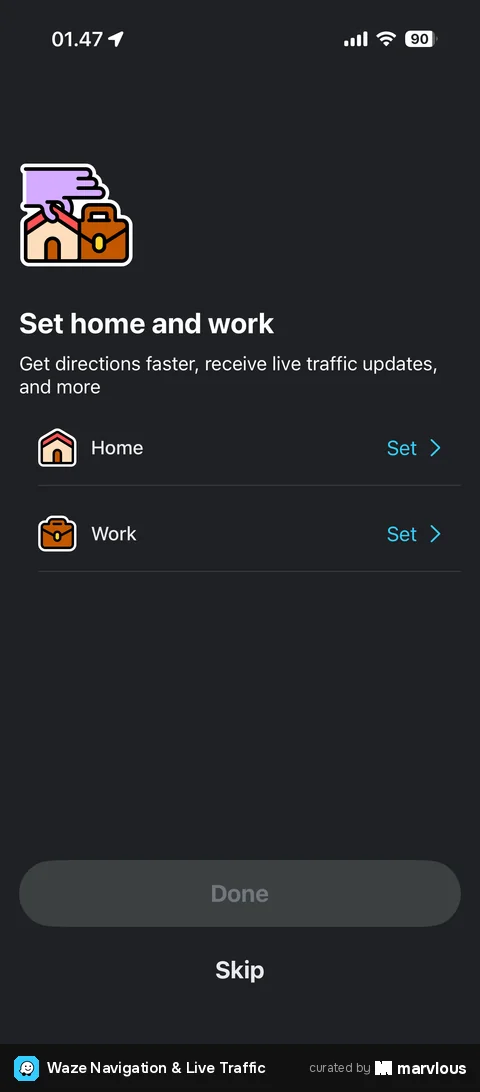
  2. Waze Navigation & Live Traffic onboarding: Set home and work: home set, work set, done or skip
    Set home and work: home set, work set, done or skip

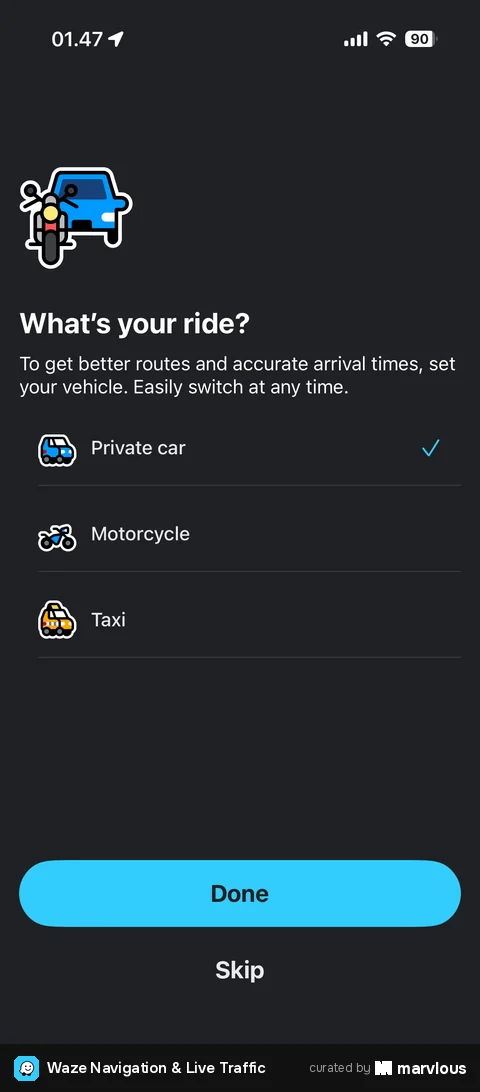
  3. Waze Navigation & Live Traffic onboarding: What's your ride? Private car, motorcycle, taxi; done or skip

    What's your ride? Private car, motorcycle, taxi; done or skip

Waze Navigation & Live Traffic search (3 screens)
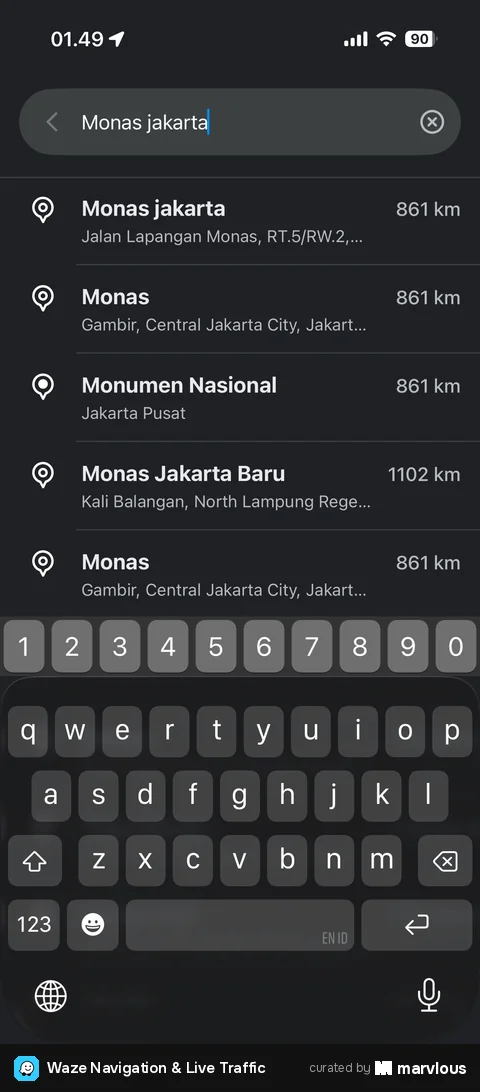
  1. Waze Navigation & Live Traffic search: Search results for Monas Jakarta: places with distance
    Search results for Monas Jakarta: places with distance

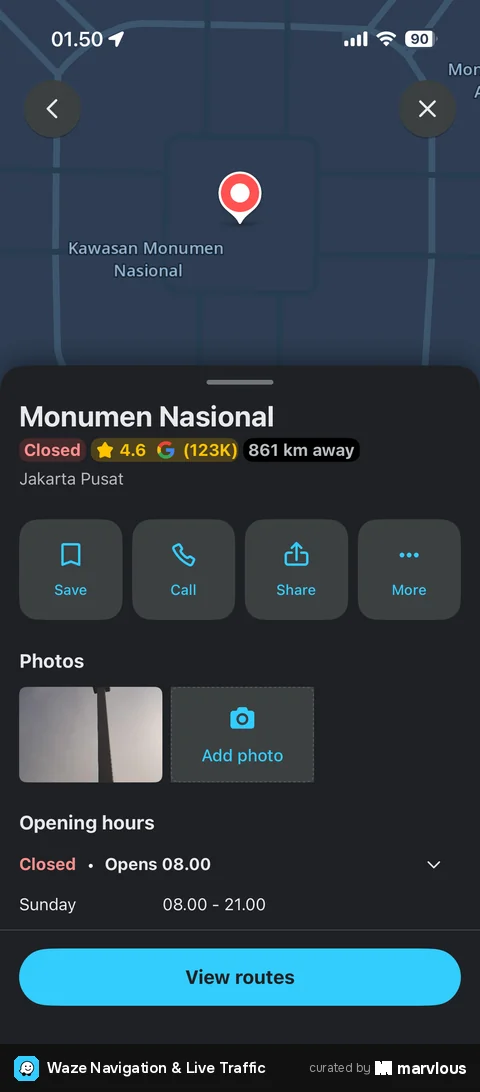
  2. Waze Navigation & Live Traffic search: Place page: Monumen Nasional, rating, closed, Jakarta Pusat, photos, opening hours, view routes
    Place page: Monumen Nasional, rating, closed, Jakarta Pusat, photos, opening hours, view routes

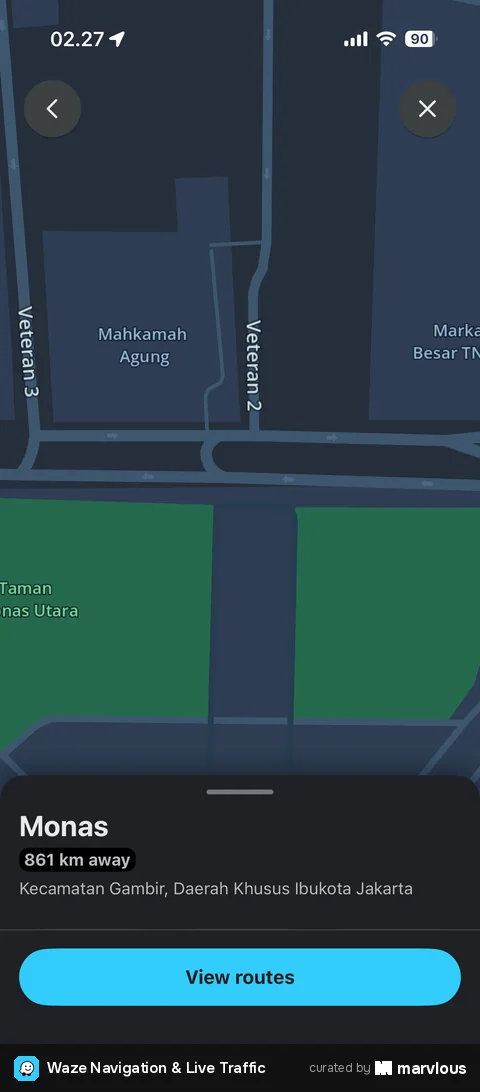
  3. Waze Navigation & Live Traffic search: Map at Monas Jakarta with compact place card: 861 km away, Gambir, view routes

    Map at Monas Jakarta with compact place card: 861 km away, Gambir, view routes

Waze Navigation & Live Traffic menu (4 screens)
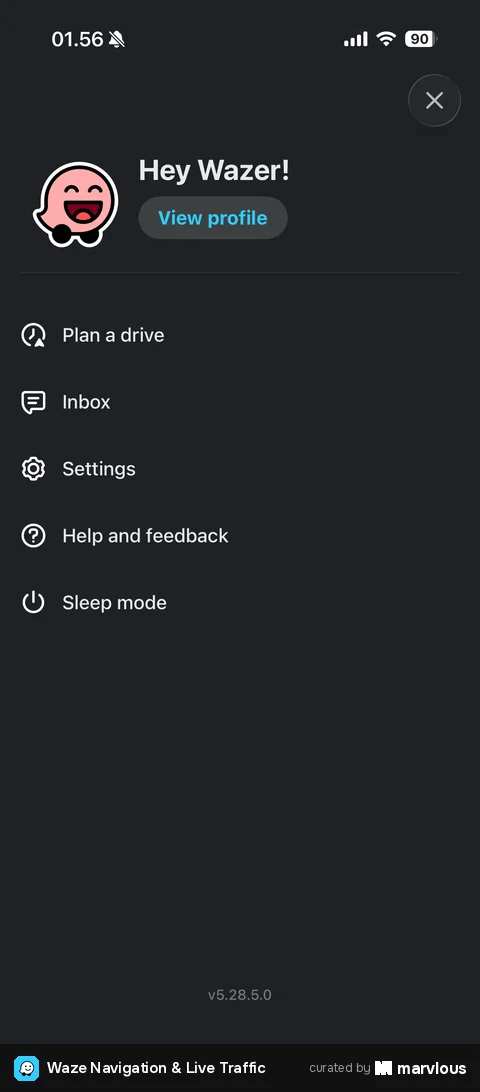
  1. Waze Navigation & Live Traffic menu: Side menu: hey Wazer, view profile, plan a drive, inbox, settings, help and feedback, sleep mode
    Side menu: hey Wazer, view profile, plan a drive, inbox, settings, help and feedback, sleep mode

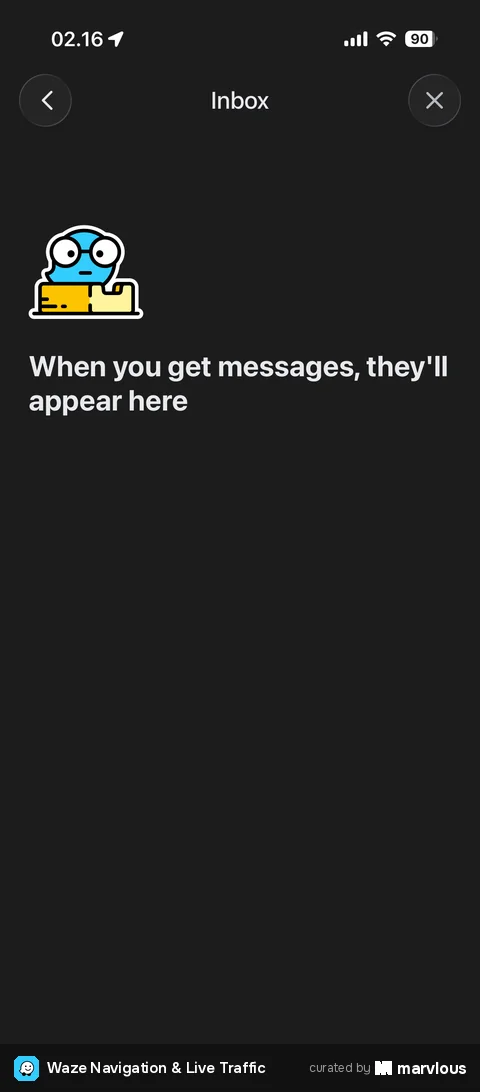
  2. Waze Navigation & Live Traffic menu: Inbox: empty state, when you get messages they will appear here
    Inbox: empty state, when you get messages they will appear here

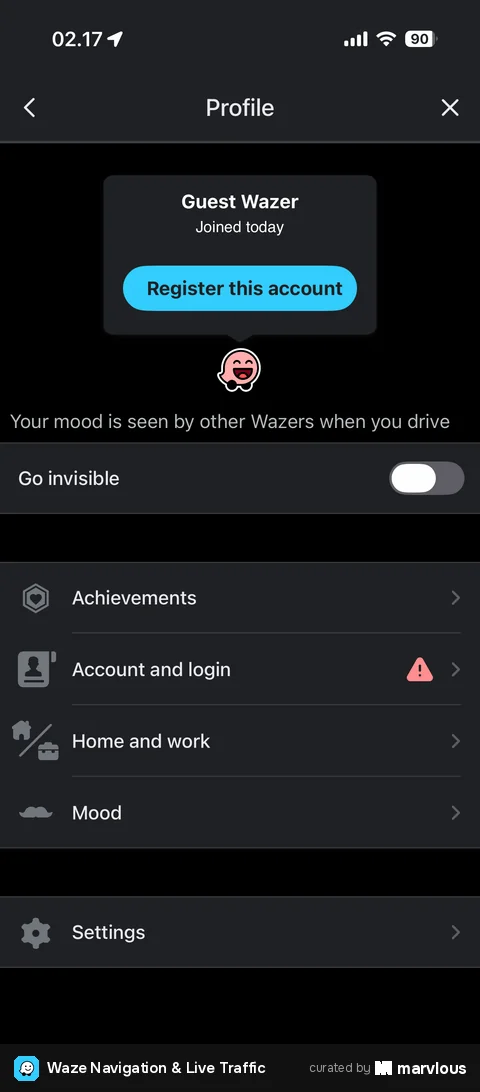
  3. Waze Navigation & Live Traffic menu: Profile: guest Wazer, joined today, register this account, mood seen by other Wazers, go invisible
    Profile: guest Wazer, joined today, register this account, mood seen by other Wazers, go invisible

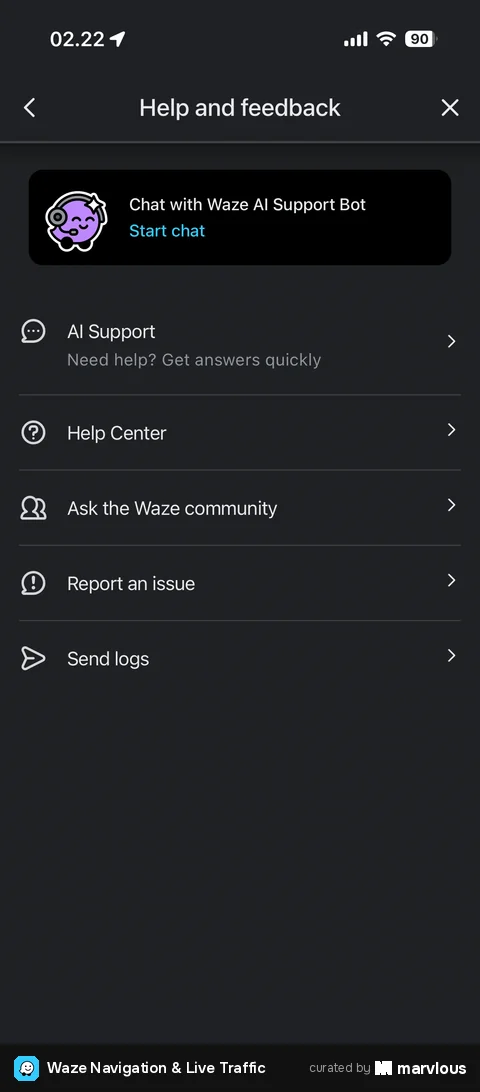
  4. Waze Navigation & Live Traffic menu: Help and feedback: chat with Waze AI support bot, AI support, need help answers quickly

    Help and feedback: chat with Waze AI support bot, AI support, need help answers quickly

Waze Navigation & Live Traffic settings (18 screens)
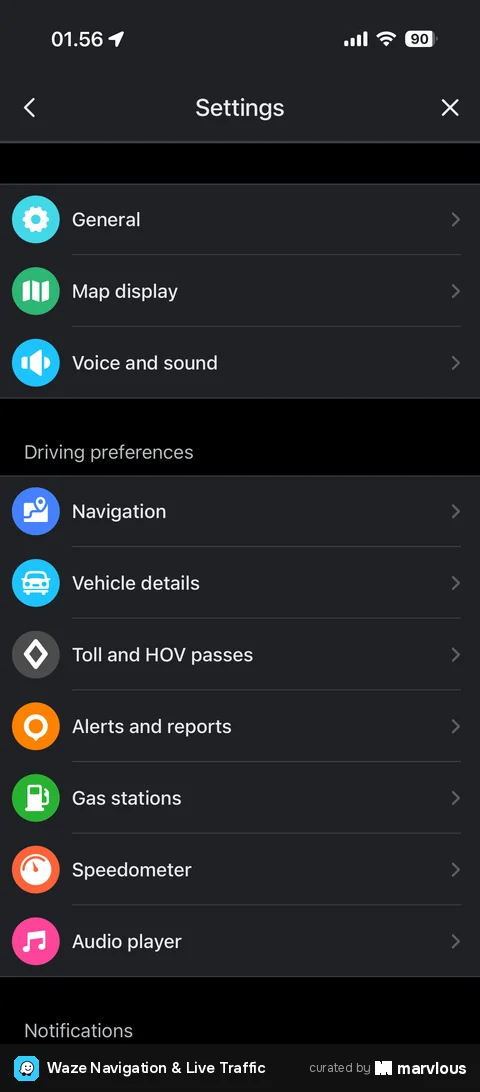
  1. Waze Navigation & Live Traffic settings: Settings: general, map display, voice and sound, driving preferences, navigation, vehicle details…

    Settings: general, map display, voice and sound, driving preferences, navigation, vehicle details, toll passes
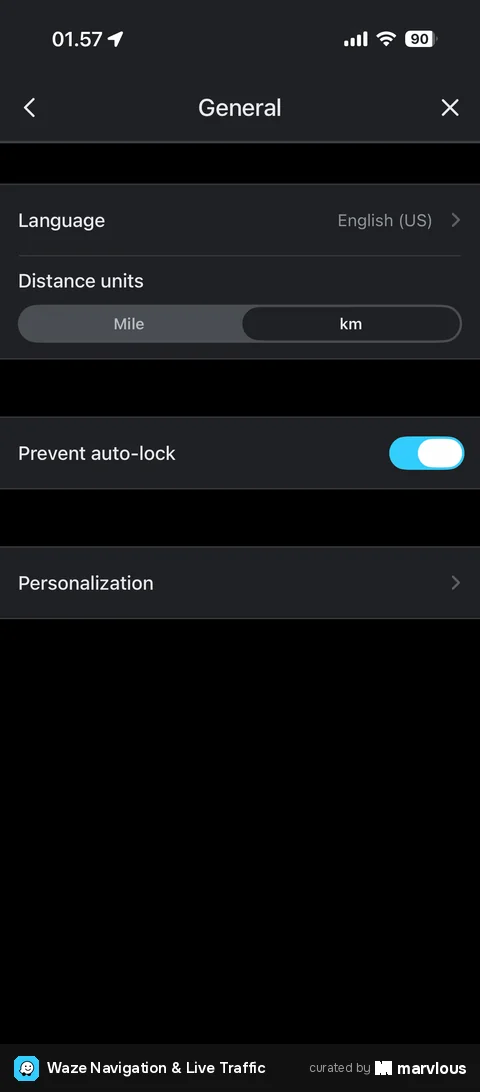
  2. Waze Navigation & Live Traffic settings: General: language English US, distance units mile or km, prevent auto-lock, personalization
    General: language English US, distance units mile or km, prevent auto-lock, personalization

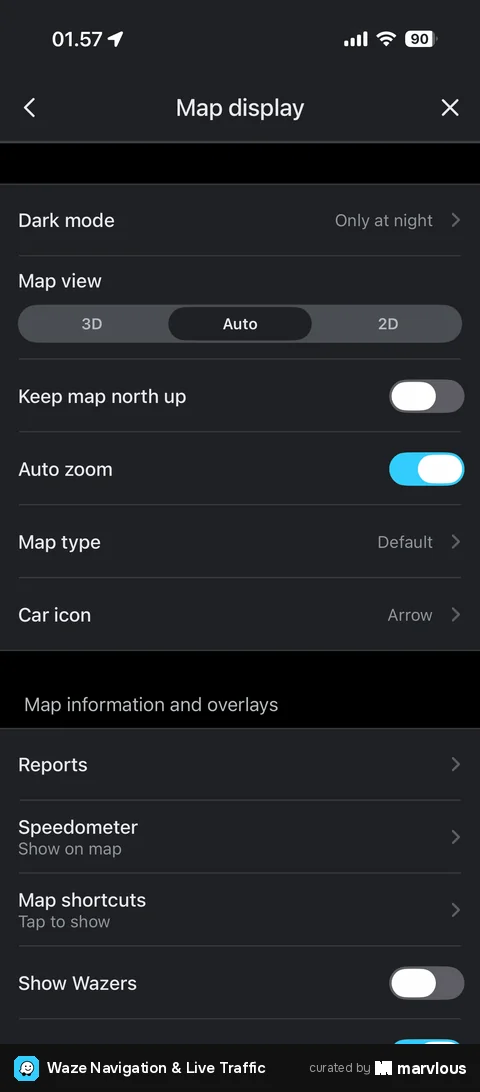
  3. Waze Navigation & Live Traffic settings: Map display: dark mode, map view 2D 3D, auto zoom, map type, car icon, reports, show Wazers
    Map display: dark mode, map view 2D 3D, auto zoom, map type, car icon, reports, show Wazers

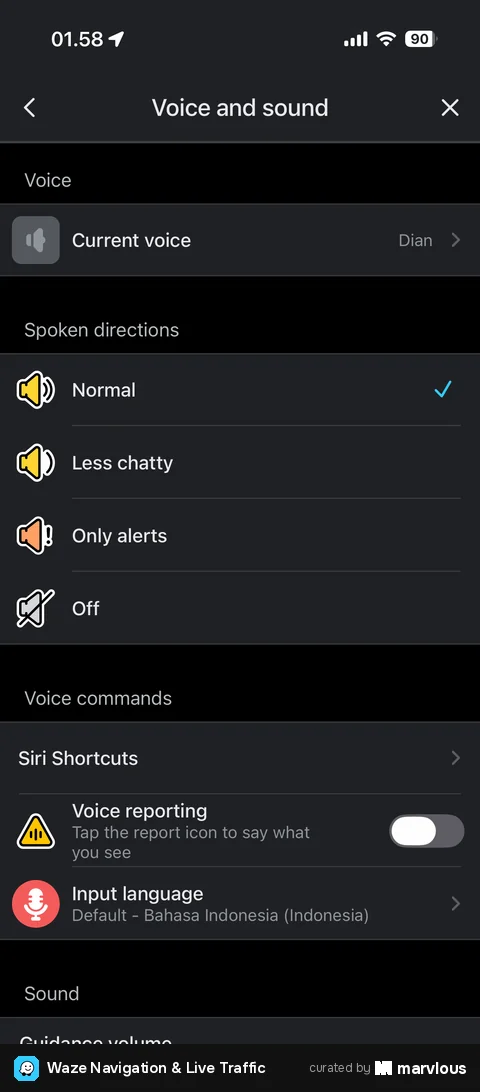
  4. Waze Navigation & Live Traffic settings: Voice and sound: current voice Dian, spoken directions levels, voice commands, Siri shortcuts…

    Voice and sound: current voice Dian, spoken directions levels, voice commands, Siri shortcuts, input language
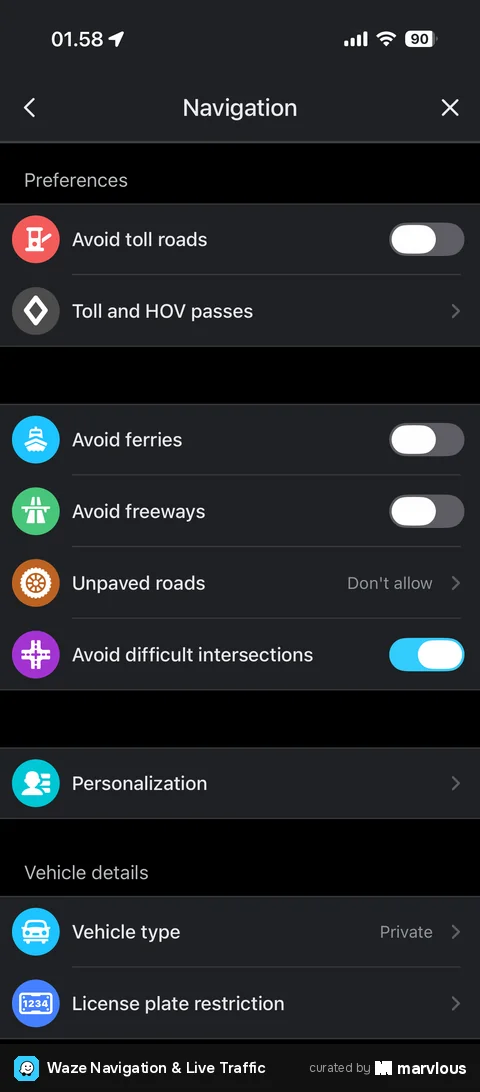
  5. Waze Navigation & Live Traffic settings: Navigation: avoid toll roads, ferries, freeways, unpaved roads, difficult intersections, vehicle…

    Navigation: avoid toll roads, ferries, freeways, unpaved roads, difficult intersections, vehicle type, license plate restriction
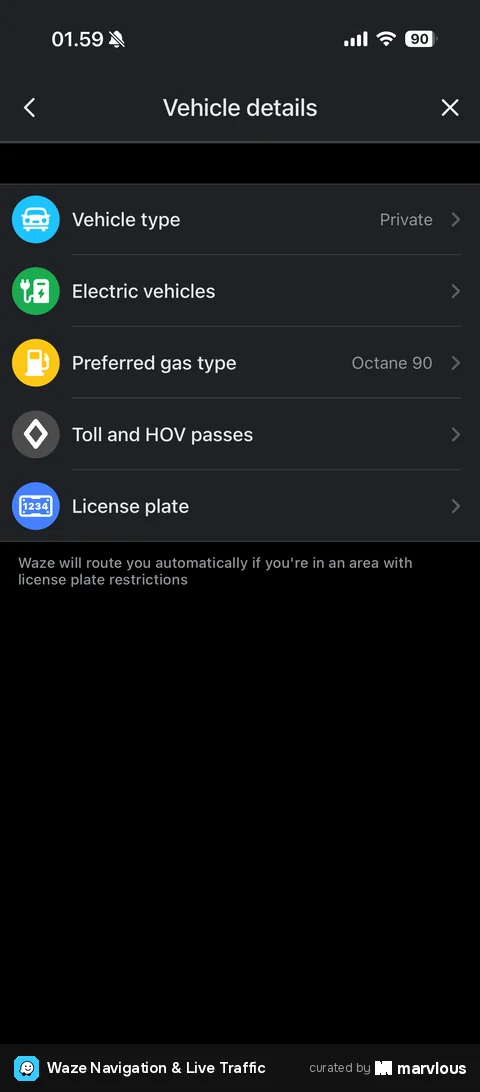
  6. Waze Navigation & Live Traffic settings: Vehicle details: vehicle type private, electric vehicles, preferred gas type octane 90, license…

    Vehicle details: vehicle type private, electric vehicles, preferred gas type octane 90, license plate, toll and HOV passes
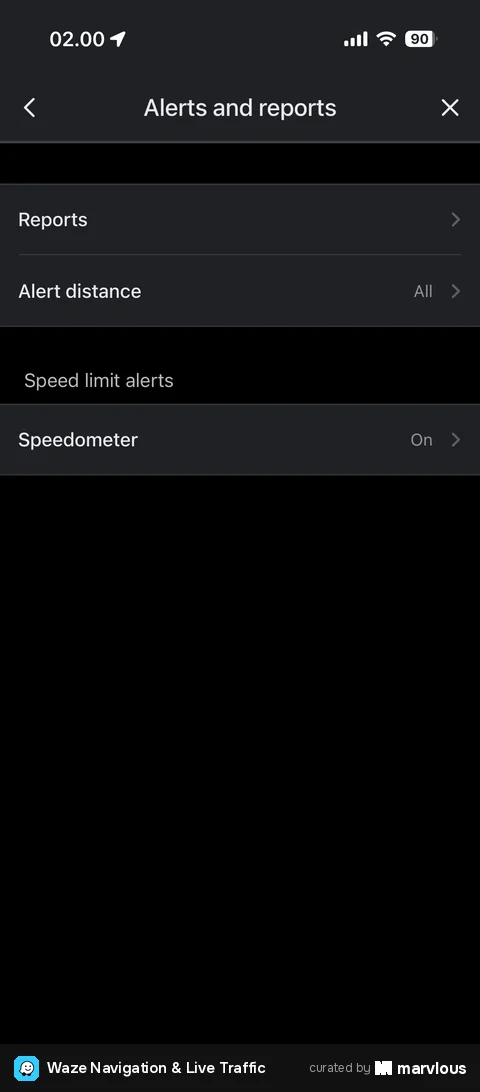
  7. Waze Navigation & Live Traffic settings: Alerts and reports: reports, alert distance all, speed limit alerts, speedometer on
    Alerts and reports: reports, alert distance all, speed limit alerts, speedometer on

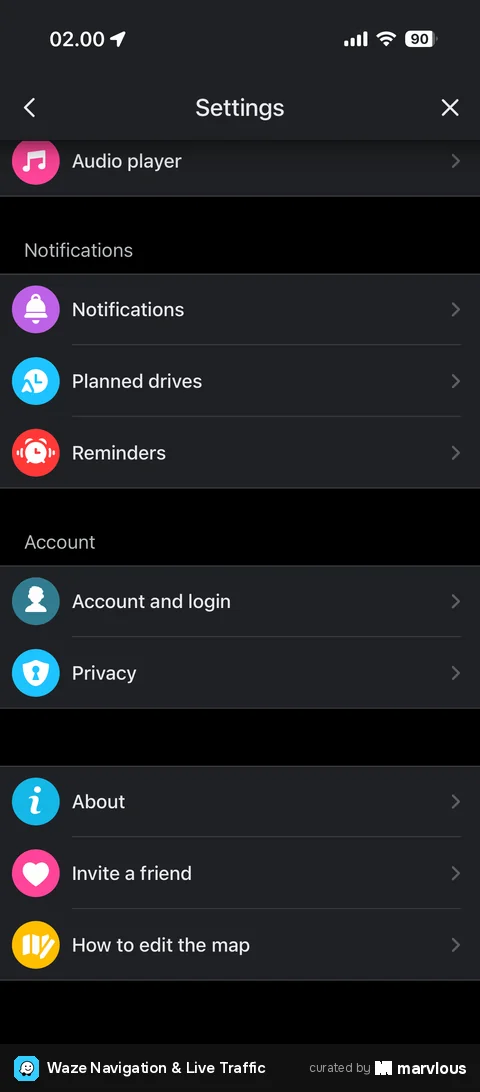
  8. Waze Navigation & Live Traffic settings: Settings bottom: audio player, notifications, planned drives, reminders, account and login…

    Settings bottom: audio player, notifications, planned drives, reminders, account and login, privacy, about
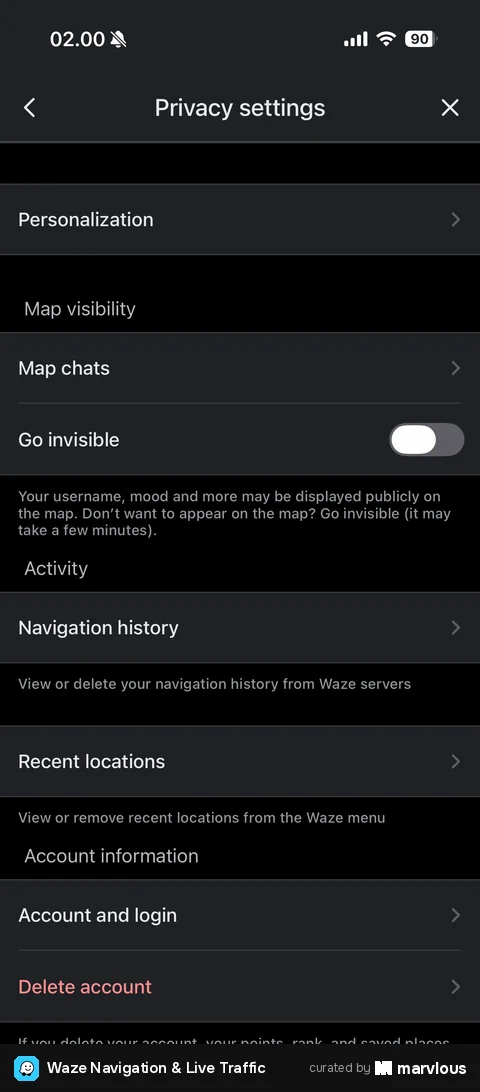
  9. Waze Navigation & Live Traffic settings: Privacy settings: personalization, map visibility, go invisible, navigation history, recent…

    Privacy settings: personalization, map visibility, go invisible, navigation history, recent locations, account
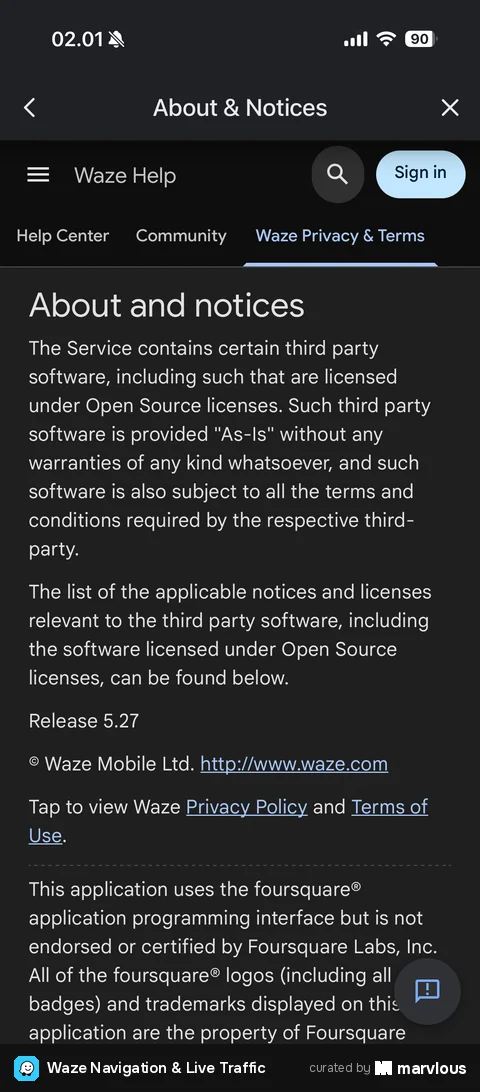
  10. Waze Navigation & Live Traffic settings: About and notices: Waze help, help center, community, privacy and terms, open source notices…

    About and notices: Waze help, help center, community, privacy and terms, open source notices, release 5.27
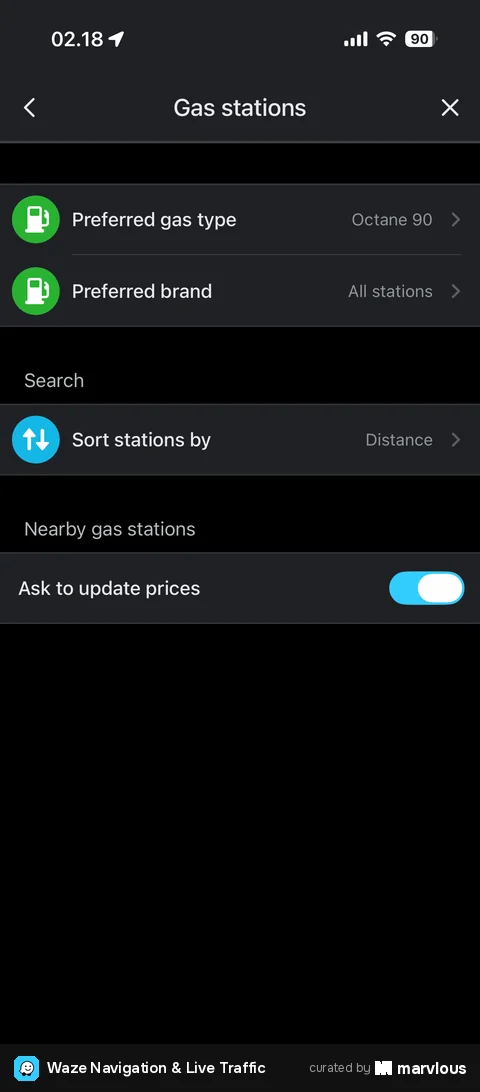
  11. Waze Navigation & Live Traffic settings: Gas stations: preferred gas type octane 90, all stations
    Gas stations: preferred gas type octane 90, all stations

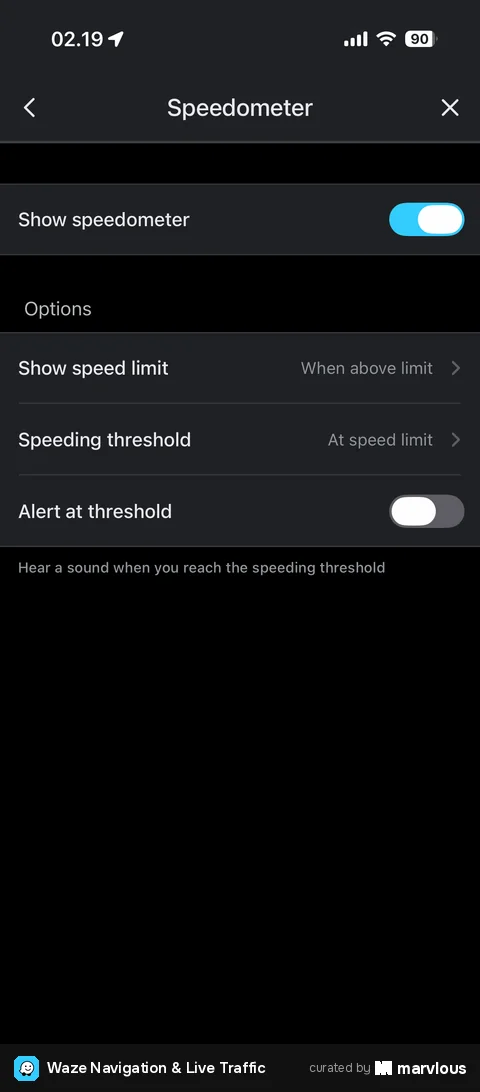
  12. Waze Navigation & Live Traffic settings: Speedometer: show speedometer switch, options, when above limit
    Speedometer: show speedometer switch, options, when above limit

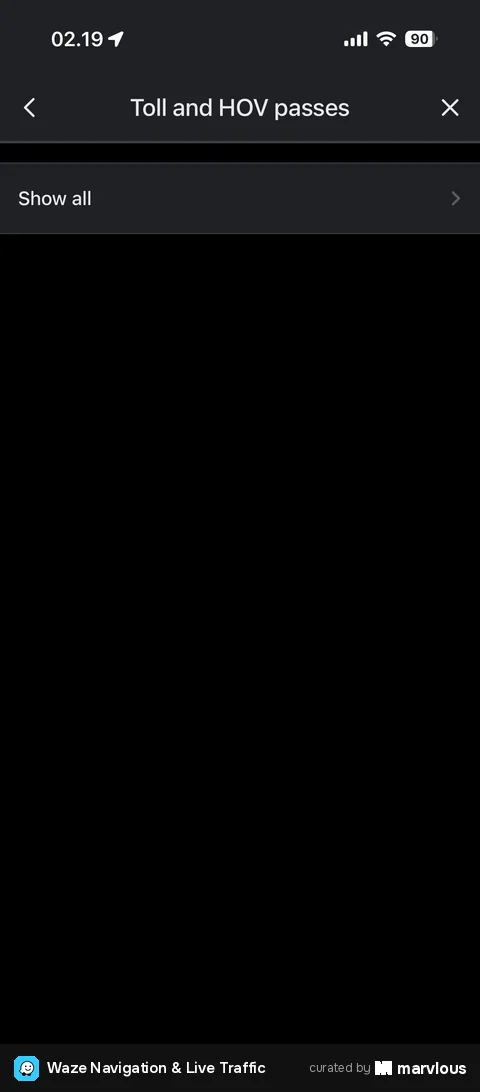
  13. Waze Navigation & Live Traffic settings: Toll and HOV passes: show all list

    Toll and HOV passes: show all list

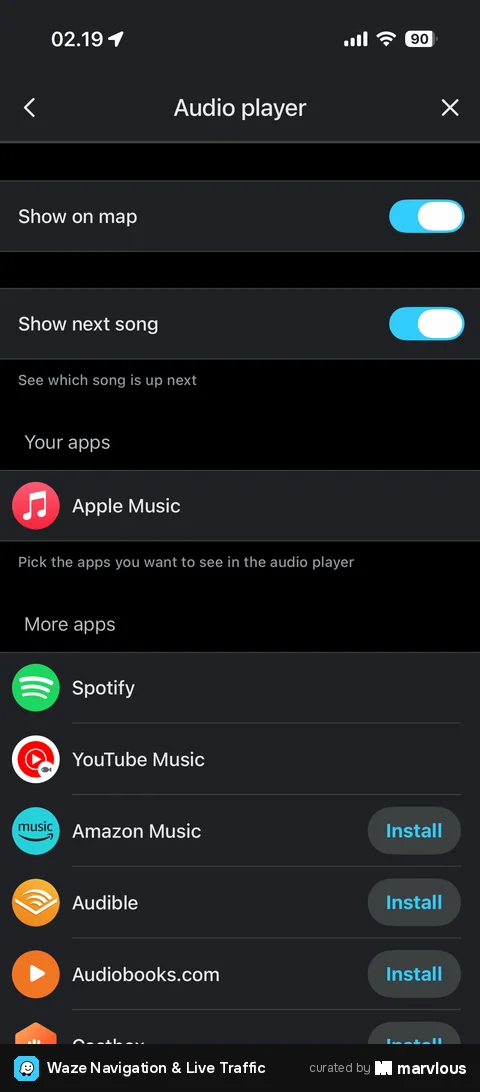
  14. Waze Navigation & Live Traffic settings: Audio player: show on map, show next song
    Audio player: show on map, show next song

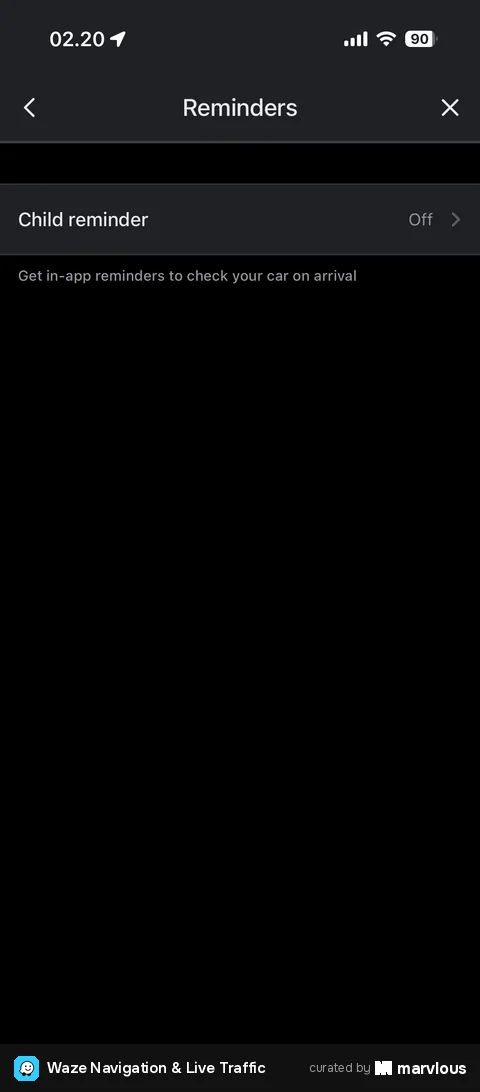
  15. Waze Navigation & Live Traffic settings: Reminders: child reminder off, in-app reminders to check your car on arrival
    Reminders: child reminder off, in-app reminders to check your car on arrival

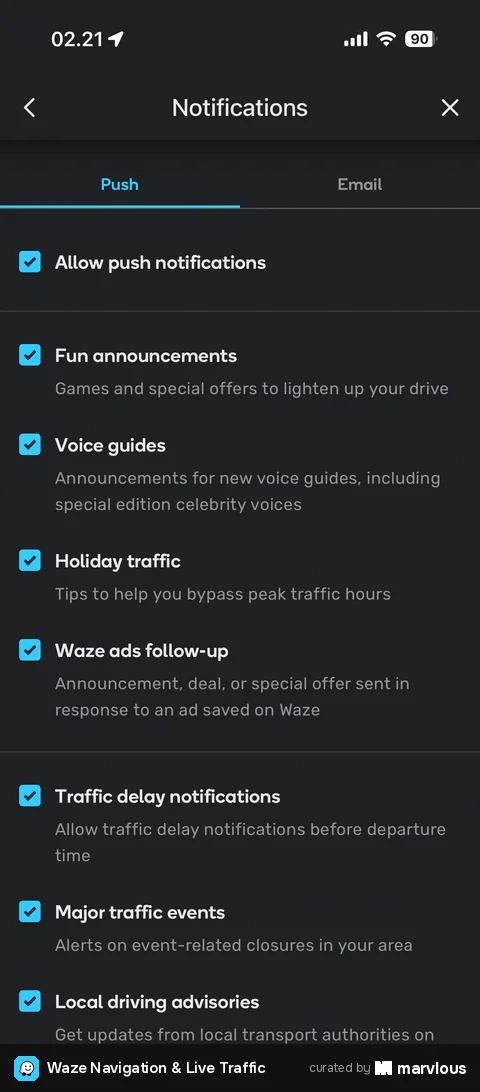
  16. Waze Navigation & Live Traffic settings: Notifications settings: push and email columns, allow push notifications, fun announcements
    Notifications settings: push and email columns, allow push notifications, fun announcements

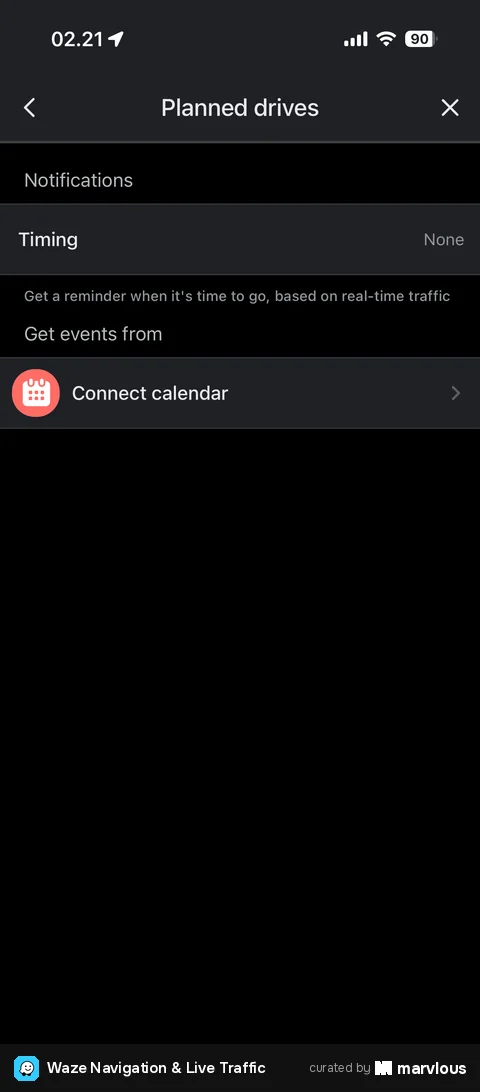
  17. Waze Navigation & Live Traffic settings: Planned drives: notifications timing none
    Planned drives: notifications timing none

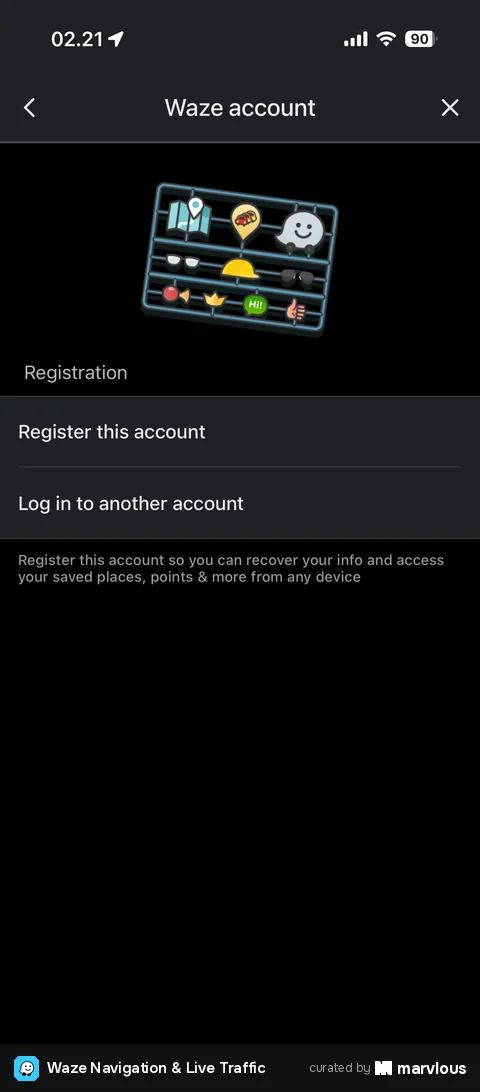
  18. Waze Navigation & Live Traffic settings: Waze account: registration, register this account, log in to another account

    Waze account: registration, register this account, log in to another account

Waze Navigation & Live Traffic plan (1 screen)
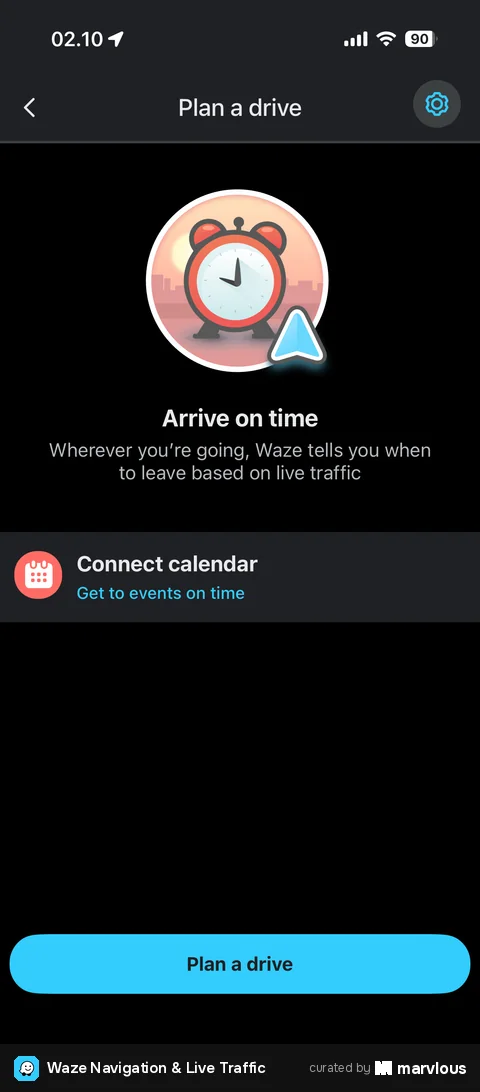
  1. Waze Navigation & Live Traffic plan: Plan a drive intro: arrive on time, connect calendar, get to events on time, plan a drive button

    Plan a drive intro: arrive on time, connect calendar, get to events on time, plan a drive button

Compare the Waze Navigation & Live Traffic paywall with other top apps

More app designs

See all apps