Whatnot app design: 14 real screens in 4 flows

The Live Shopping Marketplace. Category: Shopping. By Whatnot Inc.

Captured on iPhone and updated November 2026. Each screen has a short note on what it shows and why it matters for growth.

Whatnot onboarding (1 screen)
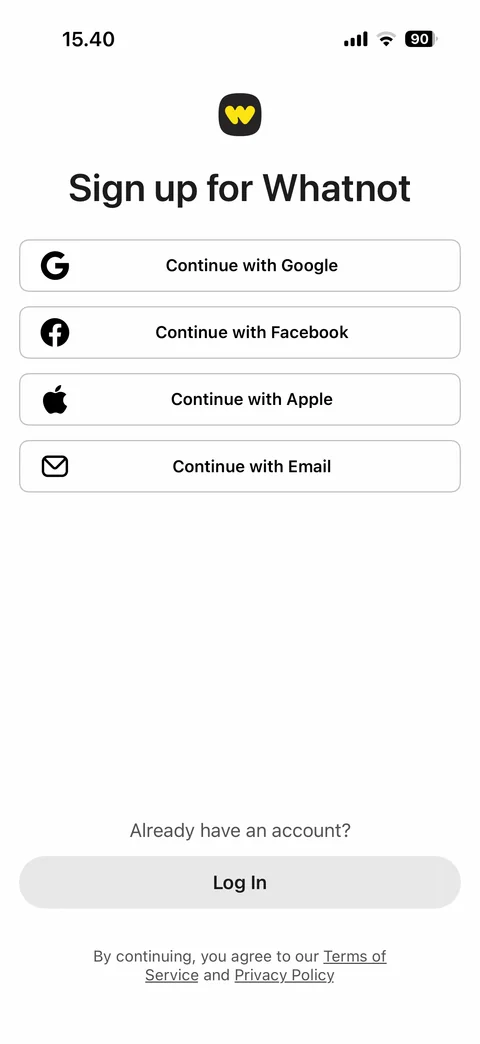
  1. Whatnot onboarding: Sign up: Google, Facebook, Apple, Email options, Log In button, terms and privacy links

    Sign up: Google, Facebook, Apple, Email options, Log In button, terms and privacy links

Whatnot onboarding / sign up (8 screens)
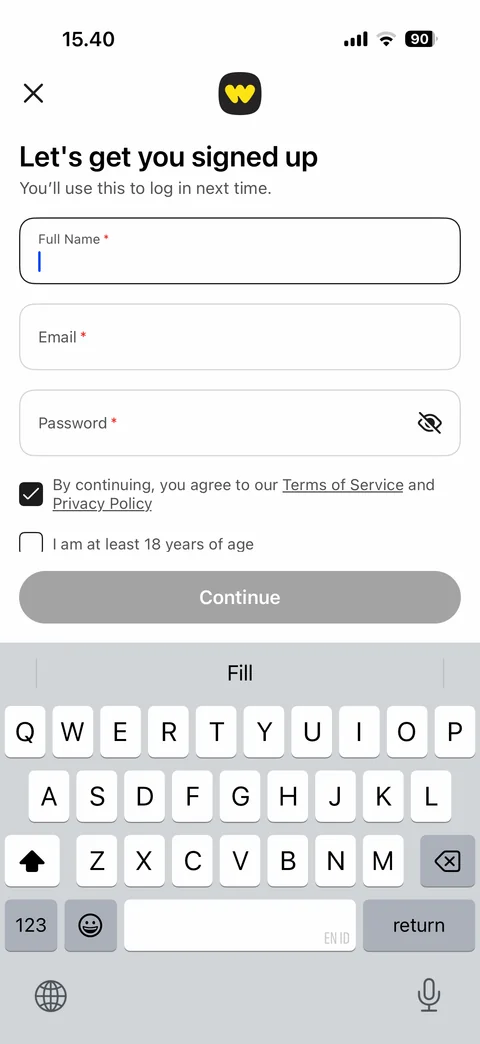
  1. Whatnot onboarding / sign up: Email sign-up form: full name, email, password with eye icon, terms checkbox, 18+ checkbox, disabled…

    Email sign-up form: full name, email, password with eye icon, terms checkbox, 18+ checkbox, disabled Continue, keyboard open
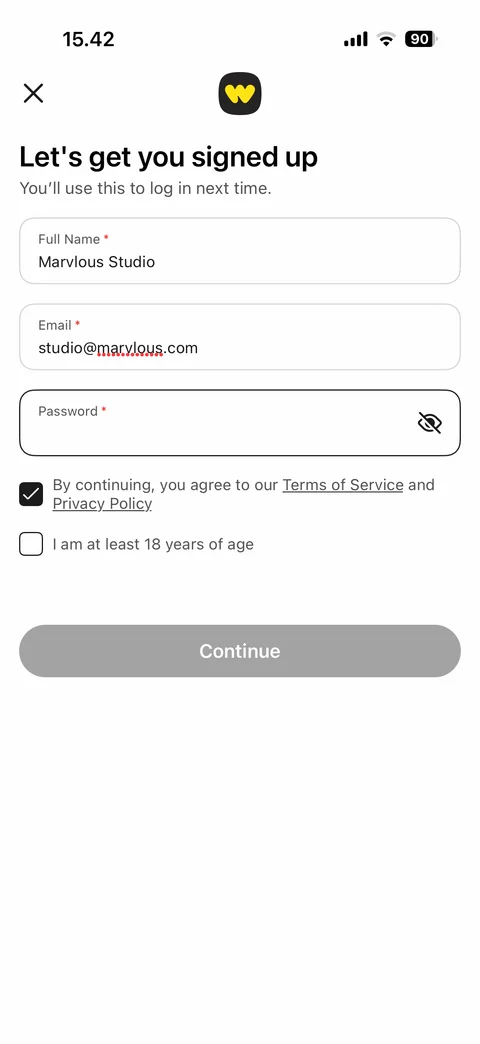
  2. Whatnot onboarding / sign up: Sign-up form filled: name and email entered, password field focused, terms checked, 18+ not checked, Continue…

    Sign-up form filled: name and email entered, password field focused, terms checked, 18+ not checked, Continue disabled
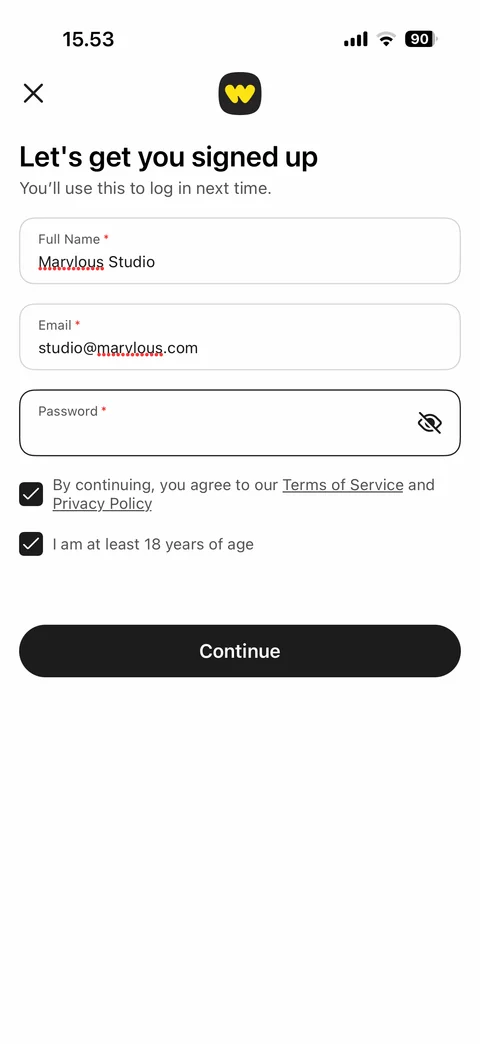
  3. Whatnot onboarding / sign up: Sign-up form complete: name, email, hidden password, terms and 18+ checked, Continue enabled

    Sign-up form complete: name, email, hidden password, terms and 18+ checked, Continue enabled
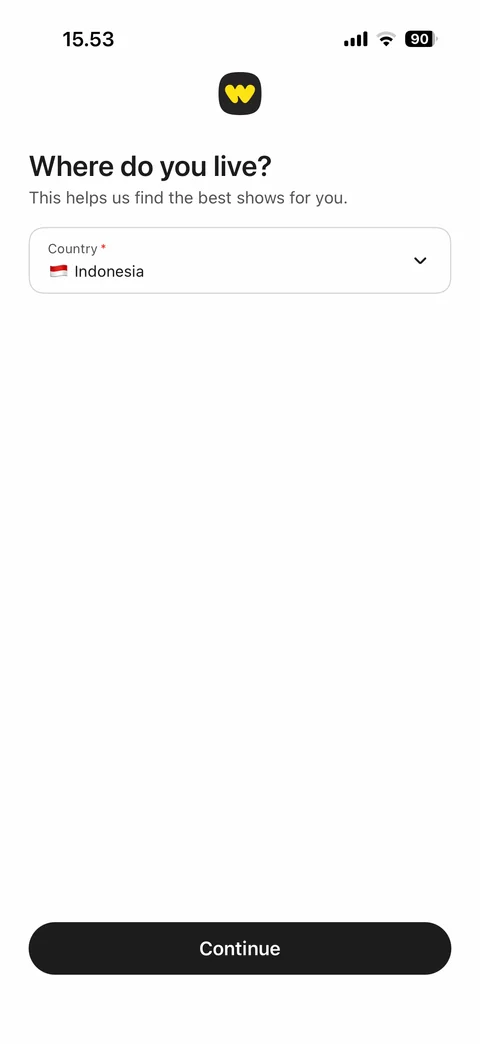
  4. Whatnot onboarding / sign up: Country step: where do you live, country dropdown with flag prefilled, Continue
    Country step: where do you live, country dropdown with flag prefilled, Continue

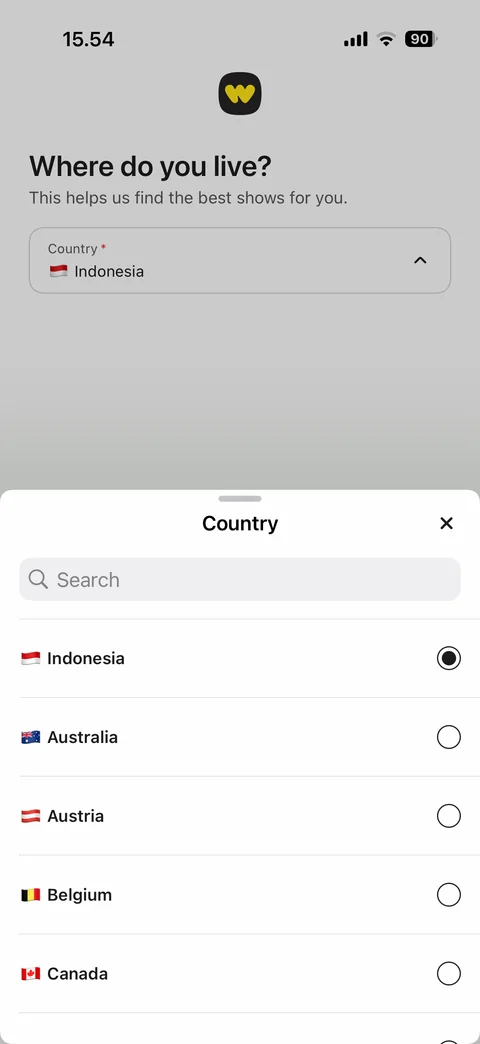
  5. Whatnot onboarding / sign up: Country picker sheet: search, country rows with flags and radio buttons
    Country picker sheet: search, country rows with flags and radio buttons

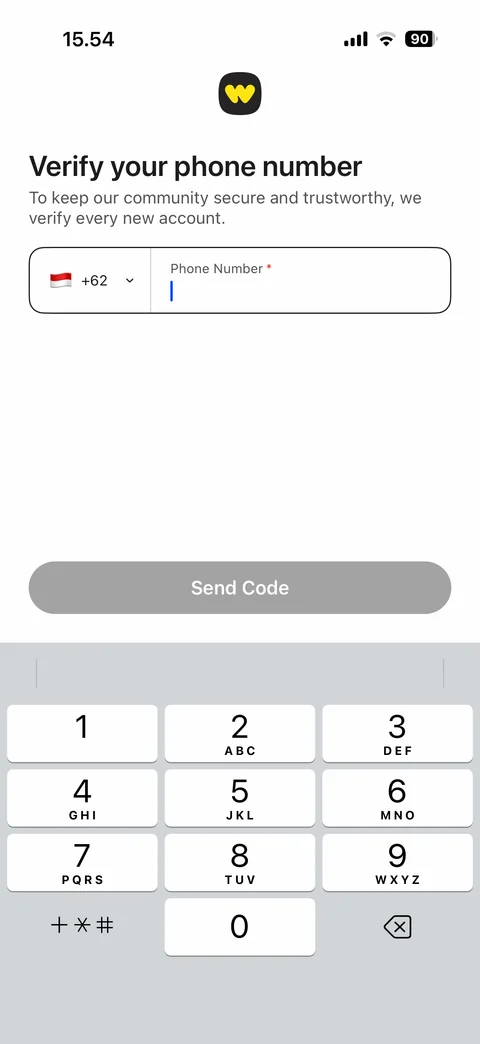
  6. Whatnot onboarding / sign up: Verify phone step: country code picker, phone number field, disabled Send Code, number pad
    Verify phone step: country code picker, phone number field, disabled Send Code, number pad

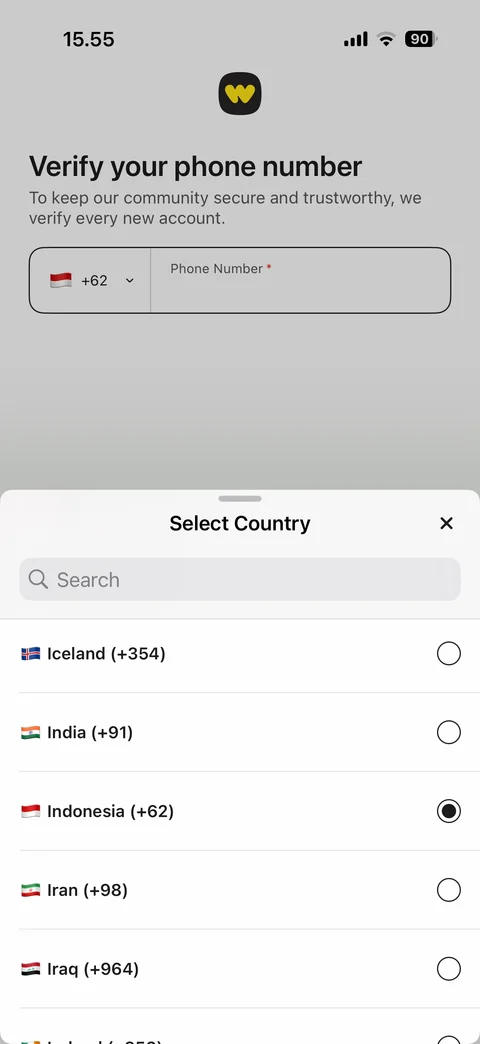
  7. Whatnot onboarding / sign up: Phone country code sheet: search, countries with dialing codes, selected radio
    Phone country code sheet: search, countries with dialing codes, selected radio

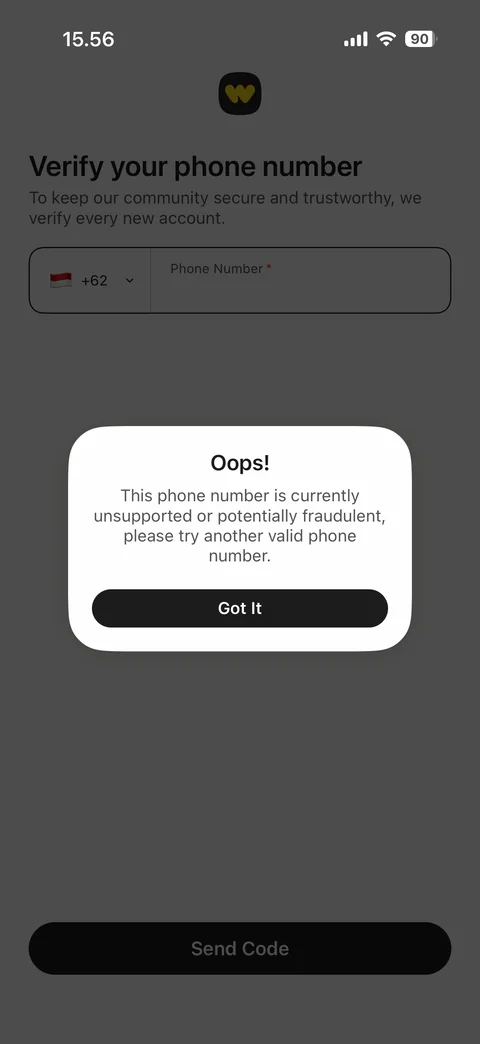
  8. Whatnot onboarding / sign up: Phone error dialog: Oops, number unsupported or potentially fraudulent, try another number, Got It

    Phone error dialog: Oops, number unsupported or potentially fraudulent, try another number, Got It

Whatnot onboarding / log in (3 screens)
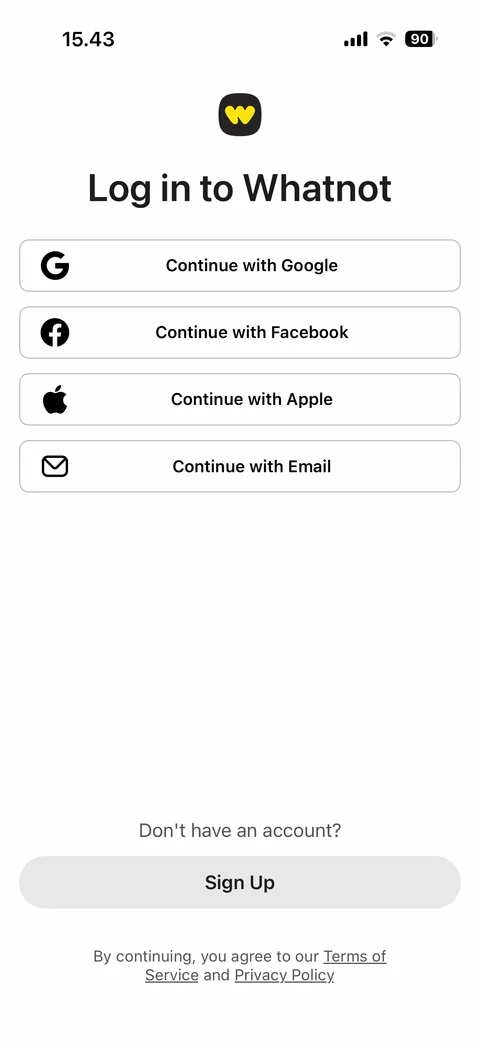
  1. Whatnot onboarding / log in: Log in: Google, Facebook, Apple, Email options, Sign Up button, terms links
    Log in: Google, Facebook, Apple, Email options, Sign Up button, terms links

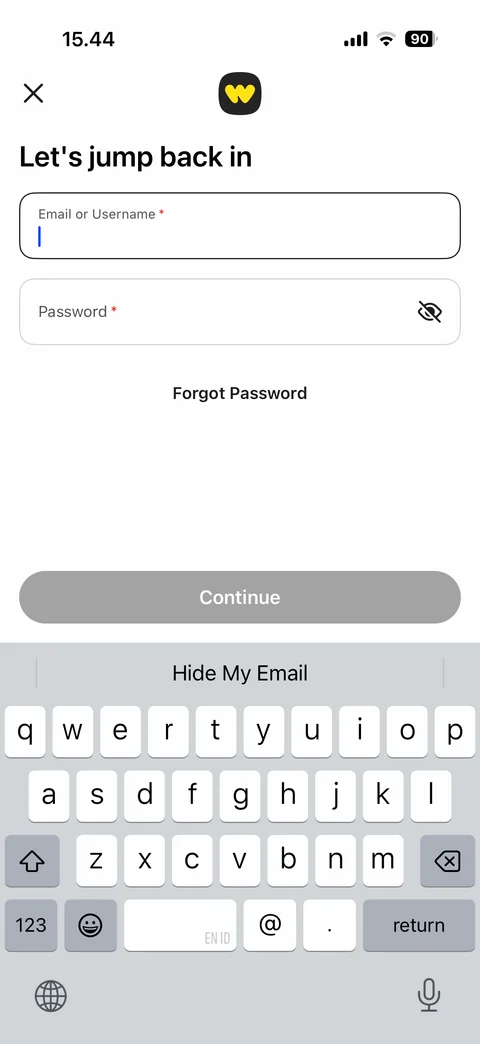
  2. Whatnot onboarding / log in: Email log-in form: email or username, password with eye icon, Forgot Password, disabled Continue, keyboard open
    Email log-in form: email or username, password with eye icon, Forgot Password, disabled Continue, keyboard open

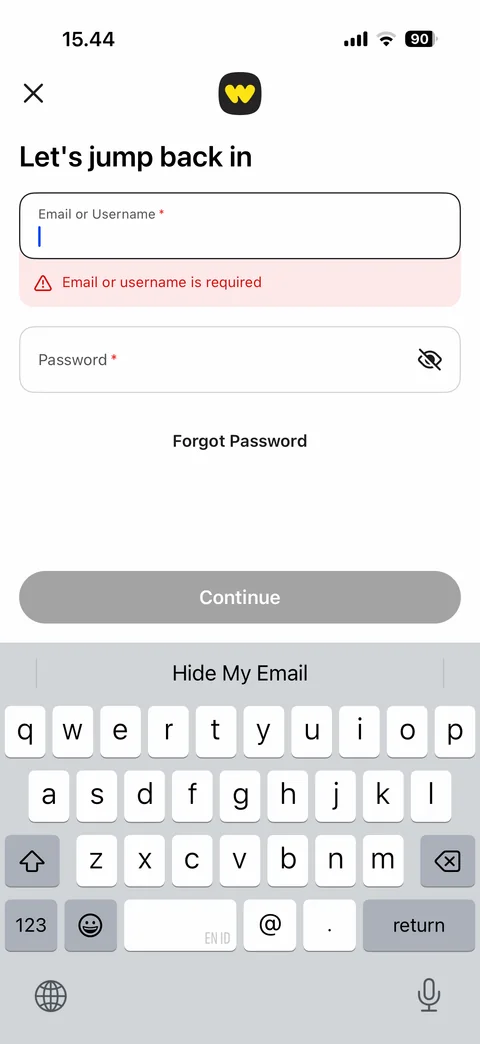
  3. Whatnot onboarding / log in: Log-in validation error: email or username is required message under empty field

    Log-in validation error: email or username is required message under empty field

Whatnot onboarding / log in / forgot password (2 screens)
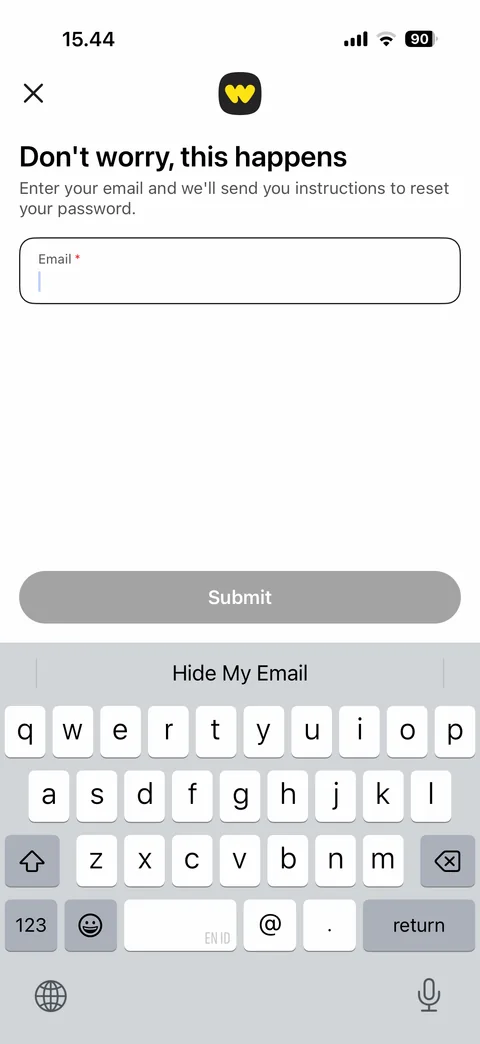
  1. Whatnot onboarding / log in / forgot password: Forgot password: reset instructions text, email field, disabled Submit, keyboard open
    Forgot password: reset instructions text, email field, disabled Submit, keyboard open

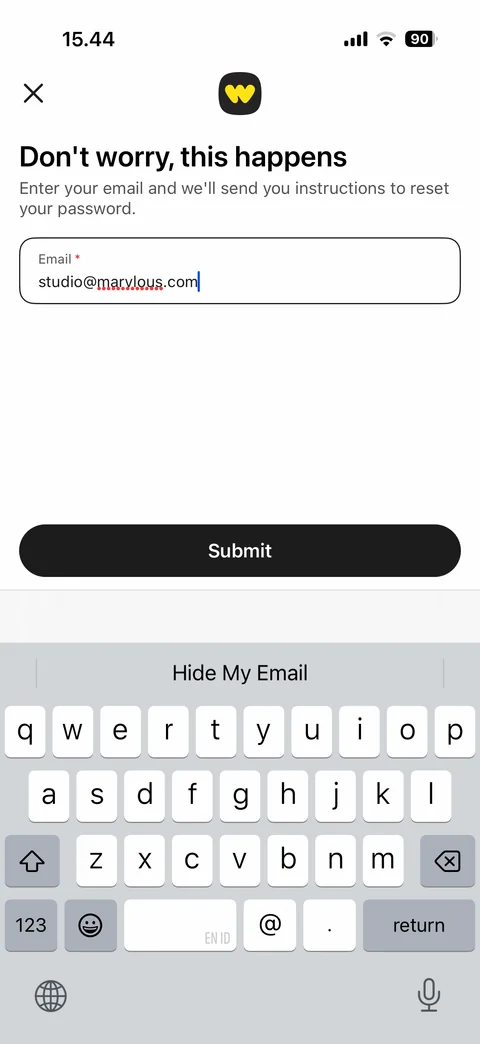
  2. Whatnot onboarding / log in / forgot password: Forgot password filled: email entered, Submit enabled

    Forgot password filled: email entered, Submit enabled

More app designs

See all apps