Wise app design: 104 real screens in 9 flows
Send payments internationally. Category: Finance. By Wise Payments Ltd.
Captured on iPhone and updated November 2026. Each screen has a short note on what it shows and why it matters for growth.
Wise onboarding (10 screens)

Launch splash: full lime green screen with dark green Wise flag logo
Welcome carousel slide 1: progress bar at top, 3D painted jars, headline 160 countries, 40 currencies. One account, Check our rates link, green Get started button
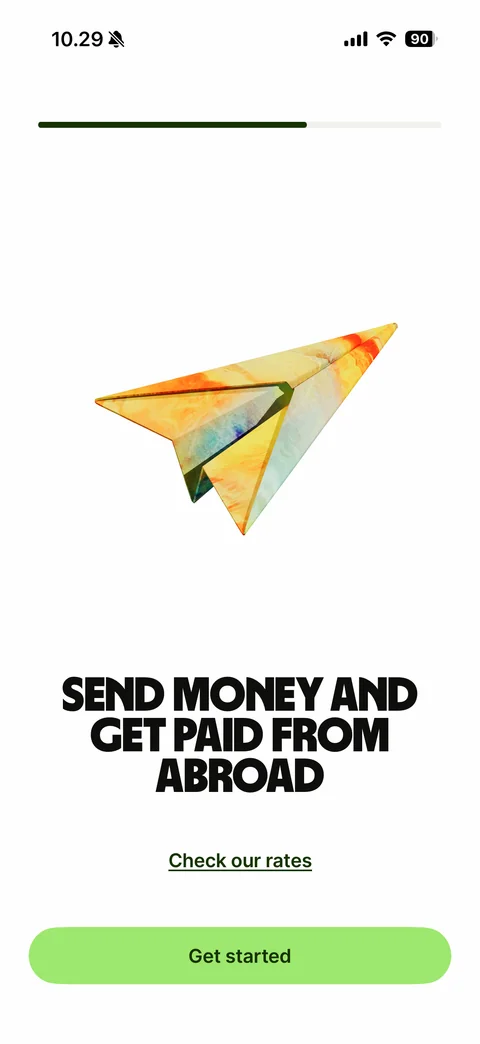
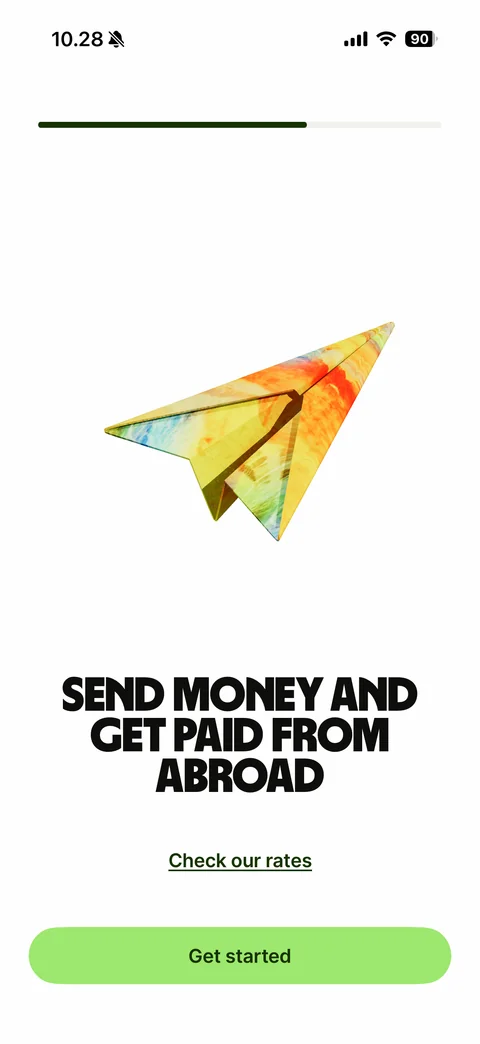
Welcome carousel slide 2: progress bar two thirds, 3D painted paper plane, headline Send money and get paid from abroad, Check our rates link, Get started button
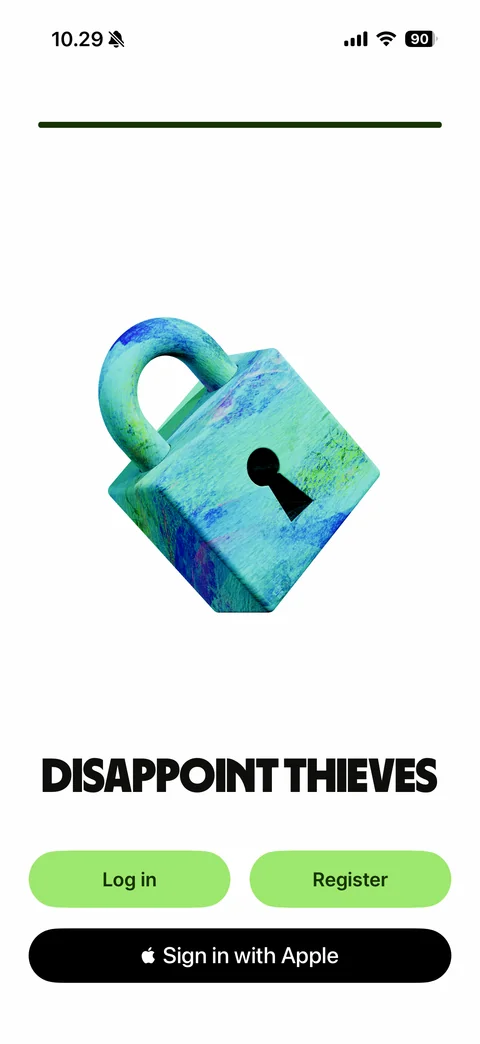
Welcome carousel last slide: full progress bar, 3D painted padlock, headline Disappoint thieves, Log in and Register buttons, black Sign in with Apple button
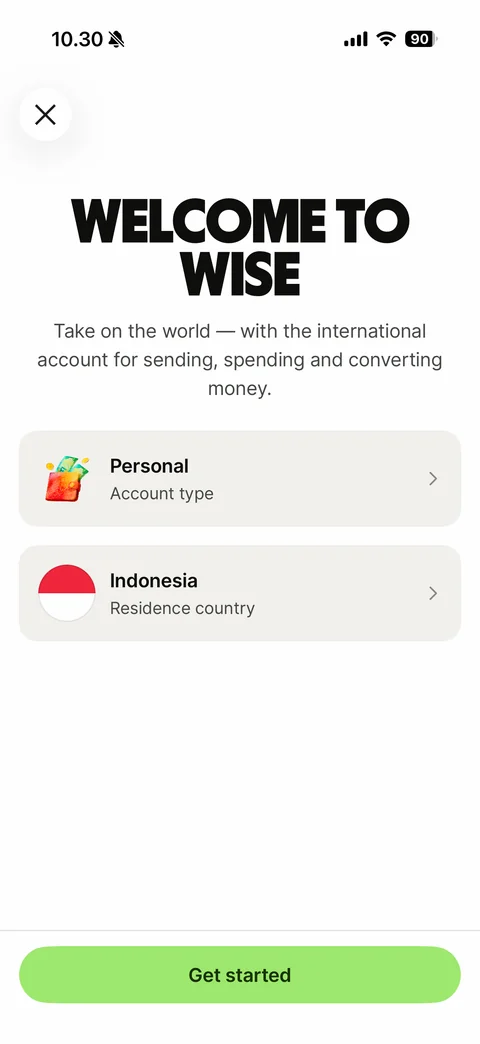
Register start: close button, headline Welcome to Wise, subtitle, Personal account type row, residence country row with flag, Get started button
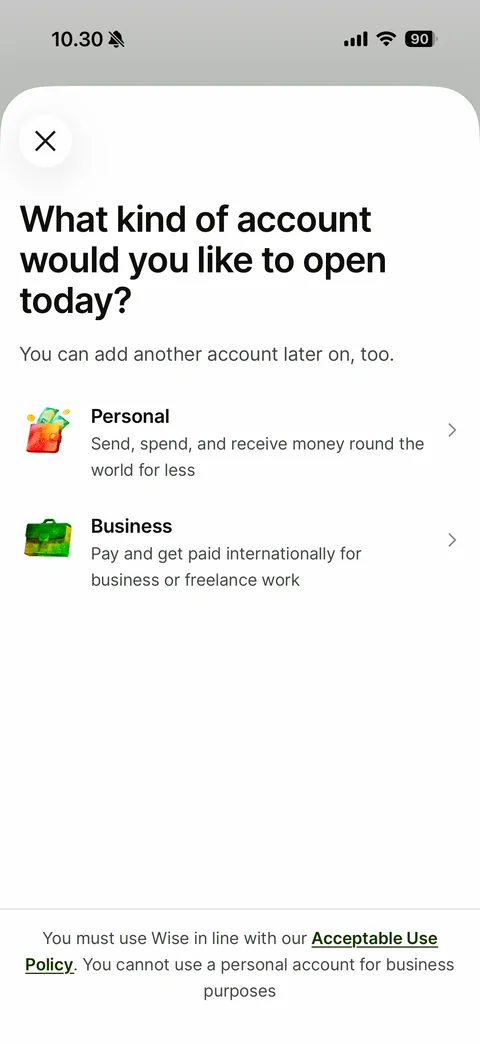
Account type sheet: What kind of account would you like to open today?, Personal and Business options with 3D icons and descriptions, Acceptable Use Policy footer
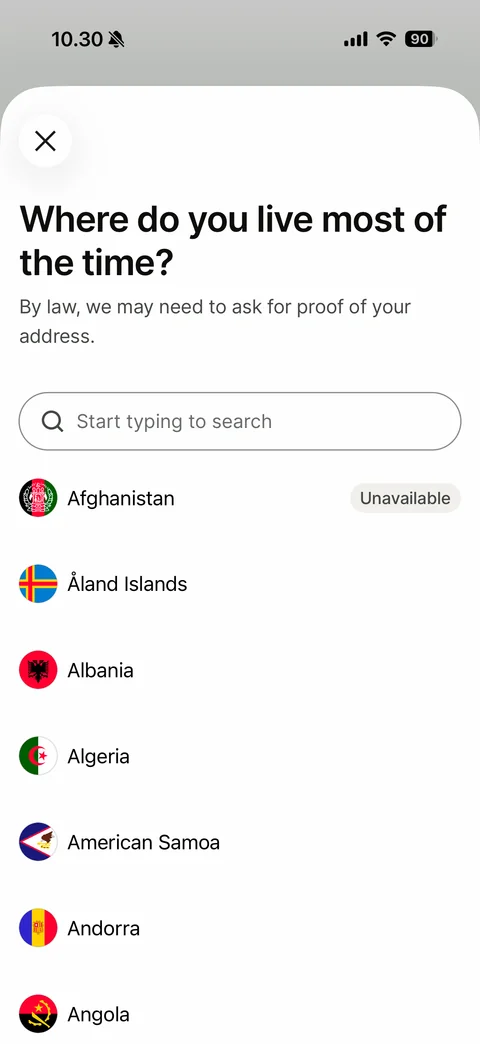
Residence country picker: Where do you live most of the time?, proof of address note, search field, alphabetical country list with round flags, Unavailable tag on Afghanistan
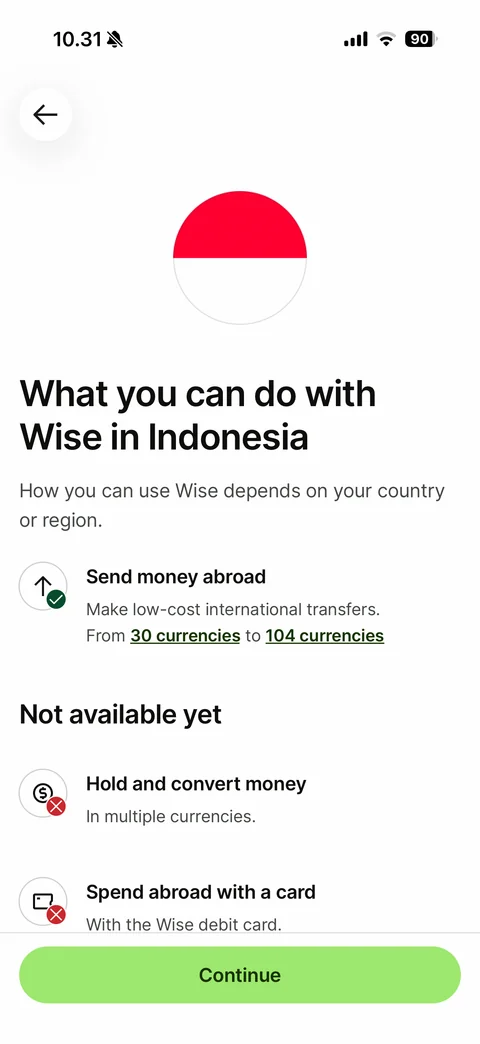
Country features: big round flag, What you can do with Wise in your country, Send money abroad available with currency links, Not available yet section with Hold and convert money and Spend abroad with a card, Continue button
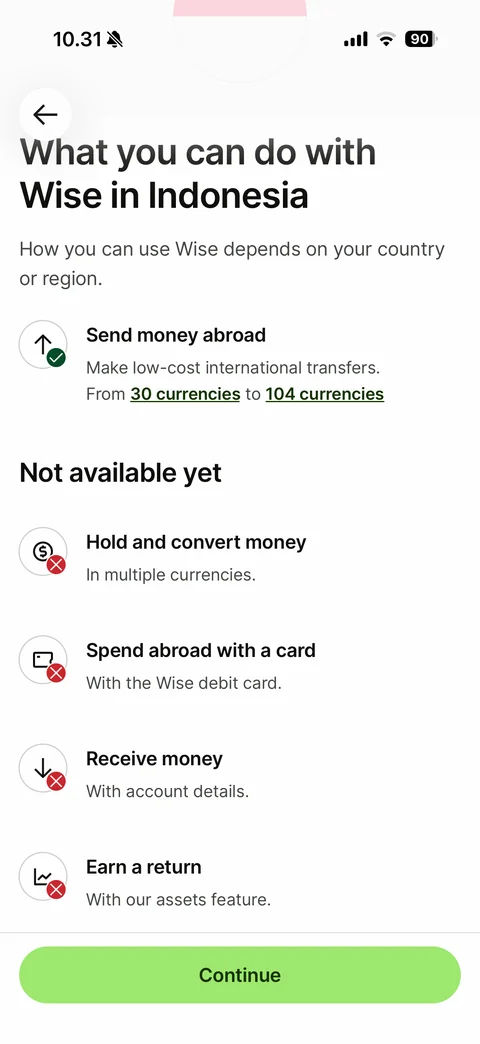
Country features scrolled: full Not available yet list - Hold and convert money, Spend abroad with a card, Receive money, Earn a return - with red cross badges
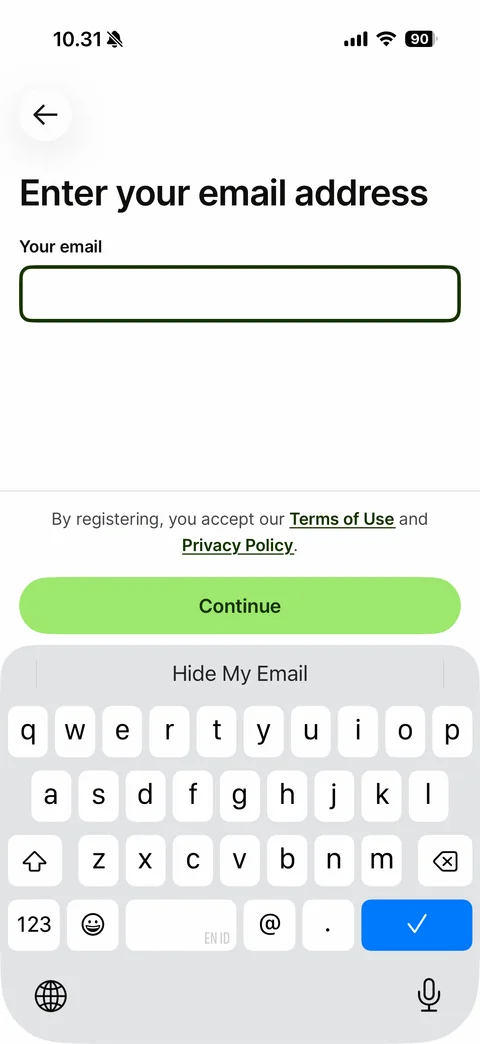
Enter your email address: back arrow, Your email field focused, Terms of Use and Privacy Policy consent text, Continue button above keyboard with Hide My Email suggestion
Wise log in (4 screens)
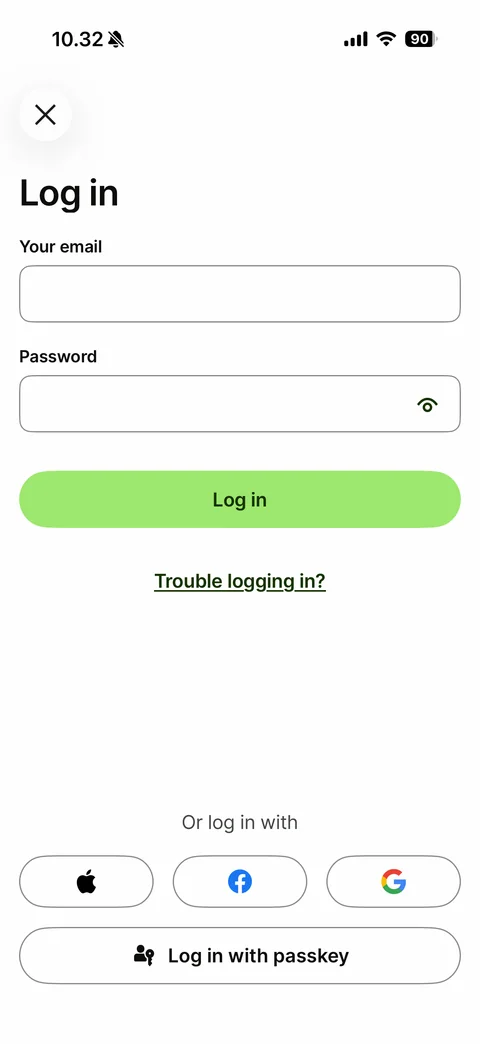
Log in: close button, email and password fields with show password eye, green Log in button, Trouble logging in? link, Or log in with Apple, Facebook and Google buttons, Log in with passkey button
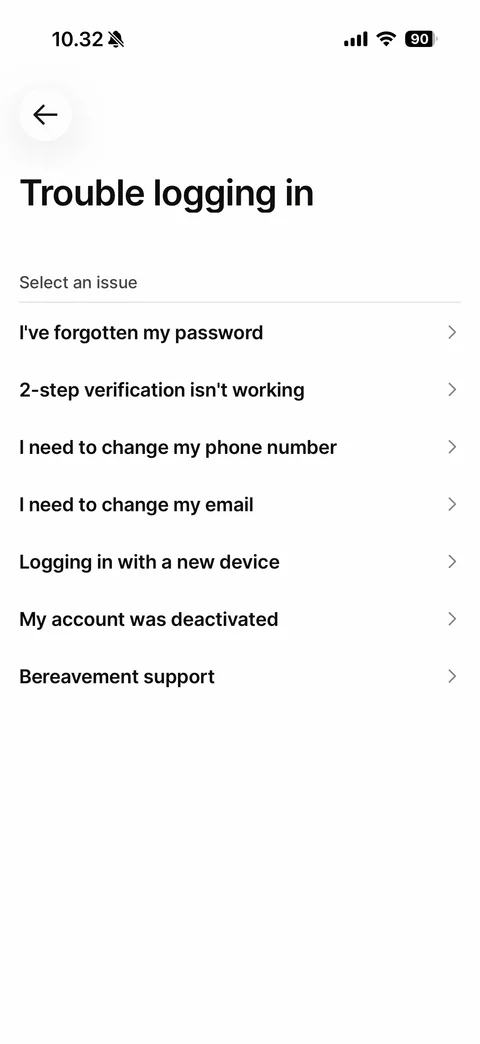
Trouble logging in: Select an issue list - forgotten password, 2-step verification, change phone number, change email, new device, account deactivated, bereavement support
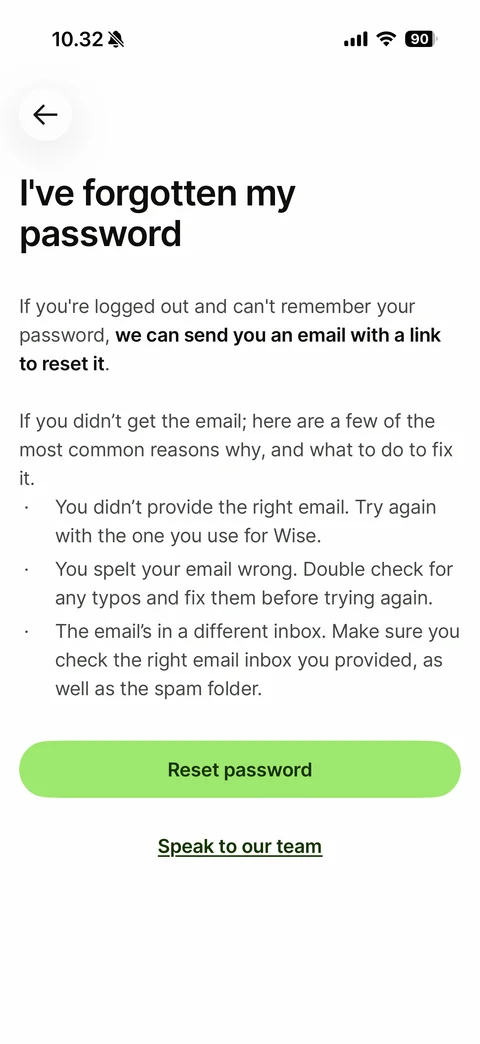
Help article I've forgotten my password: explanation with bold reset link text, bullet list of common reasons, Reset password button, Speak to our team link
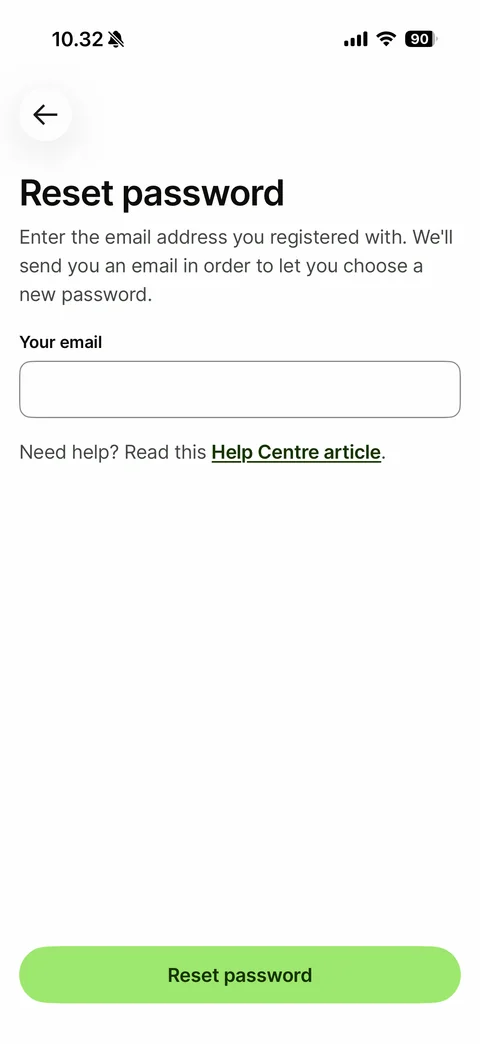
Reset password form: instructions, empty Your email field, Help Centre article link, Reset password button at bottom
Wise rates (6 screens)
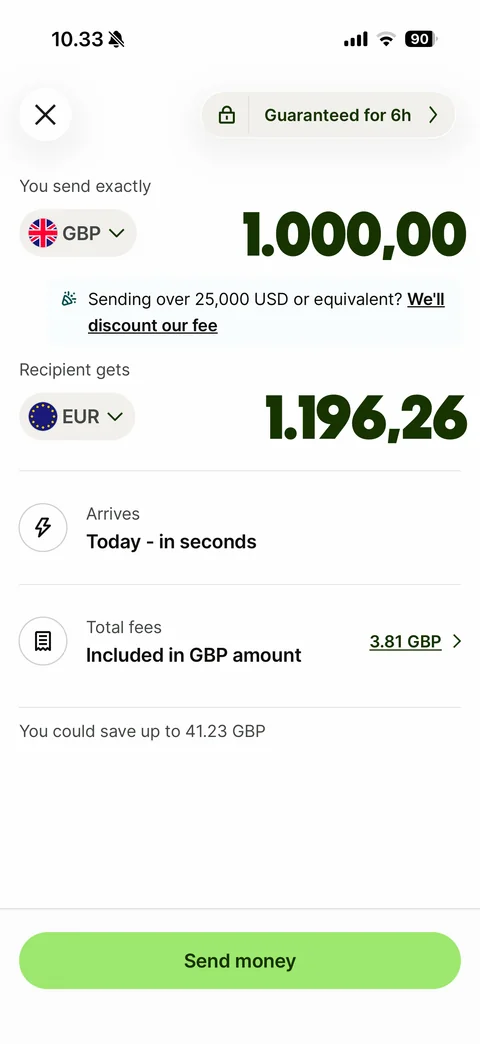
Rate calculator: locked rate pill 1 GBP = 1.2008 EUR, You send exactly GBP 1,000.00 in big type, large-amount discount banner, Recipient gets EUR amount, Arrives Today in seconds, Total fees included with amount link, savings note, Send money button
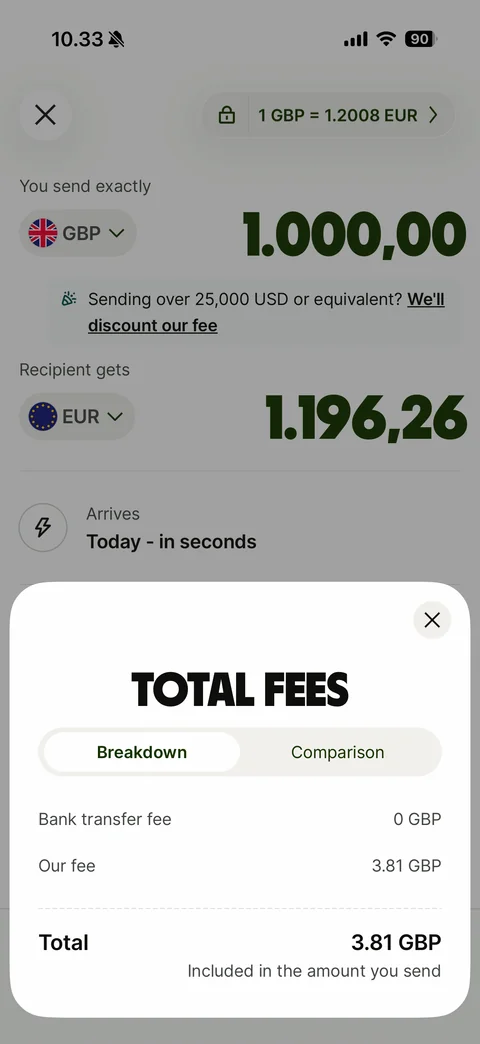
Total fees bottom sheet: Breakdown and Comparison segmented control, bank transfer fee, our fee, dashed divider, total included in the amount you send
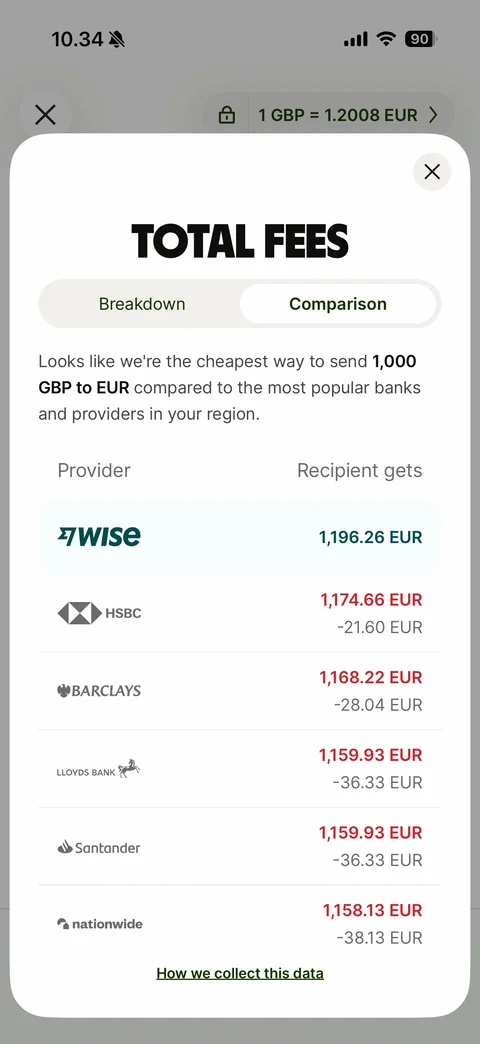
Total fees Comparison tab: cheapest-way message, Provider vs Recipient gets table with Wise highlighted first and bank logos below with red amounts and differences, How we collect this data link
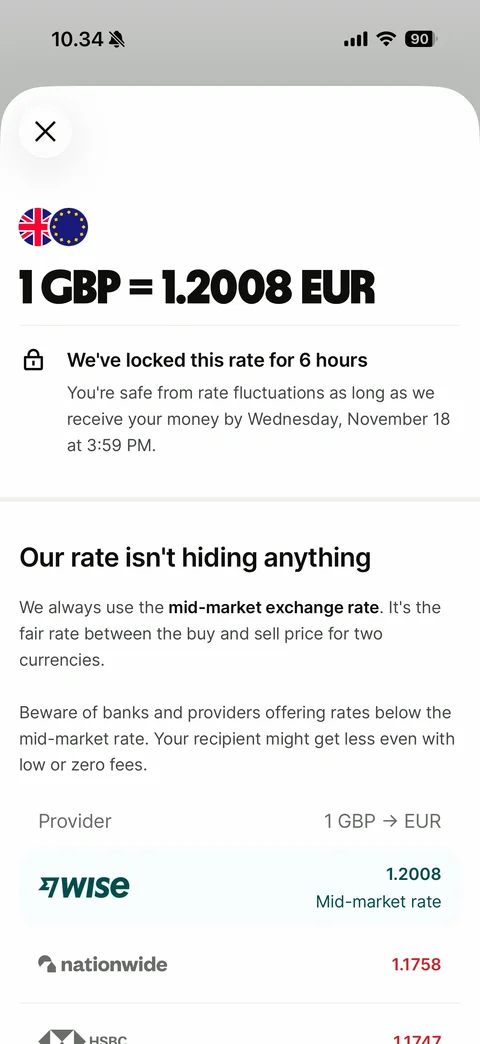
Exchange rate sheet: two currency flags, 1 GBP = 1.2008 EUR headline, We've locked this rate for 6 hours with deadline, Our rate isn't hiding anything explainer about mid-market rate, provider rate table with Wise first
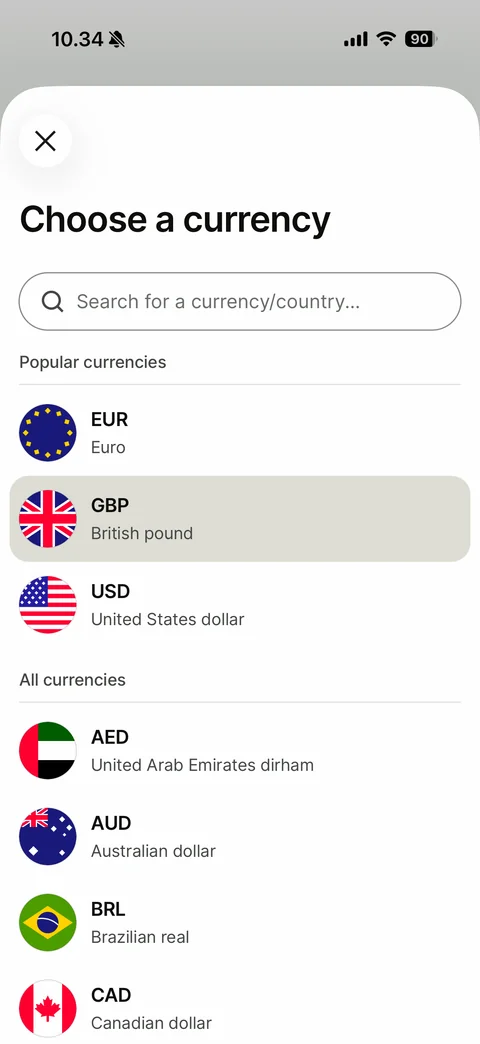
Choose a currency sheet: search for a currency or country, Popular currencies (EUR, GBP selected, USD), All currencies list with round flags, codes and names
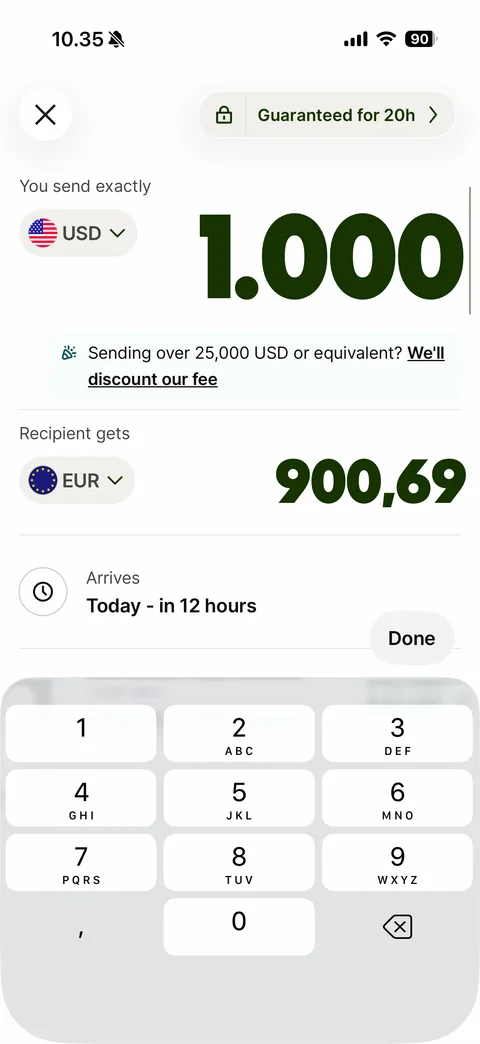
Editing send amount: USD amount enlarged with cursor, rate pill 1 USD = 0.9097 EUR, recipient EUR amount, number pad with Done button
Wise home (14 screens)
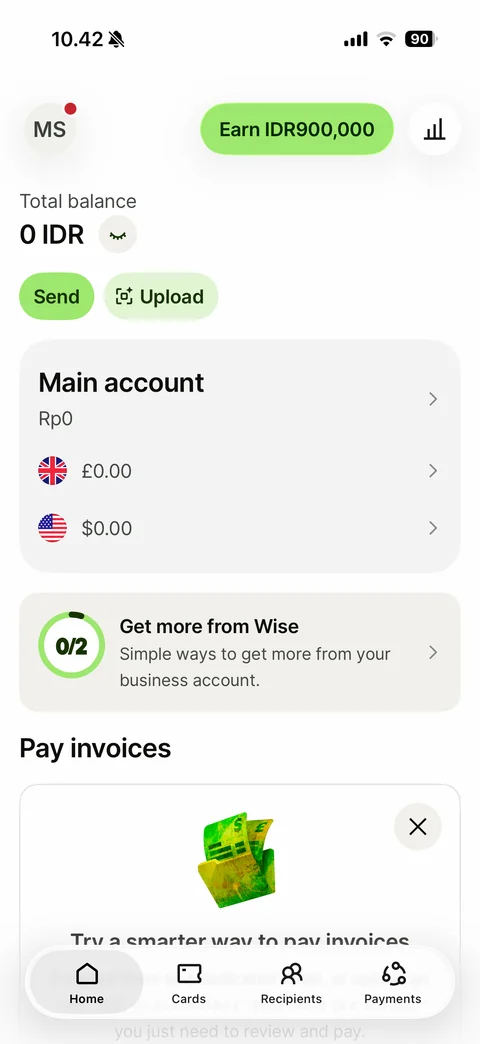
Home (business account): avatar initials with red dot, Earn referral pill, insights button, Total balance with hide eye, Send and Upload buttons, Main account card with currency balances, Get more from Wise 0/2 progress ring, Pay invoices promo card, floating tab bar Home Cards Recipients Payments
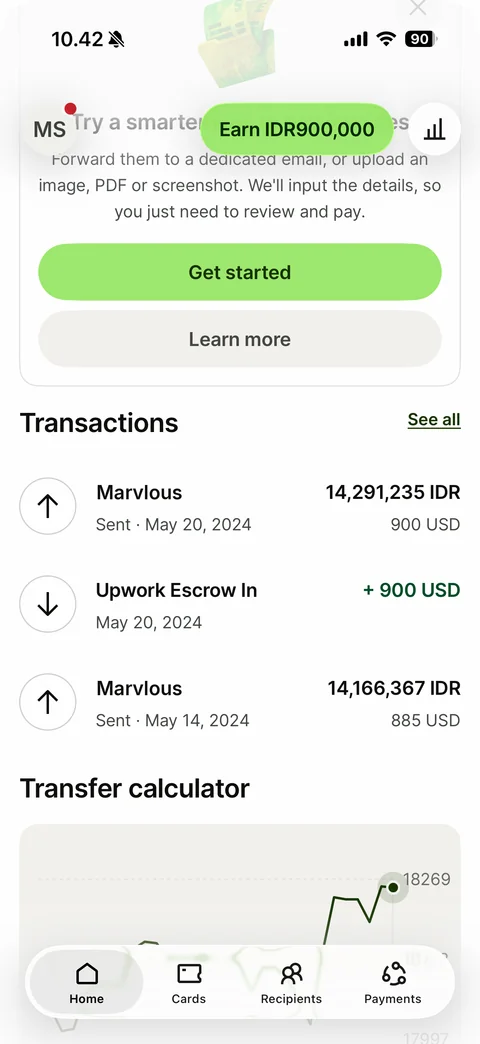
Home scrolled: Pay invoices promo with Get started and Learn more, Transactions list with sent and received rows (direction icons, recipient, status and date, IDR and USD amounts, green incoming amount), See all link, Transfer calculator chart
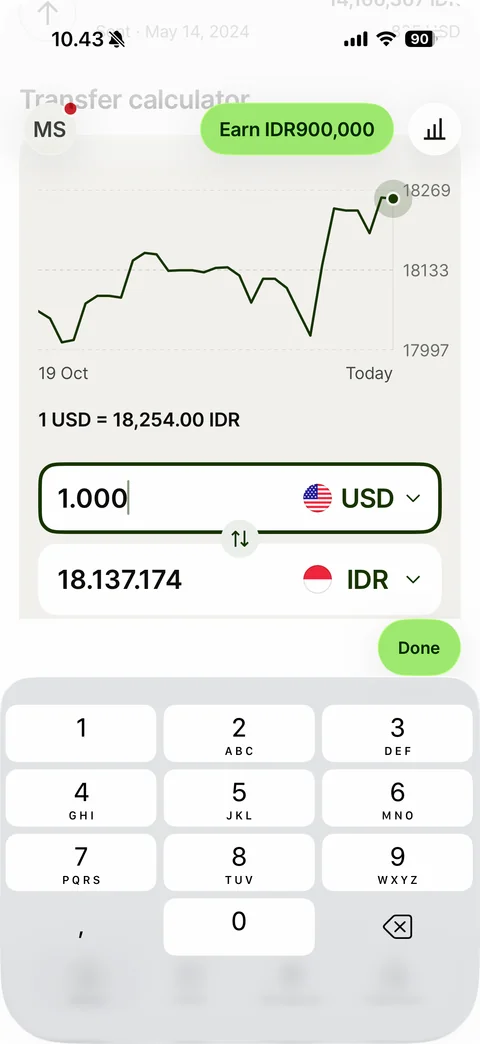
Home transfer calculator in edit mode: 30-day USD to IDR rate line chart with dashed grid and current point, rate text, USD amount field focused with cursor, swap button, IDR result field, Done button above number pad
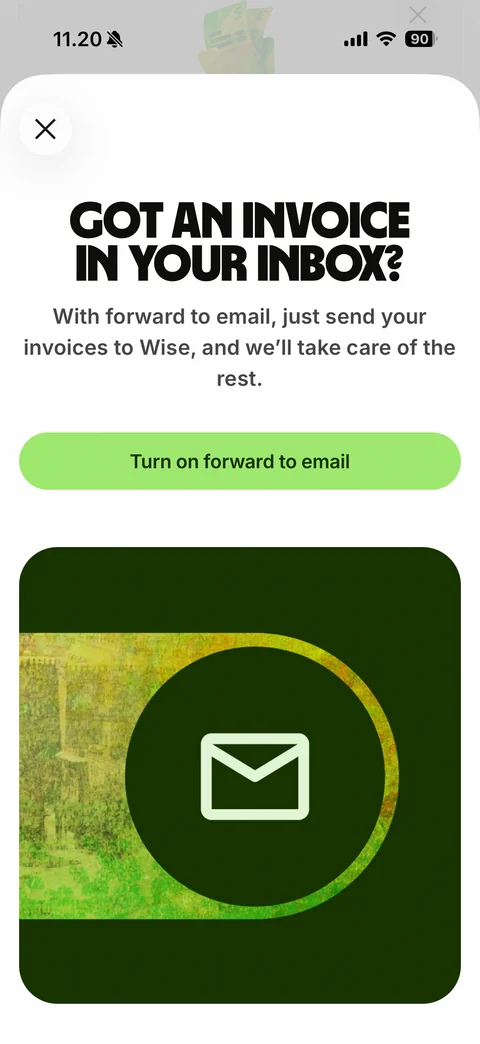
Pay invoices Learn more sheet: close button, display headline Got an invoice in your inbox?, forward to email explanation, Turn on forward to email button, dark green illustration card with envelope icon in a circle
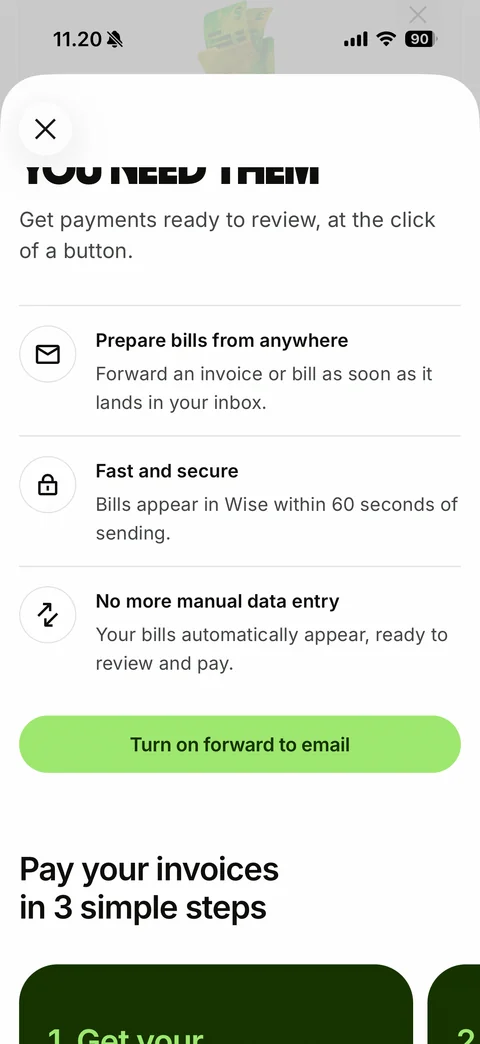
Pay invoices sheet scrolled: benefit list with round outline icons (Prepare bills from anywhere, Fast and secure, No more manual data entry), Turn on forward to email button, Pay your invoices in 3 simple steps with horizontal dark green step cards
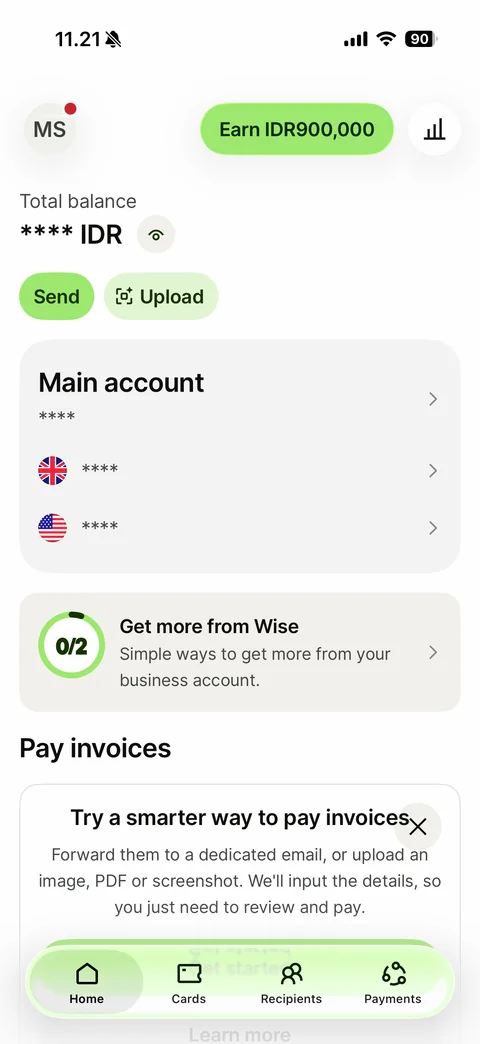
Home with balances hidden: total balance and every currency amount masked with asterisks, eye button now open, Main account card, Get more from Wise card, Pay invoices card

Balance insights: back, Total balance with help icon, large 0.00 IDR amount, Cash row with icon and amount, What do you think about this experience? with Give us feedback link
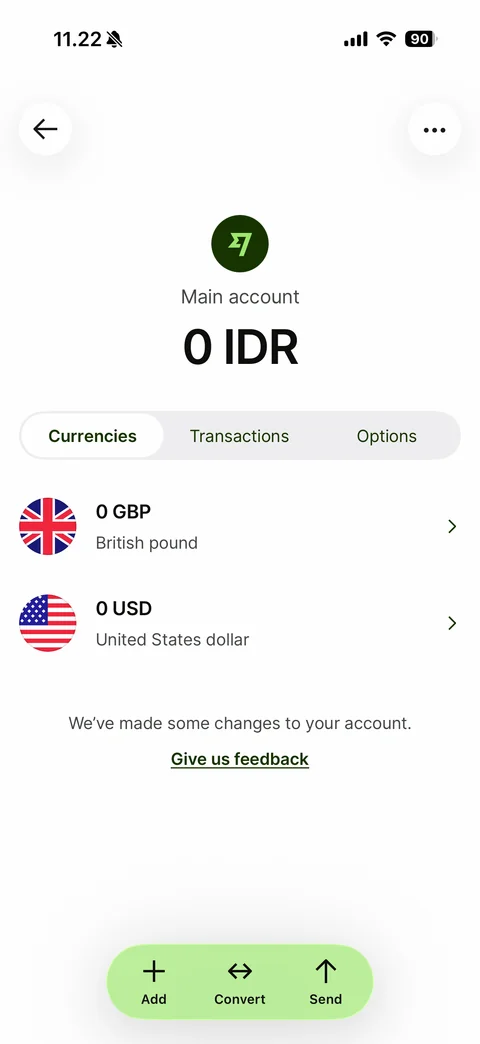
Main account: back and more buttons, Wise logo badge, Main account label, large 0 IDR balance, Currencies Transactions Options segmented control, GBP and USD currency rows with round flags, feedback prompt, floating green Add Convert Send action bar
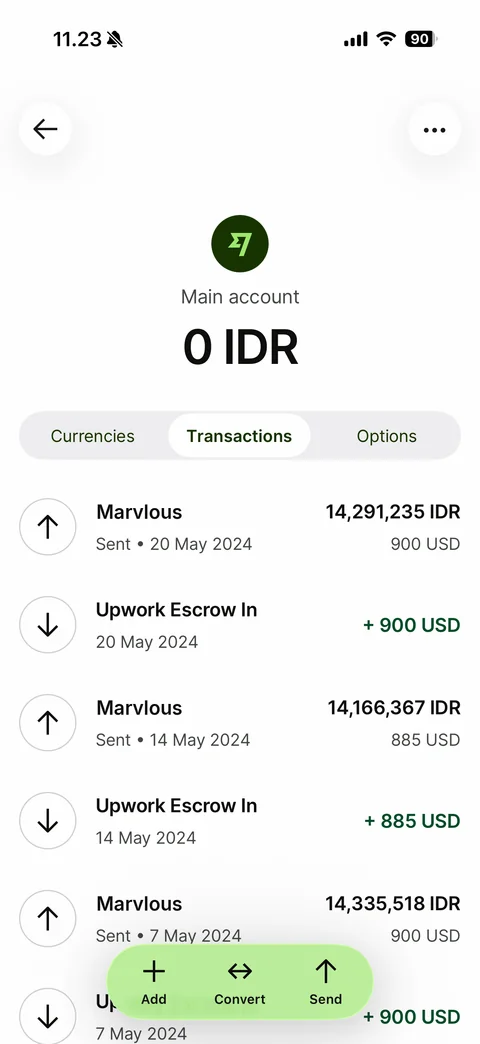
Main account Transactions tab: list of sent and received transfers with arrow icons, names, dates, IDR and USD amounts, green incoming amounts, floating Add Convert Send bar
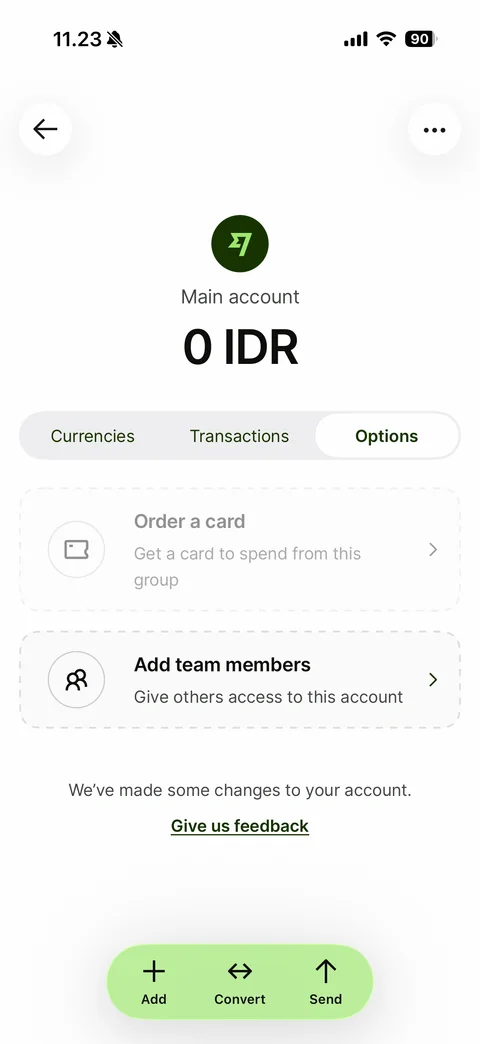
Main account Options tab: disabled Order a card dashed card, Add team members dashed card, feedback prompt, floating Add Convert Send bar
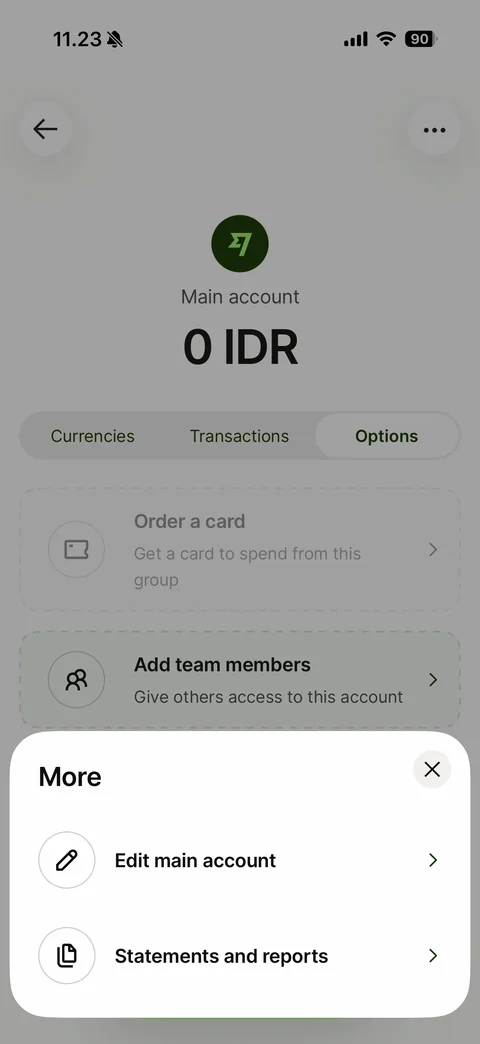
Main account More bottom sheet: close button, Edit main account and Statements and reports rows with round outline icons
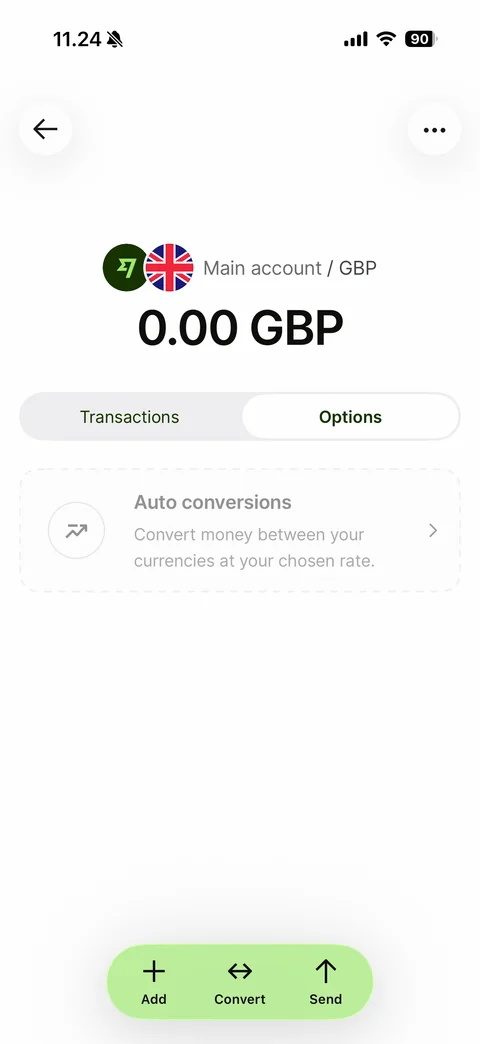
GBP balance Options tab: overlapping Wise and UK flag badges, Main account / GBP label, large 0.00 GBP, Transactions and Options segmented control, disabled Auto conversions dashed card, floating Add Convert Send bar
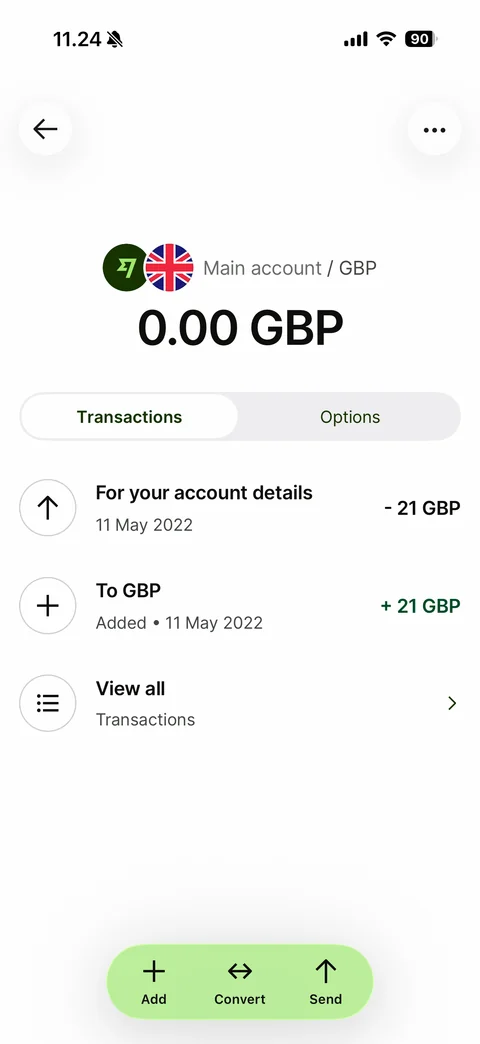
GBP balance Transactions tab: account details fee row with negative amount, Added to GBP row with green positive amount, View all Transactions row with list icon
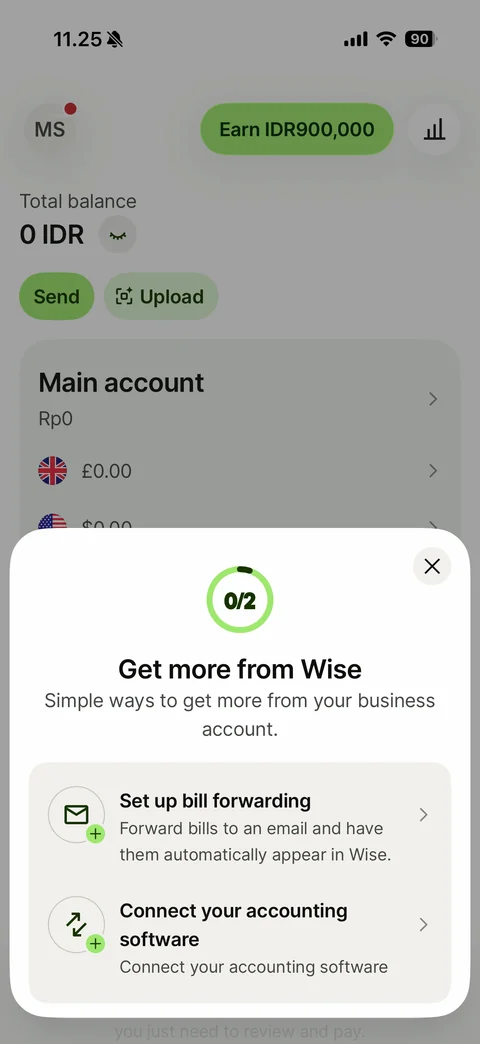
Get more from Wise checklist sheet: close button, 0/2 progress ring, title and subtitle, task cards Set up bill forwarding and Connect your accounting software with plus badge icons and chevrons
Wise transactions (5 screens)
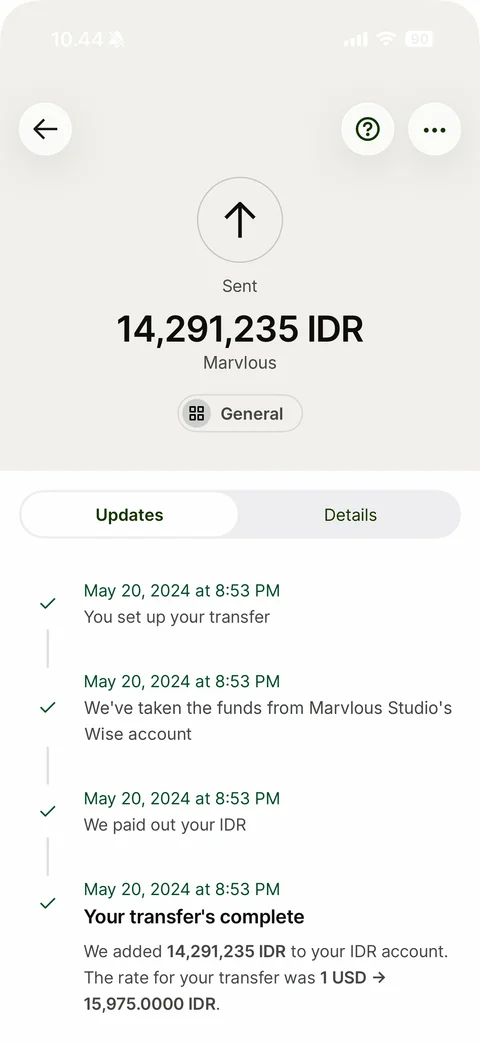
Transfer detail Updates tab: back, help and more buttons, Sent arrow icon, big IDR amount, recipient name, General category chip, Updates and Details segmented control, vertical timeline with green checks and timestamps, Your transfer's complete with rate summary
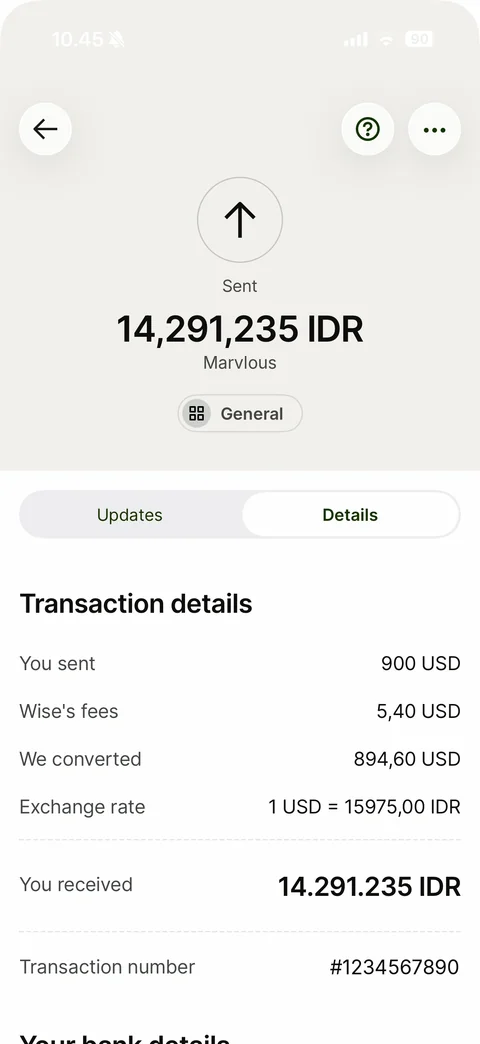
Transfer detail Details tab: Transaction details list - you sent, Wise's fees, we converted, exchange rate, dashed divider, You received in bold large type, transaction number, Your bank details heading below
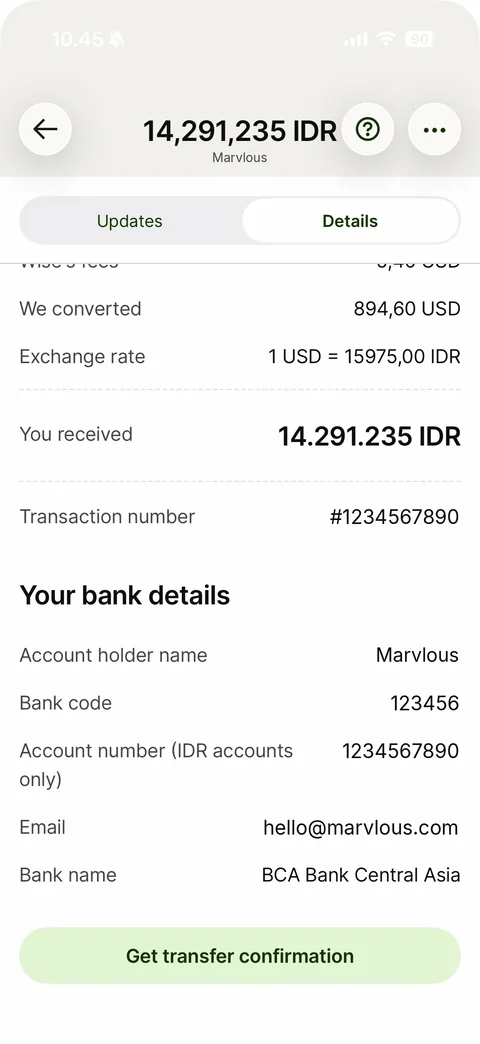
Transfer detail Details scrolled: collapsed header with amount and recipient, sticky segmented control, transaction rows, Your bank details section (account holder, bank code, account number, email, bank name - all replaced with sample values), Get transfer confirmation button
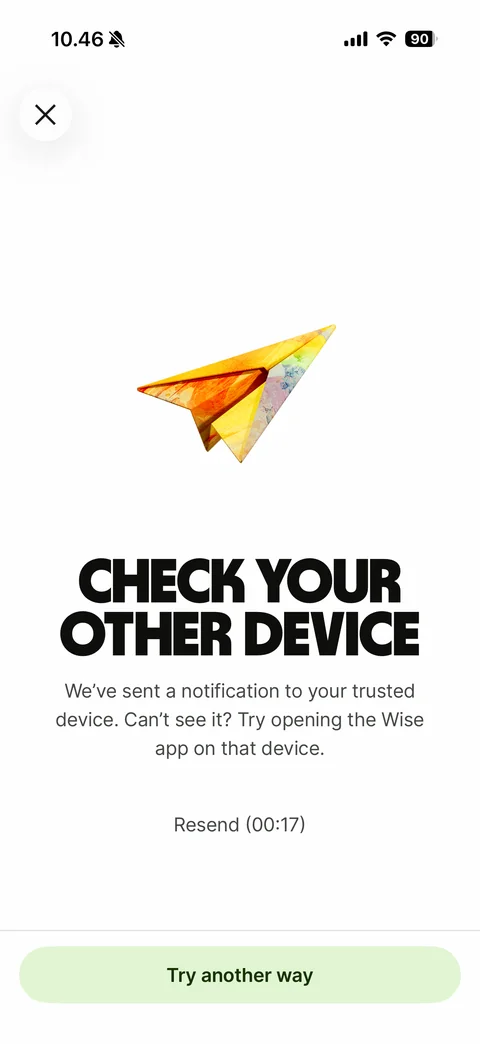
Security step-up before opening an incoming payment: close button, 3D paper plane, headline Check your other device, trusted device notification text, Resend countdown, Try another way button
Error state: back arrow, 3D painted wrench, Sorry, we're having some technical issues, Please try again, green Retry button
Wise cards (5 screens)
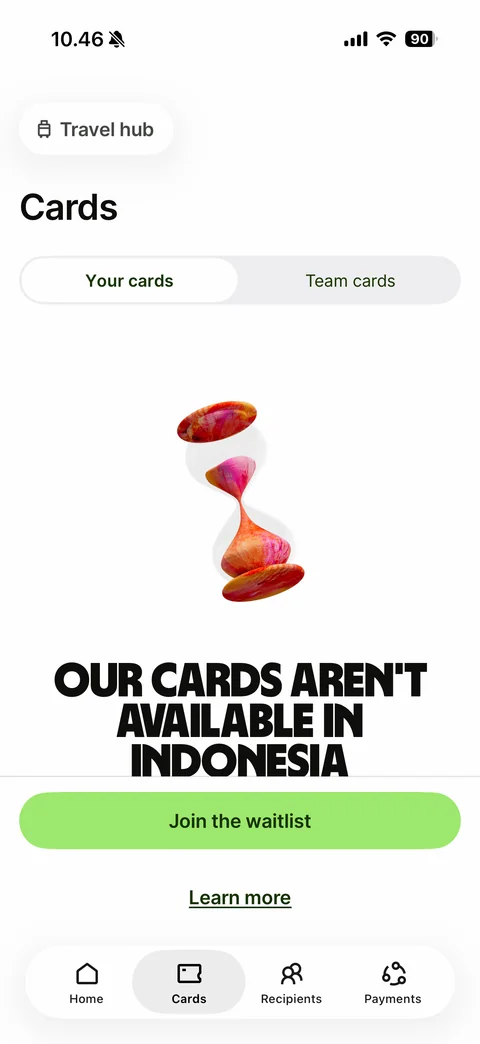
Cards tab unavailable state: Travel hub pill, Cards title, Your cards and Team cards segmented control, 3D painted hourglass, headline Our cards aren't available in your country, Join the waitlist button, Learn more link
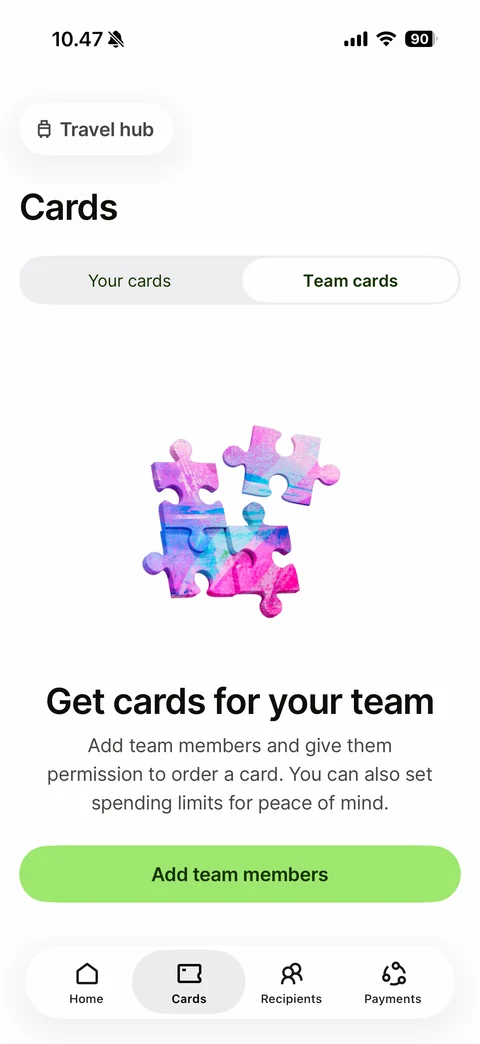
Team cards tab empty state: 3D painted puzzle pieces, headline Get cards for your team, permission and spending limit text, Add team members button
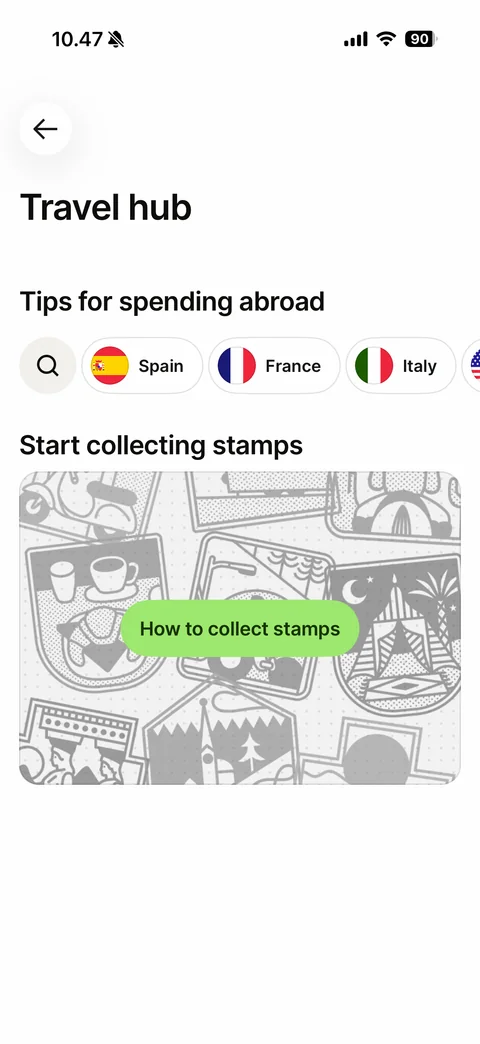
Travel hub: Tips for spending abroad with search button and horizontal country flag chips, Start collecting stamps card with grey illustrated stamp collage and green How to collect stamps button
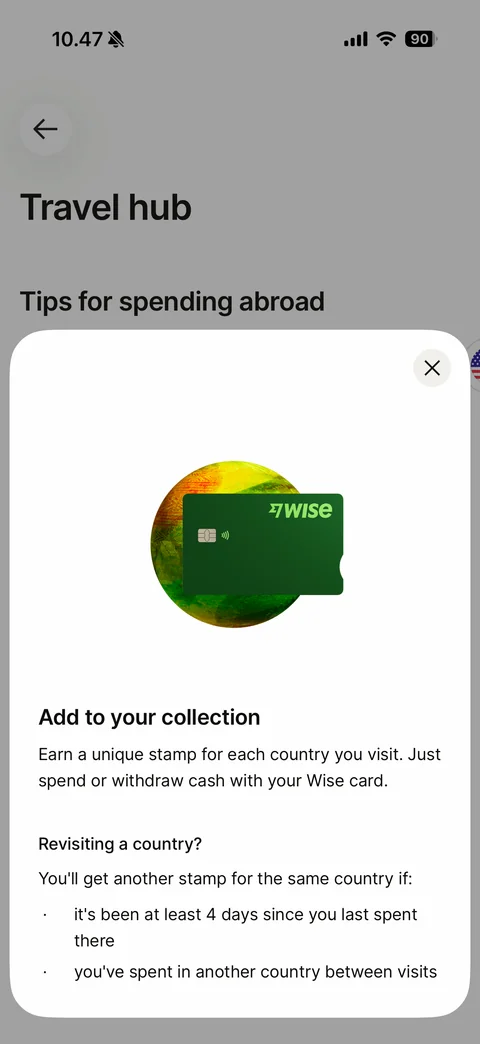
Stamps explainer sheet: green Wise card over painted globe, Add to your collection text, Revisiting a country rules with bullet list
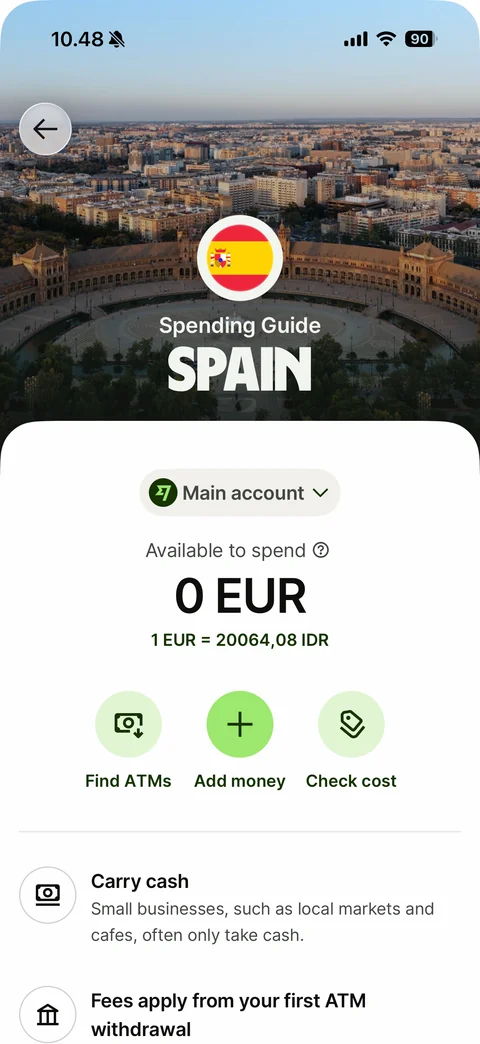
Country spending guide (Spain): aerial city photo header with round flag, Spending Guide title, Main account selector, Available to spend 0 EUR with rate, Find ATMs, Add money and Check cost round actions, tips list Carry cash and ATM fees
Wise recipients (10 screens)
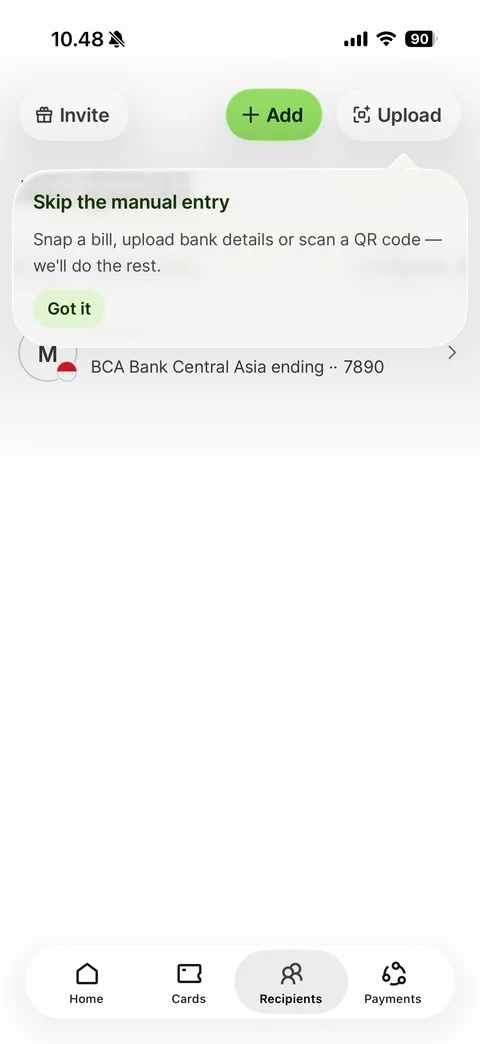
Recipients tab with coach mark: Invite, green Add and Upload pills, tooltip Skip the manual entry pointing at Upload with Got it button, recipient row with initial avatar, country flag badge and bank ending digits
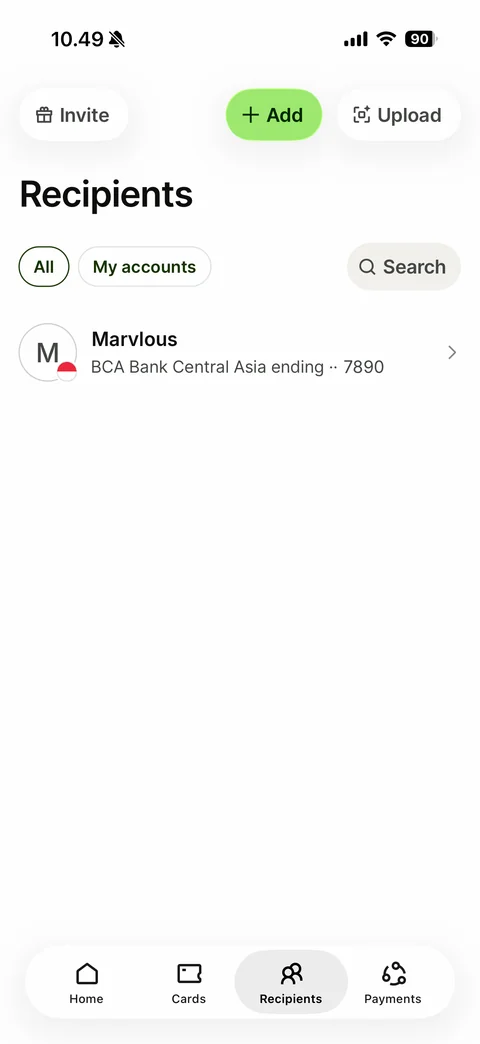
Recipients list: Invite, Add and Upload pills, Recipients title, All and My accounts filter chips, Search button, recipient row with initial avatar, flag badge, name and masked bank account
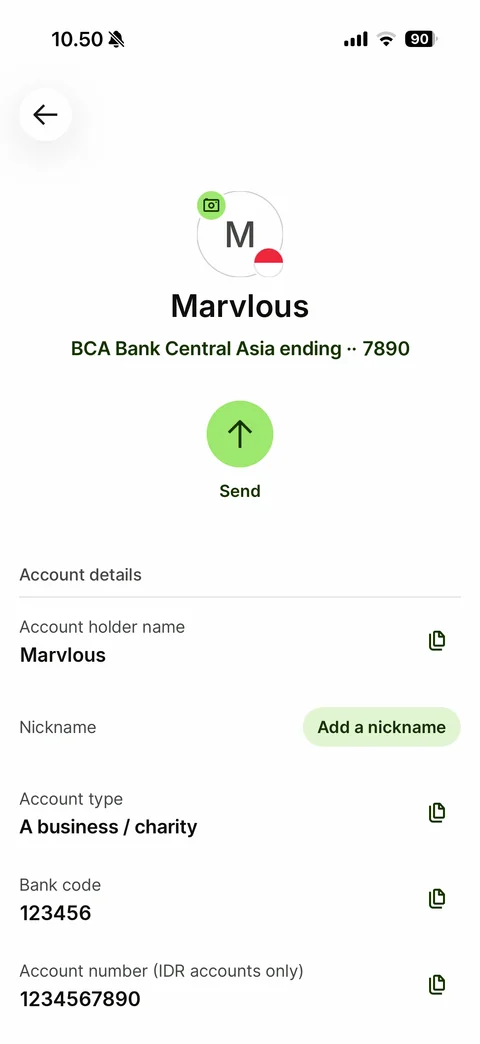
Recipient detail: back, initial avatar with add photo badge and flag, name, bank and masked account in green, round green Send button, Account details list with copy icons - account holder, Add a nickname pill, account type, bank code, account number (sample values)
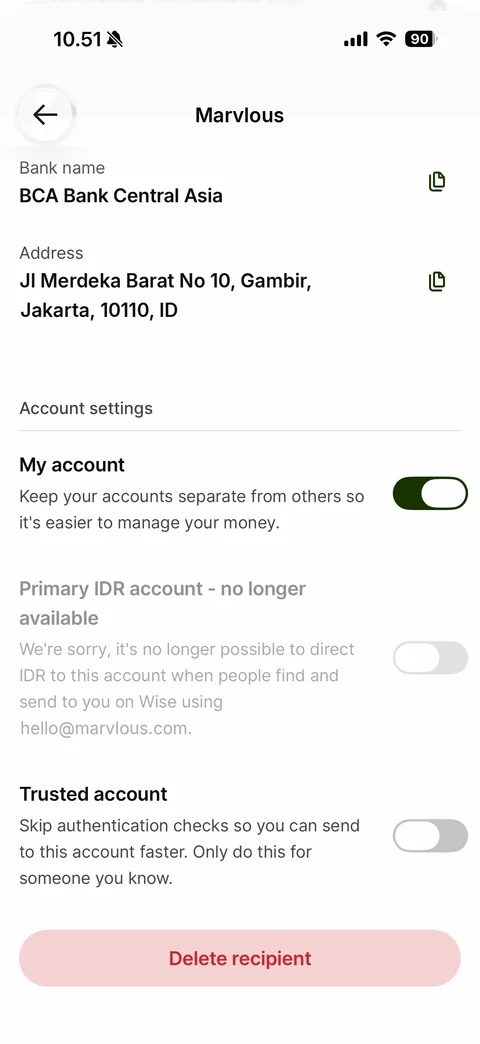
Recipient detail scrolled: blurred sticky header with name, bank name and address rows with copy icons, Account settings - My account toggle on, disabled Primary IDR account explanation, Trusted account toggle off, pink Delete recipient button (sample values)
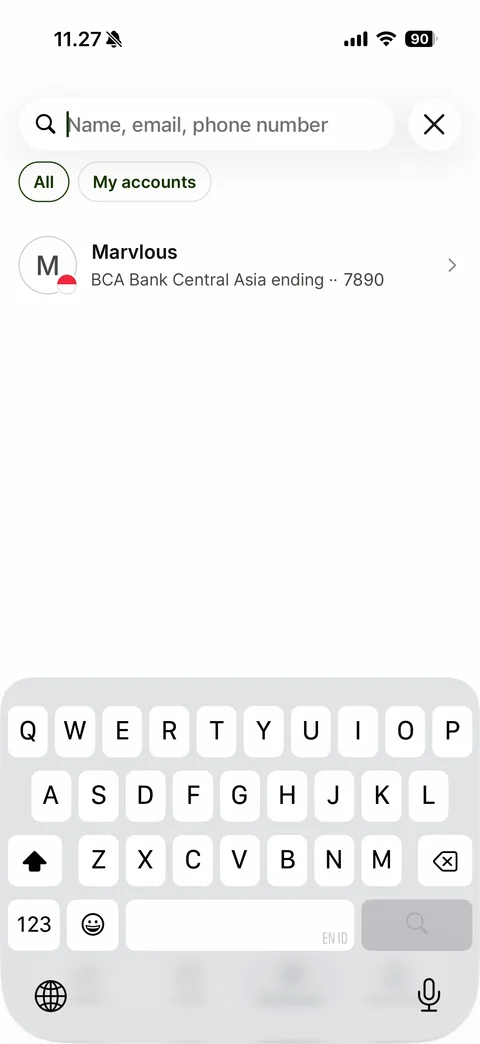
Recipient search: focused search field with placeholder Name, email, phone number and close button, All and My accounts chips, recipient row, keyboard up (sample recipient)
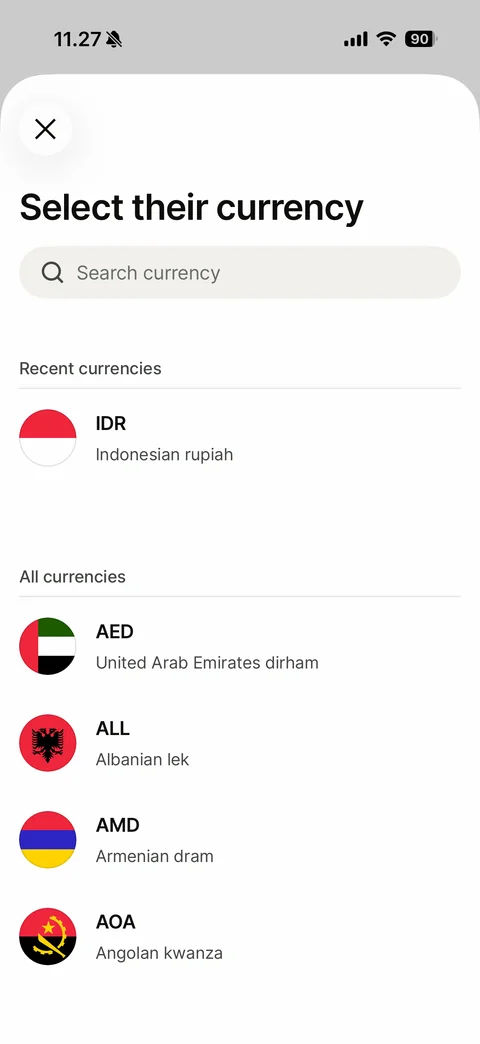
Add recipient step 1 sheet: close button, Select their currency title, search currency field, Recent currencies with IDR, All currencies list with round flags, codes and names
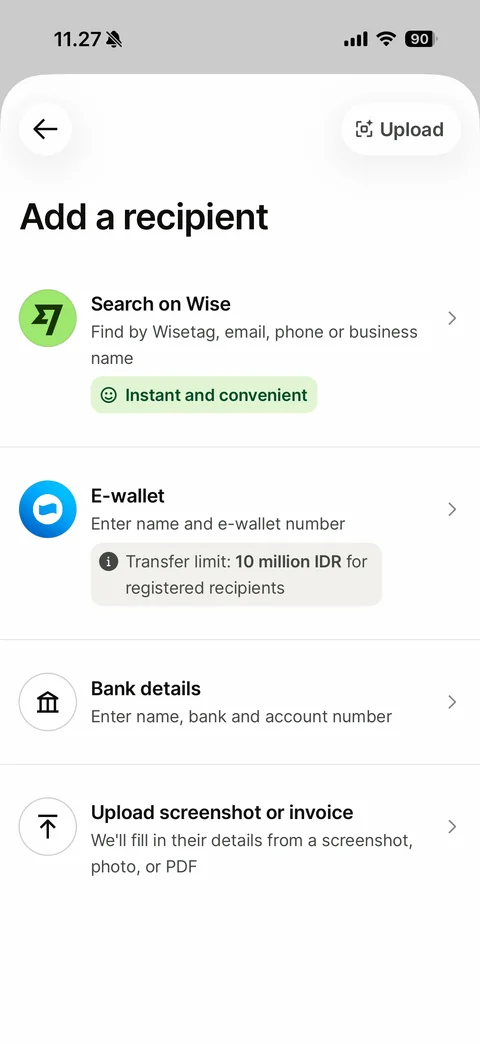
Add a recipient method choice: back and Upload pill, title, options Search on Wise with green Instant and convenient tag, E-wallet with transfer limit info chip, Bank details, Upload screenshot or invoice, each with icon and chevron

Who's your recipient? step: back, title, options My business with initials avatar, Someone else, Business or Charity, round icons and chevrons
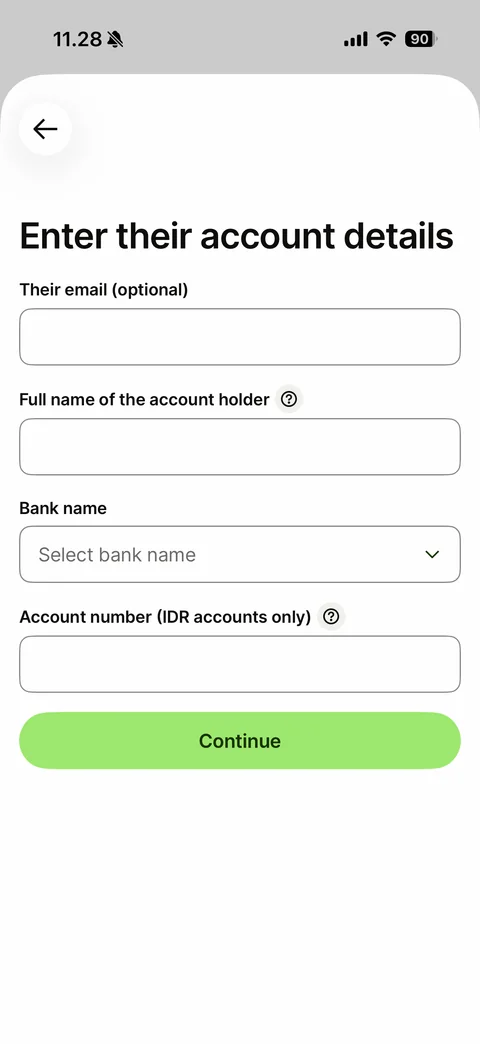
Enter their account details form: back, title, empty fields for email (optional), full name of the account holder with help icon, Select bank name dropdown, account number with help icon, Continue button
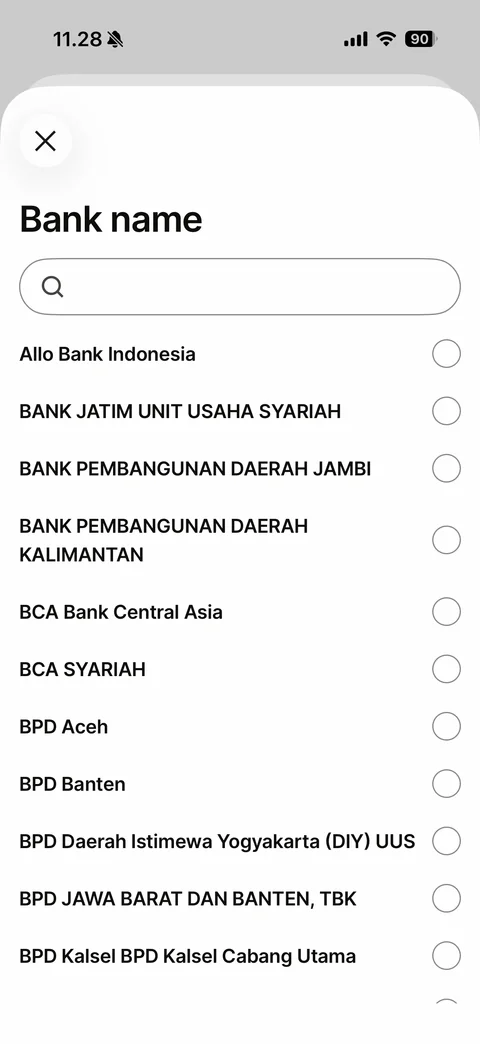
Bank name picker sheet: close button, title, search field, alphabetical list of banks with radio buttons
Wise payments (9 screens)
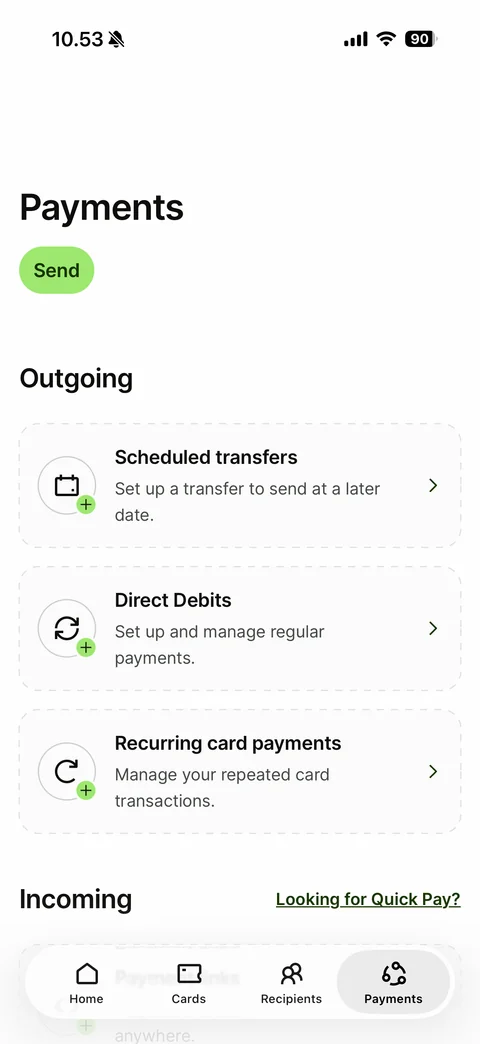
Payments tab: title, Send pill, Outgoing section with dashed-border empty cards (Scheduled transfers, Direct Debits, Recurring card payments) each with plus badge icon and chevron, Incoming section with Looking for Quick Pay? link
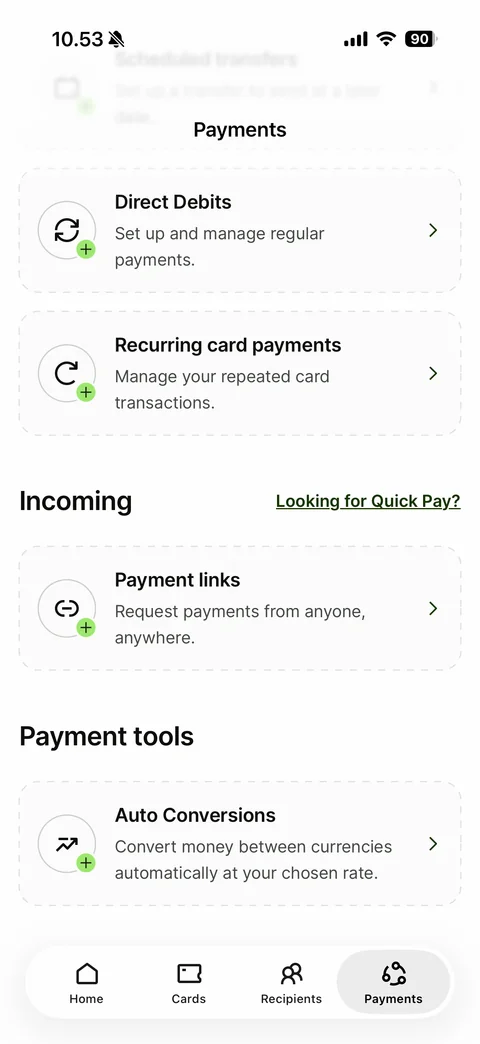
Payments scrolled: collapsed blurred title header, Direct Debits and Recurring card payments cards, Incoming section with Payment links card, Payment tools section with Auto Conversions card
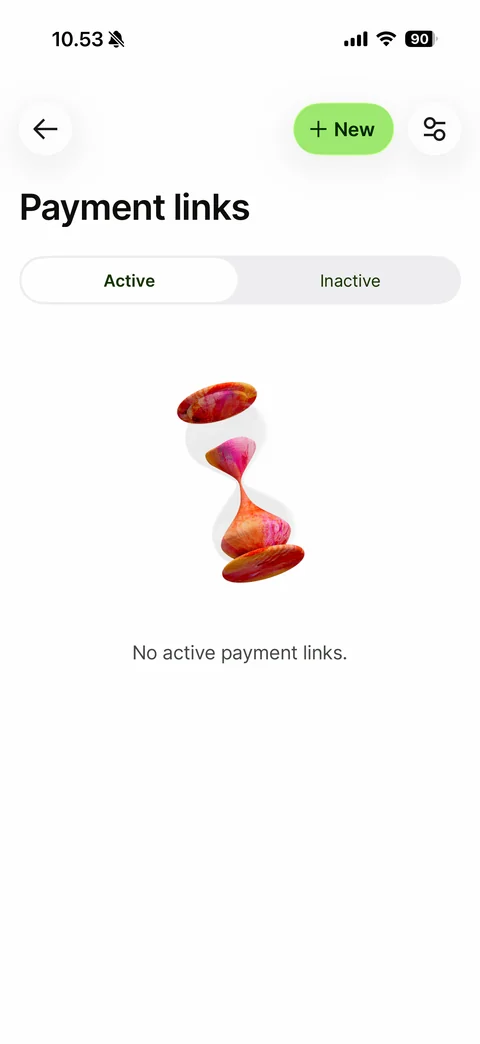
Payment links empty state: back, green New pill, filter button, Active and Inactive segmented control, 3D painted hourglass, No active payment links
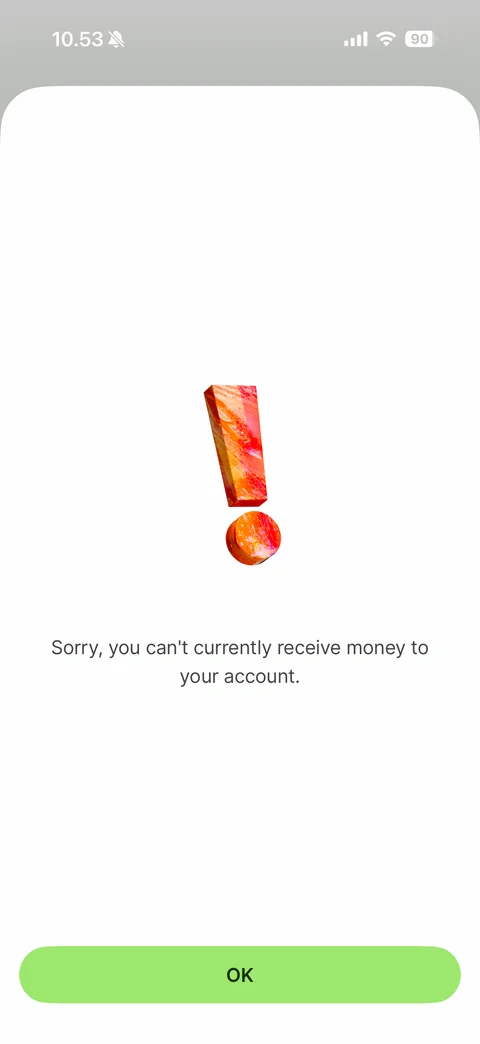
Blocked feature sheet after tapping New payment link: 3D painted exclamation mark, Sorry, you can't currently receive money to your account, OK button
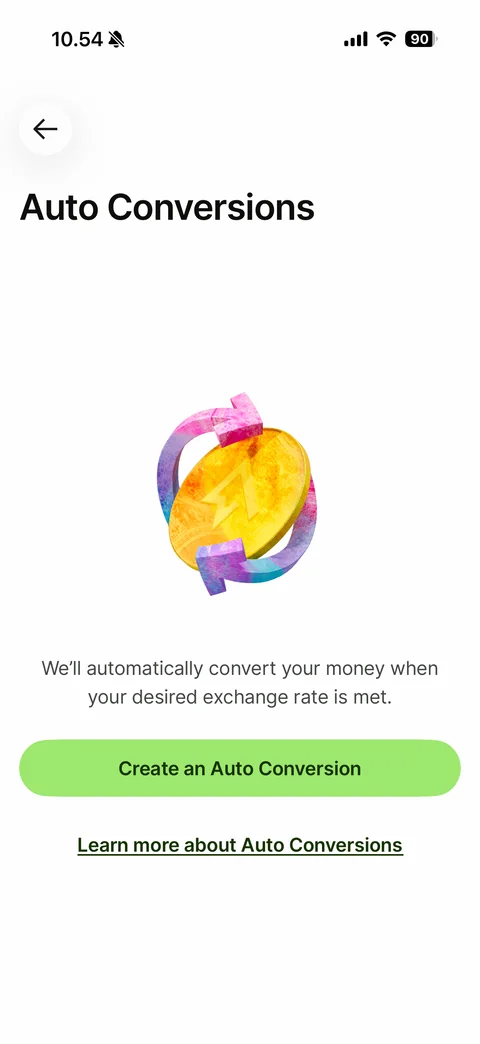
Auto Conversions intro: back, title, 3D gold coin with circular arrows, explanation, Create an Auto Conversion button, Learn more link
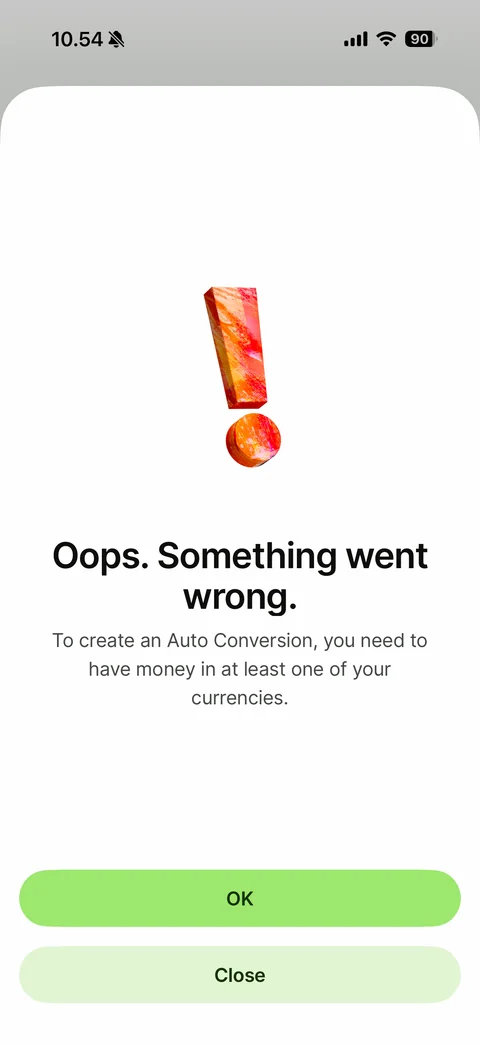
Error sheet: 3D exclamation mark, Oops. Something went wrong., explanation that money is needed in one currency, OK and Close buttons
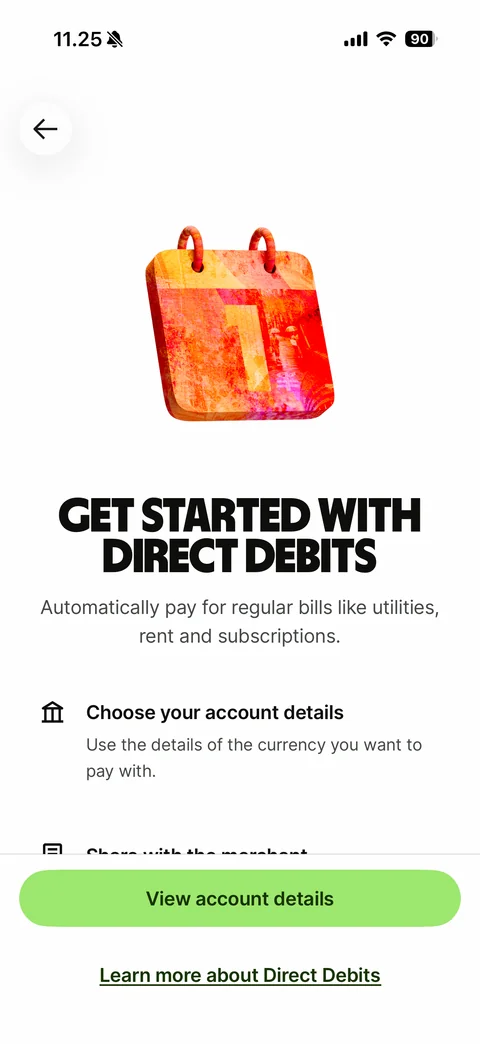
Direct Debits intro: back, 3D painted calendar, display headline Get started with Direct Debits, subtitle, step list with icons (Choose your account details, Share with the merchant), View account details button, Learn more link
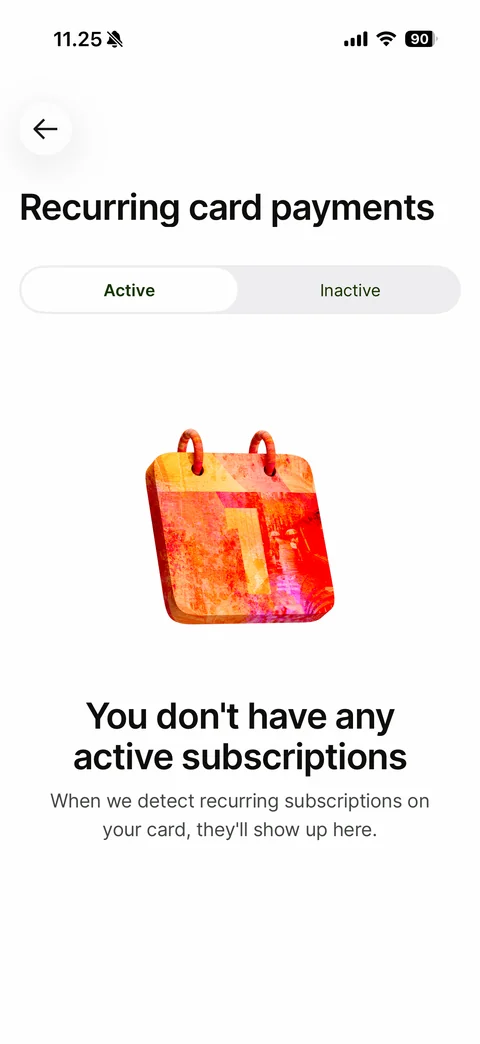
Recurring card payments empty state: back, title, Active and Inactive segmented control, 3D painted calendar, You don't have any active subscriptions with helper text
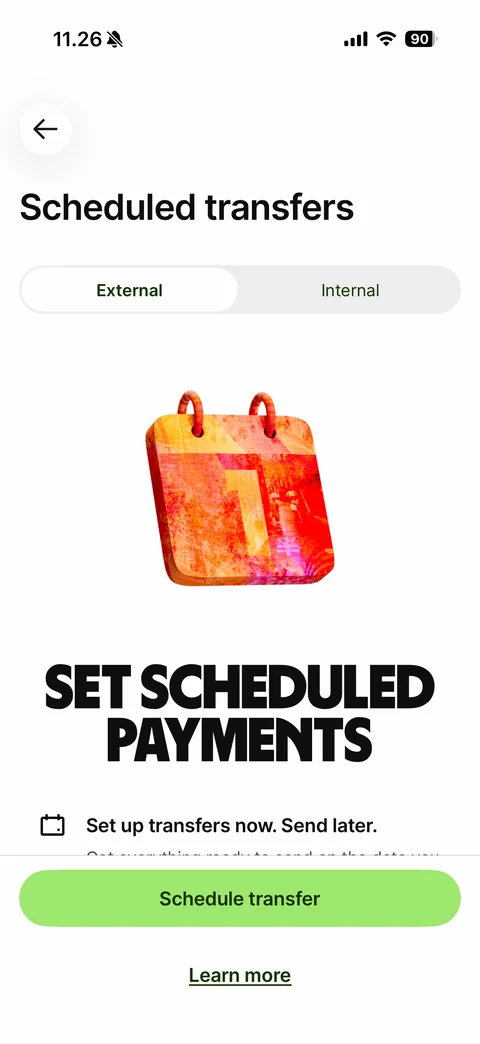
Scheduled transfers intro: back, title, External and Internal segmented control, 3D painted calendar, display headline Set scheduled payments, benefit row Set up transfers now. Send later., Schedule transfer button, Learn more link
Wise profile (41 screens)
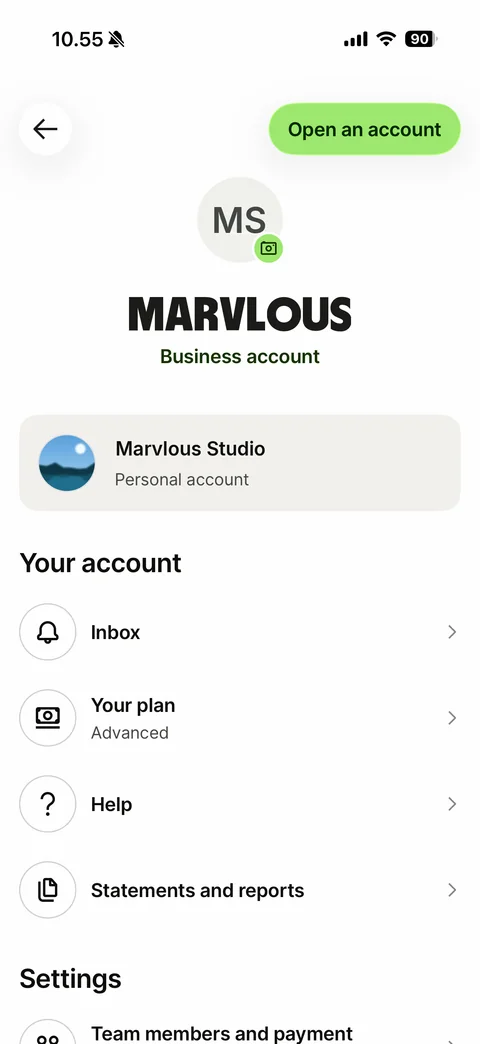
Profile: back, Open an account pill, initials avatar with camera badge, big display name, Business account label, switcher card to the personal account with photo, Your account list (Inbox, Your plan Advanced, Help, Statements and reports), Settings section (sample name and photo)
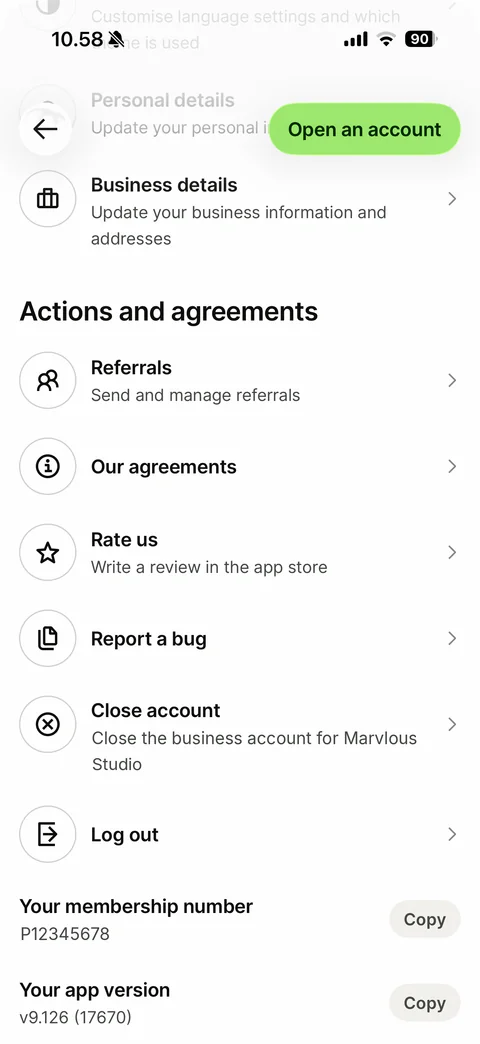
Profile scrolled to bottom: floating back and Open an account buttons over faded rows, Business details row, Actions and agreements list (Referrals, Our agreements, Rate us, Report a bug, Close account, Log out) with round outline icons, membership number and app version with Copy pills (sample number)
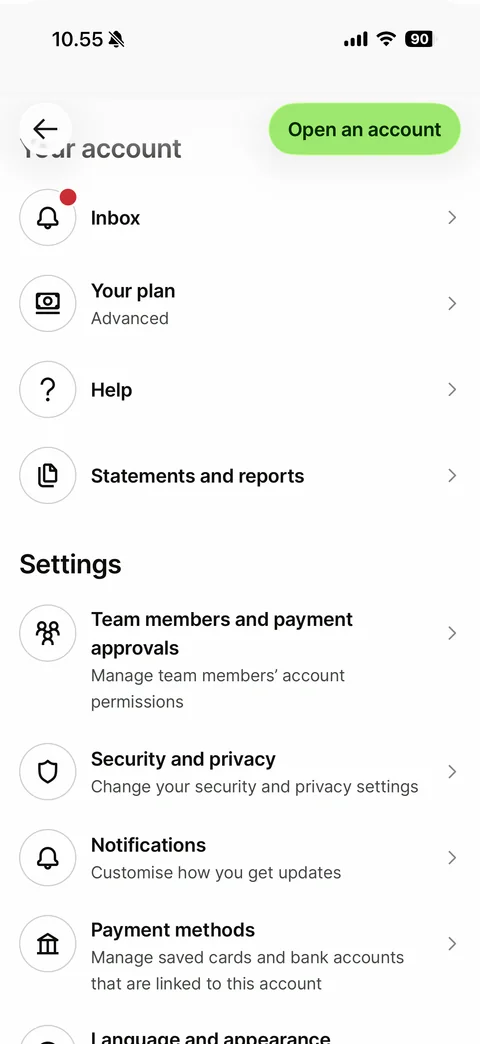
Profile scrolled: Your account list (Inbox with red dot, Your plan, Help, Statements and reports), Settings list (Team members and payment approvals, Security and privacy, Notifications, Payment methods, Language and appearance) with round outline icons and chevrons
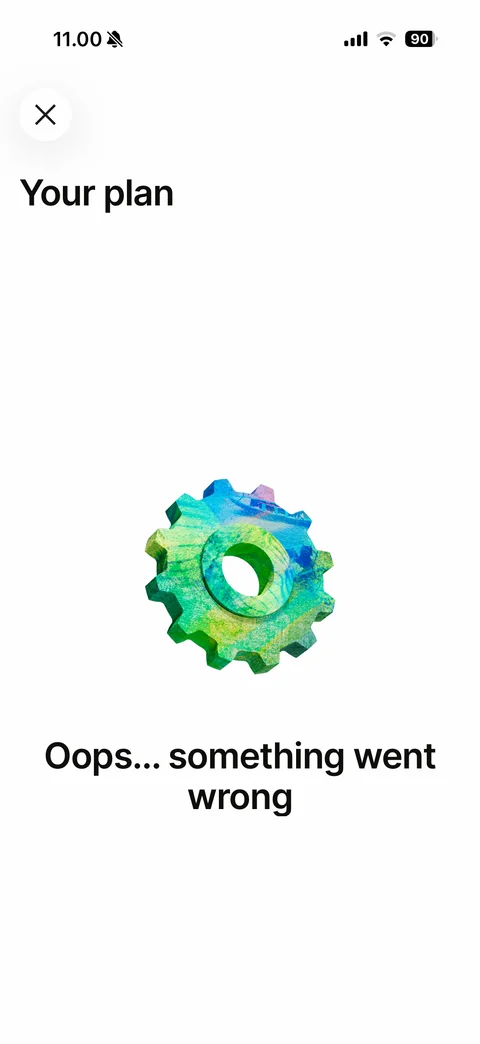
Your plan error state: close button, Your plan title, 3D painted green gear, Oops... something went wrong
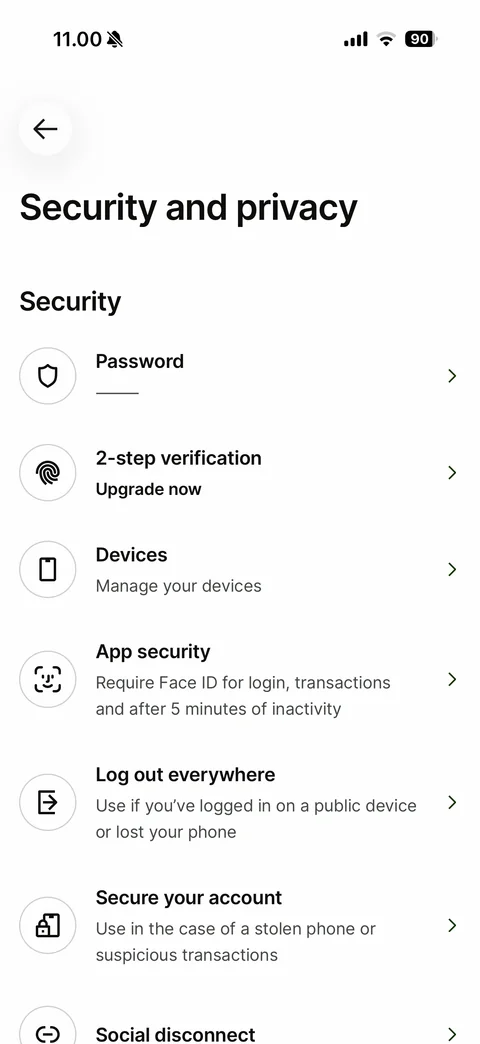
Security and privacy: back, large title, Security list with round outline icons - Password (masked line), 2-step verification Upgrade now, Devices, App security Face ID, Log out everywhere, Secure your account, Social disconnect
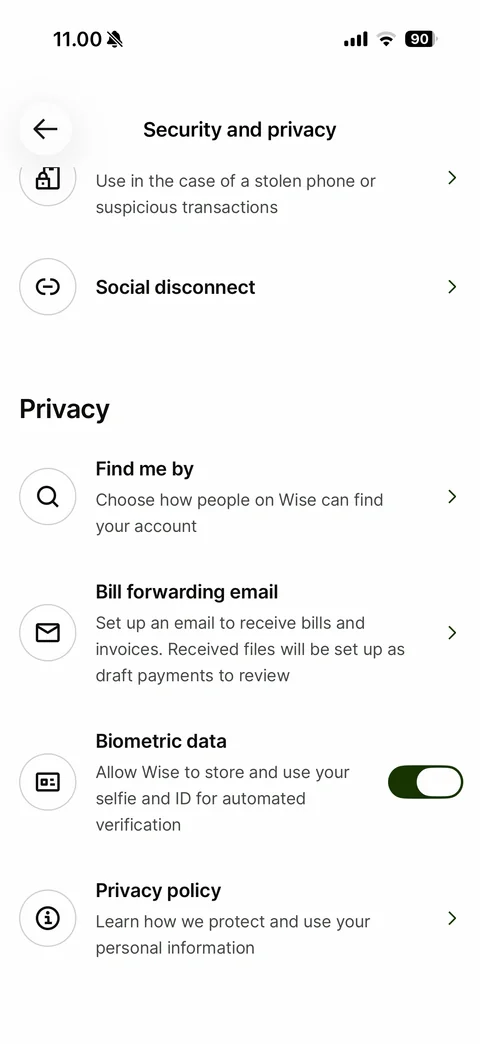
Security and privacy scrolled: collapsed title header, Privacy section - Find me by, Bill forwarding email, Biometric data toggle on, Privacy policy
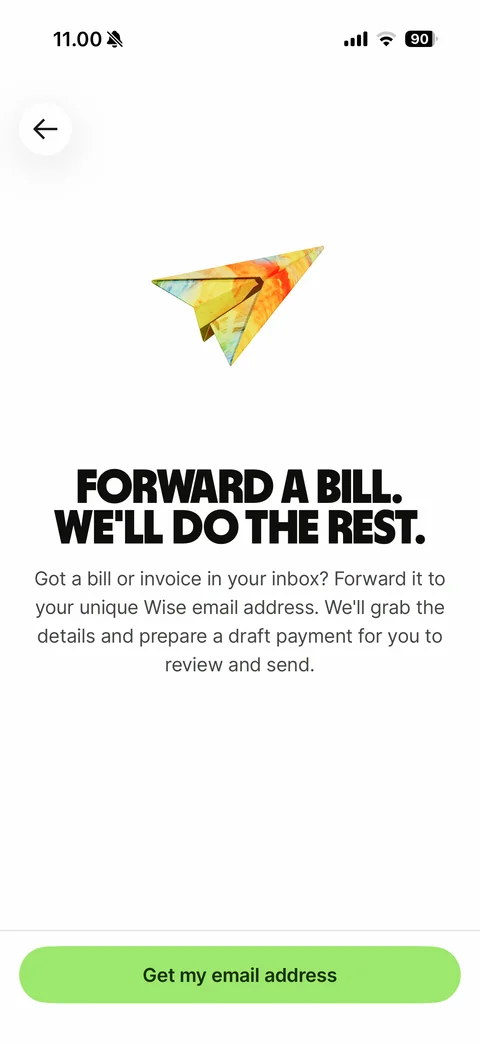
Bill forwarding intro: back, 3D painted paper plane, headline Forward a bill. We'll do the rest., explanation of the unique Wise email address and draft payments, Get my email address button
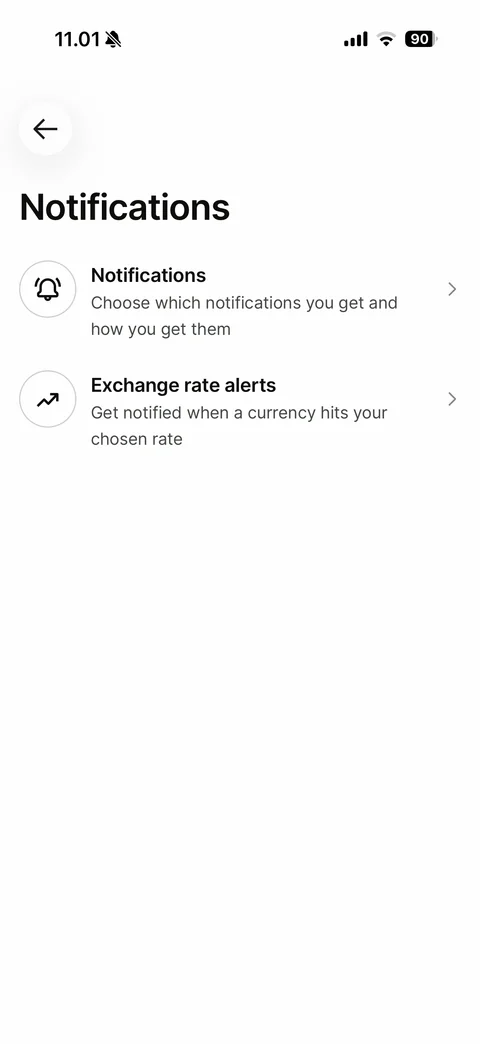
Notifications settings hub: back, title, Notifications row and Exchange rate alerts row with round outline icons and chevrons
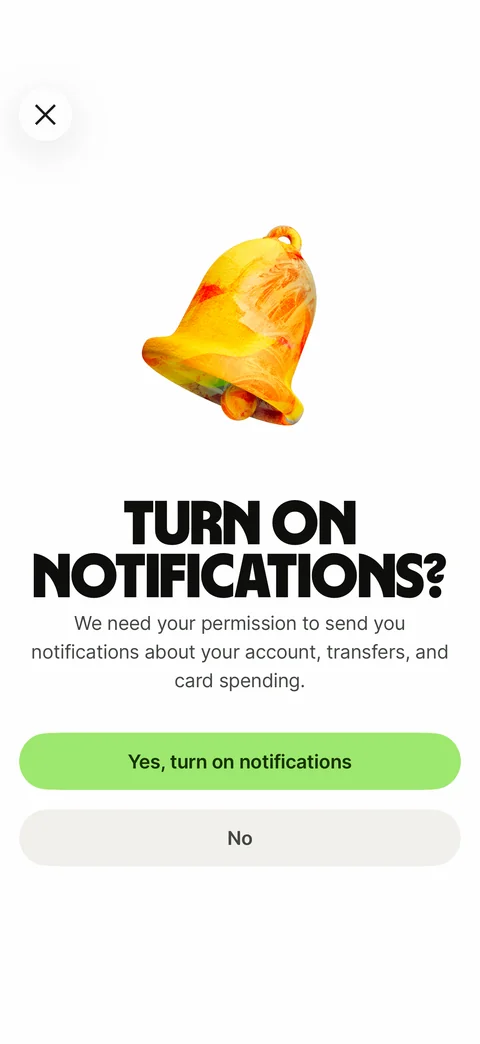
Notification pre-permission screen: close button, 3D painted bell, headline Turn on notifications?, permission reason text, Yes, turn on notifications and No buttons
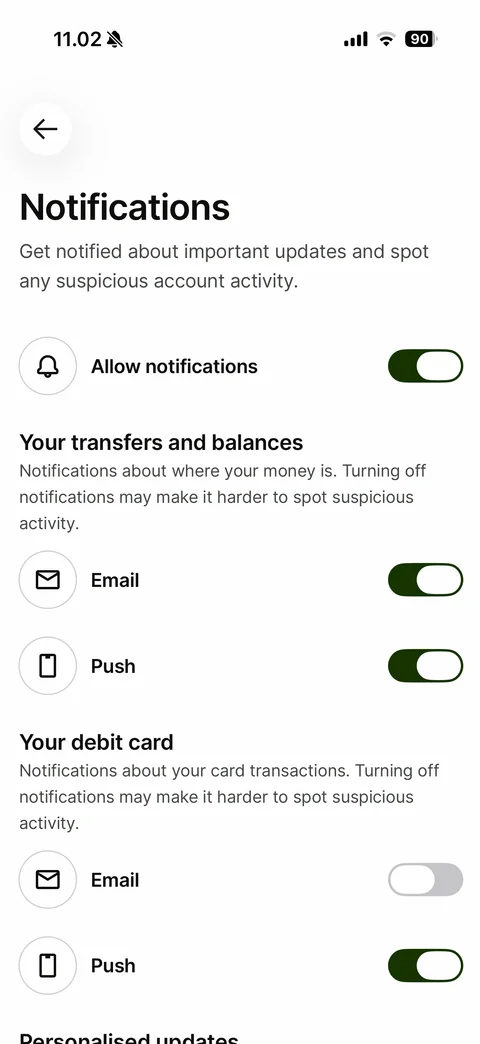
Notification preferences: back, title and explanation, Allow notifications master toggle, Your transfers and balances section with Email and Push toggles, Your debit card section with Email off and Push on, Personalised updates heading
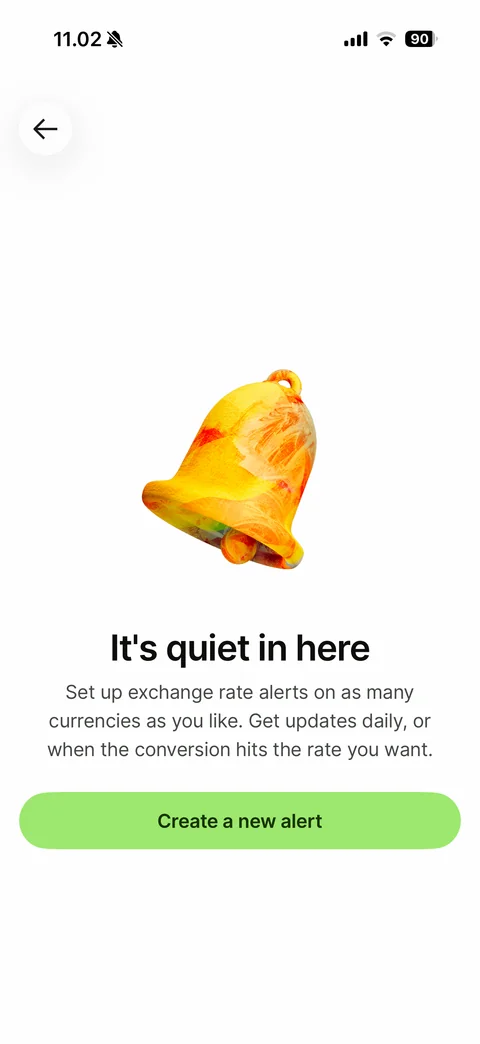
Exchange rate alerts empty state: back, 3D painted bell, It's quiet in here, explanation of daily or target-rate alerts, Create a new alert button
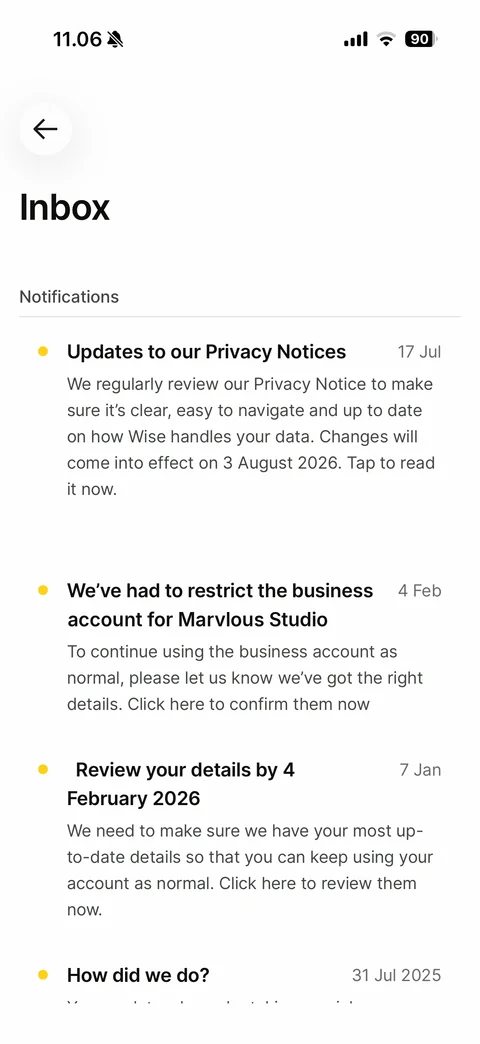
Inbox: back, title, Notifications list with yellow unread dots, bold titles, dates on the right and preview text (privacy notice update, account restriction notice, review your details reminder, How did we do?)
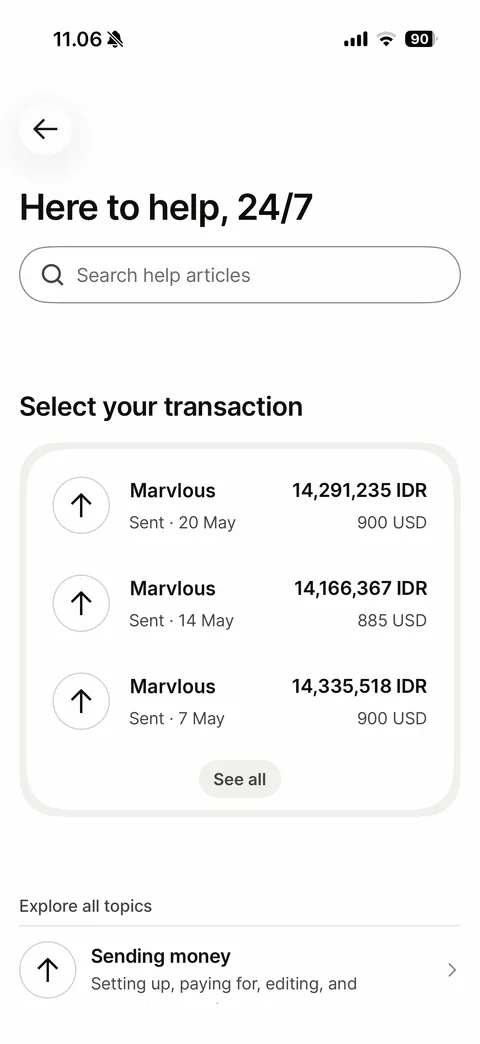
Help home: Here to help, 24/7 title, search help articles field, Select your transaction card with recent transfers and See all pill, Explore all topics list starting with Sending money
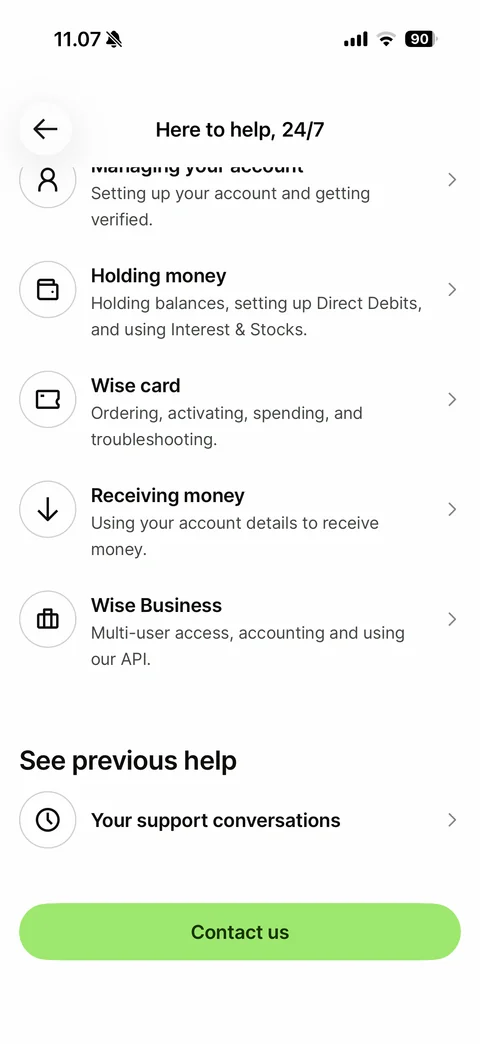
Help topics scrolled: collapsed title header, topic list with round outline icons (Managing your account, Holding money, Wise card, Receiving money, Wise Business), See previous help with Your support conversations, green Contact us button
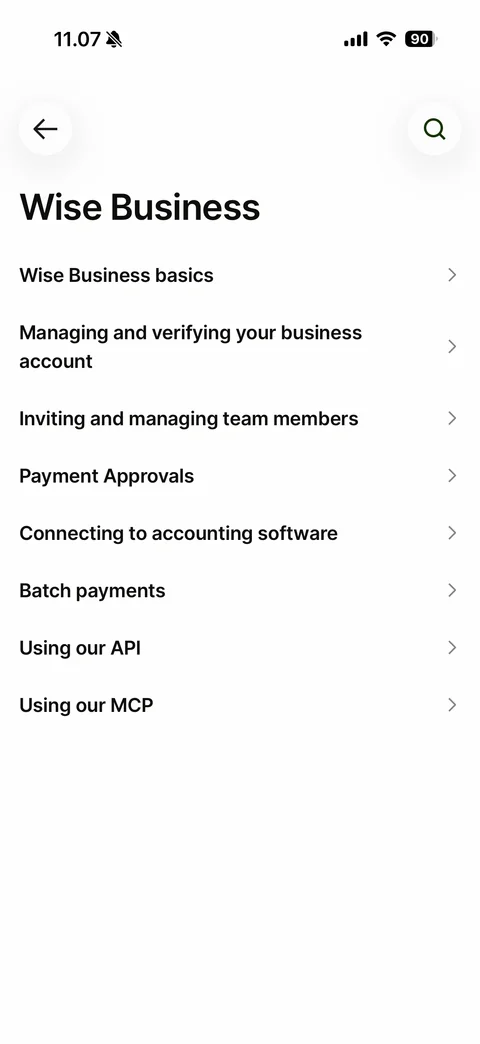
Help topic page Wise Business: back and search buttons, title, list of subtopics with chevrons (basics, verifying, team members, payment approvals, accounting software, batch payments, API, MCP)
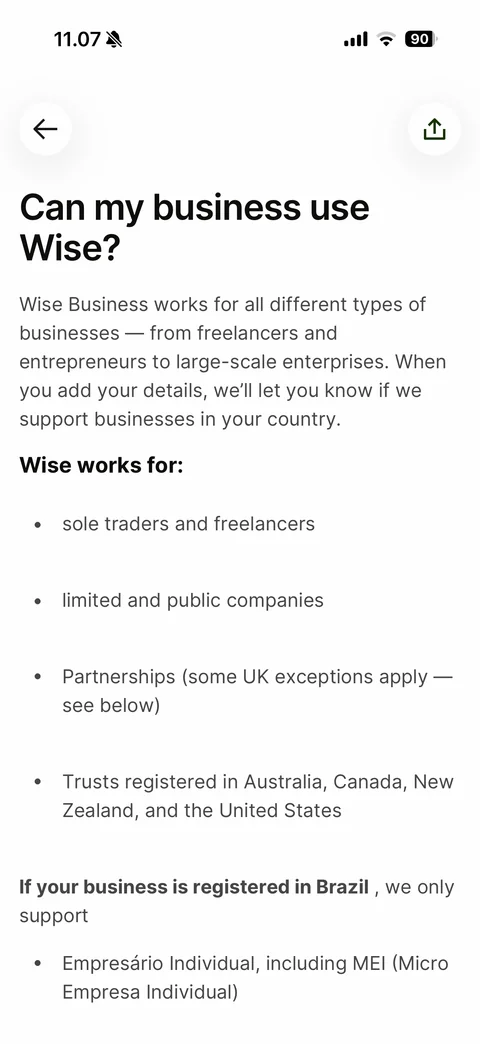
Help article: back and share buttons, large question title, body text, bold Wise works for heading with bullet list, bold country note
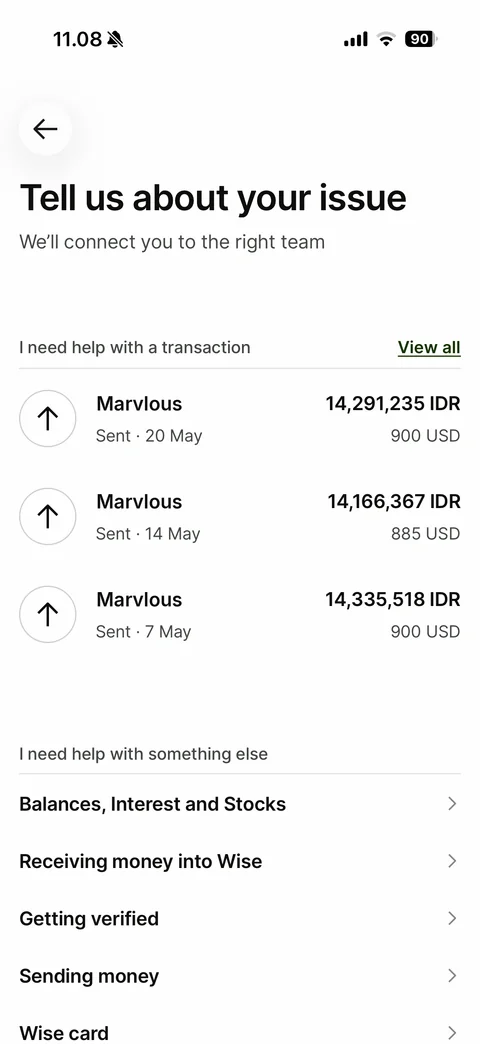
Contact us triage: Tell us about your issue title, I need help with a transaction list with recent transfers and View all link, I need help with something else topic list with chevrons
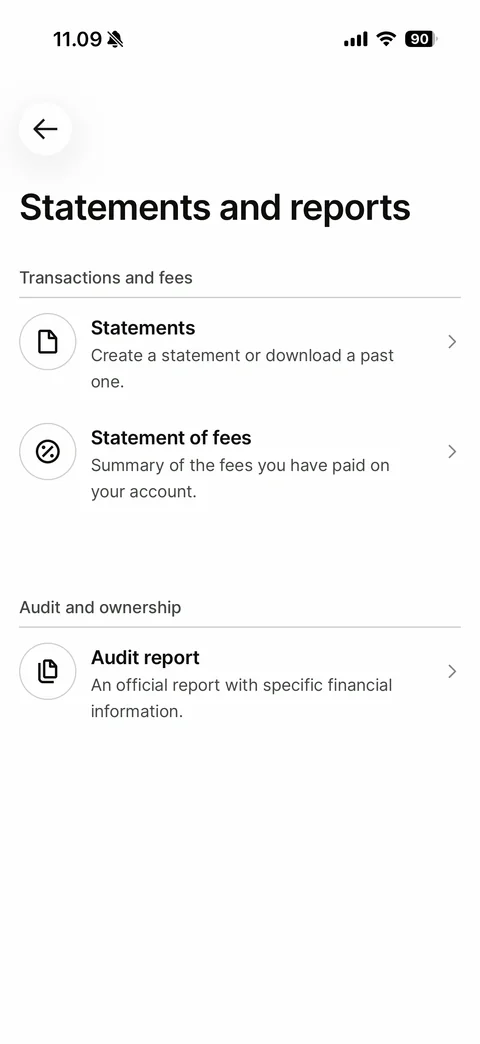
Statements and reports menu: Transactions and fees section (Statements, Statement of fees), Audit and ownership section (Audit report), round outline icons and chevrons
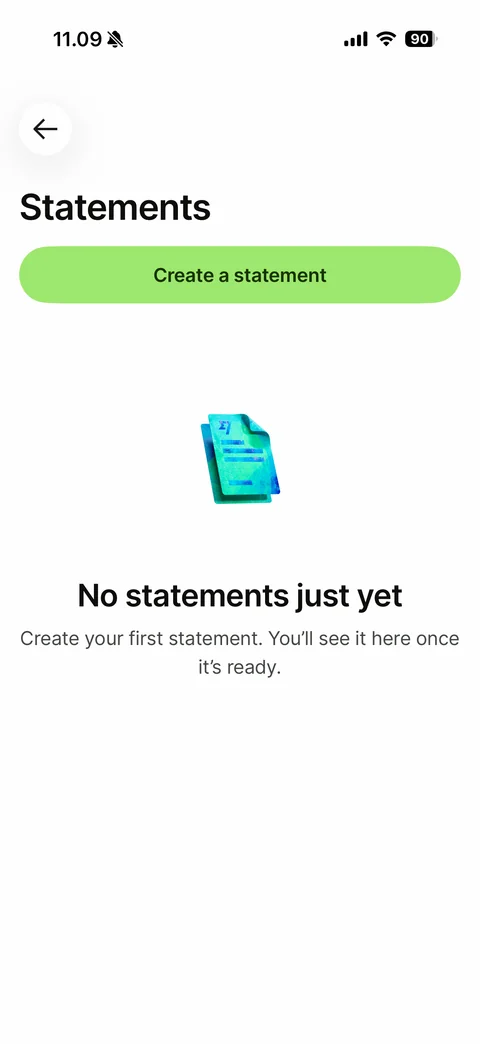
Statements empty state: back, title, Create a statement button at top, 3D painted document, No statements just yet with helper text
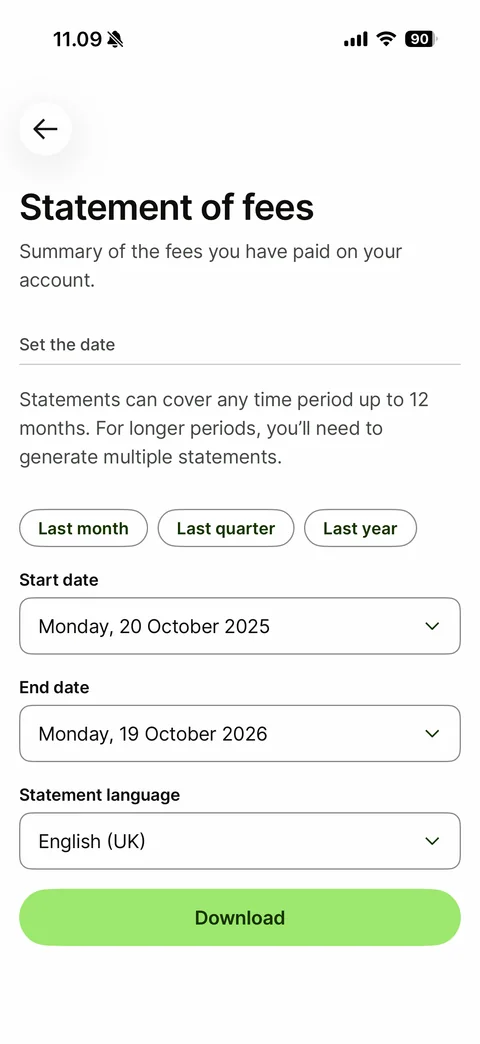
Statement of fees form: title and summary, Set the date section with 12-month note, Last month, Last quarter and Last year chips, Start date and End date dropdowns, Statement language dropdown, Download button
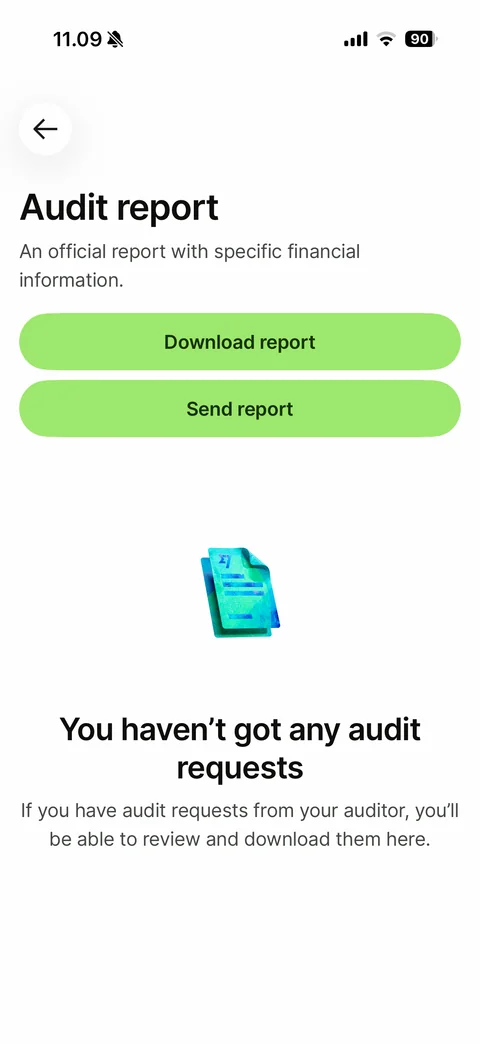
Audit report: title and description, Download report and Send report buttons, 3D painted document, You haven't got any audit requests empty state
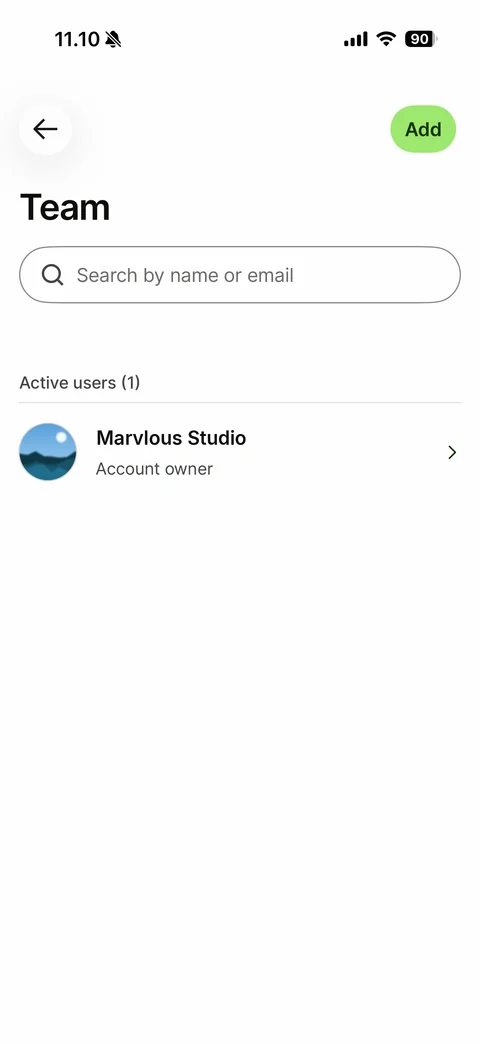
Team members: back, green Add pill, Team title, search by name or email field, Active users (1) section, owner row with photo avatar, name, Account owner role and chevron (sample name and photo)
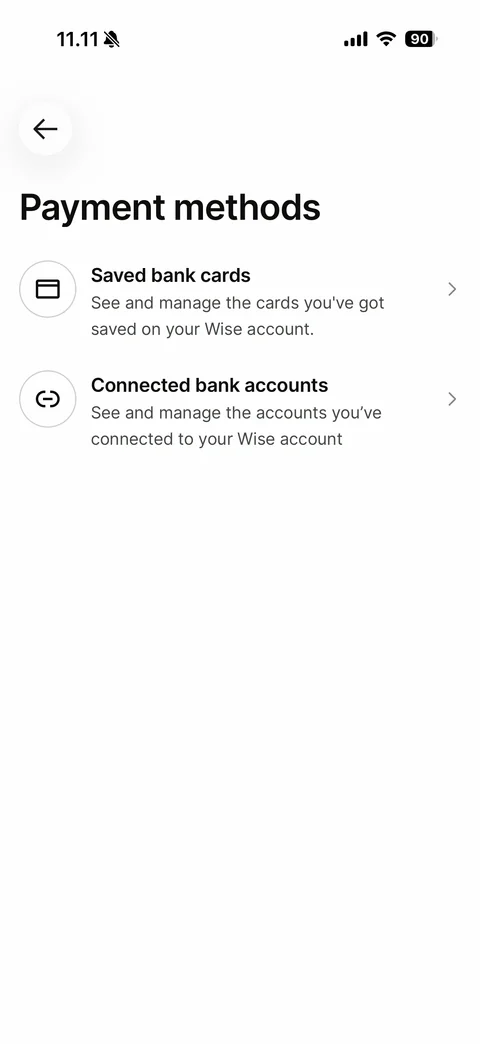
Payment methods hub: back, title, Saved bank cards and Connected bank accounts rows with round outline icons, descriptions and chevrons
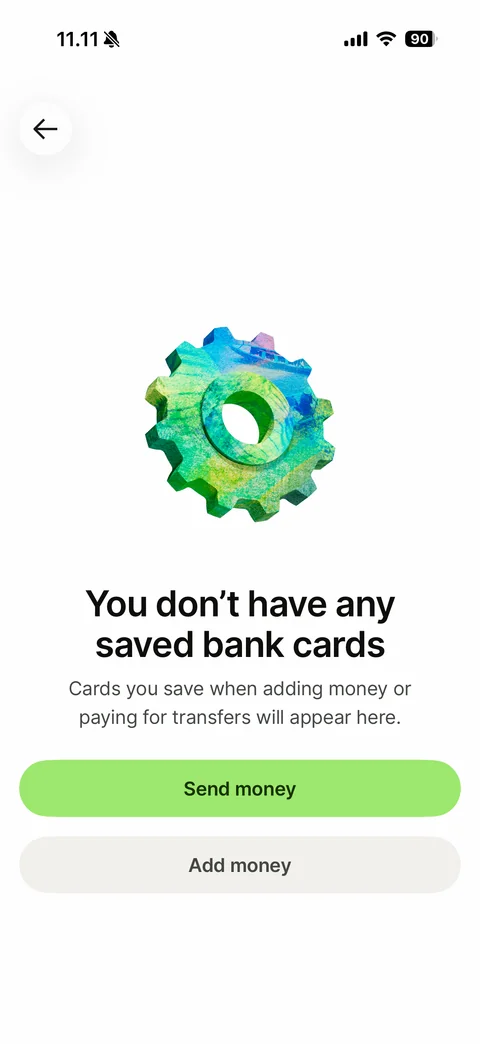
Saved bank cards empty state: back, 3D painted gear, You don't have any saved bank cards, helper text, Send money and Add money buttons
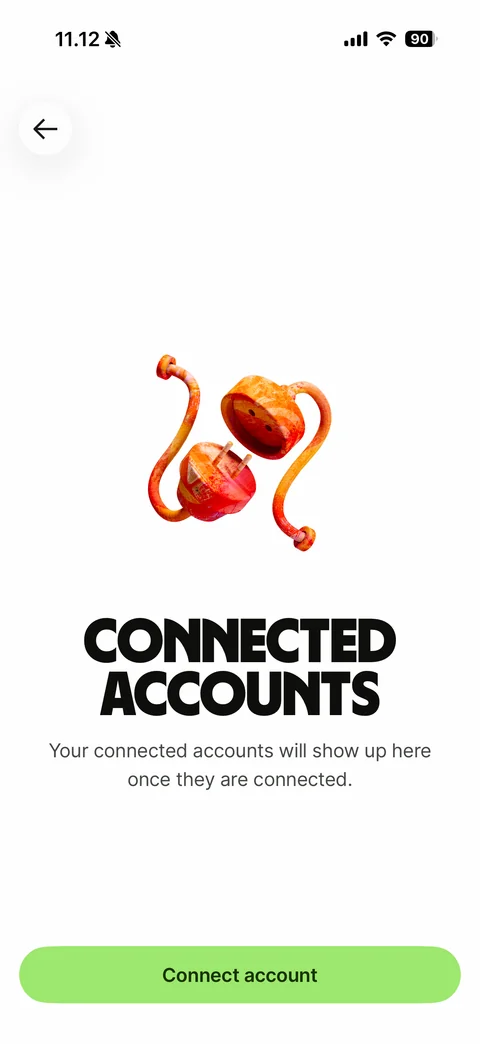
Connected accounts empty state: back, 3D painted plug and socket, headline Connected accounts, helper text, Connect account button
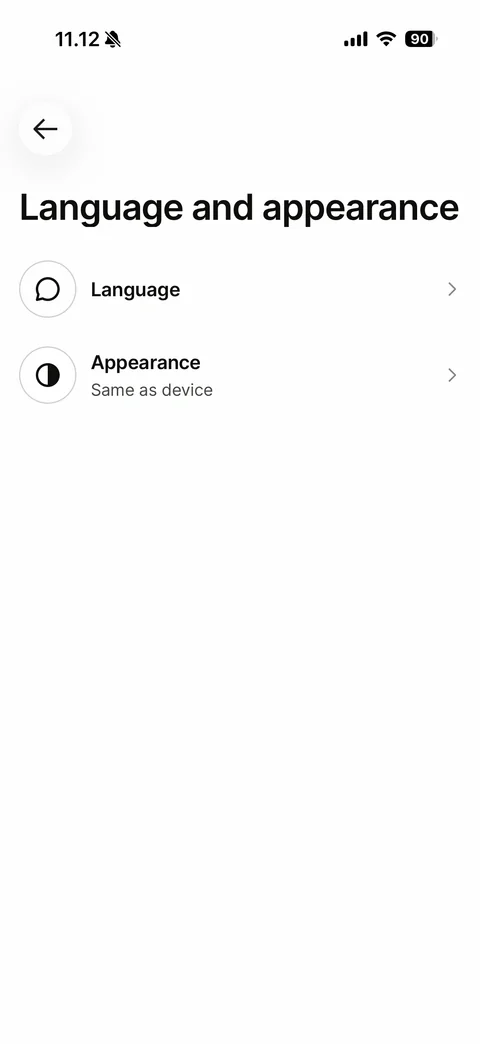
Language and appearance hub: back, title, Language row and Appearance row with Same as device value
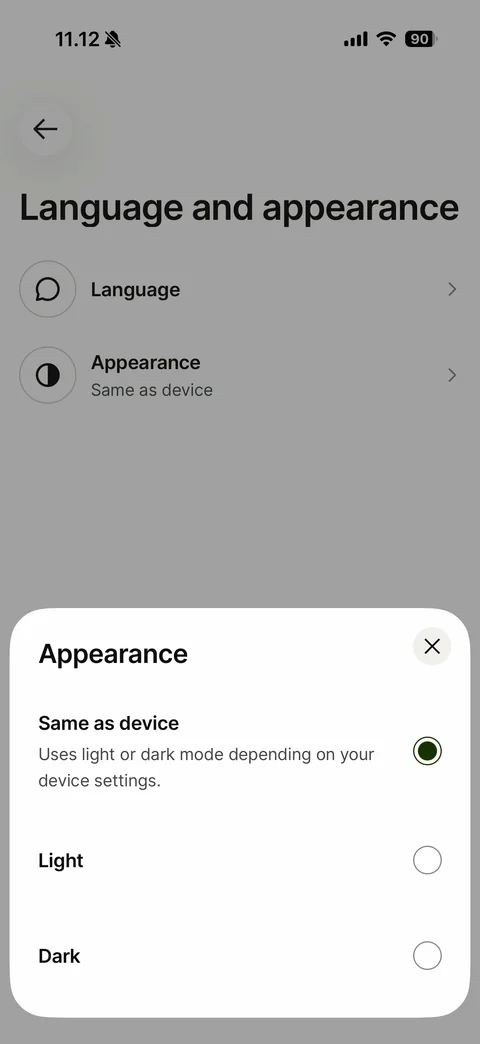
Appearance bottom sheet: close button, Same as device option selected with description, Light and Dark radio options
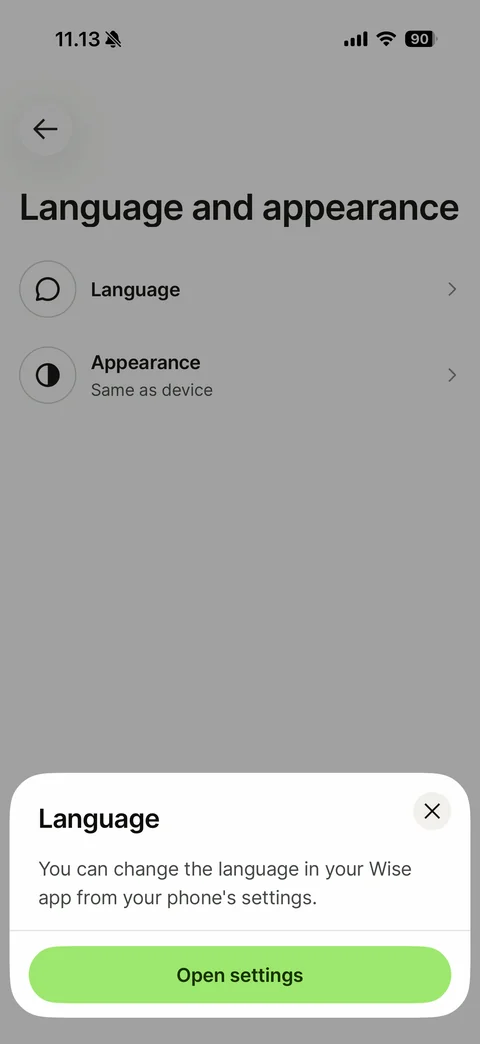
Language bottom sheet: close button, note that the app language is changed in the phone settings, Open settings button
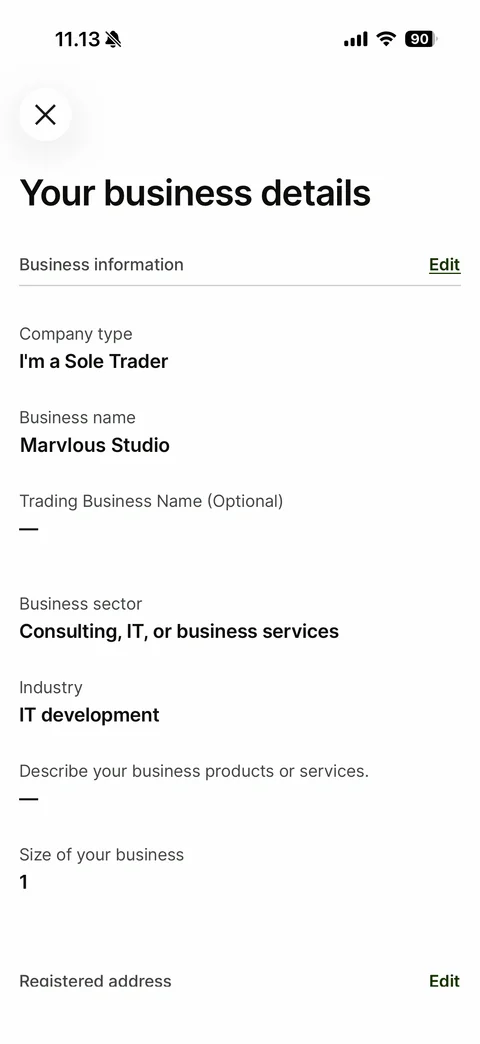
Your business details: close button, Business information section with Edit link, label and value pairs (company type, business name, trading name, sector, industry, description, size), Registered address section with Edit link (sample name)
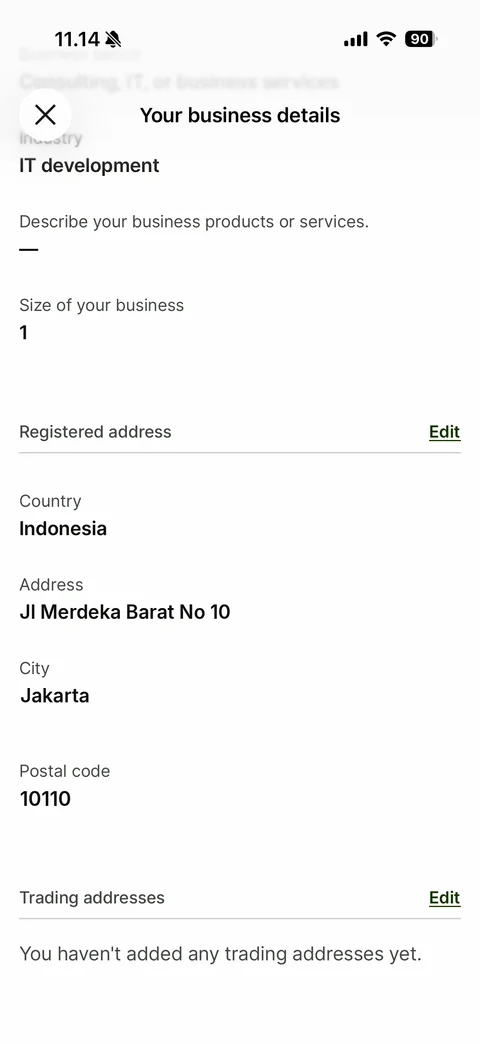
Business details scrolled: blurred sticky header with close and title, Registered address section with Edit link (country, address, city, postal code - sample address), Trading addresses section with empty message
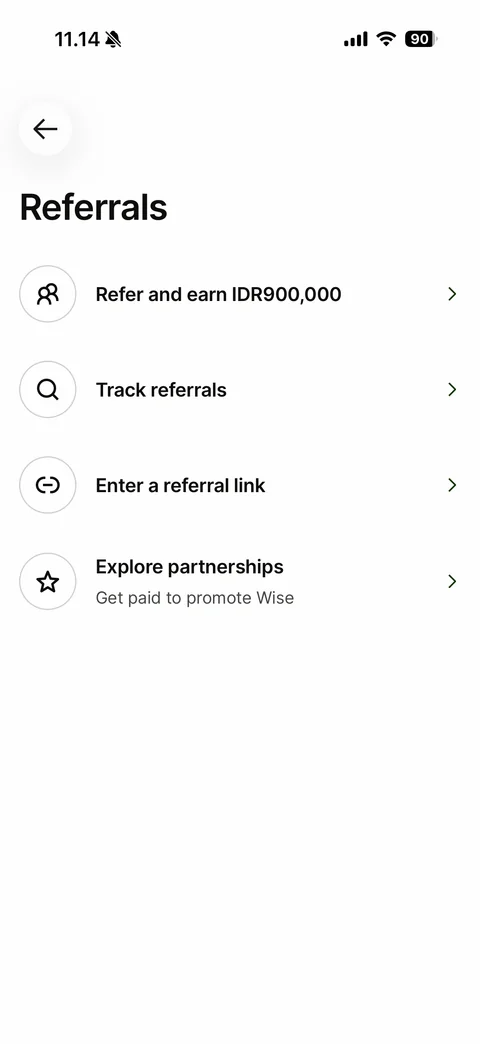
Referrals hub: back, title, rows with round outline icons - Refer and earn amount, Track referrals, Enter a referral link, Explore partnerships
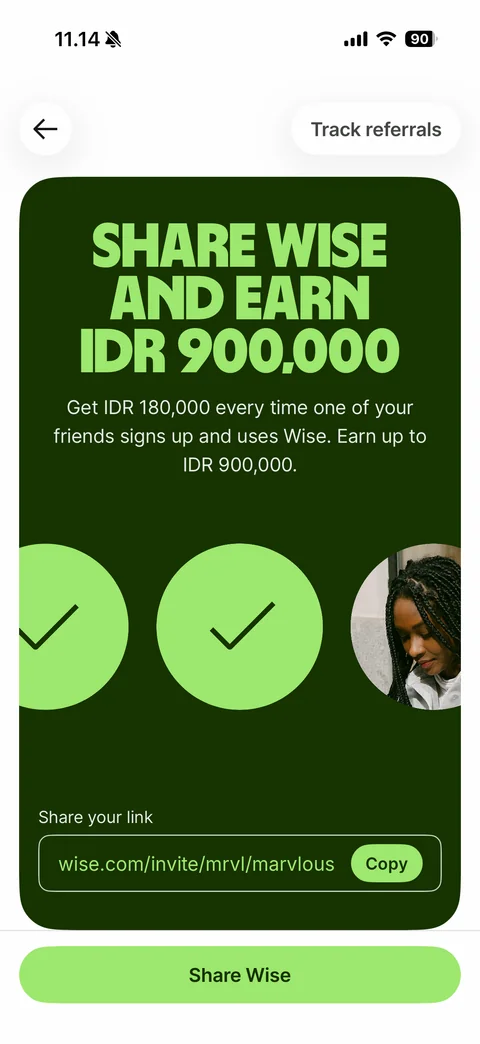
Refer and earn: Track referrals pill, dark green card with lime display headline Share Wise and earn IDR 900,000, reward text, animated circles with check and photo, Share your link field with referral URL and Copy pill (sample link), Share Wise button
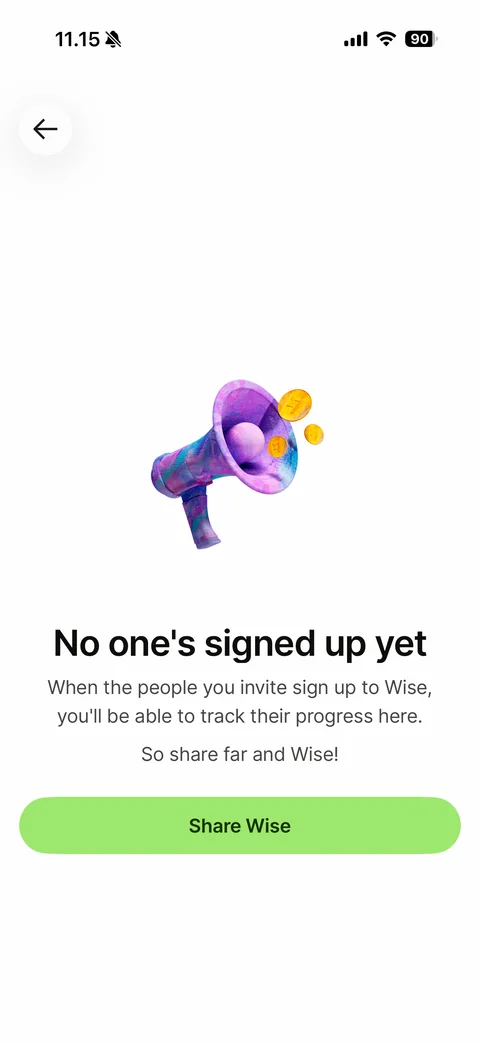
Track referrals empty state: back, 3D painted megaphone with coins, No one's signed up yet, helper text, So share far and Wise!, Share Wise button
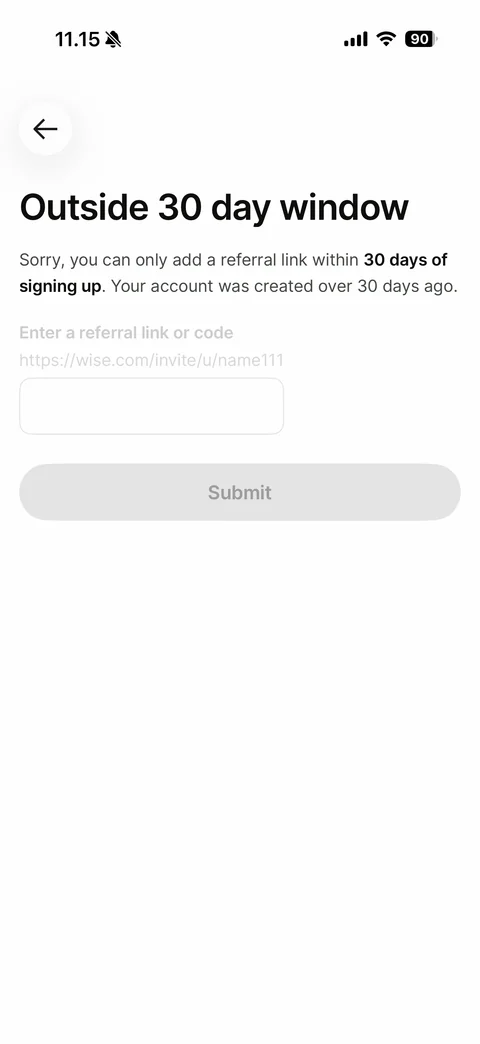
Enter a referral link disabled state: title Outside 30 day window, explanation with bold 30 days of signing up, greyed out link field with placeholder URL, disabled Submit button
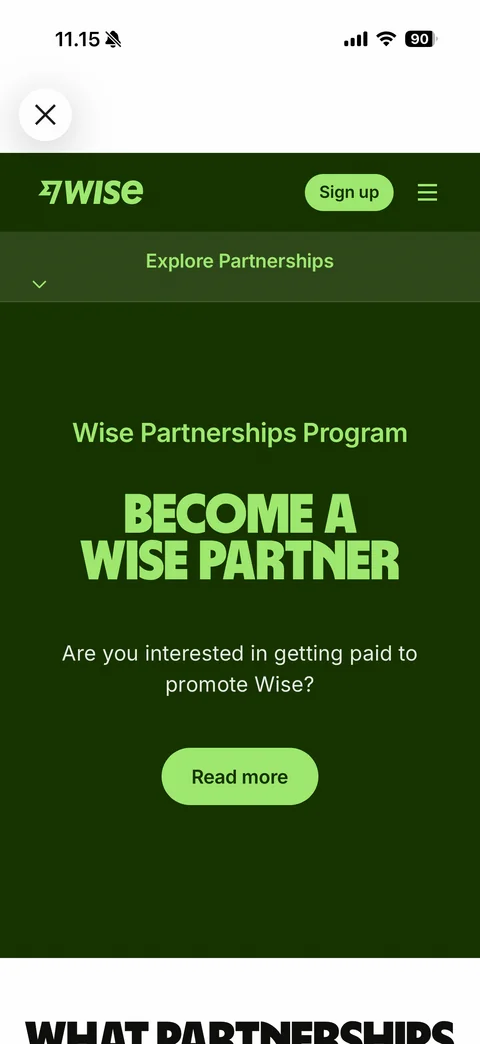
Explore partnerships web view: close button, Wise web header with Sign up pill and menu, Explore Partnerships dropdown bar, dark green hero Become a Wise partner with Read more button
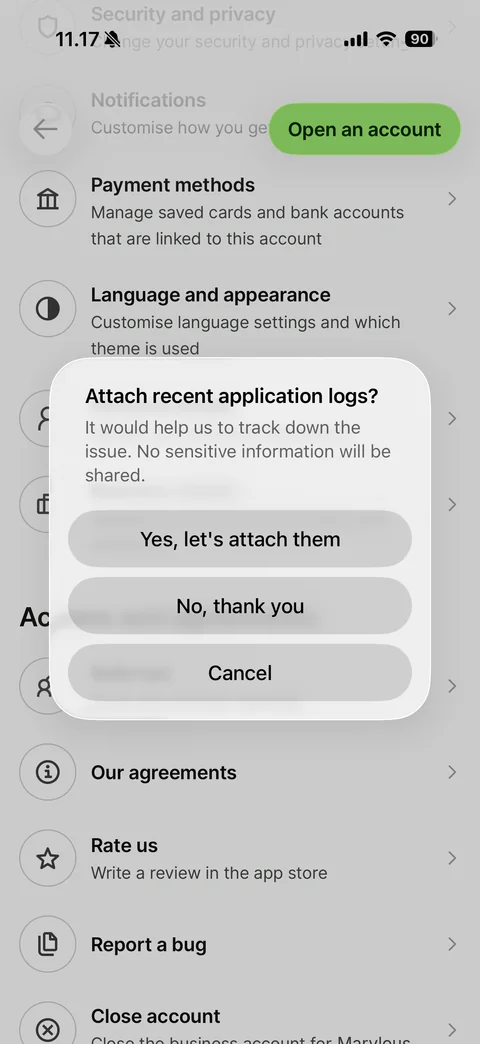
Report a bug first step: blurred alert over profile asking Attach recent application logs?, explanation, Yes let's attach them, No thank you and Cancel buttons
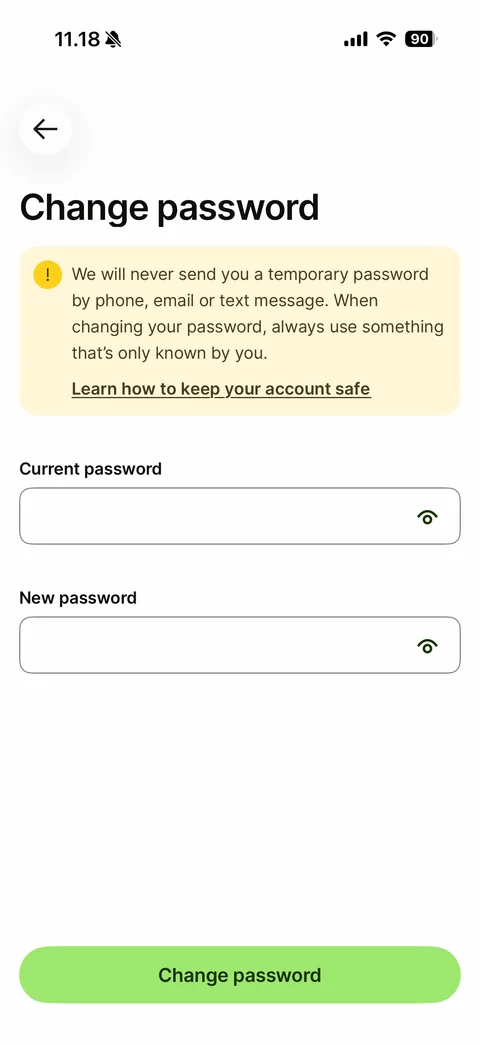
Change password form: back, title, yellow warning banner with exclamation icon and Learn how to keep your account safe link, Current password and New password fields with show eye icons, Change password button
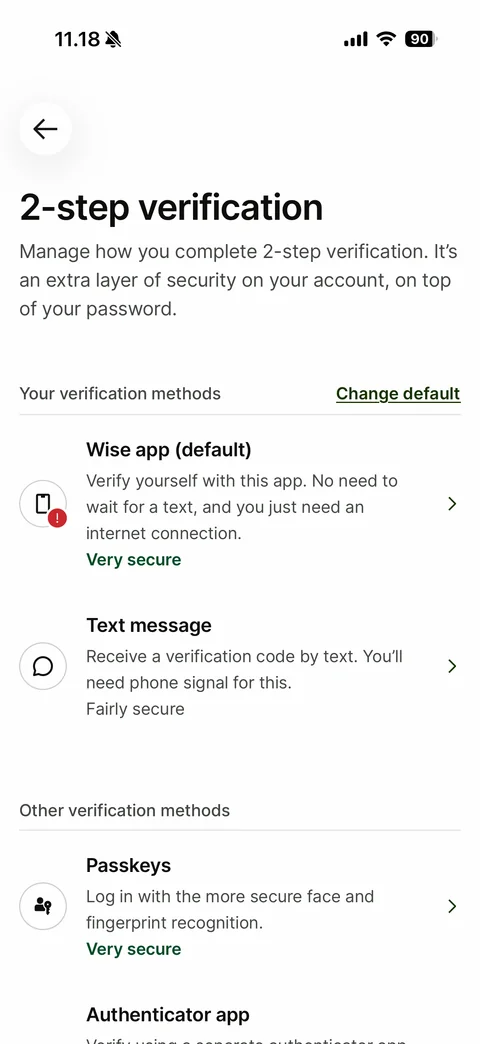
2-step verification methods: title and explanation, Your verification methods with Change default link - Wise app (default) with red alert badge and green Very secure, Text message Fairly secure, Other verification methods - Passkeys, Authenticator app
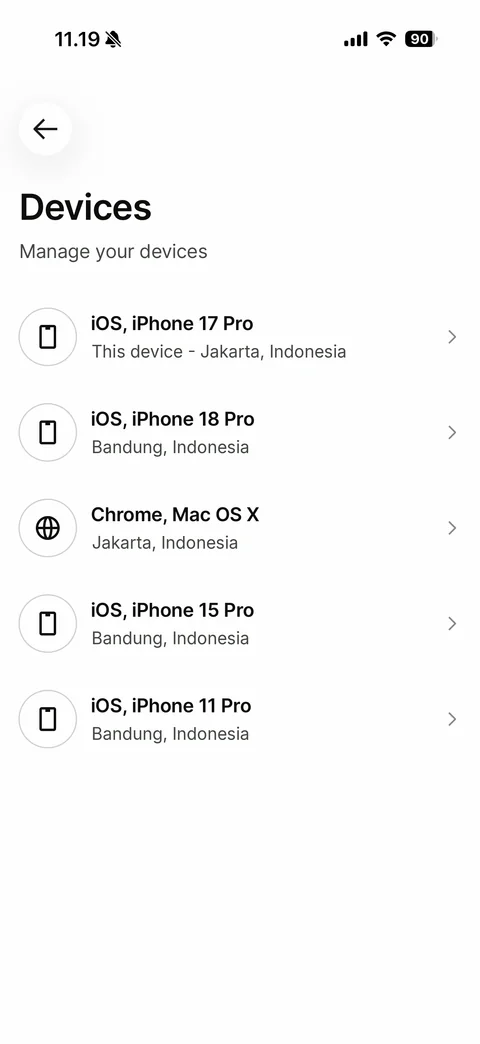
Devices list: back, title, Manage your devices, rows with phone or globe icon, device and OS name, this device label and city (sample cities), chevrons
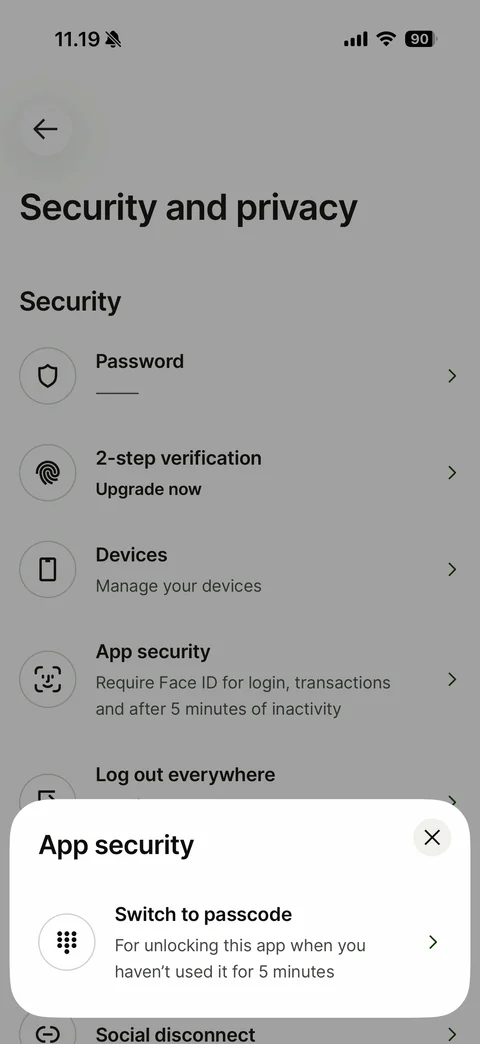
App security bottom sheet over dimmed Security and privacy: close button, Switch to passcode option with keypad icon and description
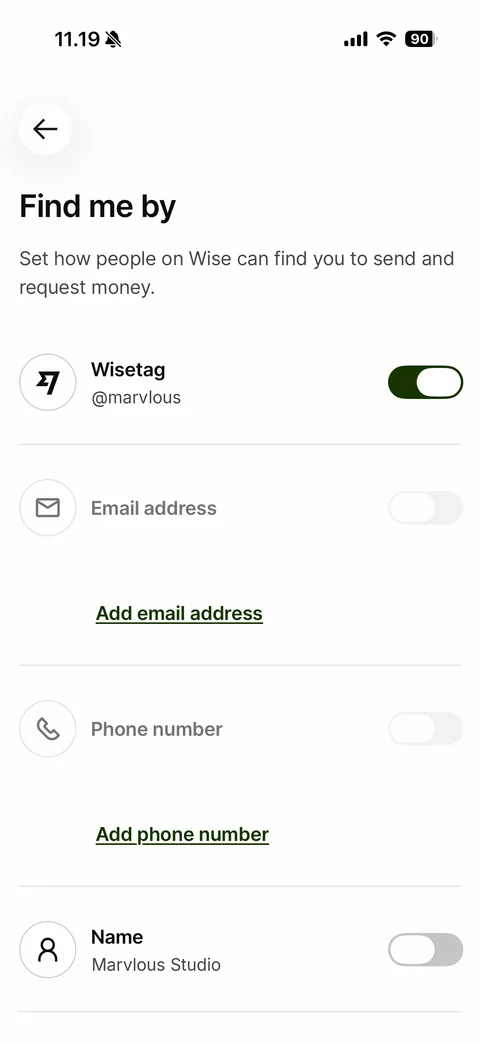
Find me by: title and explanation, Wisetag toggle on with handle, disabled Email address and Phone number toggles with Add email address and Add phone number links, Name toggle off with name (sample handle and name)