Google Gemini app design: 28 real screens in 5 flows

Your AI assistant from Google. Category: Productivity. By Google LLC.

Captured on iPhone and updated November 2026. Each screen has a short note on what it shows and why it matters for growth.

Google Gemini onboarding (4 screens)
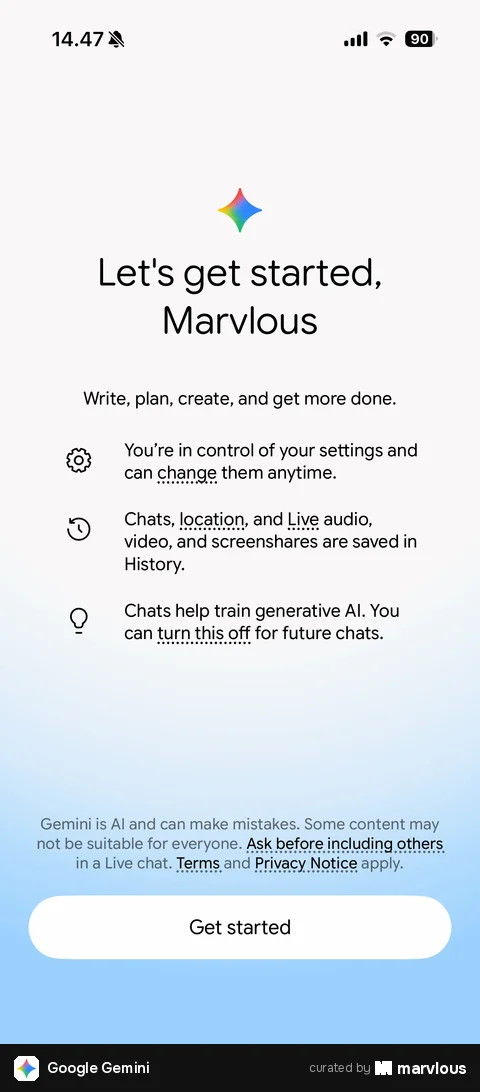
  1. Google Gemini onboarding: Welcome: let's get started with account, write plan create, history and training notes, get started
    Welcome: let's get started with account, write plan create, history and training notes, get started

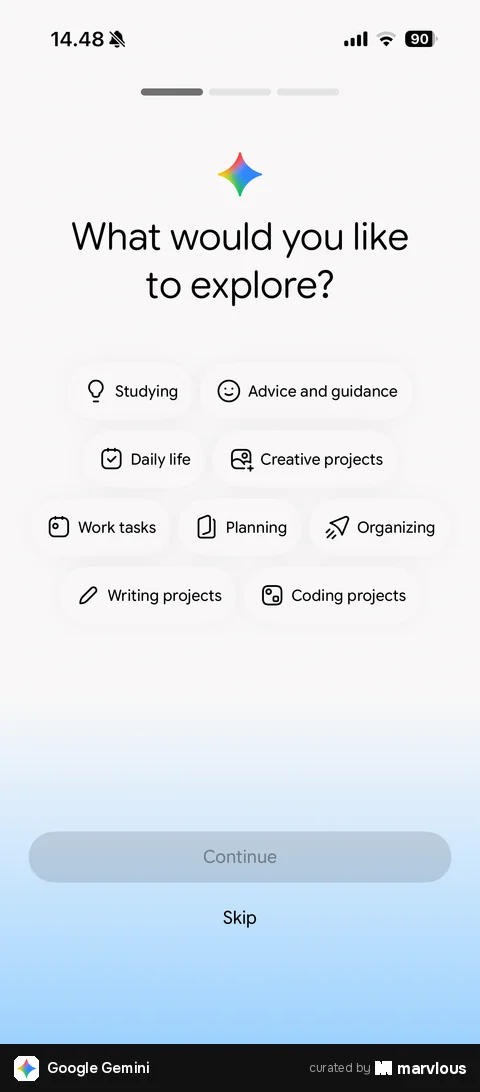
  2. Google Gemini onboarding: What would you like to explore? studying, advice, daily life, creative, work, planning, organizing, coding…

    What would you like to explore? studying, advice, daily life, creative, work, planning, organizing, coding, writing
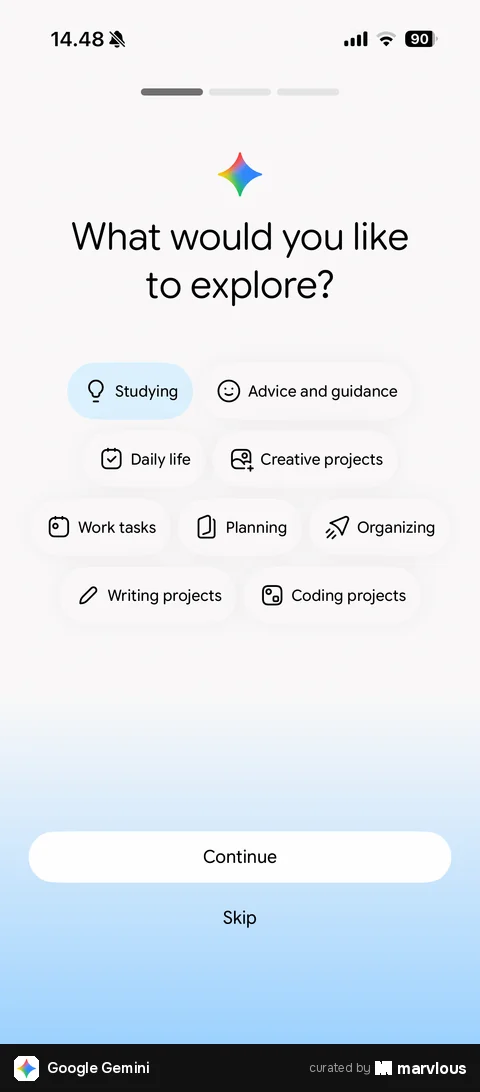
  3. Google Gemini onboarding: Explore topics: studying selected

    Explore topics: studying selected

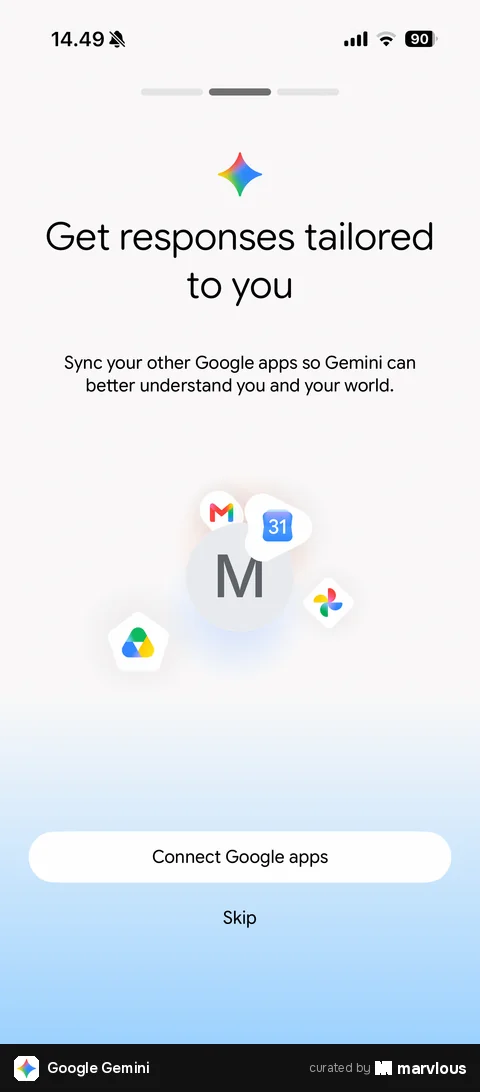
  4. Google Gemini onboarding: Get responses tailored to you: connect Google apps or skip

    Get responses tailored to you: connect Google apps or skip

Google Gemini home (7 screens)
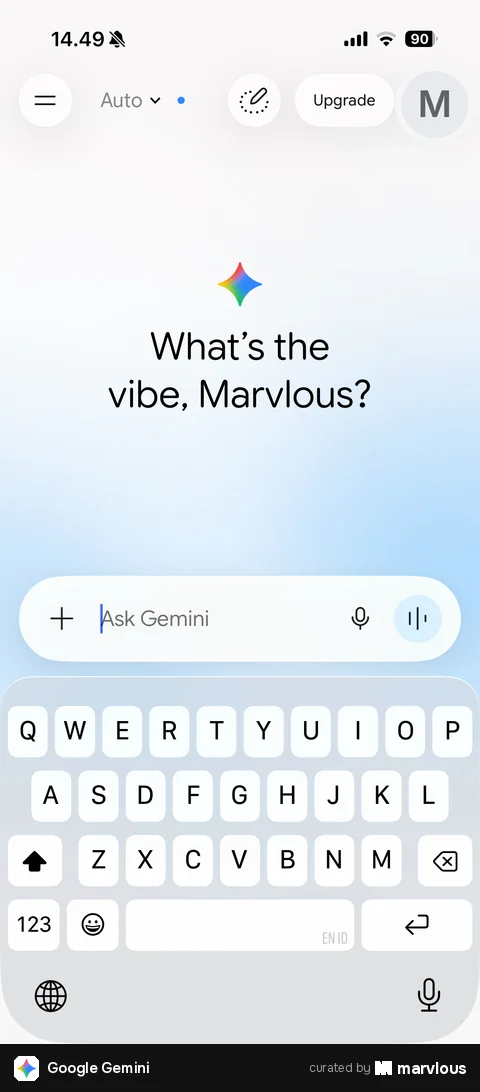
  1. Google Gemini home: Home: Gemini Auto model, temporary chat, account Marvlous, ask Gemini with add attachment
    Home: Gemini Auto model, temporary chat, account Marvlous, ask Gemini with add attachment

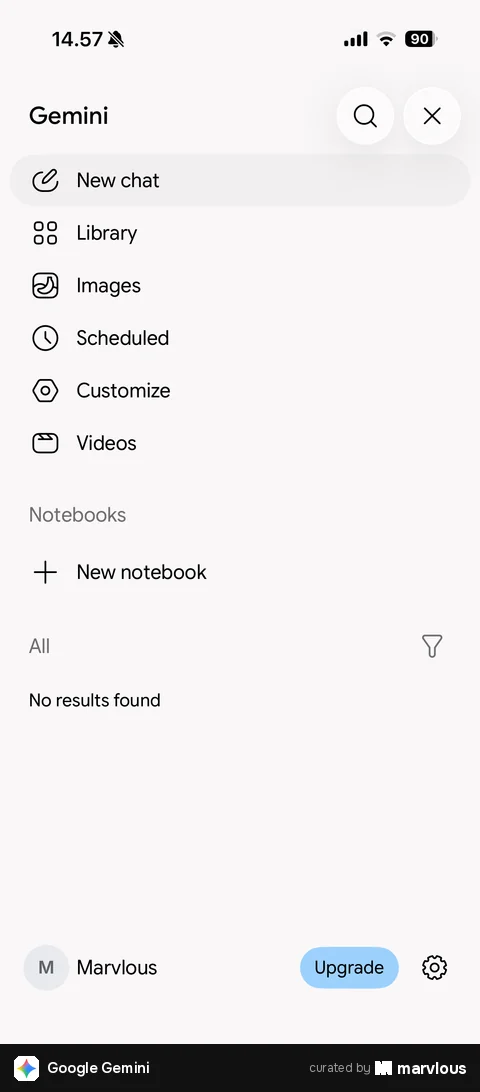
  2. Google Gemini home: Sidebar: search chats, new chat, library with images, scheduled, customize, videos, notebooks, all threads empty
    Sidebar: search chats, new chat, library with images, scheduled, customize, videos, notebooks, all threads empty

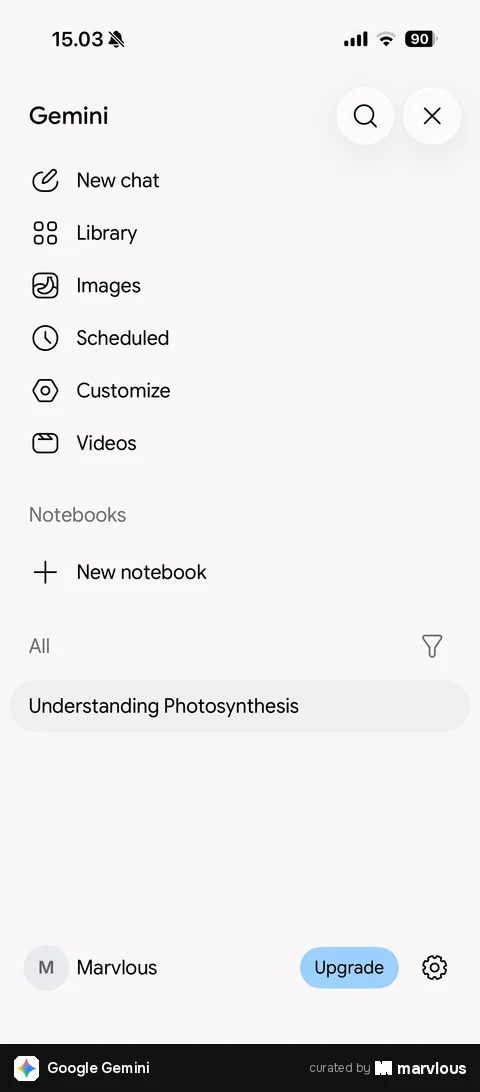
  3. Google Gemini home: Sidebar with chat list: understanding photosynthesis thread, account Marvlous Web
    Sidebar with chat list: understanding photosynthesis thread, account Marvlous Web

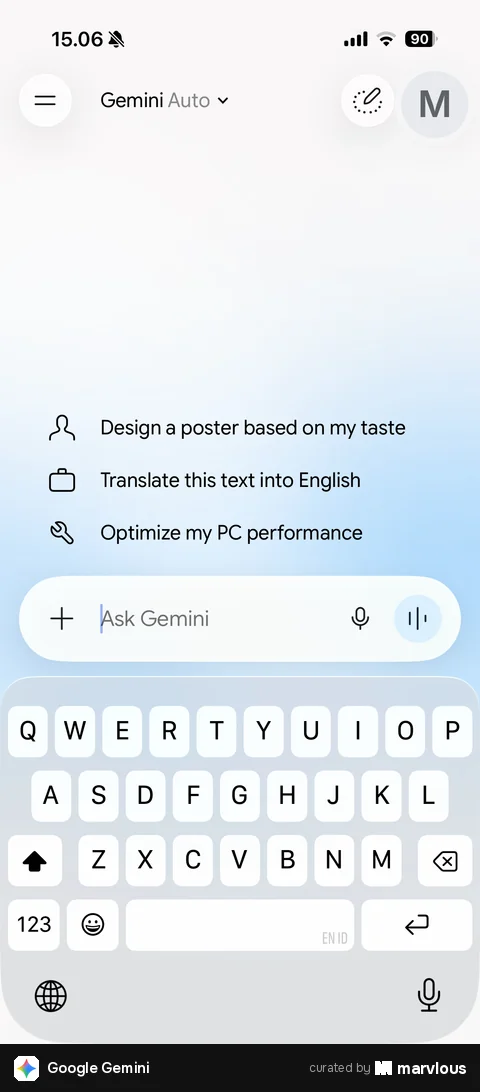
  4. Google Gemini home: Home: Gemini Auto, temporary chat, account, suggestion chips design a poster and translate
    Home: Gemini Auto, temporary chat, account, suggestion chips design a poster and translate

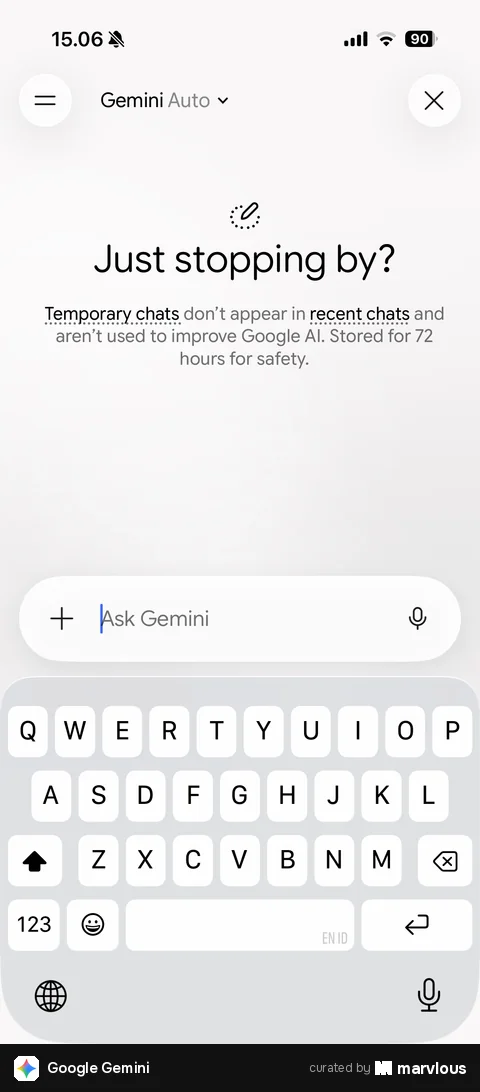
  5. Google Gemini home: Temporary chat: just stopping by, chats not saved to recent, stored 72 hours for safety
    Temporary chat: just stopping by, chats not saved to recent, stored 72 hours for safety

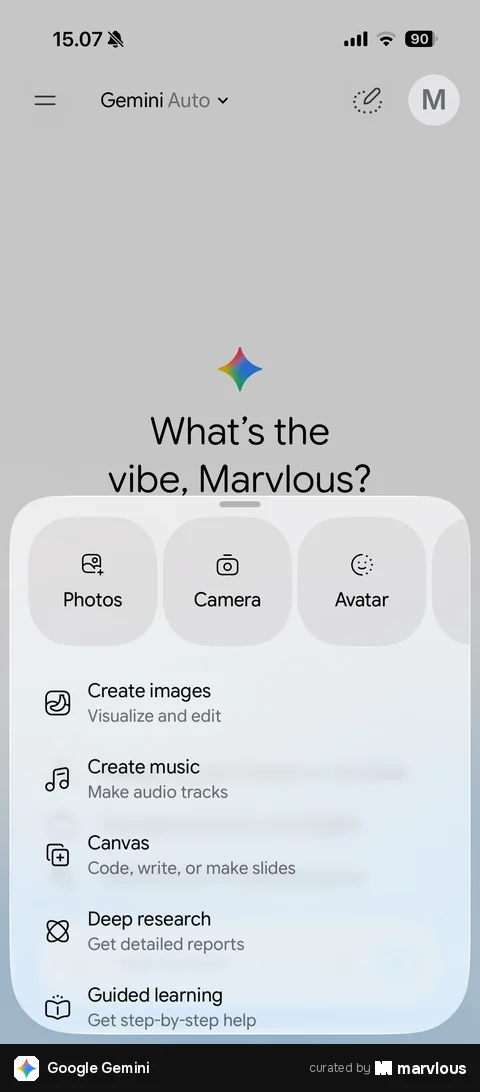
  6. Google Gemini home: Attachment sheet: files, photos, camera, avatar, create images
    Attachment sheet: files, photos, camera, avatar, create images

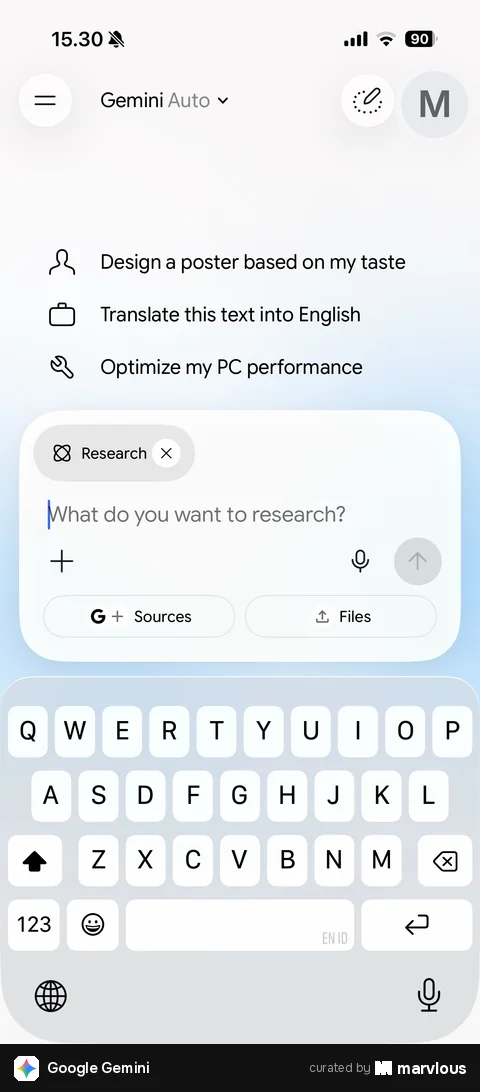
  7. Google Gemini home: Composer with Research tool selected: research chip under the input

    Composer with Research tool selected: research chip under the input

Google Gemini paywall (2 screens)
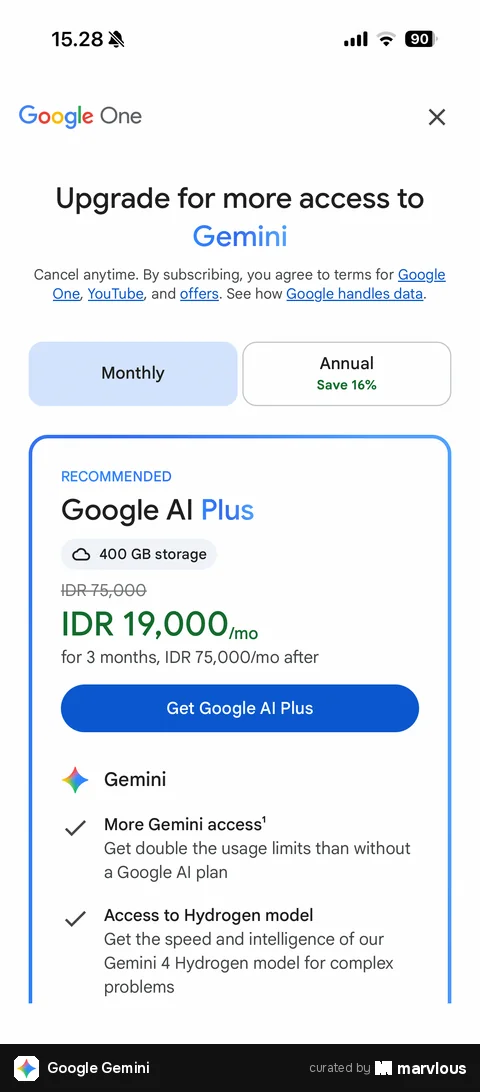
  1. Google Gemini paywall: Google One AI Plus offer: upgrade for more access to Gemini, annual or monthly, save 16 percent
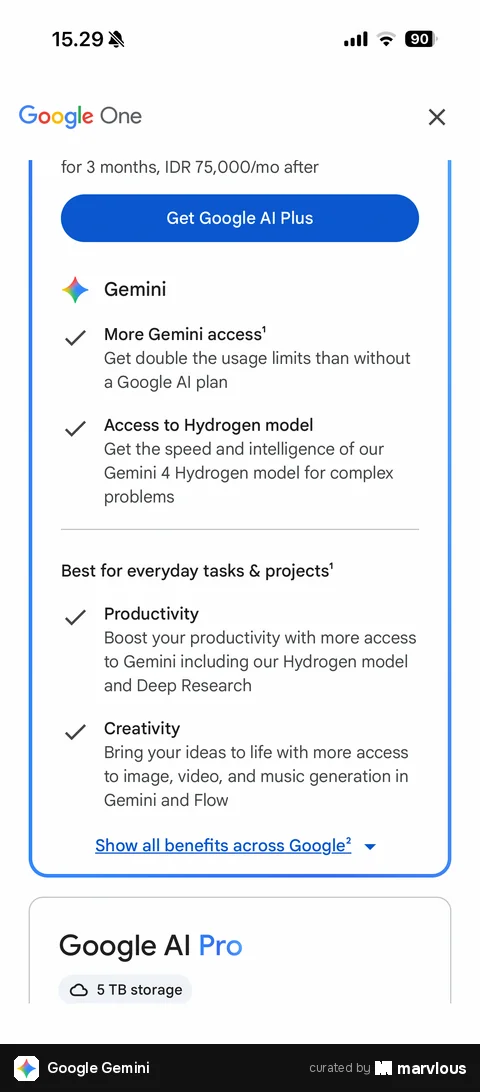
    Google One AI Plus offer: upgrade for more access to Gemini, annual or monthly, save 16 percent

  2. Google Gemini paywall: Google One AI Plus: IDR 75,000 per month after 3 months, get Google AI Plus

    Google One AI Plus: IDR 75,000 per month after 3 months, get Google AI Plus

Google Gemini chat (3 screens)
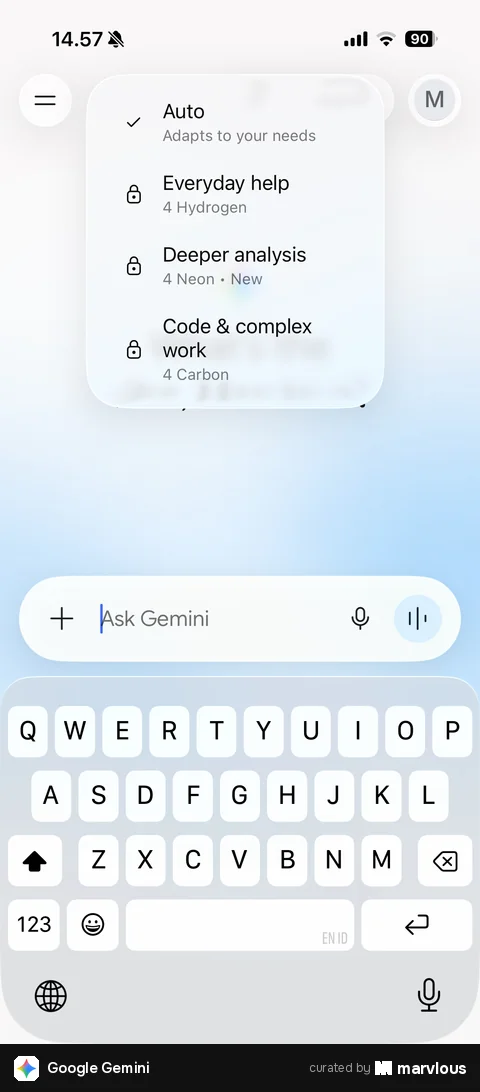
  1. Google Gemini chat: Model picker: auto adapts to your needs, hydrogen everyday help, neon new for code and complex work, carbon, try at for…

    Model picker: auto adapts to your needs, hydrogen everyday help, neon new for code and complex work, carbon, try at for more
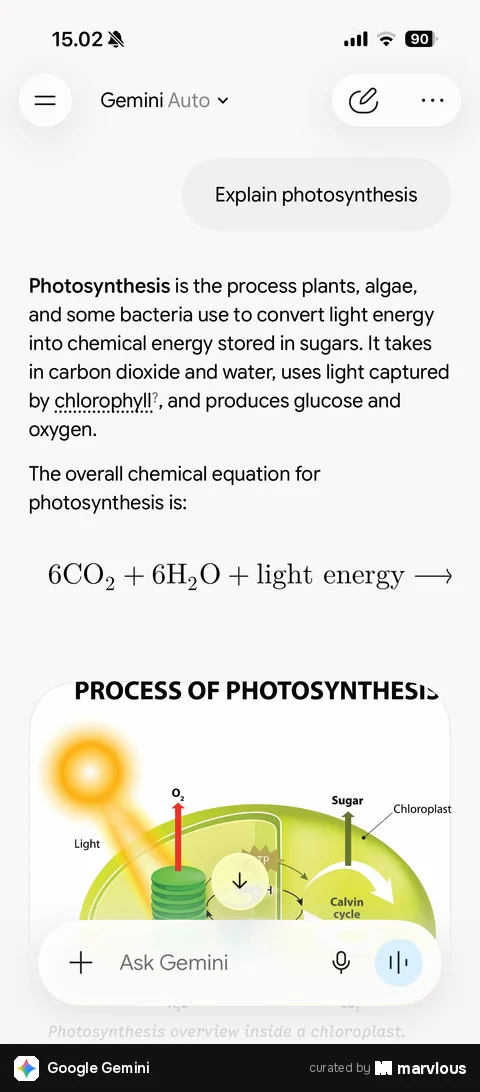
  2. Google Gemini chat: Chat: explain photosynthesis, answer with chemical equation and process section
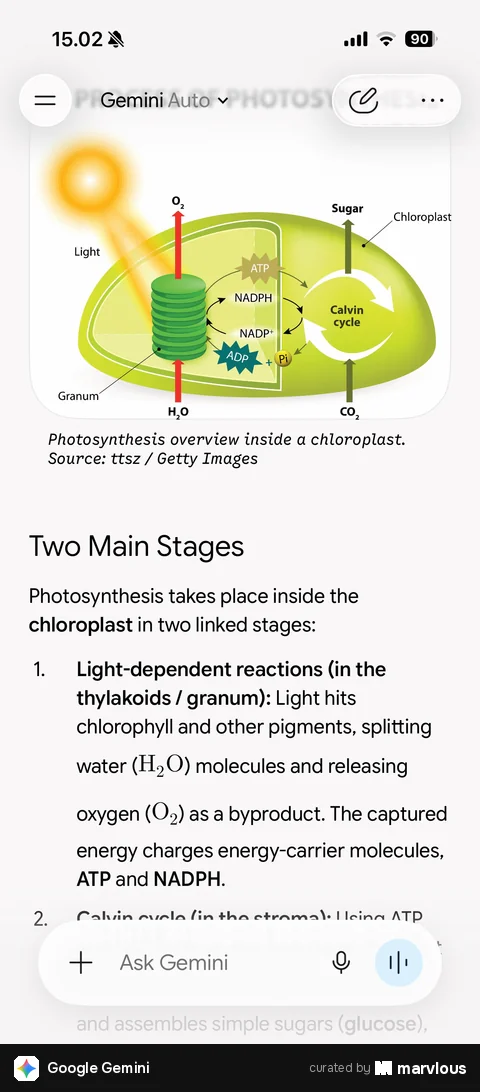
    Chat: explain photosynthesis, answer with chemical equation and process section

  3. Google Gemini chat: Chat scrolled: processes of photosynthesis with diagram

    Chat scrolled: processes of photosynthesis with diagram

Google Gemini settings (12 screens)
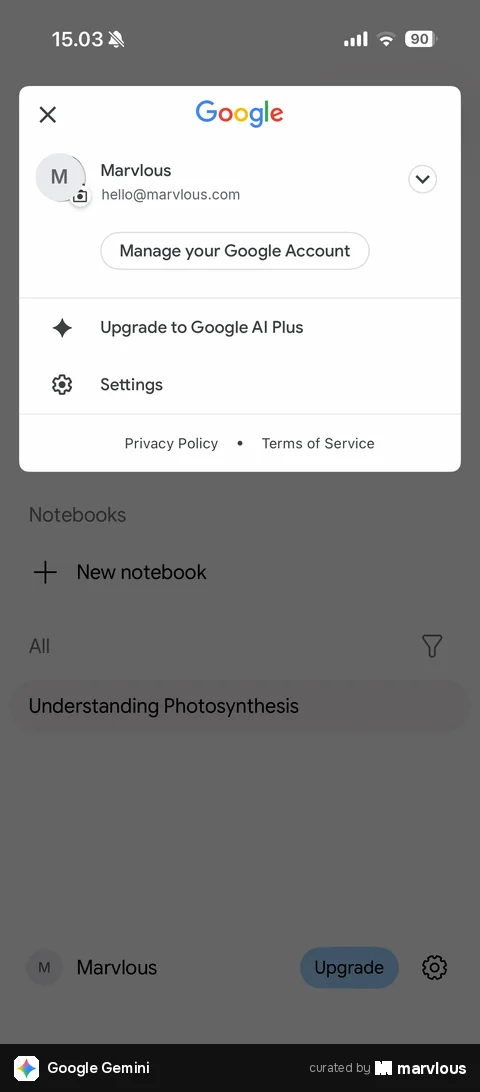
  1. Google Gemini settings: Account panel: Google account Marvlous Web, change profile picture, manage Google account, upgrade to AI Plus…

    Account panel: Google account Marvlous Web, change profile picture, manage Google account, upgrade to AI Plus, settings, privacy and terms
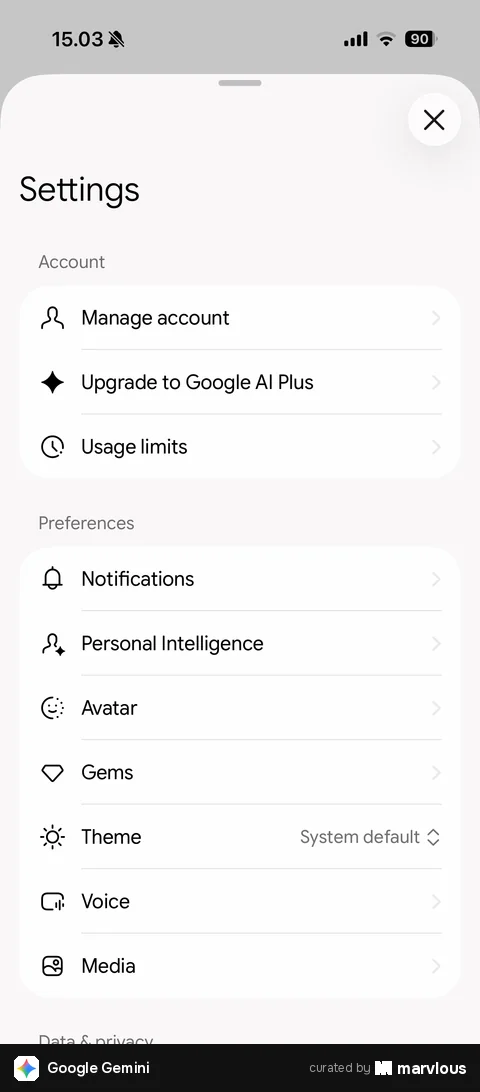
  2. Google Gemini settings: Settings sheet: account and manage account, upgrade, usage limits, preferences, notifications, personal…

    Settings sheet: account and manage account, upgrade, usage limits, preferences, notifications, personal intelligence, avatar, gems
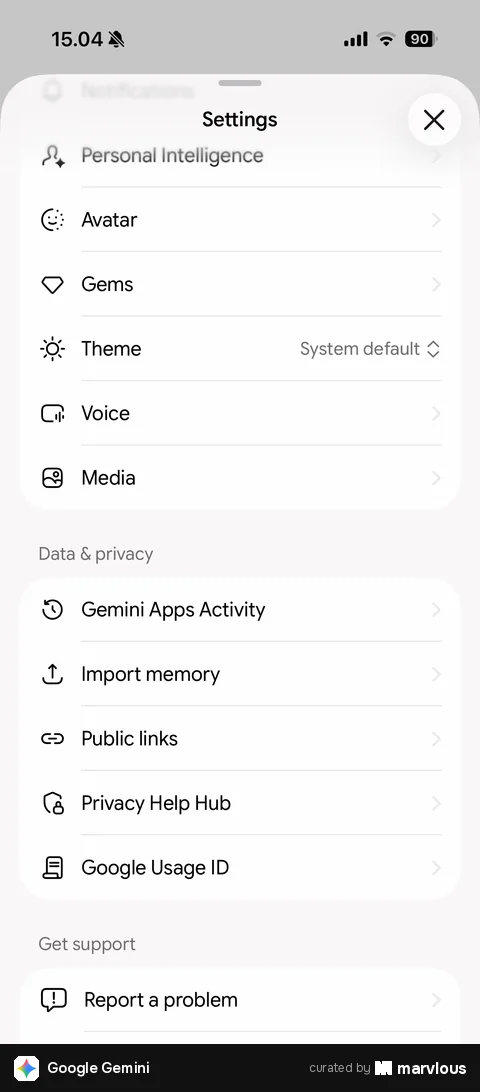
  3. Google Gemini settings: Settings sheet scrolled: notifications, personal intelligence, avatar, gems, theme, voice, media, date
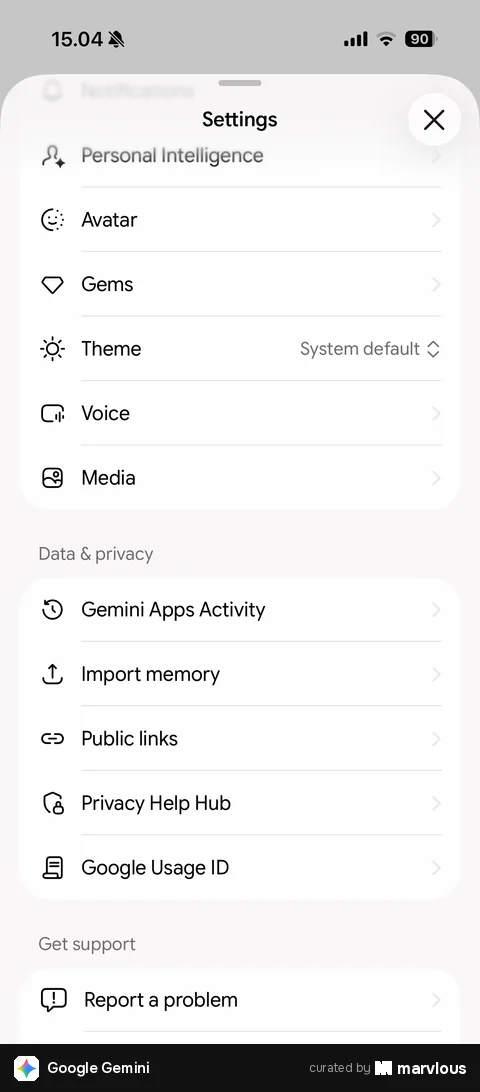
    Settings sheet scrolled: notifications, personal intelligence, avatar, gems, theme, voice, media, date

  4. Google Gemini settings: Settings sheet bottom: import memory, public links, privacy help hub, Google usage ID, get support, report a…

    Settings sheet bottom: import memory, public links, privacy help hub, Google usage ID, get support, report a problem, help center
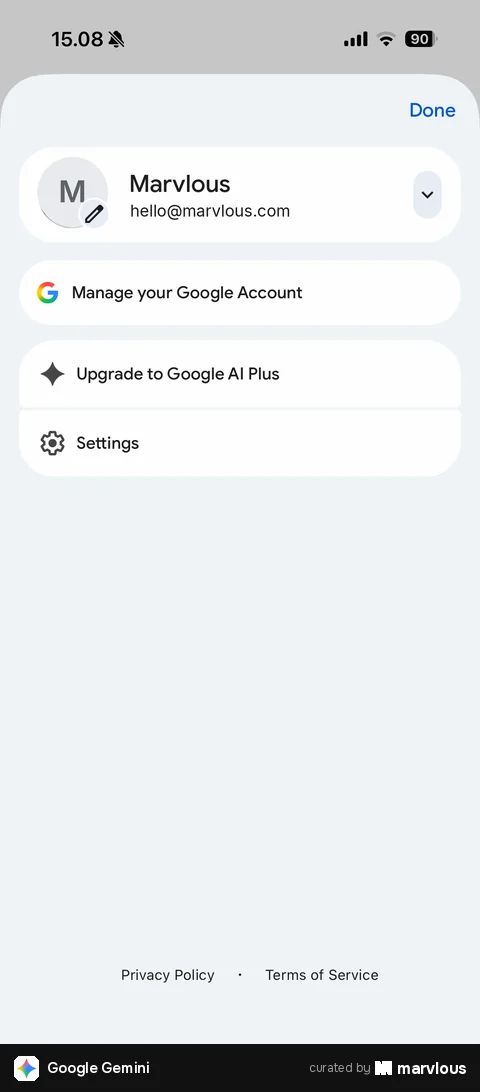
  5. Google Gemini settings: Account sheet: Marvlous Web, edit my info, manage Google account, upgrade to AI Plus, settings
    Account sheet: Marvlous Web, edit my info, manage Google account, upgrade to AI Plus, settings

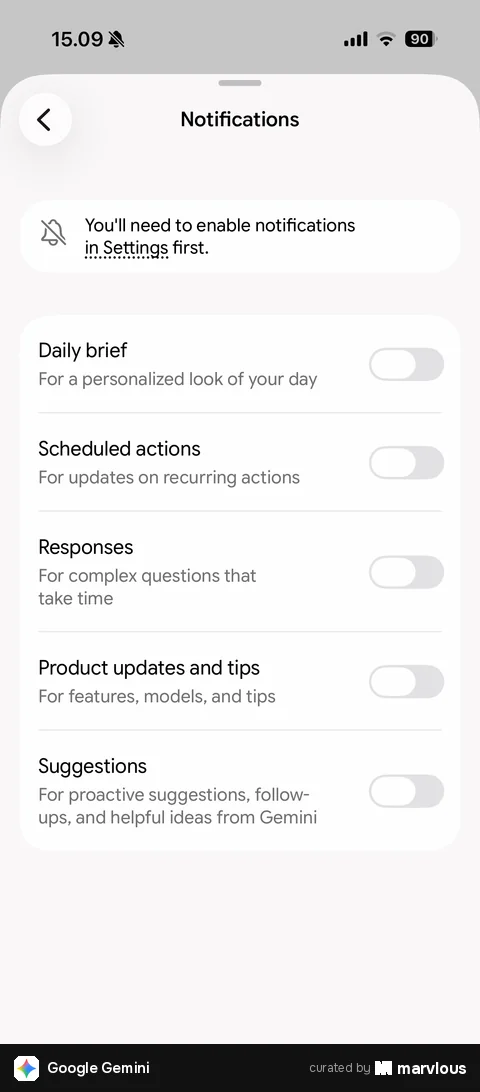
  6. Google Gemini settings: Notifications settings: enable in Settings first, daily brief, scheduled actions, responses, product updates and…

    Notifications settings: enable in Settings first, daily brief, scheduled actions, responses, product updates and tips
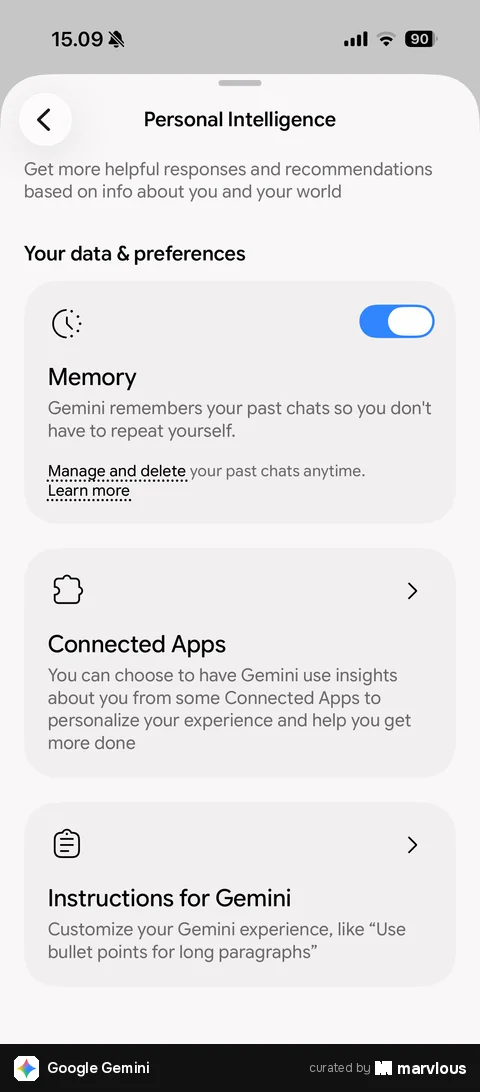
  7. Google Gemini settings: Personal intelligence settings

    Personal intelligence settings

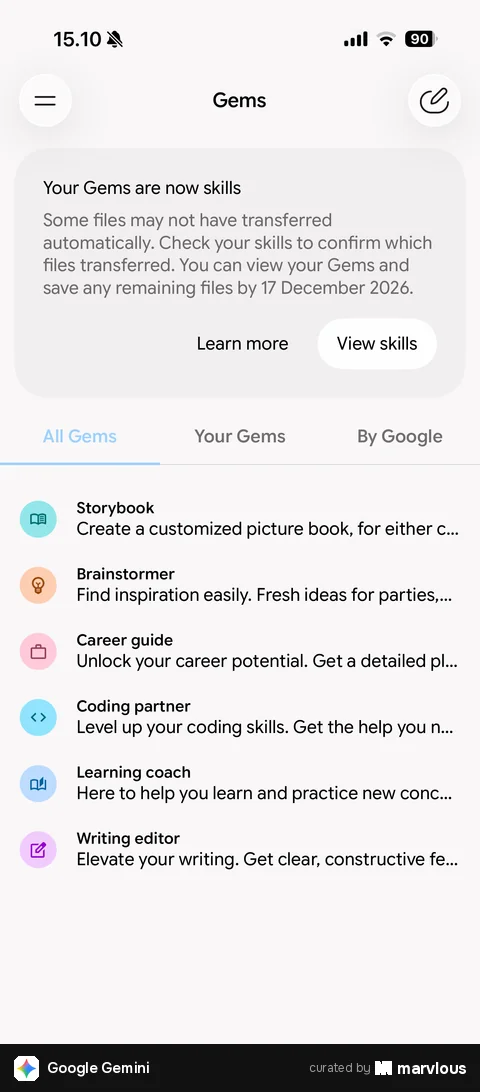
  8. Google Gemini settings: Gems: your gems are now skills, files may not have transferred, view skills before 17 December 2026
    Gems: your gems are now skills, files may not have transferred, view skills before 17 December 2026

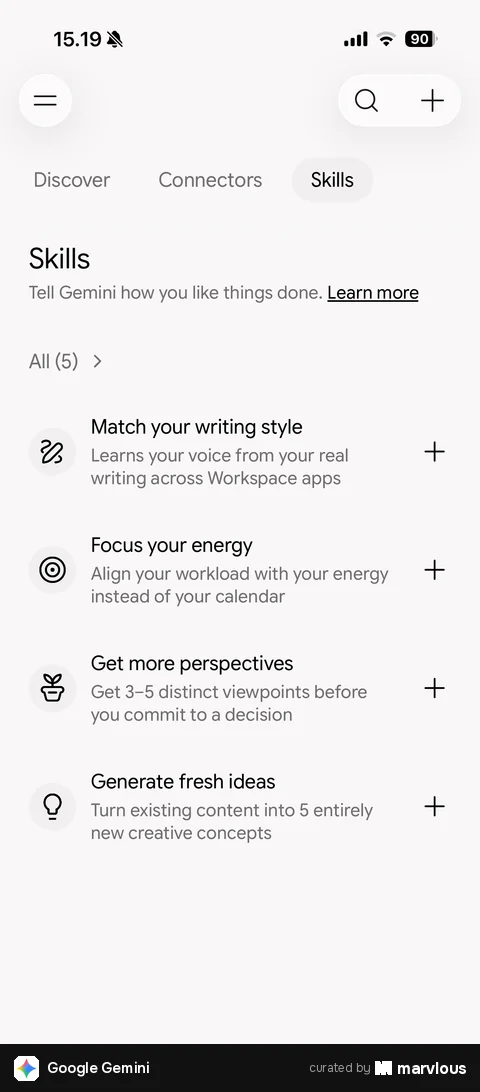
  9. Google Gemini settings: Skills: discover, connectors, skills list with AI items, tell Gemini how you like things done
    Skills: discover, connectors, skills list with AI items, tell Gemini how you like things done

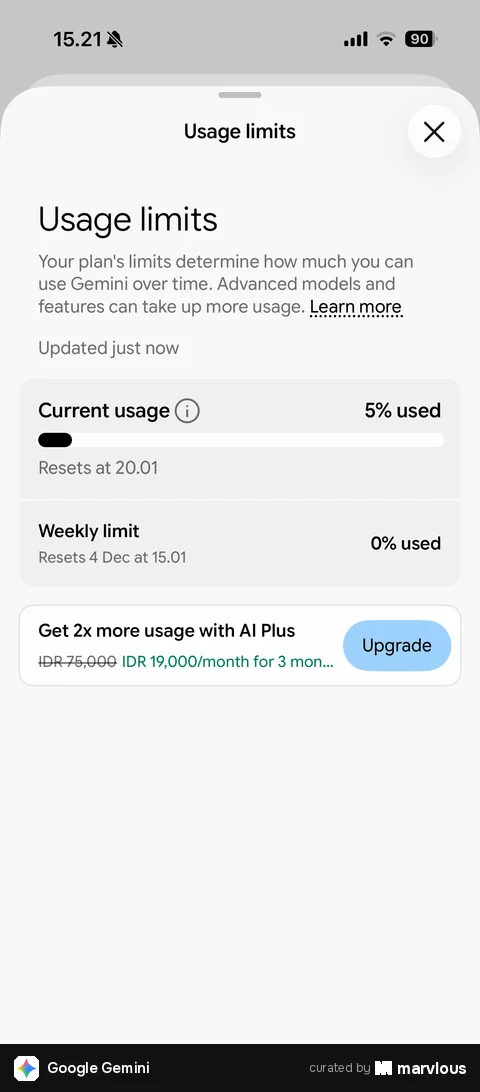
  10. Google Gemini settings: Usage limits: plan limits explanation, current usage 5 percent used, resets at 20.01
    Usage limits: plan limits explanation, current usage 5 percent used, resets at 20.01

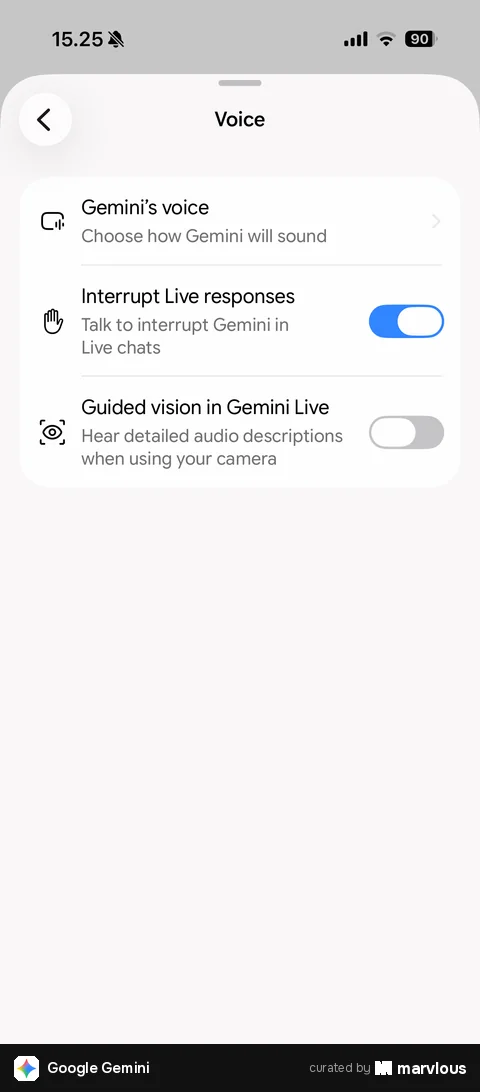
  11. Google Gemini settings: Voice: Gemini voice, interrupt live responses, guided vision in Gemini Live
    Voice: Gemini voice, interrupt live responses, guided vision in Gemini Live

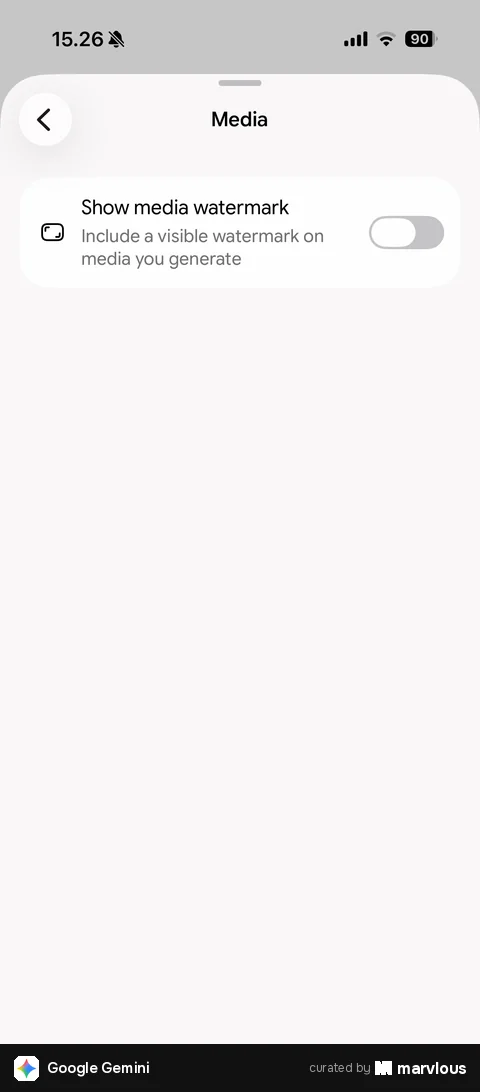
  12. Google Gemini settings: Media: show media watermark switch, include visible watermark on generated media

    Media: show media watermark switch, include visible watermark on generated media

Compare the Google Gemini paywall with other top apps

More app designs

See all apps