Opal app design: 102 real screens in 9 flows
Focus, App Blocker & Timer. Category: Productivity. By OPAL OS CORPORATION.
Captured on iPhone and updated November 2026. Each screen has a short note on what it shows and why it matters for growth.
Opal onboarding (15 screens)
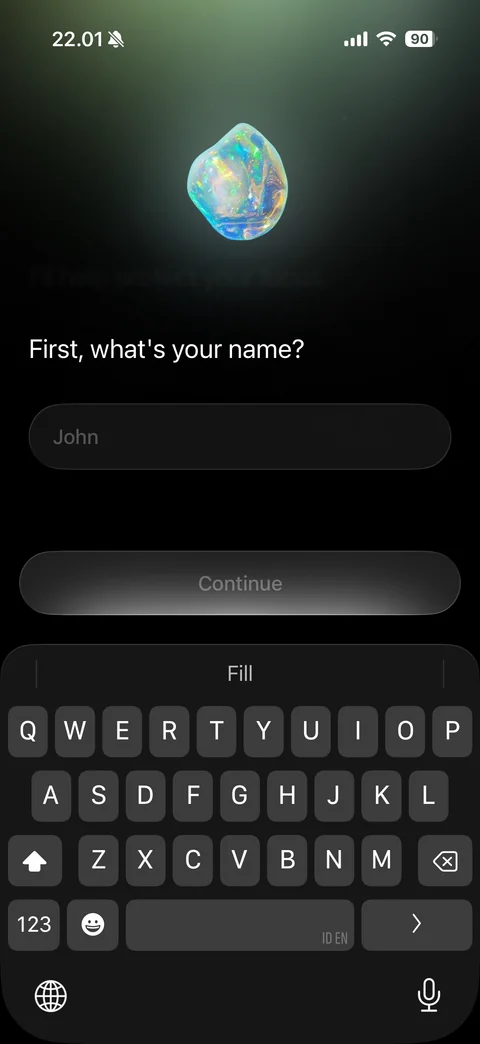
Name step: dark screen with glowing opal gem, fading previous line I'll help protect your focus, First, what's your name? field with John placeholder, disabled Continue, keyboard
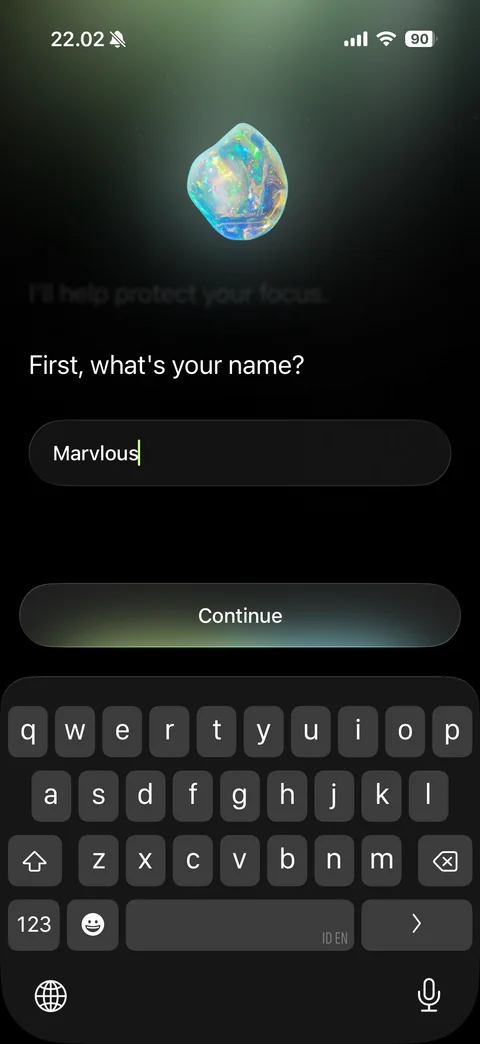
Name step filled: Marvlous typed, Continue enabled with glow
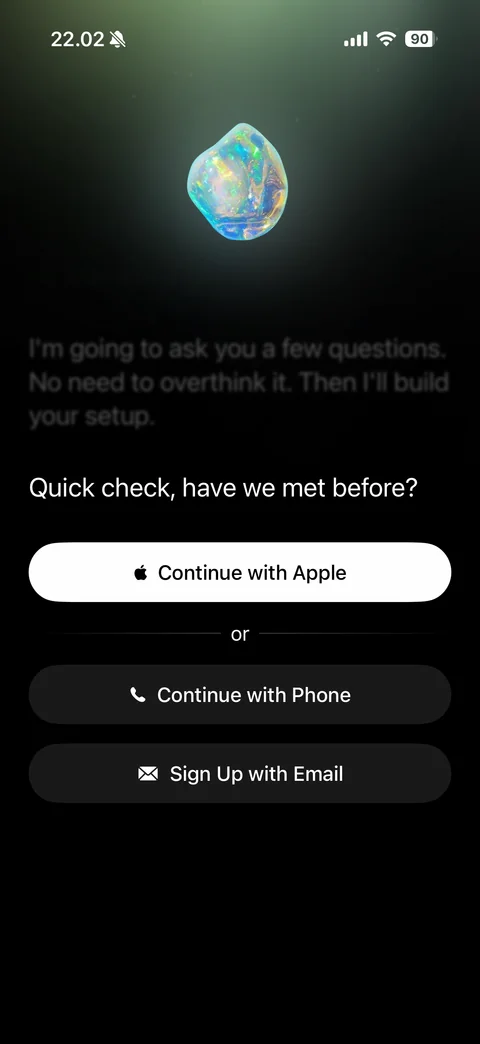
Account step: blurred previous message, Quick check, have we met before? Continue with Apple (light pill), or divider, Continue with Phone, Sign Up with Email
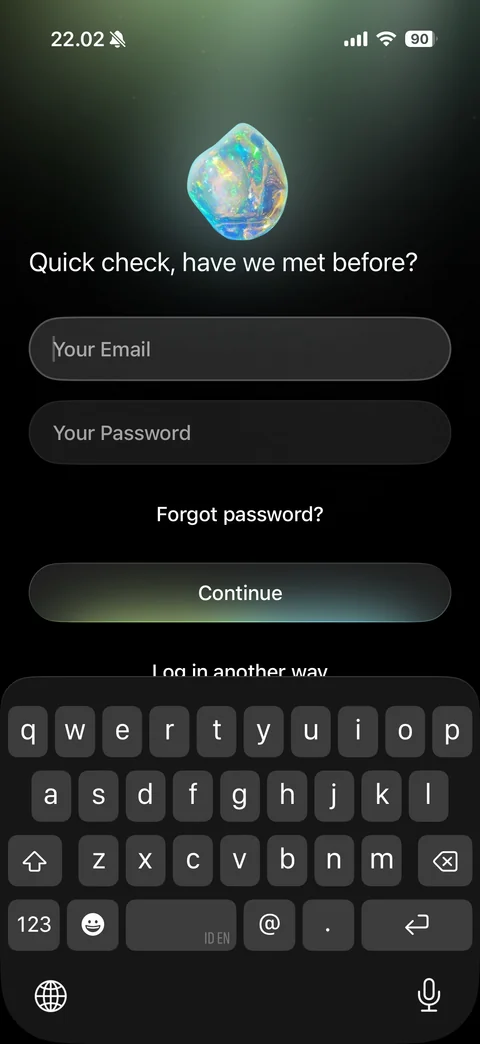
Email sign-up form: Your Email and Your Password pill fields, Forgot password?, glowing Continue, Log in another way, email keyboard
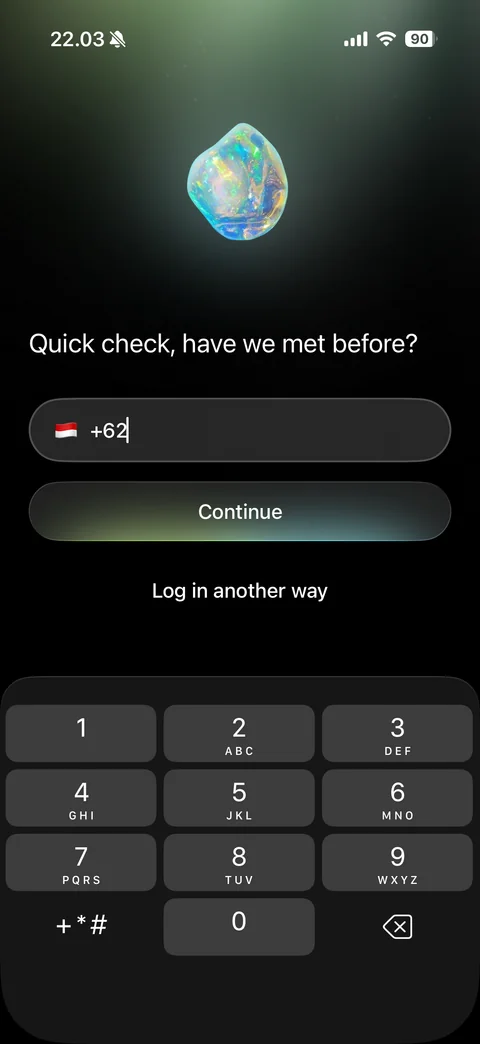
Phone sign-up form: country flag +62 phone field, glowing Continue, Log in another way, number pad keyboard
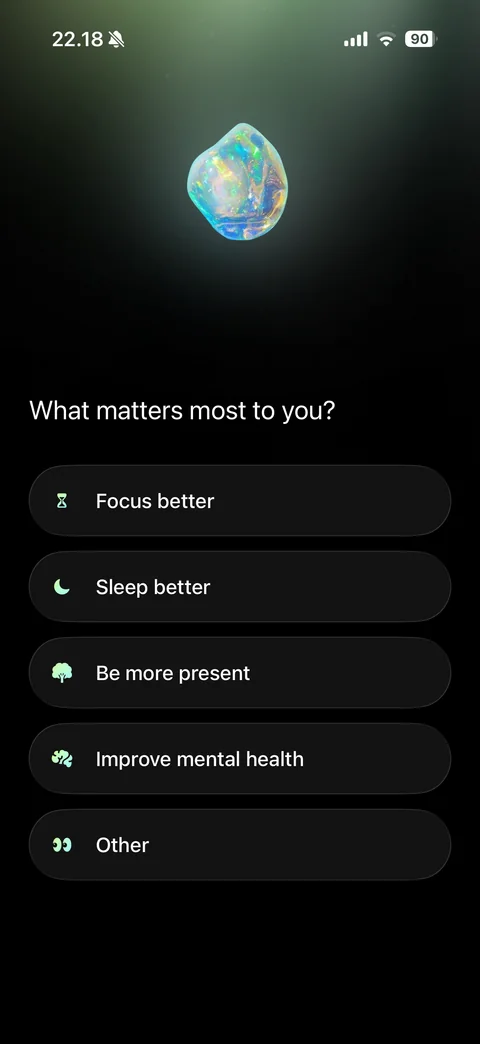
Goal question: What matters most to you? pill options with icons Focus better, Sleep better, Be more present, Improve mental health, Other
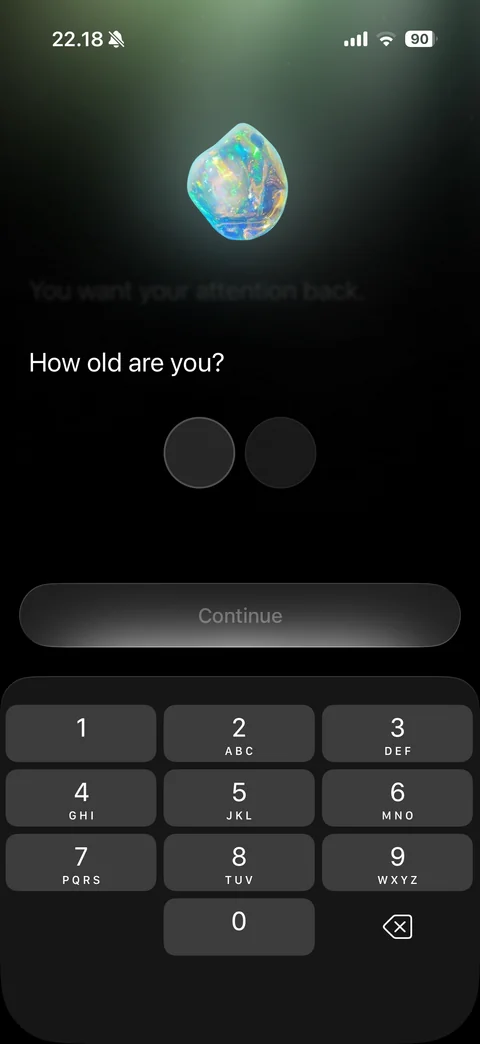
Age step: fading line You want your attention back, How old are you? two round digit boxes, disabled Continue, number pad
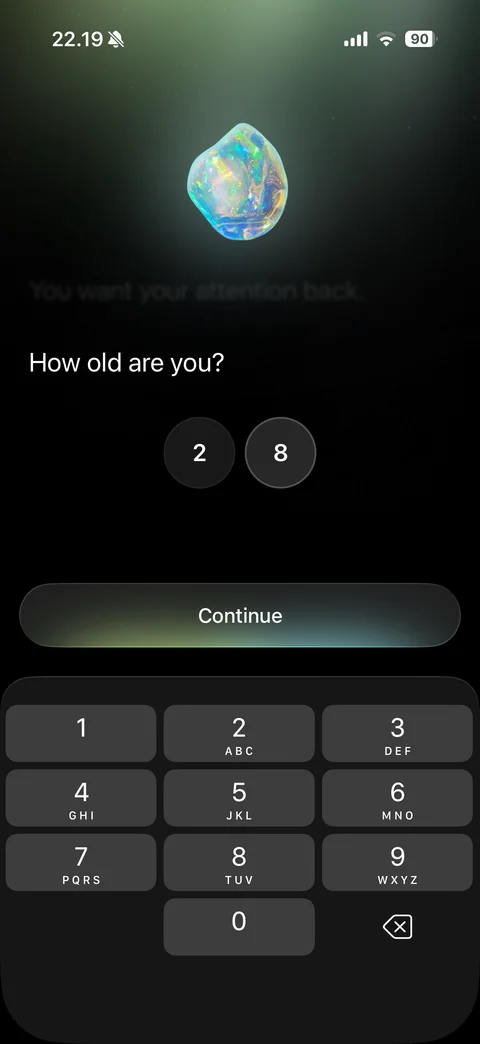
Age step filled: 2 and 8 in digit circles, Continue enabled
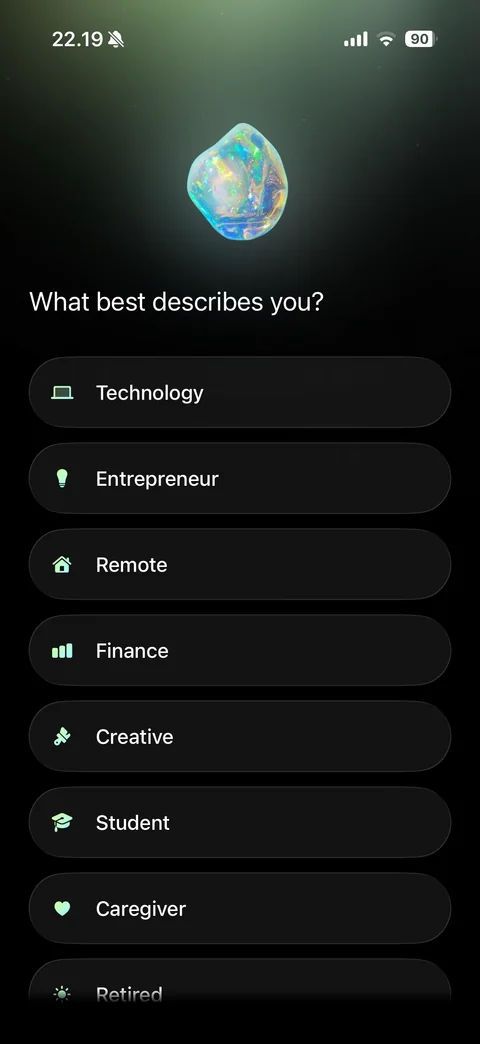
Occupation question: What best describes you? scrolling pill list Technology, Entrepreneur, Remote, Finance, Creative, Student, Caregiver, Retired
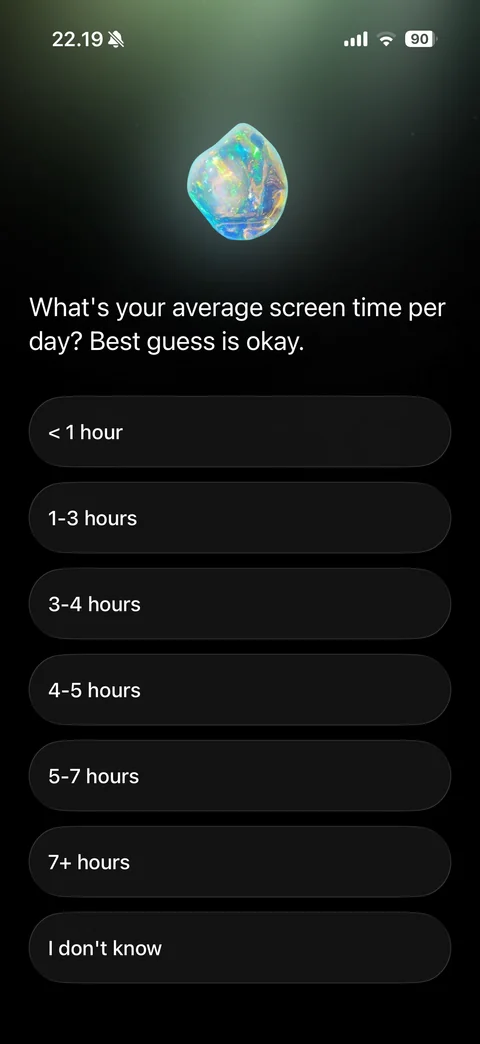
Screen time estimate: What's your average screen time per day? options < 1 hour to 7+ hours and I don't know
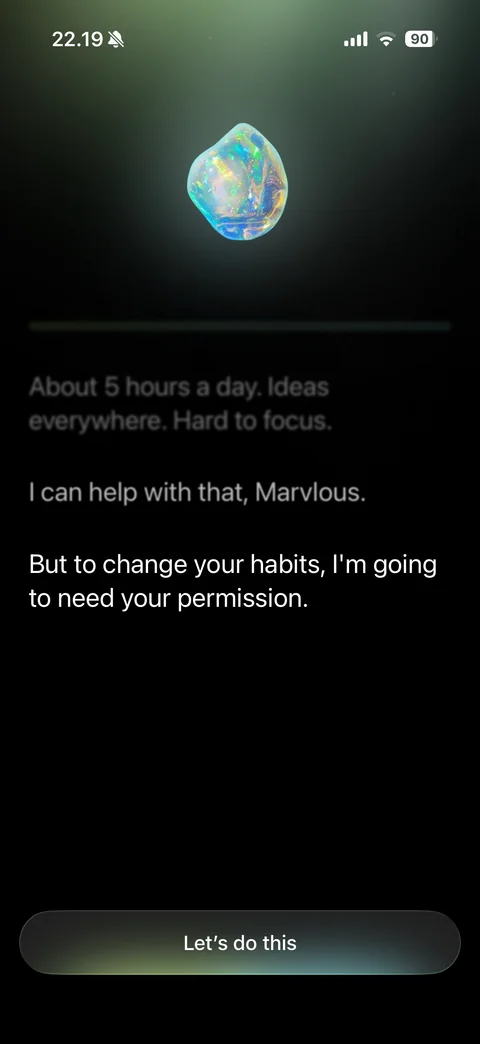
Personalized summary chat: progress bar, blurred recap About 5 hours a day, I can help with that, Marvlous, need your permission, glowing Let's do this
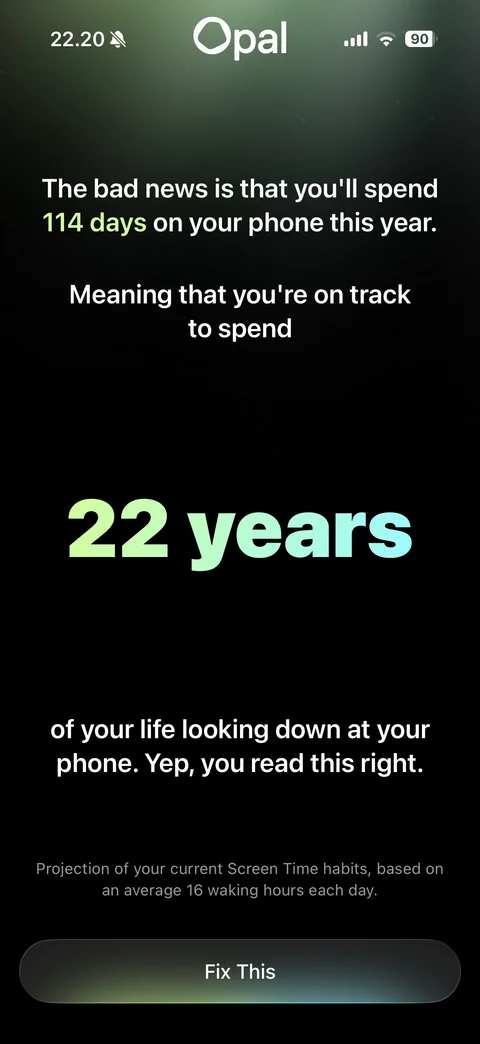
Shock stat reveal: Opal wordmark, you'll spend 114 days on your phone this year (green), on track to spend 22 years (gradient green-cyan big number) of your life, projection footnote, Fix This
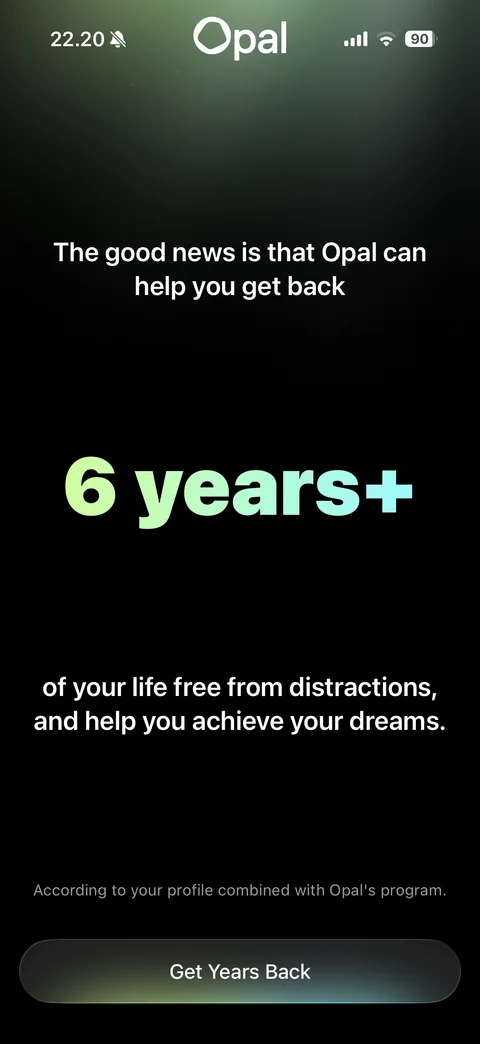
Good news stat: Opal can help you get back 6 years+ (gradient) of your life free from distractions, footnote, Get Years Back
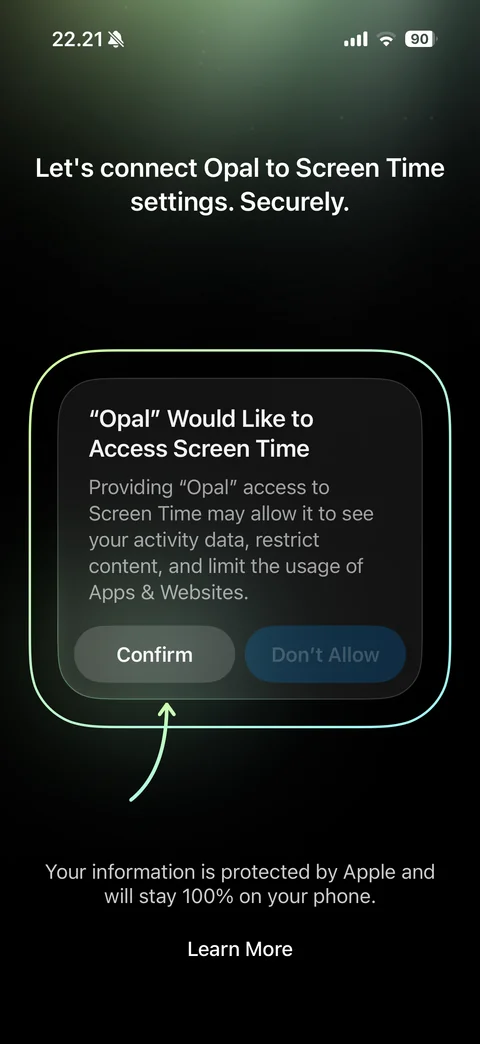
Screen Time pre-permission: Let's connect Opal to Screen Time settings. Securely., mock iOS dialog in glowing green-cyan frame with hand-drawn arrow to Confirm, privacy reassurance, Learn More
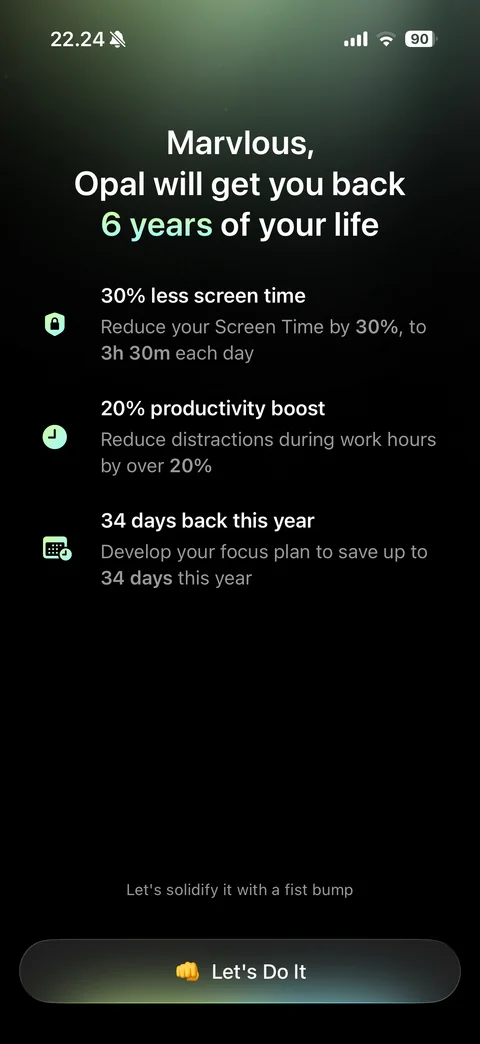
Personal plan summary: Marvlous, Opal will get you back 6 years of your life, three benefit rows with icons (30% less screen time to 3h 30m, 20% productivity boost, 34 days back this year), fist bump prompt, Let's Do It
Opal paywall (1 screen)
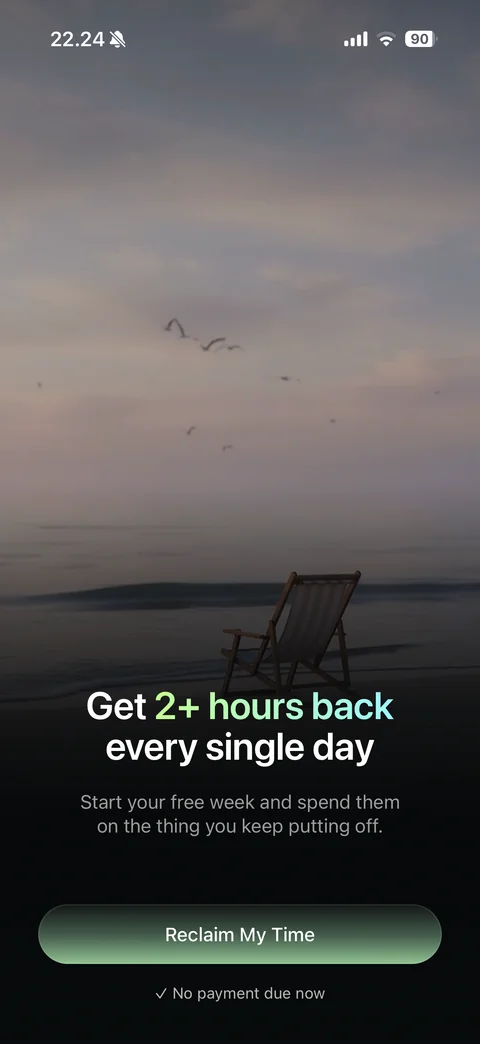
Paywall intro: full-bleed photo of beach chair at dusk with birds, Get 2+ hours back every single day (gradient), start your free week, green Reclaim My Time, No payment due now
Opal setup (17 screens)
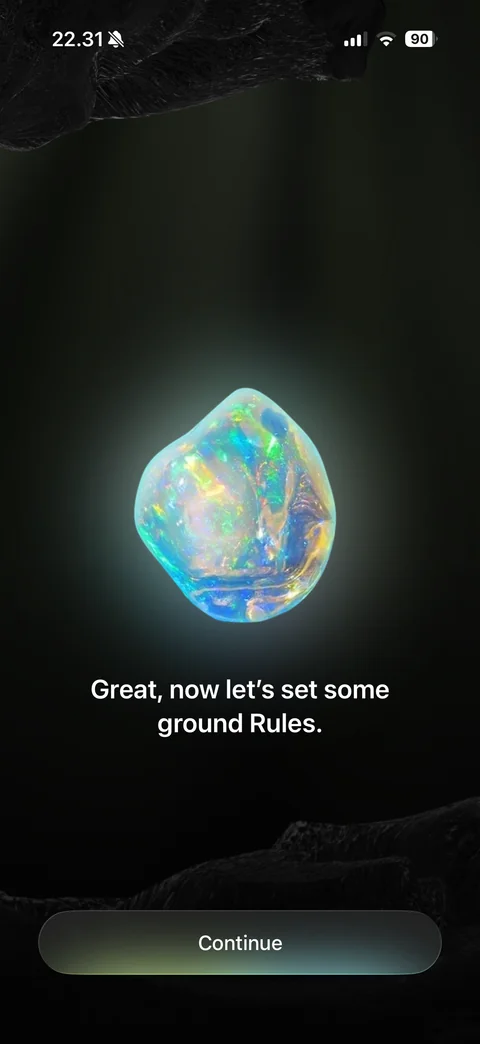
Rules intro: dark cave rock frame, large glowing opal gem, Great, now let's set some ground Rules., Continue
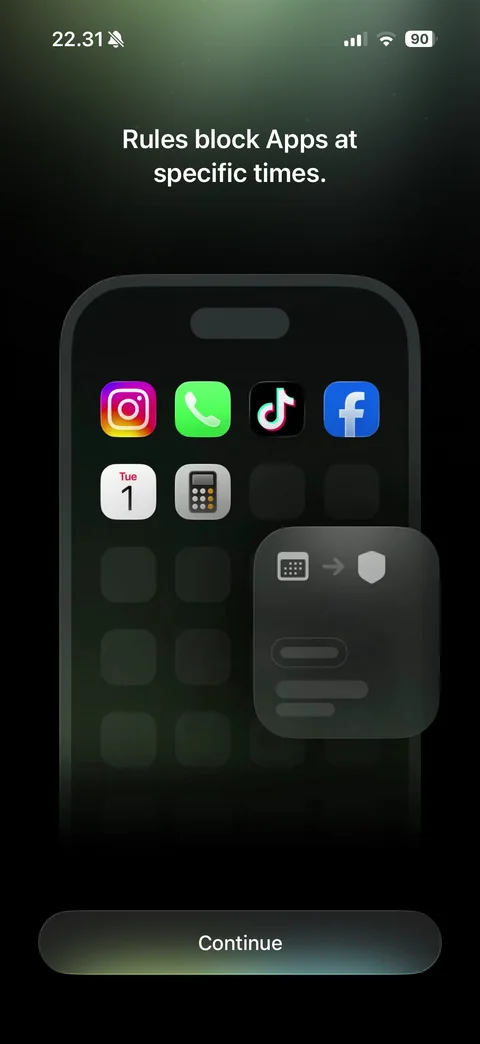
Rules explainer: Rules block Apps at specific times, phone mockup with locked social app icons and floating schedule-to-shield card, Continue
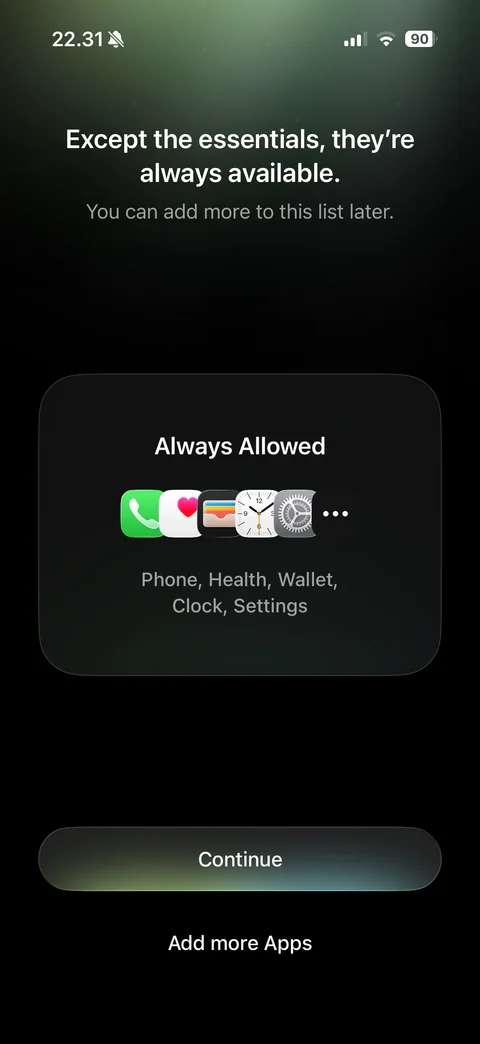
Always Allowed explainer: Except the essentials, card with overlapping app icons Phone, Health, Wallet, Clock, Settings, Continue, Add more Apps link
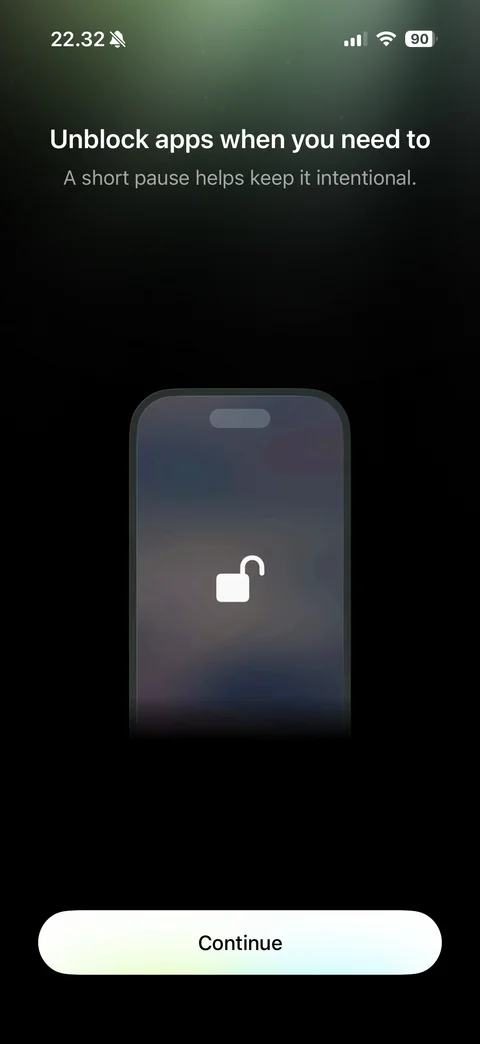
Unblock explainer: Unblock apps when you need to, a short pause helps keep it intentional, phone mockup with cloud sky and breathing ring, white Continue
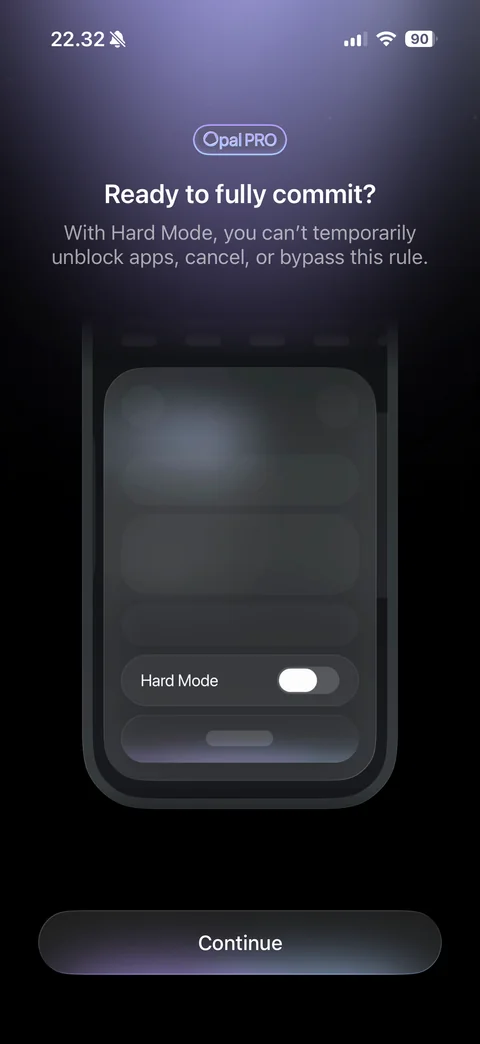
Hard Mode explainer (Opal PRO badge): purple glow, Ready to fully commit?, Hard Mode cannot unblock or bypass, phone mockup with rule card, Continue
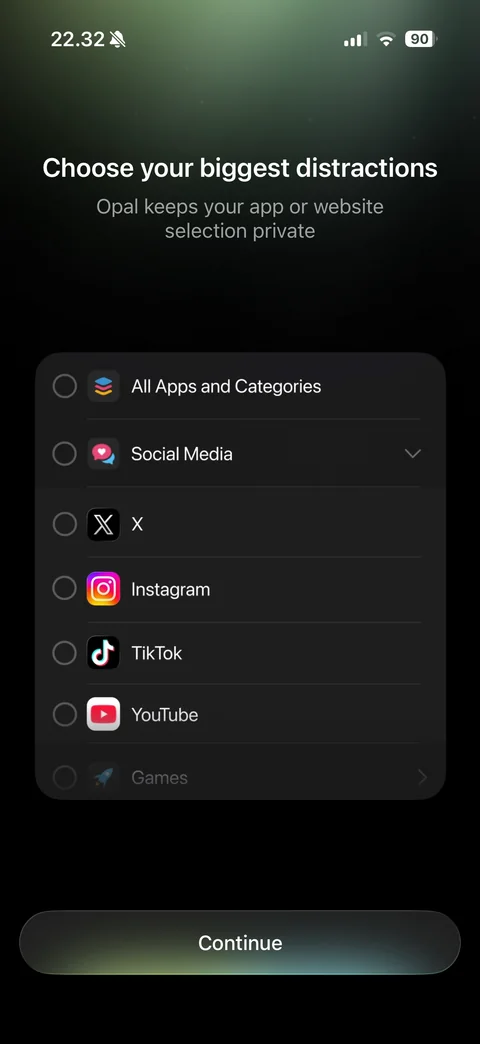
Distraction picker: Choose your biggest distractions, privacy note, Screen Time app list card with checkboxes (All Apps and Categories, Social Media expandable, X, Instagram checked, TikTok checked, YouTube, Games), Continue
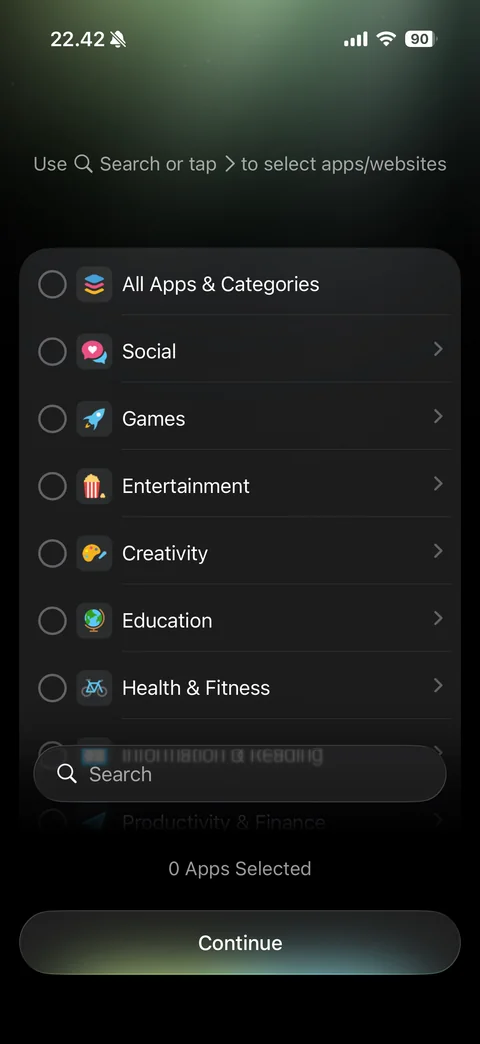
Real Screen Time app picker embedded: hint Use Search or tap > to select, category rows with radio buttons (All Apps & Categories, Social, Games, Entertainment, Creativity, Education, Health & Fitness), floating Search bar, 0 Apps Selected, Continue
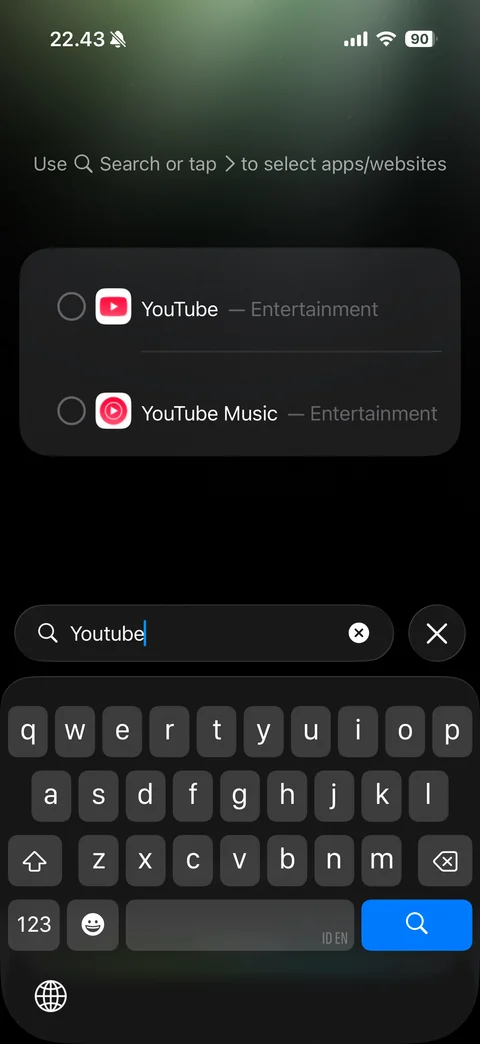
App picker search results for Youtube: YouTube and YouTube Music rows with category labels and radio buttons, keyboard
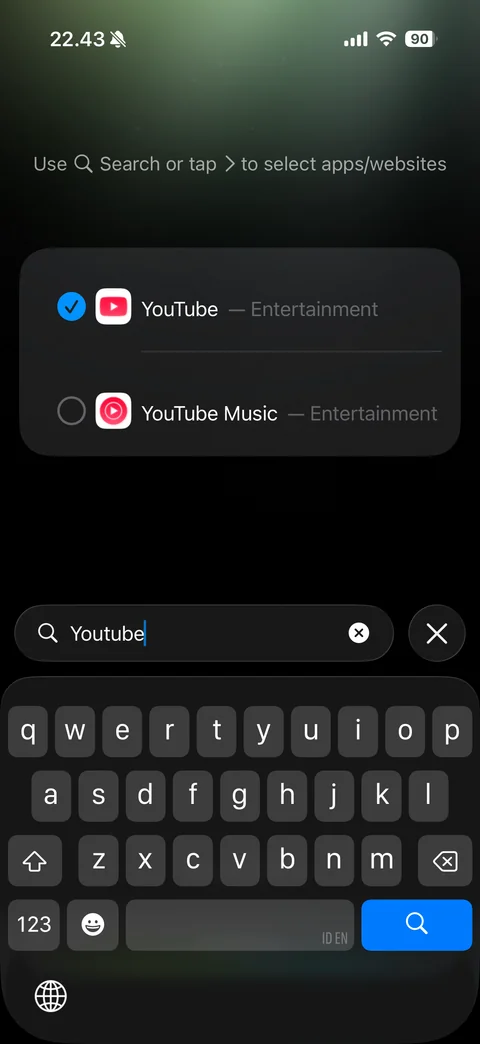
App picker YouTube selected: blue check on YouTube row
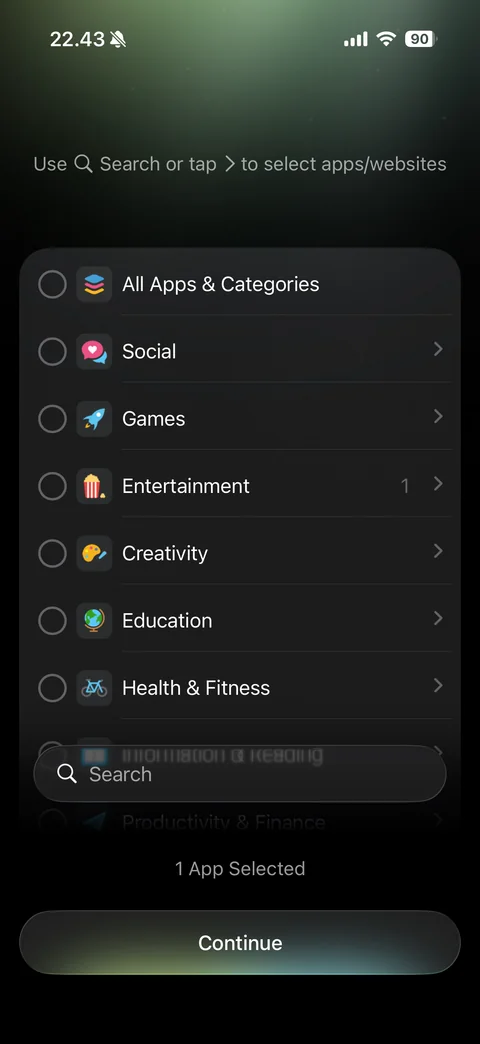
App picker with 1 App Selected: Entertainment row shows count 1, Continue
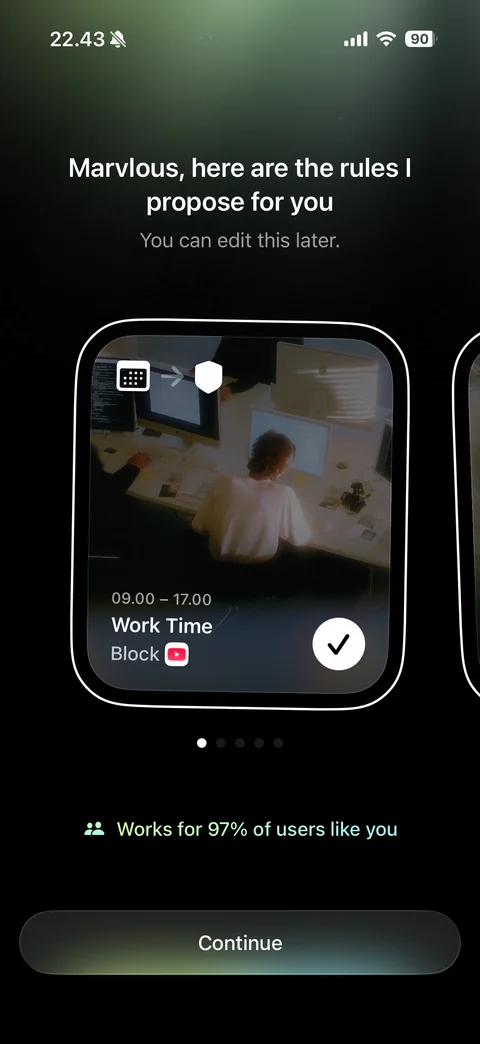
Proposed rules carousel 1/5: Marvlous, here are the rules I propose for you, photo card Work Time 09.00-17.00 Block YouTube with check, page dots, Works for 97% of users like you, Continue
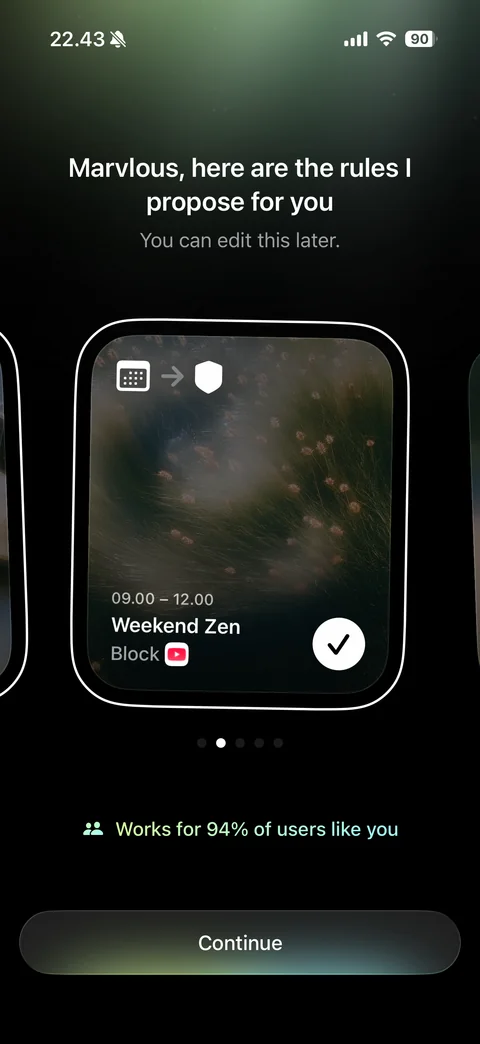
Proposed rules carousel 2/5: Weekend Zen 09.00-12.00 Block YouTube, grass photo, Works for 94%
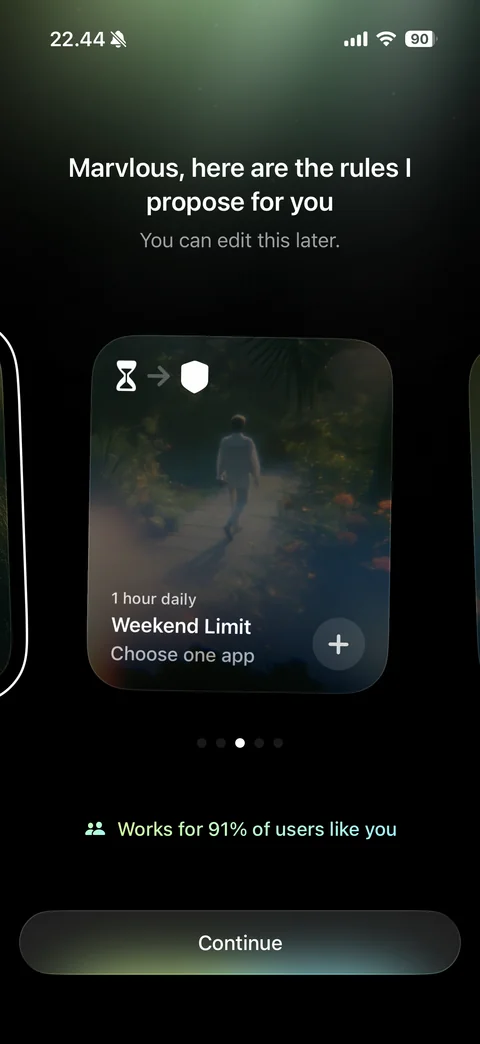
Proposed rules carousel 3/5 unselected: hourglass to shield, Weekend Limit 1 hour daily, Choose one app, plus button, card without white outline, Works for 91%
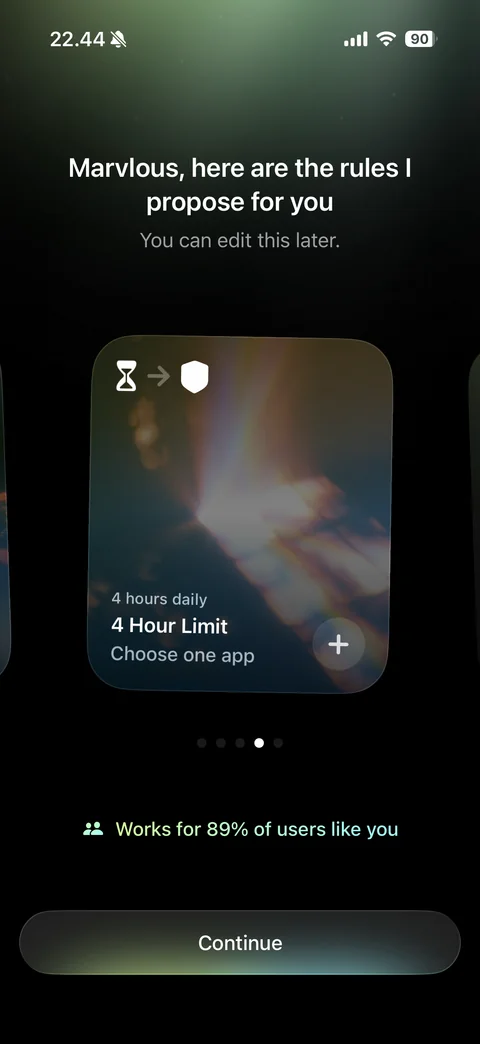
Proposed rules carousel 4/5: 4 Hour Limit 4 hours daily, Choose one app, light-leak photo, Works for 89%
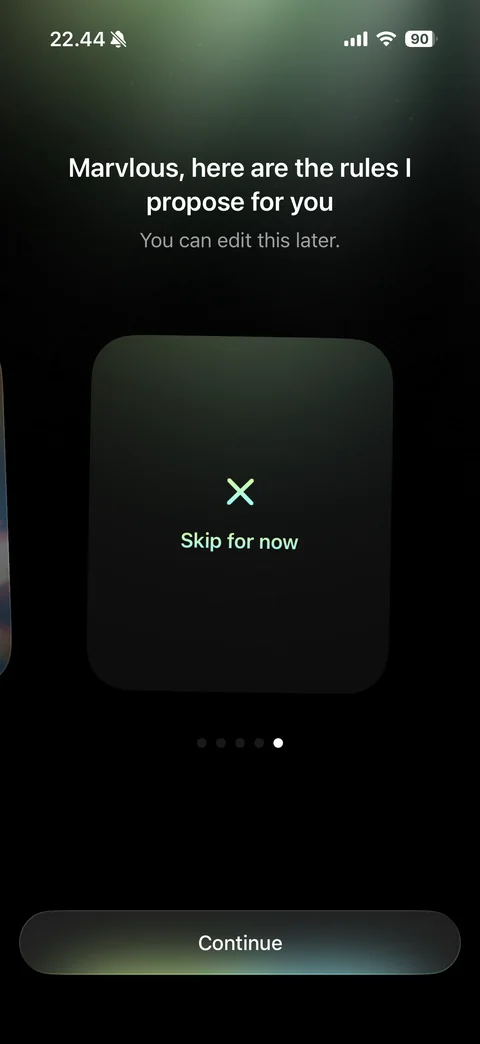
Proposed rules carousel 5/5: dark card with green X, Skip for now
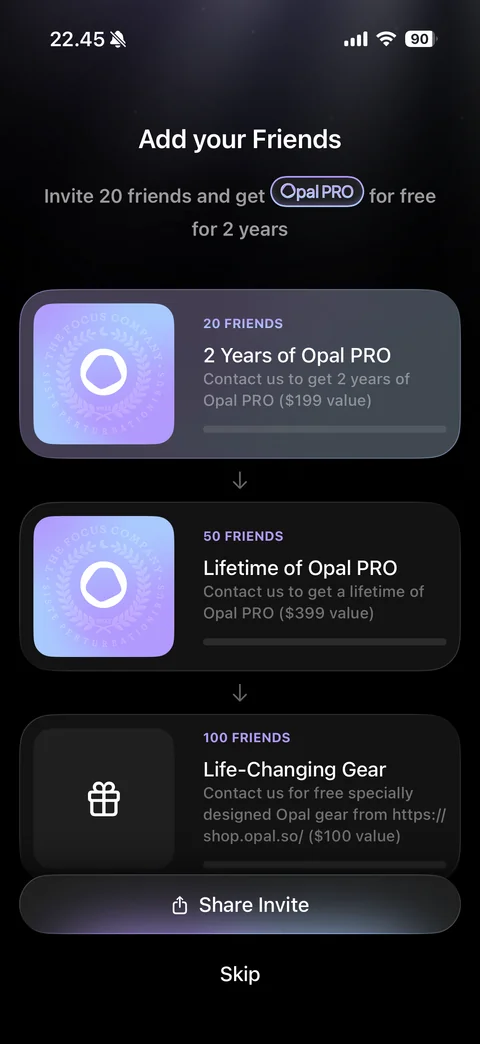
Referral tiers: Add your Friends, Invite 20 friends get Opal PRO free for 2 years, tier cards 20 friends 2 Years PRO, 50 friends Lifetime PRO, 100 friends Life-Changing Gear with progress bars, Share Invite, Skip
Setup complete: opal gem on stone pedestal in cave under stars, gradient check badge, You're all set up. Welcome to Opal!
Opal home (7 screens)
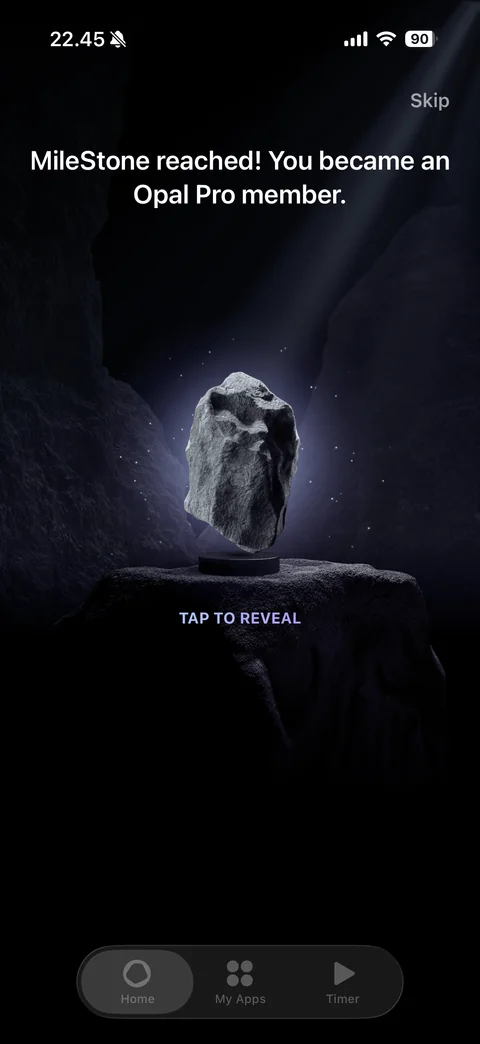
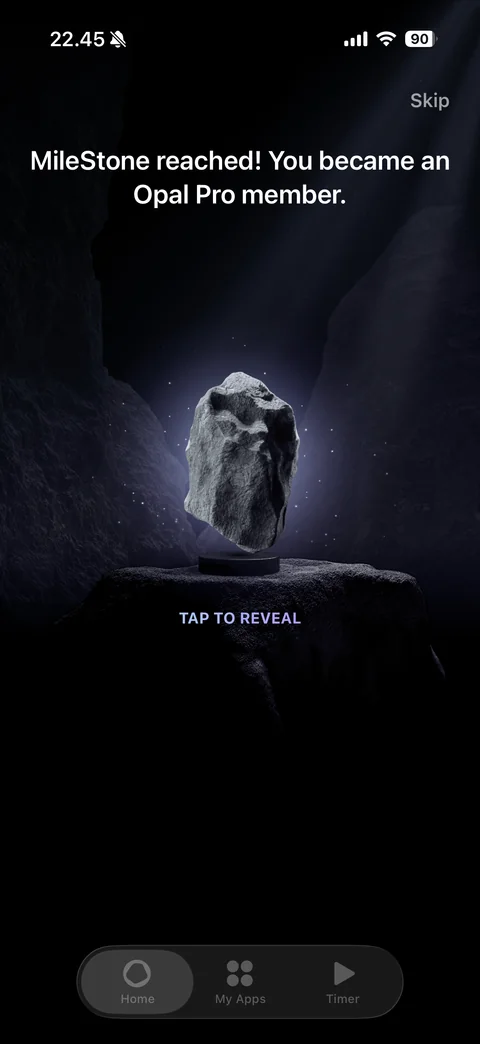
Milestone unlock: MileStone reached! You became an Opal Pro member, raw grey stone on pedestal with purple glow, TAP TO REVEAL shimmer, Skip, 3-tab bar Home / My Apps / Timer
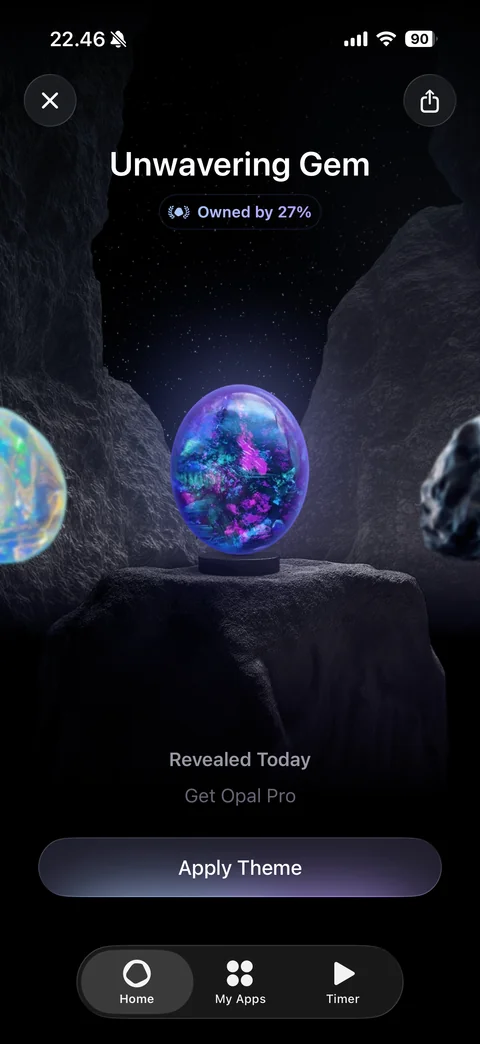
Gem revealed: Unwavering Gem title, Owned by 27% laurel badge, purple-pink gem on pedestal with neighbor gems peeking in carousel, Revealed Today / Get Opal Pro, Apply Theme, close and share buttons
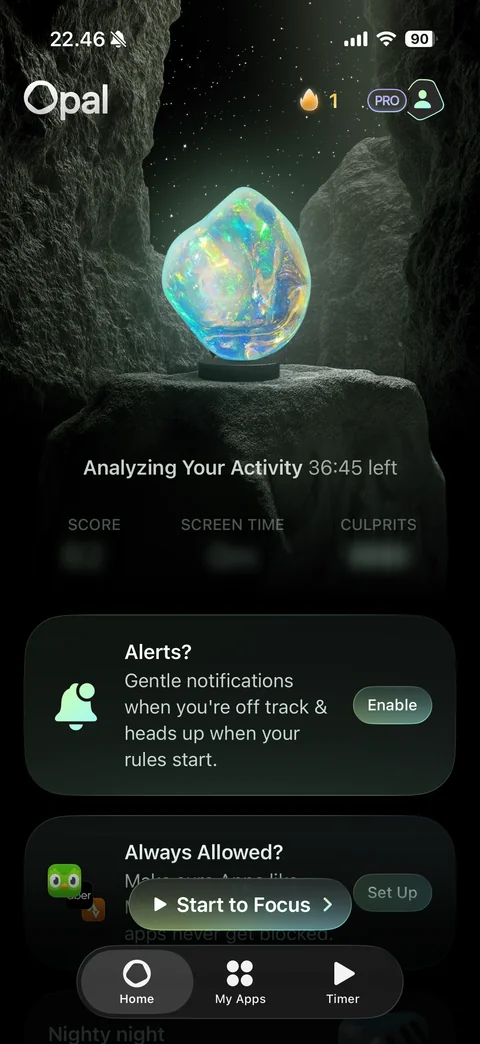
Home: Opal wordmark, streak flame 1, PRO badge and profile, opal gem on cave pedestal, Analyzing Your Activity countdown with blurred Score / Screen Time / Culprits, Alerts? Enable card, Always Allowed? Set Up card, floating Start to Focus pill, tab bar
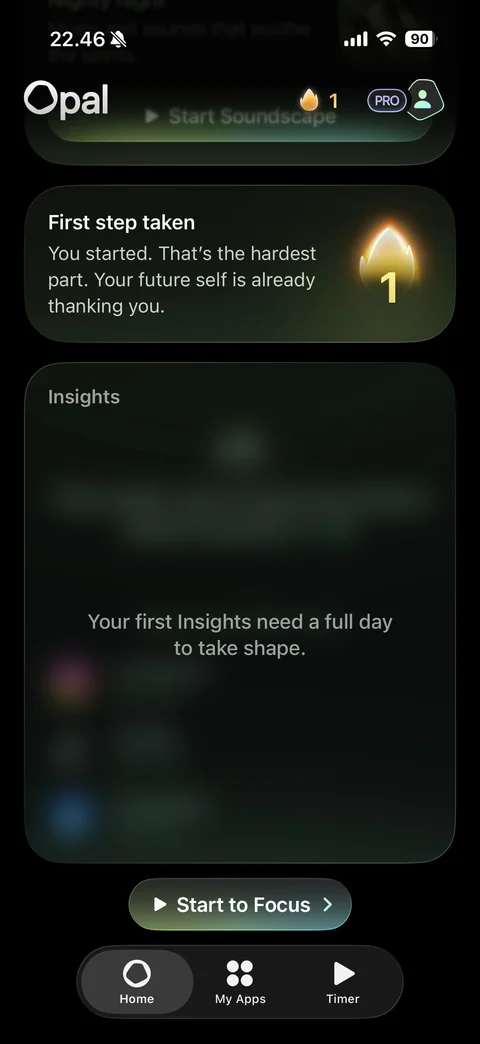
Home scrolled: sticky header, Nighty night soundscape card, First step taken streak card with gold flame 1, Insights card blurred with Your first Insights need a full day to take shape
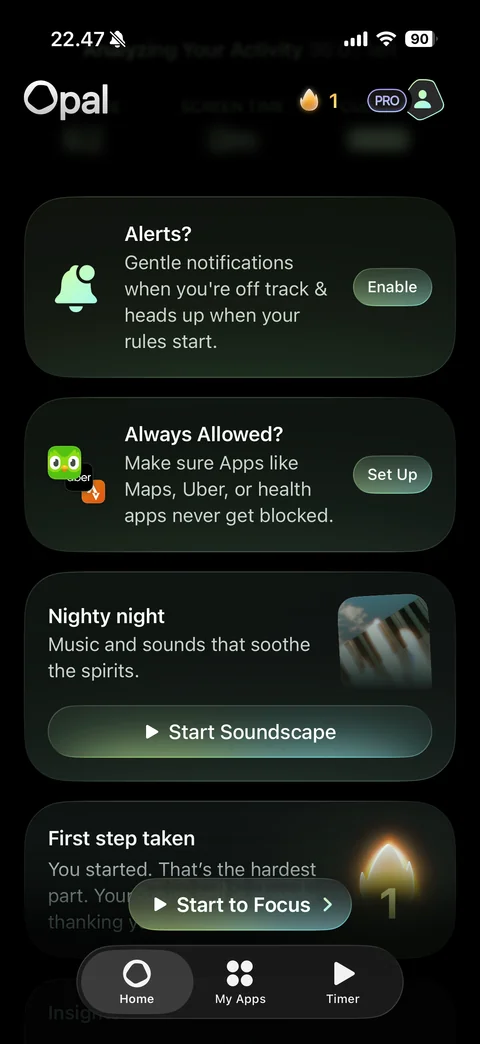
Home middle: Alerts? Enable, Always Allowed? Set Up with app icon stack, Nighty night soundscape card with piano photo and Start Soundscape
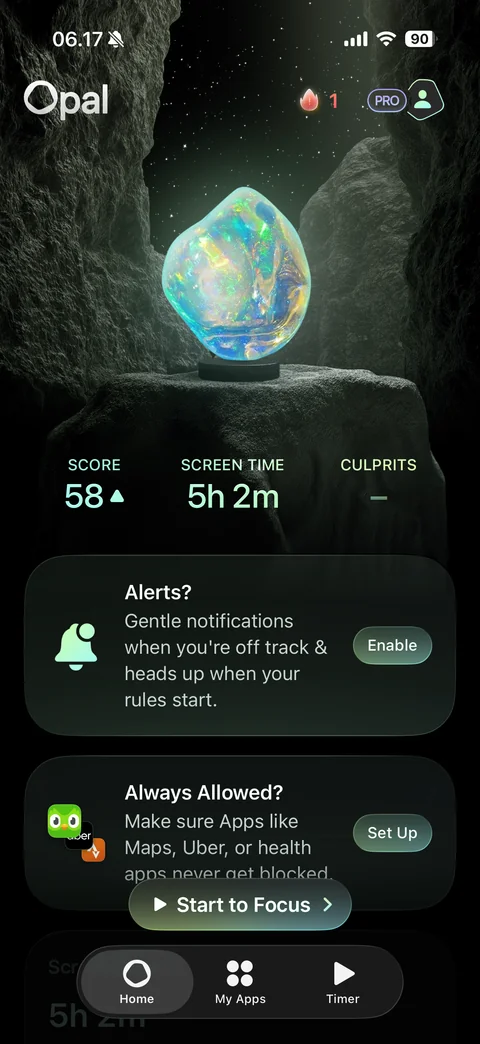
Home with data: gem on pedestal, stat row Score 58 with up arrow, Screen Time 5h 2m, Culprits dash, prompt cards below
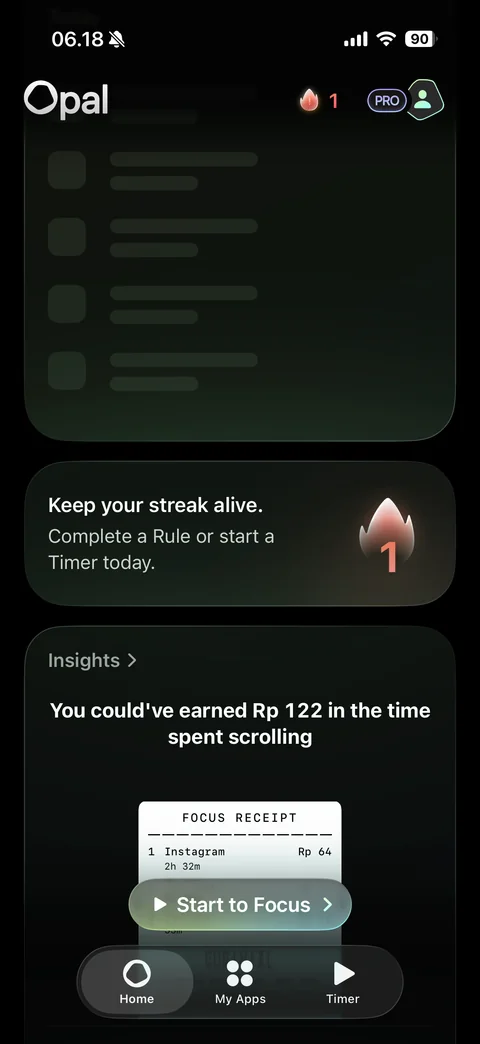
Home lower with data: Screen Time card app rows still loading as skeleton bars, Keep your streak alive card with flame 1, Insights card You could've earned Rp 122 in the time spent scrolling with paper Focus Receipt (Instagram 2h 32m Rp 64)
Opal apps (23 screens)
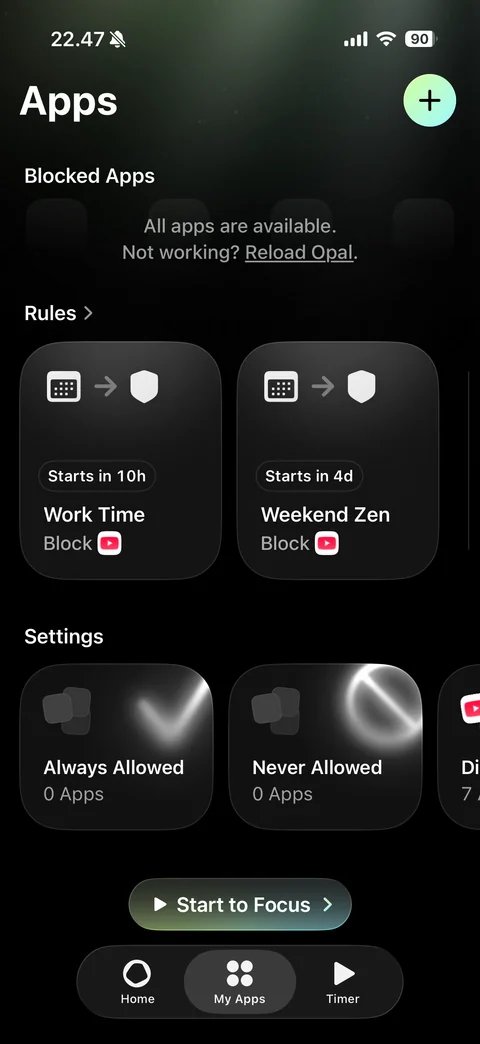
My Apps tab: Apps title with gradient plus, Blocked Apps empty (All apps are available, Reload Opal link), Rules carousel with Work Time and Weekend Zen cards (Starts in 10h / 4d, Block YouTube), Settings cards Always Allowed 0 Apps, Never Allowed 0 Apps, Difficulty, Start to Focus pill
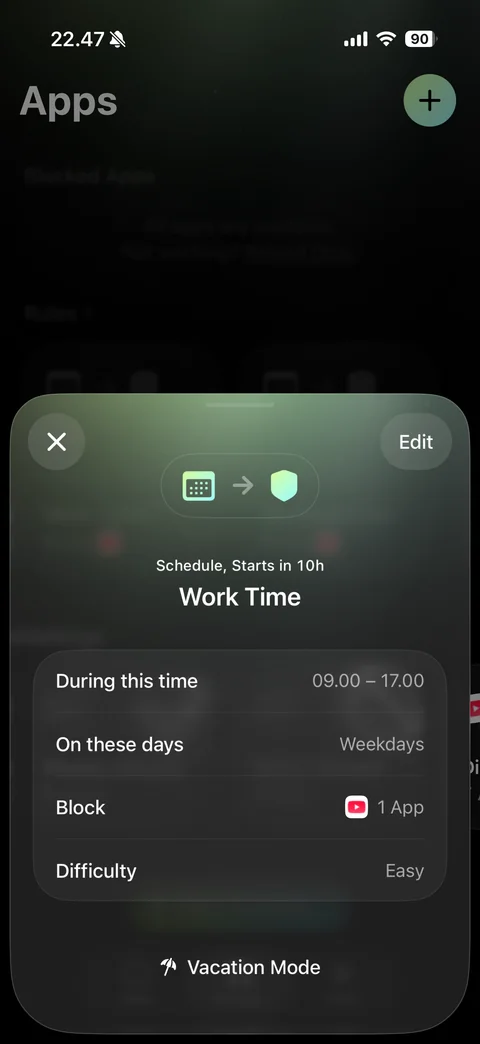
Rule detail sheet Work Time: schedule-to-shield icon pill, Starts in 10h, rows During this time 09.00-17.00, On these days Weekdays, Block 1 App (YouTube), Difficulty Easy, Vacation Mode, close and Edit
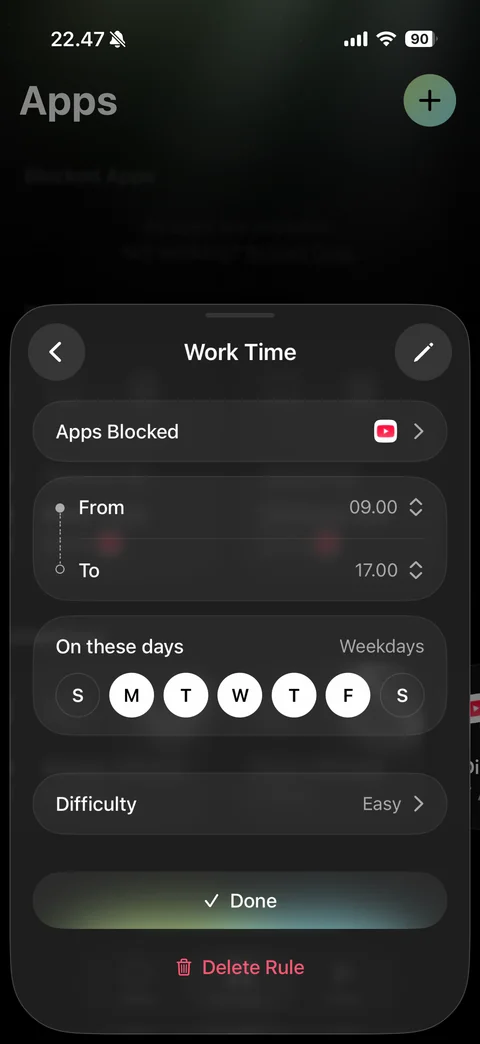
Rule editor Work Time: Apps Blocked row with YouTube icon, From 09.00 / To 17.00 steppers with timeline dots, On these days weekday circles S M T W T F S with weekdays filled white, Difficulty Easy, gradient Done, red Delete Rule
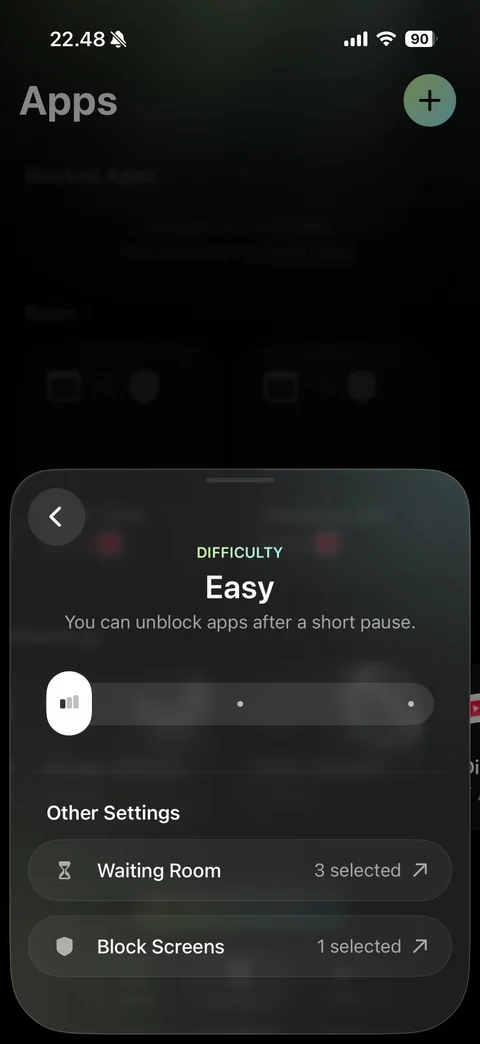
Difficulty sheet: DIFFICULTY label, Easy, You can unblock apps after a short pause, 3-step slider with bar icon thumb, Other Settings Waiting Room 3 selected, Block Screens 1 selected
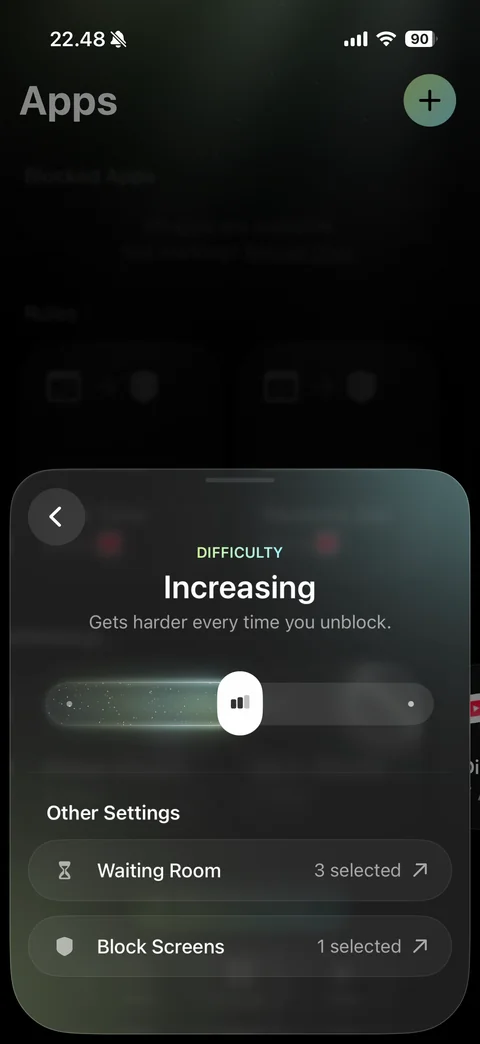
Difficulty Increasing: slider moved to middle with glowing sparkle trail, Gets harder every time you unblock
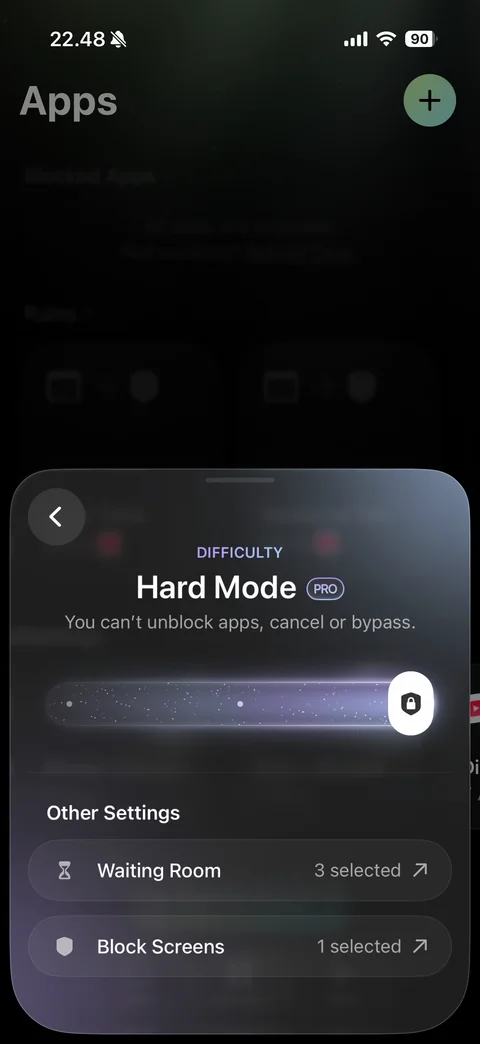
Difficulty Hard Mode PRO: purple starfield slider at max with lock thumb, You can't unblock apps, cancel or bypass
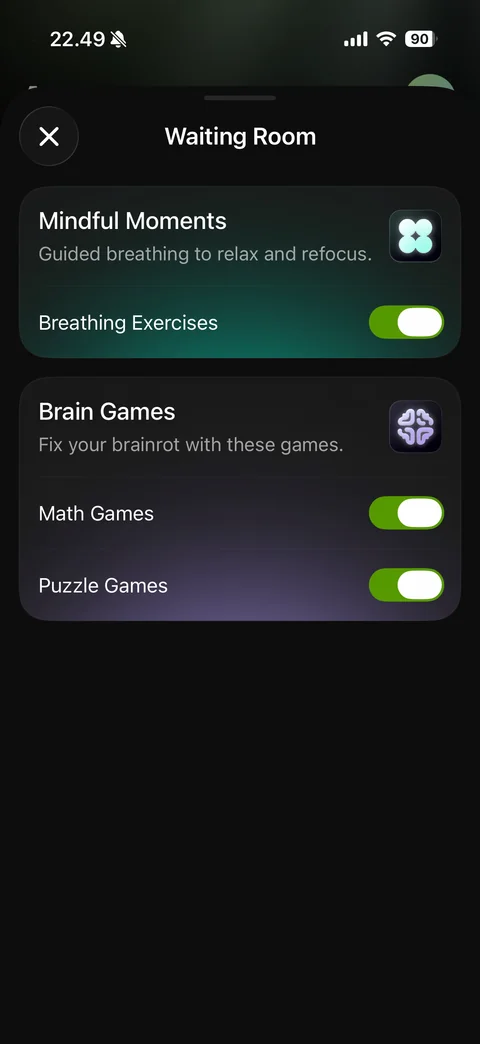
Waiting Room settings sheet: Mindful Moments card (teal glow, Breathing Exercises toggle on), Brain Games card (purple glow, Math Games and Puzzle Games toggles on)
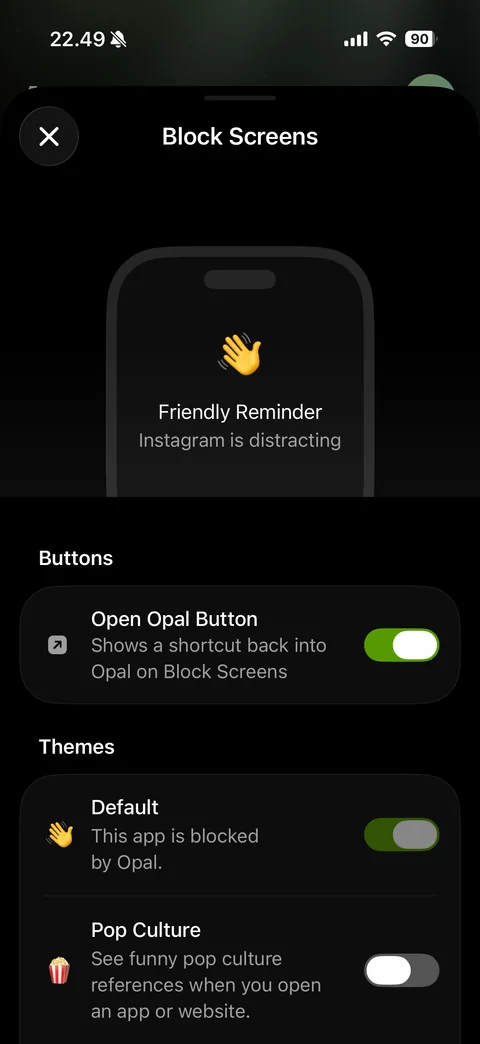
Block Screens settings: phone mockup preview Friendly Reminder waving hand, Buttons Open Opal Button toggle on, Themes list Default (on), Pop Culture
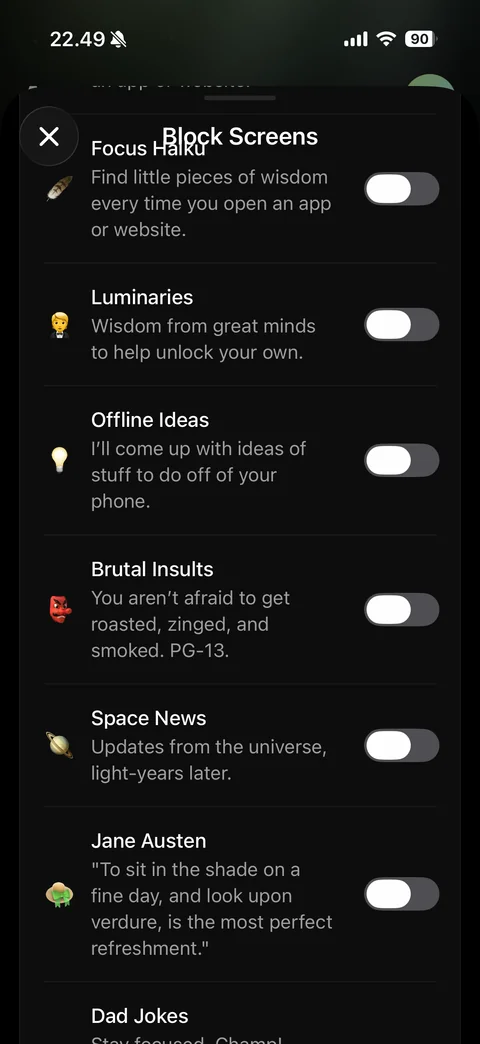
Block screen themes list: emoji themes with toggles Focus Haiku, Luminaries, Offline Ideas, Brutal Insults, Space News, Jane Austen, Dad Jokes
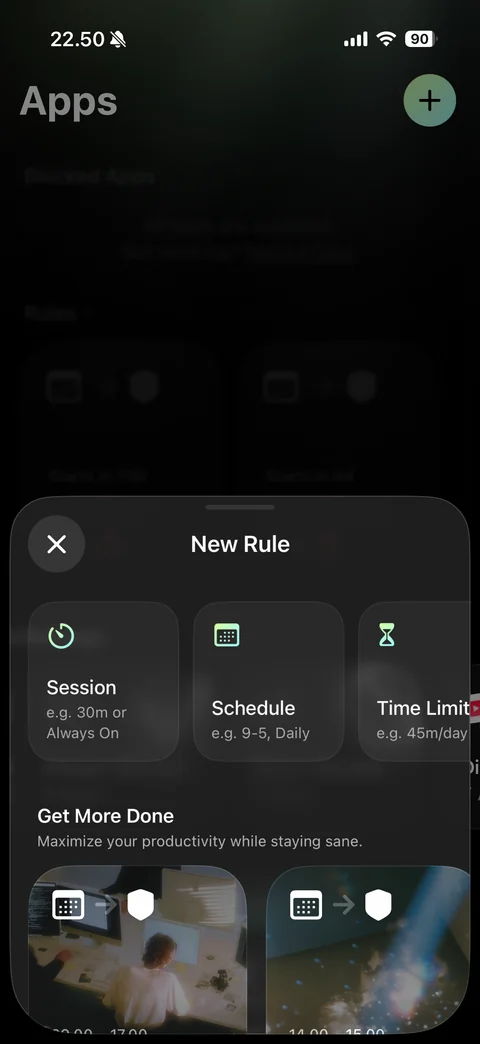
New Rule sheet: rule type cards Session (e.g. 30m or Always On), Schedule (e.g. 9-5 Daily), Time Limit (e.g. 45m/day), Get More Done template section with photo rule cards
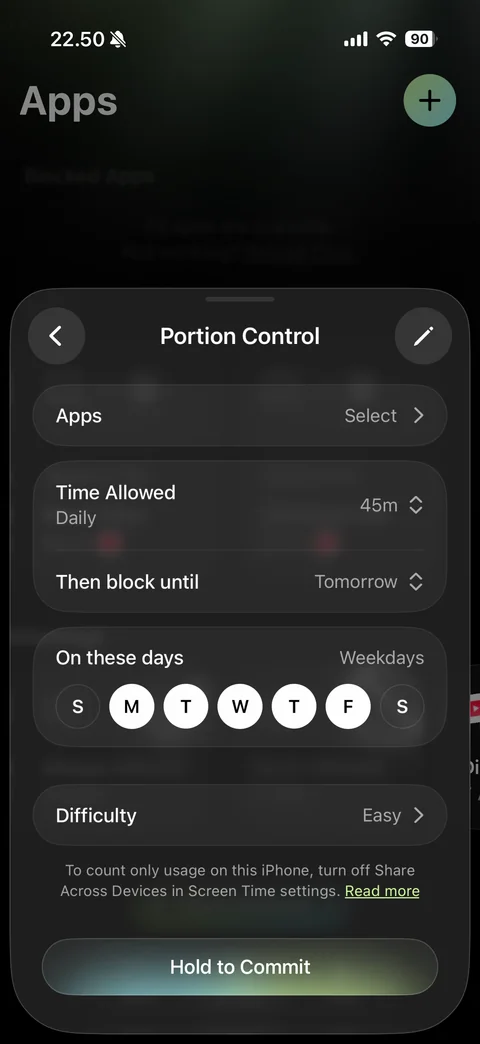
New Time Limit rule Portion Control: Apps Select, Time Allowed Daily 45m stepper, Then block until Tomorrow, weekday circles, Difficulty Easy, Share Across Devices note with Read more, gradient Hold to Commit
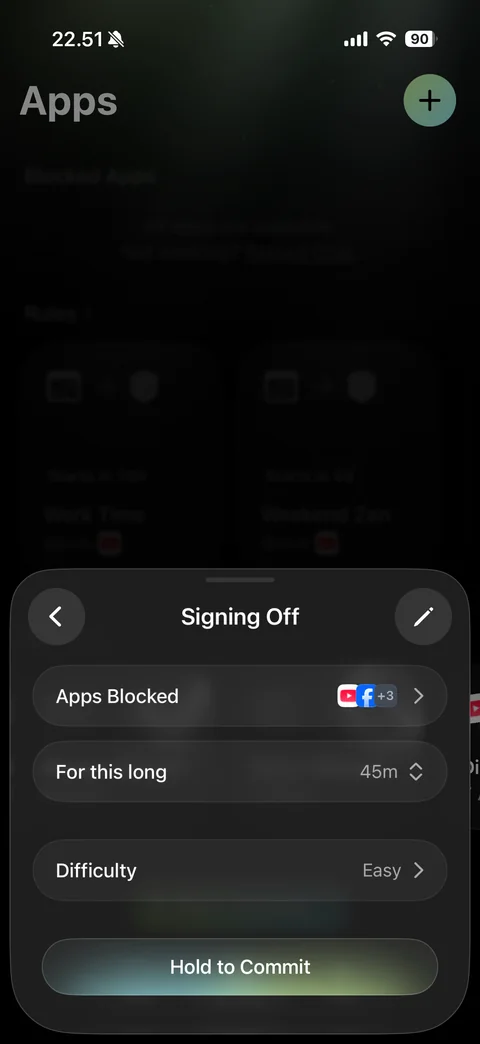
New Session rule Signing Off: Apps Blocked with YouTube, Facebook +3 icon stack, For this long 45m stepper, Difficulty Easy, Hold to Commit
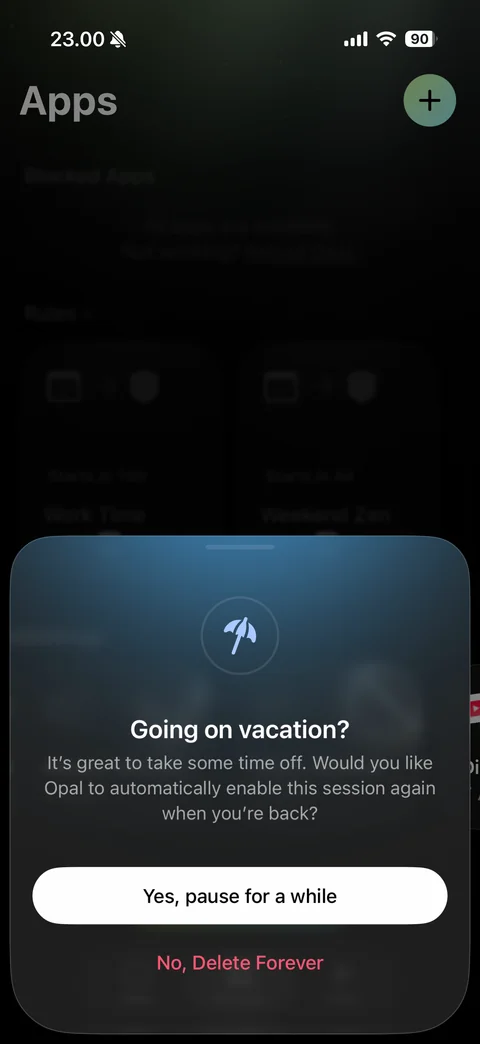
Delete rule retention sheet: blue glow, umbrella icon, Going on vacation? offer to pause instead, white Yes, pause for a while, red No, Delete Forever
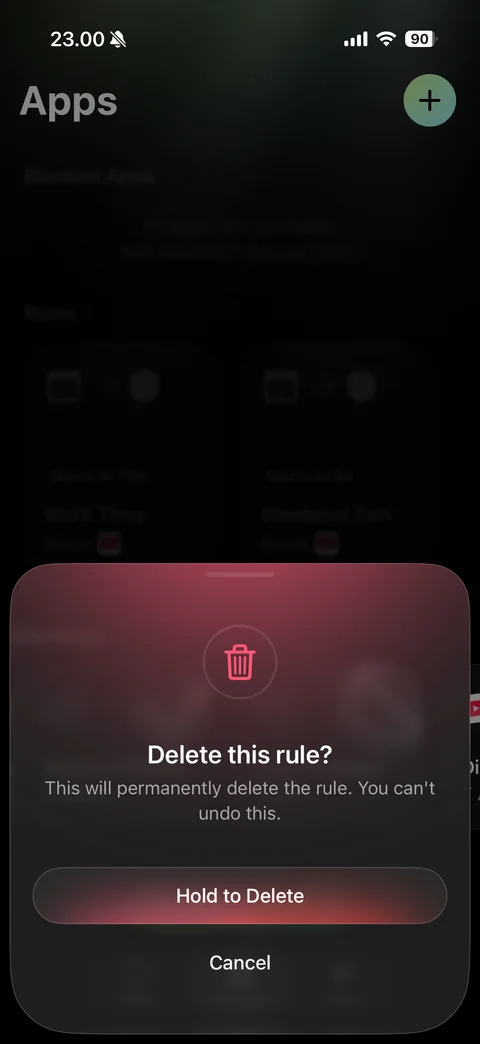
Delete this rule? confirmation: red glow, trash icon in ring, permanent warning, red-gradient Hold to Delete, Cancel
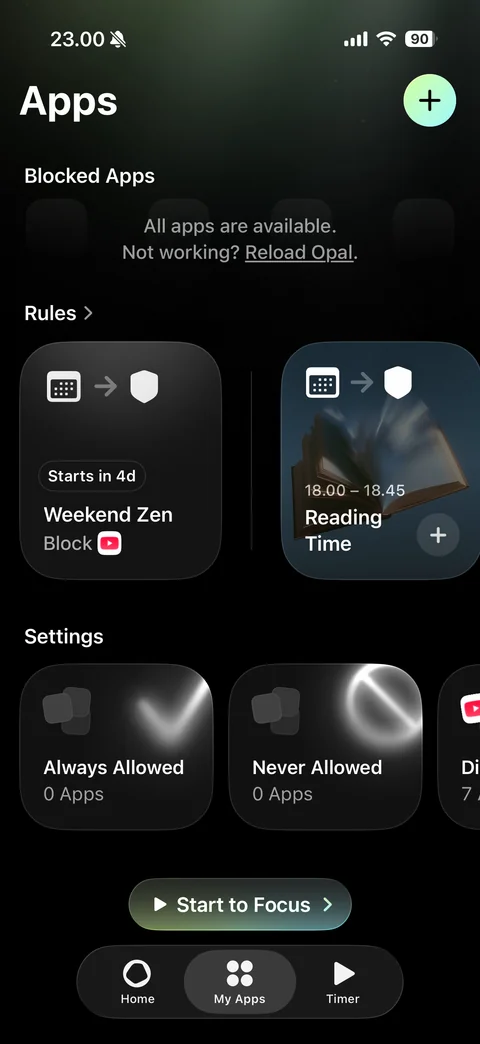
After deleting a rule: in-app top toast Driven Gem Progress with stone and progress bar, Rules carousel now Weekend Zen plus suggested Reading Time 18.00-18.45 template card with add button
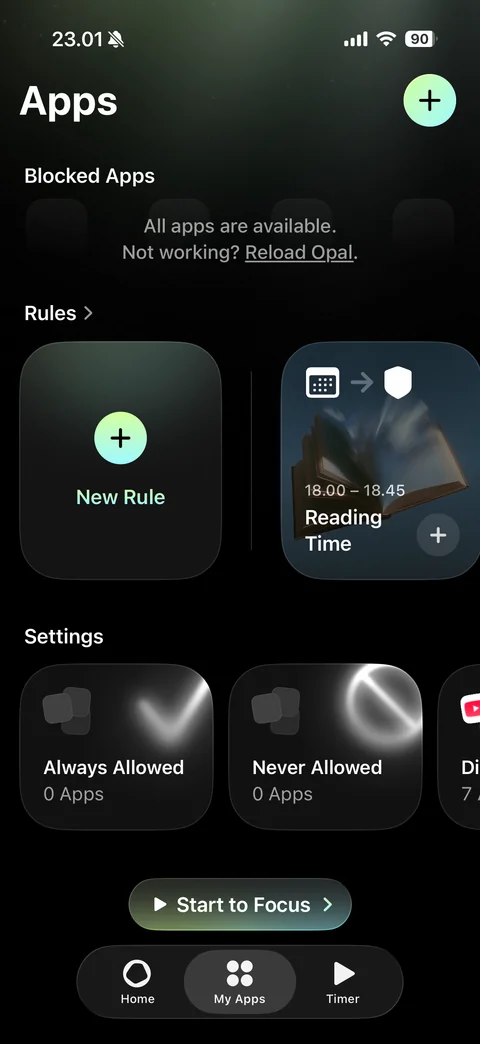
My Apps with no rules: gradient New Rule placeholder card next to suggested Reading Time template, Blocked Apps empty
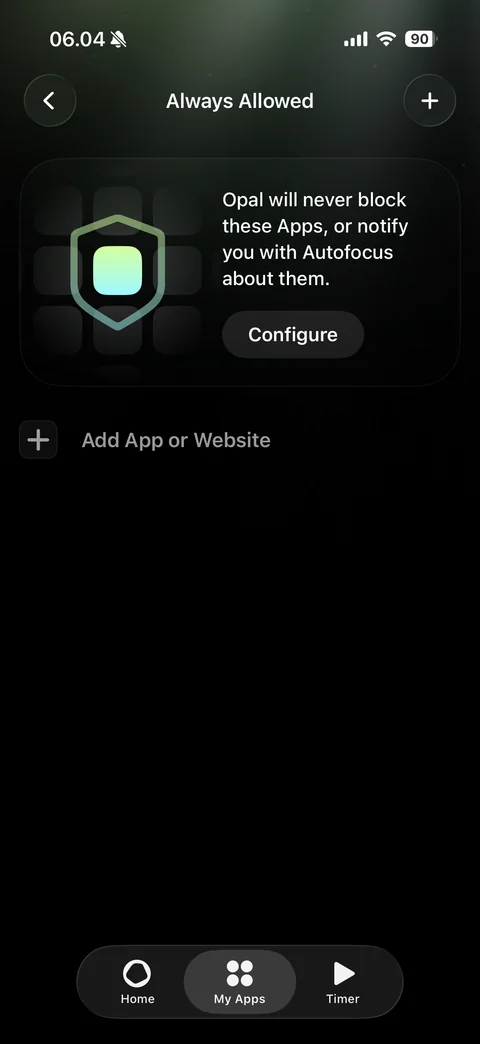
Always Allowed list empty: explainer card with green shield app icon (Opal will never block these apps), Configure, Add App or Website row, plus button
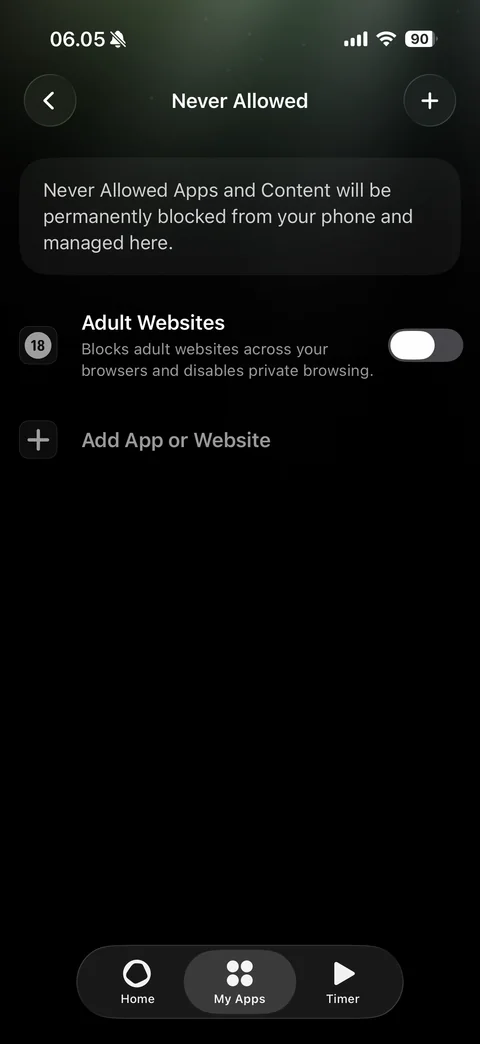
Never Allowed list: explainer that apps will be permanently blocked, Adult Websites toggle off with 18 badge, Add App or Website
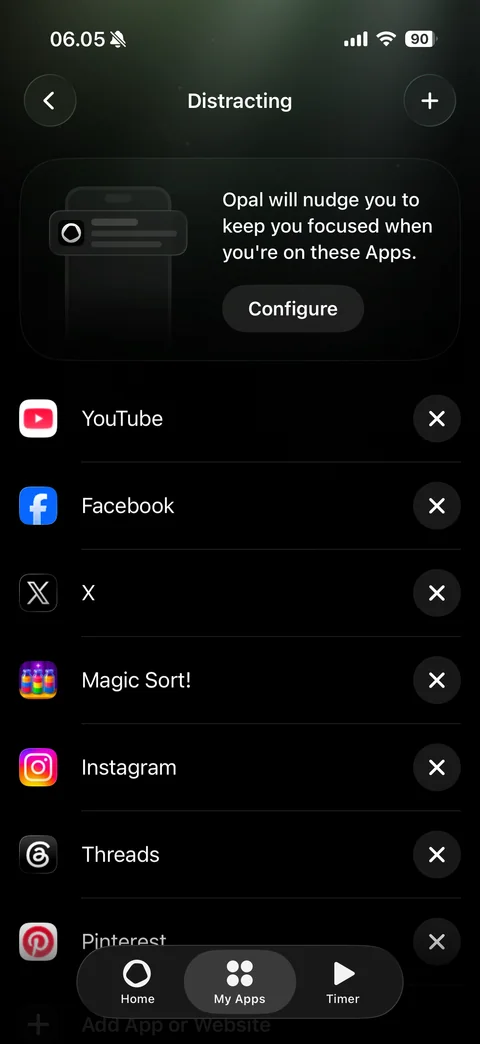
Distracting apps list: explainer card with notification mock (Opal will nudge you on these apps), Configure, app rows with icons and remove X buttons (YouTube, Facebook, X, Magic Sort!, Instagram, Threads, Pinterest), Add App or Website
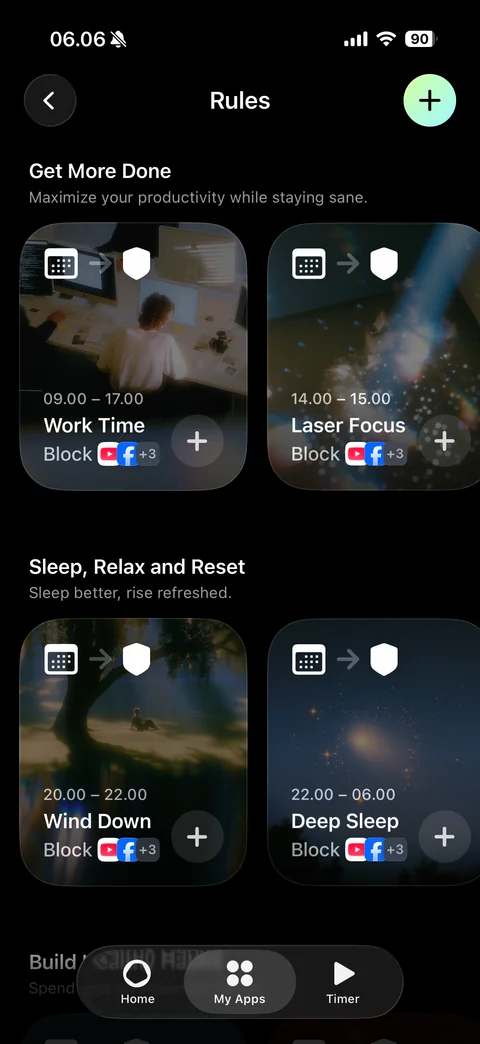
Rules template gallery: Get More Done (Work Time 09-17, Laser Focus 14-15) and Sleep, Relax and Reset (Wind Down 20-22, Deep Sleep 22-06) photo cards with schedule, Block app icons +3 and add buttons
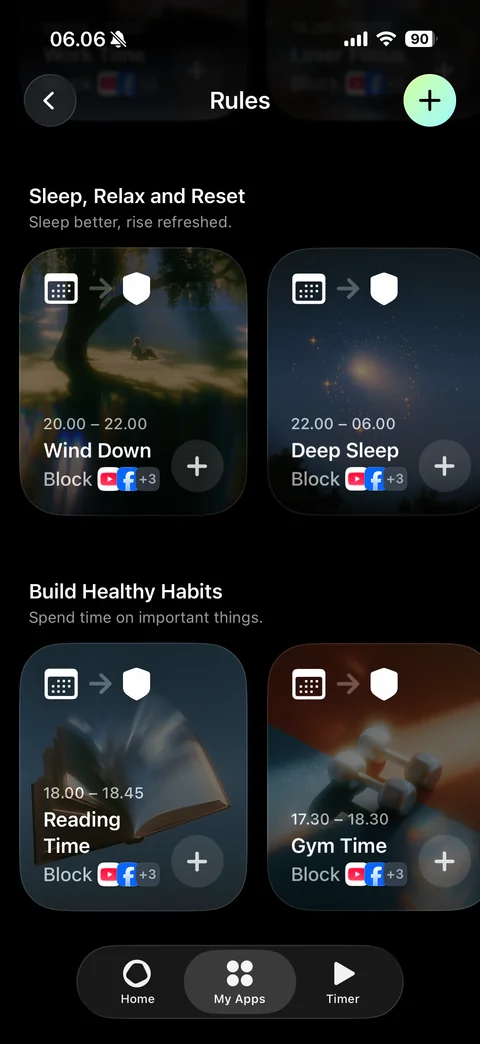
Rules gallery scrolled: Build Healthy Habits section with Reading Time 18-18.45 and Gym Time 17.30-18.30 template cards
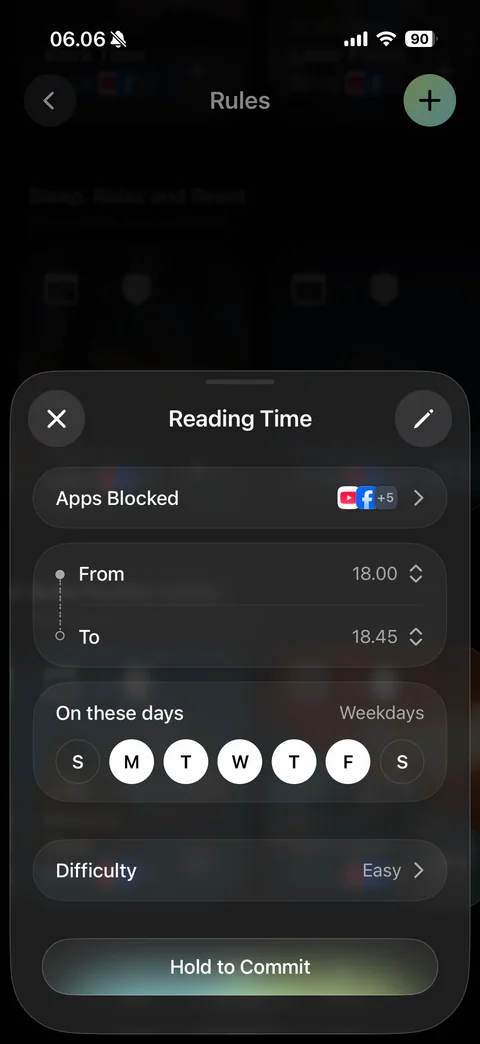
Template rule Reading Time pre-filled: Apps Blocked YouTube Facebook +5, From 18.00 To 18.45, weekdays, Difficulty Easy, Hold to Commit
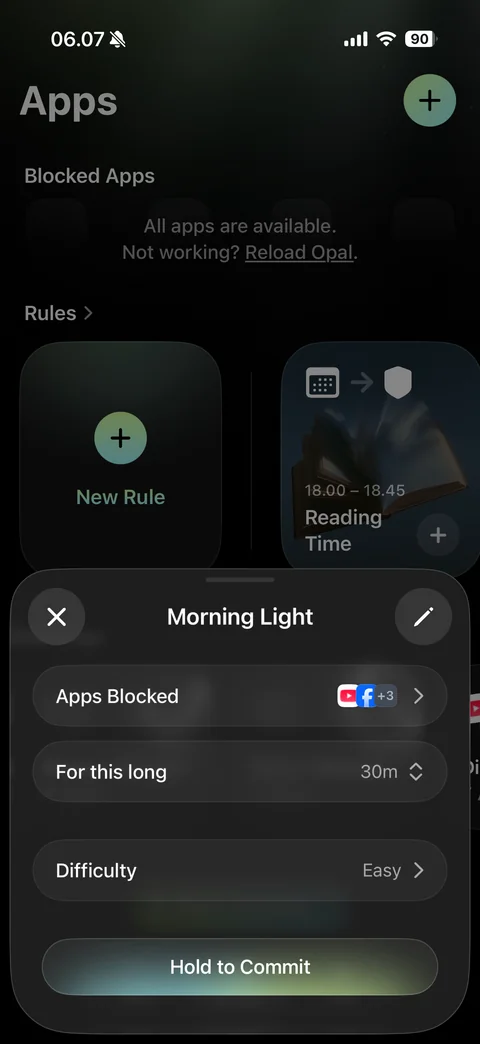
Start to Focus quick session sheet: time-of-day name Morning Light, Apps Blocked YouTube Facebook +3, For this long 30m, Difficulty Easy, Hold to Commit
Opal timer (14 screens)
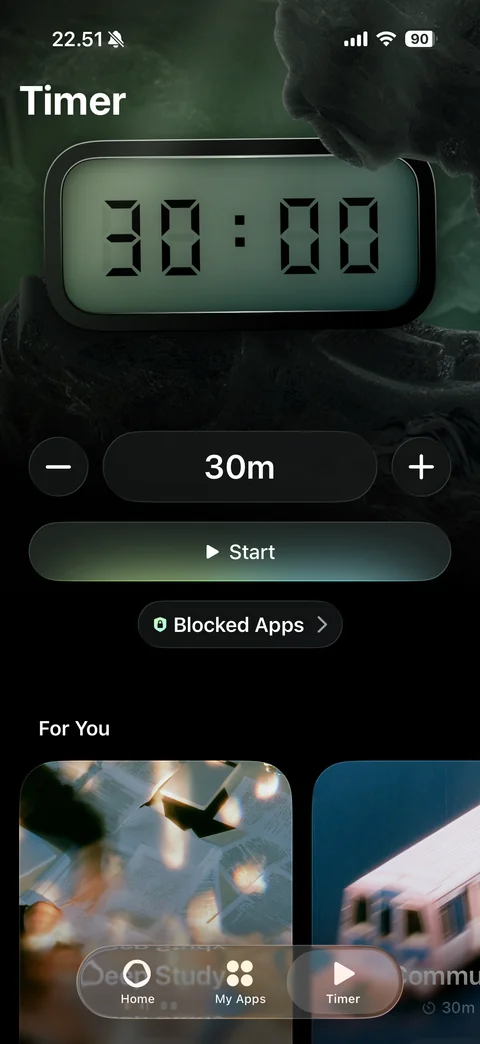
Timer tab: skeuomorphic LCD clock 30:00 on dark rock background, minus / 30m / plus stepper, gradient Start, Blocked Apps chip, For You preset cards with photos (Deep Study, Commute)
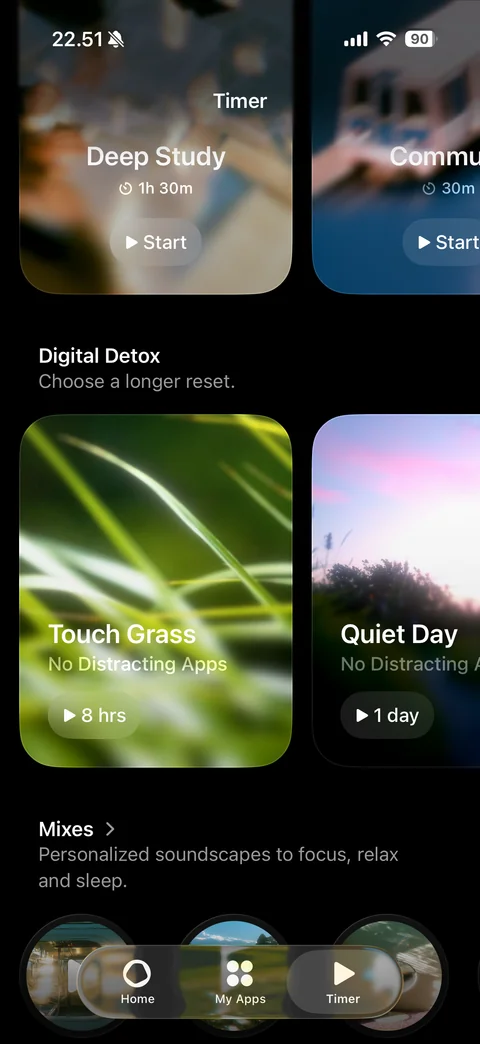
Timer scrolled: For You cards Deep Study 1h 30m / Commute 30m with Start, Digital Detox section Touch Grass 8 hrs and Quiet Day 1 day photo cards, Mixes soundscape circles
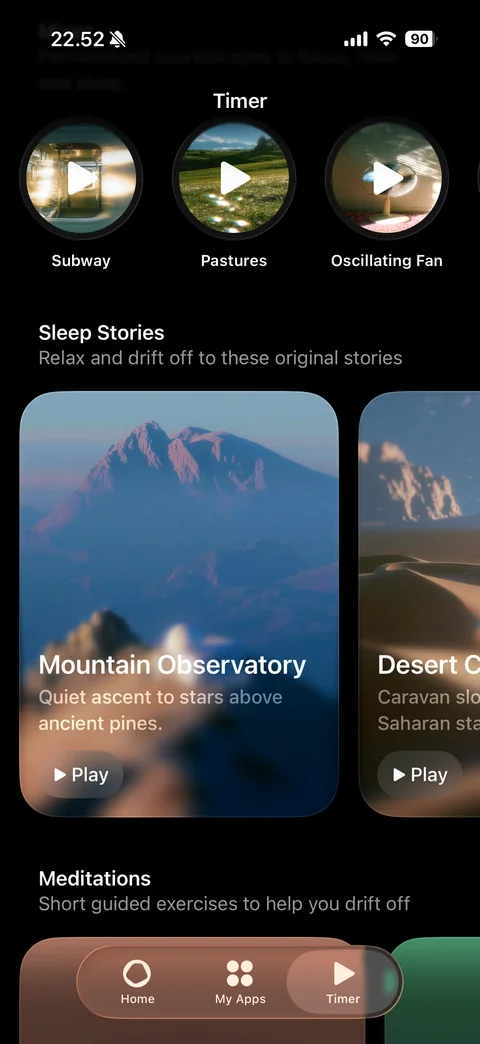
Timer audio content: Mixes circular play thumbnails (Subway, Pastures, Oscillating Fan), Sleep Stories large photo cards (Mountain Observatory, Desert) with Play, Meditations section header
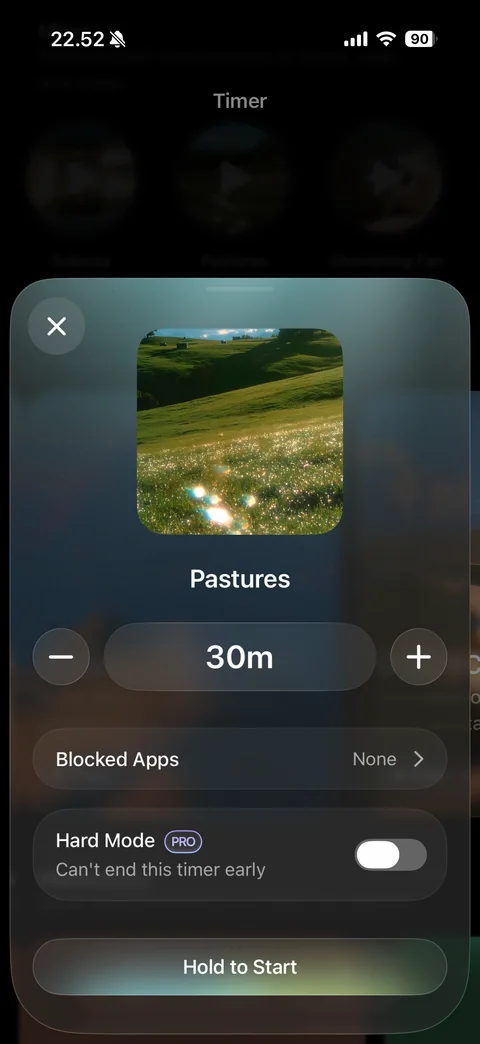
Soundscape session sheet Pastures: square meadow artwork, 30m stepper, Blocked Apps None, Hard Mode PRO toggle off (Can't end this timer early), Hold to Start
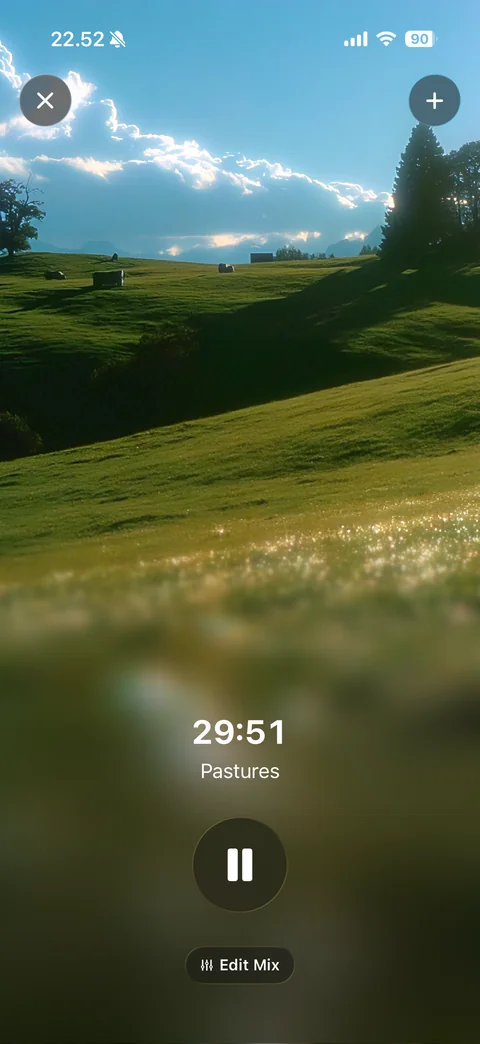
Soundscape playing full screen: meadow photo, countdown 29:58, Pastures, round pause button, Edit Mix chip, close and plus buttons
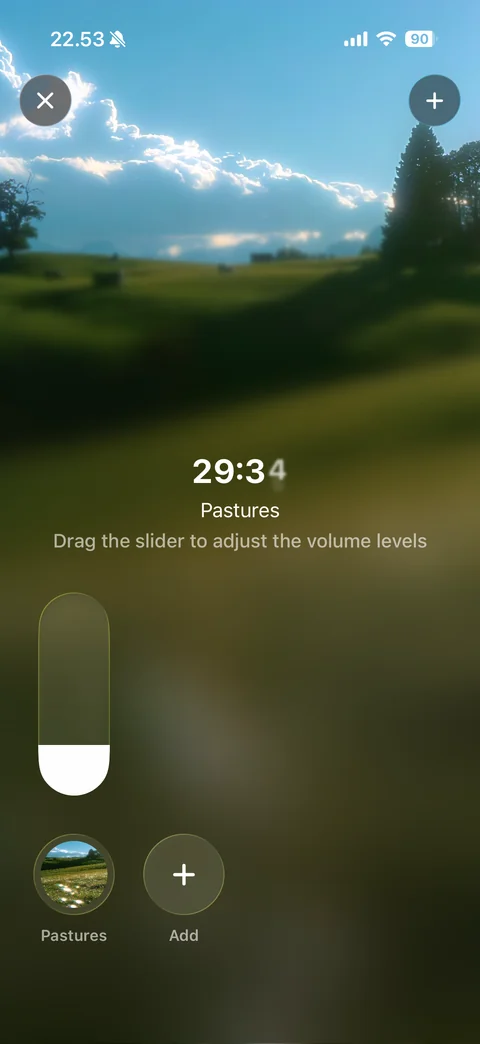
Edit Mix: blurred meadow, countdown, drag slider hint, vertical pill volume slider, layer chips Pastures and Add
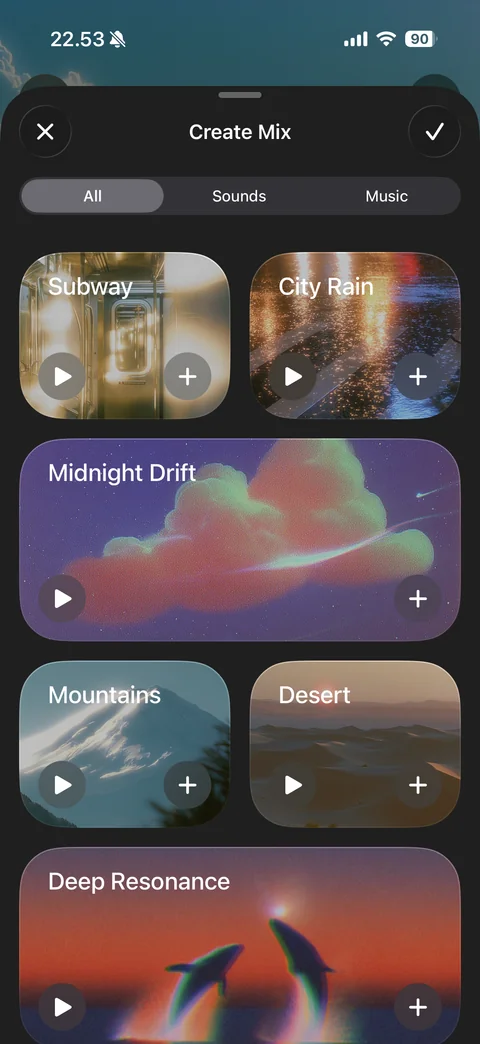
Create Mix sheet: segmented All / Sounds / Music, bento grid of sound cards with artwork (Subway, City Rain, Midnight Drift, Mountains, Desert, Deep Resonance) each with play and add buttons, close and check
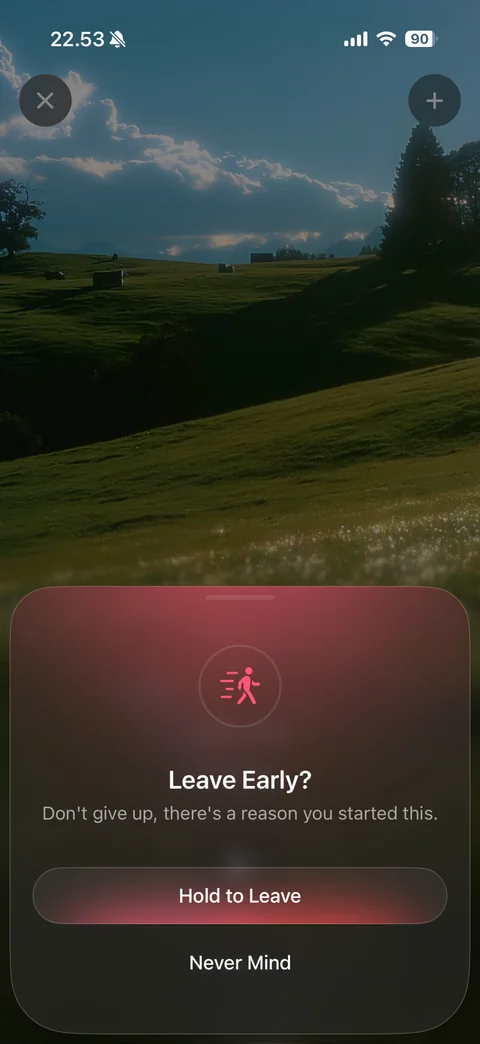
Leave Early? sheet: red glow, running-person icon in ring, Don't give up guilt copy, red-gradient Hold to Leave, Never Mind
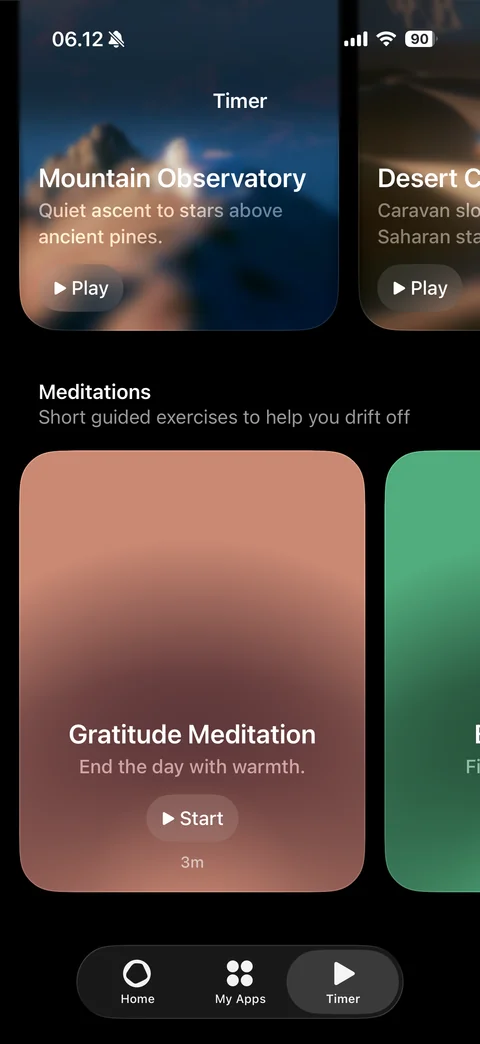
Meditations section: gradient cards Gratitude Meditation (End the day with warmth, Start, 3m) and next green card, above sleep story cards
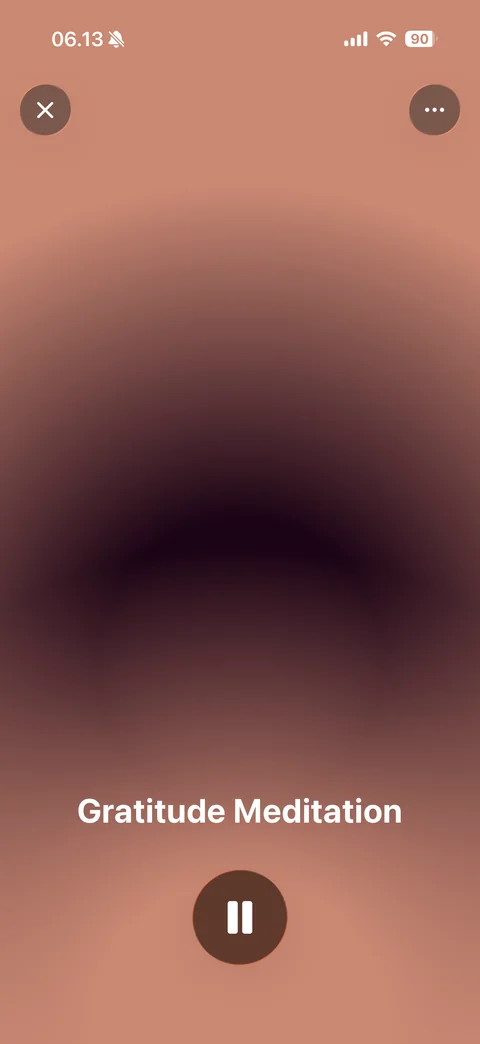
Meditation player: full-screen terracotta gradient with dark breathing orb, Gratitude Meditation title, pause button, close and more buttons
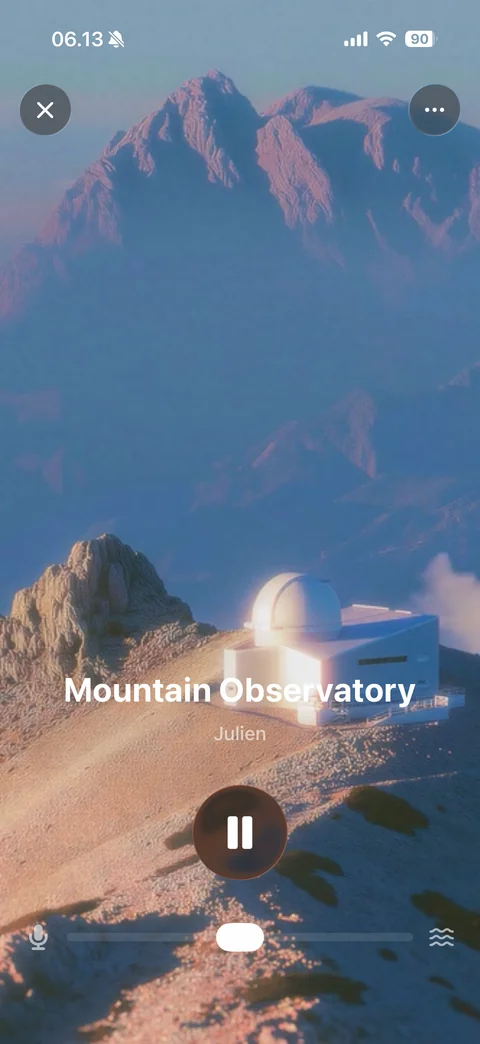
Sleep story player Mountain Observatory: full-bleed mountain observatory artwork, title and narrator Julien, pause button, voice-to-ambience balance slider with mic and waves icons, close and more
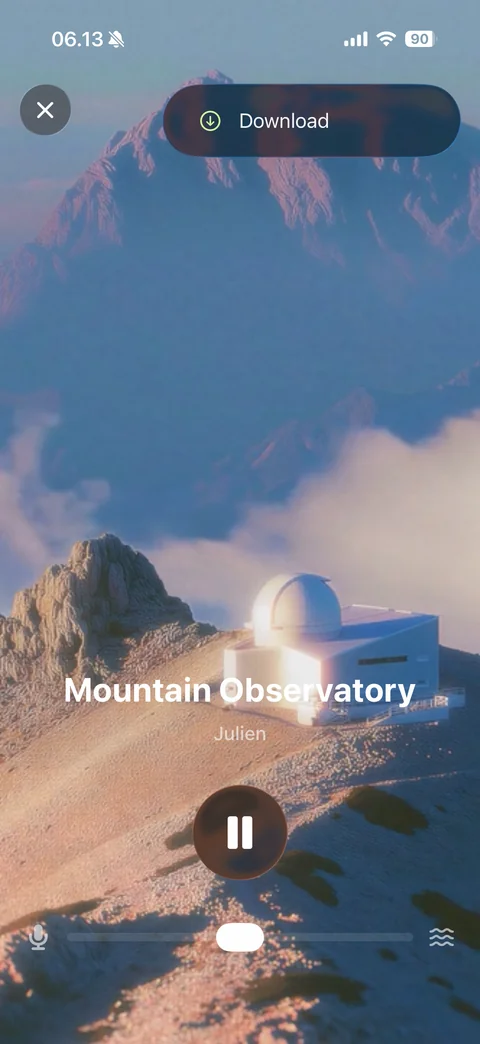
Sleep story more menu: glass pill menu with Download option
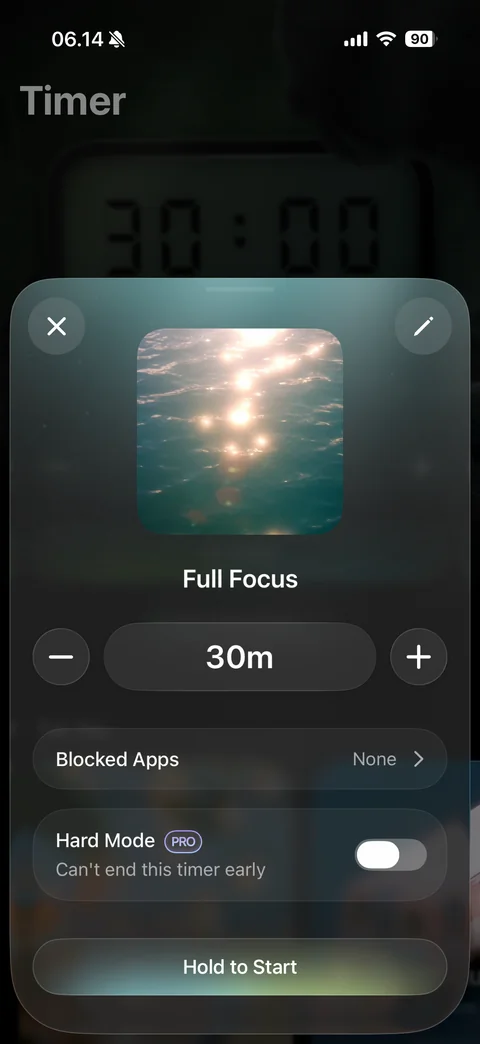
Full Focus timer session sheet: sparkling water artwork, 30m stepper, Blocked Apps None, Hard Mode PRO toggle, Hold to Start, edit pencil
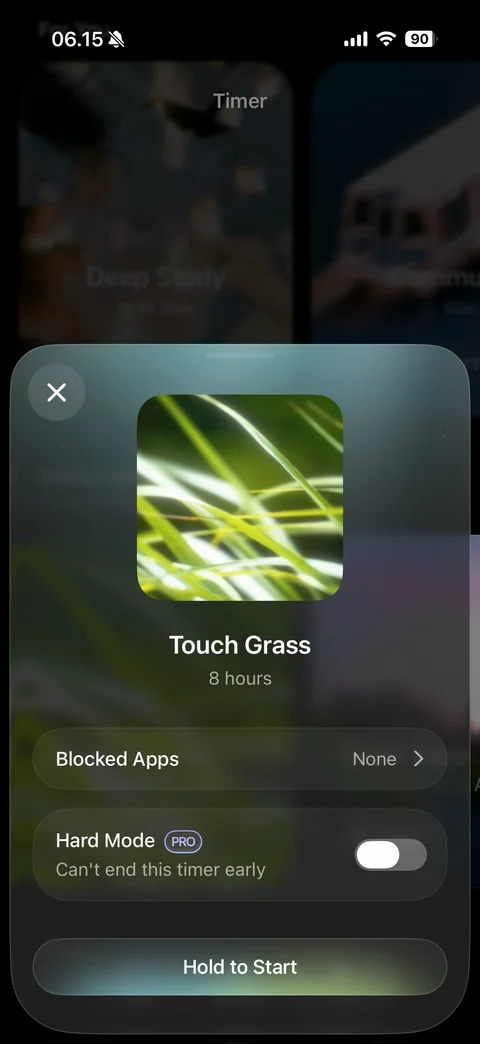
Digital Detox preset sheet Touch Grass 8 hours: grass artwork, fixed duration, Blocked Apps None, Hard Mode PRO toggle, Hold to Start
Opal profile (3 screens)
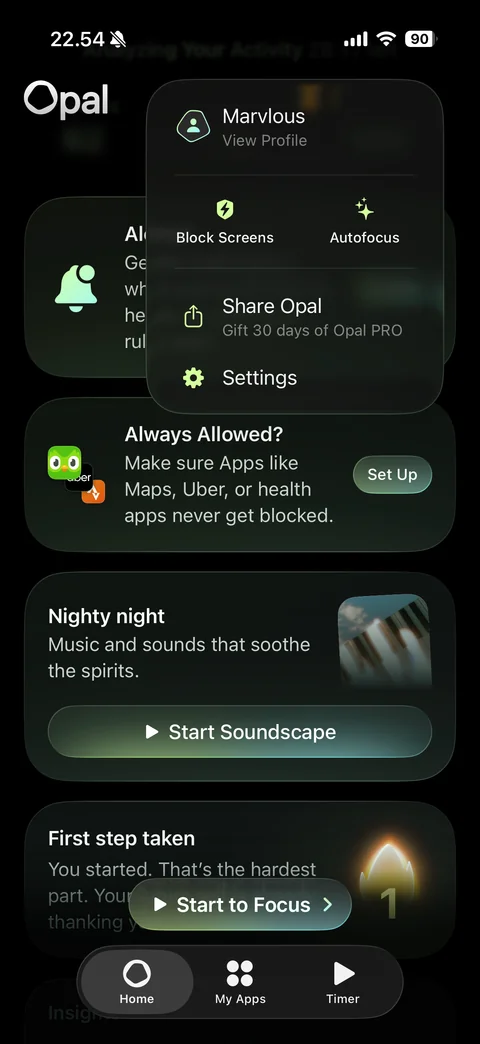
Profile popover menu: Marvlous View Profile, Block Screens and Autofocus shortcuts, Share Opal Gift 30 days of Opal PRO, Settings
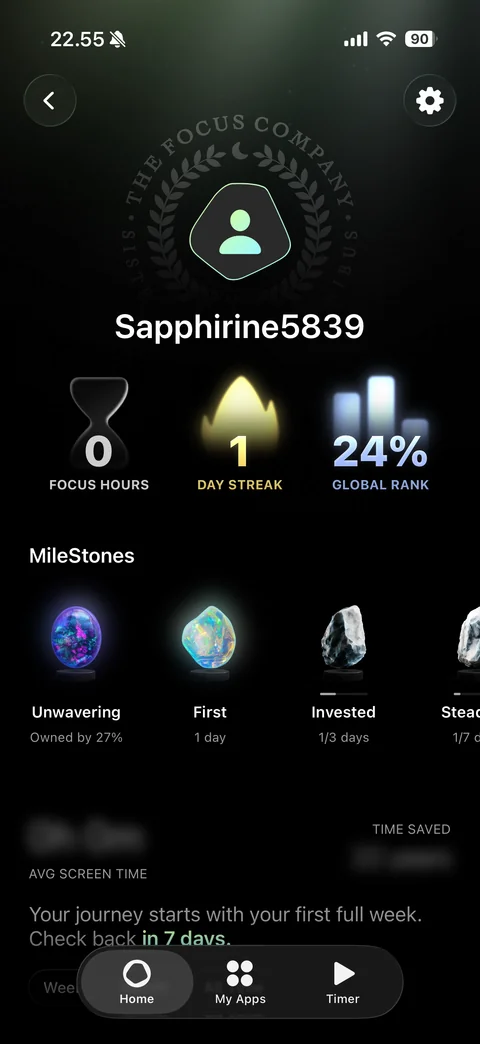
Profile: The Focus Company laurel crest behind avatar, generated username, 3D stat trio 0 Focus Hours / 1 Day Streak / 24% Global Rank, MileStones gem carousel (Unwavering, First, Invested 1/3 days, Steady 1/7), blurred avg screen time and time saved, Your journey starts with your first full week
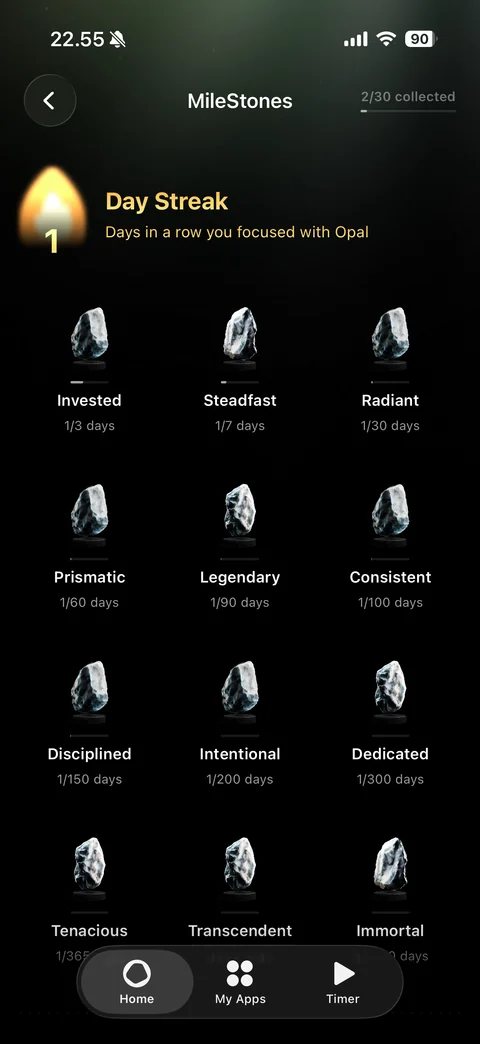
MileStones collection: 2/30 collected progress, Day Streak section header with flame 1, 3-column grid of locked raw stones with names and day goals (Invested 1/3 to Immortal)
Opal settings (15 screens)
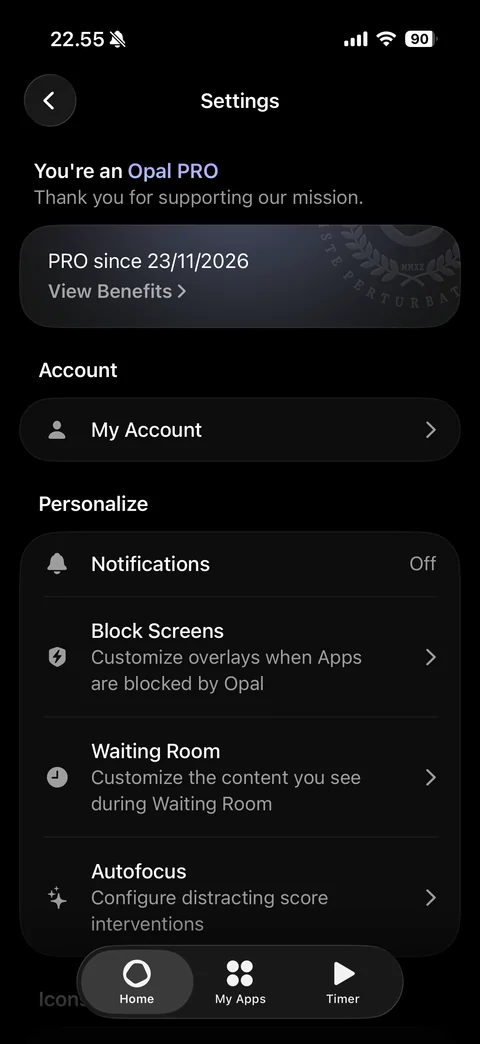
Settings: You're an Opal PRO header, PRO since card with laurel watermark and View Benefits, Account My Account, Personalize list Notifications Off, Block Screens, Waiting Room, Autofocus
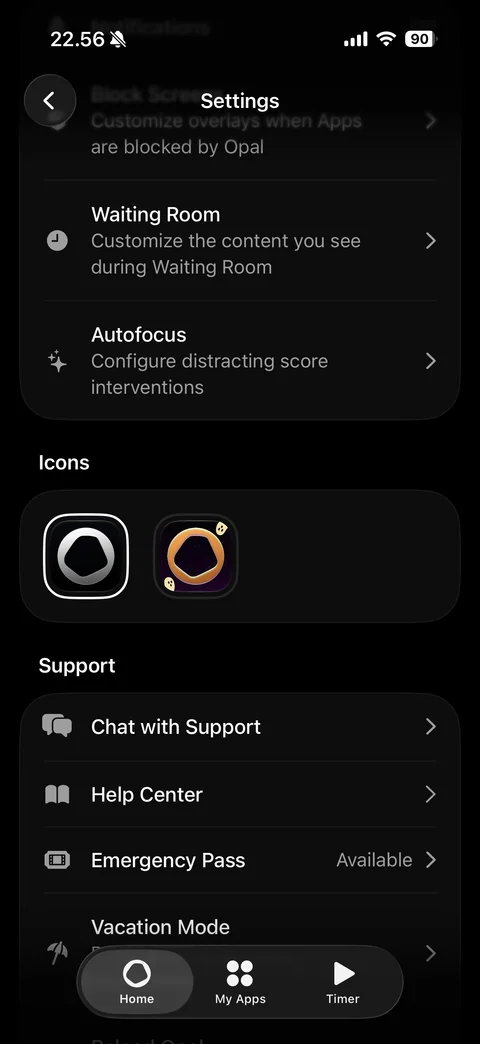
Settings middle: Waiting Room, Autofocus rows, Icons picker with default and halloween gold-ring app icons, Support list Chat with Support, Help Center, Emergency Pass Available, Vacation Mode
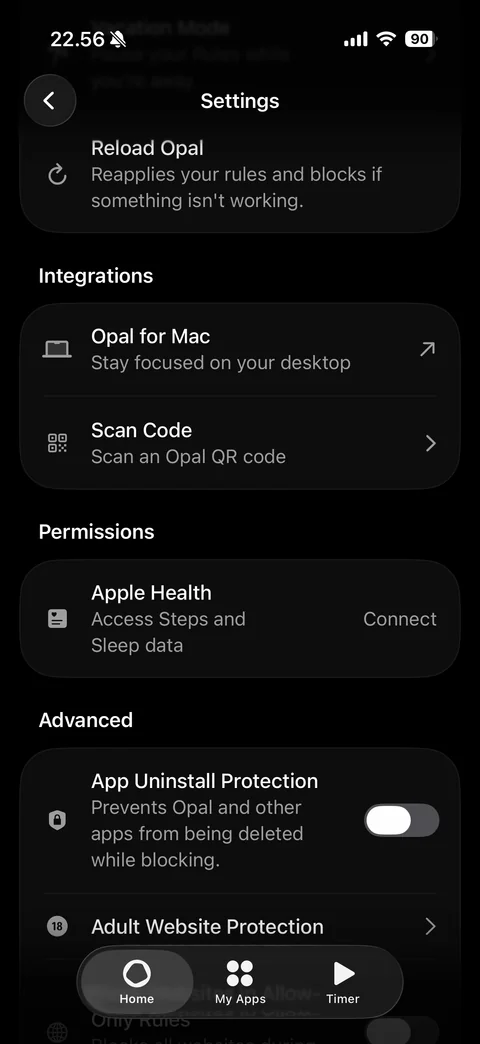
Settings lower: Reload Opal, Integrations Opal for Mac and Scan Code, Permissions Apple Health Connect, Advanced App Uninstall Protection toggle off, Adult Website Protection, Allow-Only Rules
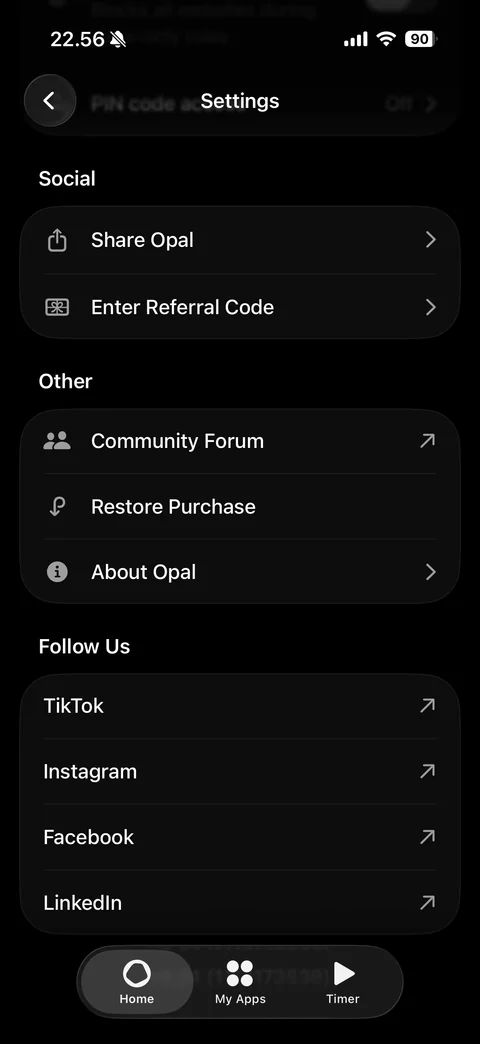
Settings bottom: Social Share Opal and Enter Referral Code, Other Community Forum, Restore Purchase, About Opal, Follow Us TikTok / Instagram / Facebook / LinkedIn external links, version footer
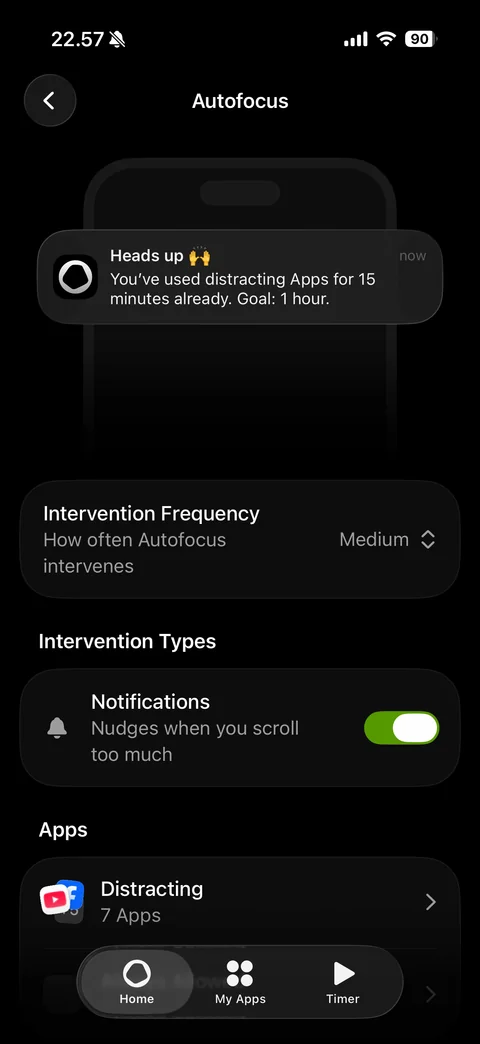
Autofocus: phone mockup with sample notification Heads up, used distracting Apps for 15 minutes, Intervention Frequency Medium, Intervention Types Notifications toggle on, Apps Distracting 7 Apps
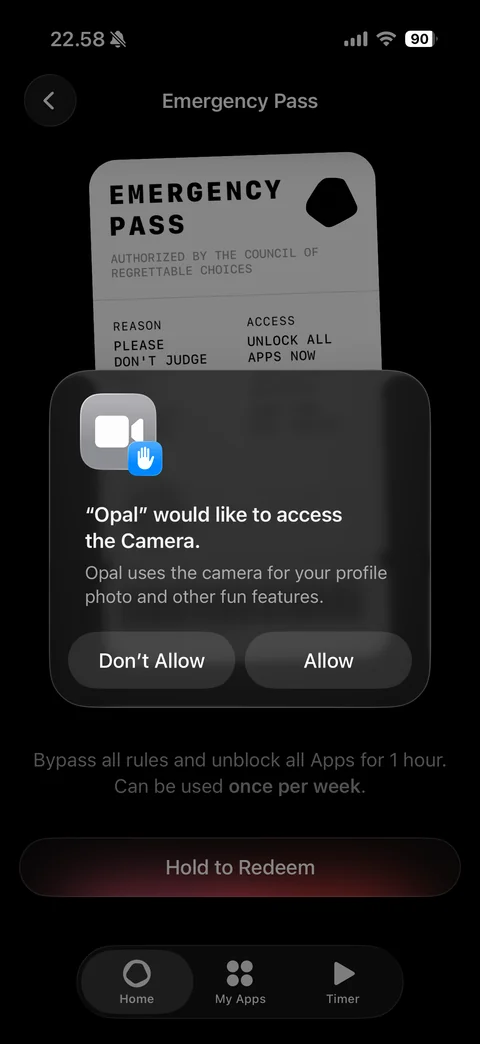
Camera permission alert over Emergency Pass ticket screen (Opal uses camera for profile photo and fun features), Don't Allow / Allow
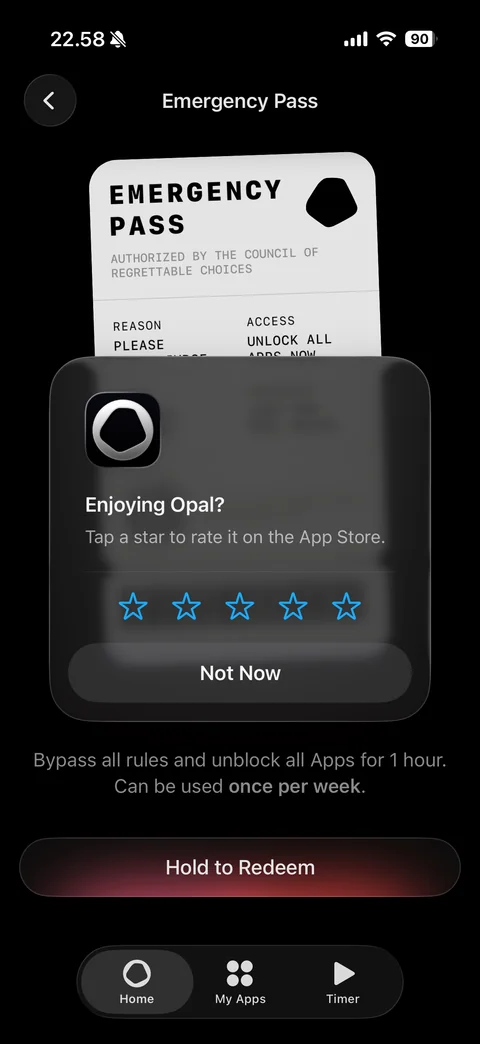
iOS rating prompt Enjoying Opal? Tap a star to rate, five blue stars, Not Now, over Emergency Pass ticket
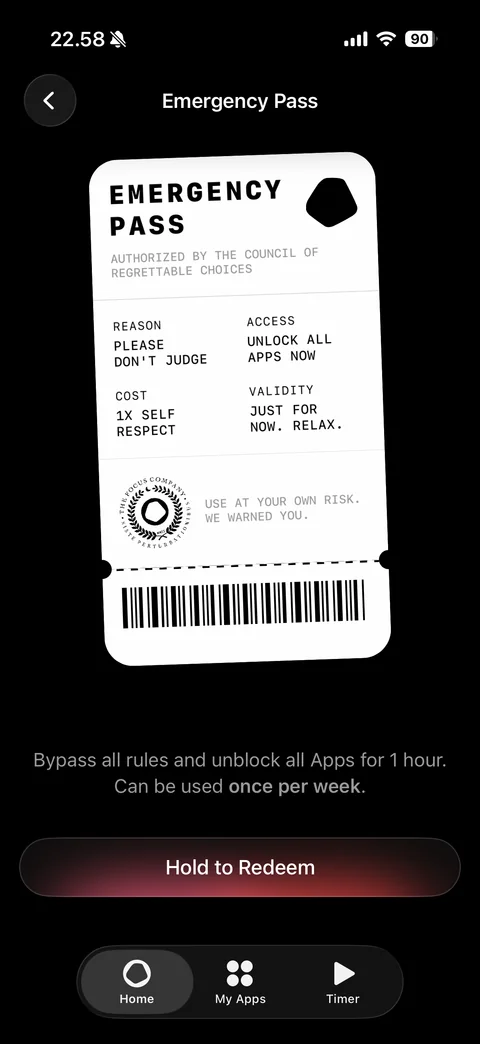
Emergency Pass: playful paper ticket (Reason Please don't judge, Access Unlock all apps now, Cost 1x self respect, Validity Just for now) with crest stamp, perforation and barcode, bypass 1 hour once per week, red-glow Hold to Redeem
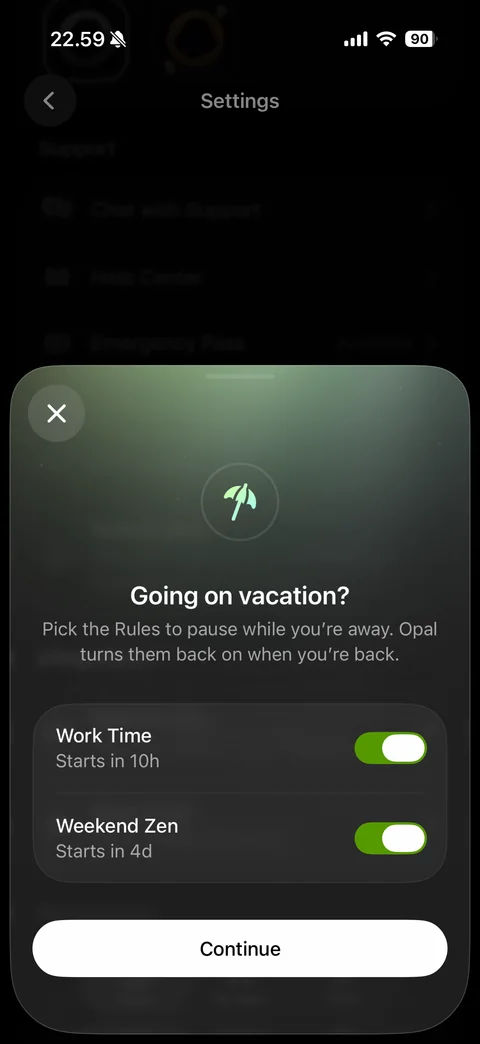
Vacation Mode sheet: umbrella icon in ring, Going on vacation? pick Rules to pause, rule toggles Work Time and Weekend Zen on, white Continue
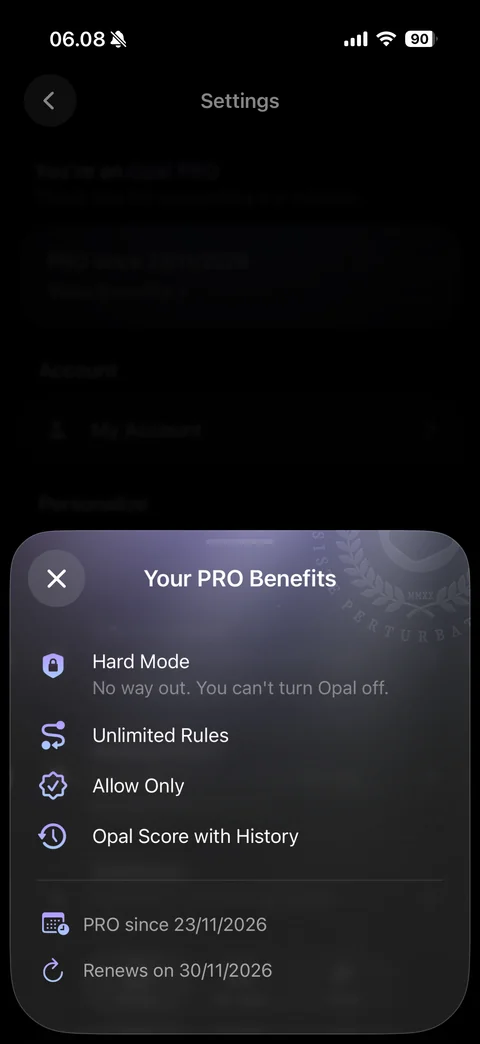
Your PRO Benefits sheet: purple glow with laurel watermark, benefit rows Hard Mode, Unlimited Rules, Allow Only, Opal Score with History, PRO since and Renews on dates
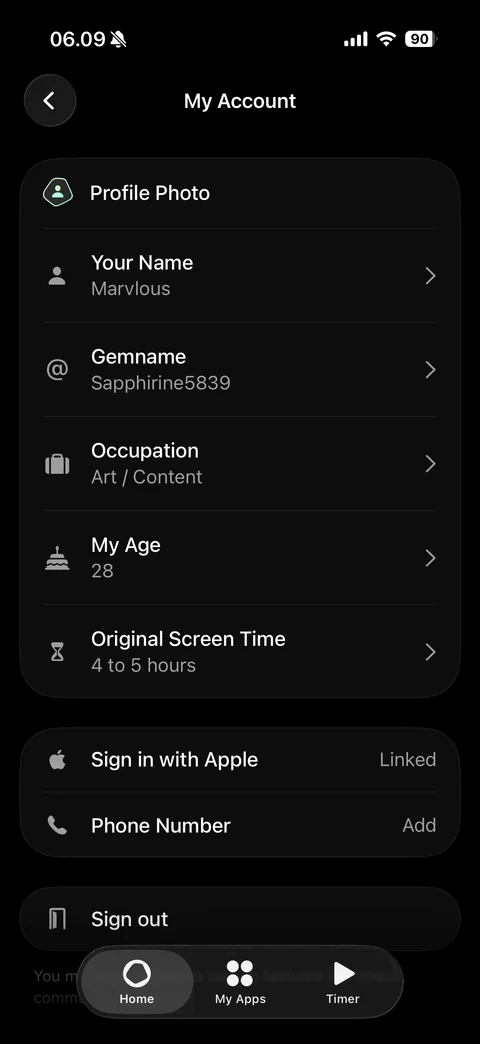
My Account: Profile Photo, Your Name Marvlous, Gemname, Occupation Art / Content, My Age 28, Original Screen Time 4 to 5 hours, Sign in with Apple Linked, Phone Number Add, Sign out
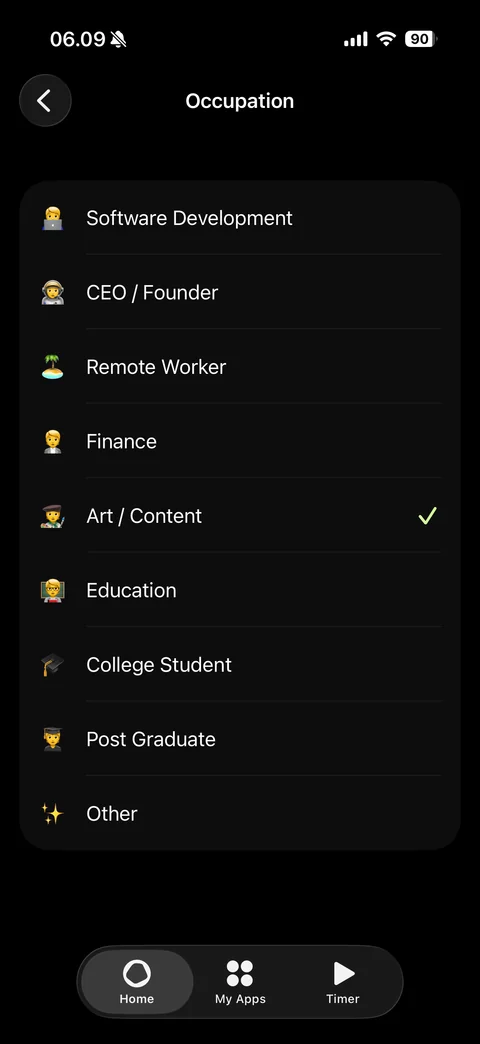
Occupation picker: emoji rows Software Development, CEO / Founder, Remote Worker, Finance, Art / Content (green check), Education, College Student, Post Graduate, Other
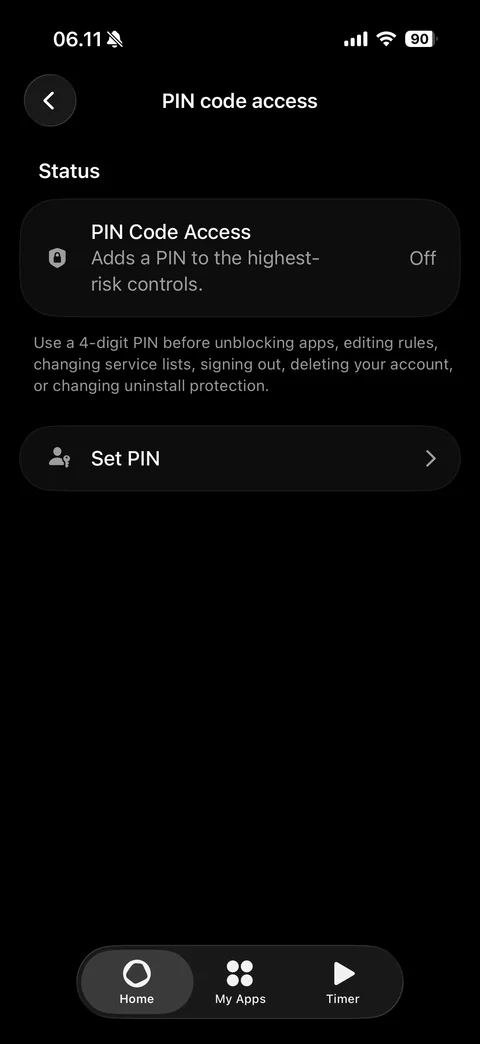
PIN code access: Status card PIN Code Access Off (adds a PIN to highest-risk controls), explanation of protected actions, Set PIN row
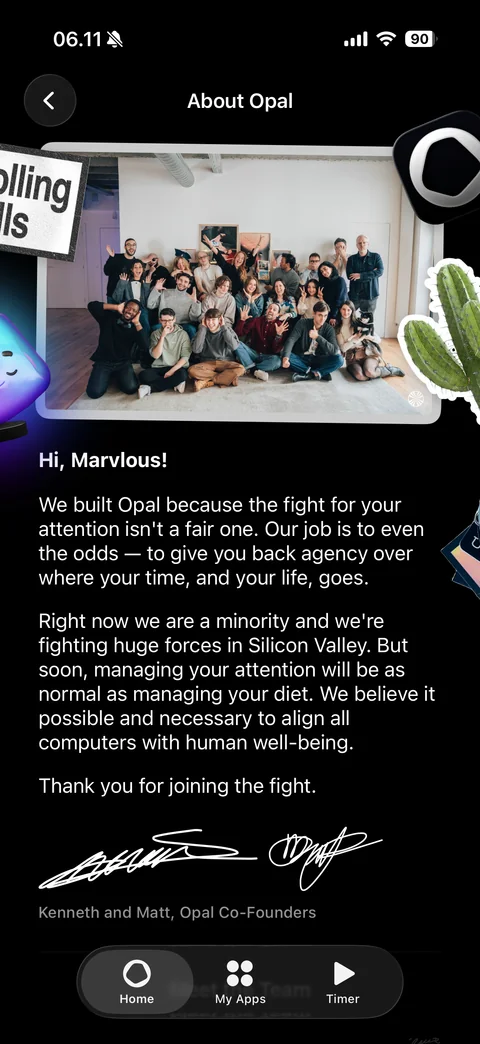
About Opal: scrapbook-style team photo with stickers (cactus, app icon, Rolling Walls sign), Hi, Marvlous! founders letter, handwritten signatures, co-founders caption
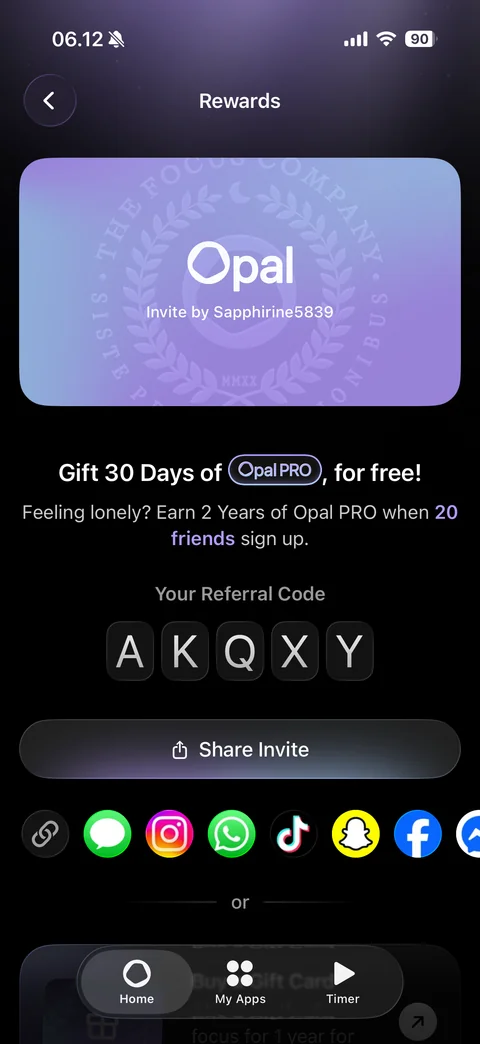
Rewards referral page: lavender invite card with laurel crest Invite by gemname, Gift 30 Days of Opal PRO for free, Your Referral Code in 5 letter tiles, Share Invite, share target icon row (link, Messages, Instagram, WhatsApp, TikTok, Snapchat, Facebook, Messenger), Buy Gift Card
Opal insights (7 screens)
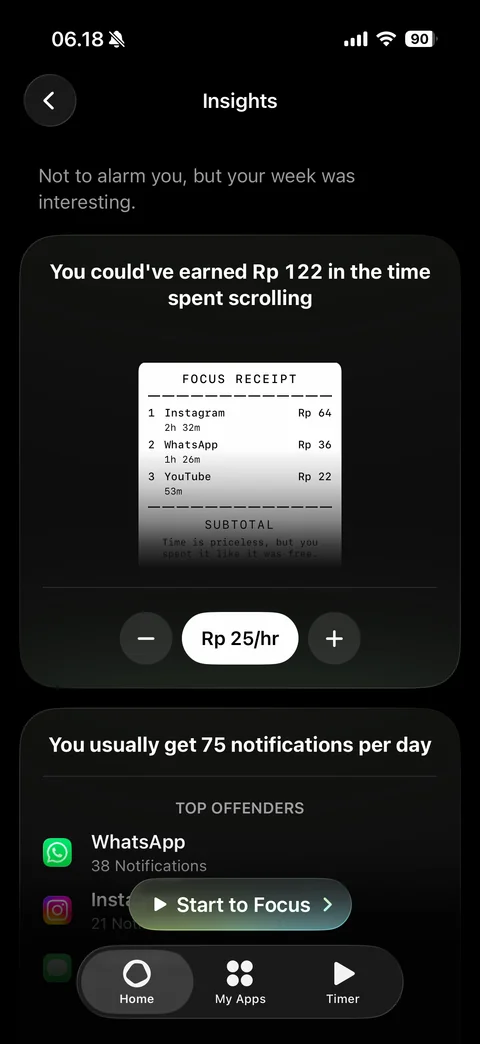
Insights: Not to alarm you intro, Focus Receipt card (top 3 apps with time and money value, subtotal, Time is priceless line) with hourly rate stepper Rp 25/hr, notifications card You usually get 75 notifications per day, Top Offenders list with app icons and counts
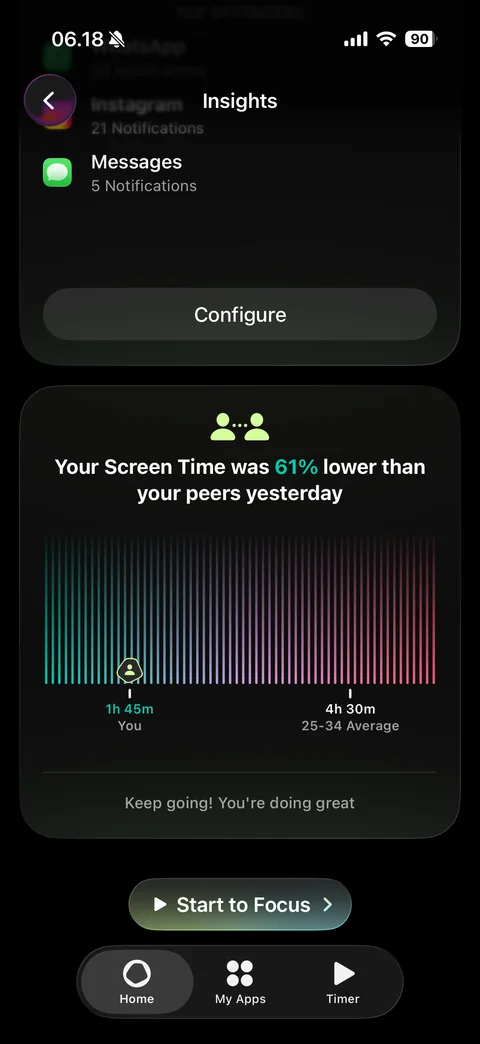
Insights scrolled: end of notification offenders list with Configure, peer comparison card Your Screen Time was 61% lower than your peers yesterday, teal-to-pink gradient bar chart with You 1h 45m marker vs 4h 30m 25-34 Average, encouragement line
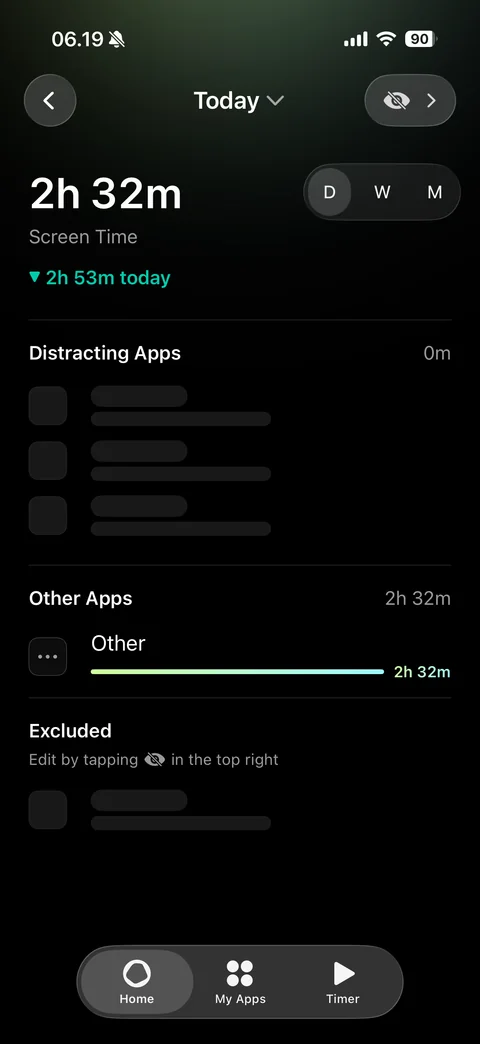
Screen Time detail Today: Today dropdown, excluded-apps eye button, big total 2h 32m with green down delta, D / W / M segmented control, Distracting Apps 0m with skeleton rows, Other Apps with gradient usage bar, Excluded section hint
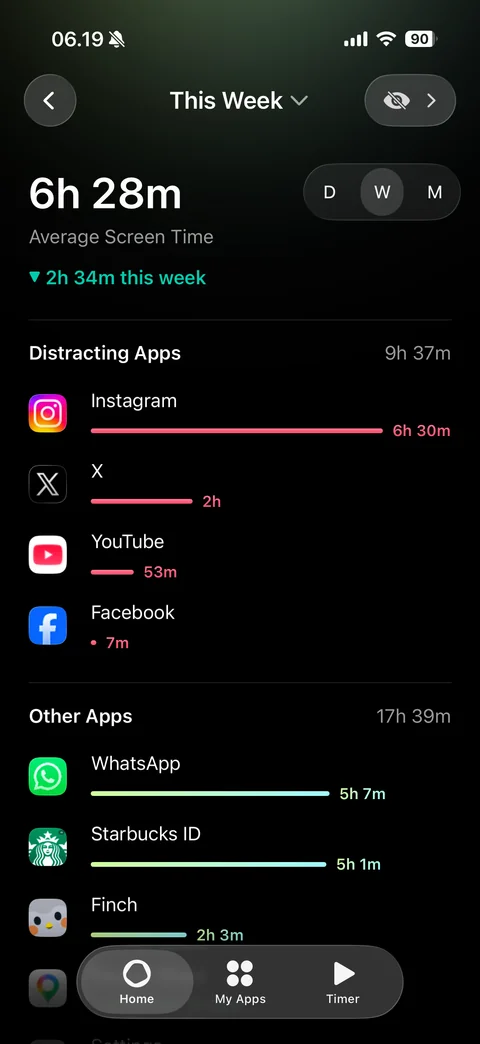
Screen Time This Week: average 6h 28m with green delta, W selected, Distracting Apps list with icons and red usage bars (Instagram, X, YouTube, Facebook), Other Apps list with green-cyan gradient bars (WhatsApp, Starbucks ID, Finch...)
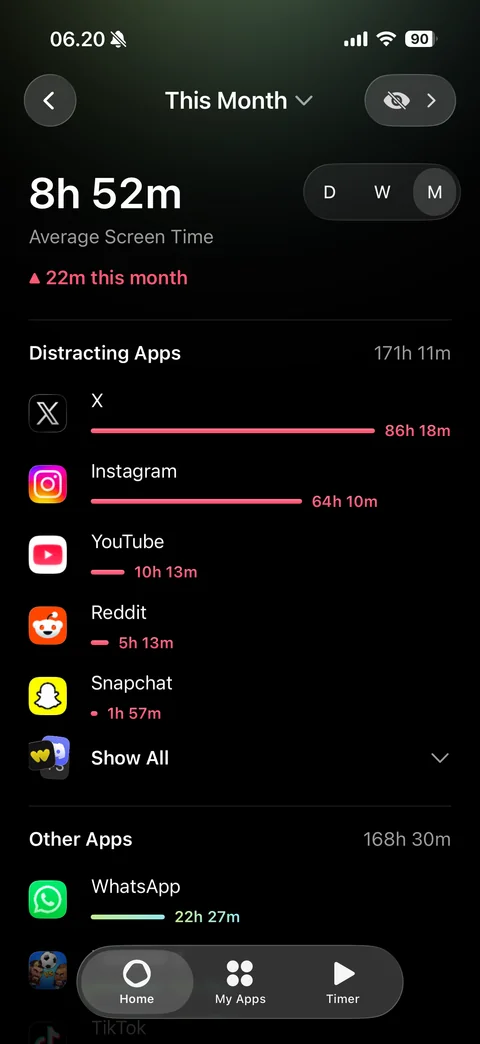
Screen Time This Month: average 8h 52m with red up delta, M selected, Distracting Apps top 5 with red bars, stacked icons Show All expander, Other Apps start
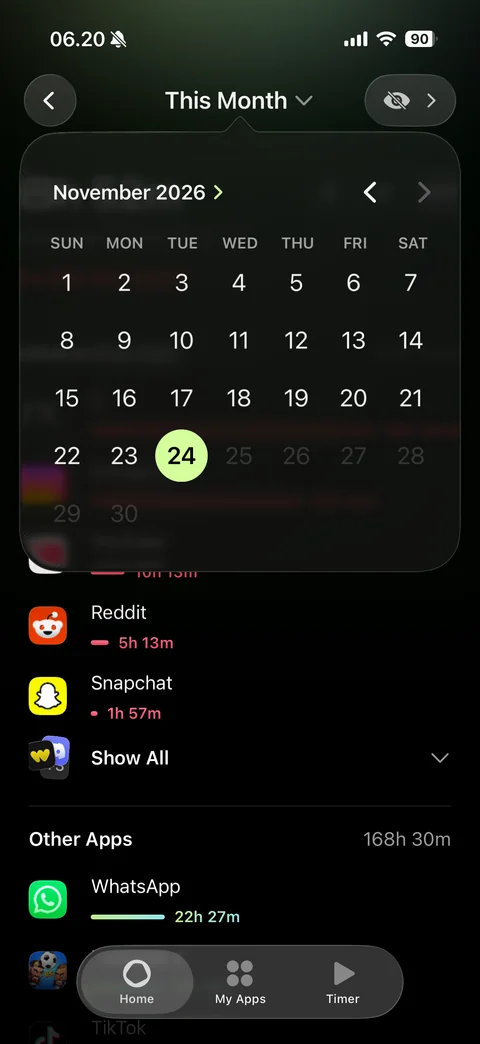
Date picker popover: November 2026 calendar with today 24 in lime circle, future days dimmed, month arrows
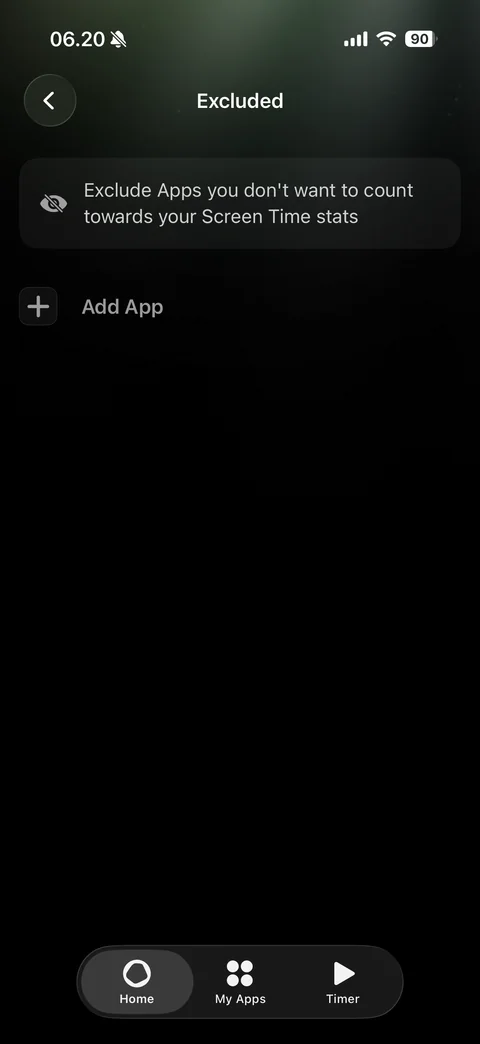
Excluded apps empty: eye-slash explainer card (exclude apps from Screen Time stats), Add App row
Compare the Opal paywall with other top apps