Perplexity app design: 61 real screens in 15 flows
AI Assistant. Chat. Research. Category: Productivity. By Perplexity AI Inc.
Captured on iPhone and updated November 2026. Each screen has a short note on what it shows and why it matters for growth.
Perplexity onboarding (1 screen)
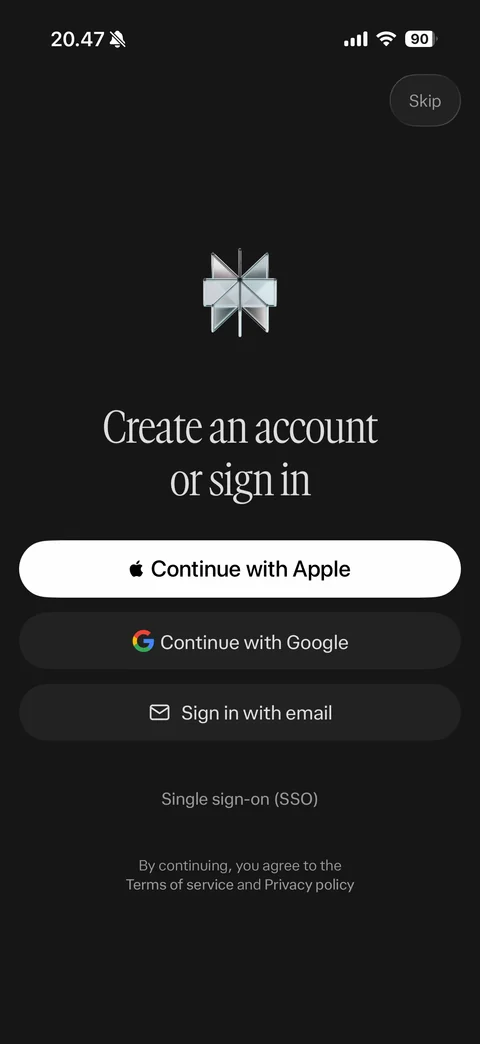
Create an account or sign in: metallic Perplexity logo, serif headline, Continue with Apple, Continue with Google, Sign in with email, single sign-on SSO link, terms note, Skip
Perplexity onboarding / intro (1 screen)
Intro carousel: every top AI model in one place serif headline, glowing session composer mockup with Orchestrator chip, model logos orbiting (OpenAI, Anthropic, Gemini), sound toggle, Skip
Perplexity onboarding / personalize (1 screen)
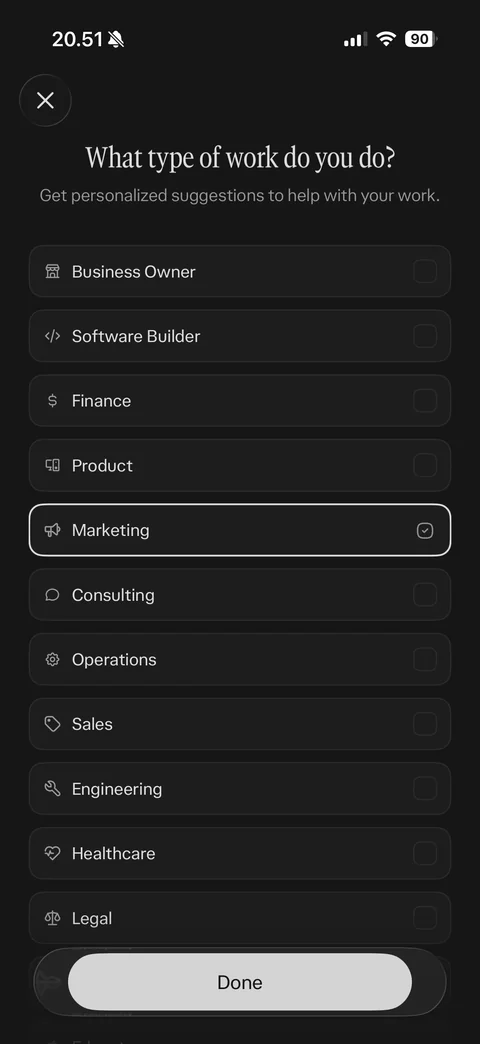
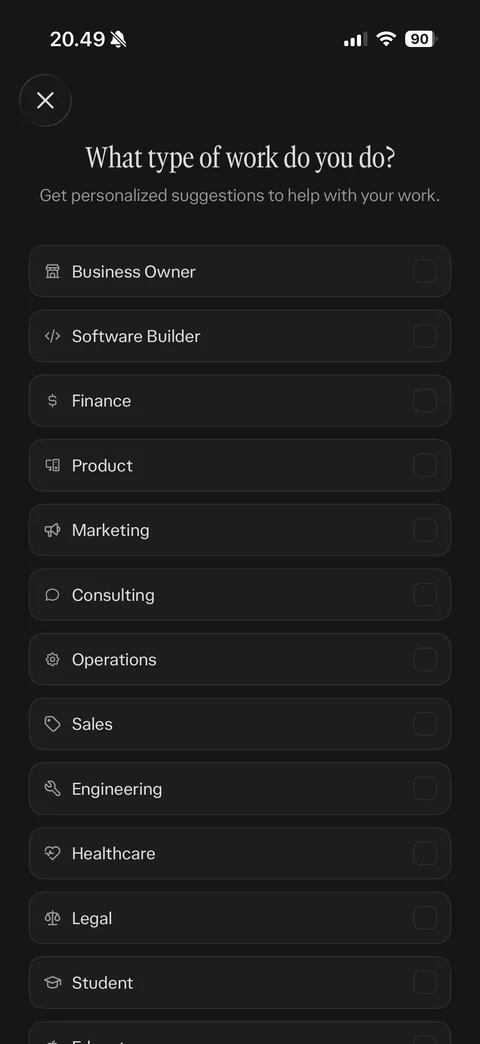
Work type question: what type of work do you do, multi-select list with icons and checkboxes (business owner, software builder, finance, product, marketing selected with white border and check, consulting, operations, sales, engineering, healthcare, legal), floating Done button, close
Perplexity home (7 screens)
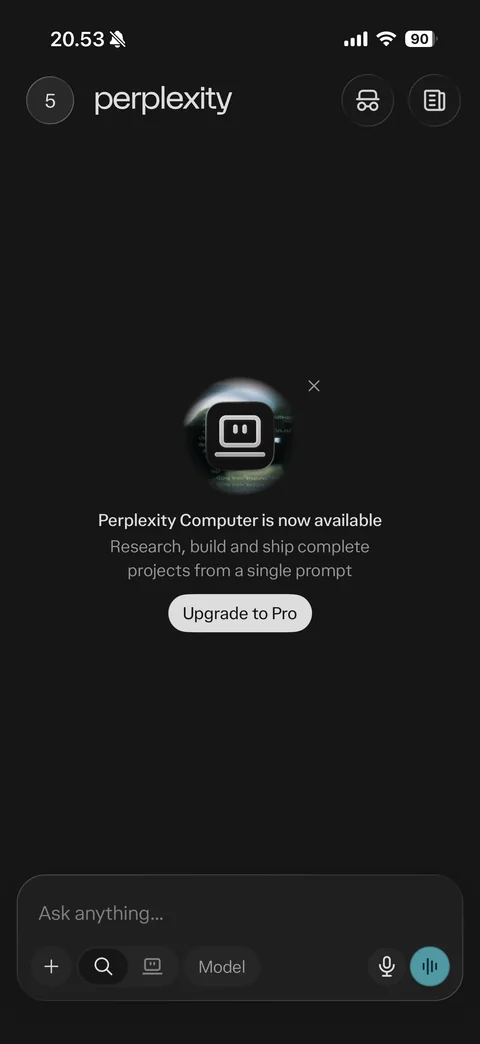
Home: avatar with count, perplexity wordmark, incognito and discover buttons, Perplexity Computer is now available promo card with Upgrade to Pro and dismiss, bottom composer type @ for connectors and sources, plus, search and computer mode toggle, Model picker, mic and voice mode buttons
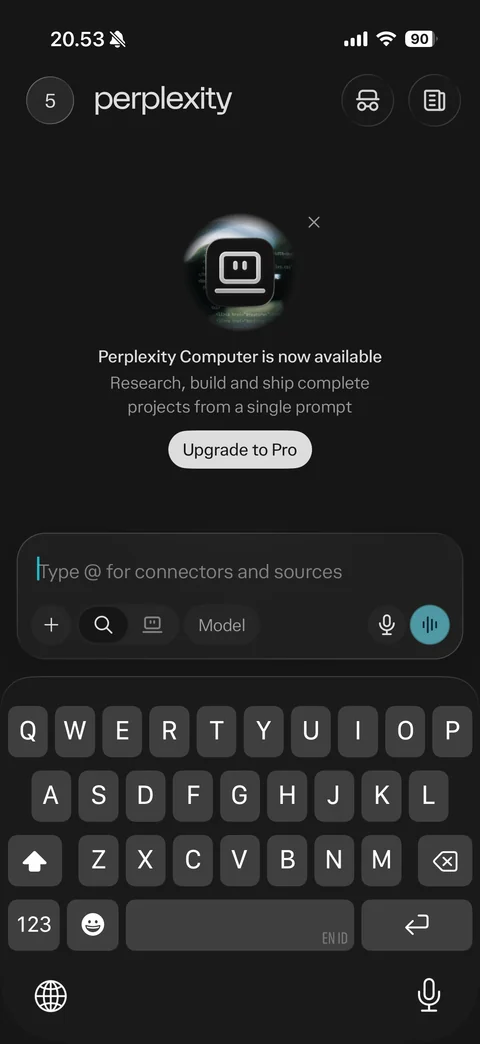
Composer focused: keyboard open, composer moved up with placeholder type @ for connectors and sources, mode and model controls, promo card above
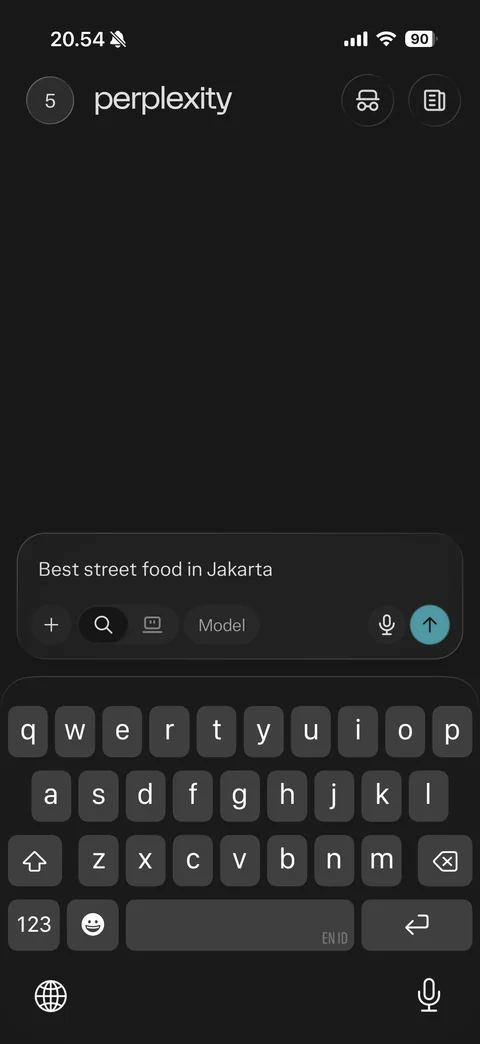
Composer with typed query: best street food in Jakarta, voice button replaced by teal send arrow, promo hidden, keyboard open
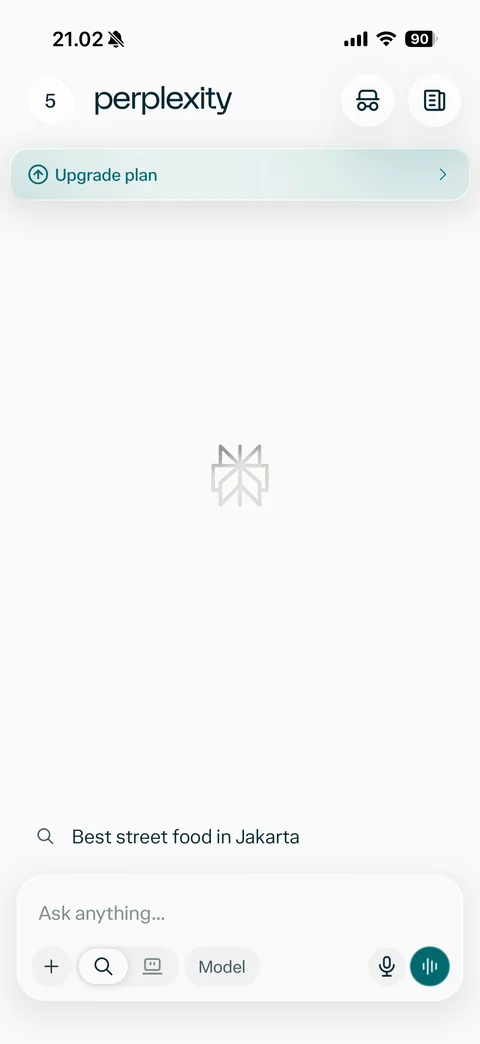
Home in light mode: upgrade plan banner, faded logo center, recent search suggestion, composer with mode toggle, model picker, mic and teal voice button
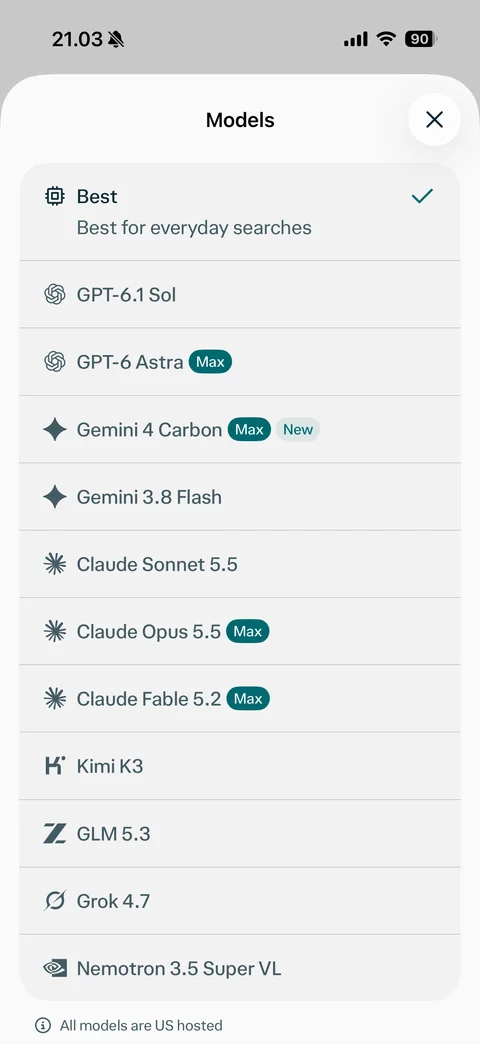
Model picker sheet: Best selected for everyday searches, list of AI models with provider logos (GPT, Gemini, Claude, Kimi, GLM, Grok, Nemotron), Max and New badges, all models are US hosted note, close
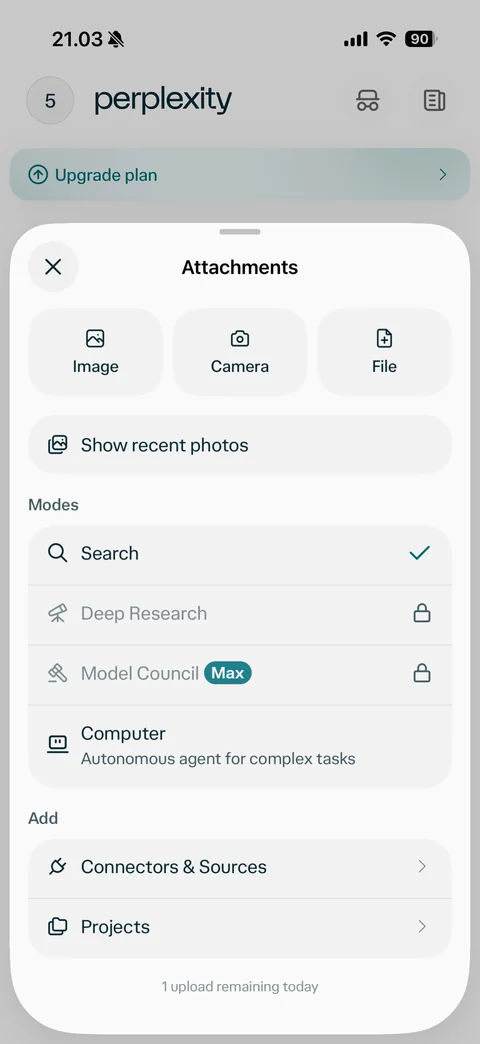
Attachments sheet: Image, Camera, File tiles, show recent photos, modes list Search selected, Deep Research and Model Council locked with Max badge, Computer autonomous agent, add Connectors and Sources and Projects, 1 upload remaining today note
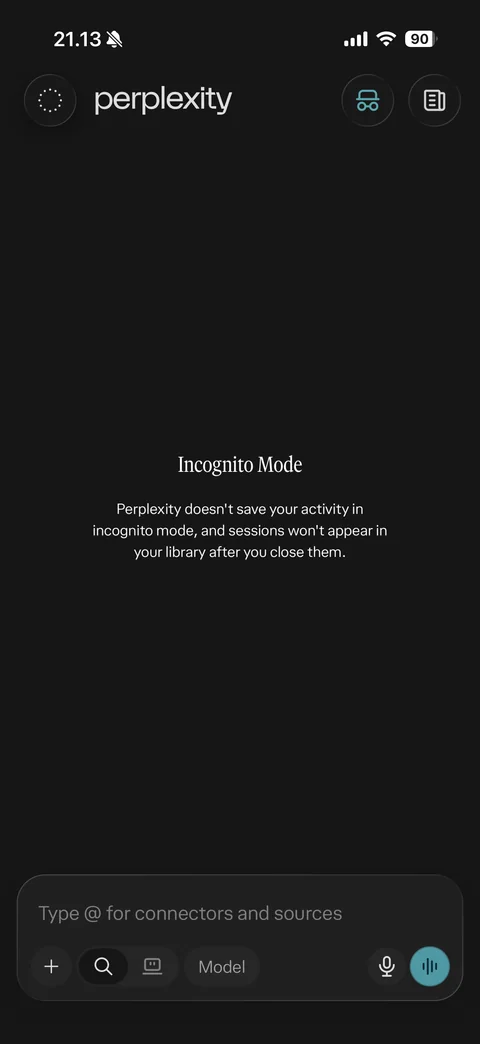
Incognito mode home: dashed avatar, incognito icon highlighted teal, Incognito Mode title and explanation activity not saved and sessions won't appear in library, composer
Perplexity paywall (3 screens)
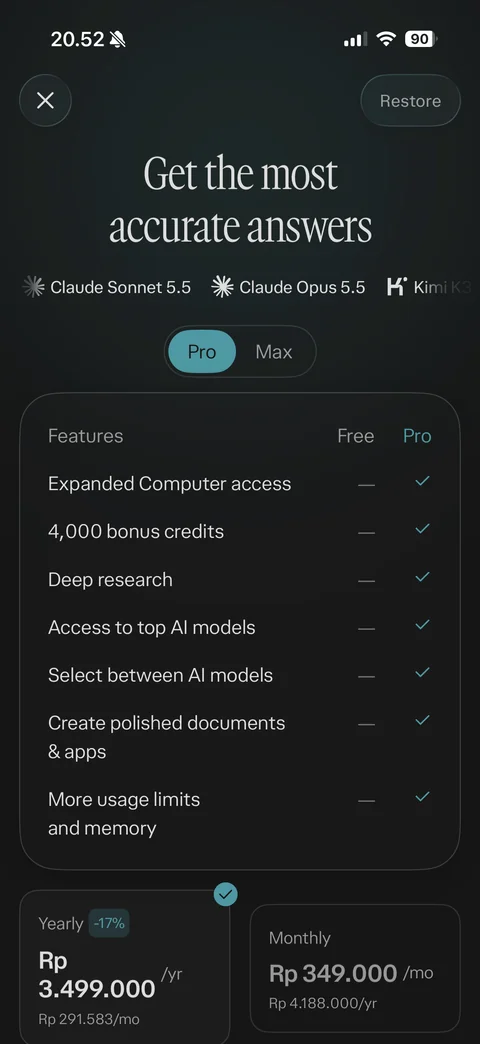
Pro paywall: get the most accurate answers serif headline, scrolling model ticker (Claude Sonnet, Claude Opus, Kimi, GPT), Pro and Max segmented toggle, Free vs Pro feature comparison table with checkmarks, yearly plan selected with -17% badge and monthly plan in IDR, close and Restore
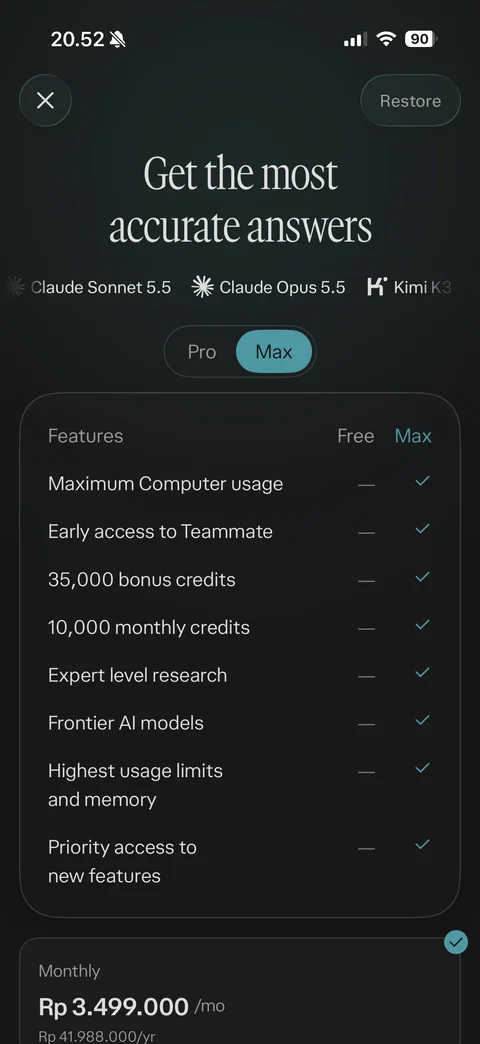
Max paywall tab: Max selected in toggle, Free vs Max feature table (maximum computer usage, early access to Teammate, bonus and monthly credits, expert research, frontier models, highest limits, priority access), monthly Max price in IDR
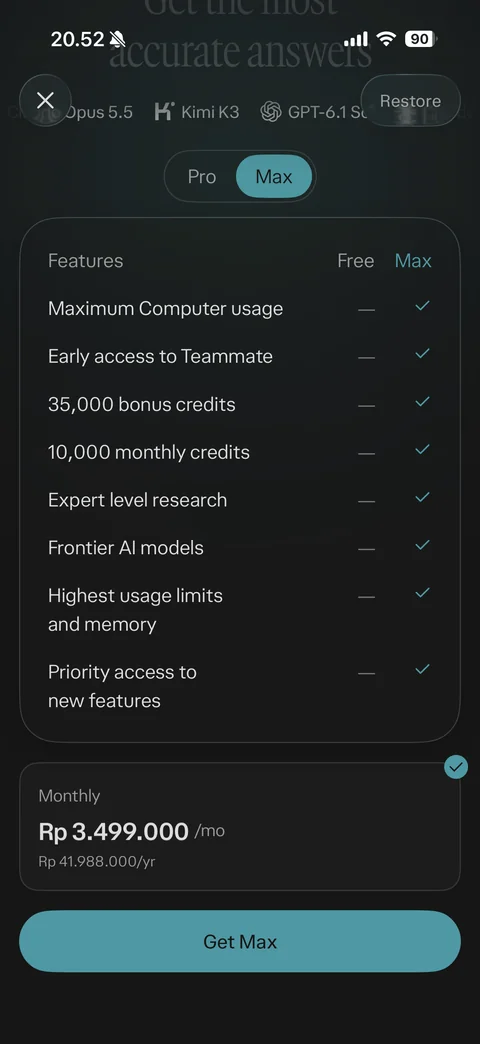
Max paywall scrolled: feature table, selected monthly plan card with check, teal Get Max button
Perplexity answer (6 screens)
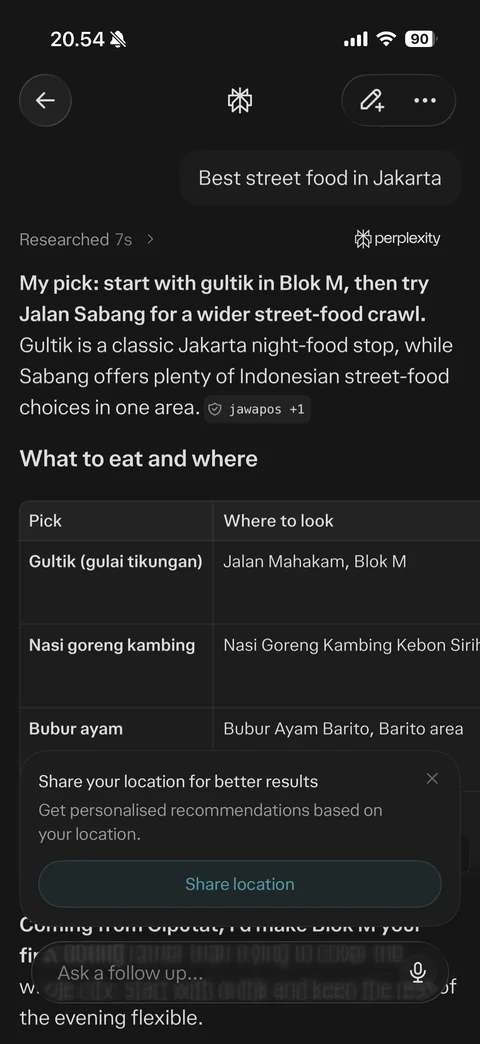
Answer loading: user query bubble, shimmering status looking up street food options with chevron, share your location for better results card with Share location and dismiss, ask a follow up composer with mic and stop
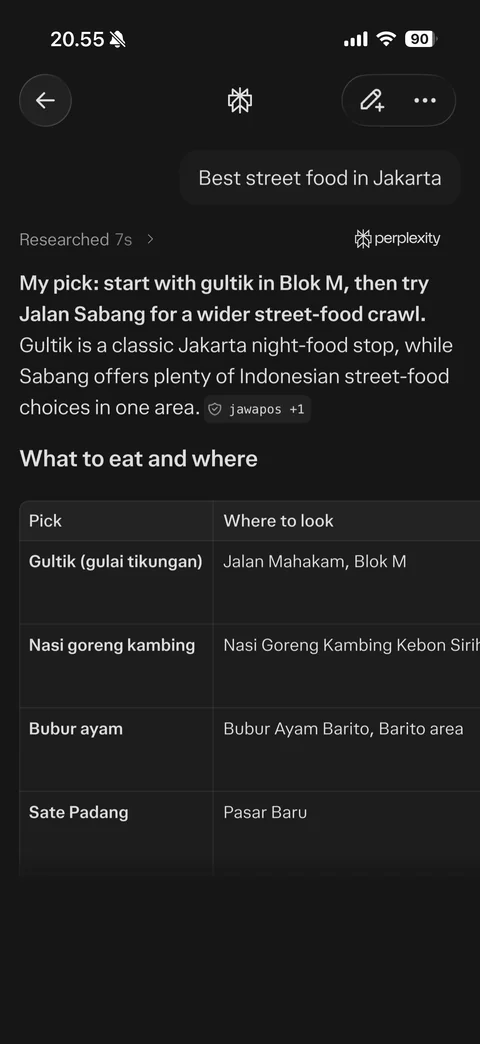
Answer result: researched 7s status, perplexity attribution, bold recommendation paragraph with inline source chip, what to eat and where heading, two-column table with dishes and places, floating ask a follow up composer (location sentence hidden)
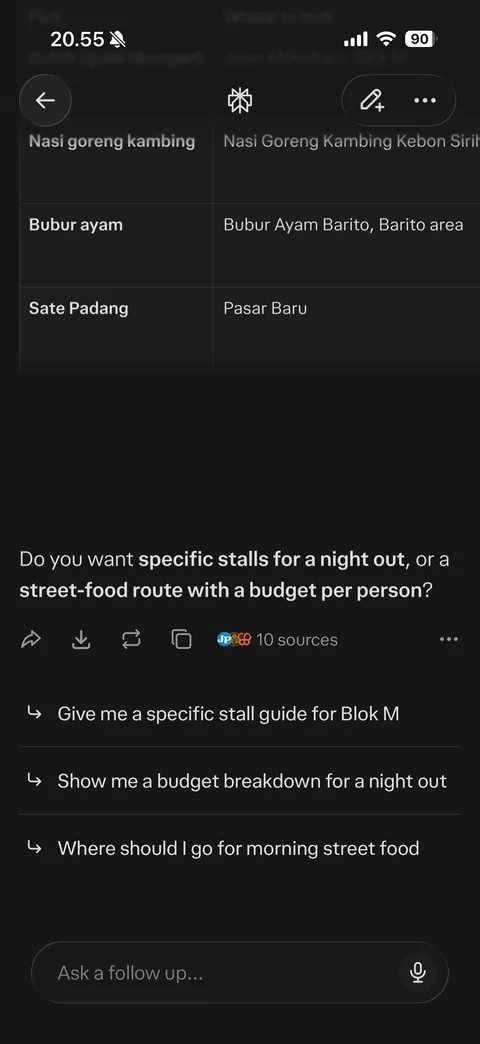
Answer end: table rows, closing paragraph (location sentence hidden), follow-up question, action row share, download, rewrite, copy, 10 sources with favicons, more, related follow-up suggestions with arrows, ask a follow up composer
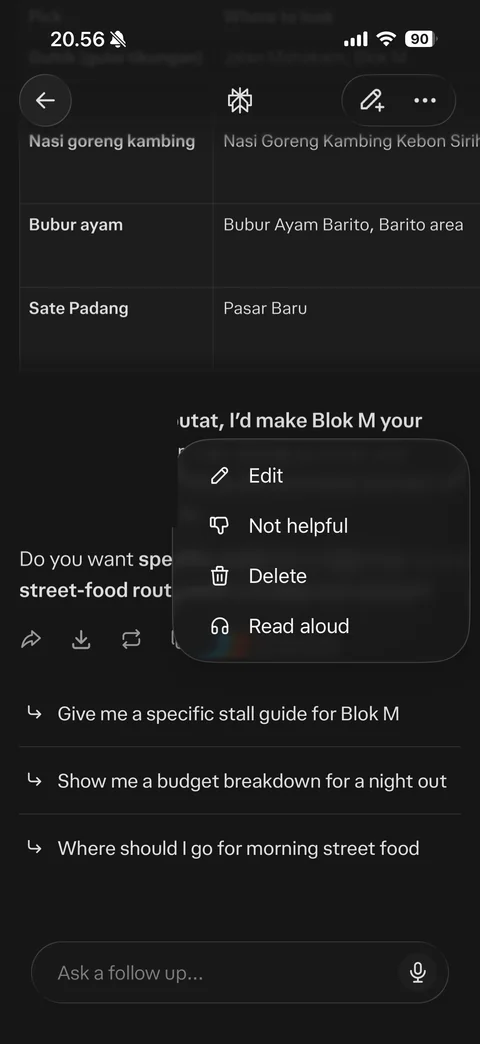
Answer more menu: blurred popover with Edit, Not helpful, Delete, Read aloud options over answer (location sentence hidden)
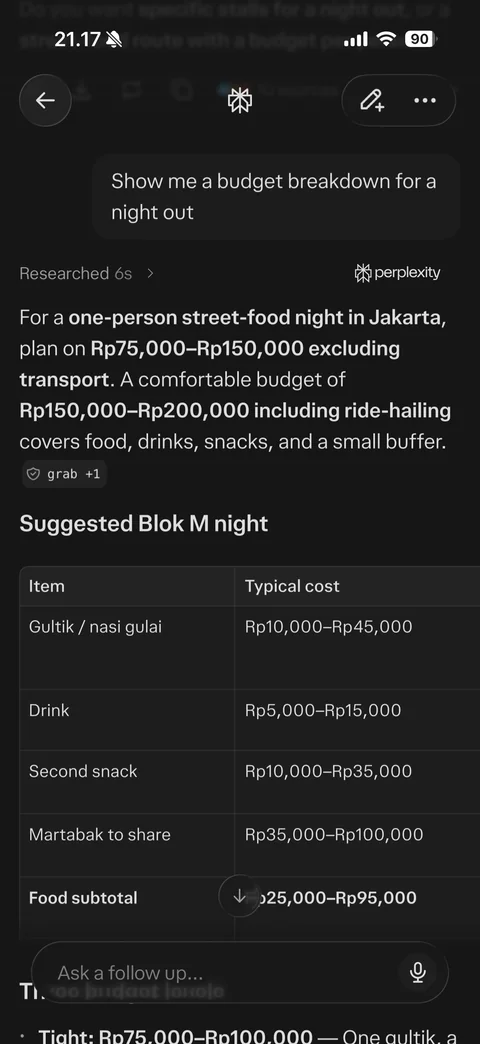
Follow-up answer in same thread: second user query bubble, researched 6s, bold budget summary in IDR with source chip, suggested Blok M night heading, cost table with item and typical cost, table copy and expand buttons, scroll down button, follow up composer
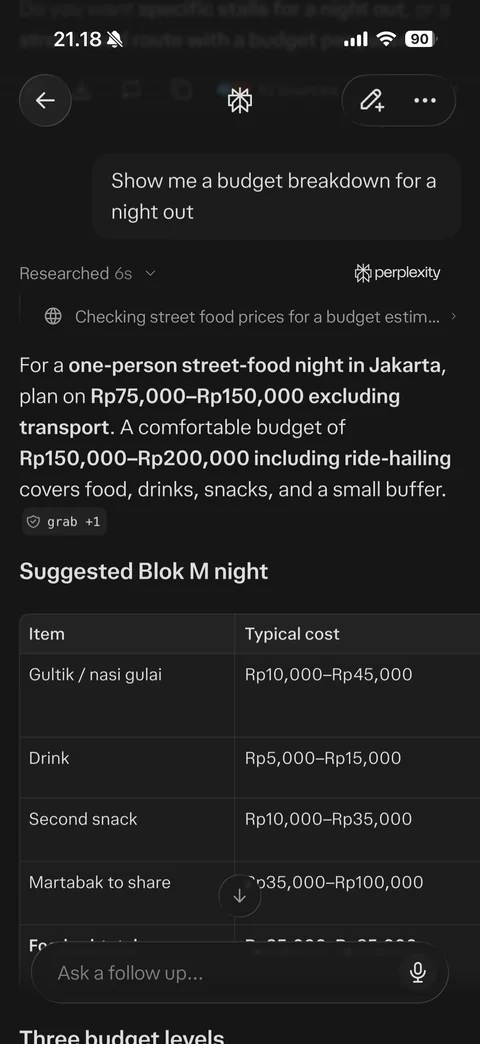
Research steps expanded: researched chevron open, step row with globe icon checking street food prices for a budget estimate with chevron, answer below
Perplexity answer / sources (1 screen)
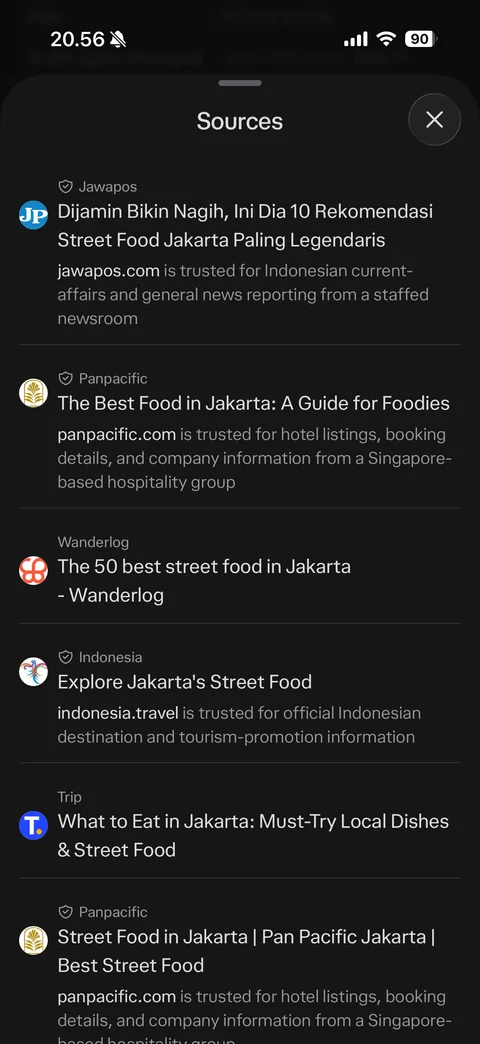
Sources sheet: list of cited web pages with favicon, publisher with trusted shield, title and trust explanation text, close
Perplexity library (5 screens)
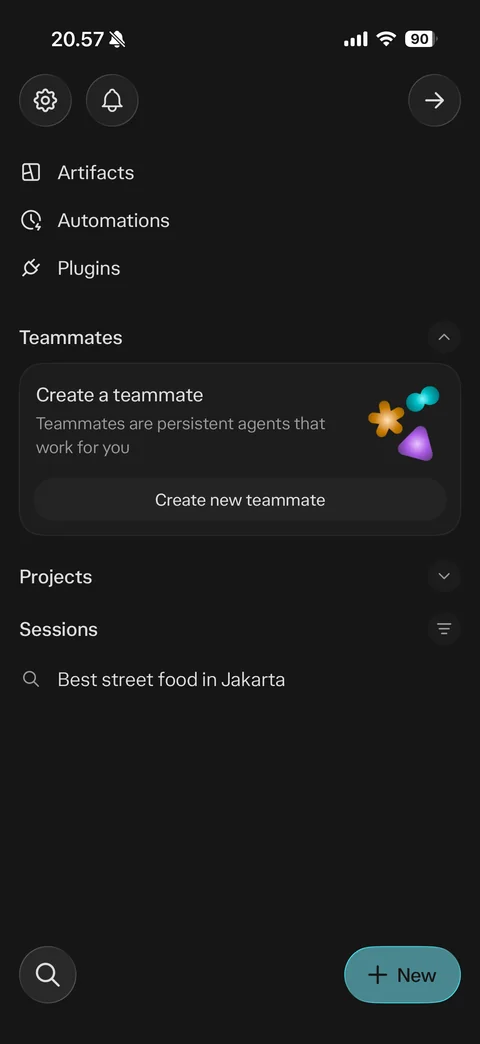
Sidebar library: settings and notifications buttons, account email (hidden), Artifacts, Automations, Plugins links, Teammates section with create a teammate card and Create new teammate, Projects, Sessions list with past query, search and New buttons
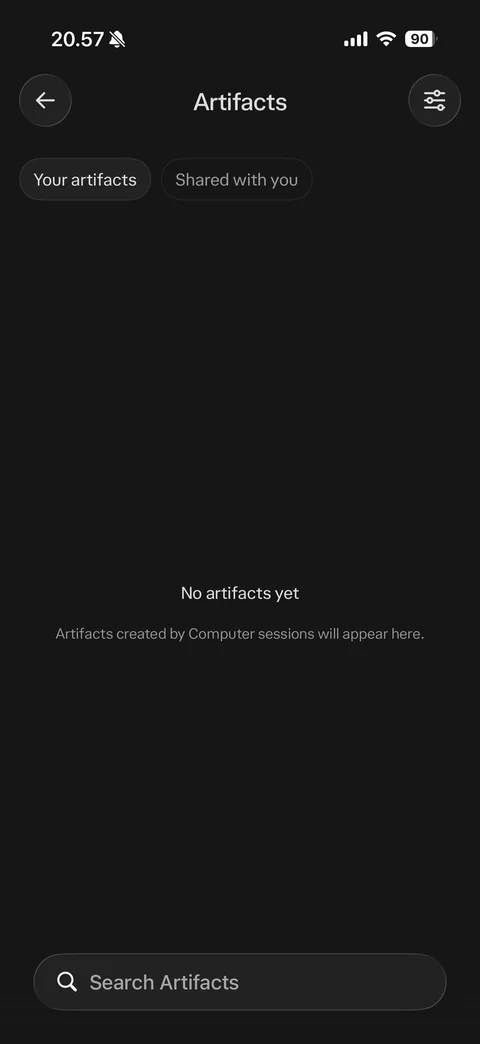
Artifacts empty state: Your artifacts and Shared with you chips, filter button, no artifacts yet message, search artifacts bar
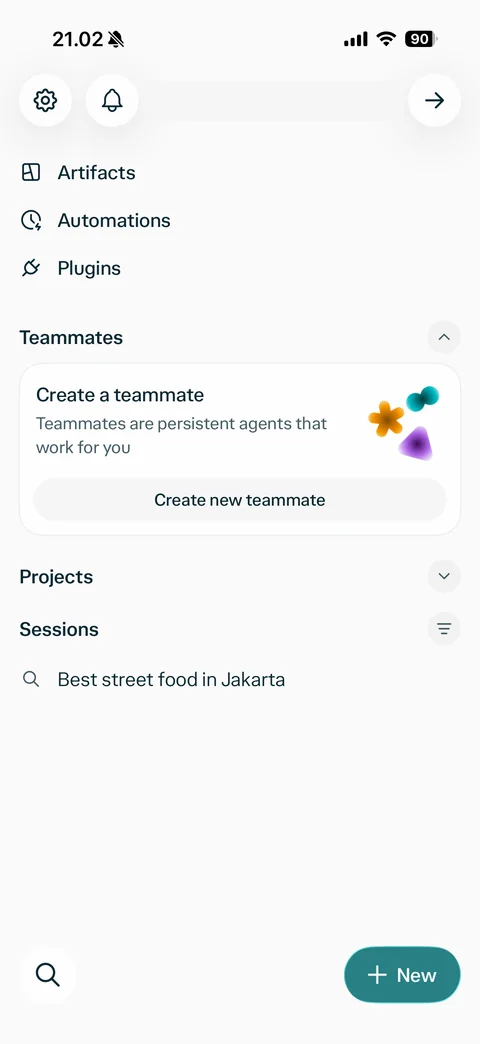
Sidebar in light mode: account username (hidden), artifacts, automations, plugins, teammates card, projects, sessions list, search and teal New button
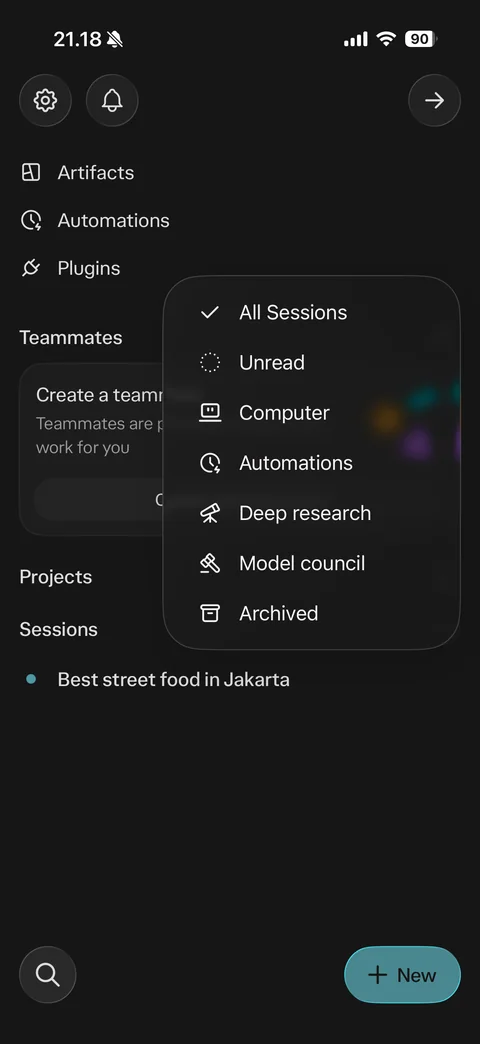
Sessions filter menu: All Sessions checked, Unread, Computer, Automations, Deep research, Model council, Archived options with icons, account username (hidden)
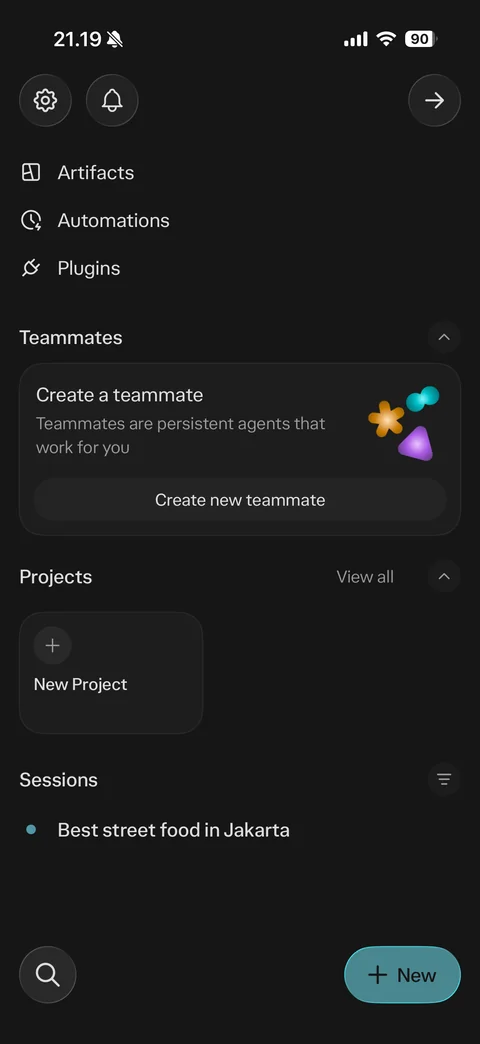
Sidebar with Projects expanded: View all link, New Project tile with plus, sessions list with unread dot (username hidden)
Perplexity library / plugins (2 screens)
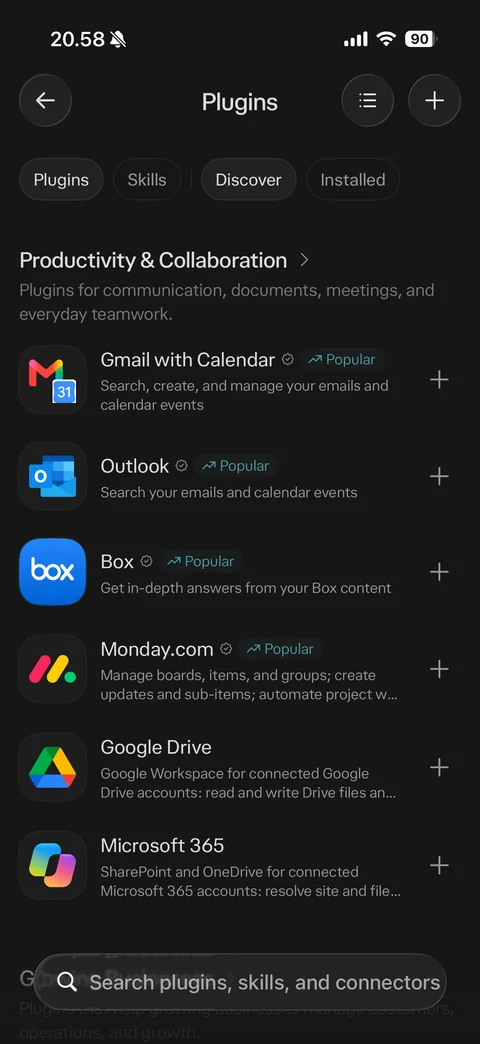
Plugins discover: Plugins and Skills chips, Discover and Installed tabs, list and add buttons, productivity and collaboration category, integration rows with app icon, verified check, popular badge, description and plus (Gmail, Outlook, Box, Monday, Google Drive, Microsoft 365), search plugins bar
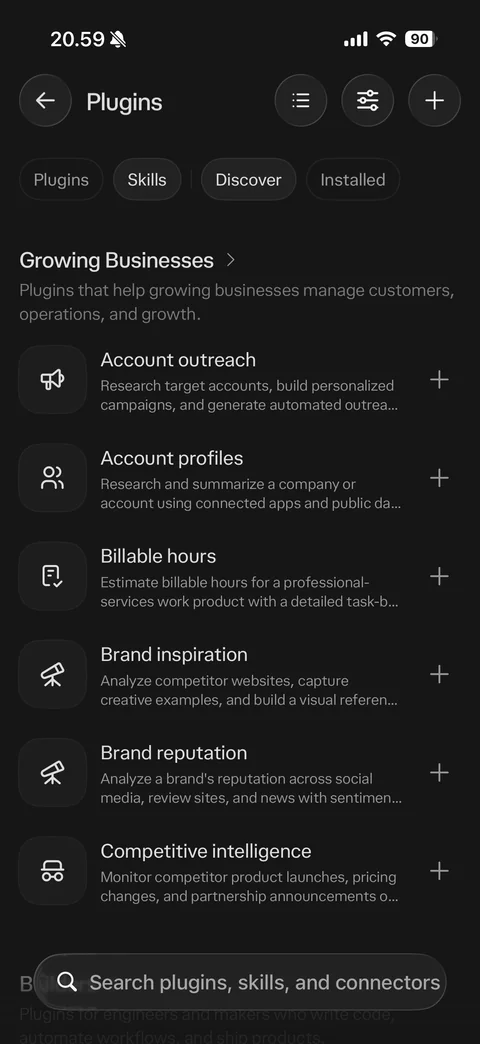
Skills discover: Skills chip selected, filter button, growing businesses category with skill rows (account outreach, account profiles, billable hours, brand inspiration, brand reputation, competitive intelligence) with line icons, descriptions and add buttons
Perplexity library / projects (2 screens)
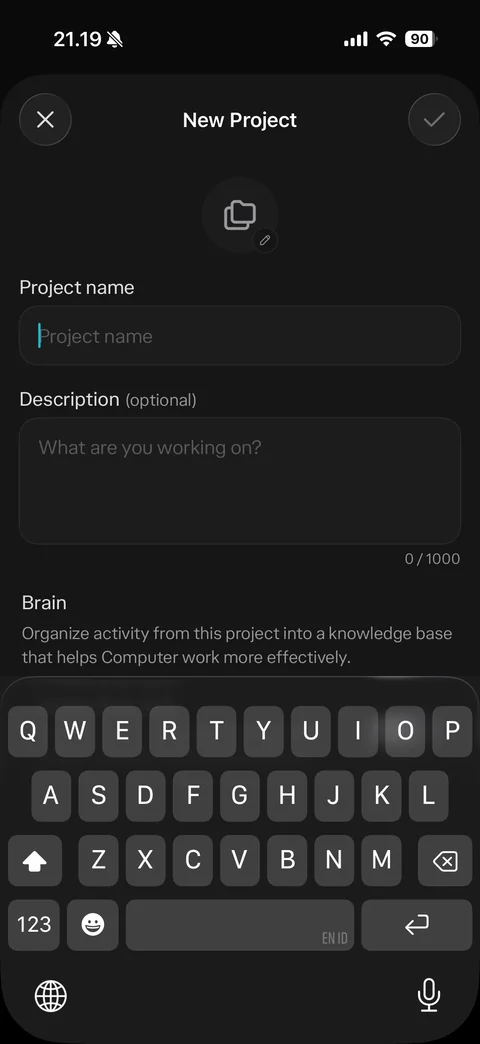
New project sheet: close and confirm, project icon with edit badge, project name field, optional description with 0 of 1000 counter, Brain section explanation, keyboard open
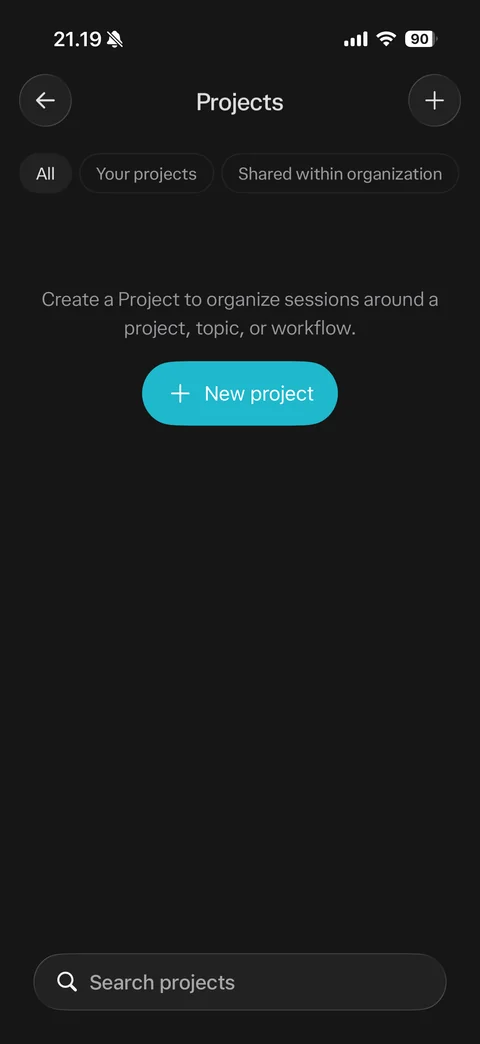
Projects empty state: All, Your projects, Shared within organization chips, add button, create a project to organize sessions message, teal New project button, search projects bar
Perplexity library / teammates (3 screens)
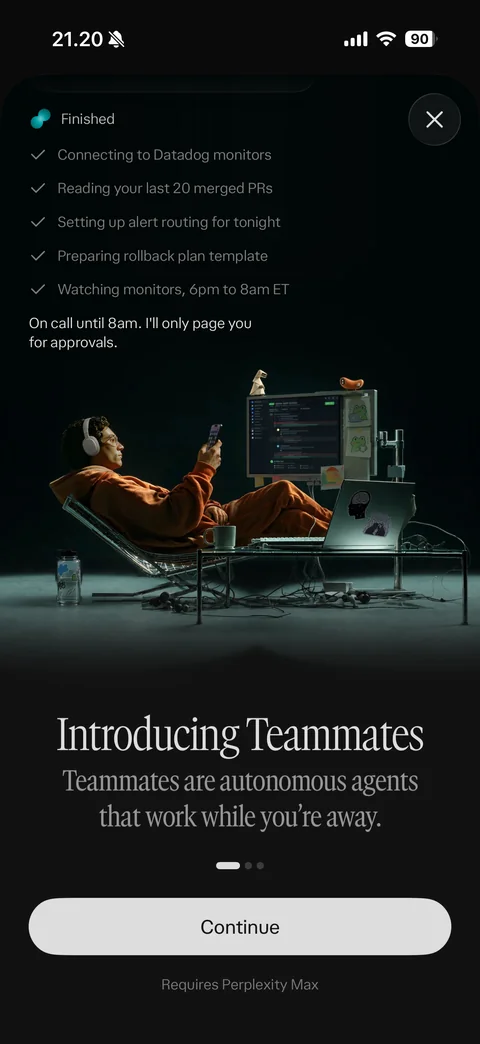
Introducing Teammates page 1: agent task checklist overlay (connecting monitors, reading PRs, alert routing, rollback plan, watching monitors), cinematic photo of person relaxing by desk setup, serif headline autonomous agents that work while you're away, page dots, Continue, requires Perplexity Max note
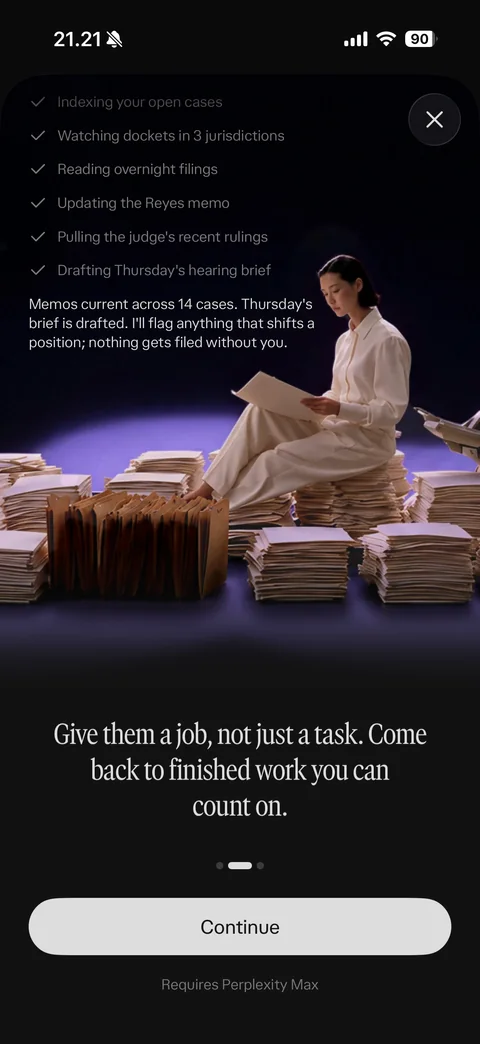
Introducing Teammates page 2: legal agent task checklist, photo of person reading among stacks of files on purple stage, give them a job not just a task headline, page dots, Continue, requires Max
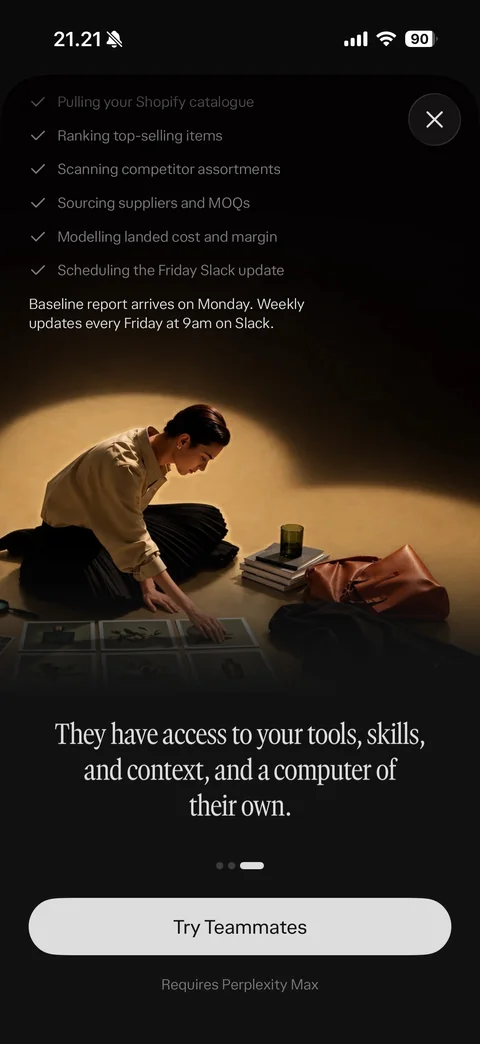
Introducing Teammates page 3: working checklist with spinner on last step (Shopify catalogue, ranking items, suppliers, margin, Slack update), photo of person arranging prints in spotlight, tools skills and computer headline, Try Teammates, requires Max
Perplexity library / search (2 screens)
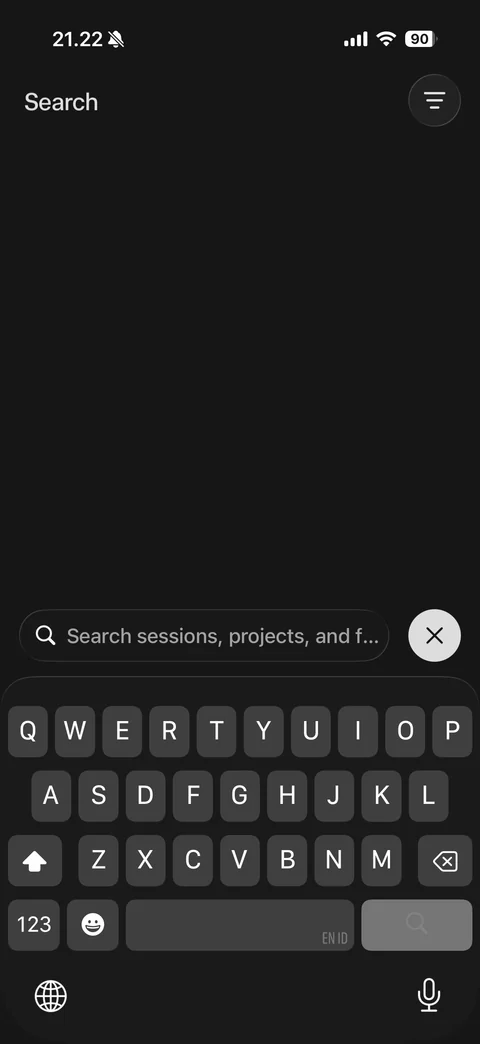
Library search empty: Search title with filter button, bottom search field search sessions, projects and files with close button, keyboard open
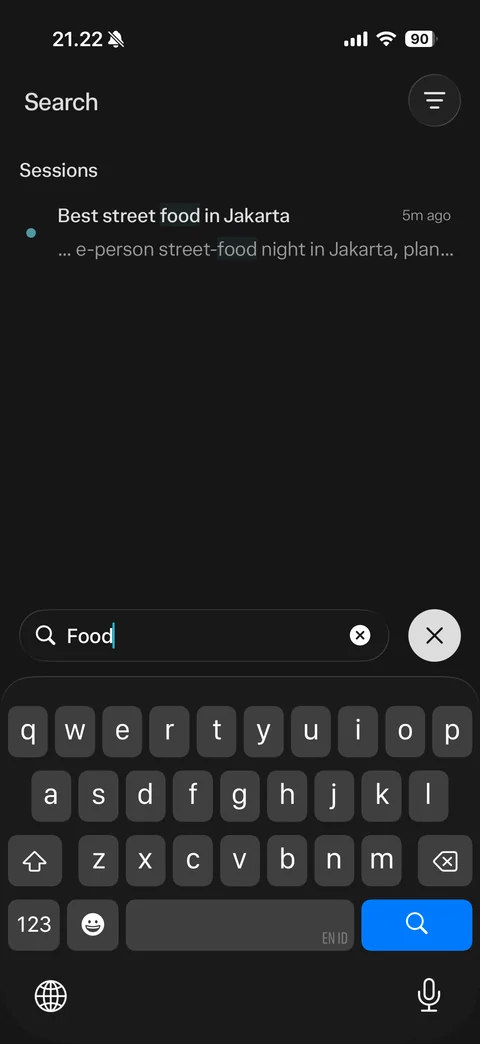
Library search results: query food typed, sessions section with matching session title and snippet with highlighted term, time ago, unread dot, keyboard open
Perplexity settings (14 screens)
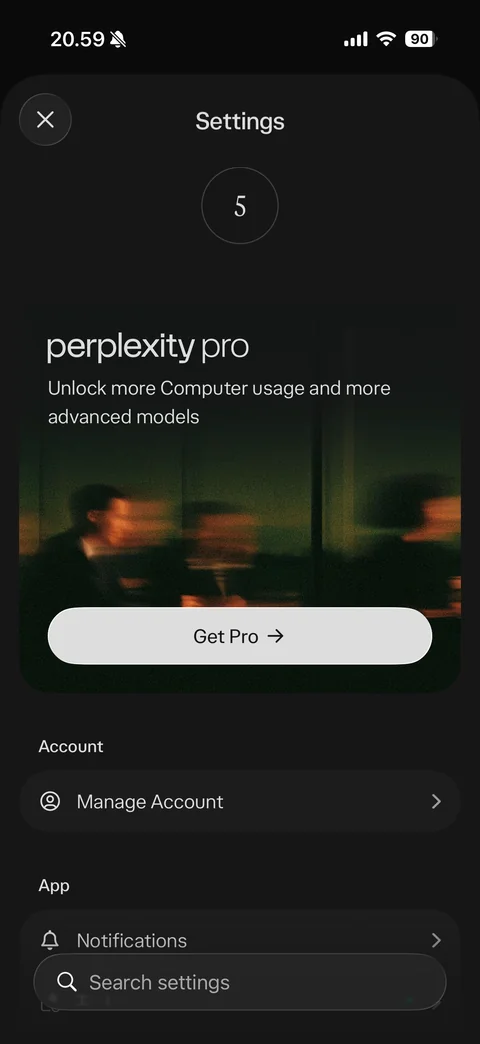
Settings: avatar, account email (hidden), perplexity pro upsell card with blurred photo, unlock more Computer usage, Get Pro, account section manage account, app section notifications, search settings bar
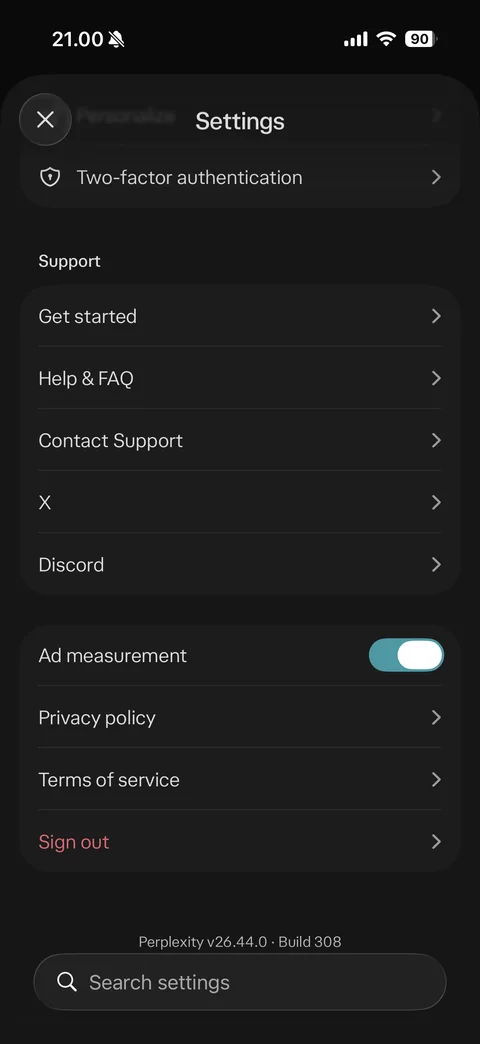
Settings scrolled: two-factor authentication, support section (get started, help and FAQ, contact support, X, Discord), ad measurement toggle, privacy policy, terms, Sign out in red, version footer
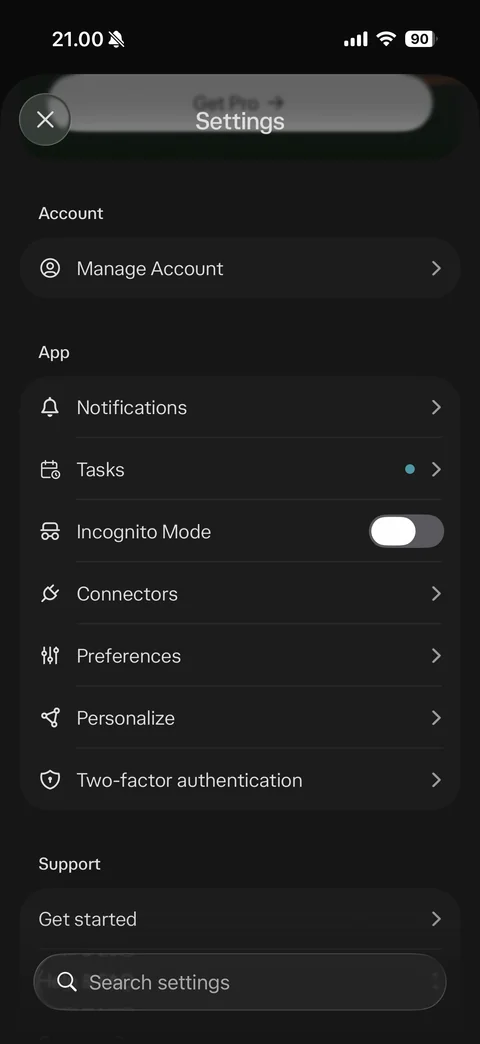
Settings app section: manage account, notifications, tasks with dot, incognito mode toggle, connectors, preferences, personalize, two-factor authentication rows with icons
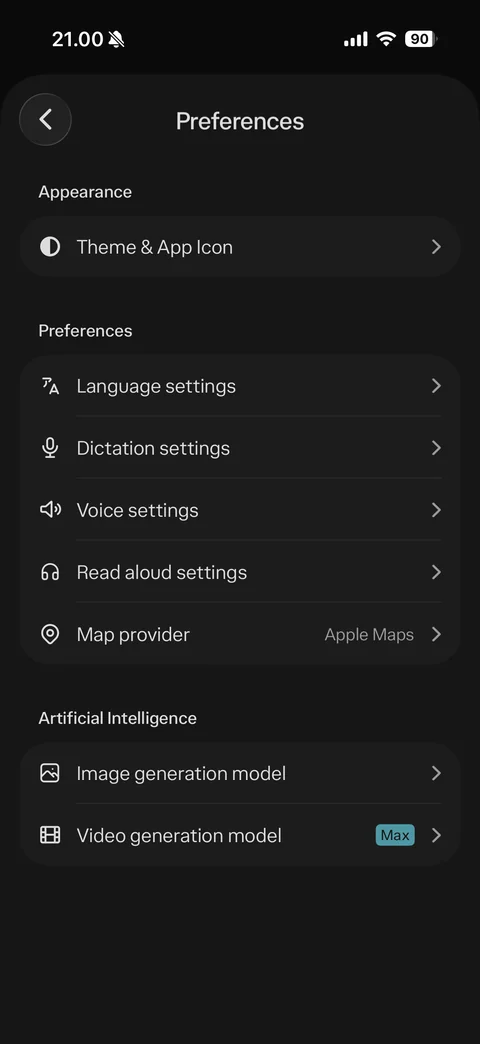
Preferences: appearance theme and app icon, language, dictation, voice, read aloud settings, map provider Apple Maps, AI section image generation model and video generation model with Max badge
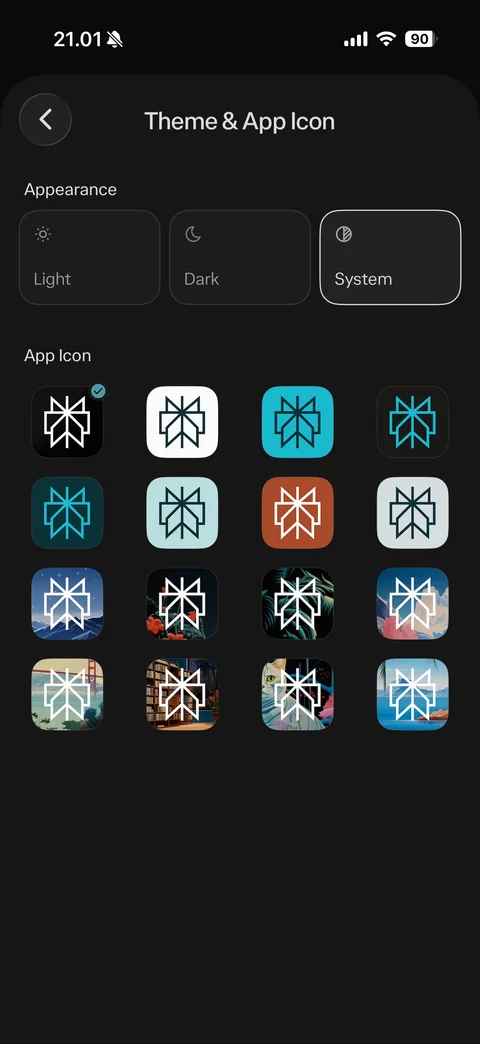
Theme and app icon: appearance cards Light, Dark, System selected, app icon grid of 16 variants (solid colors and illustrated scenes) with current icon checked
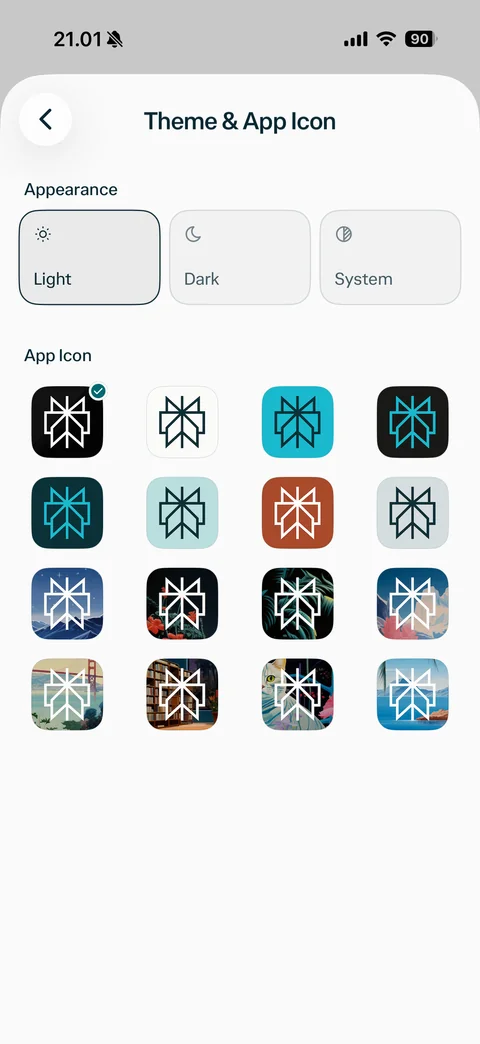
Theme in light mode: Light appearance selected, light sheet background, app icon grid
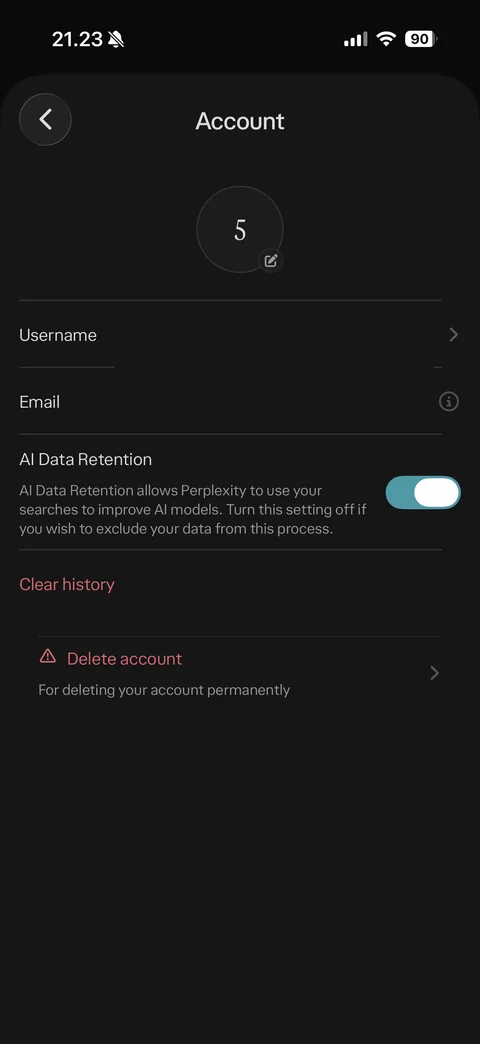
Account settings: avatar with edit, username and email rows (values hidden), AI data retention toggle with explanation, Clear history in red, Delete account with warning icon and description
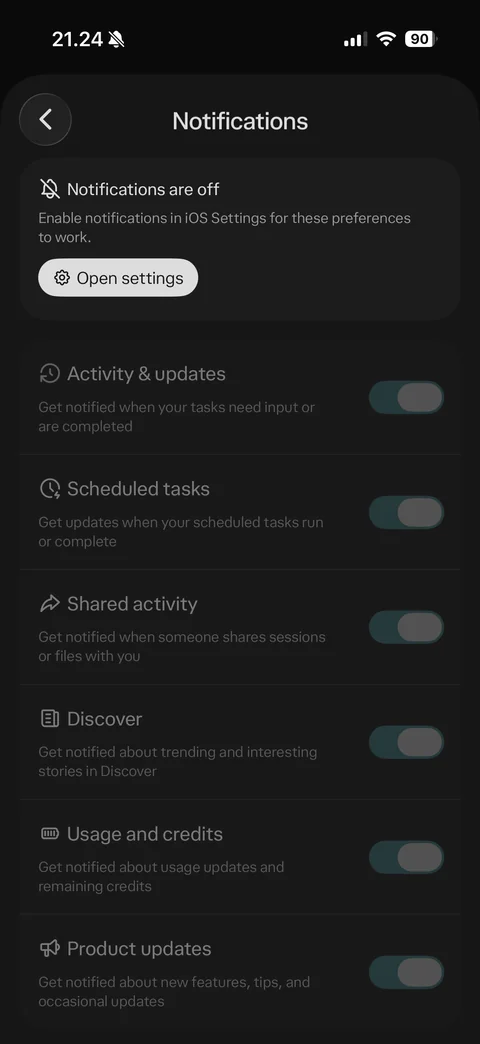
Notification settings with notifications off: warning card enable in iOS Settings with Open settings button, disabled toggles with icons and descriptions (activity and updates, scheduled tasks, shared activity, discover, usage and credits, product updates)
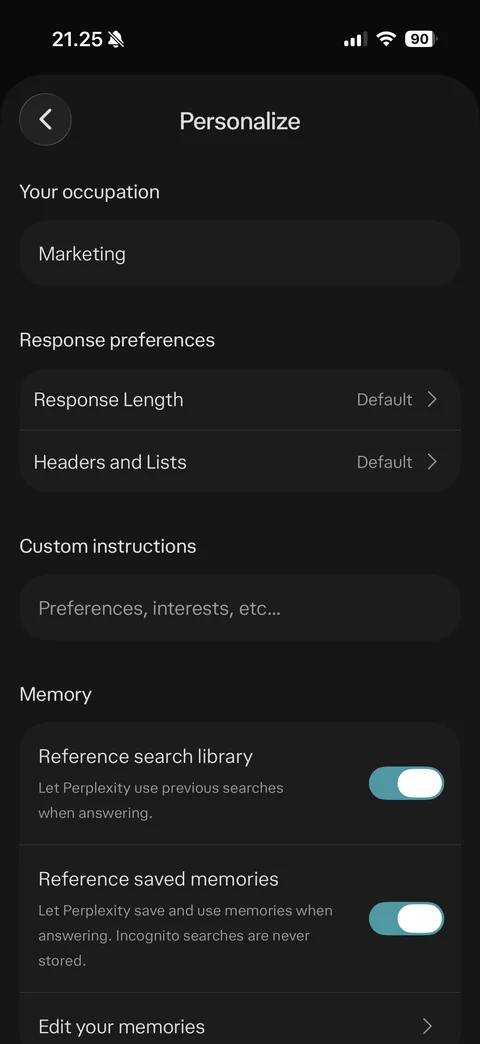
Personalize: your occupation Marketing, response preferences length and headers and lists Default, custom instructions field, memory section reference search library and saved memories toggles, edit your memories
Memories empty state: back and more buttons, no memories yet
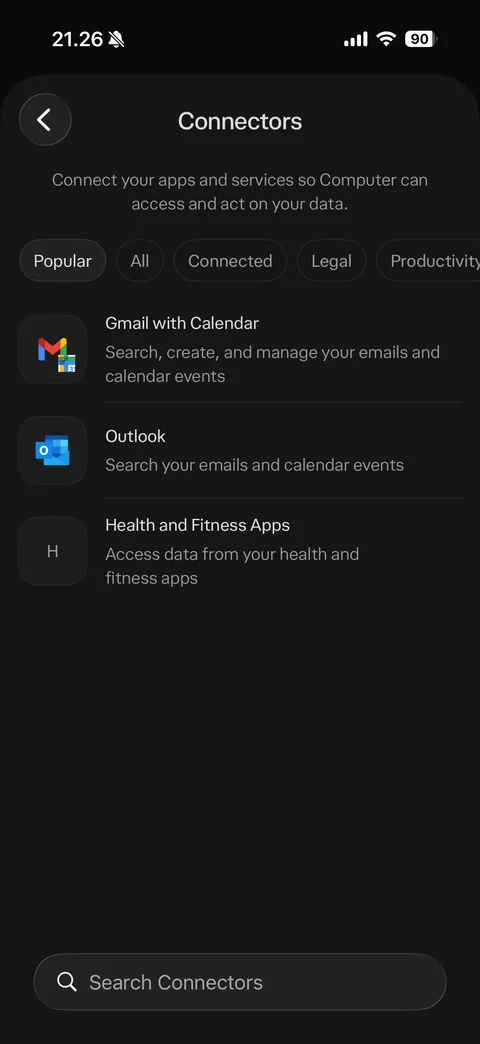
Connectors: explanation connect apps so Computer can act on your data, filter chips Popular, All, Connected, Legal, Productivity, connector rows Gmail with Calendar, Outlook, Health and Fitness Apps with descriptions, search connectors bar
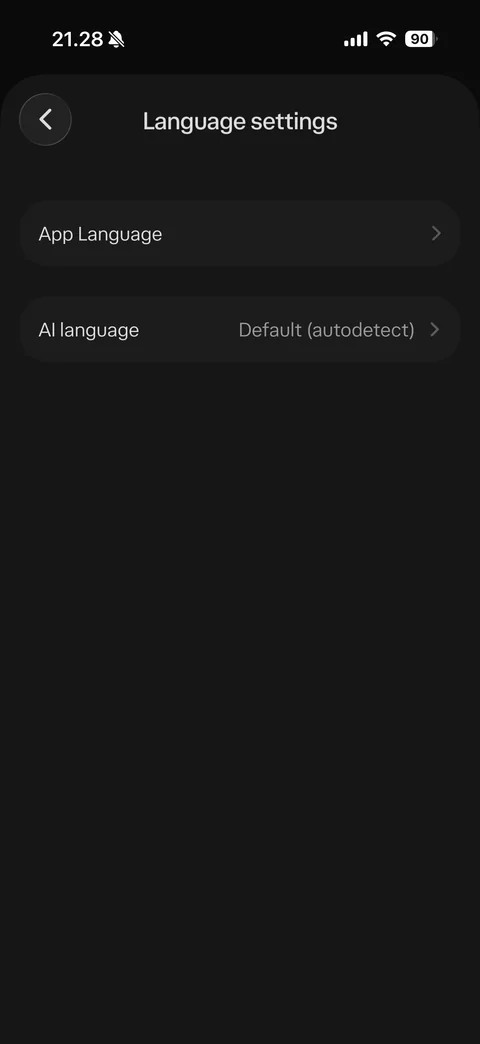
Language settings: App Language row and AI language Default autodetect row
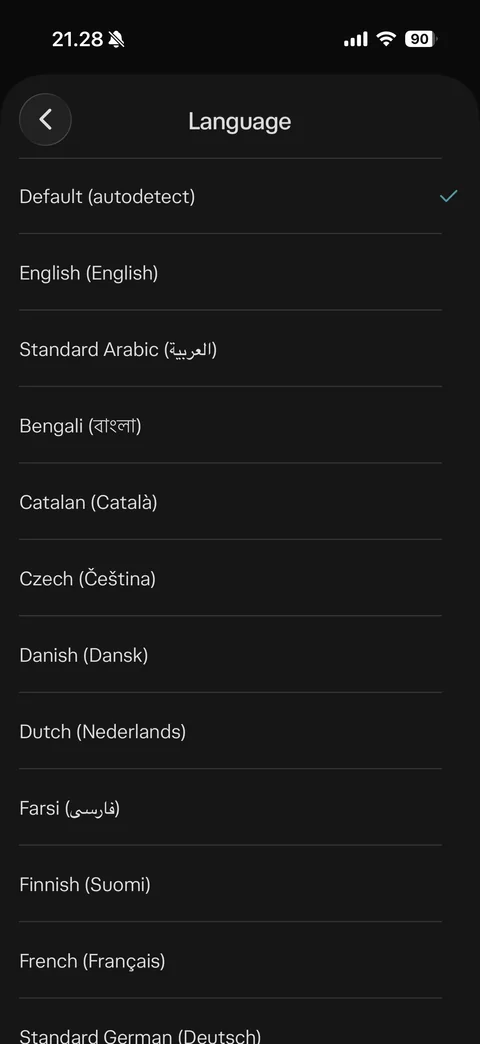
AI language picker: Default autodetect checked, language list with native names (English, Arabic, Bengali, Catalan, Czech, Danish, Dutch, Farsi, Finnish, French, German)
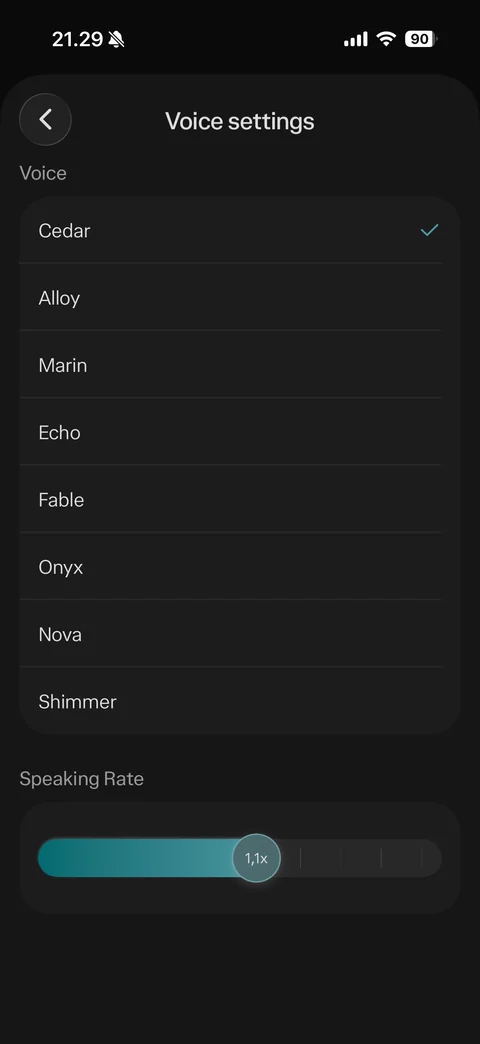
Voice settings: voice list Cedar checked, Alloy, Marin, Echo, Fable, Onyx, Nova, Shimmer, speaking rate slider with 1.1x thumb
Perplexity discover (7 screens)
Notification permission alert over Discover feed: Don't Allow or Allow
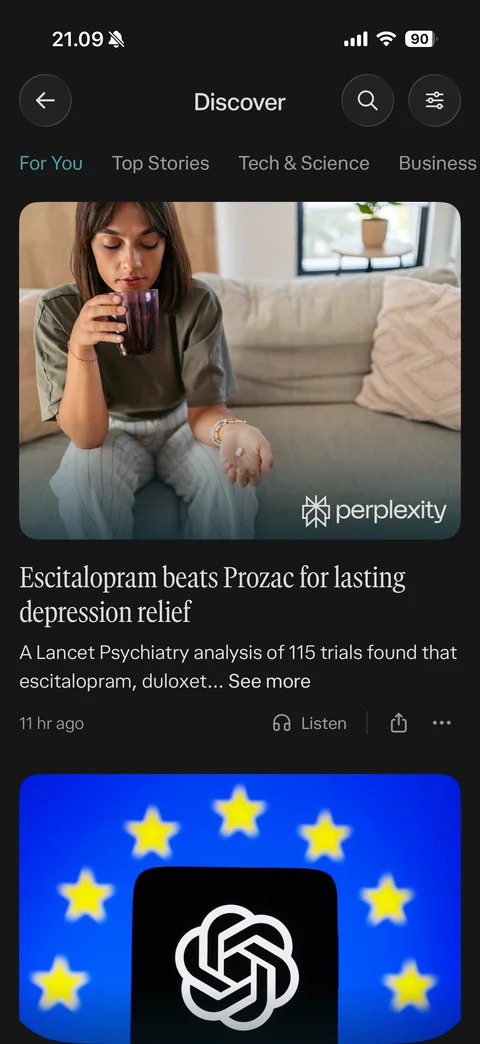
Discover feed: back, search and filter buttons, category tabs For You, Top Stories, Tech and Science, Business, story card with large photo and perplexity watermark, serif headline, summary with see more, time, Listen, share and more

Discover Top Stories tab: tab selected in teal, news story card with photo, serif headline, summary, time, Listen and share
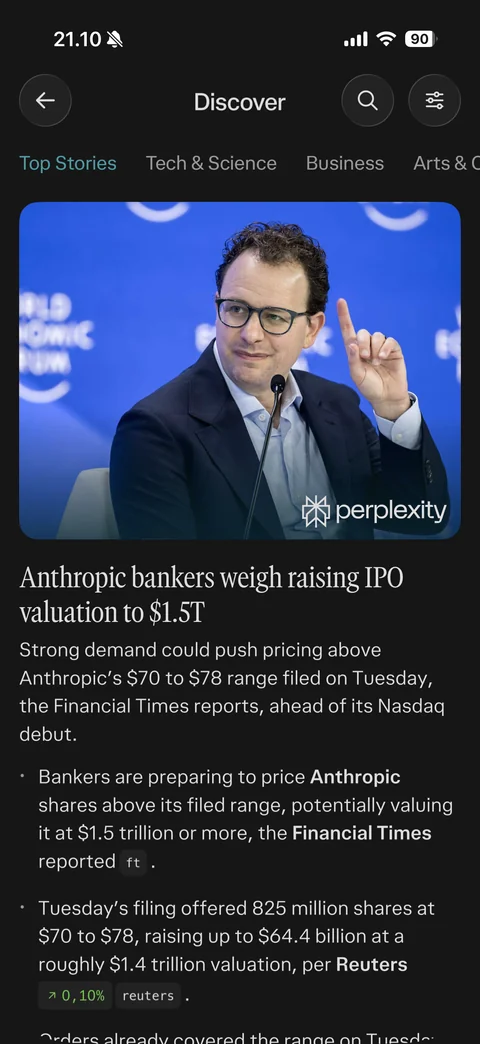
Discover story expanded inline: full summary paragraph, bullet points with bold entities, inline source chips and stock change chip
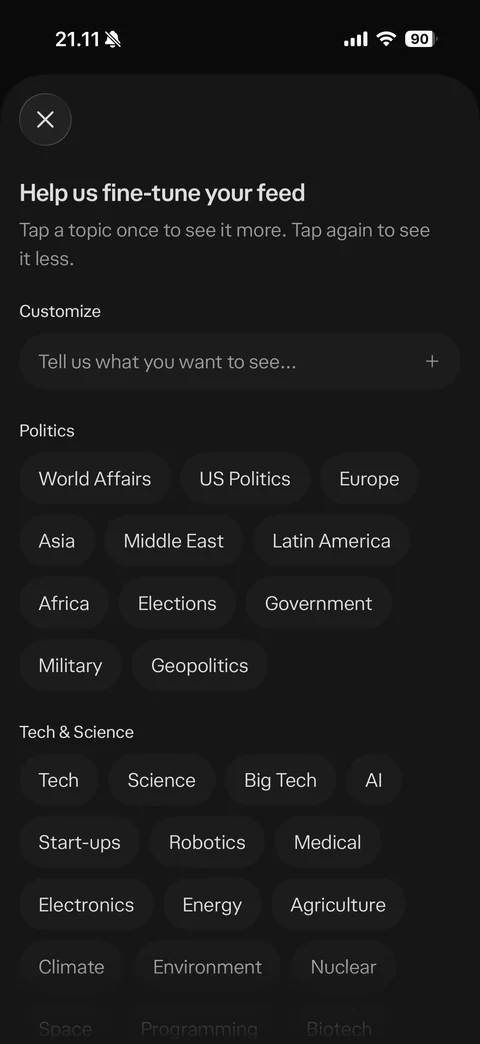
Fine-tune your feed sheet: tap topic once for more, twice for less instruction, customize field tell us what you want to see with plus, topic chip groups Politics and Tech and Science
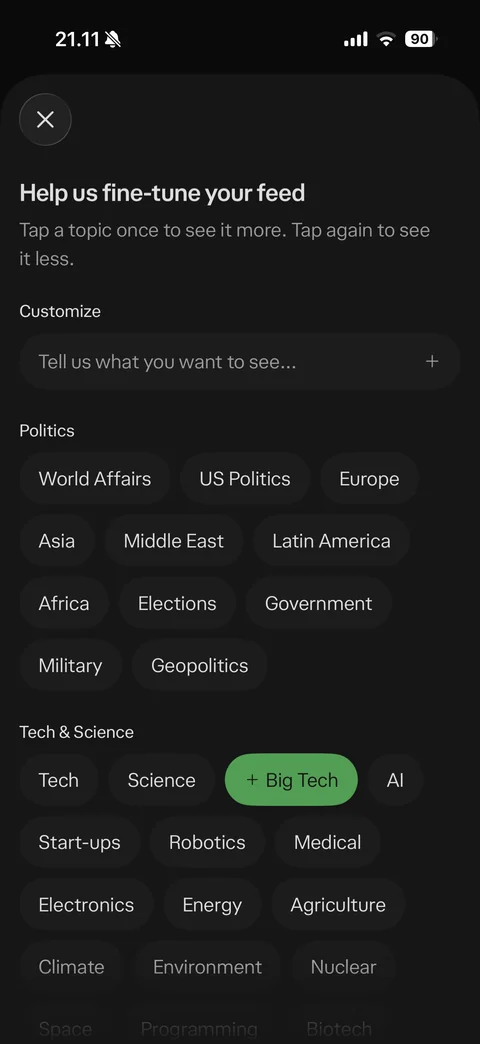
Topic chip see more state: Big Tech chip turned green with plus prefix after one tap
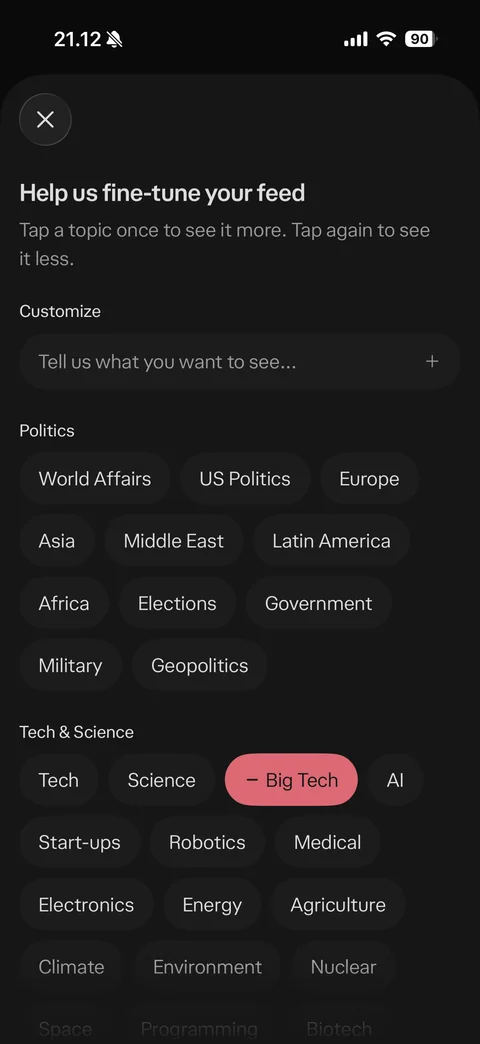
Topic chip see less state: Big Tech chip turned red with minus prefix after second tap
Perplexity voice (6 screens)
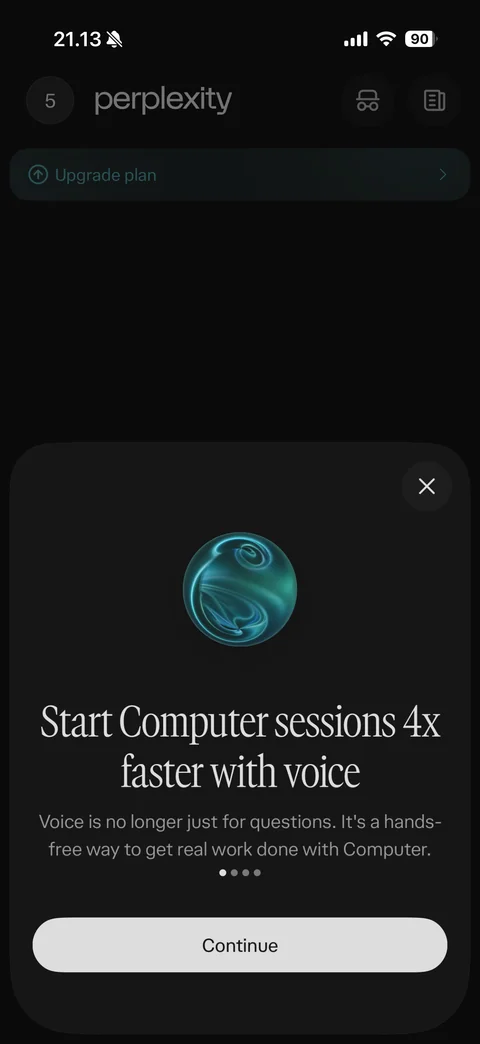
Voice intro sheet page 1: glowing teal orb, start Computer sessions 4x faster with voice serif headline, hands-free explanation, page dots, Continue, close
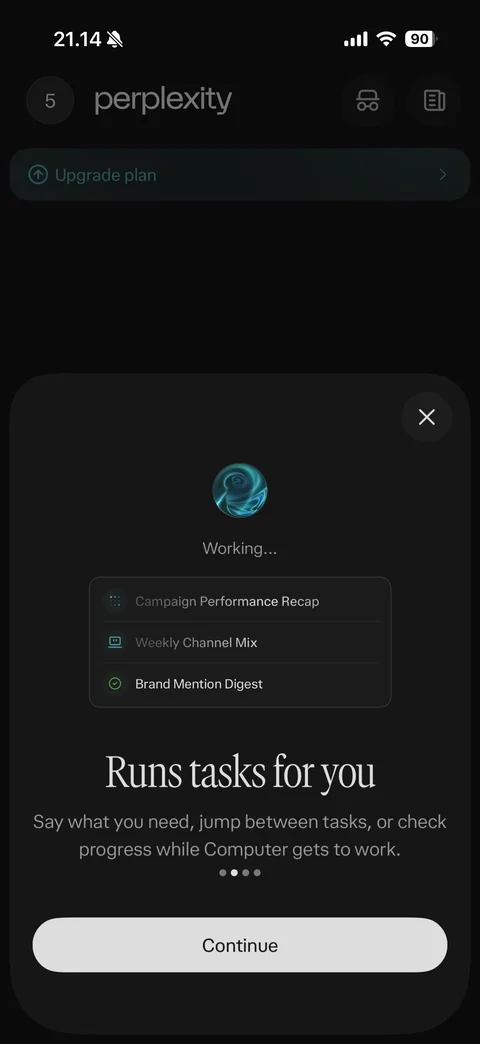
Voice intro page 2: orb with working status, task list mockup (campaign recap, channel mix, brand mention digest with check), runs tasks for you headline, Continue
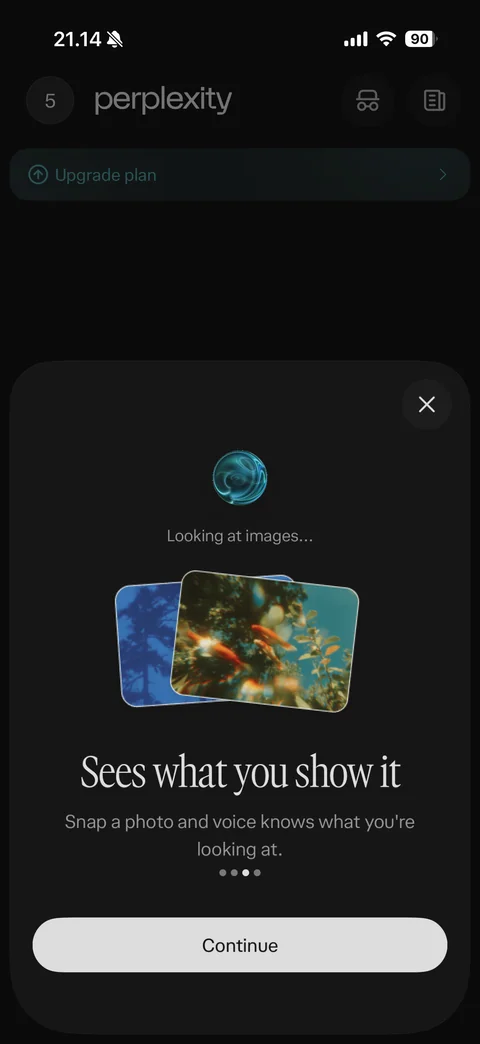
Voice intro page 3: orb looking at images status, stacked photo cards, sees what you show it headline, snap a photo explanation, Continue
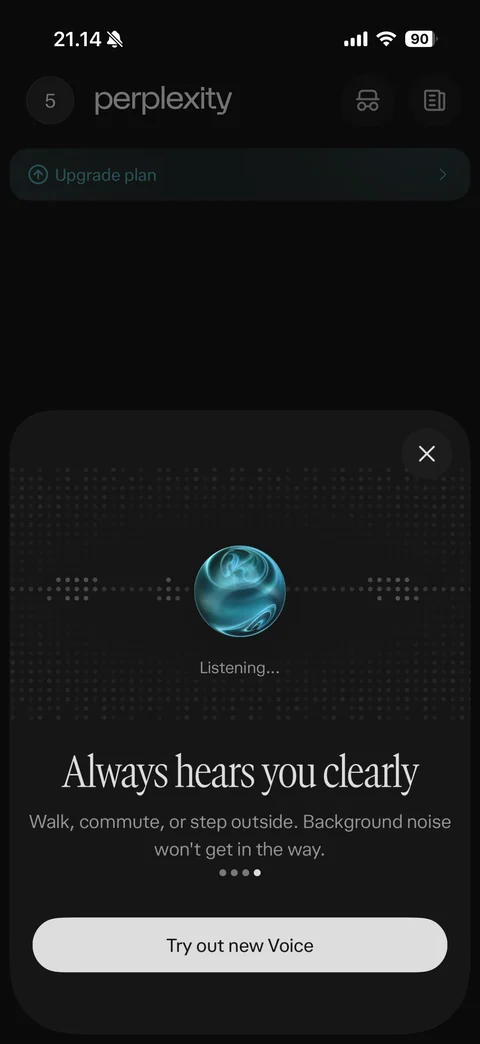
Voice intro page 4: orb on dotted sound wave, listening status, always hears you clearly headline, background noise note, Try out new Voice
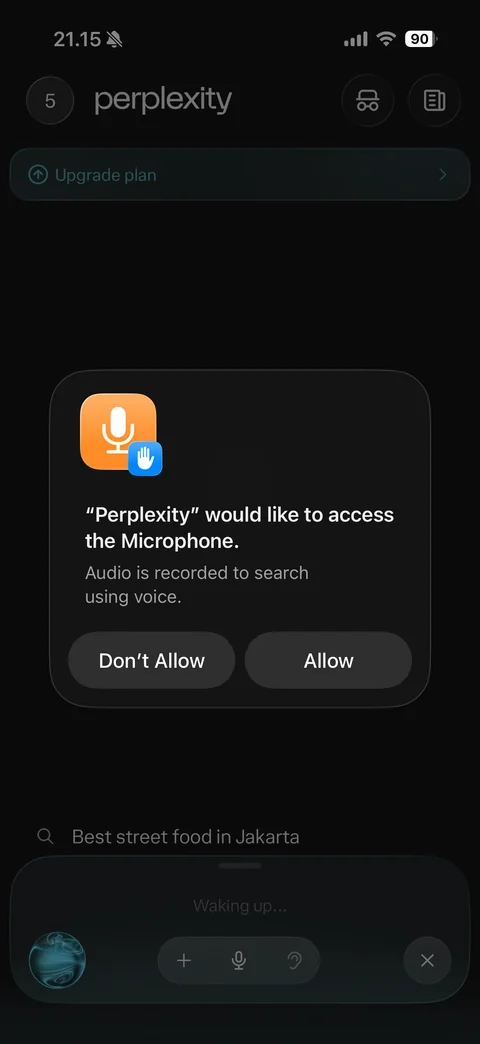
Microphone permission alert over voice mode: audio recorded to search using voice, Don't Allow or Allow, voice bar waking up with orb, plus, mic, hearing and close controls
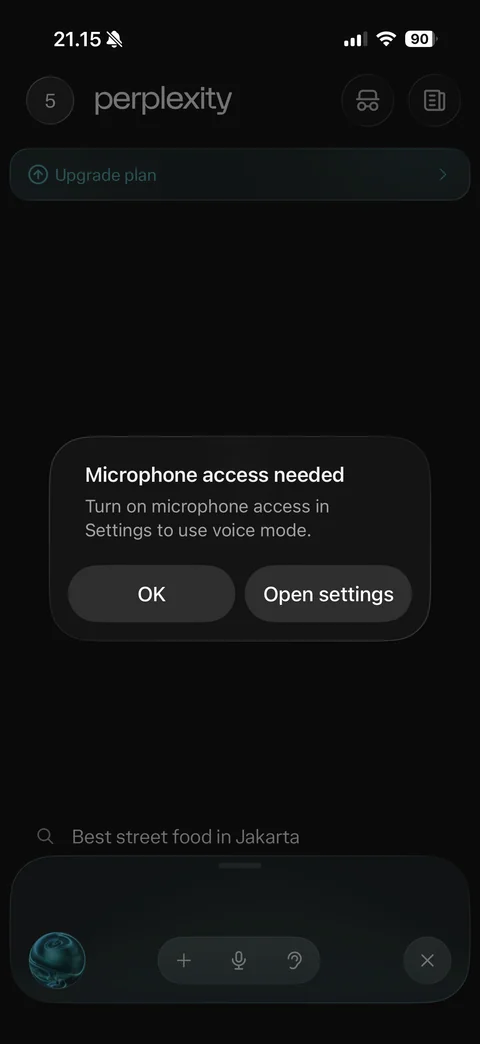
Microphone denied alert: microphone access needed, turn on in Settings to use voice mode, OK and Open settings, voice bar behind