Notion app design: 82 real screens in 11 flows
Plan, organize, track projects. Category: Productivity. By Notion Labs, Incorporated.
Captured on iPhone and updated November 2026. Each screen has a short note on what it shows and why it matters for growth.
Notion onboarding (11 screens)
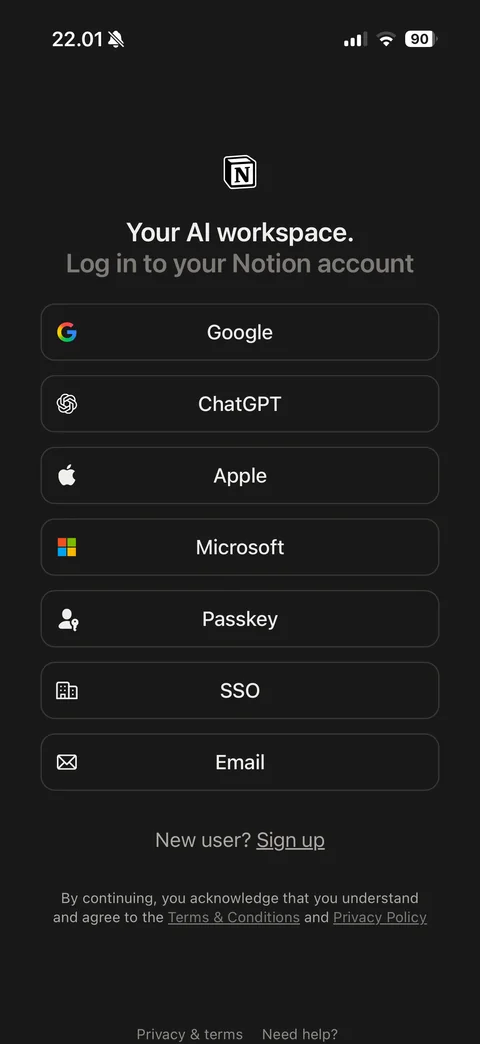
Log in screen (dark): Notion logo, Your AI workspace headline, Log in to your Notion account, outlined buttons for Google, ChatGPT, Apple, Microsoft, Passkey, SSO and Email, New user Sign up link, terms note, Privacy and terms and Need help footer
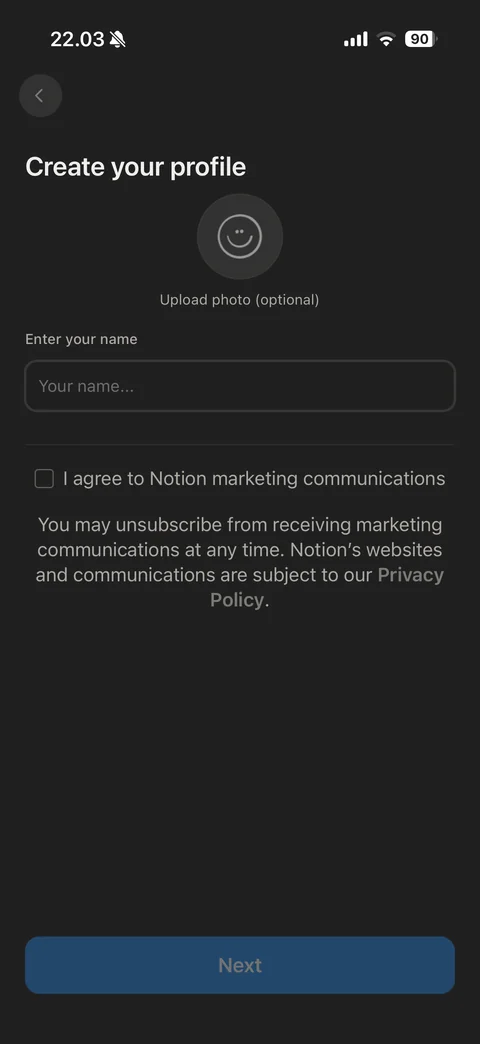
Create your profile: back, smiley avatar placeholder with Upload photo optional, name field, marketing communications checkbox with privacy note, disabled Next
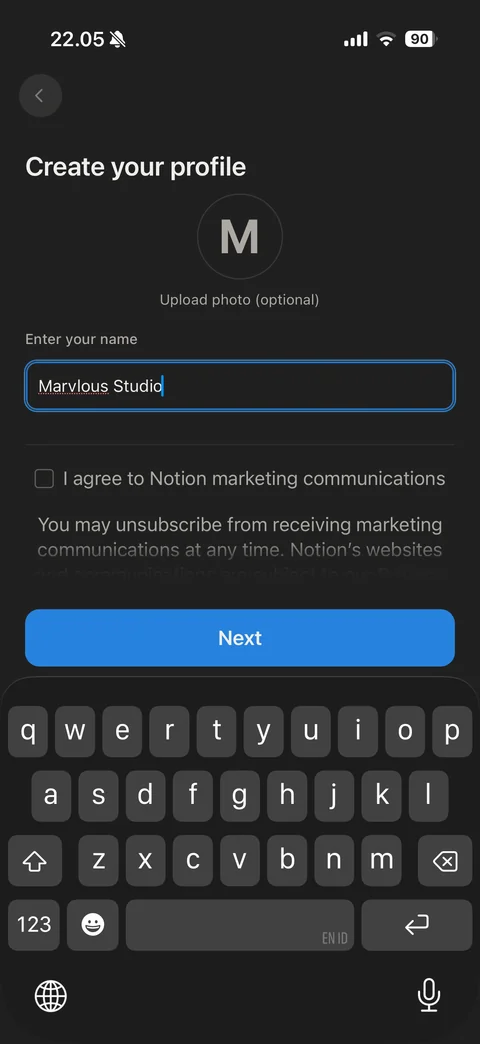
Create your profile filled with keyboard: initial M avatar generated from name, name field focused with typed name, Next button active above keyboard
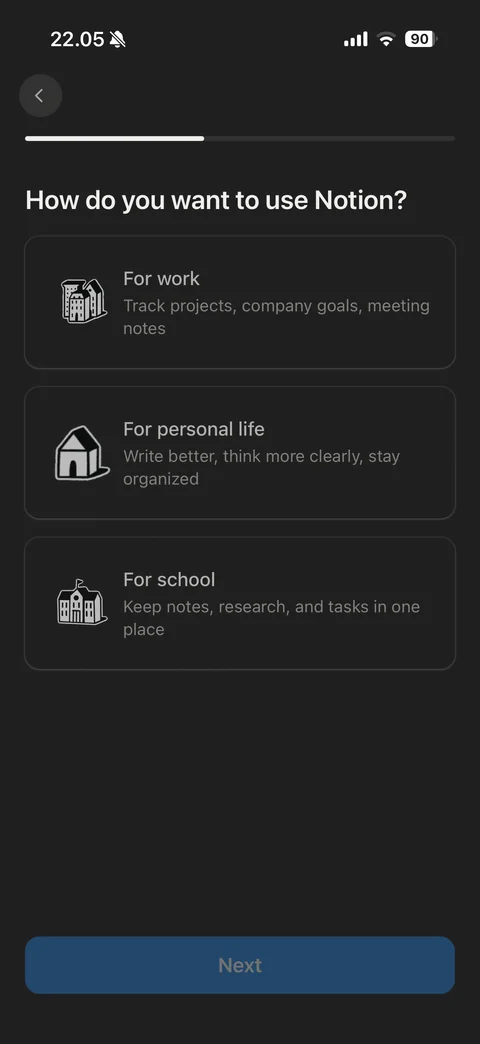
How do you want to use Notion: progress bar, three illustrated option cards (For work, For personal life, For school) with descriptions, disabled Next
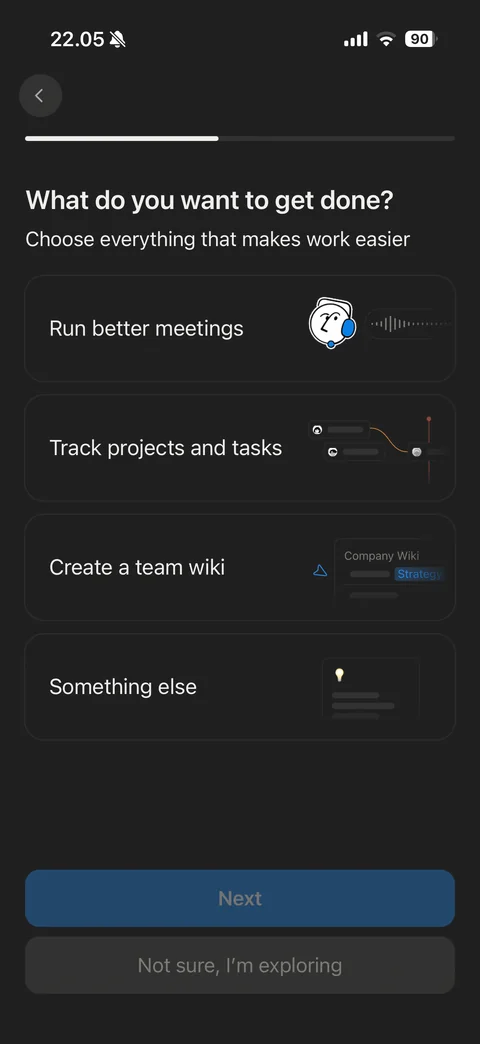
What do you want to get done (work): multi-select cards with small UI illustrations (Run better meetings, Track projects and tasks, Create a team wiki, Something else), Next and Not sure I'm exploring
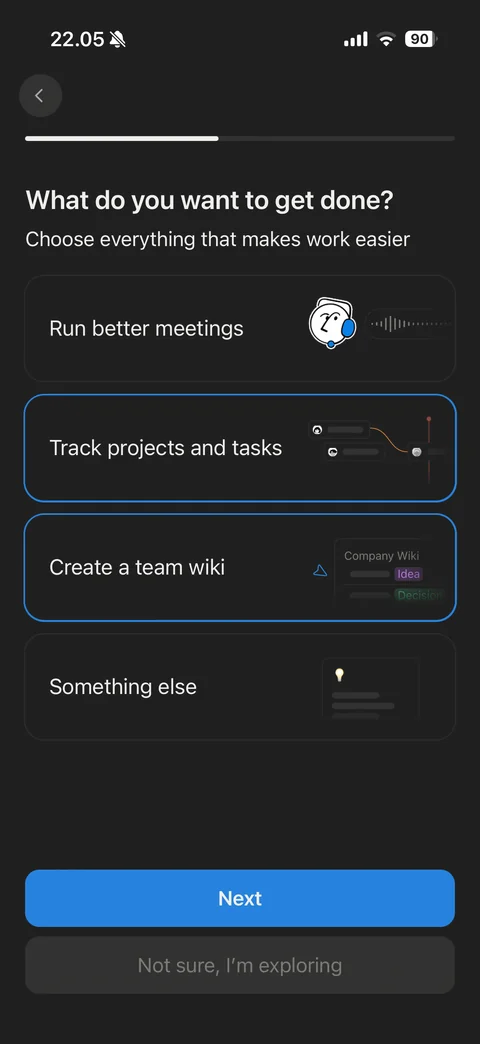
Goals selected: Track projects and tasks and Create a team wiki cards with blue outline, Next active
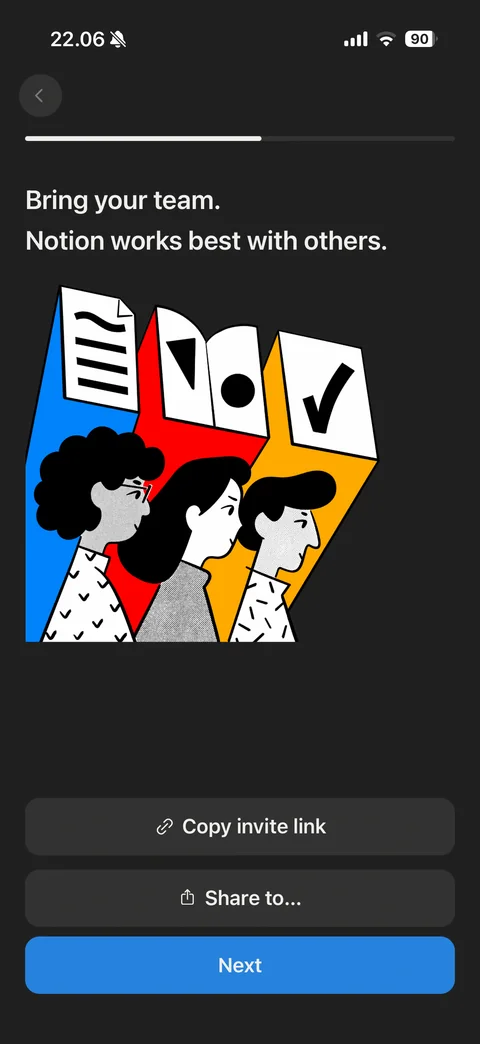
Bring your team step: bold illustration of three people with document, book and checkmark panels in blue, red and yellow, Copy invite link, Share to and Next
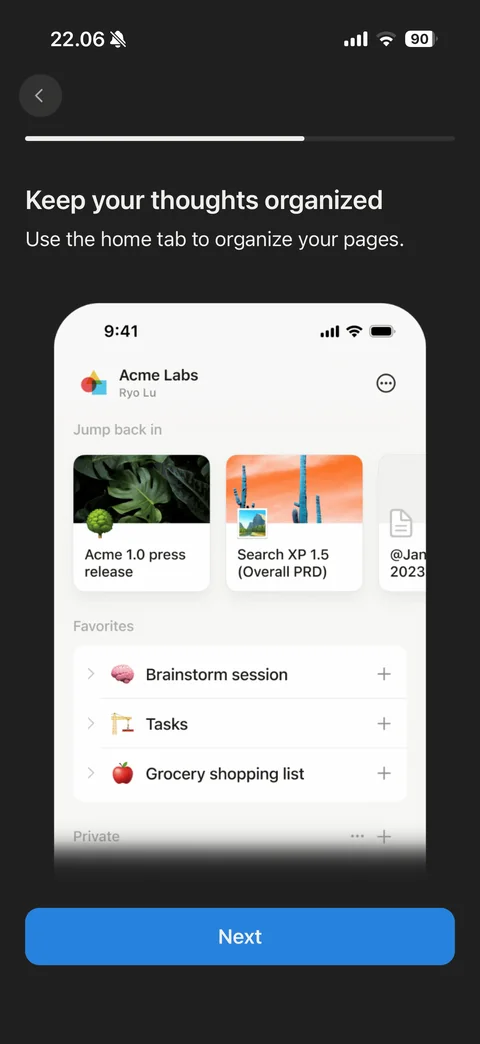
Feature tour Keep your thoughts organized: phone mockup of the home tab with workspace header, Jump back in cards with covers and icons, Favorites list with emoji pages, Next
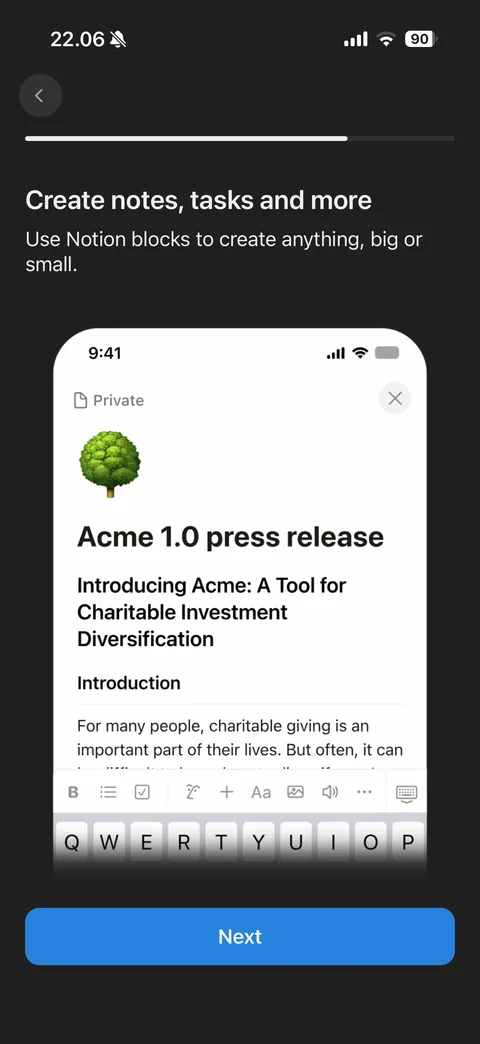
Feature tour Create notes, tasks and more: phone mockup of a page editor with tree emoji icon, title, headings, body text, formatting toolbar above keyboard, Next
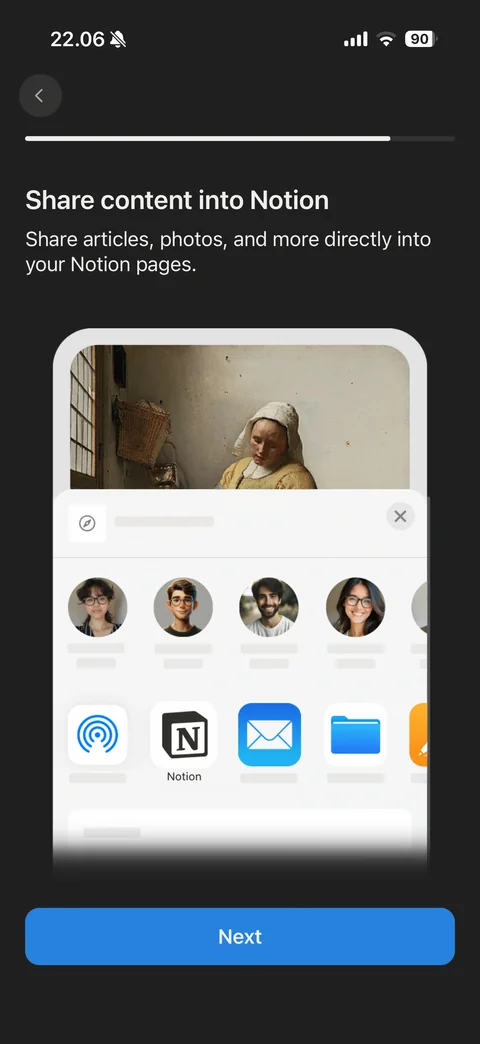
Feature tour Share content into Notion: phone mockup of iOS share sheet over a painting with contact avatars and Notion app highlighted among share targets, Next
Notion is even better on desktop: illustration of phone, desktop window and tablet with Notion logos, Email me the link and continue button with send icon
Notion paywall (2 screens)
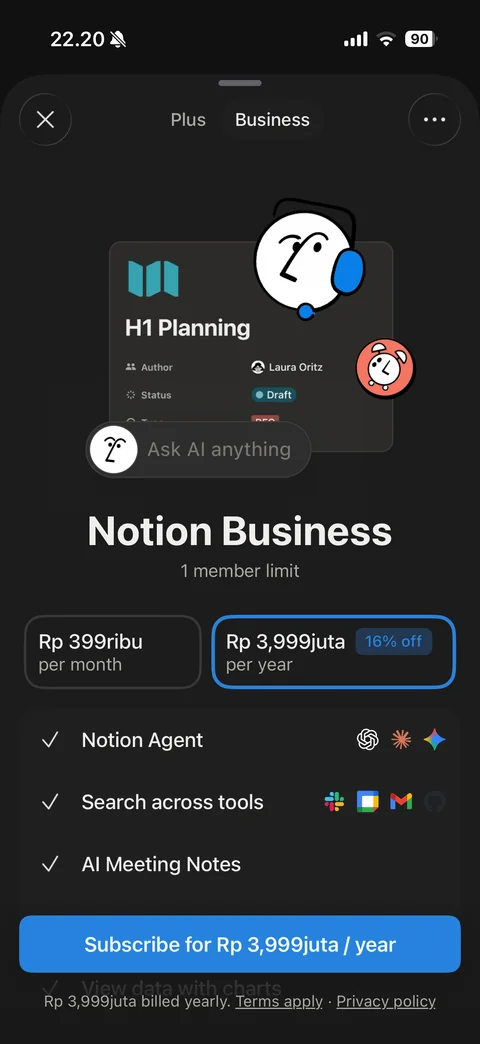
Upgrade sheet Business tab: close and more, Plus and Business segmented tabs, hero with AI face illustration over H1 Planning card and Ask AI pill, Notion Business with member limit, monthly and yearly Rp price cards (yearly selected with 16% off), feature checklist with tool logos (Notion Agent, Search across tools, AI Meeting Notes), Subscribe button, billing terms
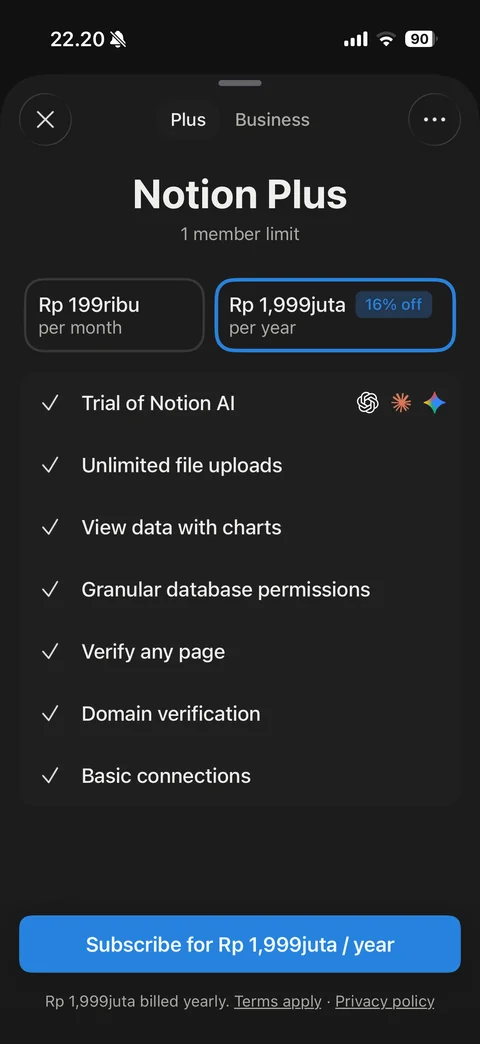
Upgrade sheet Plus tab: Notion Plus with member limit, monthly and yearly Rp price cards (yearly selected, 16% off), feature checklist (Trial of Notion AI with model logos, unlimited uploads, charts, database permissions, verify pages, domain verification, basic connections), Subscribe button
Notion templates (3 screens)
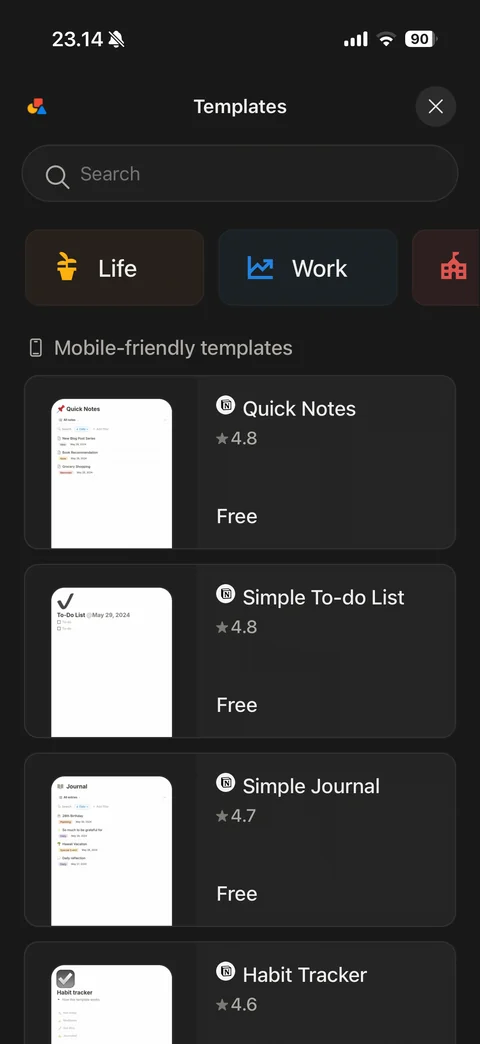
Templates gallery: close, search field, category cards (Life, Work, School) with colored icons, Mobile-friendly templates list with phone preview thumbnails, Notion badge, title, star rating and Free label
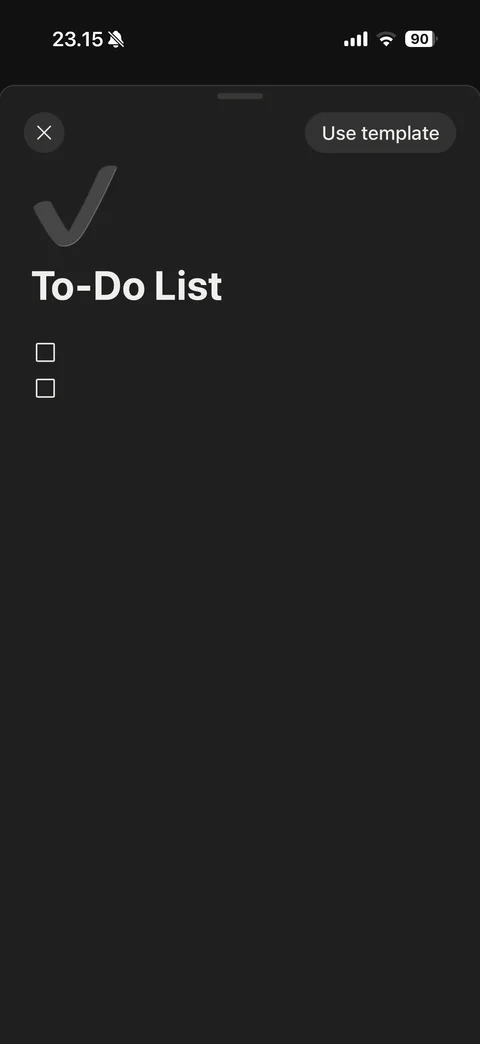
Template preview sheet: close and Use template button, checkmark icon, To-Do List title, empty checkbox items
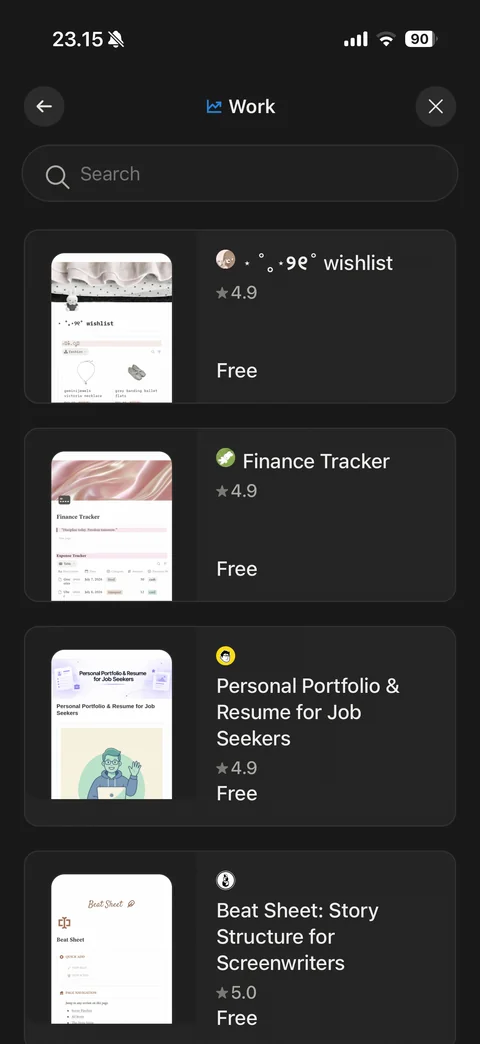
Templates category Work: back, category title with icon, close, search, community template cards with preview, creator avatar, title, rating and Free
Notion home (4 screens)
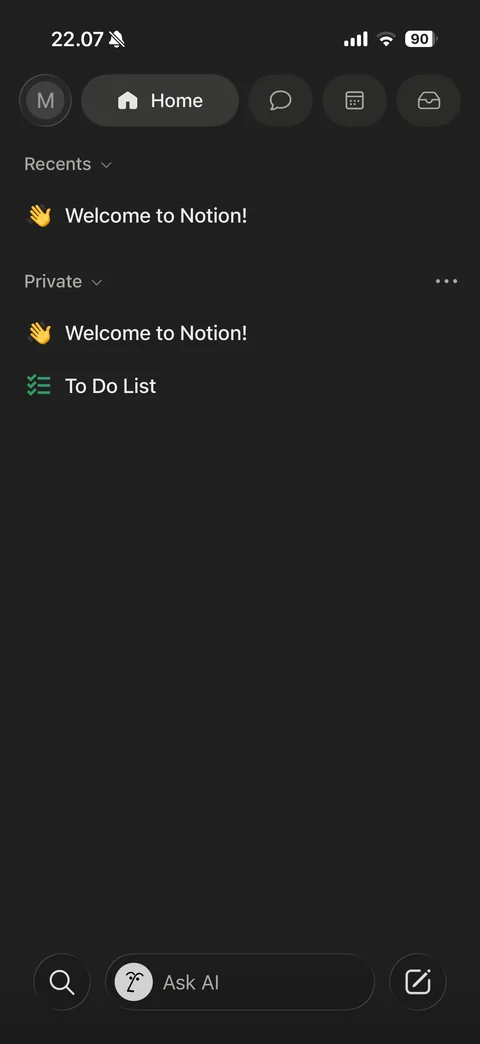
Home (dark): top bar with avatar, Home pill, chat, calendar and inbox buttons, Recents section, Private section with Welcome to Notion and To Do List pages, bottom bar with search, Ask AI field and new page button
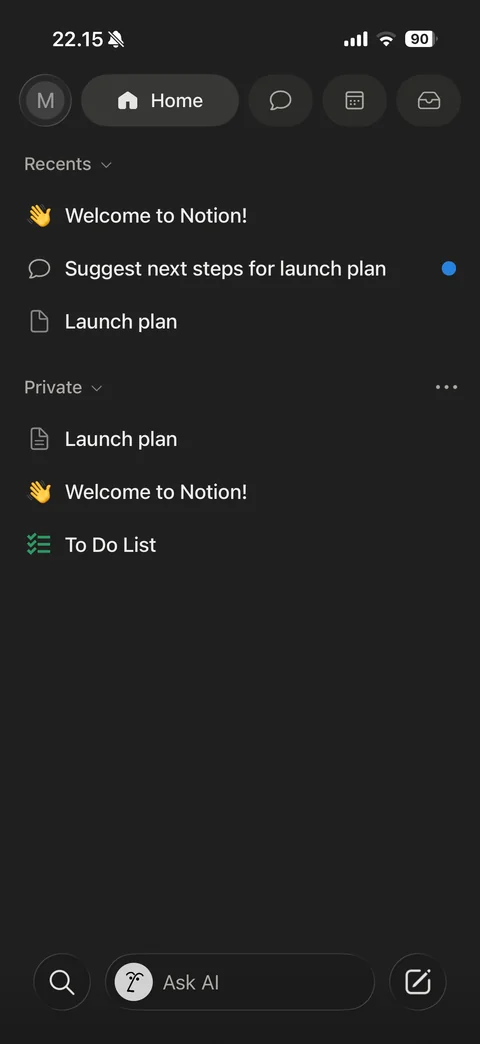
Home with content: Recents list including AI chat with blue unread dot and new page, Private section with Launch plan, Welcome and To Do List
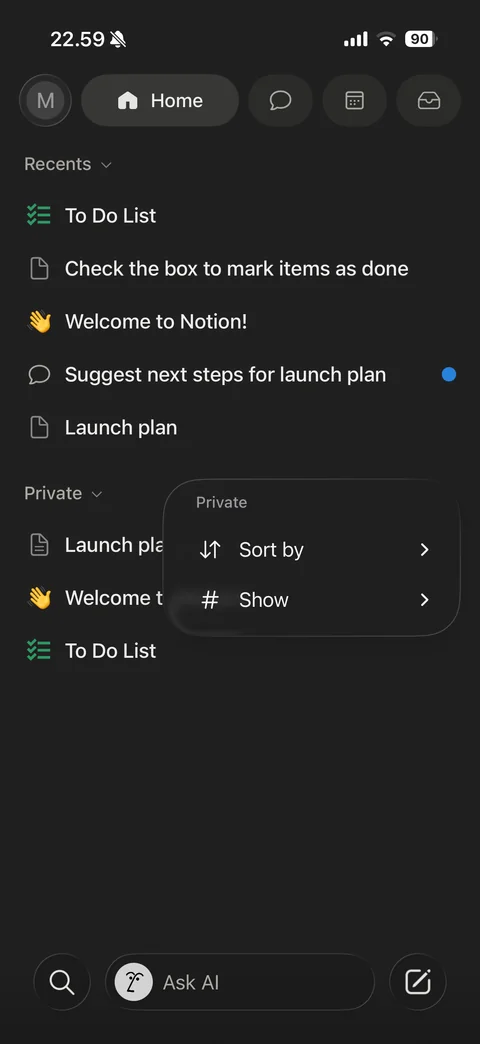
Private section menu popover: Sort by and Show options with chevrons
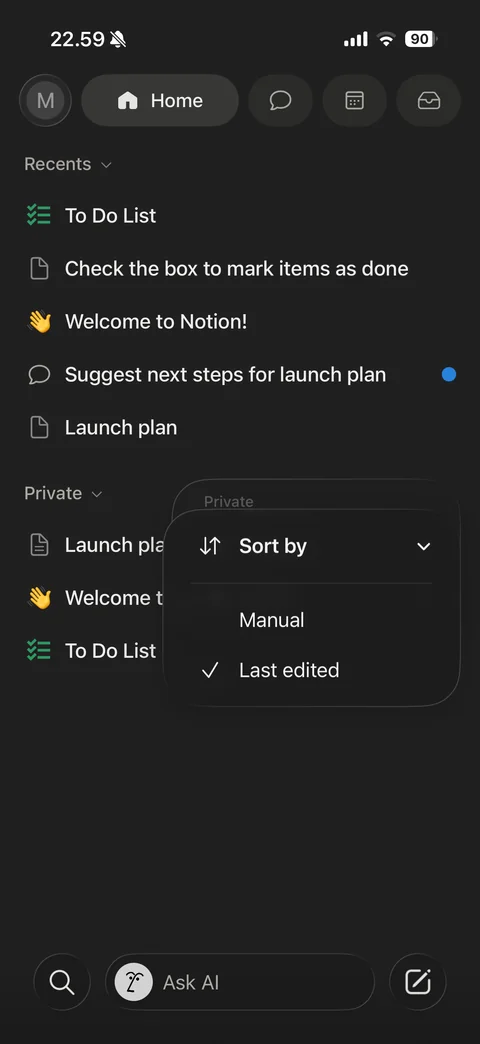
Sort by submenu expanded: Manual and Last edited (checked) options stacked over section menu
Notion page (11 screens)
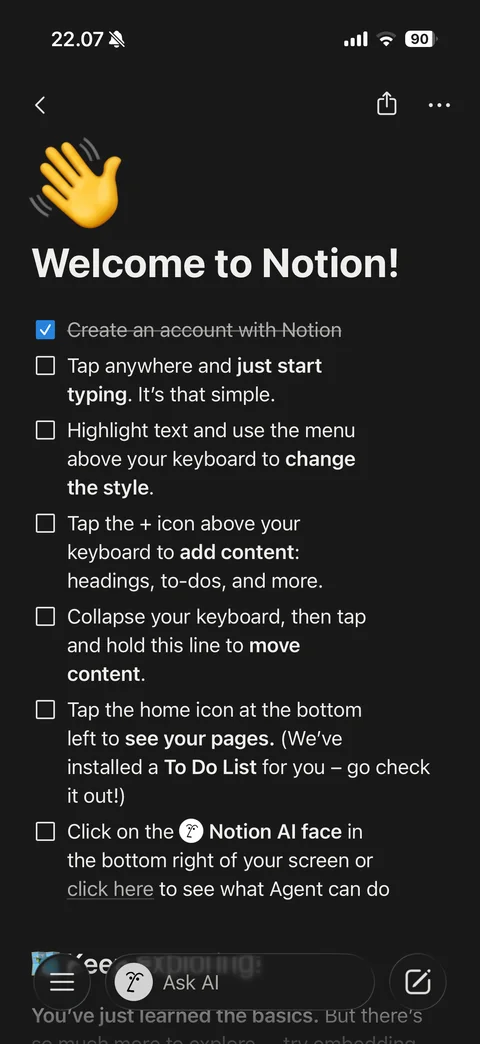
Welcome to Notion page: back, share and more, large waving hand emoji icon, title, checklist of getting-started tips with bold keywords (first item checked and struck through), Notion AI face mention, bottom bar with menu, Ask AI and new page
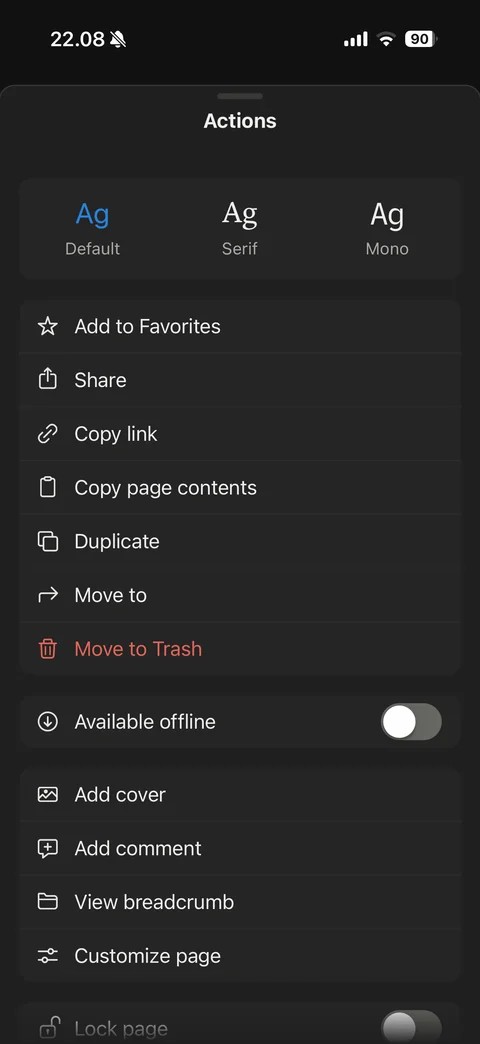
Page Actions sheet: font style picker (Default selected, Serif, Mono), Add to Favorites, Share, Copy link, Copy page contents, Duplicate, Move to, red Move to Trash, Available offline toggle, Add cover, Add comment, View breadcrumb, Customize page, Lock page toggle
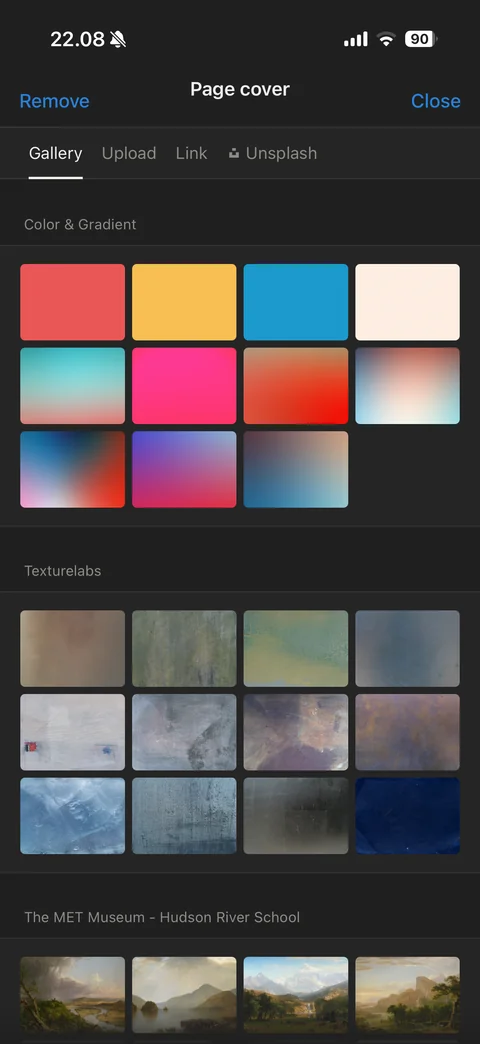
Page cover picker: Remove and Close, tabs (Gallery, Upload, Link, Unsplash), Color and Gradient swatch grid, Texturelabs and The MET Museum collection sections
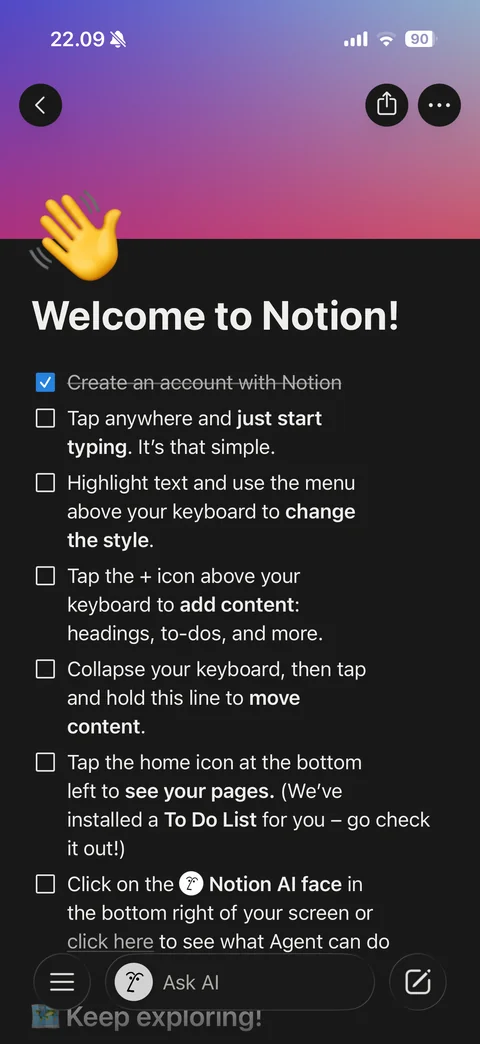
Page with cover: purple-to-pink gradient cover behind status bar, round back, share and more buttons over cover, emoji icon overlapping cover edge, title and checklist
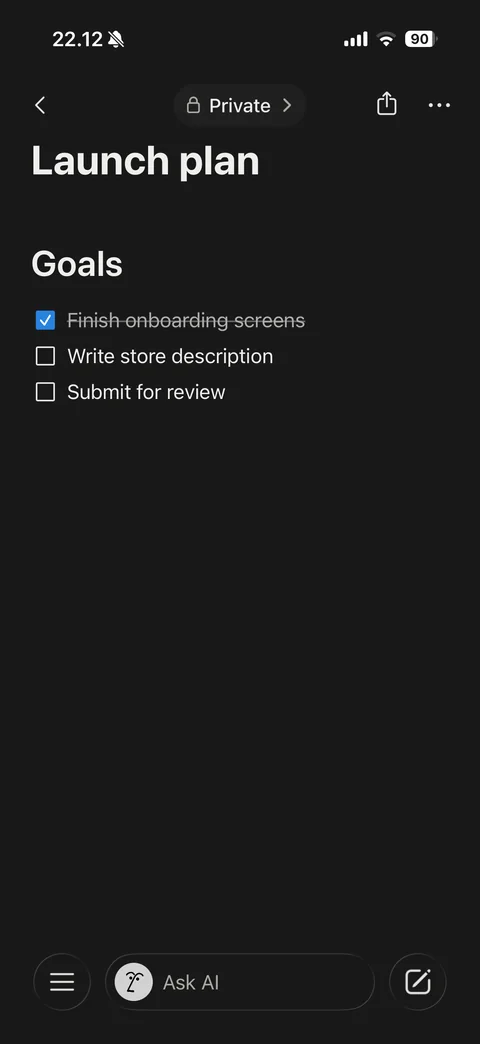
Finished page view: Launch plan title, Goals heading, to-do list with first item checked and struck through, bottom bar with menu, Ask AI and new page
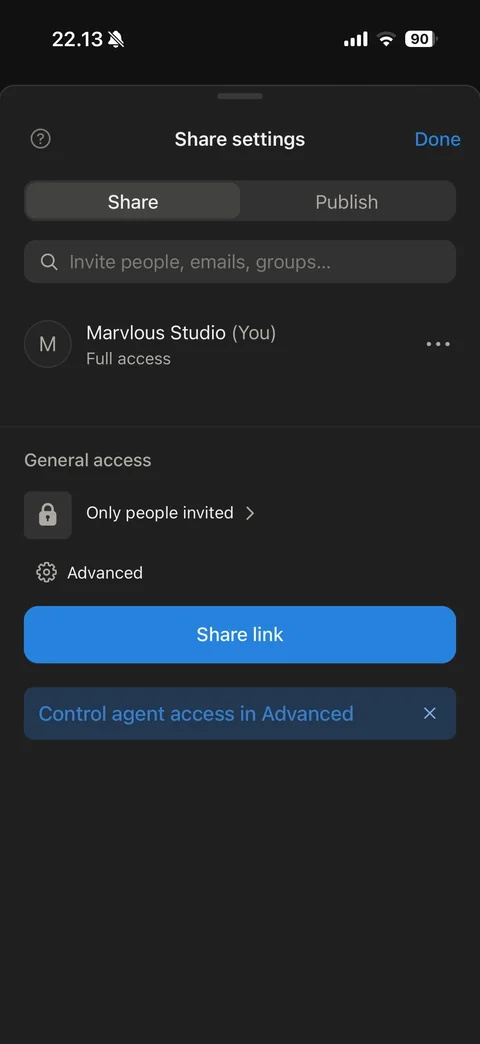
Share settings sheet: help and Done, Share and Publish segmented tabs, invite people search field, owner row with Full access, General access Only people invited, Advanced settings, Share link button, agent access tip banner
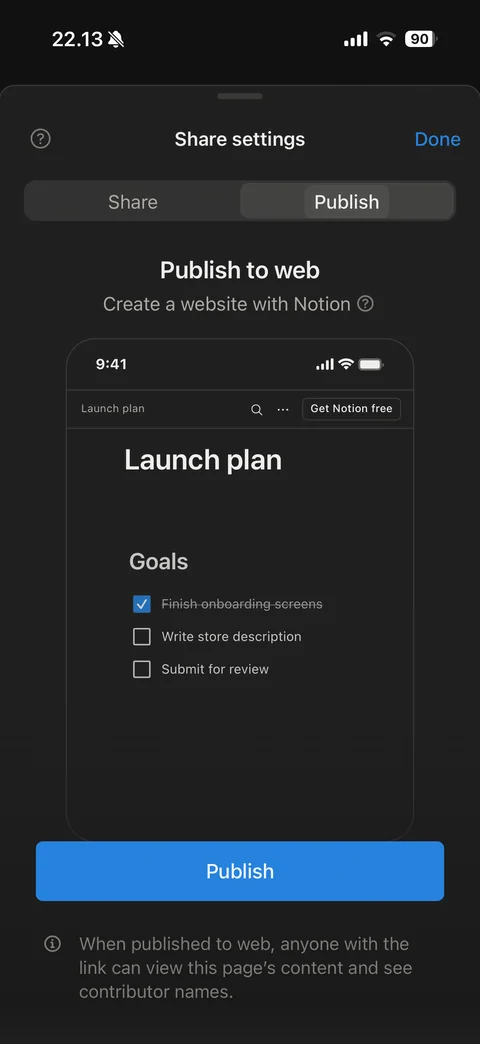
Publish to web tab: Create a website with Notion subtitle, live phone preview of the page as a website with Get Notion free button, blue Publish button, public visibility note
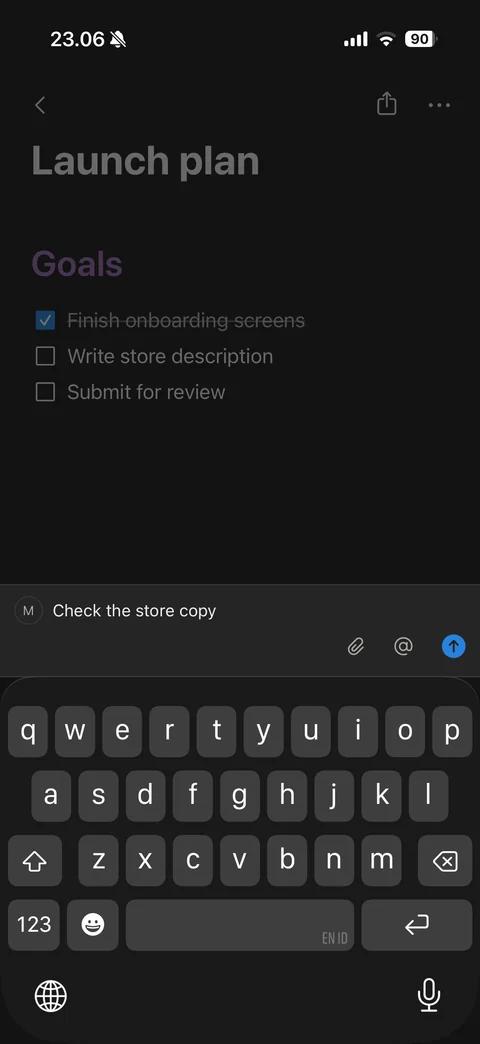
Page comment composer with keyboard: dimmed page, avatar with typed comment, attachment and mention buttons, blue send button
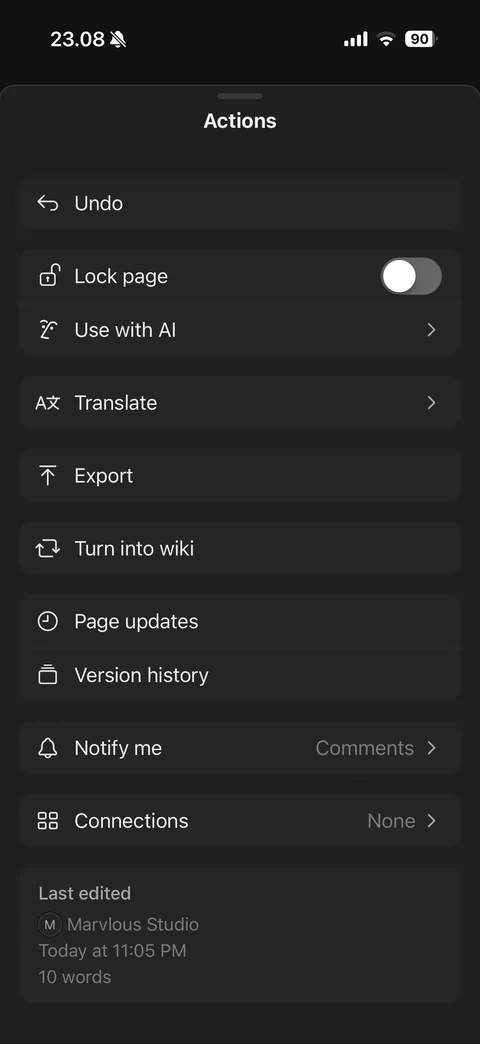
Page Actions sheet scrolled: Undo, Lock page toggle, Use with AI, Translate, Export, Turn into wiki, Page updates, Version history, Notify me Comments, Connections None, Last edited info card with author, time and word count

Version History: help and Done, one saved version row Today with time
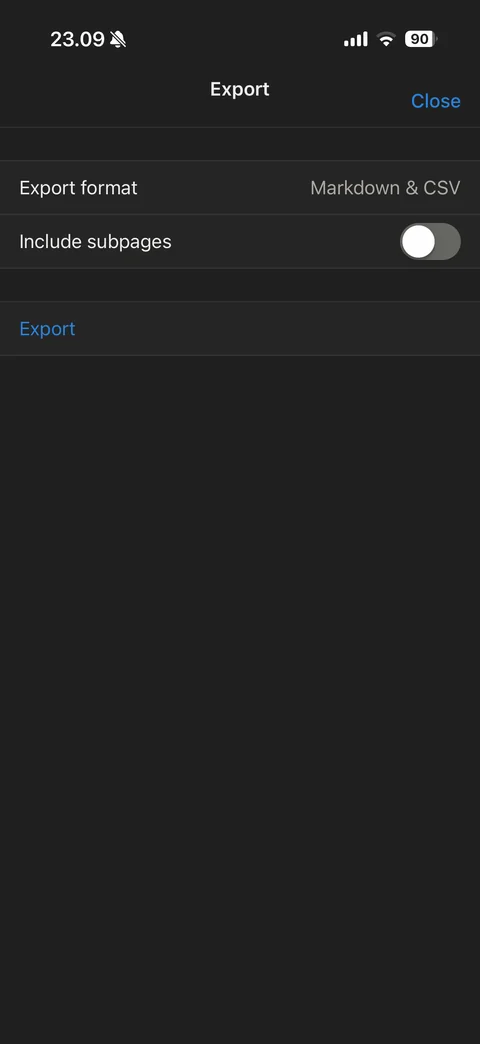
Export sheet: Close, Export format Markdown and CSV, Include subpages toggle, blue Export action
Notion create (9 screens)
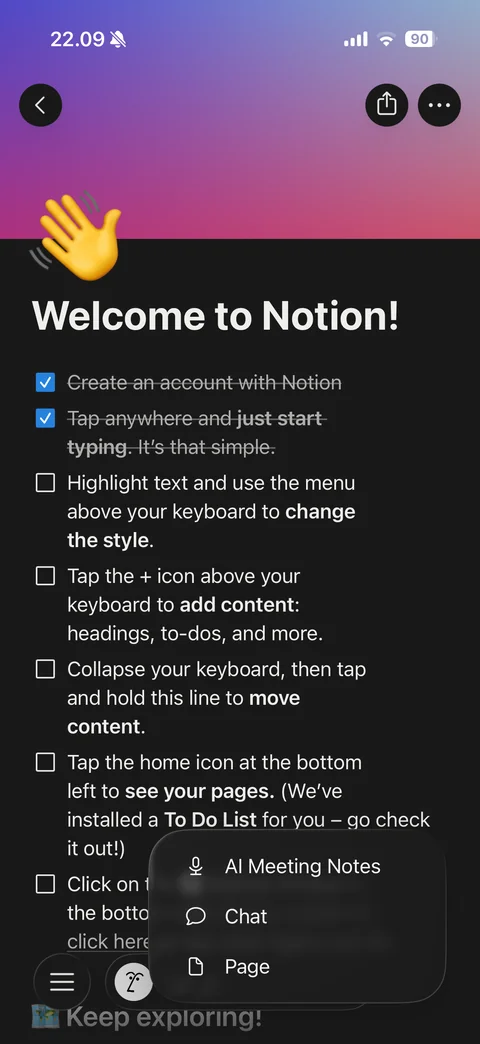
New menu popover from compose button: AI Meeting Notes, Chat, Page
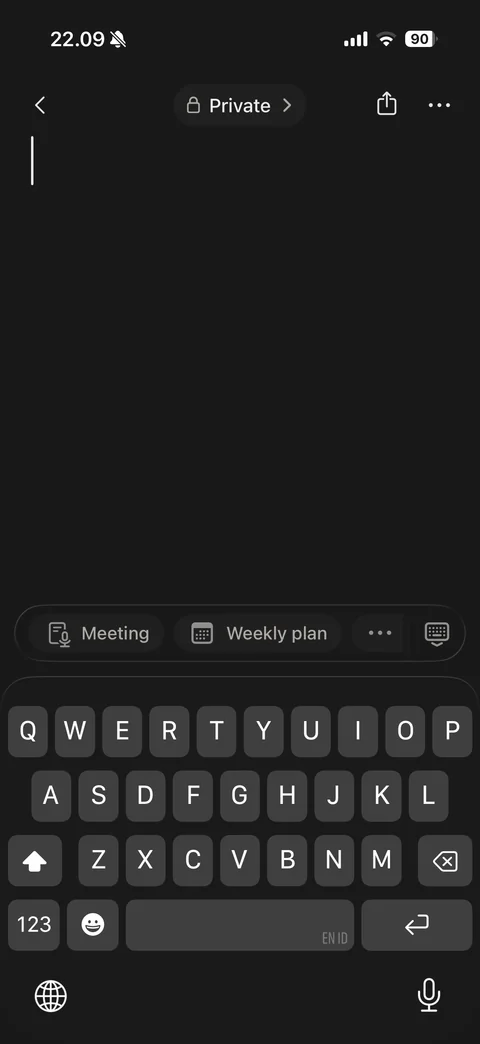
New blank page with keyboard: Private breadcrumb pill, share and more, empty title with cursor, template suggestion chips (Meeting, Weekly plan, more) and keyboard toggle above keyboard
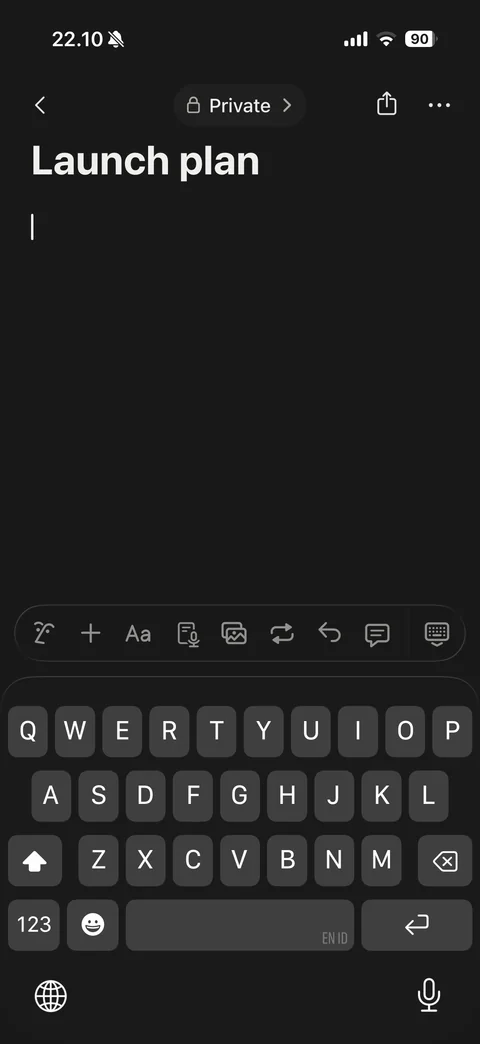
Page body editing with keyboard: title Launch plan, cursor on empty block, editor toolbar (AI, add block, text style, meeting, media, turn into, undo, comment, hide keyboard)
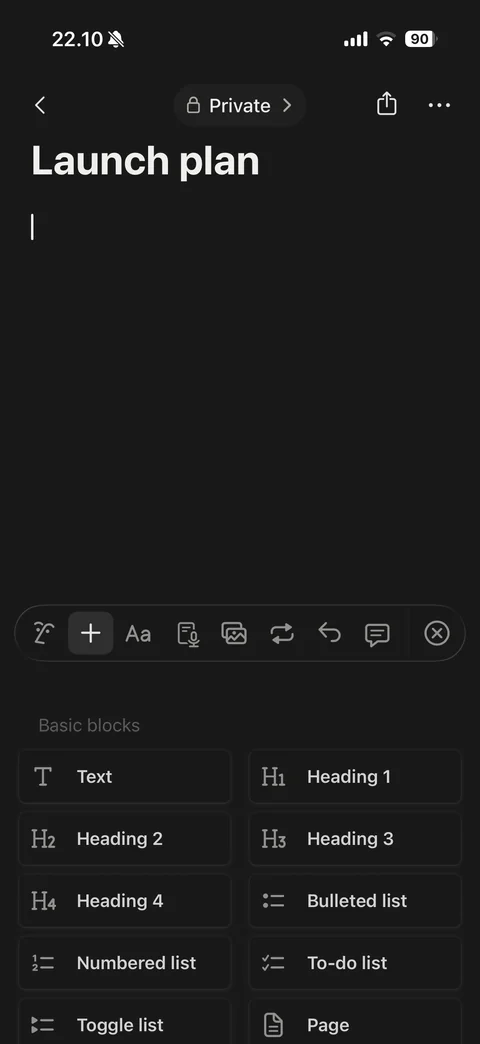
Add block panel replacing keyboard: active plus button in toolbar, Basic blocks grid (Text, Heading 1-4, Bulleted list, Numbered list, To-do list, Toggle list, Page) with icons
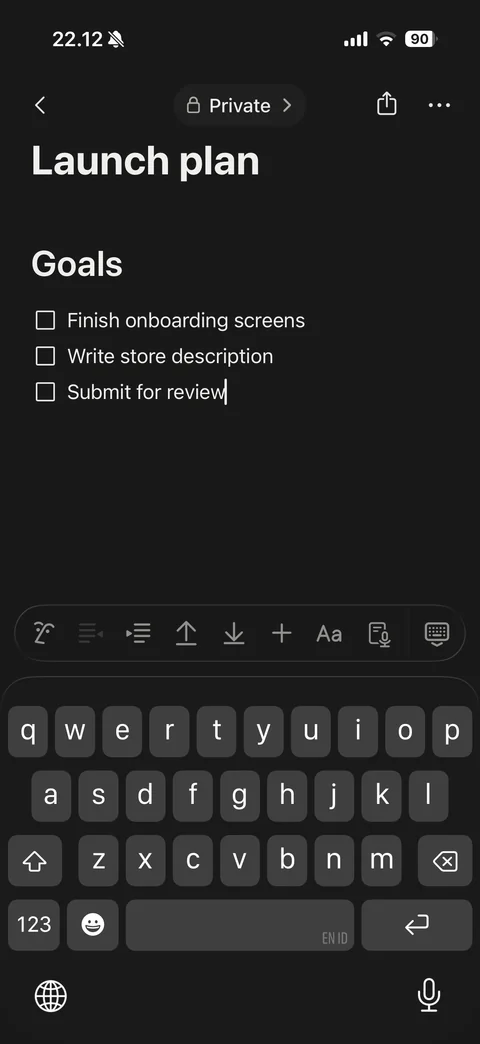
Page with heading and to-do list while typing: Goals heading, three to-do items, list toolbar (AI, outdent, indent, move up, move down, add, style, meeting) above keyboard
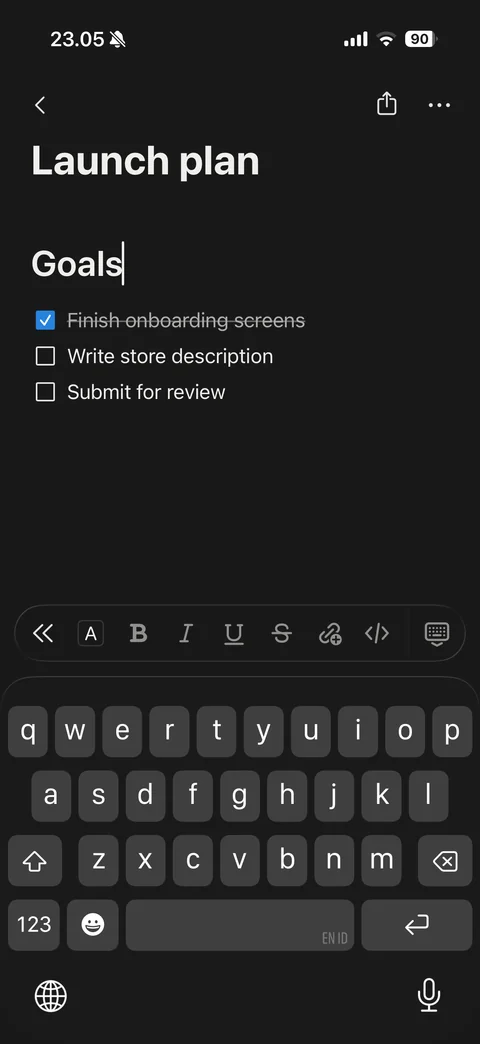
Text formatting toolbar above keyboard: back, color, bold, italic, underline, strikethrough, link and code buttons
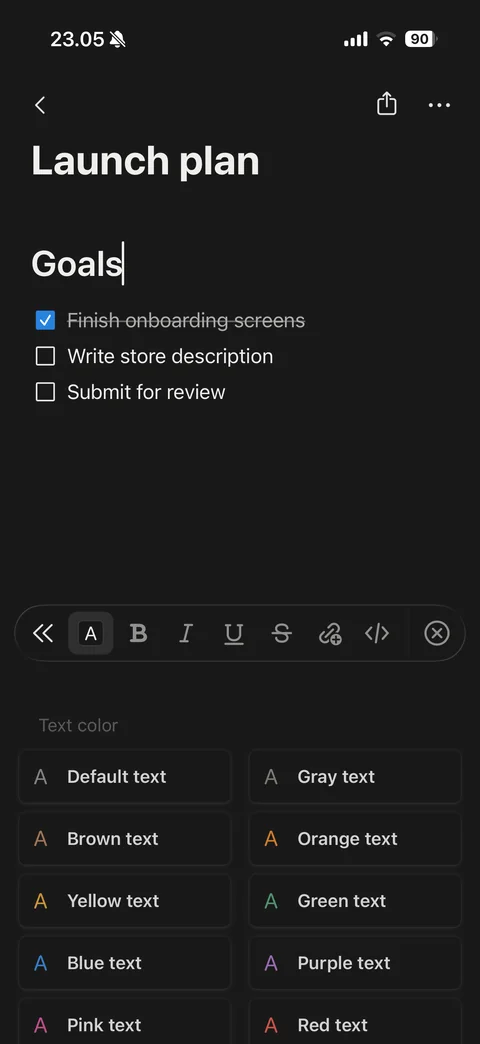
Text color panel replacing keyboard: active color button in toolbar, Text color grid with colored A swatches (Default, Gray, Brown, Orange, Yellow, Green, Blue, Purple, Pink, Red)
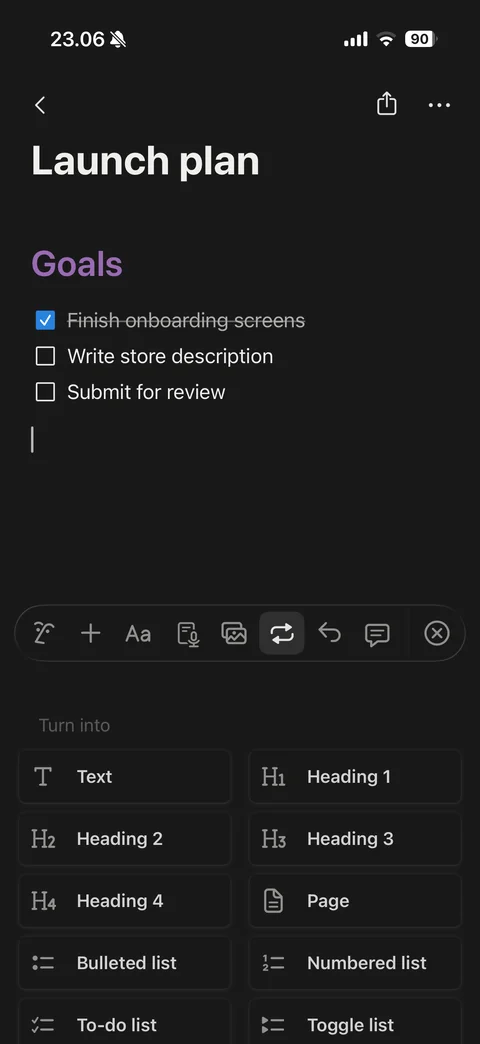
Turn into panel: purple Goals heading after color change, active turn-into button in toolbar, block type grid (Text, Heading 1-4, Page, Bulleted, Numbered, To-do, Toggle list)
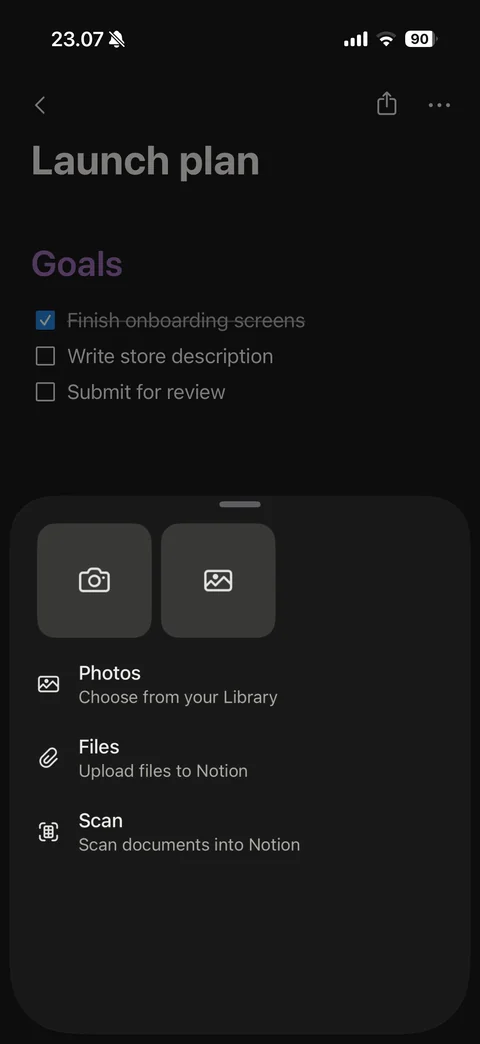
Insert media sheet: camera and photo tiles, Photos (choose from your Library), Files (upload to Notion), Scan (scan documents into Notion)
Notion ai (13 screens)
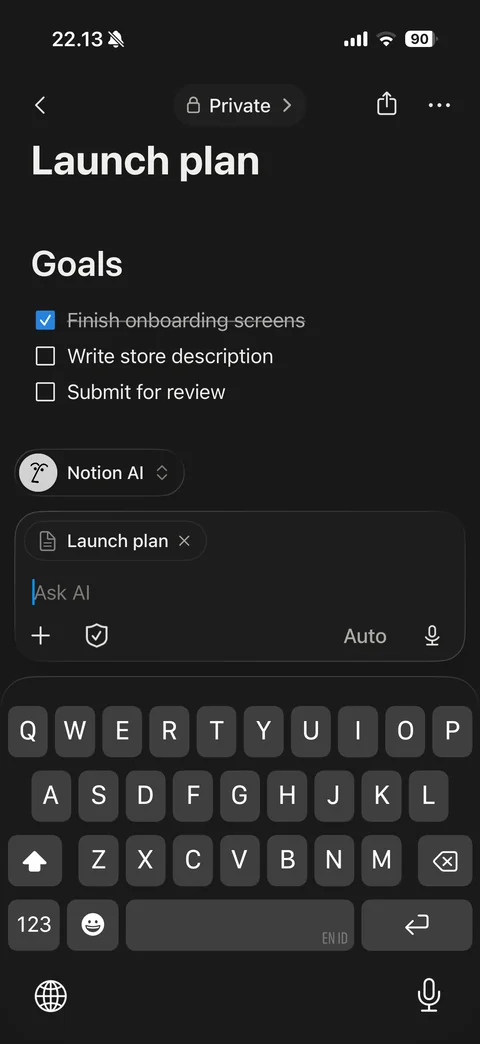
Ask AI composer over page with keyboard: Notion AI model pill, context chip for current page, Ask AI field, add, privacy shield, Auto mode and voice buttons
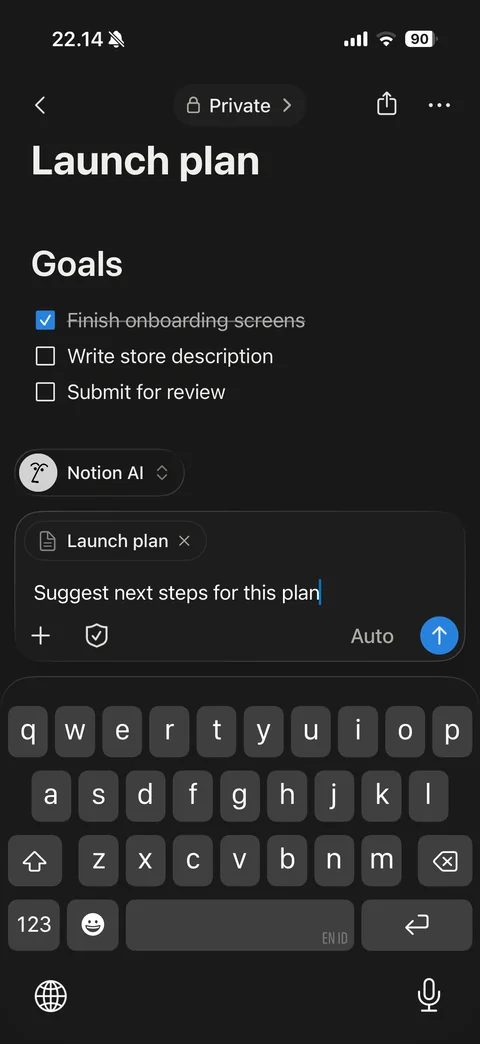
Ask AI with typed prompt: prompt text in composer, blue send arrow button active
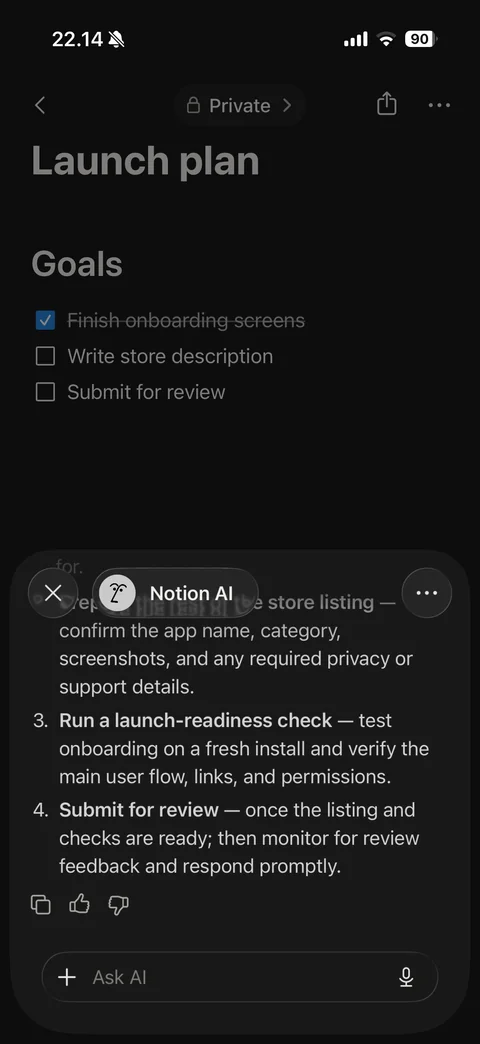
Notion AI answer sheet over dimmed page: close, Notion AI pill and more, numbered next-step list with bold lead-ins, copy, thumbs up and down feedback, follow-up Ask AI field with voice
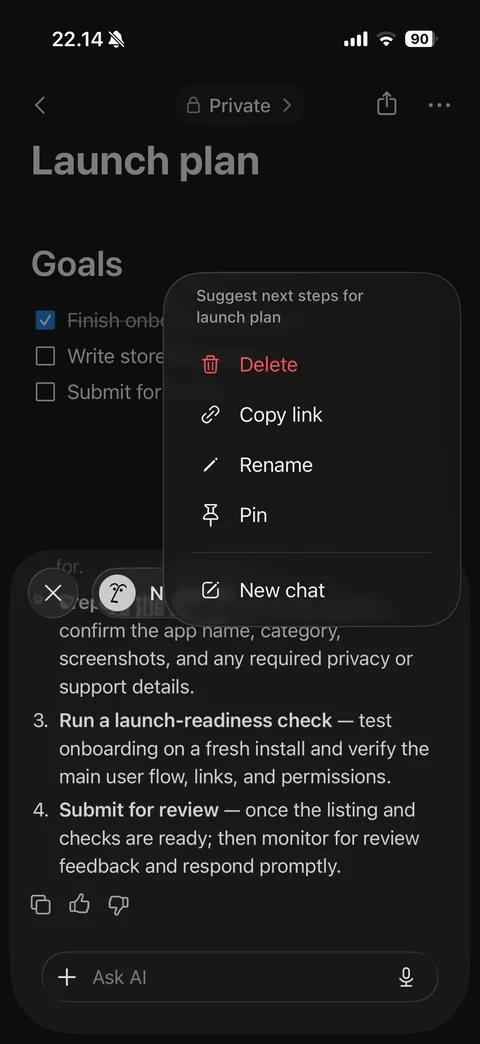
AI chat more menu: auto-generated chat title, red Delete, Copy link, Rename, Pin, New chat
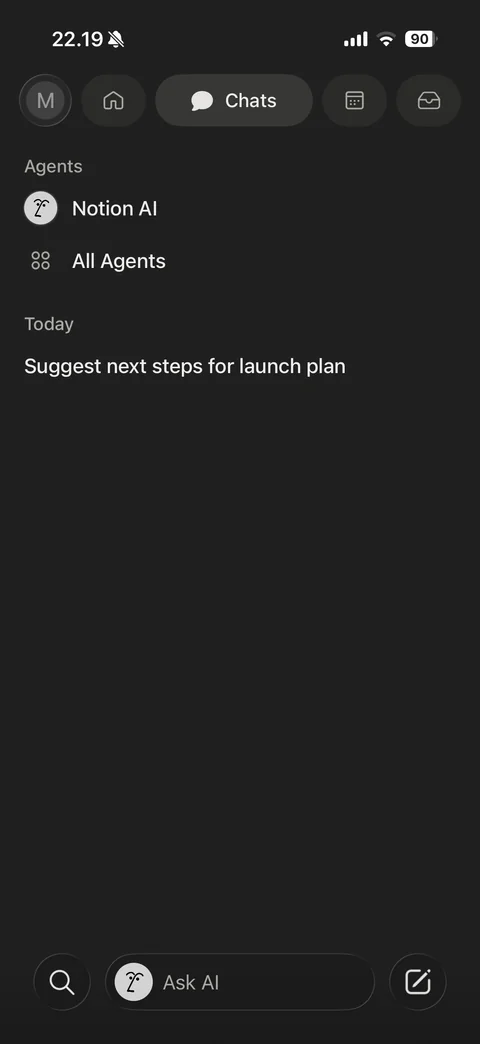
Chats tab: Chats pill active in top bar, Agents section (Notion AI, All Agents), Today chat history with one AI chat
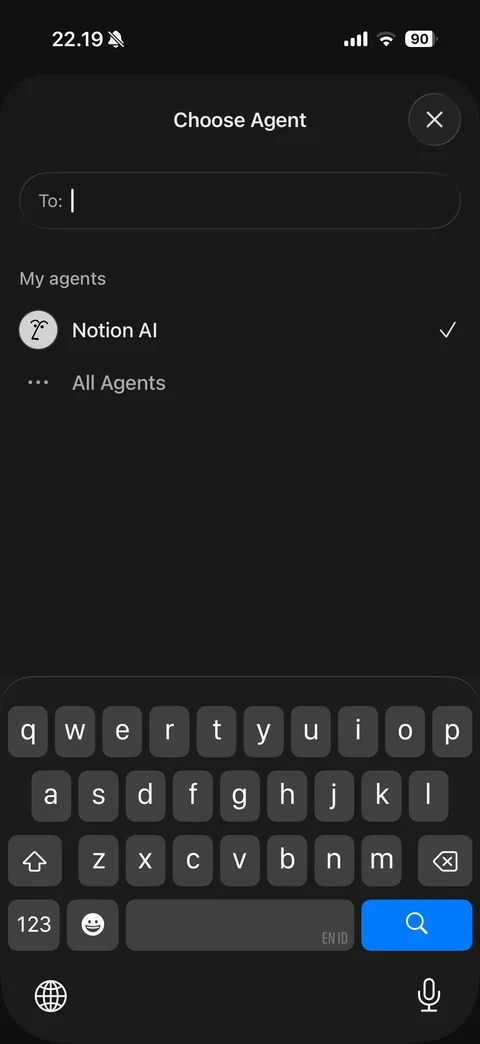
Choose Agent sheet with keyboard: close, To field, My agents list with Notion AI checked, All Agents
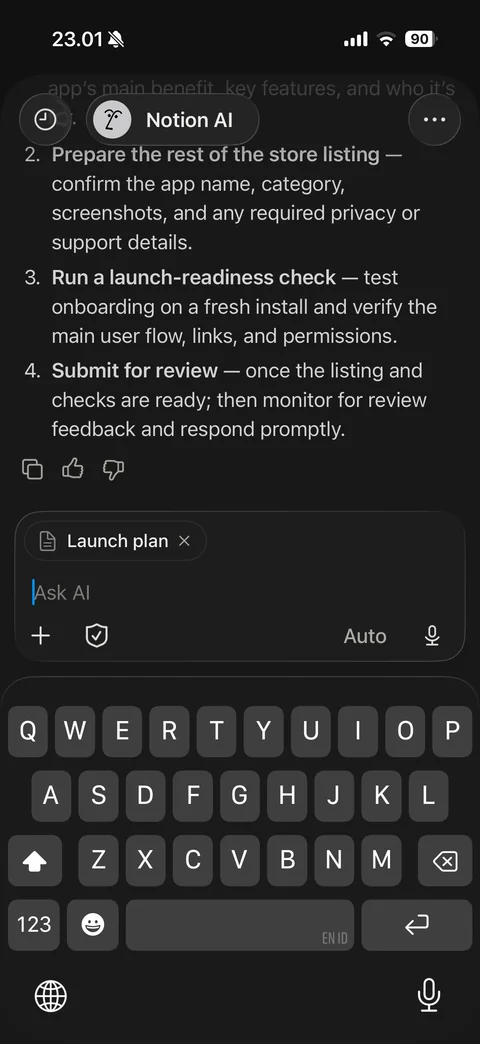
Full-screen AI chat with keyboard: history and Notion AI pill, previous answer with numbered steps and feedback icons, composer with page context chip, Ask AI field, add, shield, Auto and voice
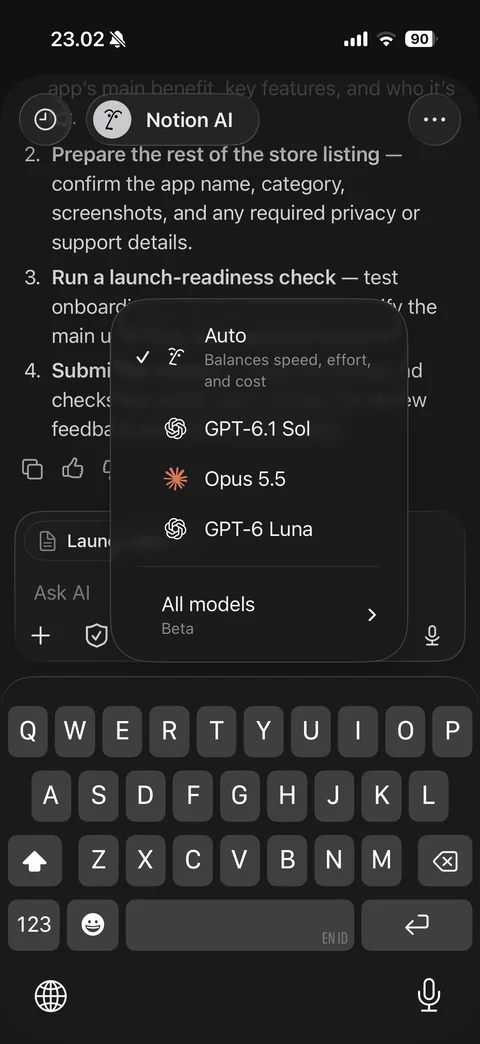
AI model picker menu: Auto checked (balances speed, effort and cost), model options with provider logos, All models Beta submenu
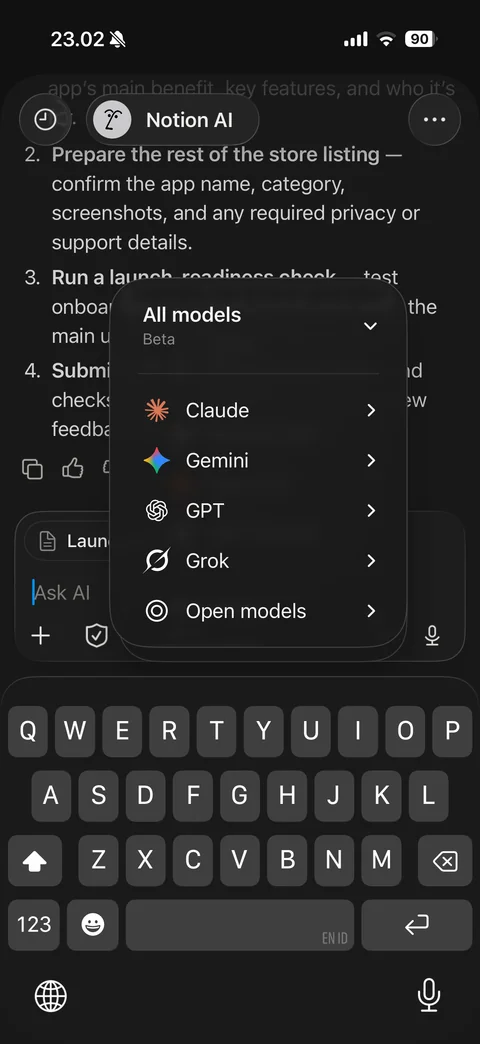
All models submenu: model families with logos and chevrons (Claude, Gemini, GPT, Grok, Open models)
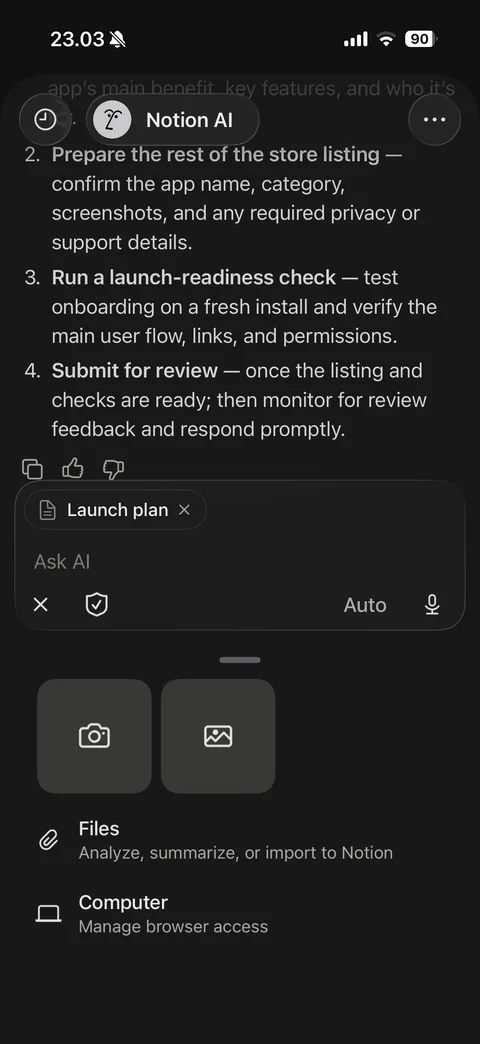
AI attach panel (photo access denied): camera and photo tiles, Files (analyze, summarize or import), Computer (manage browser access), composer with close
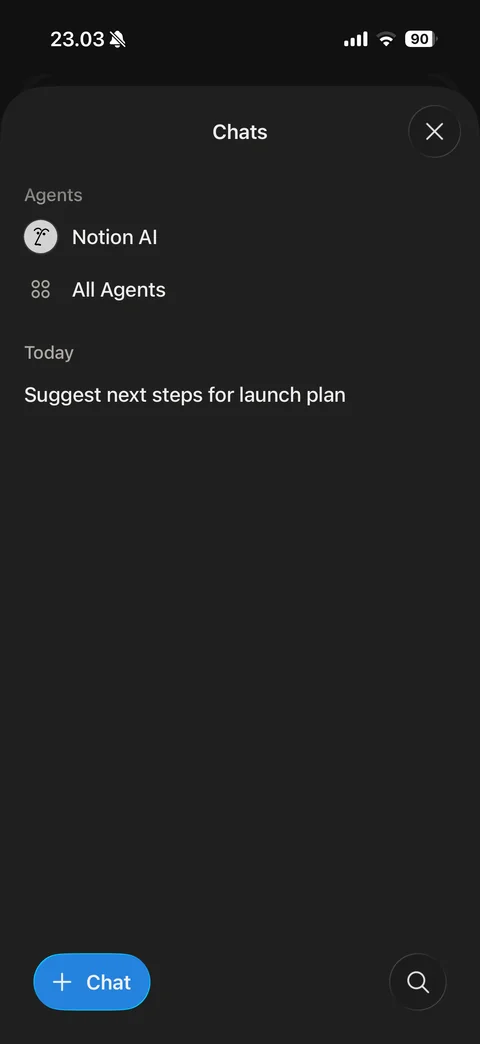
Chats history sheet: close, Agents (Notion AI, All Agents), Today chat list, blue plus Chat button and search
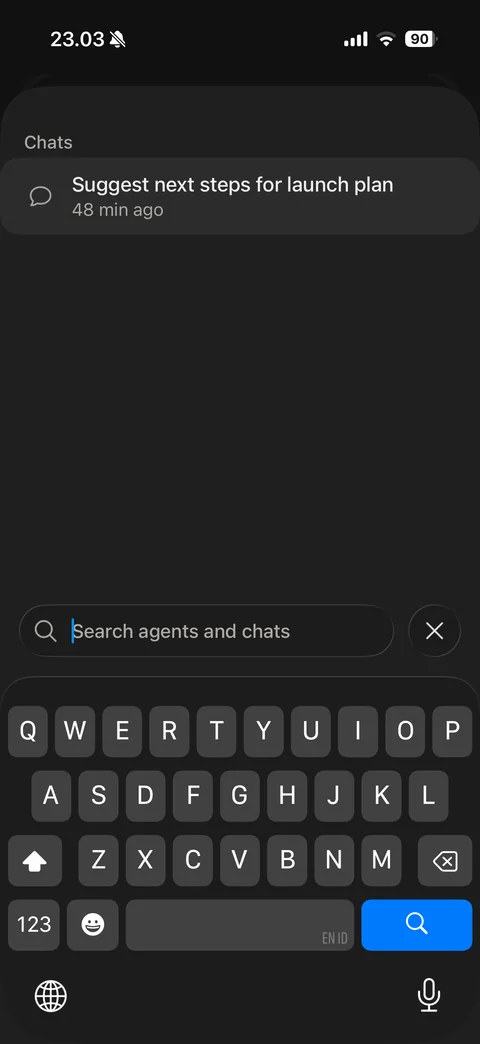
Search agents and chats with keyboard: Chats result with relative time, bottom search field and close
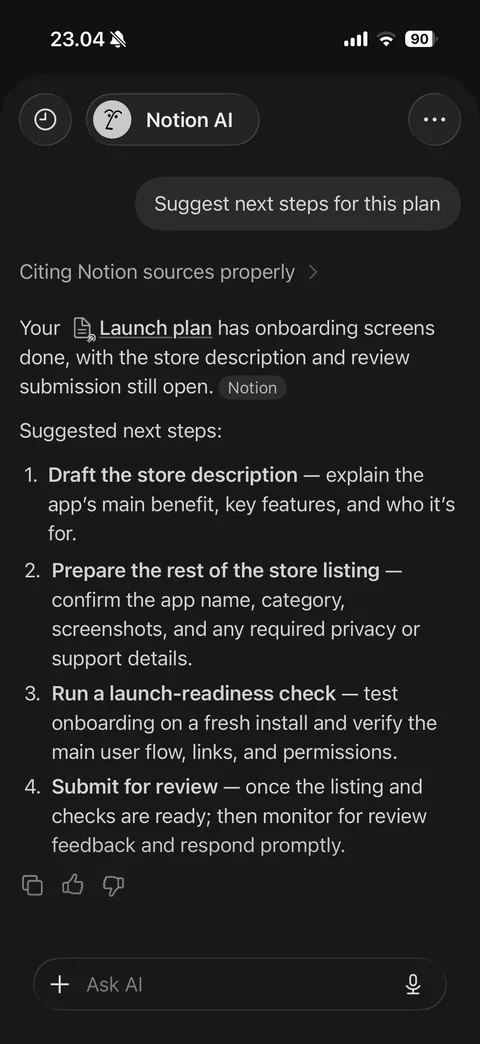
Full AI conversation: user prompt bubble right-aligned, Citing Notion sources step link, answer with inline page mention and Notion source tag, numbered suggested steps, copy and feedback icons, Ask AI field
Notion database (17 screens)
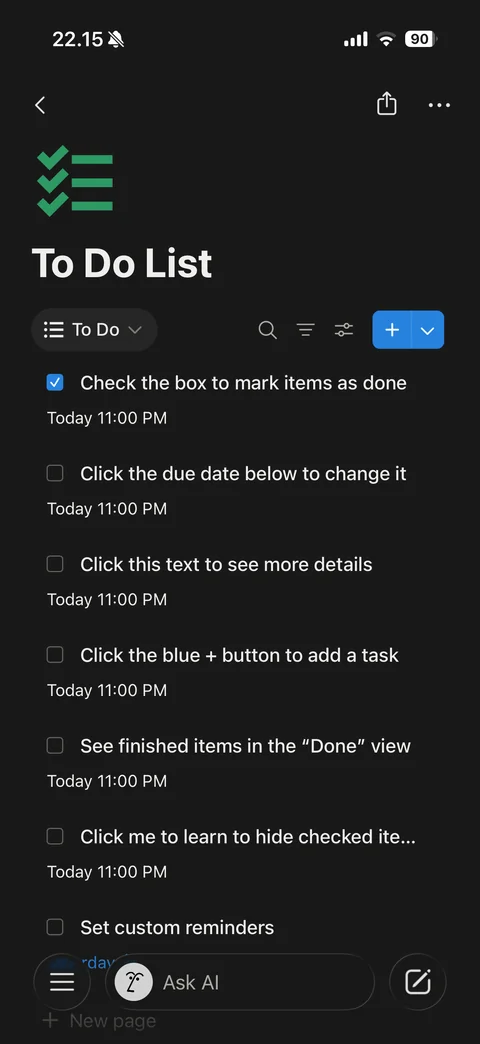
To Do List database: green checklist icon, title, view switcher To Do, search, filter, settings and blue New with dropdown, task rows with checkboxes and due dates, New page row
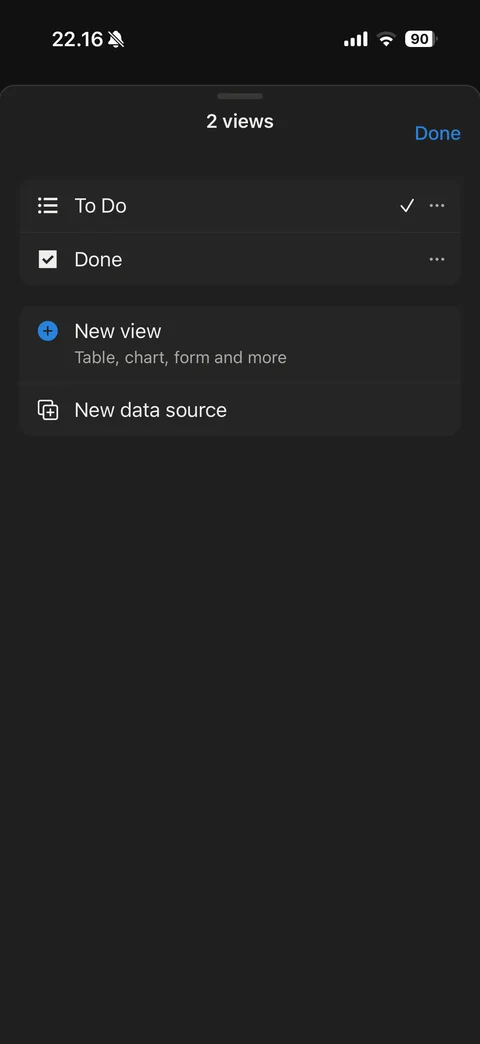
Database views sheet: 2 views title and Done, To Do (checked) and Done views with more buttons, New view (Table, chart, form and more), New data source
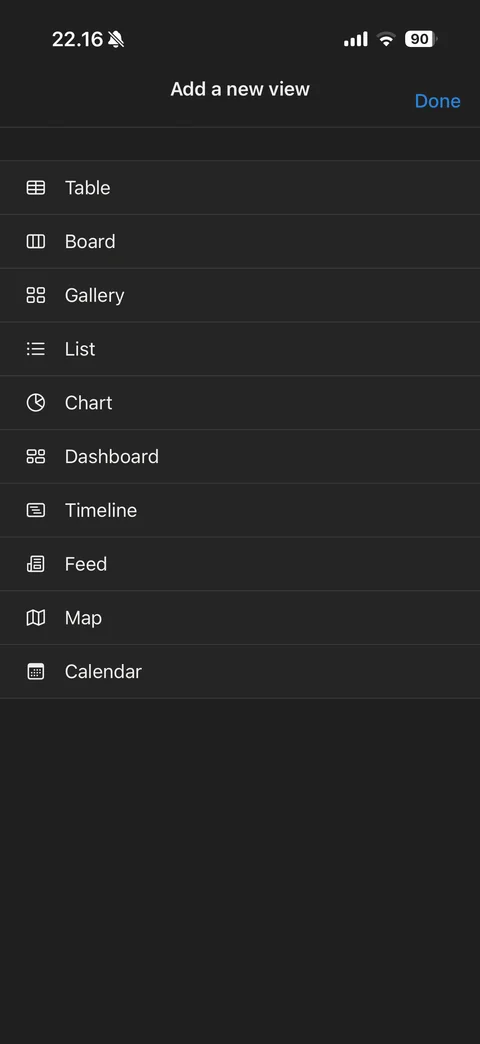
Add a new view list: Table, Board, Gallery, List, Chart, Dashboard, Timeline, Feed, Map, Calendar with layout icons
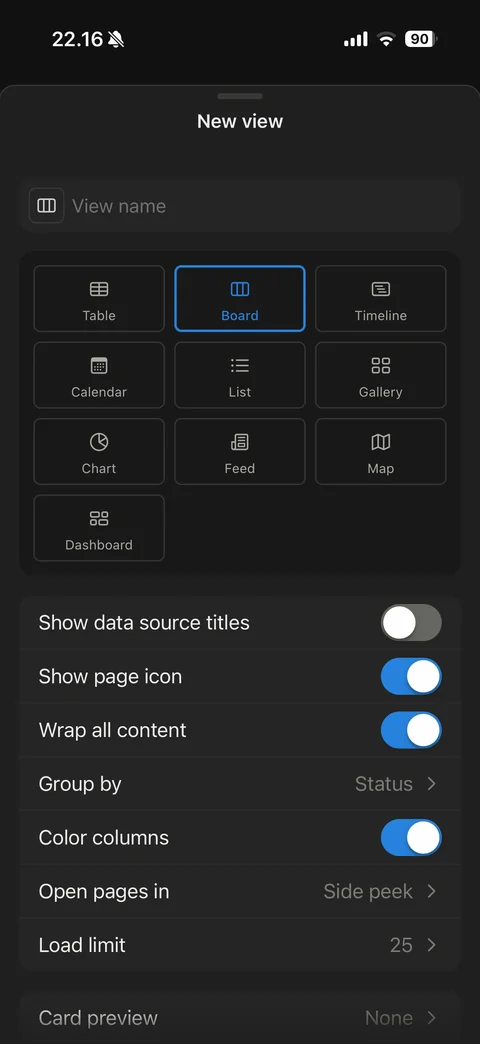
New view settings sheet: view name field, layout tile grid with Board selected in blue, toggles (data source titles, page icon, wrap content, color columns), Group by Status, Open pages in Side peek, Load limit 25, Card preview
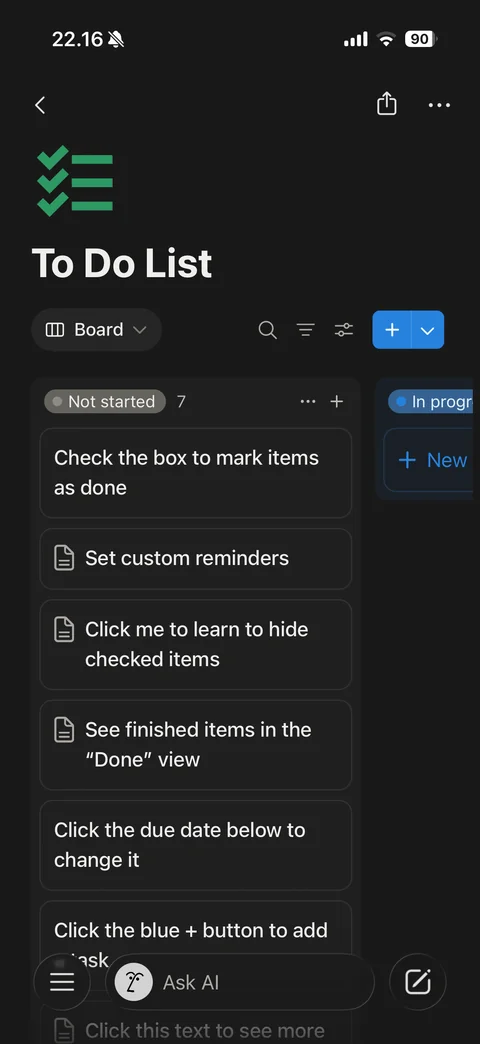
Board view: view switcher Board, kanban columns grouped by status (Not started with count, In progress peeking with blue dot and New card), task cards with page icons, column more and add buttons
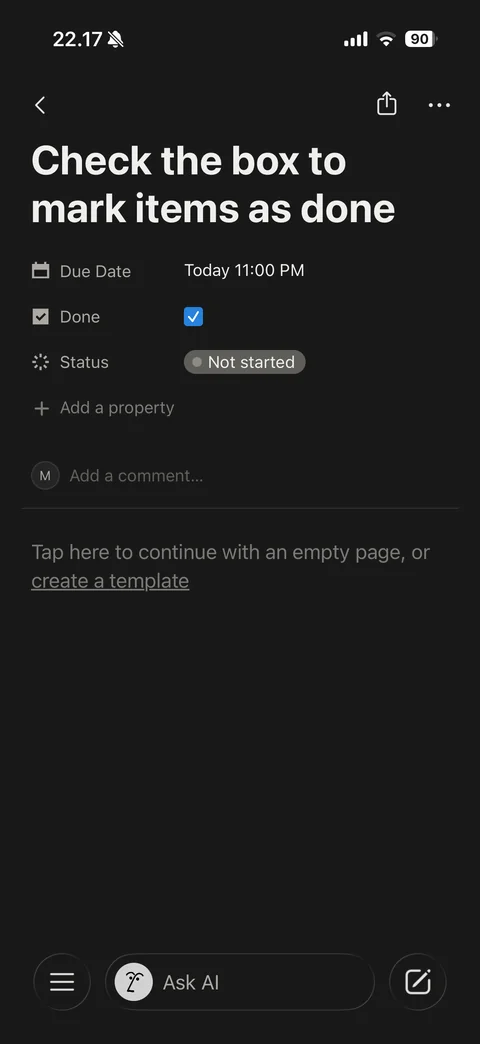
Database item page: large title, properties (Due Date, Done checkbox checked, Status Not started pill), Add a property, Add a comment row, empty body hint with create a template link
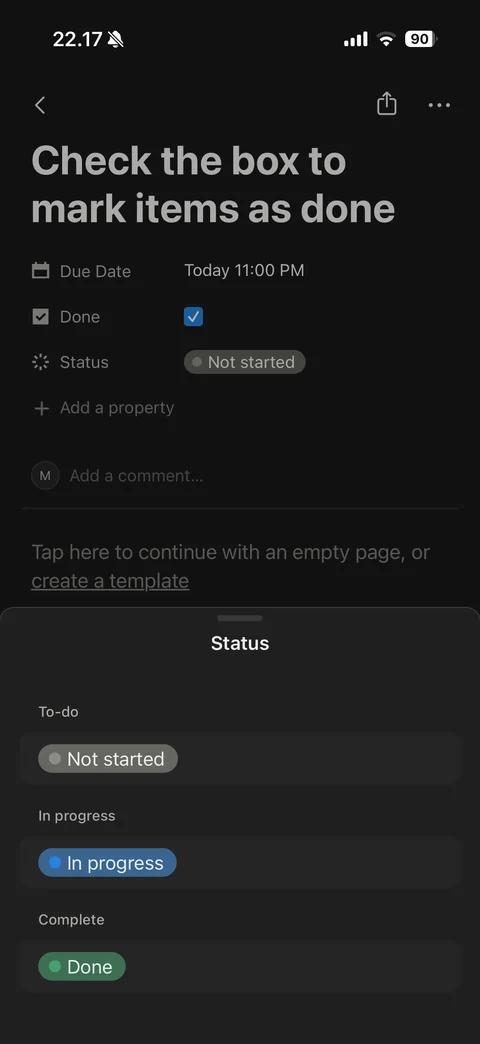
Status picker sheet: groups To-do, In progress and Complete with colored pills (gray Not started, blue In progress, green Done)
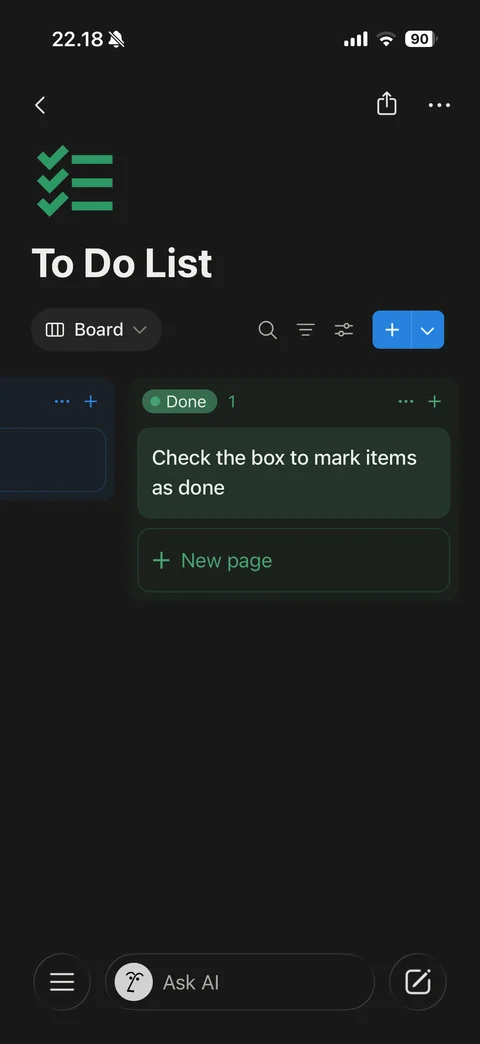
Board view Done column: green-tinted column with Done pill and count, moved task card, New page button, previous column edge visible
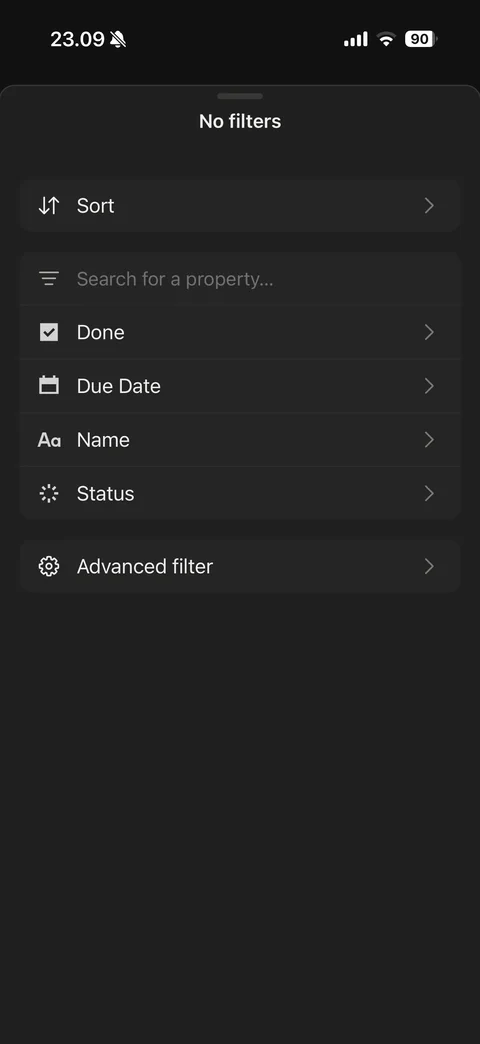
Filter sheet: No filters title, Sort row, property search field, property list (Done, Due Date, Name, Status) with type icons, Advanced filter
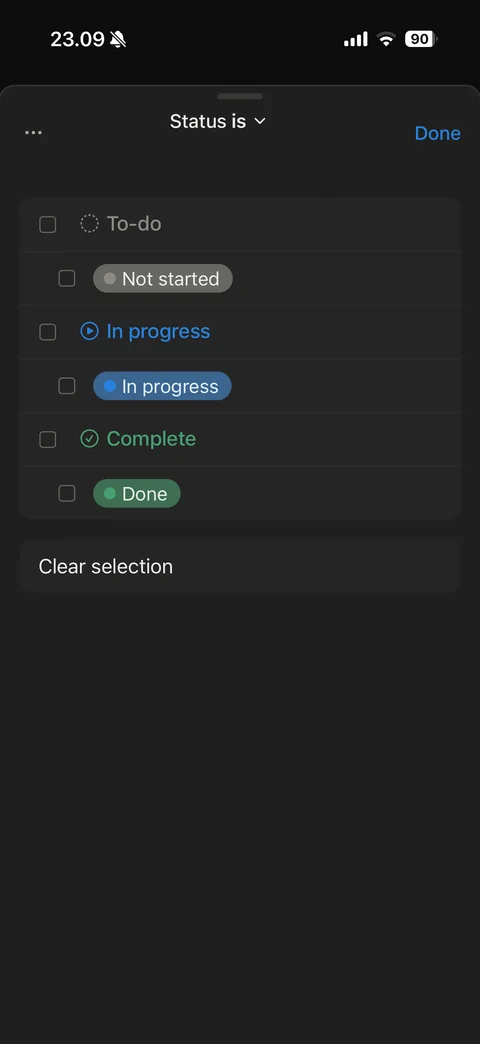
Status filter sheet: Status is dropdown title, more and Done, grouped checkboxes for To-do, In progress and Complete groups with status pills, Clear selection
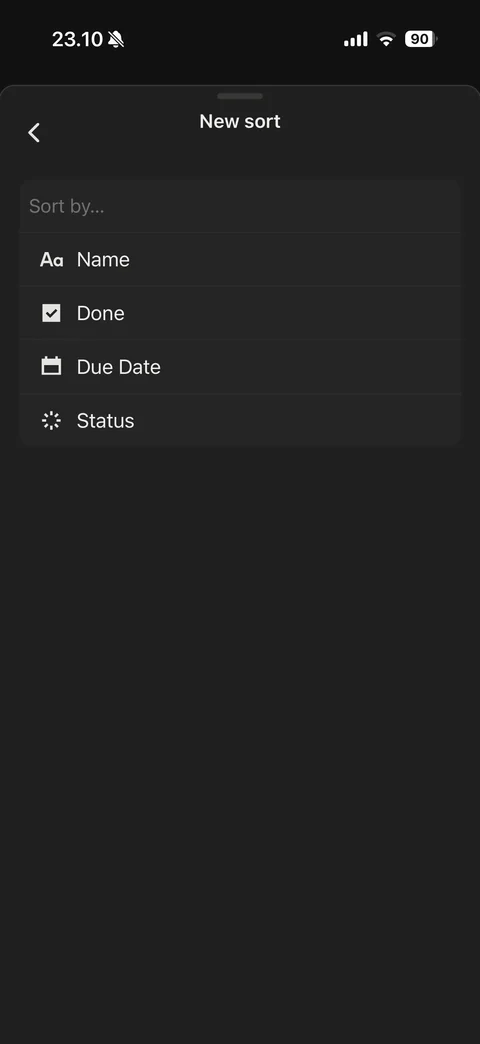
New sort sheet: back, Sort by search field, property options (Name, Done, Due Date, Status) with type icons
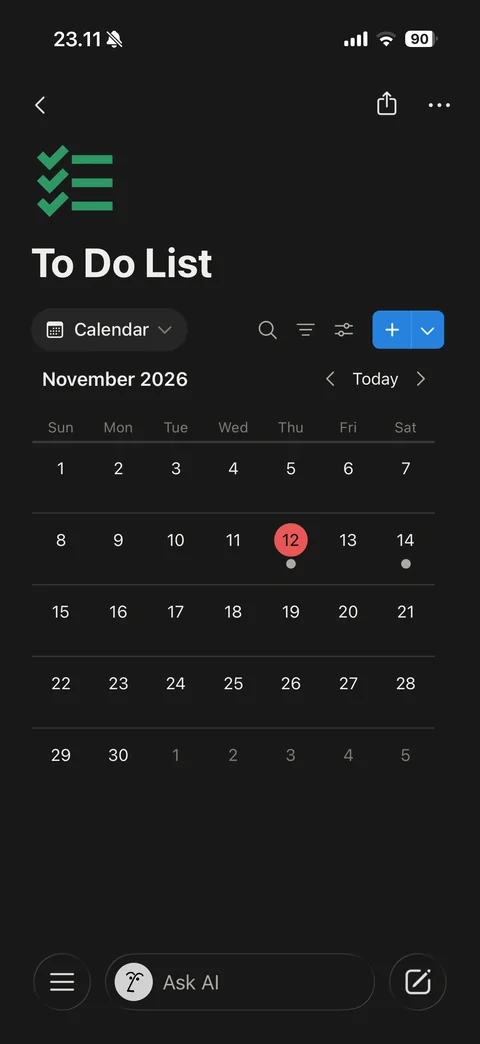
Calendar view: view switcher Calendar, month header with previous, Today and next, month grid with today in red circle and dots on days with tasks
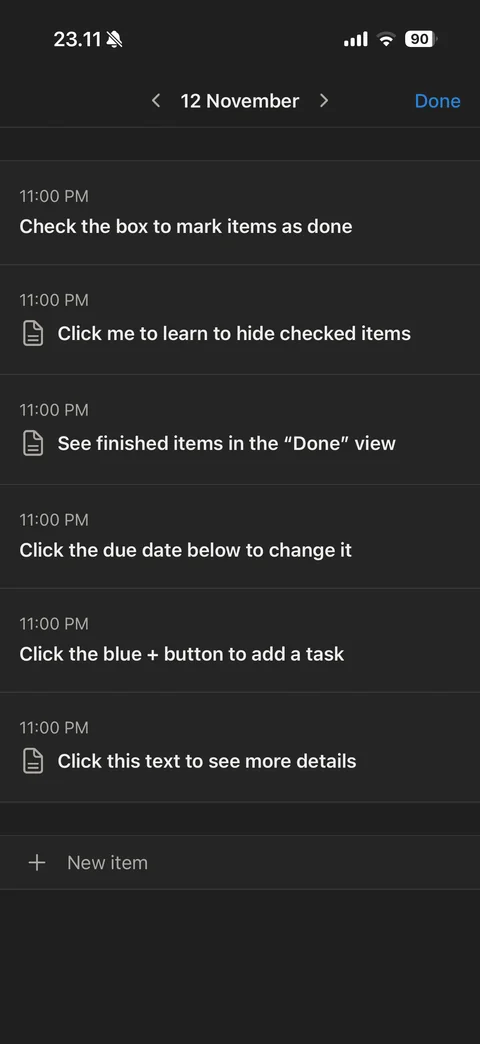
Calendar day detail: day header with previous and next arrows and Done, tasks due that day with time and page icons, New item row
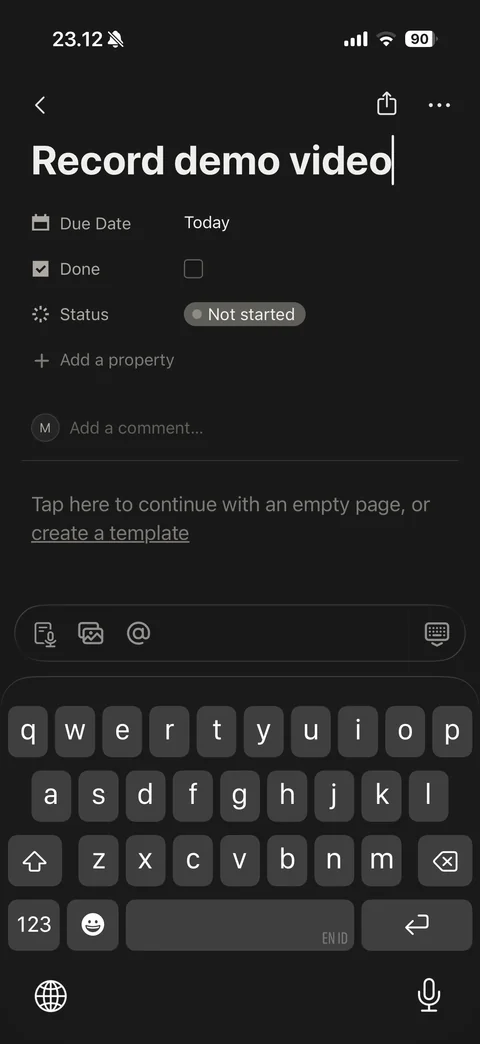
New task created from calendar with keyboard: typed title, Due Date Today, Done unchecked, Status Not started, title toolbar (meeting, media, mention)
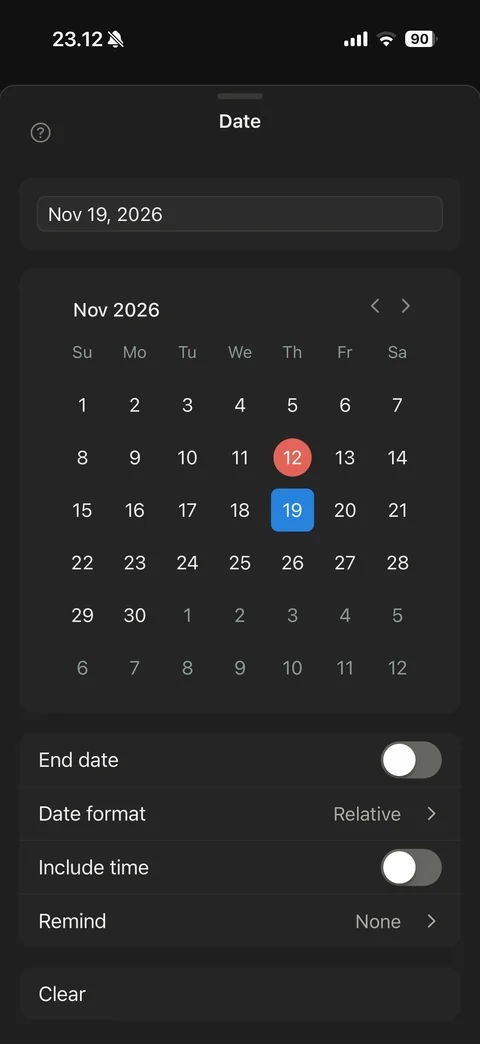
Date property picker: date text field, month calendar with today in red and selected day in blue, End date toggle, Date format Relative, Include time toggle, Remind None, Clear
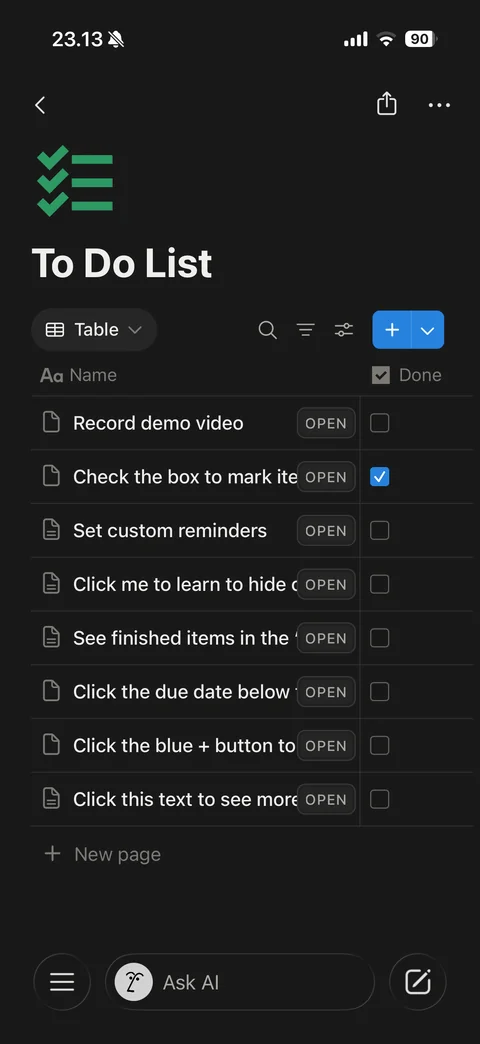
Table view: view switcher Table, column headers Name and Done with type icons, rows with page icon, title, OPEN button and checkbox column, New page row
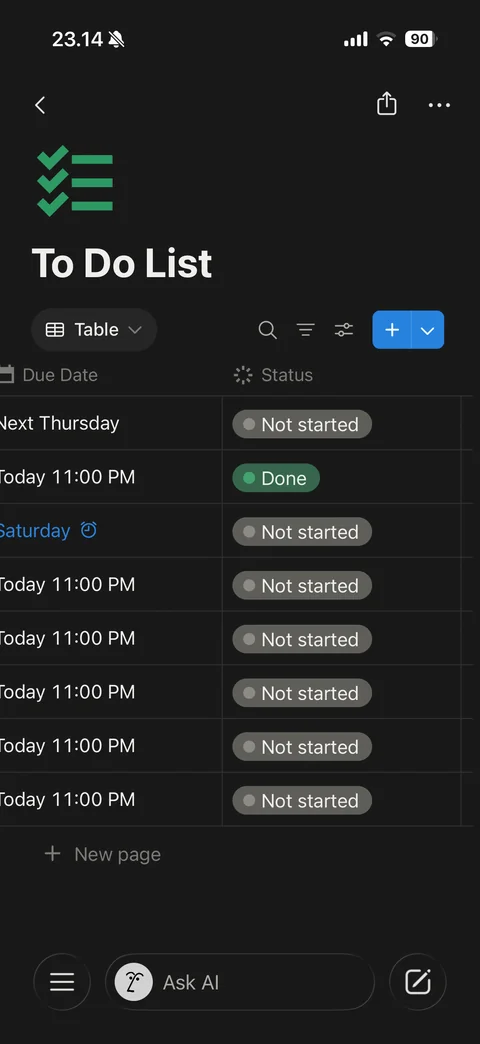
Table view scrolled right: Due Date column with relative dates (Next Thursday, Today, Saturday in blue with reminder alarm icon) and Status column with colored pills
Notion search (3 screens)
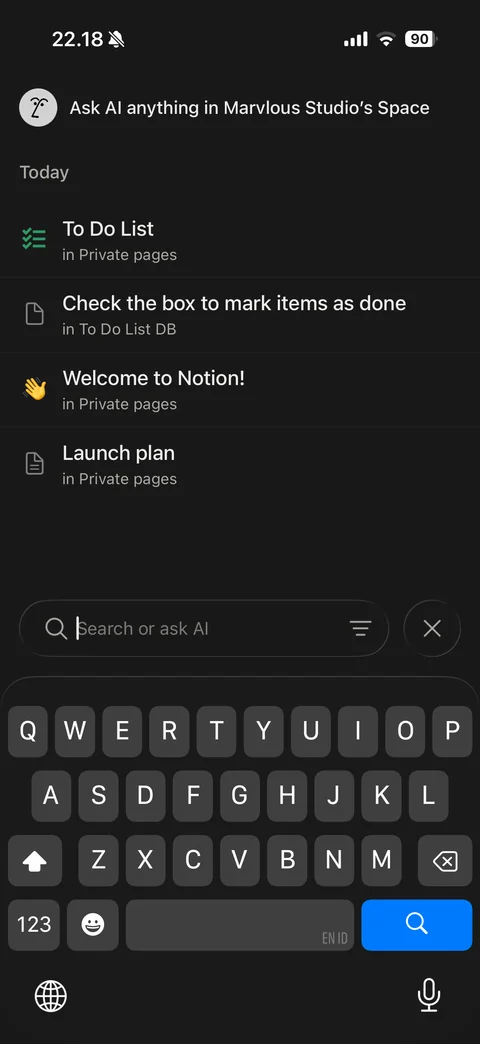
Search with keyboard: Ask AI anything in workspace row with AI face, Today recent pages with icons and location, bottom Search or ask AI field with filter and close
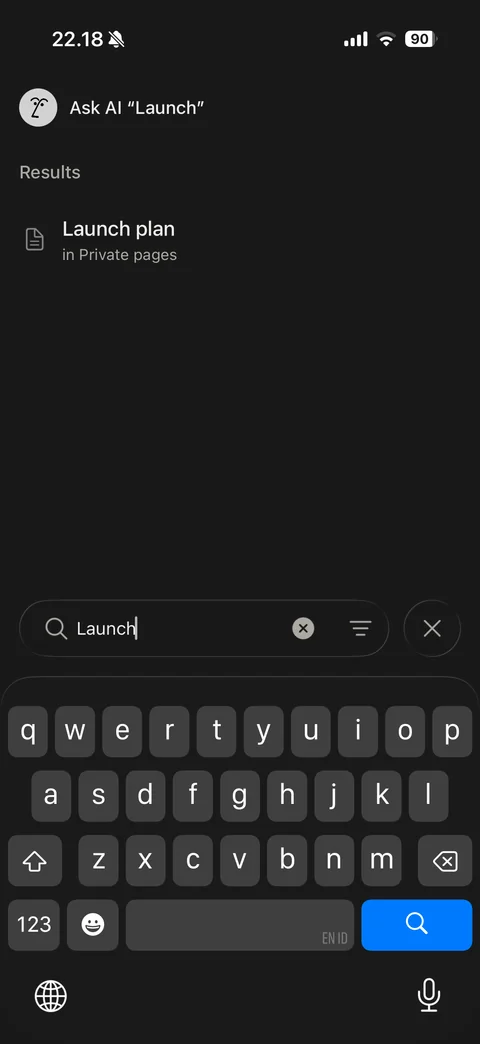
Search results with keyboard: Ask AI with query shortcut, Results list with matching page and location, query field with clear, filter and close
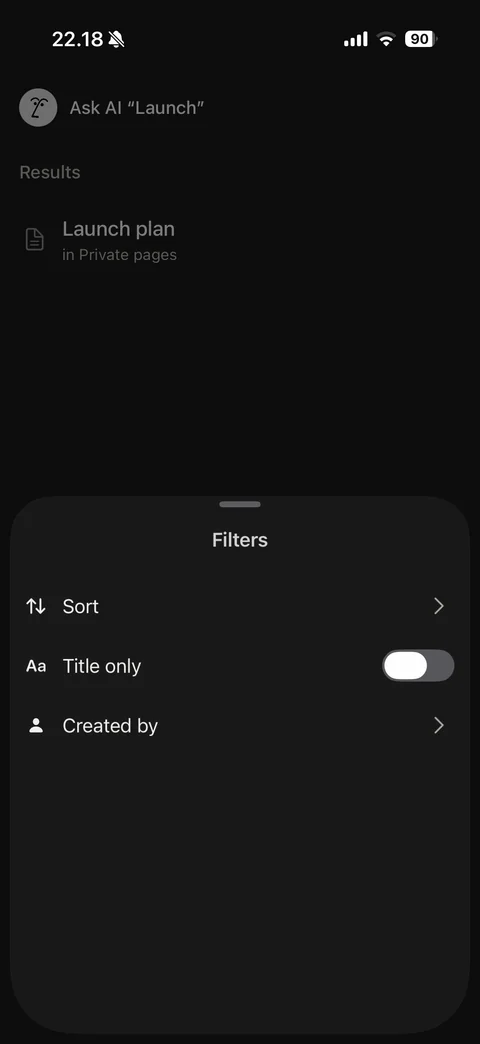
Search Filters sheet: Sort, Title only toggle, Created by
Notion tabs (2 screens)
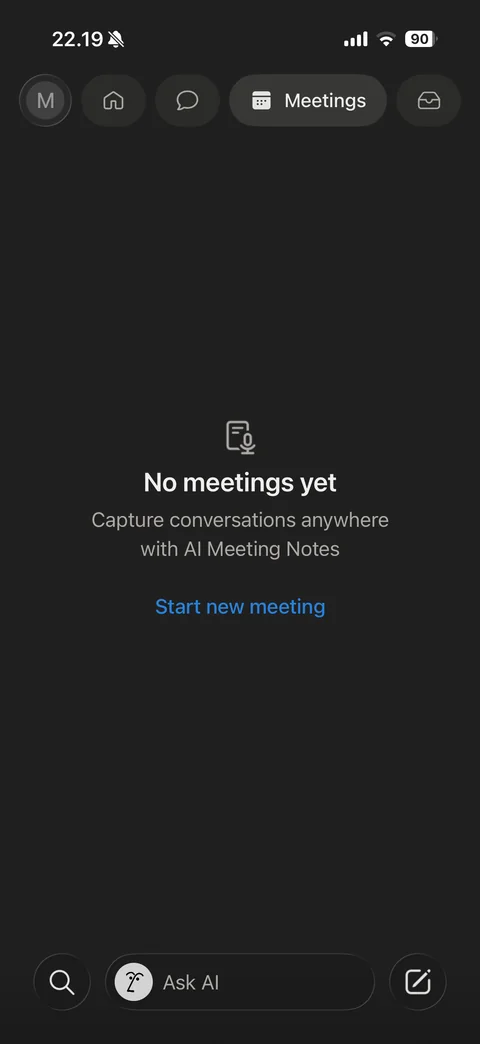
Meetings tab empty state: Meetings pill active, meeting notes icon, No meetings yet, AI Meeting Notes explanation, Start new meeting link
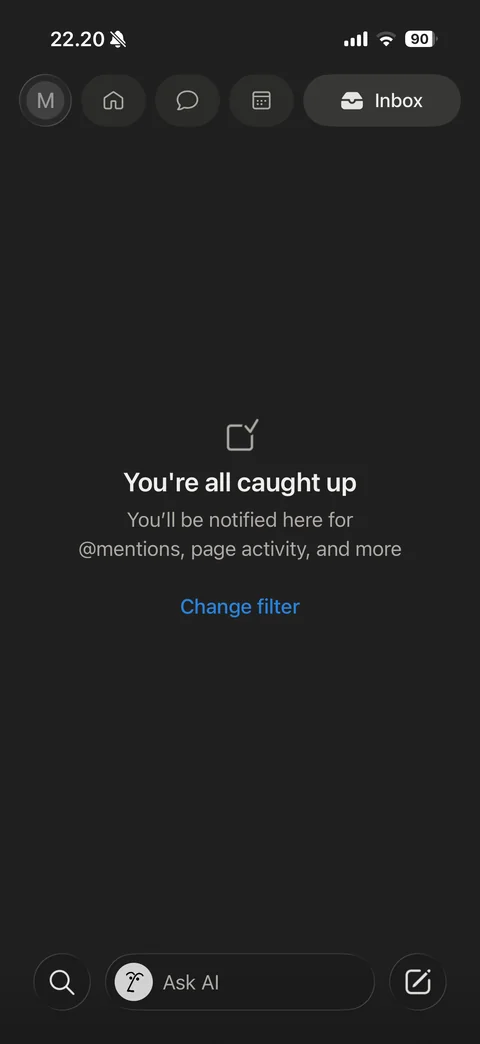
Inbox tab empty state: Inbox pill active, checked box icon, You're all caught up, mentions and page activity note, Change filter link
Notion settings (7 screens)
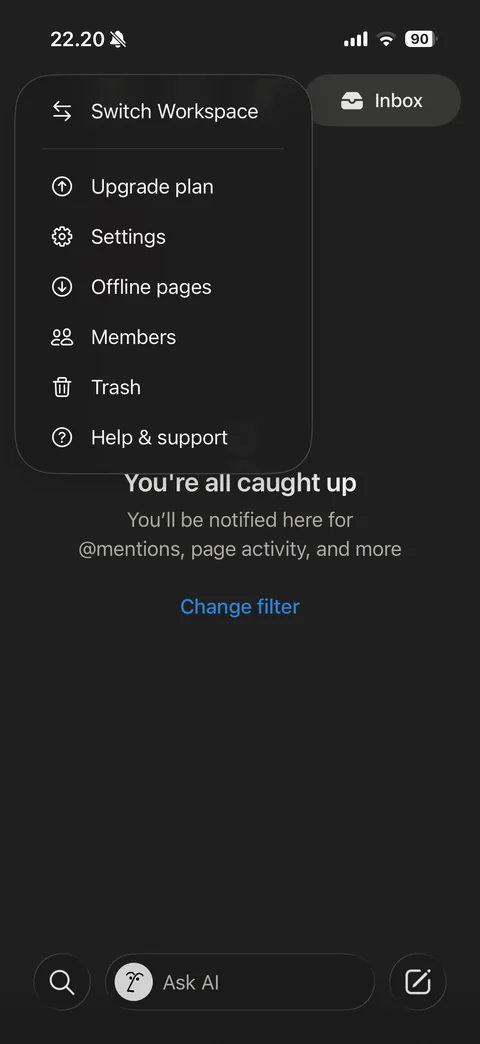
Workspace menu popover from avatar: Switch Workspace, Upgrade plan, Settings, Offline pages, Members, Trash, Help and support
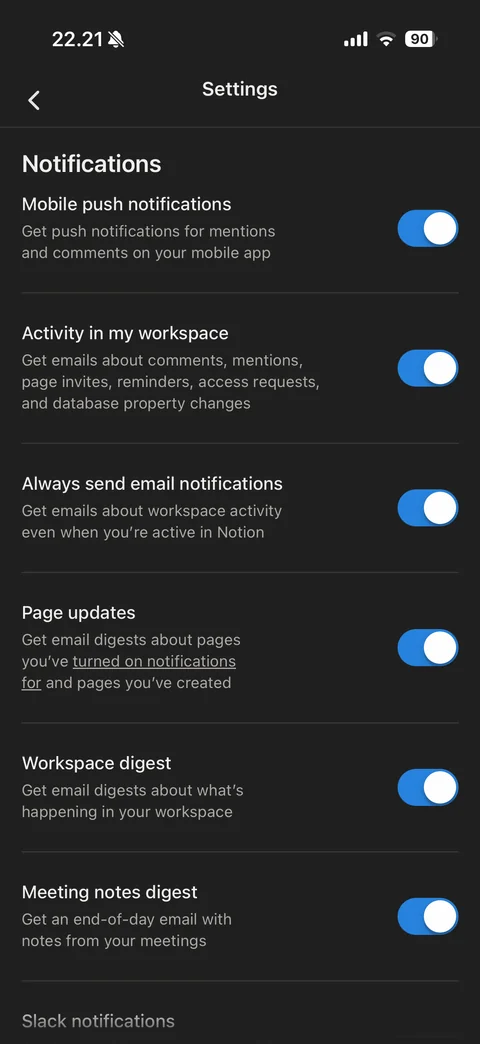
Settings Notifications section: toggles with descriptions for mobile push, workspace activity emails, always send email, page updates, workspace digest and meeting notes digest, Slack notifications heading
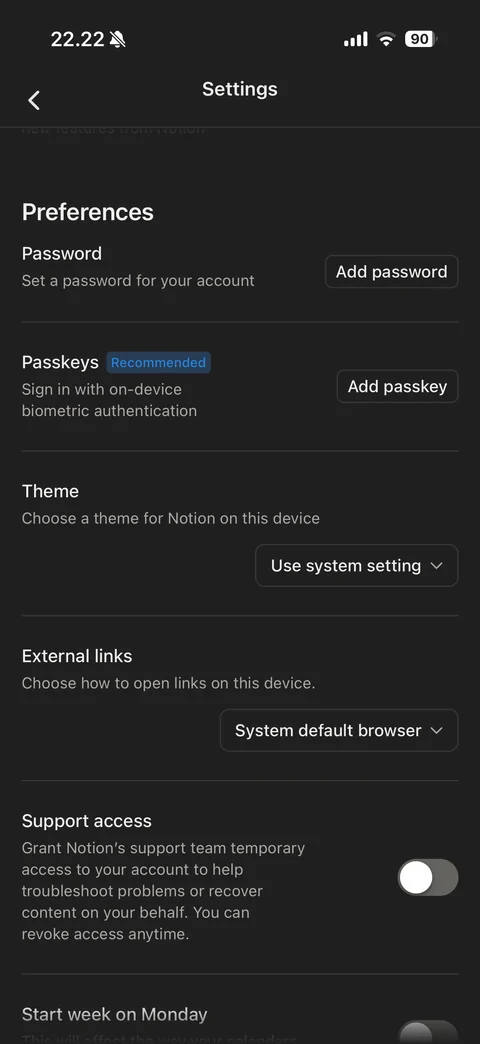
Settings Preferences section: Password with Add password, Passkeys with Recommended badge and Add passkey, Theme dropdown Use system setting, External links dropdown, Support access toggle with description, Start week on Monday
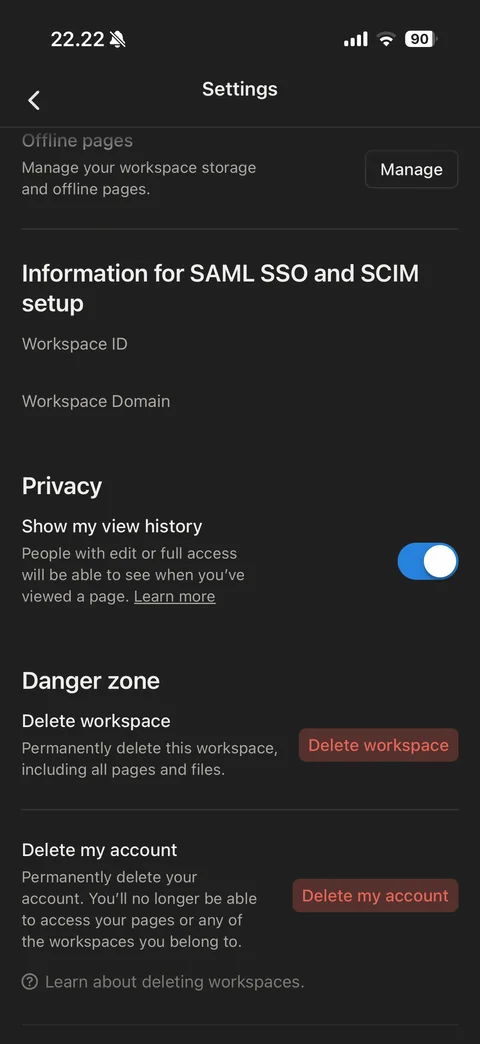
Settings bottom: offline pages Manage, SAML SSO and SCIM info (workspace ID and domain), Privacy show my view history toggle, Danger zone with red Delete workspace and Delete my account buttons, help link

Trash empty: help and Done, Search pages in Trash field, No results row
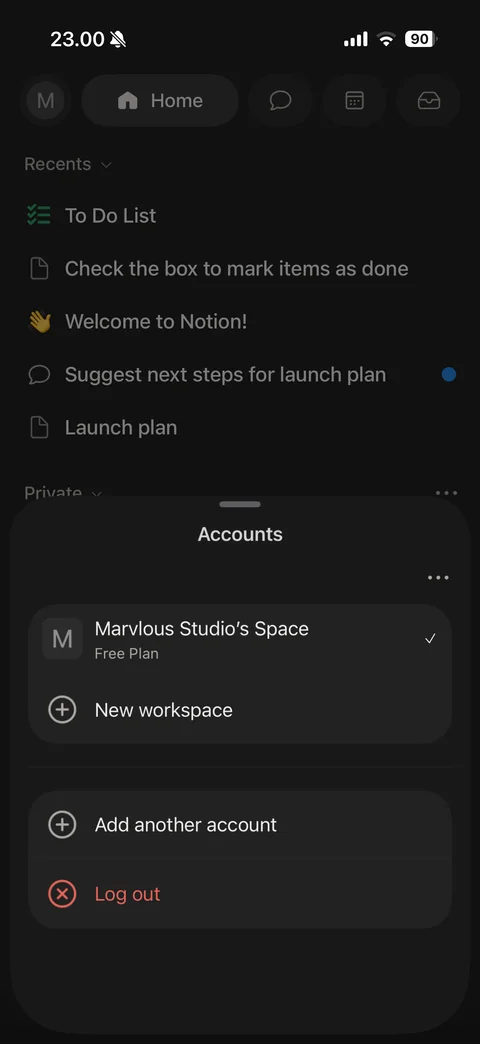
Accounts sheet (Switch Workspace): account email with more button, workspace row with initial tile, name, Free Plan and checkmark, New workspace, Add another account, red Log out
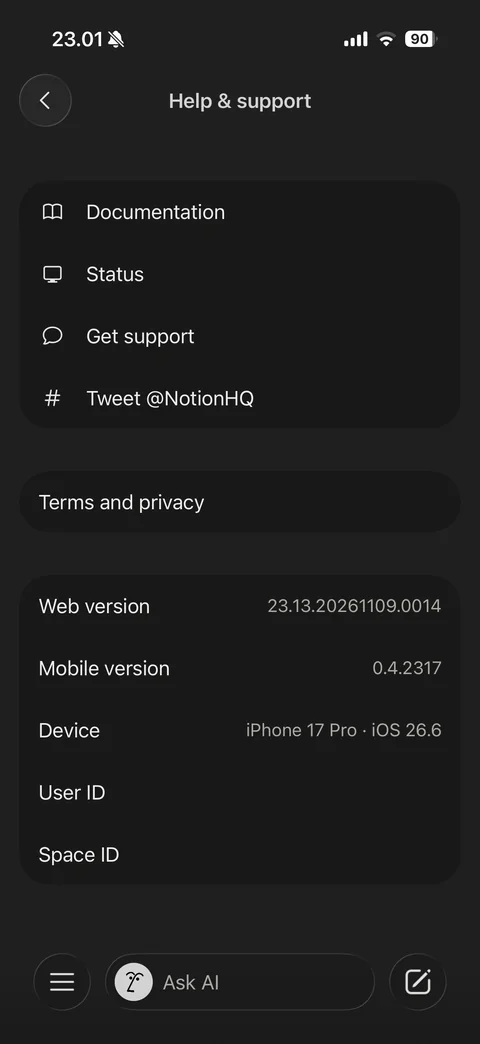
Help and support: Documentation, Status, Get support, Tweet NotionHQ, Terms and privacy, info card with web and mobile versions, device, user ID and space ID