Trello app design: 60 real screens in 10 flows
Track & Manage To Do Lists. Category: Productivity. By Trello, Inc.
Captured on iPhone and updated November 2026. Each screen has a short note on what it shows and why it matters for growth.
Trello onboarding (6 screens)
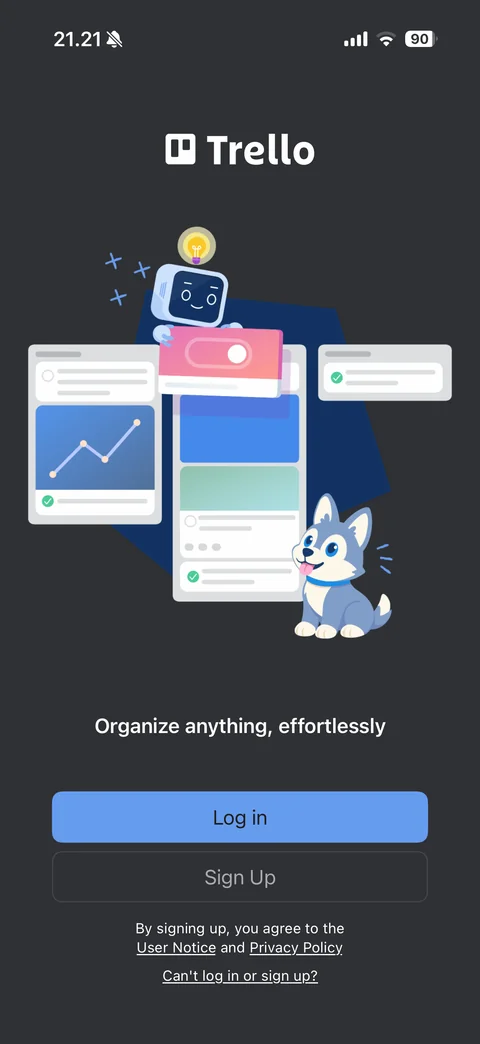
Welcome screen: dark background, Trello logo, illustration of boards with robot and husky mascots, Organize anything effortlessly tagline, Log in and Sign Up buttons, terms links, Can't log in or sign up link
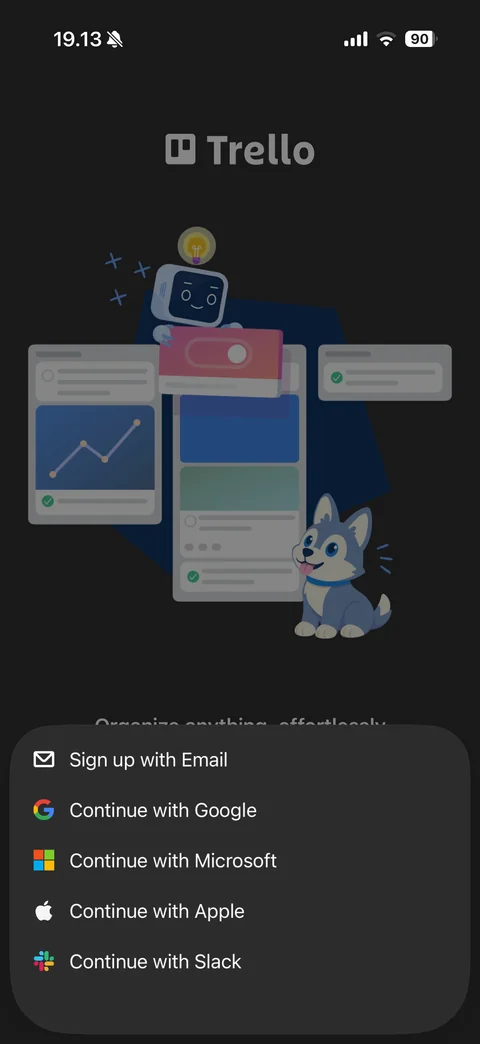
Sign up options sheet over dimmed welcome: Sign up with Email, Continue with Google, Microsoft, Apple and Slack with brand icons
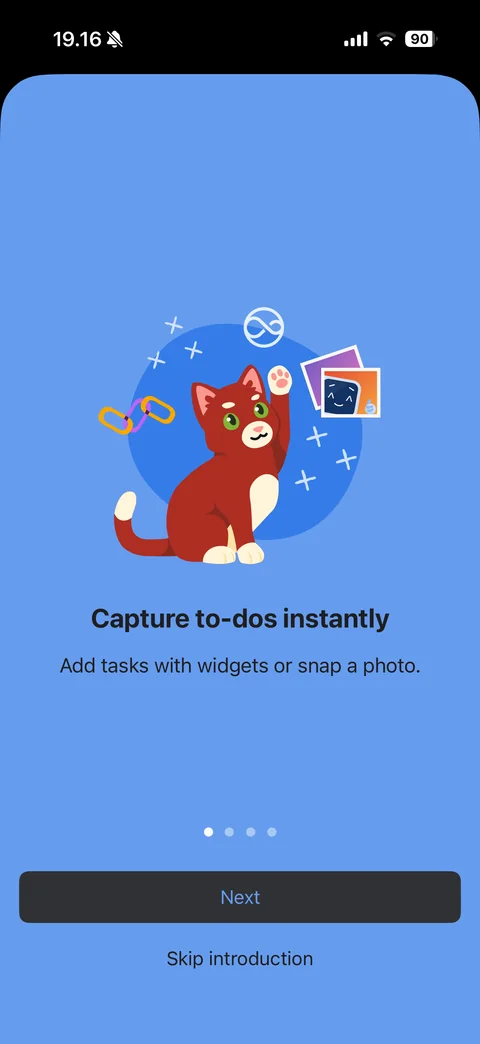
Intro slide 1: blue background, cat mascot with photos and link illustration, Capture to-dos instantly, widgets or photo text, page dots, Next and Skip introduction
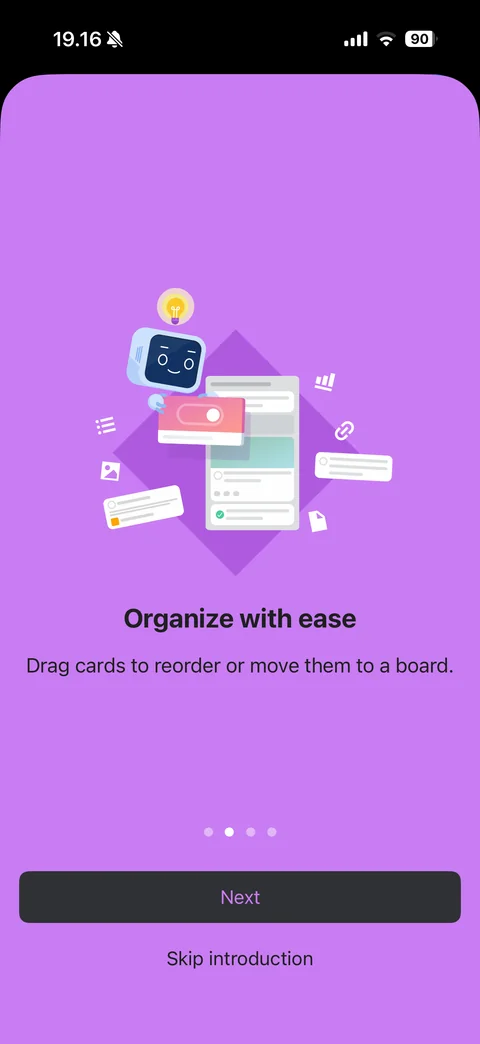
Intro slide 2: purple background, robot mascot with board cards, Organize with ease, drag cards text, page dots, Next and Skip introduction
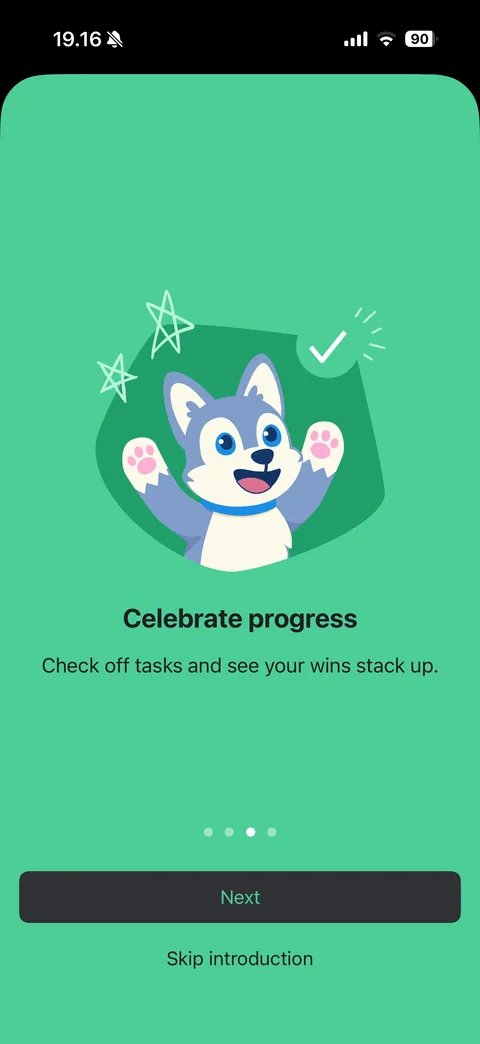
Intro slide 3: green background, cheering husky mascot with stars and checkmark, Celebrate progress, page dots, Next and Skip introduction
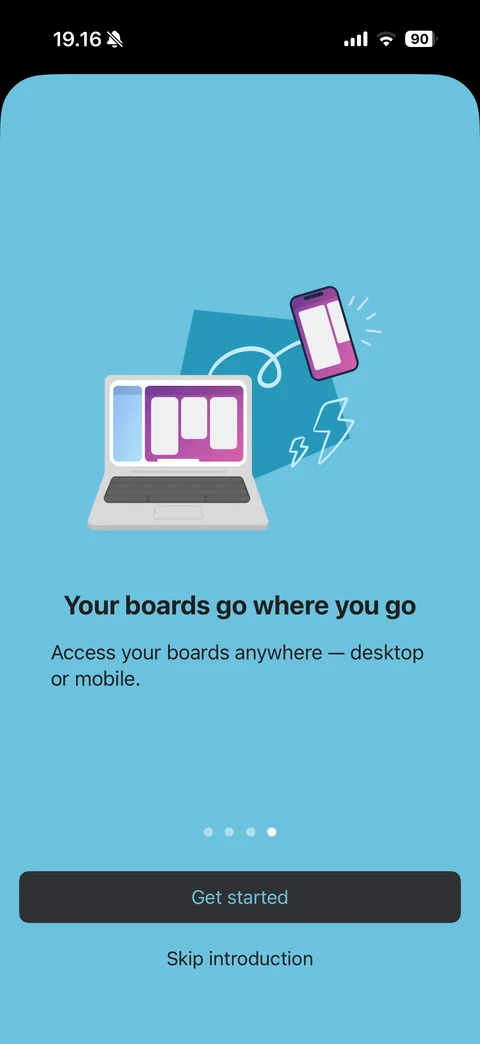
Intro slide 4: light blue background, laptop and phone with boards illustration, Your boards go where you go, page dots, Get started and Skip introduction
Trello search (2 screens)
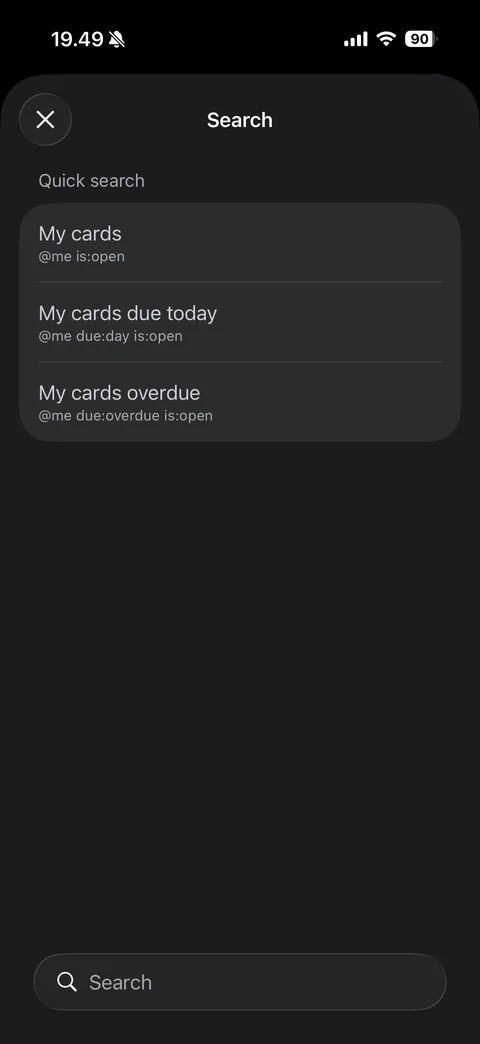
Search sheet: close, Quick search presets with query syntax (My cards, My cards due today, My cards overdue), bottom search field
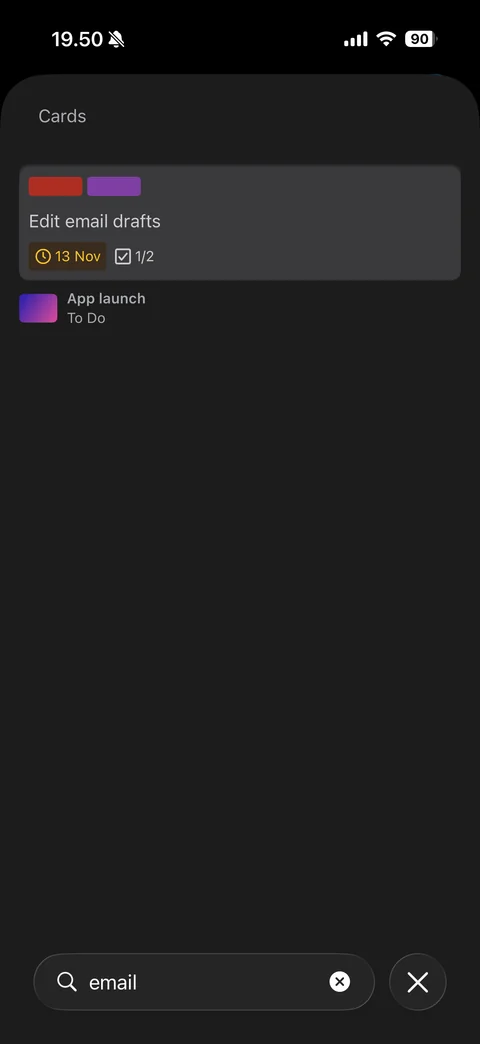
Search results: Cards section with matching card preview (labels, due badge, checklist count) and its board and list below, query field with clear and close
Trello boards (5 screens)
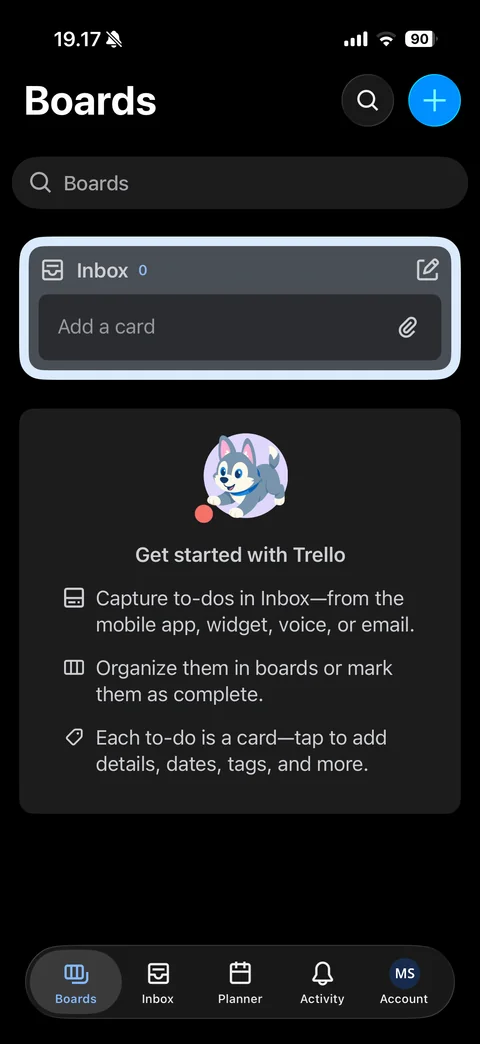
Boards home new user (dark): title, search and blue add buttons, boards search field, highlighted Inbox card with count and Add a card field, Get started with Trello card with husky mascot and three tips, tab bar (Boards, Inbox, Planner, Activity, Account)
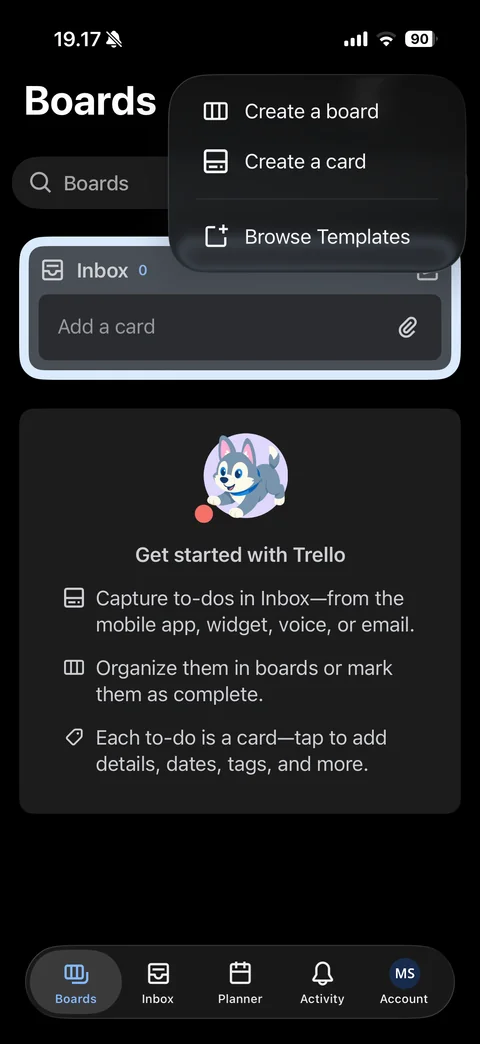
Add menu popover: Create a board, Create a card, Browse Templates
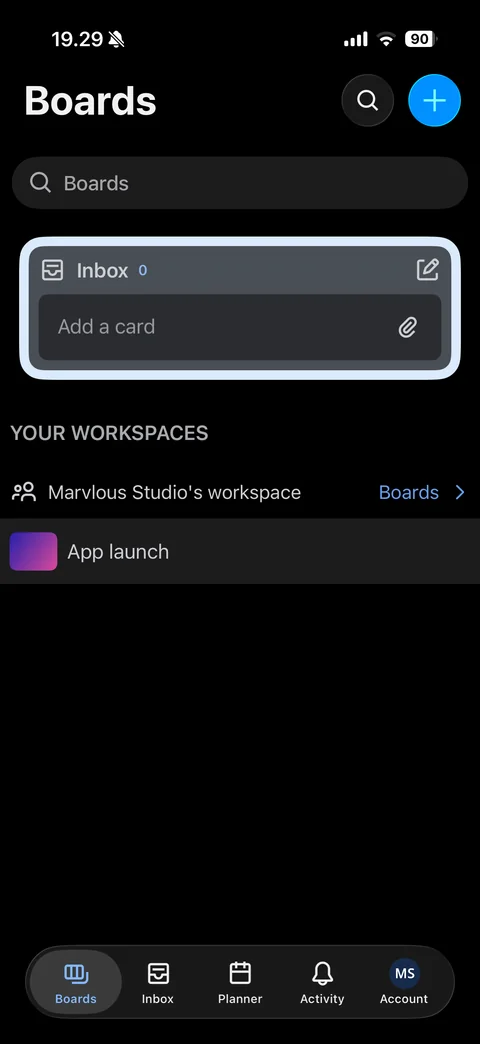
Boards home with a board: Inbox card, Your Workspaces section with workspace row and Boards link, board row with gradient thumbnail
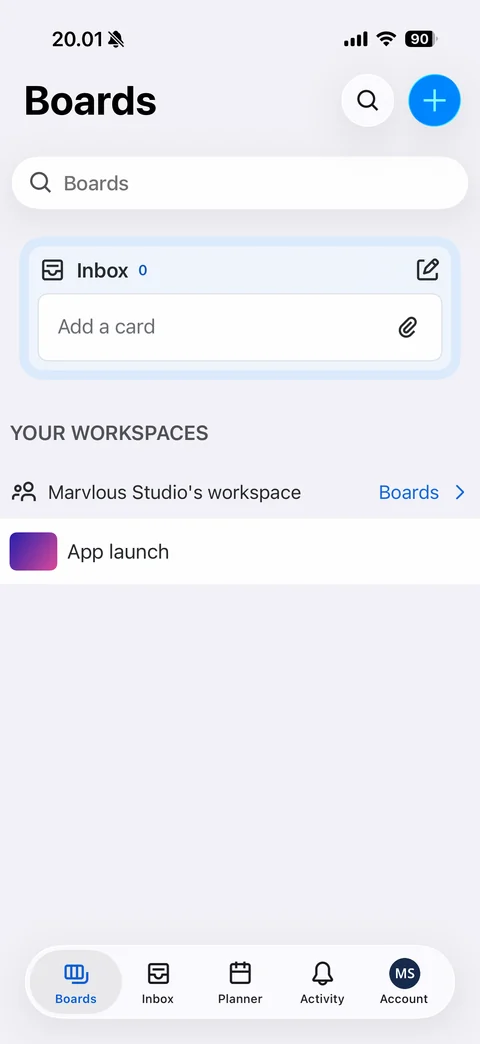
Boards home in light theme: light gray background, white search field, Inbox card, workspace section and board row
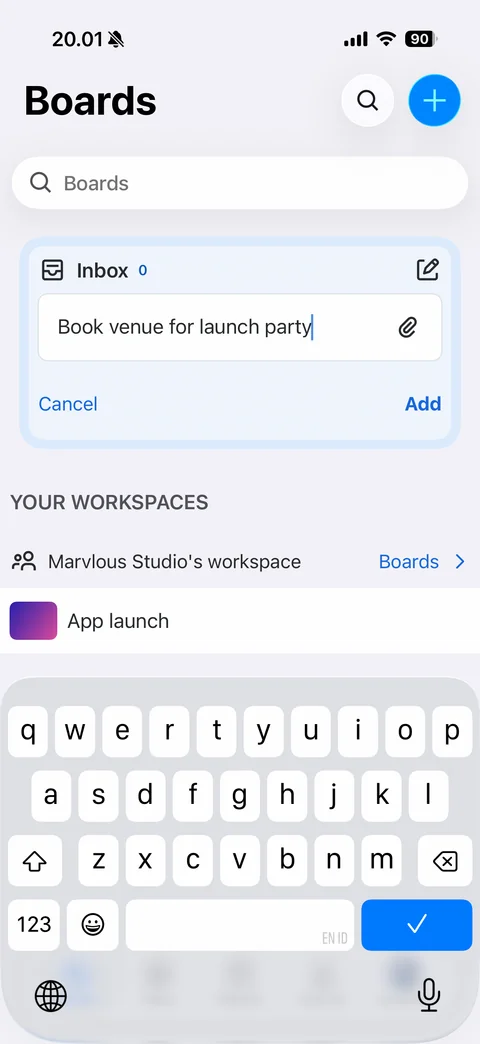
Quick add to Inbox with keyboard (light): Inbox card with typed to-do, attachment button, Cancel and Add
Trello templates (3 screens)
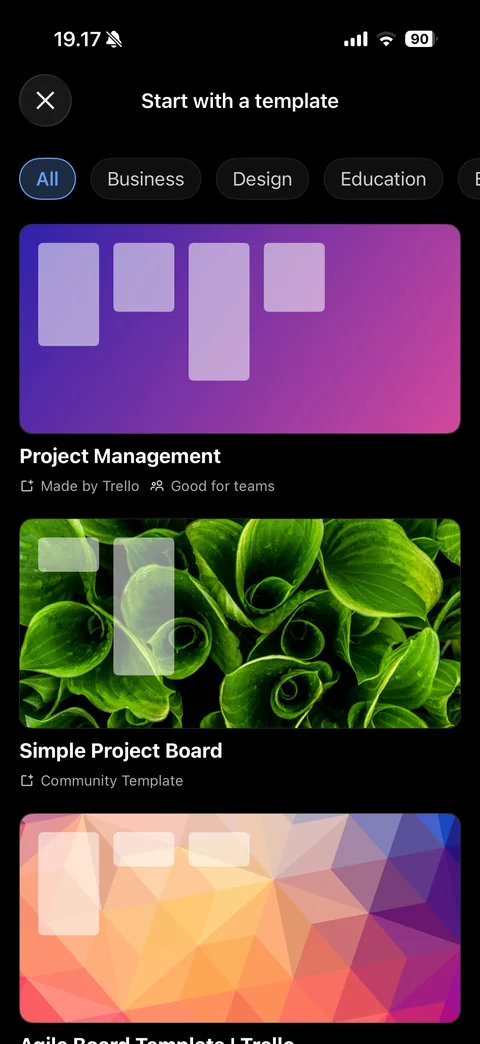
Start with a template: close, category chips (All selected, Business, Design, Education), large template cards with background art and list column preview, name, Made by Trello or Community Template and Good for teams tags
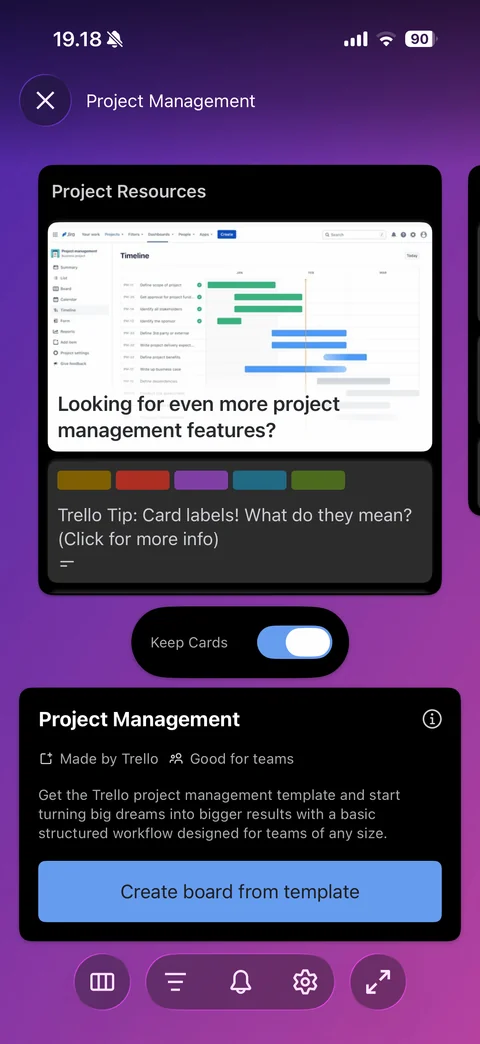
Template preview: gradient background, swipeable list preview with cover image and label colors, Keep Cards toggle, template info card with Made by Trello and Good for teams tags, description, Create board from template, bottom toolbar
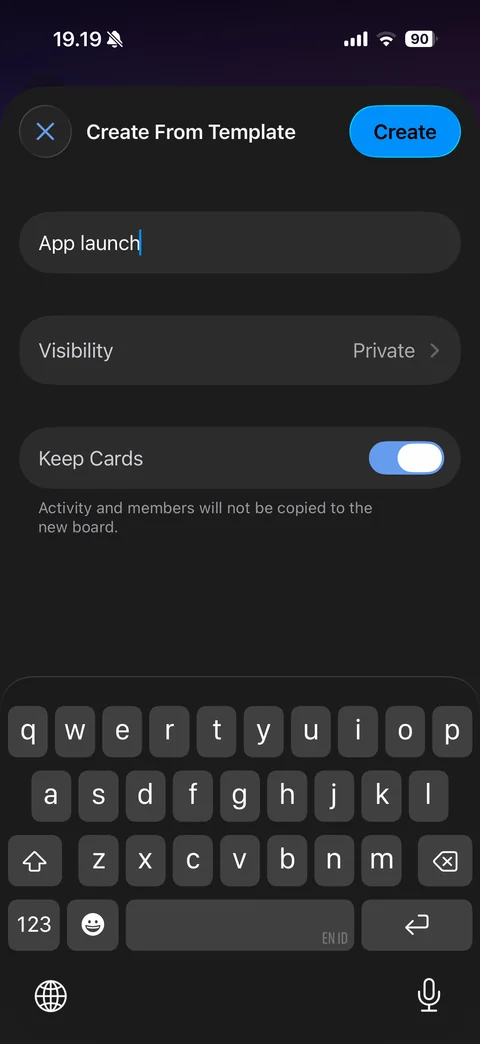
Create From Template form with keyboard: board name typed, Visibility Private row, Keep Cards toggle with note, blue Create button active
Trello board (11 screens)
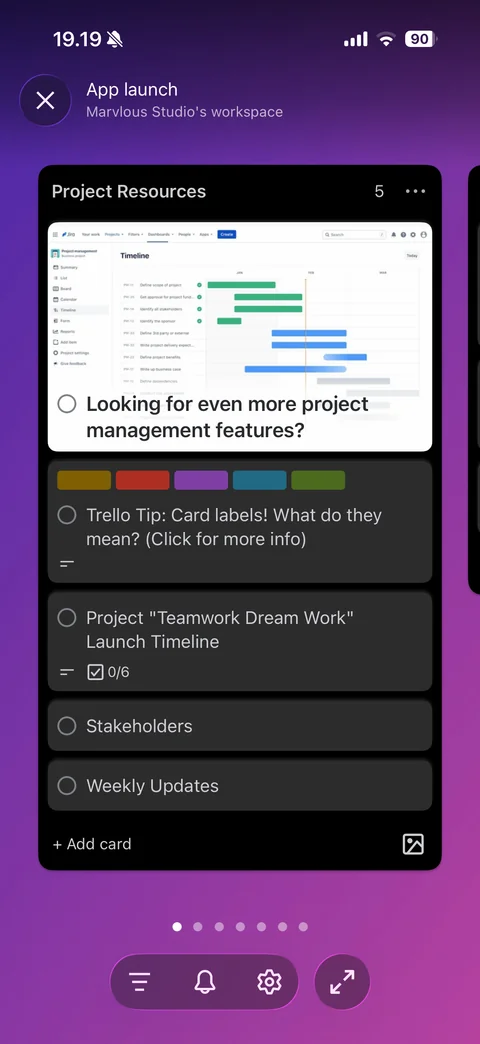
Board view: purple gradient background, board name and workspace, list column with title, count and more, cards with cover image, label colors, completion circles, description and checklist badges, Add card and image buttons, list page dots, filter, notifications, settings and zoom toolbar
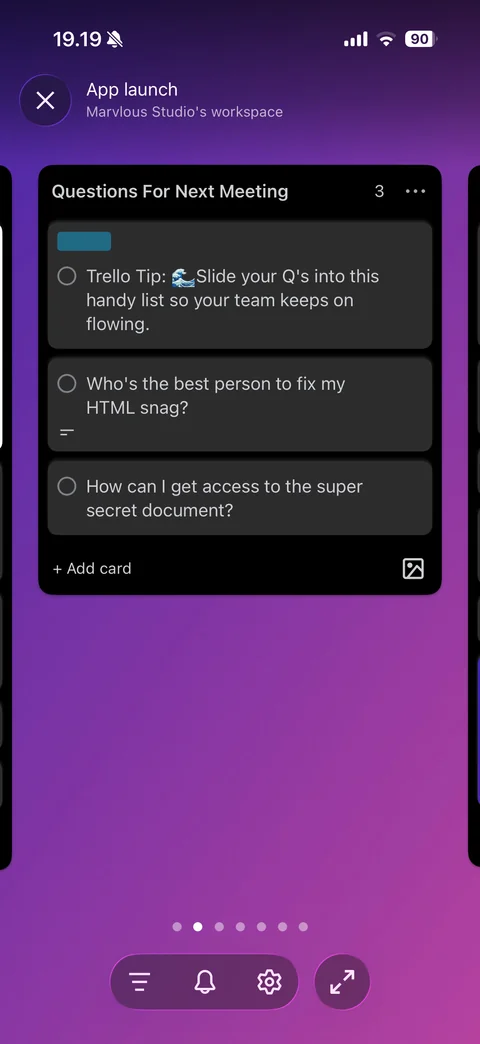
Board second list: swiped to Questions For Next Meeting list with label chip, cards with completion circles, neighboring lists peeking at edges, page dots
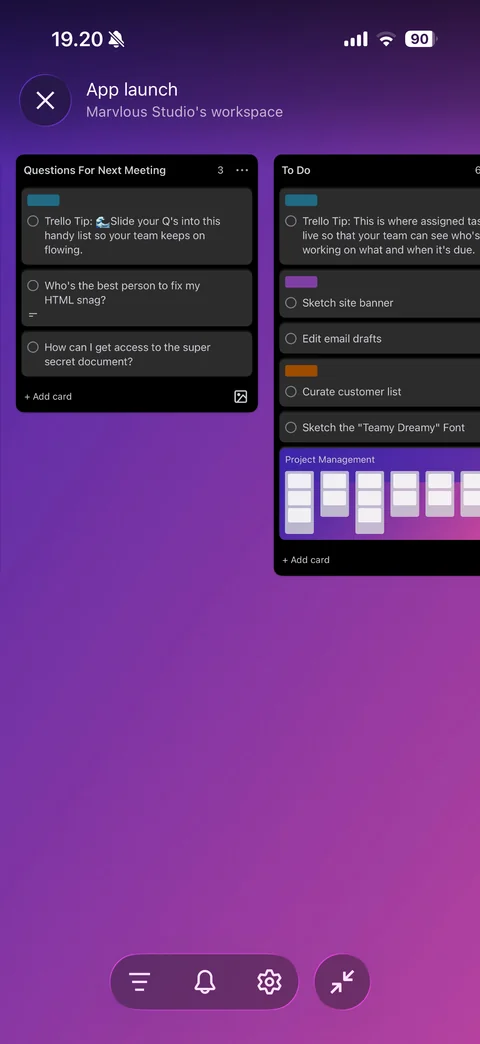
Board zoomed out: smaller list columns side by side (Questions For Next Meeting, To Do) with colored labels and template link card, collapse zoom button
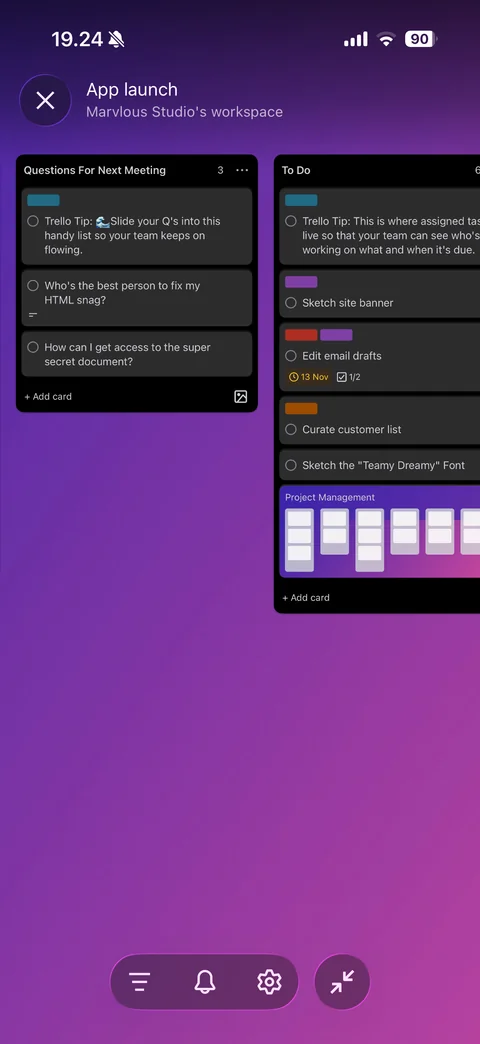
Board zoomed out with updated card: card front now shows red and purple labels, due date badge and checklist count 1/2
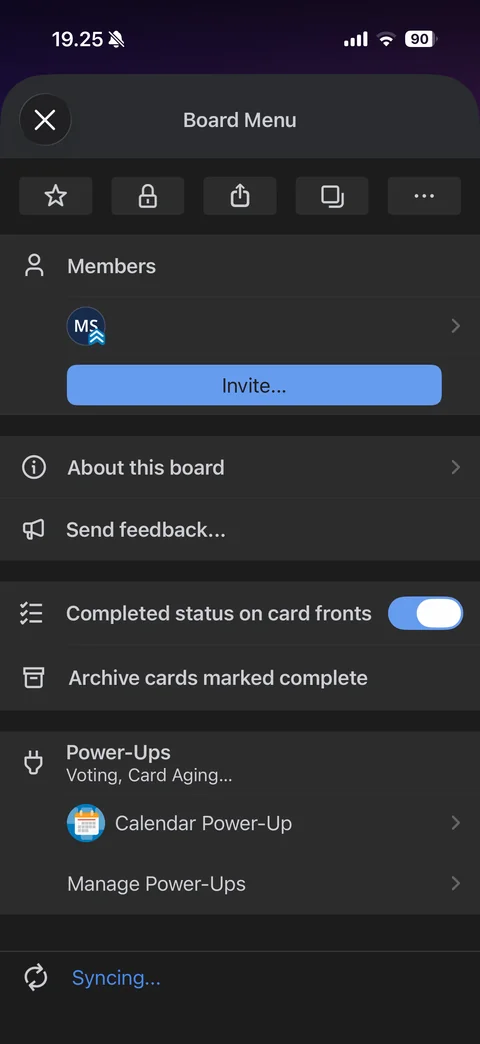
Board Menu sheet: icon row (star, visibility, share, copy, more), Members with avatar and Invite button, About this board, Send feedback, completed status toggle, archive completed cards, Power-Ups with Calendar Power-Up and Manage Power-Ups, syncing status
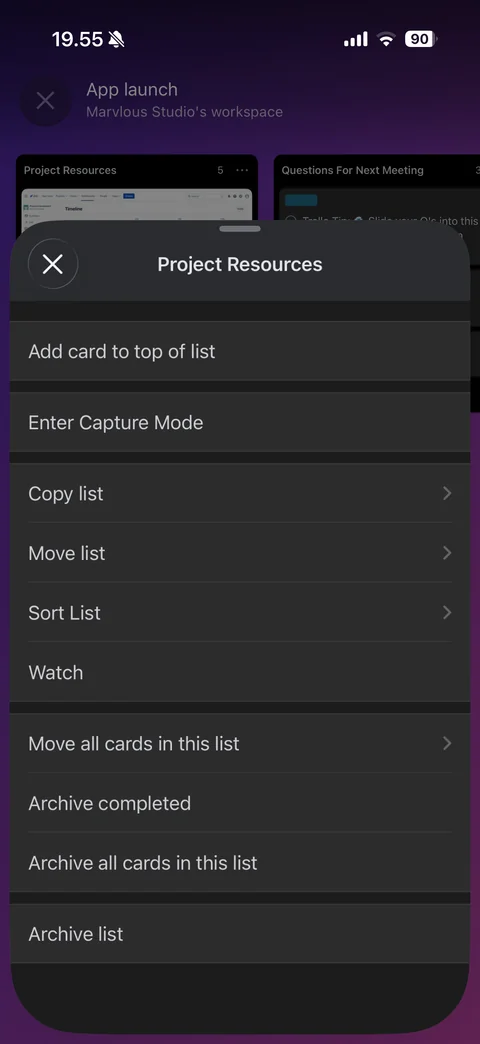
List actions sheet: add card to top, Enter Capture Mode, copy, move and sort list, watch, move all cards, archive completed, archive all cards, archive list
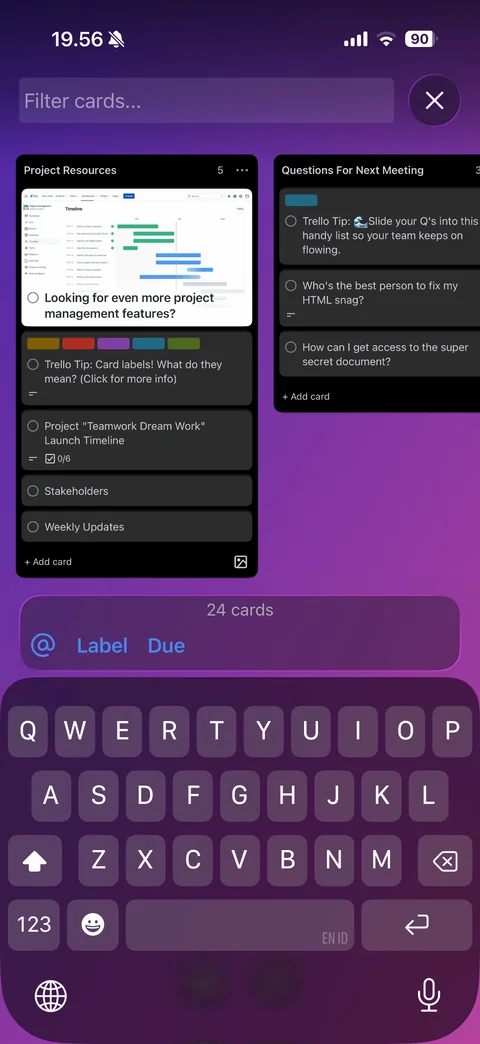
Filter cards mode with keyboard: top filter field and close, board lists behind, filter bar with card count and mention, Label and Due quick filters
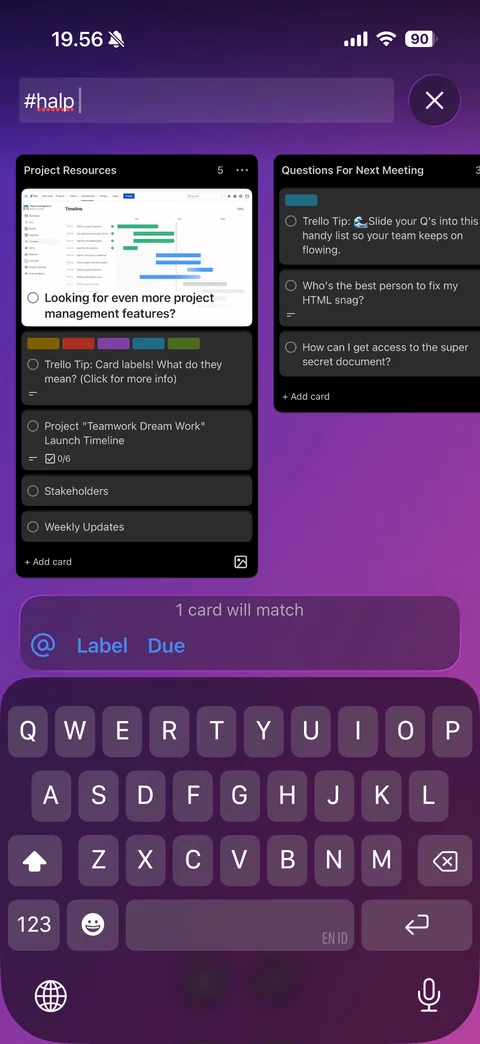
Filter by label suggestions: hashtag query with colored label suggestion chips (Product Marketing, Halp, One more step) in the filter bar
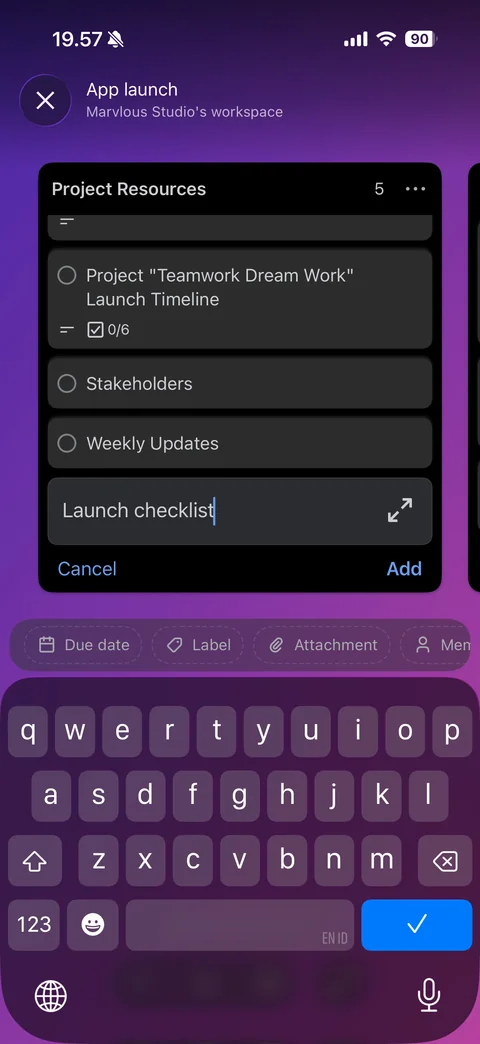
Add card inline with keyboard: new card field at list bottom with typed title and expand button, Cancel and Add, quick attribute chips (Due date, Label, Attachment, Members)
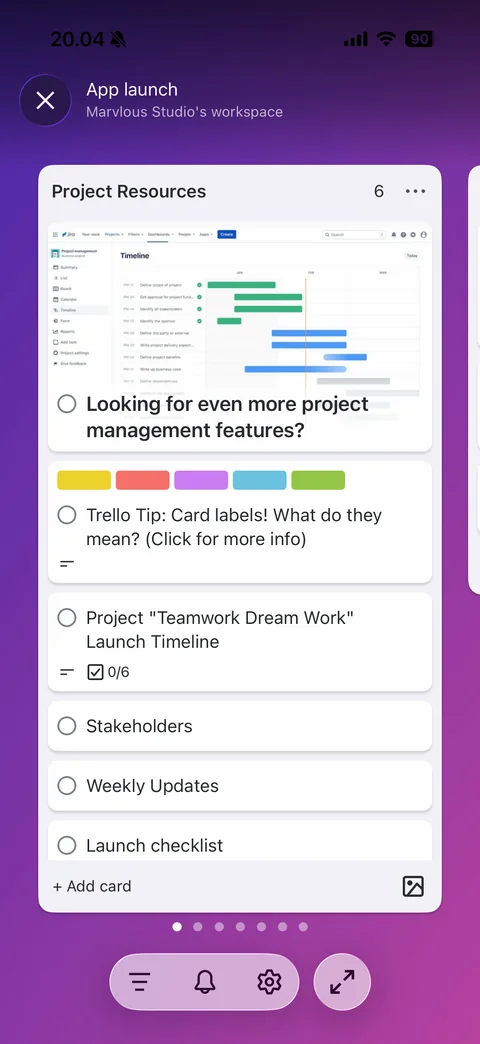
Board in light theme: white list column on purple gradient, cards with cover image, light label colors, checklist badge and new Launch checklist card, page dots and toolbar
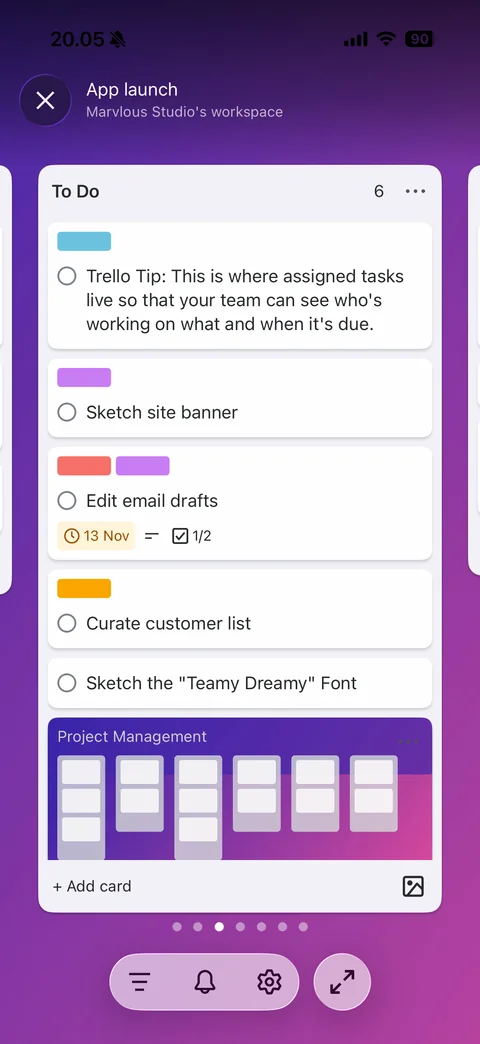
To Do list in light theme: label chips, card with due date badge, description icon and checklist 1/2, embedded board link card, Add card
Trello card (16 screens)
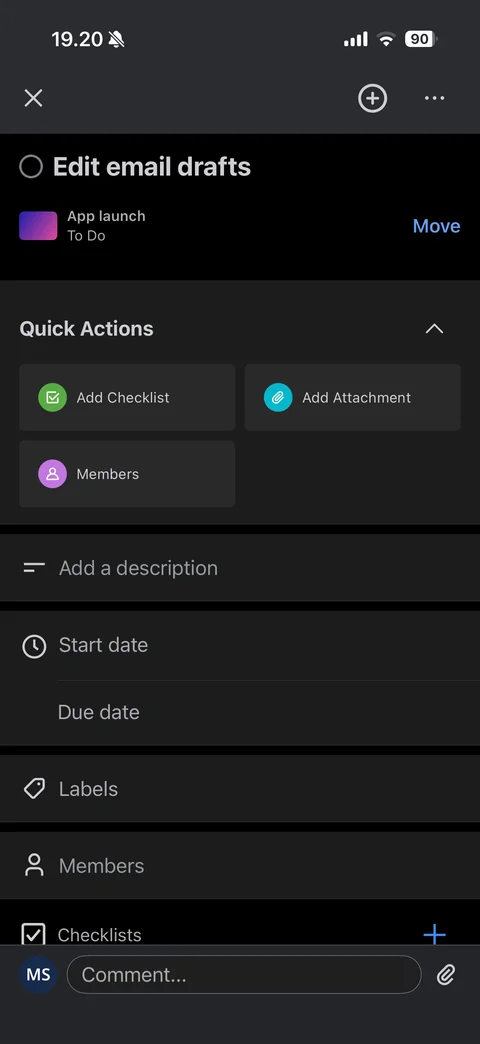
Card detail: close, add and more, completion circle with card title, board and list with Move link, Quick Actions (Add Checklist, Add Attachment, Members), description, start and due dates, labels, members, checklists rows, comment bar with avatar and attachment
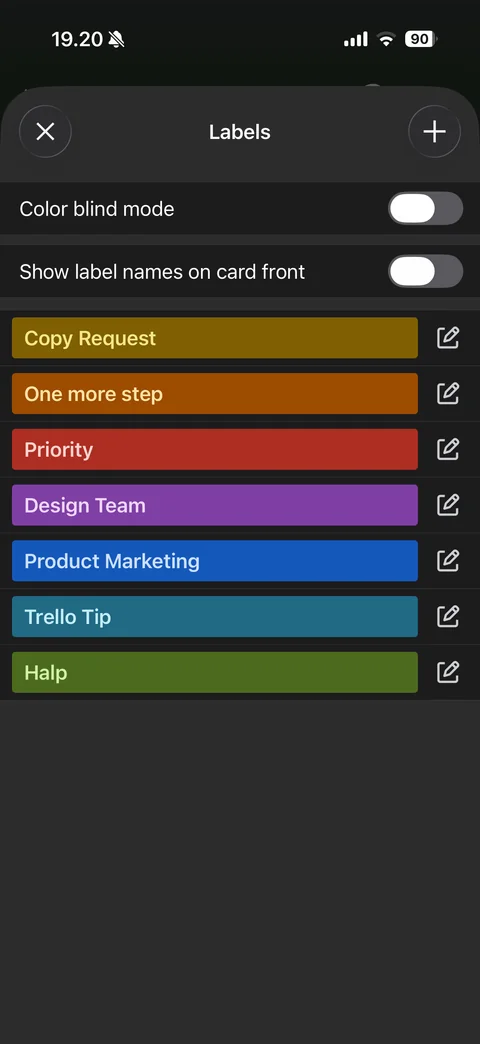
Labels sheet: close and add, color blind mode and show label names toggles, full-width colored label bars with names and edit buttons
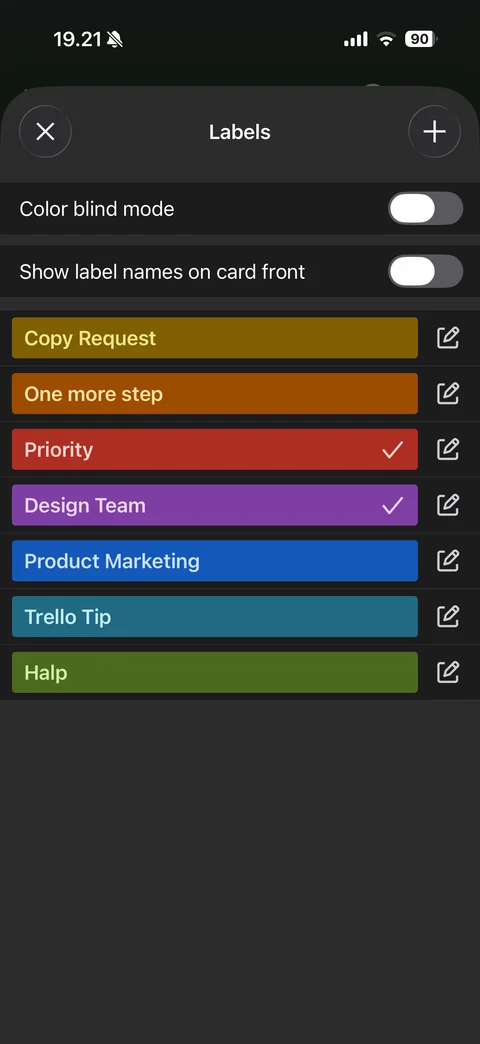
Labels selected: Priority and Design Team bars with white checkmarks
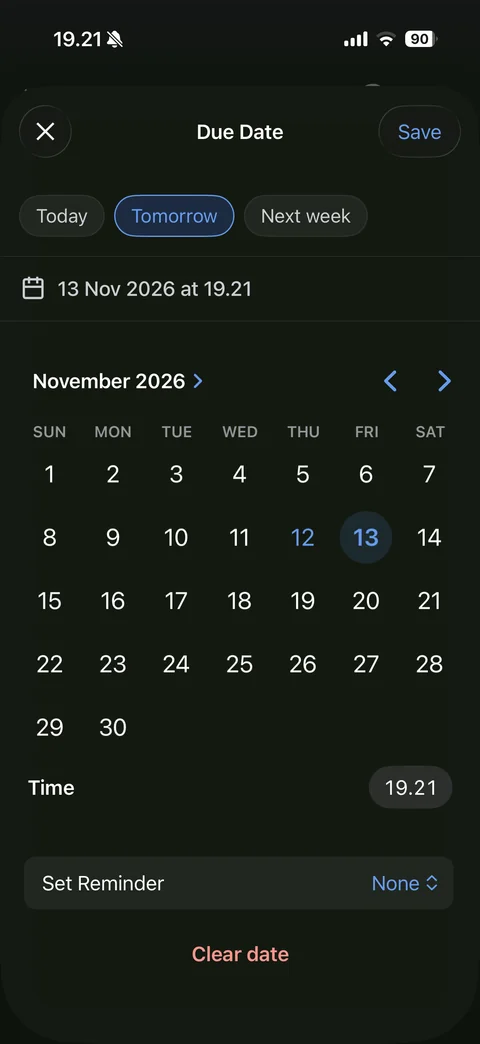
Due Date sheet: close and Save, quick chips (Today, Tomorrow selected, Next week), selected date and time row, month calendar with today and selected day, Time pill, Set Reminder picker, Clear date
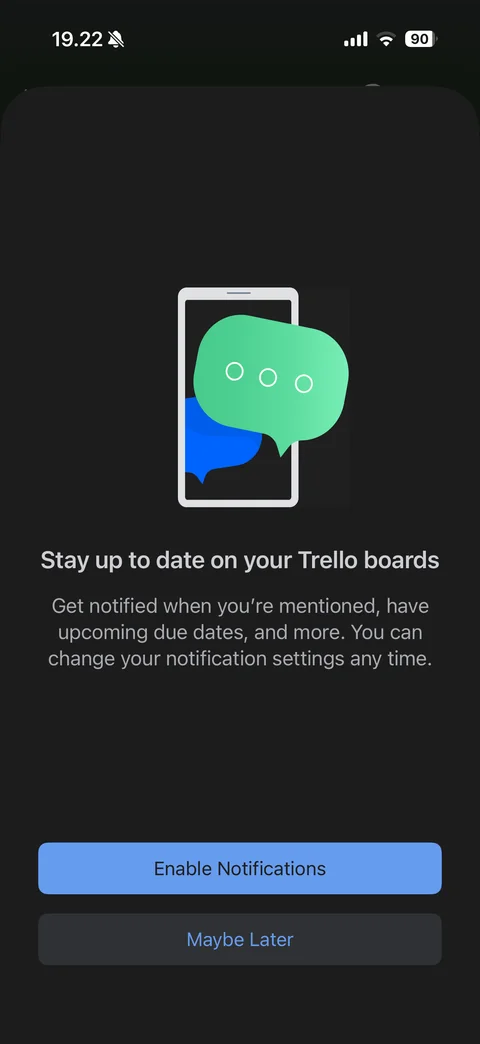
Notification pre-permission sheet after setting a due date: phone with chat bubbles illustration, Stay up to date on your Trello boards, Enable Notifications and Maybe Later
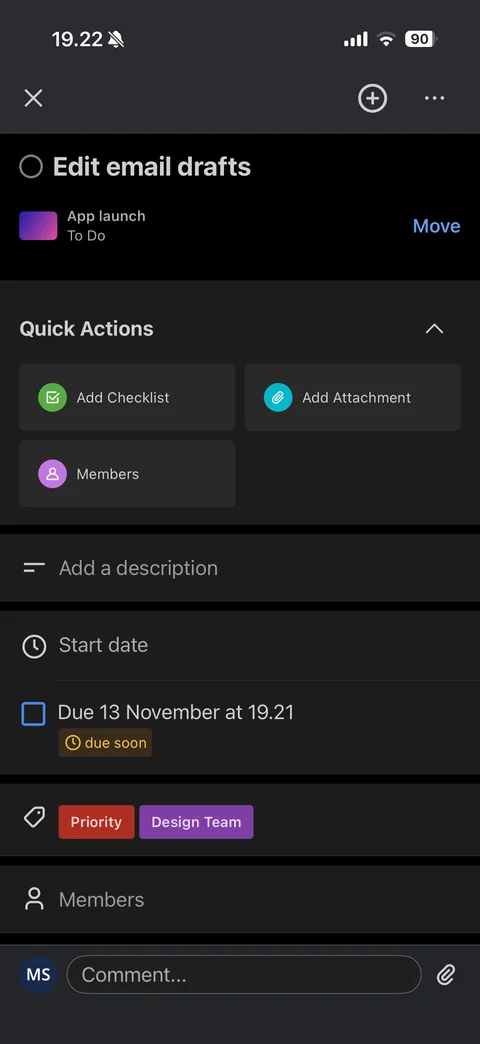
Card detail filled: due date row with checkbox and yellow due soon badge, Priority and Design Team label chips, quick actions, comment bar
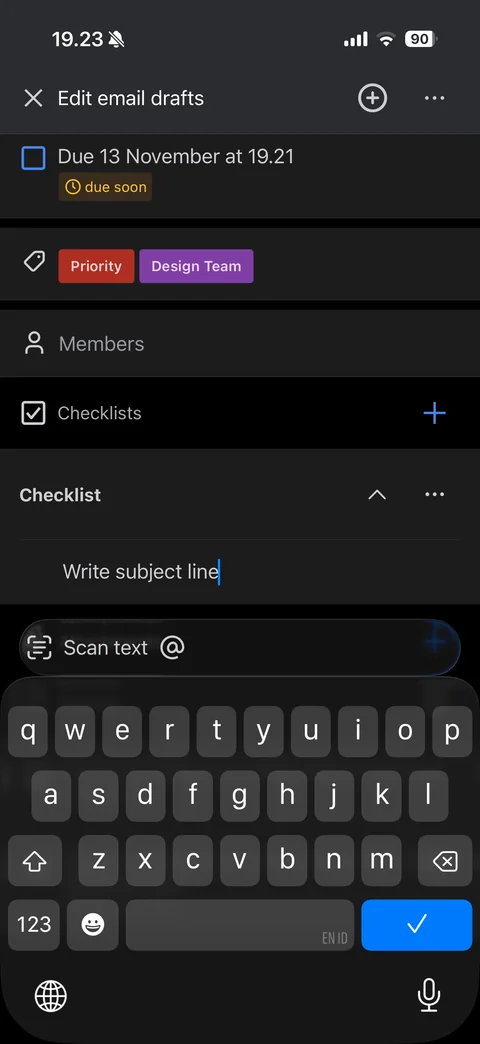
Adding checklist item with keyboard: Checklist section with typed item, toolbar with Scan text and mention buttons, blue checkmark return key
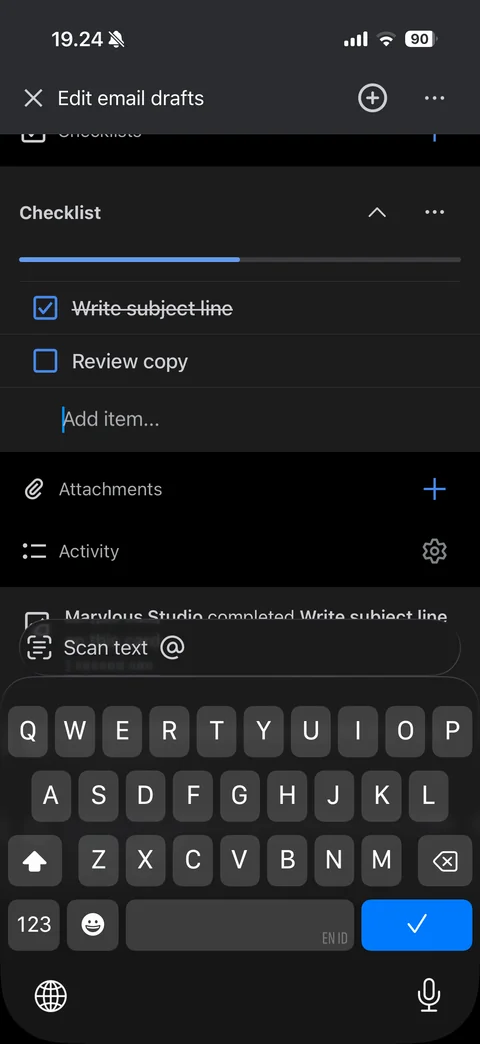
Checklist in progress: blue progress bar at 50%, first item checked with strikethrough, second unchecked, Add item field focused, activity log entry below
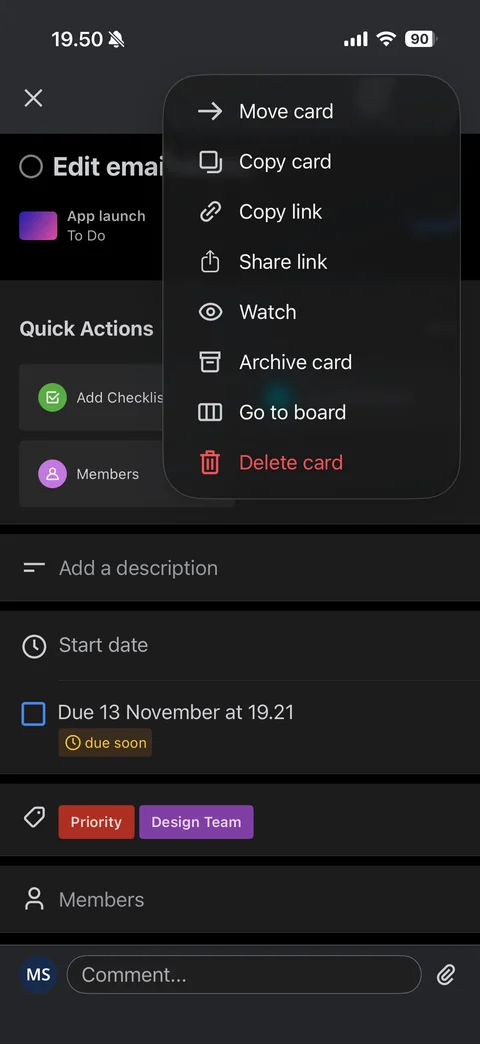
Card more menu: Move card, Copy card, Copy link, Share link, Watch, Archive card, Go to board, red Delete card
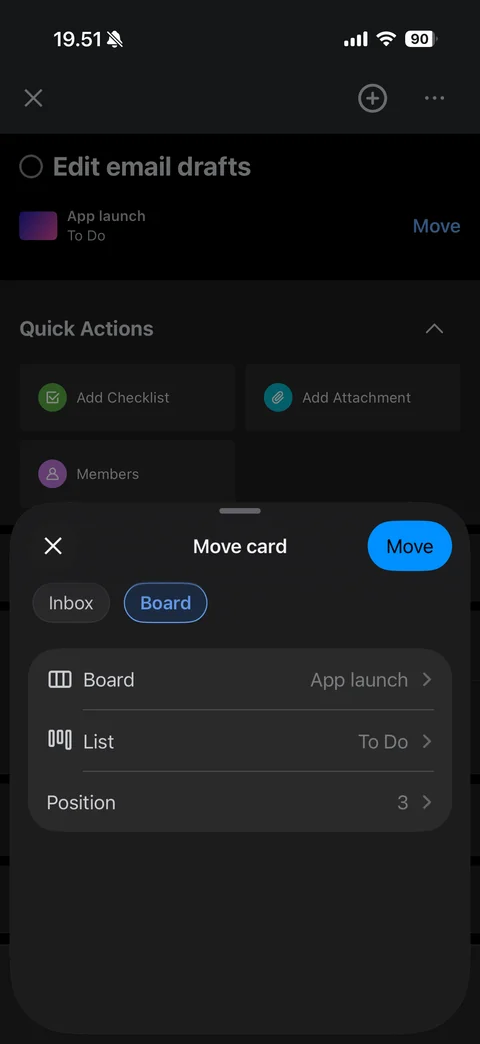
Move card sheet: close and blue Move, Inbox and Board segmented chips, rows for board, list and position with current values
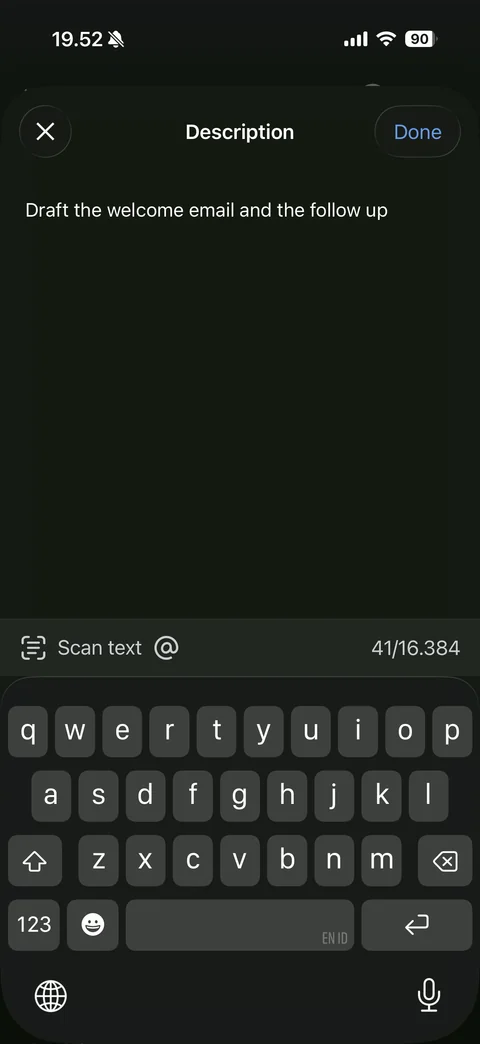
Description editor with keyboard: close and Done, full-screen text area with typed description, toolbar with Scan text, mention and character counter
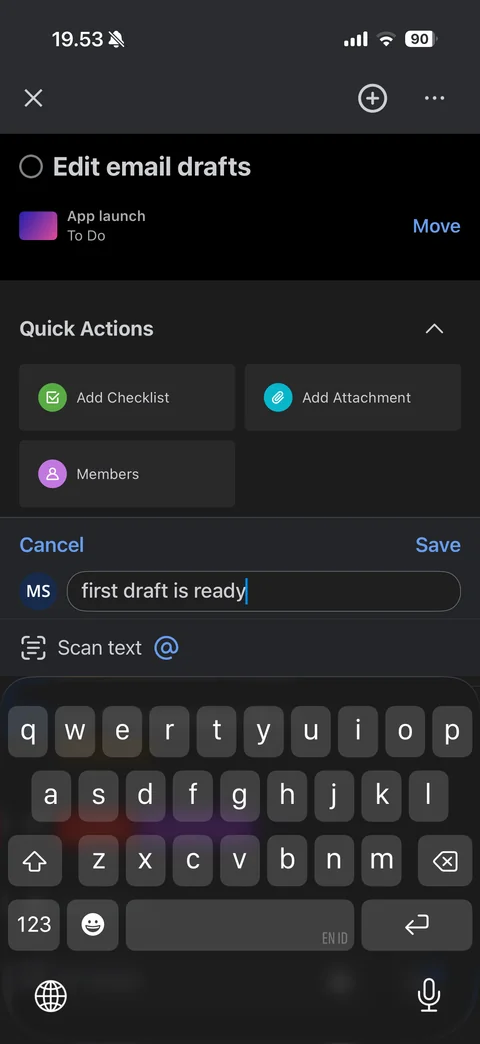
Comment composer with keyboard: Cancel and blue Save, avatar and typed comment field, Scan text and mention toolbar
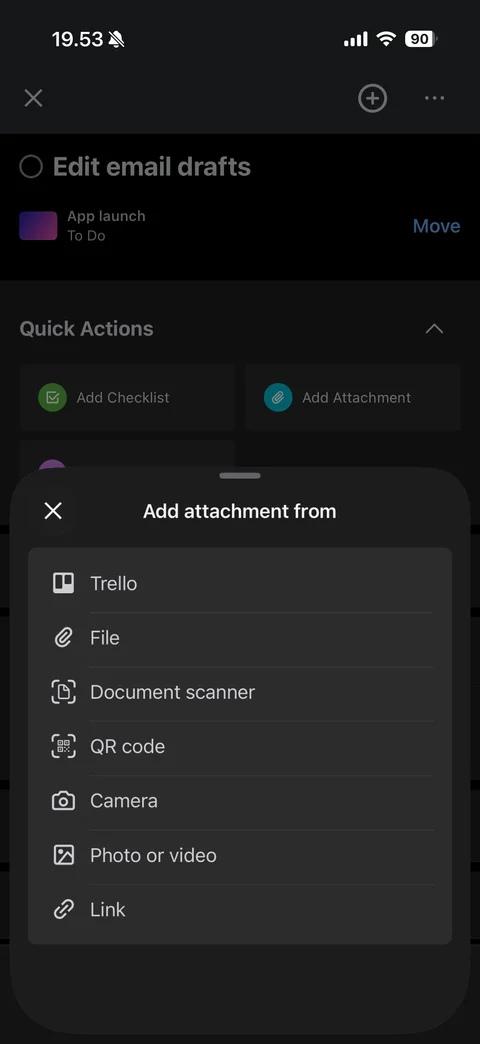
Add attachment from sheet: Trello, File, Document scanner, QR code, Camera, Photo or video, Link options with icons
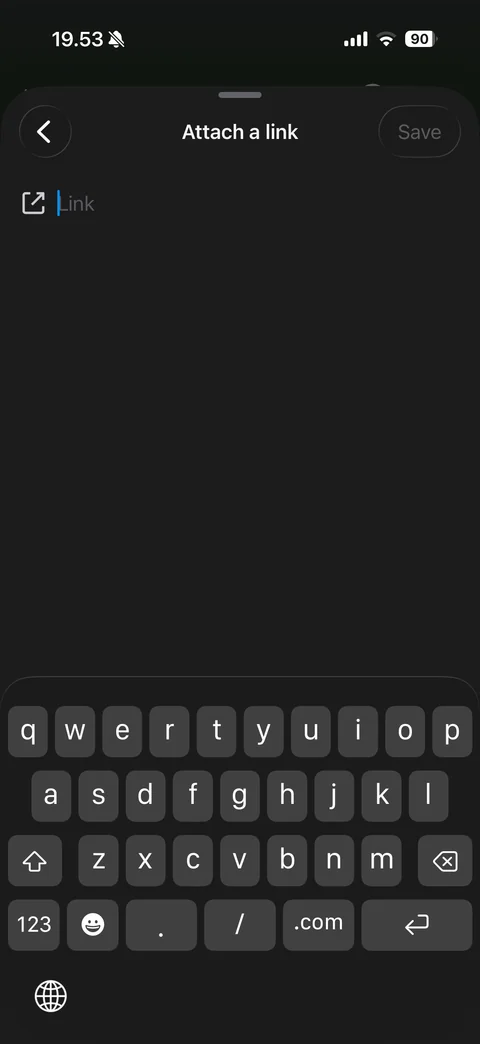
Attach a link sheet with URL keyboard: back and disabled Save, link field with icon, keyboard with period, slash and .com keys
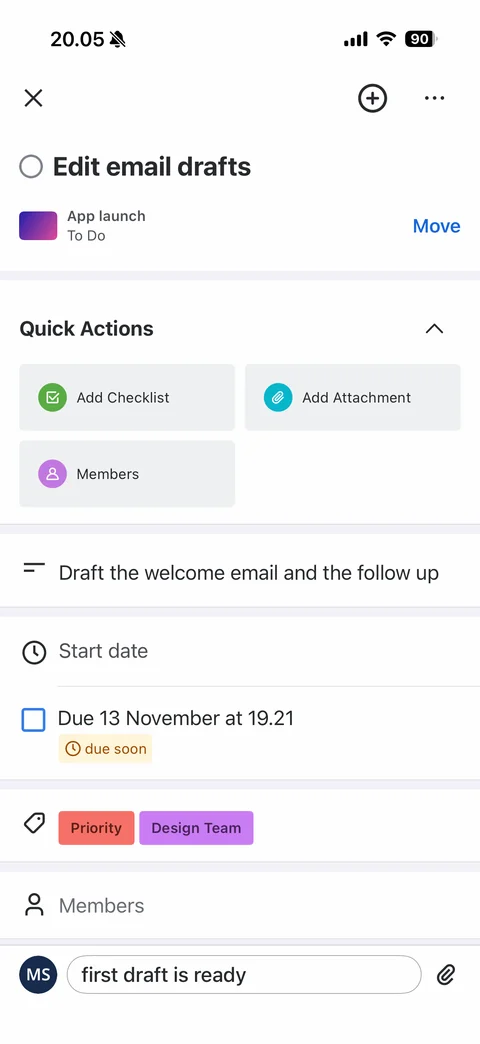
Card detail in light theme: description filled, due soon badge, Priority and Design Team label chips, quick actions, draft comment in comment bar
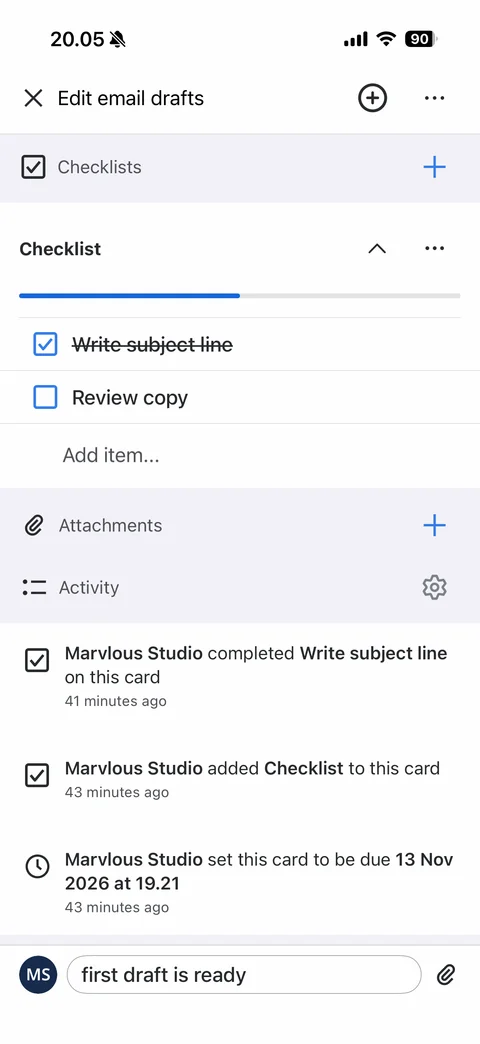
Card scrolled in light theme: Checklist with progress bar and checked item, Attachments row, Activity log with completed, added checklist and due date events with timestamps
Trello inbox (5 screens)
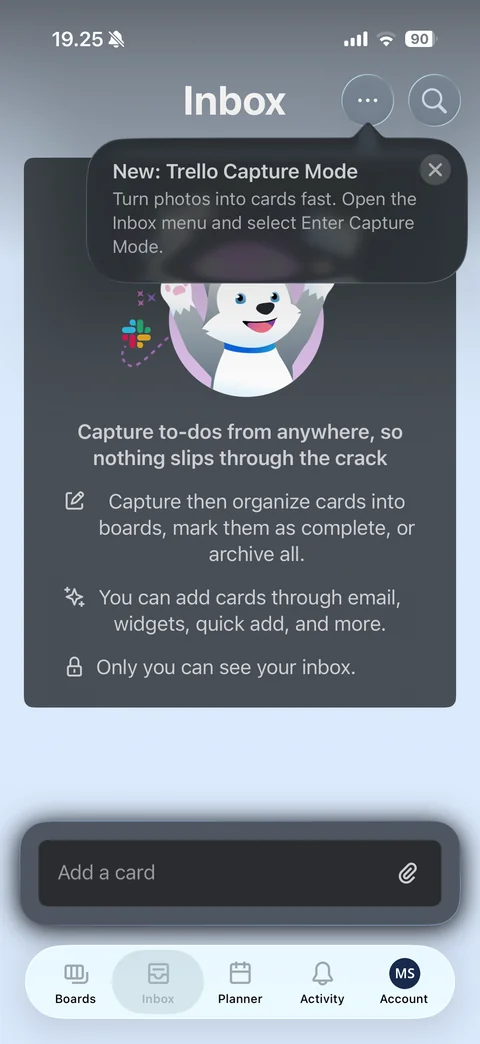
Inbox tab (light gradient): more and search buttons, New Trello Capture Mode tooltip with close, empty state card with husky mascot and Slack icon, three capture tips, private inbox note, floating Add a card field
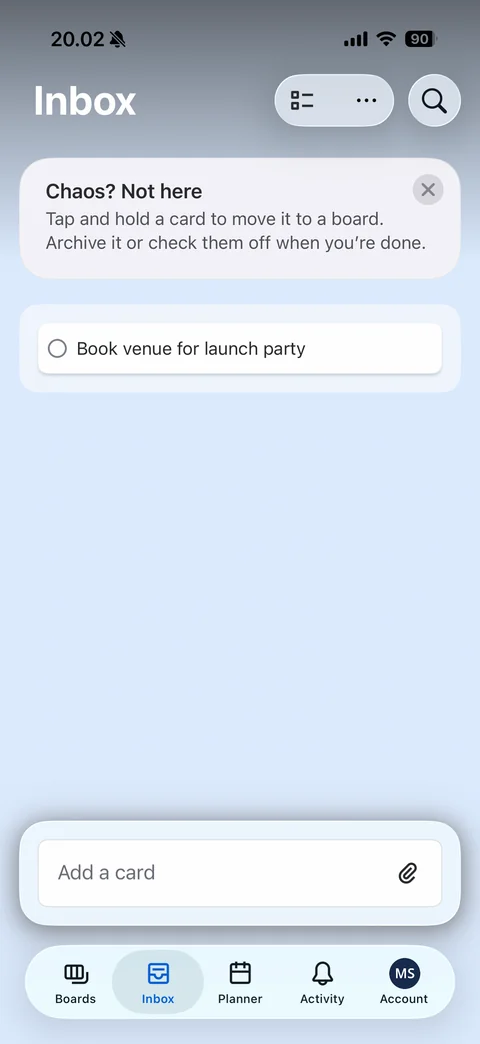
Inbox with a card (light): blue gradient, select and more buttons, Chaos? Not here tip card with close, inbox card with completion circle, floating Add a card field
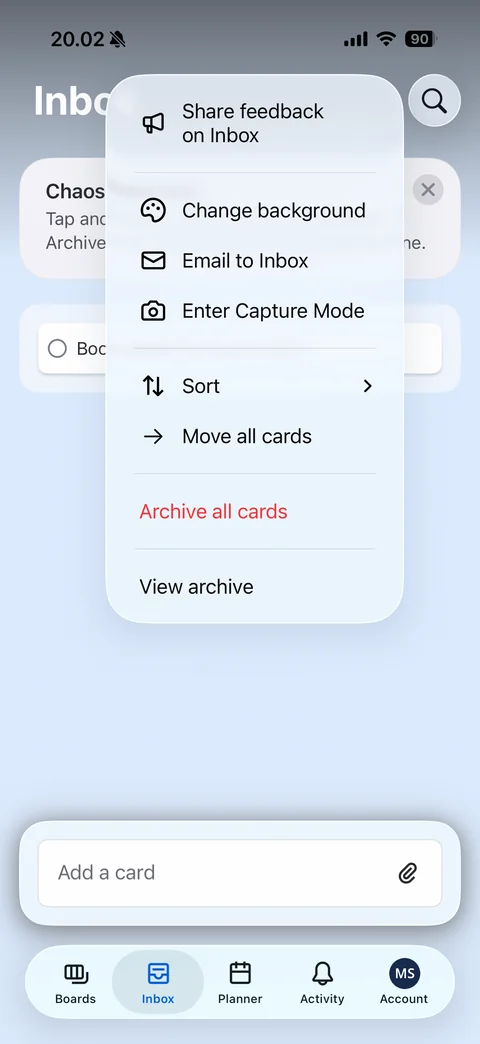
Inbox more menu: Share feedback, Change background, Email to Inbox, Enter Capture Mode, Sort, Move all cards, red Archive all cards, View archive
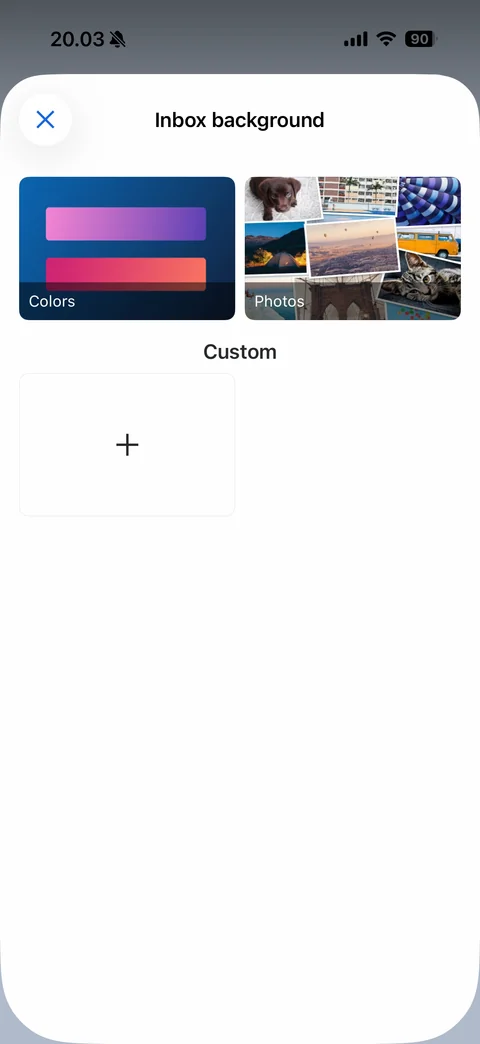
Inbox background picker: Colors and Photos category tiles, Custom section with add tile
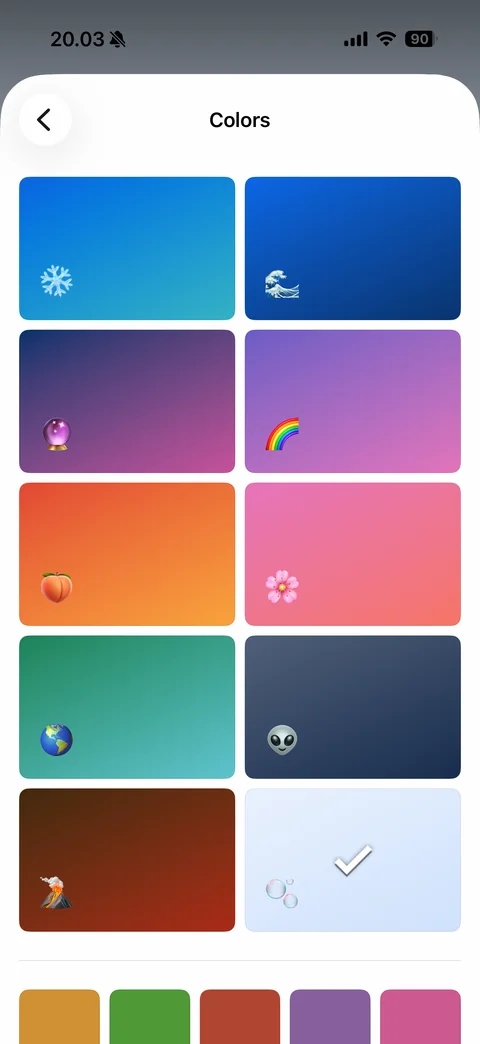
Background colors grid: two-column gradient tiles with emoji (snowflake, wave, crystal ball, rainbow, peach, flower, earth, alien, volcano, bubbles checked), solid color swatches row below
Trello planner (3 screens)
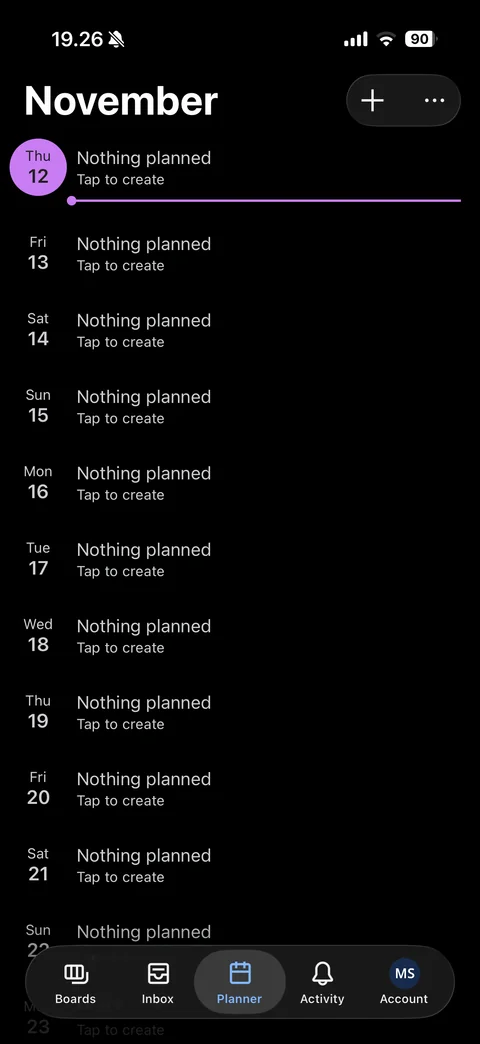
Planner tab: month title with add and more buttons, day-by-day agenda list with today highlighted in purple circle and current time line, Nothing planned Tap to create rows
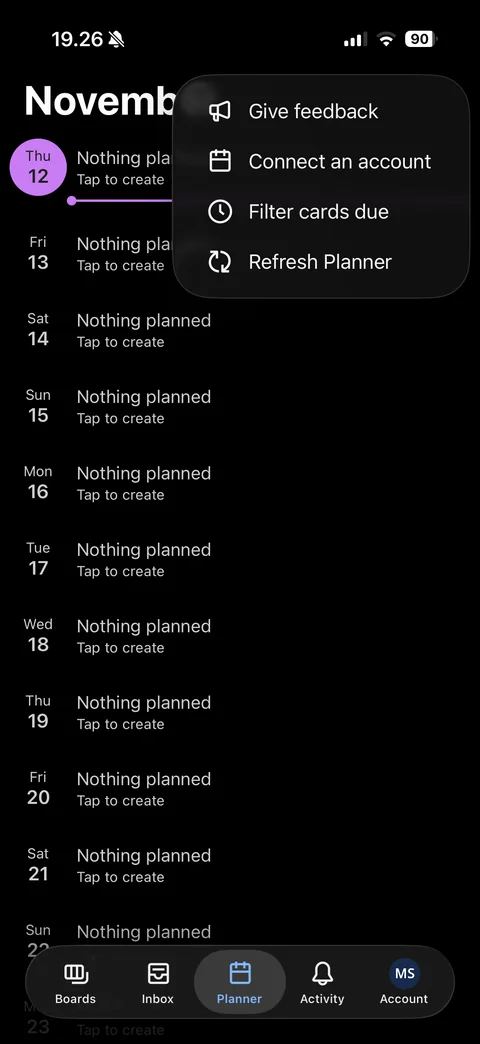
Planner more menu: Give feedback, Connect an account, Filter cards due, Refresh Planner
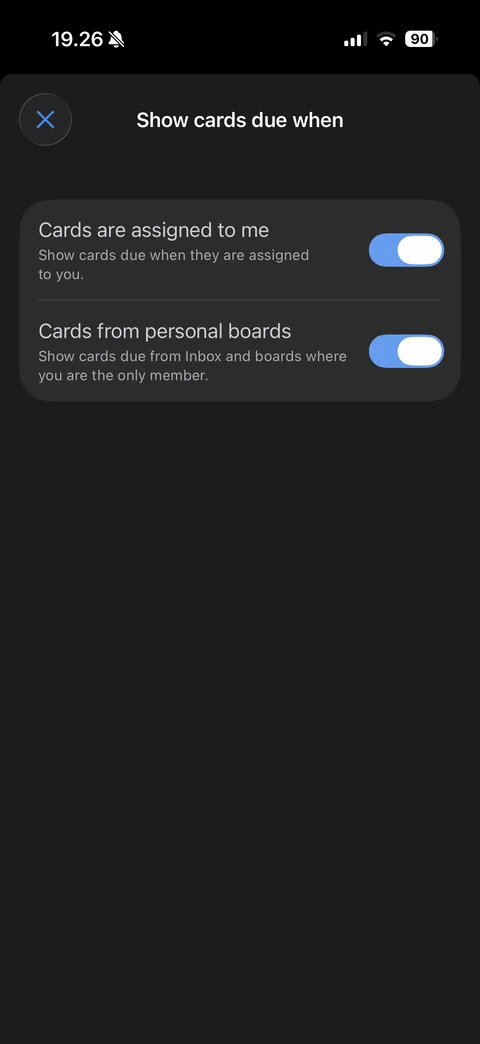
Show cards due when sheet: toggles for cards assigned to me and cards from personal boards with descriptions
Trello activity (1 screen)
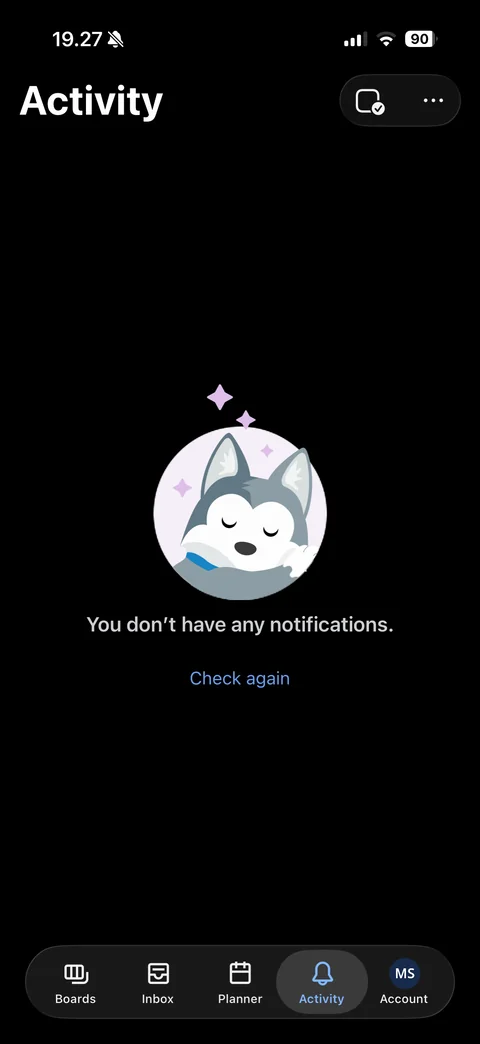
Activity empty state: mark all read and more buttons, sleeping husky with sparkles, You don't have any notifications, Check again link
Trello account (8 screens)
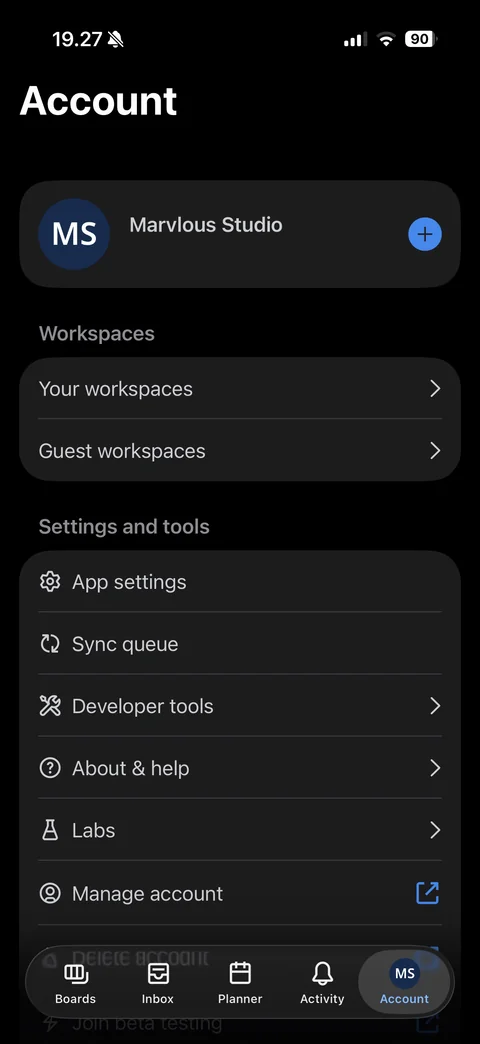
Account tab: profile card with initials avatar, name, email and add account button, Workspaces (your and guest workspaces), Settings and tools list (app settings, sync queue, developer tools, about and help, labs, manage account, delete account, beta testing)
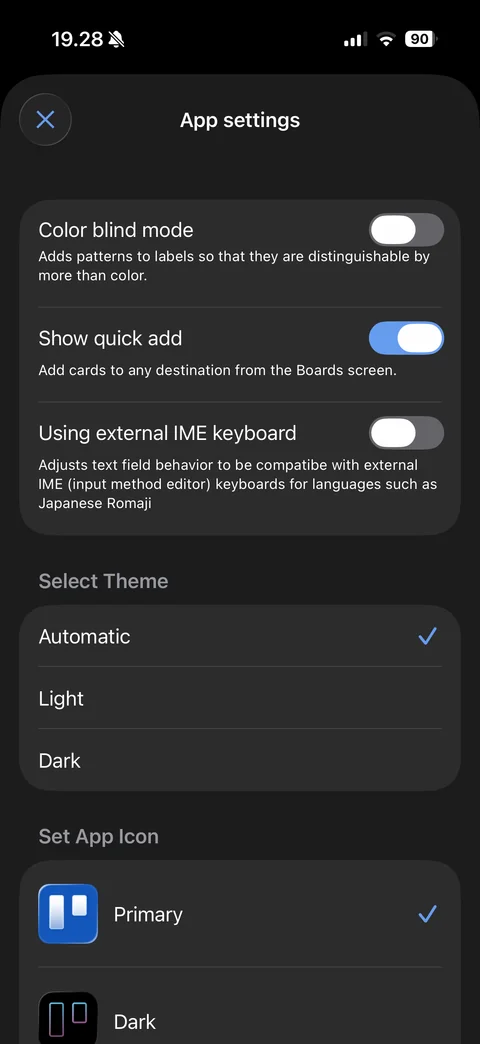
App settings sheet: toggles for color blind mode, show quick add and external IME keyboard with descriptions, Select Theme (Automatic checked, Light, Dark), Set App Icon list (Primary checked, Dark)
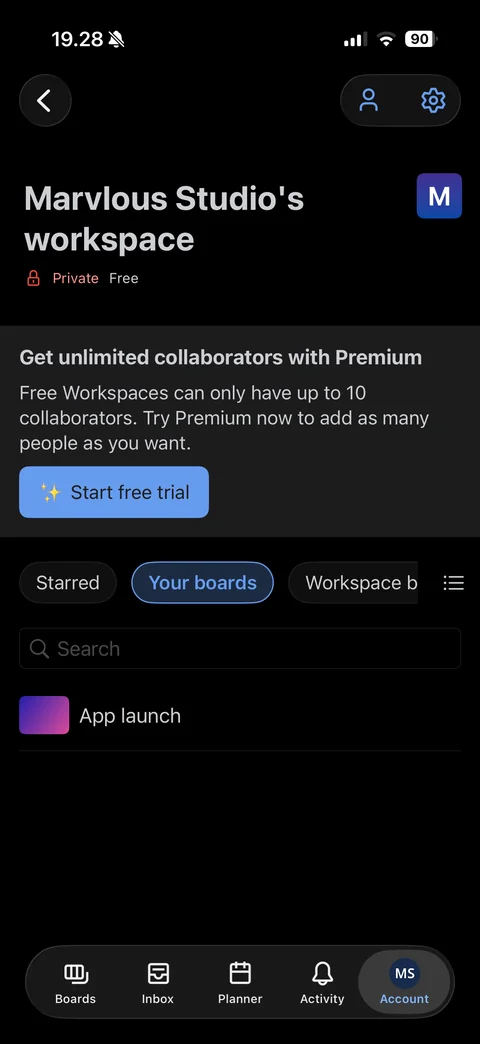
Workspace page: back, members and settings buttons, workspace name with logo tile, Private and Free tags, Premium upsell banner with Start free trial, Starred, Your boards and Workspace boards chips, list toggle, boards search and board row
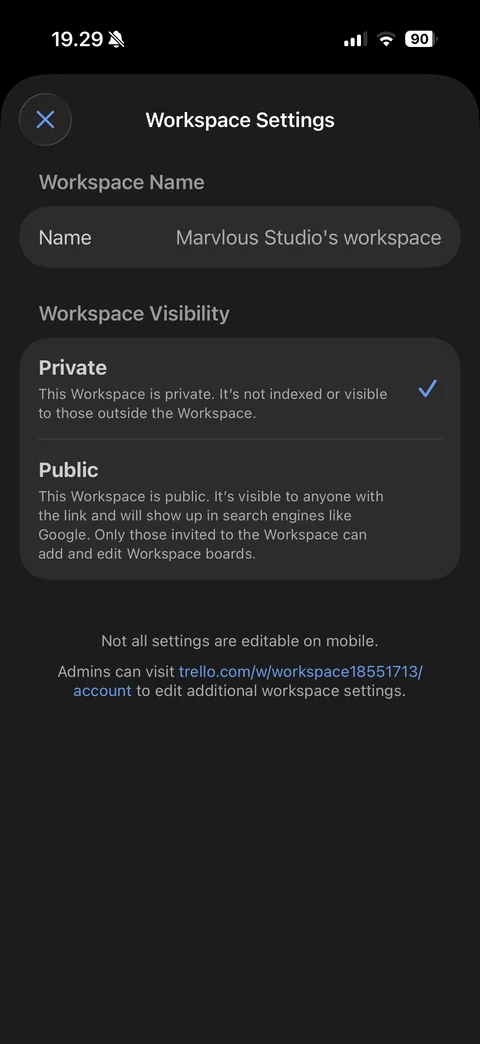
Workspace Settings sheet: workspace name row, visibility radio cards (Private checked, Public) with descriptions, mobile limitation note with web link
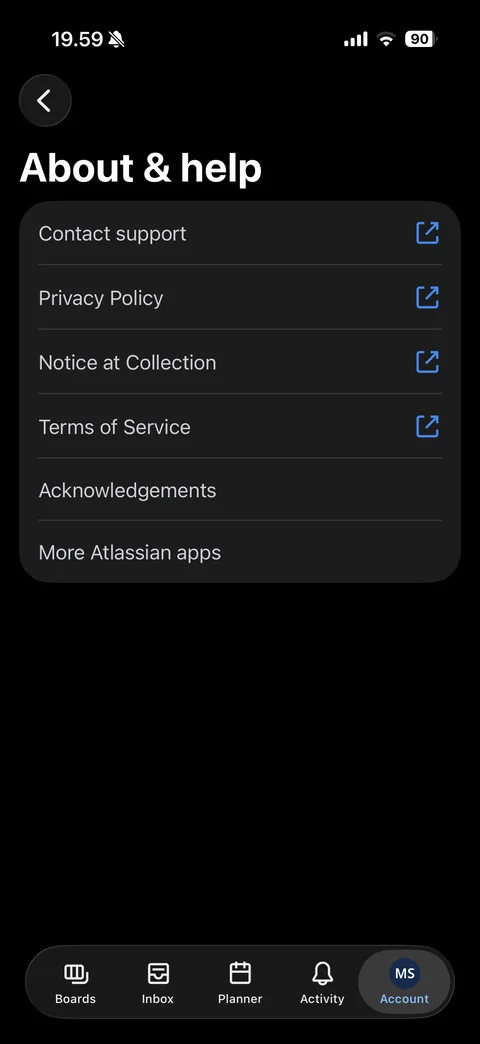
About & help: large title, list with external link icons (Contact support, Privacy Policy, Notice at Collection, Terms of Service), Acknowledgements, More Atlassian apps
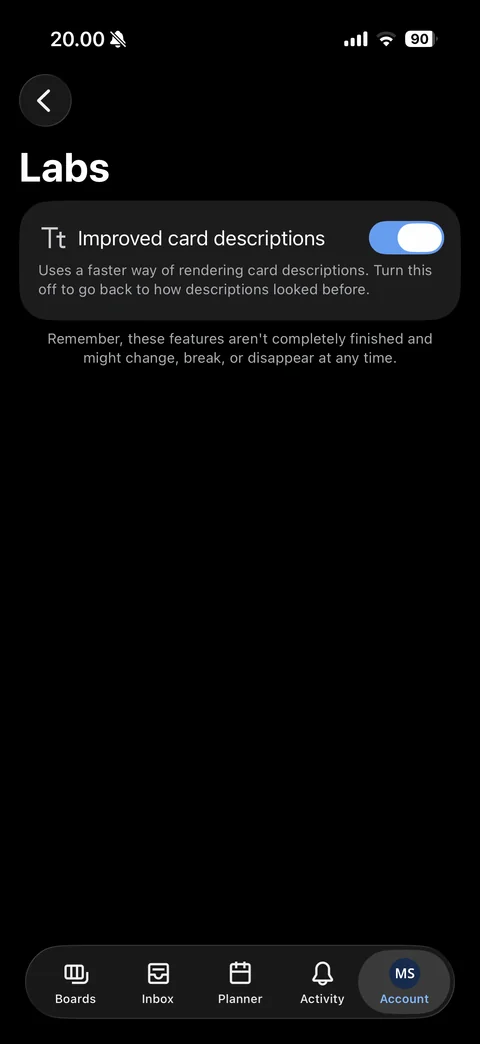
Labs: experimental Improved card descriptions toggle with explanation, unfinished features warning
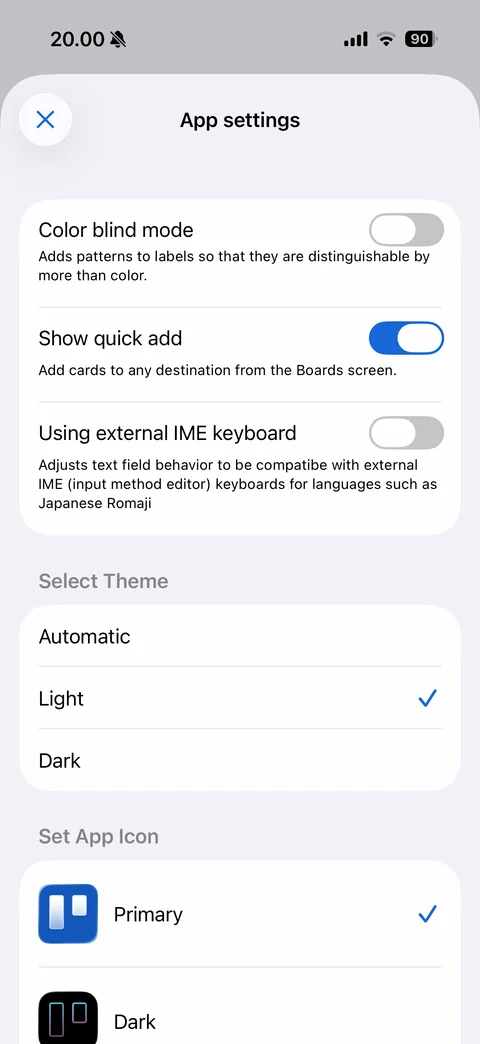
App settings in light theme: Light theme checked, toggles and app icon list
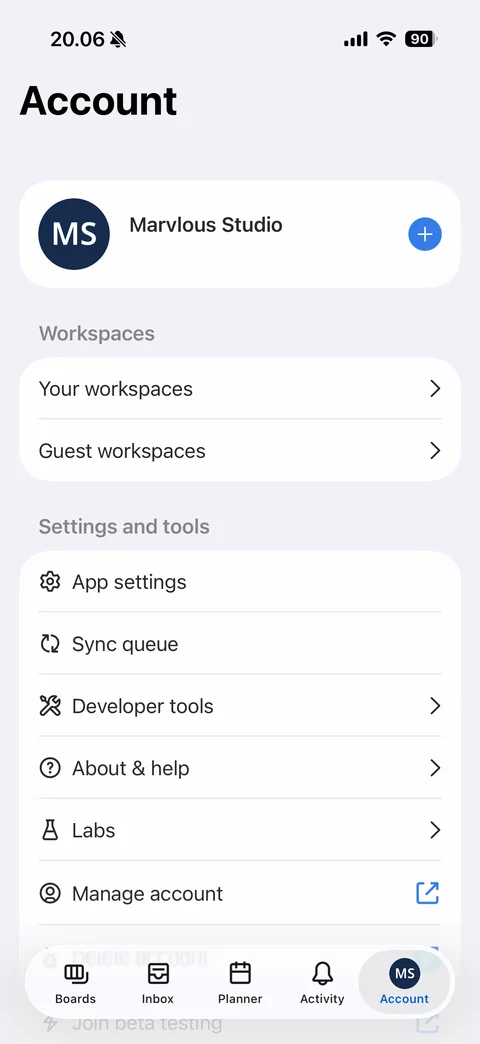
Account tab in light theme: profile card, workspaces and settings and tools lists on light gray background