Shazam app design: 47 real screens in 9 flows
Identify Songs, Live Shows. Category: Music. By Apple Inc.
Captured on iPhone and updated November 2026. Each screen has a short note on what it shows and why it matters for growth.
Shazam onboarding (1 screen)
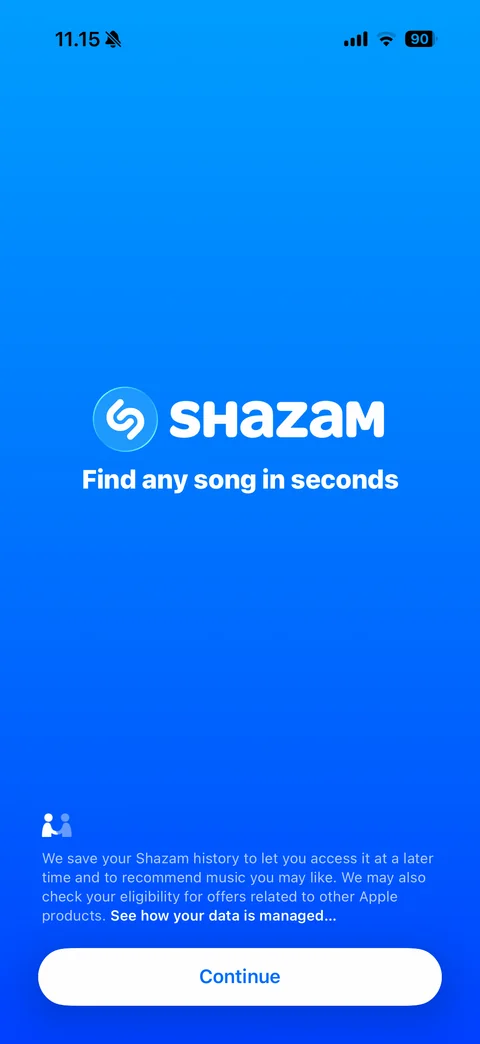
Welcome screen: blue gradient, Shazam logo, Find any song in seconds tagline, data privacy notice with Apple handshake icon and link, Continue button
Shazam home (1 screen)
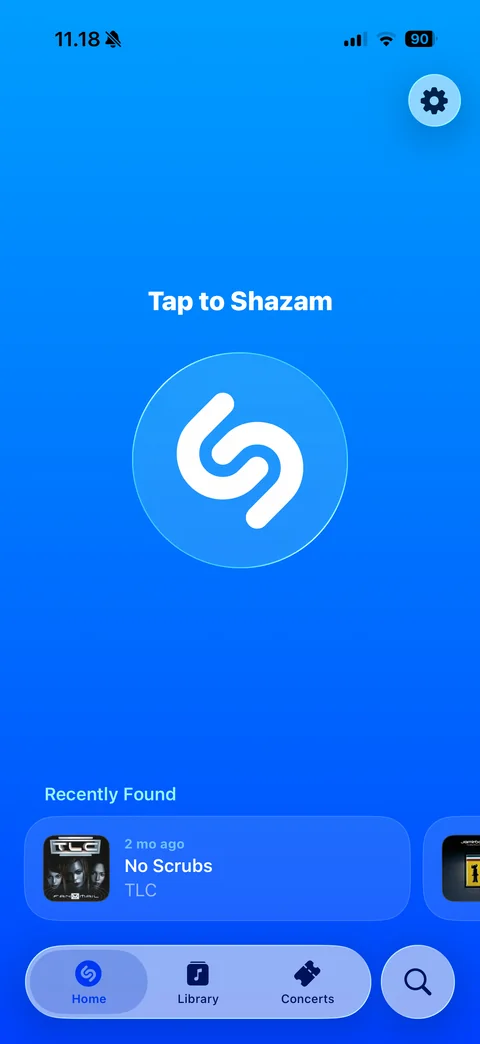
Home: blue gradient, settings button, Tap to Shazam label over large Shazam button, Recently Found carousel with album art, age, song and artist, floating tab bar (Home, Library, Concerts) and search button
Shazam song (6 screens)
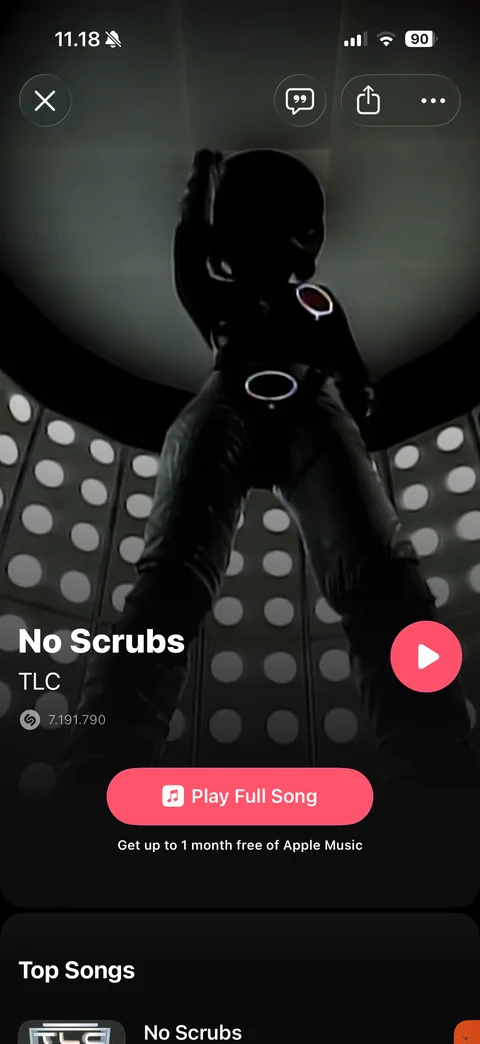
Song detail: full-bleed music video artwork, close, lyrics, share and more buttons, song title and artist, Shazam count, pink play button, Play Full Song with Apple Music trial note, Top Songs section
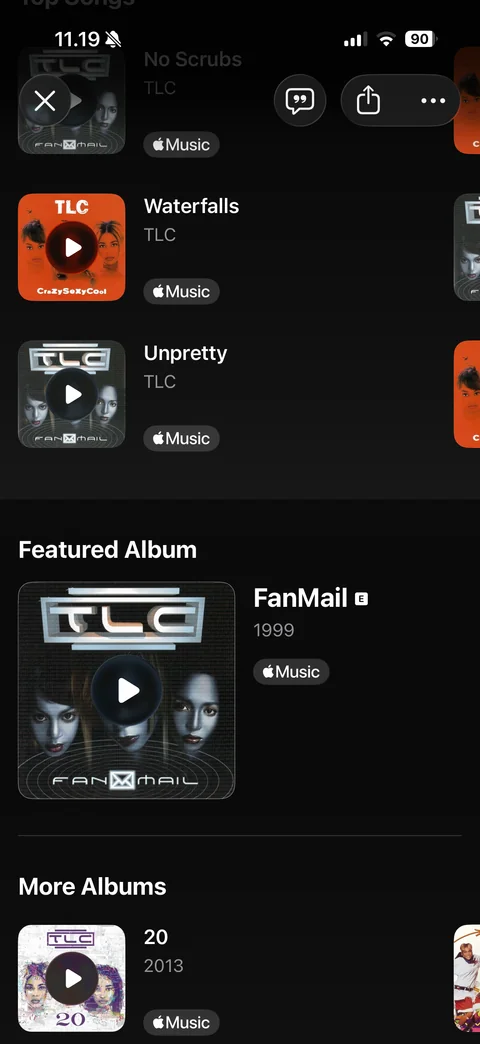
Song detail scrolled: Top Songs grid with artwork play overlays and Apple Music badges, Featured Album with large cover, year and explicit tag, More Albums carousel
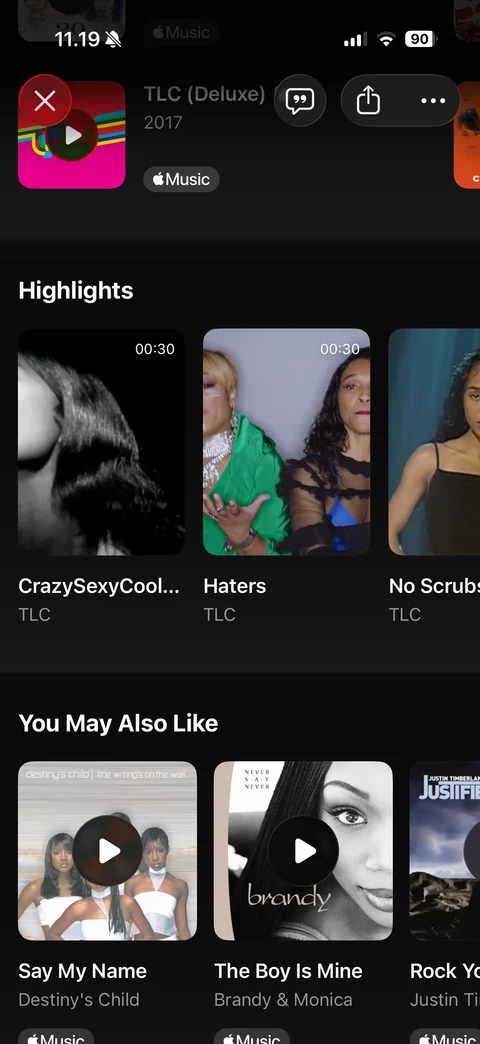
Song detail further: Highlights carousel of 30-second video clips with duration badge, You May Also Like carousel of related songs with play overlays and Apple Music badges
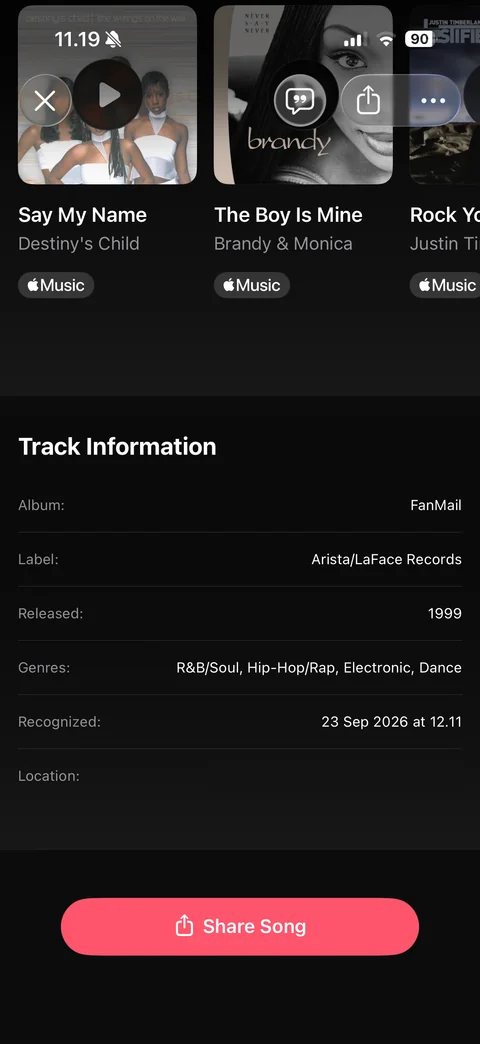
Song detail bottom: Track Information table (album, label, released, genres, recognized date, location), Share Song button
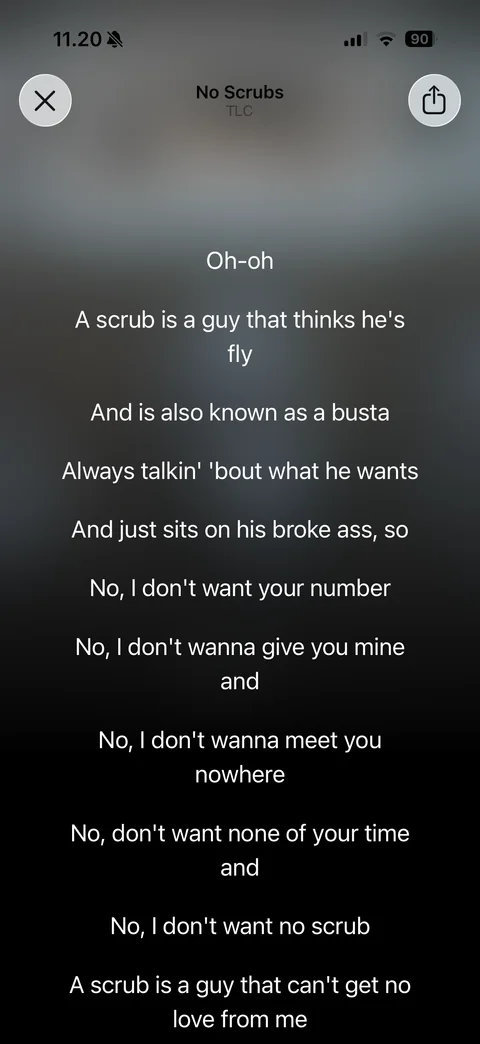
Lyrics view: blurred artwork background, close and share, song and artist header, centered white lyric lines
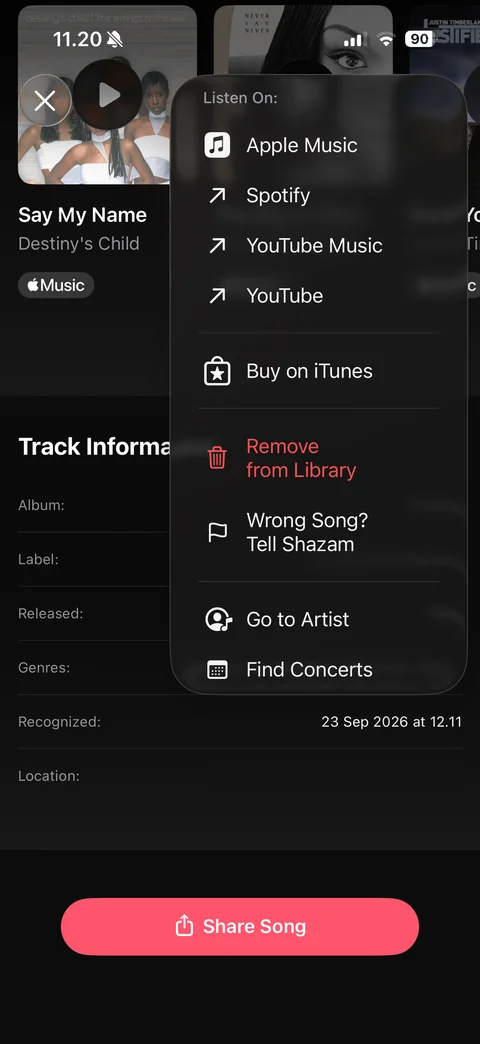
Song more menu: Listen On (Apple Music, Spotify, YouTube Music, YouTube), Buy on iTunes, red Remove from Library, Wrong Song Tell Shazam, Go to Artist, Find Concerts
Shazam artist (1 screen)
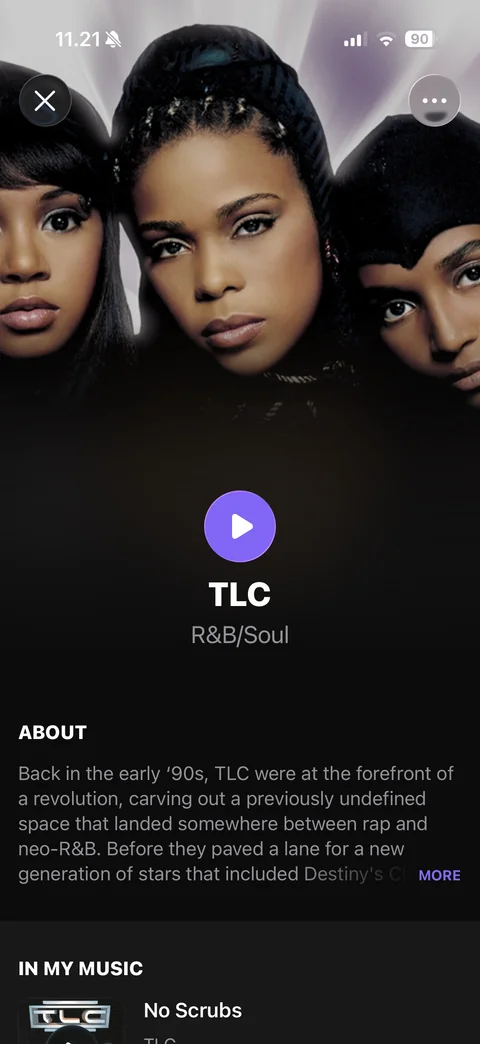
Artist page: large artist photo header fading to black, close and more, purple play button, artist name and genre, About bio with More link, In My Music section
Shazam library (7 screens)
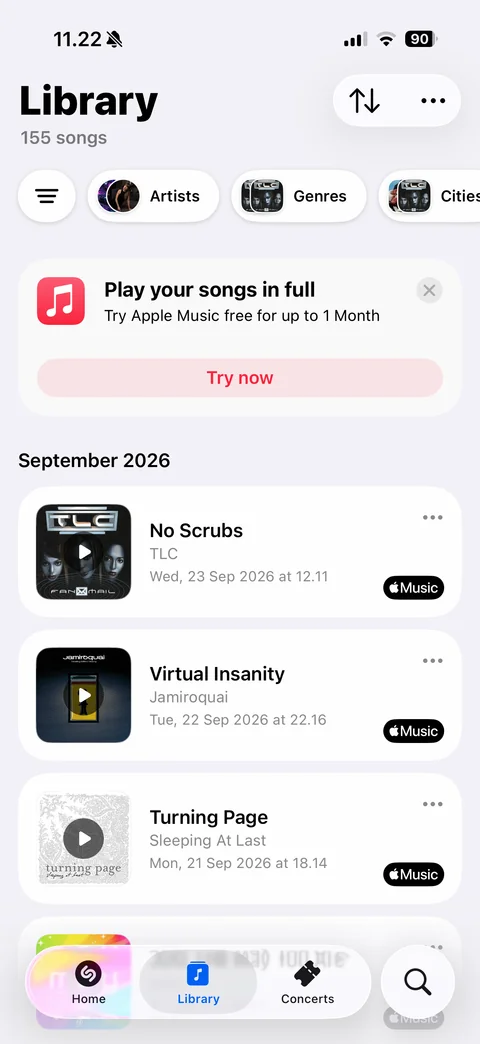
Library: title with song count, sort and more buttons, filter chips (Artists, Genres, Cities) with avatar stacks, Apple Music trial banner with Try now and close, month section, song cards with artwork, title, artist, date and time, more button and Apple Music badge
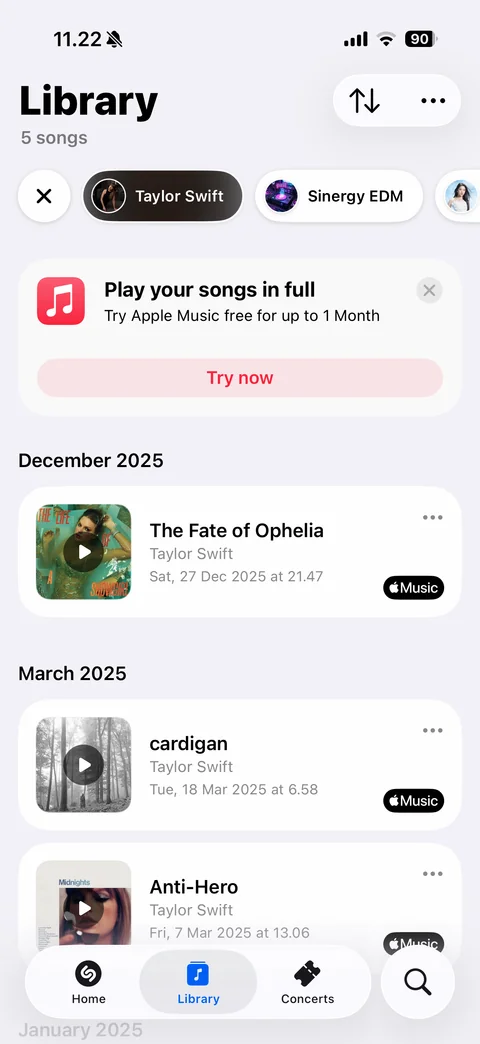
Library filtered by artist: clear x and artist chip row with Taylor Swift selected (dark pill), song count updated, songs grouped by month
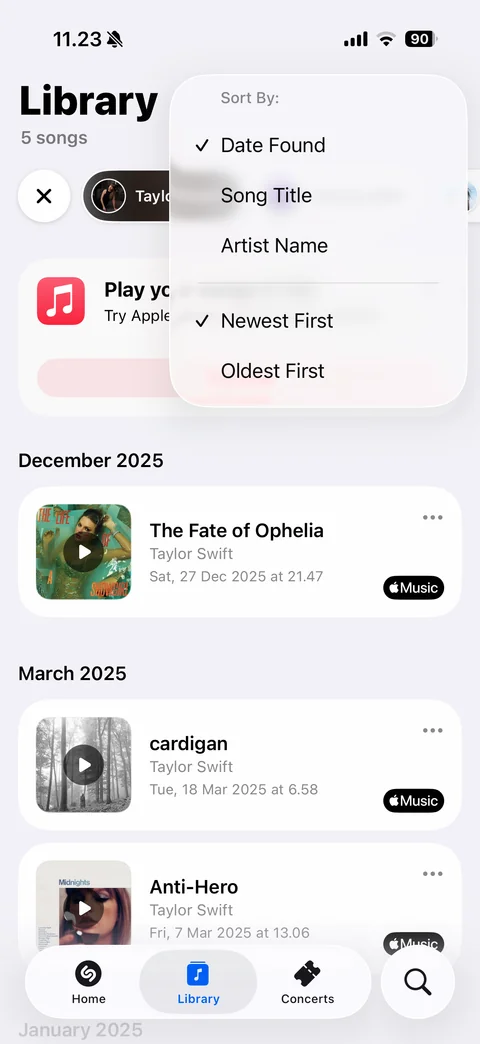
Library sort menu: Sort By Date Found (checked), Song Title, Artist Name, then Newest First (checked) and Oldest First
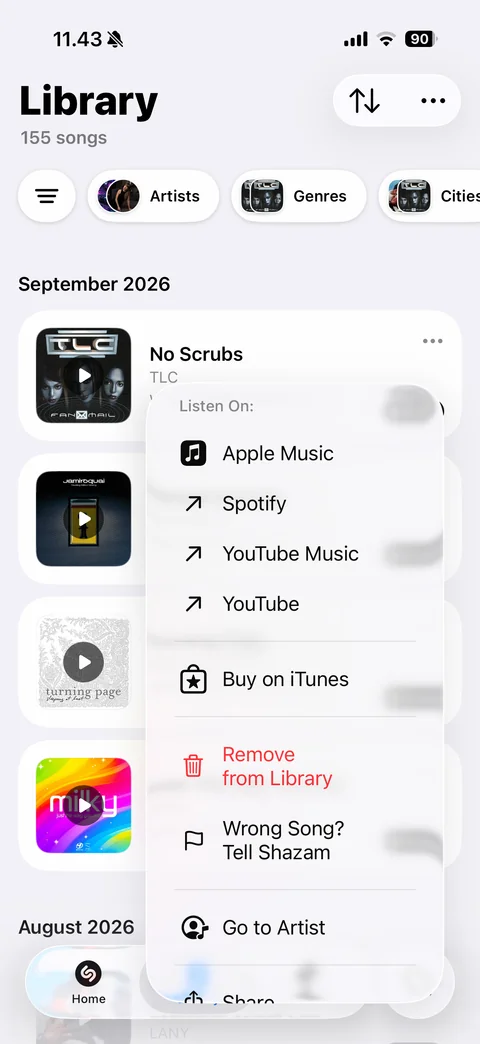
Library song context menu: Listen On services, Buy on iTunes, Remove from Library, Wrong Song, Go to Artist, Share, over blurred song list
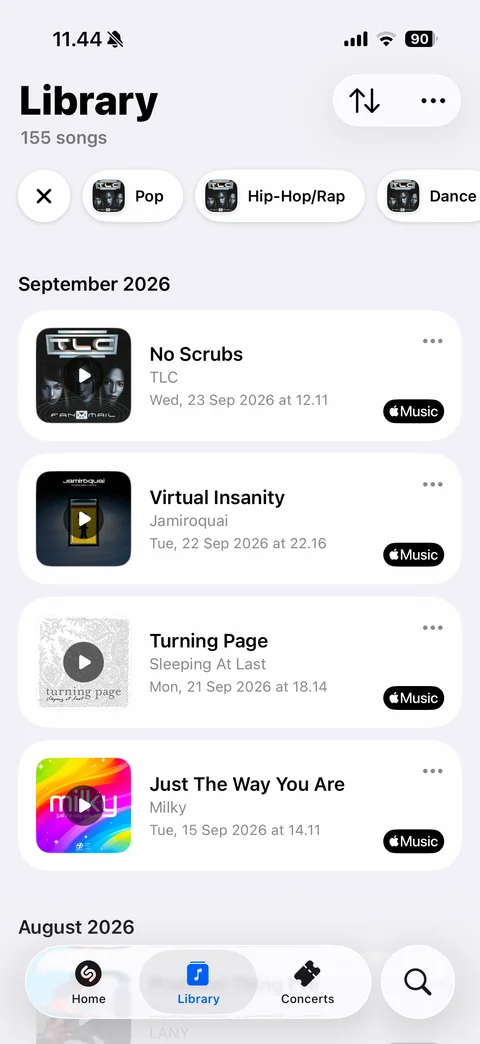
Library Genres filter: clear x and genre chips with artwork stacks (Pop, Hip-Hop/Rap, Dance), song list below
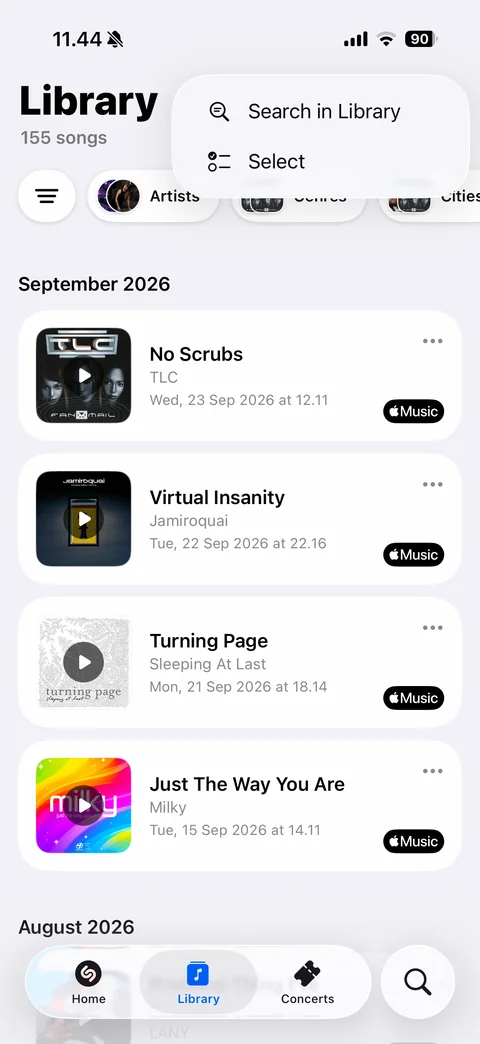
Library more menu: Search in Library and Select options
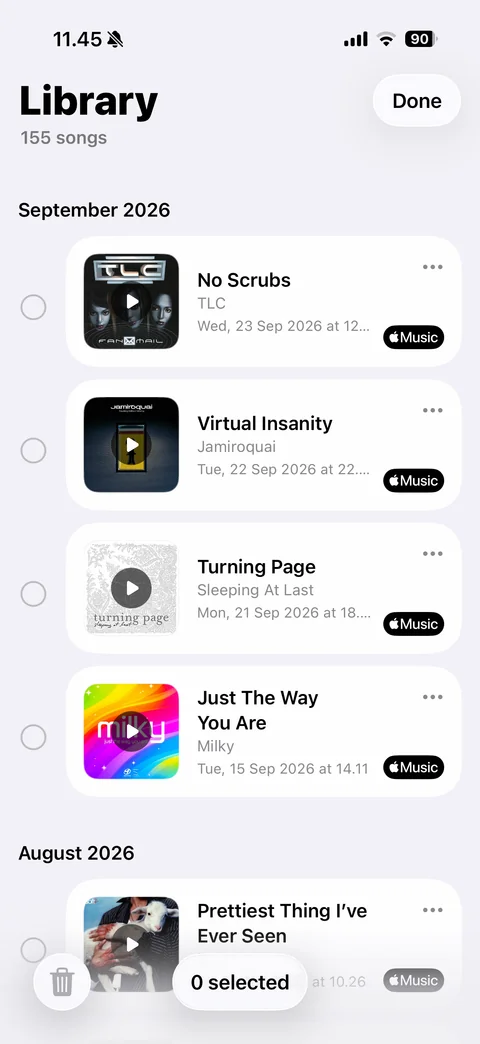
Library select mode: Done button, radio circles beside each song card, bottom bar with trash button and 0 selected counter
Shazam concerts (9 screens)
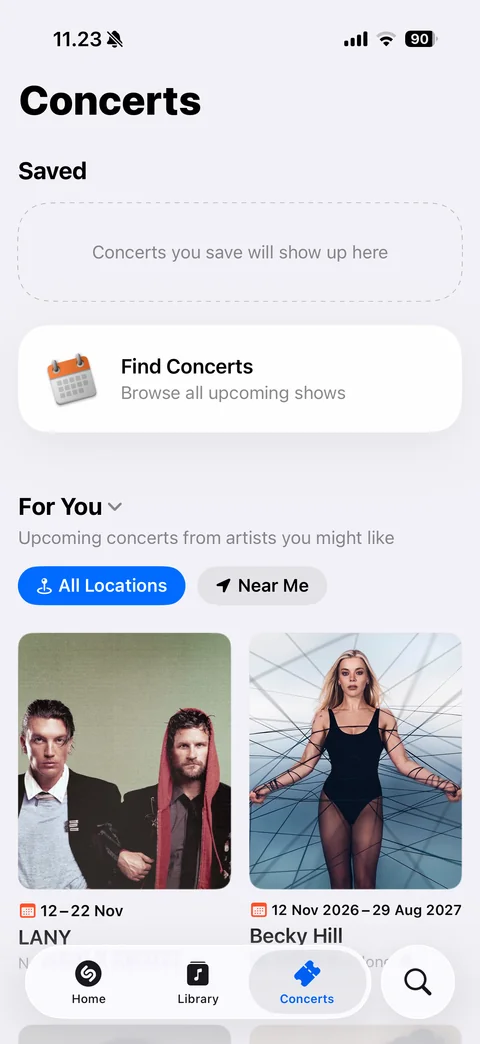
Concerts tab: Saved empty dashed placeholder, Find Concerts card with calendar icon, For You section with All Locations and Near Me toggles, two-column artist concert cards with photo, date range and name
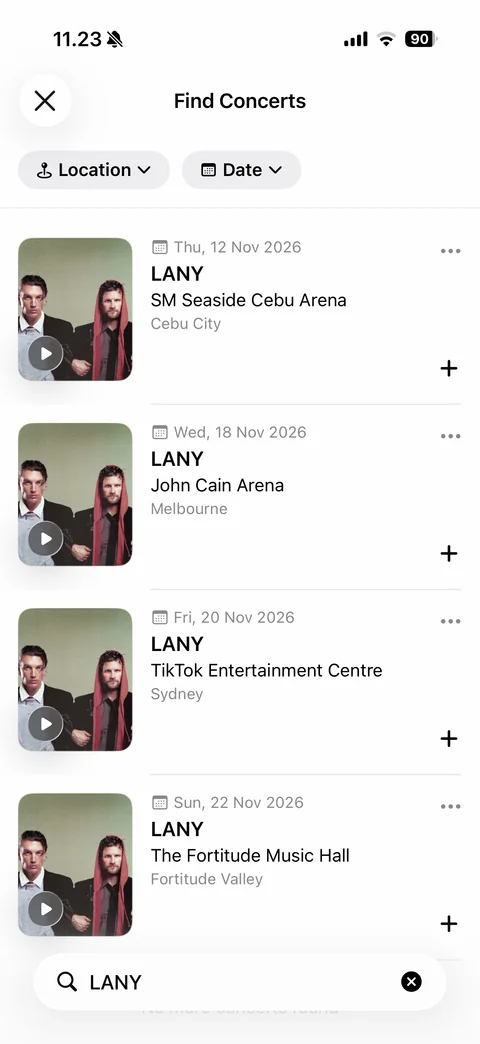
Find Concerts results for an artist: close, Location and Date filter chips, concert rows with artist photo and play overlay, date, artist, venue, city, more and add buttons, bottom search field with query
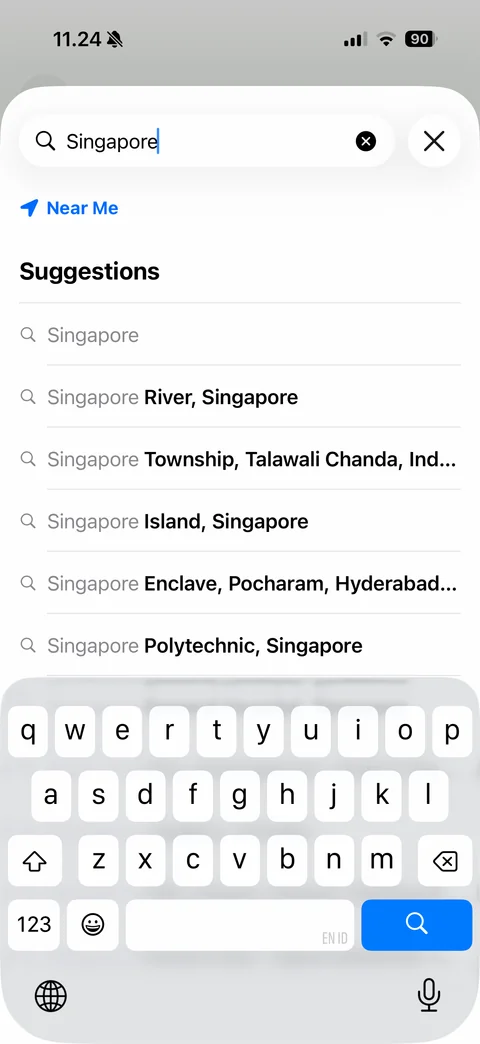
Location search with keyboard: query Singapore, clear and close, Near Me link, Suggestions list with matched text highlighted
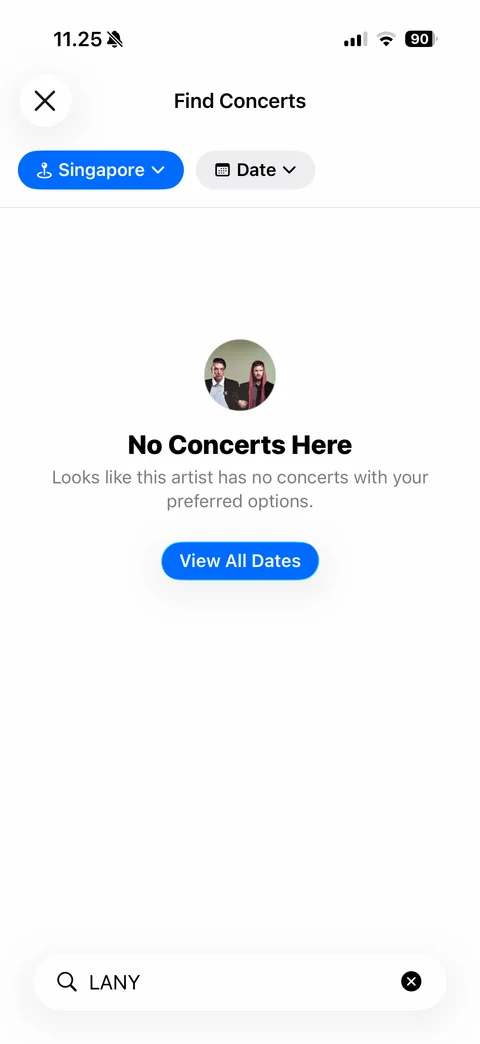
No Concerts Here empty state: active blue Singapore location chip, Date chip, artist avatar, explanation and View All Dates button, search field
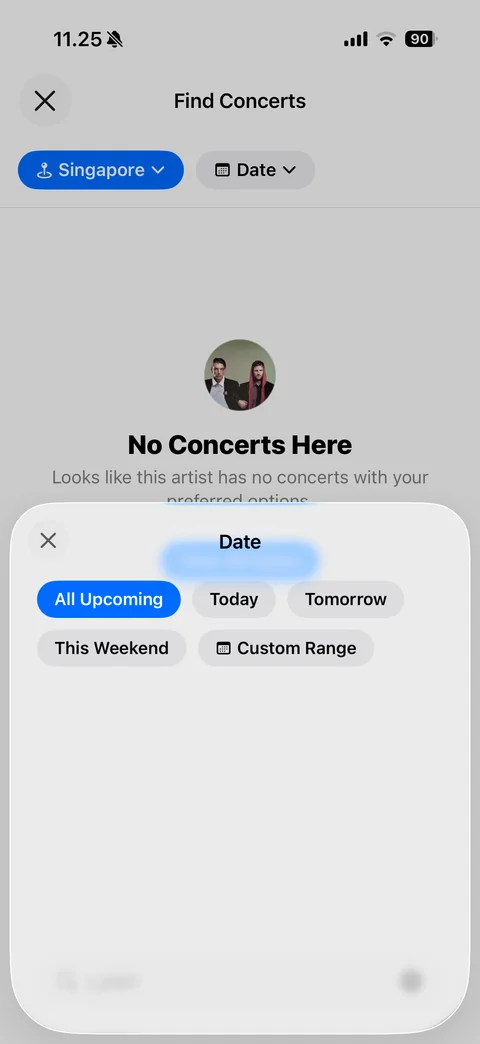
Date filter sheet: close, chips All Upcoming (selected blue), Today, Tomorrow, This Weekend and Custom Range with calendar icon
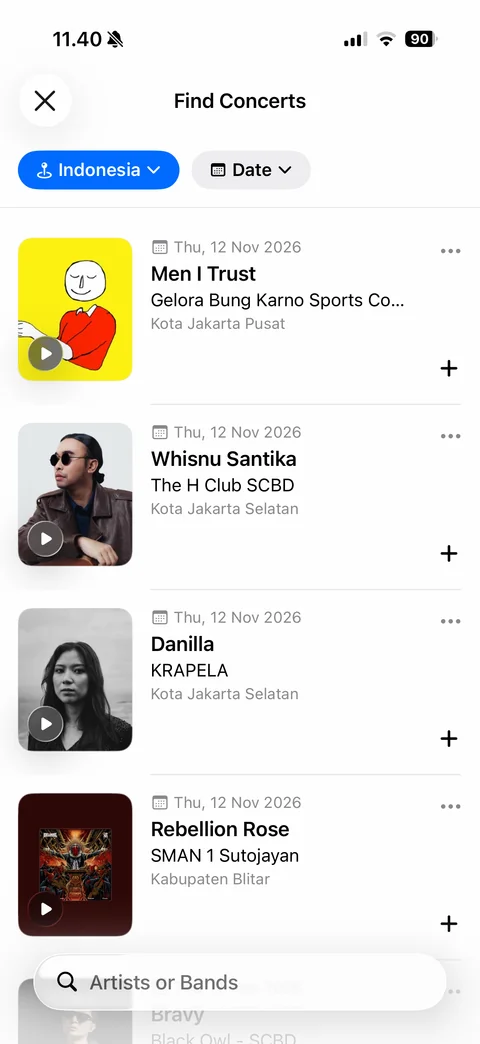
Find Concerts country list: Indonesia location chip, Date chip, upcoming concert rows with artist art and play overlay, date, artist, venue, city, more and add buttons, Artists or Bands search field
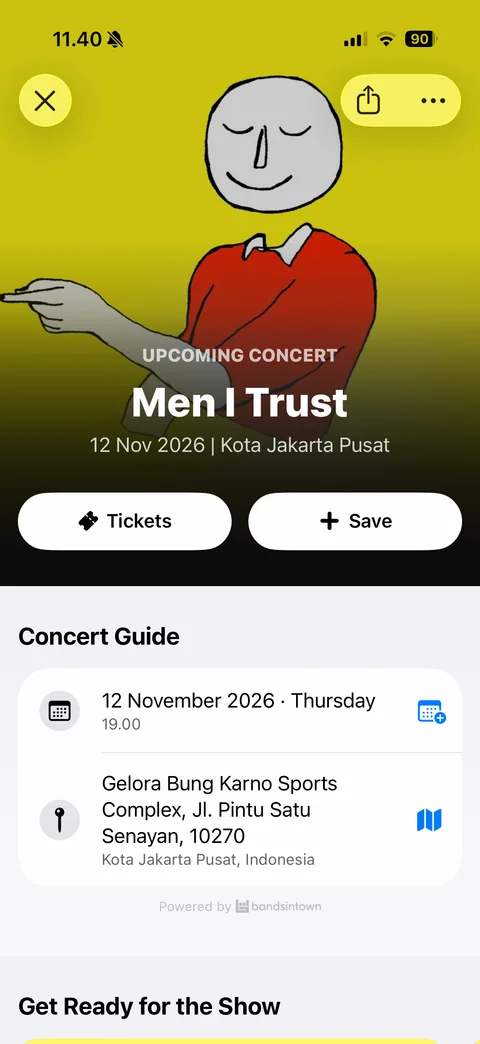
Concert detail: full-bleed artist art header, close, share and more, Upcoming Concert label, artist name, date and city, Tickets and Save buttons, Concert Guide card with date and time (add to calendar) and venue address (open map), Powered by Bandsintown, Get Ready for the Show
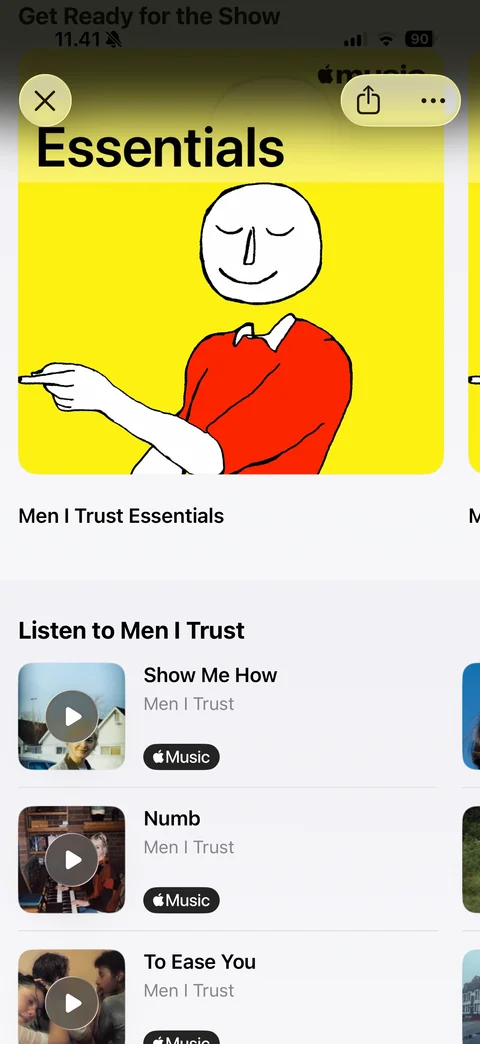
Concert detail scrolled: Get Ready for the Show with Apple Music Essentials playlist card, Listen to artist song list with artwork and Apple Music badges
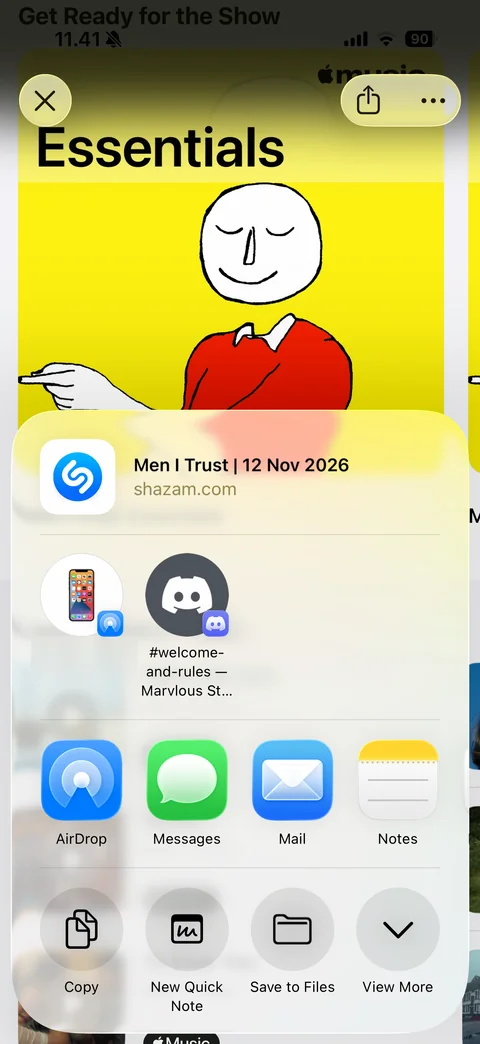
iOS share sheet for a concert: link preview with Shazam icon, suggested AirDrop and Discord targets, app row (AirDrop, Messages, Mail, Notes), actions (Copy, New Quick Note, Save to Files, View More)
Shazam search (6 screens)
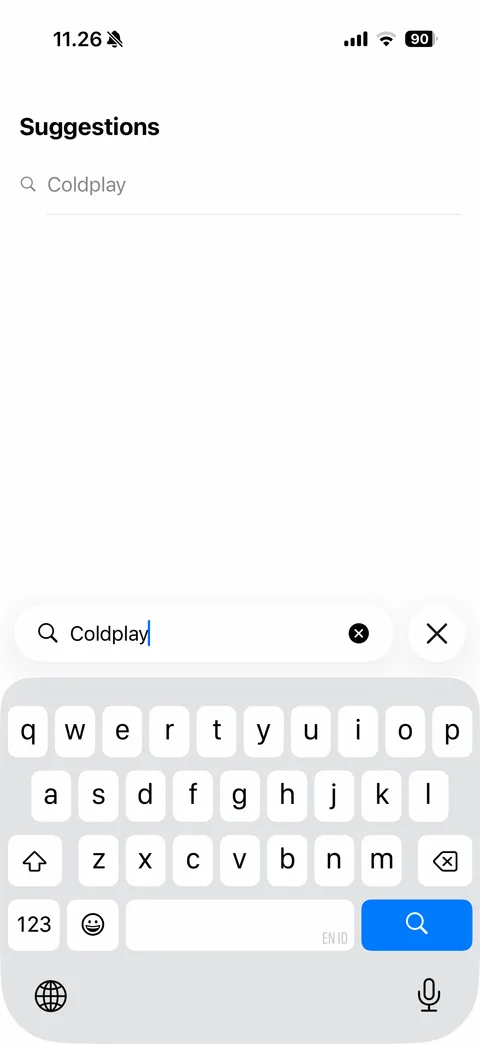
Concert artist search with keyboard: bottom search field Artists or Bands with query Coldplay and clear, close button, Suggestions list above
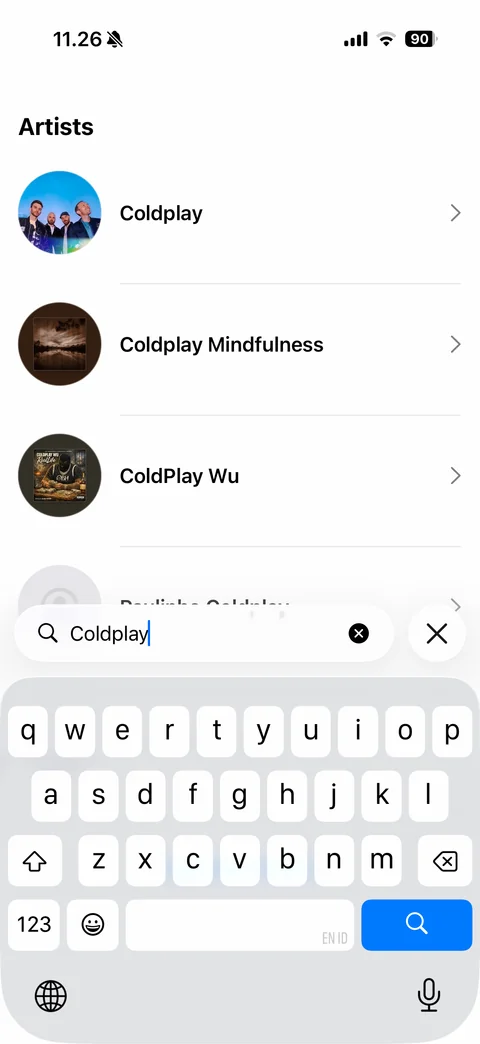
Artist search results with keyboard: Artists list with round artist photos, names and chevrons
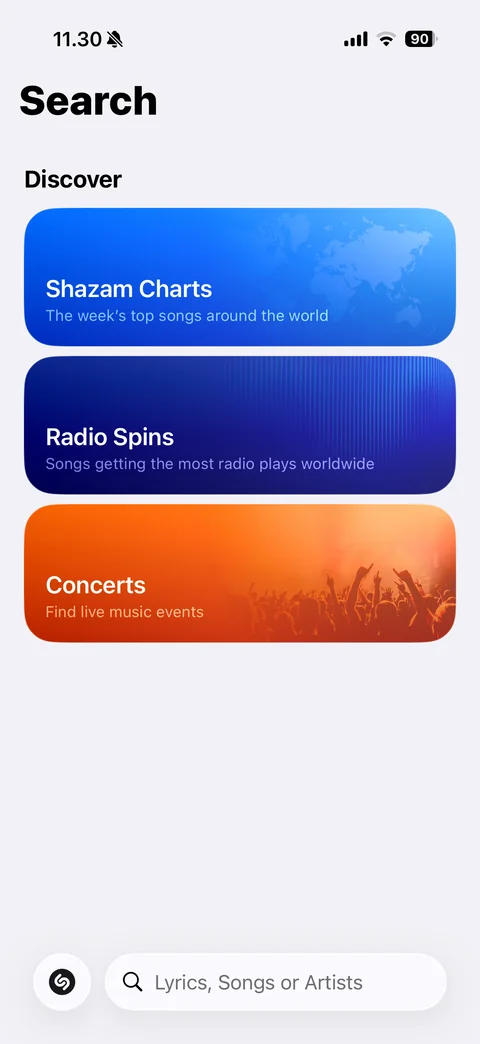
Search tab: Discover cards with gradient art (Shazam Charts with world map, Radio Spins, Concerts with crowd photo), bottom bar with Shazam button and Lyrics, Songs or Artists search field
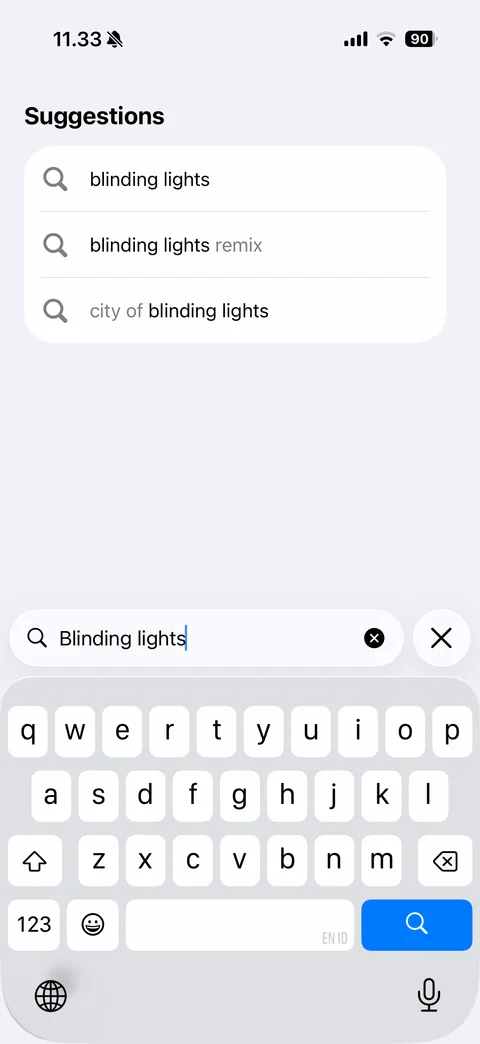
Song search with keyboard: query Blinding lights in bottom field, clear and close, Suggestions card with matched terms in bold
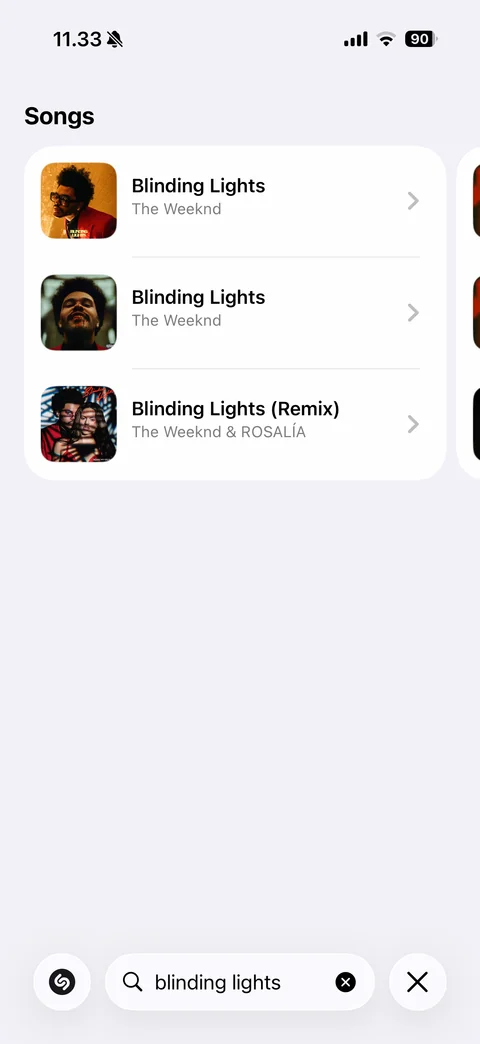
Song search results: Songs card list with artwork, title, artist and chevrons, horizontal paging to more cards, bottom bar with Shazam button, query field with clear and close
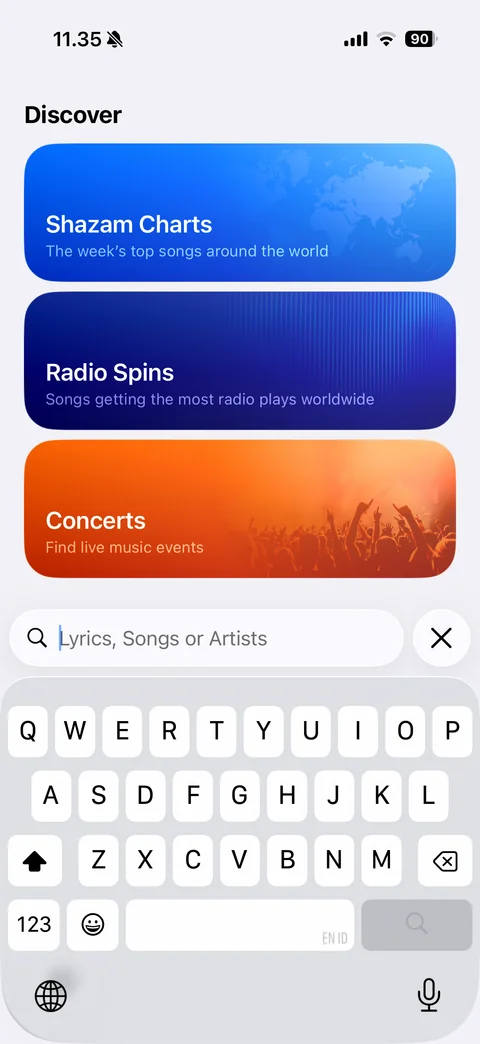
Search focused with keyboard: Discover cards moved up, empty Lyrics, Songs or Artists field above keyboard with close button
Shazam settings (7 screens)
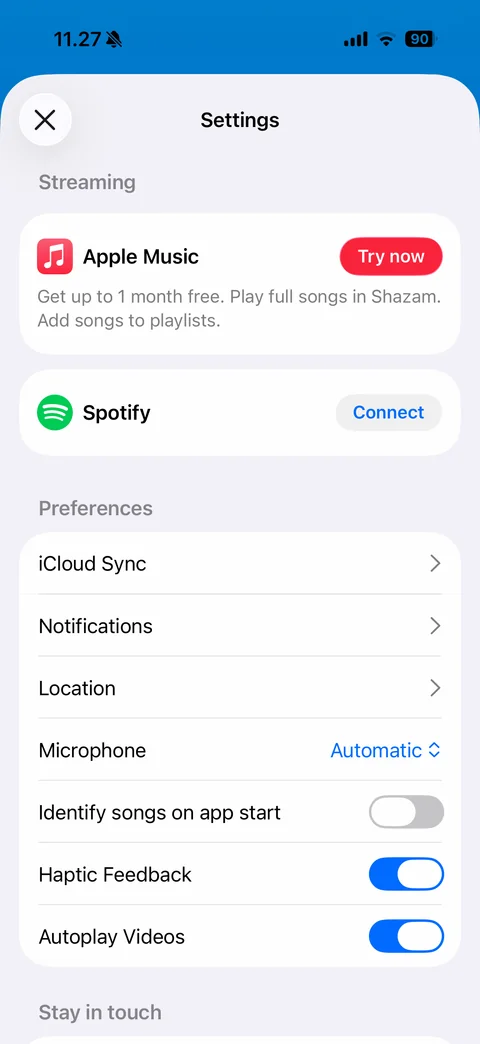
Settings sheet: Streaming cards (Apple Music with Try now, Spotify with Connect), Preferences rows (iCloud Sync, Notifications, Location, Microphone Automatic picker, identify on app start, haptic feedback and autoplay videos toggles), Stay in touch
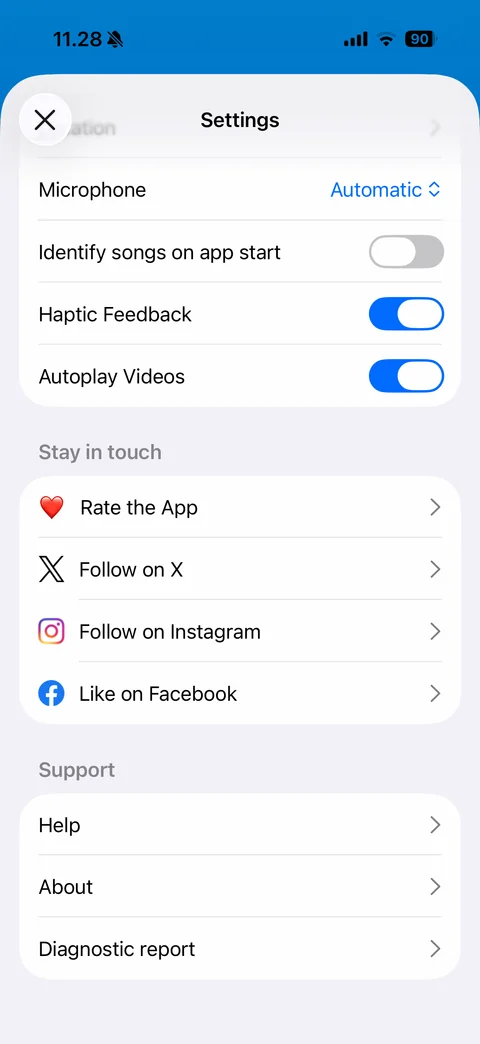
Settings scrolled: preference toggles, Stay in touch rows with brand icons (Rate the App, Follow on X, Instagram, Like on Facebook), Support (Help, About, Diagnostic report)
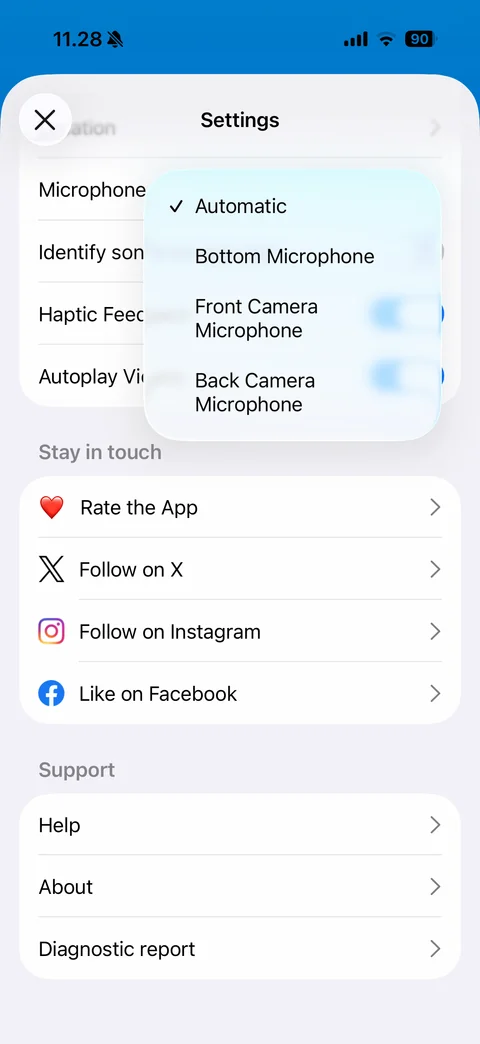
Microphone picker menu: Automatic (checked), Bottom Microphone, Front Camera Microphone, Back Camera Microphone over blurred settings
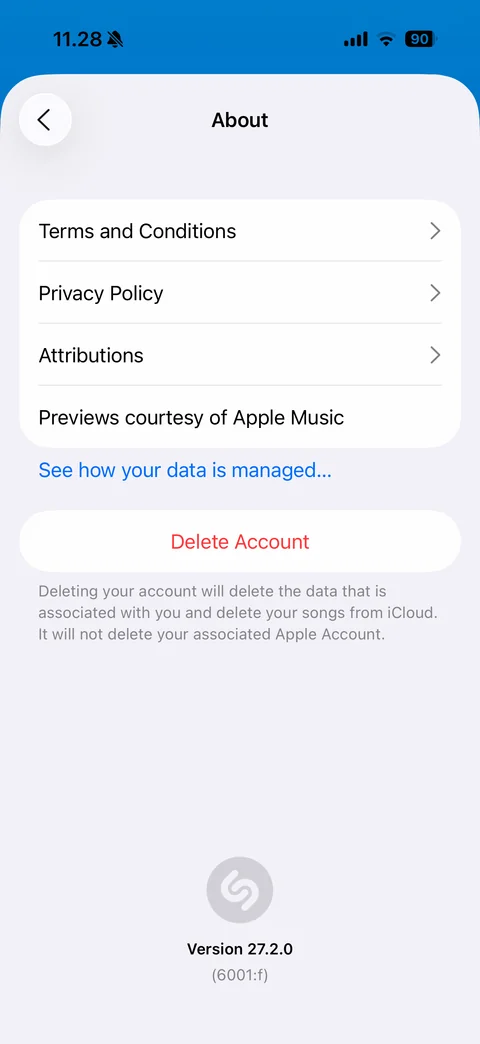
About: Terms, Privacy Policy, Attributions, Apple Music previews credit, data management link, red Delete Account with explanation, app logo and version number
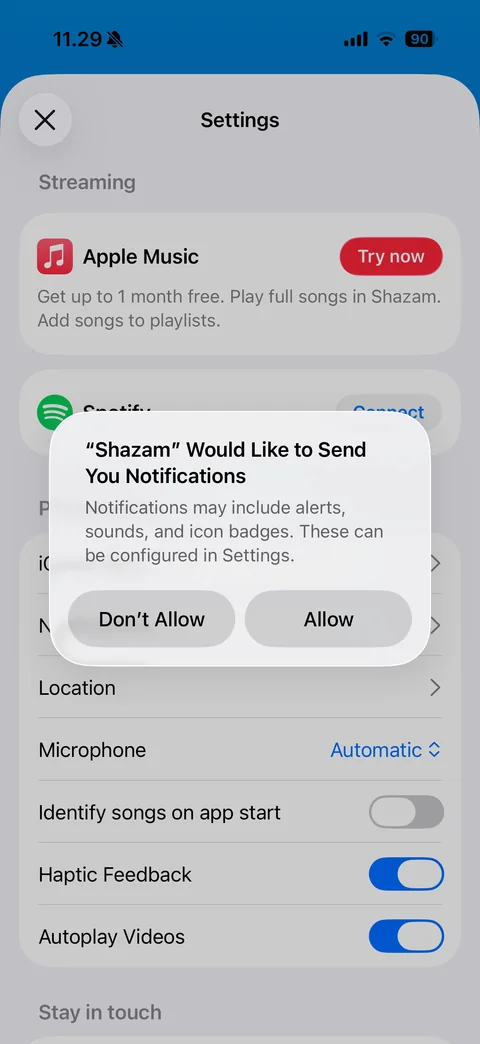
iOS notification permission alert over Shazam settings: Don't Allow and Allow
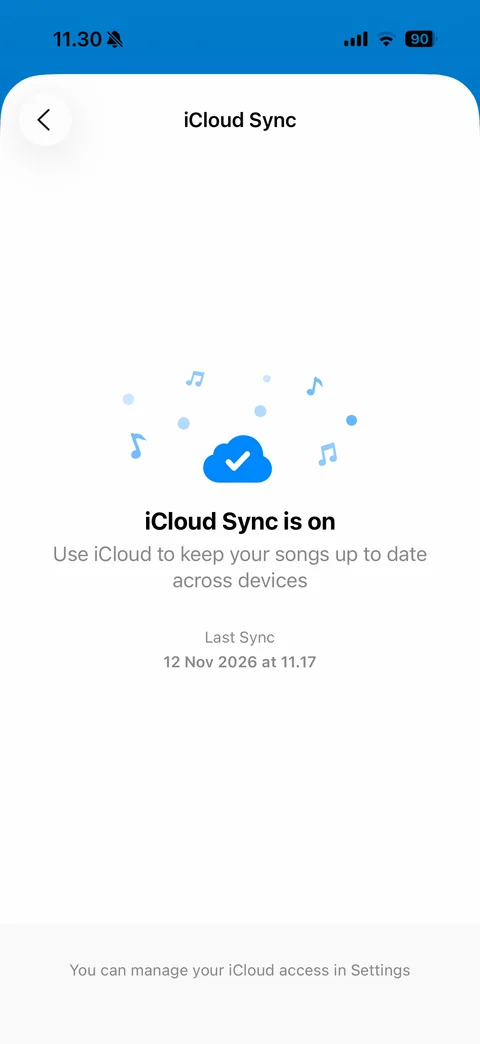
iCloud Sync status: cloud with checkmark and floating music notes illustration, iCloud Sync is on, explanation, last sync time, manage in Settings footer
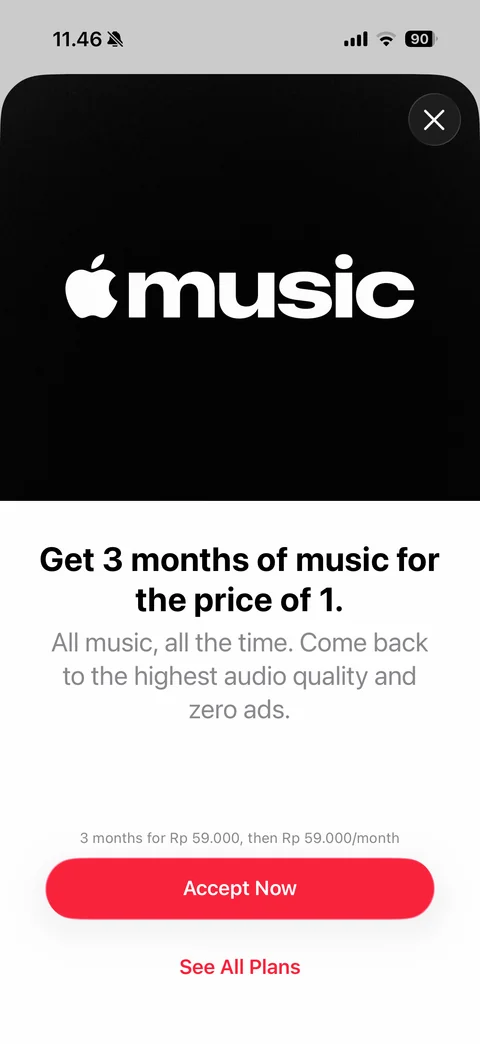
Apple Music offer sheet from Shazam: black hero with Apple Music logo, close, Get 3 months for the price of 1 headline, benefits text, Rp price terms, red Accept Now and See All Plans
Shazam charts (9 screens)
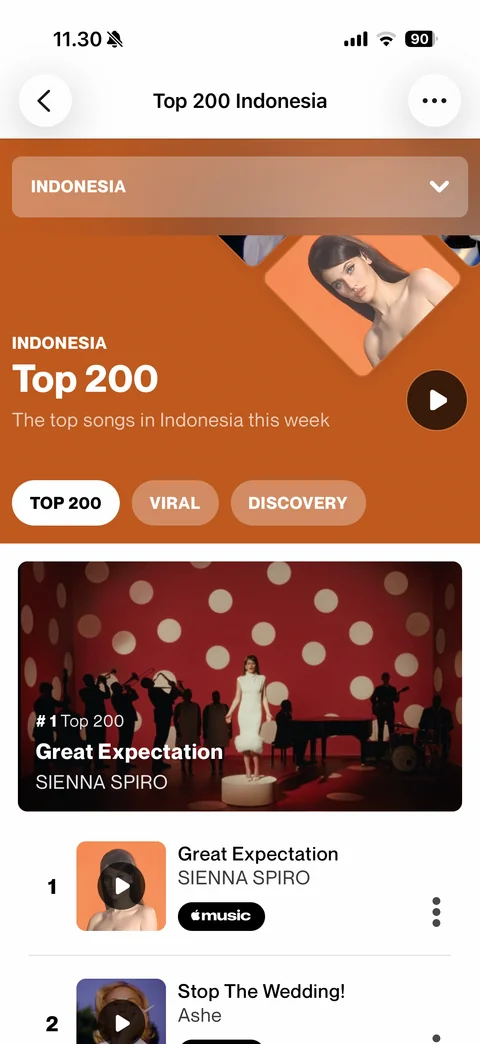
Shazam Charts Top 200: country dropdown, orange hero with rotated artwork tiles, chart title and play button, Top 200, Viral and Discovery chips, #1 video card, ranked song rows with artwork, Apple Music badge and more
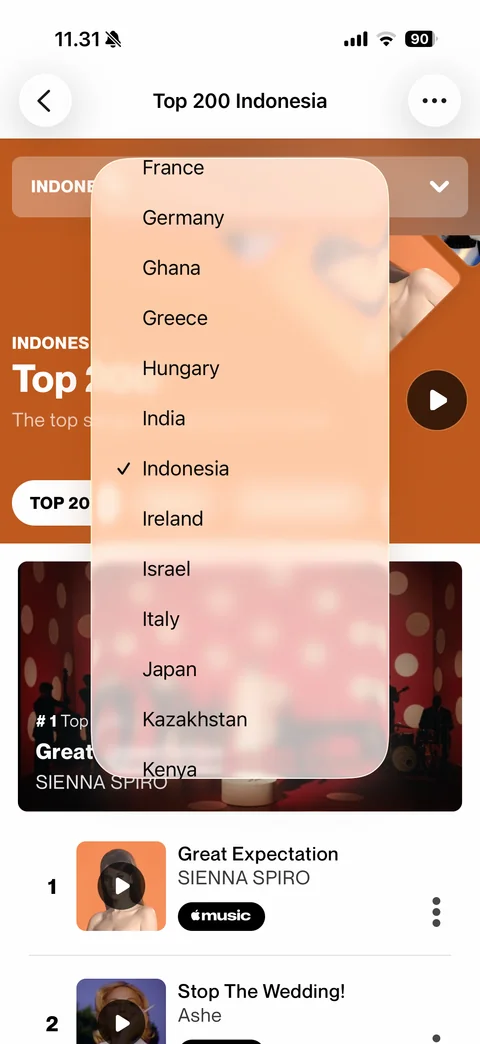
Country picker menu: scrolling list of countries with Indonesia checked, frosted glass over chart hero
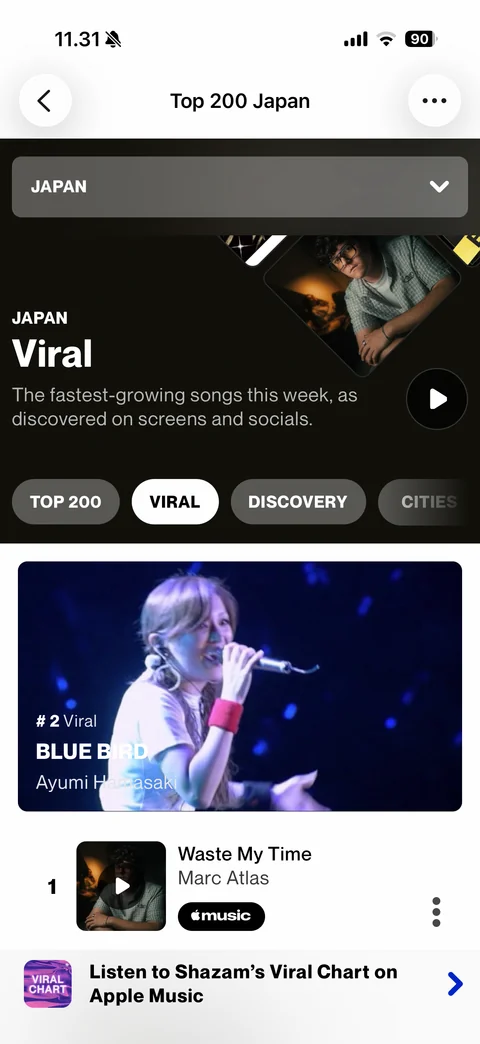
Japan Viral chart: dark theme hero with artwork tiles, Viral chip selected, Cities chip, featured video card, ranked rows, Apple Music playlist banner at bottom
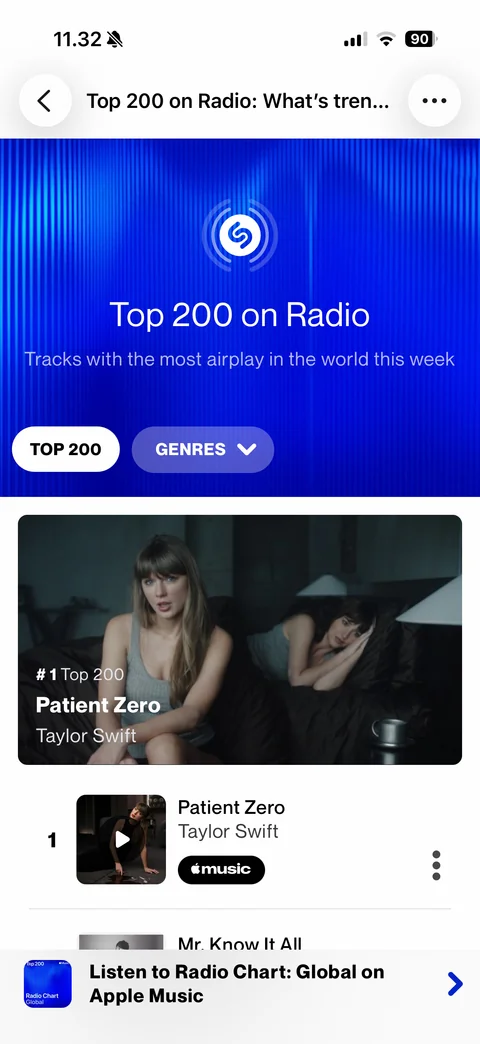
Radio Spins Top 200 on Radio: blue striped hero with radio-wave Shazam icon, Top 200 chip and Genres dropdown, #1 video card, ranked rows, Apple Music playlist banner
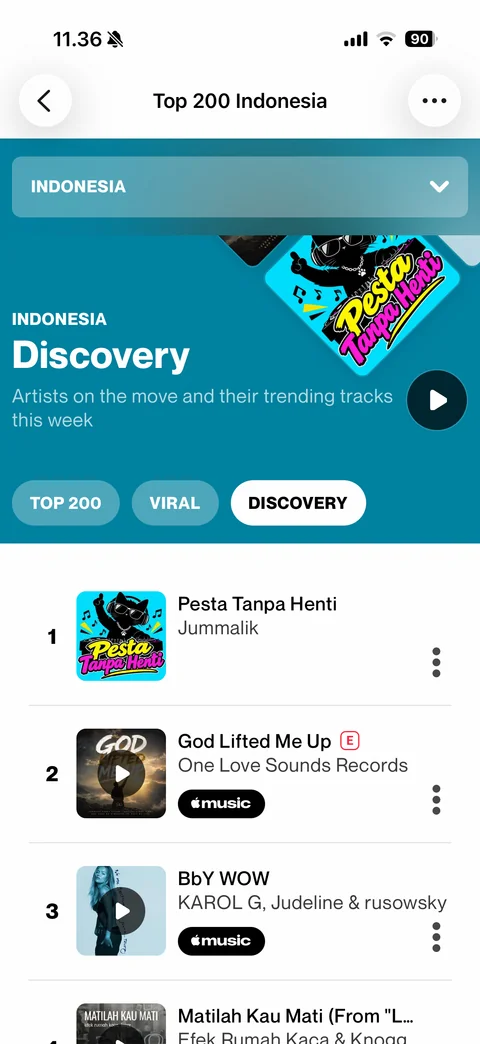
Discovery chart Indonesia: teal hero with artwork tile, Discovery chip selected, ranked rows with explicit tag, Apple Music badges and more buttons
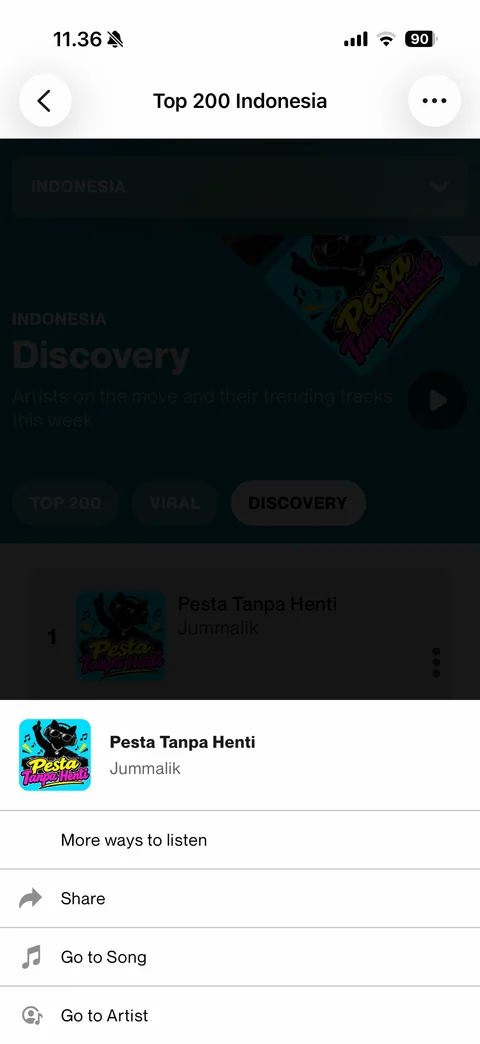
Chart row action sheet: song artwork, title and artist header, More ways to listen, Share, Go to Song, Go to Artist
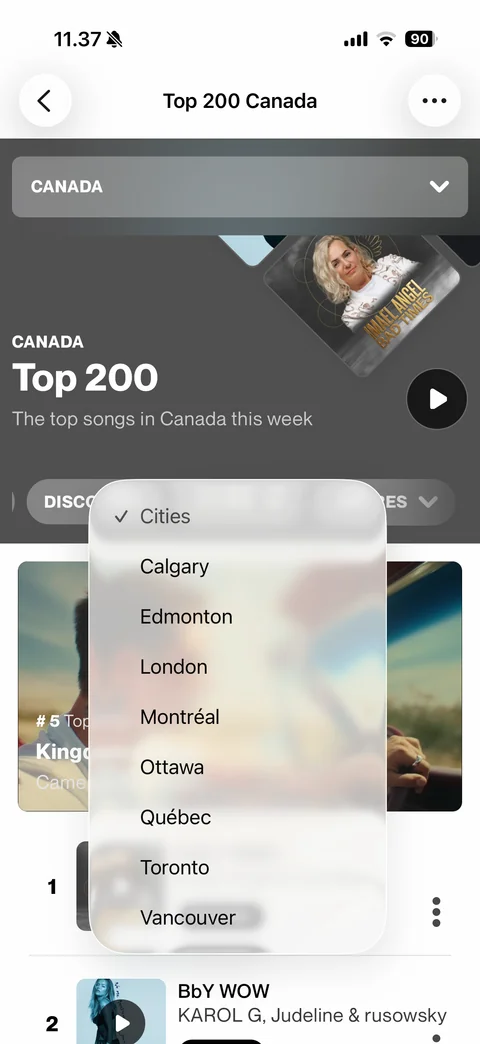
Canada chart with Cities dropdown menu: list of Canadian cities (Calgary, Edmonton, London, Montreal, Ottawa, Quebec, Toronto, Vancouver), Discovery, Cities and Genres chips
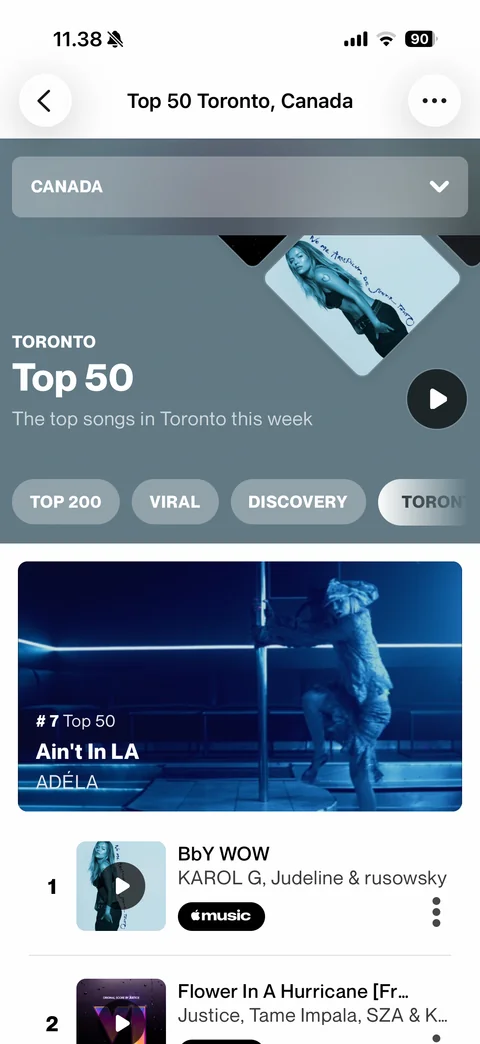
City chart Top 50 Toronto: blue-gray hero, city chip selected at end of chip row, featured video card, ranked song rows
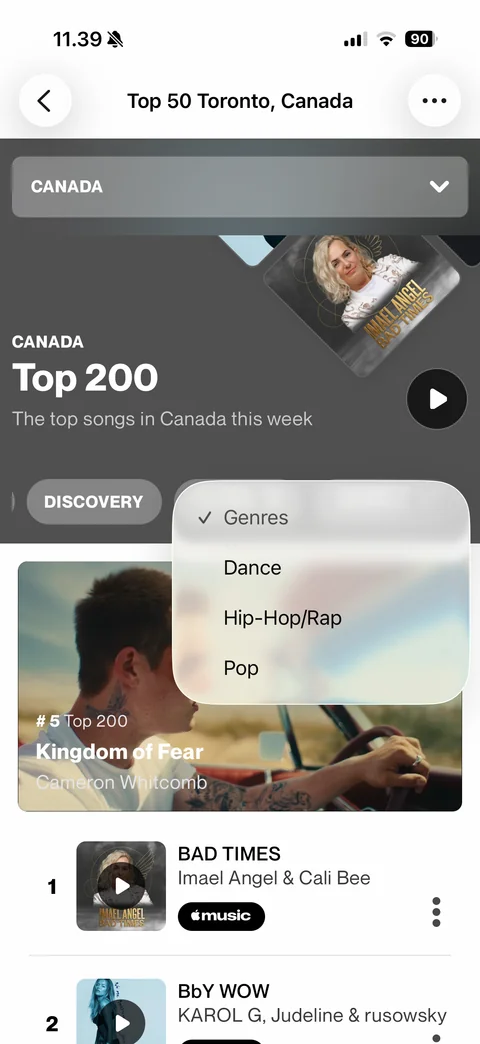
Genres dropdown menu on chart: Genres (checked), Dance, Hip-Hop/Rap, Pop