Spotify app design: 115 real screens in 34 flows

Songs, Playlists & Audiobooks. Category: Music. By Spotify.

Captured on iPhone and updated October 2026. Each screen has a short note on what it shows and why it matters for growth.

Spotify onboarding (1 screen)
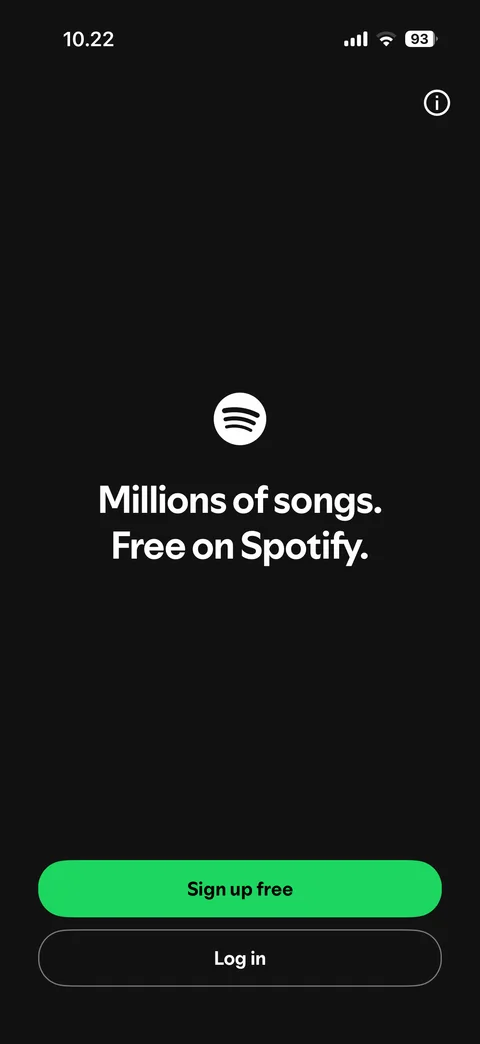
  1. Spotify onboarding: Landing: sign up free or log in

    Landing: sign up free or log in

Spotify onboarding / sign up (1 screen)
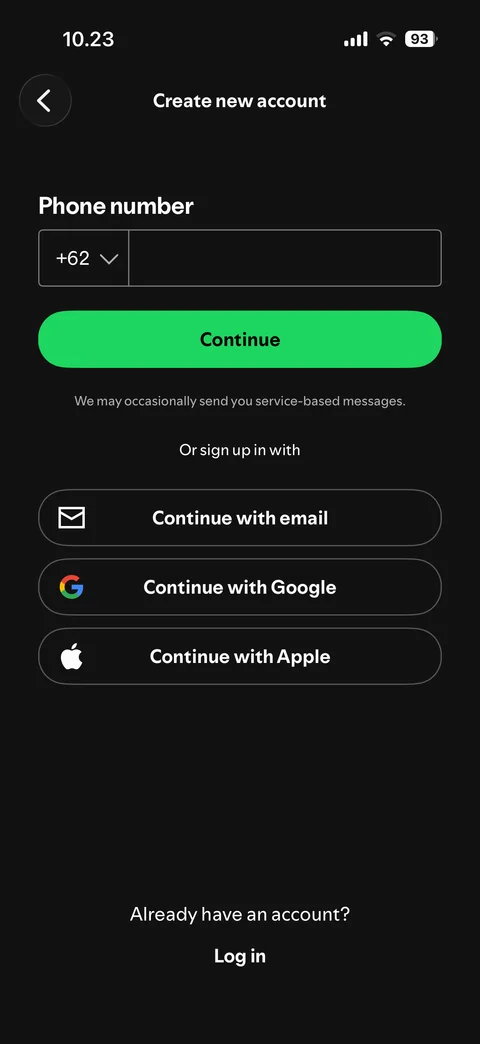
  1. Spotify onboarding / sign up: Sign up methods: phone, email, Google, Apple

    Sign up methods: phone, email, Google, Apple

Spotify onboarding / sign up / email (3 screens)
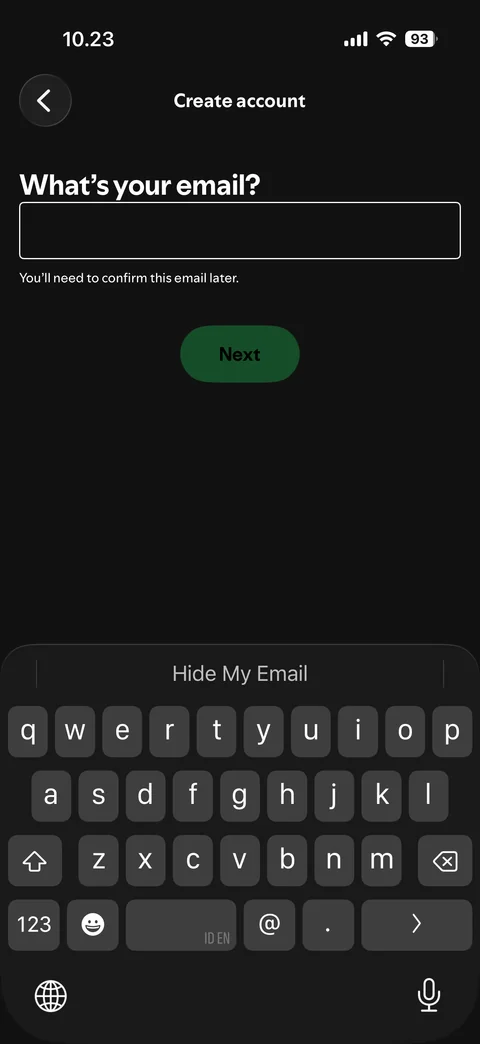
  1. Spotify onboarding / sign up / email: Email: empty, keyboard open

    Email: empty, keyboard open

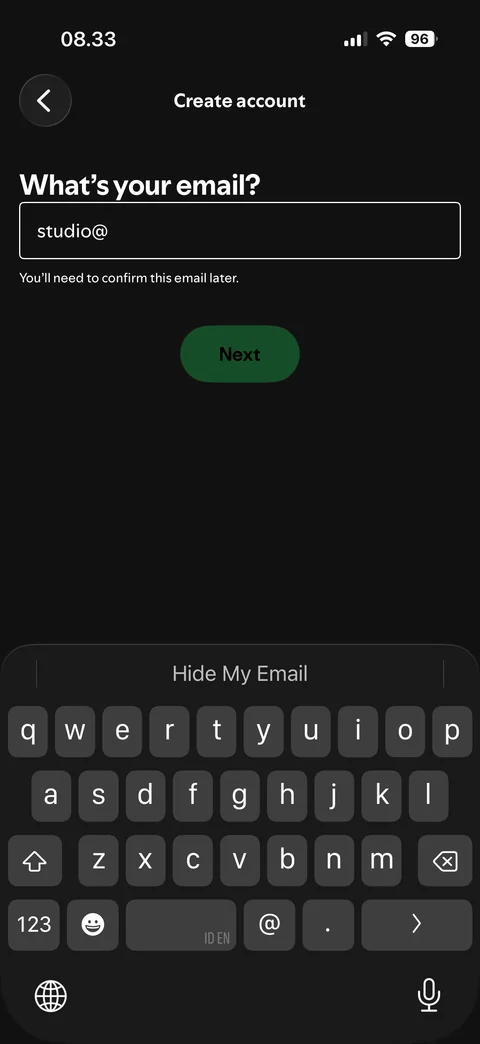
  2. Spotify onboarding / sign up / email: Email: invalid (studio@), Next disabled
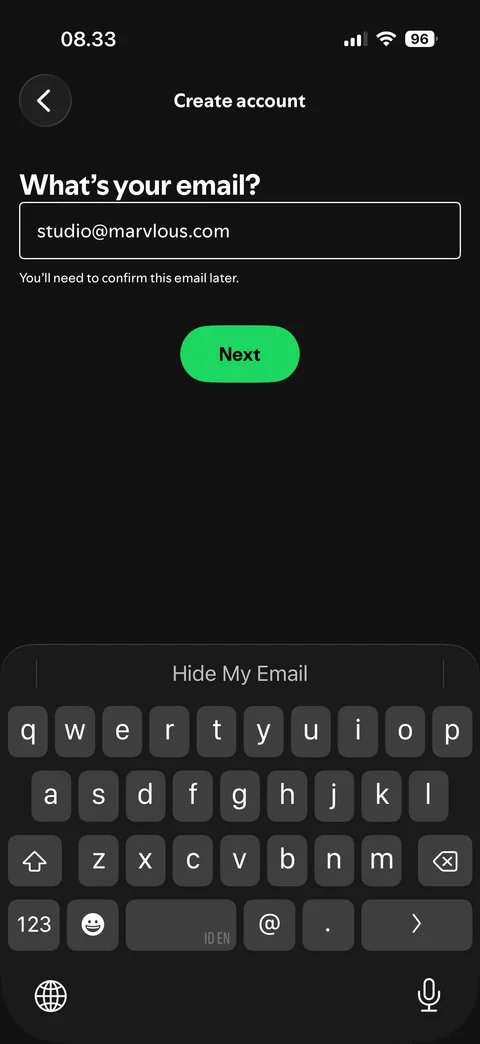
    Email: invalid (studio@), Next disabled

  3. Spotify onboarding / sign up / email: Email: filled and valid, Next enabled

    Email: filled and valid, Next enabled

Spotify onboarding / sign up / password (2 screens)
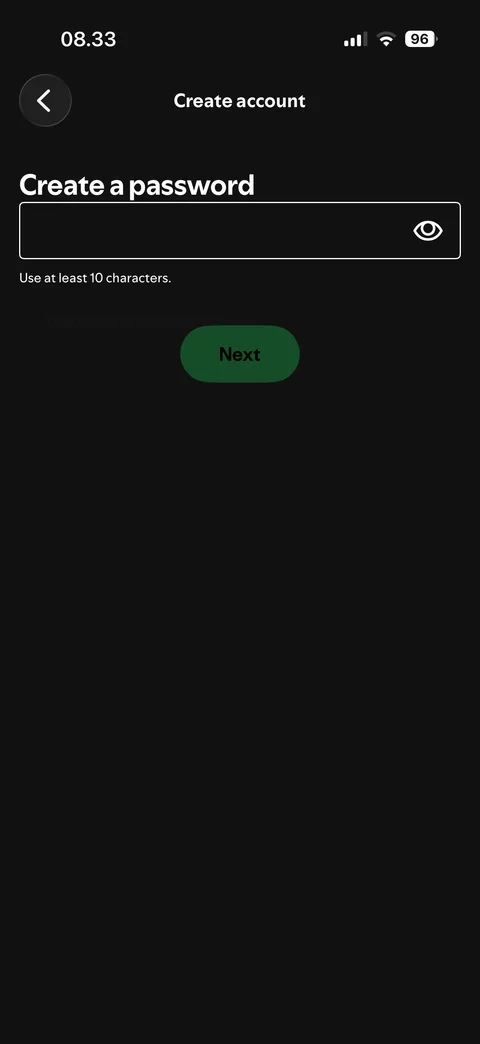
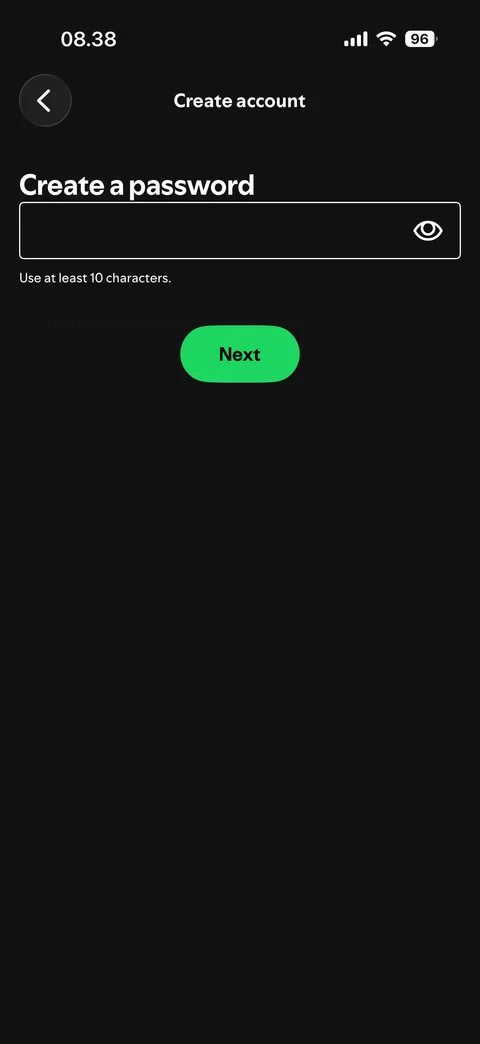
  1. Spotify onboarding / sign up / password: Password: empty, Next disabled

    Password: empty, Next disabled

  2. Spotify onboarding / sign up / password: Password: filled and valid, Next enabled

    Password: filled and valid, Next enabled

Spotify onboarding / sign up / birthdate (2 screens)
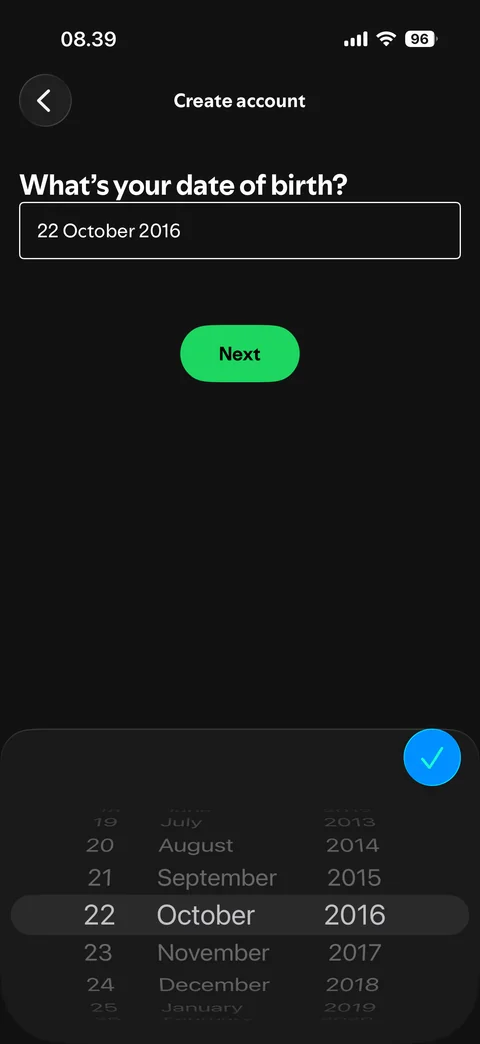
  1. Spotify onboarding / sign up / birthdate: Birthdate: default date, date picker open
    Birthdate: default date, date picker open

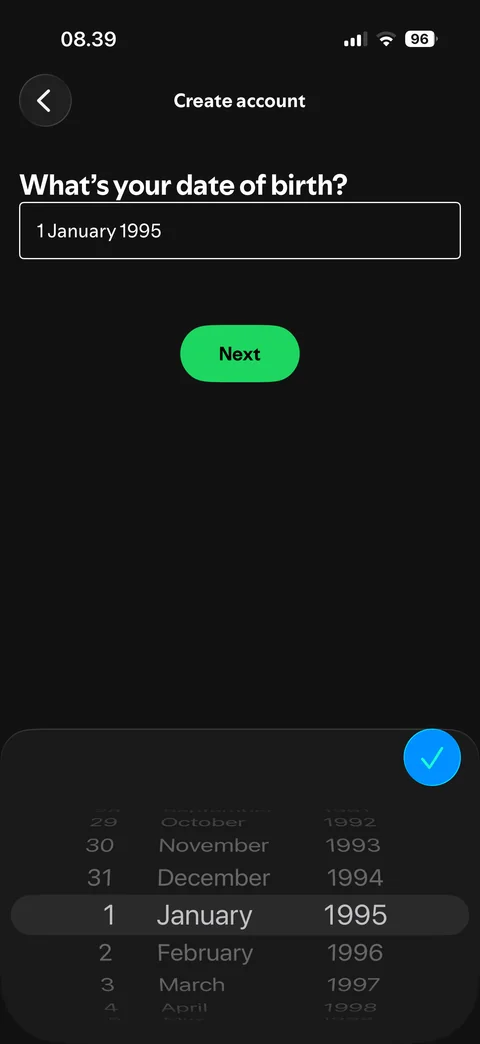
  2. Spotify onboarding / sign up / birthdate: Birthdate: date selected (1 January 1995), Next enabled

    Birthdate: date selected (1 January 1995), Next enabled

Spotify onboarding / sign up / gender (3 screens)
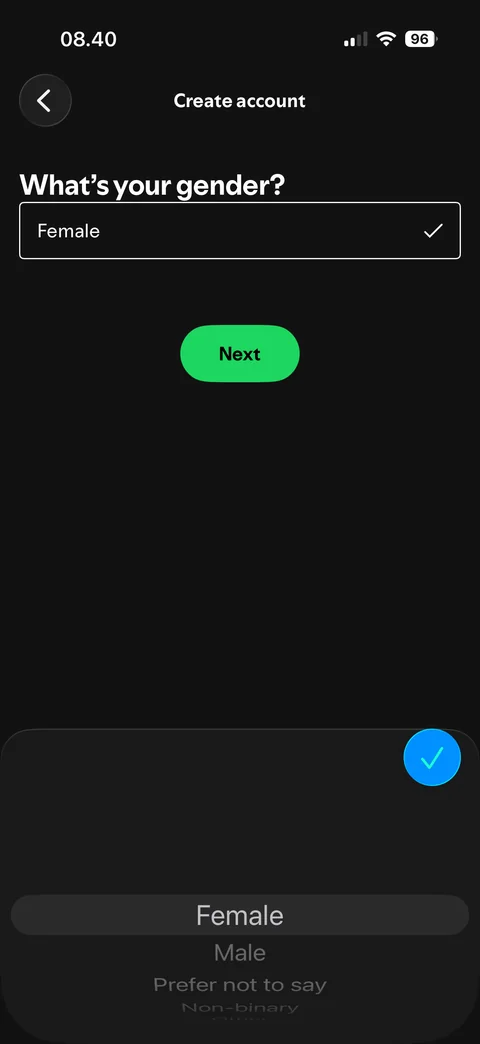
  1. Spotify onboarding / sign up / gender: Gender: default (Female), picker open
    Gender: default (Female), picker open

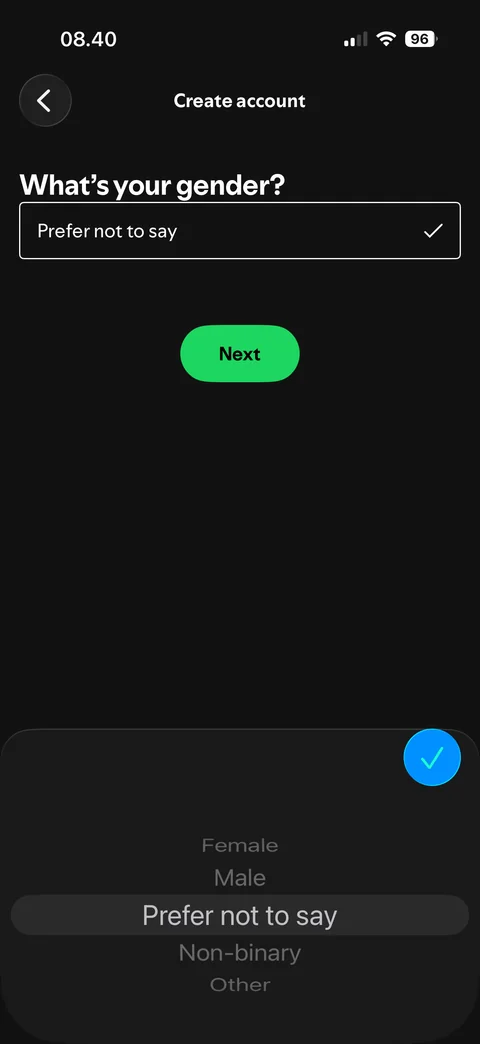
  2. Spotify onboarding / sign up / gender: Gender: selected (Prefer not to say), all options visible
    Gender: selected (Prefer not to say), all options visible

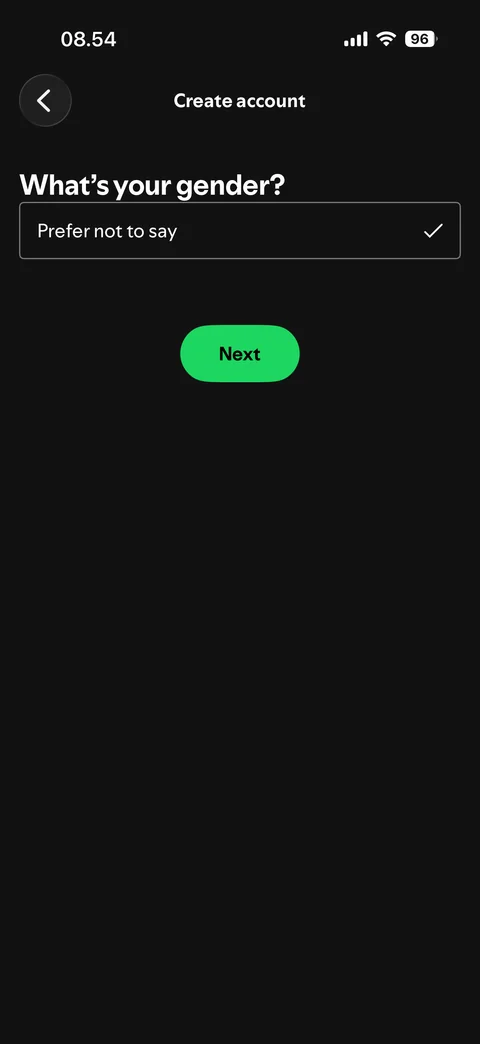
  3. Spotify onboarding / sign up / gender: Gender: selected, picker closed

    Gender: selected, picker closed

Spotify onboarding / sign up / name (3 screens)
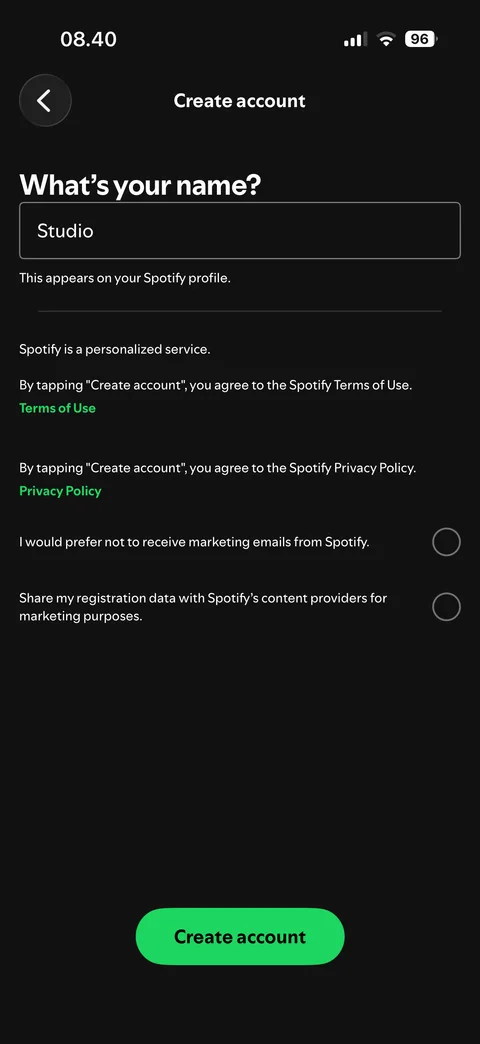
  1. Spotify onboarding / sign up / name: Name: prefilled from email, terms and marketing options
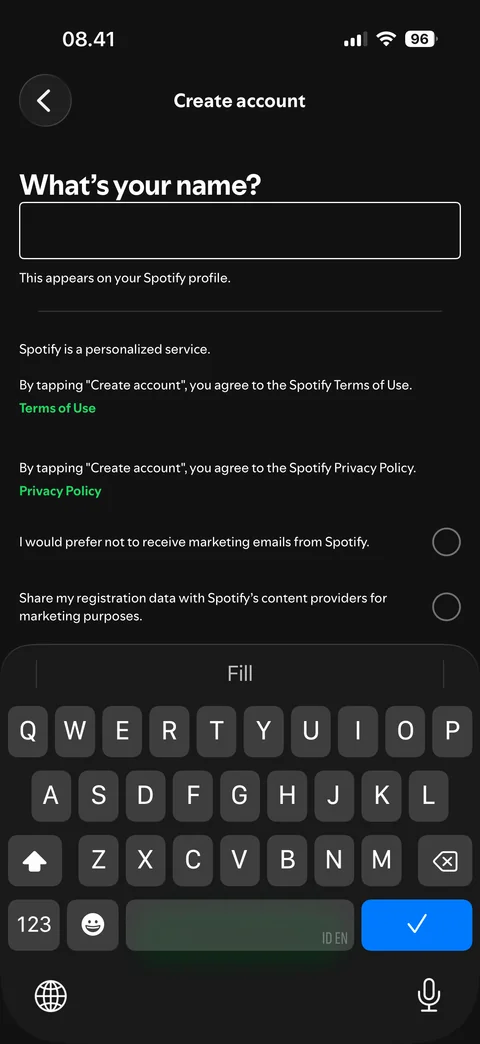
    Name: prefilled from email, terms and marketing options

  2. Spotify onboarding / sign up / name: Name: empty, keyboard open

    Name: empty, keyboard open

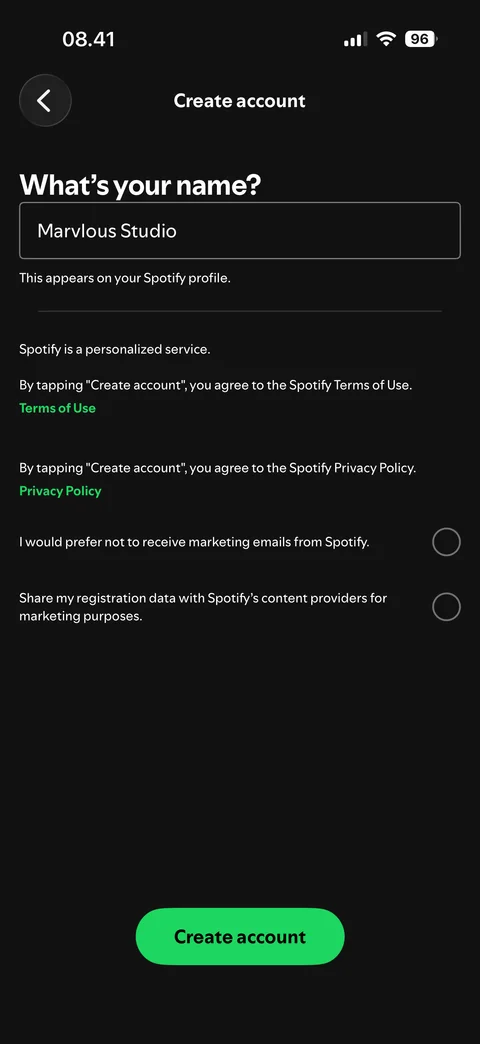
  3. Spotify onboarding / sign up / name: Name: filled (Marvlous Studio), Create account enabled

    Name: filled (Marvlous Studio), Create account enabled

Spotify onboarding / sign up / captcha (1 screen)
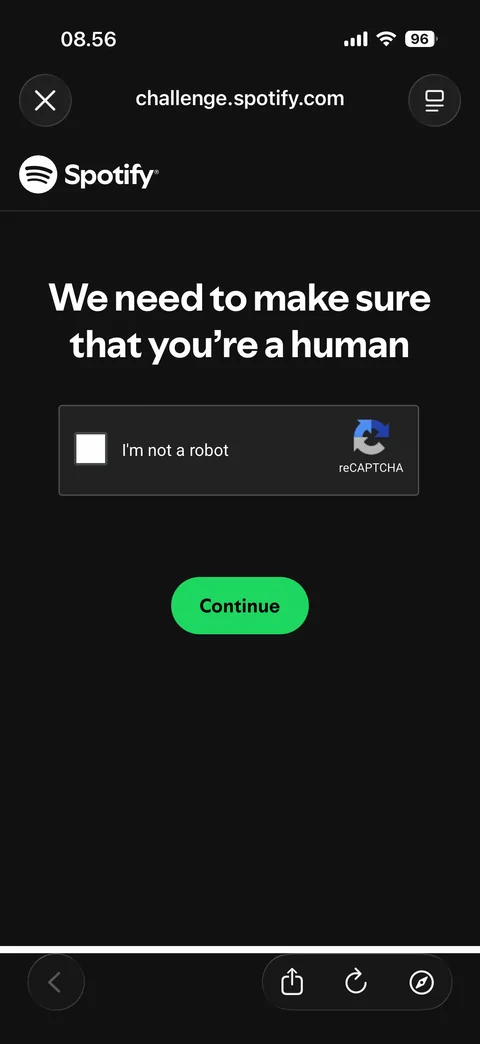
  1. Spotify onboarding / sign up / captcha: Human check: reCAPTCHA, not checked

    Human check: reCAPTCHA, not checked

Spotify onboarding / sign up / notifications (1 screen)
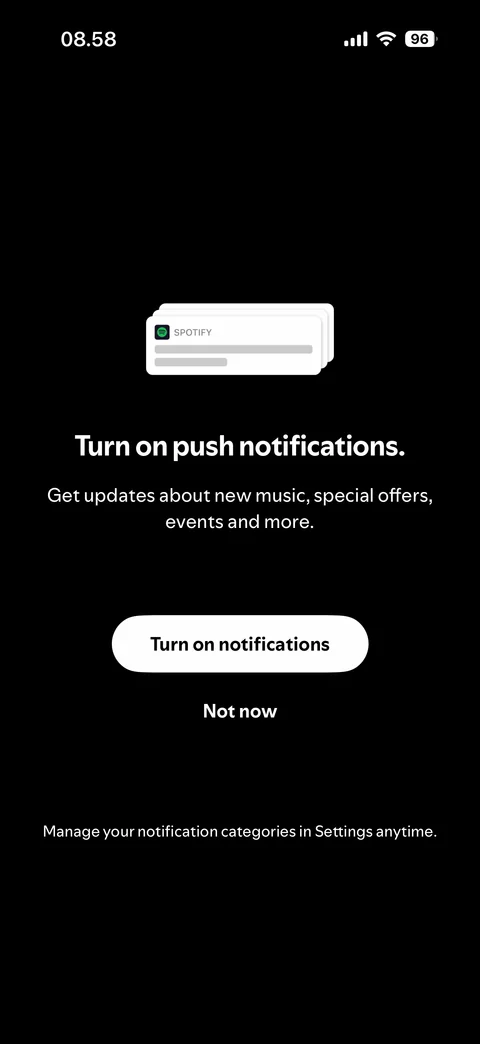
  1. Spotify onboarding / sign up / notifications: Notifications: turn on push notifications prompt

    Notifications: turn on push notifications prompt

Spotify onboarding / sign up / artists (6 screens)
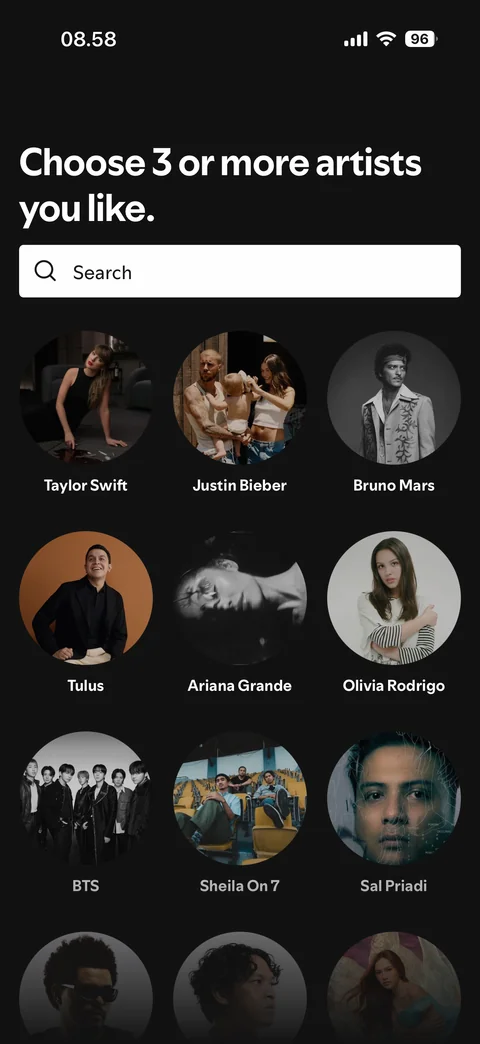
  1. Spotify onboarding / sign up / artists: Artists: none selected

    Artists: none selected

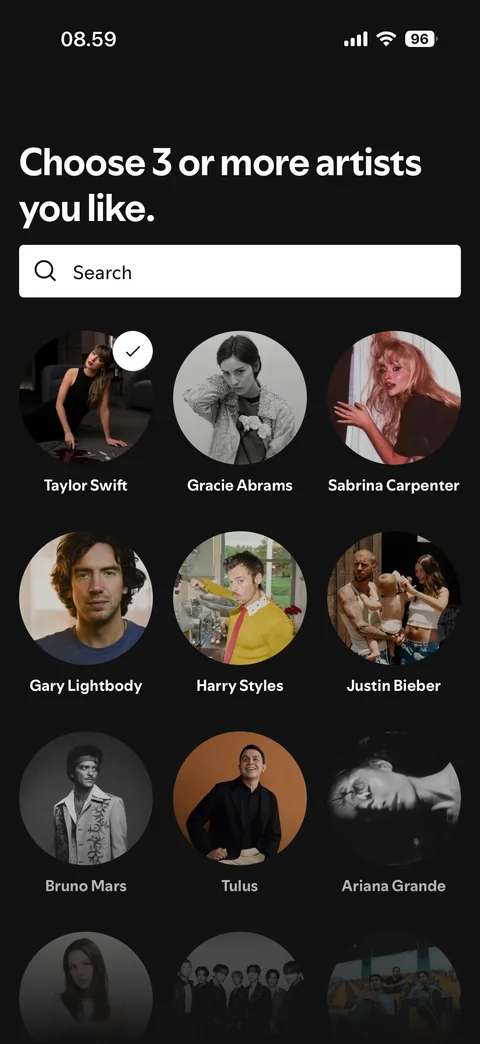
  2. Spotify onboarding / sign up / artists: Artists: 1 selected, related artists added
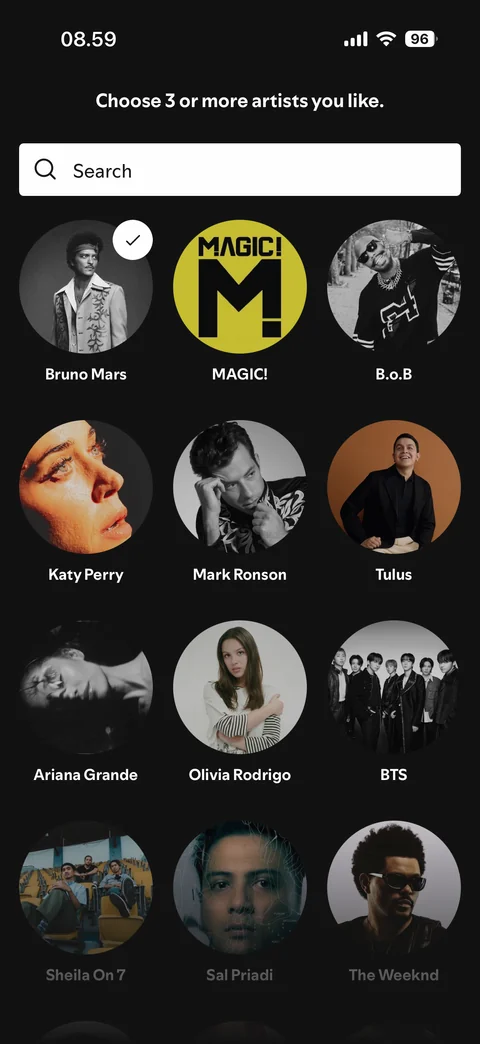
    Artists: 1 selected, related artists added

  3. Spotify onboarding / sign up / artists: Artists: 2 selected, header collapsed
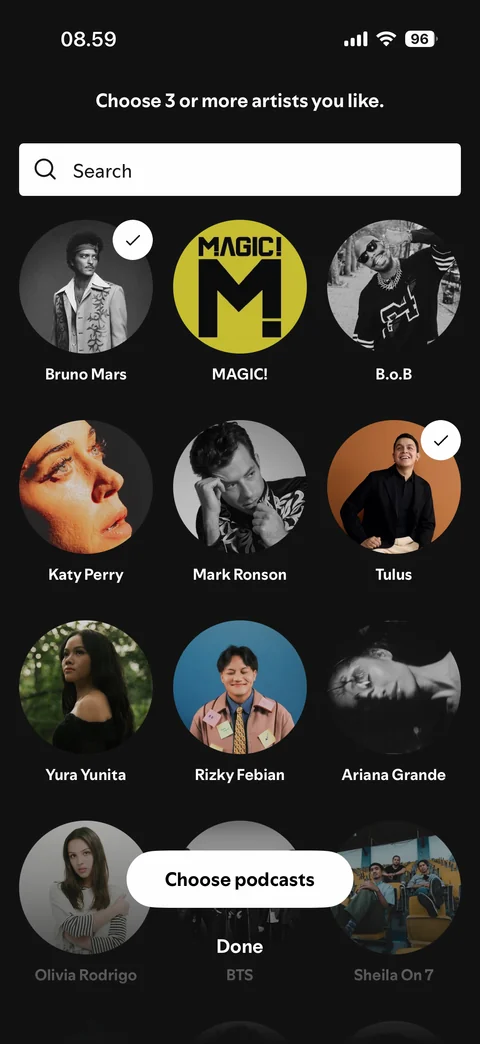
    Artists: 2 selected, header collapsed

  4. Spotify onboarding / sign up / artists: Artists: 3 selected, Choose podcasts and Done buttons
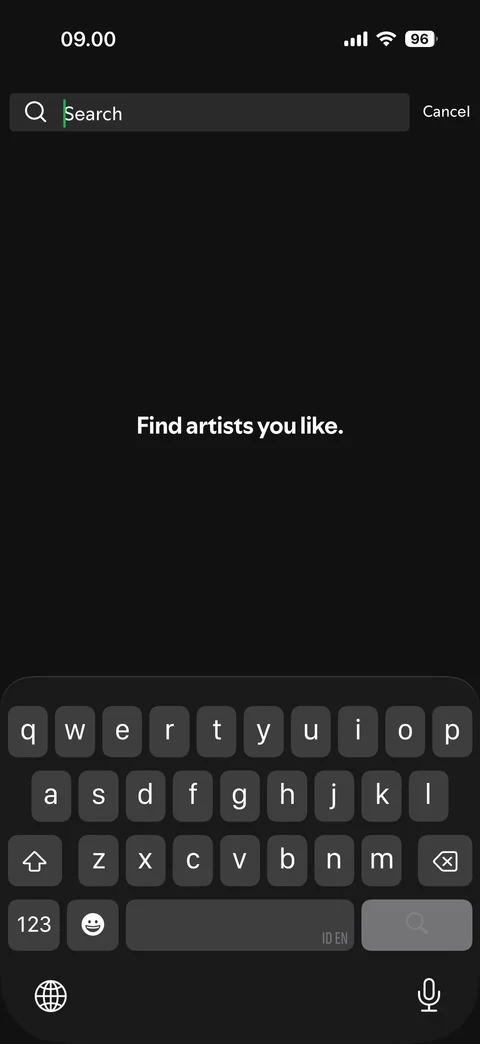
    Artists: 3 selected, Choose podcasts and Done buttons

  5. Spotify onboarding / sign up / artists: Artist search: empty, keyboard open

    Artist search: empty, keyboard open

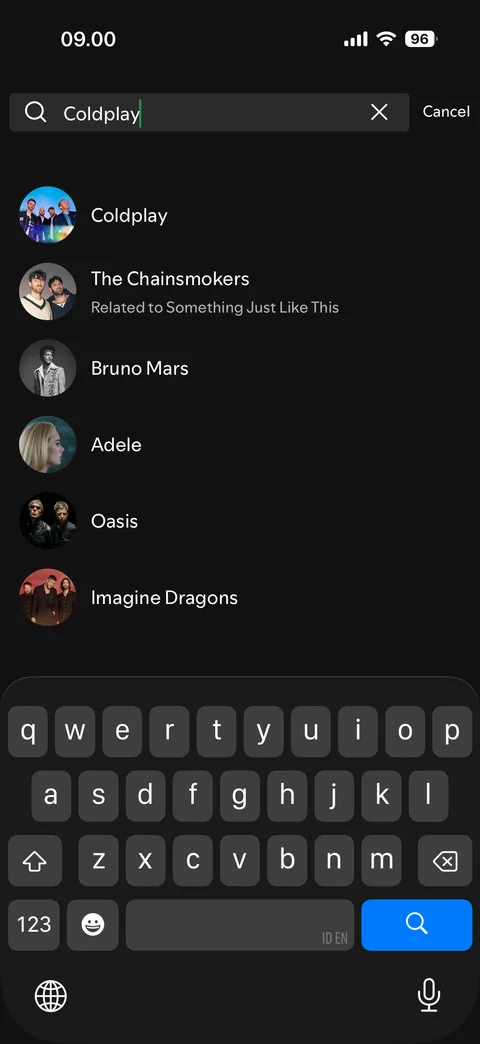
  6. Spotify onboarding / sign up / artists: Artist search: results for Coldplay

    Artist search: results for Coldplay

Spotify onboarding / sign up / podcasts (2 screens)
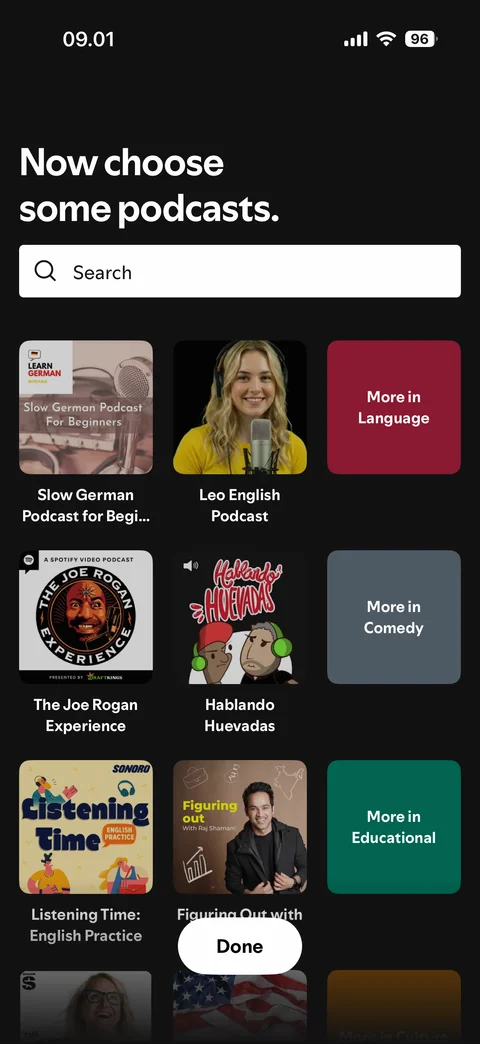
  1. Spotify onboarding / sign up / podcasts: Podcasts: none selected, category tiles
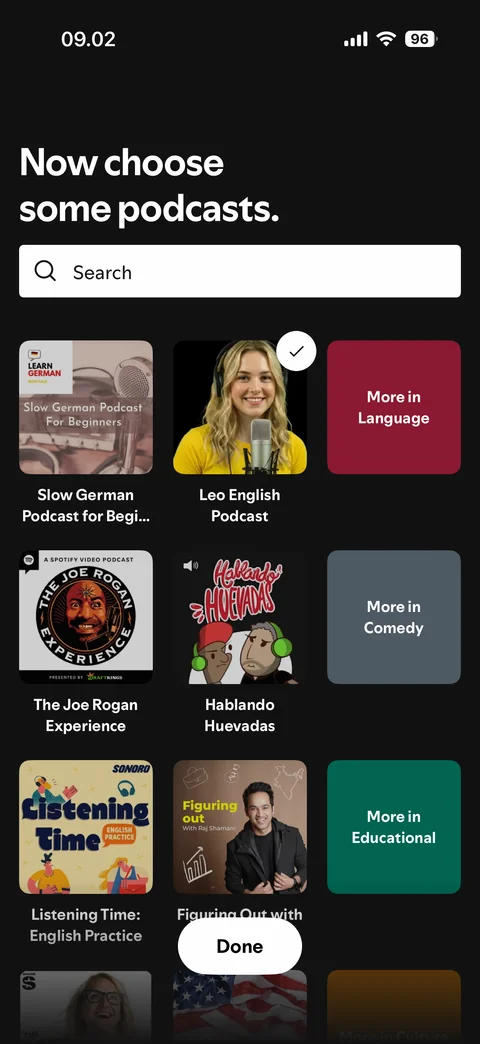
    Podcasts: none selected, category tiles

  2. Spotify onboarding / sign up / podcasts: Podcasts: 1 selected

    Podcasts: 1 selected

Spotify onboarding / sign up / ready (1 screen)
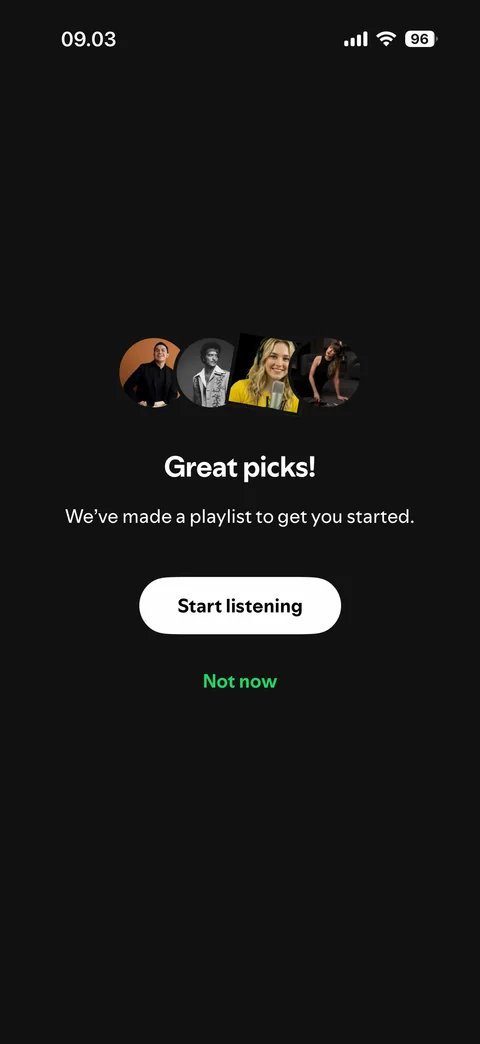
  1. Spotify onboarding / sign up / ready: Ready: great picks, playlist made, start listening or not now

    Ready: great picks, playlist made, start listening or not now

Spotify onboarding / sign up / tracking (2 screens)

  1. Spotify onboarding / sign up / tracking: Tracking: you're in control, pre-prompt before iOS alert

    Tracking: you're in control, pre-prompt before iOS alert

  2. Spotify onboarding / sign up / tracking: Tracking: iOS alert, ask app not to track or allow

    Tracking: iOS alert, ask app not to track or allow

Spotify onboarding / sign up / home (1 screen)
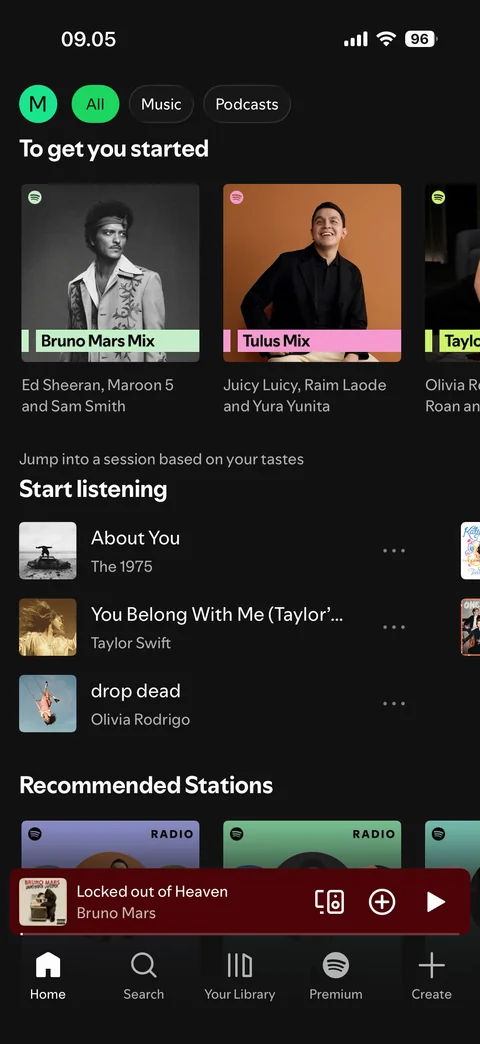
  1. Spotify onboarding / sign up / home: First home after sign-up: mixes from picked artists

    First home after sign-up: mixes from picked artists

Spotify onboarding / log in (1 screen)
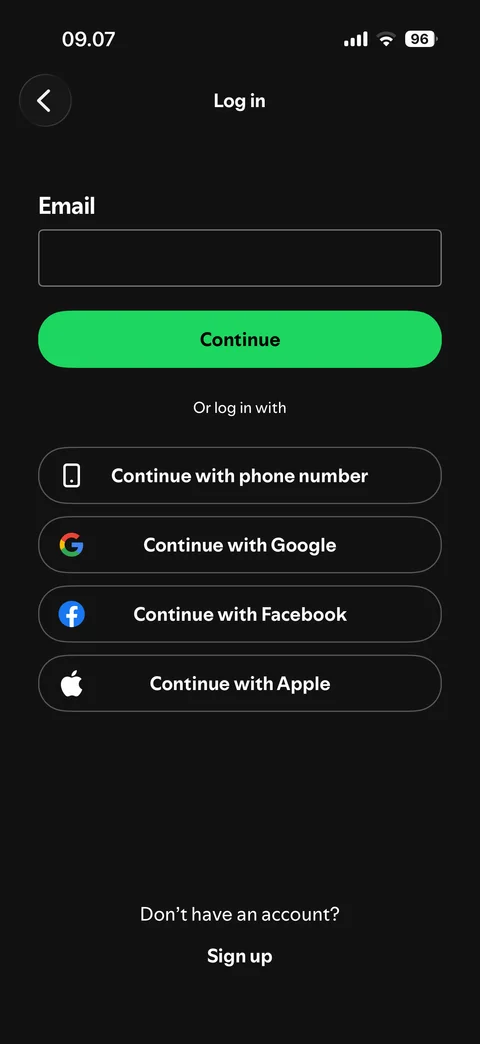
  1. Spotify onboarding / log in: Log in options: email, phone, Google, Facebook, Apple

    Log in options: email, phone, Google, Facebook, Apple

Spotify onboarding / log in / email (3 screens)
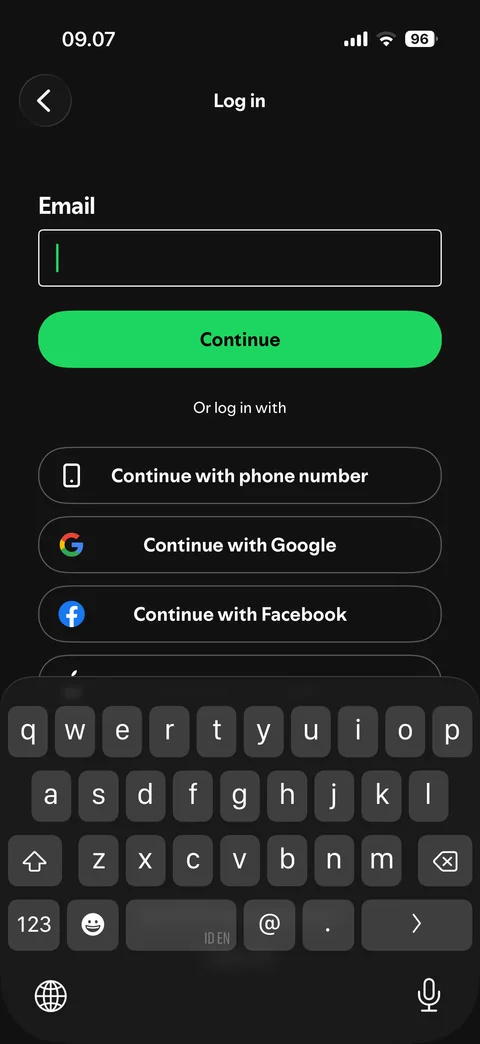
  1. Spotify onboarding / log in / email: Email: empty, keyboard open

    Email: empty, keyboard open

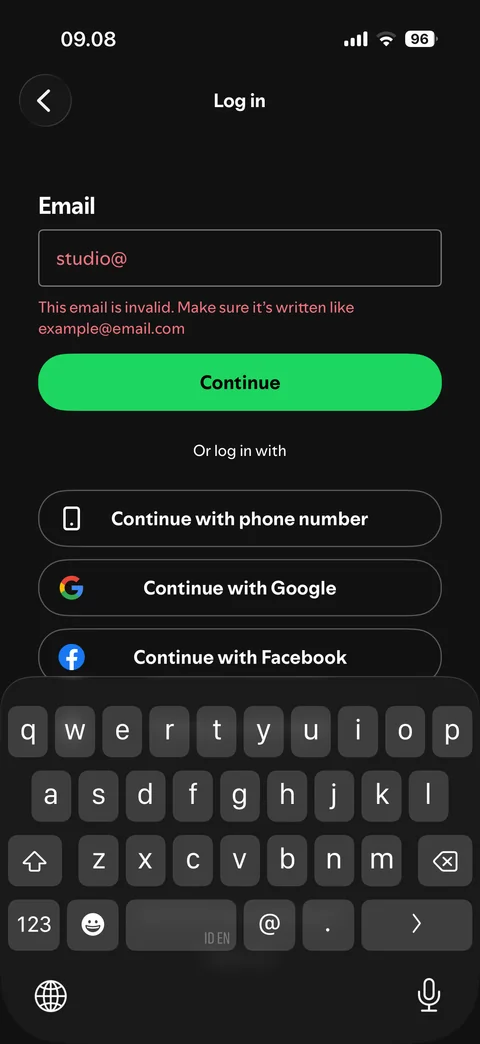
  2. Spotify onboarding / log in / email: Email: invalid (studio@), error message
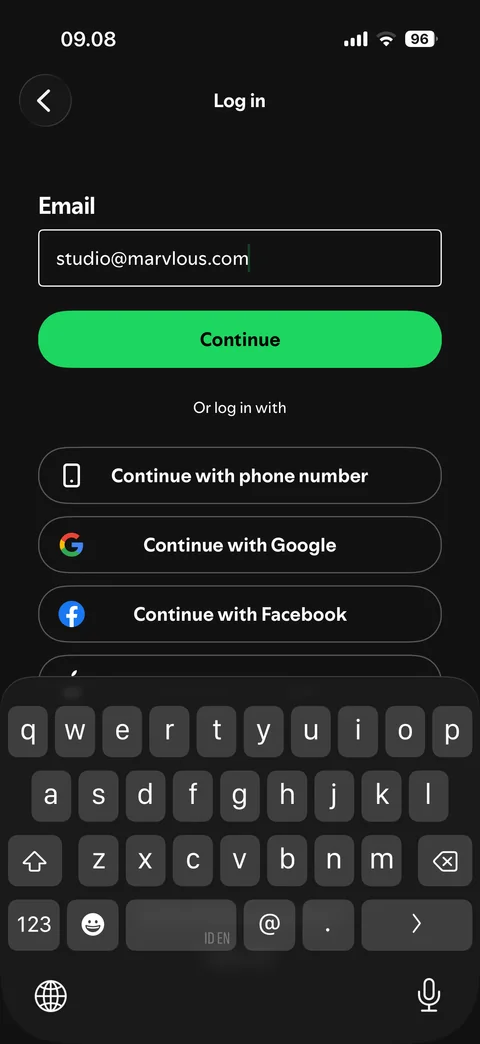
    Email: invalid (studio@), error message

  3. Spotify onboarding / log in / email: Email: filled and valid

    Email: filled and valid

Spotify onboarding / log in / code (1 screen)
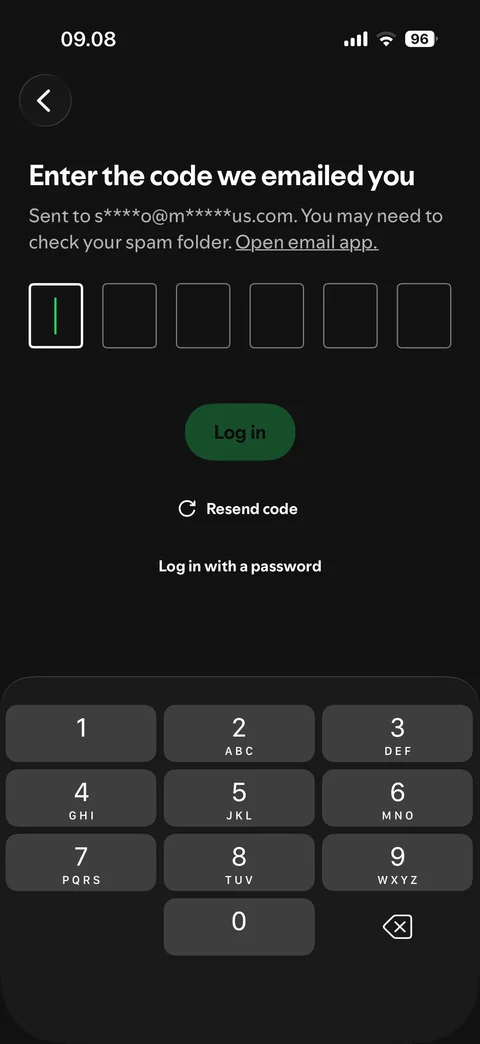
  1. Spotify onboarding / log in / code: Code: enter the 6-digit code we emailed, empty

    Code: enter the 6-digit code we emailed, empty

Spotify onboarding / log in / password (2 screens)
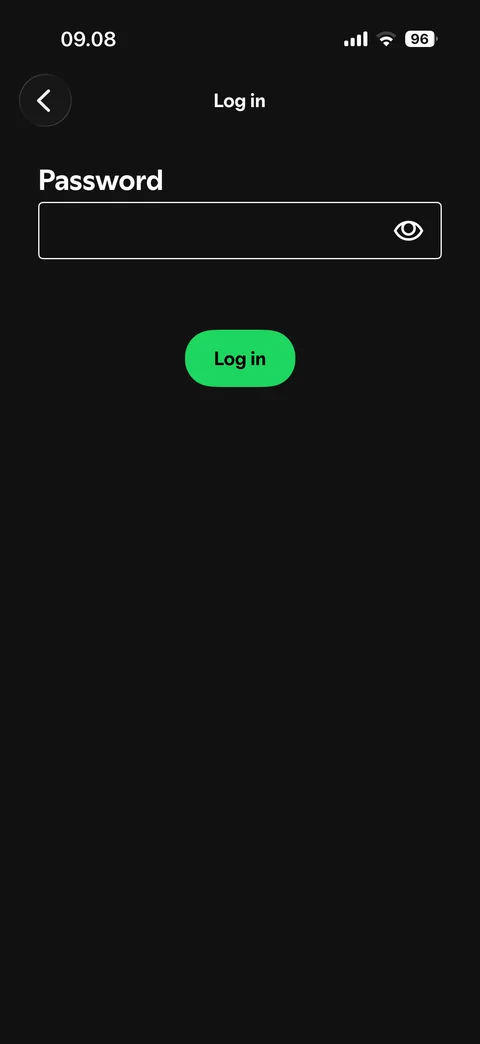
  1. Spotify onboarding / log in / password: Password: empty, Log in button

    Password: empty, Log in button

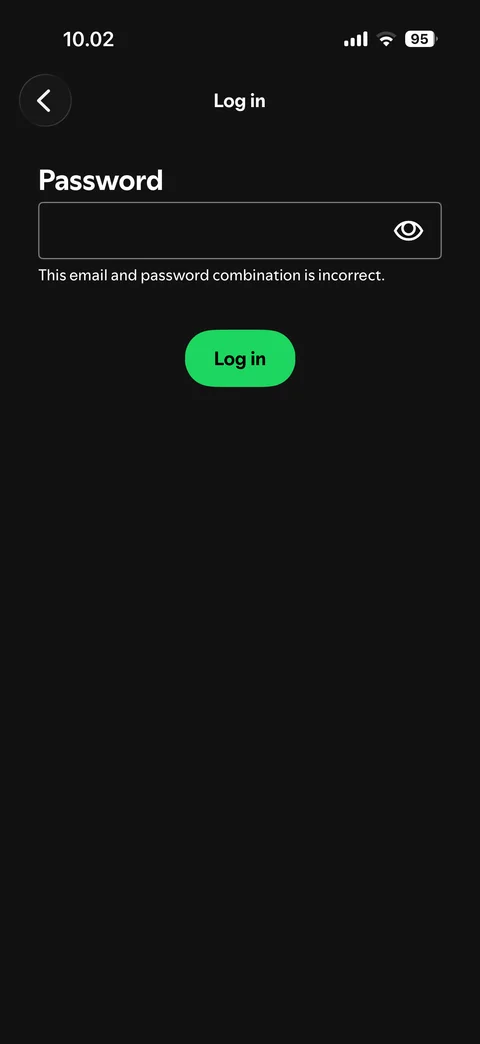
  2. Spotify onboarding / log in / password: Password: wrong, email and password combination is incorrect

    Password: wrong, email and password combination is incorrect

Spotify home (5 screens)
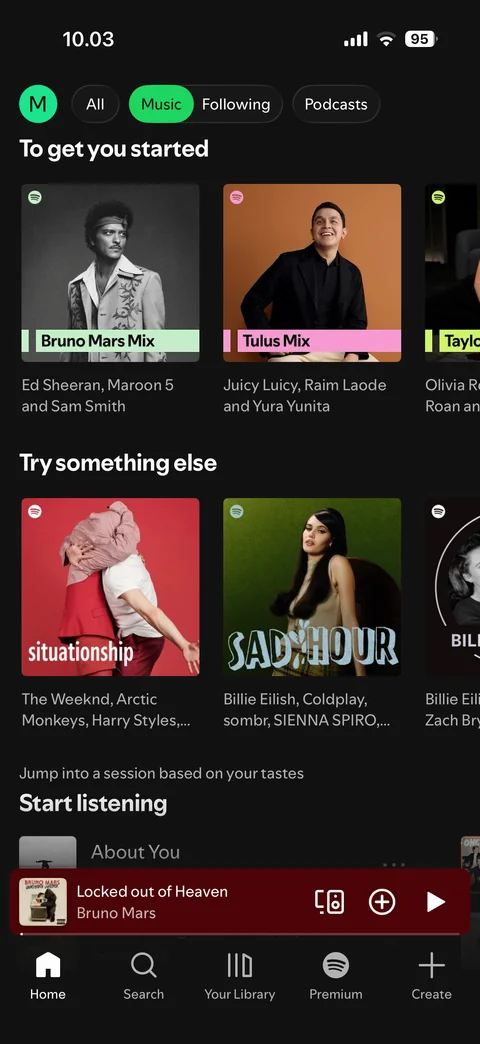
  1. Spotify home: Home: Music filter

    Home: Music filter

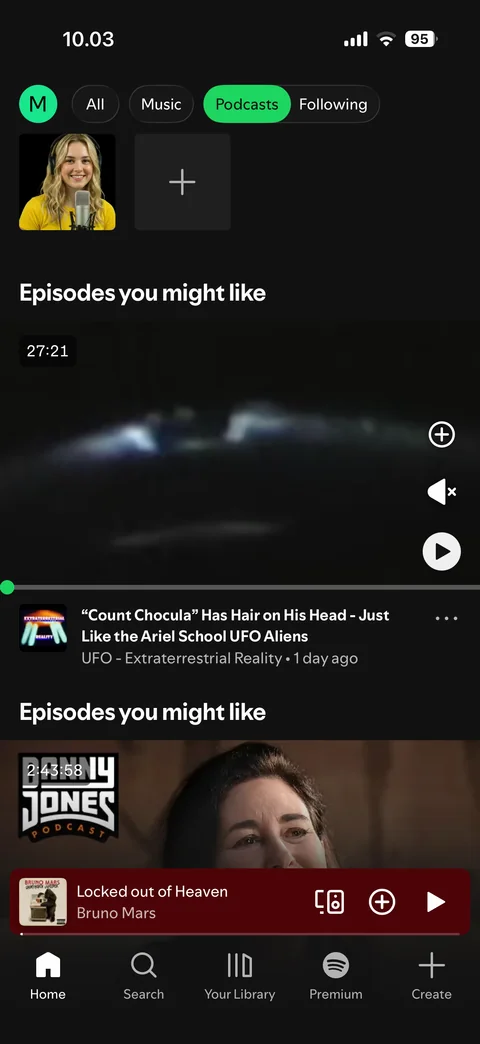
  2. Spotify home: Home: Podcasts filter

    Home: Podcasts filter

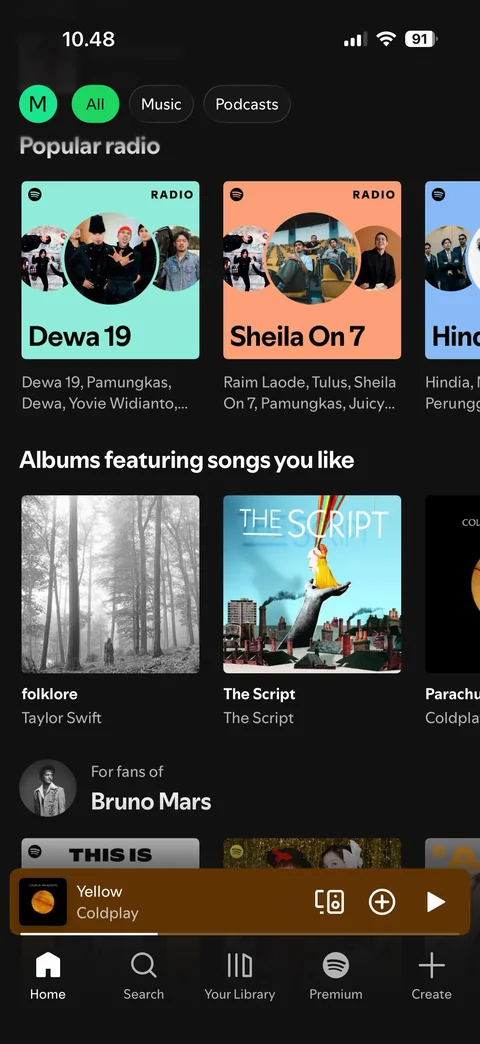
  3. Spotify home: Home: scrolled, sticky filter chips, popular radio, albums you like, for fans of
    Home: scrolled, sticky filter chips, popular radio, albums you like, for fans of

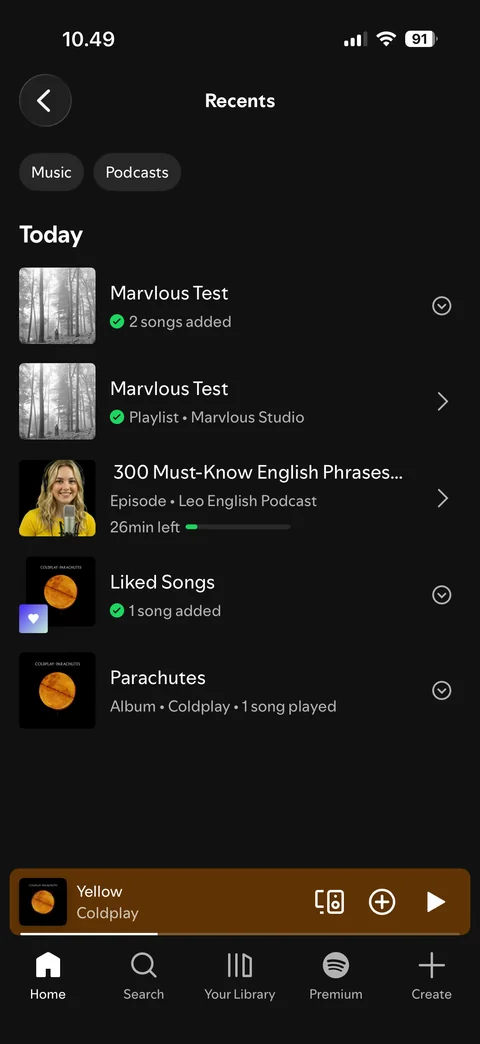
  4. Spotify home: Recents: listening history list by day
    Recents: listening history list by day

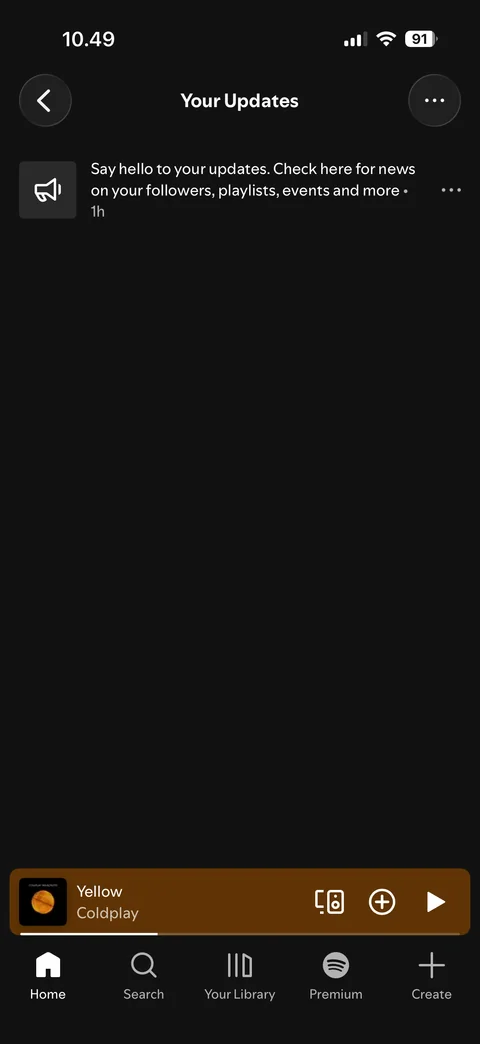
  5. Spotify home: Your Updates: notifications feed

    Your Updates: notifications feed

Spotify search (6 screens)
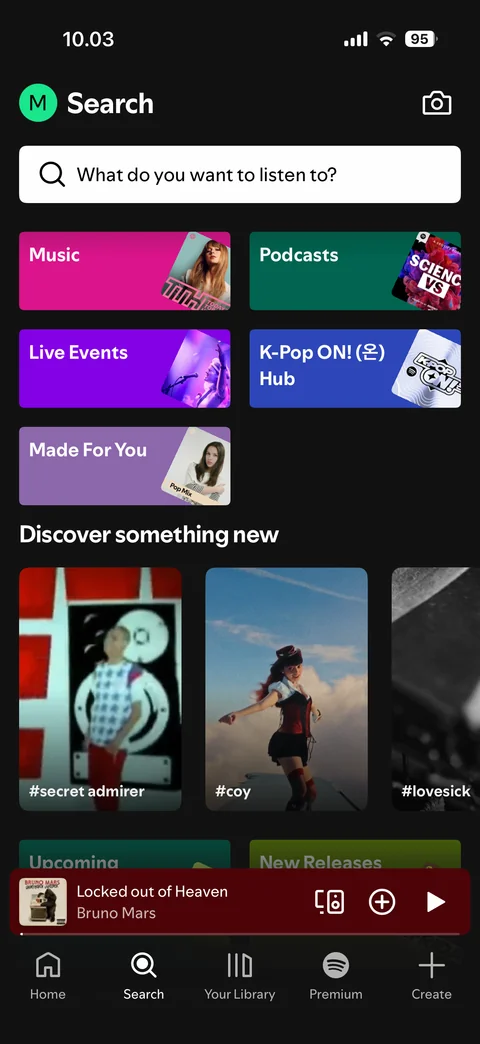
  1. Spotify search: Search: browse all categories

    Search: browse all categories

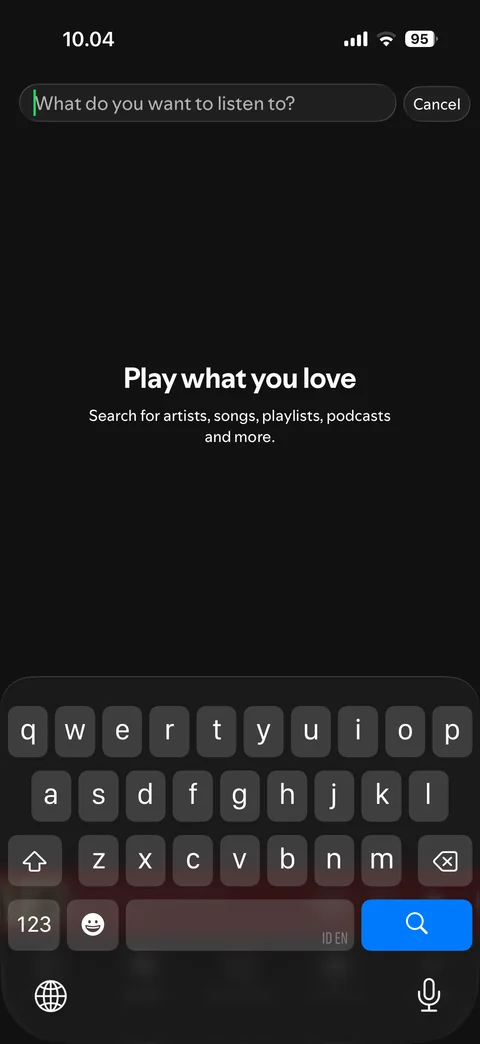
  2. Spotify search: Search: focused, keyboard open, empty (play what you love)
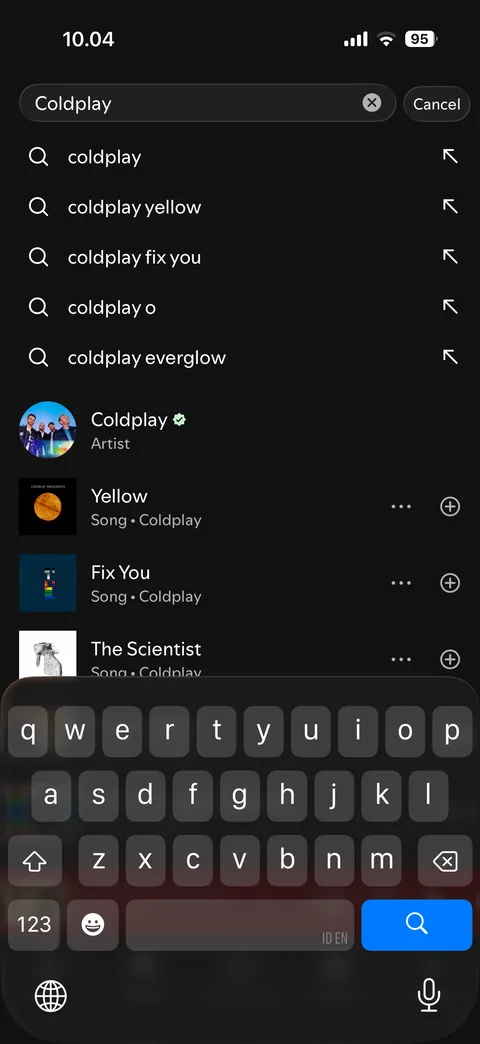
    Search: focused, keyboard open, empty (play what you love)

  3. Spotify search: Search: typing, live suggestions for Coldplay
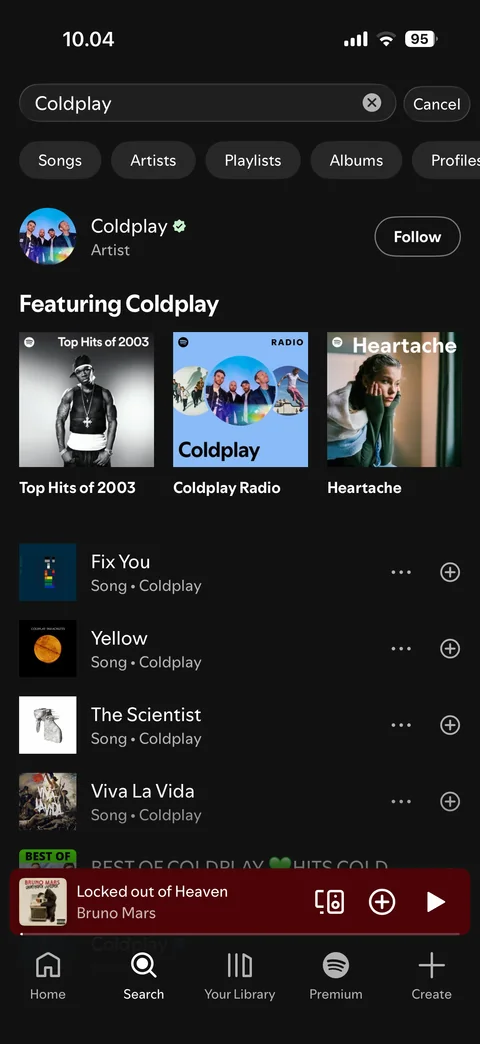
    Search: typing, live suggestions for Coldplay

  4. Spotify search: Search: results for Coldplay, filter chips
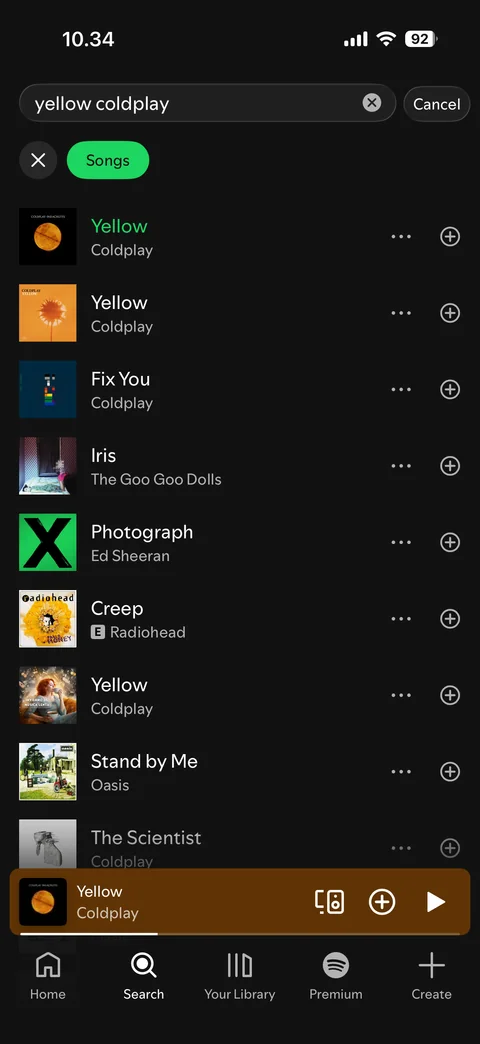
    Search: results for Coldplay, filter chips

  5. Spotify search: Search results: filtered by Songs

    Search results: filtered by Songs

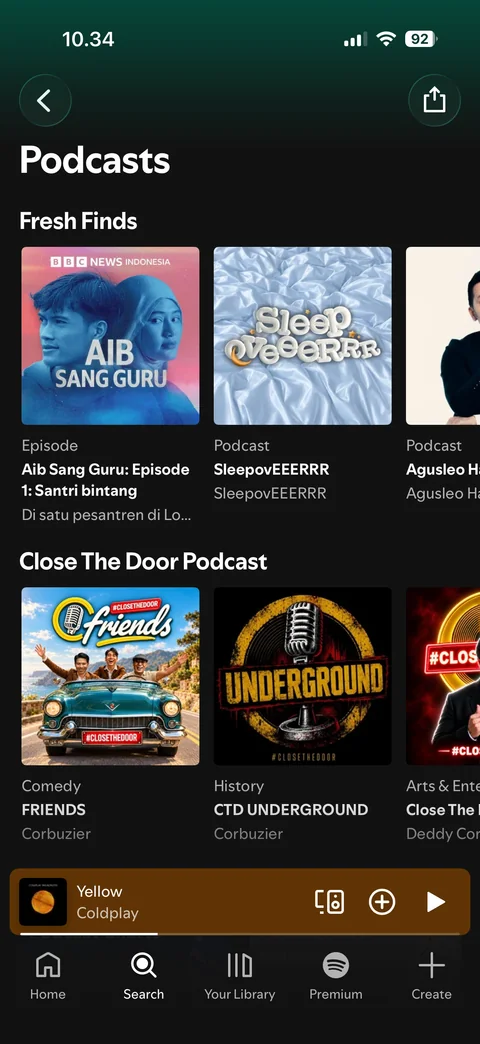
  6. Spotify search: Category page: Podcasts, fresh finds and curated rows, share button

    Category page: Podcasts, fresh finds and curated rows, share button

Spotify library (7 screens)
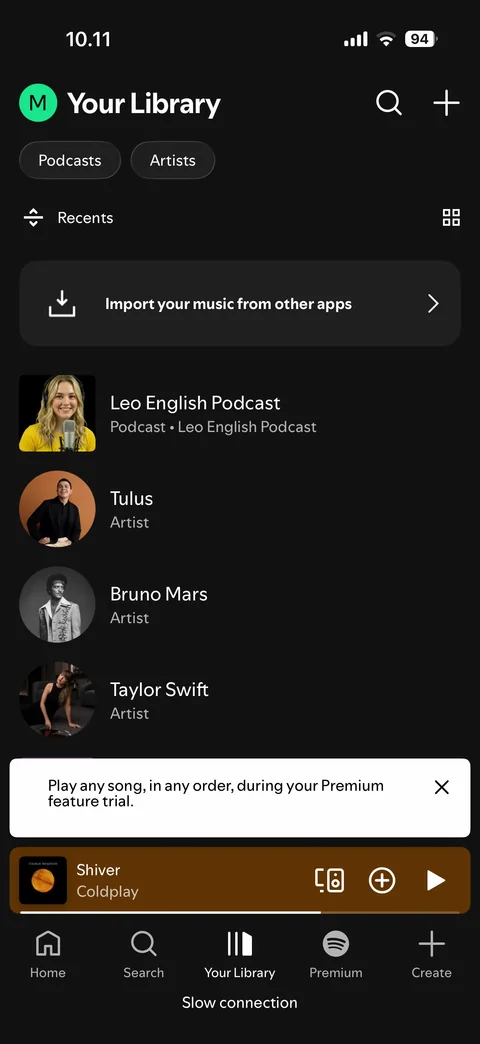
  1. Spotify library: Library: list view, filters, import banner, followed artists and podcast, slow connection bar
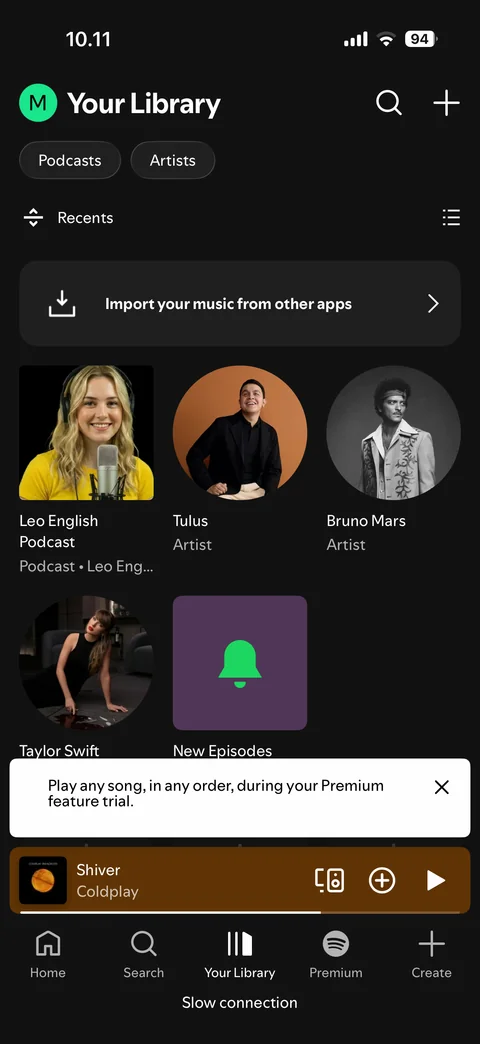
    Library: list view, filters, import banner, followed artists and podcast, slow connection bar

  2. Spotify library: Library: grid view

    Library: grid view

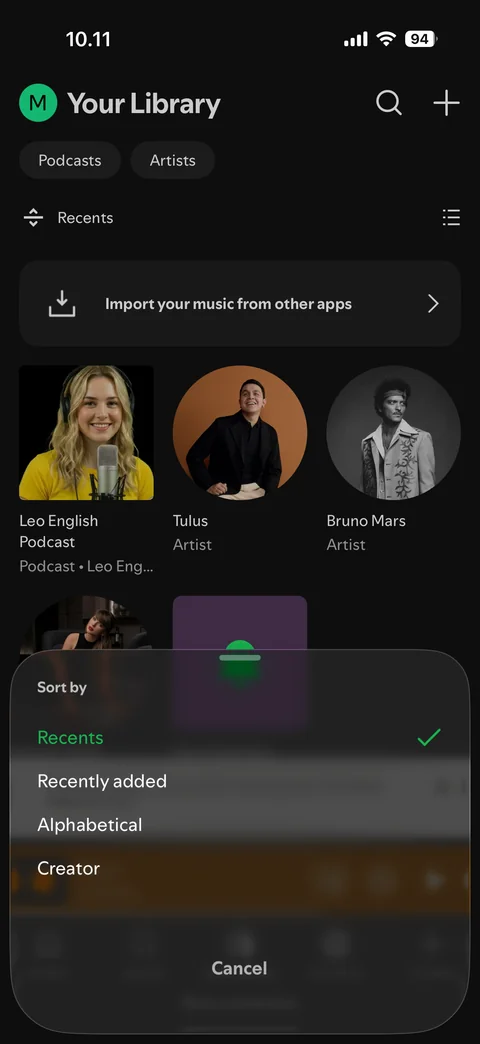
  3. Spotify library: Library: sort by sheet

    Library: sort by sheet

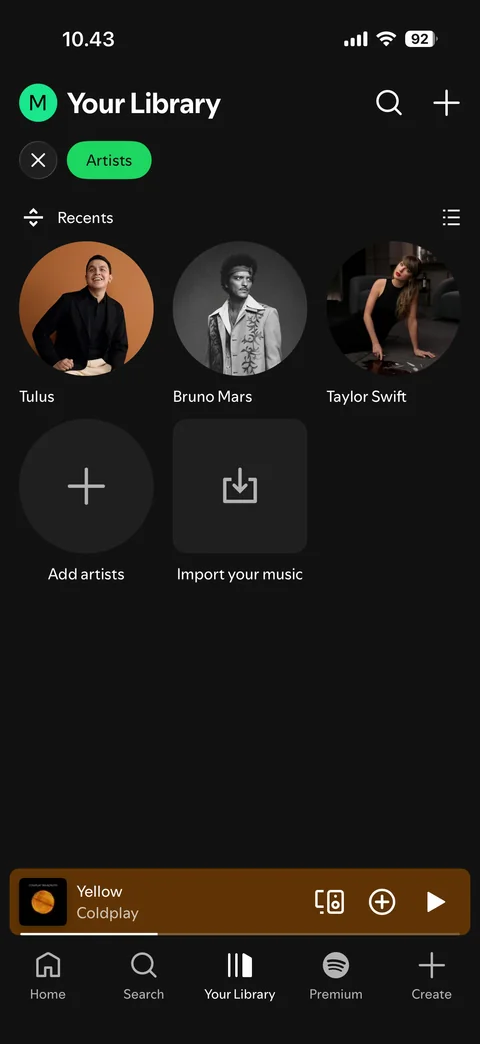
  4. Spotify library: Library: Artists filter selected, add artists and import your music tiles
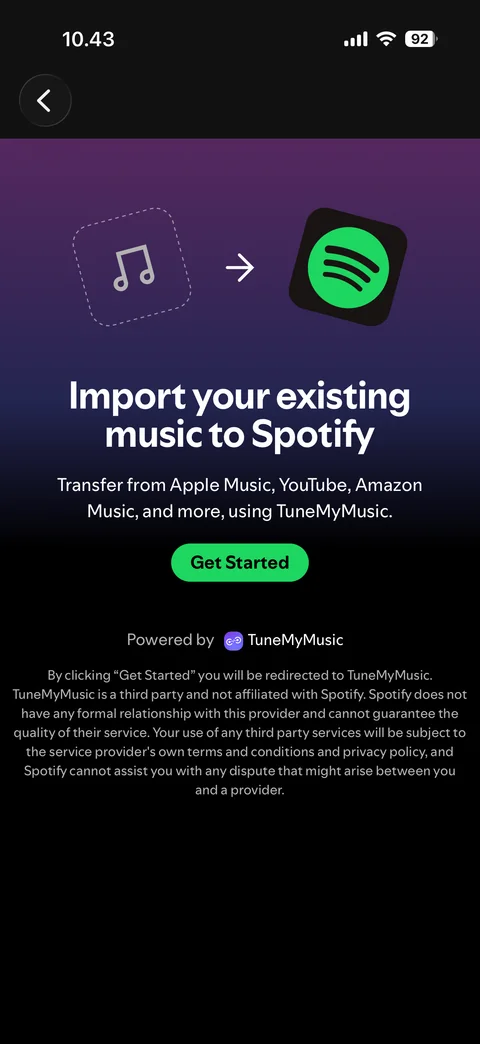
    Library: Artists filter selected, add artists and import your music tiles

  5. Spotify library: Import your music: TuneMyMusic intro, Get Started
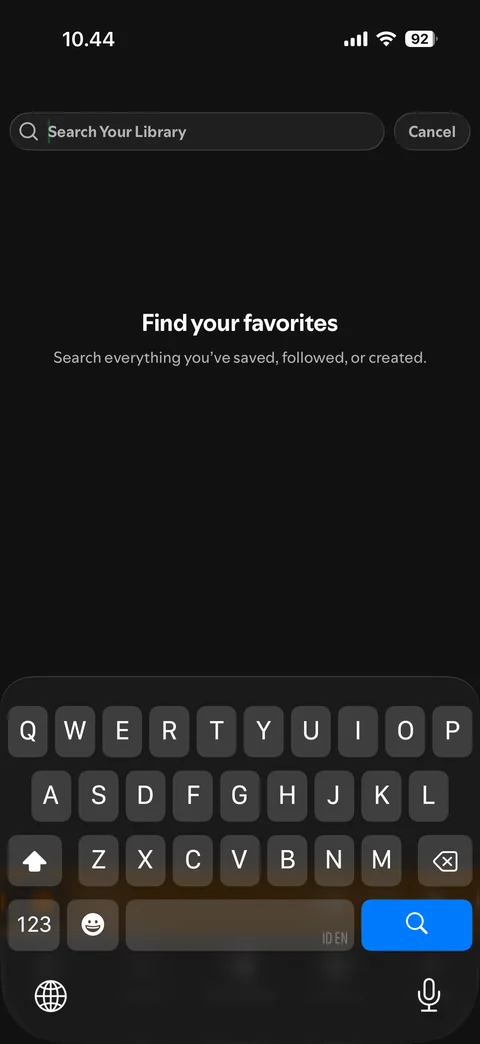
    Import your music: TuneMyMusic intro, Get Started

  6. Spotify library: Library search: empty, find your favorites, keyboard open
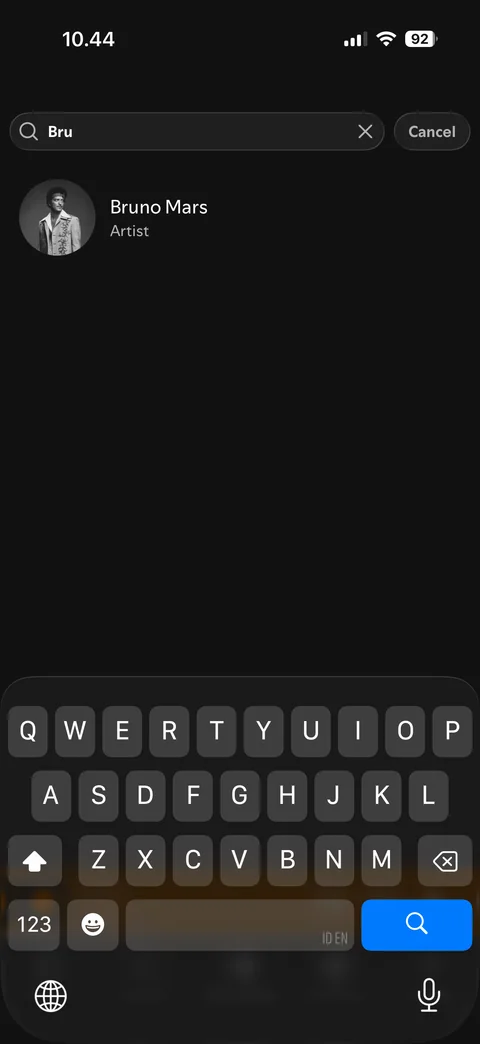
    Library search: empty, find your favorites, keyboard open

  7. Spotify library: Library search: results for typed text

    Library search: results for typed text

Spotify premium (2 screens)
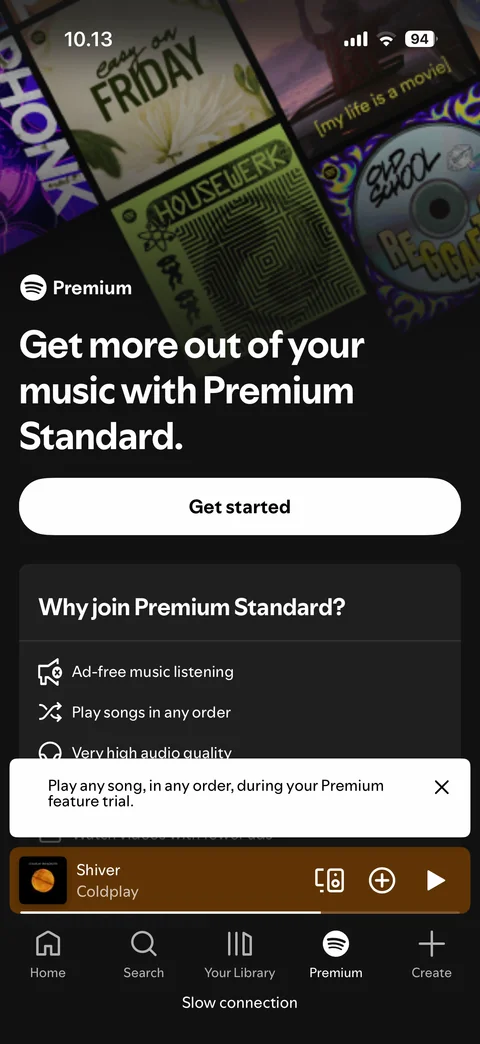
  1. Spotify premium: Premium: plans page, top

    Premium: plans page, top

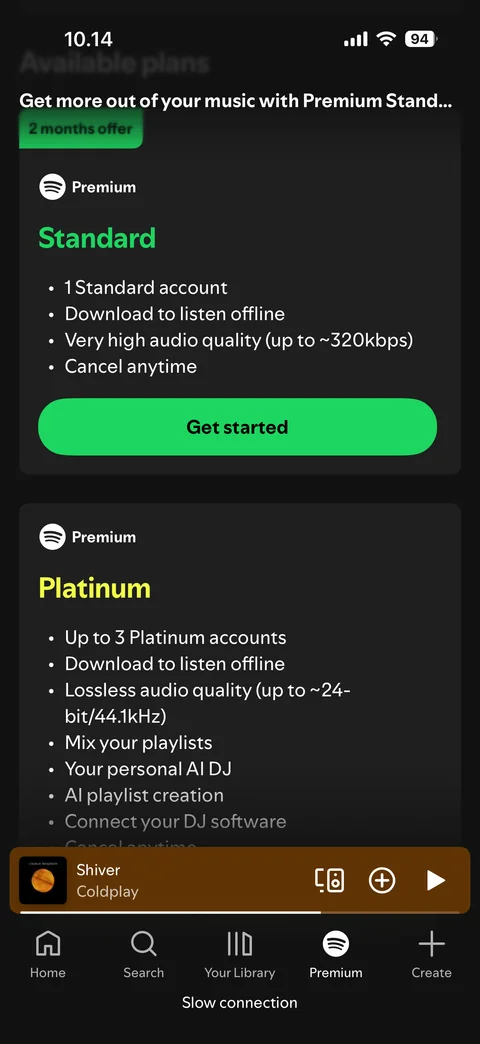
  2. Spotify premium: Premium: available plans, Standard and Platinum cards, compact header

    Premium: available plans, Standard and Platinum cards, compact header

Spotify create (5 screens)
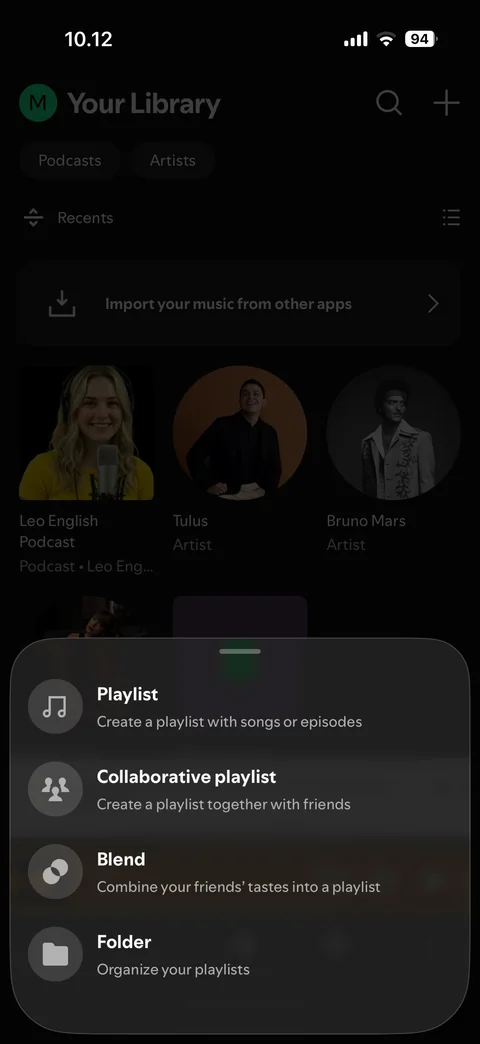
  1. Spotify create: Create: sheet with playlist, collaborative playlist, blend, folder
    Create: sheet with playlist, collaborative playlist, blend, folder

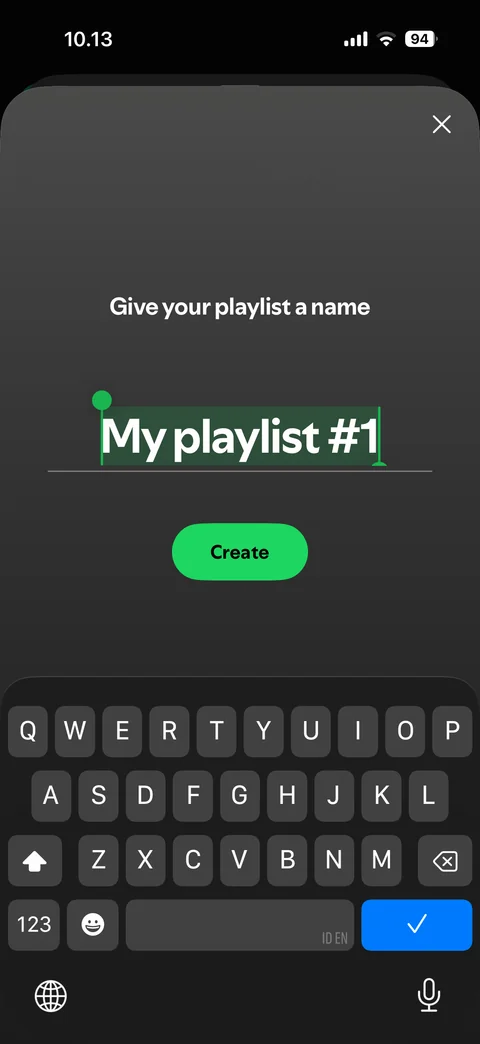
  2. Spotify create: Create playlist: give your playlist a name, default name selected
    Create playlist: give your playlist a name, default name selected

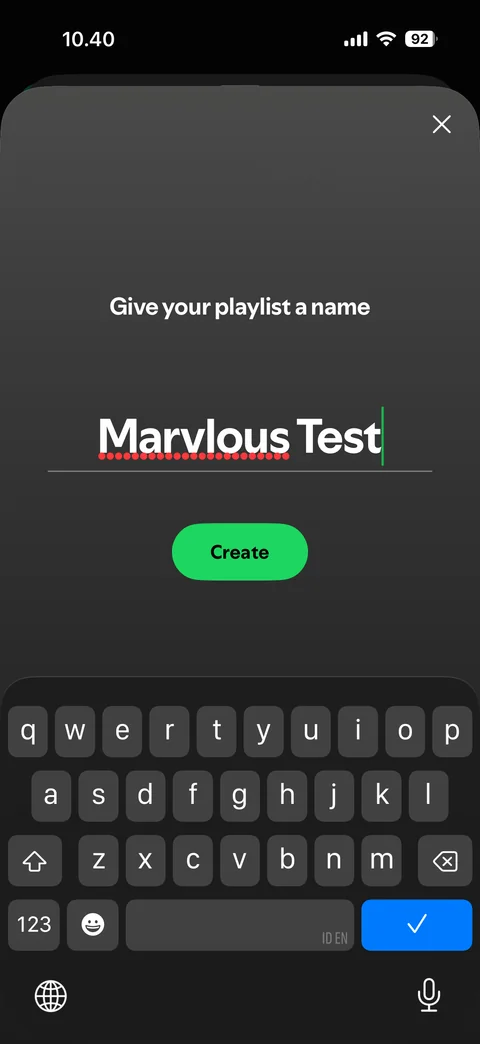
  3. Spotify create: Create playlist: custom name typed, Create button
    Create playlist: custom name typed, Create button

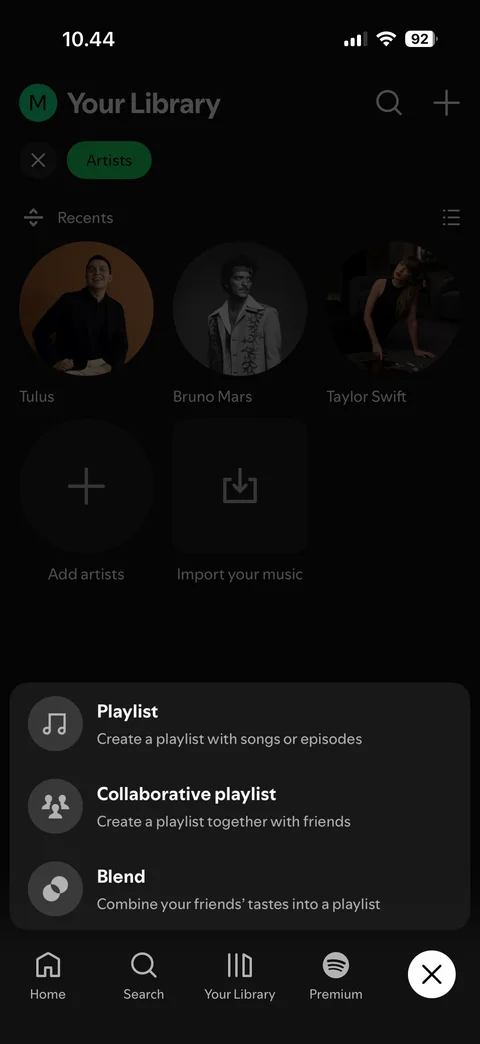
  4. Spotify create: Create tab: menu above tab bar with playlist, collaborative playlist, blend, close button

    Create tab: menu above tab bar with playlist, collaborative playlist, blend, close button
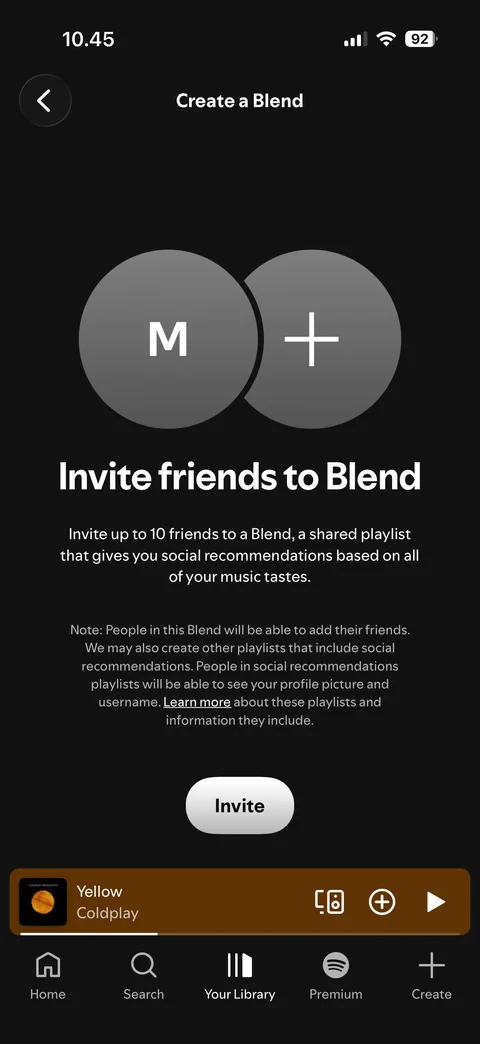
  5. Spotify create: Create a Blend: invite friends intro, Invite button

    Create a Blend: invite friends intro, Invite button

Spotify profile (4 screens)
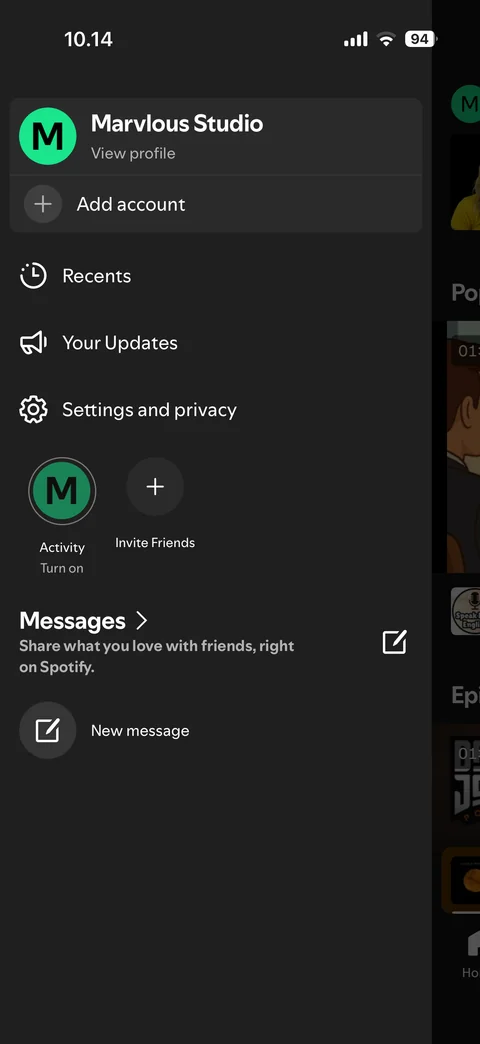
  1. Spotify profile: Profile menu: side drawer with account and shortcuts
    Profile menu: side drawer with account and shortcuts

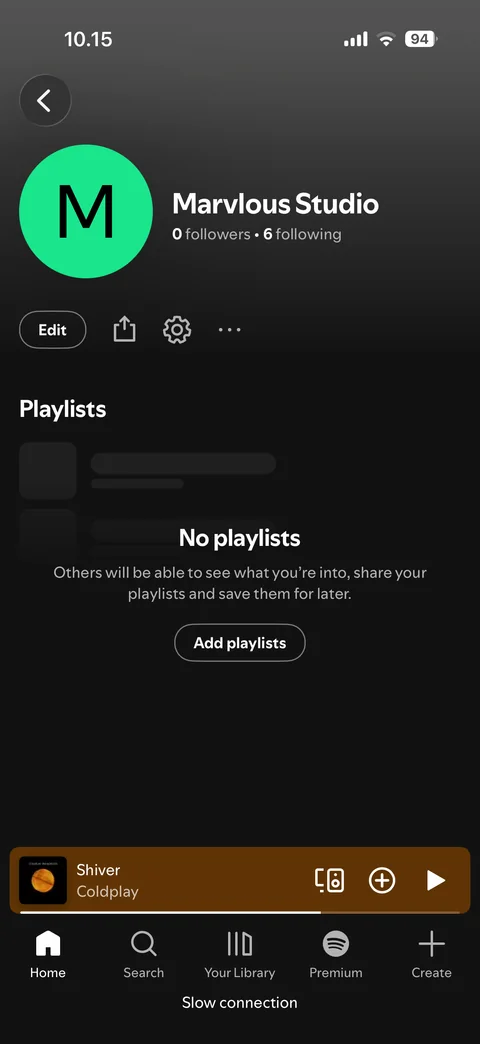
  2. Spotify profile: Profile: user page, name, followers, edit
    Profile: user page, name, followers, edit

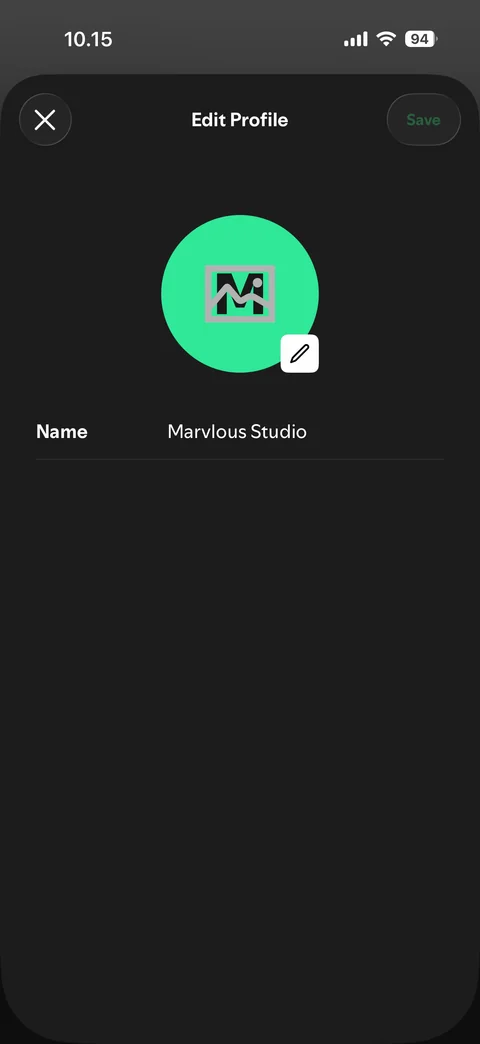
  3. Spotify profile: Edit profile: photo and display name

    Edit profile: photo and display name

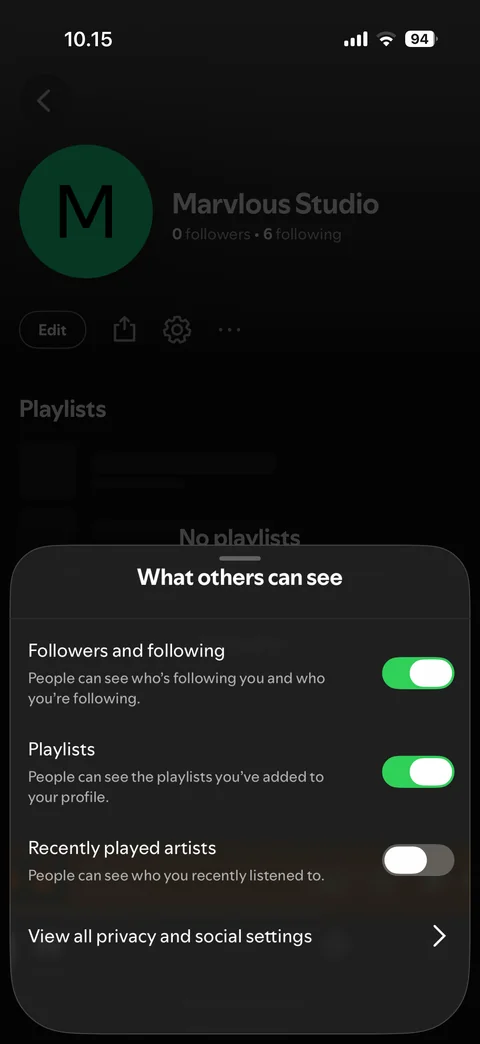
  4. Spotify profile: Profile privacy: what others can see sheet with toggles

    Profile privacy: what others can see sheet with toggles

Spotify profile / settings (10 screens)
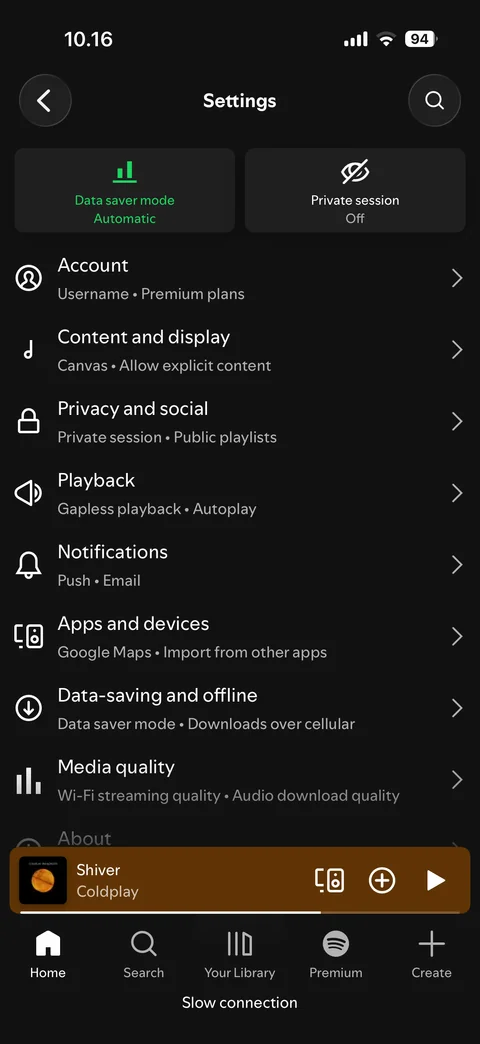
  1. Spotify profile / settings: Settings: main list, data saver and private session tiles
    Settings: main list, data saver and private session tiles

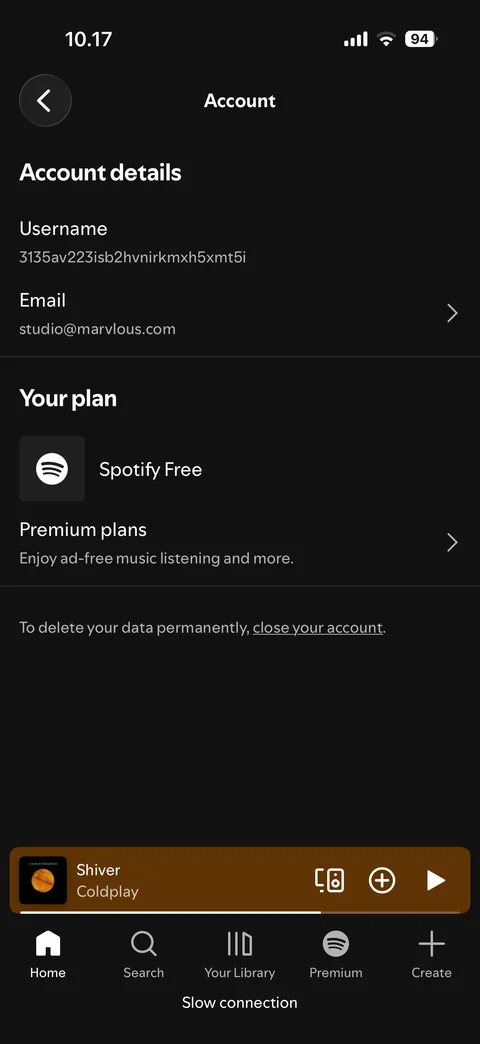
  2. Spotify profile / settings: Settings: account, username, email, plan (Spotify Free), close account link
    Settings: account, username, email, plan (Spotify Free), close account link

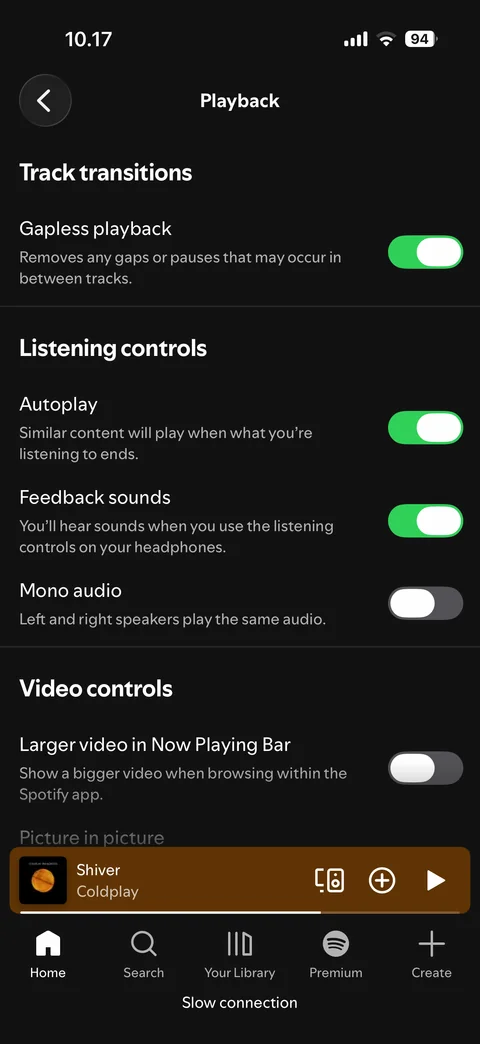
  3. Spotify profile / settings: Settings: playback, toggles and options
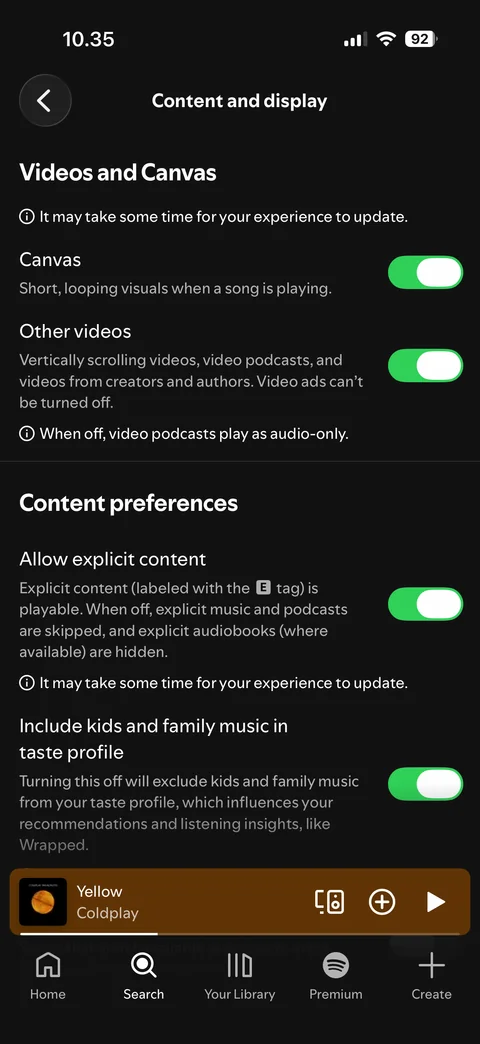
    Settings: playback, toggles and options

  4. Spotify profile / settings: Settings: content and display

    Settings: content and display

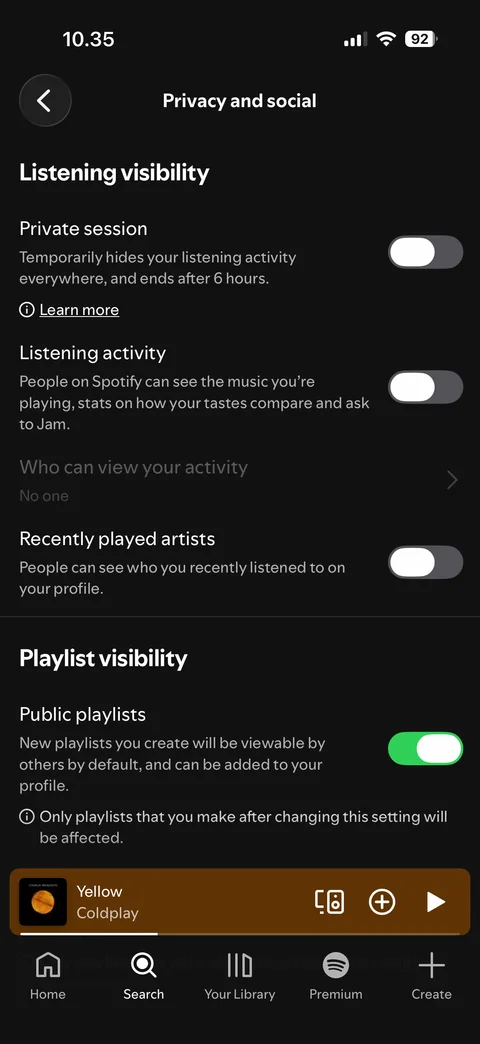
  5. Spotify profile / settings: Settings: privacy and social

    Settings: privacy and social

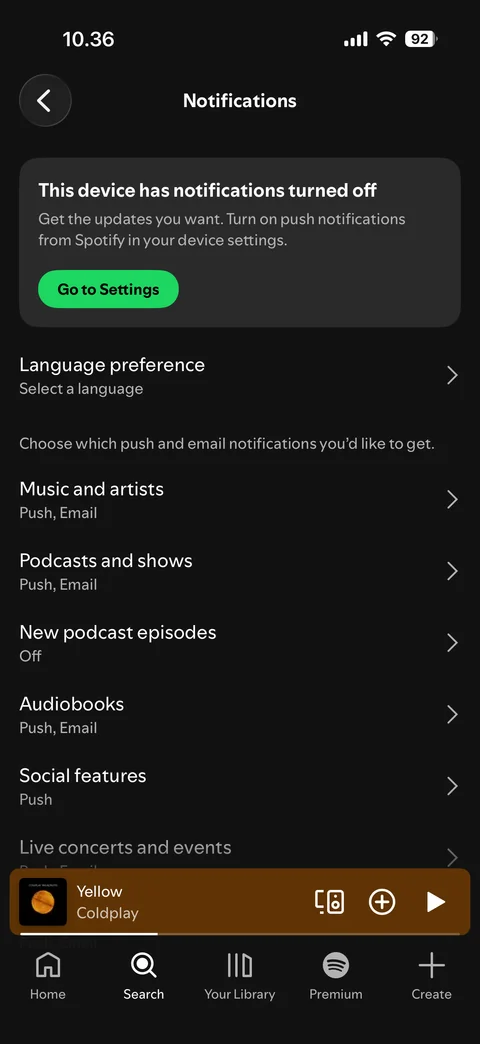
  6. Spotify profile / settings: Settings: notifications, device notifications off banner, categories
    Settings: notifications, device notifications off banner, categories

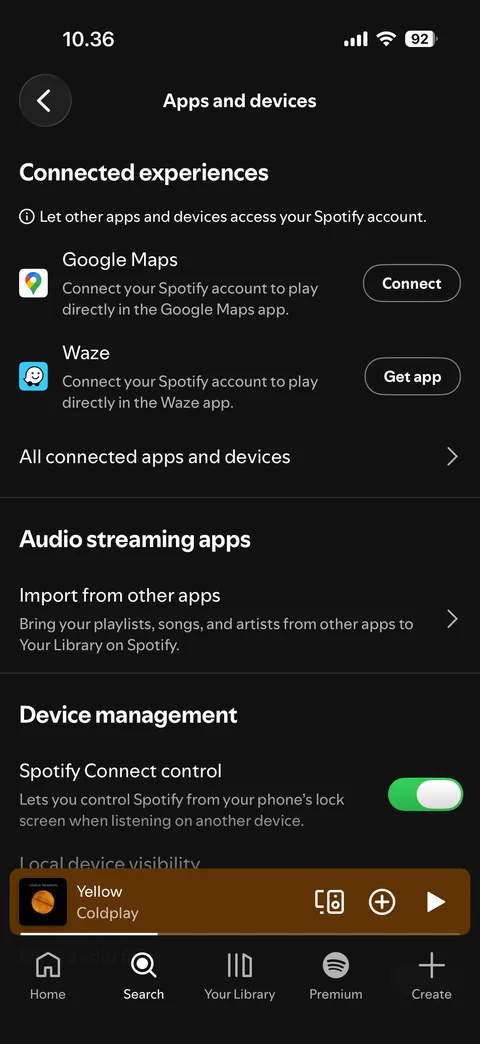
  7. Spotify profile / settings: Settings: apps and devices

    Settings: apps and devices

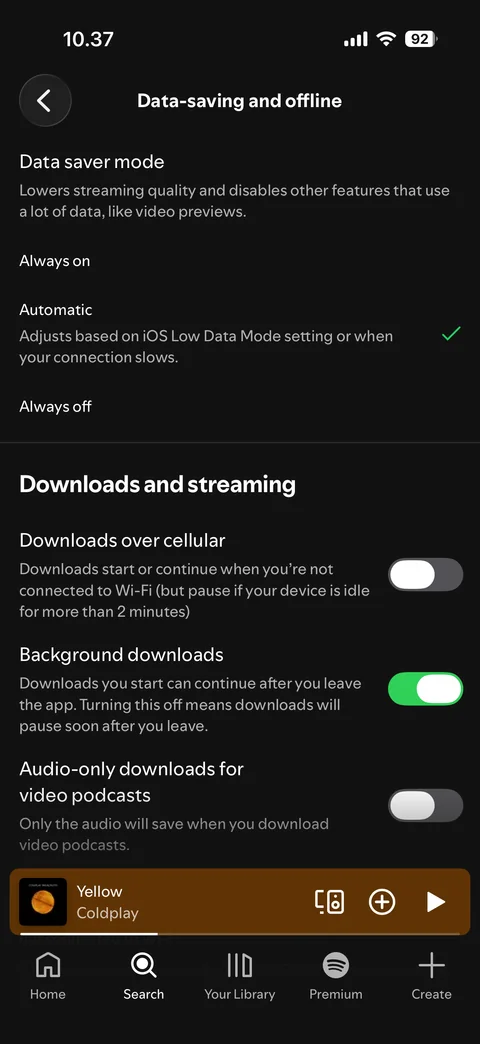
  8. Spotify profile / settings: Settings: data-saving and offline

    Settings: data-saving and offline

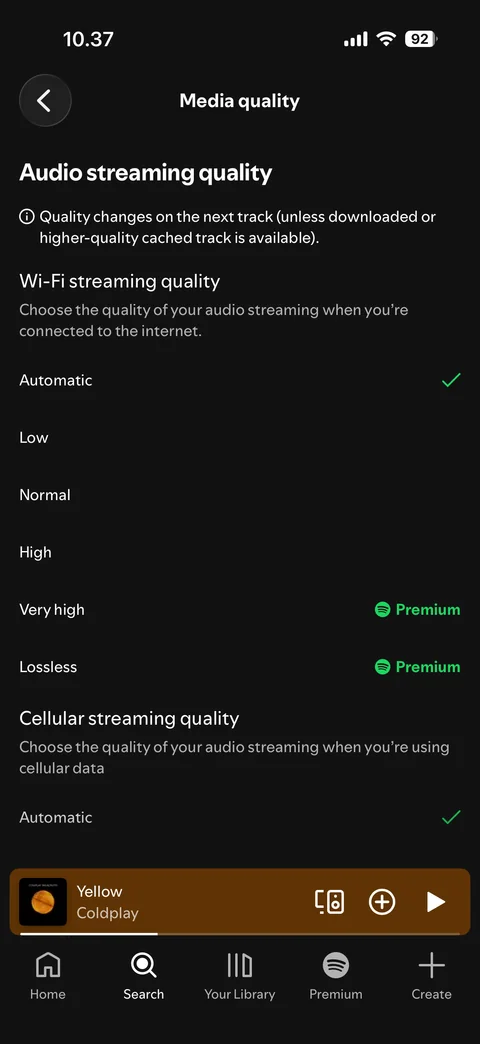
  9. Spotify profile / settings: Settings: media quality

    Settings: media quality

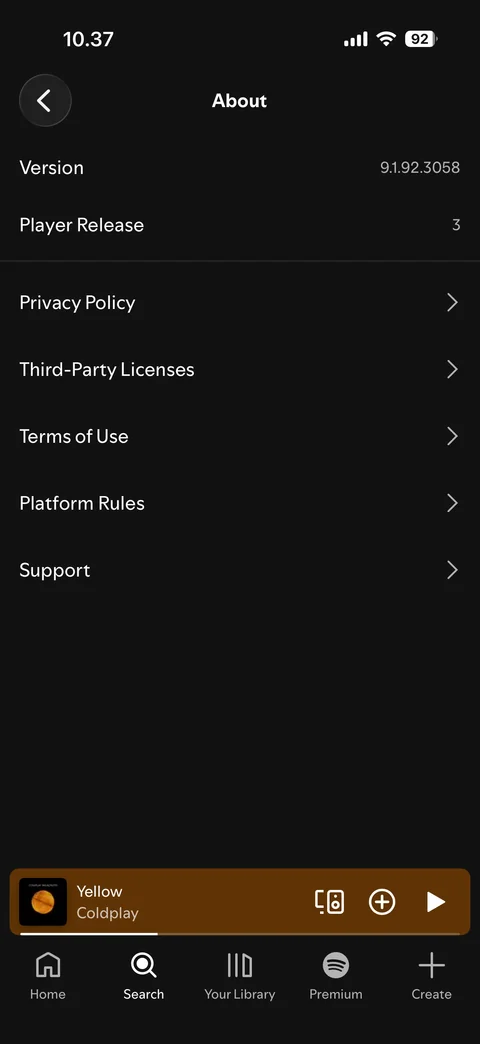
  10. Spotify profile / settings: Settings: about, version and legal links

    Settings: about, version and legal links

Spotify player (20 screens)
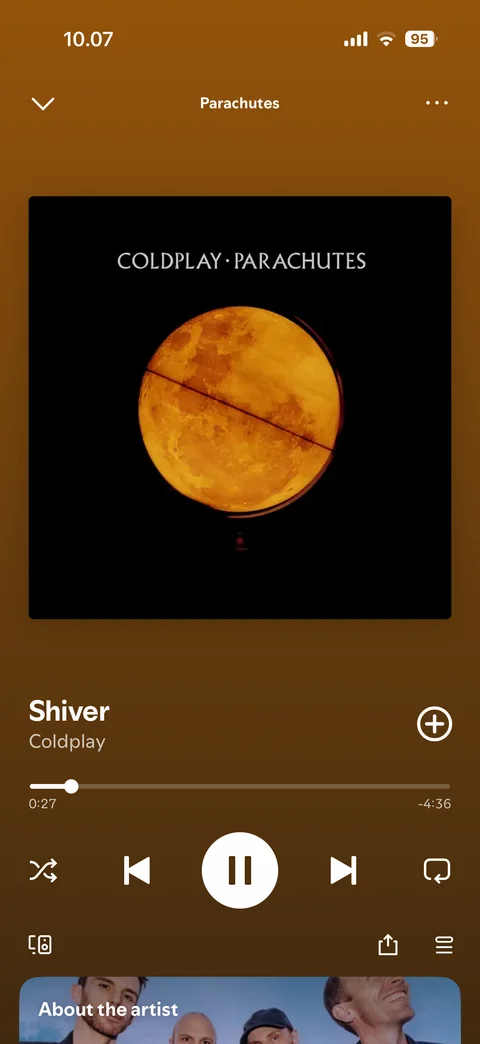
  1. Spotify player: Player: now playing, full screen

    Player: now playing, full screen

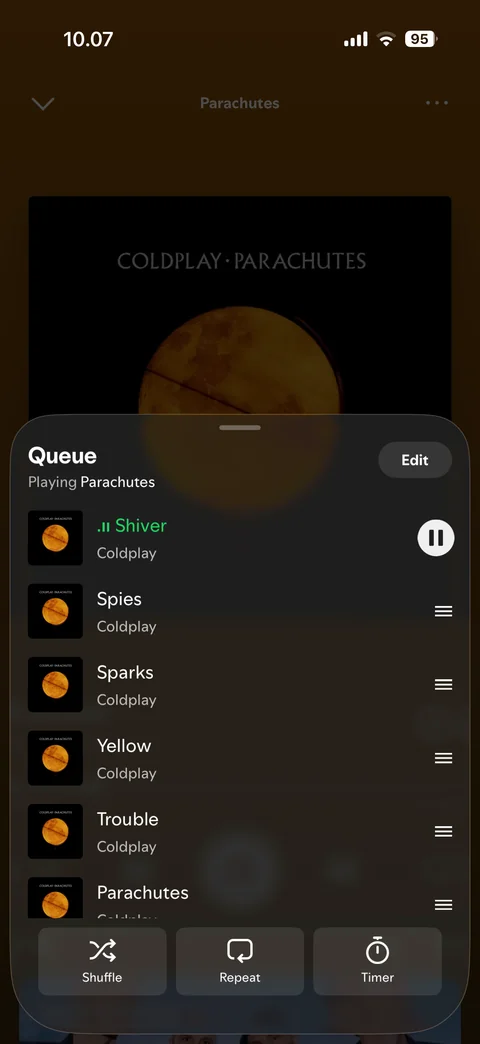
  2. Spotify player: Player: queue, now playing and next up
    Player: queue, now playing and next up

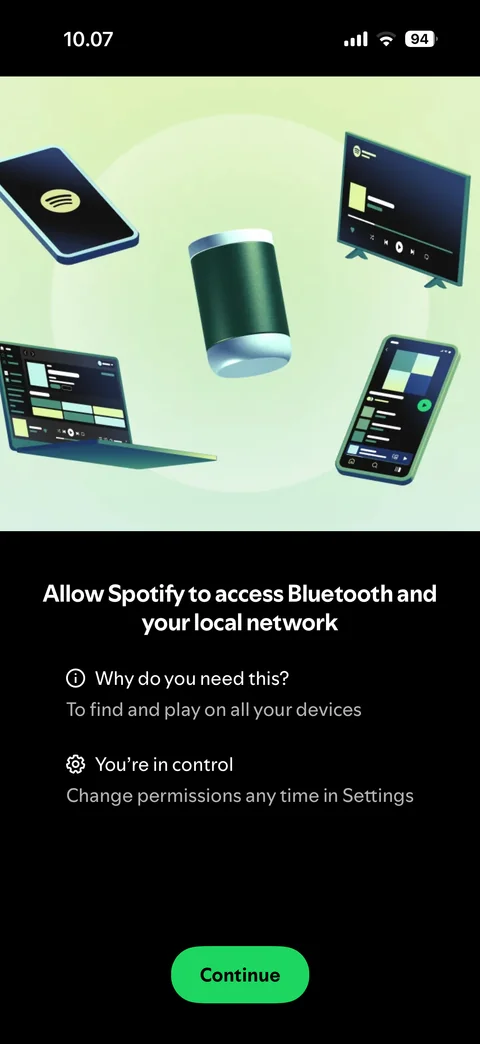
  3. Spotify player: Player: devices, Bluetooth and local network permission pre-prompt
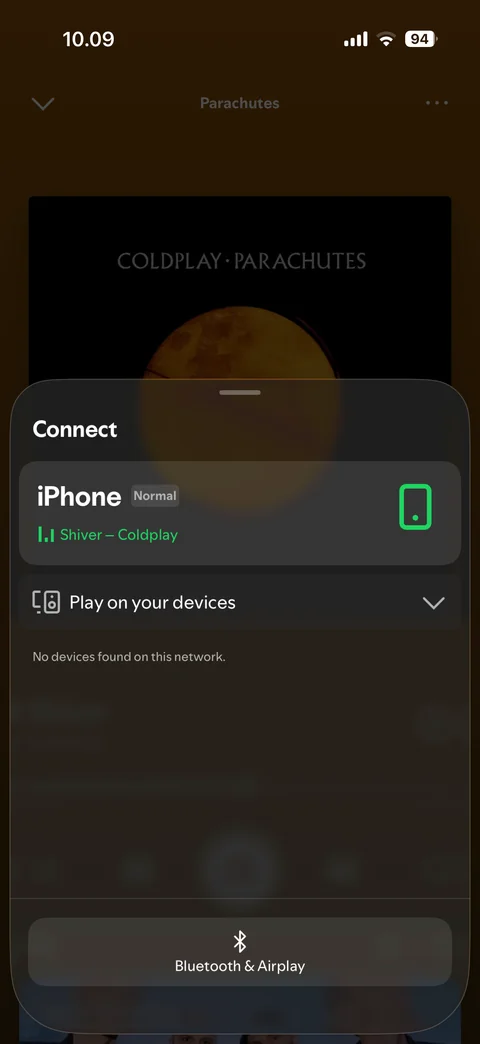
    Player: devices, Bluetooth and local network permission pre-prompt

  4. Spotify player: Player: connect sheet, this iPhone, no devices found
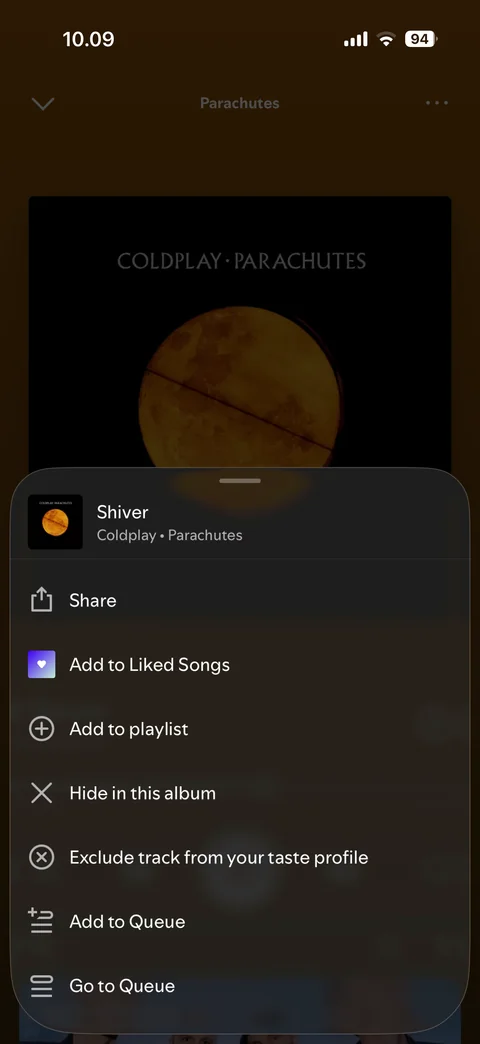
    Player: connect sheet, this iPhone, no devices found

  5. Spotify player: Player: more menu for the current track
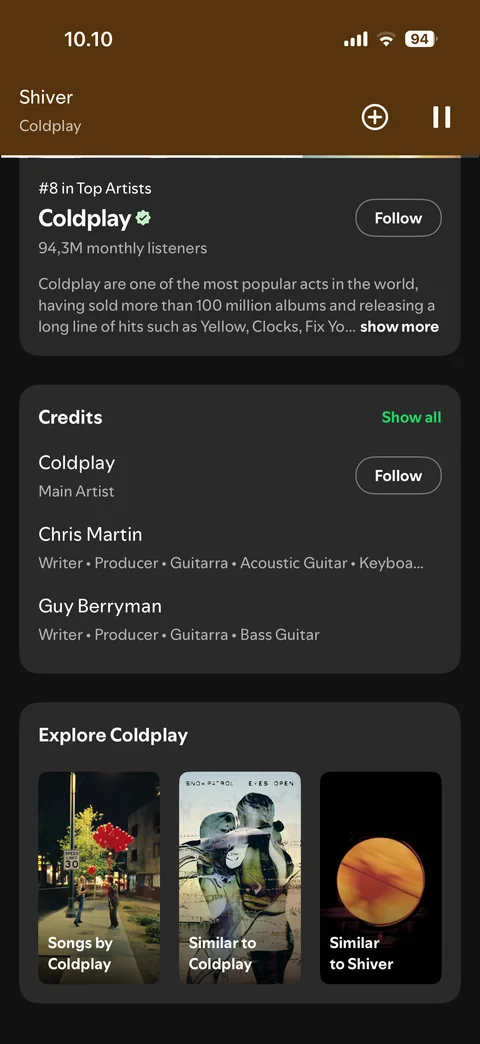
    Player: more menu for the current track

  6. Spotify player: Player: scrolled, about the artist, credits, explore cards, compact header
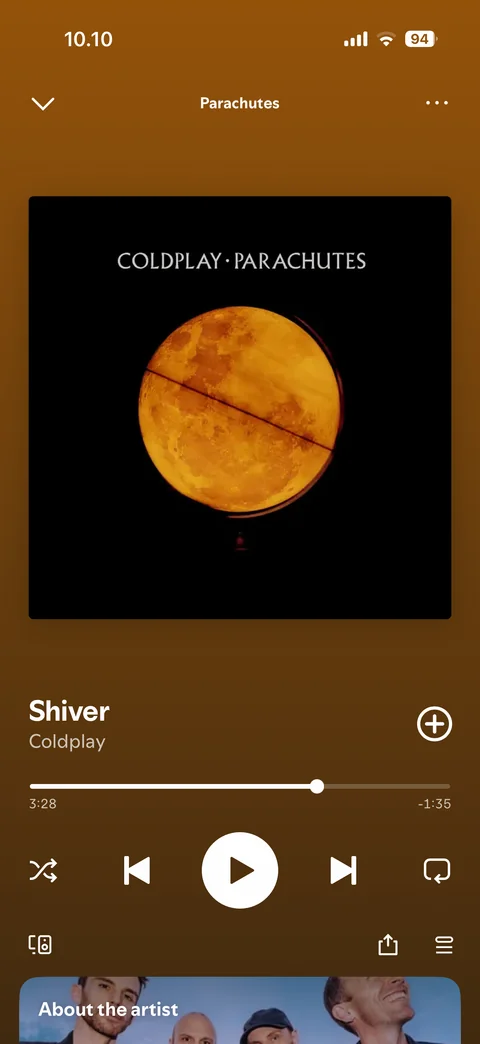
    Player: scrolled, about the artist, credits, explore cards, compact header

  7. Spotify player: Player: paused, play button

    Player: paused, play button

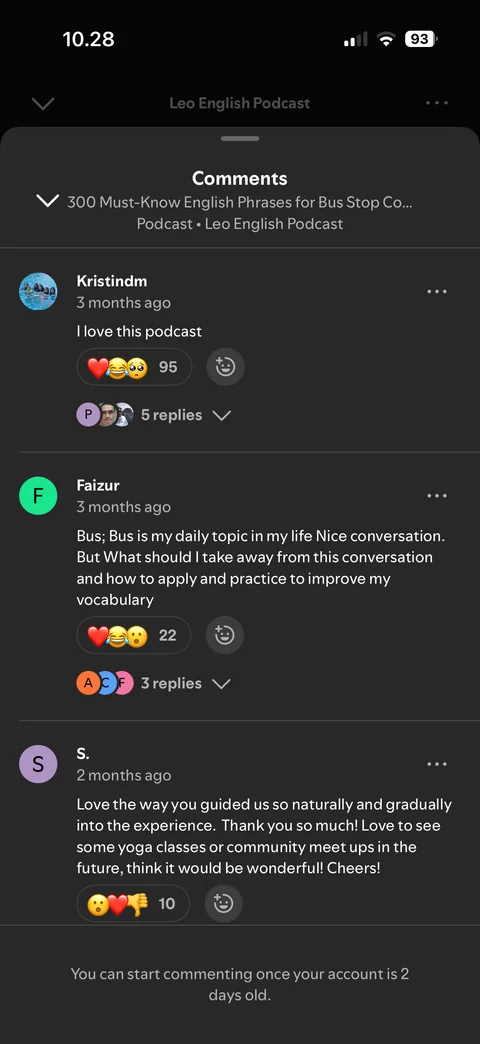
  8. Spotify player: Episode comments: sheet with reactions and replies, new account cannot comment yet
    Episode comments: sheet with reactions and replies, new account cannot comment yet

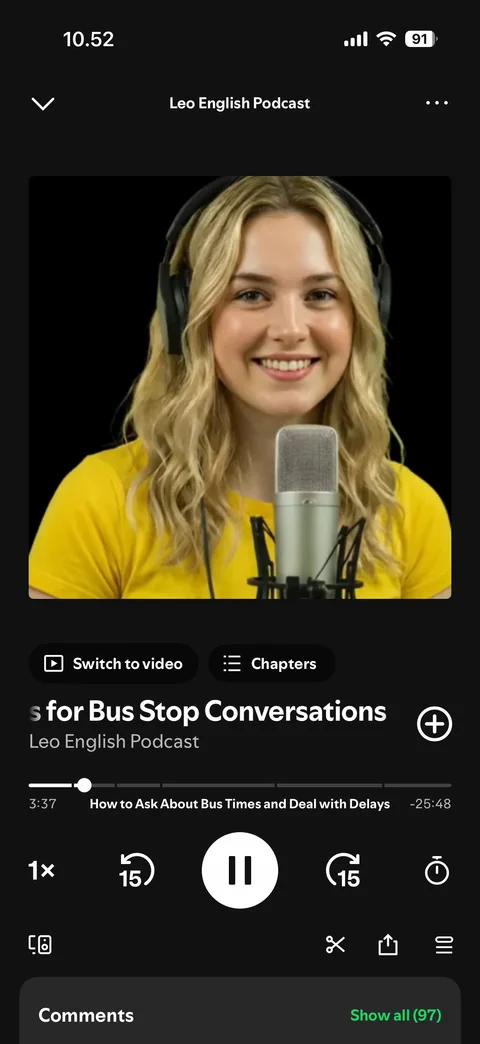
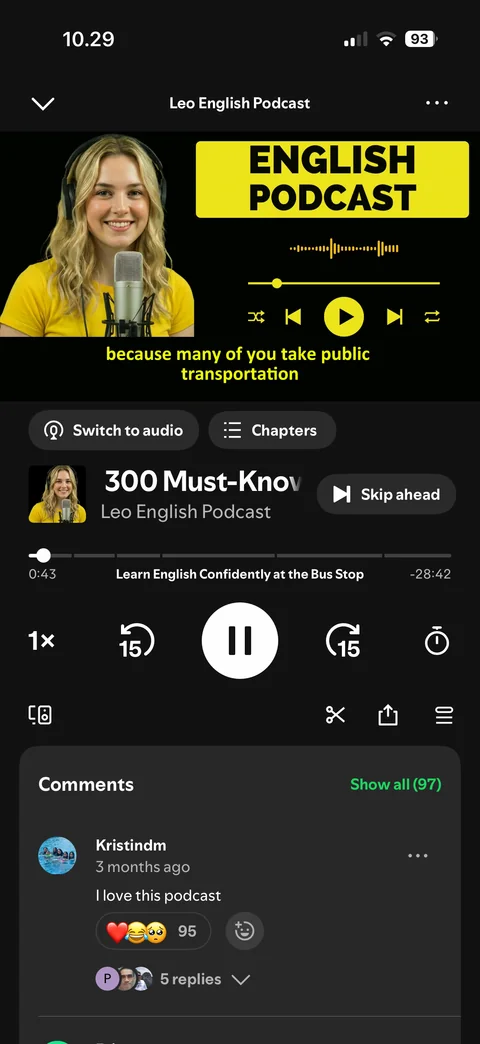
  9. Spotify player: Episode player: video podcast, switch to audio, chapters, speed, skip 15s, comments
    Episode player: video podcast, switch to audio, chapters, speed, skip 15s, comments

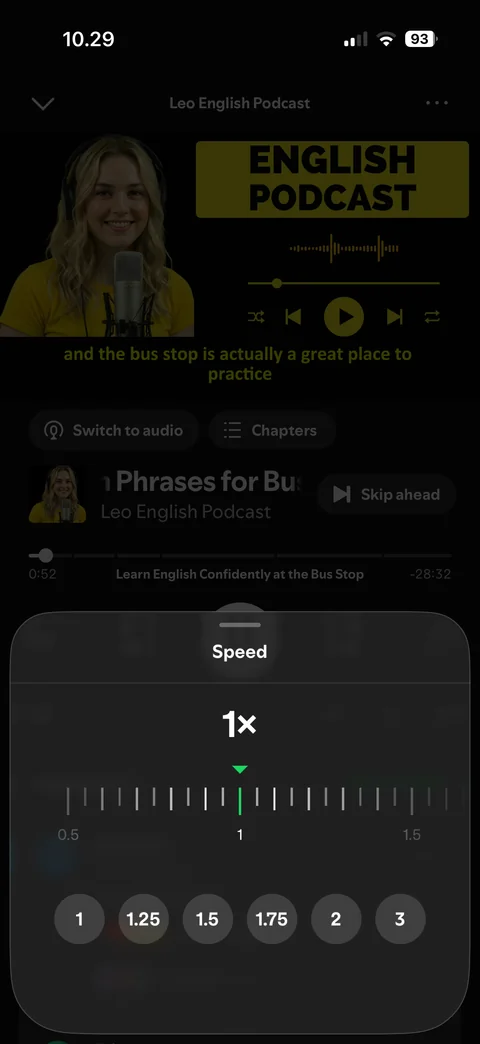
  10. Spotify player: Playback speed: sheet with speed options
    Playback speed: sheet with speed options

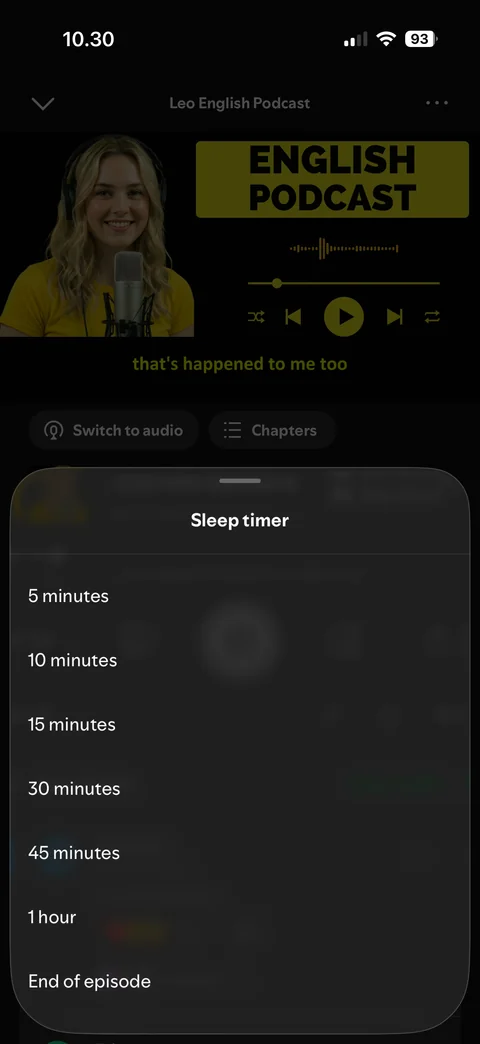
  11. Spotify player: Sleep timer: sheet with time options

    Sleep timer: sheet with time options
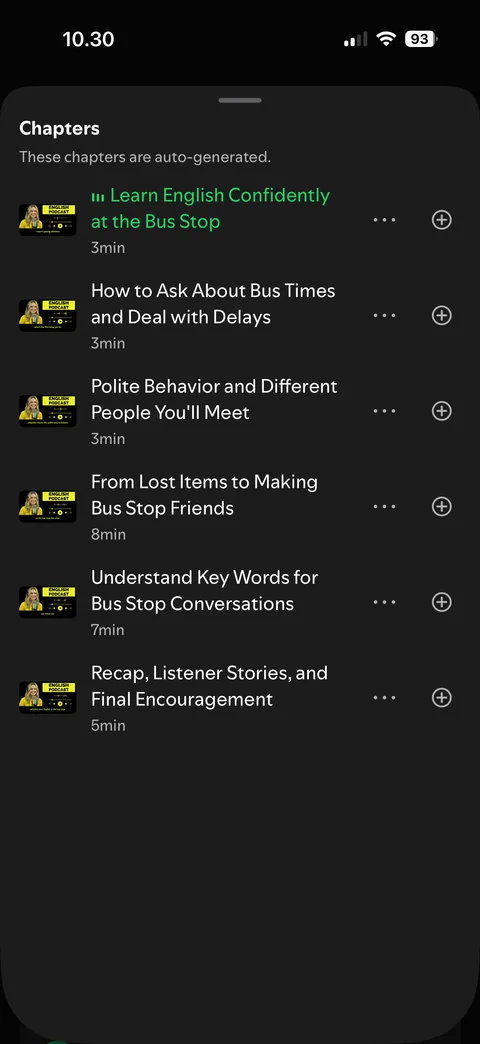
  12. Spotify player: Chapters: episode chapter list sheet

    Chapters: episode chapter list sheet

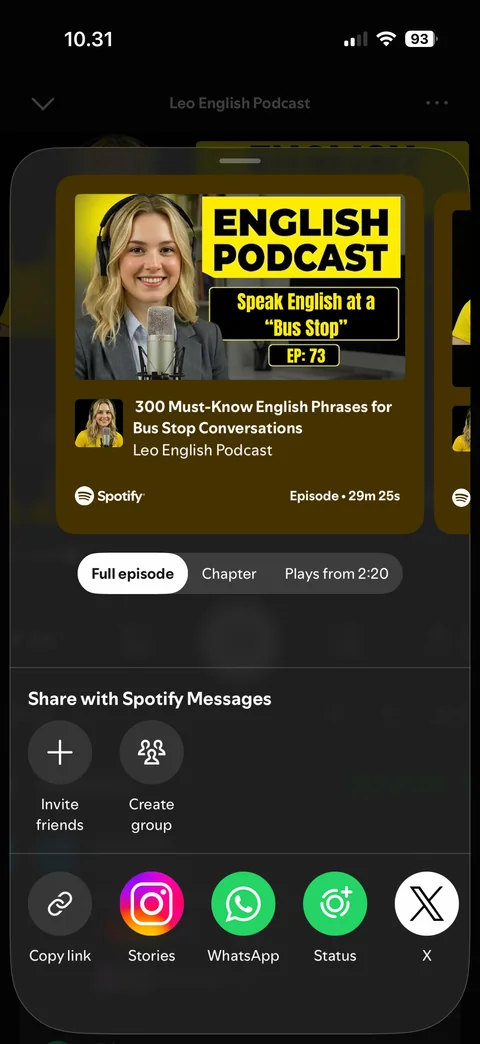
  13. Spotify player: Share sheet: episode card, full episode or chapter, Spotify Messages, apps
    Share sheet: episode card, full episode or chapter, Spotify Messages, apps

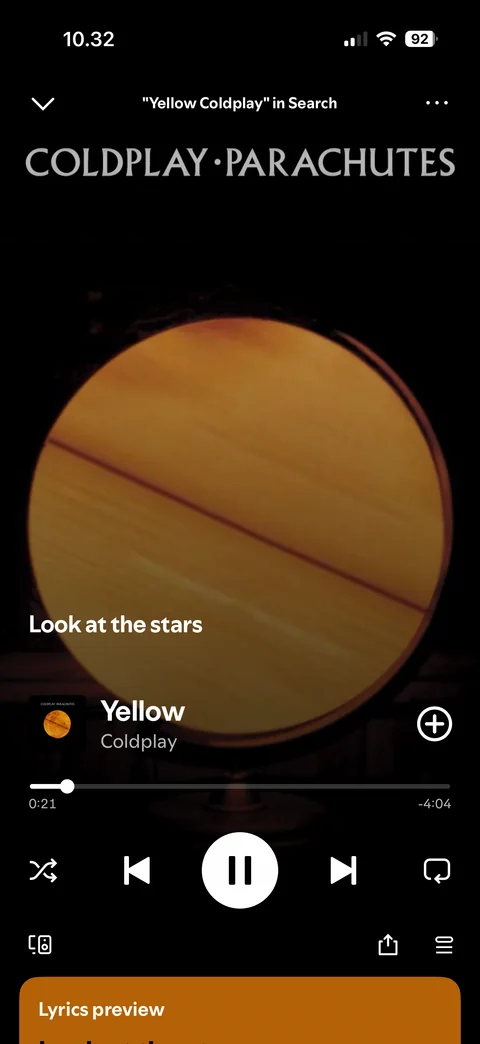
  14. Spotify player: Player: Canvas video background, live lyric line, lyrics preview card
    Player: Canvas video background, live lyric line, lyrics preview card

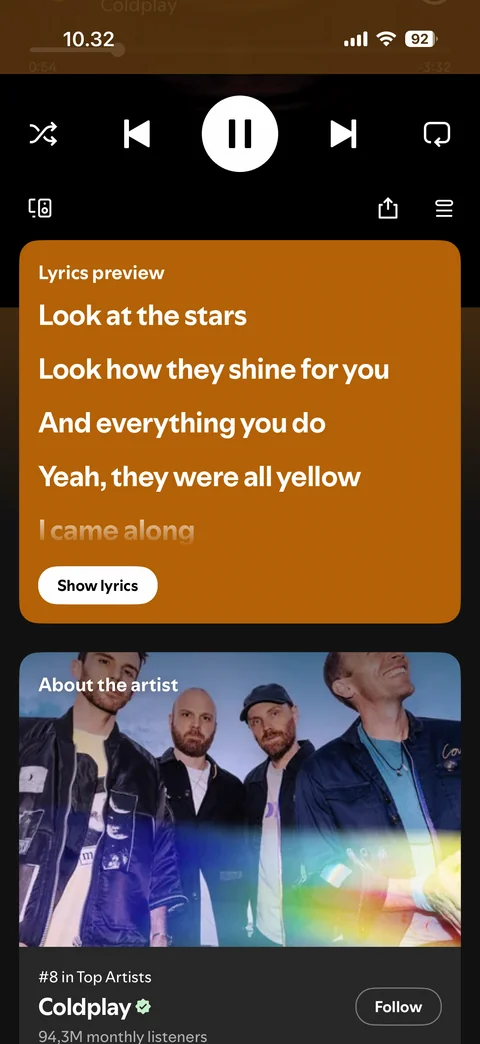
  15. Spotify player: Player: scrolled to lyrics preview card, show lyrics button
    Player: scrolled to lyrics preview card, show lyrics button

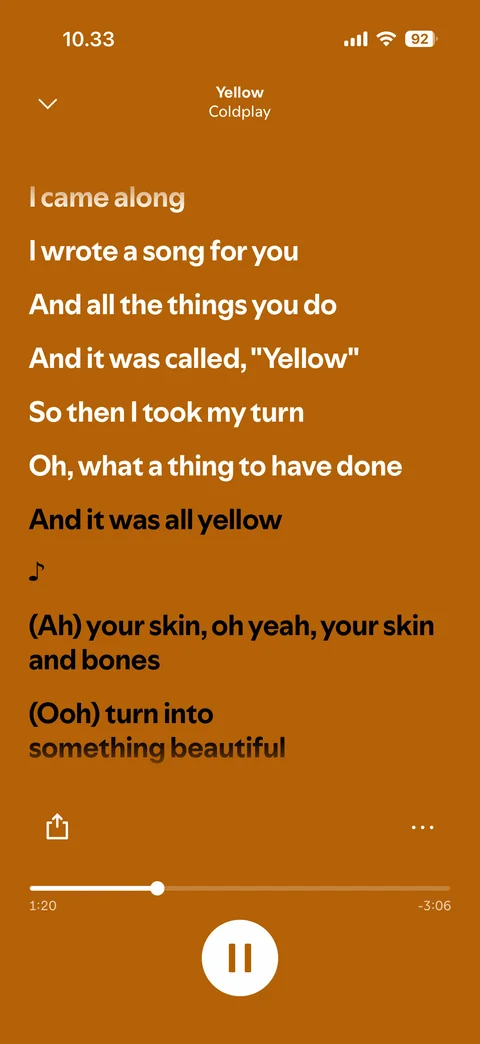
  16. Spotify player: Lyrics: full screen synced lyrics, share, progress, pause
    Lyrics: full screen synced lyrics, share, progress, pause

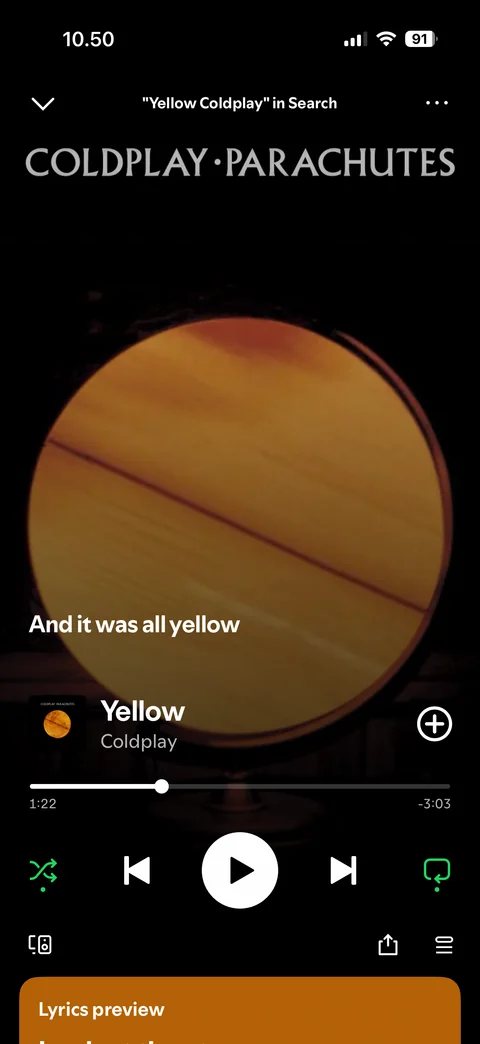
  17. Spotify player: Player: shuffle and repeat on (green), paused
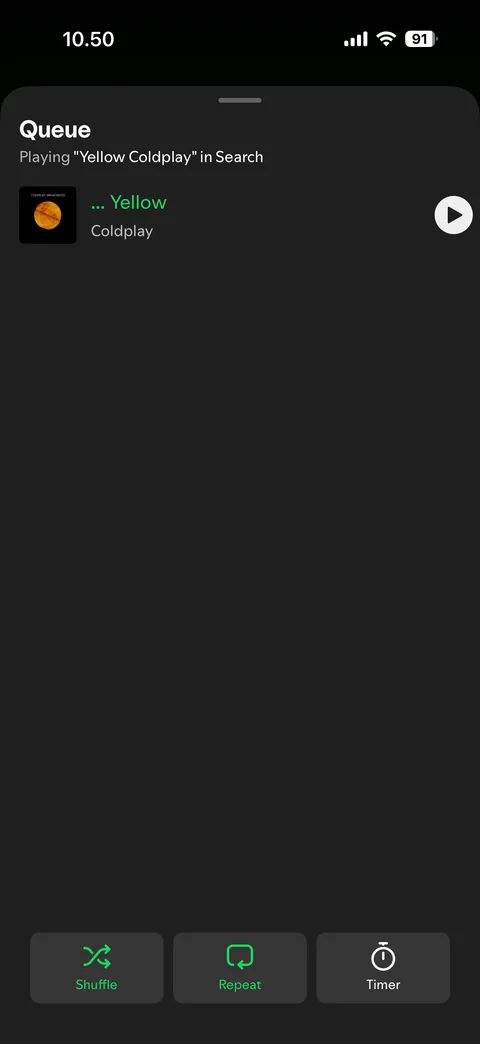
    Player: shuffle and repeat on (green), paused

  18. Spotify player: Queue: single track, shuffle and repeat on, timer
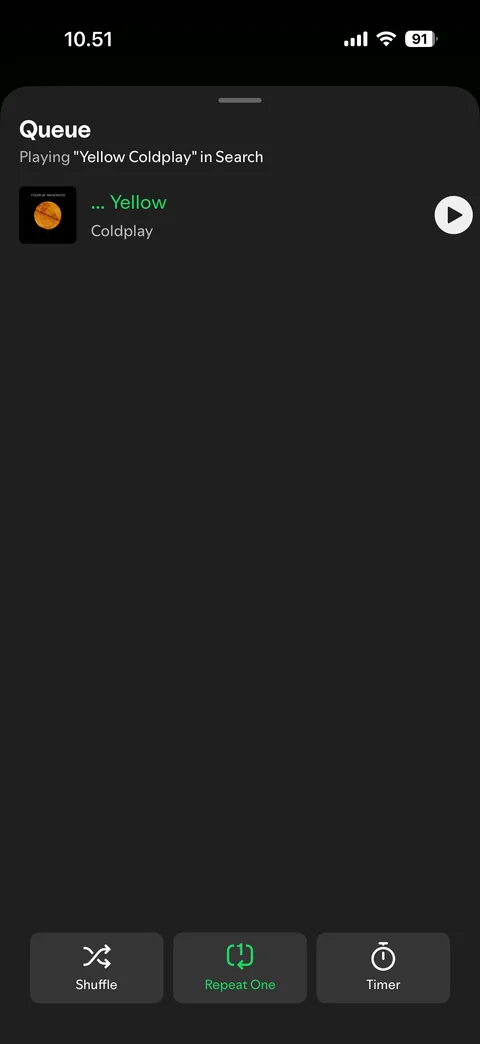
    Queue: single track, shuffle and repeat on, timer

  19. Spotify player: Queue: Repeat One on, shuffle off

    Queue: Repeat One on, shuffle off

  20. Spotify player: Episode player: audio-only, cover art, switch to video, chapters

    Episode player: audio-only, cover art, switch to video, chapters

Spotify content / artist (2 screens)
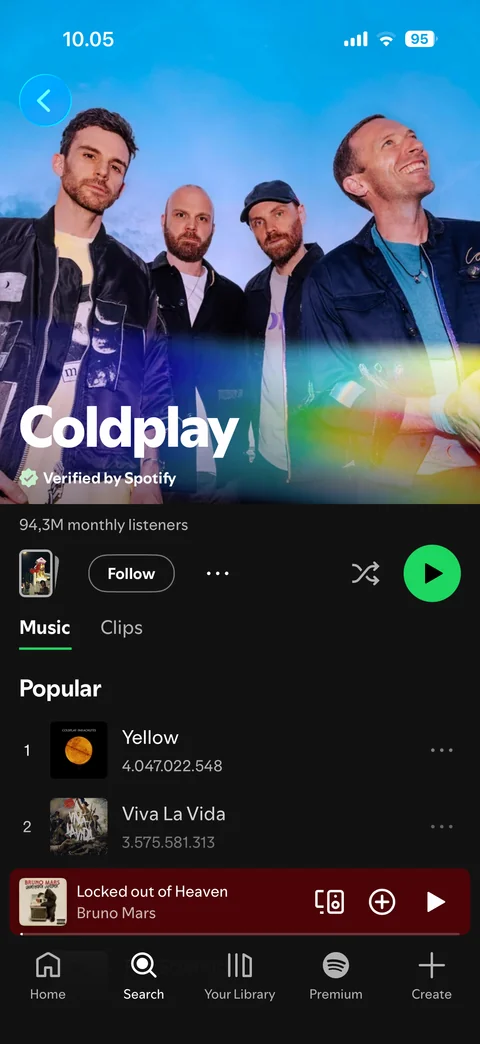
  1. Spotify content / artist: Artist: Coldplay page, header, popular songs
    Artist: Coldplay page, header, popular songs

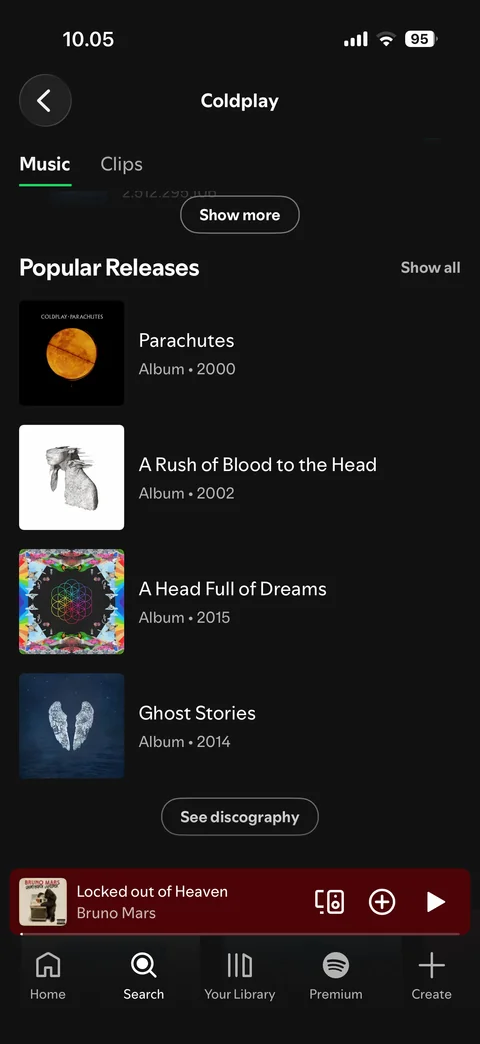
  2. Spotify content / artist: Artist: scrolled, collapsed header, popular releases

    Artist: scrolled, collapsed header, popular releases

Spotify content / album (2 screens)
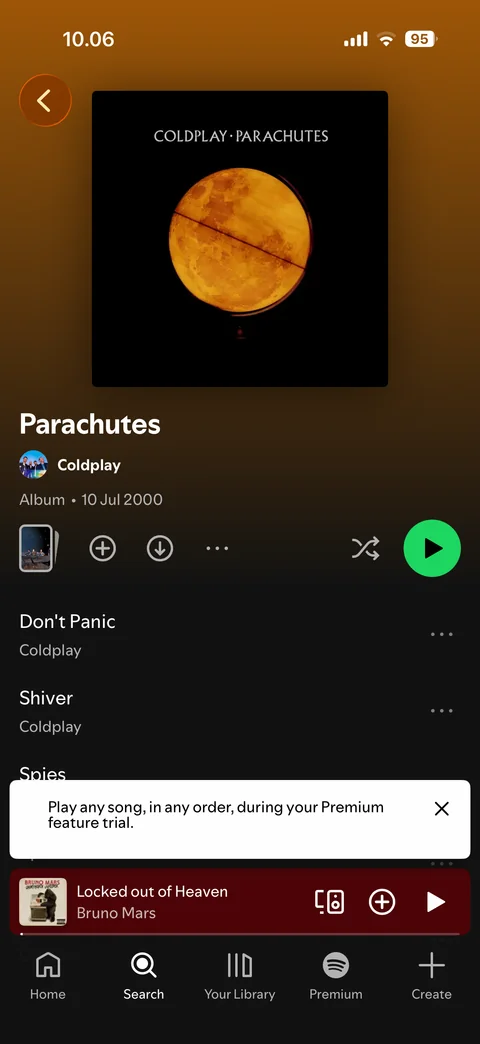
  1. Spotify content / album: Album: Parachutes, cover, actions, track list, Premium trial toast
    Album: Parachutes, cover, actions, track list, Premium trial toast

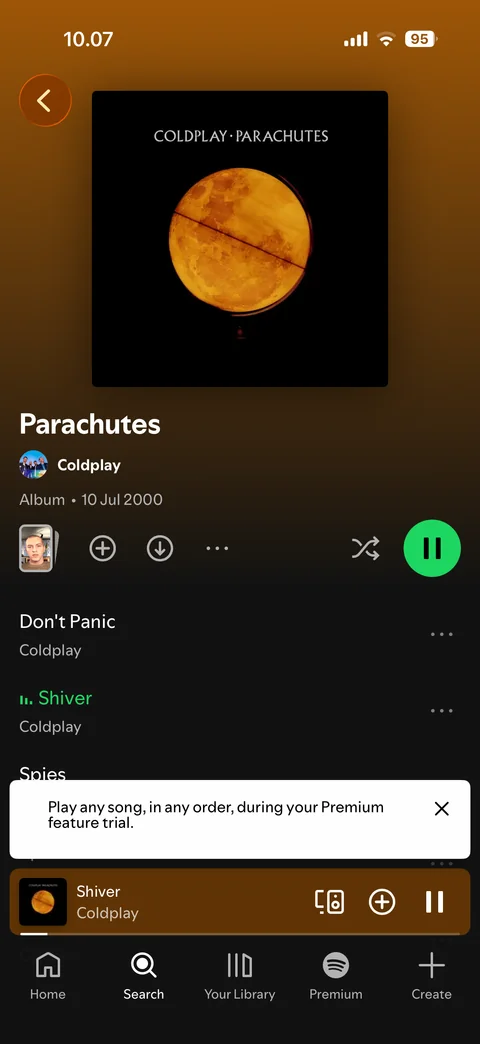
  2. Spotify content / album: Album: playing, current track highlighted, pause button

    Album: playing, current track highlighted, pause button

Spotify content / song menu (1 screen)
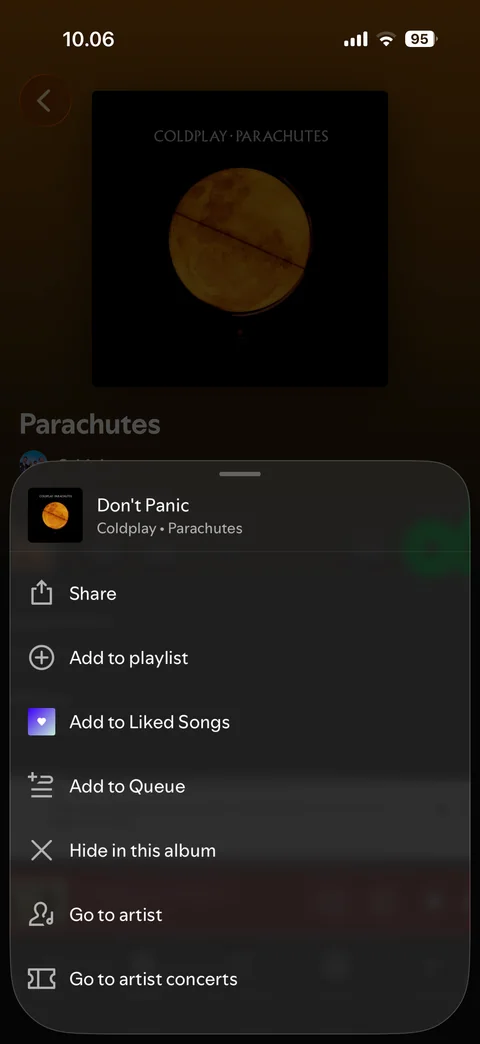
  1. Spotify content / song menu: Song menu: actions sheet for a track

    Song menu: actions sheet for a track

Spotify content / playlist (3 screens)
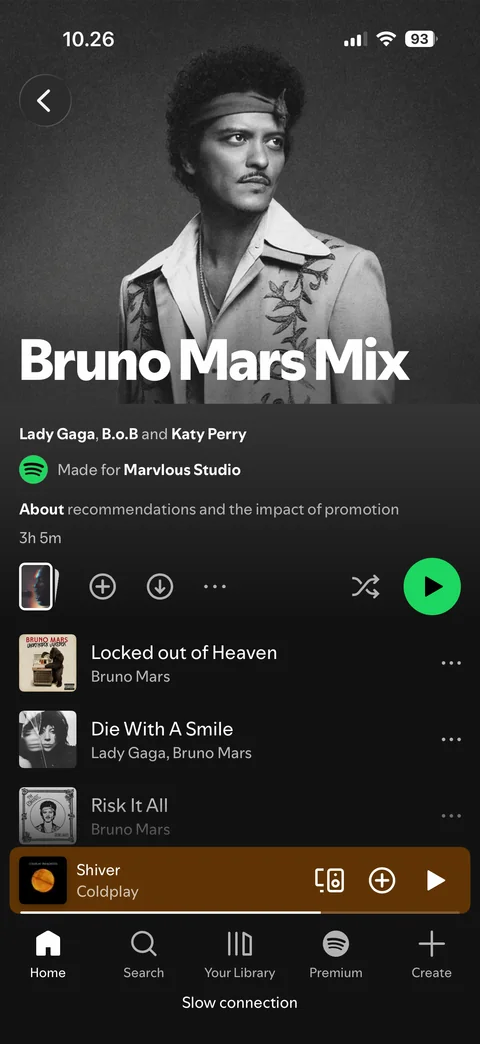
  1. Spotify content / playlist: Playlist: Bruno Mars Mix, made for you, cover, actions, tracks
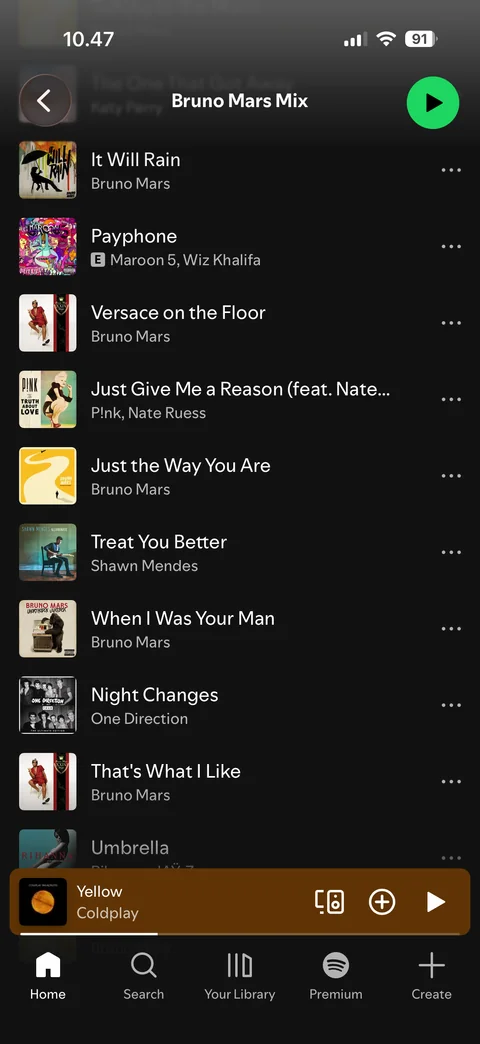
    Playlist: Bruno Mars Mix, made for you, cover, actions, tracks

  2. Spotify content / playlist: Playlist menu: actions sheet for the playlist
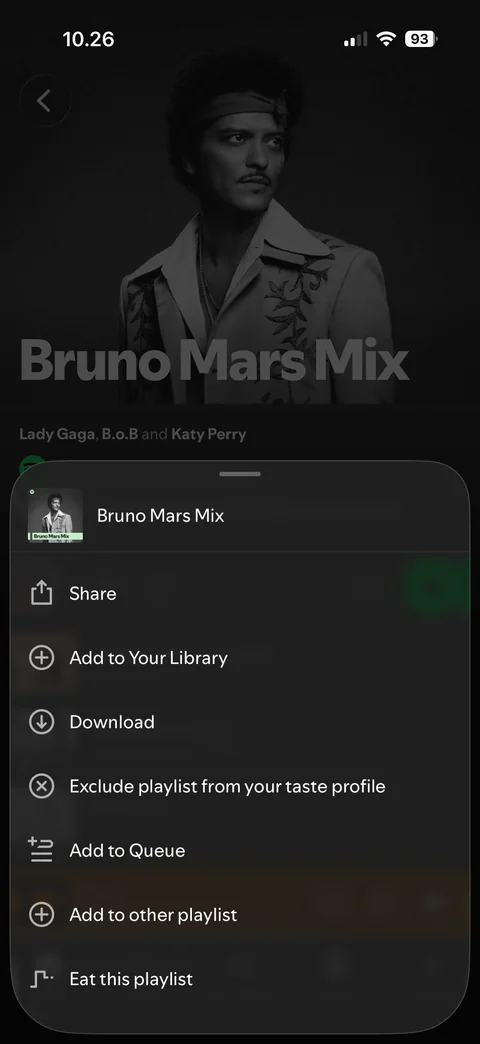
    Playlist menu: actions sheet for the playlist

  3. Spotify content / playlist: Playlist: scrolled, collapsed header with title and play button

    Playlist: scrolled, collapsed header with title and play button

Spotify content / liked songs (2 screens)
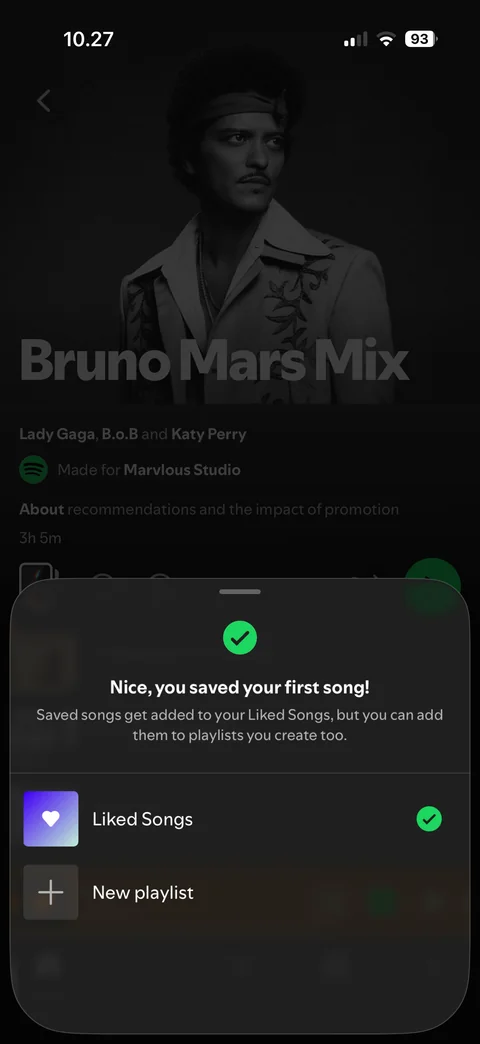
  1. Spotify content / liked songs: Saved first song: confirmation sheet, Liked Songs checked, new playlist
    Saved first song: confirmation sheet, Liked Songs checked, new playlist

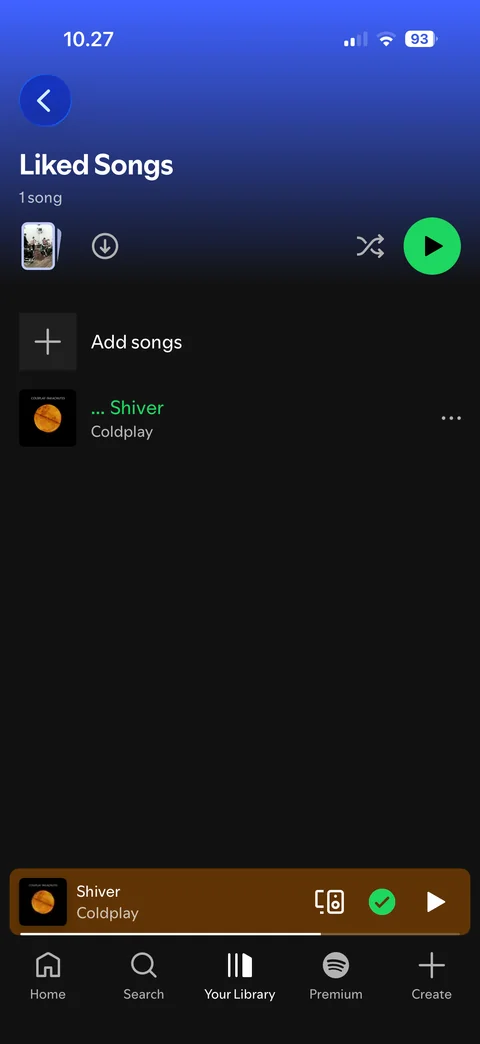
  2. Spotify content / liked songs: Liked Songs: playlist with 1 song

    Liked Songs: playlist with 1 song

Spotify content / podcast (4 screens)
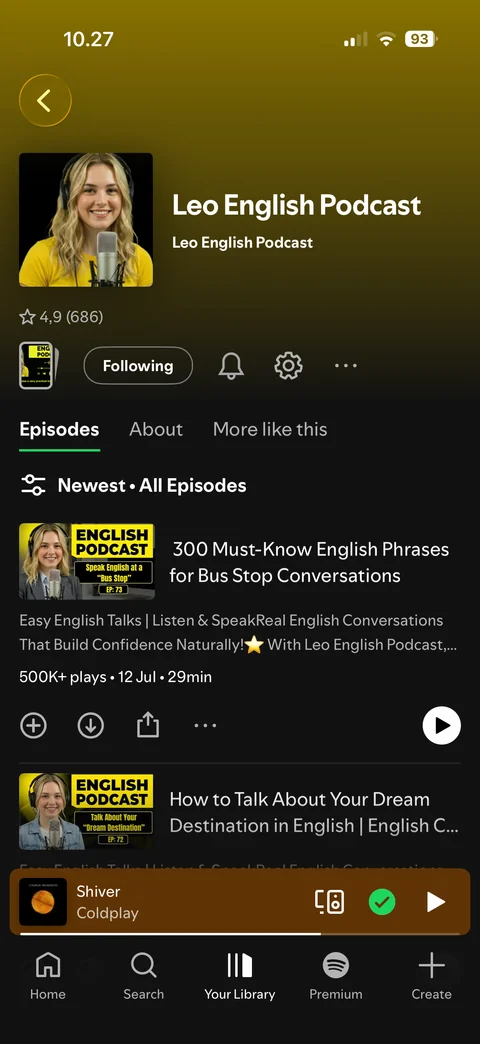
  1. Spotify content / podcast: Podcast show: Leo English Podcast, cover, rating, following, episodes tab
    Podcast show: Leo English Podcast, cover, rating, following, episodes tab

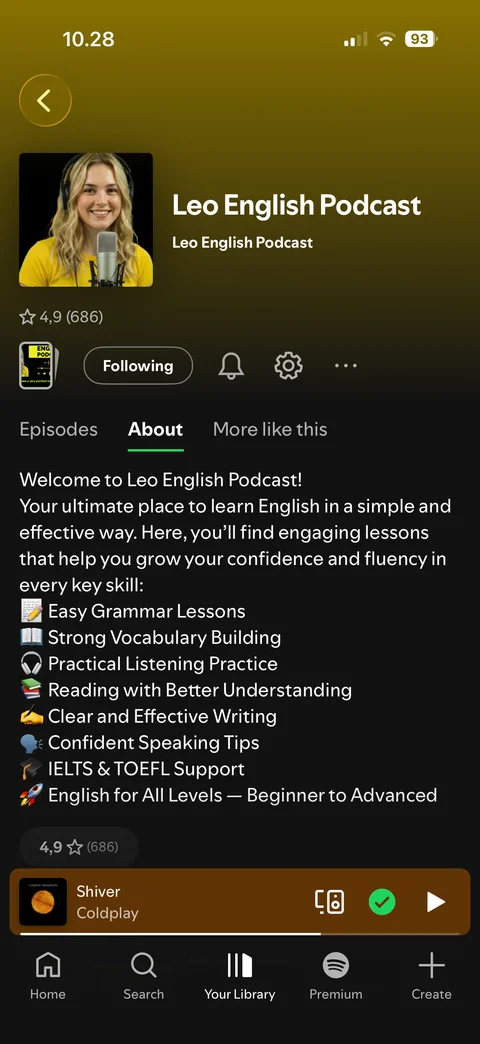
  2. Spotify content / podcast: Podcast show: About tab, description and topics
    Podcast show: About tab, description and topics

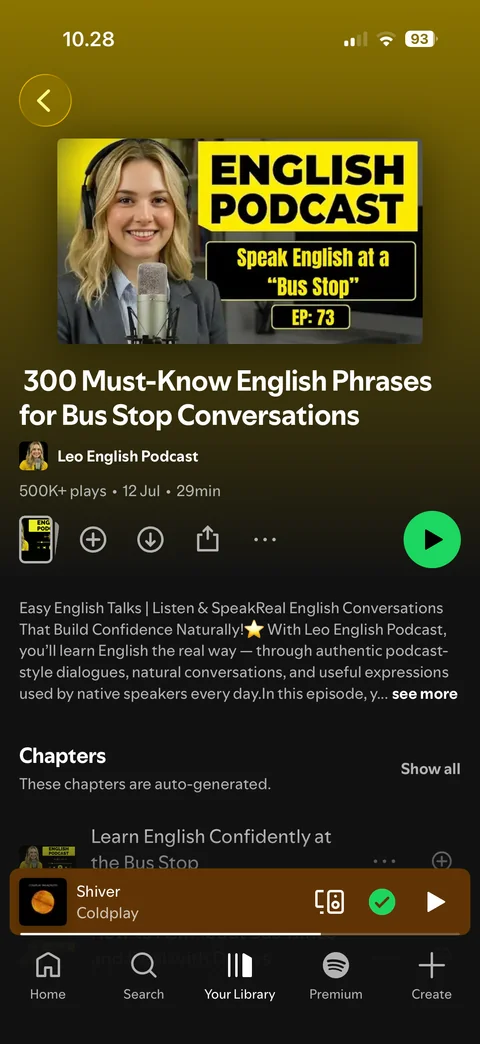
  3. Spotify content / podcast: Episode page: cover, title, actions, description, chapters
    Episode page: cover, title, actions, description, chapters

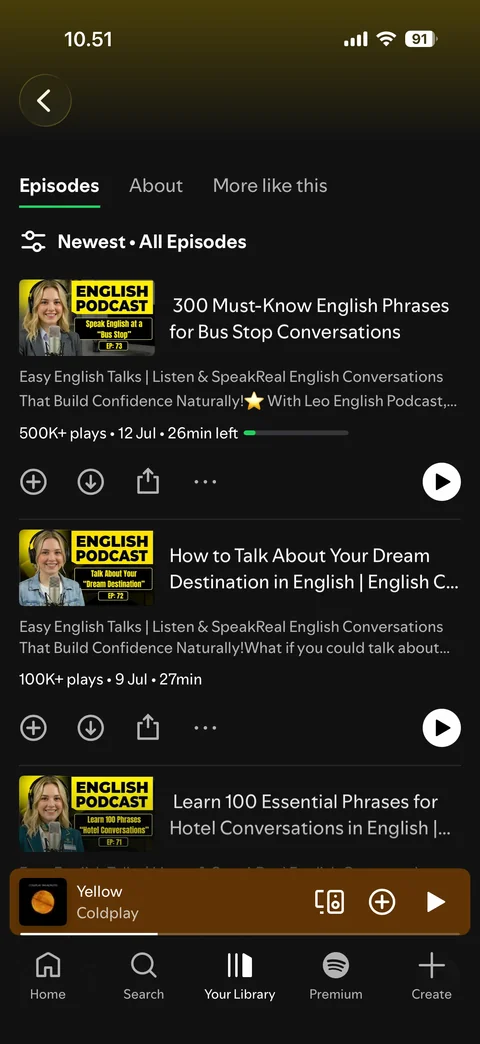
  4. Spotify content / podcast: Podcast show: scrolled, sticky tabs, episode in progress bar

    Podcast show: scrolled, sticky tabs, episode in progress bar

Spotify content / my playlist (5 screens)
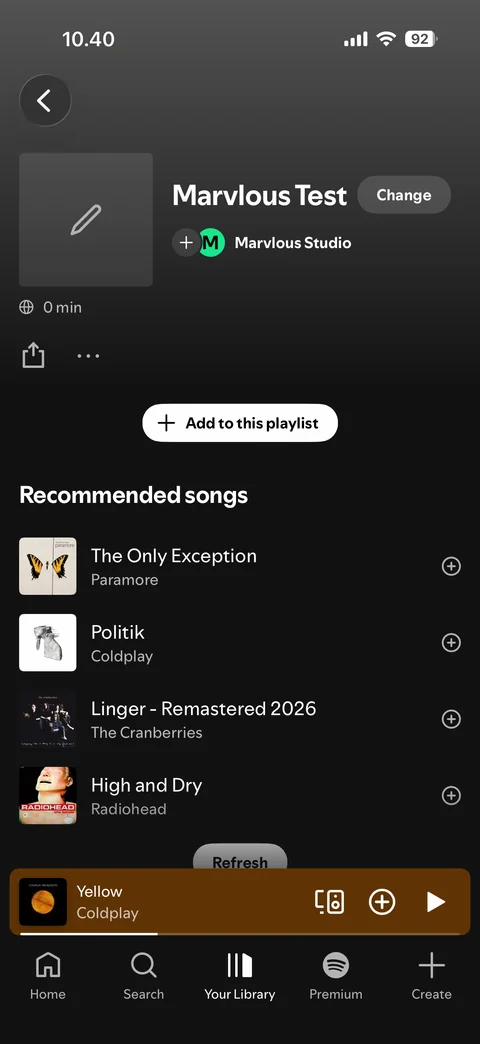
  1. Spotify content / my playlist: Own playlist: empty, add to this playlist, recommended songs
    Own playlist: empty, add to this playlist, recommended songs

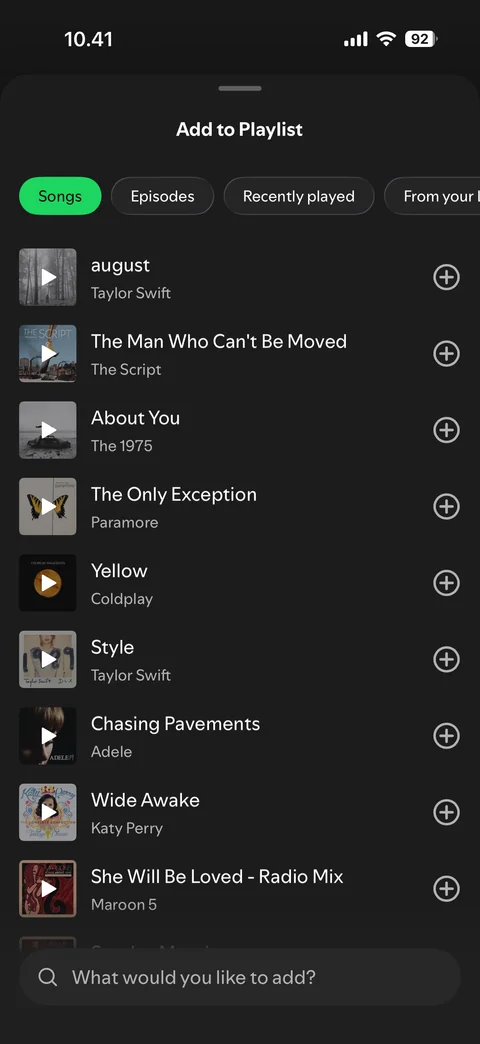
  2. Spotify content / my playlist: Add to playlist sheet: Songs, Episodes, Recently played chips, suggestions, search bar
    Add to playlist sheet: Songs, Episodes, Recently played chips, suggestions, search bar

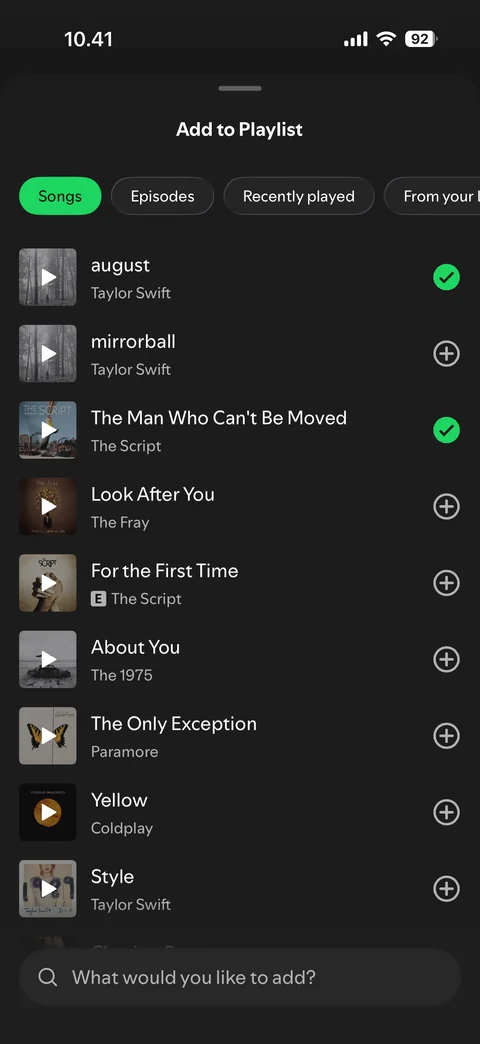
  3. Spotify content / my playlist: Add to playlist sheet: 2 songs added (checkmarks), related songs inserted
    Add to playlist sheet: 2 songs added (checkmarks), related songs inserted

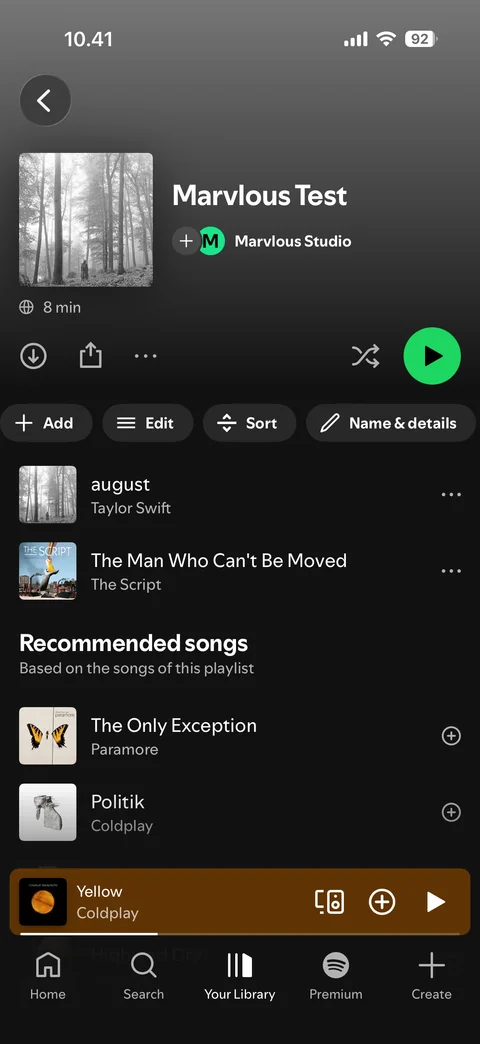
  4. Spotify content / my playlist: Own playlist: 2 songs, owner actions

    Own playlist: 2 songs, owner actions

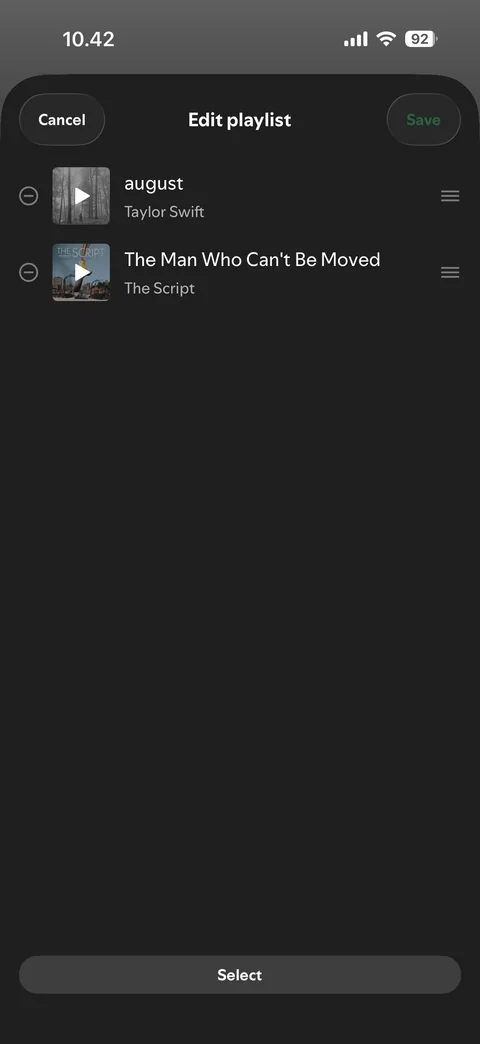
  5. Spotify content / my playlist: Edit playlist: reorder handles and remove buttons

    Edit playlist: reorder handles and remove buttons

Spotify content / radio (1 screen)
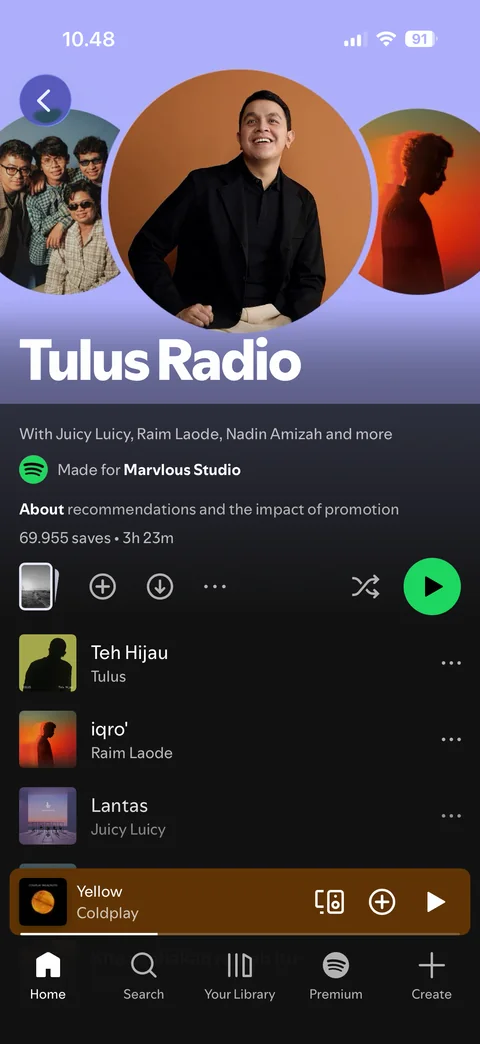
  1. Spotify content / radio: Radio station: Tulus radio, cover, actions, tracks

    Radio station: Tulus radio, cover, actions, tracks

More app designs

See all apps