Suno app design: 115 real screens in 30 flows
AI music & song generator. Category: Music. By Suno Inc.
Captured on iPhone and updated November 2026. Each screen has a short note on what it shows and why it matters for growth.
Suno onboarding (2 screens)
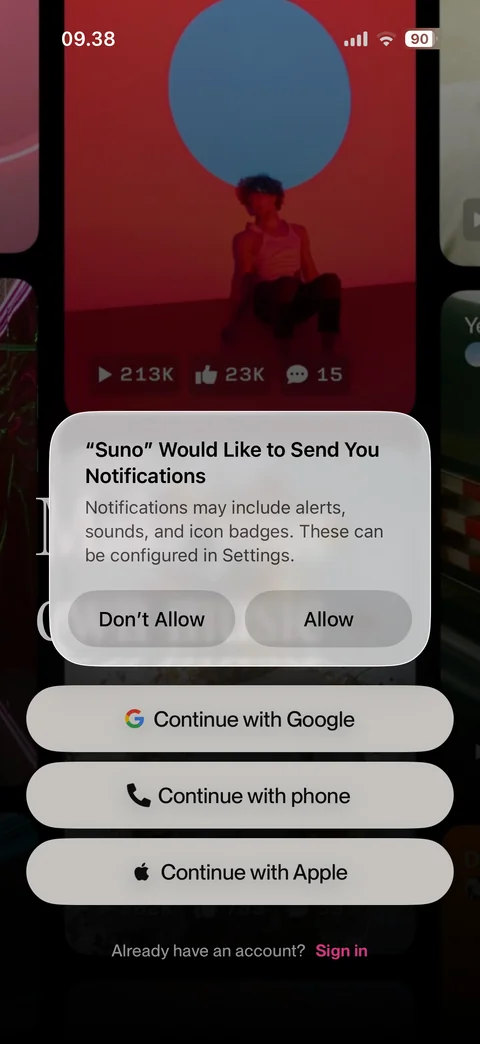
Notifications permission prompt over welcome screen: Don't Allow or Allow
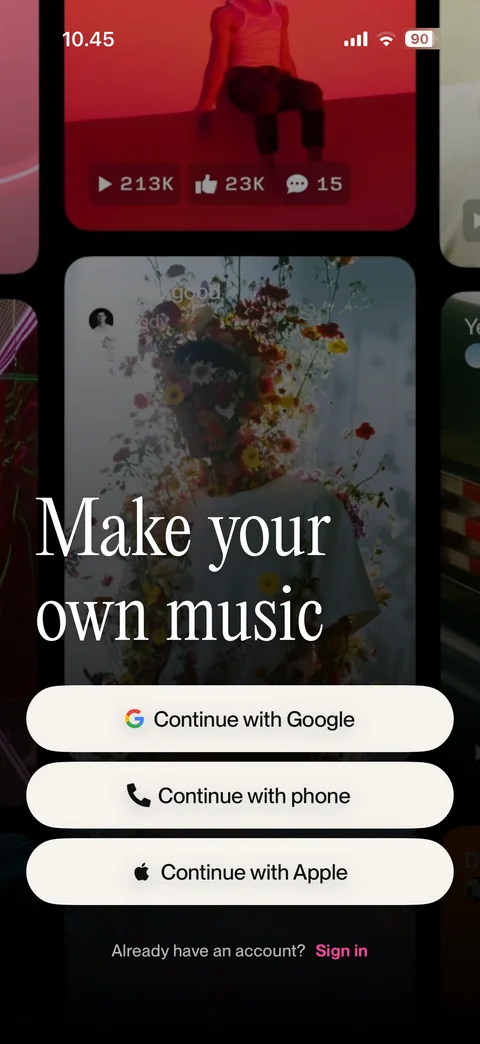
Welcome: make your own music headline over song card collage, Google, phone, Apple sign-up, sign in link
Suno onboarding / sign up phone (2 screens)
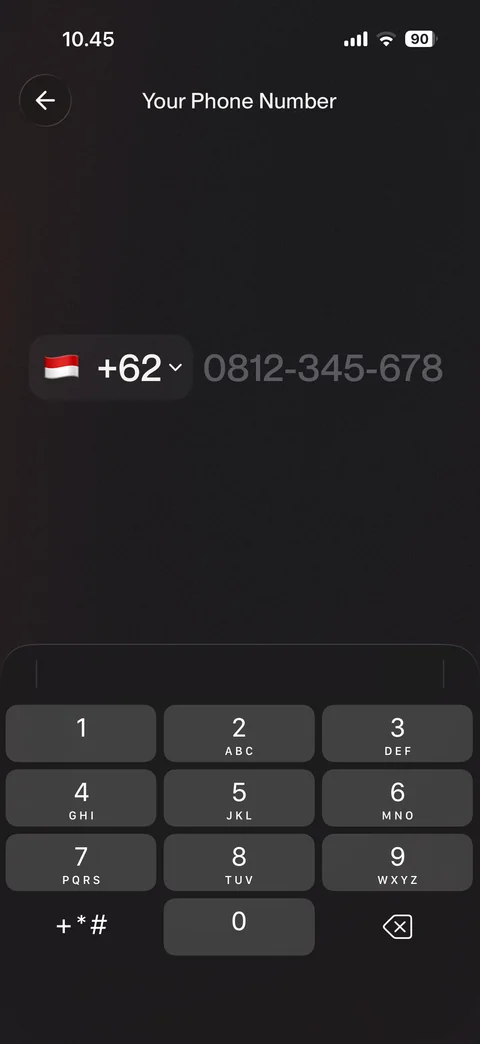
Phone number step: country code picker with flag, large number placeholder, number pad
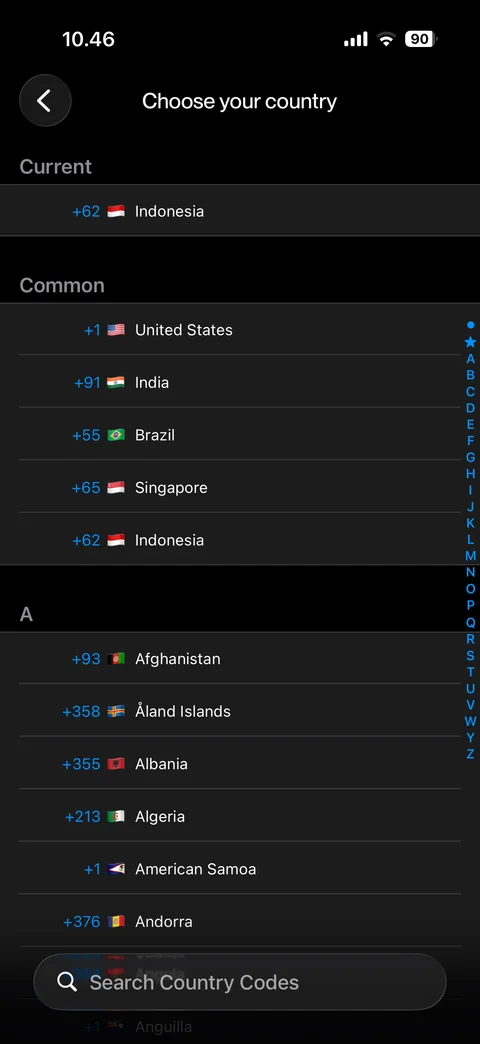
Country code list: current and common countries, A-Z sections with index, search country codes bar
Suno onboarding / sign in (1 screen)
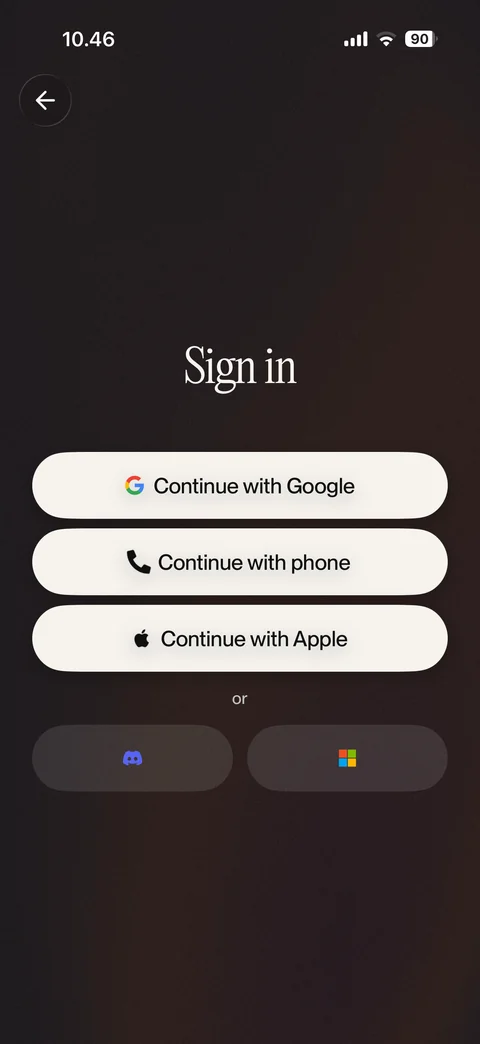
Sign in: Google, phone, Apple buttons, Discord and Microsoft secondary options
Suno onboarding / sign up apple (5 screens)
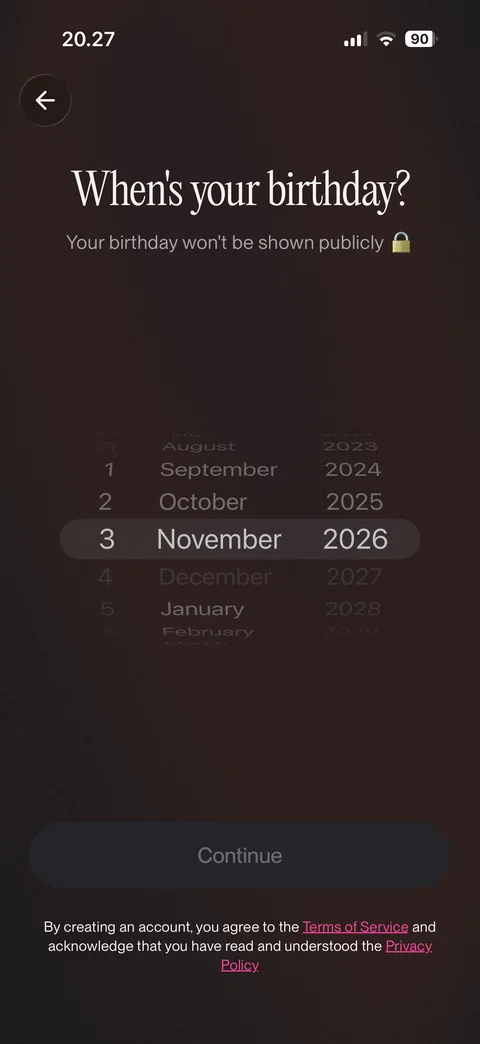
Birthday step: date wheel picker (day, month, year), not shown publicly note, disabled Continue, terms and privacy
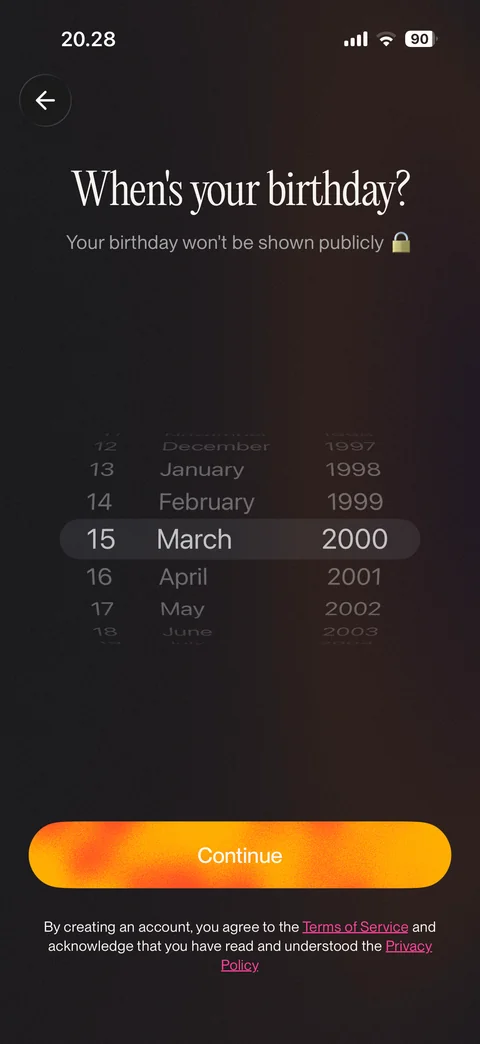
Birthday selected: 15 March 2000 on wheels, Continue enabled with gradient
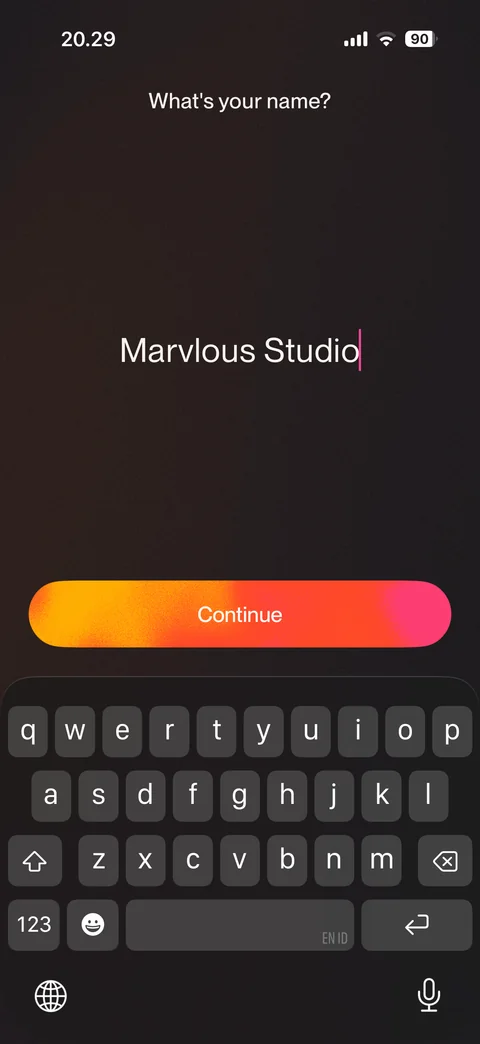
Name step: what's your name, large centered name field prefilled from Apple, Continue, keyboard open
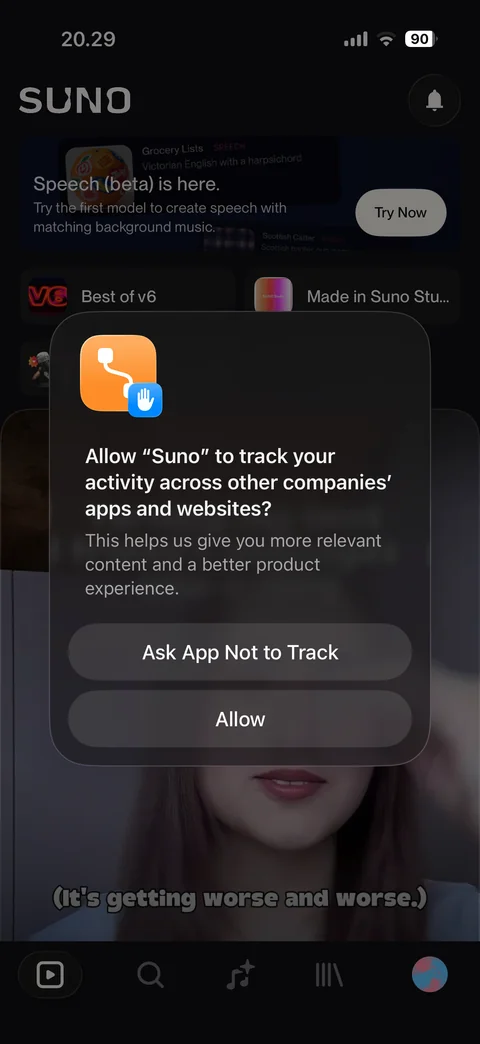
App tracking prompt over home feed after sign-up: Ask App Not to Track or Allow
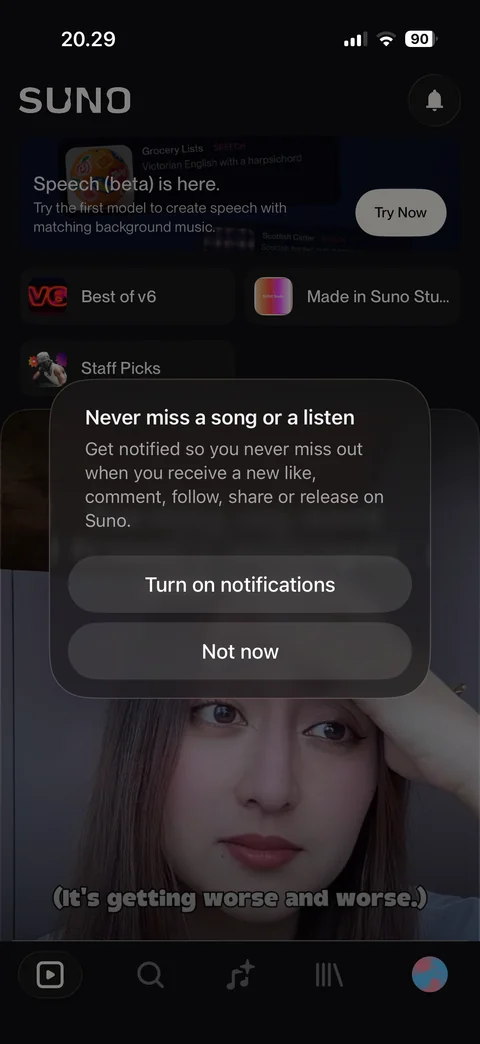
Notifications pre-prompt: never miss a song, Turn on notifications or Not now
Suno home (5 screens)
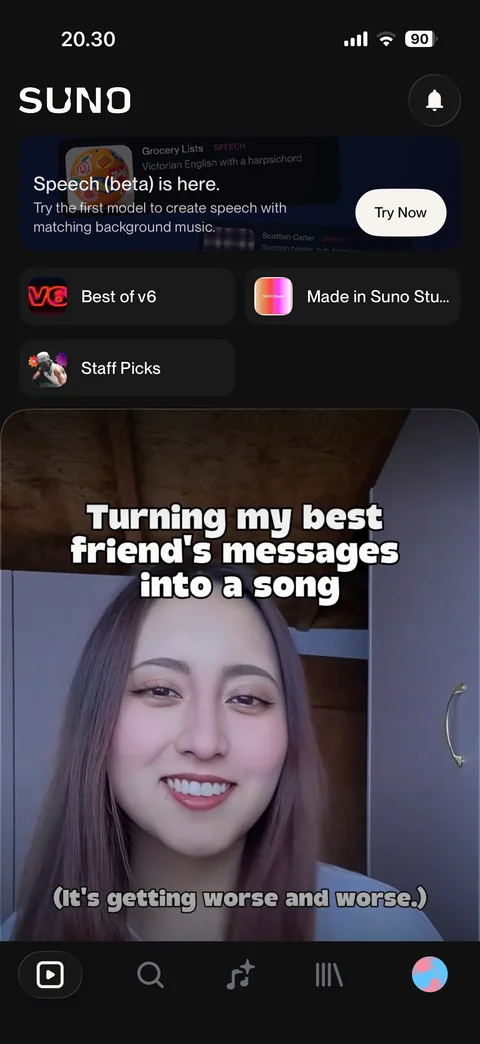
Home: Suno logo, notifications bell, Speech beta promo banner, Best of v6, Made in Suno Studio, Staff Picks shortcuts, video song card, tab bar
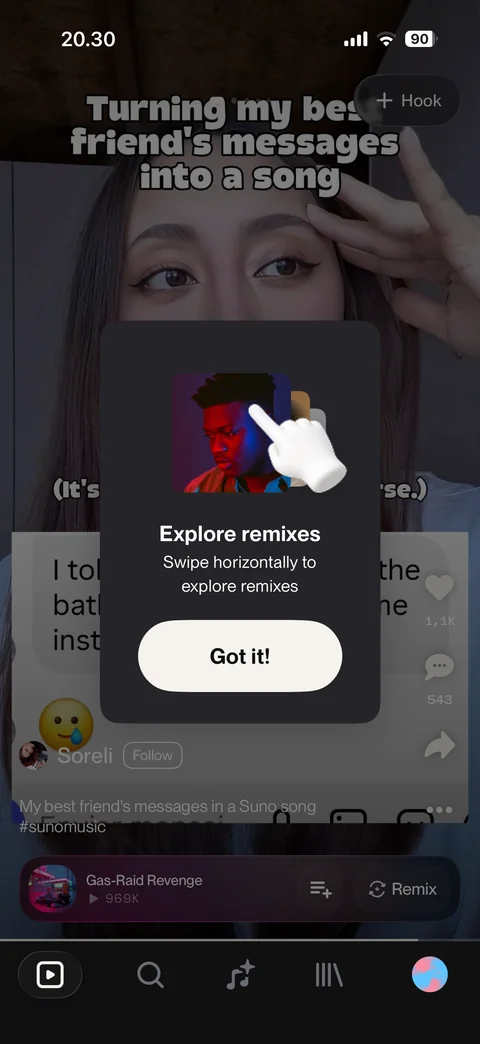
Coach mark over video feed: explore remixes, swipe horizontally hint with hand illustration, Got it
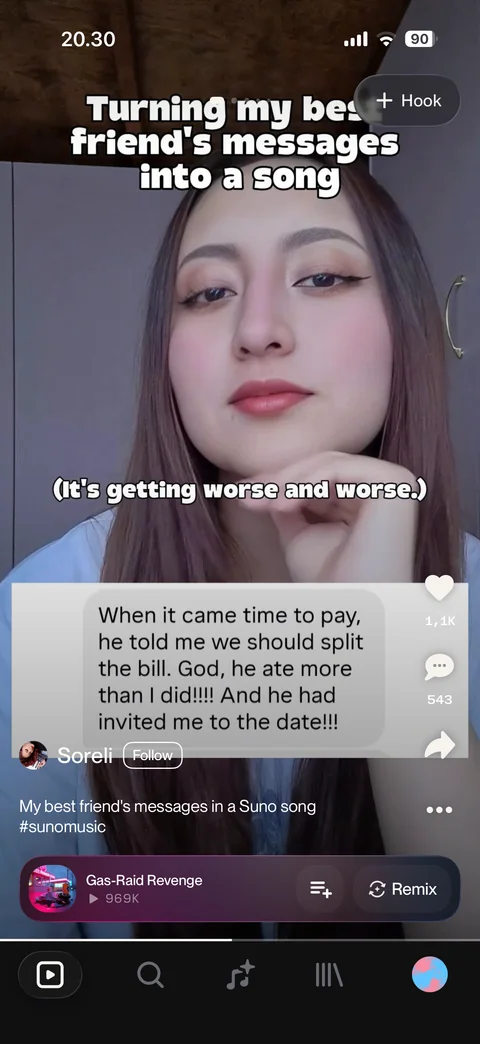
Hook video feed: full-screen creator video, + Hook button, like, comment, share, creator with Follow, caption, song bar with add to queue and Remix
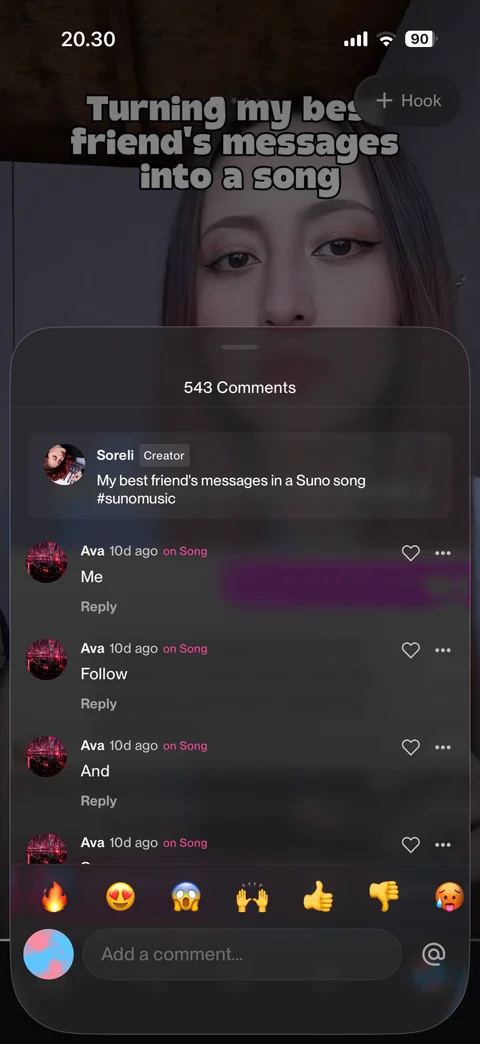
Comments sheet: count, pinned creator caption, comments with on Song tag, like and more, emoji quick reactions, add comment field
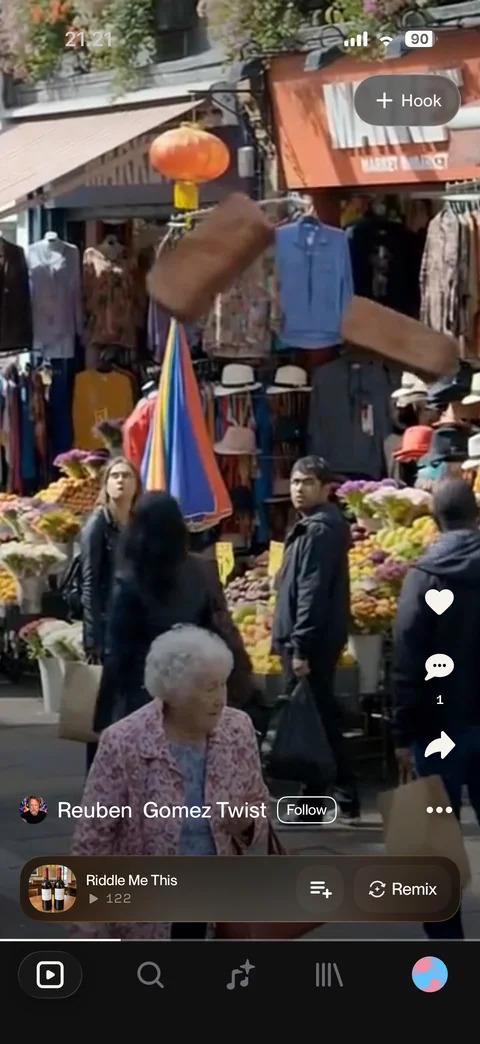
Remix swiped horizontally: another creator hook video for the next song, + Hook, like, comments, share, Follow, song bar with Remix
Suno home / speech (3 screens)
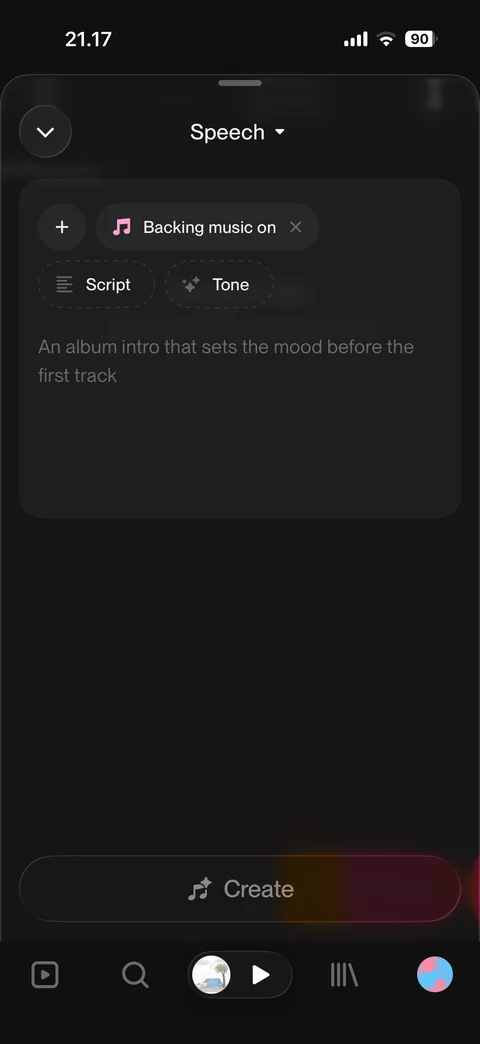
Speech beta from home promo: Speech mode create form, backing music on, Script and Tone chips, retirement speech placeholder, disabled Create
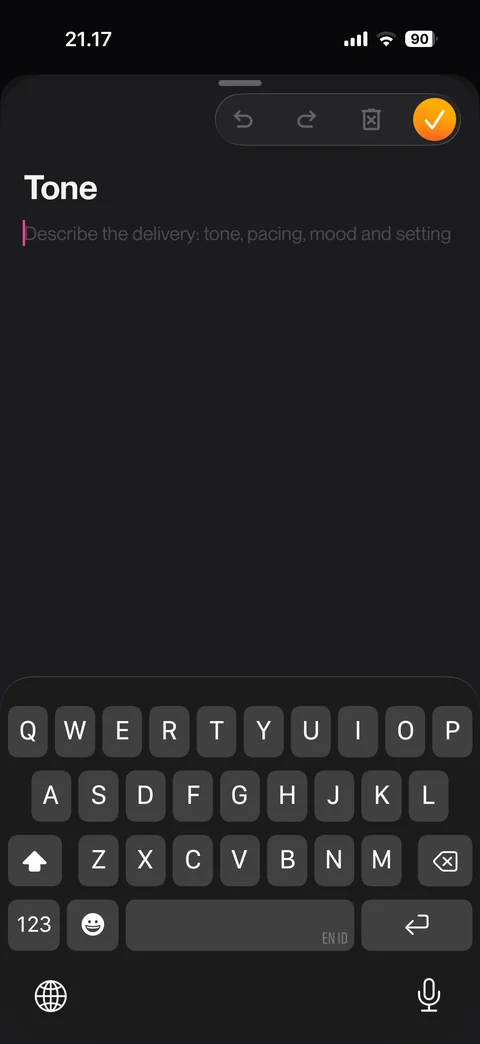
Tone editor: describe delivery, tone, pacing, mood and setting placeholder, undo, redo, clear, done, keyboard open
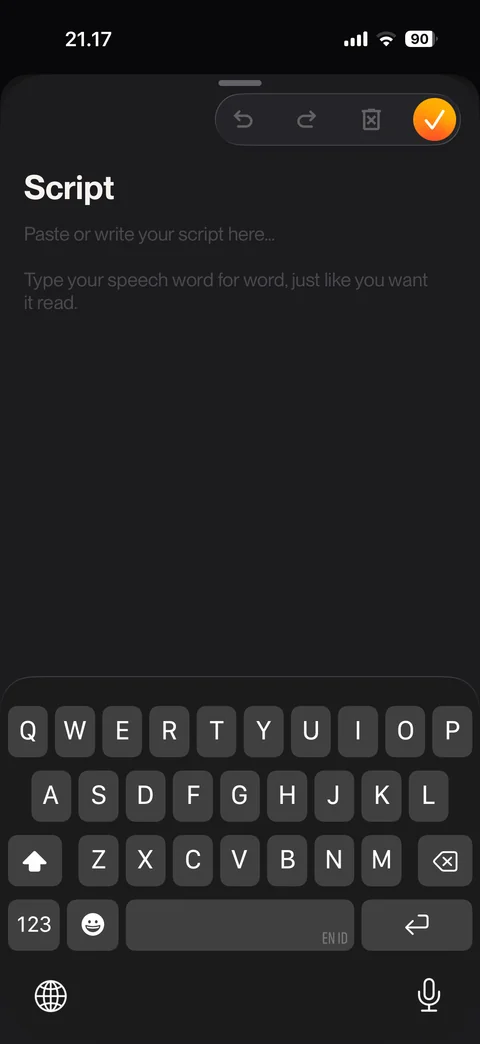
Script editor: paste or write your script, type speech word for word hint, toolbar, keyboard open
Suno home / best of v6 (2 screens)
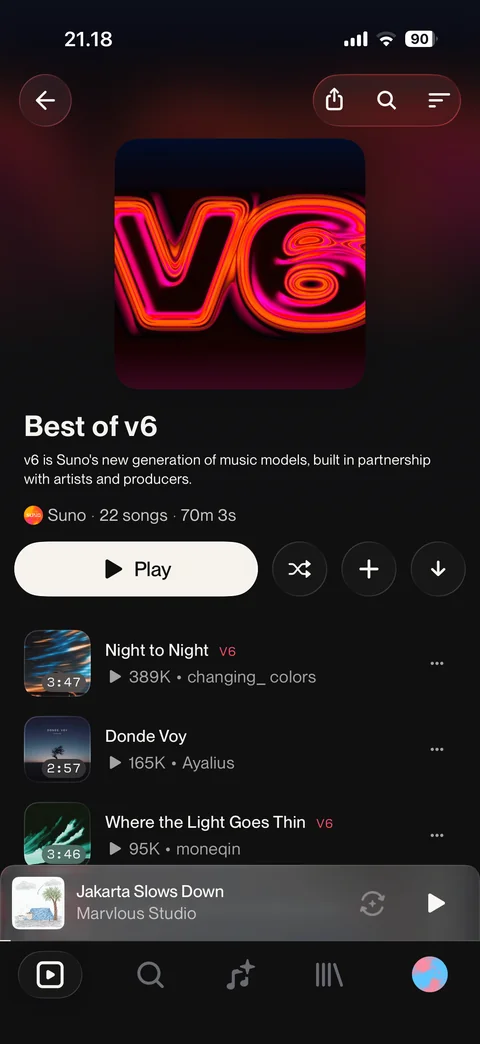
Best of v6 playlist: neon v6 cover, description, Suno owner, 22 songs and duration, Play, shuffle, add, download, song rows with v6 tags
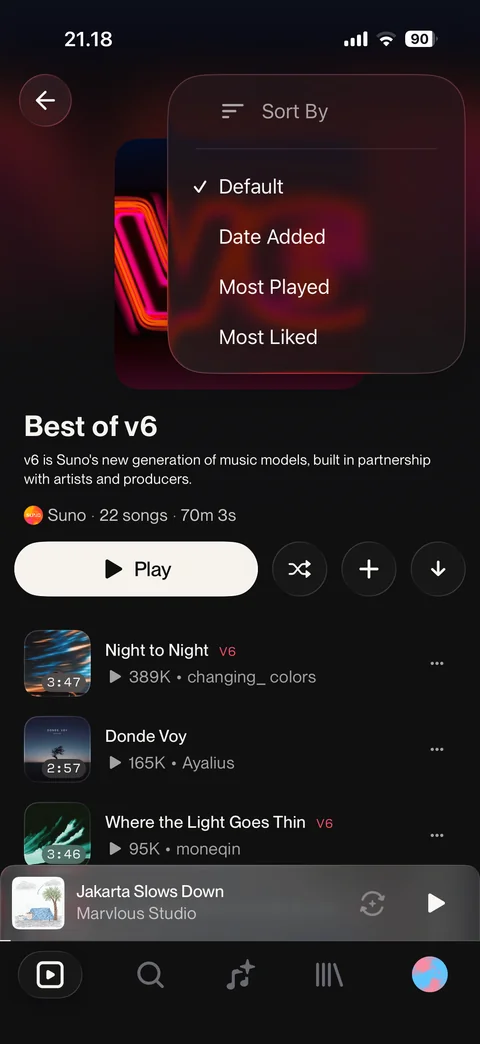
Playlist sort menu: Default selected, Date Added, Most Played, Most Liked
Suno home / made in studio (1 screen)
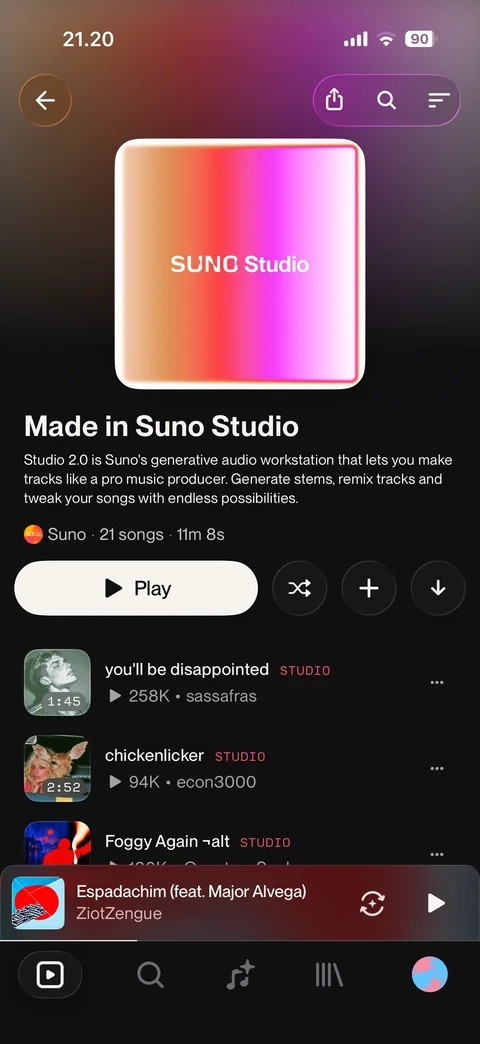
Made in Suno Studio playlist: gradient Studio cover, Studio 2.0 description, 21 songs, Play, shuffle, add, download, songs with STUDIO tags
Suno home / staff picks (1 screen)
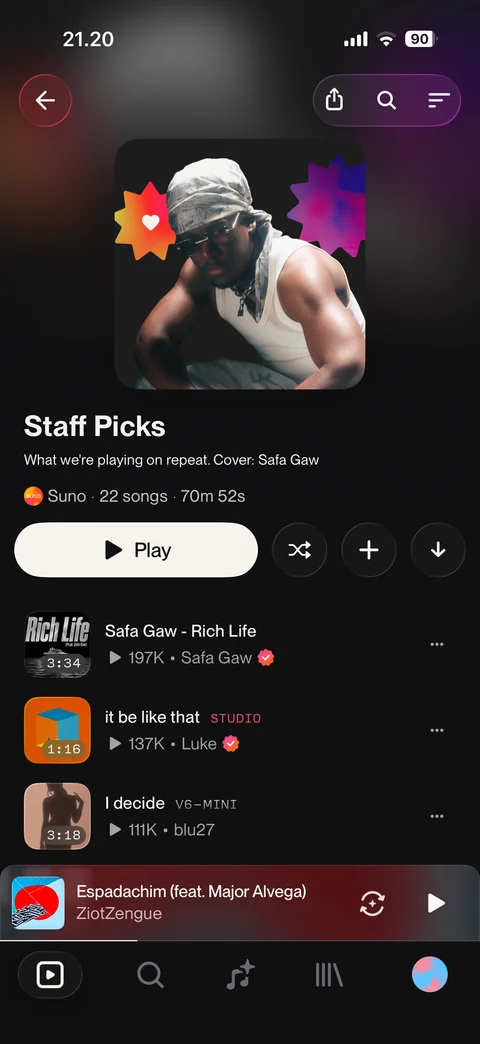
Staff Picks playlist: artist cover with stickers, description with cover credit, 22 songs, Play, shuffle, add, download, songs with verified badges and tags
Suno player (5 screens)
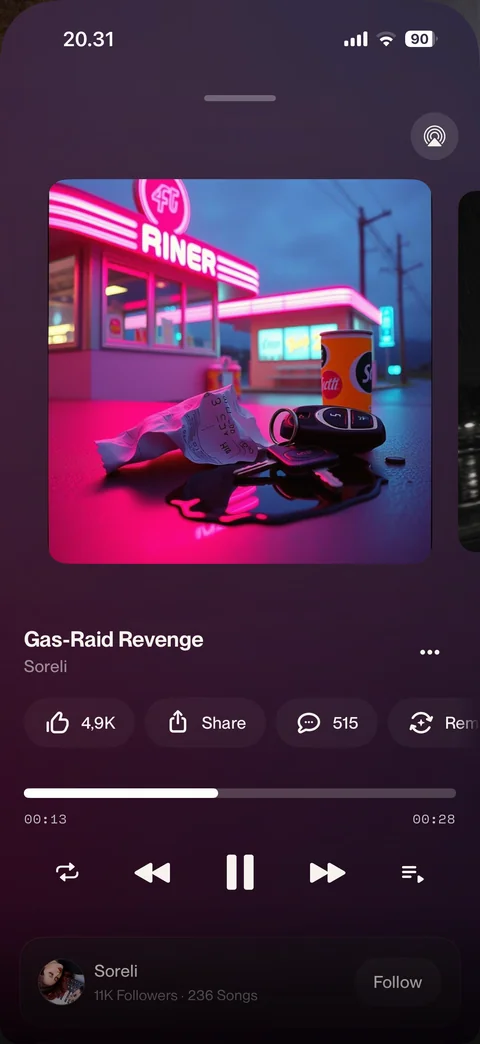
Now playing: cover art carousel, title and artist, like, share, comments, remix chips, progress bar with times, repeat, previous, pause, next, queue, artist card with Follow, AirPlay
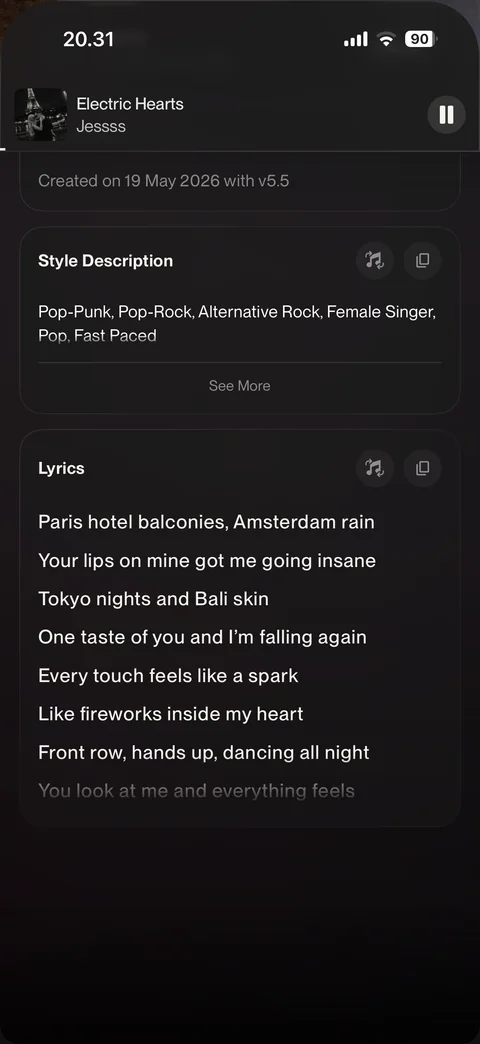
Song details: mini player header, description, created date and model, View Hooks, remixes count, style description and lyrics cards with reuse and copy
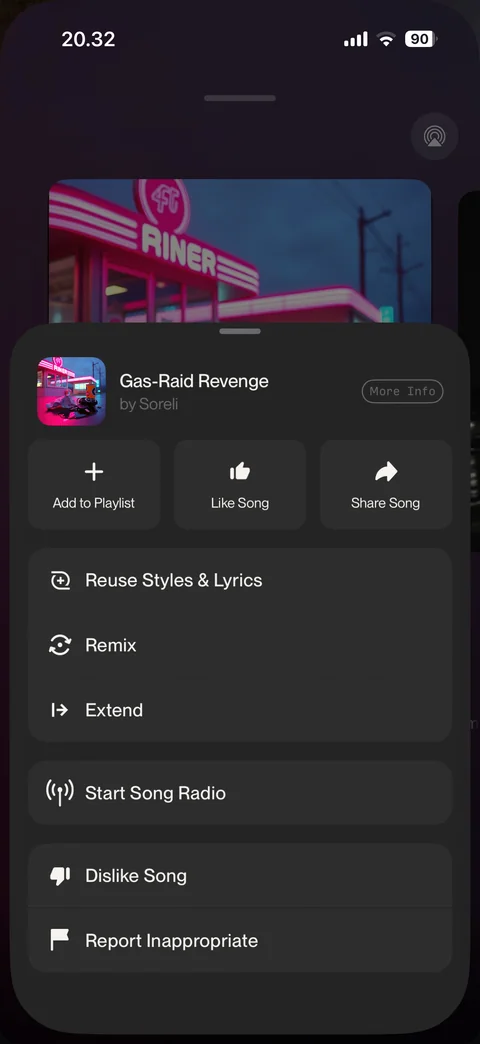
Song options sheet: add to playlist, like, share, reuse styles and lyrics, remix, extend, start song radio, dislike, report, More Info
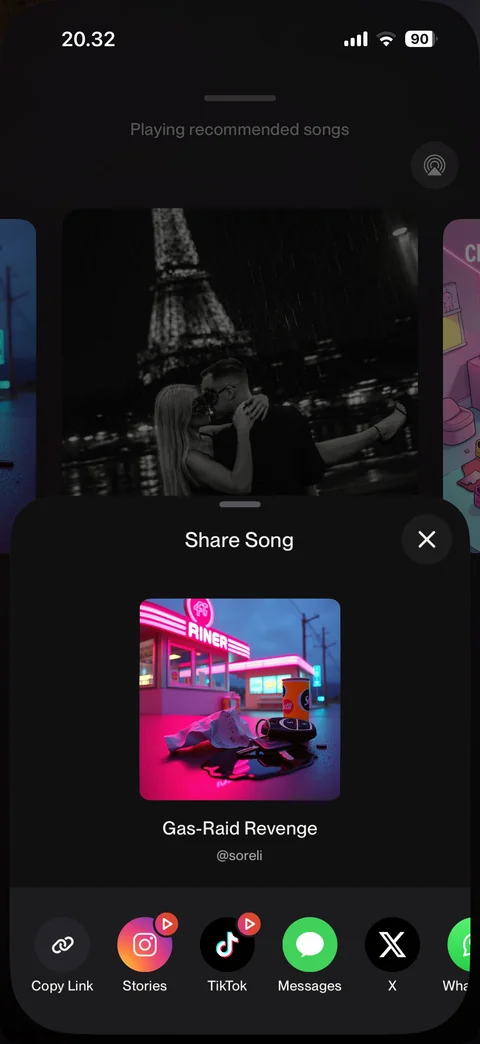
Share song sheet: cover card with title and handle, copy link, Instagram Stories, TikTok, Messages, X, WhatsApp
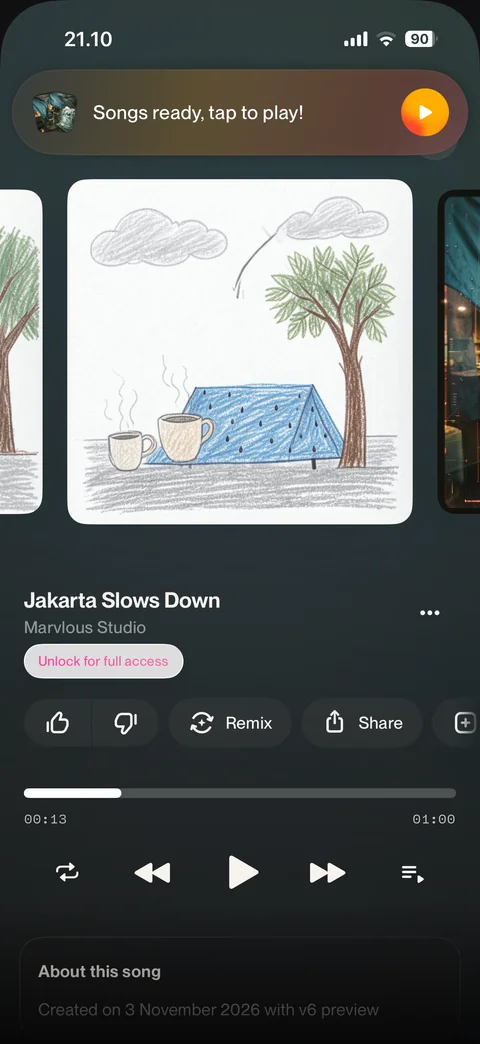
Locked preview song player: cover carousel, title, Unlock for full access pill, like, dislike, remix, share, progress, controls, about this song
Suno player / song actions (10 screens)
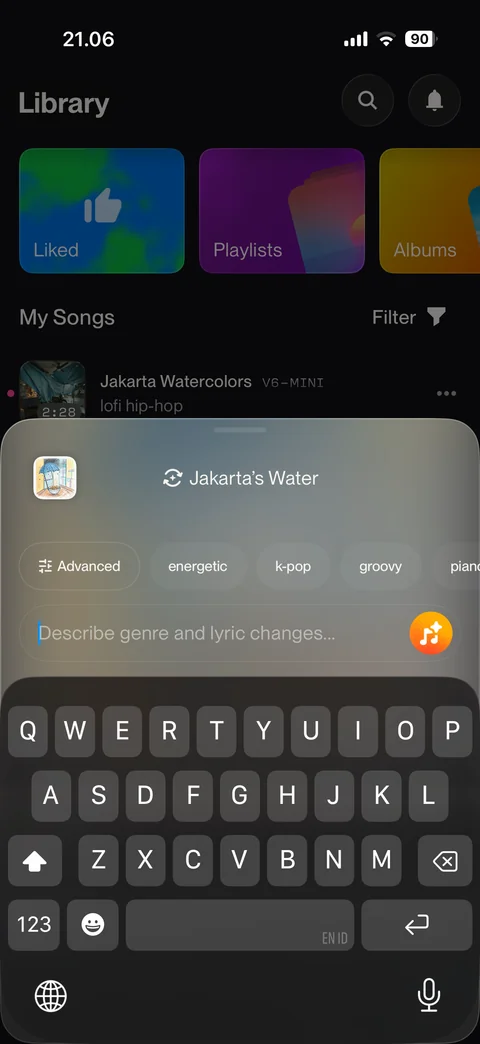
Remix sheet: source song thumbnail and title, Advanced and style chips (energetic, k-pop, groovy), describe changes field, generate button, keyboard open
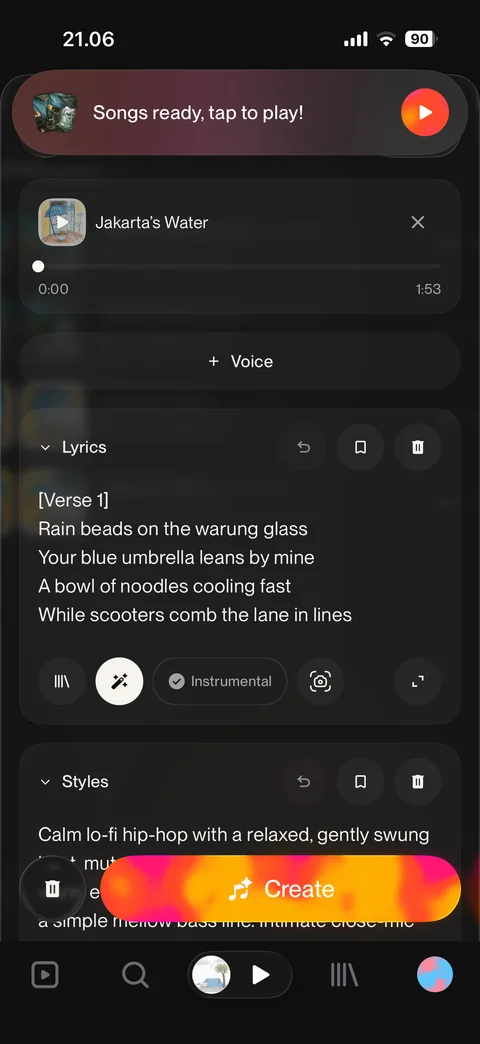
Advanced remix form: source song with mini player and remove, add Voice, lyrics prefilled with undo, save, clear, styles prefilled, Create
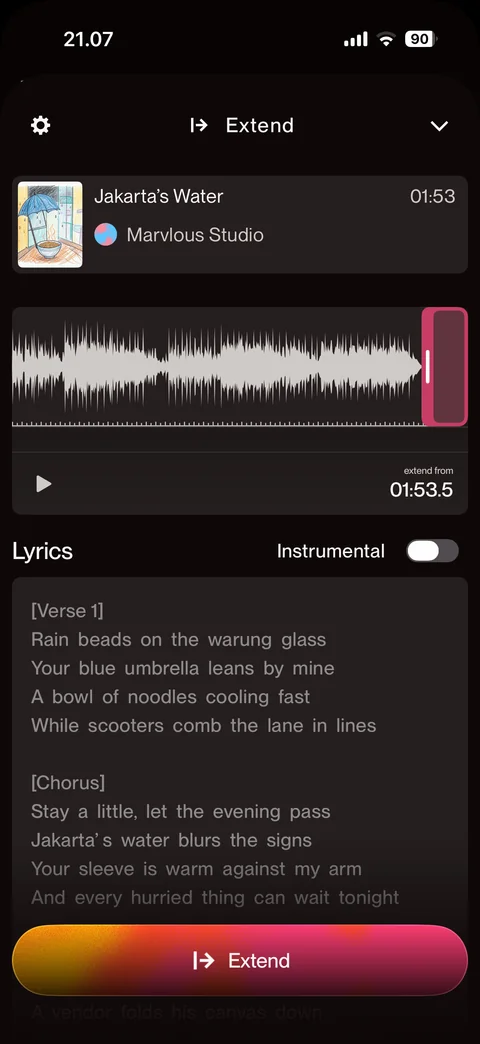
Extend editor: song card, waveform with extend-from handle and time, play, lyrics with instrumental toggle, settings, Extend button
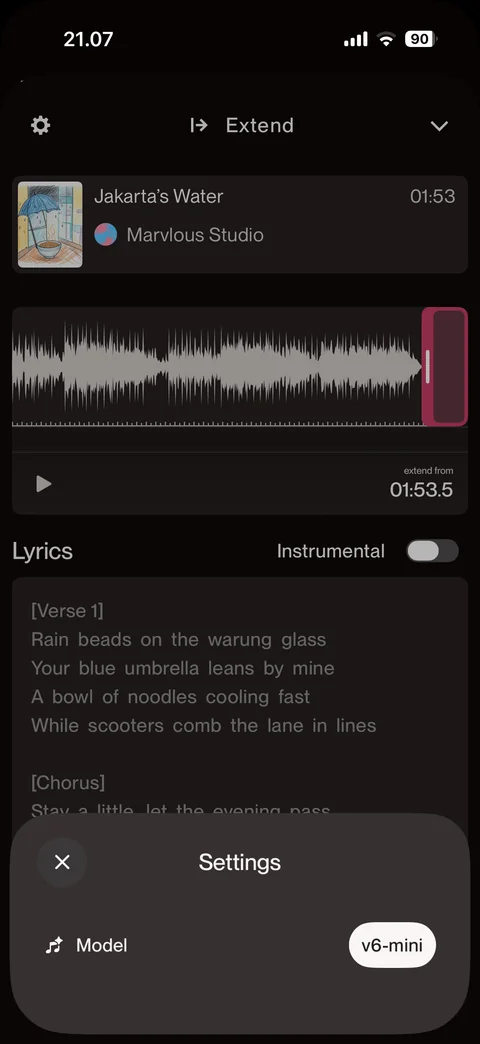
Extend settings sheet: model row with v6-mini pill, close
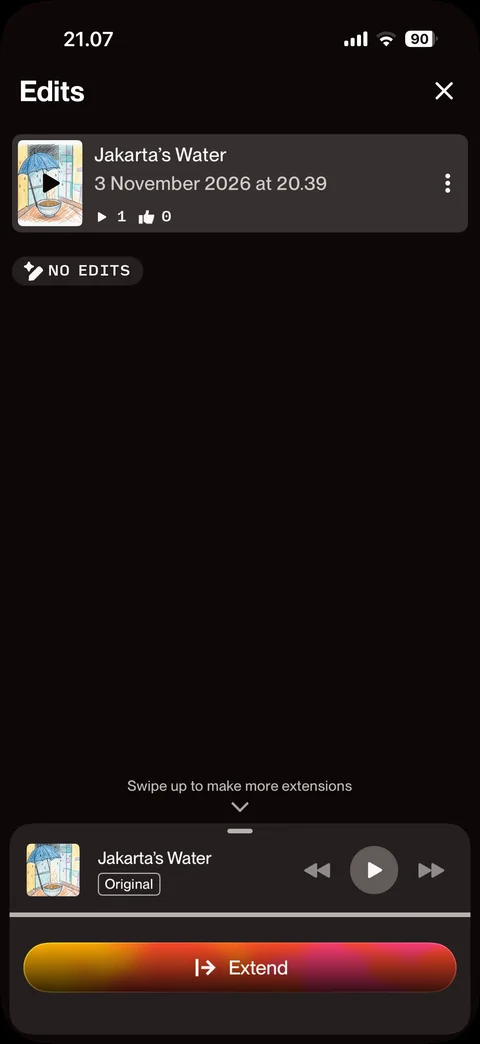
Edits overview: song card with date, plays and likes, no edits badge, swipe up for more extensions hint, original mini player, Extend
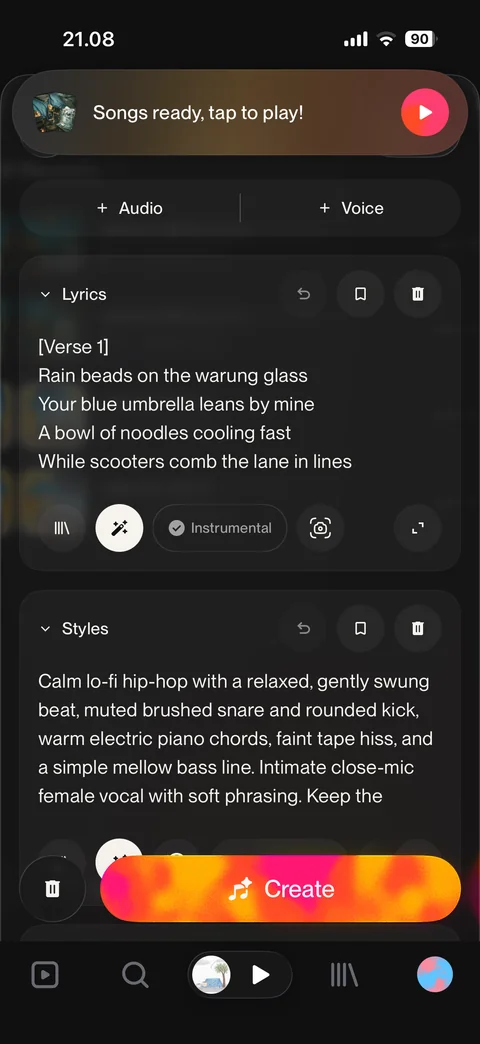
Reuse styles and lyrics: advanced form prefilled with the song's lyrics and detailed style description, add audio and voice, Create
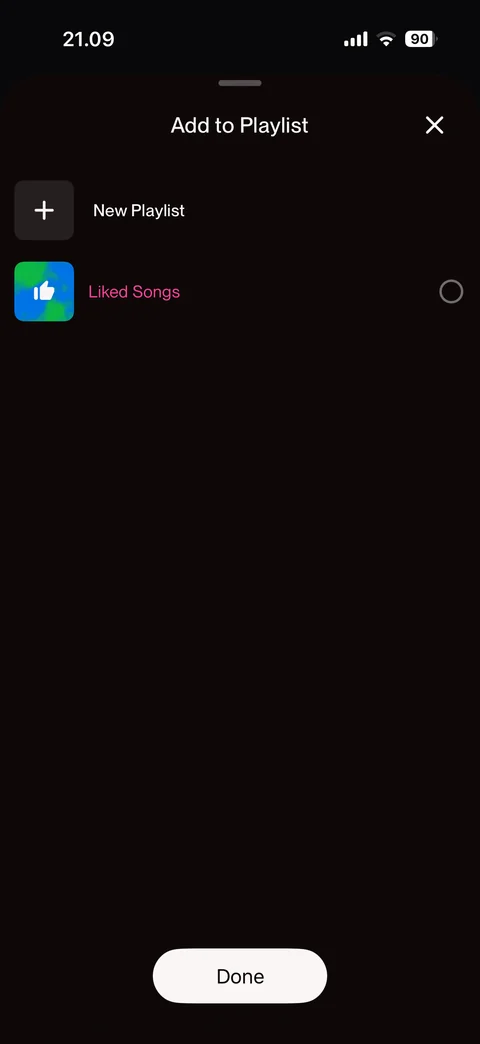
Add to playlist sheet: New Playlist row, Liked Songs with radio, close, Done
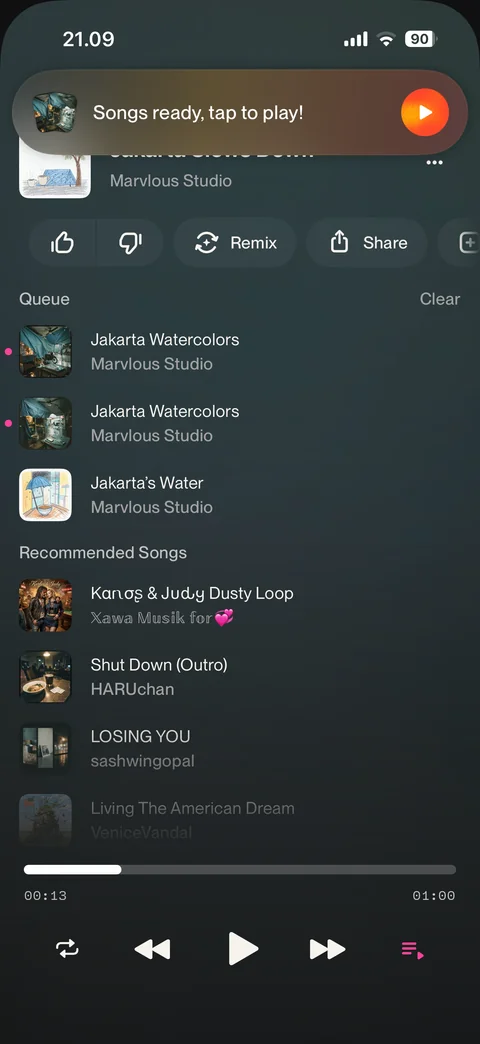
Queue view: compact now playing header, actions row, queue list with Clear, recommended songs, progress and controls with queue active
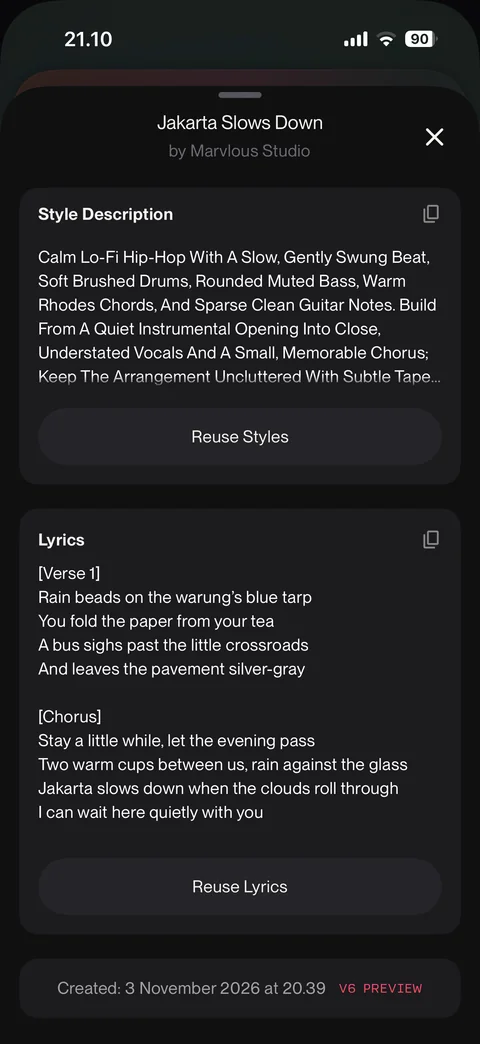
More info sheet: style description with copy and Reuse Styles, lyrics with copy and Reuse Lyrics, created date with model tag
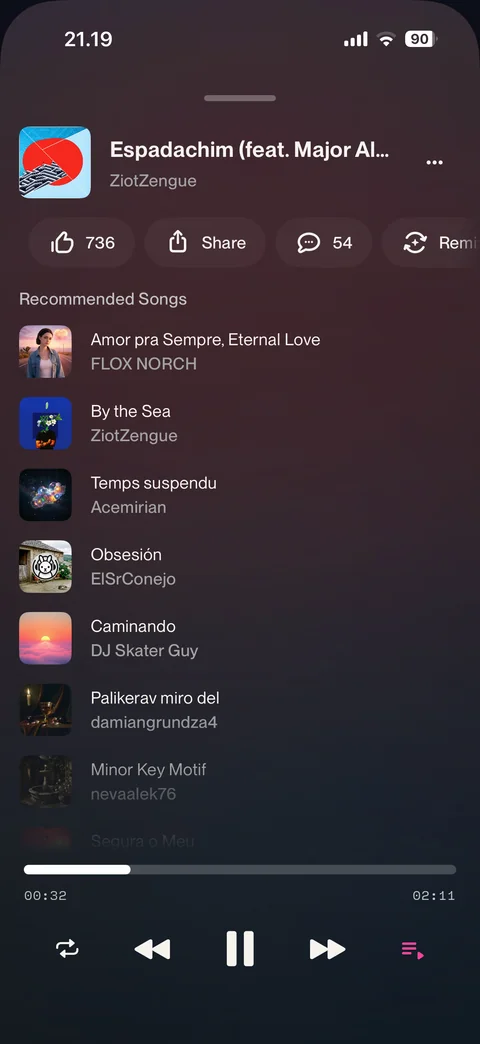
Song radio queue: now playing header with likes, share, comments, remix, recommended songs radio list, controls
Suno explore (2 screens)
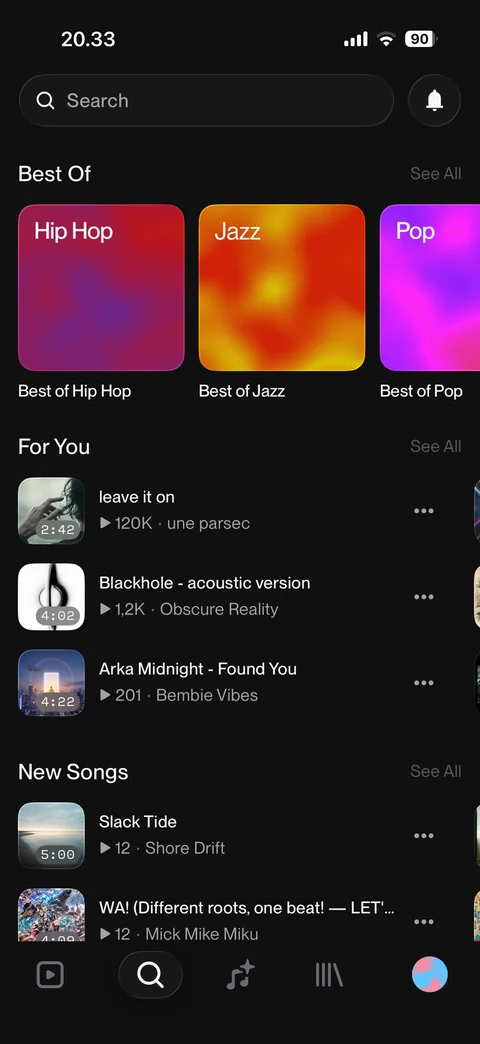
Explore: search bar, Best Of genre cards, For You song list with duration and plays, New Songs, See All links
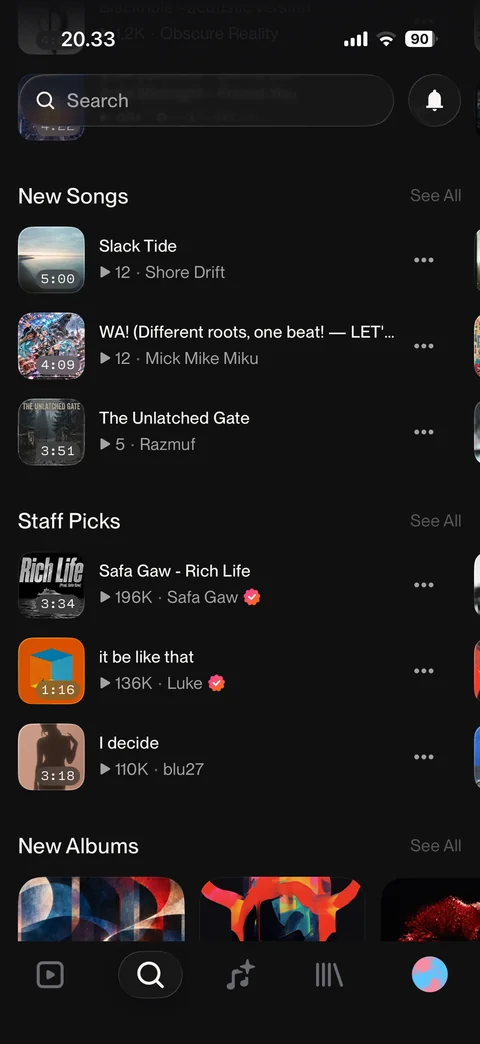
Explore scrolled: New Songs, Staff Picks with verified badges, New Albums row, sticky search bar
Suno explore / playlist (1 screen)
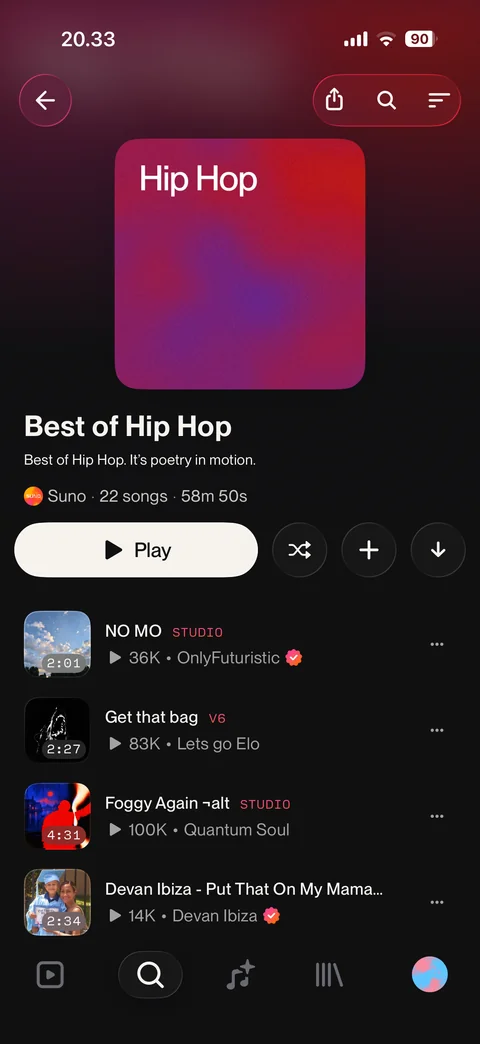
Playlist: gradient cover, title, description, owner, song count and duration, Play, shuffle, add, download, share, search and sort, song rows with model tags
Suno explore / search (8 screens)
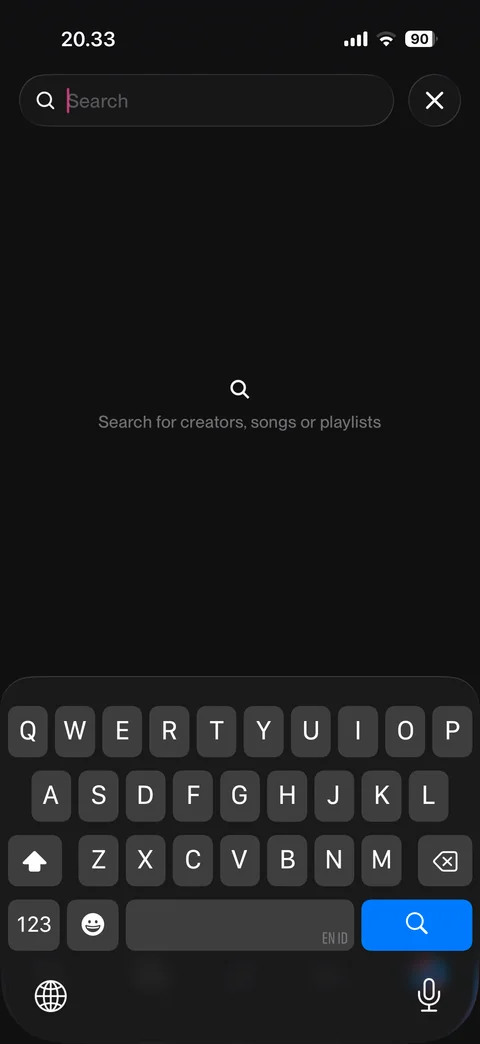
Search focused: empty state with search for creators, songs or playlists, cancel button, keyboard open
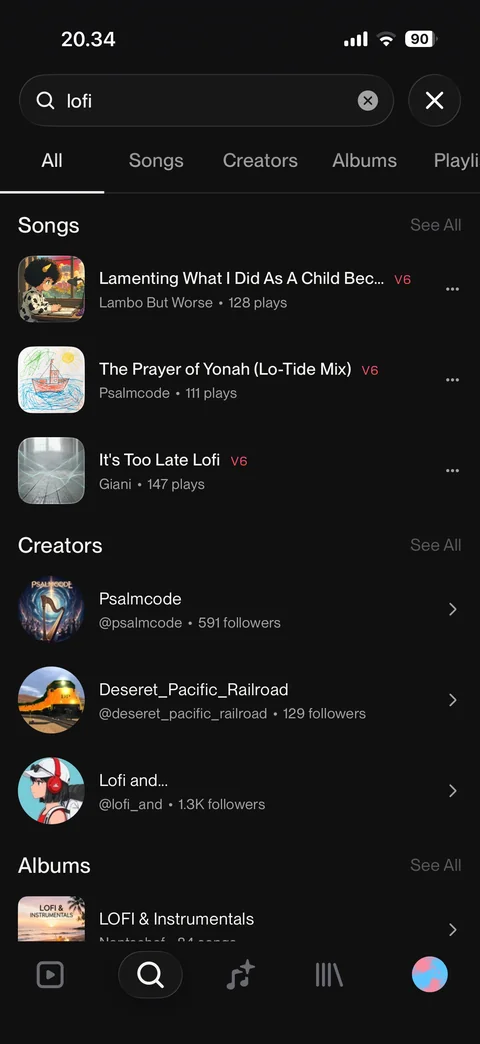
Search results: All, Songs, Creators, Albums, Playlists tabs, song rows with model tag and plays, creators with followers, albums
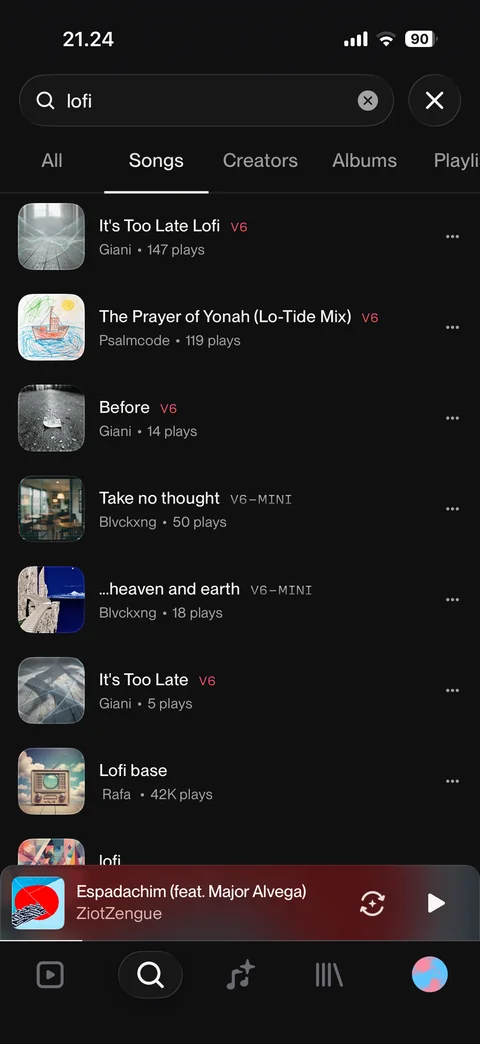
Search Songs tab: song rows with cover, model tag, creator and plays, more buttons
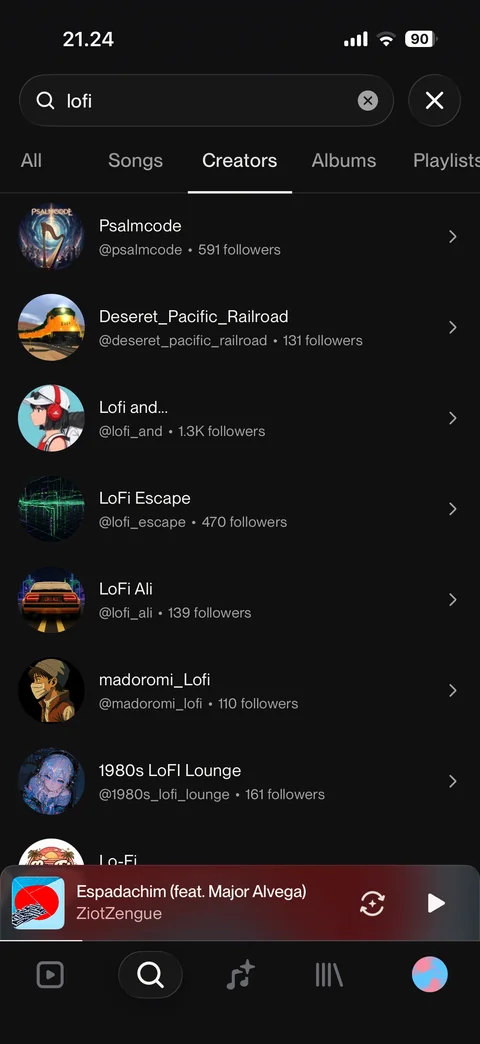
Search Creators tab: creator rows with avatar, name, handle and followers
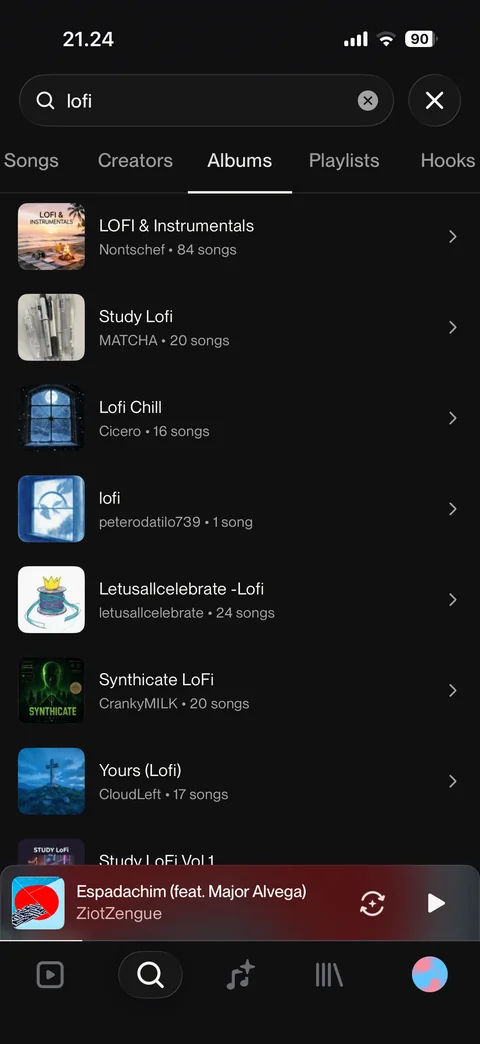
Search Albums tab: album rows with cover, title, creator and song count
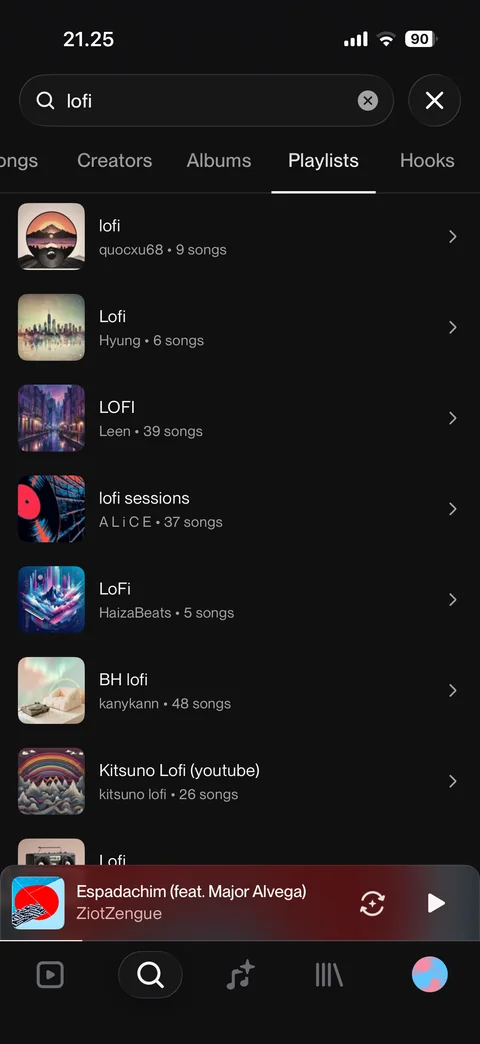
Search Playlists tab: playlist rows with cover, title, creator and song count
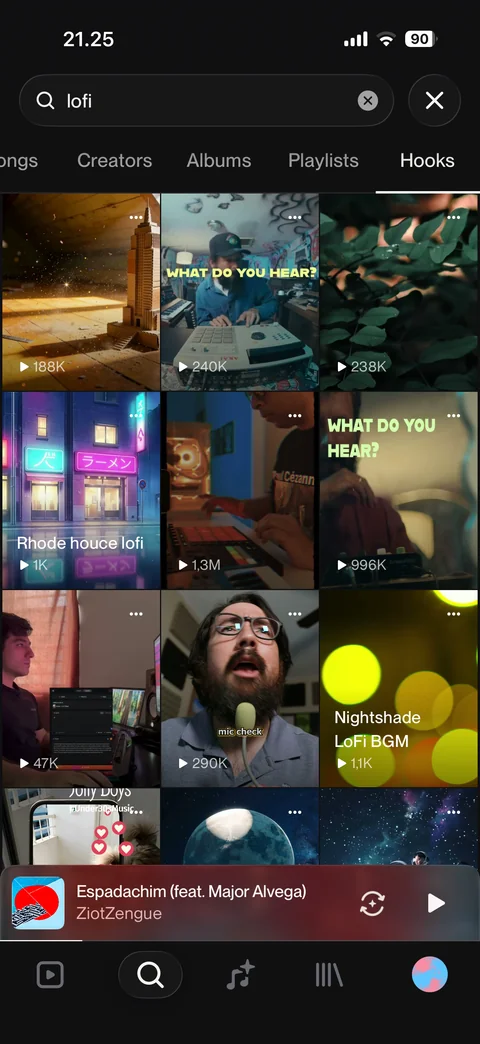
Search Hooks tab: three-column video hook grid with play counts and more buttons
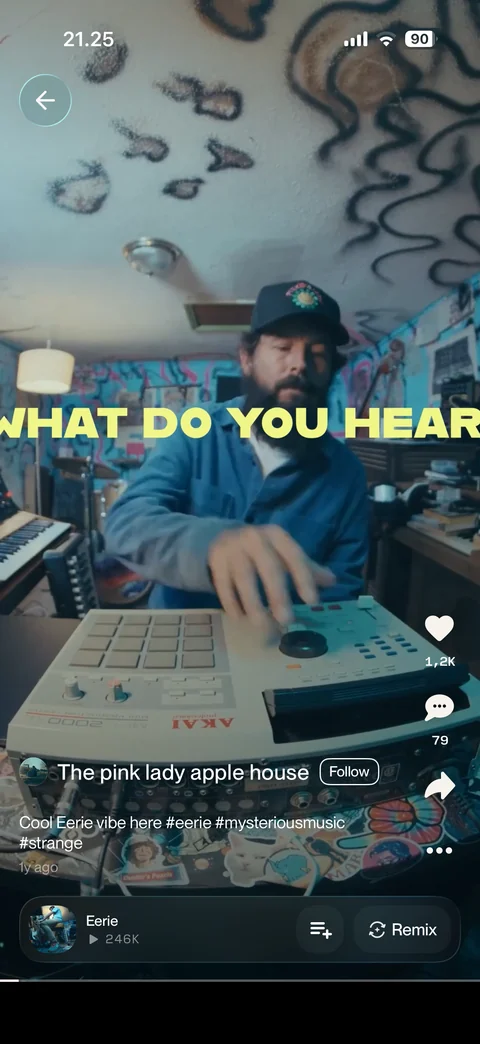
Hook viewer from search: full-screen video, back, creator with Follow, caption with hashtags and age, like, comments, share, more, song bar with queue and Remix
Suno explore / creator profile (1 screen)
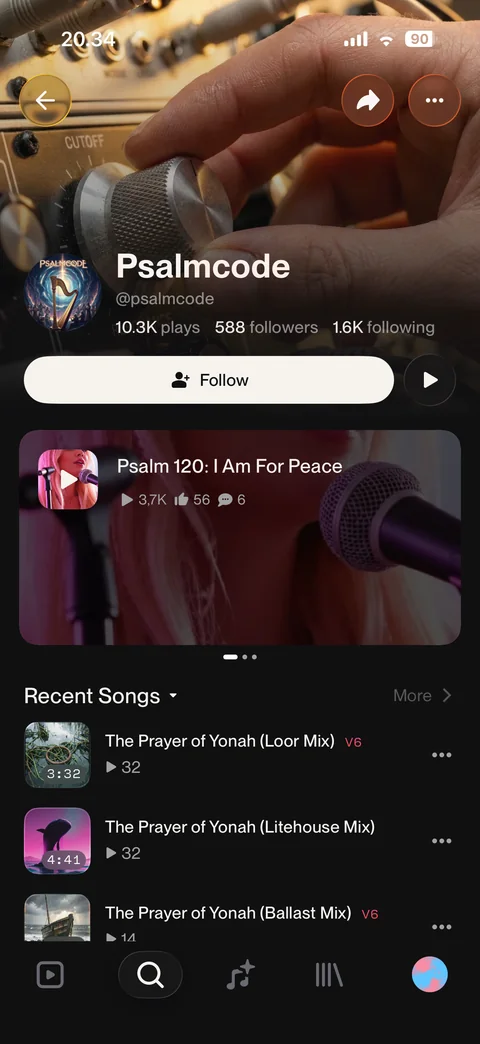
Creator profile: header image, avatar, name and handle, plays, followers, following, Follow and play, featured song carousel, recent songs
Suno create (9 screens)
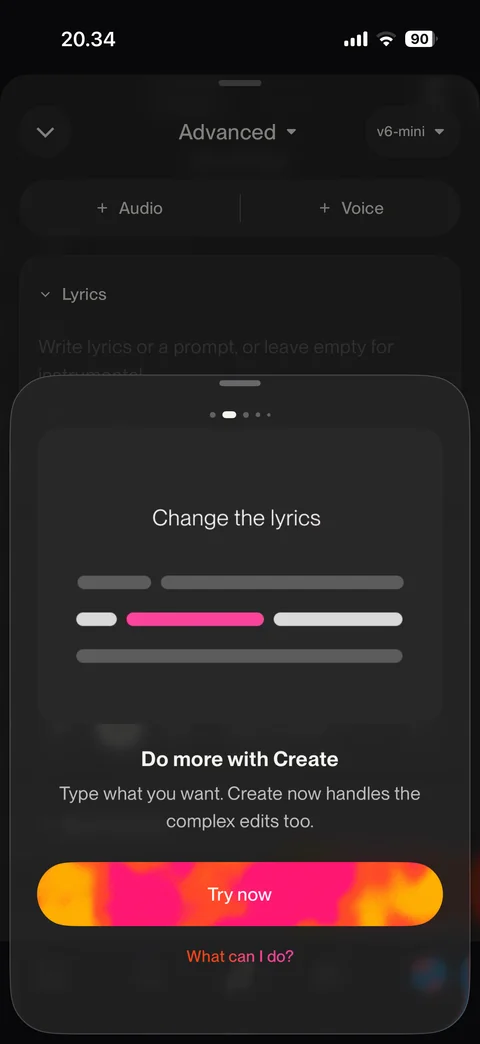
Create intro sheet: animated prompt example, instrument tiles, do more with Create, Try now, What can I do link, page dots
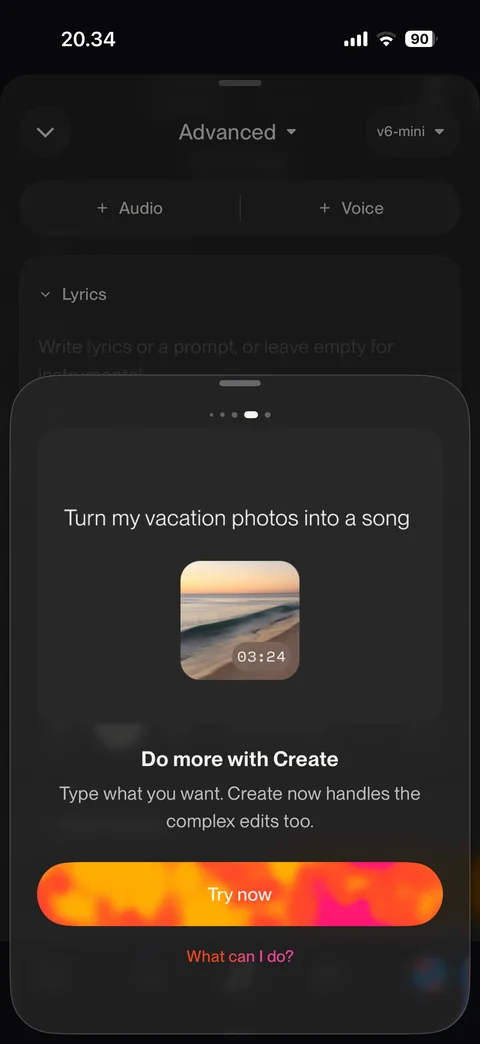
Create intro page: turn vacation photos into a song example with photo card, Try now
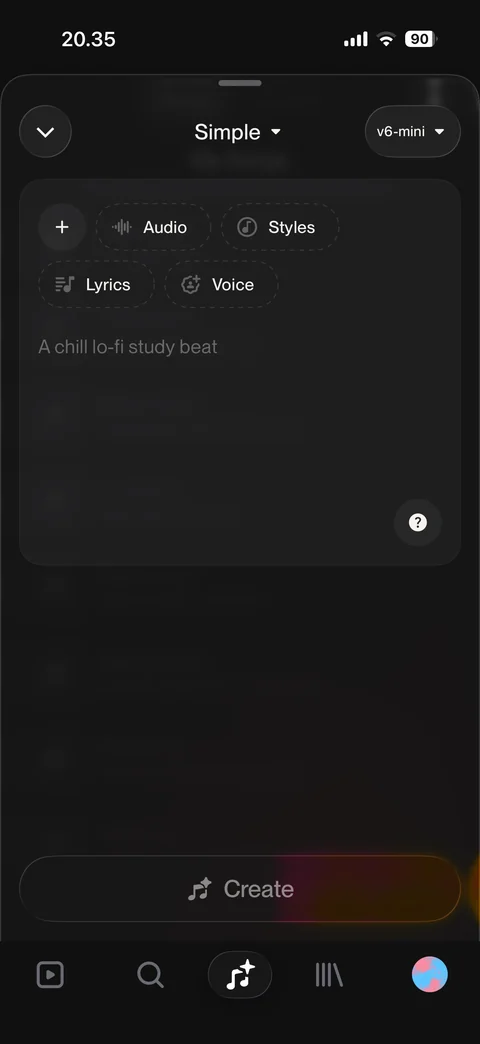
Create simple mode: mode and model pickers, prompt box with placeholder, Audio, Styles, Lyrics, Voice chips, help, disabled Create
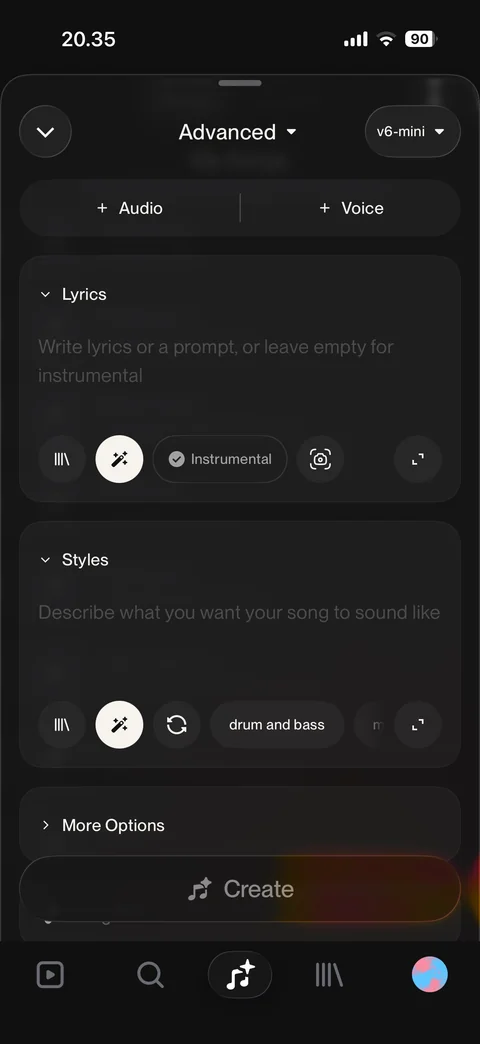
Create advanced mode: add audio and voice, lyrics box with library, magic, instrumental, camera, expand, styles box with suggestions chips, More Options
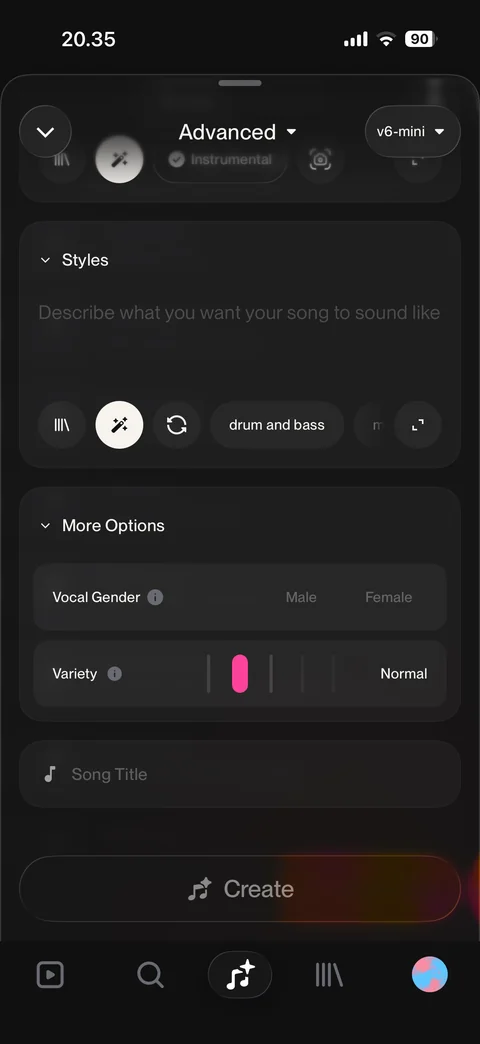
Advanced more options: vocal gender male or female, variety slider, song title field
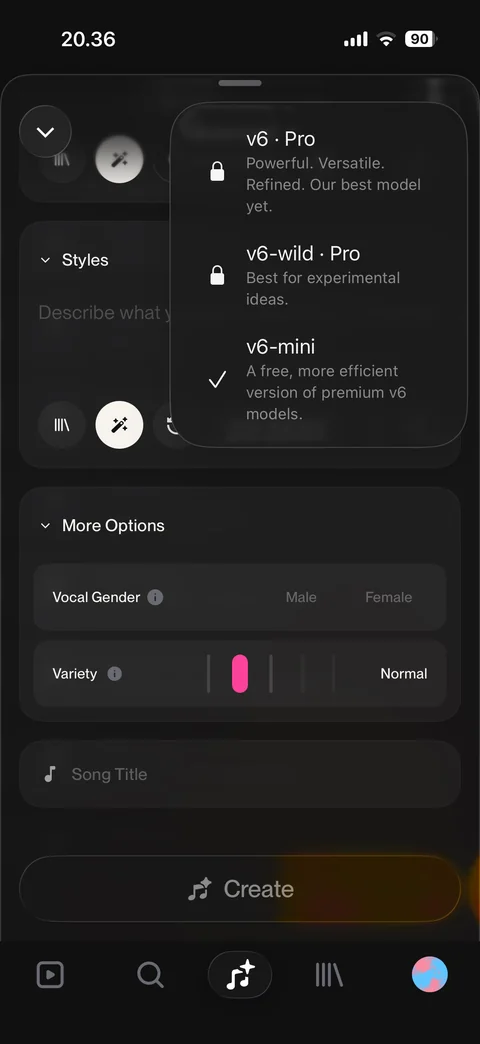
Model picker menu: v6 Pro and v6-wild Pro locked, v6-mini free selected with descriptions
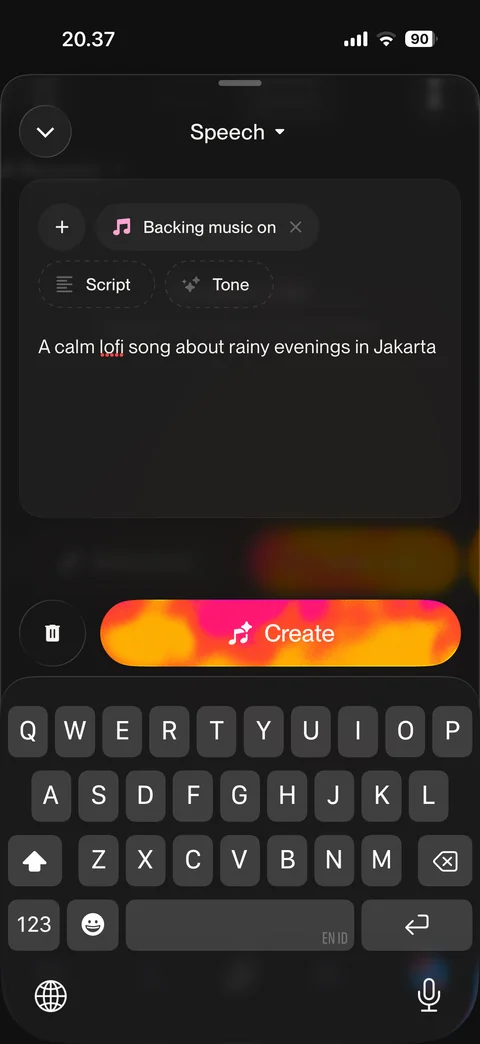
Create speech mode: backing music on chip, script and tone chips, typed prompt, clear and Create buttons, keyboard open
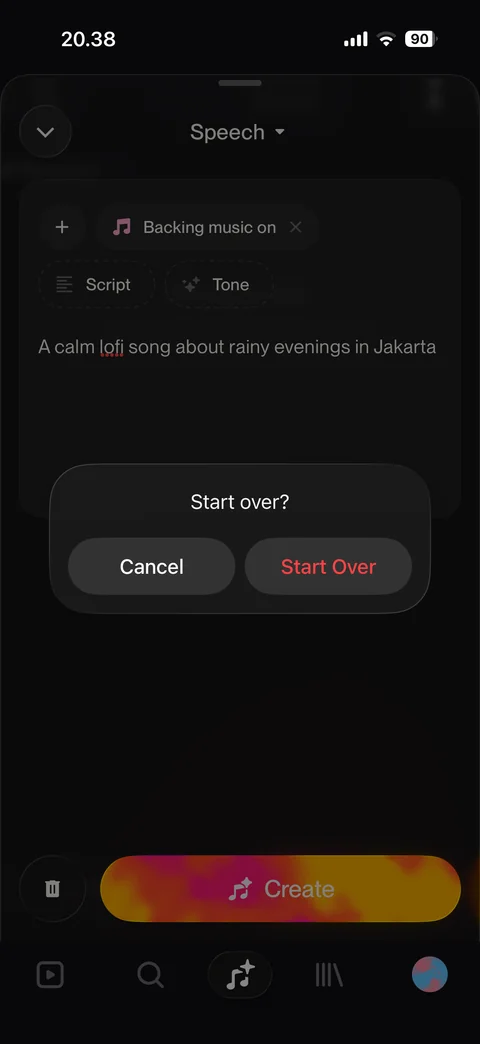
Start over confirmation dialog: Cancel or Start Over in red
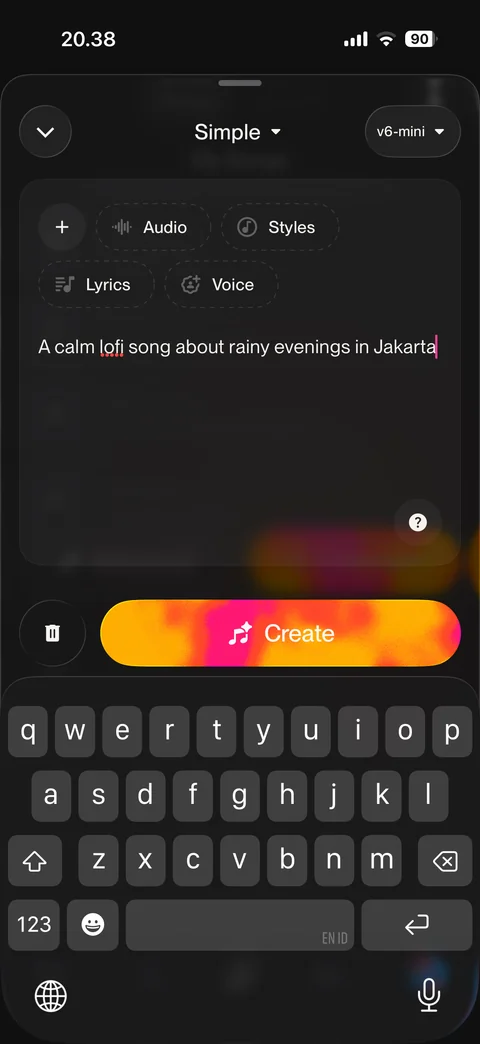
Simple mode with prompt typed: song description entered, Create button active, keyboard open
Suno create / generating (10 screens)
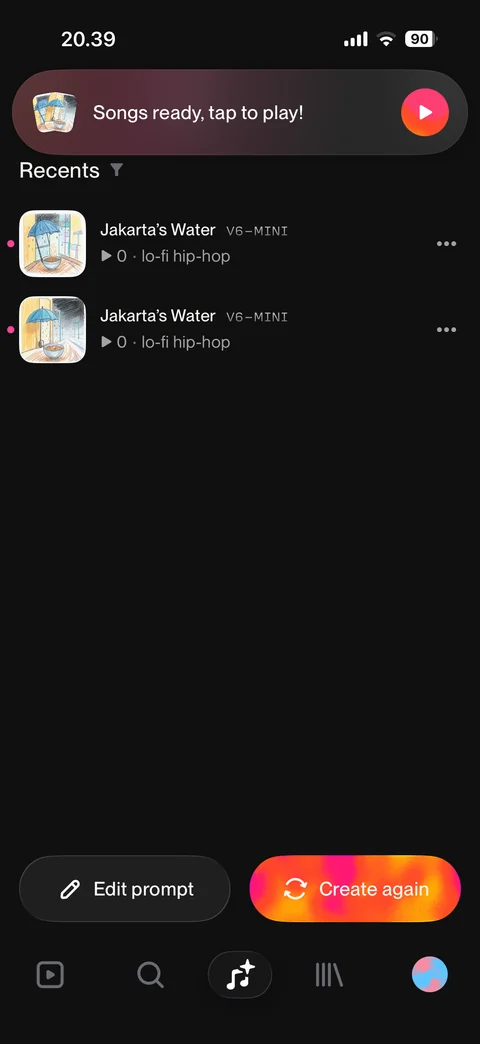
Generating: tips banner with spinner, two new songs in Recents with placeholder gradient covers, model and style tags, Edit prompt and Create again
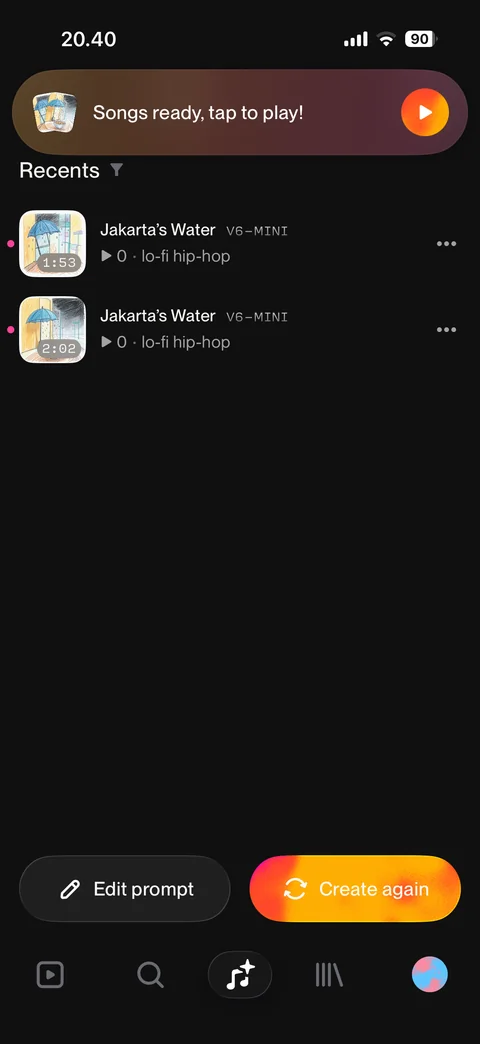
Songs ready: banner tap to play, two generated songs with cover art, duration, new dots, more buttons
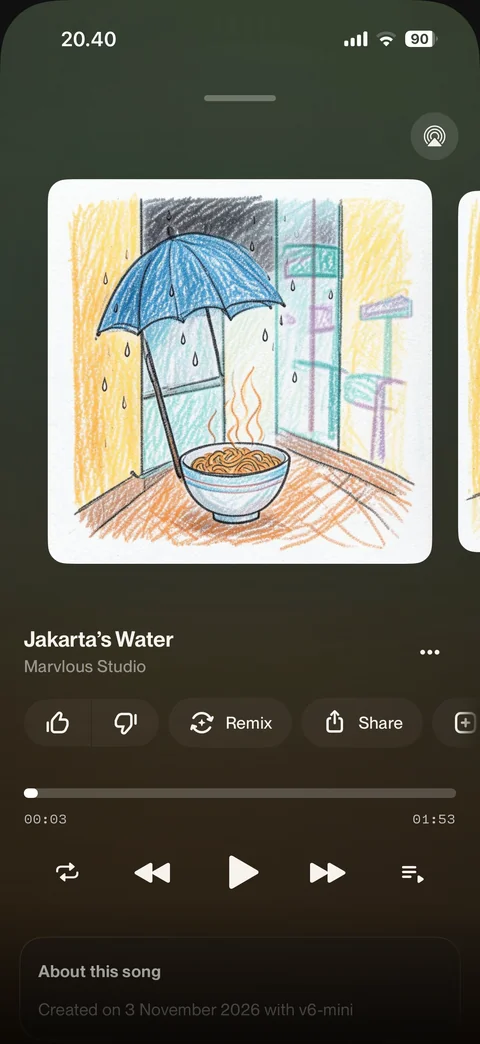
Own song player: generated cover art, title, creator, like and dislike, Remix, Share, add, progress, controls, about this song card
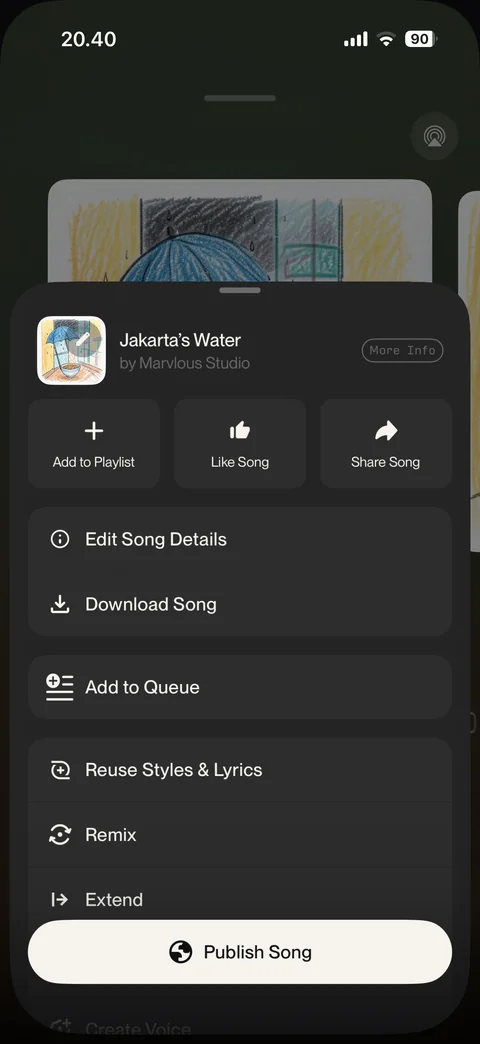
Own song options: add to playlist, like, share, edit details, download, add to queue, reuse, remix, extend, Publish Song button
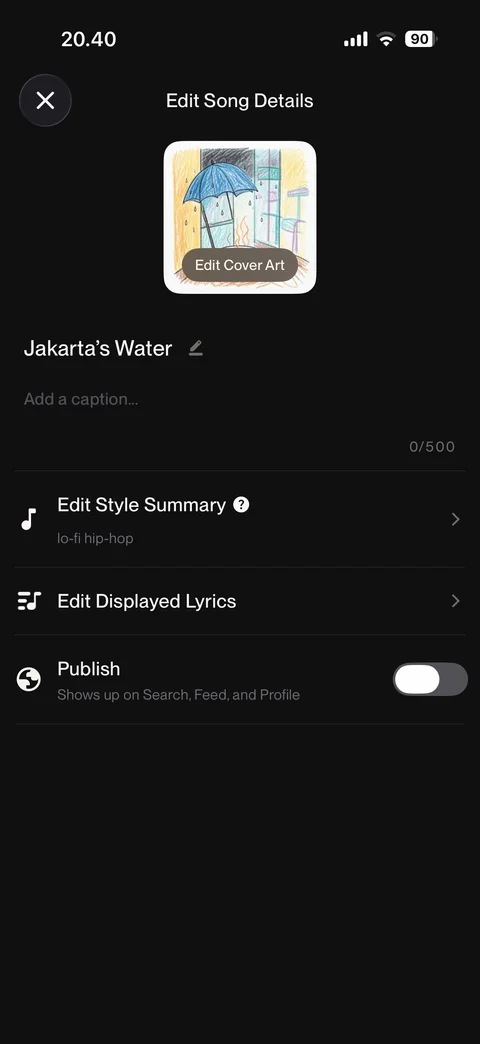
Edit song details: cover art with edit, title with pencil, caption field with counter, edit style summary, edit lyrics, publish toggle off
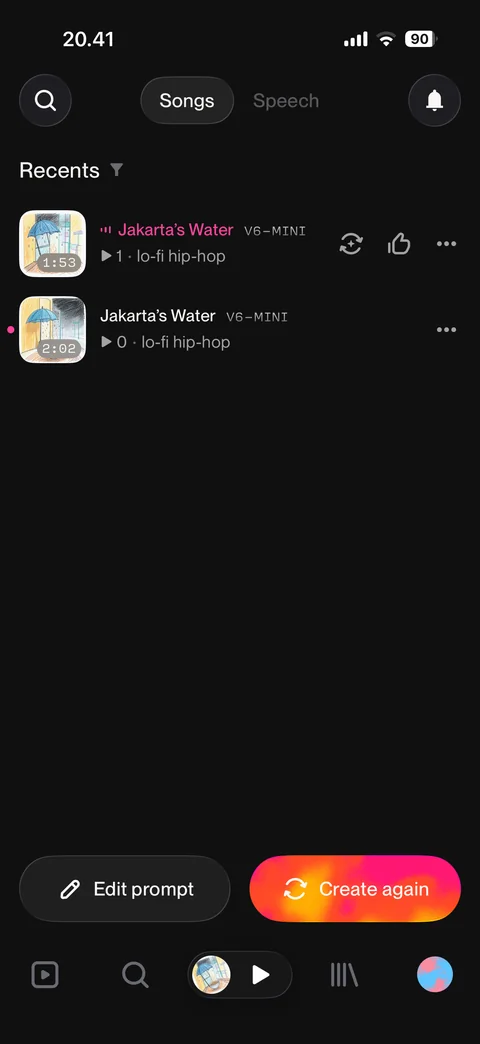
Create home after playing: Songs and Speech tabs, Recents with playing song highlighted, remix and like quick actions, mini player in tab bar
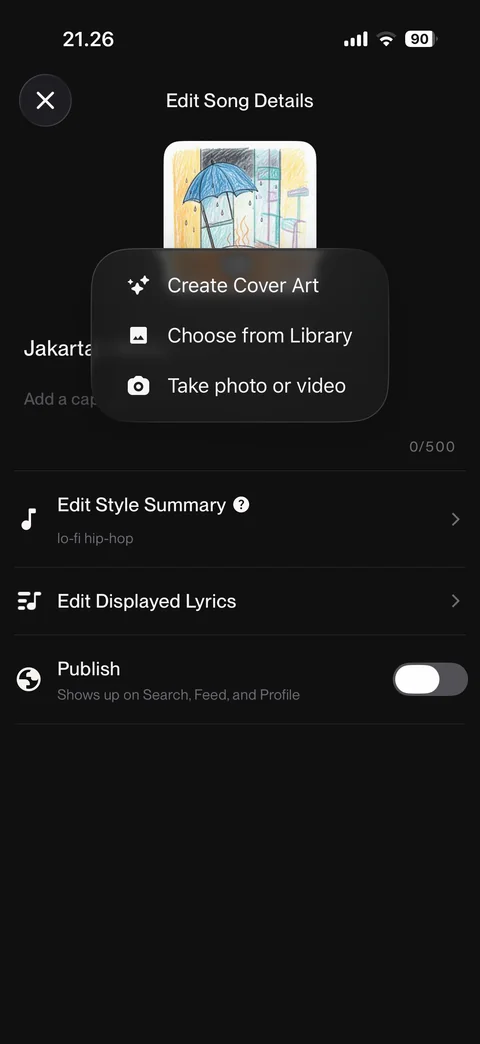
Edit cover art menu: Create Cover Art with AI, Choose from Library, Take photo or video
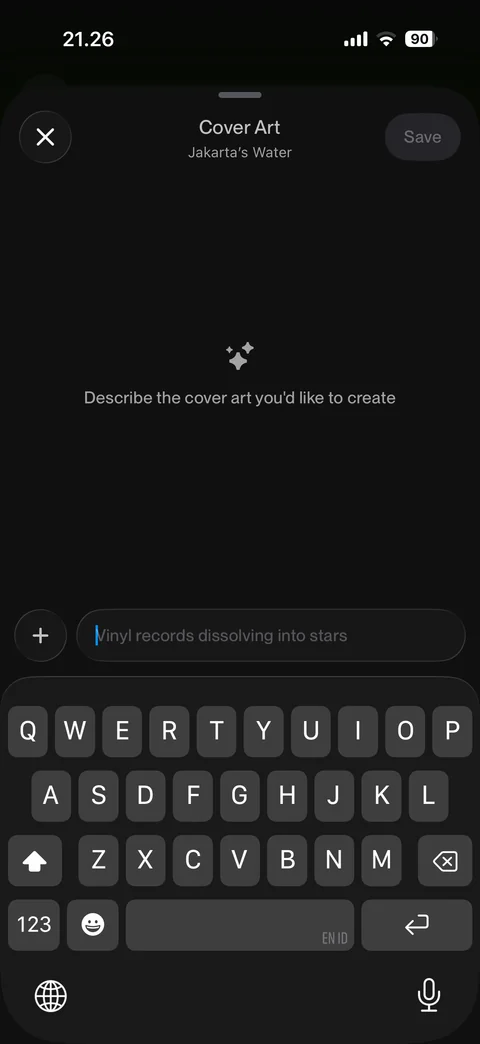
AI cover art editor: describe the cover art empty state, prompt field with example placeholder, attach button, disabled Save, keyboard open
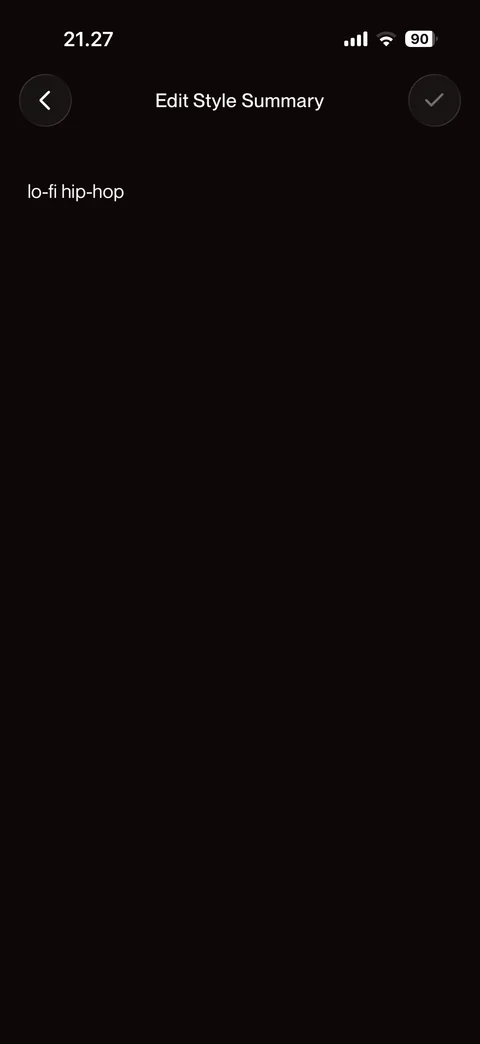
Edit style summary: style text lo-fi hip-hop, back and disabled done
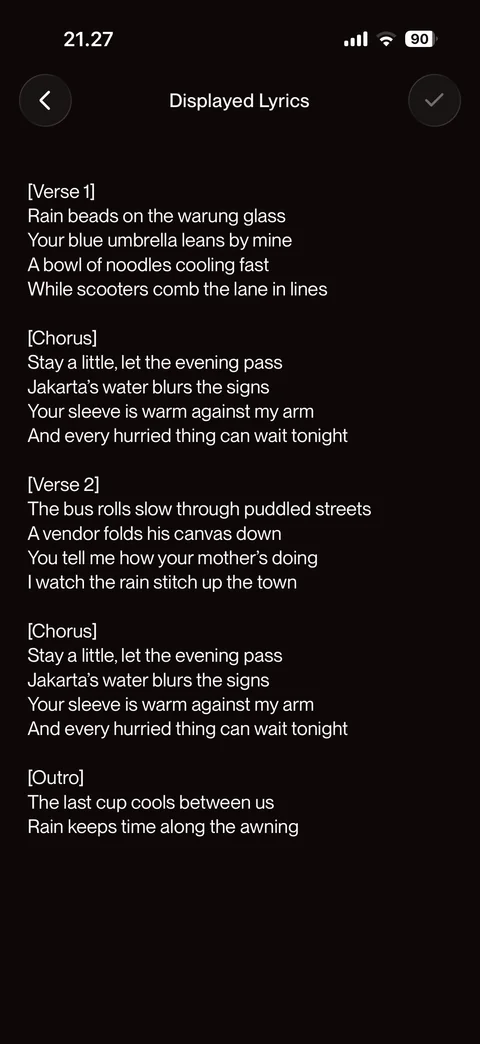
Edit displayed lyrics: full song lyrics with verse, chorus and outro sections, back and done
Suno create / tools (10 screens)
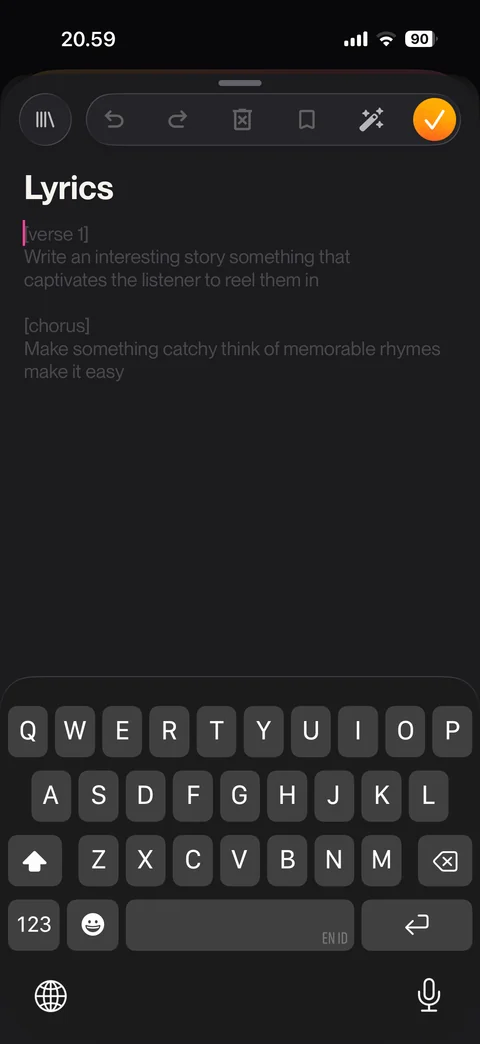
Lyrics editor: library, undo, redo, clear, save, magic write and done toolbar, verse and chorus placeholder template, keyboard open
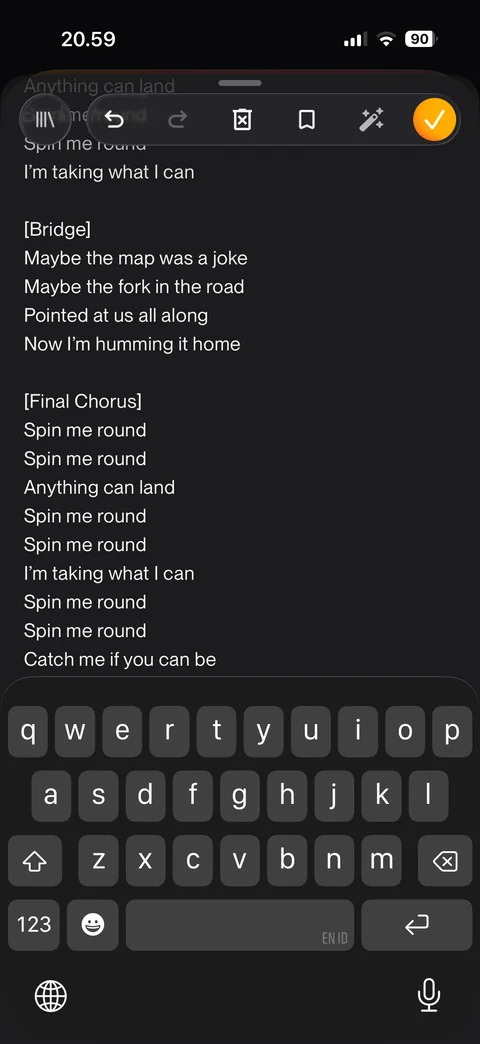
AI written lyrics: generated bridge and final chorus sections, toolbar with undo and done, keyboard open
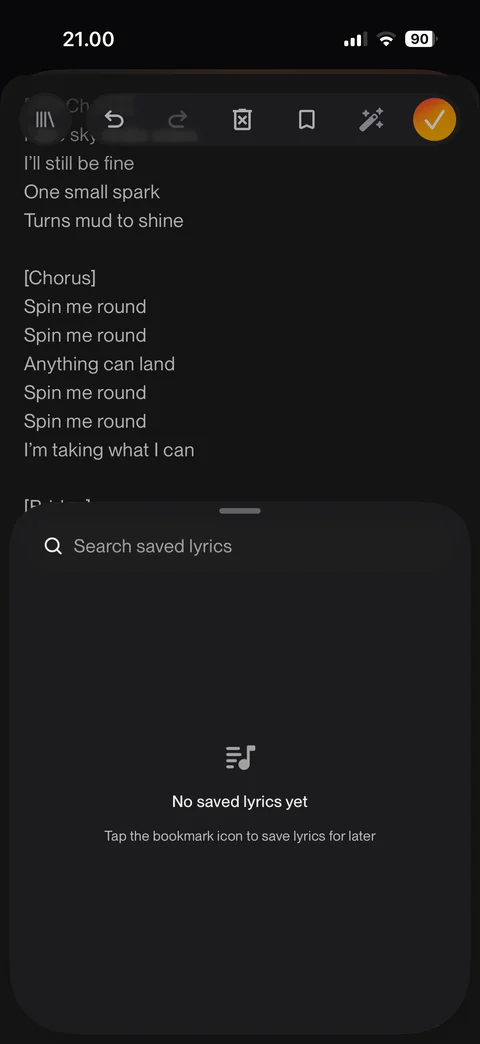
Saved lyrics sheet: search saved lyrics, empty state with bookmark tip
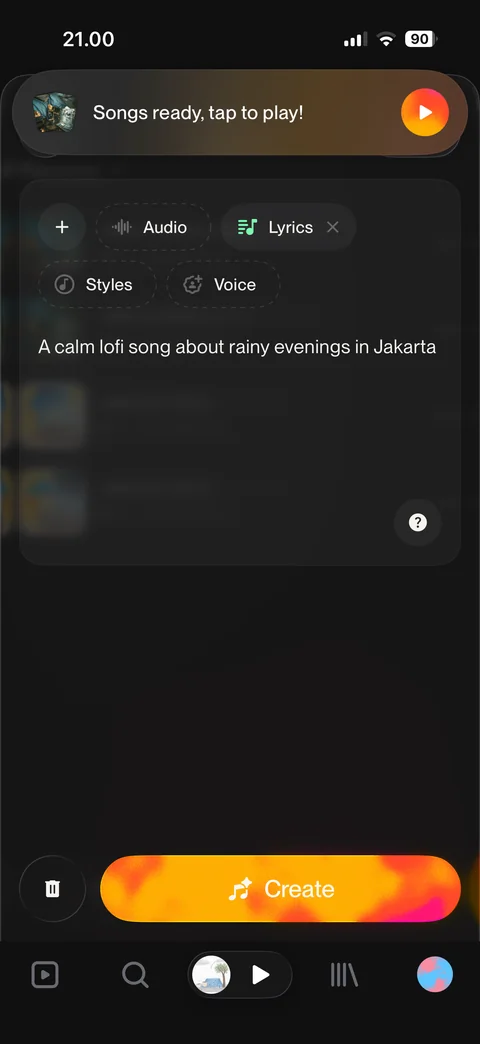
Prompt with lyrics attached: Lyrics chip active with remove, Audio, Styles, Voice chips, prompt text, Create
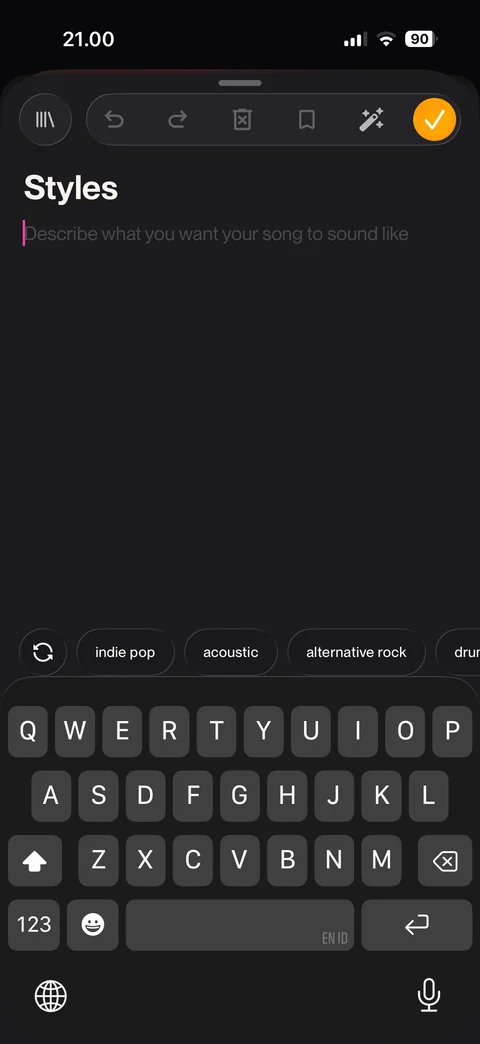
Styles editor: describe sound placeholder, toolbar, refresh and style suggestion chips above keyboard
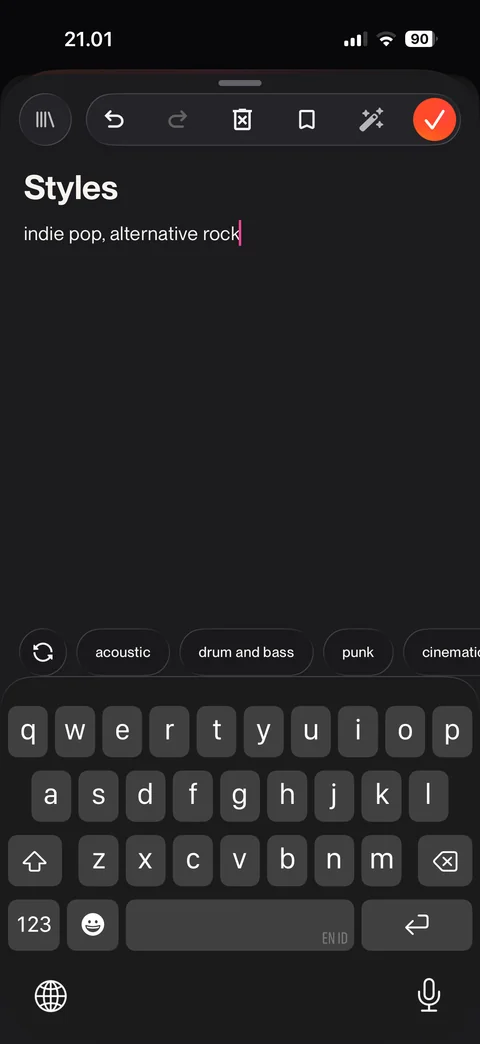
Styles filled from chips: indie pop, alternative rock, used chips removed from suggestion row
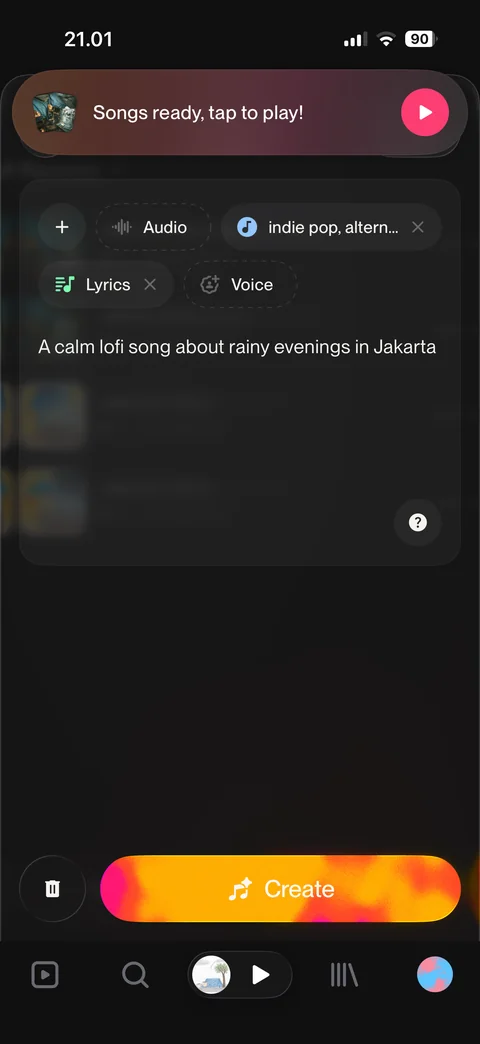
Prompt with styles and lyrics attached: style chip with value, Lyrics chip, Audio and Voice chips, Create
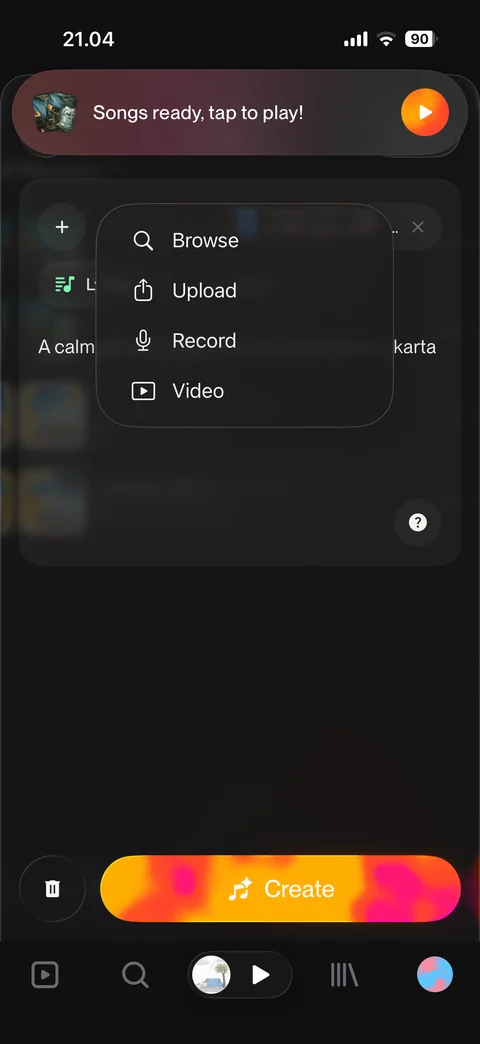
Audio menu: Browse, Upload, Record, Video sources over create form
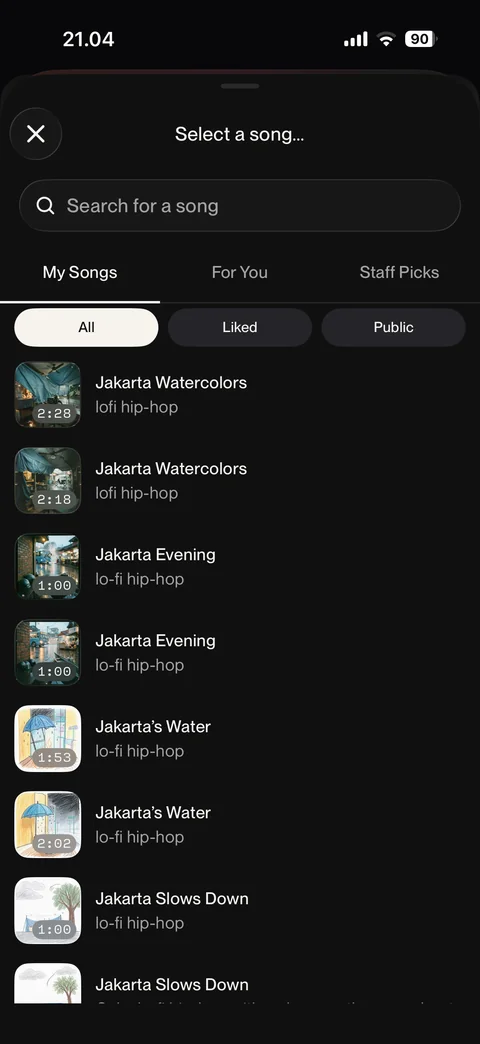
Browse audio source: select a song, search, My Songs, For You, Staff Picks tabs, All, Liked, Public filters, song list
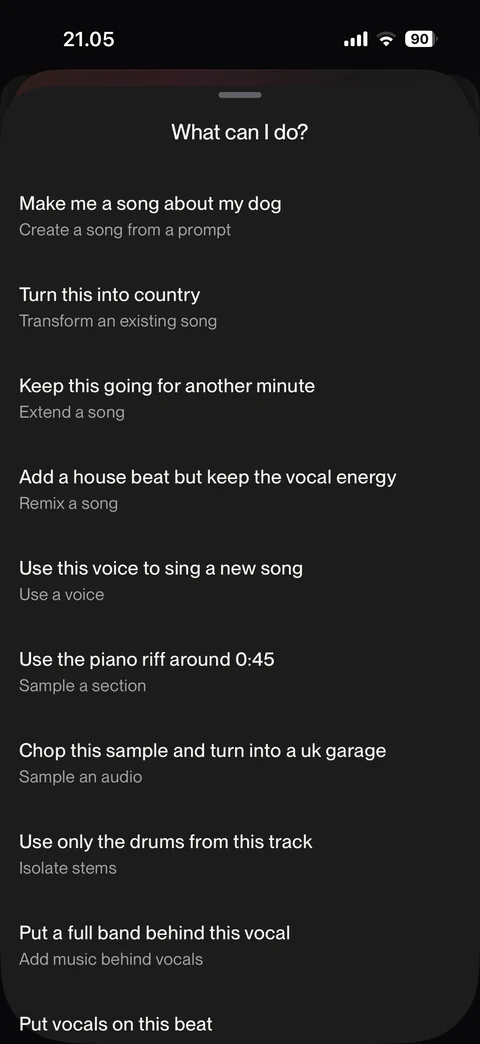
What can I do sheet: example requests with feature labels, create, transform, extend, remix, use a voice, sample, isolate stems, add music behind vocals
Suno create / record (7 screens)
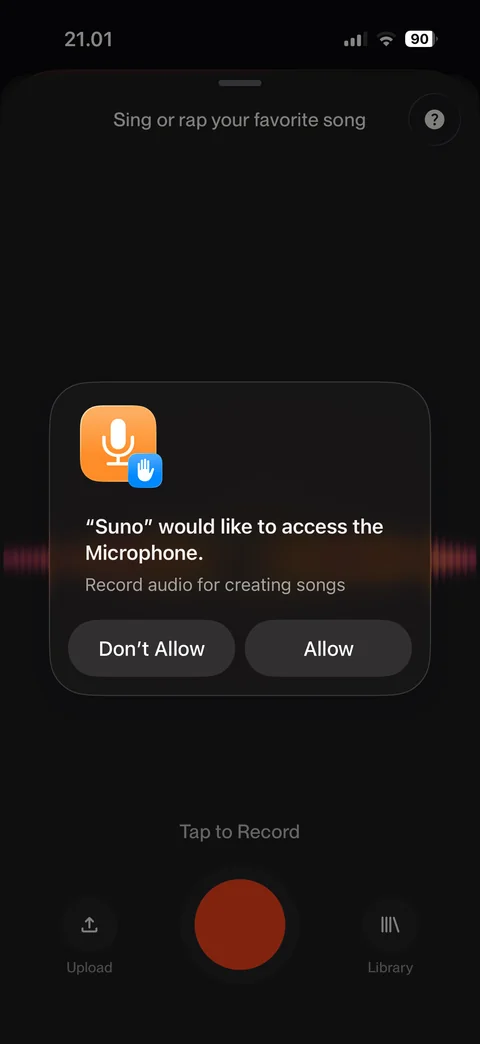
Microphone permission prompt over recorder: Don't Allow or Allow
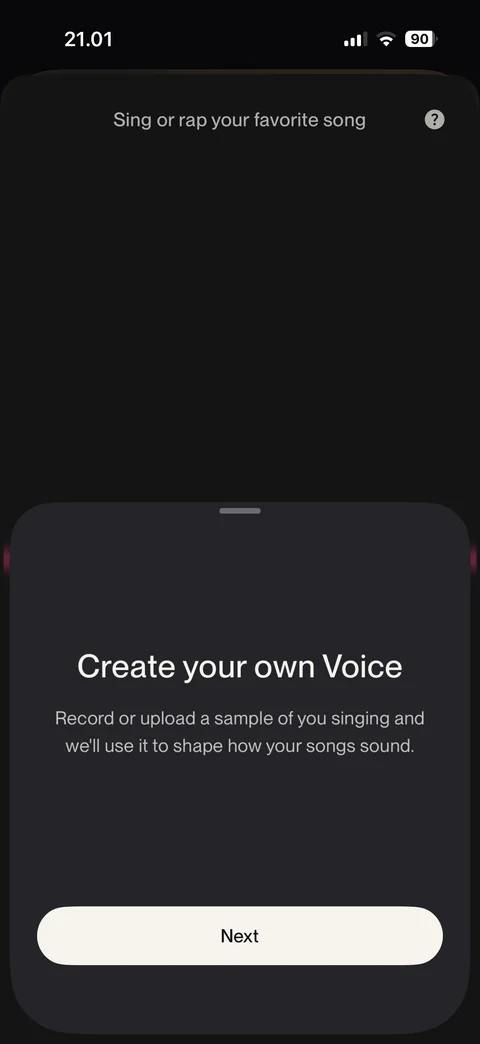
Create your own Voice intro sheet: record or upload a singing sample, Next
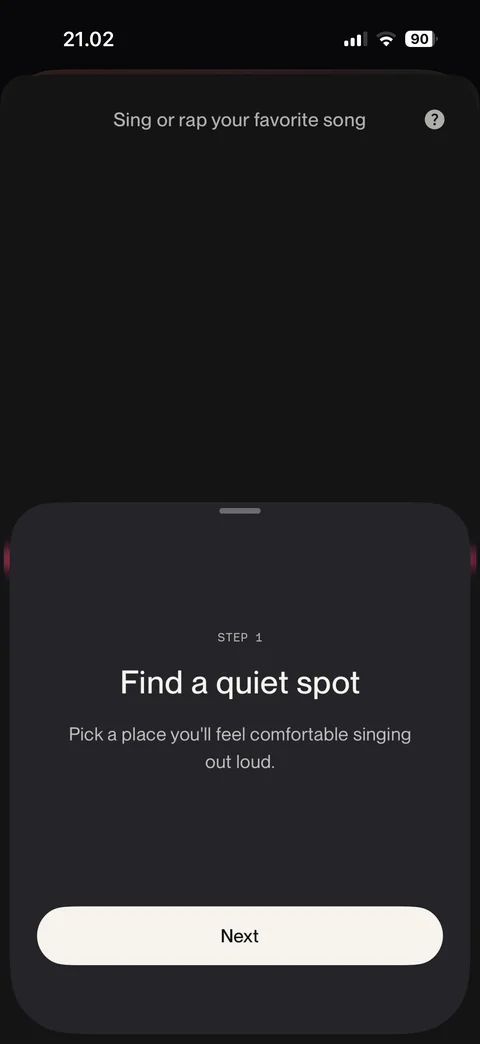
Voice tips step 1: find a quiet spot, Next
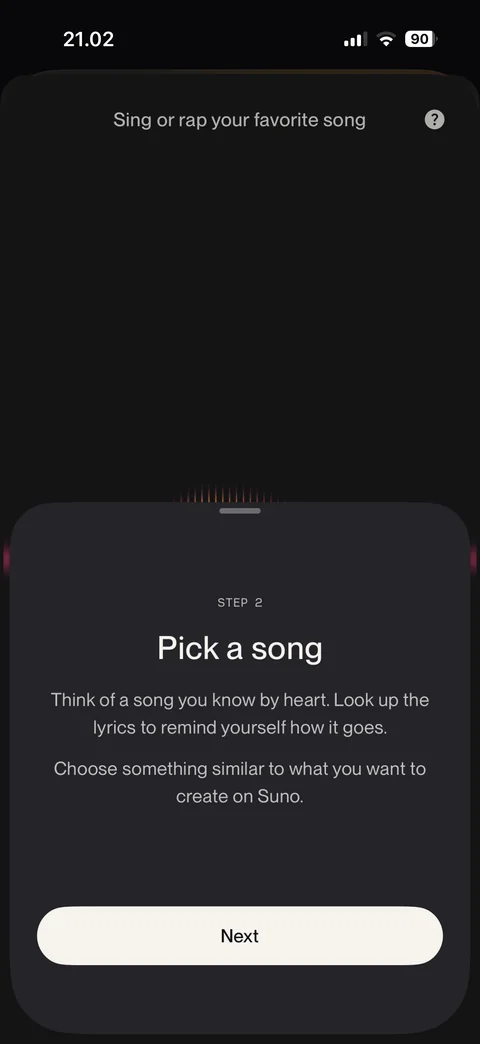
Voice tips step 2: pick a song you know by heart, Next
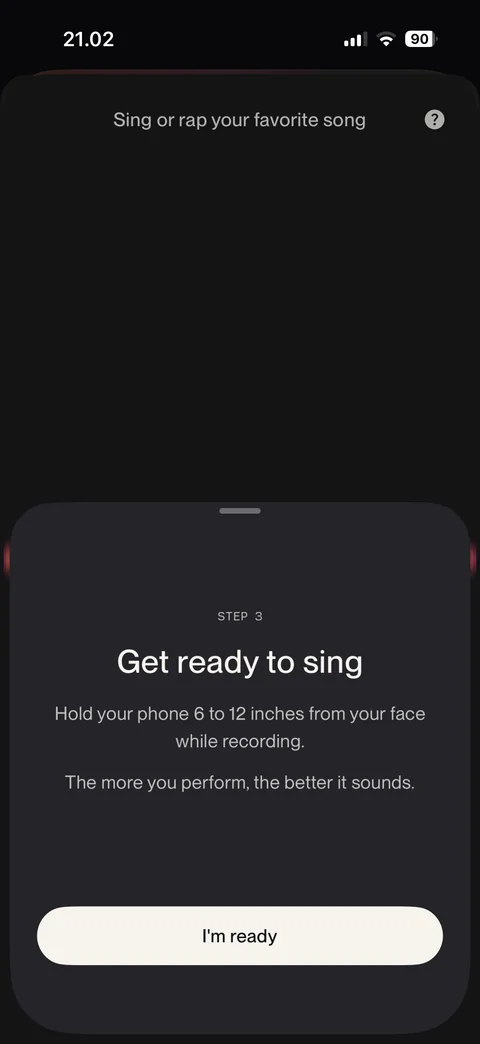
Voice tips step 3: get ready to sing, hold phone 6 to 12 inches away, I'm ready
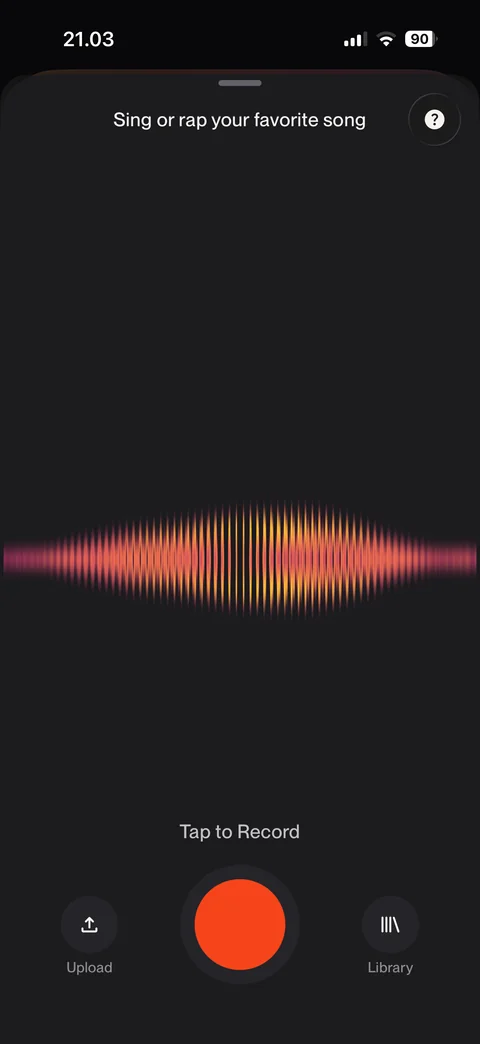
Voice recorder: sing or rap prompt, animated waveform, tap to record button, Upload and Library, help
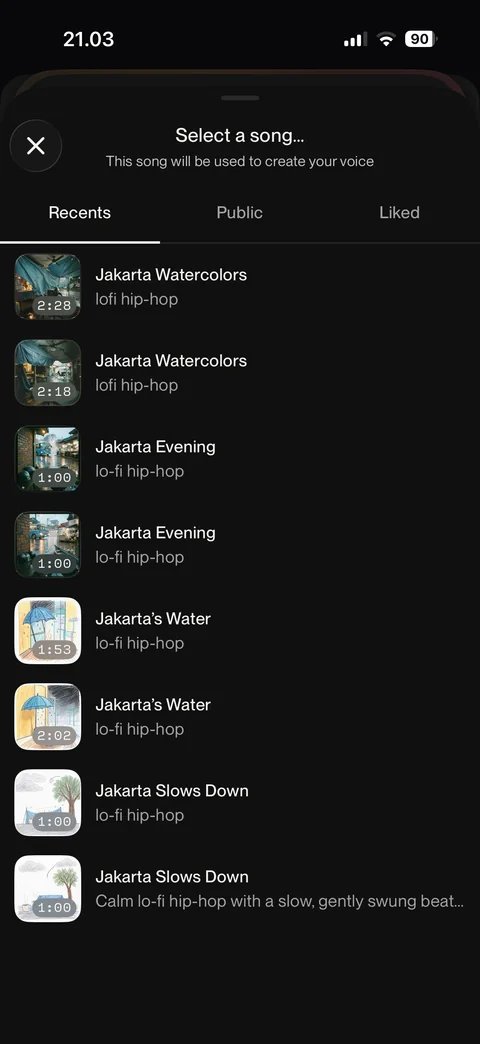
Select a song for voice: Recents, Public, Liked tabs, own songs list with covers, durations and styles, close
Suno upgrade (3 screens)
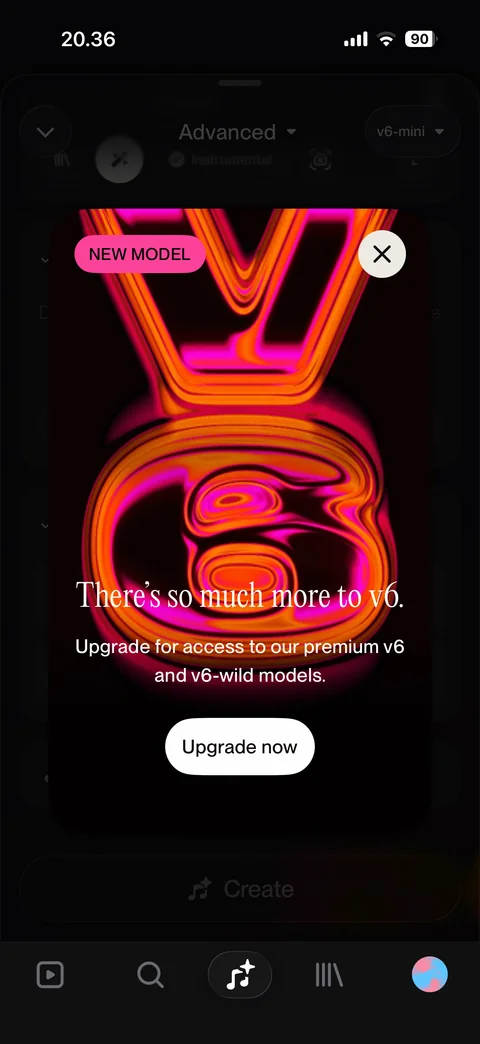
Upsell modal: new model badge, glowing v6 artwork, there's so much more to v6, Upgrade now, close
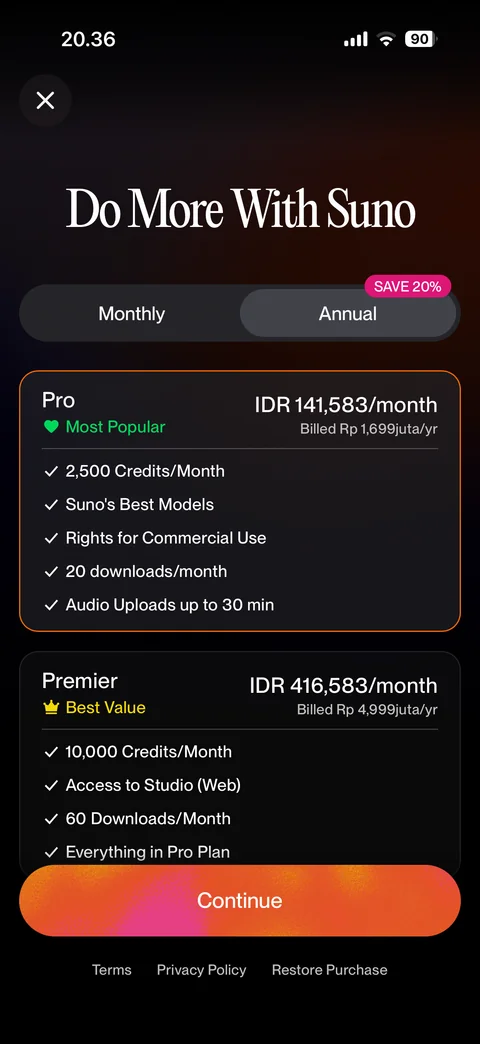
Plans annual: monthly or annual toggle with save 20%, Pro most popular and Premier best value cards with price and features, Continue, terms, restore purchase
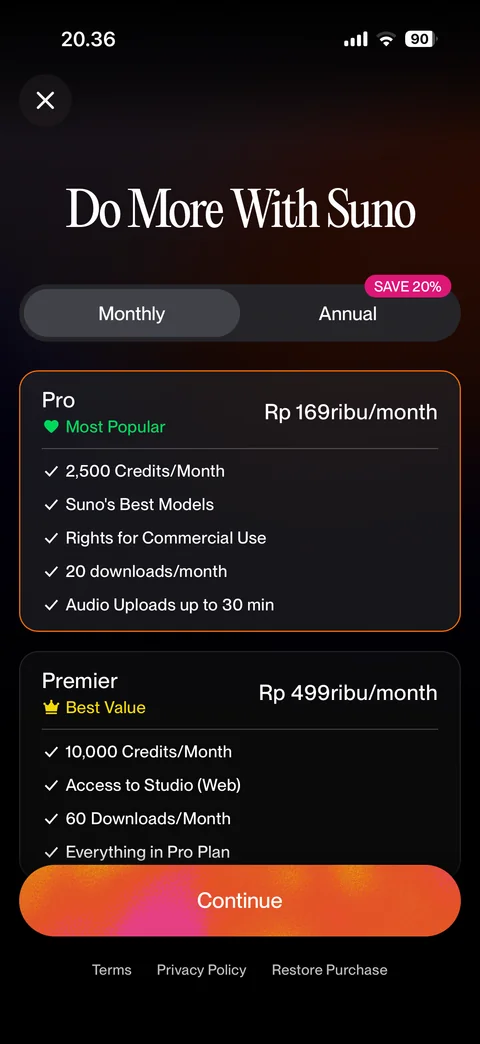
Plans monthly: monthly selected, Pro and Premier monthly prices, features list, Continue
Suno library (3 screens)
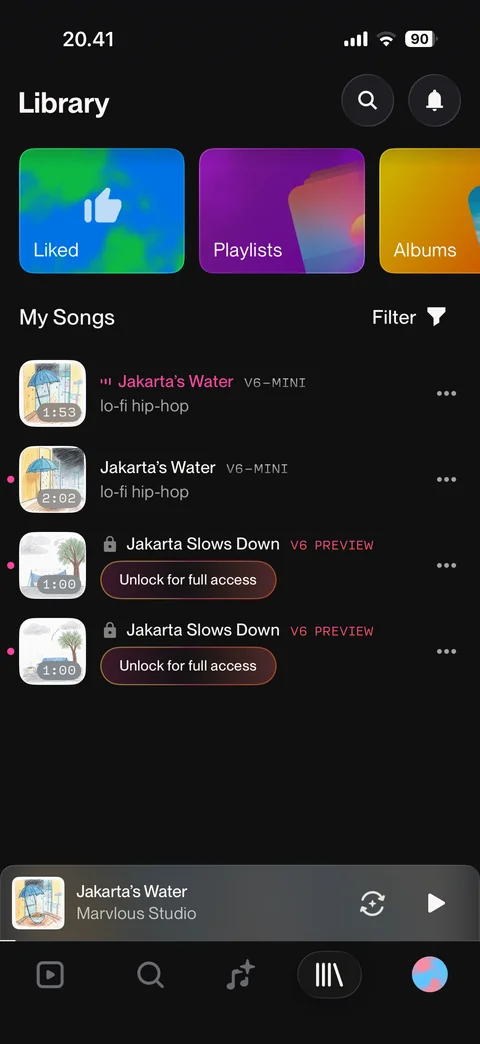
Library: Liked, Playlists, Albums tiles, My Songs with filter, own songs, locked v6 preview songs with Unlock for full access, mini player
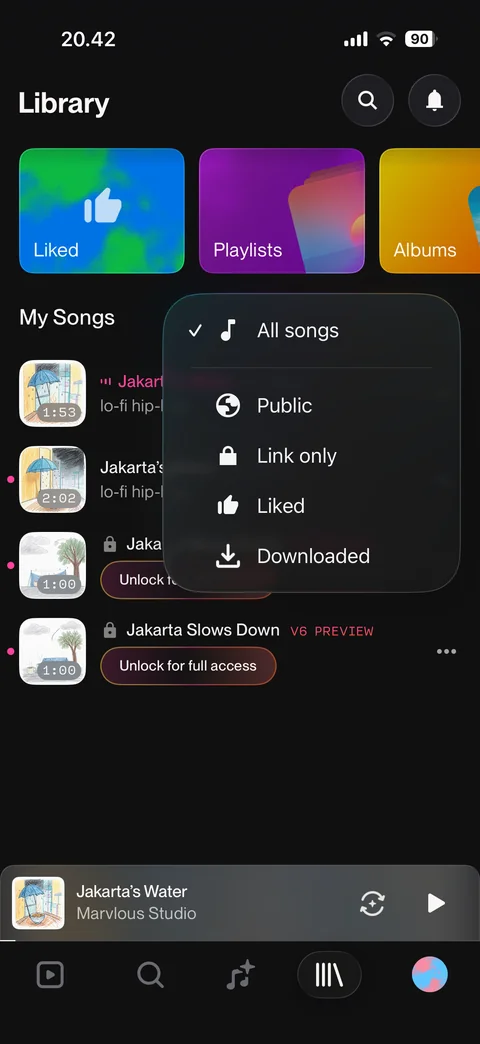
Filter menu: all songs selected, public, link only, liked, downloaded
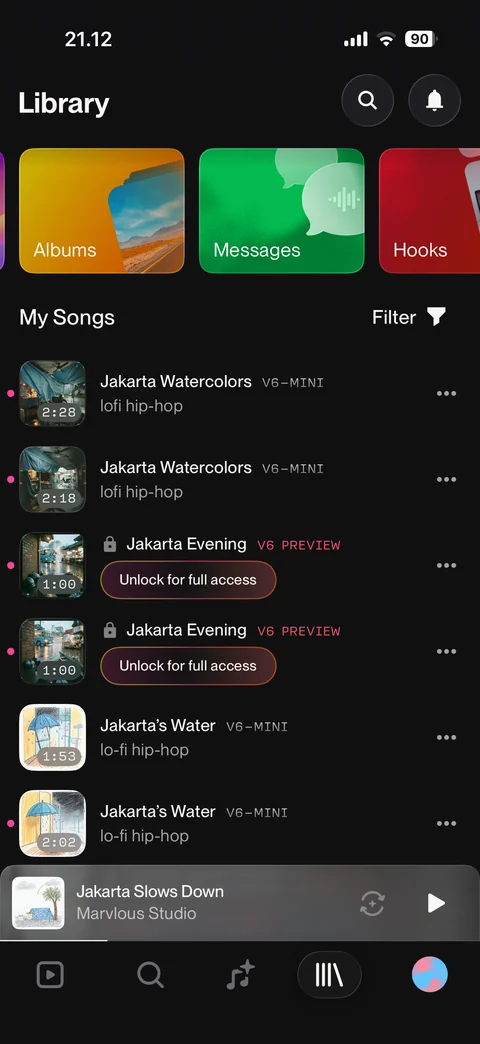
Library tiles scrolled: Albums, Messages, Hooks cards above My Songs
Suno library / playlists (2 screens)
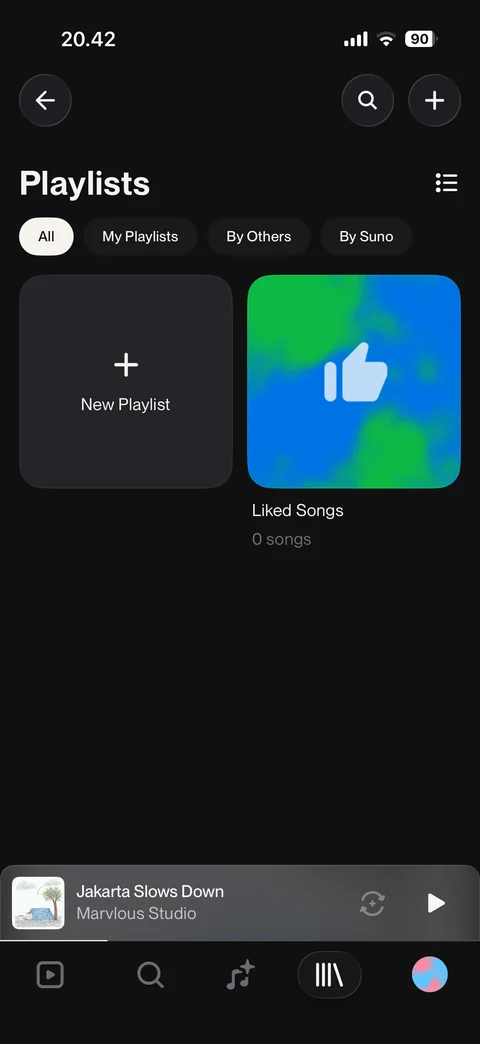
Playlists: All, My Playlists, By Others, By Suno filter chips, New Playlist tile, Liked Songs with count, list view toggle, search and add
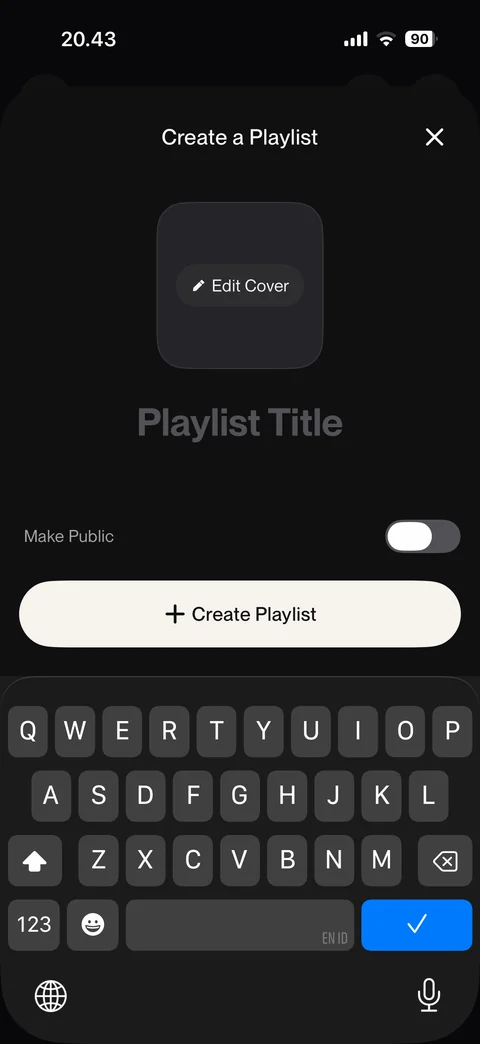
Create playlist sheet: cover with Edit Cover, large title placeholder, make public toggle, Create Playlist button, keyboard open
Suno library / liked (1 screen)
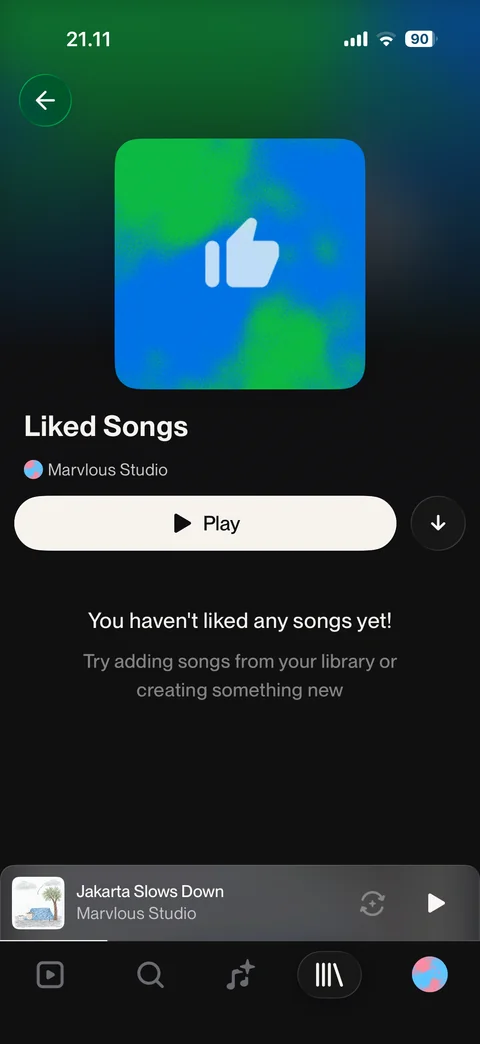
Liked Songs: gradient cover, owner, Play and download, empty state you have not liked any songs yet
Suno library / albums (3 screens)
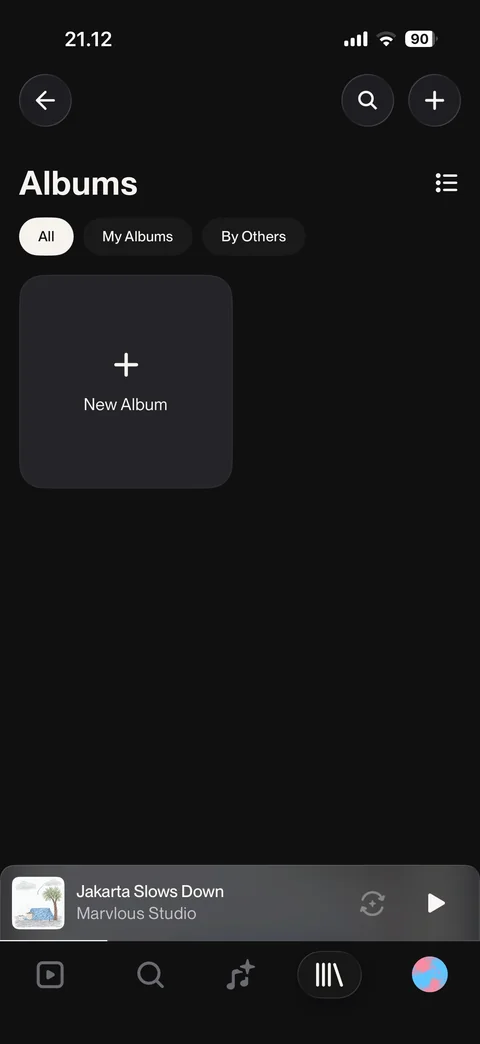
Albums: All, My Albums, By Others filters, New Album tile, list toggle, search and add
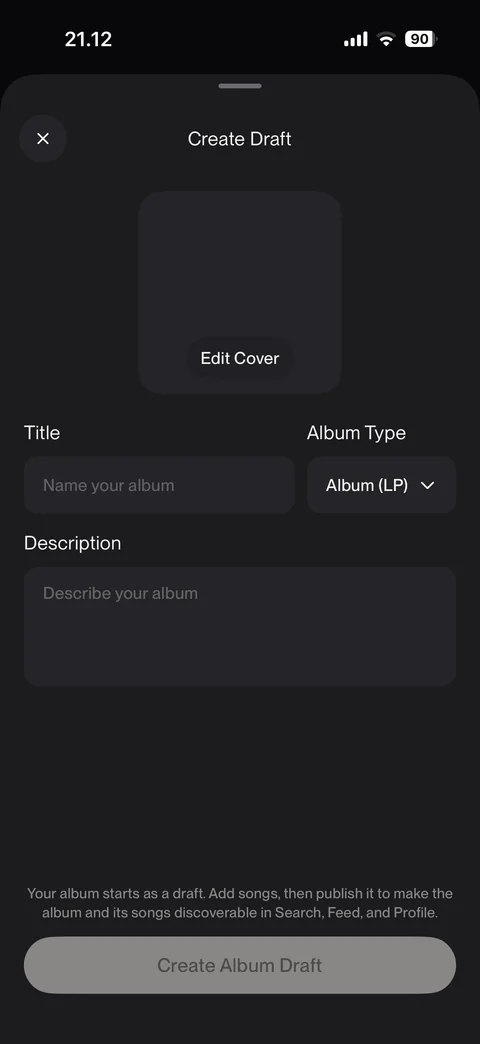
Create album draft: cover with Edit Cover, title, album type dropdown LP, description, draft explanation, disabled Create Album Draft
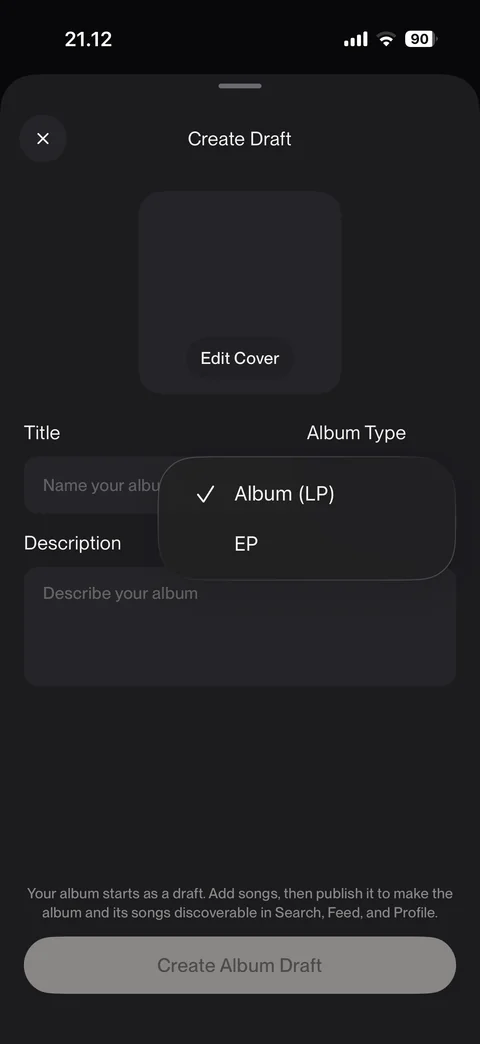
Album type menu: Album LP selected or EP
Suno library / messages (5 screens)
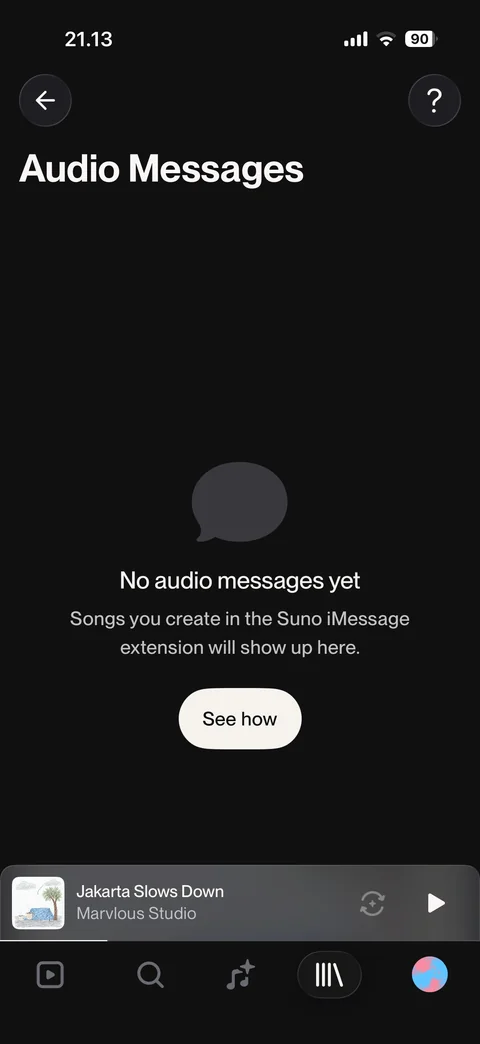
Audio messages: empty state, songs from Suno iMessage extension show here, See how, help
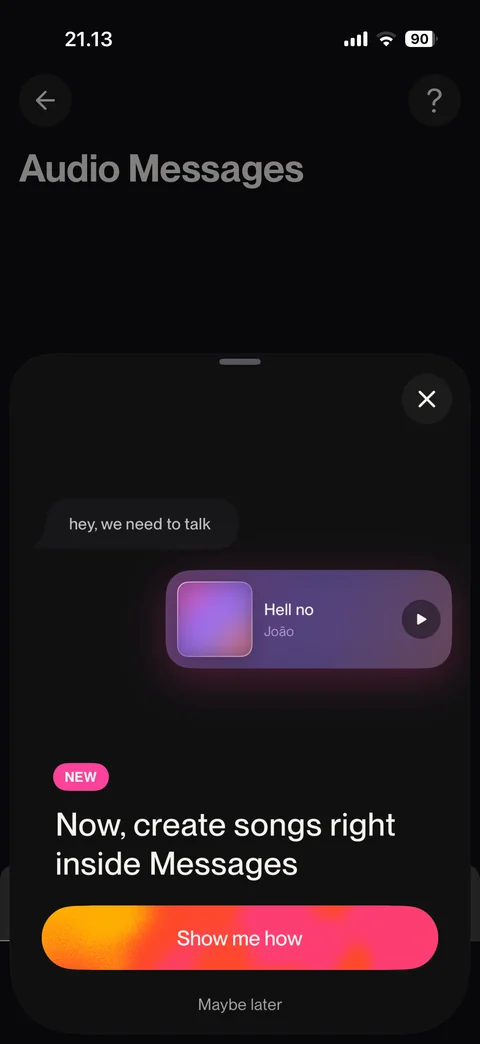
iMessage feature sheet: chat bubble mockup with song card, NEW badge, create songs inside Messages, Show me how, Maybe later
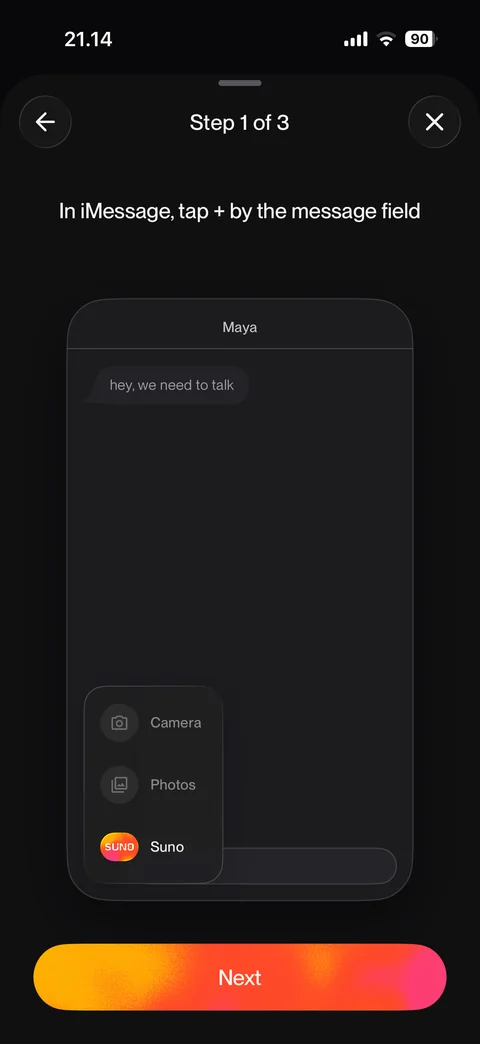
iMessage guide step 1 of 3: tap + by the message field, mockup with Suno in app menu, Next
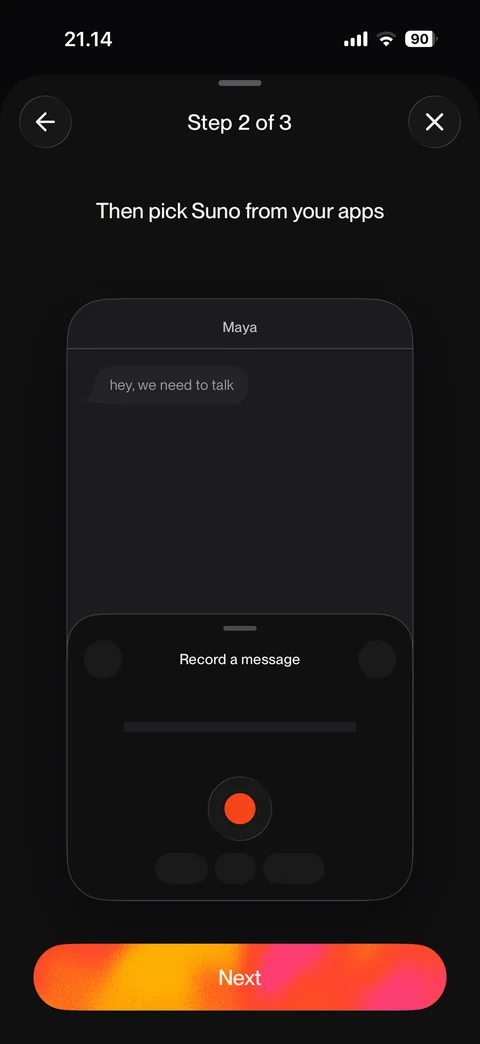
iMessage guide step 2 of 3: pick Suno from your apps, record a message mockup, Next
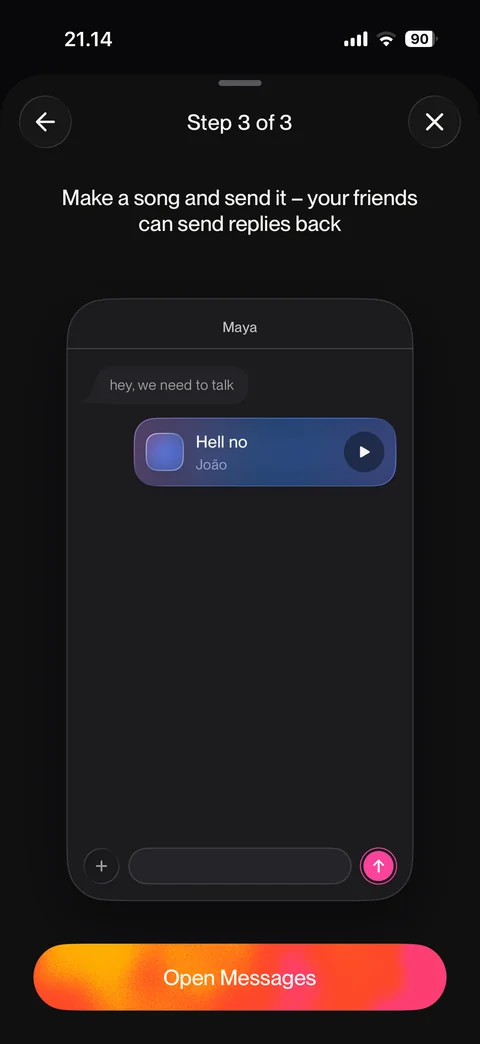
iMessage guide step 3 of 3: make a song and send it, song card in chat mockup, Open Messages
Suno library / hooks (3 screens)
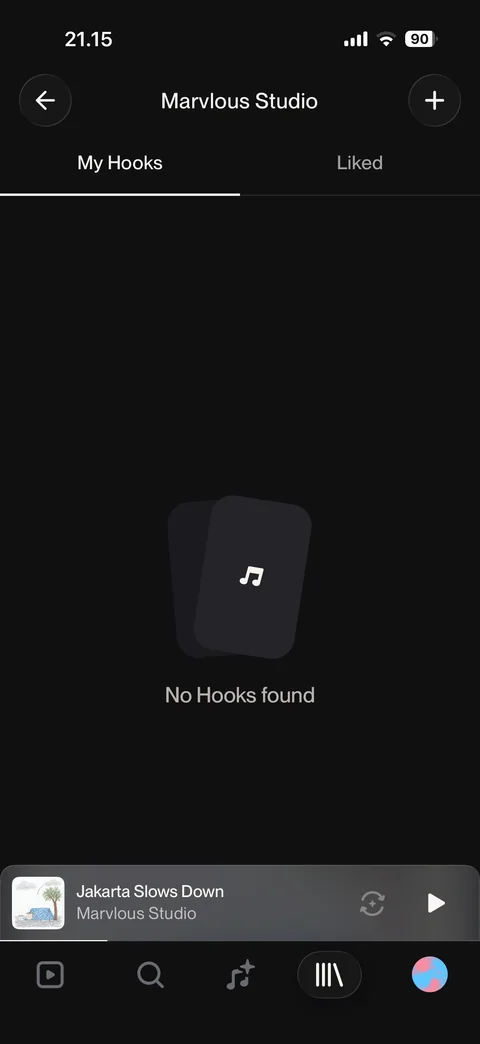
My Hooks: My Hooks and Liked tabs, empty state no hooks found, add hook button
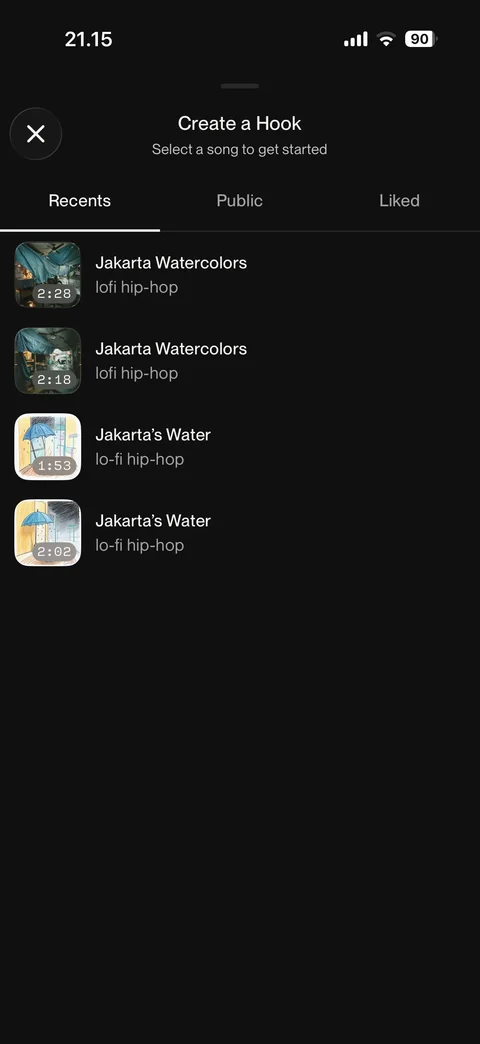
Create a hook: select a song to get started, Recents, Public, Liked tabs, own song list, close
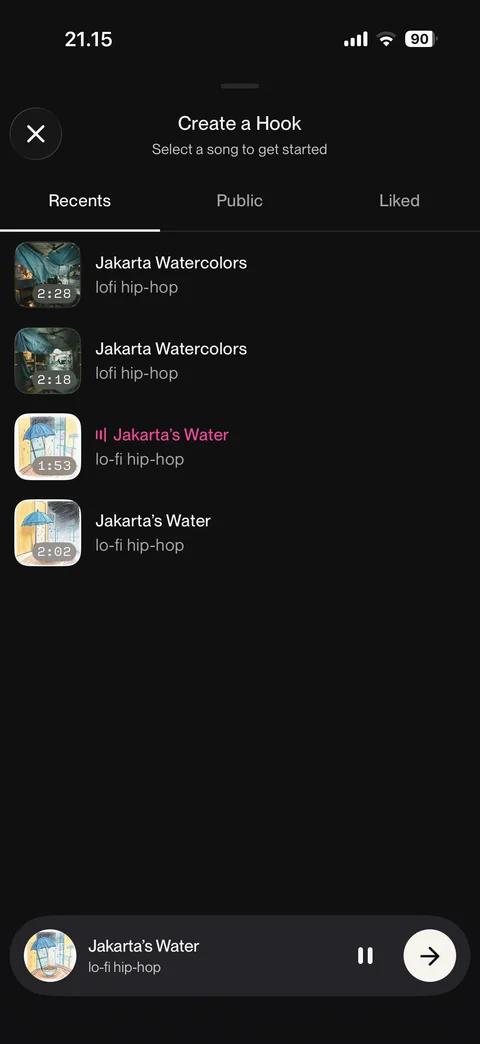
Hook song selected: playing song highlighted, bottom bar with pause and next arrow
Suno profile (2 screens)
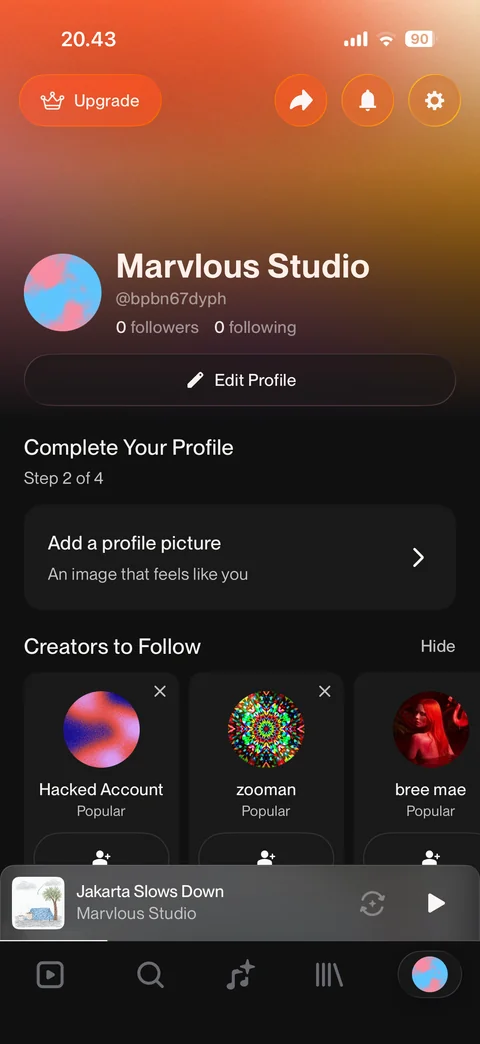
Own profile: gradient header, Upgrade, share, notifications, settings, avatar, name, handle, followers, Edit Profile, complete your profile step card, creators to follow
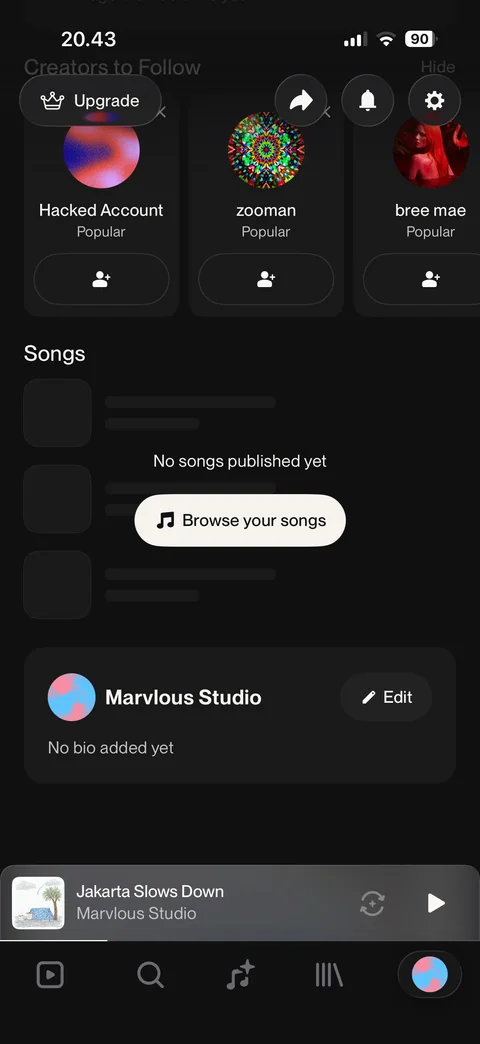
Profile scrolled: creators to follow cards, songs empty state with Browse your songs, bio card with Edit, floating header buttons
Suno profile / edit profile (1 screen)
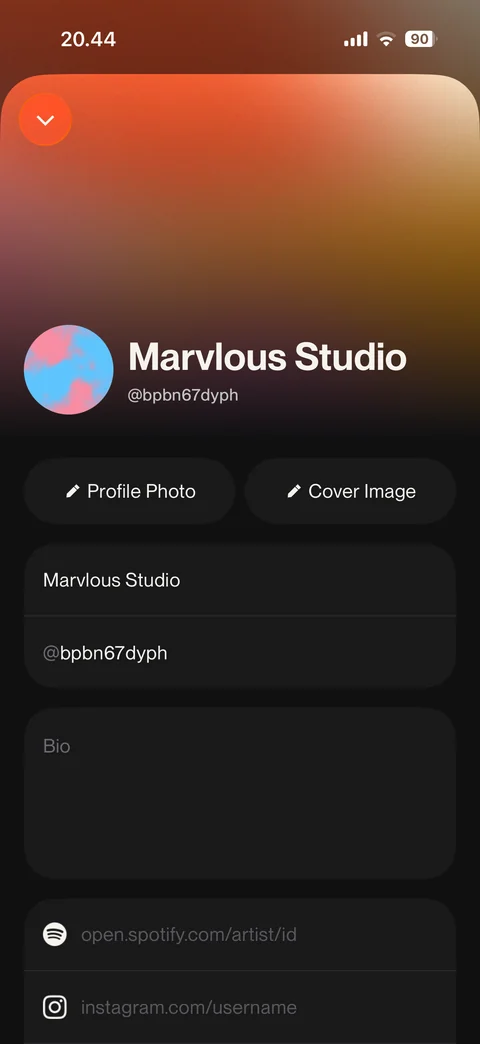
Edit profile: cover gradient, avatar, profile photo and cover image buttons, name and handle fields, bio, Spotify and Instagram link fields
Suno profile / notifications (1 screen)
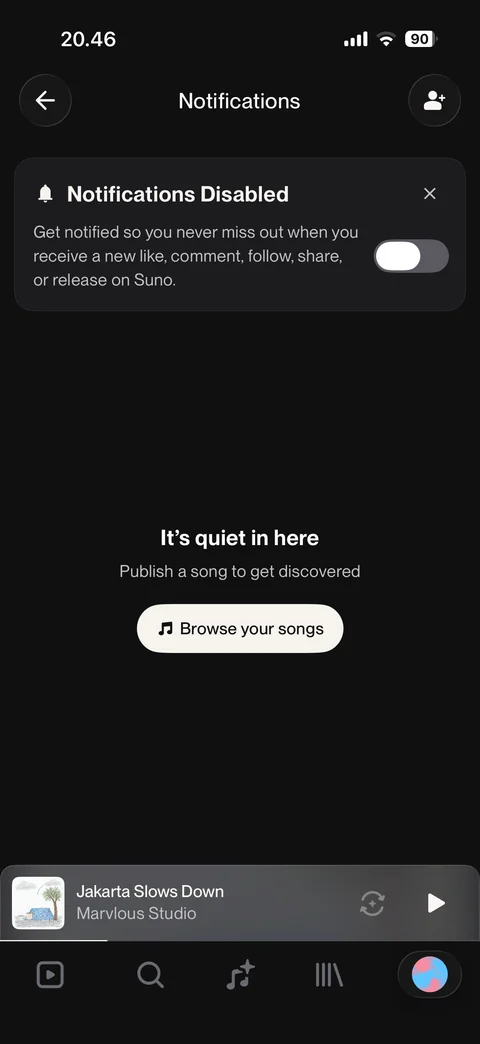
Notifications inbox: notifications disabled banner with toggle, empty state it's quiet in here, Browse your songs, find friends
Suno settings (6 screens)
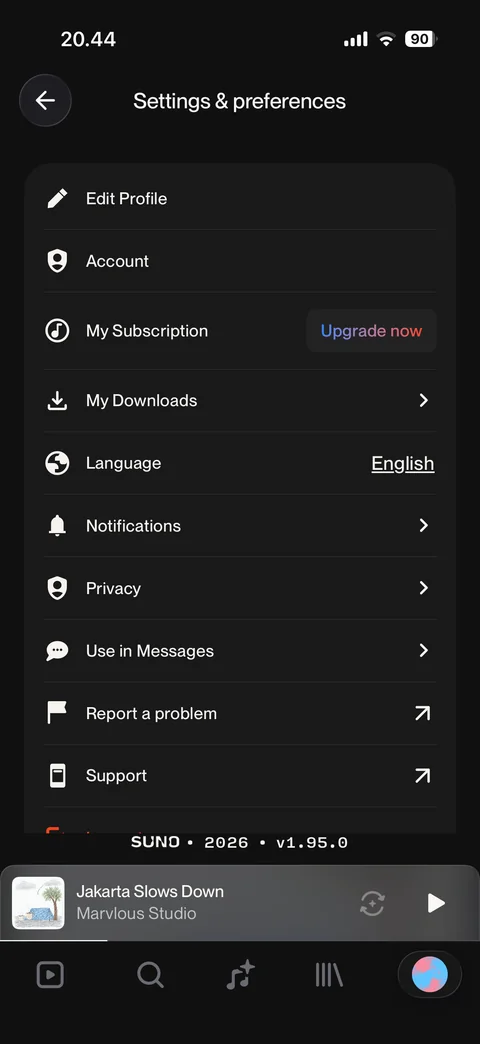
Settings and preferences: edit profile, account, my subscription with Upgrade now, downloads, language, notifications, privacy, use in messages, report a problem, support, version footer
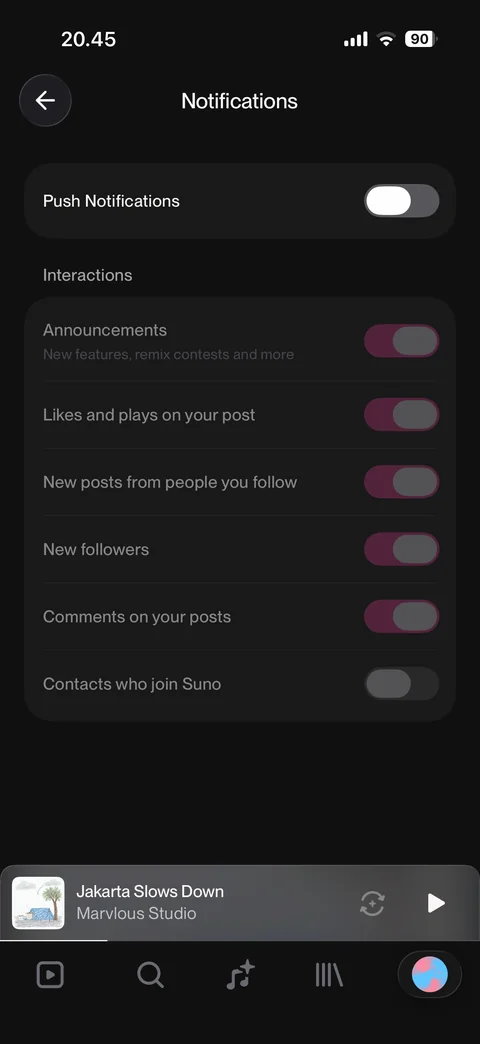
Notification settings: push notifications off, disabled interaction toggles for announcements, likes, posts, followers, comments, contacts
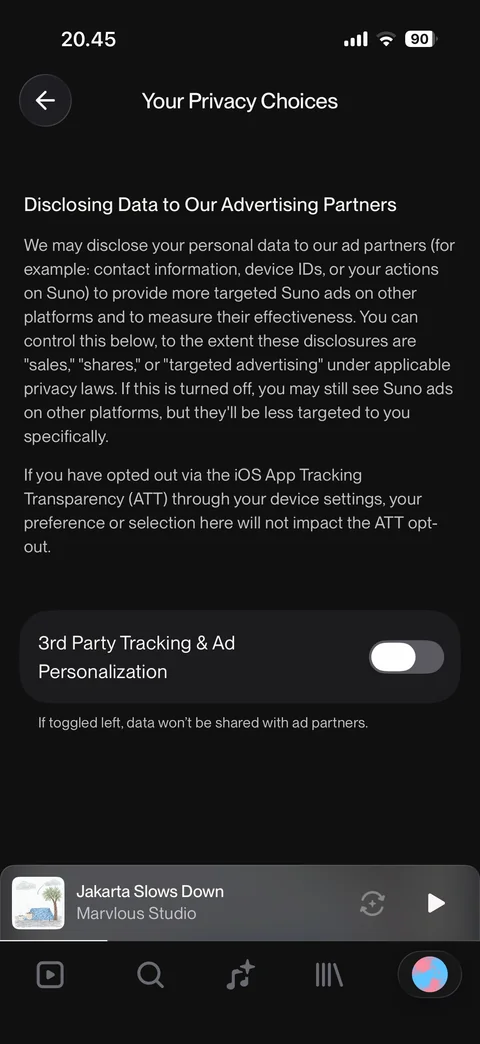
Your privacy choices: disclosing data to advertising partners explanation, ATT note, 3rd party tracking and ad personalization toggle off
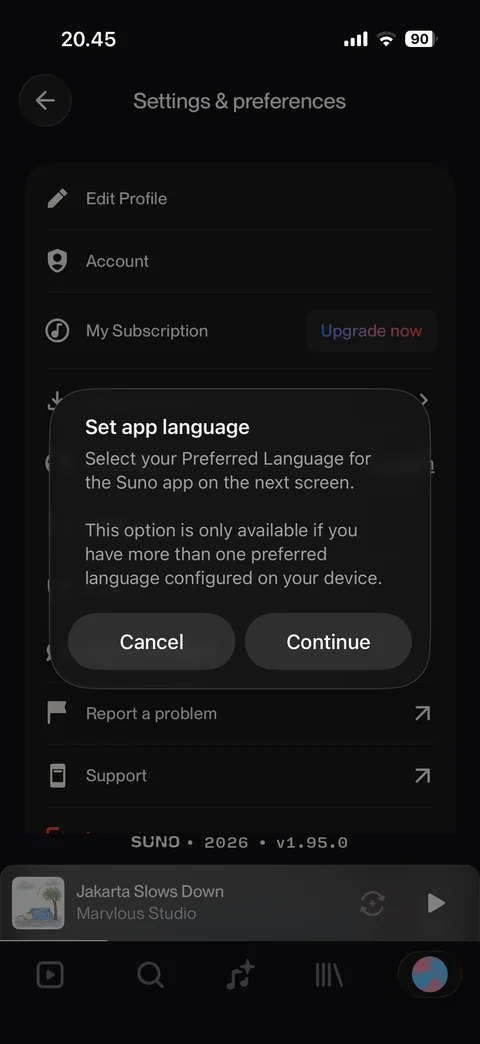
Set app language dialog: explains language is chosen in iOS settings, Cancel or Continue
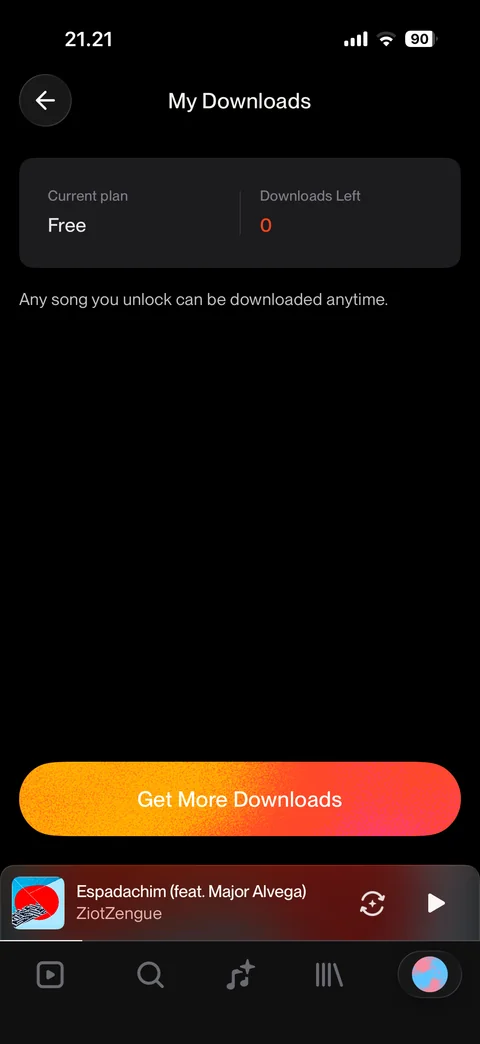
My Downloads: current plan Free, downloads left 0, unlock note, Get More Downloads button
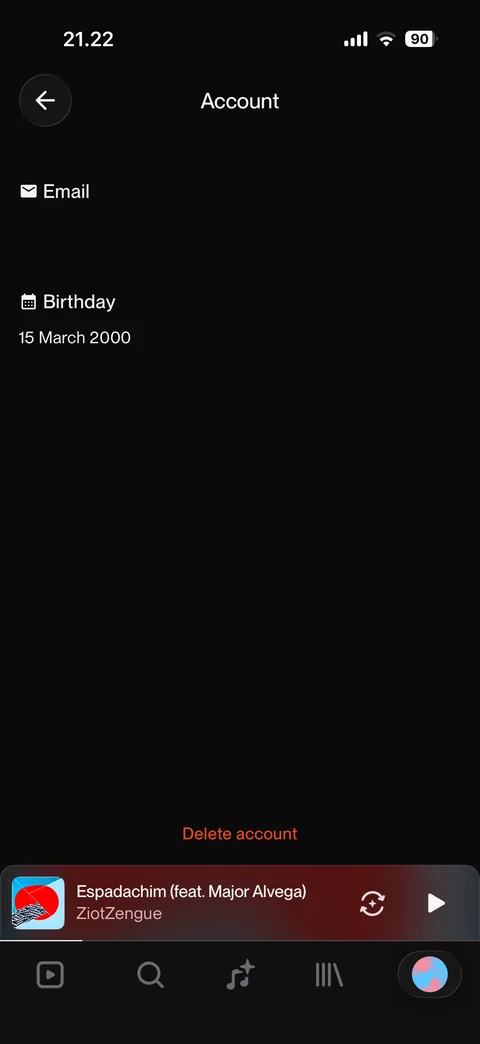
Account page: email (hidden), birthday, Delete account link